Mastering Safe Web
Searching Tips
Mastering Safe Web Searching Tips
• Safely Searching the Web
• Importance of Safe Web Searching
• Common Online Risks
• How Search Engines Work
• Identifying Suspicious Links
• Understanding HTTPS
• Best Practices for Safe Browsing
• What is Clickbait?
• Protecting Personal Information
• Enhancing Privacy Settings
Mastering Safe Web Searching Tips
• Role of Antivirus Software
• Benefits of Ad Blockers
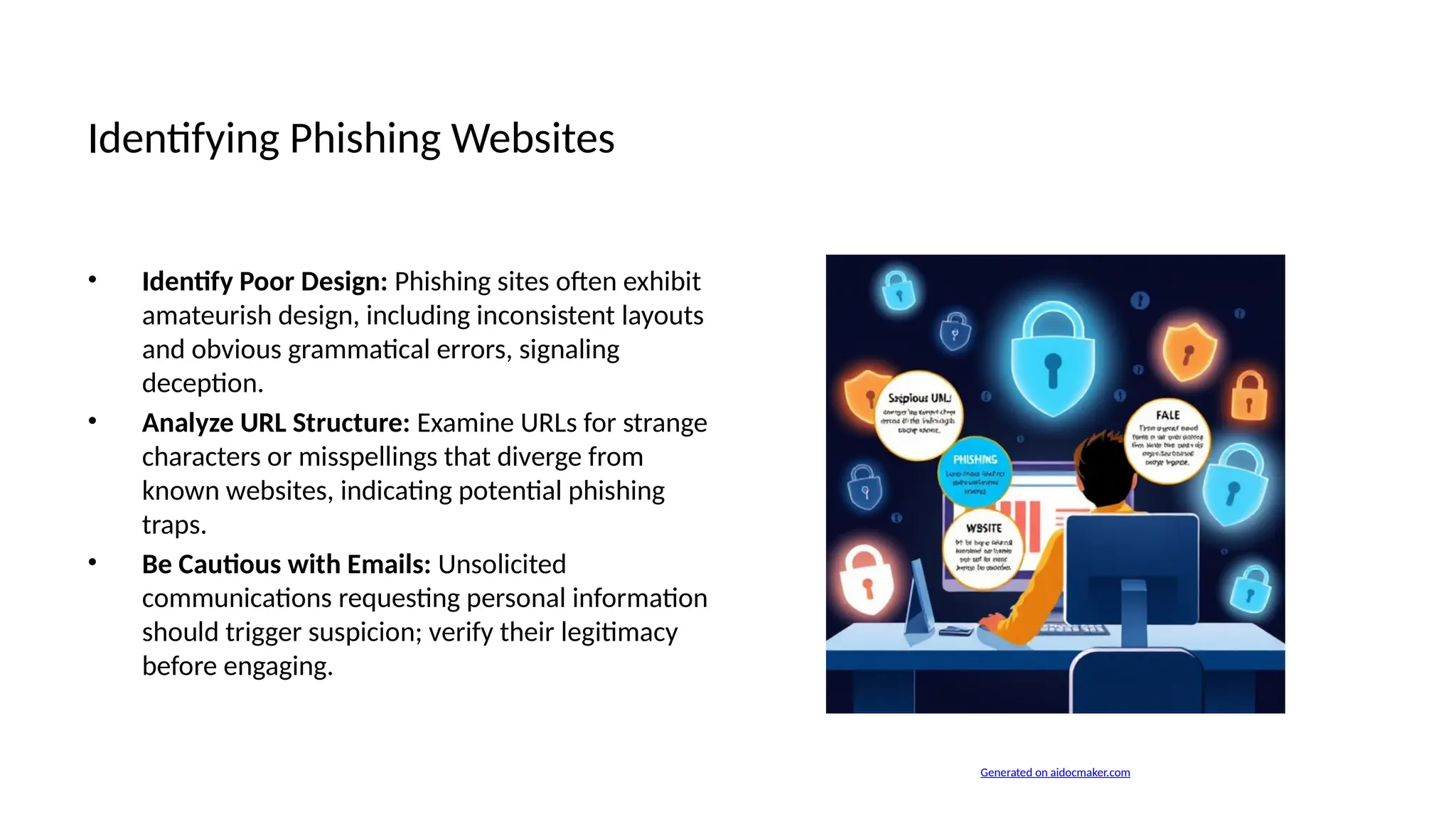
• Identifying Phishing Websites
• Educating Young Users
• Safe Downloading Practices
• Verifying News Sources
• Importance of Two-Factor Authentication
• Reporting Unsafe Content
• Case Studies: Online Threats
• Conclusion and Call to Action
Importance of Safe Web Searching
• Escalating Online Threats: The proliferation of cyberattacks highlights the urgent need for vigilant web
searching practices to mitigate risks.
• Data Privacy Concerns: With increasing data breaches, ensuring personal information safety is paramount
in today's interconnected world.
• Identity Theft Issues: Online environments are ripe for identity theft; awareness and precautionary
measures are critical for protection.
Common Online Risks
• Malware Infections: Malware can compromise system integrity, leading to unauthorized access and data
corruption through malicious software.
• Phishing Attacks: Phishing exploits user vulnerabilities, often through deceptive emails, to harvest
sensitive information like passwords.
• Data Theft: Data theft involves unauthorized acquisition of personal data, risking privacy breaches and
potential financial loss.
How Search Engines Work
• Search Engine Functionality: Search engines
index vast amounts of web content, facilitating
user access through tailored search queries
effectively.
• Content Filtering Limitations: Despite
algorithms, search engines often fail to
adequately filter harmful or deceptive content
from results.
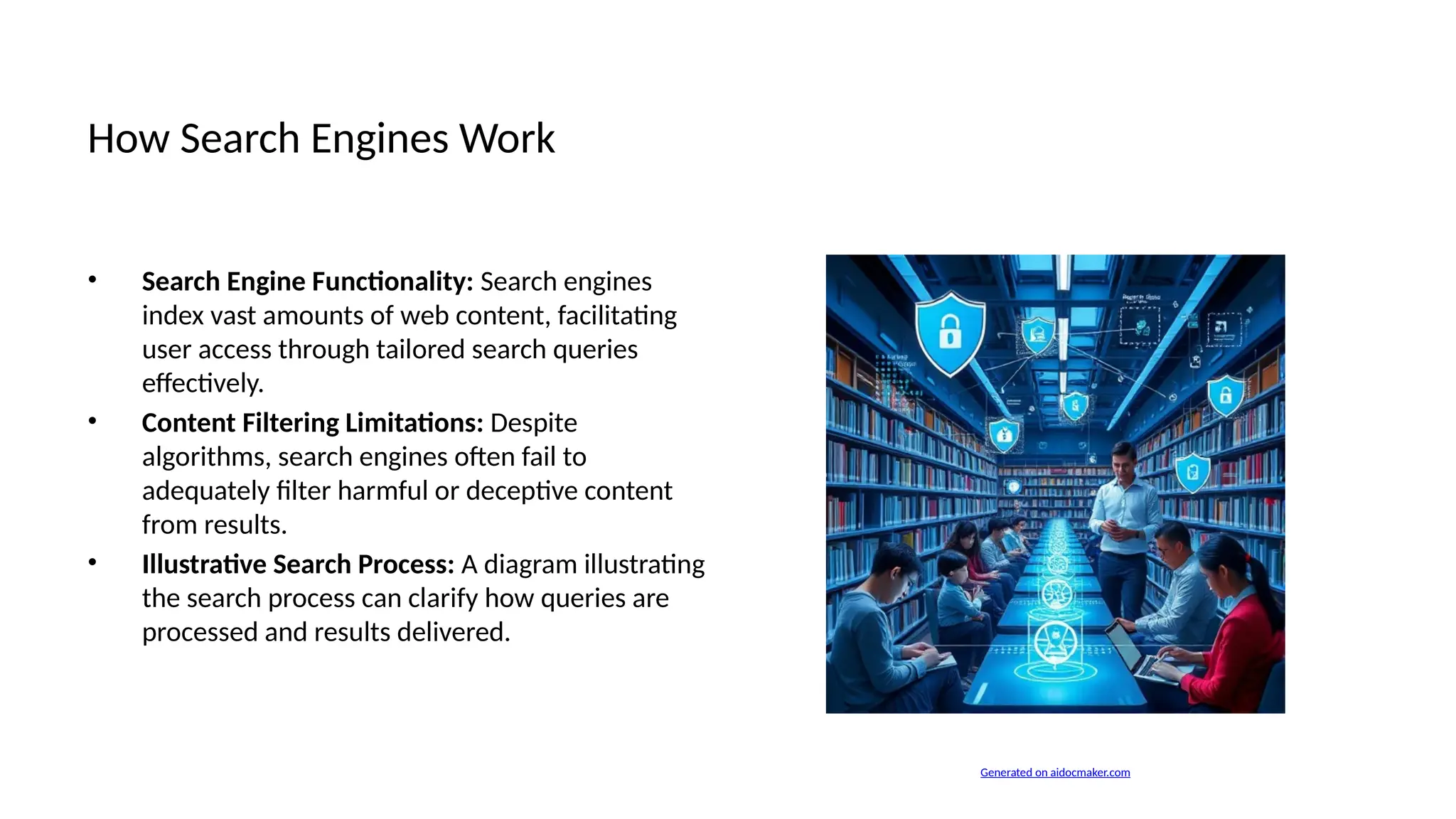
• Illustrative Search Process: A diagram illustrating
the search process can clarify how queries are
processed and results delivered.
Generated on aidocmaker.com
Identifying Suspicious Links
• Check the URL: Always verify that the URL matches the expected domain to avoid deceptive or malicious
sites.
• Hover to Preview Links: Before clicking, hover over links to view their destination and ensure they are
legitimate.
• Be Wary of Unusual Requests: Recognize atypical prompts for sensitive information as potential phishing
attempts or scams.
Understanding HTTPS
• Understanding HTTPS: HTTPS stands for Hypertext Transfer Protocol Secure, enabling encrypted
communication over the internet for safety.
• Difference from HTTP: Unlike HTTP, HTTPS encrypts data exchanged between browser and server,
safeguarding against eavesdropping attacks.
• Enhancing Online Safety: Using HTTPS is critical for secure online transactions, significantly reducing risks
of data interception during transmission.
Best Practices for Safe Browsing
• Keep Software Updated: Regular updates patch
vulnerabilities in browsers and plugins,
significantly reducing exposure to potential
exploits.
• Use Strong Passwords: Implementing complex
passwords minimizes the risk of unauthorized
access, enhancing overall account security
immensely.
• Cautious with Public Wi-Fi: Avoid sensitive
transactions on public networks, which are often
unsecured, inviting interception by malicious
actors.
Generated on aidocmaker.com
What is Clickbait?
• Defining Clickbait: Clickbait refers to misleading headlines or content designed to attract clicks without
delivering value.
• Tactics Used in Clickbait: Common tactics include exaggerated claims, emotional triggers, and curiosity
gaps that mislead audience expectations.
• Avoiding Deceptive Headlines: Strategies include critical evaluation of sources, avoiding sensationalized
phrases, and cross-referencing information.
Protecting Personal Information
• Protecting Sensitive Data: Employ secure connections and encryption technologies to safeguard sensitive
data while surfing the web effectively.
• Oversharing Risks: Oversharing on social media exposes users to identity theft, cyberbullying, and
unwanted privacy invasions significantly.
• Anonymizing Online Activity: Utilizing VPNs and browsing in incognito mode can obfuscate user identity
and enhance online privacy considerably.
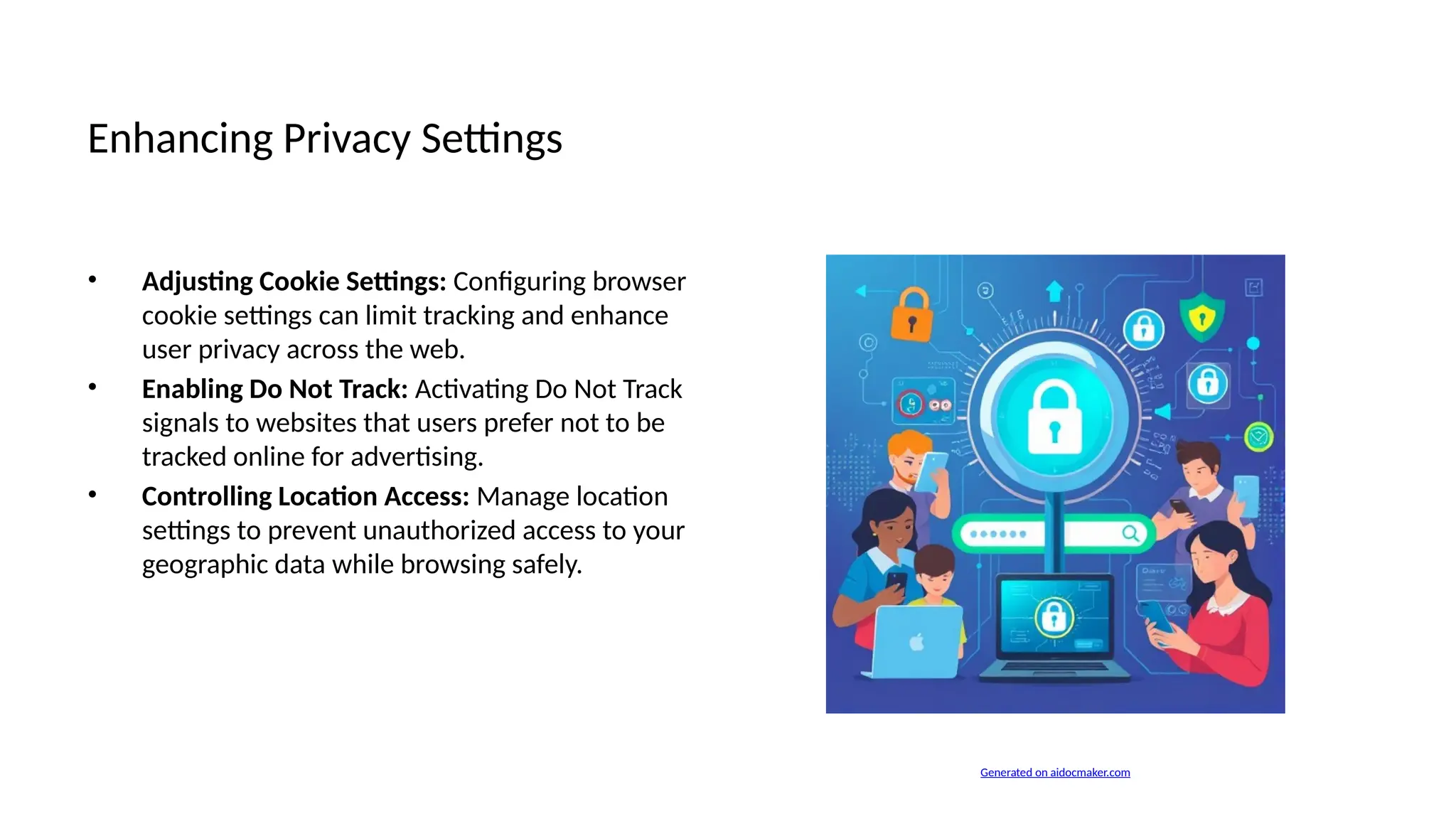
Enhancing Privacy Settings
• Adjusting Cookie Settings: Configuring browser
cookie settings can limit tracking and enhance
user privacy across the web.
• Enabling Do Not Track: Activating Do Not Track
signals to websites that users prefer not to be
tracked online for advertising.
• Controlling Location Access: Manage location
settings to prevent unauthorized access to your
geographic data while browsing safely.
Generated on aidocmaker.com
Role of Antivirus Software
• Role of Antivirus Software: Antivirus tools detect, prevent, and mitigate harmful cyber threats through
continuous monitoring and analysis.
• Key Features to Consider: Look for real-time protection, automatic updates, heuristic analysis, and multi-
platform compatibility in antivirus solutions.
• User-Friendly Interfaces: Effective antivirus software should offer intuitive interfaces that simplify
management and configuration for users.
Benefits of Ad Blockers
• Benefits of Ad Blockers: Ad blockers enhance browsing speed by reducing unwanted ads, improving the
user experience significantly.
• Enhanced Privacy Protection: Anti-tracking tools safeguard personal data by preventing websites from
monitoring and collecting user behavior.
• Reduced Exposure to Malicious Content: Utilizing these tools minimizes the risk of inadvertently clicking
on harmful advertisements or links.
Identifying Phishing Websites
• Identify Poor Design: Phishing sites often exhibit
amateurish design, including inconsistent layouts
and obvious grammatical errors, signaling
deception.
• Analyze URL Structure: Examine URLs for strange
characters or misspellings that diverge from
known websites, indicating potential phishing
traps.
• Be Cautious with Emails: Unsolicited
communications requesting personal information
should trigger suspicion; verify their legitimacy
before engaging.
Generated on aidocmaker.com
Educating Young Users
• Age-Appropriate Guidelines: Implement distinct rules for each age group, ensuring children understand
online risks relative to their maturity.
• Interactive Learning Resources: Utilize educational games and apps designed to teach safe browsing in an
engaging manner for kids.
• Role of Parents as Guides: Encourage parental involvement in children's online activities to model safe
habits and provide ongoing support.
Safe Downloading Practices
• Trusted Download Sources: Always download files from reputable websites to minimize the risks of
obtaining malware-infected content.
• Scan Downloads for Malware: Utilize reliable antivirus software to scan downloaded files before opening,
enhancing overall device security.
• Use Secure File Transfer Methods: Consider utilizing encrypted file-sharing platforms to ensure safe and
private transfer of sensitive documents.
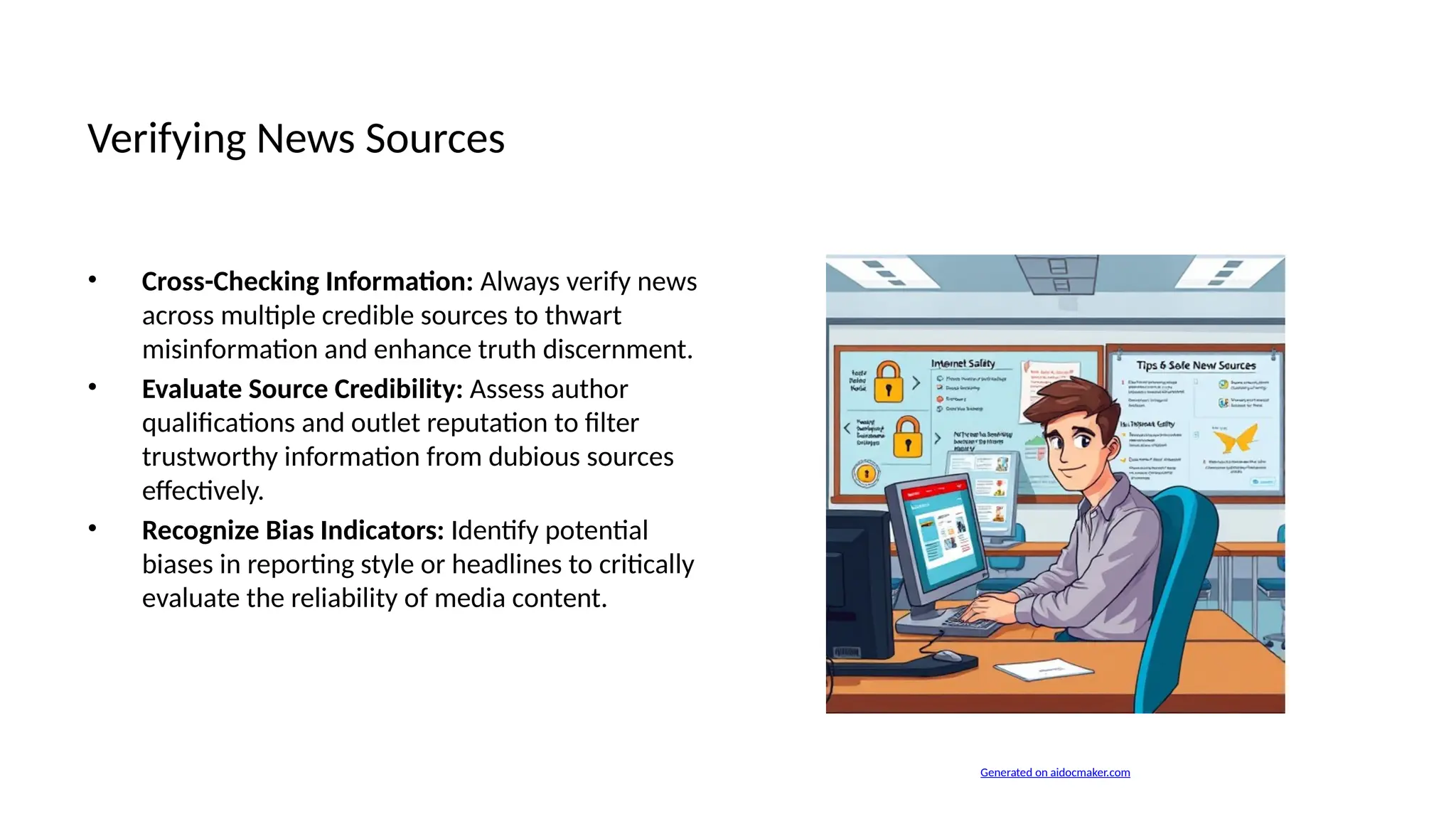
Verifying News Sources
• Cross-Checking Information: Always verify news
across multiple credible sources to thwart
misinformation and enhance truth discernment.
• Evaluate Source Credibility: Assess author
qualifications and outlet reputation to filter
trustworthy information from dubious sources
effectively.
• Recognize Bias Indicators: Identify potential
biases in reporting style or headlines to critically
evaluate the reliability of media content.
Generated on aidocmaker.com
Importance of Two-Factor Authentication
• Two-Factor Authentication (2FA): 2FA requires additional verification beyond passwords, significantly
strengthening account protection against unauthorized access.
• Enhanced Security Benefits: Enabling 2FA reduces the risk of account breaches, providing users with an
added layer of security.
• User Empowerment: Adopting 2FA empowers users by encouraging proactive security measures,
highlighting responsibility for personal data security.
Reporting Unsafe Content
• Reporting Unsafe Content: Users should promptly report harmful content to platforms, aiding collective
efforts against online threats and dangers.
• Utilizing Community Guidelines: Following community guidelines ensures consistent reporting standards,
fostering a safer online environment for all users.
• Encouraging Peer Involvement: Community-driven reporting enhances vigilance, allowing individuals to
play active roles in safeguarding against digital harms.
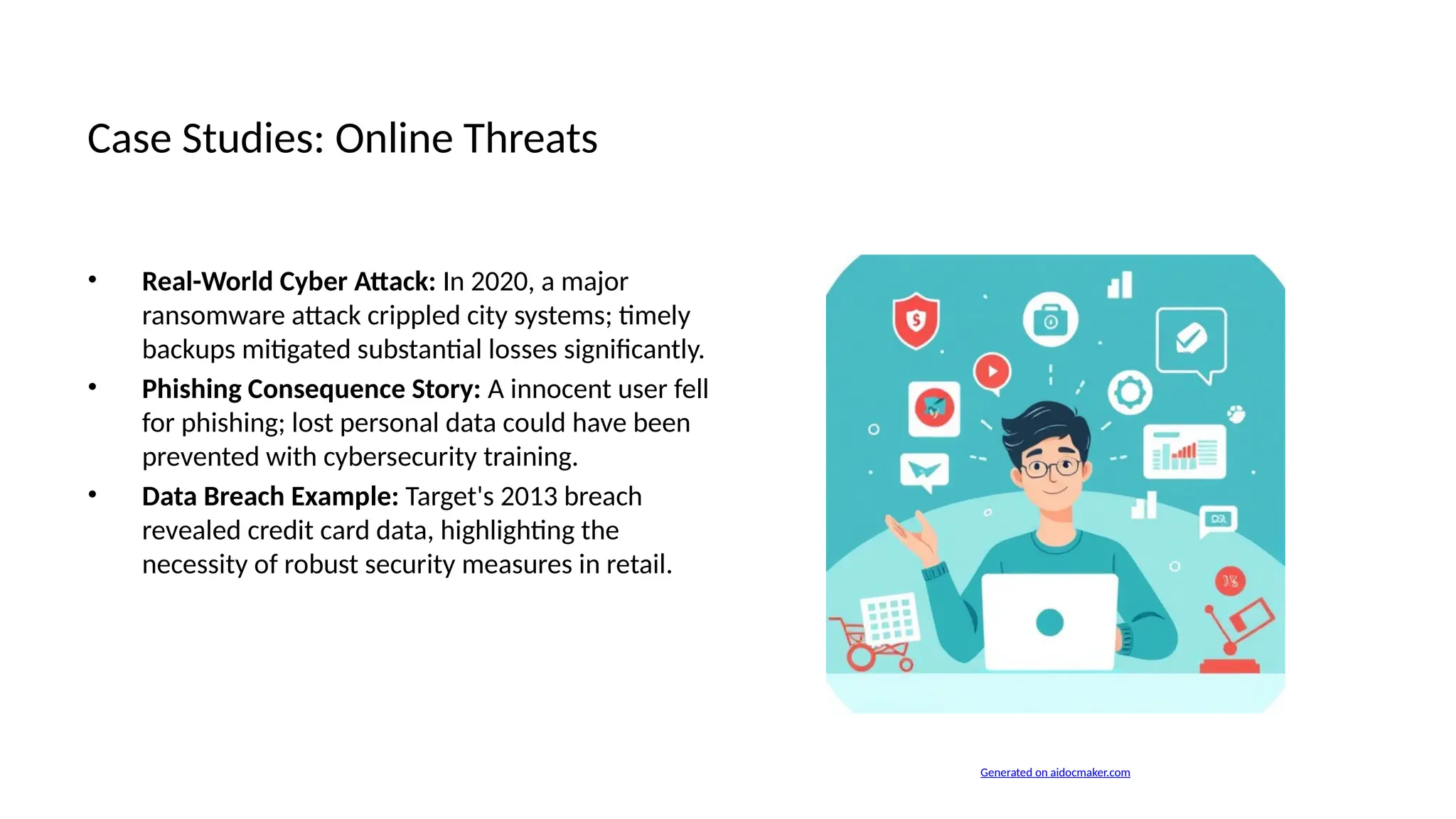
Case Studies: Online Threats
• Real-World Cyber Attack: In 2020, a major
ransomware attack crippled city systems; timely
backups mitigated substantial losses significantly.
• Phishing Consequence Story: A innocent user fell
for phishing; lost personal data could have been
prevented with cybersecurity training.
• Data Breach Example: Target's 2013 breach
revealed credit card data, highlighting the
necessity of robust security measures in retail.
Generated on aidocmaker.com
Conclusion and Call to Action
• Maintain Vigilant Awareness: Continuous education on online threats enhances a user's ability to navigate
the digital landscape safely.
• Regular Safety Practices Review: Revisiting safety practices ensures users adapt to evolving online risks
and enrich their protective measures.
• Encouraging Community Responsibility: Promoting collective accountability fosters safer online
interactions through shared vigilance against potential threats.

Mastering Safe Web Searching Tips.pptx.vvbb

  • 1.
  • 2.
    Mastering Safe WebSearching Tips • Safely Searching the Web • Importance of Safe Web Searching • Common Online Risks • How Search Engines Work • Identifying Suspicious Links • Understanding HTTPS • Best Practices for Safe Browsing • What is Clickbait? • Protecting Personal Information • Enhancing Privacy Settings
  • 3.
    Mastering Safe WebSearching Tips • Role of Antivirus Software • Benefits of Ad Blockers • Identifying Phishing Websites • Educating Young Users • Safe Downloading Practices • Verifying News Sources • Importance of Two-Factor Authentication • Reporting Unsafe Content • Case Studies: Online Threats • Conclusion and Call to Action
  • 4.
    Importance of SafeWeb Searching • Escalating Online Threats: The proliferation of cyberattacks highlights the urgent need for vigilant web searching practices to mitigate risks. • Data Privacy Concerns: With increasing data breaches, ensuring personal information safety is paramount in today's interconnected world. • Identity Theft Issues: Online environments are ripe for identity theft; awareness and precautionary measures are critical for protection.
  • 5.
    Common Online Risks •Malware Infections: Malware can compromise system integrity, leading to unauthorized access and data corruption through malicious software. • Phishing Attacks: Phishing exploits user vulnerabilities, often through deceptive emails, to harvest sensitive information like passwords. • Data Theft: Data theft involves unauthorized acquisition of personal data, risking privacy breaches and potential financial loss.
  • 6.
    How Search EnginesWork • Search Engine Functionality: Search engines index vast amounts of web content, facilitating user access through tailored search queries effectively. • Content Filtering Limitations: Despite algorithms, search engines often fail to adequately filter harmful or deceptive content from results. • Illustrative Search Process: A diagram illustrating the search process can clarify how queries are processed and results delivered. Generated on aidocmaker.com
  • 7.
    Identifying Suspicious Links •Check the URL: Always verify that the URL matches the expected domain to avoid deceptive or malicious sites. • Hover to Preview Links: Before clicking, hover over links to view their destination and ensure they are legitimate. • Be Wary of Unusual Requests: Recognize atypical prompts for sensitive information as potential phishing attempts or scams.
  • 8.
    Understanding HTTPS • UnderstandingHTTPS: HTTPS stands for Hypertext Transfer Protocol Secure, enabling encrypted communication over the internet for safety. • Difference from HTTP: Unlike HTTP, HTTPS encrypts data exchanged between browser and server, safeguarding against eavesdropping attacks. • Enhancing Online Safety: Using HTTPS is critical for secure online transactions, significantly reducing risks of data interception during transmission.
  • 9.
    Best Practices forSafe Browsing • Keep Software Updated: Regular updates patch vulnerabilities in browsers and plugins, significantly reducing exposure to potential exploits. • Use Strong Passwords: Implementing complex passwords minimizes the risk of unauthorized access, enhancing overall account security immensely. • Cautious with Public Wi-Fi: Avoid sensitive transactions on public networks, which are often unsecured, inviting interception by malicious actors. Generated on aidocmaker.com
  • 10.
    What is Clickbait? •Defining Clickbait: Clickbait refers to misleading headlines or content designed to attract clicks without delivering value. • Tactics Used in Clickbait: Common tactics include exaggerated claims, emotional triggers, and curiosity gaps that mislead audience expectations. • Avoiding Deceptive Headlines: Strategies include critical evaluation of sources, avoiding sensationalized phrases, and cross-referencing information.
  • 11.
    Protecting Personal Information •Protecting Sensitive Data: Employ secure connections and encryption technologies to safeguard sensitive data while surfing the web effectively. • Oversharing Risks: Oversharing on social media exposes users to identity theft, cyberbullying, and unwanted privacy invasions significantly. • Anonymizing Online Activity: Utilizing VPNs and browsing in incognito mode can obfuscate user identity and enhance online privacy considerably.
  • 12.
    Enhancing Privacy Settings •Adjusting Cookie Settings: Configuring browser cookie settings can limit tracking and enhance user privacy across the web. • Enabling Do Not Track: Activating Do Not Track signals to websites that users prefer not to be tracked online for advertising. • Controlling Location Access: Manage location settings to prevent unauthorized access to your geographic data while browsing safely. Generated on aidocmaker.com
  • 13.
    Role of AntivirusSoftware • Role of Antivirus Software: Antivirus tools detect, prevent, and mitigate harmful cyber threats through continuous monitoring and analysis. • Key Features to Consider: Look for real-time protection, automatic updates, heuristic analysis, and multi- platform compatibility in antivirus solutions. • User-Friendly Interfaces: Effective antivirus software should offer intuitive interfaces that simplify management and configuration for users.
  • 14.
    Benefits of AdBlockers • Benefits of Ad Blockers: Ad blockers enhance browsing speed by reducing unwanted ads, improving the user experience significantly. • Enhanced Privacy Protection: Anti-tracking tools safeguard personal data by preventing websites from monitoring and collecting user behavior. • Reduced Exposure to Malicious Content: Utilizing these tools minimizes the risk of inadvertently clicking on harmful advertisements or links.
  • 15.
    Identifying Phishing Websites •Identify Poor Design: Phishing sites often exhibit amateurish design, including inconsistent layouts and obvious grammatical errors, signaling deception. • Analyze URL Structure: Examine URLs for strange characters or misspellings that diverge from known websites, indicating potential phishing traps. • Be Cautious with Emails: Unsolicited communications requesting personal information should trigger suspicion; verify their legitimacy before engaging. Generated on aidocmaker.com
  • 16.
    Educating Young Users •Age-Appropriate Guidelines: Implement distinct rules for each age group, ensuring children understand online risks relative to their maturity. • Interactive Learning Resources: Utilize educational games and apps designed to teach safe browsing in an engaging manner for kids. • Role of Parents as Guides: Encourage parental involvement in children's online activities to model safe habits and provide ongoing support.
  • 17.
    Safe Downloading Practices •Trusted Download Sources: Always download files from reputable websites to minimize the risks of obtaining malware-infected content. • Scan Downloads for Malware: Utilize reliable antivirus software to scan downloaded files before opening, enhancing overall device security. • Use Secure File Transfer Methods: Consider utilizing encrypted file-sharing platforms to ensure safe and private transfer of sensitive documents.
  • 18.
    Verifying News Sources •Cross-Checking Information: Always verify news across multiple credible sources to thwart misinformation and enhance truth discernment. • Evaluate Source Credibility: Assess author qualifications and outlet reputation to filter trustworthy information from dubious sources effectively. • Recognize Bias Indicators: Identify potential biases in reporting style or headlines to critically evaluate the reliability of media content. Generated on aidocmaker.com
  • 19.
    Importance of Two-FactorAuthentication • Two-Factor Authentication (2FA): 2FA requires additional verification beyond passwords, significantly strengthening account protection against unauthorized access. • Enhanced Security Benefits: Enabling 2FA reduces the risk of account breaches, providing users with an added layer of security. • User Empowerment: Adopting 2FA empowers users by encouraging proactive security measures, highlighting responsibility for personal data security.
  • 20.
    Reporting Unsafe Content •Reporting Unsafe Content: Users should promptly report harmful content to platforms, aiding collective efforts against online threats and dangers. • Utilizing Community Guidelines: Following community guidelines ensures consistent reporting standards, fostering a safer online environment for all users. • Encouraging Peer Involvement: Community-driven reporting enhances vigilance, allowing individuals to play active roles in safeguarding against digital harms.
  • 21.
    Case Studies: OnlineThreats • Real-World Cyber Attack: In 2020, a major ransomware attack crippled city systems; timely backups mitigated substantial losses significantly. • Phishing Consequence Story: A innocent user fell for phishing; lost personal data could have been prevented with cybersecurity training. • Data Breach Example: Target's 2013 breach revealed credit card data, highlighting the necessity of robust security measures in retail. Generated on aidocmaker.com
  • 22.
    Conclusion and Callto Action • Maintain Vigilant Awareness: Continuous education on online threats enhances a user's ability to navigate the digital landscape safely. • Regular Safety Practices Review: Revisiting safety practices ensures users adapt to evolving online risks and enrich their protective measures. • Encouraging Community Responsibility: Promoting collective accountability fosters safer online interactions through shared vigilance against potential threats.