Mastering React.js: Your
Path to Web Development
Unlock the power of modern web development with React.js. This
presentation will guide you through the essentials of building dynamic,
high-performance user interfaces.
Why React.js?
React.js stands out for its declarative views, making code
more predictable and easier to debug. Its component-based
architecture promotes reusability, accelerating development
cycles.
Furthermore, React's virtual DOM optimizes updates,
leading to superior performance in complex applications.
Core Concepts: The Building
Blocks
Components
Reusable, self-contained UI
elements that simplify
development and maintenance.
State & Props
Managing dynamic data within
components (state) and passing
data between them (props).
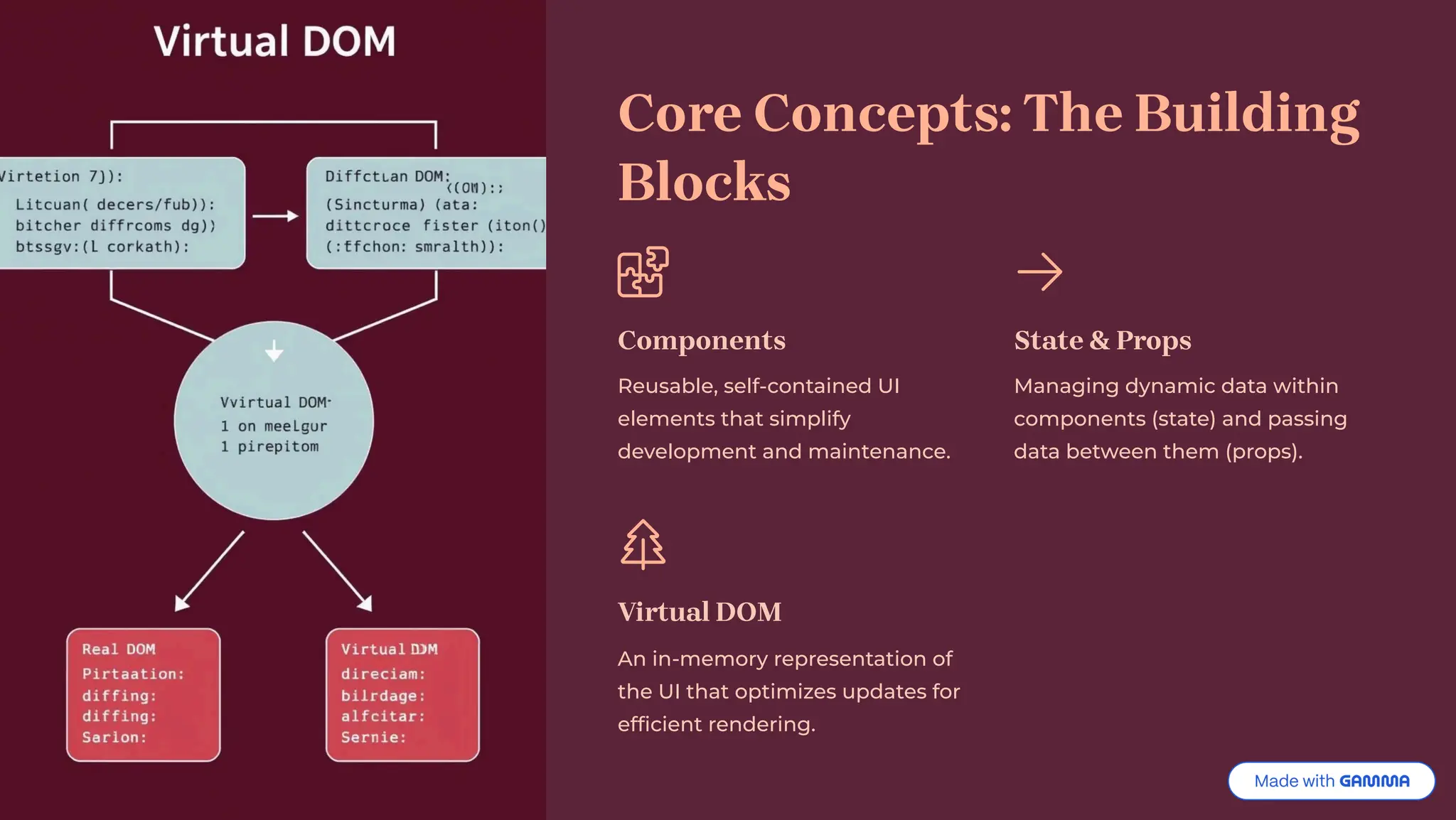
Virtual DOM
An in-memory representation of
the UI that optimizes updates for
efficient rendering.
Setting Up Your React Environment
Getting started with React involves setting up a robust development environment. We'll cover the essential tools to kickstart
your projects.
Node.js & npm/Yarn
Foundation for running JavaScript outside the
browser and managing packages.
Create React App
A tool to quickly set up a new React project with a
pre-configured build setup.
Hands-On: Building Your
First Component
Let's dive into practical application by creating a simple React
component. This will demonstrate how to combine JSX, state, and props.
import React, { useState } from 'react';
function Counter() {
const [count, setCount] = useState(0);
return (
<div>
<p>You clicked {count} times</p>
<button onClick={() => setCount(count + 1)}>
Click me
</button>
</div>
);
}
export default Counter;
Advanced React Techniques
Beyond the basics, React offers powerful features for building complex applications. Explore these concepts to enhance your
development skills.
Hooks
Functions that let you "hook into"
React state and lifecycle features
from function components.
Context API
A way to share values like user
authentication, themes, or preferred
language across the component
tree without passing props manually
at every level.
Router
Enables navigation between
different views in a single-page
application.
Career Opportunities in React
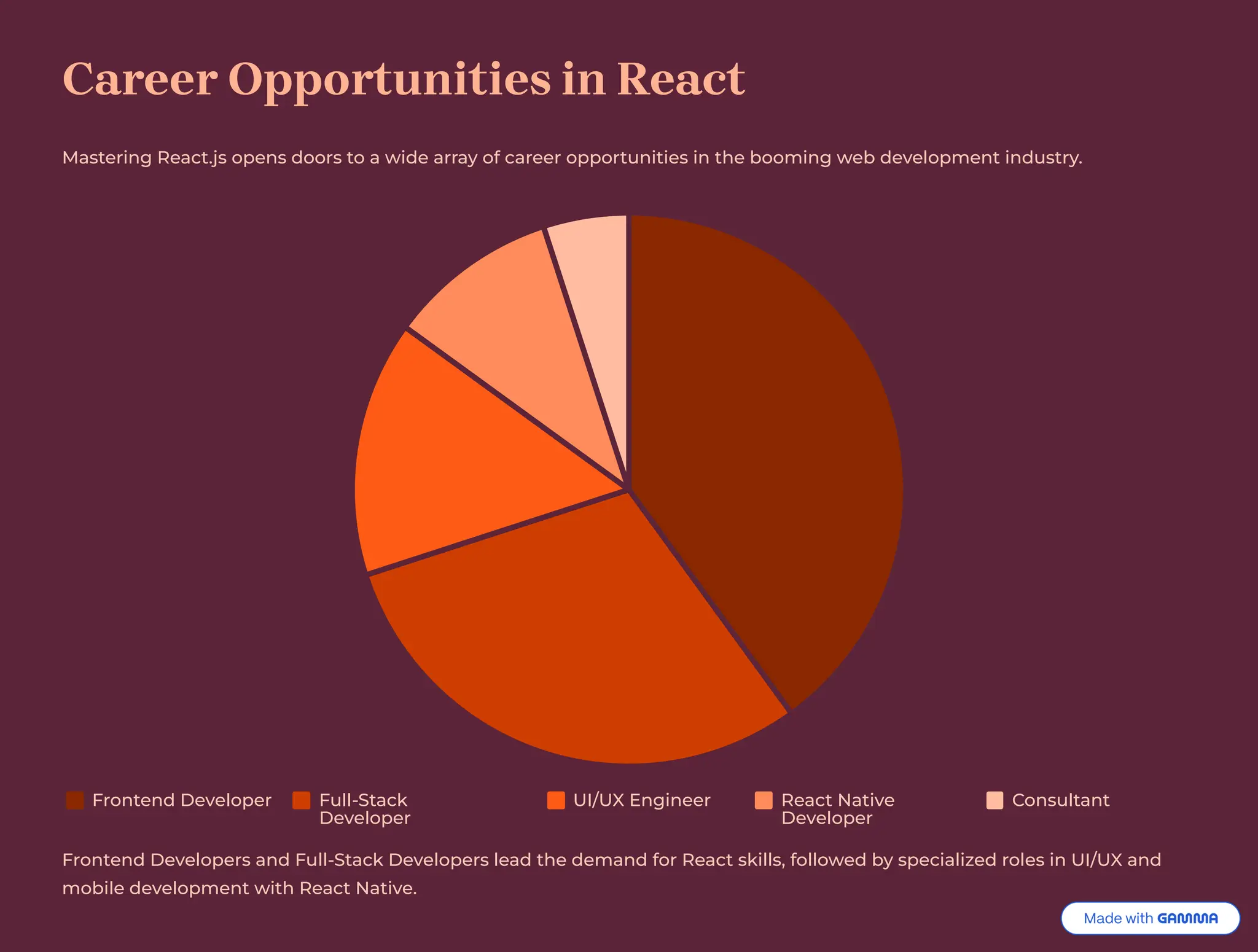
Mastering React.js opens doors to a wide array of career opportunities in the booming web development industry.
Frontend Developer Full-Stack
Developer
UI/UX Engineer React Native
Developer
Consultant
Frontend Developers and Full-Stack Developers lead the demand for React skills, followed by specialized roles in UI/UX and
mobile development with React Native.
Start Your React Journey Today!
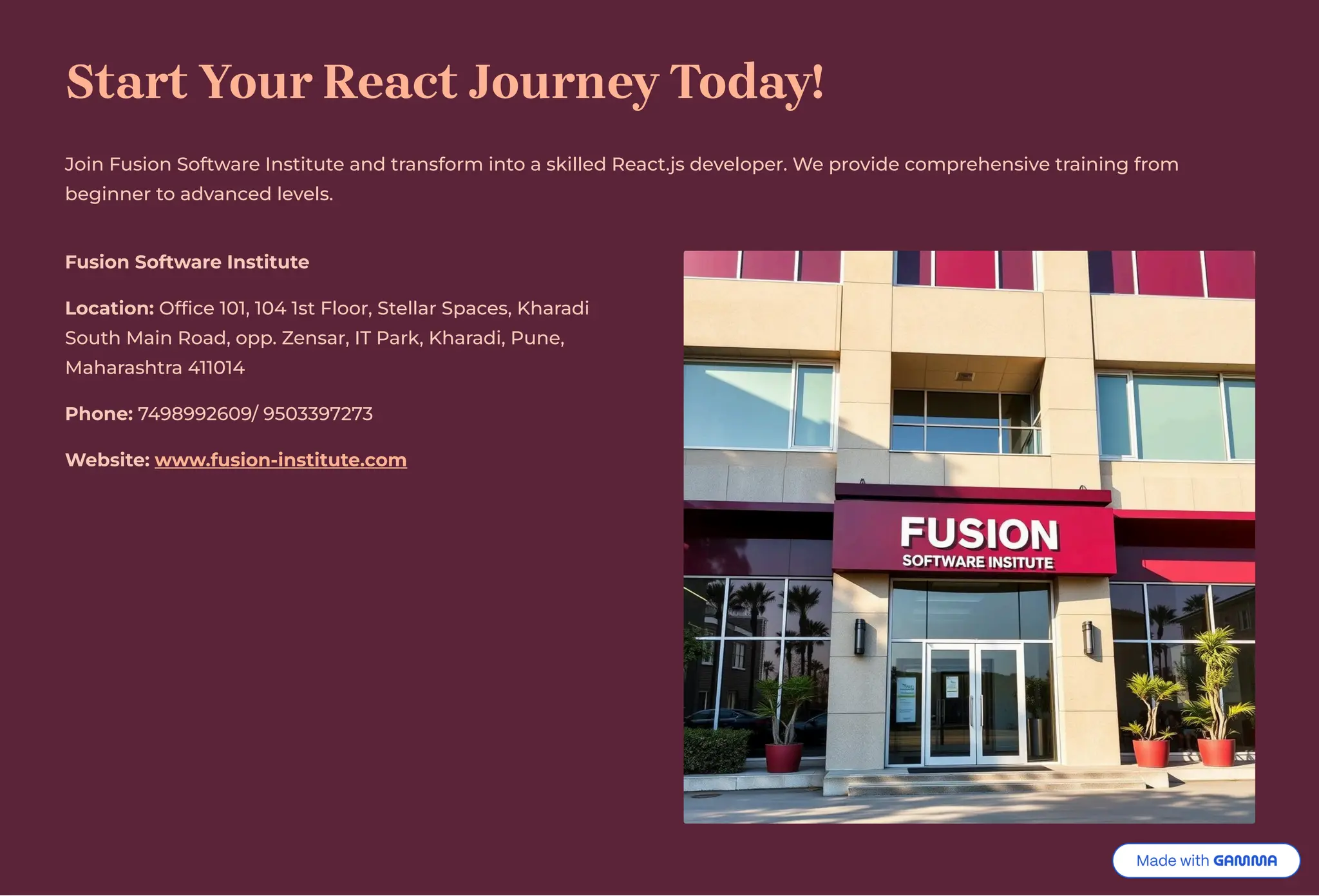
Join Fusion Software Institute and transform into a skilled React.js developer. We provide comprehensive training from
beginner to advanced levels.
Fusion Software Institute
Location: Office 101, 104 1st Floor, Stellar Spaces, Kharadi
South Main Road, opp. Zensar, IT Park, Kharadi, Pune,
Maharashtra 411014
Phone: 7498992609/ 9503397273
Website: www.fusion-institute.com

Mastering-Reactjs-Your-Path-to-Web-Development.pdf

  • 1.
    Mastering React.js: Your Pathto Web Development Unlock the power of modern web development with React.js. This presentation will guide you through the essentials of building dynamic, high-performance user interfaces.
  • 2.
    Why React.js? React.js standsout for its declarative views, making code more predictable and easier to debug. Its component-based architecture promotes reusability, accelerating development cycles. Furthermore, React's virtual DOM optimizes updates, leading to superior performance in complex applications.
  • 3.
    Core Concepts: TheBuilding Blocks Components Reusable, self-contained UI elements that simplify development and maintenance. State & Props Managing dynamic data within components (state) and passing data between them (props). Virtual DOM An in-memory representation of the UI that optimizes updates for efficient rendering.
  • 4.
    Setting Up YourReact Environment Getting started with React involves setting up a robust development environment. We'll cover the essential tools to kickstart your projects. Node.js & npm/Yarn Foundation for running JavaScript outside the browser and managing packages. Create React App A tool to quickly set up a new React project with a pre-configured build setup.
  • 5.
    Hands-On: Building Your FirstComponent Let's dive into practical application by creating a simple React component. This will demonstrate how to combine JSX, state, and props. import React, { useState } from 'react'; function Counter() { const [count, setCount] = useState(0); return ( <div> <p>You clicked {count} times</p> <button onClick={() => setCount(count + 1)}> Click me </button> </div> ); } export default Counter;
  • 6.
    Advanced React Techniques Beyondthe basics, React offers powerful features for building complex applications. Explore these concepts to enhance your development skills. Hooks Functions that let you "hook into" React state and lifecycle features from function components. Context API A way to share values like user authentication, themes, or preferred language across the component tree without passing props manually at every level. Router Enables navigation between different views in a single-page application.
  • 7.
    Career Opportunities inReact Mastering React.js opens doors to a wide array of career opportunities in the booming web development industry. Frontend Developer Full-Stack Developer UI/UX Engineer React Native Developer Consultant Frontend Developers and Full-Stack Developers lead the demand for React skills, followed by specialized roles in UI/UX and mobile development with React Native.
  • 8.
    Start Your ReactJourney Today! Join Fusion Software Institute and transform into a skilled React.js developer. We provide comprehensive training from beginner to advanced levels. Fusion Software Institute Location: Office 101, 104 1st Floor, Stellar Spaces, Kharadi South Main Road, opp. Zensar, IT Park, Kharadi, Pune, Maharashtra 411014 Phone: 7498992609/ 9503397273 Website: www.fusion-institute.com