Linux Shell Scripting
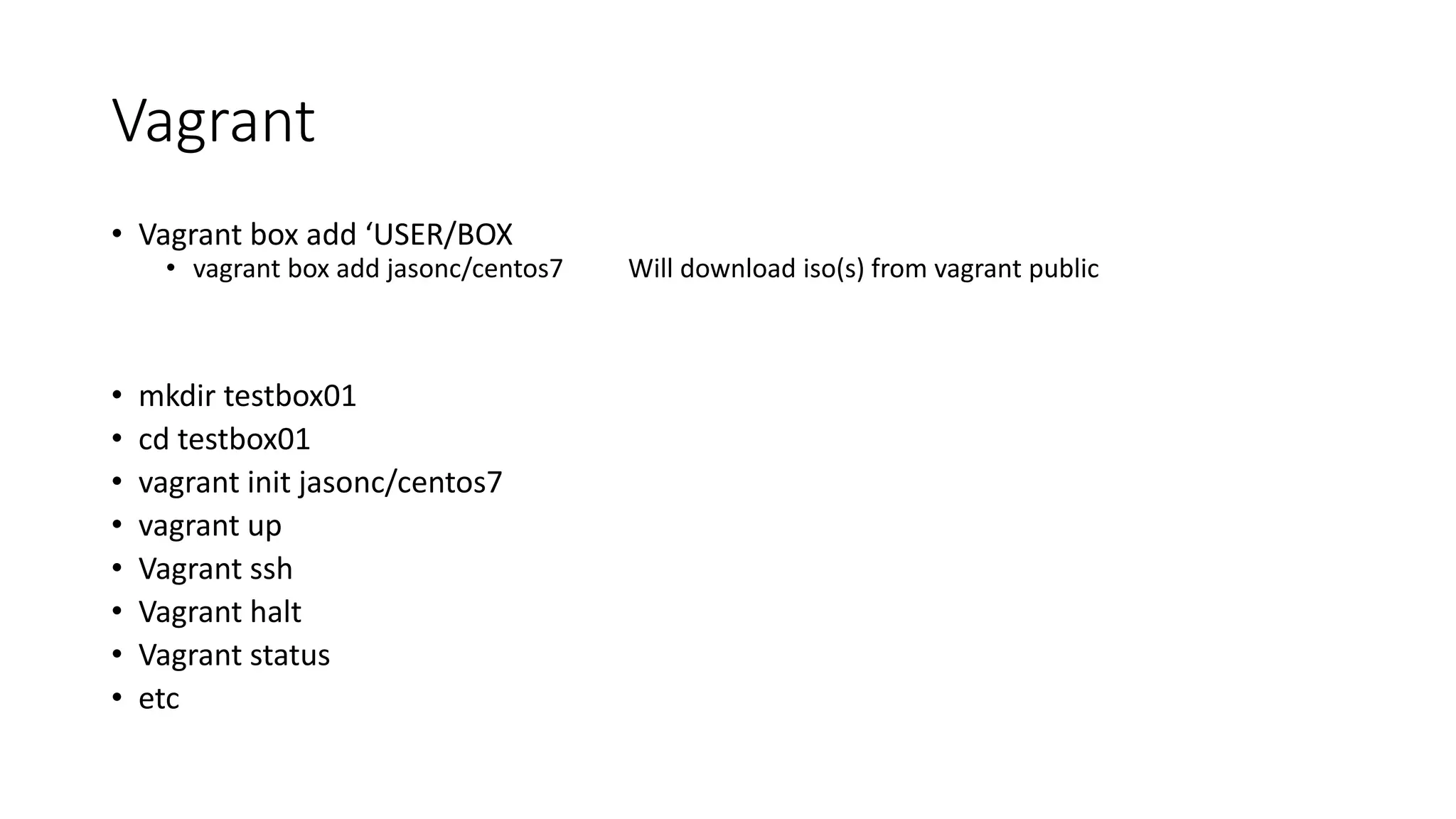
Vagrant
• Vagrant box add ‘USER/BOX
• vagrant box add jasonc/centos7 Will download iso(s) from vagrant public
• mkdir testbox01
• cd testbox01
• vagrant init jasonc/centos7
• vagrant up
• Vagrant ssh
• Vagrant halt
• Vagrant status
• etc
The Shell Script File
• Naming shell scripts and file extension
• Shell script file permissions
• Chmod 755 script
• Chmod +x script
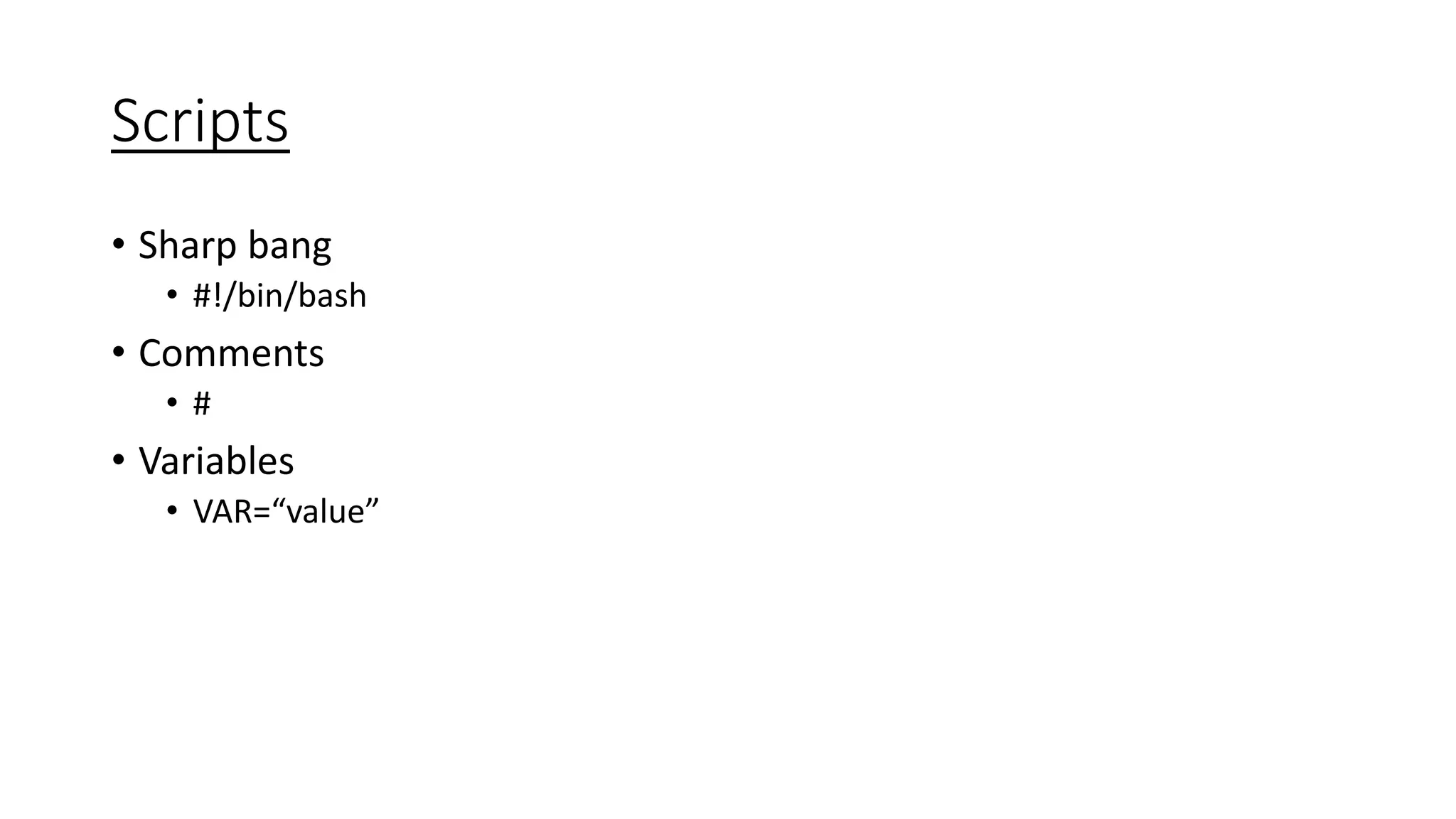
Scripts
• Sharp bang
• #!/bin/bash
• Comments
• #
• Variables
• VAR=“value”
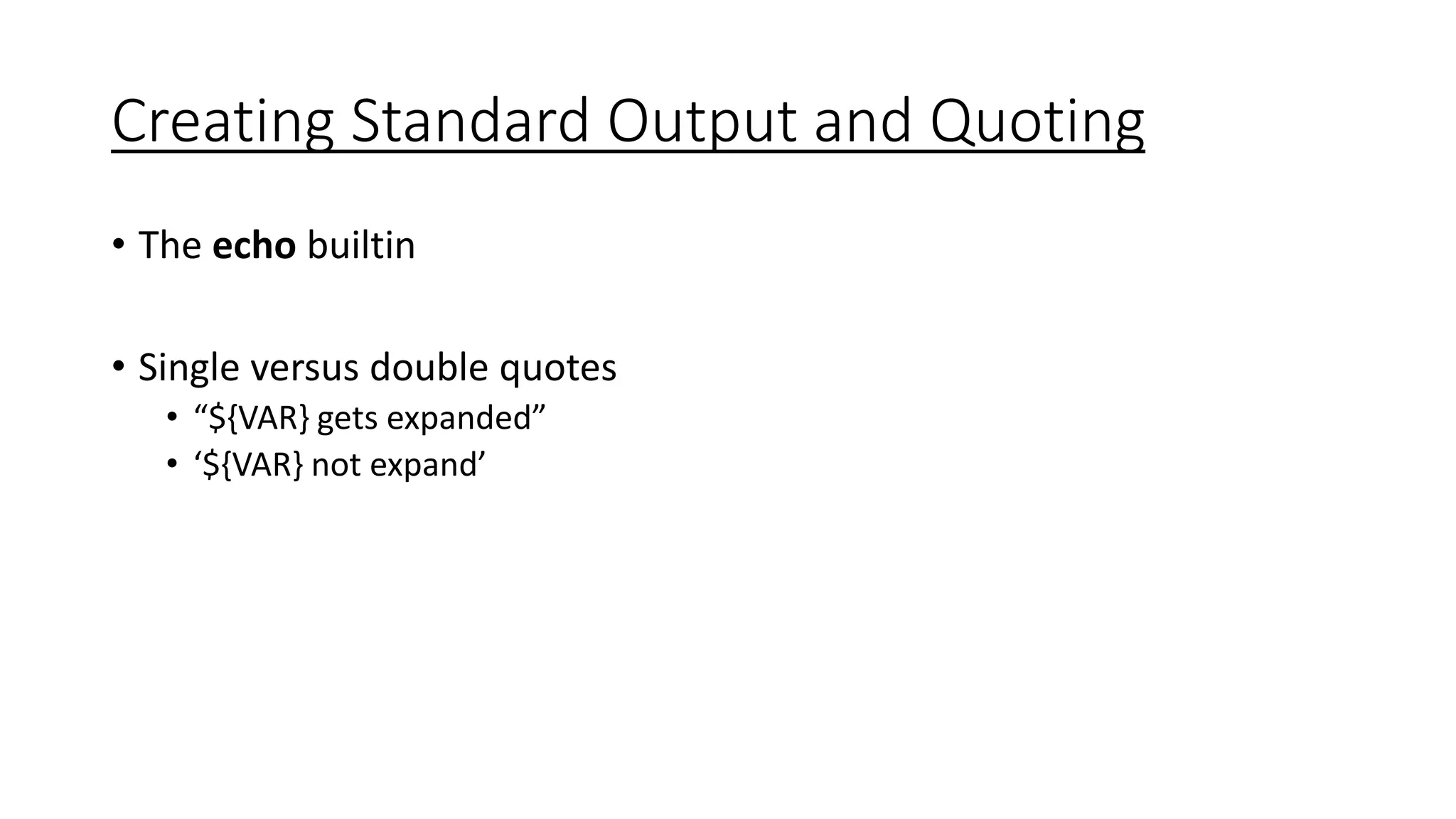
Creating Standard Output and Quoting
• The echo builtin
• Single versus double quotes
• “${VAR} gets expanded”
• ‘${VAR} not expand’
Getting Help for Shell Builtins
• Type: type [-afptP] name [name…]
• For each NAME, indicate how it would be interpreted if used as a command
name.
• Help: help [-s] [pattern …]
• Display helpful information about builtin commands
Getting Help for Linux Commands
• Man – format and display the on-line manual pages
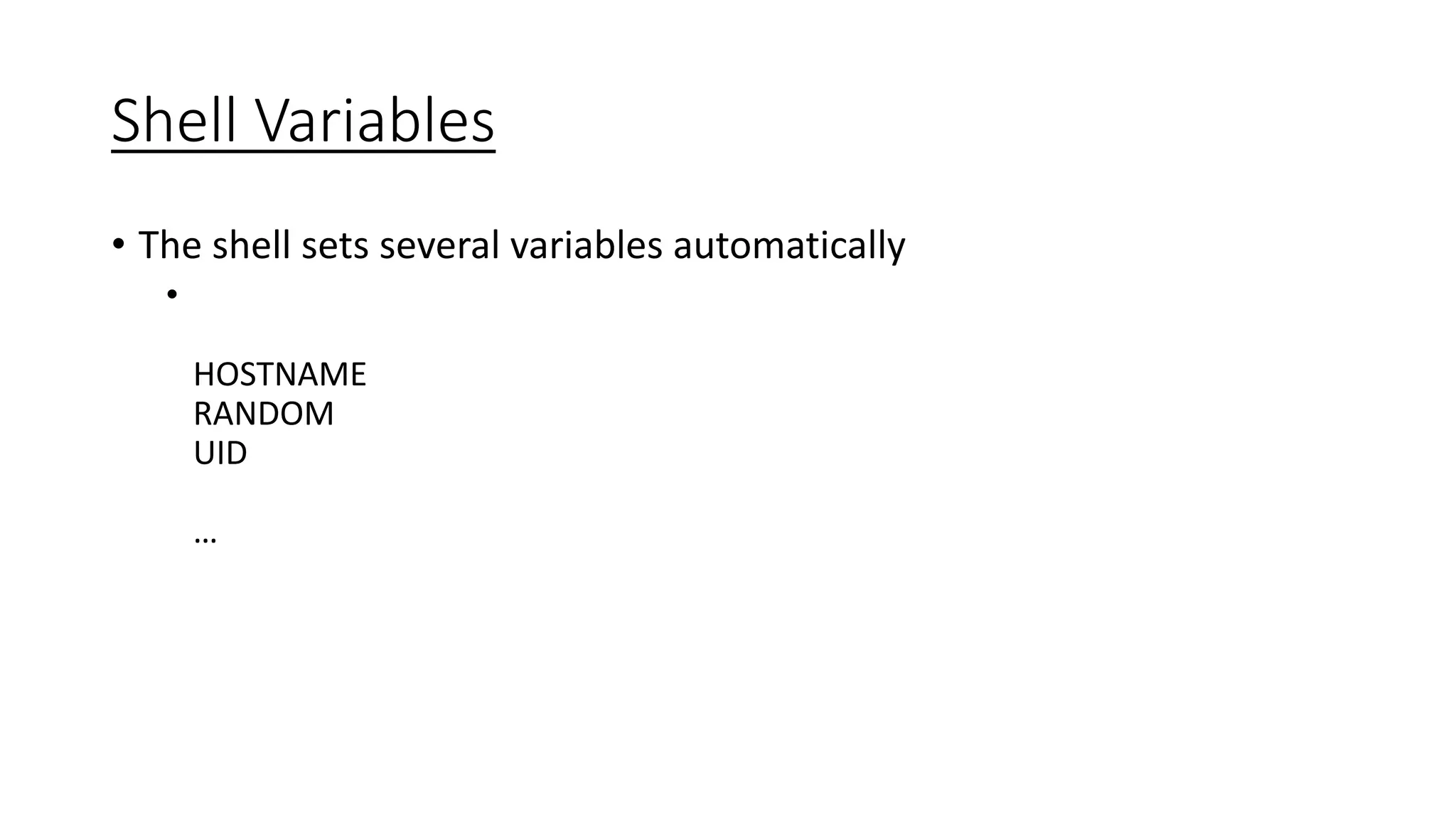
Shell Variables
• The shell sets several variables automatically
•
HOSTNAME
RANDOM
UID
…
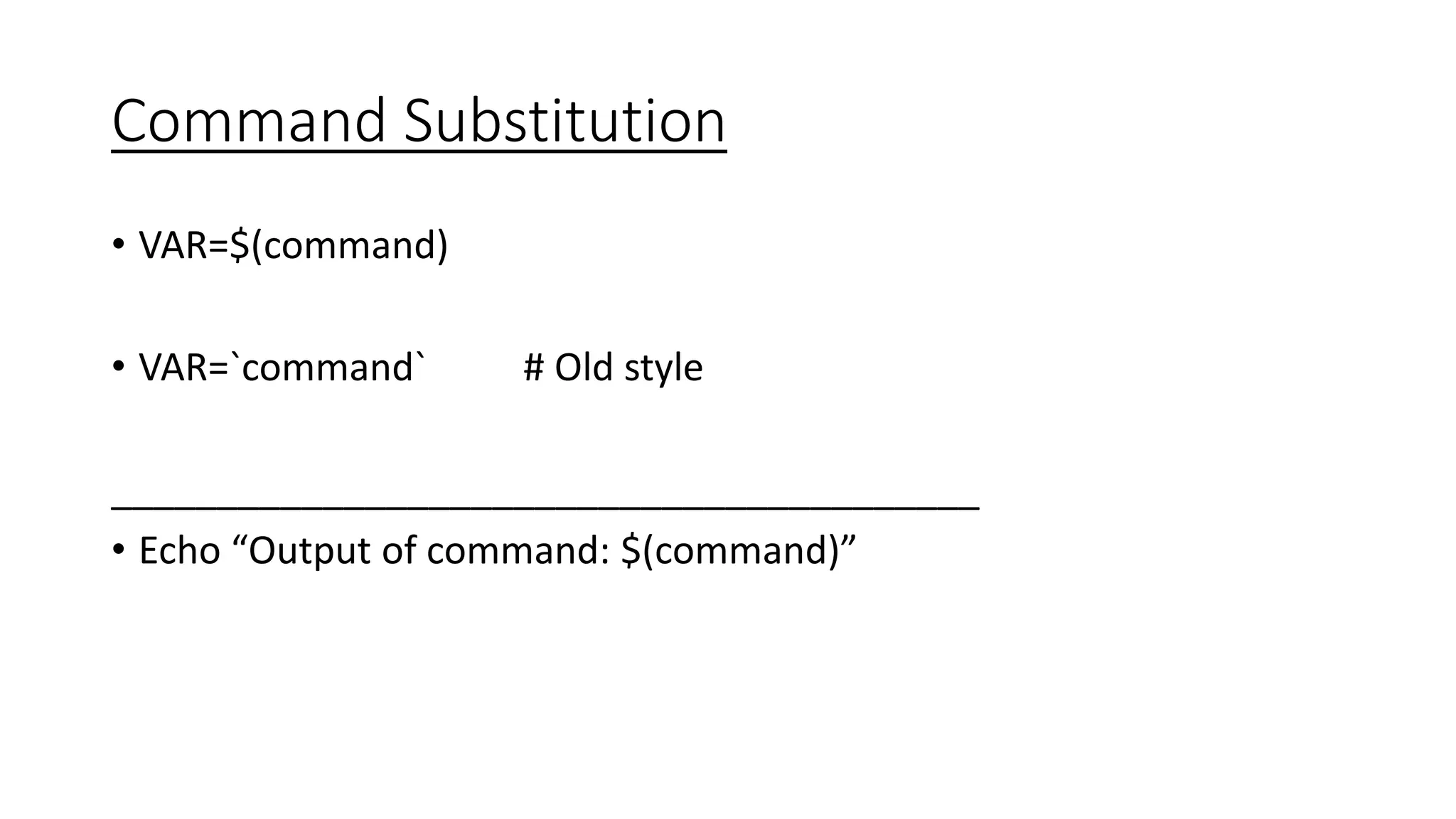
Command Substitution
• VAR=$(command)
• VAR=`command` # Old style
_________________________________________
• Echo “Output of command: $(command)”
The if statement
• if [[ COMMANDS ]]
then
COMMANDS
else
COMMANDS
fi
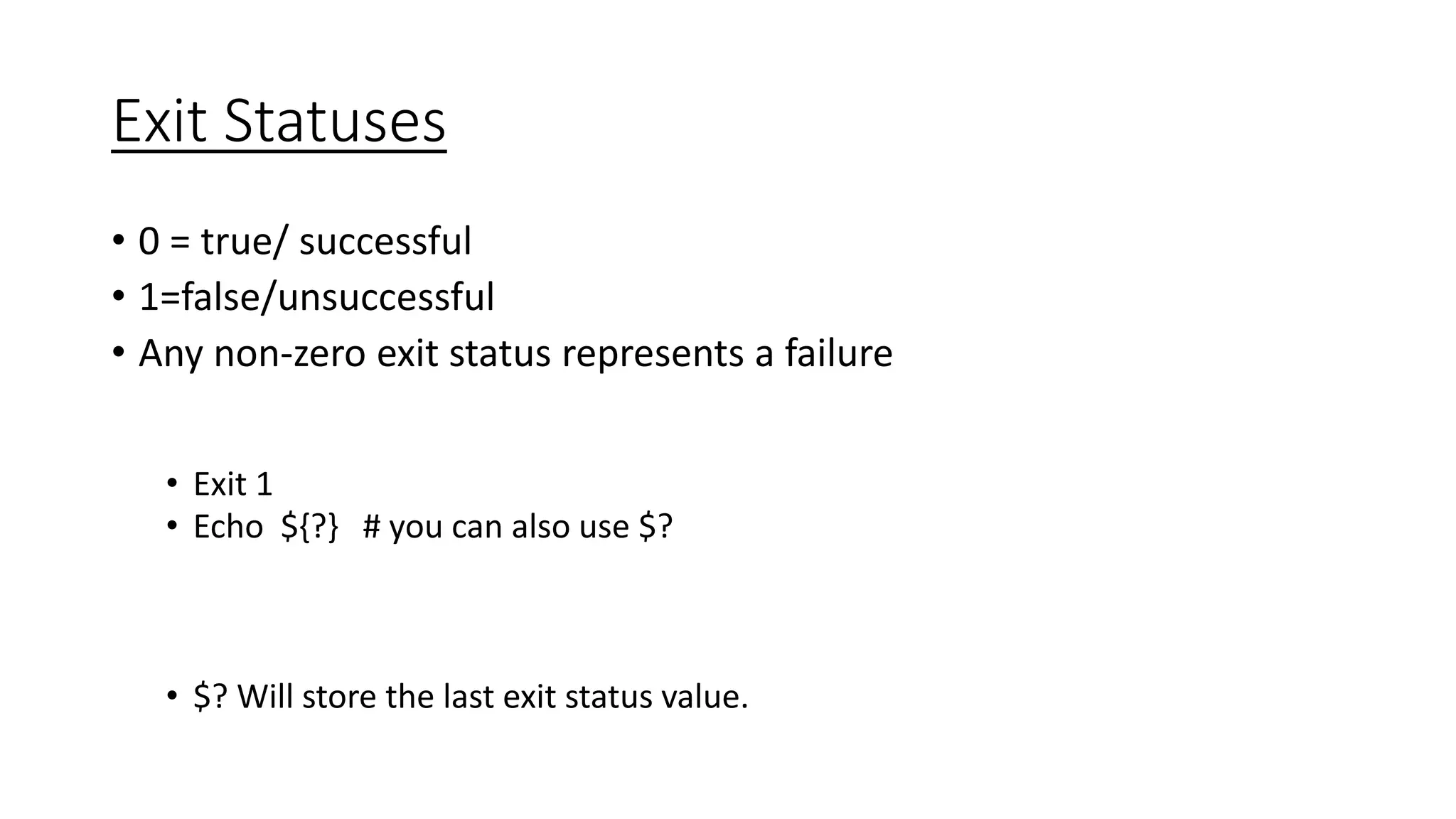
Exit Statuses
• 0 = true/ successful
• 1=false/unsuccessful
• Any non-zero exit status represents a failure
• Exit 1
• Echo ${?} # you can also use $?
• $? Will store the last exit status value.
Sanity Checking
if [[ “${UID}” –ne 0 ]]
then
echo ‘Please run as root.’ >&2
exit 1
fi
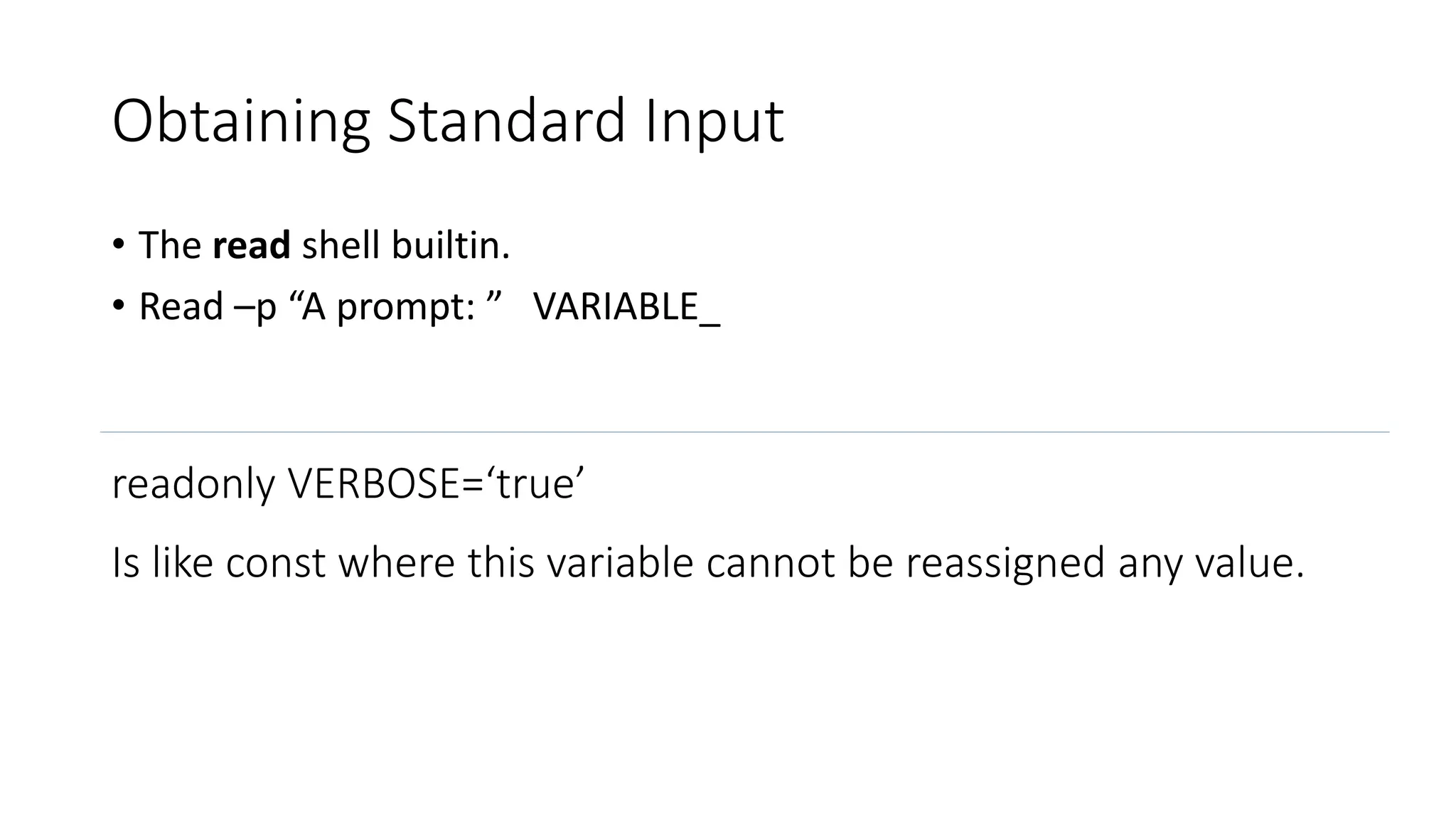
Obtaining Standard Input
• The read shell builtin.
• Read –p “A prompt: ” VARIABLE_
readonly VERBOSE=‘true’
Is like const where this variable cannot be reassigned any value.
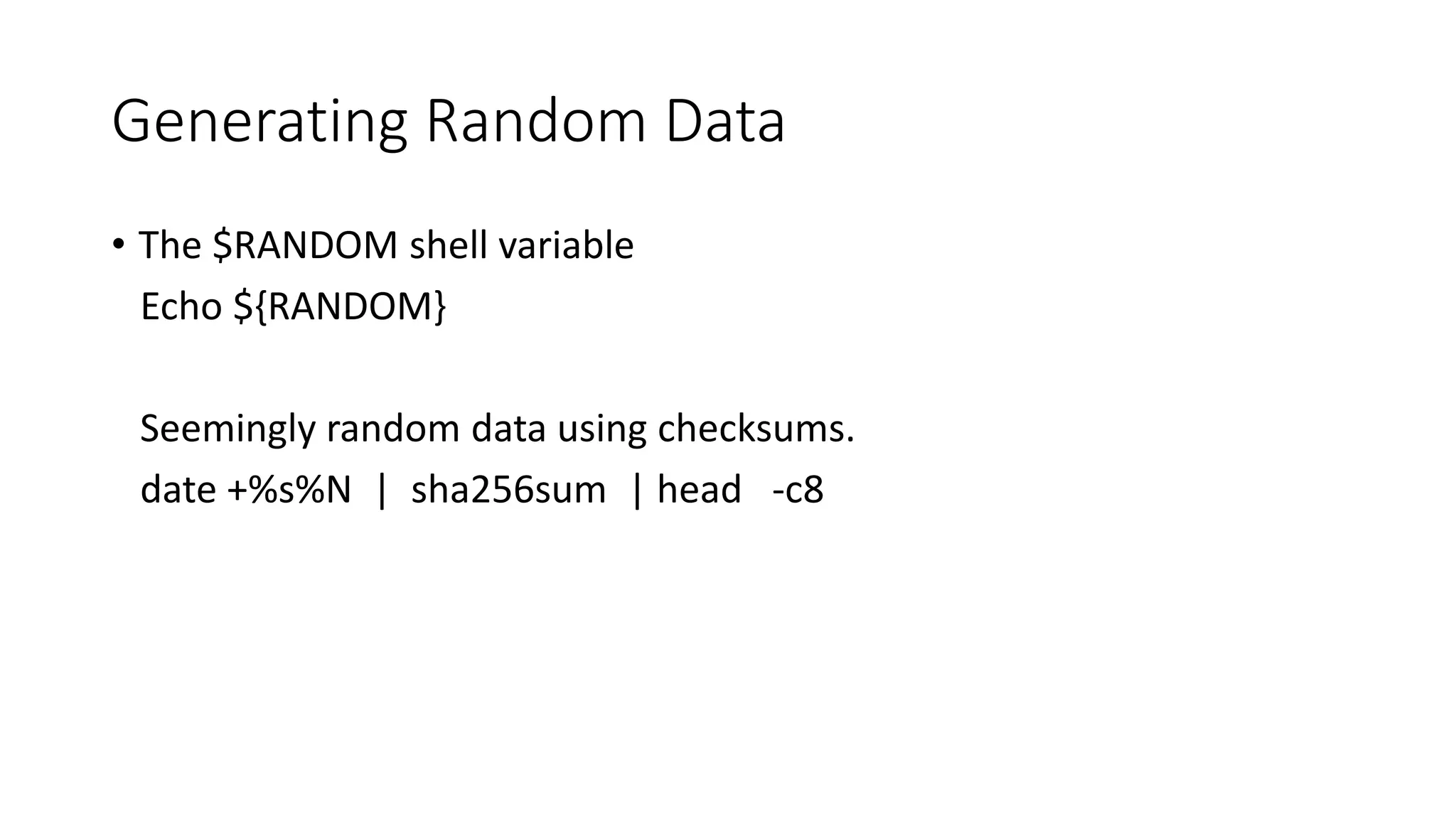
Generating Random Data
• The $RANDOM shell variable
Echo ${RANDOM}
Seemingly random data using checksums.
date +%s%N | sha256sum | head -c8
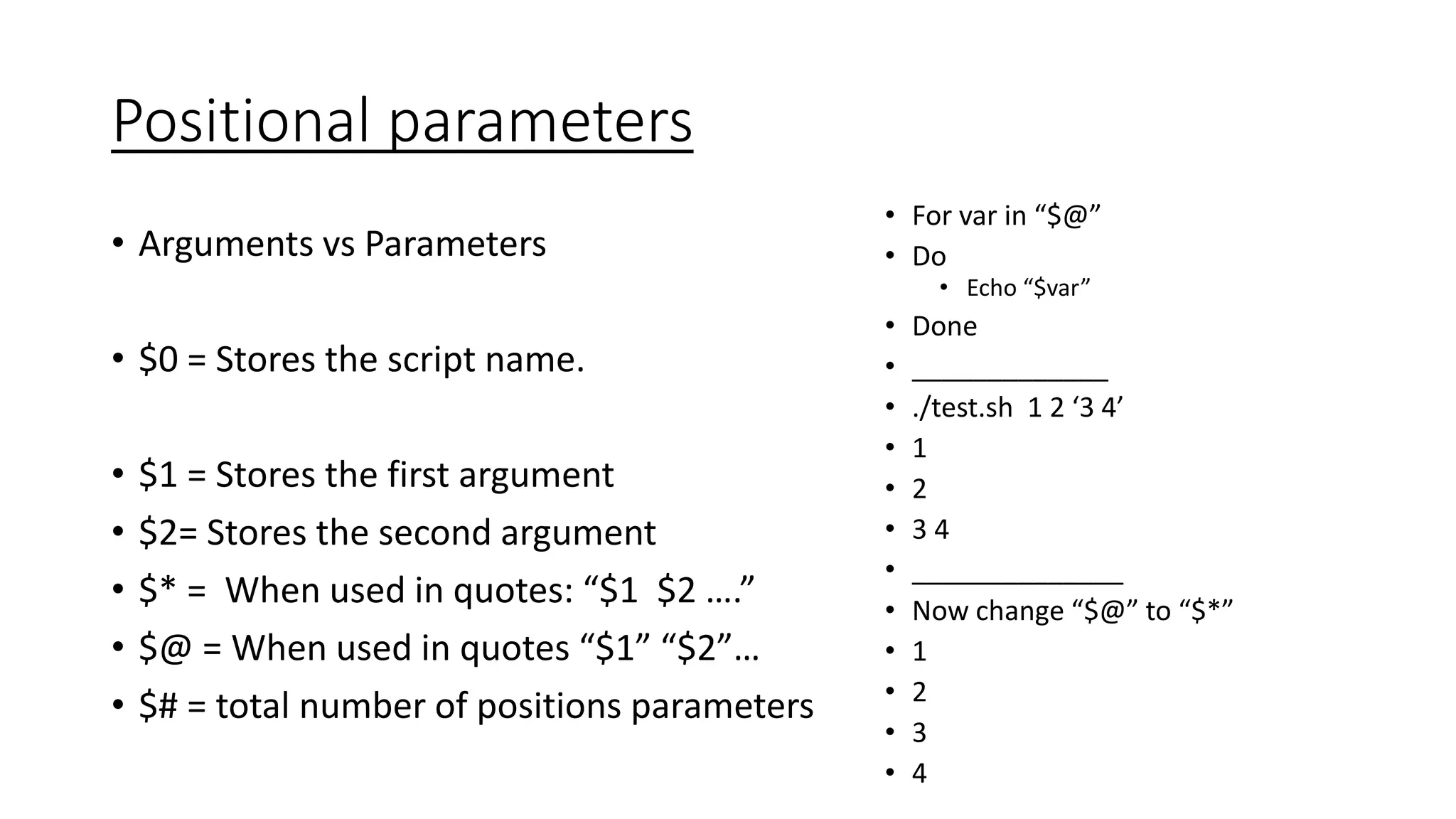
Positional parameters
• Arguments vs Parameters
• $0 = Stores the script name.
• $1 = Stores the first argument
• $2= Stores the second argument
• $* = When used in quotes: “$1 $2 ….”
• $@ = When used in quotes “$1” “$2”…
• $# = total number of positions parameters
• For var in “$@”
• Do
• Echo “$var”
• Done
• _____________
• ./test.sh 1 2 ‘3 4’
• 1
• 2
• 3 4
• ______________
• Now change “$@” to “$*”
• 1
• 2
• 3
• 4
The for Loop
for VARIABLE in LIST
do
COMMANDS
done
The while Loop
while [[ COMMANDS ]]
do
COMMANDS
done
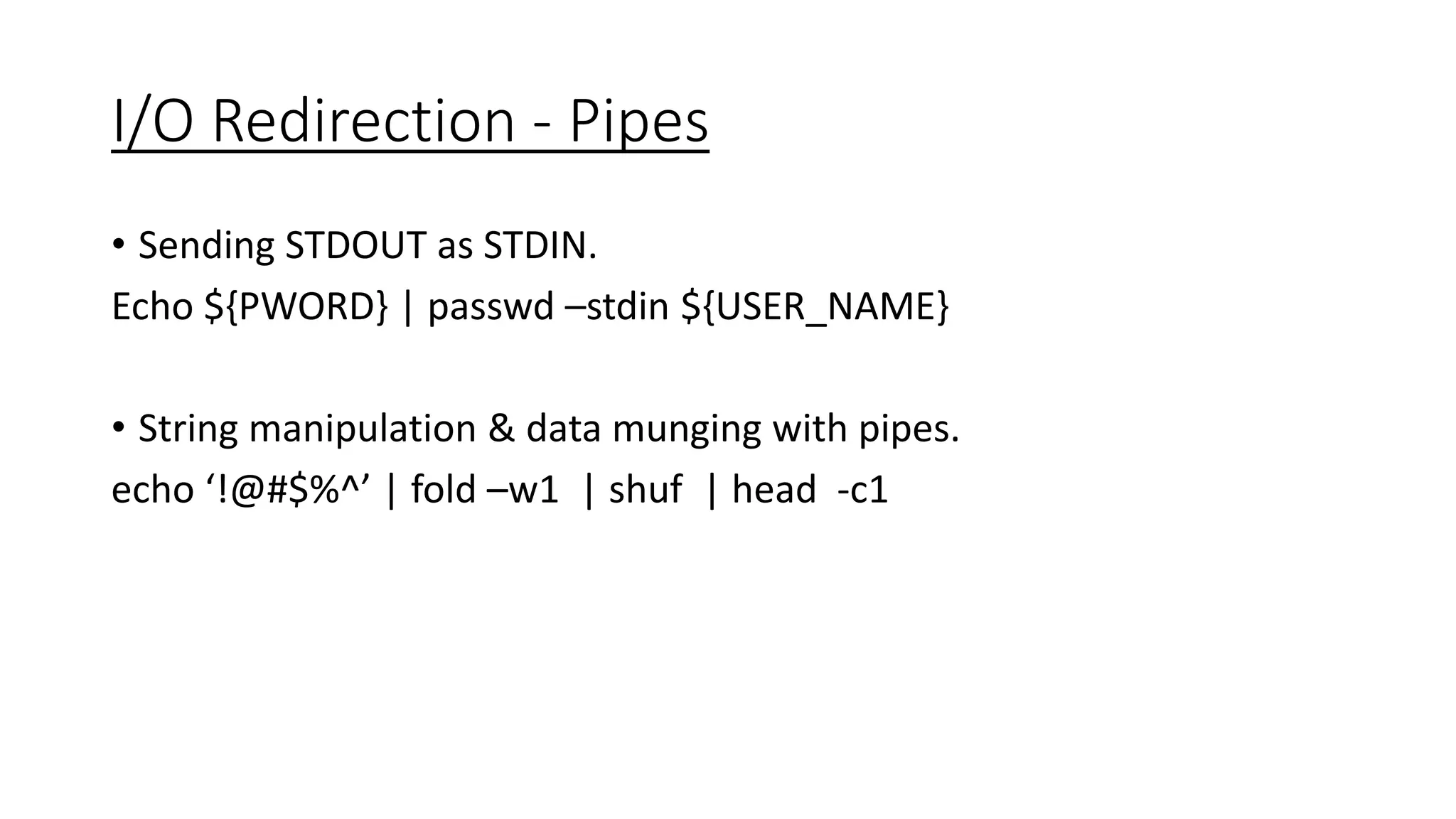
I/O Redirection - Pipes
• Sending STDOUT as STDIN.
Echo ${PWORD} | passwd –stdin ${USER_NAME}
• String manipulation & data munging with pipes.
echo ‘!@#$%^’ | fold –w1 | shuf | head -c1
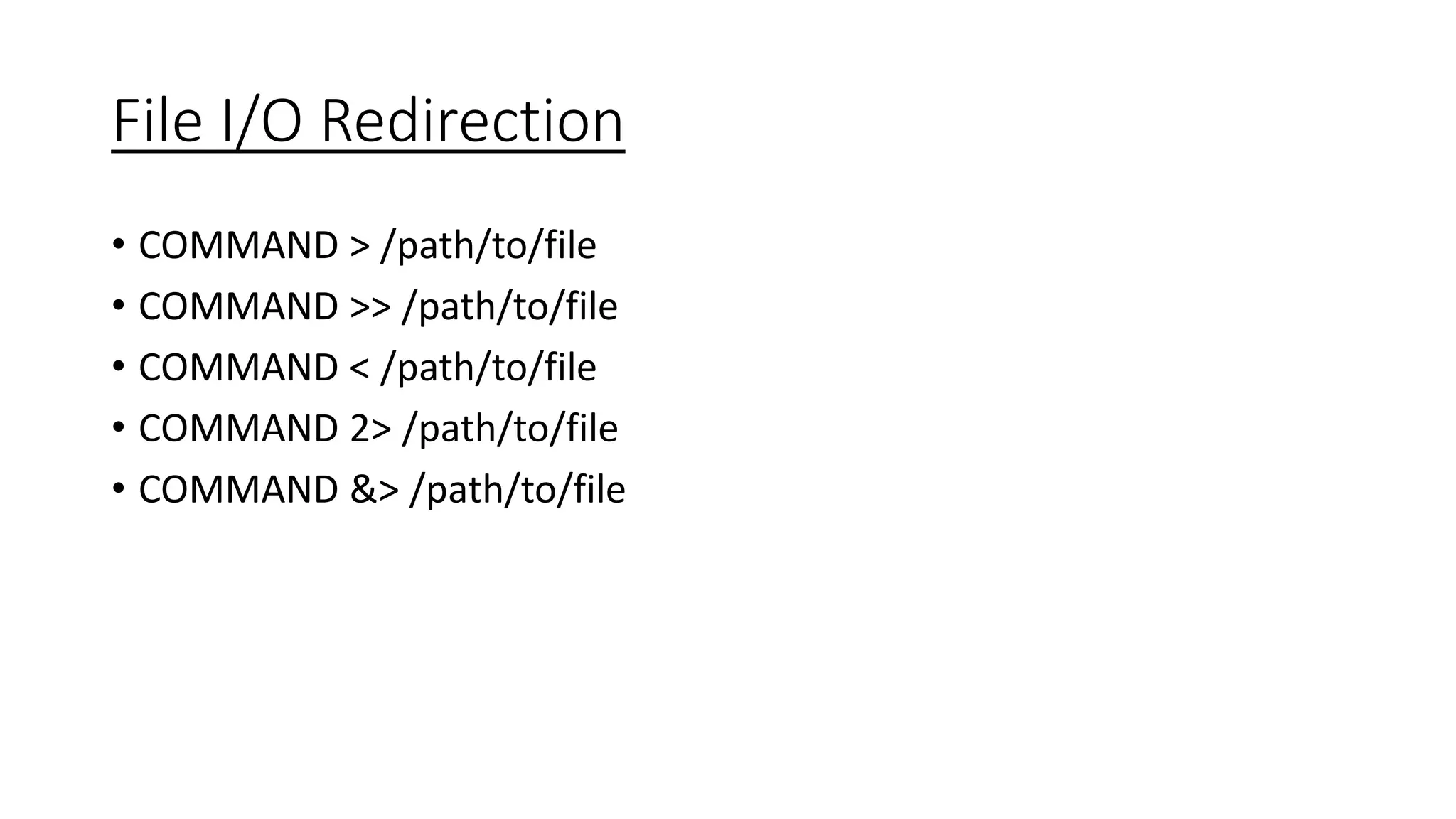
File I/O Redirection
• COMMAND > /path/to/file
• COMMAND >> /path/to/file
• COMMAND < /path/to/file
• COMMAND 2> /path/to/file
• COMMAND &> /path/to/file
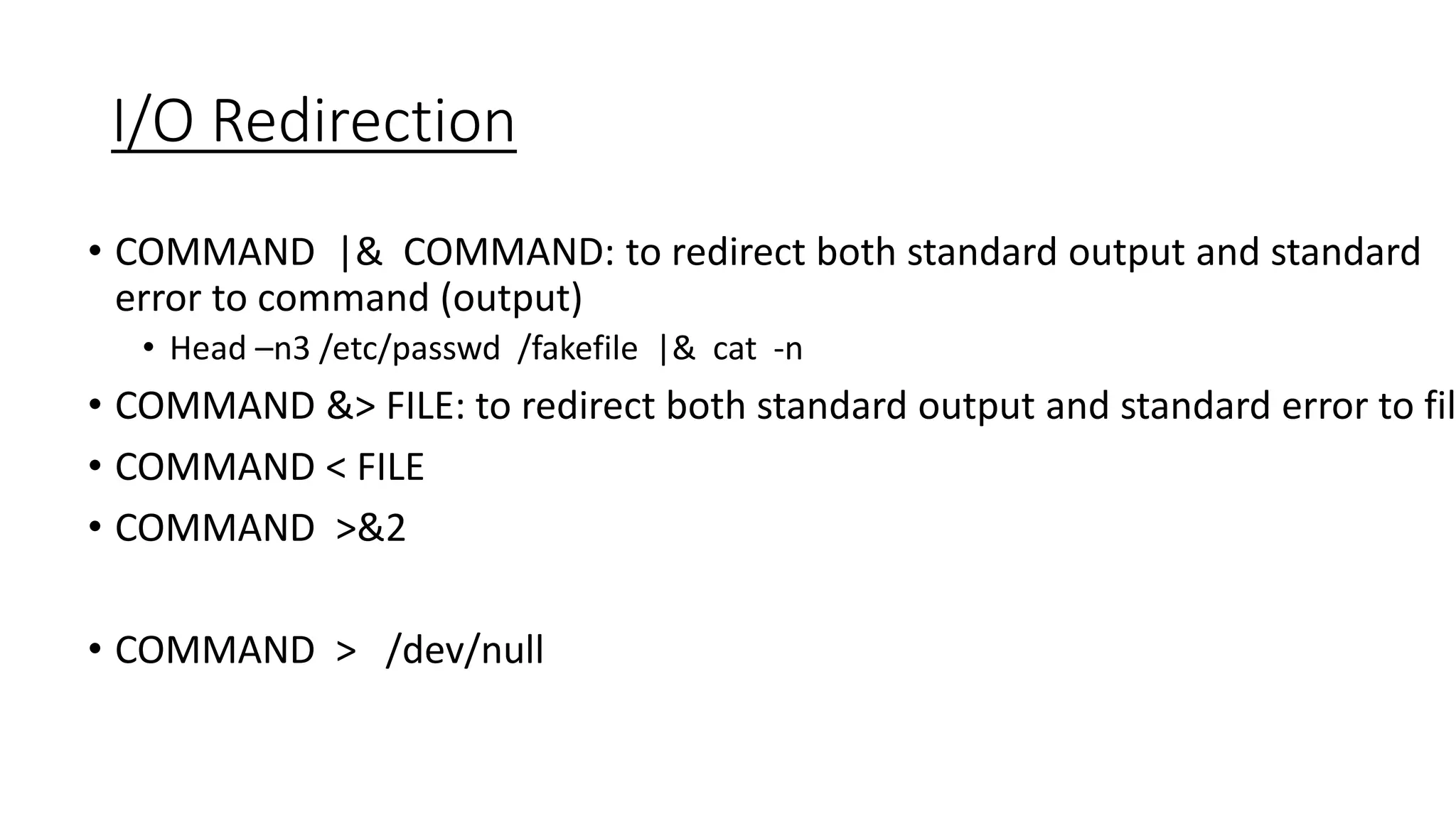
I/O Redirection
• COMMAND |& COMMAND: to redirect both standard output and standard
error to command (output)
• Head –n3 /etc/passwd /fakefile |& cat -n
• COMMAND &> FILE: to redirect both standard output and standard error to fil
• COMMAND < FILE
• COMMAND >&2
• COMMAND > /dev/null
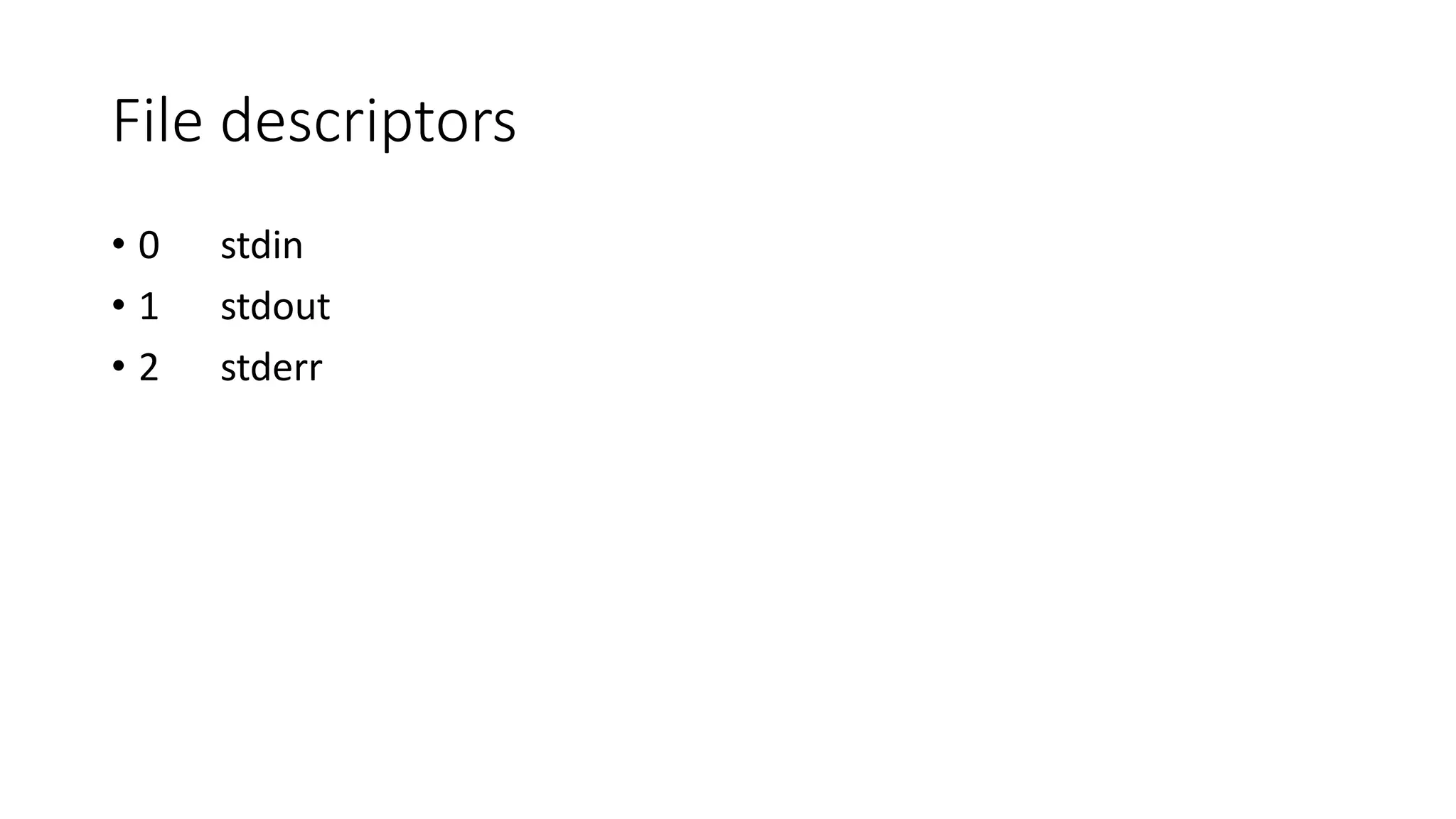
File descriptors
• 0 stdin
• 1 stdout
• 2 stderr
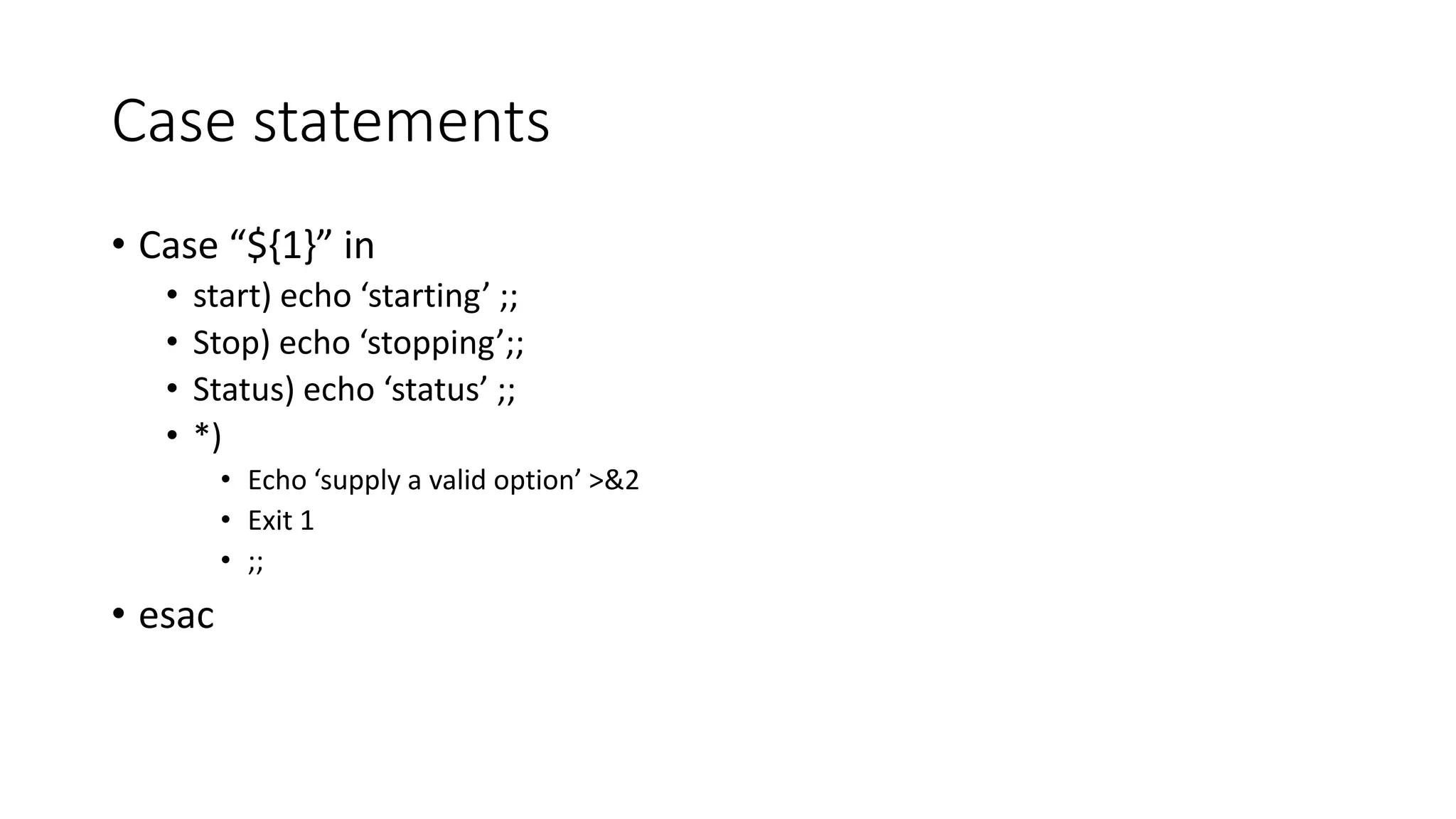
Case statements
• Case “${1}” in
• start) echo ‘starting’ ;;
• Stop) echo ‘stopping’;;
• Status) echo ‘status’ ;;
• *)
• Echo ‘supply a valid option’ >&2
• Exit 1
• ;;
• esac
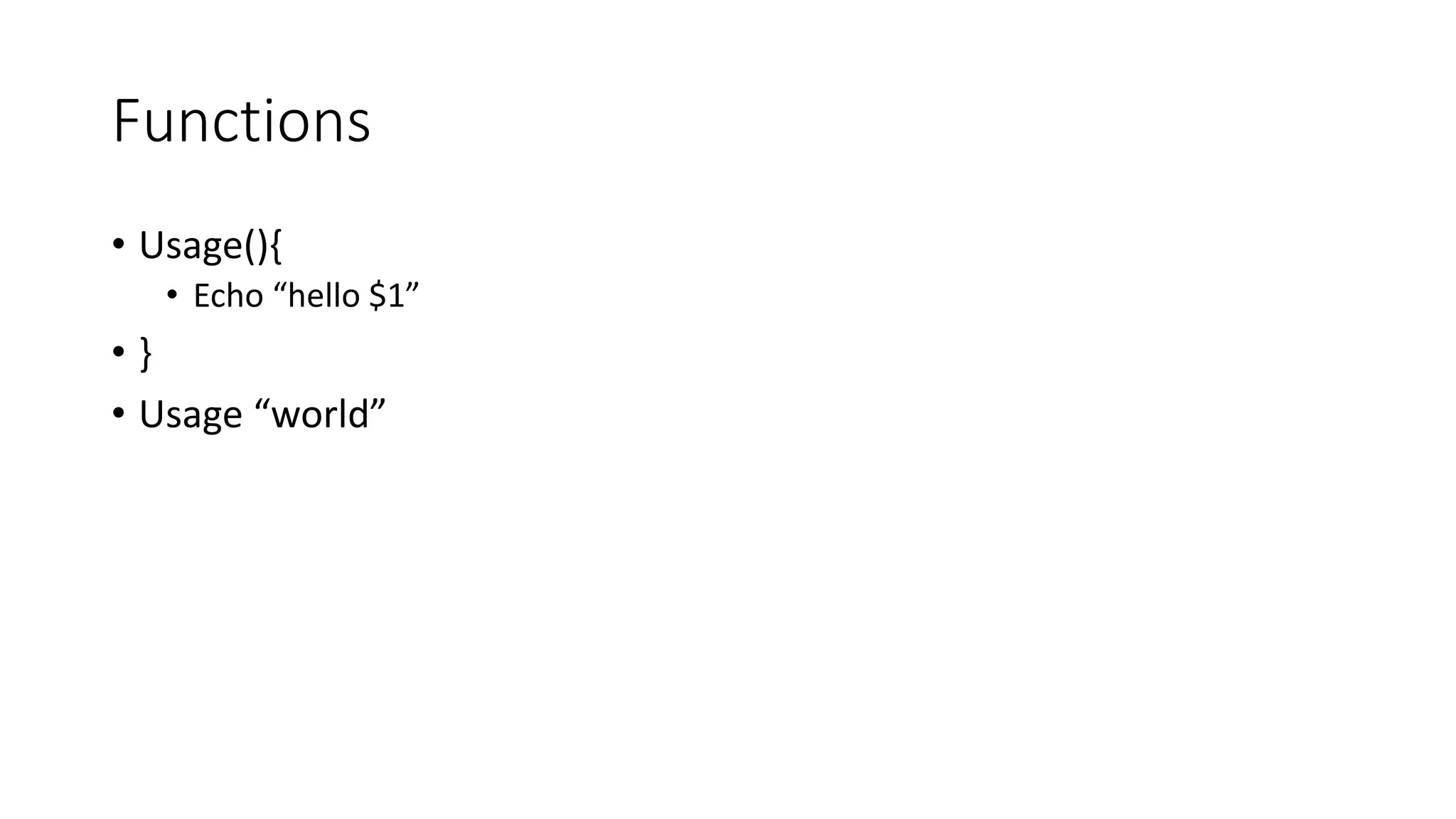
Functions
• Usage(){
• Echo “hello $1”
• }
• Usage “world”
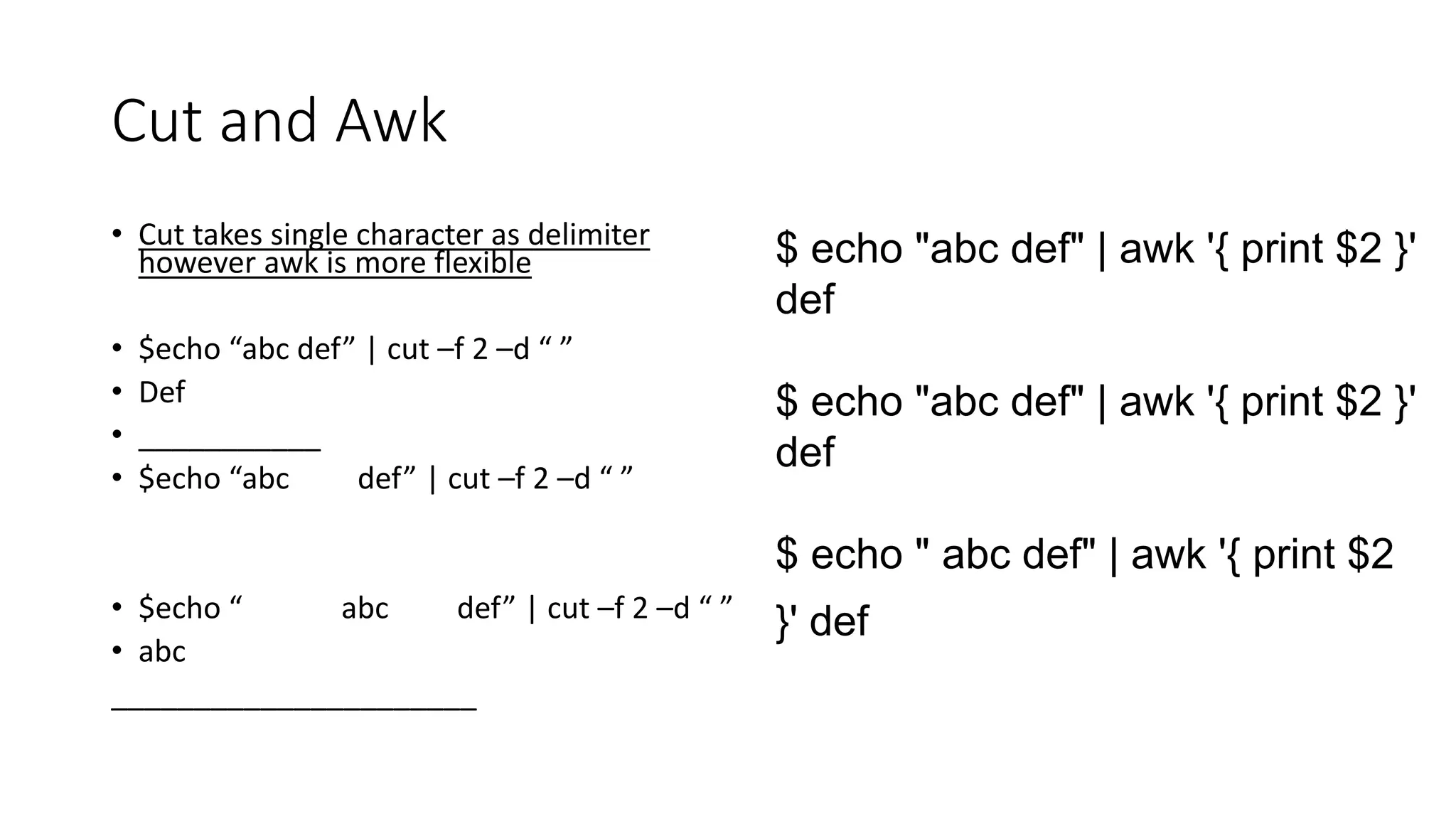
Cut and Awk
• Cut takes single character as delimiter
however awk is more flexible
• $echo “abc def” | cut –f 2 –d “ ”
• Def
• ___________
• $echo “abc def” | cut –f 2 –d “ ”
• $echo “ abc def” | cut –f 2 –d “ ”
• abc
______________________
$ echo "abc def" | awk '{ print $2 }'
def
$ echo "abc def" | awk '{ print $2 }'
def
$ echo " abc def" | awk '{ print $2
}' def
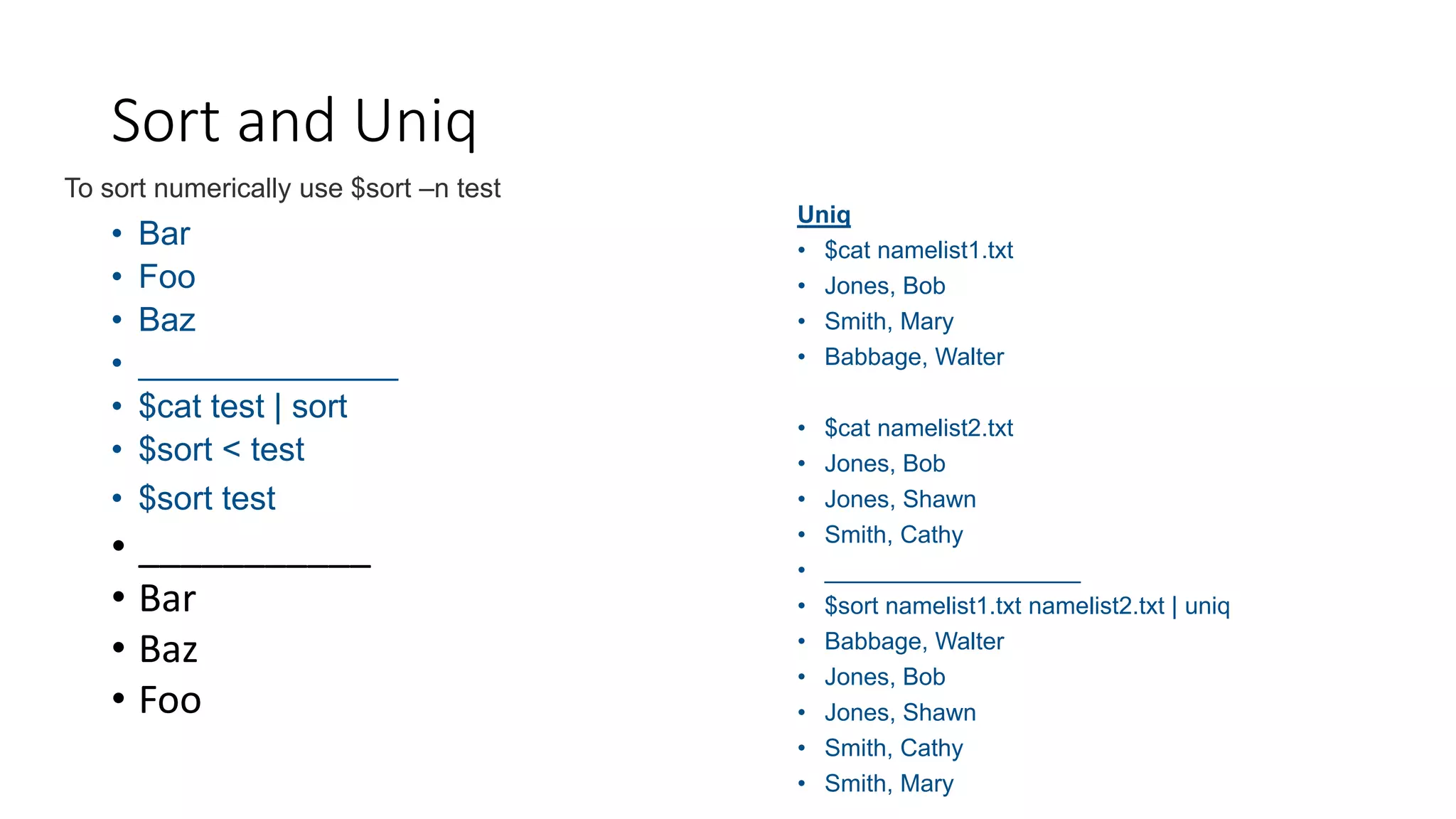
• Bar
• Foo
• Baz
• ______________
• $cat test | sort
• $sort < test
• $sort test
• ___________
• Bar
• Baz
• Foo
Sort and Uniq
To sort numerically use $sort –n test
Uniq
• $cat namelist1.txt
• Jones, Bob
• Smith, Mary
• Babbage, Walter
• $cat namelist2.txt
• Jones, Bob
• Jones, Shawn
• Smith, Cathy
• ___________________
• $sort namelist1.txt namelist2.txt | uniq
• Babbage, Walter
• Jones, Bob
• Jones, Shawn
• Smith, Cathy
• Smith, Mary
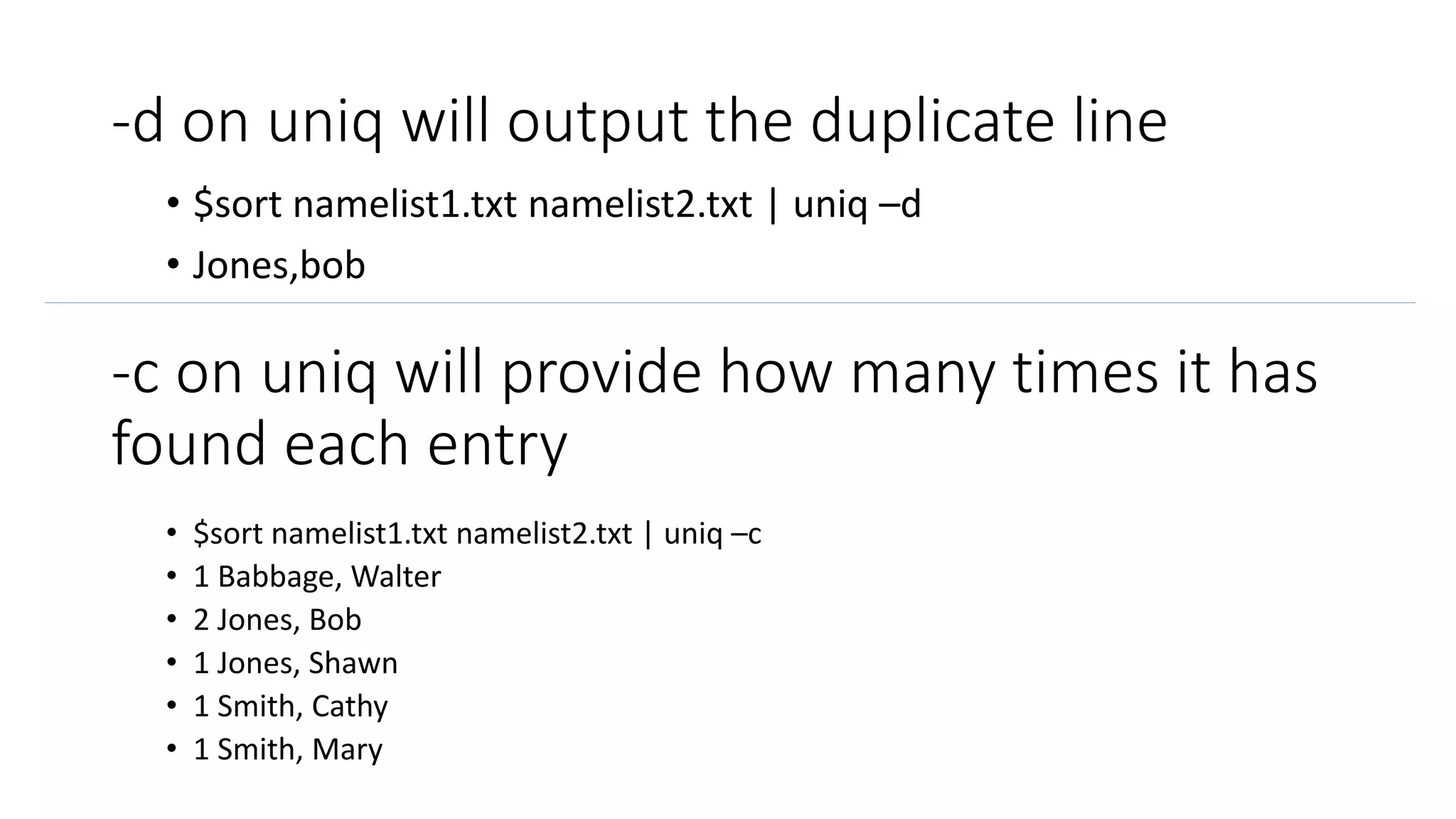
-d on uniq will output the duplicate line
• $sort namelist1.txt namelist2.txt | uniq –d
• Jones,bob
-c on uniq will provide how many times it has
found each entry
• $sort namelist1.txt namelist2.txt | uniq –c
• 1 Babbage, Walter
• 2 Jones, Bob
• 1 Jones, Shawn
• 1 Smith, Cathy
• 1 Smith, Mary

Linux Shell Scripting.pptx

  • 1.
  • 2.
    Vagrant • Vagrant boxadd ‘USER/BOX • vagrant box add jasonc/centos7 Will download iso(s) from vagrant public • mkdir testbox01 • cd testbox01 • vagrant init jasonc/centos7 • vagrant up • Vagrant ssh • Vagrant halt • Vagrant status • etc
  • 3.
    The Shell ScriptFile • Naming shell scripts and file extension • Shell script file permissions • Chmod 755 script • Chmod +x script
  • 4.
    Scripts • Sharp bang •#!/bin/bash • Comments • # • Variables • VAR=“value”
  • 5.
    Creating Standard Outputand Quoting • The echo builtin • Single versus double quotes • “${VAR} gets expanded” • ‘${VAR} not expand’
  • 6.
    Getting Help forShell Builtins • Type: type [-afptP] name [name…] • For each NAME, indicate how it would be interpreted if used as a command name. • Help: help [-s] [pattern …] • Display helpful information about builtin commands
  • 7.
    Getting Help forLinux Commands • Man – format and display the on-line manual pages
  • 8.
    Shell Variables • Theshell sets several variables automatically • HOSTNAME RANDOM UID …
  • 9.
    Command Substitution • VAR=$(command) •VAR=`command` # Old style _________________________________________ • Echo “Output of command: $(command)”
  • 10.
    The if statement •if [[ COMMANDS ]] then COMMANDS else COMMANDS fi
  • 11.
    Exit Statuses • 0= true/ successful • 1=false/unsuccessful • Any non-zero exit status represents a failure • Exit 1 • Echo ${?} # you can also use $? • $? Will store the last exit status value.
  • 12.
    Sanity Checking if [[“${UID}” –ne 0 ]] then echo ‘Please run as root.’ >&2 exit 1 fi
  • 13.
    Obtaining Standard Input •The read shell builtin. • Read –p “A prompt: ” VARIABLE_ readonly VERBOSE=‘true’ Is like const where this variable cannot be reassigned any value.
  • 14.
    Generating Random Data •The $RANDOM shell variable Echo ${RANDOM} Seemingly random data using checksums. date +%s%N | sha256sum | head -c8
  • 15.
    Positional parameters • Argumentsvs Parameters • $0 = Stores the script name. • $1 = Stores the first argument • $2= Stores the second argument • $* = When used in quotes: “$1 $2 ….” • $@ = When used in quotes “$1” “$2”… • $# = total number of positions parameters • For var in “$@” • Do • Echo “$var” • Done • _____________ • ./test.sh 1 2 ‘3 4’ • 1 • 2 • 3 4 • ______________ • Now change “$@” to “$*” • 1 • 2 • 3 • 4
  • 16.
    The for Loop forVARIABLE in LIST do COMMANDS done The while Loop while [[ COMMANDS ]] do COMMANDS done
  • 17.
    I/O Redirection -Pipes • Sending STDOUT as STDIN. Echo ${PWORD} | passwd –stdin ${USER_NAME} • String manipulation & data munging with pipes. echo ‘!@#$%^’ | fold –w1 | shuf | head -c1
  • 18.
    File I/O Redirection •COMMAND > /path/to/file • COMMAND >> /path/to/file • COMMAND < /path/to/file • COMMAND 2> /path/to/file • COMMAND &> /path/to/file
  • 19.
    I/O Redirection • COMMAND|& COMMAND: to redirect both standard output and standard error to command (output) • Head –n3 /etc/passwd /fakefile |& cat -n • COMMAND &> FILE: to redirect both standard output and standard error to fil • COMMAND < FILE • COMMAND >&2 • COMMAND > /dev/null
  • 20.
    File descriptors • 0stdin • 1 stdout • 2 stderr
  • 21.
    Case statements • Case“${1}” in • start) echo ‘starting’ ;; • Stop) echo ‘stopping’;; • Status) echo ‘status’ ;; • *) • Echo ‘supply a valid option’ >&2 • Exit 1 • ;; • esac
  • 22.
    Functions • Usage(){ • Echo“hello $1” • } • Usage “world”
  • 23.
    Cut and Awk •Cut takes single character as delimiter however awk is more flexible • $echo “abc def” | cut –f 2 –d “ ” • Def • ___________ • $echo “abc def” | cut –f 2 –d “ ” • $echo “ abc def” | cut –f 2 –d “ ” • abc ______________________ $ echo "abc def" | awk '{ print $2 }' def $ echo "abc def" | awk '{ print $2 }' def $ echo " abc def" | awk '{ print $2 }' def
  • 24.
    • Bar • Foo •Baz • ______________ • $cat test | sort • $sort < test • $sort test • ___________ • Bar • Baz • Foo Sort and Uniq To sort numerically use $sort –n test Uniq • $cat namelist1.txt • Jones, Bob • Smith, Mary • Babbage, Walter • $cat namelist2.txt • Jones, Bob • Jones, Shawn • Smith, Cathy • ___________________ • $sort namelist1.txt namelist2.txt | uniq • Babbage, Walter • Jones, Bob • Jones, Shawn • Smith, Cathy • Smith, Mary
  • 25.
    -d on uniqwill output the duplicate line • $sort namelist1.txt namelist2.txt | uniq –d • Jones,bob -c on uniq will provide how many times it has found each entry • $sort namelist1.txt namelist2.txt | uniq –c • 1 Babbage, Walter • 2 Jones, Bob • 1 Jones, Shawn • 1 Smith, Cathy • 1 Smith, Mary