Shell Scripting Craftsmanship
  Ray Smith
  Portland General Electric


 if [ You can't read this easily ]; then
     move up closer
 else
     Don't say I didn't warn you
 fi
Objectives

• Keep you awake until the Opening Keynote

• Philosophical alignment
   • Context of quality


• Define craftsmanship
   • What makes a good quality desk?
   • What are the common elements of good scripts?
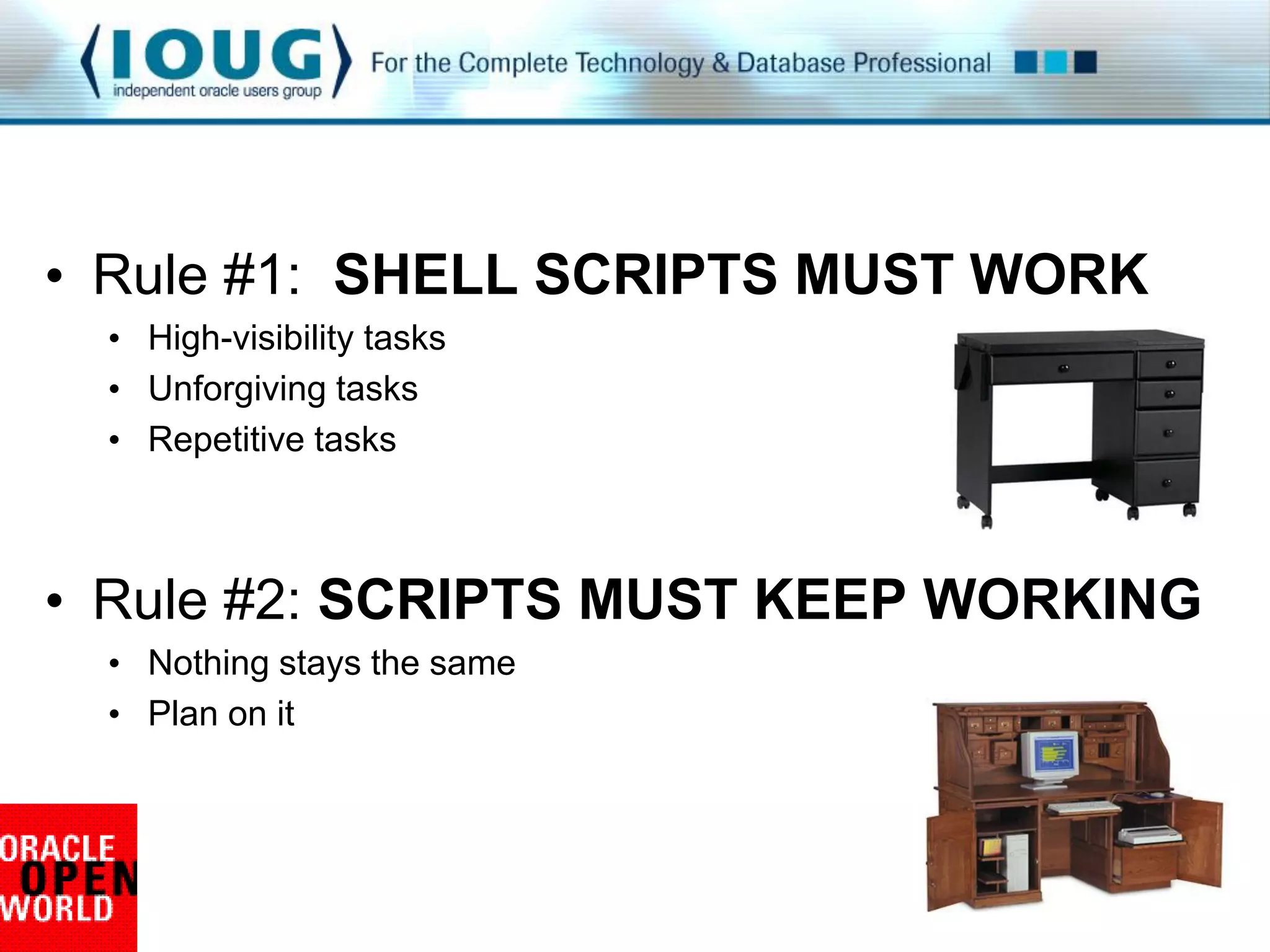
• Rule #1: SHELL SCRIPTS MUST WORK
 • High-visibility tasks
 • Unforgiving tasks
 • Repetitive tasks


• Rule #2: SCRIPTS MUST KEEP WORKING
 • Nothing stays the same
 • Plan on it
Quality, craftsmanship, harmony

• Transparency
   • Maintenance without frustration


• Clear communication
   • Effort without agitation


• Scalability
   • Power without intervention
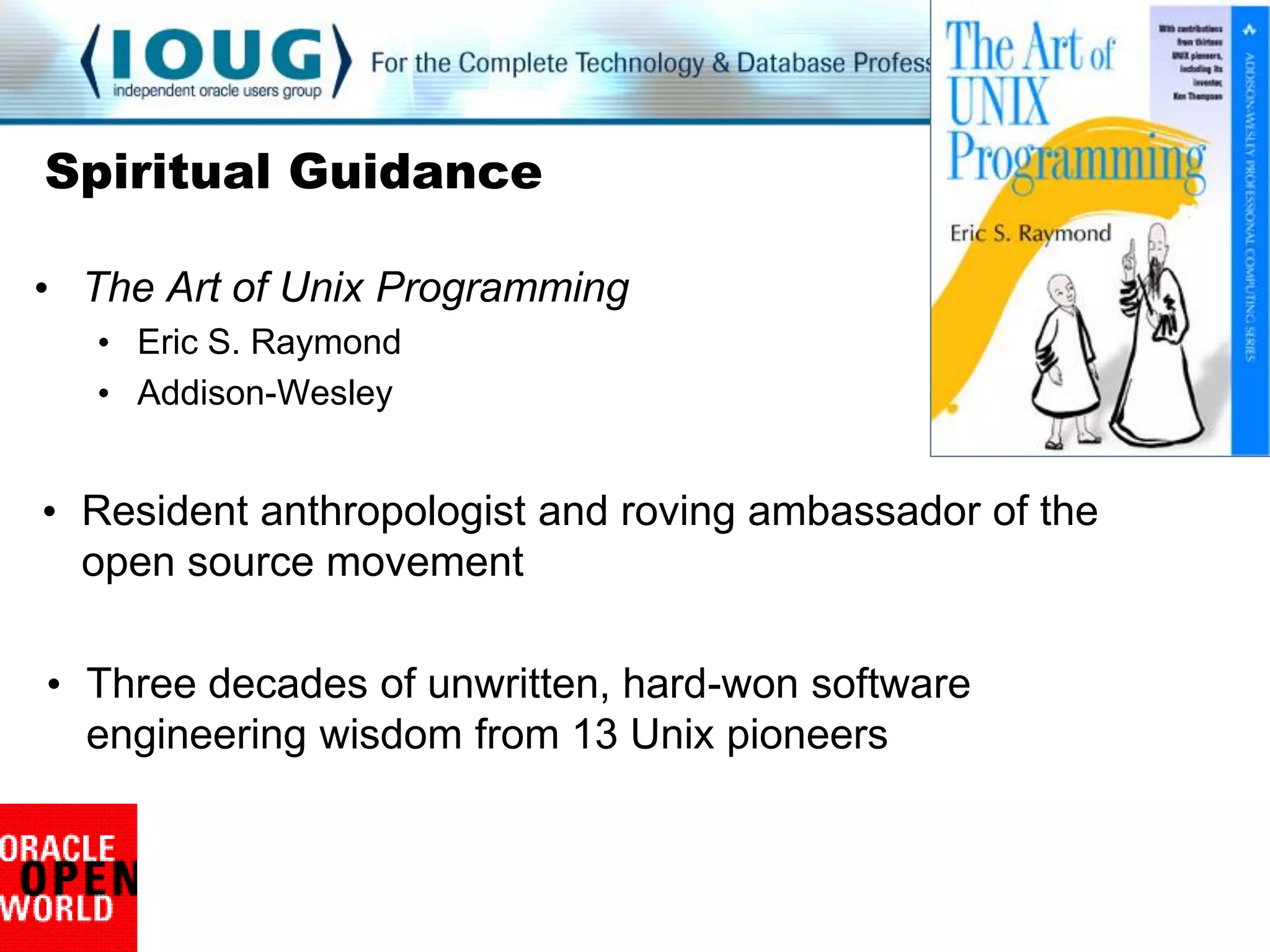
Spiritual Guidance

• The Art of Unix Programming
   • Eric S. Raymond
   • Addison-Wesley


• Resident anthropologist and roving ambassador of the
  open source movement

• Three decades of unwritten, hard-won software
  engineering wisdom from 13 Unix pioneers
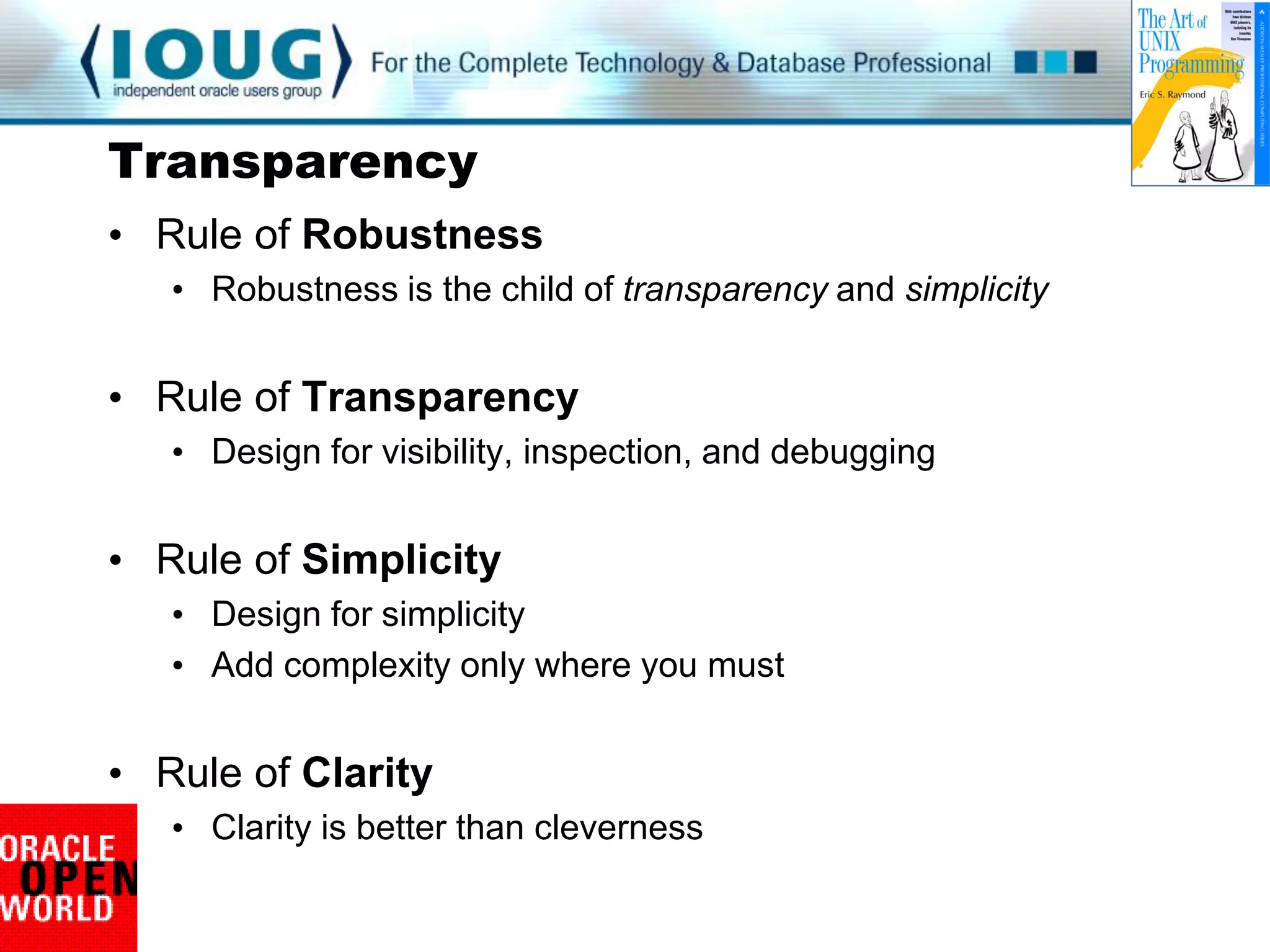
Transparency
• Rule of Robustness
   • Robustness is the child of transparency and simplicity


• Rule of Transparency
   • Design for visibility, inspection, and debugging


• Rule of Simplicity
   • Design for simplicity
   • Add complexity only where you must


• Rule of Clarity
   • Clarity is better than cleverness
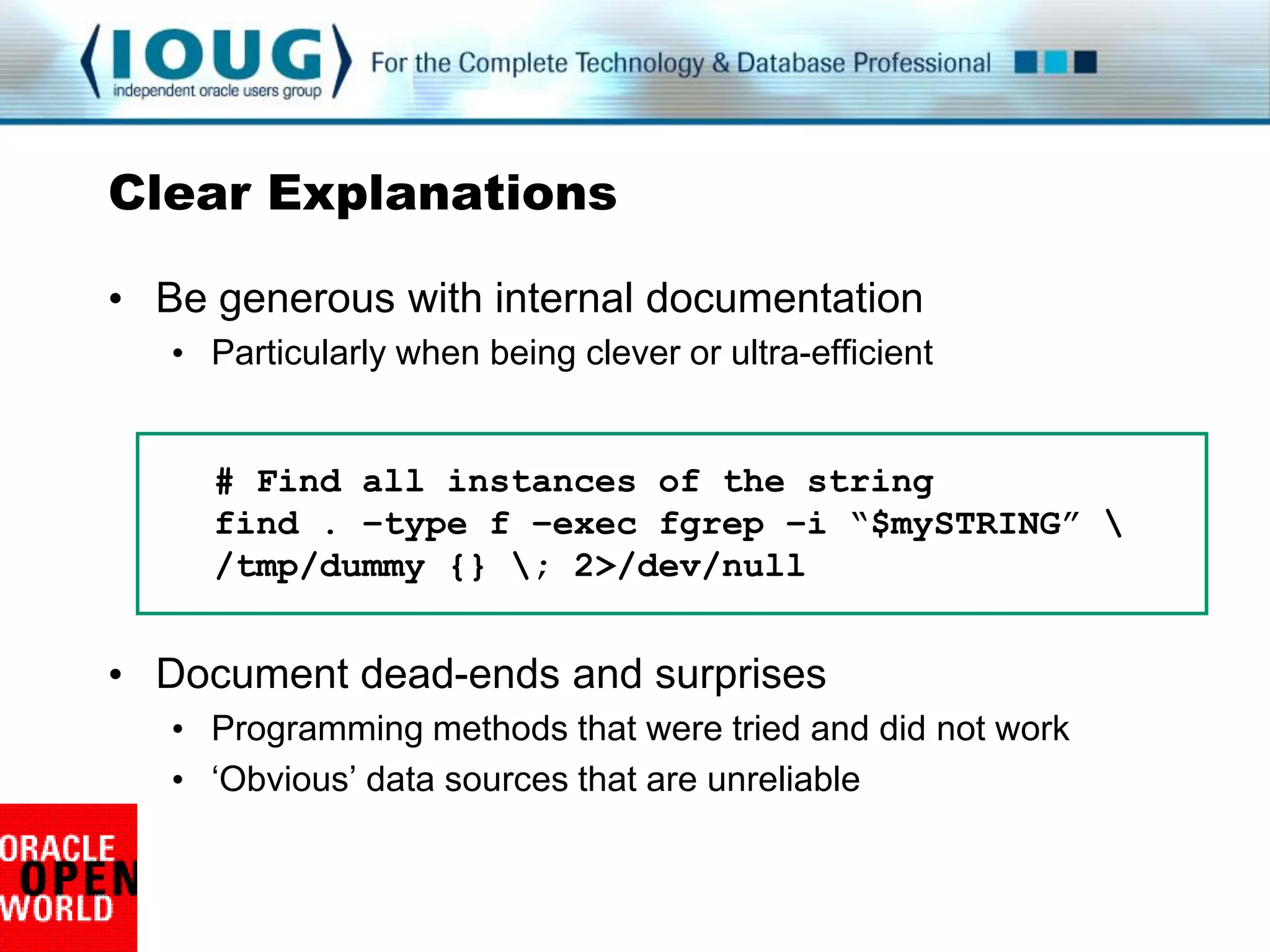
Clear Explanations

• Be generous with internal documentation
   • Particularly when being clever or ultra-efficient


     # Find all instances of the string
     find . –type f –exec fgrep –i “$mySTRING” 
     /tmp/dummy {} ; 2>/dev/null


• Document dead-ends and surprises
   • Programming methods that were tried and did not work
   • „Obvious‟ data sources that are unreliable
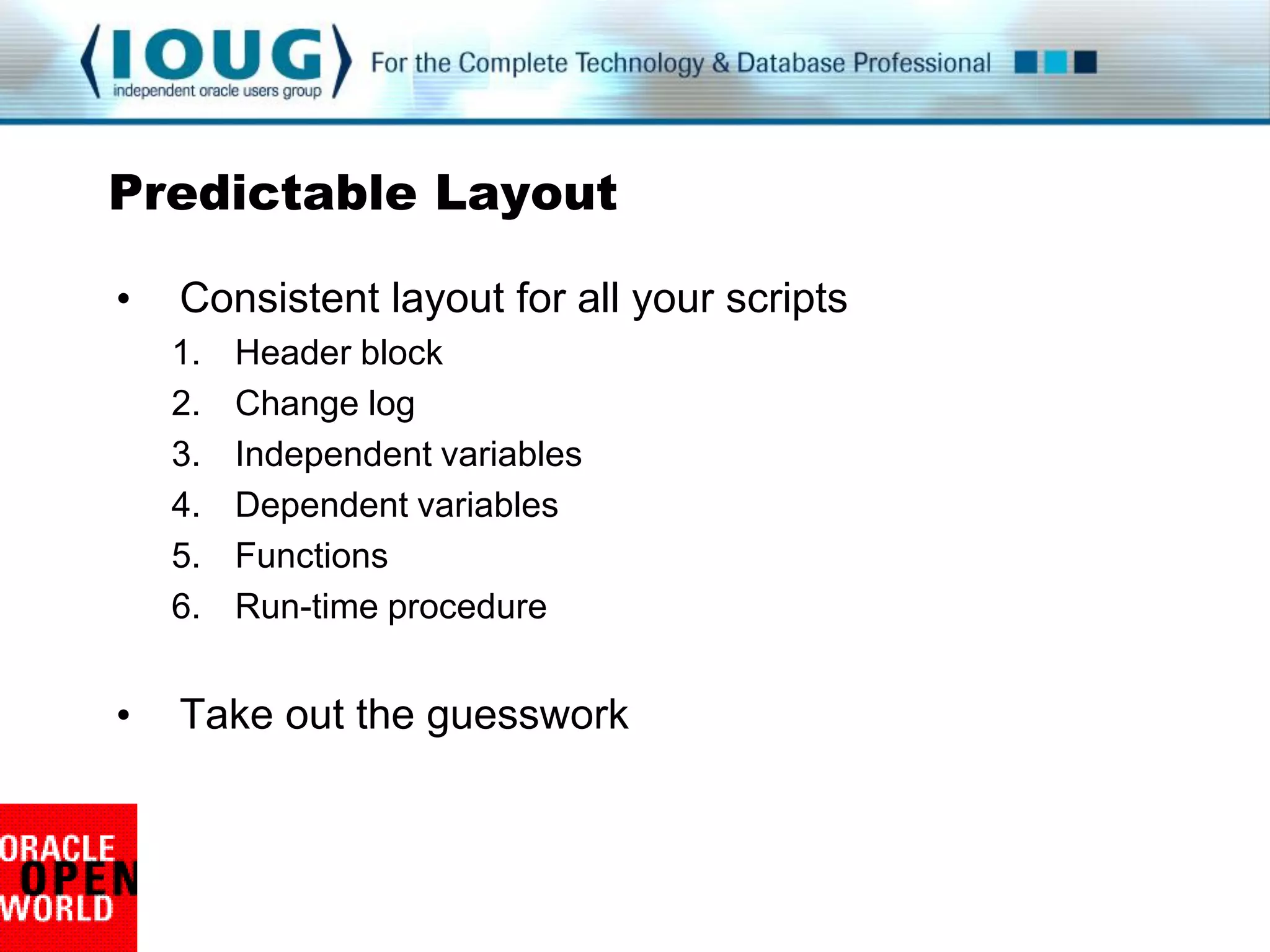
Predictable Layout

•   Consistent layout for all your scripts
    1.   Header block
    2.   Change log
    3.   Independent variables
    4.   Dependent variables
    5.   Functions
    6.   Run-time procedure


•   Take out the guesswork
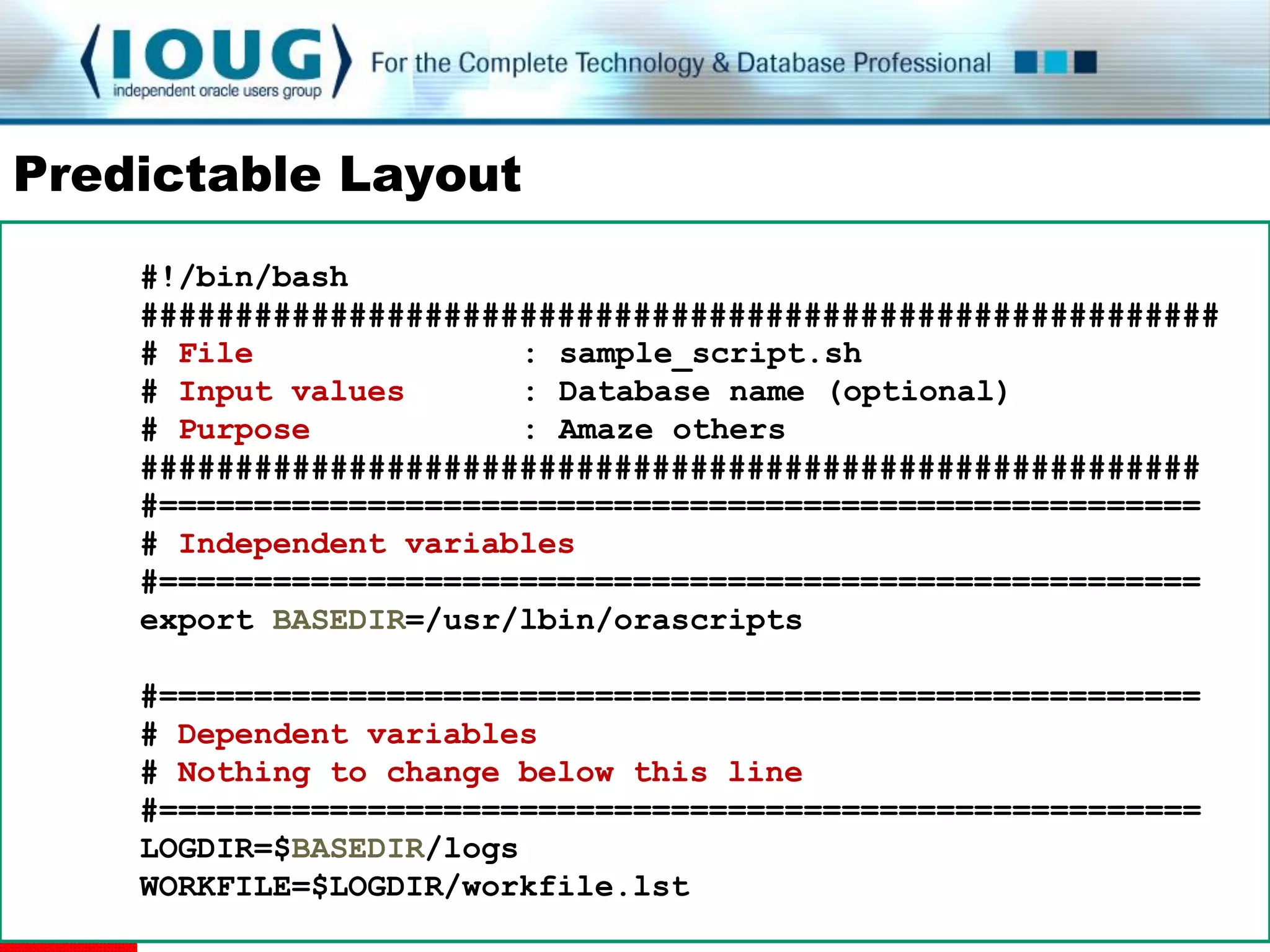
Predictable Layout
    #!/bin/bash
    #########################################################
    # File              : sample_script.sh
    # Input values      : Database name (optional)
    # Purpose           : Amaze others
    ########################################################
    #=======================================================
    # Independent variables
    #=======================================================
    export BASEDIR=/usr/lbin/orascripts

    #=======================================================
    # Dependent variables
    # Nothing to change below this line
    #=======================================================
    LOGDIR=$BASEDIR/logs
    WORKFILE=$LOGDIR/workfile.lst
Visual Simplicity

• Be kind to yourself and others

• Layouts and formatting

   USE WHITESPACE

          Break up long lines with 
          back-slash
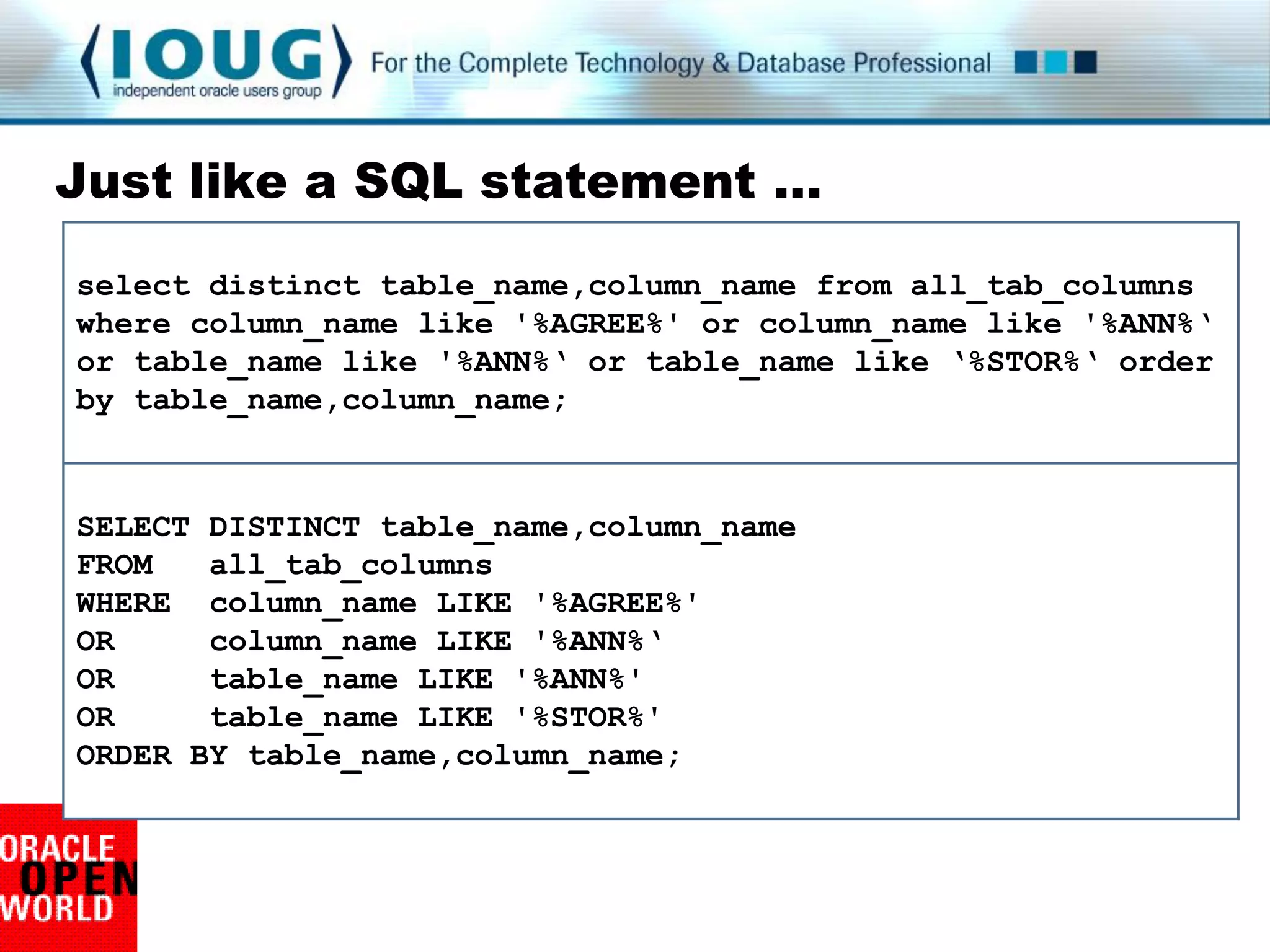
Just like a SQL statement …
select distinct table_name,column_name from all_tab_columns
where column_name like '%AGREE%' or column_name like '%ANN%„
or table_name like '%ANN%„ or table_name like „%STOR%„ order
by table_name,column_name;


SELECT DISTINCT table_name,column_name
FROM   all_tab_columns
WHERE column_name LIKE '%AGREE%'
OR     column_name LIKE '%ANN%„
OR     table_name LIKE '%ANN%'
OR     table_name LIKE '%STOR%'
ORDER BY table_name,column_name;
Emphasize Visual Flow
  for thisHOST in `cat ${HOSTLIST}`; do
  if [ ${#thisHOST} -gt 5 ]; then
  echo "BIG: ${thisHOST} is ${#thisHOST} characters"
  else
  if [ ${#thisHOST} -lt 3 ]; then
  echo "LITTLE: ${thisHOST} is ${#thisHOST} characters"
  fi
  fi
  done

  for thisHOST in `cat ${HOSTLIST}`; do
       if [ ${#thisHOST} -gt 5 ]; then
              echo "BIG: ${thisHOST} name is long"
       else
              if [ ${#thisHOST} -lt 3 ]; then
                      echo "LITTLE: ${thisHOST} name is short"
              fi
       fi
  done
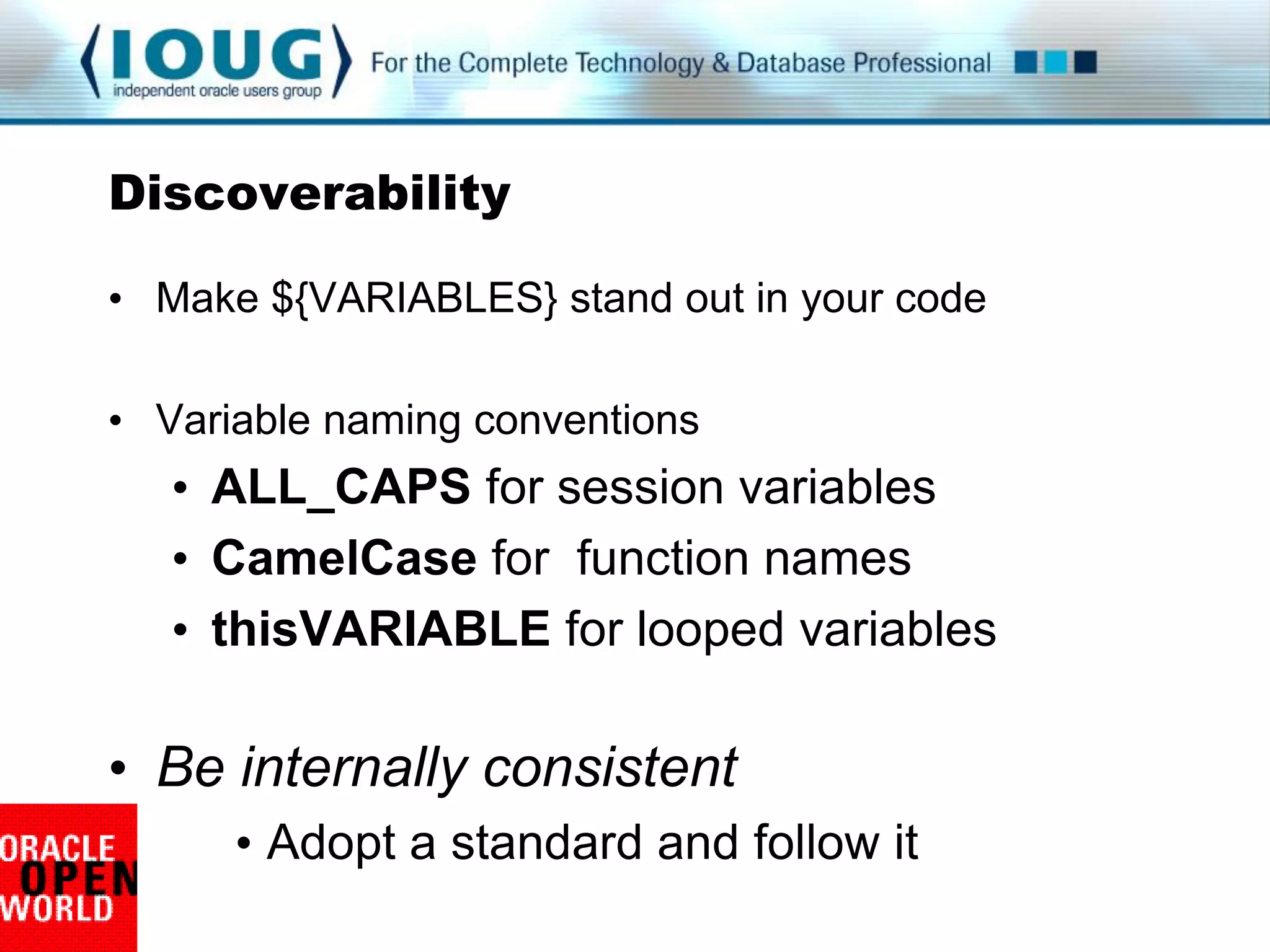
Discoverability

• Make ${VARIABLES} stand out in your code

• Variable naming conventions
   • ALL_CAPS for session variables
   • CamelCase for function names
   • thisVARIABLE for looped variables

• Be internally consistent
      • Adopt a standard and follow it
Outstanding Variables
    for thishost in `cat $hostlist`; do
      if [ $#thishost -gt 5 ]; then
             longmessage
      else
             if [ $#thishost -lt 3 ]; then
                     shortmessage
             fi
      fi
    done

    for thisHOST in `cat ${HOSTLIST}`; do
      if [ ${#thisHOST} -gt 5 ]; then
             LongMessage
      else
             if [ ${#thisHOST} -lt 3 ]; then
                     ShortMessage
             fi
      fi
    done
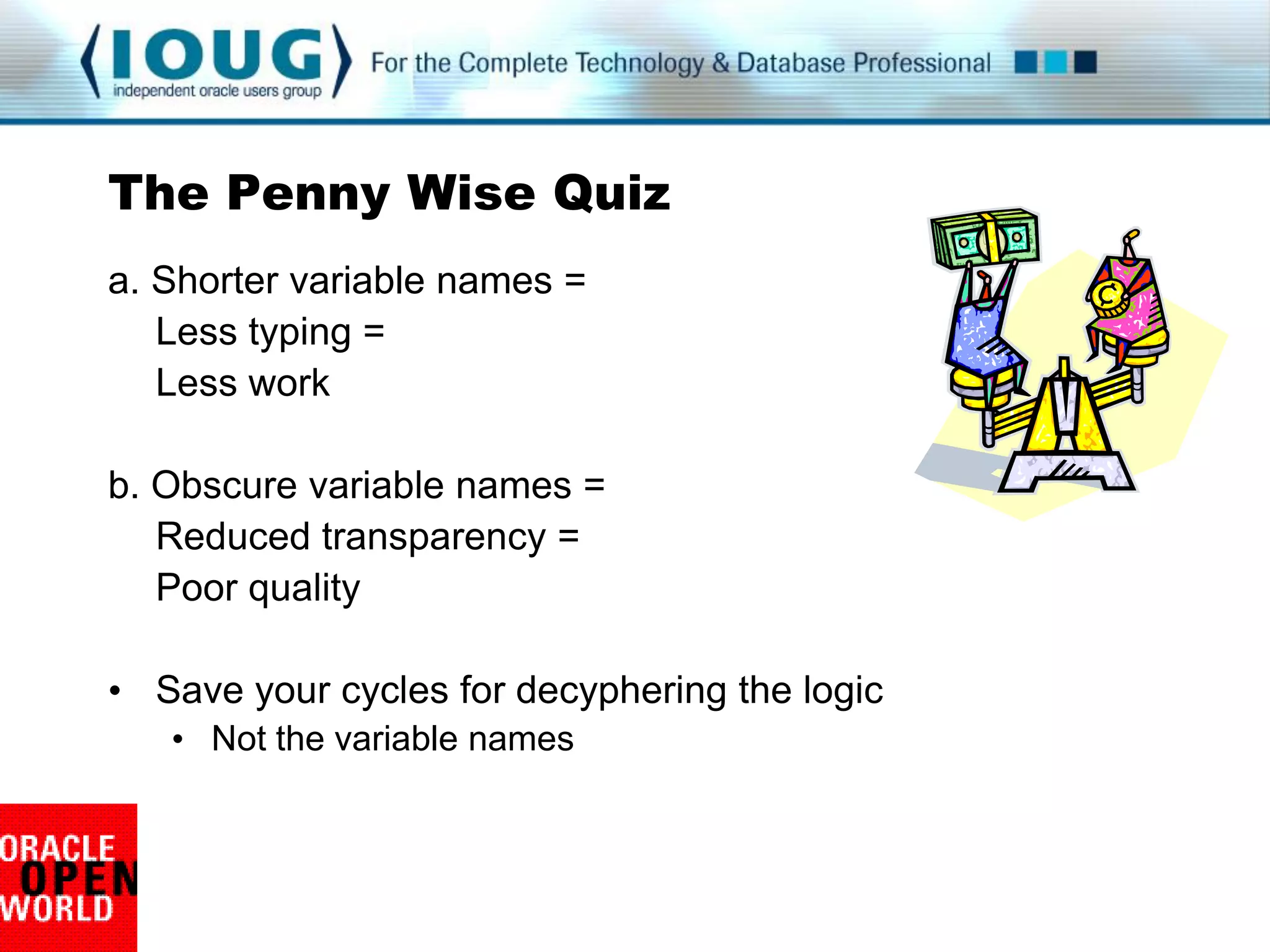
The Penny Wise Quiz
a. Shorter variable names =
   Less typing =
   Less work

b. Obscure variable names =
   Reduced transparency =
   Poor quality

• Save your cycles for decyphering the logic
   • Not the variable names
Tuning for Transparency

 • Rule of Optimization
    • Prototype before polishing
    • Get it working before you optimize it


 • Rule of Modularity
    • Write simple parts connected by clean interfaces
    • Functions
    • Temporary files
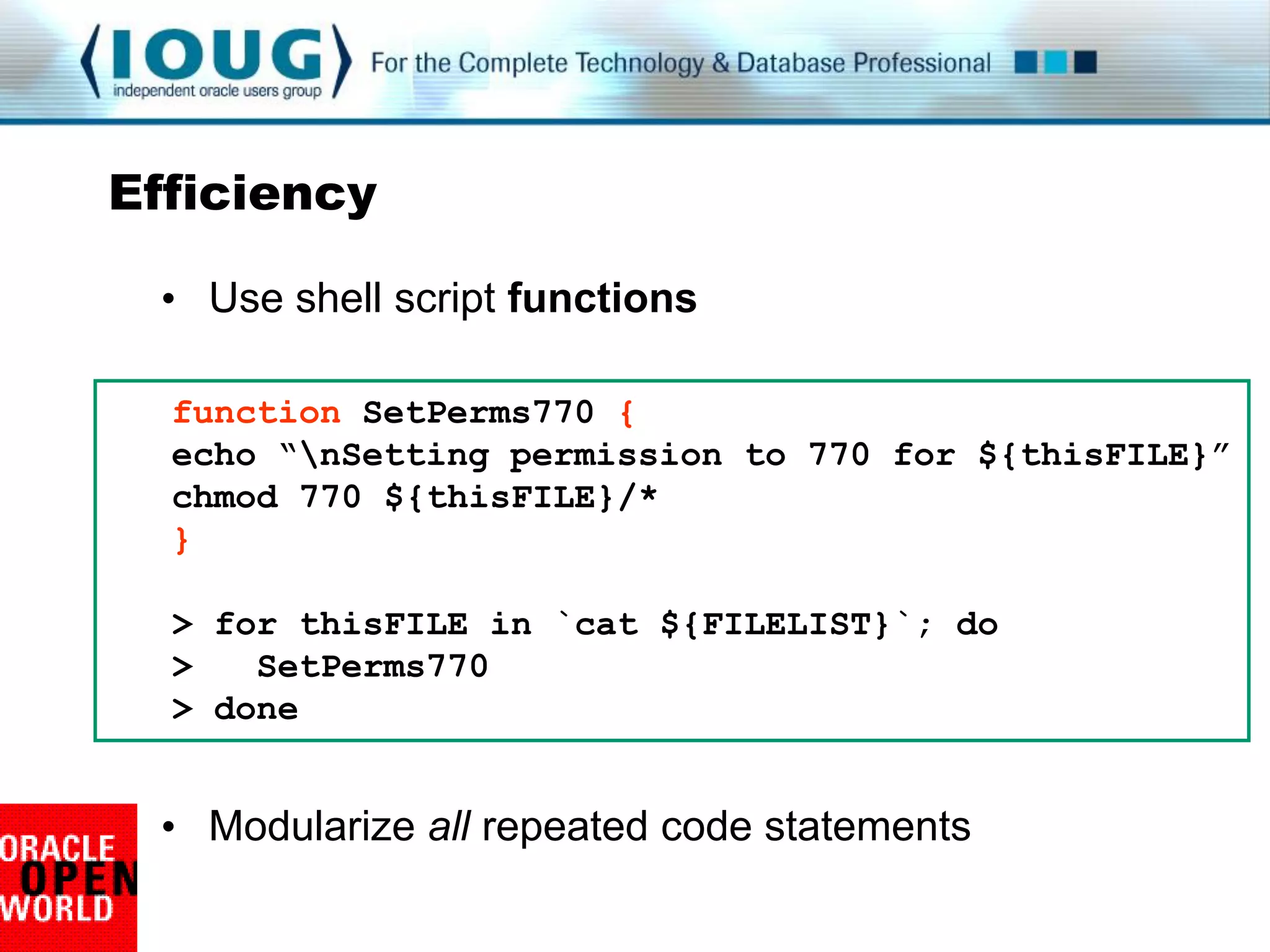
Efficiency

 • Use shell script functions

  function SetPerms770 {
  echo “nSetting permission to 770 for ${thisFILE}”
  chmod 770 ${thisFILE}/*
  }

  > for thisFILE in `cat ${FILELIST}`; do
  >   SetPerms770
  > done


 • Modularize all repeated code statements
Handiest function ever

 • At the beginning of the script
 • At the end of the script
 • Any time execution might end


 function CleanUpFiles {
   [ $LOGFILE ] && rm –f ${LOGFILE}
   [ $SPOOL01 ] && rm –f ${SPOOL01}
 }
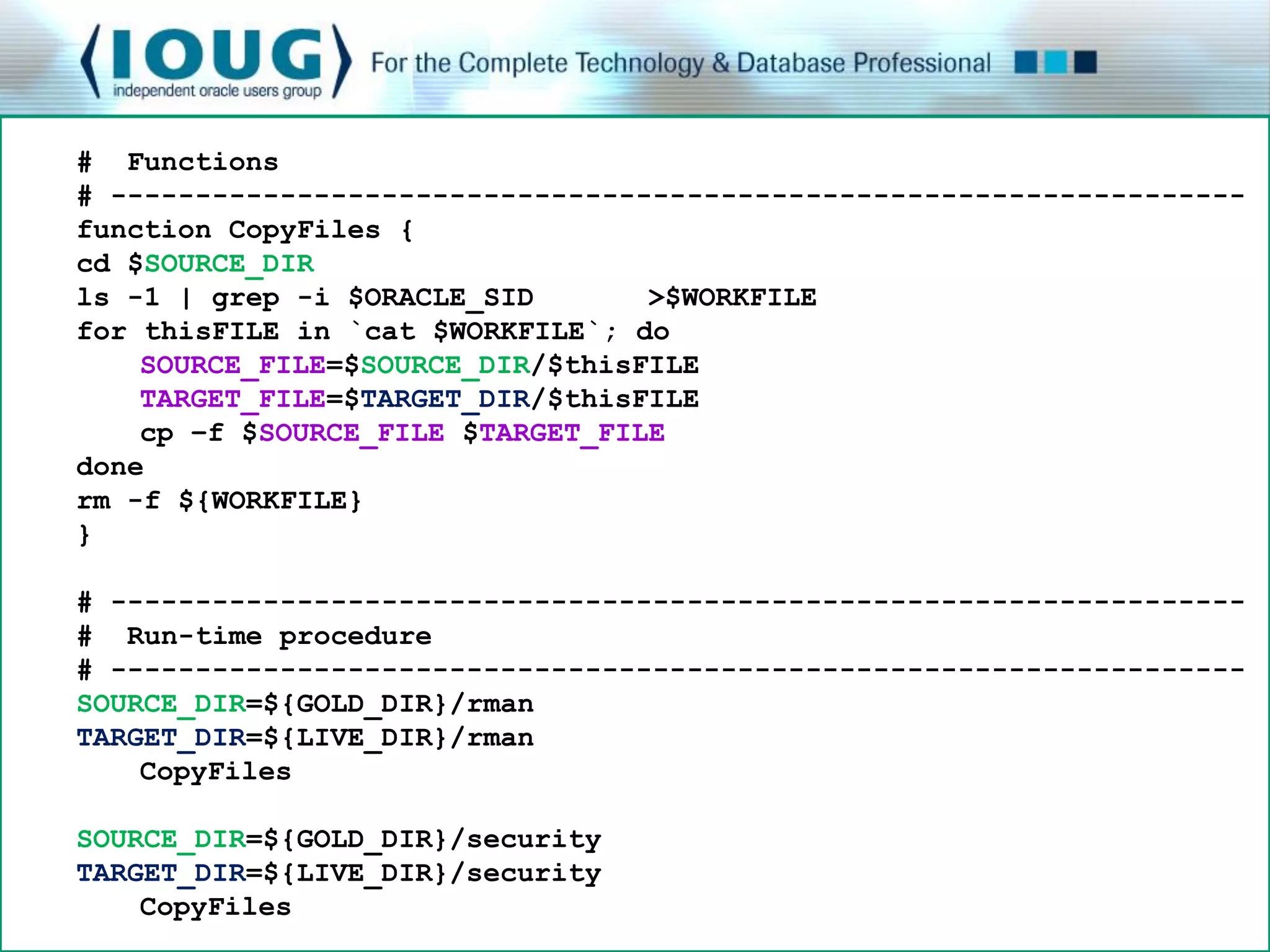
# Functions
# -------------------------------------------------------------------
function CopyFiles {
cd $SOURCE_DIR
ls -1 | grep -i $ORACLE_SID       >$WORKFILE
for thisFILE in `cat $WORKFILE`; do
    SOURCE_FILE=$SOURCE_DIR/$thisFILE
    TARGET_FILE=$TARGET_DIR/$thisFILE
    cp –f $SOURCE_FILE $TARGET_FILE
done
rm -f ${WORKFILE}
}

# -------------------------------------------------------------------
# Run-time procedure
# • Modularize all repeated code statements
  -------------------------------------------------------------------
SOURCE_DIR=${GOLD_DIR}/rman
TARGET_DIR=${LIVE_DIR}/rman
    CopyFiles

SOURCE_DIR=${GOLD_DIR}/security
TARGET_DIR=${LIVE_DIR}/security
    CopyFiles
Transparency Zen

• Rule of Diversity
   • Distrust all claims of “one true way”
   • Including your own


• Revisit older scripts
   • Technologies change
   • Techniques change
The Secret to the (Scripting) Universe


Steal
Adapt
Improve
Repeat
Transparency Wrap-up

Maintenance without frustration:

   • Written with maintenance and on-call in mind


   • Provide useful guidance and instructions


   • Reflect visual simplicity and clear layout


Comments or questions
I’m awake
I’m awake
User Communication

• Rule of Silence
   • Nothing surprising to say: say nothing


• Rule of Repair
   • Repair what you can
   • When you must fail, fail noisily and as soon as possible


• Rule of Least Surprise
   • In interface design, do the least surprising thing
   • Do the most expected thing
Work with the user

• Verify scripted actions

         echo “These files will be backed up:”
         cat ${FILELIST}


• Keep the user informed
   • Share status and decisions

         echo “You asked to delete everything in /etc”

         read -p "Is this correct? [Y|N]" myVal
         case $myVal in . . .
Opatch is a gem
  Running prerequisite checks...

  OPatch detected non-cluster Oracle Home from the inventory
  and will patch the local system only.

  Please shutdown Oracle instances running out of this
  ORACLE_HOME on the local system.
  (Oracle Home = '/cisp_orabase/product/10.2.0')

  Is the local system ready for patching? [y|n]

  User Responded with: Y

  Applying patch 7155252...

  ApplySession applying interim patch '7155252' to OH
  '/cisp_orabase/product/10.2.0'
  Backing up files affected by the patch '7155252' for
  rollback. This might take a while...
Graciousness

• Handle errors with grace
   • Explain the situation
   • Lead the user to a solution


     if [ ${#1} -eq 0 ];then
        echo "The required value for database name"
        echo "was not passed in the command line"
        read -p "Enter the database name: " myVal
        export thisSID=$myVal
     fi
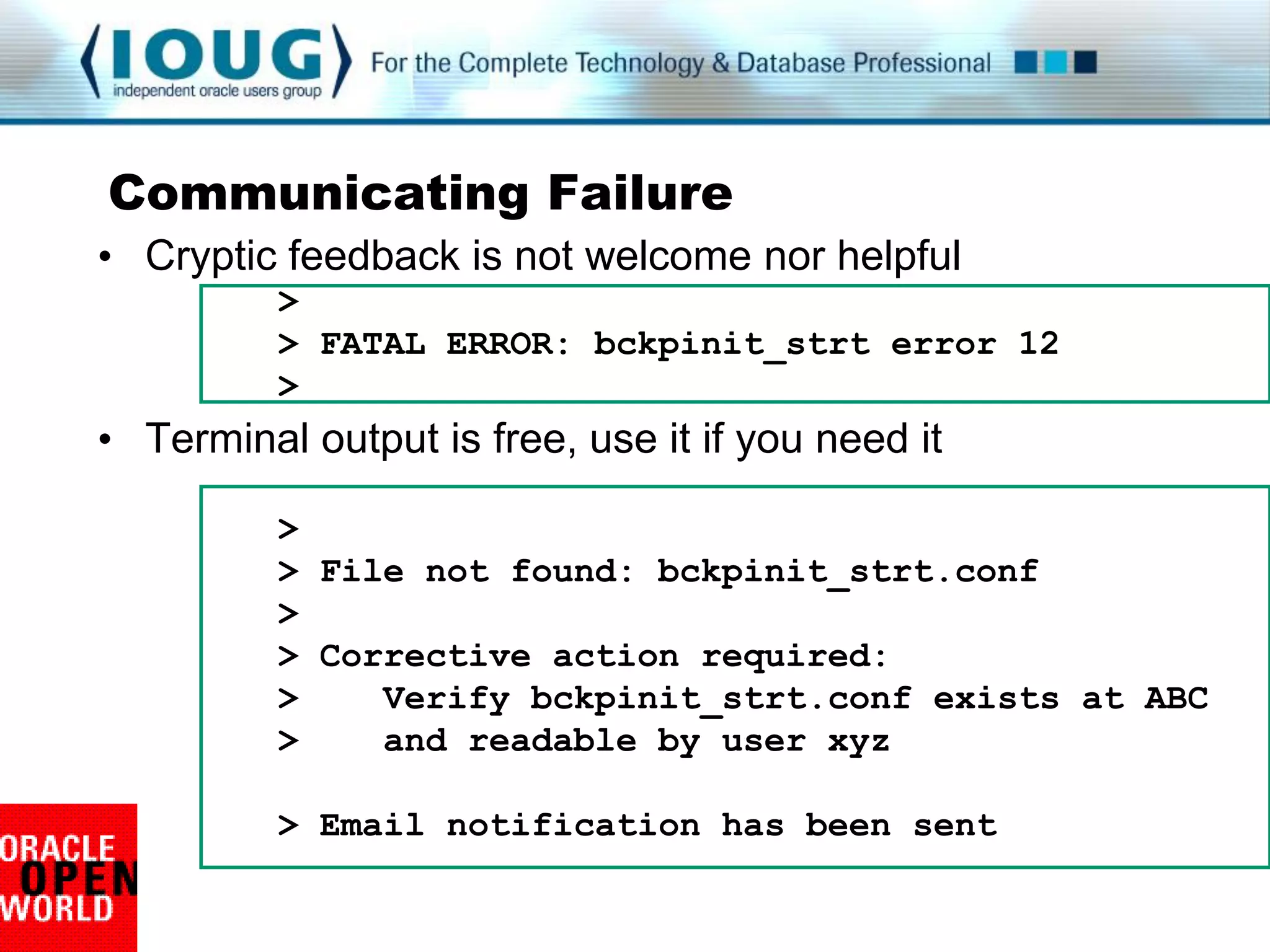
Communicating Failure
• Cryptic feedback is not welcome nor helpful
          >
          > FATAL ERROR: bckpinit_strt error 12
          >
• Terminal output is free, use it if you need it

          >
          > File not found: bckpinit_strt.conf
          >
          > Corrective action required:
          >    Verify bckpinit_strt.conf exists at ABC
          >    and readable by user xyz

          > Email notification has been sent
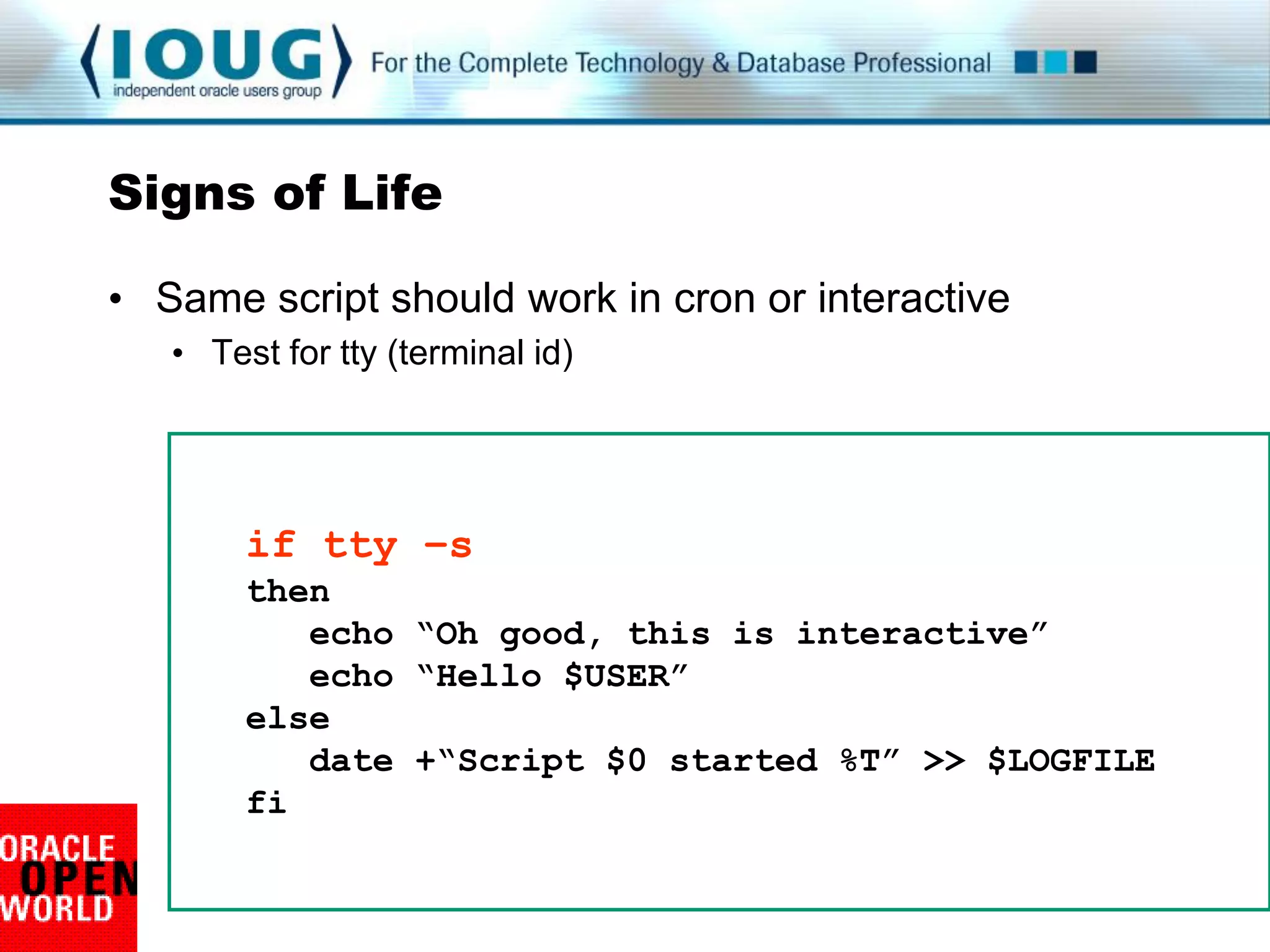
Signs of Life

• Same script should work in cron or interactive
   • Test for tty (terminal id)


        if tty –s
        then
           echo “Oh good, this is interactive”
           echo “Hello $USER”
        else
           date +“Script $0 started %T” >> $LOGFILE
        fi
Artist and Psychologist

• Break the output into usable blocks
   • Use n and t liberally
       • If it makes it easier for user to understand


• Particularly important for interactive scripts
   • Push the „read‟ statement into their attention
   • “Is the local system ready for patching? [y|n]”


• Direct their eyes with breaks and groups
   • Apply the same practices to log files and reports
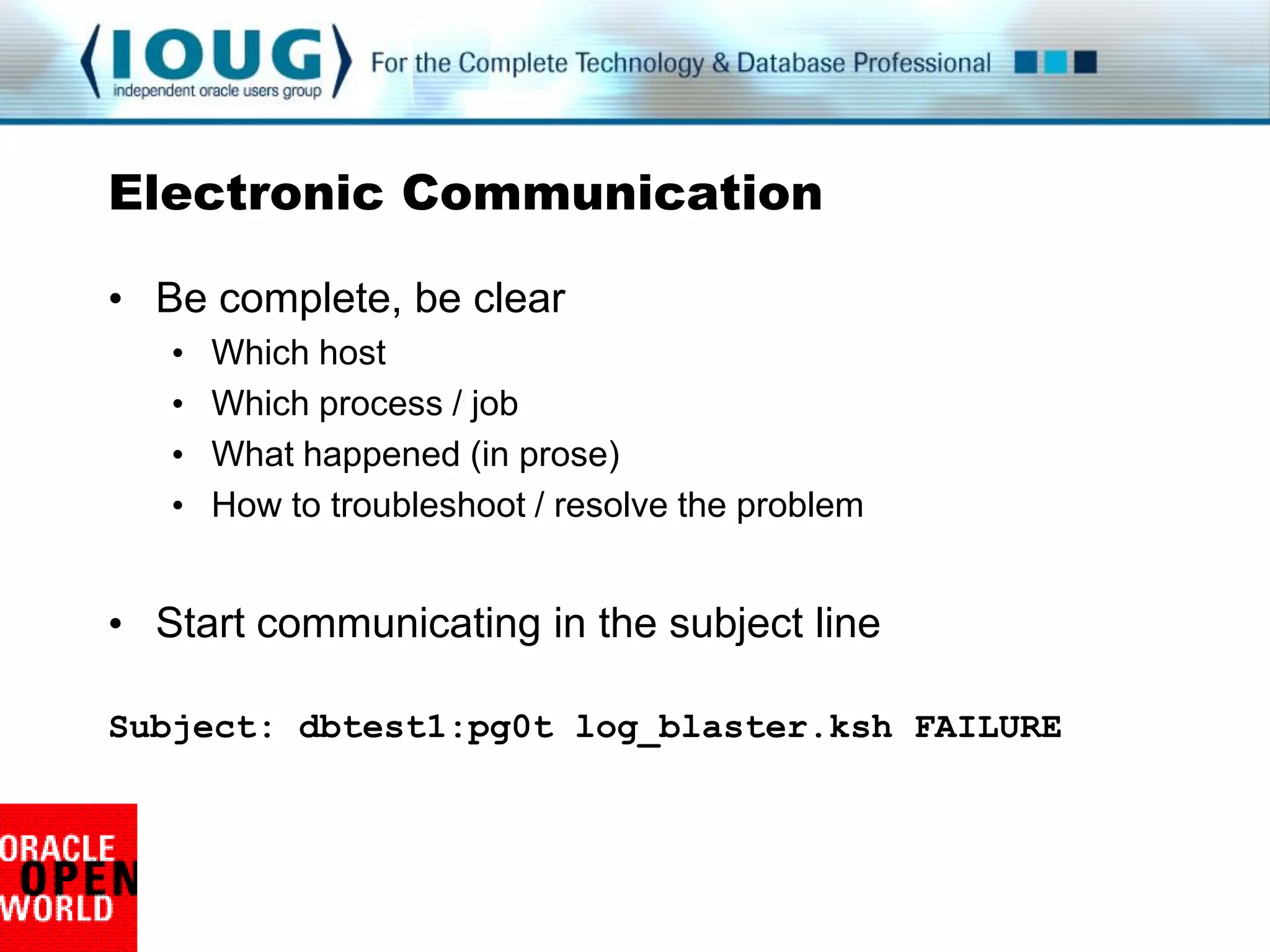
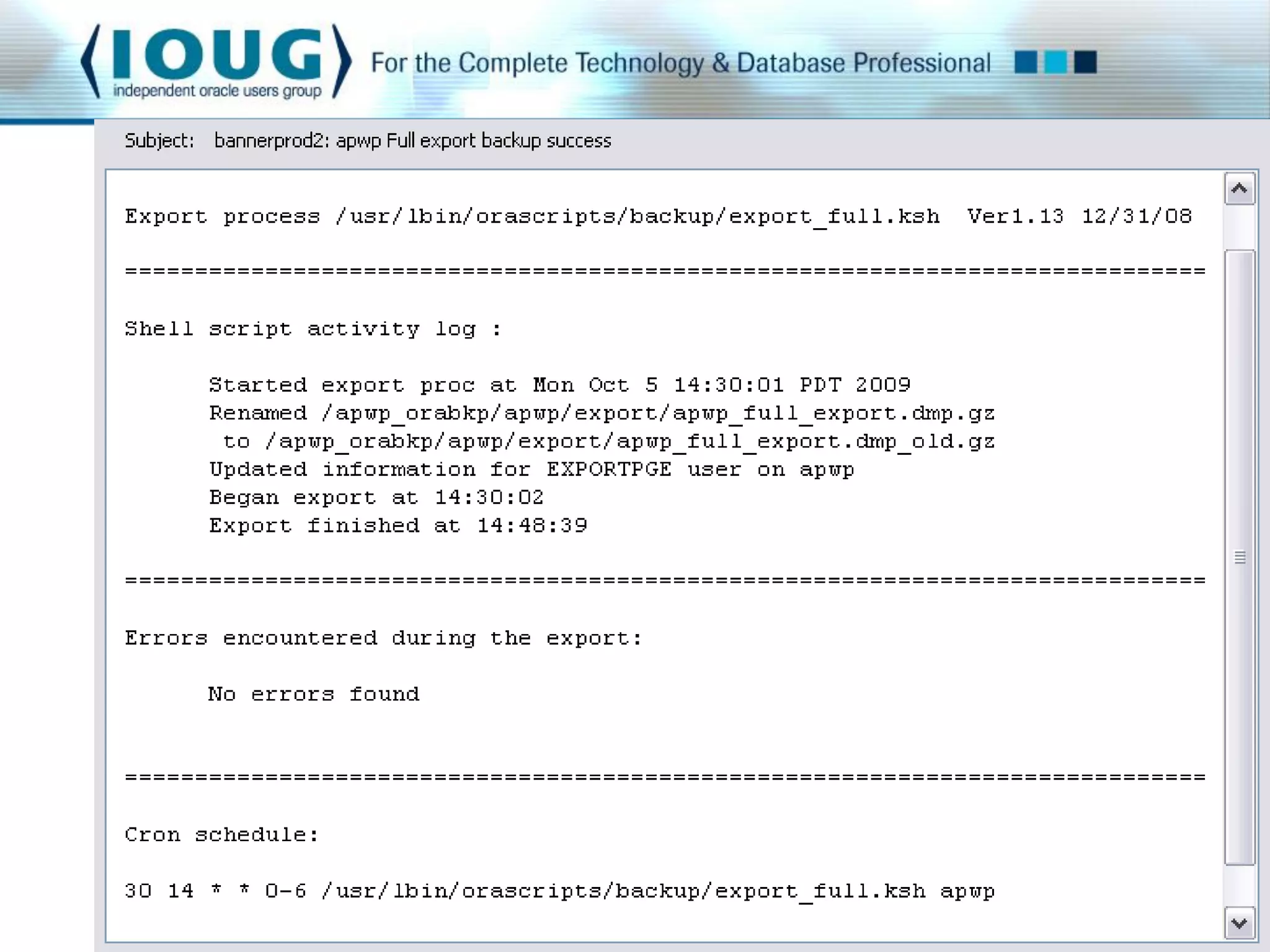
Electronic Communication

• Be complete, be clear
   •   Which host
   •   Which process / job
   •   What happened (in prose)
   •   How to troubleshoot / resolve the problem


• Start communicating in the subject line

Subject: dbtest1:pg0t log_blaster.ksh FAILURE
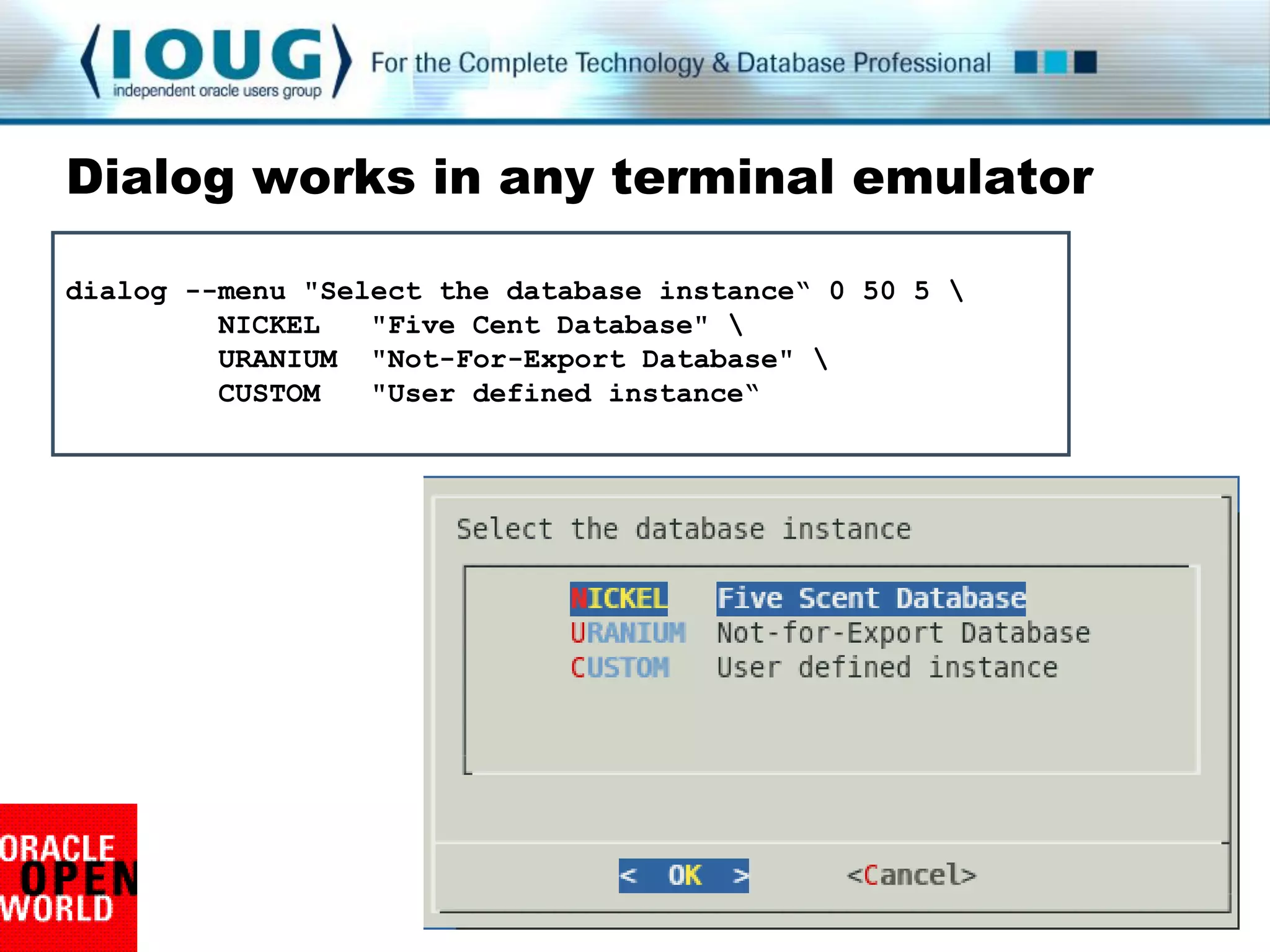
Dialog works in any terminal emulator

dialog --menu "Select the database instance“ 0 50 5 
         NICKEL   "Five Cent Database" 
         URANIUM "Not-For-Export Database" 
         CUSTOM   "User defined instance“
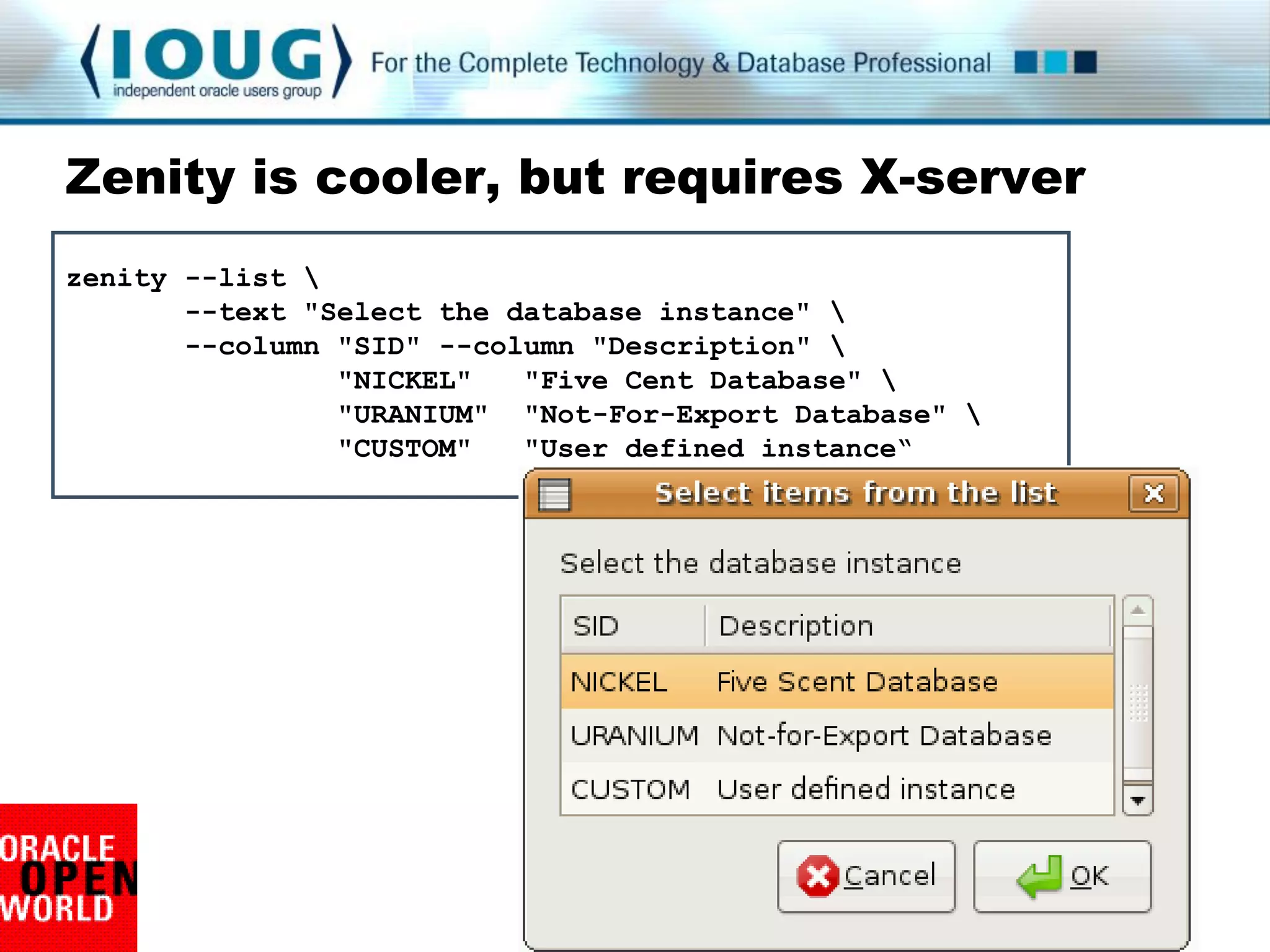
Zenity is cooler, but requires X-server
zenity --list 
       --text "Select the database instance" 
       --column "SID" --column "Description" 
                "NICKEL"   "Five Cent Database" 
                "URANIUM" "Not-For-Export Database" 
                "CUSTOM"   "User defined instance“
Communication Wrap-up

Effort without agitation:

   • Work with the user

   • Generous with visual guidance and produce attractive,
     useful log files and reports

   • Clear and complete feedback


Comments or questions
So this is
 Haight
Ashbury
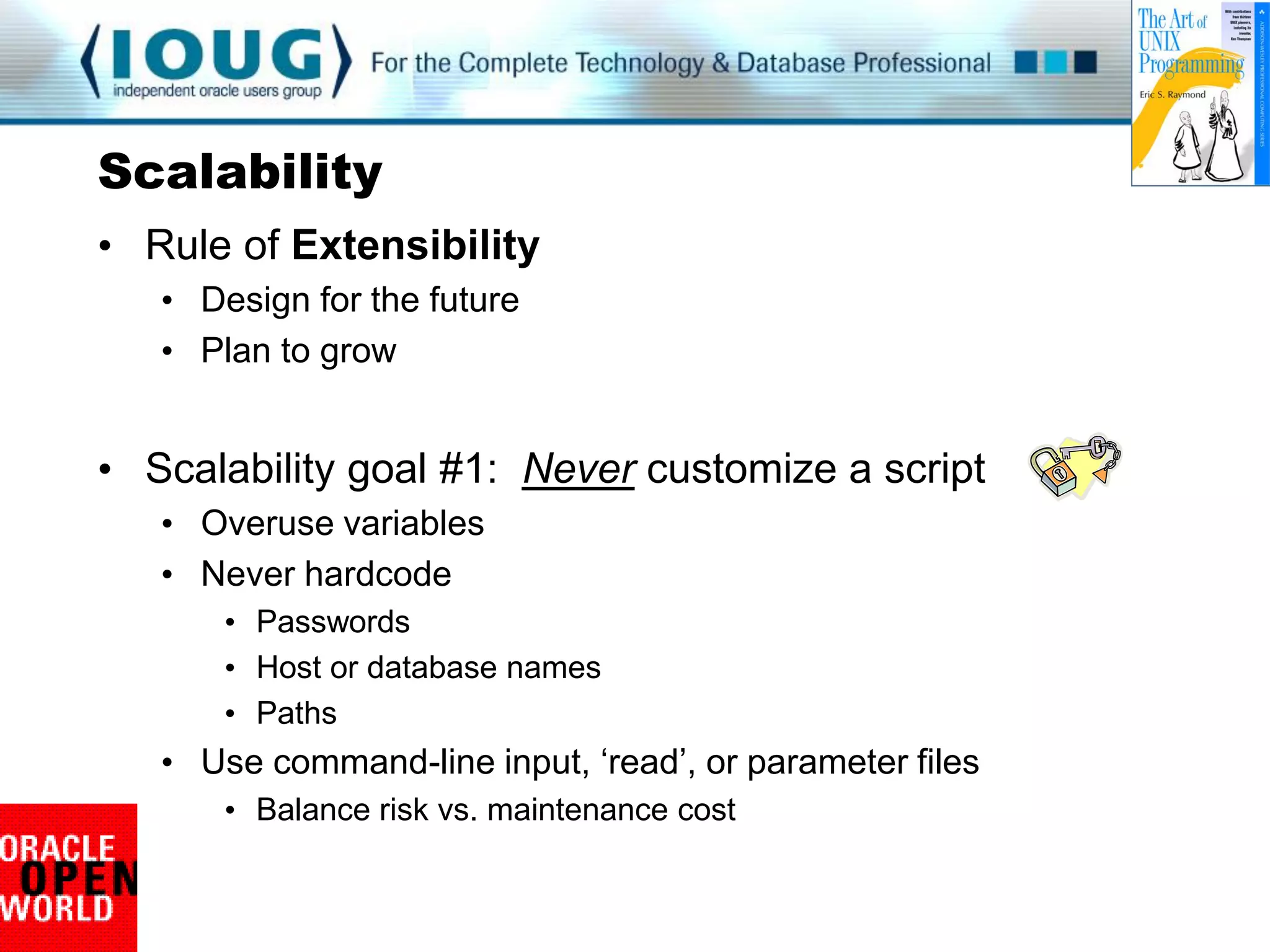
Scalability
• Rule of Extensibility
   • Design for the future
   • Plan to grow


• Scalability goal #1: Never customize a script
   • Overuse variables
   • Never hardcode
       • Passwords
       • Host or database names
       • Paths
   • Use command-line input, „read‟, or parameter files
       • Balance risk vs. maintenance cost
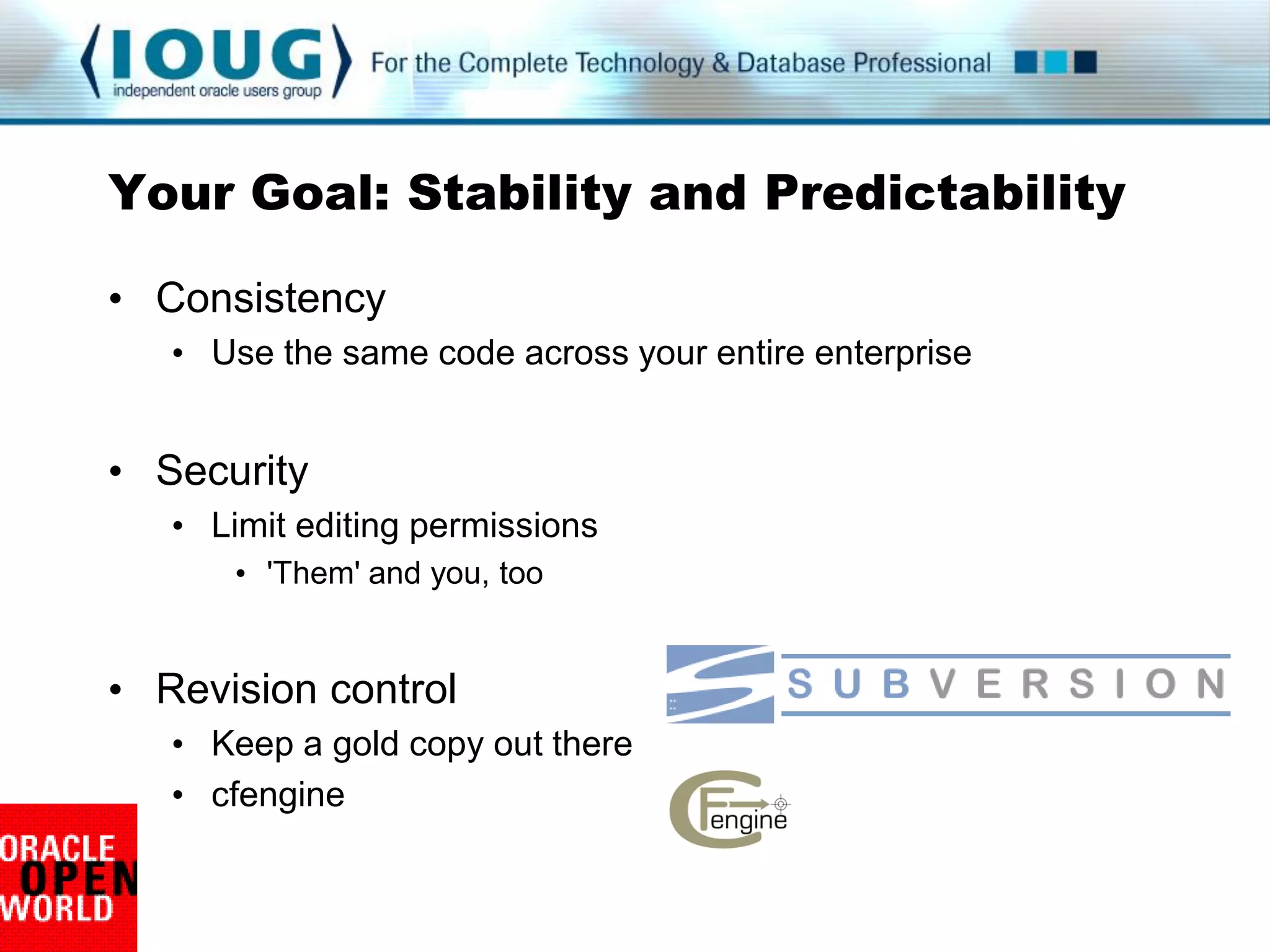
Your Goal: Stability and Predictability

• Consistency
   • Use the same code across your entire enterprise


• Security
   • Limit editing permissions
       • 'Them' and you, too


• Revision control
   • Keep a gold copy out there
   • cfengine
Use the Command Line
 #!/bin/bash                 ${0}     ${1} ${2}
 thisSCRIPT=$0         > backup_db.sh silver hot
 ORACLE_SID=$1
 BU_TYPE=$2
 echo “Executing ${thisSCRIPT} for ${thisSID}”
 if [ ${BU_TYPE} == hot ]; then
    echo “tRunning a hot backup”
    TestForArchiveMode
 else
    RunColdBackup
 fi
Command Line Illustration
    #!/bin/bash
    # file: input_variables.sh

    if [ $1 ] ; then
            echo "Amaze your $1"
    else
            echo “provide input, pathetic human!"
    fi

    >
    > ./input_variables.sh friends
    > Amaze your friends
Command Line Upside
 • Nothing inside the tested script changes
    • No surprises
    • No customizations
    • One script across the enterprise


 • Securable
    • Does not require write permissions for others
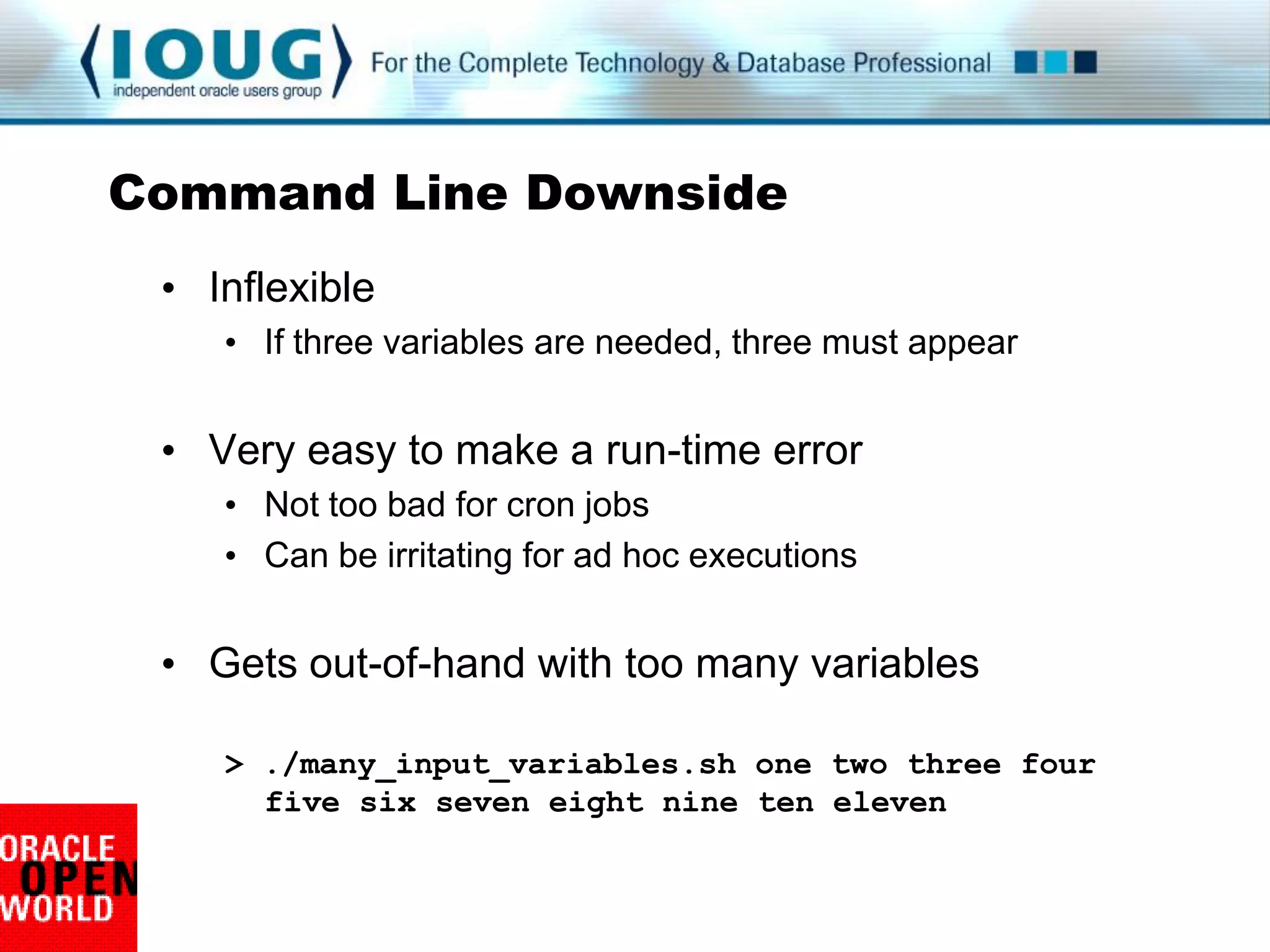
Command Line Downside
 • Inflexible
    • If three variables are needed, three must appear


 • Very easy to make a run-time error
    • Not too bad for cron jobs
    • Can be irritating for ad hoc executions


 • Gets out-of-hand with too many variables

    > ./many_input_variables.sh one two three four
      five six seven eight nine ten eleven
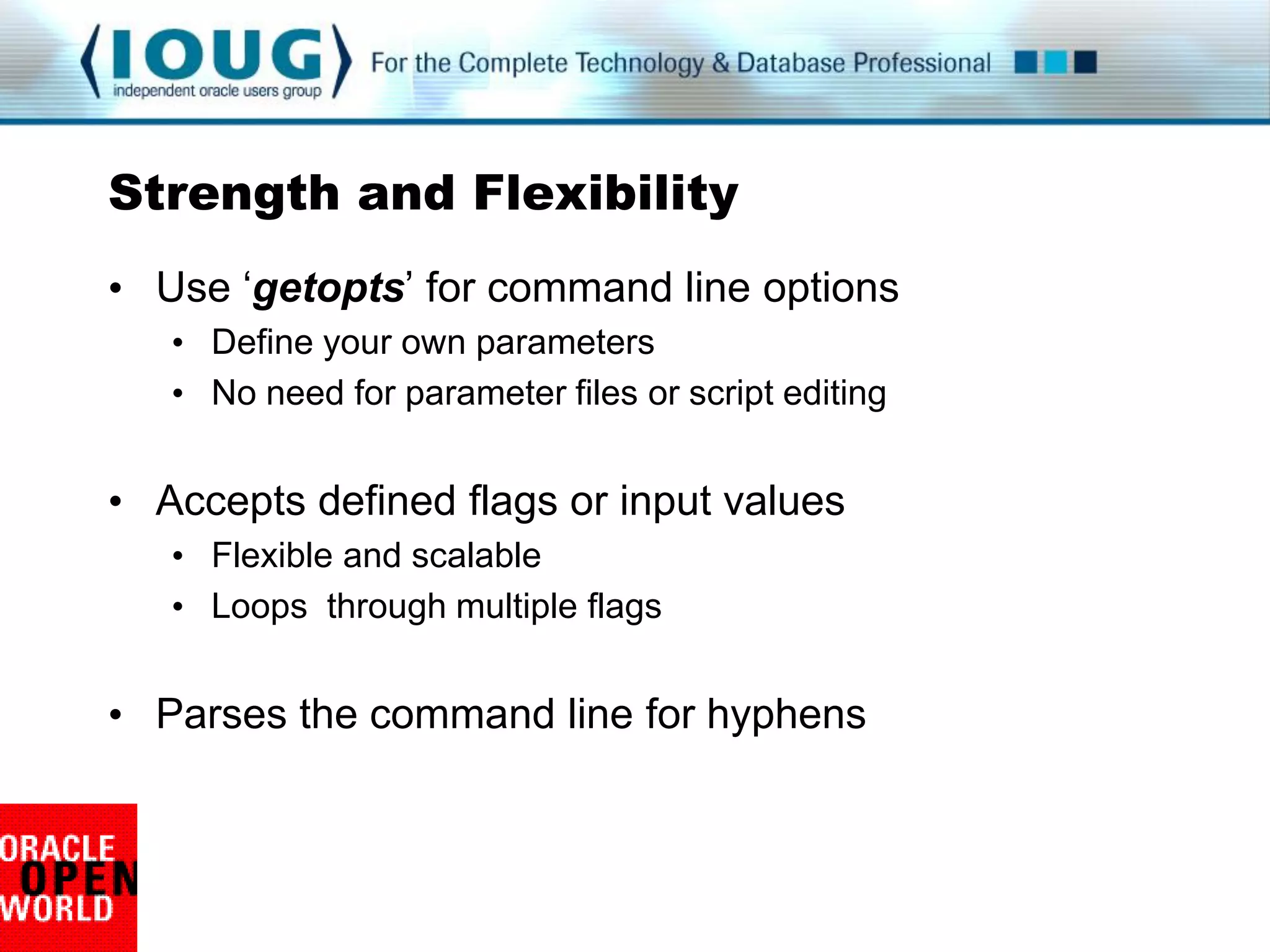
Strength and Flexibility
• Use „getopts‟ for command line options
   • Define your own parameters
   • No need for parameter files or script editing


• Accepts defined flags or input values
   • Flexible and scalable
   • Loops through multiple flags


• Parses the command line for hyphens
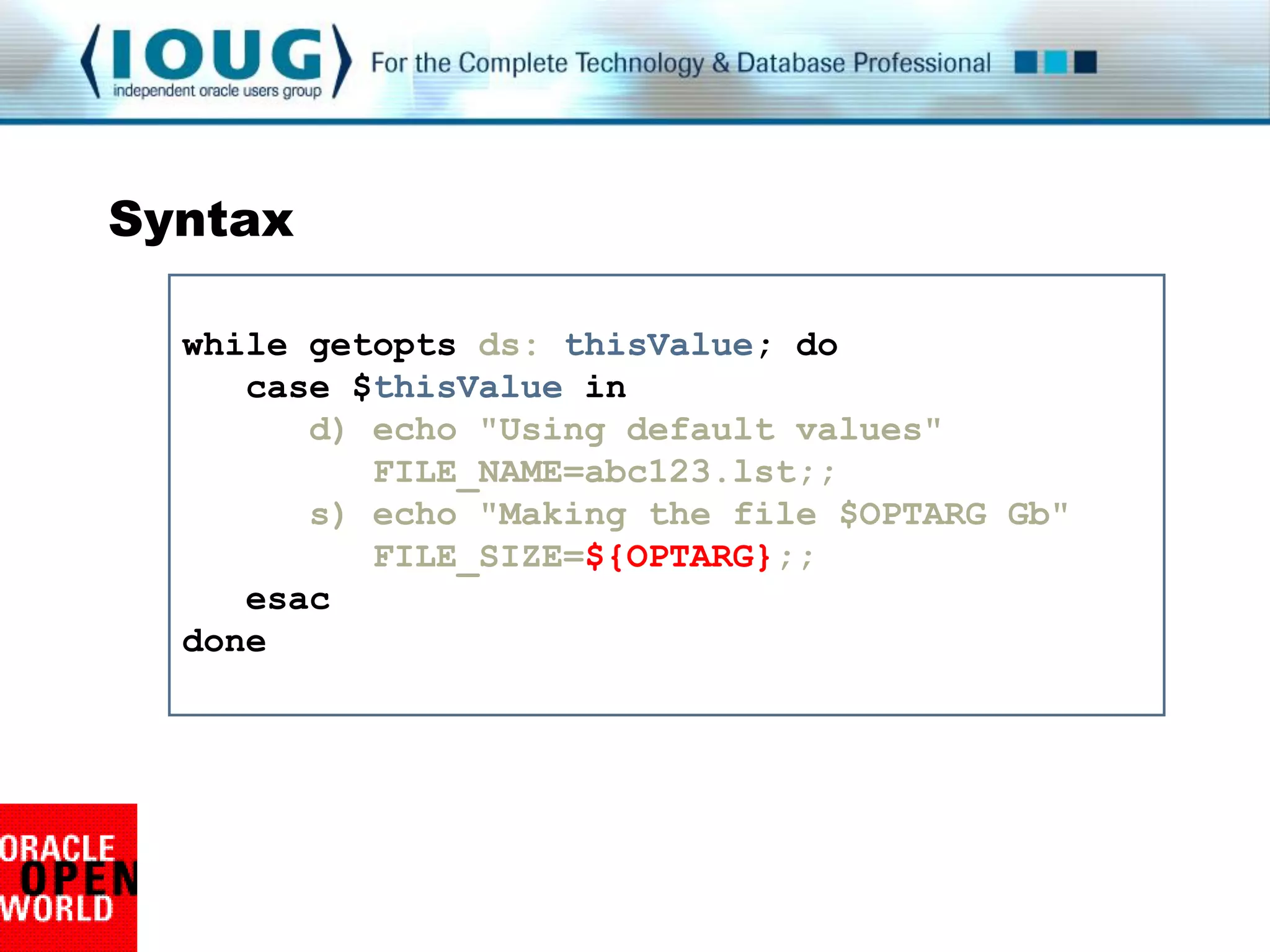
Syntax

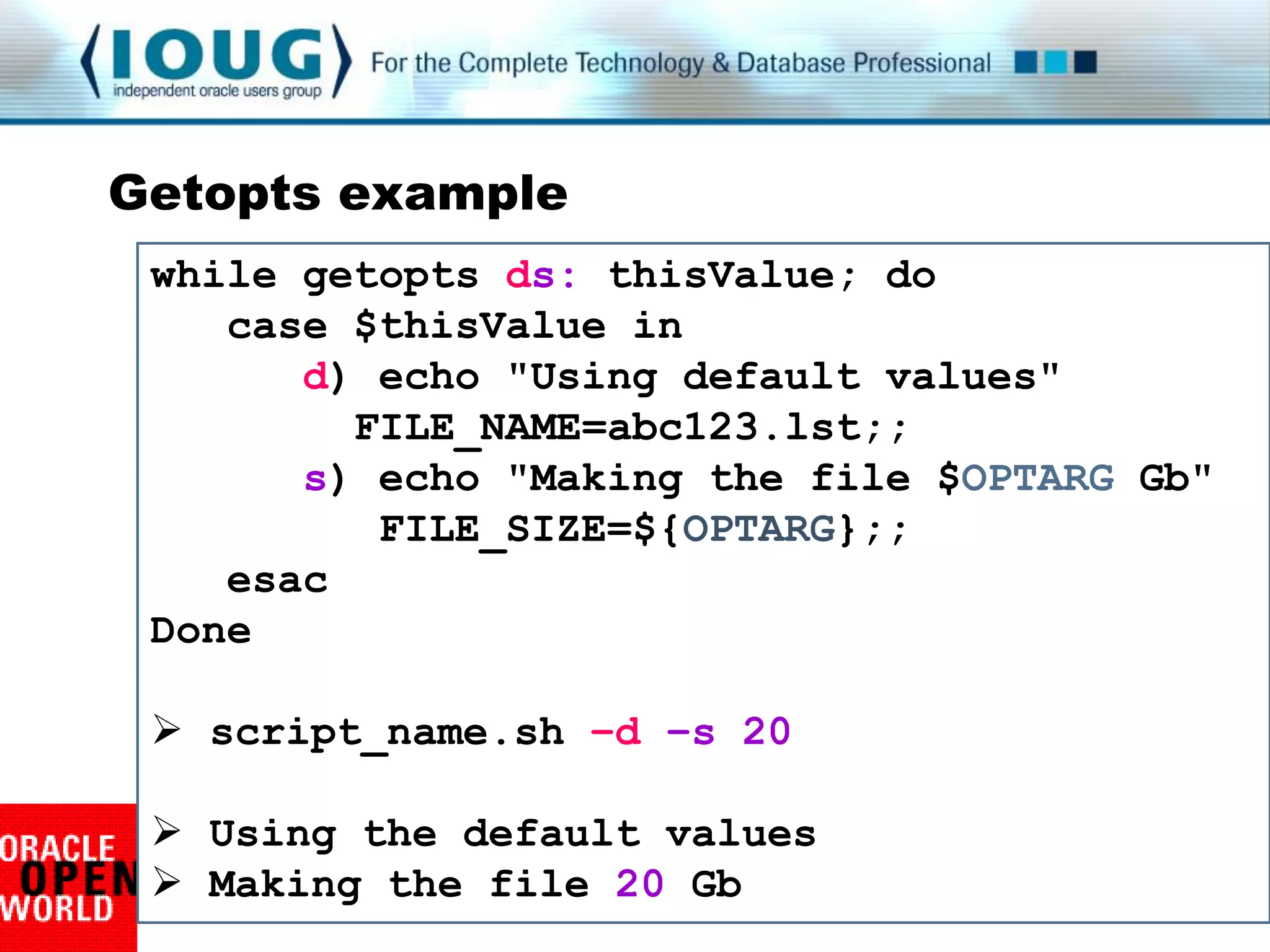
  while getopts ds: thisValue; do
     case $thisValue in
        d) echo "Using default values"
           FILE_NAME=abc123.lst;;
        s) echo "Making the file $OPTARG Gb"
           FILE_SIZE=${OPTARG};;
     esac
  done
Getopts example
 while getopts ds: thisValue; do
    case $thisValue in
       d) echo "Using default values"
         FILE_NAME=abc123.lst;;
       s) echo "Making the file $OPTARG Gb"
          FILE_SIZE=${OPTARG};;
    esac
 Done

  script_name.sh –d –s 20

  Using the default values
  Making the file 20 Gb
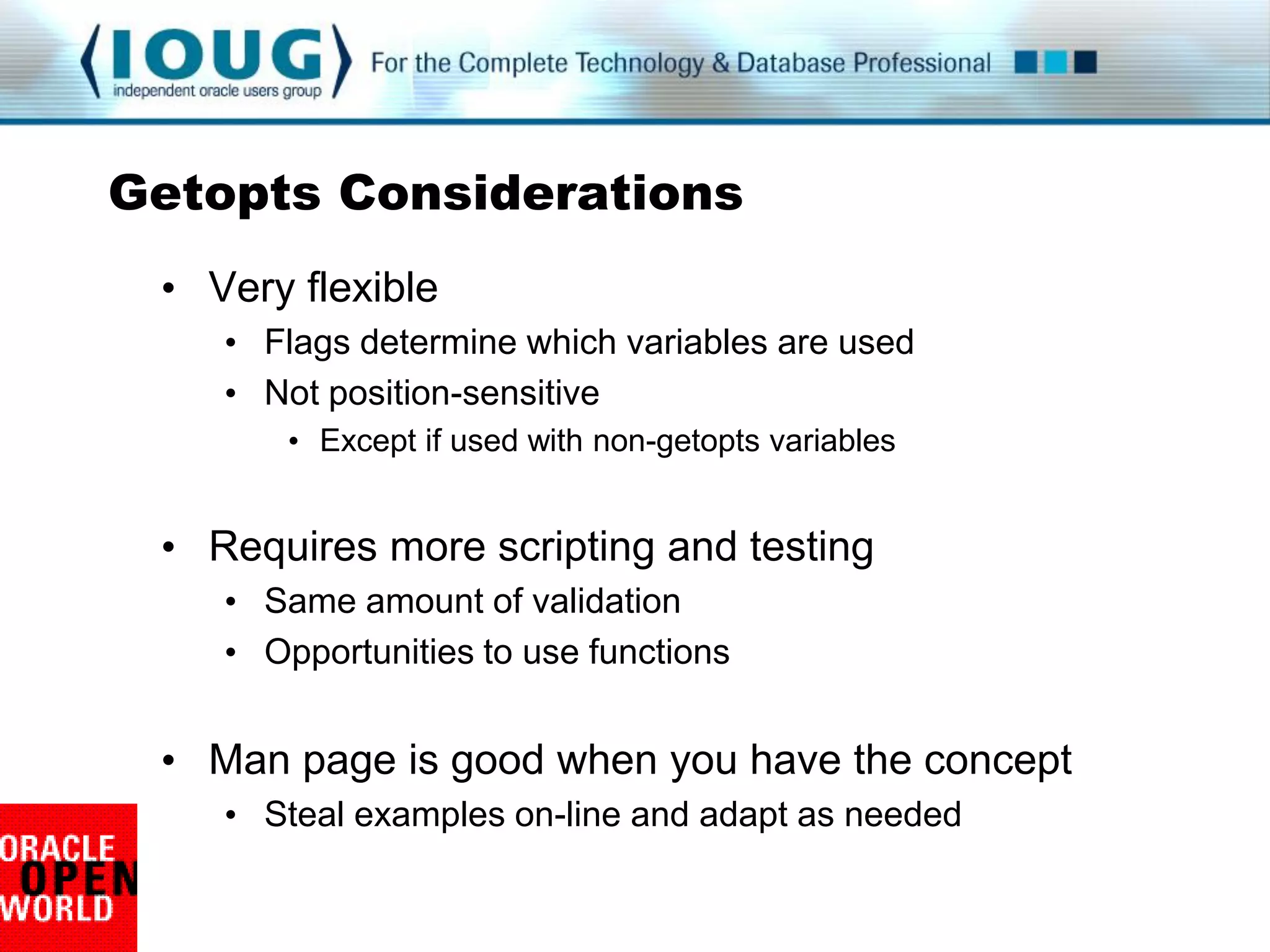
Getopts Considerations
 • Very flexible
    • Flags determine which variables are used
    • Not position-sensitive
        • Except if used with non-getopts variables


 • Requires more scripting and testing
    • Same amount of validation
    • Opportunities to use functions


 • Man page is good when you have the concept
    • Steal examples on-line and adapt as needed
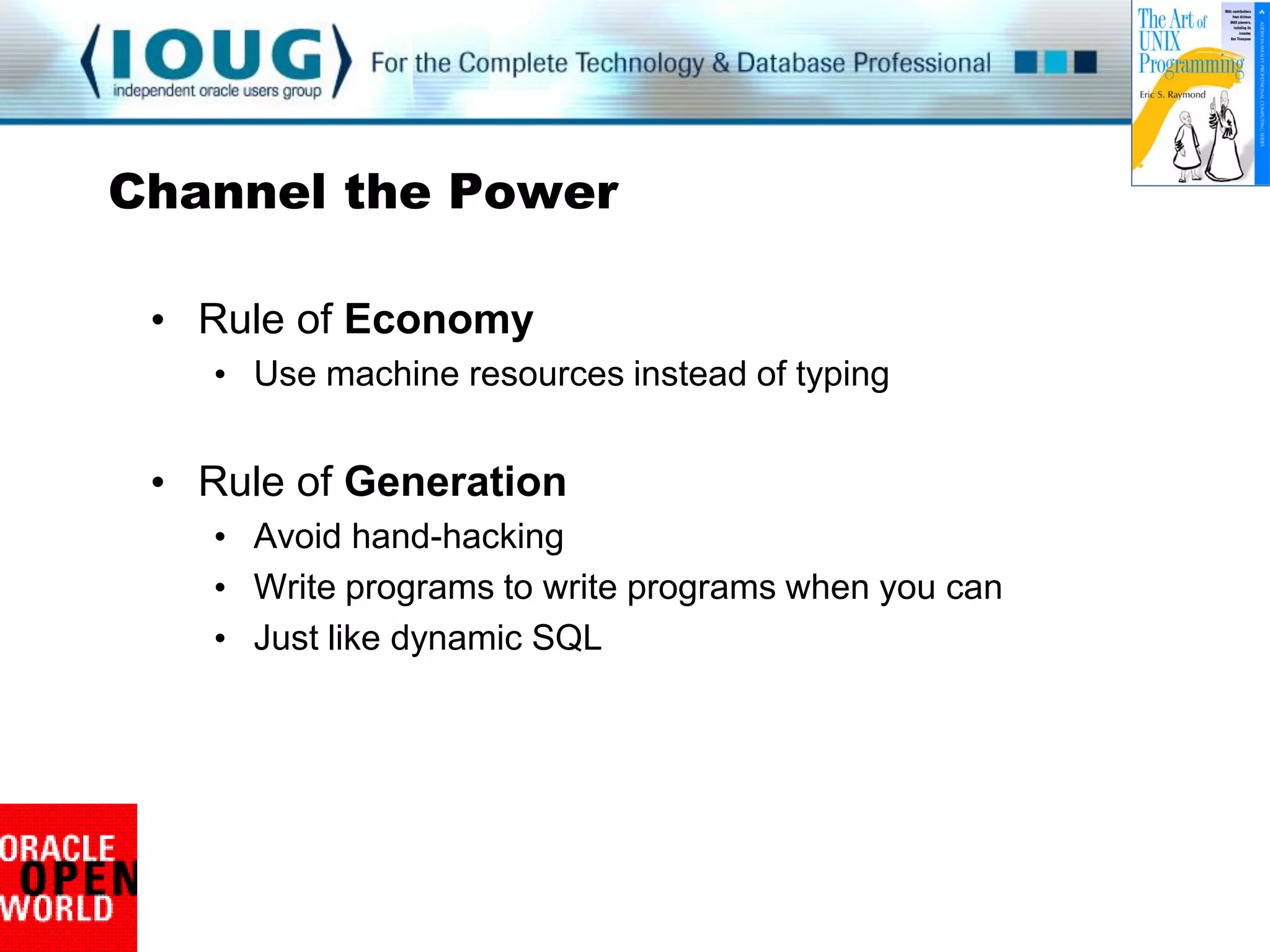
Channel the Power

 • Rule of Economy
    • Use machine resources instead of typing


 • Rule of Generation
    • Avoid hand-hacking
    • Write programs to write programs when you can
    • Just like dynamic SQL
Make the Machine do the Work

• Create everything you need, every time
   • Fix permissions too
   • Before and after pictures = Acts of Kindness


             if [ ! -d $thisDIR ]; then
                mkdir $thisDIR
             fi
             echo “Directory before:”
                ls –l
             chmod 775 $thisDIR
             echo “Directory after:”
                ls -l
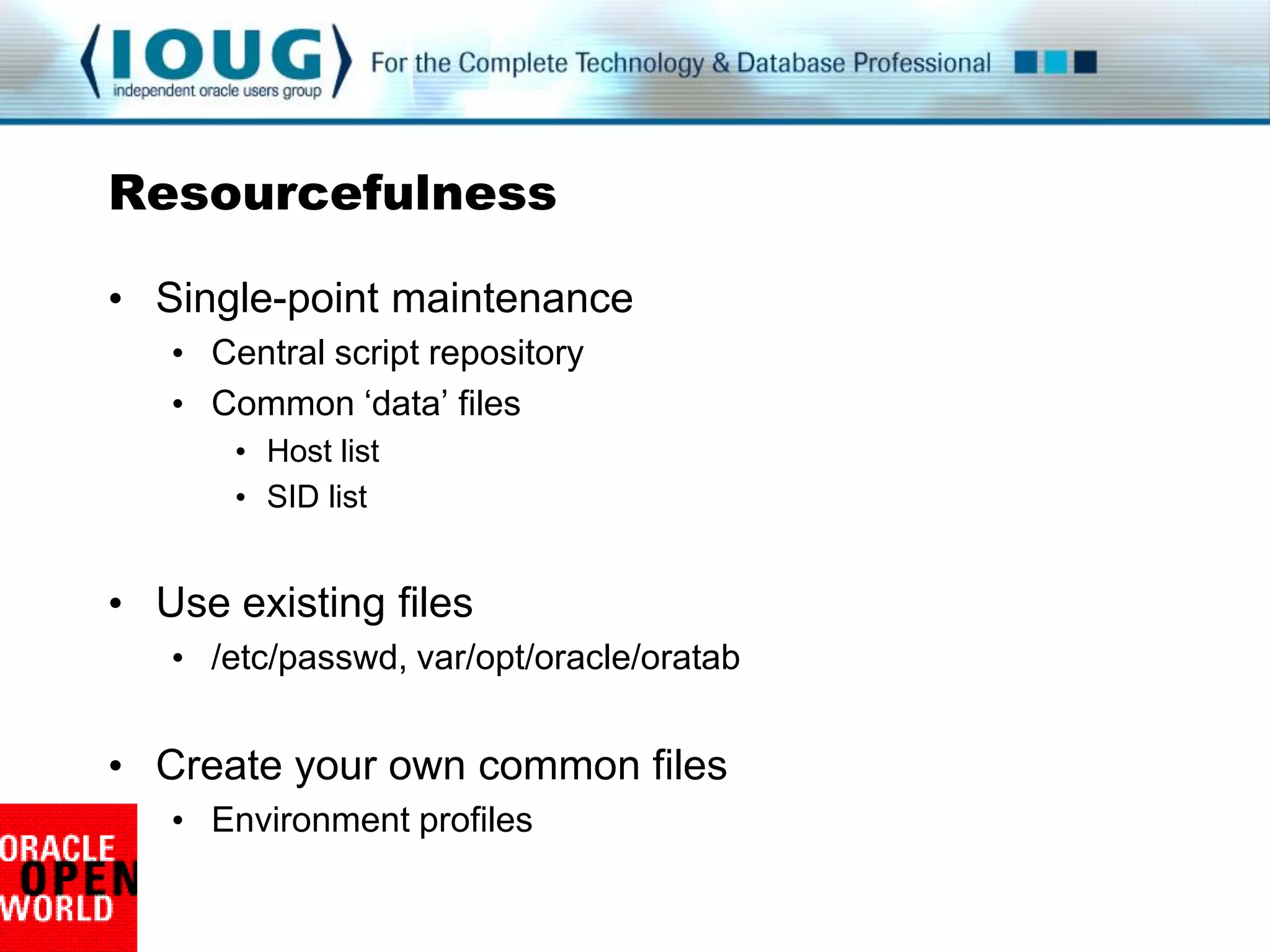
Resourcefulness

• Single-point maintenance
   • Central script repository
   • Common „data‟ files
       • Host list
       • SID list


• Use existing files
   • /etc/passwd, var/opt/oracle/oratab


• Create your own common files
   • Environment profiles
Scalability Wrap-up

Power without intervention:

   • Editing is never required for a new host / installation


   • Expected problems are handled from the start


   • Existing resources are used


Comments or questions
Quality, craftsmanship, harmony

• Transparency for maintenance and clarity
   • Maintenance without frustration


• Clear communication with the user
   • Effort without agitation


• Scalability without edits
   • Power without intervention
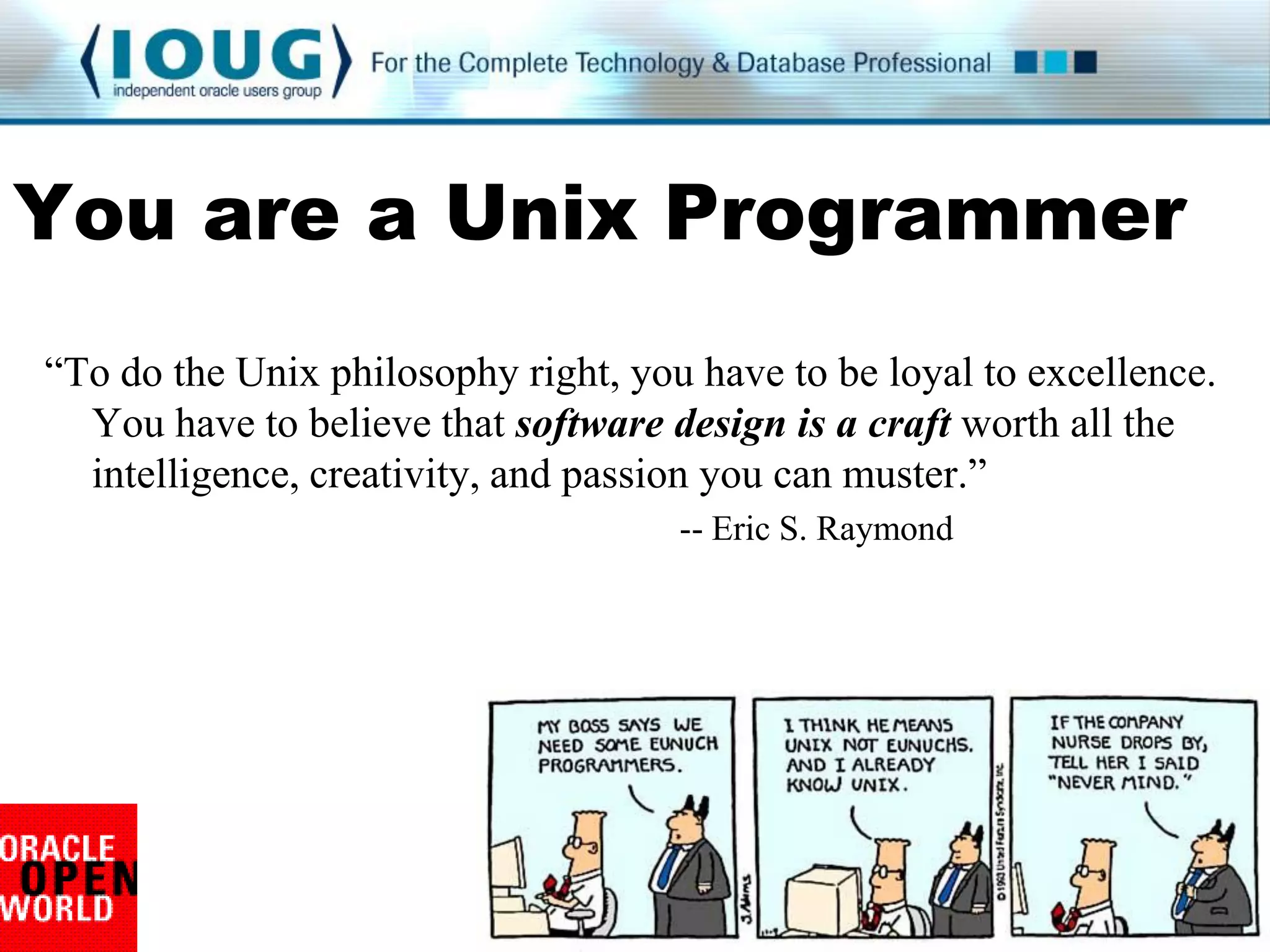
You are a Unix Programmer
“To do the Unix philosophy right, you have to be loyal to excellence.
  You have to believe that software design is a craft worth all the
  intelligence, creativity, and passion you can muster.”
                                     -- Eric S. Raymond
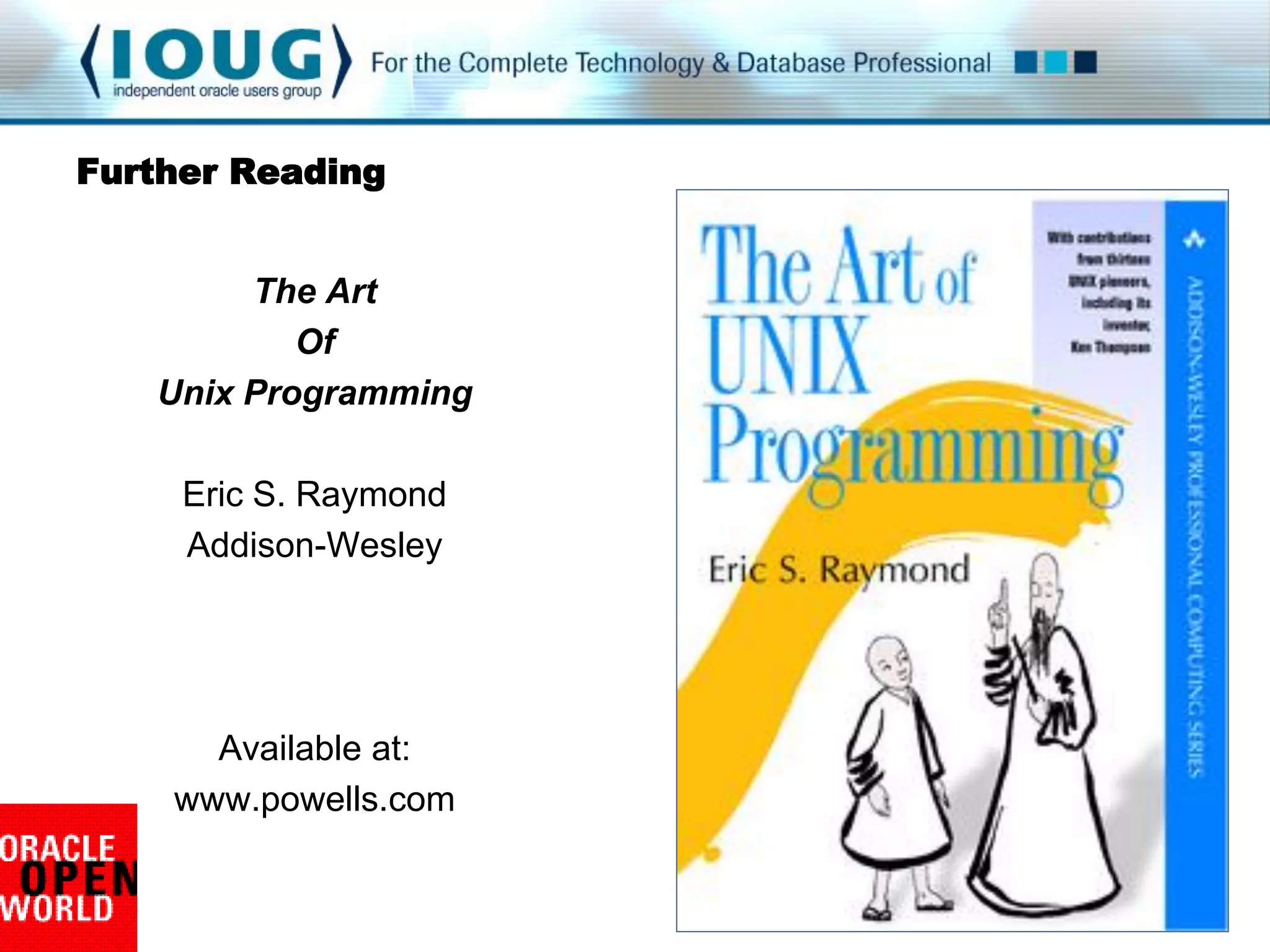
Further Reading


        The Art
           Of
   Unix Programming

     Eric S. Raymond
     Addison-Wesley


      Available at:
    www.powells.com

Linux Shell Scripting Craftsmanship

  • 1.
    Shell Scripting Craftsmanship Ray Smith Portland General Electric if [ You can't read this easily ]; then move up closer else Don't say I didn't warn you fi
  • 2.
    Objectives • Keep youawake until the Opening Keynote • Philosophical alignment • Context of quality • Define craftsmanship • What makes a good quality desk? • What are the common elements of good scripts?
  • 3.
    • Rule #1:SHELL SCRIPTS MUST WORK • High-visibility tasks • Unforgiving tasks • Repetitive tasks • Rule #2: SCRIPTS MUST KEEP WORKING • Nothing stays the same • Plan on it
  • 4.
    Quality, craftsmanship, harmony •Transparency • Maintenance without frustration • Clear communication • Effort without agitation • Scalability • Power without intervention
  • 5.
    Spiritual Guidance • TheArt of Unix Programming • Eric S. Raymond • Addison-Wesley • Resident anthropologist and roving ambassador of the open source movement • Three decades of unwritten, hard-won software engineering wisdom from 13 Unix pioneers
  • 6.
    Transparency • Rule ofRobustness • Robustness is the child of transparency and simplicity • Rule of Transparency • Design for visibility, inspection, and debugging • Rule of Simplicity • Design for simplicity • Add complexity only where you must • Rule of Clarity • Clarity is better than cleverness
  • 7.
    Clear Explanations • Begenerous with internal documentation • Particularly when being clever or ultra-efficient # Find all instances of the string find . –type f –exec fgrep –i “$mySTRING” /tmp/dummy {} ; 2>/dev/null • Document dead-ends and surprises • Programming methods that were tried and did not work • „Obvious‟ data sources that are unreliable
  • 8.
    Predictable Layout • Consistent layout for all your scripts 1. Header block 2. Change log 3. Independent variables 4. Dependent variables 5. Functions 6. Run-time procedure • Take out the guesswork
  • 9.
    Predictable Layout #!/bin/bash ######################################################### # File : sample_script.sh # Input values : Database name (optional) # Purpose : Amaze others ######################################################## #======================================================= # Independent variables #======================================================= export BASEDIR=/usr/lbin/orascripts #======================================================= # Dependent variables # Nothing to change below this line #======================================================= LOGDIR=$BASEDIR/logs WORKFILE=$LOGDIR/workfile.lst
  • 10.
    Visual Simplicity • Bekind to yourself and others • Layouts and formatting USE WHITESPACE Break up long lines with back-slash
  • 11.
    Just like aSQL statement … select distinct table_name,column_name from all_tab_columns where column_name like '%AGREE%' or column_name like '%ANN%„ or table_name like '%ANN%„ or table_name like „%STOR%„ order by table_name,column_name; SELECT DISTINCT table_name,column_name FROM all_tab_columns WHERE column_name LIKE '%AGREE%' OR column_name LIKE '%ANN%„ OR table_name LIKE '%ANN%' OR table_name LIKE '%STOR%' ORDER BY table_name,column_name;
  • 12.
    Emphasize Visual Flow for thisHOST in `cat ${HOSTLIST}`; do if [ ${#thisHOST} -gt 5 ]; then echo "BIG: ${thisHOST} is ${#thisHOST} characters" else if [ ${#thisHOST} -lt 3 ]; then echo "LITTLE: ${thisHOST} is ${#thisHOST} characters" fi fi done for thisHOST in `cat ${HOSTLIST}`; do if [ ${#thisHOST} -gt 5 ]; then echo "BIG: ${thisHOST} name is long" else if [ ${#thisHOST} -lt 3 ]; then echo "LITTLE: ${thisHOST} name is short" fi fi done
  • 13.
    Discoverability • Make ${VARIABLES}stand out in your code • Variable naming conventions • ALL_CAPS for session variables • CamelCase for function names • thisVARIABLE for looped variables • Be internally consistent • Adopt a standard and follow it
  • 14.
    Outstanding Variables for thishost in `cat $hostlist`; do if [ $#thishost -gt 5 ]; then longmessage else if [ $#thishost -lt 3 ]; then shortmessage fi fi done for thisHOST in `cat ${HOSTLIST}`; do if [ ${#thisHOST} -gt 5 ]; then LongMessage else if [ ${#thisHOST} -lt 3 ]; then ShortMessage fi fi done
  • 15.
    The Penny WiseQuiz a. Shorter variable names = Less typing = Less work b. Obscure variable names = Reduced transparency = Poor quality • Save your cycles for decyphering the logic • Not the variable names
  • 16.
    Tuning for Transparency • Rule of Optimization • Prototype before polishing • Get it working before you optimize it • Rule of Modularity • Write simple parts connected by clean interfaces • Functions • Temporary files
  • 17.
    Efficiency • Useshell script functions function SetPerms770 { echo “nSetting permission to 770 for ${thisFILE}” chmod 770 ${thisFILE}/* } > for thisFILE in `cat ${FILELIST}`; do > SetPerms770 > done • Modularize all repeated code statements
  • 18.
    Handiest function ever • At the beginning of the script • At the end of the script • Any time execution might end function CleanUpFiles { [ $LOGFILE ] && rm –f ${LOGFILE} [ $SPOOL01 ] && rm –f ${SPOOL01} }
  • 19.
    # Functions # ------------------------------------------------------------------- functionCopyFiles { cd $SOURCE_DIR ls -1 | grep -i $ORACLE_SID >$WORKFILE for thisFILE in `cat $WORKFILE`; do SOURCE_FILE=$SOURCE_DIR/$thisFILE TARGET_FILE=$TARGET_DIR/$thisFILE cp –f $SOURCE_FILE $TARGET_FILE done rm -f ${WORKFILE} } # ------------------------------------------------------------------- # Run-time procedure # • Modularize all repeated code statements ------------------------------------------------------------------- SOURCE_DIR=${GOLD_DIR}/rman TARGET_DIR=${LIVE_DIR}/rman CopyFiles SOURCE_DIR=${GOLD_DIR}/security TARGET_DIR=${LIVE_DIR}/security CopyFiles
  • 20.
    Transparency Zen • Ruleof Diversity • Distrust all claims of “one true way” • Including your own • Revisit older scripts • Technologies change • Techniques change
  • 21.
    The Secret tothe (Scripting) Universe Steal Adapt Improve Repeat
  • 22.
    Transparency Wrap-up Maintenance withoutfrustration: • Written with maintenance and on-call in mind • Provide useful guidance and instructions • Reflect visual simplicity and clear layout Comments or questions
  • 23.
  • 24.
    User Communication • Ruleof Silence • Nothing surprising to say: say nothing • Rule of Repair • Repair what you can • When you must fail, fail noisily and as soon as possible • Rule of Least Surprise • In interface design, do the least surprising thing • Do the most expected thing
  • 25.
    Work with theuser • Verify scripted actions echo “These files will be backed up:” cat ${FILELIST} • Keep the user informed • Share status and decisions echo “You asked to delete everything in /etc” read -p "Is this correct? [Y|N]" myVal case $myVal in . . .
  • 26.
    Opatch is agem Running prerequisite checks... OPatch detected non-cluster Oracle Home from the inventory and will patch the local system only. Please shutdown Oracle instances running out of this ORACLE_HOME on the local system. (Oracle Home = '/cisp_orabase/product/10.2.0') Is the local system ready for patching? [y|n] User Responded with: Y Applying patch 7155252... ApplySession applying interim patch '7155252' to OH '/cisp_orabase/product/10.2.0' Backing up files affected by the patch '7155252' for rollback. This might take a while...
  • 27.
    Graciousness • Handle errorswith grace • Explain the situation • Lead the user to a solution if [ ${#1} -eq 0 ];then echo "The required value for database name" echo "was not passed in the command line" read -p "Enter the database name: " myVal export thisSID=$myVal fi
  • 28.
    Communicating Failure • Crypticfeedback is not welcome nor helpful > > FATAL ERROR: bckpinit_strt error 12 > • Terminal output is free, use it if you need it > > File not found: bckpinit_strt.conf > > Corrective action required: > Verify bckpinit_strt.conf exists at ABC > and readable by user xyz > Email notification has been sent
  • 29.
    Signs of Life •Same script should work in cron or interactive • Test for tty (terminal id) if tty –s then echo “Oh good, this is interactive” echo “Hello $USER” else date +“Script $0 started %T” >> $LOGFILE fi
  • 30.
    Artist and Psychologist •Break the output into usable blocks • Use n and t liberally • If it makes it easier for user to understand • Particularly important for interactive scripts • Push the „read‟ statement into their attention • “Is the local system ready for patching? [y|n]” • Direct their eyes with breaks and groups • Apply the same practices to log files and reports
  • 31.
    Electronic Communication • Becomplete, be clear • Which host • Which process / job • What happened (in prose) • How to troubleshoot / resolve the problem • Start communicating in the subject line Subject: dbtest1:pg0t log_blaster.ksh FAILURE
  • 33.
    Dialog works inany terminal emulator dialog --menu "Select the database instance“ 0 50 5 NICKEL "Five Cent Database" URANIUM "Not-For-Export Database" CUSTOM "User defined instance“
  • 34.
    Zenity is cooler,but requires X-server zenity --list --text "Select the database instance" --column "SID" --column "Description" "NICKEL" "Five Cent Database" "URANIUM" "Not-For-Export Database" "CUSTOM" "User defined instance“
  • 35.
    Communication Wrap-up Effort withoutagitation: • Work with the user • Generous with visual guidance and produce attractive, useful log files and reports • Clear and complete feedback Comments or questions
  • 36.
    So this is Haight Ashbury
  • 37.
    Scalability • Rule ofExtensibility • Design for the future • Plan to grow • Scalability goal #1: Never customize a script • Overuse variables • Never hardcode • Passwords • Host or database names • Paths • Use command-line input, „read‟, or parameter files • Balance risk vs. maintenance cost
  • 38.
    Your Goal: Stabilityand Predictability • Consistency • Use the same code across your entire enterprise • Security • Limit editing permissions • 'Them' and you, too • Revision control • Keep a gold copy out there • cfengine
  • 39.
    Use the CommandLine #!/bin/bash ${0} ${1} ${2} thisSCRIPT=$0 > backup_db.sh silver hot ORACLE_SID=$1 BU_TYPE=$2 echo “Executing ${thisSCRIPT} for ${thisSID}” if [ ${BU_TYPE} == hot ]; then echo “tRunning a hot backup” TestForArchiveMode else RunColdBackup fi
  • 40.
    Command Line Illustration #!/bin/bash # file: input_variables.sh if [ $1 ] ; then echo "Amaze your $1" else echo “provide input, pathetic human!" fi > > ./input_variables.sh friends > Amaze your friends
  • 41.
    Command Line Upside • Nothing inside the tested script changes • No surprises • No customizations • One script across the enterprise • Securable • Does not require write permissions for others
  • 42.
    Command Line Downside • Inflexible • If three variables are needed, three must appear • Very easy to make a run-time error • Not too bad for cron jobs • Can be irritating for ad hoc executions • Gets out-of-hand with too many variables > ./many_input_variables.sh one two three four five six seven eight nine ten eleven
  • 43.
    Strength and Flexibility •Use „getopts‟ for command line options • Define your own parameters • No need for parameter files or script editing • Accepts defined flags or input values • Flexible and scalable • Loops through multiple flags • Parses the command line for hyphens
  • 44.
    Syntax whilegetopts ds: thisValue; do case $thisValue in d) echo "Using default values" FILE_NAME=abc123.lst;; s) echo "Making the file $OPTARG Gb" FILE_SIZE=${OPTARG};; esac done
  • 45.
    Getopts example whilegetopts ds: thisValue; do case $thisValue in d) echo "Using default values" FILE_NAME=abc123.lst;; s) echo "Making the file $OPTARG Gb" FILE_SIZE=${OPTARG};; esac Done  script_name.sh –d –s 20  Using the default values  Making the file 20 Gb
  • 46.
    Getopts Considerations •Very flexible • Flags determine which variables are used • Not position-sensitive • Except if used with non-getopts variables • Requires more scripting and testing • Same amount of validation • Opportunities to use functions • Man page is good when you have the concept • Steal examples on-line and adapt as needed
  • 47.
    Channel the Power • Rule of Economy • Use machine resources instead of typing • Rule of Generation • Avoid hand-hacking • Write programs to write programs when you can • Just like dynamic SQL
  • 48.
    Make the Machinedo the Work • Create everything you need, every time • Fix permissions too • Before and after pictures = Acts of Kindness if [ ! -d $thisDIR ]; then mkdir $thisDIR fi echo “Directory before:” ls –l chmod 775 $thisDIR echo “Directory after:” ls -l
  • 49.
    Resourcefulness • Single-point maintenance • Central script repository • Common „data‟ files • Host list • SID list • Use existing files • /etc/passwd, var/opt/oracle/oratab • Create your own common files • Environment profiles
  • 50.
    Scalability Wrap-up Power withoutintervention: • Editing is never required for a new host / installation • Expected problems are handled from the start • Existing resources are used Comments or questions
  • 51.
    Quality, craftsmanship, harmony •Transparency for maintenance and clarity • Maintenance without frustration • Clear communication with the user • Effort without agitation • Scalability without edits • Power without intervention
  • 52.
    You are aUnix Programmer “To do the Unix philosophy right, you have to be loyal to excellence. You have to believe that software design is a craft worth all the intelligence, creativity, and passion you can muster.” -- Eric S. Raymond
  • 53.
    Further Reading The Art Of Unix Programming Eric S. Raymond Addison-Wesley Available at: www.powells.com