
Linux Getting Started
@angusli
Agenda
   What’s Linux
   Know the environment
   Basic File System operation
   File System structure
   Basic utilities
   Remote access and network operation
   Know the permissions
   Process and job management
   More utilities for daily operation
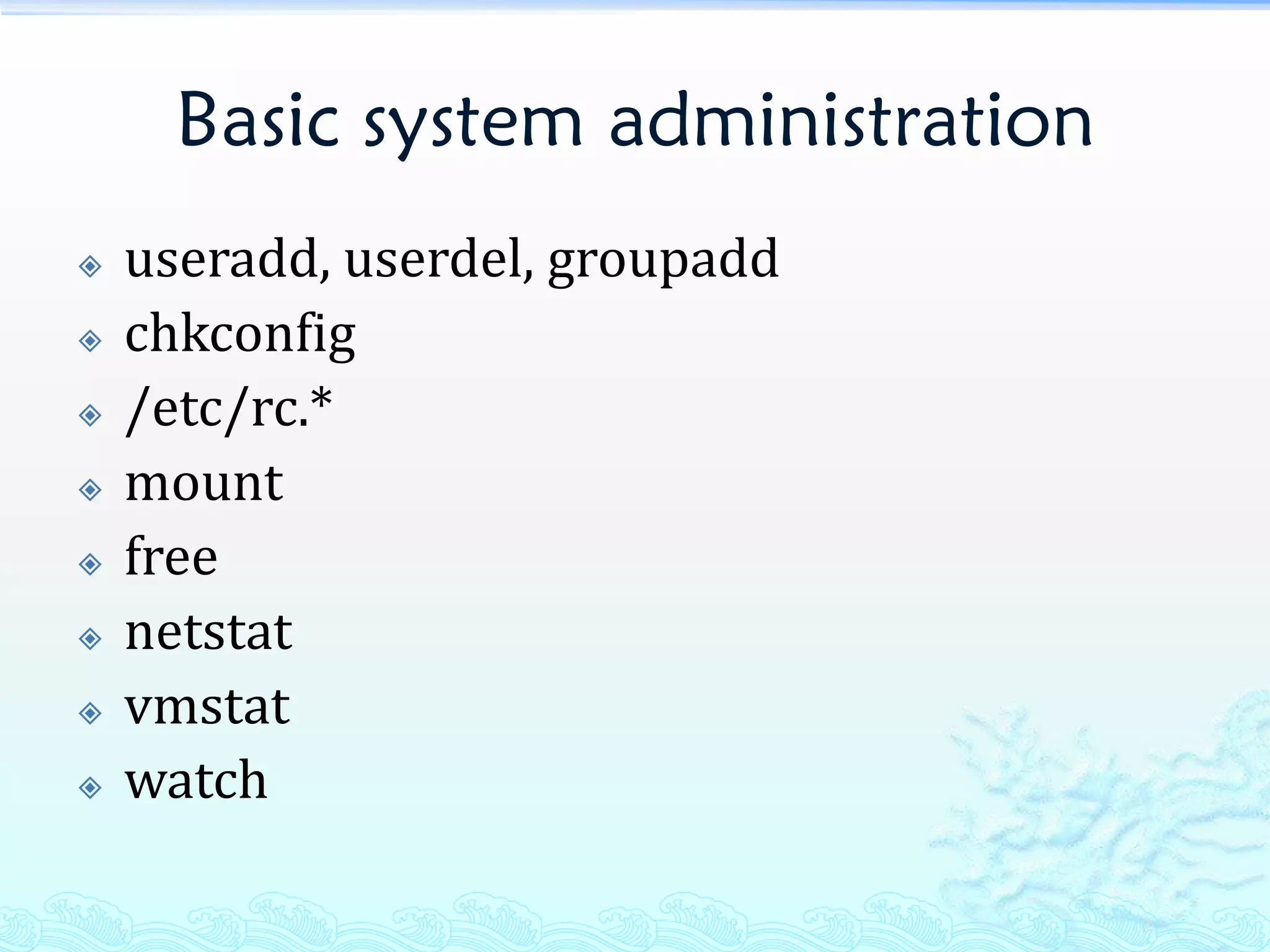
   Basic system administration
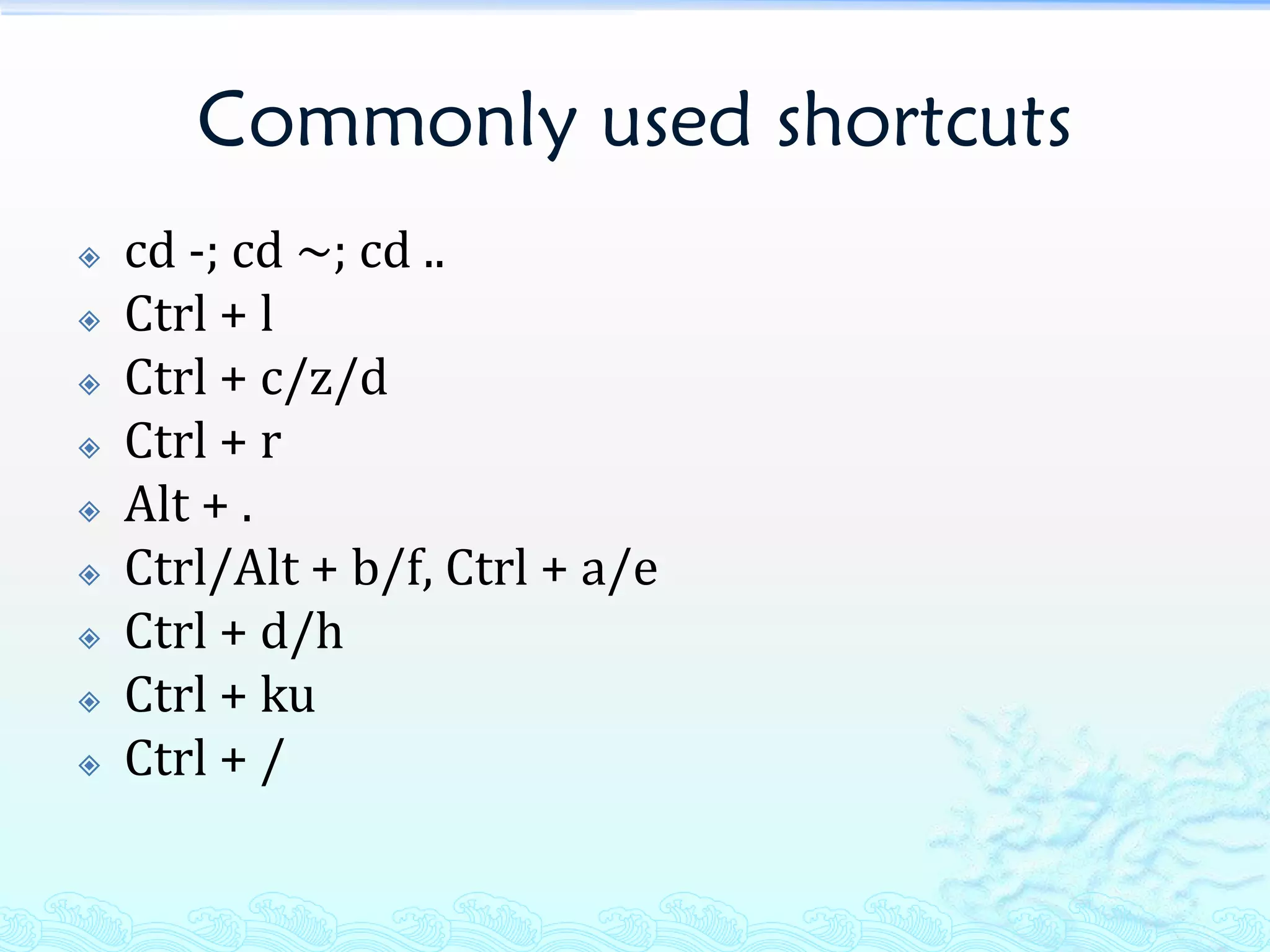
   Commonly used shortcuts
   Next step
What’s Linux
   Linux is an operating system that was initially
    created as a hobby by a young student, Linus
    Torvalds, at the University of Helsinki in Finland.
    Linus had an interest in Minix, a small UNIX system,
    and decided to develop a system that exceeded the
    Minix standards. He began his work in 1991 when
    he released version 0.02 and worked steadily until
    1994 when version 1.0 of the Linux Kernel was
    released. The kernel, at the heart of all Linux
    systems, is developed and released under the GNU
    General Public License and its source code is freely
    available to everyone. ... The current full-featured
    version is 2.6 (released December 2003) and
    development continues.
What’s Linux (cont.)
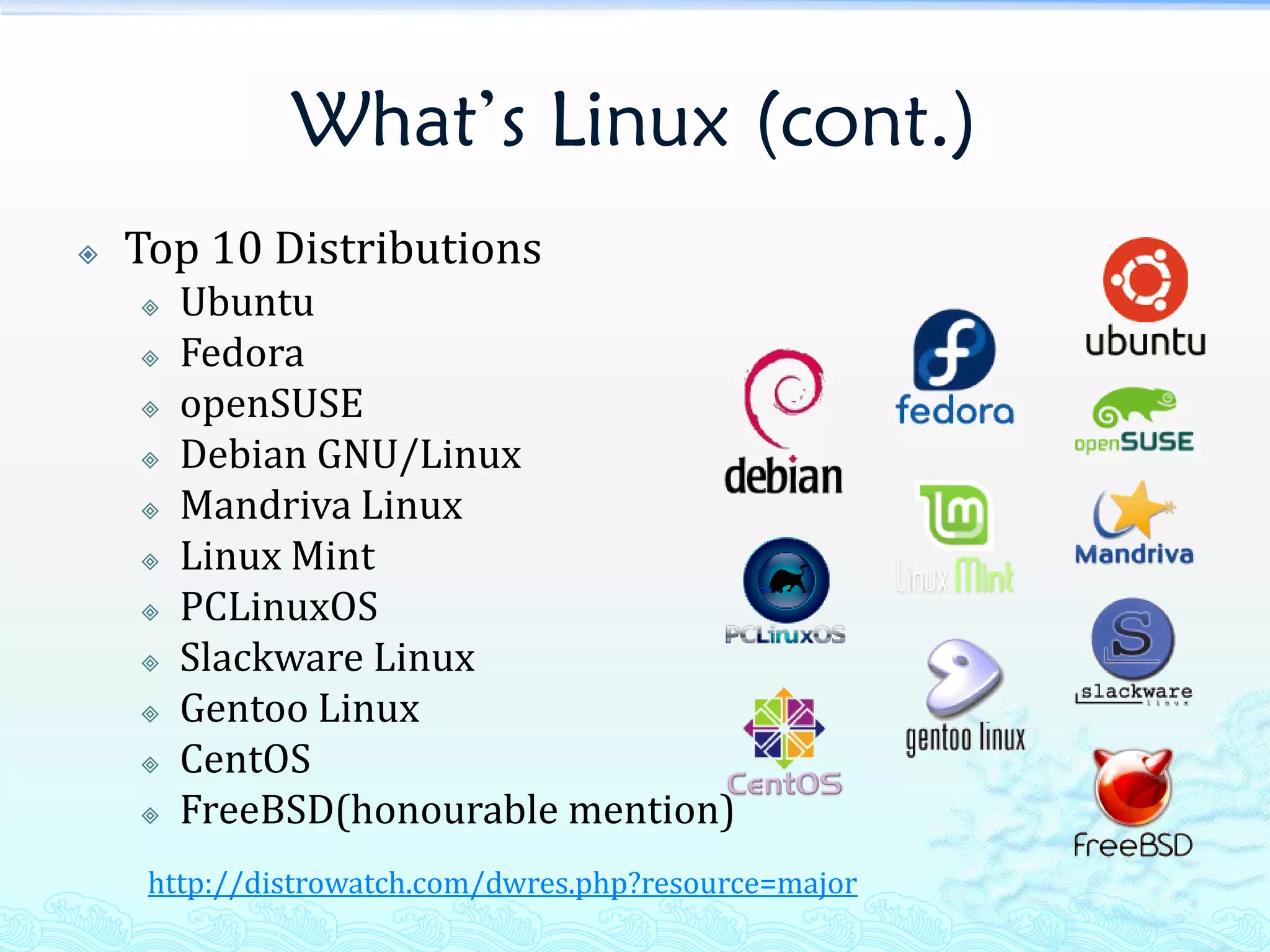
   Top 10 Distributions
       Ubuntu
       Fedora
       openSUSE
       Debian GNU/Linux
       Mandriva Linux
       Linux Mint
       PCLinuxOS
       Slackware Linux
       Gentoo Linux
       CentOS
       FreeBSD(honourable mention)
     http://distrowatch.com/dwres.php?resource=major
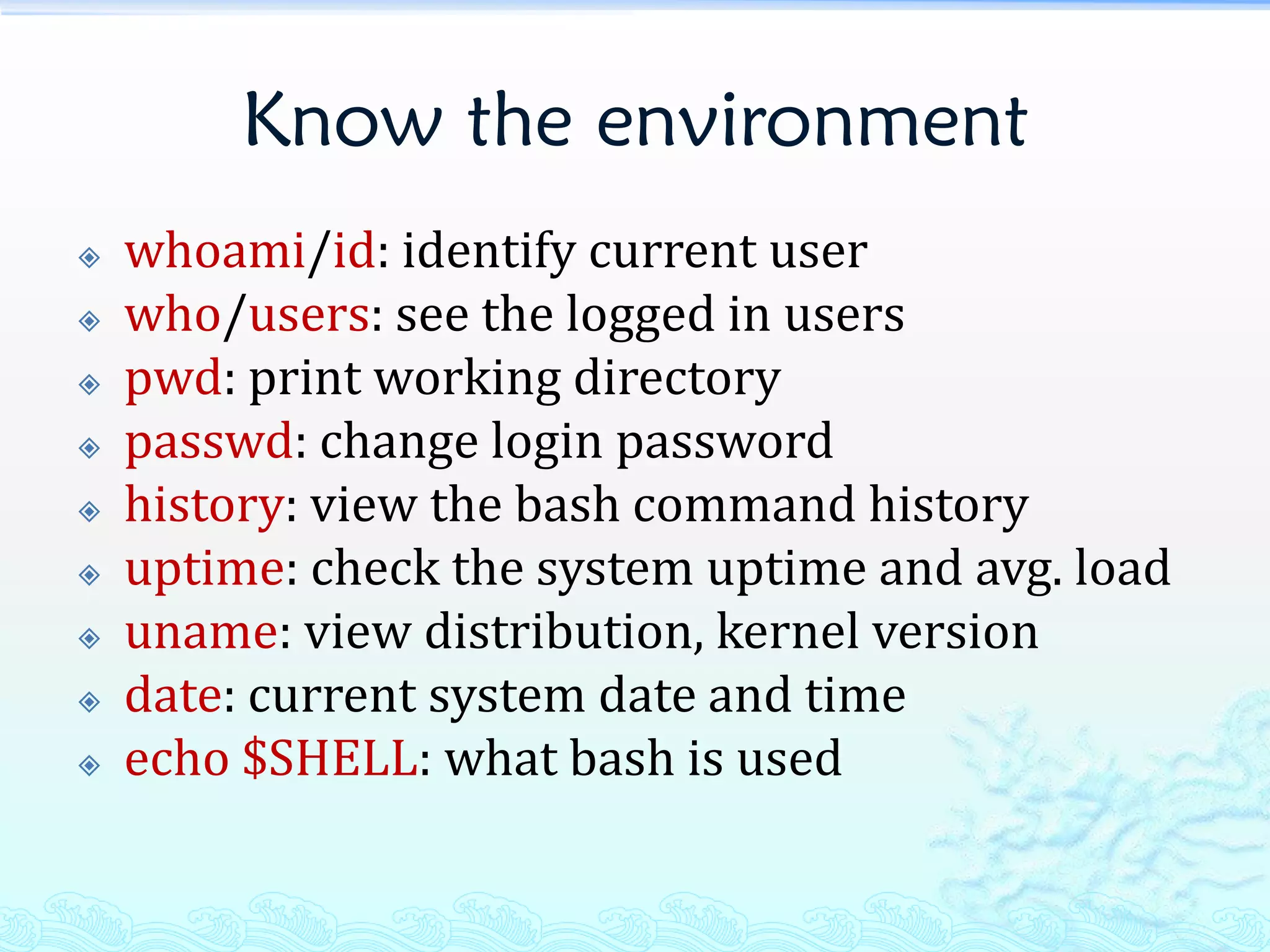
Know the environment
   whoami/id: identify current user
   who/users: see the logged in users
   pwd: print working directory
   passwd: change login password
   history: view the bash command history
   uptime: check the system uptime and avg. load
   uname: view distribution, kernel version
   date: current system date and time
   echo $SHELL: what bash is used
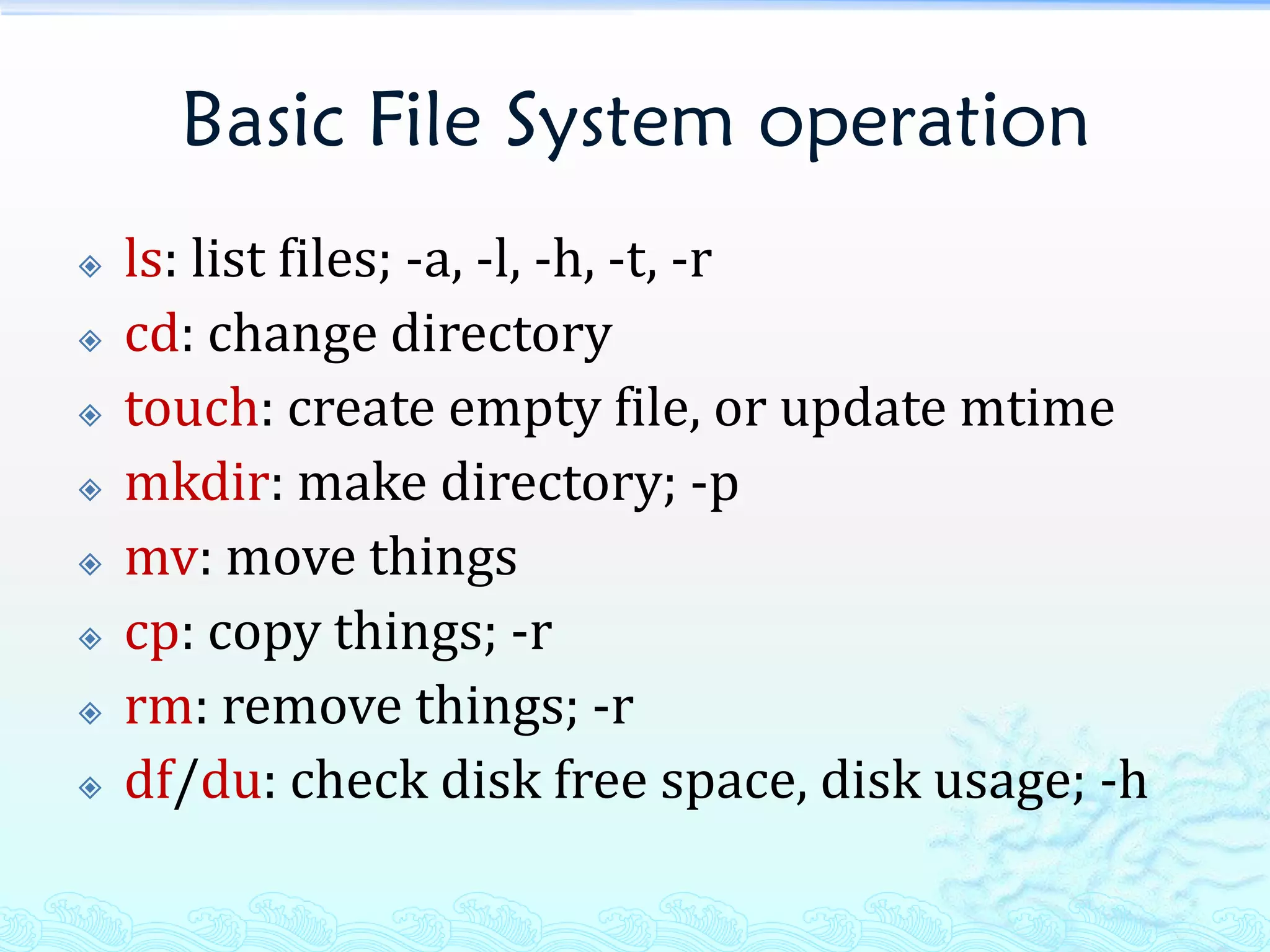
Basic File System operation
   ls: list files; -a, -l, -h, -t, -r
   cd: change directory
   touch: create empty file, or update mtime
   mkdir: make directory; -p
   mv: move things
   cp: copy things; -r
   rm: remove things; -r
   df/du: check disk free space, disk usage; -h
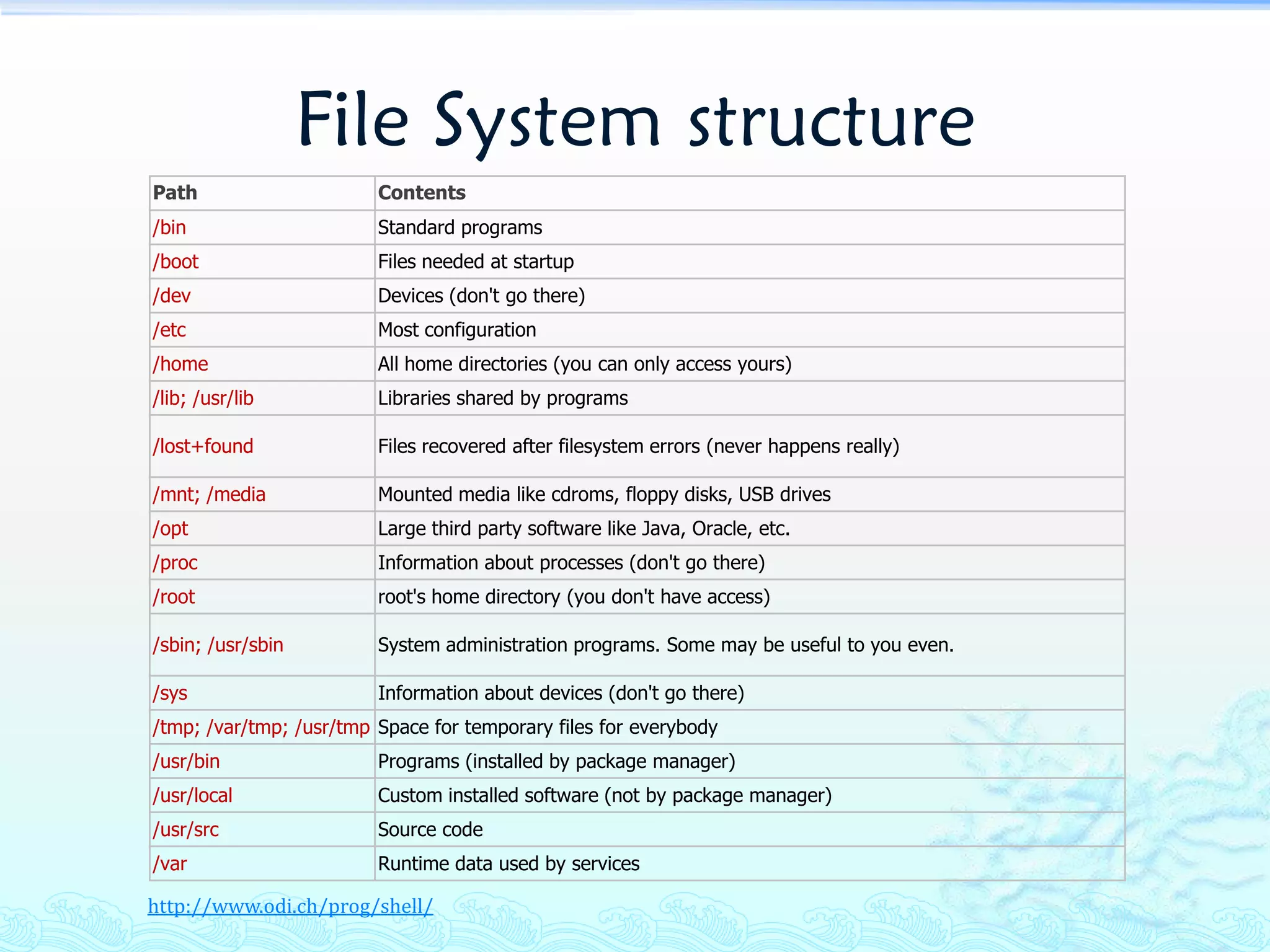
File System structure
Path                     Contents
/bin                     Standard programs
/boot                    Files needed at startup
/dev                     Devices (don't go there)
/etc                     Most configuration
/home                    All home directories (you can only access yours)
/lib; /usr/lib           Libraries shared by programs

/lost+found              Files recovered after filesystem errors (never happens really)

/mnt; /media             Mounted media like cdroms, floppy disks, USB drives
/opt                     Large third party software like Java, Oracle, etc.
/proc                    Information about processes (don't go there)
/root                    root's home directory (you don't have access)

/sbin; /usr/sbin         System administration programs. Some may be useful to you even.

/sys                     Information about devices (don't go there)
/tmp; /var/tmp; /usr/tmp Space for temporary files for everybody
/usr/bin                 Programs (installed by package manager)
/usr/local               Custom installed software (not by package manager)
/usr/src                 Source code
/var                     Runtime data used by services

http://www.odi.ch/prog/shell/
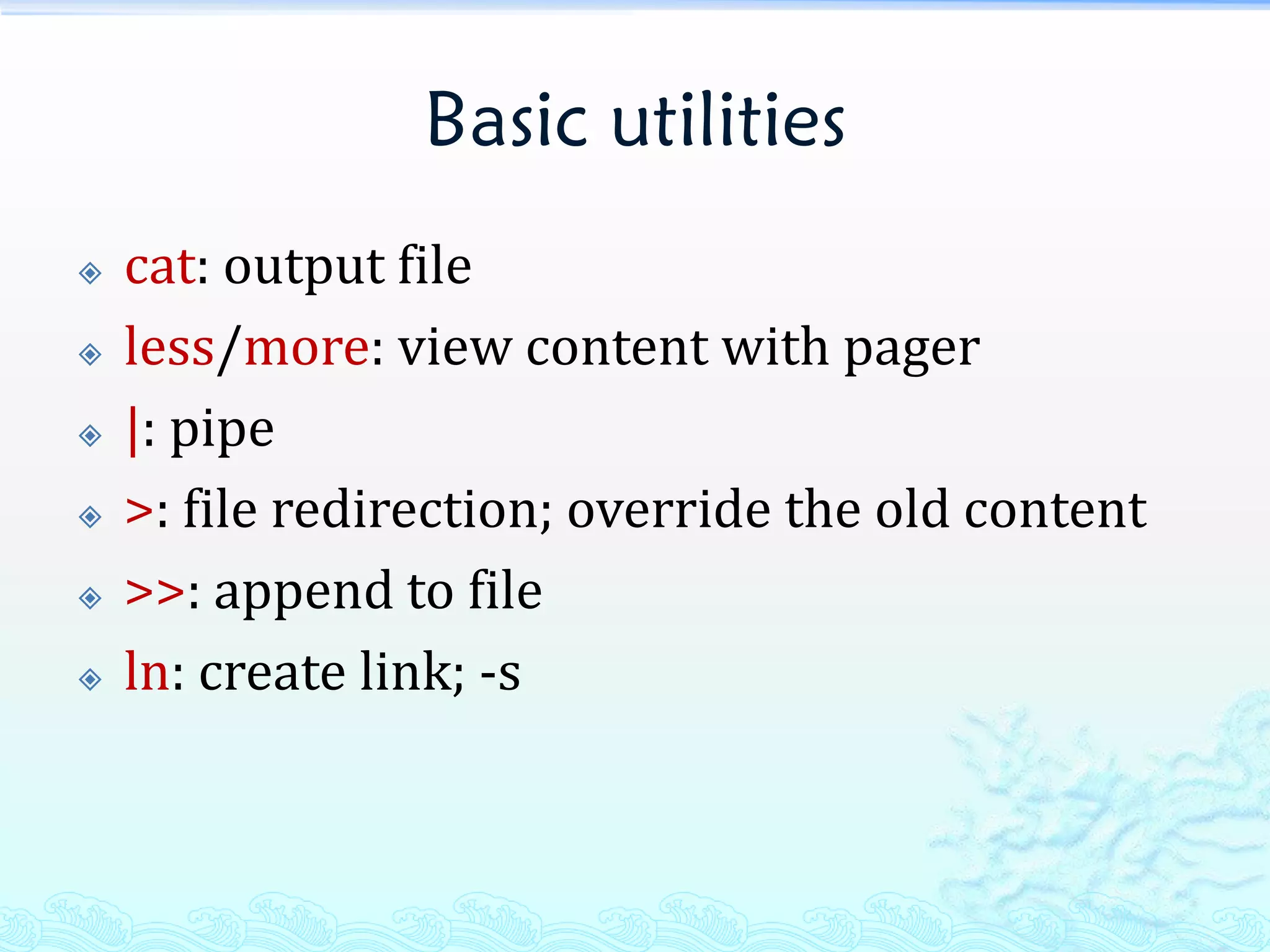
Basic utilities
   cat: output file
   less/more: view content with pager
   |: pipe
   >: file redirection; override the old content
   >>: append to file
   ln: create link; -s
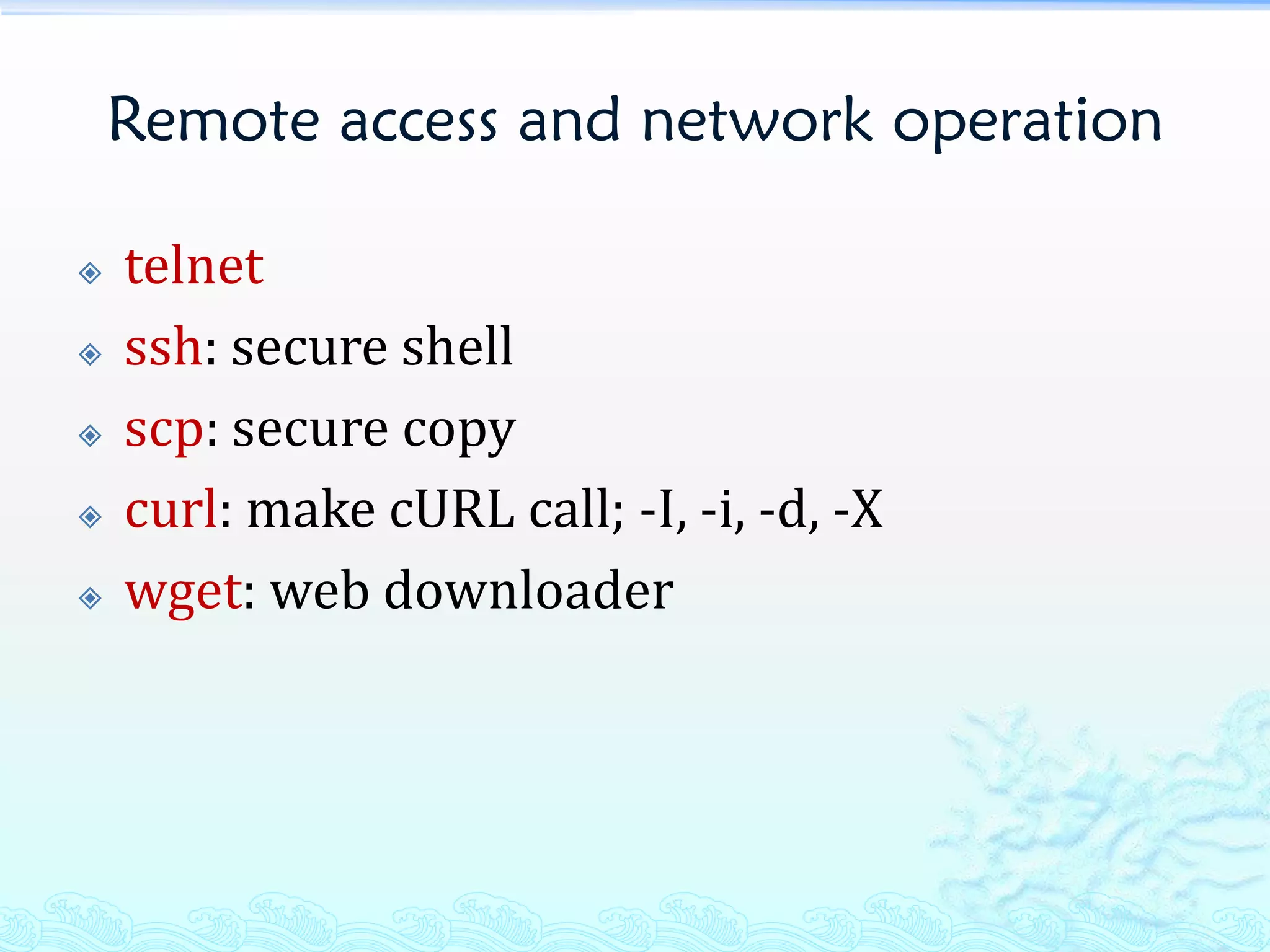
Remote access and network operation

   telnet
   ssh: secure shell
   scp: secure copy
   curl: make cURL call; -I, -i, -d, -X
   wget: web downloader
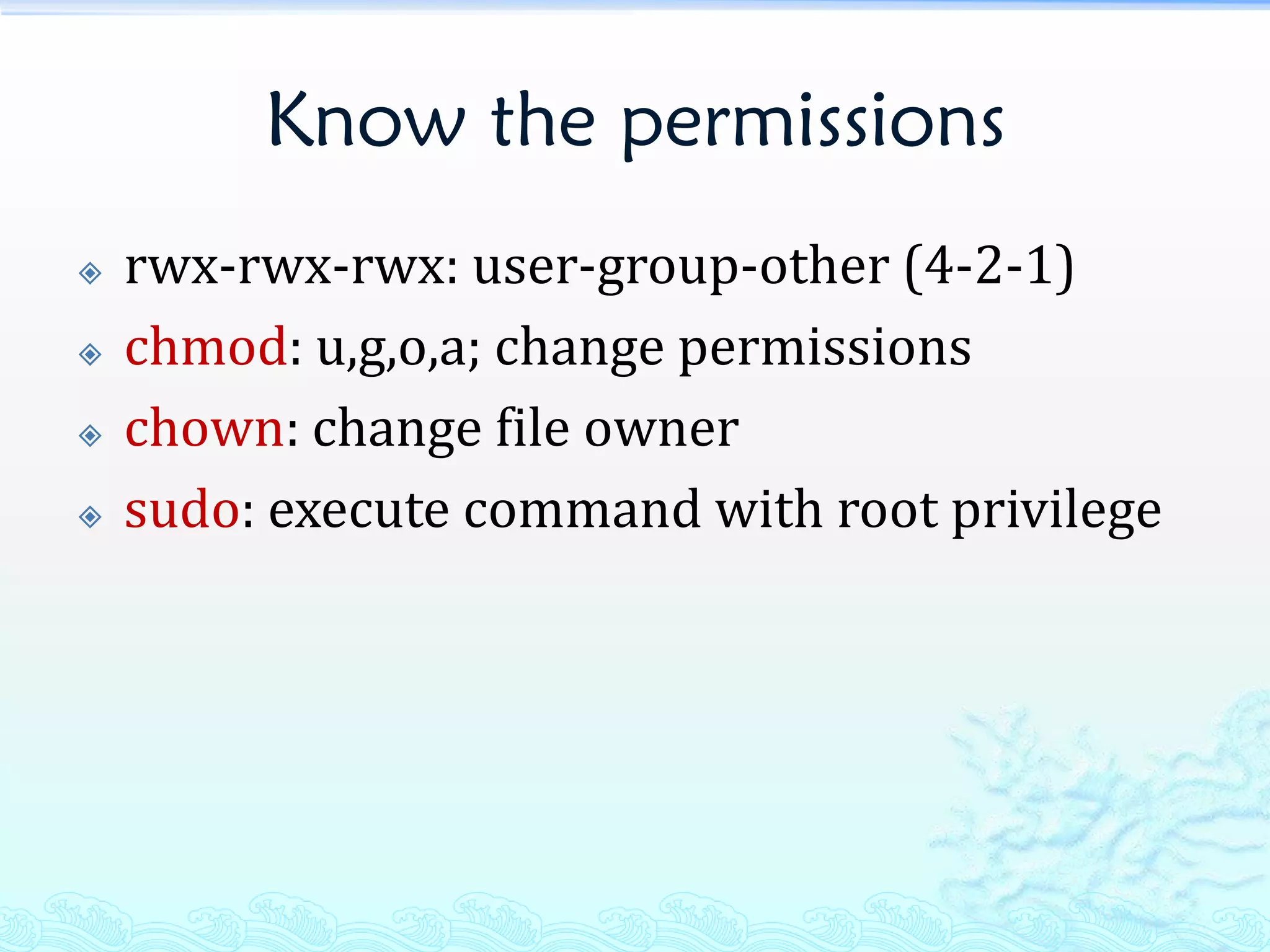
Know the permissions
   rwx-rwx-rwx: user-group-other (4-2-1)
   chmod: u,g,o,a; change permissions
   chown: change file owner
   sudo: execute command with root privilege
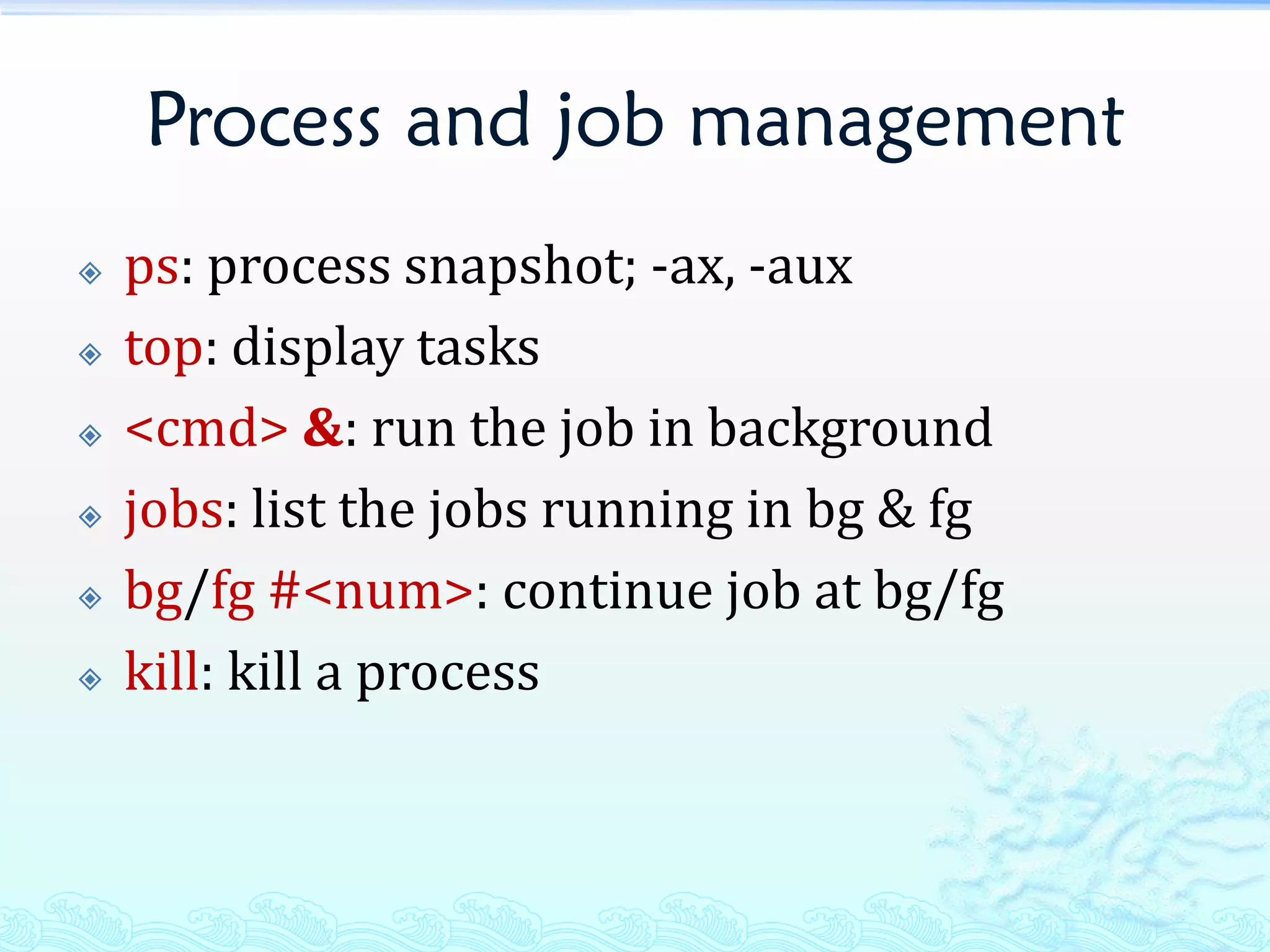
Process and job management
   ps: process snapshot; -ax, -aux
   top: display tasks
   <cmd> &: run the job in background
   jobs: list the jobs running in bg & fg
   bg/fg #<num>: continue job at bg/fg
   kill: kill a process
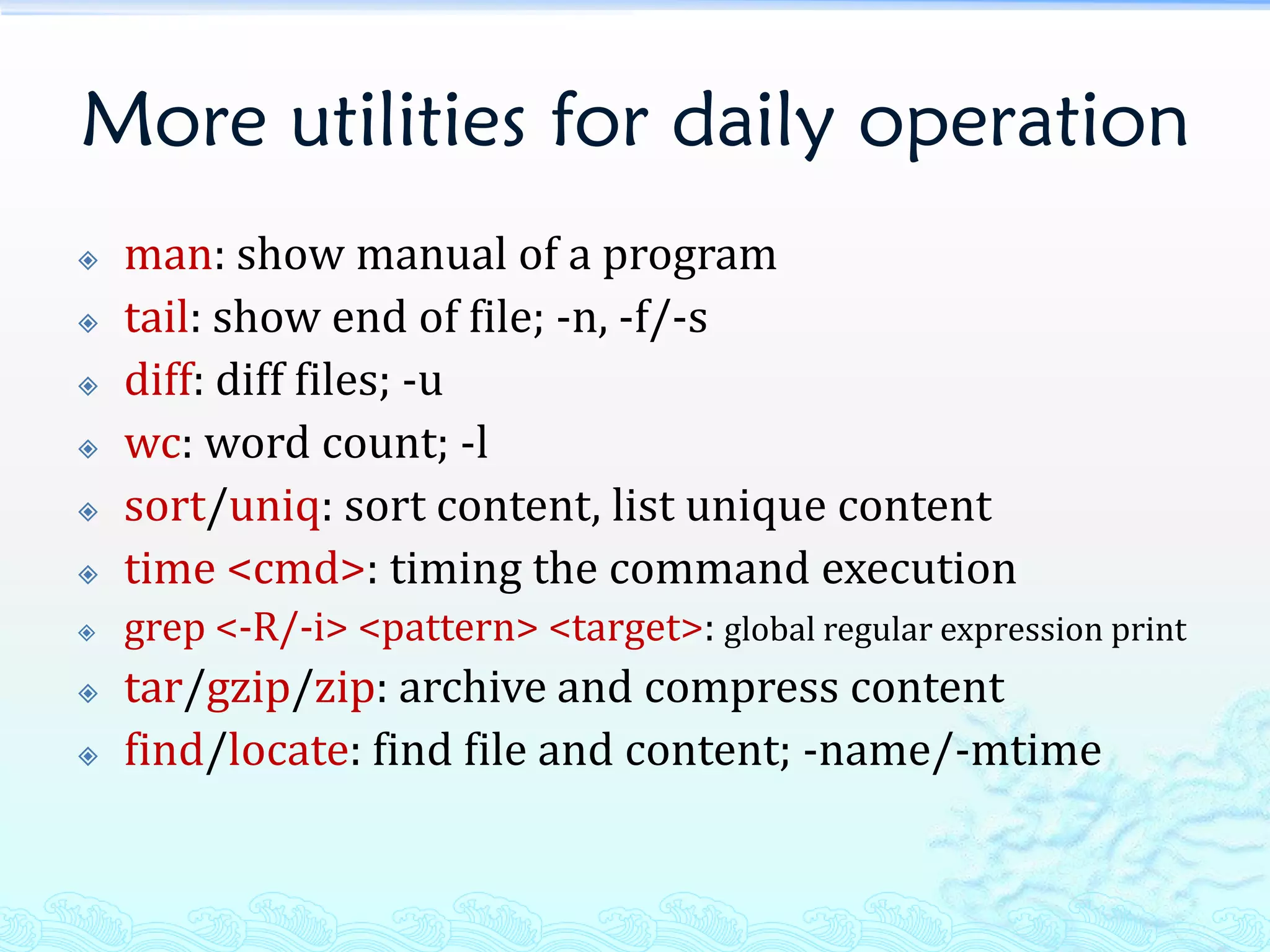
More utilities for daily operation
   man: show manual of a program
   tail: show end of file; -n, -f/-s
   diff: diff files; -u
   wc: word count; -l
   sort/uniq: sort content, list unique content
   time <cmd>: timing the command execution
   grep <-R/-i> <pattern> <target>: global regular expression print
   tar/gzip/zip: archive and compress content
   find/locate: find file and content; -name/-mtime
Basic system administration
   useradd, userdel, groupadd
   chkconfig
   /etc/rc.*
   mount
   free
   netstat
   vmstat
   watch
Commonly used shortcuts
   cd -; cd ~; cd ..
   Ctrl + l
   Ctrl + c/z/d
   Ctrl + r
   Alt + .
   Ctrl/Alt + b/f, Ctrl + a/e
   Ctrl + d/h
   Ctrl + ku
   Ctrl + /
Next step
   vim
   shell scripts
   sed
   awk
   LPIC
THE END
THANKS!

Linux Getting Started

  • 1.
  • 2.
    Agenda  What’s Linux  Know the environment  Basic File System operation  File System structure  Basic utilities  Remote access and network operation  Know the permissions  Process and job management  More utilities for daily operation  Basic system administration  Commonly used shortcuts  Next step
  • 3.
    What’s Linux  Linux is an operating system that was initially created as a hobby by a young student, Linus Torvalds, at the University of Helsinki in Finland. Linus had an interest in Minix, a small UNIX system, and decided to develop a system that exceeded the Minix standards. He began his work in 1991 when he released version 0.02 and worked steadily until 1994 when version 1.0 of the Linux Kernel was released. The kernel, at the heart of all Linux systems, is developed and released under the GNU General Public License and its source code is freely available to everyone. ... The current full-featured version is 2.6 (released December 2003) and development continues.
  • 4.
    What’s Linux (cont.)  Top 10 Distributions  Ubuntu  Fedora  openSUSE  Debian GNU/Linux  Mandriva Linux  Linux Mint  PCLinuxOS  Slackware Linux  Gentoo Linux  CentOS  FreeBSD(honourable mention) http://distrowatch.com/dwres.php?resource=major
  • 5.
    Know the environment  whoami/id: identify current user  who/users: see the logged in users  pwd: print working directory  passwd: change login password  history: view the bash command history  uptime: check the system uptime and avg. load  uname: view distribution, kernel version  date: current system date and time  echo $SHELL: what bash is used
  • 6.
    Basic File Systemoperation  ls: list files; -a, -l, -h, -t, -r  cd: change directory  touch: create empty file, or update mtime  mkdir: make directory; -p  mv: move things  cp: copy things; -r  rm: remove things; -r  df/du: check disk free space, disk usage; -h
  • 7.
    File System structure Path Contents /bin Standard programs /boot Files needed at startup /dev Devices (don't go there) /etc Most configuration /home All home directories (you can only access yours) /lib; /usr/lib Libraries shared by programs /lost+found Files recovered after filesystem errors (never happens really) /mnt; /media Mounted media like cdroms, floppy disks, USB drives /opt Large third party software like Java, Oracle, etc. /proc Information about processes (don't go there) /root root's home directory (you don't have access) /sbin; /usr/sbin System administration programs. Some may be useful to you even. /sys Information about devices (don't go there) /tmp; /var/tmp; /usr/tmp Space for temporary files for everybody /usr/bin Programs (installed by package manager) /usr/local Custom installed software (not by package manager) /usr/src Source code /var Runtime data used by services http://www.odi.ch/prog/shell/
  • 8.
    Basic utilities  cat: output file  less/more: view content with pager  |: pipe  >: file redirection; override the old content  >>: append to file  ln: create link; -s
  • 9.
    Remote access andnetwork operation  telnet  ssh: secure shell  scp: secure copy  curl: make cURL call; -I, -i, -d, -X  wget: web downloader
  • 10.
    Know the permissions  rwx-rwx-rwx: user-group-other (4-2-1)  chmod: u,g,o,a; change permissions  chown: change file owner  sudo: execute command with root privilege
  • 11.
    Process and jobmanagement  ps: process snapshot; -ax, -aux  top: display tasks  <cmd> &: run the job in background  jobs: list the jobs running in bg & fg  bg/fg #<num>: continue job at bg/fg  kill: kill a process
  • 12.
    More utilities fordaily operation  man: show manual of a program  tail: show end of file; -n, -f/-s  diff: diff files; -u  wc: word count; -l  sort/uniq: sort content, list unique content  time <cmd>: timing the command execution  grep <-R/-i> <pattern> <target>: global regular expression print  tar/gzip/zip: archive and compress content  find/locate: find file and content; -name/-mtime
  • 13.
    Basic system administration  useradd, userdel, groupadd  chkconfig  /etc/rc.*  mount  free  netstat  vmstat  watch
  • 14.
    Commonly used shortcuts  cd -; cd ~; cd ..  Ctrl + l  Ctrl + c/z/d  Ctrl + r  Alt + .  Ctrl/Alt + b/f, Ctrl + a/e  Ctrl + d/h  Ctrl + ku  Ctrl + /
  • 15.
    Next step  vim  shell scripts  sed  awk  LPIC
  • 16.