Chapter 14Chapter 14
Shell ScriptShell Script
Ref. Pge. 425
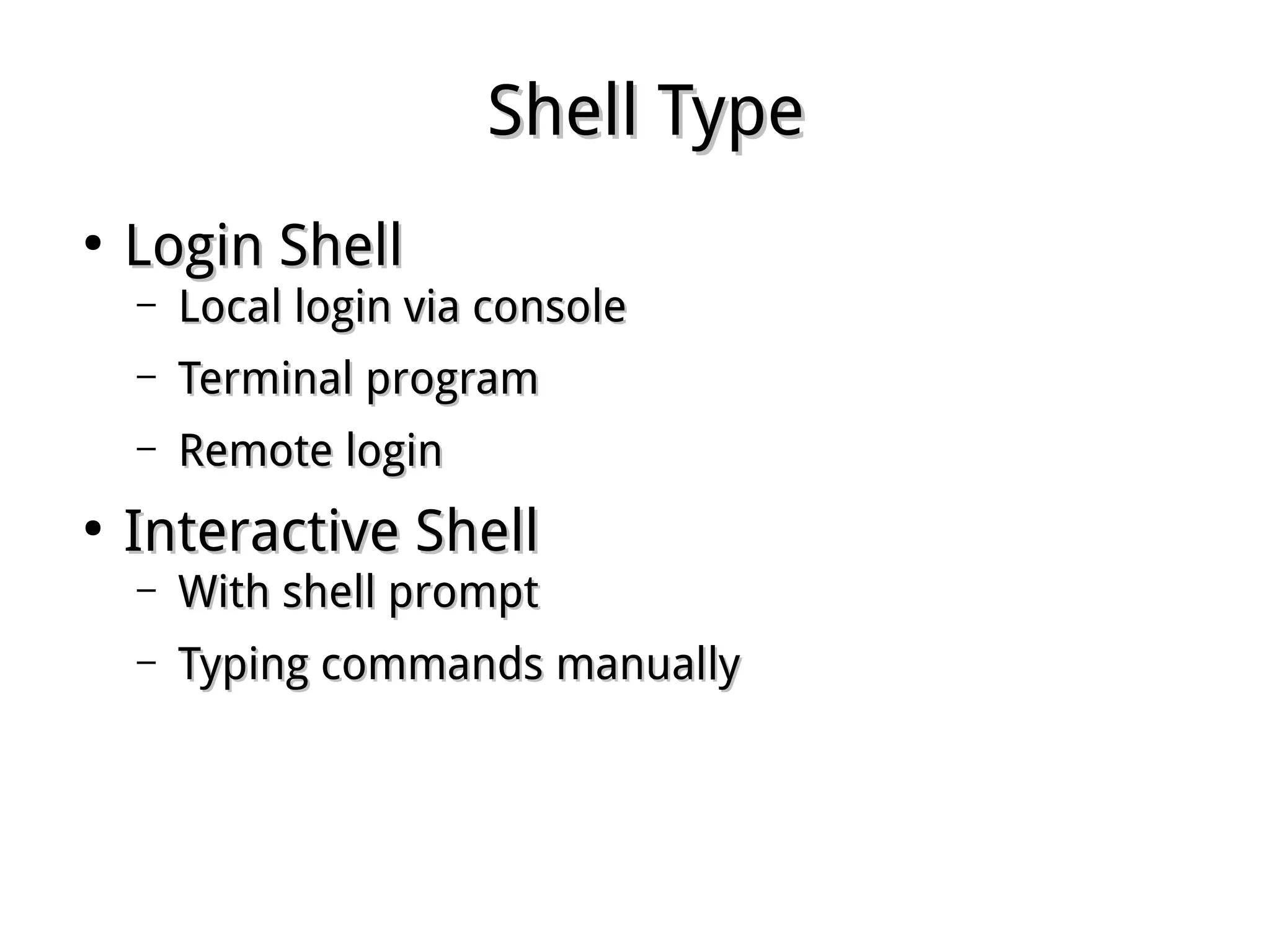
Shell TypeShell Type
●
Login ShellLogin Shell
– Local login via consoleLocal login via console
– Terminal programTerminal program
– Remote loginRemote login
●
Interactive ShellInteractive Shell
– With shell promptWith shell prompt
– Typing commands manuallyTyping commands manually
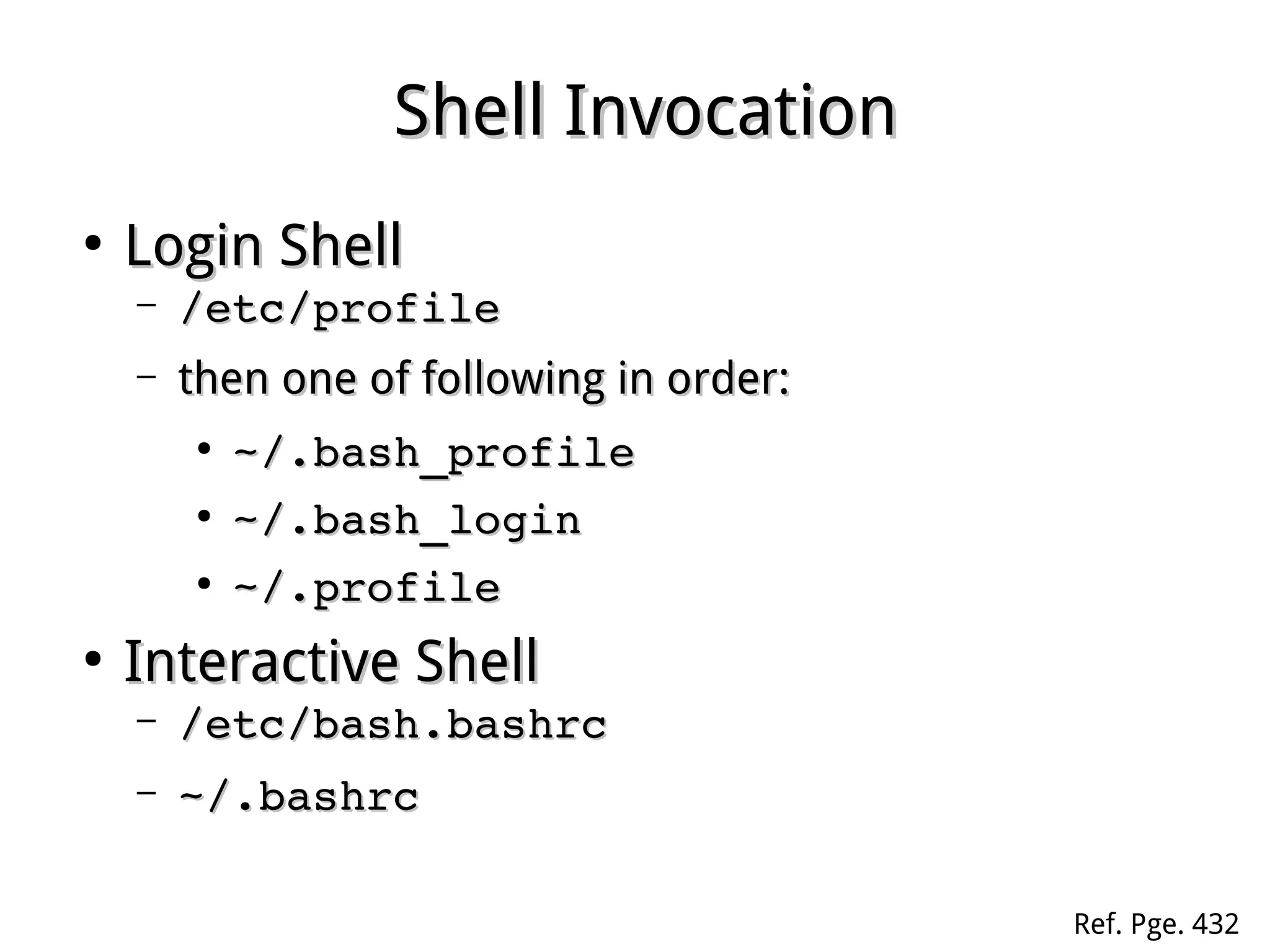
Shell InvocationShell Invocation
●
Login ShellLogin Shell
– /etc/profile/etc/profile
– then one of following in order:then one of following in order:
●
~/.bash_profile~/.bash_profile
●
~/.bash_login~/.bash_login
●
~/.profile~/.profile
●
Interactive ShellInteractive Shell
– /etc/bash.bashrc/etc/bash.bashrc
– ~/.bashrc~/.bashrc
Ref. Pge. 432
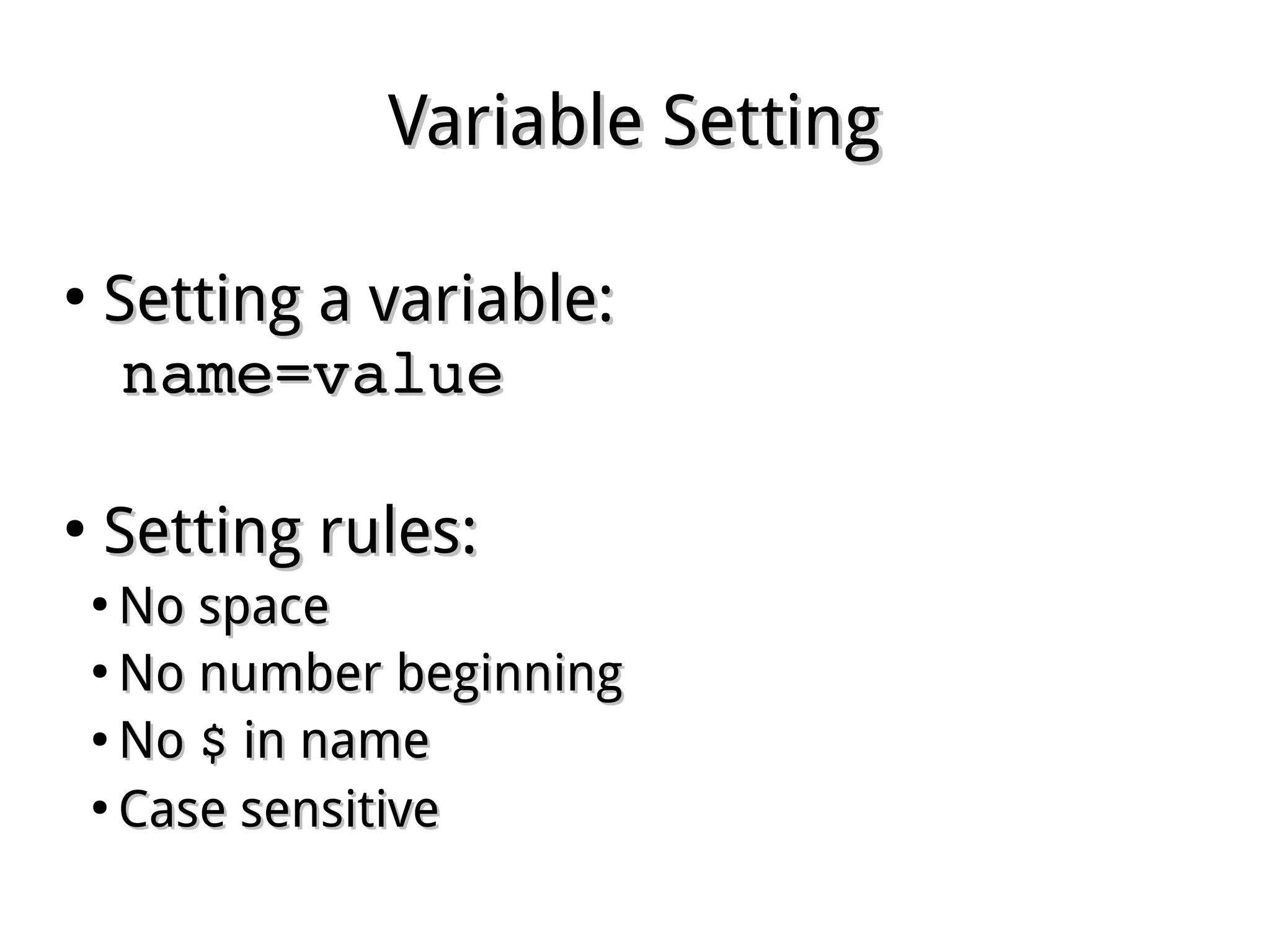
Variable SettingVariable Setting
●
Setting a variable:Setting a variable:
name=valuename=value
●
Setting rules:Setting rules:
●
No spaceNo space
●
No number beginningNo number beginning
●
NoNo $$ in namein name
●
Case sensitiveCase sensitive
Variable SettingVariable Setting
●
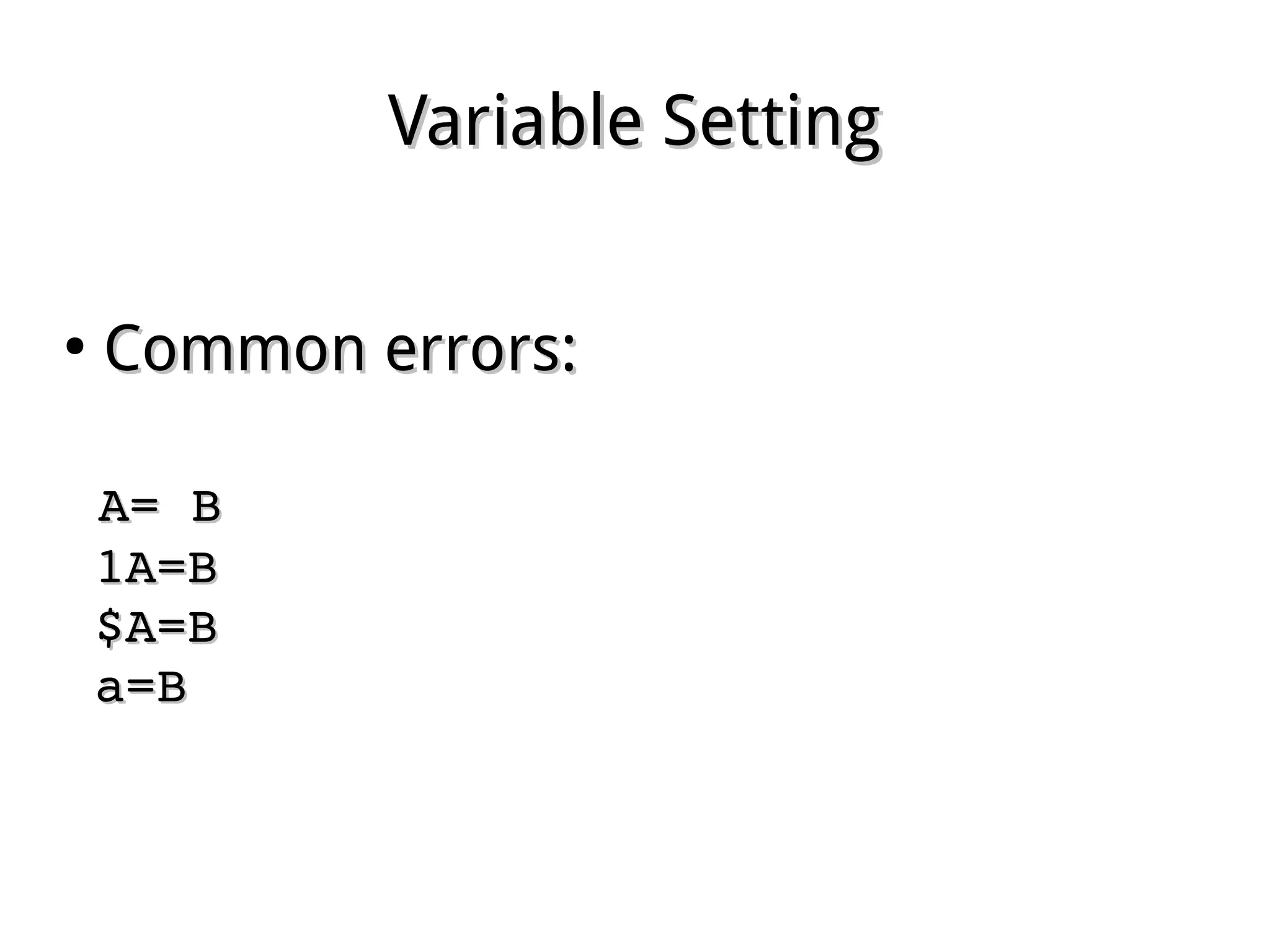
Common errors:Common errors:
  A= BA= B
  1A=B1A=B
  $A=B$A=B
  a=Ba=B
Variable SubstitutionVariable Substitution
●
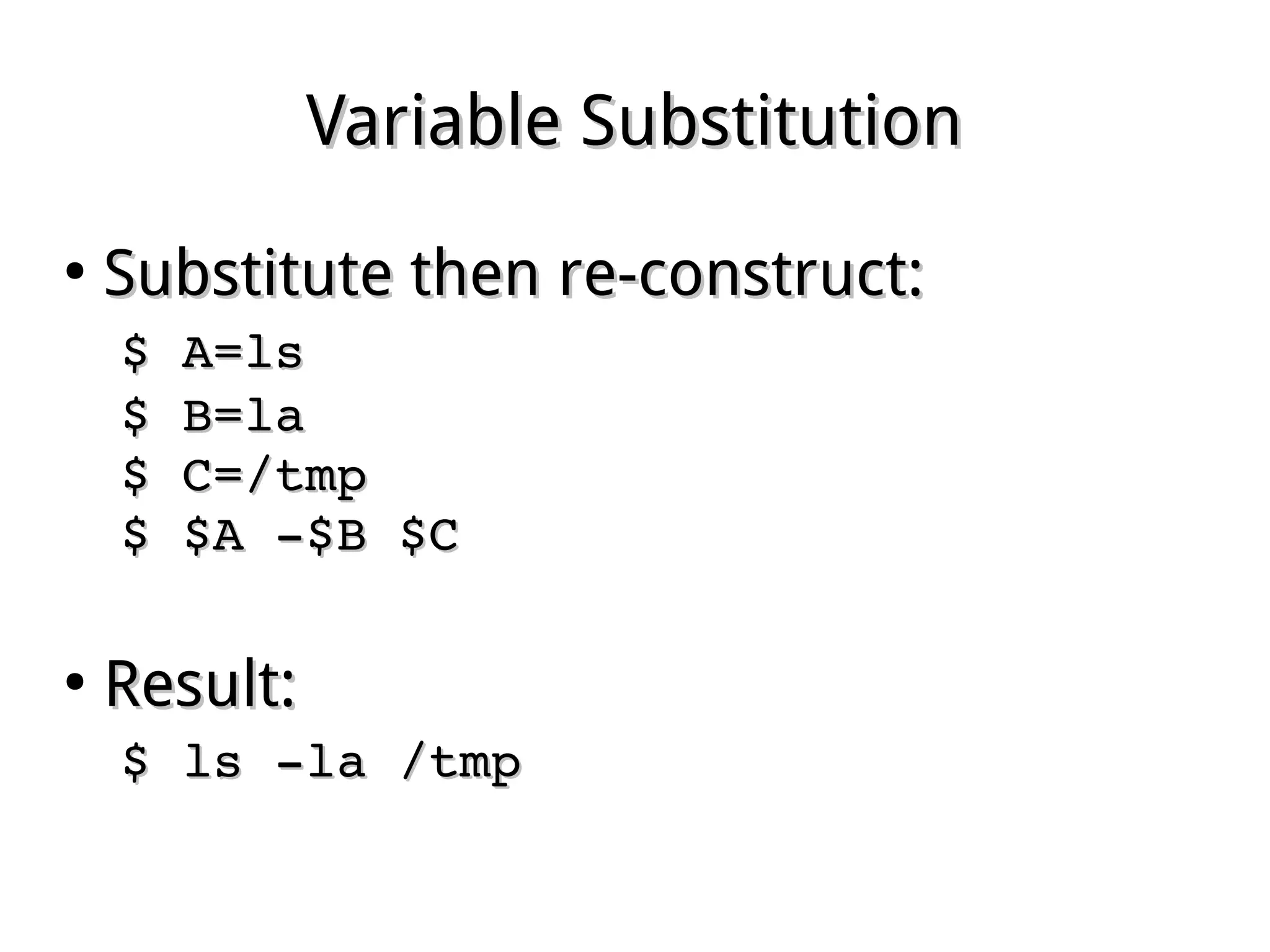
Substitute then re-construct:Substitute then re-construct:
$ A=ls $ A=ls 
$ B=la $ B=la 
$ C=/tmp $ C=/tmp 
$ $A ­$B $C$ $A ­$B $C
●
Result:Result:
$ ls ­la /tmp $ ls ­la /tmp 
Viewing a Variable ValueViewing a Variable Value
●
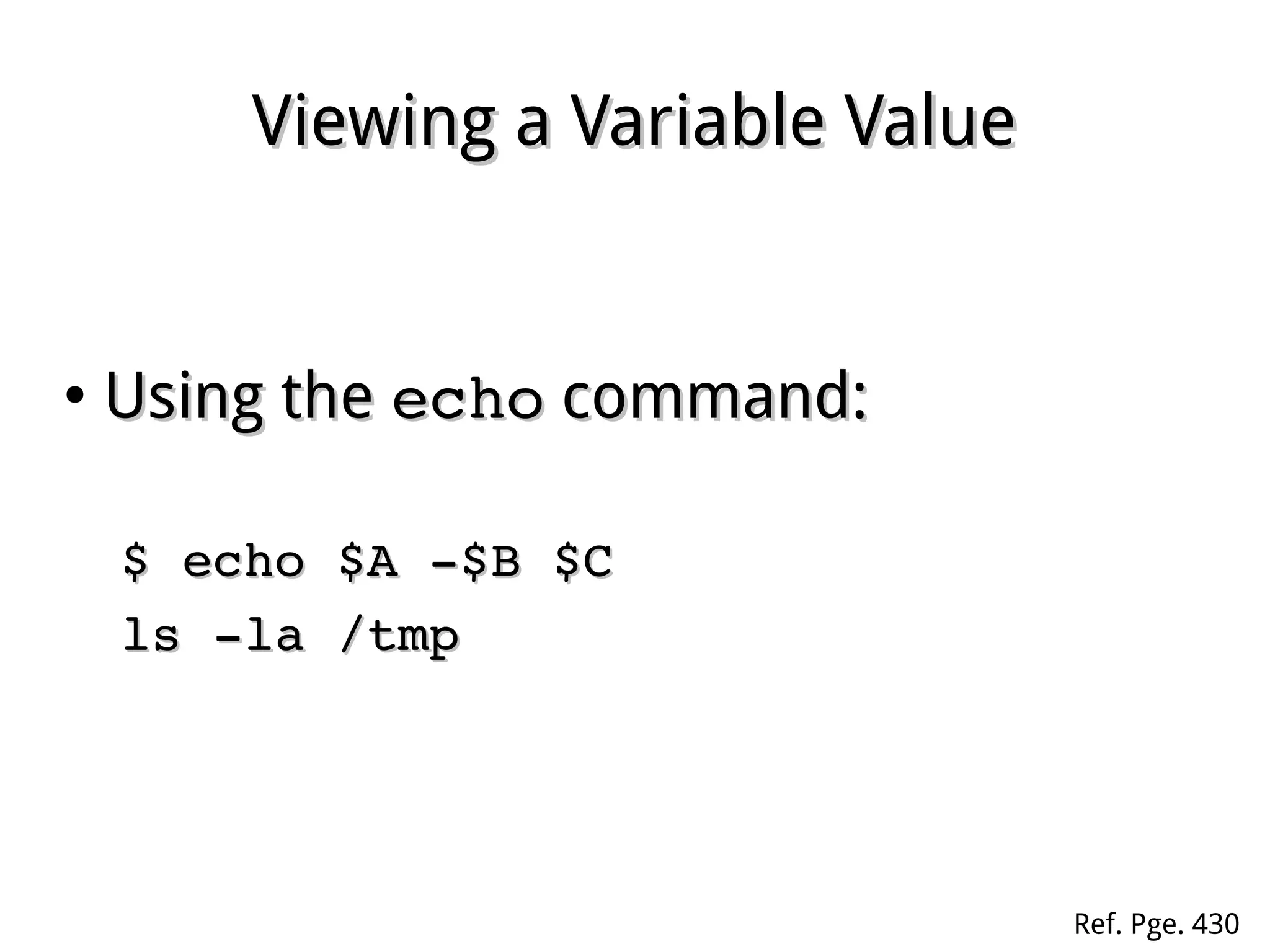
Using theUsing the echoecho command:command:
$ echo $A ­$B $C$ echo $A ­$B $C
ls ­la /tmpls ­la /tmp  
Ref. Pge. 430
Value ExpansionValue Expansion
●
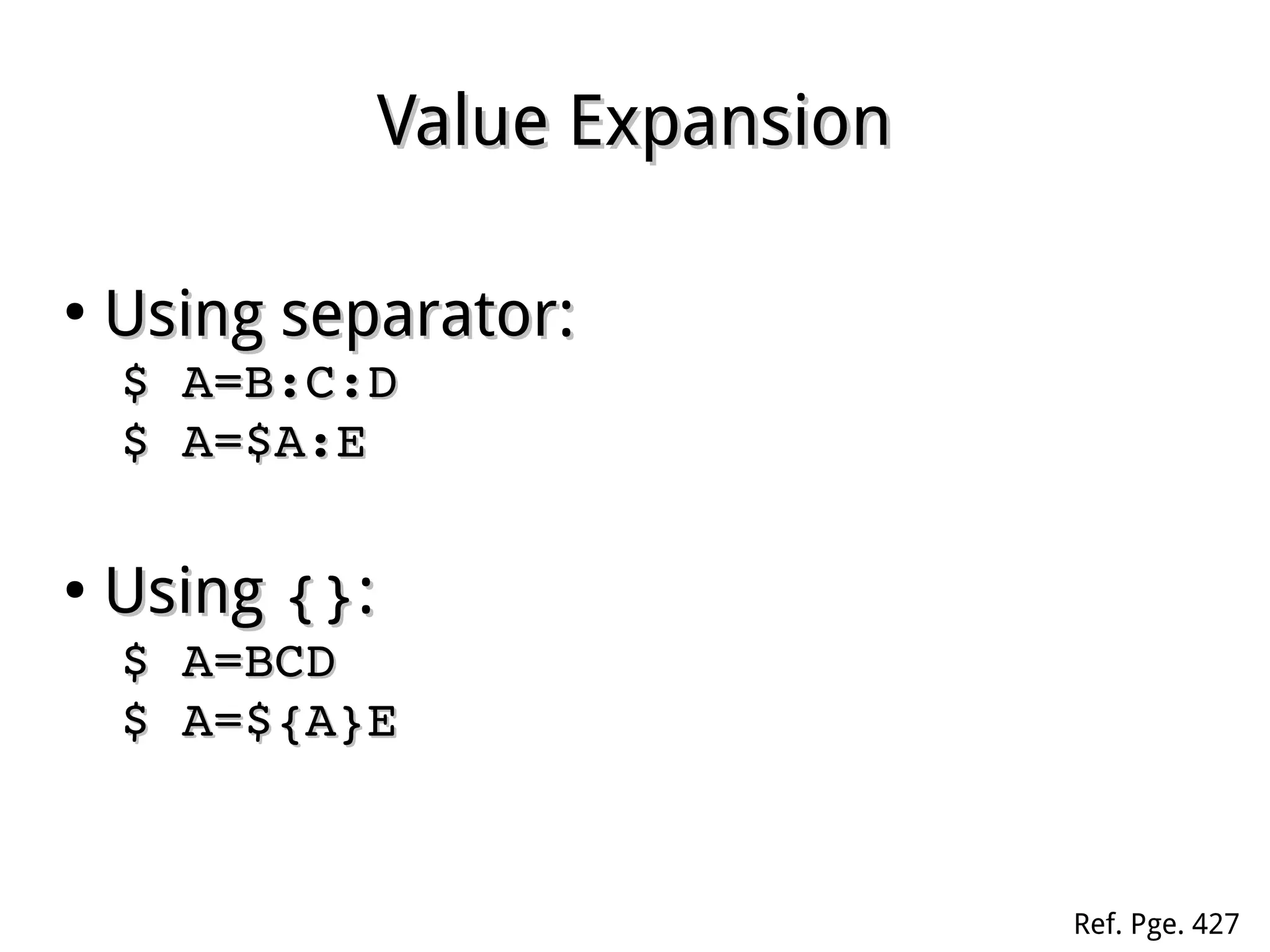
Using separator:Using separator:
$ A=B:C:D$ A=B:C:D
$ A=$A:E$ A=$A:E
●
UsingUsing {}{}::
$ A=BCD$ A=BCD
$ A=${A}E$ A=${A}E
Ref. Pge. 427
TheThe exportexport commandcommand
●
Purpose:Purpose:
To set Environment Variable, inheritable in subTo set Environment Variable, inheritable in sub
shells.shells.
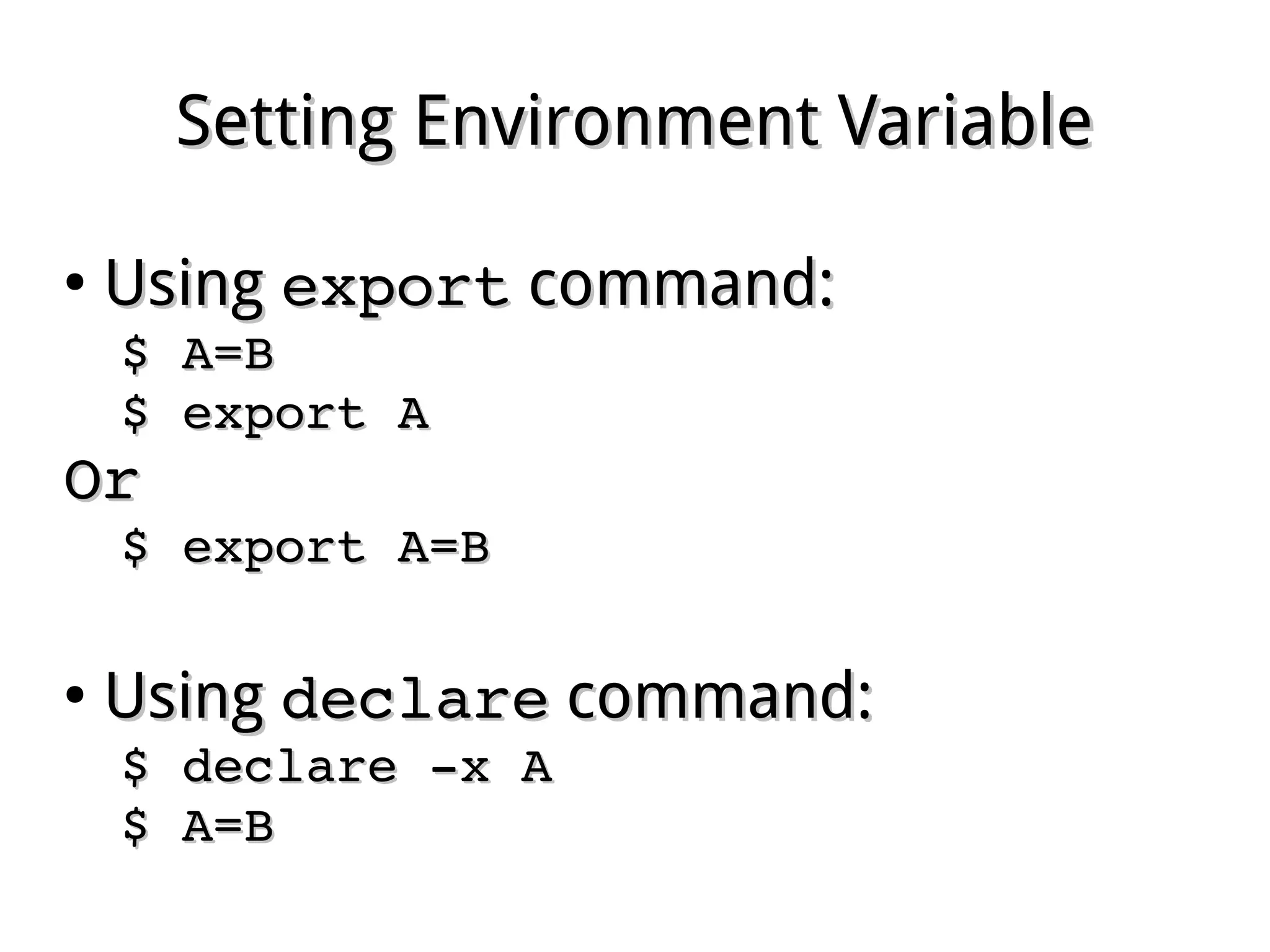
Setting Environment VariableSetting Environment Variable
●
UsingUsing exportexport command:command:
$ A=B$ A=B
$ export A$ export A
OrOr
$ export A=B$ export A=B
●
UsingUsing declaredeclare command:command:
$ declare ­x A$ declare ­x A
$ A=B$ A=B
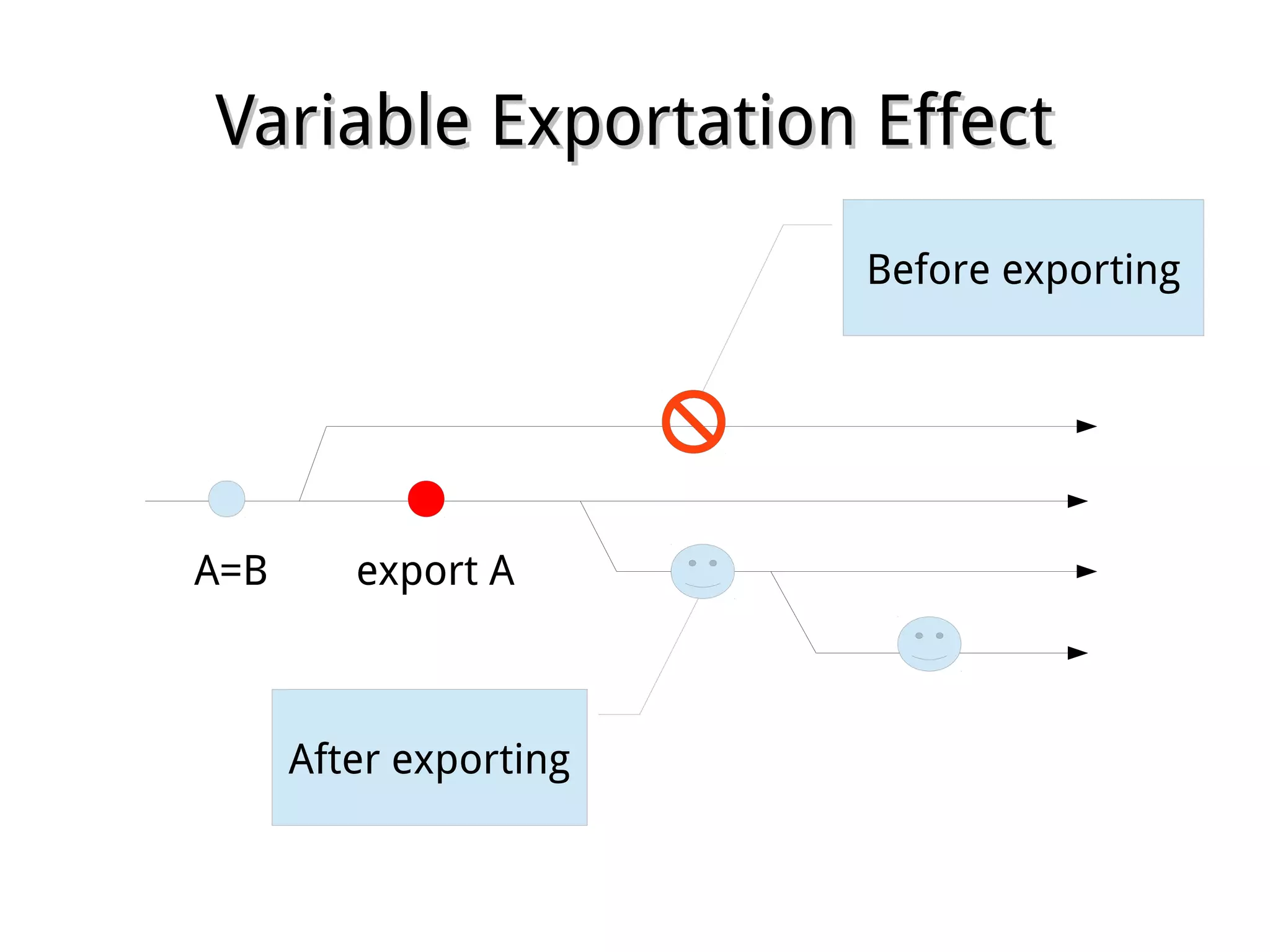
Variable Exportation EffectVariable Exportation Effect
A=B export A
Before exporting
After exporting
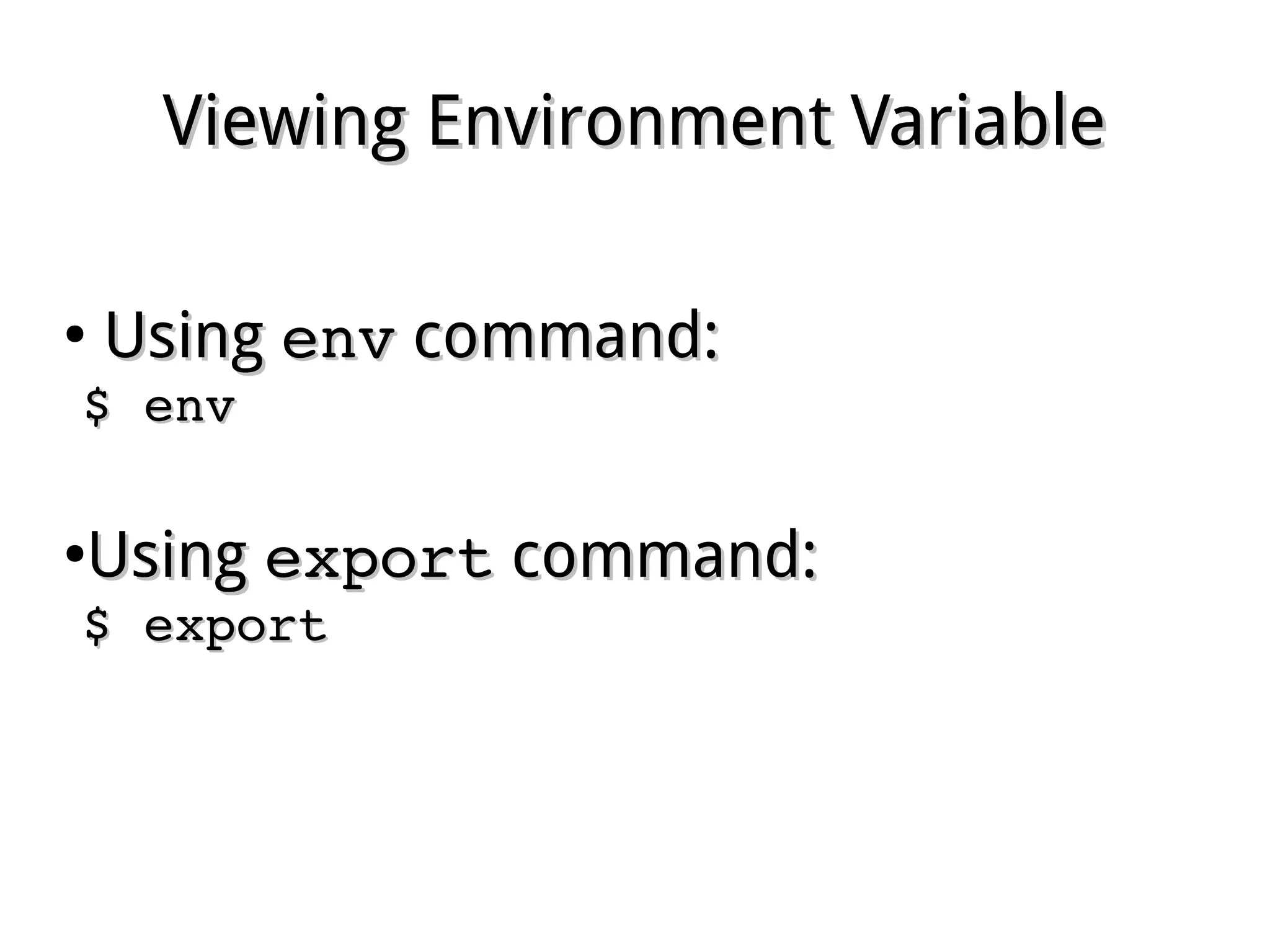
Viewing Environment VariableViewing Environment Variable
●
UsingUsing envenv command:command:
$ env$ env
●
UsingUsing exportexport command:command:
$ export$ export
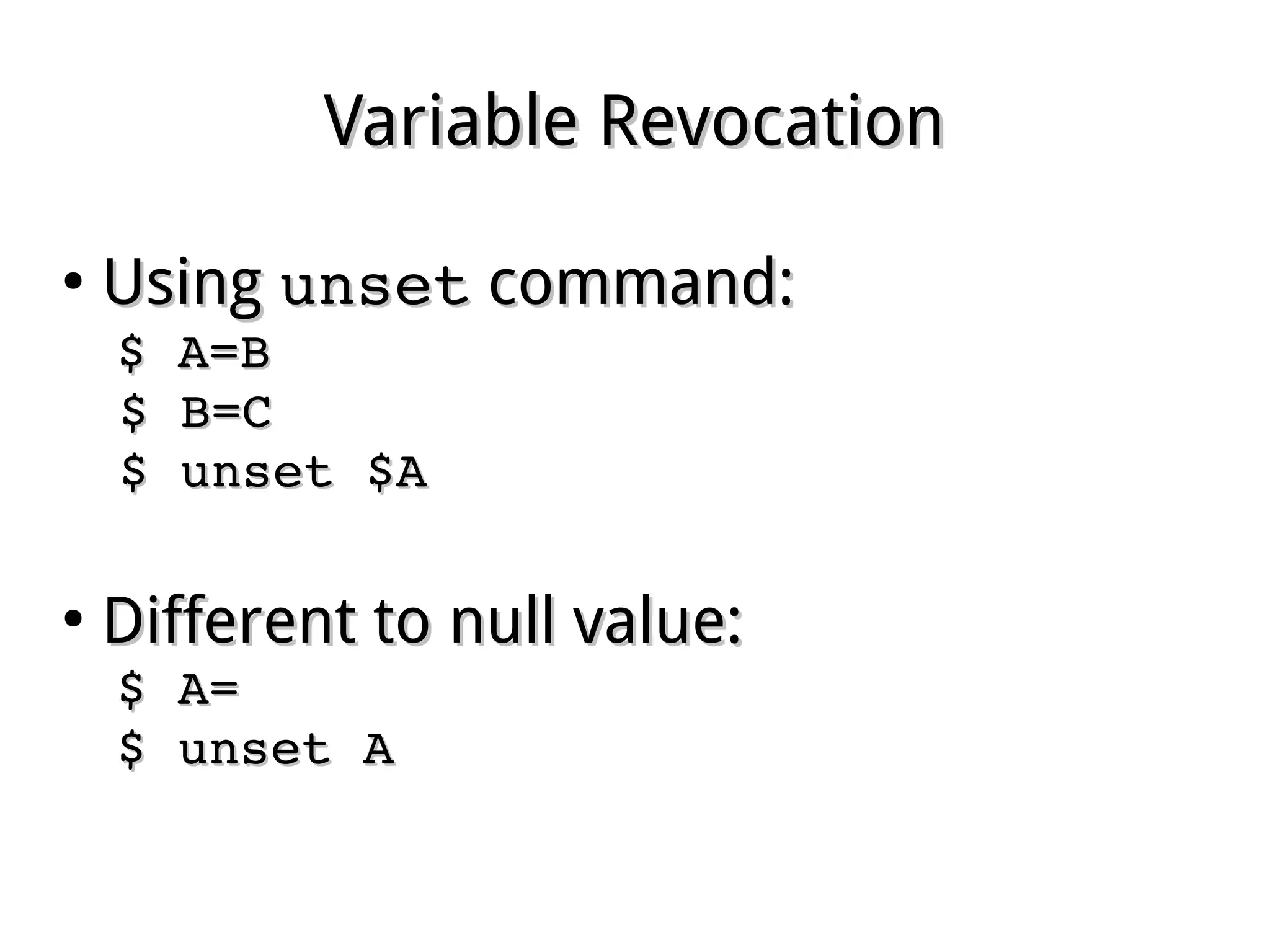
Variable RevocationVariable Revocation
●
UsingUsing unsetunset command:command:
$ A=B$ A=B
$ B=C$ B=C
$ unset $A$ unset $A
●
Different to null value:Different to null value:
$ A=$ A=
$ unset A$ unset A
Using readUsing read
●
Geting variable values from STDIN:Geting variable values from STDIN:
$ read var1 var2 var3$ read var1 var2 var3
●
Terminating input by pressingTerminating input by pressing EnterEnter
●
Positional assignmentPositional assignment
●
Extras are assigned to the last variableExtras are assigned to the last variable
●
Common options:Common options:
­p 'prompt' ­p 'prompt' : gives prompts: gives prompts
­n ­n nn  : gets: gets nn of characters enoughof characters enough
­s ­s : silent mode: silent mode
Ref. Pge. 440
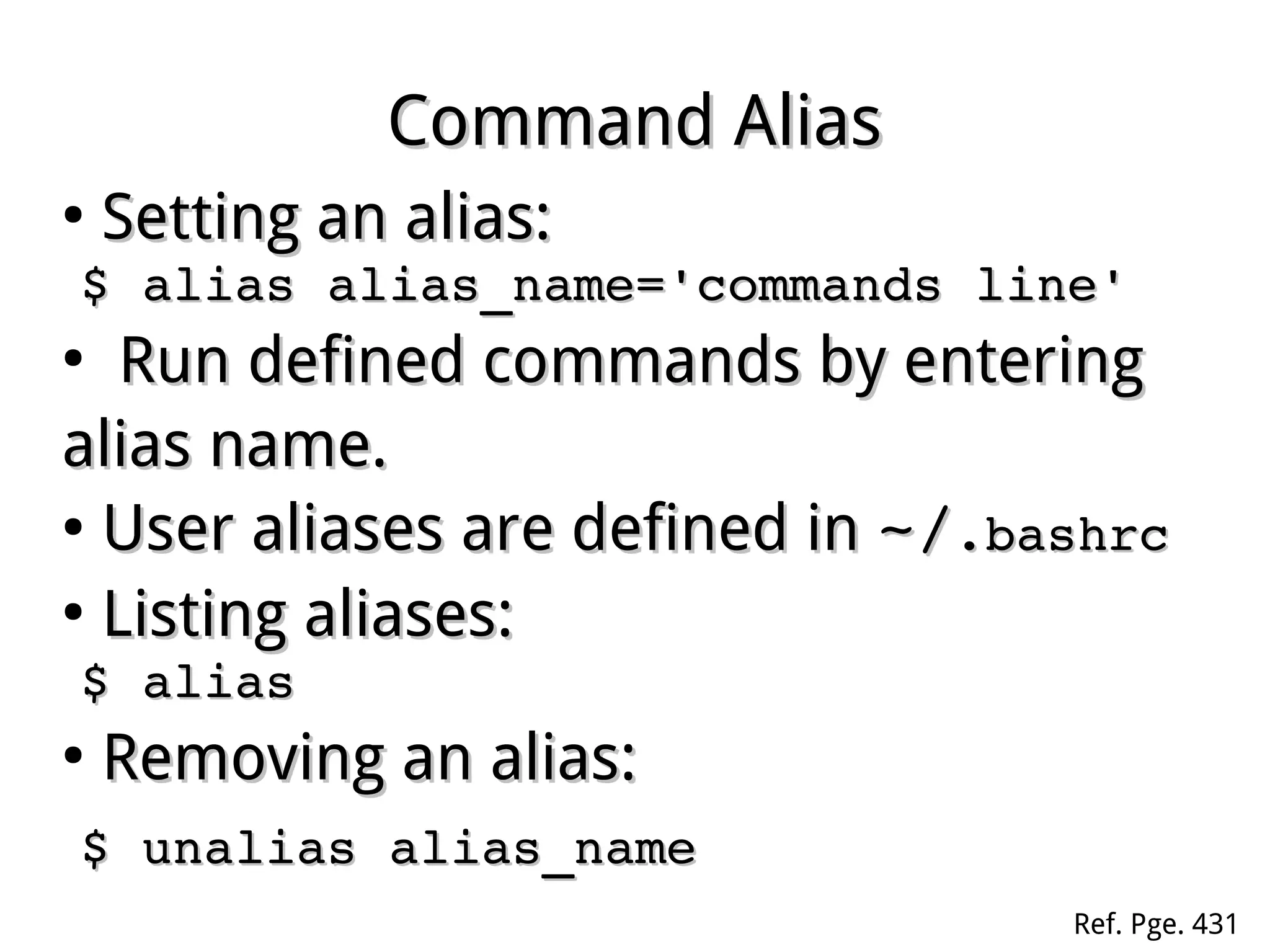
Command AliasCommand Alias
●
Setting an alias:Setting an alias:
$ alias alias_name='commands line'$ alias alias_name='commands line'
●
Run defined commands by eRun defined commands by enteringntering
alias name.alias name.
●
User aliases are defined inUser aliases are defined in ~/~/.bashrc.bashrc
●
Listing aliases:Listing aliases:
$ alias$ alias
●
Removing an alias:Removing an alias:
$ unalias alias_name$ unalias alias_name
Ref. Pge. 431
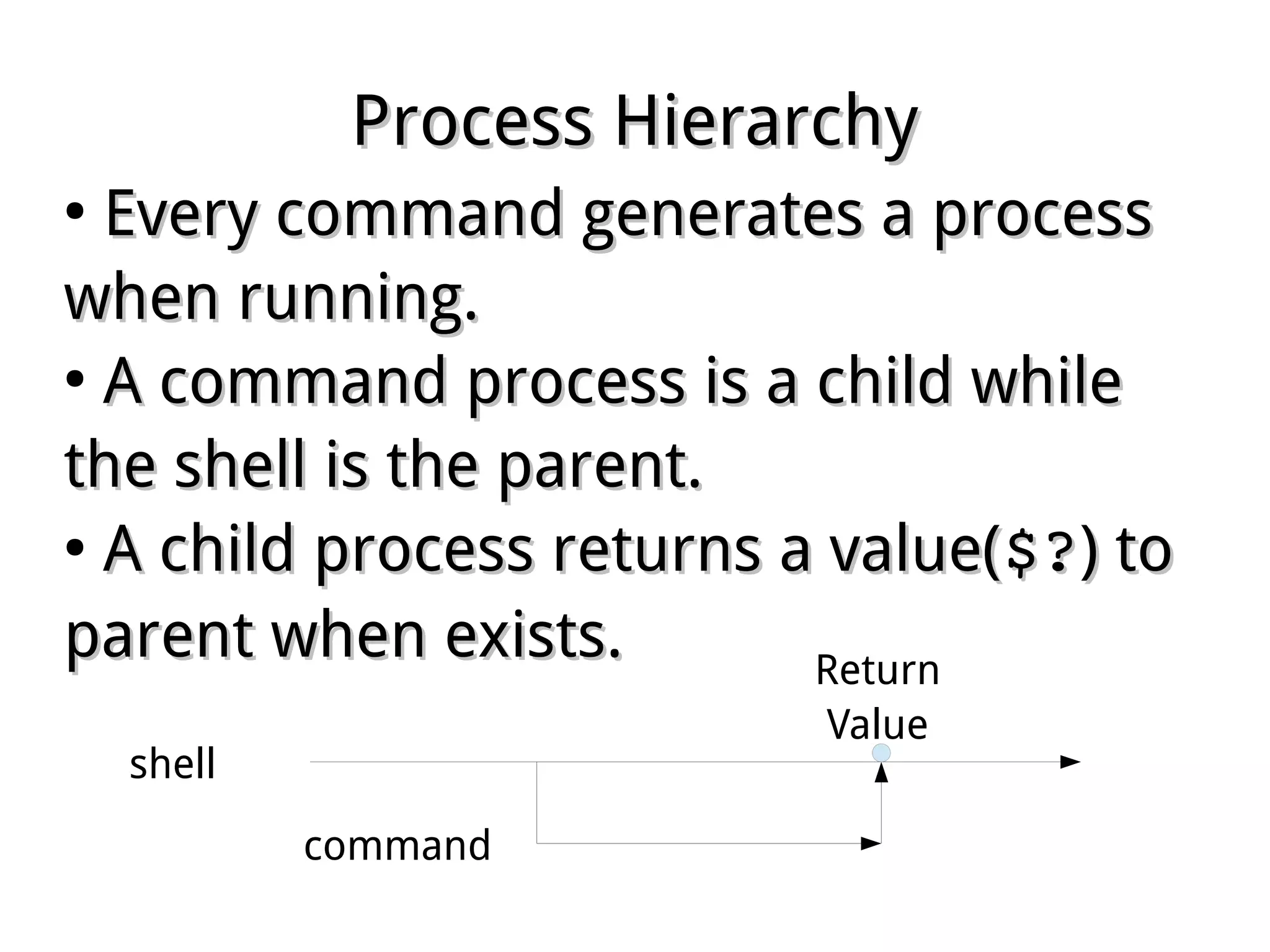
Process HierarchyProcess Hierarchy
●
Every command generates a processEvery command generates a process
when running.when running.
●
A command process is a child whileA command process is a child while
the shell is the parent.the shell is the parent.
●
A child process returns a value(A child process returns a value($?$?) to) to
parent when exists.parent when exists.
shell
command
Return
Value
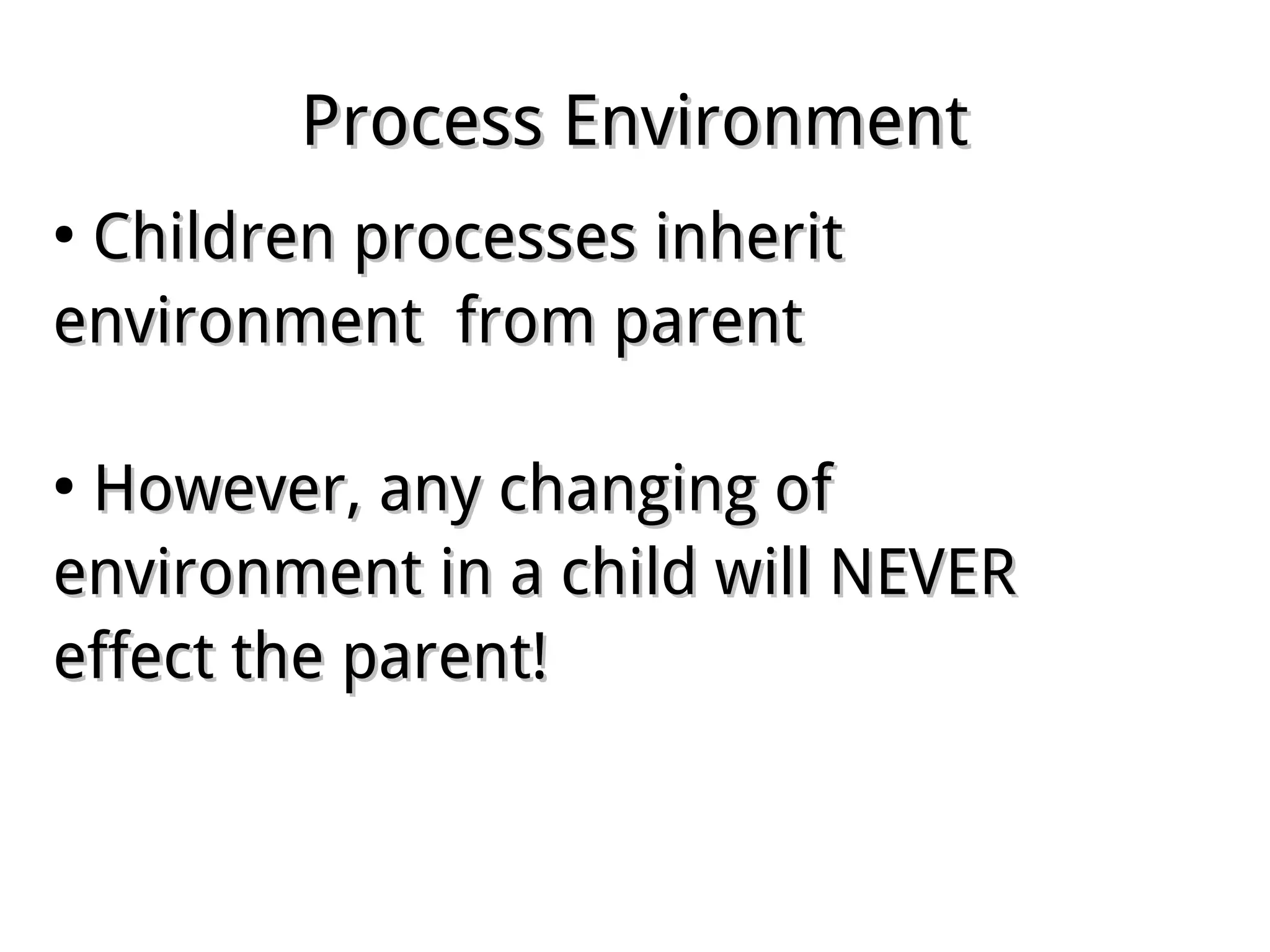
Process EnvironmentProcess Environment
●
Children processes inheritChildren processes inherit
environment from parentenvironment from parent
●
However, any changing ofHowever, any changing of
environment in a child will NEVERenvironment in a child will NEVER
effect the parent!effect the parent!
Shell ScriptShell Script
●
Definition:Definition:
A series of command lines are predefined in aA series of command lines are predefined in a
text file for running.text file for running.
Ref. Pge. 433
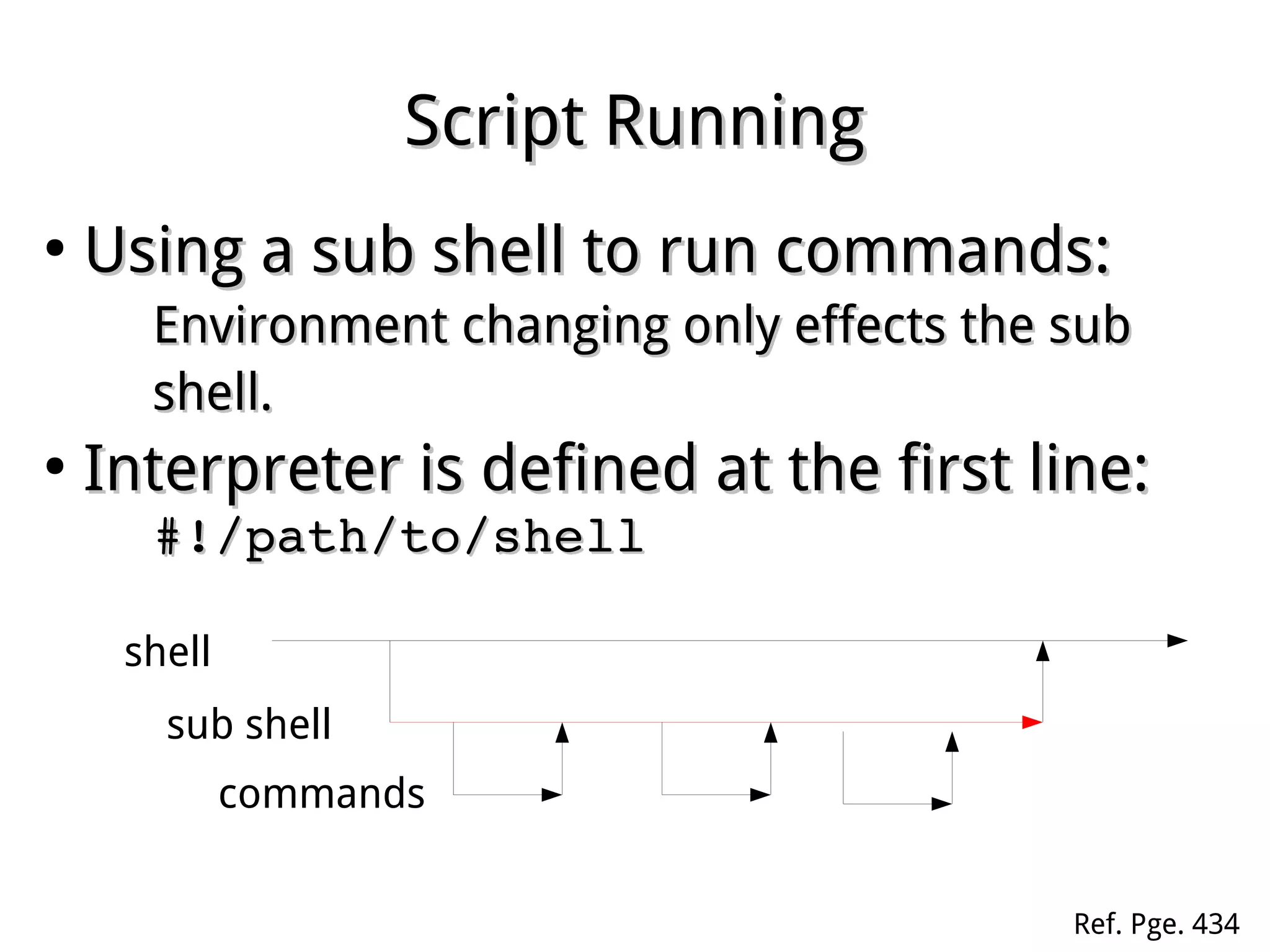
Script RunningScript Running
●
Using a sub shell to run commands:Using a sub shell to run commands:
Environment changing only effects the subEnvironment changing only effects the sub
shell.shell.
●
Interpreter is defined at the first line:Interpreter is defined at the first line:
#!/path/to/shell#!/path/to/shell
shell
sub shell
commands
Ref. Pge. 434
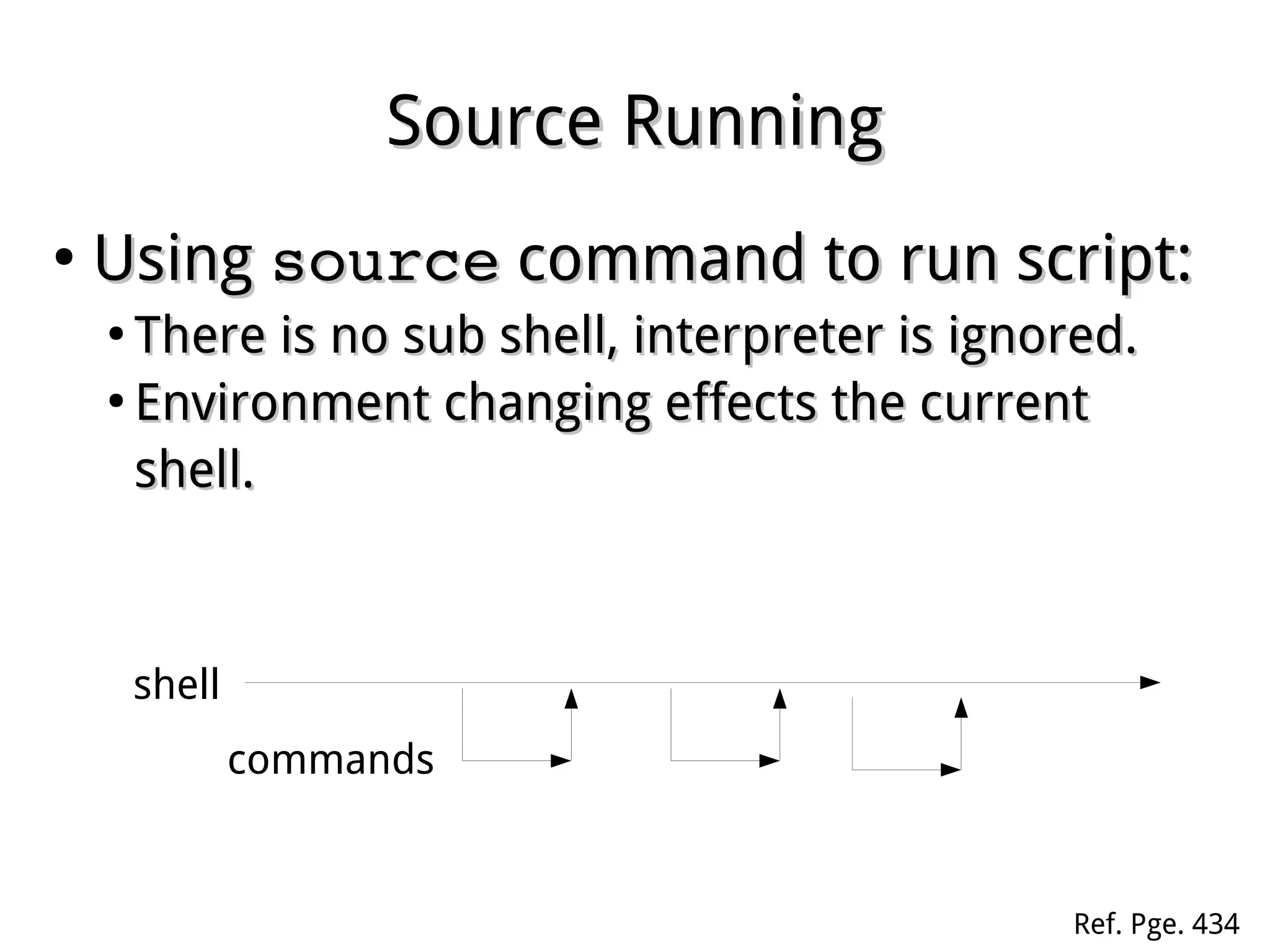
Source RunningSource Running
●
UsingUsing sourcesource command to run script:command to run script:
●
There is no sub shell, interpreter is ignored.There is no sub shell, interpreter is ignored.
●
Environment changing effects the currentEnvironment changing effects the current
shell.shell.
shell
commands
Ref. Pge. 434
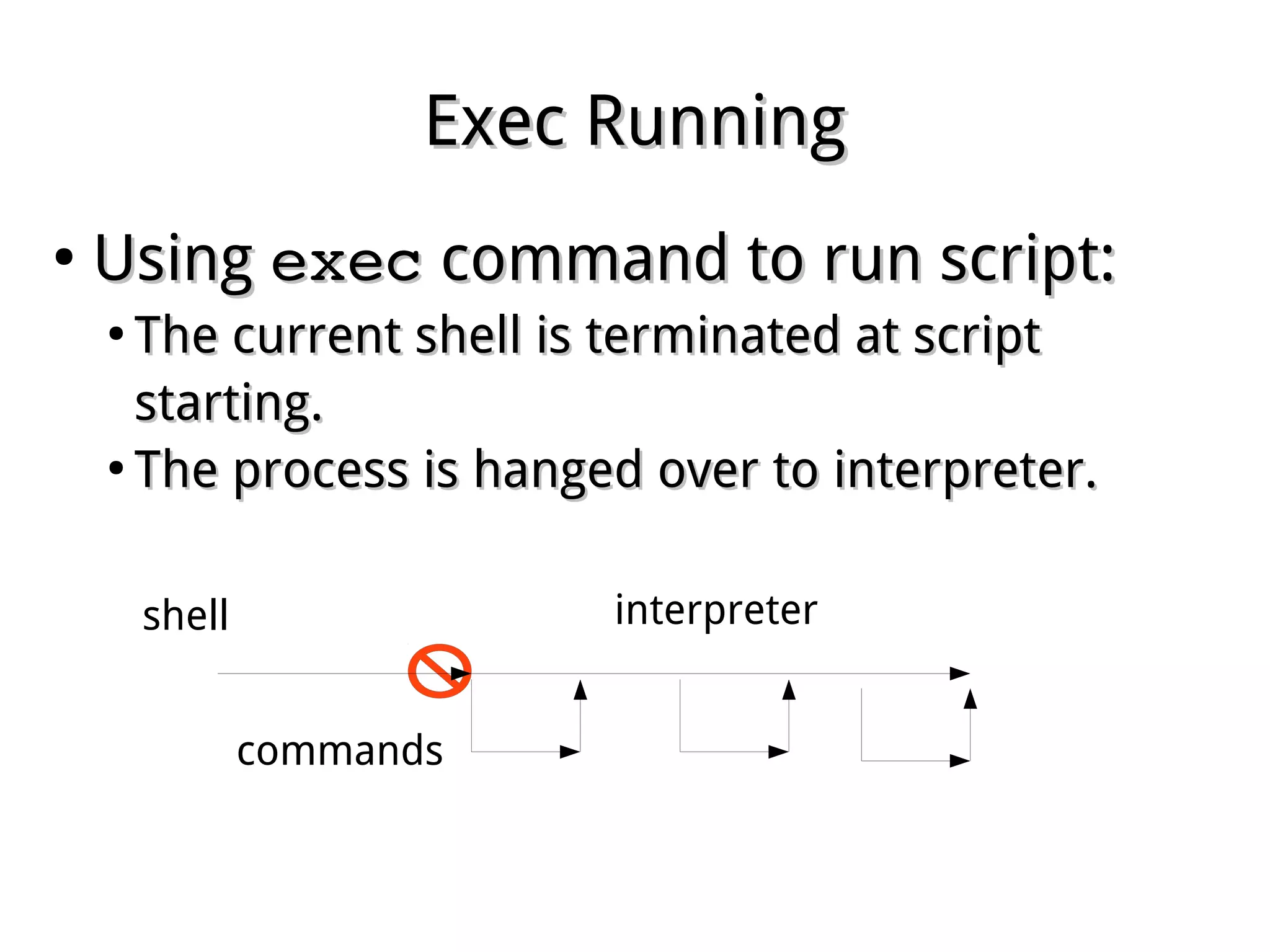
Exec RunningExec Running
●
UsingUsing execexec command to run script:command to run script:
●
The current shell is terminated at scriptThe current shell is terminated at script
starting.starting.
●
The process is hanged over to interpreter.The process is hanged over to interpreter.
shell
commands
interpreter
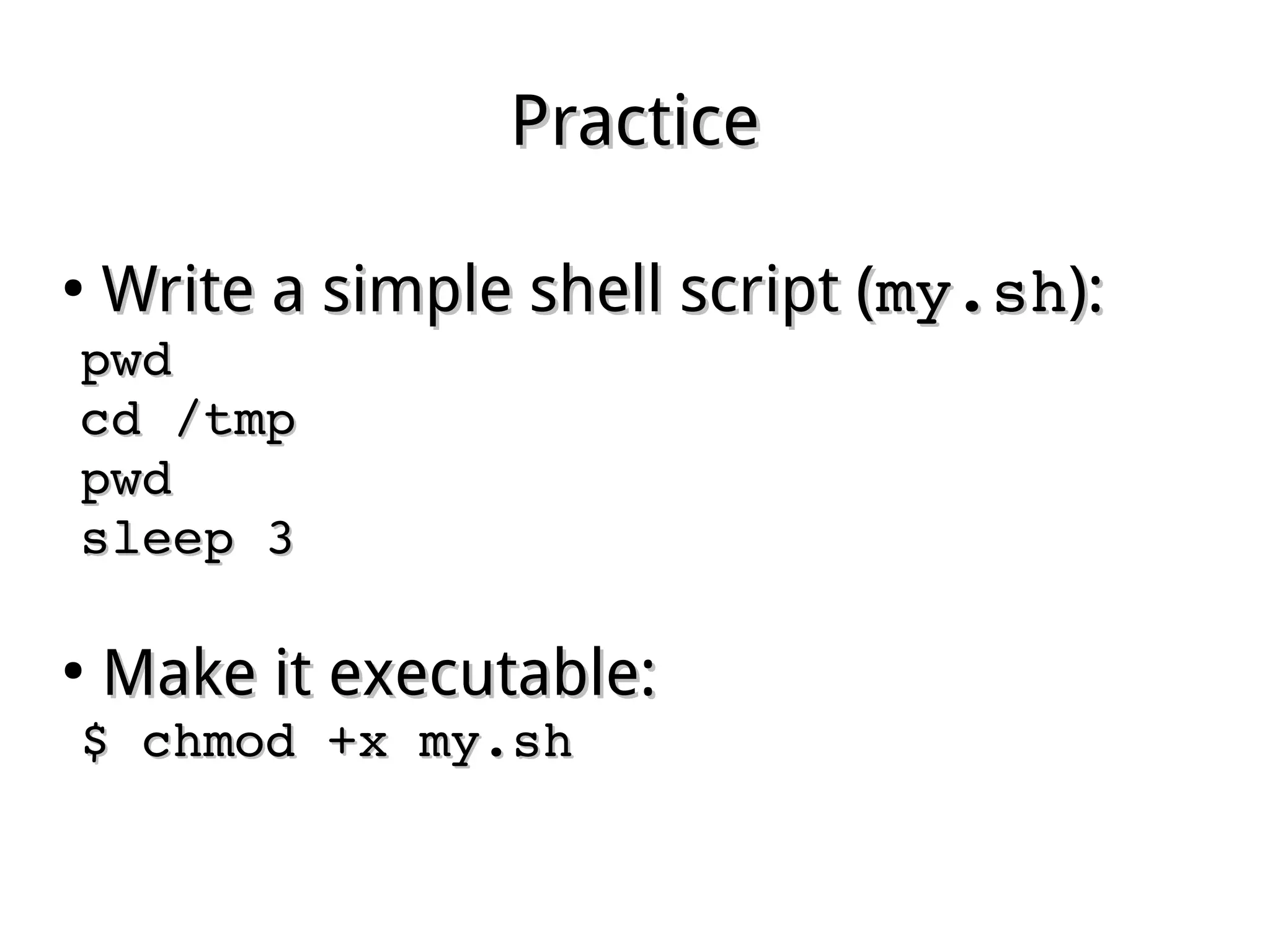
PracticePractice
●
Write a simple shell script (Write a simple shell script (my.shmy.sh):):
pwdpwd
cd /tmpcd /tmp
pwdpwd
sleep 3sleep 3
●
Make it executable:Make it executable:
$ chmod +x my.sh$ chmod +x my.sh
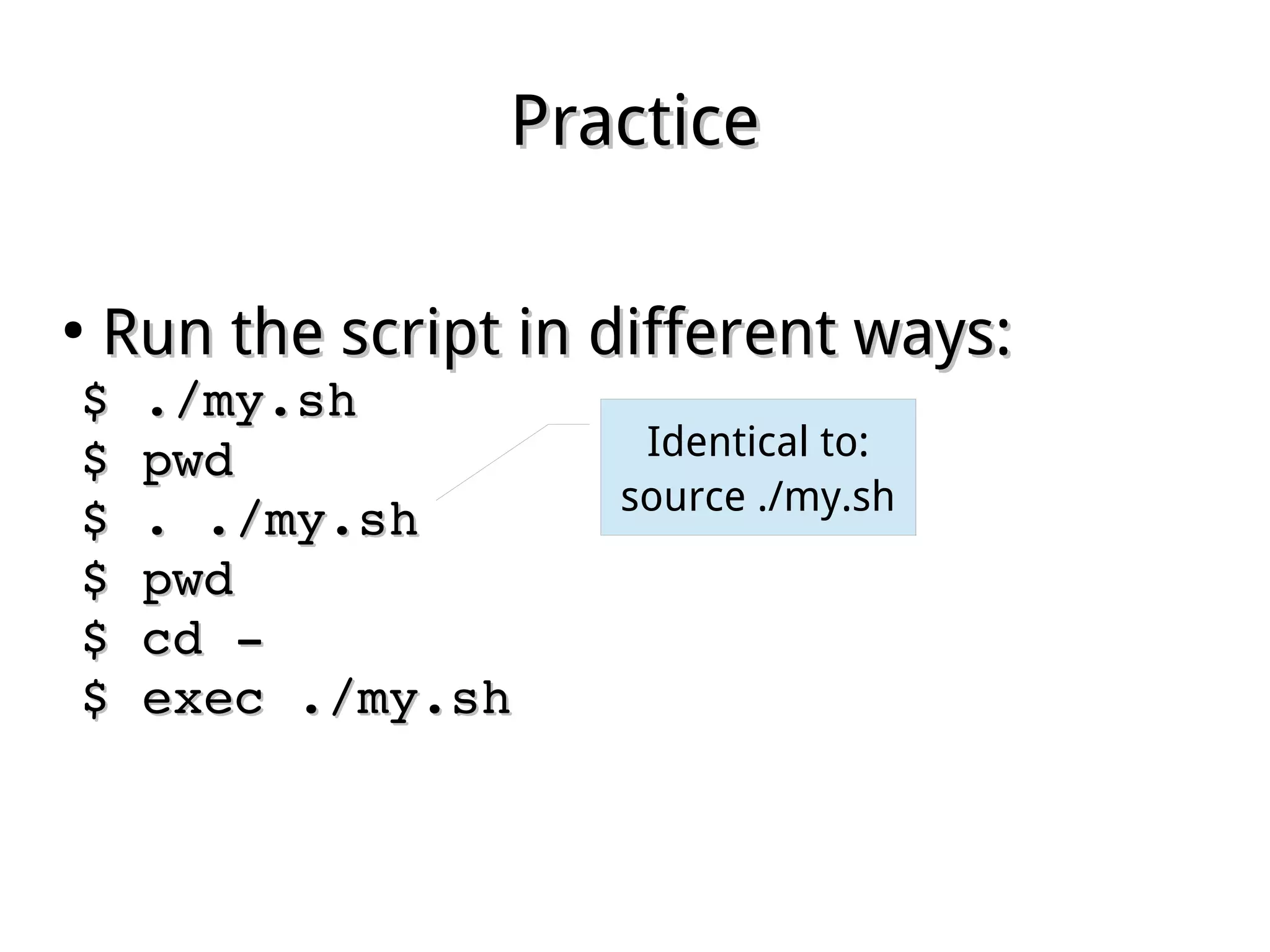
PracticePractice
●
Run the script in different ways:Run the script in different ways:
$ ./my.sh$ ./my.sh
$ pwd$ pwd
$ . ./my.sh$ . ./my.sh
$ pwd$ pwd
$ cd ­$ cd ­
$ exec ./my.sh$ exec ./my.sh
Identical to:
source ./my.sh
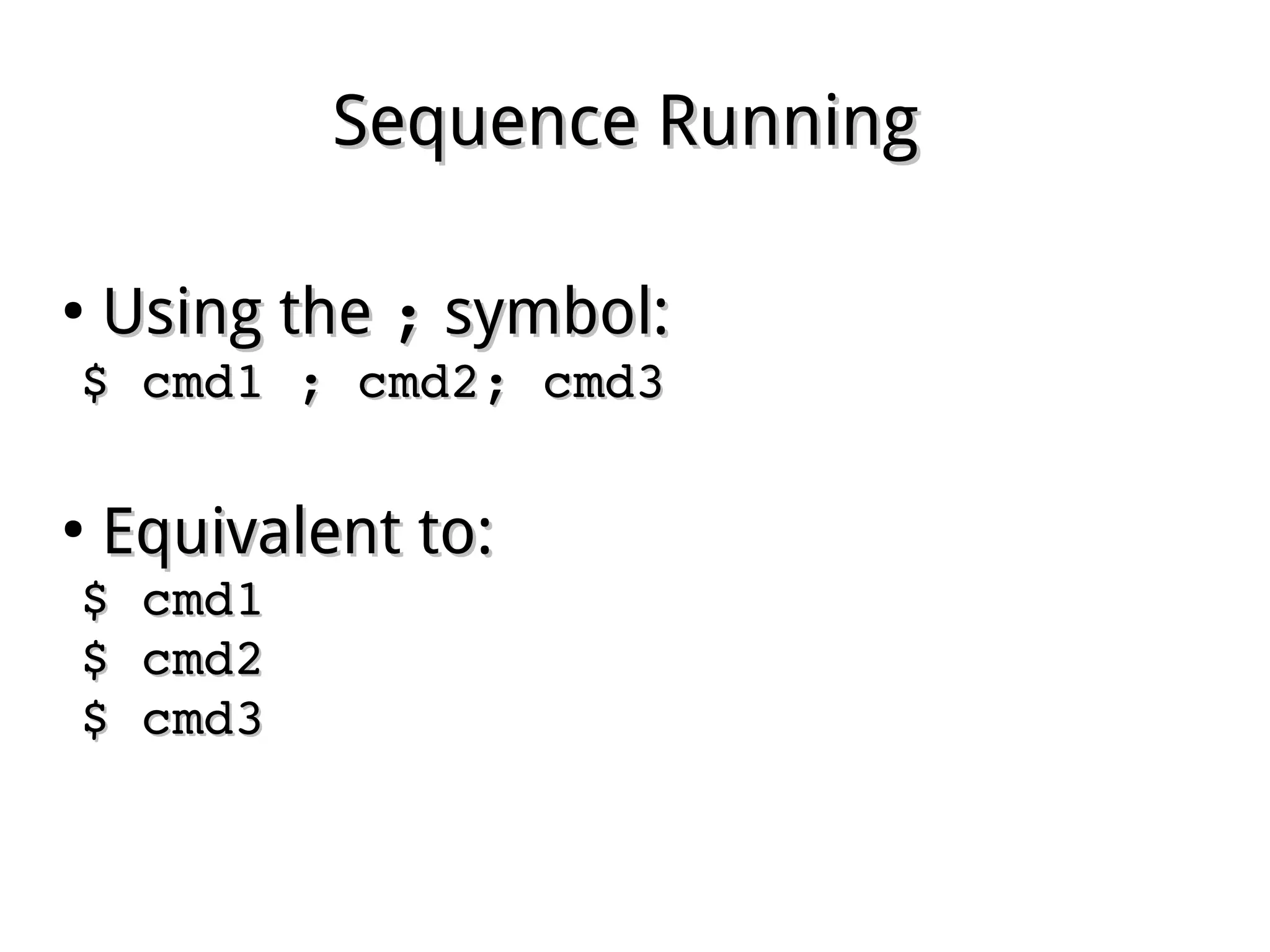
Sequence RunningSequence Running
●
Using theUsing the ;; symbol:symbol:
$ cmd1 ; cmd2; cmd3$ cmd1 ; cmd2; cmd3
●
Equivalent to:Equivalent to:
$ cmd1$ cmd1
$ cmd2$ cmd2
$ cmd3$ cmd3
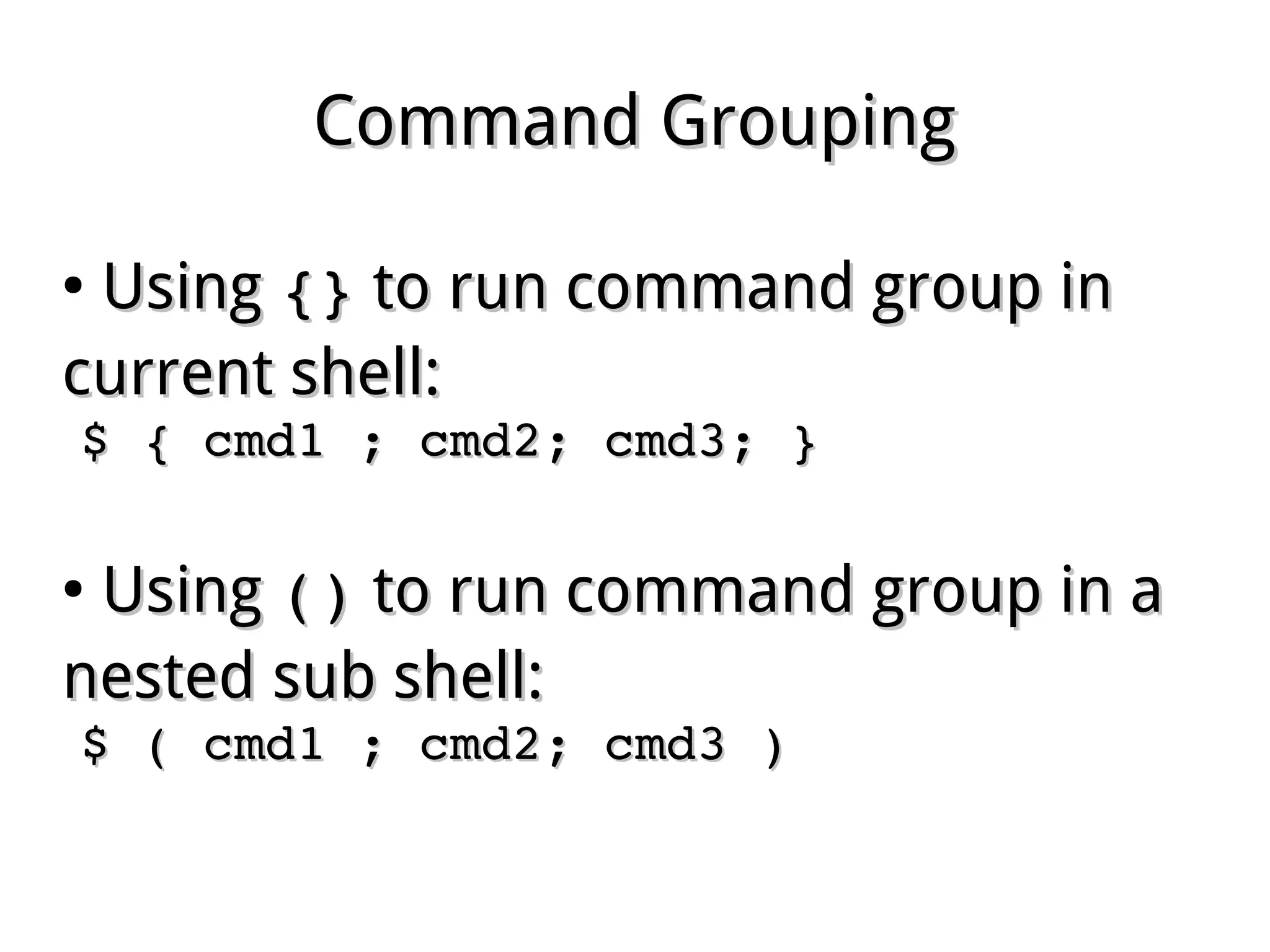
Command GroupingCommand Grouping
●
UsingUsing {}{} to run command group into run command group in
current shell:current shell:
$ { cmd1 ; cmd2; cmd3; }$ { cmd1 ; cmd2; cmd3; }
●
UsingUsing ()() to run command group in ato run command group in a
nested sub shell:nested sub shell:
$ ( cmd1 ; cmd2; cmd3 )$ ( cmd1 ; cmd2; cmd3 )
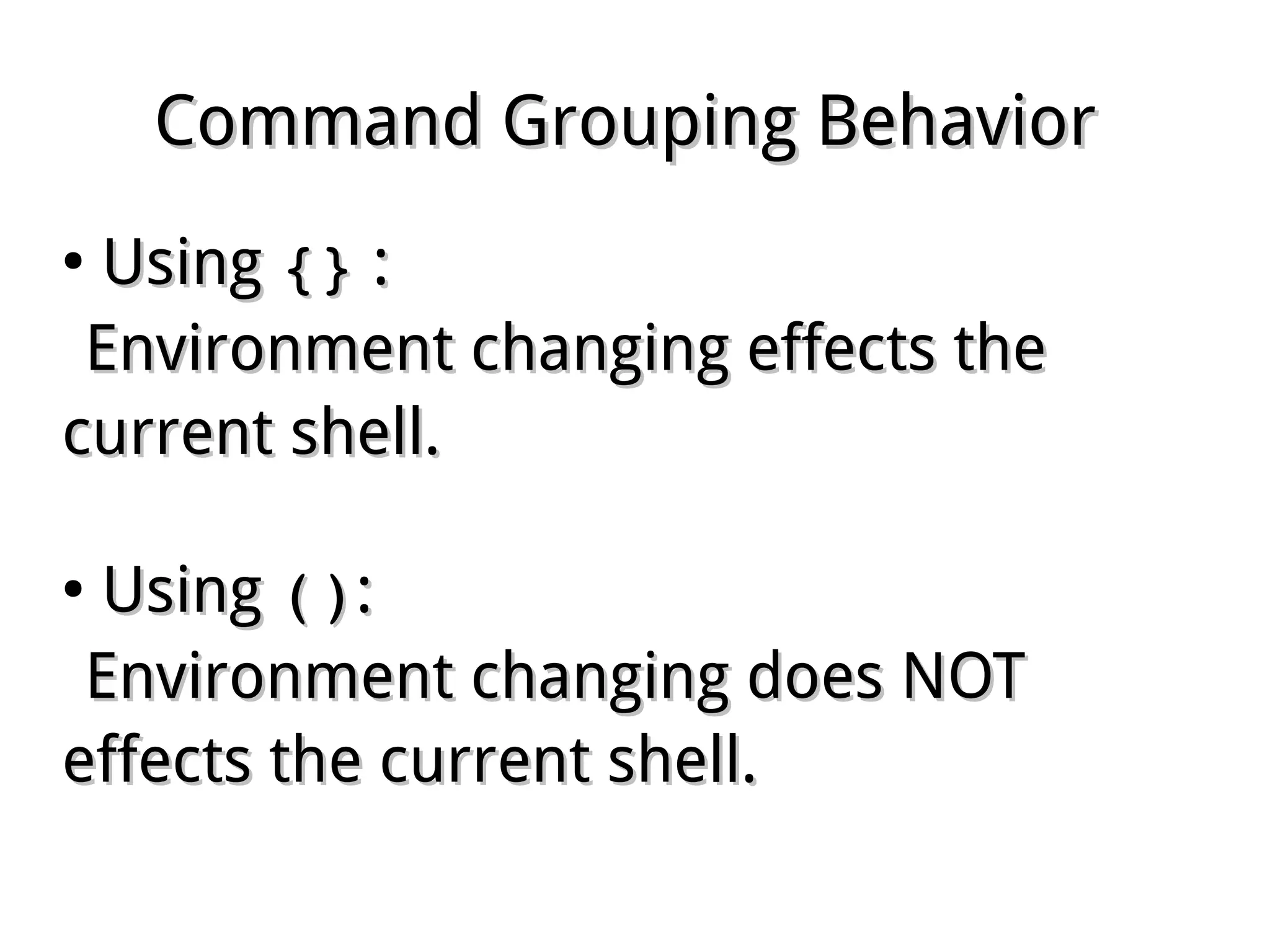
Command Grouping BehaviorCommand Grouping Behavior
●
UsingUsing {}{} ::
Environment changing effects theEnvironment changing effects the
current shell.current shell.
●
UsingUsing ()()::
Environment changing does NOTEnvironment changing does NOT
effects the current shell.effects the current shell.
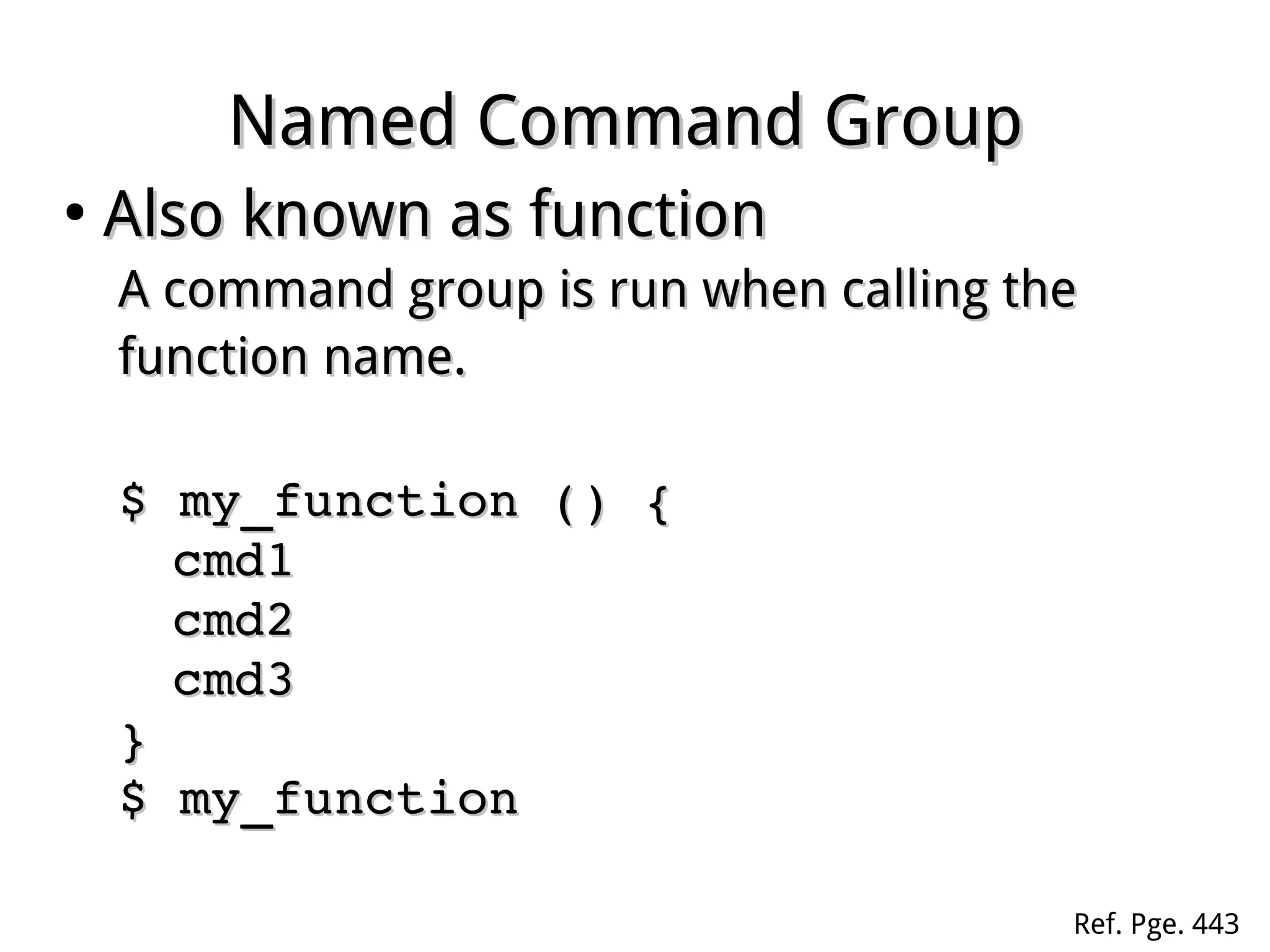
Named Command GroupNamed Command Group
●
Also known as functionAlso known as function
A command group is run when calling theA command group is run when calling the
function name.function name.
$ my_function () {$ my_function () {
cmd1cmd1
cmd2cmd2
cmd3cmd3
}}
$ my_function$ my_function
Ref. Pge. 443
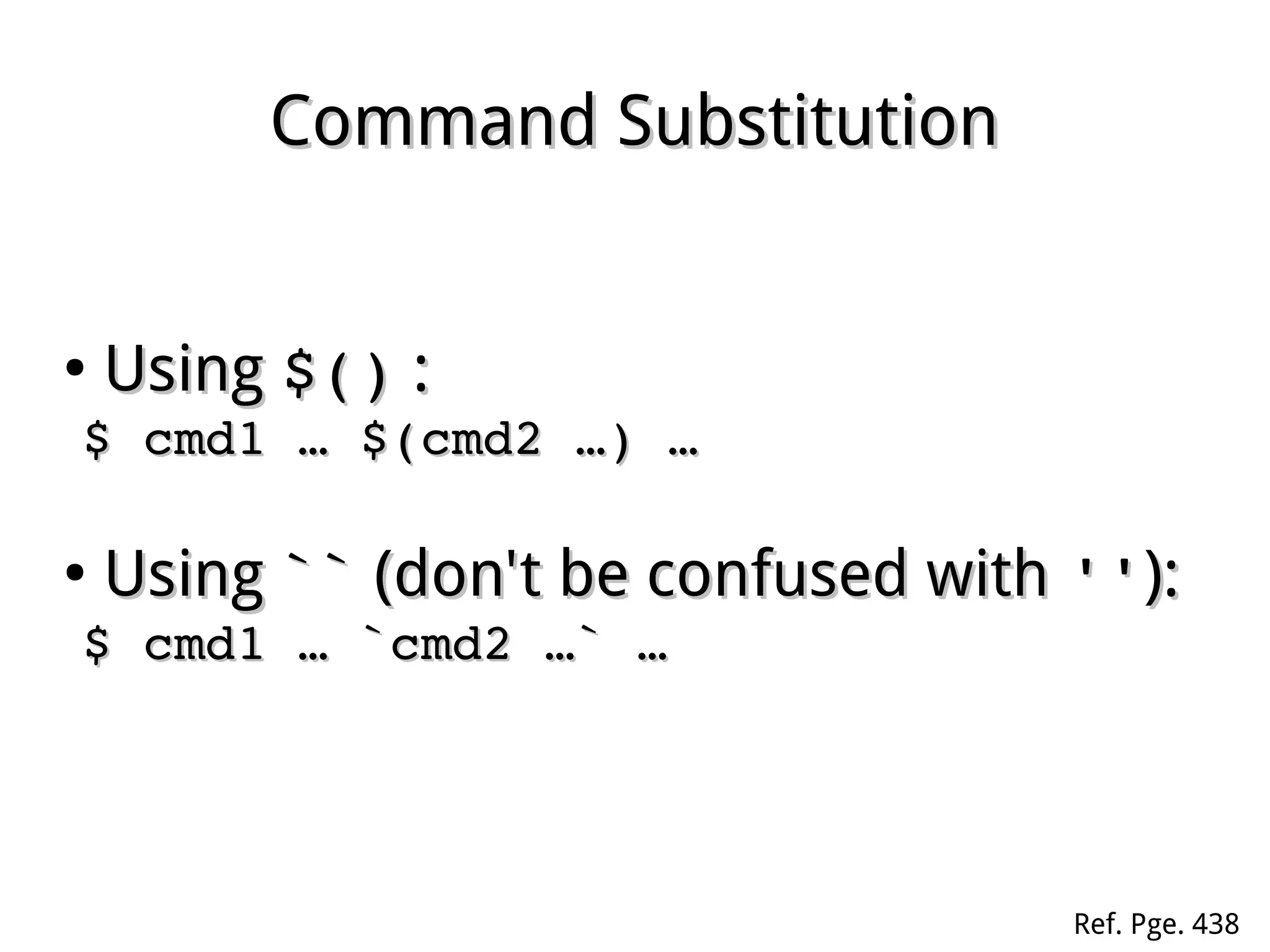
Command SubstitutionCommand Substitution
●
UsingUsing $()$() ::
$ cmd1 … $(cmd2 …) … $ cmd1 … $(cmd2 …) … 
●
UsingUsing ```` (don't be confused with(don't be confused with ''''):):
$ cmd1 … `cmd2 …` … $ cmd1 … `cmd2 …` … 
Ref. Pge. 438
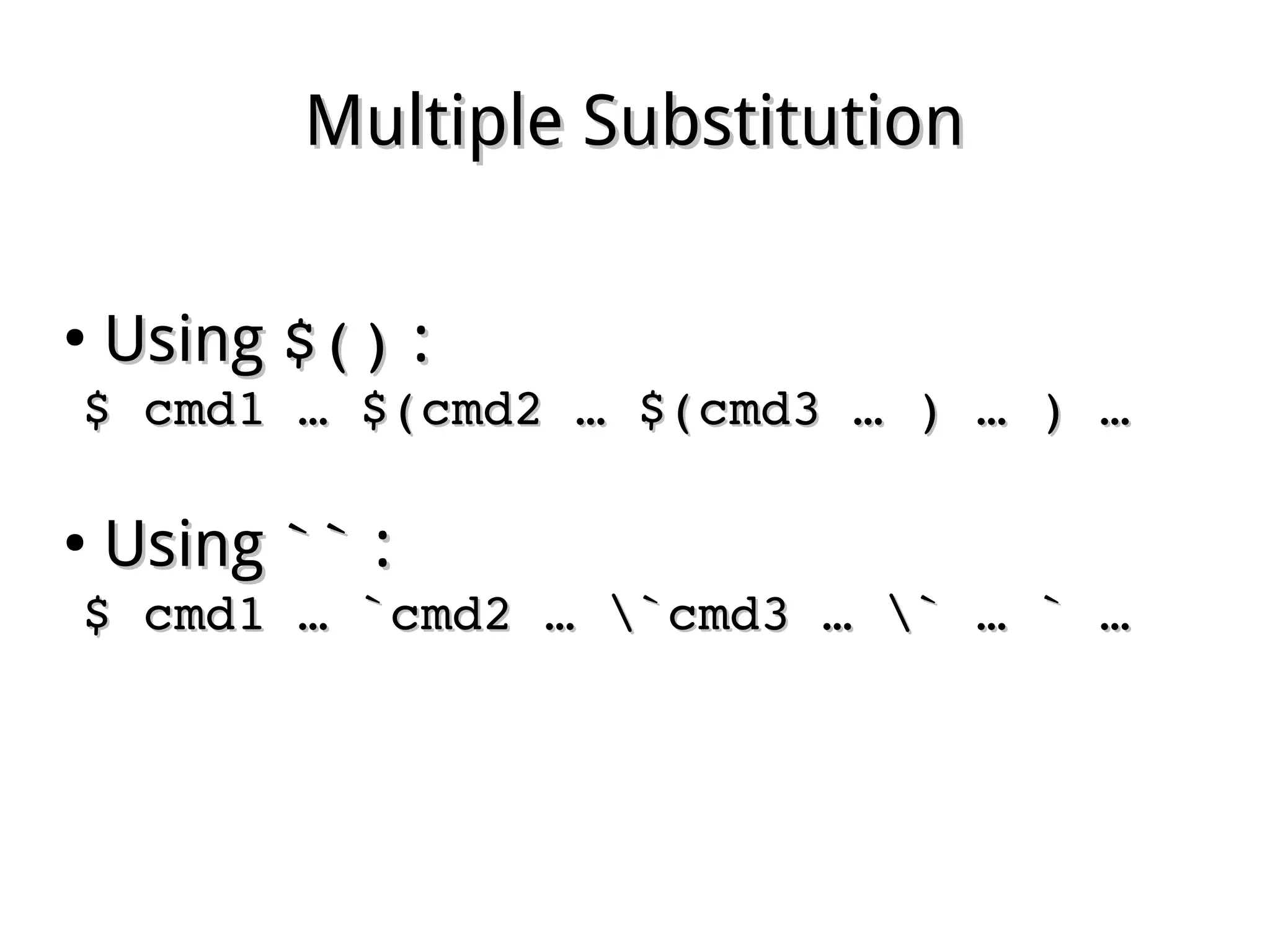
Multiple SubstitutionMultiple Substitution
●
UsingUsing $()$() ::
$ cmd1 … $(cmd2 … $(cmd3 … ) … ) … $ cmd1 … $(cmd2 … $(cmd3 … ) … ) … 
●
UsingUsing ```` ::
$ cmd1 … `cmd2 … `cmd3 … ` … ` … $ cmd1 … `cmd2 … `cmd3 … ` … ` … 
Advanced Variable SubstitutionAdvanced Variable Substitution
●
${#var}${#var} ::
the length of valuethe length of value
Advanced Variable SubstitutionAdvanced Variable Substitution
●
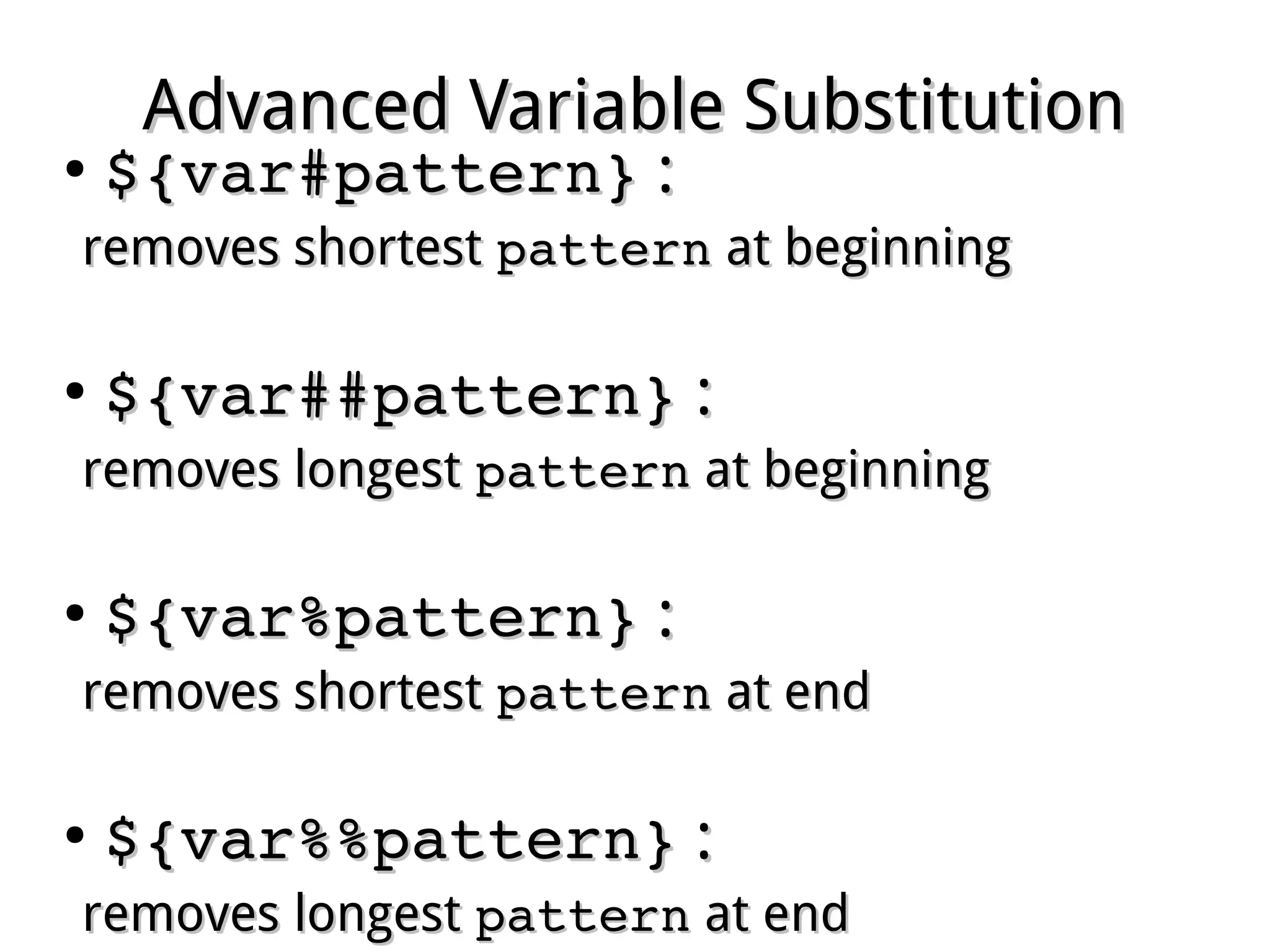
${var#pattern}${var#pattern} ::
removes shortestremoves shortest patternpattern at beginningat beginning
●
${var##pattern}${var##pattern} ::
removes longestremoves longest patternpattern at beginningat beginning
●
${var%pattern}${var%pattern} ::
removes shortestremoves shortest patternpattern at endat end
●
${var%%pattern}${var%%pattern} ::
removes longestremoves longest patternpattern at endat end
Advanced Variable SubstitutionAdvanced Variable Substitution
●
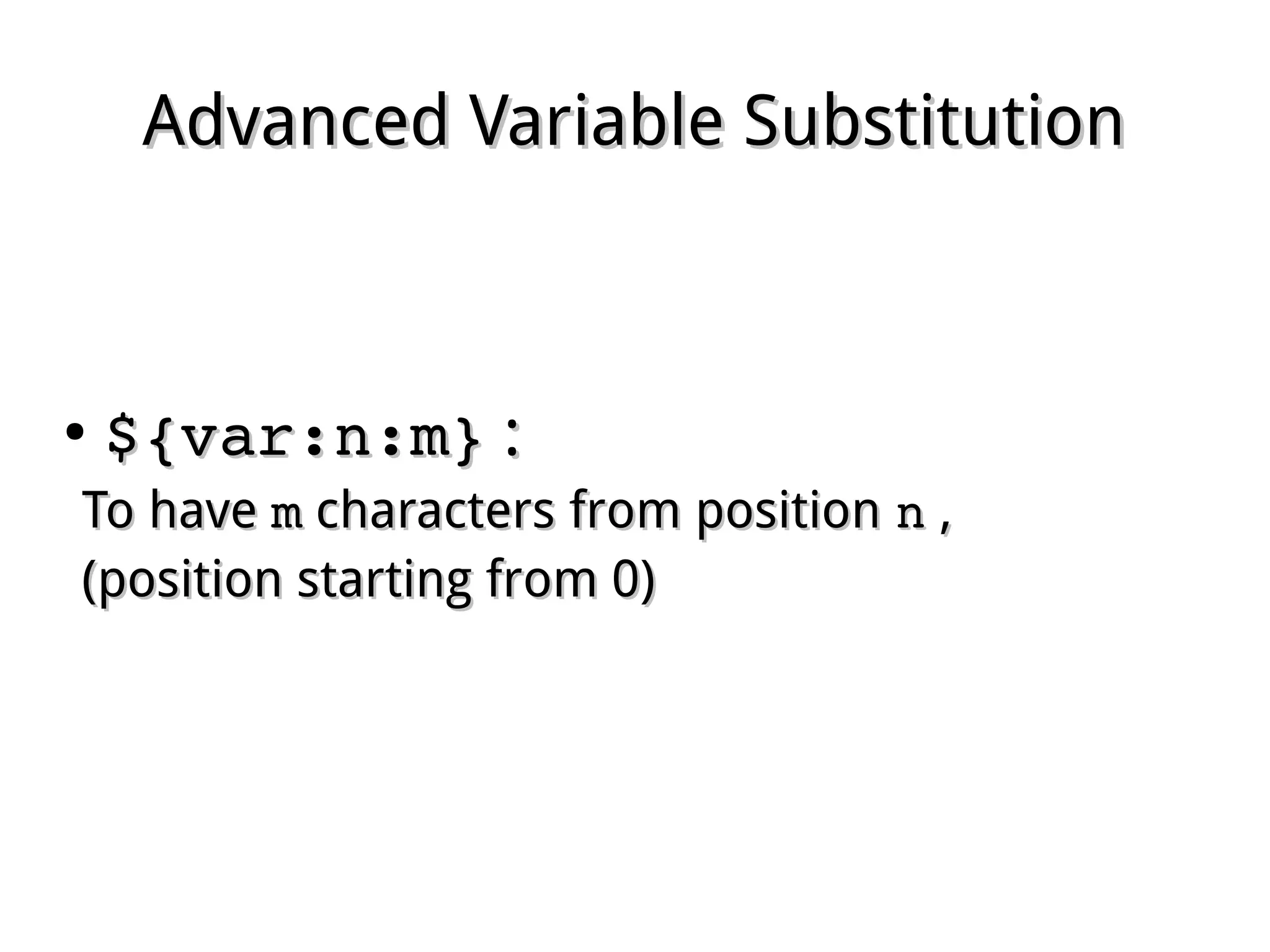
${var:n:m}${var:n:m} ::
To haveTo have mm characters from positioncharacters from position nn ,,
(position starting from 0)(position starting from 0)
Advanced Variable SubstitutionAdvanced Variable Substitution
●
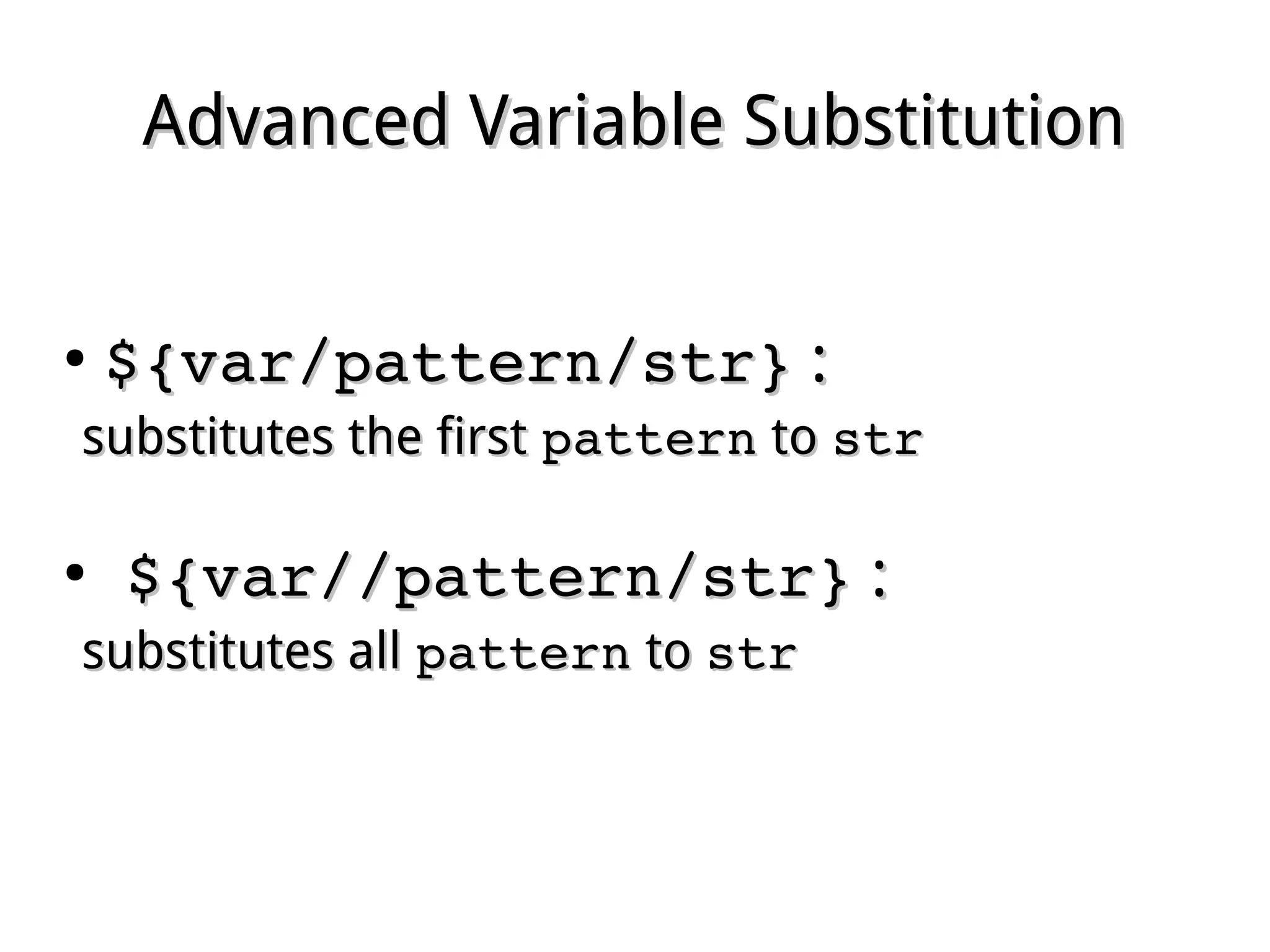
${var/pattern/str}${var/pattern/str} ::
substitutes the firstsubstitutes the first patternpattern toto strstr
●
  ${var//pattern/str}${var//pattern/str} ::
substitutes allsubstitutes all patternpattern toto strstr
Array SettingArray Setting
●
UsingUsing ()()::
array=(value1 value2 value3)array=(value1 value2 value3)
●
Position assignment:Position assignment:
array[0]=value1array[0]=value1
array[1]=value2array[1]=value2
array[2]=value3array[2]=value3
Array SubstitutionArray Substitution
●
All values:All values:
${array[@]}${array[@]}
${array[*]}${array[*]}
●
Position values:Position values:
${array[0]}${array[0]}
${array[1]}${array[1]}
${array[2]}${array[2]}
Array SubstitutionArray Substitution
● Length of value:Length of value:
${#array[0]}${#array[0]}
●  Number of values:Number of values:
${#array[@]}${#array[@]}
Arithmetic ExpansionArithmetic Expansion
●
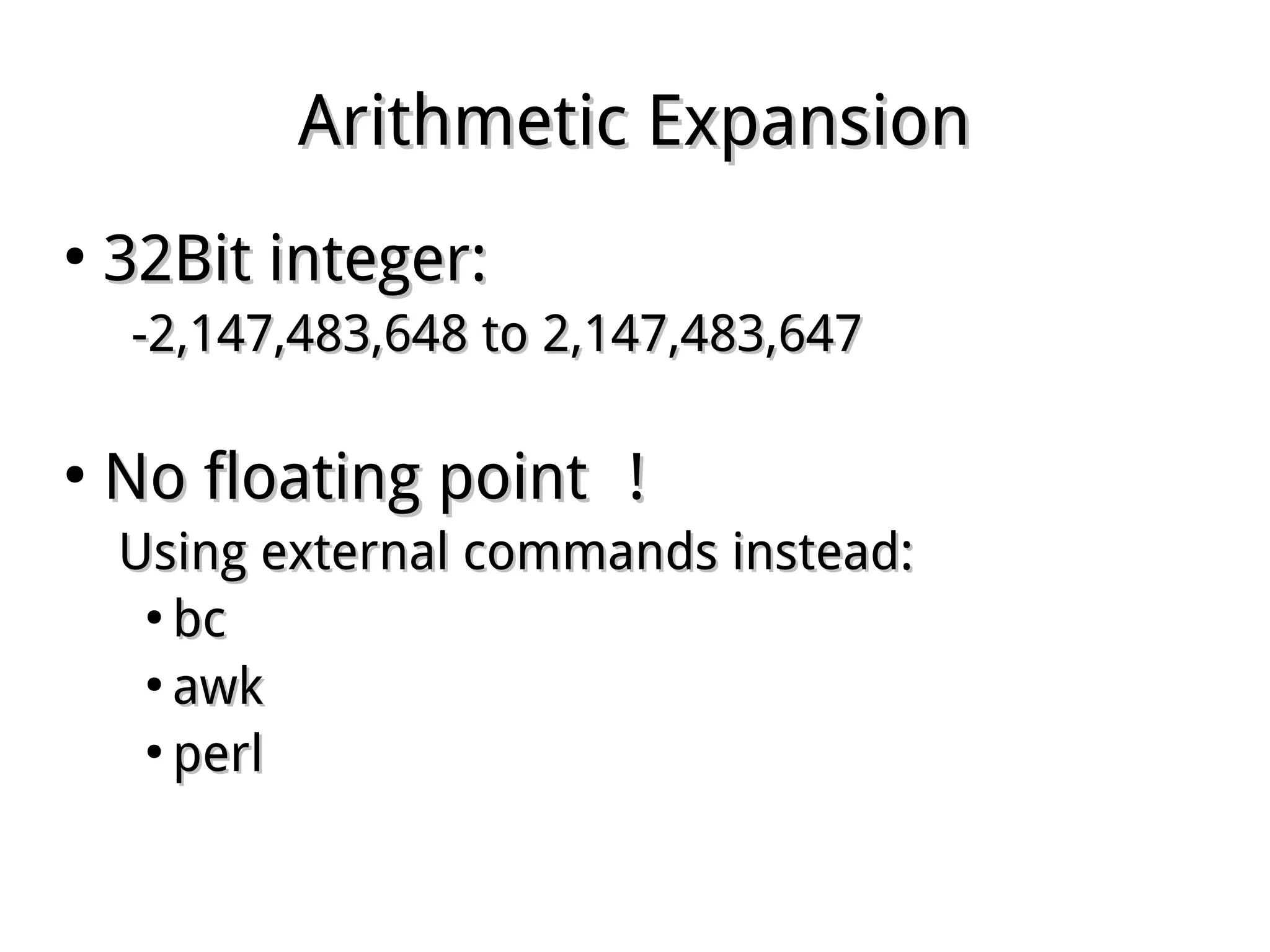
32Bit integer:32Bit integer:
-2,147,483,648 to 2,147,483,647-2,147,483,648 to 2,147,483,647
●
No floating pointNo floating point !!
Using external commands instead:Using external commands instead:
●
bcbc
●
awkawk
●
perlperl
Arithmetic OperationArithmetic Operation
●
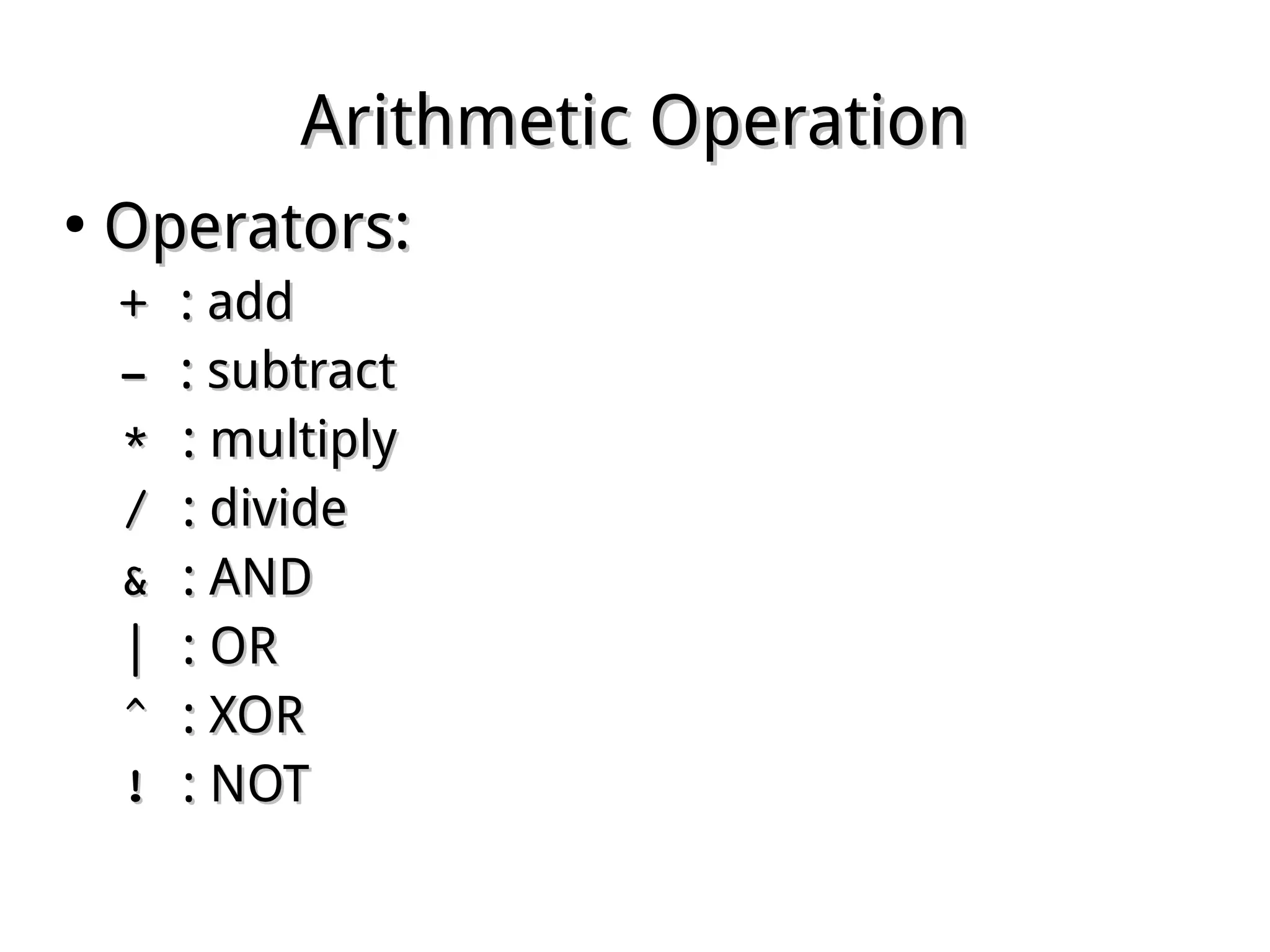
Operators:Operators:
+ + : add: add
­ ­ : subtract: subtract
* * : multiply: multiply
/ / : divide: divide
& & : AND: AND
| | : OR: OR
^ ^ : XOR: XOR
! ! : NOT: NOT
Arithmetic OperationArithmetic Operation
●
UsingUsing $(())$(()) oror $[]$[]::
$ a=5;b=7;c=2$ a=5;b=7;c=2
$ echo $((a+b*c))$ echo $((a+b*c))
1919
$ echo $[(a+b)/c]$ echo $[(a+b)/c]
66
Arithmetic OperationArithmetic Operation
●
UsingUsing declaredeclare with variable:with variable:
$ declare ­i d$ declare ­i d
$ d=(a+b)/c$ d=(a+b)/c
$ echo $d$ echo $d
66
Arithmetic OperationArithmetic Operation
●
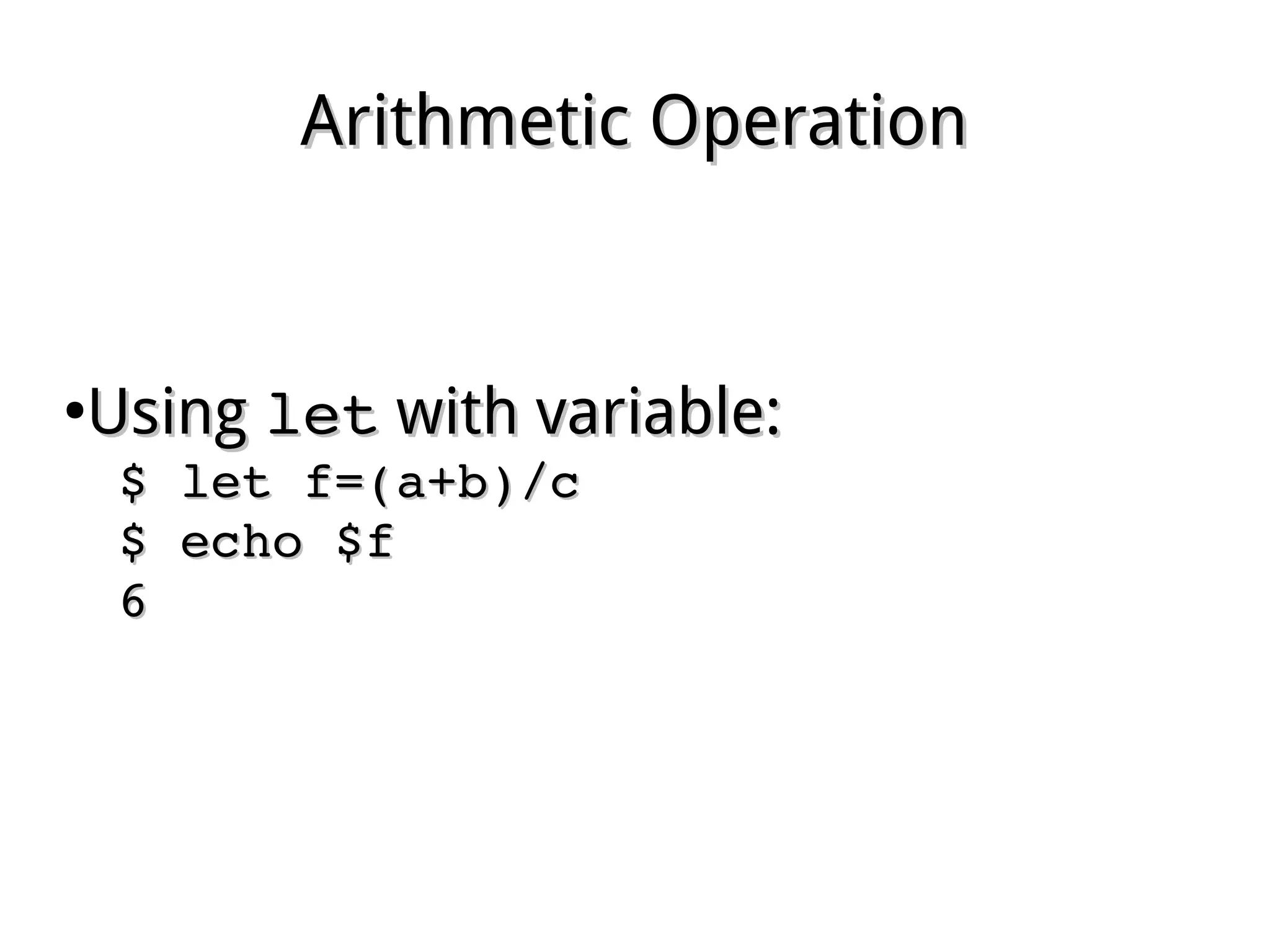
UsingUsing letlet with variable:with variable:
$ let f=(a+b)/c$ let f=(a+b)/c
$ echo $f$ echo $f
66
Arithmetic OperationArithmetic Operation
●
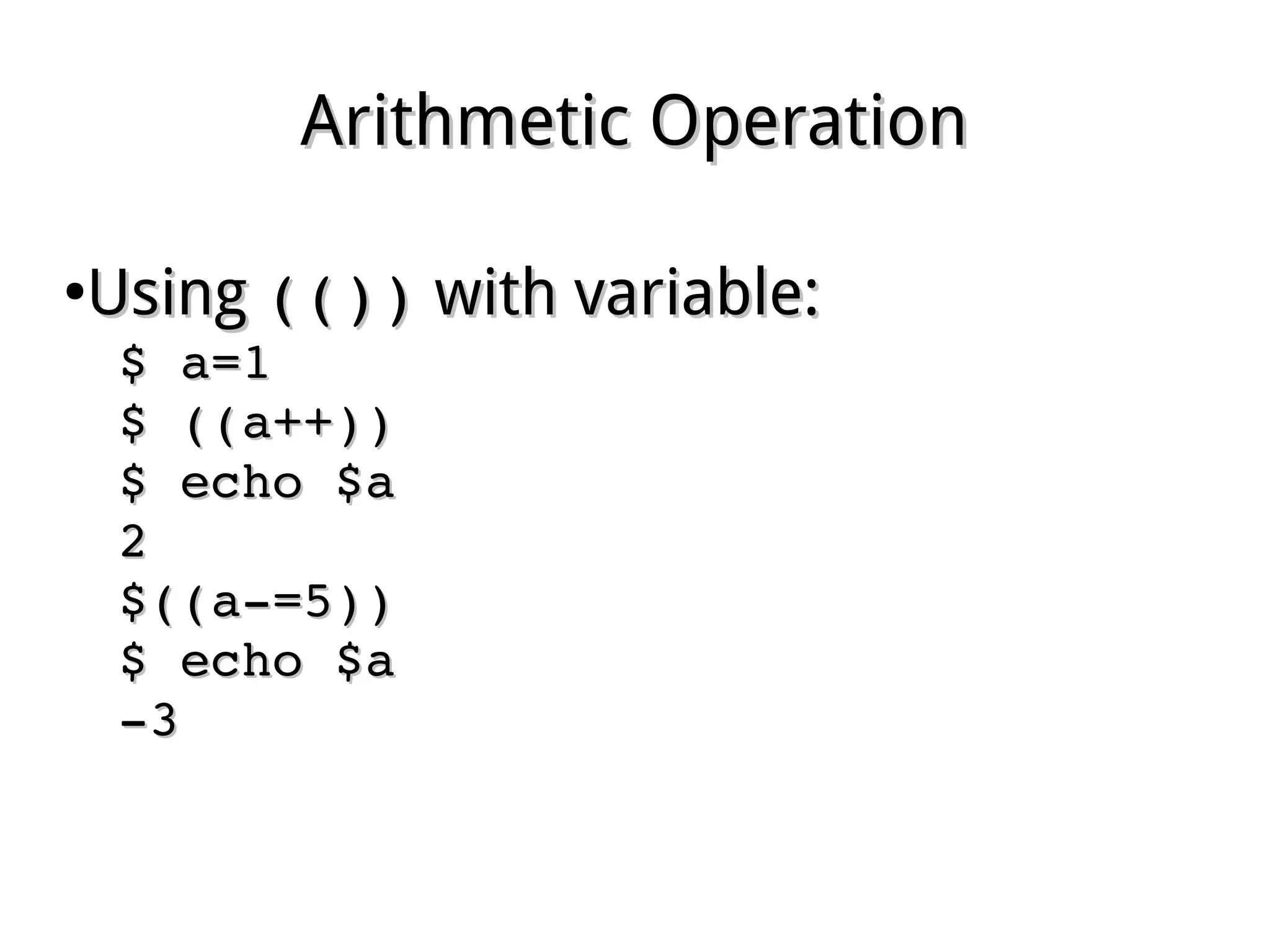
UsingUsing (())(()) with variable:with variable:
$ a=1$ a=1
$ ((a++))$ ((a++))
$ echo $a$ echo $a
22
$((a­=5))$((a­=5))
$ echo $a$ echo $a
­3­3
Script ParameterScript Parameter
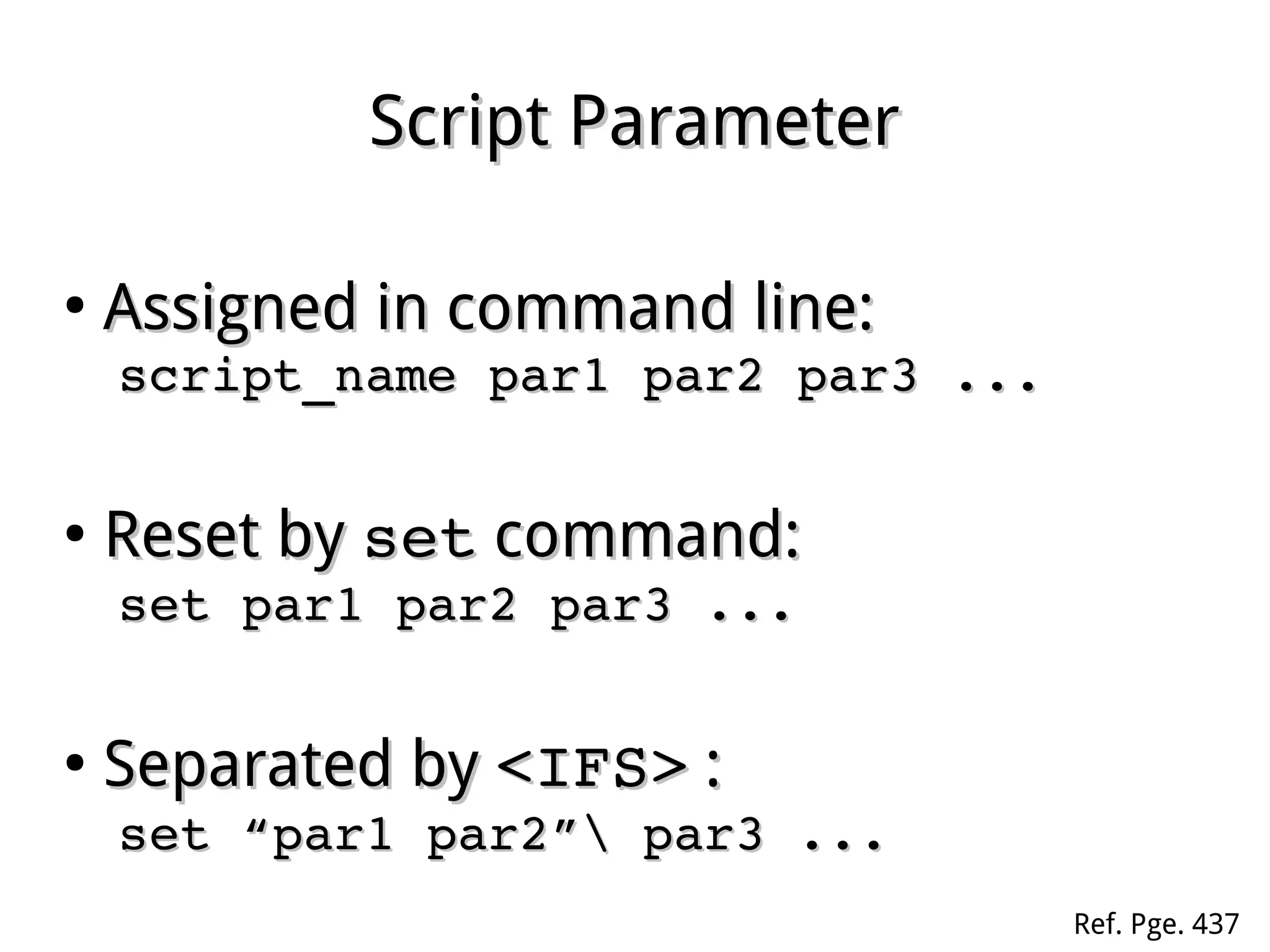
●
Assigned in command line:Assigned in command line:
script_name par1 par2 par3 ...script_name par1 par2 par3 ...
●
Reset byReset by setset command:command:
set par1 par2 par3 ...set par1 par2 par3 ...
●
Separated bySeparated by <IFS><IFS> ::
set “par1 par2” par3 ...set “par1 par2” par3 ...
Ref. Pge. 437
Gathering ParametersGathering Parameters
●
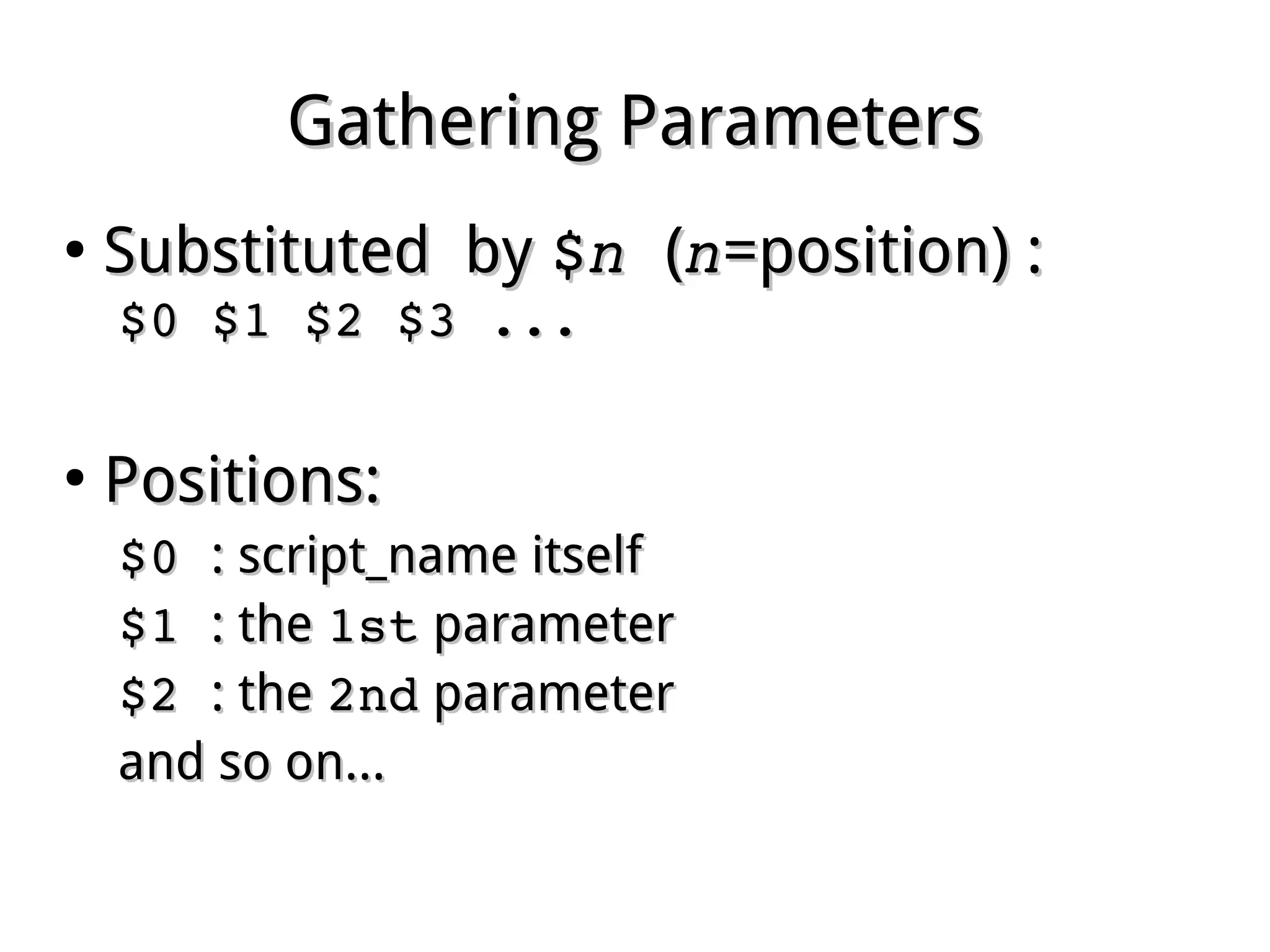
Substituted bySubstituted by $$nn  ((nn=position) :=position) :
$0 $1 $2 $3 ...$0 $1 $2 $3 ...
●
Positions:Positions:
$0 $0 : script_name itself: script_name itself
$1 $1 : the: the 1st1st parameterparameter
$2 $2 : the: the 2nd2nd parameterparameter
and so on...and so on...
Parameter SubstitutionParameter Substitution
●
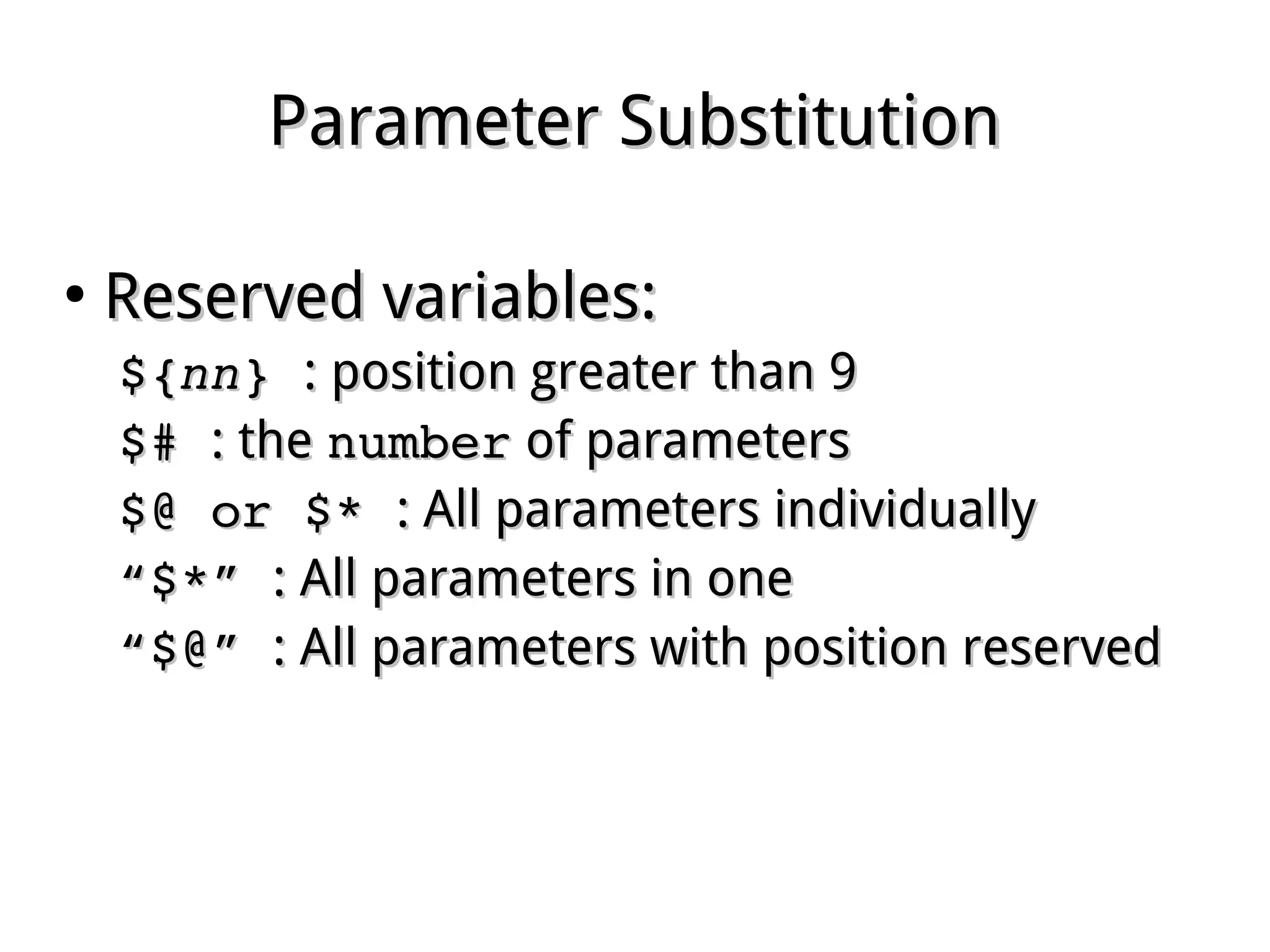
Reserved variables:Reserved variables:
${${nnnn} } : position greater than 9: position greater than 9
$# $# : the: the numbernumber of parametersof parameters
$@ or $* $@ or $* : All parameters individually: All parameters individually
““$*” $*” : All parameters in one: All parameters in one
““$@” $@” : All parameters with position reserved: All parameters with position reserved
Parameter ShiftingParameter Shifting
●
UsingUsing shift [shift [nn]]
to erase the firstto erase the first nn parameters.parameters.
Function ParameterFunction Parameter
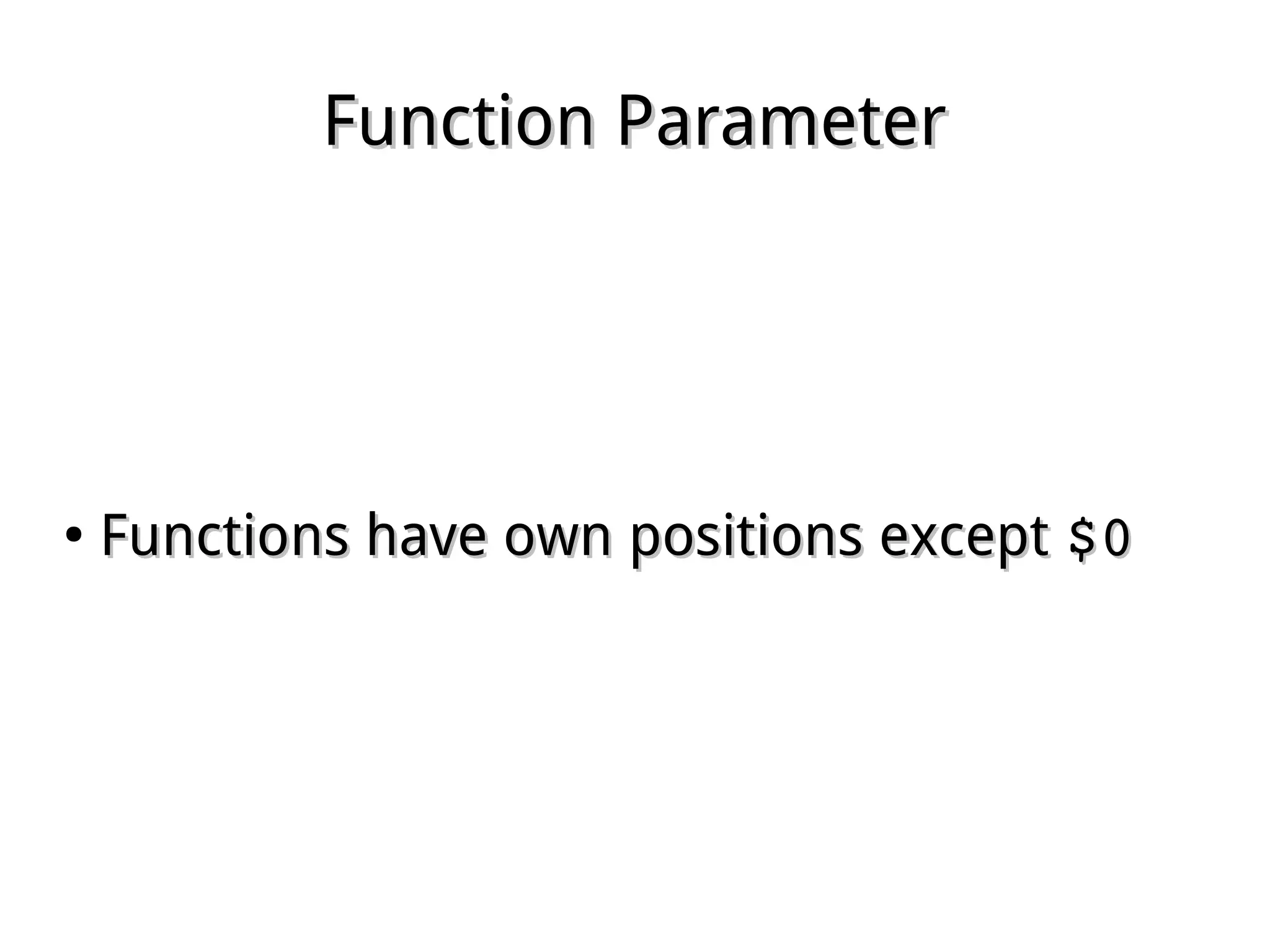
●
Functions have own positions exceptFunctions have own positions except $0$0
Return Value (RV)Return Value (RV)
●
Every command has a Return ValueEvery command has a Return Value
when existswhen exists, also called Exist Status., also called Exist Status.
●
Specified bySpecified by exitexit in script:in script:
exit [n]exit [n]
Or, inherited from the last commandOr, inherited from the last command
●
UsingUsing $?$? to have RV of last commandto have RV of last command
Return ValueReturn Value
●
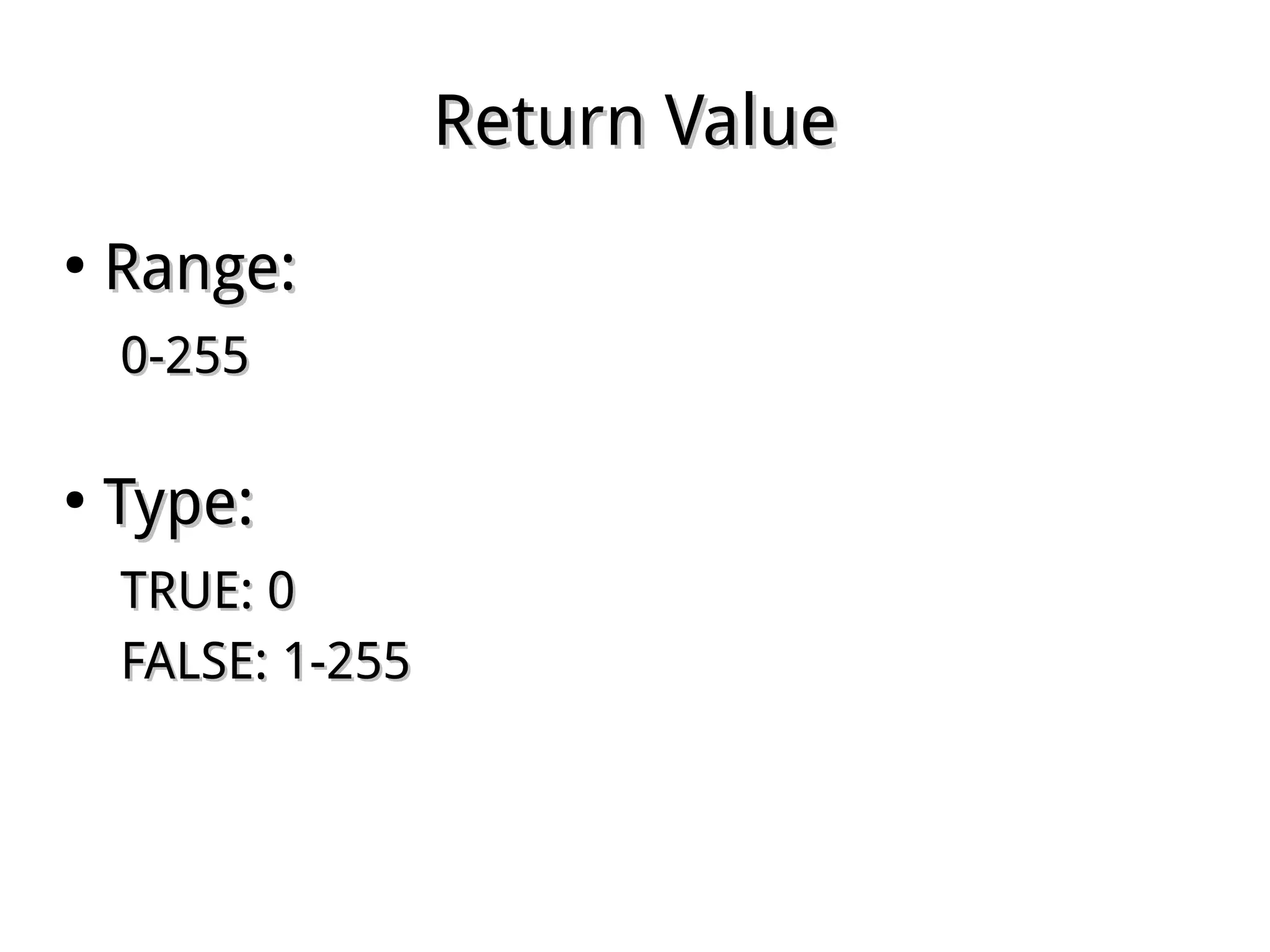
Range:Range:
0-2550-255
●
Type:Type:
TRUE: 0TRUE: 0
FALSE: 1-255FALSE: 1-255
Conditional RunningConditional Running
●
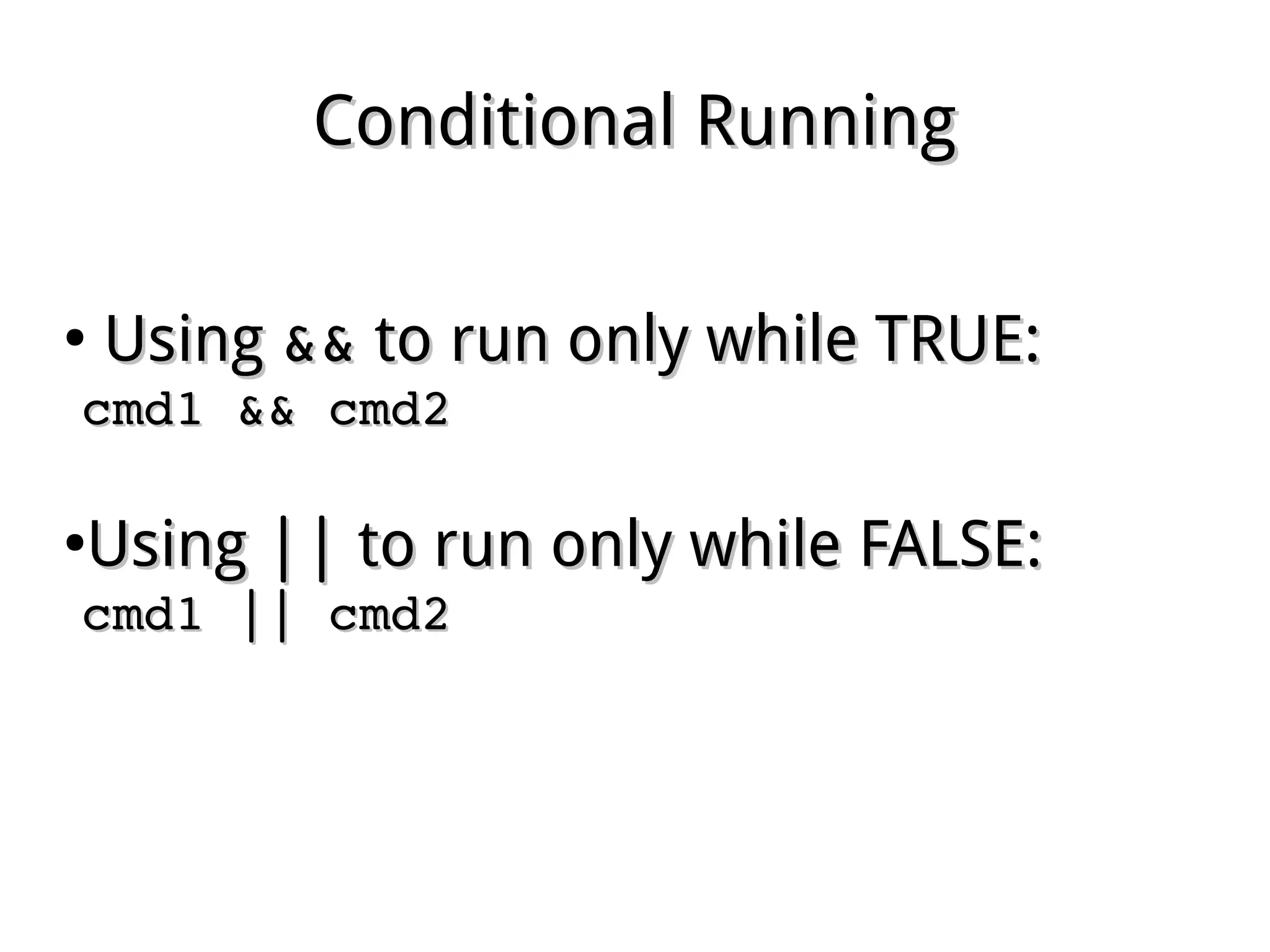
UsingUsing &&&& to run only while TRUE:to run only while TRUE:
cmd1 && cmd2cmd1 && cmd2
●
UsingUsing |||| to run only while FALSE:to run only while FALSE:
cmd1 || cmd2cmd1 || cmd2
Test ConditionTest Condition
●
UsingUsing testtest command to returncommand to return
TRUE or FALSE accordingly:TRUE or FALSE accordingly:
test expressiontest expression
[ expression ][ expression ]
Ref. Pge. 440
Test ExpressionTest Expression
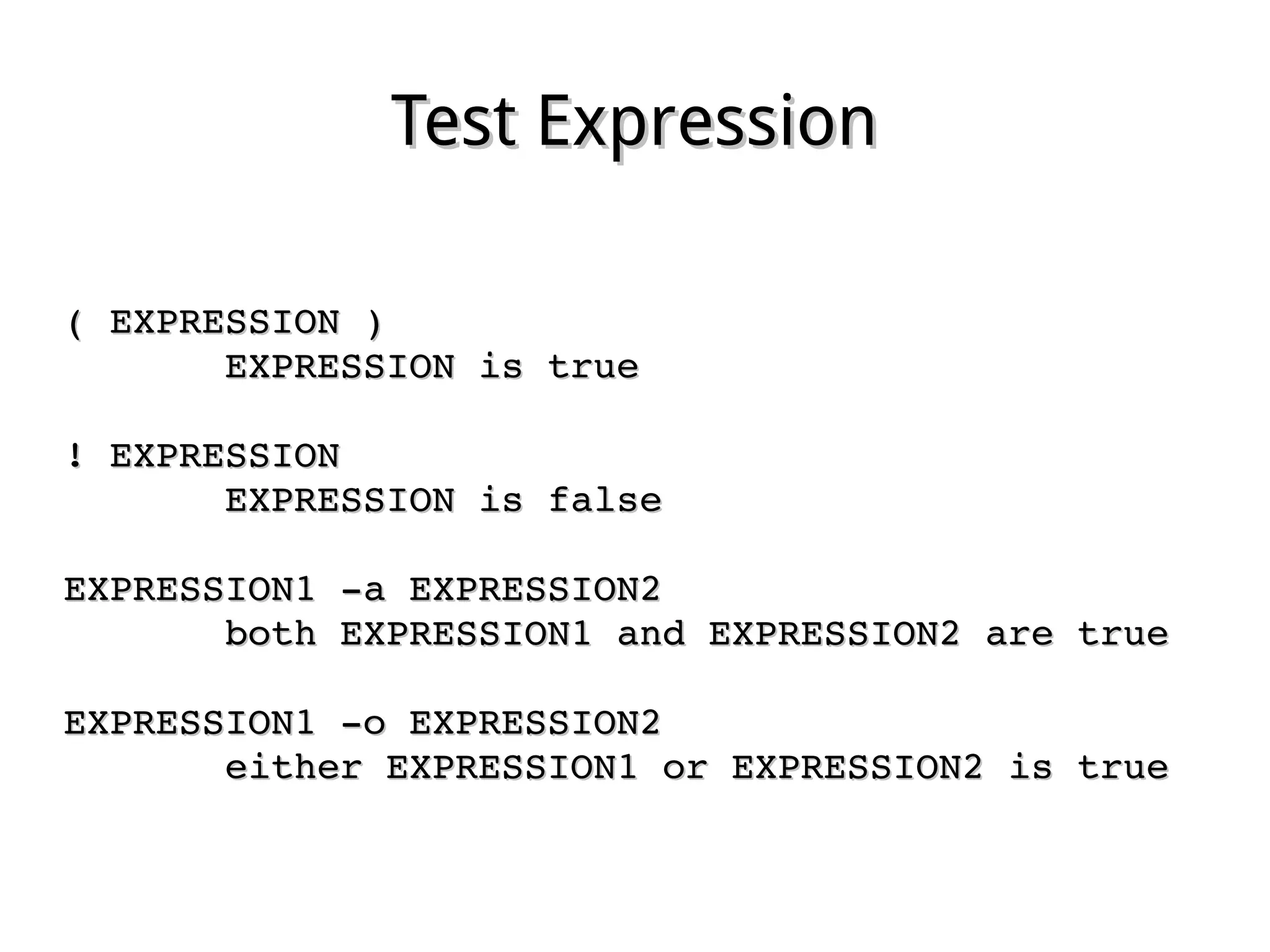
( EXPRESSION )( EXPRESSION )
              EXPRESSION is trueEXPRESSION is true
! EXPRESSION! EXPRESSION
              EXPRESSION is falseEXPRESSION is false
EXPRESSION1 ­a EXPRESSION2EXPRESSION1 ­a EXPRESSION2
              both EXPRESSION1 and EXPRESSION2 are trueboth EXPRESSION1 and EXPRESSION2 are true
EXPRESSION1 ­o EXPRESSION2EXPRESSION1 ­o EXPRESSION2
              either EXPRESSION1 or EXPRESSION2 is trueeither EXPRESSION1 or EXPRESSION2 is true
String ExpressionString Expression
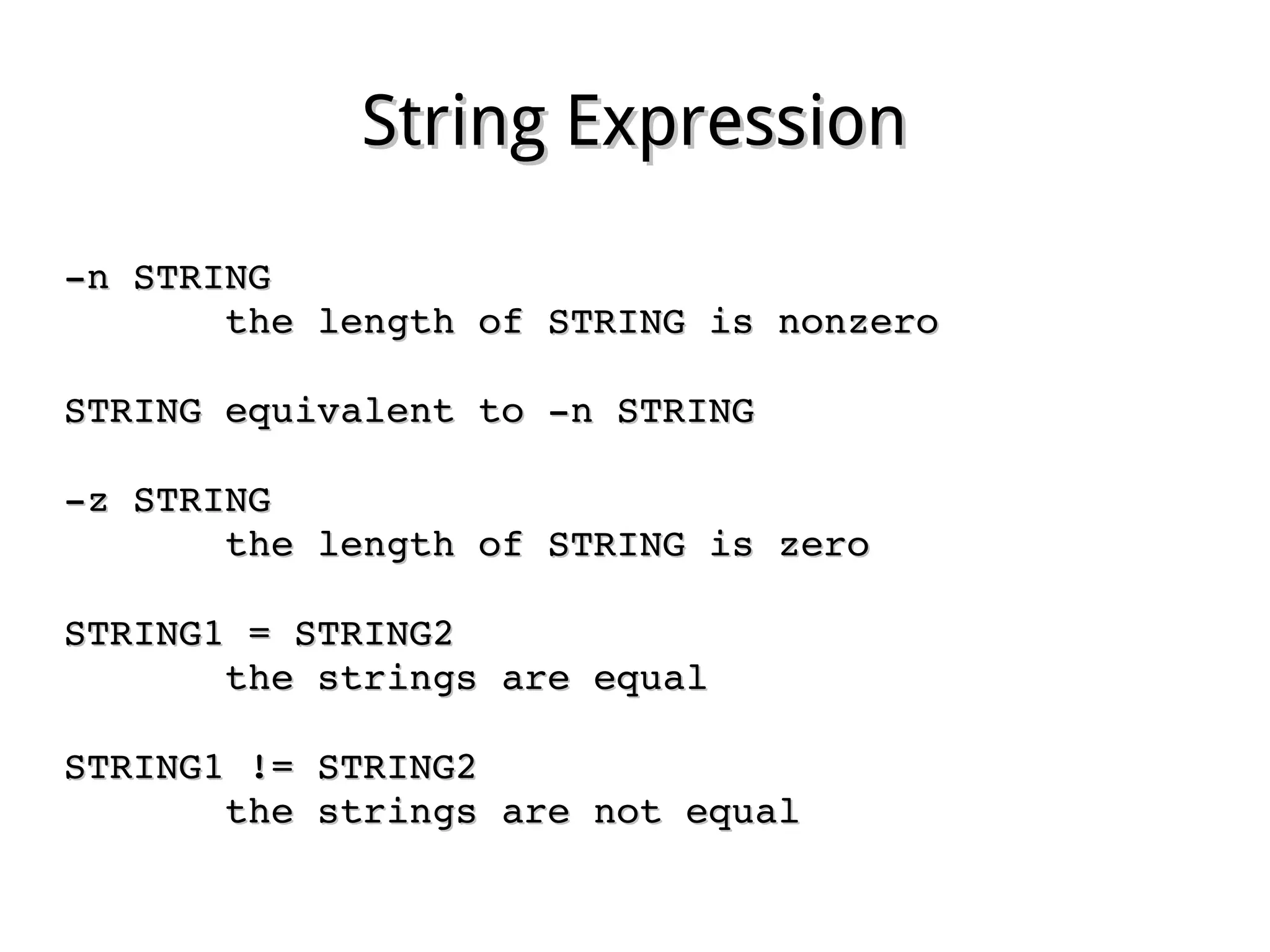
­n STRING­n STRING
              the length of STRING is nonzerothe length of STRING is nonzero
STRING equivalent to ­n STRINGSTRING equivalent to ­n STRING
­z STRING­z STRING
              the length of STRING is zerothe length of STRING is zero
STRING1 = STRING2STRING1 = STRING2
              the strings are equalthe strings are equal
STRING1 != STRING2STRING1 != STRING2
              the strings are not equalthe strings are not equal
Integer ExpressionInteger Expression
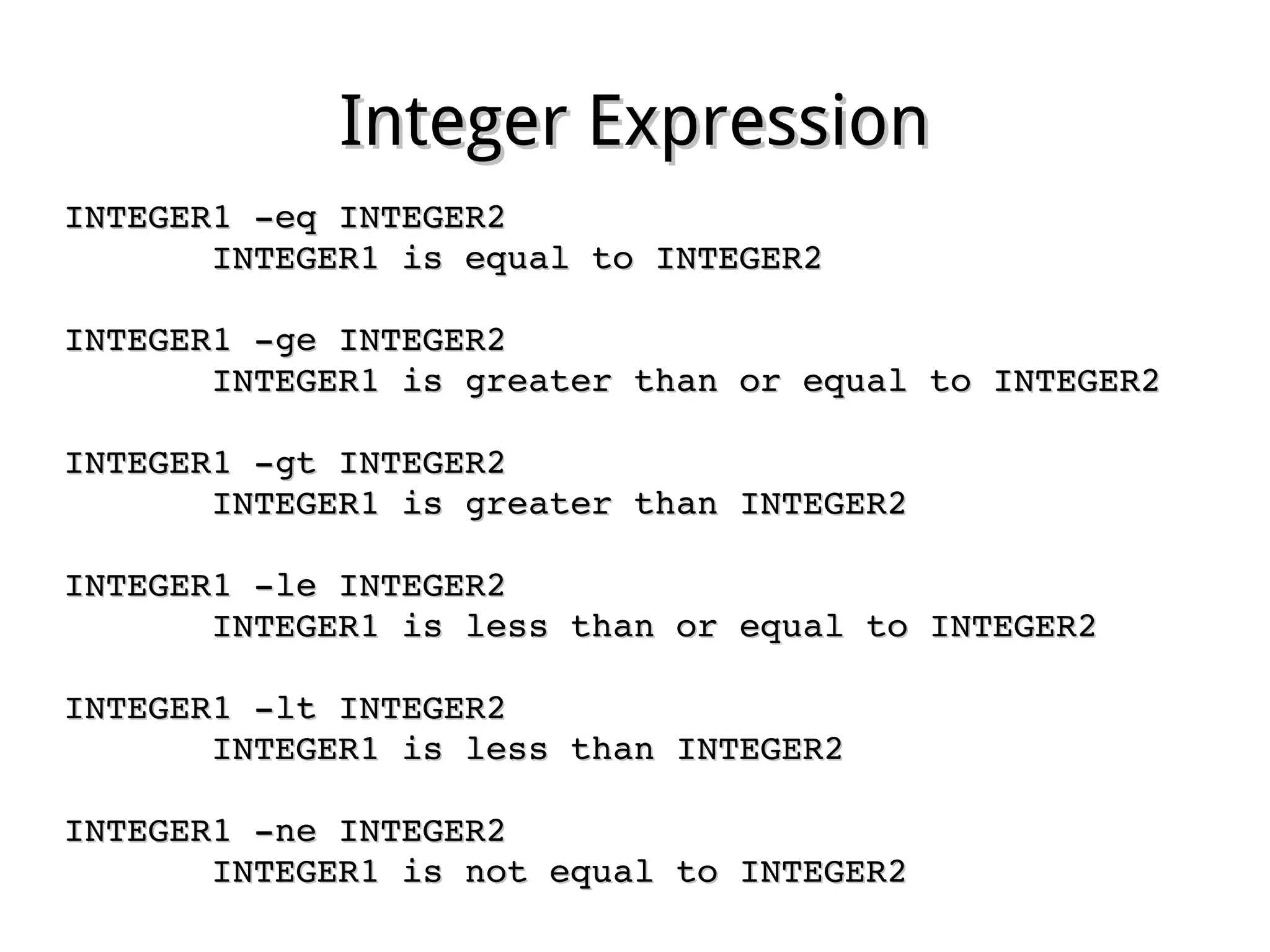
INTEGER1 ­eq INTEGER2INTEGER1 ­eq INTEGER2
              INTEGER1 is equal to INTEGER2INTEGER1 is equal to INTEGER2
INTEGER1 ­ge INTEGER2INTEGER1 ­ge INTEGER2
              INTEGER1 is greater than or equal to INTEGER2INTEGER1 is greater than or equal to INTEGER2
INTEGER1 ­gt INTEGER2INTEGER1 ­gt INTEGER2
              INTEGER1 is greater than INTEGER2INTEGER1 is greater than INTEGER2
INTEGER1 ­le INTEGER2INTEGER1 ­le INTEGER2
              INTEGER1 is less than or equal to INTEGER2INTEGER1 is less than or equal to INTEGER2
INTEGER1 ­lt INTEGER2INTEGER1 ­lt INTEGER2
              INTEGER1 is less than INTEGER2INTEGER1 is less than INTEGER2
INTEGER1 ­ne INTEGER2INTEGER1 ­ne INTEGER2
              INTEGER1 is not equal to INTEGER2INTEGER1 is not equal to INTEGER2
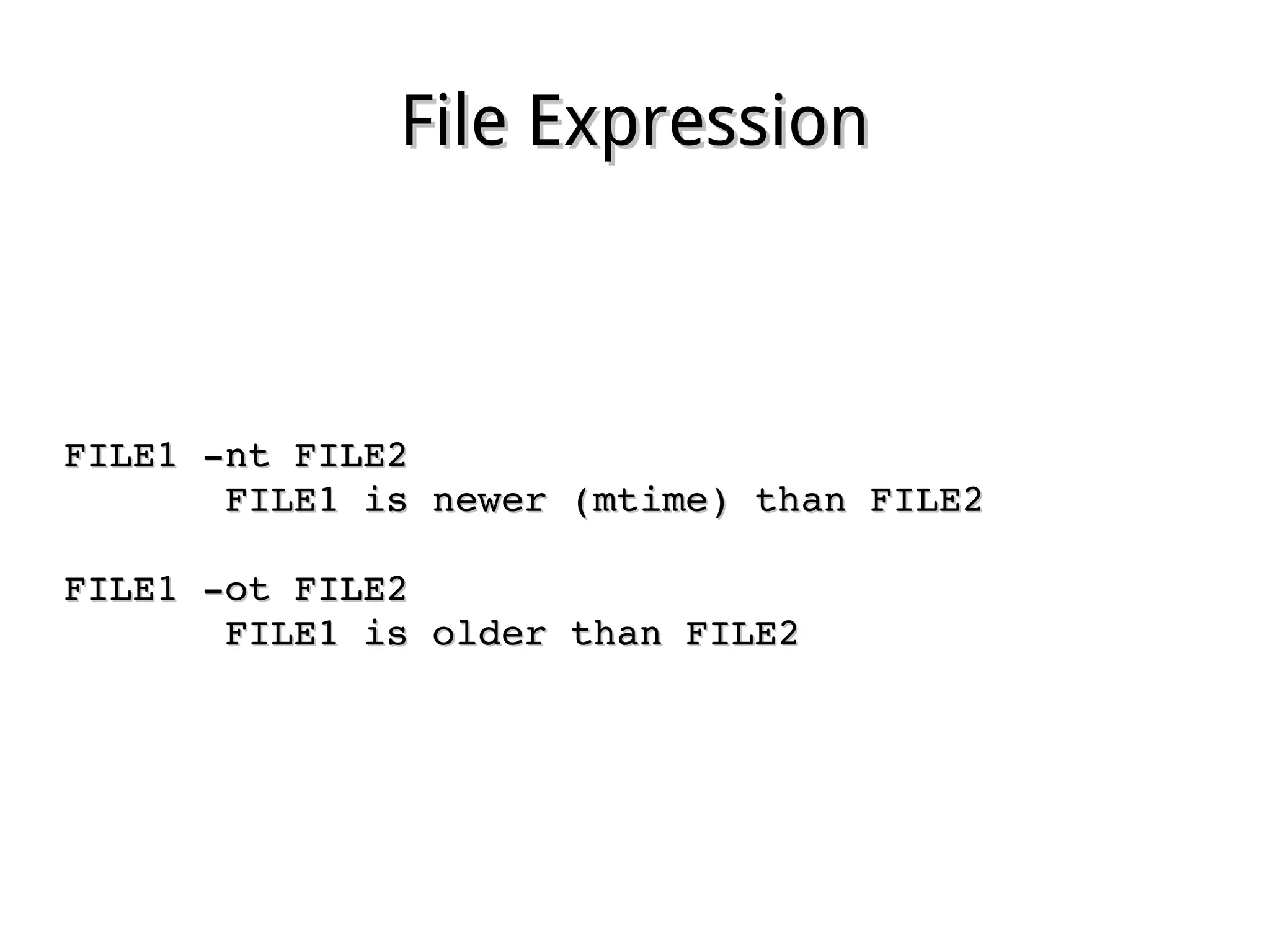
File ExpressionFile Expression
FILE1 ­nt FILE2FILE1 ­nt FILE2
              FILE1 is newer (mtime) than FILE2FILE1 is newer (mtime) than FILE2
FILE1 ­ot FILE2FILE1 ­ot FILE2
              FILE1 is older than FILE2FILE1 is older than FILE2
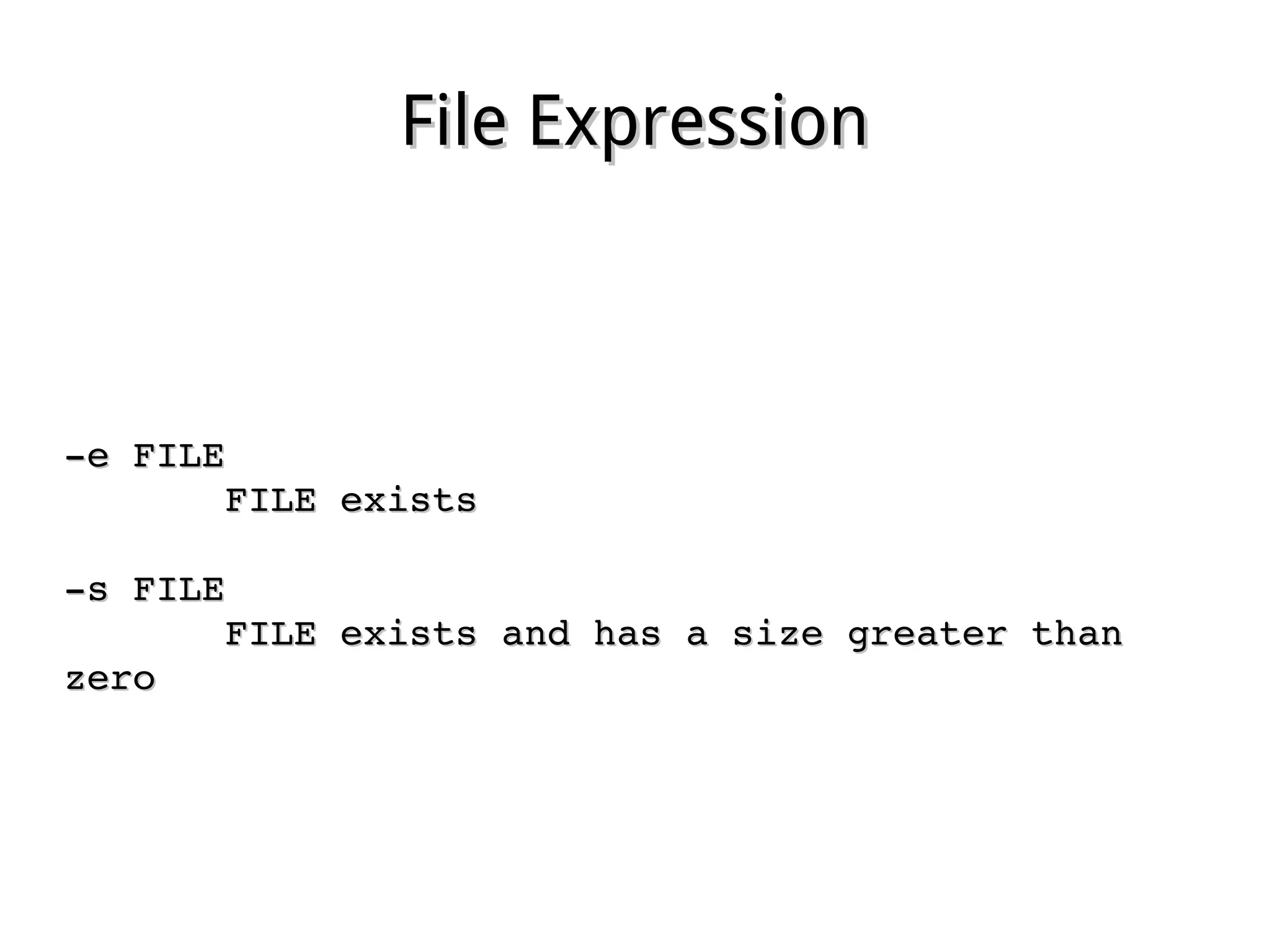
File ExpressionFile Expression
­e FILE­e FILE
              FILE existsFILE exists
­s FILE­s FILE
              FILE exists and has a size greater than FILE exists and has a size greater than 
zerozero
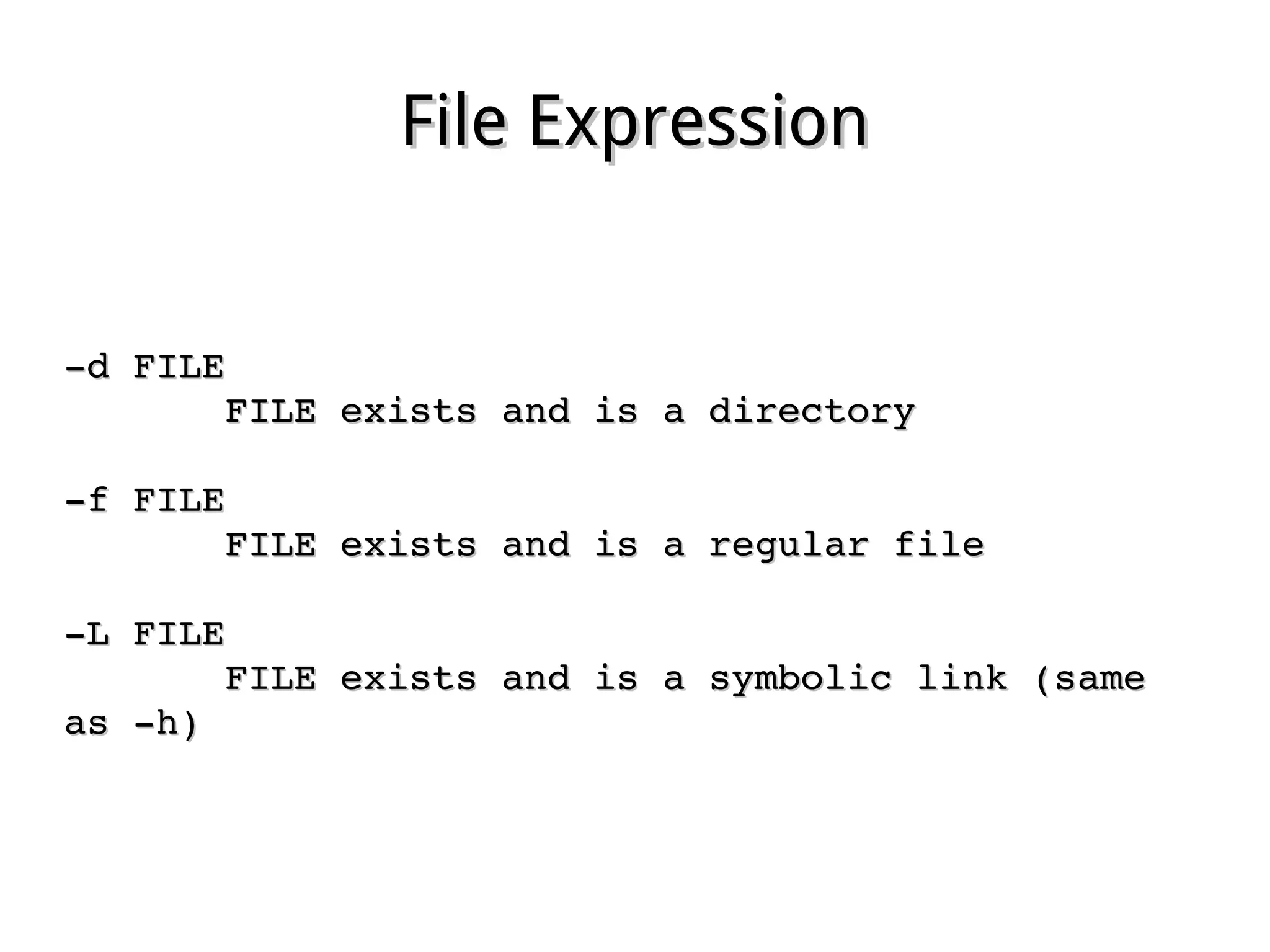
File ExpressionFile Expression
­d FILE­d FILE
              FILE exists and is a directoryFILE exists and is a directory
­f FILE­f FILE
              FILE exists and is a regular fileFILE exists and is a regular file
­L FILE­L FILE
              FILE exists and is a symbolic link (same FILE exists and is a symbolic link (same 
as ­h)as ­h)
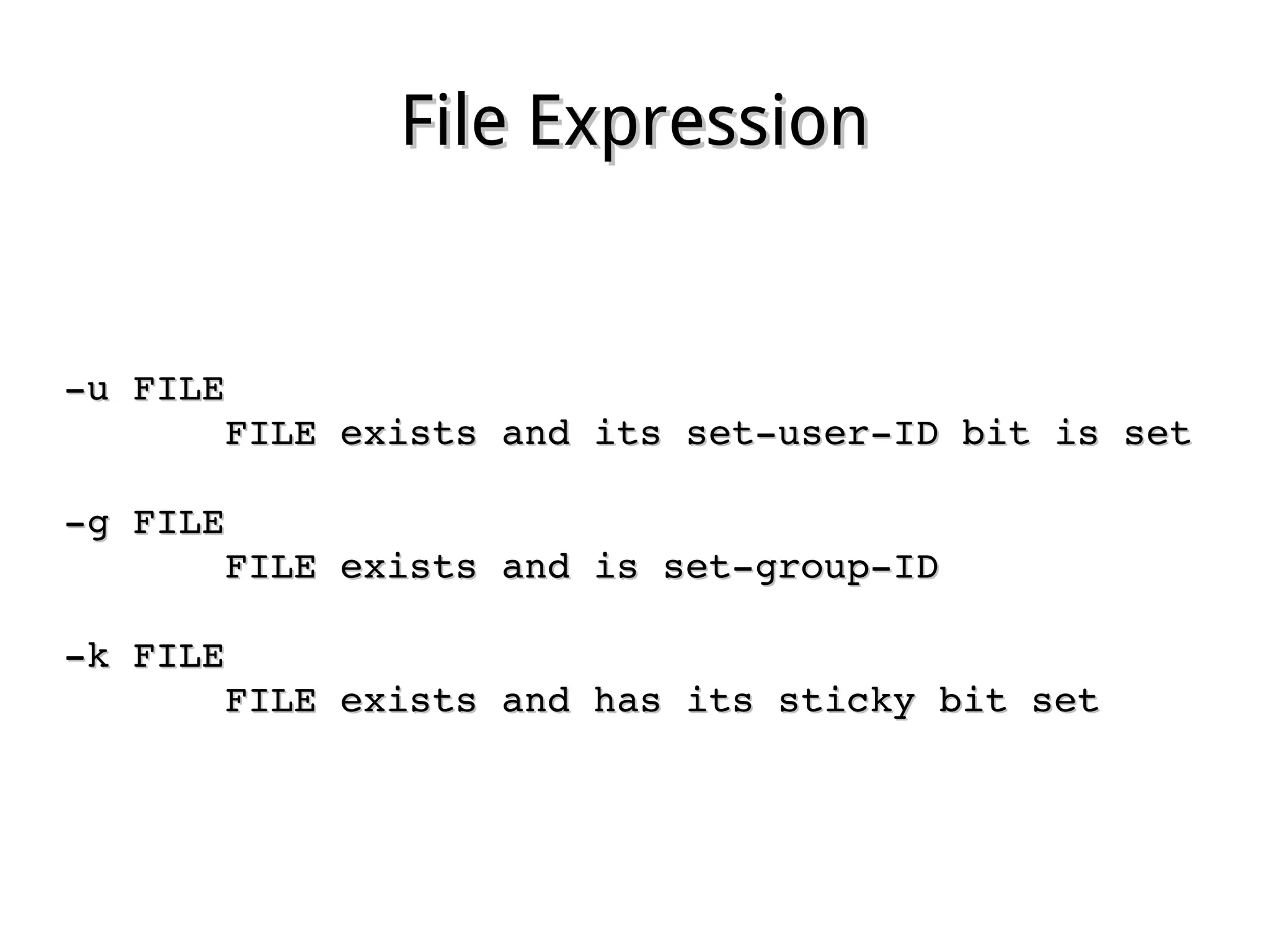
File ExpressionFile Expression
­u FILE­u FILE
              FILE exists and its set­user­ID bit is setFILE exists and its set­user­ID bit is set
­g FILE­g FILE
              FILE exists and is set­group­IDFILE exists and is set­group­ID
­k FILE­k FILE
              FILE exists and has its sticky bit setFILE exists and has its sticky bit set
File ExpressionFile Expression
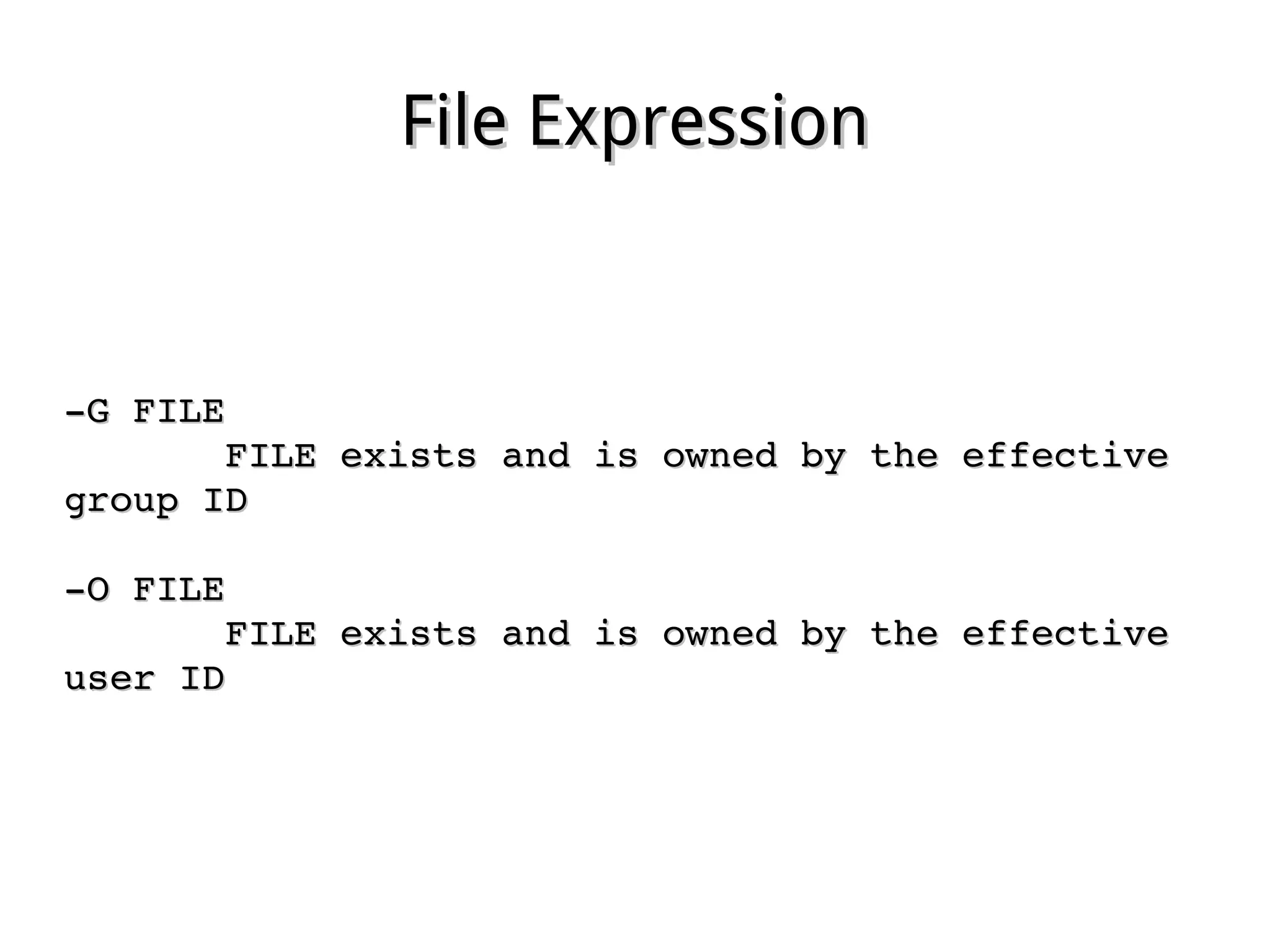
­G FILE­G FILE
              FILE exists and is owned by the effective FILE exists and is owned by the effective 
group IDgroup ID
­O FILE­O FILE
              FILE exists and is owned by the effective FILE exists and is owned by the effective 
user IDuser ID
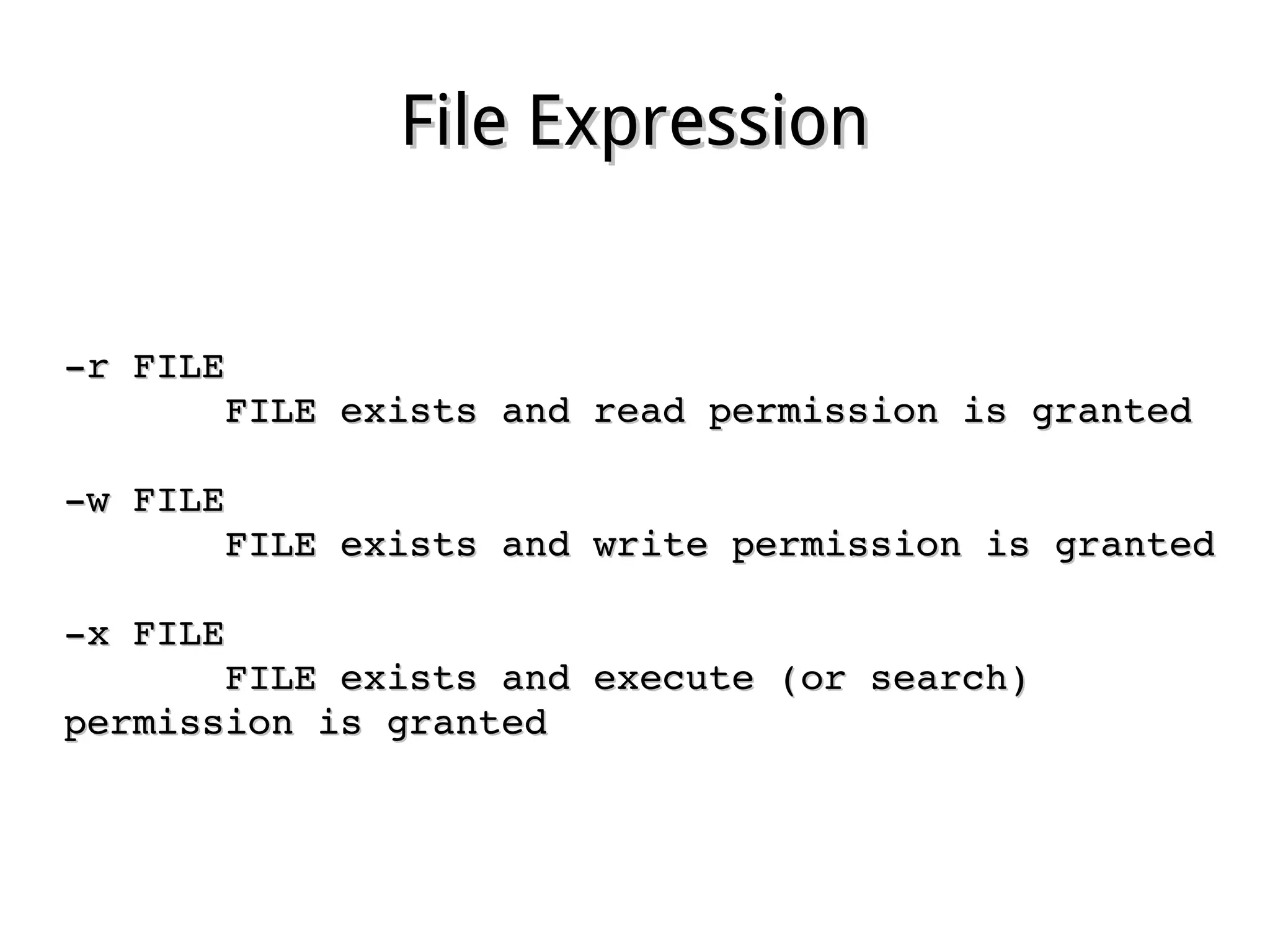
File ExpressionFile Expression
­r FILE­r FILE
              FILE exists and read permission is grantedFILE exists and read permission is granted
­w FILE­w FILE
              FILE exists and write permission is grantedFILE exists and write permission is granted
­x FILE­x FILE
              FILE exists and execute (or search) FILE exists and execute (or search) 
permission is grantedpermission is granted
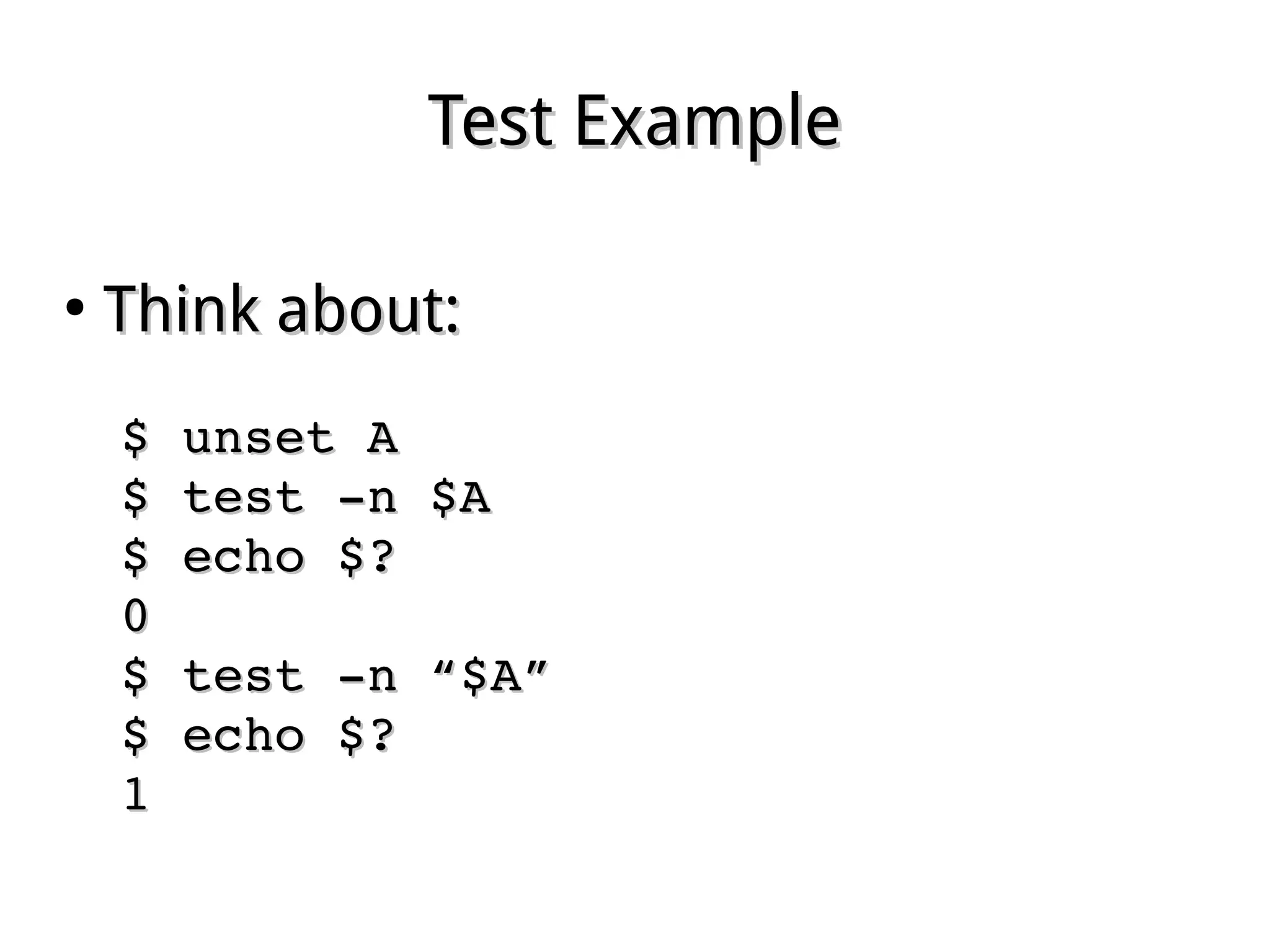
Test ExampleTest Example
●
Think about:Think about:
$ unset A$ unset A
$ test ­n $A$ test ­n $A
$ echo $?$ echo $?
00
$ test ­n “$A”$ test ­n “$A”
$ echo $?$ echo $?
11
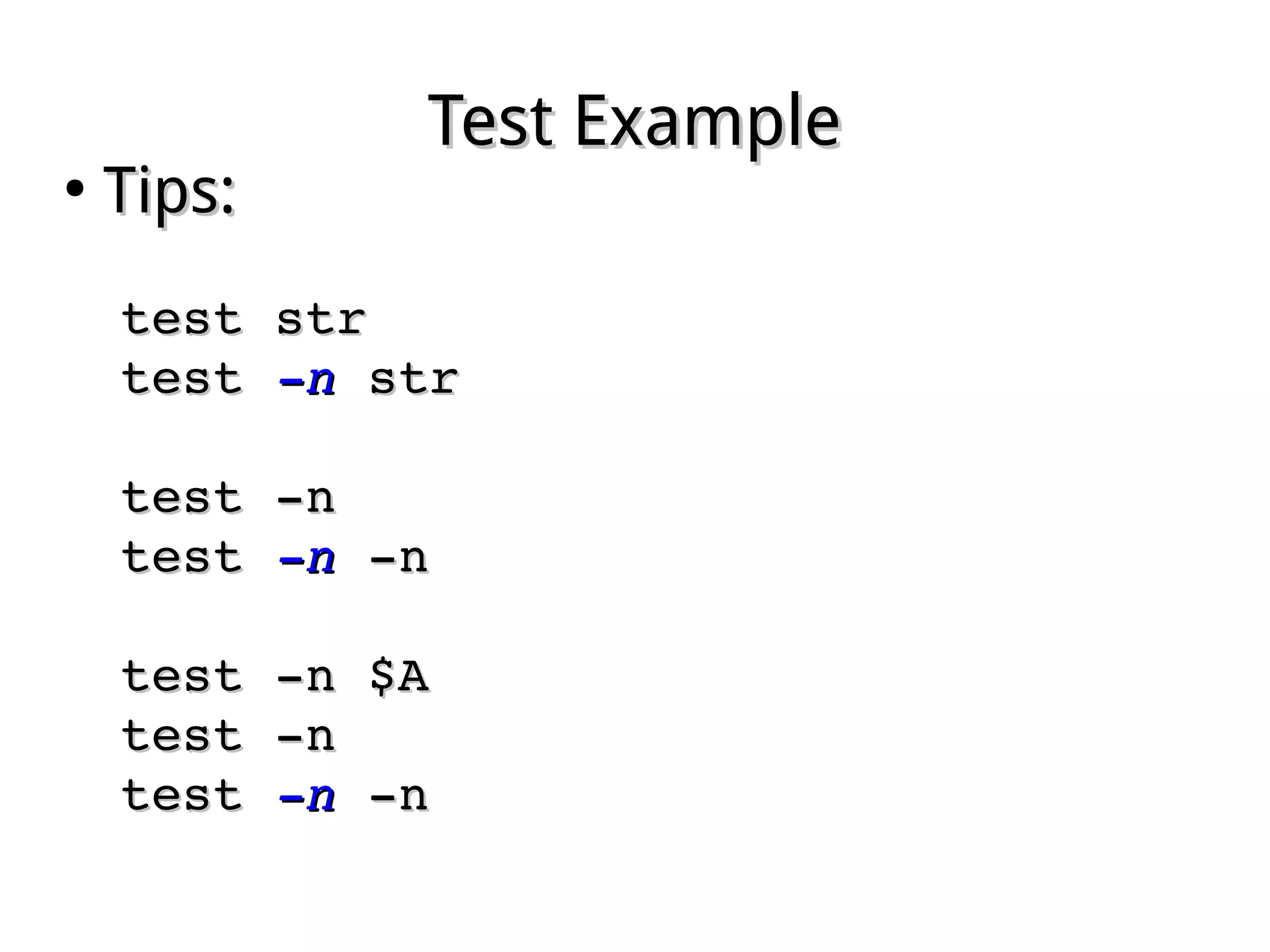
Test ExampleTest Example
●
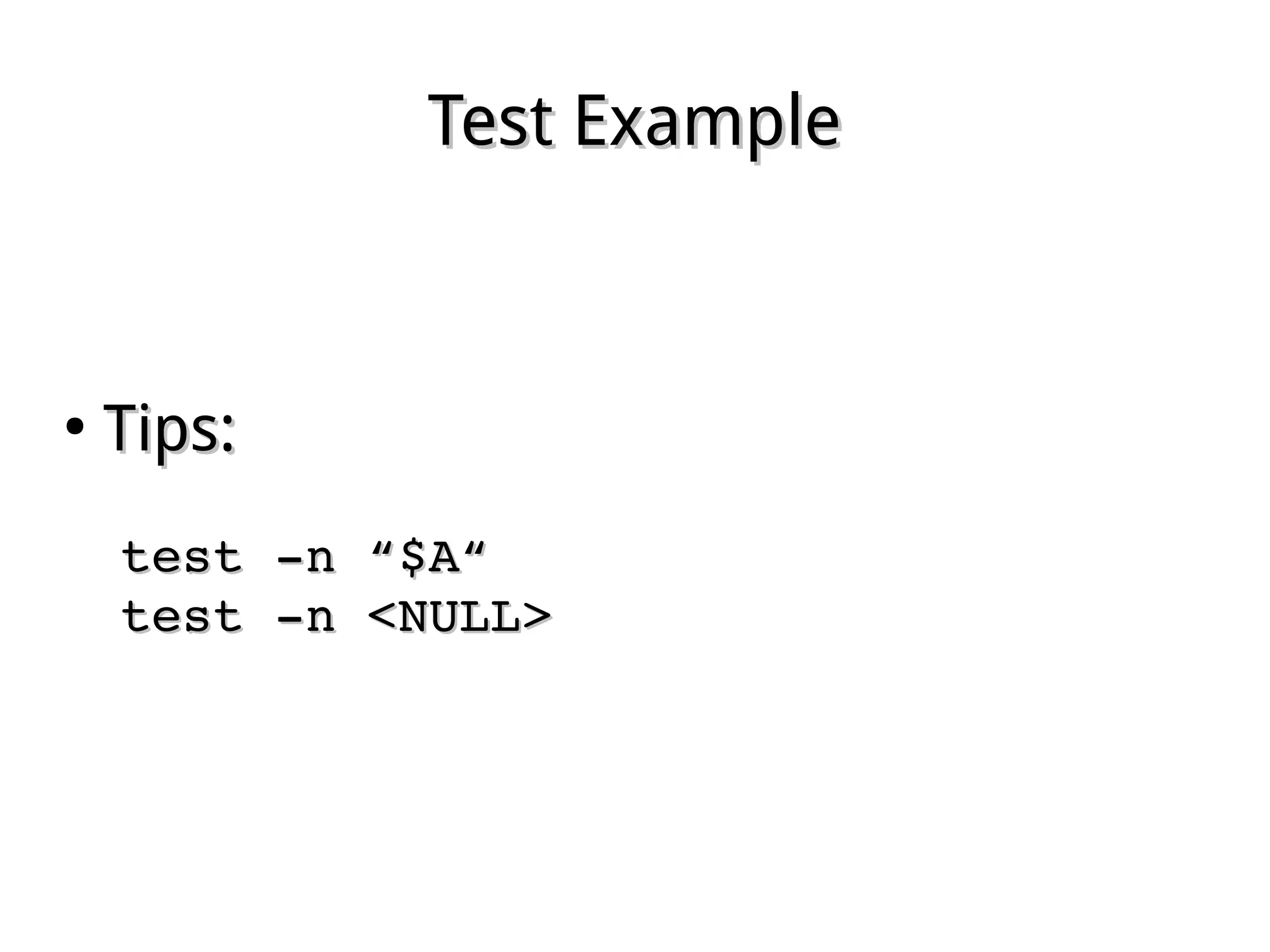
Tips:Tips:
test strtest str
test test ­n­n str str
test ­ntest ­n
test test ­n­n ­n ­n
test ­n $Atest ­n $A
test ­ntest ­n
test test ­n­n ­n ­n
Test ExampleTest Example
●
Tips:Tips:
test ­n “$A“test ­n “$A“
test ­n <NULL>test ­n <NULL>
TheThe if­thenif­then StatementStatement
●
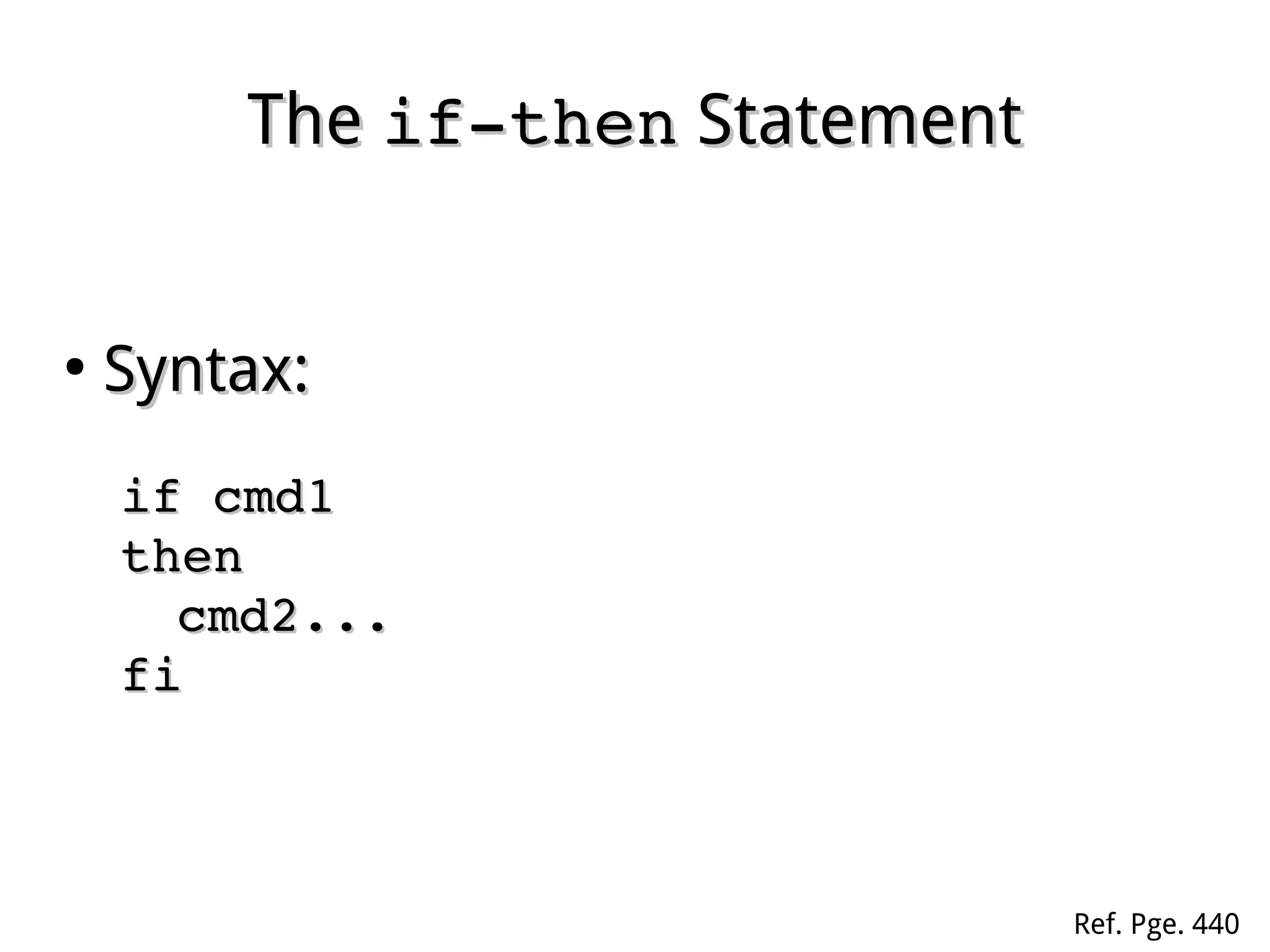
Syntax:Syntax:
if cmd1 if cmd1 
thenthen
cmd2...cmd2...
fifi
Ref. Pge. 440
TheThe if­then­elseif­then­else StatementStatement
●
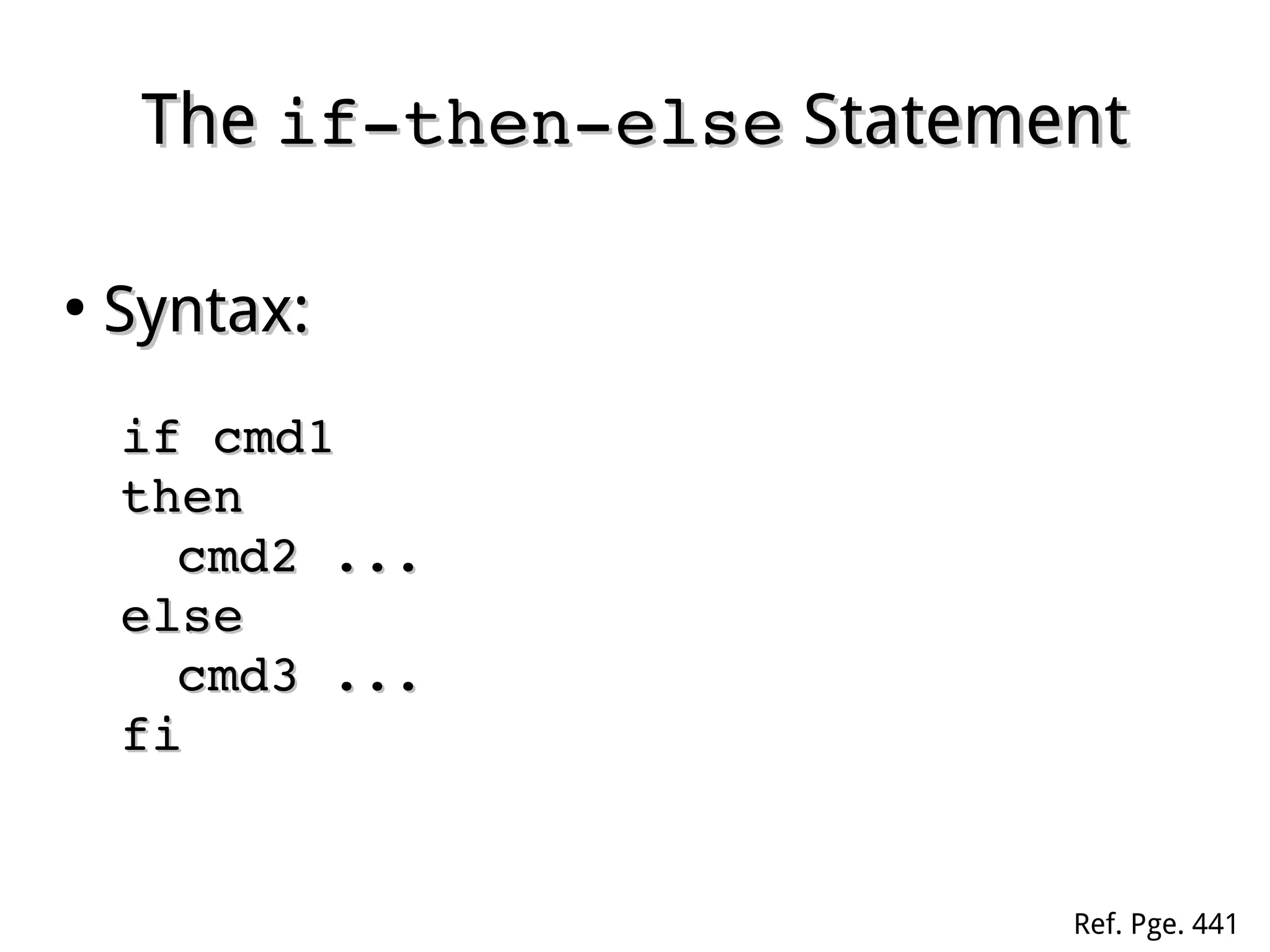
Syntax:Syntax:
if cmd1 if cmd1 
thenthen
cmd2 ...cmd2 ...
elseelse
cmd3 ...cmd3 ...
fifi
Ref. Pge. 441
Using Command GroupUsing Command Group
●
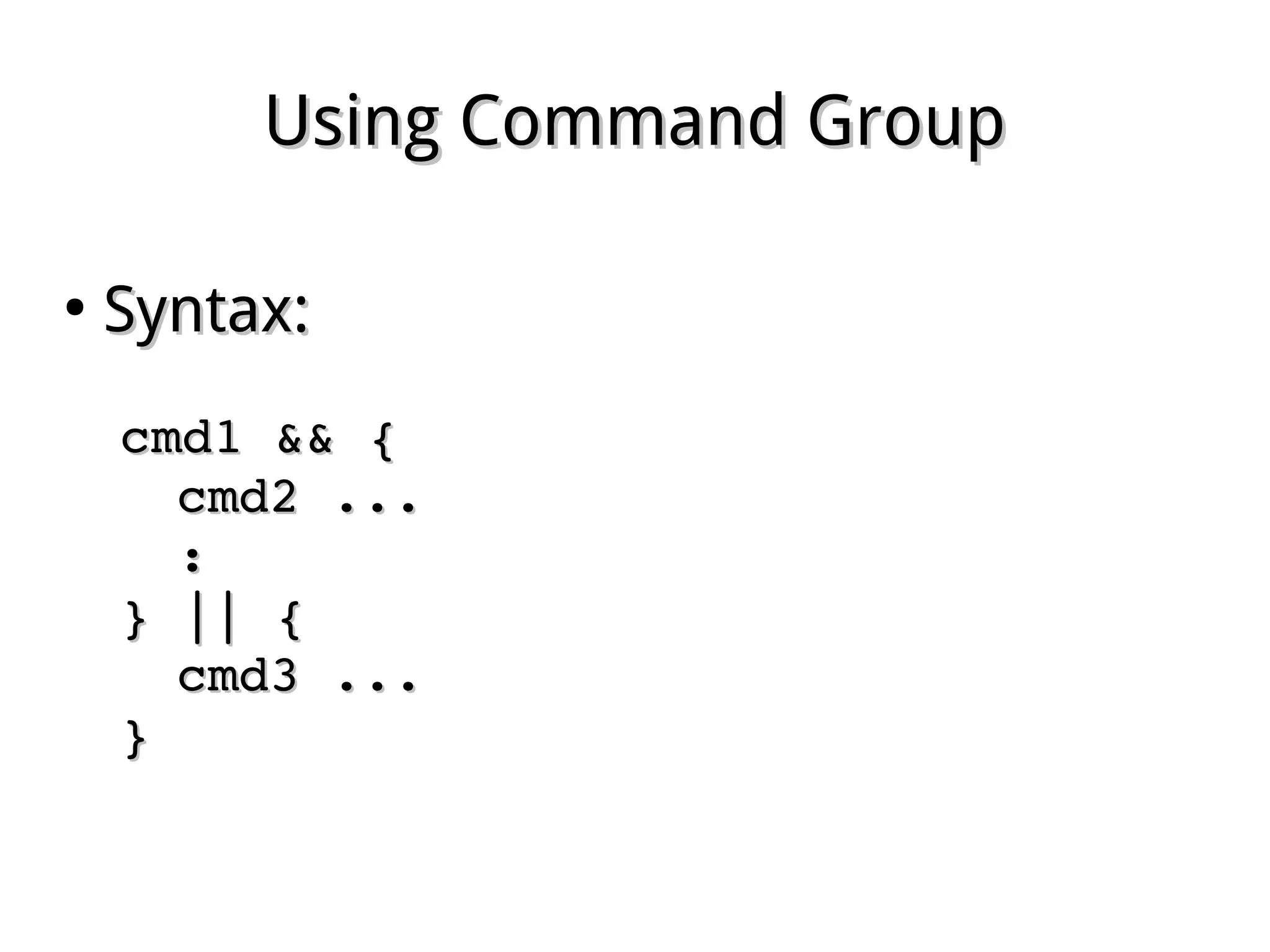
Syntax:Syntax:
cmd1 && {cmd1 && {
cmd2 ...cmd2 ...
::
} || {} || {
cmd3 ...cmd3 ...
}}
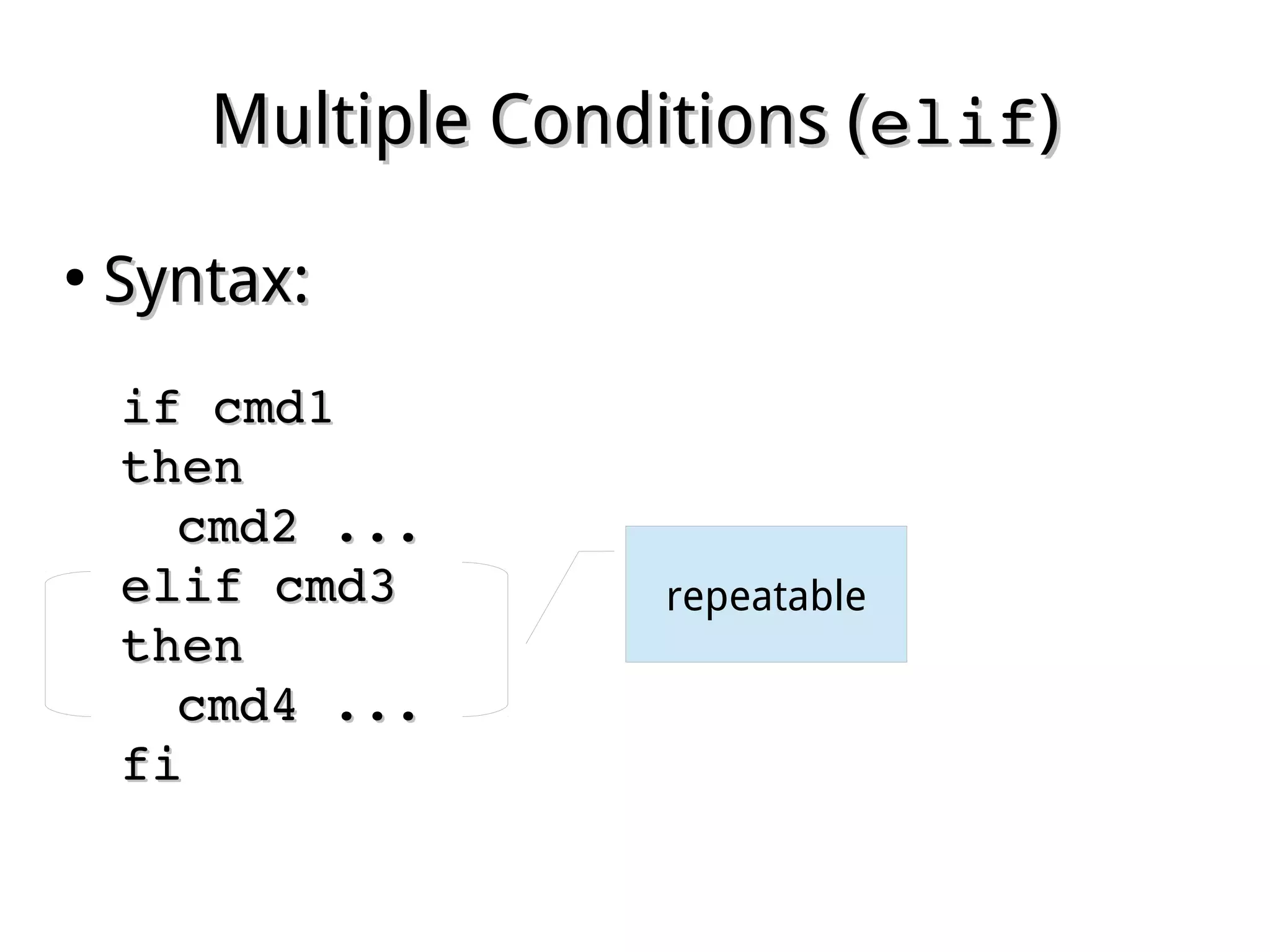
Multiple Conditions (Multiple Conditions (elifelif))
●
Syntax:Syntax:
if cmd1 if cmd1 
thenthen
cmd2 ...cmd2 ...
elif cmd3elif cmd3
thenthen
cmd4 ...cmd4 ...
fifi
repeatable
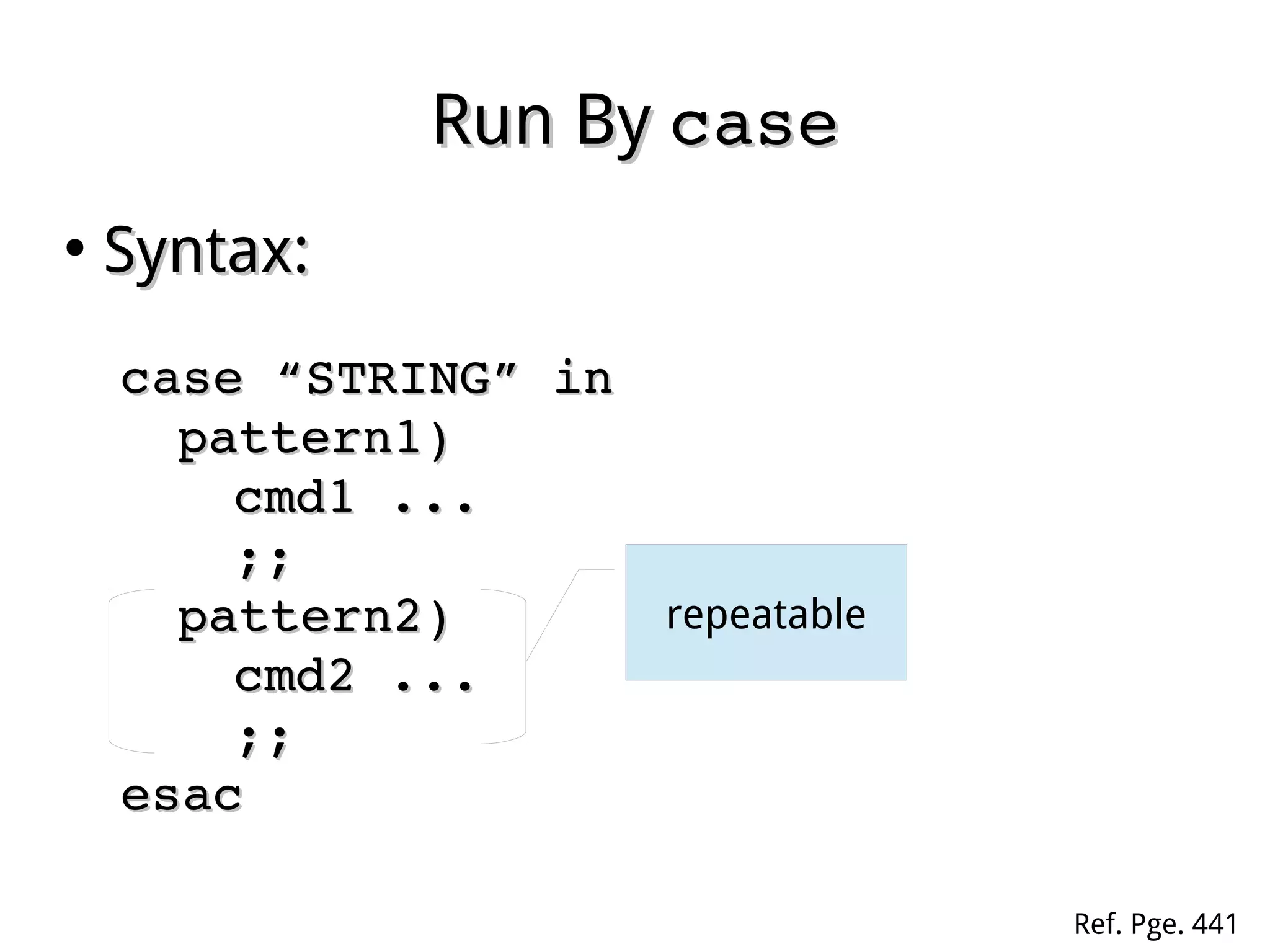
Run ByRun By casecase
●
Syntax:Syntax:
case “STRING” incase “STRING” in
pattern1)pattern1)
cmd1 ...cmd1 ...
;;;;
pattern2)pattern2)
cmd2 ...cmd2 ...
;;;;
esacesac
repeatable
Ref. Pge. 441
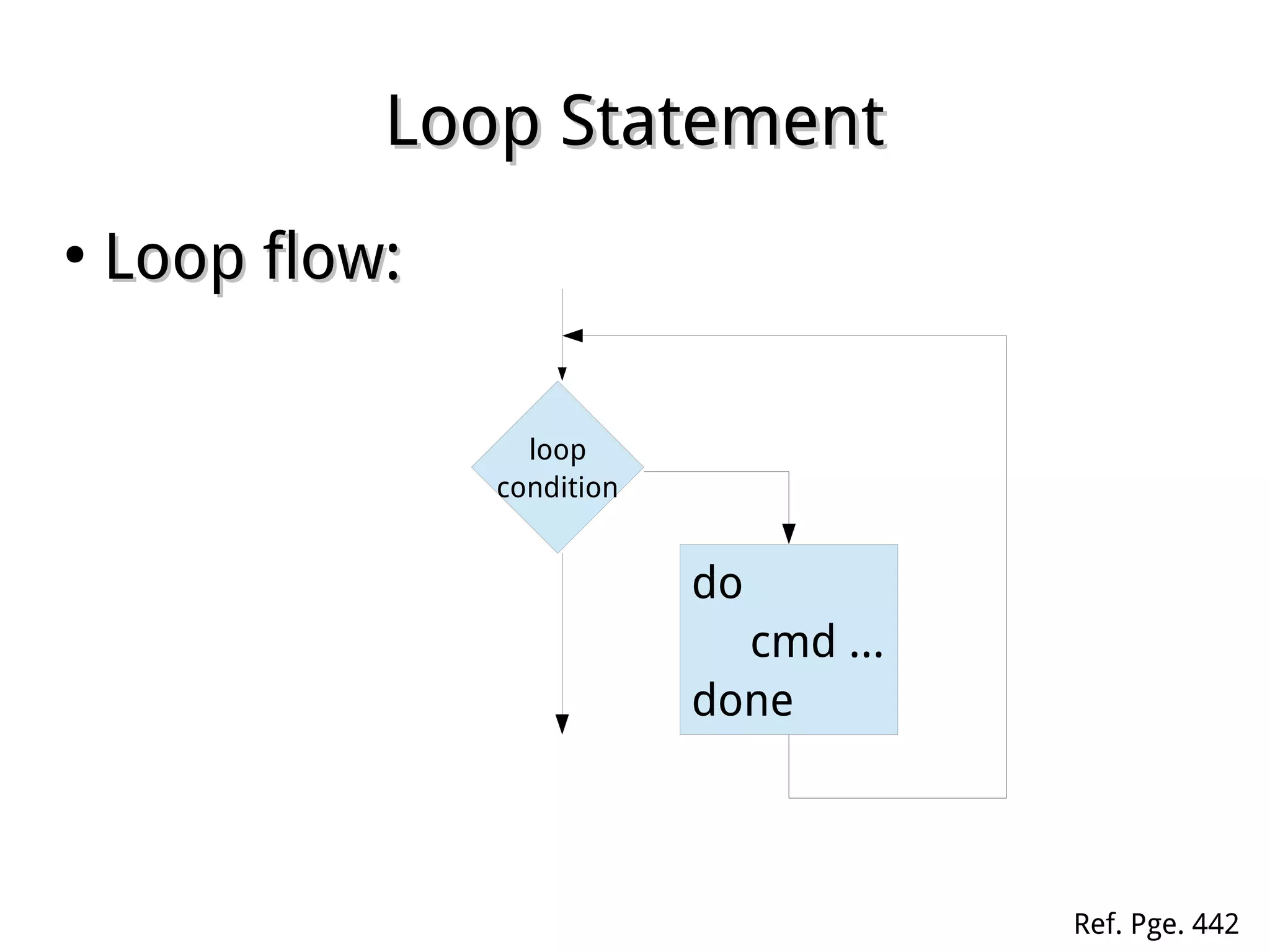
Loop StatementLoop Statement
●
Loop flow:Loop flow:
loop
condition
do
cmd ...
done
Ref. Pge. 442
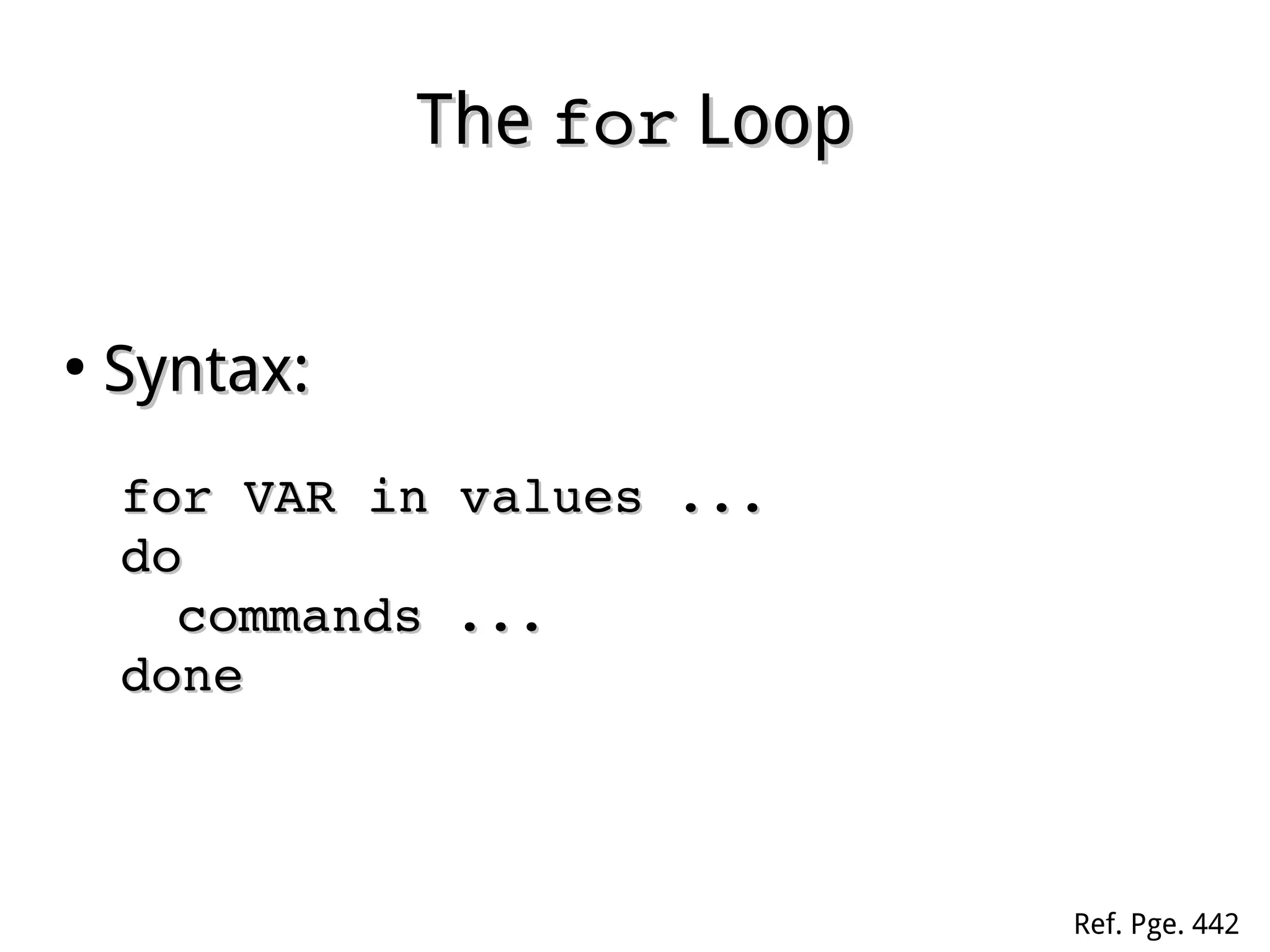
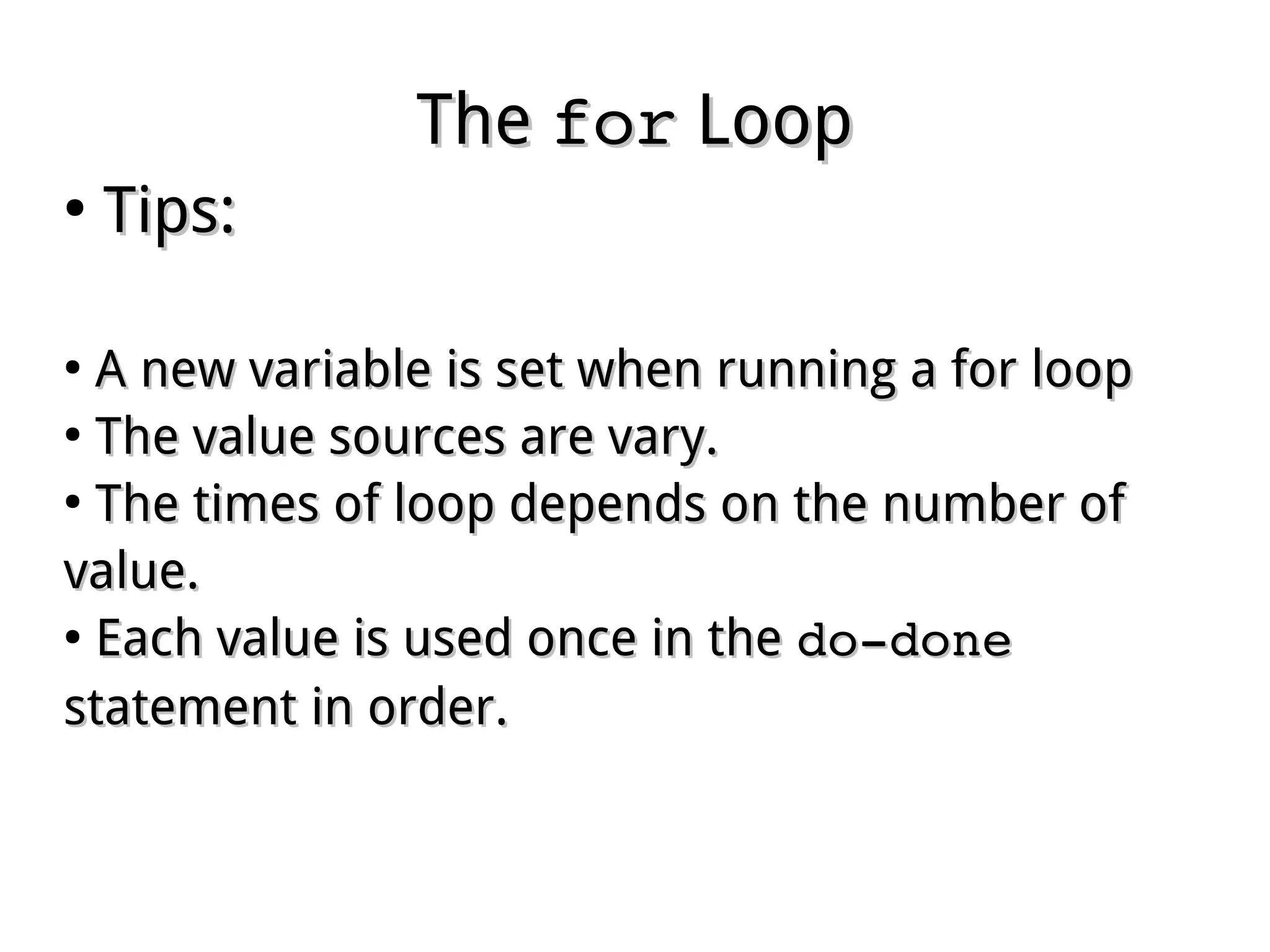
TheThe forfor LoopLoop
●
Syntax:Syntax:
for VAR in values ...for VAR in values ...
dodo
commands ...commands ...
donedone
Ref. Pge. 442
TheThe forfor LoopLoop
●
Tips:Tips:
●
A new variable is set when running a for loopA new variable is set when running a for loop
●
The value sources are vary.The value sources are vary.
●
The times of loop depends on the number ofThe times of loop depends on the number of
value.value.
●
Each value is used once in theEach value is used once in the do­donedo­done
statement in order.statement in order.
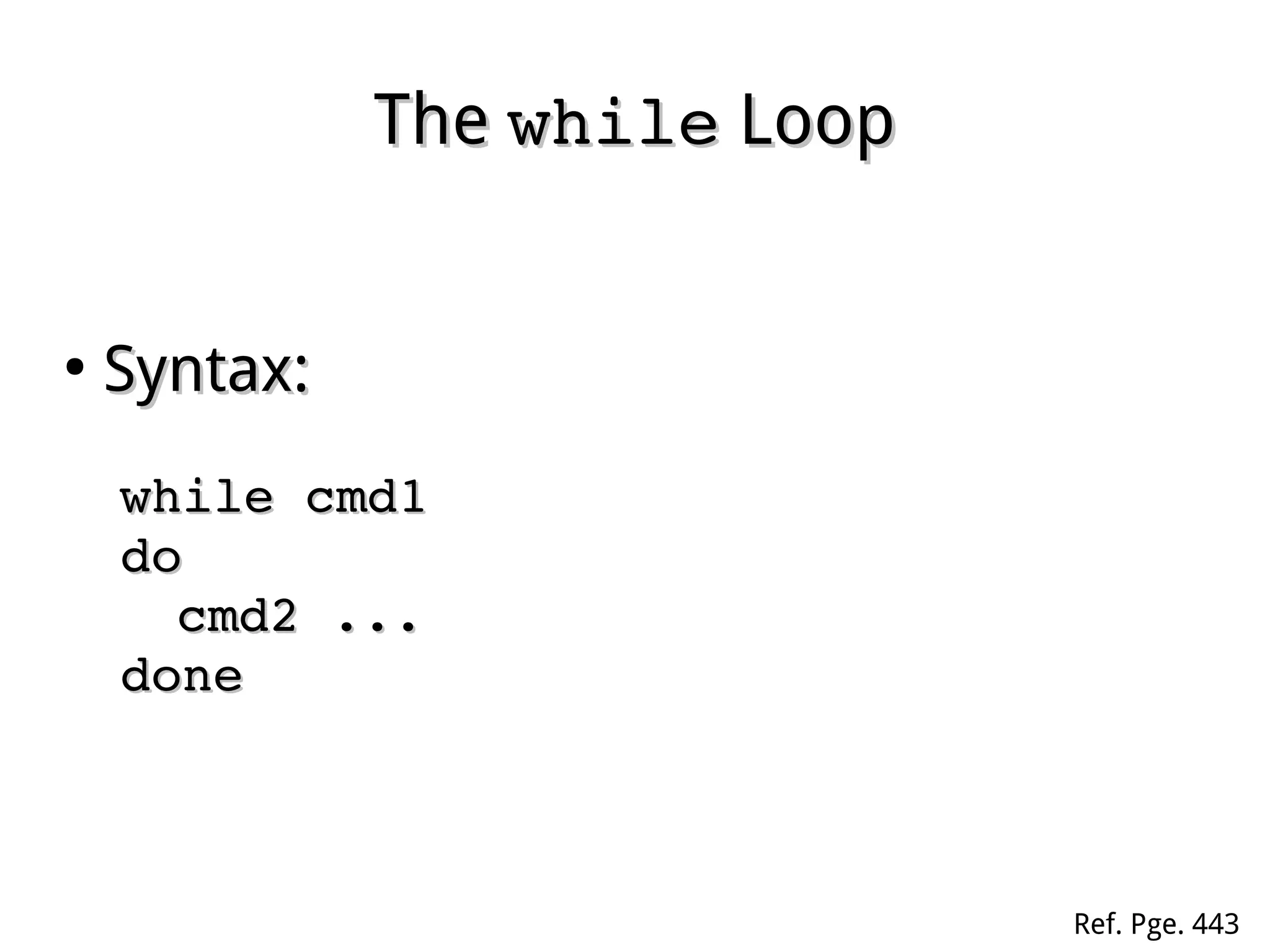
TheThe whilewhile LoopLoop
●
Syntax:Syntax:
while cmd1while cmd1
dodo
cmd2 ...cmd2 ...
donedone
Ref. Pge. 443
TheThe whilewhile LoopLoop
●
Tips:Tips:
●
TheThe cmd1cmd1 is run at each loop cycle.is run at each loop cycle.
●
TheThe do­donedo­done statement only be run whilestatement only be run while cmd1cmd1
returns TRUE value.returns TRUE value.
●
The whole loop is terminated onceThe whole loop is terminated once cmd1cmd1 returnsreturns
FALSE value.FALSE value.
●
Infinity loop may be designed in purpose, orInfinity loop may be designed in purpose, or
accidentally.accidentally.
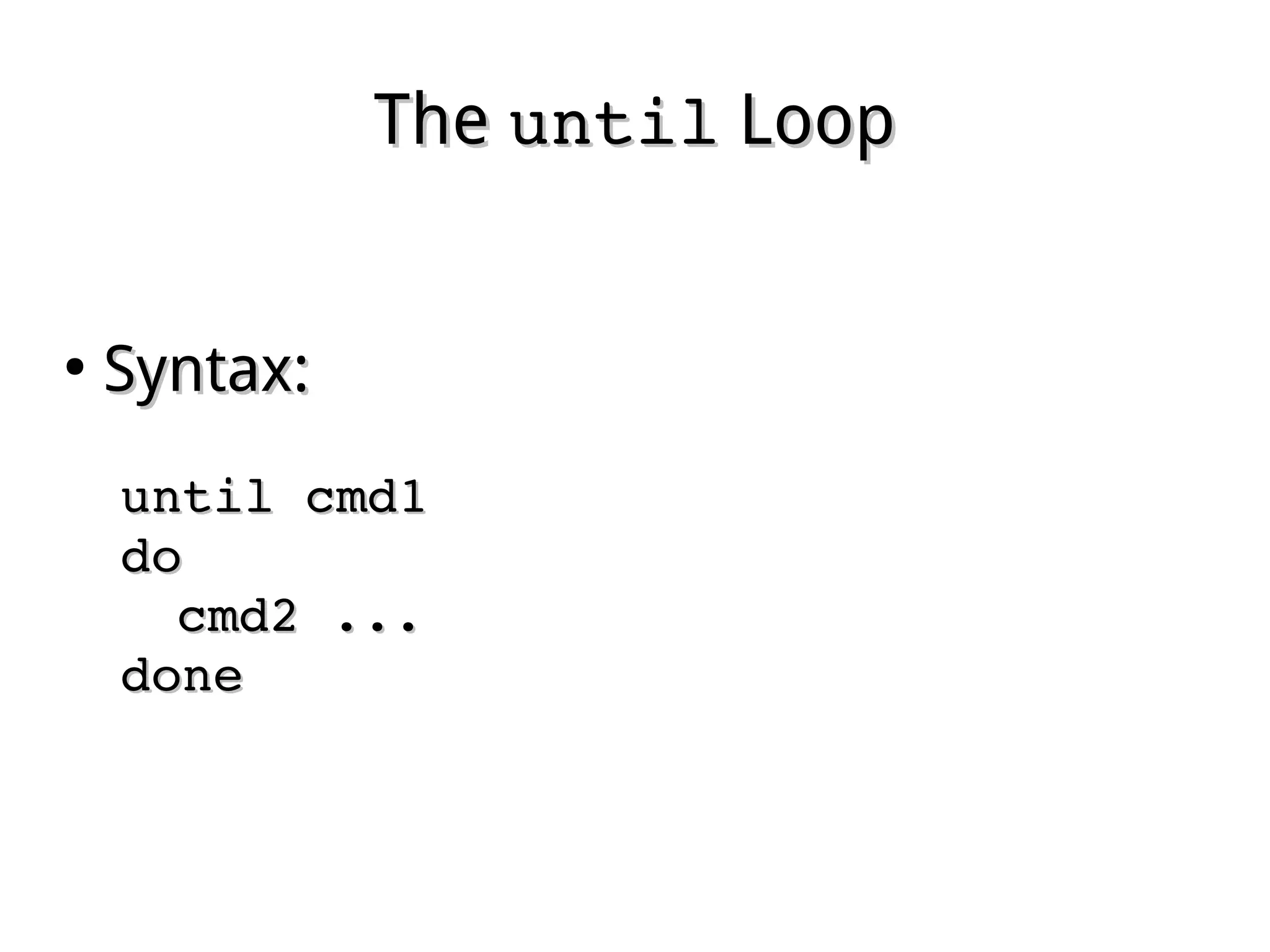
TheThe untiluntil LoopLoop
●
Syntax:Syntax:
until cmd1until cmd1
dodo
cmd2 ...cmd2 ...
donedone
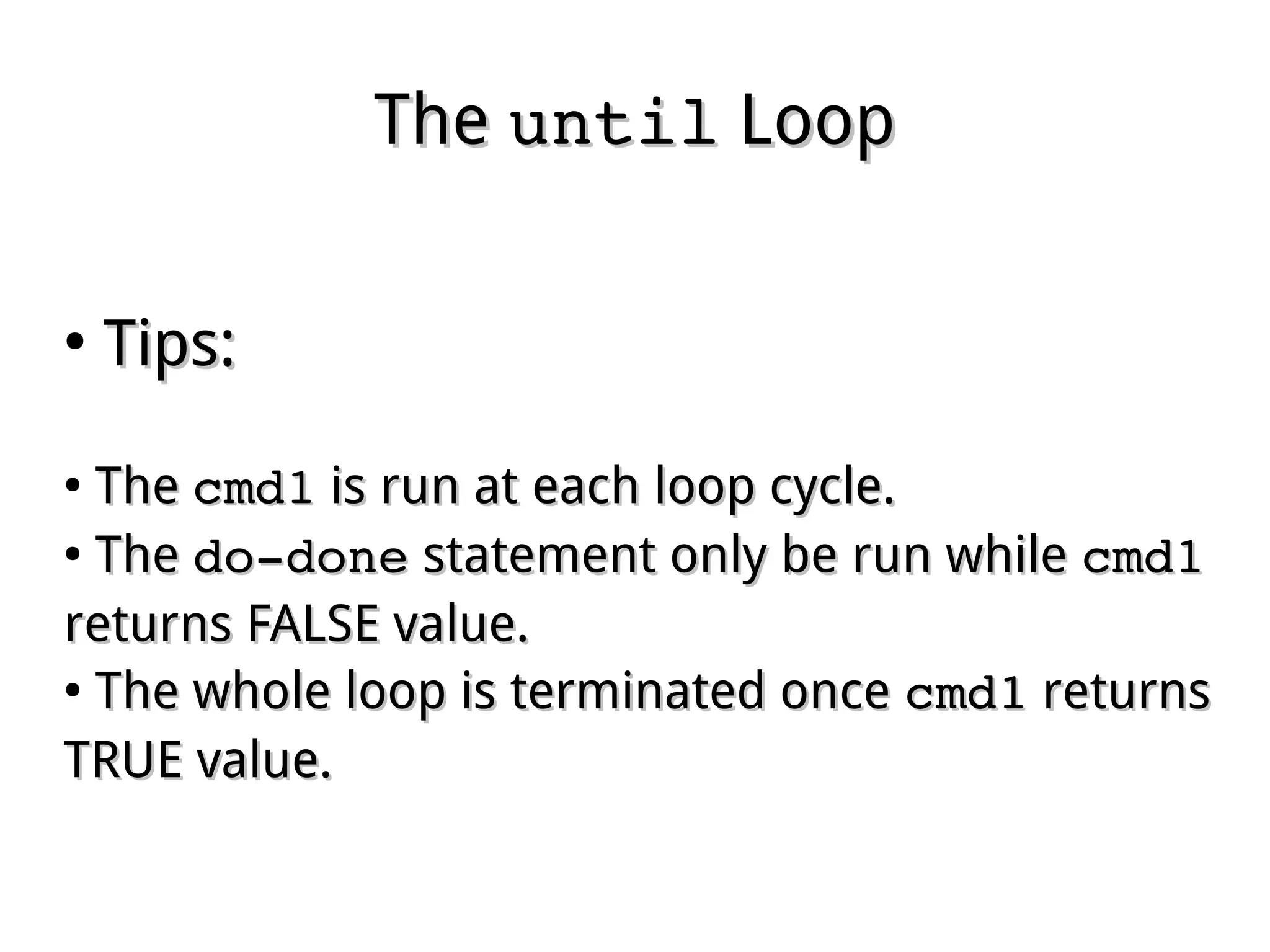
TheThe untiluntil LoopLoop
●
Tips:Tips:
●
TheThe cmd1cmd1 is run at each loop cycle.is run at each loop cycle.
●
TheThe do­donedo­done statement only be run whilestatement only be run while cmd1cmd1
returns FALSE value.returns FALSE value.
●
The whole loop is terminated onceThe whole loop is terminated once cmd1cmd1 returnsreturns
TRUE value.TRUE value.
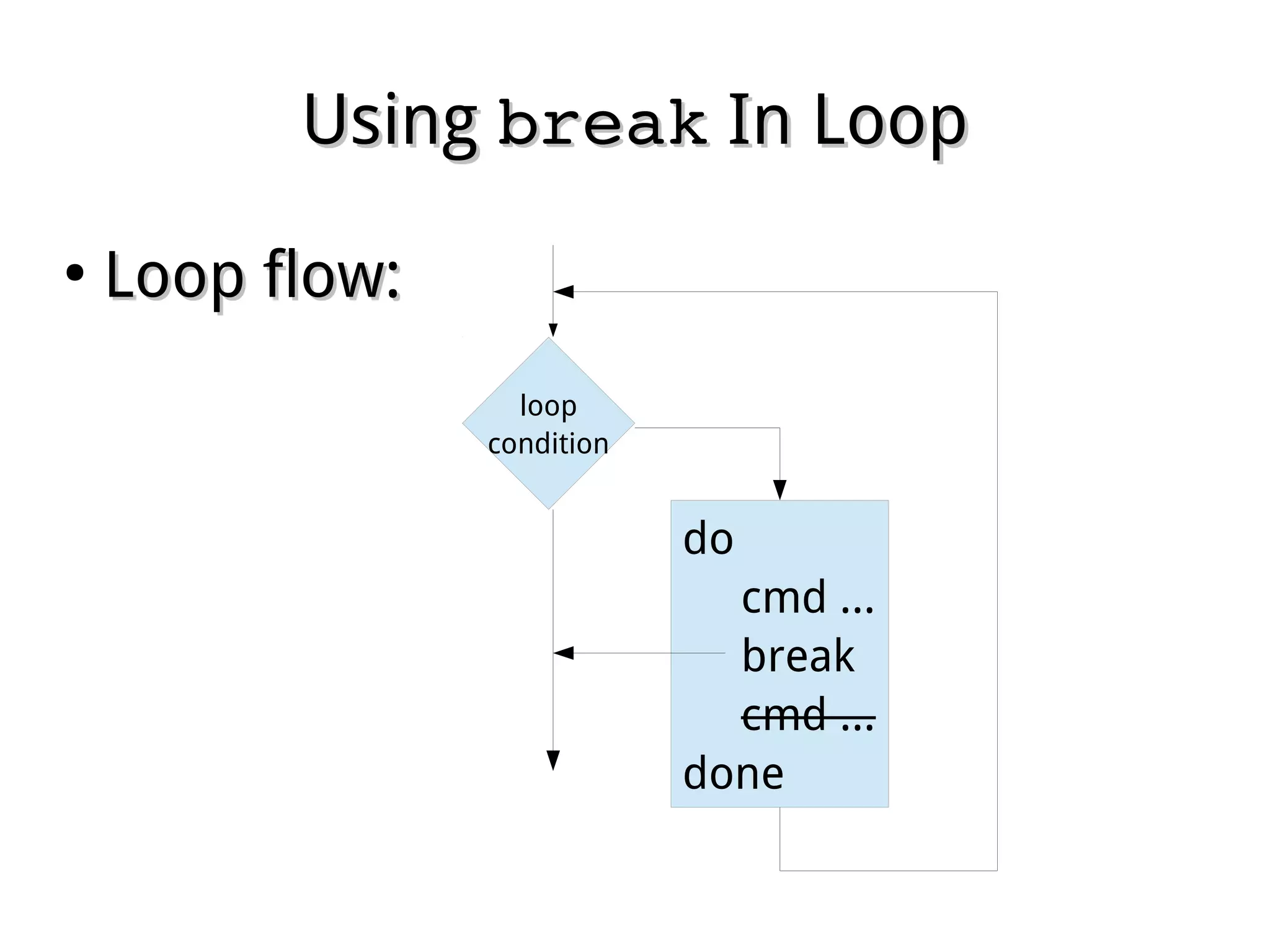
UsingUsing breakbreak In LoopIn Loop
●
Loop flow:Loop flow:
loop
condition
do
cmd ...
break
cmd ...
done
UsingUsing breakbreak In LoopsIn Loops
●
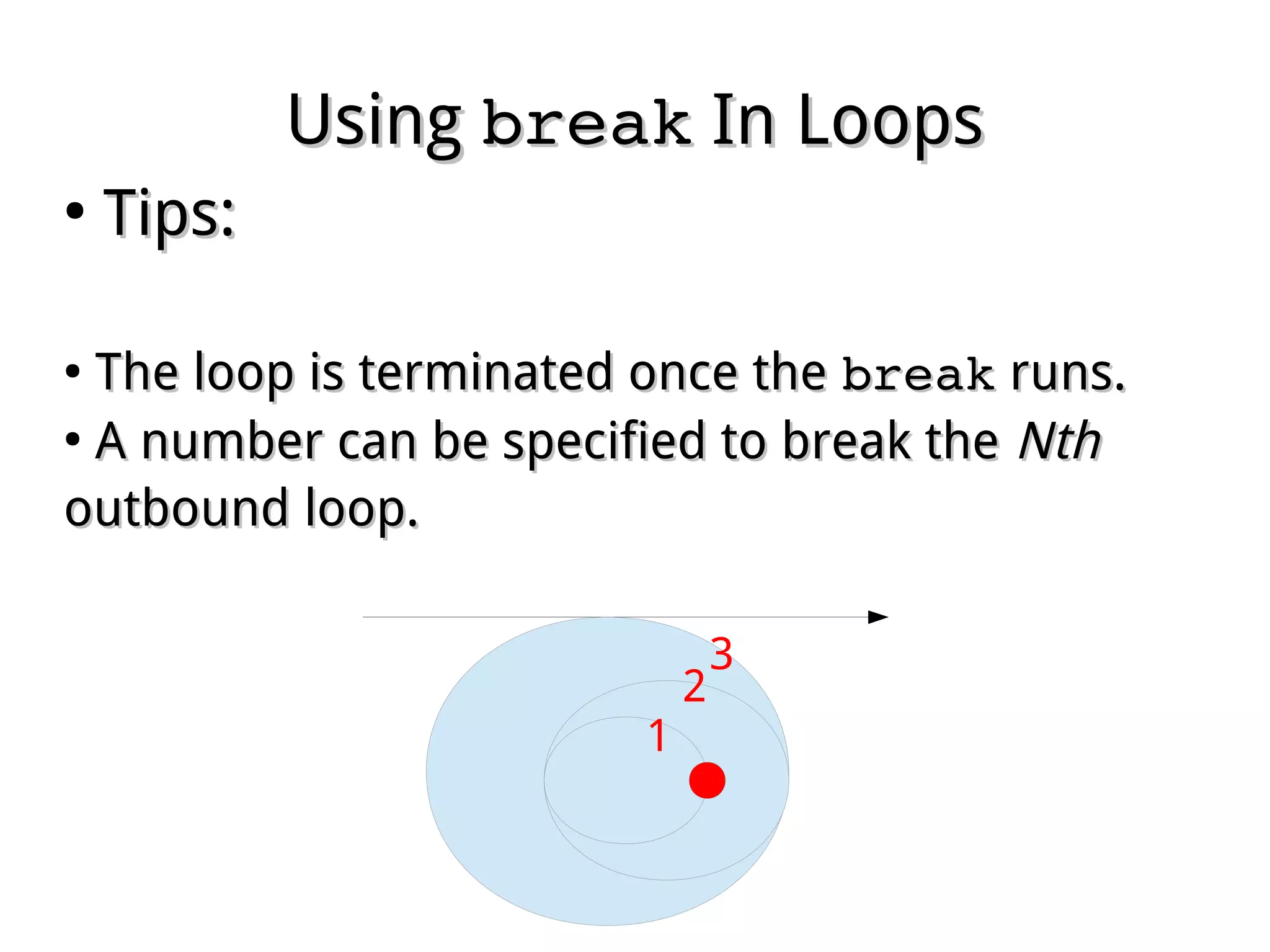
Tips:Tips:
●
The loop is terminated once theThe loop is terminated once the breakbreak runs.runs.
●
A number can be specified to break theA number can be specified to break the NthNth
outbound loop.outbound loop.
1
2
3
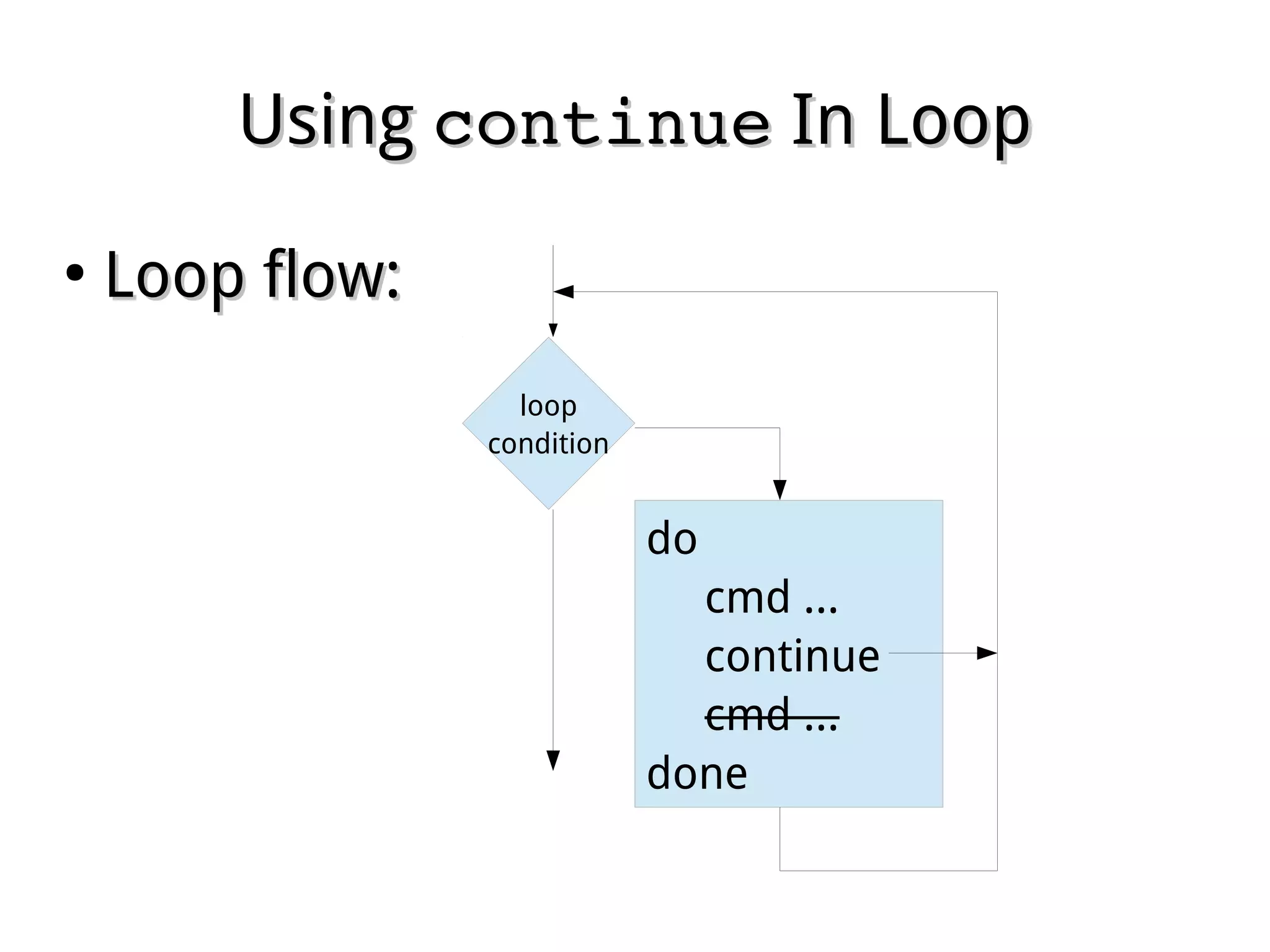
UsingUsing continuecontinue In LoopIn Loop
●
Loop flow:Loop flow:
loop
condition
do
cmd ...
continue
cmd ...
done
UsingUsing continuecontinue In LoopIn Loop
●
Tips:Tips:
●
The remained lines in current loop cycle areThe remained lines in current loop cycle are
omitted once theomitted once the continuecontinue runs, script goesruns, script goes
straight to continue next cycle.straight to continue next cycle.
●
A number can be specified to continue theA number can be specified to continue the NthNth
outbound loop.outbound loop.
UsingUsing sleepsleep In LoopIn Loop
●
Tips:Tips:
●
The script is temporally stopped when theThe script is temporally stopped when the
sleepsleep runs.runs.
●
A number of second can be specified to stop theA number of second can be specified to stop the
script in how long.script in how long.
●
Useful for periodical jobs with infinity loop.Useful for periodical jobs with infinity loop.

Linux fundamental - Chap 14 shell script