Linux Basic Commands
File Commands
Instructor: Sundas Ahmed
By: Mam Sundas Ahmed 1
*
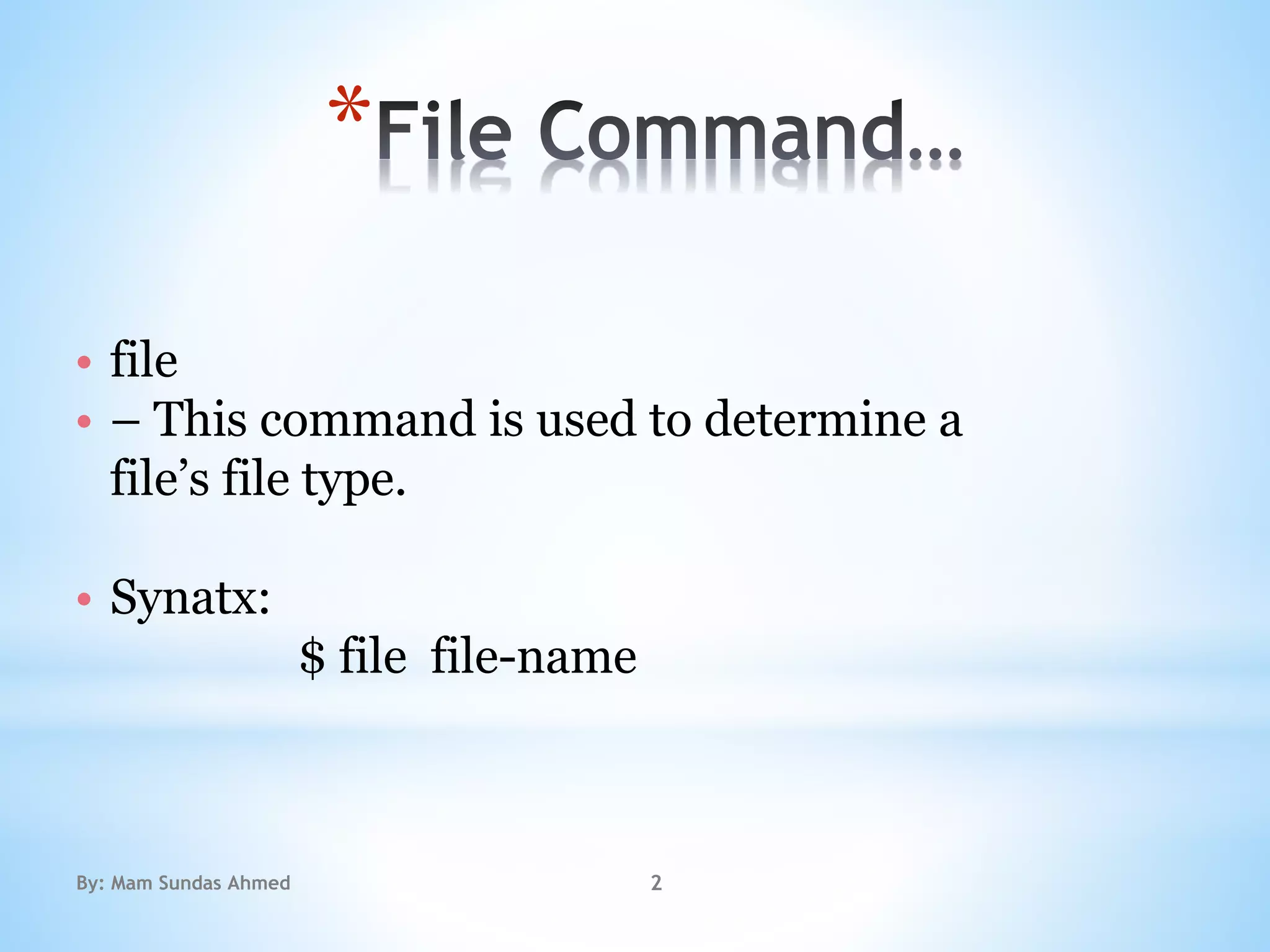
• file
• – This command is used to determine a
file’s file type.
• Synatx:
$ file file-name
By: Mam Sundas Ahmed 2
*
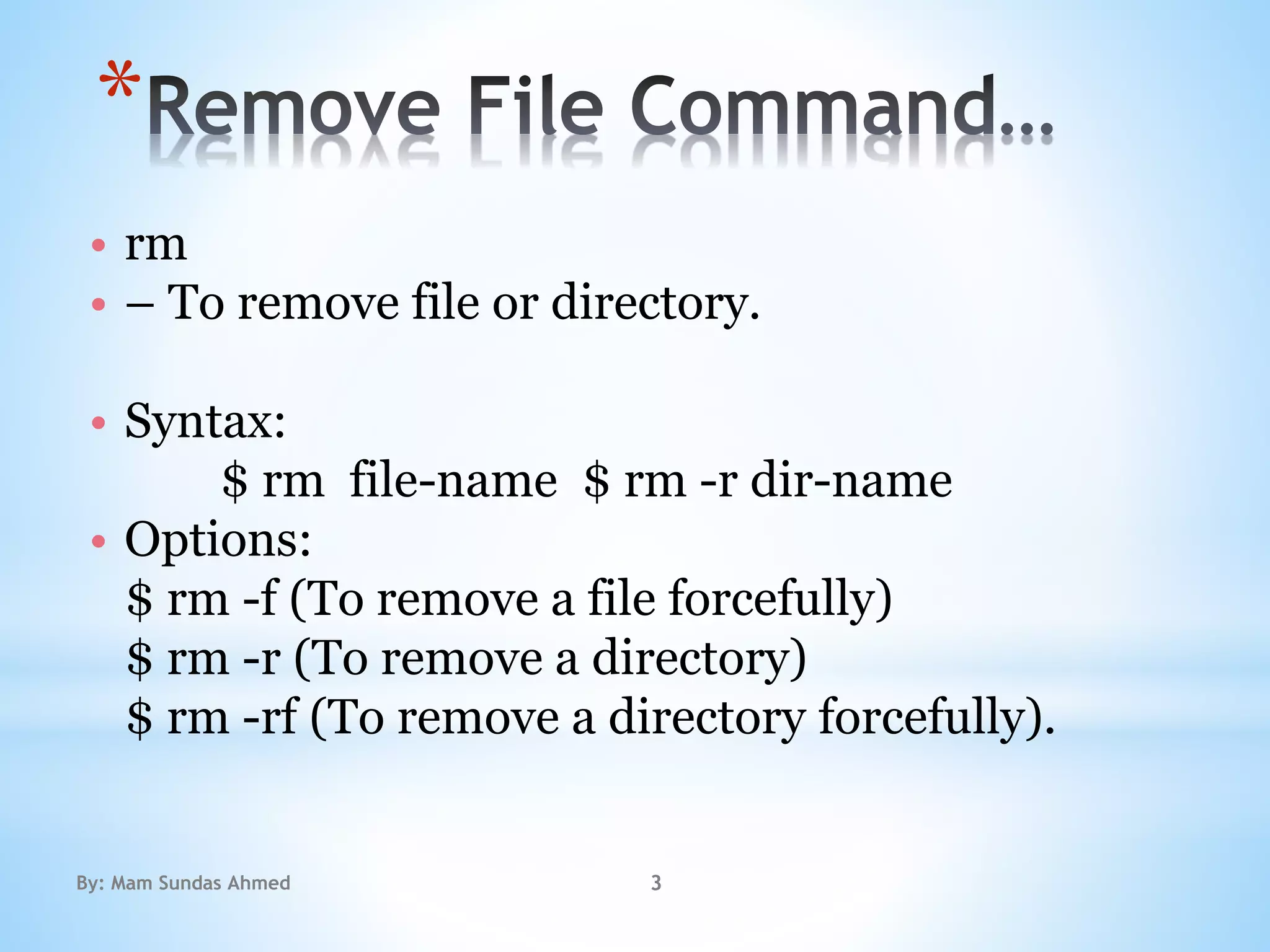
• rm
• – To remove file or directory.
• Syntax:
$ rm file-name $ rm -r dir-name
• Options:
$ rm -f (To remove a file forcefully)
$ rm -r (To remove a directory)
$ rm -rf (To remove a directory forcefully).
By: Mam Sundas Ahmed 3
 Move Command…
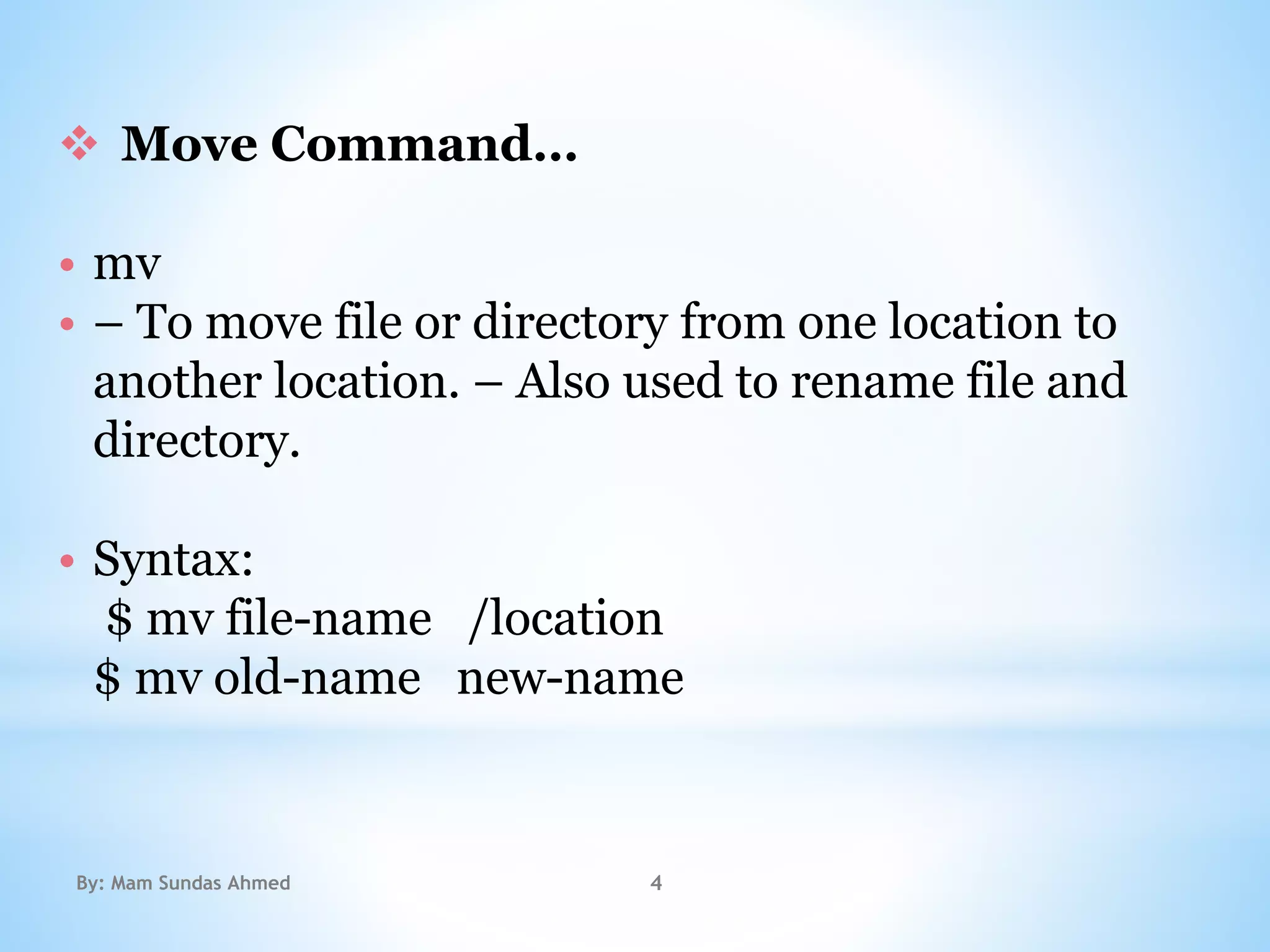
• mv
• – To move file or directory from one location to
another location. – Also used to rename file and
directory.
• Syntax:
$ mv file-name /location
$ mv old-name new-name
By: Mam Sundas Ahmed 4
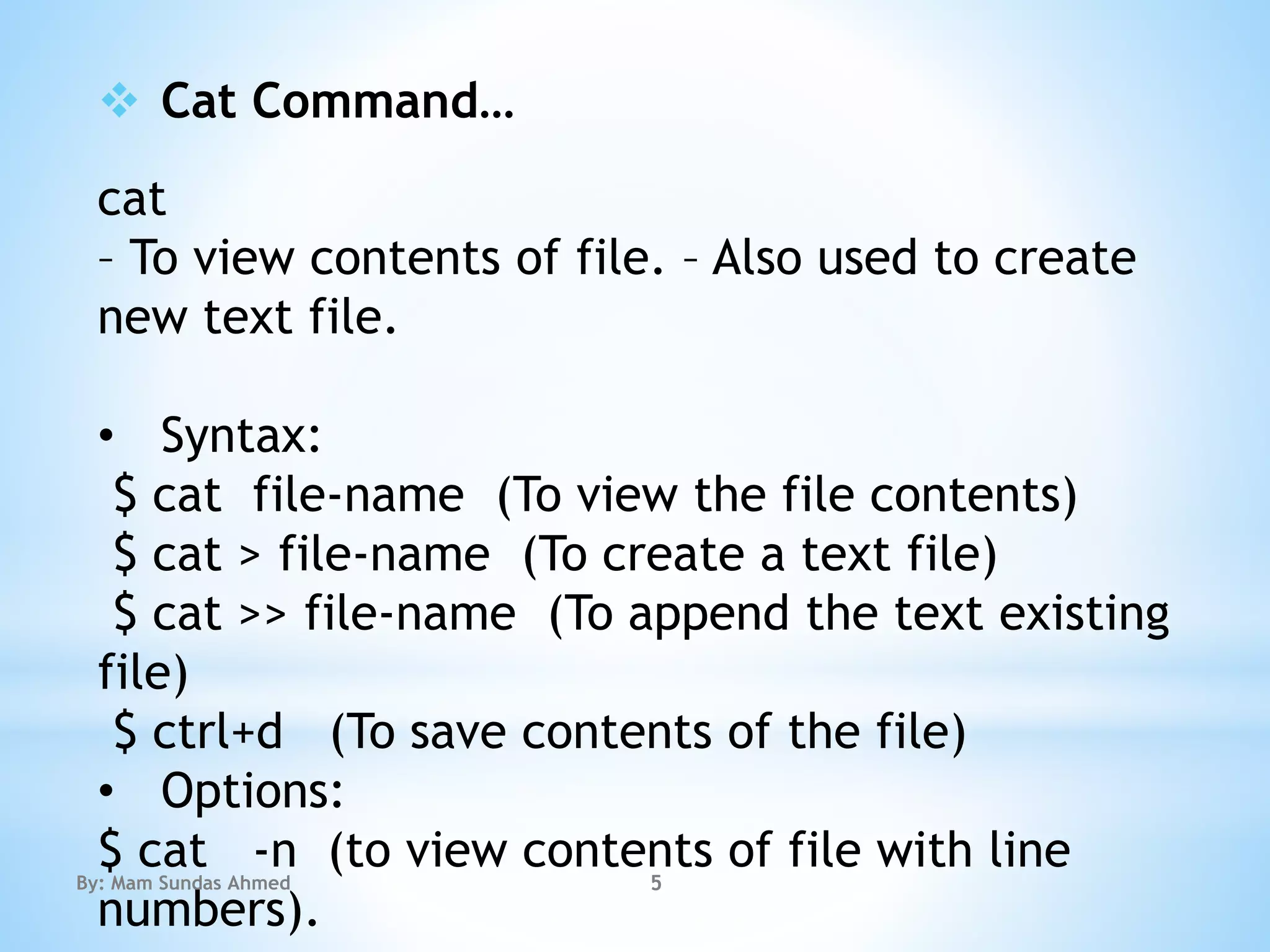
 Cat Command…
cat
– To view contents of file. – Also used to create
new text file.
• Syntax:
$ cat file-name (To view the file contents)
$ cat > file-name (To create a text file)
$ cat >> file-name (To append the text existing
file)
$ ctrl+d (To save contents of the file)
• Options:
$ cat -n (to view contents of file with line
numbers).
By: Mam Sundas Ahmed 5
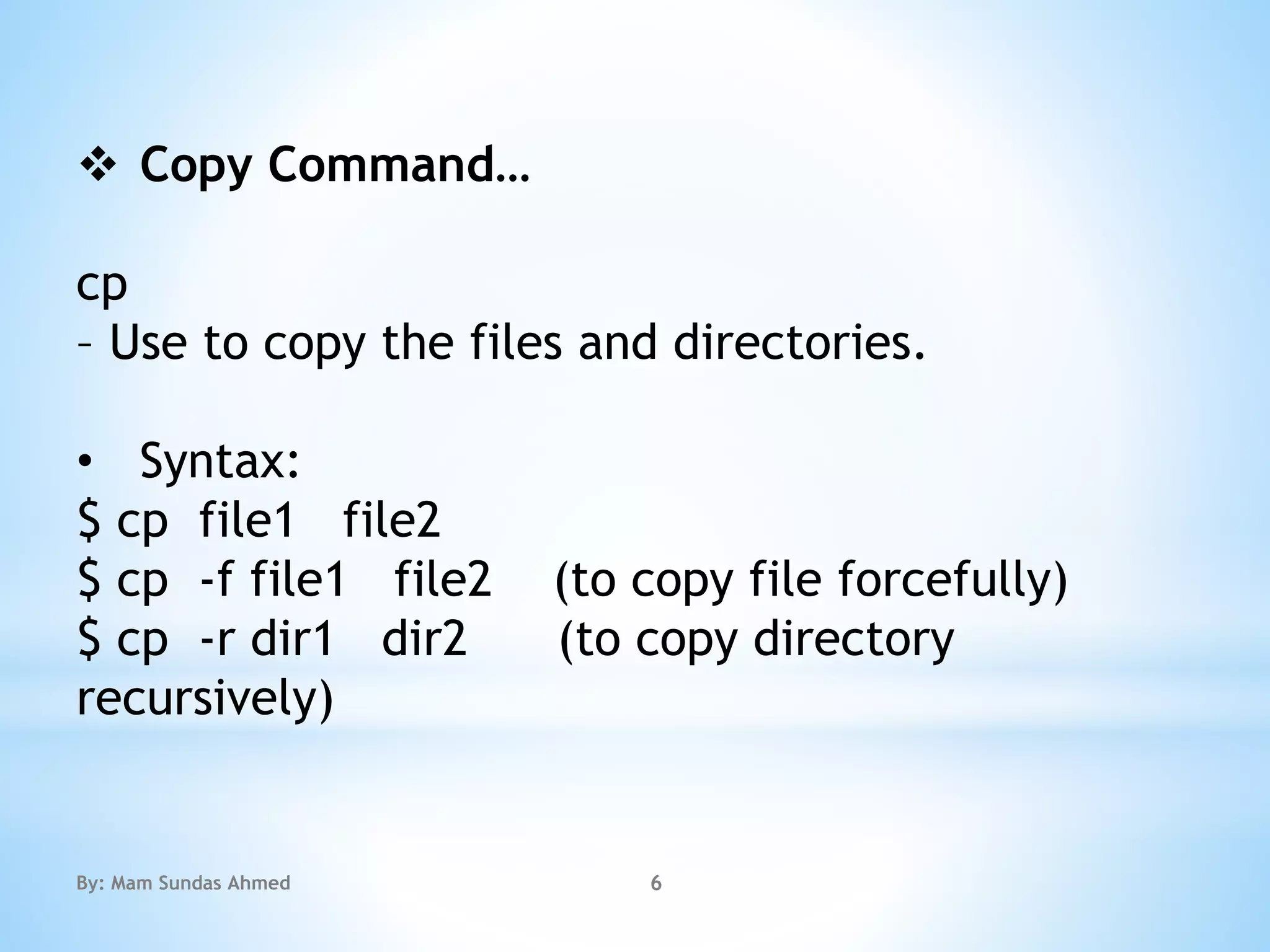
 Copy Command…
cp
– Use to copy the files and directories.
• Syntax:
$ cp file1 file2
$ cp -f file1 file2 (to copy file forcefully)
$ cp -r dir1 dir2 (to copy directory
recursively)
By: Mam Sundas Ahmed 6
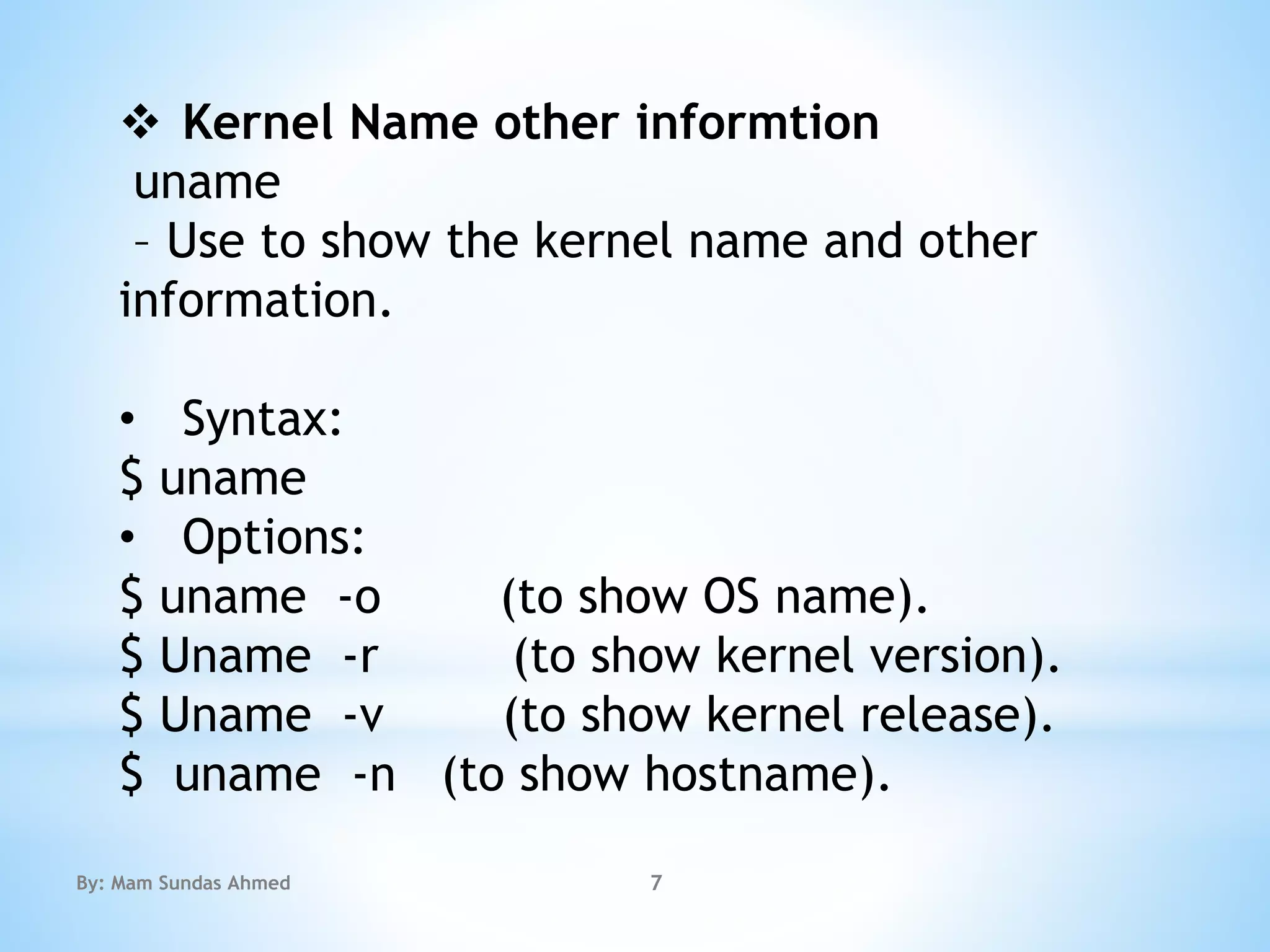
 Kernel Name other informtion
uname
– Use to show the kernel name and other
information.
• Syntax:
$ uname
• Options:
$ uname -o (to show OS name).
$ Uname -r (to show kernel version).
$ Uname -v (to show kernel release).
$ uname -n (to show hostname).
By: Mam Sundas Ahmed 7
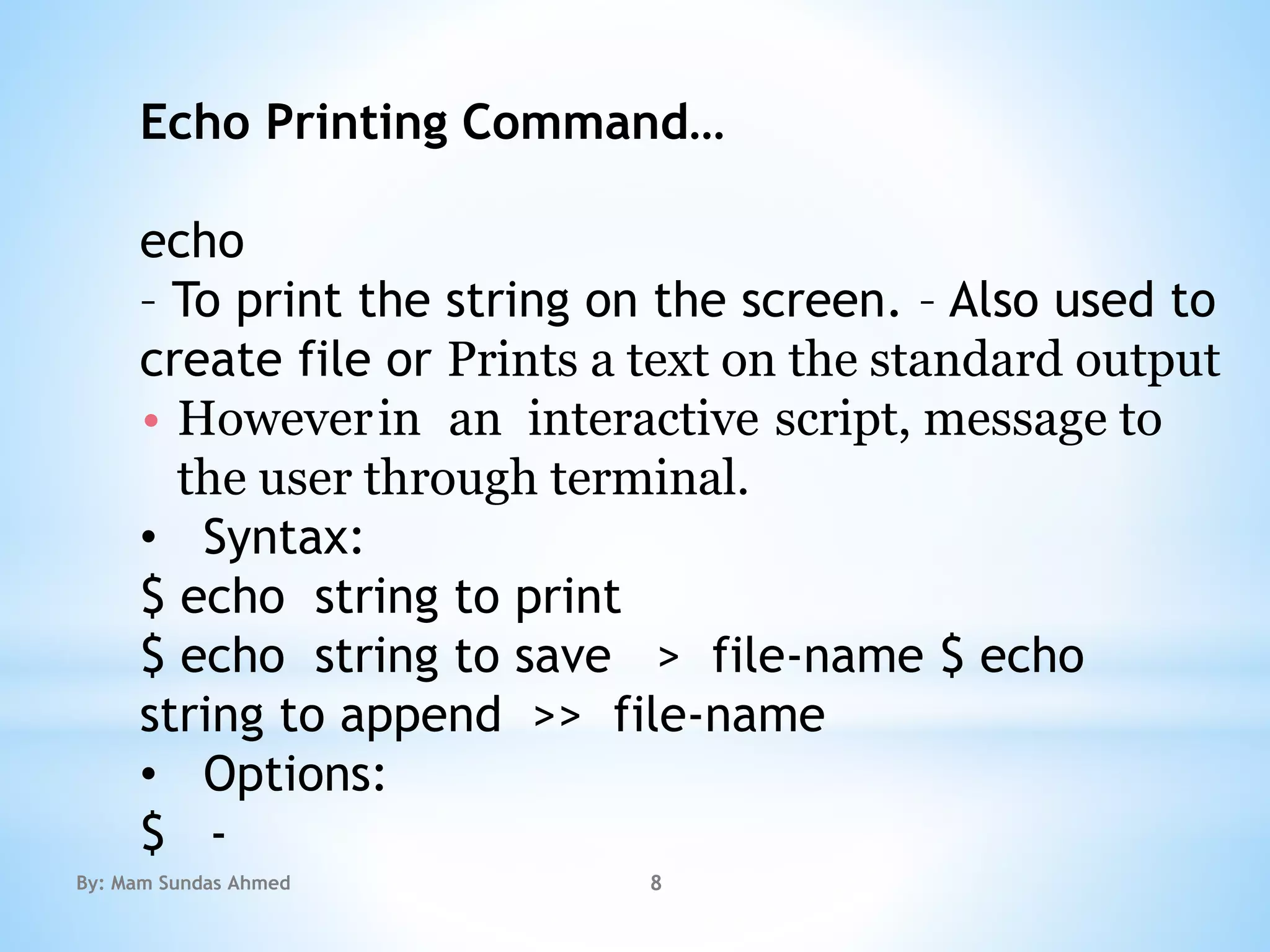
Echo Printing Command…
echo
– To print the string on the screen. – Also used to
create file or Prints a text on the standard output
• Howeverin an interactive script, message to
the user through terminal.
• Syntax:
$ echo string to print
$ echo string to save > file-name $ echo
string to append >> file-name
• Options:
$ -
By: Mam Sundas Ahmed 8
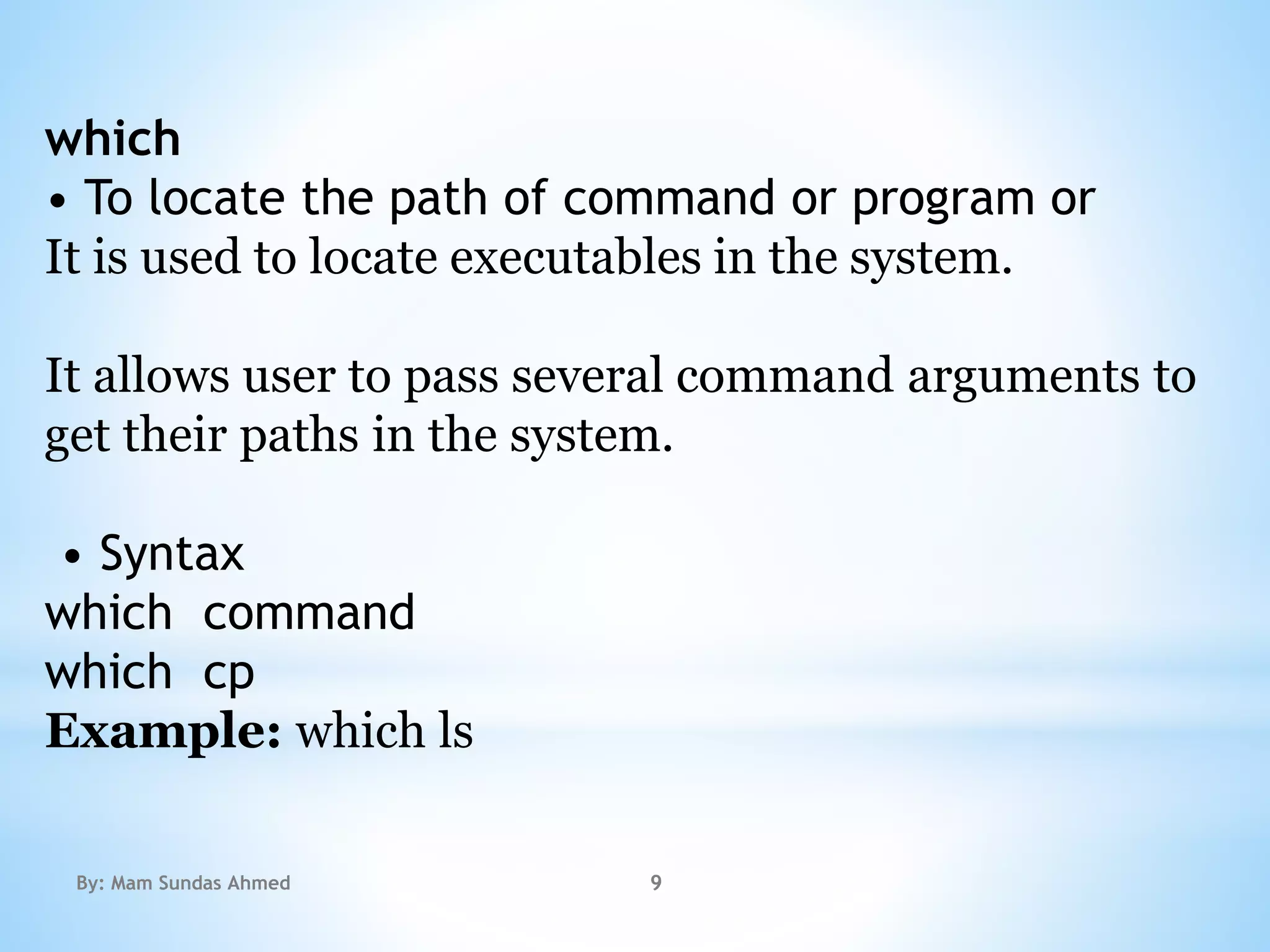
which
• To locate the path of command or program or
It is used to locate executables in the system.
It allows user to pass several command arguments to
get their paths in the system.
• Syntax
which command
which cp
Example: which ls
By: Mam Sundas Ahmed 9
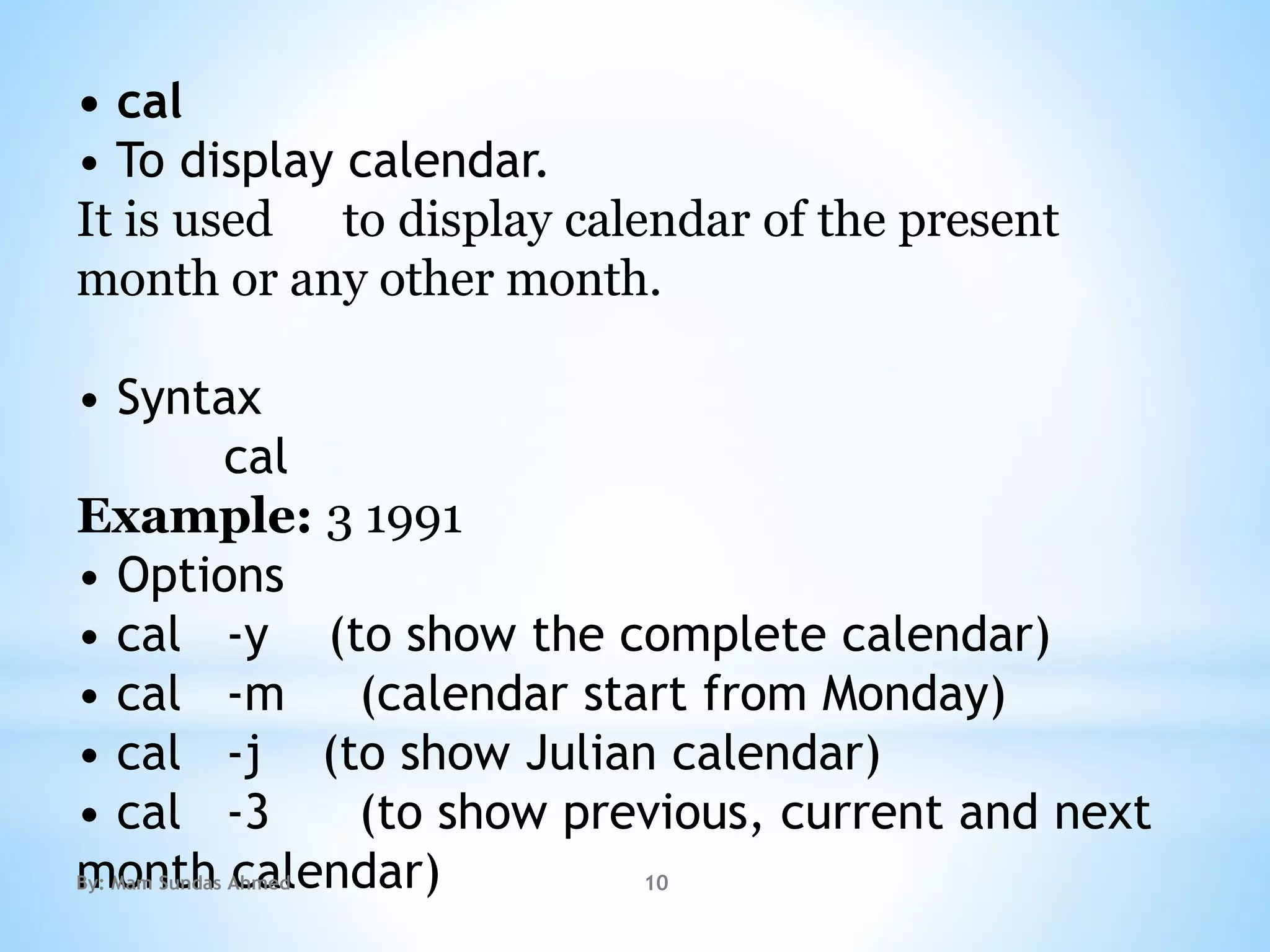
• cal
• To display calendar.
It is used to display calendar of the present
month or any other month.
• Syntax
cal
Example: 3 1991
• Options
• cal -y (to show the complete calendar)
• cal -m (calendar start from Monday)
• cal -j (to show Julian calendar)
• cal -3 (to show previous, current and next
month calendar)By: Mam Sundas Ahmed 10
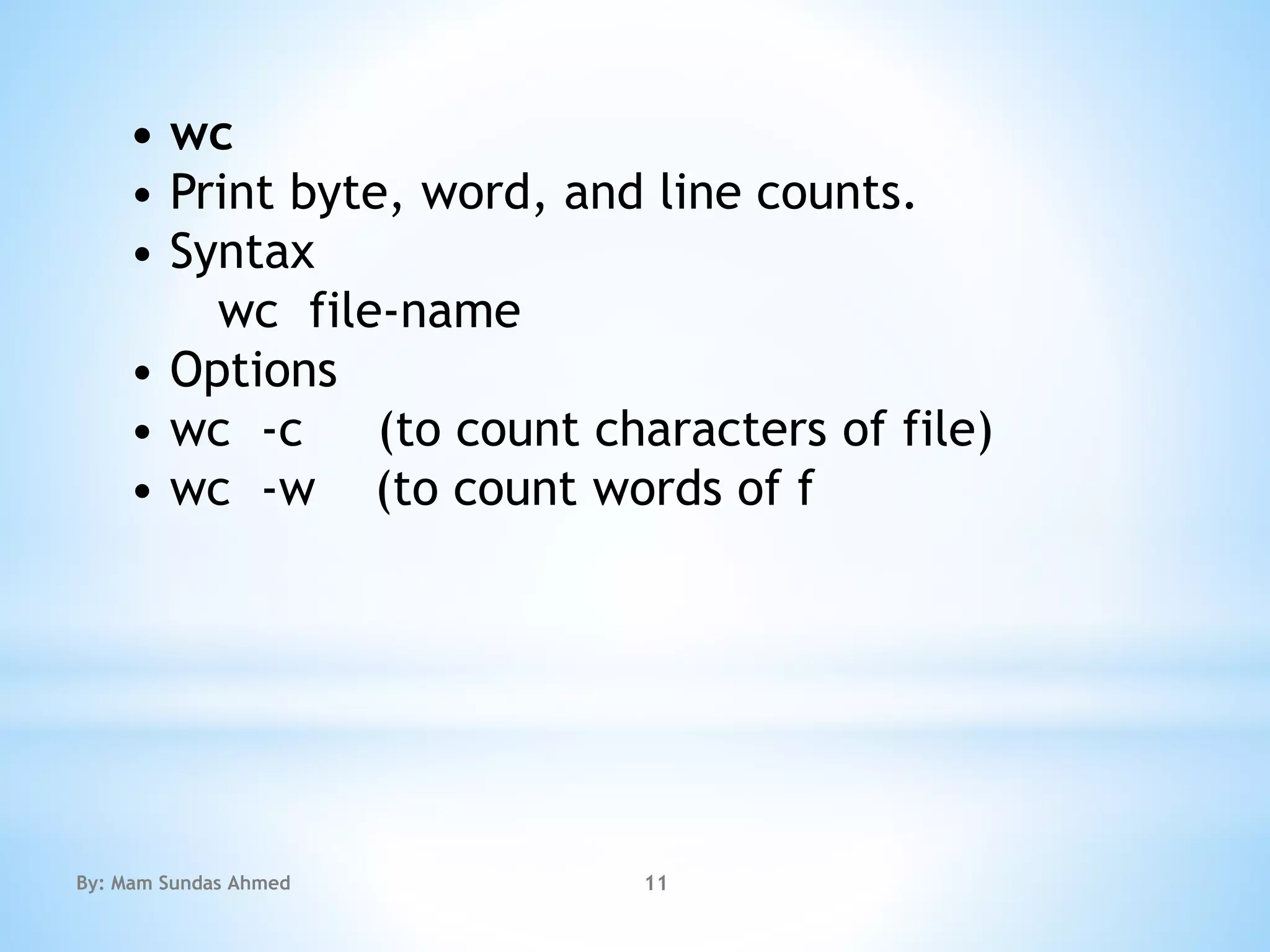
• wc
• Print byte, word, and line counts.
• Syntax
wc file-name
• Options
• wc -c (to count characters of file)
• wc -w (to count words of f
By: Mam Sundas Ahmed 11
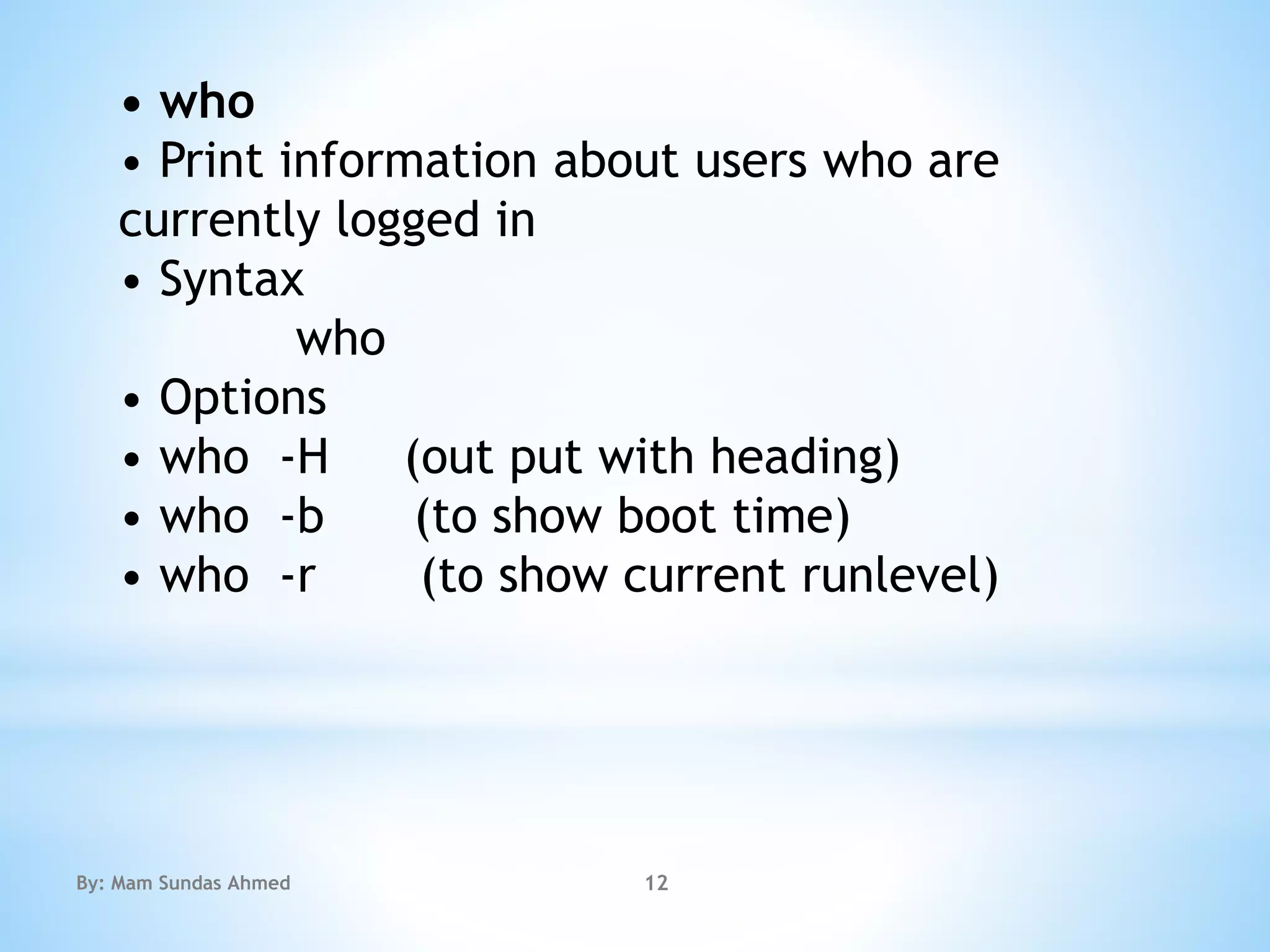
• who
• Print information about users who are
currently logged in
• Syntax
who
• Options
• who -H (out put with heading)
• who -b (to show boot time)
• who -r (to show current runlevel)
By: Mam Sundas Ahmed 12
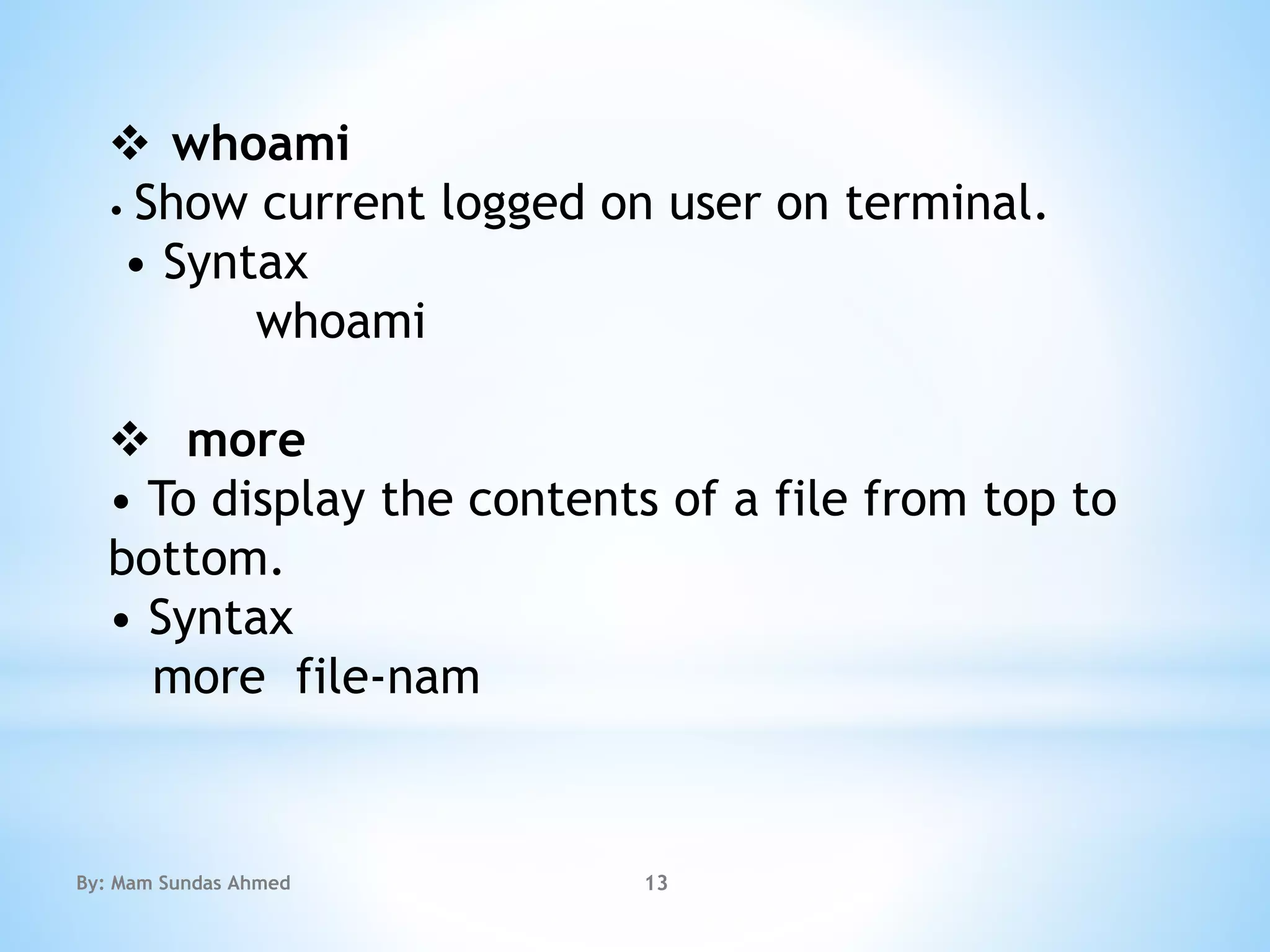
 whoami
• Show current logged on user on terminal.
• Syntax
whoami
 more
• To display the contents of a file from top to
bottom.
• Syntax
more file-nam
By: Mam Sundas Ahmed 13
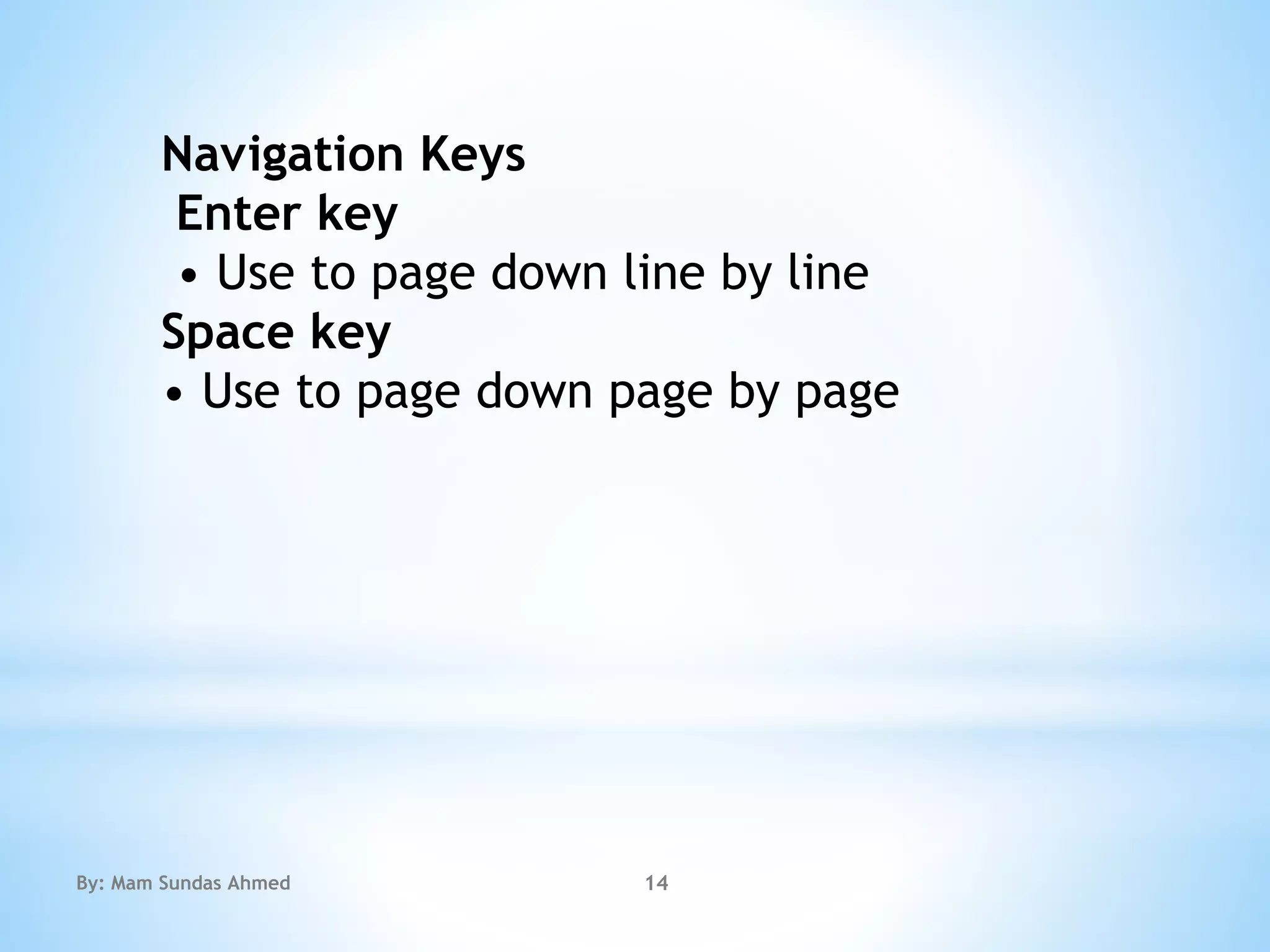
Navigation Keys
Enter key
• Use to page down line by line
Space key
• Use to page down page by page
By: Mam Sundas Ahmed 14
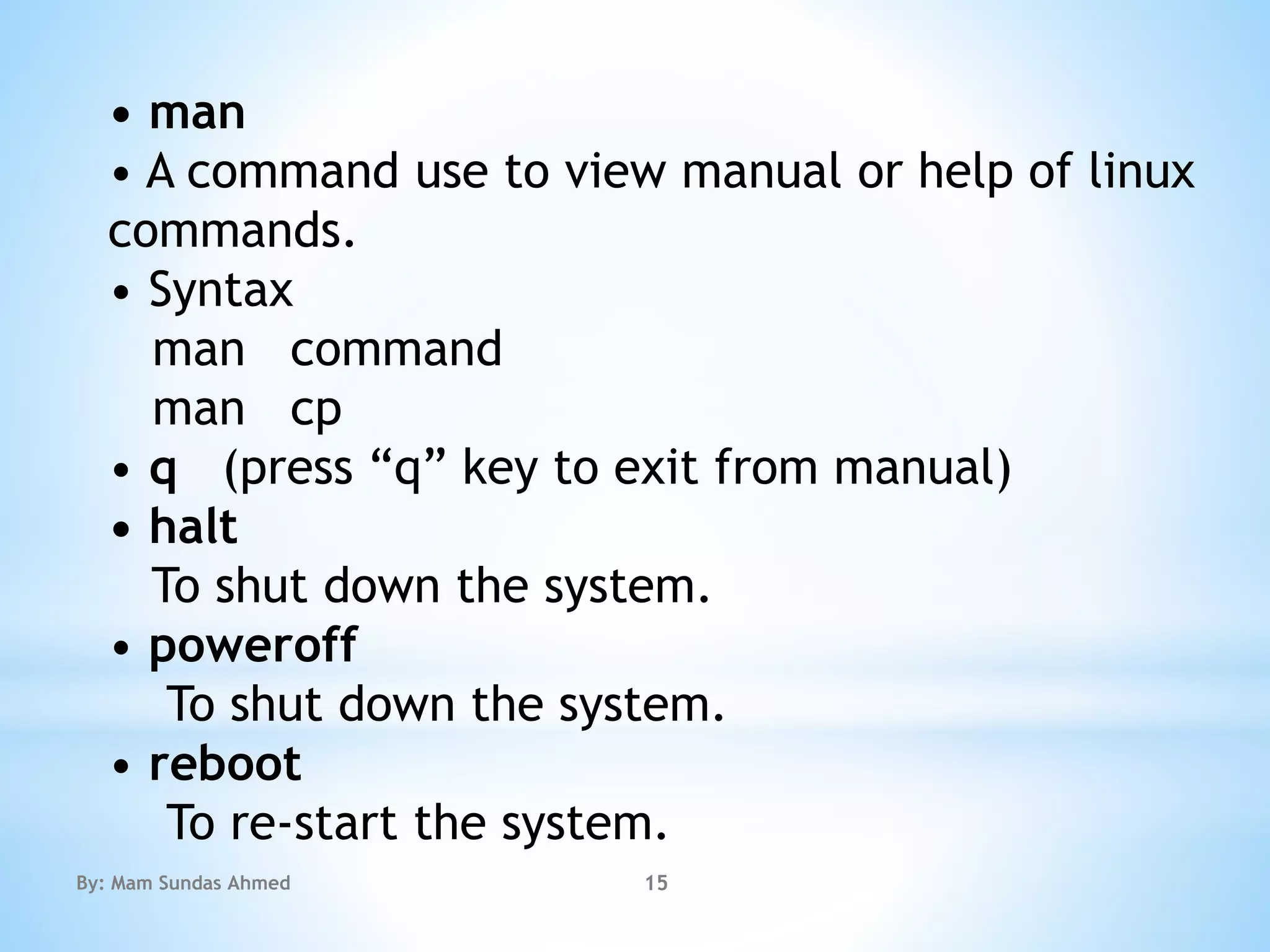
• man
• A command use to view manual or help of linux
commands.
• Syntax
man command
man cp
• q (press “q” key to exit from manual)
• halt
To shut down the system.
• poweroff
To shut down the system.
• reboot
To re-start the system.
By: Mam Sundas Ahmed 15
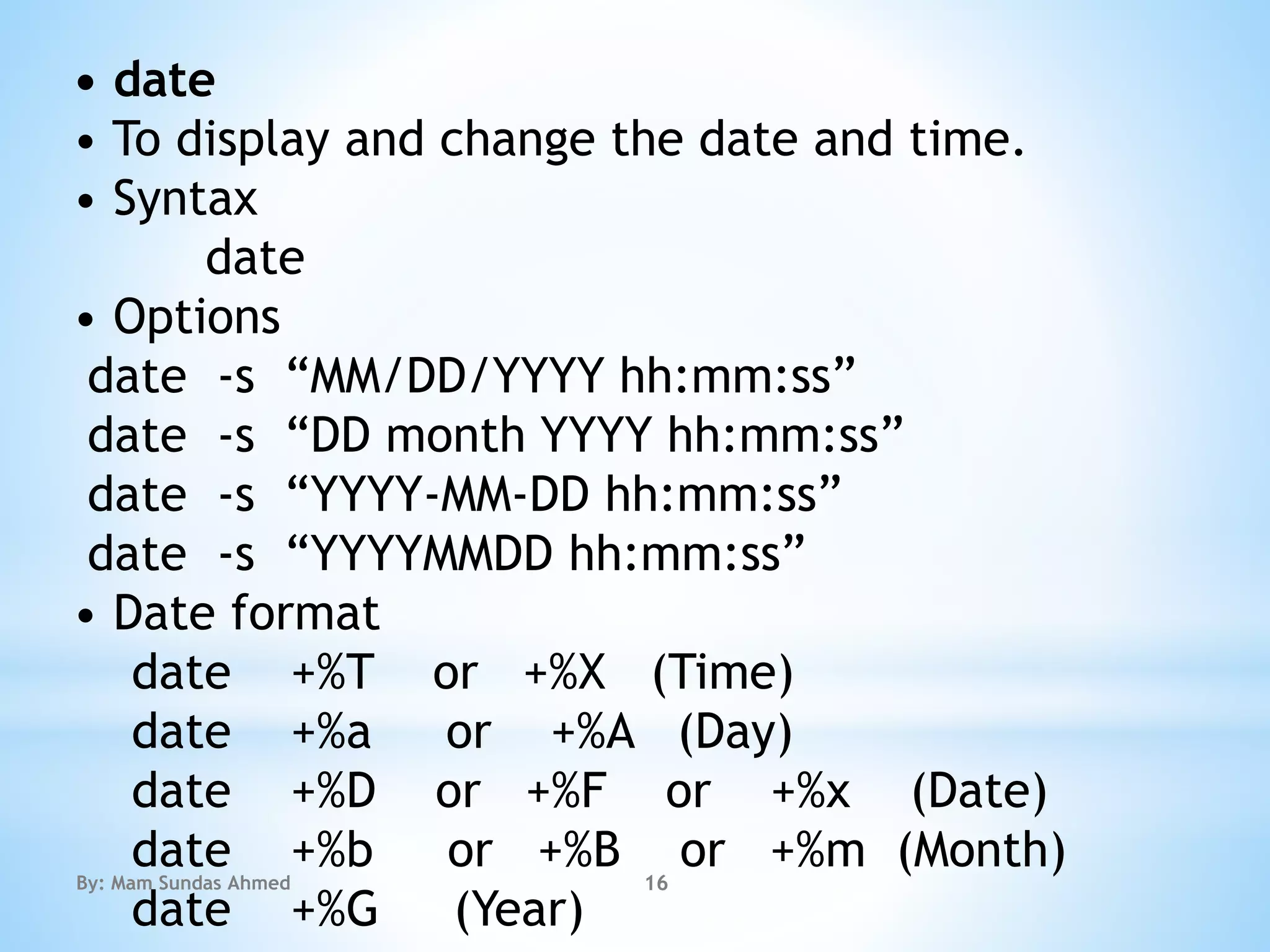
• date
• To display and change the date and time.
• Syntax
date
• Options
date -s “MM/DD/YYYY hh:mm:ss”
date -s “DD month YYYY hh:mm:ss”
date -s “YYYY-MM-DD hh:mm:ss”
date -s “YYYYMMDD hh:mm:ss”
• Date format
date +%T or +%X (Time)
date +%a or +%A (Day)
date +%D or +%F or +%x (Date)
date +%b or +%B or +%m (Month)
date +%G (Year)
By: Mam Sundas Ahmed 16
The End 
By: Mam Sundas Ahmed 17

Linux file commands

  • 1.
    Linux Basic Commands FileCommands Instructor: Sundas Ahmed By: Mam Sundas Ahmed 1
  • 2.
    * • file • –This command is used to determine a file’s file type. • Synatx: $ file file-name By: Mam Sundas Ahmed 2
  • 3.
    * • rm • –To remove file or directory. • Syntax: $ rm file-name $ rm -r dir-name • Options: $ rm -f (To remove a file forcefully) $ rm -r (To remove a directory) $ rm -rf (To remove a directory forcefully). By: Mam Sundas Ahmed 3
  • 4.
     Move Command… •mv • – To move file or directory from one location to another location. – Also used to rename file and directory. • Syntax: $ mv file-name /location $ mv old-name new-name By: Mam Sundas Ahmed 4
  • 5.
     Cat Command… cat –To view contents of file. – Also used to create new text file. • Syntax: $ cat file-name (To view the file contents) $ cat > file-name (To create a text file) $ cat >> file-name (To append the text existing file) $ ctrl+d (To save contents of the file) • Options: $ cat -n (to view contents of file with line numbers). By: Mam Sundas Ahmed 5
  • 6.
     Copy Command… cp –Use to copy the files and directories. • Syntax: $ cp file1 file2 $ cp -f file1 file2 (to copy file forcefully) $ cp -r dir1 dir2 (to copy directory recursively) By: Mam Sundas Ahmed 6
  • 7.
     Kernel Nameother informtion uname – Use to show the kernel name and other information. • Syntax: $ uname • Options: $ uname -o (to show OS name). $ Uname -r (to show kernel version). $ Uname -v (to show kernel release). $ uname -n (to show hostname). By: Mam Sundas Ahmed 7
  • 8.
    Echo Printing Command… echo –To print the string on the screen. – Also used to create file or Prints a text on the standard output • Howeverin an interactive script, message to the user through terminal. • Syntax: $ echo string to print $ echo string to save > file-name $ echo string to append >> file-name • Options: $ - By: Mam Sundas Ahmed 8
  • 9.
    which • To locatethe path of command or program or It is used to locate executables in the system. It allows user to pass several command arguments to get their paths in the system. • Syntax which command which cp Example: which ls By: Mam Sundas Ahmed 9
  • 10.
    • cal • Todisplay calendar. It is used to display calendar of the present month or any other month. • Syntax cal Example: 3 1991 • Options • cal -y (to show the complete calendar) • cal -m (calendar start from Monday) • cal -j (to show Julian calendar) • cal -3 (to show previous, current and next month calendar)By: Mam Sundas Ahmed 10
  • 11.
    • wc • Printbyte, word, and line counts. • Syntax wc file-name • Options • wc -c (to count characters of file) • wc -w (to count words of f By: Mam Sundas Ahmed 11
  • 12.
    • who • Printinformation about users who are currently logged in • Syntax who • Options • who -H (out put with heading) • who -b (to show boot time) • who -r (to show current runlevel) By: Mam Sundas Ahmed 12
  • 13.
     whoami • Showcurrent logged on user on terminal. • Syntax whoami  more • To display the contents of a file from top to bottom. • Syntax more file-nam By: Mam Sundas Ahmed 13
  • 14.
    Navigation Keys Enter key •Use to page down line by line Space key • Use to page down page by page By: Mam Sundas Ahmed 14
  • 15.
    • man • Acommand use to view manual or help of linux commands. • Syntax man command man cp • q (press “q” key to exit from manual) • halt To shut down the system. • poweroff To shut down the system. • reboot To re-start the system. By: Mam Sundas Ahmed 15
  • 16.
    • date • Todisplay and change the date and time. • Syntax date • Options date -s “MM/DD/YYYY hh:mm:ss” date -s “DD month YYYY hh:mm:ss” date -s “YYYY-MM-DD hh:mm:ss” date -s “YYYYMMDD hh:mm:ss” • Date format date +%T or +%X (Time) date +%a or +%A (Day) date +%D or +%F or +%x (Date) date +%b or +%B or +%m (Month) date +%G (Year) By: Mam Sundas Ahmed 16
  • 17.
    The End  By:Mam Sundas Ahmed 17