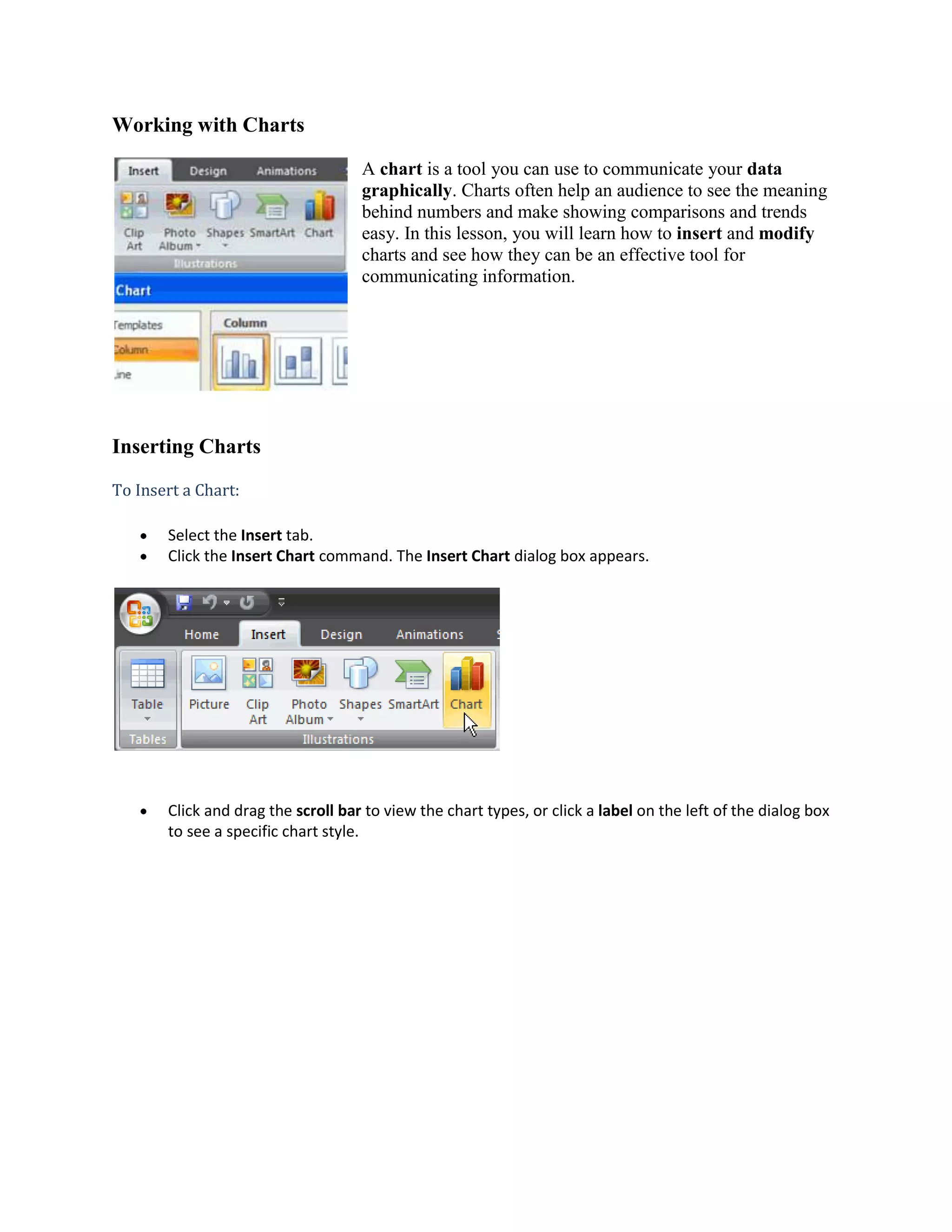
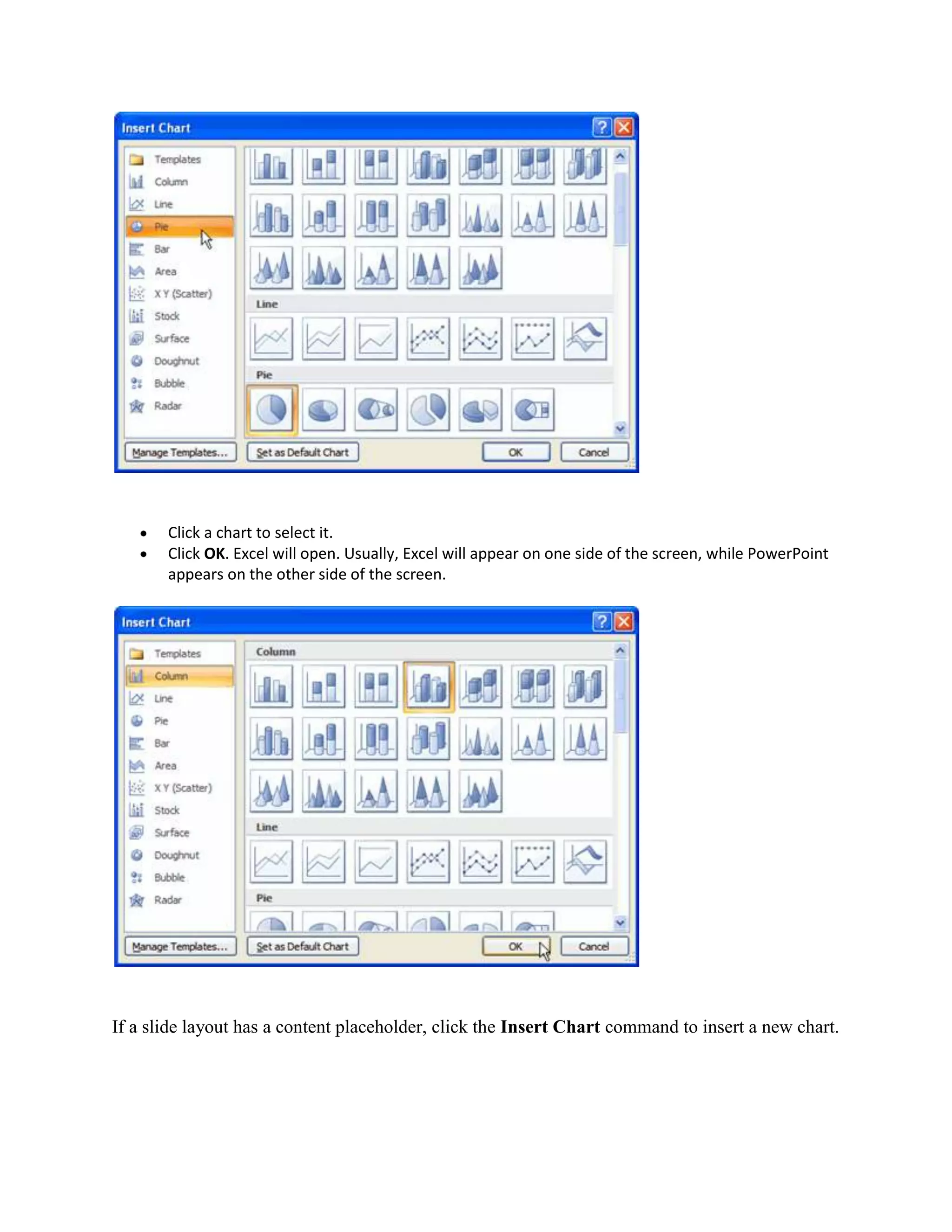
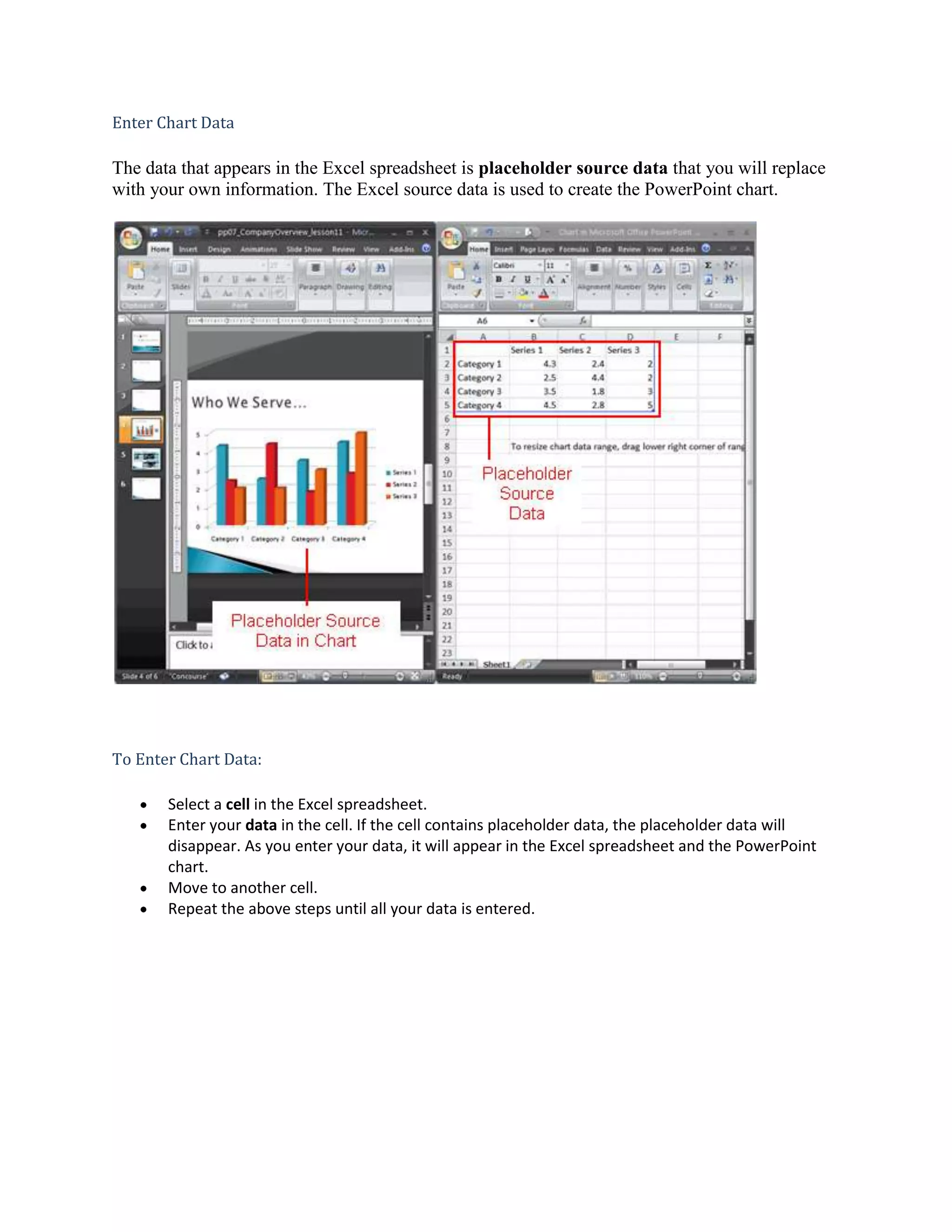
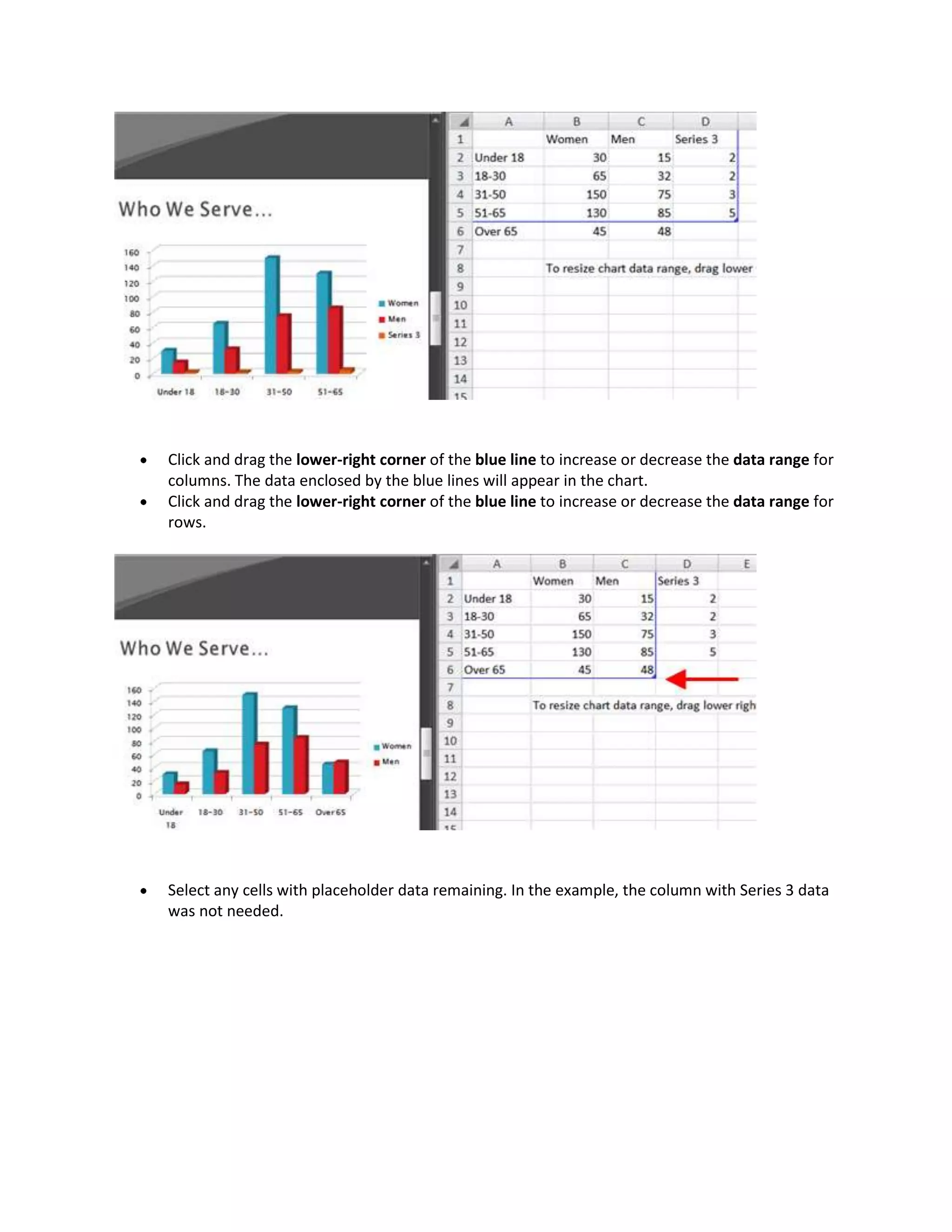
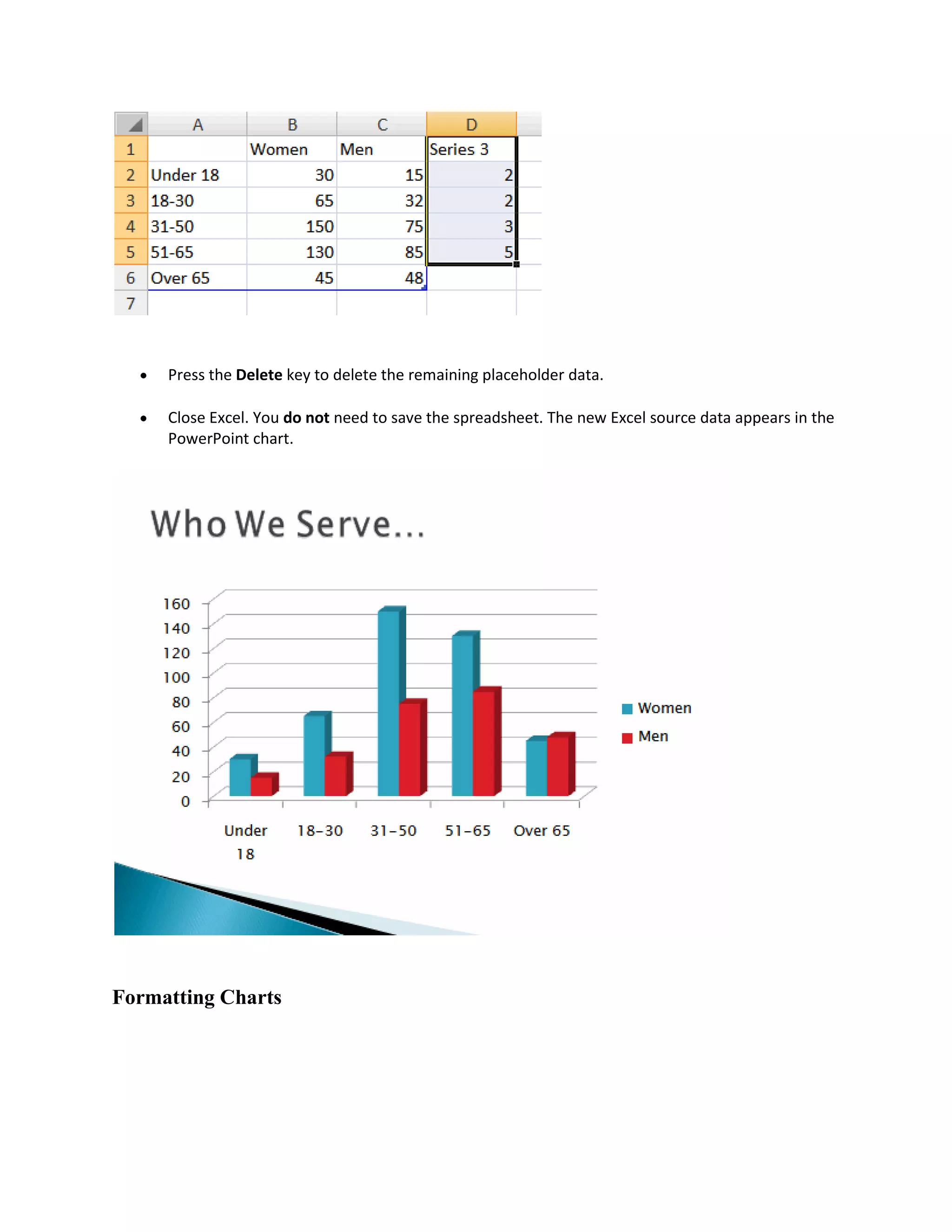
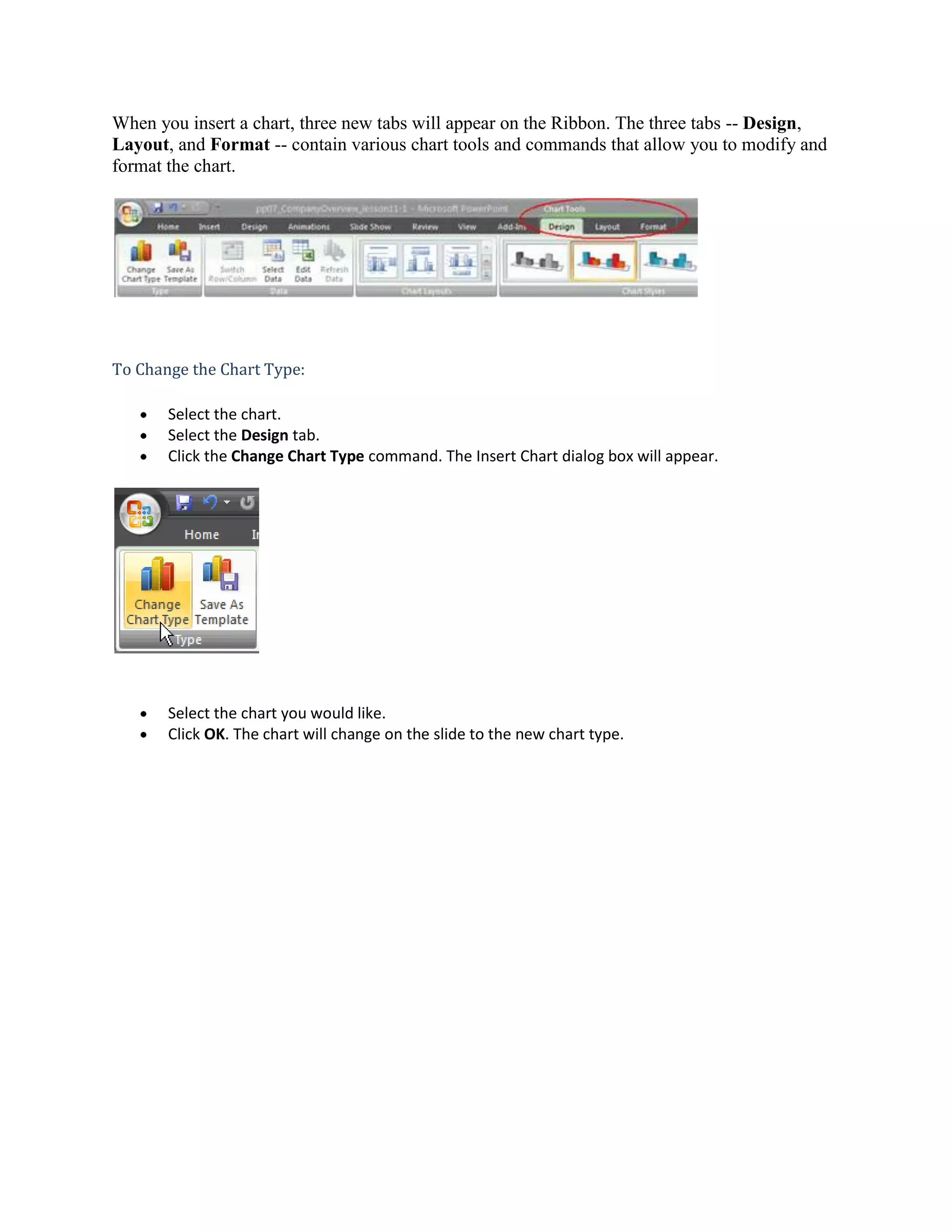
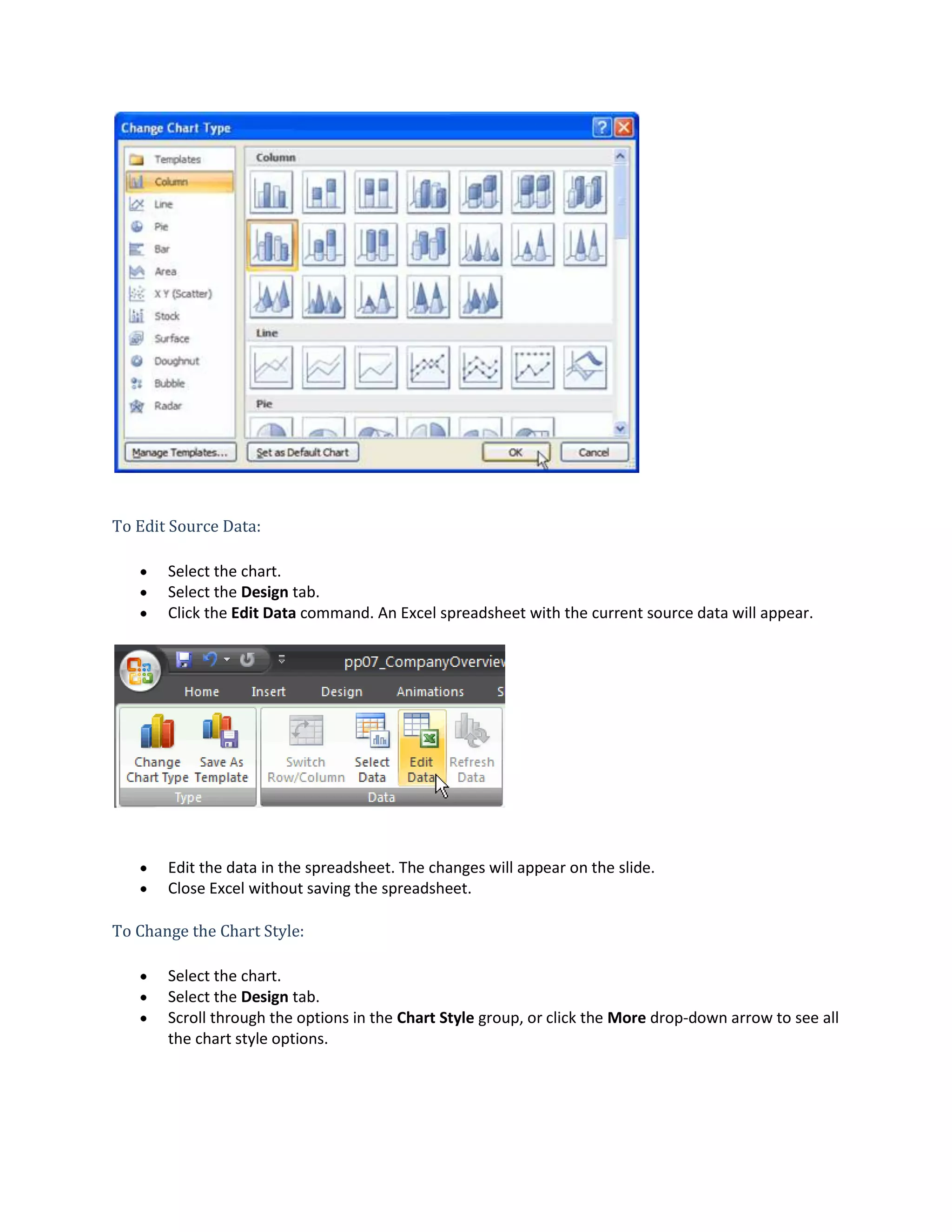
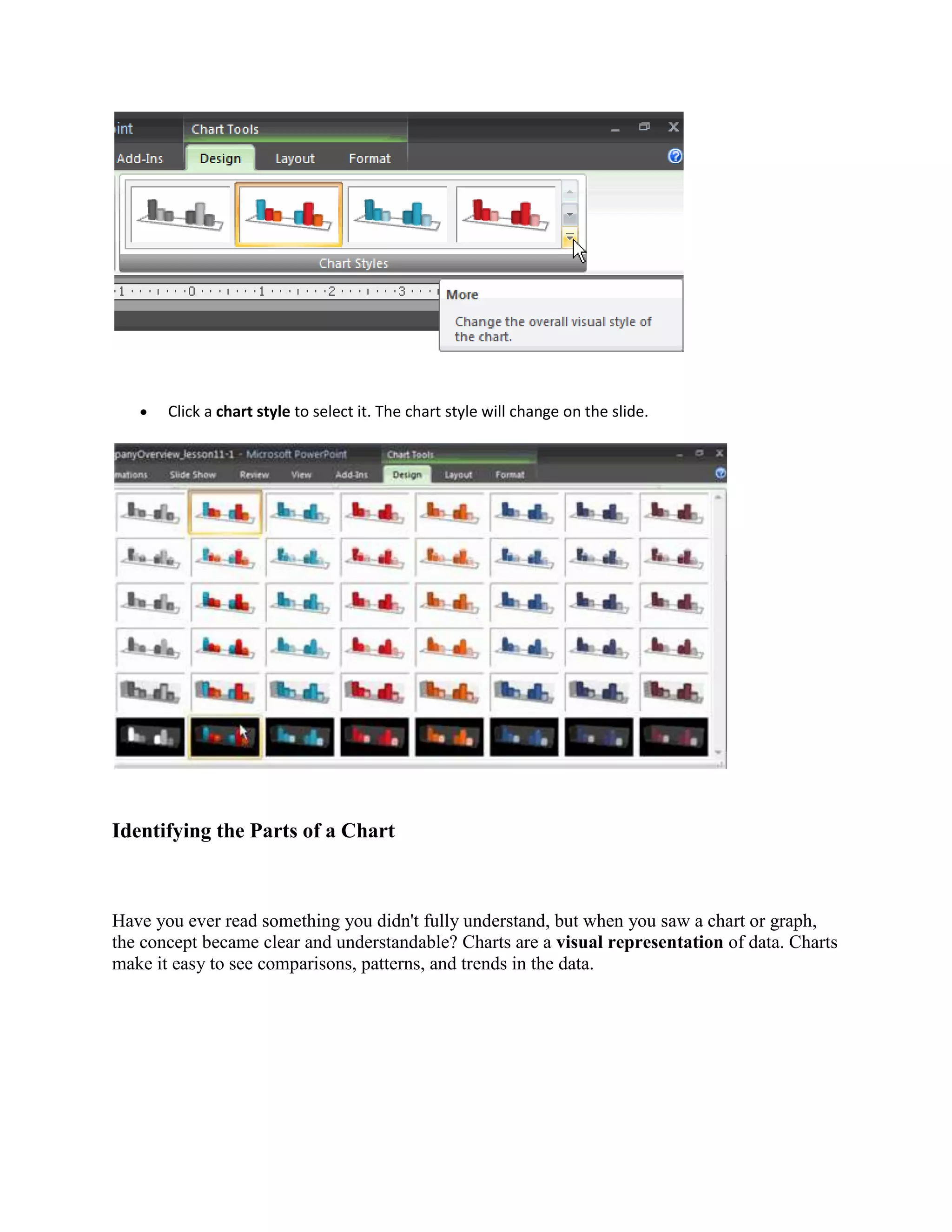
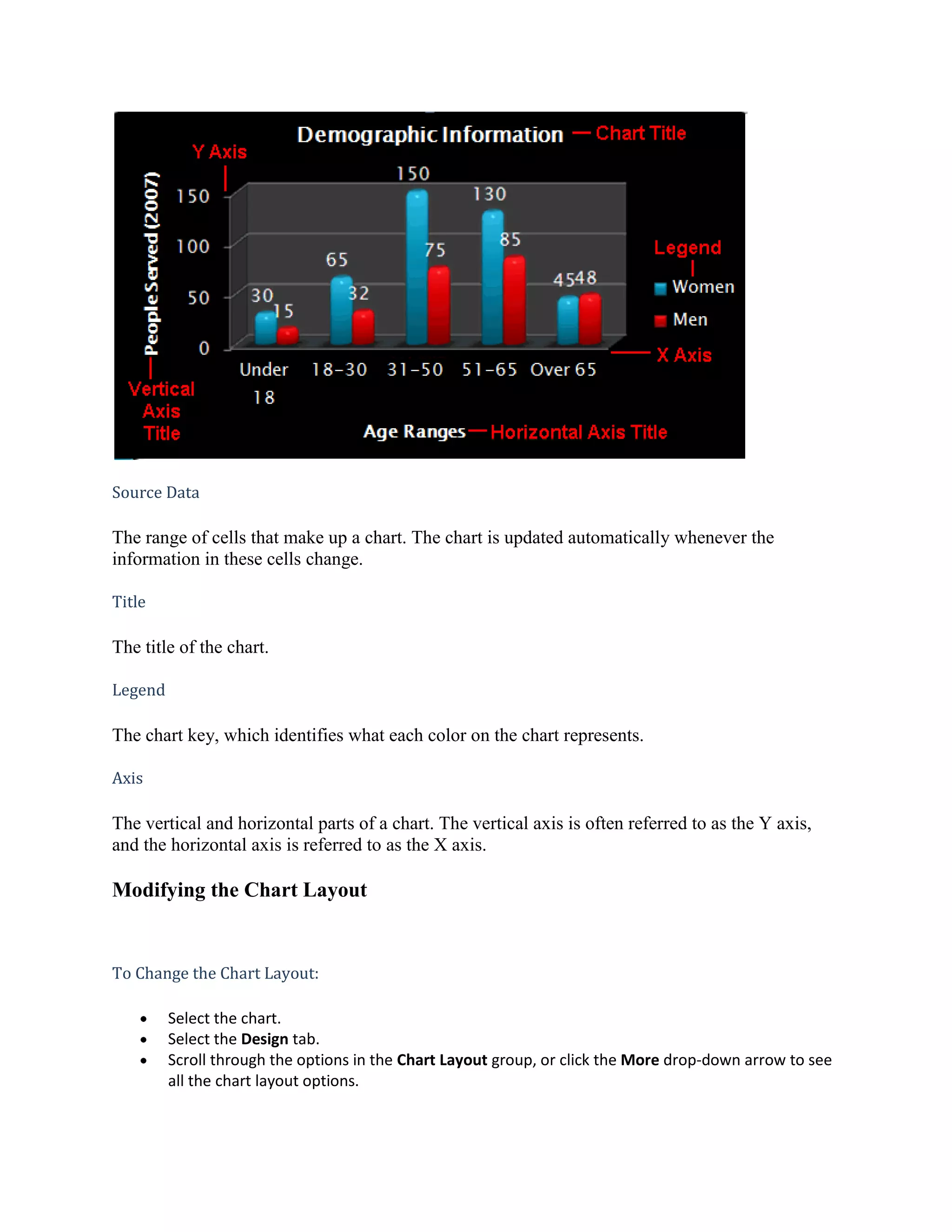
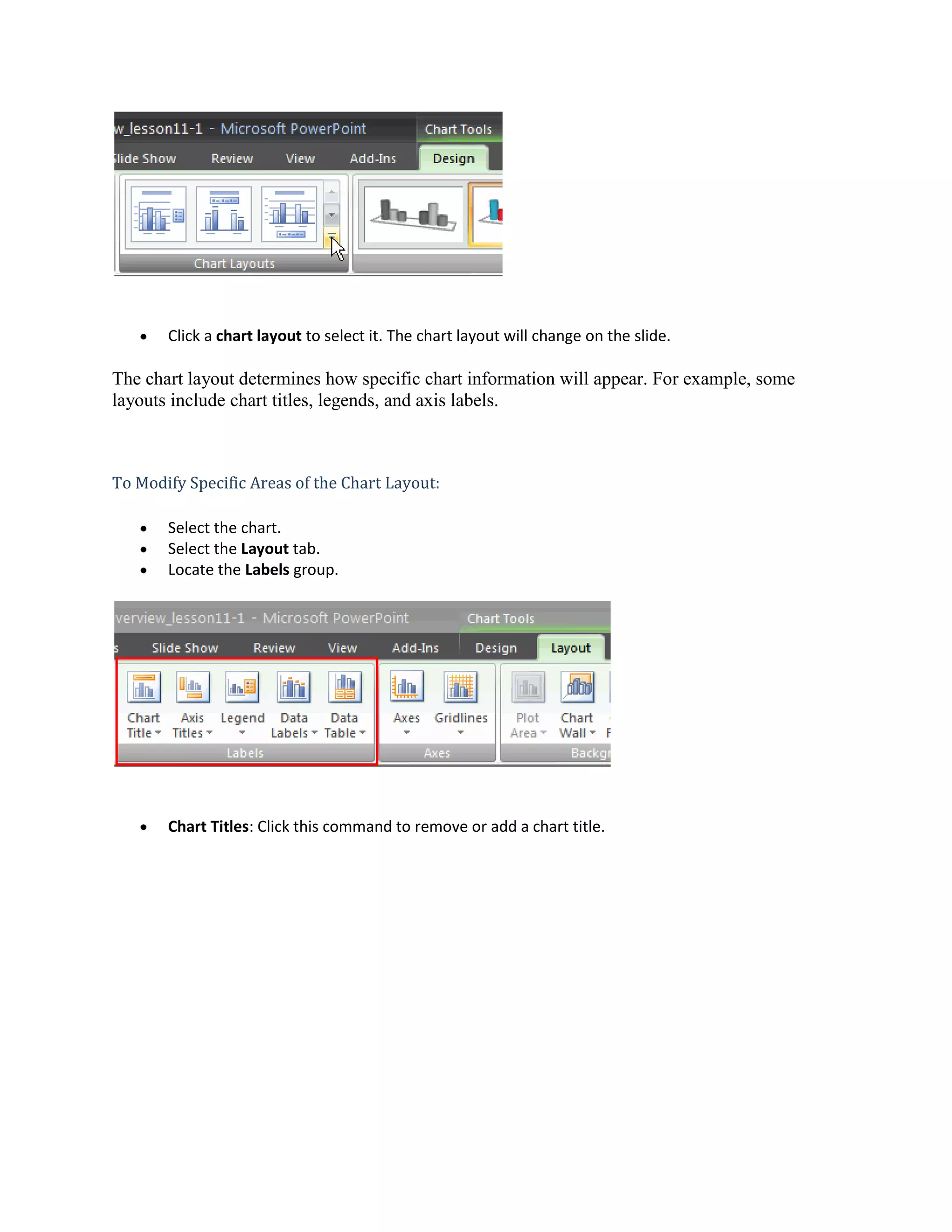
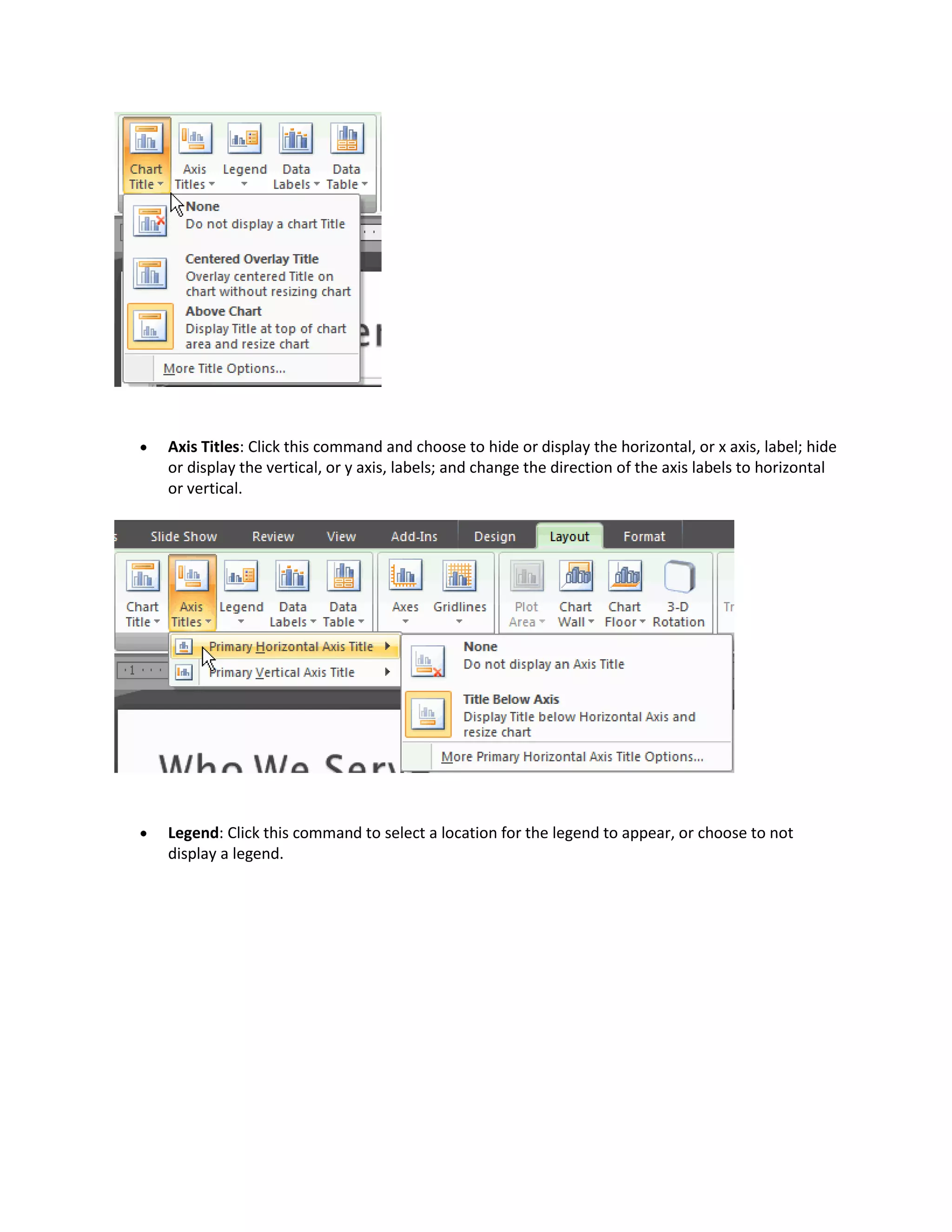
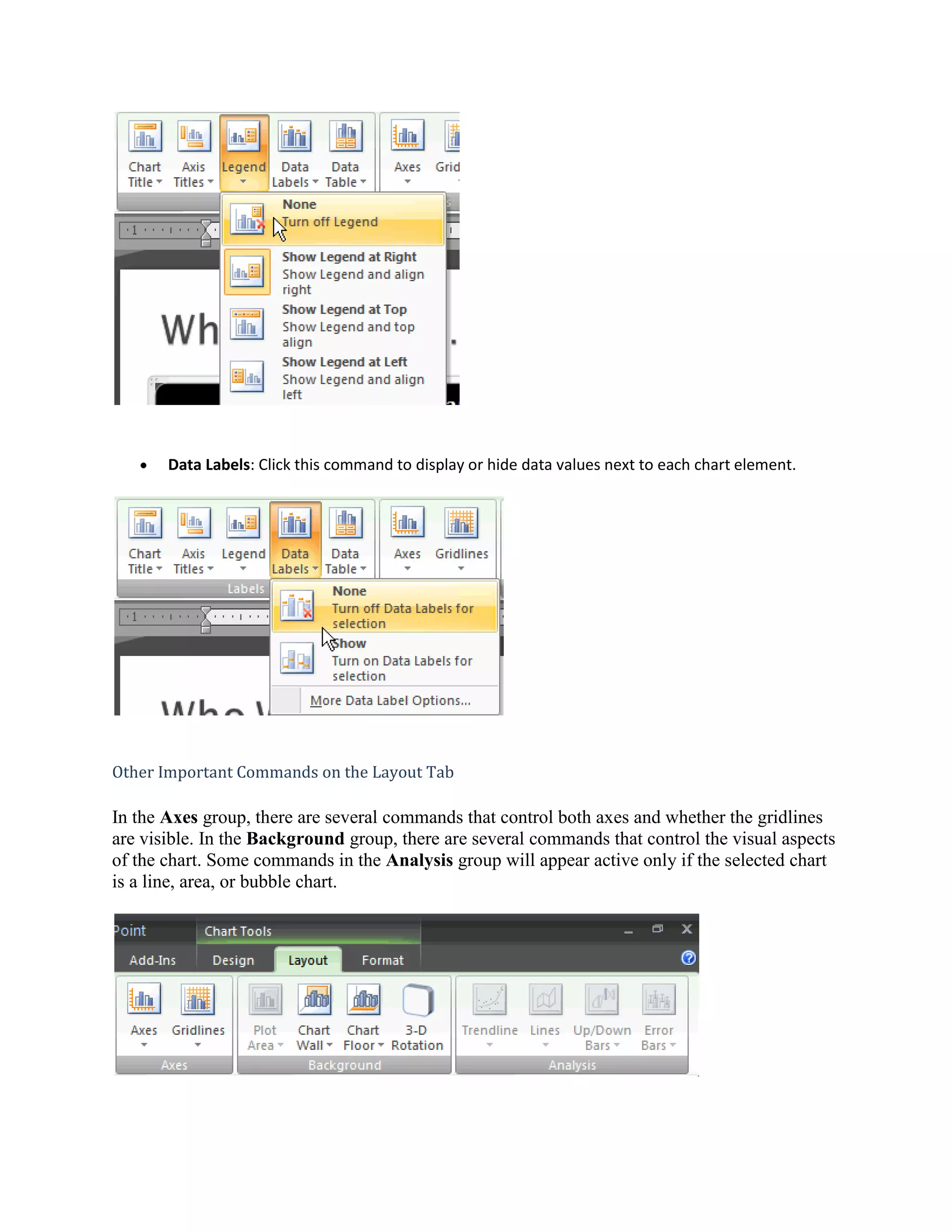
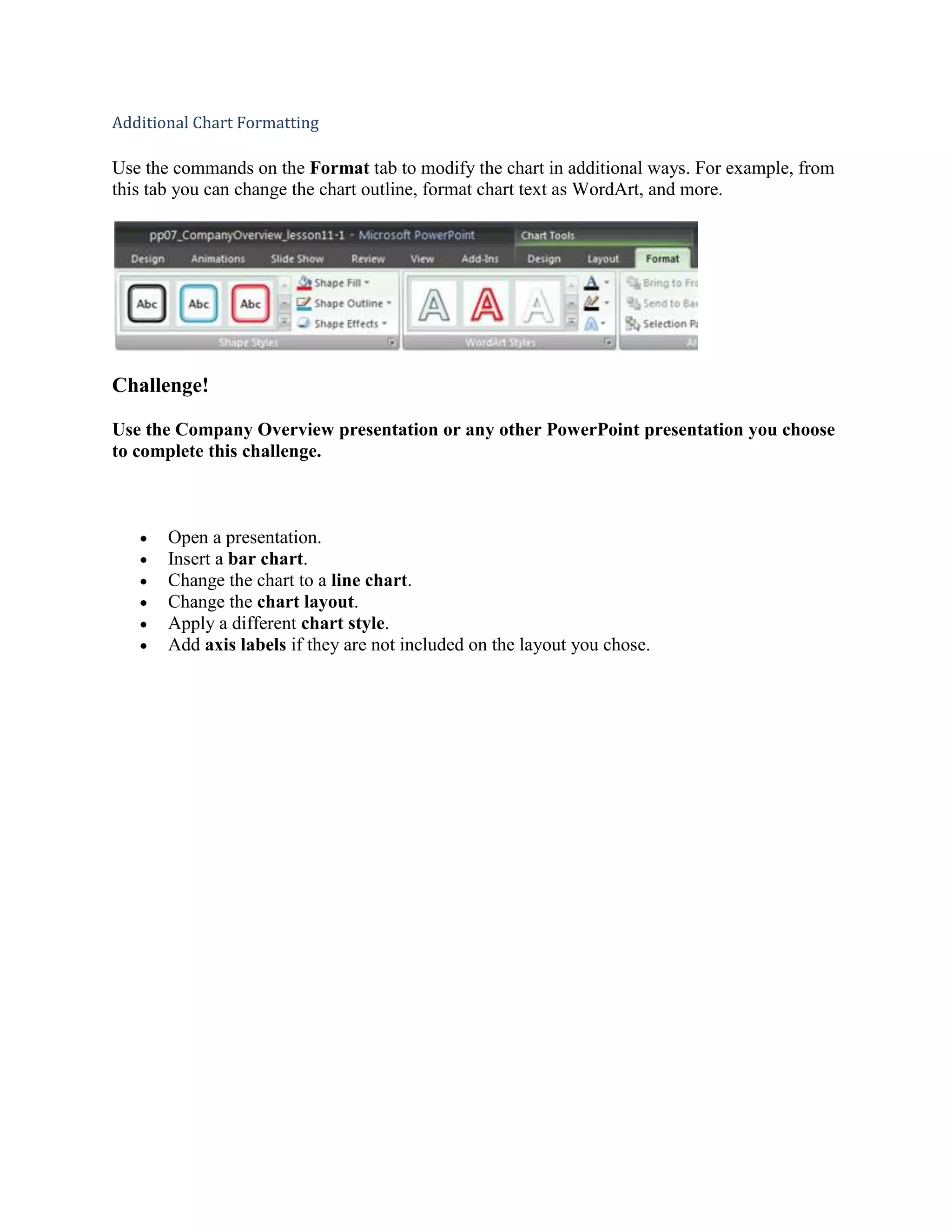
This document provides instructions for inserting and formatting charts in PowerPoint. It discusses how to insert a chart, enter data, change the chart type and style, modify the chart layout, and format specific elements. Charts are a visual way to represent data and make comparisons and trends easy to understand. The instructions cover the basic chart elements like the title, legend, and axes, and how to modify these elements using the Design, Layout, and Format tabs.