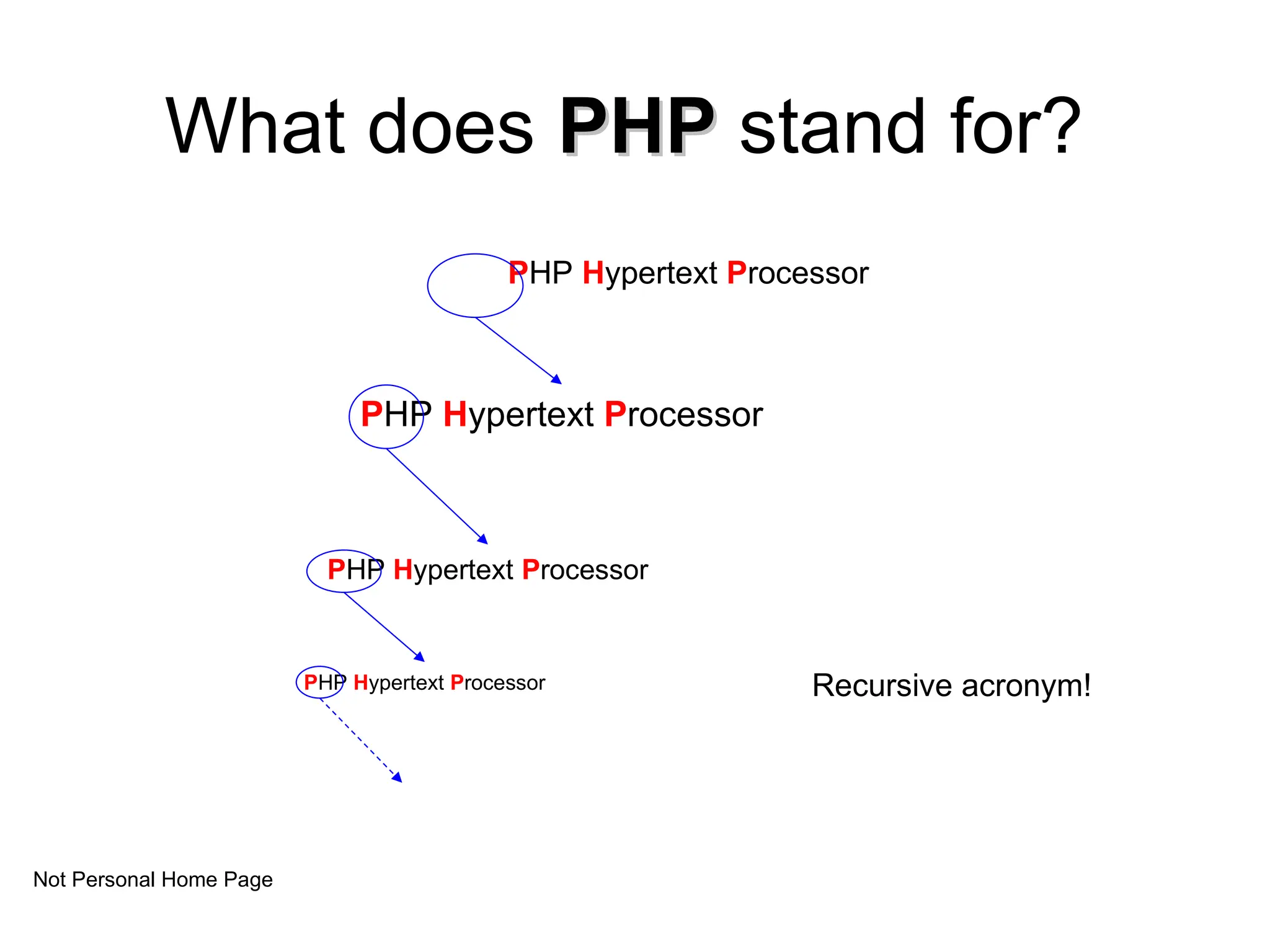
What does PHP
PHPstand for?
PHP Hypertext Processor
Recursive acronym!
PHP Hypertext Processor
PHP Hypertext Processor
PHP Hypertext Processor
Not Personal Home Page
2.
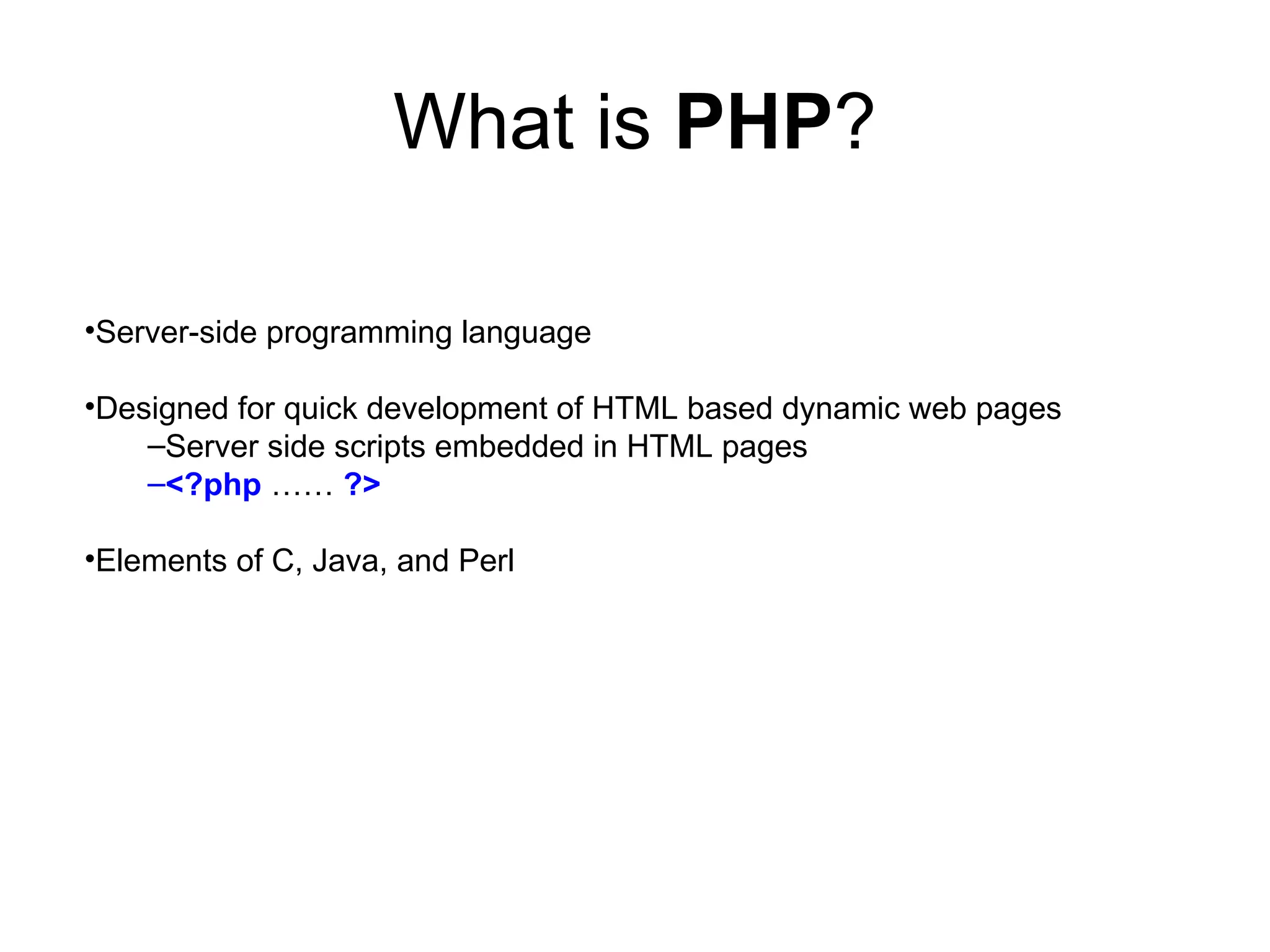
What is PHP?
•Server-sideprogramming language
•Designed for quick development of HTML based dynamic web pages
–Server side scripts embedded in HTML pages
–<?php …… ?>
•Elements of C, Java, and Perl
3.
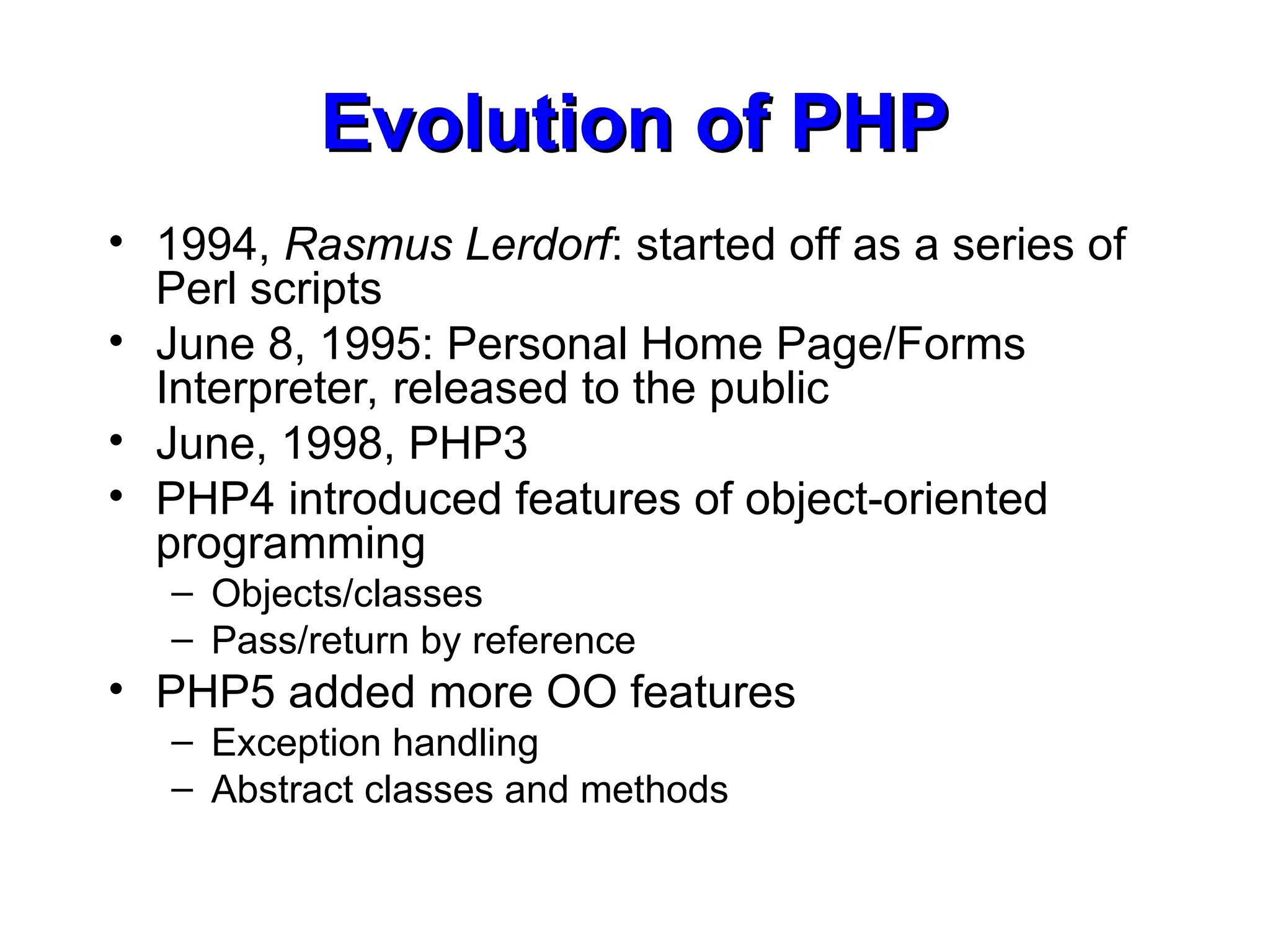
Evolution of PHP
Evolutionof PHP
• 1994, Rasmus Lerdorf: started off as a series of
Perl scripts
• June 8, 1995: Personal Home Page/Forms
Interpreter, released to the public
• June, 1998, PHP3
• PHP4 introduced features of object-oriented
programming
– Objects/classes
– Pass/return by reference
• PHP5 added more OO features
– Exception handling
– Abstract classes and methods
4.
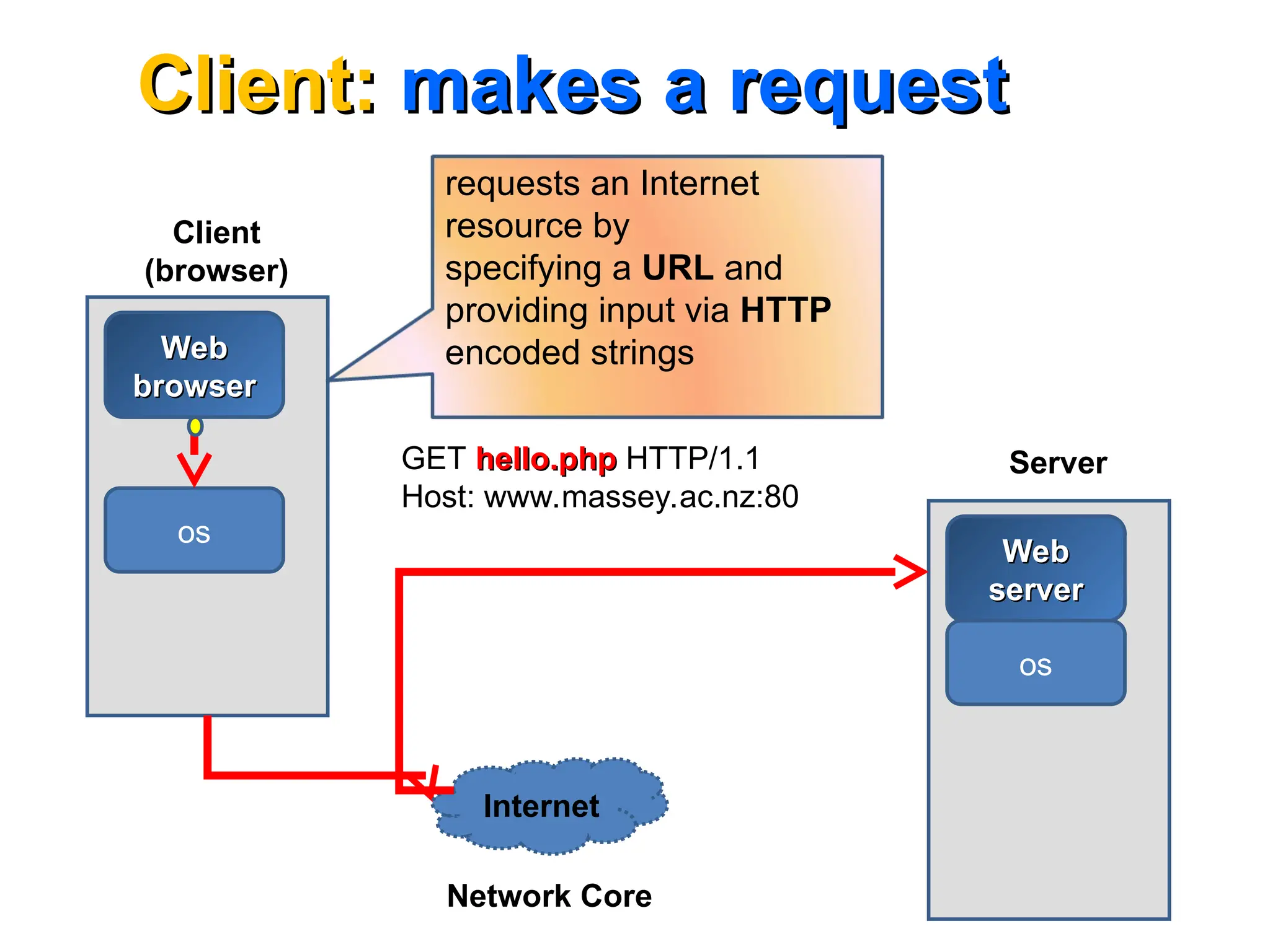
Client:
Client: makes arequest
makes a request
Client
(browser)
Web
Web
browser
browser
os
Web
Web
server
server
os
Server
Internet
requests an Internet
resource by
specifying a URL and
providing input via HTTP
encoded strings
Network Core
GET hello.php
hello.php HTTP/1.1
Host: www.massey.ac.nz:80
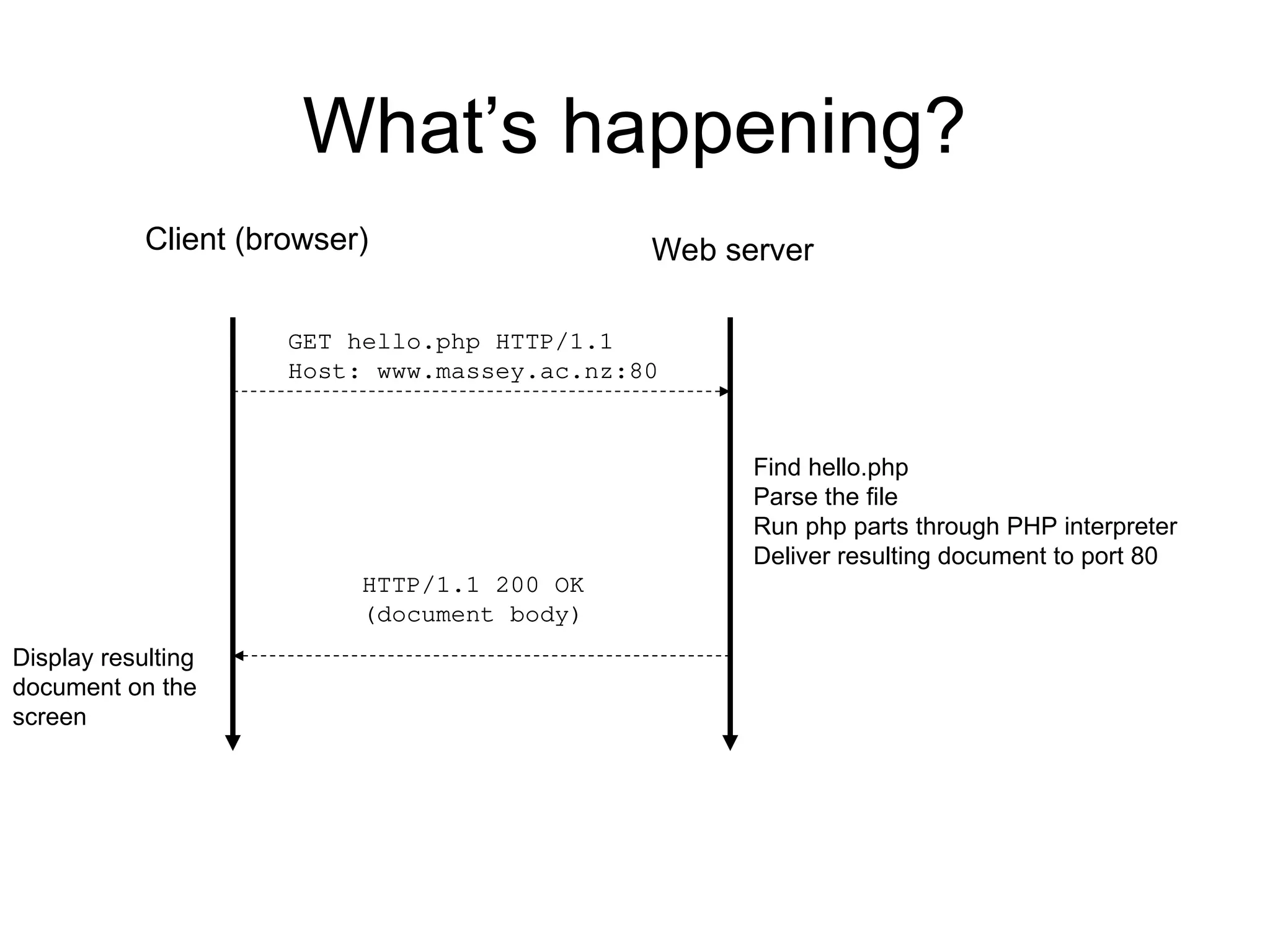
What’s happening?
Client (browser)
Findhello.php
Parse the file
Run php parts through PHP interpreter
Deliver resulting document to port 80
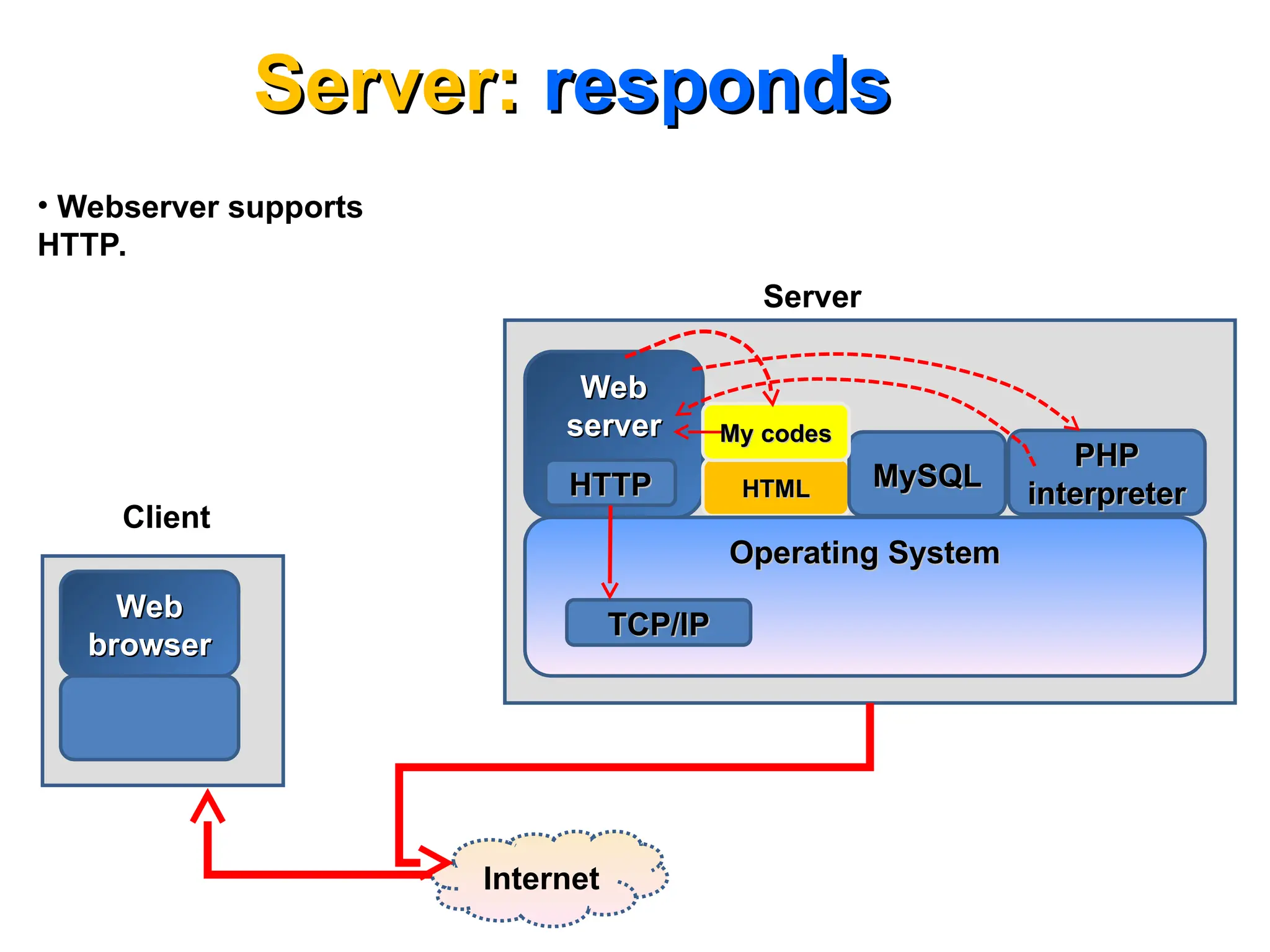
Web server
GET hello.php HTTP/1.1
Host: www.massey.ac.nz:80
HTTP/1.1 200 OK
(document body)
Display resulting
document on the
screen
7.
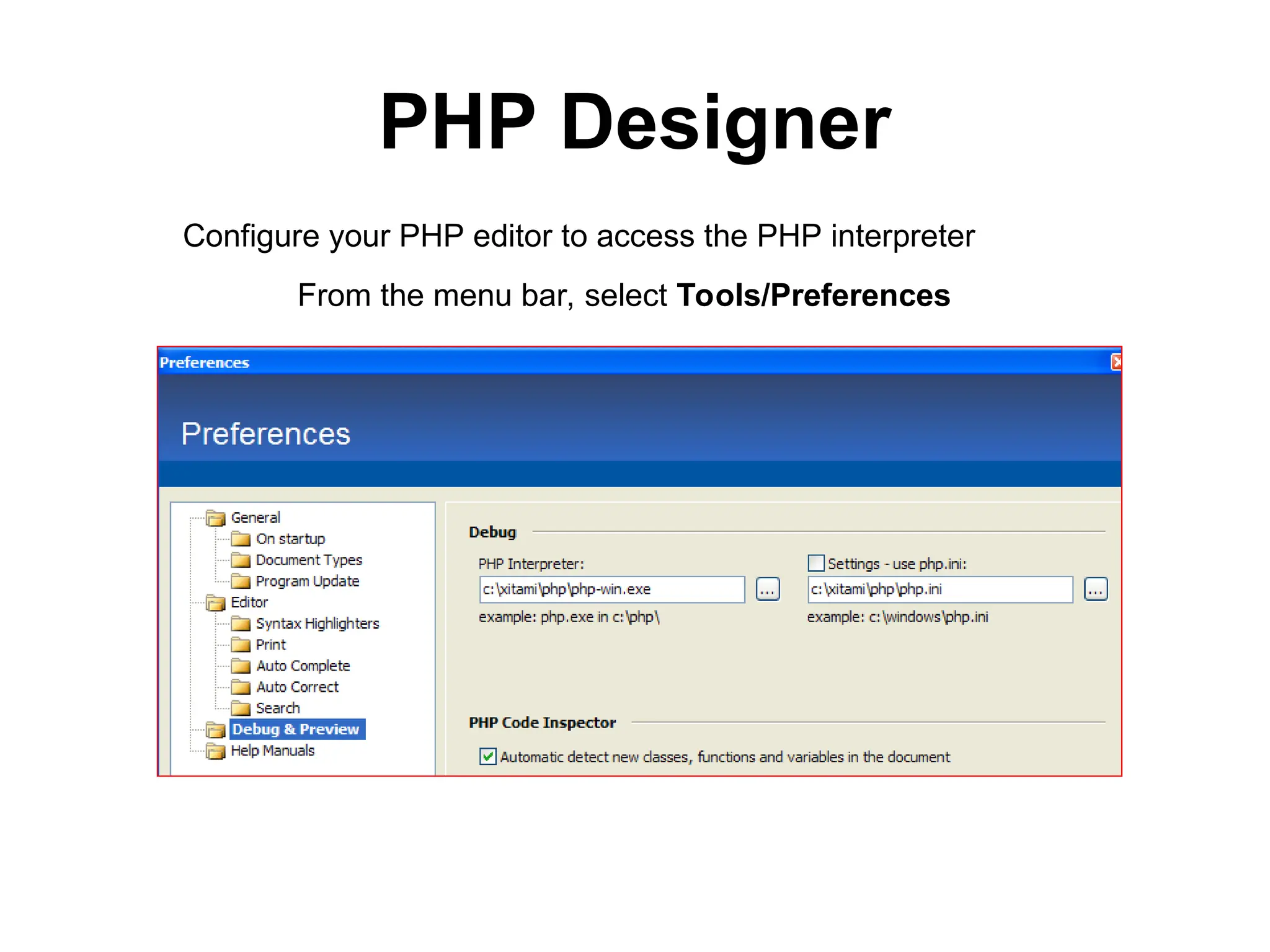
PHP Designer
From themenu bar, select Tools/Preferences
Configure your PHP editor to access the PHP interpreter
Comparison with Javascript
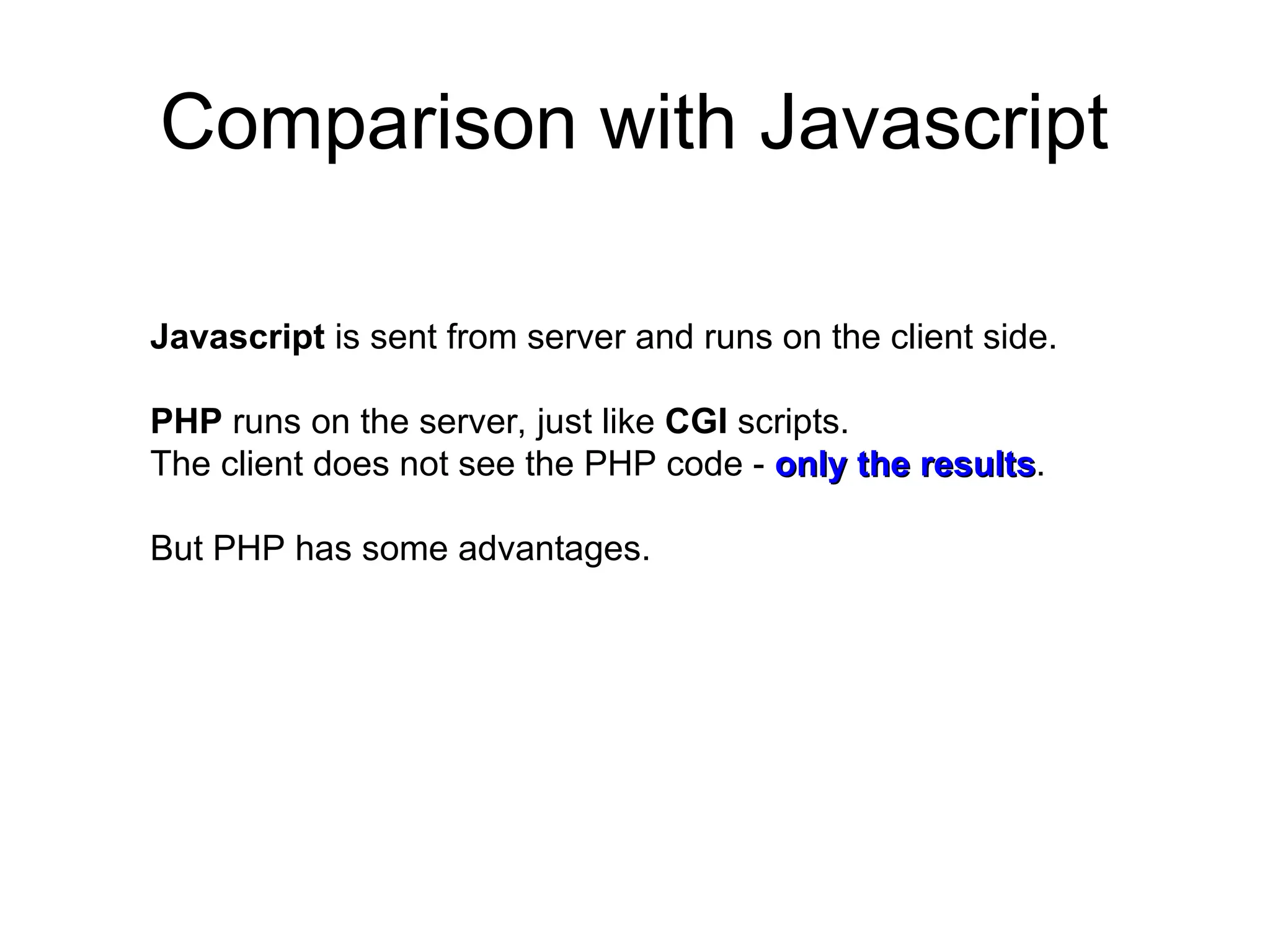
Javascriptis sent from server and runs on the client side.
PHP runs on the server, just like CGI scripts.
The client does not see the PHP code - only the results
only the results.
But PHP has some advantages.
10.
Interpreted language
Interpreted language
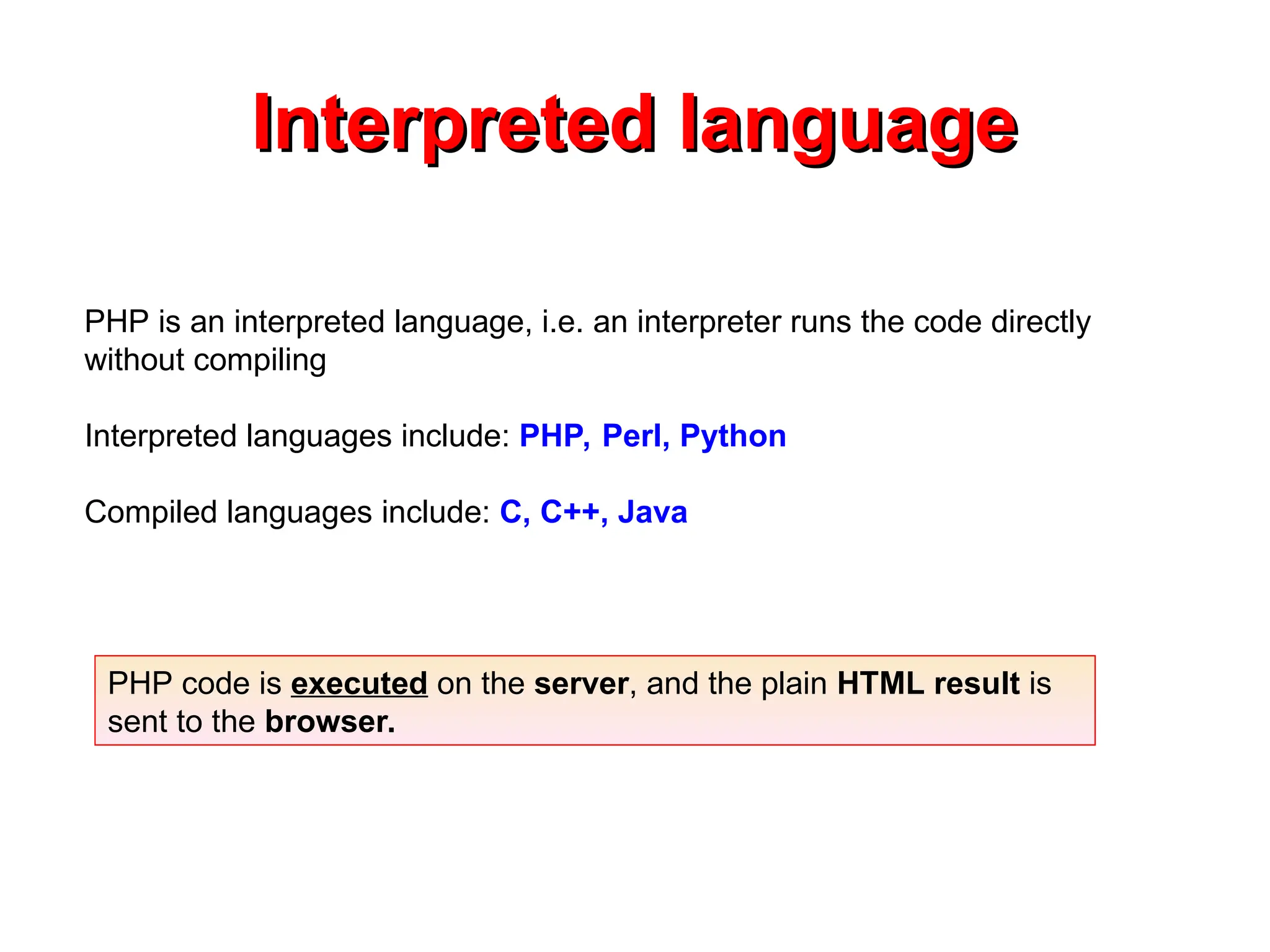
PHPis an interpreted language, i.e. an interpreter runs the code directly
without compiling
Interpreted languages include: PHP, Perl, Python
Compiled languages include: C, C++, Java
PHP code is executed on the server, and the plain HTML result is
sent to the browser.
11.
Basic Syntax
Basic Syntax
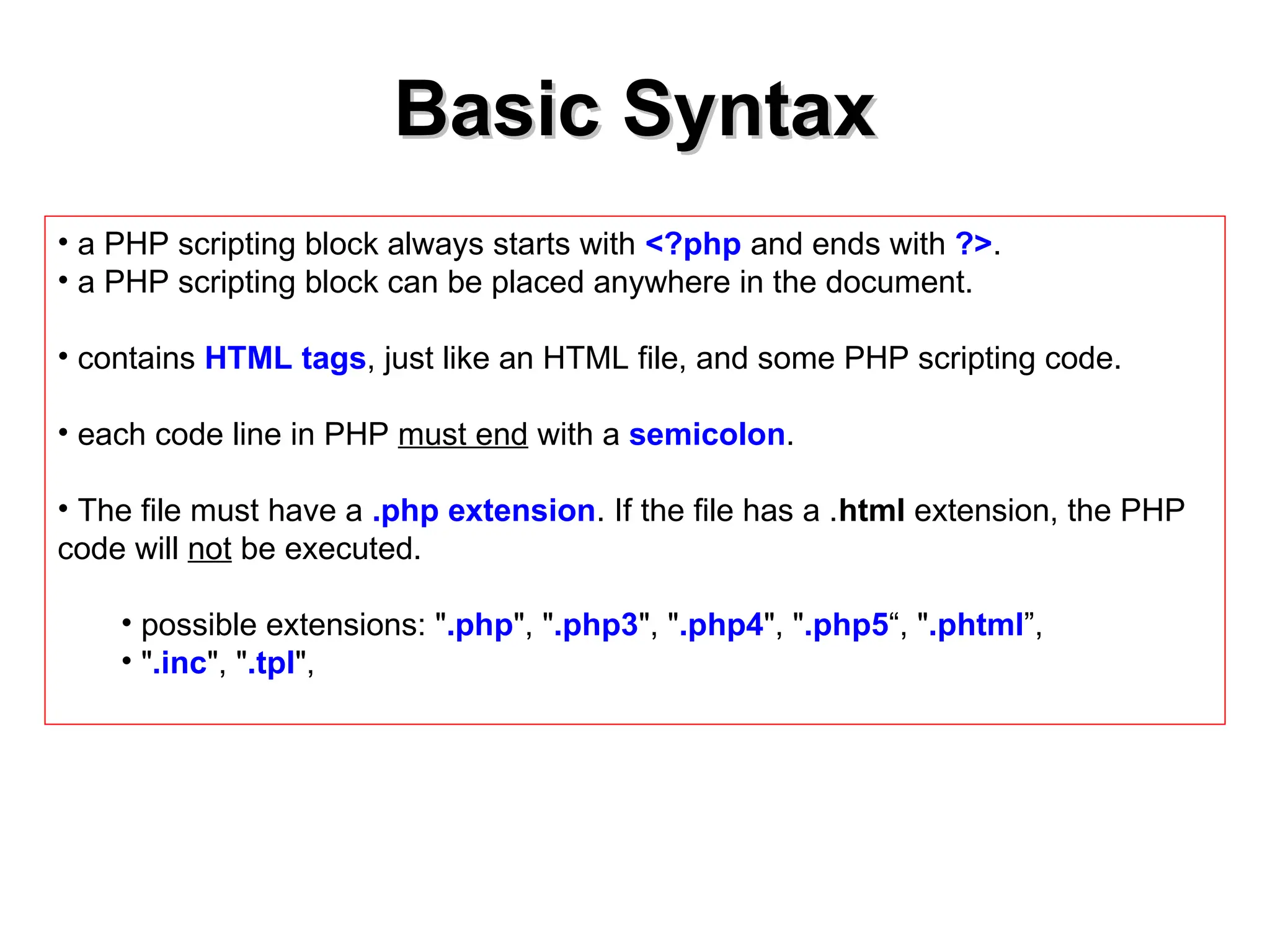
•a PHP scripting block always starts with <?php and ends with ?>.
• a PHP scripting block can be placed anywhere in the document.
• contains HTML tags, just like an HTML file, and some PHP scripting code.
• each code line in PHP must end with a semicolon.
• The file must have a .php extension. If the file has a .html extension, the PHP
code will not be executed.
• possible extensions: ".php", ".php3", ".php4", ".php5“, ".phtml”,
• ".inc", ".tpl",
12.
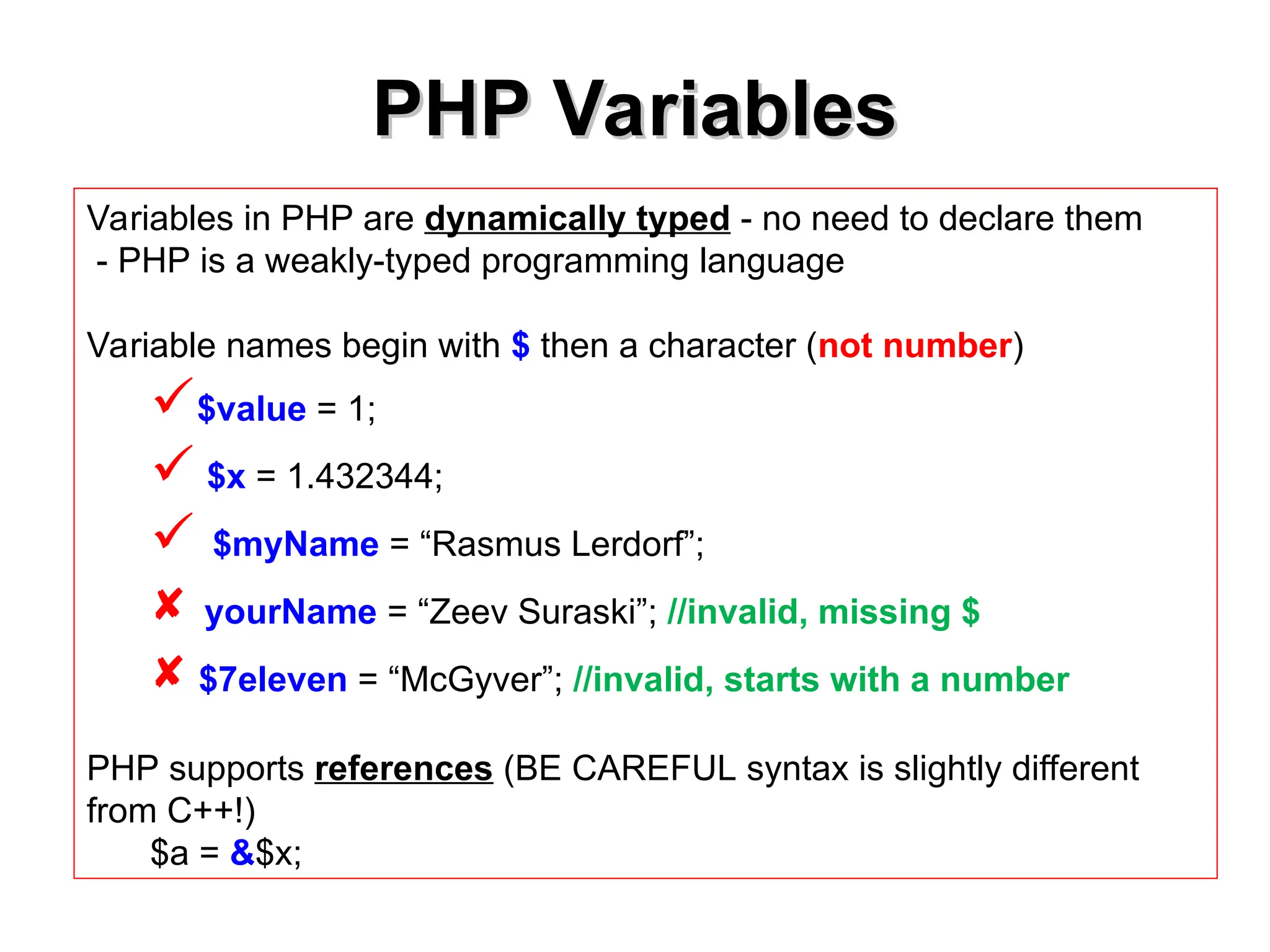
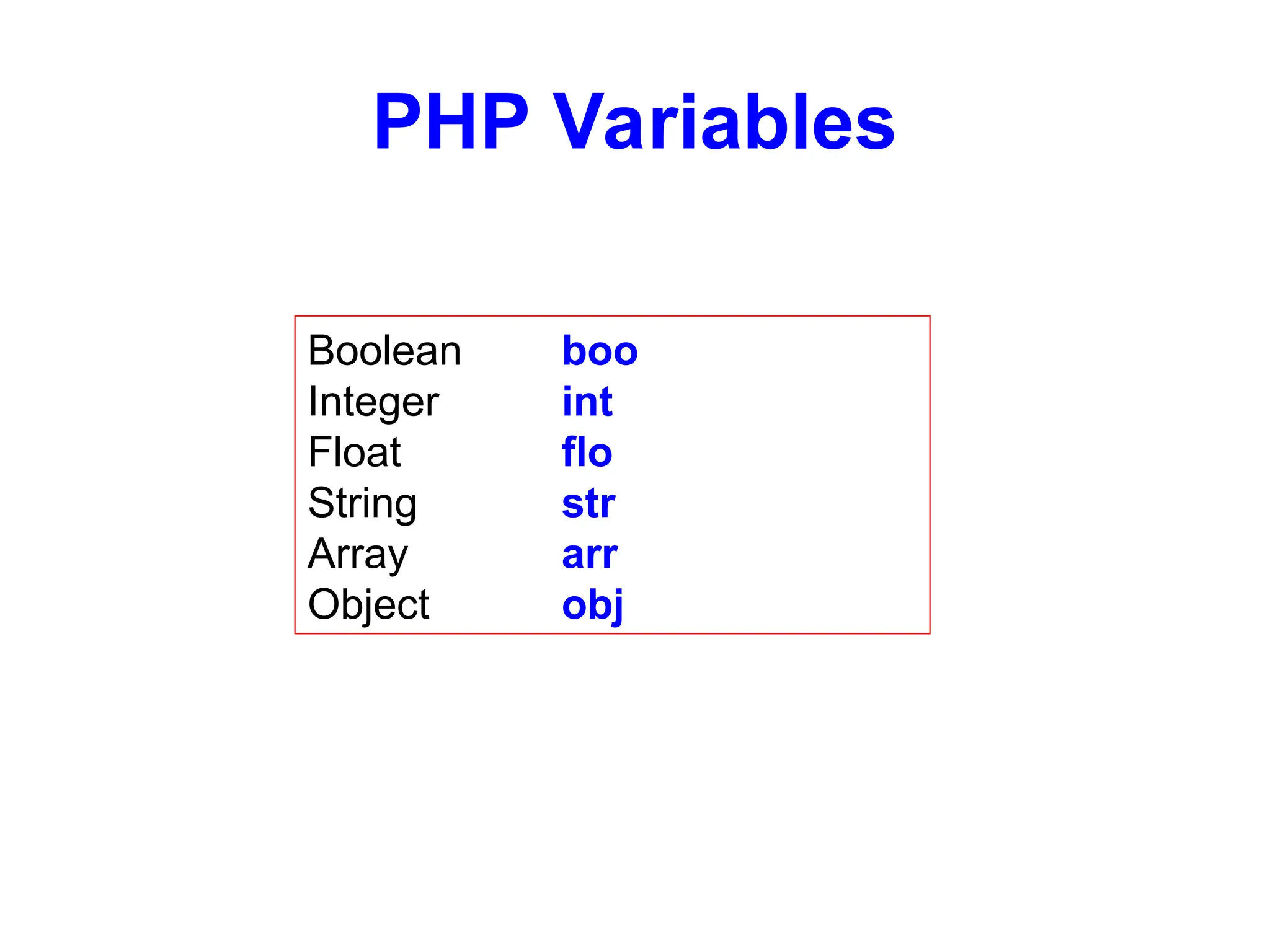
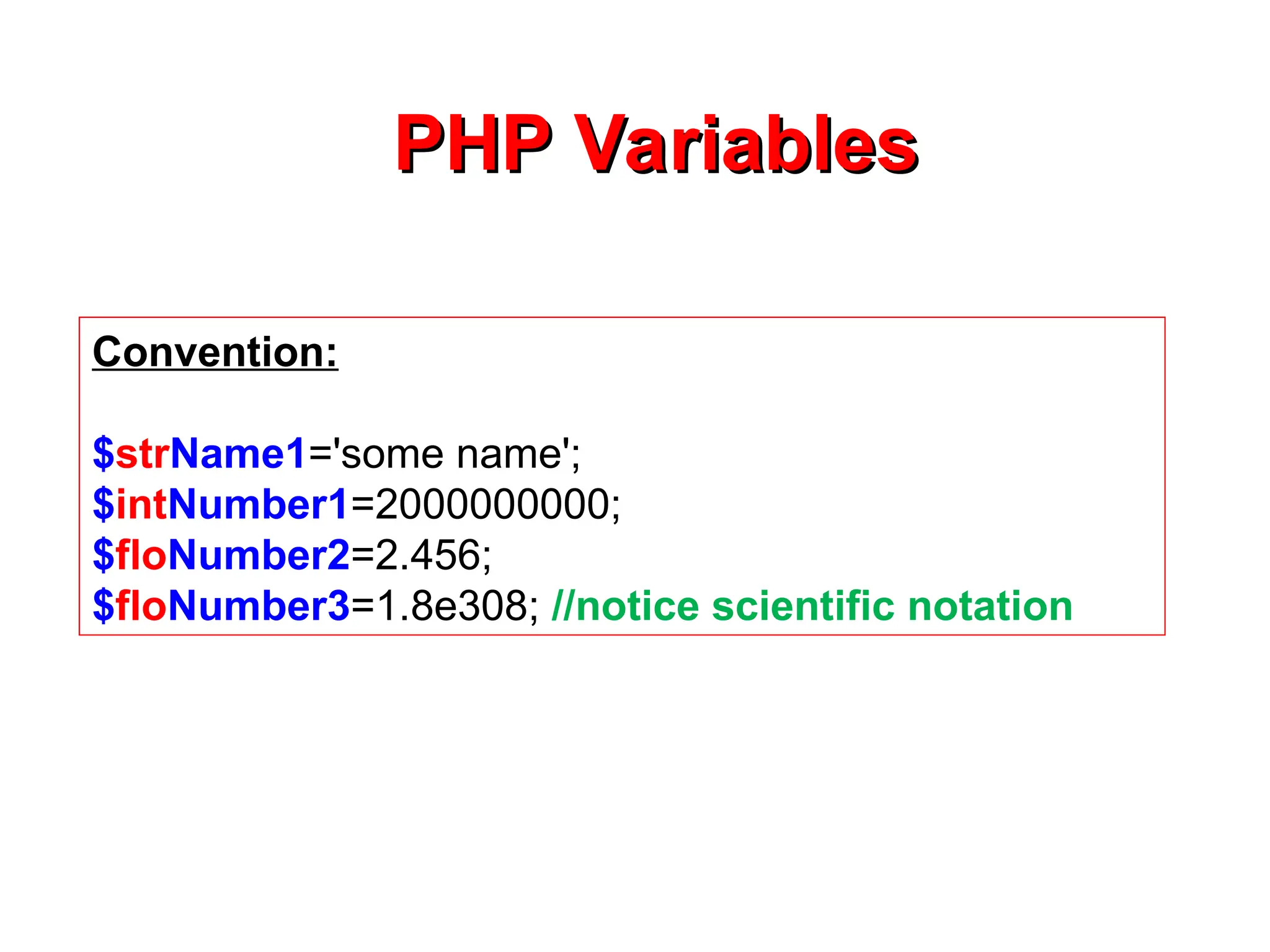
PHP Variables
PHP Variables
Variablesin PHP are dynamically typed - no need to declare them
- PHP is a weakly-typed programming language
Variable names begin with $ then a character (not number)
$value = 1;
$x = 1.432344;
$myName = “Rasmus Lerdorf”;
yourName = “Zeev Suraski”; //invalid, missing $
$7eleven = “McGyver”; //invalid, starts with a number
PHP supports references (BE CAREFUL syntax is slightly different
from C++!)
$a = &$x;
13.
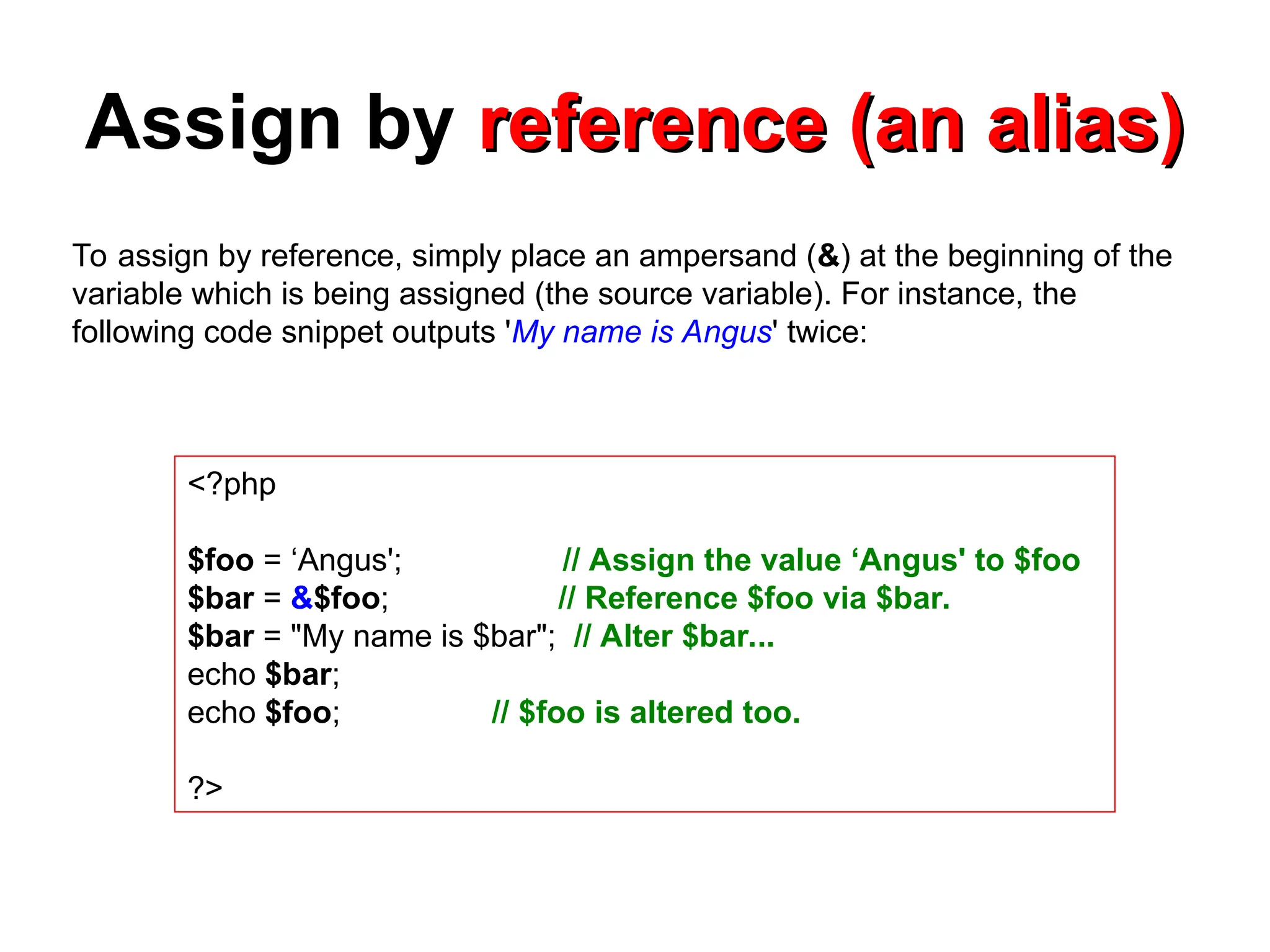
Assign by reference(an alias)
reference (an alias)
<?php
$foo = ‘Angus'; // Assign the value ‘Angus' to $foo
$bar = &$foo; // Reference $foo via $bar.
$bar = "My name is $bar"; // Alter $bar...
echo $bar;
echo $foo; // $foo is altered too.
?>
To assign by reference, simply place an ampersand (&) at the beginning of the
variable which is being assigned (the source variable). For instance, the
following code snippet outputs 'My name is Angus' twice:
14.
Try the following
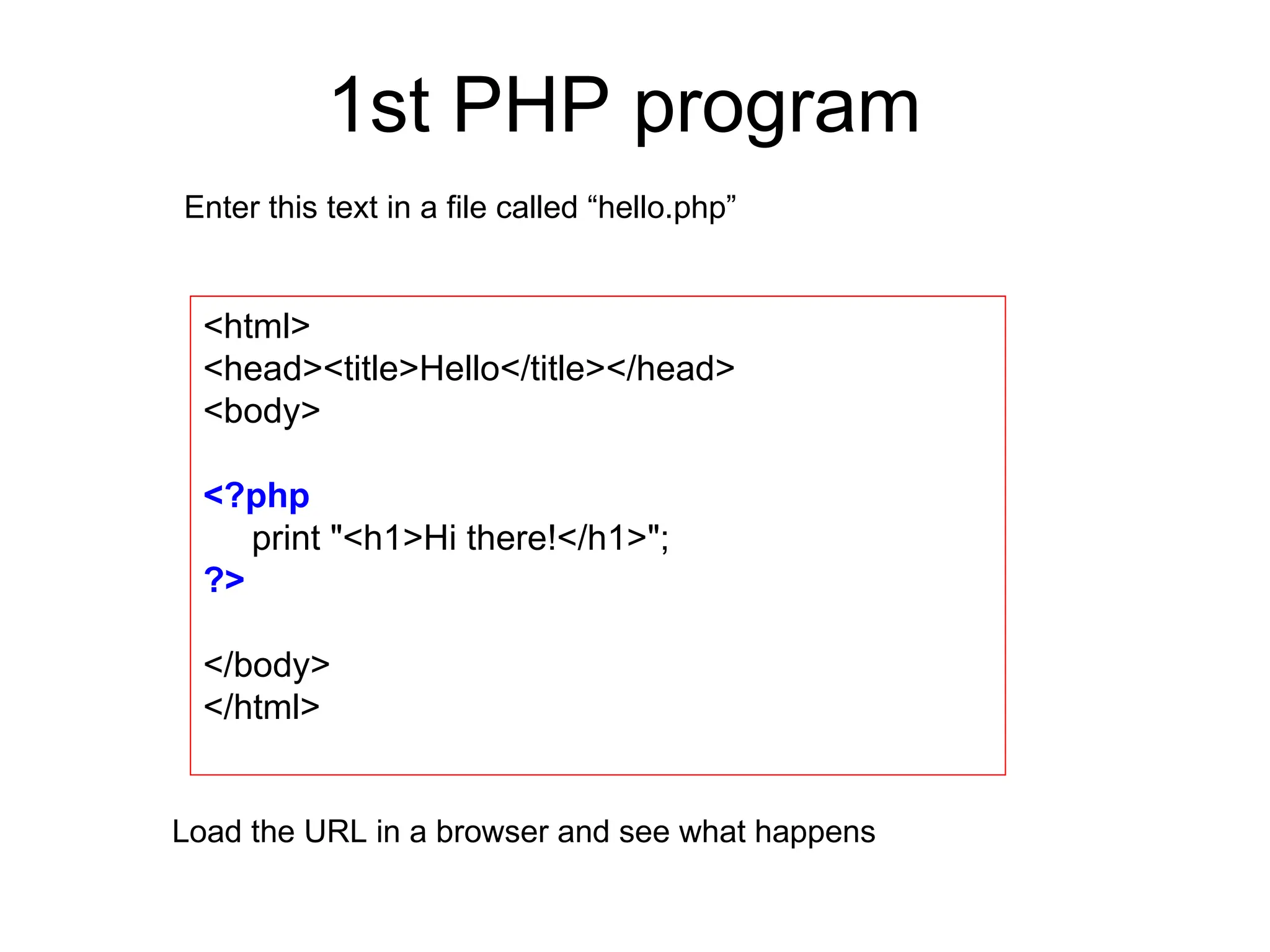
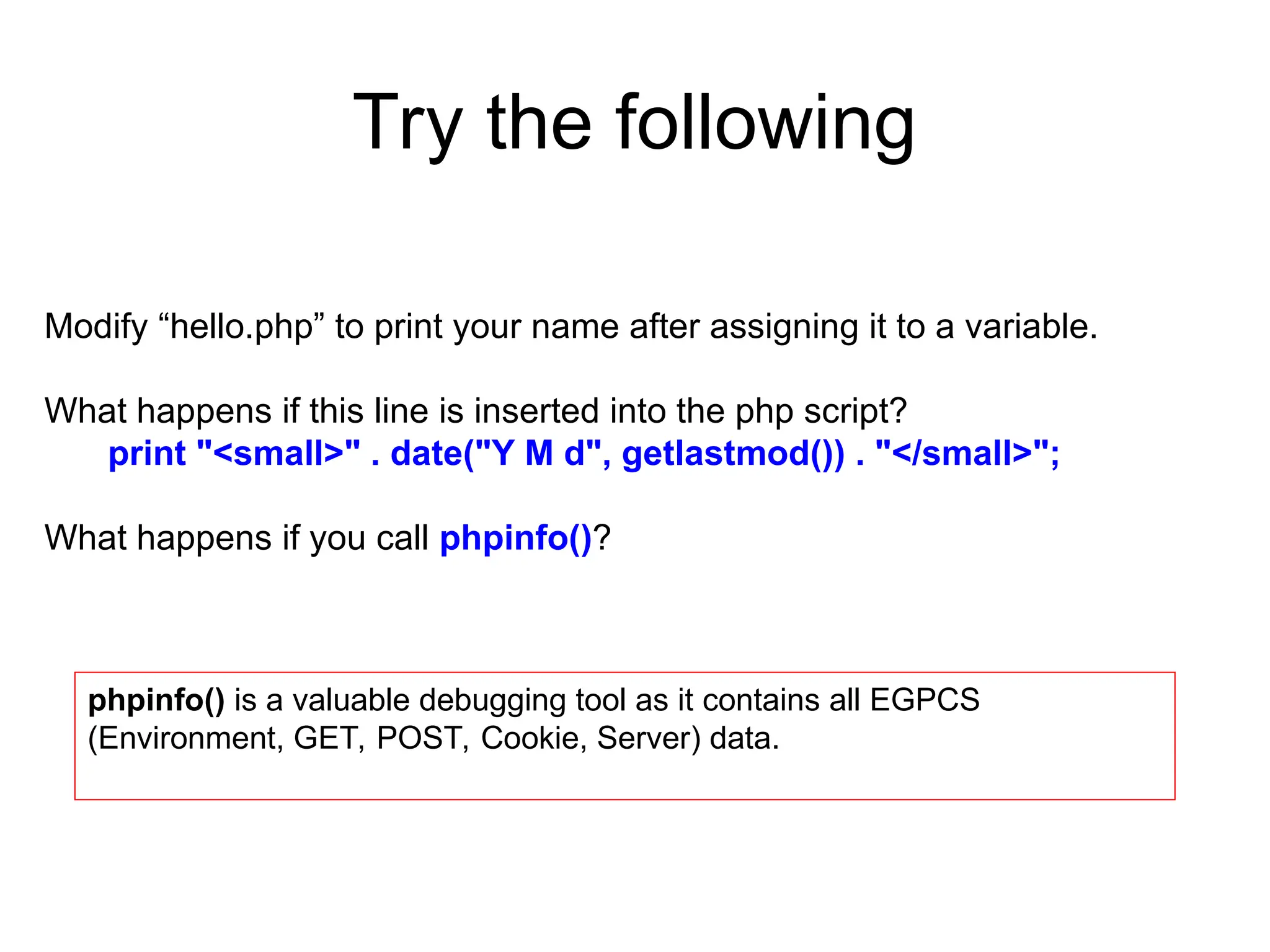
Modify“hello.php” to print your name after assigning it to a variable.
What happens if this line is inserted into the php script?
print "<small>" . date("Y M d", getlastmod()) . "</small>";
What happens if you call phpinfo()?
phpinfo() is a valuable debugging tool as it contains all EGPCS
(Environment, GET, POST, Cookie, Server) data.
15.
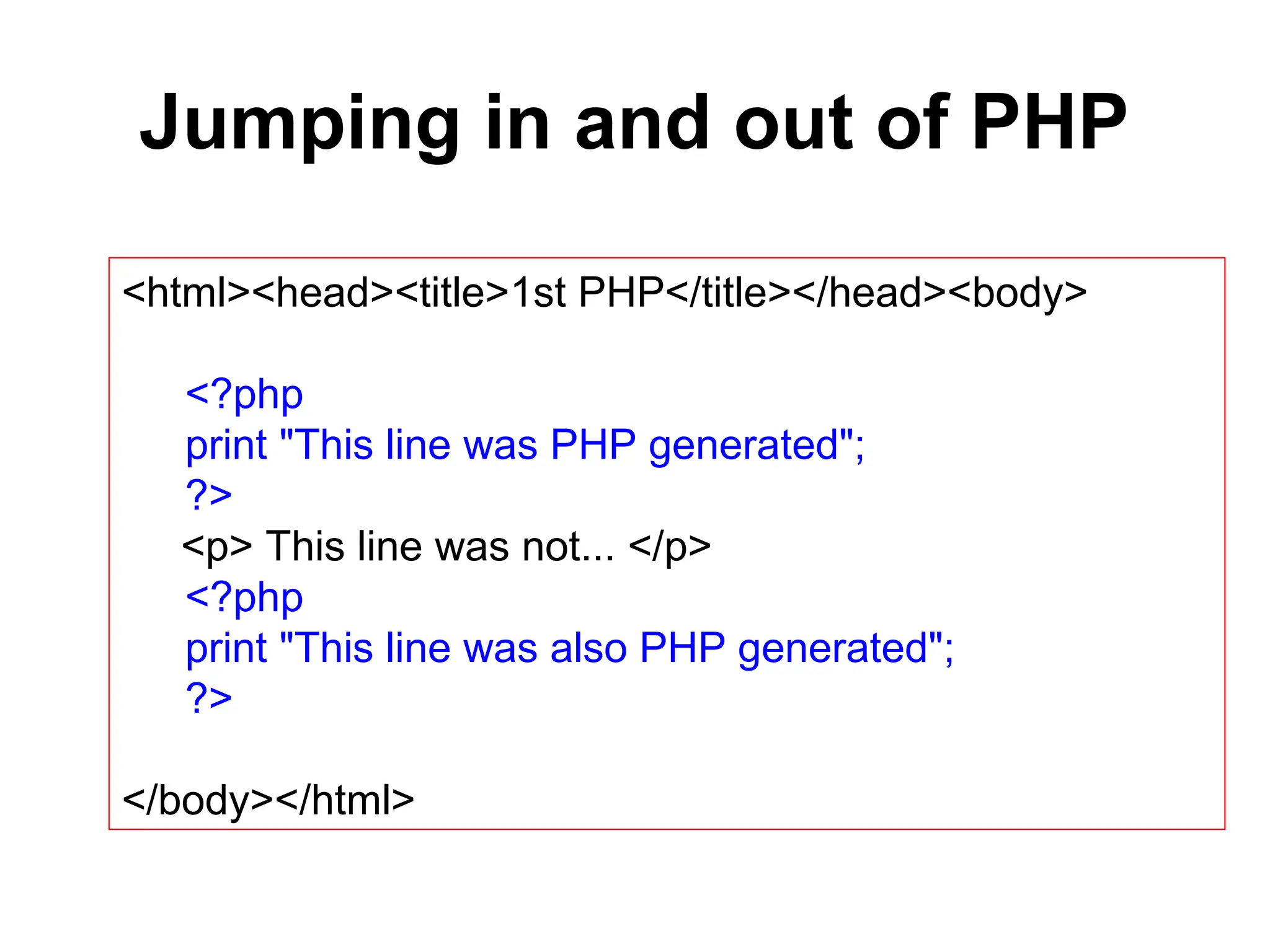
Jumping in andout of PHP
<html><head><title>1st PHP</title></head><body>
<?php
print "This line was PHP generated";
?>
<p> This line was not... </p>
<?php
print "This line was also PHP generated";
?>
</body></html>
16.
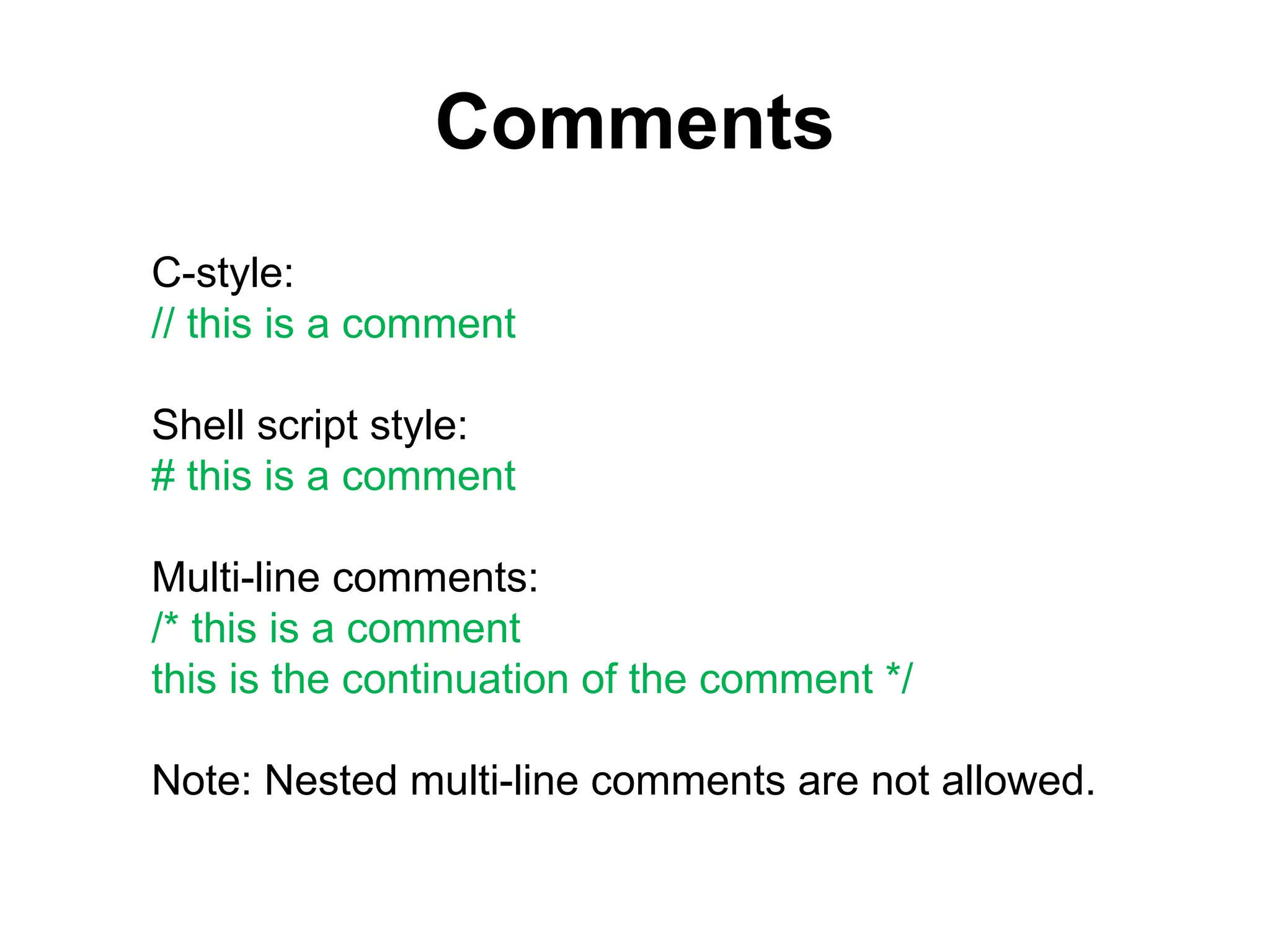
Comments
C-style:
// this isa comment
Shell script style:
# this is a comment
Multi-line comments:
/* this is a comment
this is the continuation of the comment */
Note: Nested multi-line comments are not allowed.
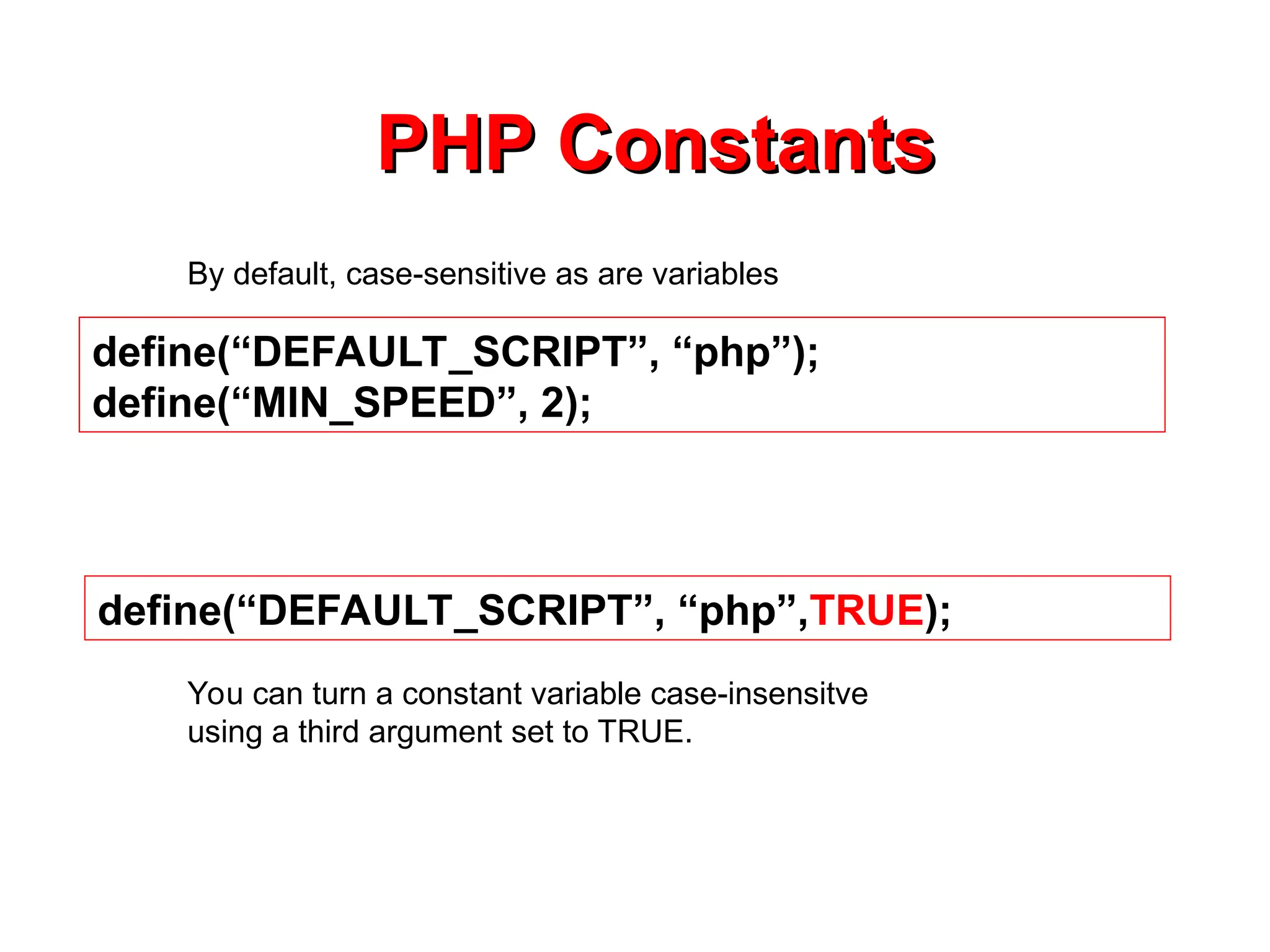
define(“DEFAULT_SCRIPT”, “php”);
define(“MIN_SPEED”, 2);
PHPConstants
PHP Constants
By default, case-sensitive as are variables
define(“DEFAULT_SCRIPT”, “php”,TRUE);
You can turn a constant variable case-insensitve
using a third argument set to TRUE.
20.
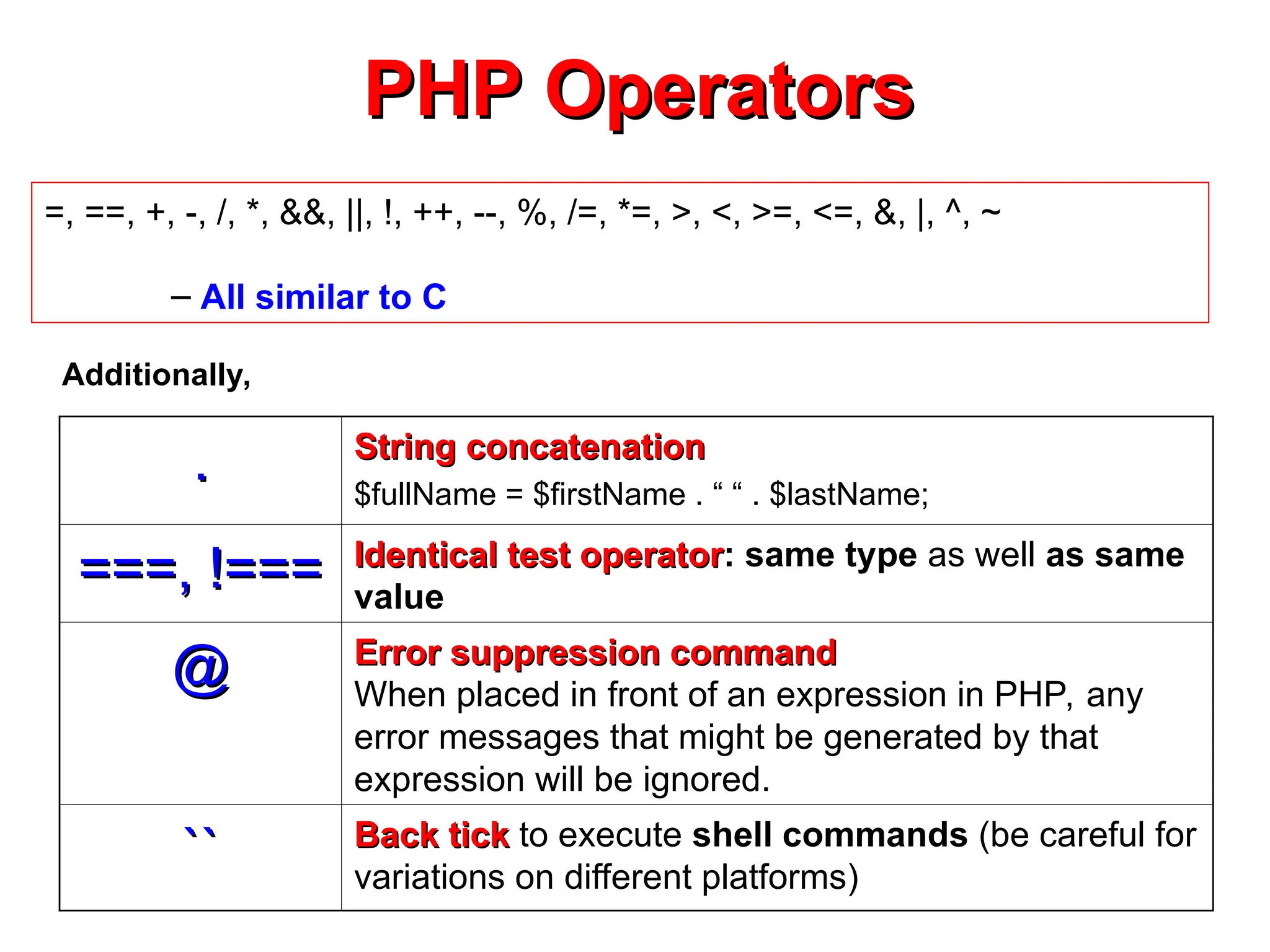
PHP Operators
PHP Operators
=,==, +, -, /, *, &&, ||, !, ++, --, %, /=, *=, >, <, >=, <=, &, |, ^, ~
– All similar to C
.
. String concatenation
String concatenation
$fullName = $firstName . “ “ . $lastName;
===, !===
===, !=== Identical test operator
Identical test operator: same type as well as same
value
@
@ Error suppression command
Error suppression command
When placed in front of an expression in PHP, any
error messages that might be generated by that
expression will be ignored.
``
`` Back tick
Back tick to execute shell commands (be careful for
variations on different platforms)
Additionally,
21.
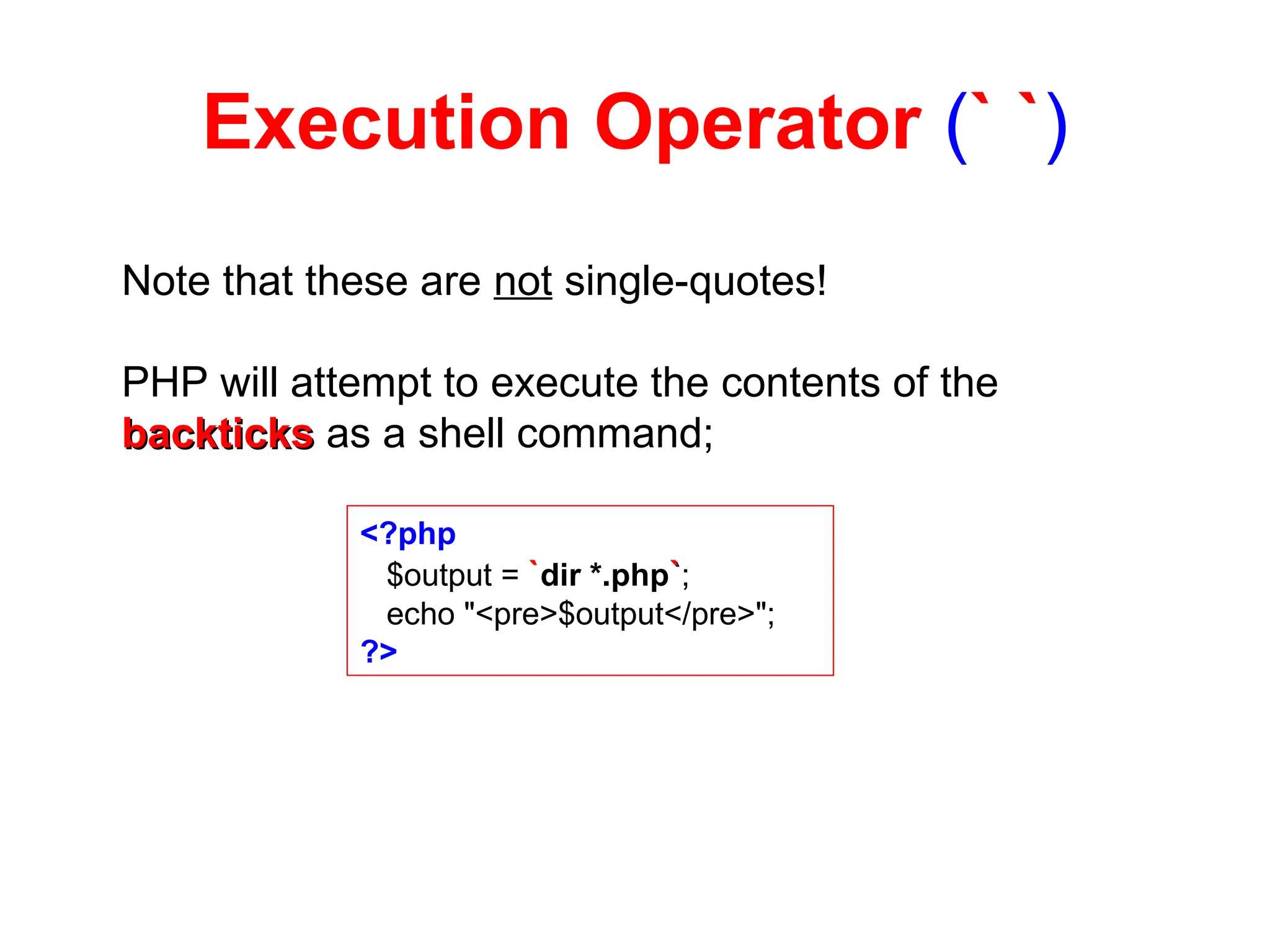
Execution Operator (``)
Note that these are not single-quotes!
PHP will attempt to execute the contents of the
backticks
backticks as a shell command;
<?php
$output = `dir *.php`
`;
echo "<pre>$output</pre>";
?>
22.
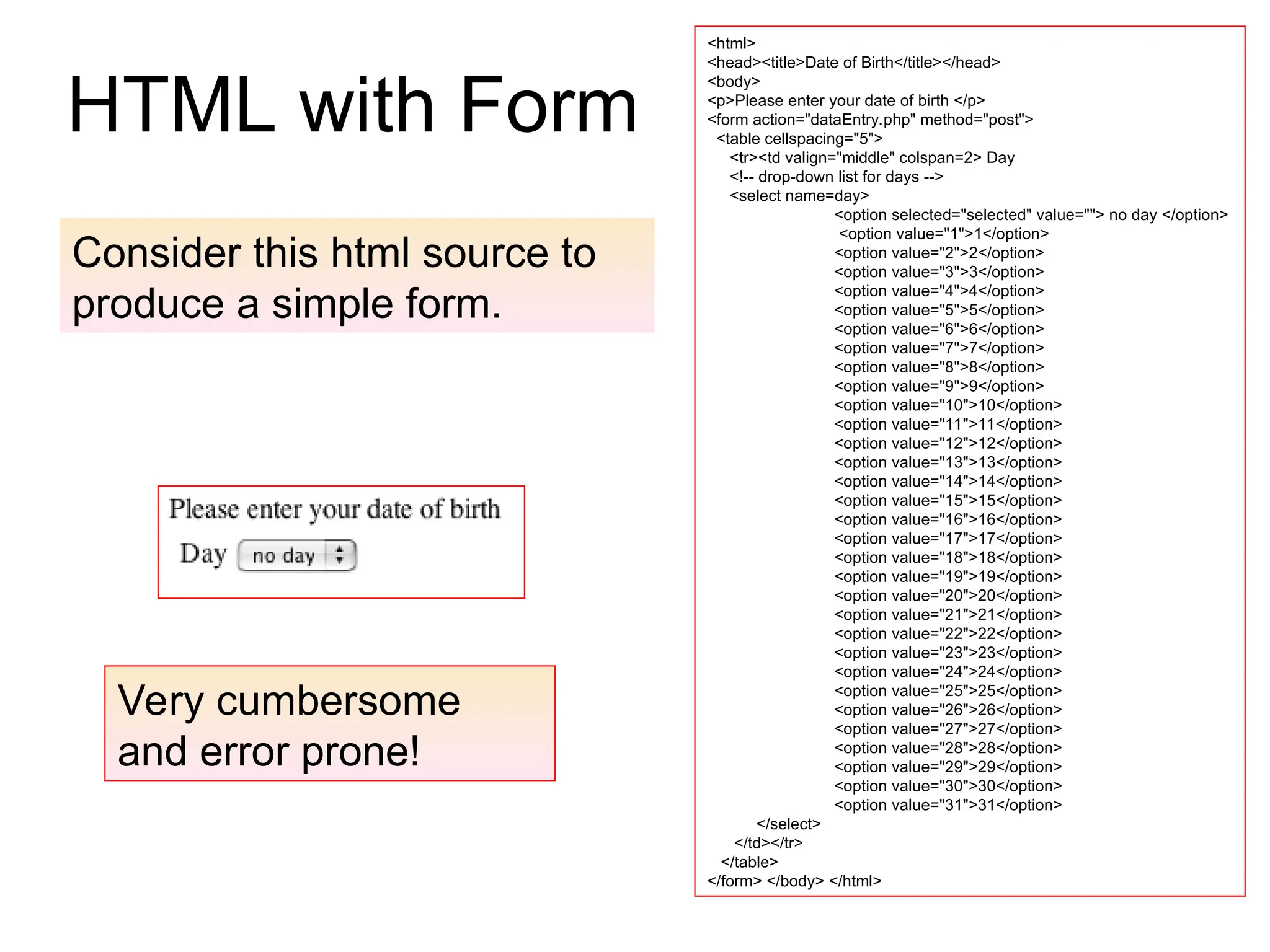
HTML with Form
<html>
<head><title>Dateof Birth</title></head>
<body>
<p>Please enter your date of birth </p>
<form action="dataEntry.php" method="post">
<table cellspacing="5">
<tr><td valign="middle" colspan=2> Day
<!-- drop-down list for days -->
<select name=day>
<option selected="selected" value=""> no day </option>
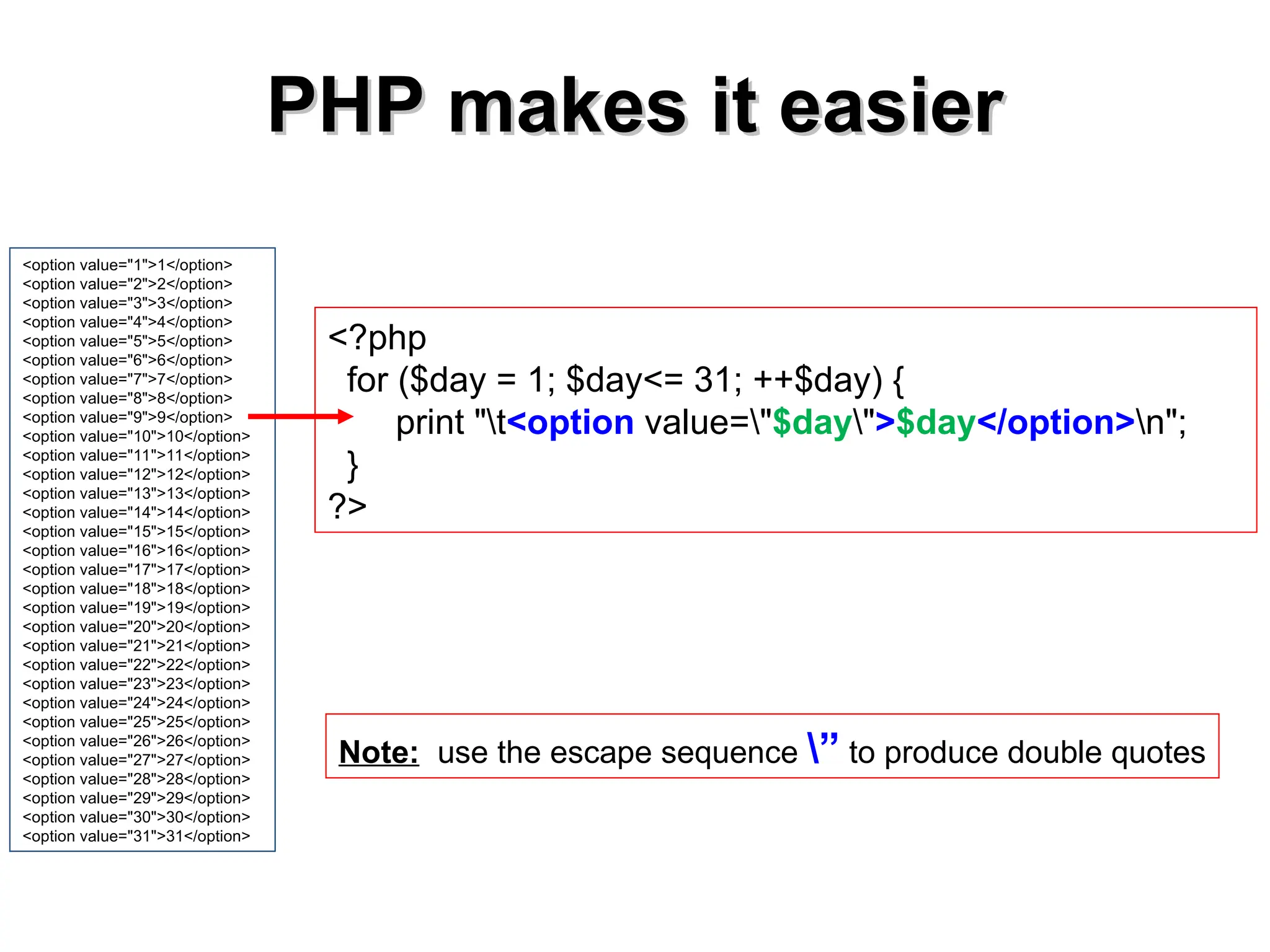
<option value="1">1</option>
<option value="2">2</option>
<option value="3">3</option>
<option value="4">4</option>
<option value="5">5</option>
<option value="6">6</option>
<option value="7">7</option>
<option value="8">8</option>
<option value="9">9</option>
<option value="10">10</option>
<option value="11">11</option>
<option value="12">12</option>
<option value="13">13</option>
<option value="14">14</option>
<option value="15">15</option>
<option value="16">16</option>
<option value="17">17</option>
<option value="18">18</option>
<option value="19">19</option>
<option value="20">20</option>
<option value="21">21</option>
<option value="22">22</option>
<option value="23">23</option>
<option value="24">24</option>
<option value="25">25</option>
<option value="26">26</option>
<option value="27">27</option>
<option value="28">28</option>
<option value="29">29</option>
<option value="30">30</option>
<option value="31">31</option>
</select>
</td></tr>
</table>
</form> </body> </html>
Consider this html source to
produce a simple form.
Very cumbersome
and error prone!
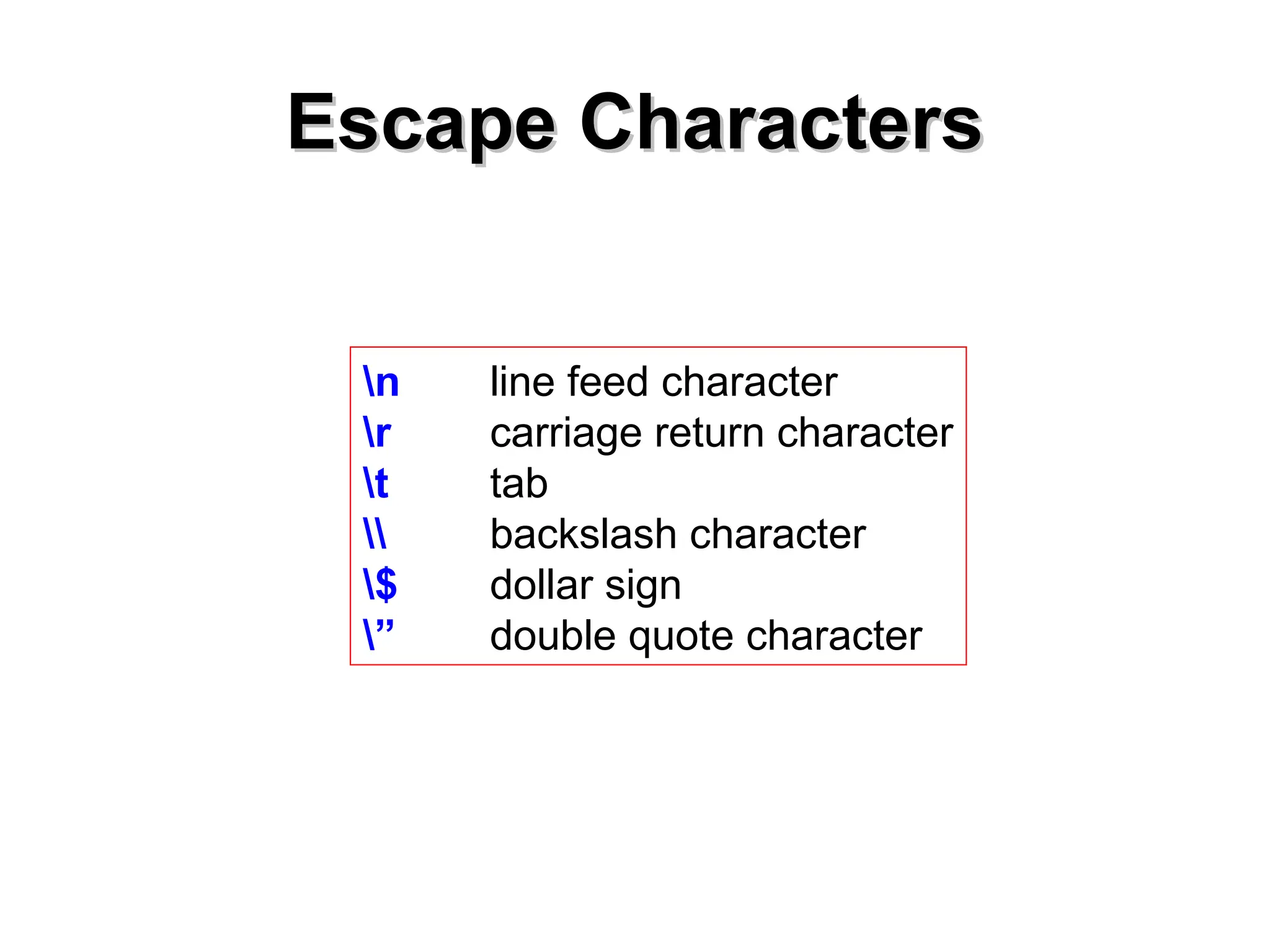
Escape Characters
Escape Characters
nline feed character
r carriage return character
t tab
backslash character
$ dollar sign
” double quote character
25.
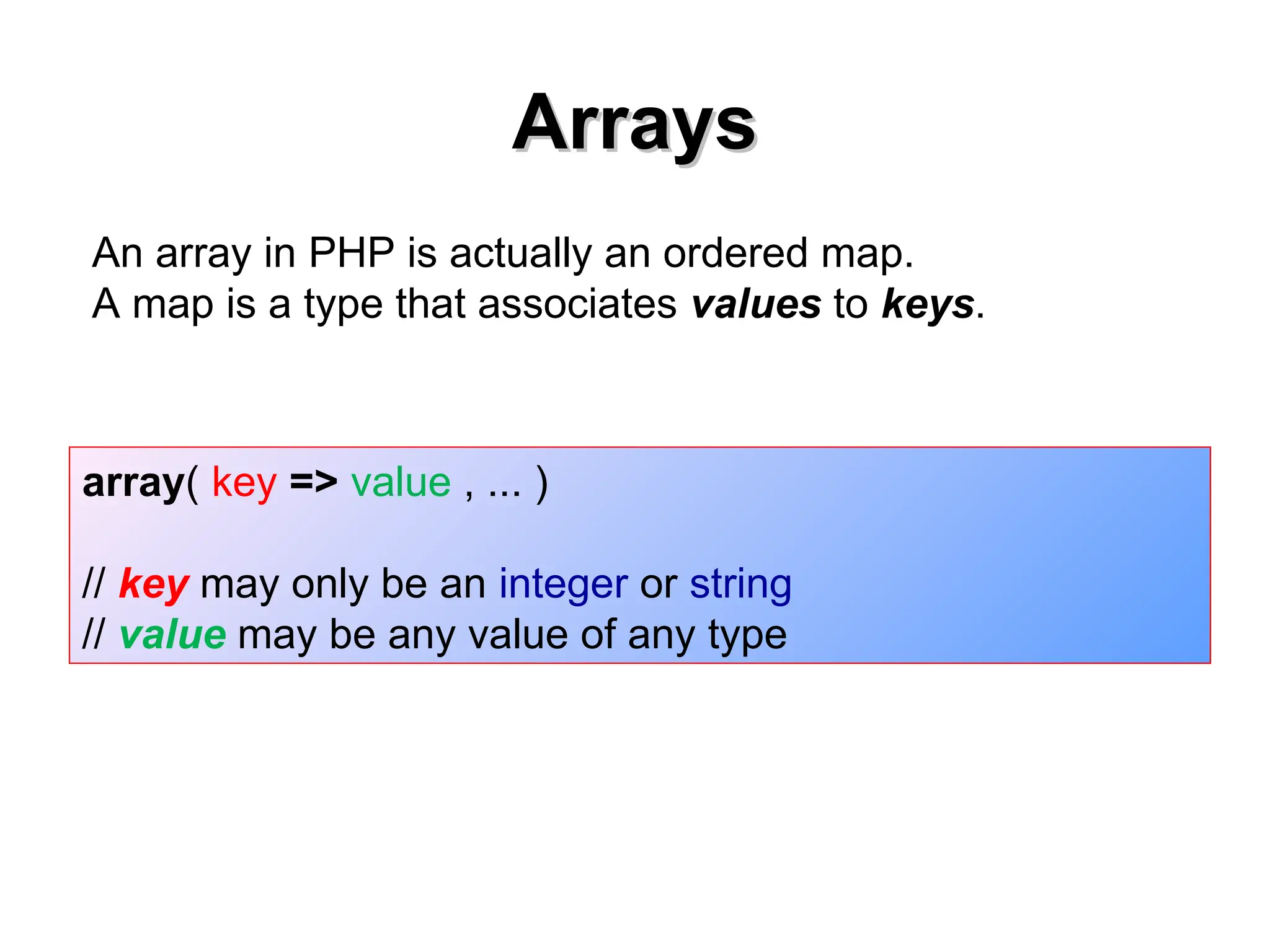
Arrays
Arrays
array( key =>value , ... )
// key may only be an integer or string
// value may be any value of any type
An array in PHP is actually an ordered map.
A map is a type that associates values to keys.
Type of indicesmay vary within
Type of indices may vary within
the same array
the same array
<?php
$arr = array(“candy" => "bar", 12 => true);
echo $arr[“candy"]; // bar
echo $arr[12]; // 1
?>
Note: Attempting to access an array key which has not been defined is the same as
accessing any other undefined variable: an E_NOTICE-level error message will be
issued, and the result will be NULL.
Printing Array Elements
PrintingArray Elements
<?php
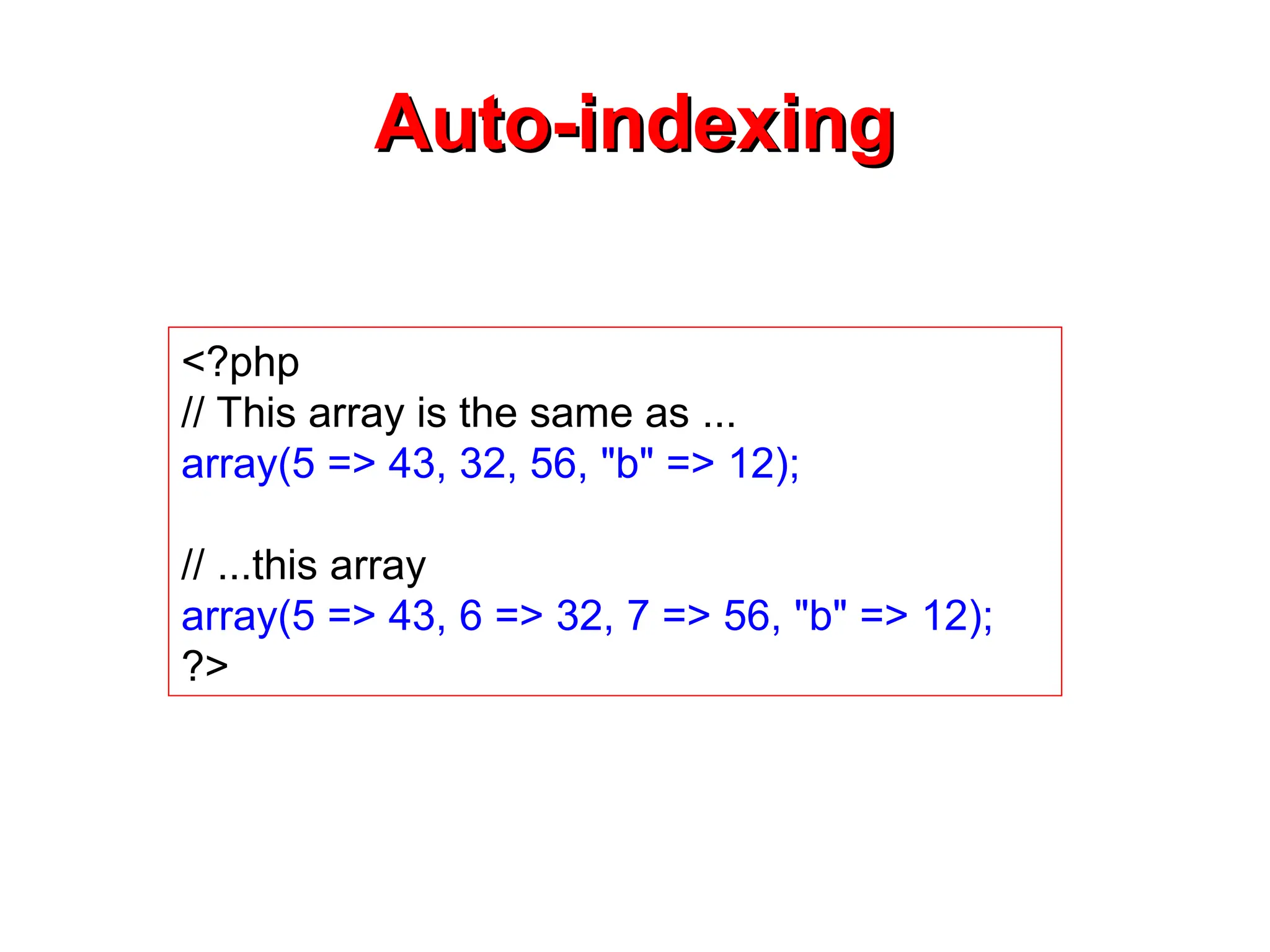
$array = array(5=>43, 32, 56, "b"=> 12);
print("$array["b"]=");
echo $array["b"];
print "<br>";
print("$array["b"]= $array['b']");
print("$array["b"]= {$array['b']}");
print("$array["b"]= {$array[“b”]}");
print("$array["b"]= $array["b"]");
?>
$array["b"]=12
Output of the correct statements:
31.
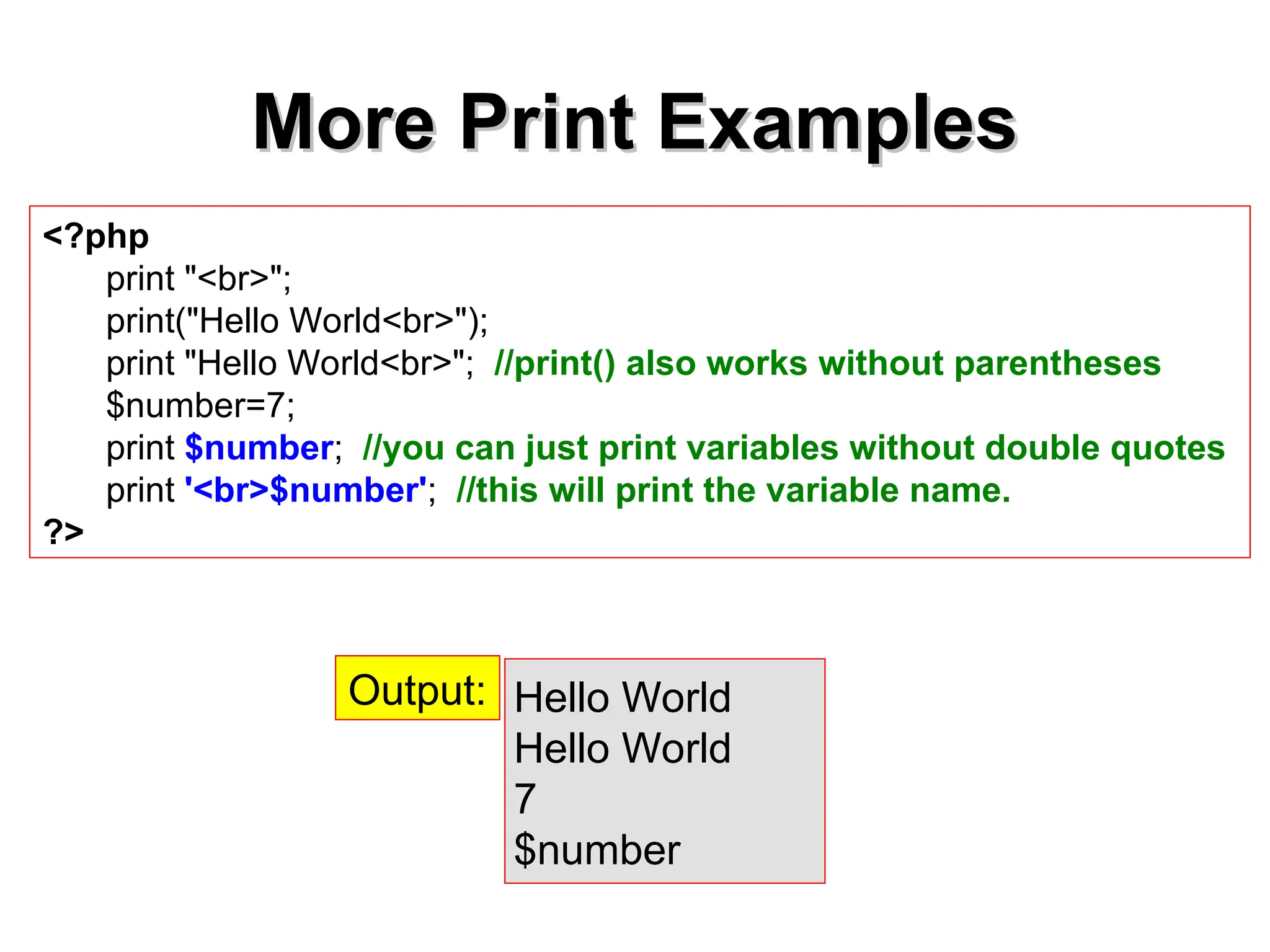
More Print Examples
MorePrint Examples
<?php
print "<br>";
print("Hello World<br>");
print "Hello World<br>"; //print() also works without parentheses
$number=7;
print $number; //you can just print variables without double quotes
print '<br>$number'; //this will print the variable name.
?>
Hello World
Hello World
7
$number
Output:
32.
Extending & ModifyingArrays
Extending & Modifying Arrays
<?php
$arr = array(5 => 1, 12 => 2);
$arr[] = 56; // This is the same as $arr[13] = 56;
// at this point of the script
$arr["x"] = 42; // This adds a new element to
// the array with key "x"
unset($arr[5]); // This removes the element from the array
unset($arr); // This deletes the whole array
?>
33.
int array_unshift
array_unshift()
<?php
$queue =array("orange", "banana");
array_unshift($queue, "apple", "raspberry"
);
print_r($queue);
?>
Array (
[0] => apple
[1] => raspberry
[2] => orange
[3] => banana
)
Prepend one or more elements to the beginning of an array
Note that the list of elements is prepended as a whole, so that the prepended elements stay in
the same order. All numerical array keys will be modified to start counting from zero while literal
keys won't be touched.
-returns the new number of elements.
34.
int
int array_push()
array_push()
<?php
$stack =array("orange", "banana");
array_push($stack, "apple", "raspberry");
print_r($stack);
?>
Array
(
[0] => orange
[1] => banana
[2] => apple
[3] => raspberry
)
Push one or more elements onto the end of array.
Returns the new number of elements
35.
mixed
mixed array_pop()
array_pop()
<?php
$stack =array("orange", "banana", "apple", "raspberry");
$fruit = array_pop($stack);
print_r($stack);
?>
Array
(
[0] => orange
[1] => banana
[2] => apple
)
pops and returns the last value of the array, shortening the array by one
element. If array is empty (or is not an array), NULL will be returned. Will
additionally produce a Warning when called on a non-array.
36.
Iterating through Arrays
Iteratingthrough Arrays
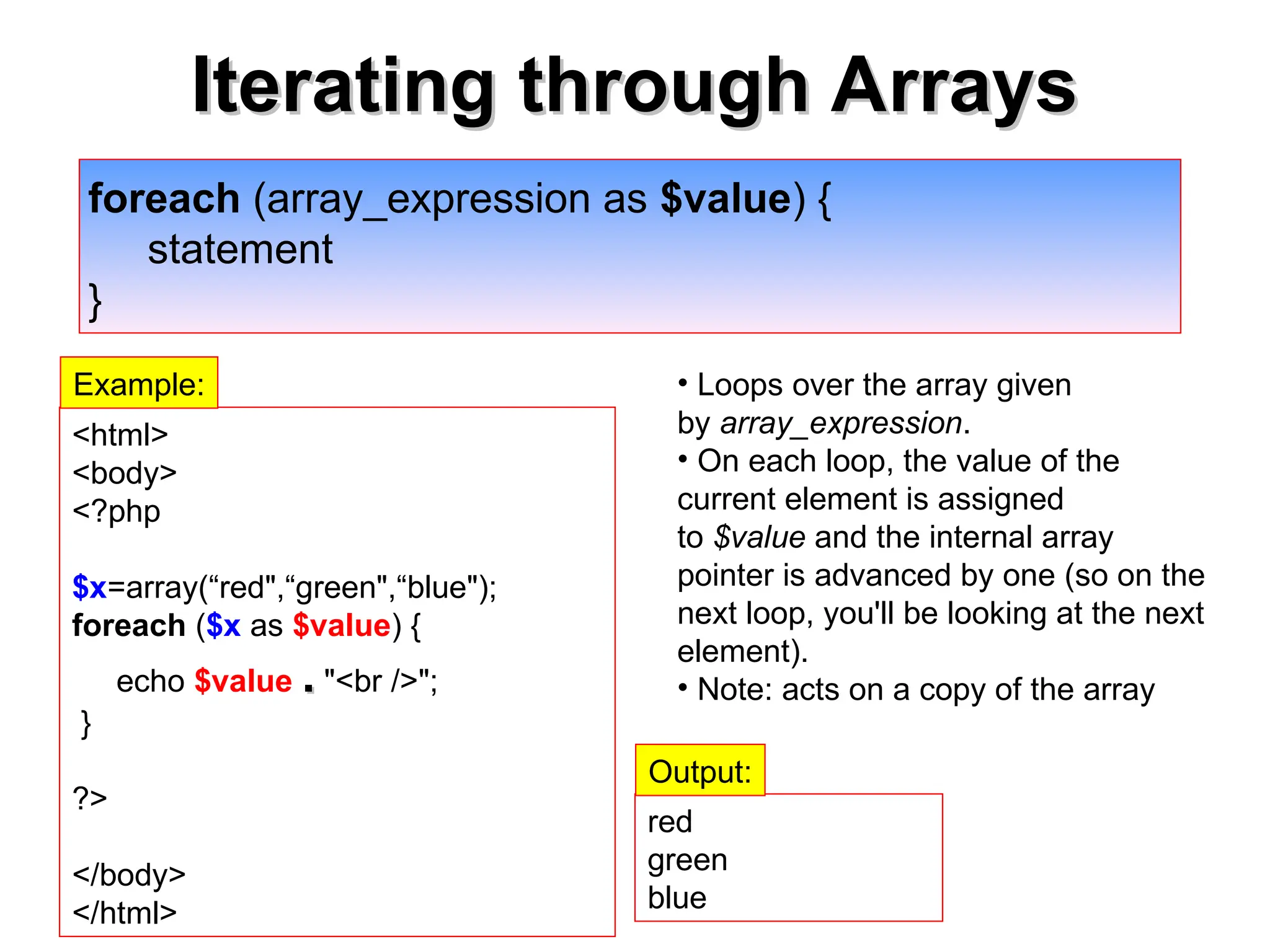
foreach (array_expression as $value) {
statement
}
• Loops over the array given
by array_expression.
• On each loop, the value of the
current element is assigned
to $value and the internal array
pointer is advanced by one (so on the
next loop, you'll be looking at the next
element).
• Note: acts on a copy of the array
<html>
<body>
<?php
$x=array(“red",“green",“blue");
foreach ($x as $value) {
echo $value .
. "<br />";
}
?>
</body>
</html>
red
green
blue
Output:
Example:
37.
Iterating through Arrays
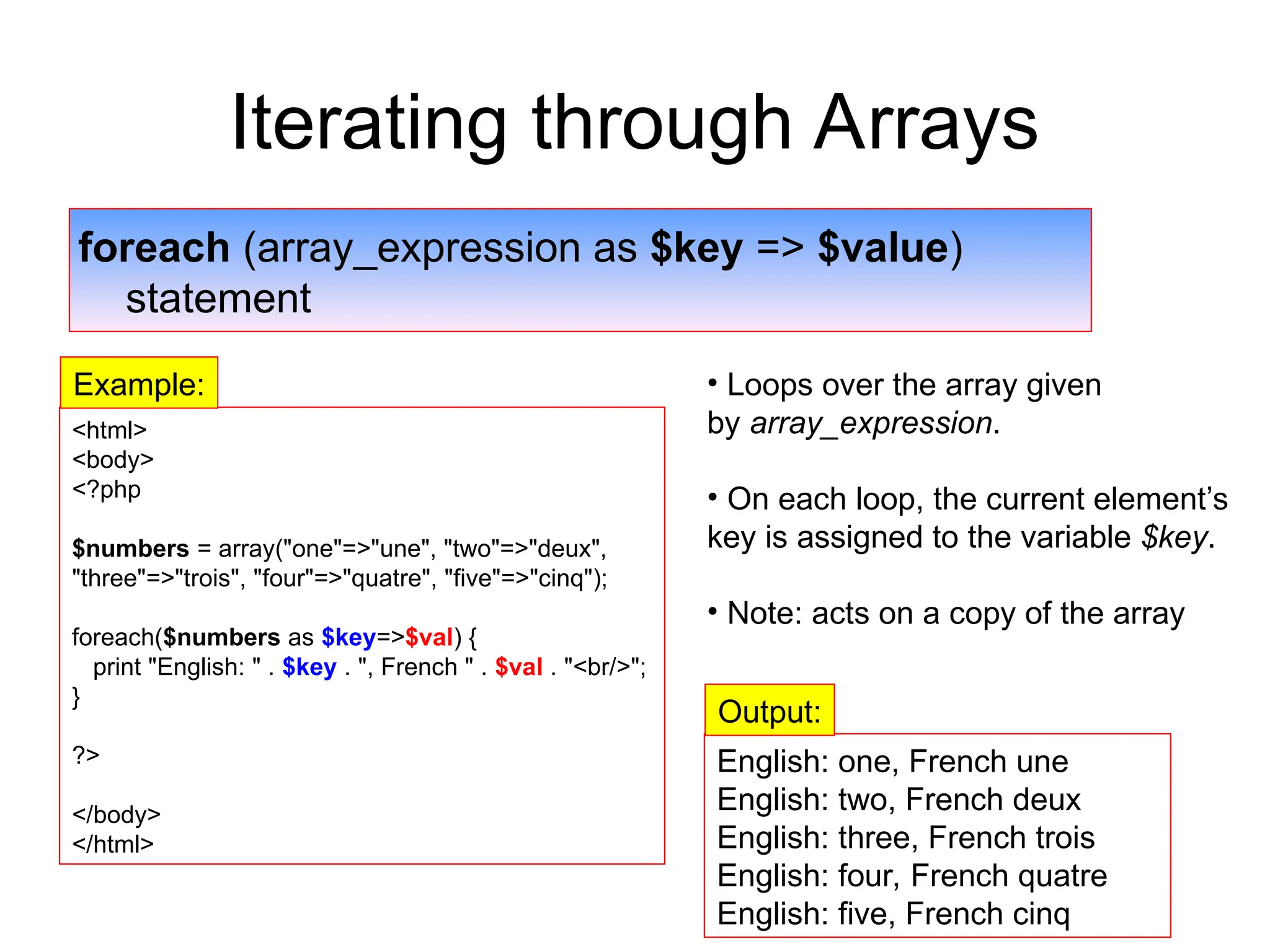
foreach(array_expression as $key => $value)
statement
• Loops over the array given
by array_expression.
• On each loop, the current element’s
key is assigned to the variable $key.
• Note: acts on a copy of the array
<html>
<body>
<?php
$numbers = array("one"=>"une", "two"=>"deux",
"three"=>"trois", "four"=>"quatre", "five"=>"cinq");
foreach($numbers as $key=>$val) {
print "English: " . $key . ", French " . $val . "<br/>";
}
?>
</body>
</html>
English: one, French une
English: two, French deux
English: three, French trois
English: four, French quatre
English: five, French cinq
Output:
Example:
38.
PHP Control Structures
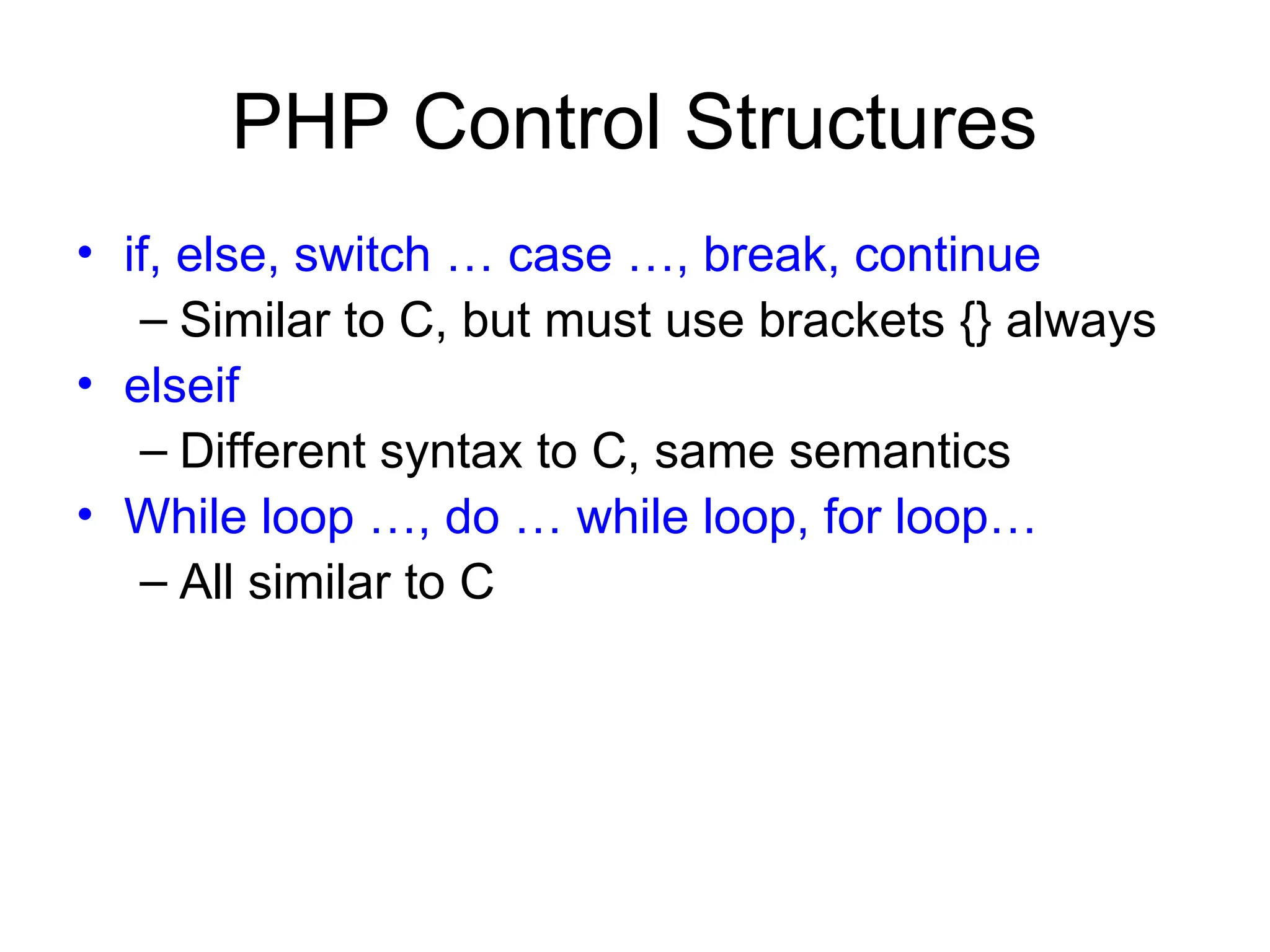
•if, else, switch … case …, break, continue
– Similar to C, but must use brackets {} always
• elseif
– Different syntax to C, same semantics
• While loop …, do … while loop, for loop…
– All similar to C
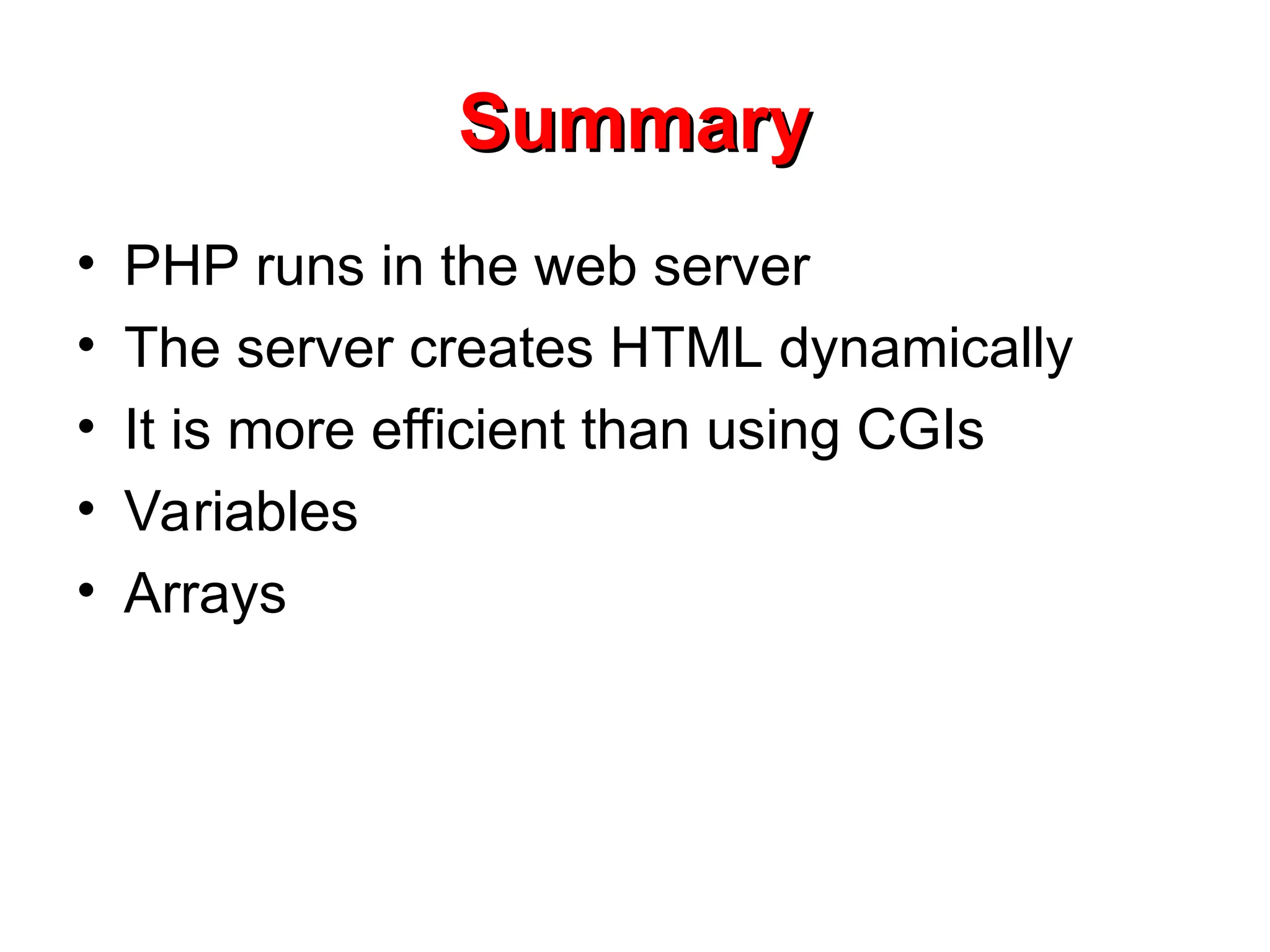
Summary
Summary
• PHP runsin the web server
• The server creates HTML dynamically
• It is more efficient than using CGIs
• Variables
• Arrays
Editor's Notes
#11 In C/C++: a=&x means address of x
C++ references: double &a = x
#12 In C/C++: a=&x means address of x
C++ references: double &a = x
#14 Gets the time of the last modification of the current page.
If you're interested in getting the last modification time of a different file, consider using filemtime().
Because every system is setup differently, phpinfo() is commonly used to check configuration settings and for available predefined variables on a given system.
phpinfo() is also a valuable debugging tool as it contains all EGPCS (Environment, GET, POST, Cookie, Server) data.
![Creating & printing Arrays
Creating & printing Arrays
// Create a simple array.
$array = array(1, 2, 3, 4, 5);
print_r($array);
Array
( [0] =>
1 [1] =>
2 [2] =>
3 [3] =>
4 [4] =>
5 )
Output:](https://image.slidesharecdn.com/lecture7-php-part1-250929025556-aaace5c9/75/Lecture-7-PHP-Part-1-php-web-development-26-2048.jpg)
![Creating & printing Arrays
Creating & printing Arrays
// Create an array with forced indices.
$array = array(1, 1, 1, 1, 1, 8 => 1, 4 => 1, 19, 3 => 13);
print_r($array);
Array
( [0] => 1
[1] => 1
[2] => 1
[3] => 13
[4] => 1
[8] => 1
[9] => 19
)
Output:](https://image.slidesharecdn.com/lecture7-php-part1-250929025556-aaace5c9/75/Lecture-7-PHP-Part-1-php-web-development-27-2048.jpg)
![Type of indices may vary within
Type of indices may vary within
the same array
the same array
<?php
$arr = array(“candy" => "bar", 12 => true);
echo $arr[“candy"]; // bar
echo $arr[12]; // 1
?>
Note: Attempting to access an array key which has not been defined is the same as
accessing any other undefined variable: an E_NOTICE-level error message will be
issued, and the result will be NULL.](https://image.slidesharecdn.com/lecture7-php-part1-250929025556-aaace5c9/75/Lecture-7-PHP-Part-1-php-web-development-28-2048.jpg)
![Printing Array Elements
Printing Array Elements
<?php
$array = array(5=>43, 32, 56, "b"=> 12);
print("$array["b"]=");
echo $array["b"];
print "<br>";
print("$array["b"]= $array['b']");
print("$array["b"]= {$array['b']}");
print("$array["b"]= {$array[“b”]}");
print("$array["b"]= $array["b"]");
?>
$array["b"]=12
Output of the correct statements:](https://image.slidesharecdn.com/lecture7-php-part1-250929025556-aaace5c9/75/Lecture-7-PHP-Part-1-php-web-development-30-2048.jpg)
![Extending & Modifying Arrays
Extending & Modifying Arrays
<?php
$arr = array(5 => 1, 12 => 2);
$arr[] = 56; // This is the same as $arr[13] = 56;
// at this point of the script
$arr["x"] = 42; // This adds a new element to
// the array with key "x"
unset($arr[5]); // This removes the element from the array
unset($arr); // This deletes the whole array
?>](https://image.slidesharecdn.com/lecture7-php-part1-250929025556-aaace5c9/75/Lecture-7-PHP-Part-1-php-web-development-32-2048.jpg)
![int array_unshift
array_unshift()
<?php
$queue = array("orange", "banana");
array_unshift($queue, "apple", "raspberry"
);
print_r($queue);
?>
Array (
[0] => apple
[1] => raspberry
[2] => orange
[3] => banana
)
Prepend one or more elements to the beginning of an array
Note that the list of elements is prepended as a whole, so that the prepended elements stay in
the same order. All numerical array keys will be modified to start counting from zero while literal
keys won't be touched.
-returns the new number of elements.](https://image.slidesharecdn.com/lecture7-php-part1-250929025556-aaace5c9/75/Lecture-7-PHP-Part-1-php-web-development-33-2048.jpg)
![int
int array_push()
array_push()
<?php
$stack = array("orange", "banana");
array_push($stack, "apple", "raspberry");
print_r($stack);
?>
Array
(
[0] => orange
[1] => banana
[2] => apple
[3] => raspberry
)
Push one or more elements onto the end of array.
Returns the new number of elements](https://image.slidesharecdn.com/lecture7-php-part1-250929025556-aaace5c9/75/Lecture-7-PHP-Part-1-php-web-development-34-2048.jpg)
![mixed
mixed array_pop()
array_pop()
<?php
$stack = array("orange", "banana", "apple", "raspberry");
$fruit = array_pop($stack);
print_r($stack);
?>
Array
(
[0] => orange
[1] => banana
[2] => apple
)
pops and returns the last value of the array, shortening the array by one
element. If array is empty (or is not an array), NULL will be returned. Will
additionally produce a Warning when called on a non-array.](https://image.slidesharecdn.com/lecture7-php-part1-250929025556-aaace5c9/75/Lecture-7-PHP-Part-1-php-web-development-35-2048.jpg)