LCU14-201: Binary Analysis Tools 
C. Lyon & O. Javaid, LCU14 
LCU14 BURLINGAME
Binary analysis tools 
● debug helpers: Sanitizers 
● perf 
● reverse debugging
Sanitizers: what are they? 
● tools to help debug common programming errors 
○ ASAN: AddressSanitizer 
○ LSAN: LeakSanitizer 
○ TSAN: ThreadSanitizer 
○ MSAN: MemorySanitizer 
○ UBSAN: UndefinedBehaviorSanitizer
Sanitizers 
● generate instrumented code (unlike valgrind) 
● errors are printed during execution 
● use run-time libraries 
○ override memory allocation functions 
○ detect threads race conditions 
● faster than valgrind
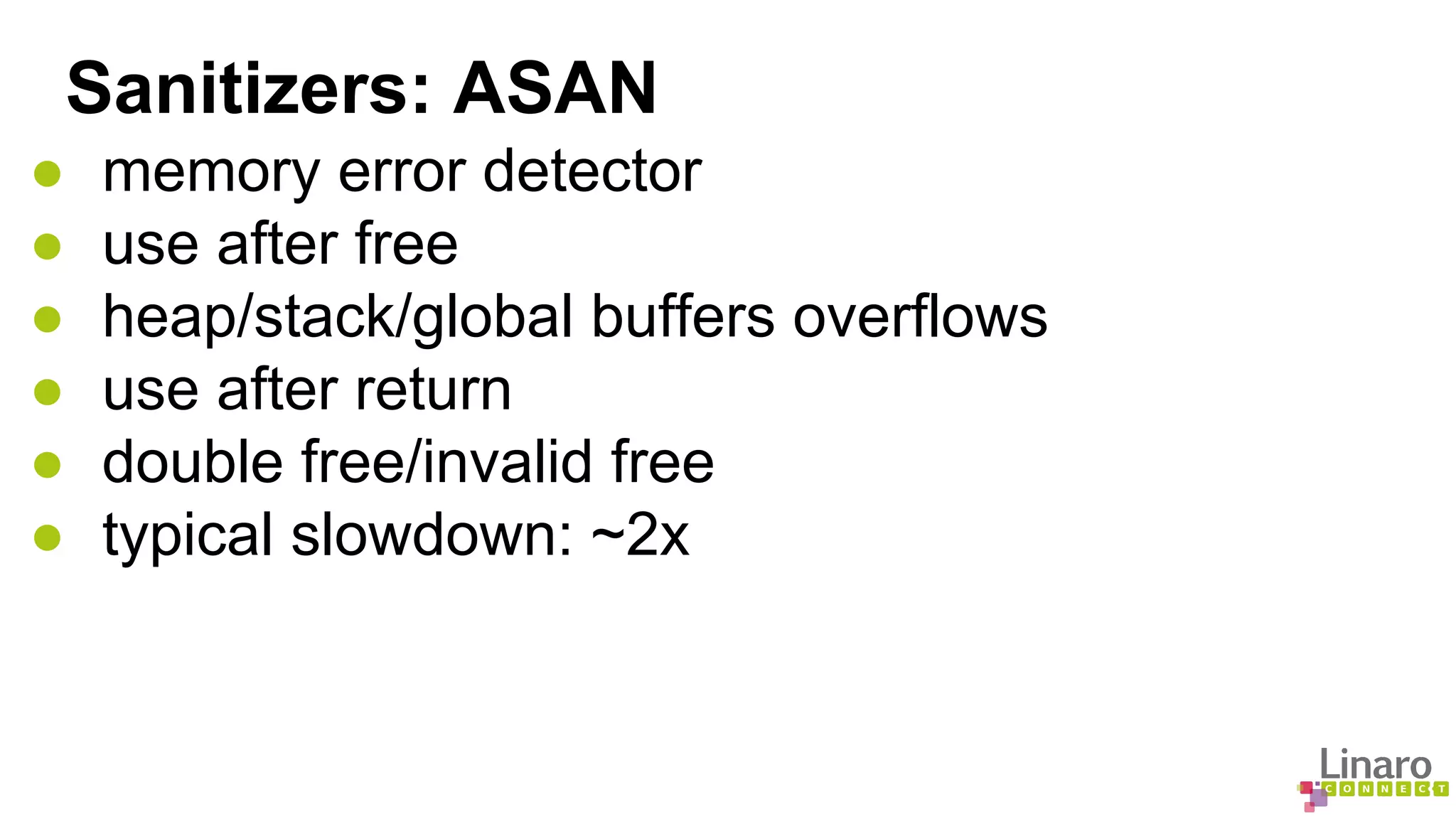
Sanitizers: ASAN 
● memory error detector 
● use after free 
● heap/stack/global buffers overflows 
● use after return 
● double free/invalid free 
● typical slowdown: ~2x
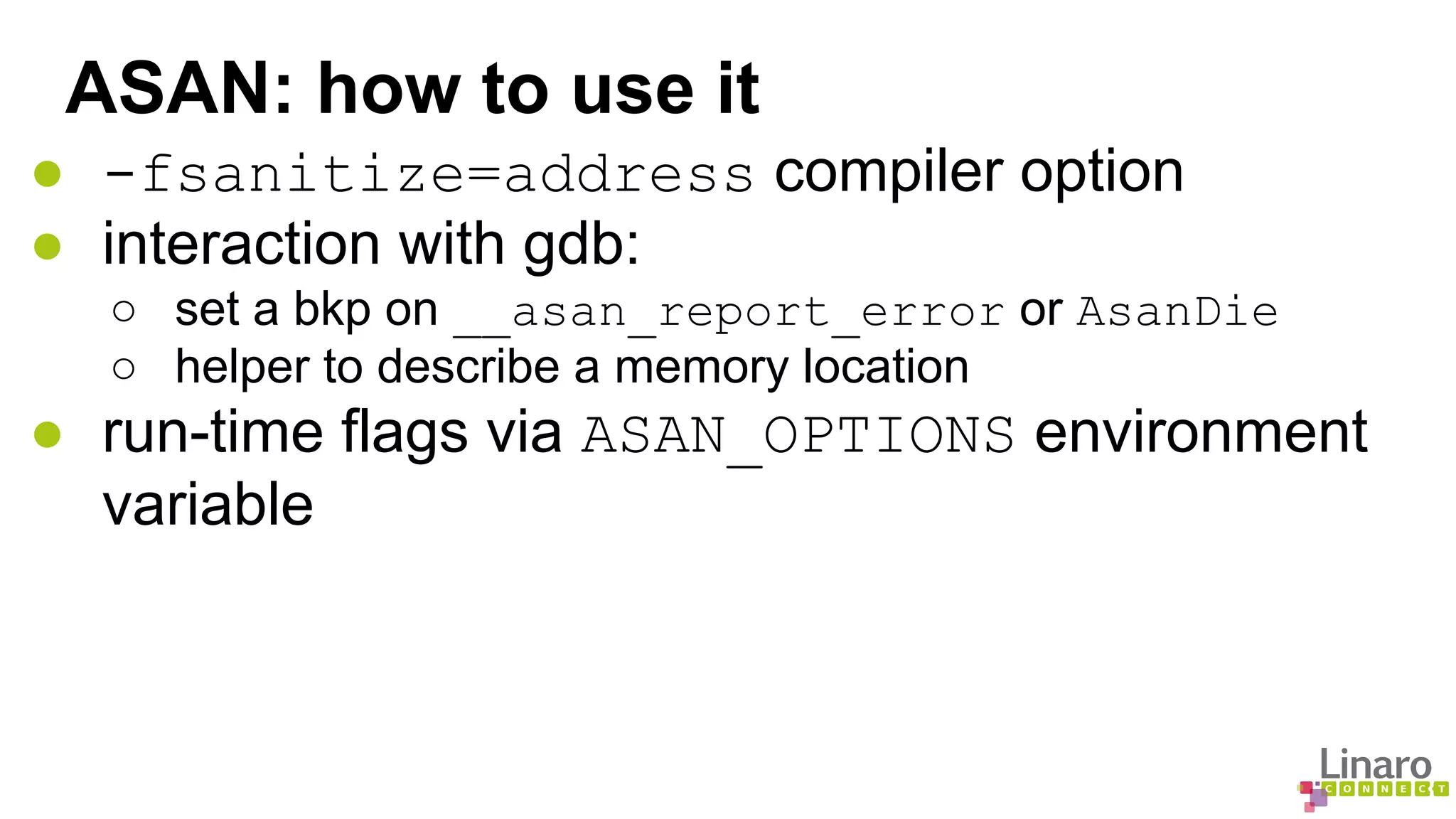
ASAN: how to use it 
● -fsanitize=address compiler option 
● interaction with gdb: 
○ set a bkp on __asan_report_error or AsanDie 
○ helper to describe a memory location 
● run-time flags via ASAN_OPTIONS environment 
variable
ASAN: example 
int main(int argc, char **argv) { 
int *array = new int[100]; 
delete [] array; 
return array[argc]; // Use after free 
} 
$ g++ -g -fsanitize=address asan.cc -o asan.exe 
$ ./asan.exe 
================================================================= 
==21981==ERROR: AddressSanitizer: heap-use-after-free on address 0x61400000fe44 at pc 0x400834 bp 0x7fff631c2030 sp 
0x7fff631c2028 
READ of size 4 at 0x61400000fe44 thread T0 
#0 0x400833 in main /tmp/asan.cc:4 
#1 0x3a3ae1ecdc in __libc_start_main (/lib64/libc.so.6+0x3a3ae1ecdc) 
#2 0x4006b8 (/tmp/asan.exe+0x4006b8) 
0x61400000fe44 is located 4 bytes inside of 400-byte region [0x61400000fe40,0x61400000ffd0) 
freed by thread T0 here: 
#0 0x7fa4b8268617 in operator delete[](void*) (/lib64/libasan.so.1+0x55617) 
#1 0x4007e7 in main /tmp/asan.cc:3 
#2 0x3a3ae1ecdc in __libc_start_main (/lib64/libc.so.6+0x3a3ae1ecdc)
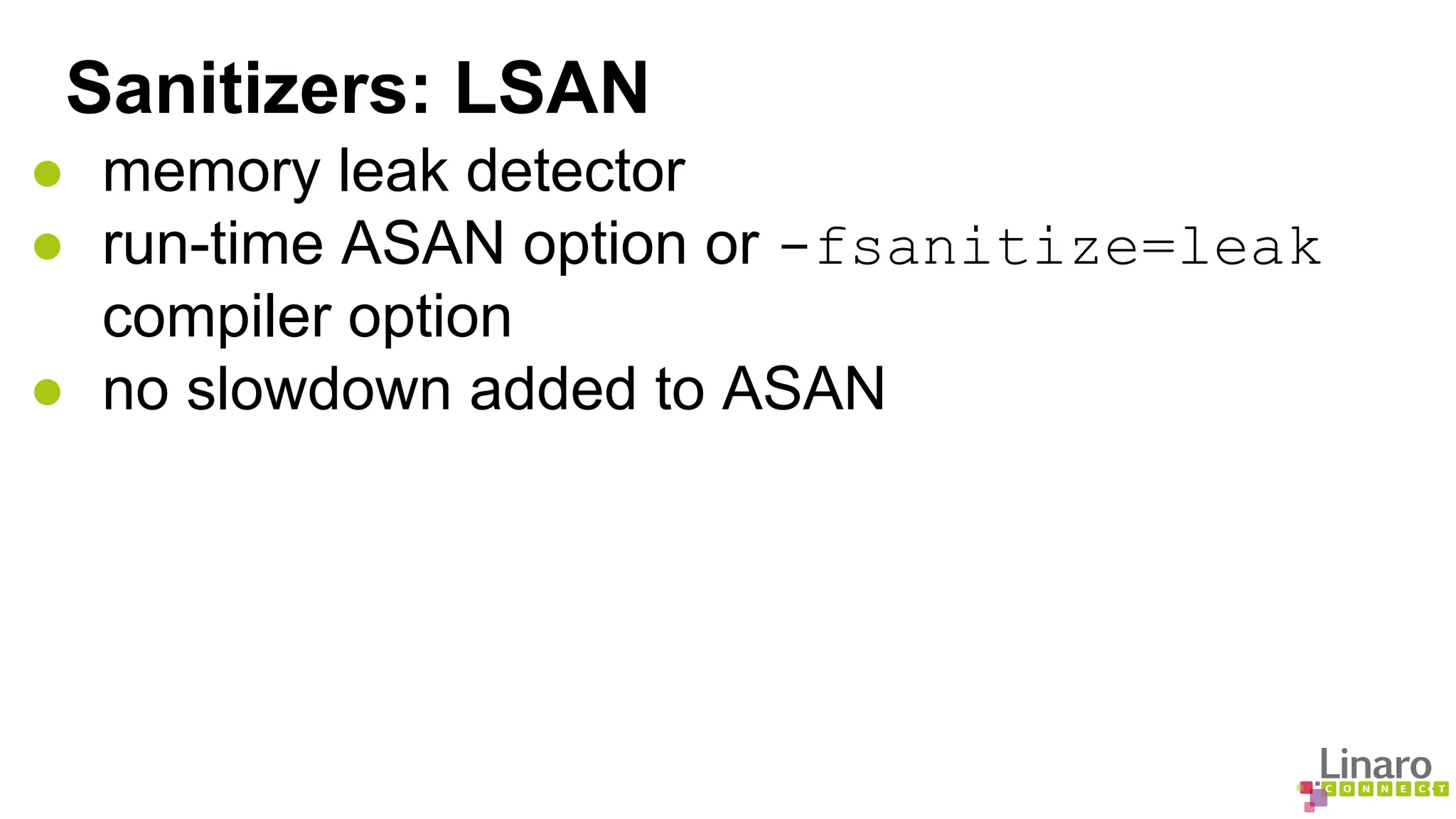
Sanitizers: LSAN 
● memory leak detector 
● run-time ASAN option or -fsanitize=leak 
compiler option 
● no slowdown added to ASAN
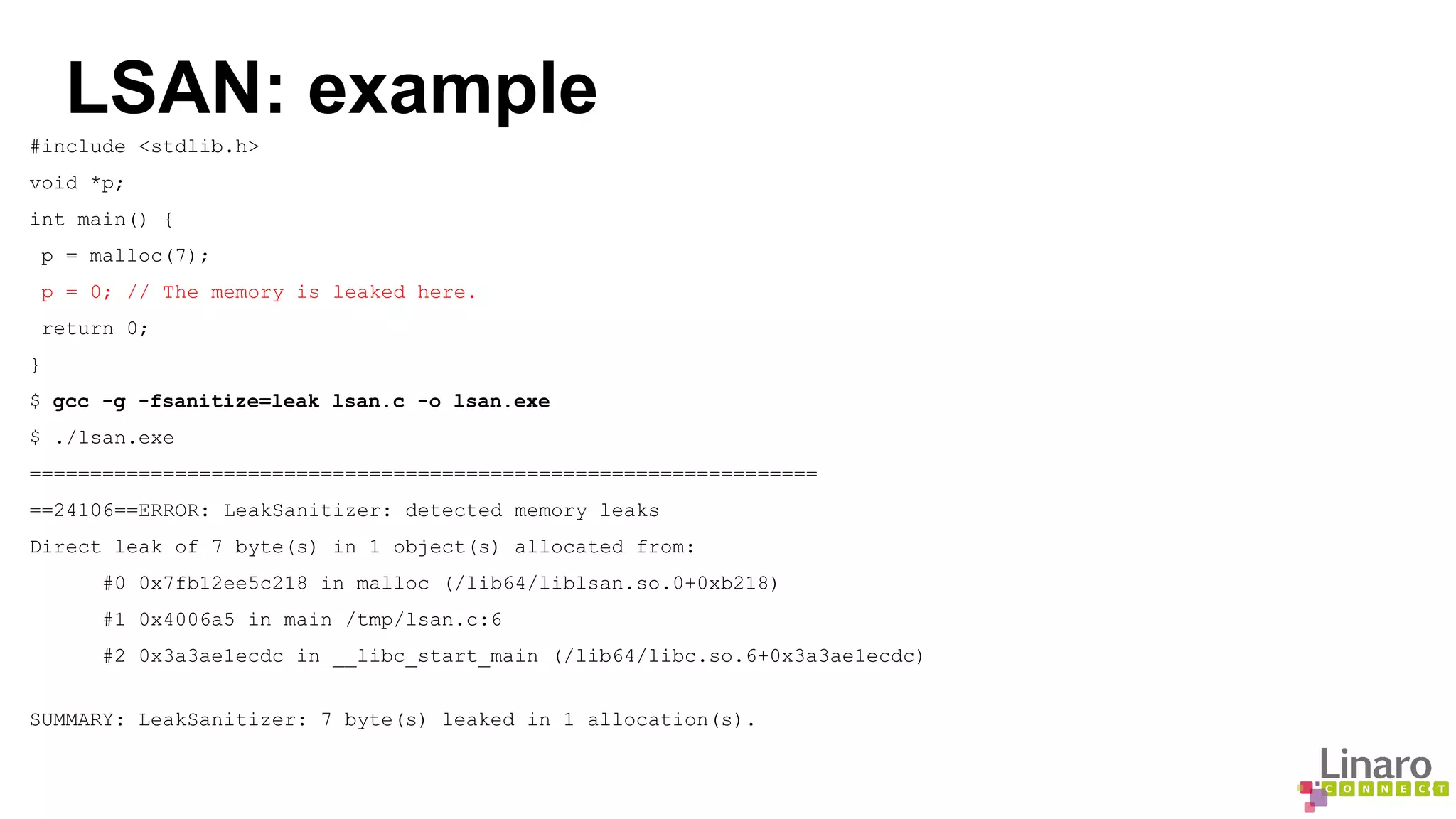
LSAN: example 
#include <stdlib.h> 
void *p; 
int main() { 
p = malloc(7); 
p = 0; // The memory is leaked here. 
return 0; 
} 
$ gcc -g -fsanitize=leak lsan.c -o lsan.exe 
$ ./lsan.exe 
================================================================= 
==24106==ERROR: LeakSanitizer: detected memory leaks 
Direct leak of 7 byte(s) in 1 object(s) allocated from: 
#0 0x7fb12ee5c218 in malloc (/lib64/liblsan.so.0+0xb218) 
#1 0x4006a5 in main /tmp/lsan.c:6 
#2 0x3a3ae1ecdc in __libc_start_main (/lib64/libc.so.6+0x3a3ae1ecdc) 
SUMMARY: LeakSanitizer: 7 byte(s) leaked in 1 allocation(s).
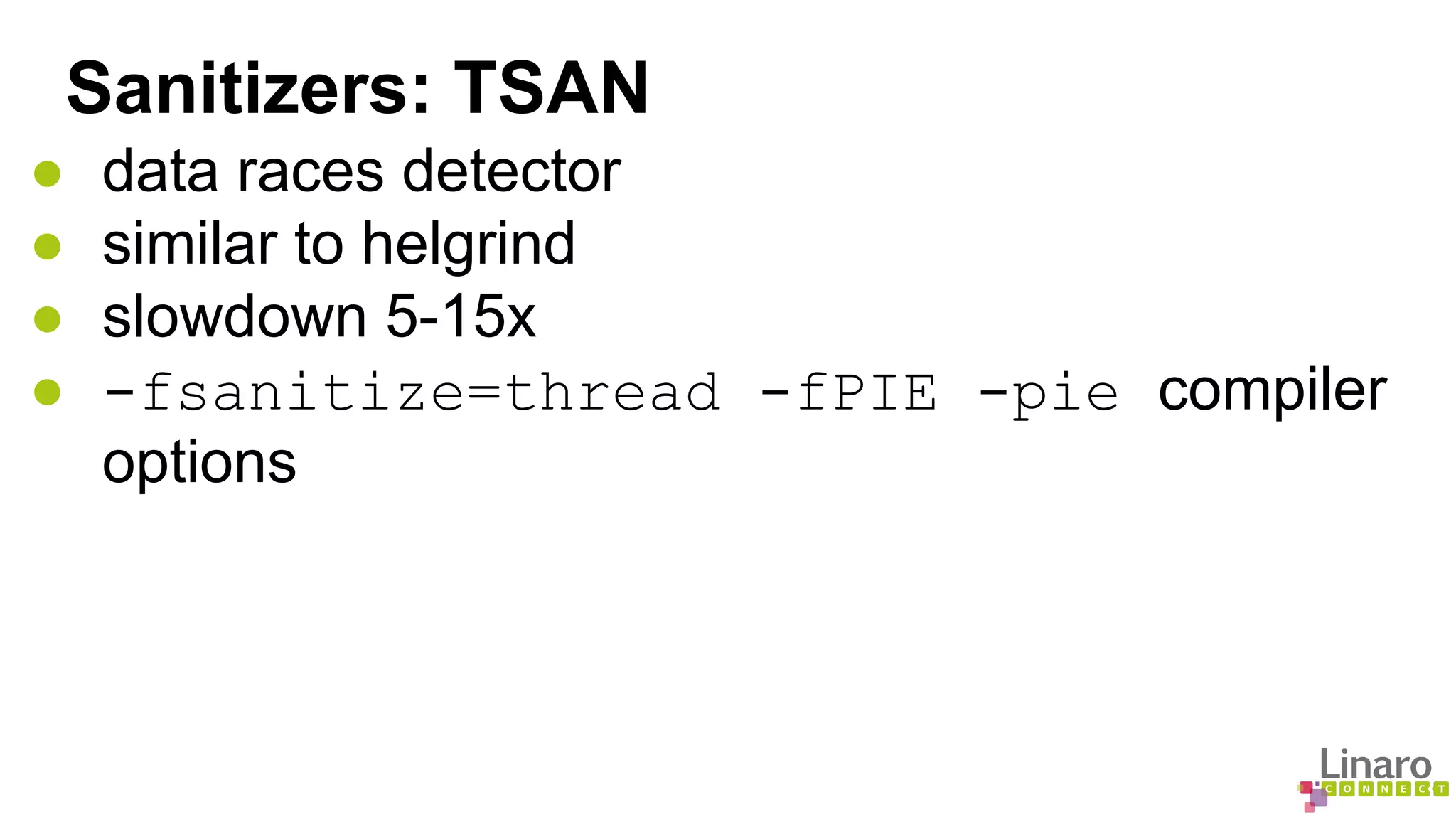
Sanitizers: TSAN 
● data races detector 
● similar to helgrind 
● slowdown 5-15x 
● -fsanitize=thread -fPIE -pie compiler 
options
TSAN: example #include <pthread.h> 
#include <stdio.h> 
#include <string> 
#include <map> 
typedef std::map<std::string, 
std::string> map_t; 
void *threadfunc(void *p) 
{ 
map_t& m = *(map_t*)p; 
m["foo"] = "bar"; 
return 0; 
} 
$ g++ -g -fsanitize=thread tsan.cc -o tsan.exe -pie -fPIE 
$ ./tsan.exe 
foo= 
================== 
WARNING: ThreadSanitizer: data race (pid=24197) 
Read of size 1 at 0x7d080000efd8 by thread T1: 
int main() { 
map_t m; 
pthread_t t; 
pthread_create(&t, 0, threadfunc, &m); 
printf("foo=%sn", m["foo"].c_str()); 
pthread_join(t, 0); 
} 
#0 memcmp <null>:0 (libtsan.so.0+0x000000048e7d) 
#1 std::string::compare(std::string const&) const <null>:0 (libstdc++.so.6+0x0000000bd9a2) 
#2 std::less<std::string>::operator()(std::string const&, std::string const&) const /include/c++/4.9.0 
/bits/stl_function.h:367 (tsan.exe+0x0000000018e3) 
#3 std::_Rb_tree<std::string, std::pair<std::string const, std::string>, std::_Select1st<std::pair<std::string 
const, std::string> >, std::less<std::string>, std::allocator<std::pair<std::string const, std::string> > >:: 
_M_lower_bound(std::_Rb_tree_node<std::pair<std::string const, std::string> >*, std::_Rb_tree_node<std::pair<std::
Sanitizers: MSAN 
● uninitialized memory reads detector 
● much faster than valgrind
Sanitizers: UBSAN 
● undefined behavior checker 
● -fsanitize=undefined compiler option
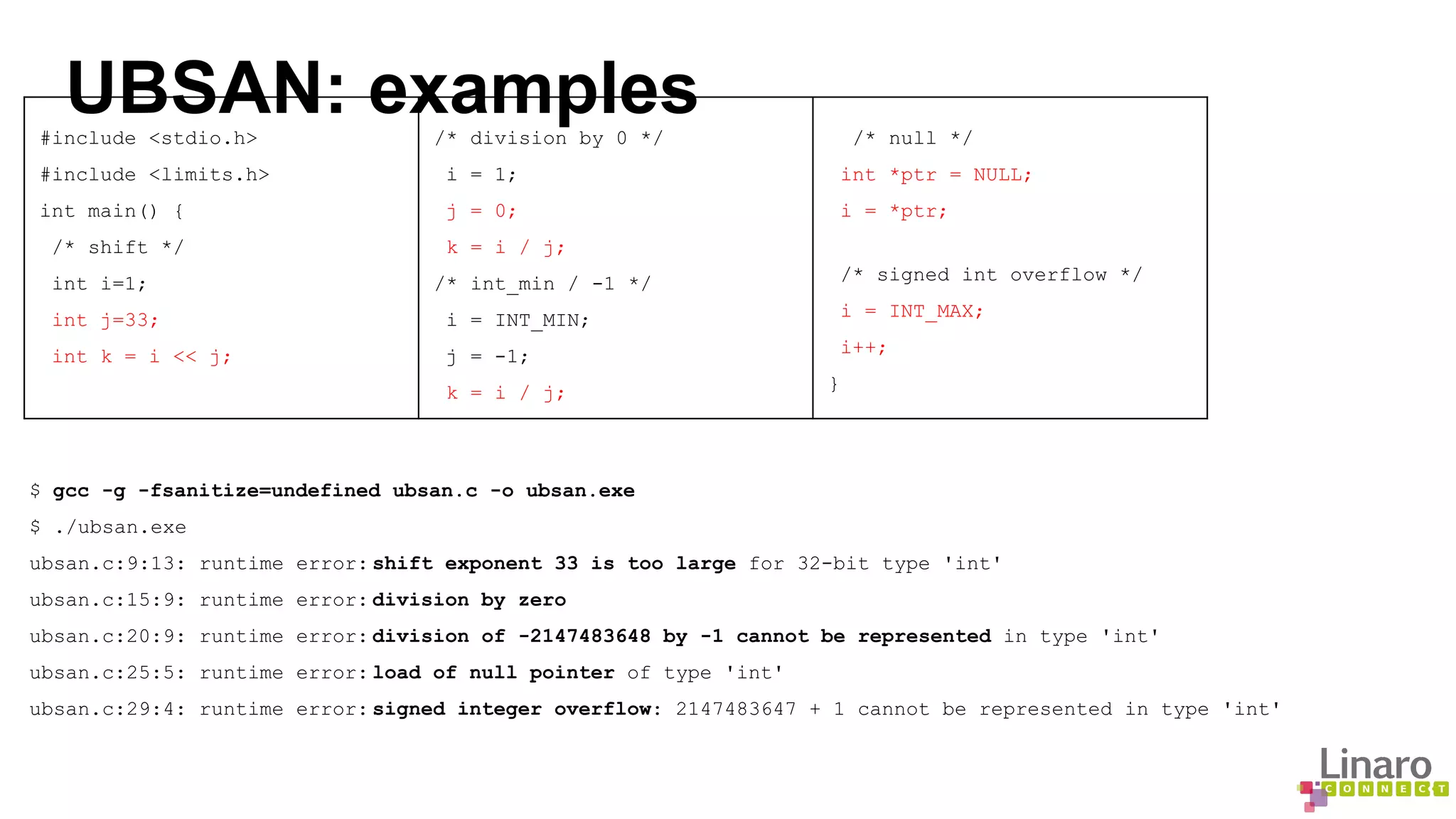
UBSAN: examples #include <stdio.h> 
#include <limits.h> 
int main() { 
/* shift */ 
int i=1; 
int j=33; 
int k = i << j; 
/* division by 0 */ 
i = 1; 
j = 0; 
k = i / j; 
/* int_min / -1 */ 
i = INT_MIN; 
j = -1; 
k = i / j; 
/* null */ 
int *ptr = NULL; 
i = *ptr; 
/* signed int overflow */ 
i = INT_MAX; 
i++; 
} 
$ gcc -g -fsanitize=undefined ubsan.c -o ubsan.exe 
$ ./ubsan.exe 
ubsan.c:9:13: runtime error: shift exponent 33 is too large for 32-bit type 'int' 
ubsan.c:15:9: runtime error: division by zero 
ubsan.c:20:9: runtime error: division of -2147483648 by -1 cannot be represented in type 'int' 
ubsan.c:25:5: runtime error: load of null pointer of type 'int' 
ubsan.c:29:4: runtime error: signed integer overflow: 2147483647 + 1 cannot be represented in type 'int'
Sanitizers: availability 
● Developed by Google for LLVM 
● Ported to GCC (on-going) 
○ appeared in gcc-4.8 for x86_64 
○ enablement needed target by target 
● TSAN needs 64 bit pointers 
○ won’t be available on Aarch32
Sanitizers: availability in GCC 
ASAN LSAN TSAN UBSAN 
i686 YES NO NO YES 
x86_64 YES YES YES YES 
AArch32 YES WONT[1] YES 
AArch64 YES[2] YES[2] 
MSAN is not available in GCC yet 
LLVW has more options available than GCC 
[1] TSAN requires 64 bit pointers 
[2] ASAN/UBSAN enablement patch on AArch64 submitted b/o September
More about Linaro Connect: connect.linaro.org 
Linaro members: www.linaro.org/members 
More about Linaro: www.linaro.org/about/
GDB Reverse Debugging: An Introduction 
● What is gdb record/replay? 
● Record execution state of a program - Sufficient for reproducing execution. 
● Store recorded state in a core file 
● Replay recorded execution state 
● What is reverse debugging? 
● Ability to debug program backwards 
● Allows you to step/continue backward in time 
● Allows you set reverse breakpoints/watchpoints 
● Allows to revert to an earlier execution state 
● Reverse debugging with record/replay 
● Start recording your program during execution 
● Debug forward and backward during recording 
● Debug forward and backward with replay
GDB Reverse Debugging: How It Works 
● Forward vs Reverse 
● Forward 
● Operating system support for debugging - ptrace syscall (YES) 
● Hardware support for debugging - Debug instructions, registers etc (YES) 
● Hardware ability to trap, halt or break (YES) 
● Reverse 
● Going Back to future has its damages 
● Operating System ability to reverse execution (NO) 
● Hardware ability to go back in time (NO) 
● What to do for reverse? 
● Best possible reproduction of past execution state 
● Process Data: Memory, Registers, Threads etc 
● OS Data Structures: Processes, Threads etc 
● Hardware State: Timing, cache, interrupts etc 
● Maintain maximum possible cost benefit balance
GDB Reverse Debugging: How It Works 
● What? 
● GDB needs ability to store machine state 
● GDB needs ability to revert to a past state 
● How? 
● After an instruction is executed 
● Record registers that were modified 
● Record memory location that were changed 
● Keep record data in an memory buffer 
● Save to a core file if replay/reverse is needed 
● Revert registers and memory to step backwards 
● Load saved record by loading core file
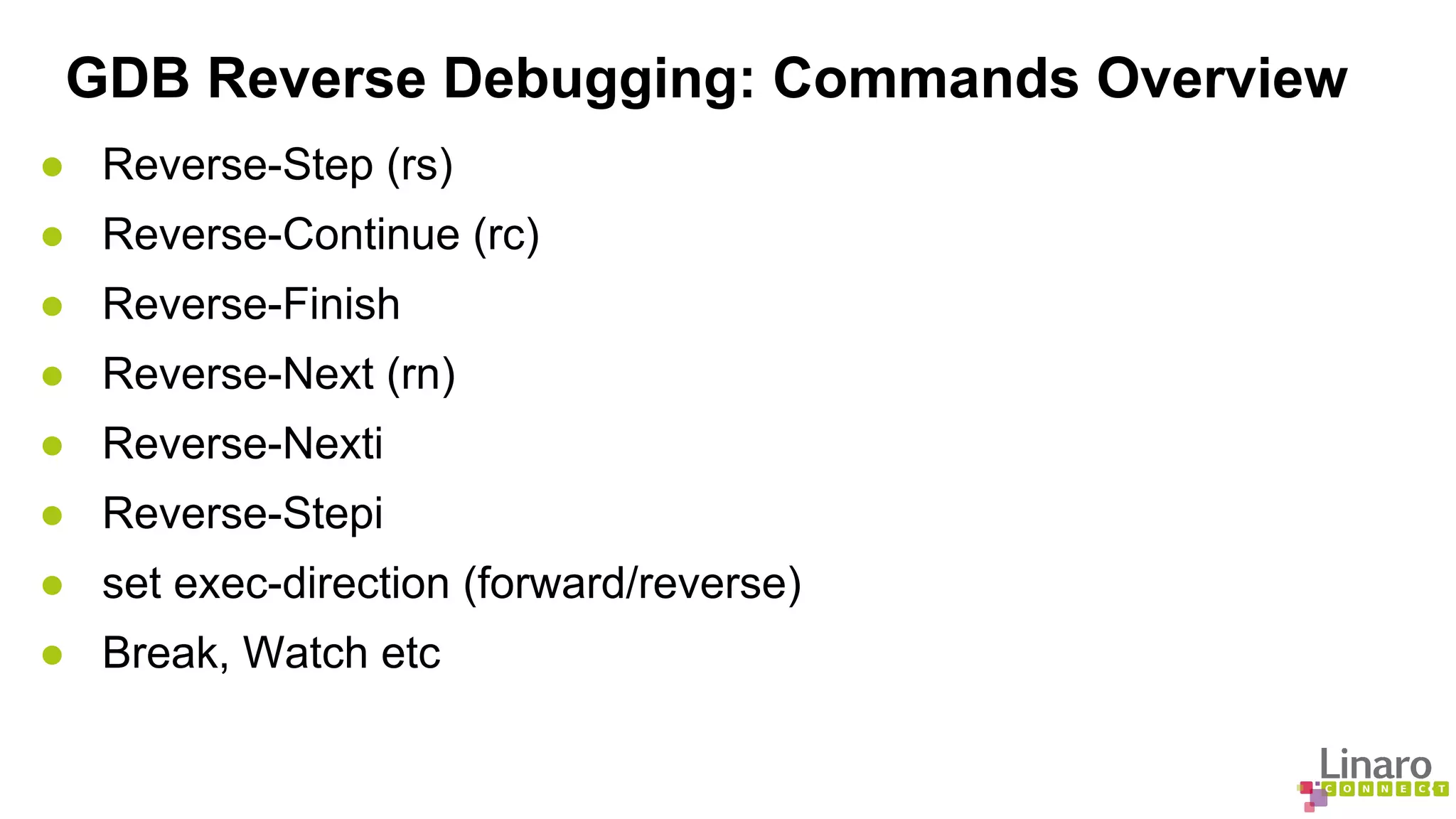
GDB Reverse Debugging: Commands Overview 
● Reverse-Step (rs) 
● Reverse-Continue (rc) 
● Reverse-Finish 
● Reverse-Next (rn) 
● Reverse-Nexti 
● Reverse-Stepi 
● set exec-direction (forward/reverse) 
● Break, Watch etc
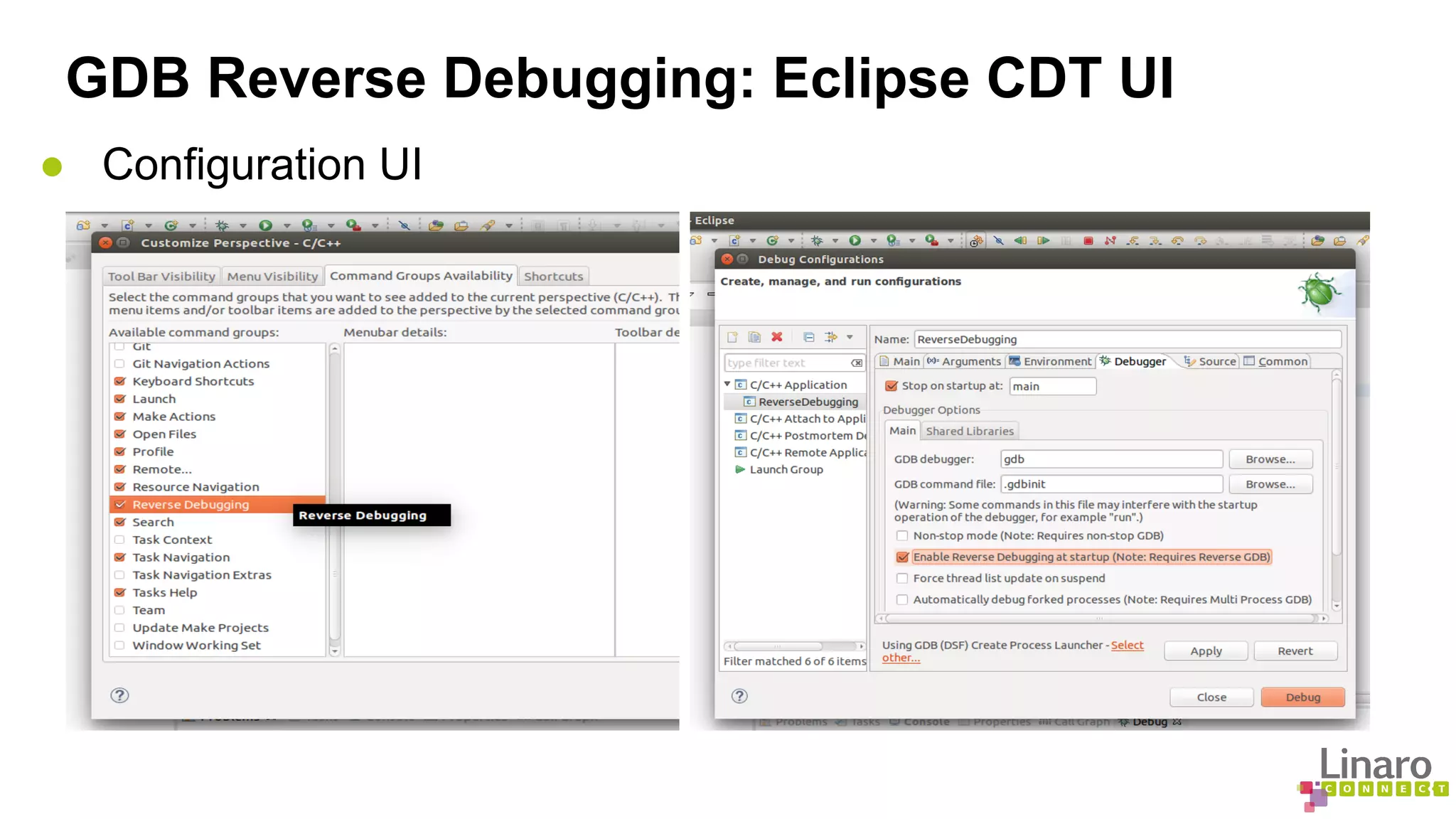
GDB Reverse Debugging: Eclipse CDT UI 
● Configuration UI
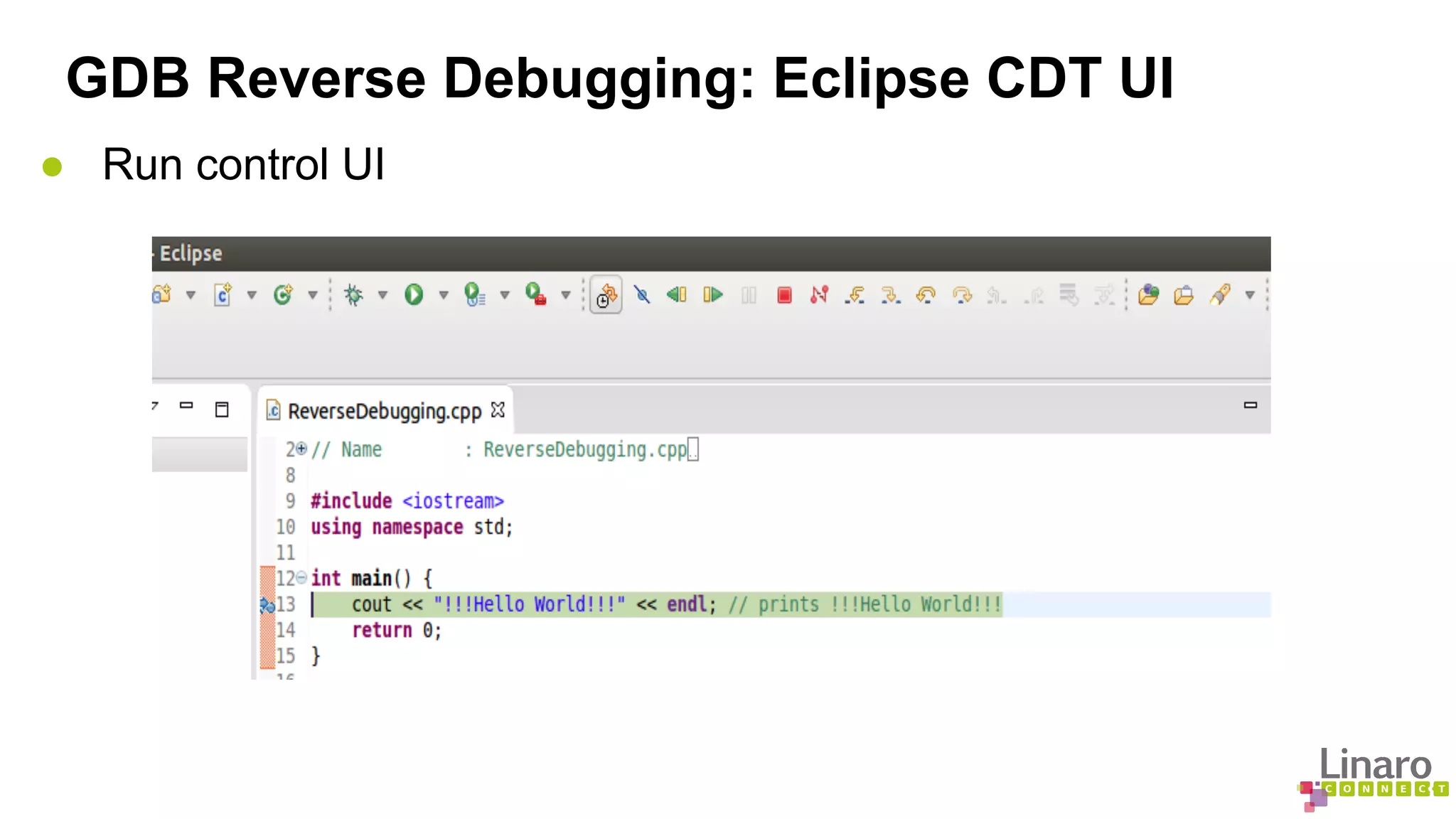
GDB Reverse Debugging: Eclipse CDT UI 
● Run control UI
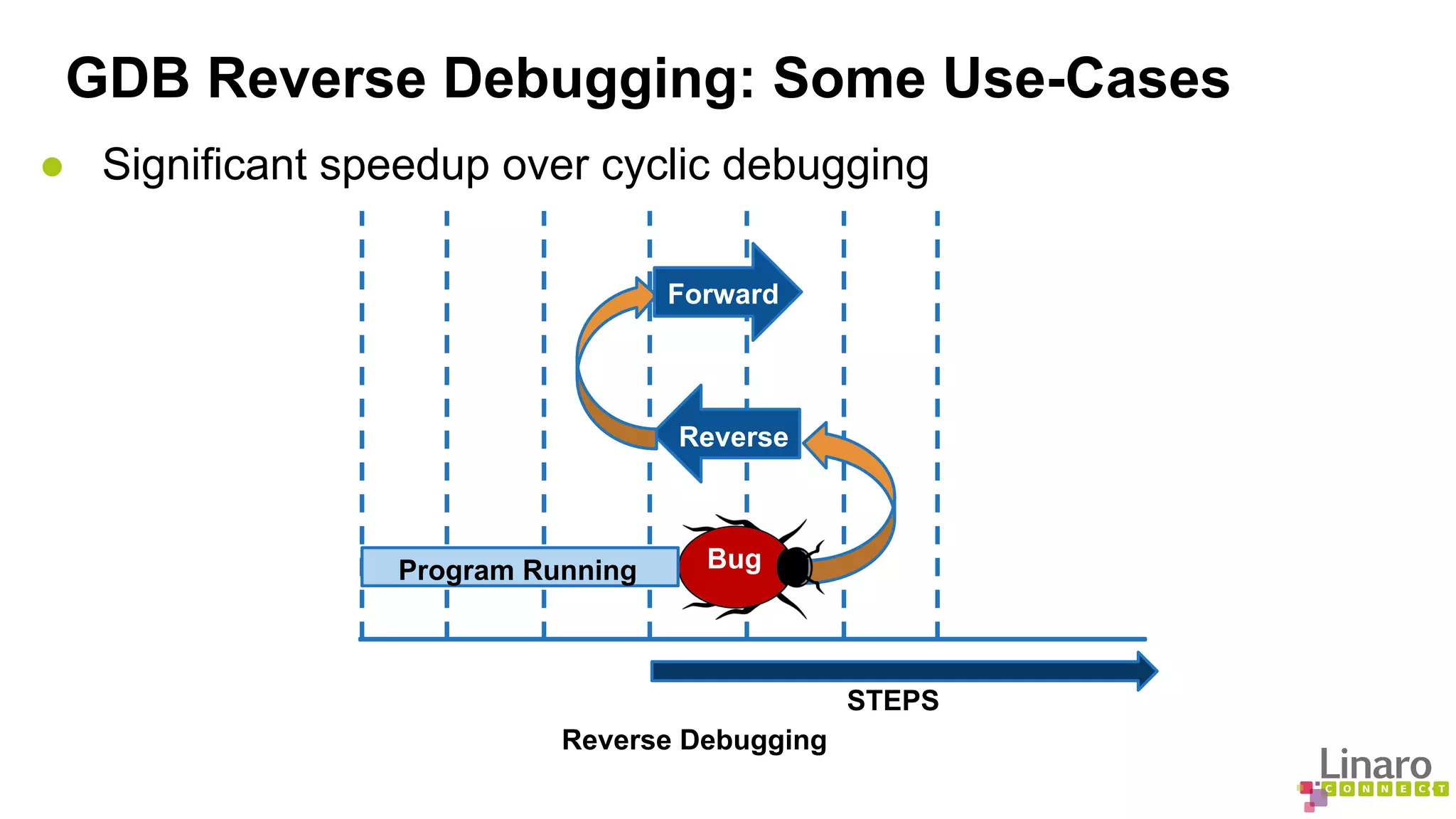
GDB Reverse Debugging: Some Use-Cases 
● Significant speedup over cyclic debugging 
STEPS 
Forward 
Reverse 
Bug 
Program Running 
Reverse Debugging
GDB Reverse Debugging: Some Use-Cases 
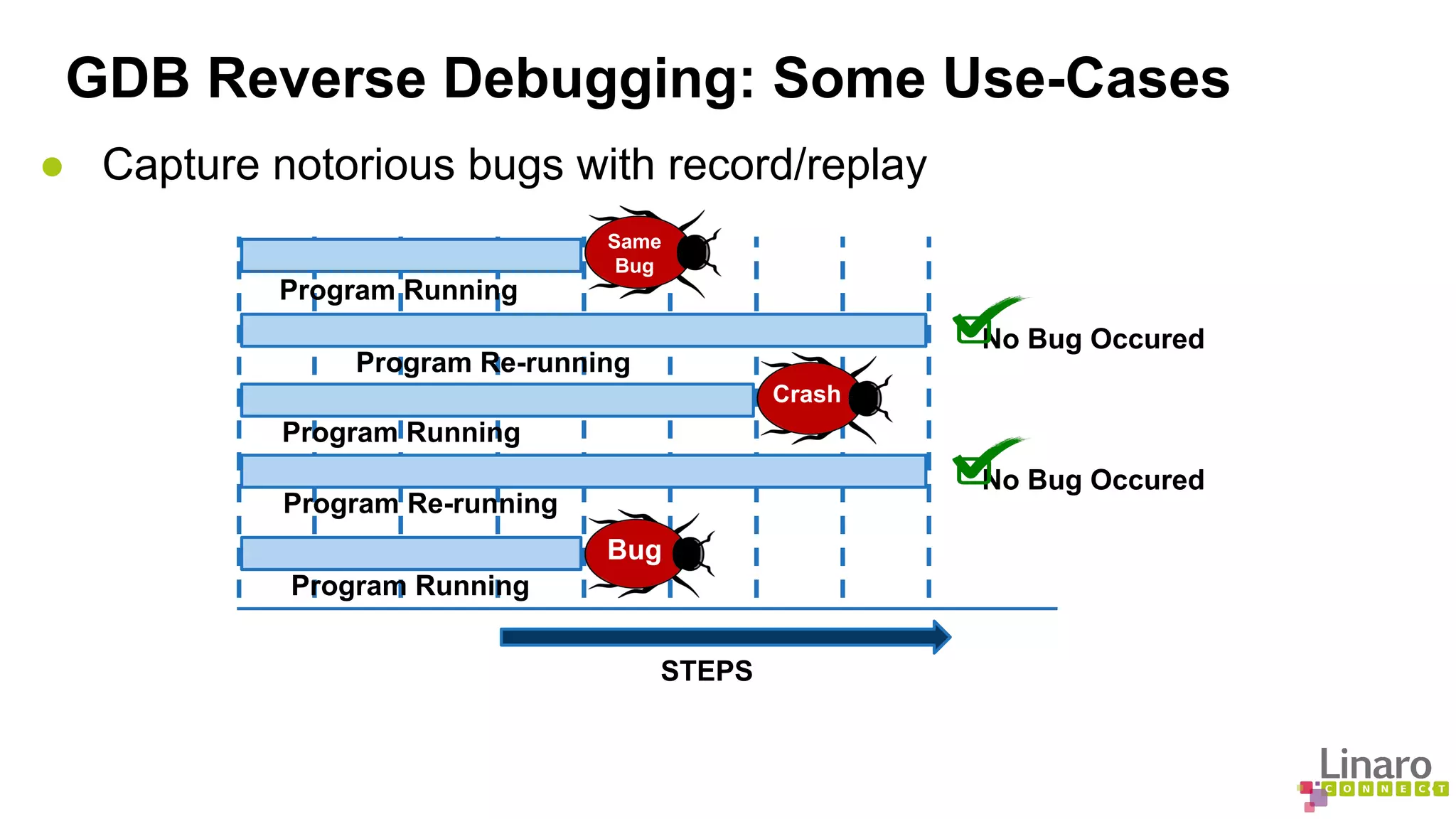
● Capture notorious bugs with record/replay 
Program Running 
Program Re-running 
Program Re-running 
STEPS 
No Bug Occured 
Program Running 
No Bug Occured 
Bug 
Crash 
Same 
Bug 
Program Running
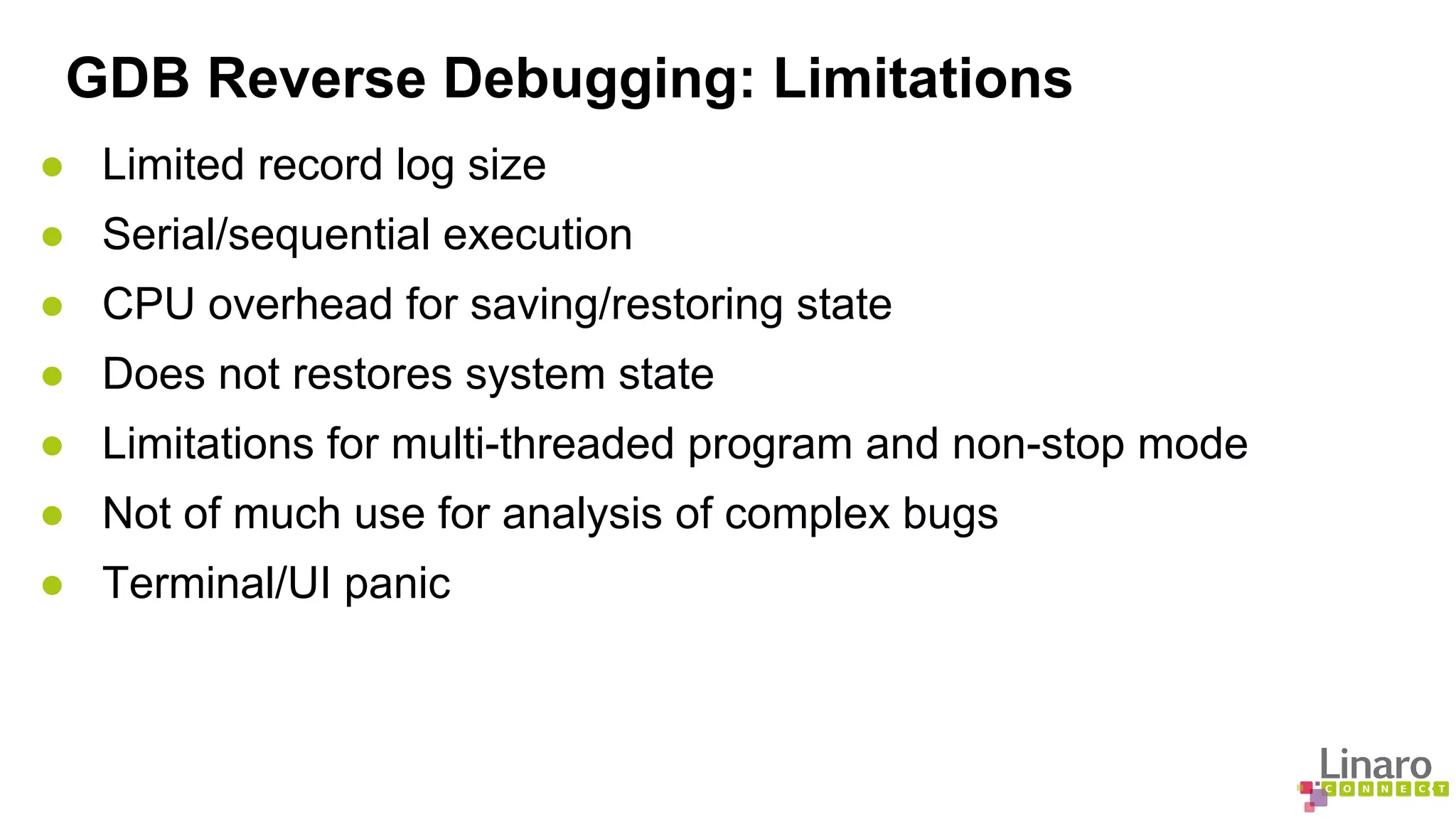
GDB Reverse Debugging: Limitations 
● Limited record log size 
● Serial/sequential execution 
● CPU overhead for saving/restoring state 
● Does not restores system state 
● Limitations for multi-threaded program and non-stop mode 
● Not of much use for analysis of complex bugs 
● Terminal/UI panic
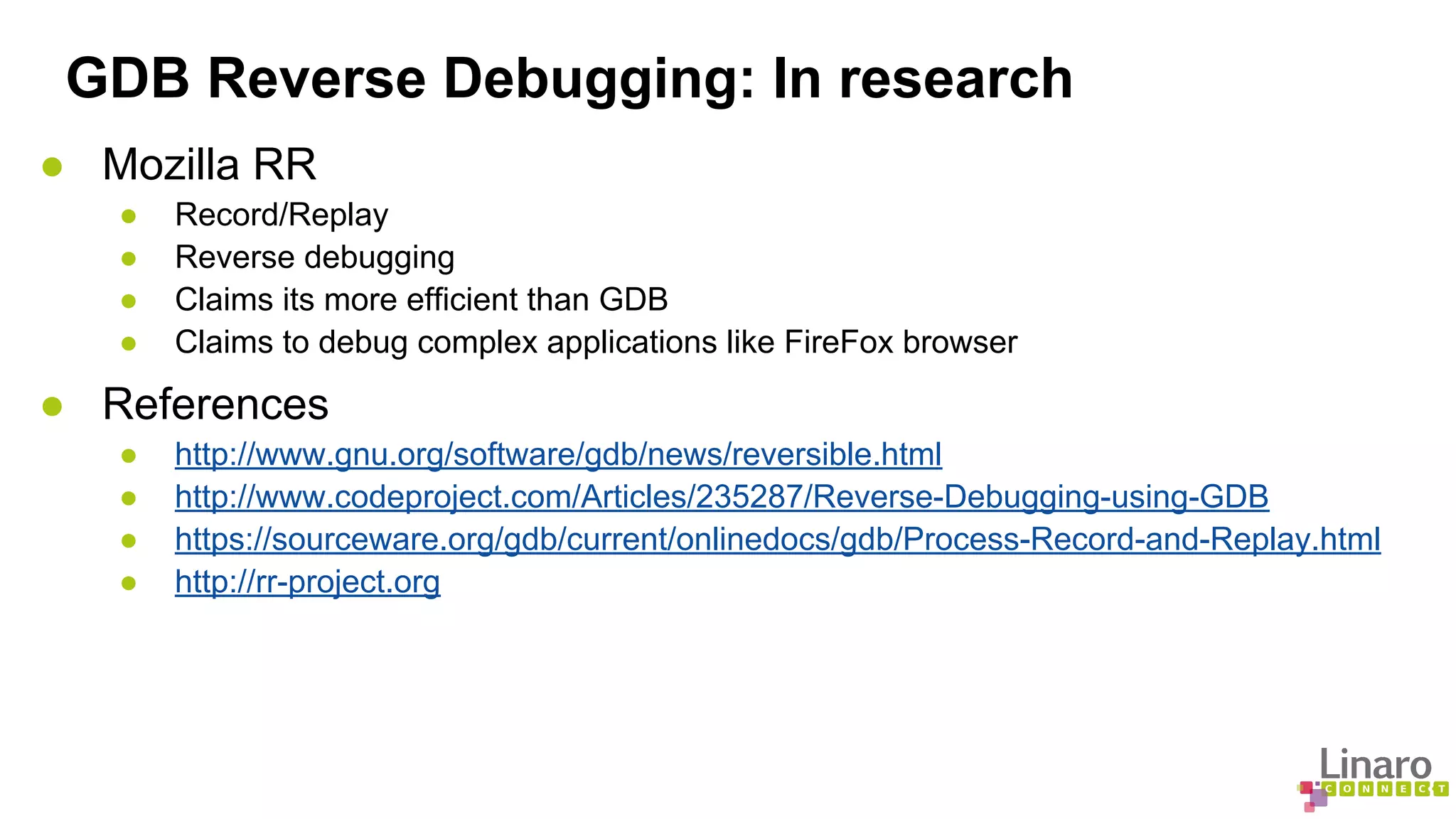
GDB Reverse Debugging: In research 
● Mozilla RR 
● Record/Replay 
● Reverse debugging 
● Claims its more efficient than GDB 
● Claims to debug complex applications like FireFox browser 
● References 
● http://www.gnu.org/software/gdb/news/reversible.html 
● http://www.codeproject.com/Articles/235287/Reverse-Debugging-using-GDB 
● https://sourceware.org/gdb/current/onlinedocs/gdb/Process-Record-and-Replay.html 
● http://rr-project.org
More about Linaro Connect: connect.linaro.org 
Linaro members: www.linaro.org/members 
More about Linaro: www.linaro.org/about/
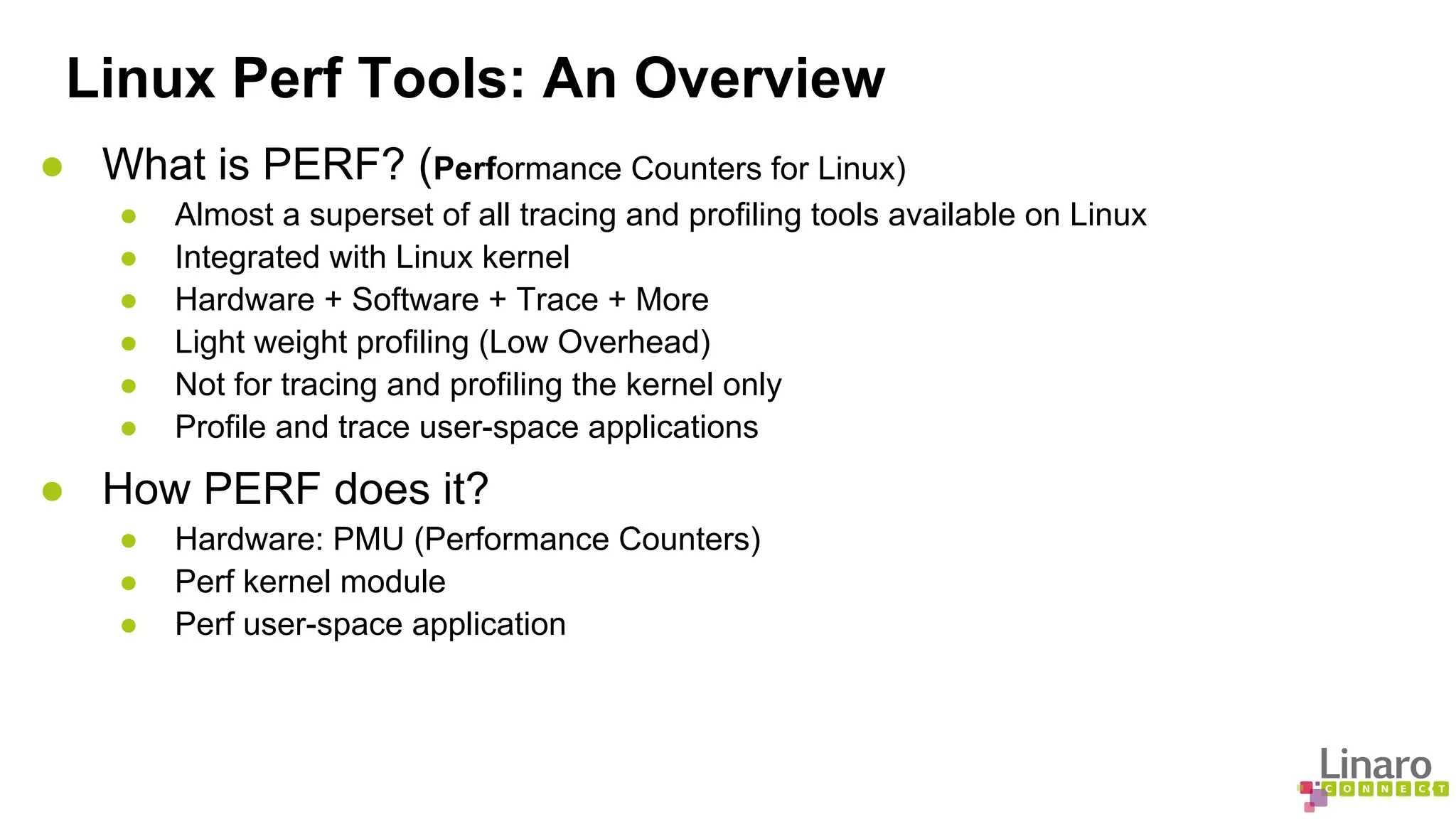
Linux Perf Tools: An Overview 
● What is PERF? (Performance Counters for Linux) 
● Almost a superset of all tracing and profiling tools available on Linux 
● Integrated with Linux kernel 
● Hardware + Software + Trace + More 
● Light weight profiling (Low Overhead) 
● Not for tracing and profiling the kernel only 
● Profile and trace user-space applications 
● How PERF does it? 
● Hardware: PMU (Performance Counters) 
● Perf kernel module 
● Perf user-space application
Linux Perf Tools: What perf can do for you... 
● Why 
● Your app or kernel consuming CPU? 
● Your application is starving for CPU? 
● Certain threads holding onto locks? 
● Which 
● Part of kernel/application code causing cache misses? 
● Application consuming memory? 
● What 
● has caused driver performance downgrade? 
● is average syscall handling overhead? 
● cpu and memory optimizations are possible in your code? 
● And a lot more...
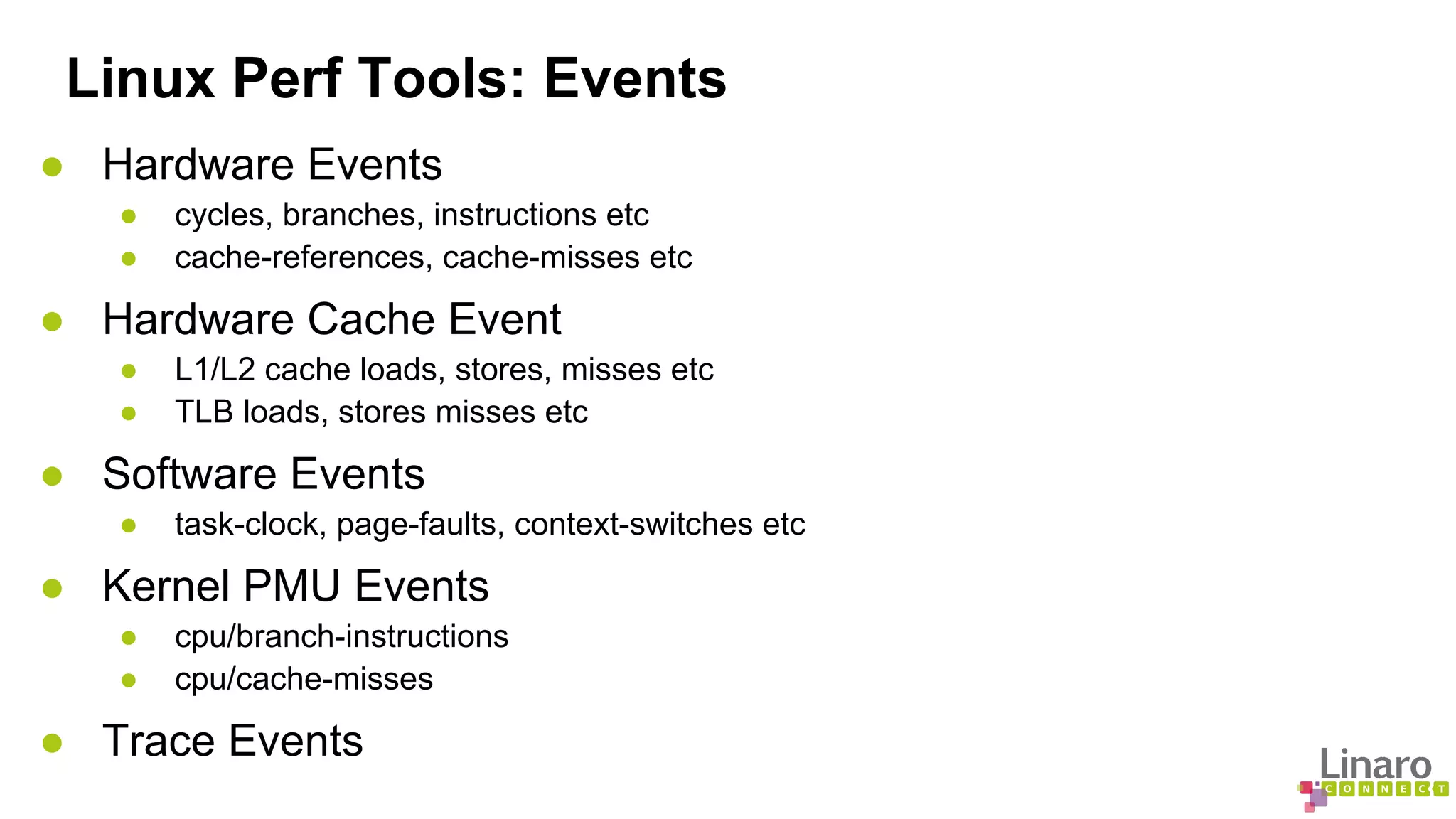
Linux Perf Tools: Events 
● Hardware Events 
● cycles, branches, instructions etc 
● cache-references, cache-misses etc 
● Hardware Cache Event 
● L1/L2 cache loads, stores, misses etc 
● TLB loads, stores misses etc 
● Software Events 
● task-clock, page-faults, context-switches etc 
● Kernel PMU Events 
● cpu/branch-instructions 
● cpu/cache-misses 
● Trace Events
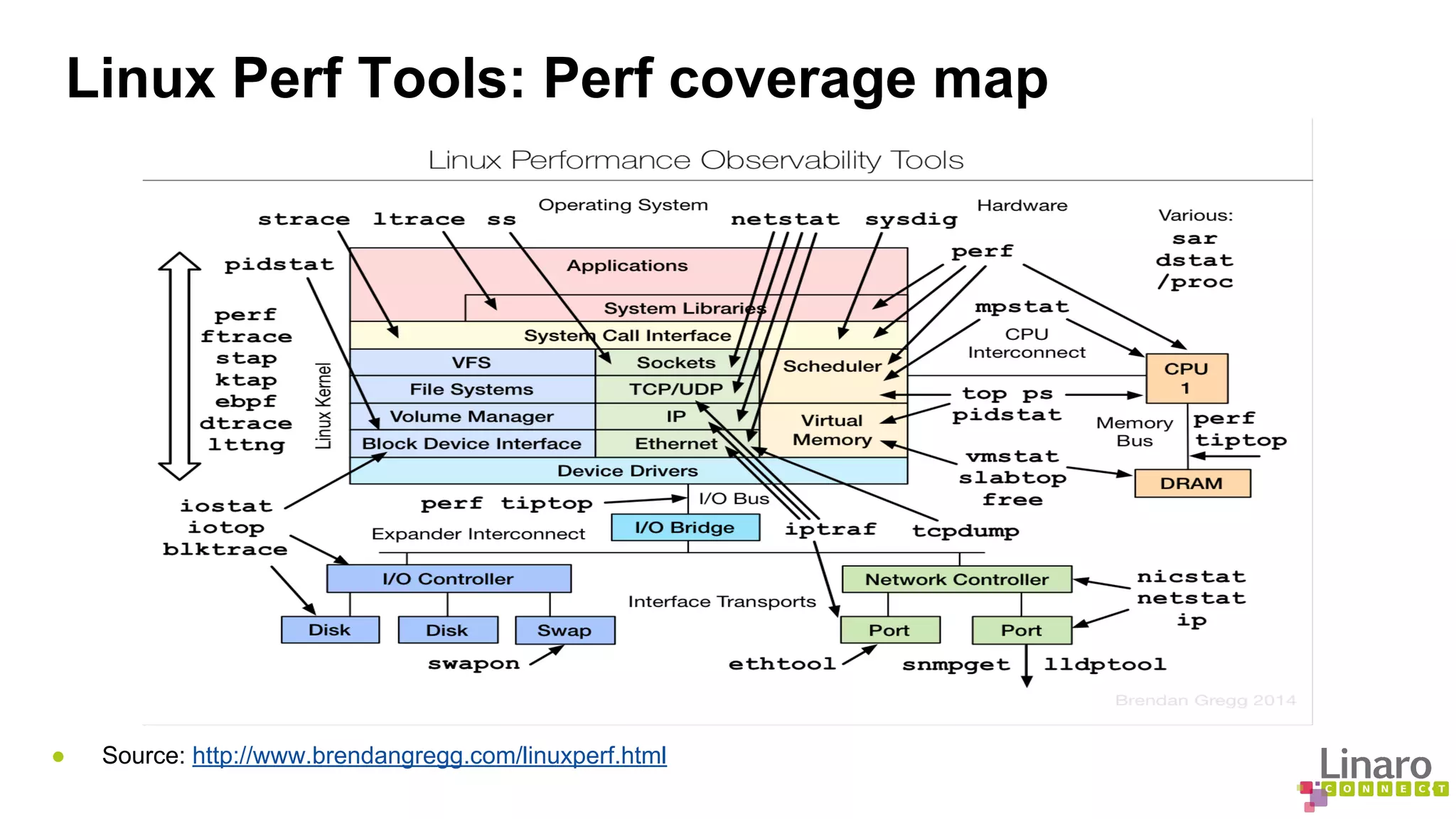
Linux Perf Tools: Perf coverage map 
● Source: http://www.brendangregg.com/linuxperf.html
Linux Perf Tools: User Interface (Commands) 
● Perf Installation on Ubuntu 
● apt-get install linux-tools 
● Commandline tools under perf 
● record: Run a command and record its profile into perf.data 
● report: Read perf.data (created by perf record) and display profile 
● lock: Analyze lock events 
● mem: Profile memory accesses 
● timechart: Tool to visualize total system behavior during a workload 
● top: System profiling tool 
● trace: strace inspired tool 
● probe: Define new dynamic tracepoints 
● kmem: Tool to trace/measure kernel memory(slab) properties 
● Write “perf” on commandline to get full list
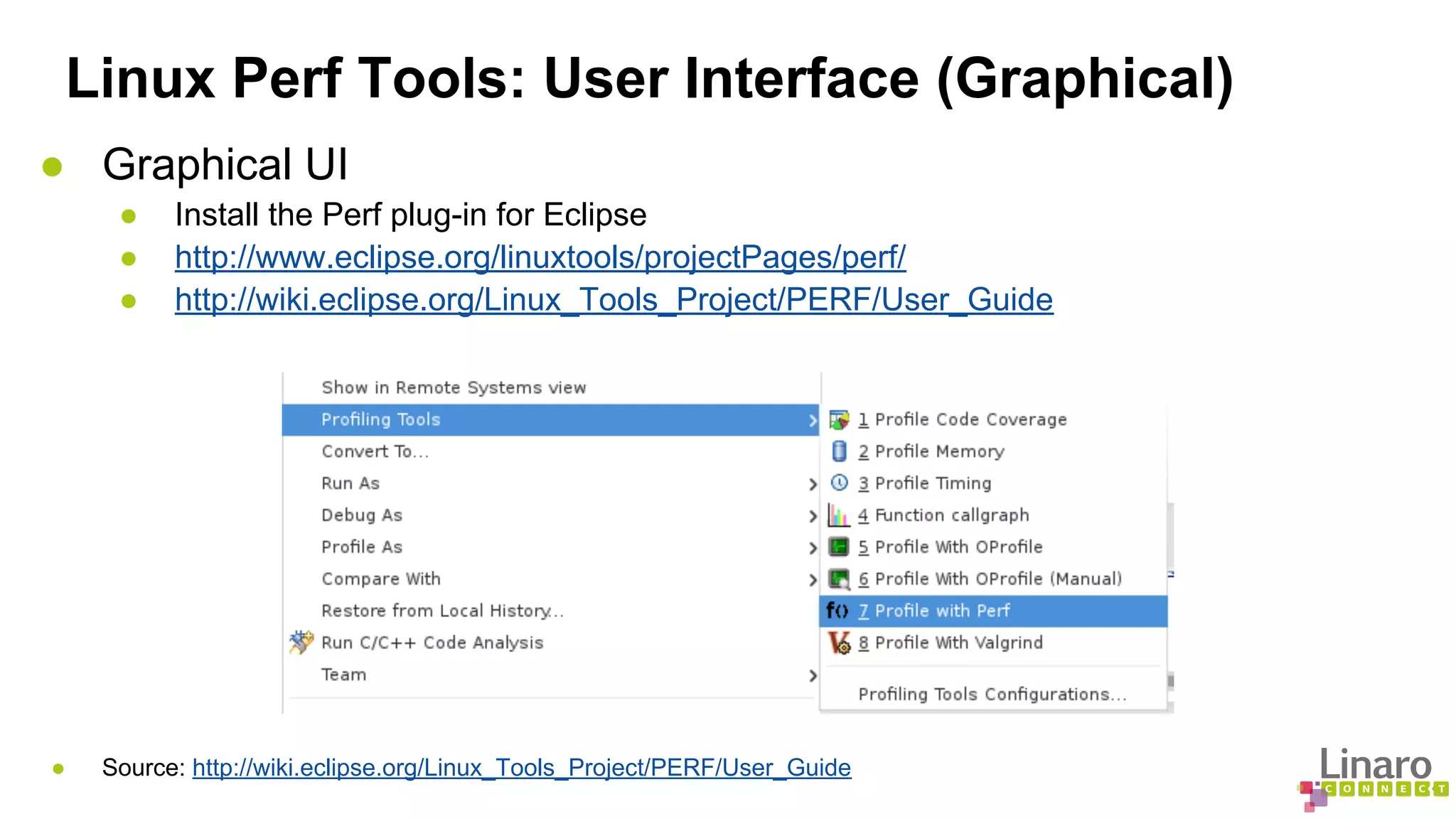
Linux Perf Tools: User Interface (Graphical) 
● Graphical UI 
● Install the Perf plug-in for Eclipse 
● http://www.eclipse.org/linuxtools/projectPages/perf/ 
● http://wiki.eclipse.org/Linux_Tools_Project/PERF/User_Guide 
● Source: http://wiki.eclipse.org/Linux_Tools_Project/PERF/User_Guide
Linux Perf Tools: Sampling and analysis 
● perf record 
● perf record [options] [commandline] [arguments] 
● Generates an output file called perf.data 
● perf report 
● reads perf.data 
● generates a concise execution profile 
● perf annotate 
● Performs source level analysis 
● Binary should be compiled with debug info 
● List all raw events 
● perf script (from perf.data by default)
Linux Perf Tools: Monitoring 
● Counting events 
● perf stat [application] [argument] 
● Keeps a event count during process execution 
● Displays a common list of events by default 
● Can count specific events 
● Both user and kernel level code 
● Real-time monitoring: Perf Top 
● “perf top” prints sampled functions in real time 
● Configurable but shows all CPUs by default 
● Shows user-level as well as kernel functions 
● Show system calls by process, refreshing every 2 seconds 
● perf top -e raw_syscalls:sys_enter -ns comm
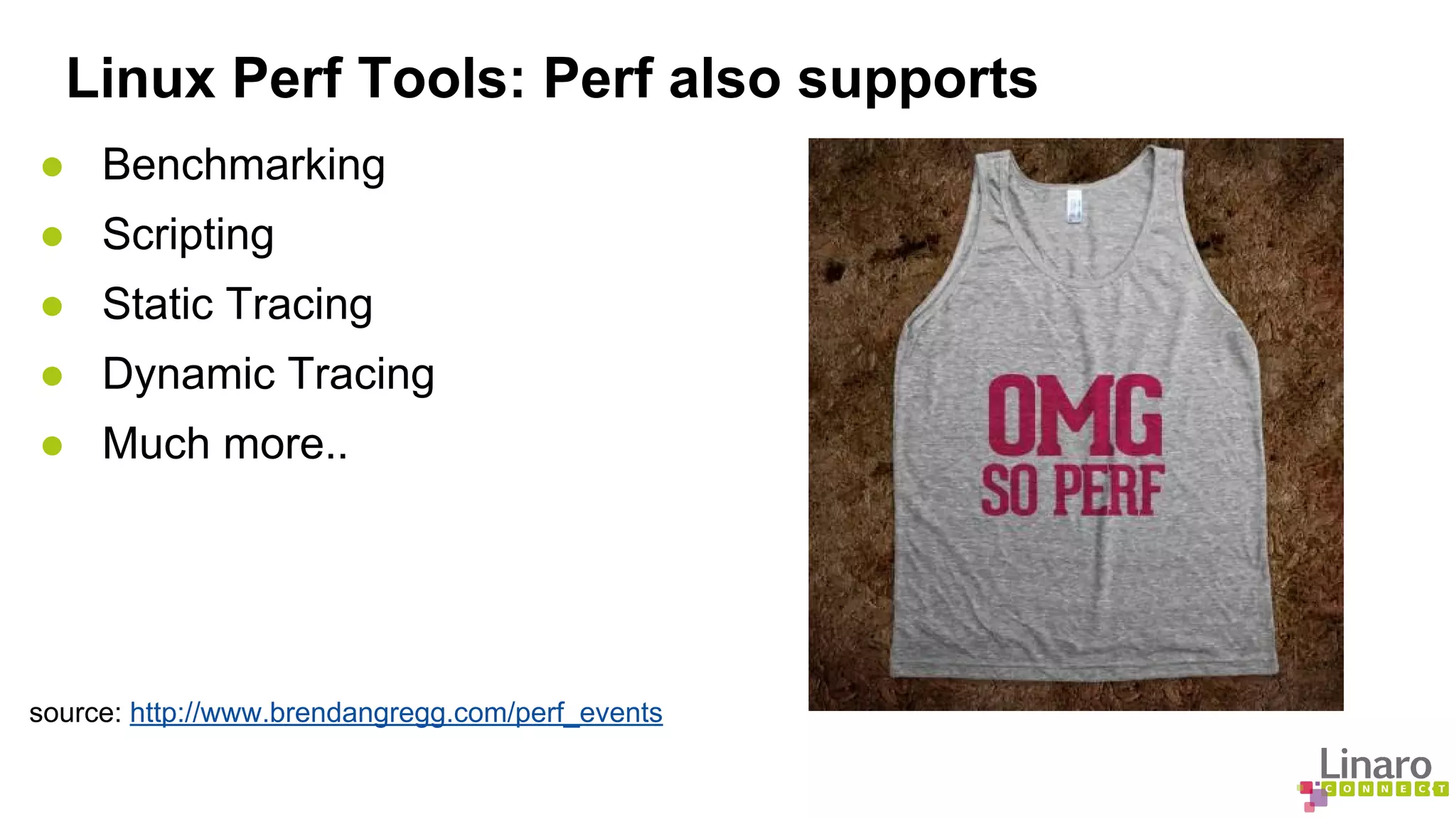
Linux Perf Tools: Perf also supports 
● Benchmarking 
● Scripting 
● Static Tracing 
● Dynamic Tracing 
● Much more.. 
source: http://www.brendangregg.com/perf_events
Linux Perf Tools: Concluding.. 
● Some other tools 
● LTTNG 
● SystemTAP 
● gprof 
● Perfctr 
● oprofile 
● Sysprof 
● Dtrace 
● References 
● http://www.brendangregg.com/perf.html 
● https://perf.wiki.kernel.org/index.php/Tutorial 
● https://perf.wiki.kernel.org/index.php/Main_Page
More about Linaro Connect: connect.linaro.org 
Linaro members: www.linaro.org/members 
More about Linaro: www.linaro.org/about/
Prelink: Some background first... 
● Dynamic vs Static Linking 
● Significantly reduced binary size 
● Library code shared and updated without recompile 
● But run time address calculation overhead 
● More libraries means higher startup time 
● Address binding to a fixed address: Not a good idea!! 
● Overhead burden increases with frequent load/un-load 
● Preload 
● Load ahead of time based on frequency of use 
● A daemon that runs in background 
● Useful with frequently run program 
● Requires constant extra space in memory 
● Not for apps that are not unloaded frequently 
● Caching may be doing the same already
Prelink: What it is? 
● Speeds up application load time 
● By reducing dynamic linking overhead 
● But only for library dependent application like KDE, QT etc 
● Pre-calculate dependencies 
● Load libraries to preferred addresses 
● Revert to dynamic linking if prelink fails.
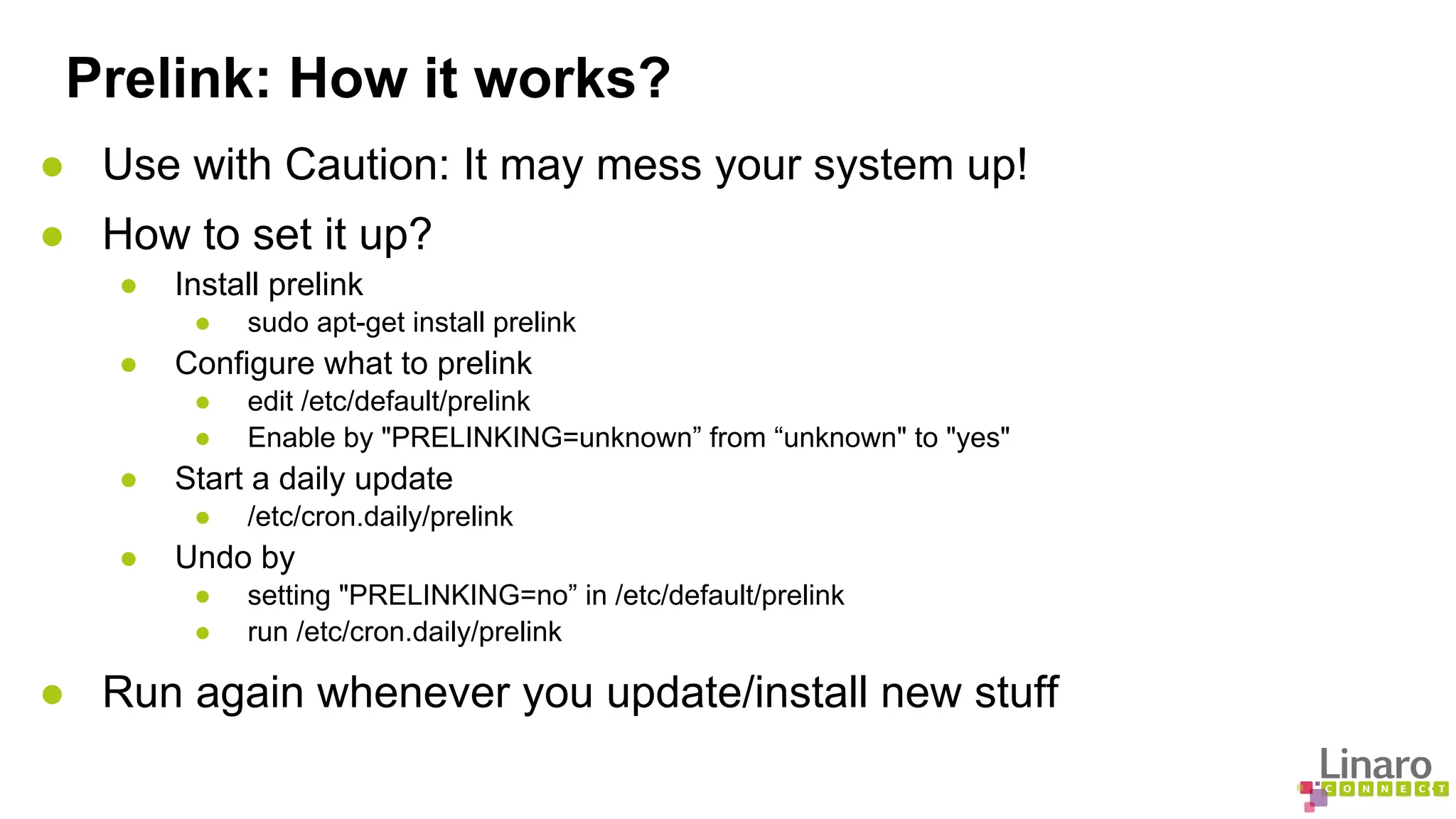
Prelink: How it works? 
● Use with Caution: It may mess your system up! 
● How to set it up? 
● Install prelink 
● sudo apt-get install prelink 
● Configure what to prelink 
● edit /etc/default/prelink 
● Enable by "PRELINKING=unknown” from “unknown" to "yes" 
● Start a daily update 
● /etc/cron.daily/prelink 
● Undo by 
● setting "PRELINKING=no” in /etc/default/prelink 
● run /etc/cron.daily/prelink 
● Run again whenever you update/install new stuff
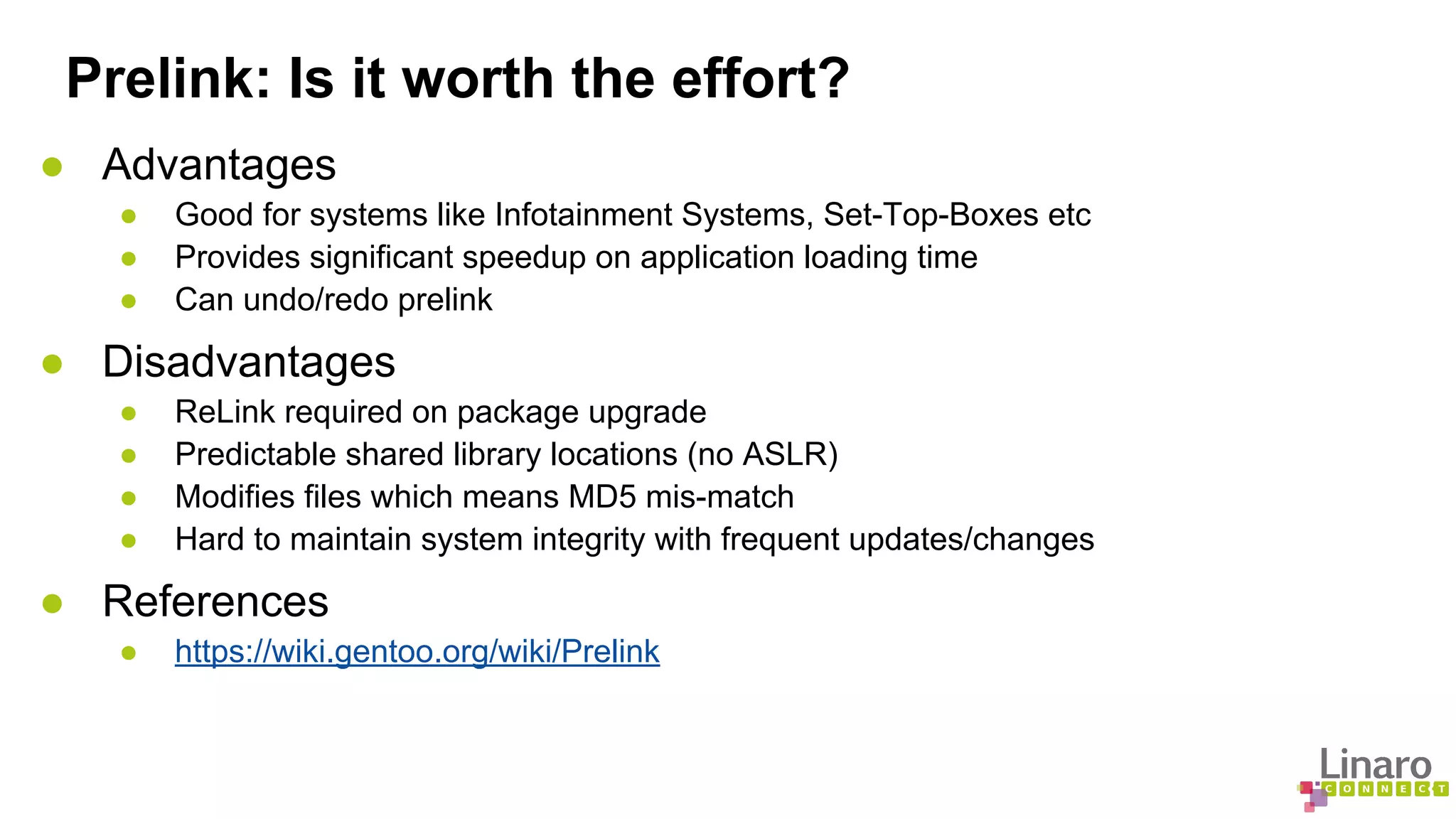
Prelink: Is it worth the effort? 
● Advantages 
● Good for systems like Infotainment Systems, Set-Top-Boxes etc 
● Provides significant speedup on application loading time 
● Can undo/redo prelink 
● Disadvantages 
● ReLink required on package upgrade 
● Predictable shared library locations (no ASLR) 
● Modifies files which means MD5 mis-match 
● Hard to maintain system integrity with frequent updates/changes 
● References 
● https://wiki.gentoo.org/wiki/Prelink
More about Linaro Connect: connect.linaro.org 
Linaro members: www.linaro.org/members 
More about Linaro: www.linaro.org/about/

LCU14 201- Binary Analysis Tools

  • 1.
    LCU14-201: Binary AnalysisTools C. Lyon & O. Javaid, LCU14 LCU14 BURLINGAME
  • 2.
    Binary analysis tools ● debug helpers: Sanitizers ● perf ● reverse debugging
  • 3.
    Sanitizers: what arethey? ● tools to help debug common programming errors ○ ASAN: AddressSanitizer ○ LSAN: LeakSanitizer ○ TSAN: ThreadSanitizer ○ MSAN: MemorySanitizer ○ UBSAN: UndefinedBehaviorSanitizer
  • 4.
    Sanitizers ● generateinstrumented code (unlike valgrind) ● errors are printed during execution ● use run-time libraries ○ override memory allocation functions ○ detect threads race conditions ● faster than valgrind
  • 5.
    Sanitizers: ASAN ●memory error detector ● use after free ● heap/stack/global buffers overflows ● use after return ● double free/invalid free ● typical slowdown: ~2x
  • 6.
    ASAN: how touse it ● -fsanitize=address compiler option ● interaction with gdb: ○ set a bkp on __asan_report_error or AsanDie ○ helper to describe a memory location ● run-time flags via ASAN_OPTIONS environment variable
  • 7.
    ASAN: example intmain(int argc, char **argv) { int *array = new int[100]; delete [] array; return array[argc]; // Use after free } $ g++ -g -fsanitize=address asan.cc -o asan.exe $ ./asan.exe ================================================================= ==21981==ERROR: AddressSanitizer: heap-use-after-free on address 0x61400000fe44 at pc 0x400834 bp 0x7fff631c2030 sp 0x7fff631c2028 READ of size 4 at 0x61400000fe44 thread T0 #0 0x400833 in main /tmp/asan.cc:4 #1 0x3a3ae1ecdc in __libc_start_main (/lib64/libc.so.6+0x3a3ae1ecdc) #2 0x4006b8 (/tmp/asan.exe+0x4006b8) 0x61400000fe44 is located 4 bytes inside of 400-byte region [0x61400000fe40,0x61400000ffd0) freed by thread T0 here: #0 0x7fa4b8268617 in operator delete[](void*) (/lib64/libasan.so.1+0x55617) #1 0x4007e7 in main /tmp/asan.cc:3 #2 0x3a3ae1ecdc in __libc_start_main (/lib64/libc.so.6+0x3a3ae1ecdc)
  • 8.
    Sanitizers: LSAN ●memory leak detector ● run-time ASAN option or -fsanitize=leak compiler option ● no slowdown added to ASAN
  • 9.
    LSAN: example #include<stdlib.h> void *p; int main() { p = malloc(7); p = 0; // The memory is leaked here. return 0; } $ gcc -g -fsanitize=leak lsan.c -o lsan.exe $ ./lsan.exe ================================================================= ==24106==ERROR: LeakSanitizer: detected memory leaks Direct leak of 7 byte(s) in 1 object(s) allocated from: #0 0x7fb12ee5c218 in malloc (/lib64/liblsan.so.0+0xb218) #1 0x4006a5 in main /tmp/lsan.c:6 #2 0x3a3ae1ecdc in __libc_start_main (/lib64/libc.so.6+0x3a3ae1ecdc) SUMMARY: LeakSanitizer: 7 byte(s) leaked in 1 allocation(s).
  • 10.
    Sanitizers: TSAN ●data races detector ● similar to helgrind ● slowdown 5-15x ● -fsanitize=thread -fPIE -pie compiler options
  • 11.
    TSAN: example #include<pthread.h> #include <stdio.h> #include <string> #include <map> typedef std::map<std::string, std::string> map_t; void *threadfunc(void *p) { map_t& m = *(map_t*)p; m["foo"] = "bar"; return 0; } $ g++ -g -fsanitize=thread tsan.cc -o tsan.exe -pie -fPIE $ ./tsan.exe foo= ================== WARNING: ThreadSanitizer: data race (pid=24197) Read of size 1 at 0x7d080000efd8 by thread T1: int main() { map_t m; pthread_t t; pthread_create(&t, 0, threadfunc, &m); printf("foo=%sn", m["foo"].c_str()); pthread_join(t, 0); } #0 memcmp <null>:0 (libtsan.so.0+0x000000048e7d) #1 std::string::compare(std::string const&) const <null>:0 (libstdc++.so.6+0x0000000bd9a2) #2 std::less<std::string>::operator()(std::string const&, std::string const&) const /include/c++/4.9.0 /bits/stl_function.h:367 (tsan.exe+0x0000000018e3) #3 std::_Rb_tree<std::string, std::pair<std::string const, std::string>, std::_Select1st<std::pair<std::string const, std::string> >, std::less<std::string>, std::allocator<std::pair<std::string const, std::string> > >:: _M_lower_bound(std::_Rb_tree_node<std::pair<std::string const, std::string> >*, std::_Rb_tree_node<std::pair<std::
  • 12.
    Sanitizers: MSAN ●uninitialized memory reads detector ● much faster than valgrind
  • 13.
    Sanitizers: UBSAN ●undefined behavior checker ● -fsanitize=undefined compiler option
  • 14.
    UBSAN: examples #include<stdio.h> #include <limits.h> int main() { /* shift */ int i=1; int j=33; int k = i << j; /* division by 0 */ i = 1; j = 0; k = i / j; /* int_min / -1 */ i = INT_MIN; j = -1; k = i / j; /* null */ int *ptr = NULL; i = *ptr; /* signed int overflow */ i = INT_MAX; i++; } $ gcc -g -fsanitize=undefined ubsan.c -o ubsan.exe $ ./ubsan.exe ubsan.c:9:13: runtime error: shift exponent 33 is too large for 32-bit type 'int' ubsan.c:15:9: runtime error: division by zero ubsan.c:20:9: runtime error: division of -2147483648 by -1 cannot be represented in type 'int' ubsan.c:25:5: runtime error: load of null pointer of type 'int' ubsan.c:29:4: runtime error: signed integer overflow: 2147483647 + 1 cannot be represented in type 'int'
  • 15.
    Sanitizers: availability ●Developed by Google for LLVM ● Ported to GCC (on-going) ○ appeared in gcc-4.8 for x86_64 ○ enablement needed target by target ● TSAN needs 64 bit pointers ○ won’t be available on Aarch32
  • 16.
    Sanitizers: availability inGCC ASAN LSAN TSAN UBSAN i686 YES NO NO YES x86_64 YES YES YES YES AArch32 YES WONT[1] YES AArch64 YES[2] YES[2] MSAN is not available in GCC yet LLVW has more options available than GCC [1] TSAN requires 64 bit pointers [2] ASAN/UBSAN enablement patch on AArch64 submitted b/o September
  • 17.
    More about LinaroConnect: connect.linaro.org Linaro members: www.linaro.org/members More about Linaro: www.linaro.org/about/
  • 18.
    GDB Reverse Debugging:An Introduction ● What is gdb record/replay? ● Record execution state of a program - Sufficient for reproducing execution. ● Store recorded state in a core file ● Replay recorded execution state ● What is reverse debugging? ● Ability to debug program backwards ● Allows you to step/continue backward in time ● Allows you set reverse breakpoints/watchpoints ● Allows to revert to an earlier execution state ● Reverse debugging with record/replay ● Start recording your program during execution ● Debug forward and backward during recording ● Debug forward and backward with replay
  • 19.
    GDB Reverse Debugging:How It Works ● Forward vs Reverse ● Forward ● Operating system support for debugging - ptrace syscall (YES) ● Hardware support for debugging - Debug instructions, registers etc (YES) ● Hardware ability to trap, halt or break (YES) ● Reverse ● Going Back to future has its damages ● Operating System ability to reverse execution (NO) ● Hardware ability to go back in time (NO) ● What to do for reverse? ● Best possible reproduction of past execution state ● Process Data: Memory, Registers, Threads etc ● OS Data Structures: Processes, Threads etc ● Hardware State: Timing, cache, interrupts etc ● Maintain maximum possible cost benefit balance
  • 20.
    GDB Reverse Debugging:How It Works ● What? ● GDB needs ability to store machine state ● GDB needs ability to revert to a past state ● How? ● After an instruction is executed ● Record registers that were modified ● Record memory location that were changed ● Keep record data in an memory buffer ● Save to a core file if replay/reverse is needed ● Revert registers and memory to step backwards ● Load saved record by loading core file
  • 21.
    GDB Reverse Debugging:Commands Overview ● Reverse-Step (rs) ● Reverse-Continue (rc) ● Reverse-Finish ● Reverse-Next (rn) ● Reverse-Nexti ● Reverse-Stepi ● set exec-direction (forward/reverse) ● Break, Watch etc
  • 22.
    GDB Reverse Debugging:Eclipse CDT UI ● Configuration UI
  • 23.
    GDB Reverse Debugging:Eclipse CDT UI ● Run control UI
  • 24.
    GDB Reverse Debugging:Some Use-Cases ● Significant speedup over cyclic debugging STEPS Forward Reverse Bug Program Running Reverse Debugging
  • 25.
    GDB Reverse Debugging:Some Use-Cases ● Capture notorious bugs with record/replay Program Running Program Re-running Program Re-running STEPS No Bug Occured Program Running No Bug Occured Bug Crash Same Bug Program Running
  • 26.
    GDB Reverse Debugging:Limitations ● Limited record log size ● Serial/sequential execution ● CPU overhead for saving/restoring state ● Does not restores system state ● Limitations for multi-threaded program and non-stop mode ● Not of much use for analysis of complex bugs ● Terminal/UI panic
  • 27.
    GDB Reverse Debugging:In research ● Mozilla RR ● Record/Replay ● Reverse debugging ● Claims its more efficient than GDB ● Claims to debug complex applications like FireFox browser ● References ● http://www.gnu.org/software/gdb/news/reversible.html ● http://www.codeproject.com/Articles/235287/Reverse-Debugging-using-GDB ● https://sourceware.org/gdb/current/onlinedocs/gdb/Process-Record-and-Replay.html ● http://rr-project.org
  • 28.
    More about LinaroConnect: connect.linaro.org Linaro members: www.linaro.org/members More about Linaro: www.linaro.org/about/
  • 29.
    Linux Perf Tools:An Overview ● What is PERF? (Performance Counters for Linux) ● Almost a superset of all tracing and profiling tools available on Linux ● Integrated with Linux kernel ● Hardware + Software + Trace + More ● Light weight profiling (Low Overhead) ● Not for tracing and profiling the kernel only ● Profile and trace user-space applications ● How PERF does it? ● Hardware: PMU (Performance Counters) ● Perf kernel module ● Perf user-space application
  • 30.
    Linux Perf Tools:What perf can do for you... ● Why ● Your app or kernel consuming CPU? ● Your application is starving for CPU? ● Certain threads holding onto locks? ● Which ● Part of kernel/application code causing cache misses? ● Application consuming memory? ● What ● has caused driver performance downgrade? ● is average syscall handling overhead? ● cpu and memory optimizations are possible in your code? ● And a lot more...
  • 31.
    Linux Perf Tools:Events ● Hardware Events ● cycles, branches, instructions etc ● cache-references, cache-misses etc ● Hardware Cache Event ● L1/L2 cache loads, stores, misses etc ● TLB loads, stores misses etc ● Software Events ● task-clock, page-faults, context-switches etc ● Kernel PMU Events ● cpu/branch-instructions ● cpu/cache-misses ● Trace Events
  • 32.
    Linux Perf Tools:Perf coverage map ● Source: http://www.brendangregg.com/linuxperf.html
  • 33.
    Linux Perf Tools:User Interface (Commands) ● Perf Installation on Ubuntu ● apt-get install linux-tools ● Commandline tools under perf ● record: Run a command and record its profile into perf.data ● report: Read perf.data (created by perf record) and display profile ● lock: Analyze lock events ● mem: Profile memory accesses ● timechart: Tool to visualize total system behavior during a workload ● top: System profiling tool ● trace: strace inspired tool ● probe: Define new dynamic tracepoints ● kmem: Tool to trace/measure kernel memory(slab) properties ● Write “perf” on commandline to get full list
  • 34.
    Linux Perf Tools:User Interface (Graphical) ● Graphical UI ● Install the Perf plug-in for Eclipse ● http://www.eclipse.org/linuxtools/projectPages/perf/ ● http://wiki.eclipse.org/Linux_Tools_Project/PERF/User_Guide ● Source: http://wiki.eclipse.org/Linux_Tools_Project/PERF/User_Guide
  • 35.
    Linux Perf Tools:Sampling and analysis ● perf record ● perf record [options] [commandline] [arguments] ● Generates an output file called perf.data ● perf report ● reads perf.data ● generates a concise execution profile ● perf annotate ● Performs source level analysis ● Binary should be compiled with debug info ● List all raw events ● perf script (from perf.data by default)
  • 36.
    Linux Perf Tools:Monitoring ● Counting events ● perf stat [application] [argument] ● Keeps a event count during process execution ● Displays a common list of events by default ● Can count specific events ● Both user and kernel level code ● Real-time monitoring: Perf Top ● “perf top” prints sampled functions in real time ● Configurable but shows all CPUs by default ● Shows user-level as well as kernel functions ● Show system calls by process, refreshing every 2 seconds ● perf top -e raw_syscalls:sys_enter -ns comm
  • 37.
    Linux Perf Tools:Perf also supports ● Benchmarking ● Scripting ● Static Tracing ● Dynamic Tracing ● Much more.. source: http://www.brendangregg.com/perf_events
  • 38.
    Linux Perf Tools:Concluding.. ● Some other tools ● LTTNG ● SystemTAP ● gprof ● Perfctr ● oprofile ● Sysprof ● Dtrace ● References ● http://www.brendangregg.com/perf.html ● https://perf.wiki.kernel.org/index.php/Tutorial ● https://perf.wiki.kernel.org/index.php/Main_Page
  • 39.
    More about LinaroConnect: connect.linaro.org Linaro members: www.linaro.org/members More about Linaro: www.linaro.org/about/
  • 40.
    Prelink: Some backgroundfirst... ● Dynamic vs Static Linking ● Significantly reduced binary size ● Library code shared and updated without recompile ● But run time address calculation overhead ● More libraries means higher startup time ● Address binding to a fixed address: Not a good idea!! ● Overhead burden increases with frequent load/un-load ● Preload ● Load ahead of time based on frequency of use ● A daemon that runs in background ● Useful with frequently run program ● Requires constant extra space in memory ● Not for apps that are not unloaded frequently ● Caching may be doing the same already
  • 41.
    Prelink: What itis? ● Speeds up application load time ● By reducing dynamic linking overhead ● But only for library dependent application like KDE, QT etc ● Pre-calculate dependencies ● Load libraries to preferred addresses ● Revert to dynamic linking if prelink fails.
  • 42.
    Prelink: How itworks? ● Use with Caution: It may mess your system up! ● How to set it up? ● Install prelink ● sudo apt-get install prelink ● Configure what to prelink ● edit /etc/default/prelink ● Enable by "PRELINKING=unknown” from “unknown" to "yes" ● Start a daily update ● /etc/cron.daily/prelink ● Undo by ● setting "PRELINKING=no” in /etc/default/prelink ● run /etc/cron.daily/prelink ● Run again whenever you update/install new stuff
  • 43.
    Prelink: Is itworth the effort? ● Advantages ● Good for systems like Infotainment Systems, Set-Top-Boxes etc ● Provides significant speedup on application loading time ● Can undo/redo prelink ● Disadvantages ● ReLink required on package upgrade ● Predictable shared library locations (no ASLR) ● Modifies files which means MD5 mis-match ● Hard to maintain system integrity with frequent updates/changes ● References ● https://wiki.gentoo.org/wiki/Prelink
  • 44.
    More about LinaroConnect: connect.linaro.org Linaro members: www.linaro.org/members More about Linaro: www.linaro.org/about/