Large-scale projects
   development
     Alexey Rybak, Badoo


     Devconf, 10 june 2012
Who am I?
• developer/manager/director roles in

                      2005 - …
                     2004 - 2005
                     and others,
                     1999 - 2004

• this tutorial – hobby educational
project since 2006
Rate yourself, please
•   Worked primarily on one-server or
    shared hosting systems, want to know
    basics of large-scale architectures and
    scaling techniques
•   Already have several servers in
    production, want to know how to grow on
•   Know all the things more or less, just
    want to systematize my knowledge and get
    answers to particular questions
Few more introductory words

• Technology stack – LAMP
• Most of problems have
  fundamental, stack-independent
  nature
• Interrupt, ask questions
• Is flipchart visible? We will have
  several flipchart sessions
Tutorial schedule
•   Introduction: values & principals
•   Web/applications and cache tiers
•   Databases, sharding
•   Queues
•   Lean production: measuring
•   Questions session (min. 1 hour)
1. Introduction: values and principals
Why values?
• next message is for developers
• already worked in big projects? you know this
• no? please, open your mind
• something may sound wrong
• while it’s sad but true
In large-scale projects
• programming as writing code matters less
• system design is the key
• system design is not about
   • patterns
   • classes
   • modules
   • API …
   • not about any writing code practice or
   code design
System design
• putting various components together
• software and hardware
• most of components are “ready”
• know these components
• more engineering
• less traditional “programming”
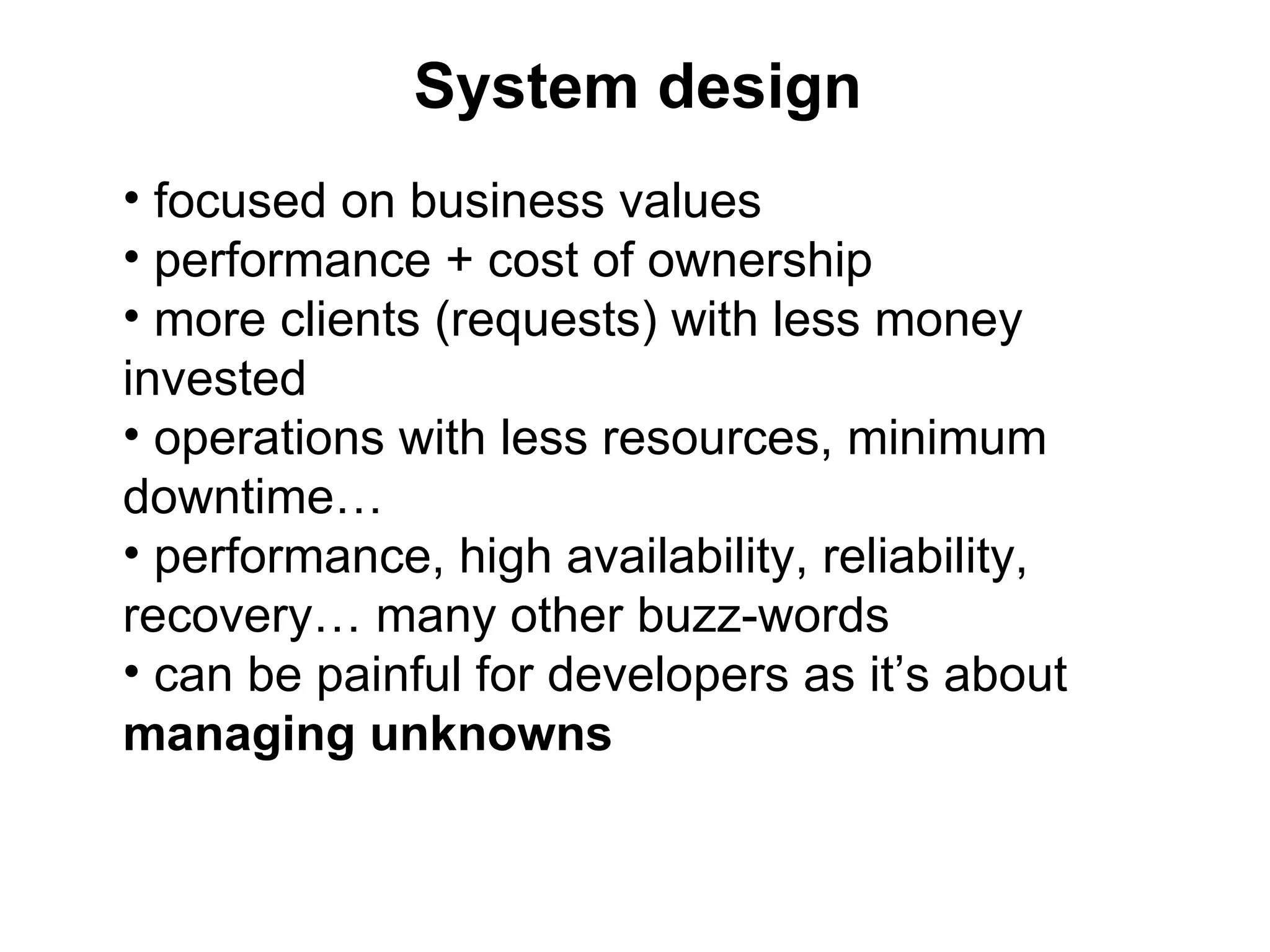
System design
• focused on business values
• performance + cost of ownership
• more clients (requests) with less money
invested
• operations with less resources, minimum
downtime…
• performance, high availability, reliability,
recovery… many other buzz-words
• can be painful for developers as it’s about
managing unknowns
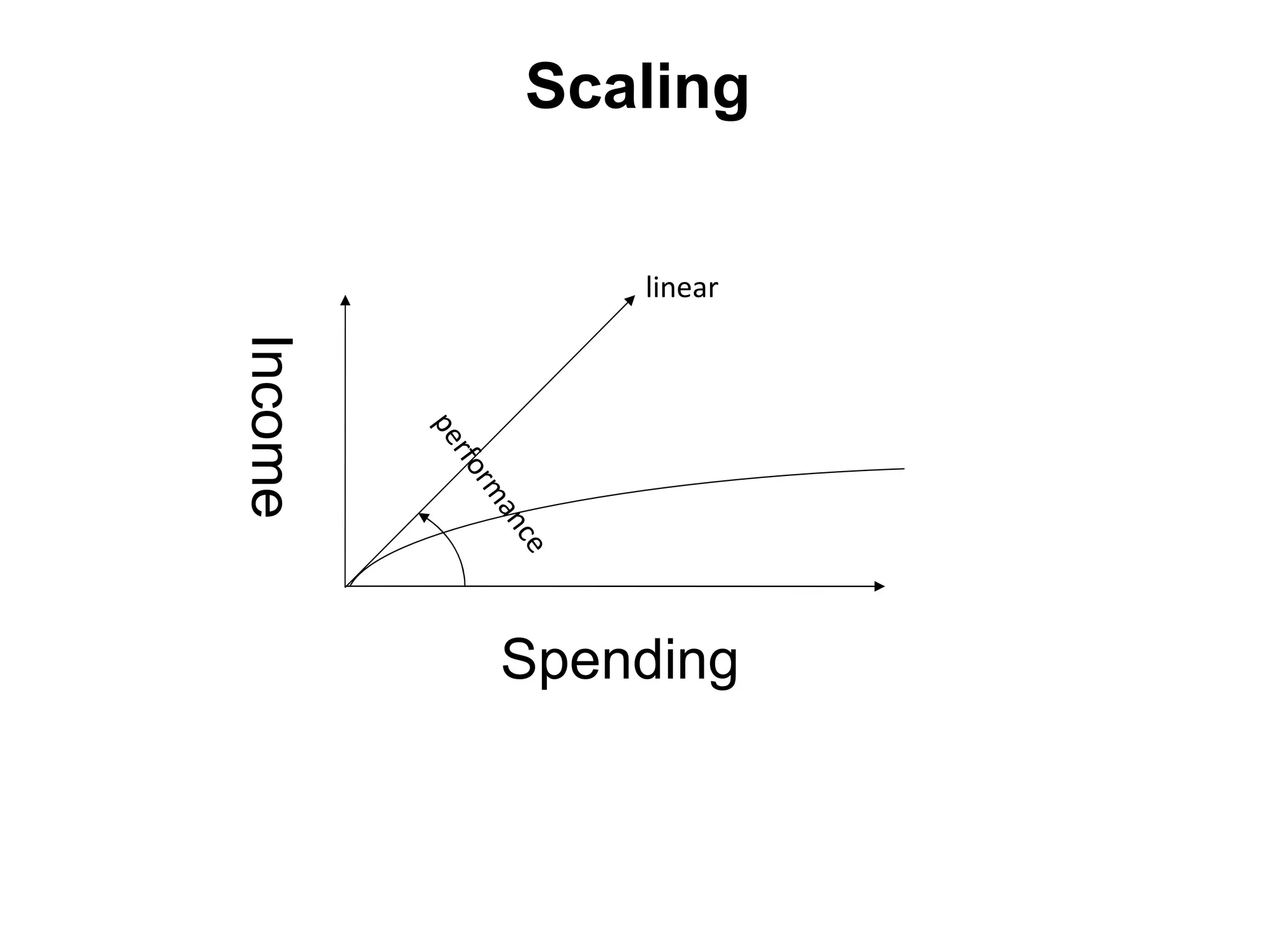
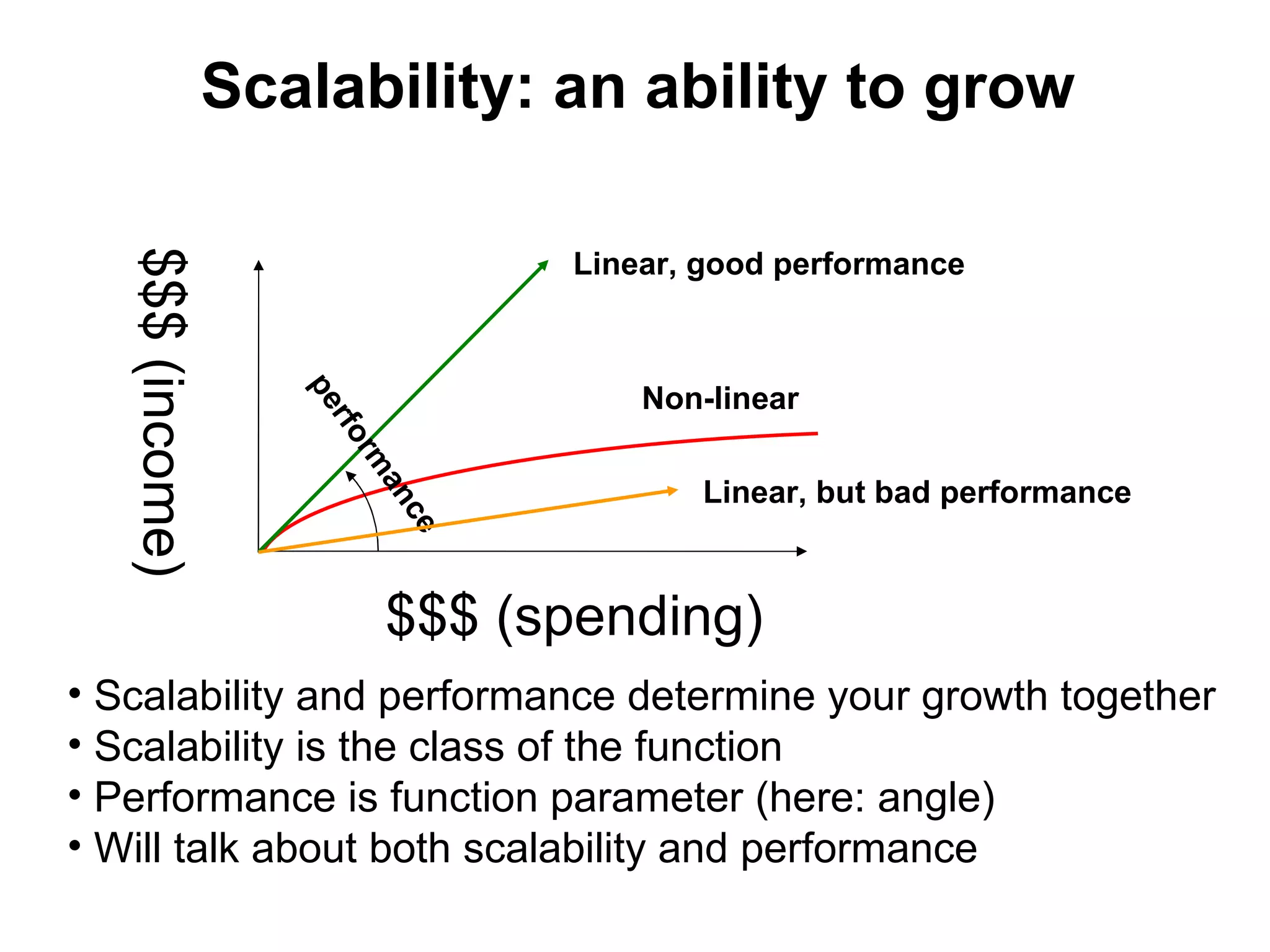
Scalability: an ability to grow

                                    Linear, good performance
   $$$ (income)


                                        Non-linear
                     pe
                      rfo
                          rm


                                           Linear, but bad performance
                            an
                               ce


                            $$$ (spending)
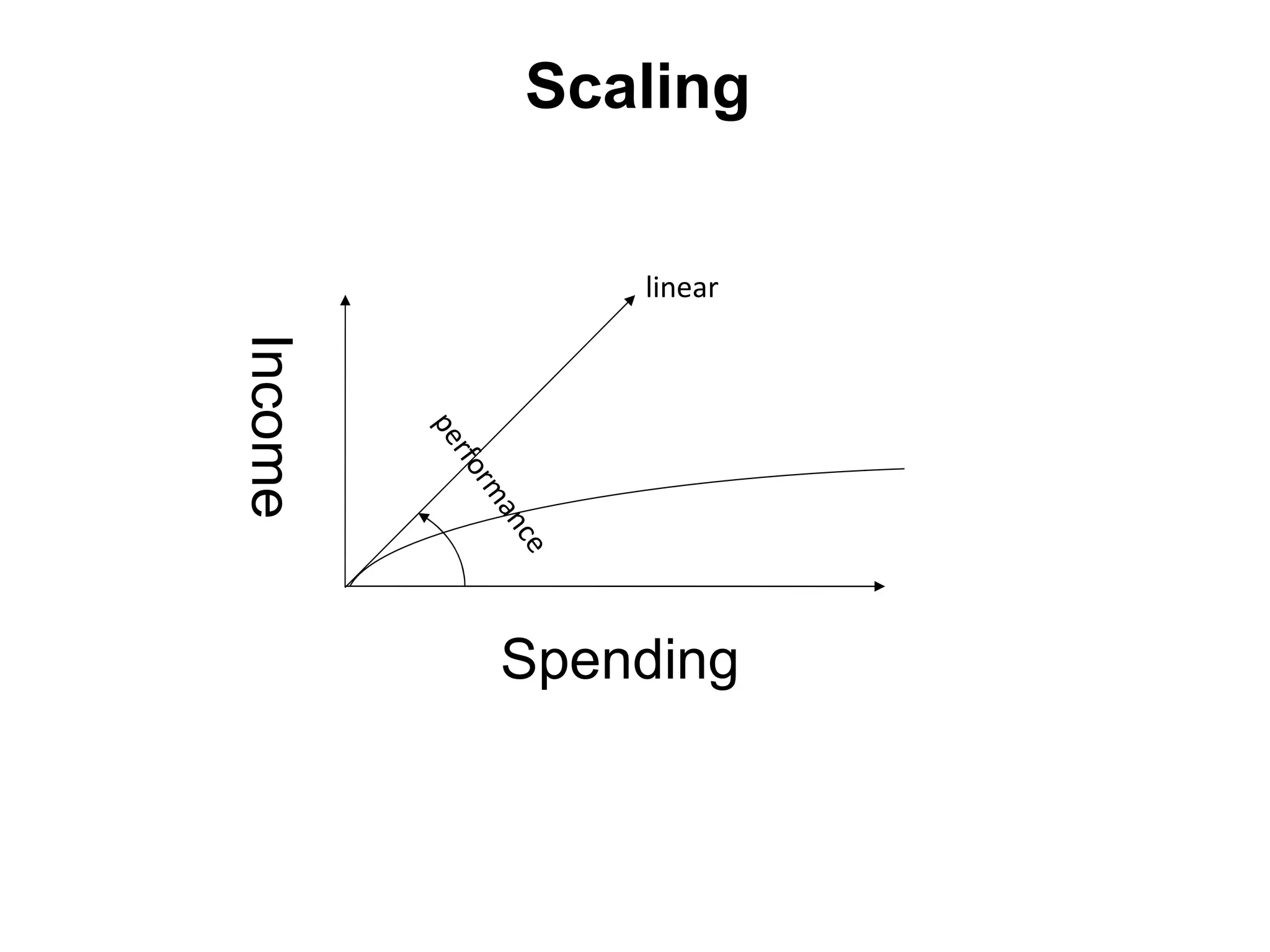
• Scalability and performance determine your growth together
• Scalability is the class of the function
• Performance is function parameter (here: angle)
• Will talk about both scalability and performance
Scaling
• vertical: scale in (improving hardware)
• horizontal: scale out (adding boxes)
• components coupling matters
• key to horizontal scaling is weak coupling
between subsystems (share nothing =
weak/loose coupling)
Queueing theory
• Just to introduce basic models
• Massive flow of random requests:
   • Telecommunications
   • call-centers
   • supermarkets
   • filling (gas) stations
   • airports
   • fast-food
   • Disneyland...
   • and internet projects
• Started by A. K. Erlang, «The Theory of
Probabilities and Telephone conversations»,
1909
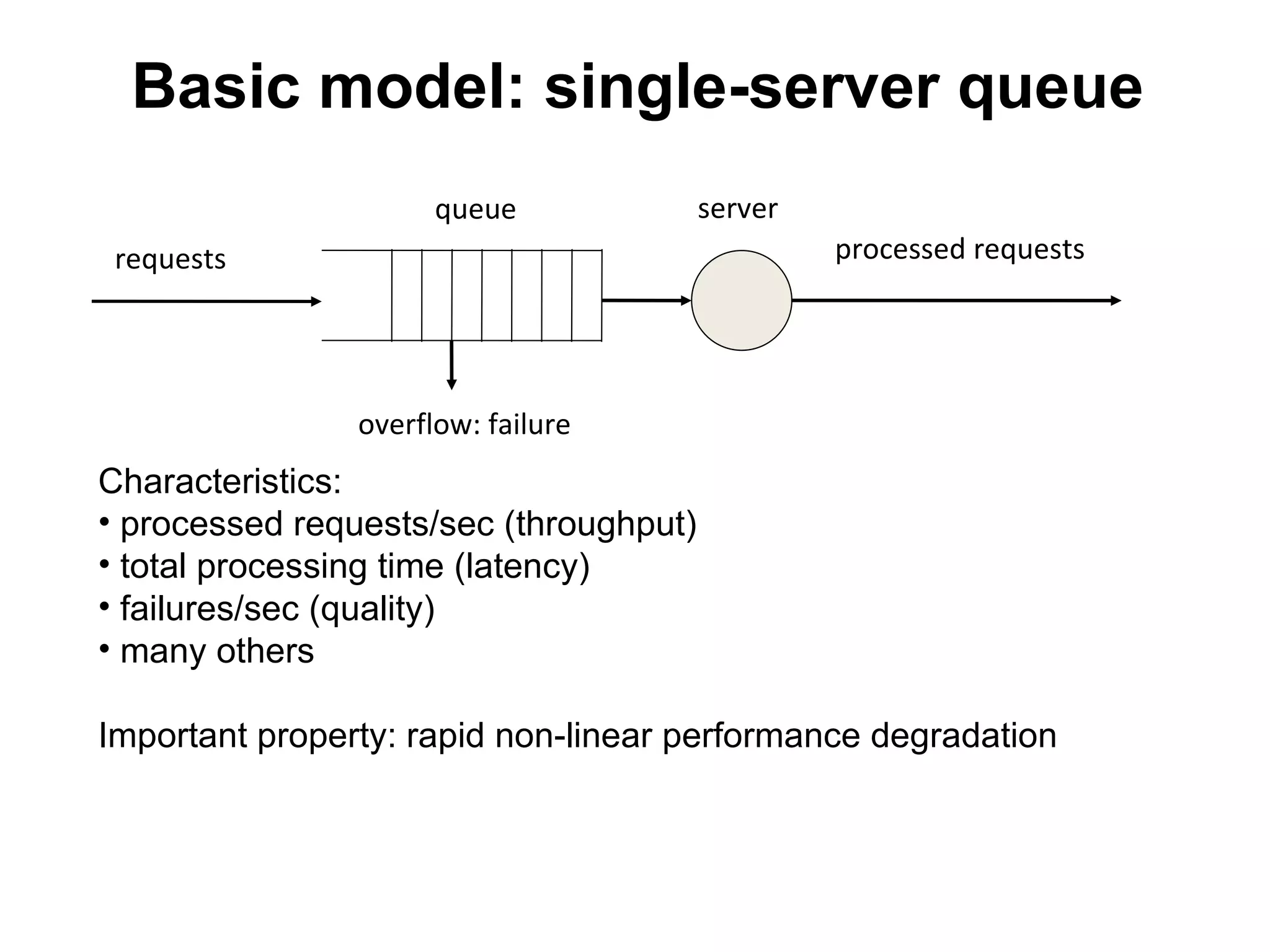
Basic model: single-server queue
                      queue             server
 requests                                        processed requests


                overflow: failure
Characteristics:
• processed requests/sec (throughput)
• total processing time (latency)
• failures/sec (quality)
• many others

Important property: rapid non-linear performance degradation
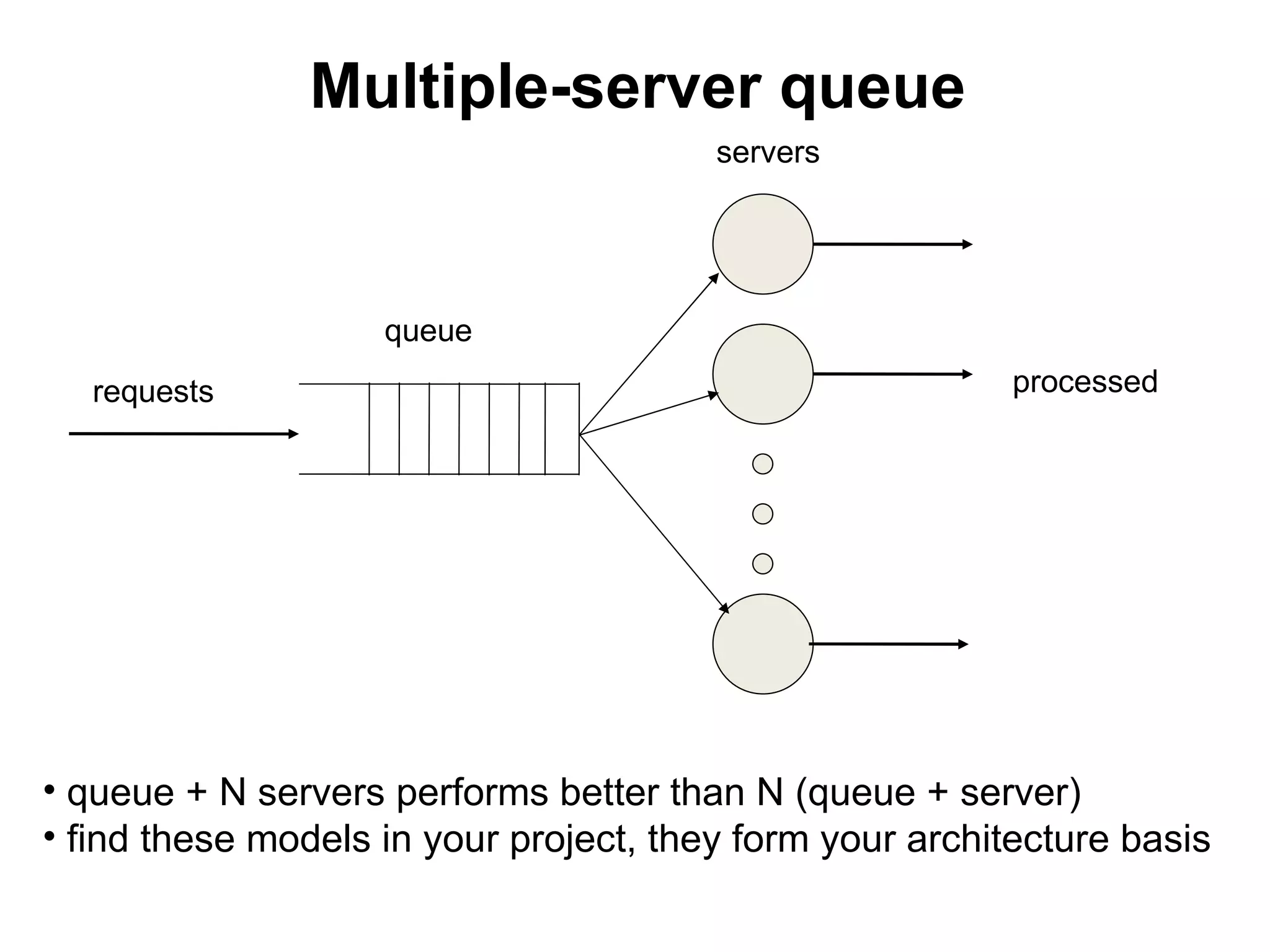
Multiple-server queue
                                        servers


                    queue
   requests                                               processed


• queue + N servers performs better than N (queue + server)
• find these models in your project, they form your architecture basis
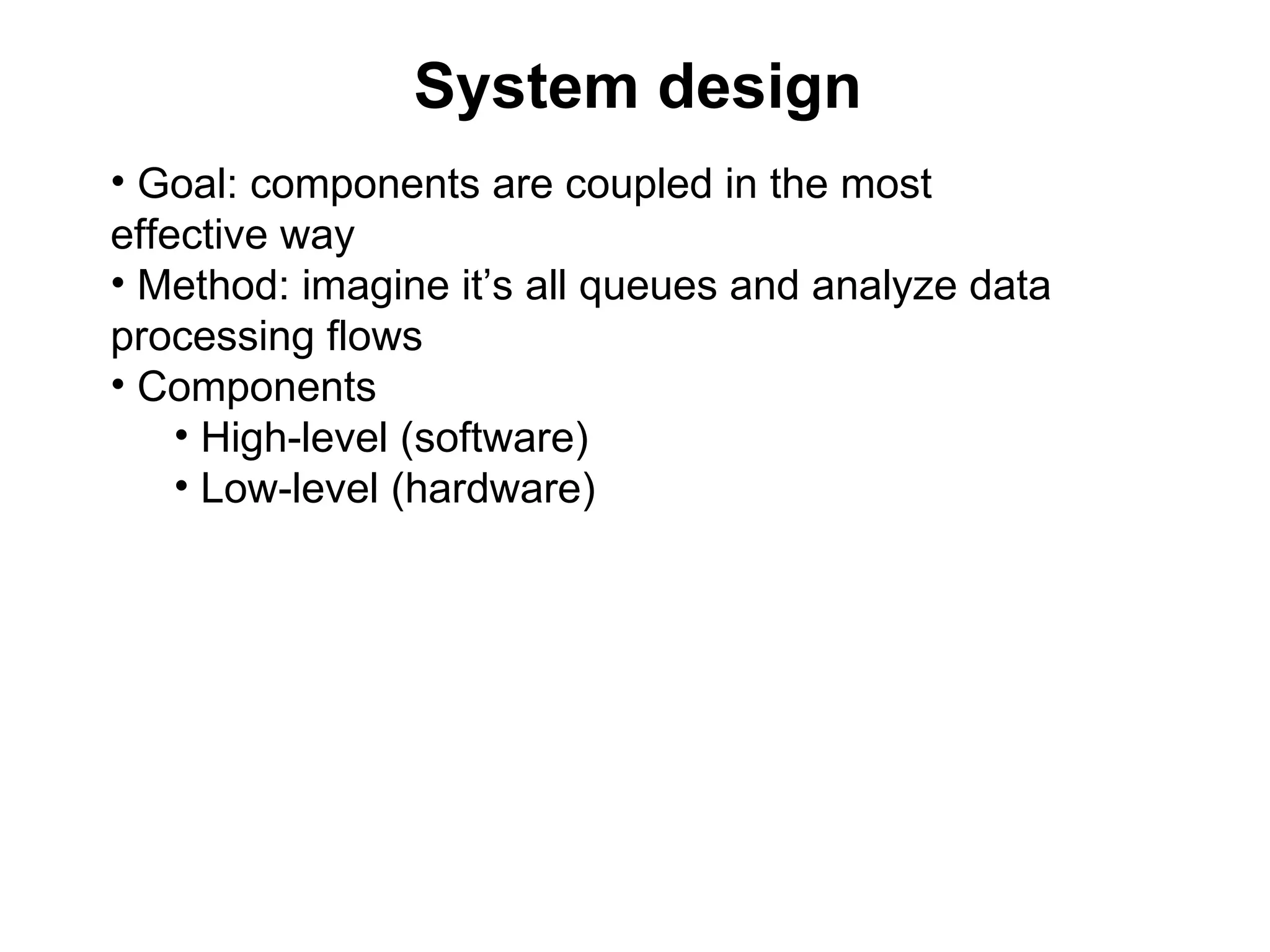
System design
• Goal: components are coupled in the most
effective way
• Method: imagine it’s all queues and analyze data
processing flows
• Components
    • High-level (software)
    • Low-level (hardware)
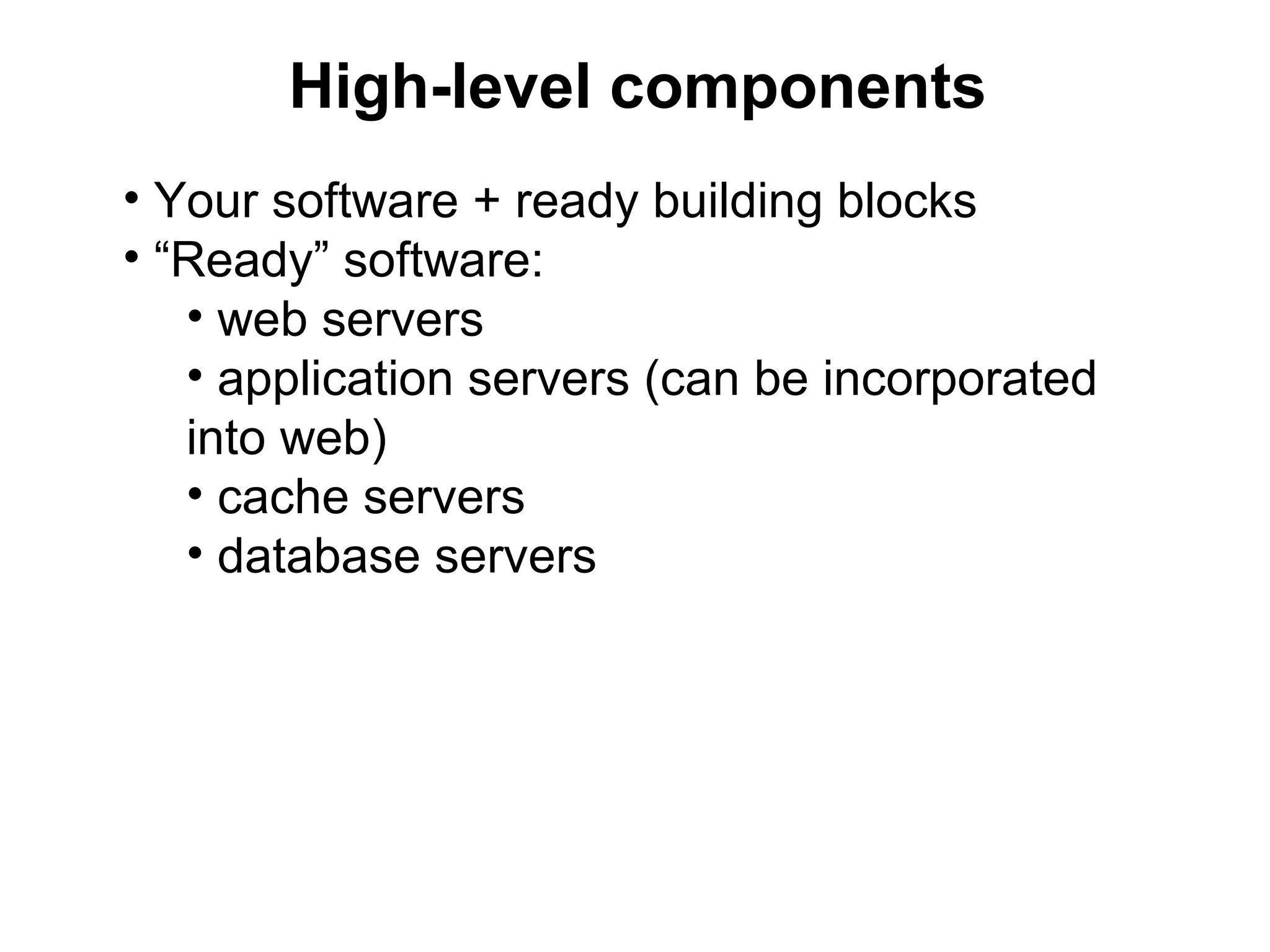
High-level components
• Your software + ready building blocks
• “Ready” software:
   • web servers
   • application servers (can be incorporated
   into web)
   • cache servers
   • database servers
Each based on
• Hardware
   • CPU
   • memory
   • disk
   • network
• OS
   • Linux/UNIX parallelism
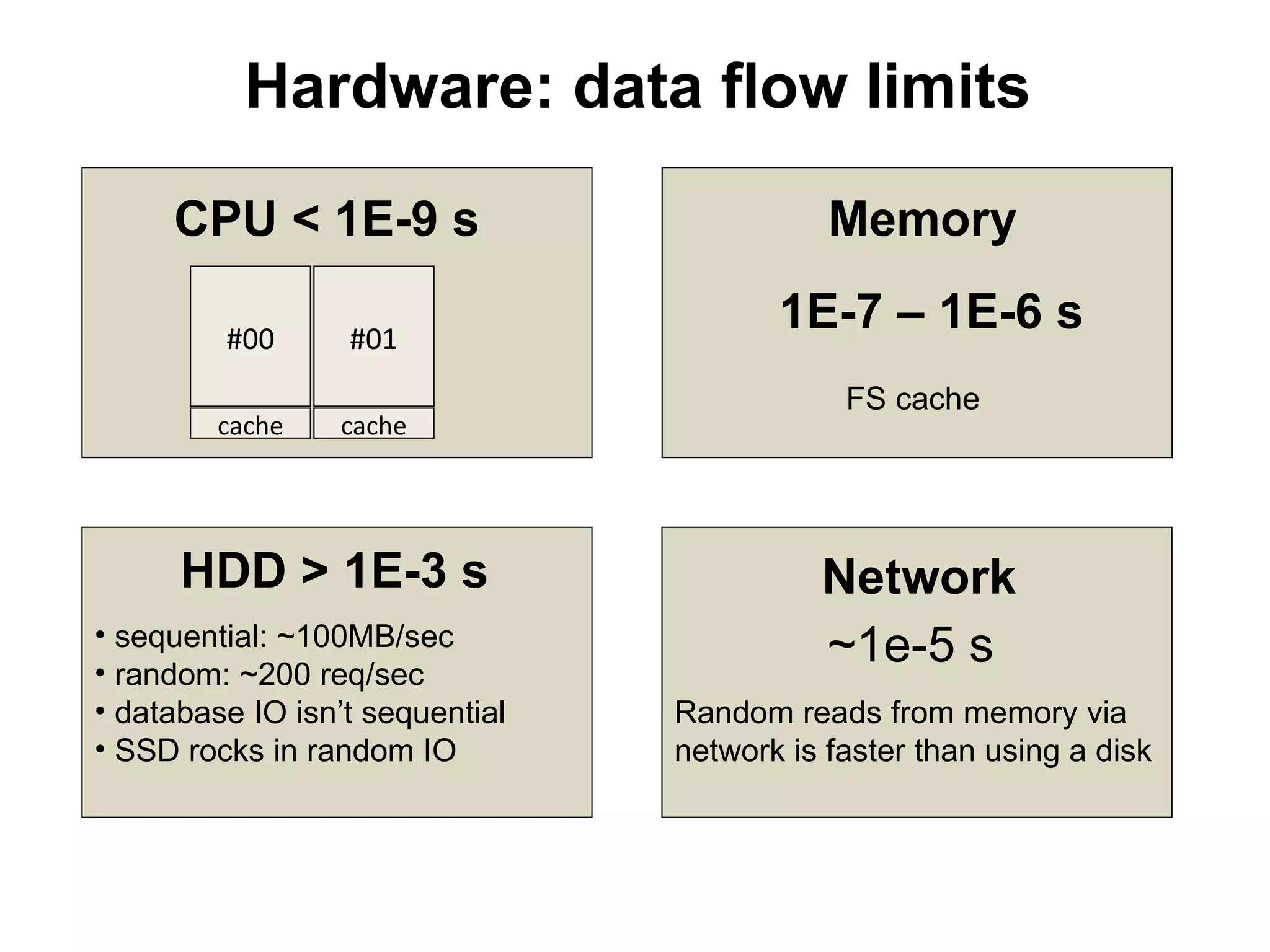
Hardware: data flow limits

     CPU < 1E-9 s                           Memory

         #00      #01
                                        1E-7 – 1E-6 s
                                             FS cache
        cache    cache


      HDD > 1E-3 s                         Network
• sequential: ~100MB/sec
• random: ~200 req/sec
                                           ~1e-5 s
• database IO isn’t sequential   Random reads from memory via
• SSD rocks in random IO         network is faster than using a disk
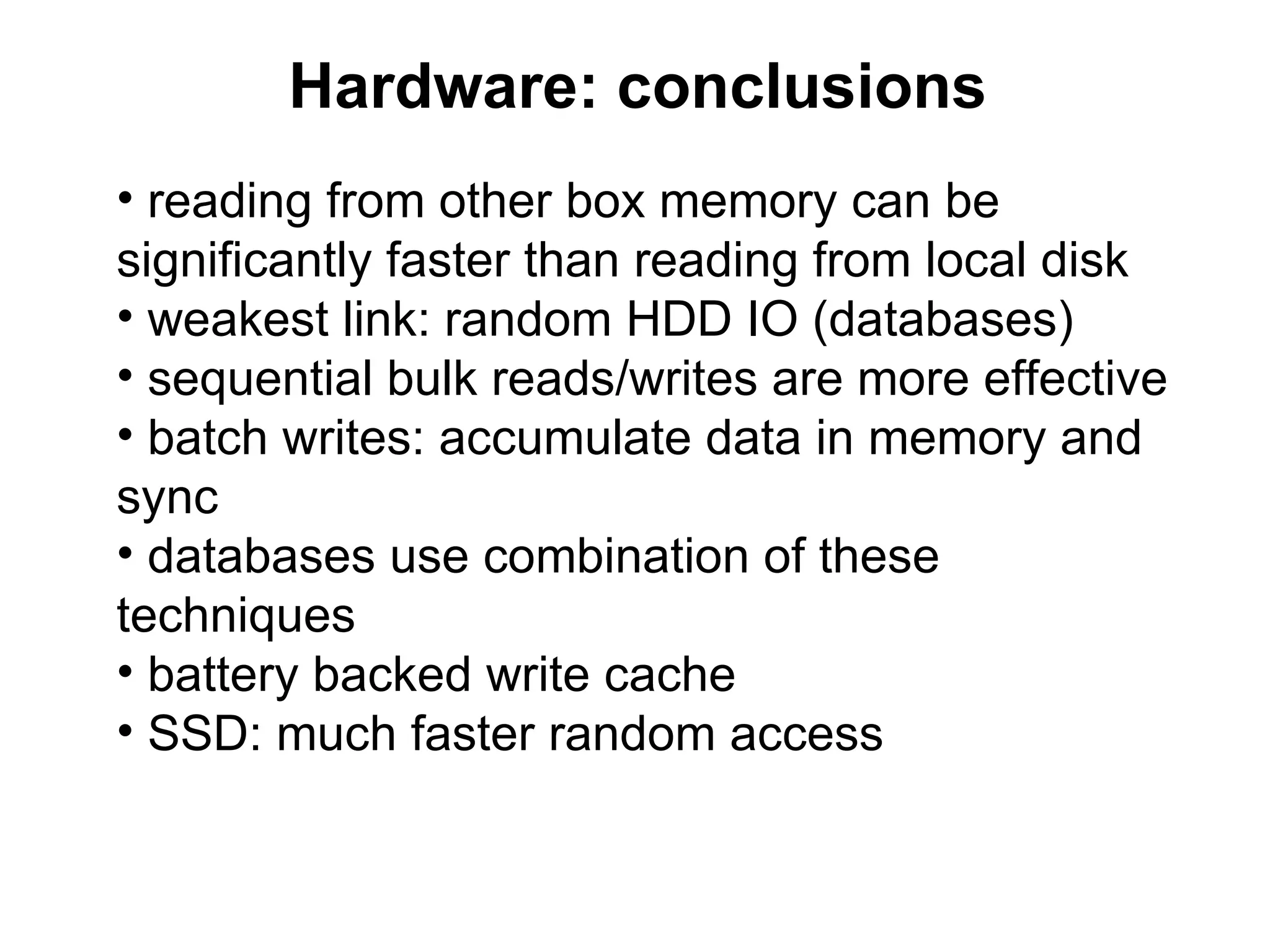
Hardware: conclusions
• reading from other box memory can be
significantly faster than reading from local disk
• weakest link: random HDD IO (databases)
• sequential bulk reads/writes are more effective
• batch writes: accumulate data in memory and
sync
• databases use combination of these
techniques
• battery backed write cache
• SSD: much faster random access
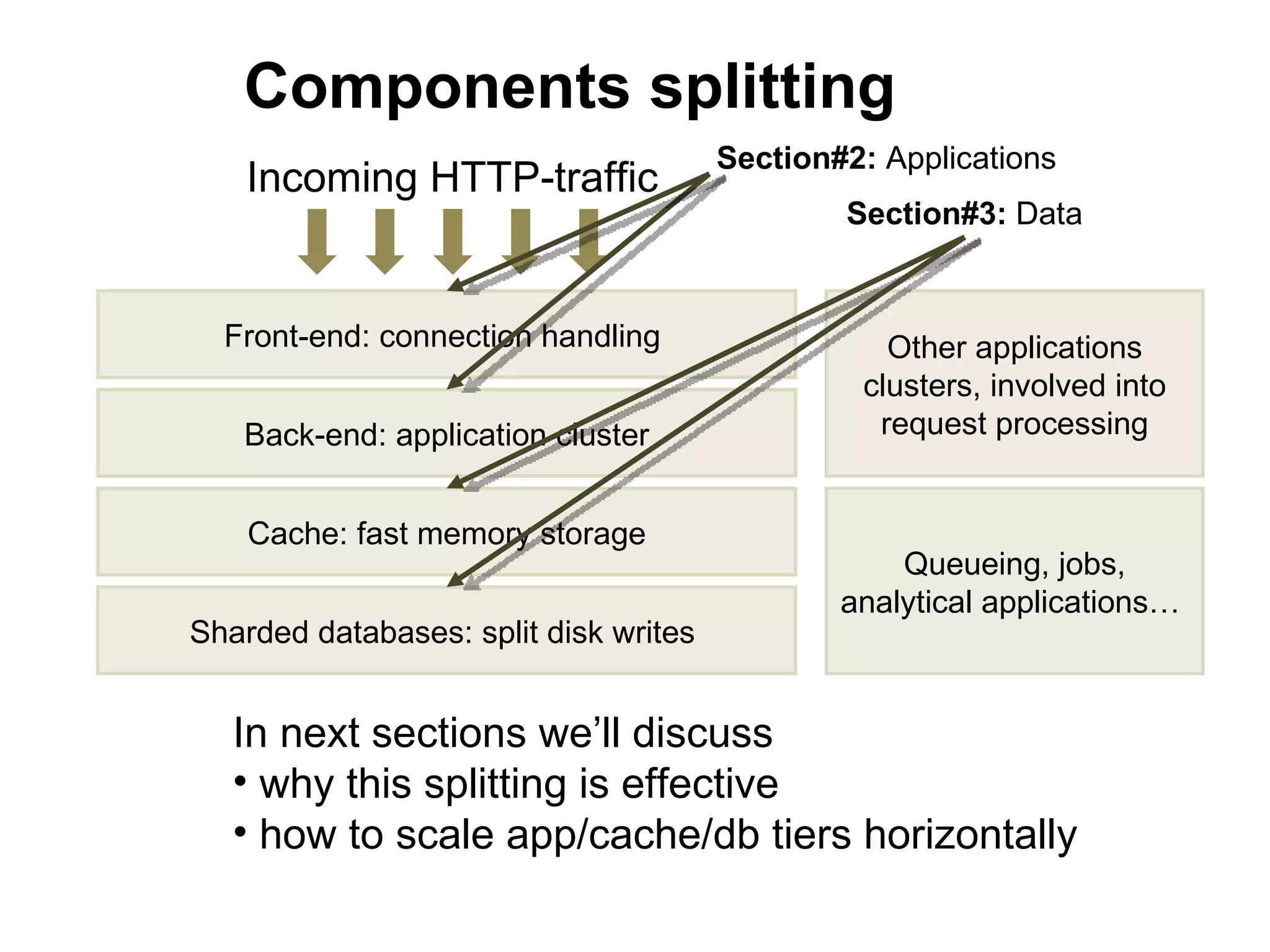
Components splitting
                                       Section#2: Applications
    Incoming HTTP-traffic
                                               Section#3: Data


  Front-end: connection handling                  Other applications
                                                clusters, involved into
   Back-end: application cluster                 request processing


    Cache: fast memory storage
                                                   Queueing, jobs,
                                               analytical applications…
Sharded databases: split disk writes


   In next sections we’ll discuss
   • why this splitting is effective
   • how to scale app/cache/db tiers horizontally
2. Web/applications tier
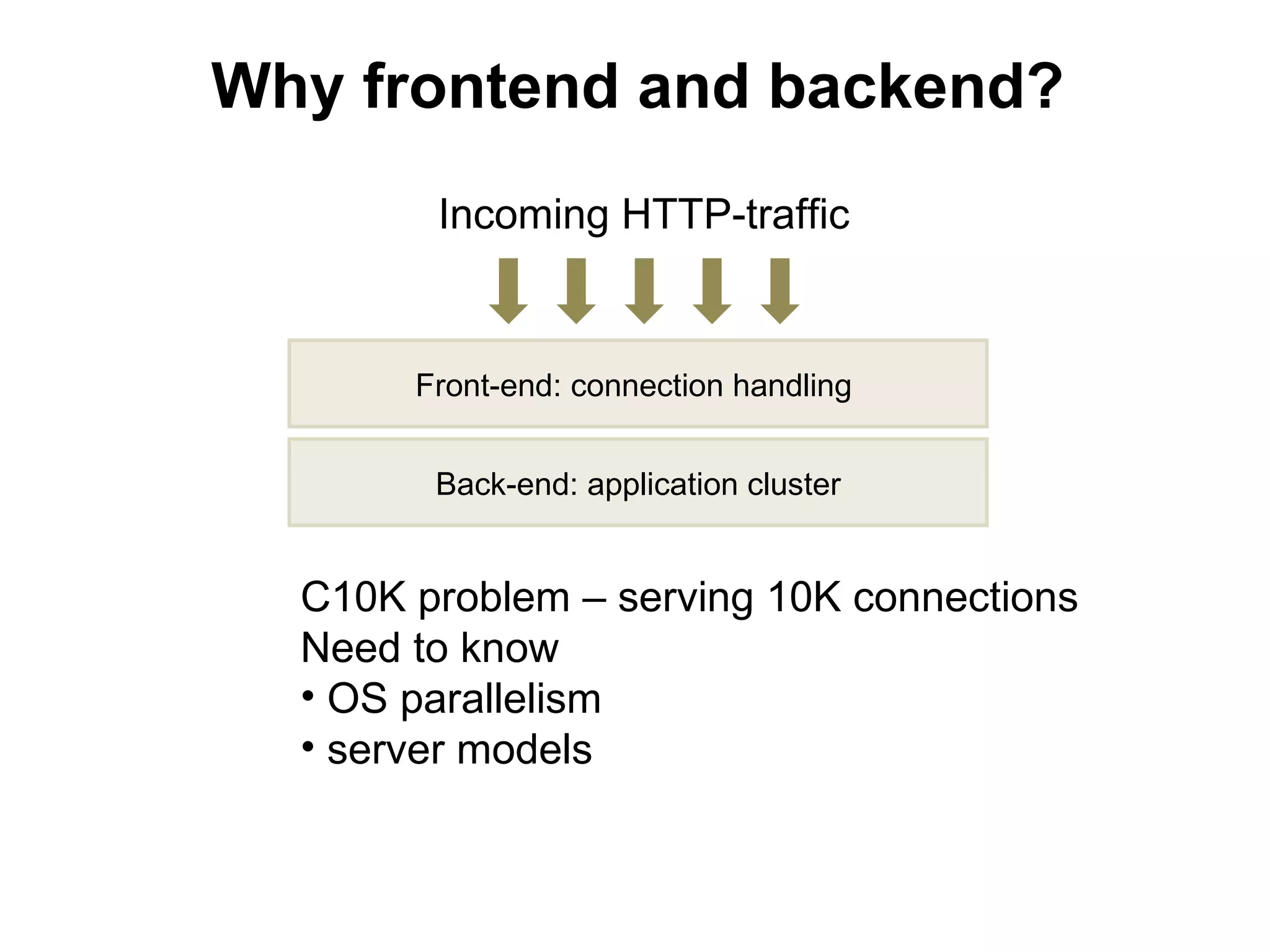
Why frontend and backend?
        Incoming HTTP-traffic


       Front-end: connection handling


        Back-end: application cluster


  C10K problem – serving 10K connections
  Need to know
  • OS parallelism
  • server models
Linux: parallelism
• processes
• threads
• multitasking, interrupts: context switch
• the key property is how servers
handle network connections
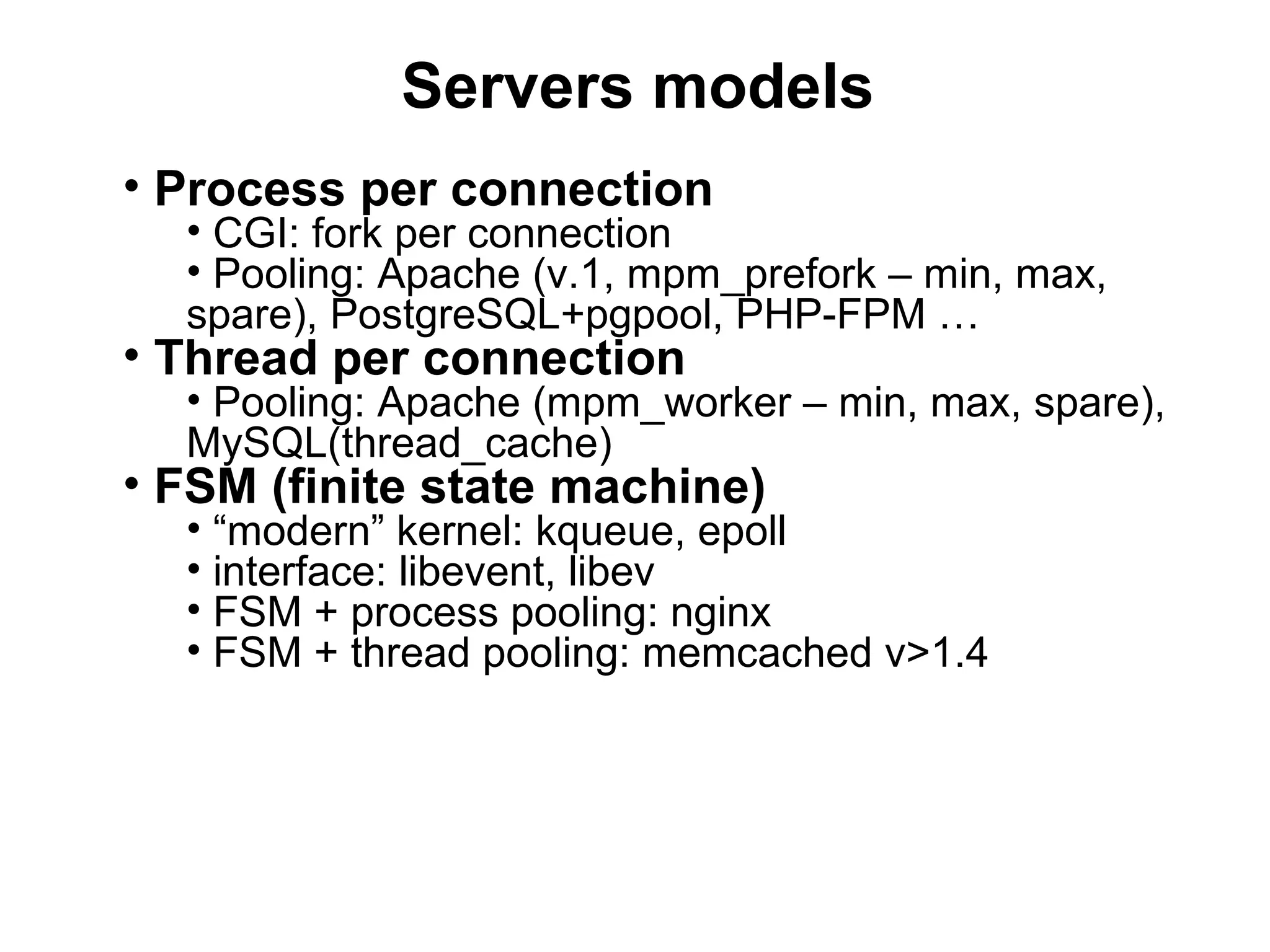
Servers models

• Process per connection
• Thread per connection
• FSM (finite state machine)
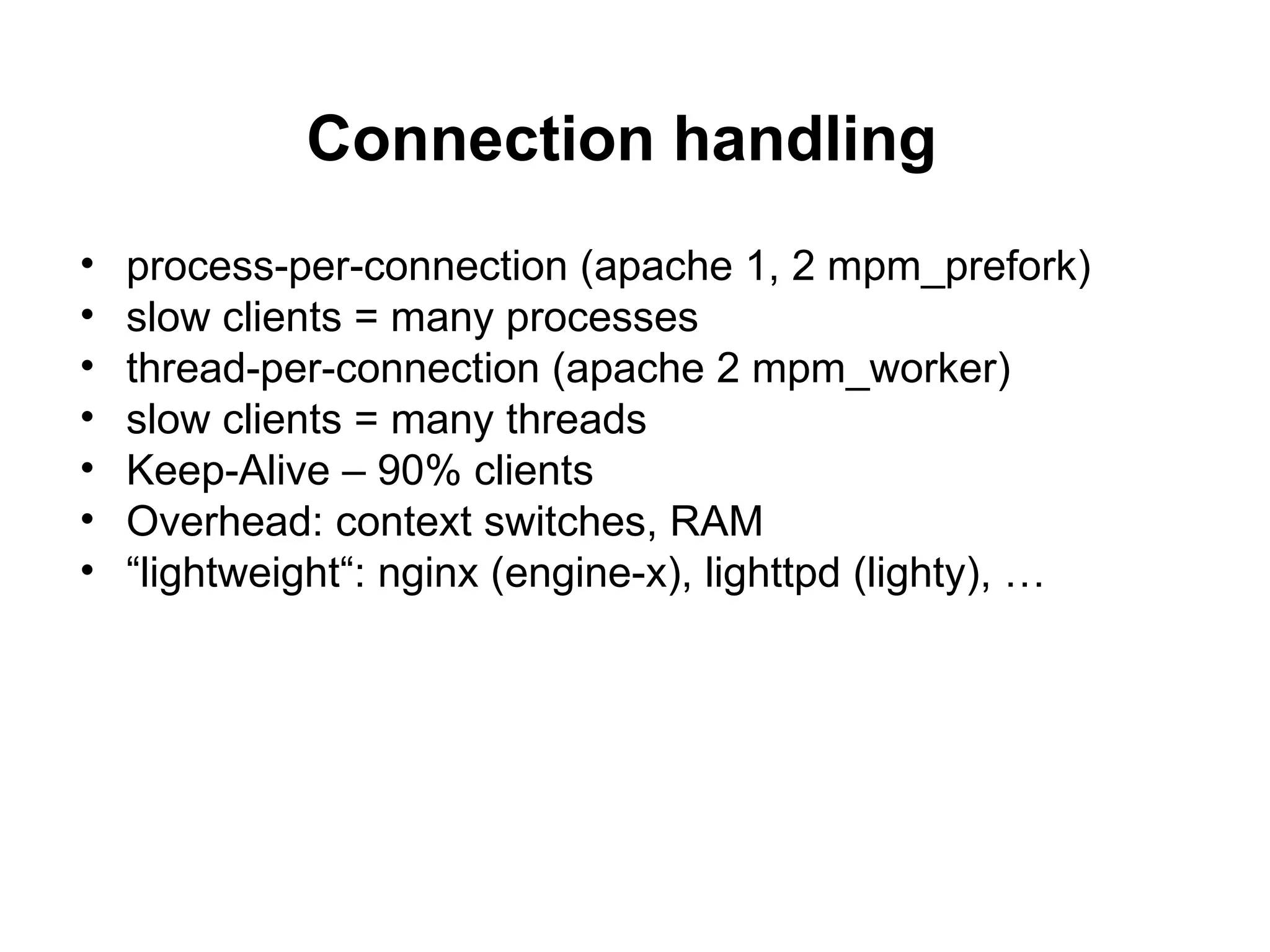
Connection handling
•   process-per-connection (apache 1, 2 mpm_prefork)
•   slow clients = many processes
•   thread-per-connection (apache 2 mpm_worker)
•   slow clients = many threads
•   Keep-Alive – 90% clients
•   Overhead: context switches, RAM
•   “lightweight“: nginx (engine-x), lighttpd (lighty), …
Servers models
• Process per connection
  • CGI: fork per connection
  • Pooling: Apache (v.1, mpm_prefork – min, max,
  spare), PostgreSQL+pgpool, PHP-FPM …
• Thread per connection
  • Pooling: Apache (mpm_worker – min, max, spare),
  MySQL(thread_cache)
• FSM (finite state machine)
  • “modern” kernel: kqueue, epoll
  • interface: libevent, libev
  • FSM + process pooling: nginx
  • FSM + thread pooling: memcached v>1.4
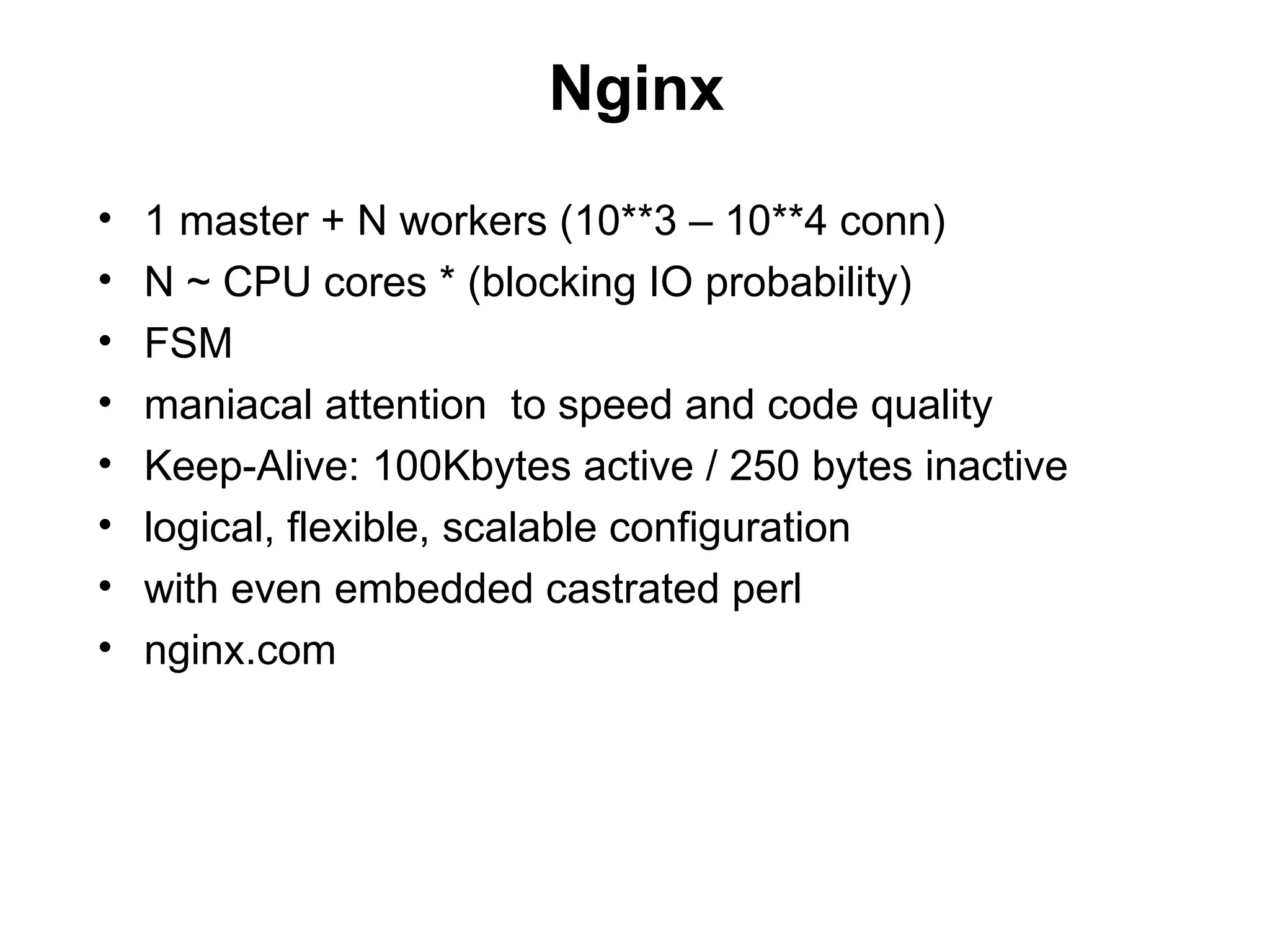
Nginx
•   1 master + N workers (10**3 – 10**4 conn)
•   N ~ CPU cores * (blocking IO probability)
•   FSM
•   maniacal attention to speed and code quality
•   Keep-Alive: 100Kbytes active / 250 bytes inactive
•   logical, flexible, scalable configuration
•   with even embedded castrated perl
•   nginx.com
[front/back]end
• What does web-server do?
   • Executes script code
   • Serves client
• Hey, does cook talk to restaurant
customers?
• These tasks are different, split to
frontend/backend
• nginx + Apache with mod_php, mod_perl,
mod_python
• nginx + FCGI (for example, php-fpm)
[front/back]end
                                                        Heavy-weight server (HWS)

                            Light-weight server (LWS)


                                                                  Apache
                                                                   mod_php,
                                        nginx                      mod_perl,
                                                                   mod_python
                                                                  FastCGI


«fast» and «slow» clients         static content;
                                   can do simple
                                scripting (SSI, perl)           dynamic content
[front/back]end: scaling

               B   • homogeneous tiers
                     (maintenance)
       F
                   • round-robin balancing
               B   (weighted, WRRB)
                   • WRRB means there’s no
SLB    F           “state”
               B   • key to simplest horizontal
                   scaling:
                   6)don’t store any “state” on the
                   box
                   7)weak coupling
       F       B
Scaling

                     linear
Income


         pe
         rfo
            rm
              an
                 c
                 e


              Spending
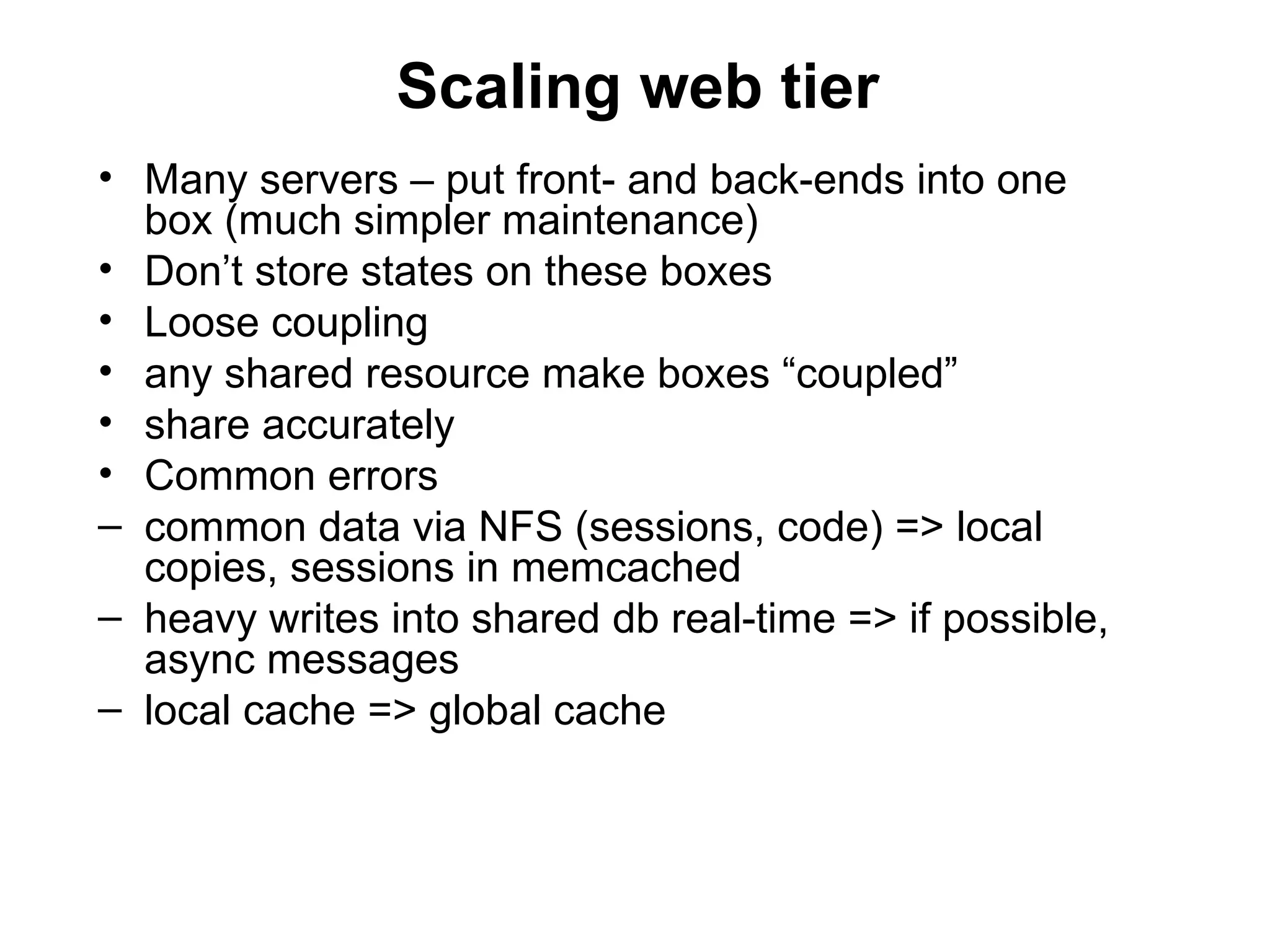
Scaling web tier
• Many servers – put front- and back-ends into one
  box (much simpler maintenance)
• Don’t store states on these boxes
• Loose coupling
• any shared resource make boxes “coupled”
• share accurately
• Common errors
– common data via NFS (sessions, code) => local
  copies, sessions in memcached
– heavy writes into shared db real-time => if possible,
  async messages
– local cache => global cache
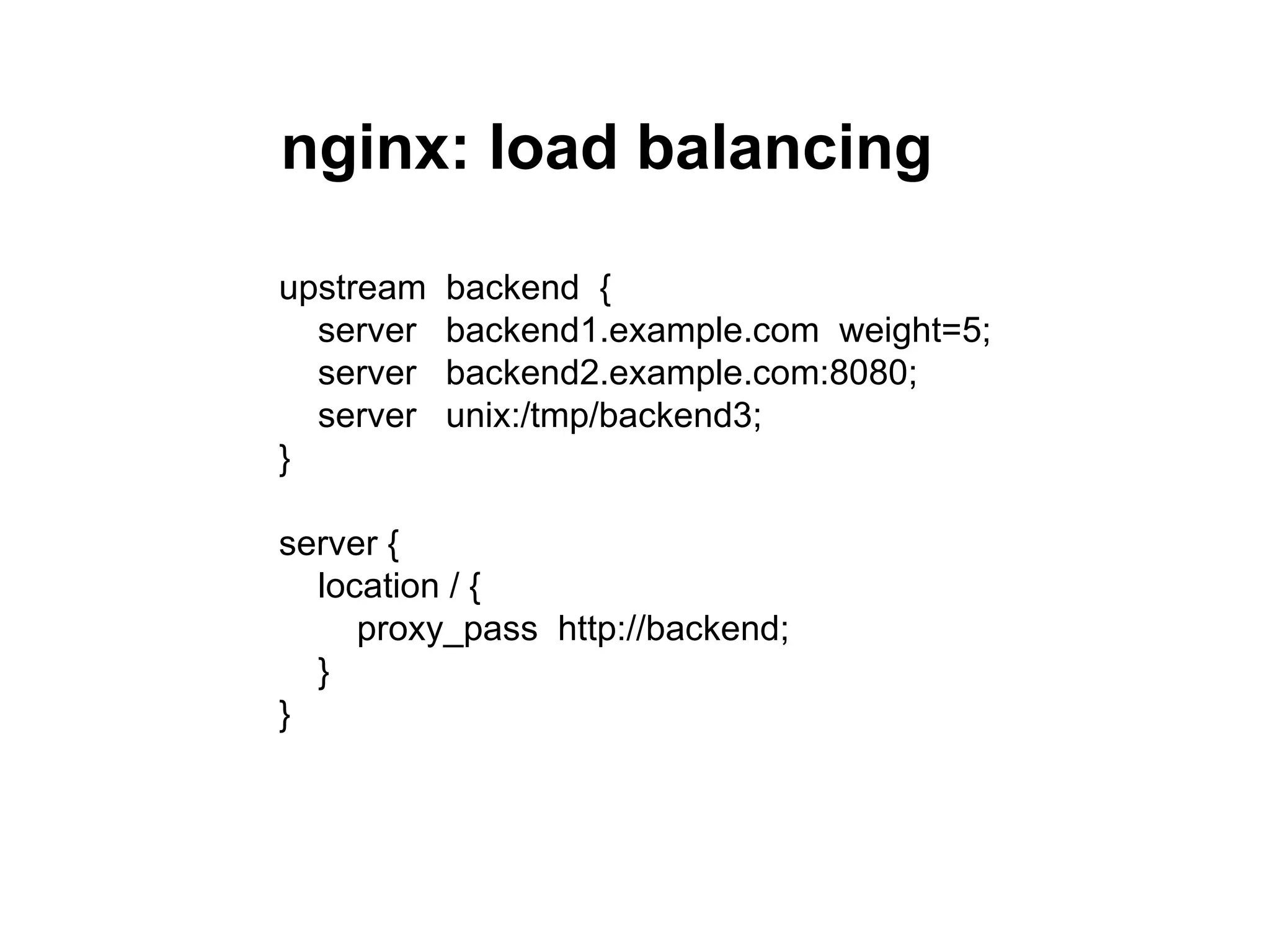
nginx: load balancing

upstream   backend {
  server   backend1.example.com weight=5;
  server   backend2.example.com:8080;
  server   unix:/tmp/backend3;
}

server {
  location / {
     proxy_pass http://backend;
  }
}
nginx: fastcgi
upstream backend {
  server www1.lan:8080 weight=2;
  server www2.lan:8080;
}
server {
  location / {
     fastcgi_index index.phtml;
     fastcgi_param [param] [value]
     ...
     fastcgi_pass backend;
  }
}
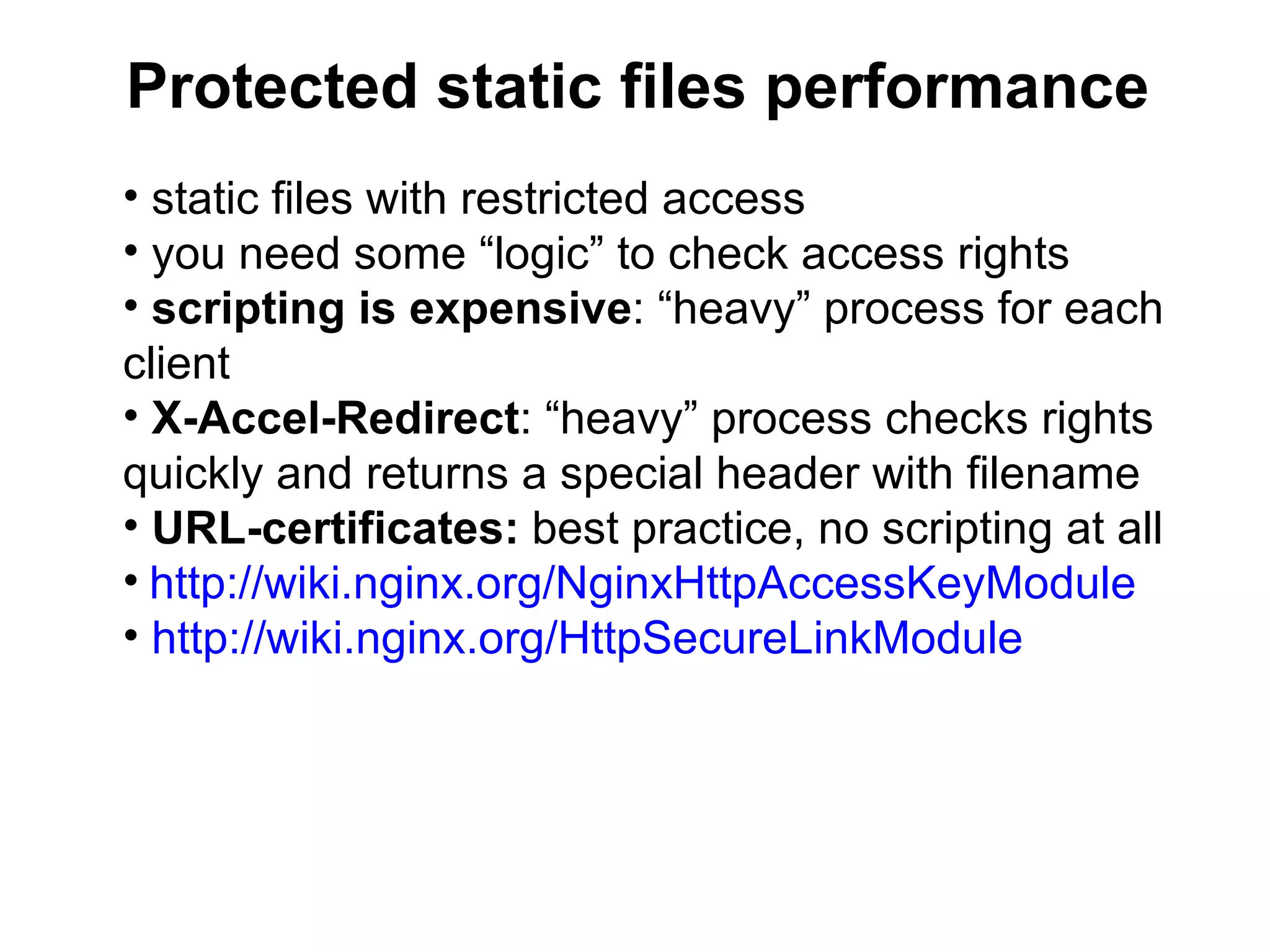
Protected static files performance
• static files with restricted access
• you need some “logic” to check access rights
• scripting is expensive: “heavy” process for each
client
• X-Accel-Redirect: “heavy” process checks rights
quickly and returns a special header with filename
• URL-certificates: best practice, no scripting at all
• http://wiki.nginx.org/NginxHttpAccessKeyModule
• http://wiki.nginx.org/HttpSecureLinkModule
Caching
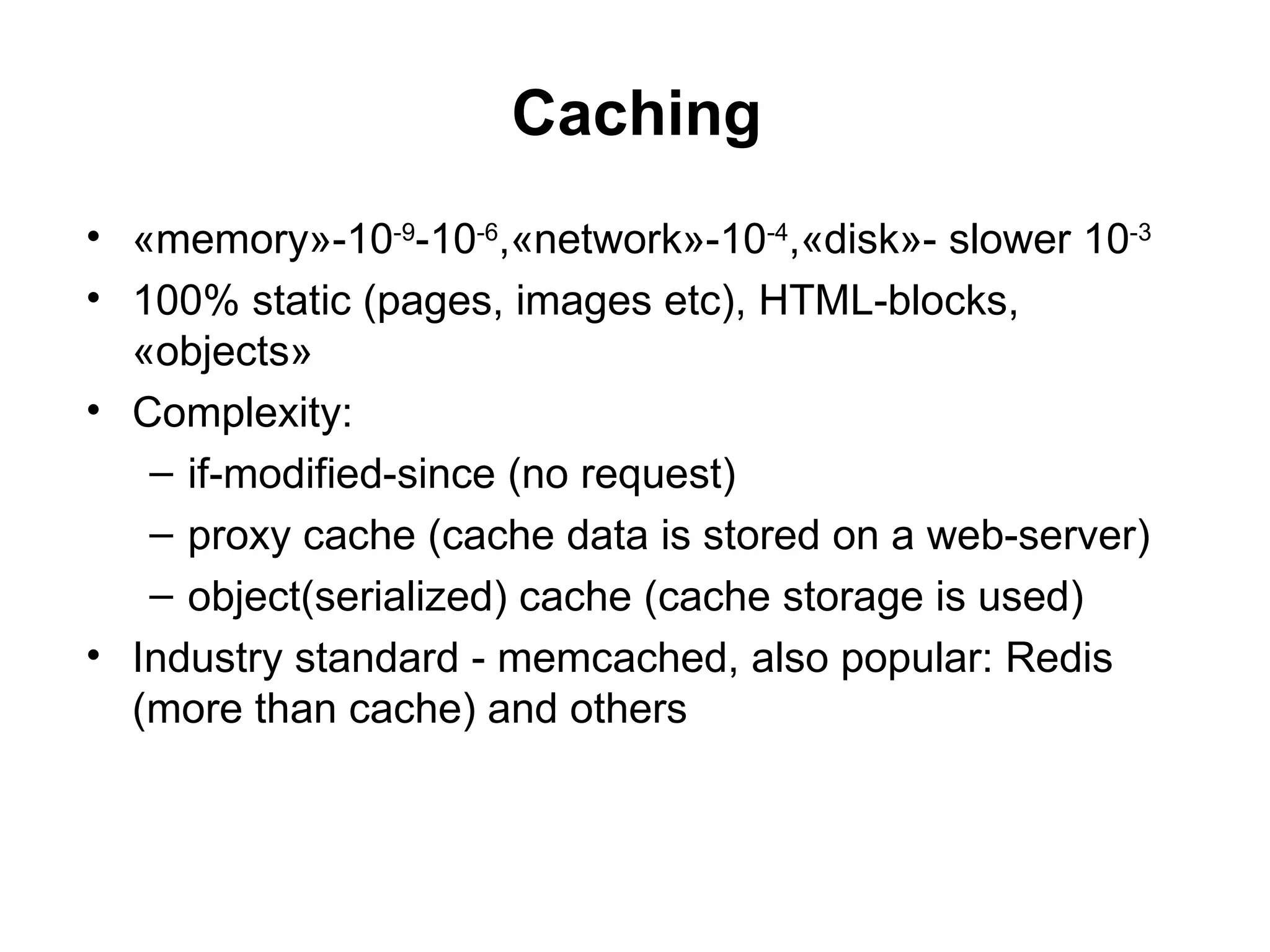
• «memory»-10-9-10-6,«network»-10-4,«disk»- slower 10-3
• 100% static (pages, images etc), HTML-blocks,
  «objects»
• Complexity:
   – if-modified-since (no request)
   – proxy cache (cache data is stored on a web-server)
   – object(serialized) cache (cache storage is used)
• Industry standard - memcached, also popular: Redis
  (more than cache) and others
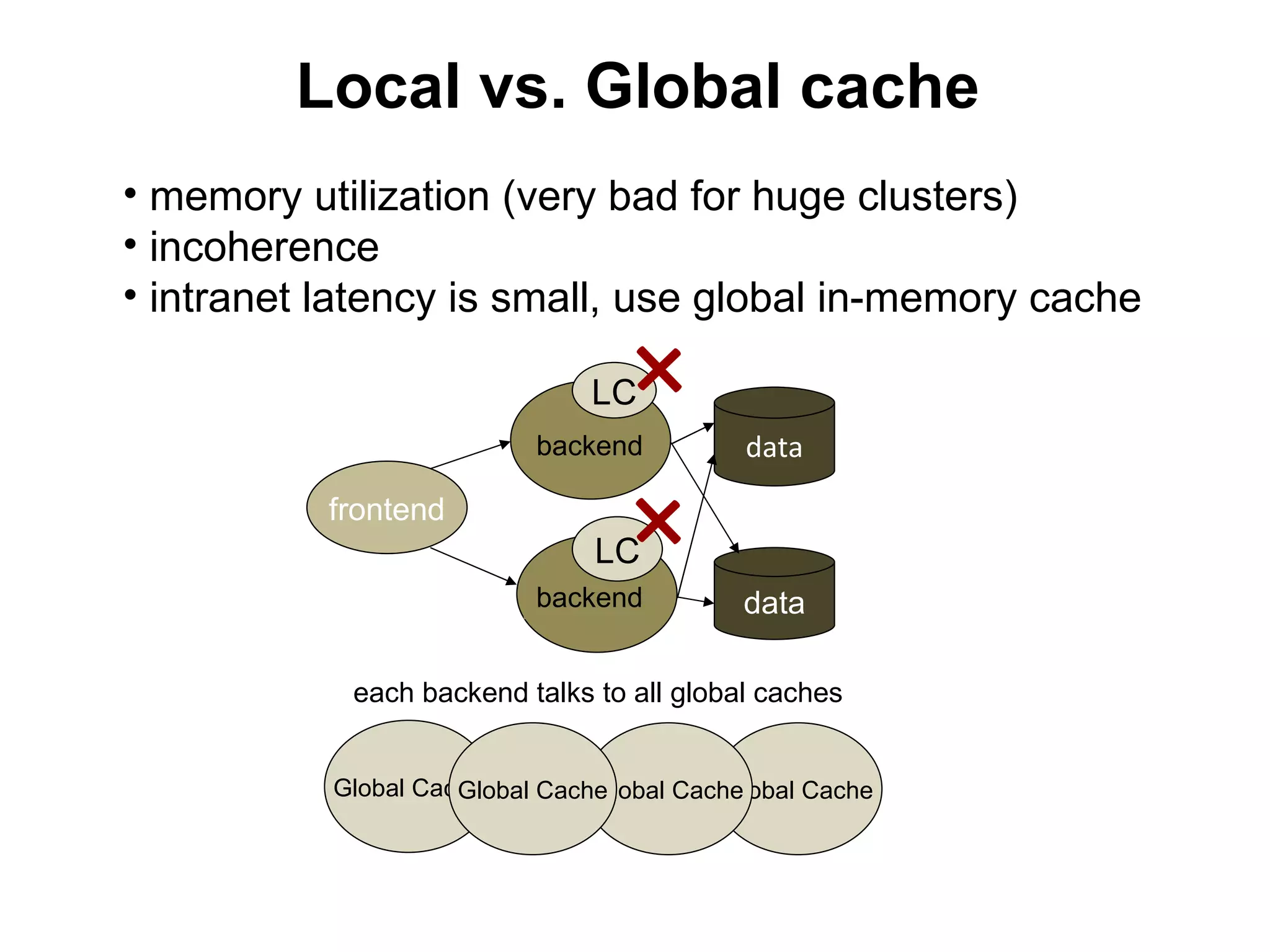
Local vs. Global cache
• memory utilization (very bad for huge clusters)
• incoherence
• intranet latency is small, use global in-memory cache

                               LC
                           backend
                                     +     data
           frontend
                               LC
                           backend
                                     +     data

            each backend talks to all global caches


           Global Cache
                     Global Cache
                                Global Cache
                                          Global Cache
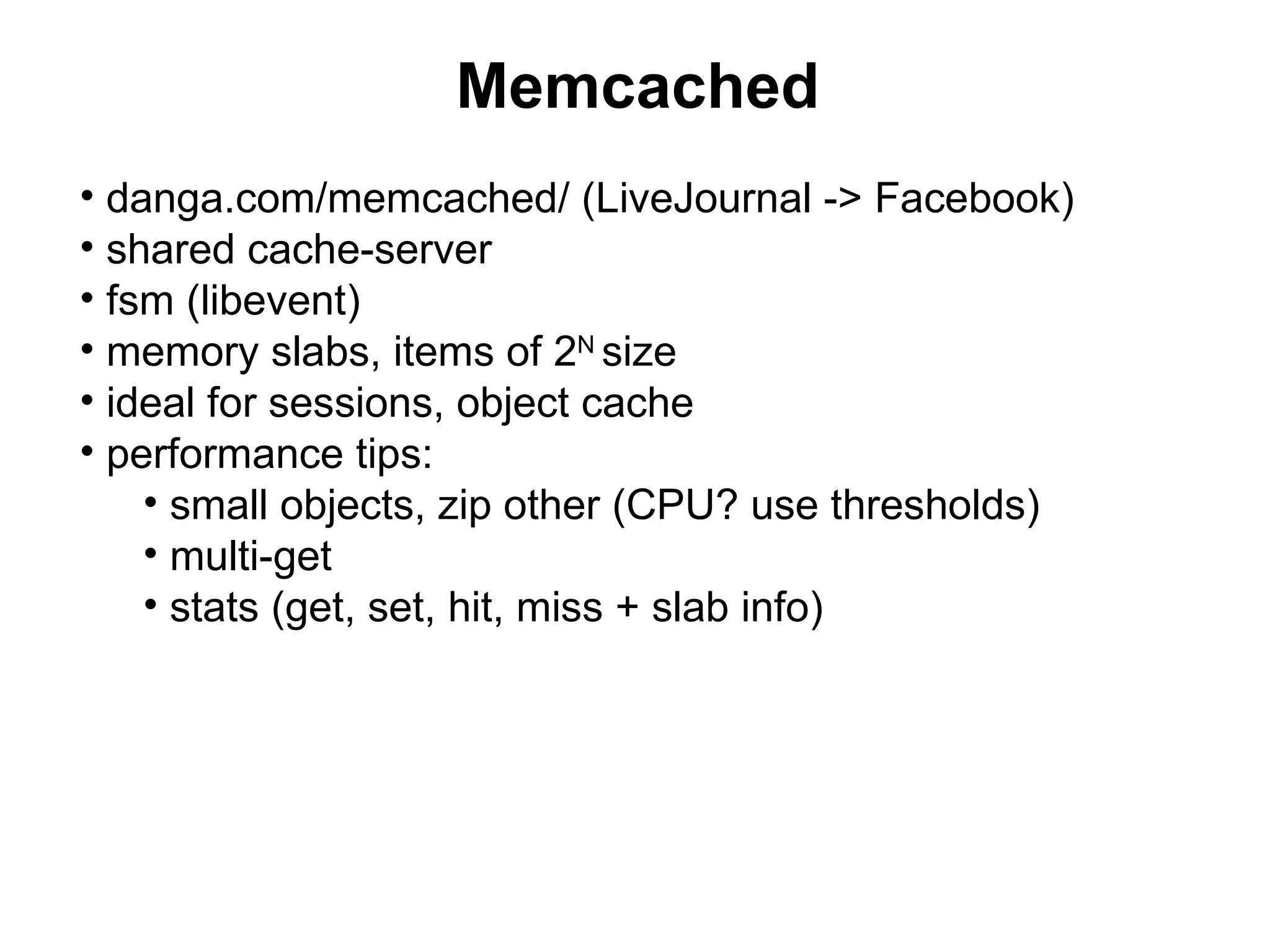
Memcached
• danga.com/memcached/ (LiveJournal -> Facebook)
• shared cache-server
• fsm (libevent)
• memory slabs, items of 2N size
• ideal for sessions, object cache
• performance tips:
    • small objects, zip other (CPU? use thresholds)
    • multi-get
    • stats (get, set, hit, miss + slab info)
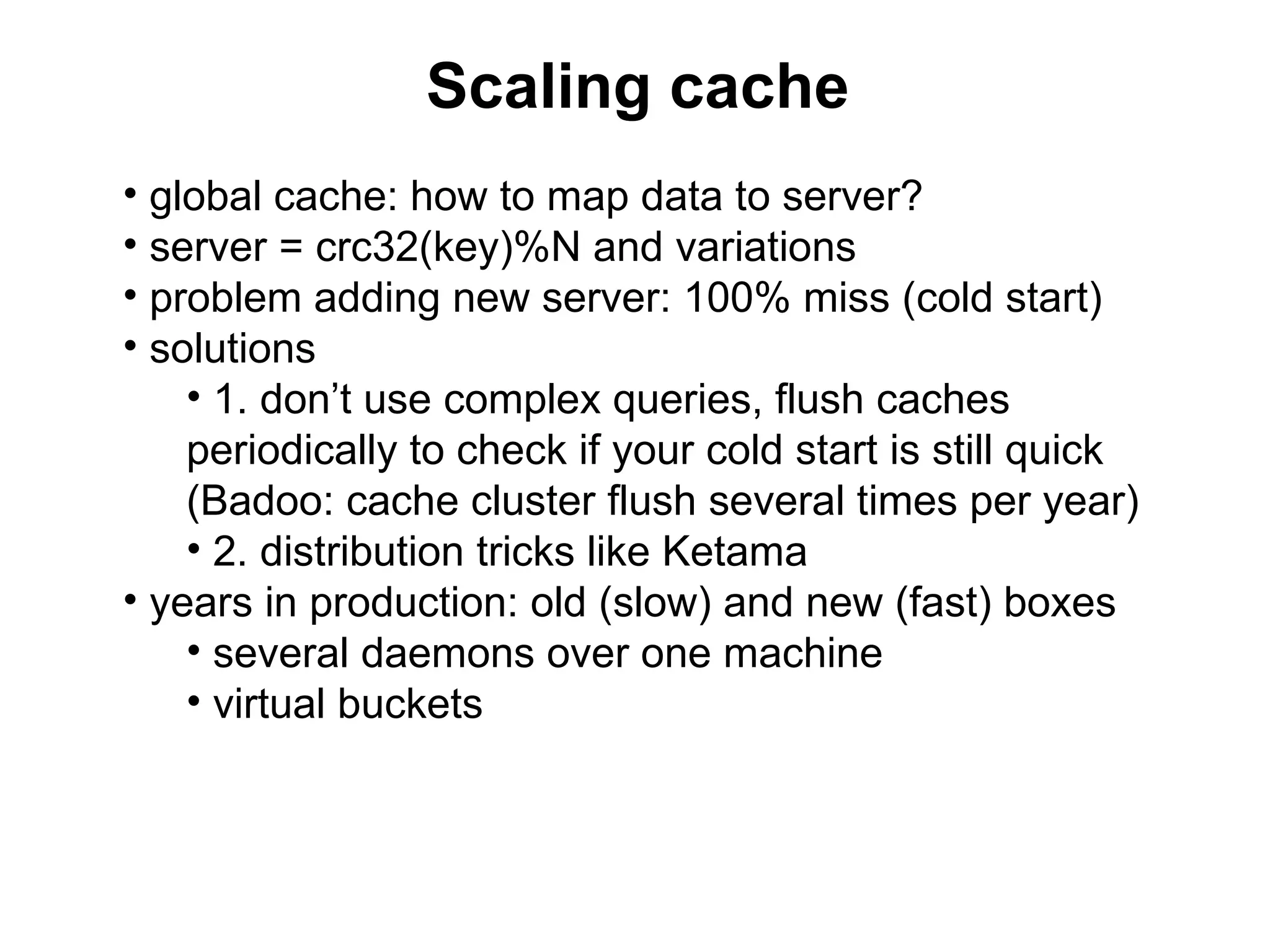
Scaling cache
• global cache: how to map data to server?
• server = crc32(key)%N and variations
• problem adding new server: 100% miss (cold start)
• solutions
    • 1. don’t use complex queries, flush caches
    periodically to check if your cold start is still quick
    (Badoo: cache cluster flush several times per year)
    • 2. distribution tricks like Ketama
• years in production: old (slow) and new (fast) boxes
    • several daemons over one machine
    • virtual buckets
Advanced topic (PHP-only)
• can skip
• will be useful for PHP-developers only
• covers PHP-FPM, initially developed
in Badoo
• 6 slides, cover or skip?
PHP
• use acceleration: APC, xcache, ZPS,
eAccelerator
• PHP is quite hungry for memory & CPU
   • C: 1M
   • Perl: 10M
   • PHP: 20M
• FCGI (fpm)
PHP-FPM
• PHP-FPM: PHP FastCGI process manager
• server architecture close to nginx (master + N workers)
• happy production requirements:
    • non-stop live binary upgrades and configuration
    • see all errors
    • react on suspicious worker behavior (latency, mass
    death)
    • dynamic pools (mostly useful for shared hosting)
PHP-FPM: basic features
• graceful reload: live binaries & conf updates
• master process catches workers stderr – you’ll see
  everything in logs
• slow workers auto-tracing & killing
• emergency auto-reload when massive workers crash is
  detected
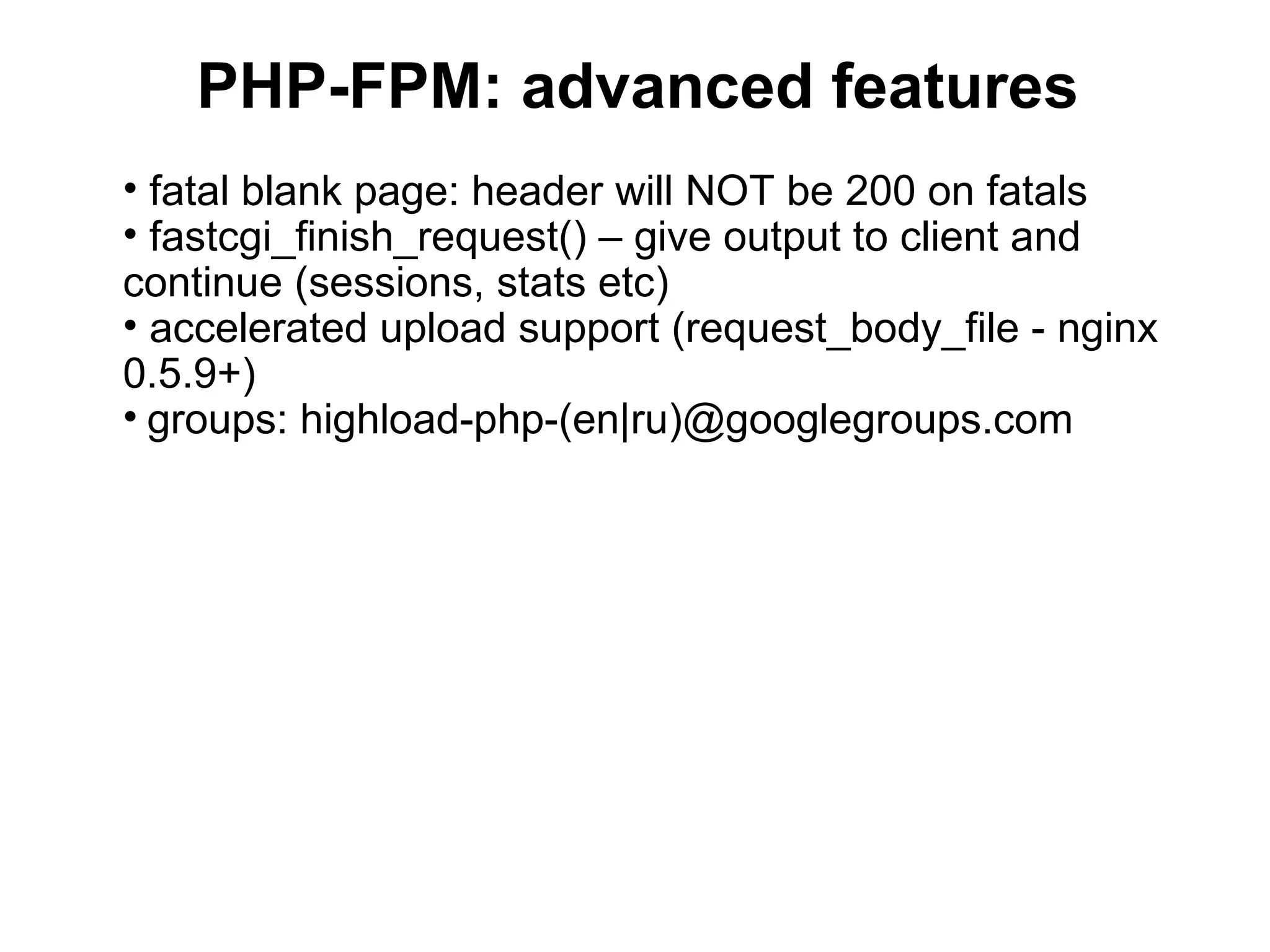
PHP-FPM: advanced features
• fatal blank page: header will NOT be 200 on fatals
• fastcgi_finish_request() – give output to client and
continue (sessions, stats etc)
• accelerated upload support (request_body_file - nginx
0.5.9+)
• groups: highload-php-(en|ru)@googlegroups.com
flipchart session

• Questions?
• Case#1: knowledge base (like wikipedia)
• Case#2: media-storage (photo-video-
  hosting, file-sharing etc)
3. Databases, sharding
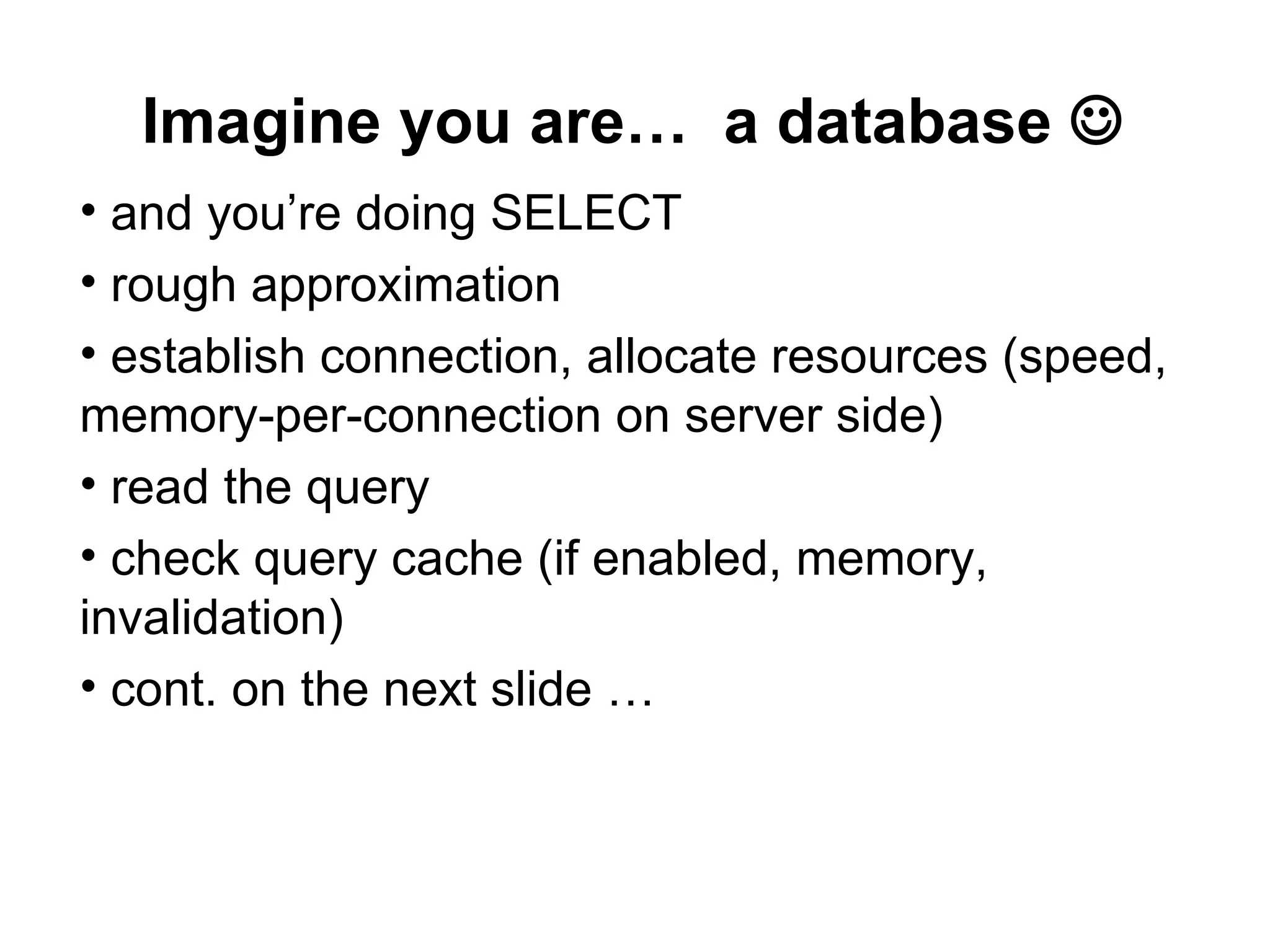
Imagine you are… a database 
• and you’re doing SELECT
• rough approximation
• establish connection, allocate resources (speed,
memory-per-connection on server side)
• read the query
• check query cache (if enabled, memory,
invalidation)
• cont. on the next slide …
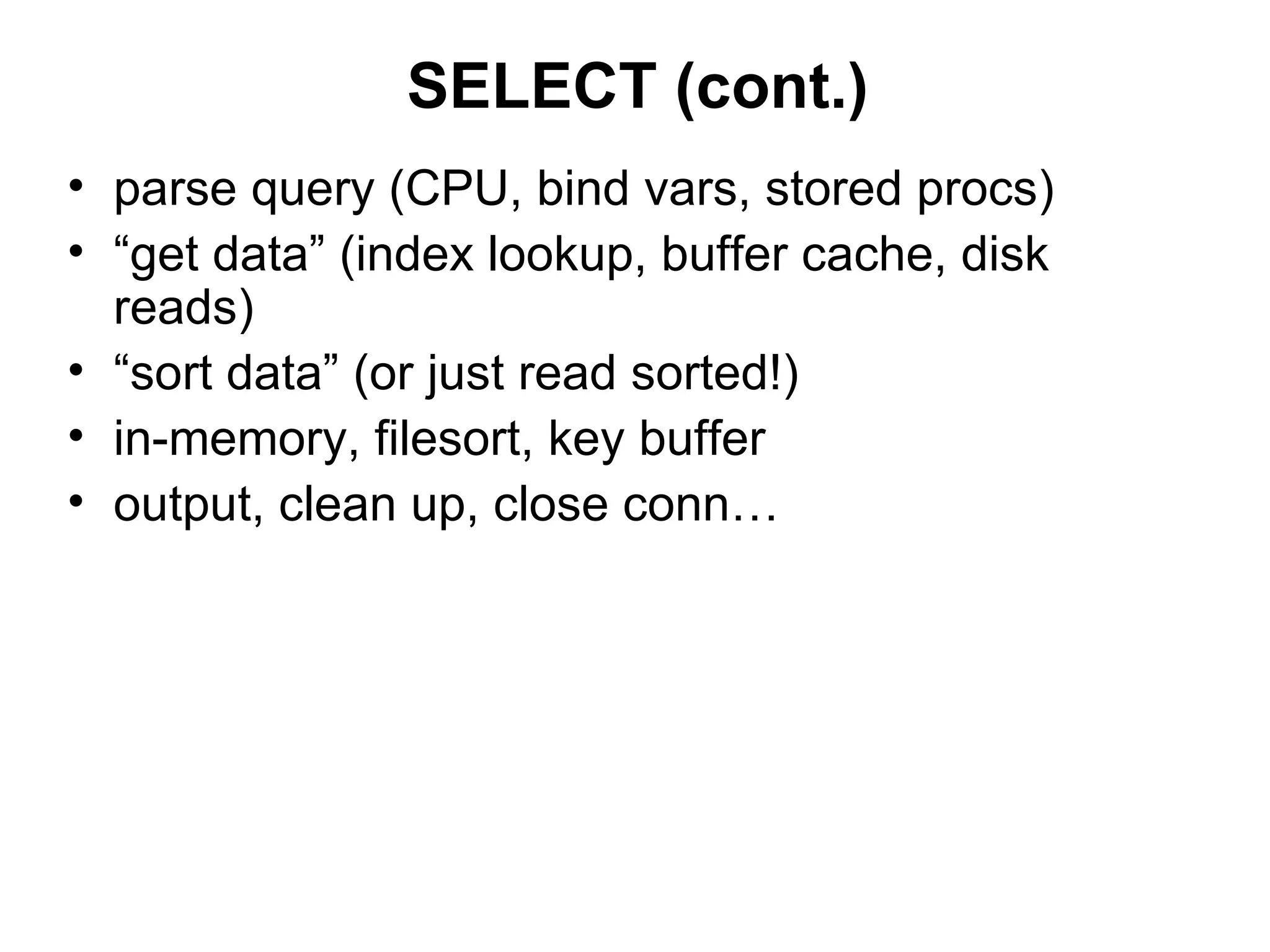
SELECT (cont.)
• parse query (CPU, bind vars, stored procs)
• “get data” (index lookup, buffer cache, disk
  reads)
• “sort data” (or just read sorted!)
• in-memory, filesort, key buffer
• output, clean up, close conn…
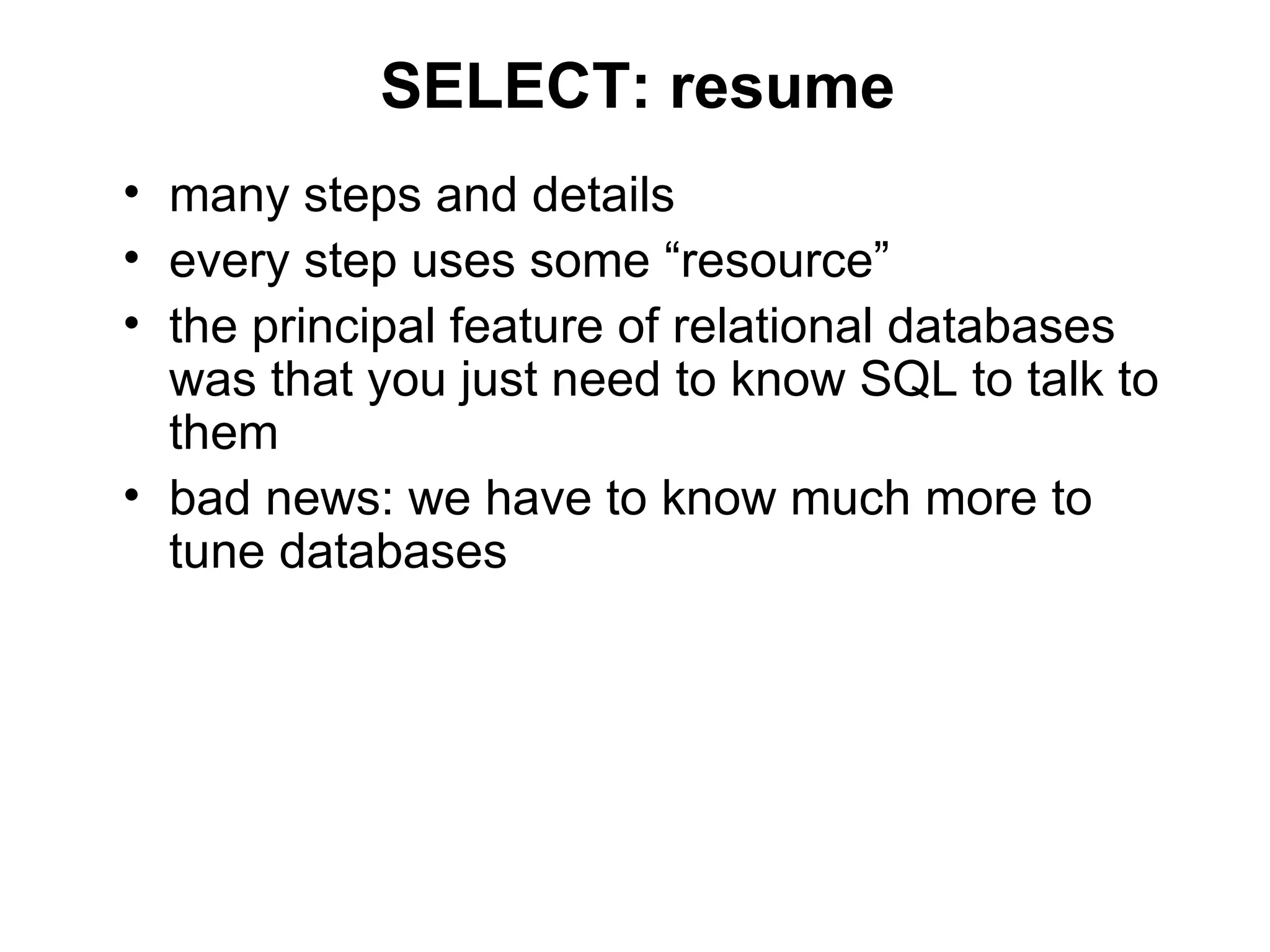
SELECT: resume
• many steps and details
• every step uses some “resource”
• the principal feature of relational databases
  was that you just need to know SQL to talk to
  them
• bad news: we have to know much more to
  tune databases
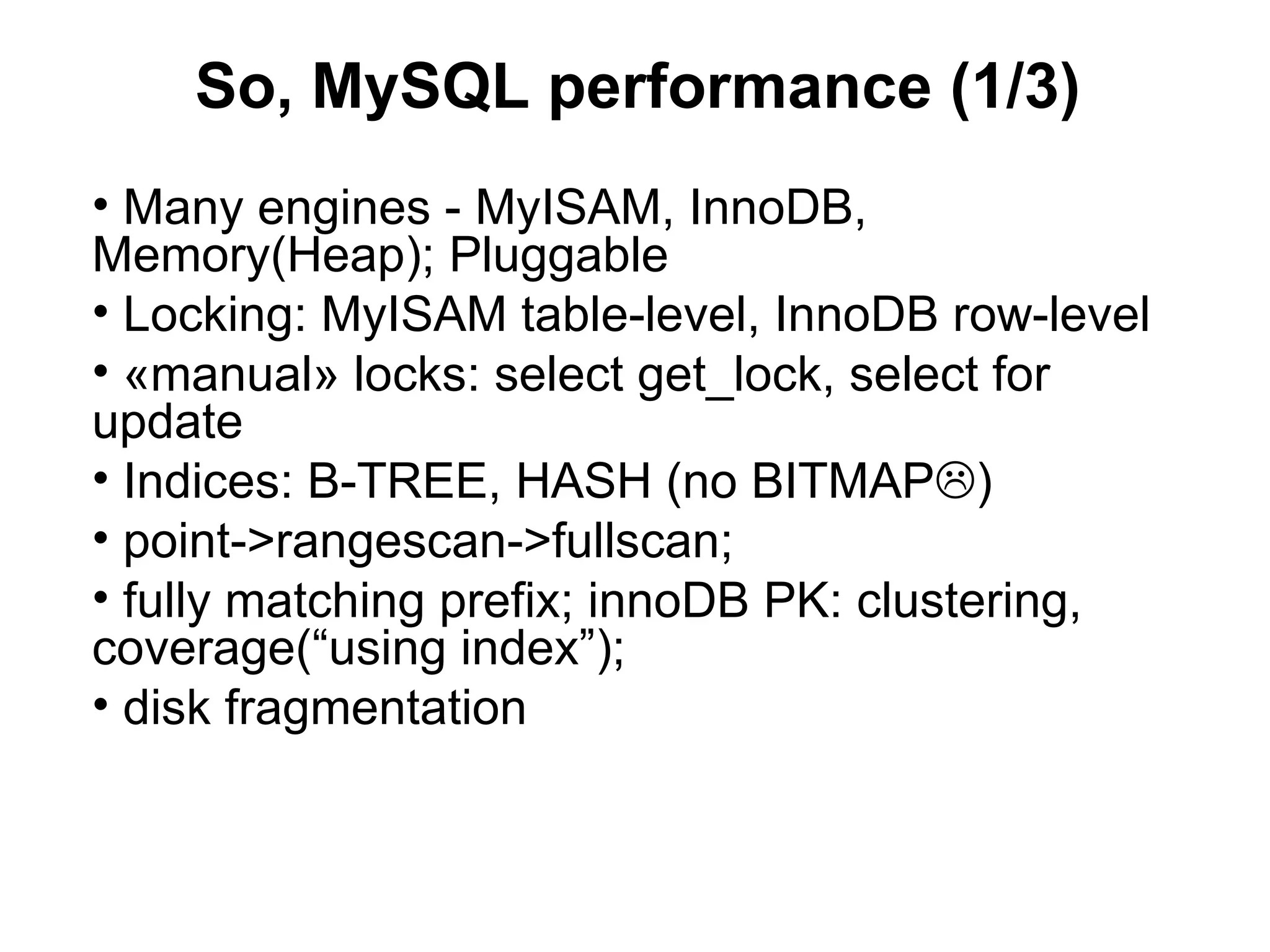
So, MySQL performance (1/3)
• Many engines - MyISAM, InnoDB,
Memory(Heap); Pluggable
• Locking: MyISAM table-level, InnoDB row-level
• «manual» locks: select get_lock, select for
update
• Indices: B-TREE, HASH (no BITMAP)
• point->rangescan->fullscan;
• fully matching prefix; innoDB PK: clustering,
coverage(“using index”);
• disk fragmentation
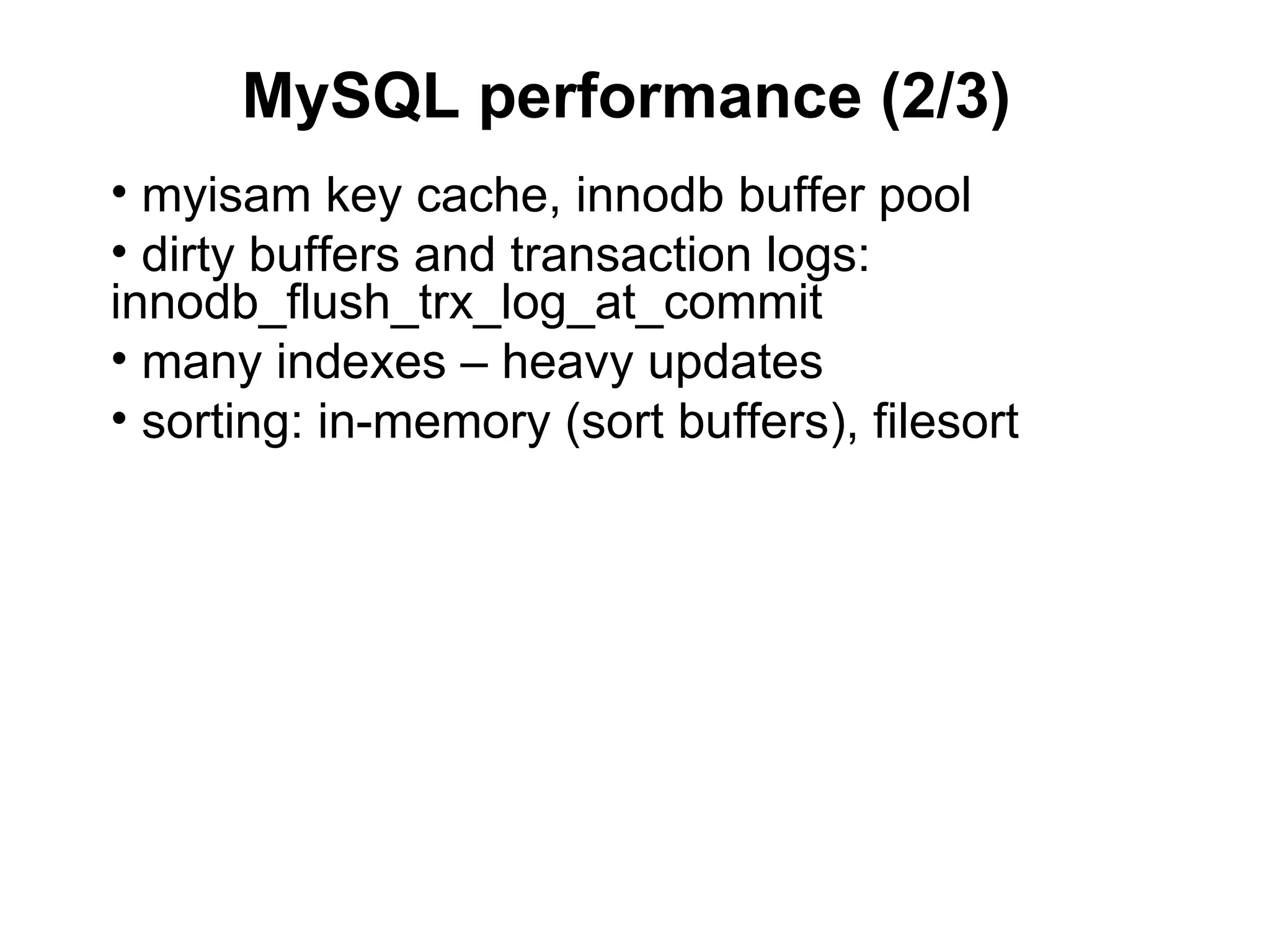
MySQL performance (2/3)
• myisam key cache, innodb buffer pool
• dirty buffers and transaction logs:
innodb_flush_trx_log_at_commit
• many indexes – heavy updates
• sorting: in-memory (sort buffers), filesort
MySQL performance (3/3)
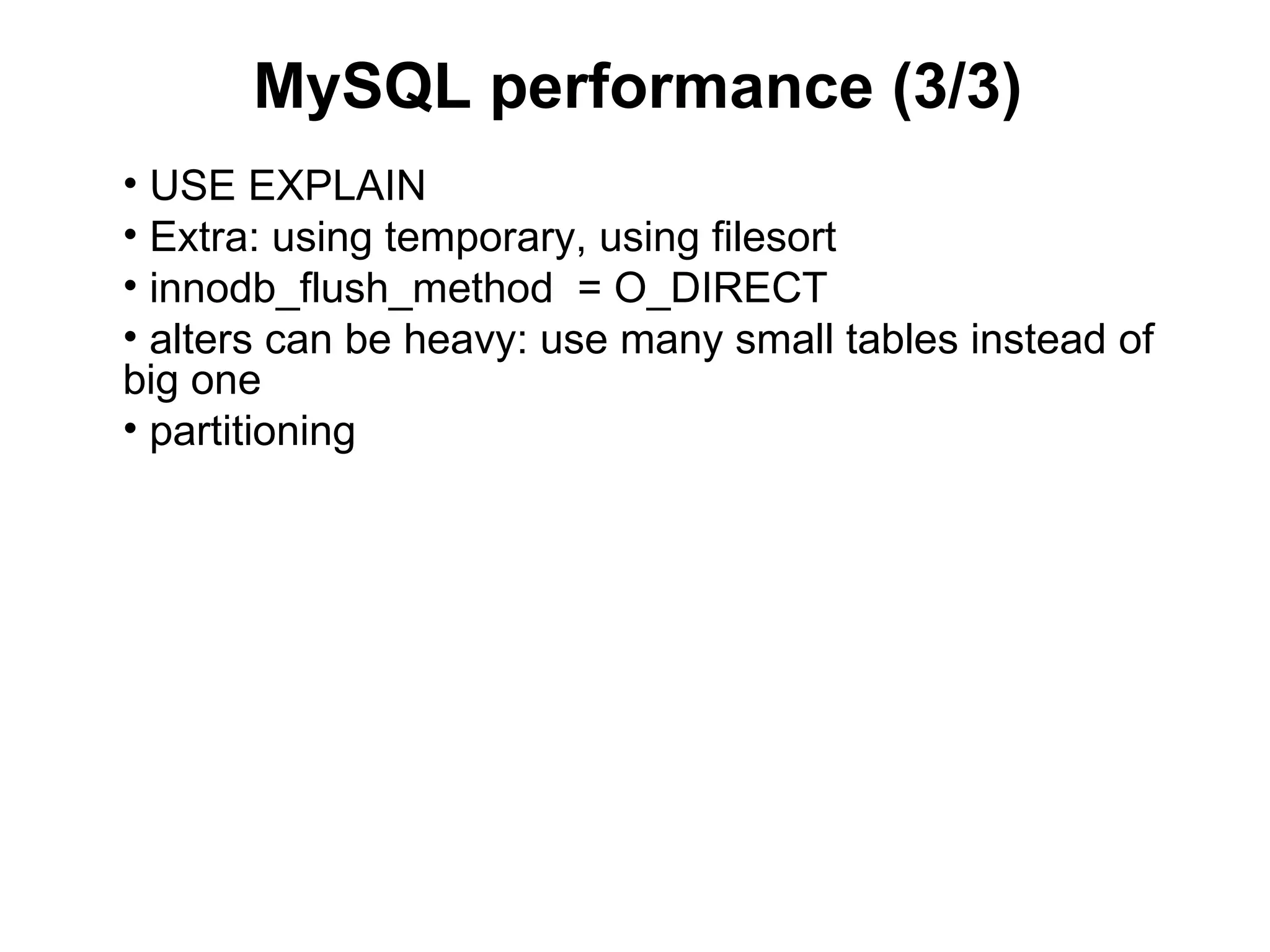
• USE EXPLAIN
• Extra: using temporary, using filesort
• innodb_flush_method = O_DIRECT
• alters can be heavy: use many small tables instead of
big one
• partitioning
MySQL common practices
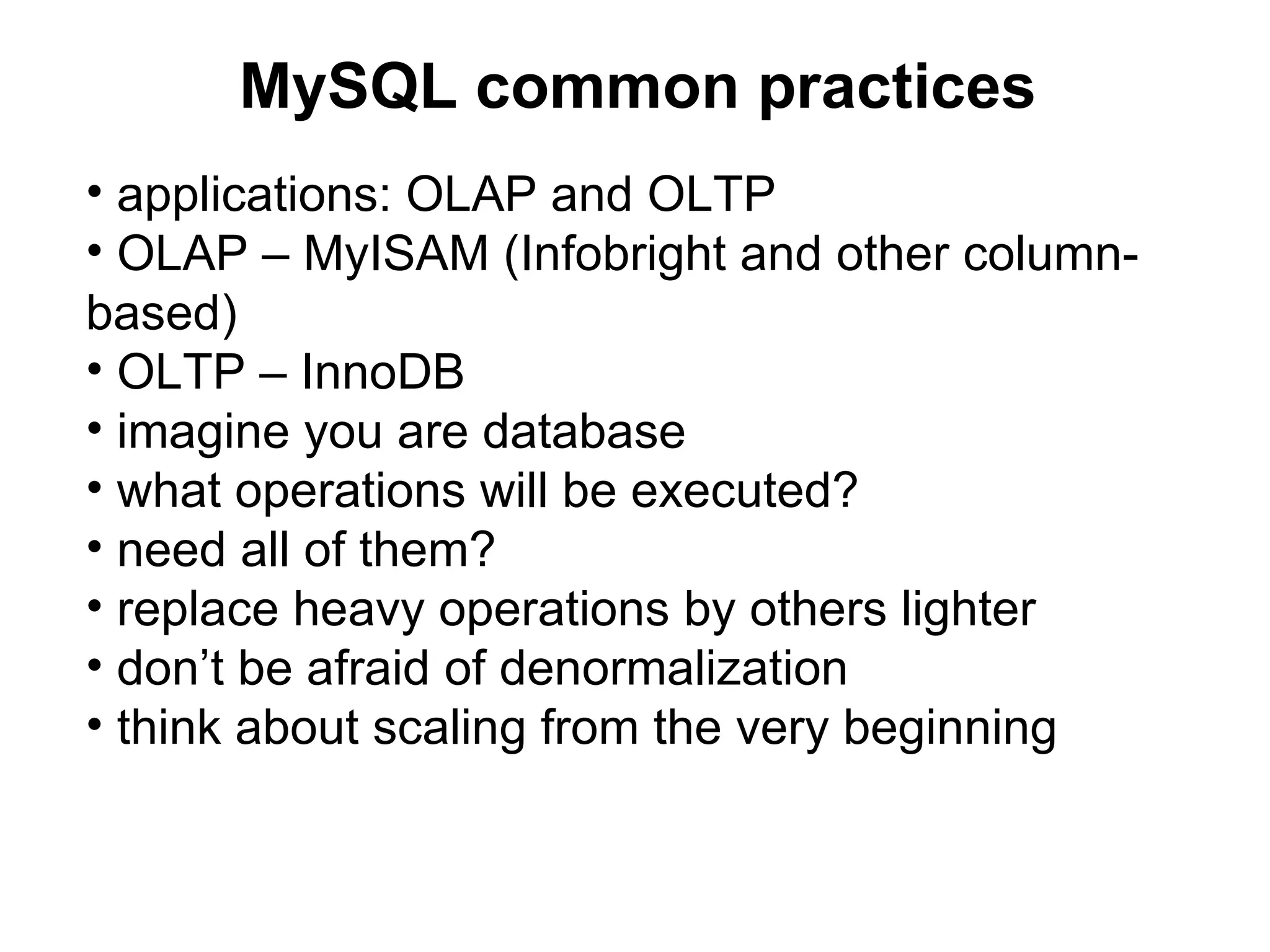
• applications: OLAP and OLTP
• OLAP – MyISAM (Infobright and other column-
based)
• OLTP – InnoDB
• imagine you are database
• what operations will be executed?
• need all of them?
• replace heavy operations by others lighter
• don’t be afraid of denormalization
• think about scaling from the very beginning
Denormalization
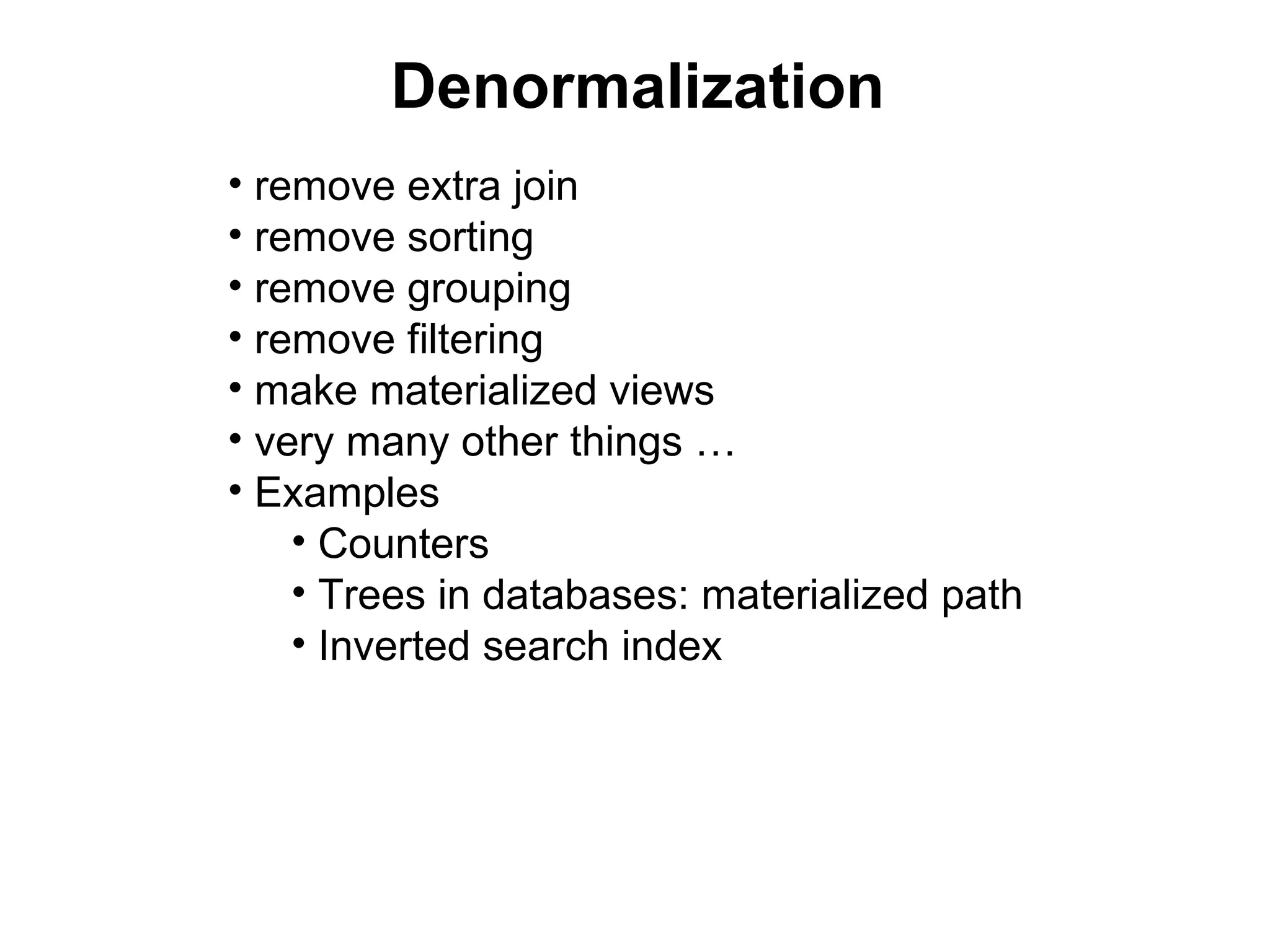
• remove extra join
• remove sorting
• remove grouping
• remove filtering
• make materialized views
• very many other things …
• Examples
    • Counters
    • Trees in databases: materialized path
    • Inverted search index
Other tips and tricks
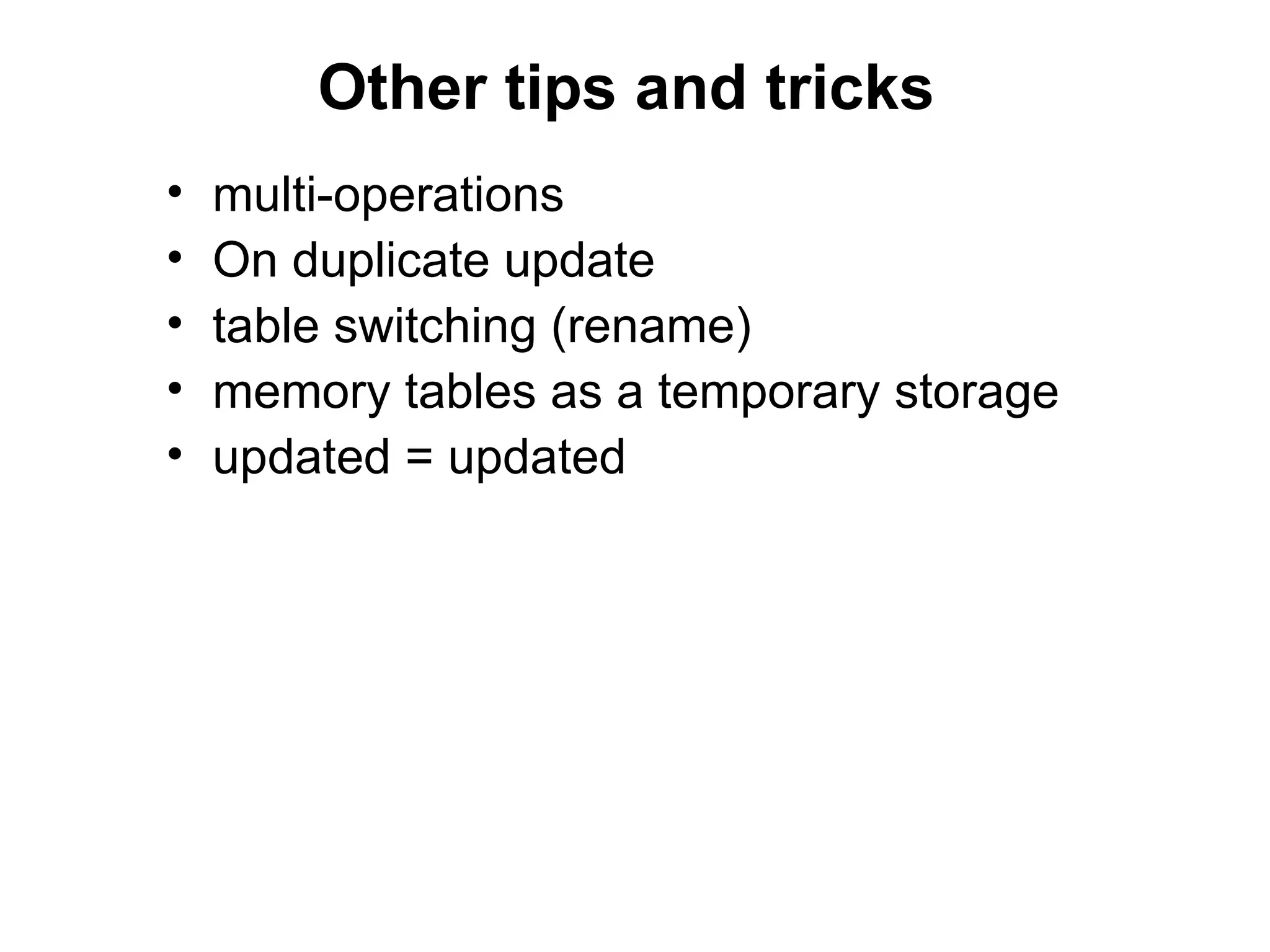
•   multi-operations
•   On duplicate update
•   table switching (rename)
•   memory tables as a temporary storage
•   updated = updated
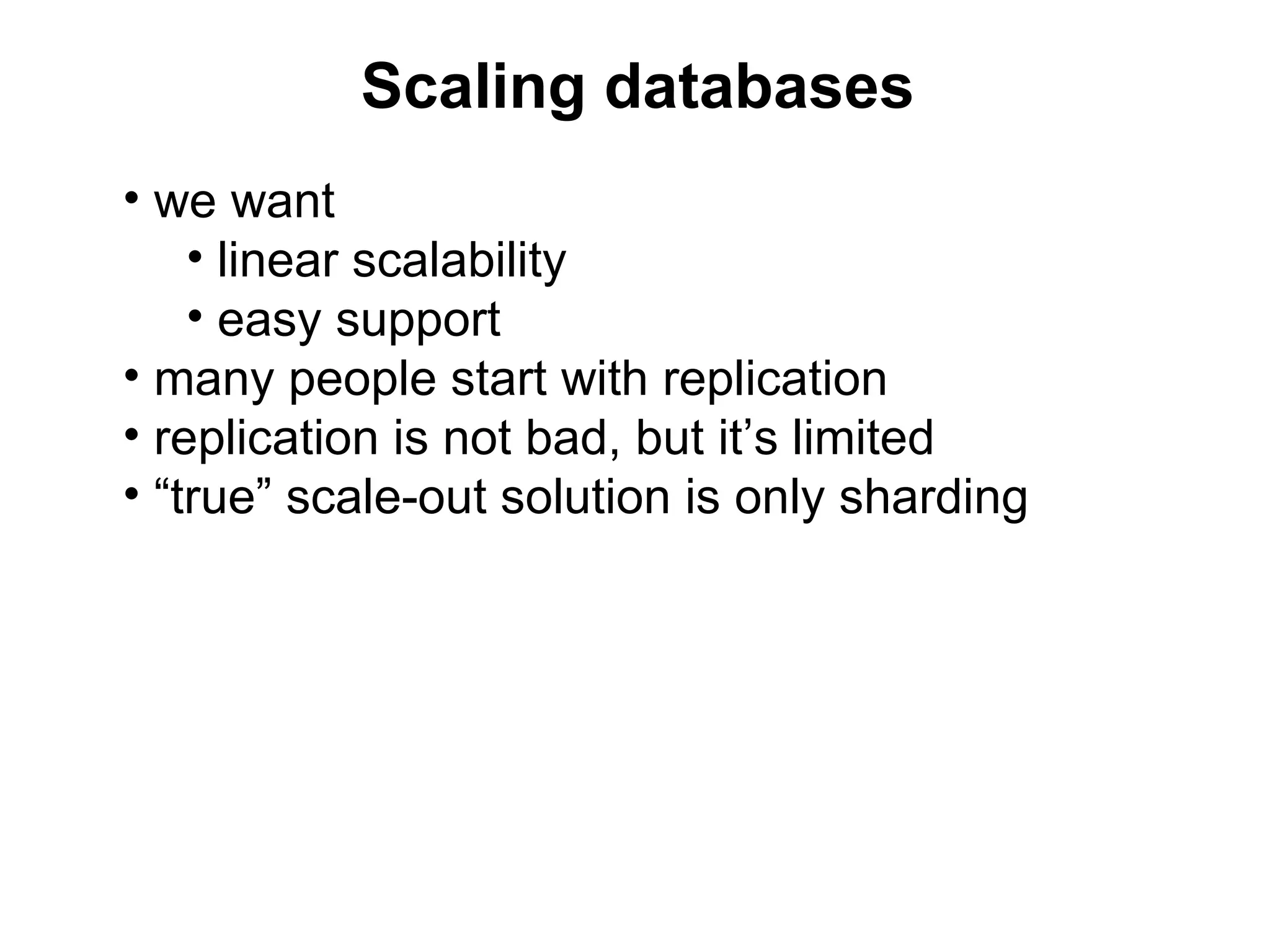
Scaling databases
• we want
    • linear scalability
    • easy support
• many people start with replication
• replication is not bad, but it’s limited
• “true” scale-out solution is only sharding
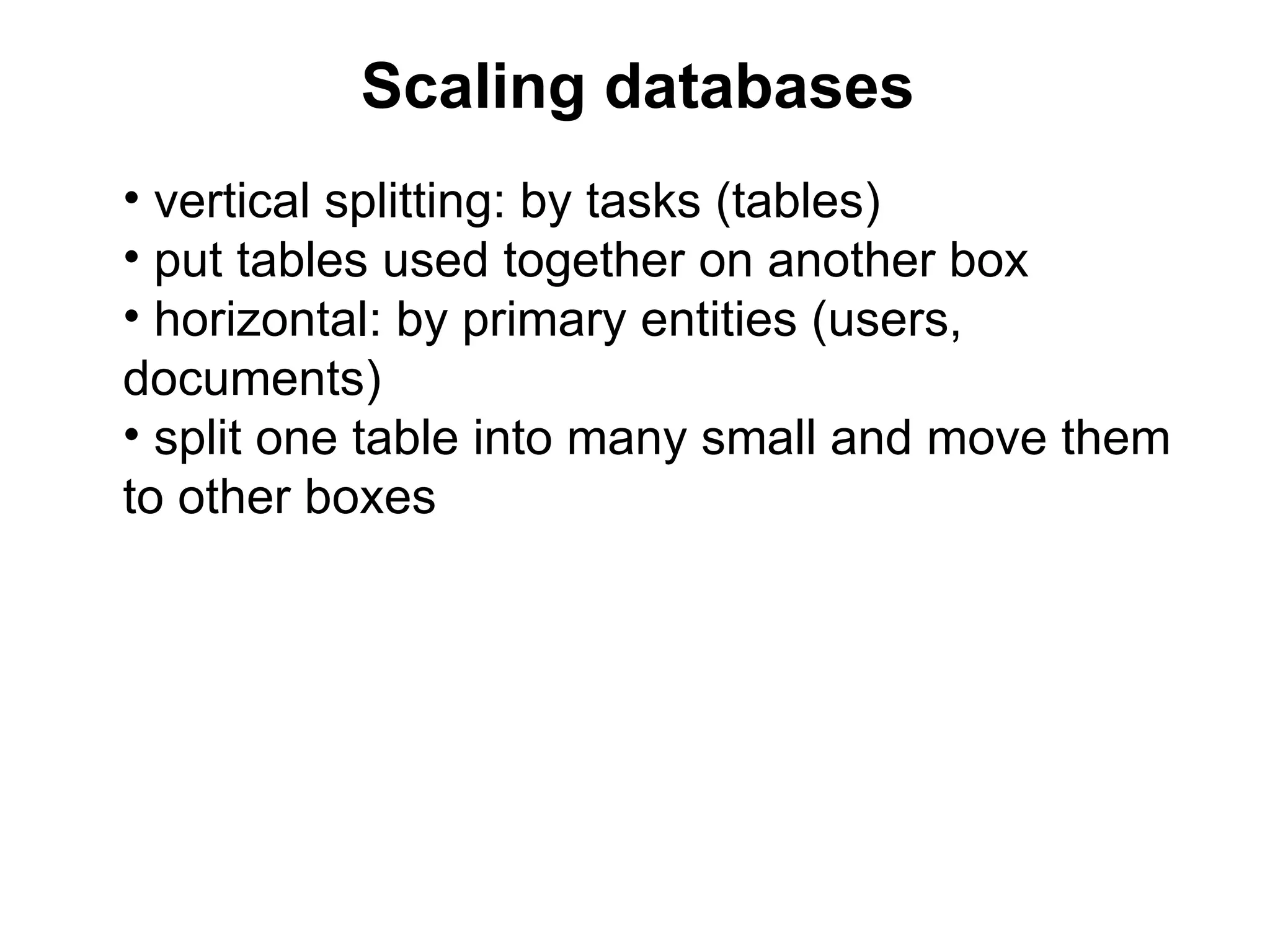
Scaling databases
• vertical splitting: by tasks (tables)
• put tables used together on another box
• horizontal: by primary entities (users,
documents)
• split one table into many small and move them
to other boxes
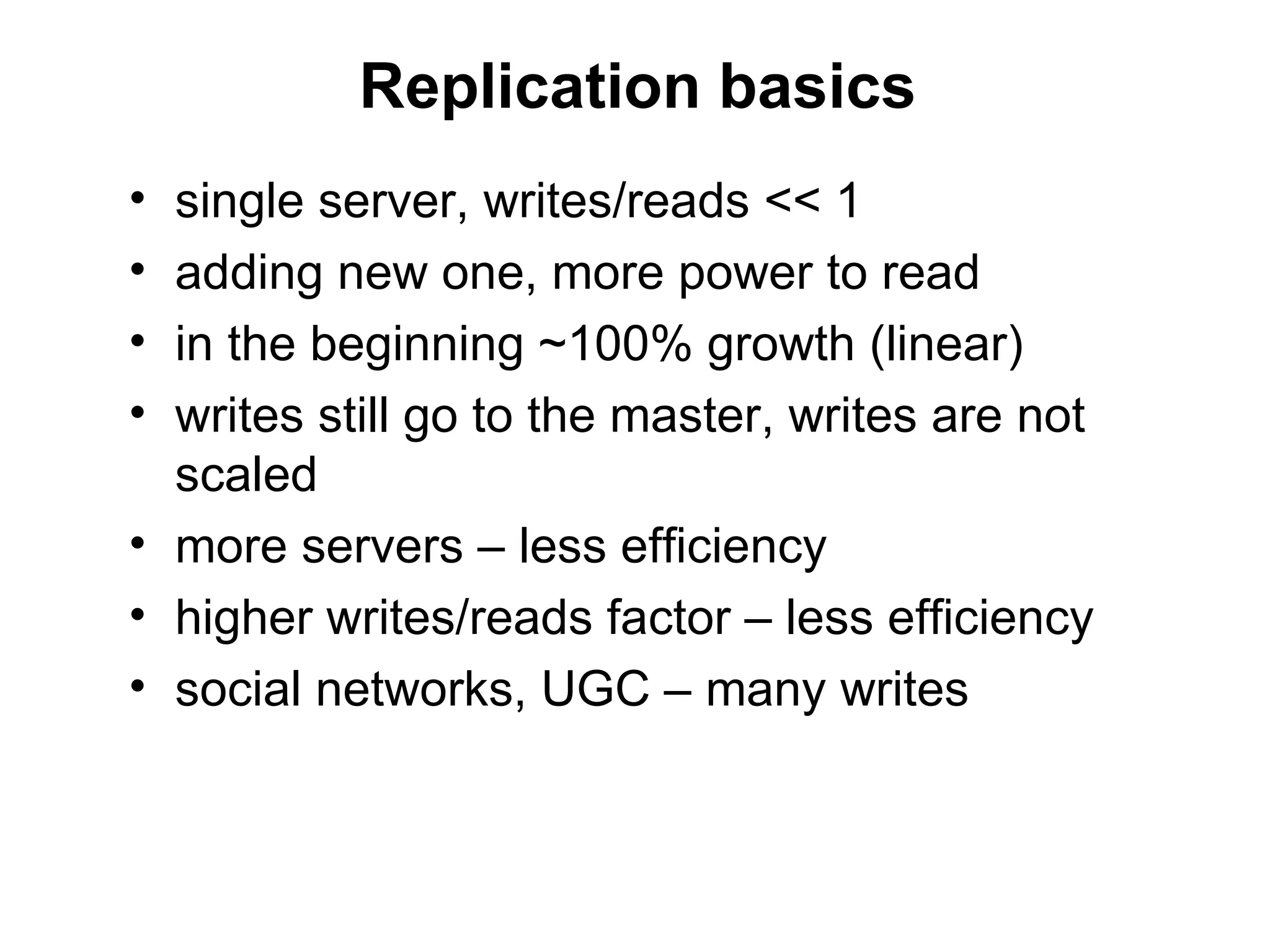
Replication basics
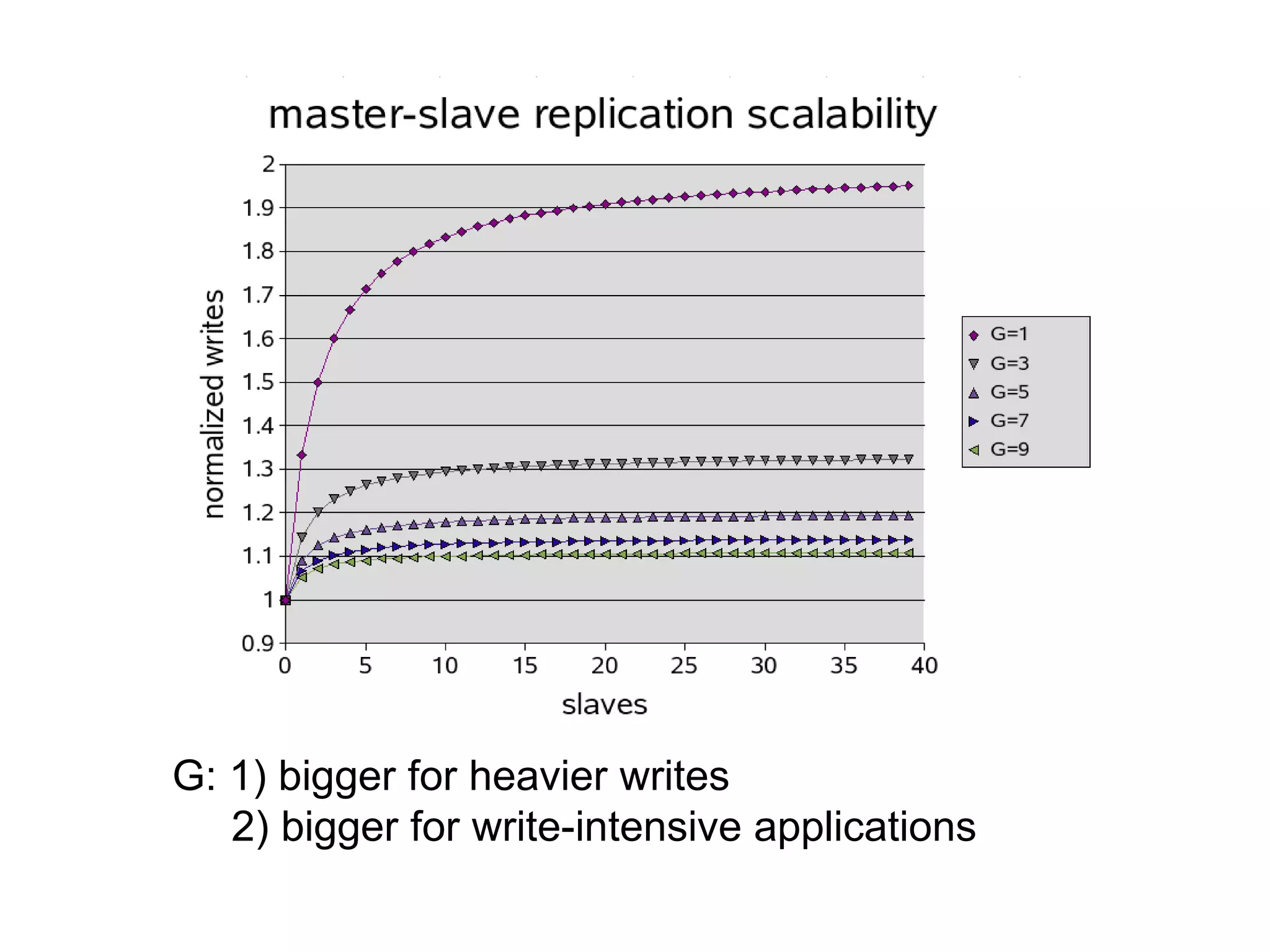
• single server, writes/reads << 1
• adding new one, more power to read
• in the beginning ~100% growth (linear)
• writes still go to the master, writes are not
  scaled
• more servers – less efficiency
• higher writes/reads factor – less efficiency
• social networks, UGC – many writes
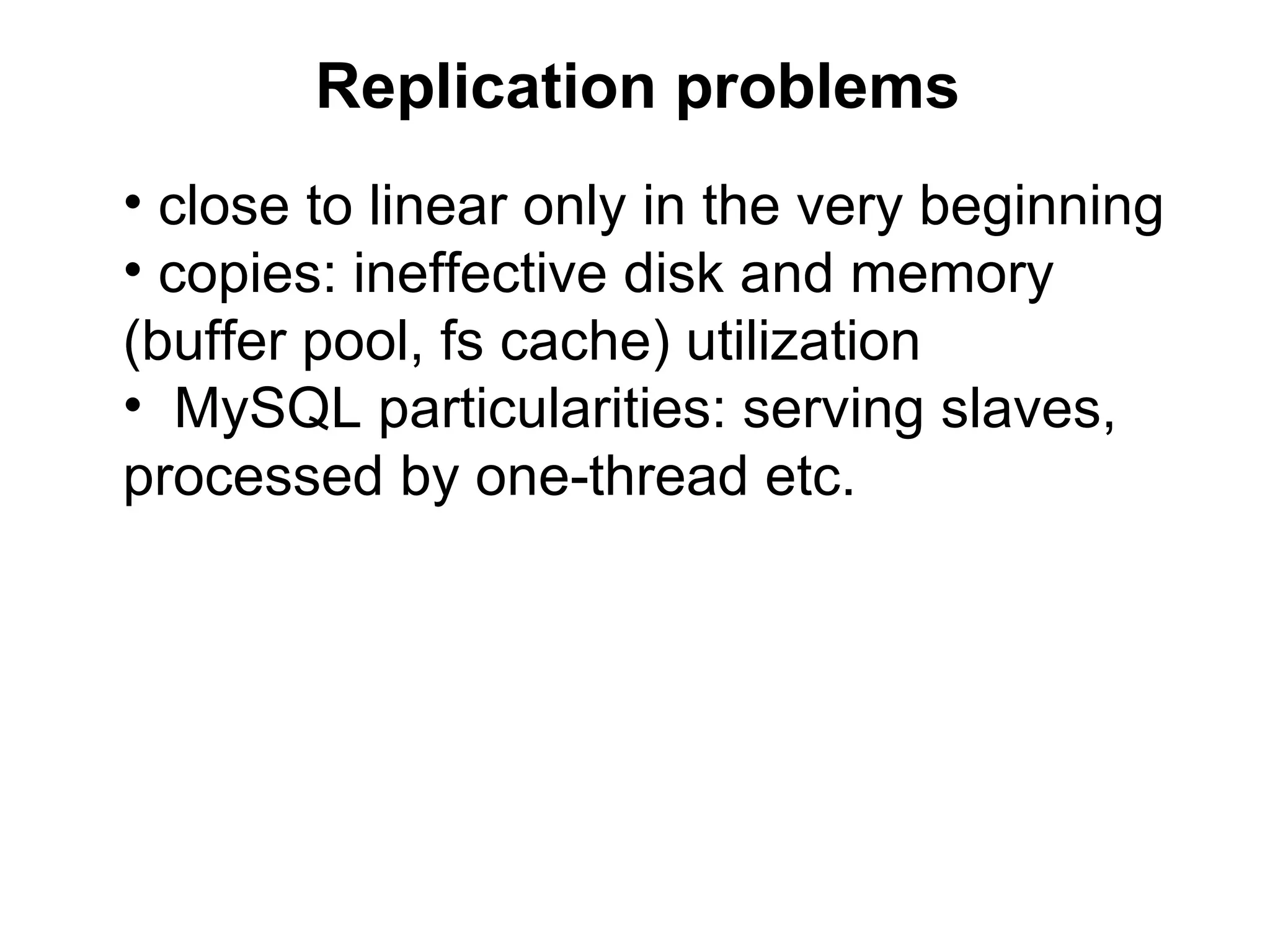
Replication problems
• close to linear only in the very beginning
• copies: ineffective disk and memory
(buffer pool, fs cache) utilization
• MySQL particularities: serving slaves,
processed by one-thread etc.
G: 1) bigger for heavier writes
   2) bigger for write-intensive applications
Scaling

                     linear
Income


         pe
         rfo
            rm
              an
                 c
                 e


              Spending
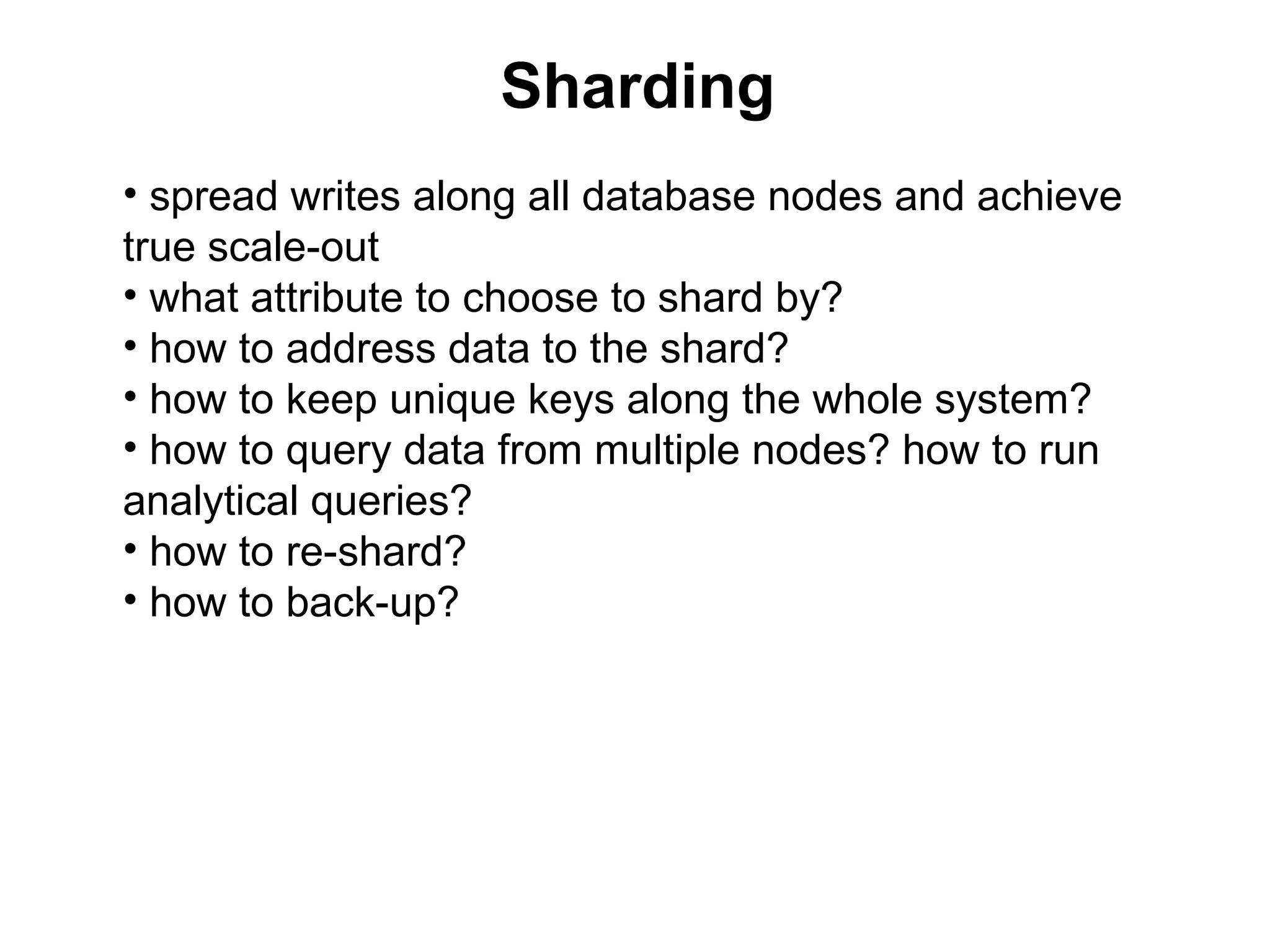
Sharding
• spread writes along all database nodes and achieve
true scale-out
• what attribute to choose to shard by?
• how to address data to the shard?
• how to keep unique keys along the whole system?
• how to query data from multiple nodes? how to run
analytical queries?
• how to re-shard?
• how to back-up?
Mapping data to shard
• primary attribute: user_id, document_id …
• unmanaged: id -> hash%N -> server
• better: virtual buckets
• id -> hash%N -> bucket -> [C] -> server
• buckets: user -> bucket is determined by formula
• best, “dynamical”: user -> bucket can be configurable
• “dynamical”: id -> [C1] -> bucket -> [C2] -> server
• configuration: C1 – “dynamical”, C2 – almost static
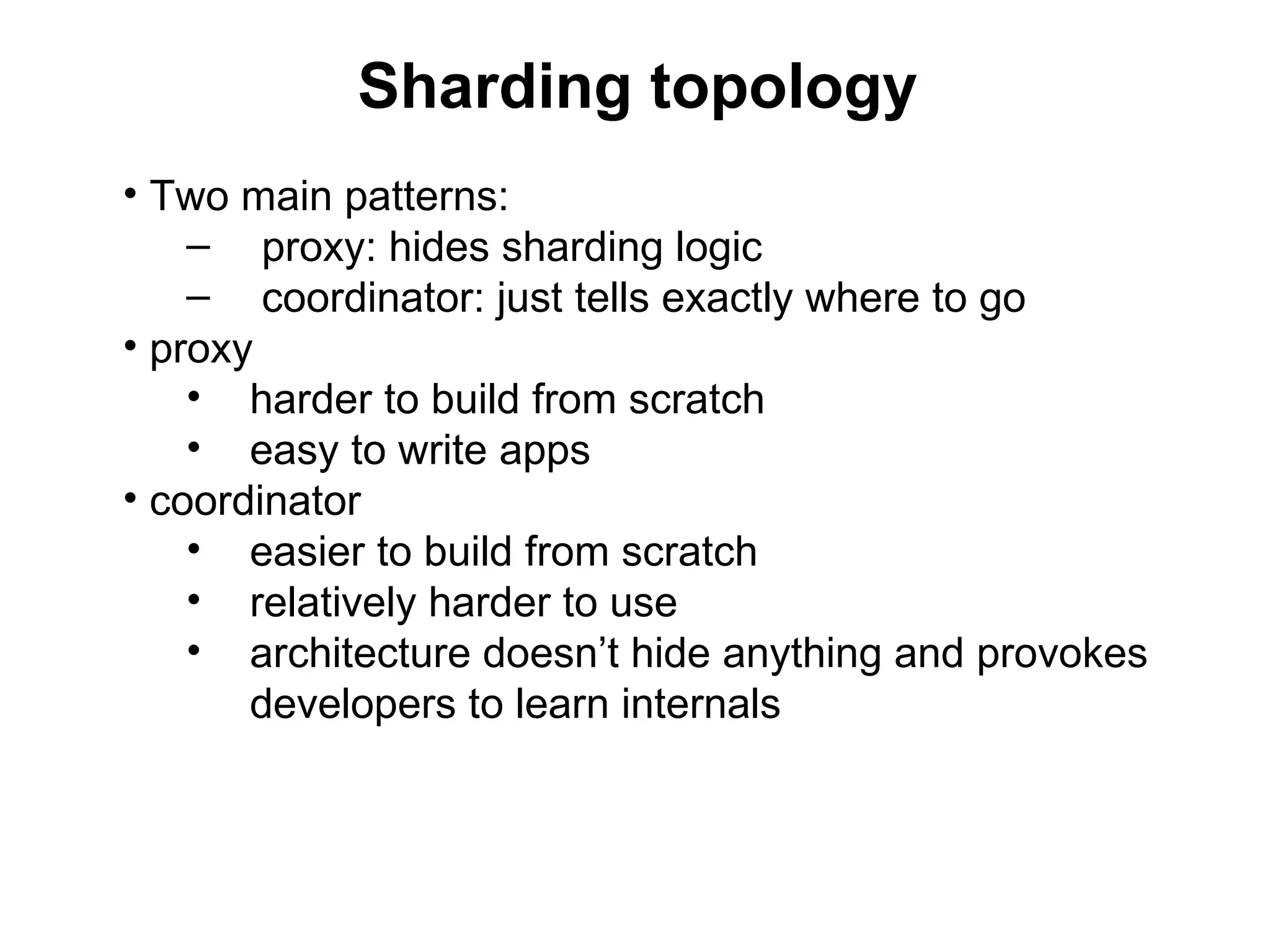
Sharding topology
• Two main patterns:
    – proxy: hides sharding logic
    – coordinator: just tells exactly where to go
• proxy
    • harder to build from scratch
    • easy to write apps
• coordinator
    • easier to build from scratch
    • relatively harder to use
    • architecture doesn’t hide anything and provokes
       developers to learn internals
Dynamical mapping
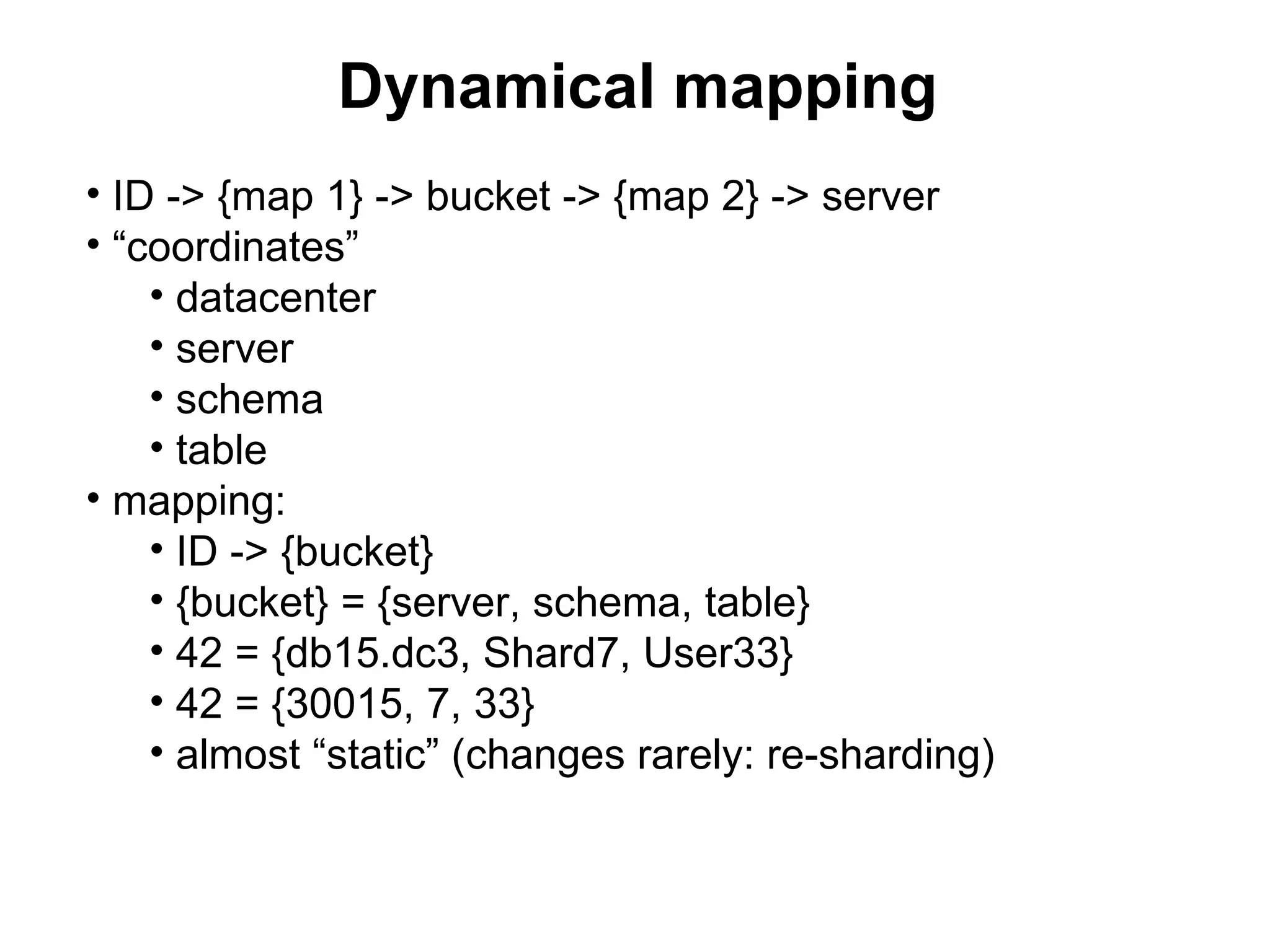
• ID -> {map 1} -> bucket -> {map 2} -> server
• “coordinates”
    • datacenter
    • server
    • schema
    • table
• mapping:
    • ID -> {bucket}
    • {bucket} = {server, schema, table}
    • 42 = {db15.dc3, Shard7, User33}
    • 42 = {30015, 7, 33}
    • almost “static” (changes rarely: re-sharding)
Dynamical mapping
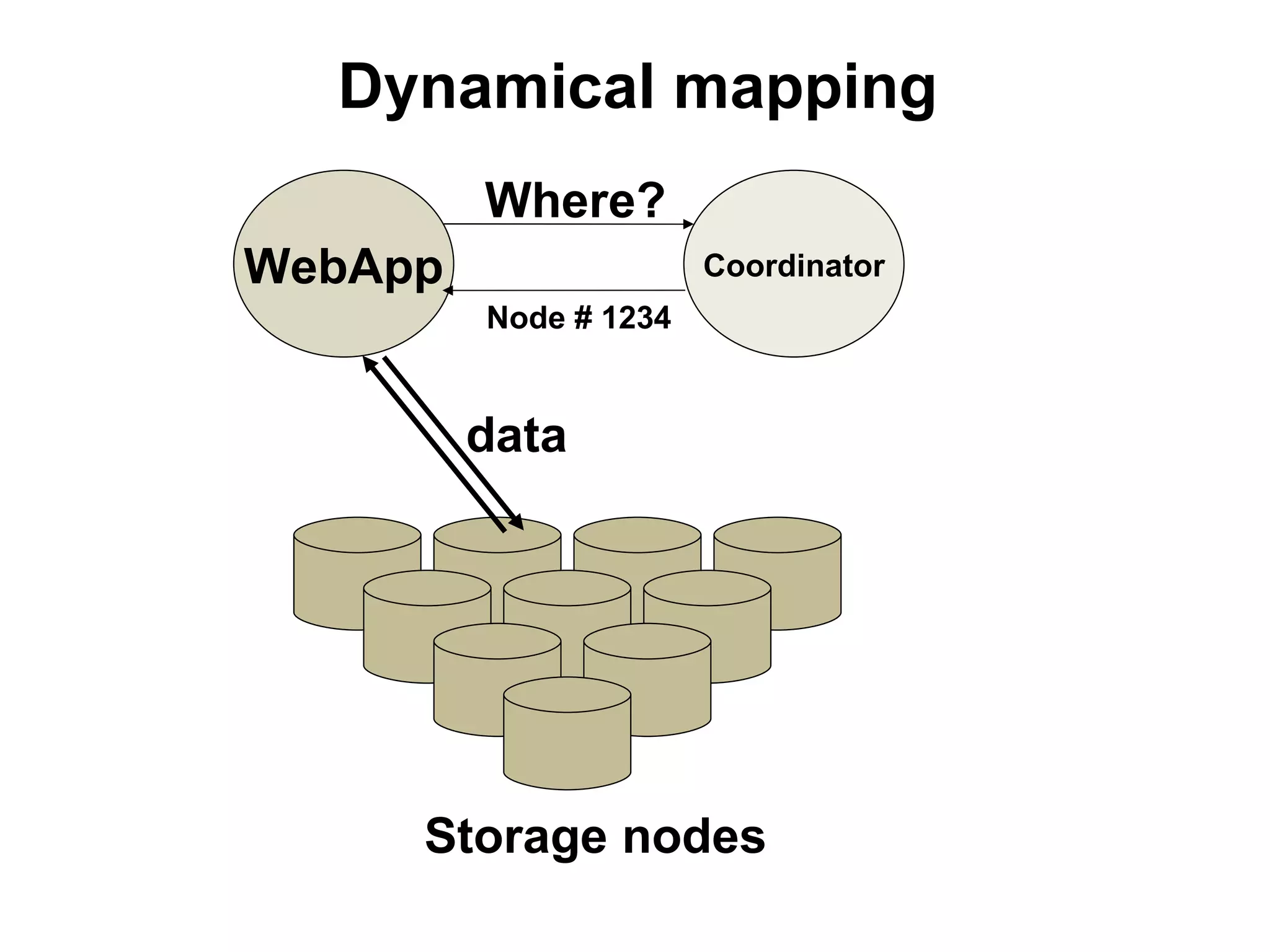
         Where?
WebApp                 Coordinator
         Node # 1234


         data


     Storage nodes
Case#3: Sharding
• flipchart!
• most difficult part of tutorial
• don’t hesitate to ask questions
• additional questions to answer:
     • how to query data from multiple nodes?
     • how to run analytical queries?
     • how to re-shard?
     • how to back-up?
MySQL in Badoo (1/3)
• minus in theory – plus in practice
• they say MySQL is “stupid”
• while this usually means that
   – MySQL doesn’t allow complex dependencies
   – so MySQL just doesn’t dictate ineffective
     architecture
   – no rocket science to build a system for millions
     users, thousands boxes, on commodity servers
MySQL in Badoo (2/3)
• InnoDB
• avoid complex queries
• no FK, triggers or procedures
• homemade sharding, replication, upgrade
  automation
• virtual coordinate shard_id mapped to physical
  coordinates {serverX, dbY, tableZ}
MySQL in Badoo (3/3)

• no “transparent” proxies that “hide” architecture
• clients are routed dynamically
• queues – MySQL (transaction-based events), also
  used Scribe, RabbitMQ
• didn’t change architecture during 6 years from 0 to
  130 M users
4. Queues
Queues

• If we can do something later – client shouldn’t wait
• While sharding is “separation in space”, queueing
  is “separation in time”
• Will cover basics and show how to build such a
  component
Distributed communications

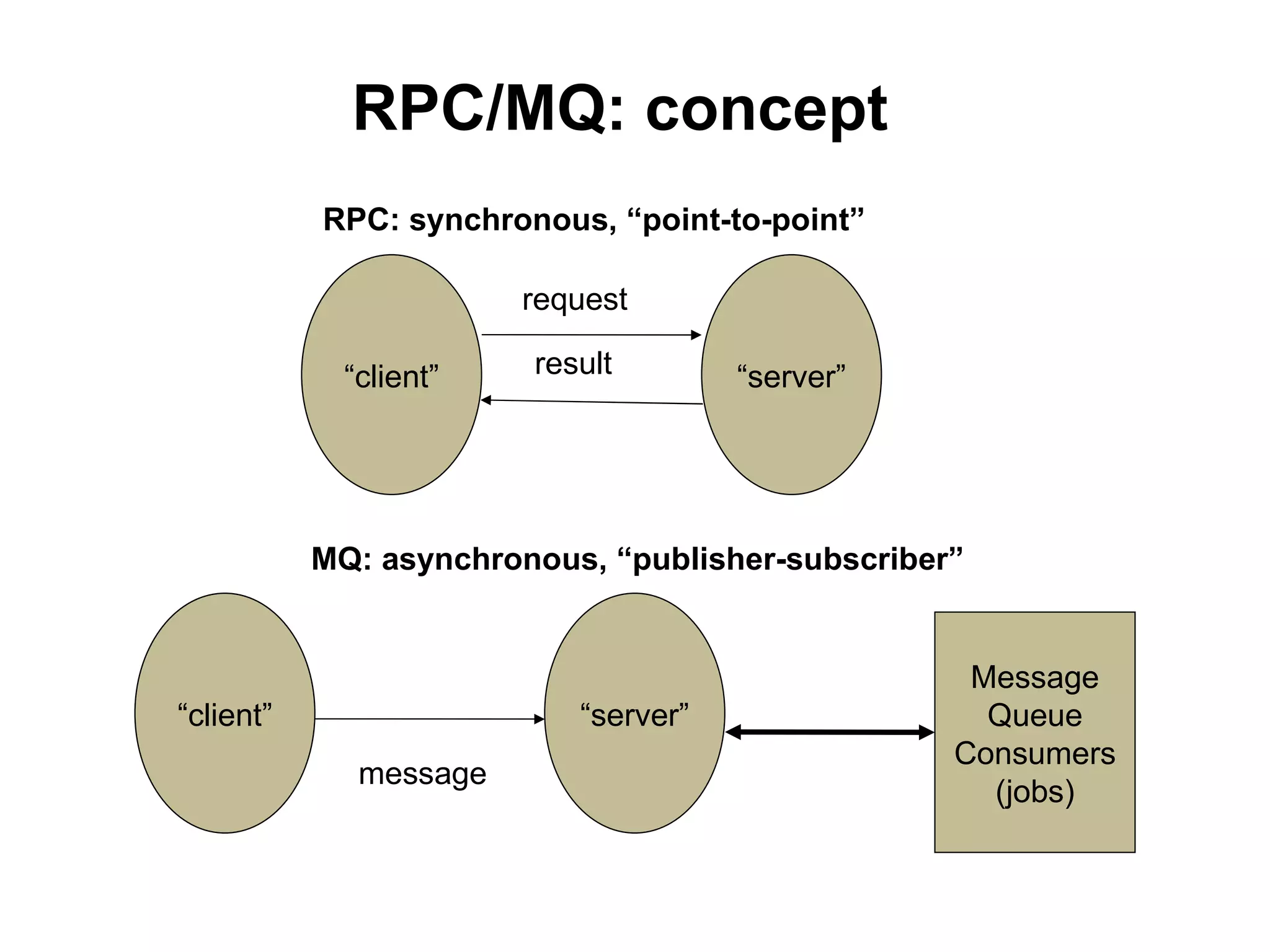
•   RPC = Remote procedure calls
•   MQ = message queues
•   Synchronous: remote services
•   Asynchronous: queues
•   Bunch of ready standalone products
•   Generated-by-transactions queues
•   Standalone systems and transactional
    integrity problem
RPC/MQ: concept
           RPC: synchronous, “point-to-point”

                        request

             “client”   result        “server”


           MQ: asynchronous, “publisher-subscriber”


                                                   Message
“client”                   “server”                 Queue
                                                  Consumers
              message
                                                    (jobs)
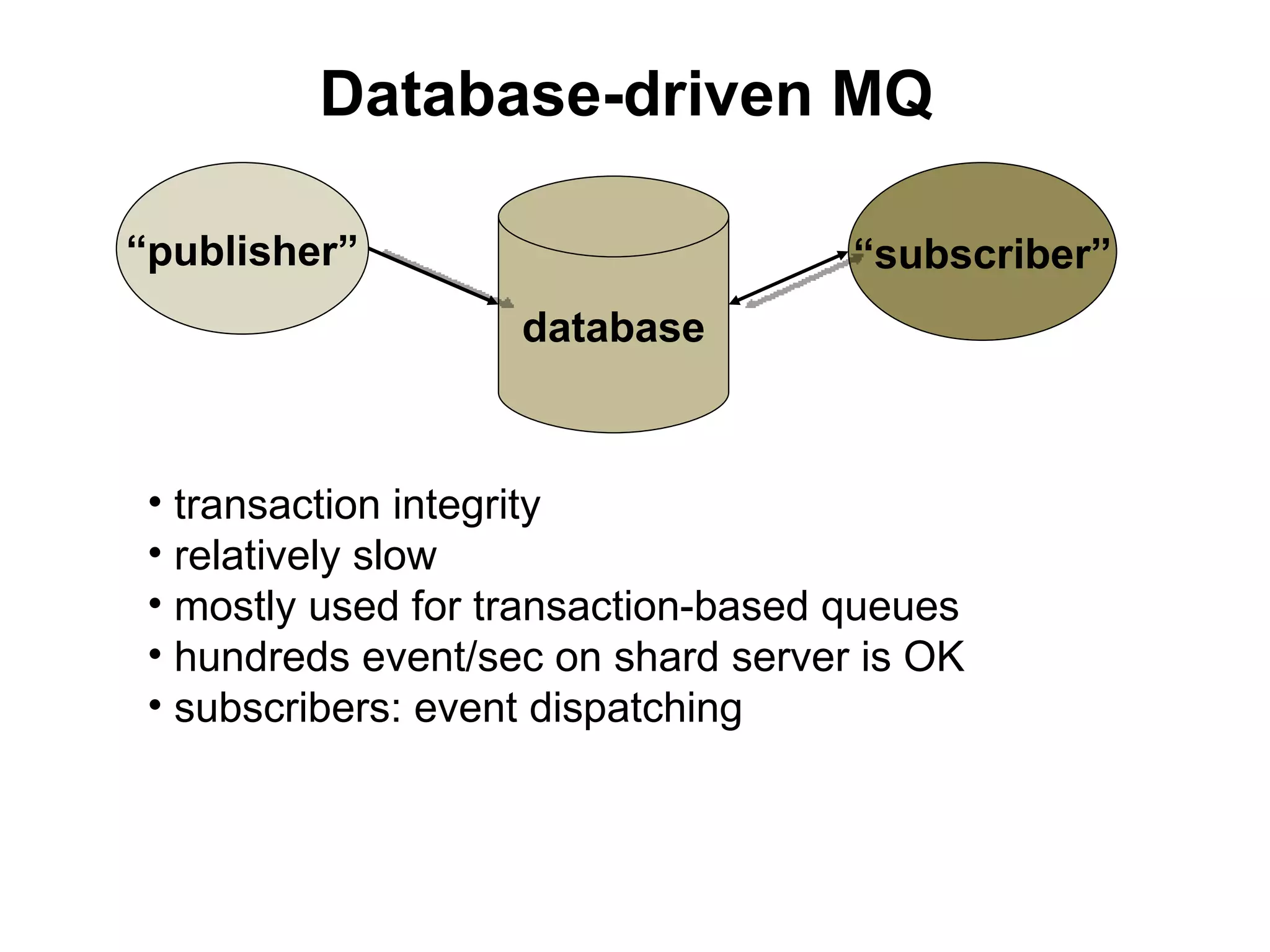
Database-driven MQ

“publisher”                          “subscriber”
                    database


 • transaction integrity
 • relatively slow
 • mostly used for transaction-based queues
 • hundreds event/sec on shard server is OK
 • subscribers: event dispatching
Case#4: MySQL-based queues

 • flipchart!
 • model, event processing, failover,
   scaling
 • decentralized queues
5. Lean production: measuring
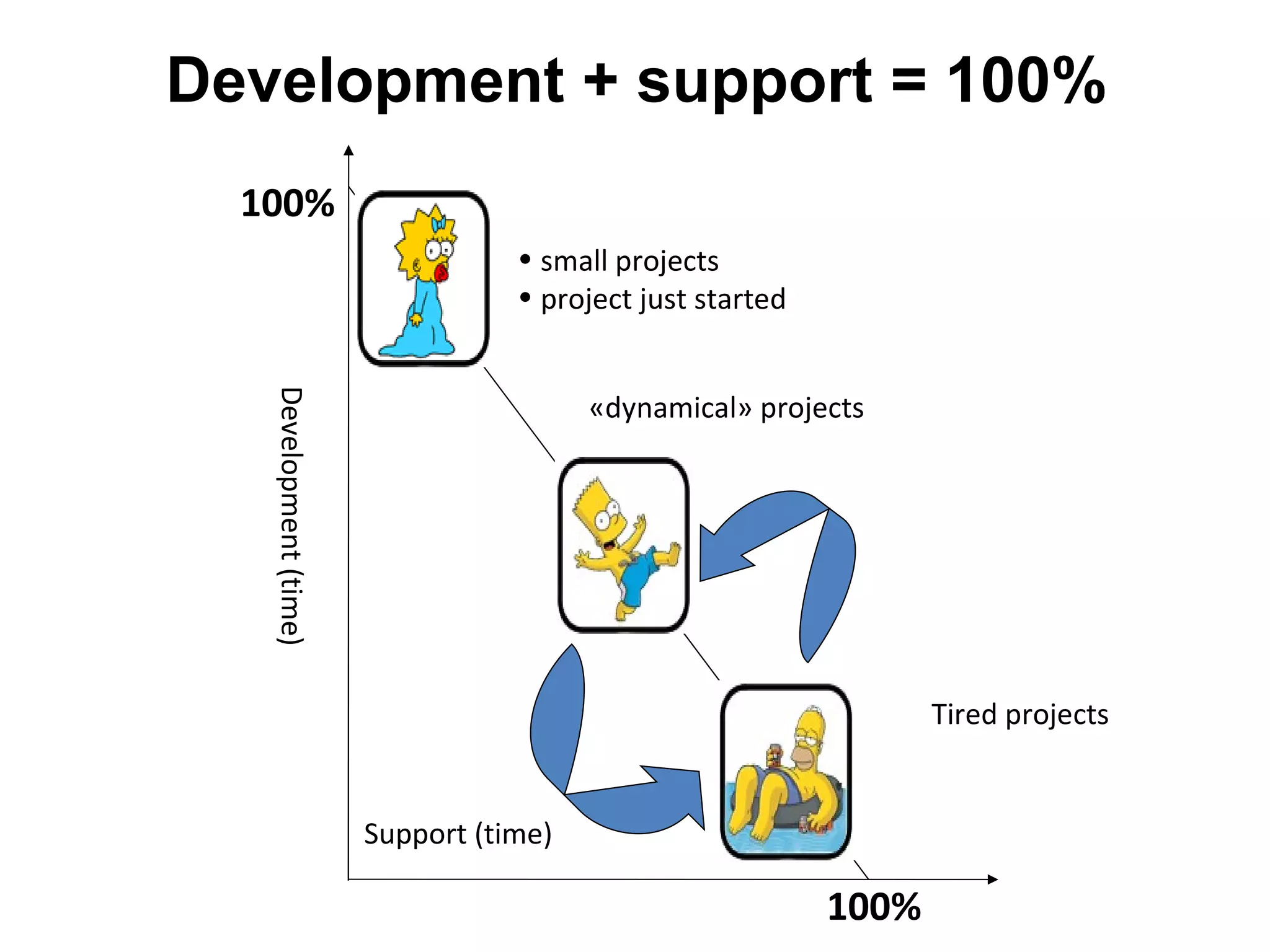
Development + support = 100%
  100%
                                   • small projects
                                   • project just started
   Development (time)


                                         «dynamical» projects


                                                                   Tired projects


                        Support (time)

                                                            100%
Monitoring
• server monitoring is useless for strategic analysis

• good monitoring
    • connects “business” and “technical” values
    • visualizes flows between sub-systems
    • helps to optimize flows
    • generally, helps to make right decisions

• user -> (something complex) -> servers -> monitoring

• in a big system you can’t “reconstruct” flows from server
monitoring
“Traditional” monitoring
Lean way
• users make requests, that’s all
• latency (how long request is processed on server)
    • for various apps (scripts)
    • statistics: not just average
    • internal “structure” of a request
        • what sub-systems are used to process the query
        • what is the impact of these sub-systems into the
        latentcy
• requests per second
    • for various sub-systems
Maintenance

• Latency/RPS by server (server group,
  datacenter …)
• Real-time
• CPU usage by apps (scripts)
• What changes with new releases
PINBA
• PHP extension handles “start” and “finish” for
  every request
• Collects script_name, host, time, rusage …
• Send UDP on request shutdown
• From all your web-cluster
• Listener/server thread in MySQL (v. 5.1.0+)
• SQL-interface to all the data
PINBA: client data

• request: script_name, host, domain, time,
  rusage, peak memory, output size, timers
• timers: time + “key(tag) – value” pairs
• example:
   – 0.001 sec
   – {group => “db::update”, server => “dbs42”}
PINBA: server data
• SQL: “raw” data or reports
• Reports – separate tables, updated real-time
• Base reports (~10): general, by scripts, by host+script
  pairs…
• Tag reports CREATE TABLE R … (ENGINE=PINBA
  COMMENT='report:foo,bar‘)
• R: {script_name, foo_value, bar_value, count, time}
• http://pinba.org – many examples
• 2012 – added nginx module for HTTP statuses
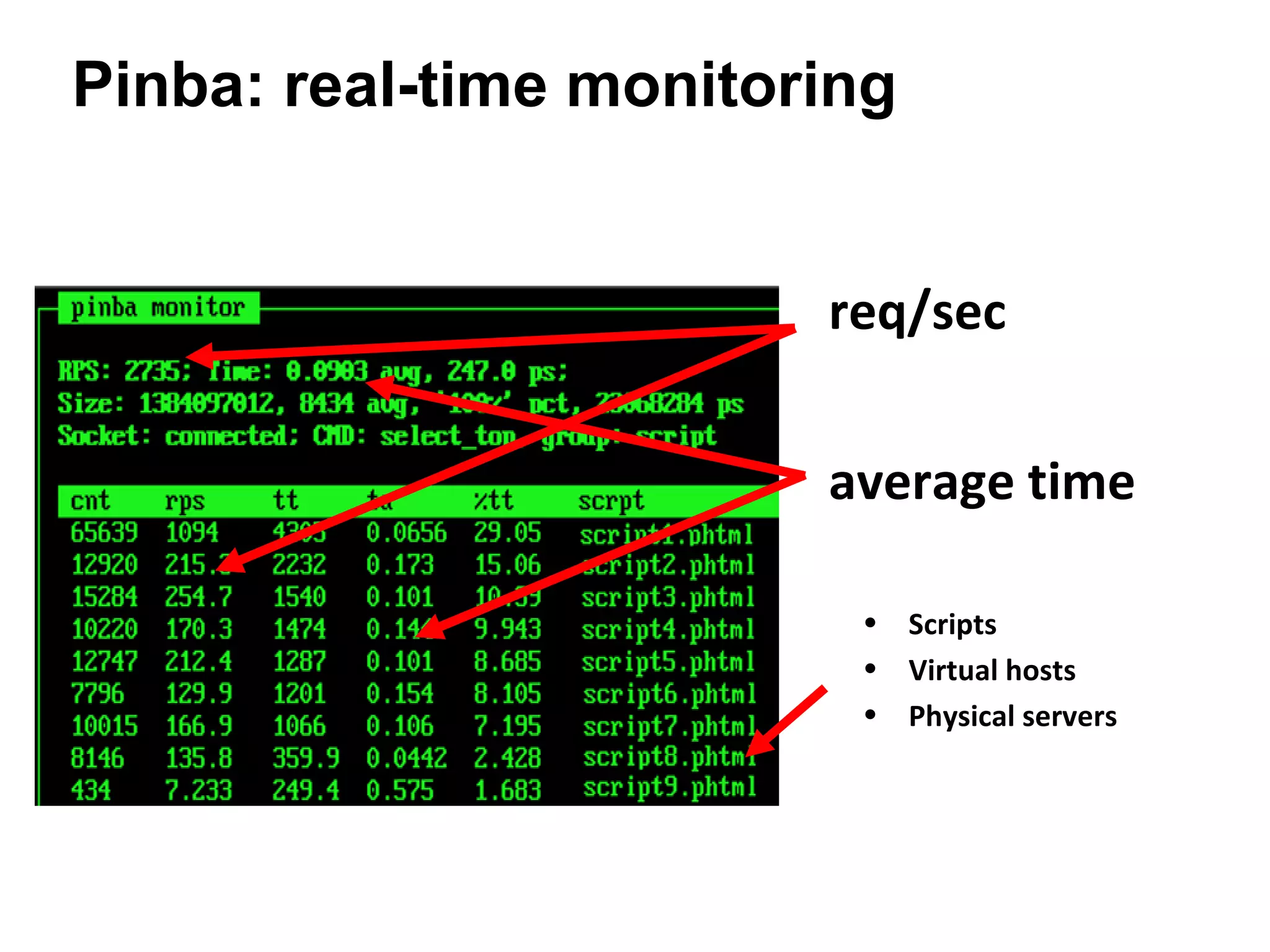
Pinba: real-time monitoring


                        req/sec


                        average time

                         • Scripts
                         • Virtual hosts
                         • Physical servers
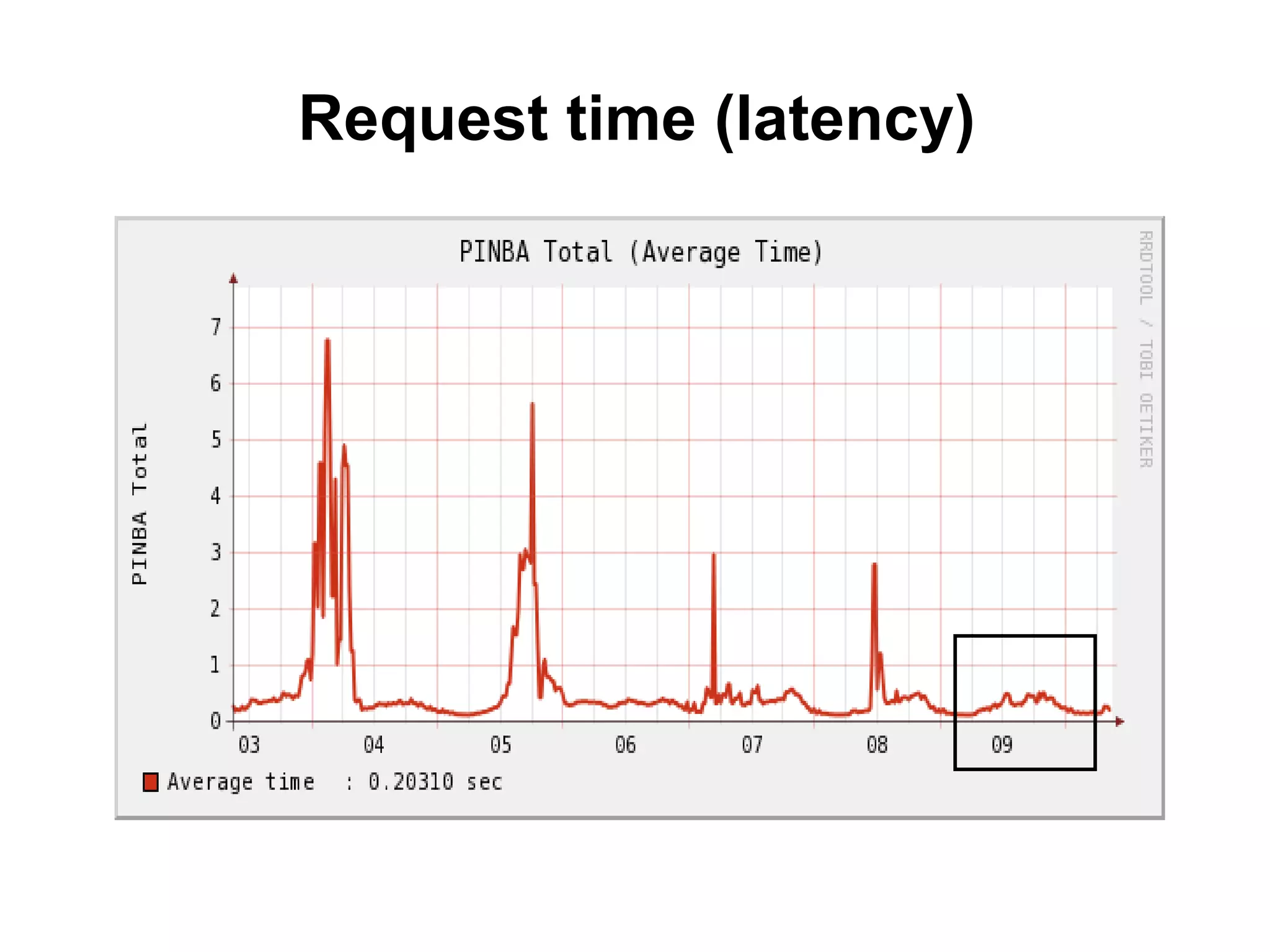
Request time (latency)
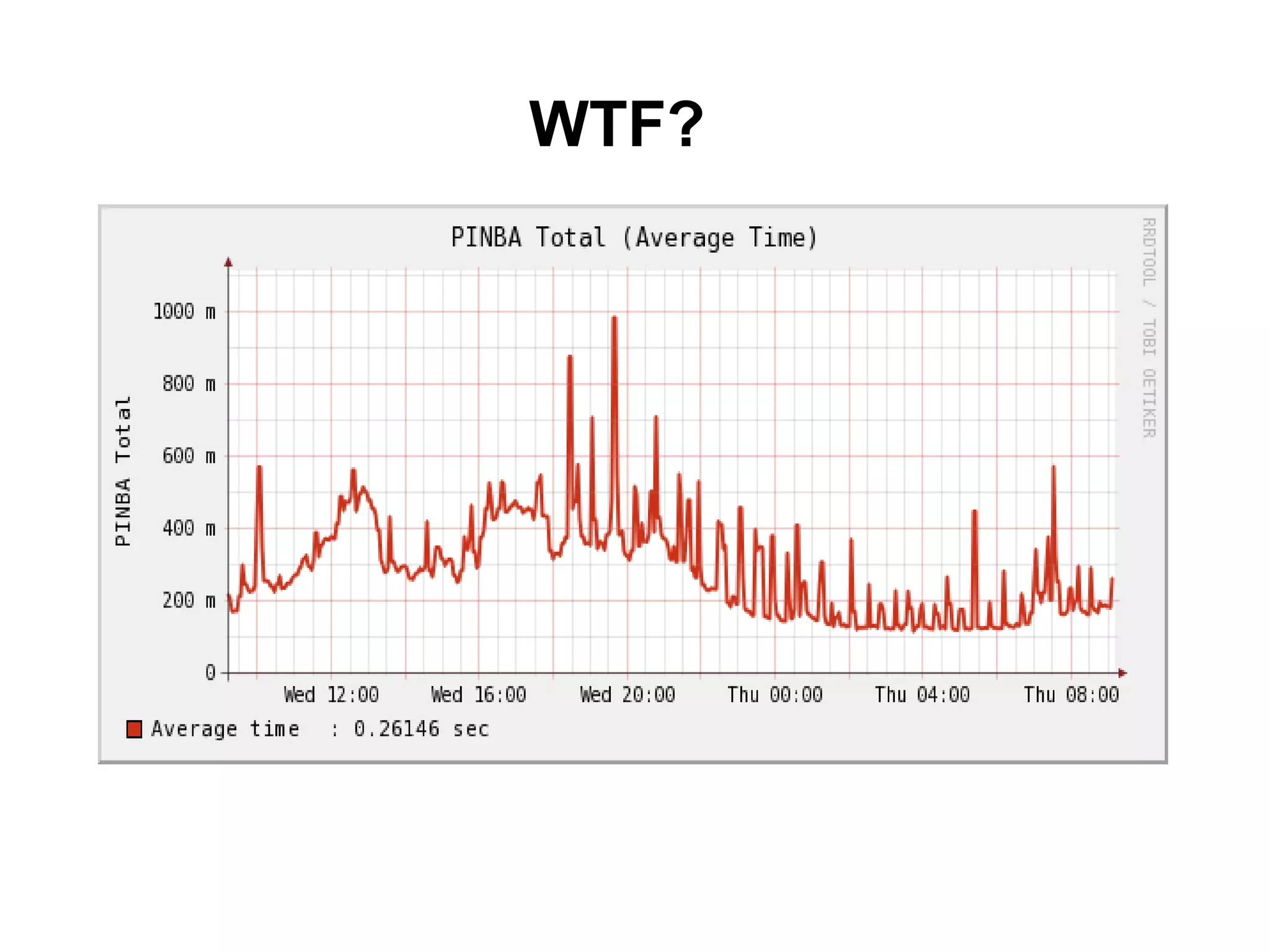
WTF?
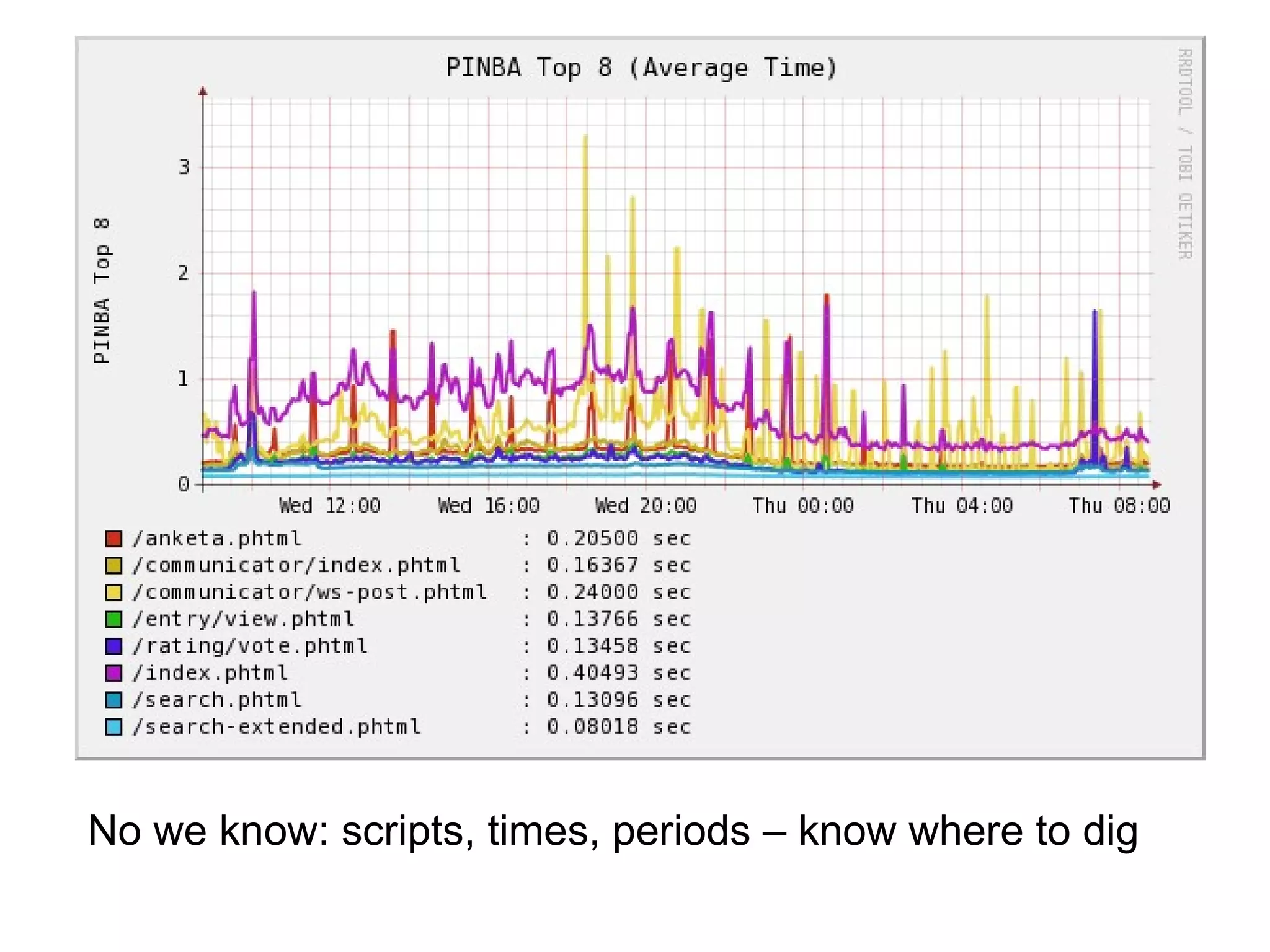
No we know: scripts, times, periods – know where to dig
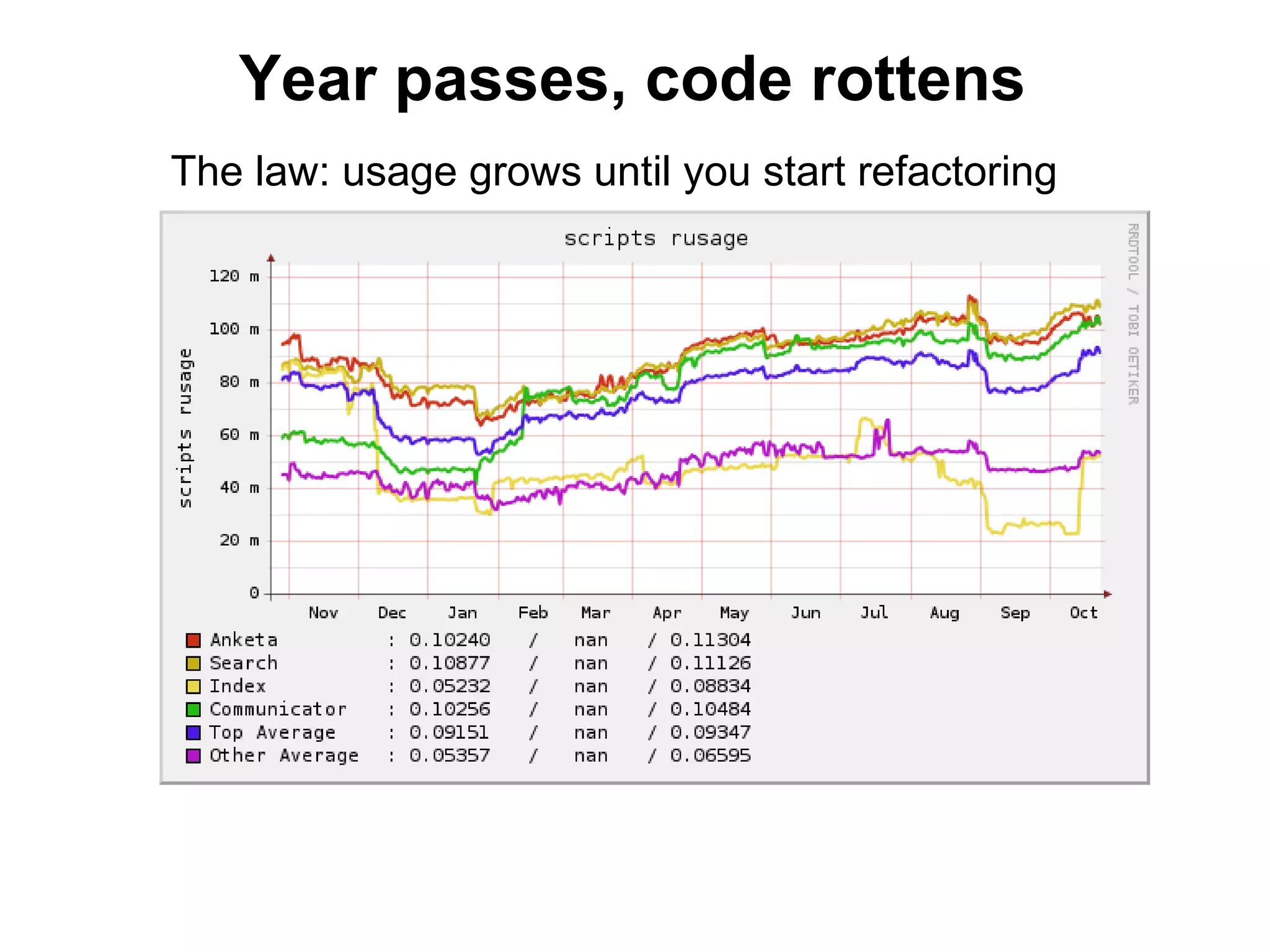
Year passes, code rottens
The law: usage grows until you start refactoring
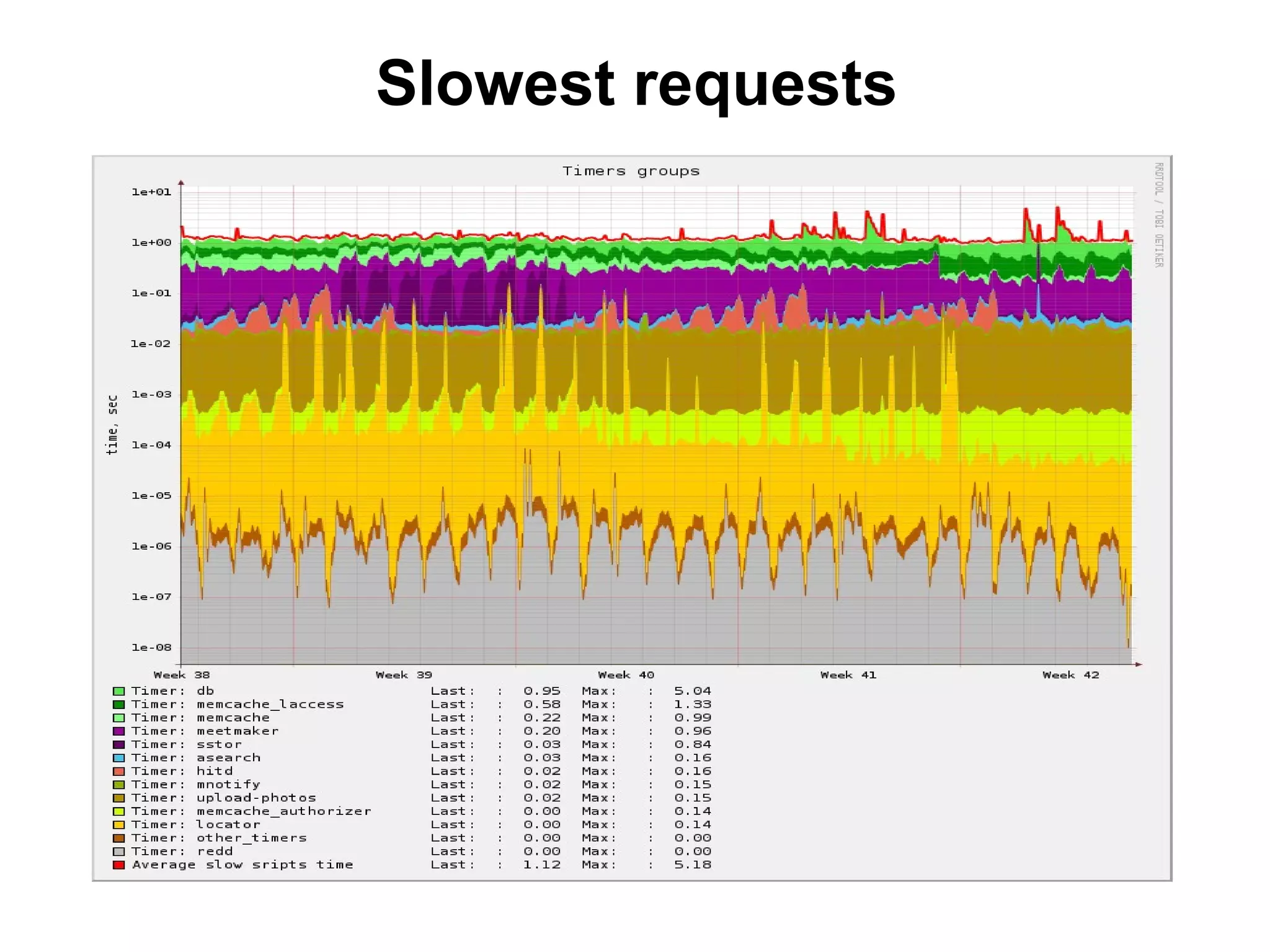
Slowest requests
Memcached stats
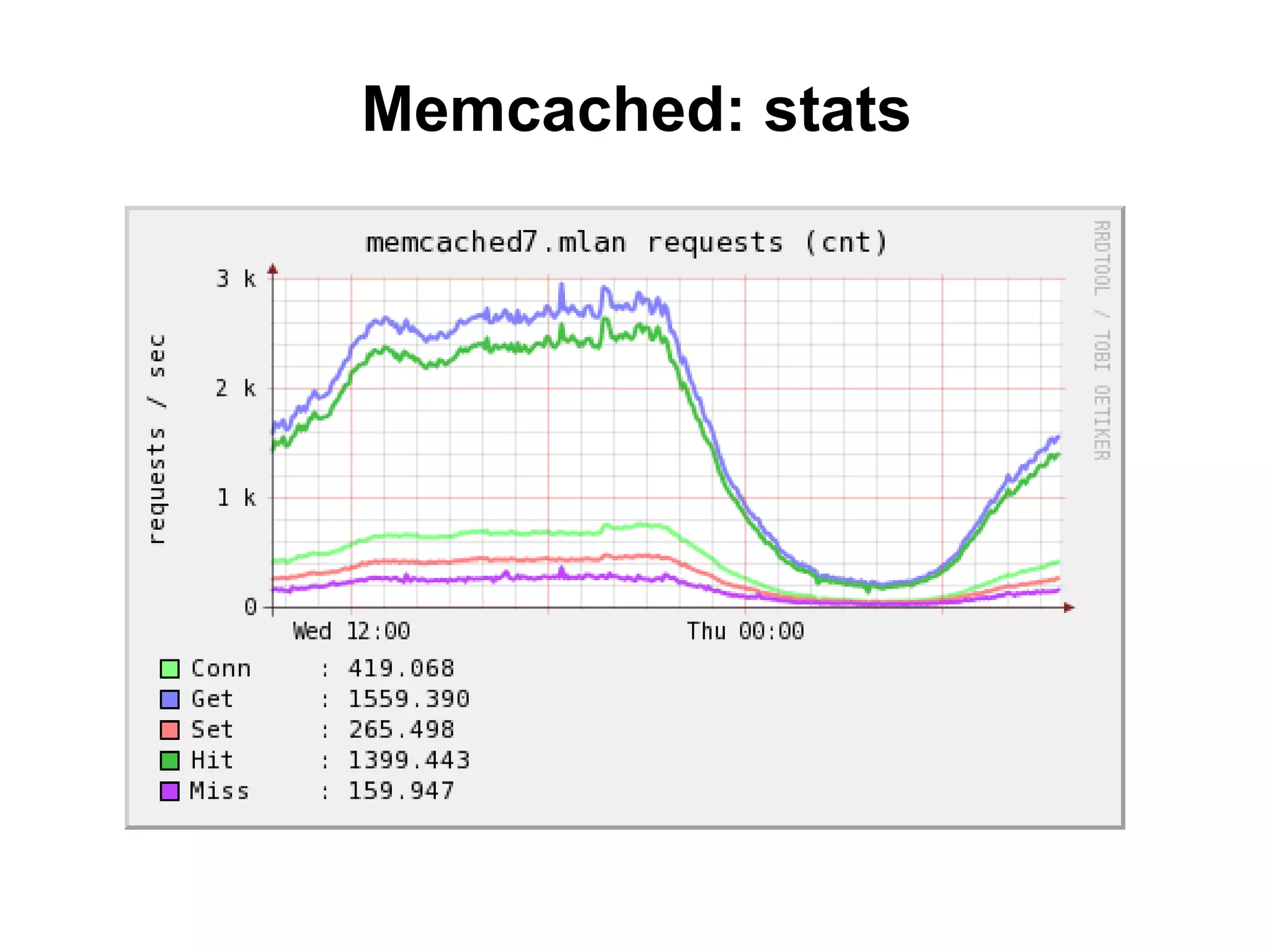
• Traditional stats
  – Req/sec
  – Hit/miss
  – Bytes read/written
• Stats slabs
• Stats items
• Stats cachedump
Memcached: stats
Cachedump (1/4)
17th slab = 128 K

stats cachedump 17
ITEM uin_search_ZHJhZ29uXzIwMDM0QGhvdG1haWwuY29t [65470
b; 1272983719 s]
ITEM uin_search_YW5nZWw1dHJpYW5hZEBob3RtYWlsLmNvbQ==
[65529 b; 1272974774 s]
ITEM unreaded_contacts_count_55857620 [83253 b; 1272498369 s]
ITEM antispam_gui_1676698422010-04-17 [83835 b; 1271677328 s]
ITEM antispam_gui_1708317782010-04-15 [123400 b; 1271523593 s]
ITEM psl_24139020 [65501 b; 1271335111 s]
END
Cachedump (2/4)
•   Extract group name from cachedump
•   See size distributions, find anomalies
•   Or, just see some stupid errors
•   Or, make decisions
    – time to switch on compression
    – split objects into parts
• Big object for memcached is evil
Cachedump (3/4)

• Extract group name from
  cachedump
• See access time distribution
• You can play with lifetime
• T lifetime >> T access time ?
   – Decrease lifetime for this group
Cachedump (4/4)
•   Can be very slow
•   Buggy (at least old versions)
•   Treat results as statistical samples
•   Or increase crazy static buffer in
    source codes
auto debug & profiling (1/1)
• How to profile the code?
• Callgrind & co – good, but too much data, 99.99%
   useless
• Reduction of dimension: measure potentially slow parts
   only (IO: disk ops, remote queries – db, memcached,
с/c++, …)
• Timers in PINBA
• Adding summary: average time, CPU, remote queries by
   group
• Devel: always add this to the end of every page
• Production: can be written to logs
Auto debug & profiling (2/2)
• What happens between sub-systems
• «cost» visualization
• Easy to find non-trivial bugs:
   – No dbq->memq with refresh
   – Many gets instead of multi-get (or, many inserts instead
     or multi-insert et cetera)
   – complex inter-server transactions
   – Many connections to one and the same server
     (database, …)
   – cache-set when database is down or error occurred
   – reading from slave what was just written to the master
   – many more…
What’s missed
• Component stats: MySQL, apache, nginx…
• Server monitoring
• Client side stats (DOM_READY, ON_LOAD) –
  very important
• Errors
Spasibo!
• 6. Questions session
• alexey.rybak@gmail.com
• a.rybak@corp.badoo.com
• Please fill the feedback form: electronic
  (http://alexeyrybak.com/devconf2012.html) or paper
  (available at my desk). Put your email and I'll send you
  this presentation.
• Please give me your feedback, especially critical

Large-scale projects development (scaling LAMP)

  • 1.
    Large-scale projects development Alexey Rybak, Badoo Devconf, 10 june 2012
  • 2.
    Who am I? •developer/manager/director roles in 2005 - … 2004 - 2005 and others, 1999 - 2004 • this tutorial – hobby educational project since 2006
  • 3.
    Rate yourself, please • Worked primarily on one-server or shared hosting systems, want to know basics of large-scale architectures and scaling techniques • Already have several servers in production, want to know how to grow on • Know all the things more or less, just want to systematize my knowledge and get answers to particular questions
  • 4.
    Few more introductorywords • Technology stack – LAMP • Most of problems have fundamental, stack-independent nature • Interrupt, ask questions • Is flipchart visible? We will have several flipchart sessions
  • 5.
    Tutorial schedule • Introduction: values & principals • Web/applications and cache tiers • Databases, sharding • Queues • Lean production: measuring • Questions session (min. 1 hour)
  • 6.
  • 7.
    Why values? • nextmessage is for developers • already worked in big projects? you know this • no? please, open your mind • something may sound wrong • while it’s sad but true
  • 8.
    In large-scale projects •programming as writing code matters less • system design is the key • system design is not about • patterns • classes • modules • API … • not about any writing code practice or code design
  • 9.
    System design • puttingvarious components together • software and hardware • most of components are “ready” • know these components • more engineering • less traditional “programming”
  • 10.
    System design • focusedon business values • performance + cost of ownership • more clients (requests) with less money invested • operations with less resources, minimum downtime… • performance, high availability, reliability, recovery… many other buzz-words • can be painful for developers as it’s about managing unknowns
  • 11.
    Scalability: an abilityto grow Linear, good performance $$$ (income) Non-linear pe rfo rm Linear, but bad performance an ce $$$ (spending) • Scalability and performance determine your growth together • Scalability is the class of the function • Performance is function parameter (here: angle) • Will talk about both scalability and performance
  • 12.
    Scaling • vertical: scalein (improving hardware) • horizontal: scale out (adding boxes) • components coupling matters • key to horizontal scaling is weak coupling between subsystems (share nothing = weak/loose coupling)
  • 13.
    Queueing theory • Justto introduce basic models • Massive flow of random requests: • Telecommunications • call-centers • supermarkets • filling (gas) stations • airports • fast-food • Disneyland... • and internet projects • Started by A. K. Erlang, «The Theory of Probabilities and Telephone conversations», 1909
  • 14.
    Basic model: single-serverqueue queue server requests processed requests overflow: failure Characteristics: • processed requests/sec (throughput) • total processing time (latency) • failures/sec (quality) • many others Important property: rapid non-linear performance degradation
  • 15.
    Multiple-server queue servers queue requests processed • queue + N servers performs better than N (queue + server) • find these models in your project, they form your architecture basis
  • 16.
    System design • Goal:components are coupled in the most effective way • Method: imagine it’s all queues and analyze data processing flows • Components • High-level (software) • Low-level (hardware)
  • 17.
    High-level components • Yoursoftware + ready building blocks • “Ready” software: • web servers • application servers (can be incorporated into web) • cache servers • database servers
  • 18.
    Each based on •Hardware • CPU • memory • disk • network • OS • Linux/UNIX parallelism
  • 19.
    Hardware: data flowlimits CPU < 1E-9 s Memory #00 #01 1E-7 – 1E-6 s FS cache cache cache HDD > 1E-3 s Network • sequential: ~100MB/sec • random: ~200 req/sec ~1e-5 s • database IO isn’t sequential Random reads from memory via • SSD rocks in random IO network is faster than using a disk
  • 20.
    Hardware: conclusions • readingfrom other box memory can be significantly faster than reading from local disk • weakest link: random HDD IO (databases) • sequential bulk reads/writes are more effective • batch writes: accumulate data in memory and sync • databases use combination of these techniques • battery backed write cache • SSD: much faster random access
  • 21.
    Components splitting Section#2: Applications Incoming HTTP-traffic Section#3: Data Front-end: connection handling Other applications clusters, involved into Back-end: application cluster request processing Cache: fast memory storage Queueing, jobs, analytical applications… Sharded databases: split disk writes In next sections we’ll discuss • why this splitting is effective • how to scale app/cache/db tiers horizontally
  • 22.
  • 23.
    Why frontend andbackend? Incoming HTTP-traffic Front-end: connection handling Back-end: application cluster C10K problem – serving 10K connections Need to know • OS parallelism • server models
  • 24.
    Linux: parallelism • processes •threads • multitasking, interrupts: context switch • the key property is how servers handle network connections
  • 25.
    Servers models • Processper connection • Thread per connection • FSM (finite state machine)
  • 26.
    Connection handling • process-per-connection (apache 1, 2 mpm_prefork) • slow clients = many processes • thread-per-connection (apache 2 mpm_worker) • slow clients = many threads • Keep-Alive – 90% clients • Overhead: context switches, RAM • “lightweight“: nginx (engine-x), lighttpd (lighty), …
  • 27.
    Servers models • Processper connection • CGI: fork per connection • Pooling: Apache (v.1, mpm_prefork – min, max, spare), PostgreSQL+pgpool, PHP-FPM … • Thread per connection • Pooling: Apache (mpm_worker – min, max, spare), MySQL(thread_cache) • FSM (finite state machine) • “modern” kernel: kqueue, epoll • interface: libevent, libev • FSM + process pooling: nginx • FSM + thread pooling: memcached v>1.4
  • 28.
    Nginx • 1 master + N workers (10**3 – 10**4 conn) • N ~ CPU cores * (blocking IO probability) • FSM • maniacal attention to speed and code quality • Keep-Alive: 100Kbytes active / 250 bytes inactive • logical, flexible, scalable configuration • with even embedded castrated perl • nginx.com
  • 29.
    [front/back]end • What doesweb-server do? • Executes script code • Serves client • Hey, does cook talk to restaurant customers? • These tasks are different, split to frontend/backend • nginx + Apache with mod_php, mod_perl, mod_python • nginx + FCGI (for example, php-fpm)
  • 30.
    [front/back]end Heavy-weight server (HWS) Light-weight server (LWS) Apache mod_php, nginx mod_perl, mod_python FastCGI «fast» and «slow» clients static content; can do simple scripting (SSI, perl) dynamic content
  • 31.
    [front/back]end: scaling B • homogeneous tiers (maintenance) F • round-robin balancing B (weighted, WRRB) • WRRB means there’s no SLB F “state” B • key to simplest horizontal scaling: 6)don’t store any “state” on the box 7)weak coupling F B
  • 32.
    Scaling linear Income pe rfo rm an c e Spending
  • 33.
    Scaling web tier •Many servers – put front- and back-ends into one box (much simpler maintenance) • Don’t store states on these boxes • Loose coupling • any shared resource make boxes “coupled” • share accurately • Common errors – common data via NFS (sessions, code) => local copies, sessions in memcached – heavy writes into shared db real-time => if possible, async messages – local cache => global cache
  • 34.
    nginx: load balancing upstream backend { server backend1.example.com weight=5; server backend2.example.com:8080; server unix:/tmp/backend3; } server { location / { proxy_pass http://backend; } }
  • 35.
    nginx: fastcgi upstream backend{ server www1.lan:8080 weight=2; server www2.lan:8080; } server { location / { fastcgi_index index.phtml; fastcgi_param [param] [value] ... fastcgi_pass backend; } }
  • 36.
    Protected static filesperformance • static files with restricted access • you need some “logic” to check access rights • scripting is expensive: “heavy” process for each client • X-Accel-Redirect: “heavy” process checks rights quickly and returns a special header with filename • URL-certificates: best practice, no scripting at all • http://wiki.nginx.org/NginxHttpAccessKeyModule • http://wiki.nginx.org/HttpSecureLinkModule
  • 37.
    Caching • «memory»-10-9-10-6,«network»-10-4,«disk»- slower10-3 • 100% static (pages, images etc), HTML-blocks, «objects» • Complexity: – if-modified-since (no request) – proxy cache (cache data is stored on a web-server) – object(serialized) cache (cache storage is used) • Industry standard - memcached, also popular: Redis (more than cache) and others
  • 38.
    Local vs. Globalcache • memory utilization (very bad for huge clusters) • incoherence • intranet latency is small, use global in-memory cache LC backend + data frontend LC backend + data each backend talks to all global caches Global Cache Global Cache Global Cache Global Cache
  • 39.
    Memcached • danga.com/memcached/ (LiveJournal-> Facebook) • shared cache-server • fsm (libevent) • memory slabs, items of 2N size • ideal for sessions, object cache • performance tips: • small objects, zip other (CPU? use thresholds) • multi-get • stats (get, set, hit, miss + slab info)
  • 40.
    Scaling cache • globalcache: how to map data to server? • server = crc32(key)%N and variations • problem adding new server: 100% miss (cold start) • solutions • 1. don’t use complex queries, flush caches periodically to check if your cold start is still quick (Badoo: cache cluster flush several times per year) • 2. distribution tricks like Ketama • years in production: old (slow) and new (fast) boxes • several daemons over one machine • virtual buckets
  • 41.
    Advanced topic (PHP-only) •can skip • will be useful for PHP-developers only • covers PHP-FPM, initially developed in Badoo • 6 slides, cover or skip?
  • 42.
    PHP • use acceleration:APC, xcache, ZPS, eAccelerator • PHP is quite hungry for memory & CPU • C: 1M • Perl: 10M • PHP: 20M • FCGI (fpm)
  • 43.
    PHP-FPM • PHP-FPM: PHPFastCGI process manager • server architecture close to nginx (master + N workers) • happy production requirements: • non-stop live binary upgrades and configuration • see all errors • react on suspicious worker behavior (latency, mass death) • dynamic pools (mostly useful for shared hosting)
  • 44.
    PHP-FPM: basic features •graceful reload: live binaries & conf updates • master process catches workers stderr – you’ll see everything in logs • slow workers auto-tracing & killing • emergency auto-reload when massive workers crash is detected
  • 45.
    PHP-FPM: advanced features •fatal blank page: header will NOT be 200 on fatals • fastcgi_finish_request() – give output to client and continue (sessions, stats etc) • accelerated upload support (request_body_file - nginx 0.5.9+) • groups: highload-php-(en|ru)@googlegroups.com
  • 46.
    flipchart session • Questions? •Case#1: knowledge base (like wikipedia) • Case#2: media-storage (photo-video- hosting, file-sharing etc)
  • 47.
  • 48.
    Imagine you are…a database  • and you’re doing SELECT • rough approximation • establish connection, allocate resources (speed, memory-per-connection on server side) • read the query • check query cache (if enabled, memory, invalidation) • cont. on the next slide …
  • 49.
    SELECT (cont.) • parsequery (CPU, bind vars, stored procs) • “get data” (index lookup, buffer cache, disk reads) • “sort data” (or just read sorted!) • in-memory, filesort, key buffer • output, clean up, close conn…
  • 50.
    SELECT: resume • manysteps and details • every step uses some “resource” • the principal feature of relational databases was that you just need to know SQL to talk to them • bad news: we have to know much more to tune databases
  • 51.
    So, MySQL performance(1/3) • Many engines - MyISAM, InnoDB, Memory(Heap); Pluggable • Locking: MyISAM table-level, InnoDB row-level • «manual» locks: select get_lock, select for update • Indices: B-TREE, HASH (no BITMAP) • point->rangescan->fullscan; • fully matching prefix; innoDB PK: clustering, coverage(“using index”); • disk fragmentation
  • 52.
    MySQL performance (2/3) •myisam key cache, innodb buffer pool • dirty buffers and transaction logs: innodb_flush_trx_log_at_commit • many indexes – heavy updates • sorting: in-memory (sort buffers), filesort
  • 53.
    MySQL performance (3/3) •USE EXPLAIN • Extra: using temporary, using filesort • innodb_flush_method = O_DIRECT • alters can be heavy: use many small tables instead of big one • partitioning
  • 54.
    MySQL common practices •applications: OLAP and OLTP • OLAP – MyISAM (Infobright and other column- based) • OLTP – InnoDB • imagine you are database • what operations will be executed? • need all of them? • replace heavy operations by others lighter • don’t be afraid of denormalization • think about scaling from the very beginning
  • 55.
    Denormalization • remove extrajoin • remove sorting • remove grouping • remove filtering • make materialized views • very many other things … • Examples • Counters • Trees in databases: materialized path • Inverted search index
  • 56.
    Other tips andtricks • multi-operations • On duplicate update • table switching (rename) • memory tables as a temporary storage • updated = updated
  • 57.
    Scaling databases • wewant • linear scalability • easy support • many people start with replication • replication is not bad, but it’s limited • “true” scale-out solution is only sharding
  • 58.
    Scaling databases • verticalsplitting: by tasks (tables) • put tables used together on another box • horizontal: by primary entities (users, documents) • split one table into many small and move them to other boxes
  • 59.
    Replication basics • singleserver, writes/reads << 1 • adding new one, more power to read • in the beginning ~100% growth (linear) • writes still go to the master, writes are not scaled • more servers – less efficiency • higher writes/reads factor – less efficiency • social networks, UGC – many writes
  • 60.
    Replication problems • closeto linear only in the very beginning • copies: ineffective disk and memory (buffer pool, fs cache) utilization • MySQL particularities: serving slaves, processed by one-thread etc.
  • 61.
    G: 1) biggerfor heavier writes 2) bigger for write-intensive applications
  • 62.
    Scaling linear Income pe rfo rm an c e Spending
  • 63.
    Sharding • spread writesalong all database nodes and achieve true scale-out • what attribute to choose to shard by? • how to address data to the shard? • how to keep unique keys along the whole system? • how to query data from multiple nodes? how to run analytical queries? • how to re-shard? • how to back-up?
  • 64.
    Mapping data toshard • primary attribute: user_id, document_id … • unmanaged: id -> hash%N -> server • better: virtual buckets • id -> hash%N -> bucket -> [C] -> server • buckets: user -> bucket is determined by formula • best, “dynamical”: user -> bucket can be configurable • “dynamical”: id -> [C1] -> bucket -> [C2] -> server • configuration: C1 – “dynamical”, C2 – almost static
  • 65.
    Sharding topology • Twomain patterns: – proxy: hides sharding logic – coordinator: just tells exactly where to go • proxy • harder to build from scratch • easy to write apps • coordinator • easier to build from scratch • relatively harder to use • architecture doesn’t hide anything and provokes developers to learn internals
  • 66.
    Dynamical mapping • ID-> {map 1} -> bucket -> {map 2} -> server • “coordinates” • datacenter • server • schema • table • mapping: • ID -> {bucket} • {bucket} = {server, schema, table} • 42 = {db15.dc3, Shard7, User33} • 42 = {30015, 7, 33} • almost “static” (changes rarely: re-sharding)
  • 67.
    Dynamical mapping Where? WebApp Coordinator Node # 1234 data Storage nodes
  • 68.
    Case#3: Sharding • flipchart! •most difficult part of tutorial • don’t hesitate to ask questions • additional questions to answer: • how to query data from multiple nodes? • how to run analytical queries? • how to re-shard? • how to back-up?
  • 69.
    MySQL in Badoo(1/3) • minus in theory – plus in practice • they say MySQL is “stupid” • while this usually means that – MySQL doesn’t allow complex dependencies – so MySQL just doesn’t dictate ineffective architecture – no rocket science to build a system for millions users, thousands boxes, on commodity servers
  • 70.
    MySQL in Badoo(2/3) • InnoDB • avoid complex queries • no FK, triggers or procedures • homemade sharding, replication, upgrade automation • virtual coordinate shard_id mapped to physical coordinates {serverX, dbY, tableZ}
  • 71.
    MySQL in Badoo(3/3) • no “transparent” proxies that “hide” architecture • clients are routed dynamically • queues – MySQL (transaction-based events), also used Scribe, RabbitMQ • didn’t change architecture during 6 years from 0 to 130 M users
  • 72.
  • 73.
    Queues • If wecan do something later – client shouldn’t wait • While sharding is “separation in space”, queueing is “separation in time” • Will cover basics and show how to build such a component
  • 74.
    Distributed communications • RPC = Remote procedure calls • MQ = message queues • Synchronous: remote services • Asynchronous: queues • Bunch of ready standalone products • Generated-by-transactions queues • Standalone systems and transactional integrity problem
  • 75.
    RPC/MQ: concept RPC: synchronous, “point-to-point” request “client” result “server” MQ: asynchronous, “publisher-subscriber” Message “client” “server” Queue Consumers message (jobs)
  • 76.
    Database-driven MQ “publisher” “subscriber” database • transaction integrity • relatively slow • mostly used for transaction-based queues • hundreds event/sec on shard server is OK • subscribers: event dispatching
  • 77.
    Case#4: MySQL-based queues • flipchart! • model, event processing, failover, scaling • decentralized queues
  • 78.
  • 79.
    Development + support= 100% 100% • small projects • project just started Development (time) «dynamical» projects Tired projects Support (time) 100%
  • 80.
    Monitoring • server monitoringis useless for strategic analysis • good monitoring • connects “business” and “technical” values • visualizes flows between sub-systems • helps to optimize flows • generally, helps to make right decisions • user -> (something complex) -> servers -> monitoring • in a big system you can’t “reconstruct” flows from server monitoring
  • 81.
  • 82.
    Lean way • usersmake requests, that’s all • latency (how long request is processed on server) • for various apps (scripts) • statistics: not just average • internal “structure” of a request • what sub-systems are used to process the query • what is the impact of these sub-systems into the latentcy • requests per second • for various sub-systems
  • 83.
    Maintenance • Latency/RPS byserver (server group, datacenter …) • Real-time • CPU usage by apps (scripts) • What changes with new releases
  • 84.
    PINBA • PHP extensionhandles “start” and “finish” for every request • Collects script_name, host, time, rusage … • Send UDP on request shutdown • From all your web-cluster • Listener/server thread in MySQL (v. 5.1.0+) • SQL-interface to all the data
  • 85.
    PINBA: client data •request: script_name, host, domain, time, rusage, peak memory, output size, timers • timers: time + “key(tag) – value” pairs • example: – 0.001 sec – {group => “db::update”, server => “dbs42”}
  • 86.
    PINBA: server data •SQL: “raw” data or reports • Reports – separate tables, updated real-time • Base reports (~10): general, by scripts, by host+script pairs… • Tag reports CREATE TABLE R … (ENGINE=PINBA COMMENT='report:foo,bar‘) • R: {script_name, foo_value, bar_value, count, time} • http://pinba.org – many examples • 2012 – added nginx module for HTTP statuses
  • 87.
    Pinba: real-time monitoring req/sec average time • Scripts • Virtual hosts • Physical servers
  • 88.
  • 89.
  • 90.
    No we know:scripts, times, periods – know where to dig
  • 91.
    Year passes, coderottens The law: usage grows until you start refactoring
  • 92.
  • 93.
    Memcached stats • Traditionalstats – Req/sec – Hit/miss – Bytes read/written • Stats slabs • Stats items • Stats cachedump
  • 94.
  • 95.
    Cachedump (1/4) 17th slab= 128 K stats cachedump 17 ITEM uin_search_ZHJhZ29uXzIwMDM0QGhvdG1haWwuY29t [65470 b; 1272983719 s] ITEM uin_search_YW5nZWw1dHJpYW5hZEBob3RtYWlsLmNvbQ== [65529 b; 1272974774 s] ITEM unreaded_contacts_count_55857620 [83253 b; 1272498369 s] ITEM antispam_gui_1676698422010-04-17 [83835 b; 1271677328 s] ITEM antispam_gui_1708317782010-04-15 [123400 b; 1271523593 s] ITEM psl_24139020 [65501 b; 1271335111 s] END
  • 96.
    Cachedump (2/4) • Extract group name from cachedump • See size distributions, find anomalies • Or, just see some stupid errors • Or, make decisions – time to switch on compression – split objects into parts • Big object for memcached is evil
  • 97.
    Cachedump (3/4) • Extractgroup name from cachedump • See access time distribution • You can play with lifetime • T lifetime >> T access time ? – Decrease lifetime for this group
  • 98.
    Cachedump (4/4) • Can be very slow • Buggy (at least old versions) • Treat results as statistical samples • Or increase crazy static buffer in source codes
  • 99.
    auto debug &profiling (1/1) • How to profile the code? • Callgrind & co – good, but too much data, 99.99% useless • Reduction of dimension: measure potentially slow parts only (IO: disk ops, remote queries – db, memcached, с/c++, …) • Timers in PINBA • Adding summary: average time, CPU, remote queries by group • Devel: always add this to the end of every page • Production: can be written to logs
  • 100.
    Auto debug &profiling (2/2) • What happens between sub-systems • «cost» visualization • Easy to find non-trivial bugs: – No dbq->memq with refresh – Many gets instead of multi-get (or, many inserts instead or multi-insert et cetera) – complex inter-server transactions – Many connections to one and the same server (database, …) – cache-set when database is down or error occurred – reading from slave what was just written to the master – many more…
  • 101.
    What’s missed • Componentstats: MySQL, apache, nginx… • Server monitoring • Client side stats (DOM_READY, ON_LOAD) – very important • Errors
  • 102.
    Spasibo! • 6. Questionssession • alexey.rybak@gmail.com • a.rybak@corp.badoo.com • Please fill the feedback form: electronic (http://alexeyrybak.com/devconf2012.html) or paper (available at my desk). Put your email and I'll send you this presentation. • Please give me your feedback, especially critical