Programming in Java
Lecture 13: StringBuffer
Introduction
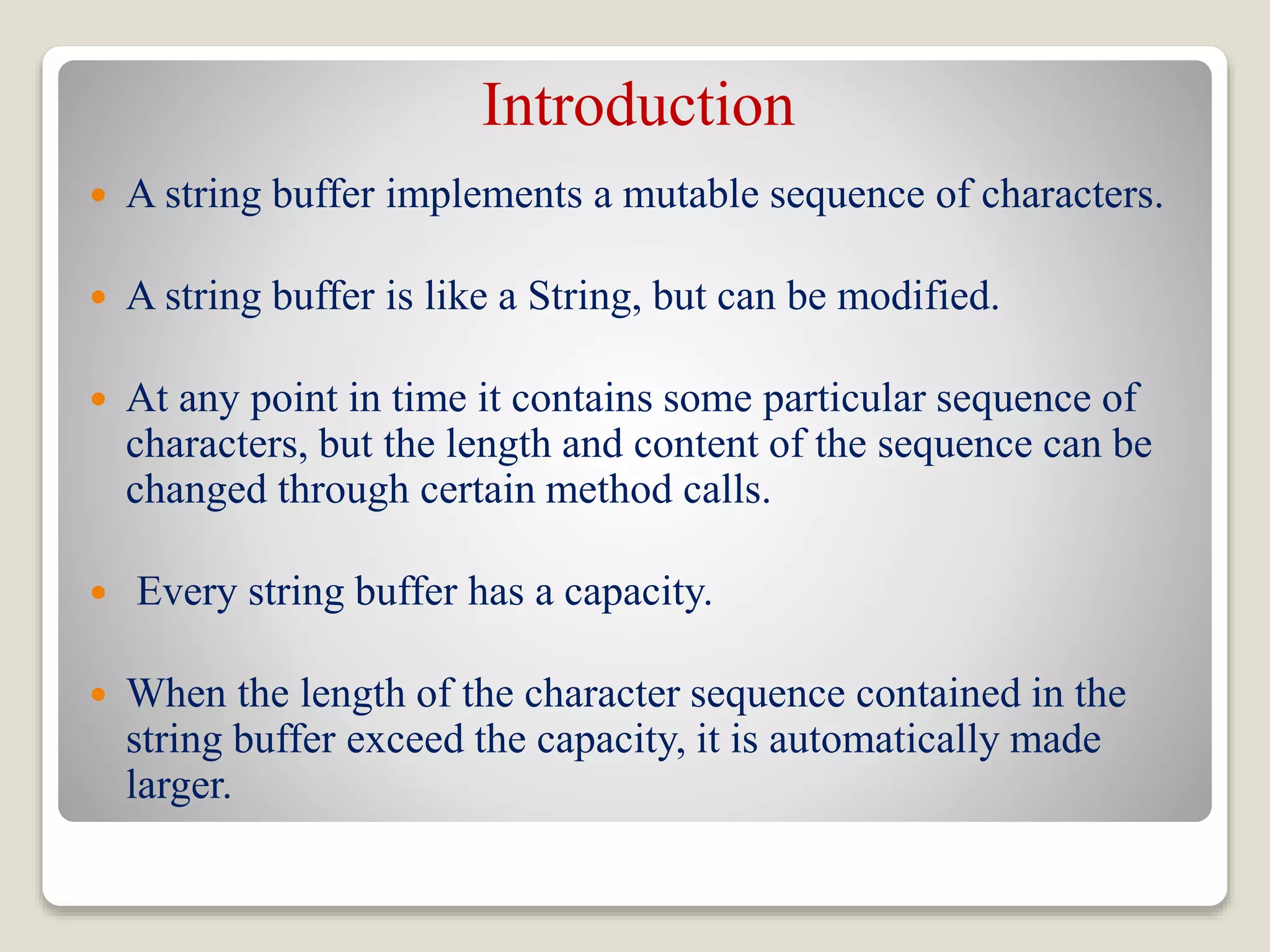
 A string buffer implements a mutable sequence of characters.
 A string buffer is like a String, but can be modified.
 At any point in time it contains some particular sequence of
characters, but the length and content of the sequence can be
changed through certain method calls.
 Every string buffer has a capacity.
 When the length of the character sequence contained in the
string buffer exceed the capacity, it is automatically made
larger.
Introduction
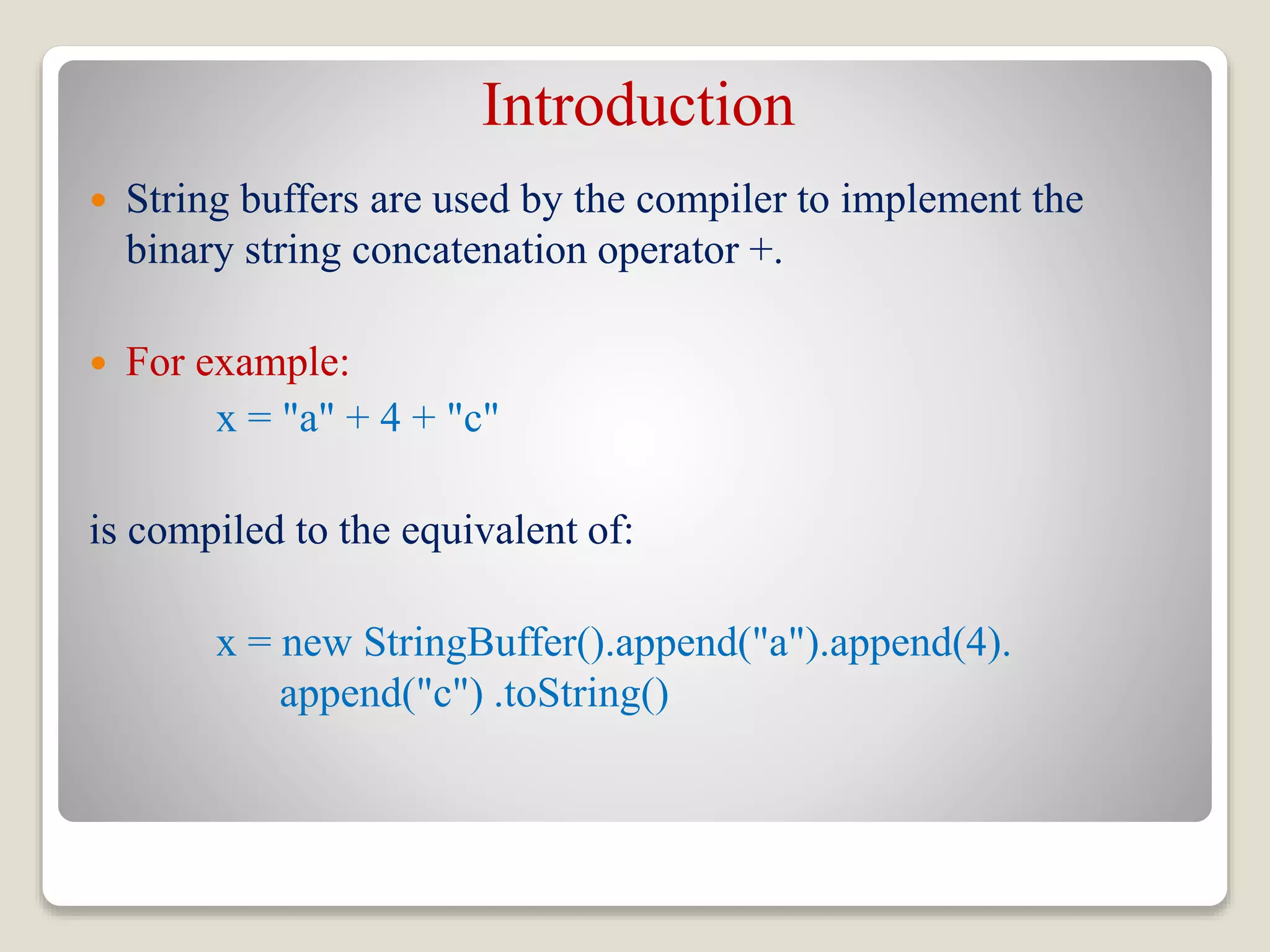
 String buffers are used by the compiler to implement the
binary string concatenation operator +.
 For example:
x = "a" + 4 + "c"
is compiled to the equivalent of:
x = new StringBuffer().append("a").append(4).
append("c") .toString()
Why StringBuffer?
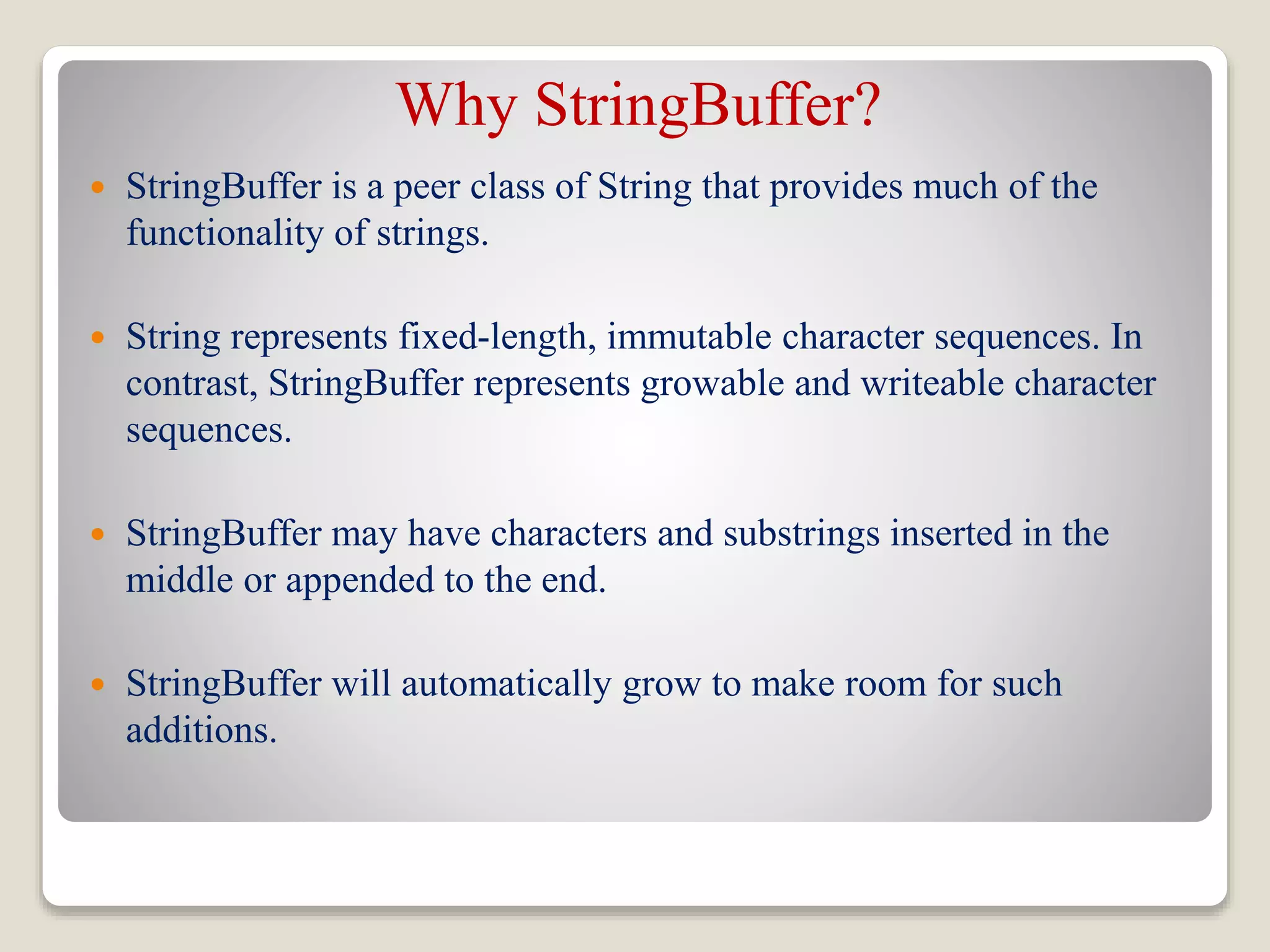
 StringBuffer is a peer class of String that provides much of the
functionality of strings.
 String represents fixed-length, immutable character sequences. In
contrast, StringBuffer represents growable and writeable character
sequences.
 StringBuffer may have characters and substrings inserted in the
middle or appended to the end.
 StringBuffer will automatically grow to make room for such
additions.
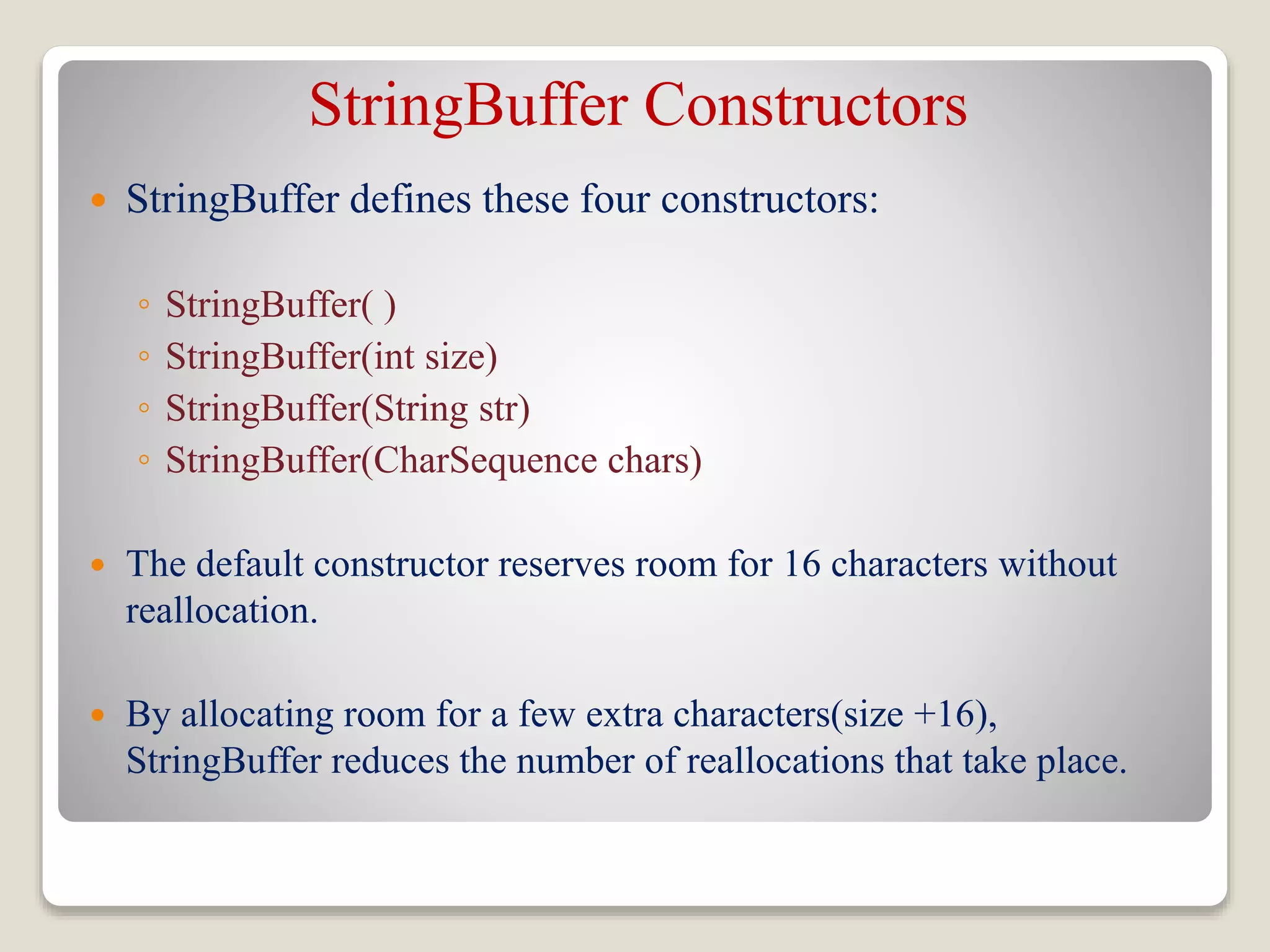
StringBuffer Constructors
 StringBuffer defines these four constructors:
◦ StringBuffer( )
◦ StringBuffer(int size)
◦ StringBuffer(String str)
◦ StringBuffer(CharSequence chars)
 The default constructor reserves room for 16 characters without
reallocation.
 By allocating room for a few extra characters(size +16),
StringBuffer reduces the number of reallocations that take place.
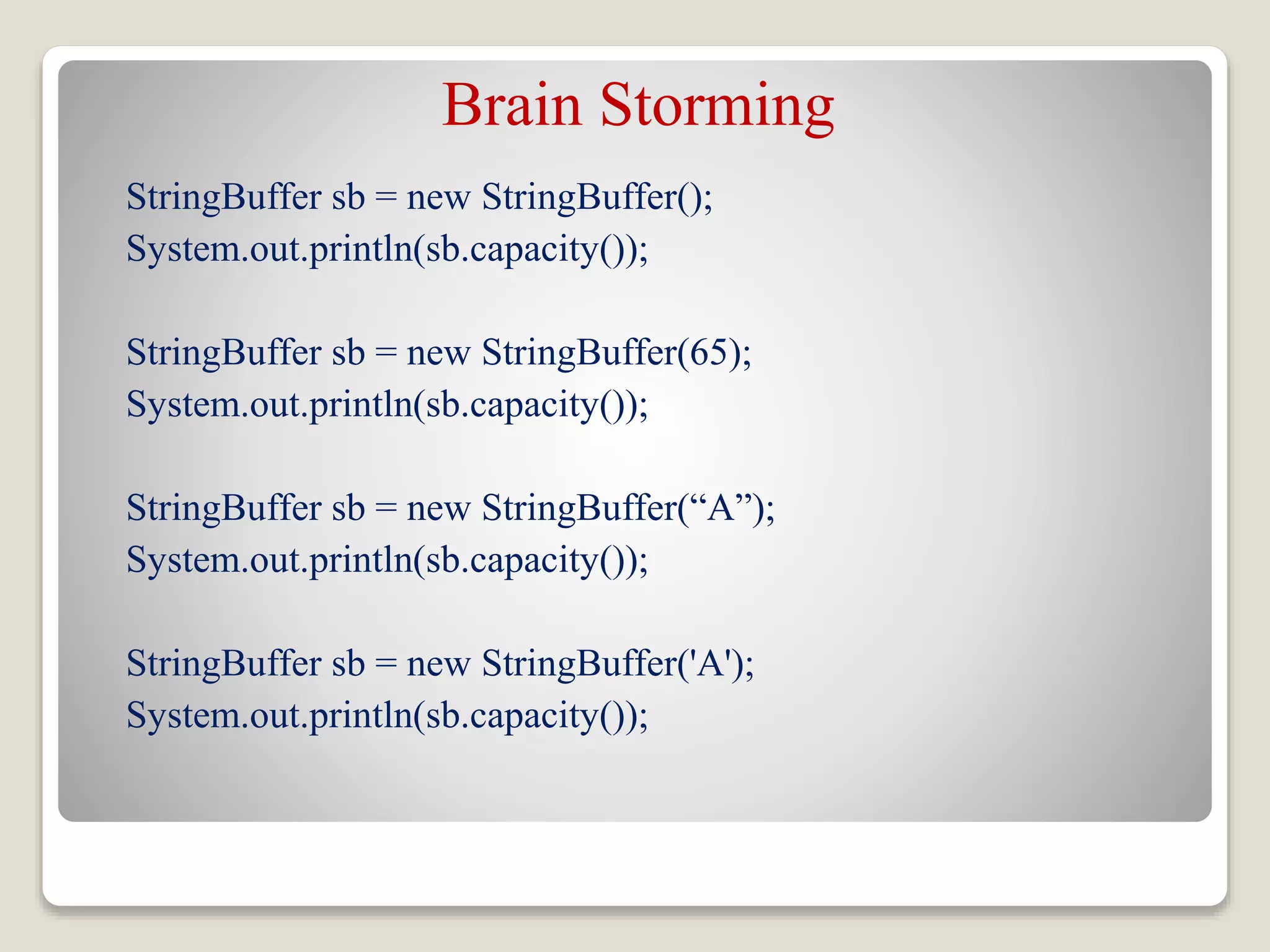
Brain Storming
StringBuffer sb = new StringBuffer();
System.out.println(sb.capacity());
StringBuffer sb = new StringBuffer(65);
System.out.println(sb.capacity());
StringBuffer sb = new StringBuffer(“A”);
System.out.println(sb.capacity());
StringBuffer sb = new StringBuffer('A');
System.out.println(sb.capacity());
StringBuffer Methods
length( ) and capacity( )
The current length of a StringBuffer can be found via the length( ) method,
while the total allocated capacity can be found through the capacity( )
method.
int length( )
int capacity( )
Example:
class StringBufferDemo {
public static void main(String args[]) {
StringBuffer sb = new StringBuffer(“New Zealand");
System.out.println("length = " + sb.length());
System.out.println("capacity = " + sb.capacity());
}
}
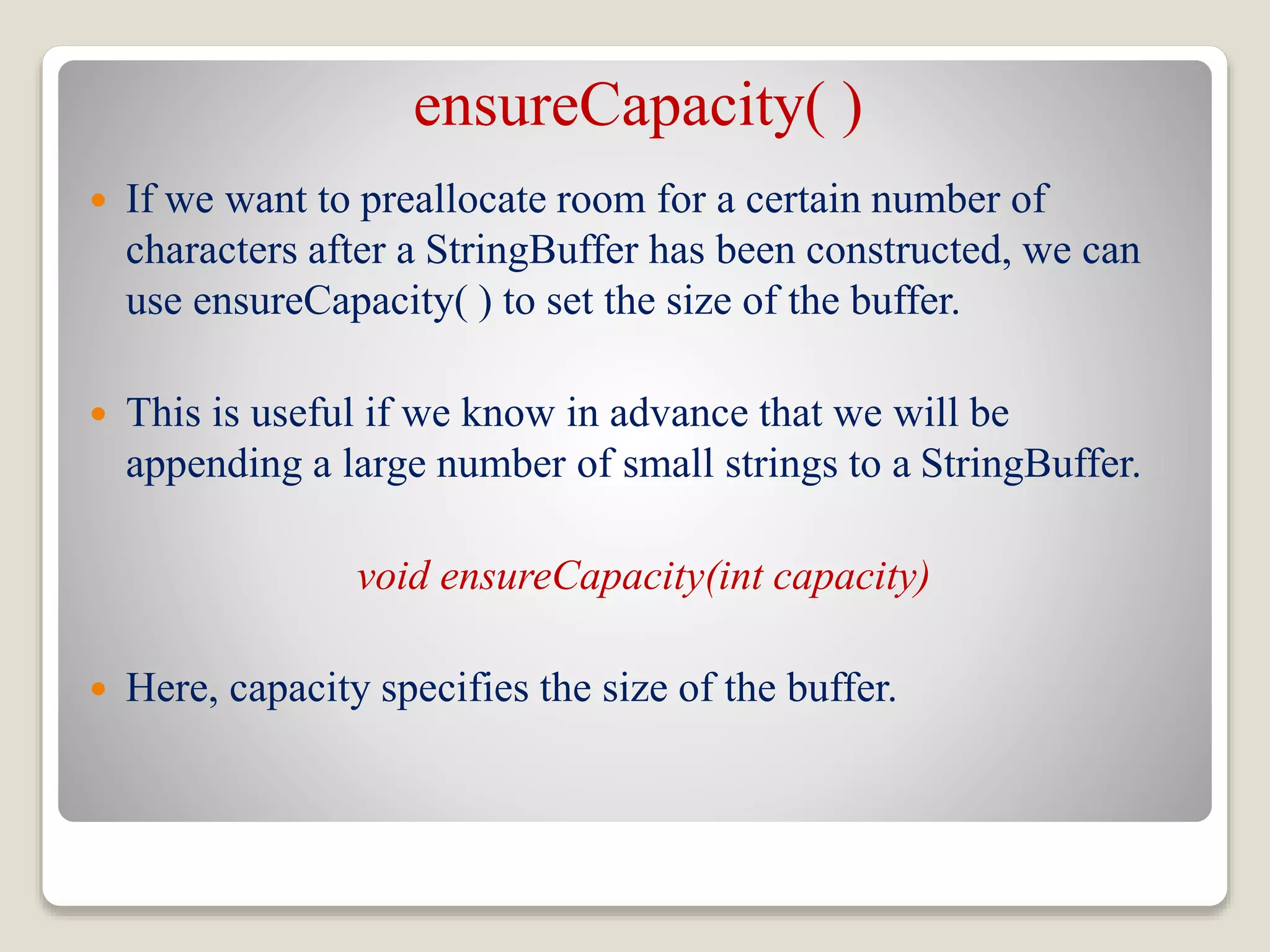
ensureCapacity( )
 If we want to preallocate room for a certain number of
characters after a StringBuffer has been constructed, we can
use ensureCapacity( ) to set the size of the buffer.
 This is useful if we know in advance that we will be
appending a large number of small strings to a StringBuffer.
void ensureCapacity(int capacity)
 Here, capacity specifies the size of the buffer.
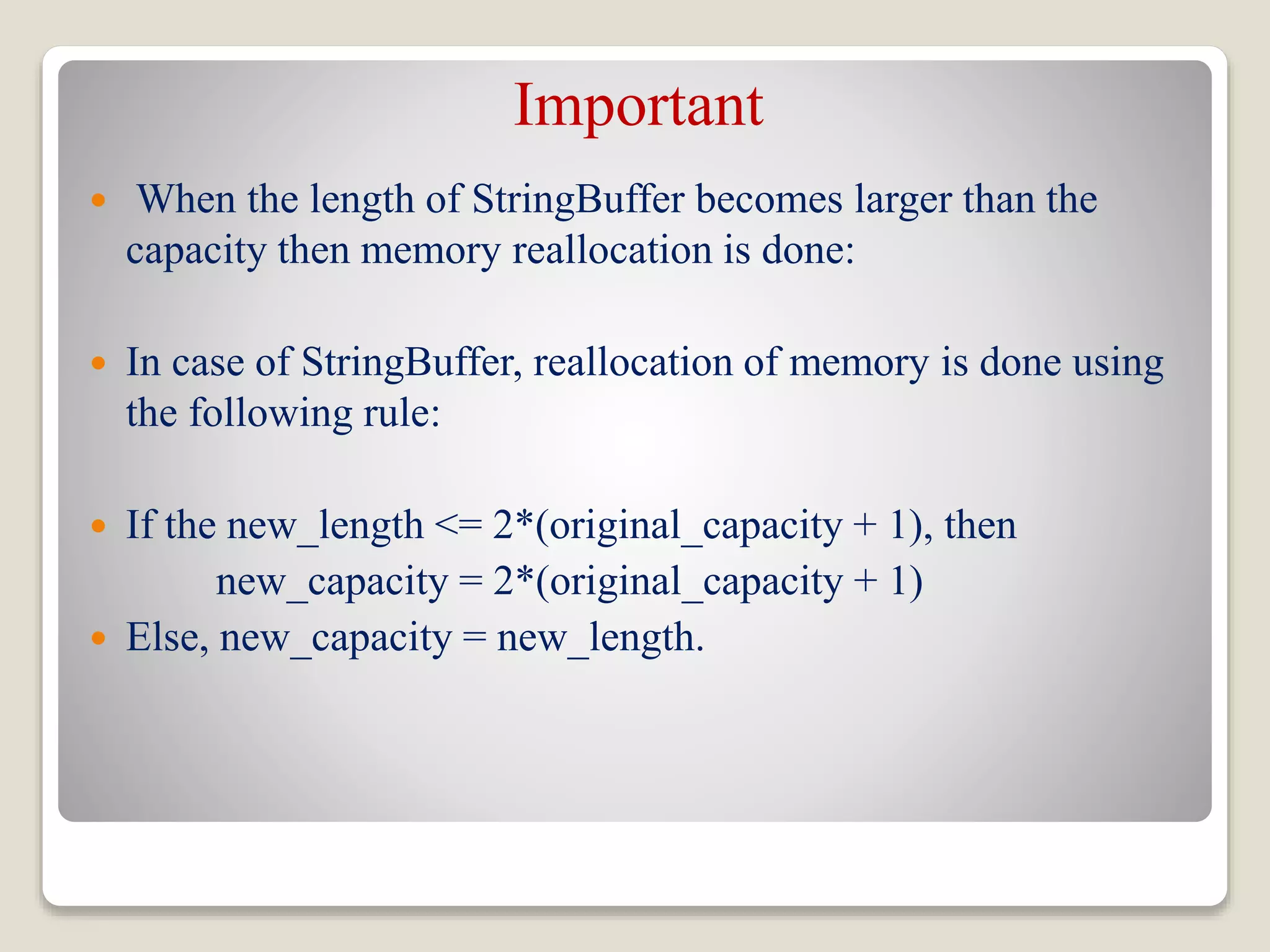
Important
 When the length of StringBuffer becomes larger than the
capacity then memory reallocation is done:
 In case of StringBuffer, reallocation of memory is done using
the following rule:
 If the new_length <= 2*(original_capacity + 1), then
new_capacity = 2*(original_capacity + 1)
 Else, new_capacity = new_length.
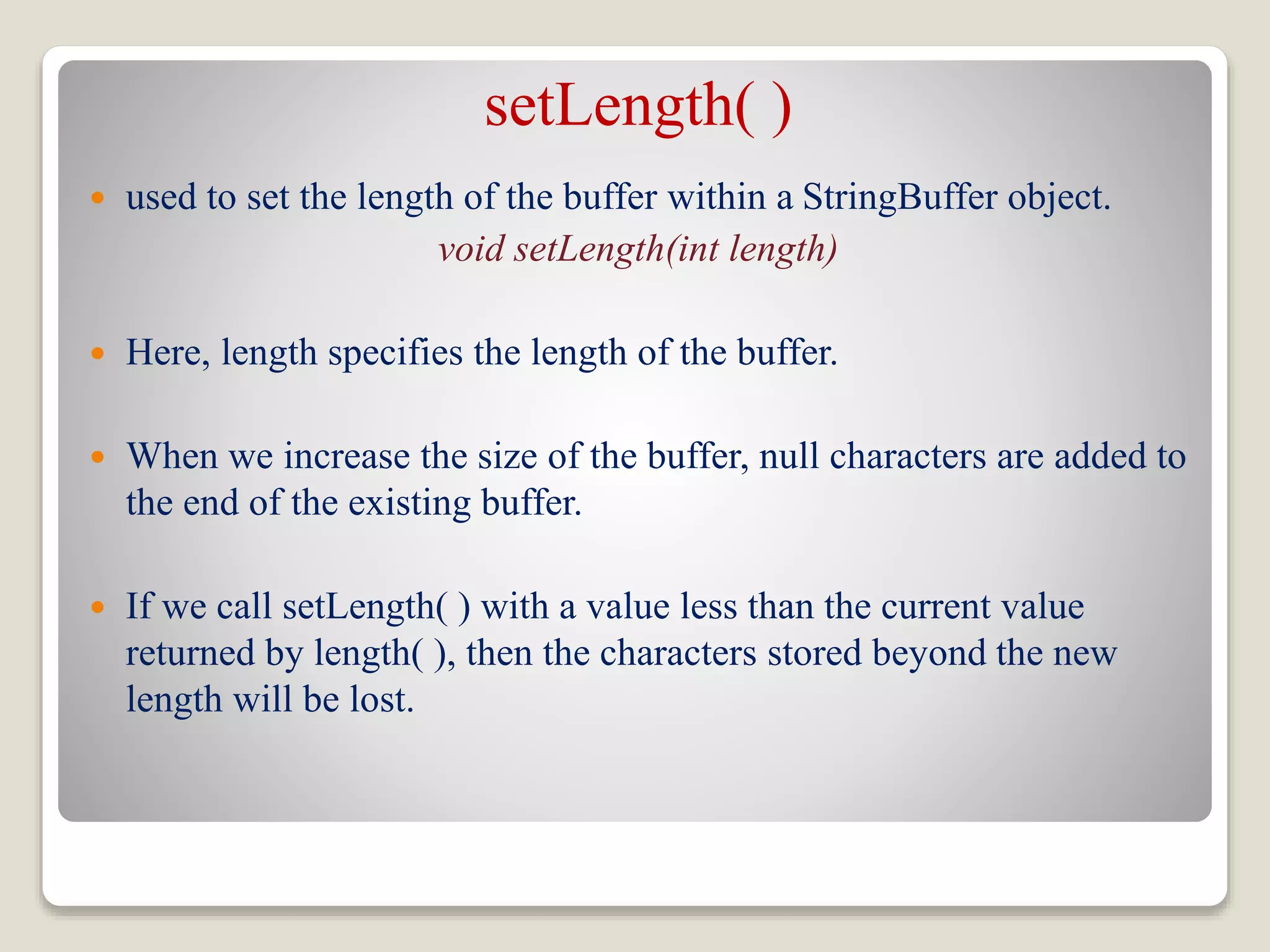
setLength( )
 used to set the length of the buffer within a StringBuffer object.
void setLength(int length)
 Here, length specifies the length of the buffer.
 When we increase the size of the buffer, null characters are added to
the end of the existing buffer.
 If we call setLength( ) with a value less than the current value
returned by length( ), then the characters stored beyond the new
length will be lost.
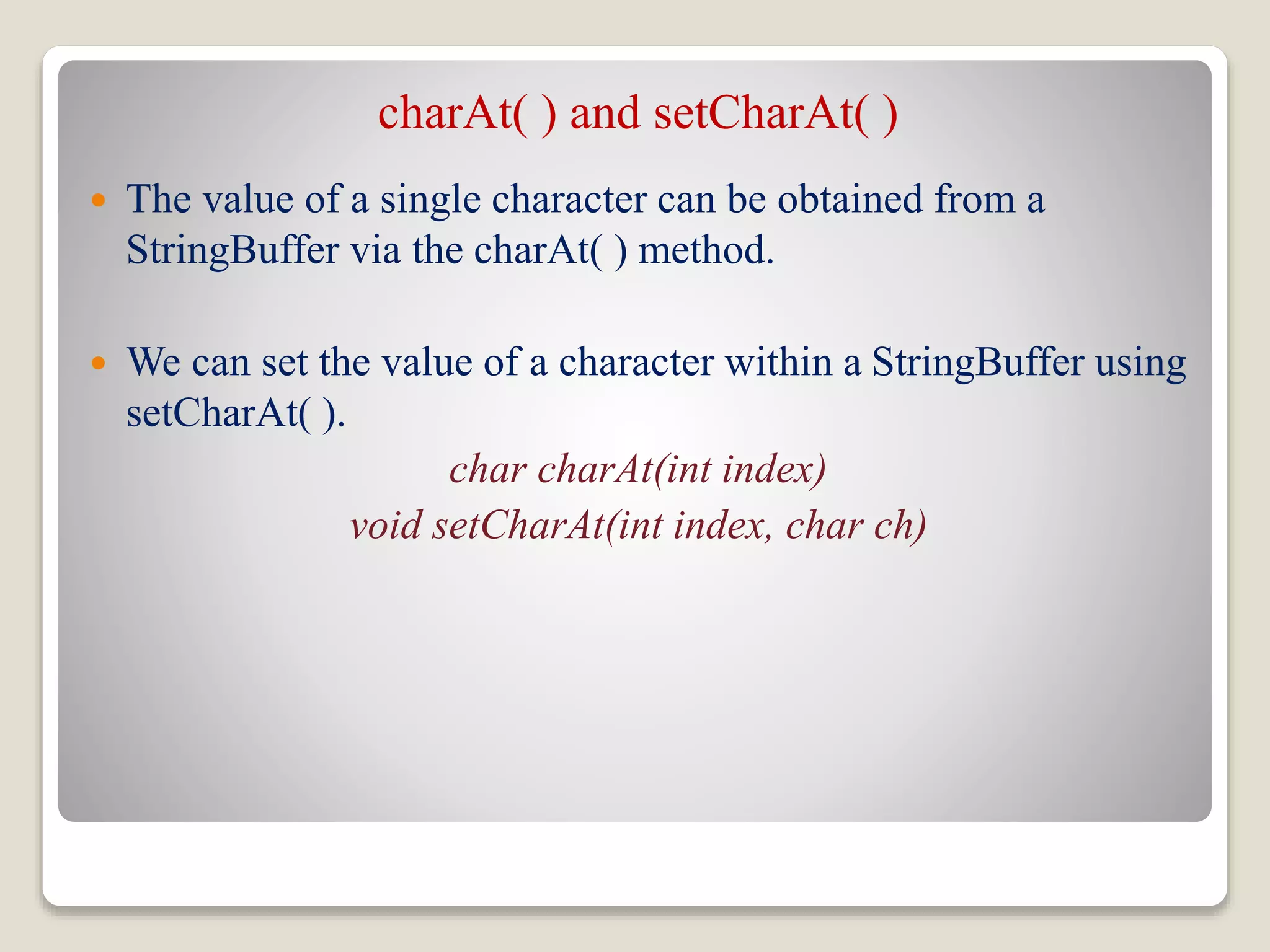
charAt( ) and setCharAt( )
 The value of a single character can be obtained from a
StringBuffer via the charAt( ) method.
 We can set the value of a character within a StringBuffer using
setCharAt( ).
char charAt(int index)
void setCharAt(int index, char ch)
getChars( )
 getChars( ) method is used to copy a substring of a
StringBuffer into an array.
void getChars(int sourceStart, int sourceEnd, char target[ ],
int targetStart)
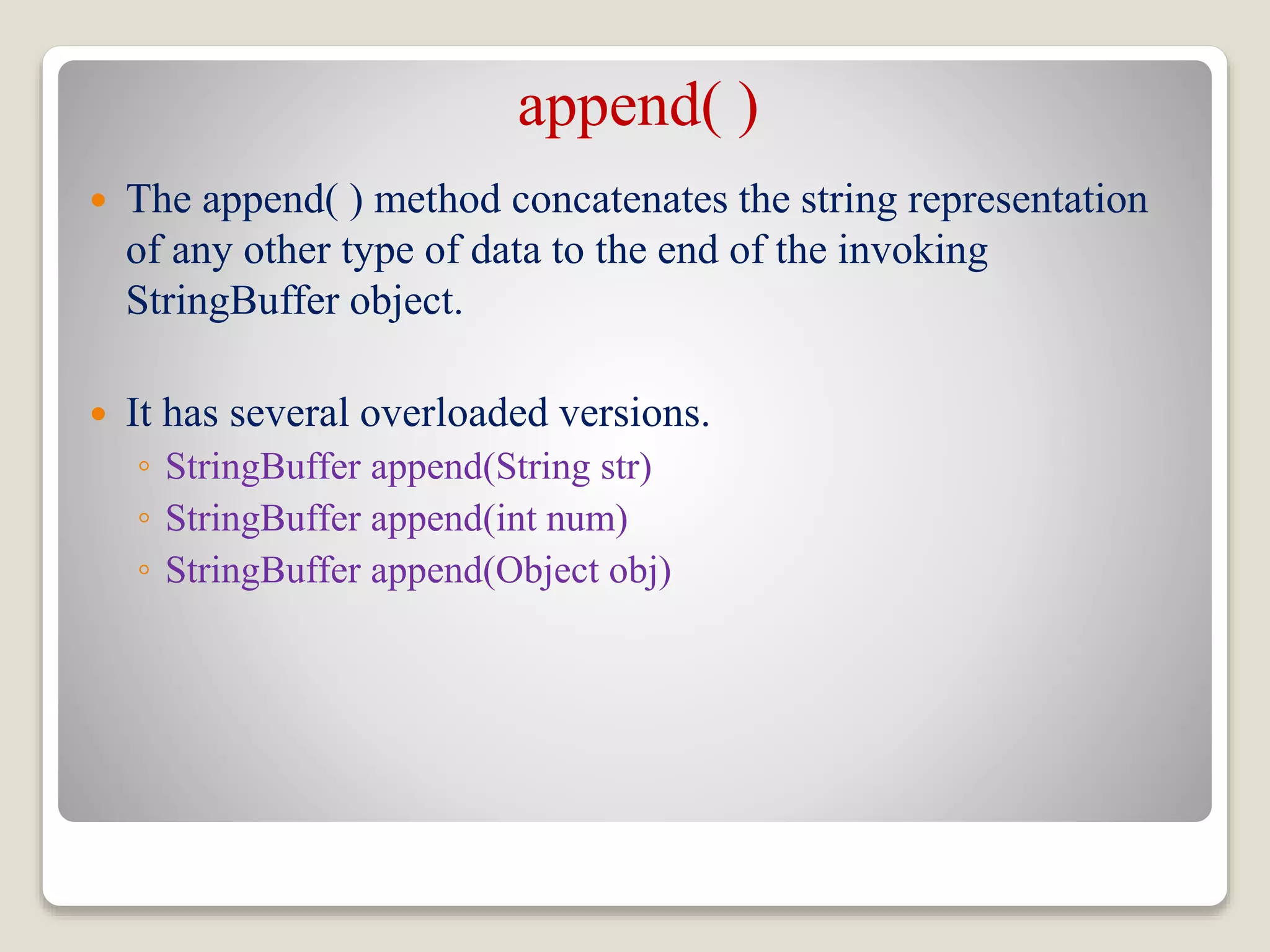
append( )
 The append( ) method concatenates the string representation
of any other type of data to the end of the invoking
StringBuffer object.
 It has several overloaded versions.
◦ StringBuffer append(String str)
◦ StringBuffer append(int num)
◦ StringBuffer append(Object obj)
Example
class appendDemo {
public static void main(String args[]) {
String s;
int a = 42;
StringBuffer sb = new StringBuffer(40);
s = sb.append("a = ").append(a).append("!")
.toString();
System.out.println(s);
}
}
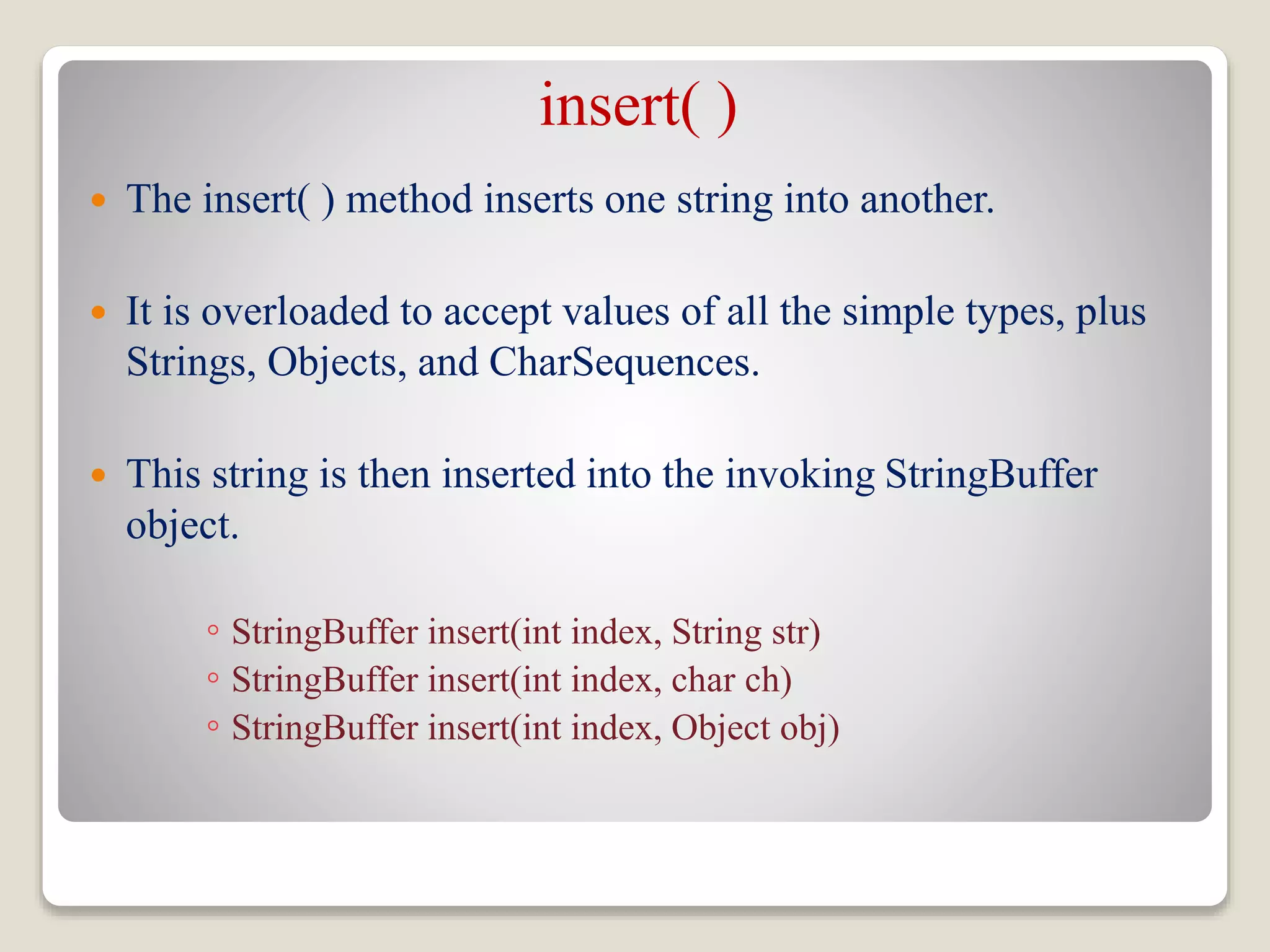
insert( )
 The insert( ) method inserts one string into another.
 It is overloaded to accept values of all the simple types, plus
Strings, Objects, and CharSequences.
 This string is then inserted into the invoking StringBuffer
object.
◦ StringBuffer insert(int index, String str)
◦ StringBuffer insert(int index, char ch)
◦ StringBuffer insert(int index, Object obj)
Example
class insertDemo {
public static void main(String args[]) {
StringBuffer sb = new StringBuffer("I Java!");
sb.insert(2, "like ");
System.out.println(sb);
}
}
reverse( )
 Used to reverse the characters within a StringBuffer object.
 This method returns the reversed object on which it was called.
StringBuffer reverse()
Example:
class ReverseDemo {
public static void main(String args[]) {
StringBuffer s = new StringBuffer(“Banana");
System.out.println(s);
s.reverse();
System.out.println(s);
}
}
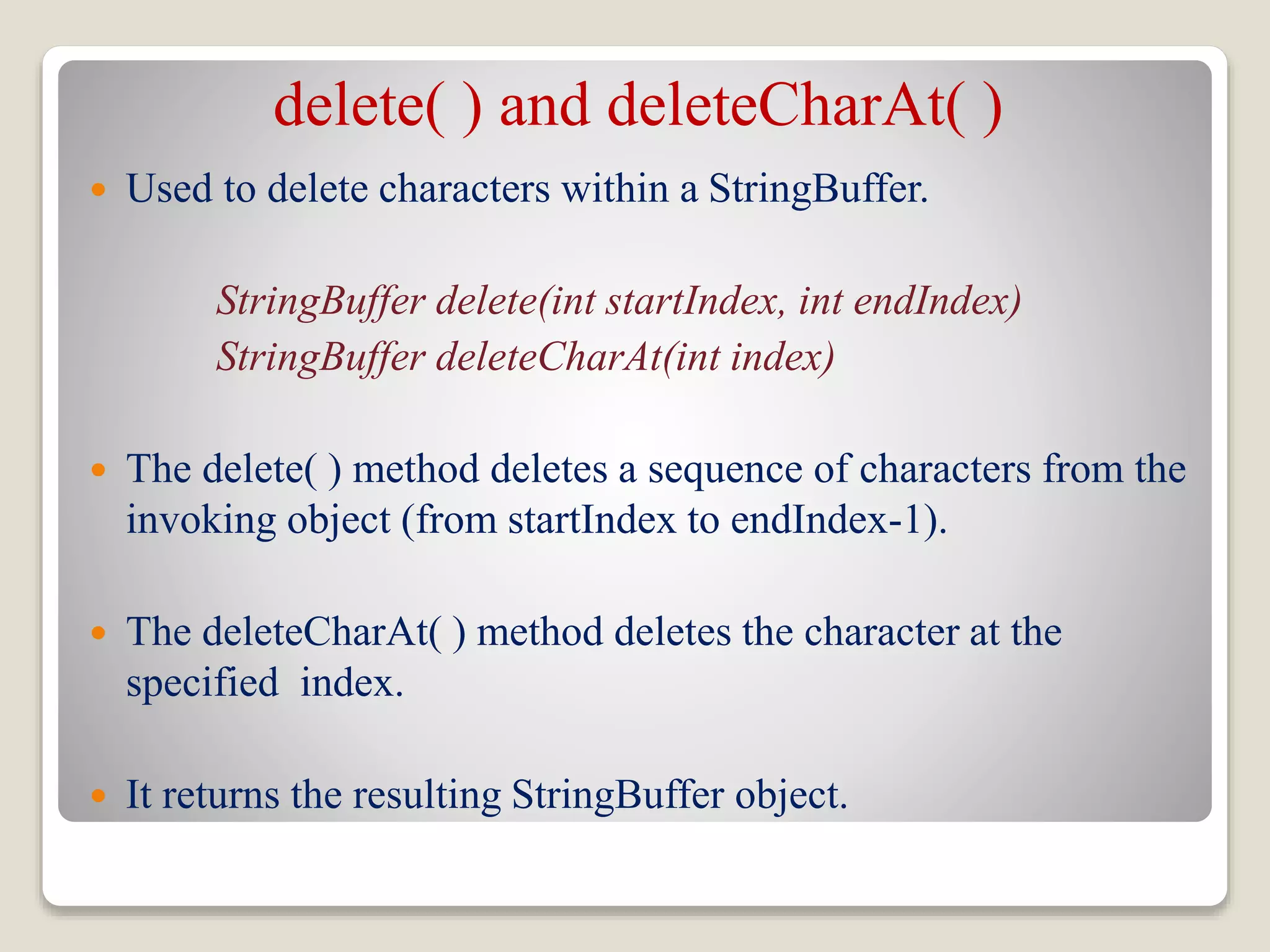
delete( ) and deleteCharAt( )
 Used to delete characters within a StringBuffer.
StringBuffer delete(int startIndex, int endIndex)
StringBuffer deleteCharAt(int index)
 The delete( ) method deletes a sequence of characters from the
invoking object (from startIndex to endIndex-1).
 The deleteCharAt( ) method deletes the character at the
specified index.
 It returns the resulting StringBuffer object.
Example
class deleteDemo {
public static void main(String args[]) {
StringBuffer sb = new StringBuffer(“She is not a good girl.”);
sb.delete(7, 11);
System.out.println("After delete: " + sb);
sb.deleteCharAt(7);
System.out.println("After deleteCharAt: " + sb);
}
}
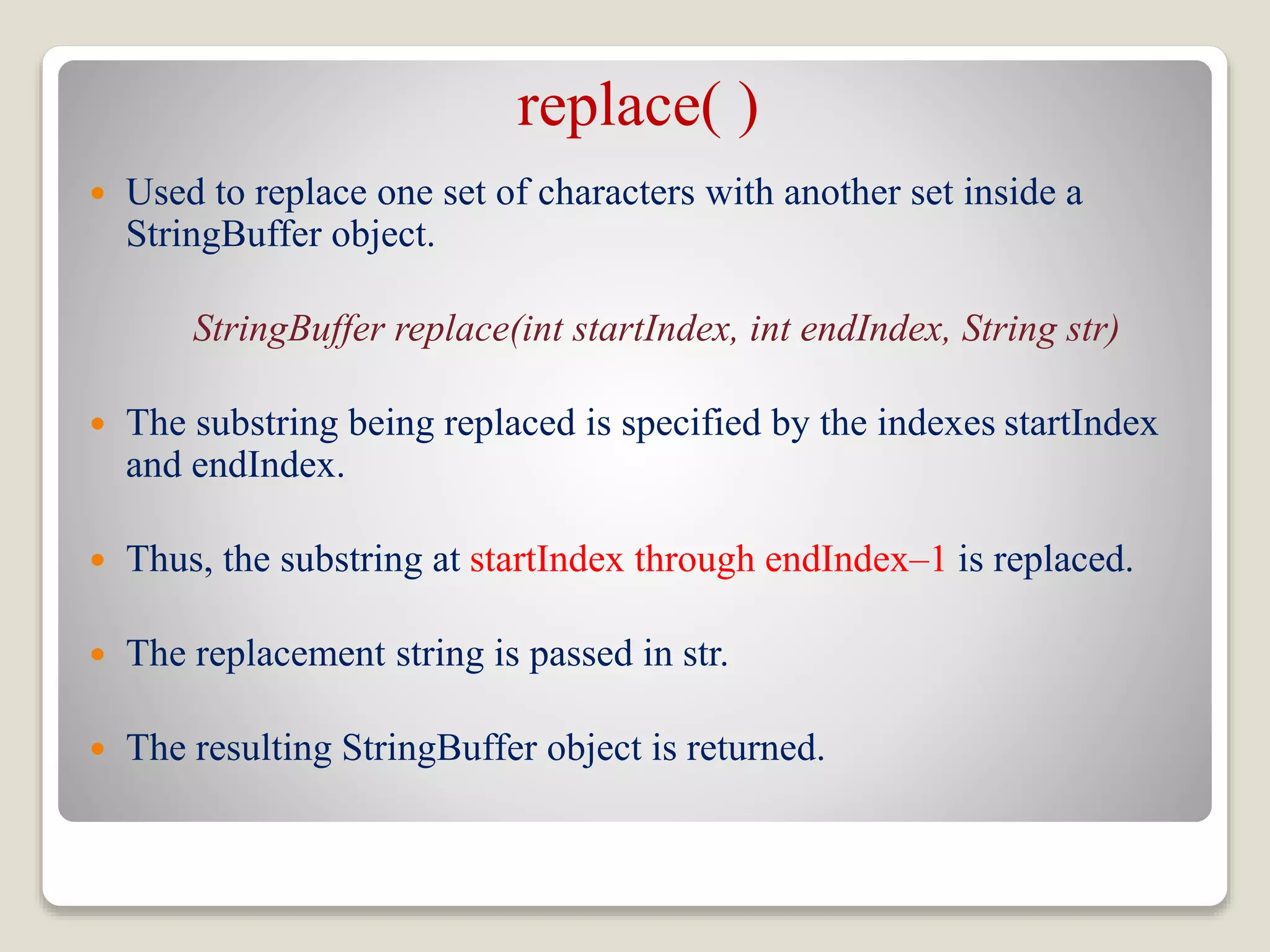
replace( )
 Used to replace one set of characters with another set inside a
StringBuffer object.
StringBuffer replace(int startIndex, int endIndex, String str)
 The substring being replaced is specified by the indexes startIndex
and endIndex.
 Thus, the substring at startIndex through endIndex–1 is replaced.
 The replacement string is passed in str.
 The resulting StringBuffer object is returned.
Example
class replaceDemo {
public static void main(String args[]) {
StringBuffer sb = new StringBuffer("This is a test.");
sb.replace(5, 7, "was");
System.out.println("After replace: " + sb);
}
}
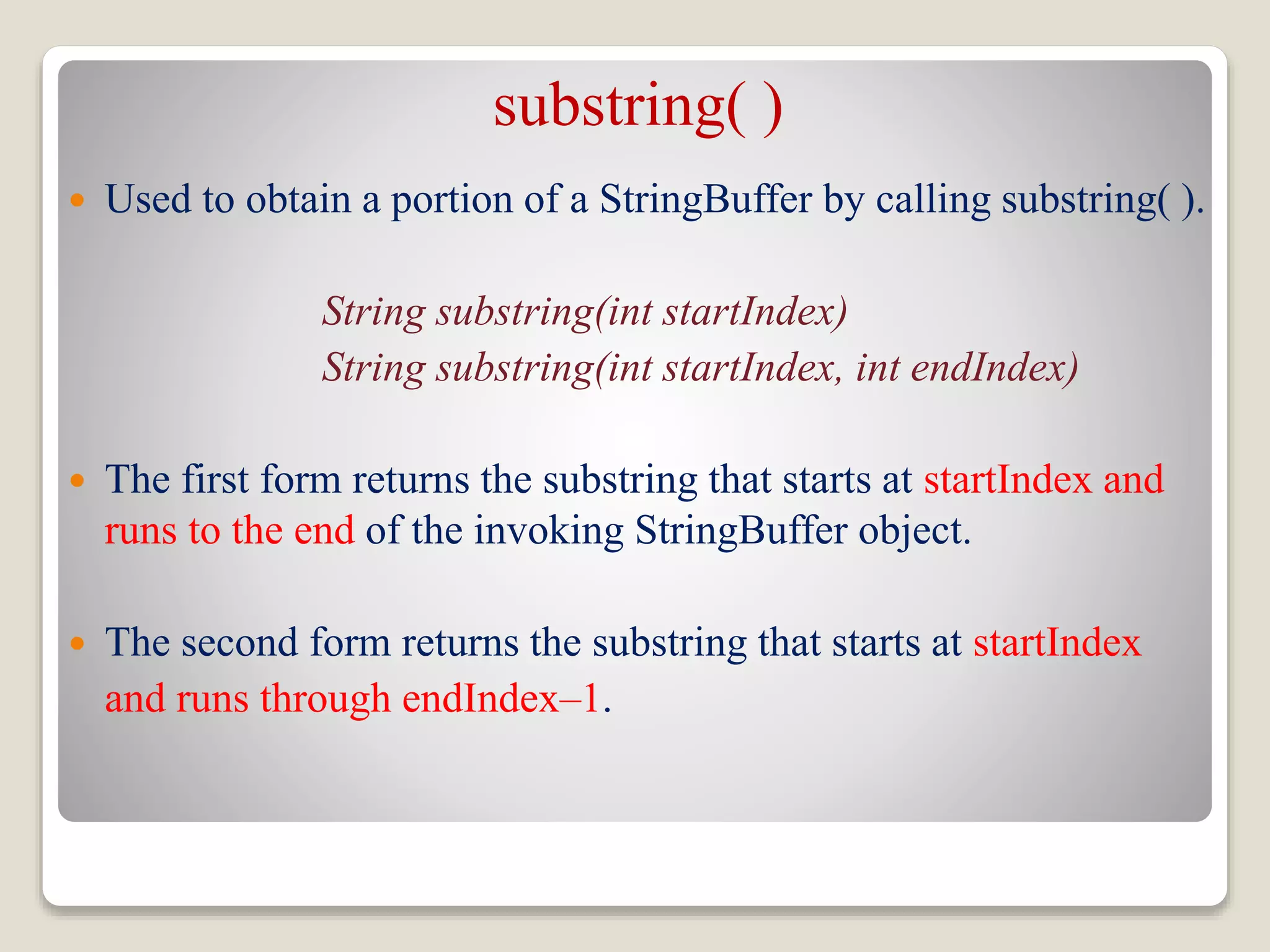
substring( )
 Used to obtain a portion of a StringBuffer by calling substring( ).
String substring(int startIndex)
String substring(int startIndex, int endIndex)
 The first form returns the substring that starts at startIndex and
runs to the end of the invoking StringBuffer object.
 The second form returns the substring that starts at startIndex
and runs through endIndex–1.
L14 string handling(string buffer class)

L14 string handling(string buffer class)

  • 1.
  • 2.
    Introduction  A stringbuffer implements a mutable sequence of characters.  A string buffer is like a String, but can be modified.  At any point in time it contains some particular sequence of characters, but the length and content of the sequence can be changed through certain method calls.  Every string buffer has a capacity.  When the length of the character sequence contained in the string buffer exceed the capacity, it is automatically made larger.
  • 3.
    Introduction  String buffersare used by the compiler to implement the binary string concatenation operator +.  For example: x = "a" + 4 + "c" is compiled to the equivalent of: x = new StringBuffer().append("a").append(4). append("c") .toString()
  • 4.
    Why StringBuffer?  StringBufferis a peer class of String that provides much of the functionality of strings.  String represents fixed-length, immutable character sequences. In contrast, StringBuffer represents growable and writeable character sequences.  StringBuffer may have characters and substrings inserted in the middle or appended to the end.  StringBuffer will automatically grow to make room for such additions.
  • 5.
    StringBuffer Constructors  StringBufferdefines these four constructors: ◦ StringBuffer( ) ◦ StringBuffer(int size) ◦ StringBuffer(String str) ◦ StringBuffer(CharSequence chars)  The default constructor reserves room for 16 characters without reallocation.  By allocating room for a few extra characters(size +16), StringBuffer reduces the number of reallocations that take place.
  • 6.
    Brain Storming StringBuffer sb= new StringBuffer(); System.out.println(sb.capacity()); StringBuffer sb = new StringBuffer(65); System.out.println(sb.capacity()); StringBuffer sb = new StringBuffer(“A”); System.out.println(sb.capacity()); StringBuffer sb = new StringBuffer('A'); System.out.println(sb.capacity());
  • 7.
    StringBuffer Methods length( )and capacity( ) The current length of a StringBuffer can be found via the length( ) method, while the total allocated capacity can be found through the capacity( ) method. int length( ) int capacity( ) Example: class StringBufferDemo { public static void main(String args[]) { StringBuffer sb = new StringBuffer(“New Zealand"); System.out.println("length = " + sb.length()); System.out.println("capacity = " + sb.capacity()); } }
  • 8.
    ensureCapacity( )  Ifwe want to preallocate room for a certain number of characters after a StringBuffer has been constructed, we can use ensureCapacity( ) to set the size of the buffer.  This is useful if we know in advance that we will be appending a large number of small strings to a StringBuffer. void ensureCapacity(int capacity)  Here, capacity specifies the size of the buffer.
  • 9.
    Important  When thelength of StringBuffer becomes larger than the capacity then memory reallocation is done:  In case of StringBuffer, reallocation of memory is done using the following rule:  If the new_length <= 2*(original_capacity + 1), then new_capacity = 2*(original_capacity + 1)  Else, new_capacity = new_length.
  • 10.
    setLength( )  usedto set the length of the buffer within a StringBuffer object. void setLength(int length)  Here, length specifies the length of the buffer.  When we increase the size of the buffer, null characters are added to the end of the existing buffer.  If we call setLength( ) with a value less than the current value returned by length( ), then the characters stored beyond the new length will be lost.
  • 11.
    charAt( ) andsetCharAt( )  The value of a single character can be obtained from a StringBuffer via the charAt( ) method.  We can set the value of a character within a StringBuffer using setCharAt( ). char charAt(int index) void setCharAt(int index, char ch)
  • 12.
    getChars( )  getChars() method is used to copy a substring of a StringBuffer into an array. void getChars(int sourceStart, int sourceEnd, char target[ ], int targetStart)
  • 13.
    append( )  Theappend( ) method concatenates the string representation of any other type of data to the end of the invoking StringBuffer object.  It has several overloaded versions. ◦ StringBuffer append(String str) ◦ StringBuffer append(int num) ◦ StringBuffer append(Object obj)
  • 14.
    Example class appendDemo { publicstatic void main(String args[]) { String s; int a = 42; StringBuffer sb = new StringBuffer(40); s = sb.append("a = ").append(a).append("!") .toString(); System.out.println(s); } }
  • 15.
    insert( )  Theinsert( ) method inserts one string into another.  It is overloaded to accept values of all the simple types, plus Strings, Objects, and CharSequences.  This string is then inserted into the invoking StringBuffer object. ◦ StringBuffer insert(int index, String str) ◦ StringBuffer insert(int index, char ch) ◦ StringBuffer insert(int index, Object obj)
  • 16.
    Example class insertDemo { publicstatic void main(String args[]) { StringBuffer sb = new StringBuffer("I Java!"); sb.insert(2, "like "); System.out.println(sb); } }
  • 17.
    reverse( )  Usedto reverse the characters within a StringBuffer object.  This method returns the reversed object on which it was called. StringBuffer reverse() Example: class ReverseDemo { public static void main(String args[]) { StringBuffer s = new StringBuffer(“Banana"); System.out.println(s); s.reverse(); System.out.println(s); } }
  • 18.
    delete( ) anddeleteCharAt( )  Used to delete characters within a StringBuffer. StringBuffer delete(int startIndex, int endIndex) StringBuffer deleteCharAt(int index)  The delete( ) method deletes a sequence of characters from the invoking object (from startIndex to endIndex-1).  The deleteCharAt( ) method deletes the character at the specified index.  It returns the resulting StringBuffer object.
  • 19.
    Example class deleteDemo { publicstatic void main(String args[]) { StringBuffer sb = new StringBuffer(“She is not a good girl.”); sb.delete(7, 11); System.out.println("After delete: " + sb); sb.deleteCharAt(7); System.out.println("After deleteCharAt: " + sb); } }
  • 20.
    replace( )  Usedto replace one set of characters with another set inside a StringBuffer object. StringBuffer replace(int startIndex, int endIndex, String str)  The substring being replaced is specified by the indexes startIndex and endIndex.  Thus, the substring at startIndex through endIndex–1 is replaced.  The replacement string is passed in str.  The resulting StringBuffer object is returned.
  • 21.
    Example class replaceDemo { publicstatic void main(String args[]) { StringBuffer sb = new StringBuffer("This is a test."); sb.replace(5, 7, "was"); System.out.println("After replace: " + sb); } }
  • 22.
    substring( )  Usedto obtain a portion of a StringBuffer by calling substring( ). String substring(int startIndex) String substring(int startIndex, int endIndex)  The first form returns the substring that starts at startIndex and runs to the end of the invoking StringBuffer object.  The second form returns the substring that starts at startIndex and runs through endIndex–1.