Operator overloading
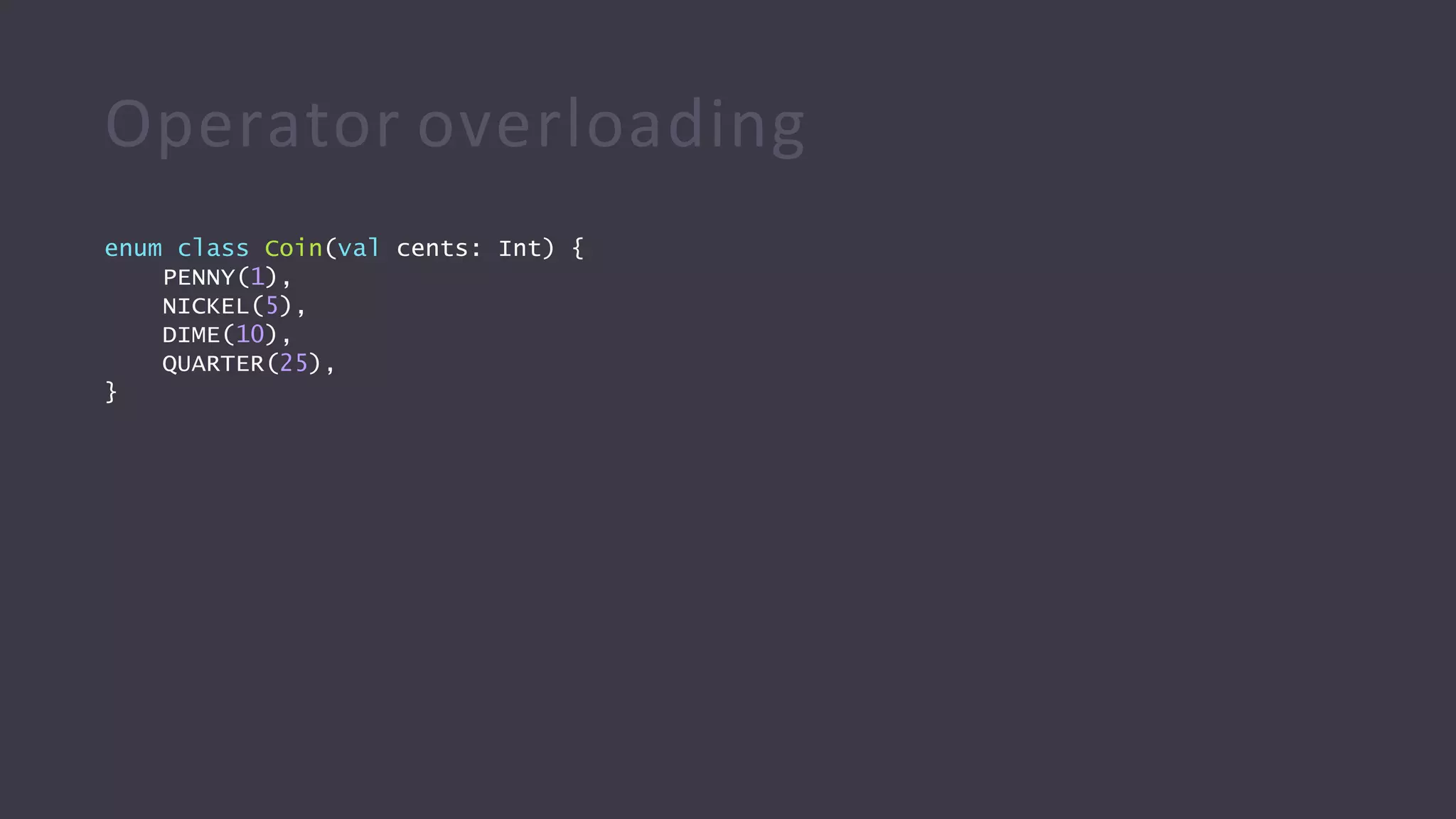
enum class Coin(val cents: Int) {
PENNY(1),
NICKEL(5),
DIME(10),
QUARTER(25),
}
Operator overloading
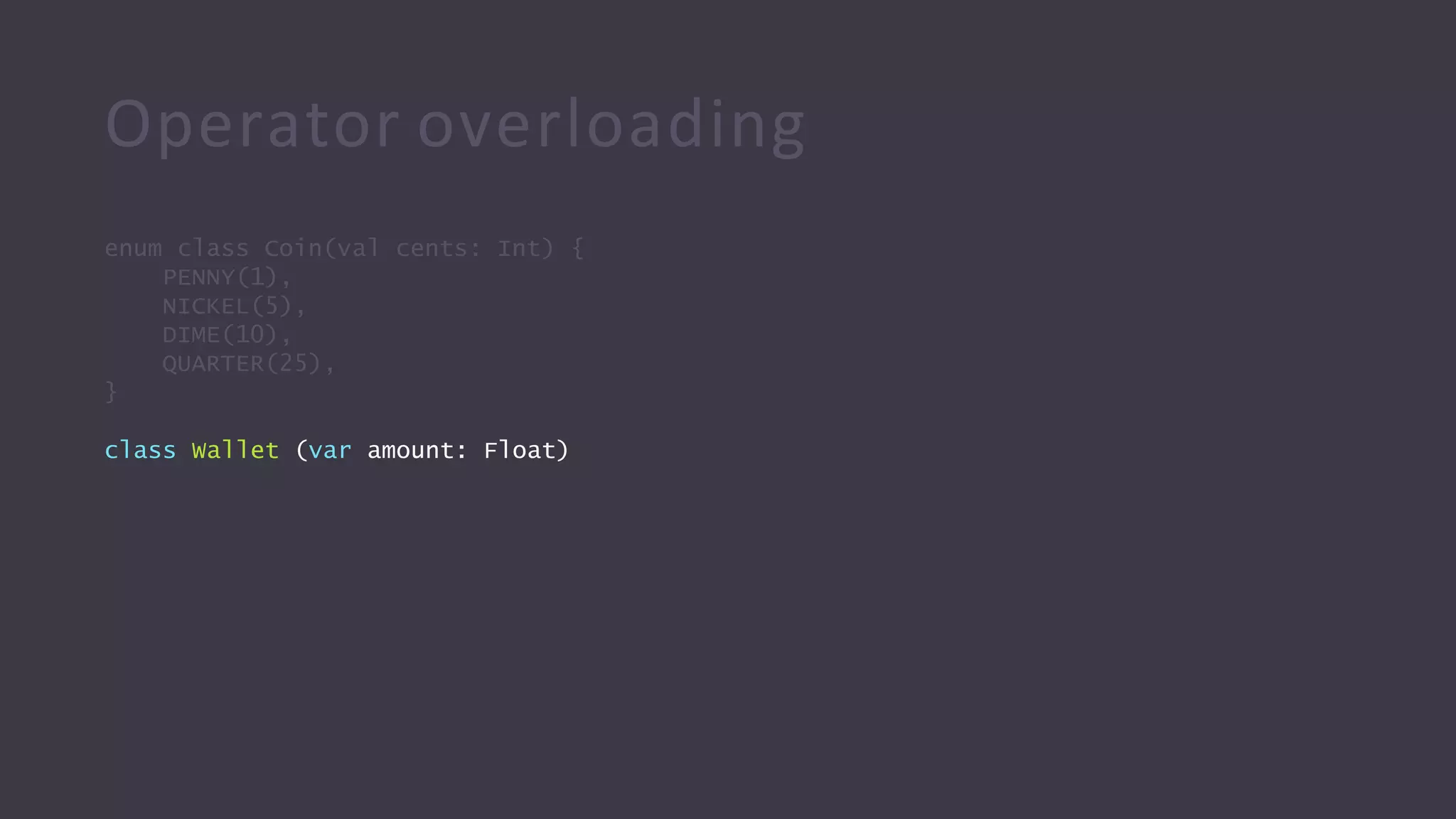
enum class Coin(val cents: Int) {
PENNY(1),
NICKEL(5),
DIME(10),
QUARTER(25),
}
class Wallet (var amount: Float)
Operator overloading
enum class Coin(val cents: Int) {
PENNY(1),
NICKEL(5),
DIME(10),
QUARTER(25),
}
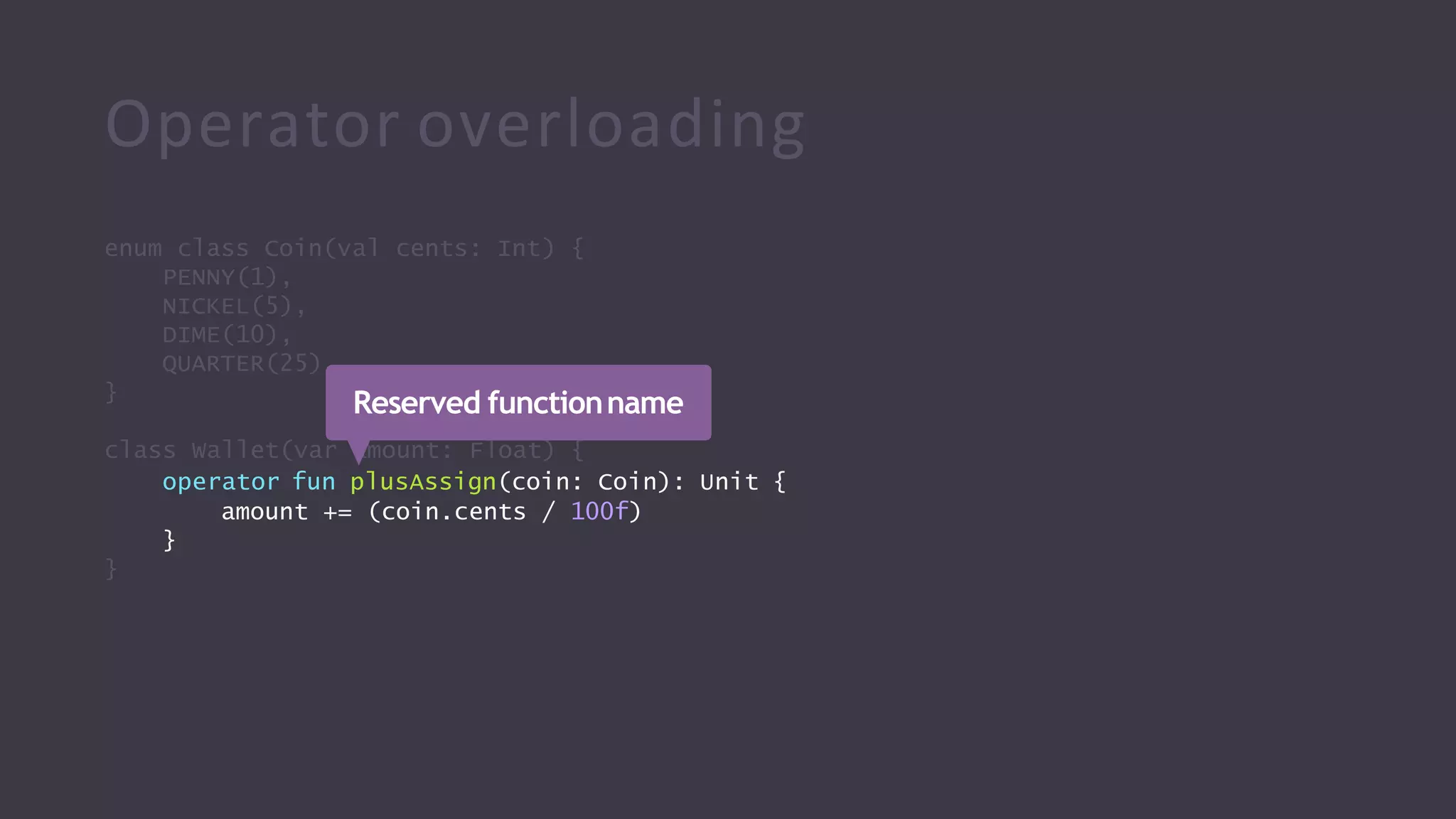
class Wallet(var amount: Float) {
operator fun plusAssign(coin: Coin): Unit {
amount += (coin.cents / 100f)
}
}
Reserved functionname
Operator overloading
enum class Coin(val cents: Int) {
PENNY(1),
NICKEL(5), DIME(10),
QUARTER(25),
}
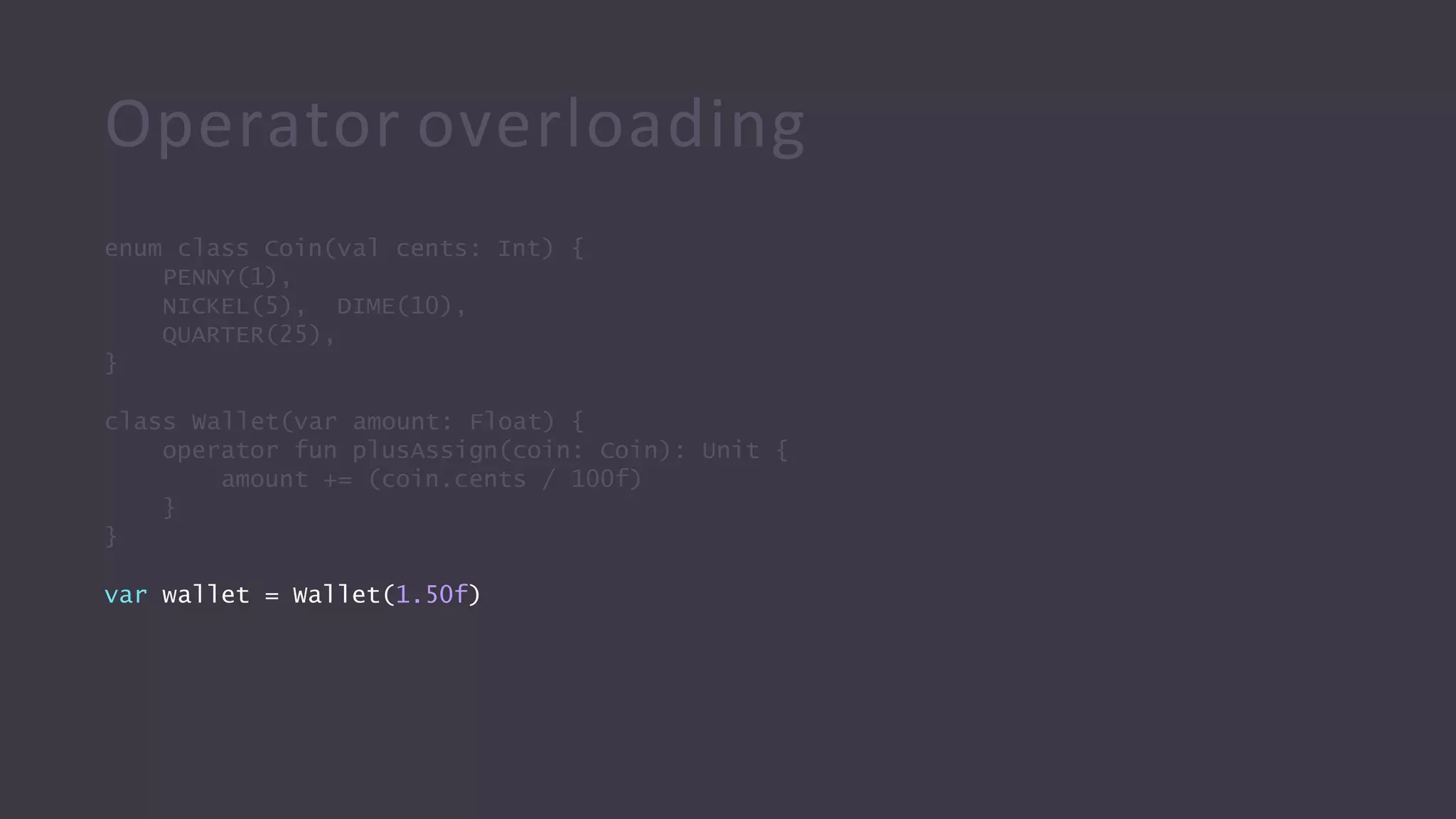
class Wallet(var amount: Float) {
operator fun plusAssign(coin: Coin): Unit {
amount += (coin.cents / 100f)
}
}
var wallet = Wallet(1.50f)
Operator overloading
enum class Coin(val cents: Int) {
PENNY(1),
NICKEL(5), DIME(10),
QUARTER(25),
}
class Wallet(var amount: Float) {
operator fun plusAssign(coin: Coin): Unit {
amount += (coin.cents / 100f)
}
}
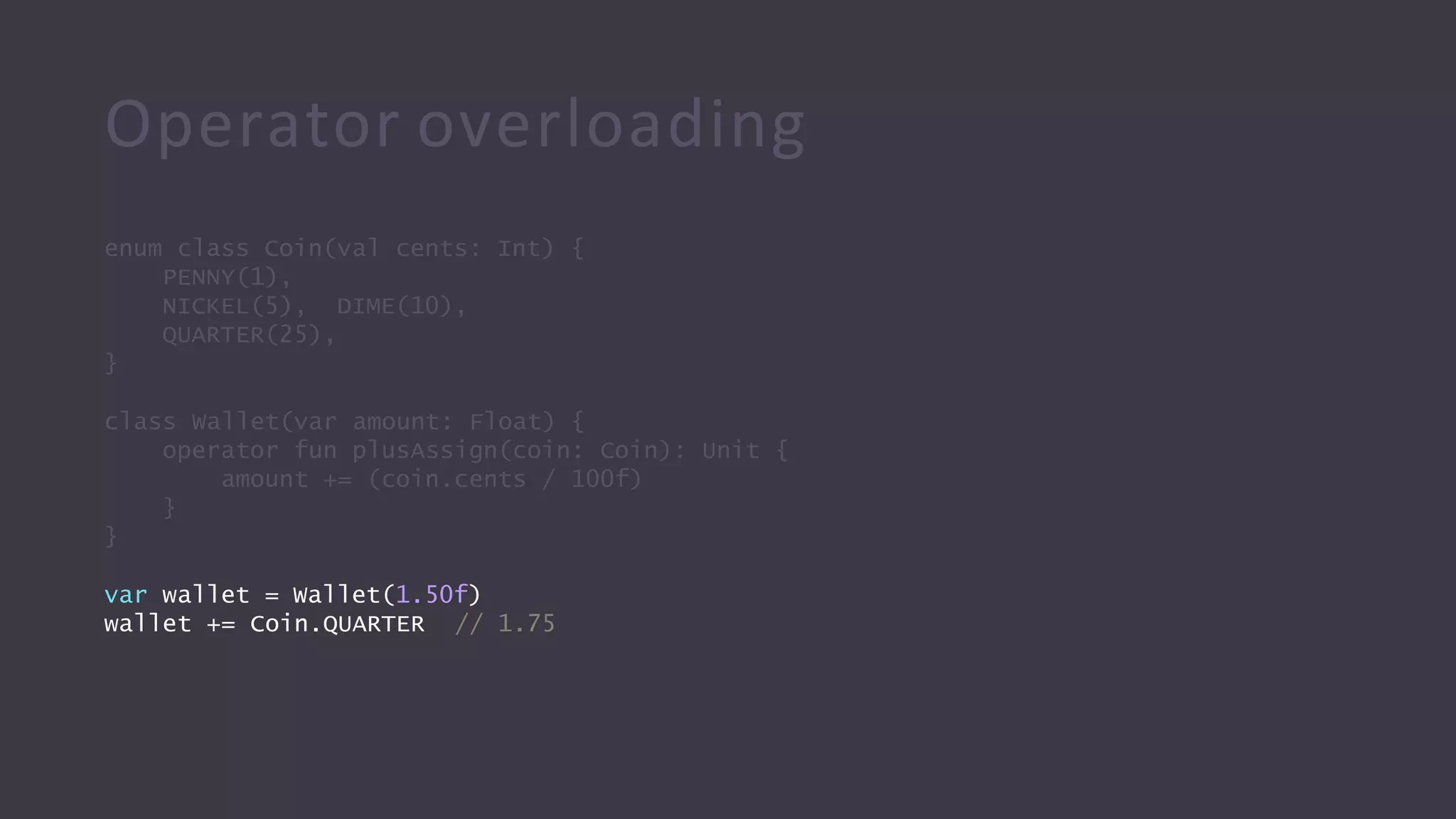
var wallet = Wallet(1.50f)
wallet += Coin.QUARTER // 1.75
Operator overloading
enum class Coin(val cents: Int) {
PENNY(1),
NICKEL(5), DIME(10),
QUARTER(25),
}
class Wallet(var amount: Float) {
operator fun plusAssign(coin: Coin): Unit {
amount += (coin.cents / 100f)
}
}
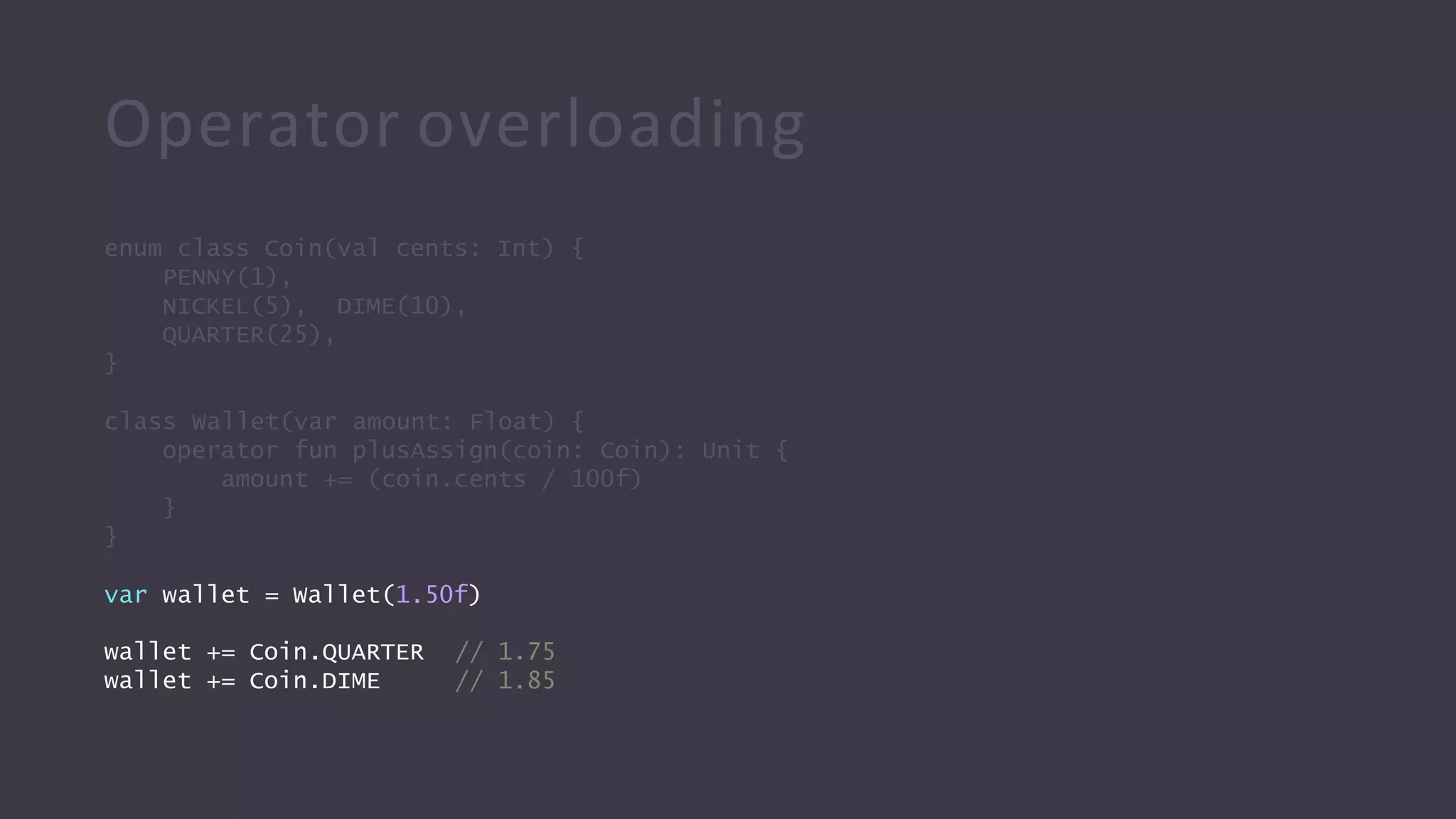
var wallet = Wallet(1.50f)
wallet += Coin.QUARTER
wallet += Coin.DIME
// 1.75
// 1.85
Operator overloading
enum class Coin(val cents: Int) {
PENNY(1),
NICKEL(5),
DIME(10),
QUARTER(25),
}
class Wallet(var amount: Float) {
operator fun plusAssign(coin: Coin): Unit {
amount += (coin.cents / 100f)
}
}
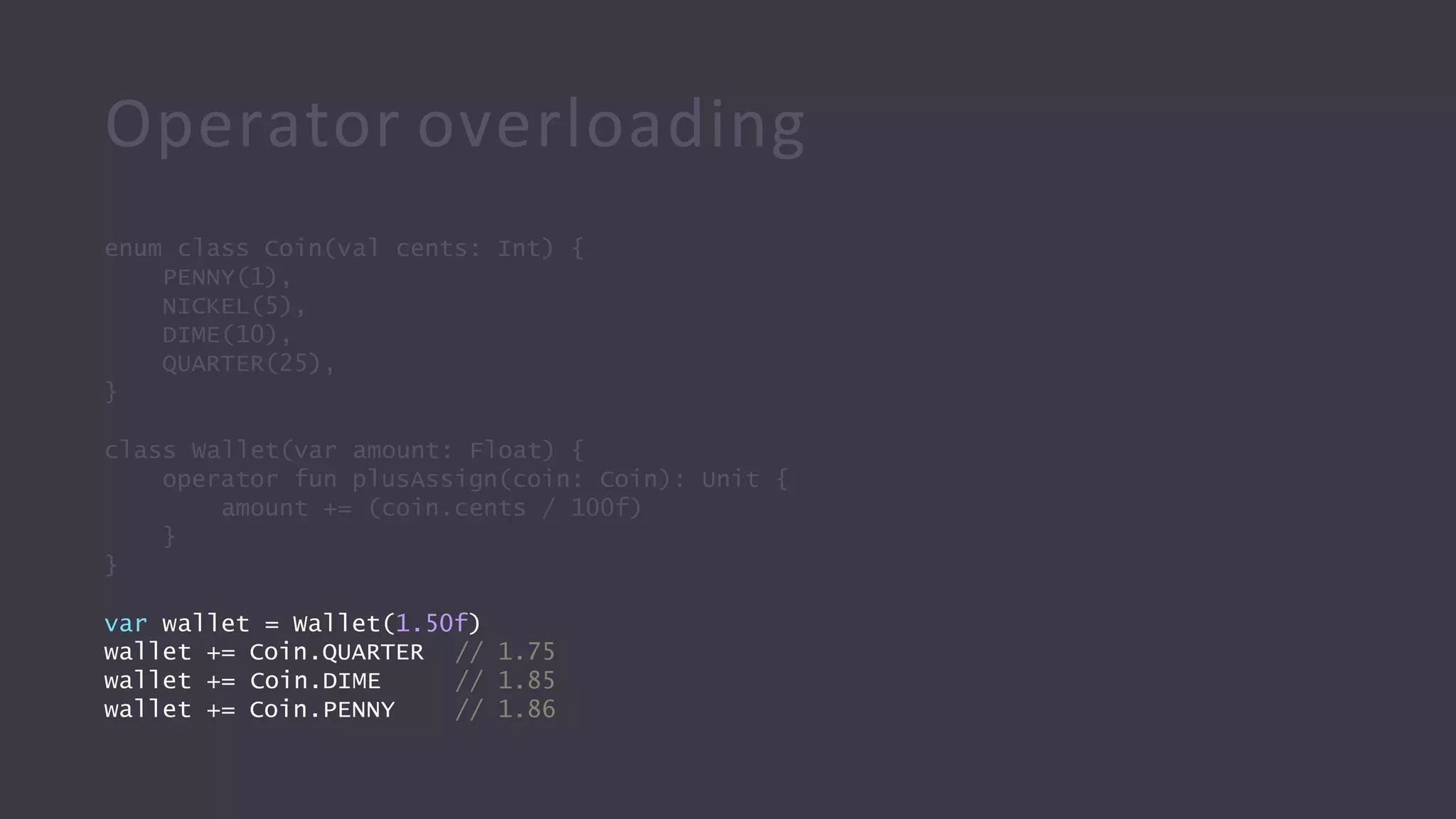
var wallet = Wallet(1.50f)
wallet += Coin.QUARTER
wallet += Coin.DIME
wallet += Coin.PENNY
// 1.75
// 1.85
// 1.86
Operator overloading
a == b a > b
a != b a < b
a >= b
a <= b
a + b a +- b a++ a..b
a - b a -= b a-- a in b
a * b a *= b a !in b
a / b a /= b a[]
a % b a %= b a()
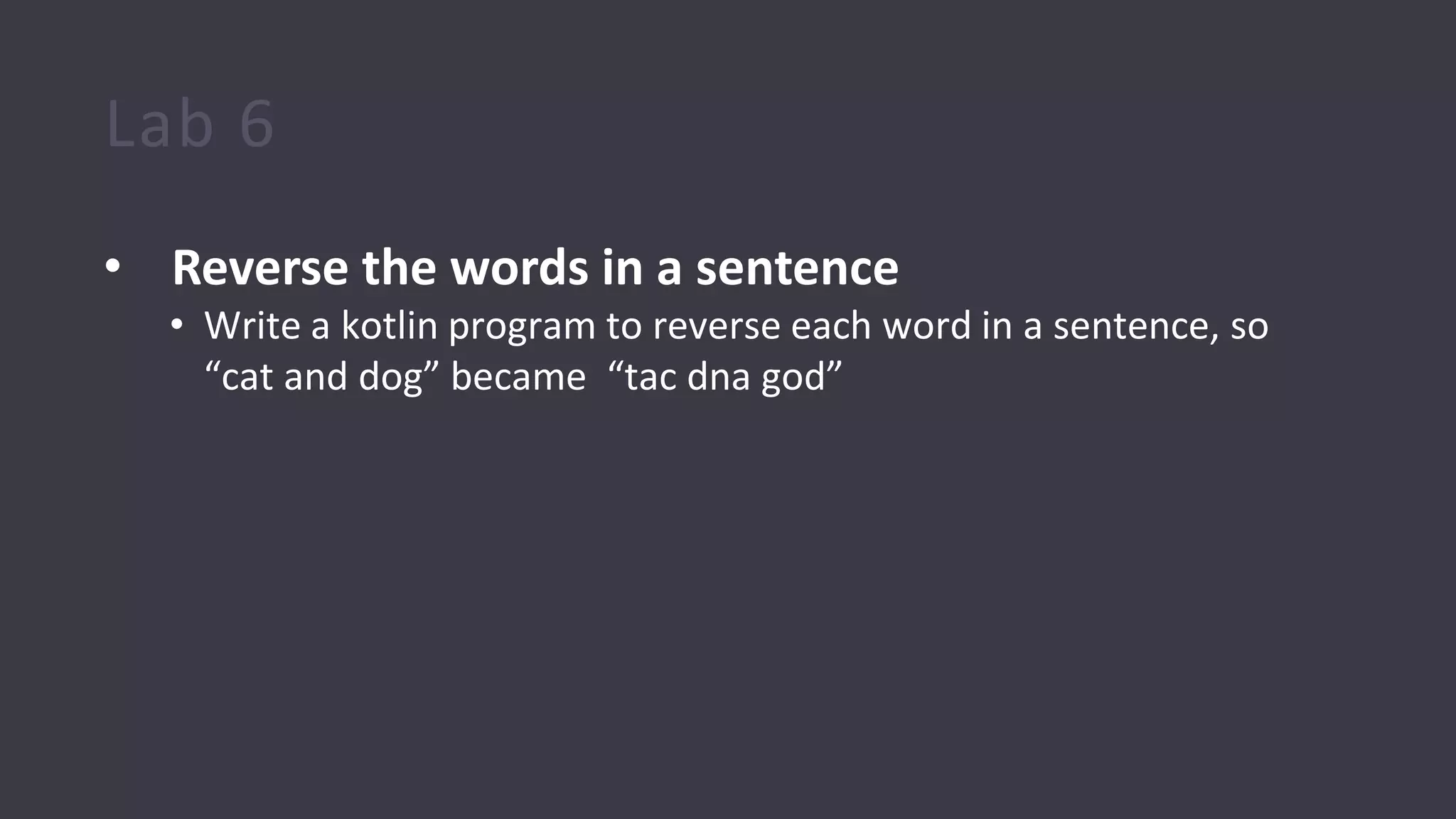
Lab 6
• Reverse the words in a sentence
• Write a kotlin program to reverse each word in a sentence, so
“cat and dog” became “tac dna god”
Lab 7
• Generate all passwords from given character set
• Given a set of characters generate all possible passwords from
them. This means we should generate all possible permutations of
words using the given characters, with repetitions and also upto a
given length.
Example:
Input : arr[] = {a, b}, len = 2.
Output :
a b aa ab ba bb
Lab 8
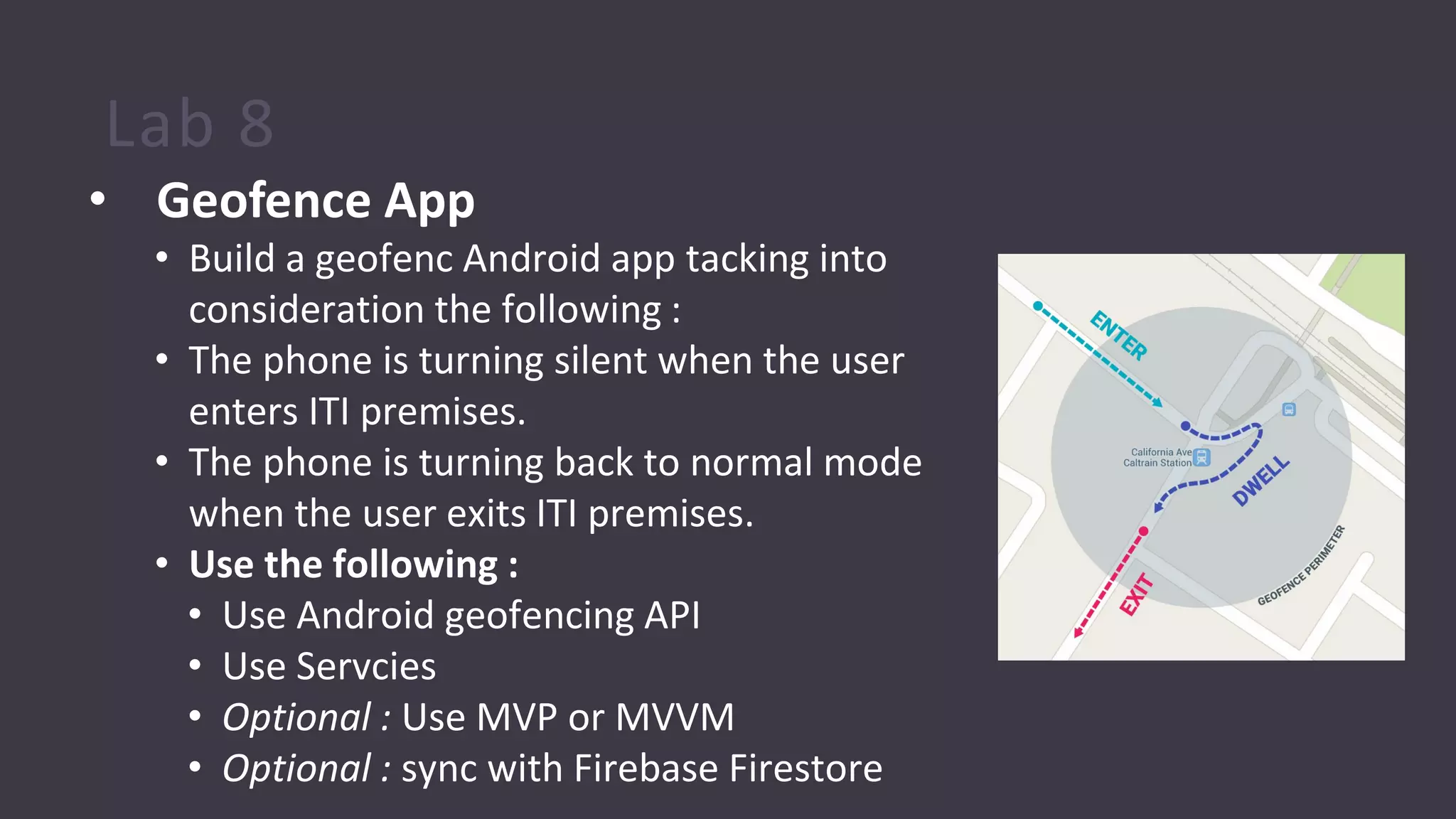
• Geofence App
• Build a geofenc Android app tacking into
consideration the following :
• The phone is turning silent when the user
enters ITI premises.
• The phone is turning back to normal mode
when the user exits ITI premises.
• Use the following :
• Use Android geofencing API
• Use Servcies
• Optional : Use MVP or MVVM
• Optional : sync with Firebase Firestore
Basics Again !
Nullability
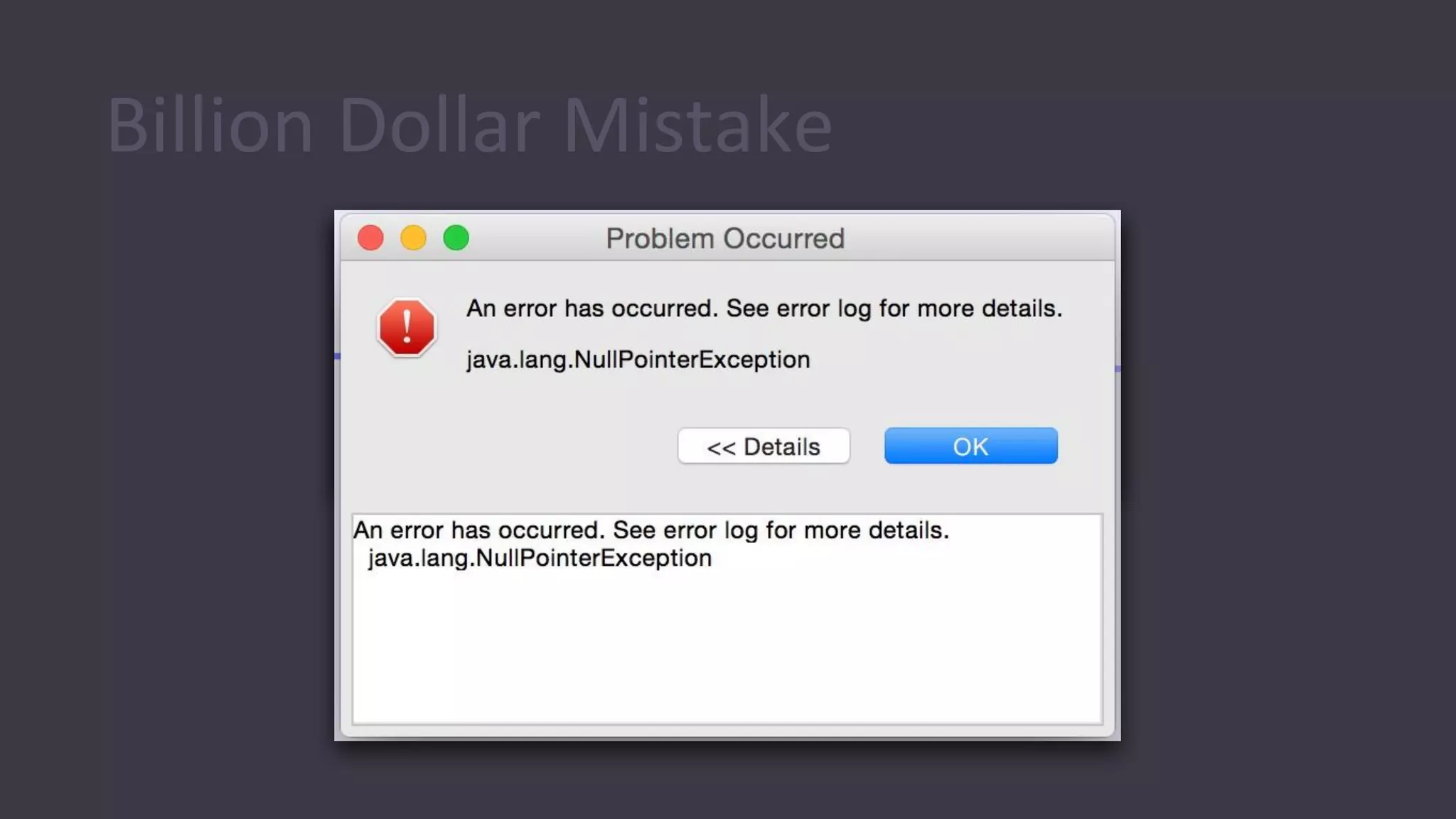
Billion Dollar Mistake
Modern approach:
to make NPE
compile-time error,
not run-time error
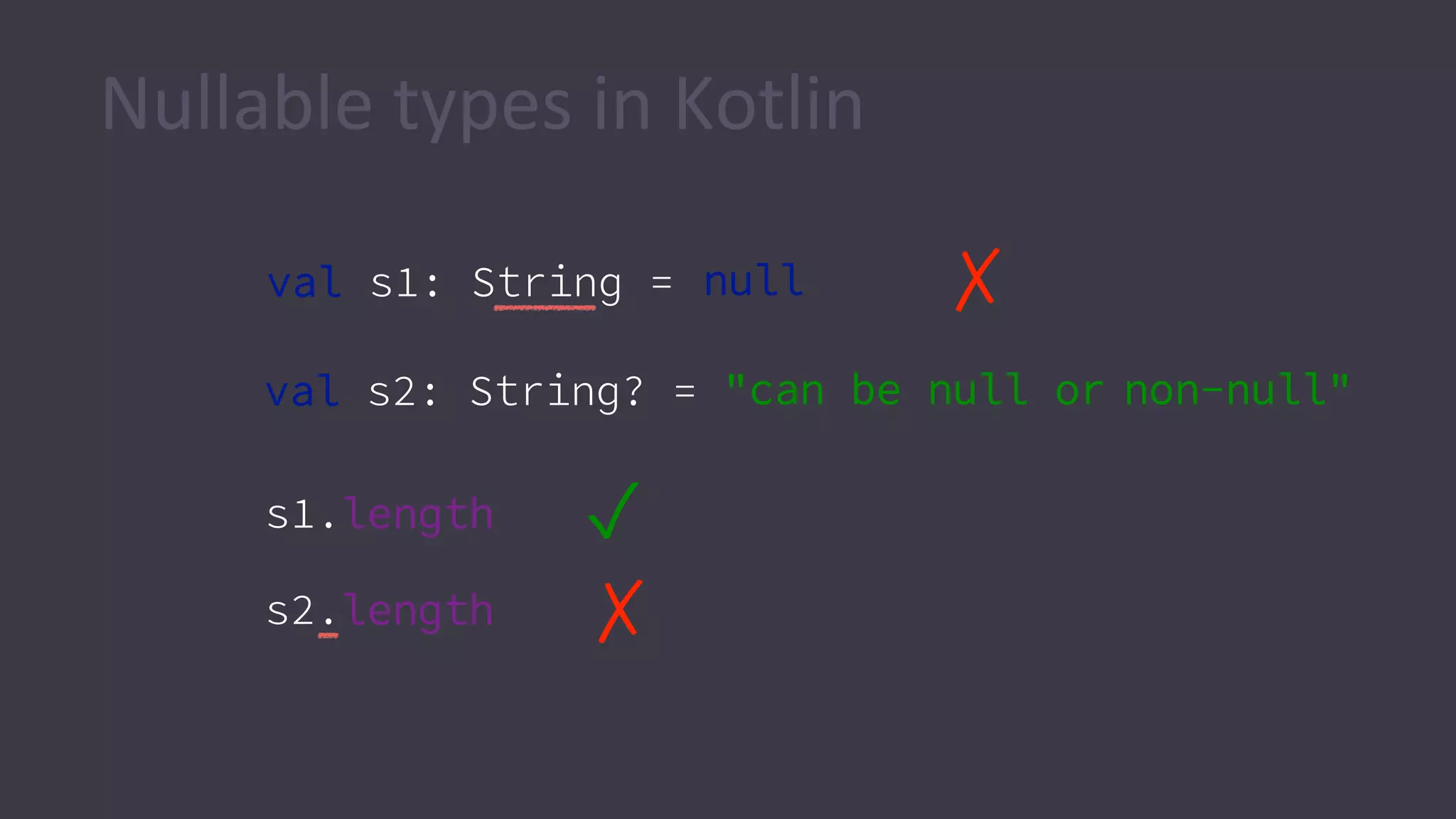
Nullable types in Kotlin
s1.length ✓
✗s2.length
val s2: String? = "can be null or non-null"
val s1: String = null ✗
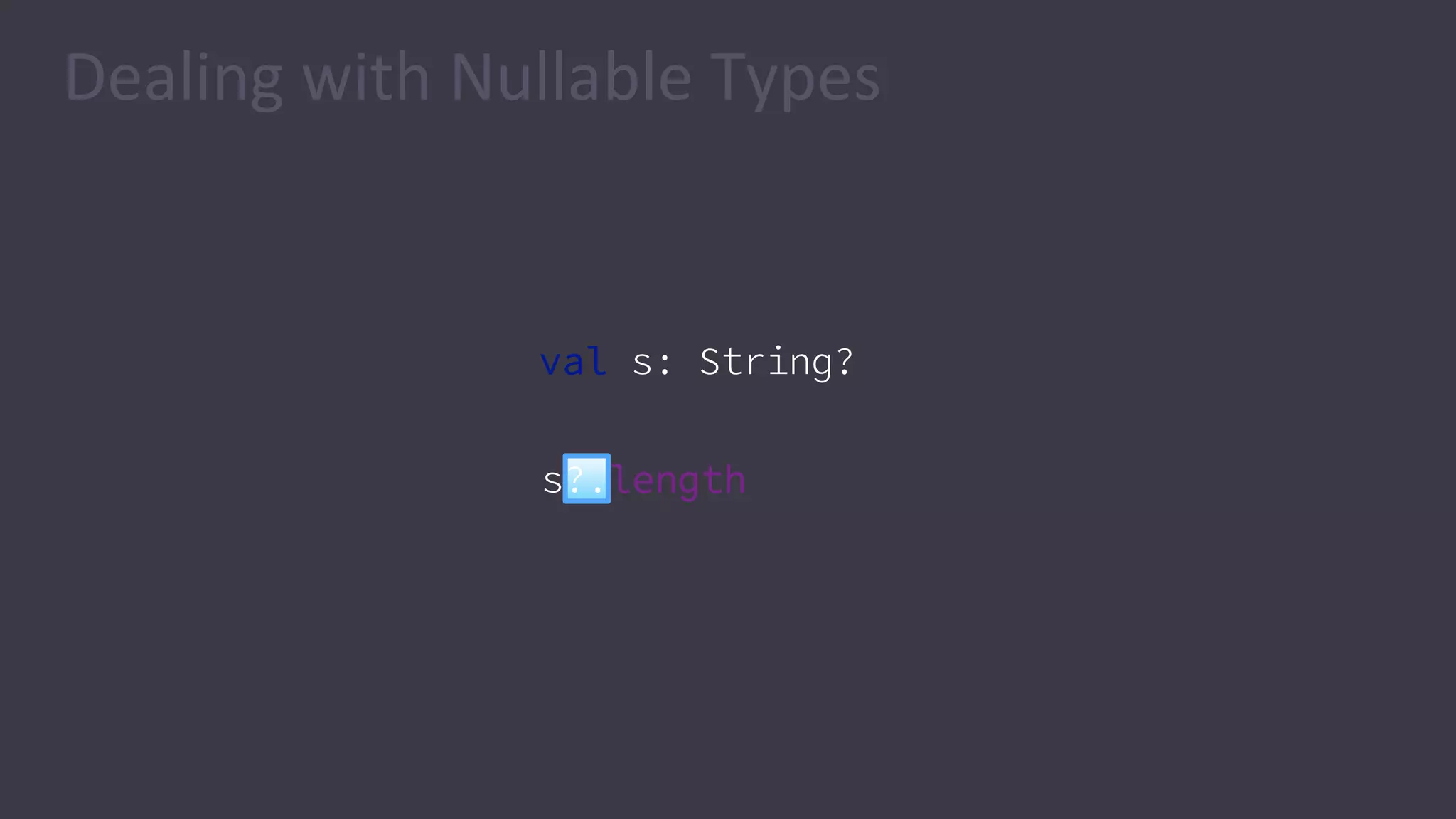
val s: String?
s?.length
Dealing with Nullable Types
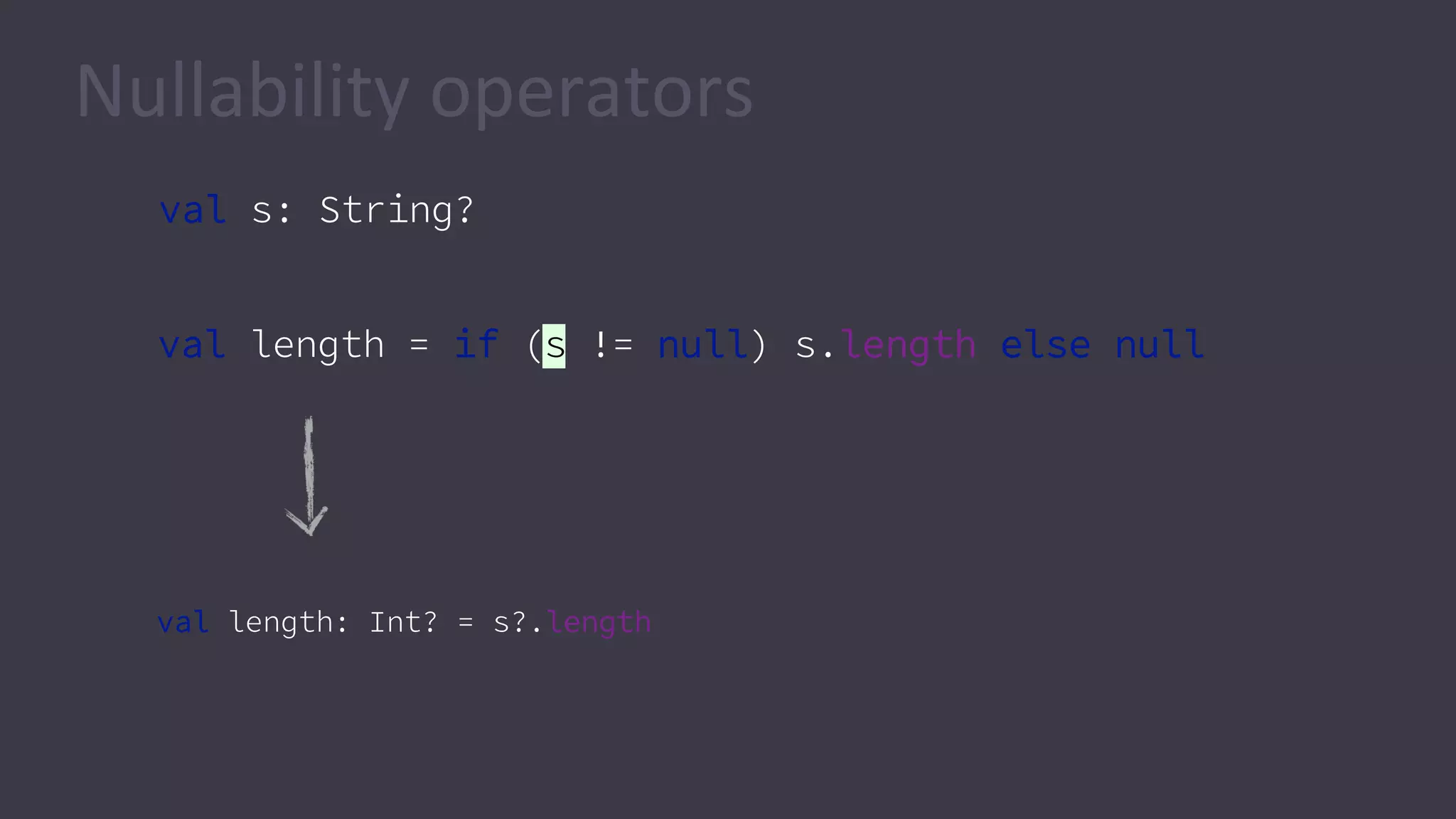
val s: String?
val length = if (s != null) s.length else null
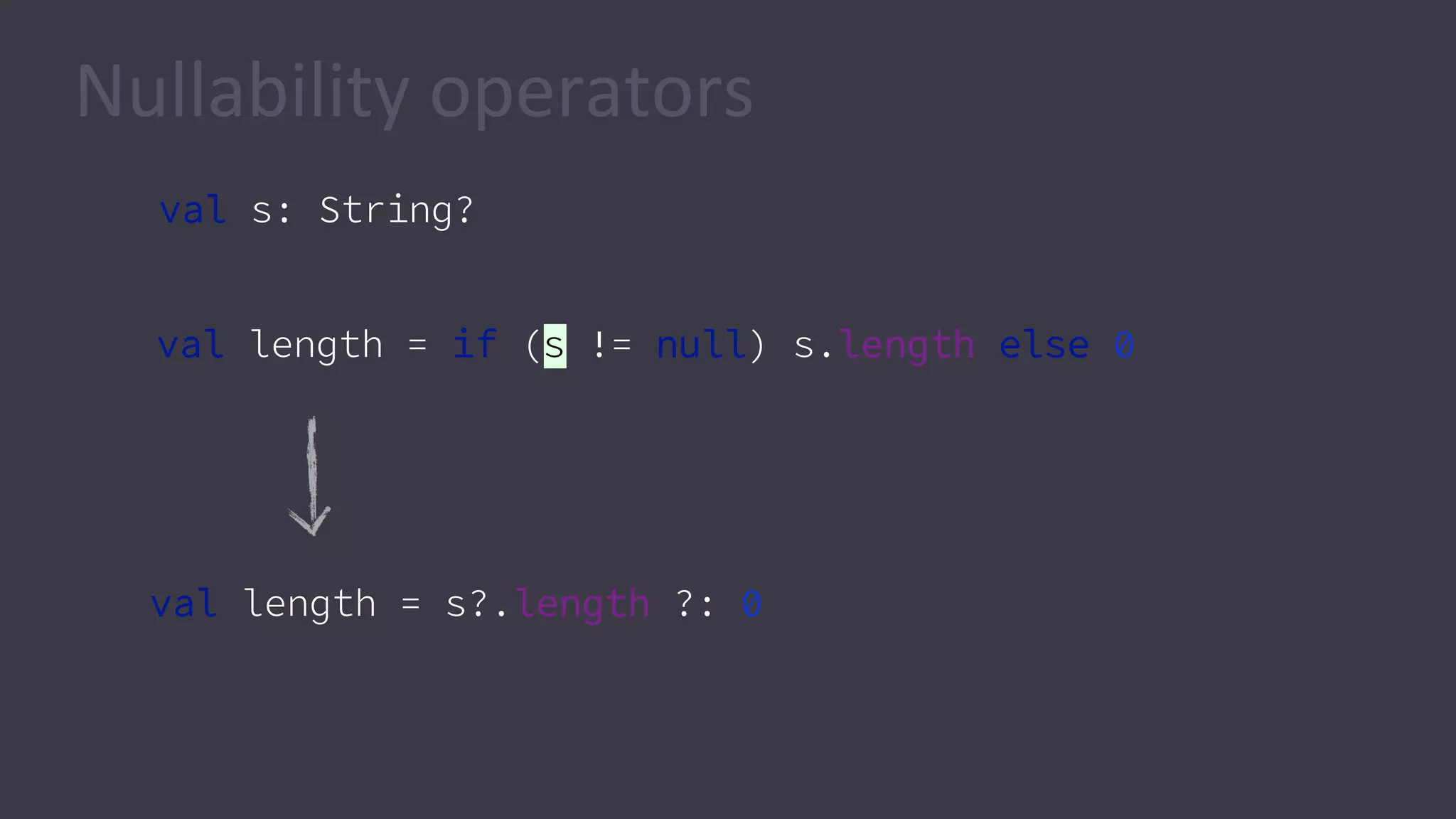
Nullability operators
val length: Int? = s?.length
val s: String?
val length = if (s != null) s.length else 0
val length = s?.length ?: 0
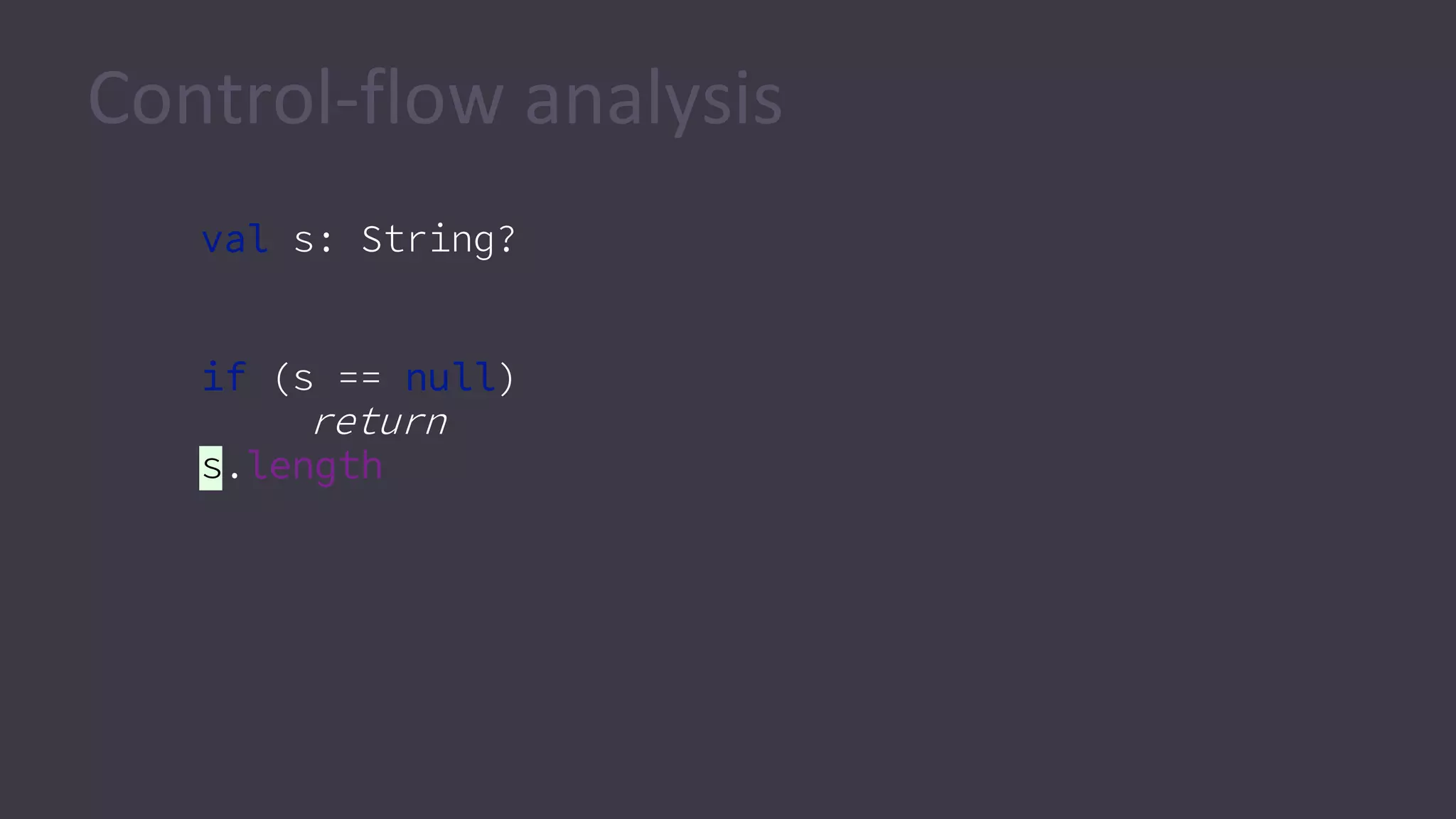
Nullability operators
val s: String?
if (s == null)
return
s.length
Control-flow analysis
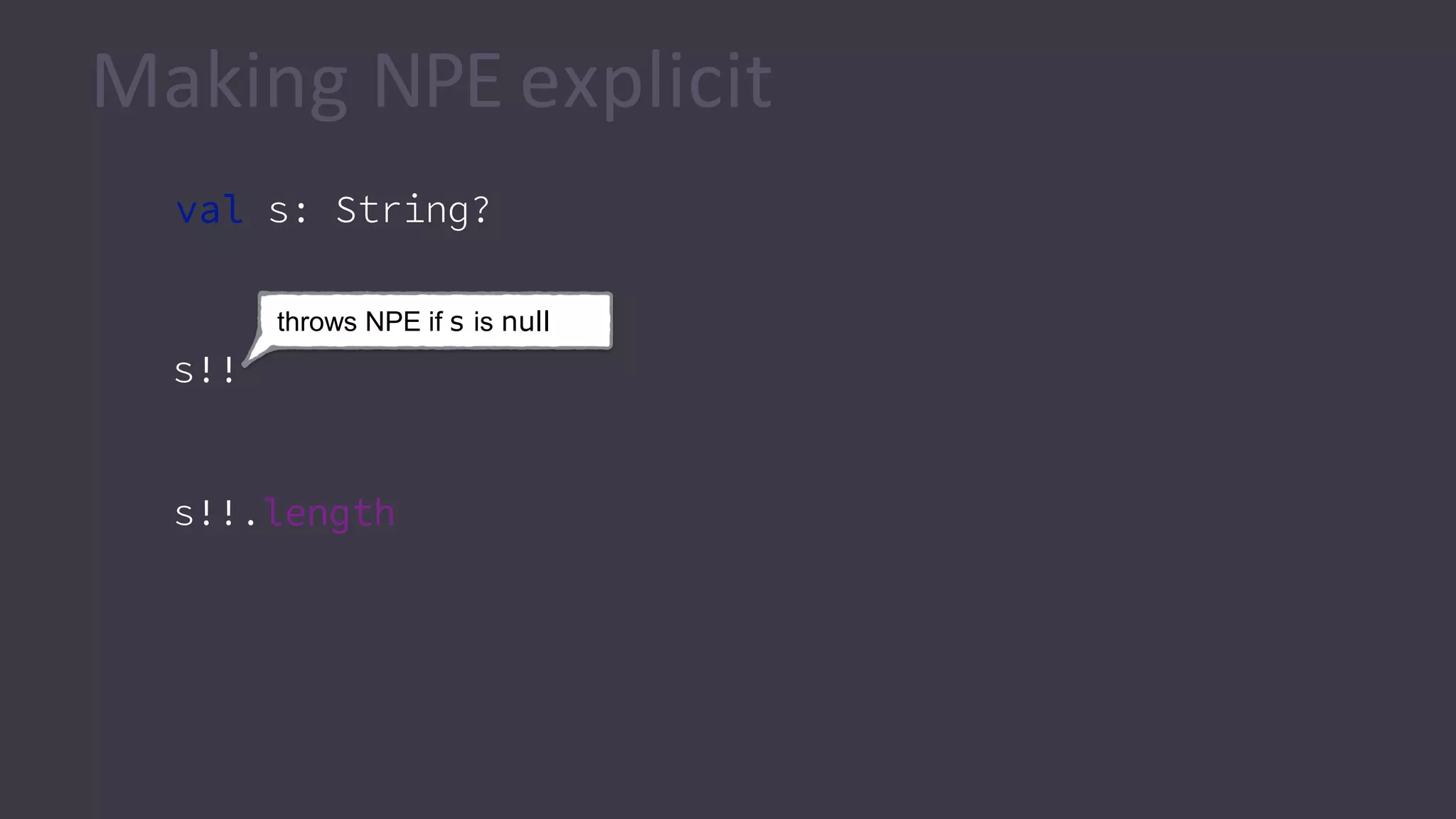
val s: String?
Making NPE explicit
throws NPE if s is null
s!!
s!!.length
lateinit
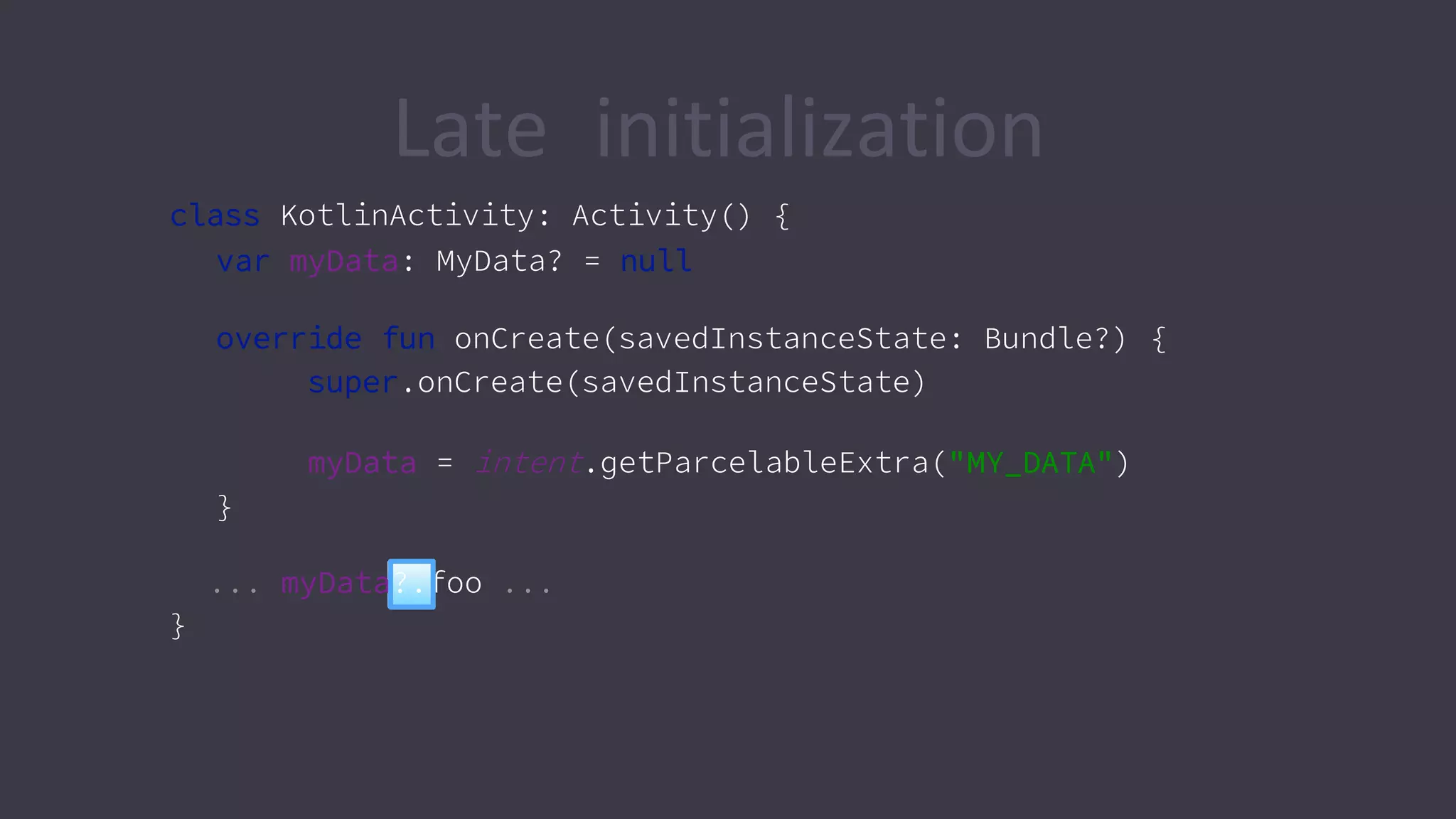
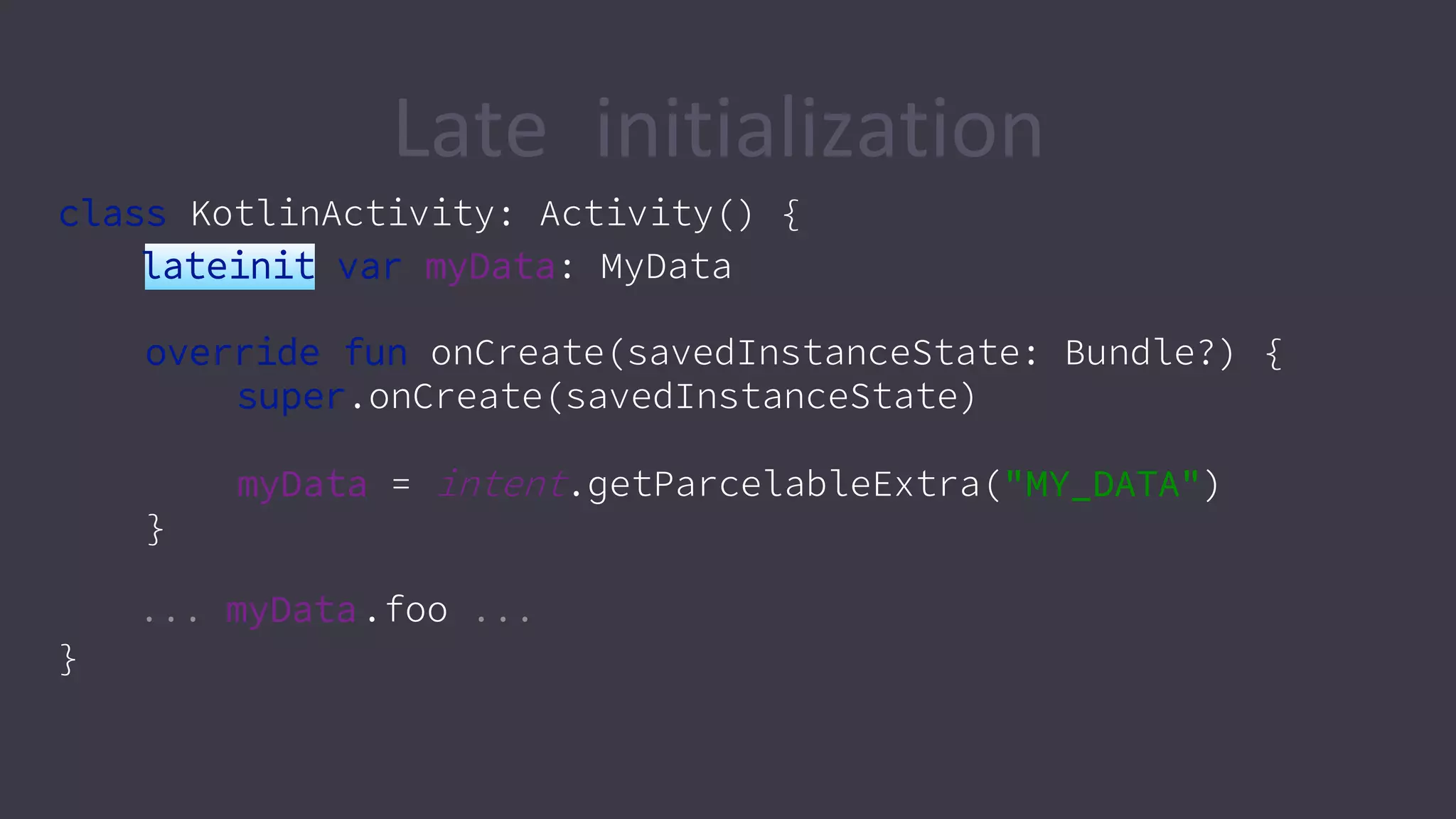
Late initialization
class KotlinActivity: Activity() {
var myData: MyData? = null
override fun onCreate(savedInstanceState: Bundle?) {
super.onCreate(savedInstanceState)
myData = intent.getParcelableExtra("MY_DATA")
}
... myData?.foo ...
}
class KotlinActivity: Activity() {
lateinit var myData: MyData
override fun onCreate(savedInstanceState: Bundle?) {
super.onCreate(savedInstanceState)
myData = intent.getParcelableExtra("MY_DATA")
}
... myData.foo ...
}
Late initialization
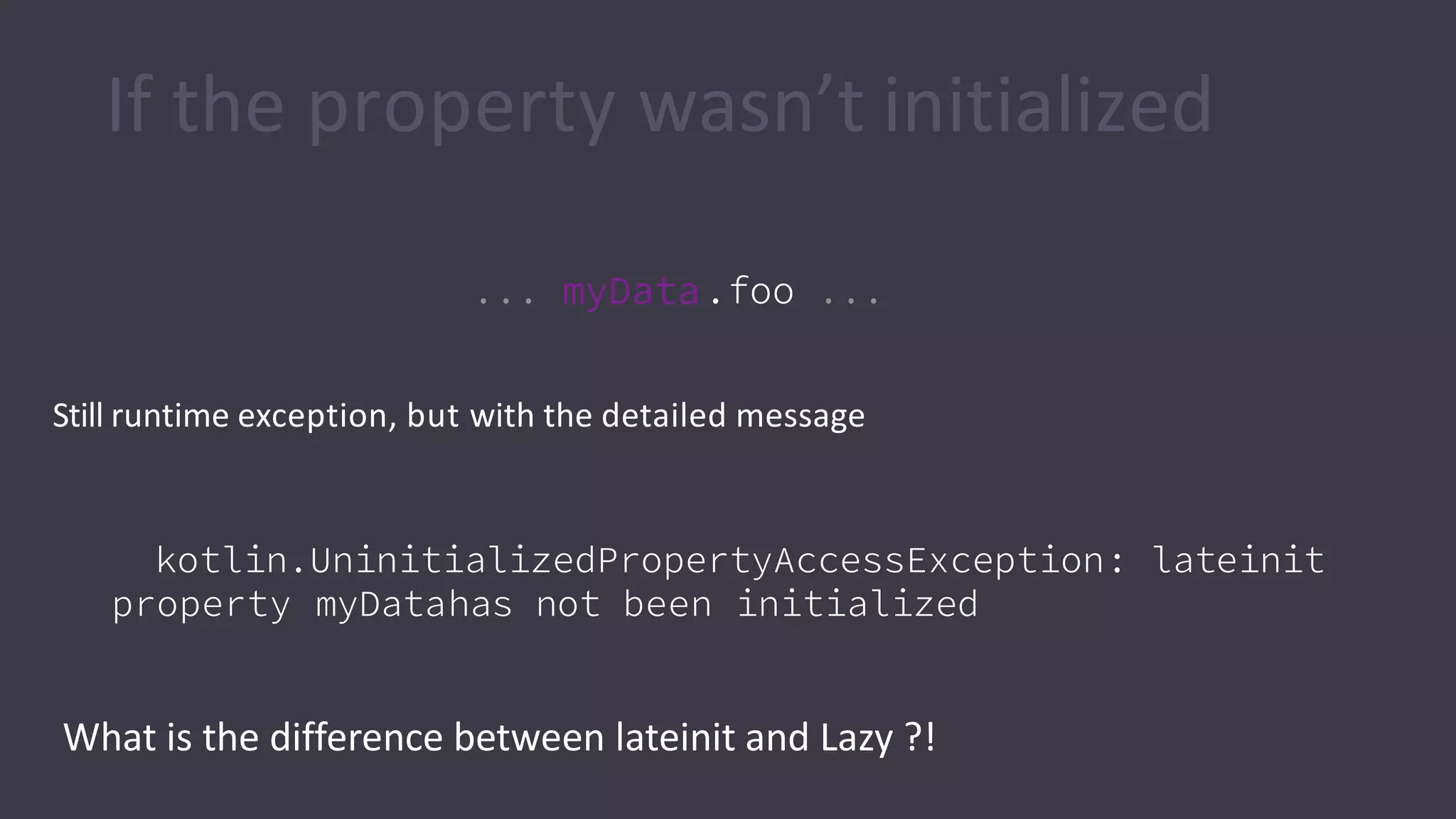
If the property wasn’t initialized
Still runtime exception, but with the detailed message
kotlin.UninitializedPropertyAccessException: lateinit
property myDatahas not been initialized
... myData.foo ...
What is the difference between lateinit and Lazy ?!
Object-oriented
programming in Kotlin
Feels the same
• …with some improvements
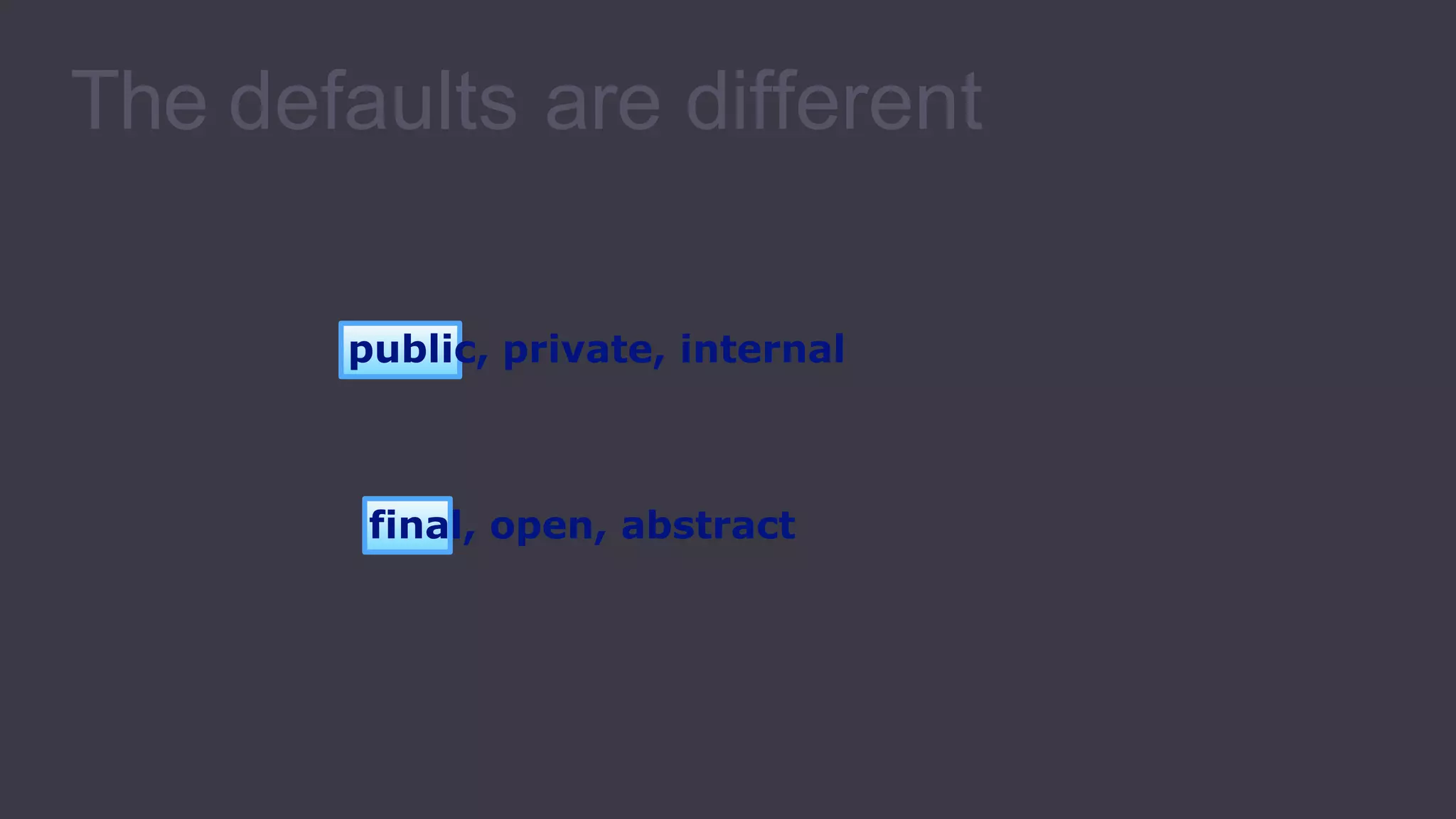
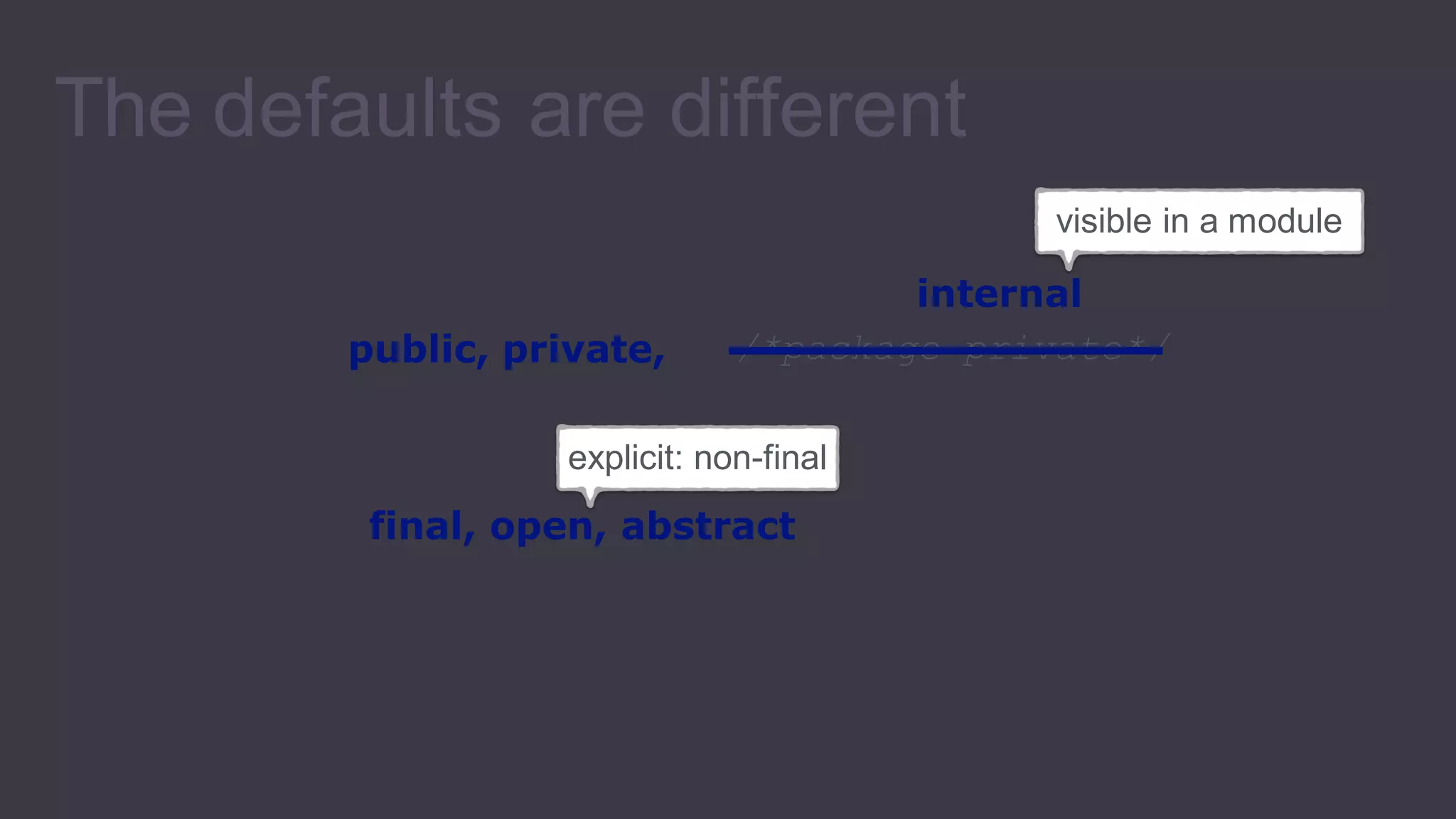
final, open, abstract
public, private, internal
The defaults are different
public, private, //*package-private*
The defaults are different
explicit: non-final
final, open, abstract
visible in a module
internal
Different constructor
syntax
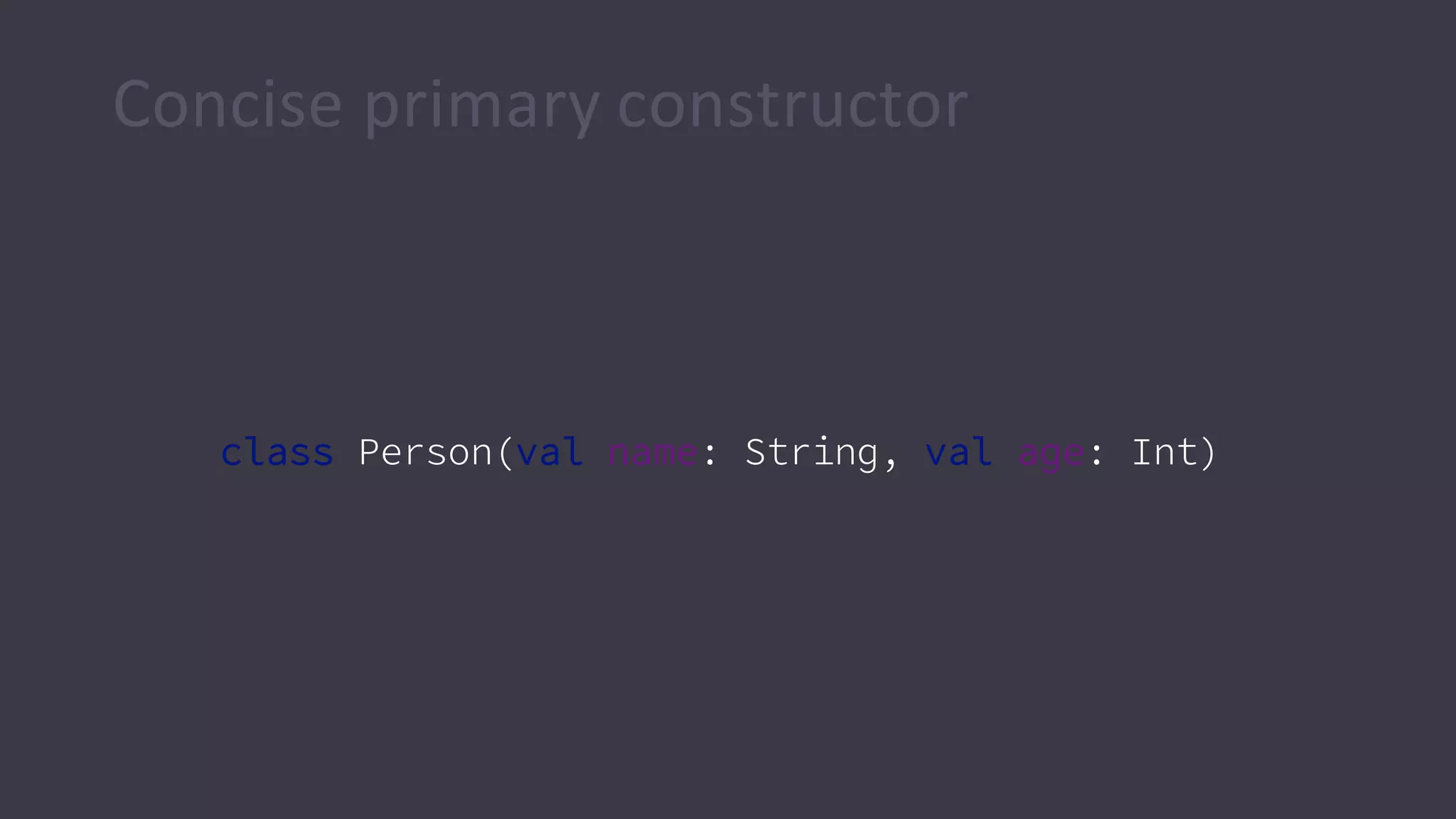
Concise primary constructor
class Person(val name: String, val age: Int)
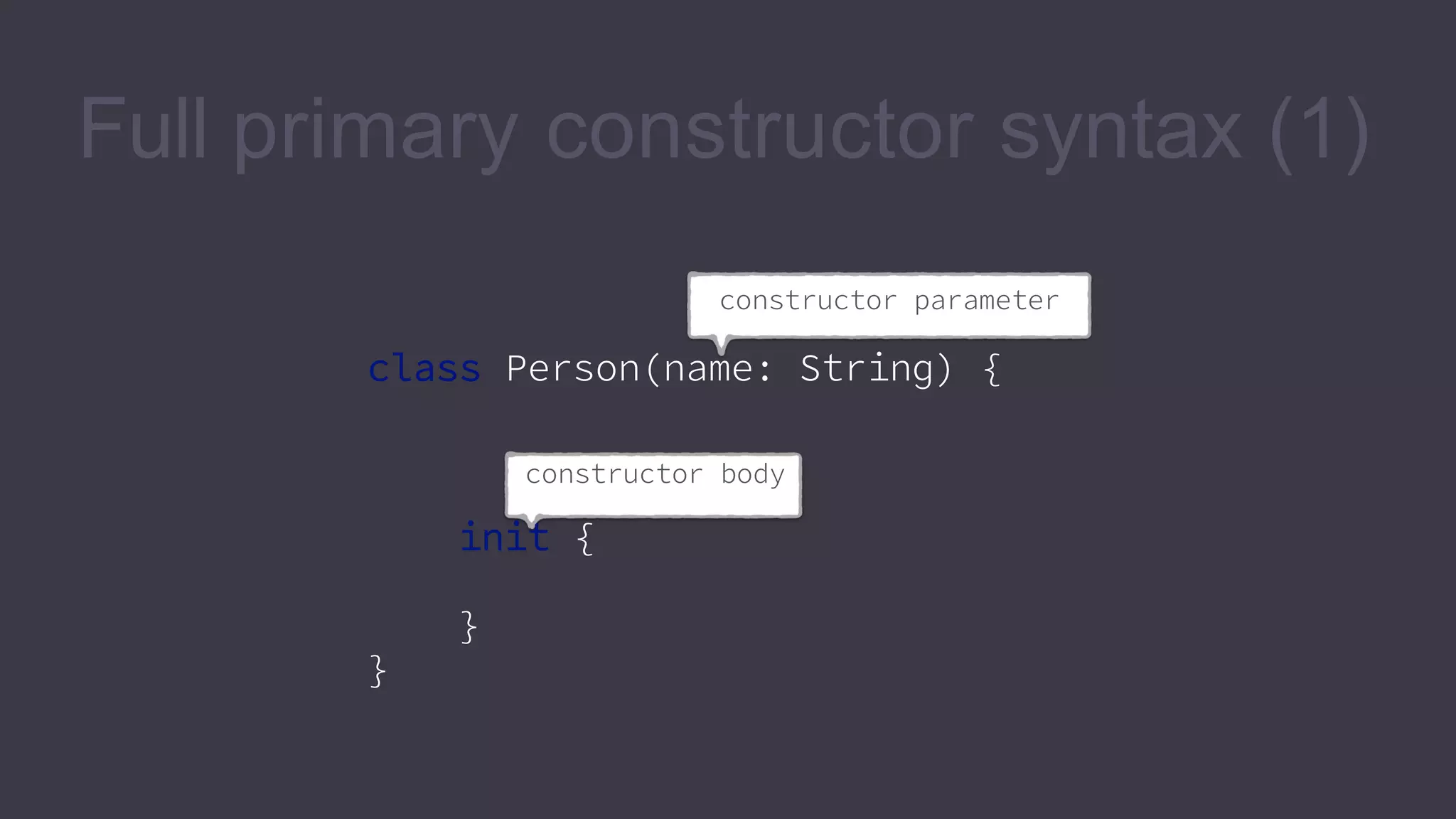
Full primary constructor syntax (1)
constructor parameter
class Person(name: String) {
constructor body
init {
}
}
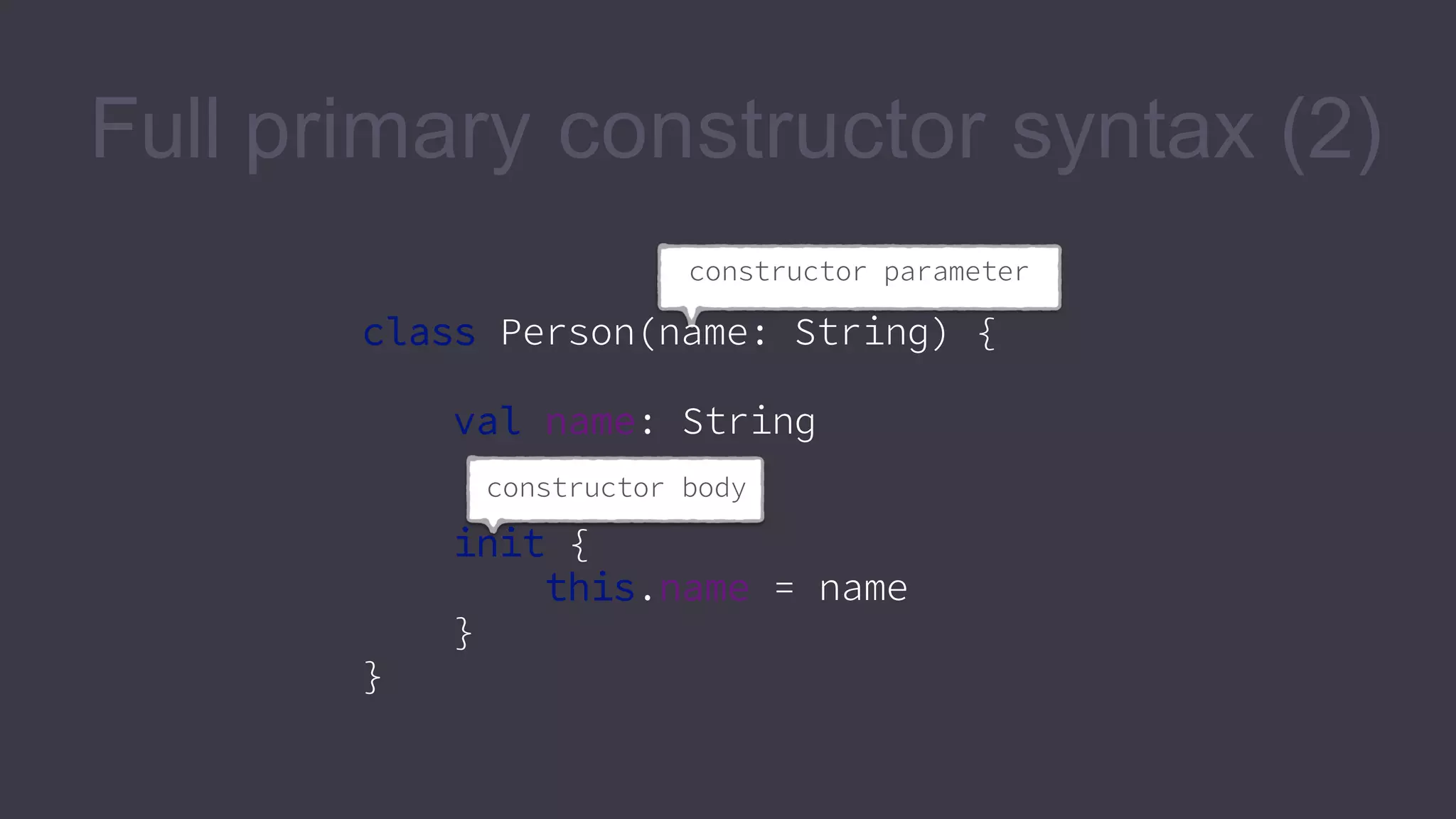
Full primary constructor syntax (2)

constructor parameter
class Person(name: String) {
val name: String
constructor body
init {
this.name = name
}
}
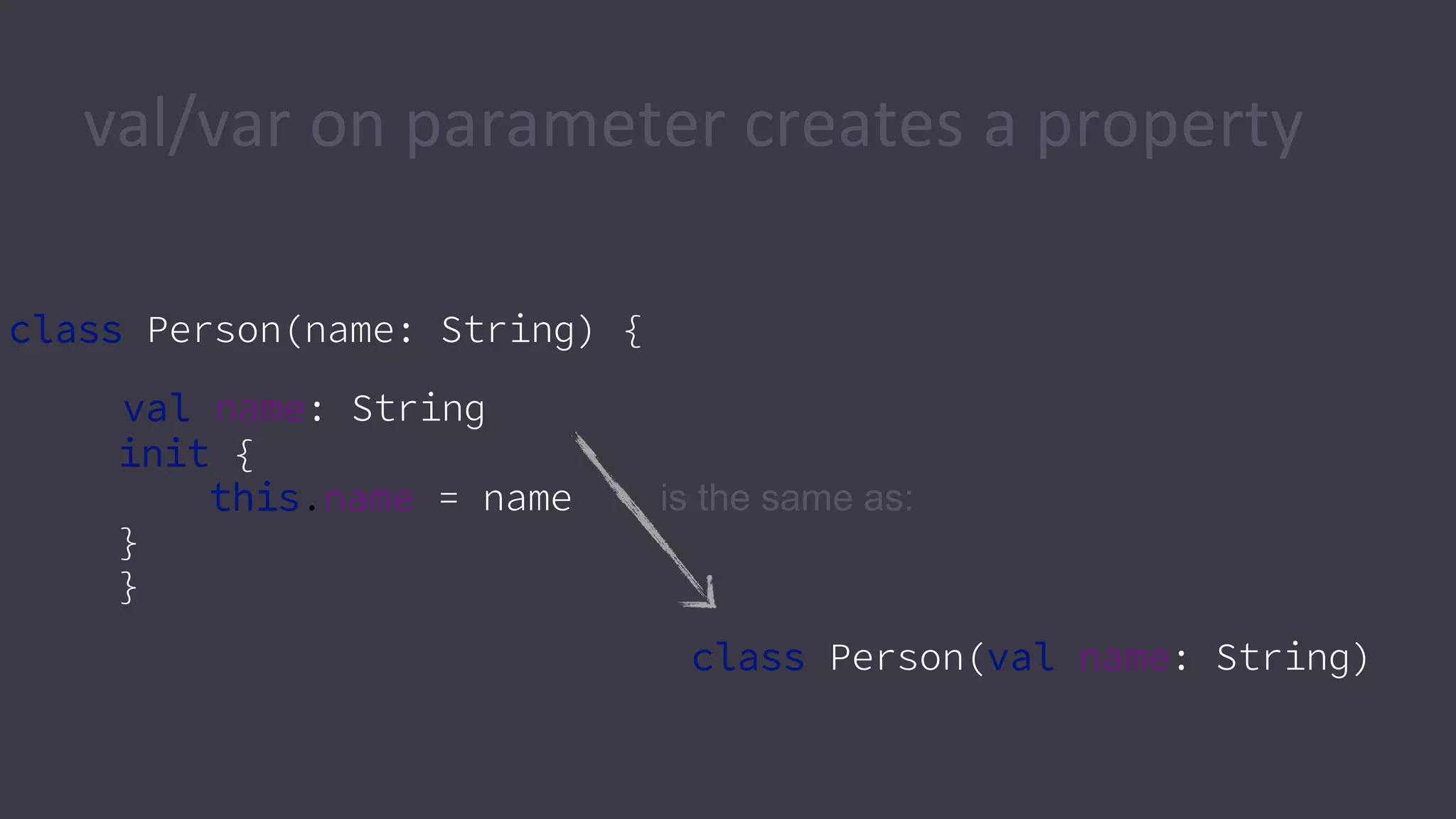
val/var on parameter creates a property
class Person(name: String) {
val name: String
init {
this.name = name
}
}
class Person(val name: String)
is the same as:
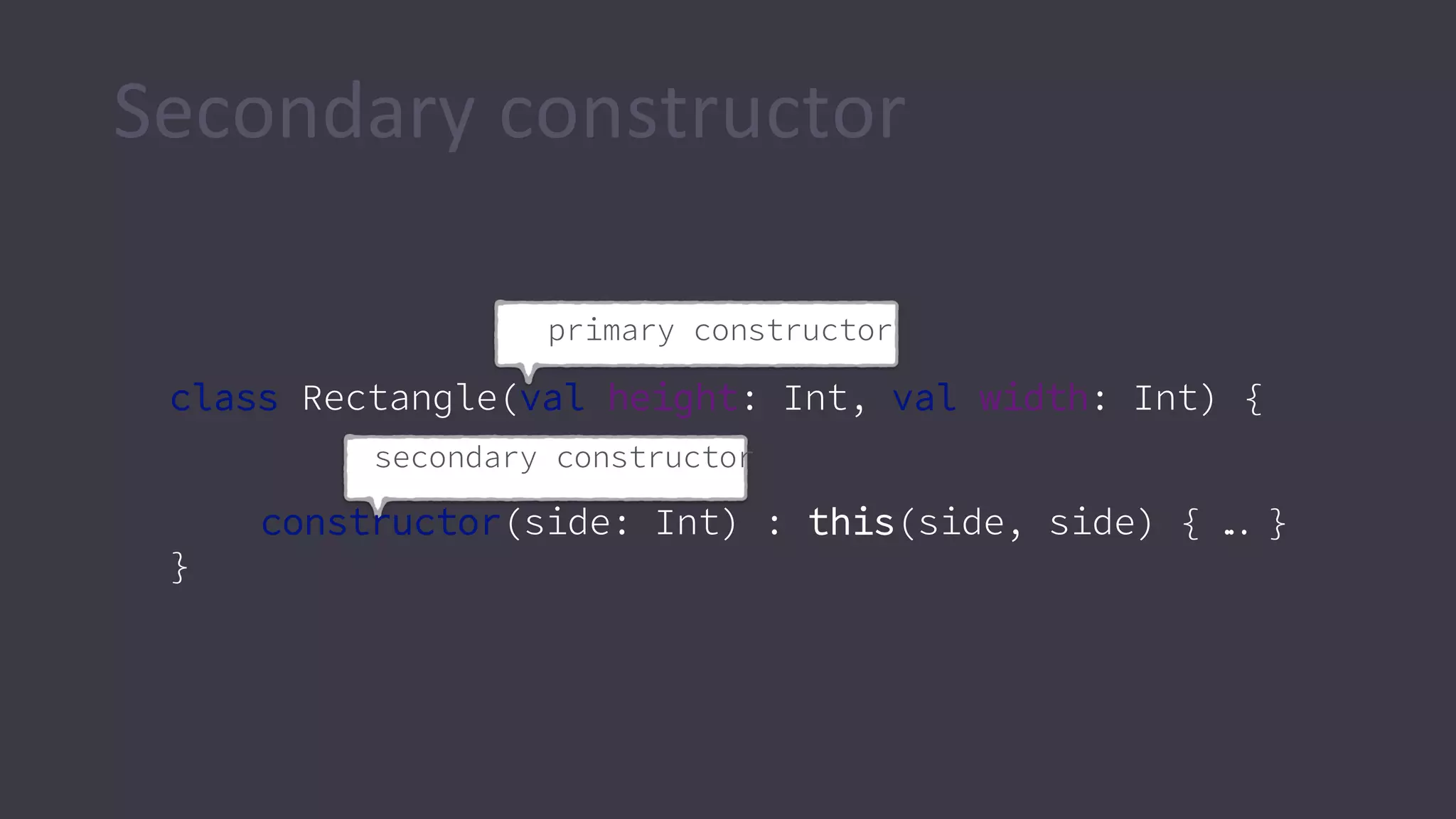
Secondary constructor
primary constructor
class Rectangle(val height: Int, val width: Int) {
secondary constructor
constructor(side: Int) : this(side, side) { … }
}
Classes
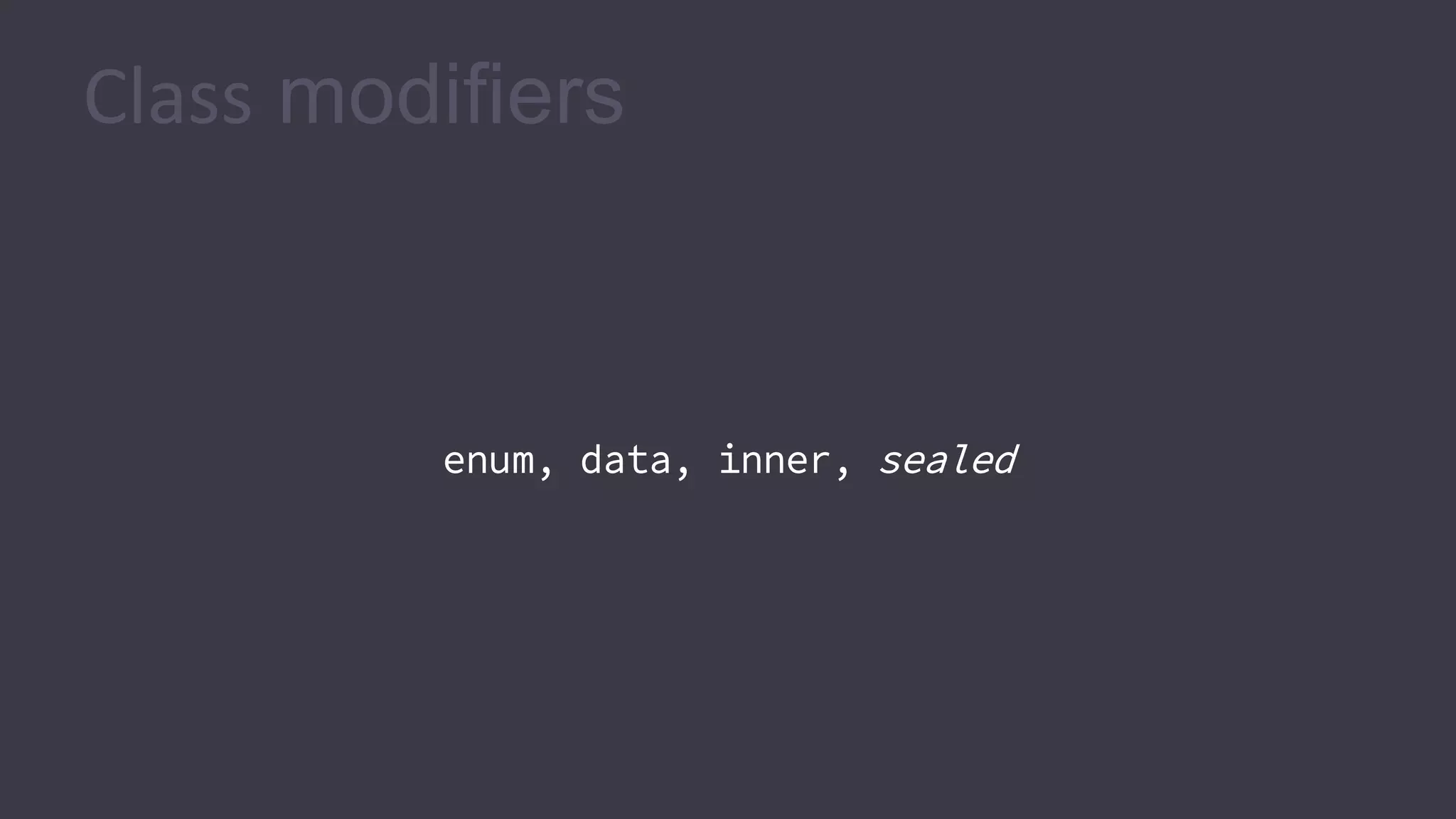
Class modifiers
enum, data, inner, sealed
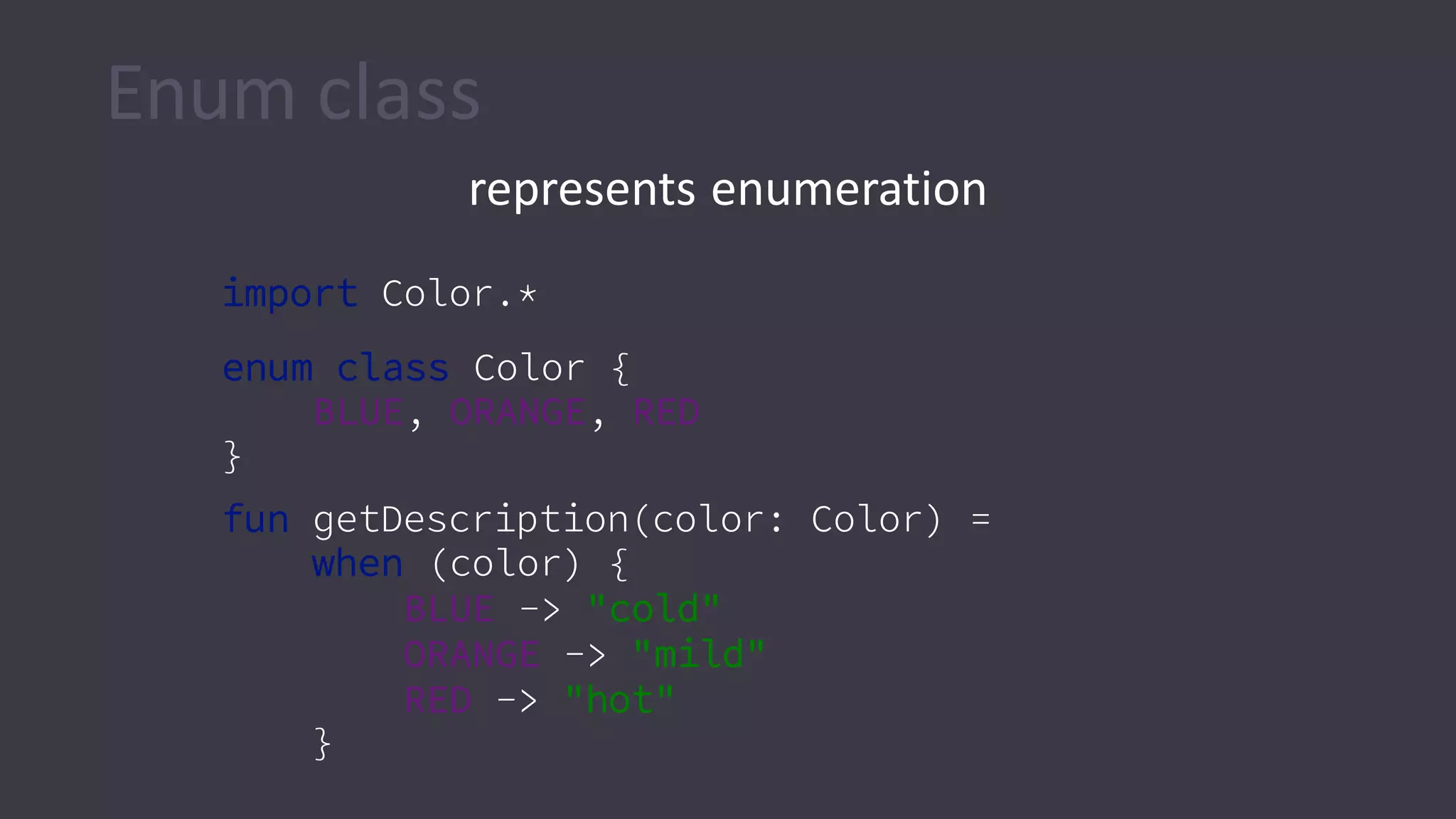
Enum class
represents enumeration
import Color.*
enum class Color {
BLUE, ORANGE, RED
}
fun getDescription(color: Color) =
when (color) {
BLUE -> "cold"
ORANGE -> "mild"
RED -> "hot"
}
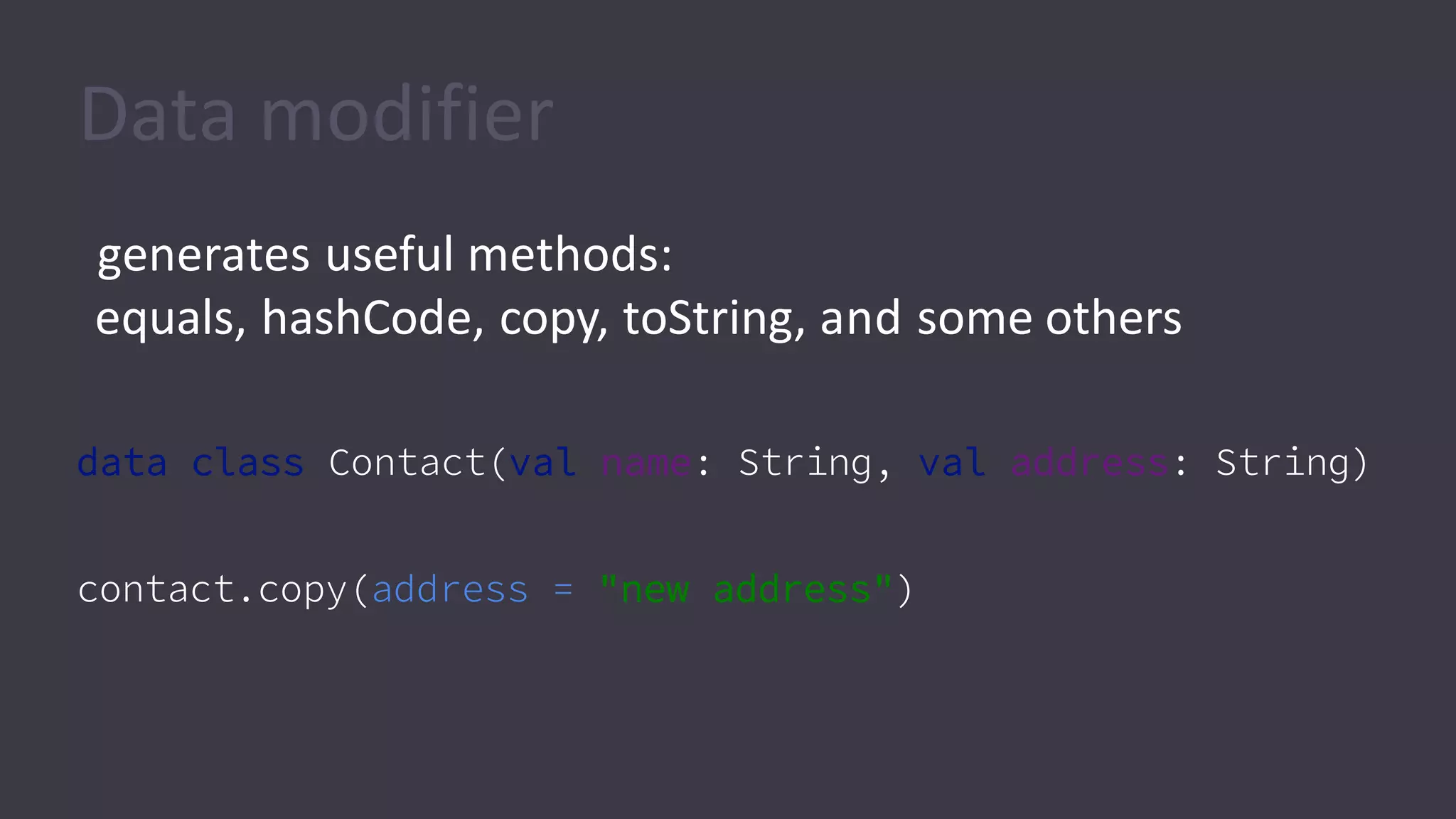
Data modifier
generates useful methods:
equals, hashCode, copy, toString, and some others
data class Contact(val name: String, val address: String)
contact.copy(address = "new address")
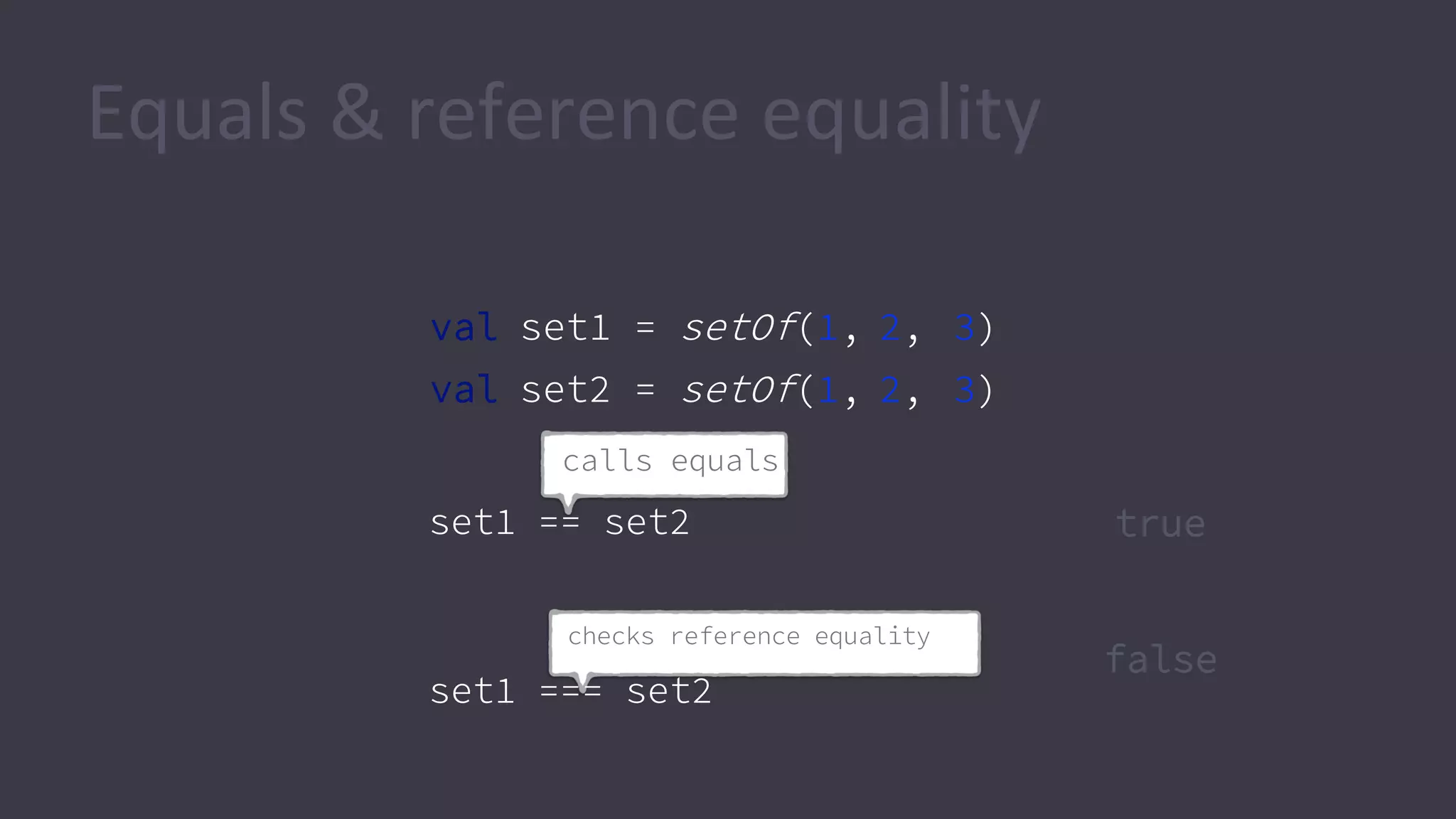
Equals & reference equality
val set1 = setOf(1, 2, 3)
val set2 = setOf(1, 2, 3)
checks reference equality
set1 === set2
calls equals
set1 == set2 true
false
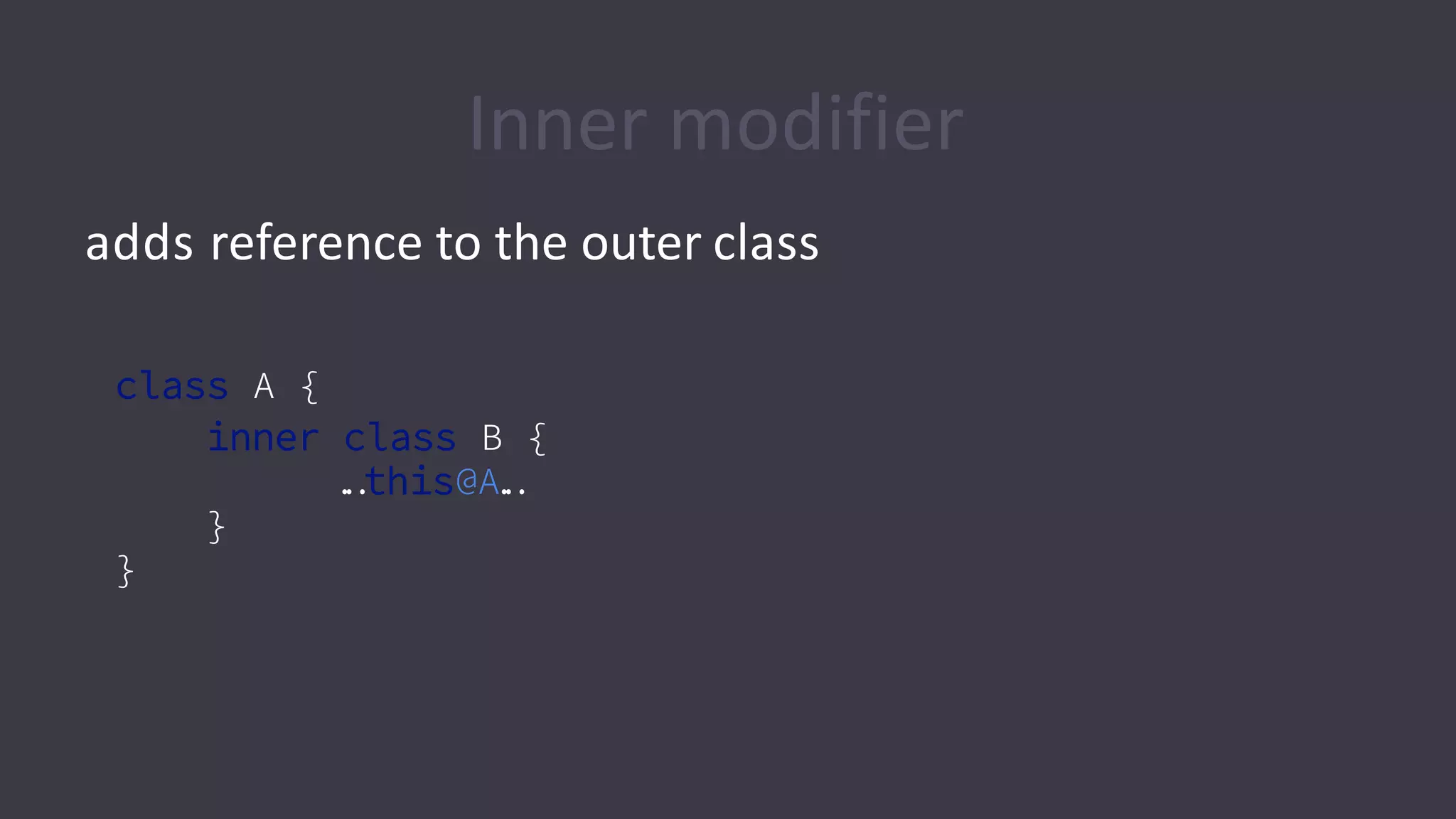
Inner modifier
adds reference to the outer class
class A {
inner class B {
…this@A…
}
}
Objects &
companion objects
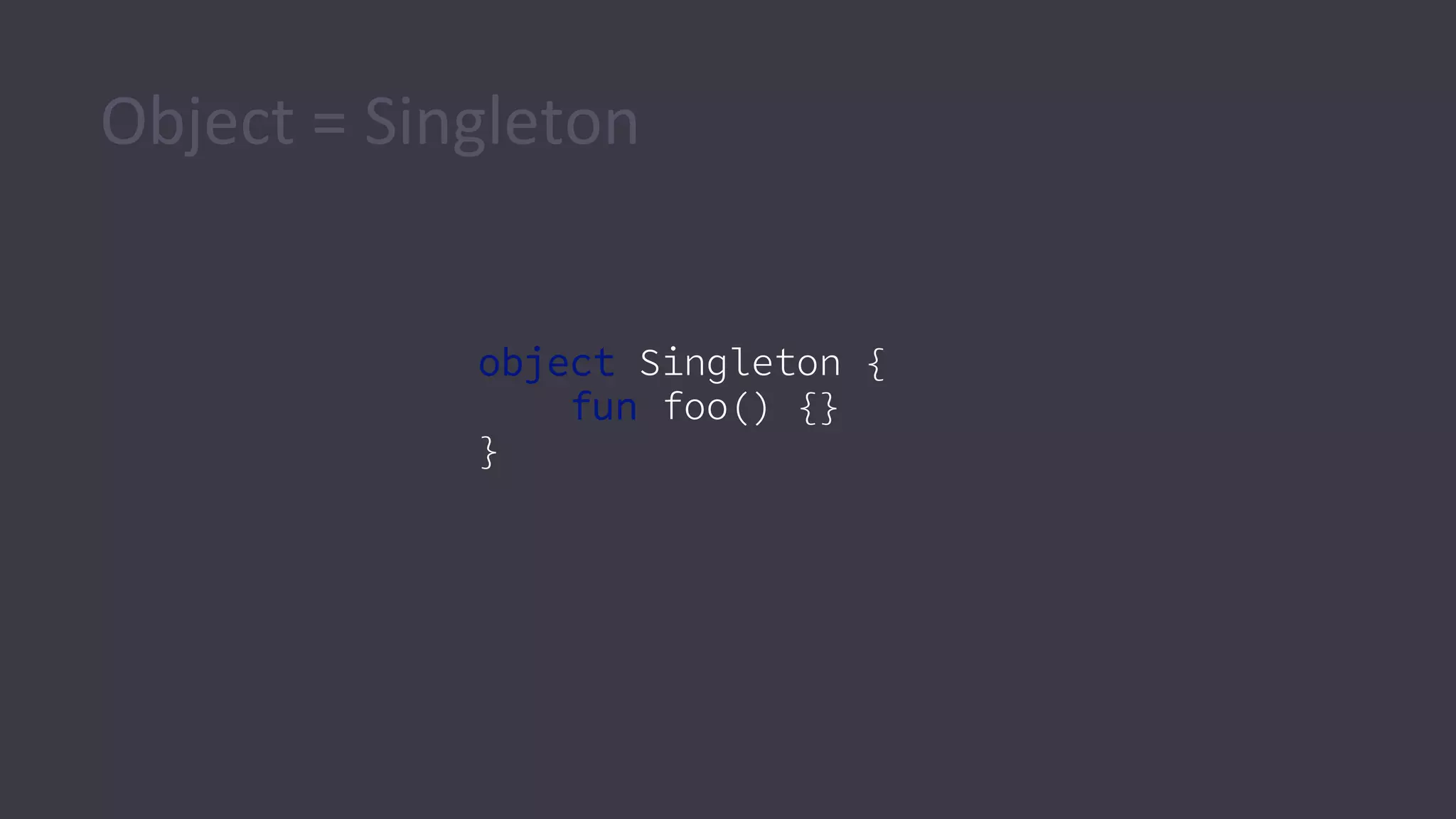
Object = Singleton
object Singleton {
fun foo() {}
}
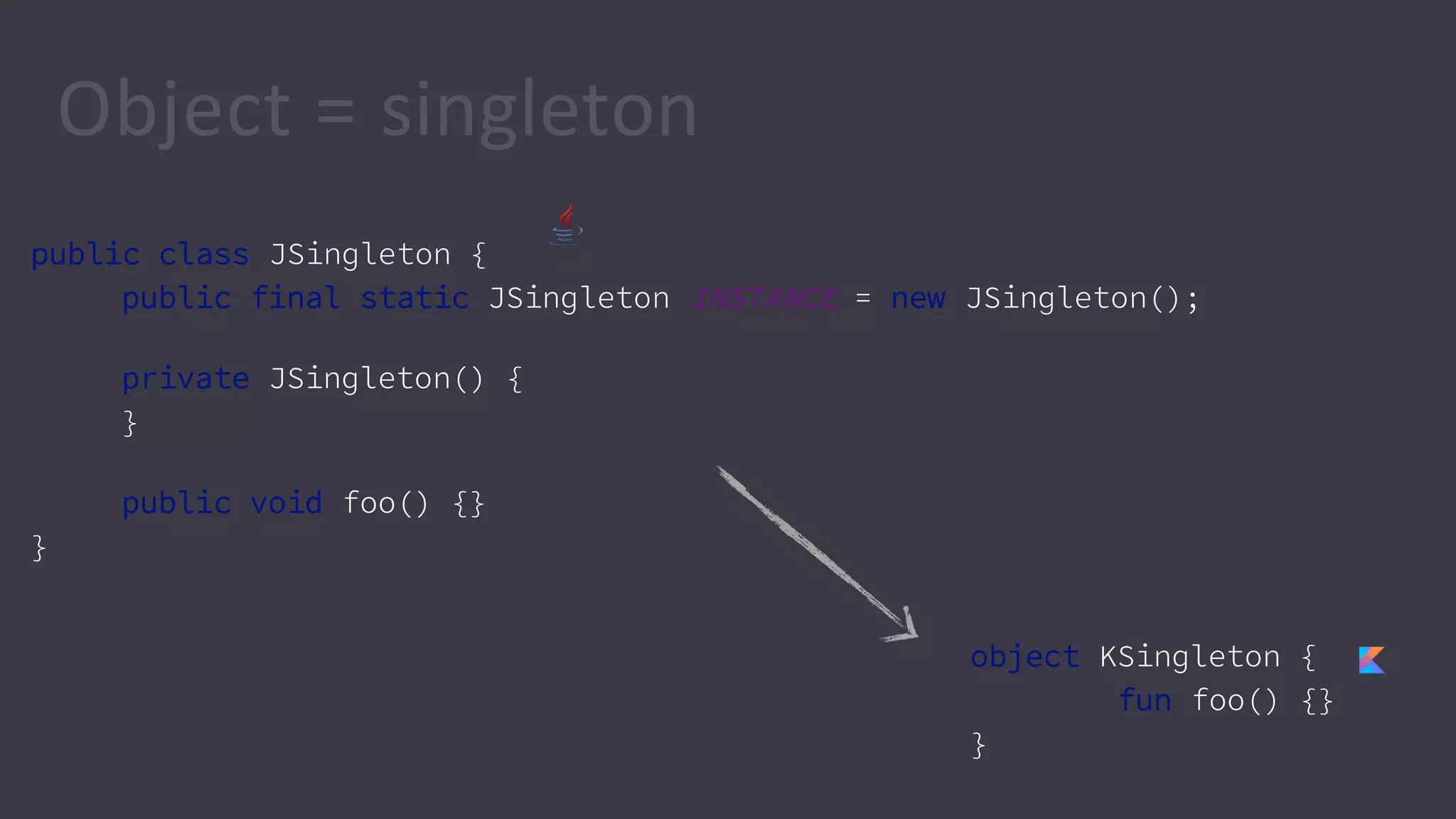
Object = singleton
public class JSingleton {
public final static JSingleton INSTANCE = new JSingleton();
private JSingleton() {
}
public void foo() {}
}
object KSingleton {
fun foo() {}
}
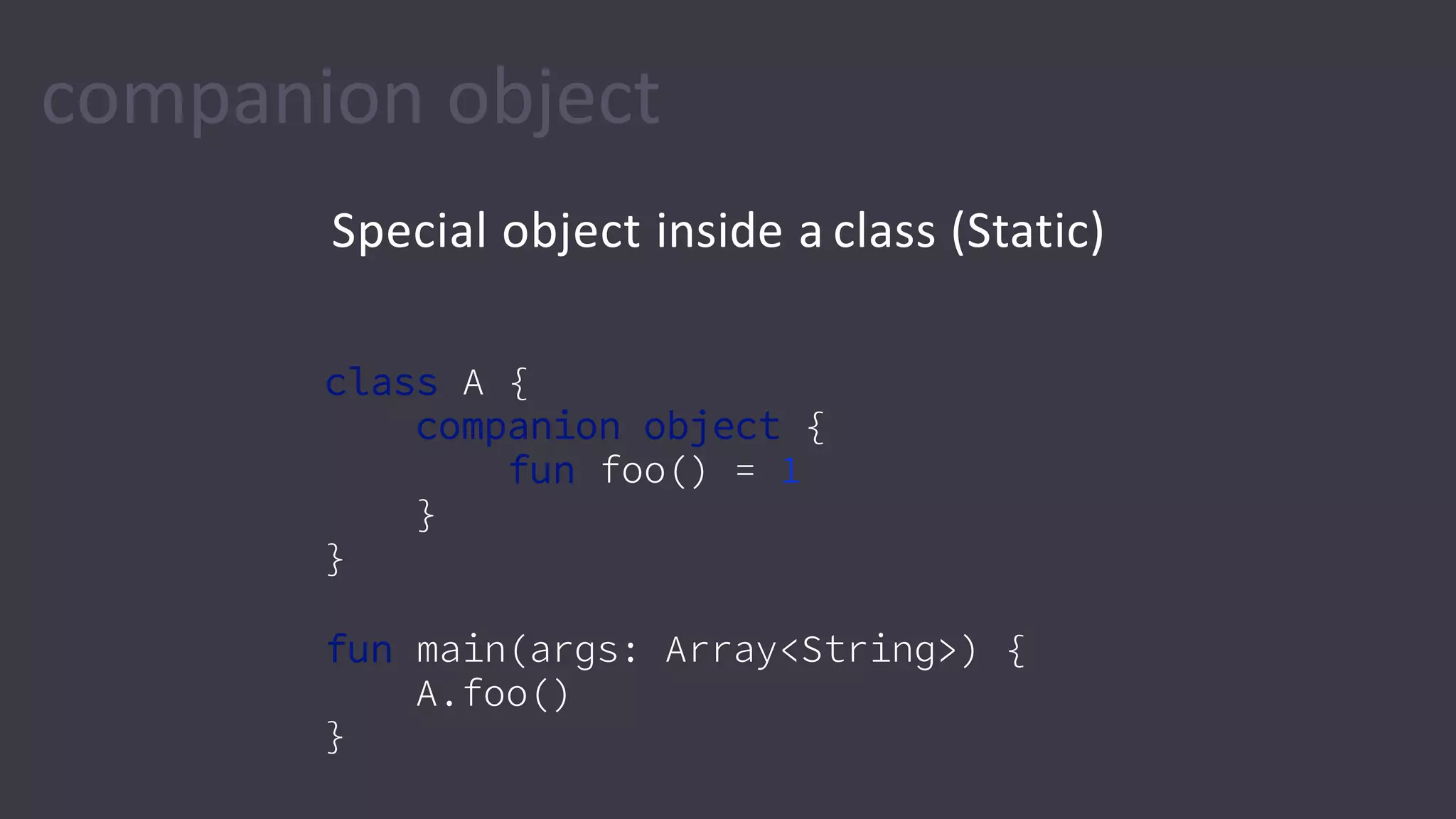
companion object
Special object inside a class (Static)
class A {
companion object {
fun foo() = 1
}
}
fun main(args: Array<String>) {
A.foo()
}
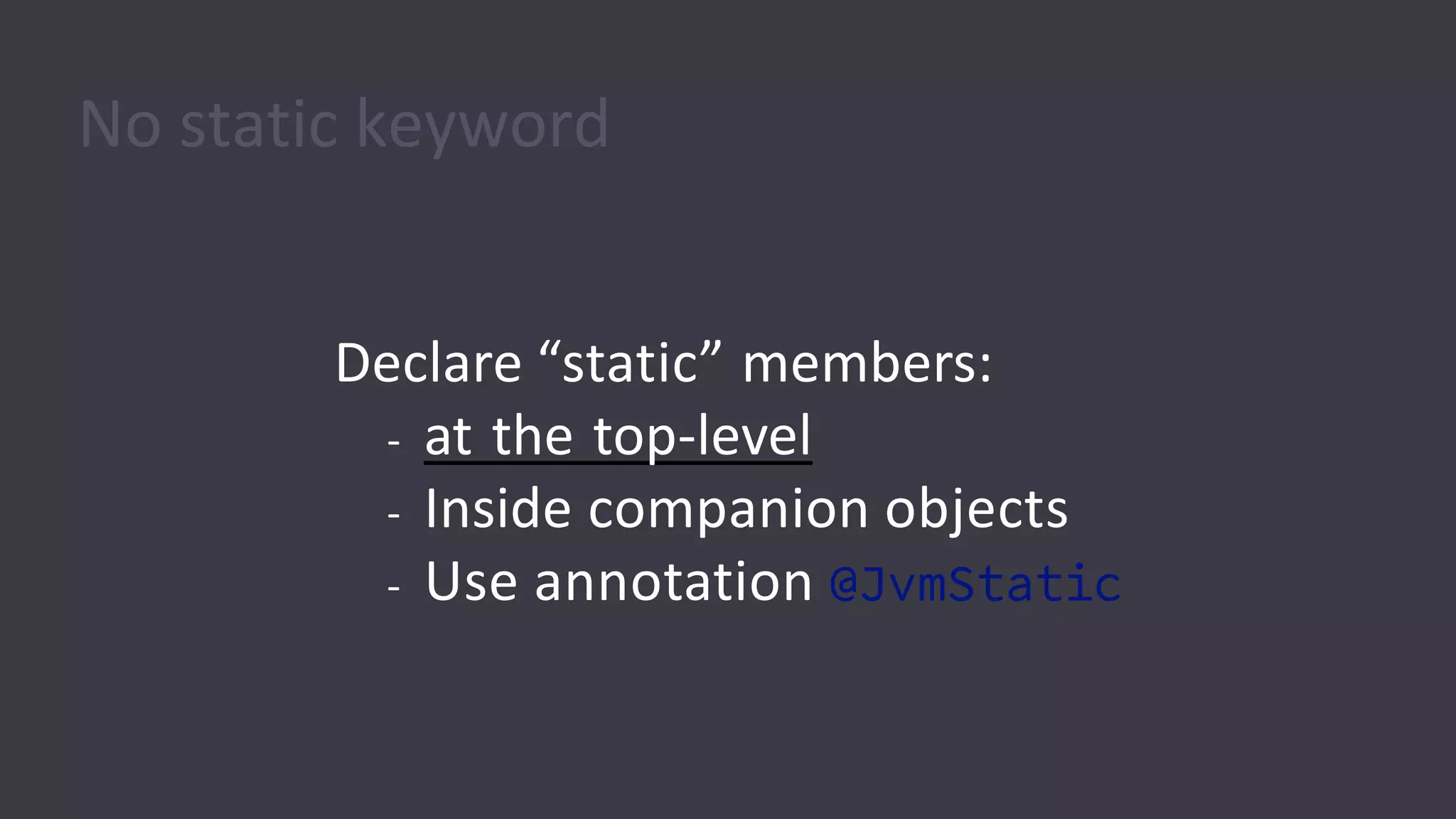
No static keyword
Declare “static” members:
- at the top-level
- Inside companion objects
- Use annotation @JvmStatic
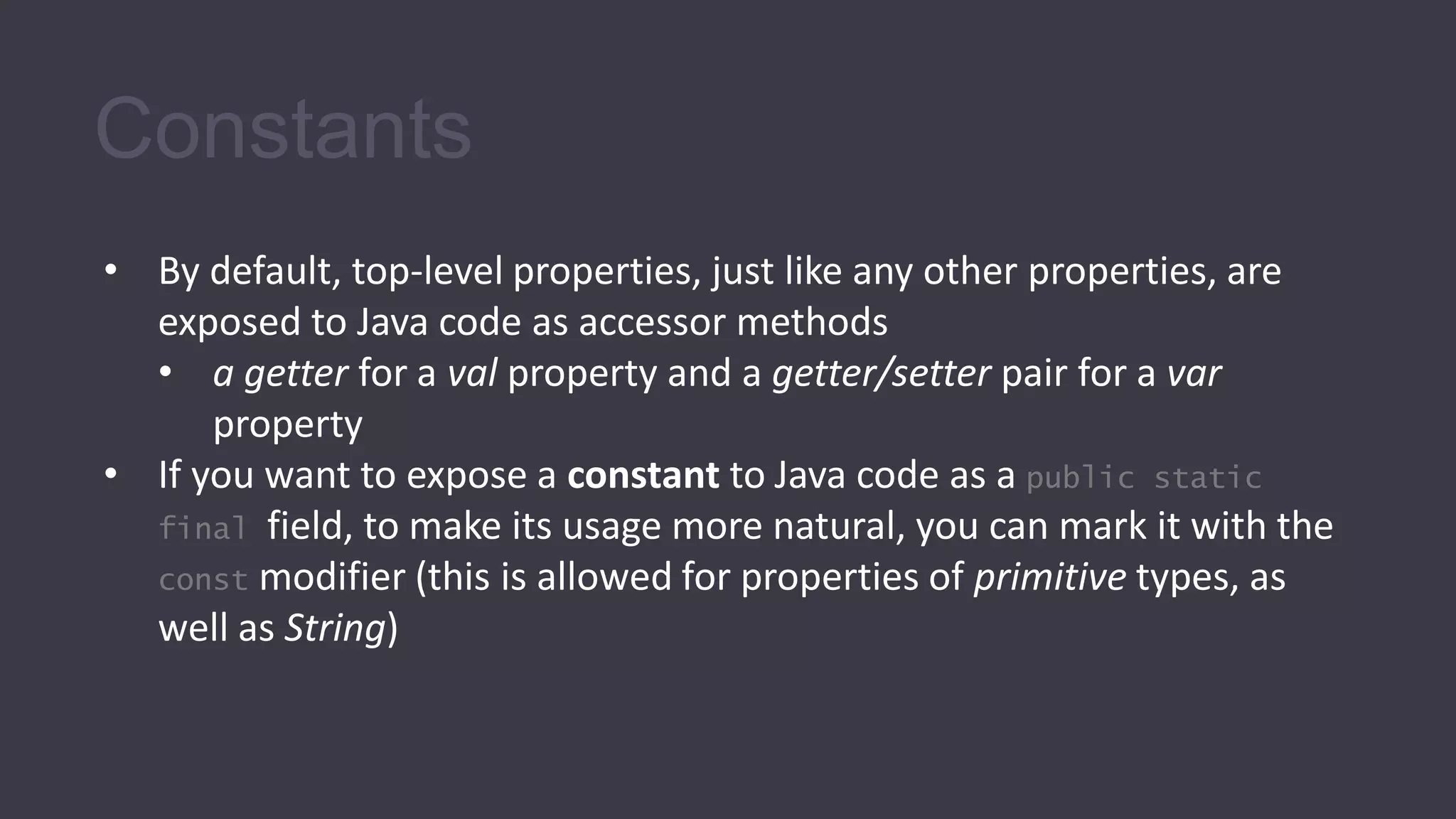
Constants
• By default, top-level properties, just like any other properties, are
exposed to Java code as accessor methods
• a getter for a val property and a getter/setter pair for a var
property
• If you want to expose a constant to Java code as a public static
final field, to make its usage more natural, you can mark it with the
const modifier (this is allowed for properties of primitive types, as
well as String)
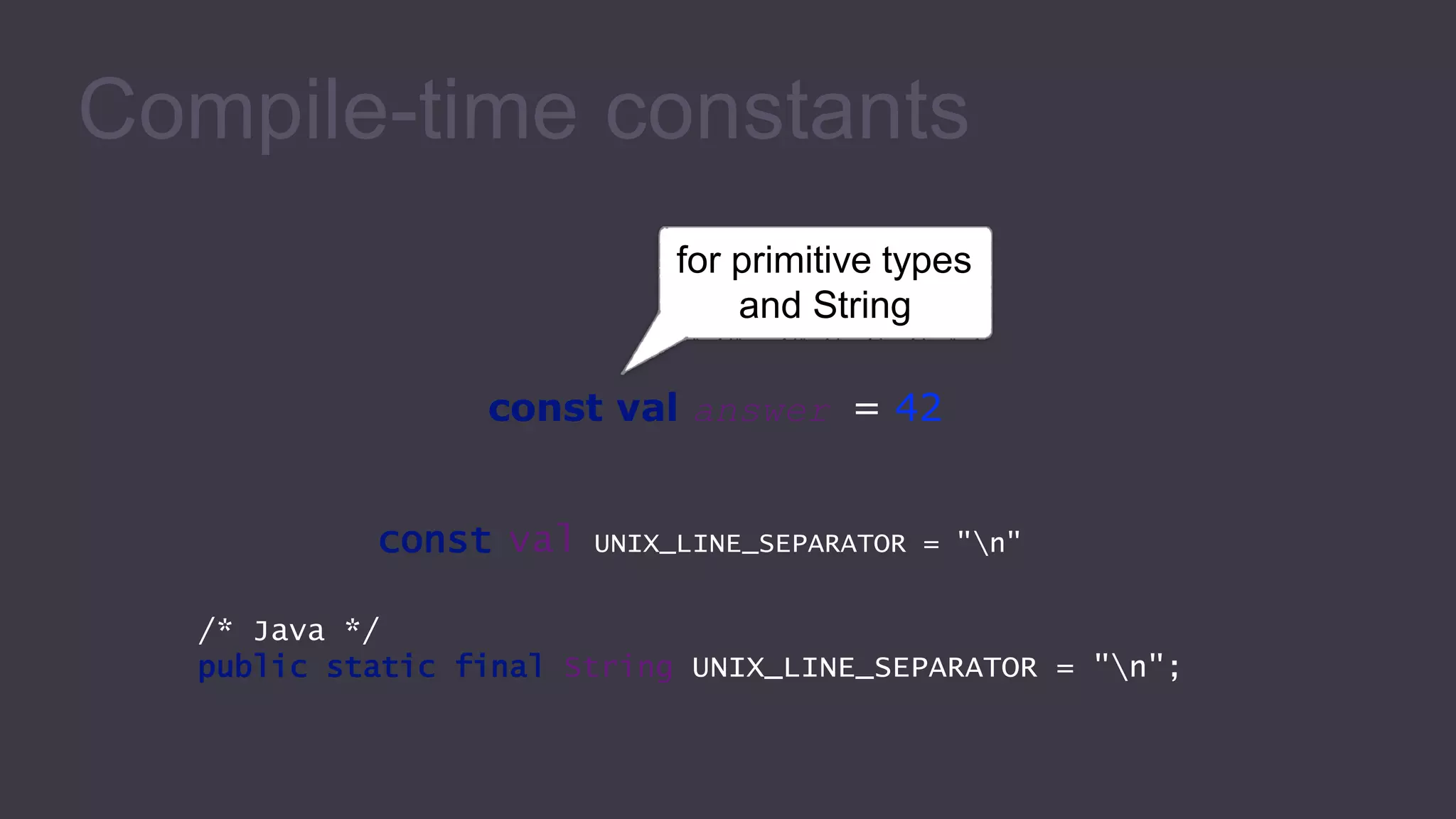
Compile-time constants
for primitive types
and String
const val answer = 42
const val UNIX_LINE_SEPARATOR = "n"
/* Java */
public static final String UNIX_LINE_SEPARATOR = "n";
Exceptions
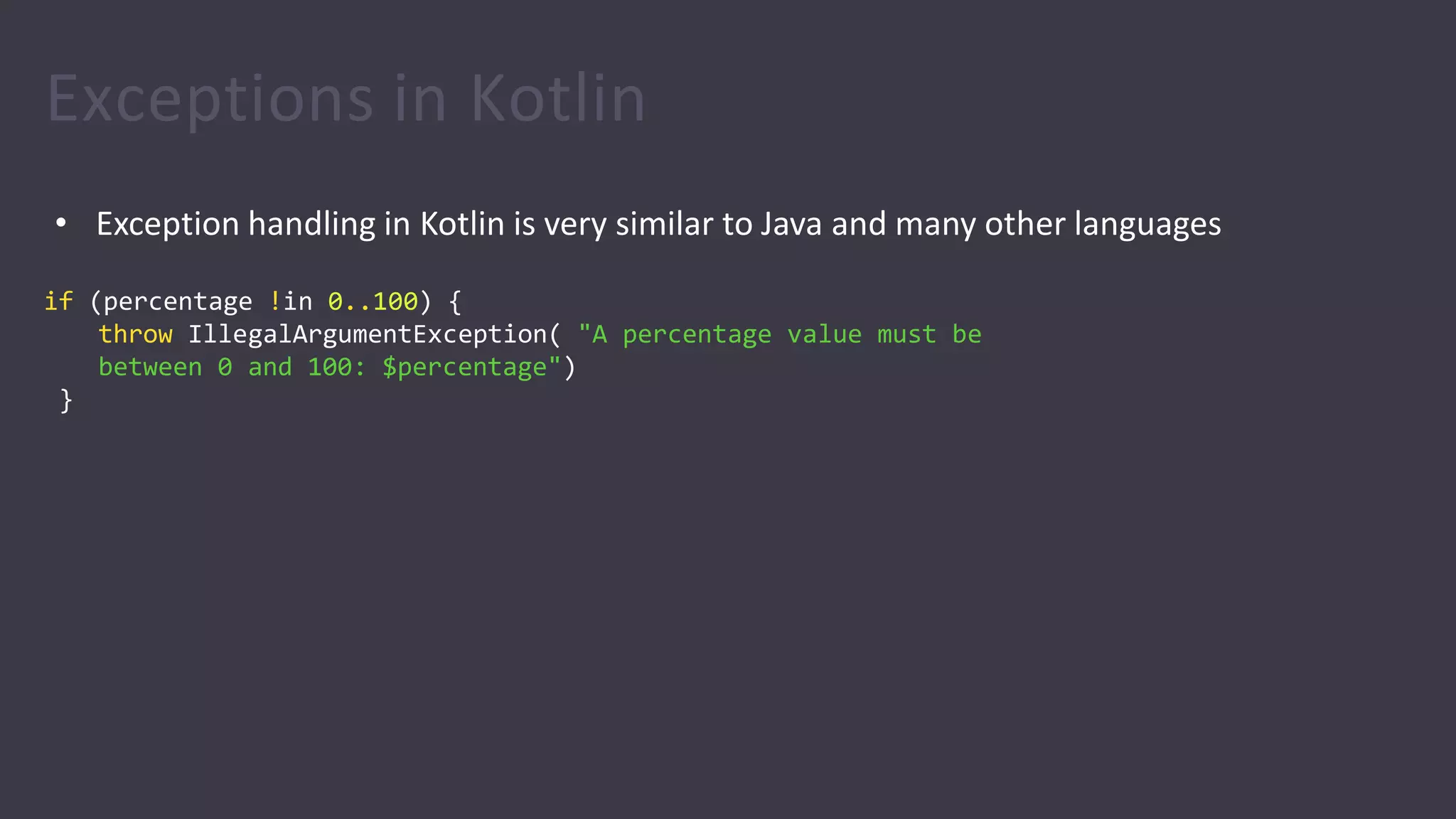
Exceptions in Kotlin
• Exception handling in Kotlin is very similar to Java and many other languages
if (percentage !in 0..100) {
throw IllegalArgumentException( "A percentage value must be
between 0 and 100: $percentage")
}
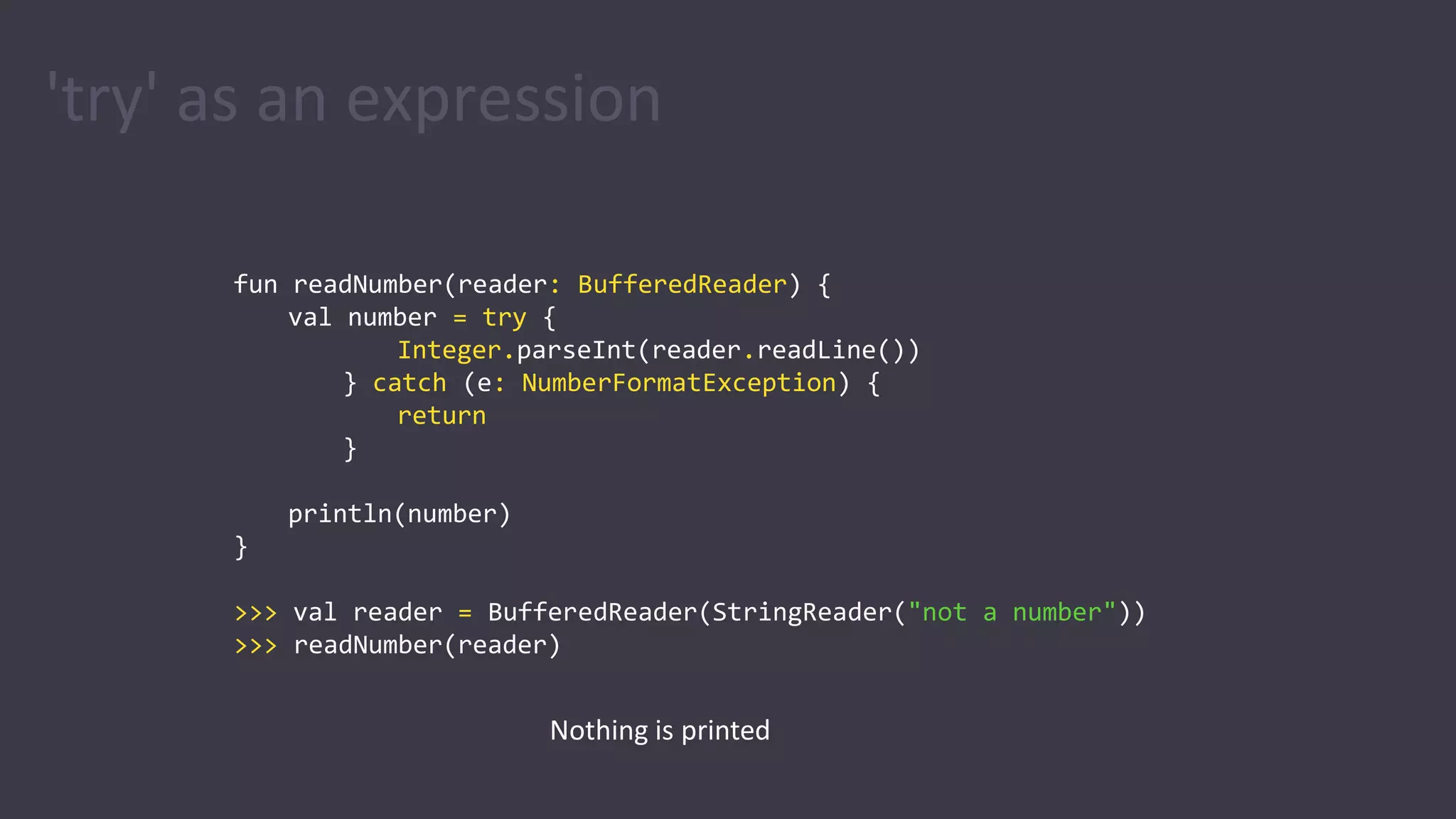
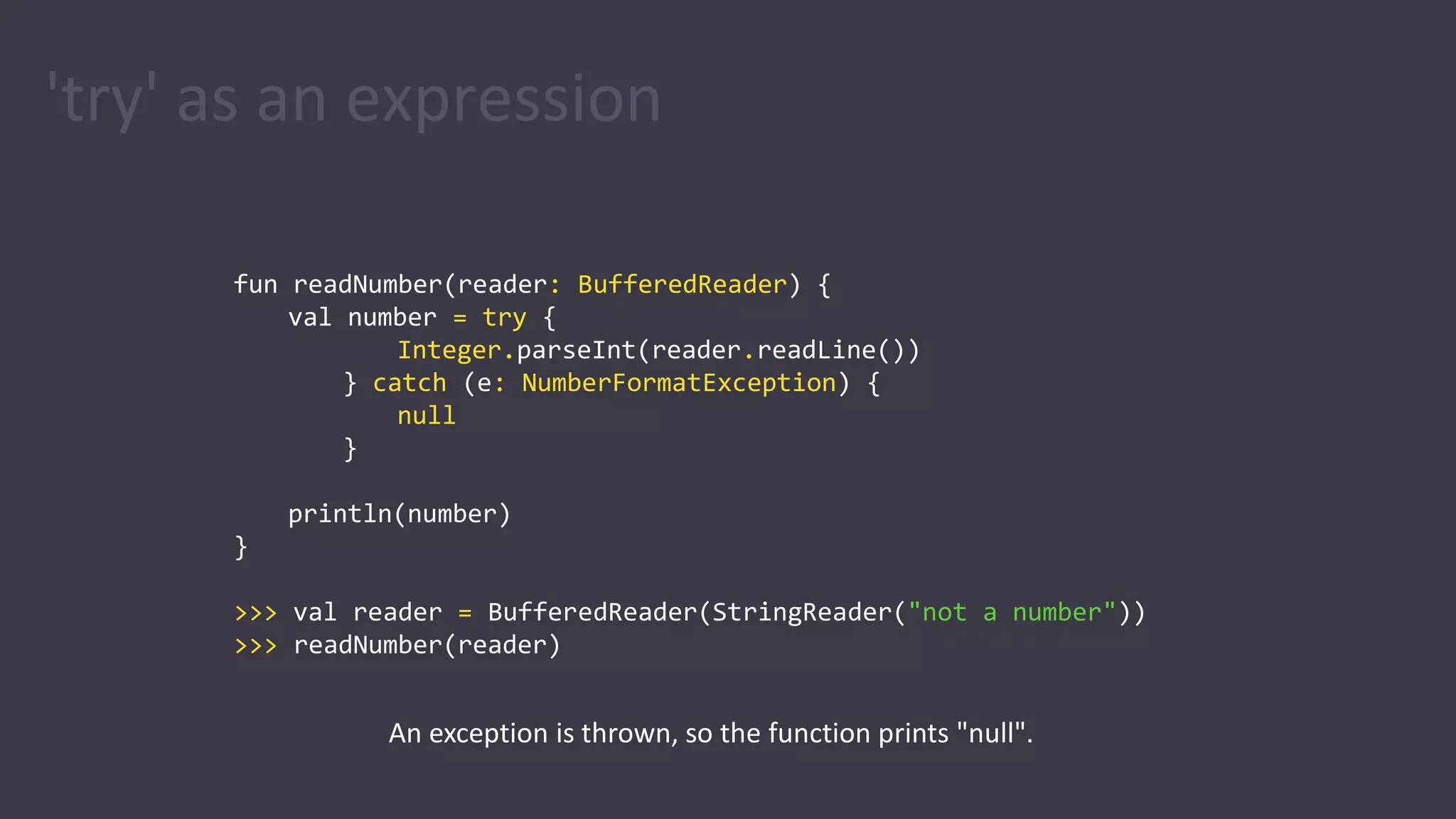
'try' as an expression
fun readNumber(reader: BufferedReader) {
val number = try {
Integer.parseInt(reader.readLine())
} catch (e: NumberFormatException) {
return
}
println(number)
}
>>> val reader = BufferedReader(StringReader("not a number"))
>>> readNumber(reader)
Nothing is printed
'try' as an expression
fun readNumber(reader: BufferedReader) {
val number = try {
Integer.parseInt(reader.readLine())
} catch (e: NumberFormatException) {
null
}
println(number)
}
>>> val reader = BufferedReader(StringReader("not a number"))
>>> readNumber(reader)
An exception is thrown, so the function prints "null".
Basic types
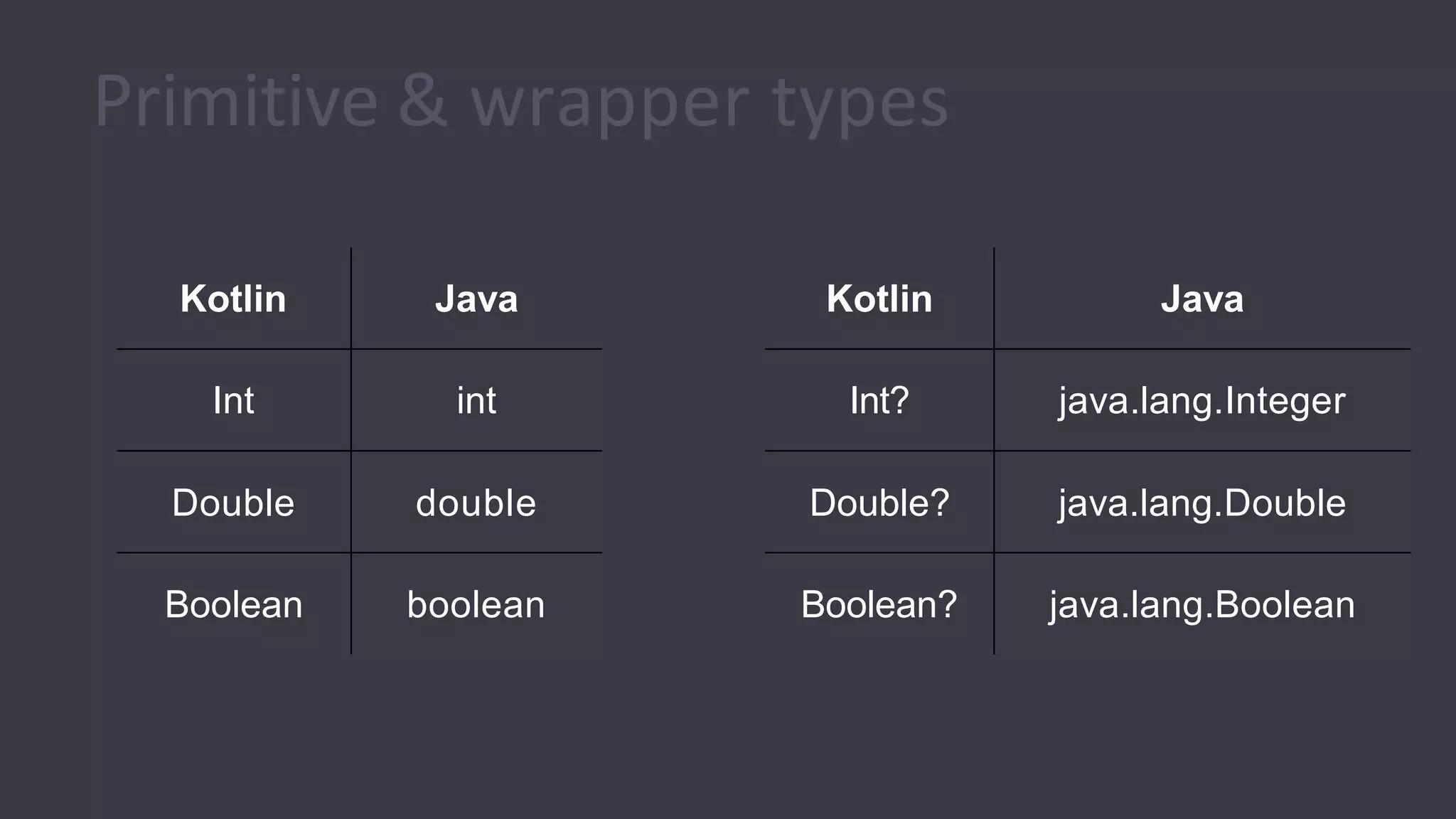
Primitive & wrapper types
Kotlin Java
Int int
Double double
Boolean boolean
Kotlin Java
Int? java.lang.Integer
Double? java.lang.Double
Boolean? java.lang.Boolean
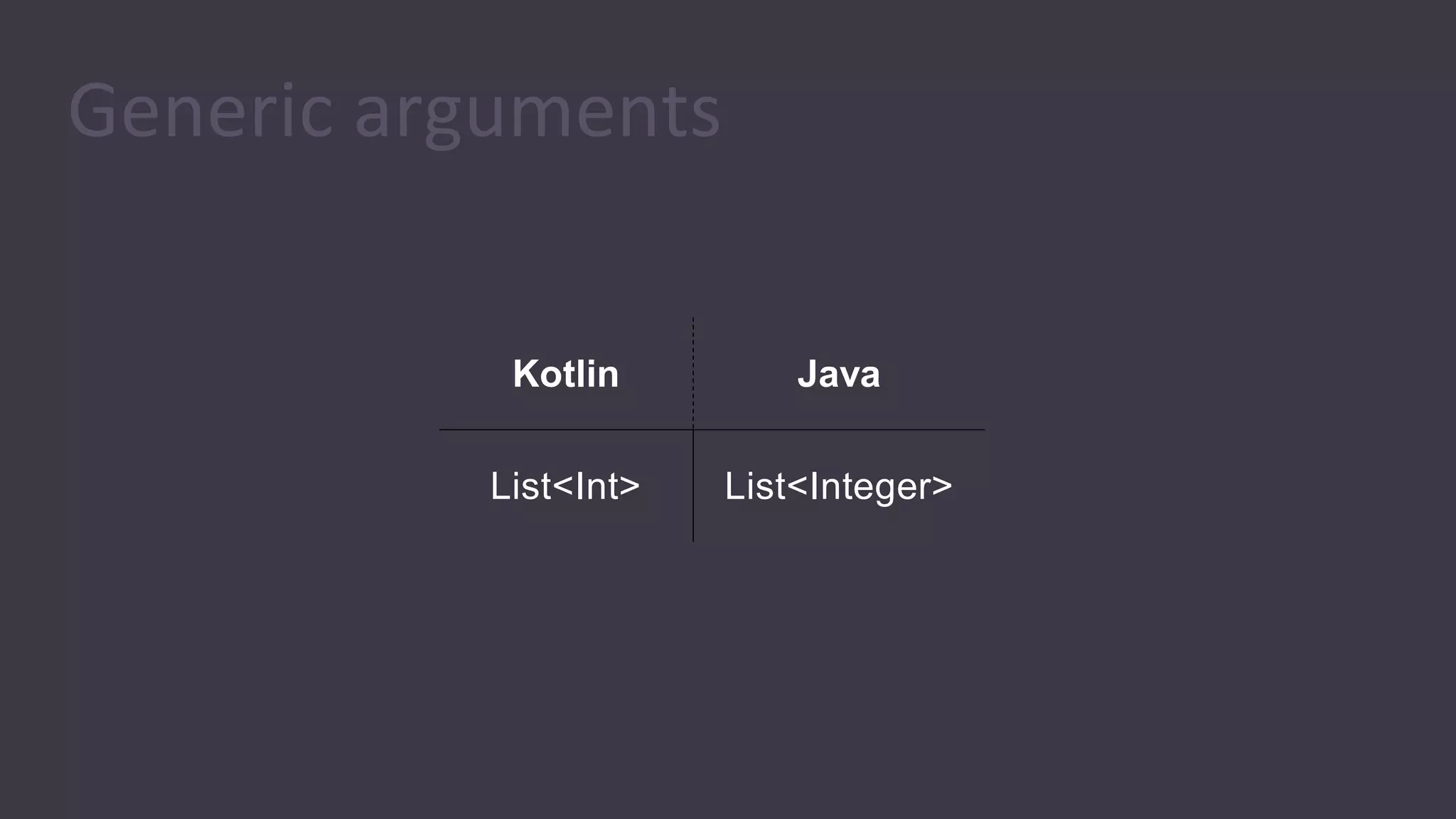
Generic arguments
Kotlin Java
List<Int> List<Integer>
Arrays
Kotlin Java
Array<Int> Integer[]
Arrays of primitive types
Kotlin Java
Array<Int> Integer[]
IntArray int[]
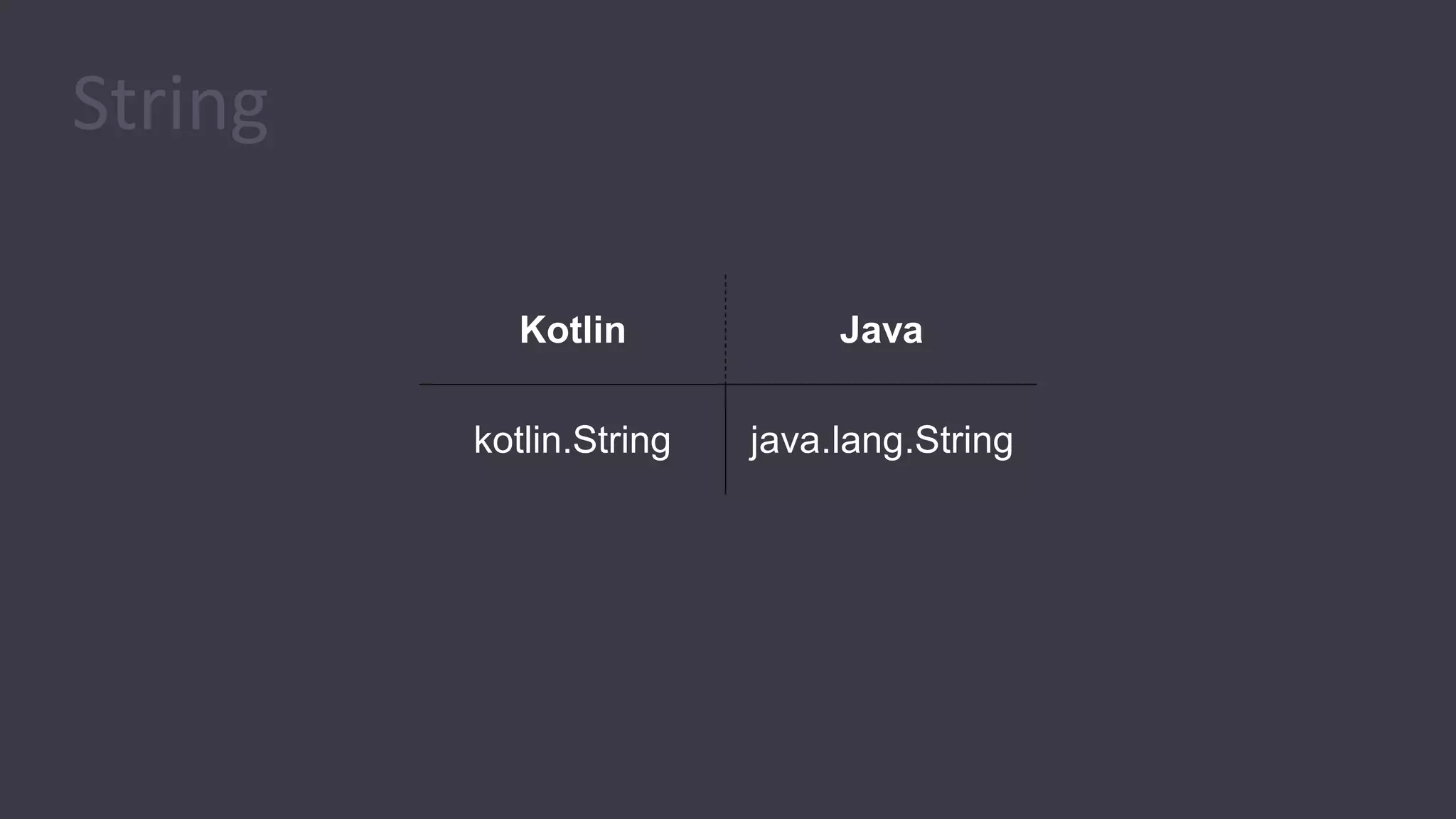
String
Kotlin Java
kotlin.String java.lang.String
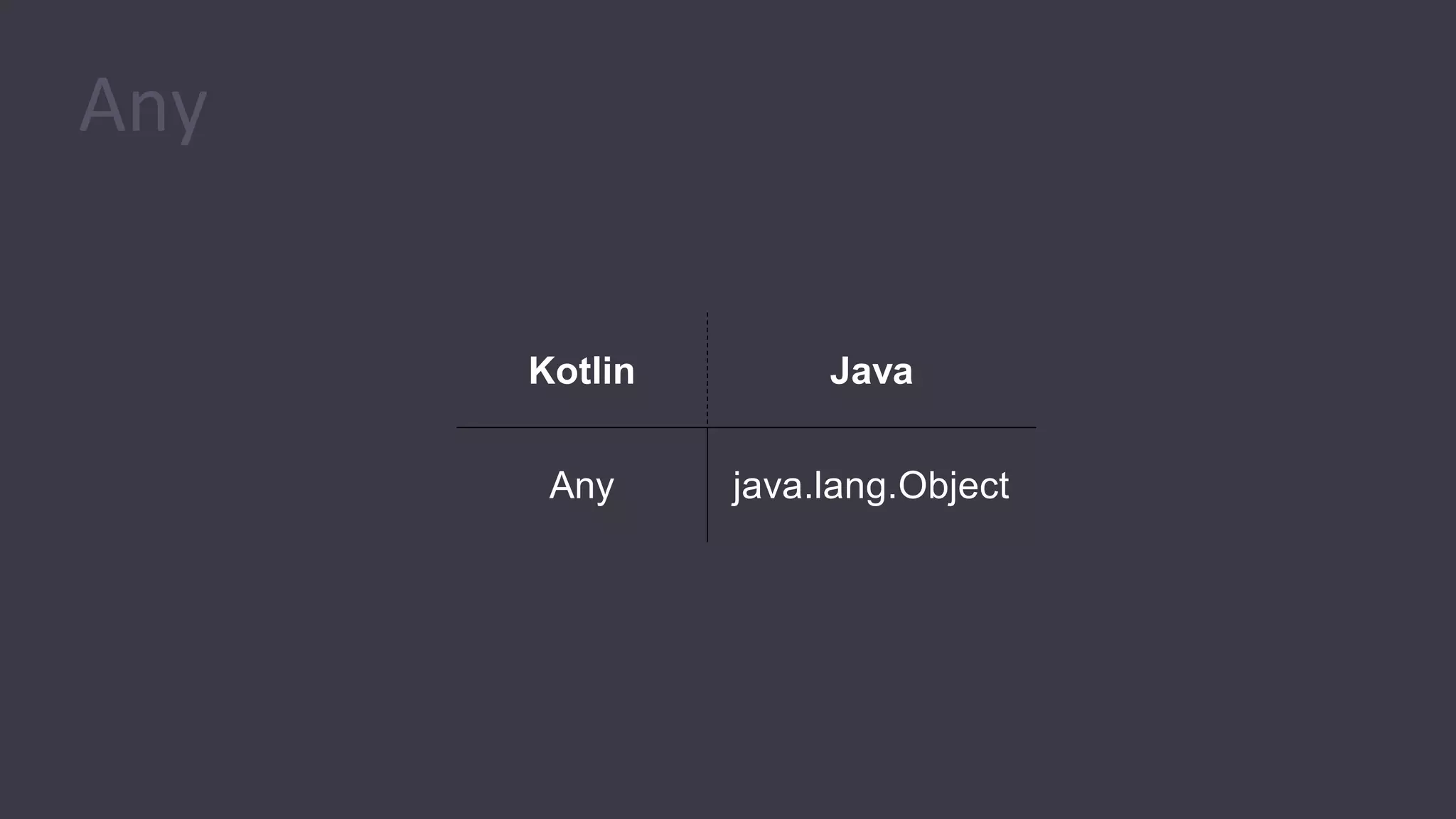
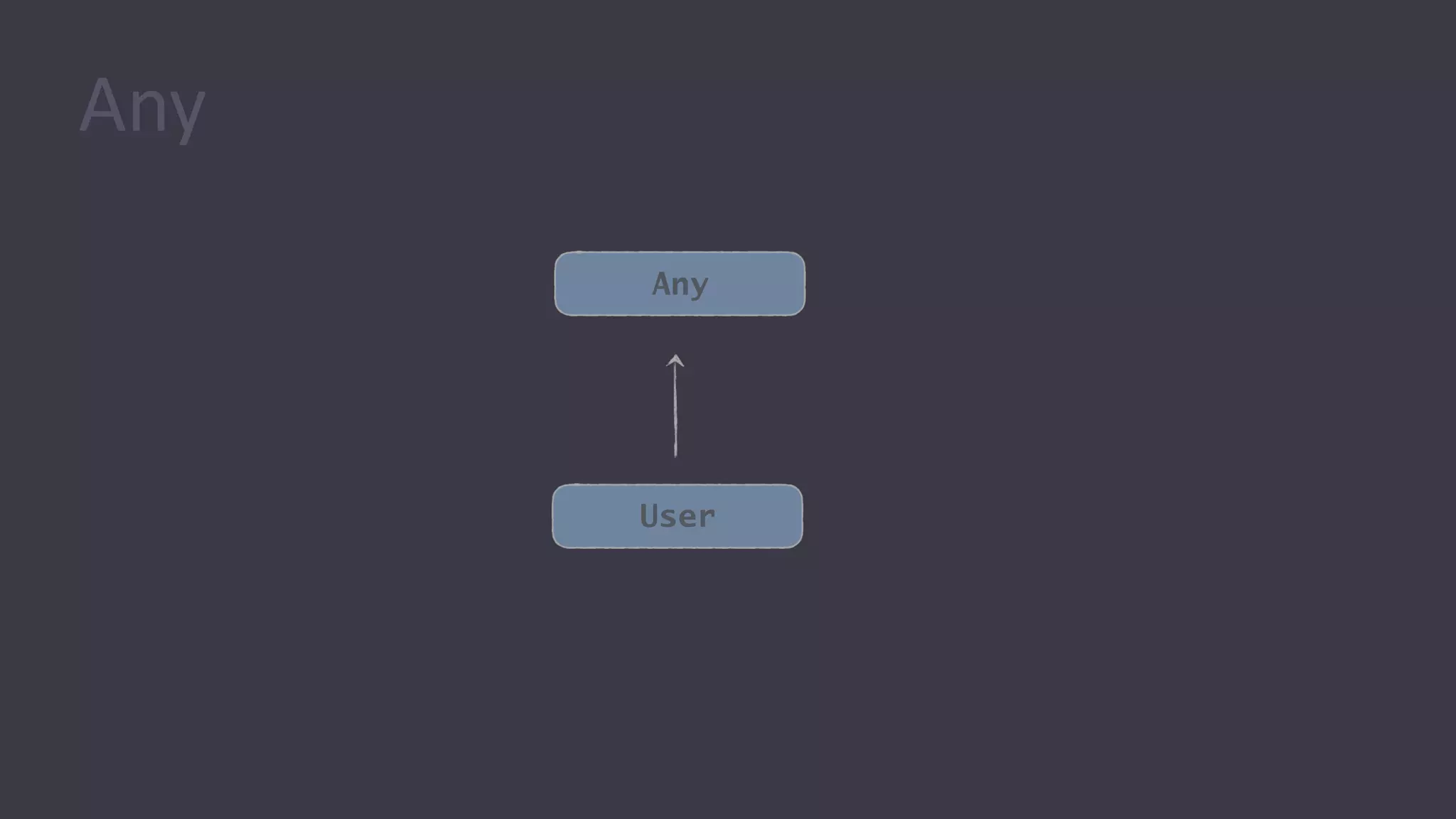
Any
Kotlin Java
Any java.lang.Object
User
Any
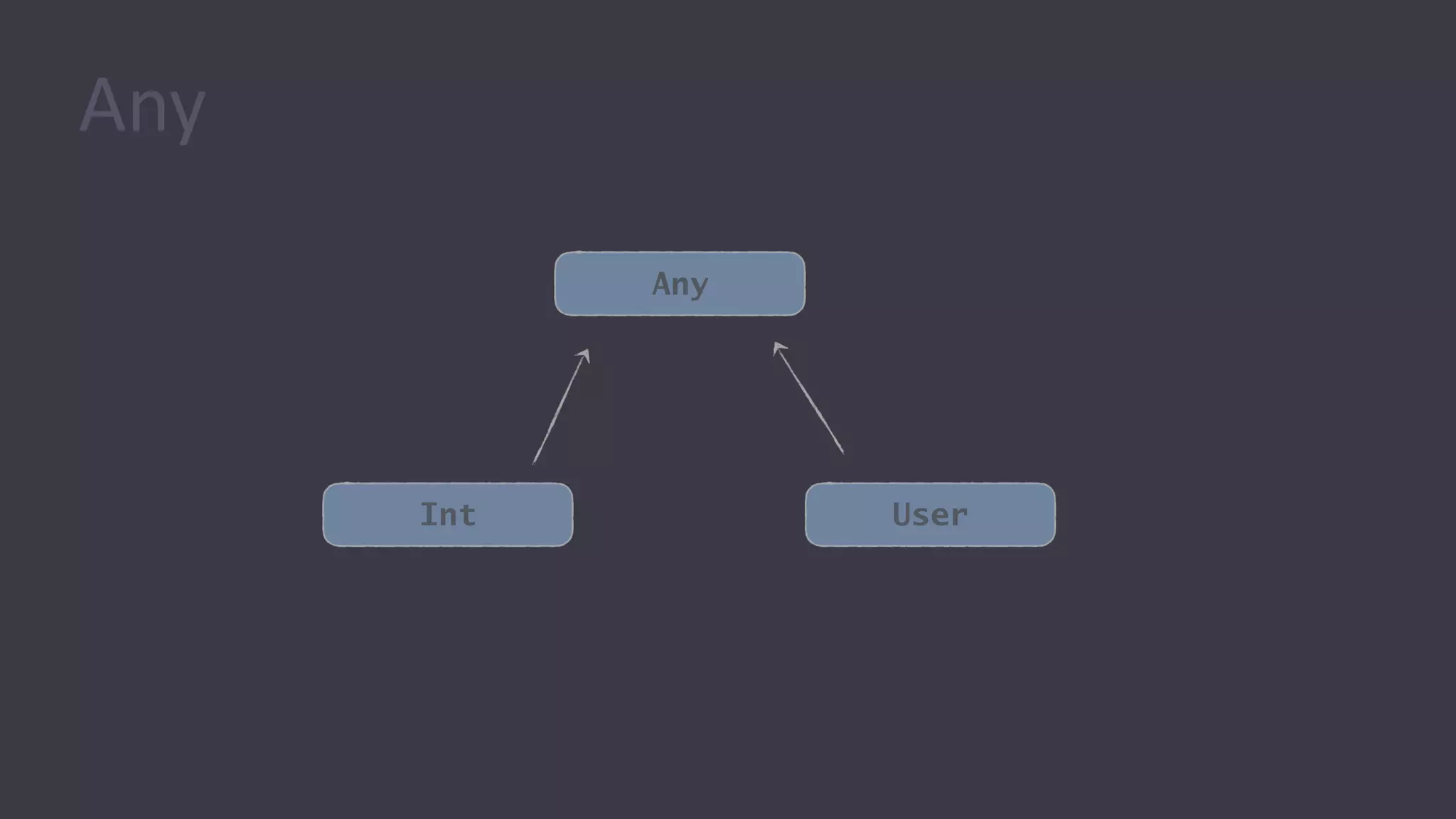
Any
Int
Any
User
Any
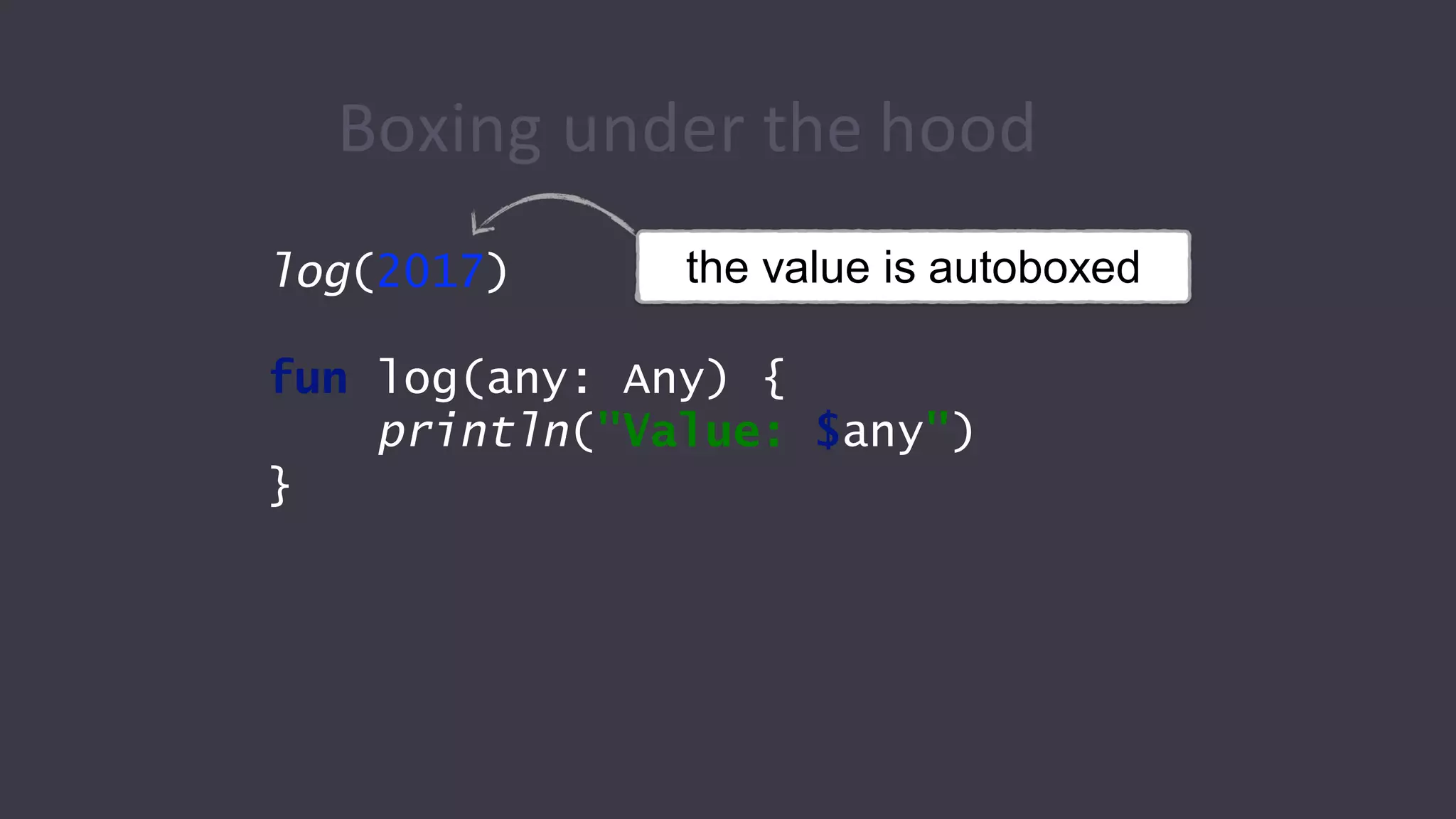
Boxing under the hood
log(2017)
fun log(any: Any) {
println("Value: $any")
}
the value is autoboxed
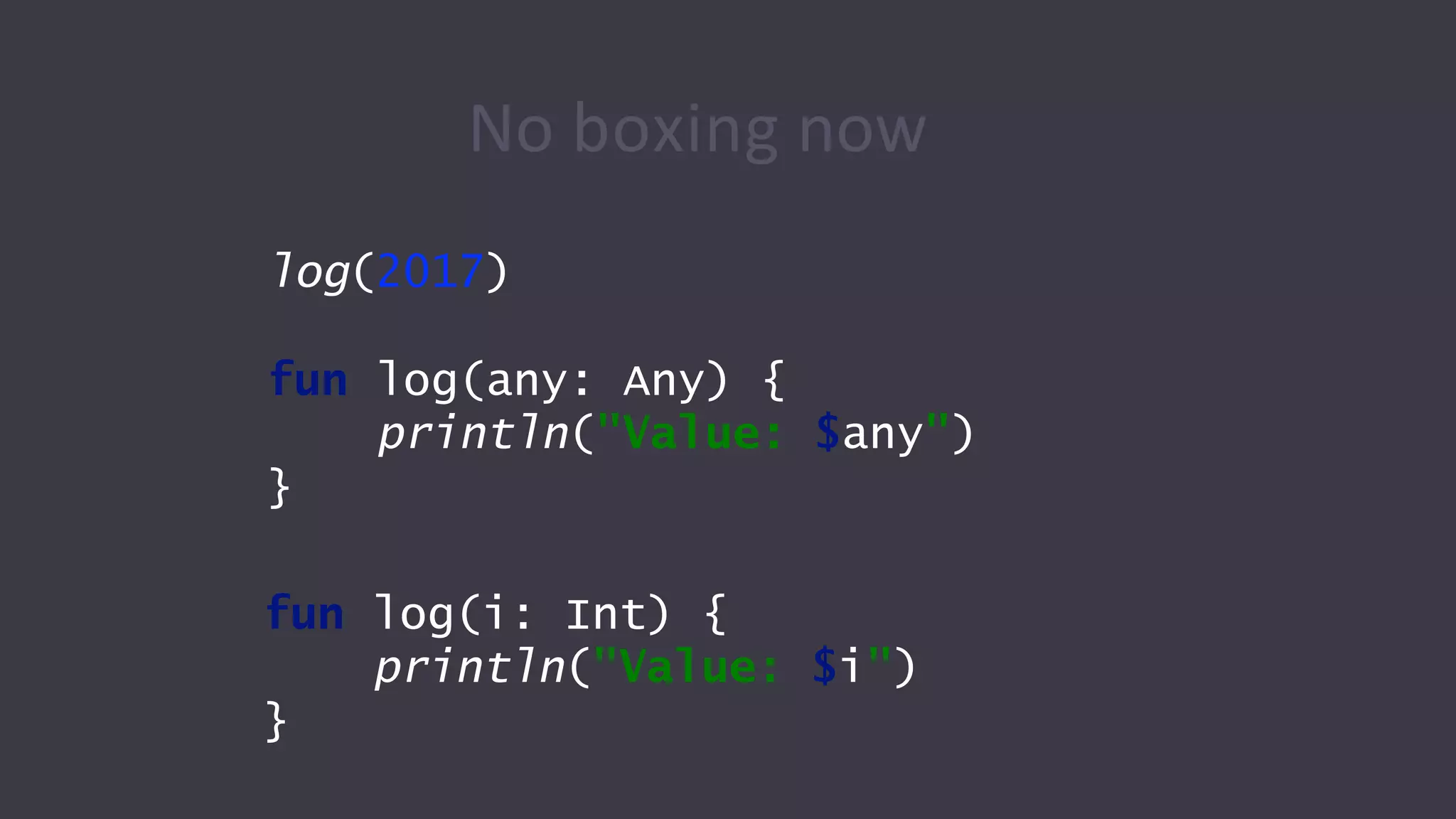
No boxing now
log(2017)
fun log(any: Any) {
println("Value: $any")
}
fun log(i: Int) {
println("Value: $i")
}
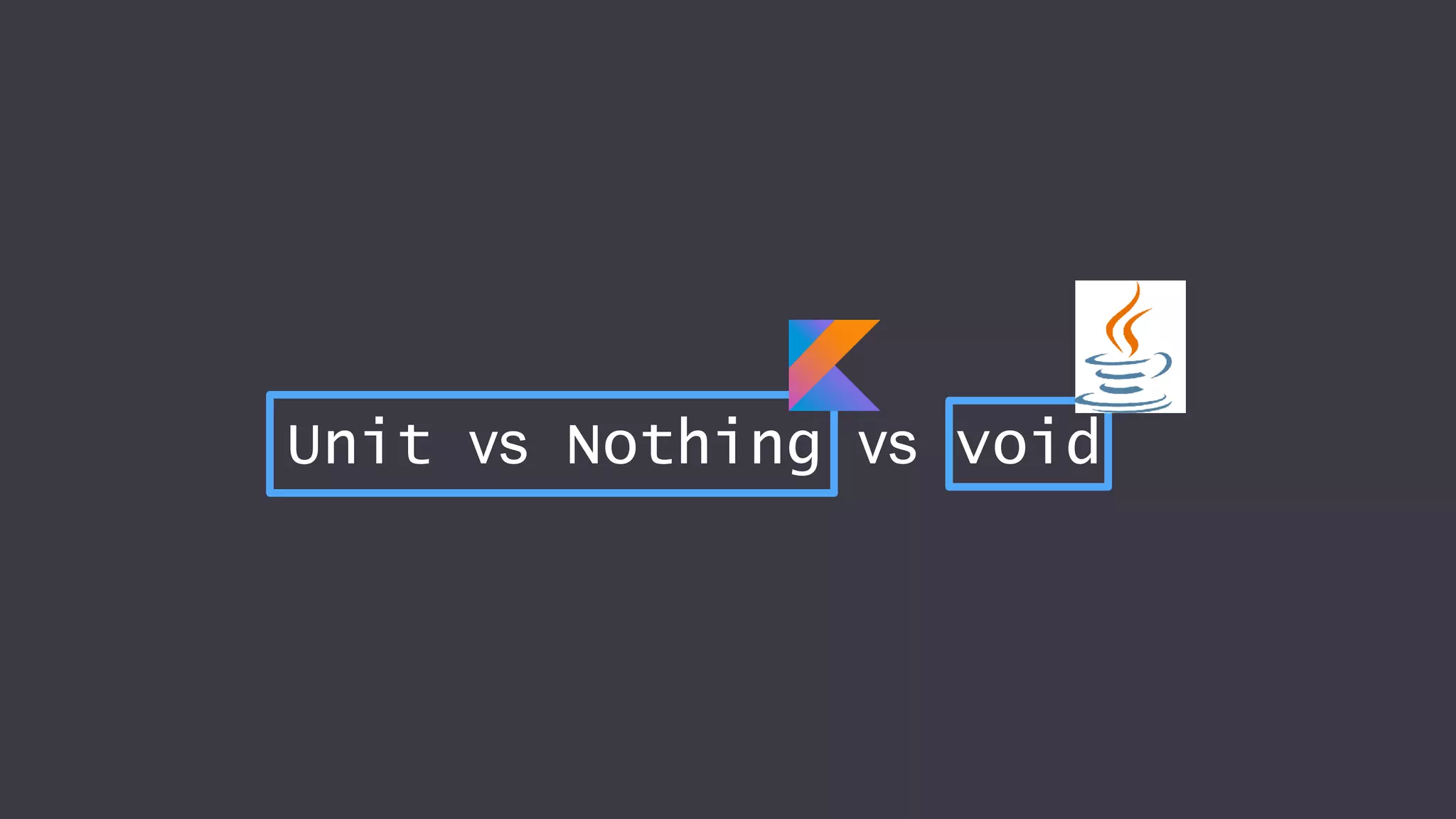
Unit vs Nothing vs void
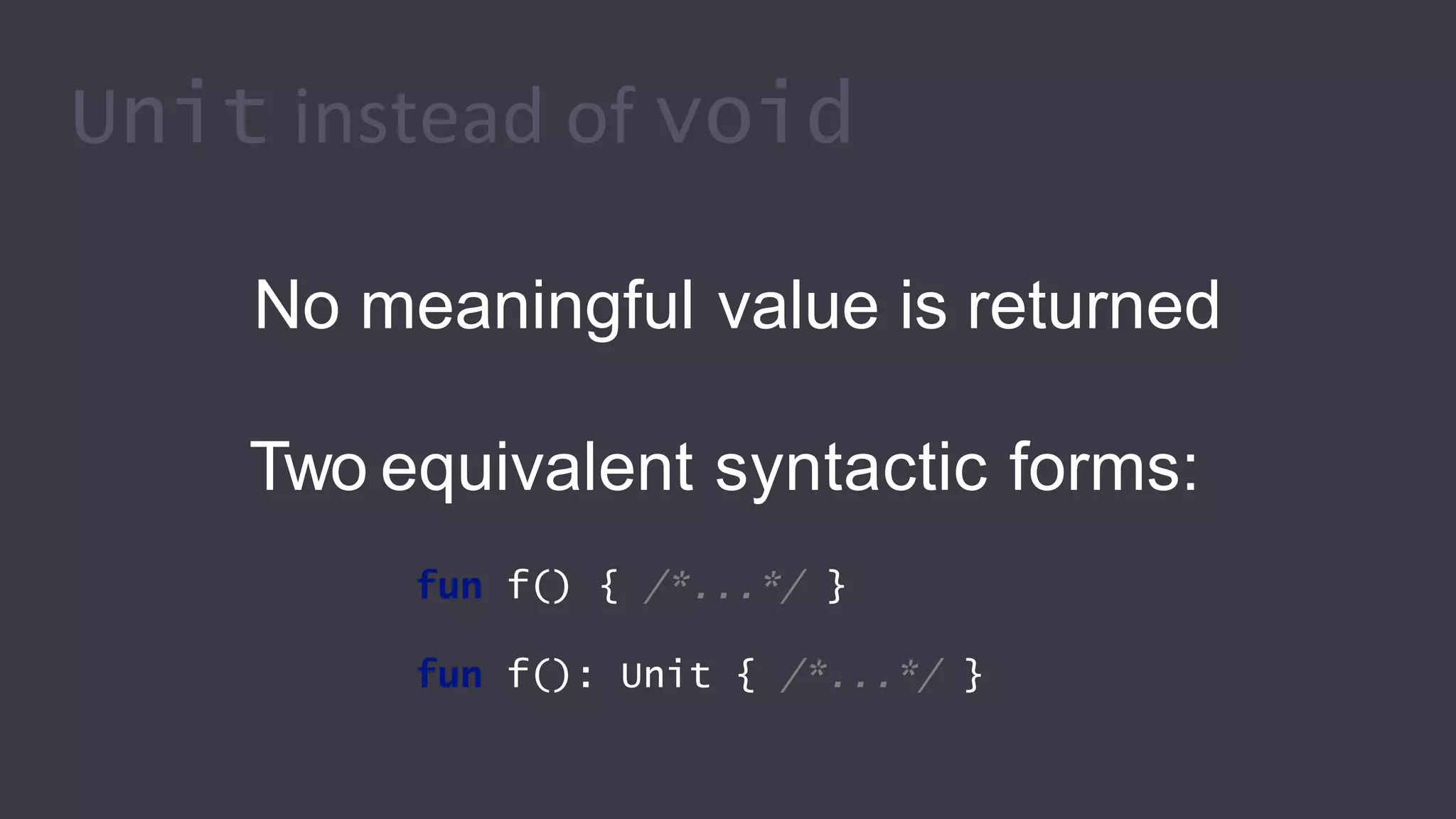
Unit instead of void
No meaningful value is returned
Two equivalent syntactic forms:
fun f() { /*...*/ }
fun f(): Unit { /*...*/ }
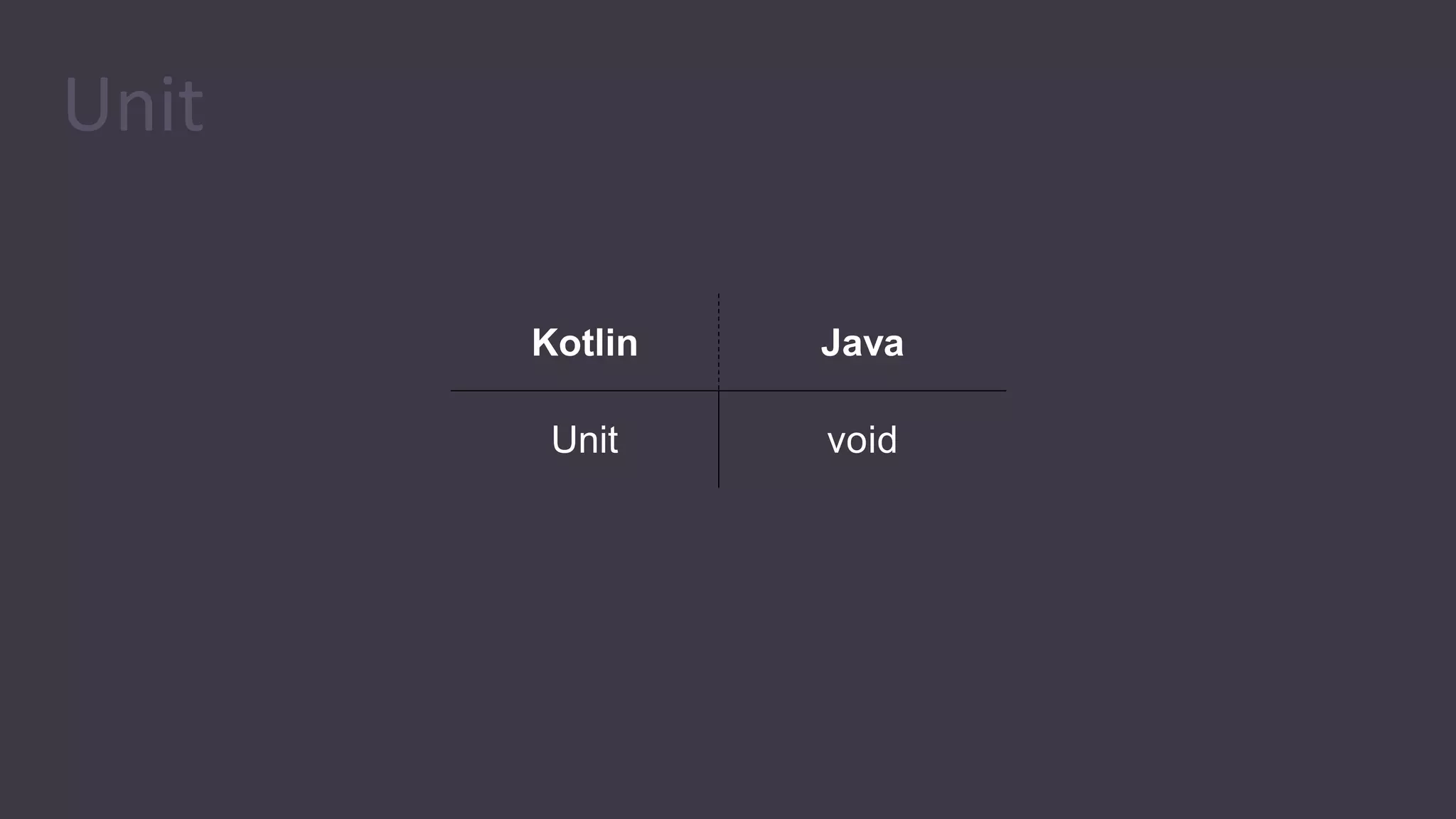
Unit
Kotlin Java
Unit void
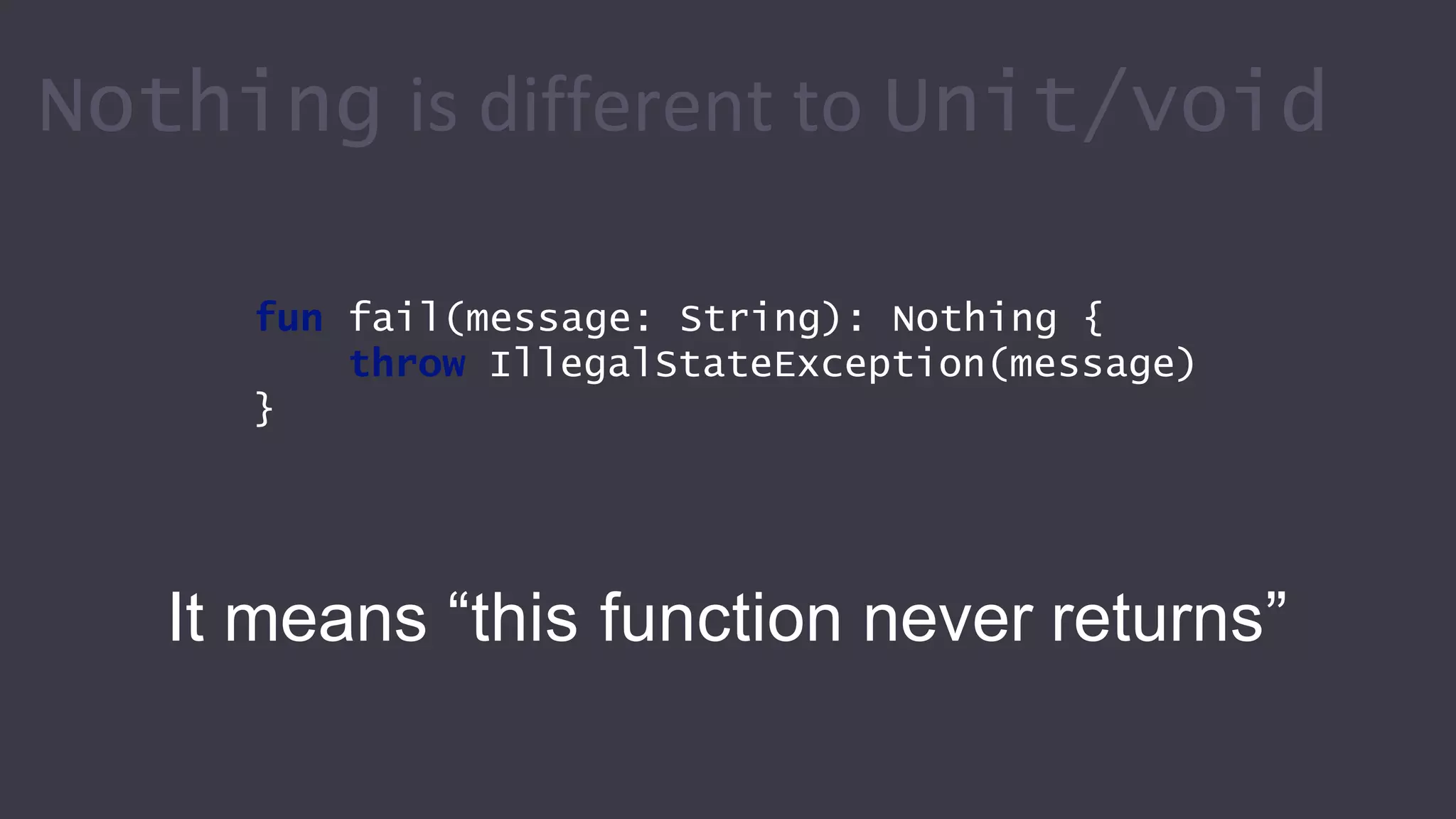
Nothing is different to Unit/void
fun fail(message: String): Nothing {
throw IllegalStateException(message)
}
It means “this function never returns”
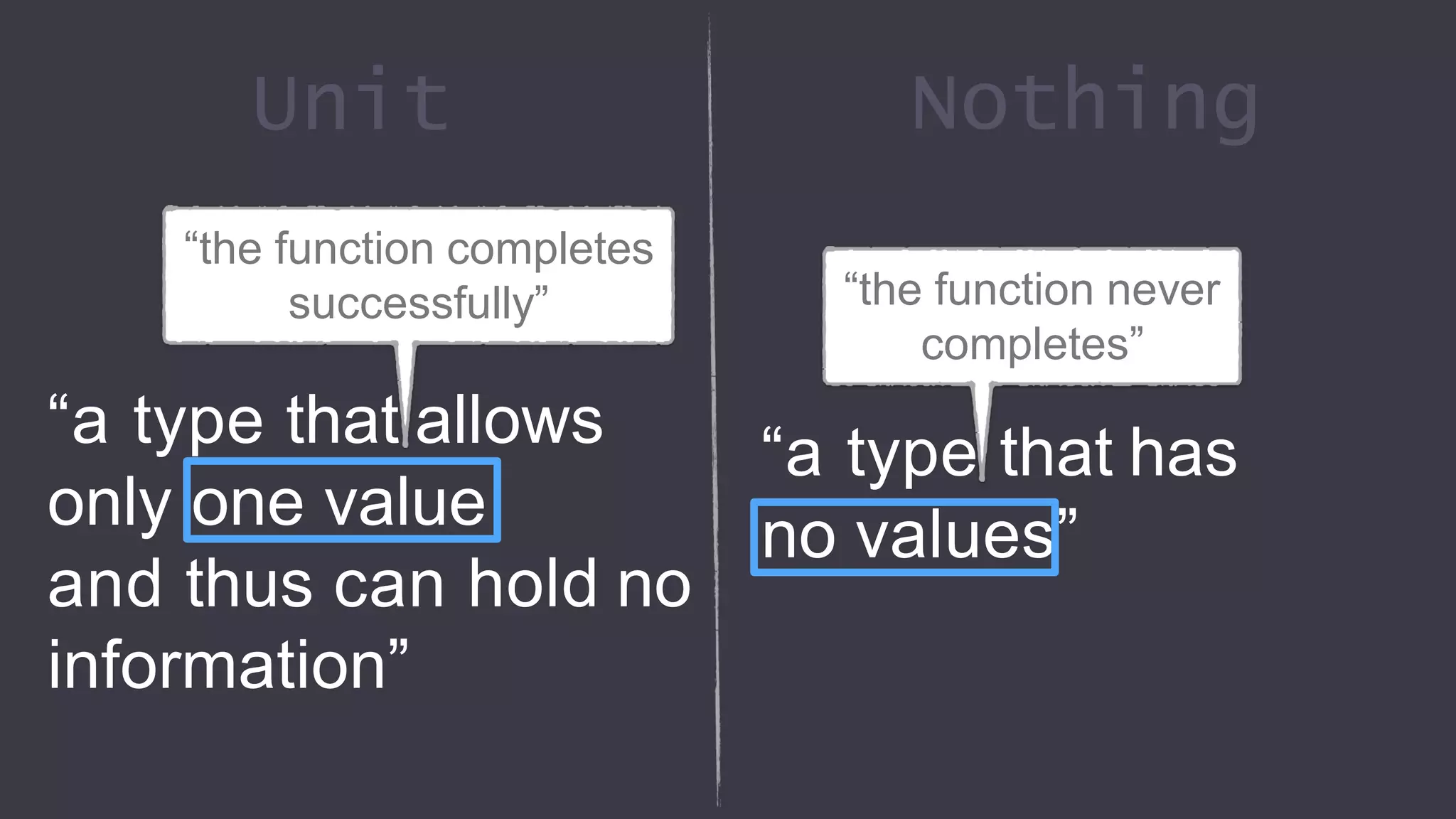
“a type that allows
only one value
and thus can hold no
information”
Unit Nothing
“a type that has
no values”
“the function completes
successfully” “the function never
completes”
Functional
Programming in Kotlin
Functional Programming
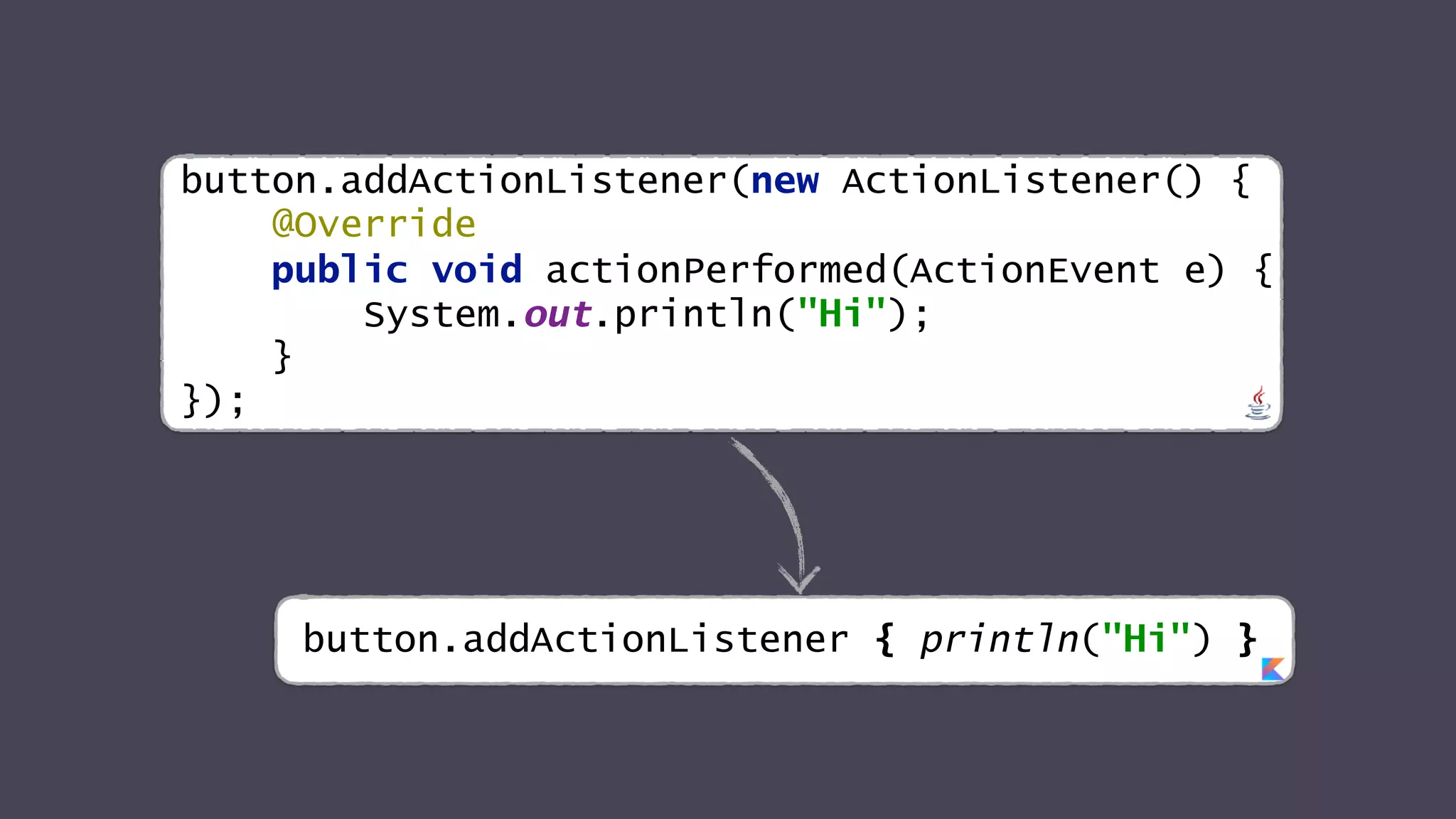
button.addActionListener(new ActionListener() {
@Override
public void actionPerformed(ActionEvent e) {
System.out.println("Hi");
}
});
button.addActionListener { println("Hi") }
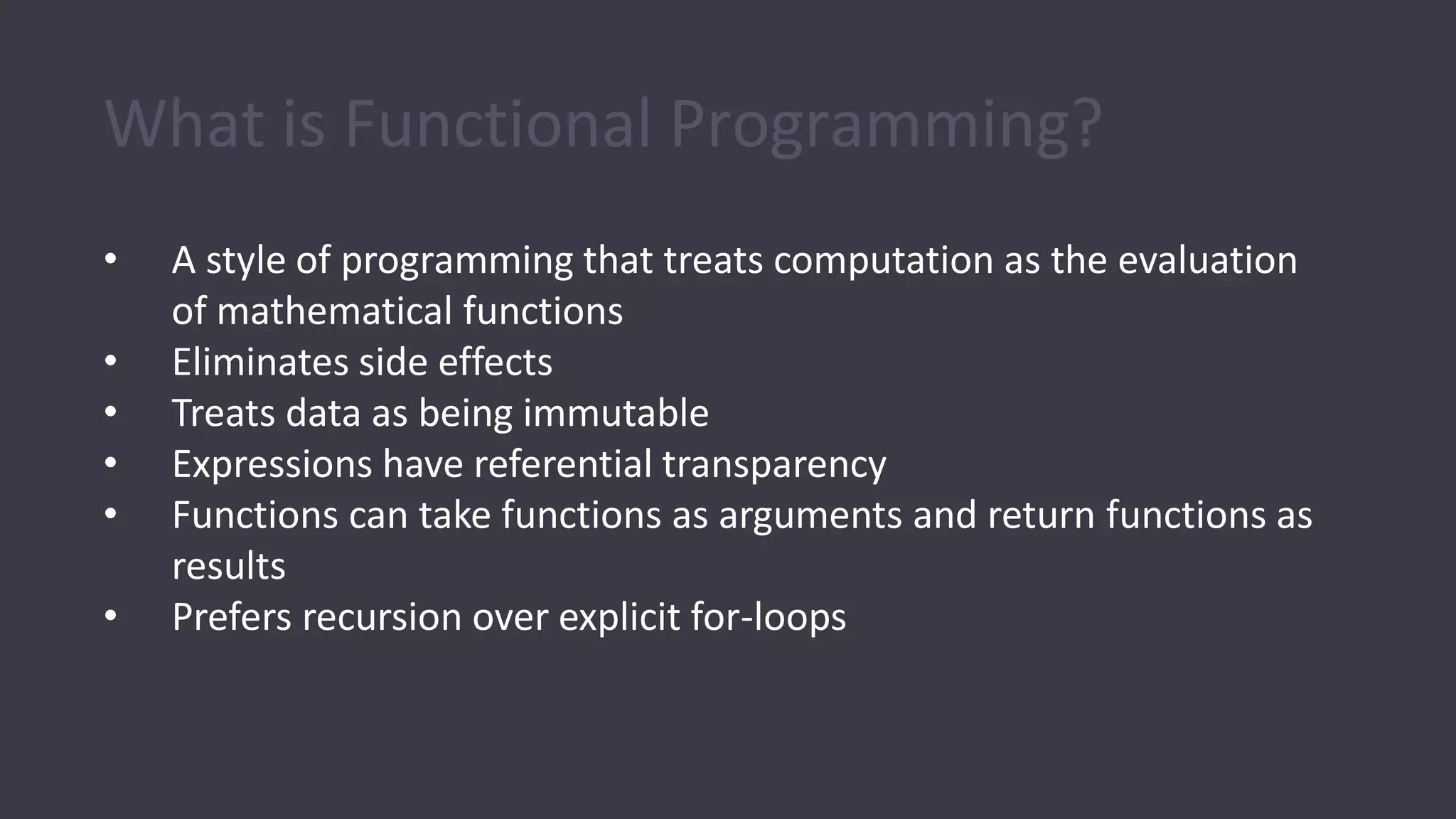
What is Functional Programming?
• A style of programming that treats computation as the evaluation
of mathematical functions
• Eliminates side effects
• Treats data as being immutable
• Expressions have referential transparency
• Functions can take functions as arguments and return functions as
results
• Prefers recursion over explicit for-loops
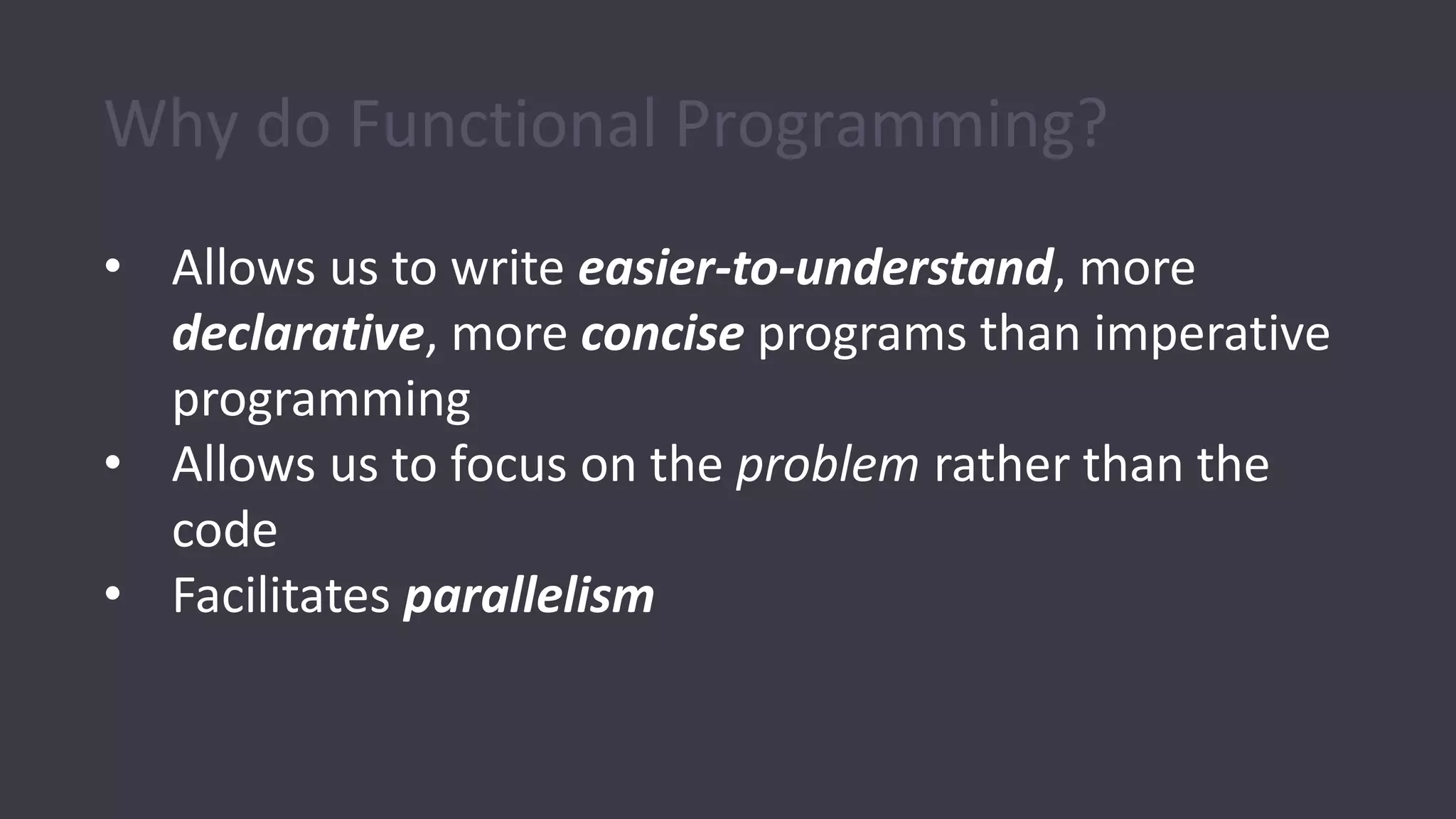
Why do Functional Programming?
• Allows us to write easier-to-understand, more
declarative, more concise programs than imperative
programming
• Allows us to focus on the problem rather than the
code
• Facilitates parallelism
Java 8
• Java 8 is the biggest change to Java since the
inception of the language
• Lambdas are the most important new addition
• Java is playing catch-up: most major programming
languages already have support for lambda
expressions
• A big challenge was to introduce lambdas without
requiring recompilation of existing binaries
Benefits of Lambdas in Java 8
• Enabling functional programming
• Writing small more compact code
• Facilitating parallel programming
• Developing more generic, flexible and reusable APIs
• Being able to pass behaviors as well as data to
functions
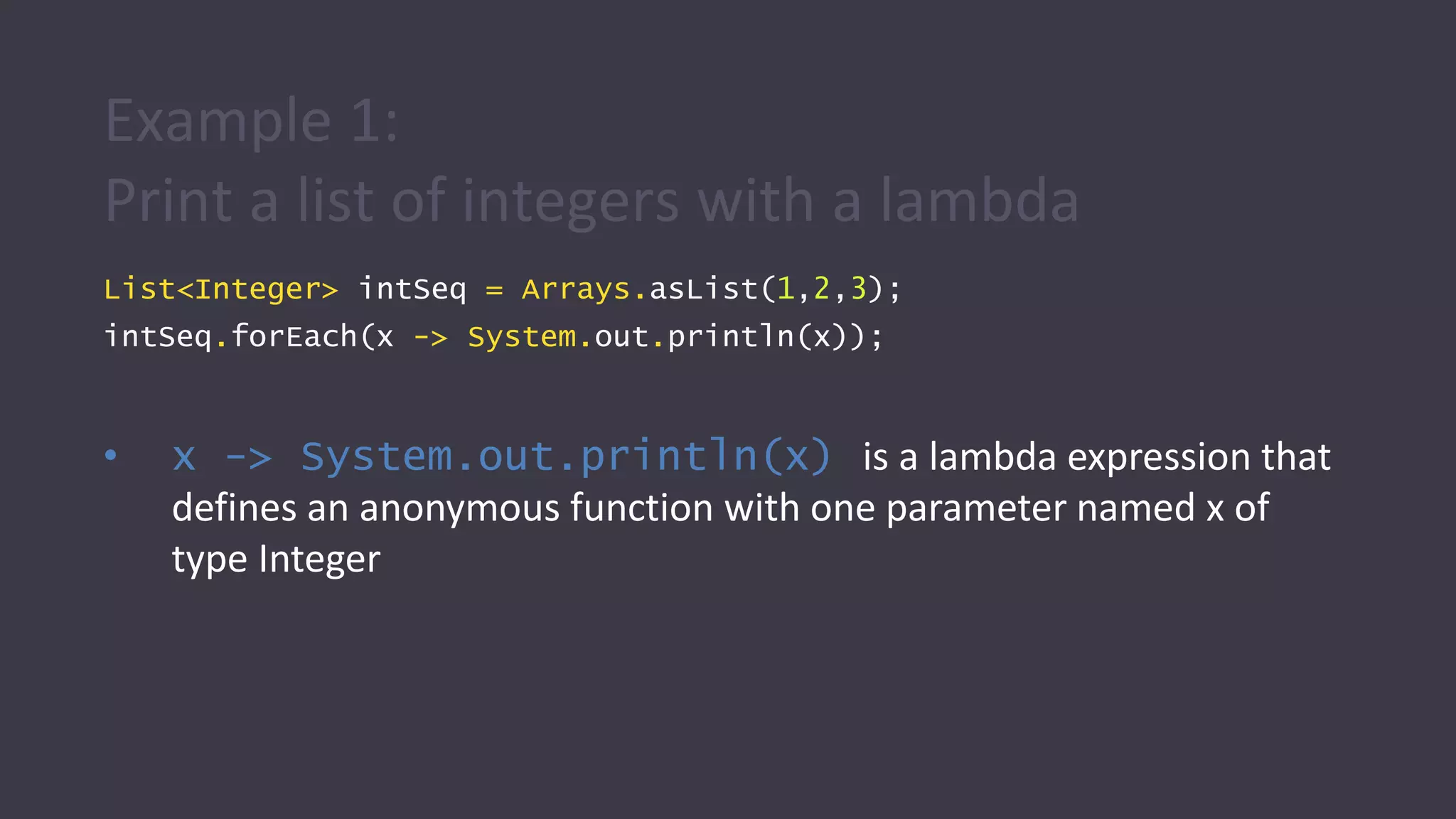
Example 1:
Print a list of integers with a lambda
List<Integer> intSeq = Arrays.asList(1,2,3);
intSeq.forEach(x -> System.out.println(x));
• x -> System.out.println(x) is a lambda expression that
defines an anonymous function with one parameter named x of
type Integer
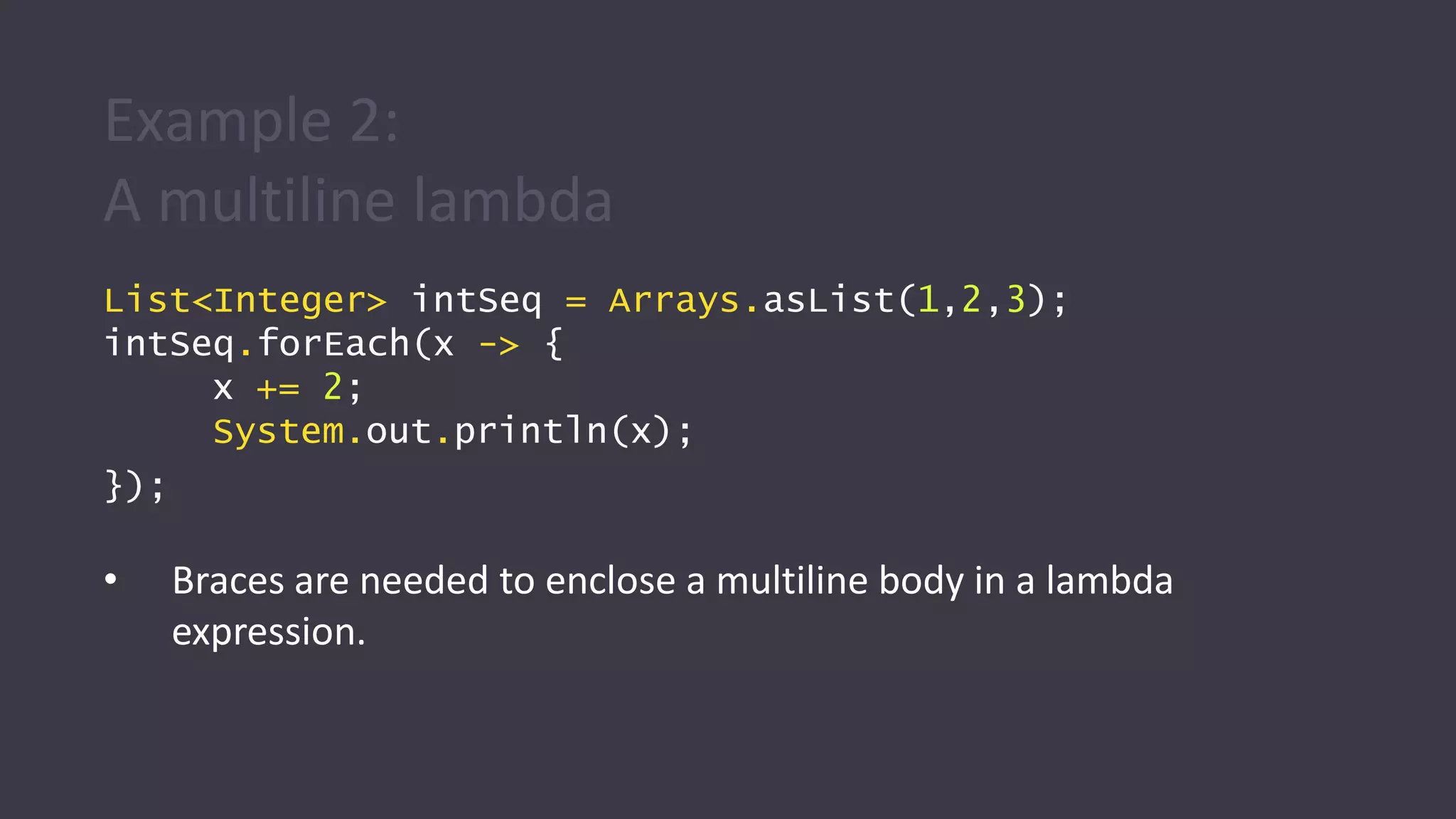
Example 2:
A multiline lambda
List<Integer> intSeq = Arrays.asList(1,2,3);
intSeq.forEach(x -> {
x += 2;
System.out.println(x);
});
• Braces are needed to enclose a multiline body in a lambda
expression.
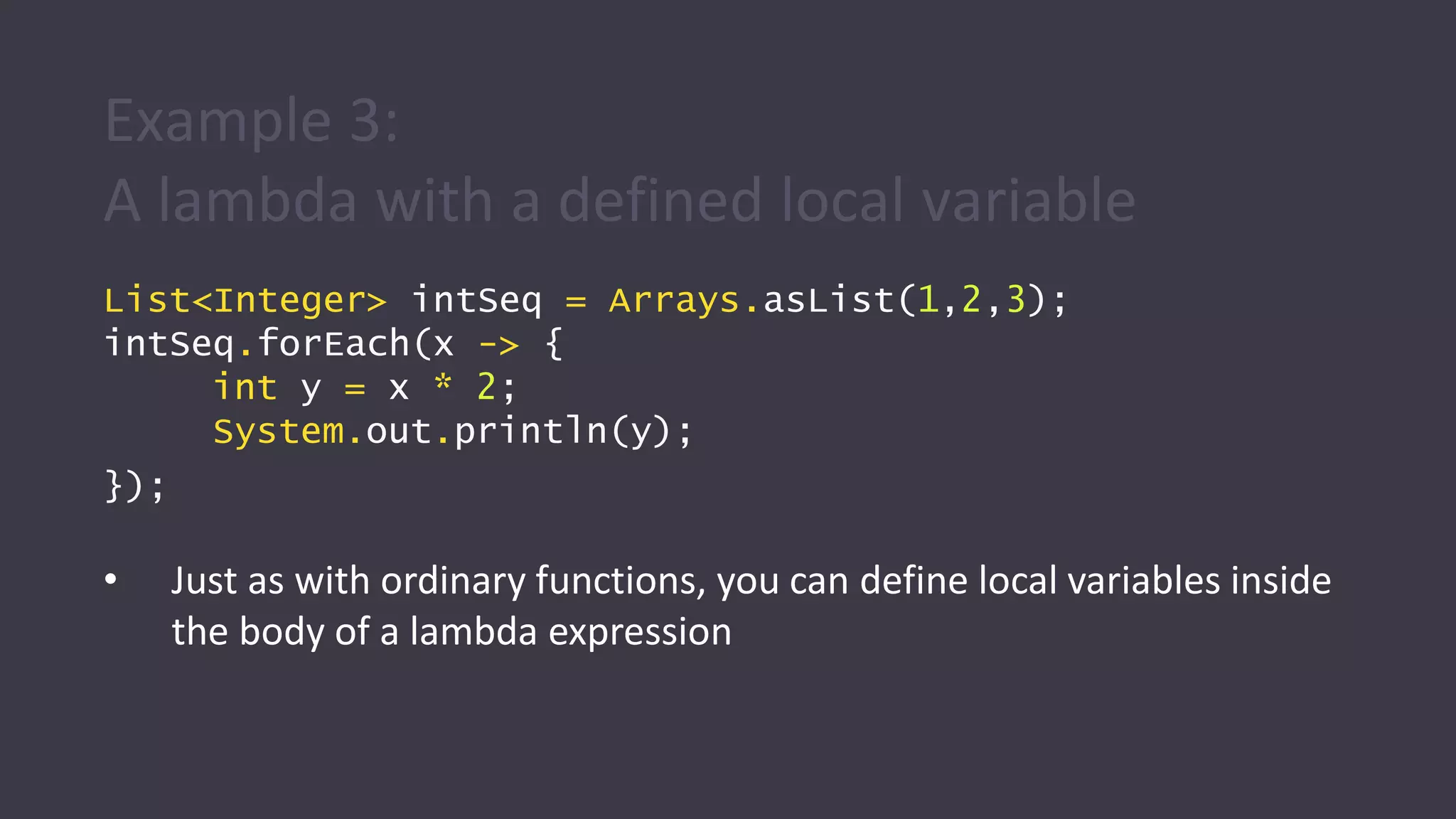
Example 3:
A lambda with a defined local variable
List<Integer> intSeq = Arrays.asList(1,2,3);
intSeq.forEach(x -> {
int y = x * 2;
System.out.println(y);
});
• Just as with ordinary functions, you can define local variables inside
the body of a lambda expression
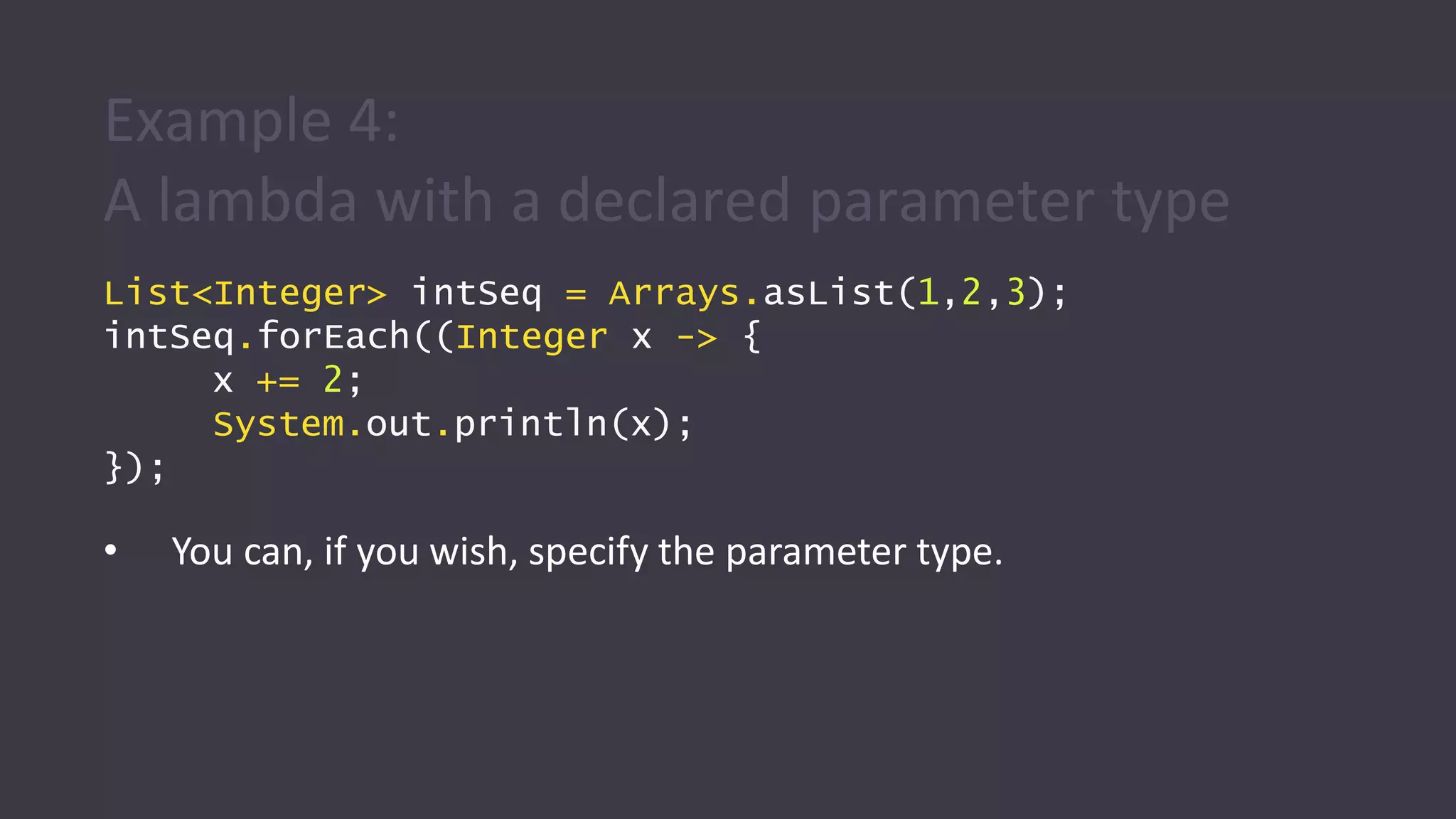
Example 4:
A lambda with a declared parameter type
List<Integer> intSeq = Arrays.asList(1,2,3);
intSeq.forEach((Integer x -> {
x += 2;
System.out.println(x);
});
• You can, if you wish, specify the parameter type.
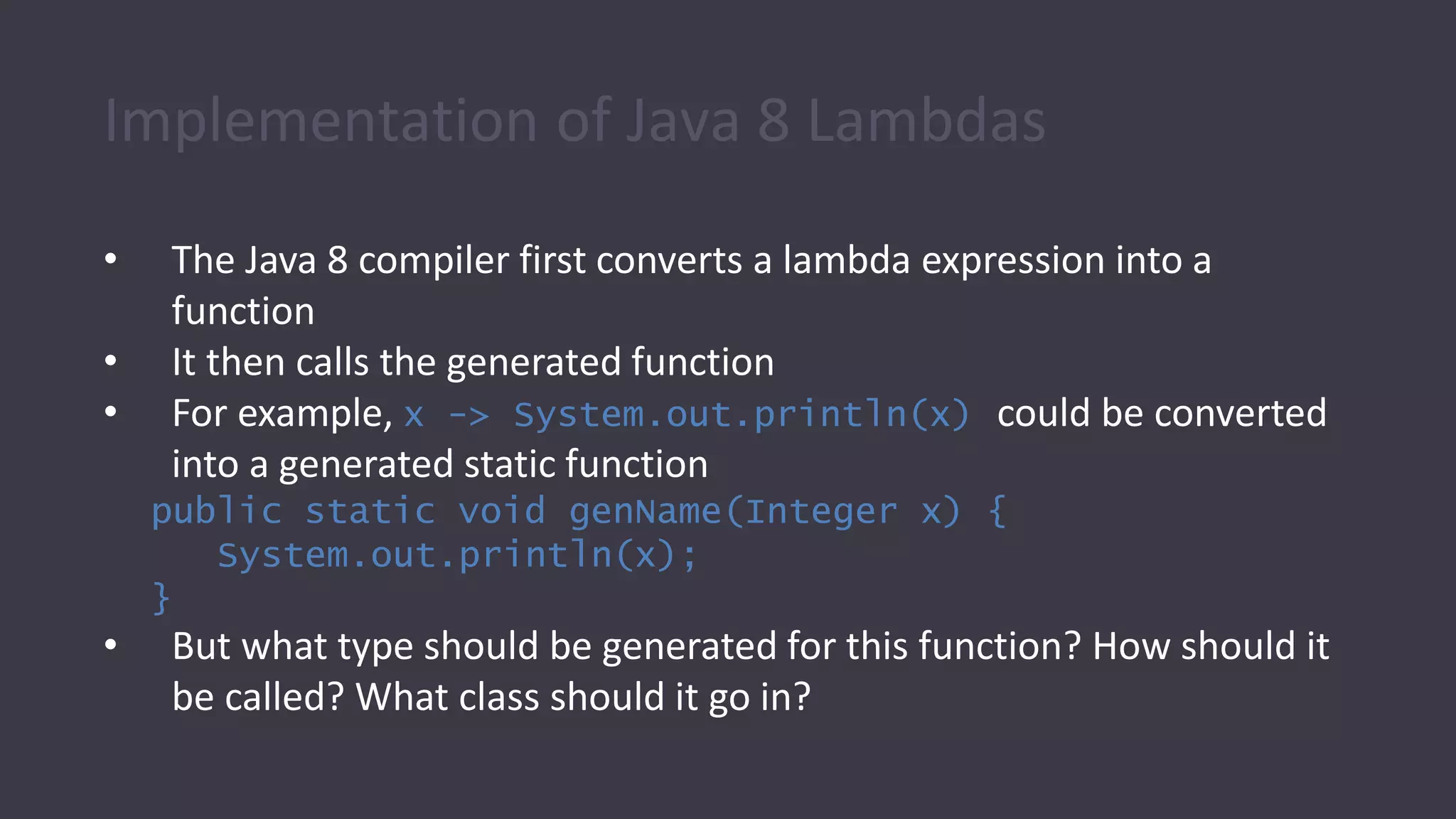
Implementation of Java 8 Lambdas
• The Java 8 compiler first converts a lambda expression into a
function
• It then calls the generated function
• For example, x -> System.out.println(x) could be converted
into a generated static function
public static void genName(Integer x) {
System.out.println(x);
}
• But what type should be generated for this function? How should it
be called? What class should it go in?
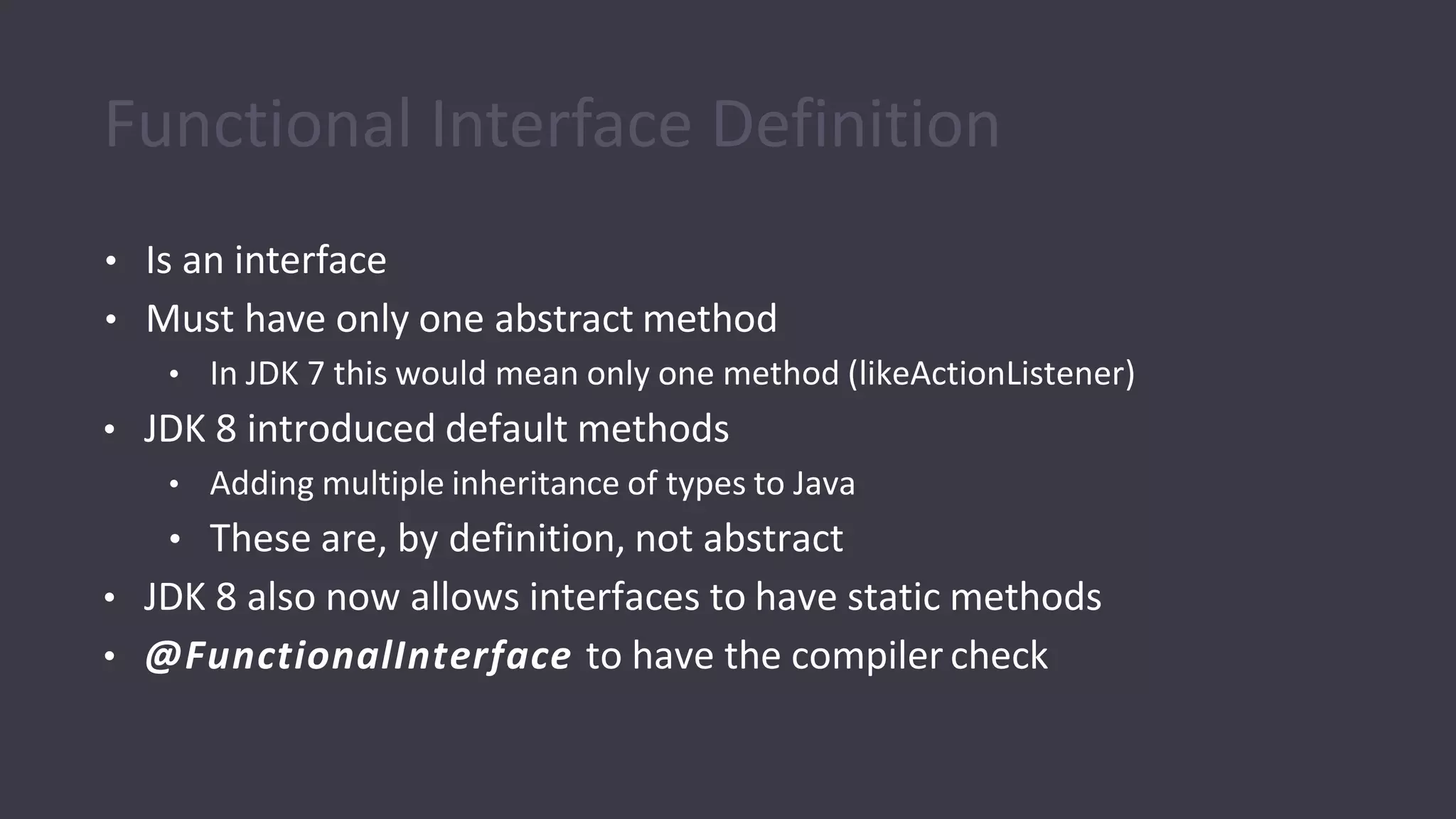
• Is an interface
• Must have only one abstract method
• In JDK 7 this would mean only one method (likeActionListener)
• JDK 8 introduced default methods
• Adding multiple inheritance of types to Java
• These are, by definition, not abstract
• JDK 8 also now allows interfaces to have static methods
• @FunctionalInterface to have the compiler check
Functional Interface Definition
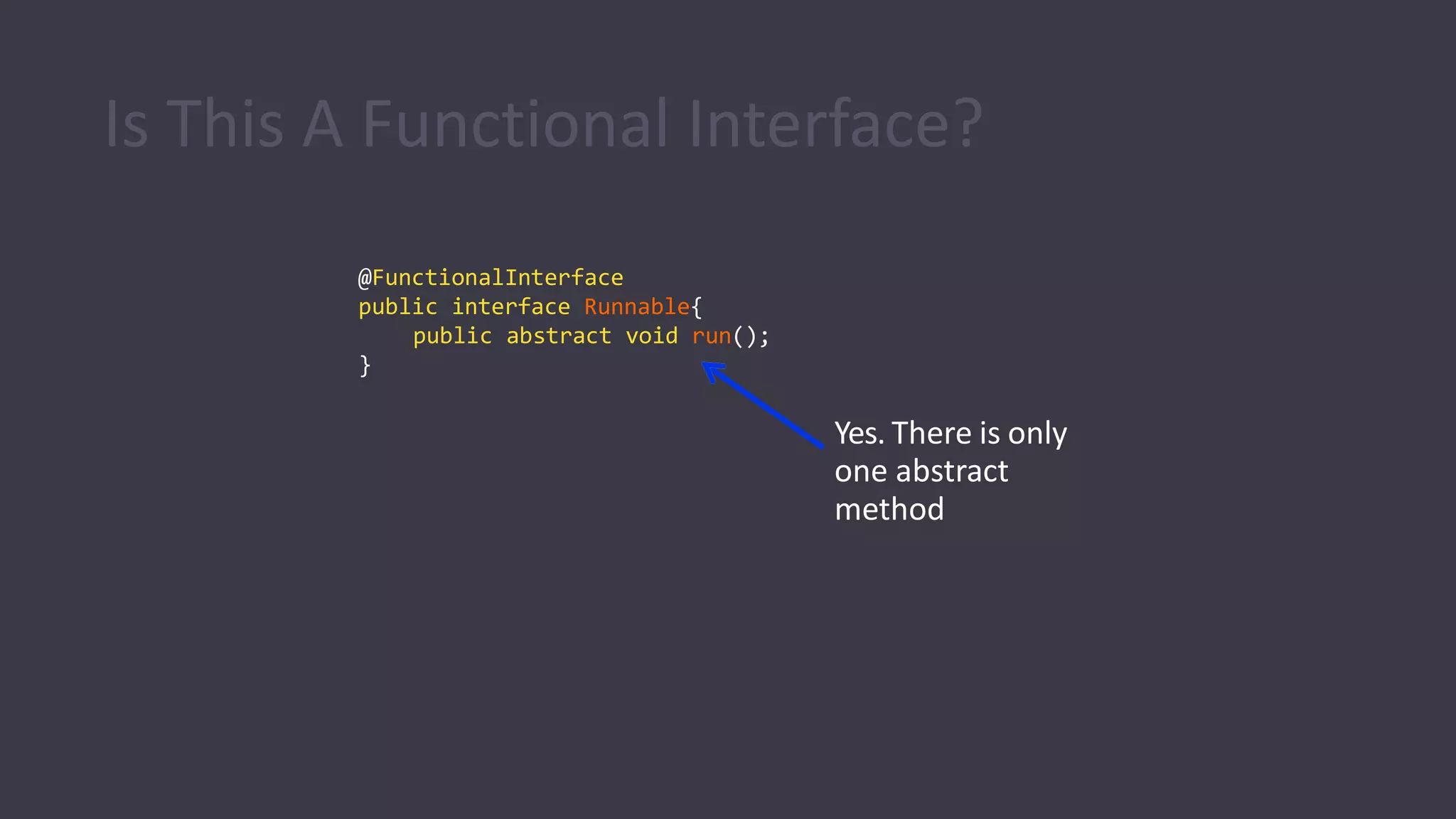
@FunctionalInterface
public interface Runnable{
public abstract void run();
}
Yes. There is only
one abstract
method
Is This A Functional Interface?
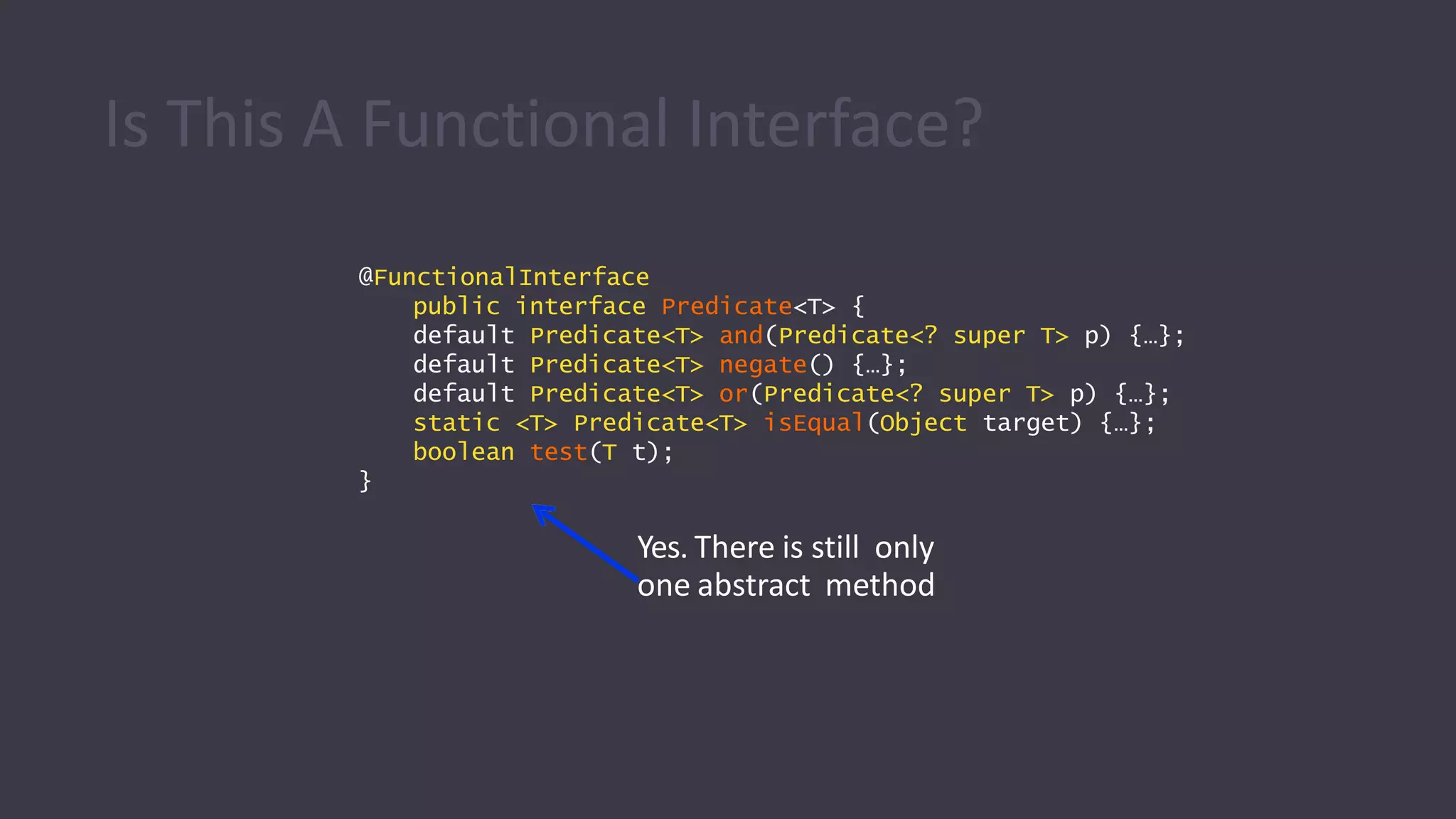
@FunctionalInterface
public interface Predicate<T> {
default Predicate<T> and(Predicate<? super T> p) {…};
default Predicate<T> negate() {…};
default Predicate<T> or(Predicate<? super T> p) {…};
static <T> Predicate<T> isEqual(Object target) {…};
boolean test(T t);
}
Yes. There is still only
one abstract method
Is This A Functional Interface?
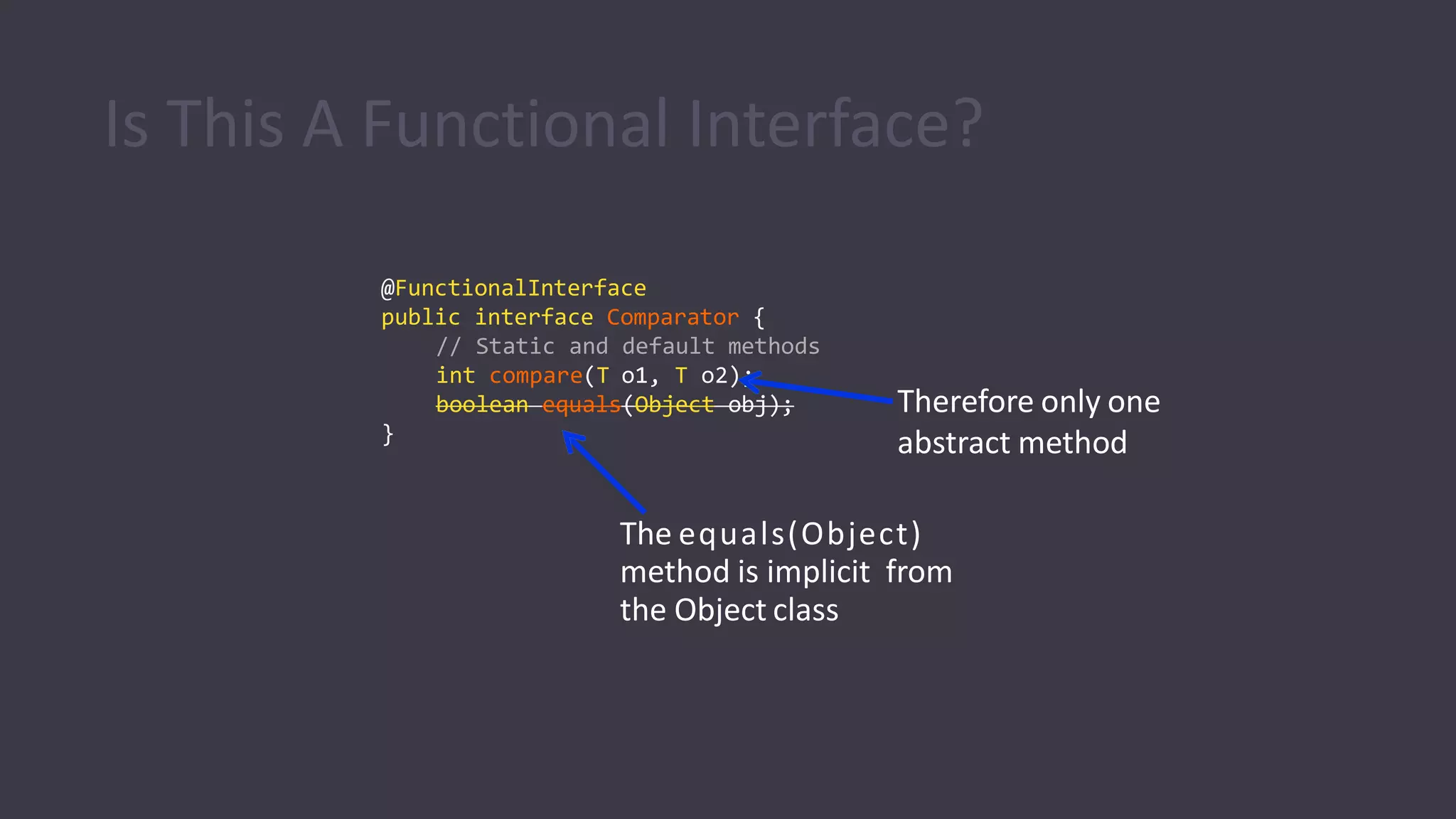
@FunctionalInterface
public interface Comparator {
// Static and default methods
int compare(T o1, T o2);
boolean equals(Object obj);
}
The equals(Object)
method is implicit from
the Object class
Therefore only one
abstract method
Is This A Functional Interface?
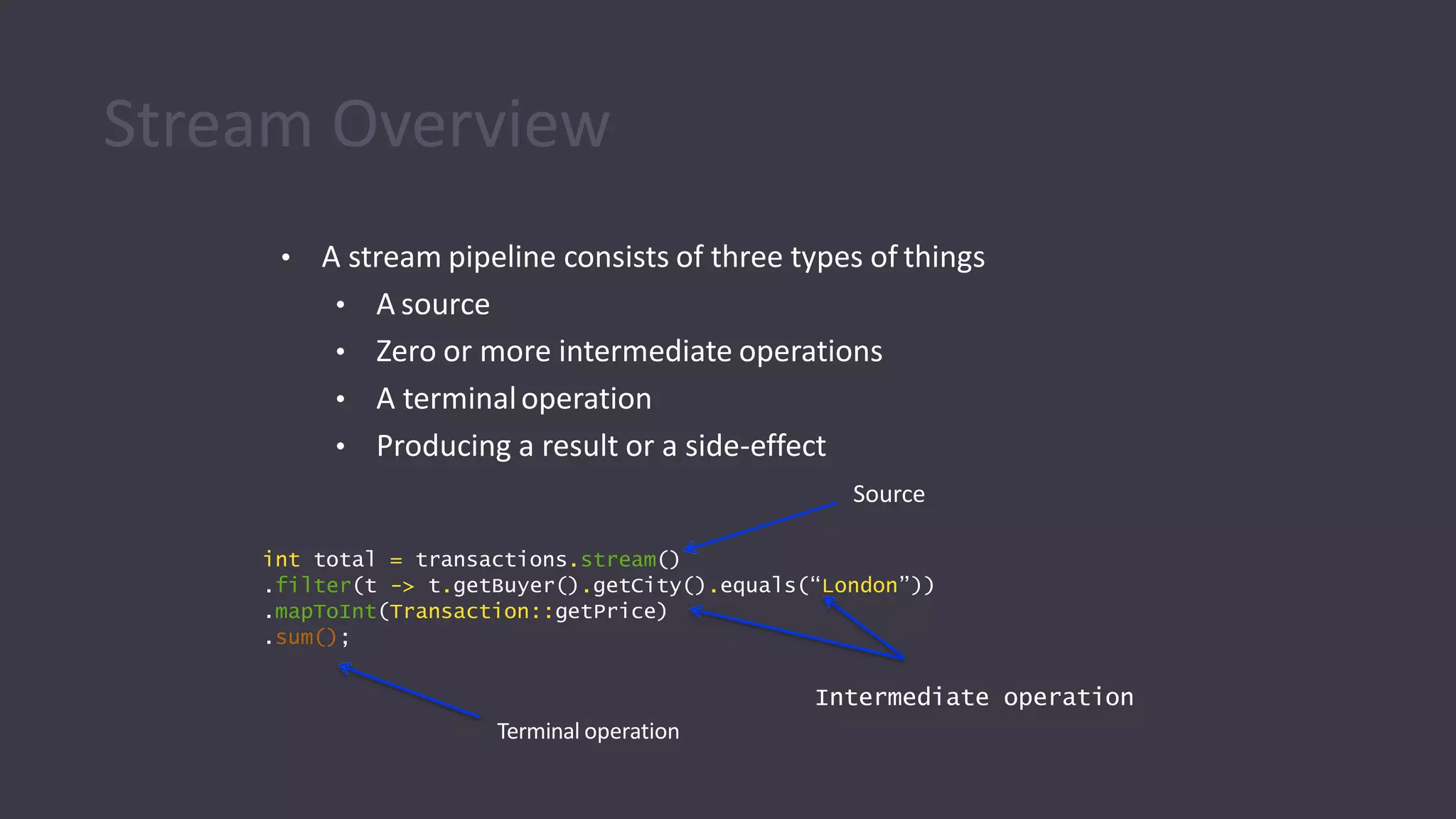
• A stream pipeline consists of three types of things
• A source
• Zero or more intermediate operations
• A terminaloperation
• Producing a result or a side-effect
Source
int total = transactions.stream()
.filter(t -> t.getBuyer().getCity().equals(“London”))
.mapToInt(Transaction::getPrice)
.sum();
Intermediate operation
Terminal operation
Stream Overview
Stream Overview
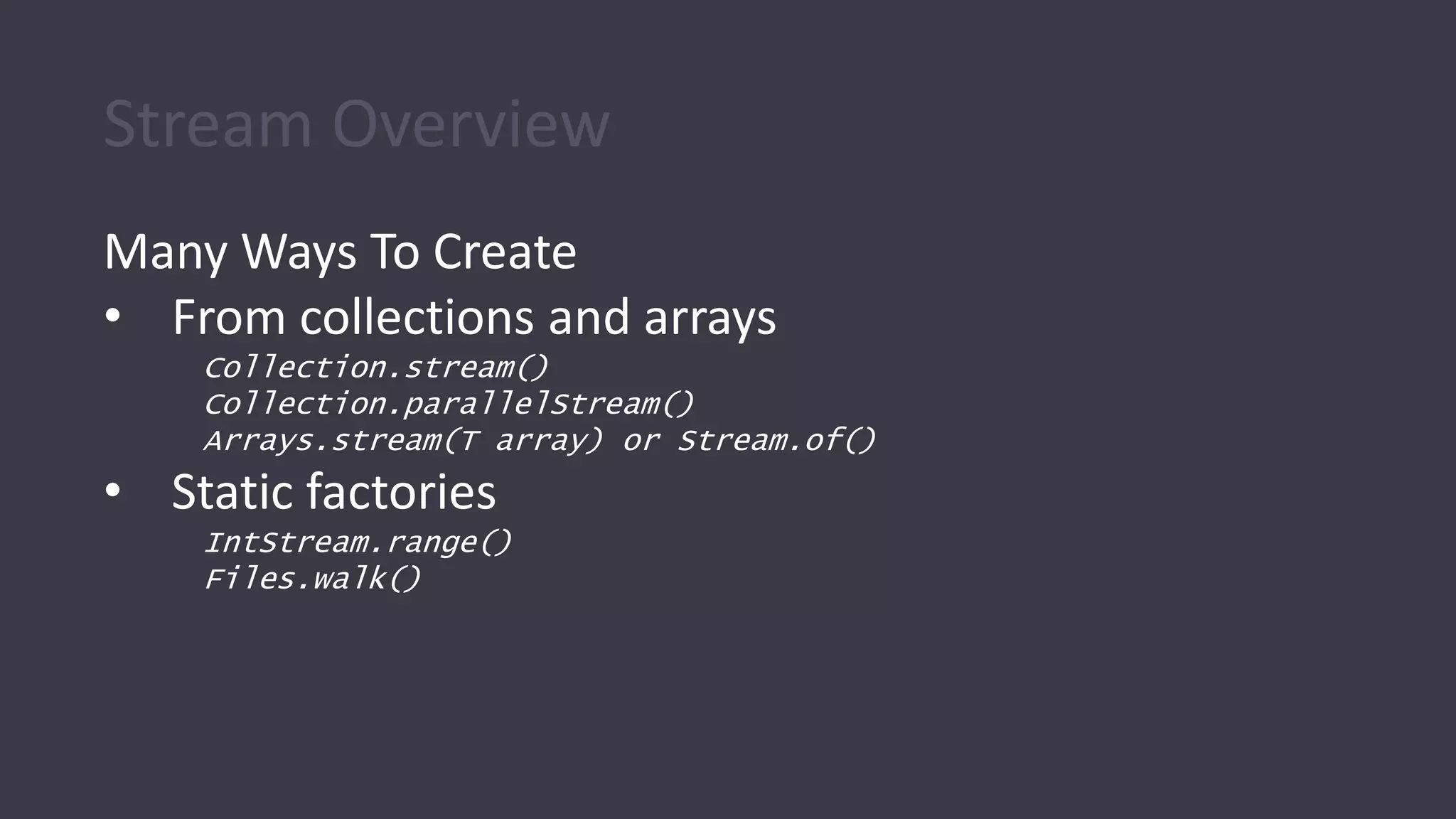
Many Ways To Create
• From collections and arrays
Collection.stream()
Collection.parallelStream()
Arrays.stream(T array) or Stream.of()
• Static factories
IntStream.range()
Files.walk()
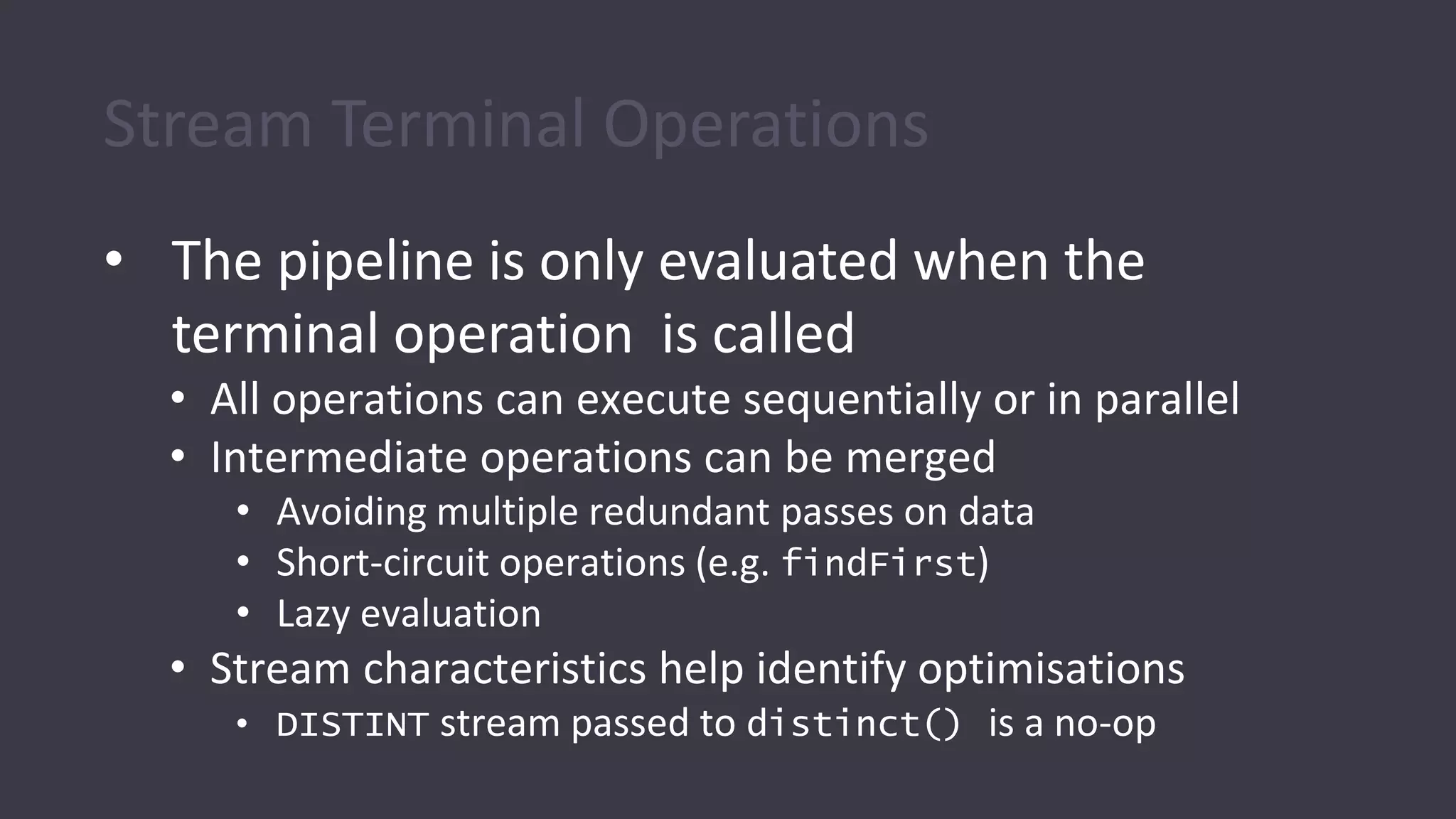
Stream Terminal Operations
• The pipeline is only evaluated when the
terminal operation is called
• All operations can execute sequentially or in parallel
• Intermediate operations can be merged
• Avoiding multiple redundant passes on data
• Short-circuit operations (e.g. findFirst)
• Lazy evaluation
• Stream characteristics help identify optimisations
• DISTINT stream passed to distinct() is a no-op
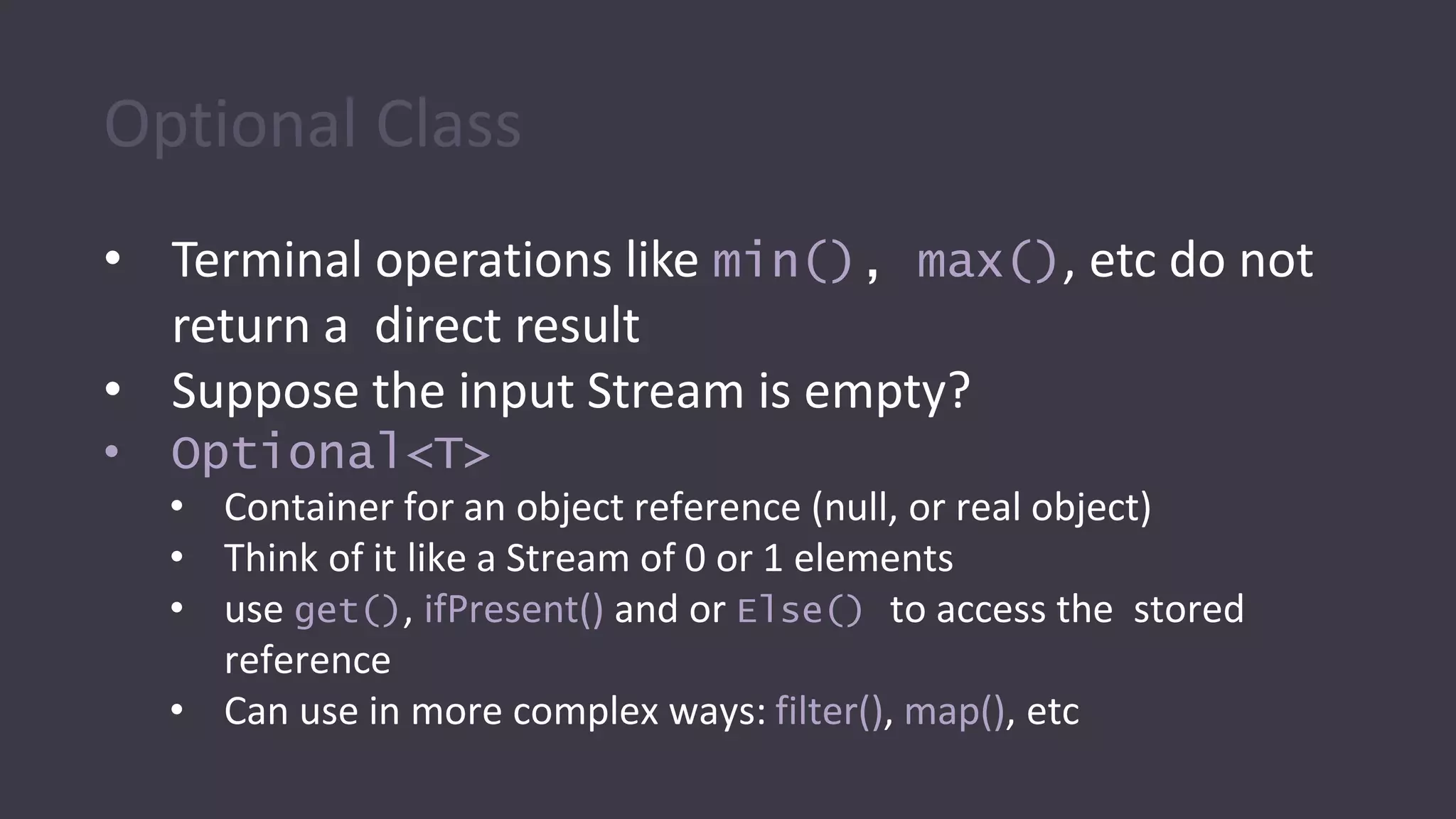
Optional Class
• Terminal operations like min(), max(), etc do not
return a direct result
• Suppose the input Stream is empty?
• Optional<T>
• Container for an object reference (null, or real object)
• Think of it like a Stream of 0 or 1 elements
• use get(), ifPresent() and or Else() to access the stored
reference
• Can use in more complex ways: filter(), map(), etc
Kotlin Functional
Programming
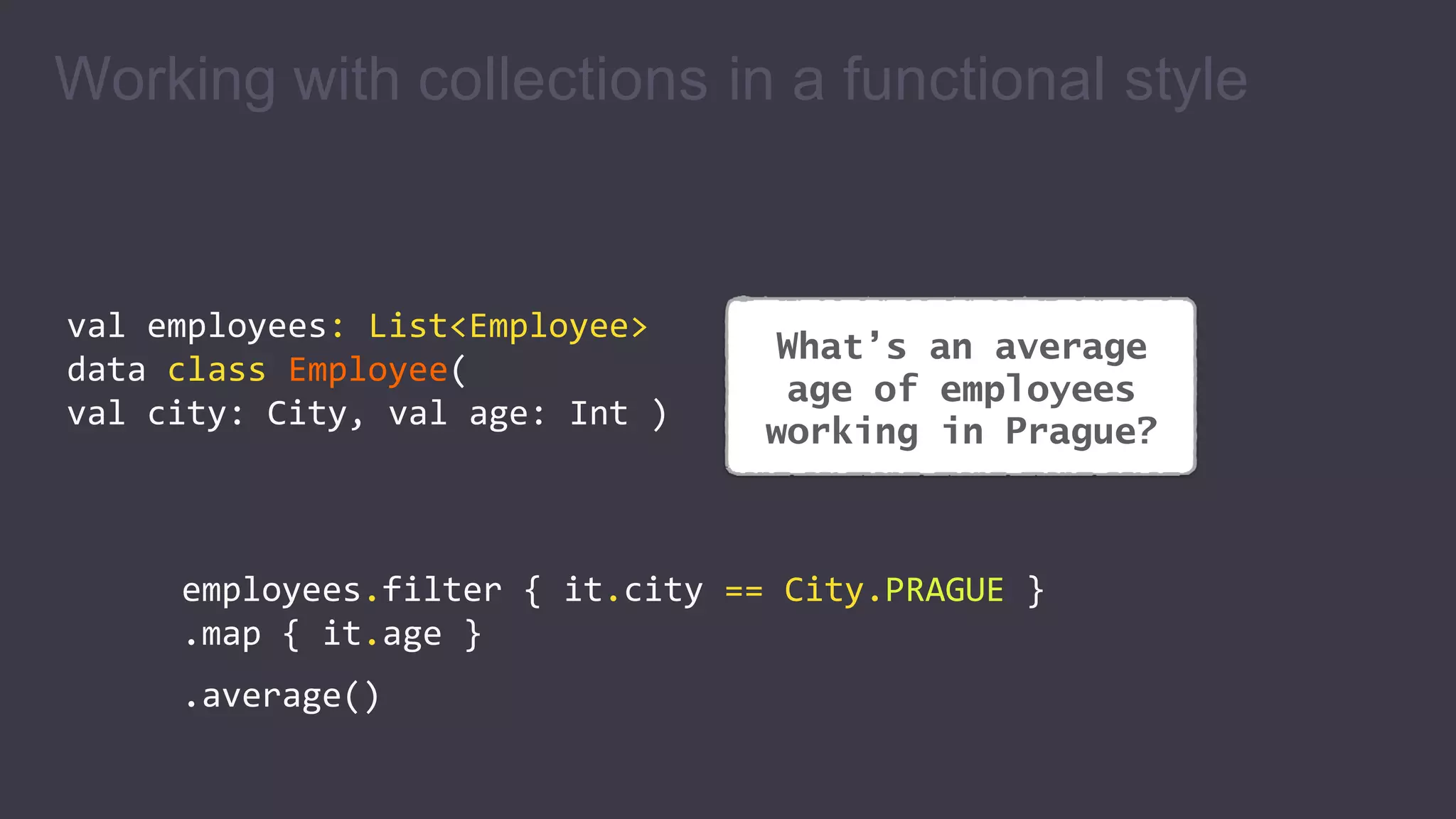
What’s an average
age of employees
working in Prague?
Working with collections in a functional style
val employees: List<Employee>
data class Employee(
val city: City, val age: Int )
employees.filter { it.city == City.PRAGUE }
.map { it.age }
.average()
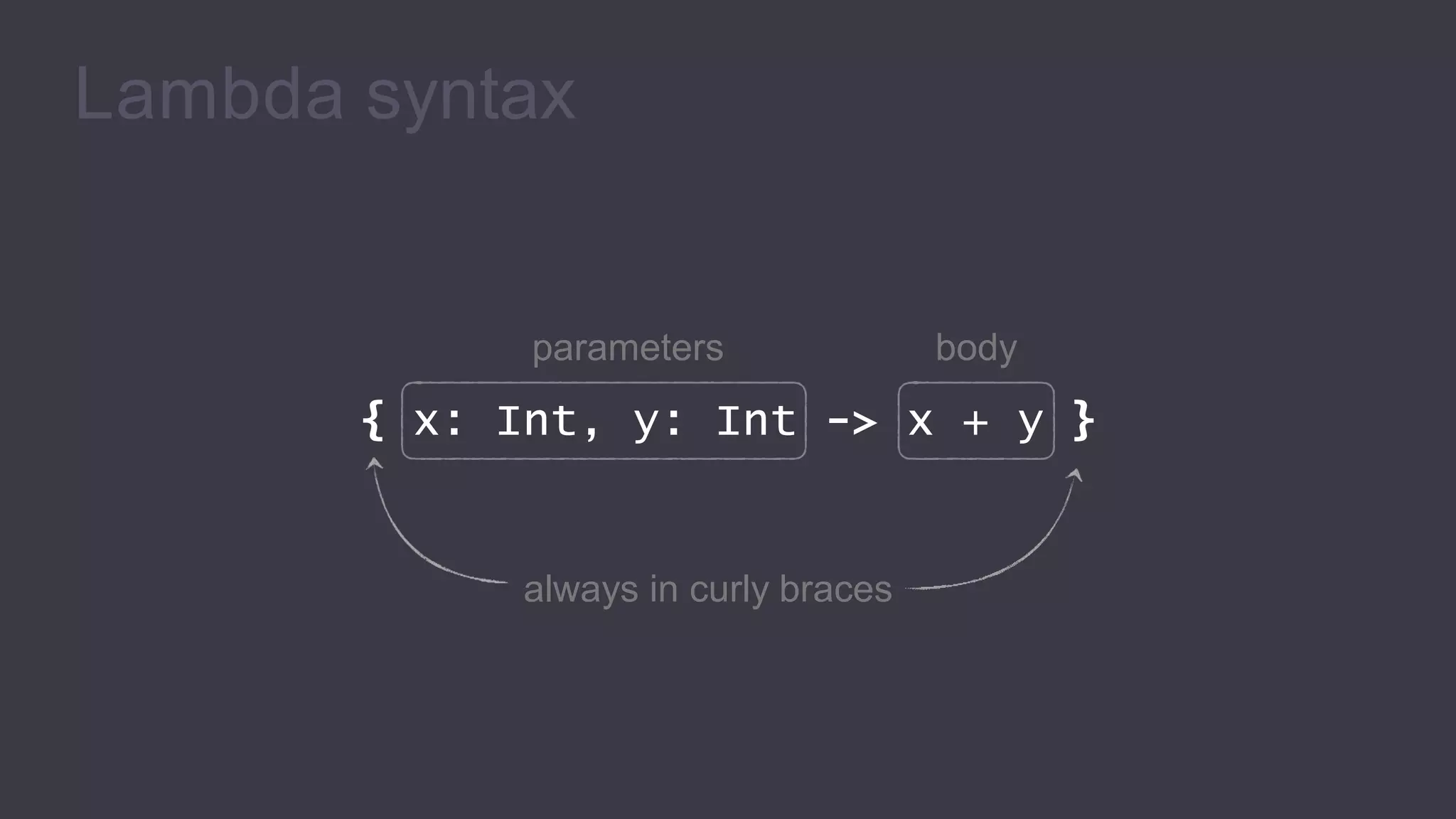
Lambda syntax
parameters body
{ x: Int, y: Int -> x + y }
always in curly braces
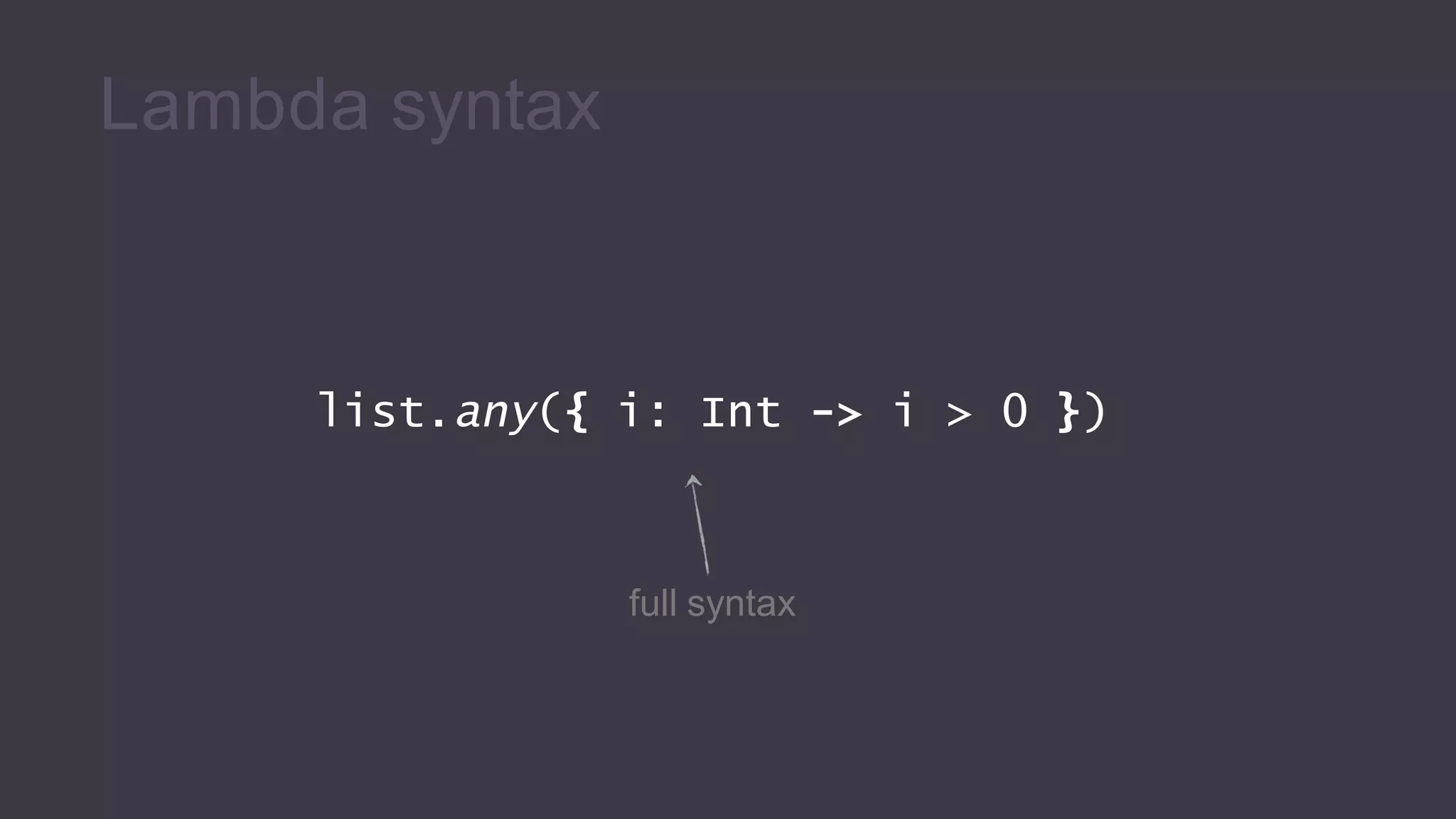
list.any({ i: Int -> i > 0 })
full syntax
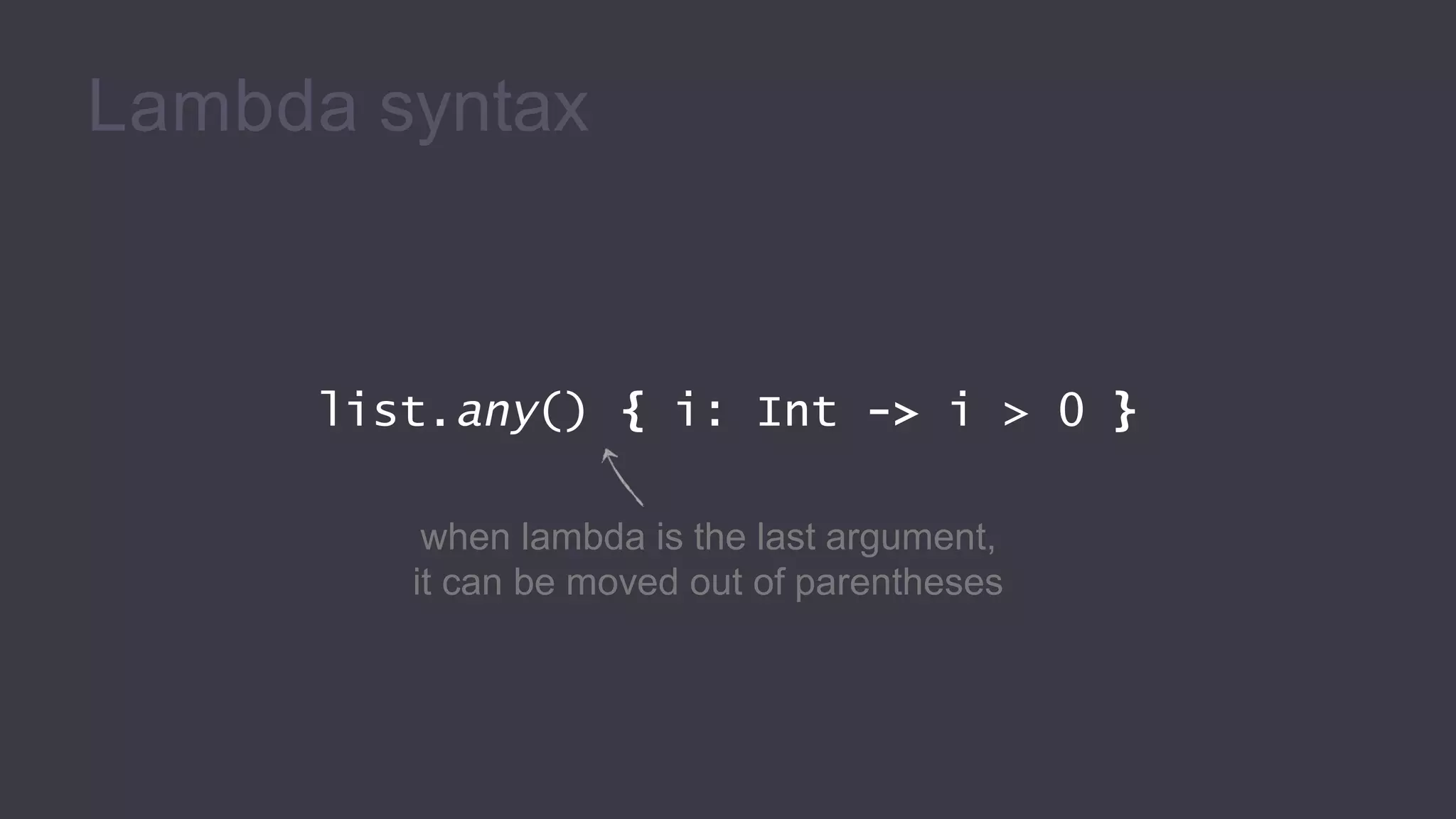
Lambda syntax
list.any() { i: Int -> i > 0 }
when lambda is the last argument,
it can be moved out of parentheses
Lambda syntax
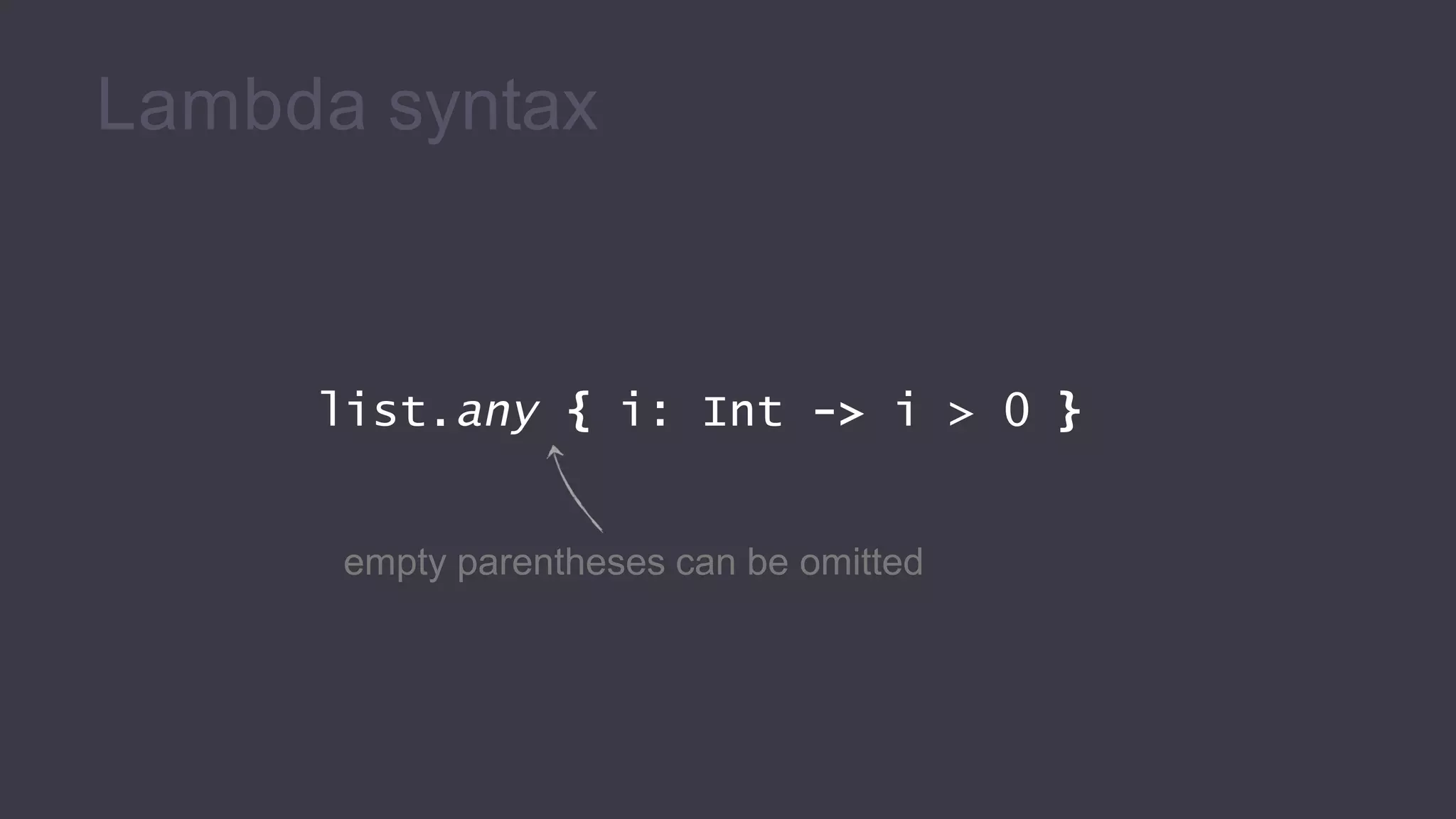
list.any { i: Int -> i > 0 }
empty parentheses can be omitted
Lambda syntax
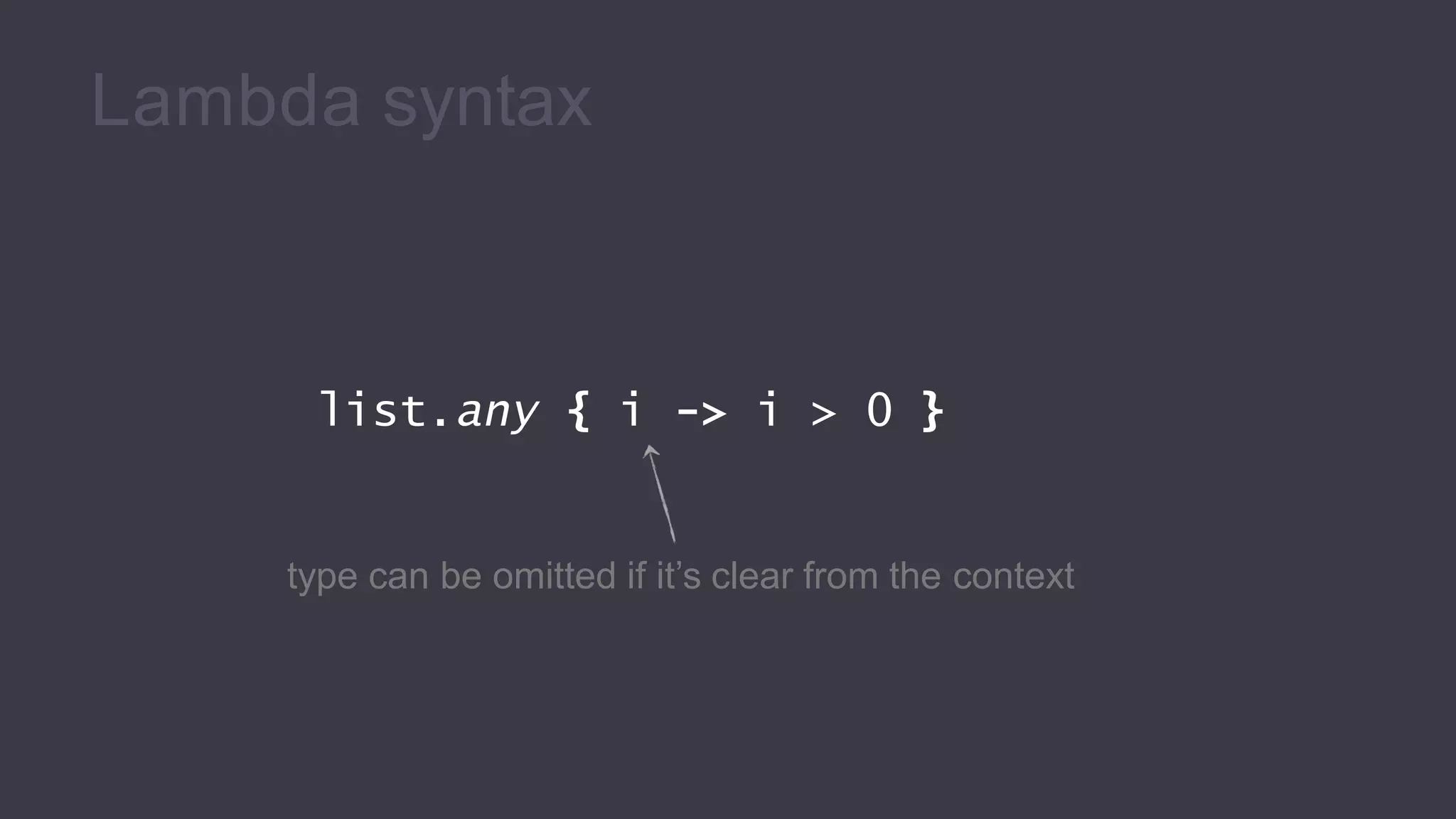
list.any { i -> i > 0 }
type can be omitted if it’s clear from the context
Lambda syntax
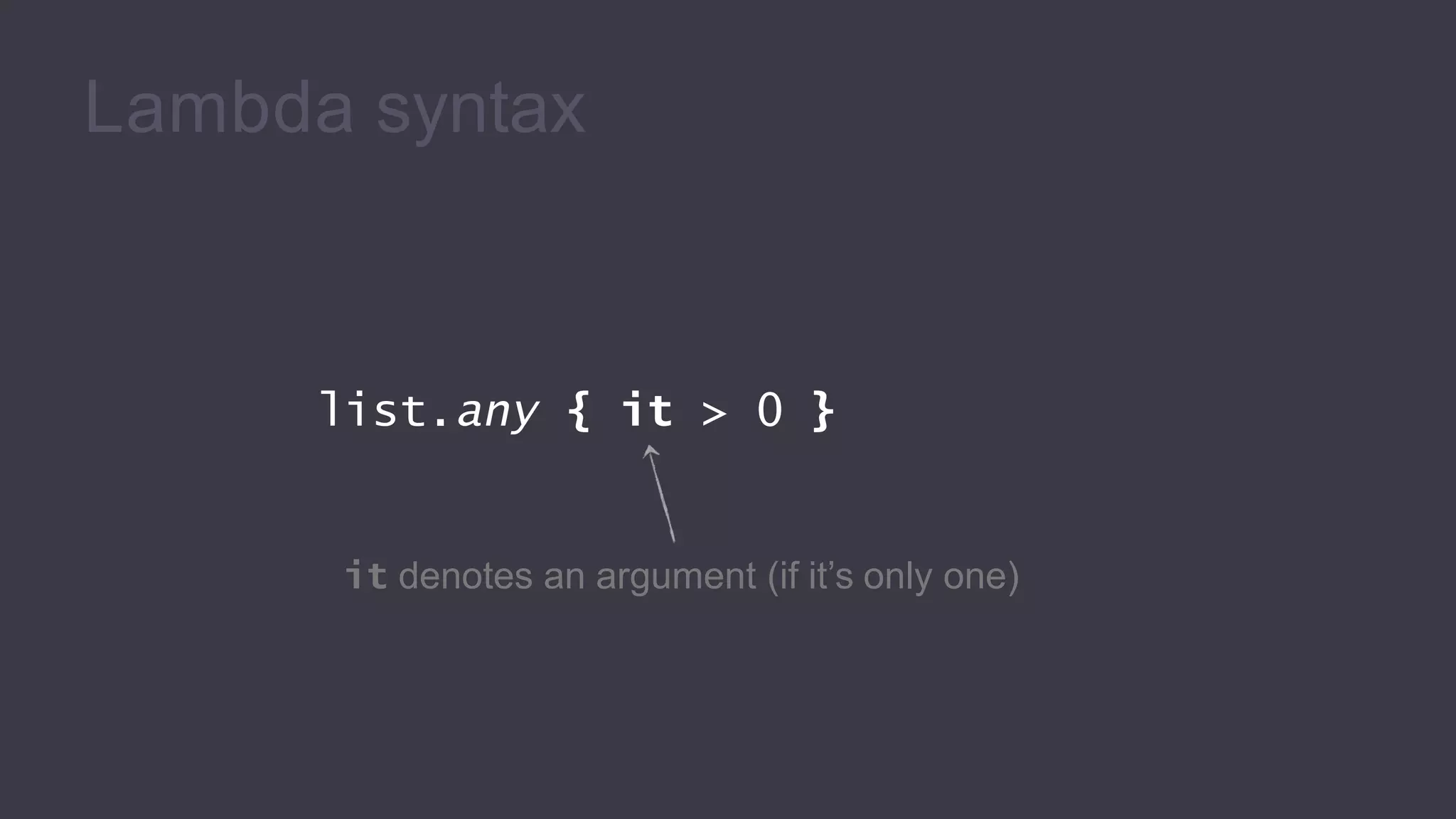
list.any { it > 0 }
it denotes an argument (if it’s only one)
Lambda syntax
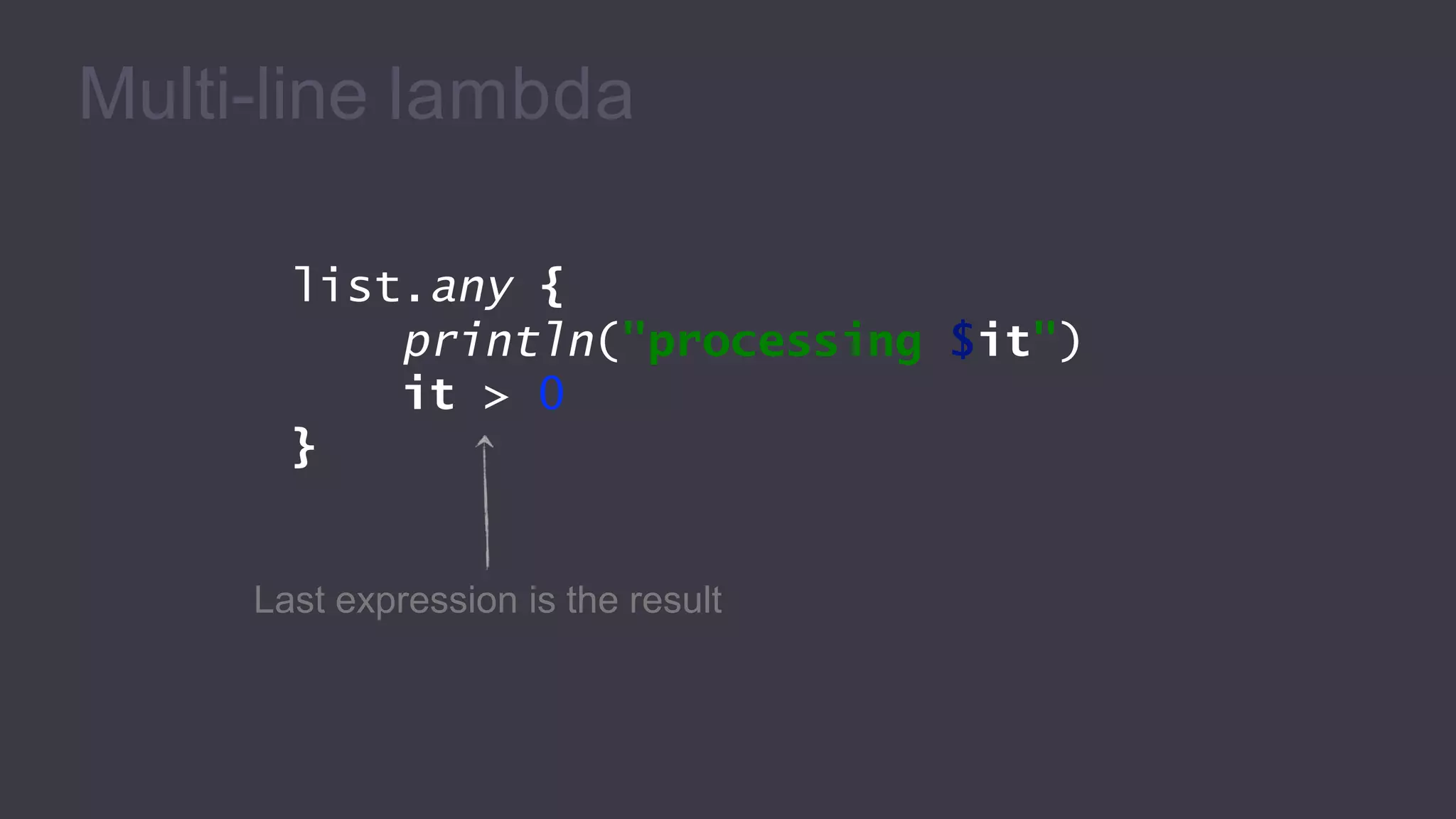
Multi-line lambda
list.any {
println("processing $it")
it > 0
}
Last expression is the result
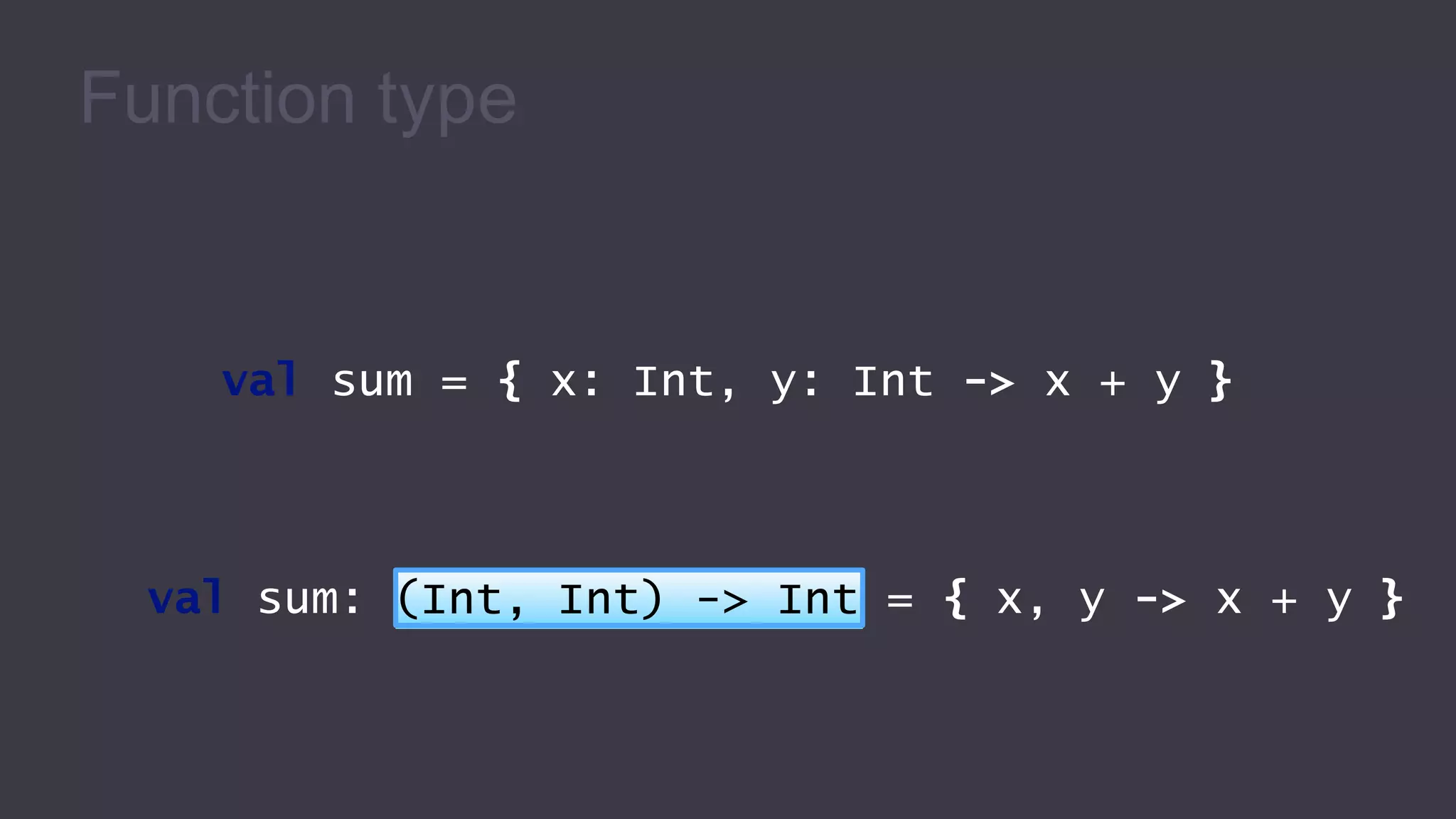
Function type
val sum = { x: Int, y: Int -> x + y }
val sum: (Int, Int) -> Int = { x, y -> x + y }
Storing lambda in a variable
val list = listOf(1, 2, 3, 4)
list.any(isEven)
list.filter(isEven)
true
[2, 4]
val isEven: (Int) -> Boolean =
{ i: Int -> i % 2 == 0 }
Passing member reference as argument
fun isEven(i: Int): Boolean = i % 2 == 0
val list = listOf(1, 2, 3, 4)
list.any(::isEven)
list.filter(::isEven)
true
[2, 4]
Class References & Function References
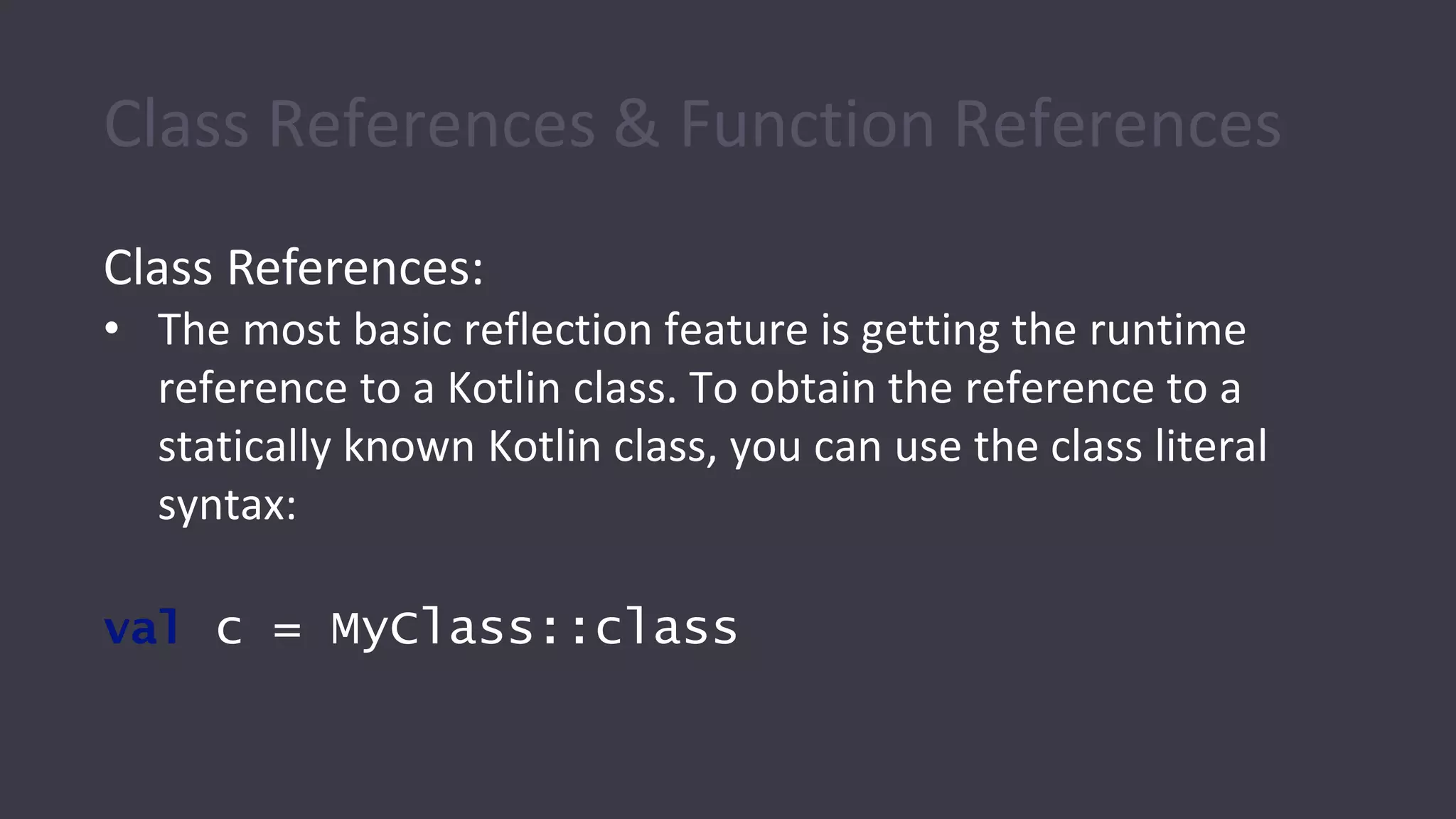
Class References:
• The most basic reflection feature is getting the runtime
reference to a Kotlin class. To obtain the reference to a
statically known Kotlin class, you can use the class literal
syntax:
val c = MyClass::class
Class References & Function References Cont.
Function References
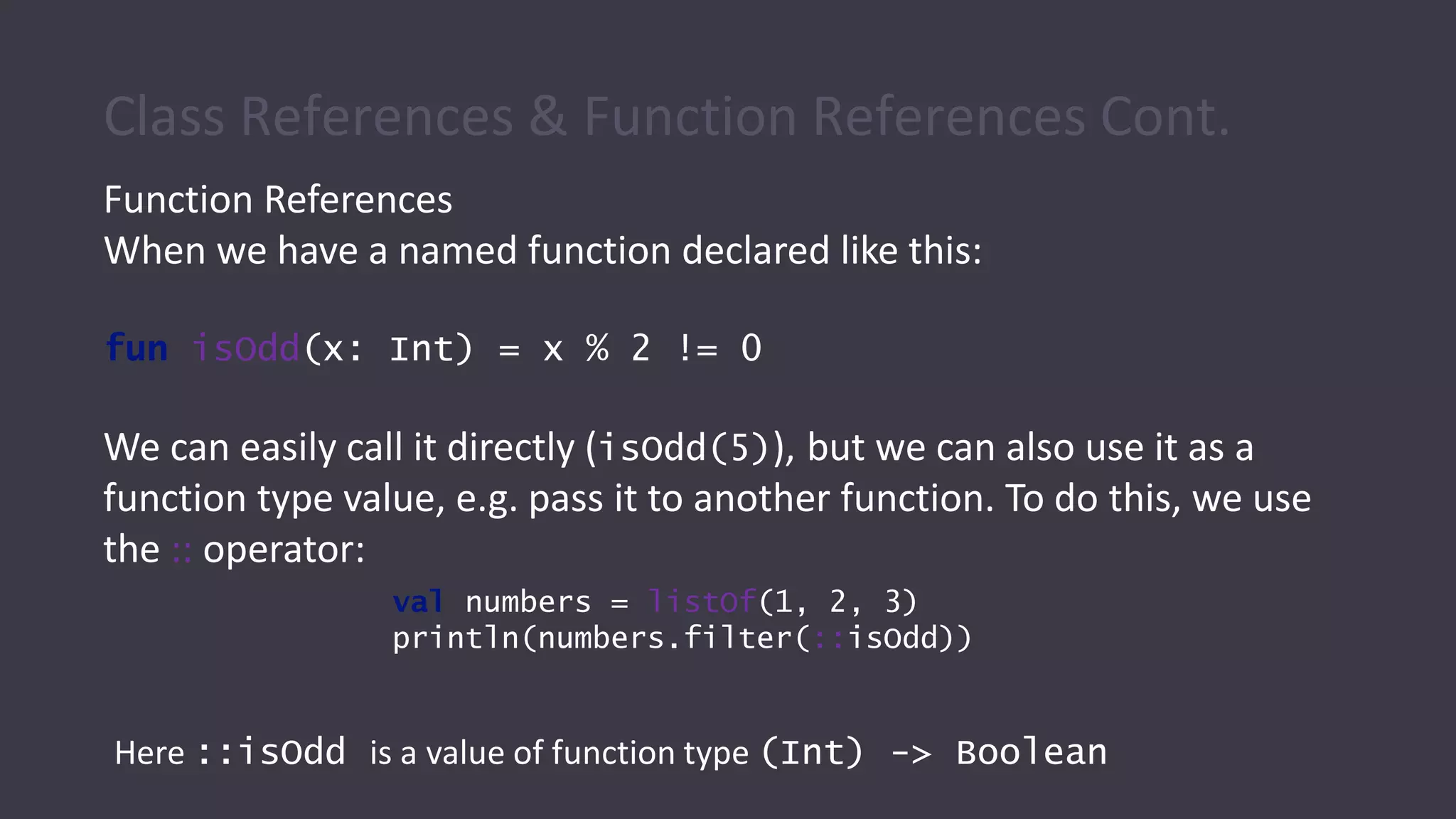
When we have a named function declared like this:
fun isOdd(x: Int) = x % 2 != 0
We can easily call it directly (isOdd(5)), but we can also use it as a
function type value, e.g. pass it to another function. To do this, we use
the :: operator:
val numbers = listOf(1, 2, 3)
println(numbers.filter(::isOdd))
Here ::isOdd is a value of function type (Int) -> Boolean
Getters and Setters
• The full syntax for declaring a property is
var <propertyName>[: <PropertyType>] [=
<property_initializer>]
[<getter>]
[<setter>]
Example:
val isEmpty: Boolean
get() = this.size == 0
Getters and Setters Cont.
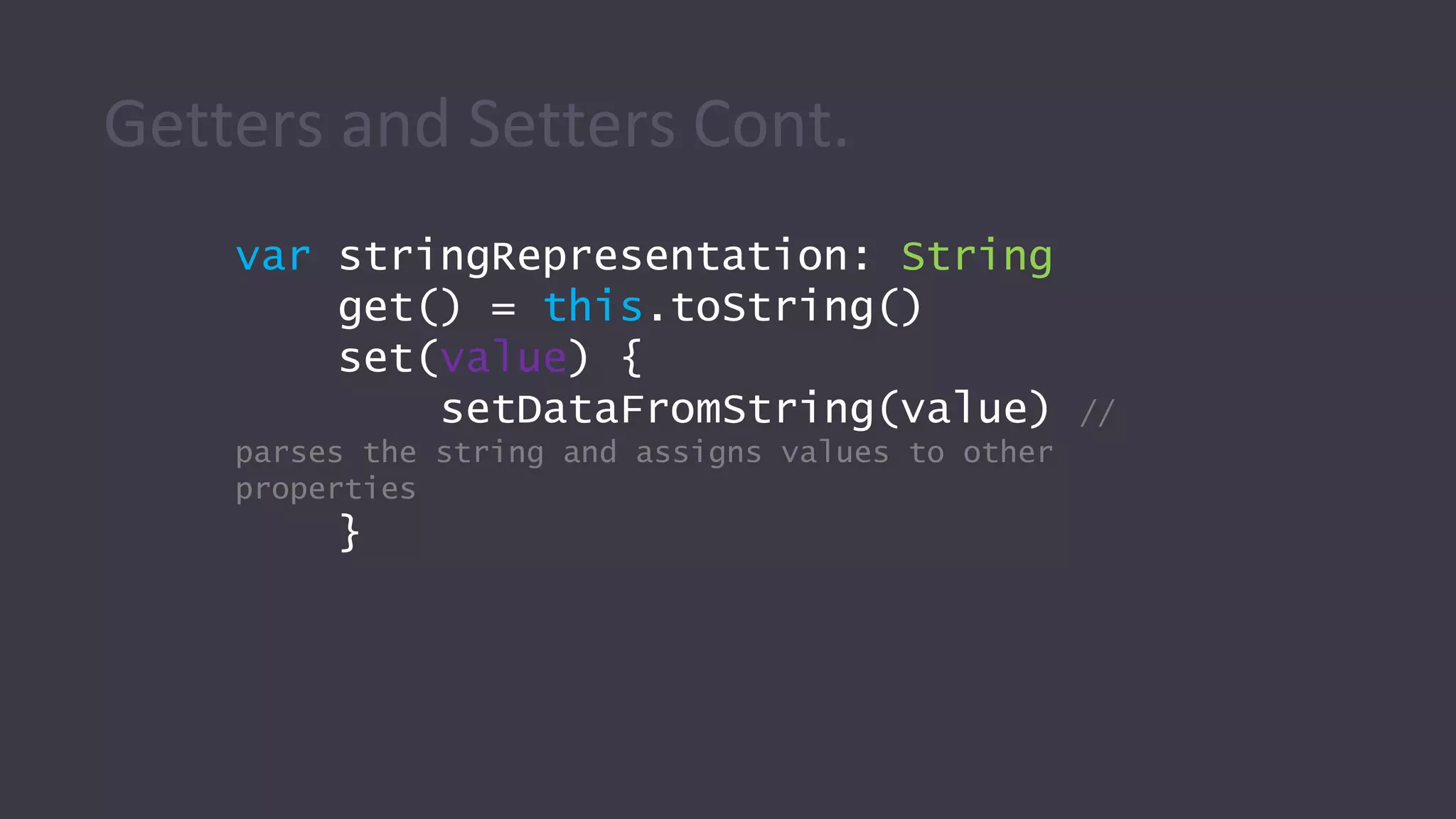
var stringRepresentation: String
get() = this.toString()
set(value) {
setDataFromString(value) //
parses the string and assigns values to other
properties
}
Getters and Setters Cont.
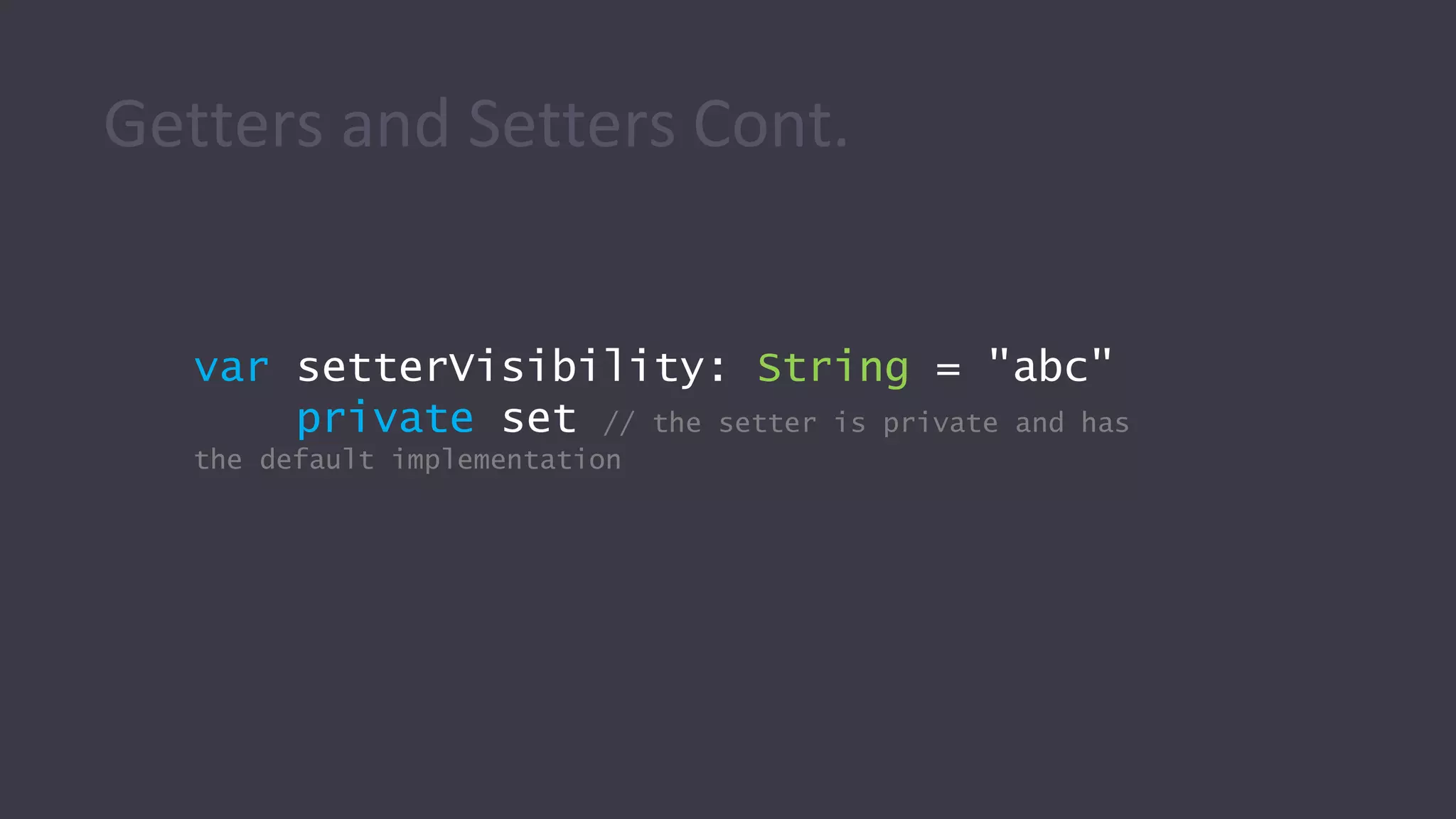
var setterVisibility: String = "abc"
private set // the setter is private and has
the default implementation
Kotlin Android
Extensions
Kotlin Android Extensions Plugin
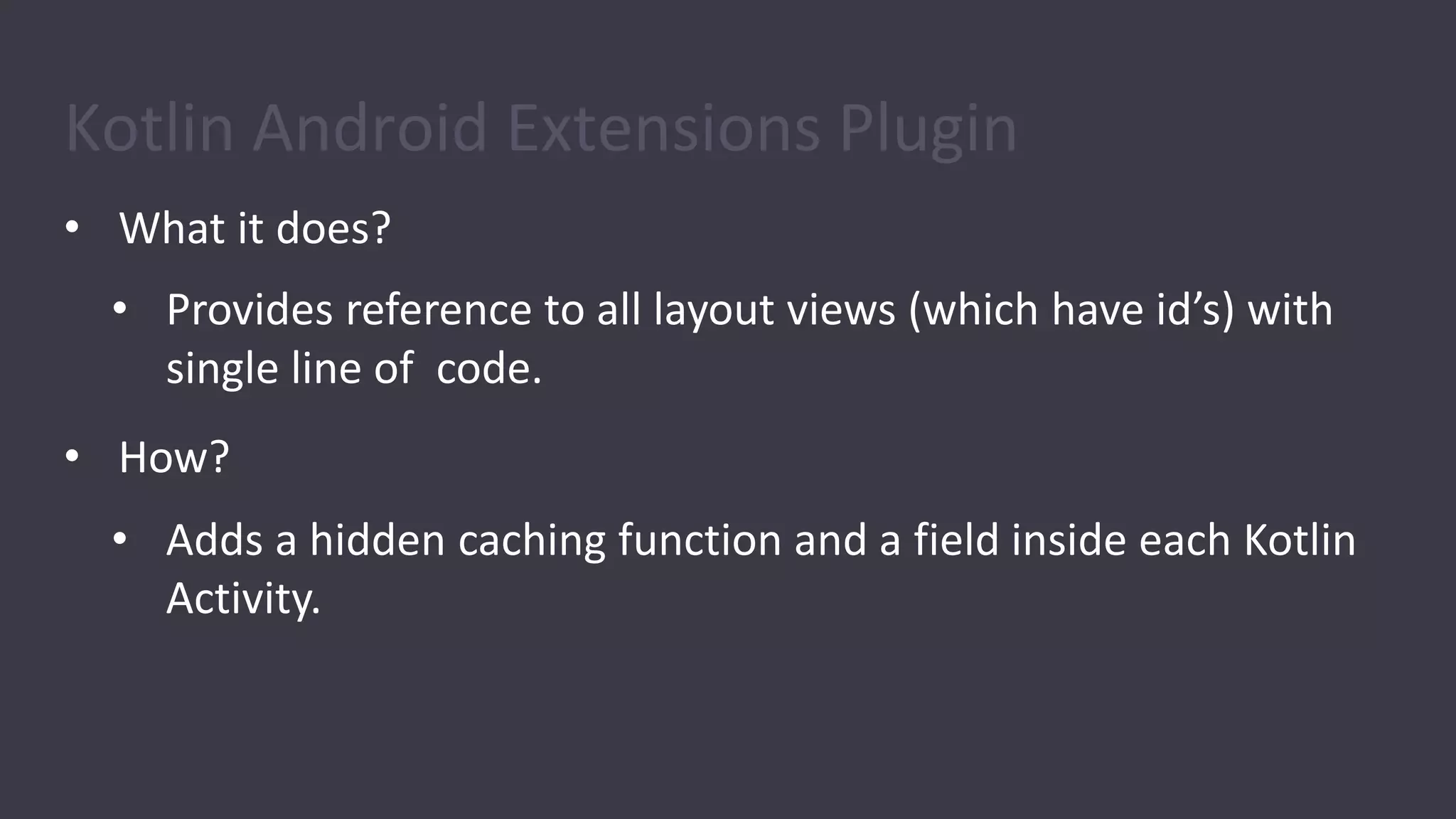
• What it does?
• Provides reference to all layout views (which have id’s) with
single line of code.
• How?
• Adds a hidden caching function and a field inside each Kotlin
Activity.
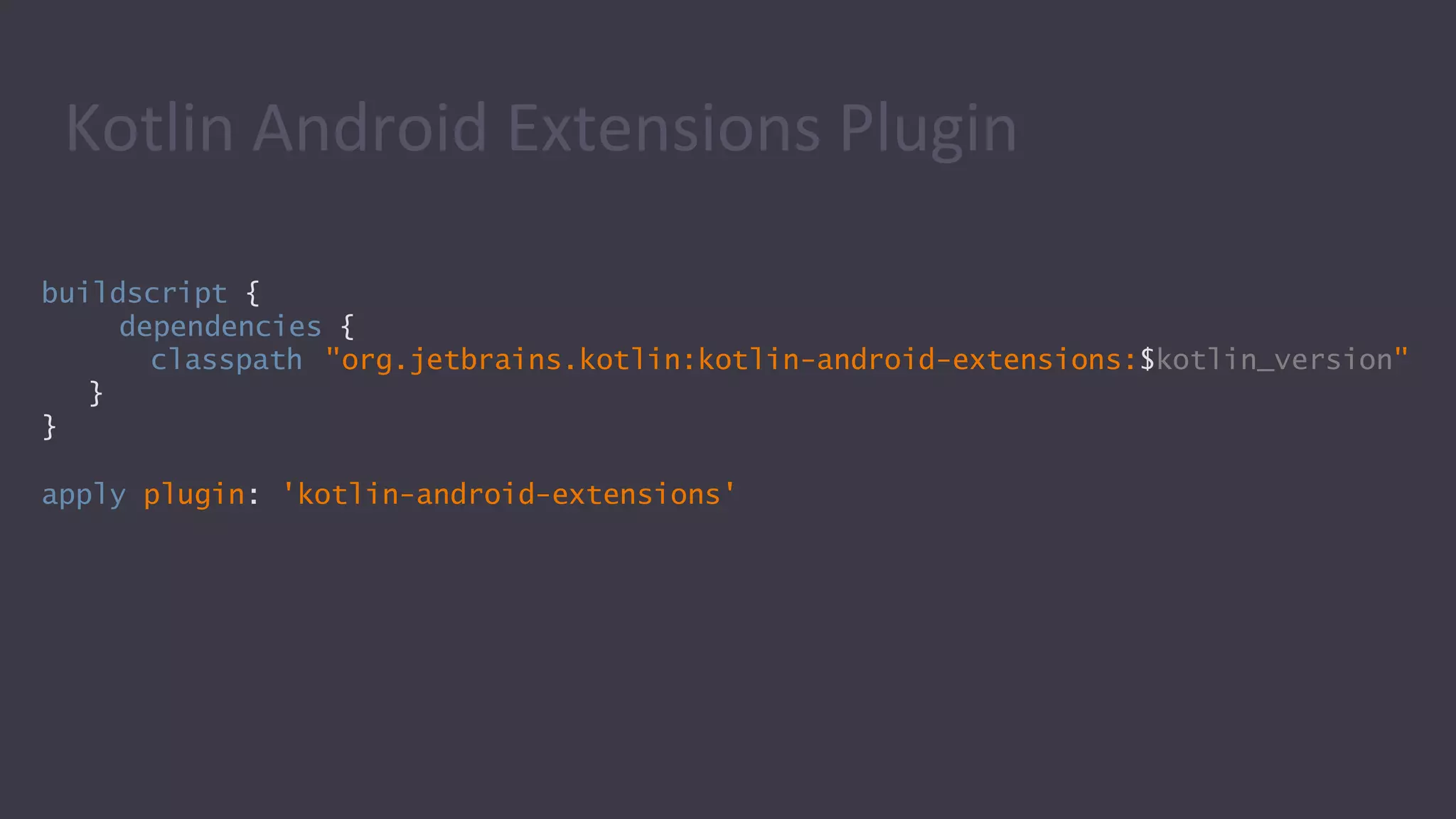
buildscript {
dependencies {
classpath "org.jetbrains.kotlin:kotlin-android-extensions:$kotlin_version"
}
}
apply plugin: 'kotlin-android-extensions'
Kotlin Android Extensions Plugin
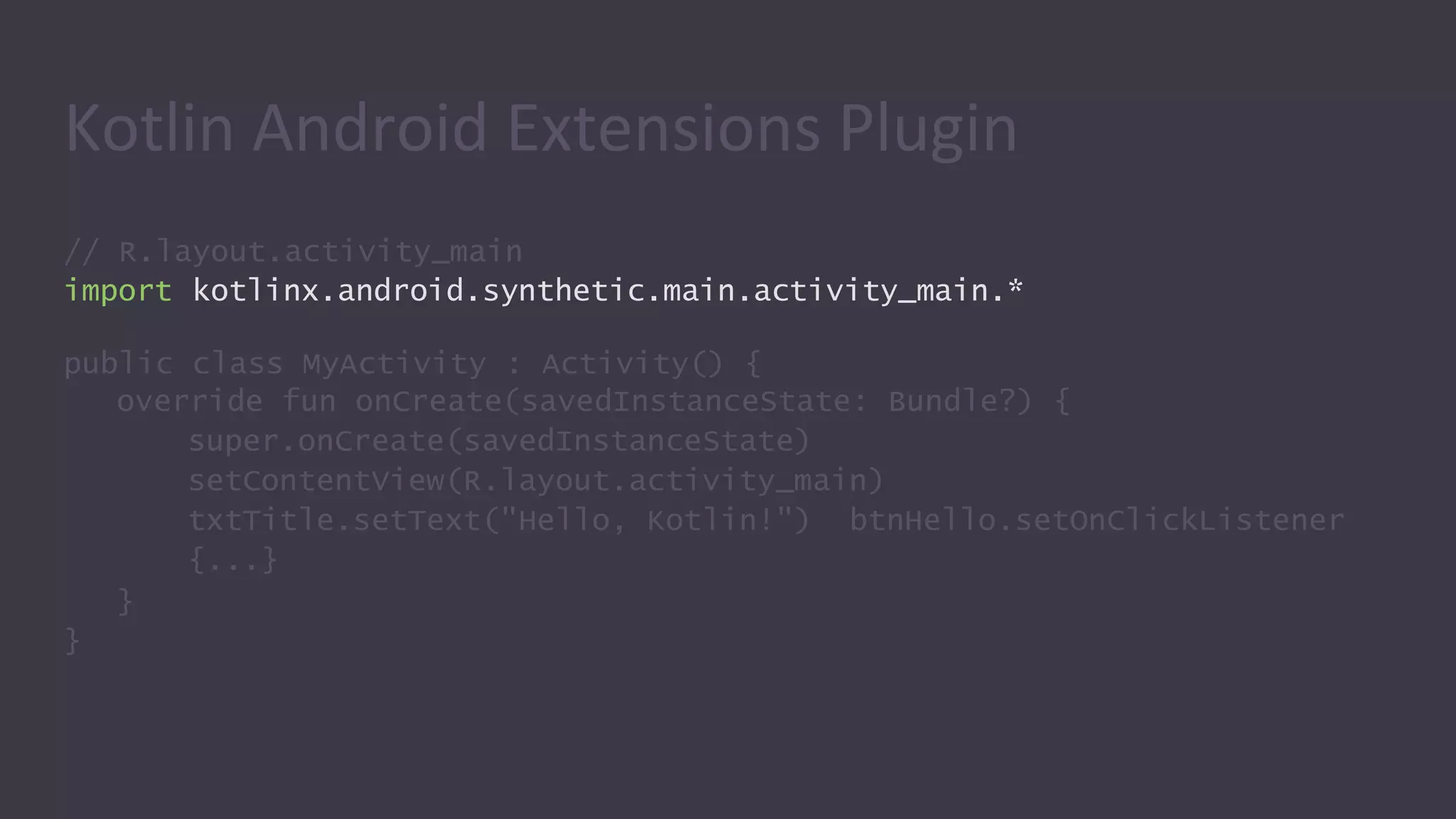
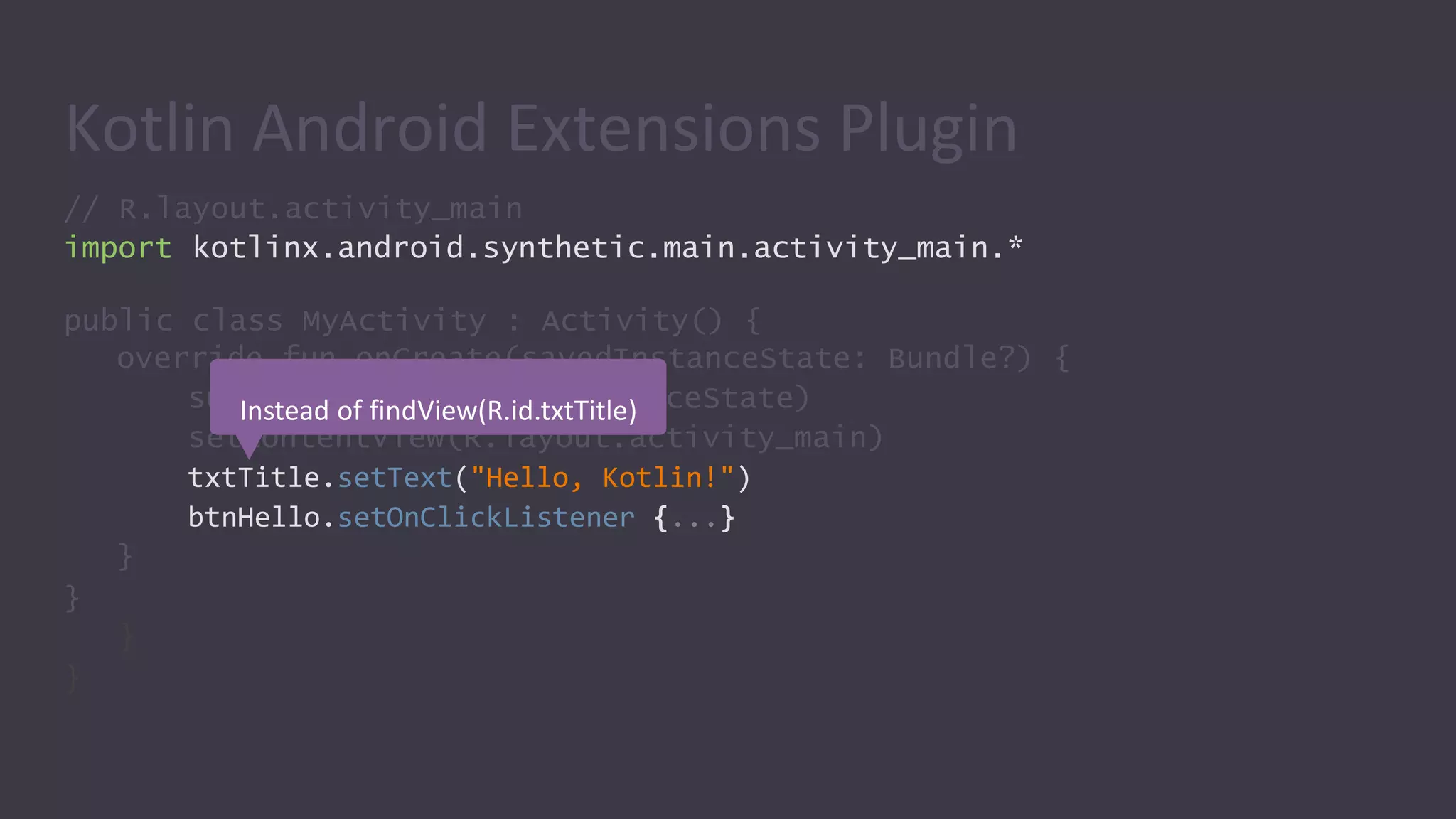
// R.layout.activity_main
import kotlinx.android.synthetic.main.activity_main.*
public class MyActivity : Activity() {
override fun onCreate(savedInstanceState: Bundle?) {
super.onCreate(savedInstanceState)
setContentView(R.layout.activity_main)
txtTitle.setText("Hello, Kotlin!") btnHello.setOnClickListener
{...}
}
}
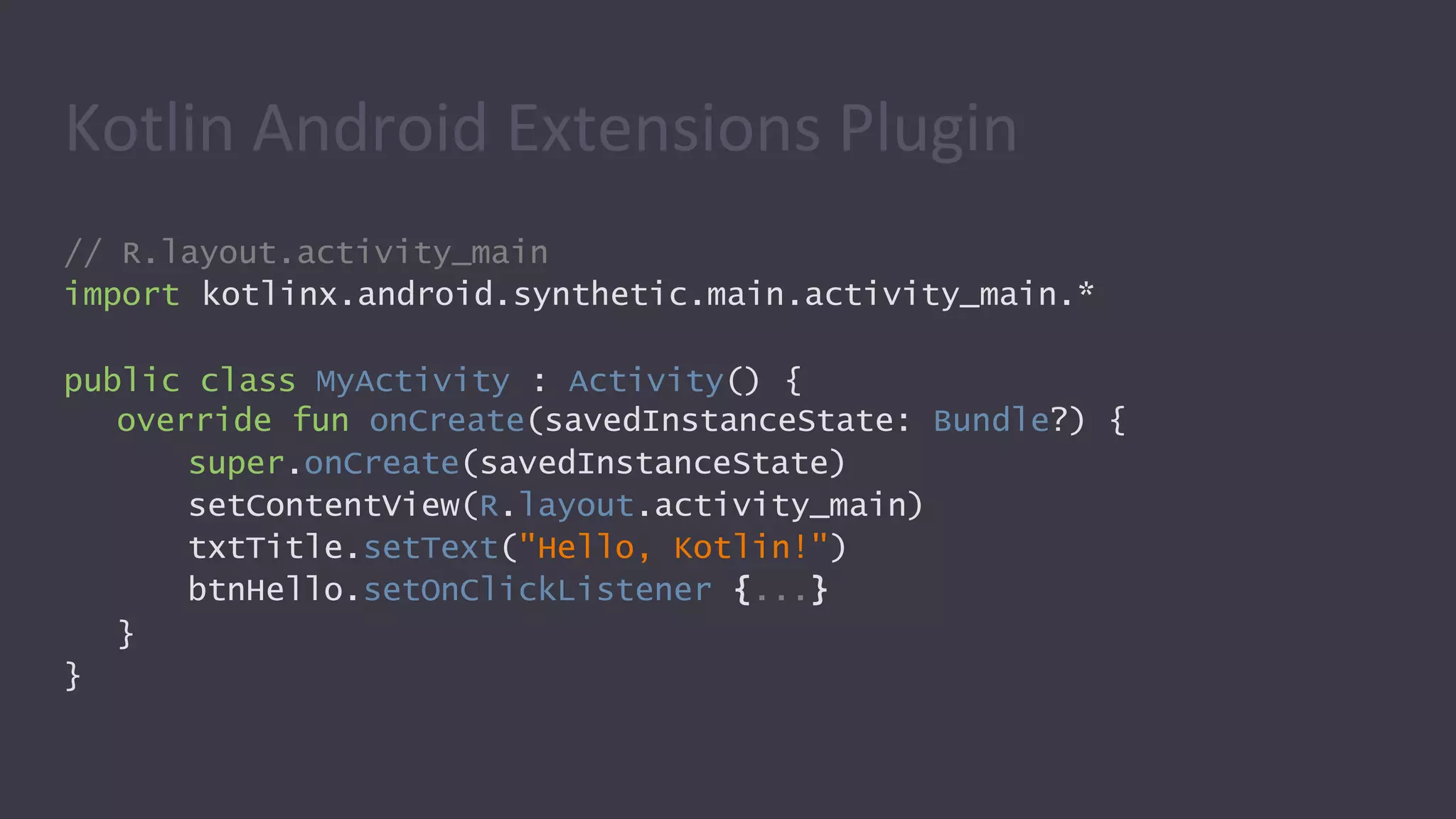
Kotlin Android Extensions Plugin
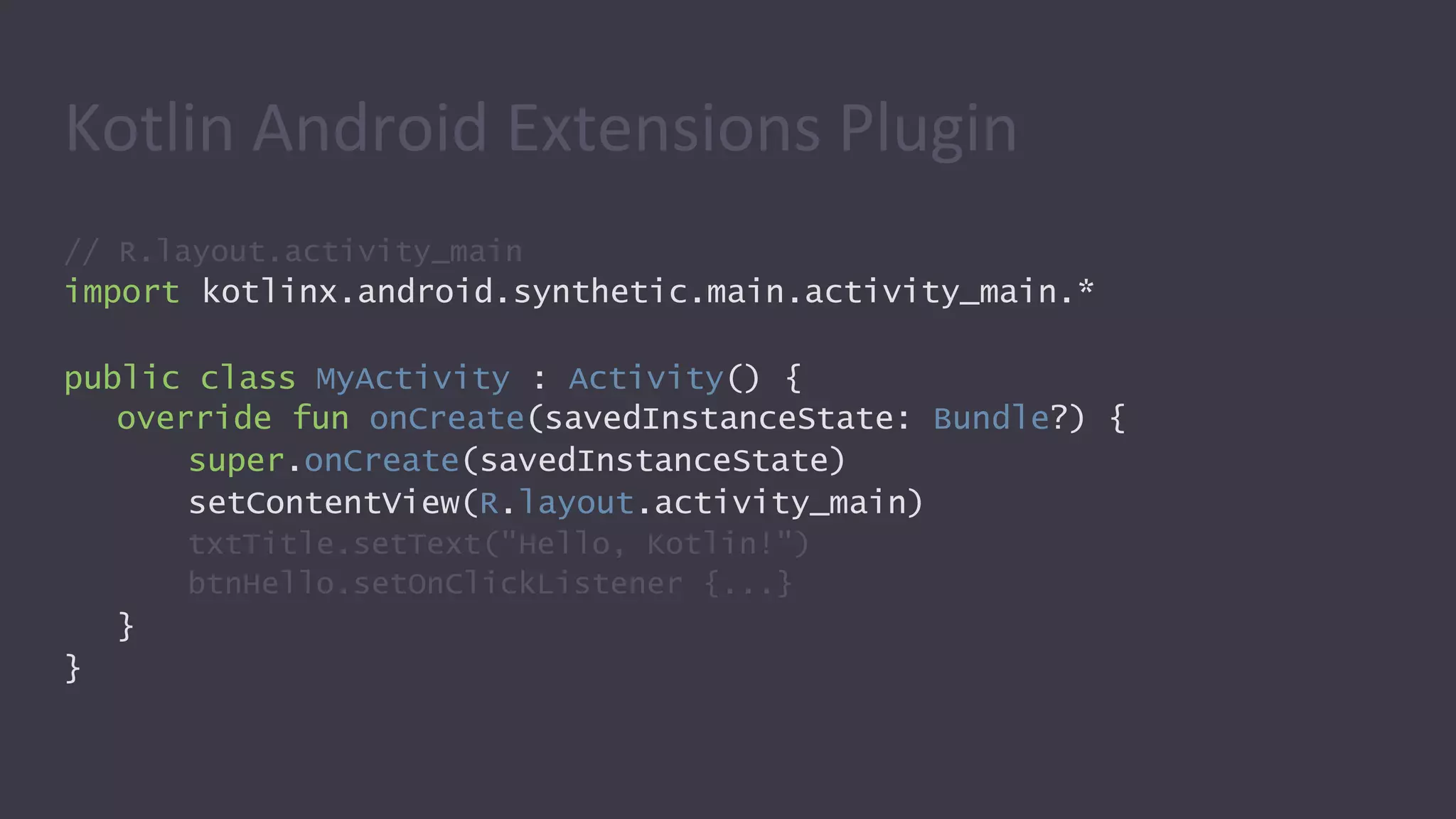
// R.layout.activity_main
import kotlinx.android.synthetic.main.activity_main.*
public class MyActivity : Activity() {
override fun onCreate(savedInstanceState: Bundle?) {
super.onCreate(savedInstanceState)
setContentView(R.layout.activity_main)
txtTitle.setText("Hello, Kotlin!")
btnHello.setOnClickListener {...}
}
}
Kotlin Android Extensions Plugin
}
}
// R.layout.activity_main
import kotlinx.android.synthetic.main.activity_main.*
public class MyActivity : Activity() {
override fun onCreate(savedInstanceState: Bundle?) {
super.onCreate(savedInstanceState)
setContentView(R.layout.activity_main)
txtTitle.setText("Hello, Kotlin!")
btnHello.setOnClickListener {...}
}
}
Instead of findView(R.id.txtTitle)
Kotlin Android Extensions Plugin
// R.layout.activity_main
import kotlinx.android.synthetic.main.activity_main.*
public class MyActivity : Activity() {
override fun onCreate(savedInstanceState: Bundle?) {
super.onCreate(savedInstanceState)
setContentView(R.layout.activity_main)
txtTitle.setText("Hello, Kotlin!")
btnHello.setOnClickListener {...}
}
}
Kotlin Android Extensions Plugin
Anko
What it does?
• Kotlin library from JetBrains which provide API to make
Android application development faster and easier.
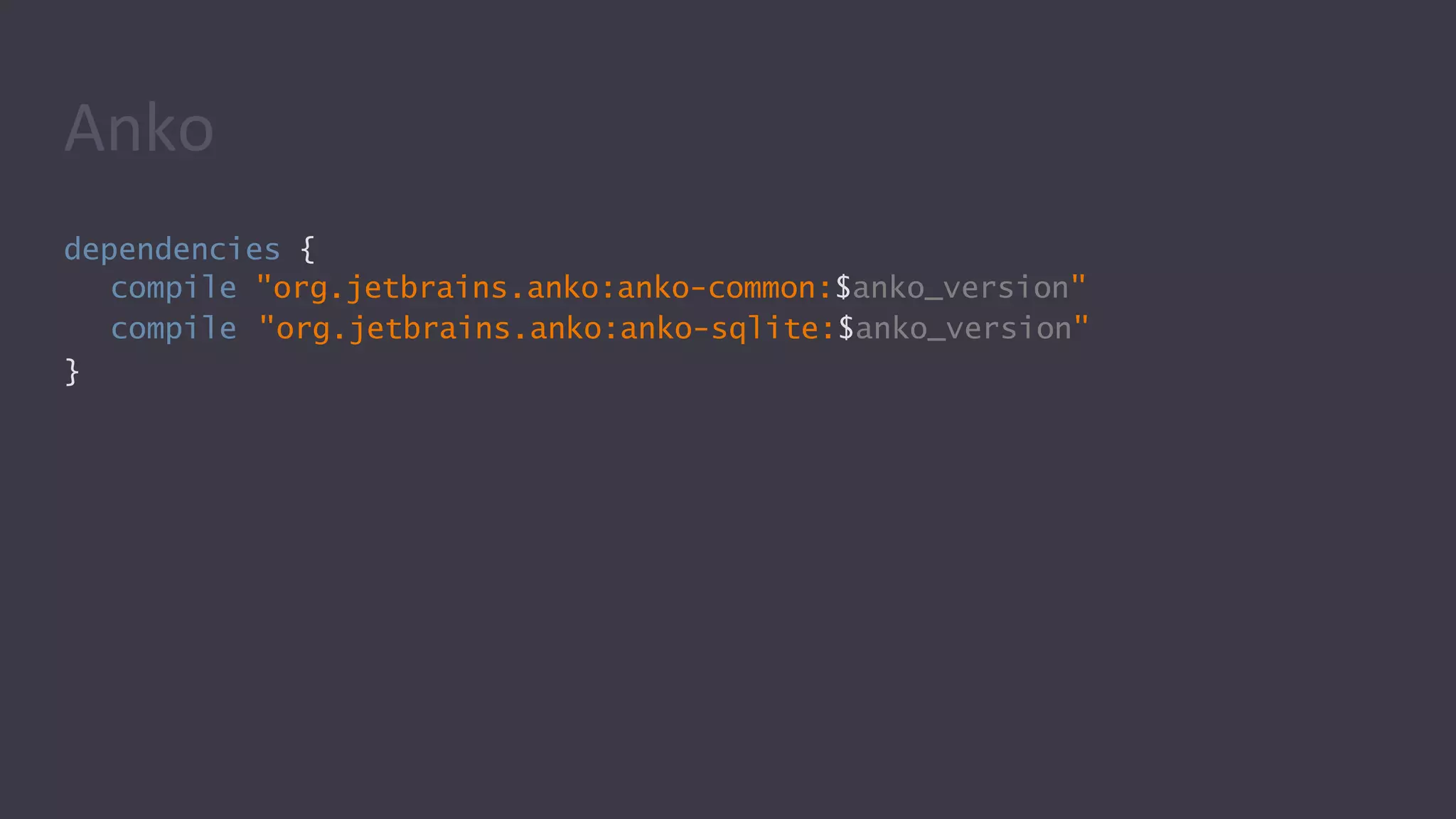
dependencies {
compile "org.jetbrains.anko:anko-common:$anko_version"
compile "org.jetbrains.anko:anko-sqlite:$anko_version"
}
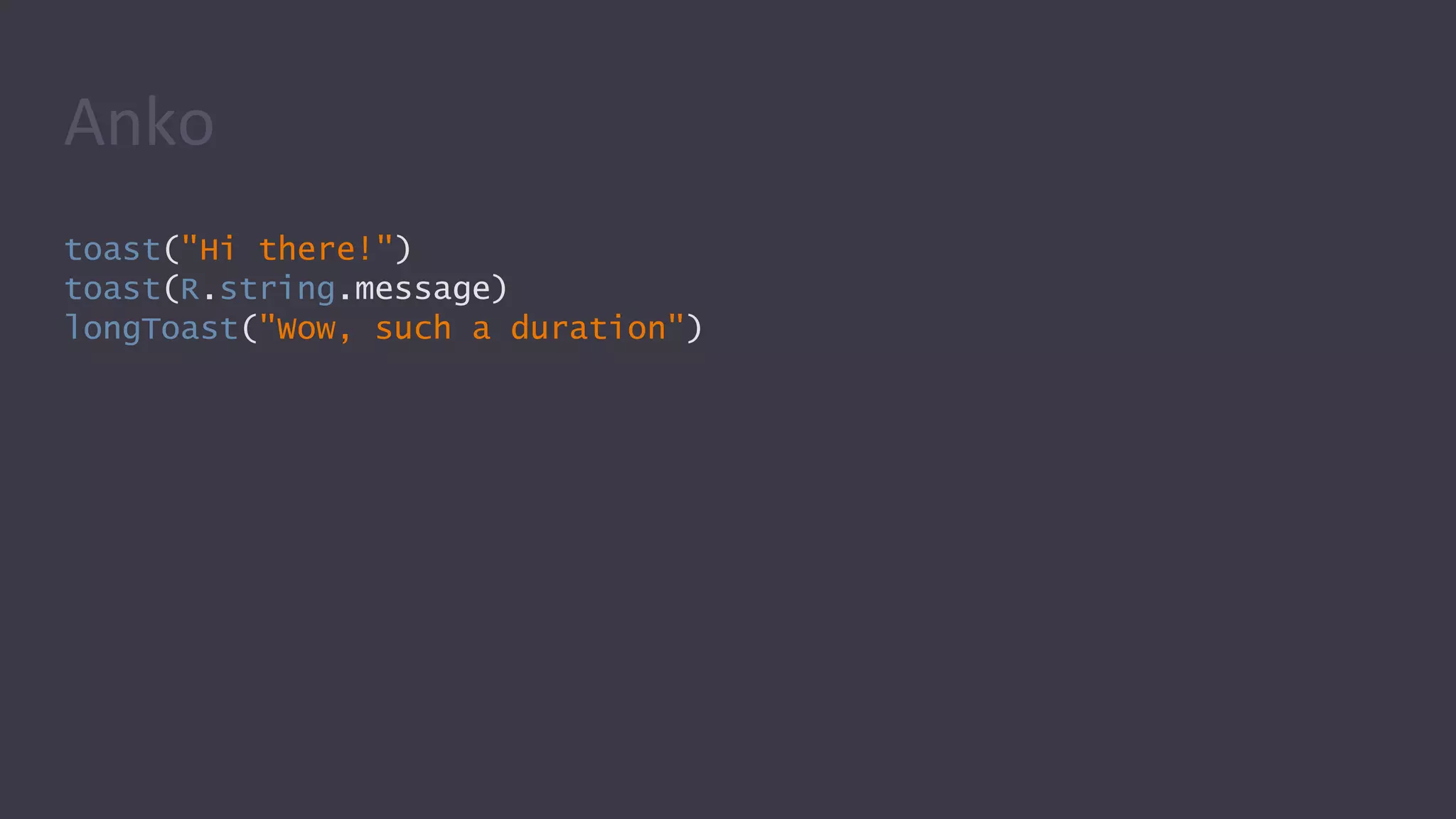
Anko
toast("Hi there!")
toast(R.string.message)
longToast("Wow, such a duration")
Anko
alert("Santa", "You were a good boy?") {
positiveButton("Yes") { toast("You are now in GOOD list") }
negativeButton("No") { toast("You are now in BAD list") }
}.show()
val countries = listOf("Ukraine", "USA", "UK",)
selector("Where are you from?", countries) { i ->
toast("So you're living in ${countries[i]}, right?")
}
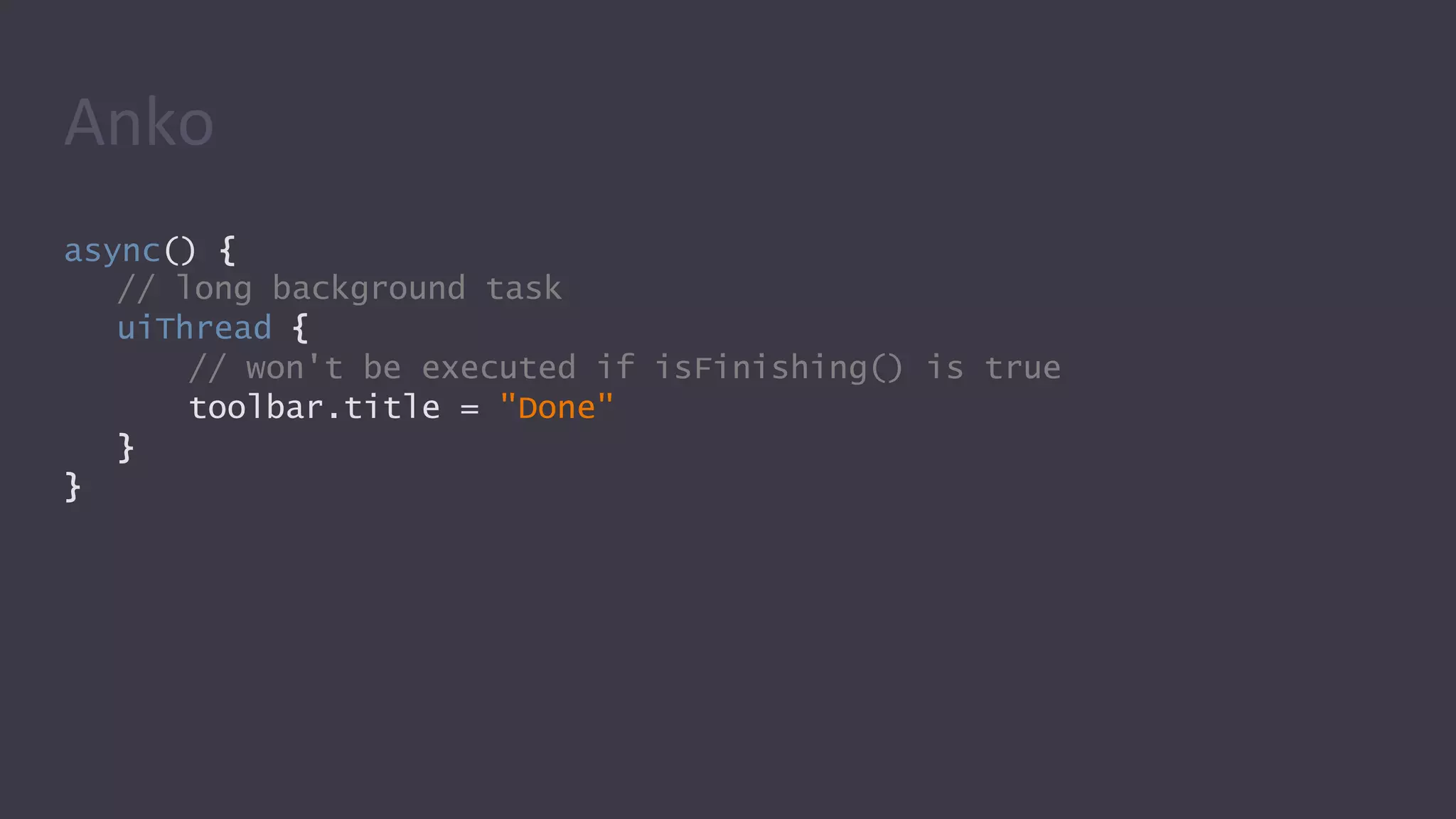
Anko
async() {
// long background task
uiThread {
// won't be executed if isFinishing() is true
toolbar.title = "Done"
}
}
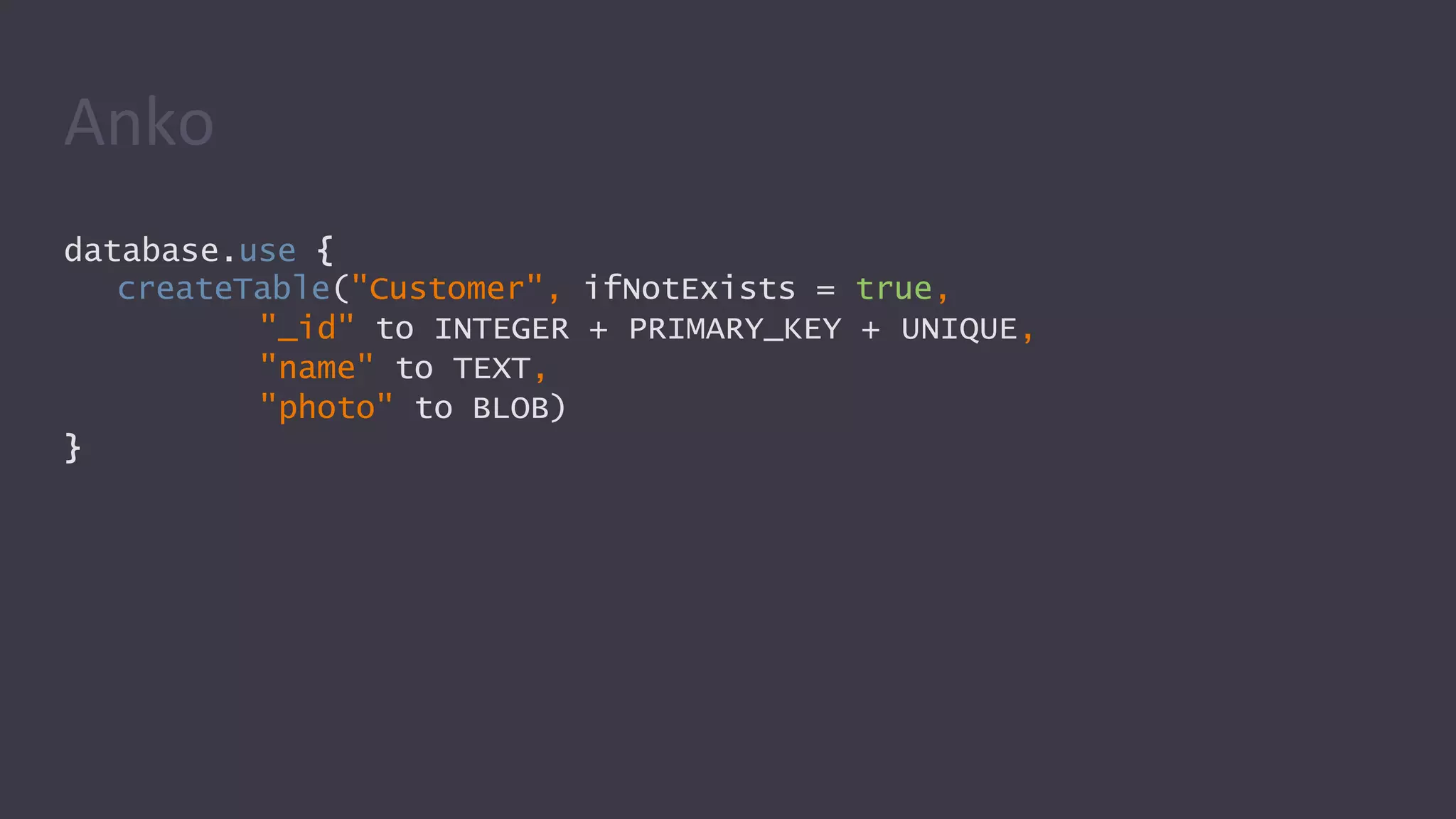
Anko
database.use {
createTable("Customer", ifNotExists = true,
"_id" to INTEGER + PRIMARY_KEY + UNIQUE,
"name" to TEXT,
"photo" to BLOB)
}
Anko
Android Kotlin
extensions “KTX”
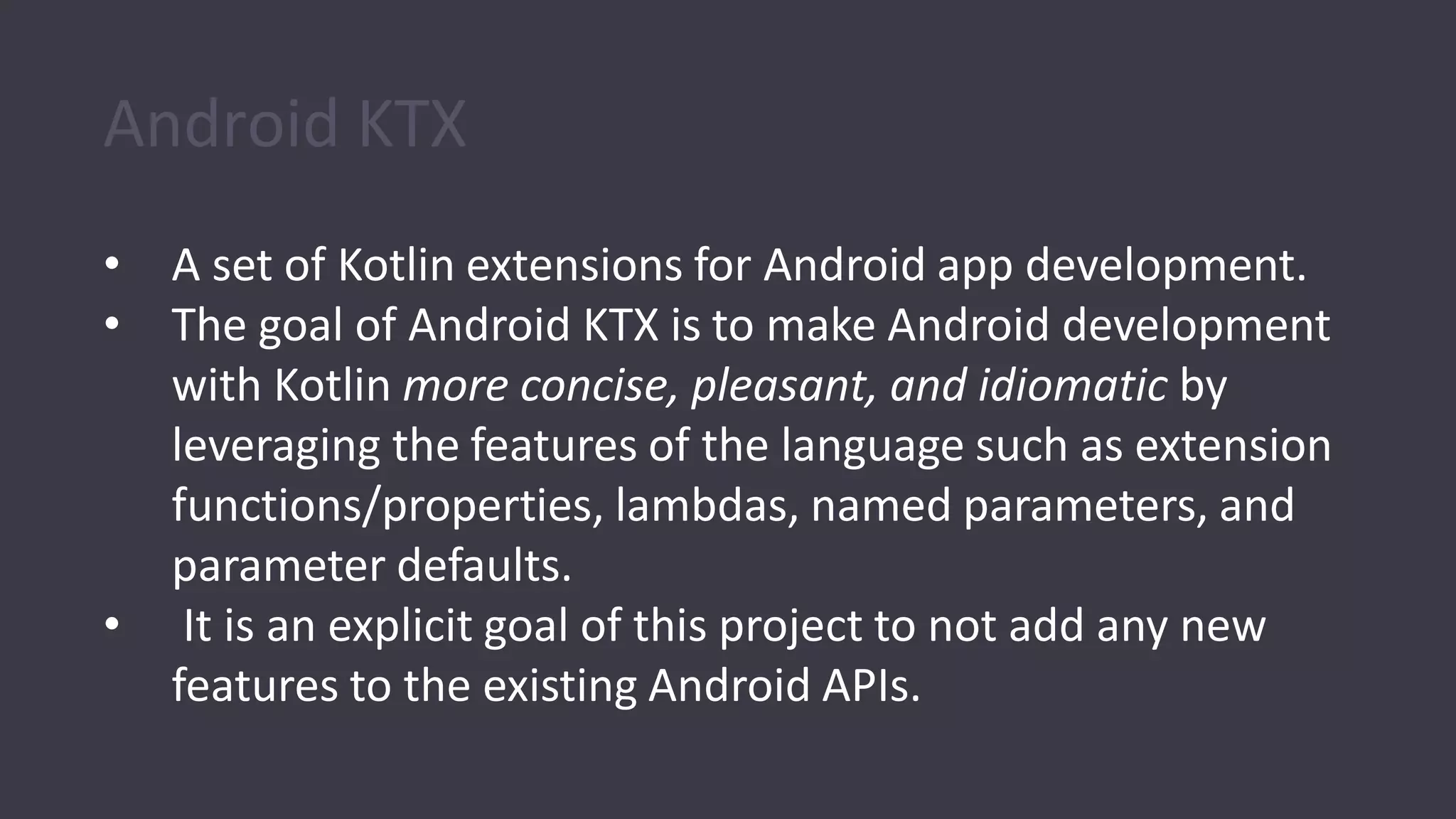
Android KTX
• A set of Kotlin extensions for Android app development.
• The goal of Android KTX is to make Android development
with Kotlin more concise, pleasant, and idiomatic by
leveraging the features of the language such as extension
functions/properties, lambdas, named parameters, and
parameter defaults.
• It is an explicit goal of this project to not add any new
features to the existing Android APIs.
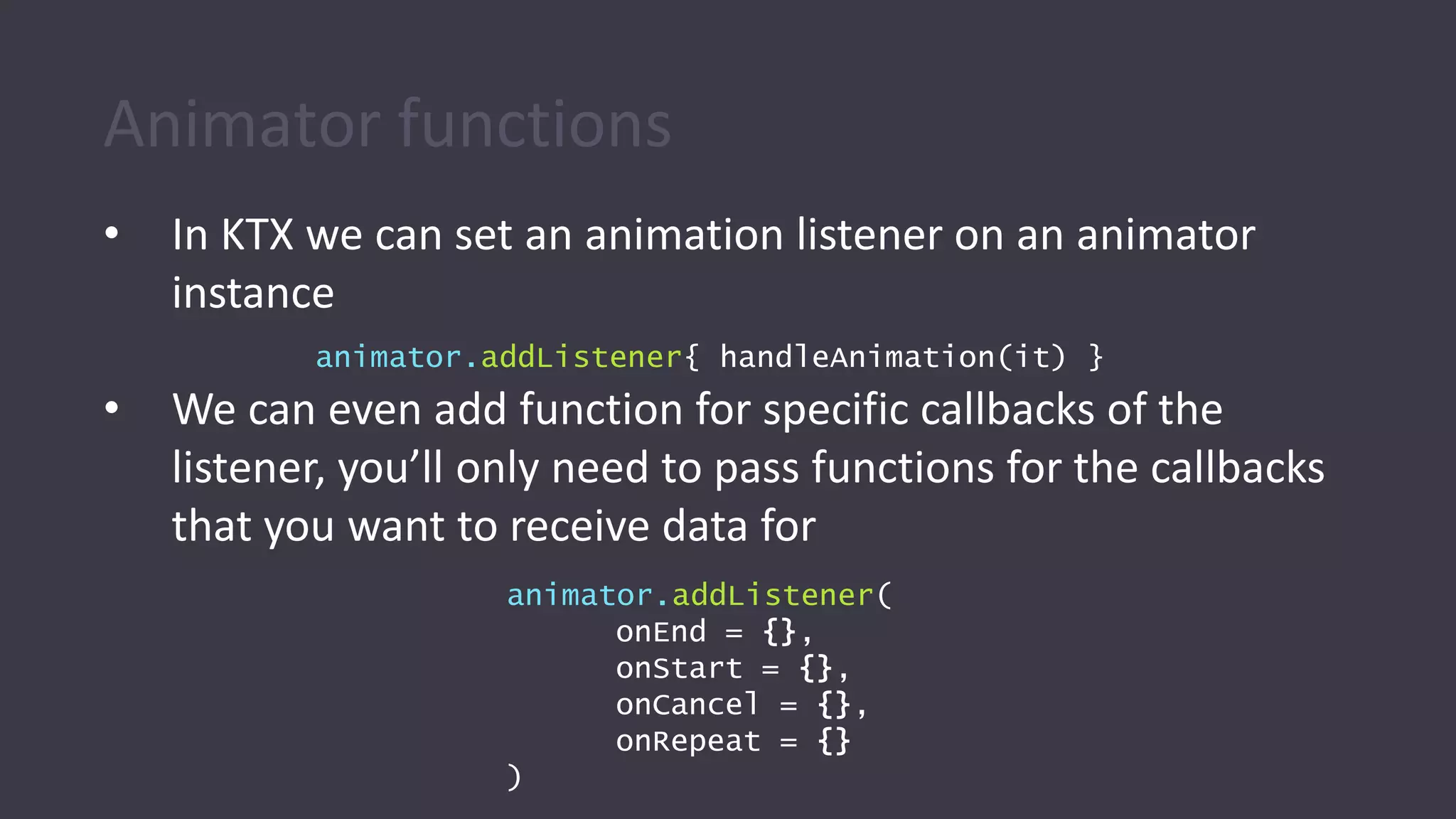
Animator functions
• In KTX we can set an animation listener on an animator
instance
• We can even add function for specific callbacks of the
listener, you’ll only need to pass functions for the callbacks
that you want to receive data for
animator.addListener{ handleAnimation(it) }
animator.addListener(
onEnd = {},
onStart = {},
onCancel = {},
onRepeat = {}
)
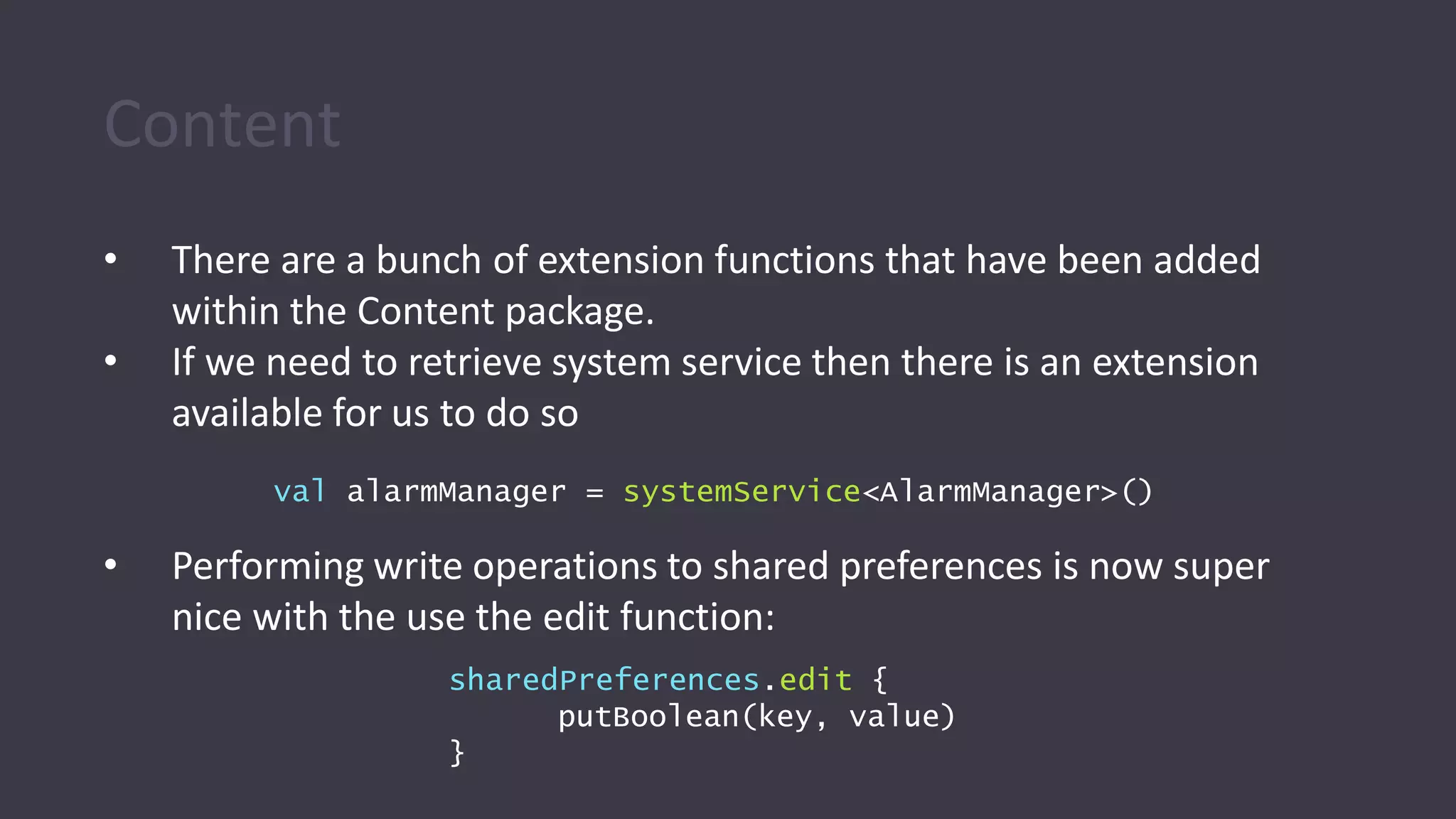
Content
• There are a bunch of extension functions that have been added
within the Content package.
• If we need to retrieve system service then there is an extension
available for us to do so
• Performing write operations to shared preferences is now super
nice with the use the edit function:
val alarmManager = systemService<AlarmManager>()
sharedPreferences.edit {
putBoolean(key, value)
}
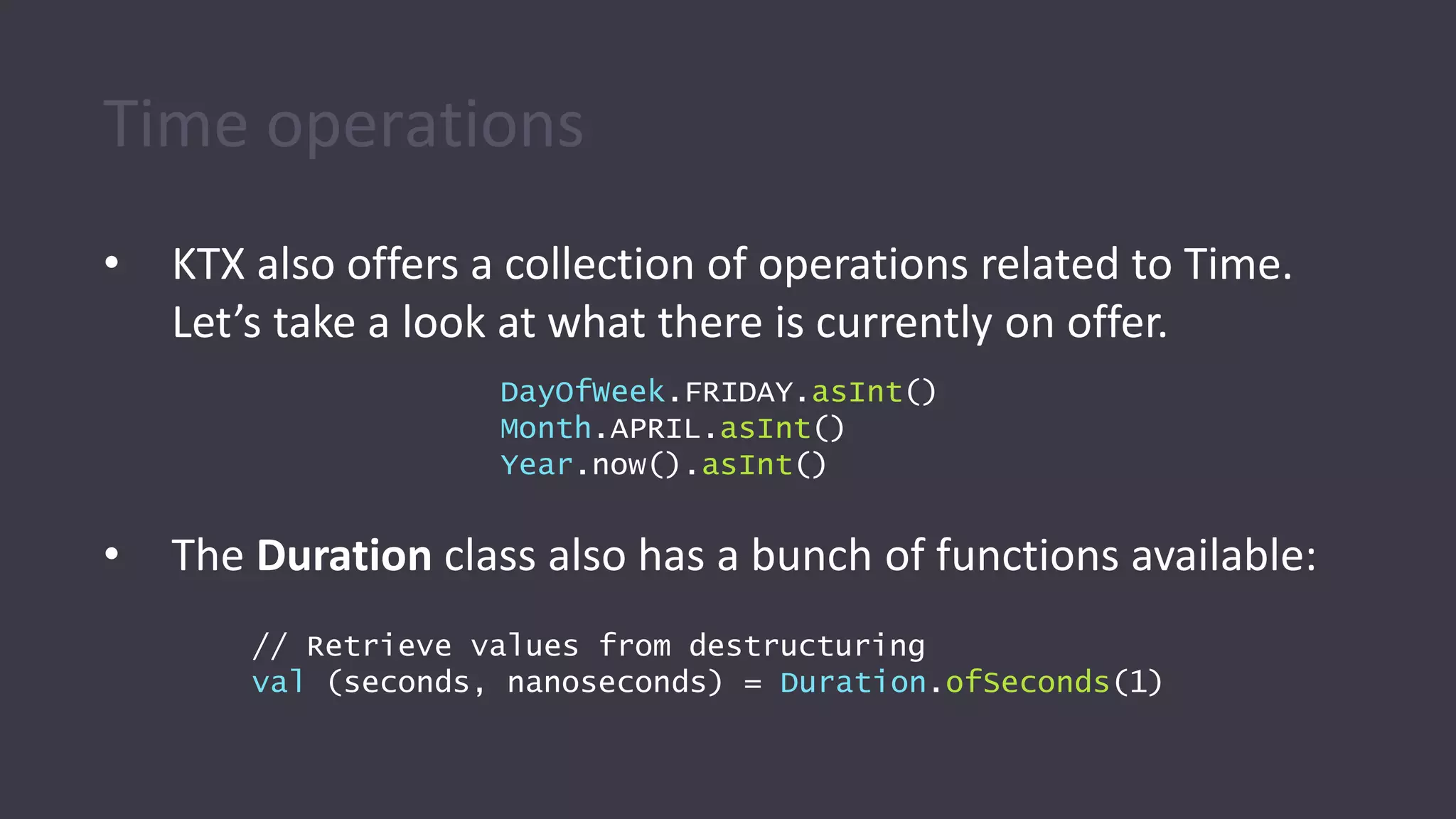
Time operations
• KTX also offers a collection of operations related to Time.
Let’s take a look at what there is currently on offer.
• The Duration class also has a bunch of functions available:
DayOfWeek.FRIDAY.asInt()
Month.APRIL.asInt()
Year.now().asInt()
// Retrieve values from destructuring
val (seconds, nanoseconds) = Duration.ofSeconds(1)
Time operations
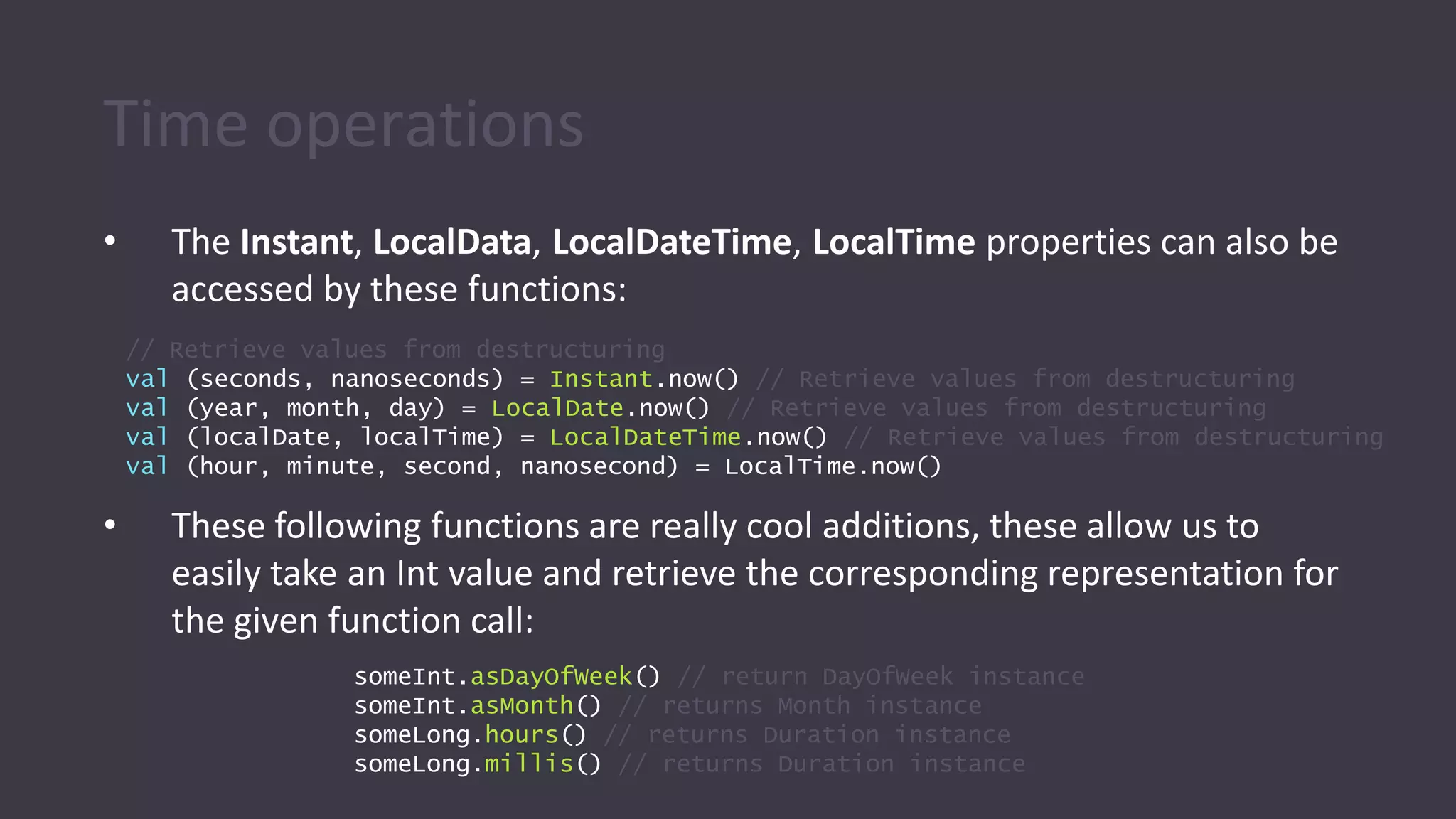
• The Instant, LocalData, LocalDateTime, LocalTime properties can also be
accessed by these functions:
• These following functions are really cool additions, these allow us to
easily take an Int value and retrieve the corresponding representation for
the given function call:
// Retrieve values from destructuring
val (seconds, nanoseconds) = Instant.now() // Retrieve values from destructuring
val (year, month, day) = LocalDate.now() // Retrieve values from destructuring
val (localDate, localTime) = LocalDateTime.now() // Retrieve values from destructuring
val (hour, minute, second, nanosecond) = LocalTime.now()
someInt.asDayOfWeek() // return DayOfWeek instance
someInt.asMonth() // returns Month instance
someLong.hours() // returns Duration instance
someLong.millis() // returns Duration instance
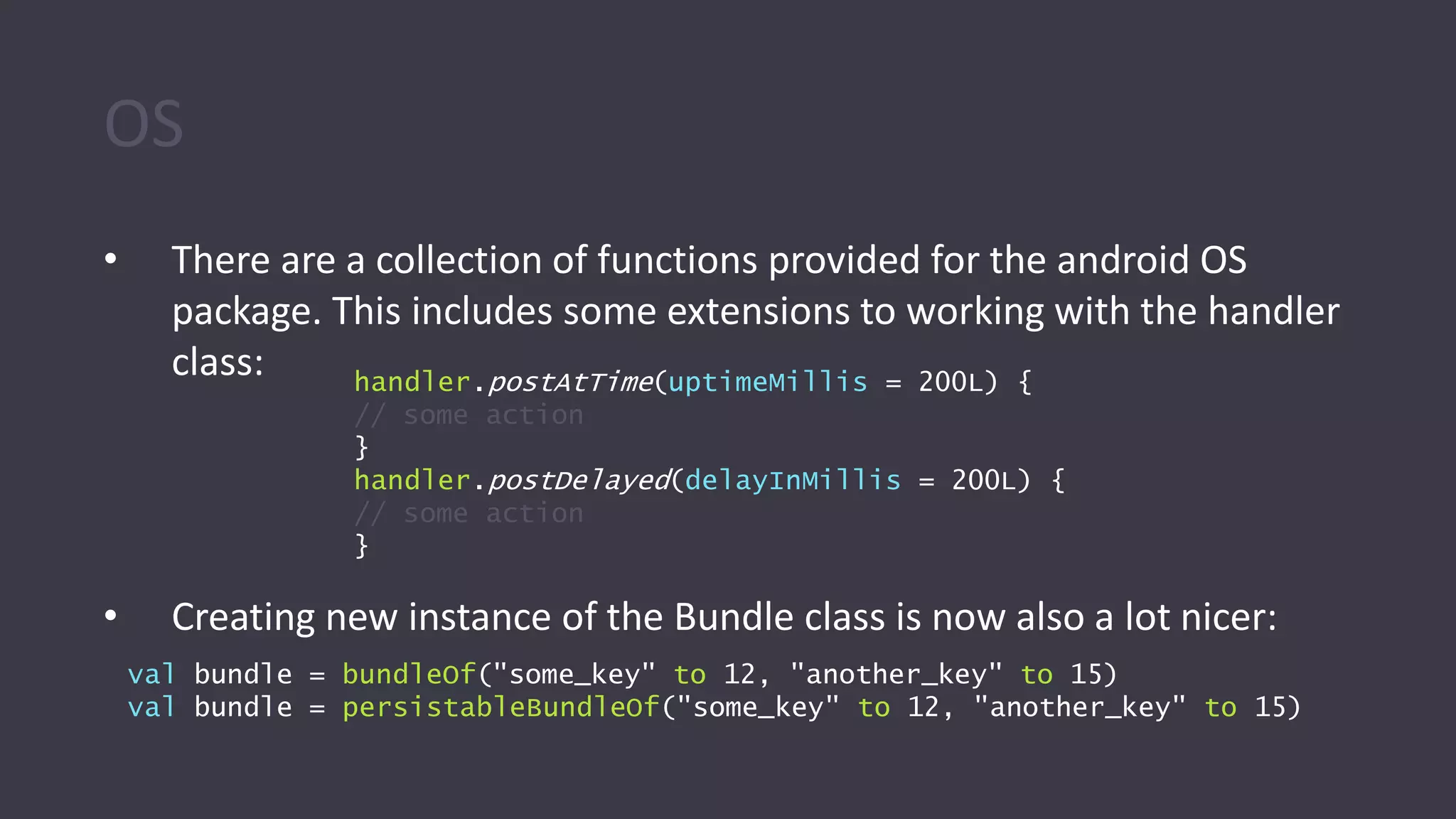
OS
• There are a collection of functions provided for the android OS
package. This includes some extensions to working with the handler
class:
• Creating new instance of the Bundle class is now also a lot nicer:
handler.postAtTime(uptimeMillis = 200L) {
// some action
}
handler.postDelayed(delayInMillis = 200L) {
// some action
}
val bundle = bundleOf("some_key" to 12, "another_key" to 15)
val bundle = persistableBundleOf("some_key" to 12, "another_key" to 15)
Other packages
• Utils
• Database Cursor
• SQLite
• Resources
• Text
• Net
• Graphics
• Transitions
• Views
• ViewGroup
• Margins
Refrenace:
https://android.github.io/android-ktx/core-ktx/
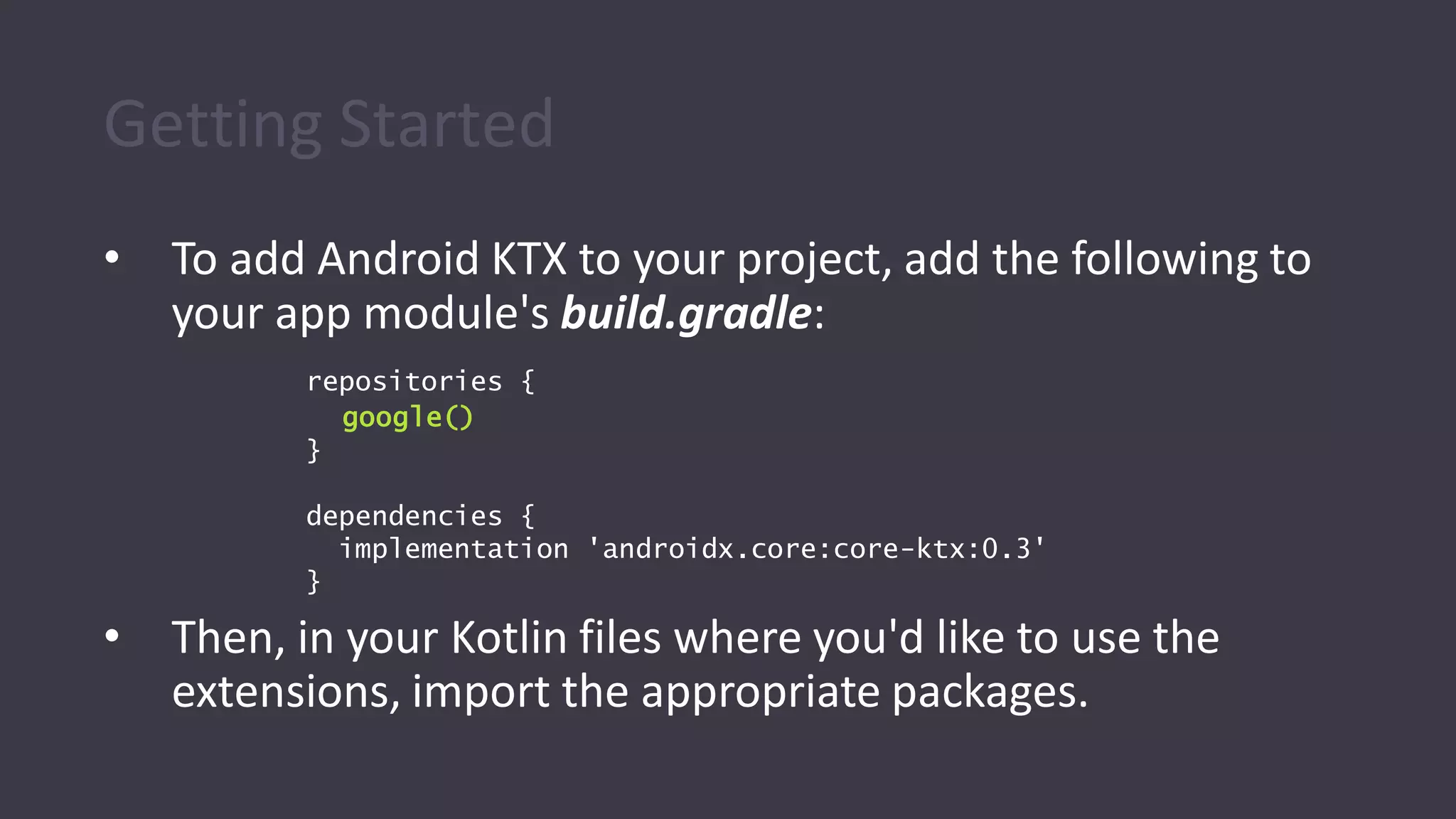
Getting Started
• To add Android KTX to your project, add the following to
your app module's build.gradle:
• Then, in your Kotlin files where you'd like to use the
extensions, import the appropriate packages.
repositories {
google()
}
dependencies {
implementation 'androidx.core:core-ktx:0.3'
}
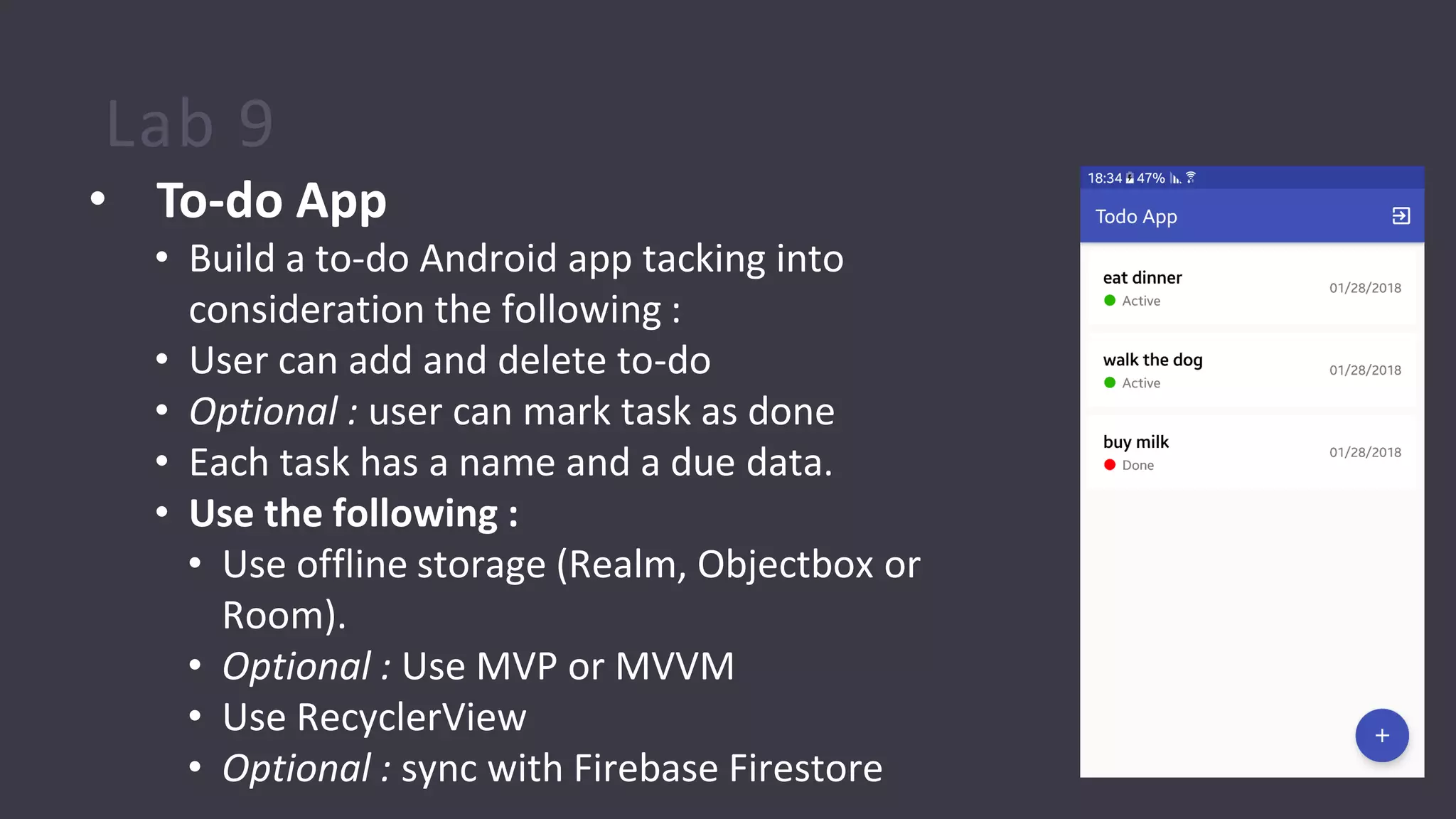
Lab 9
• To-do App
• Build a to-do Android app tacking into
consideration the following :
• User can add and delete to-do
• Optional : user can mark task as done
• Each task has a name and a due data.
• Use the following :
• Use offline storage (Realm, Objectbox or
Room).
• Optional : Use MVP or MVVM
• Use RecyclerView
• Optional : sync with Firebase Firestore
Resource
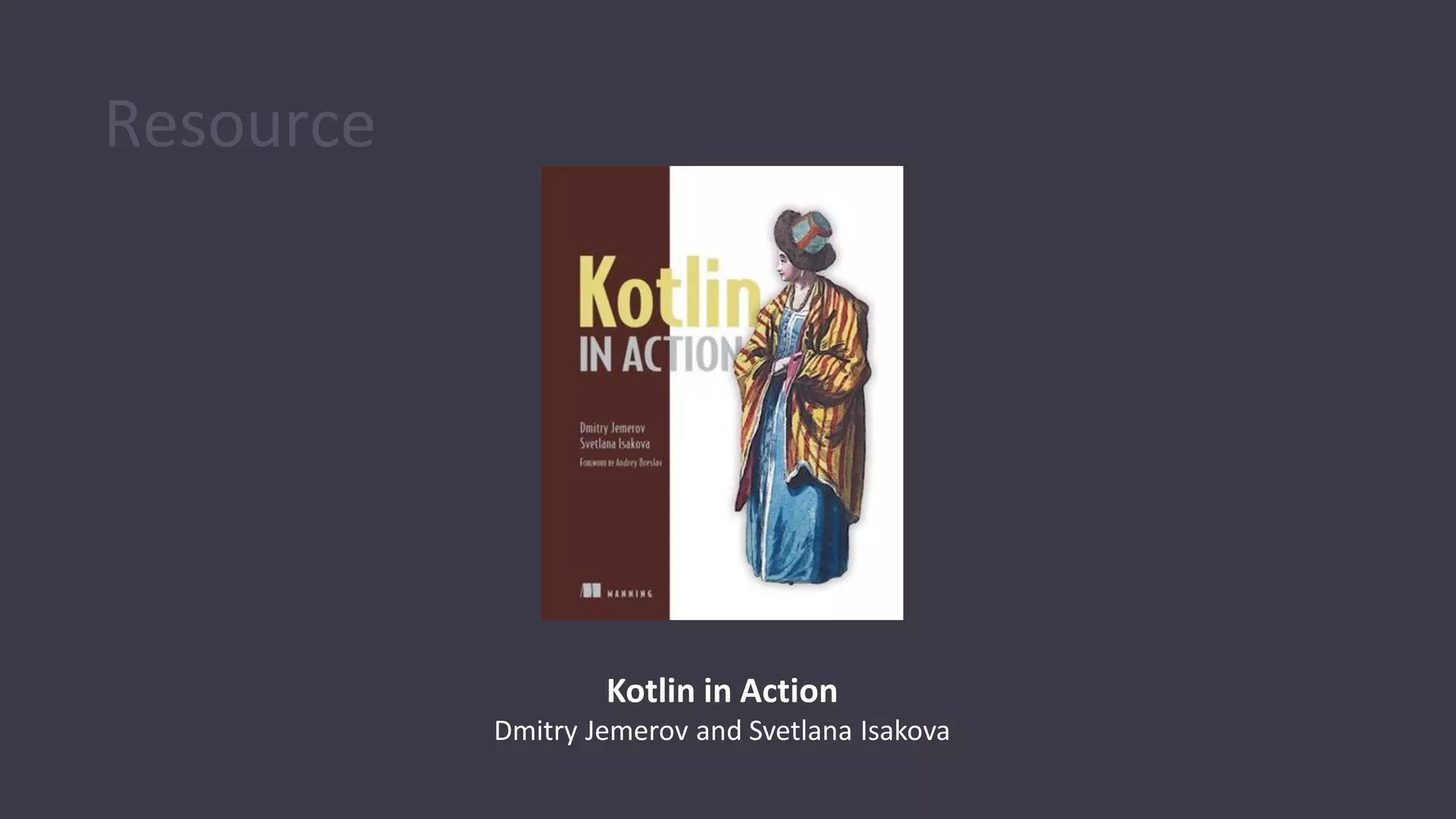
Kotlin in Action
Dmitry Jemerov and Svetlana Isakova
Some Advice - General
• Contribute to StackOverflow
• Challenge yourself
• Great exercise in practical problem-solving
• Looks nice on your CV
• Arguably, the best way of learning is to get a question and find an answer for it
• Take part in OpenSource projects on GitHub
(and/or your own projects)
• Read others code, do code reviews – try to notice good and bad practices from others
• Gives a great practical experience with team work, code source control, problem
solving
Some Advice - Android
• Read twitter, blogs, listen to podcasts:
• http://fragmentedpodcast.com
• @chethaase, @JakeWharton, @Piwai, @ianhlake,
@AndroidDev, @dontmesswithjo, @yigitboyar
• https://android-developers.googleblog.com
• Udacity - free video-courses about Android & all other cool
technologies
• https://www.udacity.com
• Most code you need is already written - use Open Source
Libraries
Some Advice - Android
• Square, Inc & Jake Wharton are main contributors into Android
community. Check out their GitHub-repository: http://square.github.io
• If you want to be a professional, these libraries are mandatory:
• Standard Pack
• Picasso, facebook/fresco, Glide
• ButterKnife
• Parceler
• IcePick
• LeakCanary
• Okhttp
• Retrofit
• EasyPermissions
• Objectbox
• Realm
• Advanced Pack
• Dagger 2
• EventBus
• Espresso
• Robolectric
• Lottie
• Activity Recognition API
• Smart Lock for
Passwords on Android
• RxJava

Kotlin for Android Developers - 3

  • 1.
    Operator overloading enum classCoin(val cents: Int) { PENNY(1), NICKEL(5), DIME(10), QUARTER(25), }
  • 2.
    Operator overloading enum classCoin(val cents: Int) { PENNY(1), NICKEL(5), DIME(10), QUARTER(25), } class Wallet (var amount: Float)
  • 3.
    Operator overloading enum classCoin(val cents: Int) { PENNY(1), NICKEL(5), DIME(10), QUARTER(25), } class Wallet(var amount: Float) { operator fun plusAssign(coin: Coin): Unit { amount += (coin.cents / 100f) } } Reserved functionname
  • 4.
    Operator overloading enum classCoin(val cents: Int) { PENNY(1), NICKEL(5), DIME(10), QUARTER(25), } class Wallet(var amount: Float) { operator fun plusAssign(coin: Coin): Unit { amount += (coin.cents / 100f) } } var wallet = Wallet(1.50f)
  • 5.
    Operator overloading enum classCoin(val cents: Int) { PENNY(1), NICKEL(5), DIME(10), QUARTER(25), } class Wallet(var amount: Float) { operator fun plusAssign(coin: Coin): Unit { amount += (coin.cents / 100f) } } var wallet = Wallet(1.50f) wallet += Coin.QUARTER // 1.75
  • 6.
    Operator overloading enum classCoin(val cents: Int) { PENNY(1), NICKEL(5), DIME(10), QUARTER(25), } class Wallet(var amount: Float) { operator fun plusAssign(coin: Coin): Unit { amount += (coin.cents / 100f) } } var wallet = Wallet(1.50f) wallet += Coin.QUARTER wallet += Coin.DIME // 1.75 // 1.85
  • 7.
    Operator overloading enum classCoin(val cents: Int) { PENNY(1), NICKEL(5), DIME(10), QUARTER(25), } class Wallet(var amount: Float) { operator fun plusAssign(coin: Coin): Unit { amount += (coin.cents / 100f) } } var wallet = Wallet(1.50f) wallet += Coin.QUARTER wallet += Coin.DIME wallet += Coin.PENNY // 1.75 // 1.85 // 1.86
  • 8.
    Operator overloading a ==b a > b a != b a < b a >= b a <= b a + b a +- b a++ a..b a - b a -= b a-- a in b a * b a *= b a !in b a / b a /= b a[] a % b a %= b a()
  • 9.
    Lab 6 • Reversethe words in a sentence • Write a kotlin program to reverse each word in a sentence, so “cat and dog” became “tac dna god”
  • 10.
    Lab 7 • Generateall passwords from given character set • Given a set of characters generate all possible passwords from them. This means we should generate all possible permutations of words using the given characters, with repetitions and also upto a given length. Example: Input : arr[] = {a, b}, len = 2. Output : a b aa ab ba bb
  • 11.
    Lab 8 • GeofenceApp • Build a geofenc Android app tacking into consideration the following : • The phone is turning silent when the user enters ITI premises. • The phone is turning back to normal mode when the user exits ITI premises. • Use the following : • Use Android geofencing API • Use Servcies • Optional : Use MVP or MVVM • Optional : sync with Firebase Firestore
  • 12.
  • 13.
  • 14.
  • 15.
    Modern approach: to makeNPE compile-time error, not run-time error
  • 16.
    Nullable types inKotlin s1.length ✓ ✗s2.length val s2: String? = "can be null or non-null" val s1: String = null ✗
  • 17.
  • 18.
    val s: String? vallength = if (s != null) s.length else null Nullability operators val length: Int? = s?.length
  • 19.
    val s: String? vallength = if (s != null) s.length else 0 val length = s?.length ?: 0 Nullability operators
  • 20.
    val s: String? if(s == null) return s.length Control-flow analysis
  • 21.
    val s: String? MakingNPE explicit throws NPE if s is null s!! s!!.length
  • 22.
  • 23.
    Late initialization class KotlinActivity:Activity() { var myData: MyData? = null override fun onCreate(savedInstanceState: Bundle?) { super.onCreate(savedInstanceState) myData = intent.getParcelableExtra("MY_DATA") } ... myData?.foo ... }
  • 24.
    class KotlinActivity: Activity(){ lateinit var myData: MyData override fun onCreate(savedInstanceState: Bundle?) { super.onCreate(savedInstanceState) myData = intent.getParcelableExtra("MY_DATA") } ... myData.foo ... } Late initialization
  • 25.
    If the propertywasn’t initialized Still runtime exception, but with the detailed message kotlin.UninitializedPropertyAccessException: lateinit property myDatahas not been initialized ... myData.foo ... What is the difference between lateinit and Lazy ?!
  • 26.
  • 27.
    Feels the same •…with some improvements
  • 28.
    final, open, abstract public,private, internal The defaults are different
  • 29.
    public, private, //*package-private* Thedefaults are different explicit: non-final final, open, abstract visible in a module internal
  • 30.
  • 31.
    Concise primary constructor classPerson(val name: String, val age: Int)
  • 32.
    Full primary constructorsyntax (1) constructor parameter class Person(name: String) { constructor body init { } }
  • 33.
    Full primary constructorsyntax (2) constructor parameter class Person(name: String) { val name: String constructor body init { this.name = name } }
  • 34.
    val/var on parametercreates a property class Person(name: String) { val name: String init { this.name = name } } class Person(val name: String) is the same as:
  • 35.
    Secondary constructor primary constructor classRectangle(val height: Int, val width: Int) { secondary constructor constructor(side: Int) : this(side, side) { … } }
  • 36.
  • 37.
  • 38.
    Enum class represents enumeration importColor.* enum class Color { BLUE, ORANGE, RED } fun getDescription(color: Color) = when (color) { BLUE -> "cold" ORANGE -> "mild" RED -> "hot" }
  • 39.
    Data modifier generates usefulmethods: equals, hashCode, copy, toString, and some others data class Contact(val name: String, val address: String) contact.copy(address = "new address")
  • 40.
    Equals & referenceequality val set1 = setOf(1, 2, 3) val set2 = setOf(1, 2, 3) checks reference equality set1 === set2 calls equals set1 == set2 true false
  • 41.
    Inner modifier adds referenceto the outer class class A { inner class B { …this@A… } }
  • 42.
  • 43.
    Object = Singleton objectSingleton { fun foo() {} }
  • 44.
    Object = singleton publicclass JSingleton { public final static JSingleton INSTANCE = new JSingleton(); private JSingleton() { } public void foo() {} } object KSingleton { fun foo() {} }
  • 45.
    companion object Special objectinside a class (Static) class A { companion object { fun foo() = 1 } } fun main(args: Array<String>) { A.foo() }
  • 46.
    No static keyword Declare“static” members: - at the top-level - Inside companion objects - Use annotation @JvmStatic
  • 47.
    Constants • By default,top-level properties, just like any other properties, are exposed to Java code as accessor methods • a getter for a val property and a getter/setter pair for a var property • If you want to expose a constant to Java code as a public static final field, to make its usage more natural, you can mark it with the const modifier (this is allowed for properties of primitive types, as well as String)
  • 48.
    Compile-time constants for primitivetypes and String const val answer = 42 const val UNIX_LINE_SEPARATOR = "n" /* Java */ public static final String UNIX_LINE_SEPARATOR = "n";
  • 49.
  • 50.
    Exceptions in Kotlin •Exception handling in Kotlin is very similar to Java and many other languages if (percentage !in 0..100) { throw IllegalArgumentException( "A percentage value must be between 0 and 100: $percentage") }
  • 51.
    'try' as anexpression fun readNumber(reader: BufferedReader) { val number = try { Integer.parseInt(reader.readLine()) } catch (e: NumberFormatException) { return } println(number) } >>> val reader = BufferedReader(StringReader("not a number")) >>> readNumber(reader) Nothing is printed
  • 52.
    'try' as anexpression fun readNumber(reader: BufferedReader) { val number = try { Integer.parseInt(reader.readLine()) } catch (e: NumberFormatException) { null } println(number) } >>> val reader = BufferedReader(StringReader("not a number")) >>> readNumber(reader) An exception is thrown, so the function prints "null".
  • 53.
  • 54.
    Primitive & wrappertypes Kotlin Java Int int Double double Boolean boolean Kotlin Java Int? java.lang.Integer Double? java.lang.Double Boolean? java.lang.Boolean
  • 55.
  • 56.
  • 57.
    Arrays of primitivetypes Kotlin Java Array<Int> Integer[] IntArray int[]
  • 58.
  • 59.
  • 60.
  • 61.
  • 62.
    Boxing under thehood log(2017) fun log(any: Any) { println("Value: $any") } the value is autoboxed
  • 63.
    No boxing now log(2017) funlog(any: Any) { println("Value: $any") } fun log(i: Int) { println("Value: $i") }
  • 64.
  • 65.
    Unit instead ofvoid No meaningful value is returned Two equivalent syntactic forms: fun f() { /*...*/ } fun f(): Unit { /*...*/ }
  • 66.
  • 67.
    Nothing is differentto Unit/void fun fail(message: String): Nothing { throw IllegalStateException(message) } It means “this function never returns”
  • 68.
    “a type thatallows only one value and thus can hold no information” Unit Nothing “a type that has no values” “the function completes successfully” “the function never completes”
  • 69.
  • 70.
  • 71.
    button.addActionListener(new ActionListener() { @Override publicvoid actionPerformed(ActionEvent e) { System.out.println("Hi"); } }); button.addActionListener { println("Hi") }
  • 72.
    What is FunctionalProgramming? • A style of programming that treats computation as the evaluation of mathematical functions • Eliminates side effects • Treats data as being immutable • Expressions have referential transparency • Functions can take functions as arguments and return functions as results • Prefers recursion over explicit for-loops
  • 73.
    Why do FunctionalProgramming? • Allows us to write easier-to-understand, more declarative, more concise programs than imperative programming • Allows us to focus on the problem rather than the code • Facilitates parallelism
  • 74.
    Java 8 • Java8 is the biggest change to Java since the inception of the language • Lambdas are the most important new addition • Java is playing catch-up: most major programming languages already have support for lambda expressions • A big challenge was to introduce lambdas without requiring recompilation of existing binaries
  • 75.
    Benefits of Lambdasin Java 8 • Enabling functional programming • Writing small more compact code • Facilitating parallel programming • Developing more generic, flexible and reusable APIs • Being able to pass behaviors as well as data to functions
  • 76.
    Example 1: Print alist of integers with a lambda List<Integer> intSeq = Arrays.asList(1,2,3); intSeq.forEach(x -> System.out.println(x)); • x -> System.out.println(x) is a lambda expression that defines an anonymous function with one parameter named x of type Integer
  • 77.
    Example 2: A multilinelambda List<Integer> intSeq = Arrays.asList(1,2,3); intSeq.forEach(x -> { x += 2; System.out.println(x); }); • Braces are needed to enclose a multiline body in a lambda expression.
  • 78.
    Example 3: A lambdawith a defined local variable List<Integer> intSeq = Arrays.asList(1,2,3); intSeq.forEach(x -> { int y = x * 2; System.out.println(y); }); • Just as with ordinary functions, you can define local variables inside the body of a lambda expression
  • 79.
    Example 4: A lambdawith a declared parameter type List<Integer> intSeq = Arrays.asList(1,2,3); intSeq.forEach((Integer x -> { x += 2; System.out.println(x); }); • You can, if you wish, specify the parameter type.
  • 80.
    Implementation of Java8 Lambdas • The Java 8 compiler first converts a lambda expression into a function • It then calls the generated function • For example, x -> System.out.println(x) could be converted into a generated static function public static void genName(Integer x) { System.out.println(x); } • But what type should be generated for this function? How should it be called? What class should it go in?
  • 81.
    • Is aninterface • Must have only one abstract method • In JDK 7 this would mean only one method (likeActionListener) • JDK 8 introduced default methods • Adding multiple inheritance of types to Java • These are, by definition, not abstract • JDK 8 also now allows interfaces to have static methods • @FunctionalInterface to have the compiler check Functional Interface Definition
  • 82.
    @FunctionalInterface public interface Runnable{ publicabstract void run(); } Yes. There is only one abstract method Is This A Functional Interface?
  • 83.
    @FunctionalInterface public interface Predicate<T>{ default Predicate<T> and(Predicate<? super T> p) {…}; default Predicate<T> negate() {…}; default Predicate<T> or(Predicate<? super T> p) {…}; static <T> Predicate<T> isEqual(Object target) {…}; boolean test(T t); } Yes. There is still only one abstract method Is This A Functional Interface?
  • 84.
    @FunctionalInterface public interface Comparator{ // Static and default methods int compare(T o1, T o2); boolean equals(Object obj); } The equals(Object) method is implicit from the Object class Therefore only one abstract method Is This A Functional Interface?
  • 85.
    • A streampipeline consists of three types of things • A source • Zero or more intermediate operations • A terminaloperation • Producing a result or a side-effect Source int total = transactions.stream() .filter(t -> t.getBuyer().getCity().equals(“London”)) .mapToInt(Transaction::getPrice) .sum(); Intermediate operation Terminal operation Stream Overview
  • 86.
    Stream Overview Many WaysTo Create • From collections and arrays Collection.stream() Collection.parallelStream() Arrays.stream(T array) or Stream.of() • Static factories IntStream.range() Files.walk()
  • 87.
    Stream Terminal Operations •The pipeline is only evaluated when the terminal operation is called • All operations can execute sequentially or in parallel • Intermediate operations can be merged • Avoiding multiple redundant passes on data • Short-circuit operations (e.g. findFirst) • Lazy evaluation • Stream characteristics help identify optimisations • DISTINT stream passed to distinct() is a no-op
  • 88.
    Optional Class • Terminaloperations like min(), max(), etc do not return a direct result • Suppose the input Stream is empty? • Optional<T> • Container for an object reference (null, or real object) • Think of it like a Stream of 0 or 1 elements • use get(), ifPresent() and or Else() to access the stored reference • Can use in more complex ways: filter(), map(), etc
  • 89.
  • 90.
    What’s an average ageof employees working in Prague? Working with collections in a functional style val employees: List<Employee> data class Employee( val city: City, val age: Int ) employees.filter { it.city == City.PRAGUE } .map { it.age } .average()
  • 91.
    Lambda syntax parameters body {x: Int, y: Int -> x + y } always in curly braces
  • 92.
    list.any({ i: Int-> i > 0 }) full syntax Lambda syntax
  • 93.
    list.any() { i:Int -> i > 0 } when lambda is the last argument, it can be moved out of parentheses Lambda syntax
  • 94.
    list.any { i:Int -> i > 0 } empty parentheses can be omitted Lambda syntax
  • 95.
    list.any { i-> i > 0 } type can be omitted if it’s clear from the context Lambda syntax
  • 96.
    list.any { it> 0 } it denotes an argument (if it’s only one) Lambda syntax
  • 97.
    Multi-line lambda list.any { println("processing$it") it > 0 } Last expression is the result
  • 98.
    Function type val sum= { x: Int, y: Int -> x + y } val sum: (Int, Int) -> Int = { x, y -> x + y }
  • 99.
    Storing lambda ina variable val list = listOf(1, 2, 3, 4) list.any(isEven) list.filter(isEven) true [2, 4] val isEven: (Int) -> Boolean = { i: Int -> i % 2 == 0 }
  • 100.
    Passing member referenceas argument fun isEven(i: Int): Boolean = i % 2 == 0 val list = listOf(1, 2, 3, 4) list.any(::isEven) list.filter(::isEven) true [2, 4]
  • 101.
    Class References &Function References Class References: • The most basic reflection feature is getting the runtime reference to a Kotlin class. To obtain the reference to a statically known Kotlin class, you can use the class literal syntax: val c = MyClass::class
  • 102.
    Class References &Function References Cont. Function References When we have a named function declared like this: fun isOdd(x: Int) = x % 2 != 0 We can easily call it directly (isOdd(5)), but we can also use it as a function type value, e.g. pass it to another function. To do this, we use the :: operator: val numbers = listOf(1, 2, 3) println(numbers.filter(::isOdd)) Here ::isOdd is a value of function type (Int) -> Boolean
  • 103.
    Getters and Setters •The full syntax for declaring a property is var <propertyName>[: <PropertyType>] [= <property_initializer>] [<getter>] [<setter>] Example: val isEmpty: Boolean get() = this.size == 0
  • 104.
    Getters and SettersCont. var stringRepresentation: String get() = this.toString() set(value) { setDataFromString(value) // parses the string and assigns values to other properties }
  • 105.
    Getters and SettersCont. var setterVisibility: String = "abc" private set // the setter is private and has the default implementation
  • 106.
  • 107.
    Kotlin Android ExtensionsPlugin • What it does? • Provides reference to all layout views (which have id’s) with single line of code. • How? • Adds a hidden caching function and a field inside each Kotlin Activity.
  • 108.
    buildscript { dependencies { classpath"org.jetbrains.kotlin:kotlin-android-extensions:$kotlin_version" } } apply plugin: 'kotlin-android-extensions' Kotlin Android Extensions Plugin
  • 109.
    // R.layout.activity_main import kotlinx.android.synthetic.main.activity_main.* publicclass MyActivity : Activity() { override fun onCreate(savedInstanceState: Bundle?) { super.onCreate(savedInstanceState) setContentView(R.layout.activity_main) txtTitle.setText("Hello, Kotlin!") btnHello.setOnClickListener {...} } } Kotlin Android Extensions Plugin
  • 110.
    // R.layout.activity_main import kotlinx.android.synthetic.main.activity_main.* publicclass MyActivity : Activity() { override fun onCreate(savedInstanceState: Bundle?) { super.onCreate(savedInstanceState) setContentView(R.layout.activity_main) txtTitle.setText("Hello, Kotlin!") btnHello.setOnClickListener {...} } } Kotlin Android Extensions Plugin
  • 111.
    } } // R.layout.activity_main import kotlinx.android.synthetic.main.activity_main.* publicclass MyActivity : Activity() { override fun onCreate(savedInstanceState: Bundle?) { super.onCreate(savedInstanceState) setContentView(R.layout.activity_main) txtTitle.setText("Hello, Kotlin!") btnHello.setOnClickListener {...} } } Instead of findView(R.id.txtTitle) Kotlin Android Extensions Plugin
  • 112.
    // R.layout.activity_main import kotlinx.android.synthetic.main.activity_main.* publicclass MyActivity : Activity() { override fun onCreate(savedInstanceState: Bundle?) { super.onCreate(savedInstanceState) setContentView(R.layout.activity_main) txtTitle.setText("Hello, Kotlin!") btnHello.setOnClickListener {...} } } Kotlin Android Extensions Plugin
  • 113.
    Anko What it does? •Kotlin library from JetBrains which provide API to make Android application development faster and easier.
  • 114.
    dependencies { compile "org.jetbrains.anko:anko-common:$anko_version" compile"org.jetbrains.anko:anko-sqlite:$anko_version" } Anko
  • 115.
  • 116.
    alert("Santa", "You werea good boy?") { positiveButton("Yes") { toast("You are now in GOOD list") } negativeButton("No") { toast("You are now in BAD list") } }.show() val countries = listOf("Ukraine", "USA", "UK",) selector("Where are you from?", countries) { i -> toast("So you're living in ${countries[i]}, right?") } Anko
  • 117.
    async() { // longbackground task uiThread { // won't be executed if isFinishing() is true toolbar.title = "Done" } } Anko
  • 118.
    database.use { createTable("Customer", ifNotExists= true, "_id" to INTEGER + PRIMARY_KEY + UNIQUE, "name" to TEXT, "photo" to BLOB) } Anko
  • 119.
  • 120.
    Android KTX • Aset of Kotlin extensions for Android app development. • The goal of Android KTX is to make Android development with Kotlin more concise, pleasant, and idiomatic by leveraging the features of the language such as extension functions/properties, lambdas, named parameters, and parameter defaults. • It is an explicit goal of this project to not add any new features to the existing Android APIs.
  • 121.
    Animator functions • InKTX we can set an animation listener on an animator instance • We can even add function for specific callbacks of the listener, you’ll only need to pass functions for the callbacks that you want to receive data for animator.addListener{ handleAnimation(it) } animator.addListener( onEnd = {}, onStart = {}, onCancel = {}, onRepeat = {} )
  • 122.
    Content • There area bunch of extension functions that have been added within the Content package. • If we need to retrieve system service then there is an extension available for us to do so • Performing write operations to shared preferences is now super nice with the use the edit function: val alarmManager = systemService<AlarmManager>() sharedPreferences.edit { putBoolean(key, value) }
  • 123.
    Time operations • KTXalso offers a collection of operations related to Time. Let’s take a look at what there is currently on offer. • The Duration class also has a bunch of functions available: DayOfWeek.FRIDAY.asInt() Month.APRIL.asInt() Year.now().asInt() // Retrieve values from destructuring val (seconds, nanoseconds) = Duration.ofSeconds(1)
  • 124.
    Time operations • TheInstant, LocalData, LocalDateTime, LocalTime properties can also be accessed by these functions: • These following functions are really cool additions, these allow us to easily take an Int value and retrieve the corresponding representation for the given function call: // Retrieve values from destructuring val (seconds, nanoseconds) = Instant.now() // Retrieve values from destructuring val (year, month, day) = LocalDate.now() // Retrieve values from destructuring val (localDate, localTime) = LocalDateTime.now() // Retrieve values from destructuring val (hour, minute, second, nanosecond) = LocalTime.now() someInt.asDayOfWeek() // return DayOfWeek instance someInt.asMonth() // returns Month instance someLong.hours() // returns Duration instance someLong.millis() // returns Duration instance
  • 125.
    OS • There area collection of functions provided for the android OS package. This includes some extensions to working with the handler class: • Creating new instance of the Bundle class is now also a lot nicer: handler.postAtTime(uptimeMillis = 200L) { // some action } handler.postDelayed(delayInMillis = 200L) { // some action } val bundle = bundleOf("some_key" to 12, "another_key" to 15) val bundle = persistableBundleOf("some_key" to 12, "another_key" to 15)
  • 126.
    Other packages • Utils •Database Cursor • SQLite • Resources • Text • Net • Graphics • Transitions • Views • ViewGroup • Margins Refrenace: https://android.github.io/android-ktx/core-ktx/
  • 127.
    Getting Started • Toadd Android KTX to your project, add the following to your app module's build.gradle: • Then, in your Kotlin files where you'd like to use the extensions, import the appropriate packages. repositories { google() } dependencies { implementation 'androidx.core:core-ktx:0.3' }
  • 128.
    Lab 9 • To-doApp • Build a to-do Android app tacking into consideration the following : • User can add and delete to-do • Optional : user can mark task as done • Each task has a name and a due data. • Use the following : • Use offline storage (Realm, Objectbox or Room). • Optional : Use MVP or MVVM • Use RecyclerView • Optional : sync with Firebase Firestore
  • 129.
    Resource Kotlin in Action DmitryJemerov and Svetlana Isakova
  • 130.
    Some Advice -General • Contribute to StackOverflow • Challenge yourself • Great exercise in practical problem-solving • Looks nice on your CV • Arguably, the best way of learning is to get a question and find an answer for it • Take part in OpenSource projects on GitHub (and/or your own projects) • Read others code, do code reviews – try to notice good and bad practices from others • Gives a great practical experience with team work, code source control, problem solving
  • 131.
    Some Advice -Android • Read twitter, blogs, listen to podcasts: • http://fragmentedpodcast.com • @chethaase, @JakeWharton, @Piwai, @ianhlake, @AndroidDev, @dontmesswithjo, @yigitboyar • https://android-developers.googleblog.com • Udacity - free video-courses about Android & all other cool technologies • https://www.udacity.com • Most code you need is already written - use Open Source Libraries
  • 132.
    Some Advice -Android • Square, Inc & Jake Wharton are main contributors into Android community. Check out their GitHub-repository: http://square.github.io • If you want to be a professional, these libraries are mandatory: • Standard Pack • Picasso, facebook/fresco, Glide • ButterKnife • Parceler • IcePick • LeakCanary • Okhttp • Retrofit • EasyPermissions • Objectbox • Realm • Advanced Pack • Dagger 2 • EventBus • Espresso • Robolectric • Lottie • Activity Recognition API • Smart Lock for Passwords on Android • RxJava