Implementing Server-Side
Authentication with JWT in Node.js
and Express
• Prepared By:-
– J. N. Kale
– Assistant Professor,
– Computer Engineering Department,
– Sanjivani College of Engineering, Kopargaon
– Youtube Channel
Prepared By: Kale Jaydeep N.
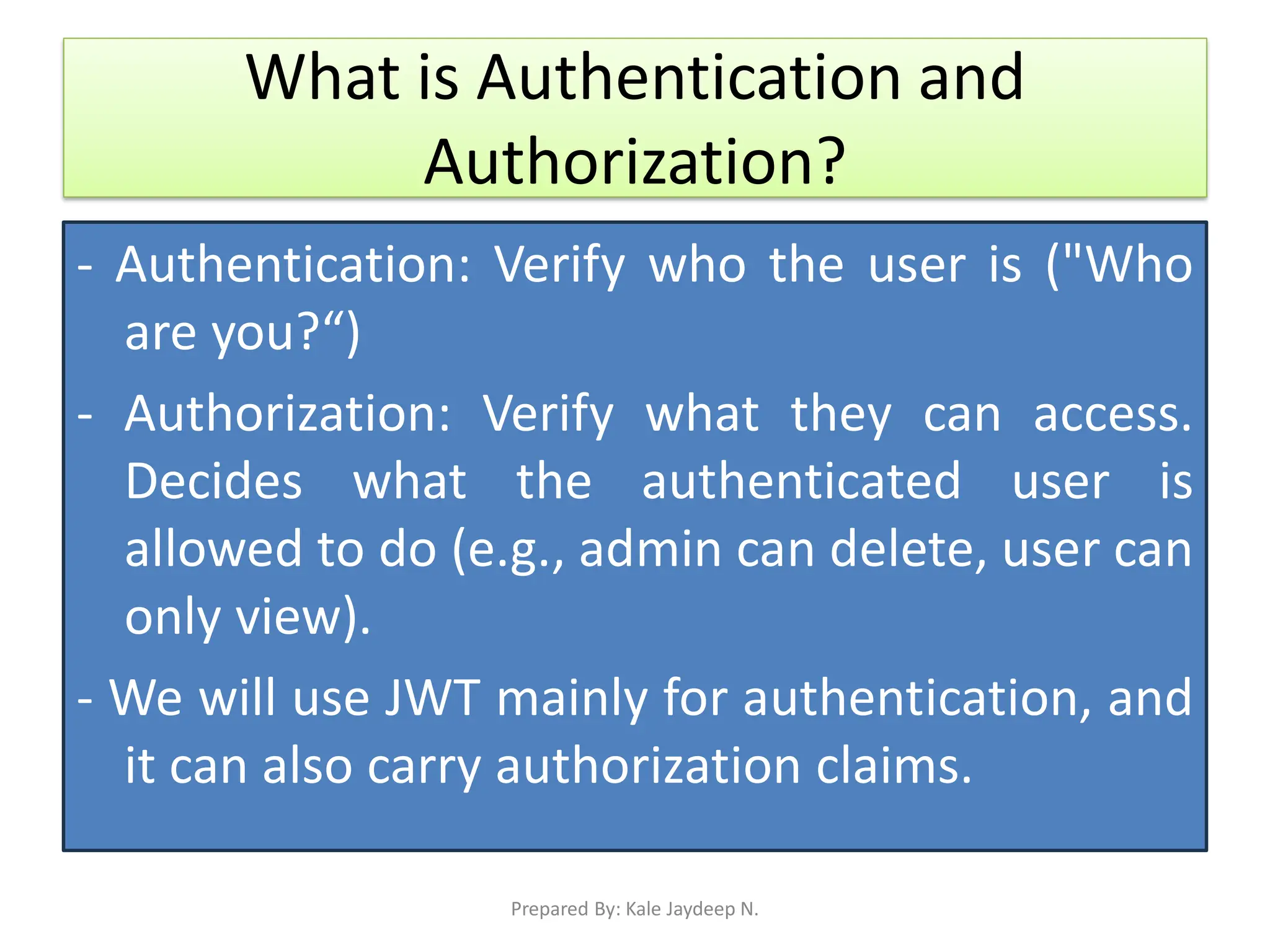
What is Authentication and
Authorization?
- Authentication: Verify who the user is ("Who
are you?“)
- Authorization: Verify what they can access.
Decides what the authenticated user is
allowed to do (e.g., admin can delete, user can
only view).
- We will use JWT mainly for authentication, and
it can also carry authorization claims.
Prepared By: Kale Jaydeep N.
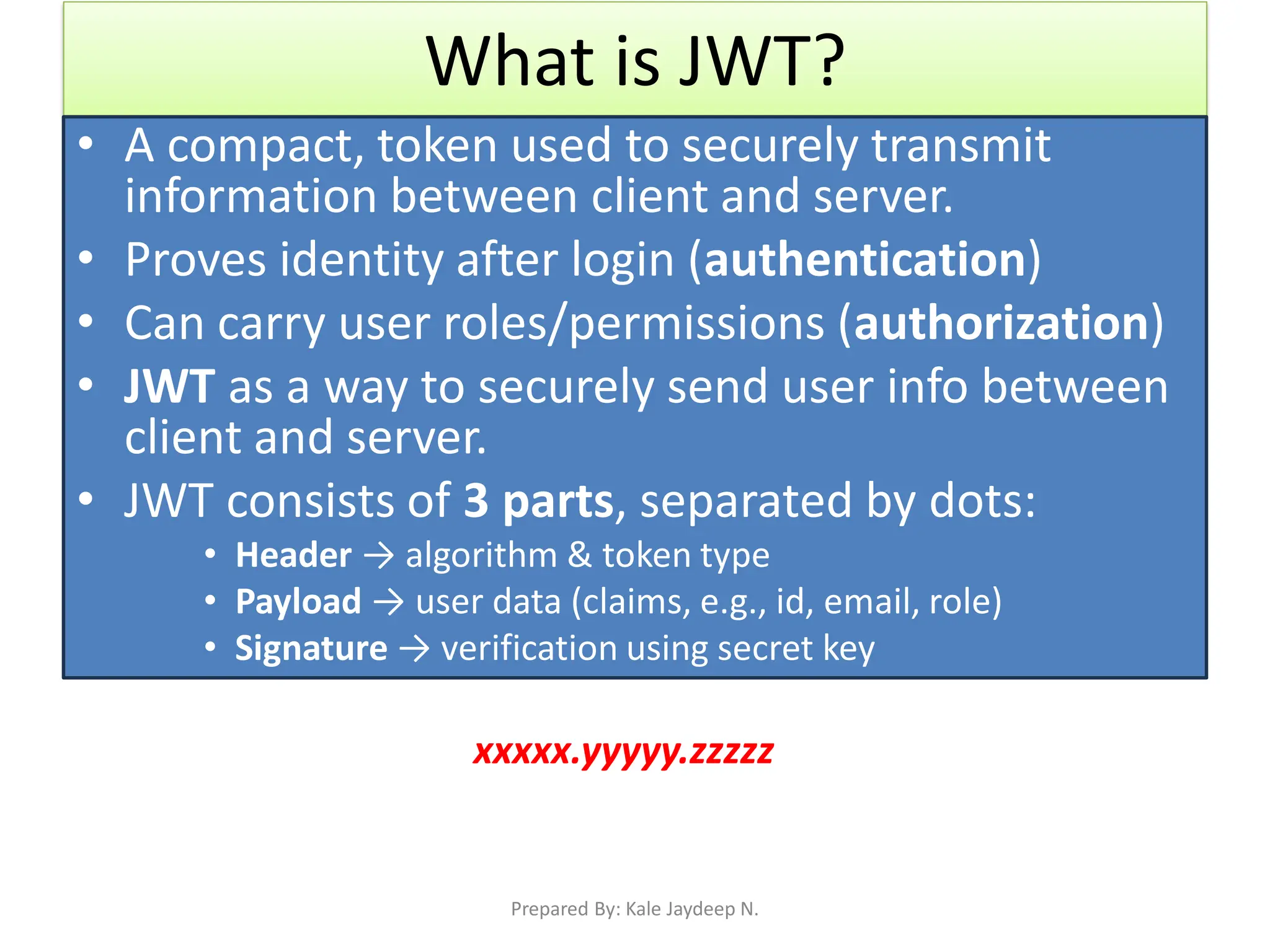
What is JWT?
• A compact, token used to securely transmit
information between client and server.
• Proves identity after login (authentication)
• Can carry user roles/permissions (authorization)
• JWT as a way to securely send user info between
client and server.
• JWT consists of 3 parts, separated by dots:
• Header → algorithm & token type
• Payload → user data (claims, e.g., id, email, role)
• Signature → verification using secret key
xxxxx.yyyyy.zzzzz
Prepared By: Kale Jaydeep N.
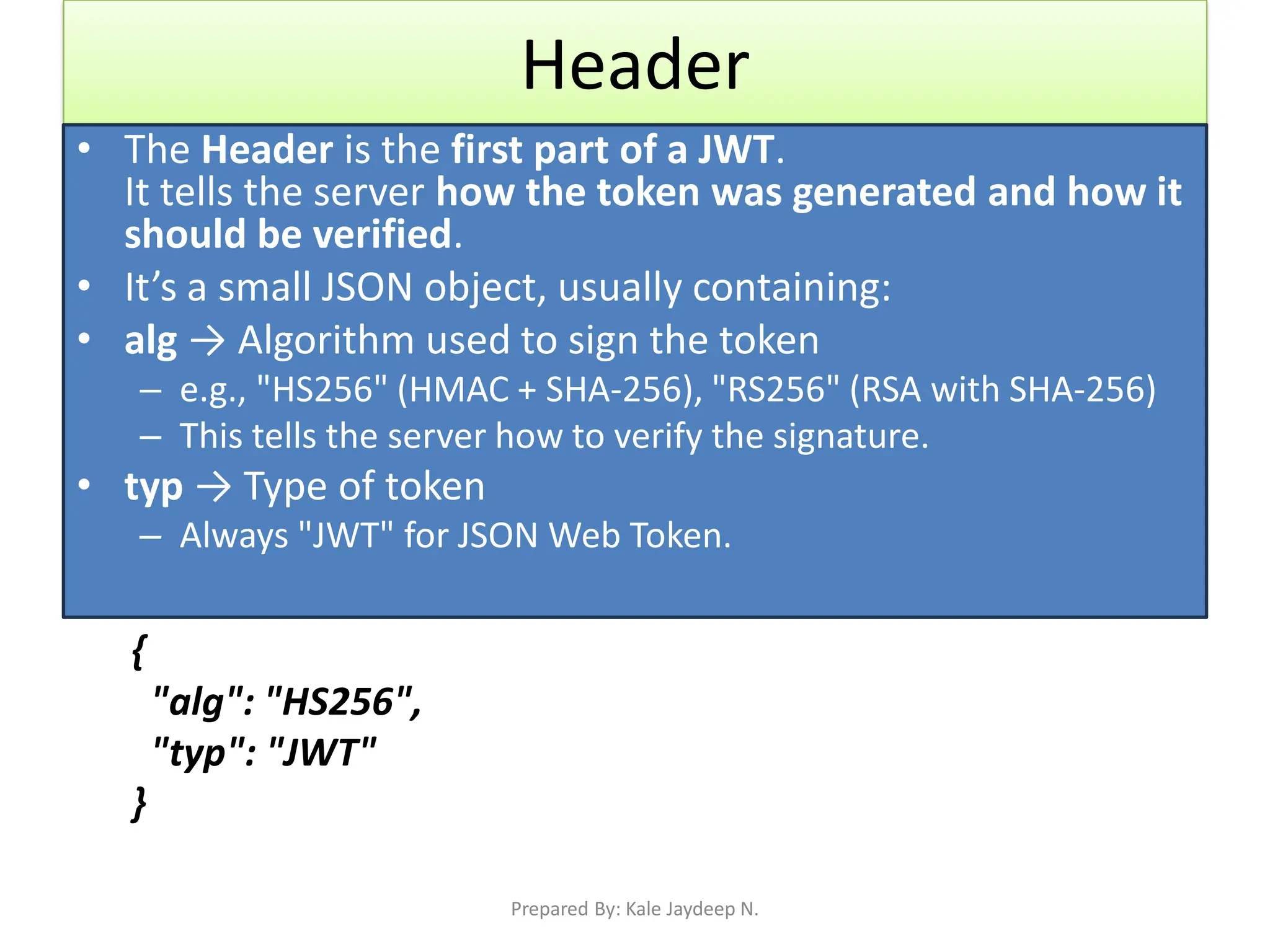
Header
• The Header is the first part of a JWT.
It tells the server how the token was generated and how it
should be verified.
• It’s a small JSON object, usually containing:
• alg → Algorithm used to sign the token
– e.g., "HS256" (HMAC + SHA-256), "RS256" (RSA with SHA-256)
– This tells the server how to verify the signature.
• typ → Type of token
– Always "JWT" for JSON Web Token.
{
"alg": "HS256",
"typ": "JWT"
}
Prepared By: Kale Jaydeep N.
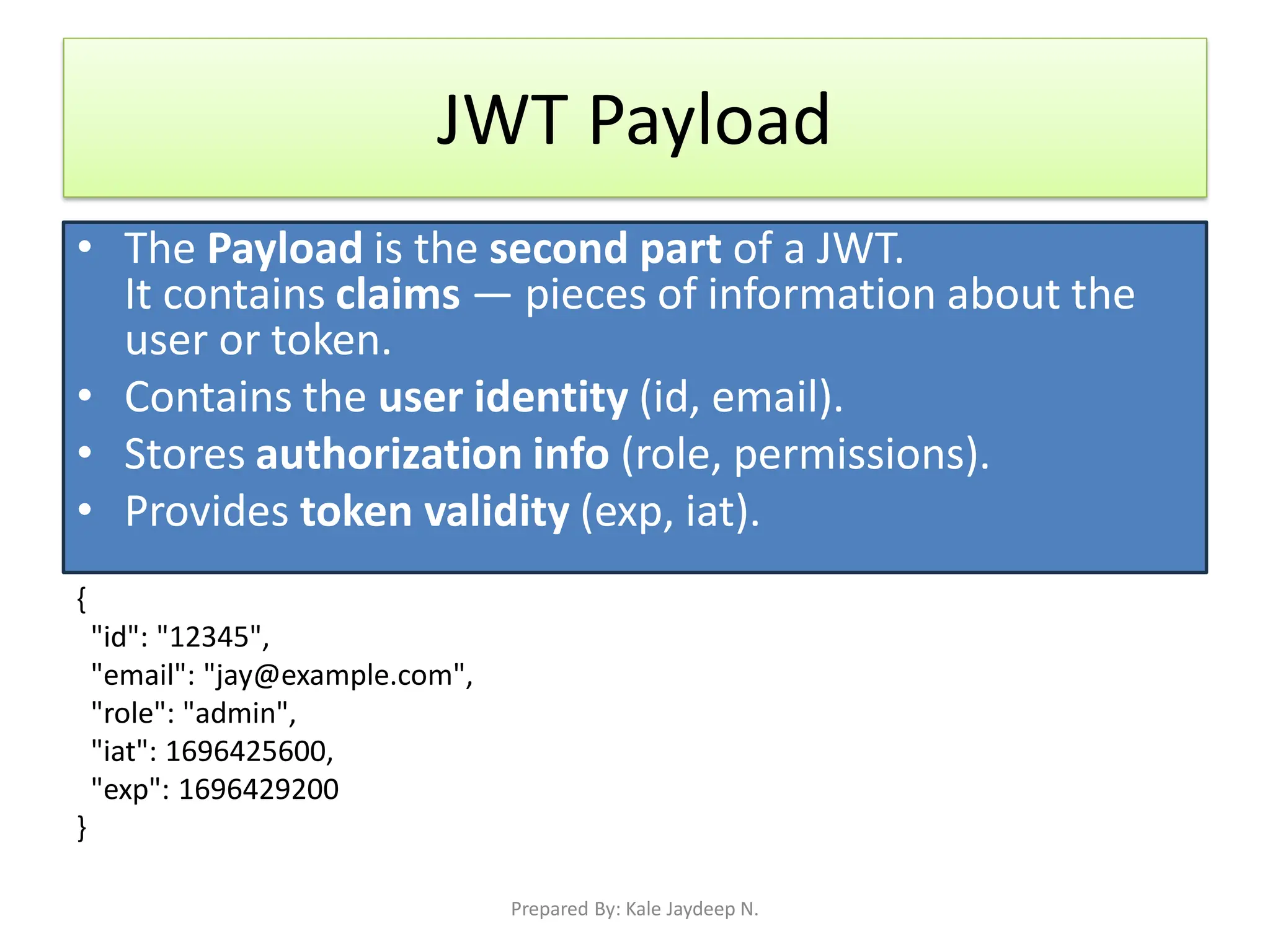
JWT Payload
• The Payload is the second part of a JWT.
It contains claims — pieces of information about the
user or token.
• Contains the user identity (id, email).
• Stores authorization info (role, permissions).
• Provides token validity (exp, iat).
{
"id": "12345",
"email": "jay@example.com",
"role": "admin",
"iat": 1696425600,
"exp": 1696429200
}
Prepared By: Kale Jaydeep N.
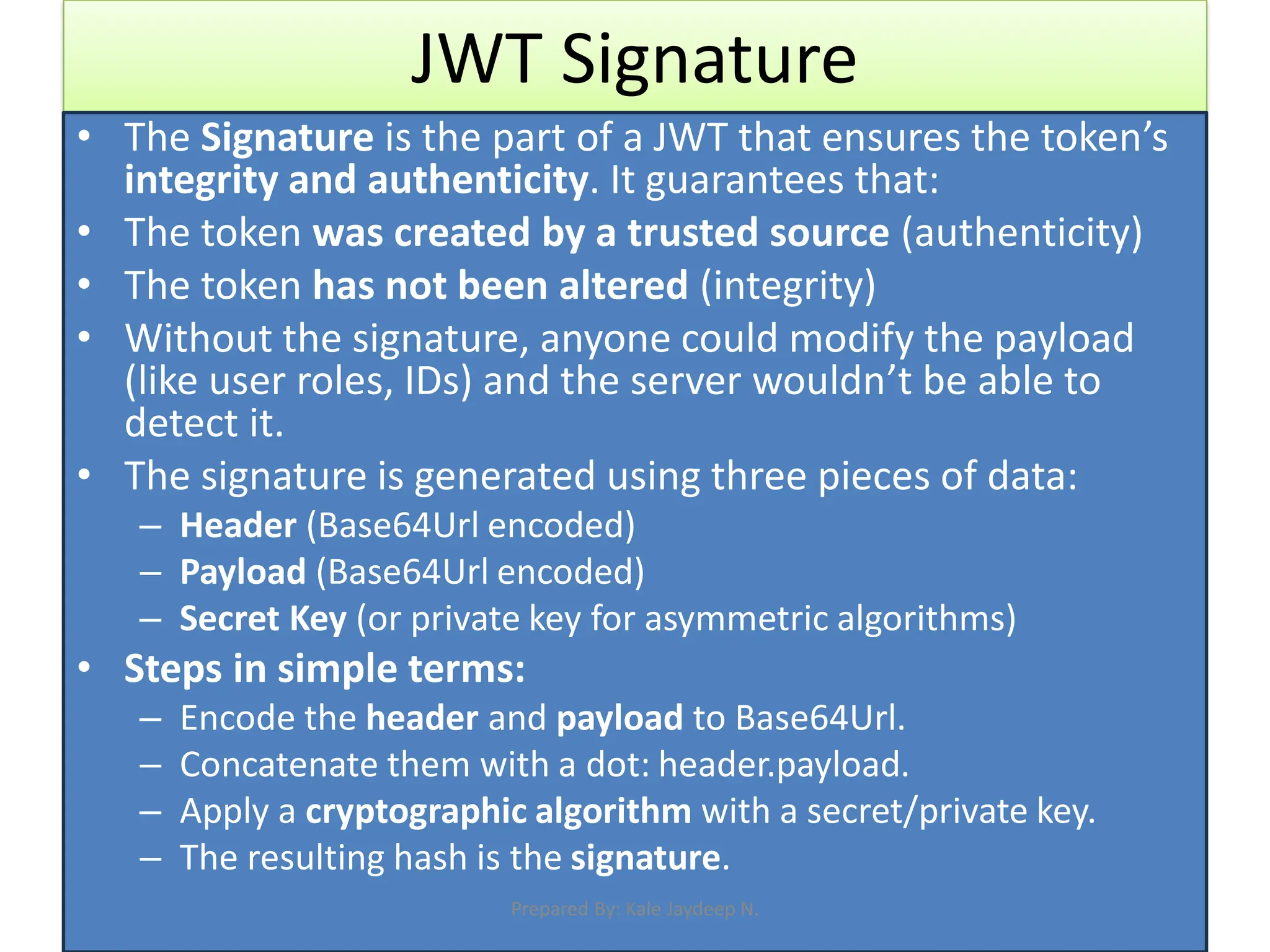
JWT Signature
• The Signature is the part of a JWT that ensures the token’s
integrity and authenticity. It guarantees that:
• The token was created by a trusted source (authenticity)
• The token has not been altered (integrity)
• Without the signature, anyone could modify the payload
(like user roles, IDs) and the server wouldn’t be able to
detect it.
• The signature is generated using three pieces of data:
– Header (Base64Url encoded)
– Payload (Base64Url encoded)
– Secret Key (or private key for asymmetric algorithms)
• Steps in simple terms:
– Encode the header and payload to Base64Url.
– Concatenate them with a dot: header.payload.
– Apply a cryptographic algorithm with a secret/private key.
– The resulting hash is the signature.
Prepared By: Kale Jaydeep N.
Flow
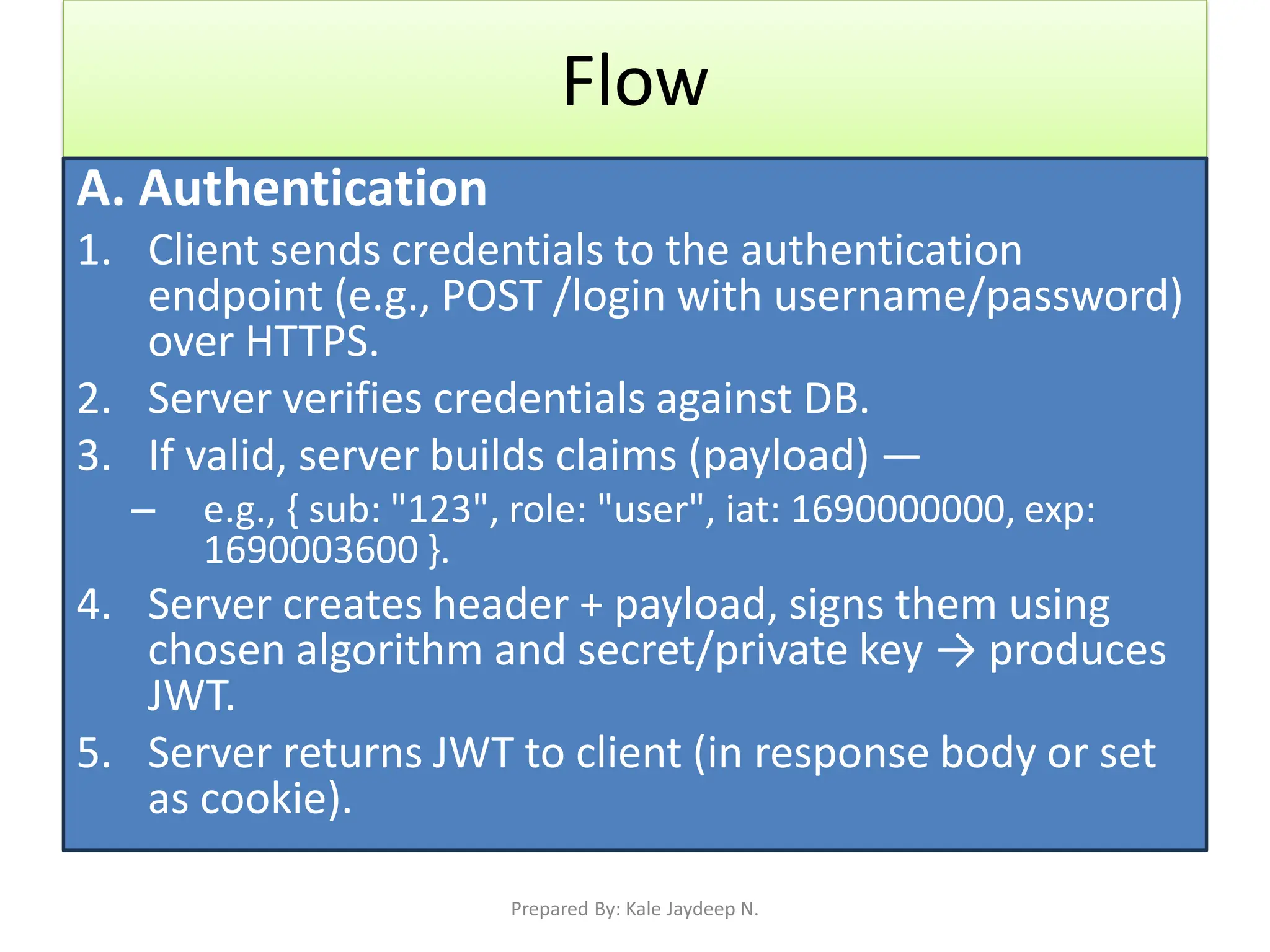
A. Authentication
1. Client sends credentials to the authentication
endpoint (e.g., POST /login with username/password)
over HTTPS.
2. Server verifies credentials against DB.
3. If valid, server builds claims (payload) —
– e.g., { sub: "123", role: "user", iat: 1690000000, exp:
1690003600 }.
4. Server creates header + payload, signs them using
chosen algorithm and secret/private key → produces
JWT.
5. Server returns JWT to client (in response body or set
as cookie).
Prepared By: Kale Jaydeep N.
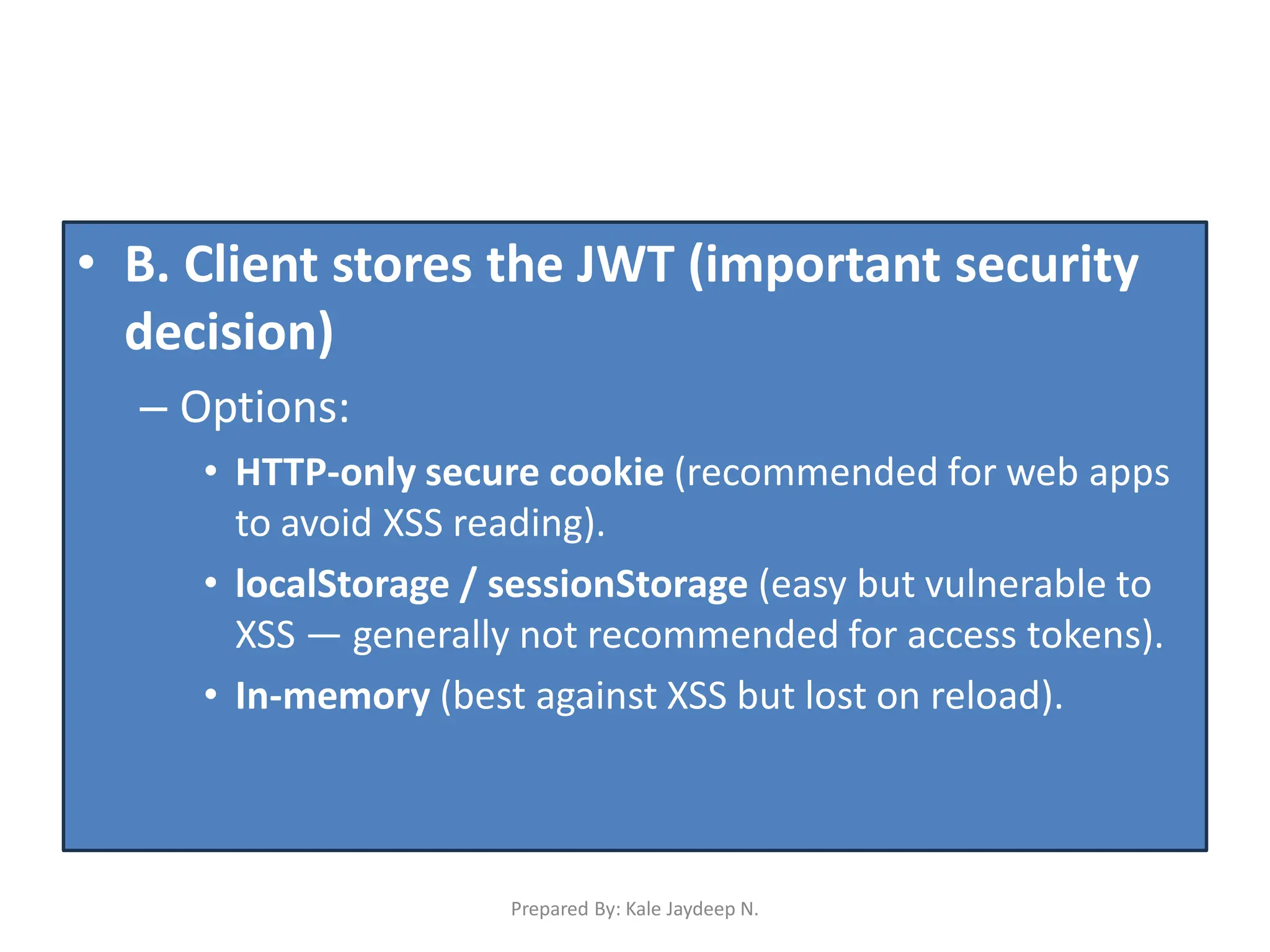
• B. Client stores the JWT (important security
decision)
– Options:
• HTTP-only secure cookie (recommended for web apps
to avoid XSS reading).
• localStorage / sessionStorage (easy but vulnerable to
XSS — generally not recommended for access tokens).
• In-memory (best against XSS but lost on reload).
Prepared By: Kale Jaydeep N.
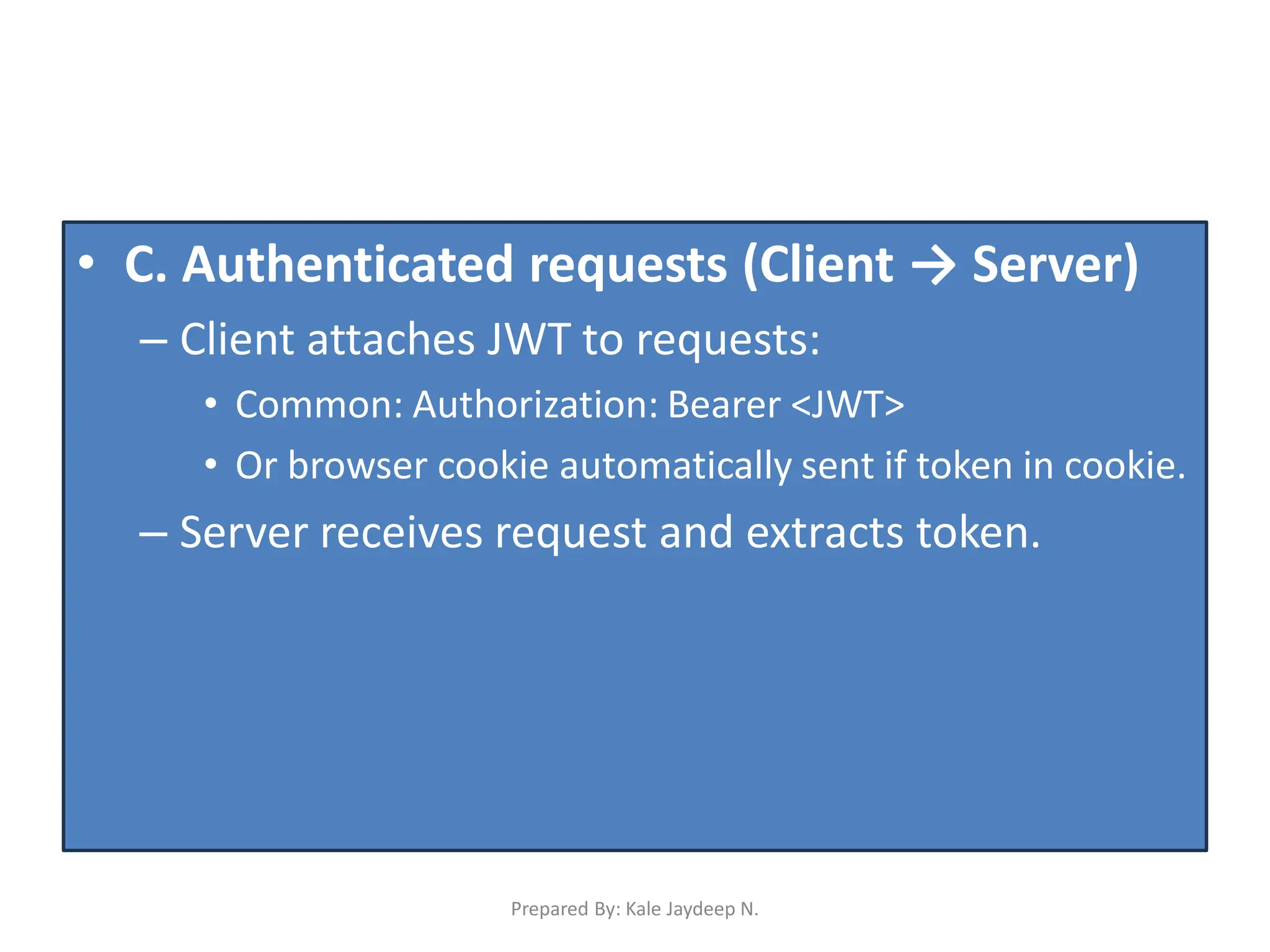
• C. Authenticated requests (Client → Server)
– Client attaches JWT to requests:
• Common: Authorization: Bearer <JWT>
• Or browser cookie automatically sent if token in cookie.
– Server receives request and extracts token.
Prepared By: Kale Jaydeep N.
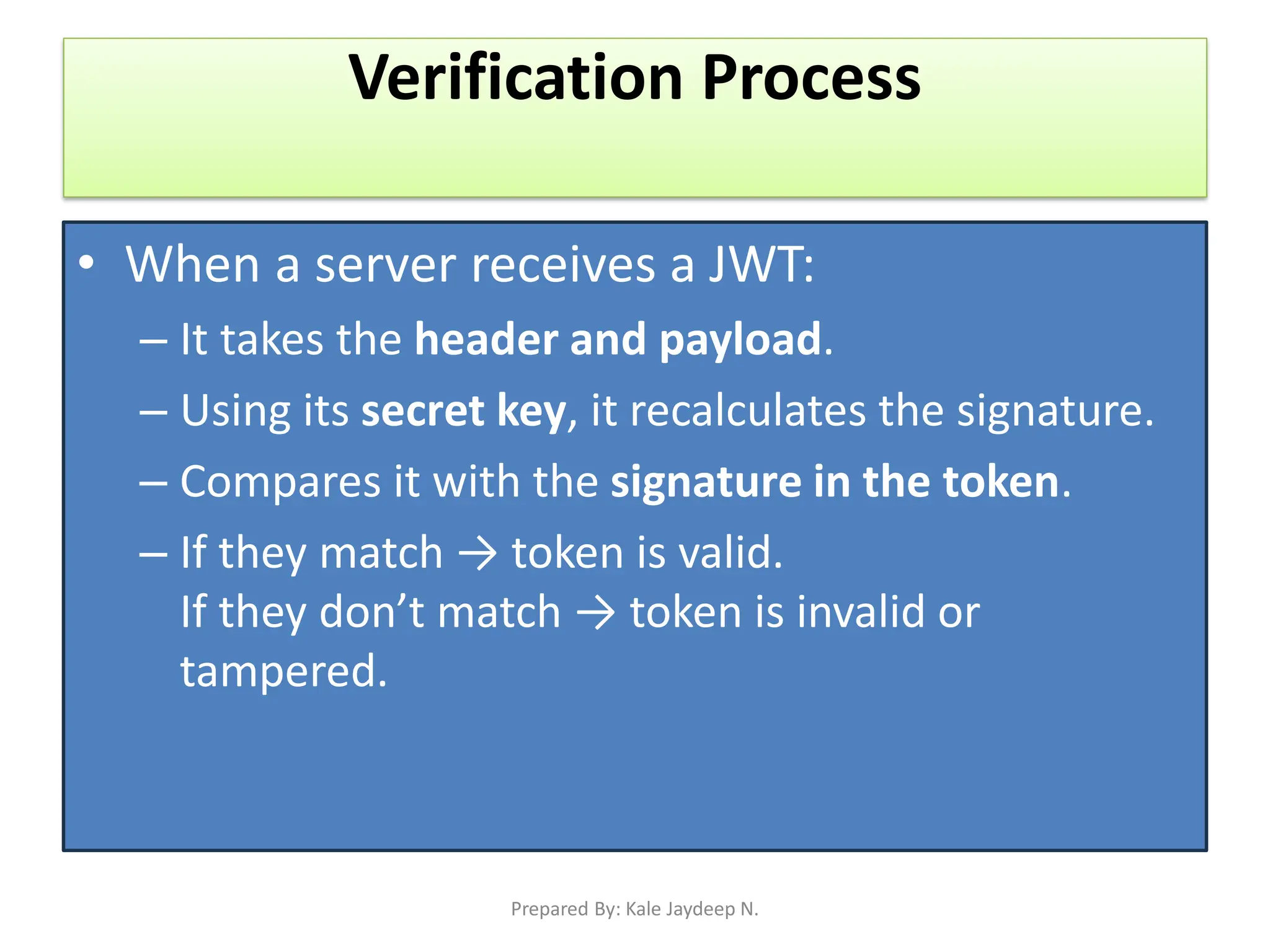
Verification Process
• When a server receives a JWT:
– It takes the header and payload.
– Using its secret key, it recalculates the signature.
– Compares it with the signature in the token.
– If they match → token is valid.
If they don’t match → token is invalid or
tampered.
Prepared By: Kale Jaydeep N.
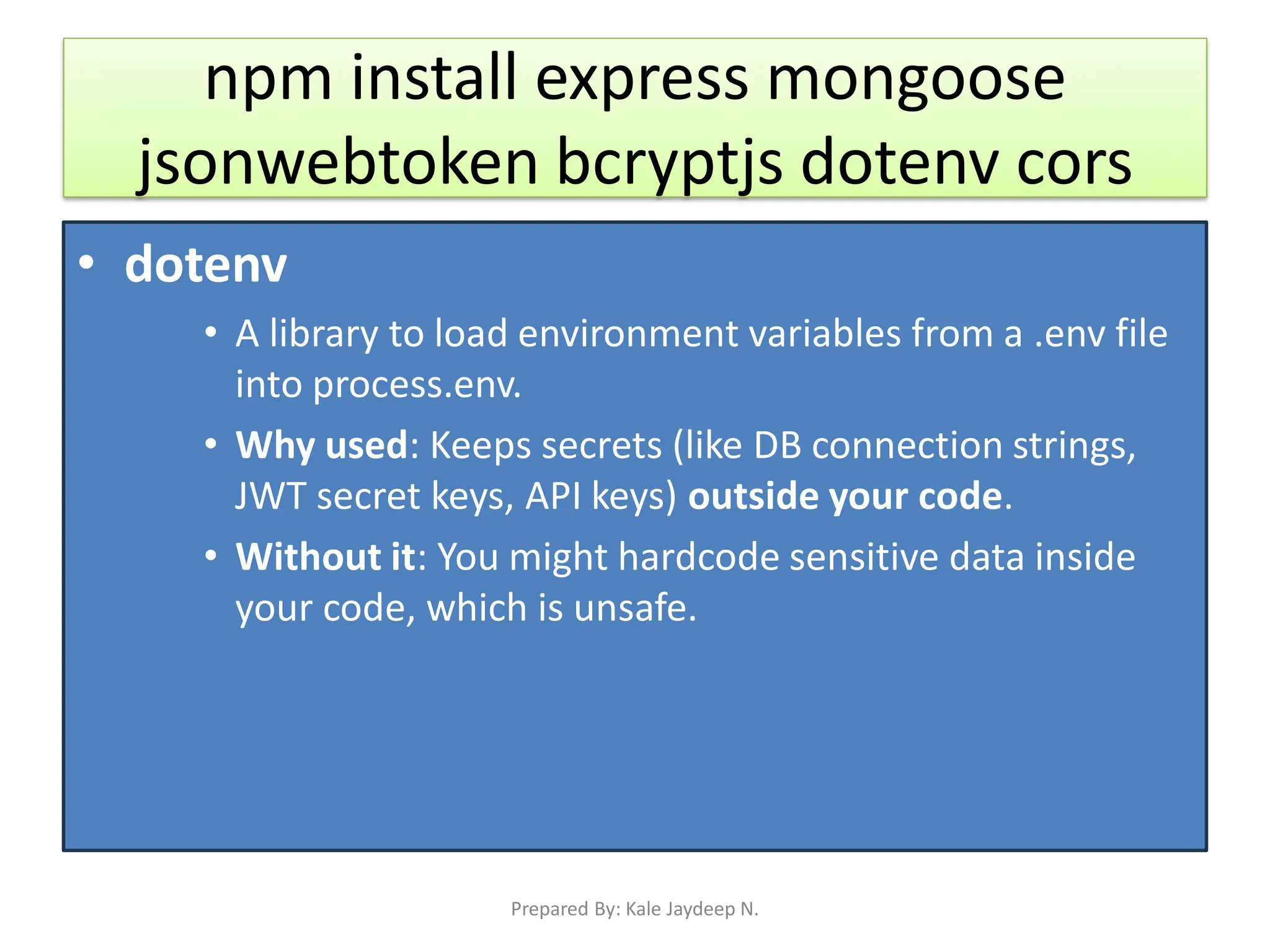
npm install express mongoose
jsonwebtoken bcryptjs dotenv cors
• dotenv
• A library to load environment variables from a .env file
into process.env.
• Why used: Keeps secrets (like DB connection strings,
JWT secret keys, API keys) outside your code.
• Without it: You might hardcode sensitive data inside
your code, which is unsafe.
Prepared By: Kale Jaydeep N.
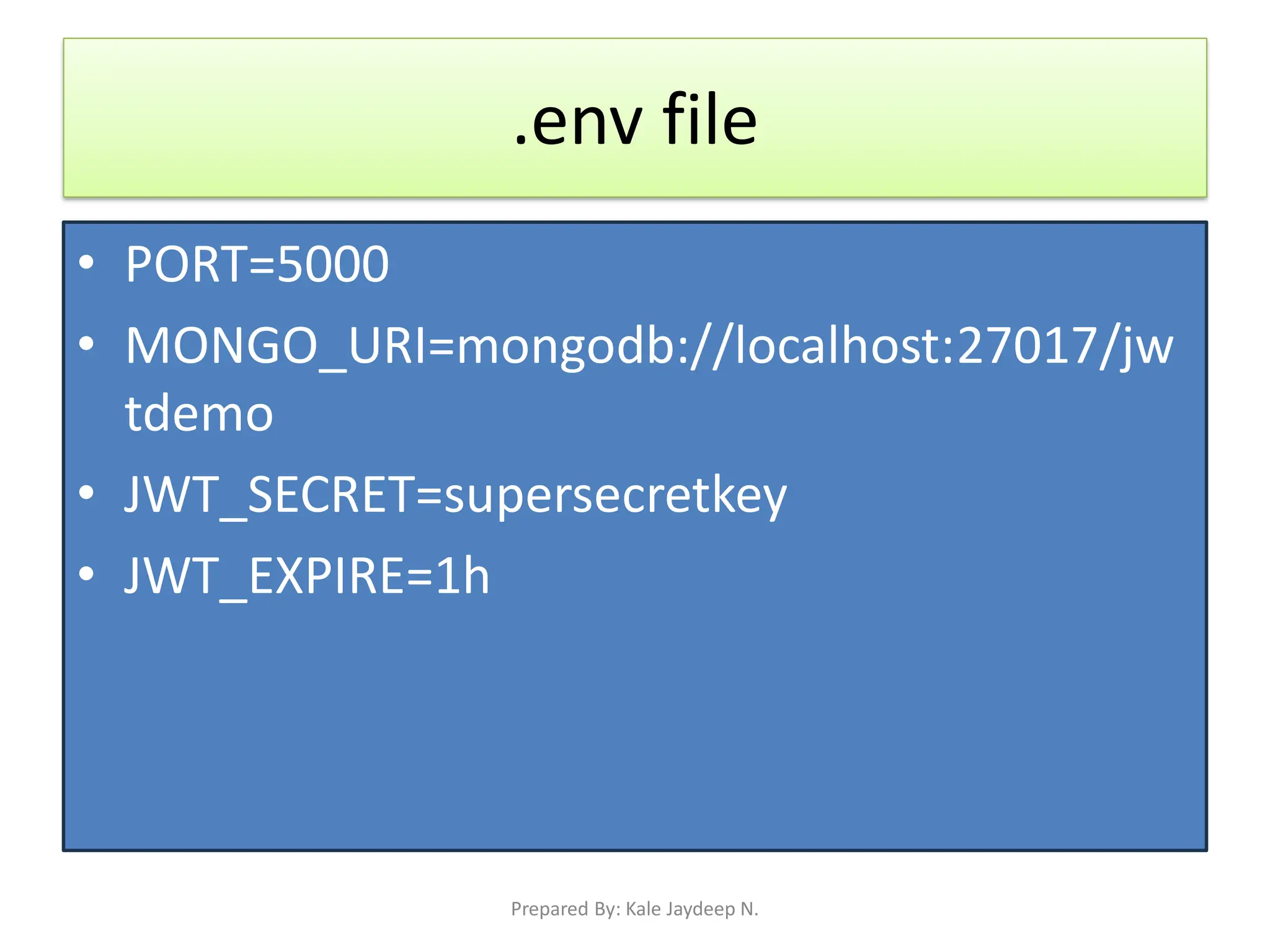
.env file
• PORT=5000
• MONGO_URI=mongodb://localhost:27017/jw
tdemo
• JWT_SECRET=supersecretkey
• JWT_EXPIRE=1h
Prepared By: Kale Jaydeep N.
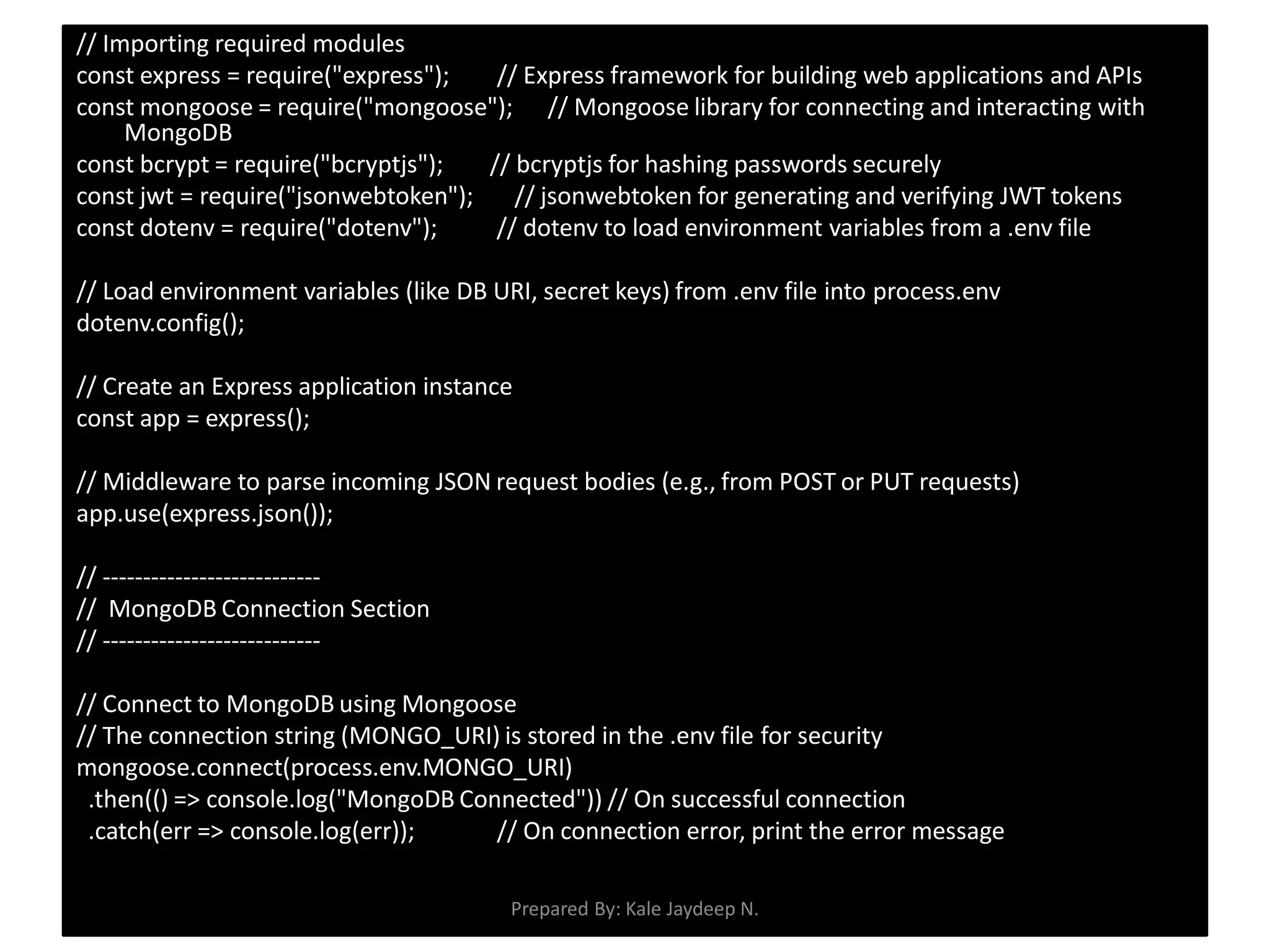
// Importing required modules
const express = require("express"); // Express framework for building web applications and APIs
const mongoose = require("mongoose"); // Mongoose library for connecting and interacting with
MongoDB
const bcrypt = require("bcryptjs"); // bcryptjs for hashing passwords securely
const jwt = require("jsonwebtoken"); // jsonwebtoken for generating and verifying JWT tokens
const dotenv = require("dotenv"); // dotenv to load environment variables from a .env file
// Load environment variables (like DB URI, secret keys) from .env file into process.env
dotenv.config();
// Create an Express application instance
const app = express();
// Middleware to parse incoming JSON request bodies (e.g., from POST or PUT requests)
app.use(express.json());
// ---------------------------
// MongoDB Connection Section
// ---------------------------
// Connect to MongoDB using Mongoose
// The connection string (MONGO_URI) is stored in the .env file for security
mongoose.connect(process.env.MONGO_URI)
.then(() => console.log("MongoDB Connected")) // On successful connection
.catch(err => console.log(err)); // On connection error, print the error message
Prepared By: Kale Jaydeep N.
// --------------------------------------
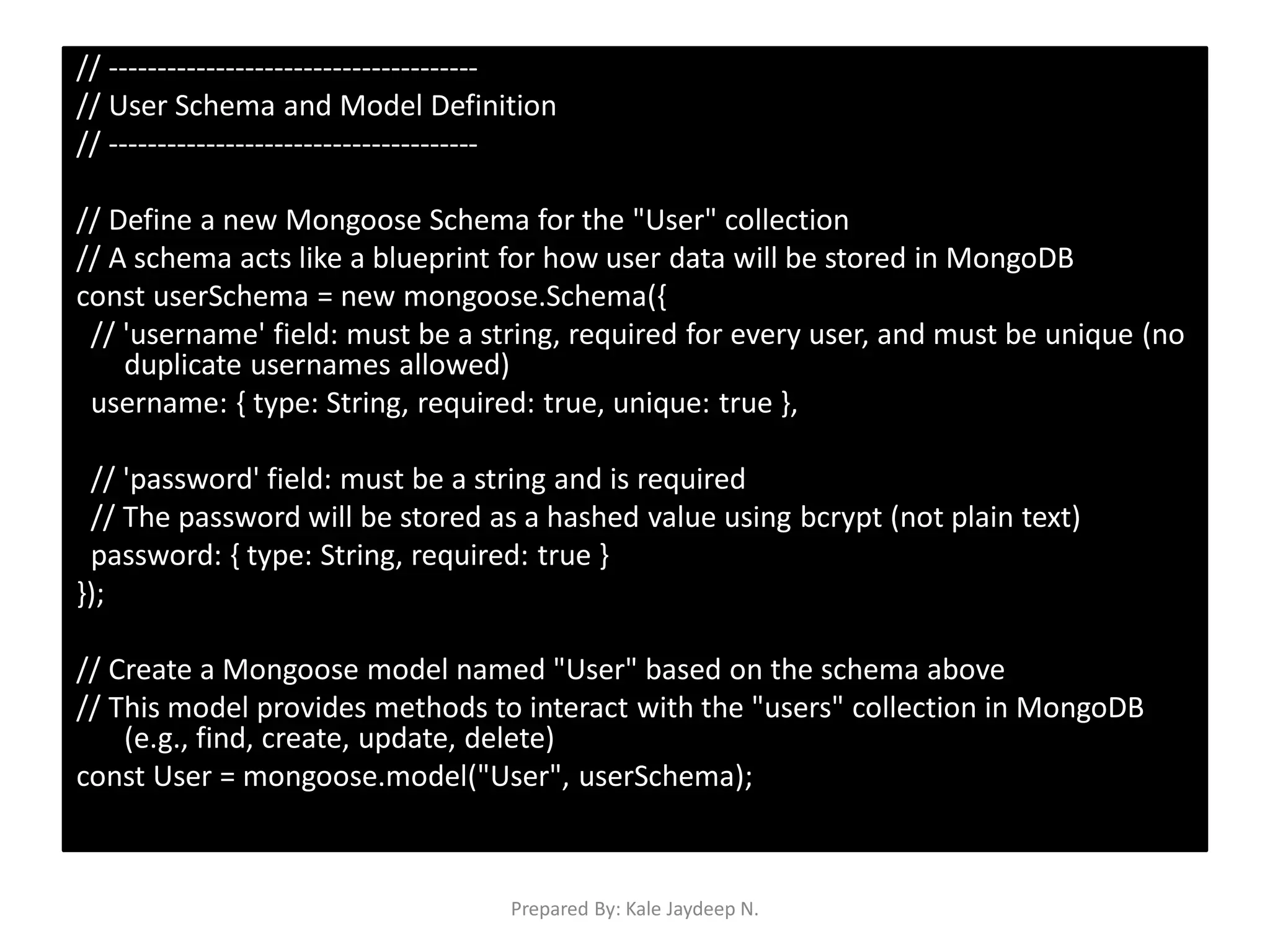
// User Schema and Model Definition
// --------------------------------------
// Define a new Mongoose Schema for the "User" collection
// A schema acts like a blueprint for how user data will be stored in MongoDB
const userSchema = new mongoose.Schema({
// 'username' field: must be a string, required for every user, and must be unique (no
duplicate usernames allowed)
username: { type: String, required: true, unique: true },
// 'password' field: must be a string and is required
// The password will be stored as a hashed value using bcrypt (not plain text)
password: { type: String, required: true }
});
// Create a Mongoose model named "User" based on the schema above
// This model provides methods to interact with the "users" collection in MongoDB
(e.g., find, create, update, delete)
const User = mongoose.model("User", userSchema);
Prepared By: Kale Jaydeep N.
// --------------------------------------
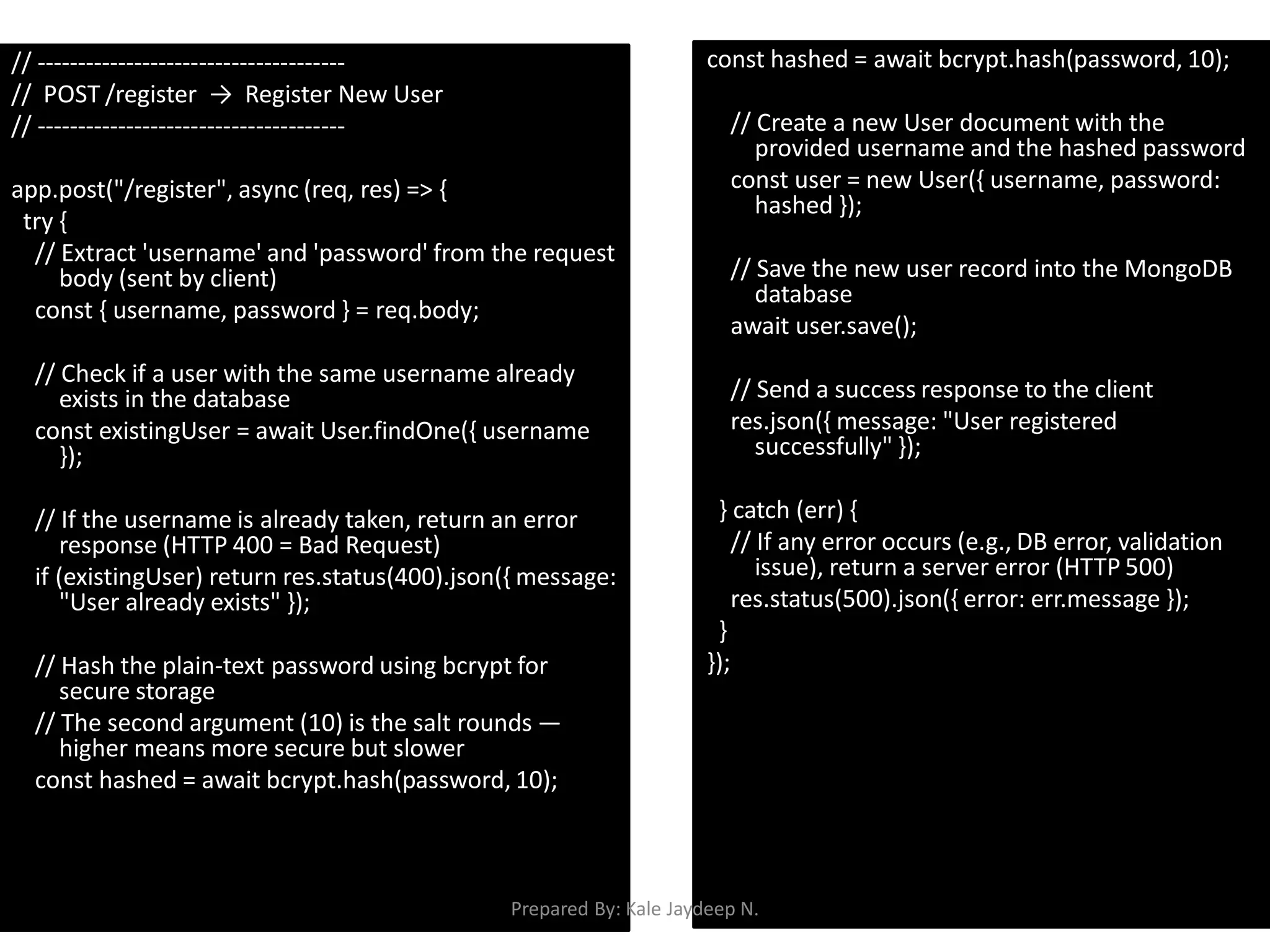
// POST /register → Register New User
// --------------------------------------
app.post("/register", async (req, res) => {
try {
// Extract 'username' and 'password' from the request
body (sent by client)
const { username, password } = req.body;
// Check if a user with the same username already
exists in the database
const existingUser = await User.findOne({ username
});
// If the username is already taken, return an error
response (HTTP 400 = Bad Request)
if (existingUser) return res.status(400).json({ message:
"User already exists" });
// Hash the plain-text password using bcrypt for
secure storage
// The second argument (10) is the salt rounds —
higher means more secure but slower
const hashed = await bcrypt.hash(password, 10);
// Create a new User document with the
provided username and the hashed password
const user = new User({ username, password:
hashed });
// Save the new user record into the MongoDB
database
await user.save();
// Send a success response to the client
res.json({ message: "User registered
successfully" });
} catch (err) {
// If any error occurs (e.g., DB error, validation
issue), return a server error (HTTP 500)
res.status(500).json({ error: err.message });
}
});
Prepared By: Kale Jaydeep N.
// --------------------------------------
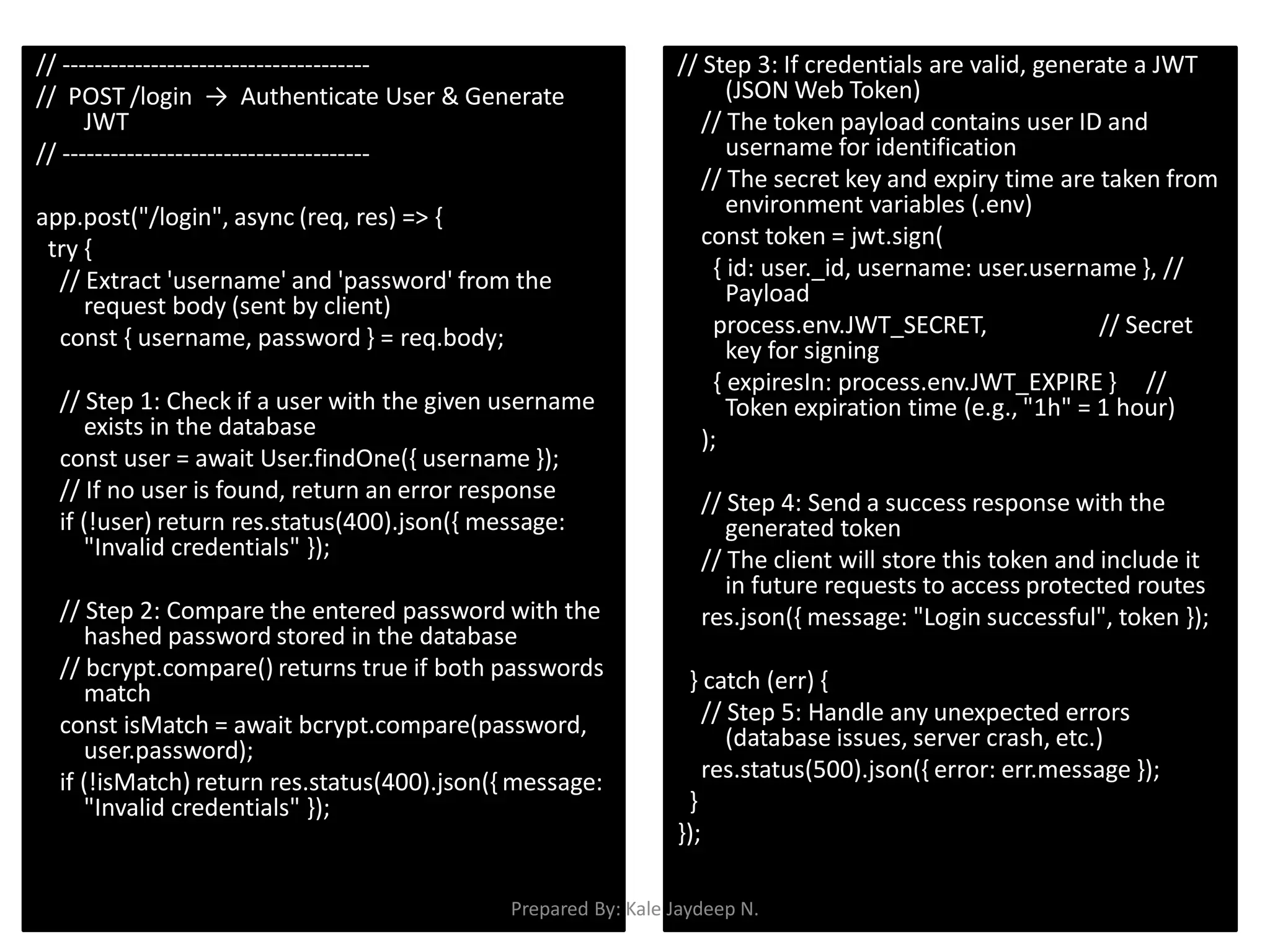
// POST /login → Authenticate User & Generate
JWT
// --------------------------------------
app.post("/login", async (req, res) => {
try {
// Extract 'username' and 'password' from the
request body (sent by client)
const { username, password } = req.body;
// Step 1: Check if a user with the given username
exists in the database
const user = await User.findOne({ username });
// If no user is found, return an error response
if (!user) return res.status(400).json({ message:
"Invalid credentials" });
// Step 2: Compare the entered password with the
hashed password stored in the database
// bcrypt.compare() returns true if both passwords
match
const isMatch = await bcrypt.compare(password,
user.password);
if (!isMatch) return res.status(400).json({ message:
"Invalid credentials" });
// Step 3: If credentials are valid, generate a JWT
(JSON Web Token)
// The token payload contains user ID and
username for identification
// The secret key and expiry time are taken from
environment variables (.env)
const token = jwt.sign(
{ id: user._id, username: user.username }, //
Payload
process.env.JWT_SECRET, // Secret
key for signing
{ expiresIn: process.env.JWT_EXPIRE } //
Token expiration time (e.g., "1h" = 1 hour)
);
// Step 4: Send a success response with the
generated token
// The client will store this token and include it
in future requests to access protected routes
res.json({ message: "Login successful", token });
} catch (err) {
// Step 5: Handle any unexpected errors
(database issues, server crash, etc.)
res.status(500).json({ error: err.message });
}
});
Prepared By: Kale Jaydeep N.
// --------------------------------------
// Middleware: verifyToken()
// Purpose: To protect routes by verifying JWT tokens
// --------------------------------------
function verifyToken(req, res, next) {
// Step 1: Retrieve the 'Authorization' header from the
incoming request
// The format should be: Authorization: Bearer
<token>
const authHeader = req.headers["authorization"];
// Step 2: Extract the token part (the string after
'Bearer ')
// If no header is present, 'token' will be undefined
const token = authHeader && authHeader.split(" ")[1];
// e.g., "Bearer abc.def.ghi" → "abc.def.ghi"
// Step 3: If no token is provided, deny access with
status 401 (Unauthorized)
if (!token) return res.status(401).json({ message: "No
token provided" });
// Step 4: Verify the token using the secret key
stored in the environment variable
// jwt.verify() checks the token's signature and
expiration
jwt.verify(token, process.env.JWT_SECRET, (err,
decoded) => {
// If verification fails (invalid or expired token),
return 403 (Forbidden)
if (err) return res.status(403).json({ message:
"Invalid token" });
// Step 5: If token is valid, 'decoded' contains the
payload (e.g., user ID, username)
// Attach the decoded data to the request object
so it can be used in the next middleware or
route
req.user = decoded;
// Step 6: Continue to the next middleware or the
protected route handler
next();
});
}
Prepared By: Kale Jaydeep N.
// --------------------------------------
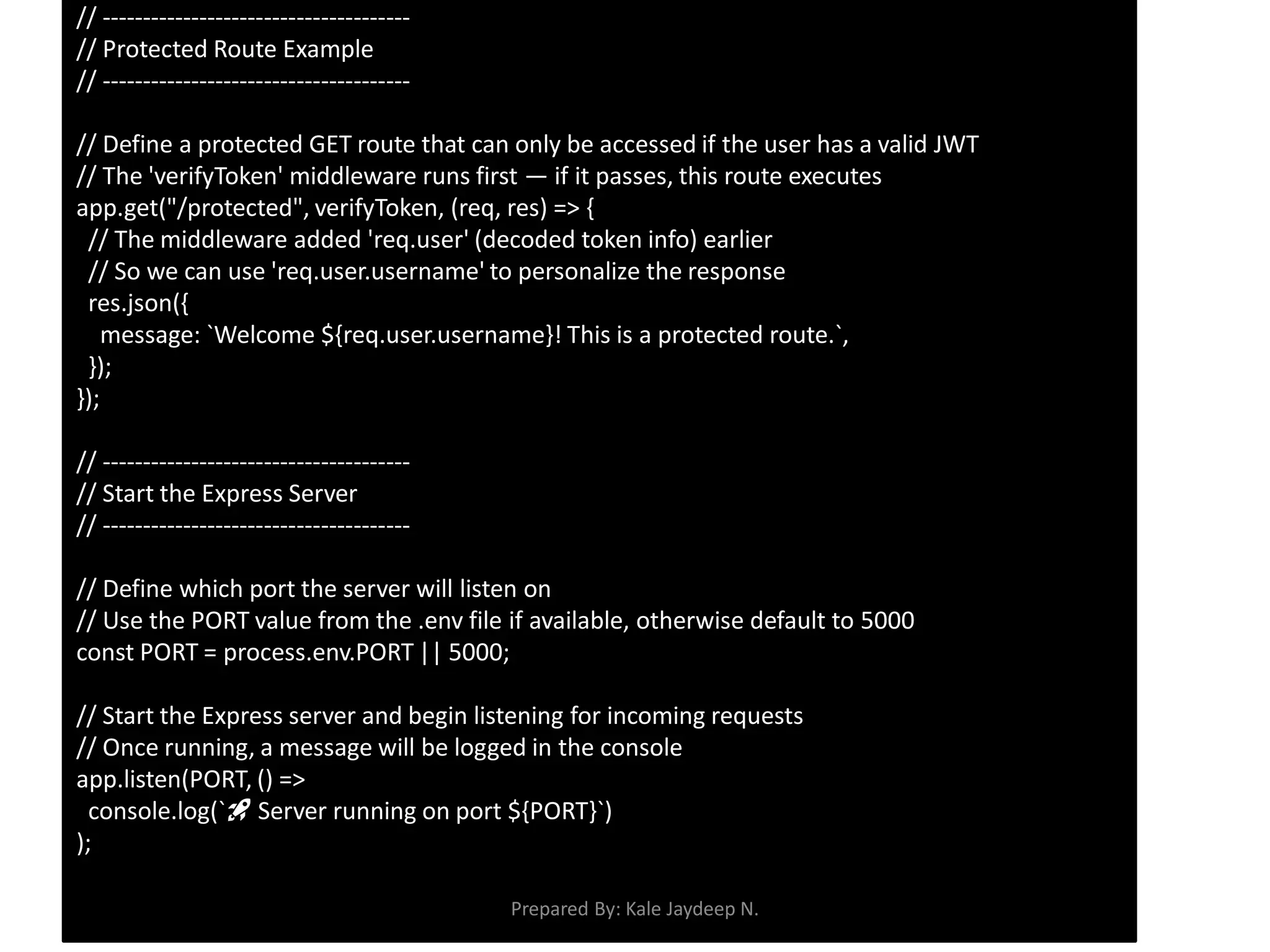
// Protected Route Example
// --------------------------------------
// Define a protected GET route that can only be accessed if the user has a valid JWT
// The 'verifyToken' middleware runs first — if it passes, this route executes
app.get("/protected", verifyToken, (req, res) => {
// The middleware added 'req.user' (decoded token info) earlier
// So we can use 'req.user.username' to personalize the response
res.json({
message: `Welcome ${req.user.username}! This is a protected route.`,
});
});
// --------------------------------------
// Start the Express Server
// --------------------------------------
// Define which port the server will listen on
// Use the PORT value from the .env file if available, otherwise default to 5000
const PORT = process.env.PORT || 5000;
// Start the Express server and begin listening for incoming requests
// Once running, a message will be logged in the console
app.listen(PORT, () =>
console.log(`🚀 Server running on port ${PORT}`)
);
Prepared By: Kale Jaydeep N.

JWT_Authentication_MERN_Stack_Assignment.pdf

  • 1.
    Implementing Server-Side Authentication withJWT in Node.js and Express • Prepared By:- – J. N. Kale – Assistant Professor, – Computer Engineering Department, – Sanjivani College of Engineering, Kopargaon – Youtube Channel Prepared By: Kale Jaydeep N.
  • 2.
    What is Authenticationand Authorization? - Authentication: Verify who the user is ("Who are you?“) - Authorization: Verify what they can access. Decides what the authenticated user is allowed to do (e.g., admin can delete, user can only view). - We will use JWT mainly for authentication, and it can also carry authorization claims. Prepared By: Kale Jaydeep N.
  • 3.
    What is JWT? •A compact, token used to securely transmit information between client and server. • Proves identity after login (authentication) • Can carry user roles/permissions (authorization) • JWT as a way to securely send user info between client and server. • JWT consists of 3 parts, separated by dots: • Header → algorithm & token type • Payload → user data (claims, e.g., id, email, role) • Signature → verification using secret key xxxxx.yyyyy.zzzzz Prepared By: Kale Jaydeep N.
  • 4.
    Header • The Headeris the first part of a JWT. It tells the server how the token was generated and how it should be verified. • It’s a small JSON object, usually containing: • alg → Algorithm used to sign the token – e.g., "HS256" (HMAC + SHA-256), "RS256" (RSA with SHA-256) – This tells the server how to verify the signature. • typ → Type of token – Always "JWT" for JSON Web Token. { "alg": "HS256", "typ": "JWT" } Prepared By: Kale Jaydeep N.
  • 5.
    JWT Payload • ThePayload is the second part of a JWT. It contains claims — pieces of information about the user or token. • Contains the user identity (id, email). • Stores authorization info (role, permissions). • Provides token validity (exp, iat). { "id": "12345", "email": "jay@example.com", "role": "admin", "iat": 1696425600, "exp": 1696429200 } Prepared By: Kale Jaydeep N.
  • 6.
    JWT Signature • TheSignature is the part of a JWT that ensures the token’s integrity and authenticity. It guarantees that: • The token was created by a trusted source (authenticity) • The token has not been altered (integrity) • Without the signature, anyone could modify the payload (like user roles, IDs) and the server wouldn’t be able to detect it. • The signature is generated using three pieces of data: – Header (Base64Url encoded) – Payload (Base64Url encoded) – Secret Key (or private key for asymmetric algorithms) • Steps in simple terms: – Encode the header and payload to Base64Url. – Concatenate them with a dot: header.payload. – Apply a cryptographic algorithm with a secret/private key. – The resulting hash is the signature. Prepared By: Kale Jaydeep N.
  • 7.
    Flow A. Authentication 1. Clientsends credentials to the authentication endpoint (e.g., POST /login with username/password) over HTTPS. 2. Server verifies credentials against DB. 3. If valid, server builds claims (payload) — – e.g., { sub: "123", role: "user", iat: 1690000000, exp: 1690003600 }. 4. Server creates header + payload, signs them using chosen algorithm and secret/private key → produces JWT. 5. Server returns JWT to client (in response body or set as cookie). Prepared By: Kale Jaydeep N.
  • 8.
    • B. Clientstores the JWT (important security decision) – Options: • HTTP-only secure cookie (recommended for web apps to avoid XSS reading). • localStorage / sessionStorage (easy but vulnerable to XSS — generally not recommended for access tokens). • In-memory (best against XSS but lost on reload). Prepared By: Kale Jaydeep N.
  • 9.
    • C. Authenticatedrequests (Client → Server) – Client attaches JWT to requests: • Common: Authorization: Bearer <JWT> • Or browser cookie automatically sent if token in cookie. – Server receives request and extracts token. Prepared By: Kale Jaydeep N.
  • 10.
    Verification Process • Whena server receives a JWT: – It takes the header and payload. – Using its secret key, it recalculates the signature. – Compares it with the signature in the token. – If they match → token is valid. If they don’t match → token is invalid or tampered. Prepared By: Kale Jaydeep N.
  • 11.
    npm install expressmongoose jsonwebtoken bcryptjs dotenv cors • dotenv • A library to load environment variables from a .env file into process.env. • Why used: Keeps secrets (like DB connection strings, JWT secret keys, API keys) outside your code. • Without it: You might hardcode sensitive data inside your code, which is unsafe. Prepared By: Kale Jaydeep N.
  • 12.
    .env file • PORT=5000 •MONGO_URI=mongodb://localhost:27017/jw tdemo • JWT_SECRET=supersecretkey • JWT_EXPIRE=1h Prepared By: Kale Jaydeep N.
  • 13.
    // Importing requiredmodules const express = require("express"); // Express framework for building web applications and APIs const mongoose = require("mongoose"); // Mongoose library for connecting and interacting with MongoDB const bcrypt = require("bcryptjs"); // bcryptjs for hashing passwords securely const jwt = require("jsonwebtoken"); // jsonwebtoken for generating and verifying JWT tokens const dotenv = require("dotenv"); // dotenv to load environment variables from a .env file // Load environment variables (like DB URI, secret keys) from .env file into process.env dotenv.config(); // Create an Express application instance const app = express(); // Middleware to parse incoming JSON request bodies (e.g., from POST or PUT requests) app.use(express.json()); // --------------------------- // MongoDB Connection Section // --------------------------- // Connect to MongoDB using Mongoose // The connection string (MONGO_URI) is stored in the .env file for security mongoose.connect(process.env.MONGO_URI) .then(() => console.log("MongoDB Connected")) // On successful connection .catch(err => console.log(err)); // On connection error, print the error message Prepared By: Kale Jaydeep N.
  • 14.
    // -------------------------------------- // UserSchema and Model Definition // -------------------------------------- // Define a new Mongoose Schema for the "User" collection // A schema acts like a blueprint for how user data will be stored in MongoDB const userSchema = new mongoose.Schema({ // 'username' field: must be a string, required for every user, and must be unique (no duplicate usernames allowed) username: { type: String, required: true, unique: true }, // 'password' field: must be a string and is required // The password will be stored as a hashed value using bcrypt (not plain text) password: { type: String, required: true } }); // Create a Mongoose model named "User" based on the schema above // This model provides methods to interact with the "users" collection in MongoDB (e.g., find, create, update, delete) const User = mongoose.model("User", userSchema); Prepared By: Kale Jaydeep N.
  • 15.
    // -------------------------------------- // POST/register → Register New User // -------------------------------------- app.post("/register", async (req, res) => { try { // Extract 'username' and 'password' from the request body (sent by client) const { username, password } = req.body; // Check if a user with the same username already exists in the database const existingUser = await User.findOne({ username }); // If the username is already taken, return an error response (HTTP 400 = Bad Request) if (existingUser) return res.status(400).json({ message: "User already exists" }); // Hash the plain-text password using bcrypt for secure storage // The second argument (10) is the salt rounds — higher means more secure but slower const hashed = await bcrypt.hash(password, 10); const hashed = await bcrypt.hash(password, 10); // Create a new User document with the provided username and the hashed password const user = new User({ username, password: hashed }); // Save the new user record into the MongoDB database await user.save(); // Send a success response to the client res.json({ message: "User registered successfully" }); } catch (err) { // If any error occurs (e.g., DB error, validation issue), return a server error (HTTP 500) res.status(500).json({ error: err.message }); } }); Prepared By: Kale Jaydeep N.
  • 16.
    // -------------------------------------- // POST/login → Authenticate User & Generate JWT // -------------------------------------- app.post("/login", async (req, res) => { try { // Extract 'username' and 'password' from the request body (sent by client) const { username, password } = req.body; // Step 1: Check if a user with the given username exists in the database const user = await User.findOne({ username }); // If no user is found, return an error response if (!user) return res.status(400).json({ message: "Invalid credentials" }); // Step 2: Compare the entered password with the hashed password stored in the database // bcrypt.compare() returns true if both passwords match const isMatch = await bcrypt.compare(password, user.password); if (!isMatch) return res.status(400).json({ message: "Invalid credentials" }); // Step 3: If credentials are valid, generate a JWT (JSON Web Token) // The token payload contains user ID and username for identification // The secret key and expiry time are taken from environment variables (.env) const token = jwt.sign( { id: user._id, username: user.username }, // Payload process.env.JWT_SECRET, // Secret key for signing { expiresIn: process.env.JWT_EXPIRE } // Token expiration time (e.g., "1h" = 1 hour) ); // Step 4: Send a success response with the generated token // The client will store this token and include it in future requests to access protected routes res.json({ message: "Login successful", token }); } catch (err) { // Step 5: Handle any unexpected errors (database issues, server crash, etc.) res.status(500).json({ error: err.message }); } }); Prepared By: Kale Jaydeep N.
  • 17.
    // -------------------------------------- // Middleware:verifyToken() // Purpose: To protect routes by verifying JWT tokens // -------------------------------------- function verifyToken(req, res, next) { // Step 1: Retrieve the 'Authorization' header from the incoming request // The format should be: Authorization: Bearer <token> const authHeader = req.headers["authorization"]; // Step 2: Extract the token part (the string after 'Bearer ') // If no header is present, 'token' will be undefined const token = authHeader && authHeader.split(" ")[1]; // e.g., "Bearer abc.def.ghi" → "abc.def.ghi" // Step 3: If no token is provided, deny access with status 401 (Unauthorized) if (!token) return res.status(401).json({ message: "No token provided" }); // Step 4: Verify the token using the secret key stored in the environment variable // jwt.verify() checks the token's signature and expiration jwt.verify(token, process.env.JWT_SECRET, (err, decoded) => { // If verification fails (invalid or expired token), return 403 (Forbidden) if (err) return res.status(403).json({ message: "Invalid token" }); // Step 5: If token is valid, 'decoded' contains the payload (e.g., user ID, username) // Attach the decoded data to the request object so it can be used in the next middleware or route req.user = decoded; // Step 6: Continue to the next middleware or the protected route handler next(); }); } Prepared By: Kale Jaydeep N.
  • 18.
    // -------------------------------------- // ProtectedRoute Example // -------------------------------------- // Define a protected GET route that can only be accessed if the user has a valid JWT // The 'verifyToken' middleware runs first — if it passes, this route executes app.get("/protected", verifyToken, (req, res) => { // The middleware added 'req.user' (decoded token info) earlier // So we can use 'req.user.username' to personalize the response res.json({ message: `Welcome ${req.user.username}! This is a protected route.`, }); }); // -------------------------------------- // Start the Express Server // -------------------------------------- // Define which port the server will listen on // Use the PORT value from the .env file if available, otherwise default to 5000 const PORT = process.env.PORT || 5000; // Start the Express server and begin listening for incoming requests // Once running, a message will be logged in the console app.listen(PORT, () => console.log(`🚀 Server running on port ${PORT}`) ); Prepared By: Kale Jaydeep N.