
JVM
Memory Model
The examples on Github
https://github.com/yoavaa/jvm-memory-model
JIT
Anomalies
• How long does it take to count to 100?
• How long does it take to append to a list?
To sort a list?
• How long does it take to append to a
vector? To sort a vector?
Code: Com.wix.JIT
Dynamic vs Static Compilation
• Static Compilation
– “ahead-of-time” (AOT) compilation
– Source code -> Native executable
– Compiles before executing
• Dynamic compiler (JIT)
– “just-in-time” (JIT) compilation
– Source -> bytecode -> interpreter -> JITed
– Most of compilation happens during executing
JIT Compilation
• Aggressive optimistic optimizations
– Through extensive usage of profiling info
– Limited budget (CPU, Memory)
– Startup speed may suffer
• The JIT
– Compiles bytecode when needed
– Maybe immediately before execution?
– Maybe never?
JVM JIT Compilation
• Eventually JITs bytecode
– Based on profiling
– After 10,000 cycles, again after 20,000 cycles
• Profiling allows focused code-gen
• Profiling allows better code-gen
– Inline what’s hot
– Loop unrolling, range-check elimination, etc.
– Branch prediction, spill-code-gen, scheduling
JVM JIT Compilation
• JVM applications operate in mixed mode
• Interpreted
– Bytecode-walking
– Artificial stack machine
• Compiled
– Direct native operations
– Native register machine
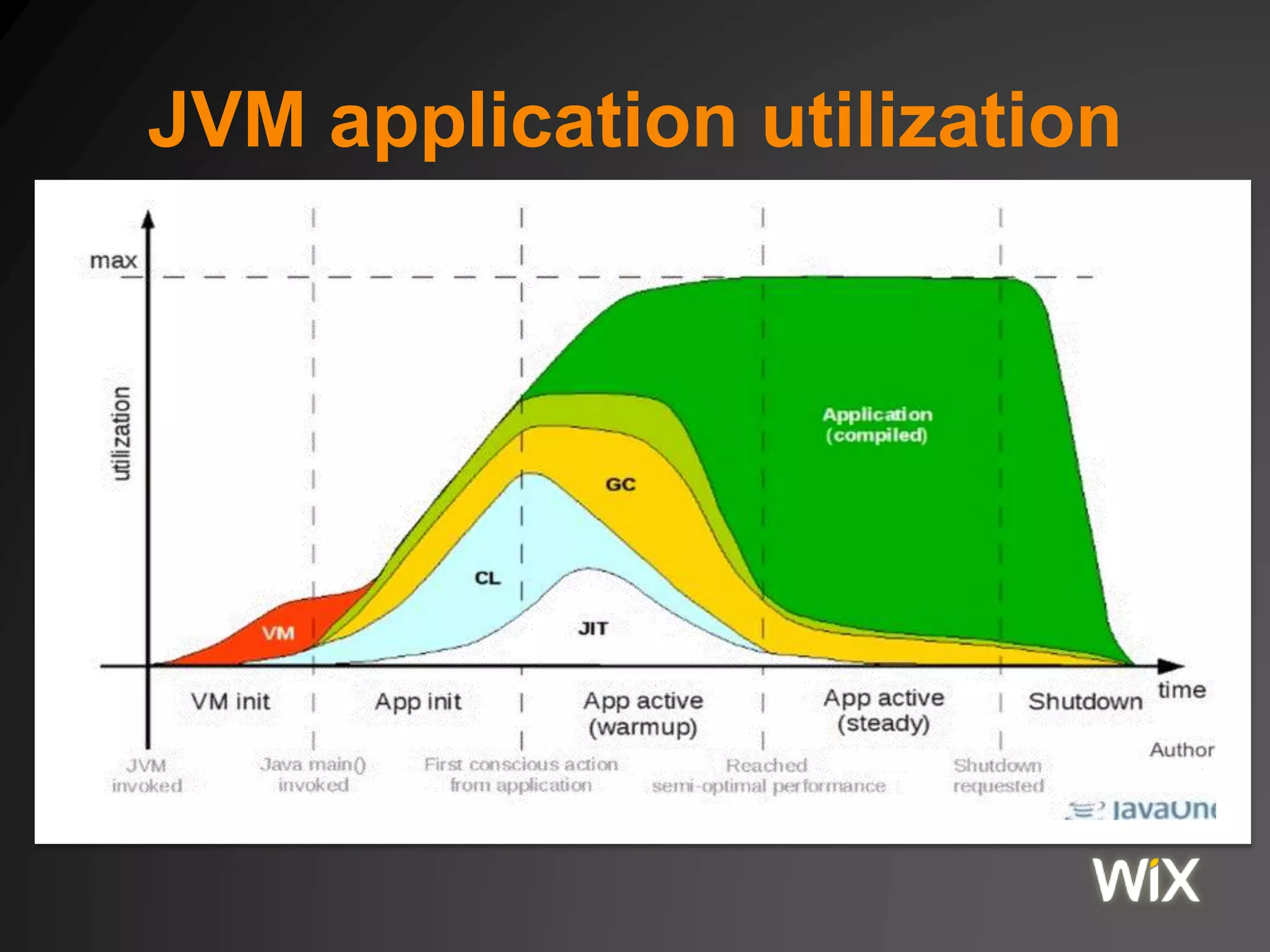
JVM application utilization
Optimizations in HotSpots JVM
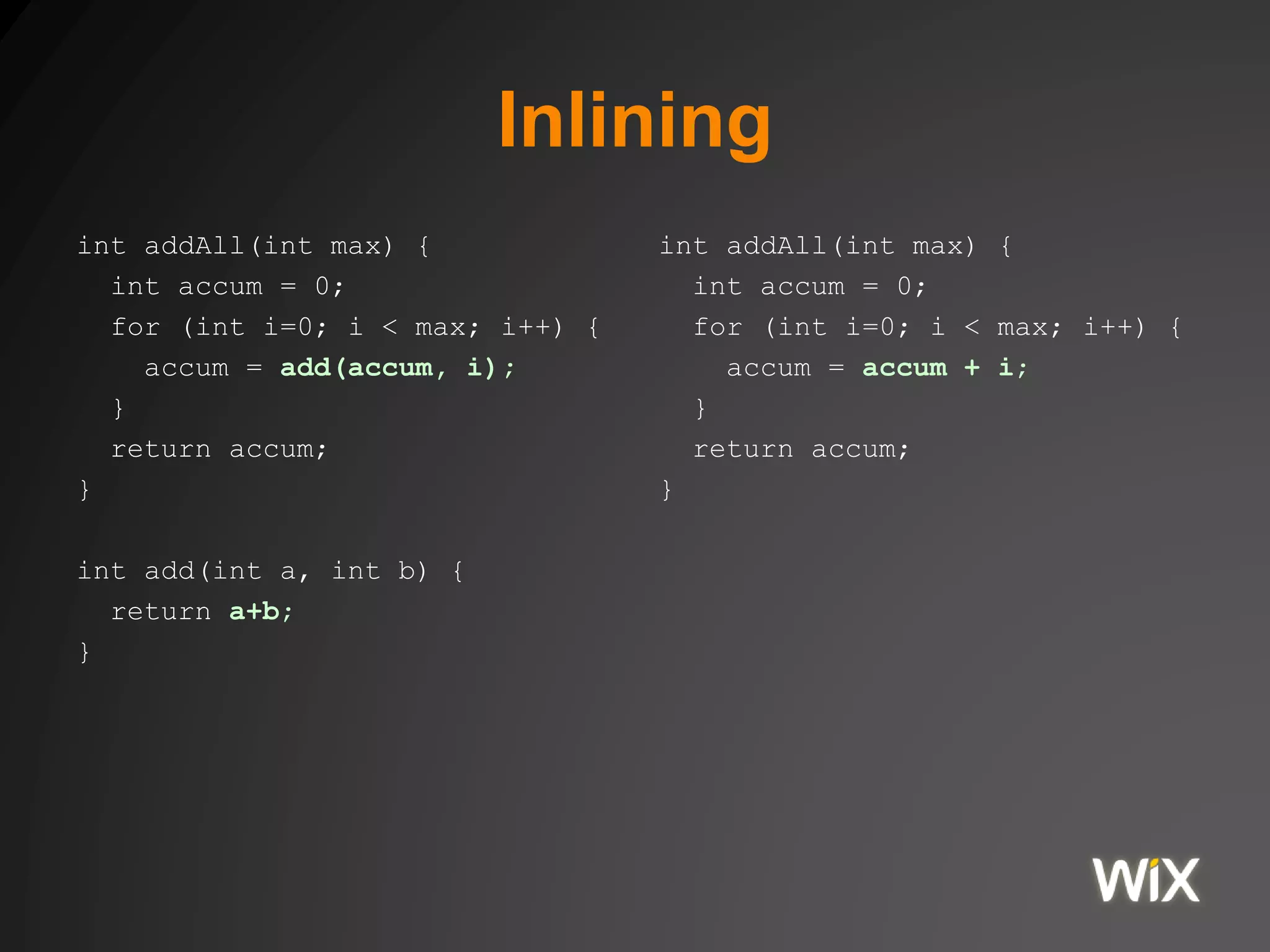
Inlining
int addAll(int max) {
int accum = 0;
for (int i=0; i < max; i++) {
accum = add(accum, i);
}
return accum;
}
int add(int a, int b) {
return a+b;
}
int addAll(int max) {
int accum = 0;
for (int i=0; i < max; i++) {
accum = accum + i;
}
return accum;
}
Loop unrolling
public void foo(int[] arr, int a) {
for (int i=0; i<arr.length; i++) {
arr[i] += a;
}
}
public void foo(int[] arr, int a) {
int limit = arr.length / 4;
for (int i=0; i<limit ; i++){
arr[4*i] += a; arr[4*i+1] += a;
arr[4*i+2] += a; arr[4*i+3] += a;
}
for (int i=limit*4; i<arr.length; i++) {
arr[i] += a;
}
}
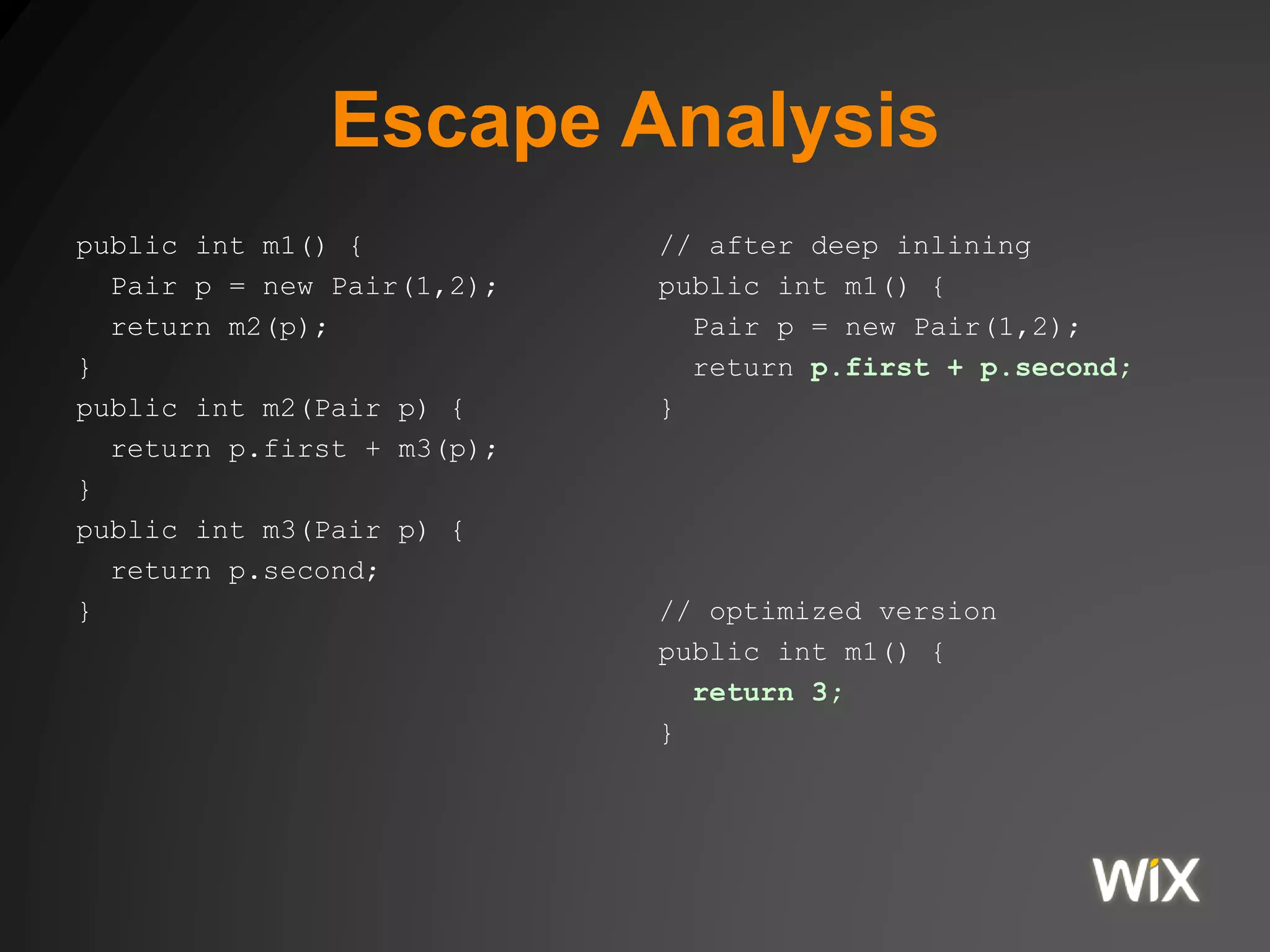
Escape Analysis
public int m1() {
Pair p = new Pair(1,2);
return m2(p);
}
public int m2(Pair p) {
return p.first + m3(p);
}
public int m3(Pair p) {
return p.second;
}
// after deep inlining
public int m1() {
Pair p = new Pair(1,2);
return p.first + p.second;
}
// optimized version
public int m1() {
return 3;
}
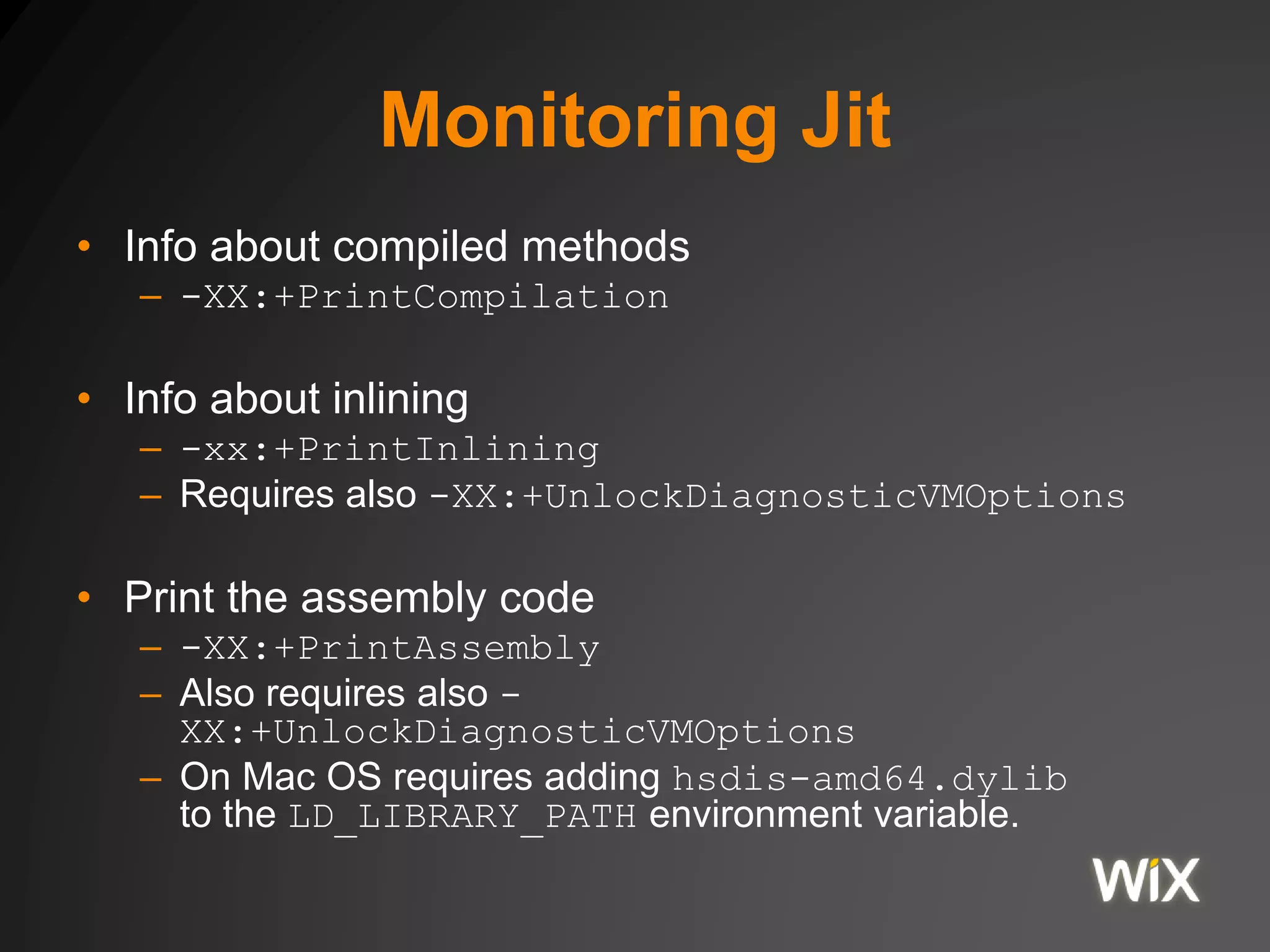
Monitoring Jit
• Info about compiled methods
– -XX:+PrintCompilation
• Info about inlining
– -xx:+PrintInlining
– Requires also -XX:+UnlockDiagnosticVMOptions
• Print the assembly code
– -XX:+PrintAssembly
– Also requires also -
XX:+UnlockDiagnosticVMOptions
– On Mac OS requires adding hsdis-amd64.dylib
to the LD_LIBRARY_PATH environment variable.
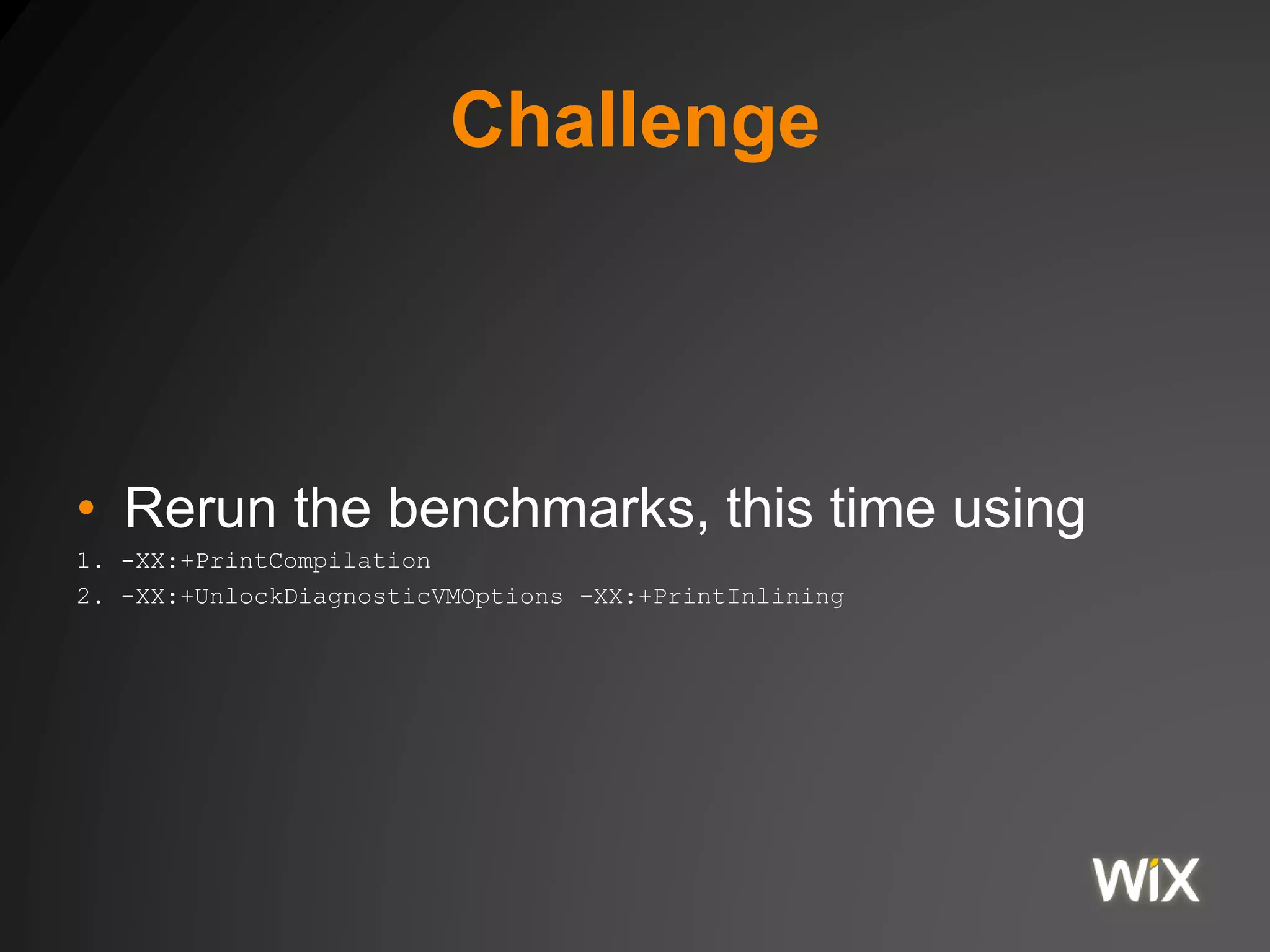
Challenge
• Rerun the benchmarks, this time using
1. -XX:+PrintCompilation
2. -XX:+UnlockDiagnosticVMOptions -XX:+PrintInlining
JVM Memory
The Java Memory Model
Java Memory Model
• The Java Memory Model (JMM) describes
how threads in the Java (Scala)
Programming language interact through
memory.
• Provides sequential consistency for
data race free programs.
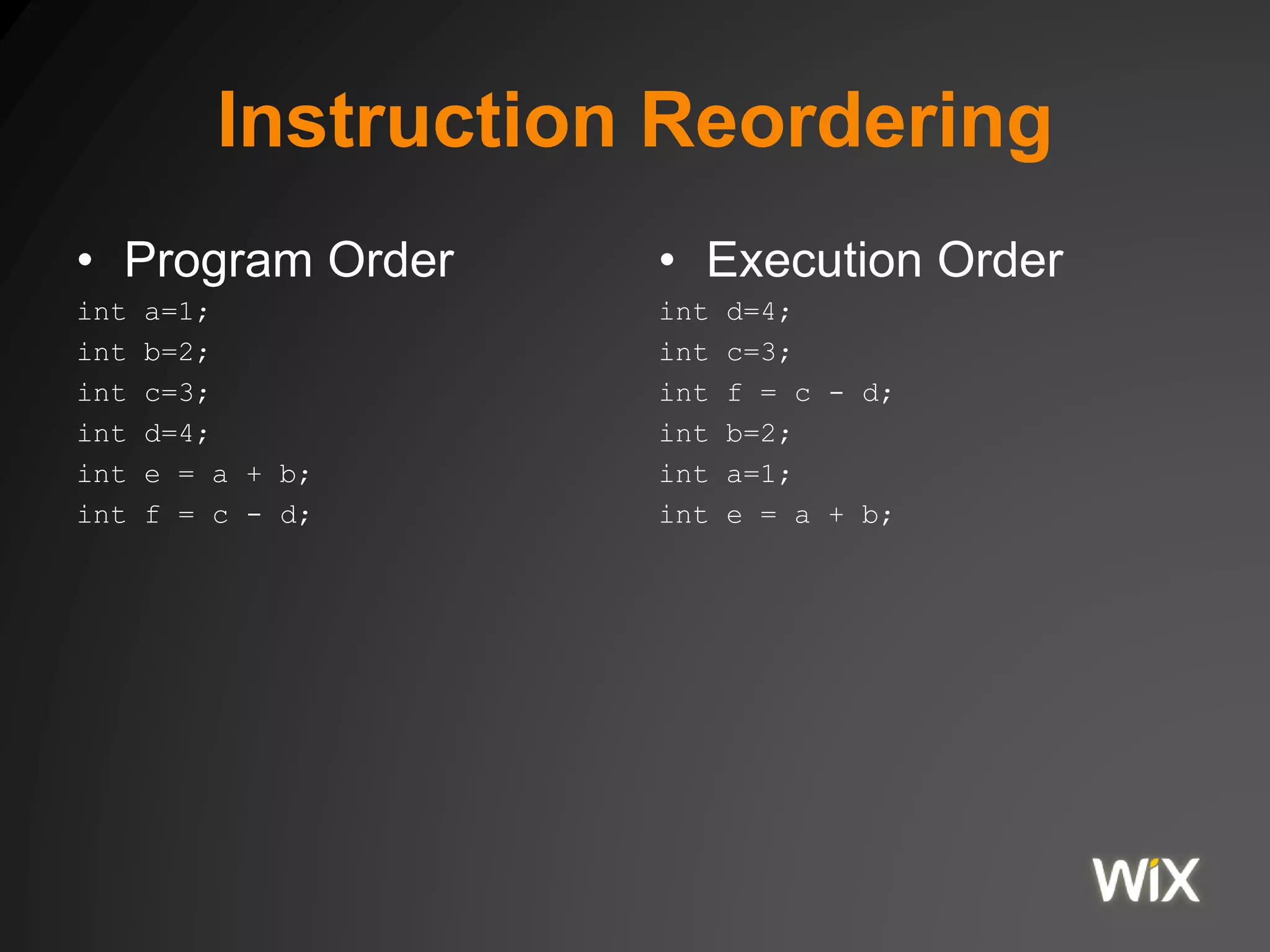
Instruction Reordering
• Program Order
int a=1;
int b=2;
int c=3;
int d=4;
int e = a + b;
int f = c - d;
• Execution Order
int d=4;
int c=3;
int f = c - d;
int b=2;
int a=1;
int e = a + b;
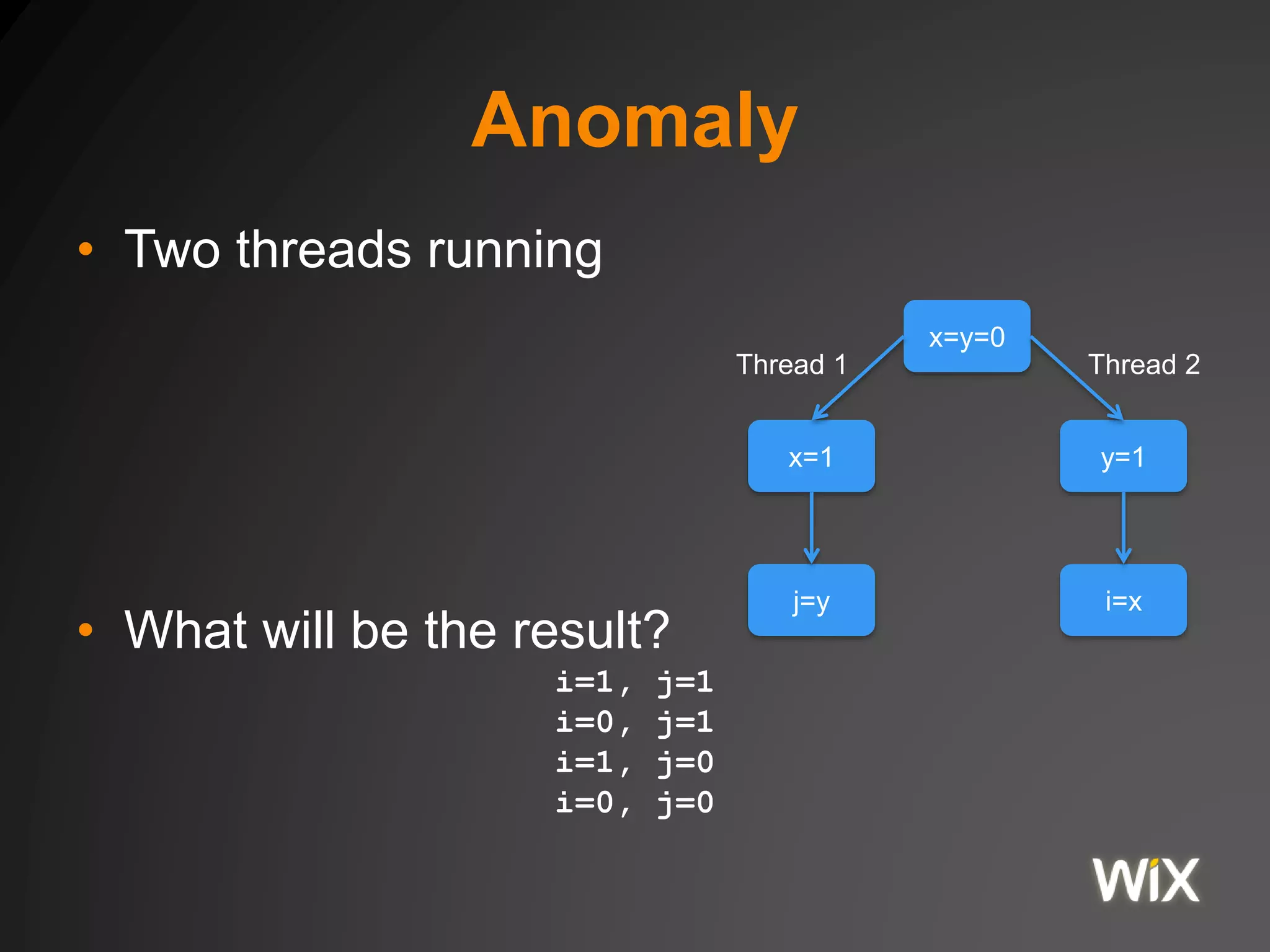
Anomaly
• Two threads running
• What will be the result?
i=1, j=1
i=0, j=1
i=1, j=0
i=0, j=0
x=y=0
j=y
x=1
i=x
y=1
Thread 1 Thread 2
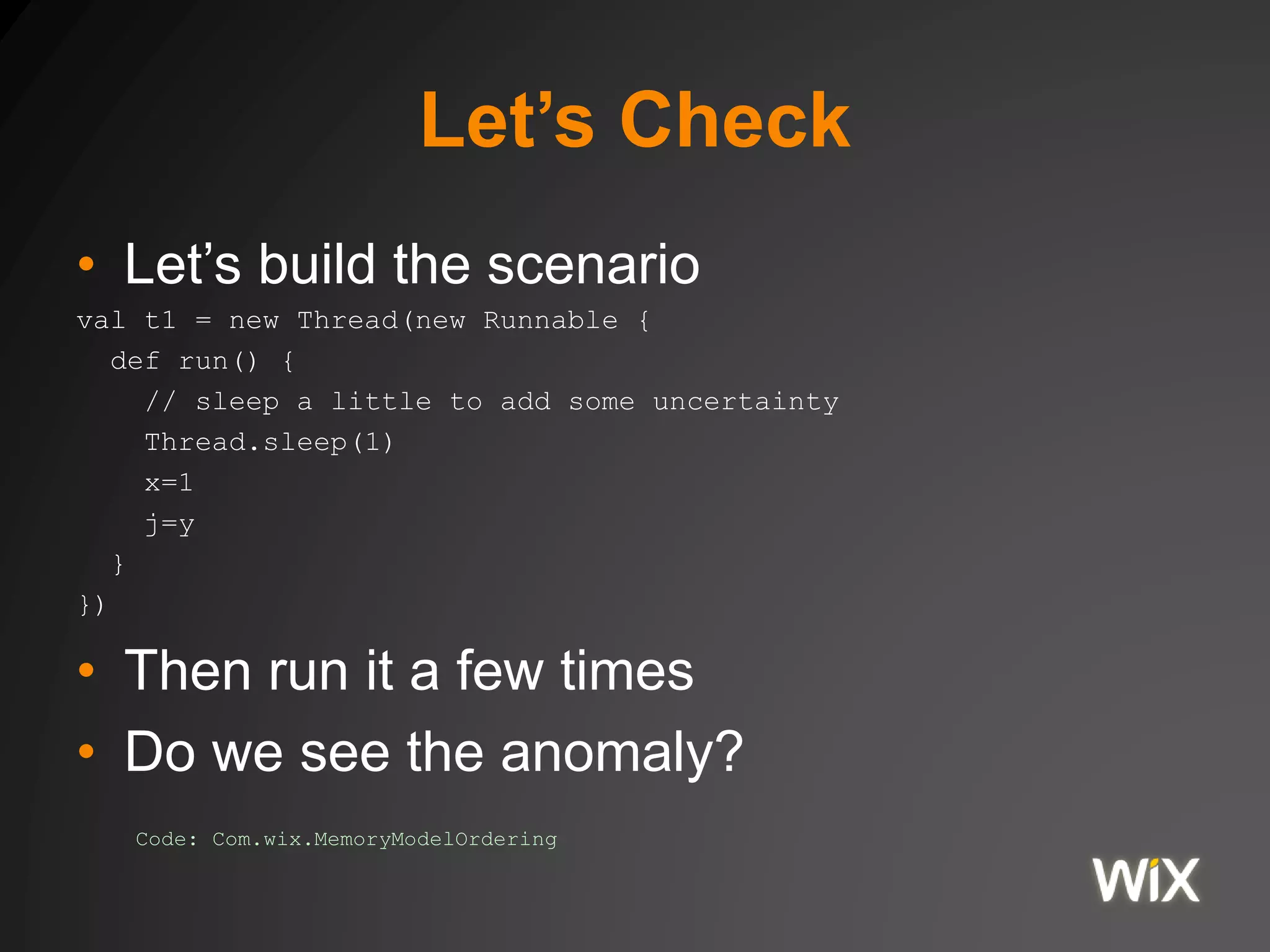
Let’s Check
• Let’s build the scenario
val t1 = new Thread(new Runnable {
def run() {
// sleep a little to add some uncertainty
Thread.sleep(1)
x=1
j=y
}
})
• Then run it a few times
• Do we see the anomaly?
Code: Com.wix.MemoryModelOrdering
Happens Before Ordering
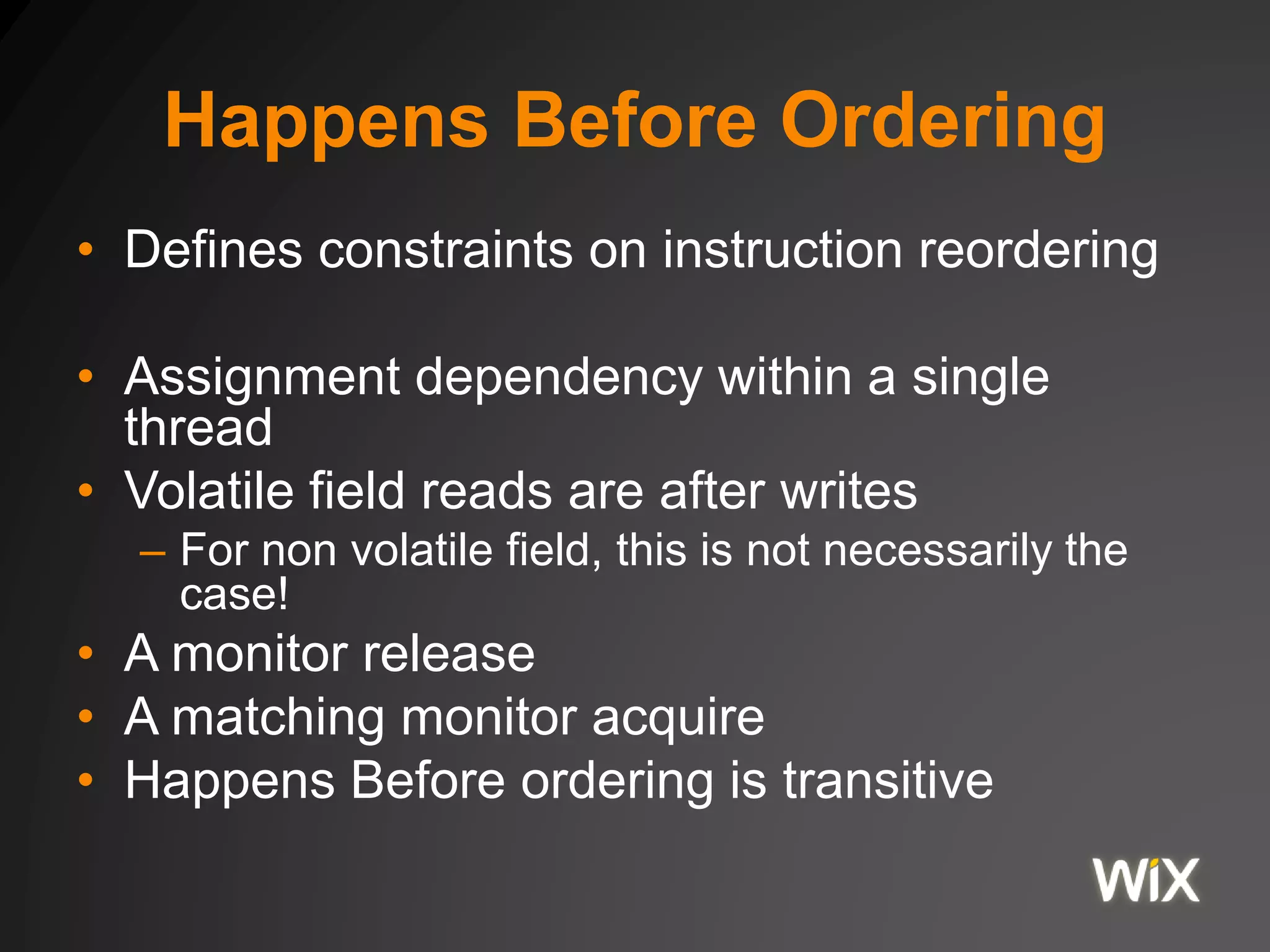
• Defines constraints on instruction reordering
• Assignment dependency within a single
thread
• Volatile field reads are after writes
– For non volatile field, this is not necessarily the
case!
• A monitor release
• A matching monitor acquire
• Happens Before ordering is transitive
Anomaly
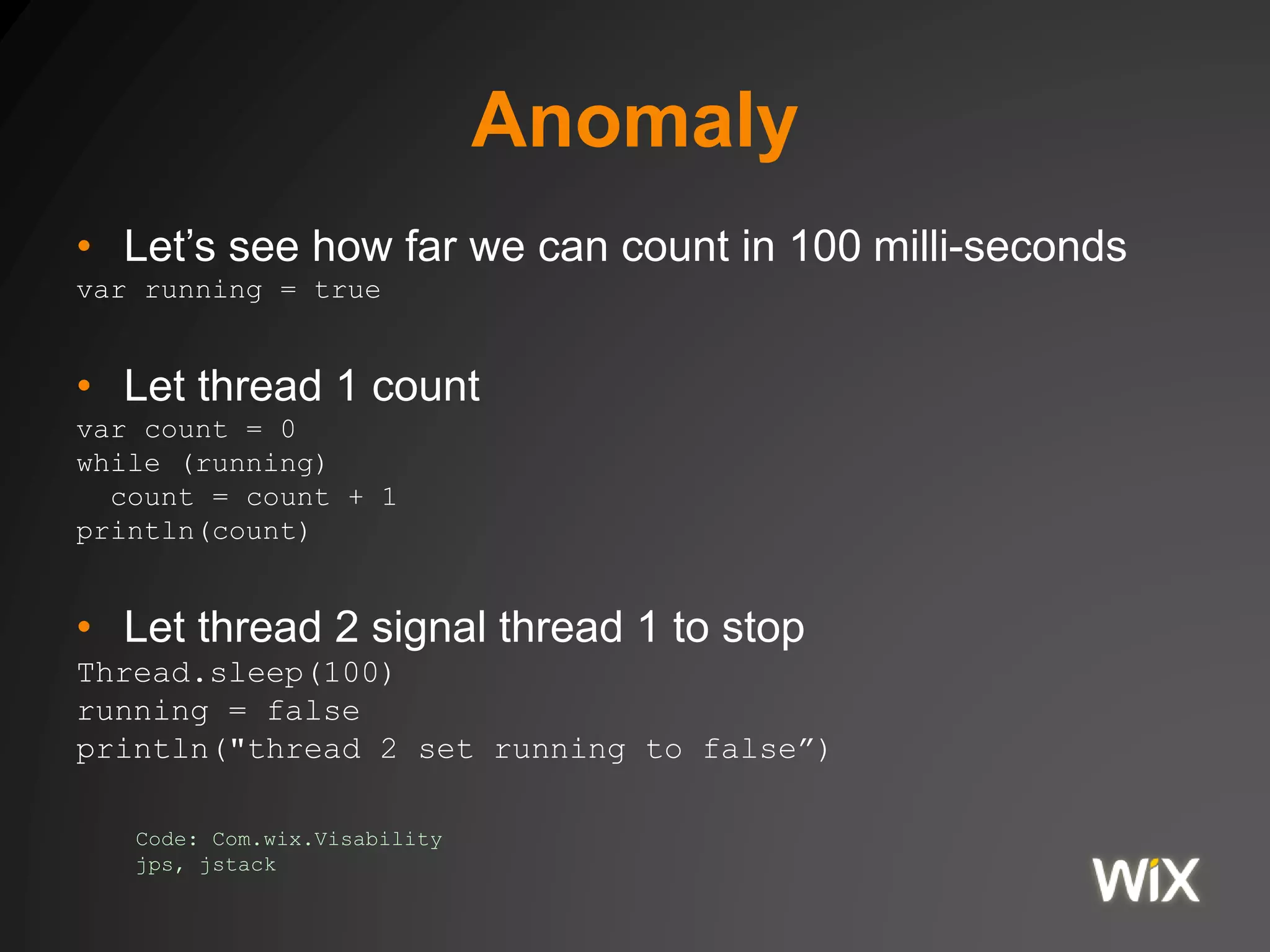
• Let’s see how far we can count in 100 milli-seconds
var running = true
• Let thread 1 count
var count = 0
while (running)
count = count + 1
println(count)
• Let thread 2 signal thread 1 to stop
Thread.sleep(100)
running = false
println("thread 2 set running to false”)
Code: Com.wix.Visability
jps, jstack
Volatile
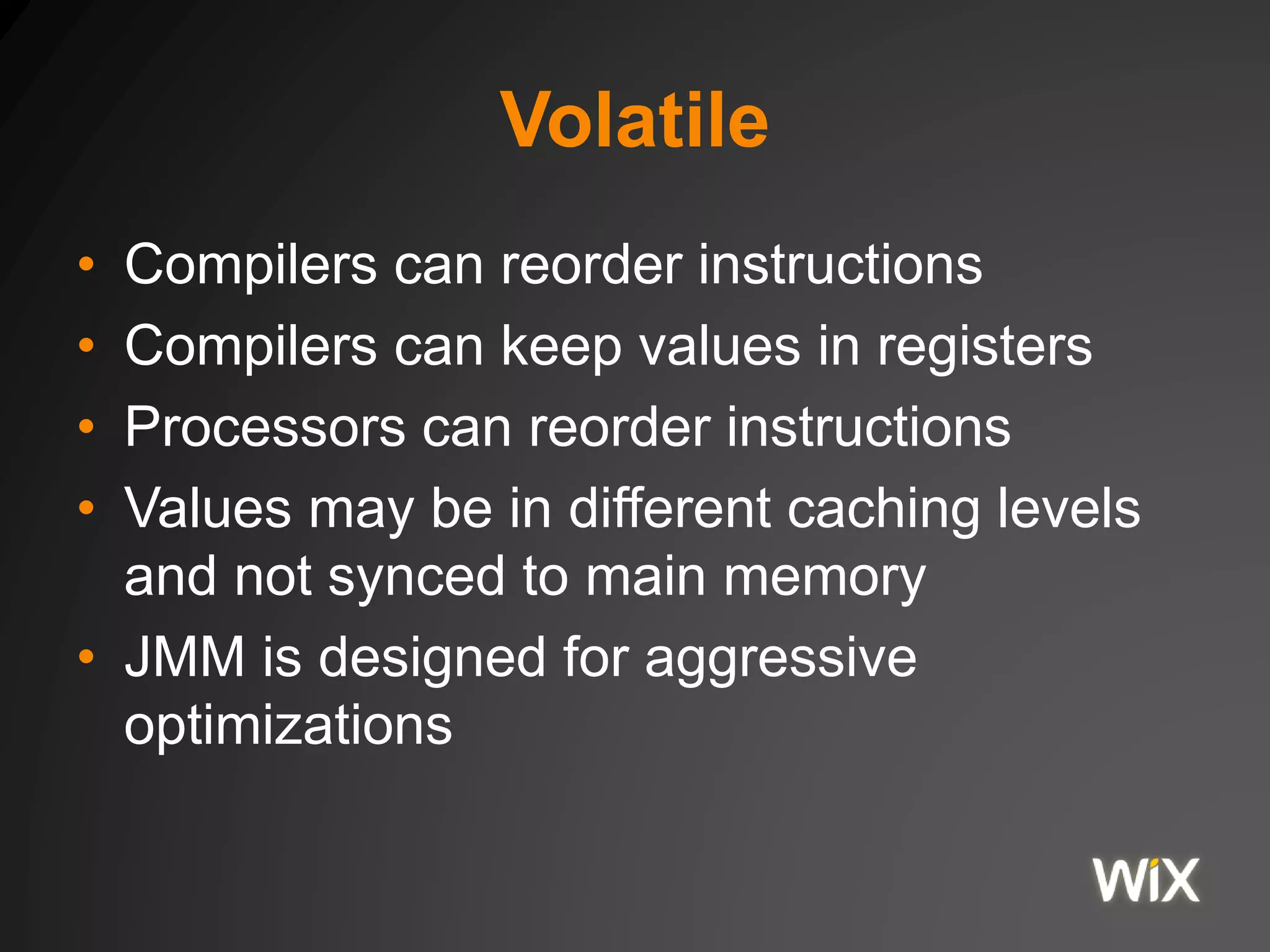
• Compilers can reorder instructions
• Compilers can keep values in registers
• Processors can reorder instructions
• Values may be in different caching levels
and not synced to main memory
• JMM is designed for aggressive
optimizations
Volatile
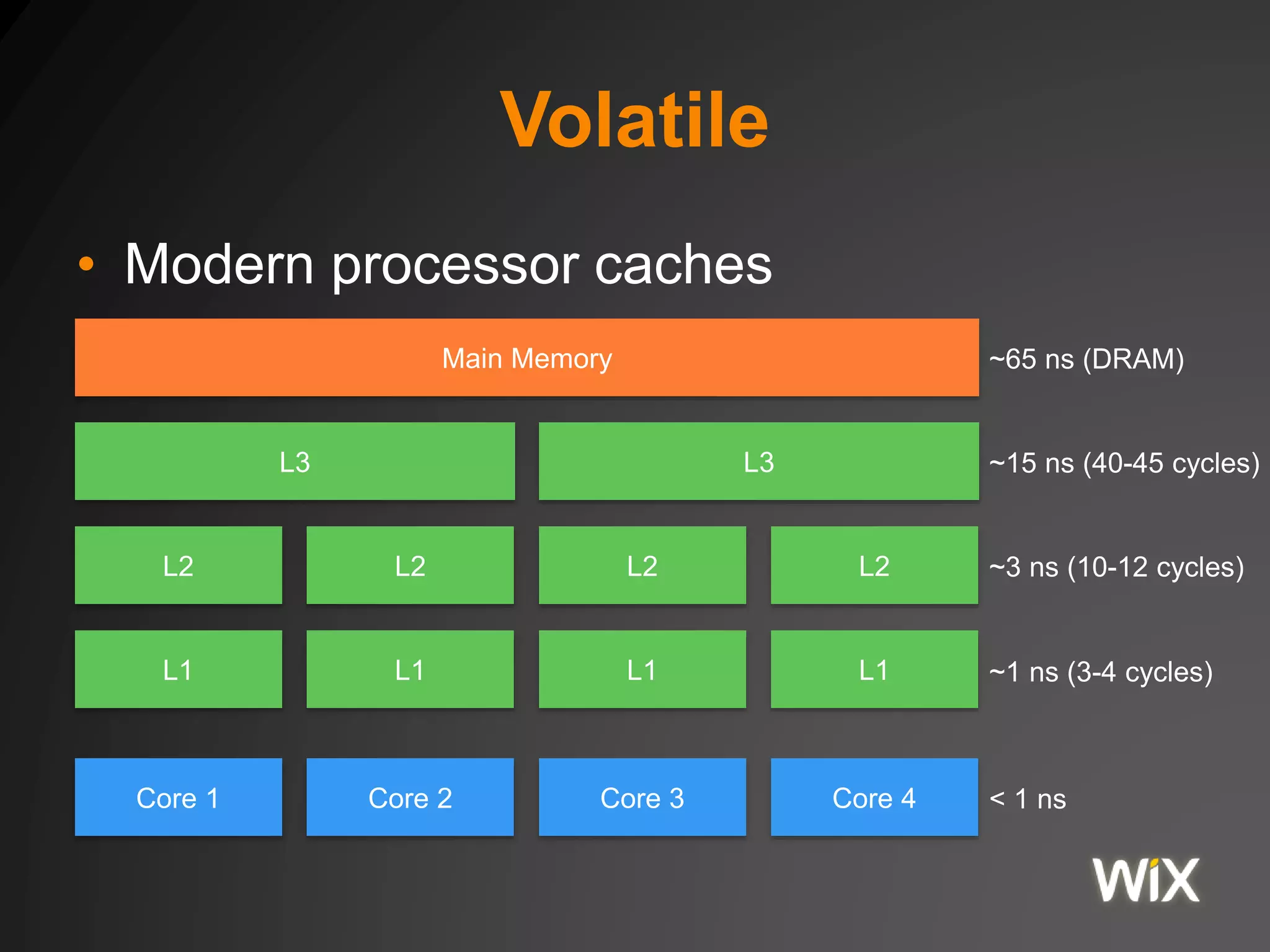
• Modern processor caches
Core 1 Core 2 Core 3 Core 4
L1 L1 L1 L1
L2 L2 L2 L2
L3 L3
Main Memory ~65 ns (DRAM)
~15 ns (40-45 cycles)
~3 ns (10-12 cycles)
~1 ns (3-4 cycles)
< 1 ns
Volatile
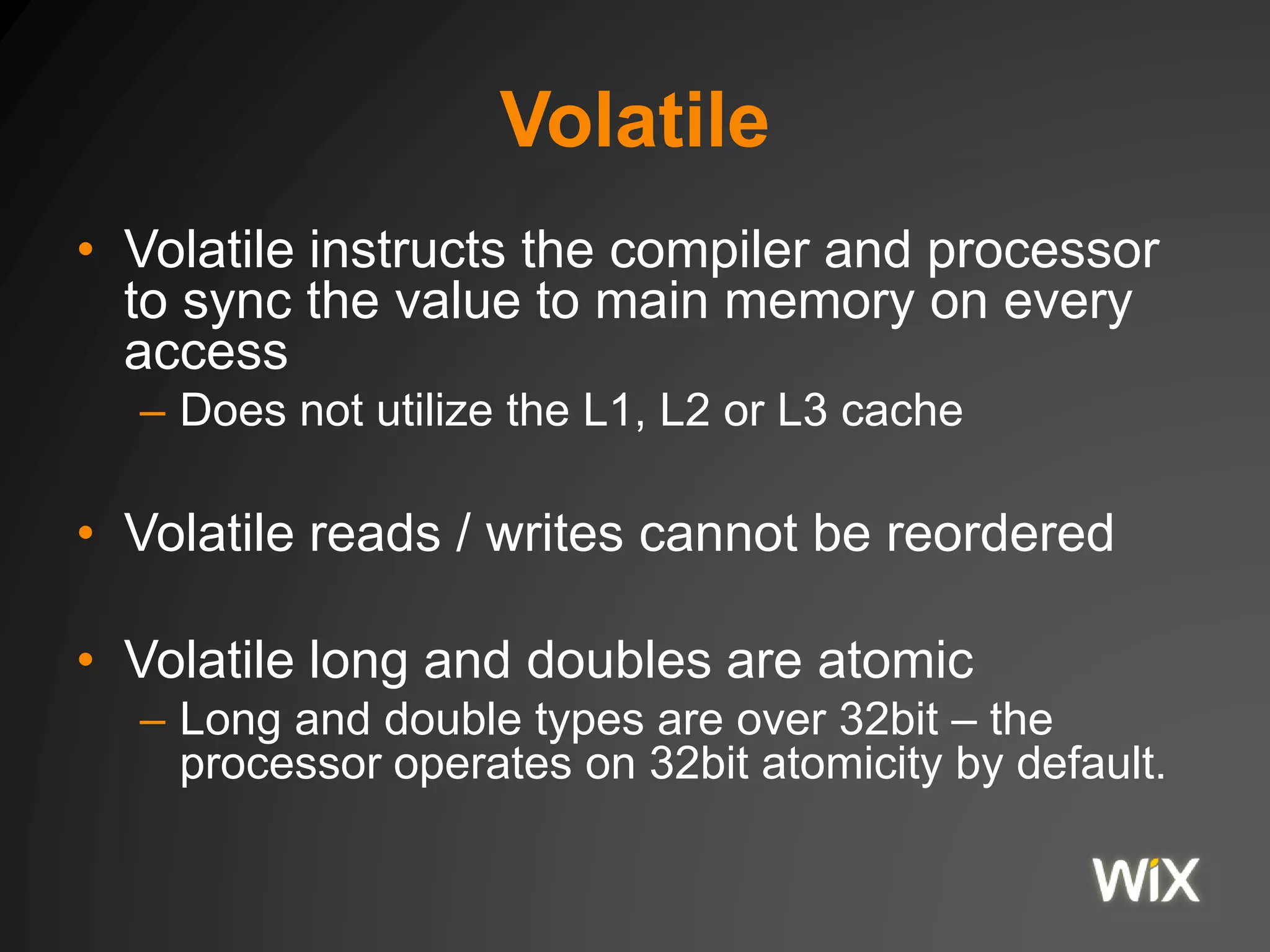
• Volatile instructs the compiler and processor
to sync the value to main memory on every
access
– Does not utilize the L1, L2 or L3 cache
• Volatile reads / writes cannot be reordered
• Volatile long and doubles are atomic
– Long and double types are over 32bit – the
processor operates on 32bit atomicity by default.
Resolve the Anomaly
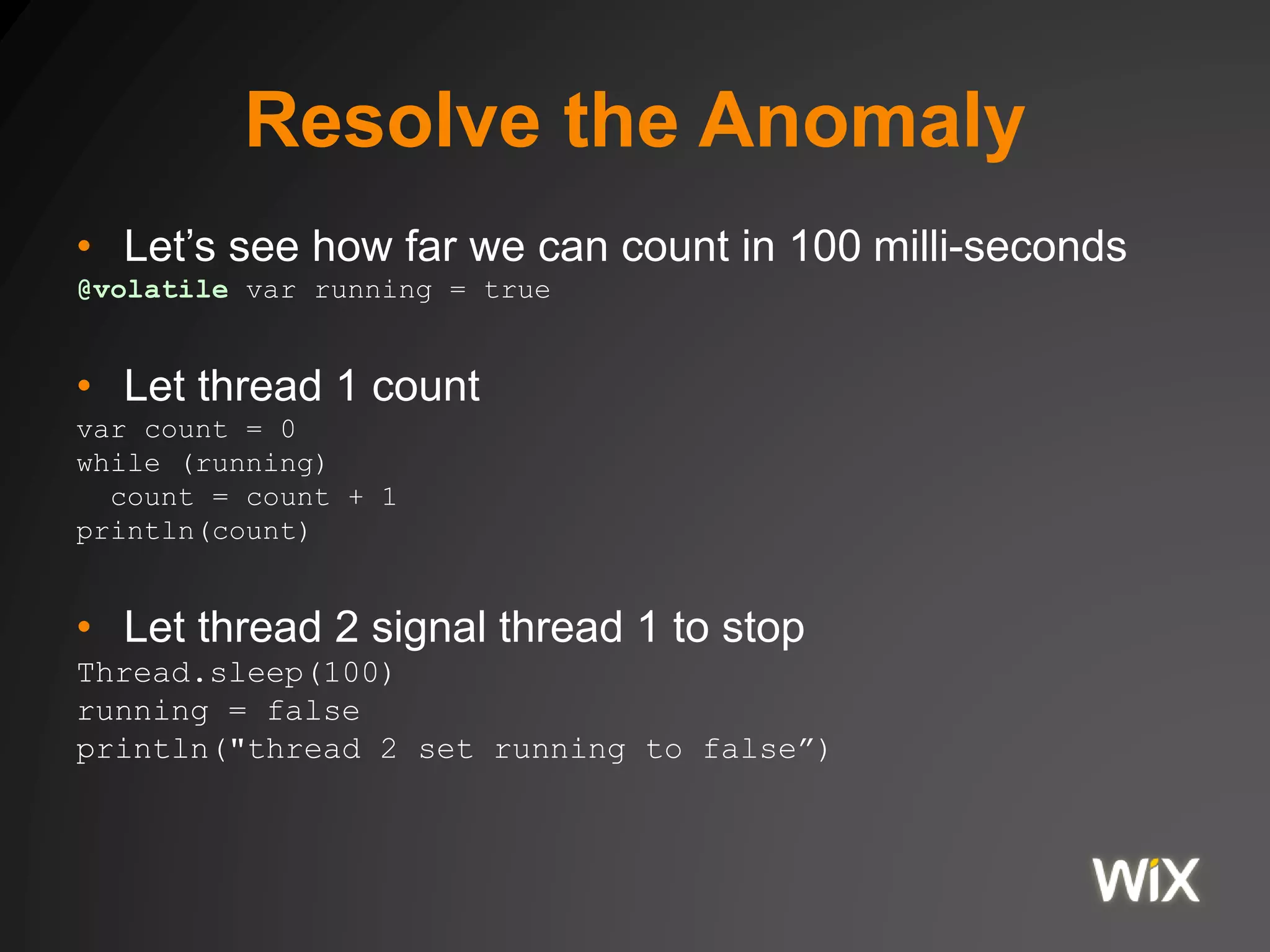
• Let’s see how far we can count in 100 milli-seconds
@volatile var running = true
• Let thread 1 count
var count = 0
while (running)
count = count + 1
println(count)
• Let thread 2 signal thread 1 to stop
Thread.sleep(100)
running = false
println("thread 2 set running to false”)
Anomaly
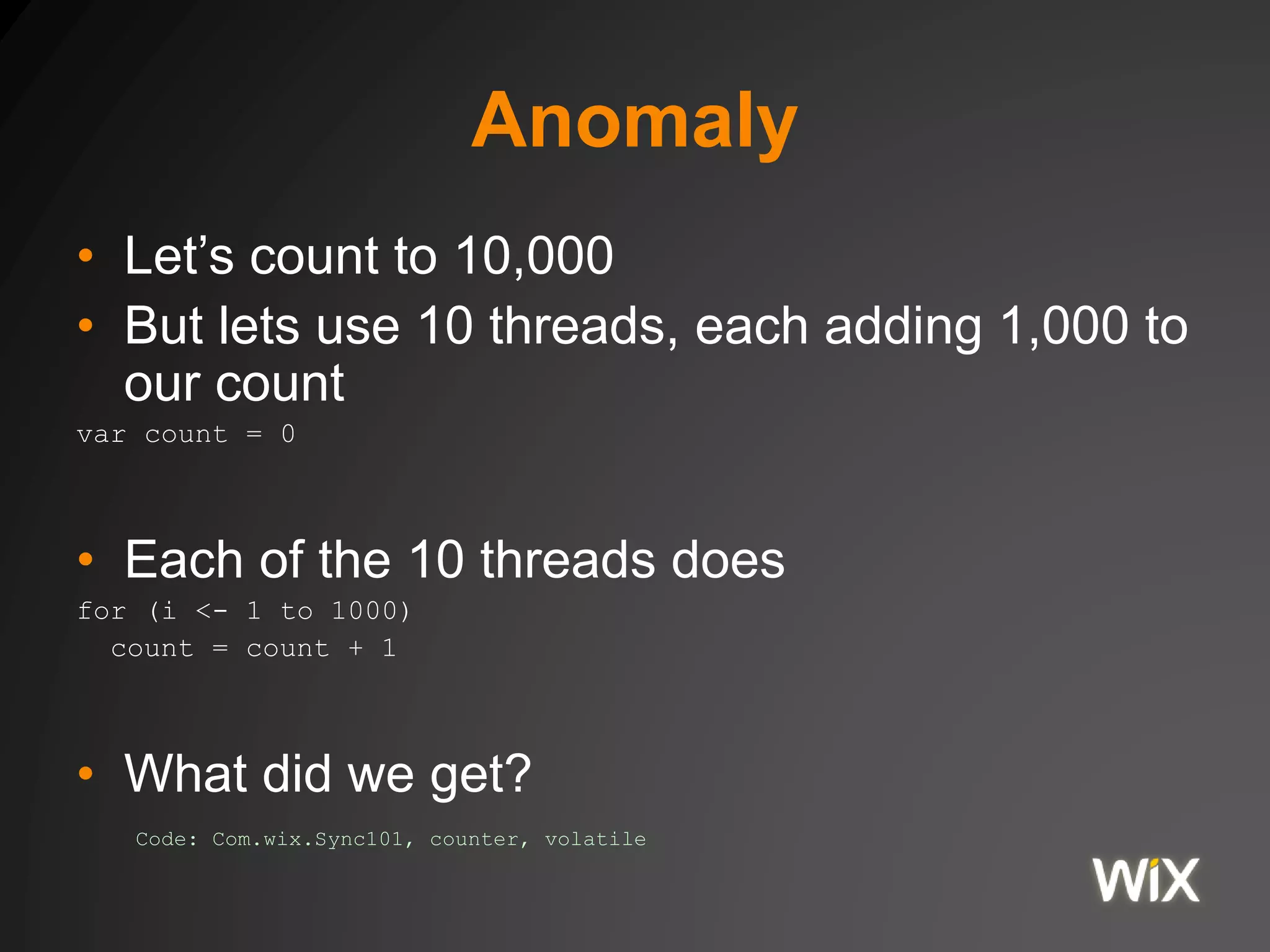
• Let’s count to 10,000
• But lets use 10 threads, each adding 1,000 to
our count
var count = 0
• Each of the 10 threads does
for (i <- 1 to 1000)
count = count + 1
• What did we get?
Code: Com.wix.Sync101, counter, volatile
Synchronization
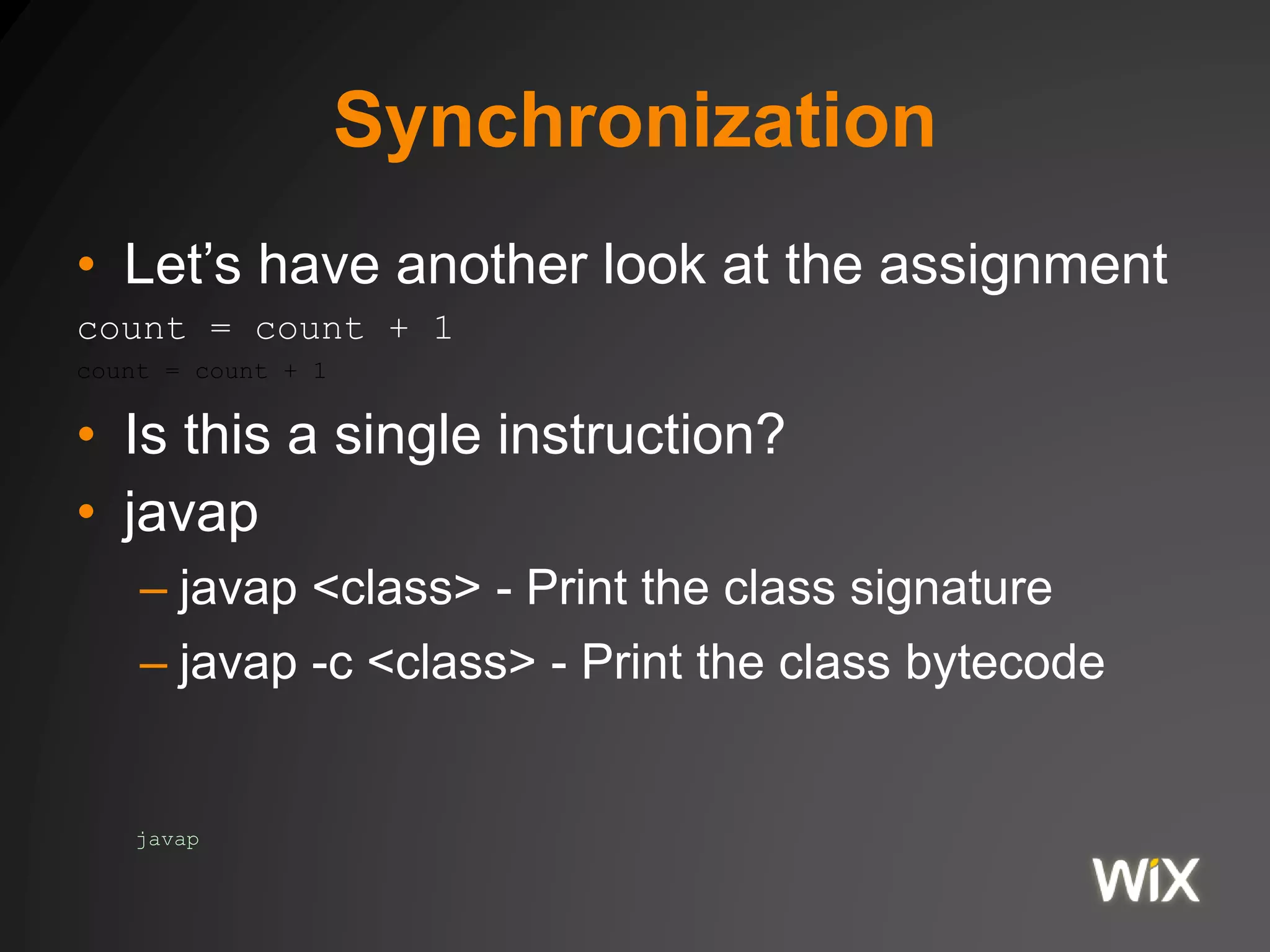
• Let’s have another look at the assignment
count = count + 1
count = count + 1
• Is this a single instruction?
• javap
– javap <class> - Print the class signature
– javap -c <class> - Print the class bytecode
javap
Synchronization
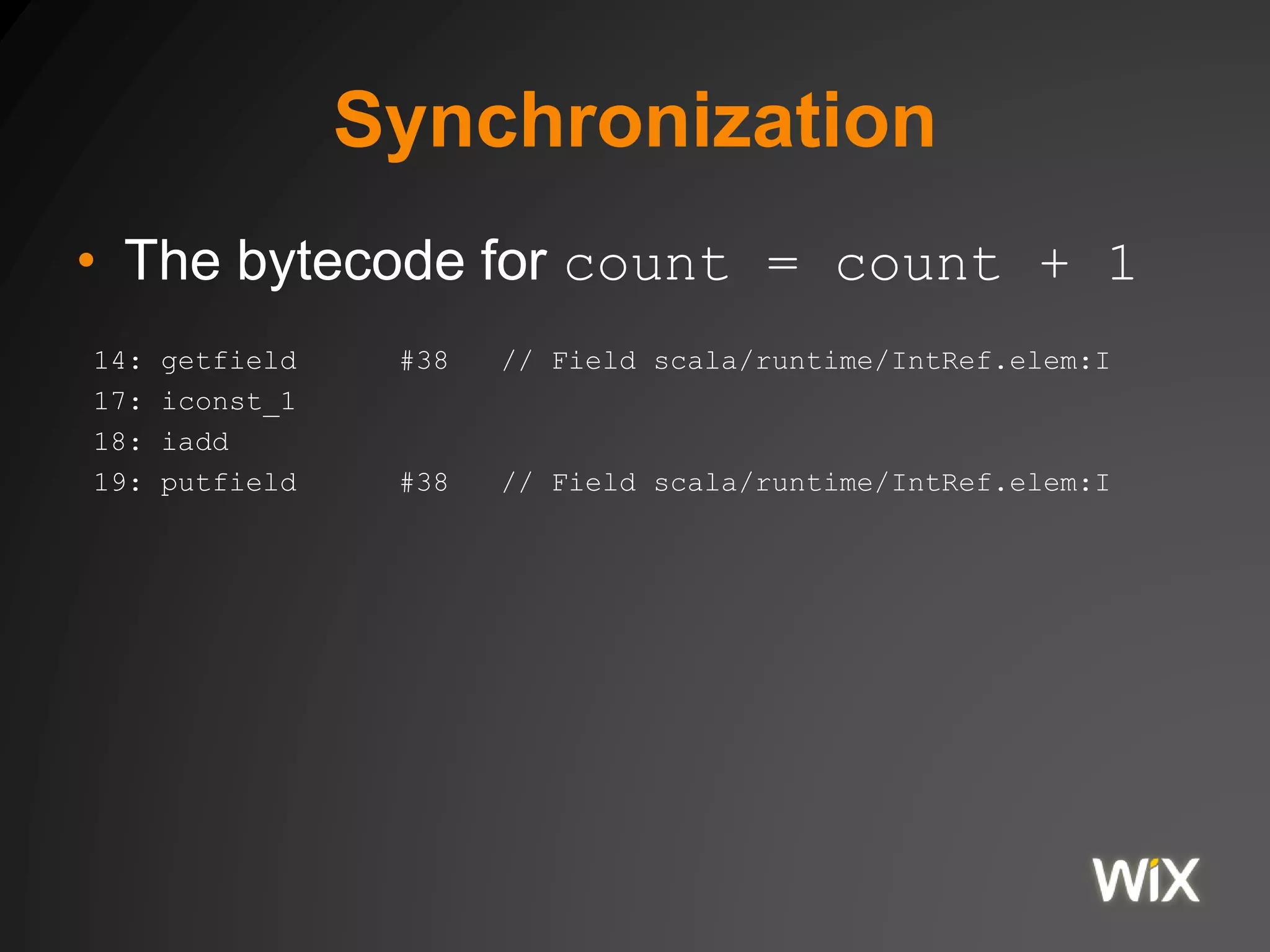
• The bytecode for count = count + 1
14: getfield #38 // Field scala/runtime/IntRef.elem:I
17: iconst_1
18: iadd
19: putfield #38 // Field scala/runtime/IntRef.elem:I
Synchronization
• The bytecode for count = count + 1
// Read the current counter value from field 38
// and add it to the stack
14: getfield #38 // Field scala/runtime/IntRef.elem:I
// Add 1 to the stack
17: iconst_1
// Add the first two stack elements as integers,
// and put the result in the stack
18: iadd
// set field 38 to the current top element of the stack
// assuming it is an integer
19: putfield #38 // Field scala/runtime/IntRef.elem:I
Synchronization Tools
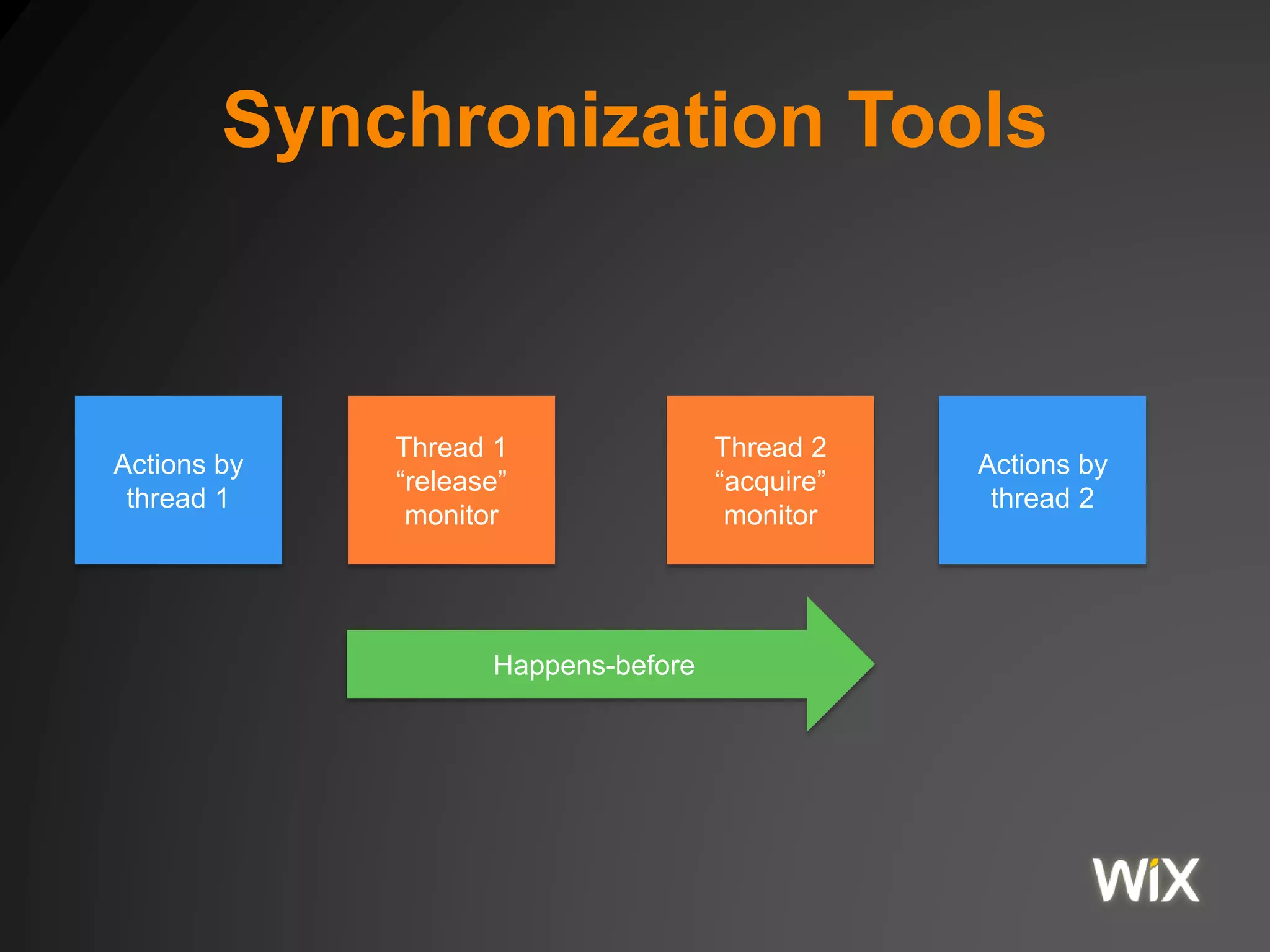
Actions by
thread 1
Thread 1
“release”
monitor
Thread 2
“acquire”
monitor
Actions by
thread 2
Happens-before
Synchronization Tools
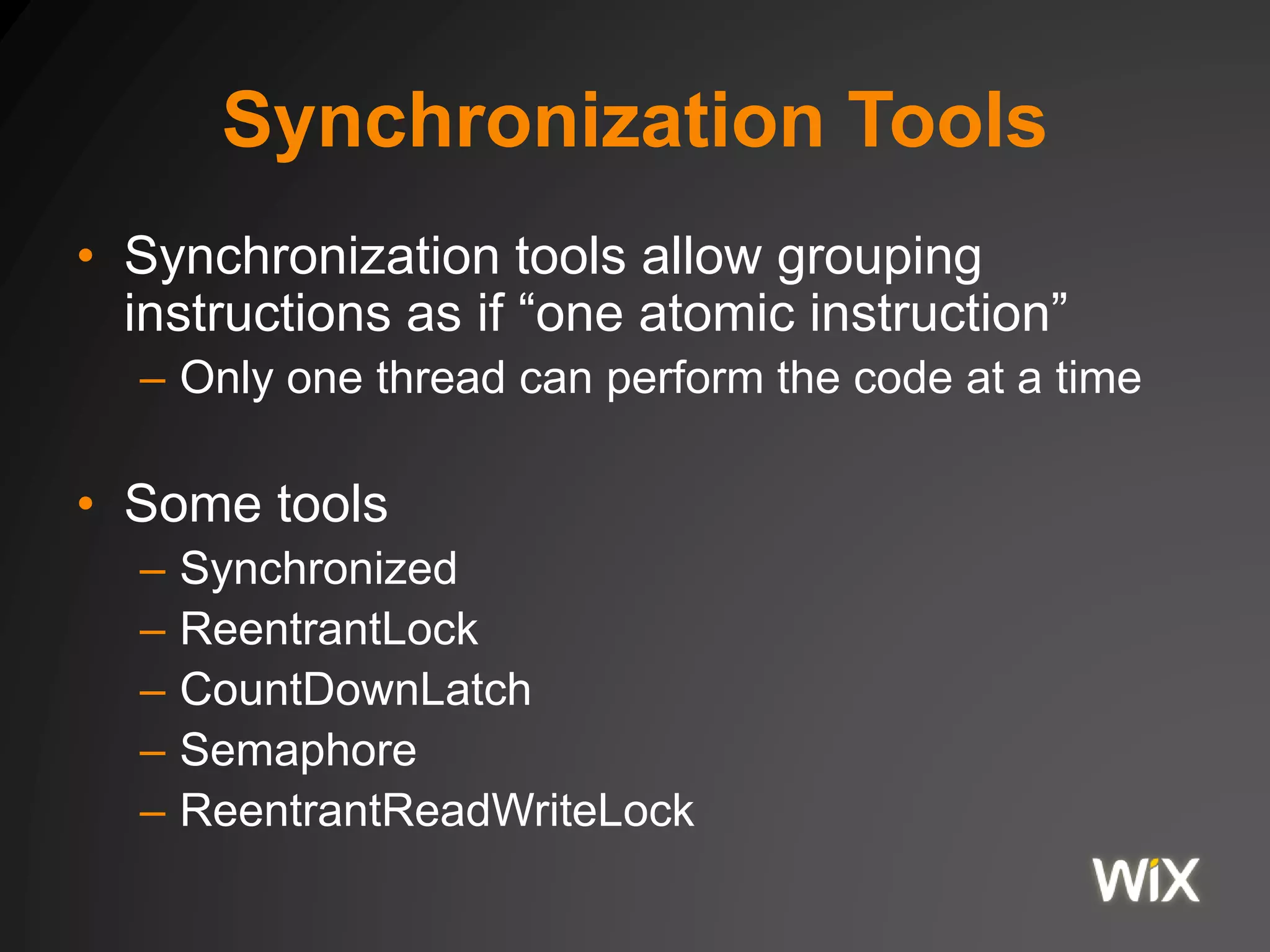
• Synchronization tools allow grouping
instructions as if “one atomic instruction”
– Only one thread can perform the code at a time
• Some tools
– Synchronized
– ReentrantLock
– CountDownLatch
– Semaphore
– ReentrantReadWriteLock
Synchronization Tools
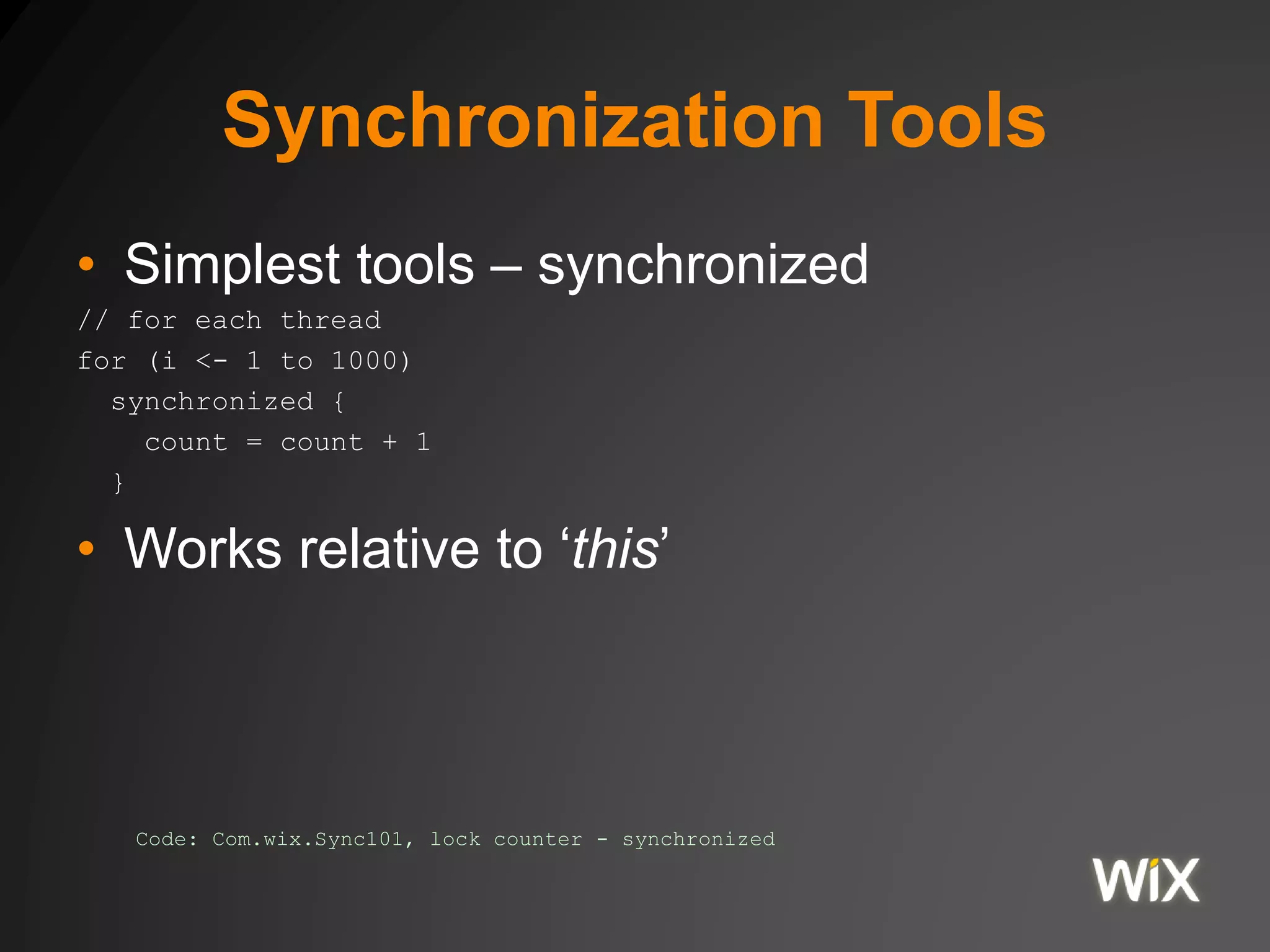
• Simplest tools – synchronized
// for each thread
for (i <- 1 to 1000)
synchronized {
count = count + 1
}
• Works relative to ‘this’
Code: Com.wix.Sync101, lock counter - synchronized
Synchronization Tools
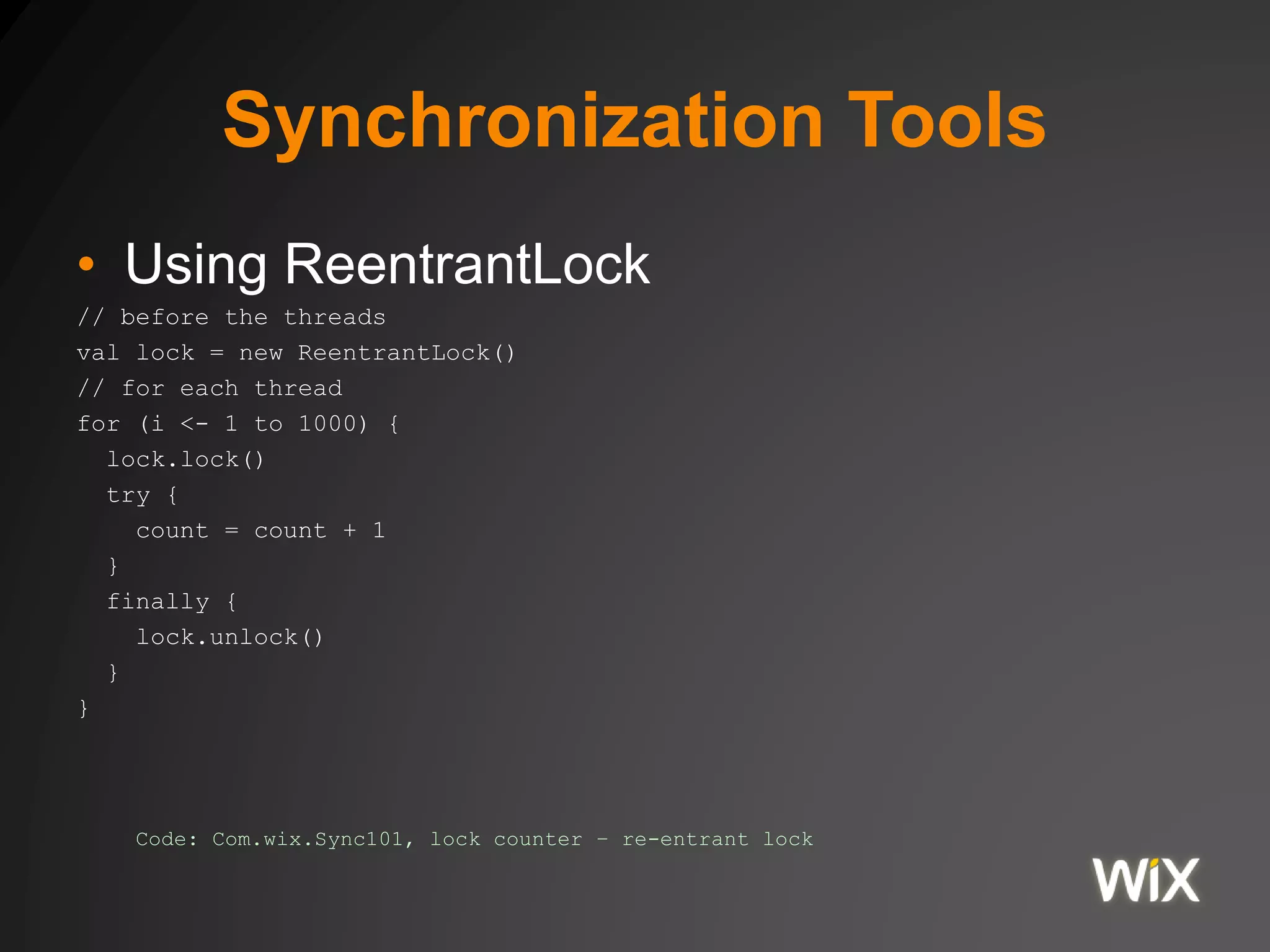
• Using ReentrantLock
// before the threads
val lock = new ReentrantLock()
// for each thread
for (i <- 1 to 1000) {
lock.lock()
try {
count = count + 1
}
finally {
lock.unlock()
}
}
Code: Com.wix.Sync101, lock counter – re-entrant lock
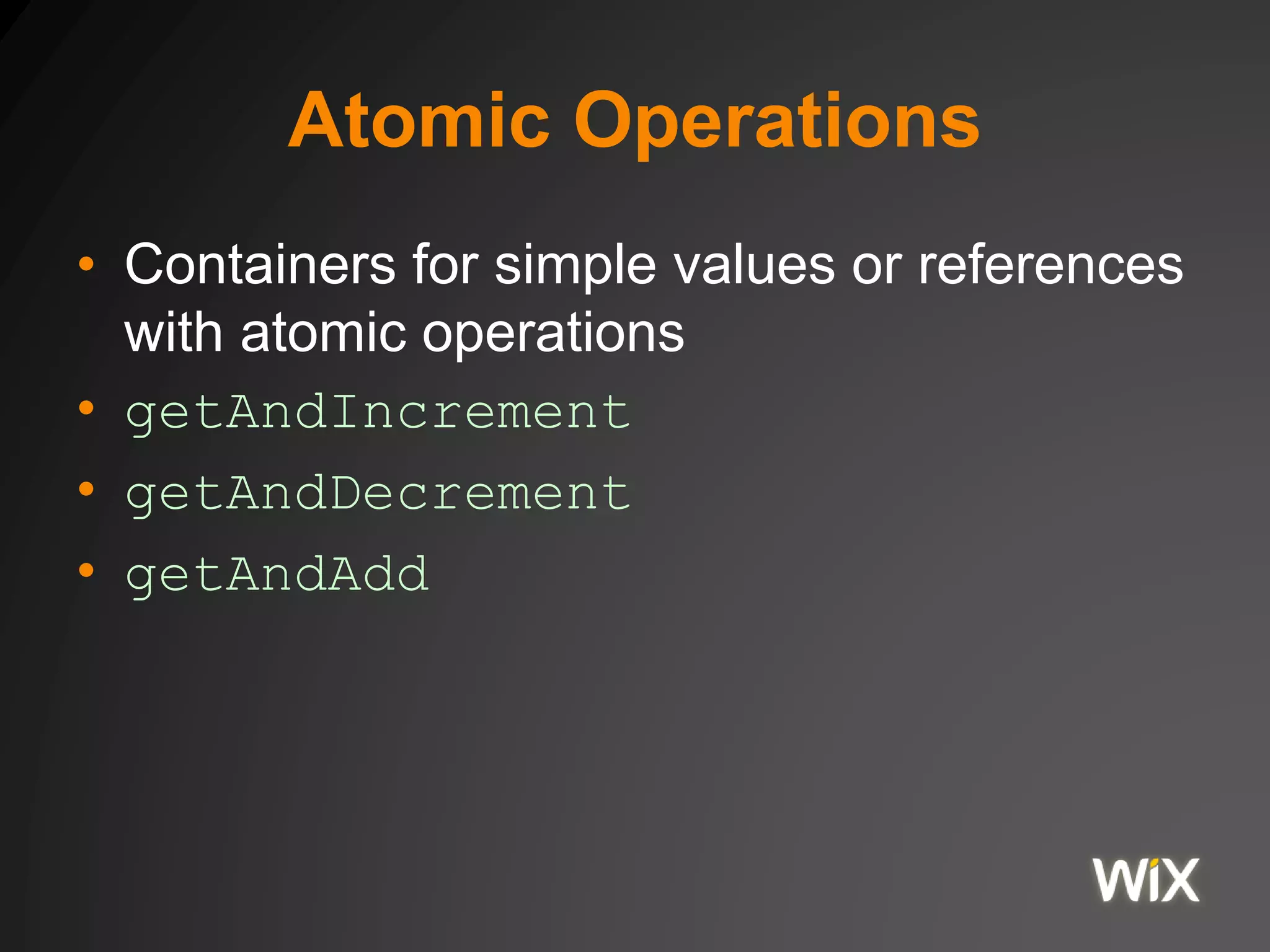
Atomic Operations
• Containers for simple values or references
with atomic operations
• getAndIncrement
• getAndDecrement
• getAndAdd
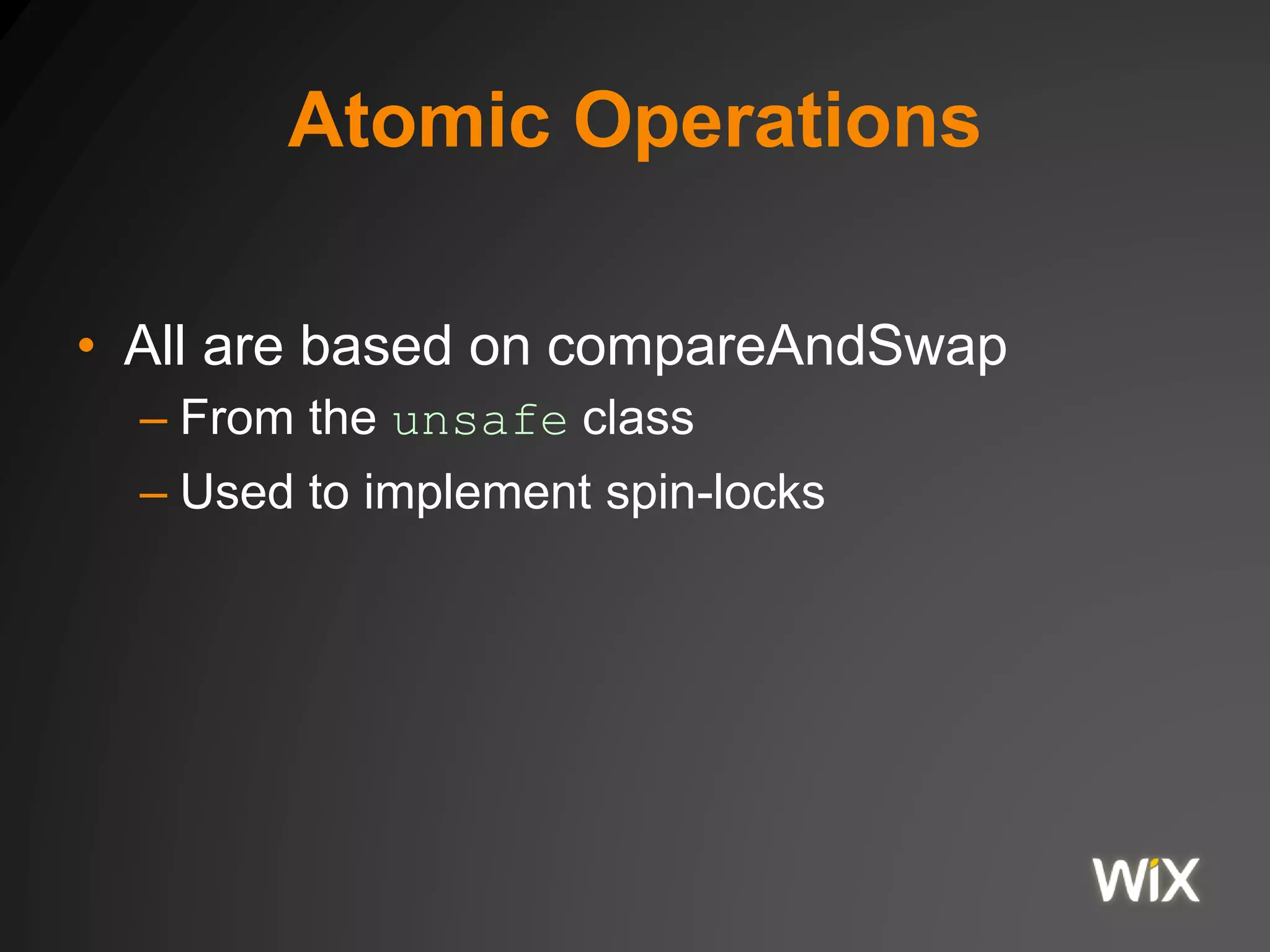
Atomic Operations
• All are based on compareAndSwap
– From the unsafe class
– Used to implement spin-locks
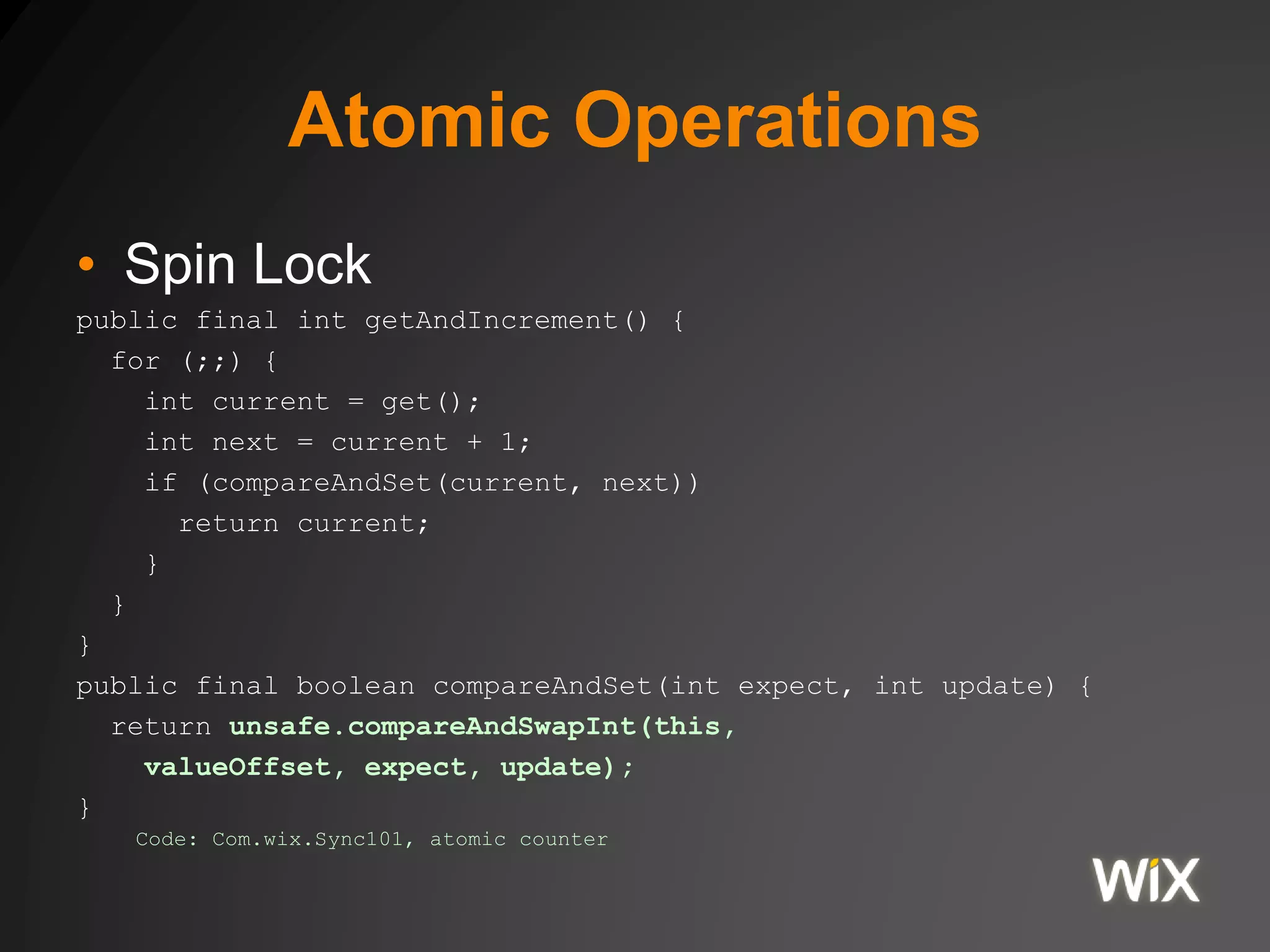
Atomic Operations
• Spin Lock
public final int getAndIncrement() {
for (;;) {
int current = get();
int next = current + 1;
if (compareAndSet(current, next))
return current;
}
}
}
public final boolean compareAndSet(int expect, int update) {
return unsafe.compareAndSwapInt(this,
valueOffset, expect, update);
}
Code: Com.wix.Sync101, atomic counter
References
• The examples on Github
https://github.com/yoavaa/jvm-memory-model
JVM Memory
Memory allocation of a JVM
process
Java Memory
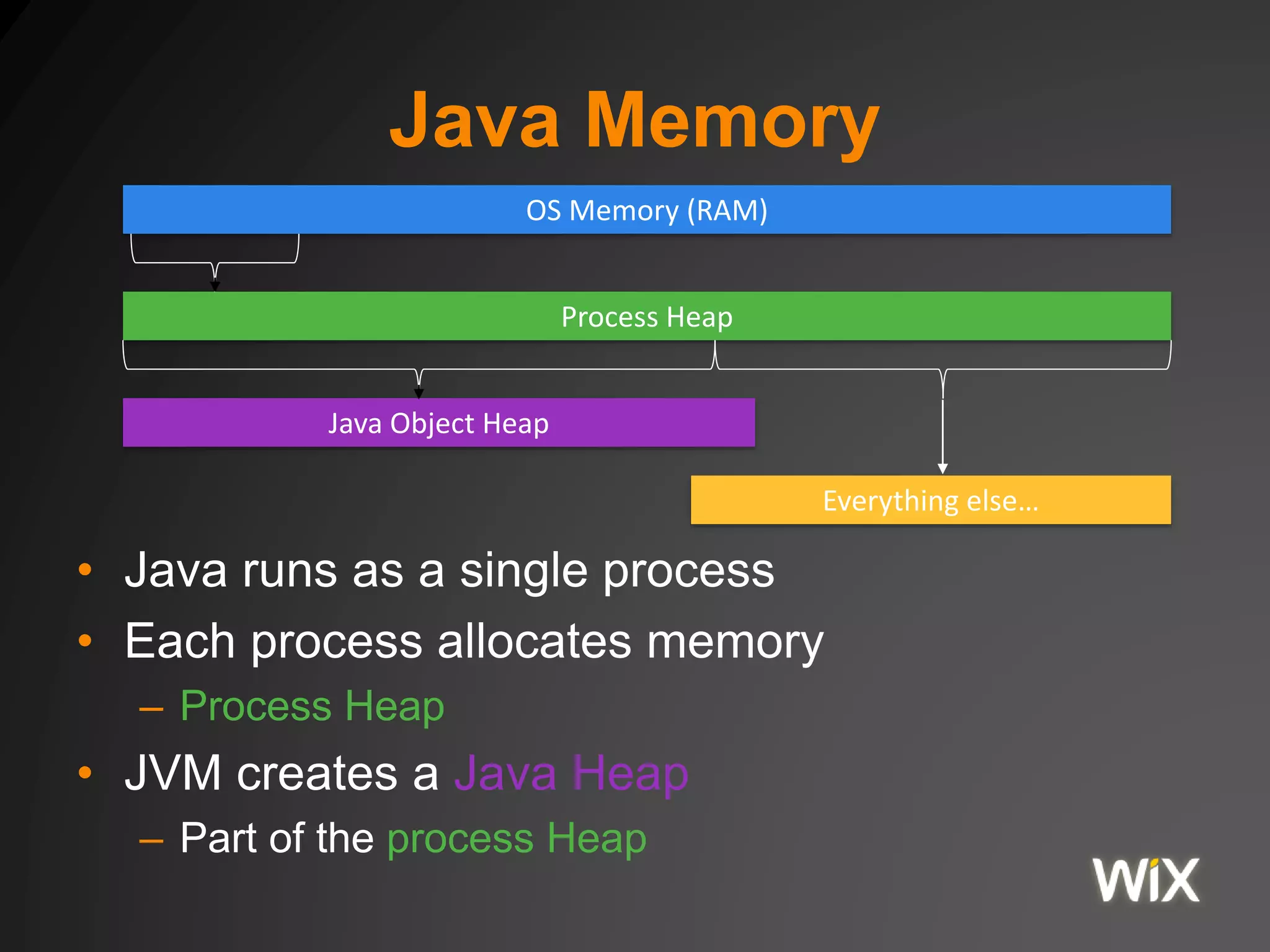
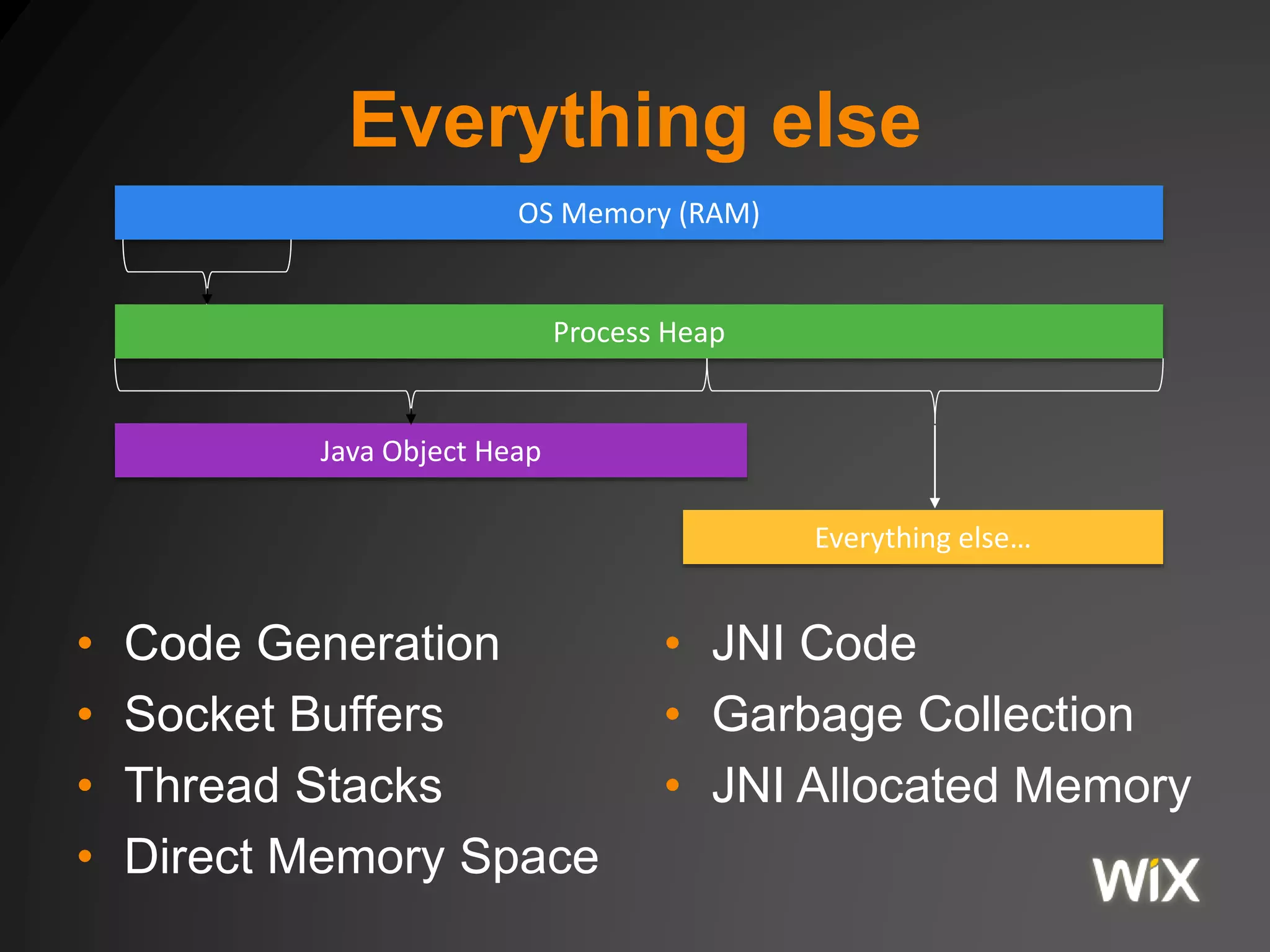
• Java runs as a single process
• Each process allocates memory
– Process Heap
• JVM creates a Java Heap
– Part of the process Heap
OS Memory (RAM)
Process Heap
Java Object Heap
Everything else…
Java Process Heap
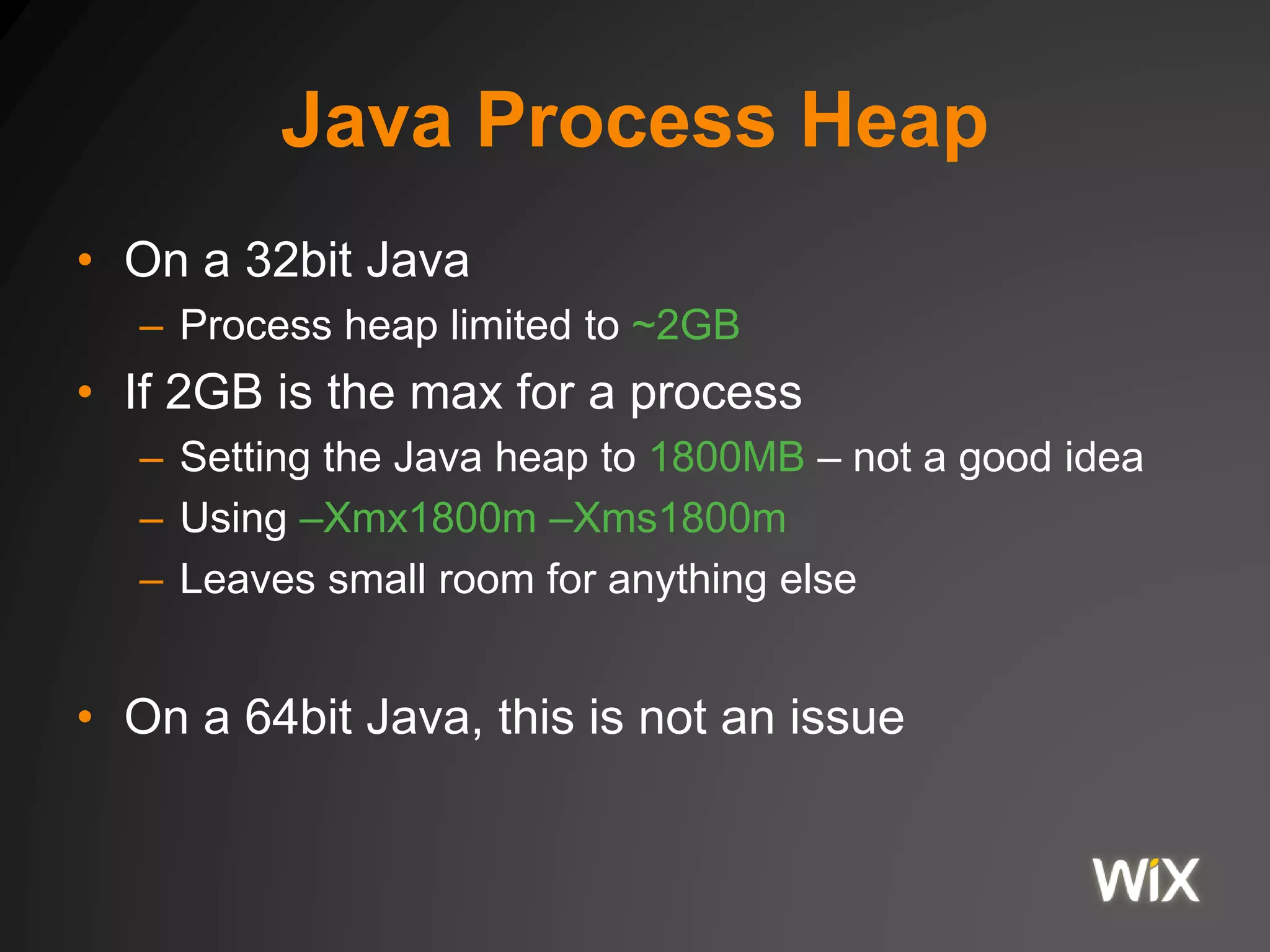
• On a 32bit Java
– Process heap limited to ~2GB
• If 2GB is the max for a process
– Setting the Java heap to 1800MB – not a good idea
– Using –Xmx1800m –Xms1800m
– Leaves small room for anything else
• On a 64bit Java, this is not an issue
Java Object Heap
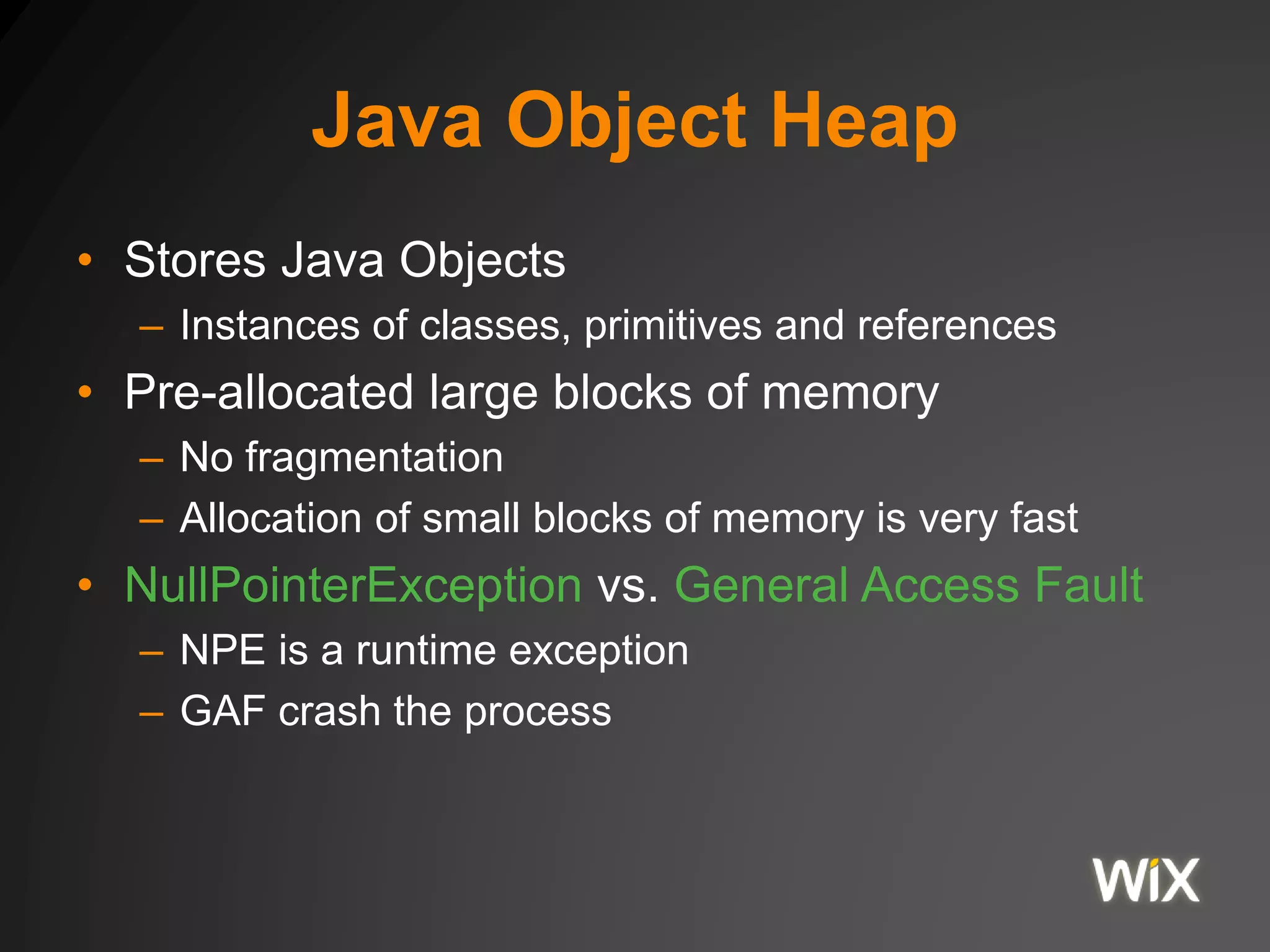
• Stores Java Objects
– Instances of classes, primitives and references
• Pre-allocated large blocks of memory
– No fragmentation
– Allocation of small blocks of memory is very fast
• NullPointerException vs. General Access Fault
– NPE is a runtime exception
– GAF crash the process
Java Object Heap
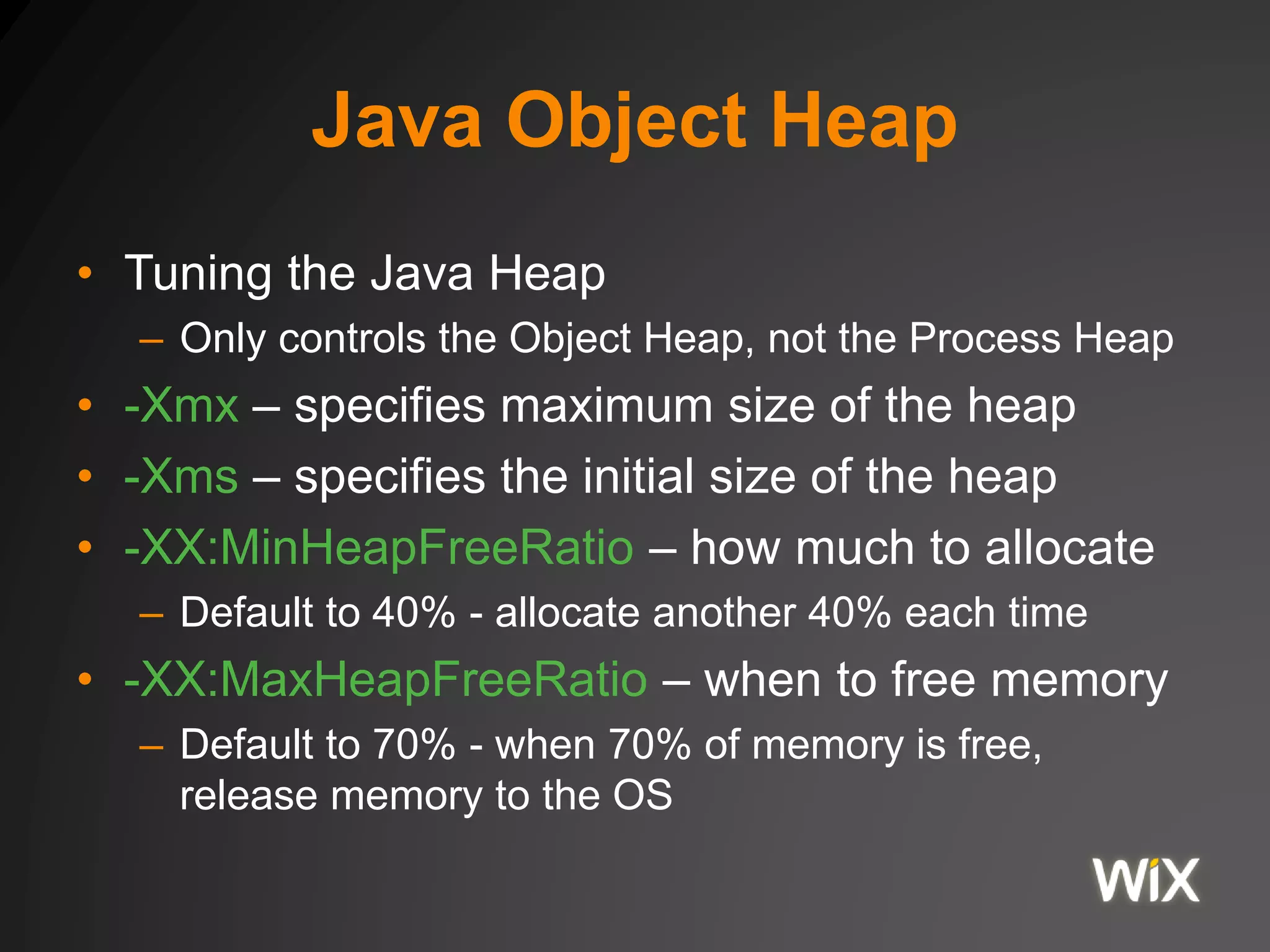
• Tuning the Java Heap
– Only controls the Object Heap, not the Process Heap
• -Xmx – specifies maximum size of the heap
• -Xms – specifies the initial size of the heap
• -XX:MinHeapFreeRatio – how much to allocate
– Default to 40% - allocate another 40% each time
• -XX:MaxHeapFreeRatio – when to free memory
– Default to 70% - when 70% of memory is free,
release memory to the OS
Classic Memory Leak in C
• User does the memory management
void service(int n, char** names) {
for (int i = 0; i < n; i++) {
char* buf = (char*) malloc(strlen(names[i]));
strncpy(buf, names[i], strlen(names[i]));
}
// memory leaked here
}
• User is responsible for calling free()
• User is vulnerable to
– Dangling pointers
– Double frees
Garbage Collection
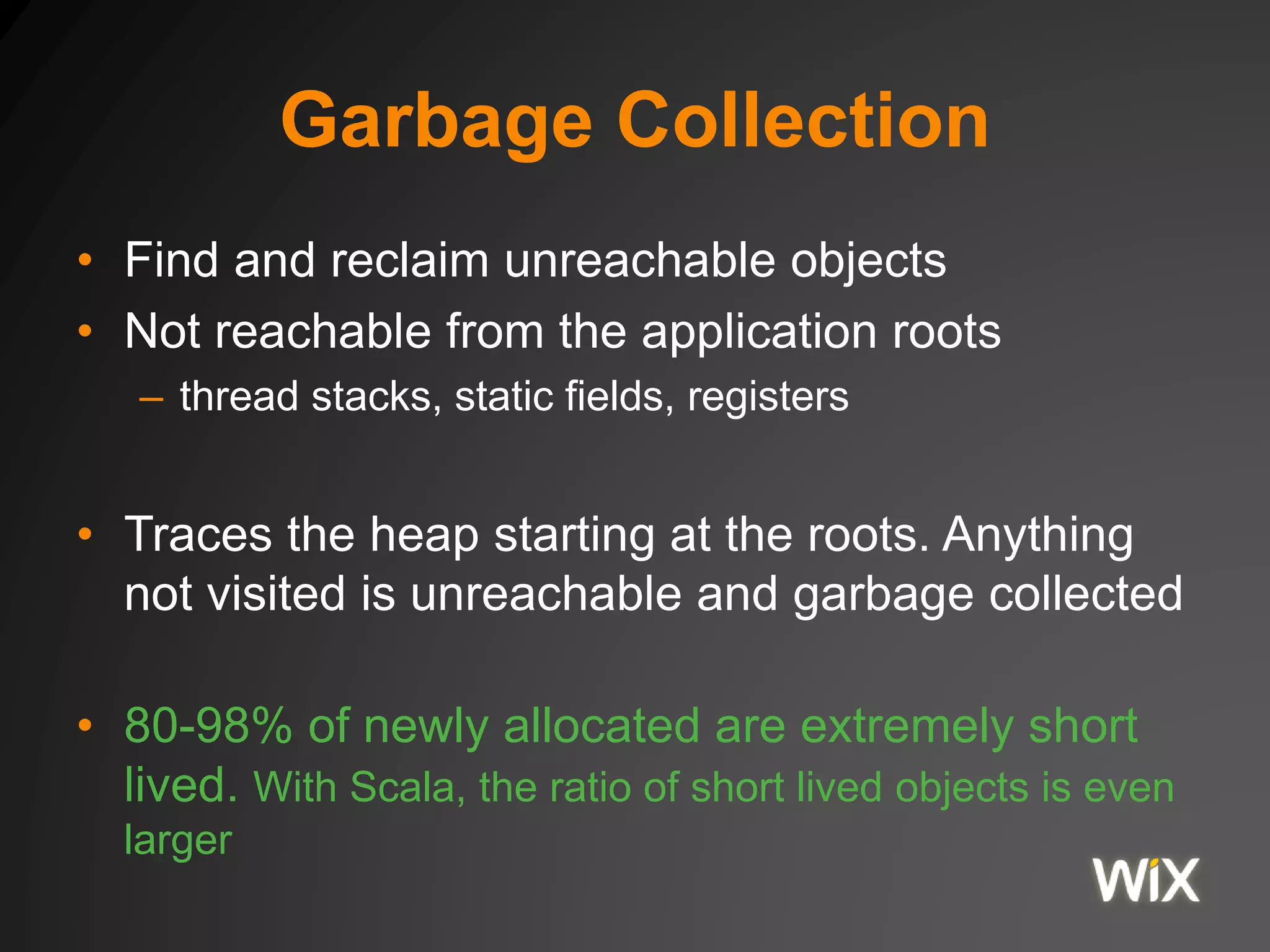
• Find and reclaim unreachable objects
• Not reachable from the application roots
– thread stacks, static fields, registers
• Traces the heap starting at the roots. Anything
not visited is unreachable and garbage collected
• 80-98% of newly allocated are extremely short
lived. With Scala, the ratio of short lived objects is even
larger
Garbage Collection
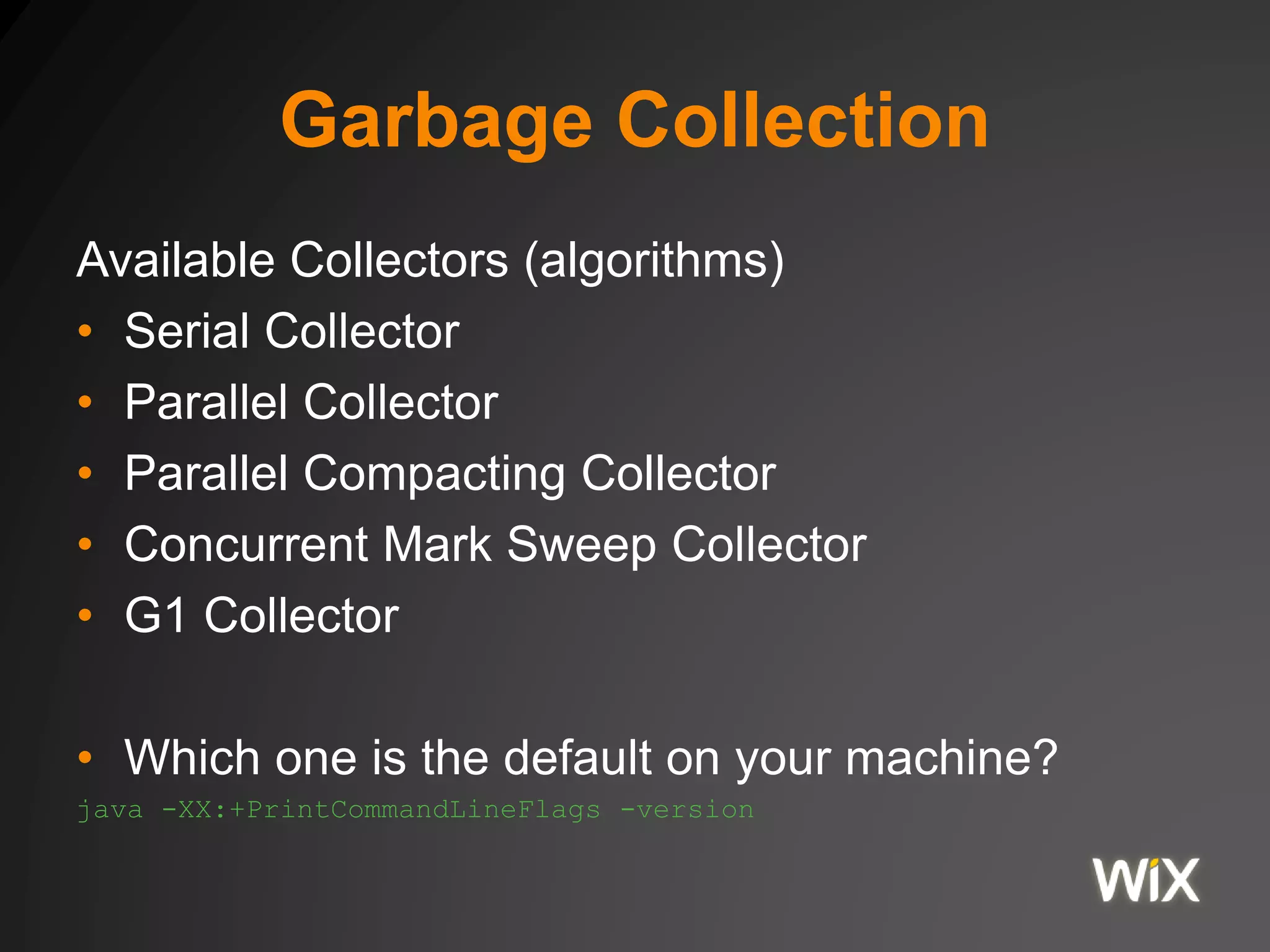
Available Collectors (algorithms)
• Serial Collector
• Parallel Collector
• Parallel Compacting Collector
• Concurrent Mark Sweep Collector
• G1 Collector
• Which one is the default on your machine?
java -XX:+PrintCommandLineFlags -version
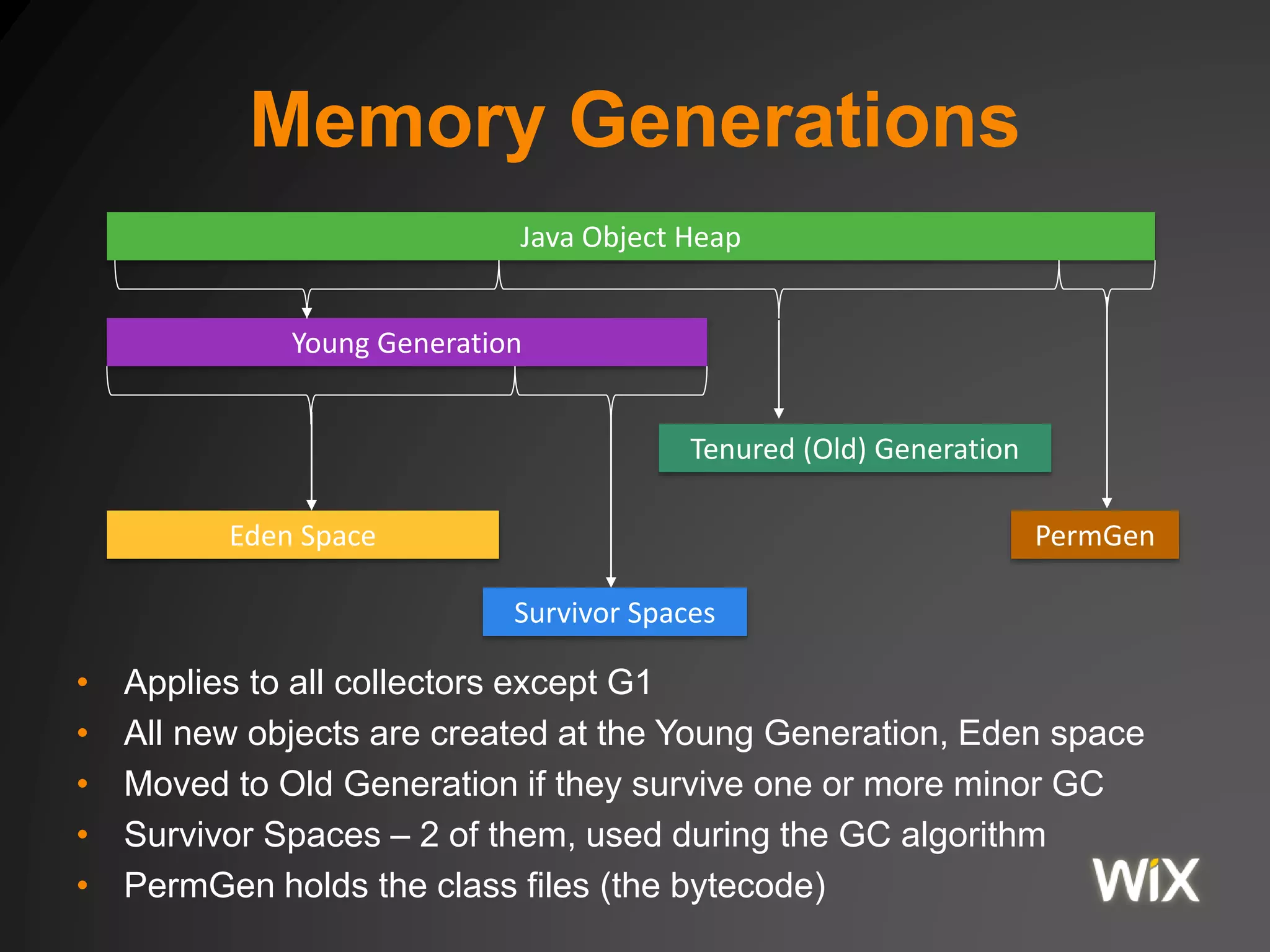
Memory Generations
• Applies to all collectors except G1
• All new objects are created at the Young Generation, Eden space
• Moved to Old Generation if they survive one or more minor GC
• Survivor Spaces – 2 of them, used during the GC algorithm
• PermGen holds the class files (the bytecode)
Java Object Heap
Young Generation
Eden Space
Tenured (Old) Generation
Survivor Spaces
PermGen
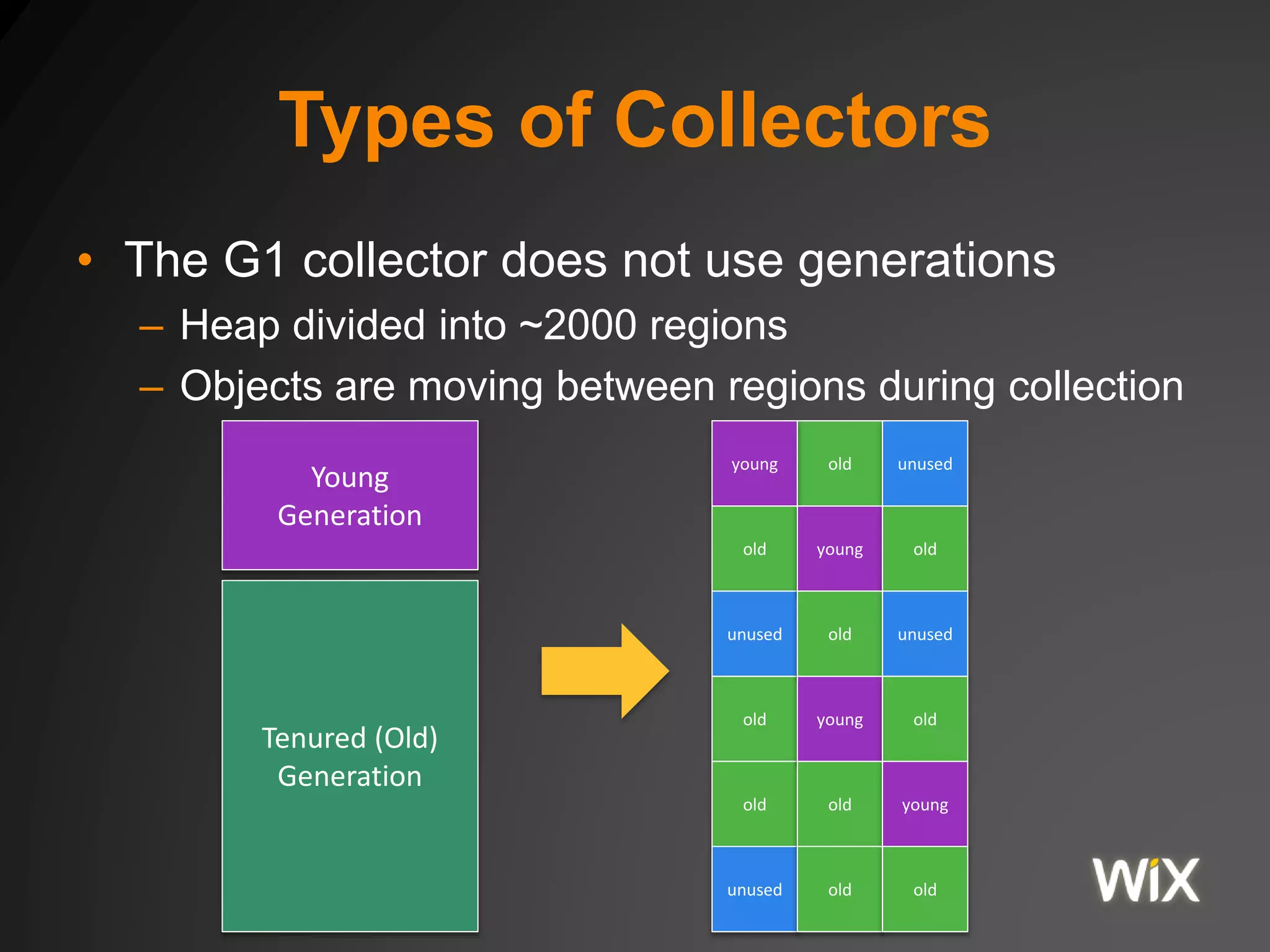
Types of Collectors
• The G1 collector does not use generations
– Heap divided into ~2000 regions
– Objects are moving between regions during collection
Young
Generation
Tenured (Old)
Generation
old unusedyoung
old
unused
old
old
unused
young old
old unused
young old
old young
old old
Everything else
• Code Generation
• Socket Buffers
• Thread Stacks
• Direct Memory Space
OS Memory (RAM)
Process Heap
Java Object Heap
Everything else…
• JNI Code
• Garbage Collection
• JNI Allocated Memory
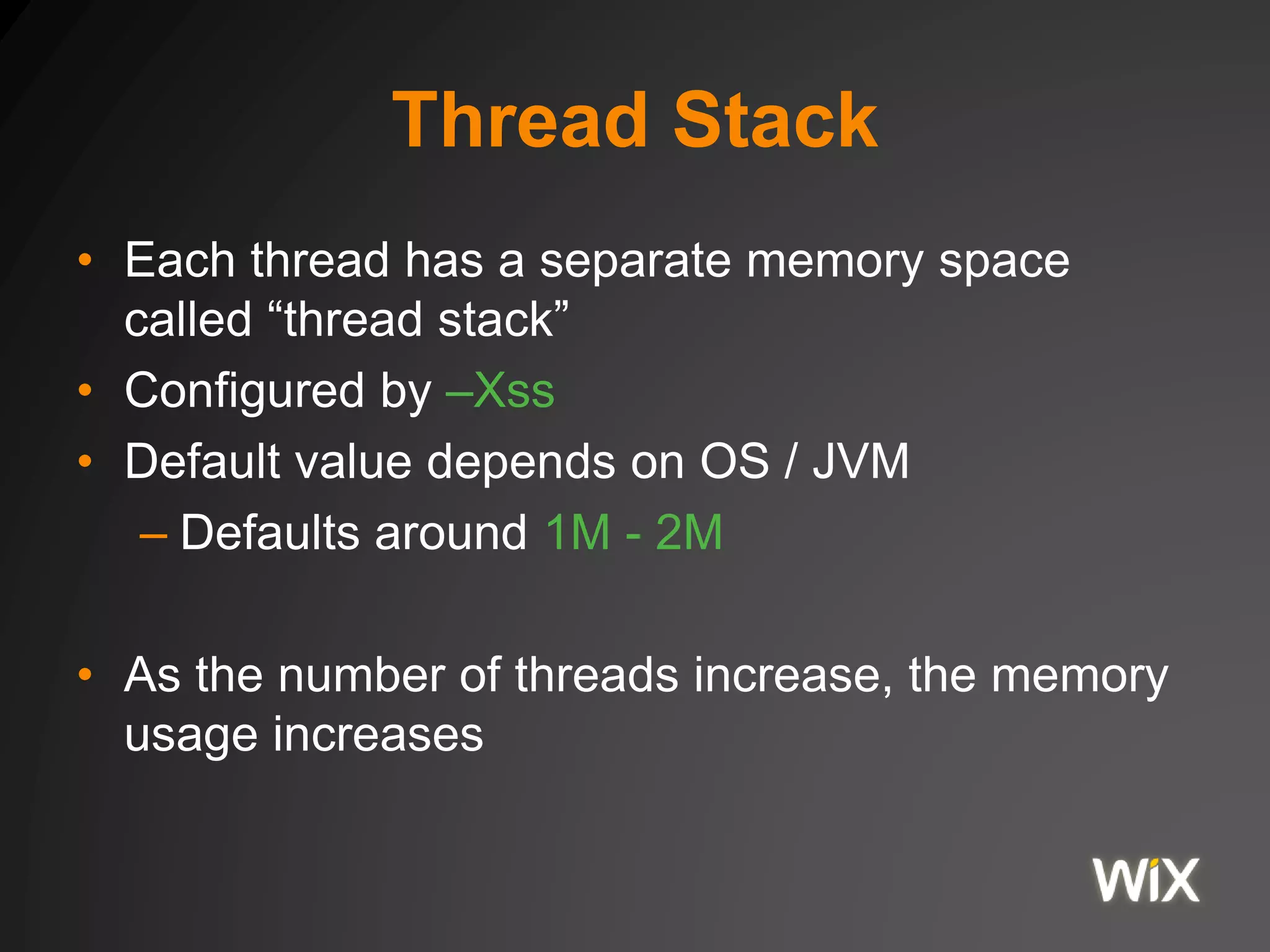
Thread Stack
• Each thread has a separate memory space
called “thread stack”
• Configured by –Xss
• Default value depends on OS / JVM
– Defaults around 1M - 2M
• As the number of threads increase, the memory
usage increases
Monitoring Memory Usage
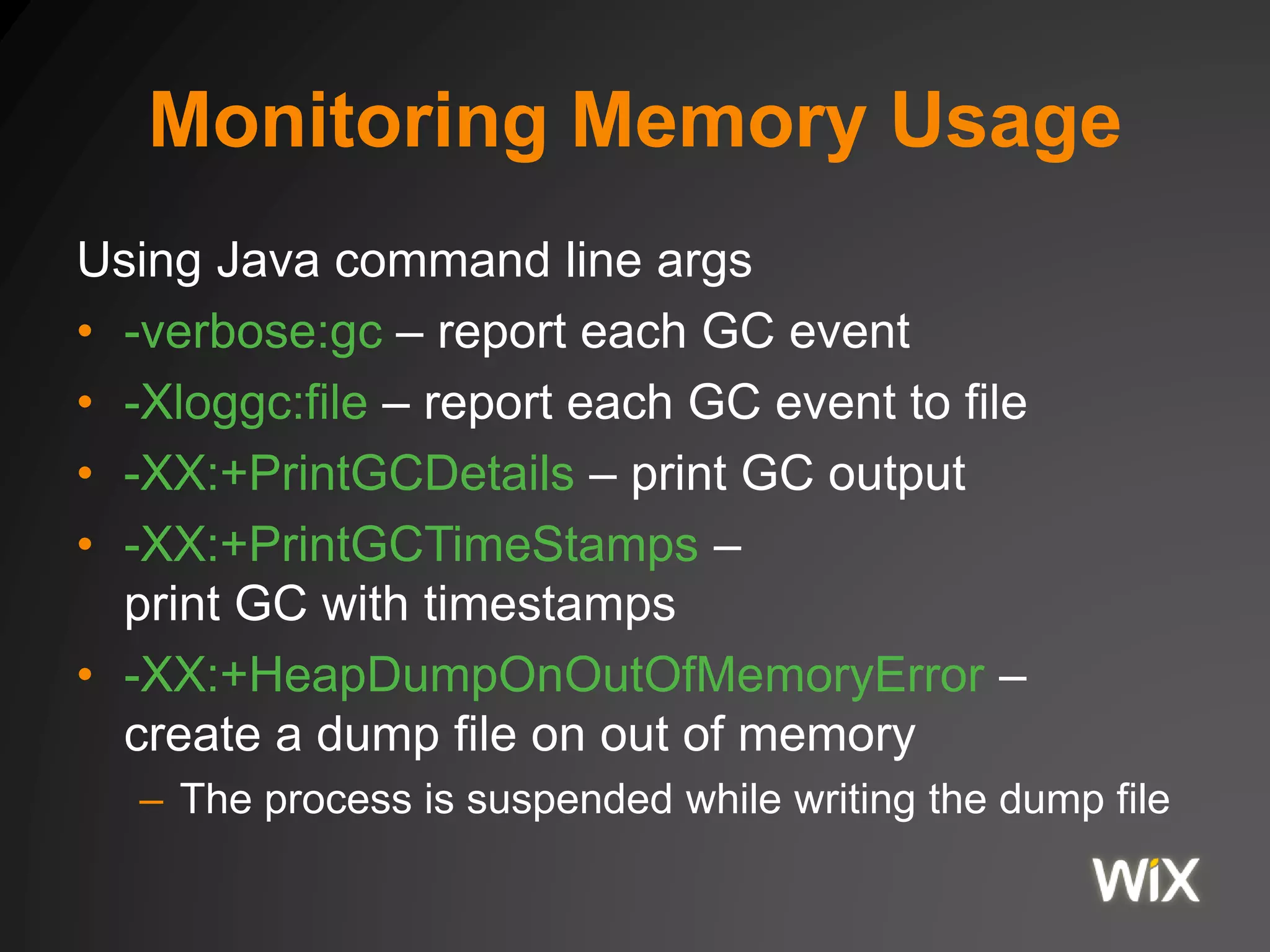
Using Java command line args
• -verbose:gc – report each GC event
• -Xloggc:file – report each GC event to file
• -XX:+PrintGCDetails – print GC output
• -XX:+PrintGCTimeStamps –
print GC with timestamps
• -XX:+HeapDumpOnOutOfMemoryError –
create a dump file on out of memory
– The process is suspended while writing the dump file
Monitoring Memory Usage
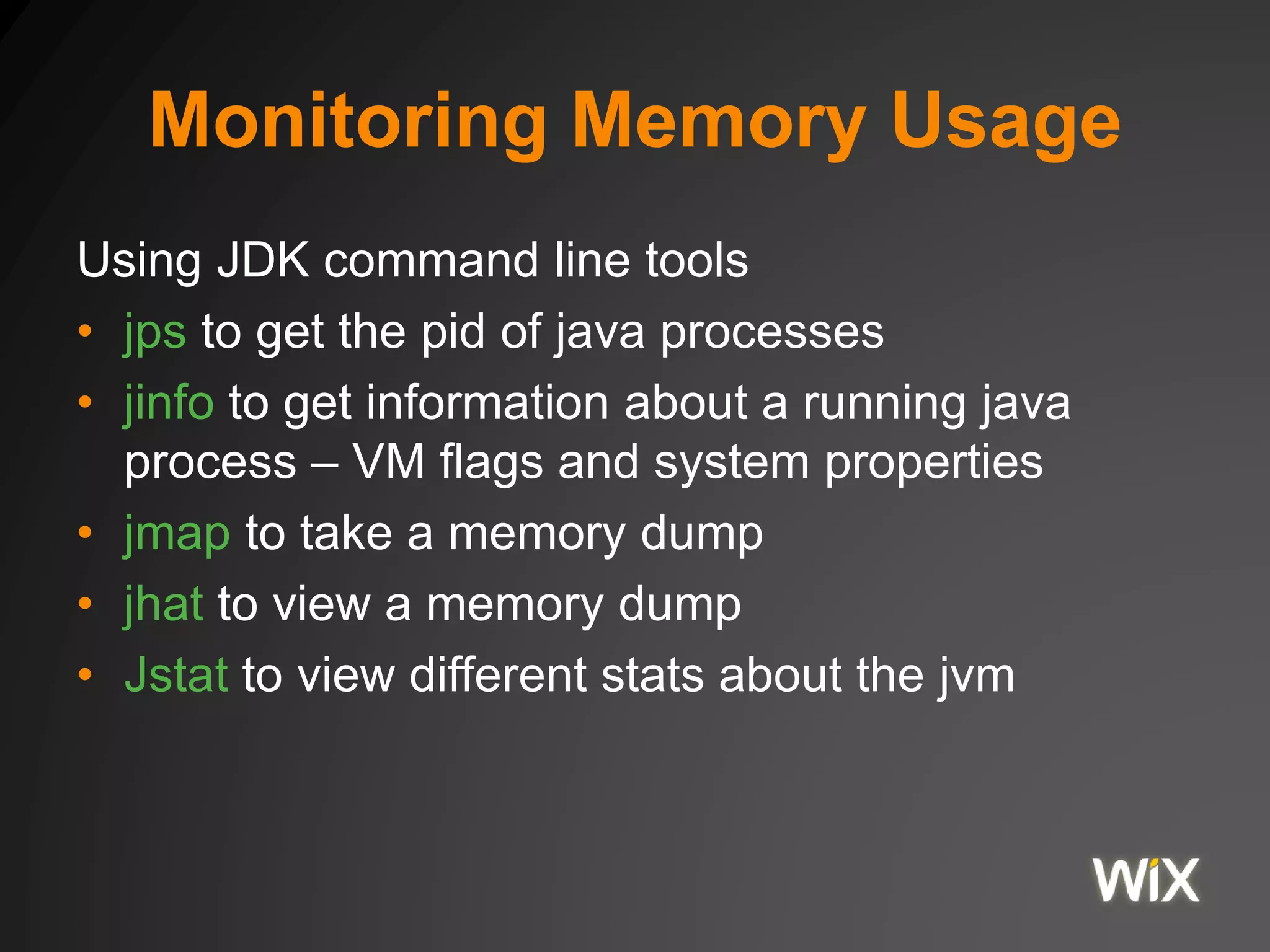
Using JDK command line tools
• jps to get the pid of java processes
• jinfo to get information about a running java
process – VM flags and system properties
• jmap to take a memory dump
• jhat to view a memory dump
• Jstat to view different stats about the jvm
Monitoring Memory Usage
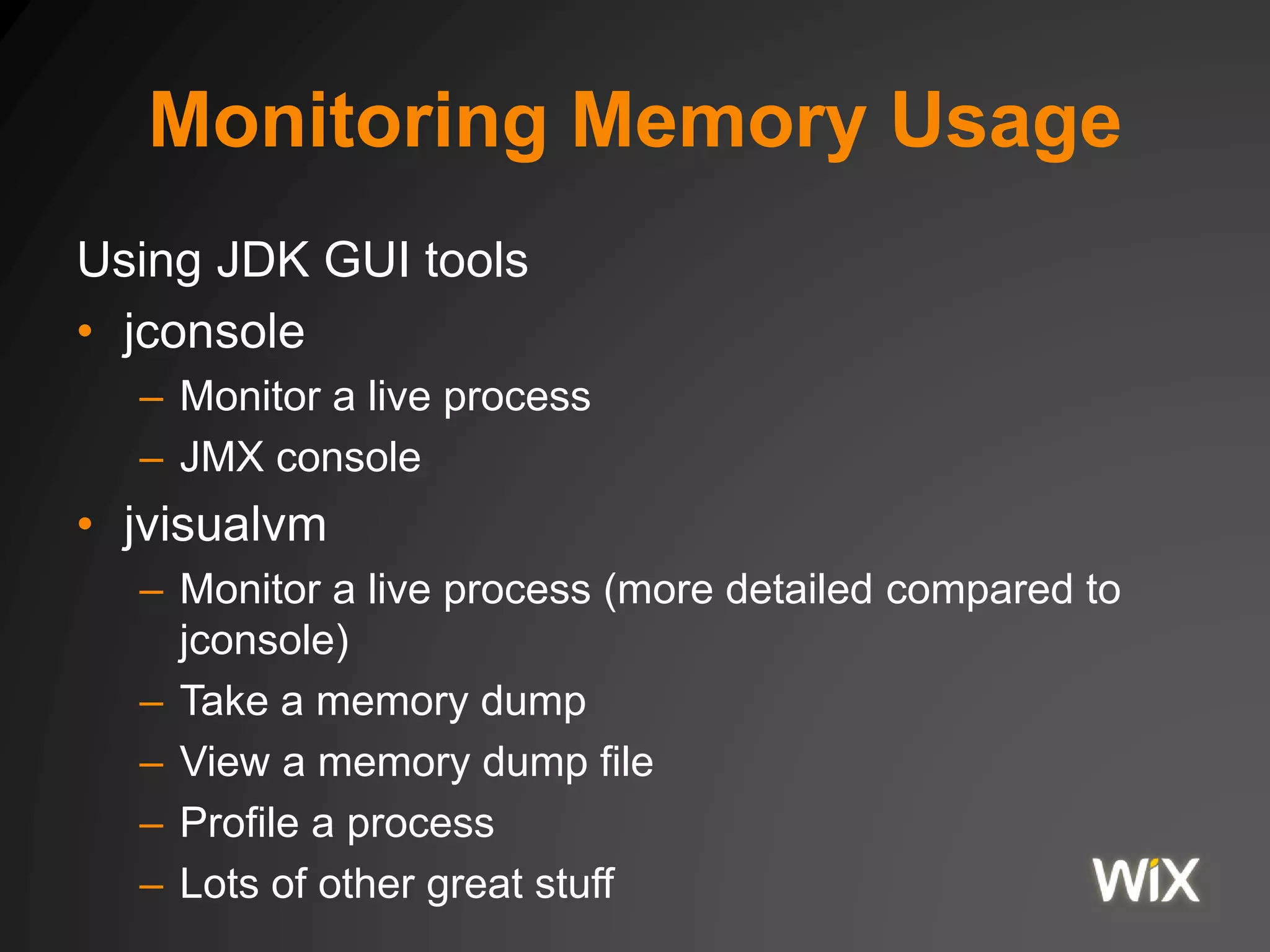
Using JDK GUI tools
• jconsole
– Monitor a live process
– JMX console
• jvisualvm
– Monitor a live process (more detailed compared to
jconsole)
– Take a memory dump
– View a memory dump file
– Profile a process
– Lots of other great stuff
Questions?

Jvm memory model

  • 1.
    JVM Memory Model The exampleson Github https://github.com/yoavaa/jvm-memory-model
  • 2.
  • 3.
    Anomalies • How longdoes it take to count to 100? • How long does it take to append to a list? To sort a list? • How long does it take to append to a vector? To sort a vector? Code: Com.wix.JIT
  • 4.
    Dynamic vs StaticCompilation • Static Compilation – “ahead-of-time” (AOT) compilation – Source code -> Native executable – Compiles before executing • Dynamic compiler (JIT) – “just-in-time” (JIT) compilation – Source -> bytecode -> interpreter -> JITed – Most of compilation happens during executing
  • 5.
    JIT Compilation • Aggressiveoptimistic optimizations – Through extensive usage of profiling info – Limited budget (CPU, Memory) – Startup speed may suffer • The JIT – Compiles bytecode when needed – Maybe immediately before execution? – Maybe never?
  • 6.
    JVM JIT Compilation •Eventually JITs bytecode – Based on profiling – After 10,000 cycles, again after 20,000 cycles • Profiling allows focused code-gen • Profiling allows better code-gen – Inline what’s hot – Loop unrolling, range-check elimination, etc. – Branch prediction, spill-code-gen, scheduling
  • 7.
    JVM JIT Compilation •JVM applications operate in mixed mode • Interpreted – Bytecode-walking – Artificial stack machine • Compiled – Direct native operations – Native register machine
  • 8.
  • 9.
  • 10.
    Inlining int addAll(int max){ int accum = 0; for (int i=0; i < max; i++) { accum = add(accum, i); } return accum; } int add(int a, int b) { return a+b; } int addAll(int max) { int accum = 0; for (int i=0; i < max; i++) { accum = accum + i; } return accum; }
  • 11.
    Loop unrolling public voidfoo(int[] arr, int a) { for (int i=0; i<arr.length; i++) { arr[i] += a; } } public void foo(int[] arr, int a) { int limit = arr.length / 4; for (int i=0; i<limit ; i++){ arr[4*i] += a; arr[4*i+1] += a; arr[4*i+2] += a; arr[4*i+3] += a; } for (int i=limit*4; i<arr.length; i++) { arr[i] += a; } }
  • 12.
    Escape Analysis public intm1() { Pair p = new Pair(1,2); return m2(p); } public int m2(Pair p) { return p.first + m3(p); } public int m3(Pair p) { return p.second; } // after deep inlining public int m1() { Pair p = new Pair(1,2); return p.first + p.second; } // optimized version public int m1() { return 3; }
  • 13.
    Monitoring Jit • Infoabout compiled methods – -XX:+PrintCompilation • Info about inlining – -xx:+PrintInlining – Requires also -XX:+UnlockDiagnosticVMOptions • Print the assembly code – -XX:+PrintAssembly – Also requires also - XX:+UnlockDiagnosticVMOptions – On Mac OS requires adding hsdis-amd64.dylib to the LD_LIBRARY_PATH environment variable.
  • 14.
    Challenge • Rerun thebenchmarks, this time using 1. -XX:+PrintCompilation 2. -XX:+UnlockDiagnosticVMOptions -XX:+PrintInlining
  • 15.
    JVM Memory The JavaMemory Model
  • 16.
    Java Memory Model •The Java Memory Model (JMM) describes how threads in the Java (Scala) Programming language interact through memory. • Provides sequential consistency for data race free programs.
  • 17.
    Instruction Reordering • ProgramOrder int a=1; int b=2; int c=3; int d=4; int e = a + b; int f = c - d; • Execution Order int d=4; int c=3; int f = c - d; int b=2; int a=1; int e = a + b;
  • 18.
    Anomaly • Two threadsrunning • What will be the result? i=1, j=1 i=0, j=1 i=1, j=0 i=0, j=0 x=y=0 j=y x=1 i=x y=1 Thread 1 Thread 2
  • 19.
    Let’s Check • Let’sbuild the scenario val t1 = new Thread(new Runnable { def run() { // sleep a little to add some uncertainty Thread.sleep(1) x=1 j=y } }) • Then run it a few times • Do we see the anomaly? Code: Com.wix.MemoryModelOrdering
  • 20.
    Happens Before Ordering •Defines constraints on instruction reordering • Assignment dependency within a single thread • Volatile field reads are after writes – For non volatile field, this is not necessarily the case! • A monitor release • A matching monitor acquire • Happens Before ordering is transitive
  • 21.
    Anomaly • Let’s seehow far we can count in 100 milli-seconds var running = true • Let thread 1 count var count = 0 while (running) count = count + 1 println(count) • Let thread 2 signal thread 1 to stop Thread.sleep(100) running = false println("thread 2 set running to false”) Code: Com.wix.Visability jps, jstack
  • 22.
    Volatile • Compilers canreorder instructions • Compilers can keep values in registers • Processors can reorder instructions • Values may be in different caching levels and not synced to main memory • JMM is designed for aggressive optimizations
  • 23.
    Volatile • Modern processorcaches Core 1 Core 2 Core 3 Core 4 L1 L1 L1 L1 L2 L2 L2 L2 L3 L3 Main Memory ~65 ns (DRAM) ~15 ns (40-45 cycles) ~3 ns (10-12 cycles) ~1 ns (3-4 cycles) < 1 ns
  • 24.
    Volatile • Volatile instructsthe compiler and processor to sync the value to main memory on every access – Does not utilize the L1, L2 or L3 cache • Volatile reads / writes cannot be reordered • Volatile long and doubles are atomic – Long and double types are over 32bit – the processor operates on 32bit atomicity by default.
  • 25.
    Resolve the Anomaly •Let’s see how far we can count in 100 milli-seconds @volatile var running = true • Let thread 1 count var count = 0 while (running) count = count + 1 println(count) • Let thread 2 signal thread 1 to stop Thread.sleep(100) running = false println("thread 2 set running to false”)
  • 26.
    Anomaly • Let’s countto 10,000 • But lets use 10 threads, each adding 1,000 to our count var count = 0 • Each of the 10 threads does for (i <- 1 to 1000) count = count + 1 • What did we get? Code: Com.wix.Sync101, counter, volatile
  • 27.
    Synchronization • Let’s haveanother look at the assignment count = count + 1 count = count + 1 • Is this a single instruction? • javap – javap <class> - Print the class signature – javap -c <class> - Print the class bytecode javap
  • 28.
    Synchronization • The bytecodefor count = count + 1 14: getfield #38 // Field scala/runtime/IntRef.elem:I 17: iconst_1 18: iadd 19: putfield #38 // Field scala/runtime/IntRef.elem:I
  • 29.
    Synchronization • The bytecodefor count = count + 1 // Read the current counter value from field 38 // and add it to the stack 14: getfield #38 // Field scala/runtime/IntRef.elem:I // Add 1 to the stack 17: iconst_1 // Add the first two stack elements as integers, // and put the result in the stack 18: iadd // set field 38 to the current top element of the stack // assuming it is an integer 19: putfield #38 // Field scala/runtime/IntRef.elem:I
  • 30.
    Synchronization Tools Actions by thread1 Thread 1 “release” monitor Thread 2 “acquire” monitor Actions by thread 2 Happens-before
  • 31.
    Synchronization Tools • Synchronizationtools allow grouping instructions as if “one atomic instruction” – Only one thread can perform the code at a time • Some tools – Synchronized – ReentrantLock – CountDownLatch – Semaphore – ReentrantReadWriteLock
  • 32.
    Synchronization Tools • Simplesttools – synchronized // for each thread for (i <- 1 to 1000) synchronized { count = count + 1 } • Works relative to ‘this’ Code: Com.wix.Sync101, lock counter - synchronized
  • 33.
    Synchronization Tools • UsingReentrantLock // before the threads val lock = new ReentrantLock() // for each thread for (i <- 1 to 1000) { lock.lock() try { count = count + 1 } finally { lock.unlock() } } Code: Com.wix.Sync101, lock counter – re-entrant lock
  • 34.
    Atomic Operations • Containersfor simple values or references with atomic operations • getAndIncrement • getAndDecrement • getAndAdd
  • 35.
    Atomic Operations • Allare based on compareAndSwap – From the unsafe class – Used to implement spin-locks
  • 36.
    Atomic Operations • SpinLock public final int getAndIncrement() { for (;;) { int current = get(); int next = current + 1; if (compareAndSet(current, next)) return current; } } } public final boolean compareAndSet(int expect, int update) { return unsafe.compareAndSwapInt(this, valueOffset, expect, update); } Code: Com.wix.Sync101, atomic counter
  • 37.
    References • The exampleson Github https://github.com/yoavaa/jvm-memory-model
  • 38.
  • 39.
    Java Memory • Javaruns as a single process • Each process allocates memory – Process Heap • JVM creates a Java Heap – Part of the process Heap OS Memory (RAM) Process Heap Java Object Heap Everything else…
  • 40.
    Java Process Heap •On a 32bit Java – Process heap limited to ~2GB • If 2GB is the max for a process – Setting the Java heap to 1800MB – not a good idea – Using –Xmx1800m –Xms1800m – Leaves small room for anything else • On a 64bit Java, this is not an issue
  • 41.
    Java Object Heap •Stores Java Objects – Instances of classes, primitives and references • Pre-allocated large blocks of memory – No fragmentation – Allocation of small blocks of memory is very fast • NullPointerException vs. General Access Fault – NPE is a runtime exception – GAF crash the process
  • 42.
    Java Object Heap •Tuning the Java Heap – Only controls the Object Heap, not the Process Heap • -Xmx – specifies maximum size of the heap • -Xms – specifies the initial size of the heap • -XX:MinHeapFreeRatio – how much to allocate – Default to 40% - allocate another 40% each time • -XX:MaxHeapFreeRatio – when to free memory – Default to 70% - when 70% of memory is free, release memory to the OS
  • 43.
    Classic Memory Leakin C • User does the memory management void service(int n, char** names) { for (int i = 0; i < n; i++) { char* buf = (char*) malloc(strlen(names[i])); strncpy(buf, names[i], strlen(names[i])); } // memory leaked here } • User is responsible for calling free() • User is vulnerable to – Dangling pointers – Double frees
  • 44.
    Garbage Collection • Findand reclaim unreachable objects • Not reachable from the application roots – thread stacks, static fields, registers • Traces the heap starting at the roots. Anything not visited is unreachable and garbage collected • 80-98% of newly allocated are extremely short lived. With Scala, the ratio of short lived objects is even larger
  • 45.
    Garbage Collection Available Collectors(algorithms) • Serial Collector • Parallel Collector • Parallel Compacting Collector • Concurrent Mark Sweep Collector • G1 Collector • Which one is the default on your machine? java -XX:+PrintCommandLineFlags -version
  • 46.
    Memory Generations • Appliesto all collectors except G1 • All new objects are created at the Young Generation, Eden space • Moved to Old Generation if they survive one or more minor GC • Survivor Spaces – 2 of them, used during the GC algorithm • PermGen holds the class files (the bytecode) Java Object Heap Young Generation Eden Space Tenured (Old) Generation Survivor Spaces PermGen
  • 47.
    Types of Collectors •The G1 collector does not use generations – Heap divided into ~2000 regions – Objects are moving between regions during collection Young Generation Tenured (Old) Generation old unusedyoung old unused old old unused young old old unused young old old young old old
  • 48.
    Everything else • CodeGeneration • Socket Buffers • Thread Stacks • Direct Memory Space OS Memory (RAM) Process Heap Java Object Heap Everything else… • JNI Code • Garbage Collection • JNI Allocated Memory
  • 49.
    Thread Stack • Eachthread has a separate memory space called “thread stack” • Configured by –Xss • Default value depends on OS / JVM – Defaults around 1M - 2M • As the number of threads increase, the memory usage increases
  • 50.
    Monitoring Memory Usage UsingJava command line args • -verbose:gc – report each GC event • -Xloggc:file – report each GC event to file • -XX:+PrintGCDetails – print GC output • -XX:+PrintGCTimeStamps – print GC with timestamps • -XX:+HeapDumpOnOutOfMemoryError – create a dump file on out of memory – The process is suspended while writing the dump file
  • 51.
    Monitoring Memory Usage UsingJDK command line tools • jps to get the pid of java processes • jinfo to get information about a running java process – VM flags and system properties • jmap to take a memory dump • jhat to view a memory dump • Jstat to view different stats about the jvm
  • 52.
    Monitoring Memory Usage UsingJDK GUI tools • jconsole – Monitor a live process – JMX console • jvisualvm – Monitor a live process (more detailed compared to jconsole) – Take a memory dump – View a memory dump file – Profile a process – Lots of other great stuff
  • 53.