JQUERY MOBILE
WORKSHOP
Ron Reiter
What are we going to do?
•  ProductShop – Product Shopping Application


•  Build a List View using jQuery Mobile (codiqa.com)
•  Make an AJAX call and populate the List View
  •  http://productshoppingapi.appspot.com/search?q=digital+camera

•  Upload your jQuery Mobile project to Google App Engine
•  Browse using your smartphone / tablet
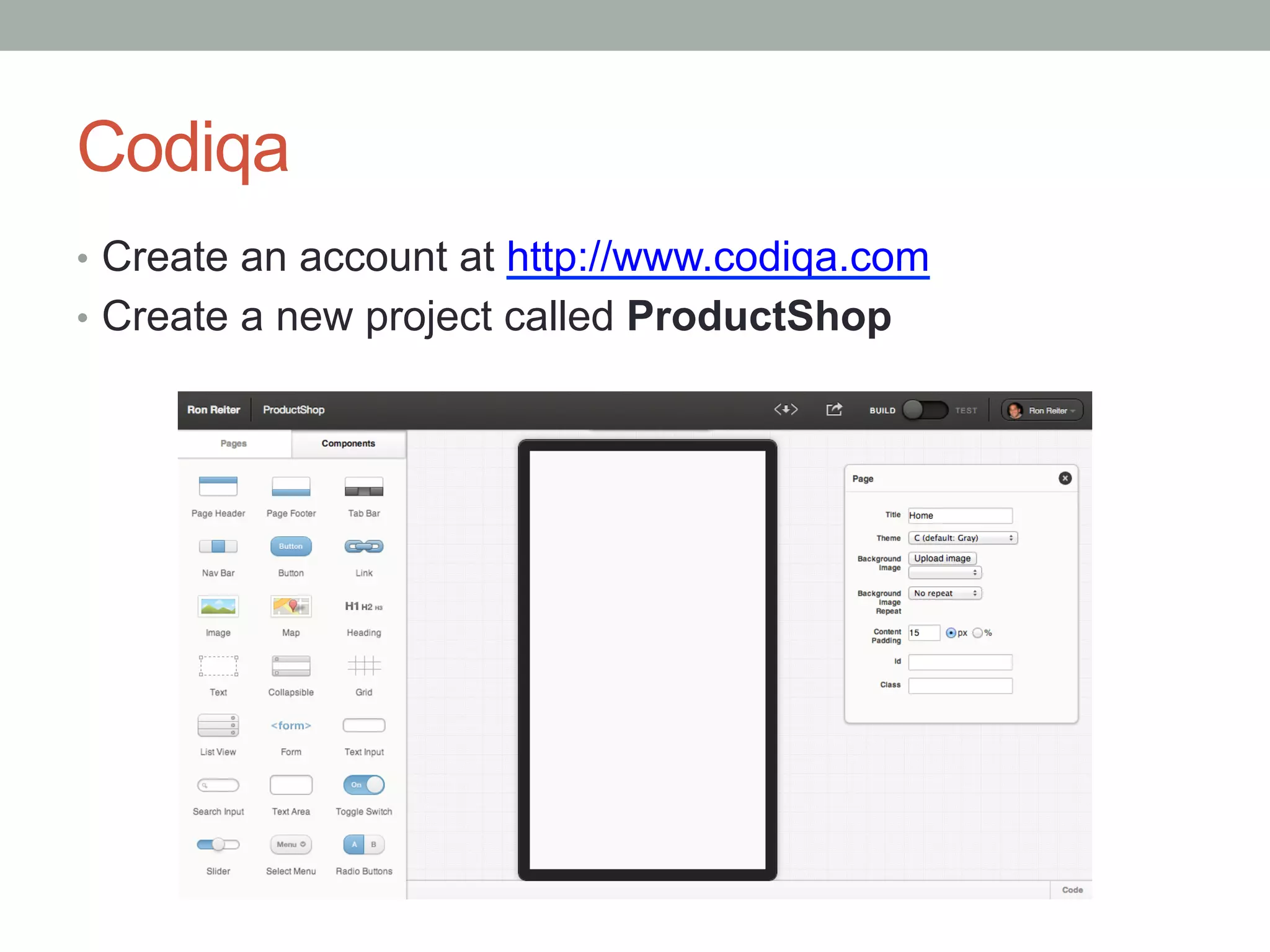
Codiqa
•  Create an account at http://www.codiqa.com
•  Create a new project called ProductShop
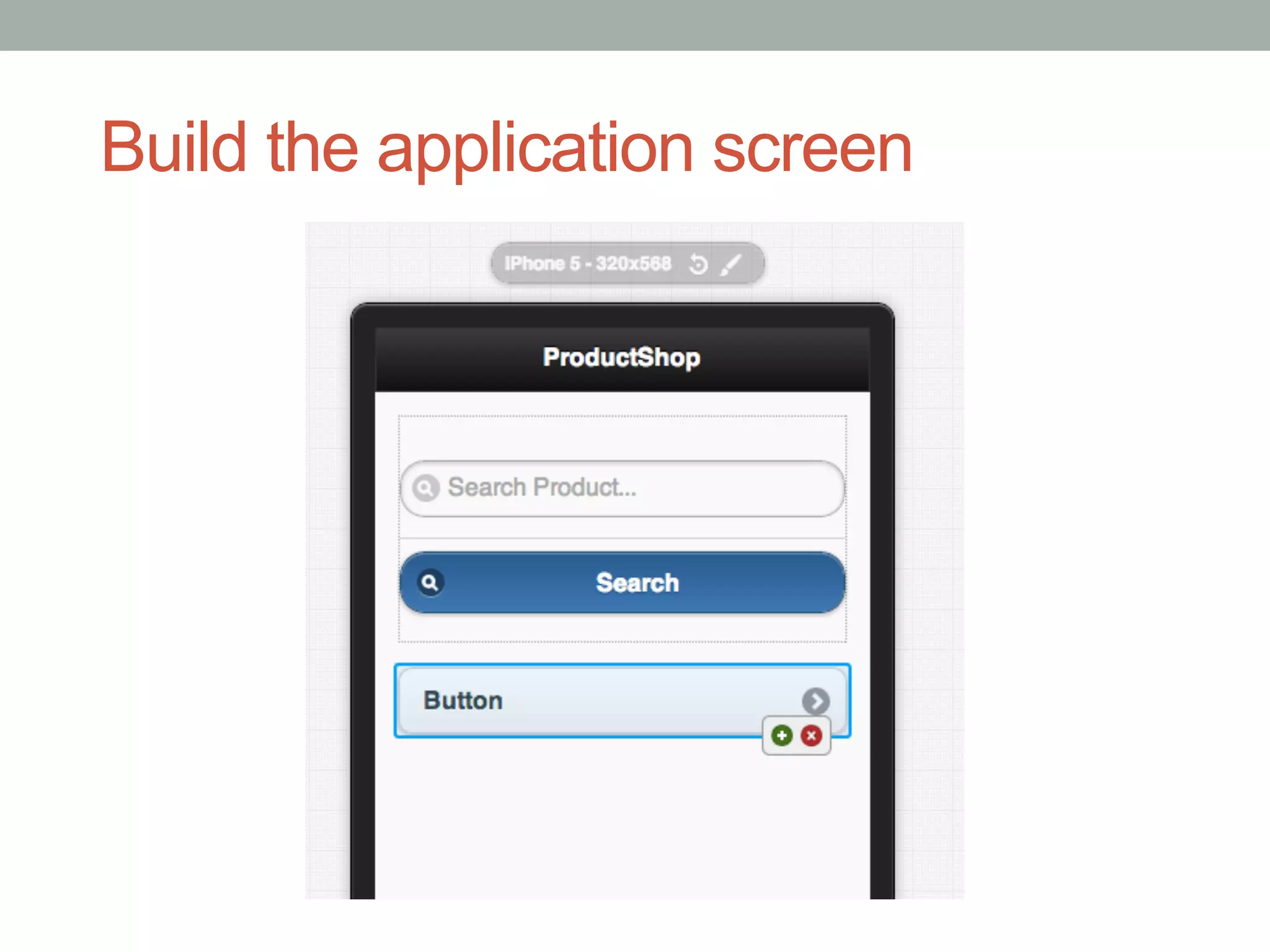
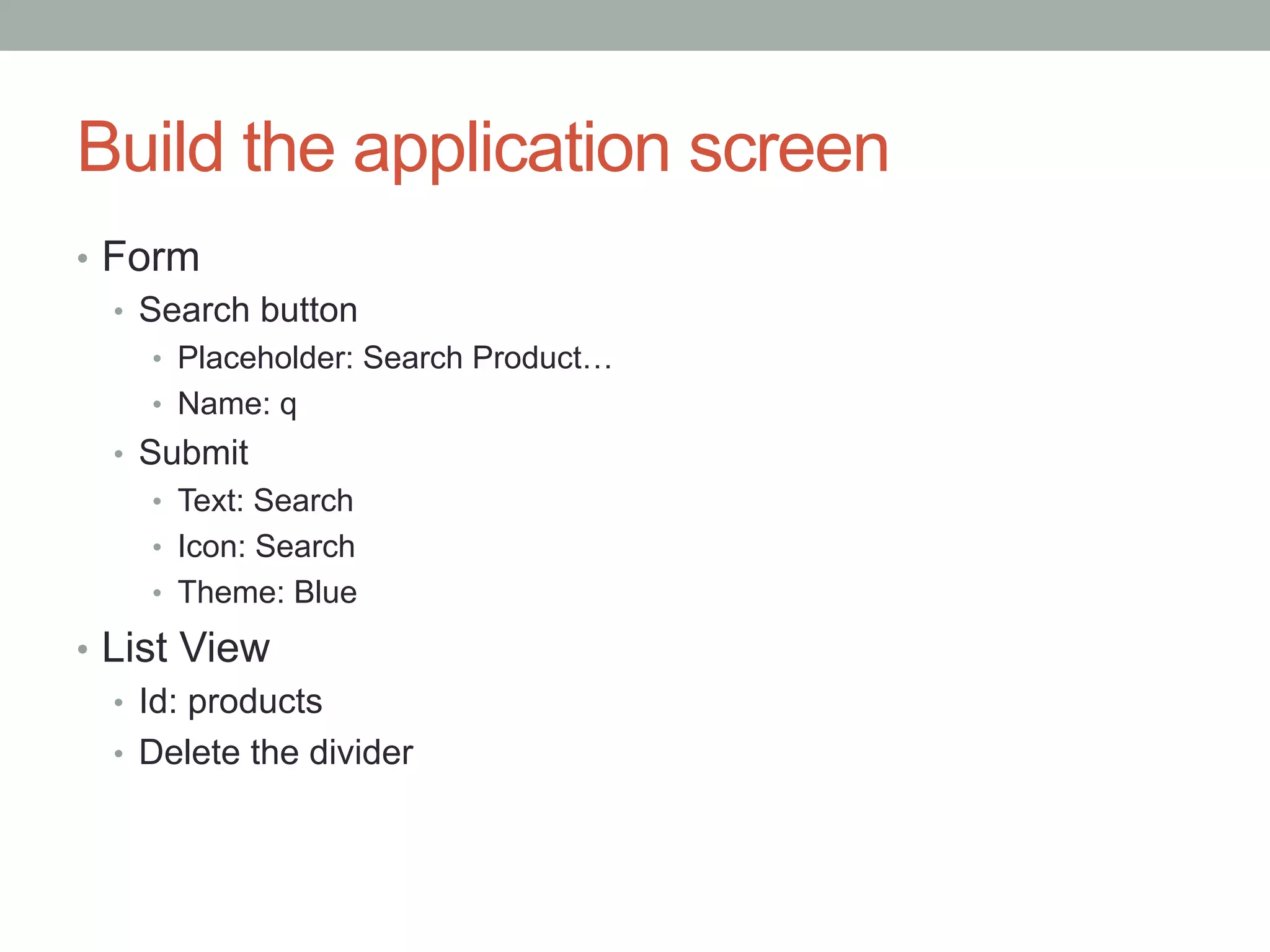
Build the application screen
•  Form
   •  Search button
     •  Placeholder: Search Product…
     •  Name: q
  •  Submit
     •  Text: Search
     •  Icon: Search
     •  Theme: Blue

•  List View
   •  Id: products
   •  Delete the divider
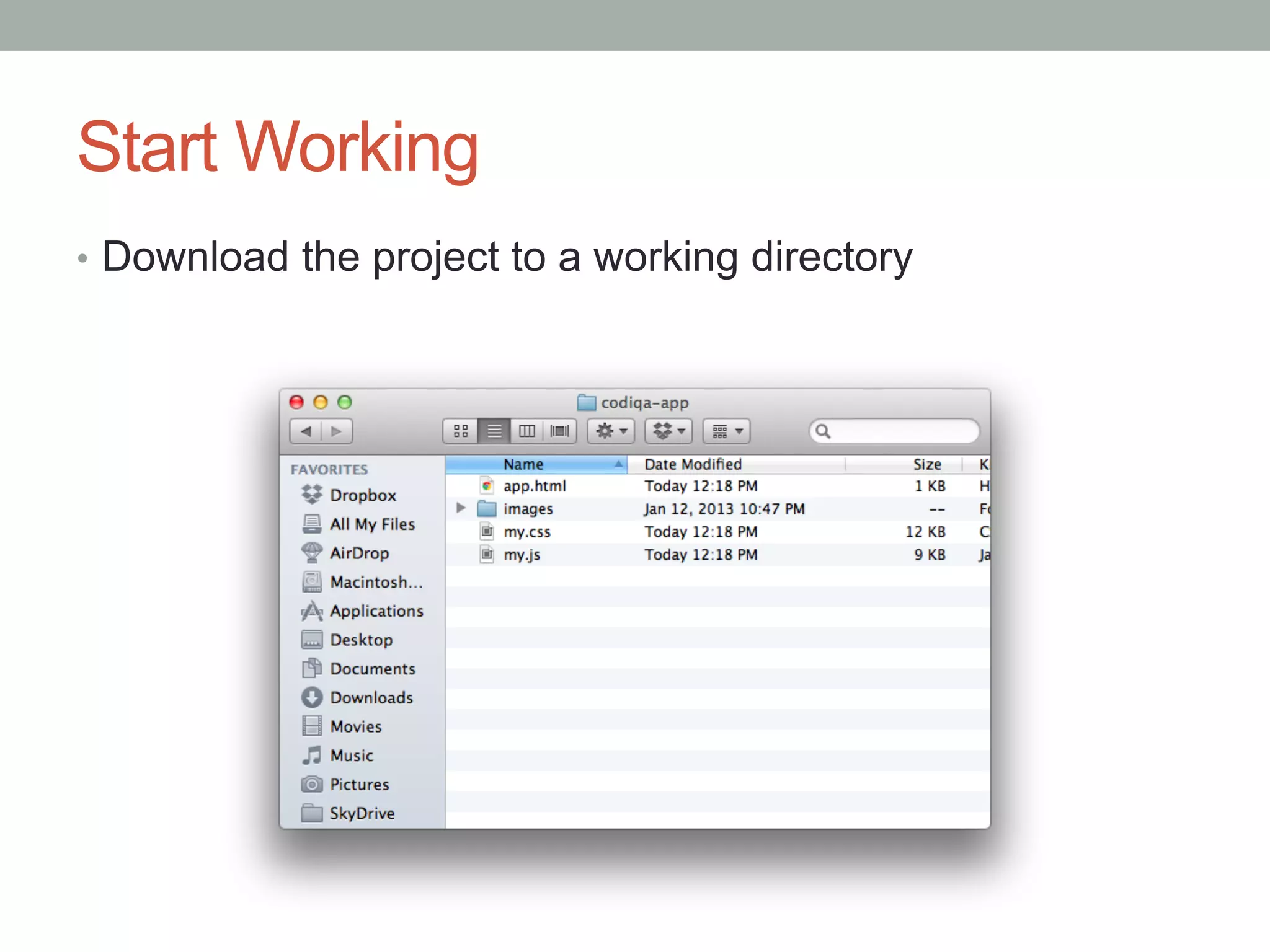
Start Working
•  Download the project to a working directory
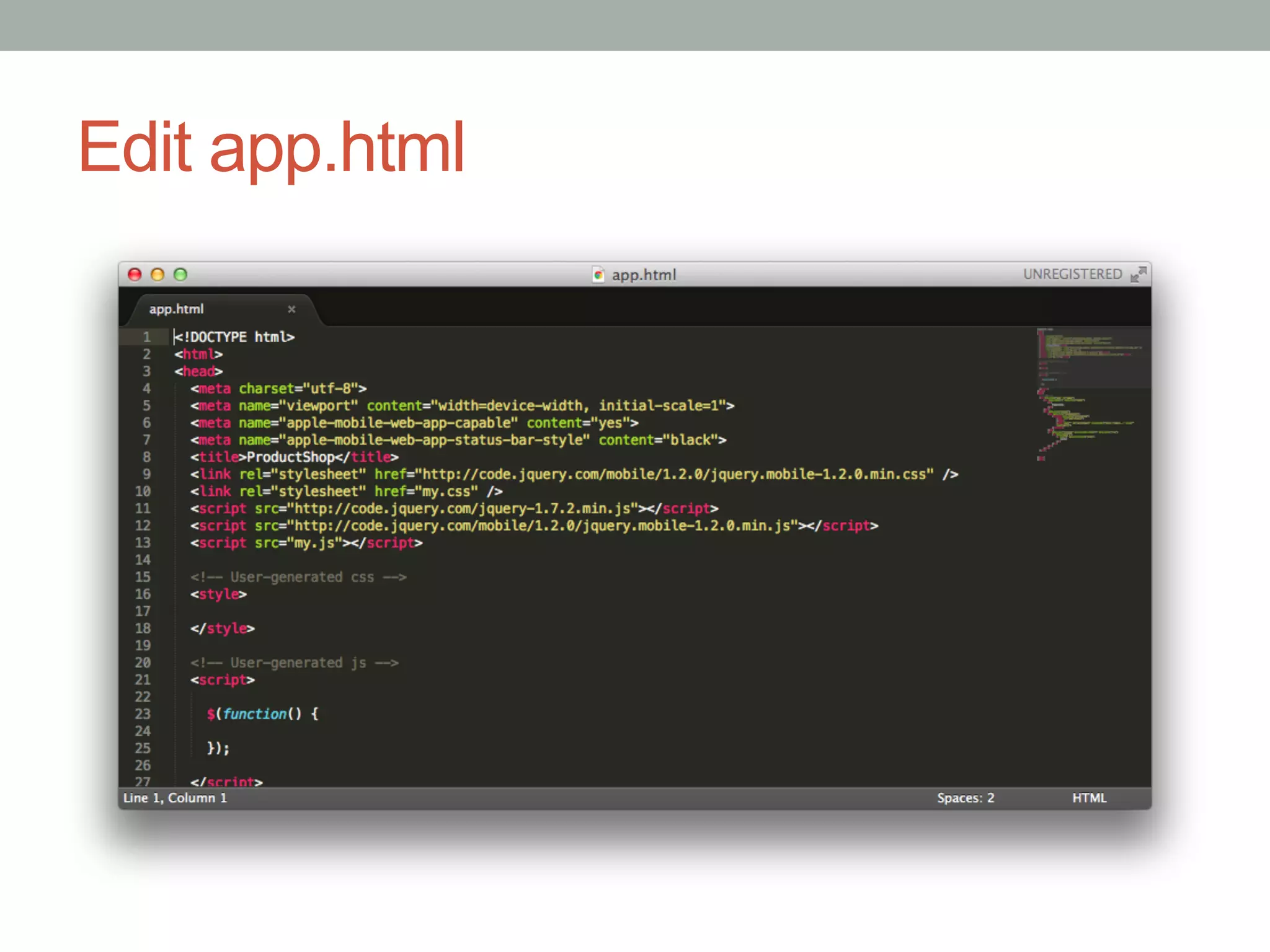
Edit app.html
Build the AJAX Search
•  Delete the contents of the list view we created using Codiqa
•  AJAX endpoint - http://productshoppingapi.appspot.com/search?q=<query>
•  The endpoint sends CORS headers so we can use it form anywhere. The back-end is a
   simple Google App Engine Python application which uses the Google Product Search
   API.
•  Once we get the response back, iterate over the items array
•  Empty the #products list view
•  For each item, get the “product” item and create a list item:


<li>
  <a href=“{{ item.product.link }}”>
     <img src=“{{ item.product.images[0].link }}”/>
     {{ item.product.title }}
  </a>
</li>

•  Finally, refresh using $(“#products”).listview(“refresh”).
AJAX Search Code
// run this code only after initialization
$(function() {
  // handle search form submit
  $("form").submit(function(event) {
    // prevent the default submit behavior
    event.preventDefault();
    // prepare the query URL
    var url = "http://productshoppingapi.appspot.com/search?" +
      $(this).serialize();
    // make the AJAX request, and iterate over the results
    $.getJSON(url, function(data) {
      resetProducts();
      for (var i = 0; i < data.items.length; i++) {
        var product = data.items[i].product;
        addProduct(product);
      }
      $("#products").listview("refresh");
    });
  });
});
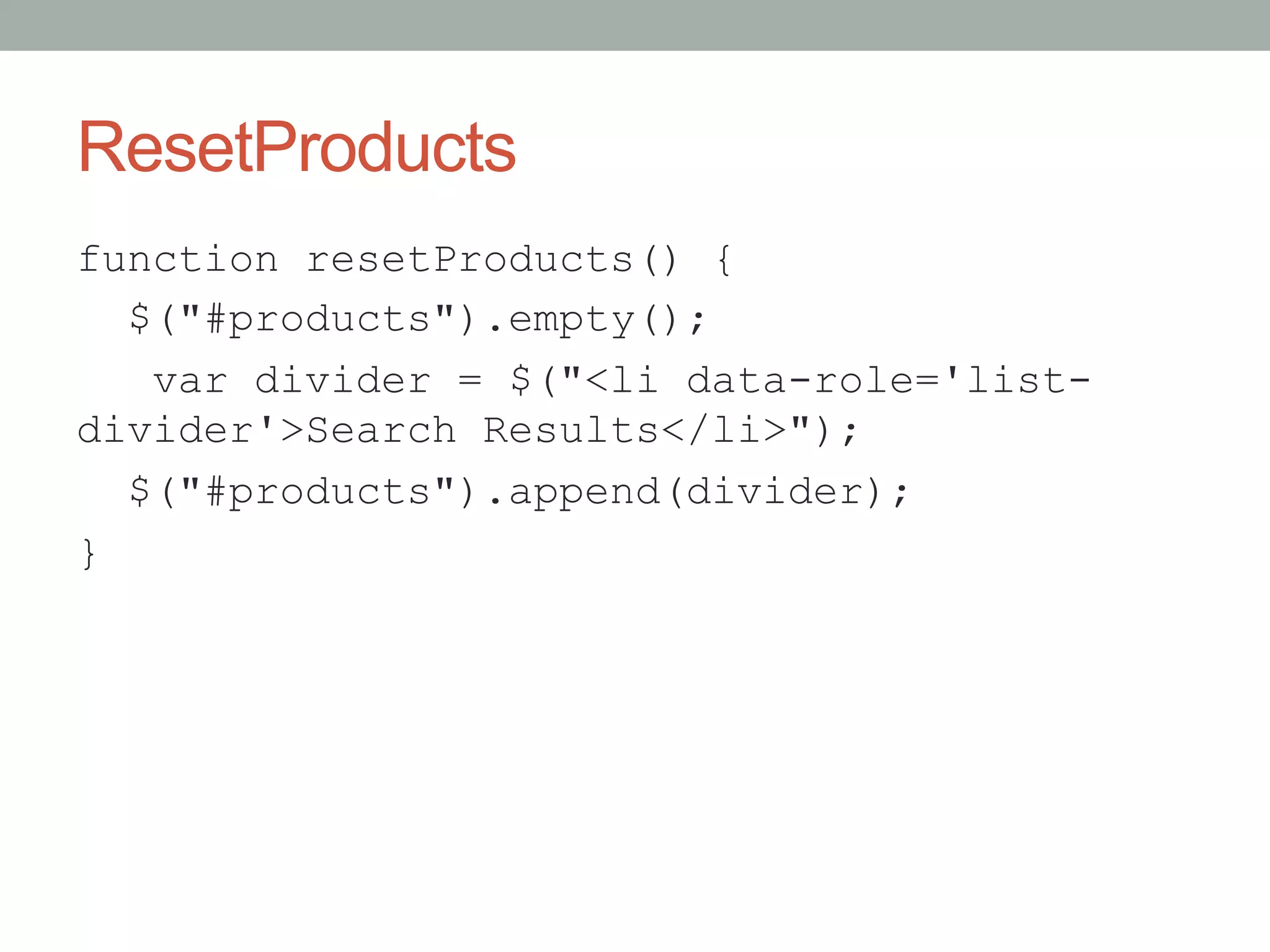
ResetProducts
function resetProducts() {
  $("#products").empty();
   var divider = $("<li data-role='list-
divider'>Search Results</li>");
  $("#products").append(divider);
}
addProduct
function addProduct(product) {
  var productView = $("<li><a href='" +
    product.link + "'><img src='" +
    product.images[0].link + "'/> " +
    product.title + "</a></li>");
  $("#products").append(productView);
}
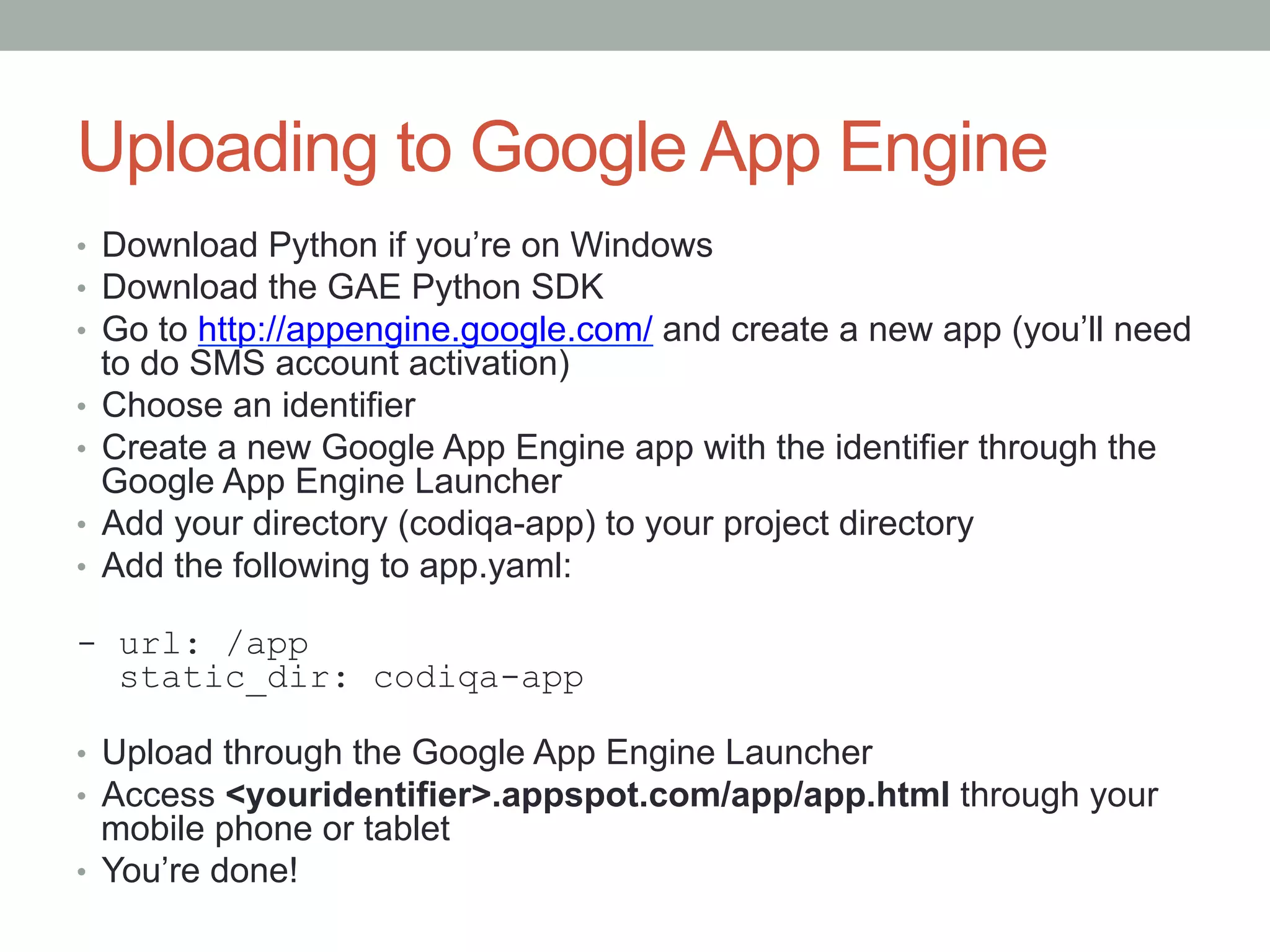
Uploading to Google App Engine
•  Download Python if you’re on Windows
•  Download the GAE Python SDK
•  Go to http://appengine.google.com/ and create a new app (you’ll need
   to do SMS account activation)
•  Choose an identifier
•  Create a new Google App Engine app with the identifier through the
   Google App Engine Launcher
•  Add your directory (codiqa-app) to your project directory
•  Add the following to app.yaml:

- url: /app
  static_dir: codiqa-app

•  Upload through the Google App Engine Launcher
•  Access <youridentifier>.appspot.com/app/app.html through your
   mobile phone or tablet
•  You’re done!
Reference
•  Download everything from here:
   •  https://github.com/ronreiter/productsearch

jQuery Mobile Workshop

  • 1.
  • 2.
    What are wegoing to do? •  ProductShop – Product Shopping Application •  Build a List View using jQuery Mobile (codiqa.com) •  Make an AJAX call and populate the List View •  http://productshoppingapi.appspot.com/search?q=digital+camera •  Upload your jQuery Mobile project to Google App Engine •  Browse using your smartphone / tablet
  • 3.
    Codiqa •  Create anaccount at http://www.codiqa.com •  Create a new project called ProductShop
  • 4.
  • 5.
    Build the applicationscreen •  Form •  Search button •  Placeholder: Search Product… •  Name: q •  Submit •  Text: Search •  Icon: Search •  Theme: Blue •  List View •  Id: products •  Delete the divider
  • 6.
    Start Working •  Downloadthe project to a working directory
  • 7.
  • 8.
    Build the AJAXSearch •  Delete the contents of the list view we created using Codiqa •  AJAX endpoint - http://productshoppingapi.appspot.com/search?q=<query> •  The endpoint sends CORS headers so we can use it form anywhere. The back-end is a simple Google App Engine Python application which uses the Google Product Search API. •  Once we get the response back, iterate over the items array •  Empty the #products list view •  For each item, get the “product” item and create a list item: <li> <a href=“{{ item.product.link }}”> <img src=“{{ item.product.images[0].link }}”/> {{ item.product.title }} </a> </li> •  Finally, refresh using $(“#products”).listview(“refresh”).
  • 9.
    AJAX Search Code //run this code only after initialization $(function() { // handle search form submit $("form").submit(function(event) { // prevent the default submit behavior event.preventDefault(); // prepare the query URL var url = "http://productshoppingapi.appspot.com/search?" + $(this).serialize(); // make the AJAX request, and iterate over the results $.getJSON(url, function(data) { resetProducts(); for (var i = 0; i < data.items.length; i++) { var product = data.items[i].product; addProduct(product); } $("#products").listview("refresh"); }); }); });
  • 10.
    ResetProducts function resetProducts() { $("#products").empty(); var divider = $("<li data-role='list- divider'>Search Results</li>"); $("#products").append(divider); }
  • 11.
    addProduct function addProduct(product) { var productView = $("<li><a href='" + product.link + "'><img src='" + product.images[0].link + "'/> " + product.title + "</a></li>"); $("#products").append(productView); }
  • 12.
    Uploading to GoogleApp Engine •  Download Python if you’re on Windows •  Download the GAE Python SDK •  Go to http://appengine.google.com/ and create a new app (you’ll need to do SMS account activation) •  Choose an identifier •  Create a new Google App Engine app with the identifier through the Google App Engine Launcher •  Add your directory (codiqa-app) to your project directory •  Add the following to app.yaml: - url: /app static_dir: codiqa-app •  Upload through the Google App Engine Launcher •  Access <youridentifier>.appspot.com/app/app.html through your mobile phone or tablet •  You’re done!
  • 13.
    Reference •  Download everythingfrom here: •  https://github.com/ronreiter/productsearch