jQuery Jason Noble http:// jasonnoble.org Code Download: http://jasonnoble.org/jquery/jquery.zip
History John Resig hints of a JavaScript library to use CSS selectors with a more succint syntax than existing libraries (2005) First release January 2006
Benefits Easy to play with the DOM Add JS effects AJAX Cross-browser Compatibility jQuery handles browser caveats for you CSS3 Selectors Helpful Utilities
Benefits (cont.) jQuery UI Useful effects Advanced UI widgets UI Themes Plugins jQuery is easily extensible Widespread adoption
Firefox/Firebug Combo Firefox Firebug plugin
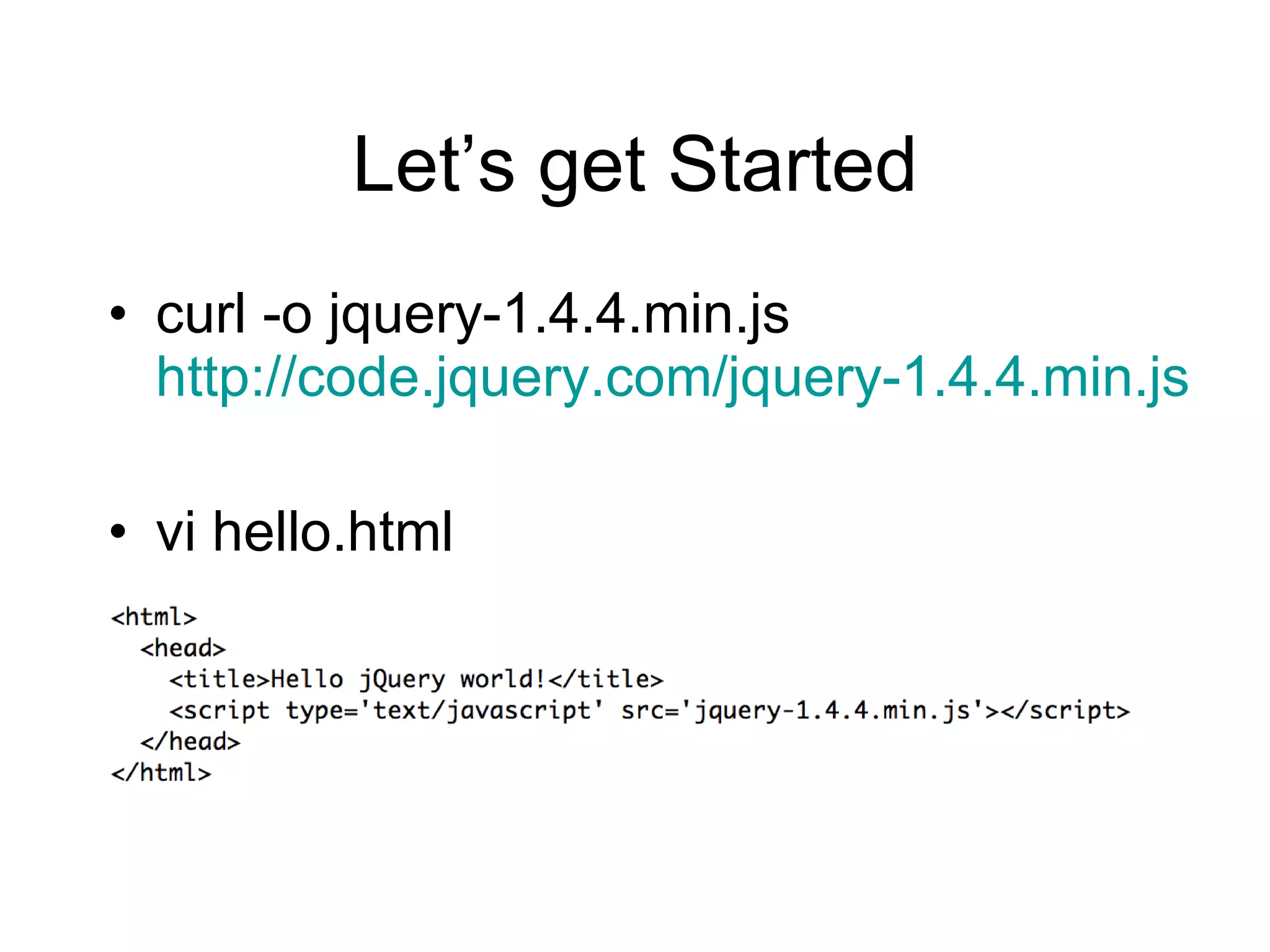
Let ’s get Started curl -o jquery-1.4.4.min.js  http://code.jquery.com/jquery-1.4.4.min.js vi hello.html
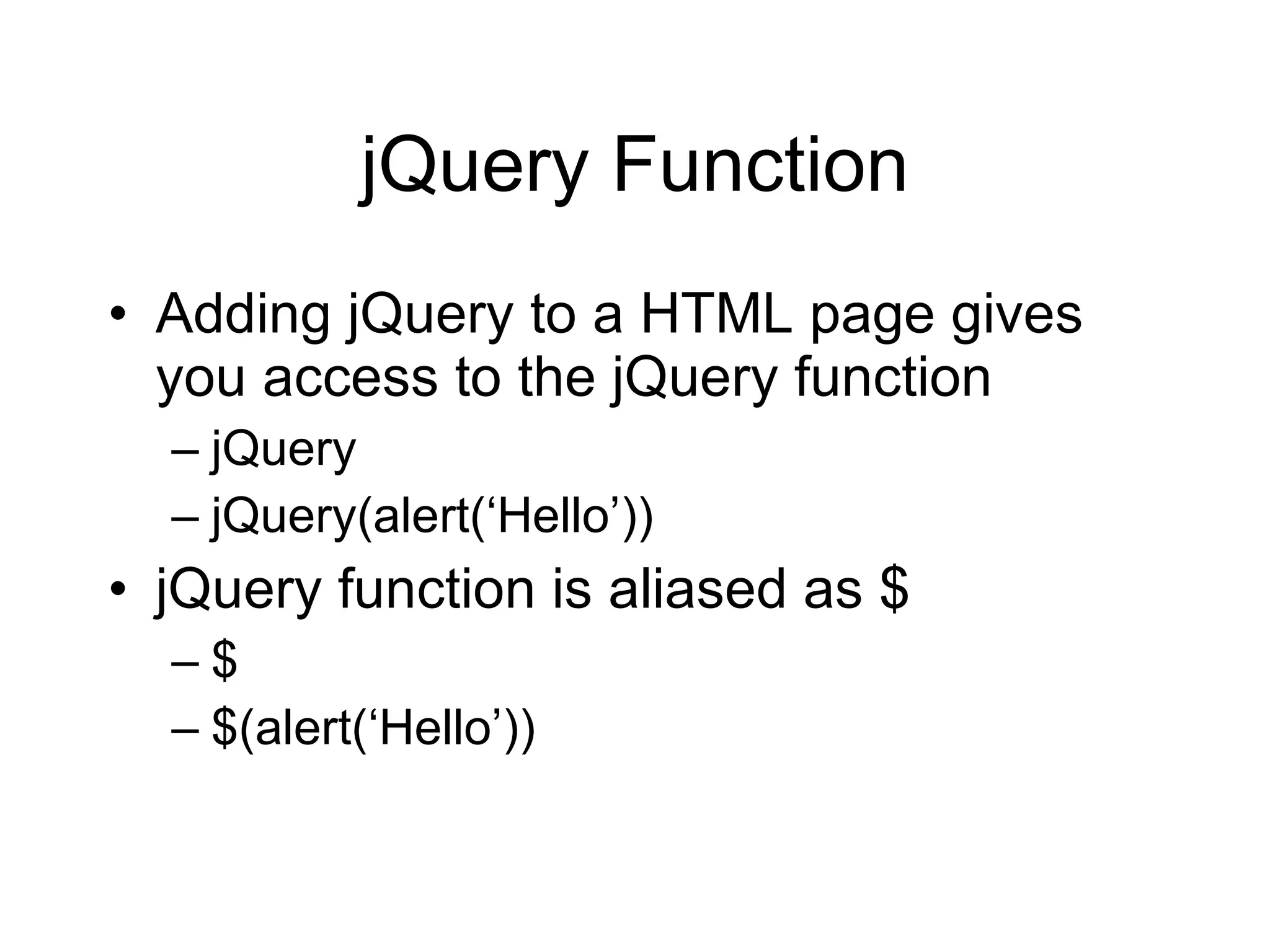
jQuery Function Adding jQuery to a HTML page gives you access to the jQuery function jQuery jQuery(alert( ‘Hello’)) jQuery function is aliased as $ $ $(alert( ‘Hello’))
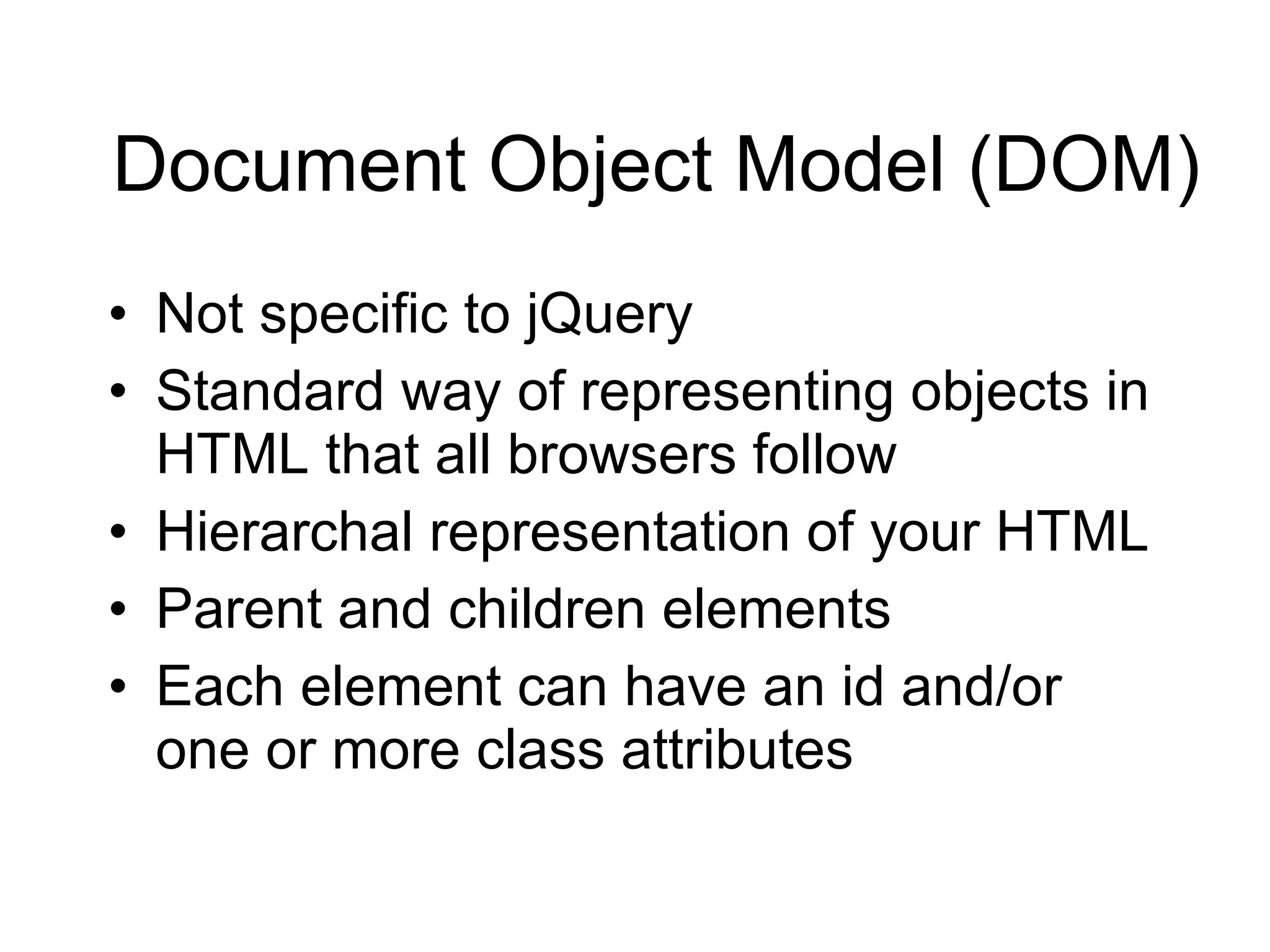
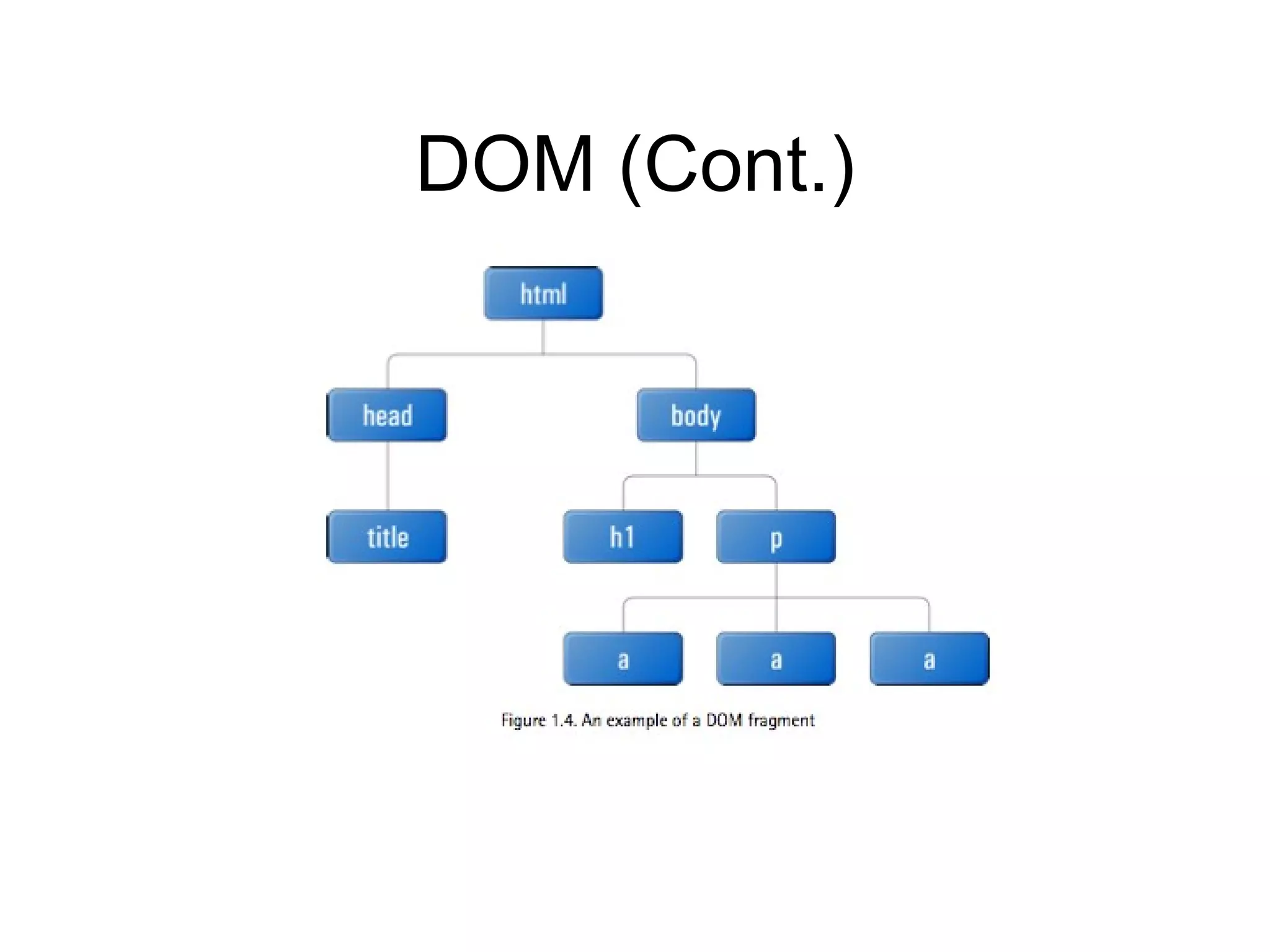
Document Object Model (DOM) Not specific to jQuery Standard way of representing objects in HTML that all browsers follow Hierarchal representation of your HTML Parent and children elements Each element can have an id and/or one or more class attributes
DOM (Cont.)
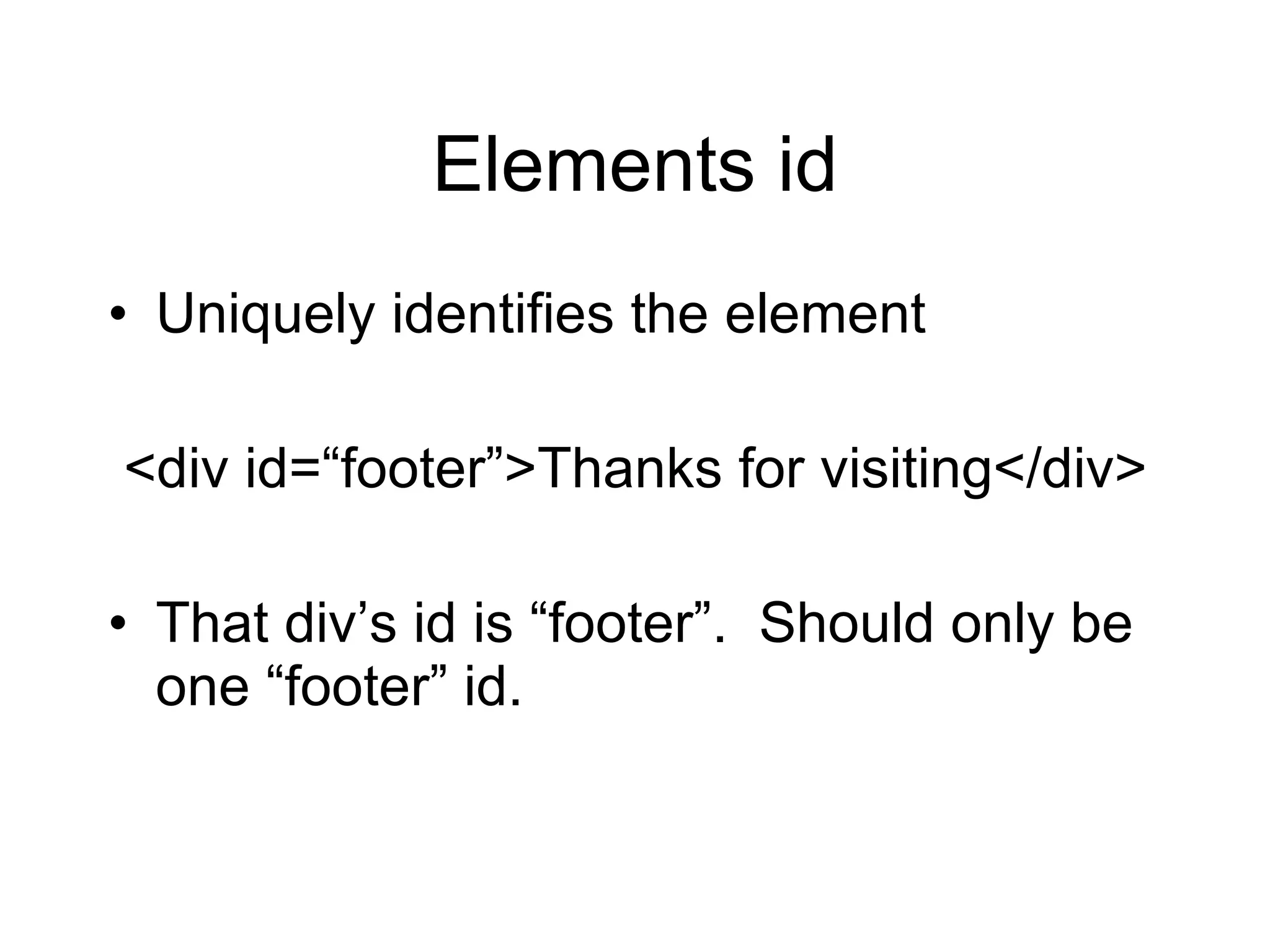
Elements id Uniquely identifies the element <div id= “footer”>Thanks for visiting</div> That div’s id is  “footer”.  Should only be one “footer” id.
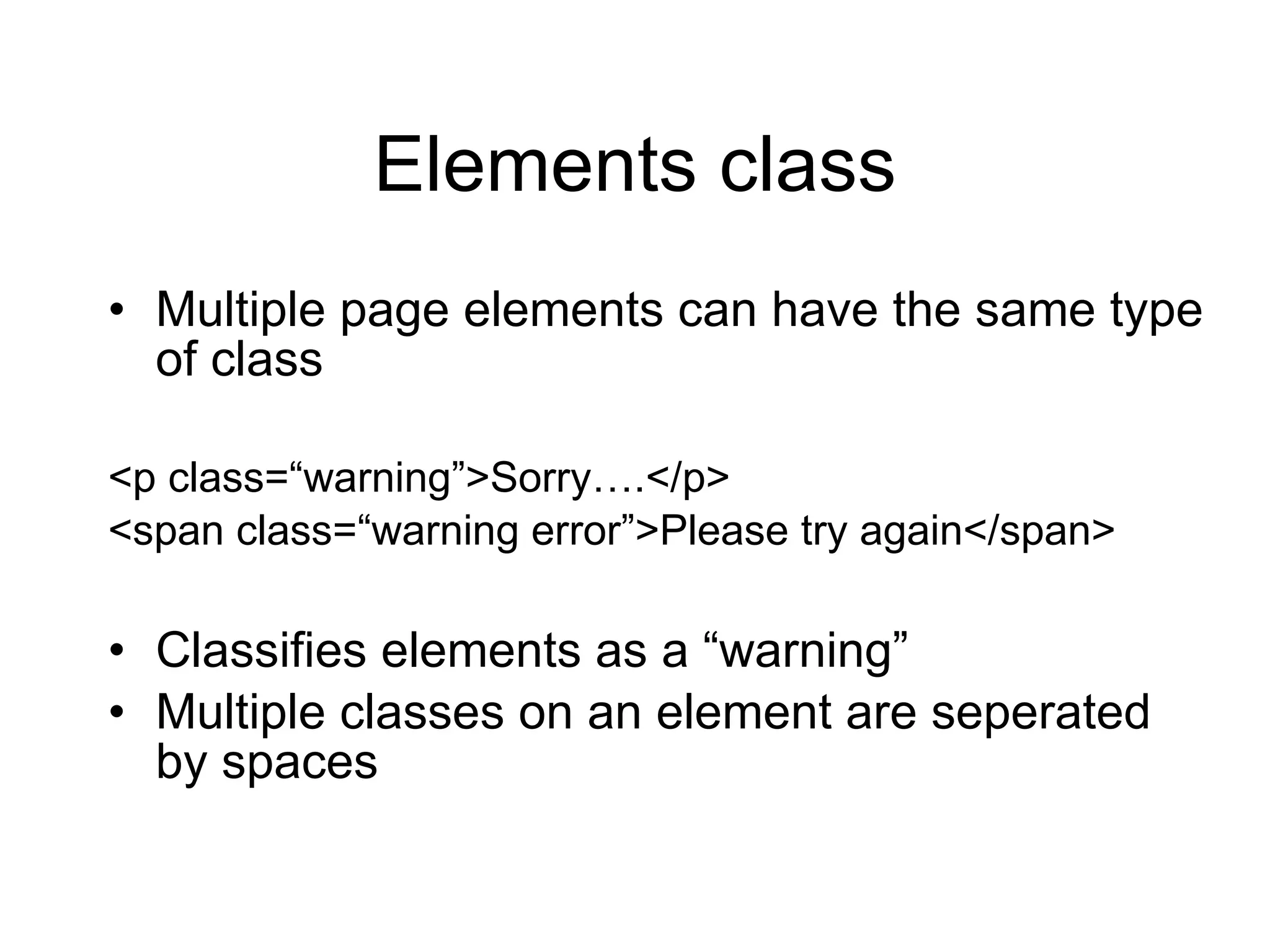
Elements class Multiple page elements can have the same type of class <p class= “warning”>Sorry….</p> <span class= “warning error”>Please try again</span> Classifies elements as a  “warning” Multiple classes on an element are seperated by spaces
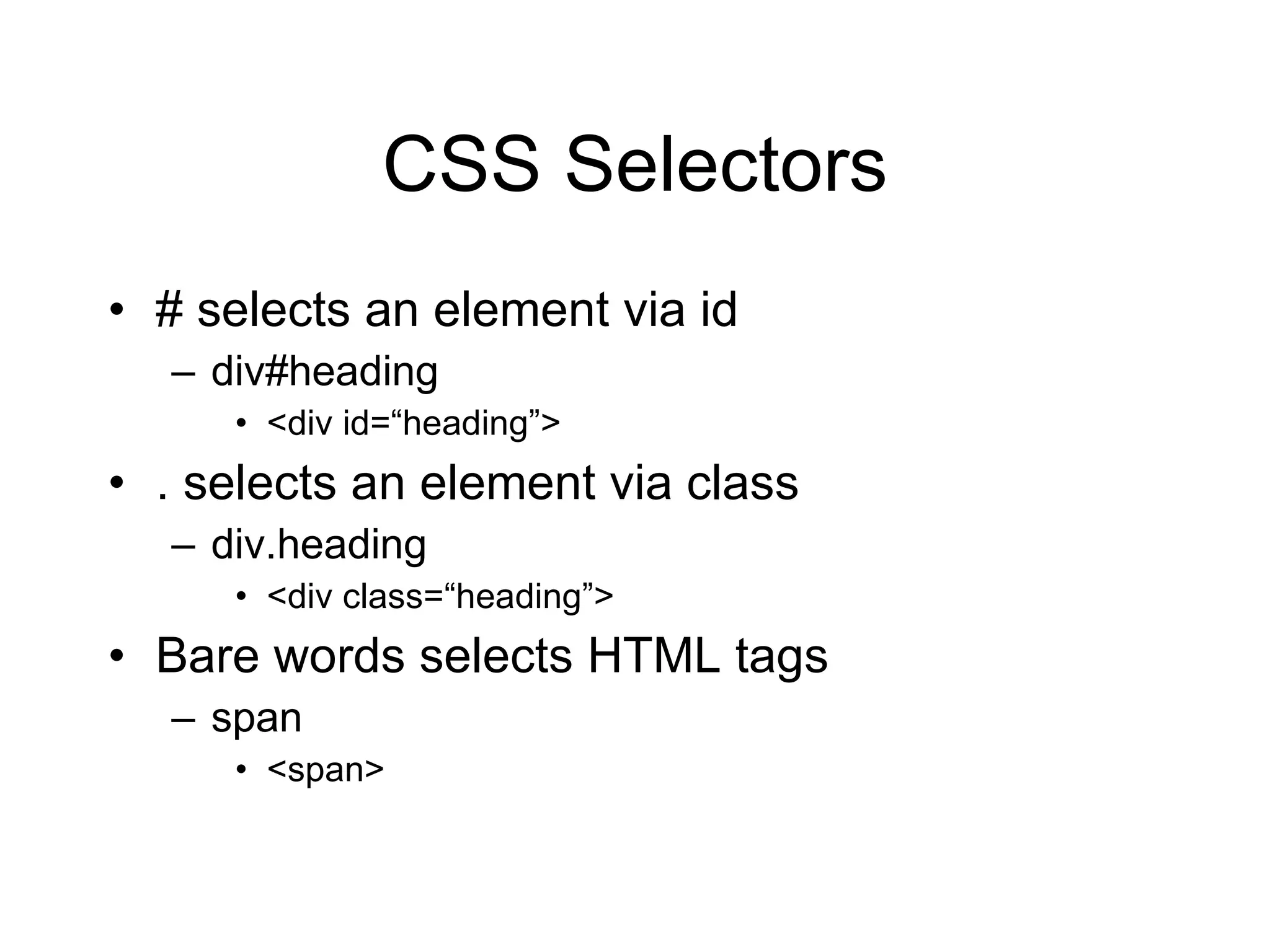
CSS Selectors # selects an element via id div#heading <div id= “heading”> . selects an element via class div.heading <div class= “heading”> Bare words selects HTML tags span <span>
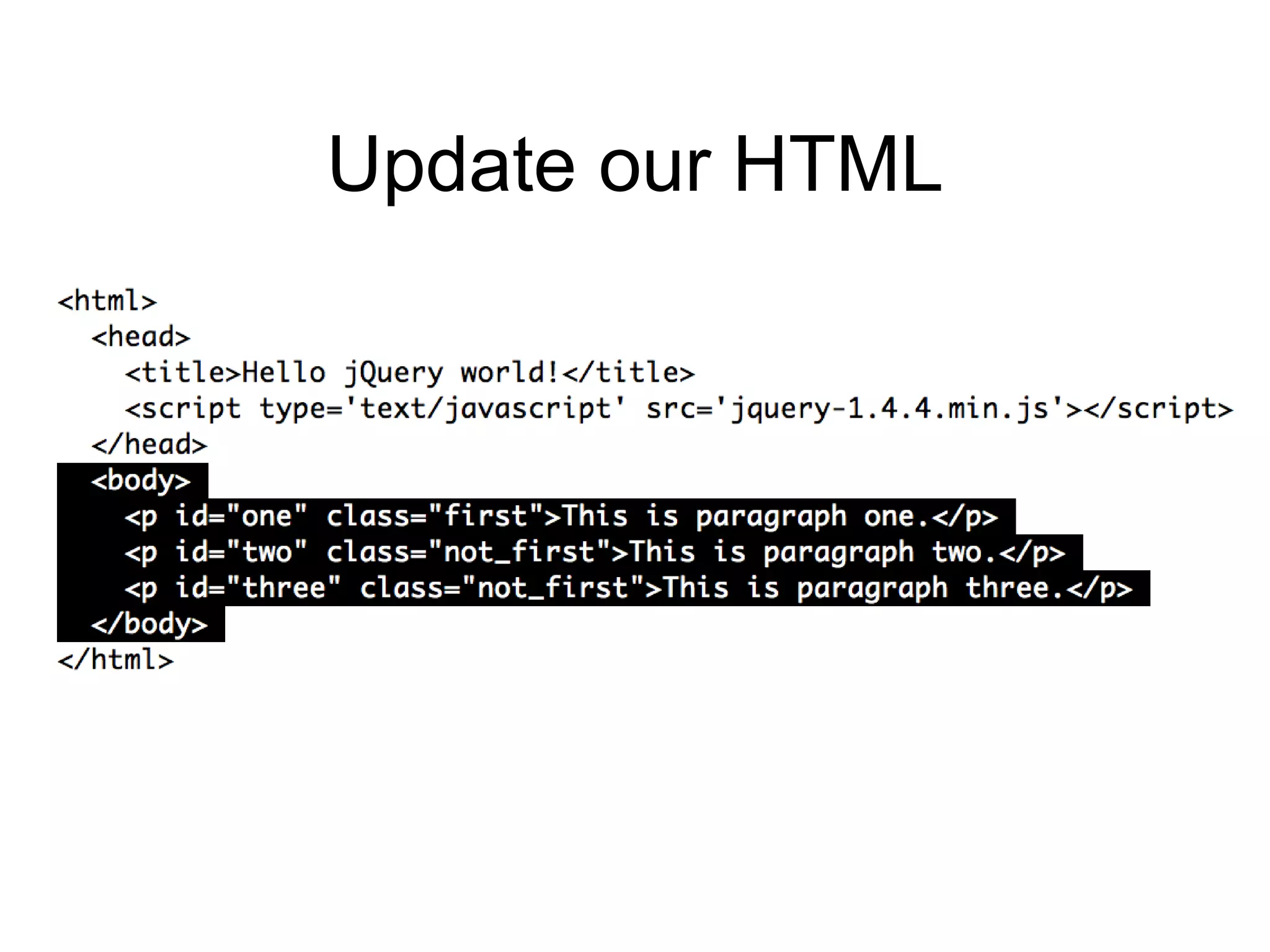
Update our HTML
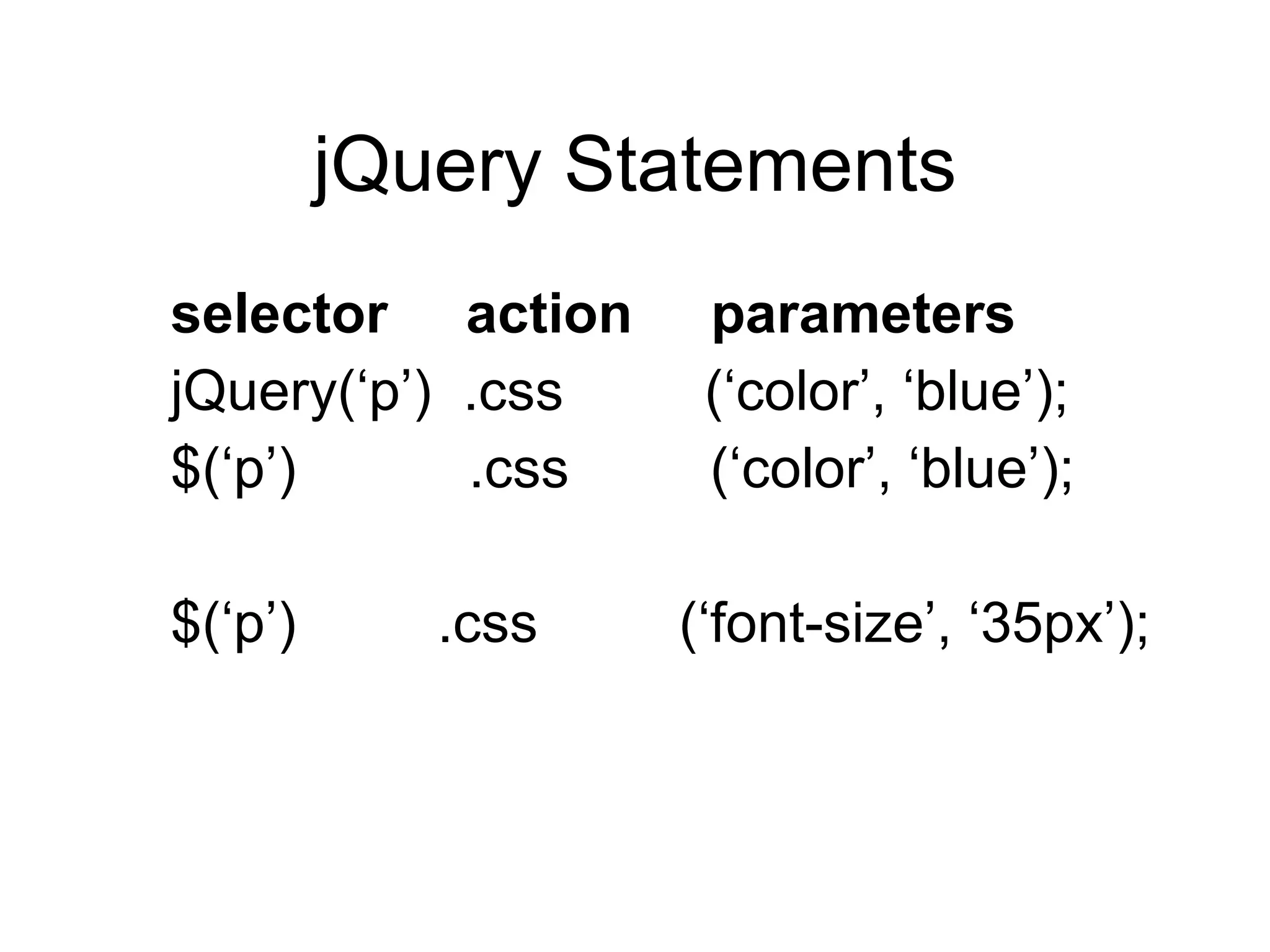
jQuery Statements selector  action  parameters jQuery( ‘p’)  .css  (‘color’, ‘blue’); $( ‘p’)  .css  (‘color’, ‘blue’); $( ‘p’)  .css  (‘font-size’, ‘35px’);
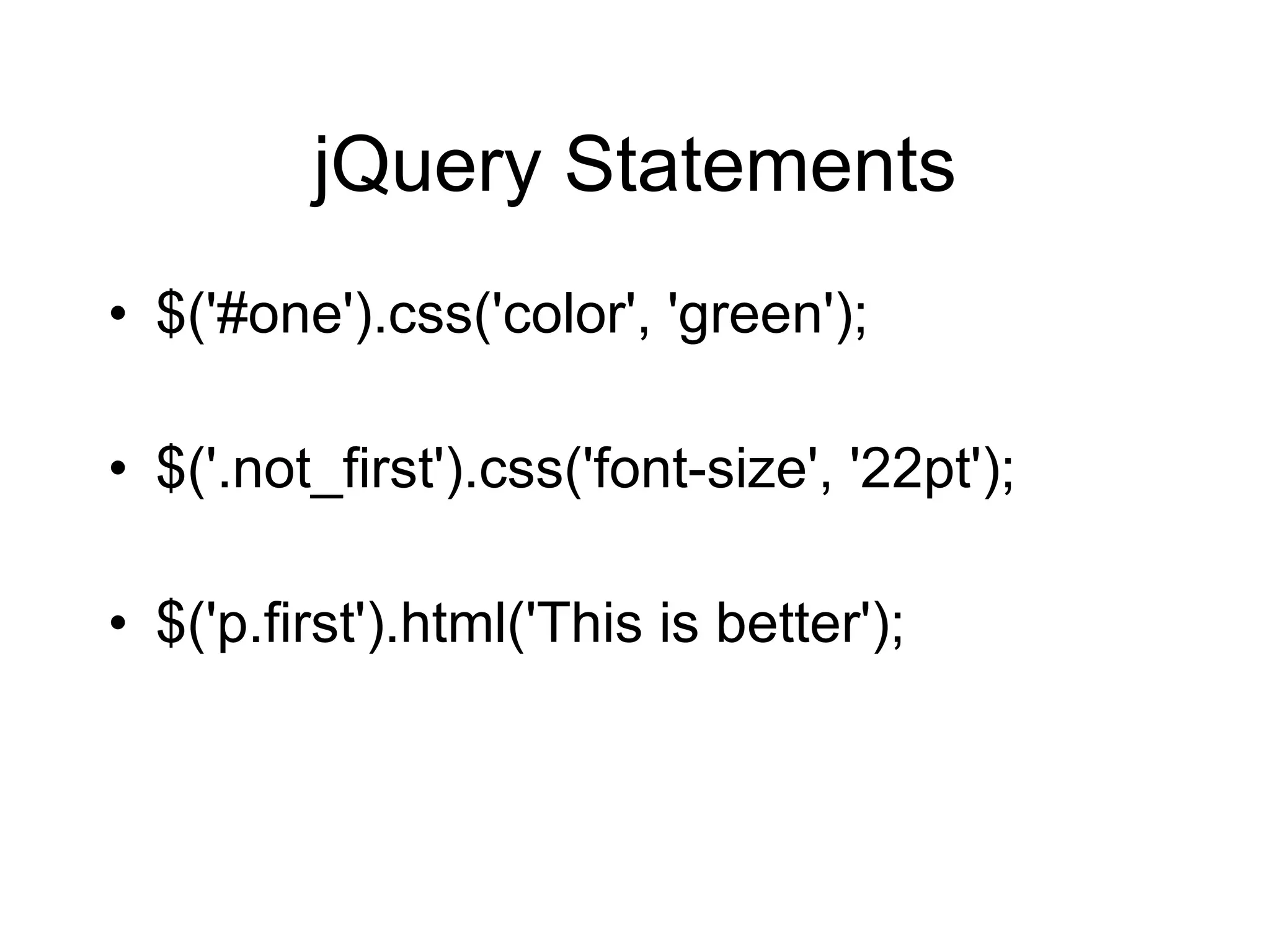
jQuery Statements $('#one').css('color', 'green'); $('.not_first').css('font-size', '22pt'); $('p.first').html('This is better');
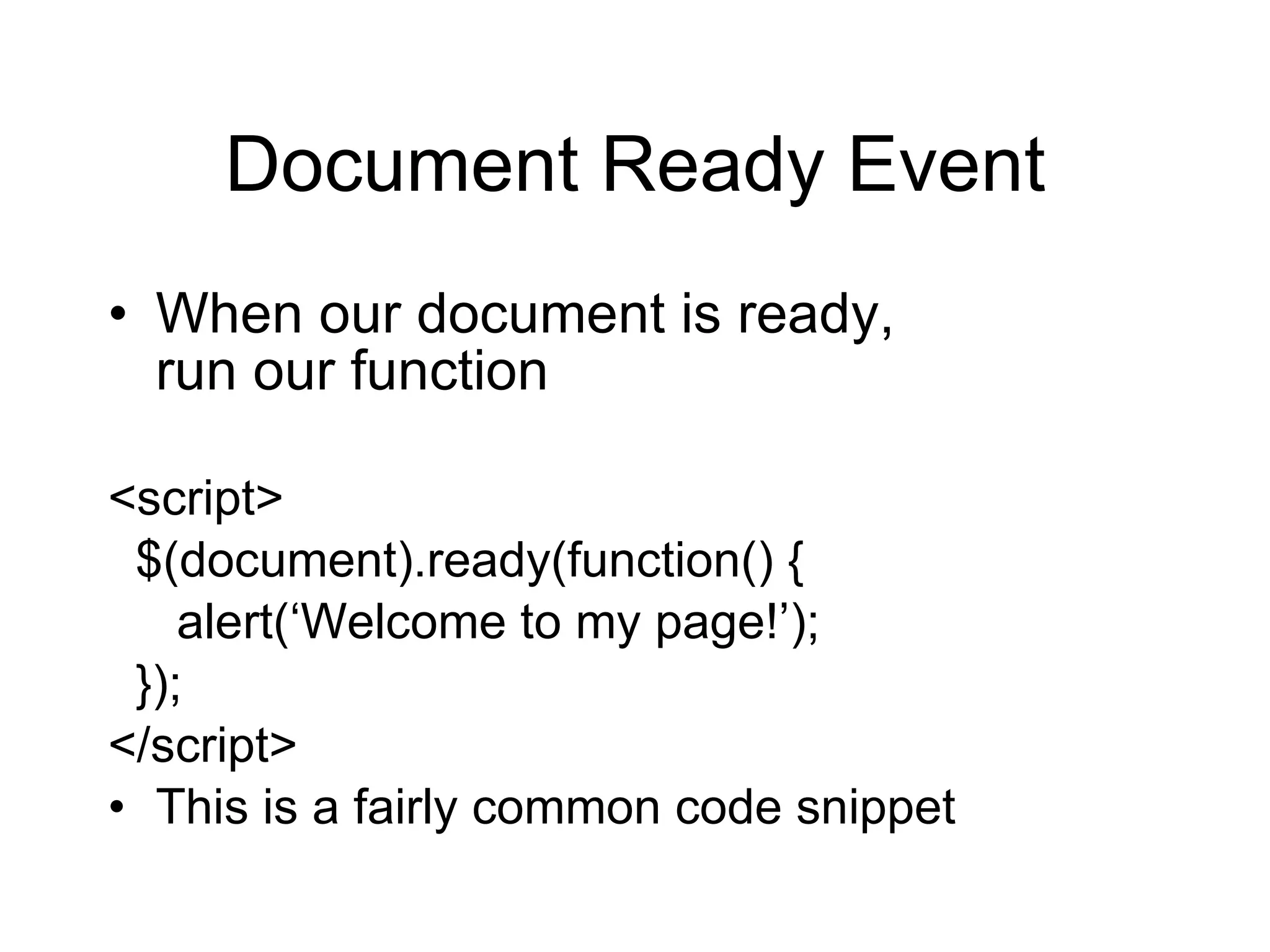
Document Ready Event When our document is ready,  run our function <script> $(document).ready(function() { alert( ‘Welcome to my page!’); }); </script> This is a fairly common code snippet
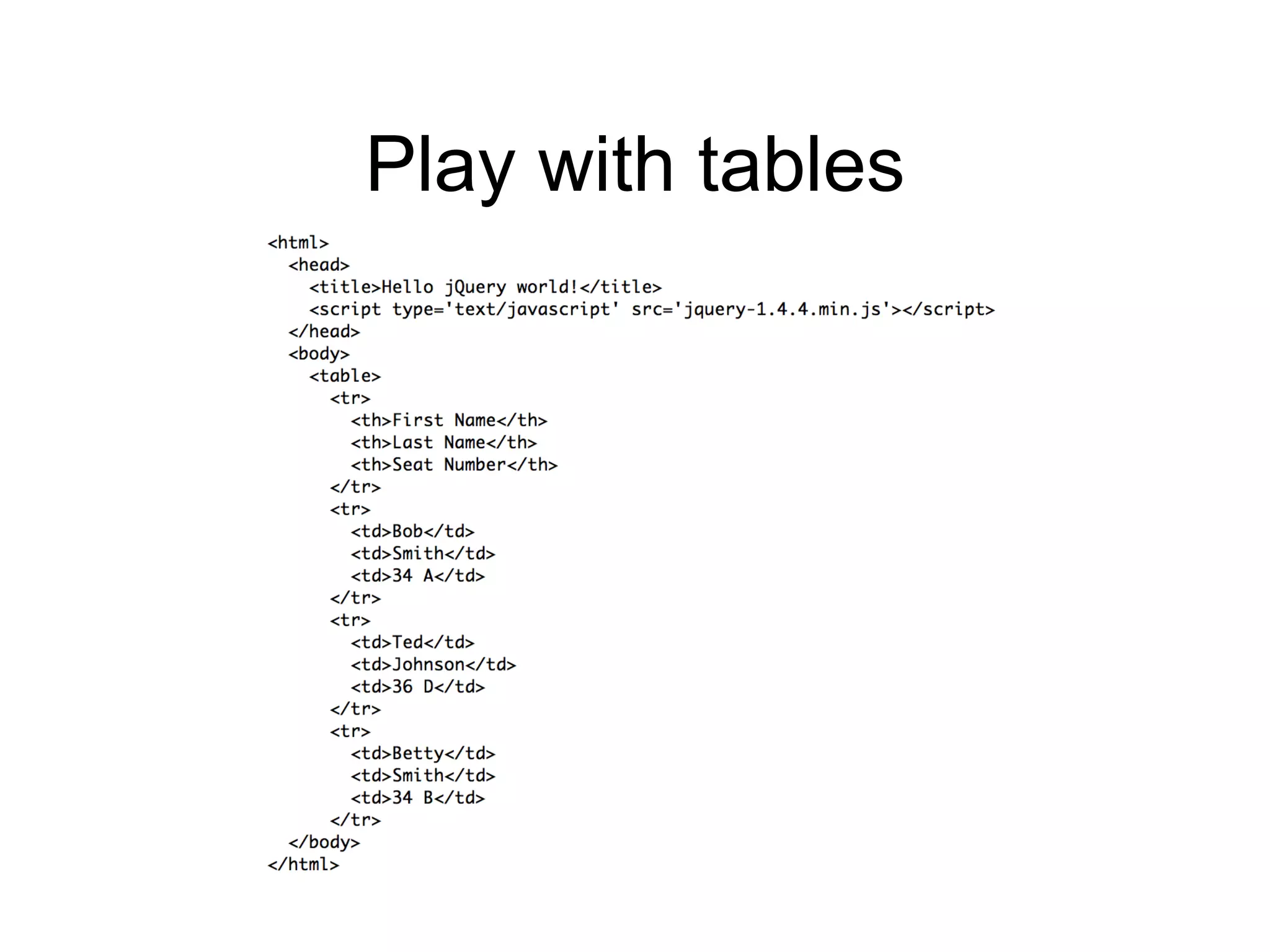
Play with tables
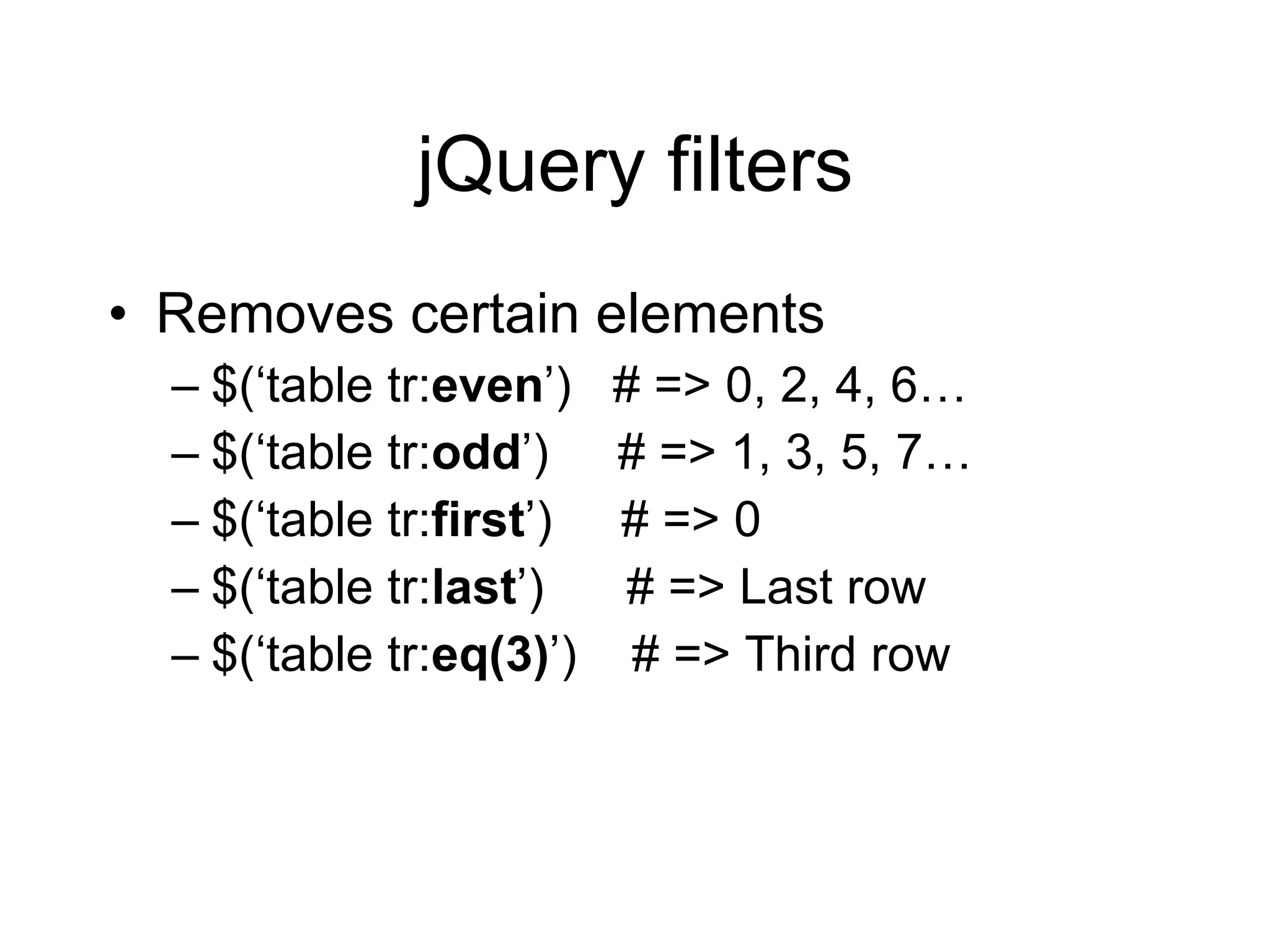
jQuery filters Removes certain elements $( ‘table tr: even ’)  # => 0, 2, 4, 6… $( ‘table tr: odd ’)  # => 1, 3, 5, 7… $( ‘table tr: first ’)  # => 0 $( ‘table tr: last ’)  # => Last row $( ‘table tr: eq(3) ’)  # => Third row
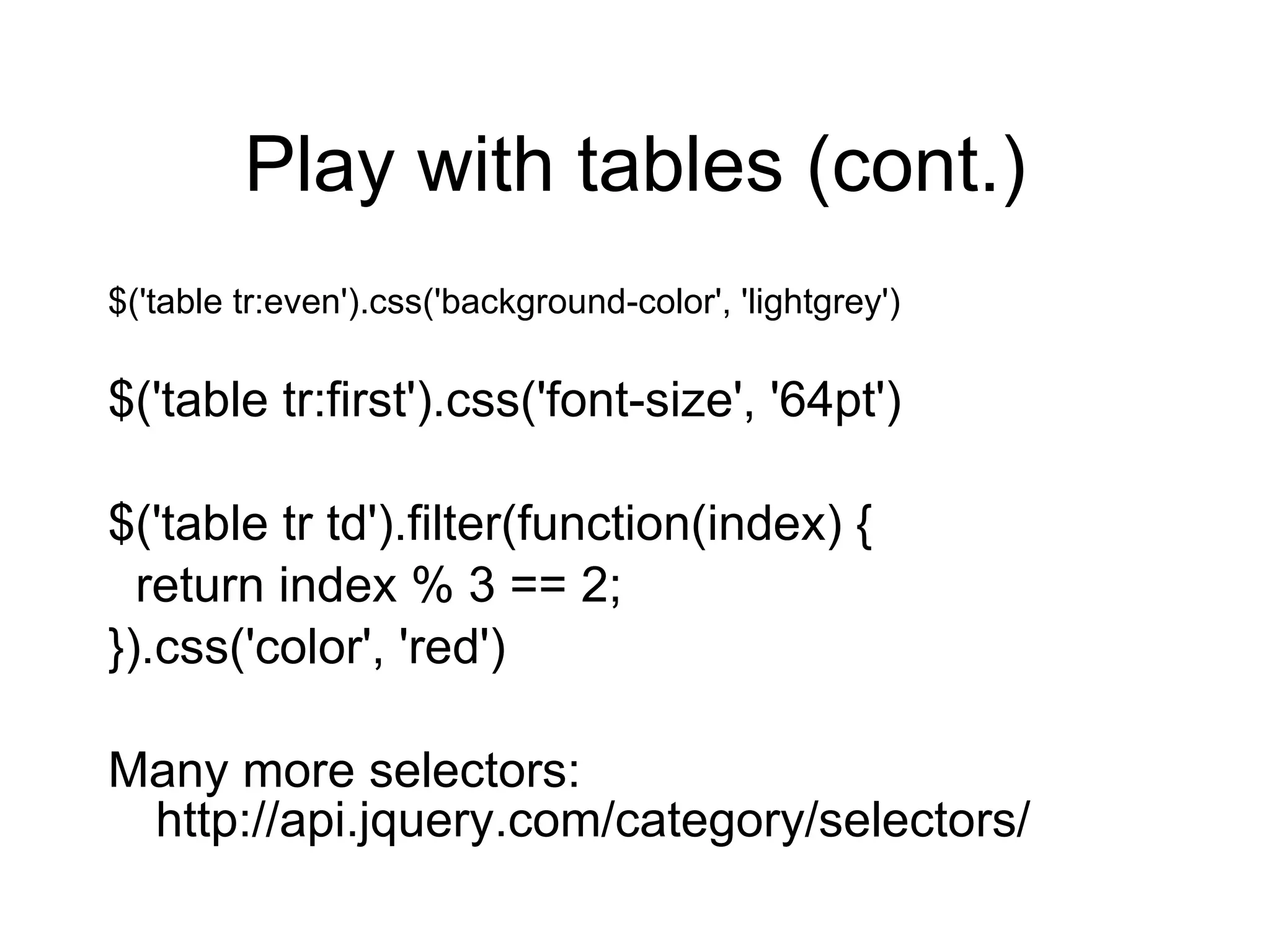
Play with tables (cont.) $('table tr:even').css('background-color', 'lightgrey') $('table tr:first').css('font-size', '64pt') $('table tr td').filter(function(index) { return index % 3 == 2; }).css('color', 'red') Many more selectors: http://api.jquery.com/category/selectors/
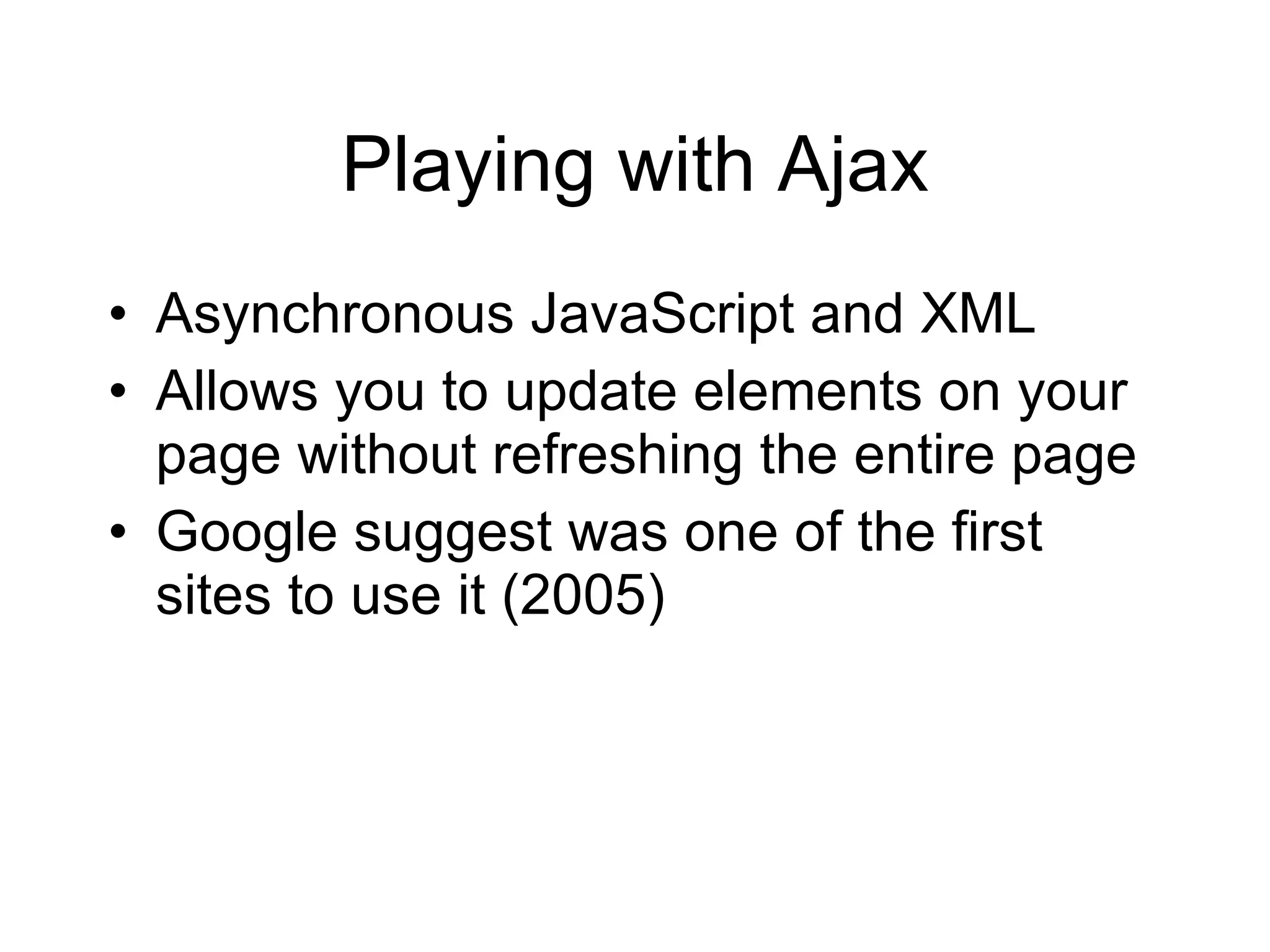
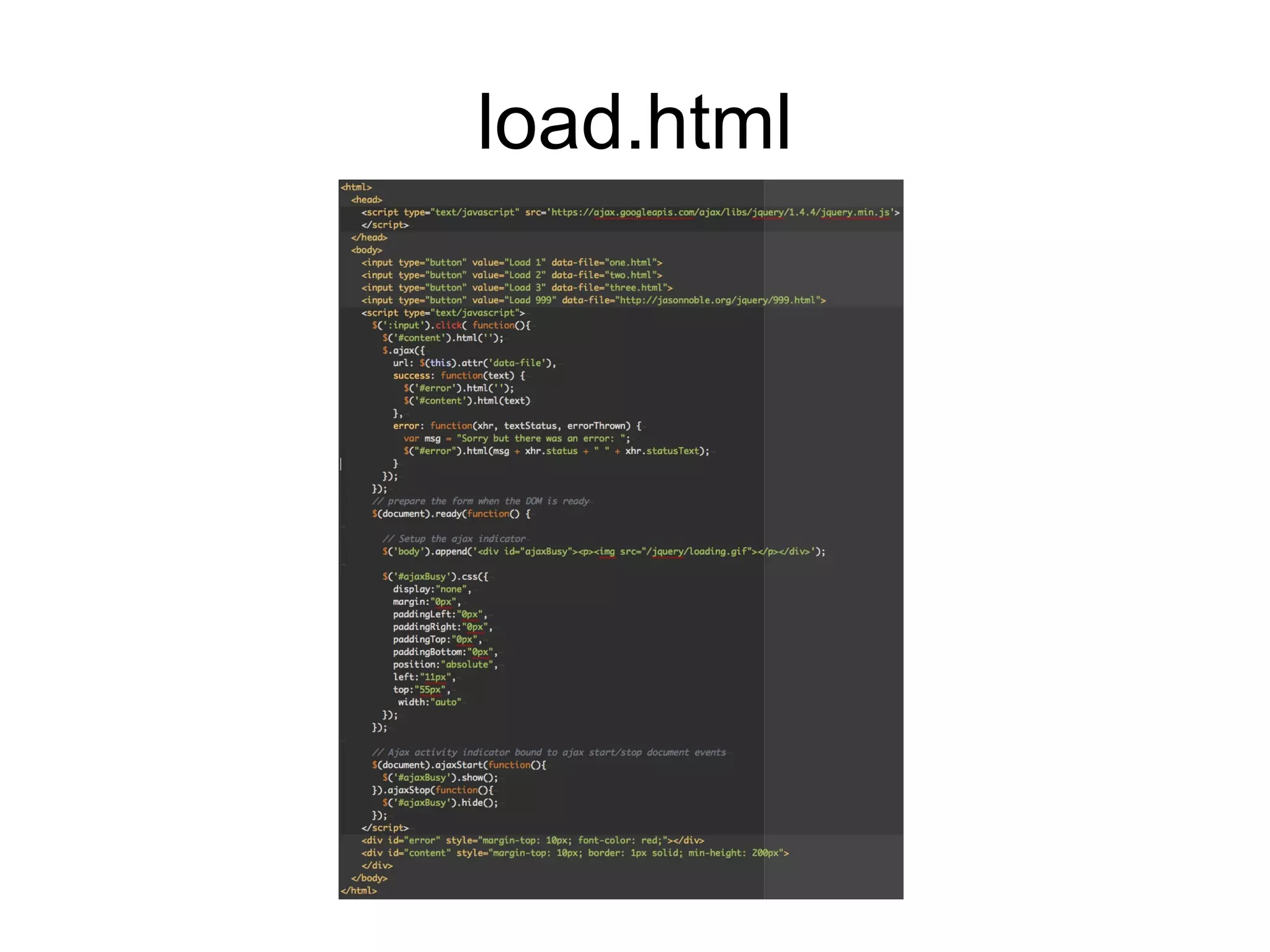
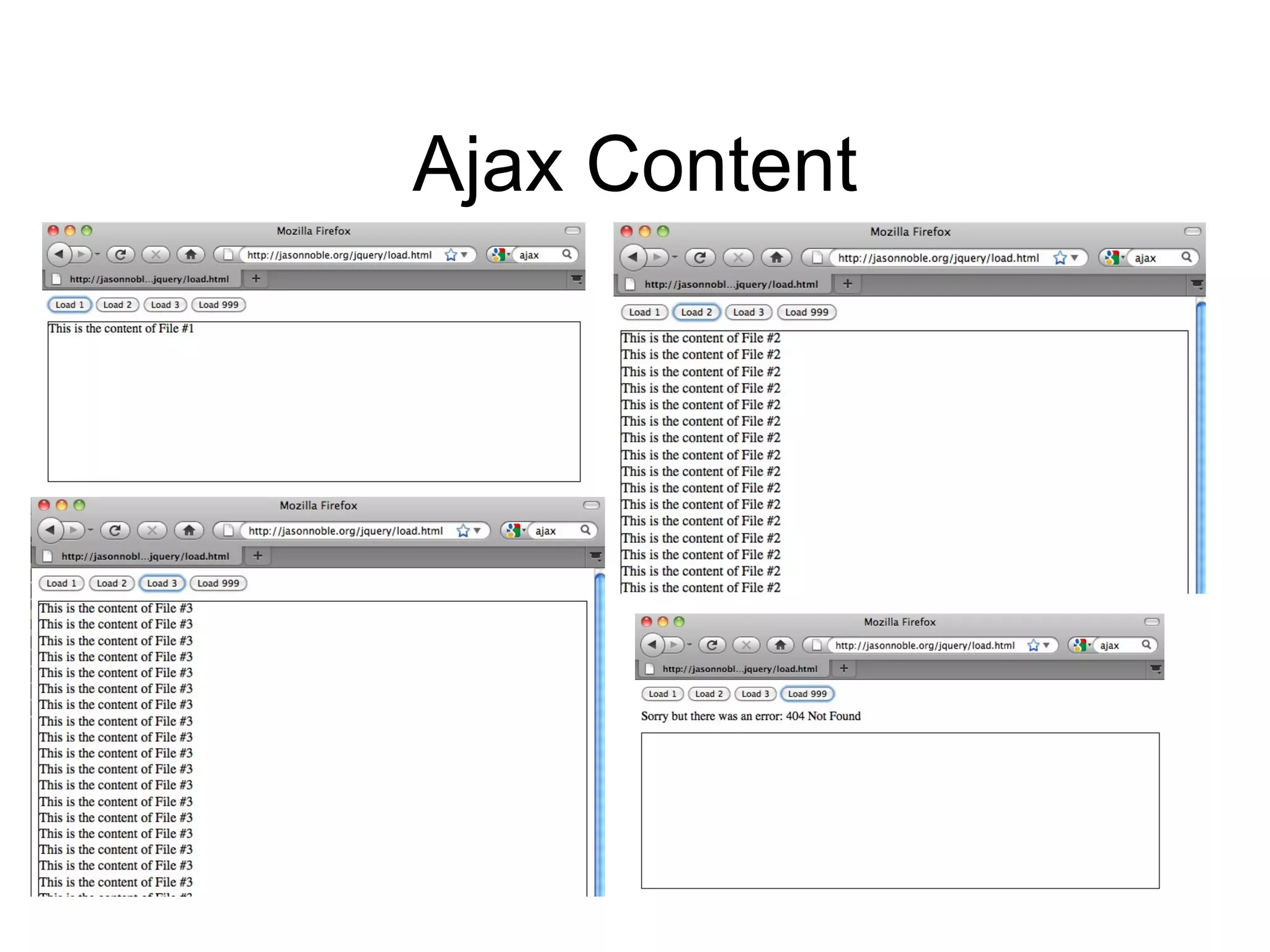
Playing with Ajax Asynchronous JavaScript and XML Allows you to update elements on your page without refreshing the entire page Google suggest was one of the first sites to use it (2005)
load.html
Ajax Content
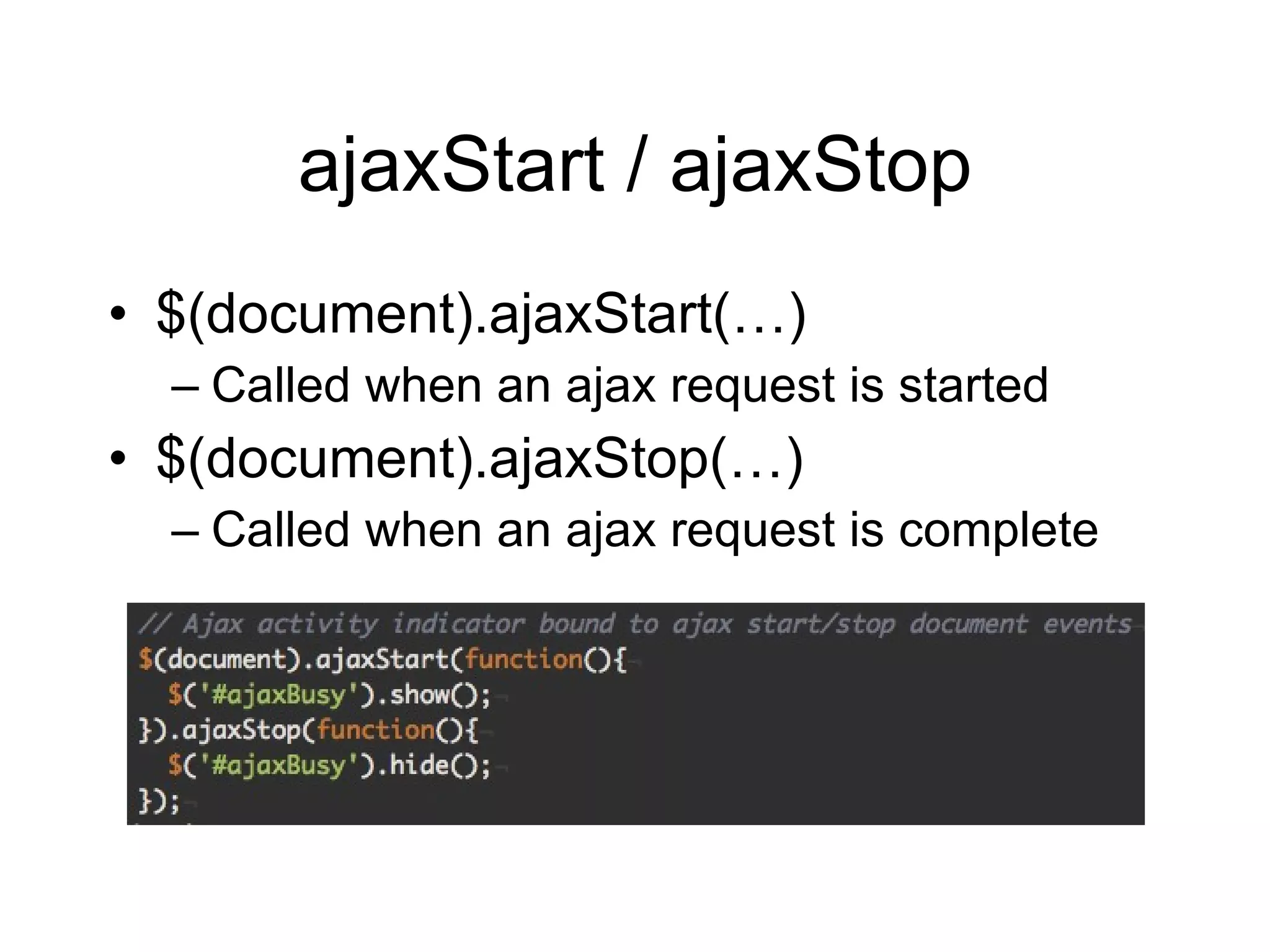
ajaxStart / ajaxStop $(document).ajaxStart(…) Called when an ajax request is started $(document).ajaxStop(…) Called when an ajax request is complete
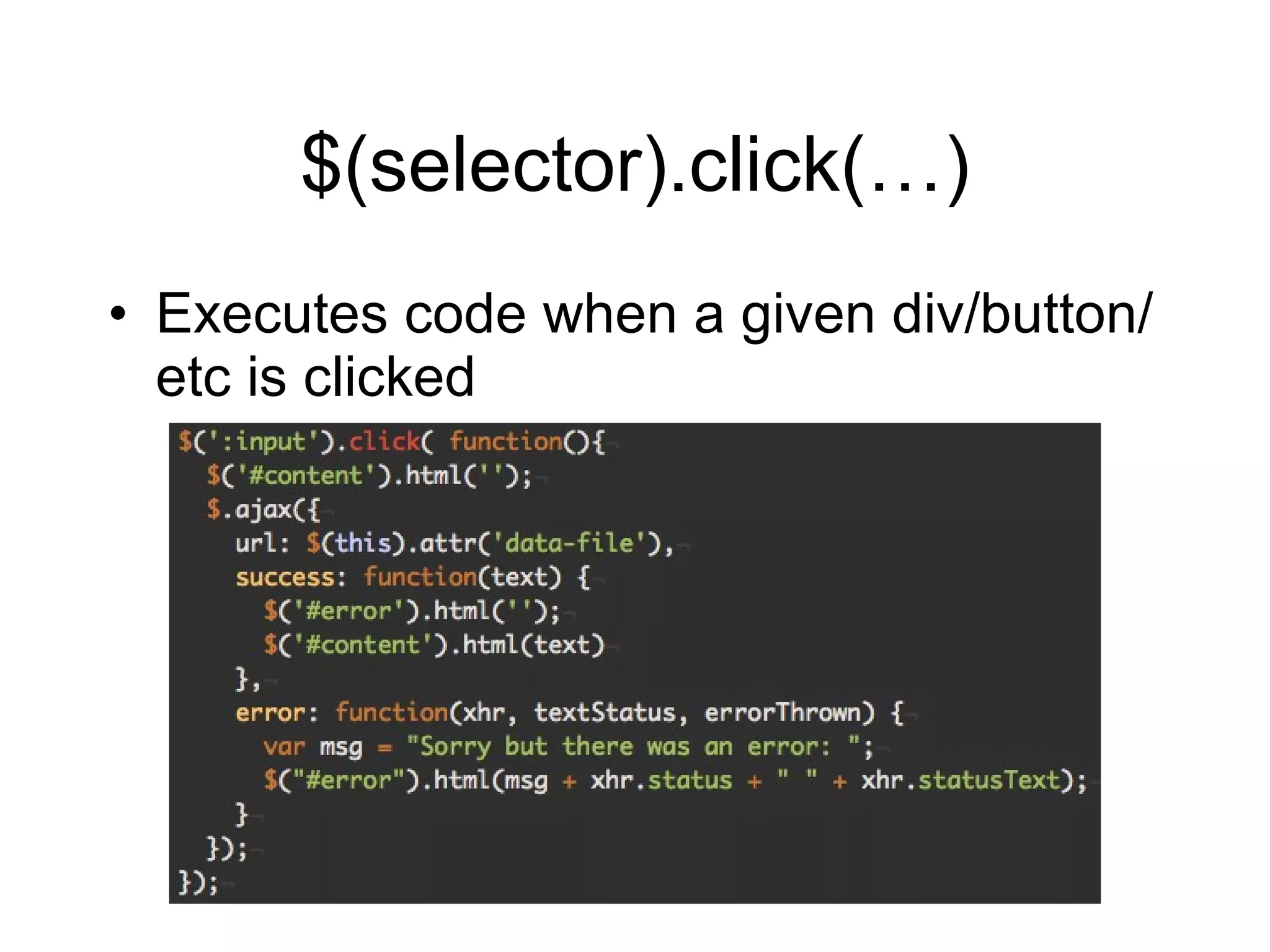
$(selector).click(…) Executes code when a given div/button/etc is clicked
Username Validation Uses a jQuery plugin (jquery.validate) http://bassistance.de/jquery-plugins/jquery-plugin-validation/

jQuery Intro

  • 1.
    jQuery Jason Noblehttp:// jasonnoble.org Code Download: http://jasonnoble.org/jquery/jquery.zip
  • 2.
    History John Resighints of a JavaScript library to use CSS selectors with a more succint syntax than existing libraries (2005) First release January 2006
  • 3.
    Benefits Easy toplay with the DOM Add JS effects AJAX Cross-browser Compatibility jQuery handles browser caveats for you CSS3 Selectors Helpful Utilities
  • 4.
    Benefits (cont.) jQueryUI Useful effects Advanced UI widgets UI Themes Plugins jQuery is easily extensible Widespread adoption
  • 5.
  • 6.
    Let ’s getStarted curl -o jquery-1.4.4.min.js http://code.jquery.com/jquery-1.4.4.min.js vi hello.html
  • 7.
    jQuery Function AddingjQuery to a HTML page gives you access to the jQuery function jQuery jQuery(alert( ‘Hello’)) jQuery function is aliased as $ $ $(alert( ‘Hello’))
  • 8.
    Document Object Model(DOM) Not specific to jQuery Standard way of representing objects in HTML that all browsers follow Hierarchal representation of your HTML Parent and children elements Each element can have an id and/or one or more class attributes
  • 9.
  • 10.
    Elements id Uniquelyidentifies the element <div id= “footer”>Thanks for visiting</div> That div’s id is “footer”. Should only be one “footer” id.
  • 11.
    Elements class Multiplepage elements can have the same type of class <p class= “warning”>Sorry….</p> <span class= “warning error”>Please try again</span> Classifies elements as a “warning” Multiple classes on an element are seperated by spaces
  • 12.
    CSS Selectors #selects an element via id div#heading <div id= “heading”> . selects an element via class div.heading <div class= “heading”> Bare words selects HTML tags span <span>
  • 13.
  • 14.
    jQuery Statements selector action parameters jQuery( ‘p’) .css (‘color’, ‘blue’); $( ‘p’) .css (‘color’, ‘blue’); $( ‘p’) .css (‘font-size’, ‘35px’);
  • 15.
    jQuery Statements $('#one').css('color','green'); $('.not_first').css('font-size', '22pt'); $('p.first').html('This is better');
  • 16.
    Document Ready EventWhen our document is ready, run our function <script> $(document).ready(function() { alert( ‘Welcome to my page!’); }); </script> This is a fairly common code snippet
  • 17.
  • 18.
    jQuery filters Removescertain elements $( ‘table tr: even ’) # => 0, 2, 4, 6… $( ‘table tr: odd ’) # => 1, 3, 5, 7… $( ‘table tr: first ’) # => 0 $( ‘table tr: last ’) # => Last row $( ‘table tr: eq(3) ’) # => Third row
  • 19.
    Play with tables(cont.) $('table tr:even').css('background-color', 'lightgrey') $('table tr:first').css('font-size', '64pt') $('table tr td').filter(function(index) { return index % 3 == 2; }).css('color', 'red') Many more selectors: http://api.jquery.com/category/selectors/
  • 20.
    Playing with AjaxAsynchronous JavaScript and XML Allows you to update elements on your page without refreshing the entire page Google suggest was one of the first sites to use it (2005)
  • 21.
  • 22.
  • 23.
    ajaxStart / ajaxStop$(document).ajaxStart(…) Called when an ajax request is started $(document).ajaxStop(…) Called when an ajax request is complete
  • 24.
    $(selector).click(…) Executes codewhen a given div/button/etc is clicked
  • 25.
    Username Validation Usesa jQuery plugin (jquery.validate) http://bassistance.de/jquery-plugins/jquery-plugin-validation/

Editor's Notes

  • #10 Body has two child elements, an h1 and a p. Body is the h1 ’s parent, h1 is a child of body