jQuery Behaviours

  bind, live, livequery


   Richard Paul, Sep 2009
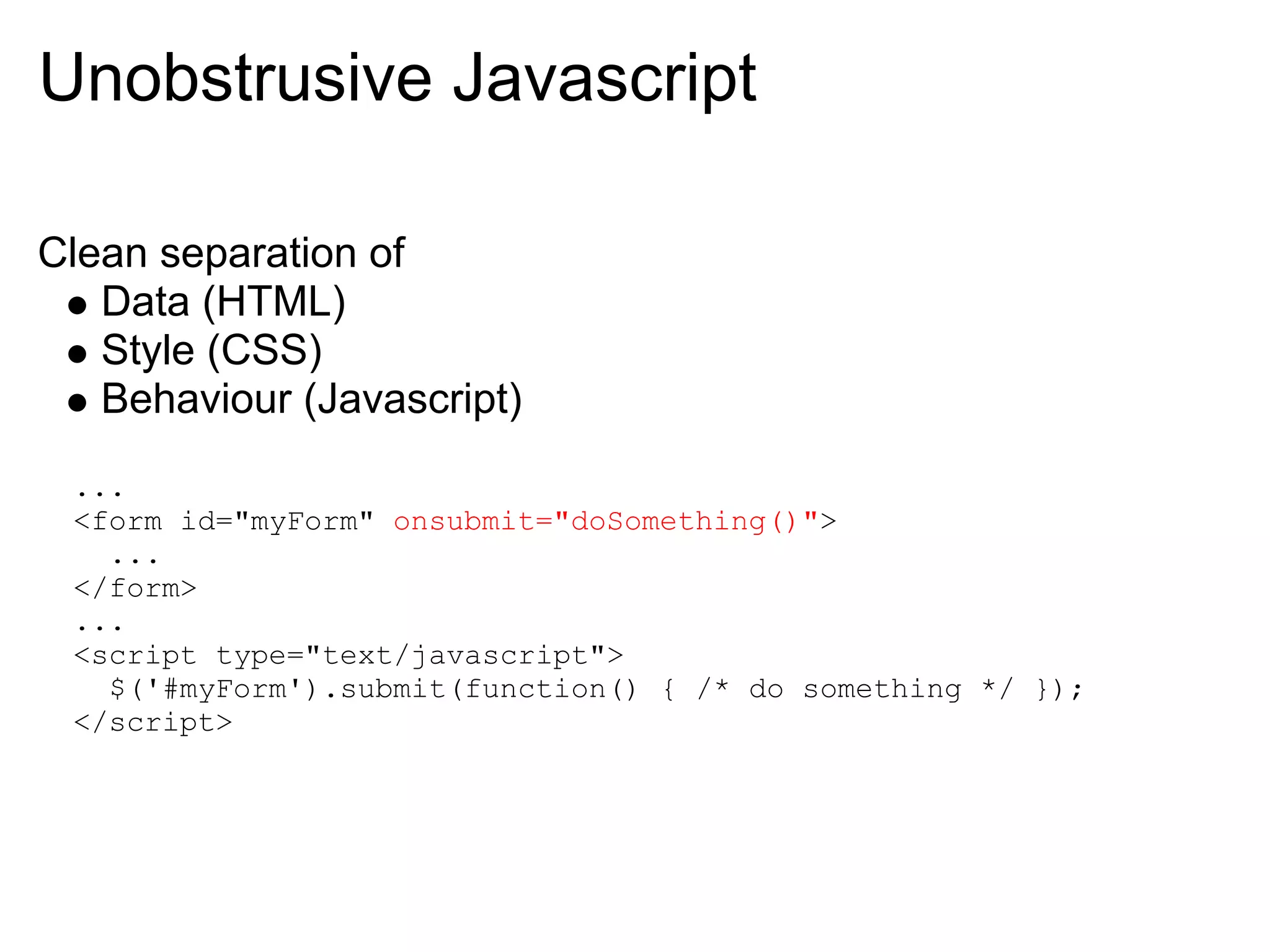
Unobstrusive Javascript

Clean separation of
   Data (HTML)
   Style (CSS)
   Behaviour (Javascript)
 ...
 <form id="myForm" onsubmit="doSomething()">
   ...
 </form>
 ...
 <script type="text/javascript">
   $('#myForm').submit(function() { /* do something */ });
 </script>
Javascript Events

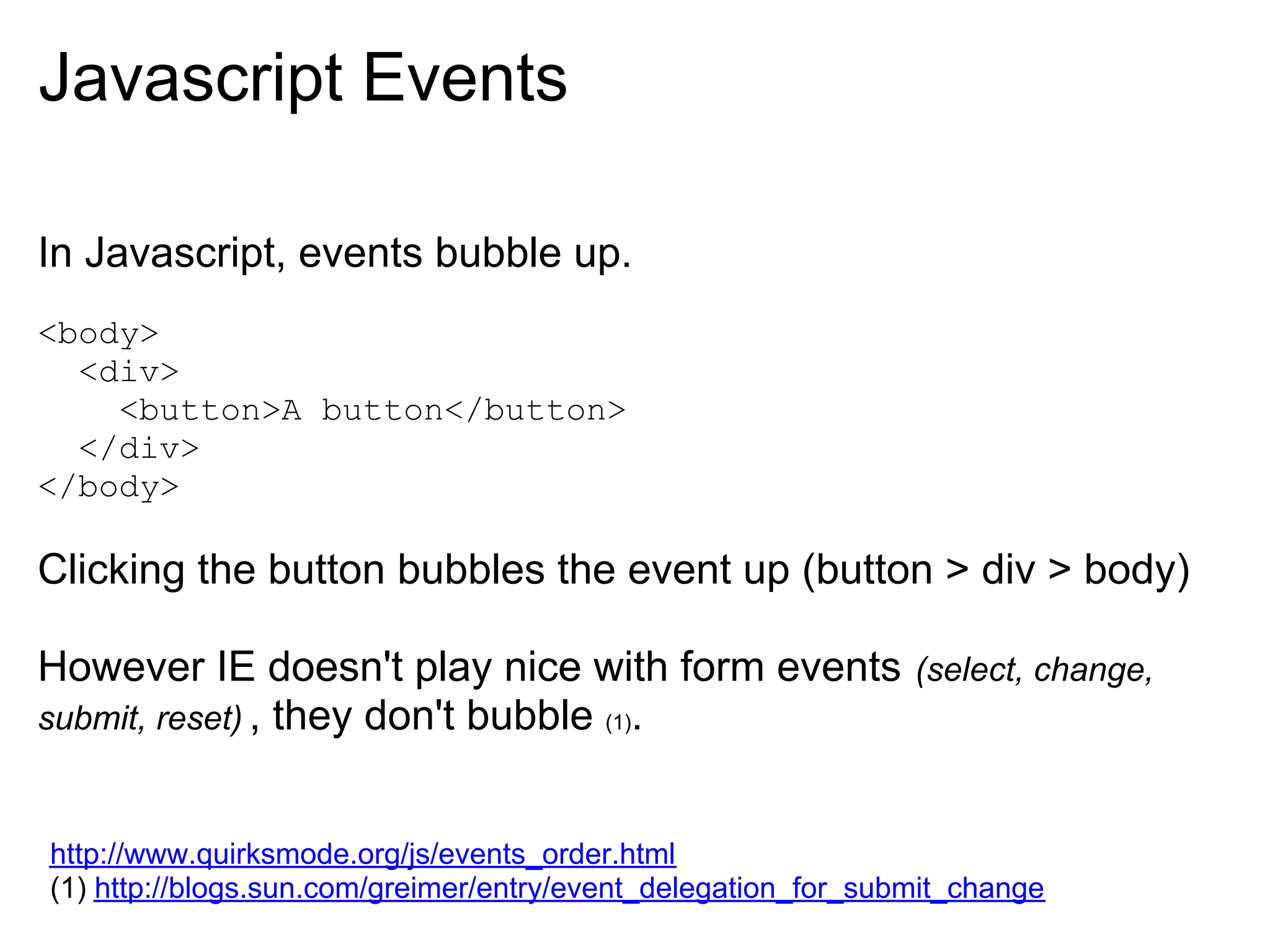
In Javascript, events bubble up.
<body>
  <div>
    <button>A button</button>
  </div>
</body>

Clicking the button bubbles the event up (button > div > body)

However IE doesn't play nice with form events                  (select, change,
submit, reset) , they don't bubble (1).


http://www.quirksmode.org/js/events_order.html
(1) http://blogs.sun.com/greimer/entry/event_delegation_for_submit_change
Event Delegation

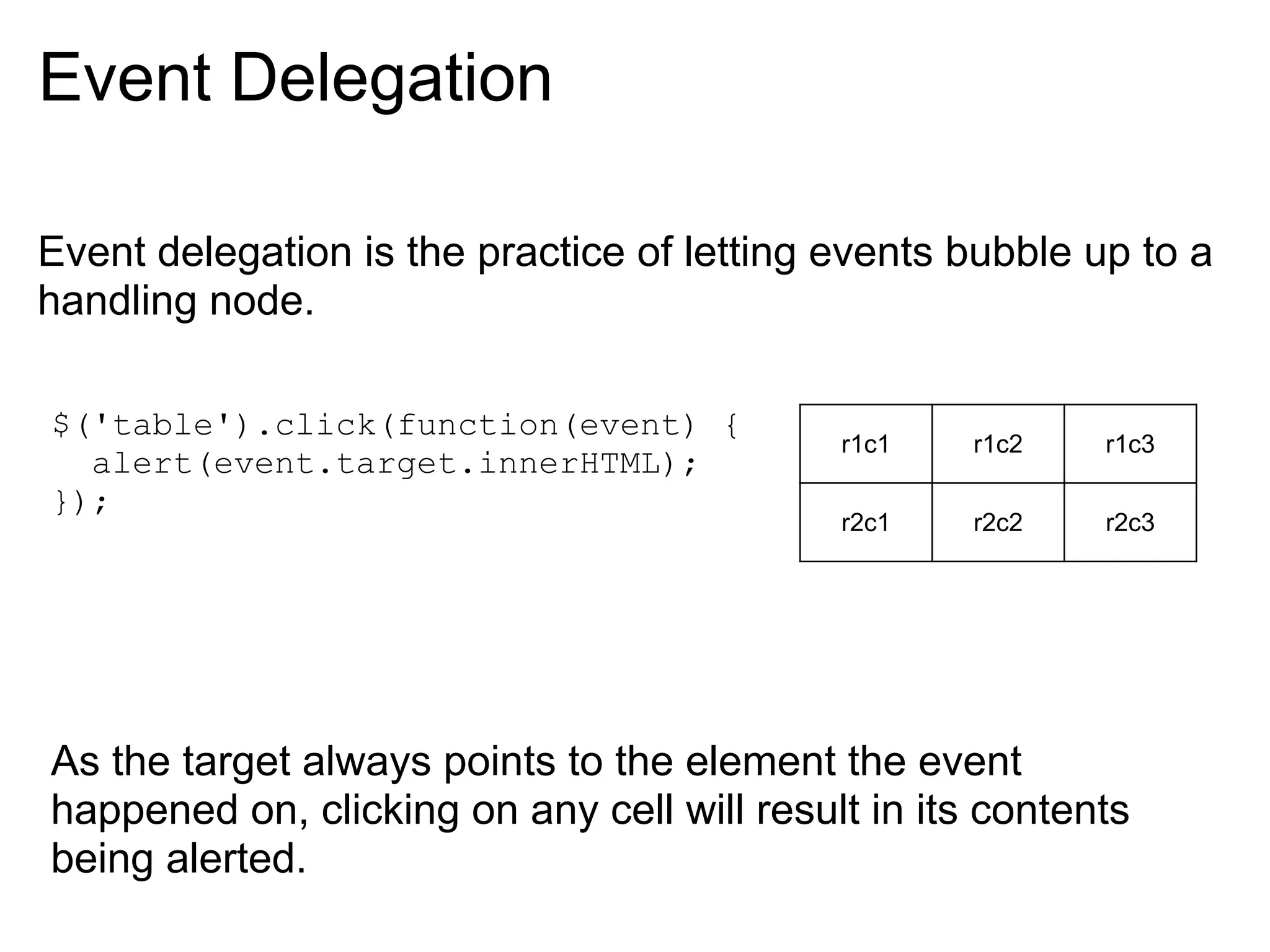
Event delegation is the practice of letting events bubble up to a
handling node.

$('table').click(function(event) {
                                            r1c1    r1c2   r1c3
  alert(event.target.innerHTML);
});
                                            r2c1    r2c2   r2c3


As the target always points to the element the event
happened on, clicking on any cell will result in its contents
being alerted.
Adding new rows

When adding new cells, no extra work is required.
Clicking a new row will bubble up to the table's click handler.

Demo

In practice you would want to check the element is of the
correct type/class etc.
Binding Mechanisms in jQuery

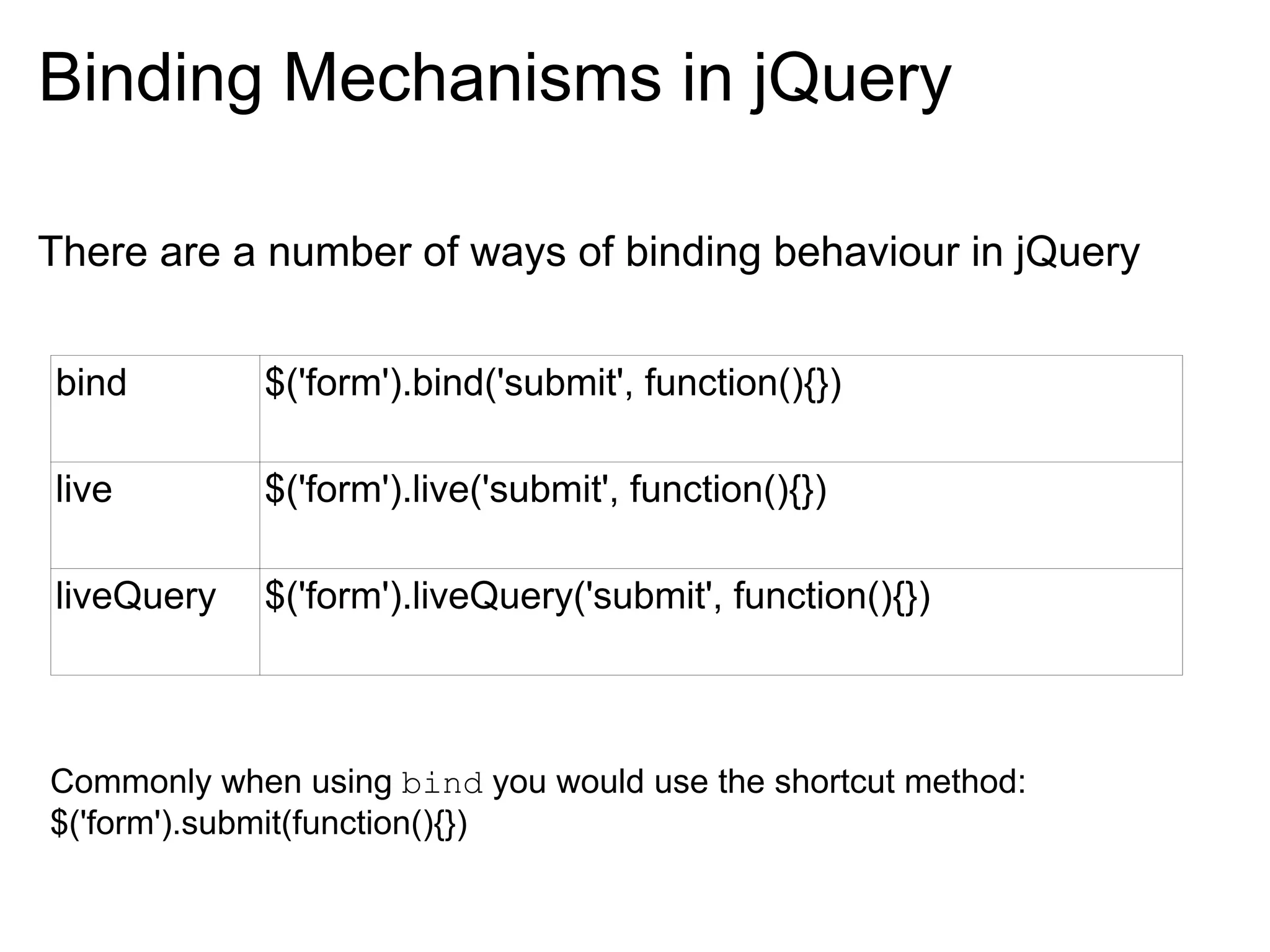
There are a number of ways of binding behaviour in jQuery


bind        $('form').bind('submit', function(){})

live        $('form').live('submit', function(){})

liveQuery   $('form').liveQuery('submit', function(){})


Commonly when using bind you would use the shortcut method:
$('form').submit(function(){})
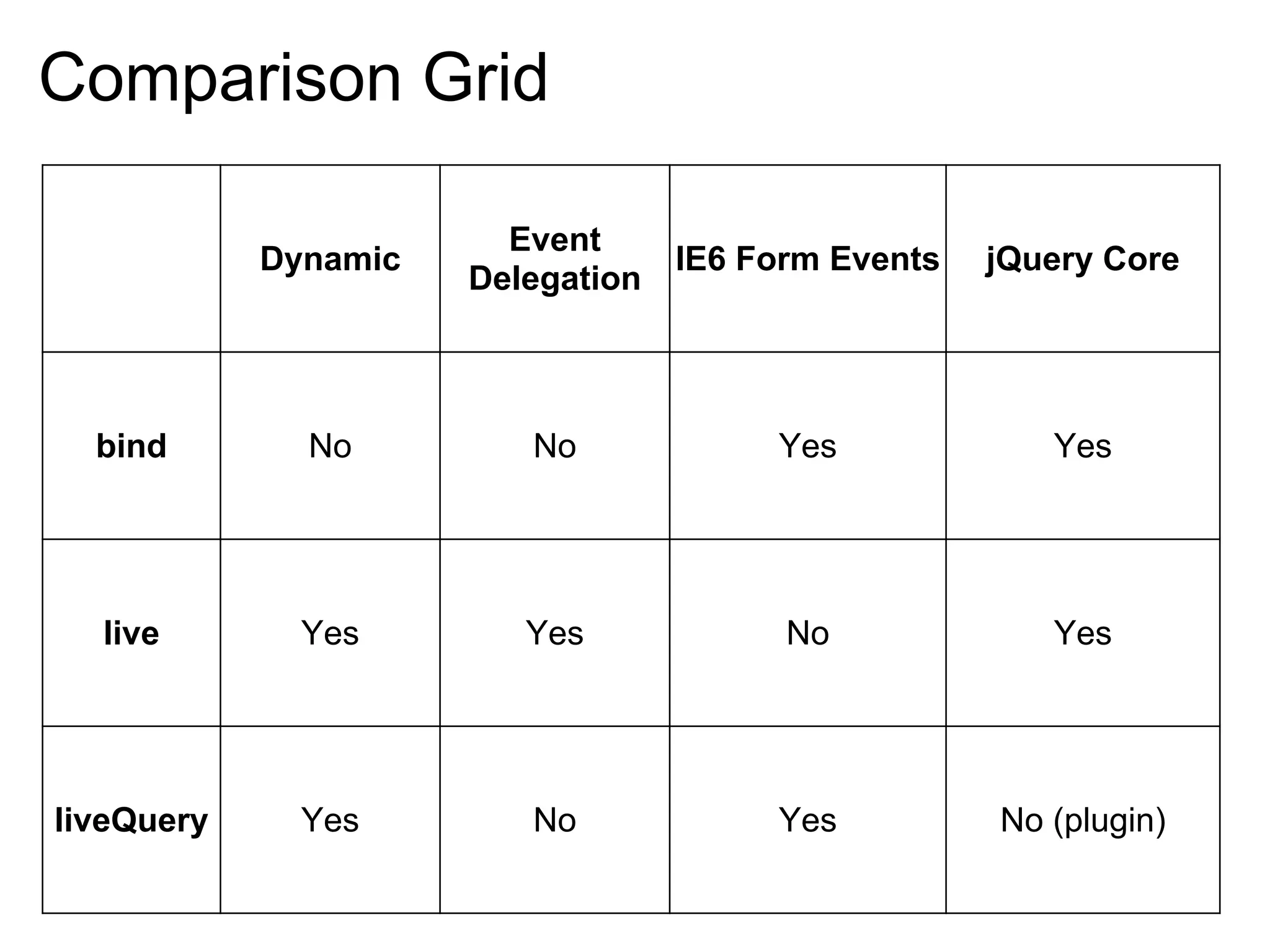
Comparison Grid

                        Event
            Dynamic                IE6 Form Events   jQuery Core
                      Delegation


  bind        No         No             Yes             Yes


  live        Yes        Yes             No             Yes


liveQuery     Yes        No             Yes          No (plugin)
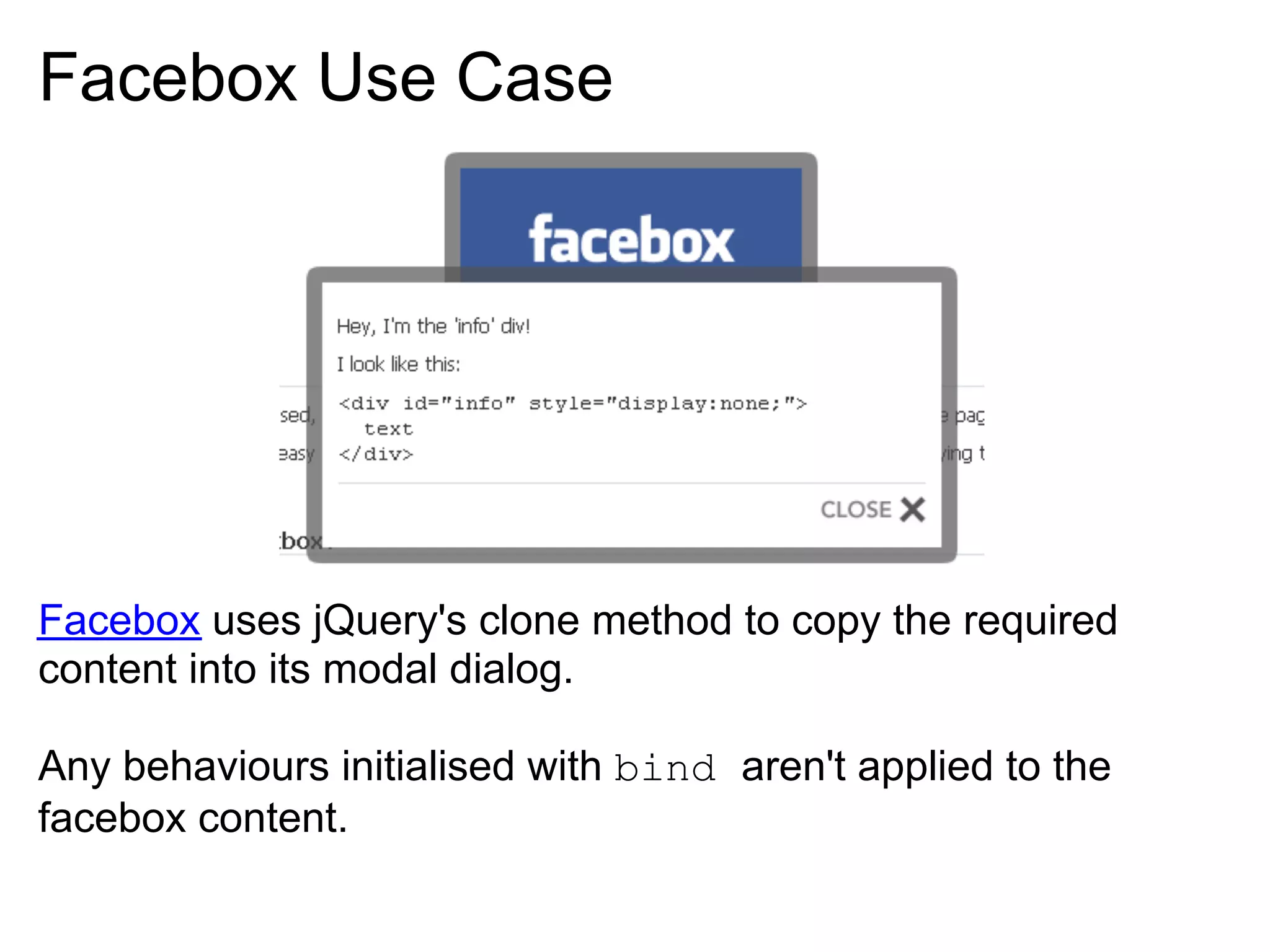
Facebox Use Case


Facebox uses jQuery's clone method to copy the required
content into its modal dialog.

Any behaviours initialised with bind aren't applied to the
facebox content.
Facebox with jQuery.live

Solution, use jQuery.live to apply behaviours using the event
delegation style.

$('form').live('submit', function() {
  // submit form via ajax
  return false;
});


                        Simple!
What about Internet Exploder?


Recall that IE doesn't bubble form events... like submit.

Using jQuery.live doesn't work for IE as the event doesn't
bubble so the handler is never invoked.

http://www.chigarden.com/2007/10/tutorial-making-the-ie-voodoo-doll/
liveQuery

We can't use jQuery.bind as the form is dynamically created (by
facebox's clone call).

Enter liveQuery

This plugin adds the handler directly to the form element.

No event delegation, and it works in IE6!

Demo

liveQuery uses some fancy tricks (async binding etc) to keep
your website performing.
Comments, queries, suggestions or theories?

jQuery Behaviours

  • 1.
    jQuery Behaviours bind, live, livequery Richard Paul, Sep 2009
  • 2.
    Unobstrusive Javascript Clean separationof Data (HTML) Style (CSS) Behaviour (Javascript) ... <form id="myForm" onsubmit="doSomething()"> ... </form> ... <script type="text/javascript"> $('#myForm').submit(function() { /* do something */ }); </script>
  • 3.
    Javascript Events In Javascript,events bubble up. <body> <div> <button>A button</button> </div> </body> Clicking the button bubbles the event up (button > div > body) However IE doesn't play nice with form events (select, change, submit, reset) , they don't bubble (1). http://www.quirksmode.org/js/events_order.html (1) http://blogs.sun.com/greimer/entry/event_delegation_for_submit_change
  • 4.
    Event Delegation Event delegationis the practice of letting events bubble up to a handling node. $('table').click(function(event) { r1c1 r1c2 r1c3 alert(event.target.innerHTML); }); r2c1 r2c2 r2c3 As the target always points to the element the event happened on, clicking on any cell will result in its contents being alerted.
  • 5.
    Adding new rows Whenadding new cells, no extra work is required. Clicking a new row will bubble up to the table's click handler. Demo In practice you would want to check the element is of the correct type/class etc.
  • 6.
    Binding Mechanisms injQuery There are a number of ways of binding behaviour in jQuery bind $('form').bind('submit', function(){}) live $('form').live('submit', function(){}) liveQuery $('form').liveQuery('submit', function(){}) Commonly when using bind you would use the shortcut method: $('form').submit(function(){})
  • 7.
    Comparison Grid Event Dynamic IE6 Form Events jQuery Core Delegation bind No No Yes Yes live Yes Yes No Yes liveQuery Yes No Yes No (plugin)
  • 8.
    Facebox Use Case Faceboxuses jQuery's clone method to copy the required content into its modal dialog. Any behaviours initialised with bind aren't applied to the facebox content.
  • 9.
    Facebox with jQuery.live Solution,use jQuery.live to apply behaviours using the event delegation style. $('form').live('submit', function() { // submit form via ajax return false; }); Simple!
  • 10.
    What about InternetExploder? Recall that IE doesn't bubble form events... like submit. Using jQuery.live doesn't work for IE as the event doesn't bubble so the handler is never invoked. http://www.chigarden.com/2007/10/tutorial-making-the-ie-voodoo-doll/
  • 11.
    liveQuery We can't usejQuery.bind as the form is dynamically created (by facebox's clone call). Enter liveQuery This plugin adds the handler directly to the form element. No event delegation, and it works in IE6! Demo liveQuery uses some fancy tricks (async binding etc) to keep your website performing.
  • 12.