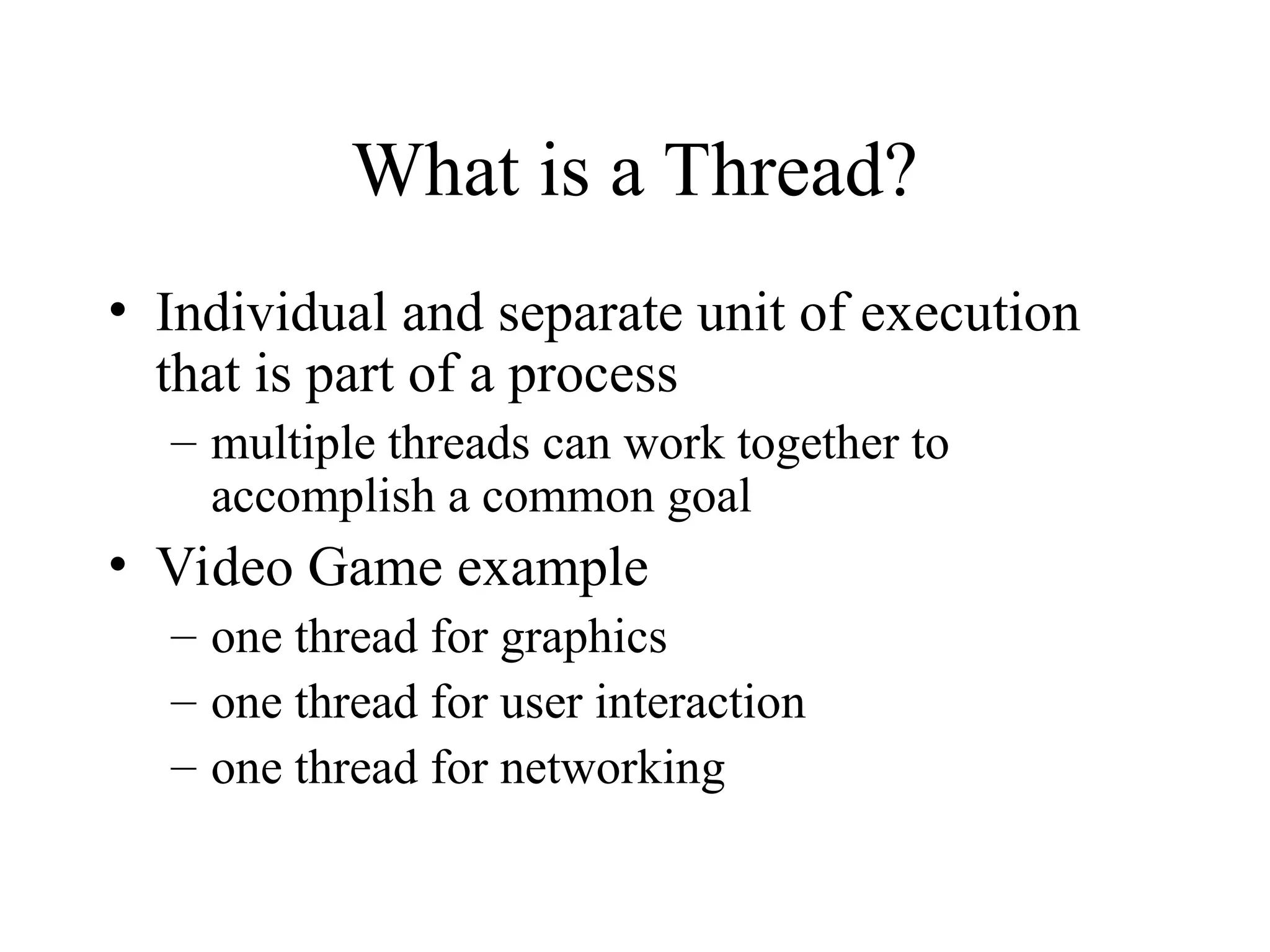
What is aThread?
• Individual and separate unit of execution
that is part of a process
– multiple threads can work together to
accomplish a common goal
• Video Game example
– one thread for graphics
– one thread for user interaction
– one thread for networking
3.
What is aThread?
video
interaction
networking
Video Game
Process
4.
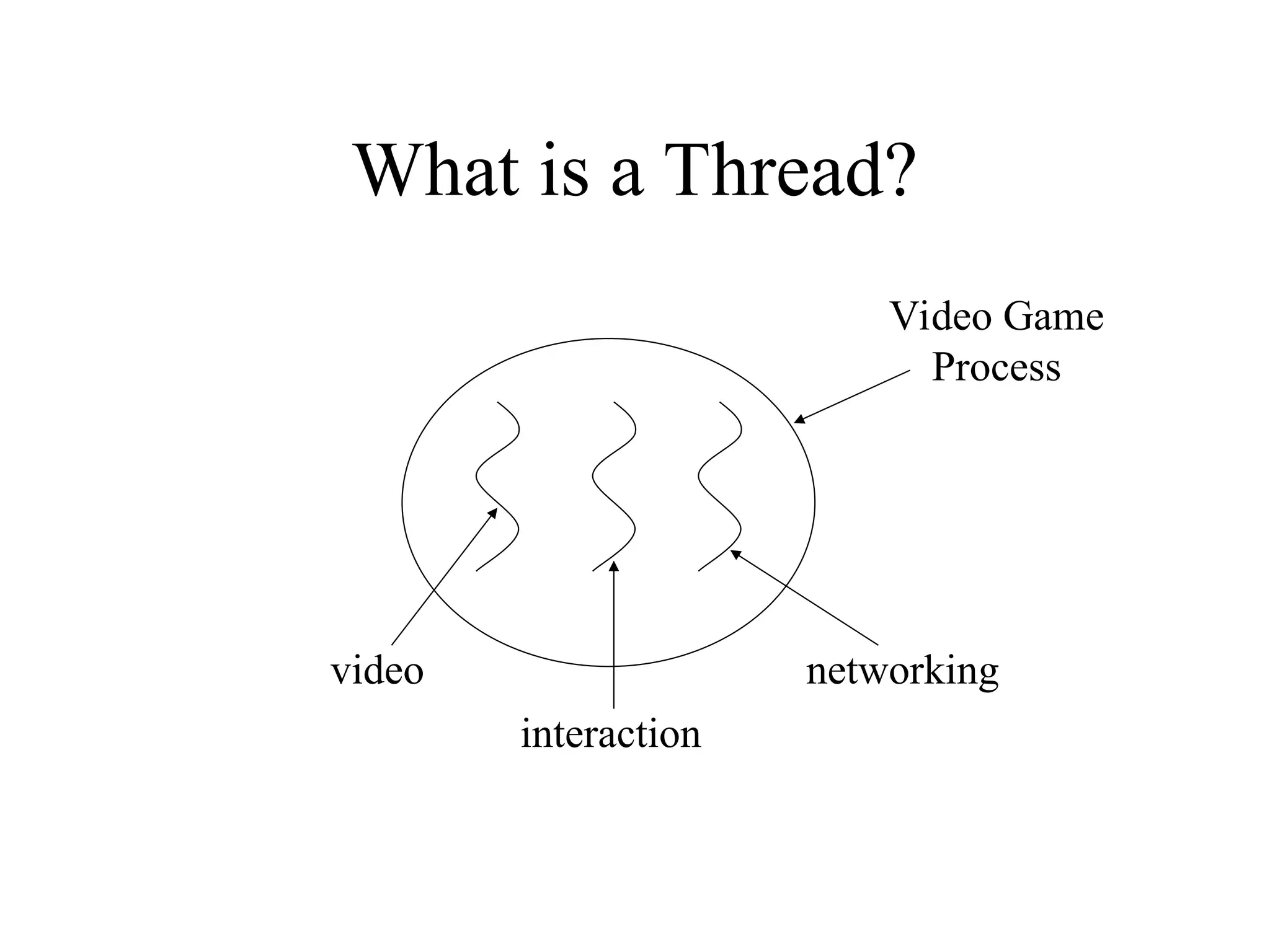
Advantages
• easier toprogram
– 1 thread per task
• can provide better performance
– thread only runs when needed
– no polling to decide what to do
• multiple threads can share resources
• utilize multiple processors if available
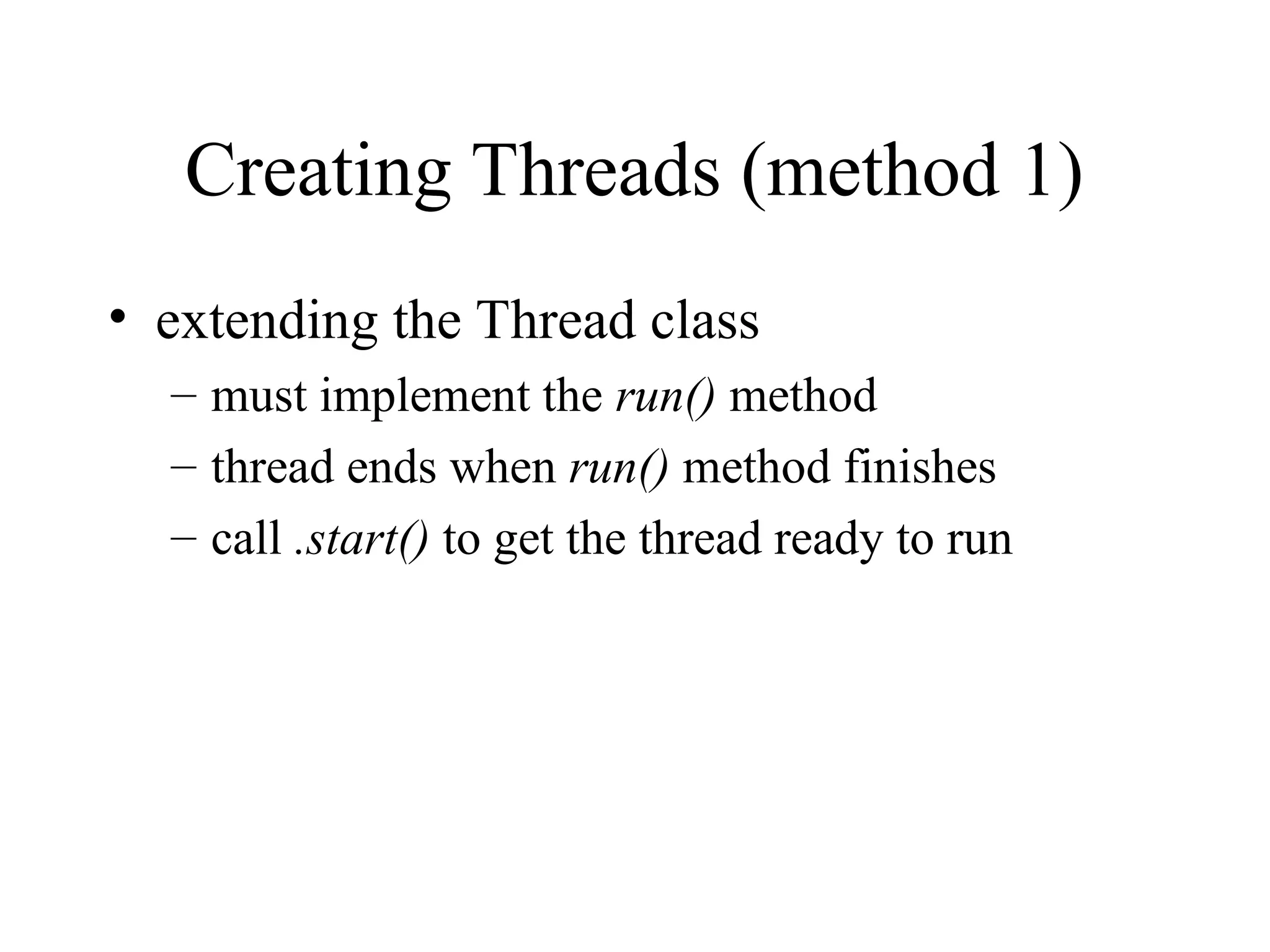
Creating Threads (method1)
• extending the Thread class
– must implement the run() method
– thread ends when run() method finishes
– call .start() to get the thread ready to run
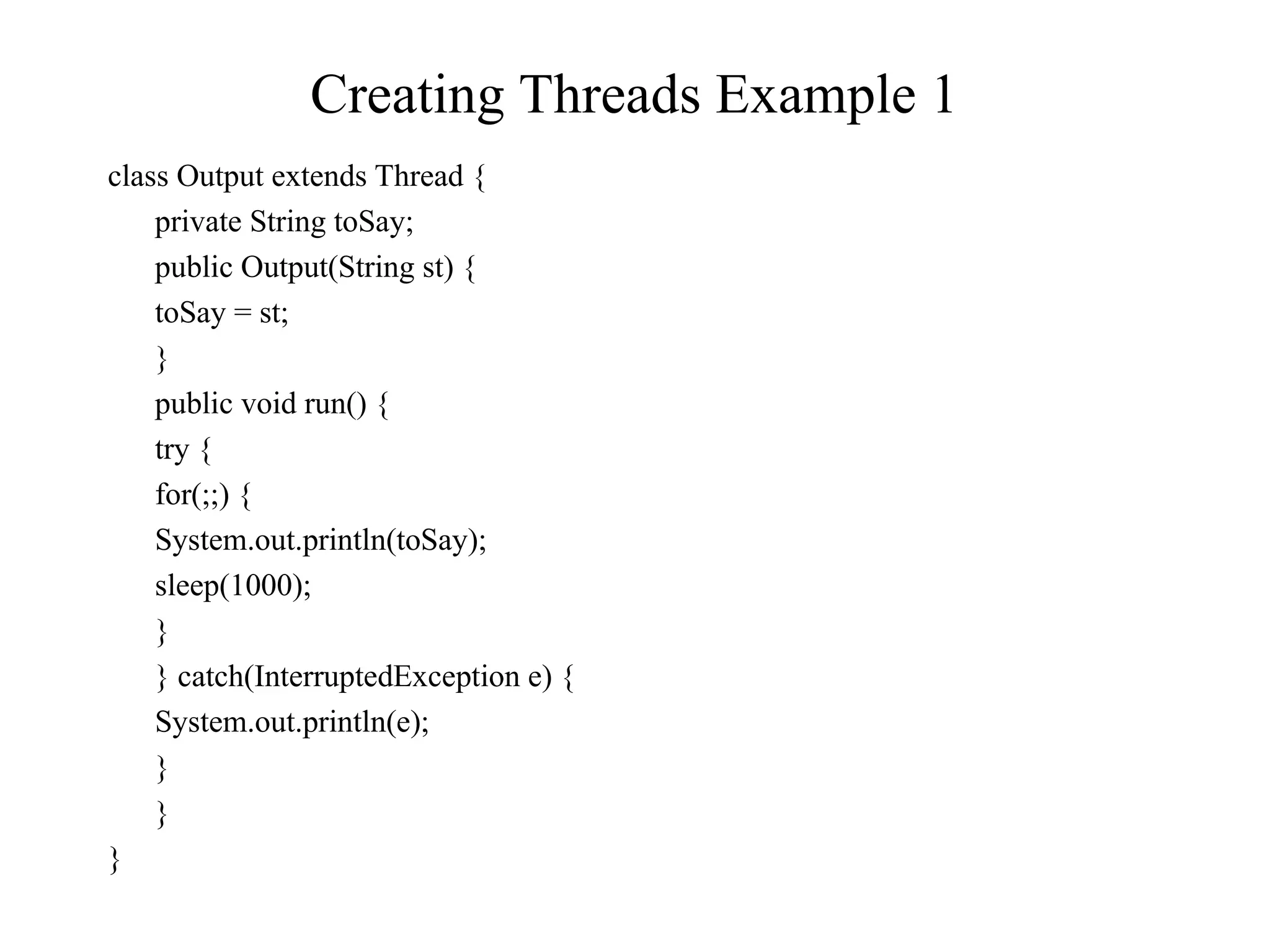
Example 1 (continued)
classProgram {
public static void main(String [] args) {
Output thr1 = new Output(“Hello”);
Output thr2 = new Output(“There”);
thr1.start();
thr2.start();
}
}
• main thread is just another thread (happens to start first)
• main thread can end before the others do
• any thread can spawn more threads
9.
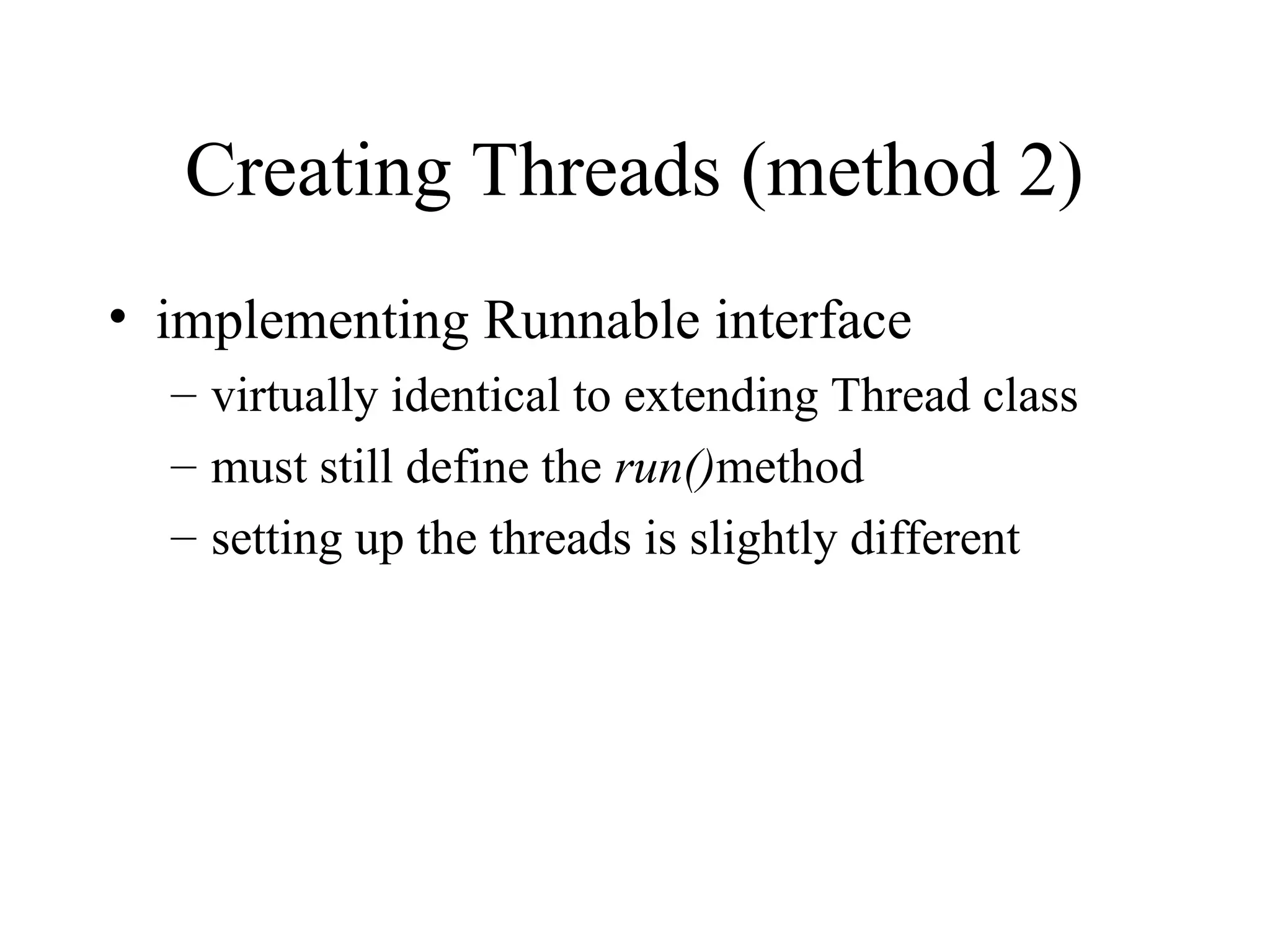
Creating Threads (method2)
• implementing Runnable interface
– virtually identical to extending Thread class
– must still define the run()method
– setting up the threads is slightly different
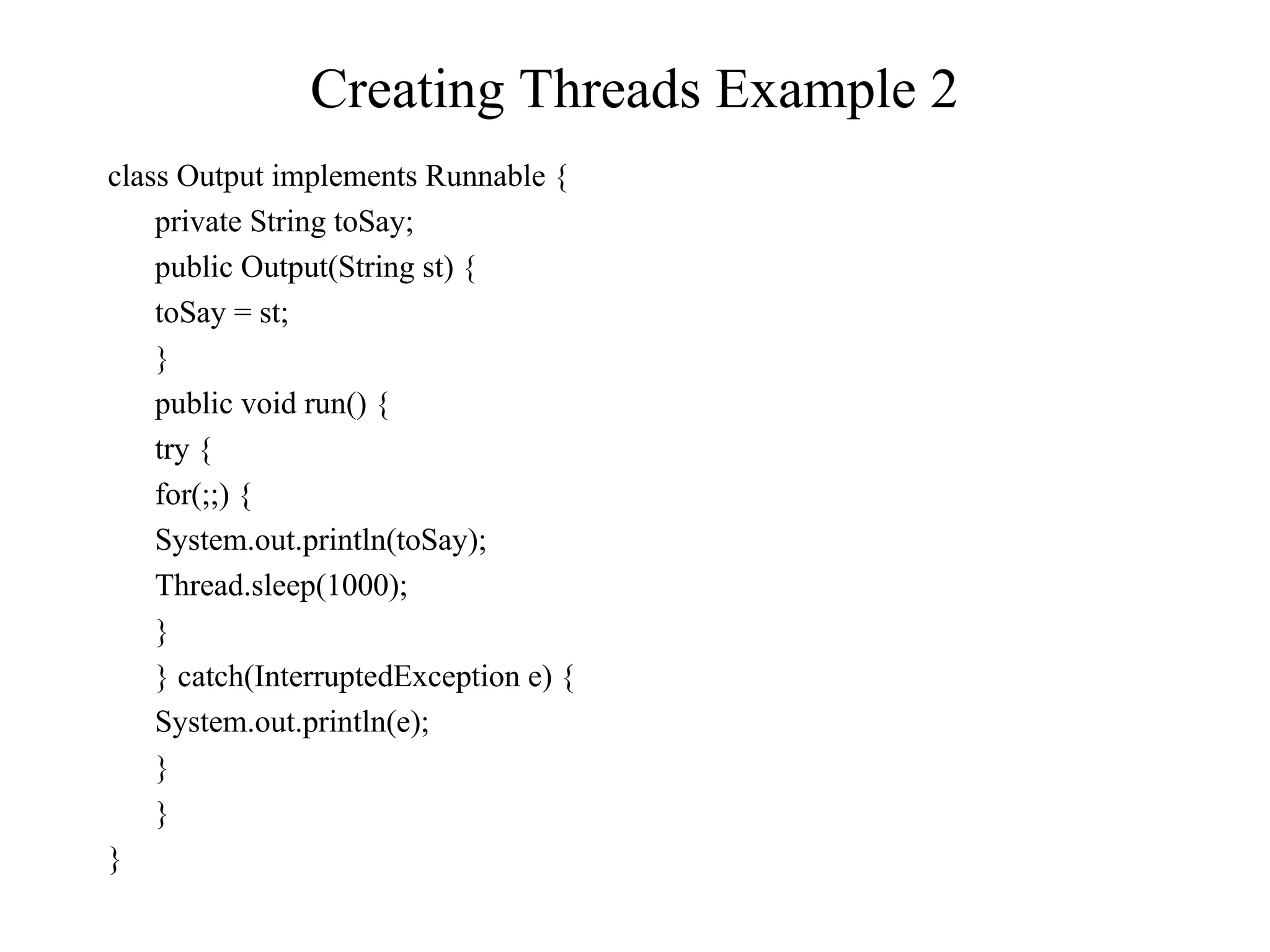
Example 2 (continued)
classProgram {
public static void main(String [] args) {
Output out1 = new Output(“Hello”);
Output out2 = new Output(“There”);
Thread thr1 = new Thread(out1);
Thread thr2 = new Thread(out2);
thr1.start();
thr2.start();
}
}
• main is a bit more complex
• everything else identical for the most part
12.
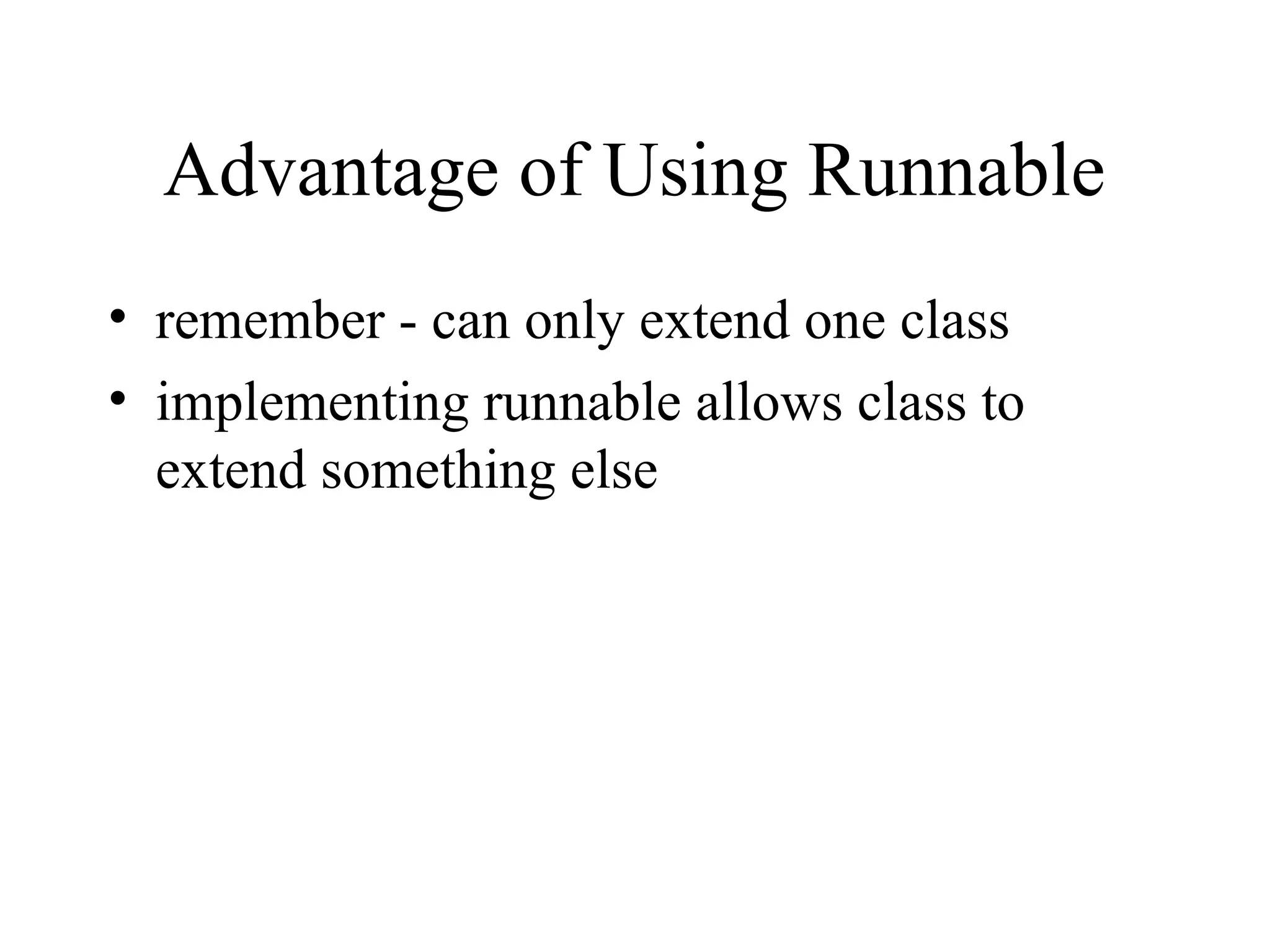
Advantage of UsingRunnable
• remember - can only extend one class
• implementing runnable allows class to
extend something else
13.
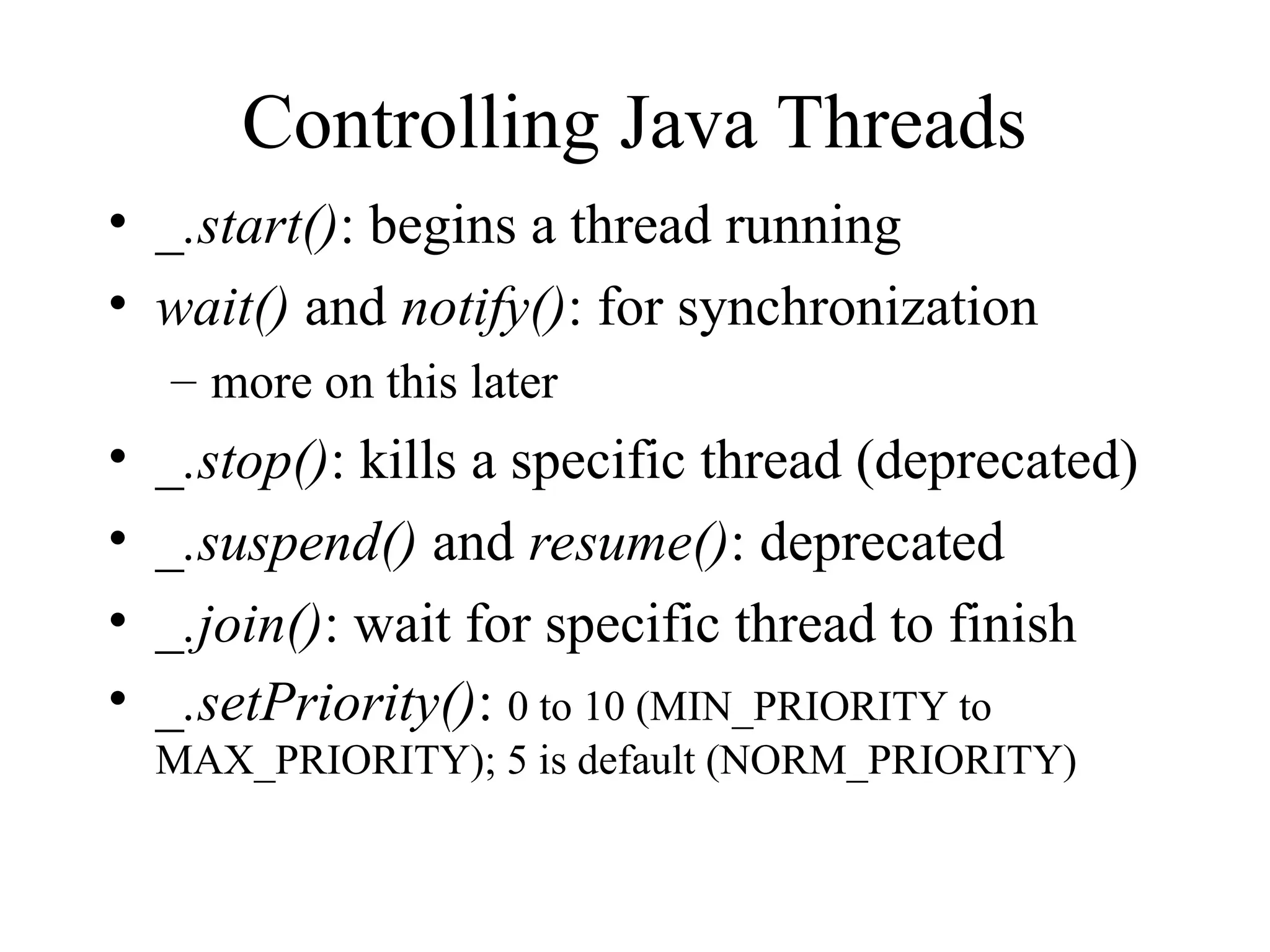
Controlling Java Threads
•_.start(): begins a thread running
• wait() and notify(): for synchronization
– more on this later
• _.stop(): kills a specific thread (deprecated)
• _.suspend() and resume(): deprecated
• _.join(): wait for specific thread to finish
• _.setPriority(): 0 to 10 (MIN_PRIORITY to
MAX_PRIORITY); 5 is default (NORM_PRIORITY)
14.
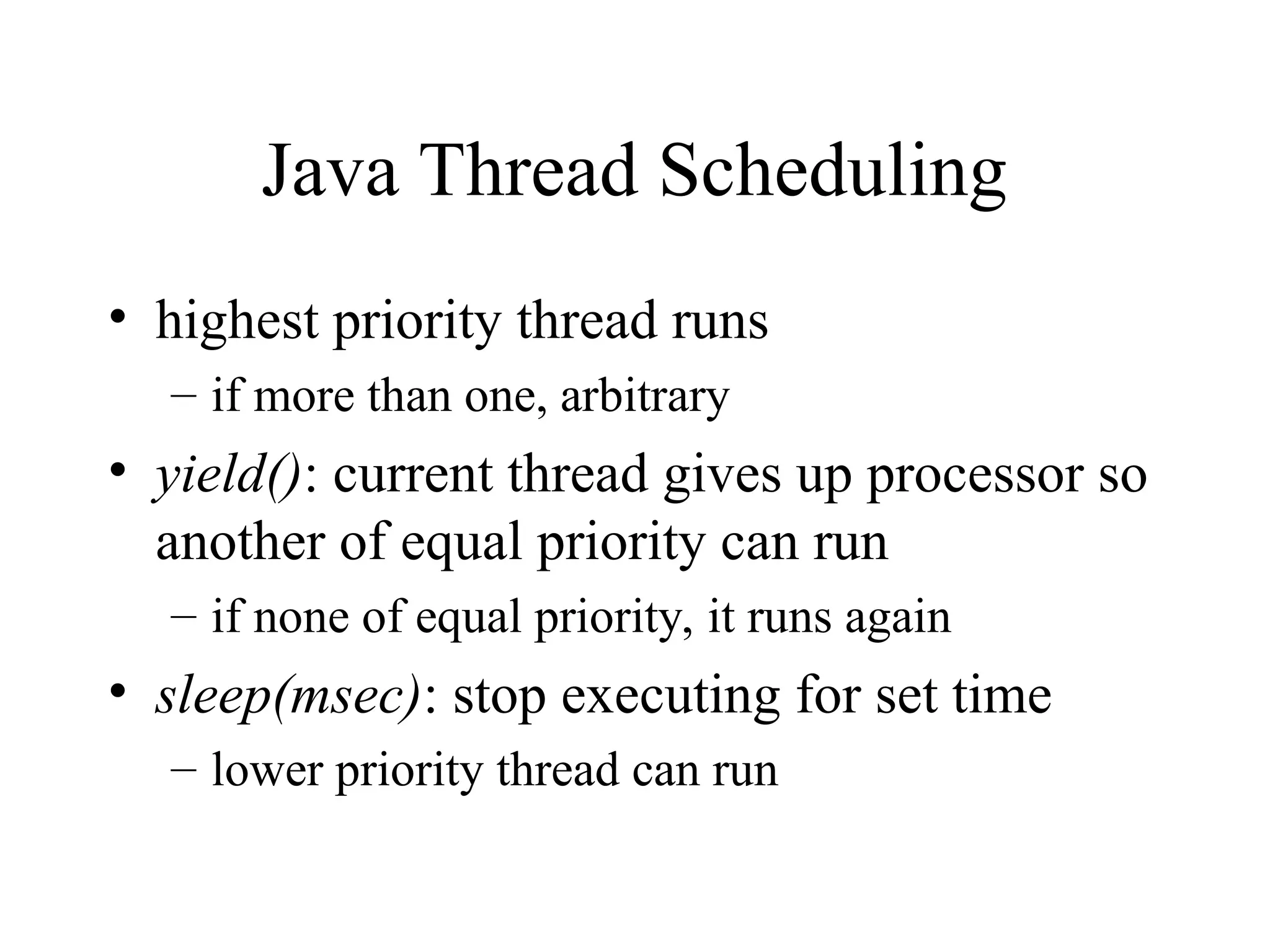
Java Thread Scheduling
•highest priority thread runs
– if more than one, arbitrary
• yield(): current thread gives up processor so
another of equal priority can run
– if none of equal priority, it runs again
• sleep(msec): stop executing for set time
– lower priority thread can run
15.
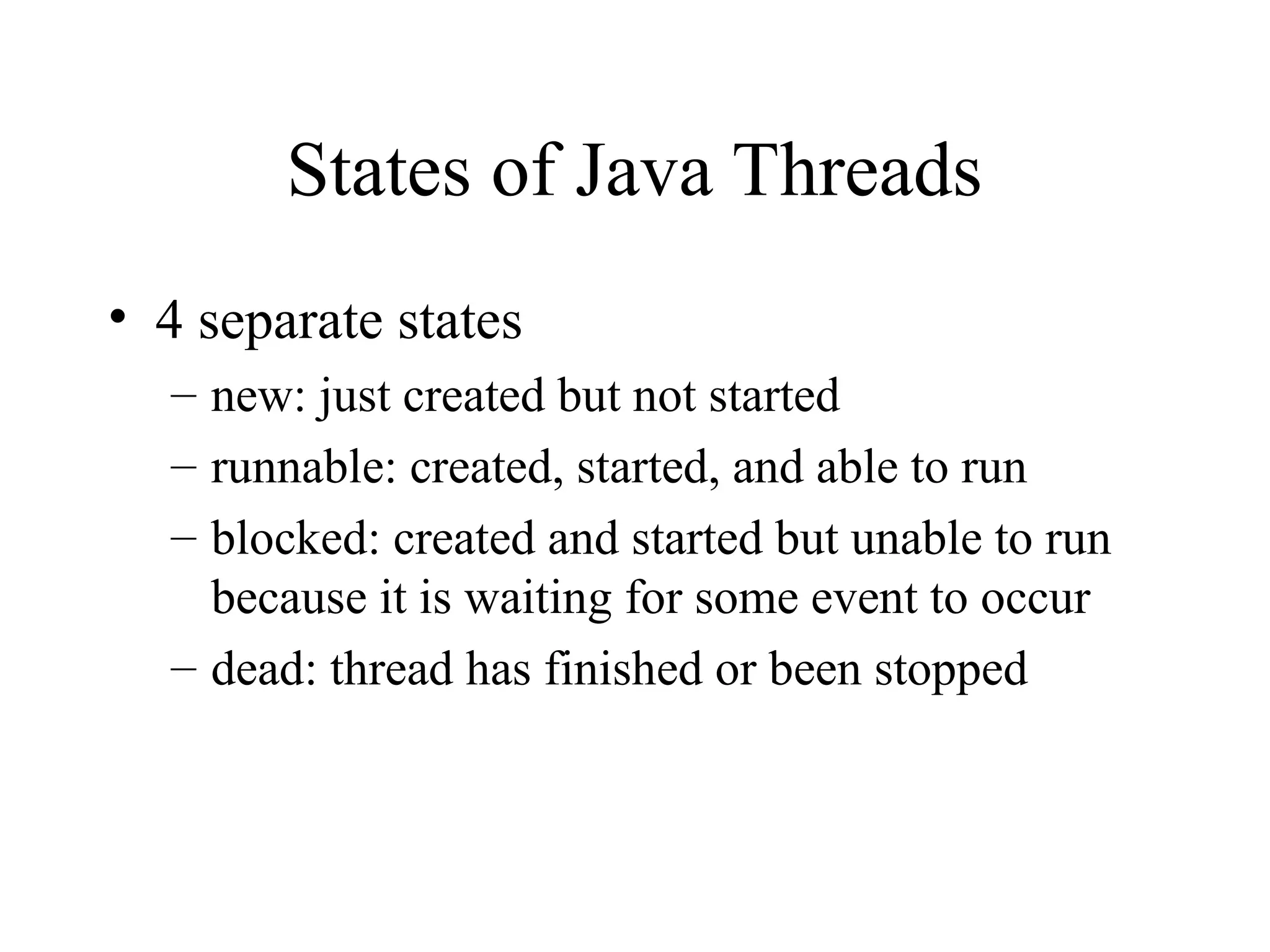
States of JavaThreads
• 4 separate states
– new: just created but not started
– runnable: created, started, and able to run
– blocked: created and started but unable to run
because it is waiting for some event to occur
– dead: thread has finished or been stopped
16.
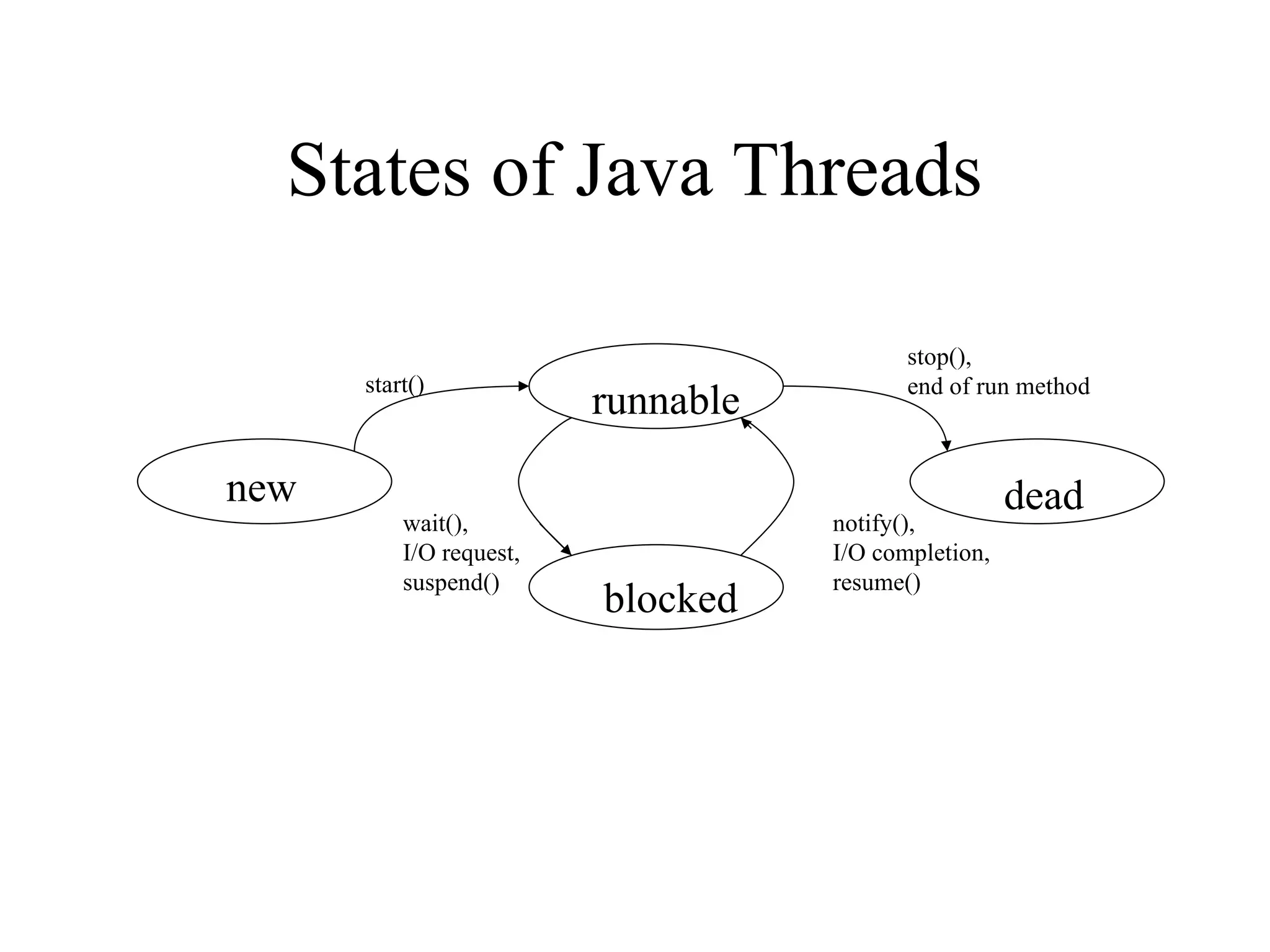
States of JavaThreads
new
runnable
blocked
dead
start()
stop(),
end of run method
wait(),
I/O request,
suspend()
notify(),
I/O completion,
resume()
17.
Java Thread Example1
class Job implements Runnable {
private static Thread [] jobs = new Thread[4];
private int threadID;
public Job(int ID) {
threadID = ID;
}
public void run() { do something }
public static void main(String [] args) {
for(int i=0; i<jobs.length; i++) {
jobs[i] = new Thread(new Job(i));
jobs[i].start();
}
try {
for(int i=0; i<jobs.length; i++) {
jobs[i].join();
}
} catch(InterruptedException e) { System.out.println(e); }
}
}
18.
Java Thread Example2
class Schedule implements Runnable {
private static Thread [] jobs = new Thread[4];
private int threadID;
public Schedule(int ID) {
threadID = ID;
}
public void run() { do something }
public static void main(String [] args) {
int nextThread = 0;
setPriority(Thread.MAX_PRIORITY);
for(int i=0; i<jobs.length; i++) {
jobs[i] = new Thread(new Job(i));
jobs[i].setPriority(Thread.MIN_PRIORITY);
jobs[i].start();
}
try {
for(;;) {
jobs[nextThread].setPriority(Thread.NORM_PRIORITY);
Thread.sleep(1000);
jobs[nextThread].setPriority(Thread.MIN_PRIORITY);
nextThread = (nextThread + 1) % jobs.length;
}
} catch(InterruptedException e) { System.out.println(e); }
}
}
![Example 1 (continued)
class Program {
public static void main(String [] args) {
Output thr1 = new Output(“Hello”);
Output thr2 = new Output(“There”);
thr1.start();
thr2.start();
}
}
• main thread is just another thread (happens to start first)
• main thread can end before the others do
• any thread can spawn more threads](https://image.slidesharecdn.com/javathreads-251005162212-b13af26b/75/javaThreads-multitache-en-Java-programmation-8-2048.jpg)
![Example 2 (continued)
class Program {
public static void main(String [] args) {
Output out1 = new Output(“Hello”);
Output out2 = new Output(“There”);
Thread thr1 = new Thread(out1);
Thread thr2 = new Thread(out2);
thr1.start();
thr2.start();
}
}
• main is a bit more complex
• everything else identical for the most part](https://image.slidesharecdn.com/javathreads-251005162212-b13af26b/75/javaThreads-multitache-en-Java-programmation-11-2048.jpg)
![Java Thread Example 1
class Job implements Runnable {
private static Thread [] jobs = new Thread[4];
private int threadID;
public Job(int ID) {
threadID = ID;
}
public void run() { do something }
public static void main(String [] args) {
for(int i=0; i<jobs.length; i++) {
jobs[i] = new Thread(new Job(i));
jobs[i].start();
}
try {
for(int i=0; i<jobs.length; i++) {
jobs[i].join();
}
} catch(InterruptedException e) { System.out.println(e); }
}
}](https://image.slidesharecdn.com/javathreads-251005162212-b13af26b/75/javaThreads-multitache-en-Java-programmation-17-2048.jpg)
![Java Thread Example 2
class Schedule implements Runnable {
private static Thread [] jobs = new Thread[4];
private int threadID;
public Schedule(int ID) {
threadID = ID;
}
public void run() { do something }
public static void main(String [] args) {
int nextThread = 0;
setPriority(Thread.MAX_PRIORITY);
for(int i=0; i<jobs.length; i++) {
jobs[i] = new Thread(new Job(i));
jobs[i].setPriority(Thread.MIN_PRIORITY);
jobs[i].start();
}
try {
for(;;) {
jobs[nextThread].setPriority(Thread.NORM_PRIORITY);
Thread.sleep(1000);
jobs[nextThread].setPriority(Thread.MIN_PRIORITY);
nextThread = (nextThread + 1) % jobs.length;
}
} catch(InterruptedException e) { System.out.println(e); }
}
}](https://image.slidesharecdn.com/javathreads-251005162212-b13af26b/75/javaThreads-multitache-en-Java-programmation-18-2048.jpg)


