Java Script
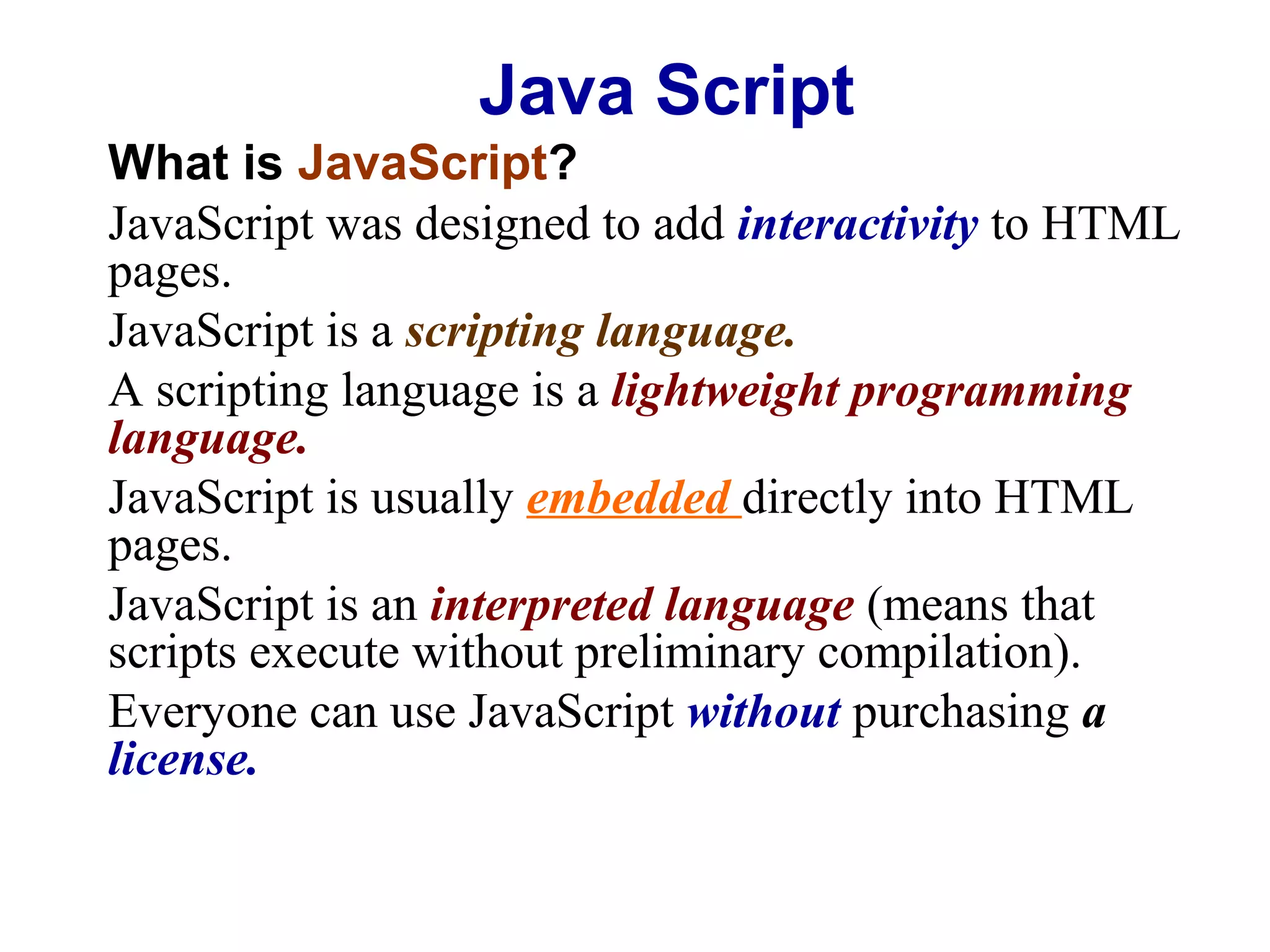
What is JavaScript?
JavaScript was designed to add interactivity to HTML
pages.
JavaScript is a scripting language.
A scripting language is a lightweight programming
language.
JavaScript is usually embedded directly into HTML
pages.
JavaScript is an interpreted language (means that
scripts execute without preliminary compilation).
Everyone can use JavaScript without purchasing a
license.
Java Script
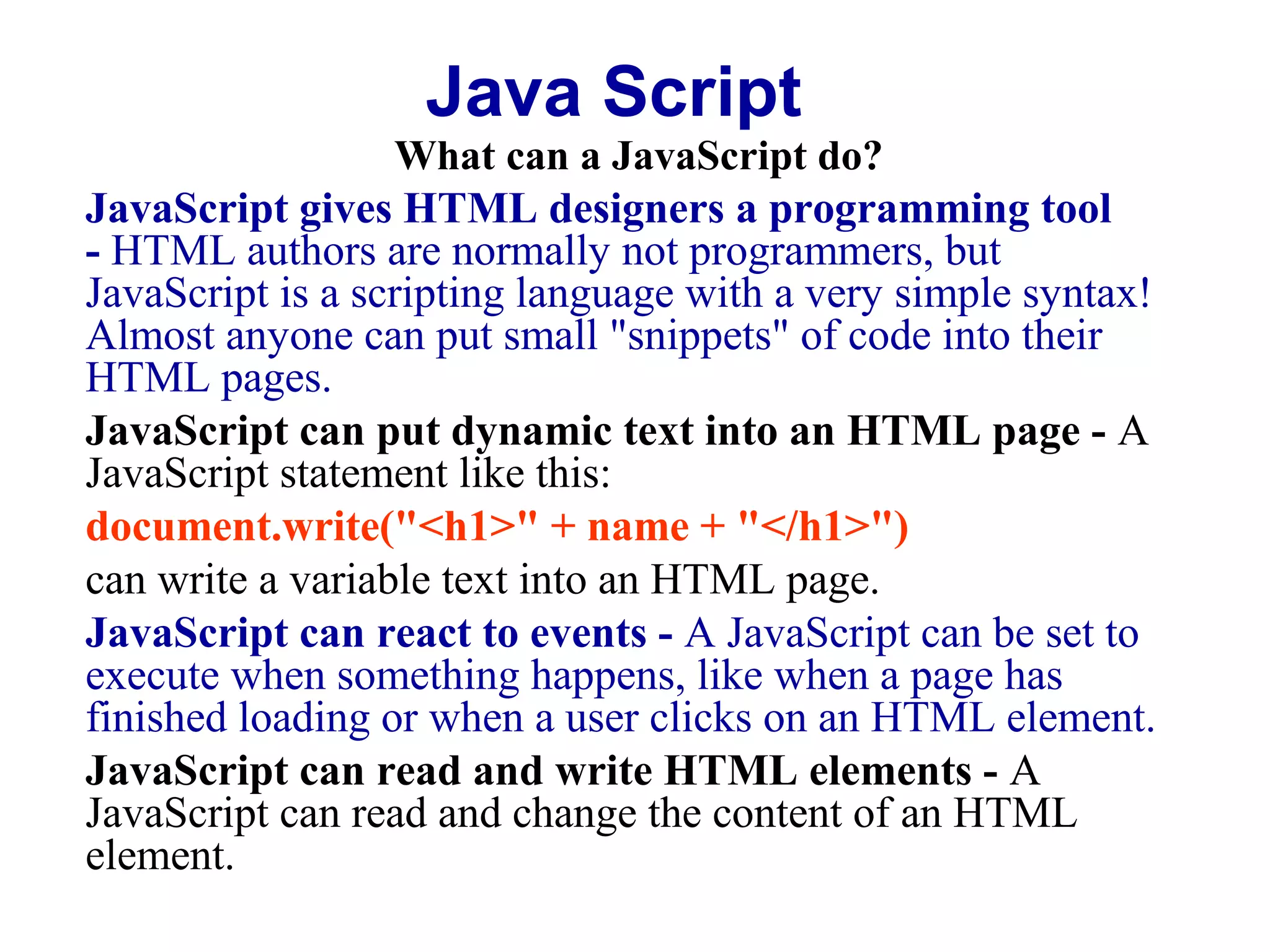
What can a JavaScript do?
JavaScript gives HTML designers a programming tool
- HTML authors are normally not programmers, but
JavaScript is a scripting language with a very simple syntax!
Almost anyone can put small "snippets" of code into their
HTML pages.
JavaScript can put dynamic text into an HTML page - A
JavaScript statement like this:
document.write("<h1>" + name + "</h1>")
can write a variable text into an HTML page.
JavaScript can react to events - A JavaScript can be set to
execute when something happens, like when a page has
finished loading or when a user clicks on an HTML element.
JavaScript can read and write HTML elements - A
JavaScript can read and change the content of an HTML
element.
Java Script
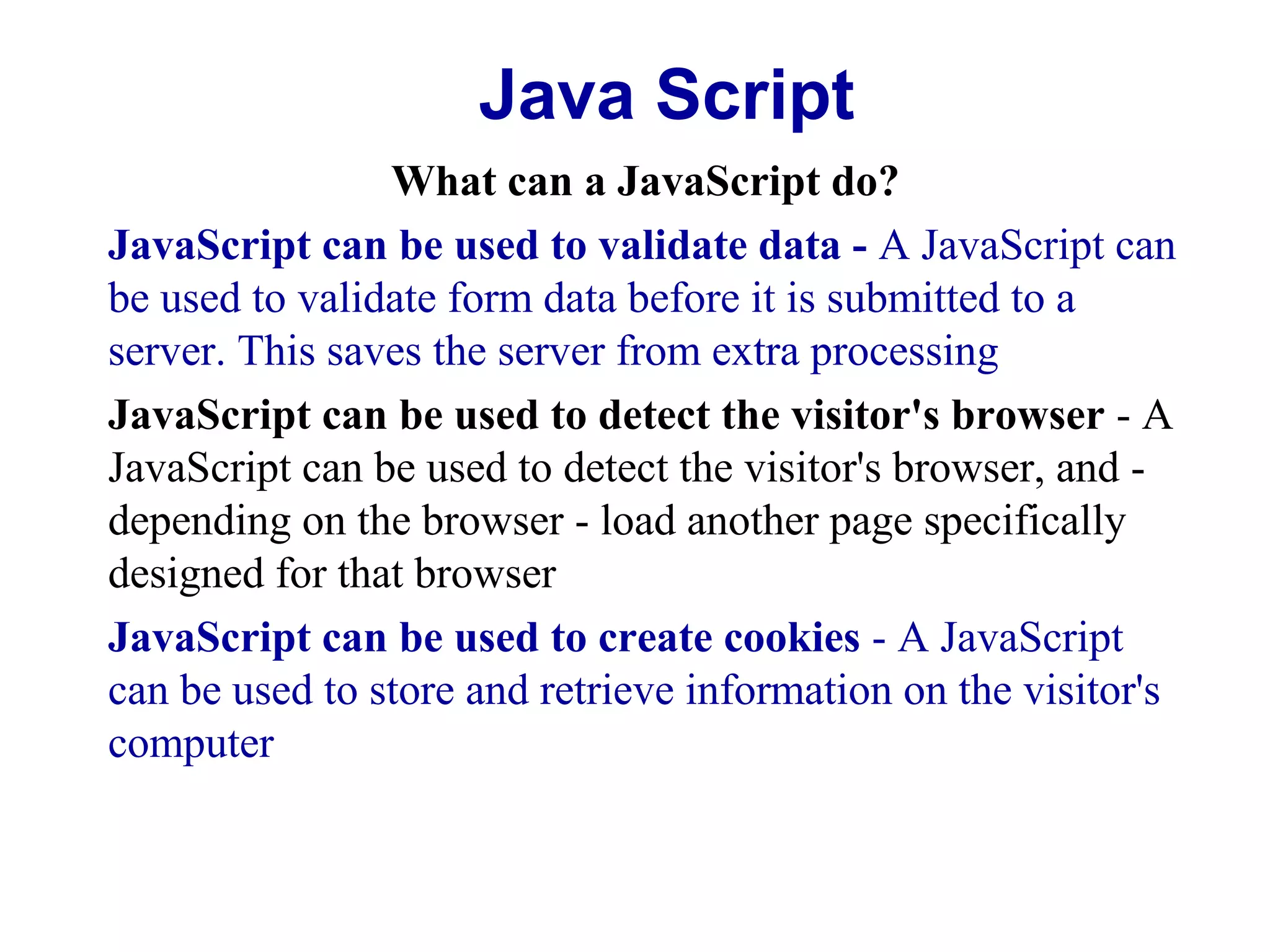
What can a JavaScript do?
JavaScript can be used to validate data - A JavaScript can
be used to validate form data before it is submitted to a
server. This saves the server from extra processing
JavaScript can be used to detect the visitor's browser - A
JavaScript can be used to detect the visitor's browser, and depending on the browser - load another page specifically
designed for that browser
JavaScript can be used to create cookies - A JavaScript
can be used to store and retrieve information on the visitor's
computer
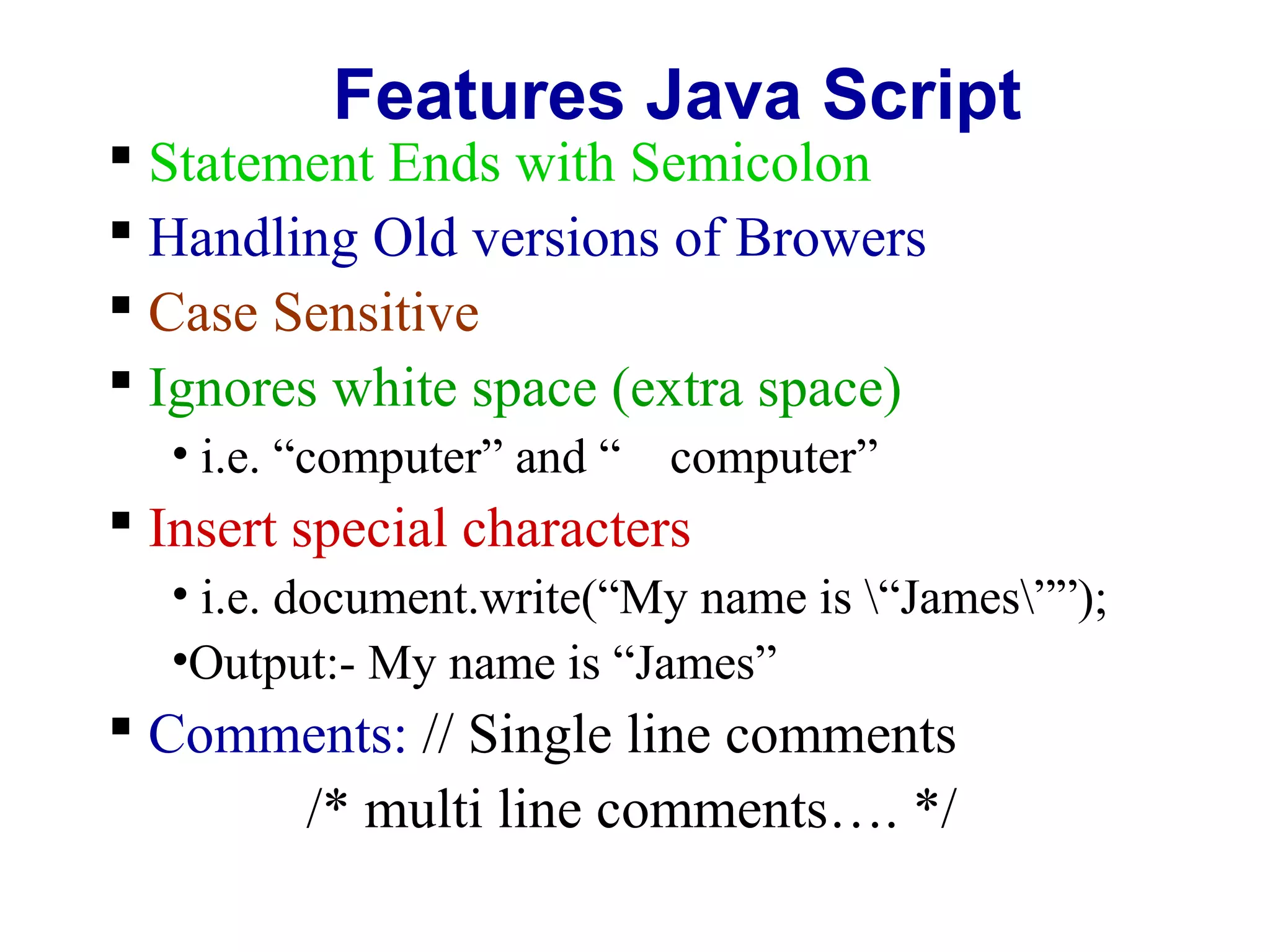
Features Java Script

 Statement Ends with Semicolon
 Handling Old versions of Browers
 Case Sensitive
 Ignores white space (extra space)
• i.e. “computer” and “ computer”

 Insert special characters
• i.e. document.write(“My name is “James””);
•Output:- My name is “James”

 Comments: // Single line comments
/* multi line comments…. */
Java Script
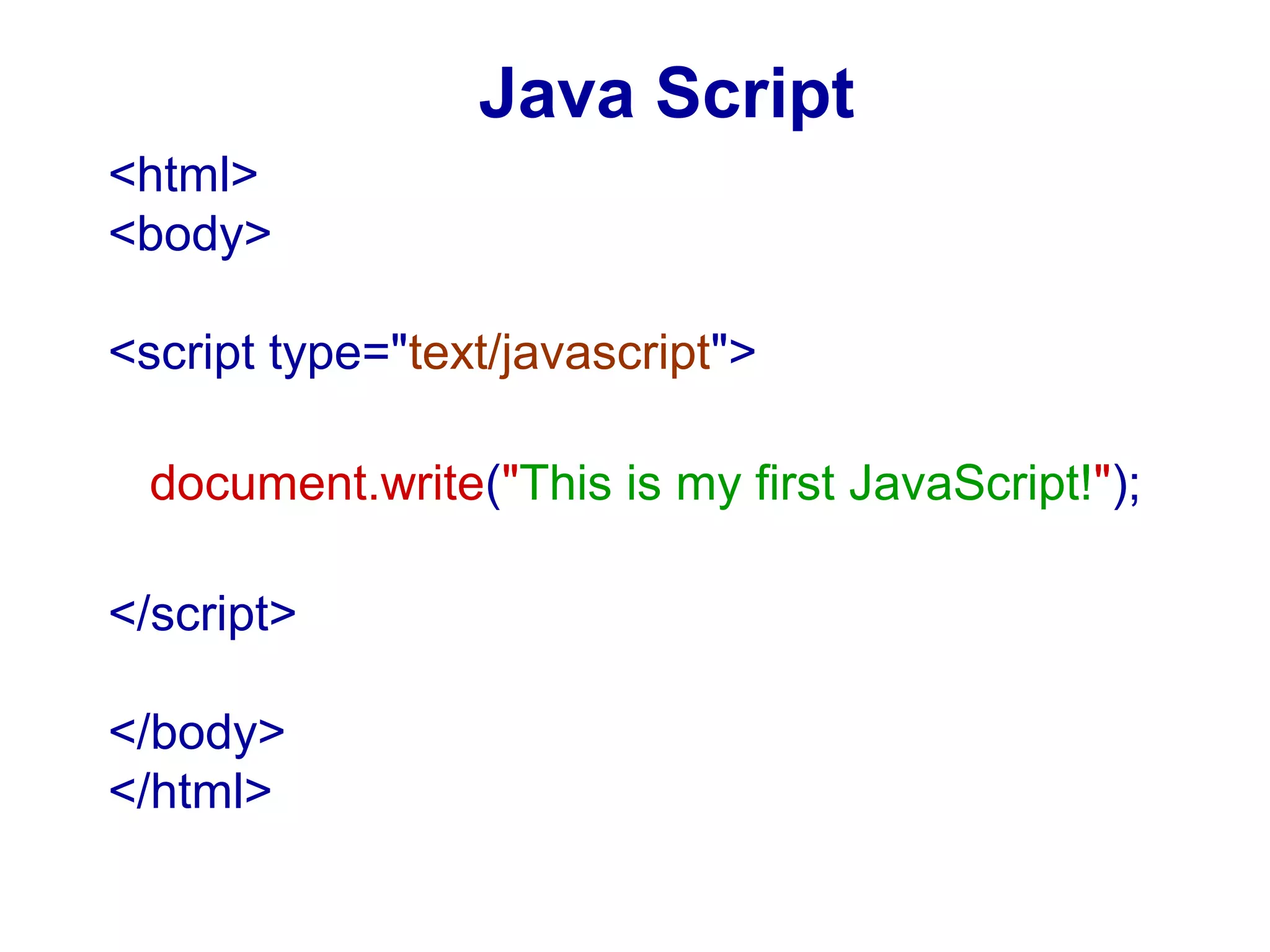
<html>
<body>
<script type="text/javascript">
document.write("This is my first JavaScript!");
</script>
</body>
</html>
Java Script
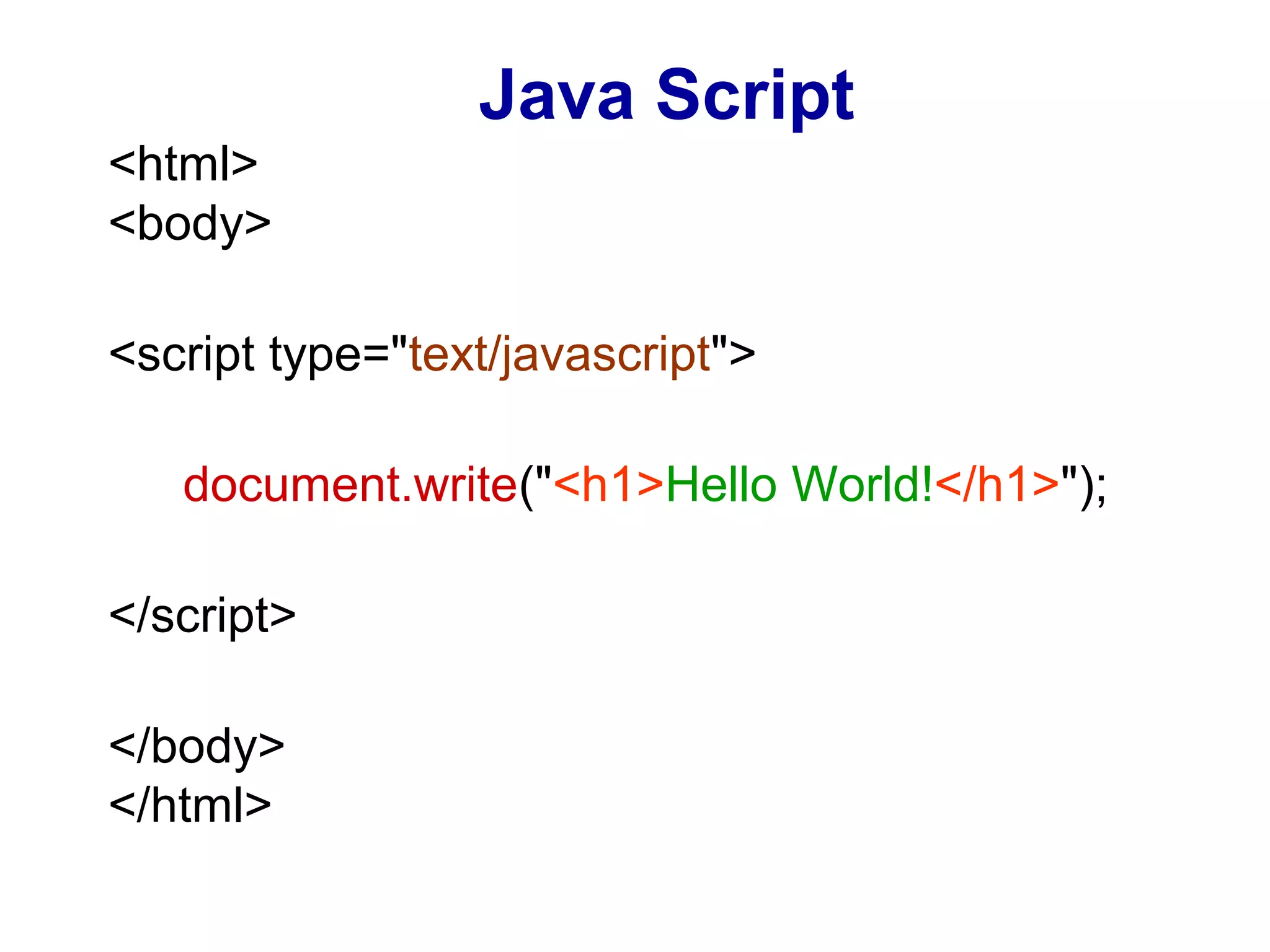
<html>
<body>
<script type="text/javascript">
document.write("<h1>Hello World!</h1>");
</script>
</body>
</html>
Java Script
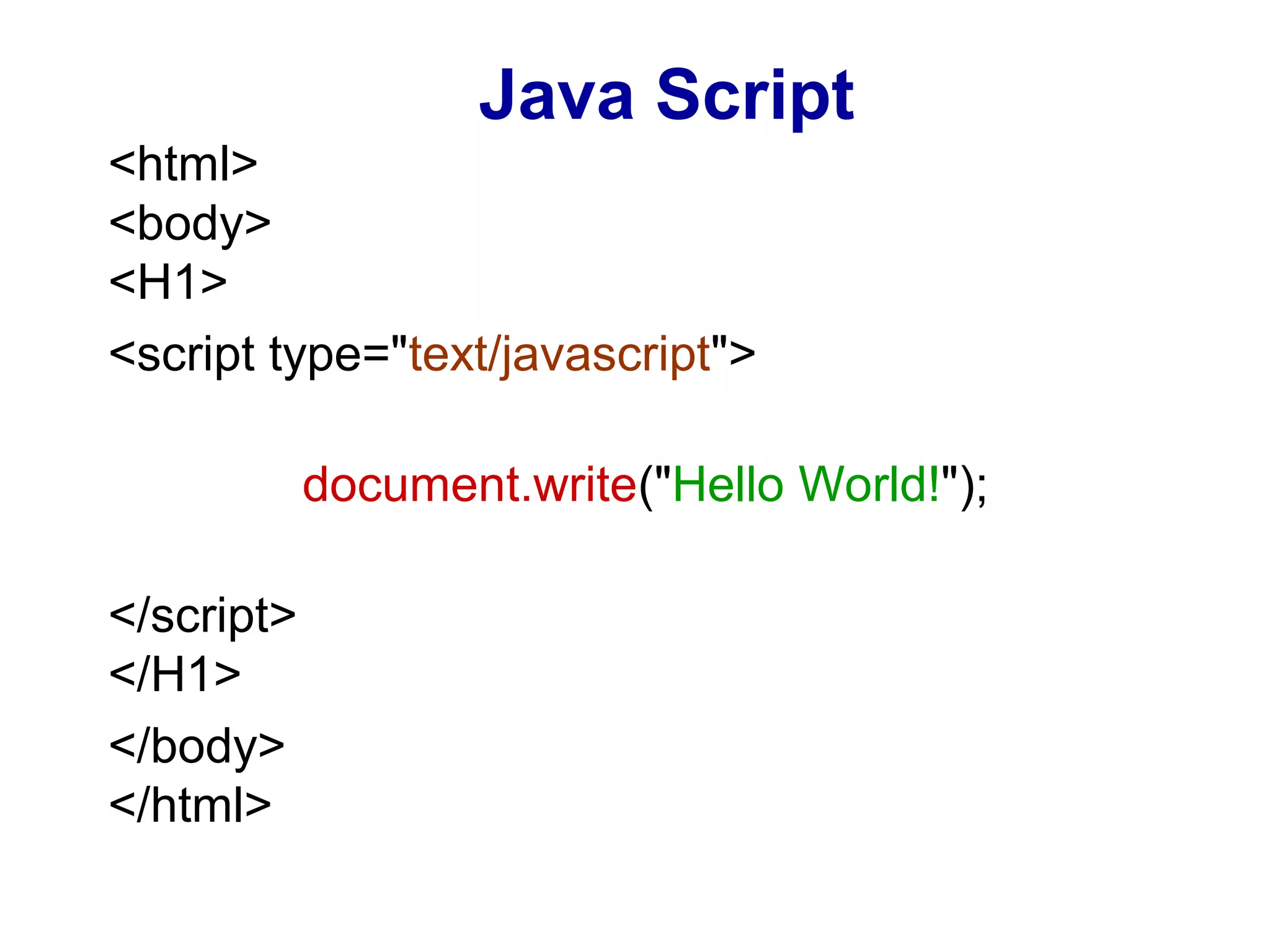
<html>
<body>
<H1>
<script type="text/javascript">
document.write("Hello World!");
</script>
</H1>
</body>
</html>
Java Script
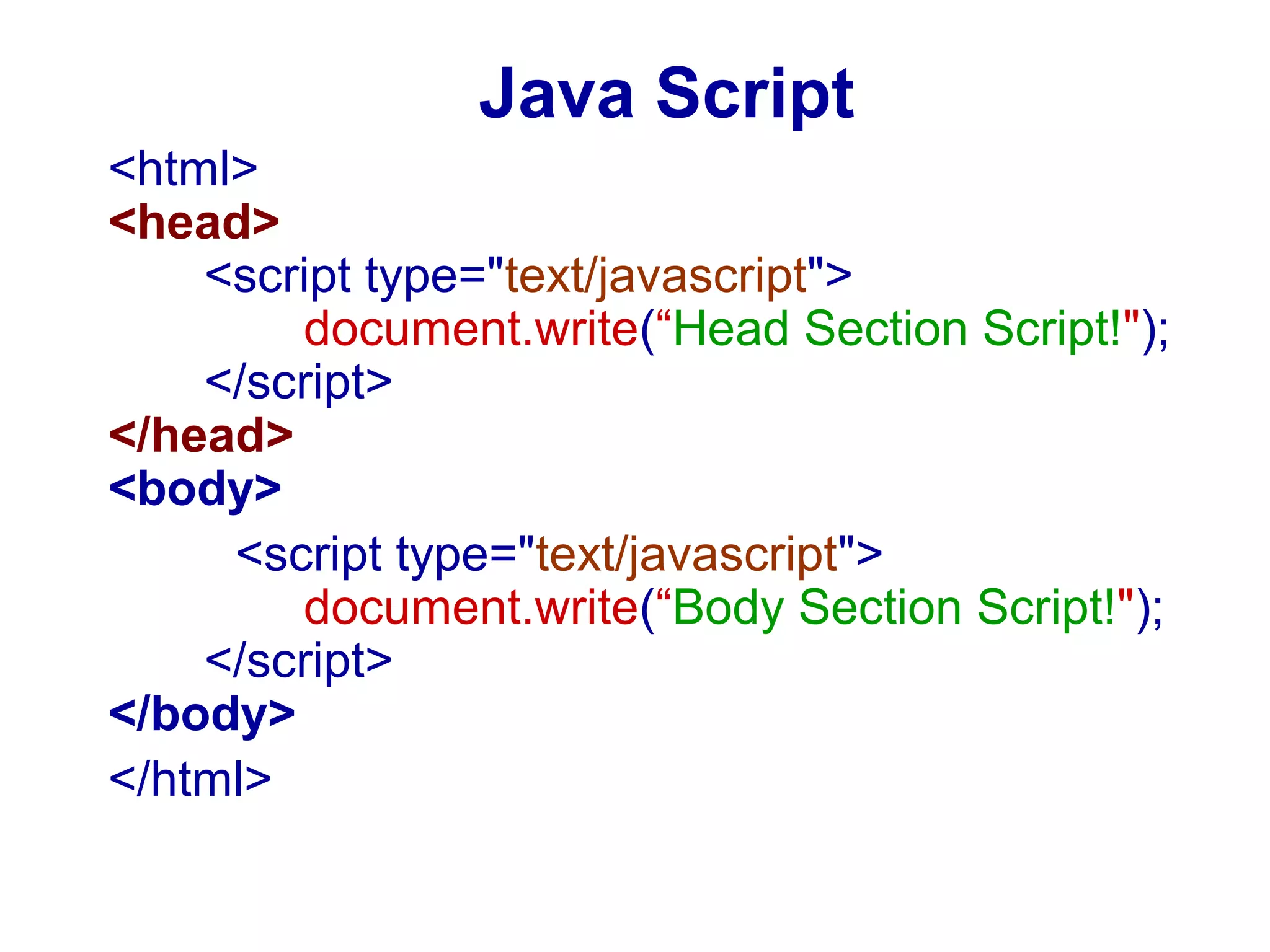
<html>
<head>
<script type="text/javascript">
document.write(“Head Section Script!");
</script>
</head>
<body>
<script type="text/javascript">
document.write(“Body Section Script!");
</script>
</body>
</html>
Java Script
External Java Script
Same script cam be use in several pages
Write the script in a separate JavaScript
file and store the file with xyz.js extension
Use the file in HTML page
Java Script
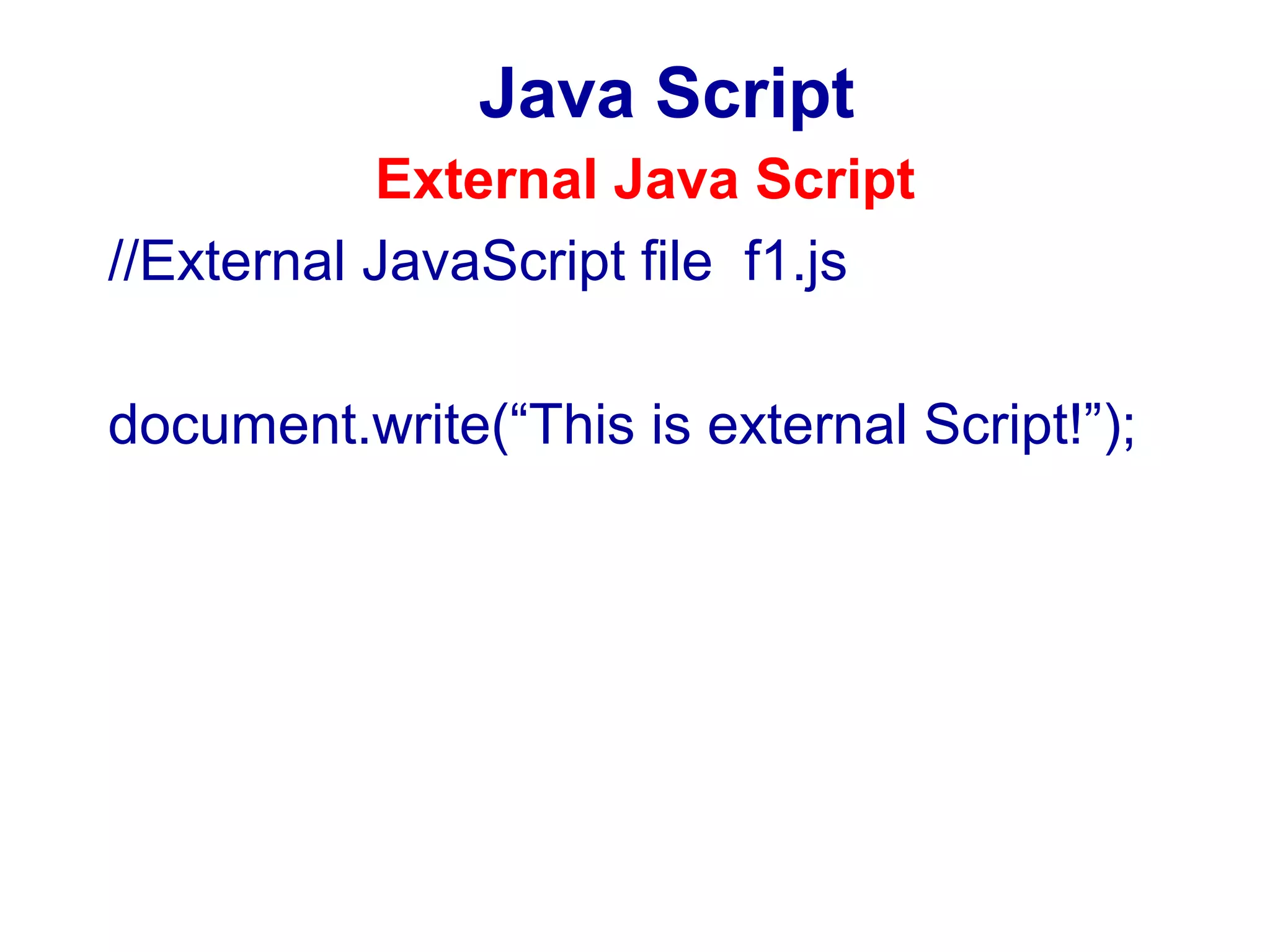
External Java Script
//External JavaScript file f1.js
document.write(“This is external Script!”);
Java Script
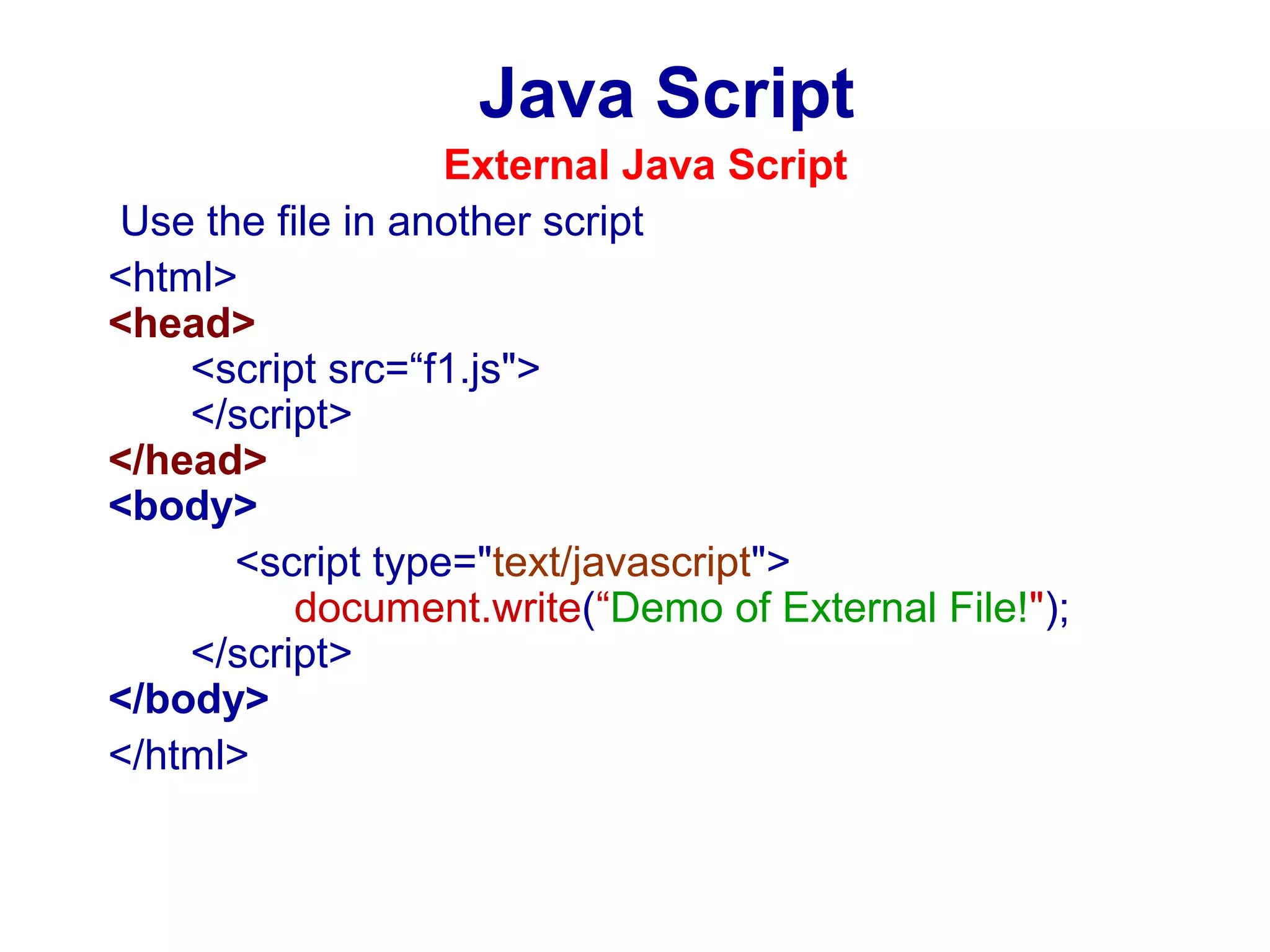
External Java Script
Use the file in another script
<html>
<head>
<script src=“f1.js">
</script>
</head>
<body>
<script type="text/javascript">
document.write(“Demo of External File!");
</script>
</body>
</html>
Java Script
Variables in Script
RULES:
 Case Sensitive
 Begin with Alphabet Letter or
Underscore
 Character, digit and Underscore only.
i.e.
var age = 25;
var stud_name = “james thomas”;
Java Script
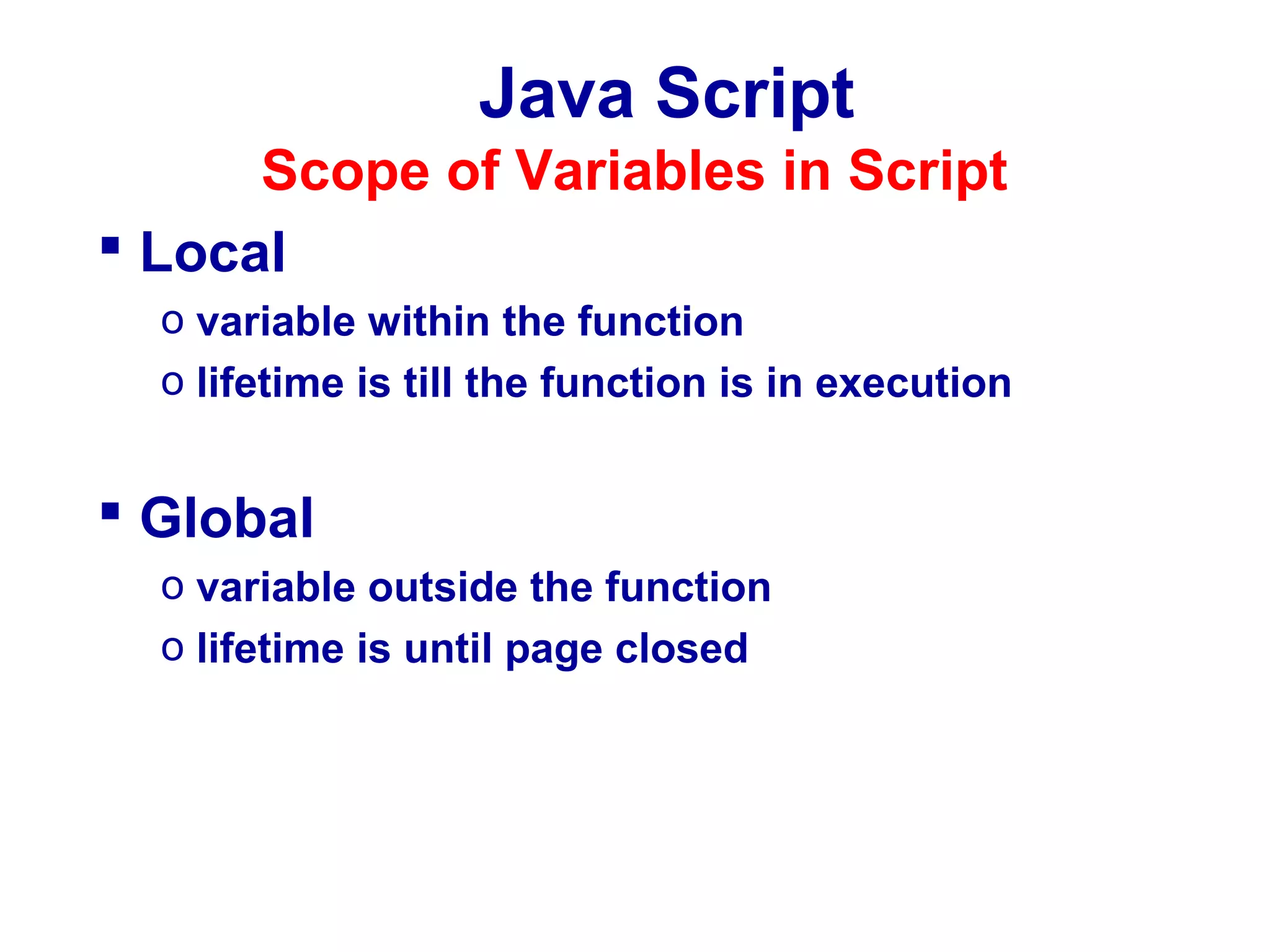
Scope of Variables in Script
 Local
o variable within the function
o lifetime is till the function is in execution

 Global
o variable outside the function
o lifetime is until page closed
Java Script
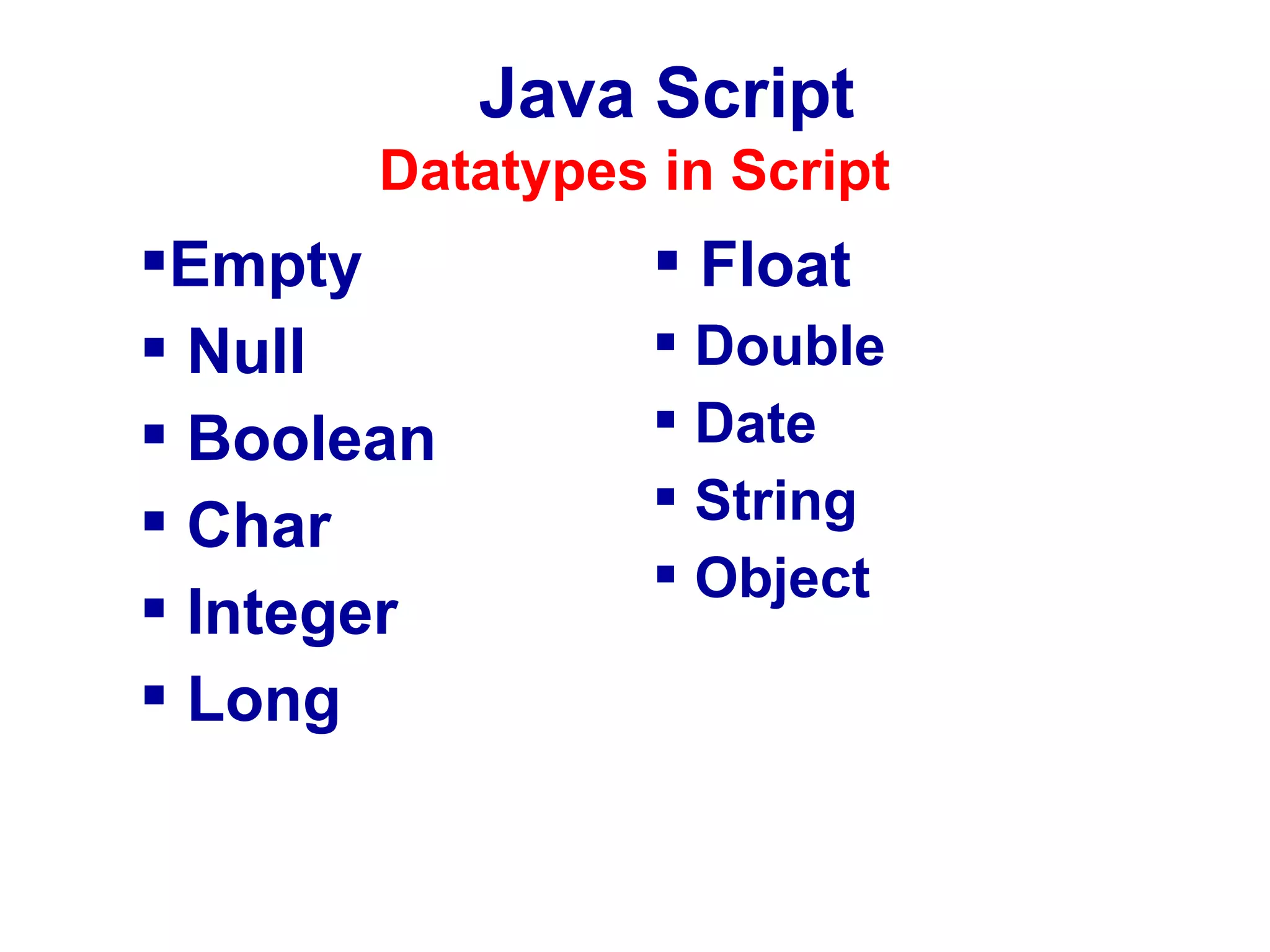
Datatypes in Script

Empty
 Null
 Boolean
 Char
 Integer
 Long

 Float
 Double
 Date
 String
 Object
Java Script

ParseXXX()
Method
Self Study…
Java Script
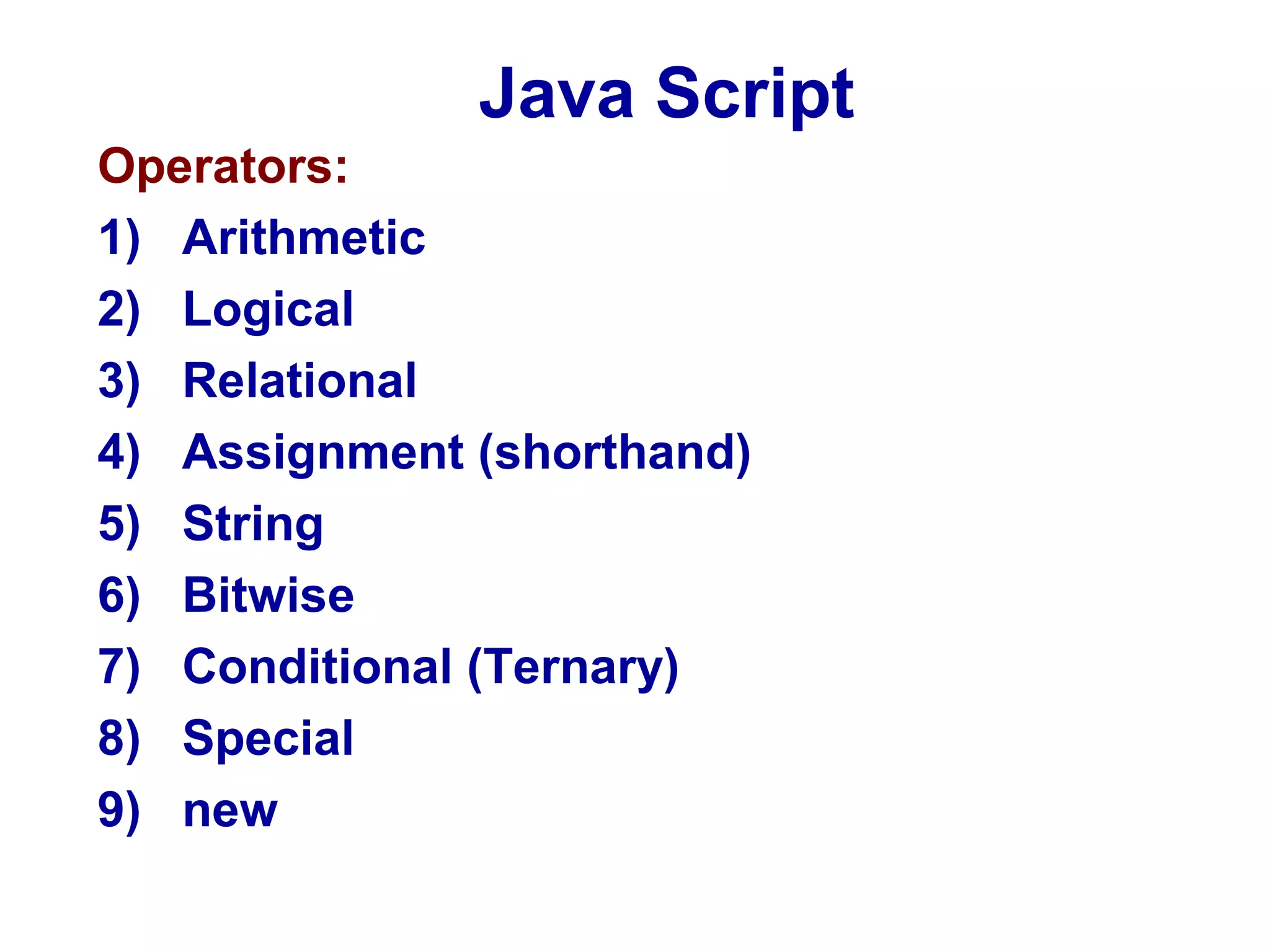
Operators:
1) Arithmetic
2) Logical
3) Relational
4) Assignment (shorthand)
5) String
6) Bitwise
7) Conditional (Ternary)
8) Special
9) new
Java Script
Conditional Statements:
1) if
2) if else
3) Nested if
4) Switch case
Java Script
Looping/ Iteration Statements:
1) while
2) Nested while
3) Do… while
4) For
5) Nested for
6) Break
7) Continue
Java Script
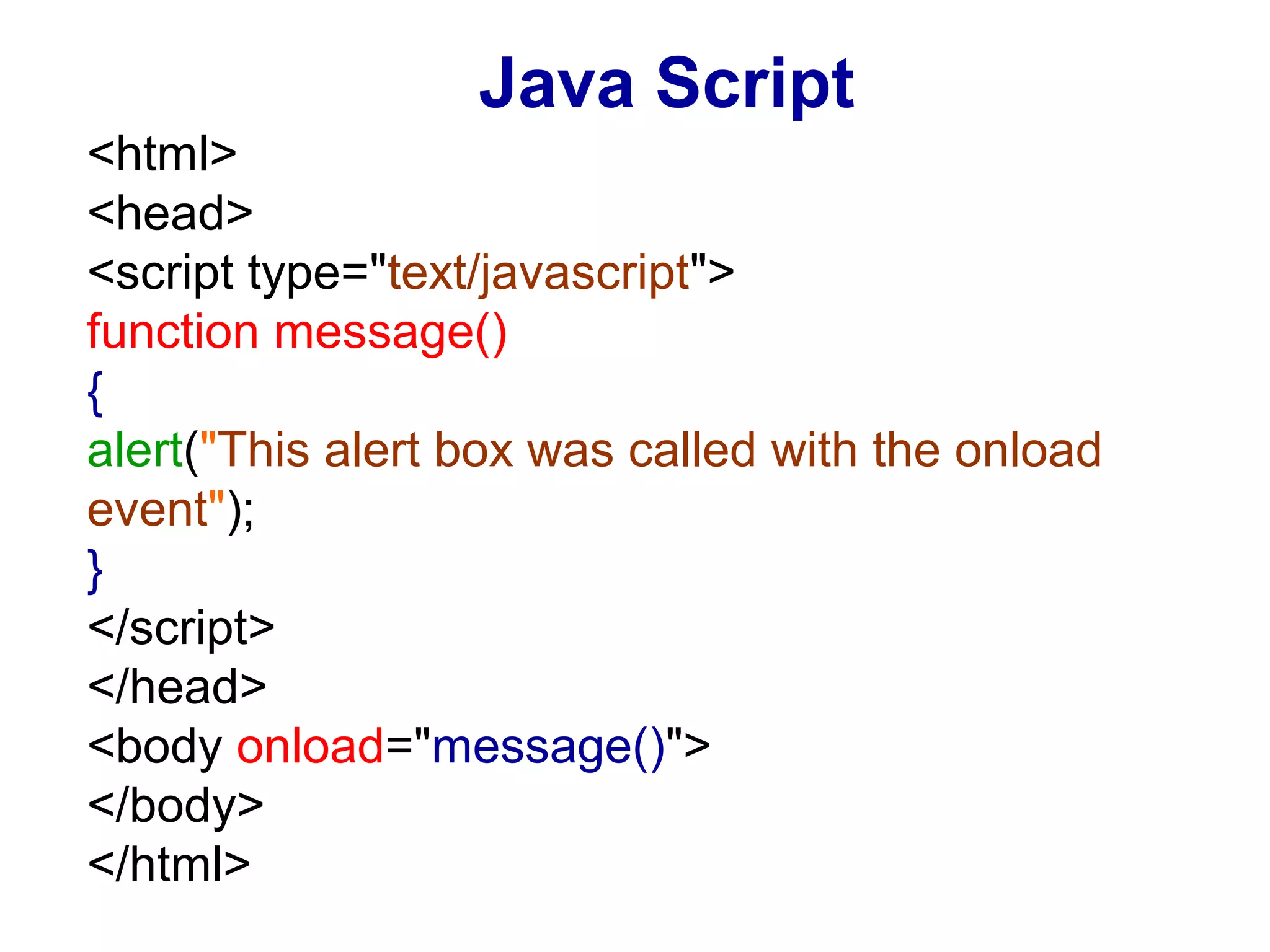
<html>
<head>
<script type="text/javascript">
function message()
{
alert("This alert box was called with the onload
event");
}
</script>
</head>
<body onload="message()">
</body>
</html>

JavaScript - Part-1

  • 1.
    Java Script What isJavaScript? JavaScript was designed to add interactivity to HTML pages. JavaScript is a scripting language. A scripting language is a lightweight programming language. JavaScript is usually embedded directly into HTML pages. JavaScript is an interpreted language (means that scripts execute without preliminary compilation). Everyone can use JavaScript without purchasing a license.
  • 2.
    Java Script What cana JavaScript do? JavaScript gives HTML designers a programming tool - HTML authors are normally not programmers, but JavaScript is a scripting language with a very simple syntax! Almost anyone can put small "snippets" of code into their HTML pages. JavaScript can put dynamic text into an HTML page - A JavaScript statement like this: document.write("<h1>" + name + "</h1>") can write a variable text into an HTML page. JavaScript can react to events - A JavaScript can be set to execute when something happens, like when a page has finished loading or when a user clicks on an HTML element. JavaScript can read and write HTML elements - A JavaScript can read and change the content of an HTML element.
  • 3.
    Java Script What cana JavaScript do? JavaScript can be used to validate data - A JavaScript can be used to validate form data before it is submitted to a server. This saves the server from extra processing JavaScript can be used to detect the visitor's browser - A JavaScript can be used to detect the visitor's browser, and depending on the browser - load another page specifically designed for that browser JavaScript can be used to create cookies - A JavaScript can be used to store and retrieve information on the visitor's computer
  • 4.
    Features Java Script Statement Ends with Semicolon  Handling Old versions of Browers  Case Sensitive  Ignores white space (extra space) • i.e. “computer” and “ computer”  Insert special characters • i.e. document.write(“My name is “James””); •Output:- My name is “James”  Comments: // Single line comments /* multi line comments…. */
  • 5.
    Java Script <html> <body> <script type="text/javascript"> document.write("Thisis my first JavaScript!"); </script> </body> </html>
  • 6.
  • 7.
  • 8.
    Java Script <html> <head> <script type="text/javascript"> document.write(“HeadSection Script!"); </script> </head> <body> <script type="text/javascript"> document.write(“Body Section Script!"); </script> </body> </html>
  • 9.
    Java Script External JavaScript Same script cam be use in several pages Write the script in a separate JavaScript file and store the file with xyz.js extension Use the file in HTML page
  • 10.
    Java Script External JavaScript //External JavaScript file f1.js document.write(“This is external Script!”);
  • 11.
    Java Script External JavaScript Use the file in another script <html> <head> <script src=“f1.js"> </script> </head> <body> <script type="text/javascript"> document.write(“Demo of External File!"); </script> </body> </html>
  • 12.
    Java Script Variables inScript RULES:  Case Sensitive  Begin with Alphabet Letter or Underscore  Character, digit and Underscore only. i.e. var age = 25; var stud_name = “james thomas”;
  • 13.
    Java Script Scope ofVariables in Script  Local o variable within the function o lifetime is till the function is in execution  Global o variable outside the function o lifetime is until page closed
  • 14.
    Java Script Datatypes inScript Empty  Null  Boolean  Char  Integer  Long  Float  Double  Date  String  Object
  • 15.
  • 16.
    Java Script Operators: 1) Arithmetic 2)Logical 3) Relational 4) Assignment (shorthand) 5) String 6) Bitwise 7) Conditional (Ternary) 8) Special 9) new
  • 17.
    Java Script Conditional Statements: 1)if 2) if else 3) Nested if 4) Switch case
  • 18.
    Java Script Looping/ IterationStatements: 1) while 2) Nested while 3) Do… while 4) For 5) Nested for 6) Break 7) Continue
  • 19.
    Java Script <html> <head> <script type="text/javascript"> functionmessage() { alert("This alert box was called with the onload event"); } </script> </head> <body onload="message()"> </body> </html>