JavaScript: The Missing Manual Chapter 1: Writing Your First JavaScript Program Author: David S. McFarland | Publisher: O’Reilly Copyright 2010
Introducing Programming JavaScript is can be used to add intelligence to your Web pages JavaScript lets you make your Web pages more engaging and effective Copyright 2010
Introducing Programming As programming languages go, JavaScript is relatively friendly to nonprogrammers Still, JavaScript is more complex than either HTML or CSS and tends to be less intuitive to Web designers Copyright 2010
Introducing Programming Learning JavaScript’s syntax is like learning the vocabulary and grammar of another language Copyright 2010
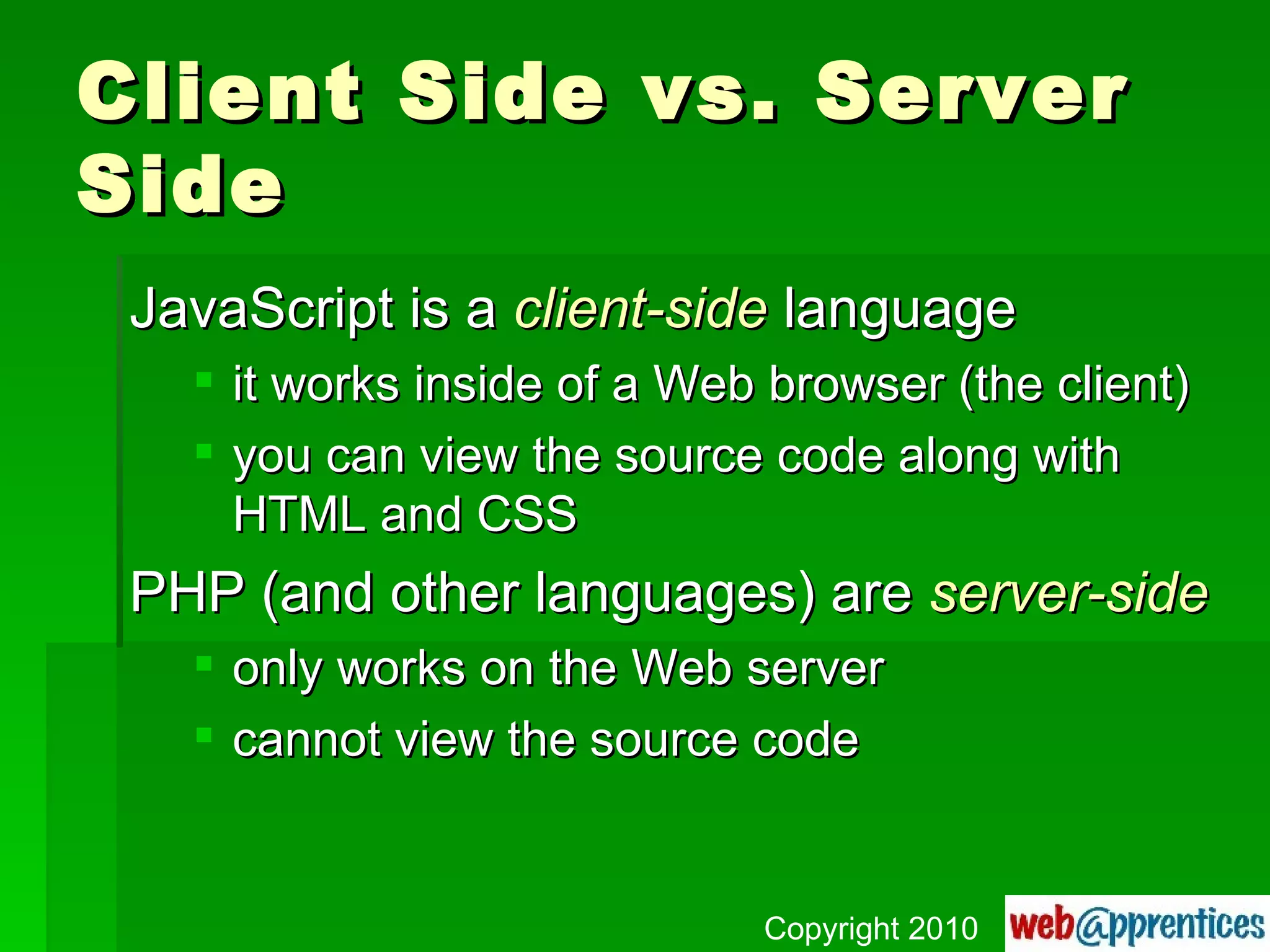
Client Side vs. Server Side JavaScript is a  client-side  language it works inside of a Web browser (the client) you can view the source code along with HTML and CSS PHP (and other languages) are  server-side only works on the Web server cannot view the source code Copyright 2010
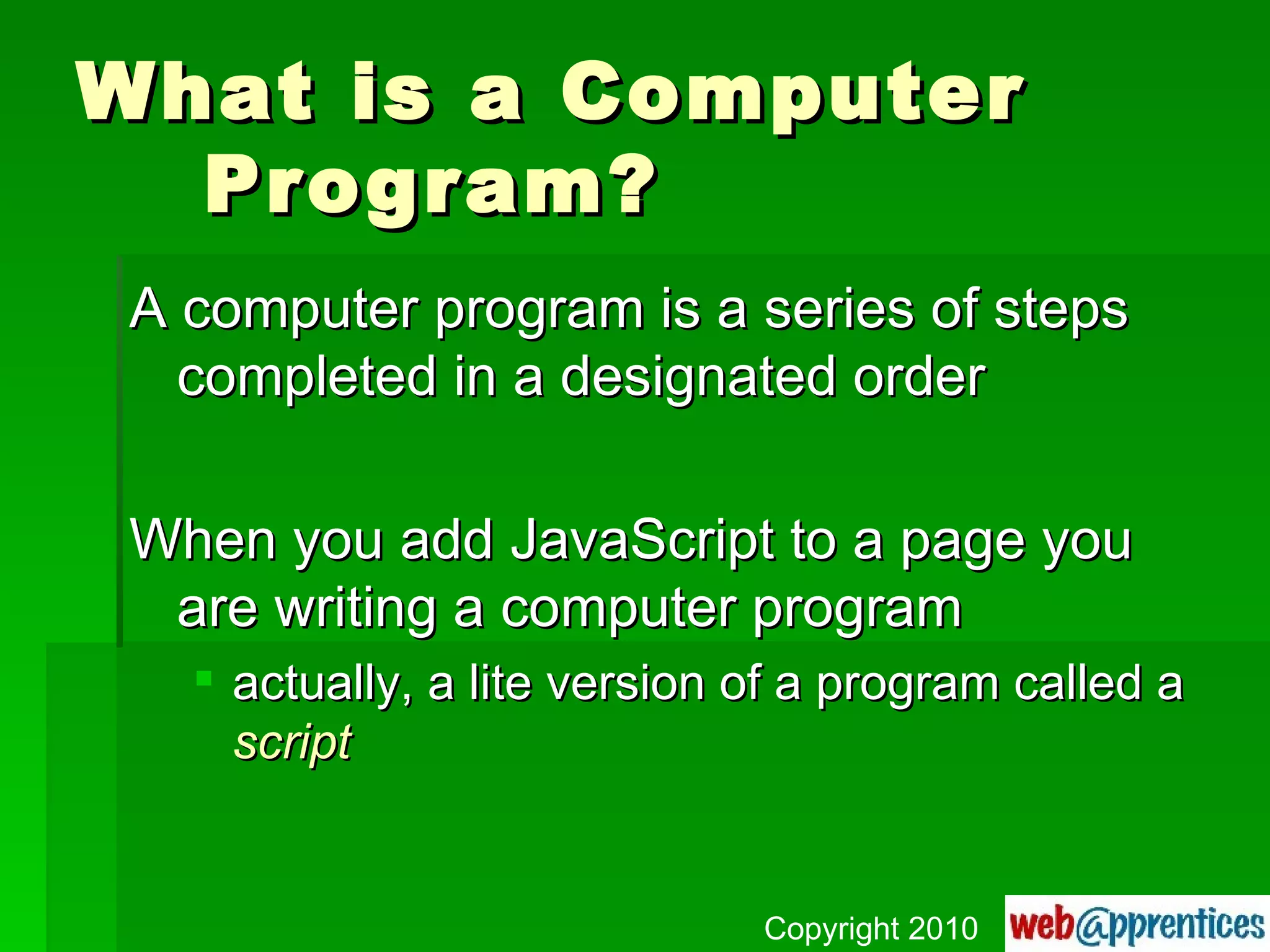
What is a Computer Program? A computer program is a series of steps completed in a designated order When you add JavaScript to a page you are writing a computer program actually, a lite version of a program called a  script Copyright 2010
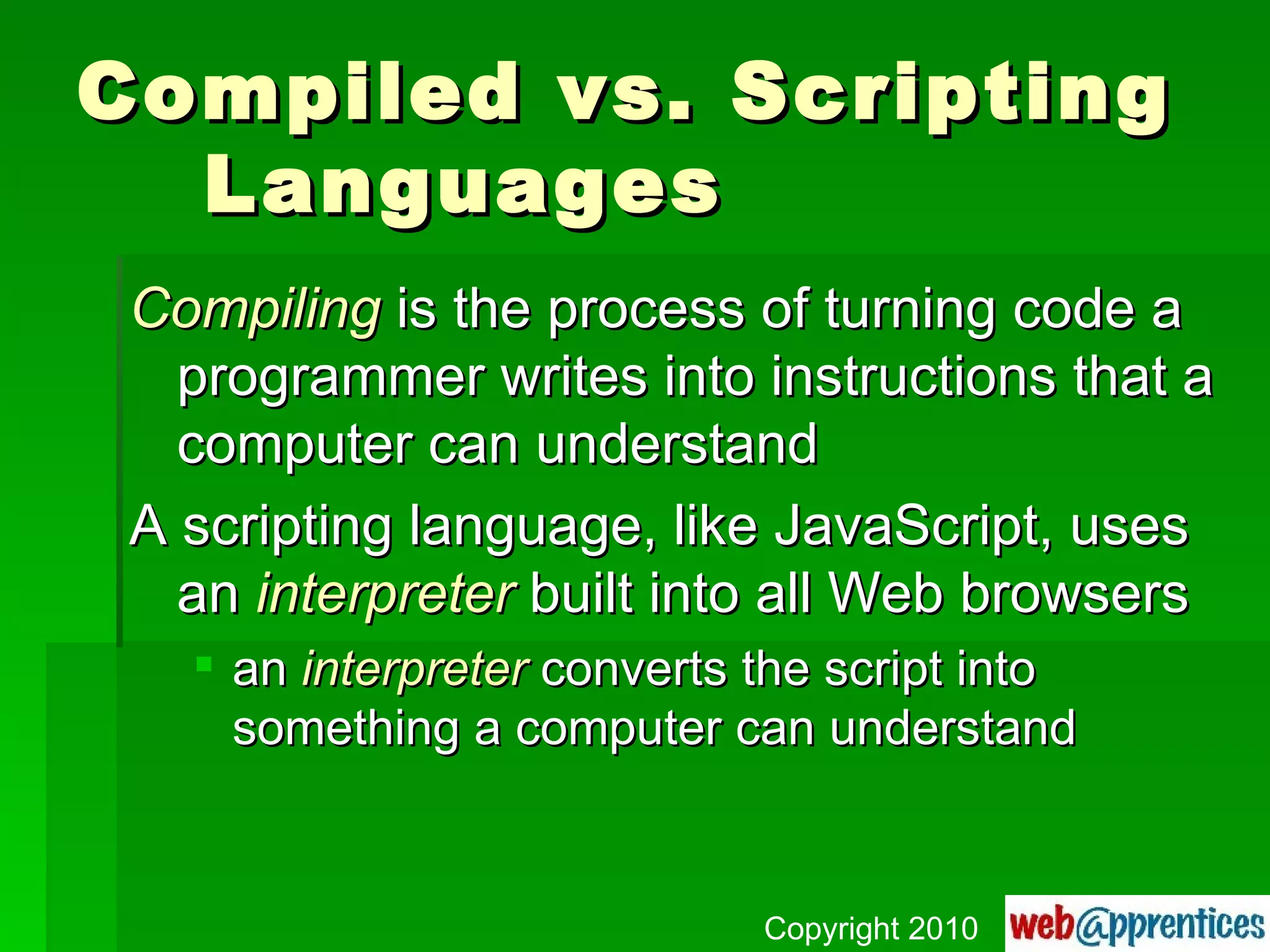
Compiled vs. Scripting Languages Compiling  is the process of turning code a programmer writes into instructions that a computer can understand A scripting language, like JavaScript, uses an  interpreter  built into all Web browsers an  interpreter  converts the script into something a computer can understand Copyright 2010
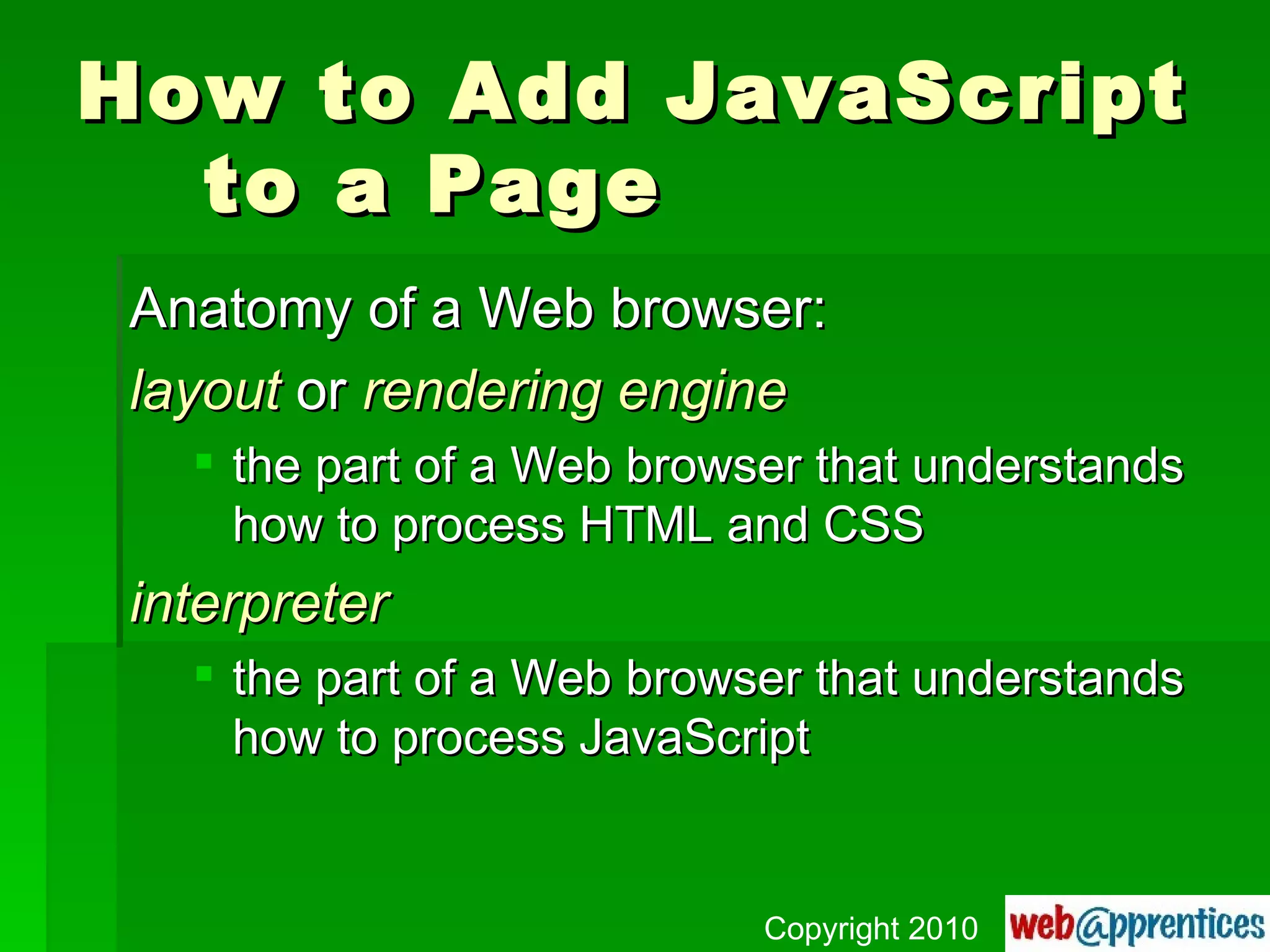
How to Add JavaScript to a Page Anatomy of a Web browser: layout  or  rendering   engine the part of a Web browser that understands how to process HTML and CSS interpreter the part of a Web browser that understands how to process JavaScript Copyright 2010
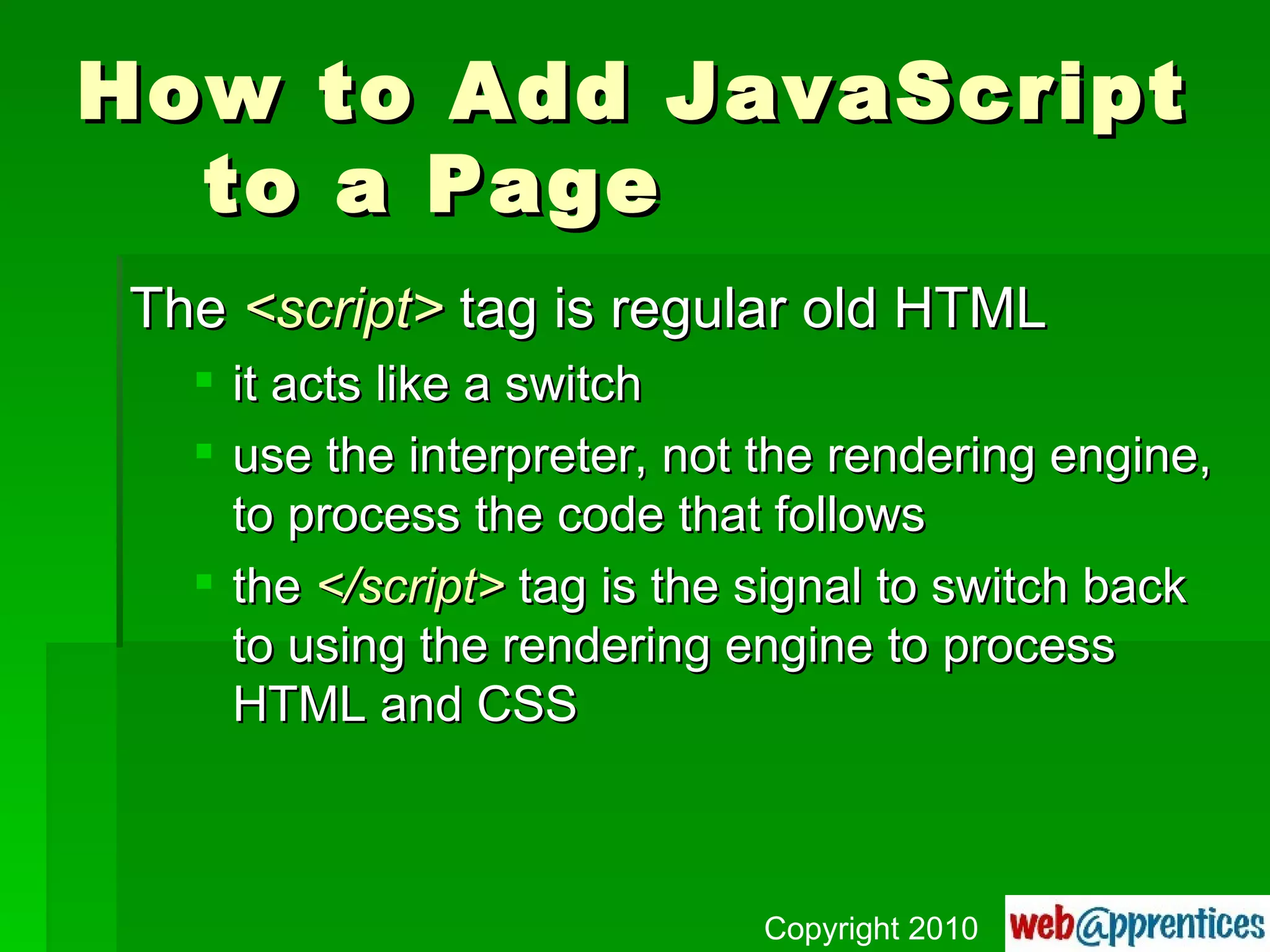
How to Add JavaScript to a Page The  <script>  tag is regular old HTML it acts like a switch use the interpreter, not the rendering engine, to process the code that follows the  </script>  tag is the signal to switch back to using the rendering engine to process HTML and CSS Copyright 2010
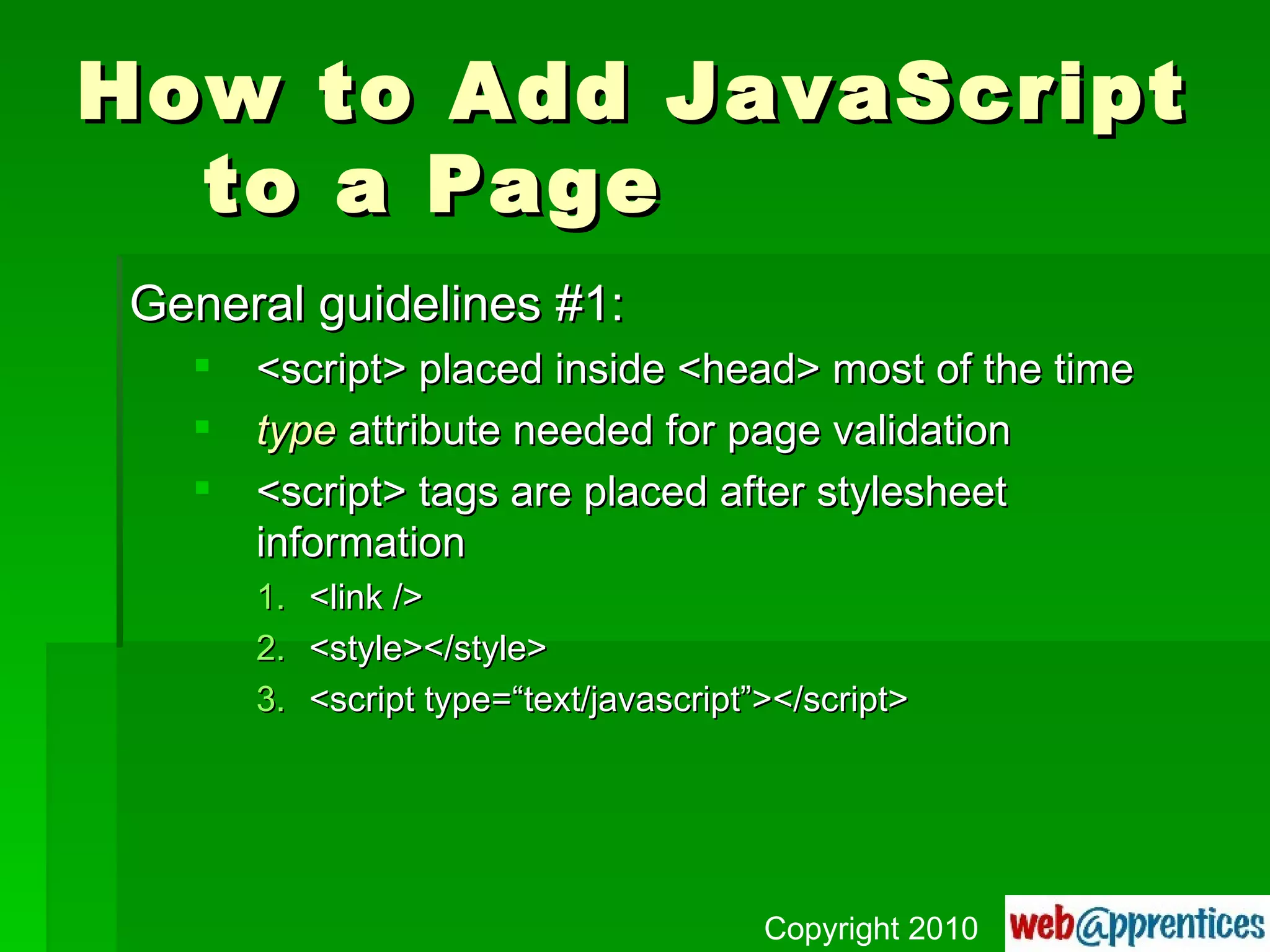
How to Add JavaScript to a Page General guidelines #1: <script> placed inside <head> most of the time type  attribute needed for page validation <script> tags are placed after stylesheet information <link /> <style></style> <script type=“text/javascript”></script> Copyright 2010
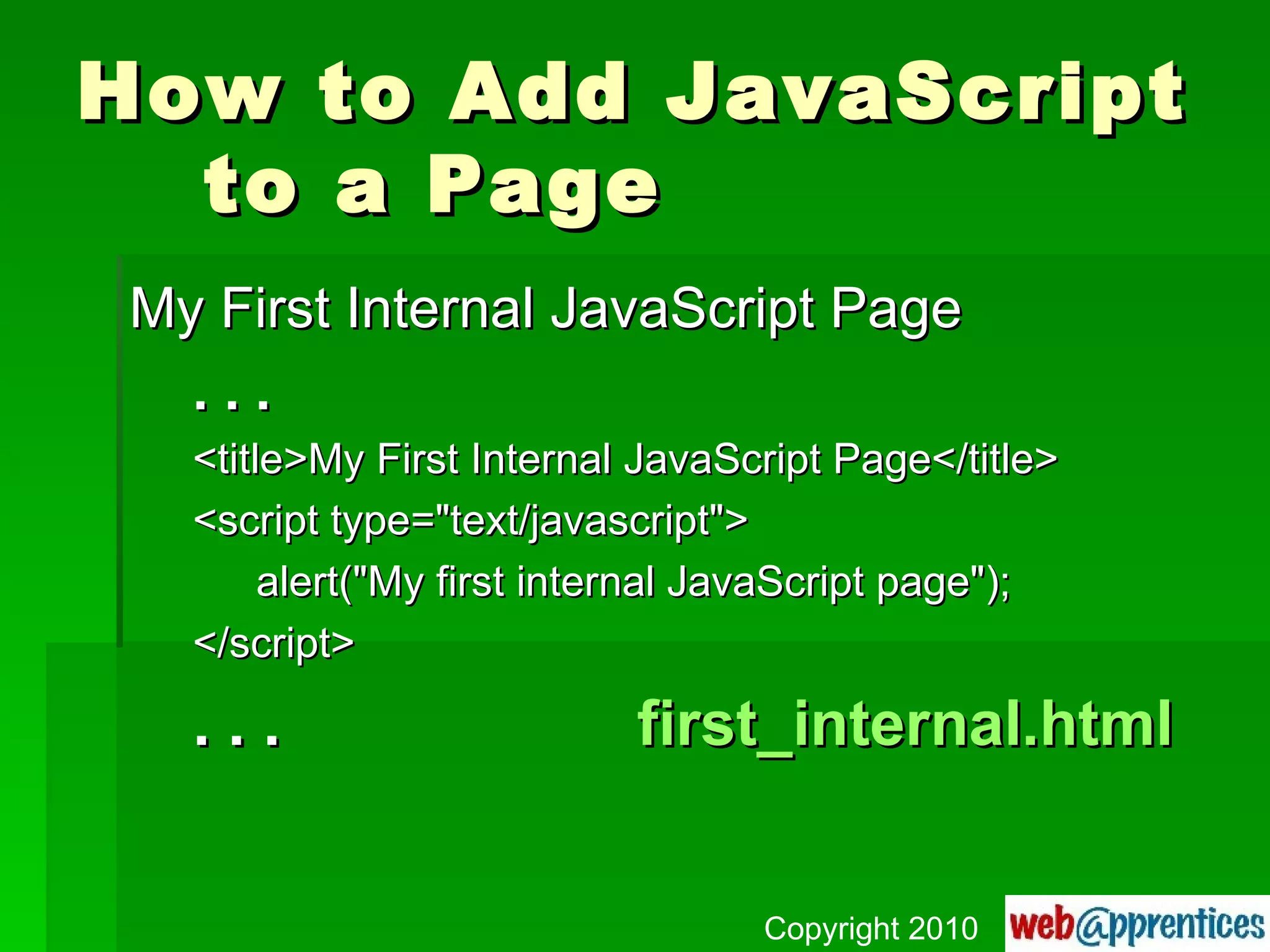
How to Add JavaScript to a Page My First Internal JavaScript Page . . . <title>My First Internal JavaScript Page</title> <script type=&quot;text/javascript&quot;> alert(&quot;My first internal JavaScript page&quot;); </script> . . . first_internal.html Copyright 2010
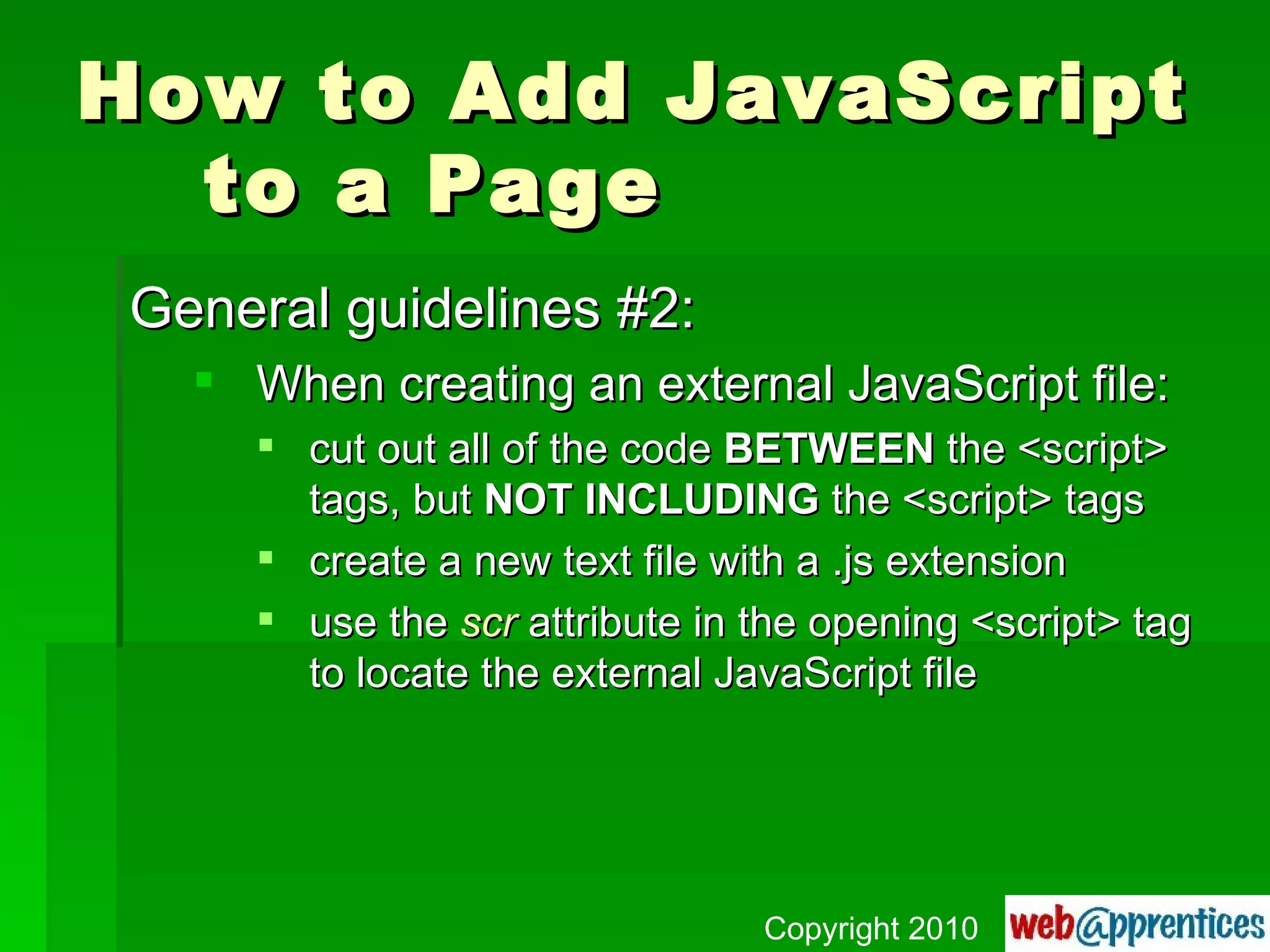
How to Add JavaScript to a Page General guidelines #2: When creating an external JavaScript file: cut out all of the code  BETWEEN  the <script> tags, but  NOT INCLUDING  the <script> tags create a new text file with a .js extension use the  scr  attribute in the opening <script> tag to locate the external JavaScript file Copyright 2010
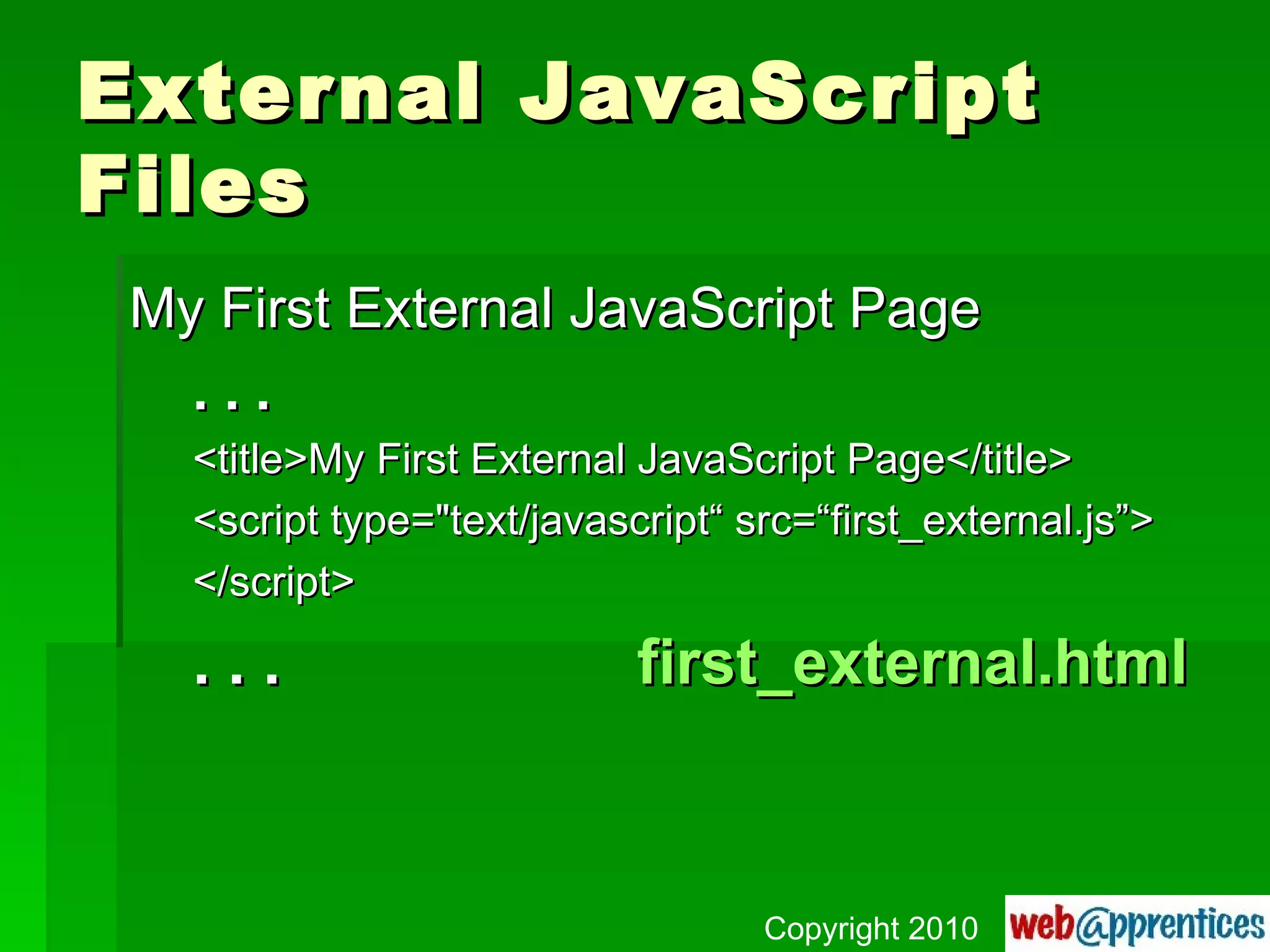
External JavaScript Files My First External JavaScript Page . . . <title>My First External JavaScript Page</title> <script type=&quot;text/javascript“ src=“first_external.js”> </script> . . . first_external.html Copyright 2010
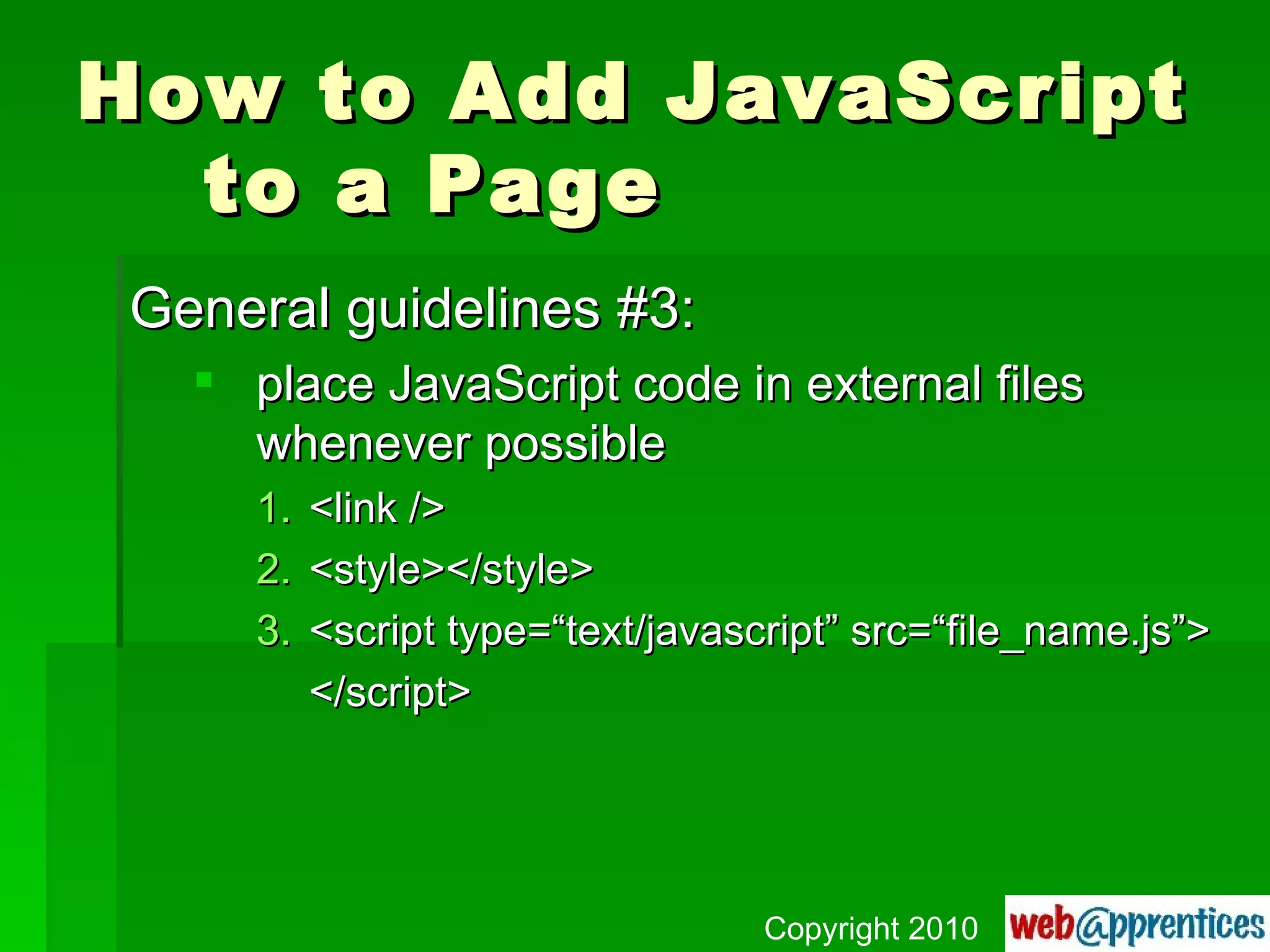
How to Add JavaScript to a Page General guidelines #3: place JavaScript code in external files whenever possible <link /> <style></style> <script type=“text/javascript” src=“file_name.js”> </script> Copyright 2010
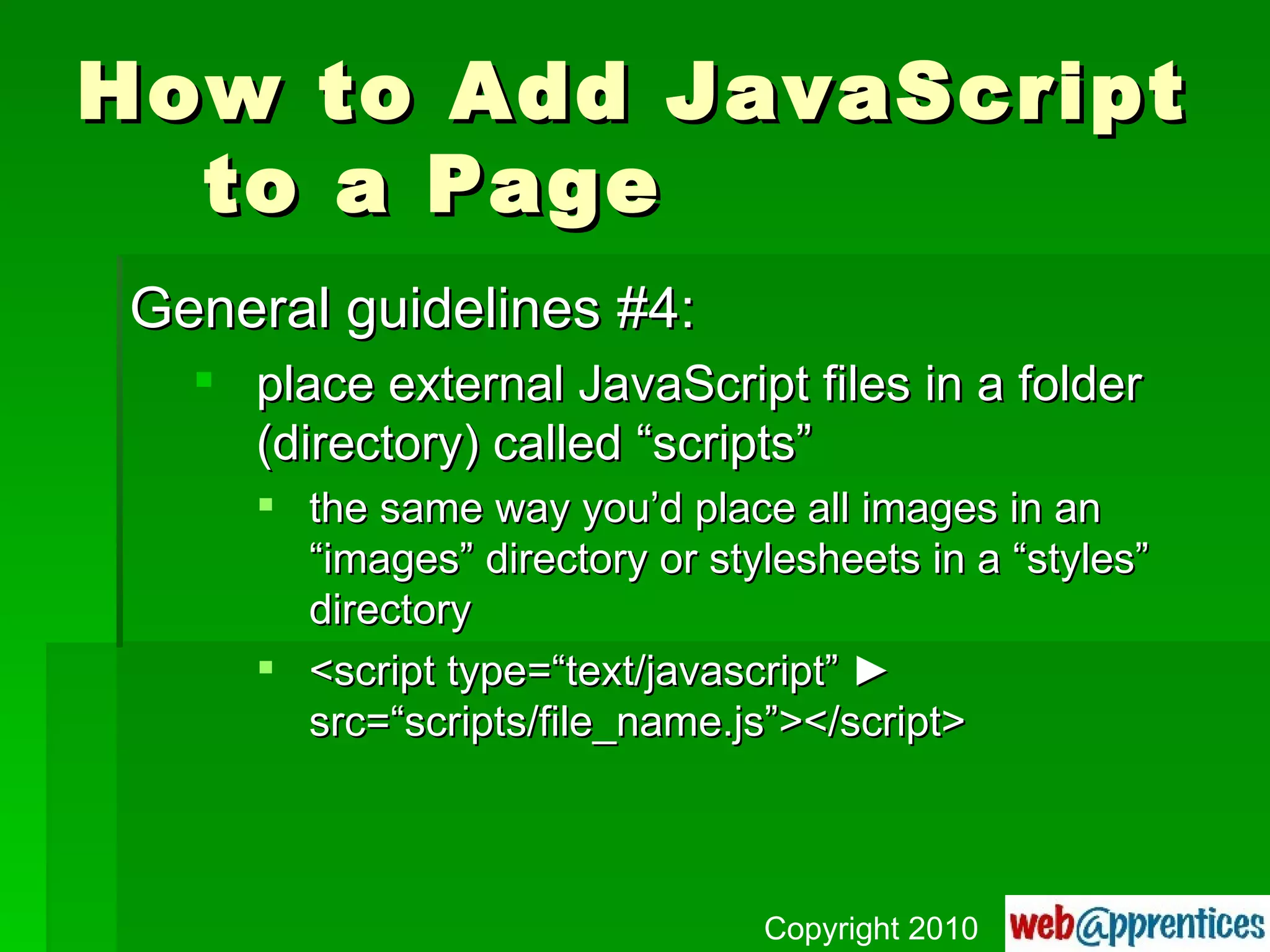
How to Add JavaScript to a Page General guidelines #4: place external JavaScript files in a folder (directory) called “scripts” the same way you’d place all images in an “images” directory or stylesheets in a “styles” directory <script type=“text/javascript”  ►  src=“scripts/file_name.js”></script> Copyright 2010
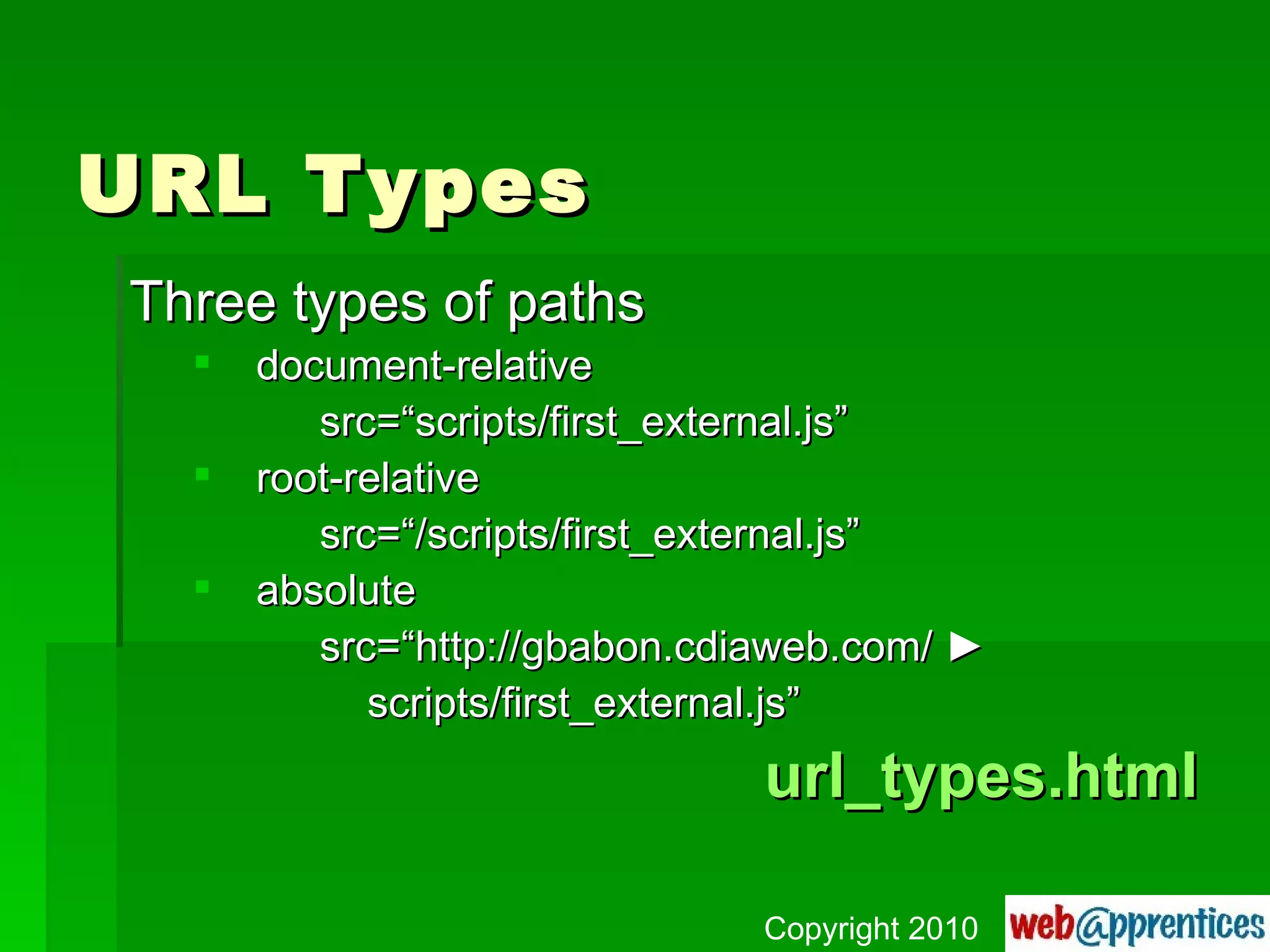
URL Types Three types of paths document-relative src=“scripts/first_external.js” root-relative src=“/scripts/first_external.js” absolute src=“http://gbabon.cdiaweb.com/  ► scripts/first_external.js” url_types.html Copyright 2010
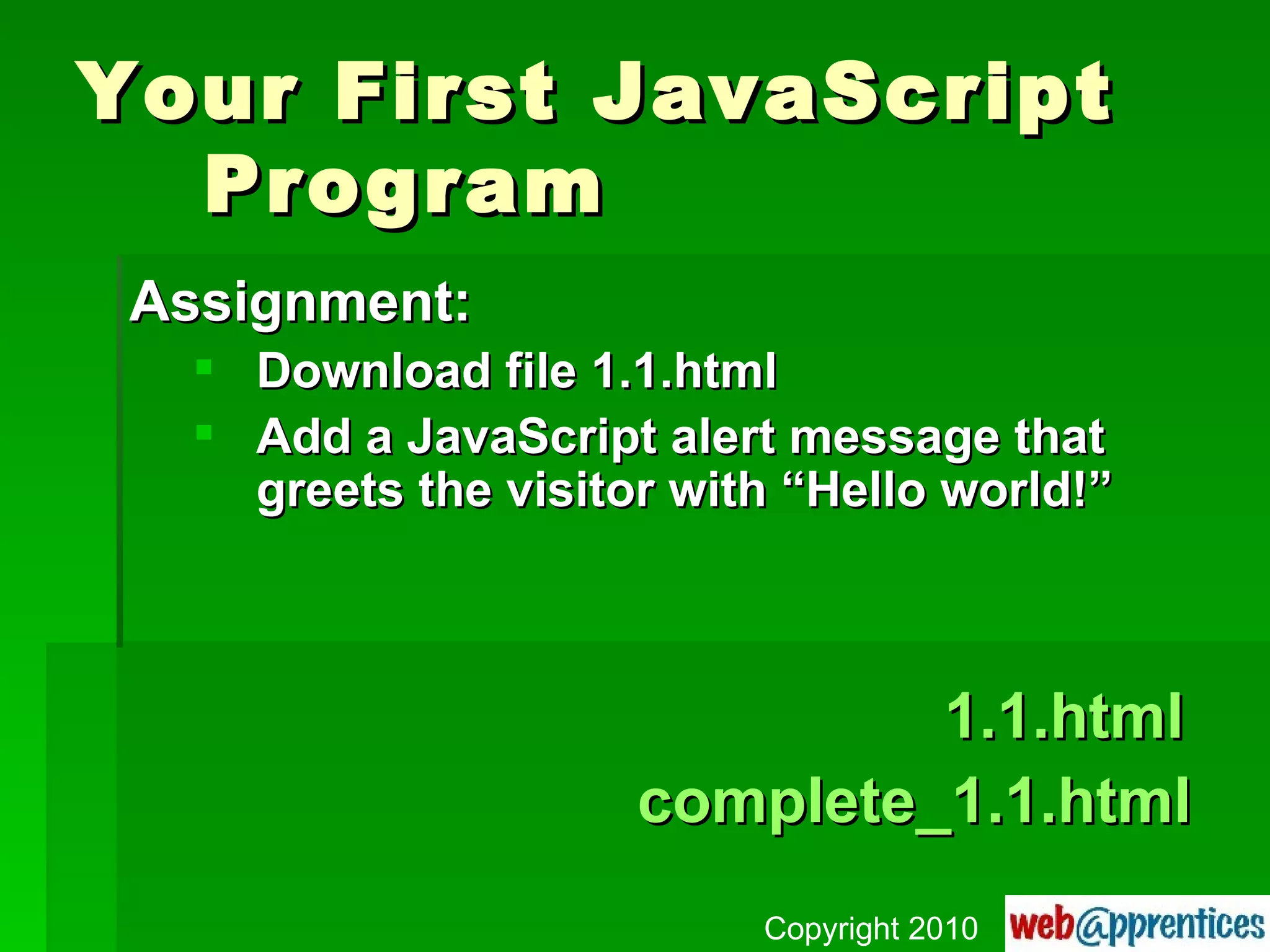
Your First JavaScript  Program Assignment: Download file 1.1.html Add a JavaScript alert message that greets the visitor with “Hello world!”   1.1.html complete_1.1.html Copyright 2010
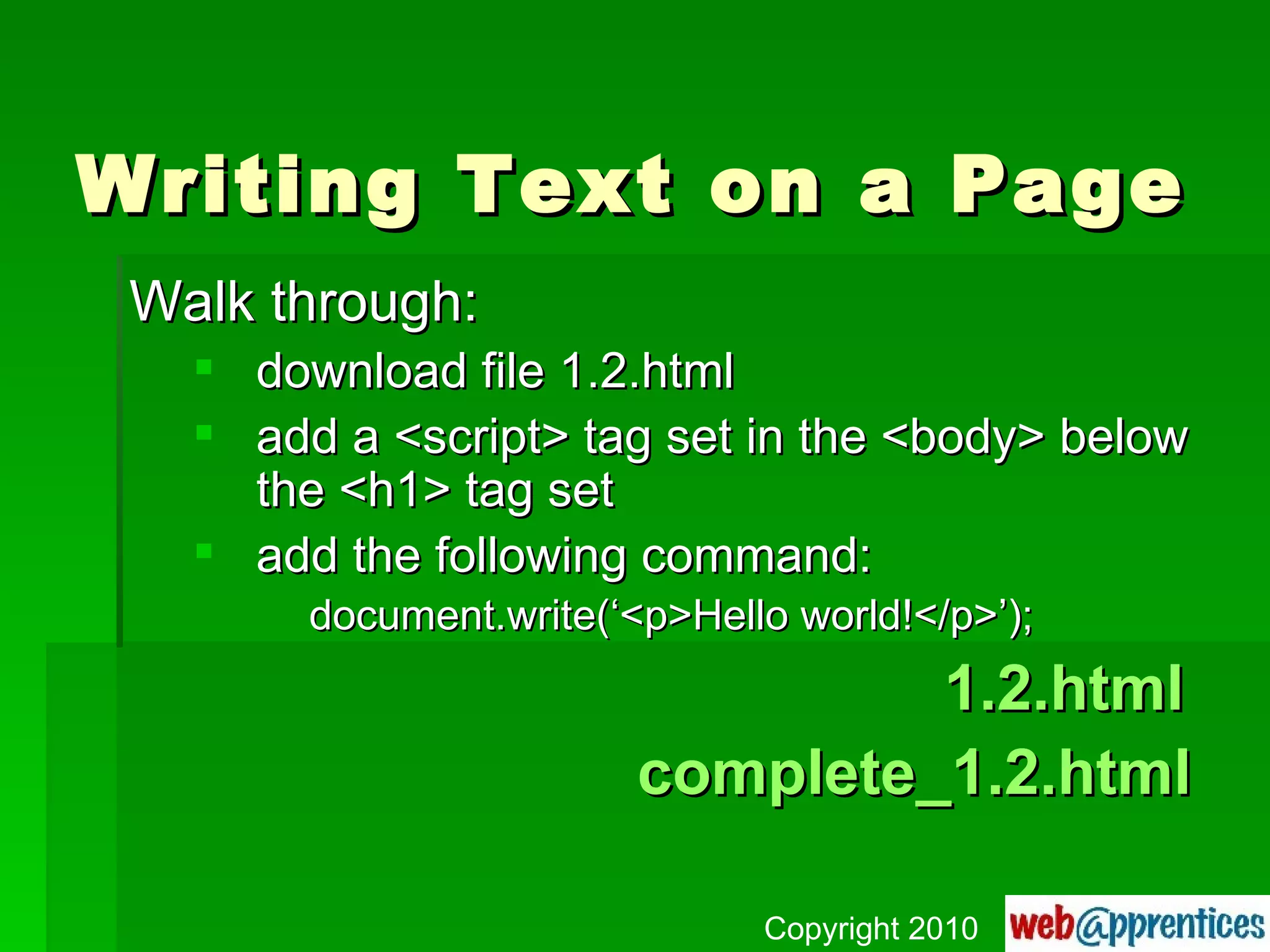
Writing Text on a Page Walk through: download file 1.2.html add a <script> tag set in the <body> below the <h1> tag set add the following command: document.write(‘<p>Hello world!</p>’);   1.2.html complete_1.2.html Copyright 2010
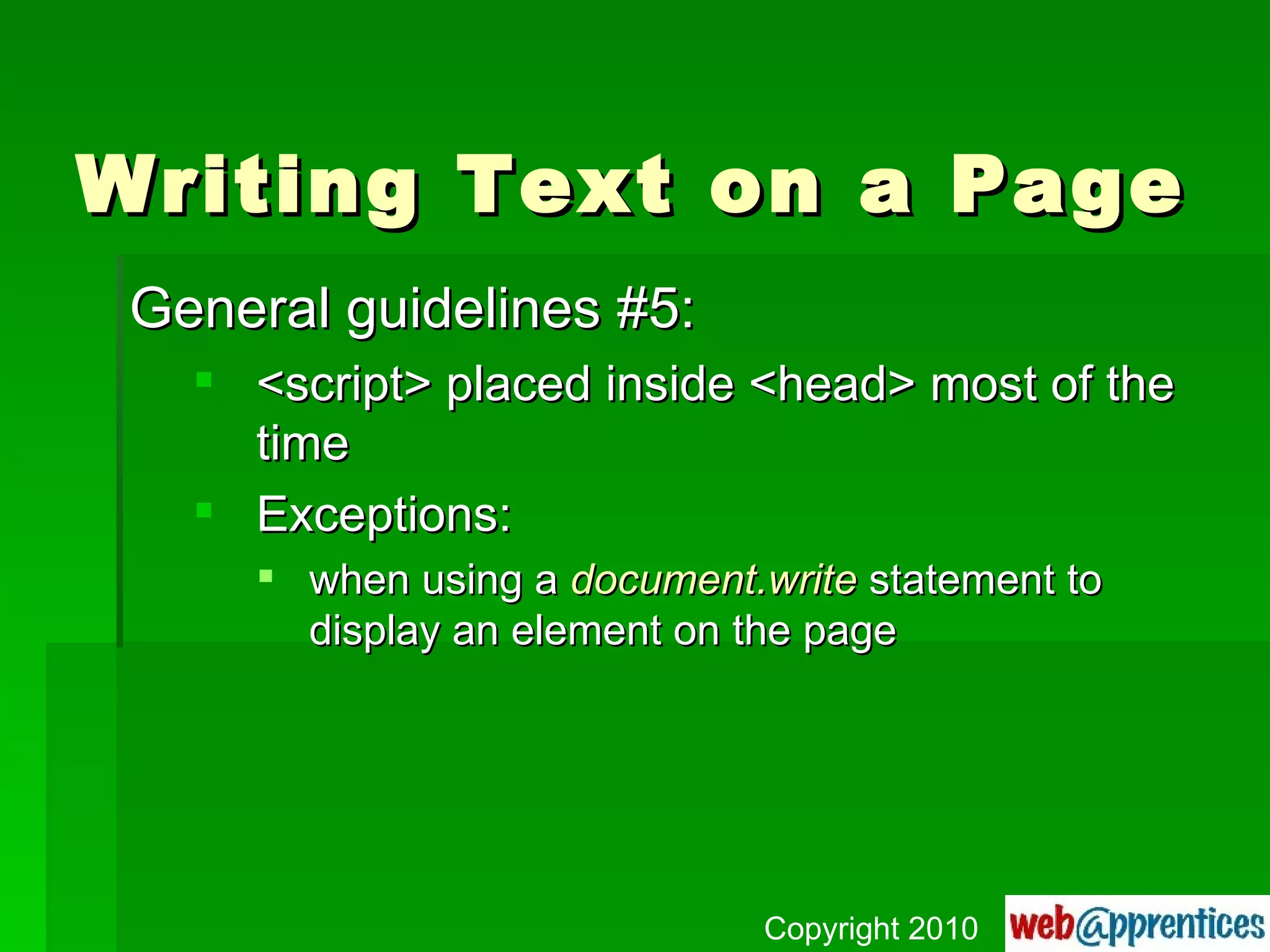
Writing Text on a Page General guidelines #5: <script> placed inside <head> most of the time Exceptions: when using a  document.write  statement to display an element on the page Copyright 2010
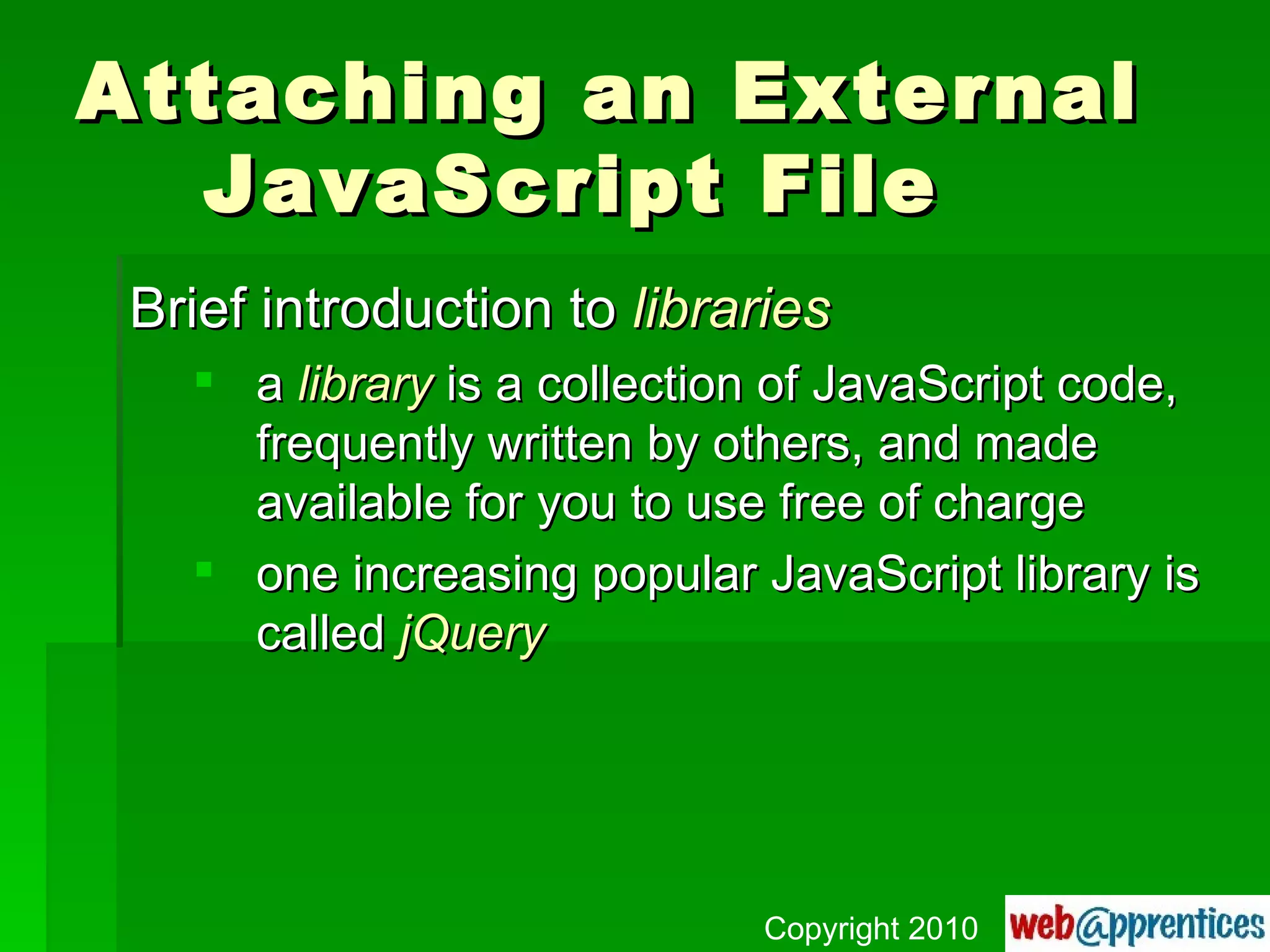
Attaching an External  JavaScript File Brief introduction to  libraries a  library  is a collection of JavaScript code, frequently written by others, and made available for you to use free of charge one increasing popular JavaScript library is called  jQuery Copyright 2010
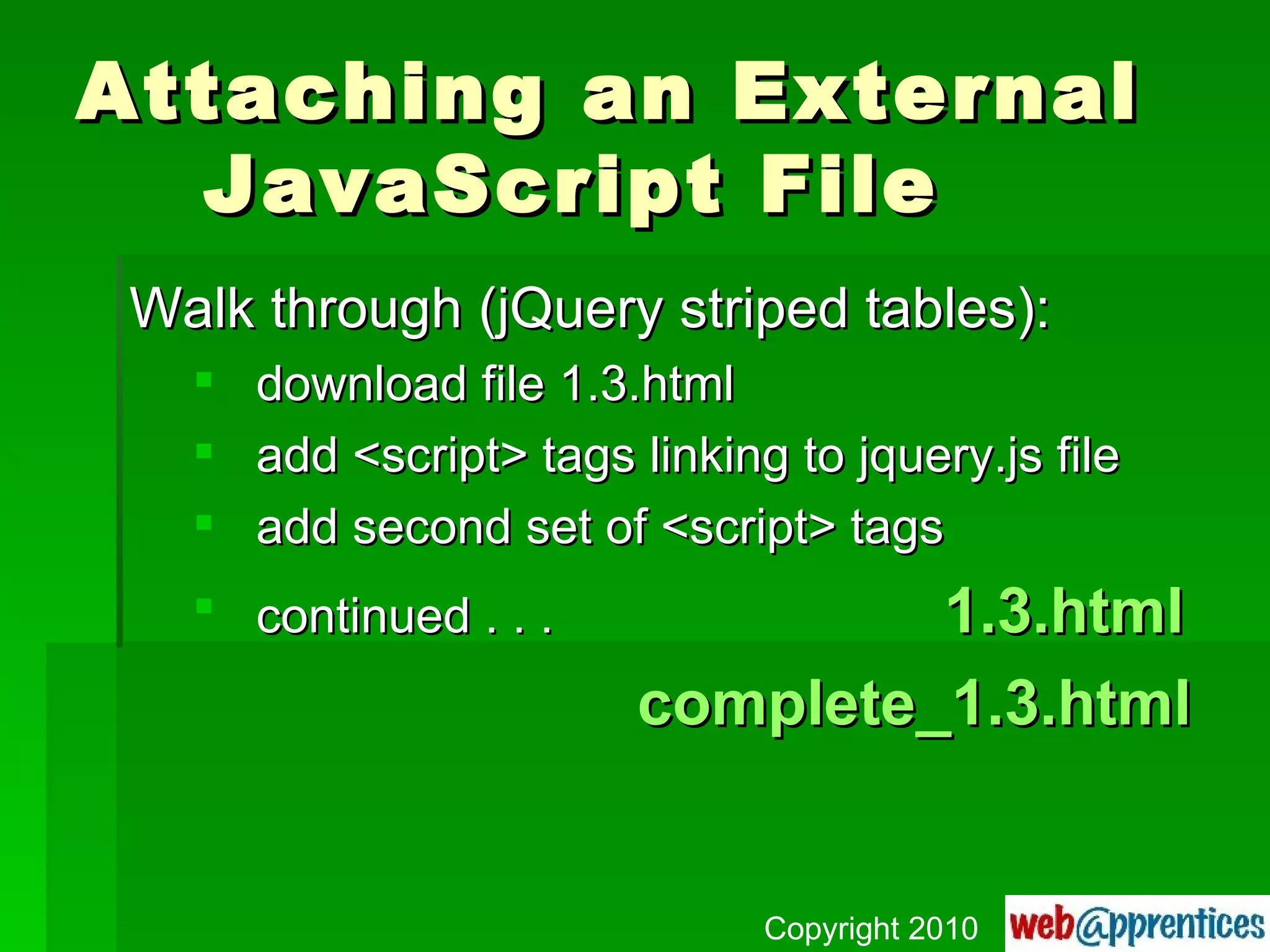
Attaching an External  JavaScript File Walk through (jQuery striped tables): download file 1.3.html add <script> tags linking to jquery.js file add second set of <script> tags continued . . .   1.3.html complete_1.3.html Copyright 2010
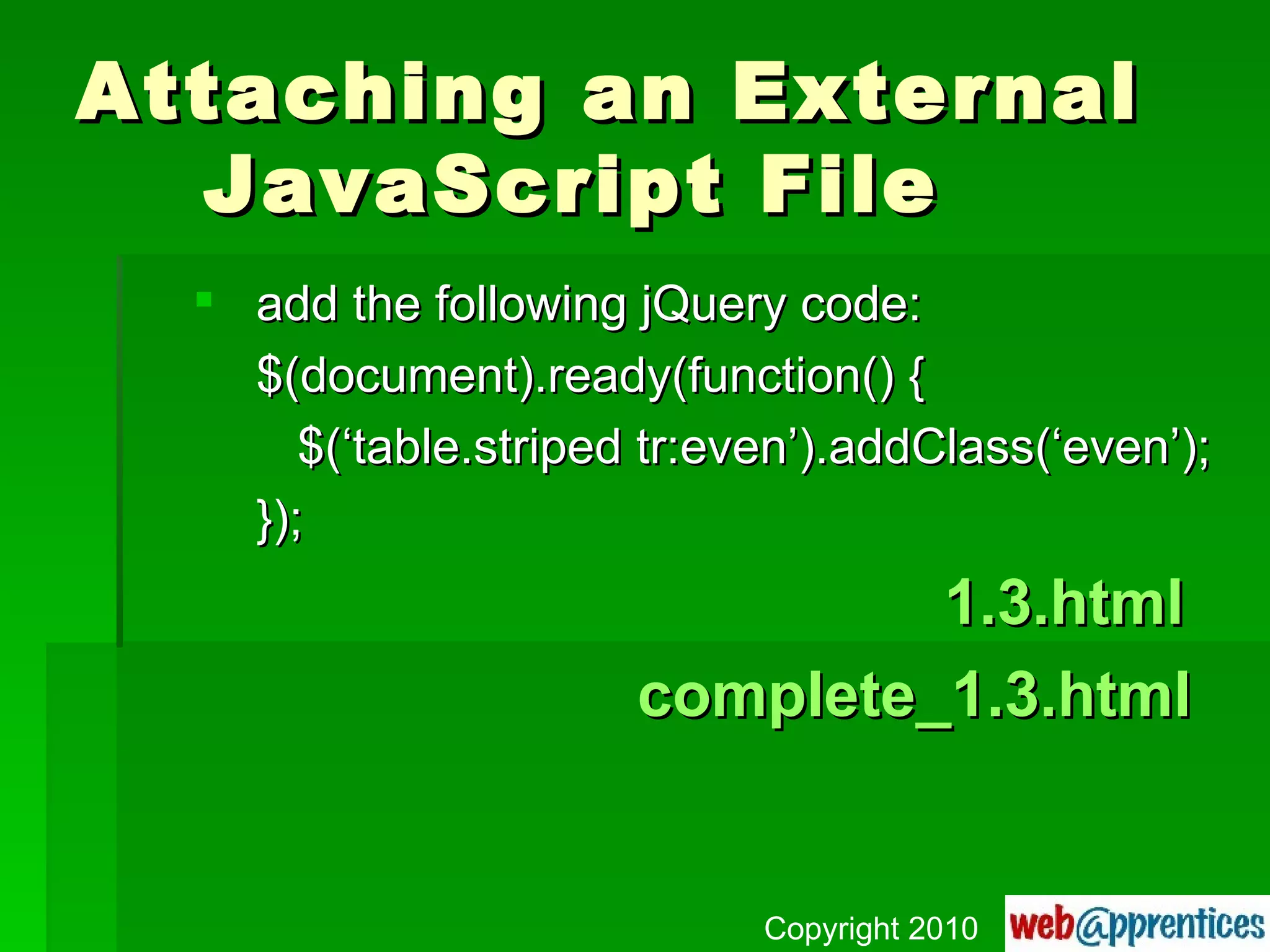
Attaching an External  JavaScript File add the following jQuery code: $(document).ready(function() {   $(‘table.striped tr:even’).addClass(‘even’); });   1.3.html complete_1.3.html Copyright 2010
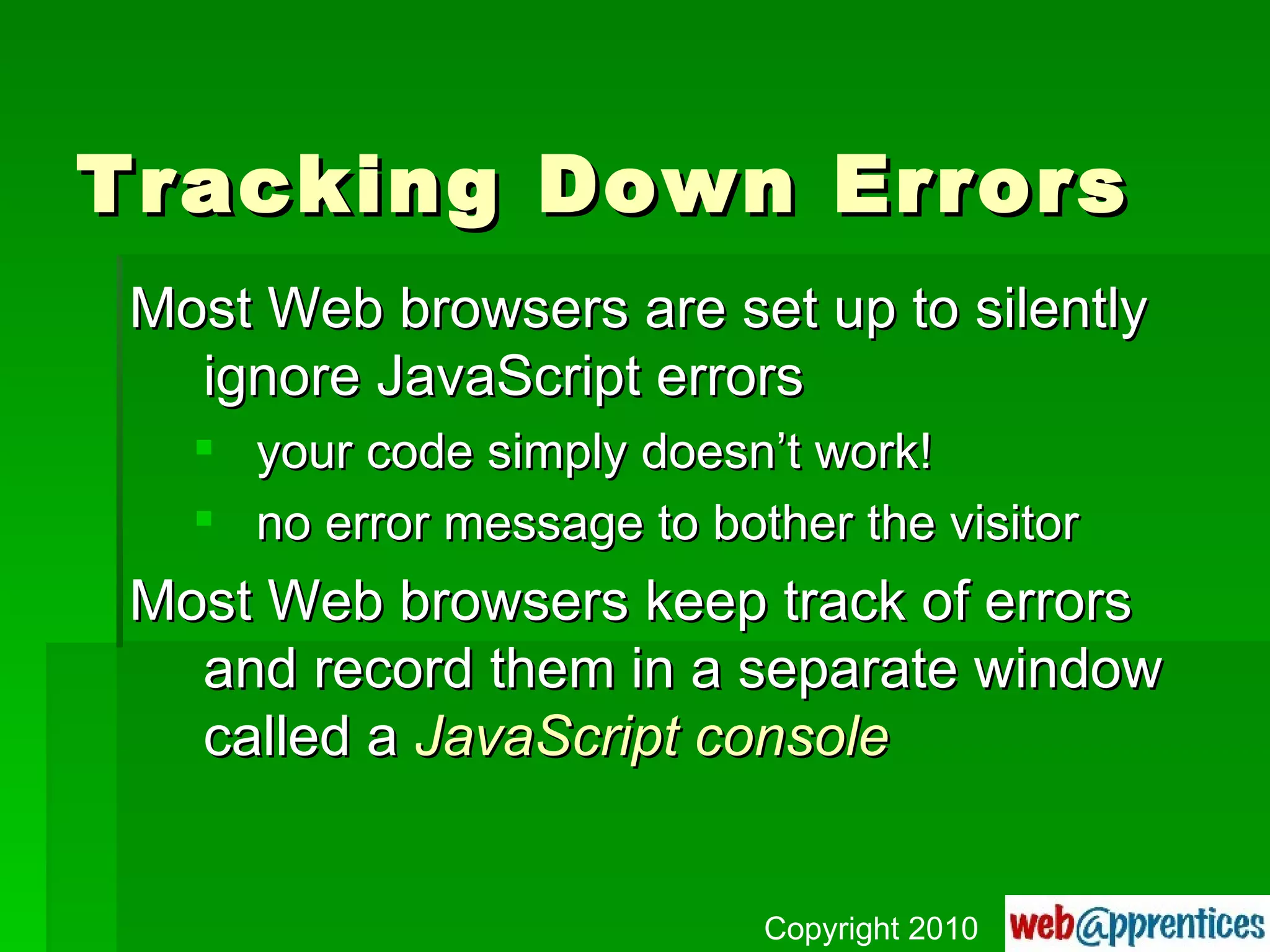
Tracking Down Errors Most Web browsers are set up to silently ignore JavaScript errors your code simply doesn’t work! no error message to bother the visitor Most Web browsers keep track of errors and record them in a separate window called a  JavaScript console Copyright 2010
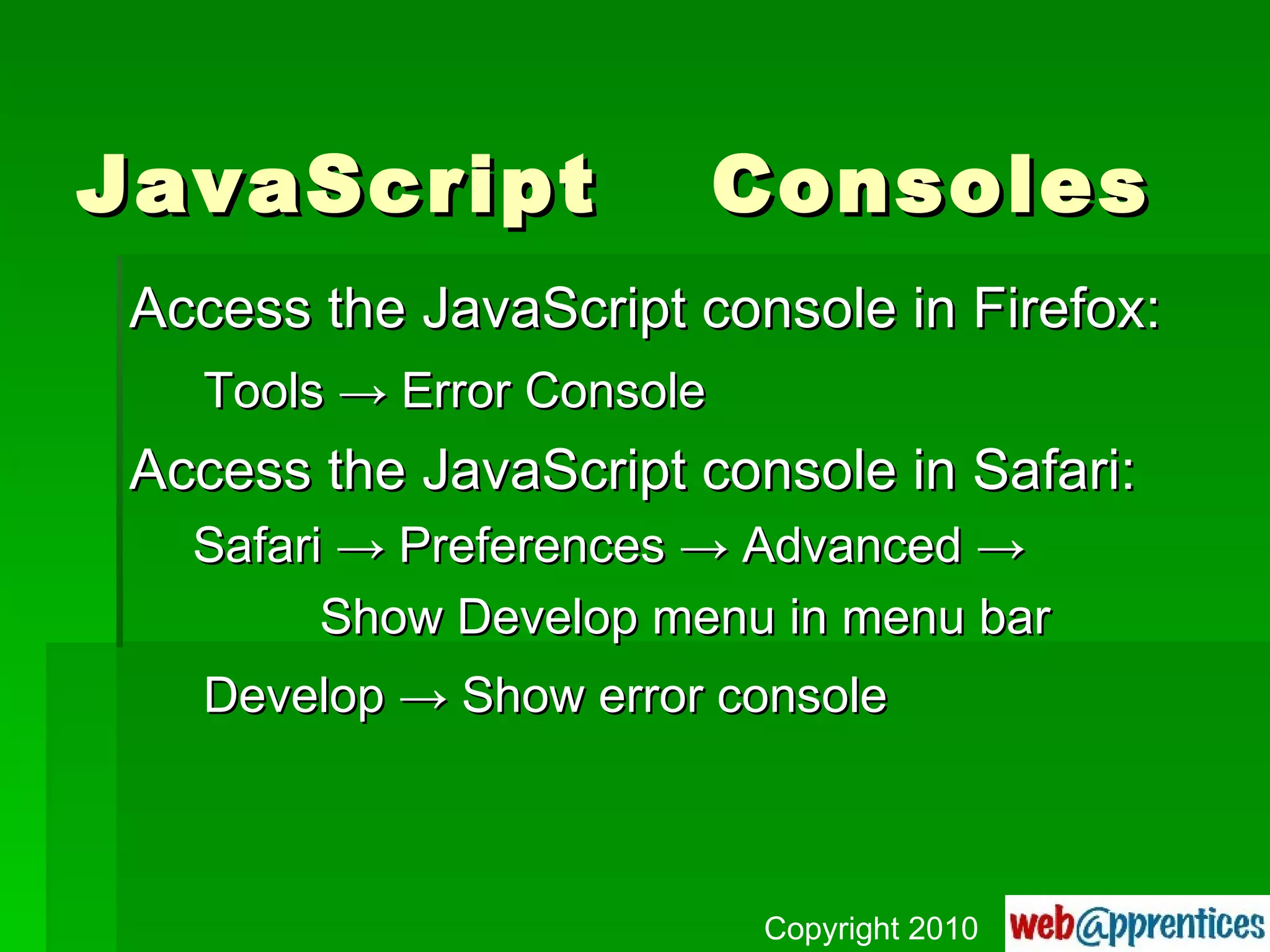
JavaScript  Consoles Access the JavaScript console in Firefox: Tools  -> Error Console Access the JavaScript console in Safari: Safari -> Preferences -> Advanced -> Show Develop menu in menu bar Develop -> Show error console Copyright 2010
JavaScript  Consoles Access the JavaScript console in Internet Explorer: type in the URL getfirefox.com! Typical errors to look for: misspellings uneven pairs of ( ), { }, ‘ ’, “ ”, etc. Copyright 2010
JavaScript blah, blah, blah . . . Copyright 2010

JavaScript Missing Manual, Ch. 1

  • 1.
    JavaScript: The MissingManual Chapter 1: Writing Your First JavaScript Program Author: David S. McFarland | Publisher: O’Reilly Copyright 2010
  • 2.
    Introducing Programming JavaScriptis can be used to add intelligence to your Web pages JavaScript lets you make your Web pages more engaging and effective Copyright 2010
  • 3.
    Introducing Programming Asprogramming languages go, JavaScript is relatively friendly to nonprogrammers Still, JavaScript is more complex than either HTML or CSS and tends to be less intuitive to Web designers Copyright 2010
  • 4.
    Introducing Programming LearningJavaScript’s syntax is like learning the vocabulary and grammar of another language Copyright 2010
  • 5.
    Client Side vs.Server Side JavaScript is a client-side language it works inside of a Web browser (the client) you can view the source code along with HTML and CSS PHP (and other languages) are server-side only works on the Web server cannot view the source code Copyright 2010
  • 6.
    What is aComputer Program? A computer program is a series of steps completed in a designated order When you add JavaScript to a page you are writing a computer program actually, a lite version of a program called a script Copyright 2010
  • 7.
    Compiled vs. ScriptingLanguages Compiling is the process of turning code a programmer writes into instructions that a computer can understand A scripting language, like JavaScript, uses an interpreter built into all Web browsers an interpreter converts the script into something a computer can understand Copyright 2010
  • 8.
    How to AddJavaScript to a Page Anatomy of a Web browser: layout or rendering engine the part of a Web browser that understands how to process HTML and CSS interpreter the part of a Web browser that understands how to process JavaScript Copyright 2010
  • 9.
    How to AddJavaScript to a Page The <script> tag is regular old HTML it acts like a switch use the interpreter, not the rendering engine, to process the code that follows the </script> tag is the signal to switch back to using the rendering engine to process HTML and CSS Copyright 2010
  • 10.
    How to AddJavaScript to a Page General guidelines #1: <script> placed inside <head> most of the time type attribute needed for page validation <script> tags are placed after stylesheet information <link /> <style></style> <script type=“text/javascript”></script> Copyright 2010
  • 11.
    How to AddJavaScript to a Page My First Internal JavaScript Page . . . <title>My First Internal JavaScript Page</title> <script type=&quot;text/javascript&quot;> alert(&quot;My first internal JavaScript page&quot;); </script> . . . first_internal.html Copyright 2010
  • 12.
    How to AddJavaScript to a Page General guidelines #2: When creating an external JavaScript file: cut out all of the code BETWEEN the <script> tags, but NOT INCLUDING the <script> tags create a new text file with a .js extension use the scr attribute in the opening <script> tag to locate the external JavaScript file Copyright 2010
  • 13.
    External JavaScript FilesMy First External JavaScript Page . . . <title>My First External JavaScript Page</title> <script type=&quot;text/javascript“ src=“first_external.js”> </script> . . . first_external.html Copyright 2010
  • 14.
    How to AddJavaScript to a Page General guidelines #3: place JavaScript code in external files whenever possible <link /> <style></style> <script type=“text/javascript” src=“file_name.js”> </script> Copyright 2010
  • 15.
    How to AddJavaScript to a Page General guidelines #4: place external JavaScript files in a folder (directory) called “scripts” the same way you’d place all images in an “images” directory or stylesheets in a “styles” directory <script type=“text/javascript” ► src=“scripts/file_name.js”></script> Copyright 2010
  • 16.
    URL Types Threetypes of paths document-relative src=“scripts/first_external.js” root-relative src=“/scripts/first_external.js” absolute src=“http://gbabon.cdiaweb.com/ ► scripts/first_external.js” url_types.html Copyright 2010
  • 17.
    Your First JavaScript Program Assignment: Download file 1.1.html Add a JavaScript alert message that greets the visitor with “Hello world!” 1.1.html complete_1.1.html Copyright 2010
  • 18.
    Writing Text ona Page Walk through: download file 1.2.html add a <script> tag set in the <body> below the <h1> tag set add the following command: document.write(‘<p>Hello world!</p>’); 1.2.html complete_1.2.html Copyright 2010
  • 19.
    Writing Text ona Page General guidelines #5: <script> placed inside <head> most of the time Exceptions: when using a document.write statement to display an element on the page Copyright 2010
  • 20.
    Attaching an External JavaScript File Brief introduction to libraries a library is a collection of JavaScript code, frequently written by others, and made available for you to use free of charge one increasing popular JavaScript library is called jQuery Copyright 2010
  • 21.
    Attaching an External JavaScript File Walk through (jQuery striped tables): download file 1.3.html add <script> tags linking to jquery.js file add second set of <script> tags continued . . . 1.3.html complete_1.3.html Copyright 2010
  • 22.
    Attaching an External JavaScript File add the following jQuery code: $(document).ready(function() { $(‘table.striped tr:even’).addClass(‘even’); }); 1.3.html complete_1.3.html Copyright 2010
  • 23.
    Tracking Down ErrorsMost Web browsers are set up to silently ignore JavaScript errors your code simply doesn’t work! no error message to bother the visitor Most Web browsers keep track of errors and record them in a separate window called a JavaScript console Copyright 2010
  • 24.
    JavaScript ConsolesAccess the JavaScript console in Firefox: Tools -> Error Console Access the JavaScript console in Safari: Safari -> Preferences -> Advanced -> Show Develop menu in menu bar Develop -> Show error console Copyright 2010
  • 25.
    JavaScript ConsolesAccess the JavaScript console in Internet Explorer: type in the URL getfirefox.com! Typical errors to look for: misspellings uneven pairs of ( ), { }, ‘ ’, “ ”, etc. Copyright 2010
  • 26.
    JavaScript blah, blah,blah . . . Copyright 2010