JavaScript if...else Statements
REVIEW
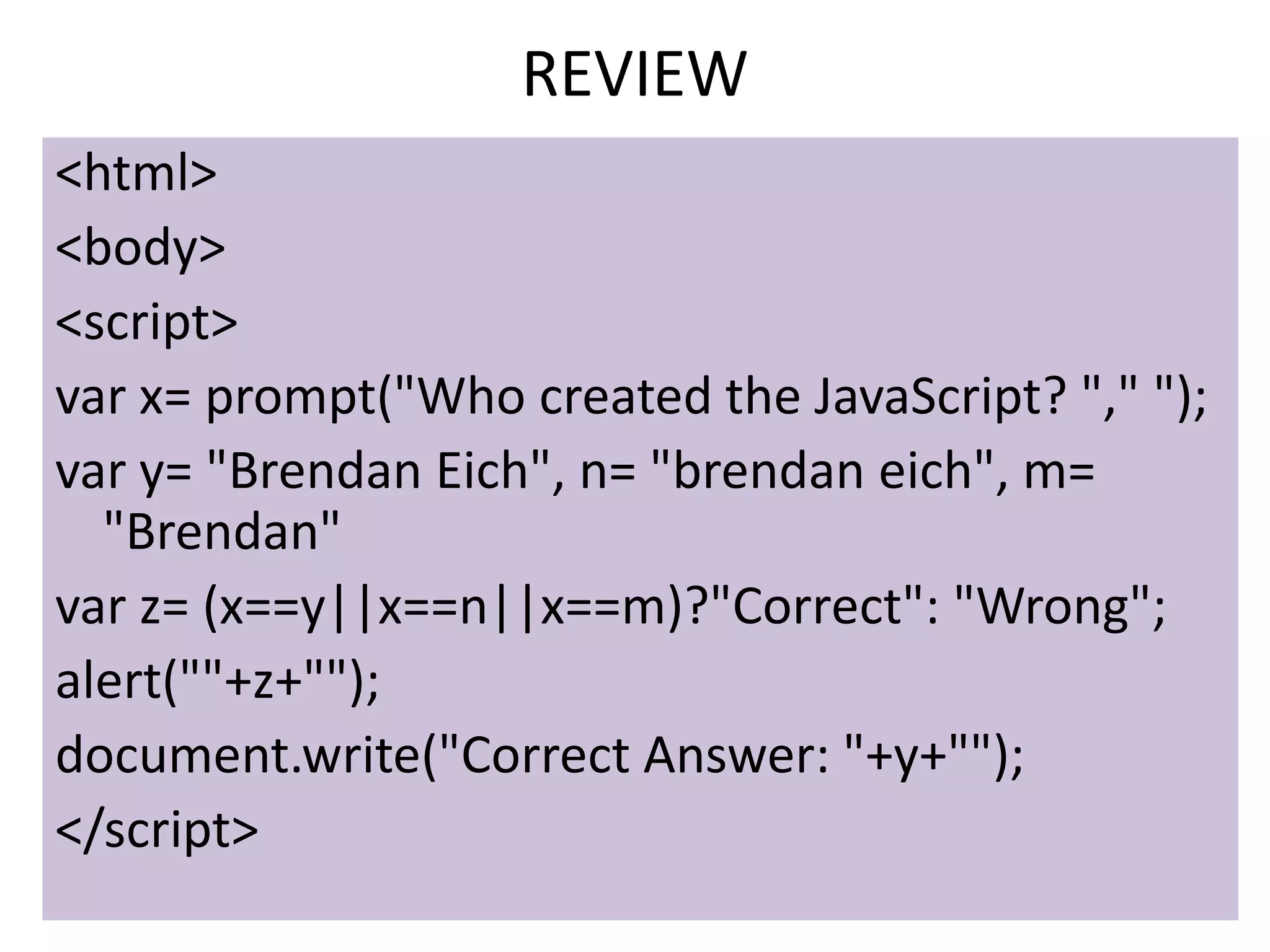
<html>
<body>
<script>
var x= prompt("Who created the JavaScript? "," ");
var y= "Brendan Eich", n= "brendan eich", m=
  "Brendan"
var z= (x==y||x==n||x==m)?"Correct": "Wrong";
alert(""+z+"");
document.write("Correct Answer: "+y+"");
</script>
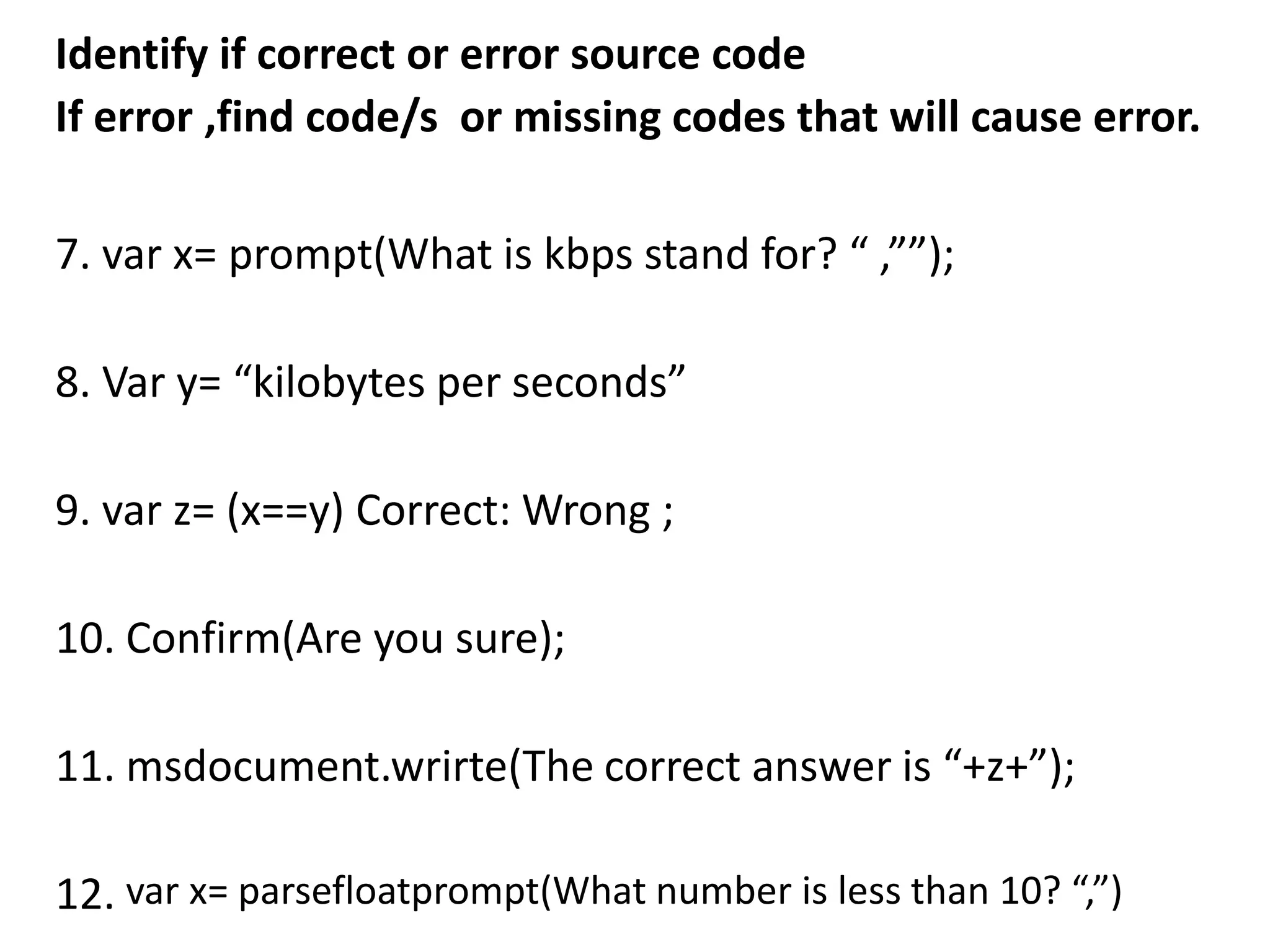
Identify if correct or error source code
If error ,find code/s or missing codes that will cause error.

7. var x= prompt(What is kbps stand for? “ ,””);

8. Var y= “kilobytes per seconds”

9. var z= (x==y) Correct: Wrong ;

10. Confirm(Are you sure);

11. msdocument.wrirte(The correct answer is “+z+”);

12. var x= parsefloatprompt(What number is less than 10? “,”)
JAVASCRIPT: CONDITIONAL STATEMENTS
• While writing a program, there may be a situation when
  you need to adopt one path out of the given two paths.
  So you need to make use of conditional statements that
  allow your program to make correct decisions and
  perform right actions.            Reference: Tutorial Points.com

• Sometimes when you write code, you want to perform
  different actions for different decisions. You can use
  conditional statements in your code to do this.
  Conditional statements are the set of commands used
  to perform different actions based on different
  conditions. JavaScript supports two conditional
  statements: if...else and switch. Both perform in saw
  way the same task.              Reference:WebCheatSheet.com
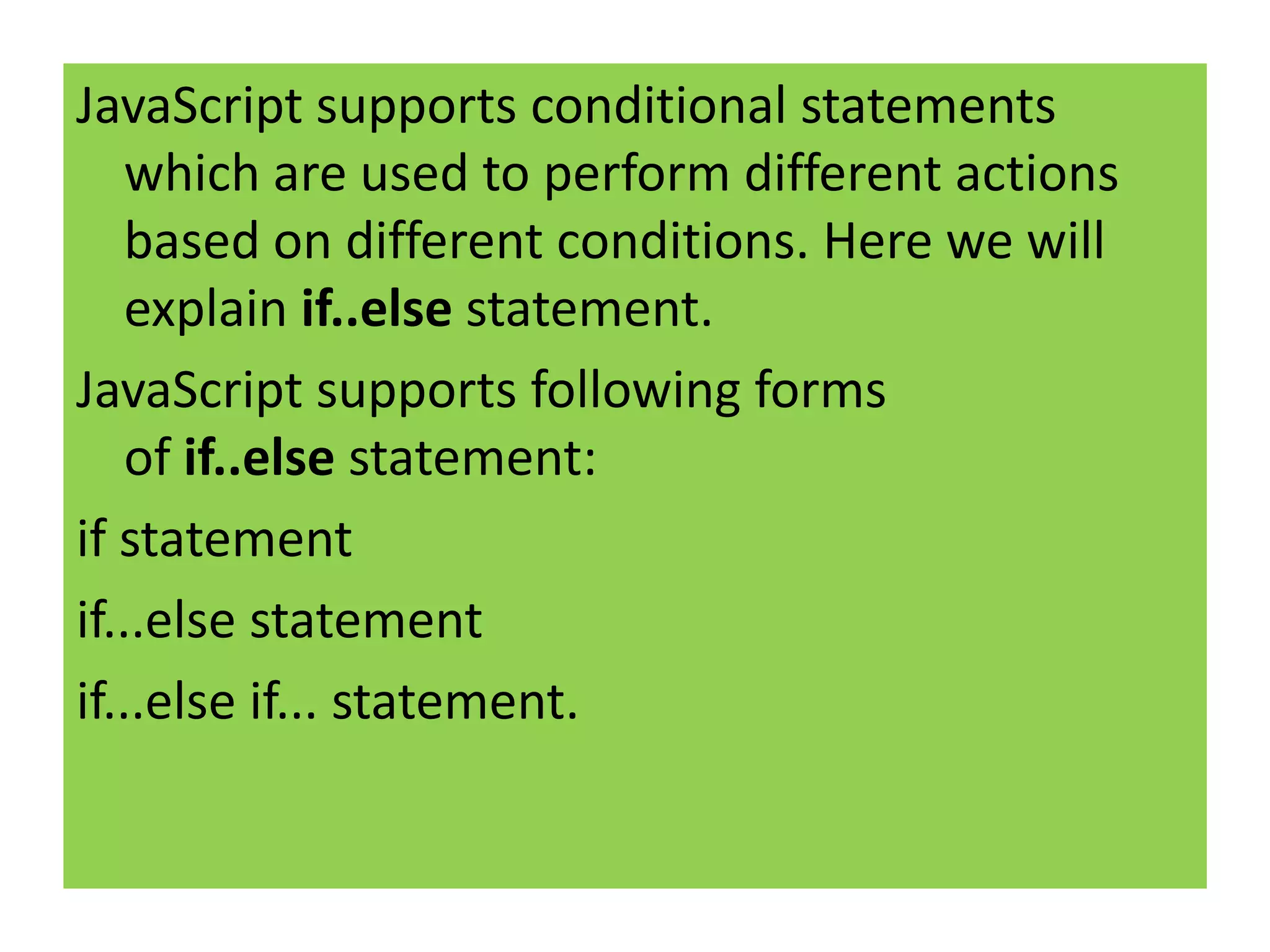
JavaScript supports conditional statements
    which are used to perform different actions
    based on different conditions. Here we will
    explain if..else statement.
JavaScript supports following forms
    of if..else statement:
if statement
if...else statement
if...else if... statement.
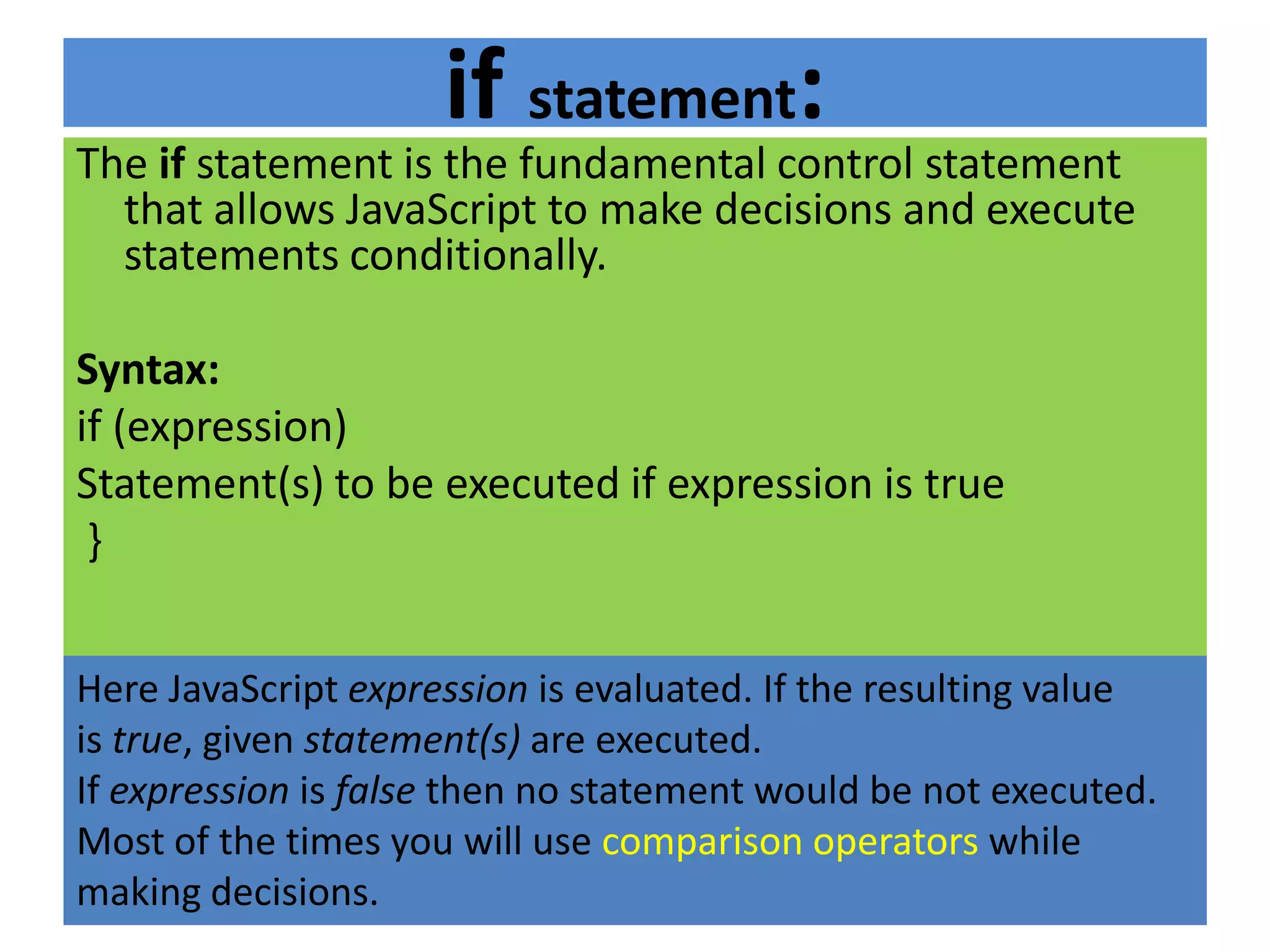
if statement:
The if statement is the fundamental control statement
  that allows JavaScript to make decisions and execute
  statements conditionally.

Syntax:
if (expression)
Statement(s) to be executed if expression is true
 }


Here JavaScript expression is evaluated. If the resulting value
is true, given statement(s) are executed.
If expression is false then no statement would be not executed.
Most of the times you will use comparison operators while
making decisions.
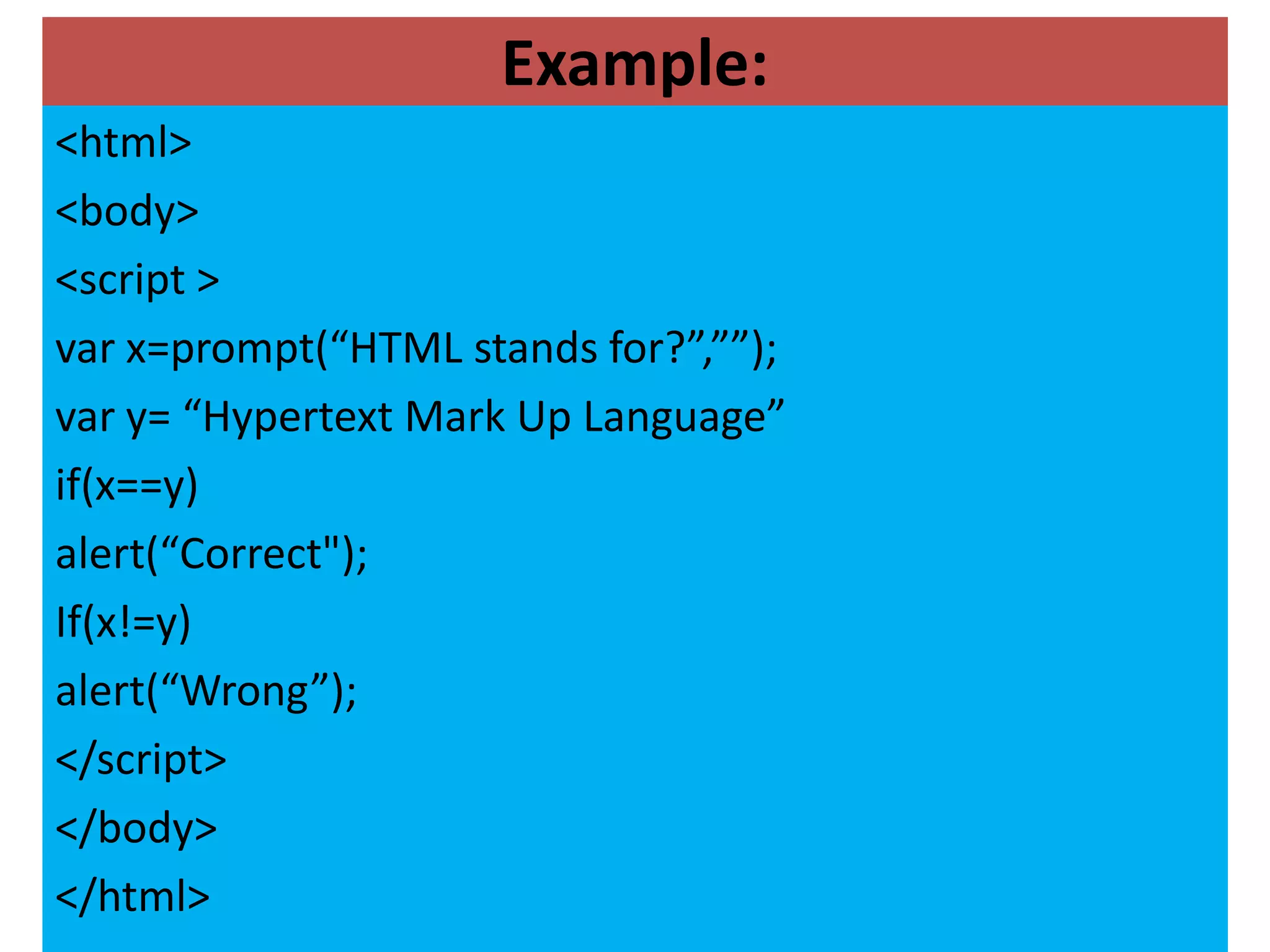
Example:
<html>
<body>
<script >
var x=prompt(“HTML stands for?”,””);
var y= “Hypertext Mark Up Language”
if(x==y)
alert(“Correct");
If(x!=y)
alert(“Wrong”);
</script>
</body>
</html>
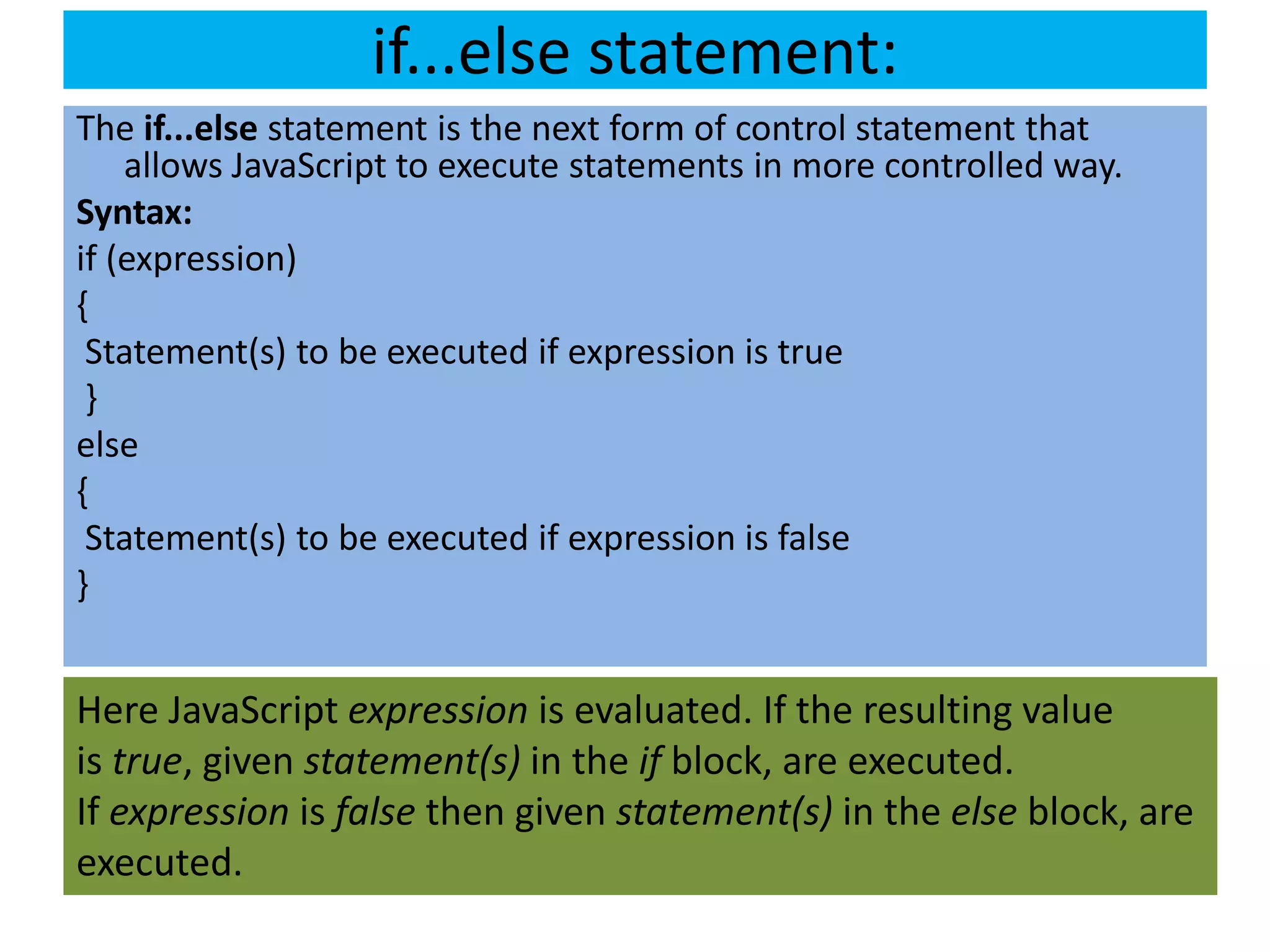
if...else statement:
The if...else statement is the next form of control statement that
    allows JavaScript to execute statements in more controlled way.
Syntax:
if (expression)
{
 Statement(s) to be executed if expression is true
 }
else
{
 Statement(s) to be executed if expression is false
}


Here JavaScript expression is evaluated. If the resulting value
is true, given statement(s) in the if block, are executed.
If expression is false then given statement(s) in the else block, are
executed.
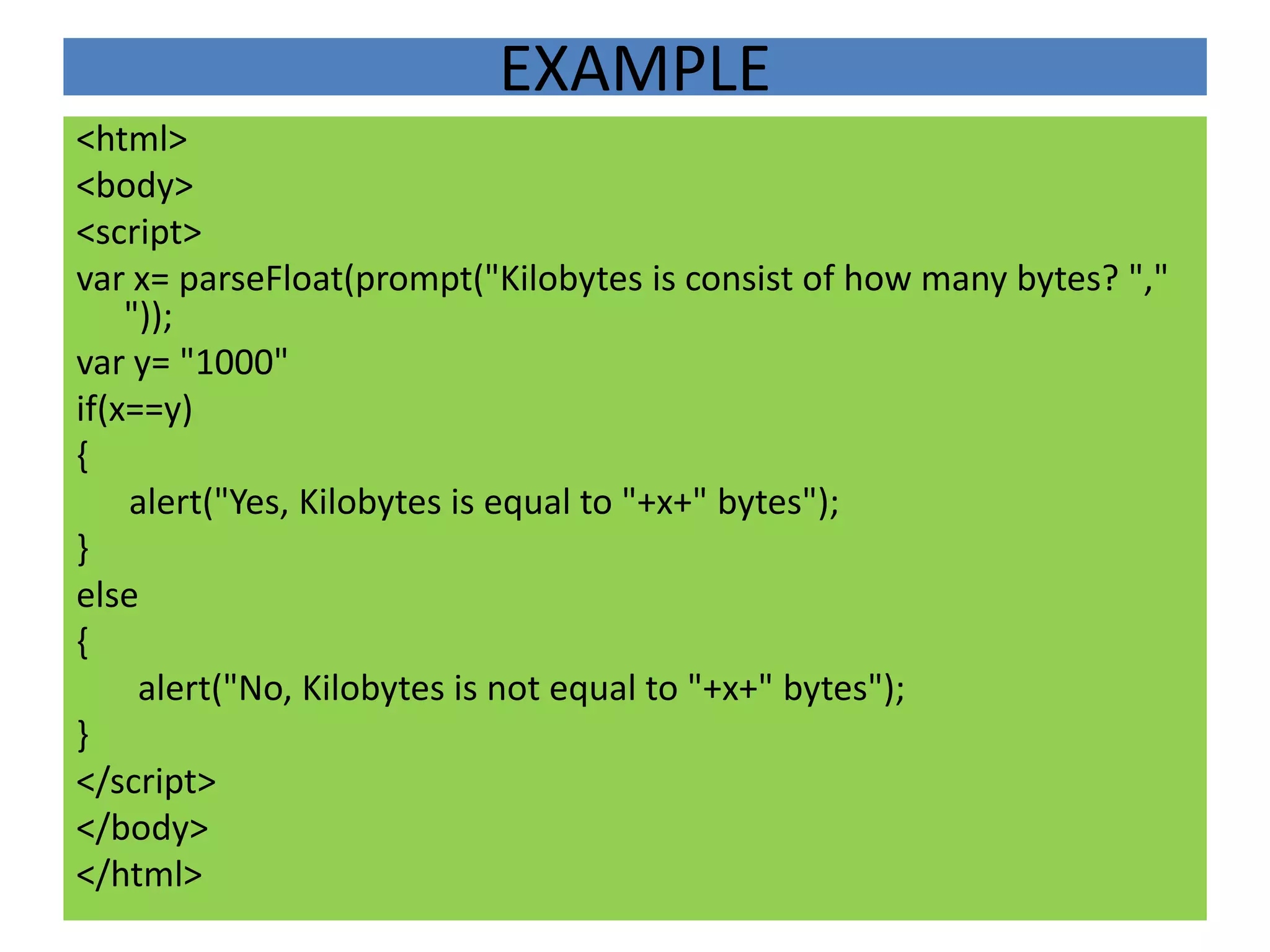
EXAMPLE
<html>
<body>
<script>
var x= parseFloat(prompt("Kilobytes is consist of how many bytes? ","
    "));
var y= "1000"
if(x==y)
{
    alert("Yes, Kilobytes is equal to "+x+" bytes");
}
else
{
     alert("No, Kilobytes is not equal to "+x+" bytes");
}
</script>
</body>
</html>
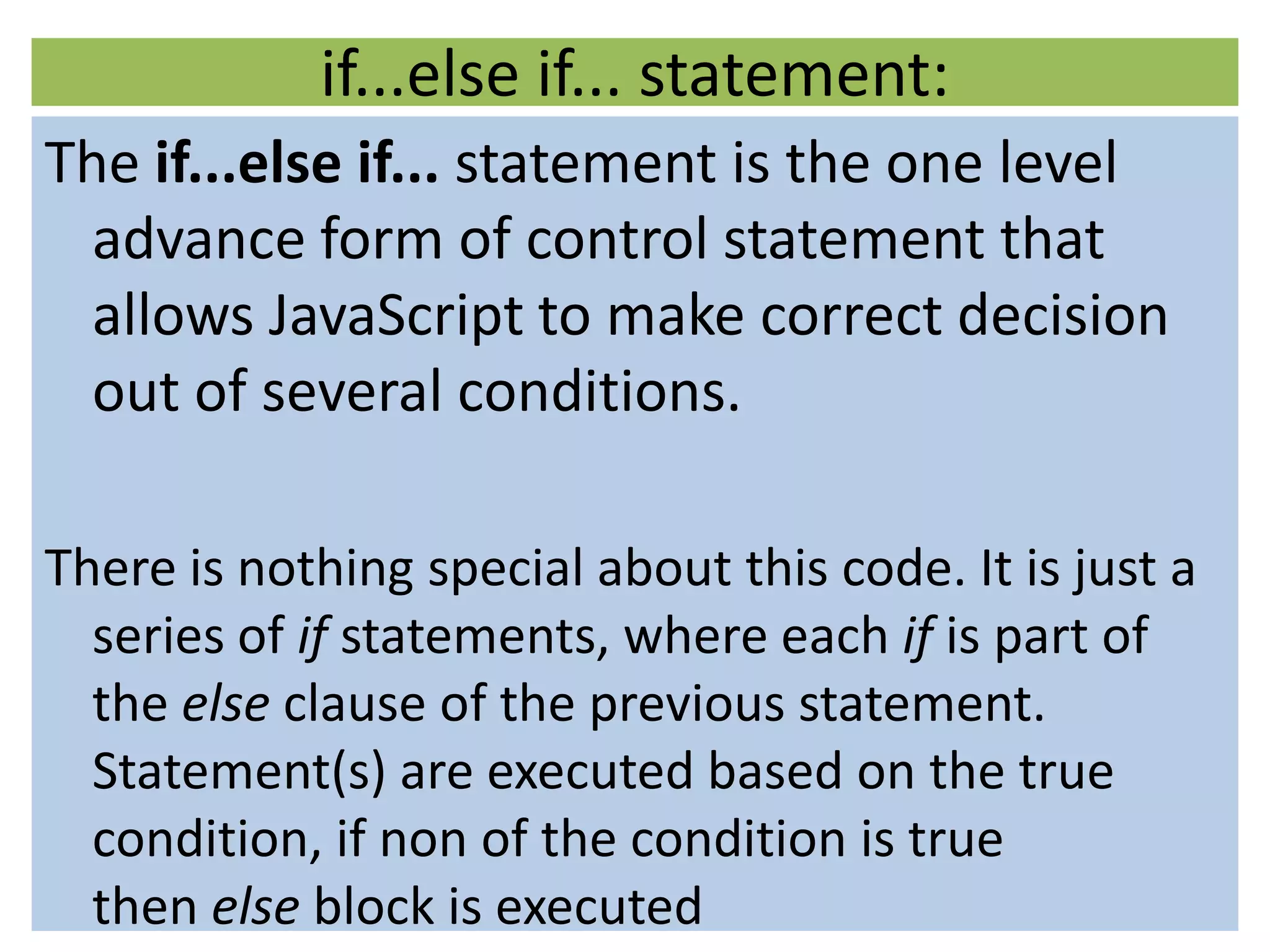
if...else if... statement:
The if...else if... statement is the one level
  advance form of control statement that
  allows JavaScript to make correct decision
  out of several conditions.

There is nothing special about this code. It is just a
  series of if statements, where each if is part of
  the else clause of the previous statement.
  Statement(s) are executed based on the true
  condition, if non of the condition is true
  then else block is executed
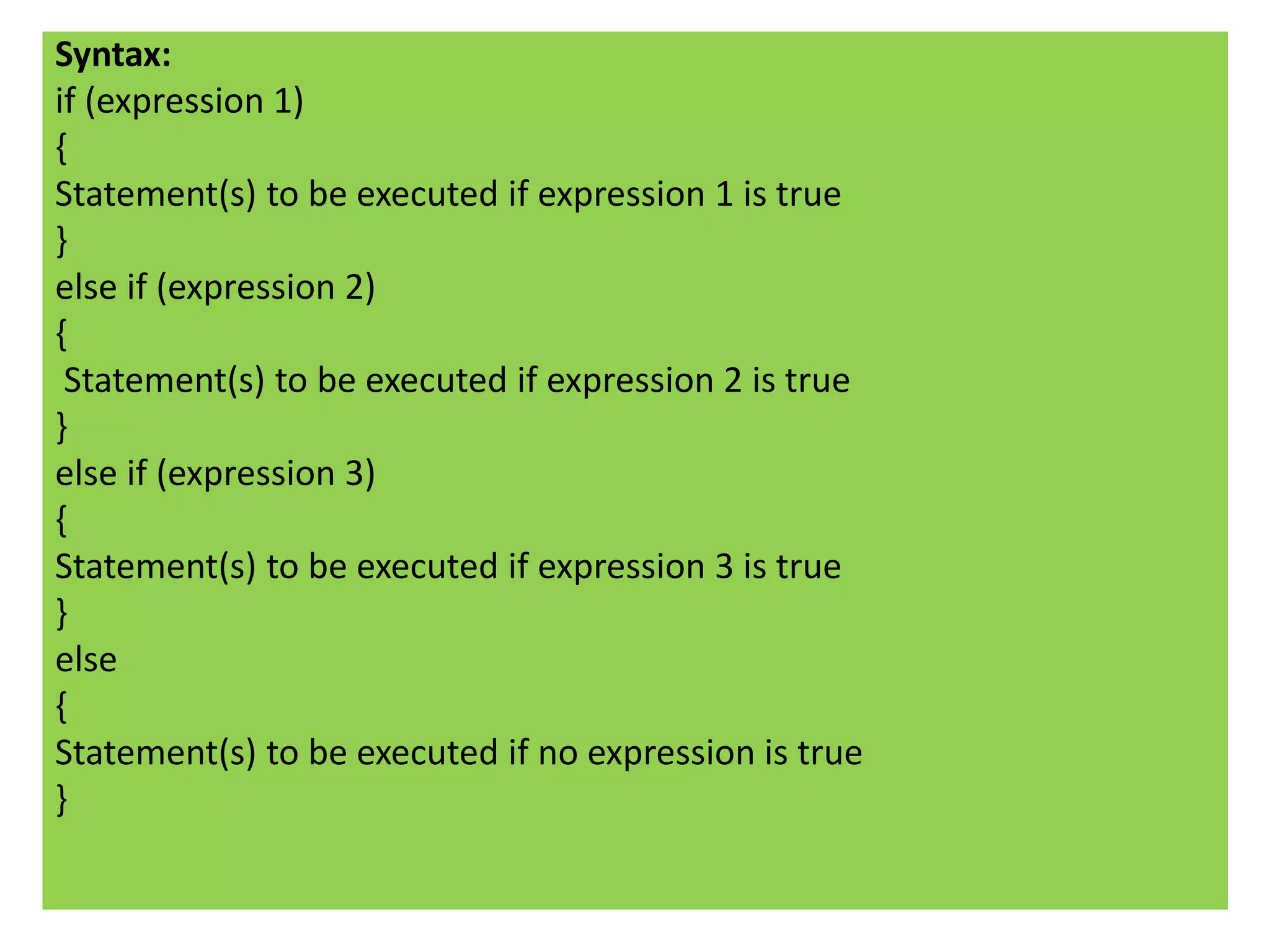
Syntax:
if (expression 1)
{
Statement(s) to be executed if expression 1 is true
}
else if (expression 2)
{
 Statement(s) to be executed if expression 2 is true
}
else if (expression 3)
{
Statement(s) to be executed if expression 3 is true
}
else
{
Statement(s) to be executed if no expression is true
}
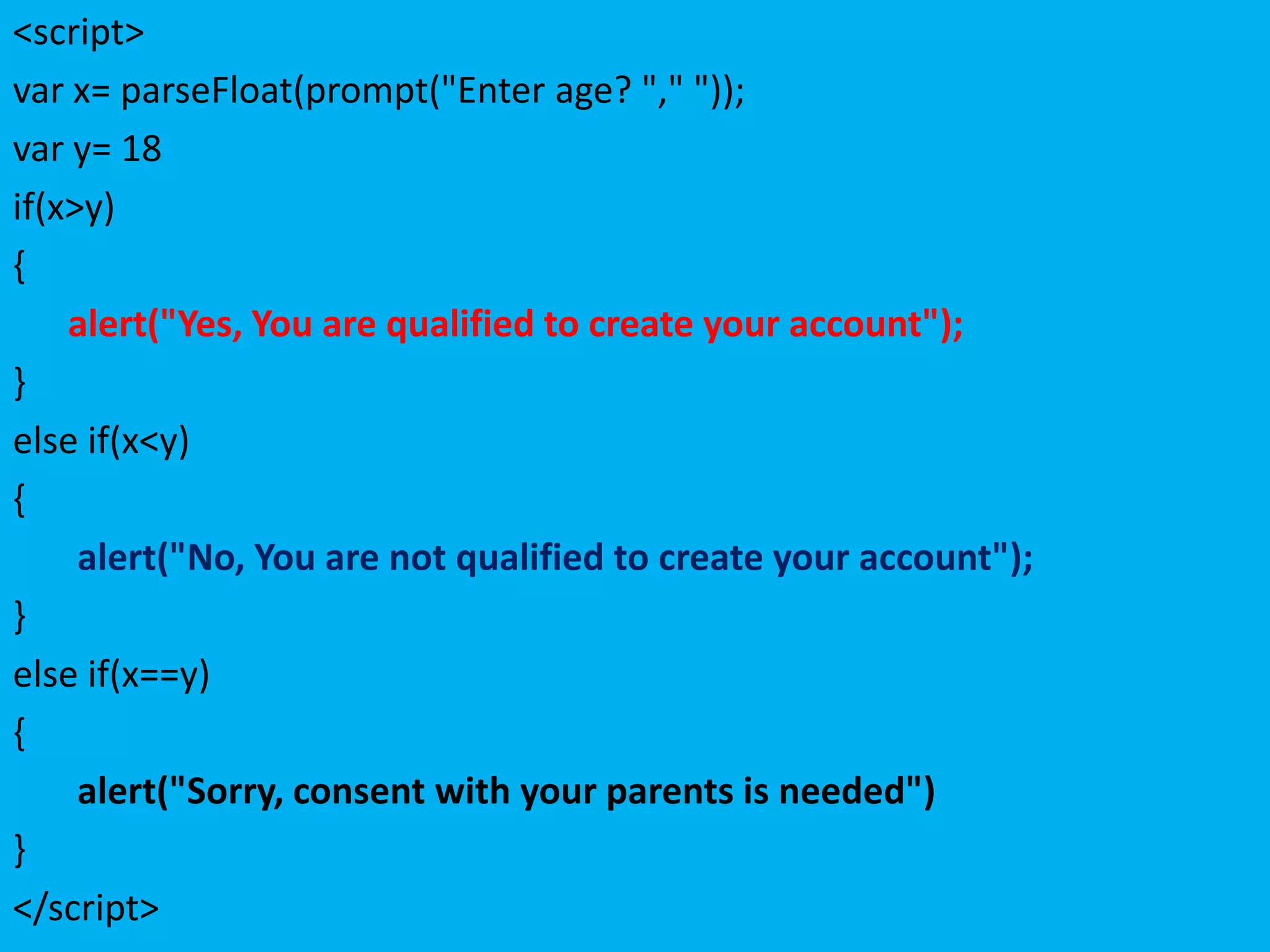
<script>
var x= parseFloat(prompt("Enter age? "," "));
var y= 18
if(x>y)
{
    alert("Yes, You are qualified to create your account");
}
else if(x<y)
{
     alert("No, You are not qualified to create your account");
}
else if(x==y)
{
     alert("Sorry, consent with your parents is needed")
}
</script>
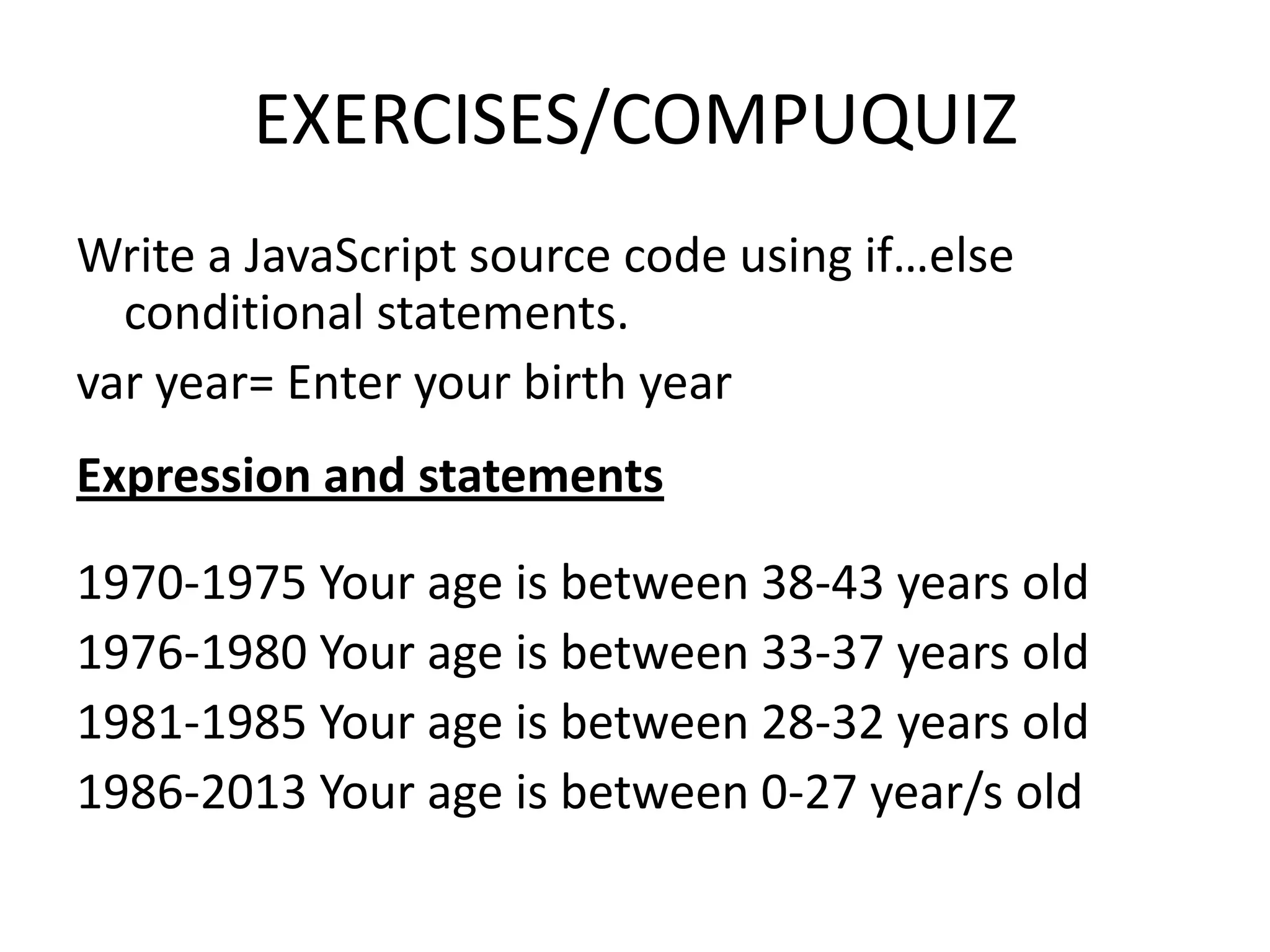
EXERCISES/COMPUQUIZ
Write a JavaScript source code using if…else
  conditional statements.
var year= Enter your birth year
Expression and statements

1970-1975 Your age is between 38-43 years old
1976-1980 Your age is between 33-37 years old
1981-1985 Your age is between 28-32 years old
1986-2013 Your age is between 0-27 year/s old

Javascript conditional statements 1

  • 1.
  • 2.
    REVIEW <html> <body> <script> var x= prompt("Whocreated the JavaScript? "," "); var y= "Brendan Eich", n= "brendan eich", m= "Brendan" var z= (x==y||x==n||x==m)?"Correct": "Wrong"; alert(""+z+""); document.write("Correct Answer: "+y+""); </script>
  • 3.
    Identify if corrector error source code If error ,find code/s or missing codes that will cause error. 7. var x= prompt(What is kbps stand for? “ ,””); 8. Var y= “kilobytes per seconds” 9. var z= (x==y) Correct: Wrong ; 10. Confirm(Are you sure); 11. msdocument.wrirte(The correct answer is “+z+”); 12. var x= parsefloatprompt(What number is less than 10? “,”)
  • 4.
    JAVASCRIPT: CONDITIONAL STATEMENTS •While writing a program, there may be a situation when you need to adopt one path out of the given two paths. So you need to make use of conditional statements that allow your program to make correct decisions and perform right actions. Reference: Tutorial Points.com • Sometimes when you write code, you want to perform different actions for different decisions. You can use conditional statements in your code to do this. Conditional statements are the set of commands used to perform different actions based on different conditions. JavaScript supports two conditional statements: if...else and switch. Both perform in saw way the same task. Reference:WebCheatSheet.com
  • 5.
    JavaScript supports conditionalstatements which are used to perform different actions based on different conditions. Here we will explain if..else statement. JavaScript supports following forms of if..else statement: if statement if...else statement if...else if... statement.
  • 6.
    if statement: The ifstatement is the fundamental control statement that allows JavaScript to make decisions and execute statements conditionally. Syntax: if (expression) Statement(s) to be executed if expression is true } Here JavaScript expression is evaluated. If the resulting value is true, given statement(s) are executed. If expression is false then no statement would be not executed. Most of the times you will use comparison operators while making decisions.
  • 7.
    Example: <html> <body> <script > var x=prompt(“HTMLstands for?”,””); var y= “Hypertext Mark Up Language” if(x==y) alert(“Correct"); If(x!=y) alert(“Wrong”); </script> </body> </html>
  • 8.
    if...else statement: The if...elsestatement is the next form of control statement that allows JavaScript to execute statements in more controlled way. Syntax: if (expression) { Statement(s) to be executed if expression is true } else { Statement(s) to be executed if expression is false } Here JavaScript expression is evaluated. If the resulting value is true, given statement(s) in the if block, are executed. If expression is false then given statement(s) in the else block, are executed.
  • 9.
    EXAMPLE <html> <body> <script> var x= parseFloat(prompt("Kilobytesis consist of how many bytes? "," ")); var y= "1000" if(x==y) { alert("Yes, Kilobytes is equal to "+x+" bytes"); } else { alert("No, Kilobytes is not equal to "+x+" bytes"); } </script> </body> </html>
  • 10.
    if...else if... statement: Theif...else if... statement is the one level advance form of control statement that allows JavaScript to make correct decision out of several conditions. There is nothing special about this code. It is just a series of if statements, where each if is part of the else clause of the previous statement. Statement(s) are executed based on the true condition, if non of the condition is true then else block is executed
  • 11.
    Syntax: if (expression 1) { Statement(s)to be executed if expression 1 is true } else if (expression 2) { Statement(s) to be executed if expression 2 is true } else if (expression 3) { Statement(s) to be executed if expression 3 is true } else { Statement(s) to be executed if no expression is true }
  • 12.
    <script> var x= parseFloat(prompt("Enterage? "," ")); var y= 18 if(x>y) { alert("Yes, You are qualified to create your account"); } else if(x<y) { alert("No, You are not qualified to create your account"); } else if(x==y) { alert("Sorry, consent with your parents is needed") } </script>
  • 13.
    EXERCISES/COMPUQUIZ Write a JavaScriptsource code using if…else conditional statements. var year= Enter your birth year Expression and statements 1970-1975 Your age is between 38-43 years old 1976-1980 Your age is between 33-37 years old 1981-1985 Your age is between 28-32 years old 1986-2013 Your age is between 0-27 year/s old