JavaScript Ajax & DOM Manipulation Matthew Batchelder
Agenda JavaScript: What it is and isn't JavaScript: Uses What is the DOM? What is AJAX? jQuery FTW! Manipulating page elements (the DOM) in sweet ways Simplified AJAX Other Coolness Pluggability jQuery in myPlymouth
Before We Start! Important tools to have Use Firefox  Firebug JS Debugging FTW Web Developer Toolbar (handy) A sexy text editor (not notepad)
JS: What it is and isn’t NOT Java despite its name ECMAScript More than form validation Client-Side Scripting Language Dynamic Weakly Typed Object-Oriented (Prototype-Based) DOM Event Tool
JavaScript Sandbox Scripts run in a “sandbox” Can only perform web-related actions, not File-System actions Constrained by a “Same Origin Policy”
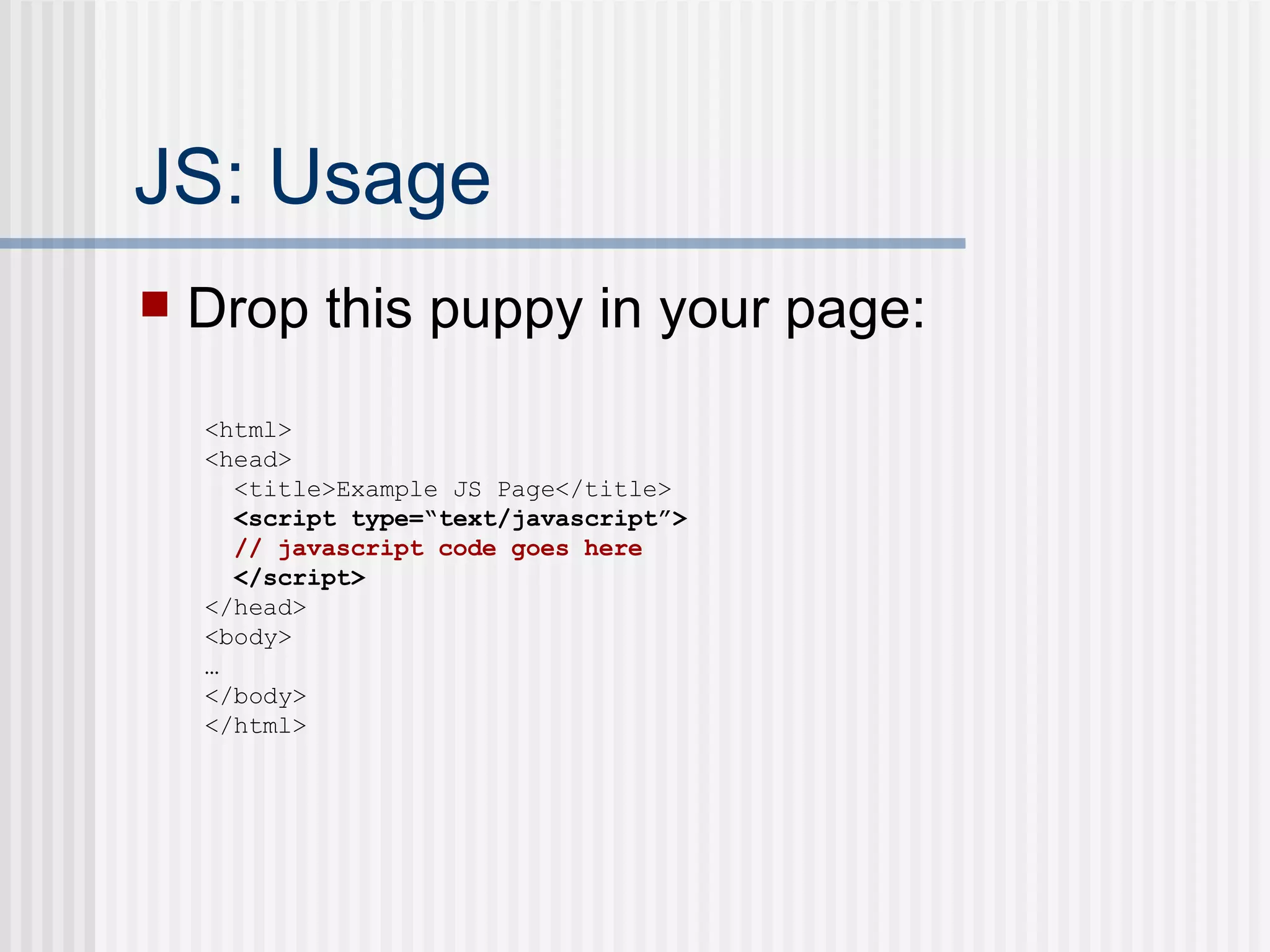
JS: Usage Drop this puppy in your page:  <html> <head> <title>Example JS Page</title> <script type=“text/javascript”> // javascript code goes here </script> </head> <body> … </body> </html>
JS: Literals The following are literals…each variable is literally the data assigned. <script type=“text/javascript”> var myNumber = 123; var myString = ‘Bork!’; var myBoolean = true; var myFunction = function(){ return ‘hello’;} var myRegExp = /bork/gi; var myArray = [1, 2, 3]; var myCarObject = { color: ‘red’, tires: 4, windows: 6 } </script>
JS: Objects Everything in JS is an Object Those literals can be written: <script type=“text/javascript”> var myNumber = new Number(123); var myString = new String(‘Bork!’); var myBoolean = new Boolean(true); var myFunction = new Function(‘’, “return ‘hello’”);} var myRegExp = new RegExp(‘bork’); var myArray = new Array(); myArray[0] = 1; myArray[1] = 2; myArray[2] = 3; var myCarObject = new Object(); myCarObject.color = ‘red’; myCarObject.tires = 4; myCarObject.windows = 6; </script>
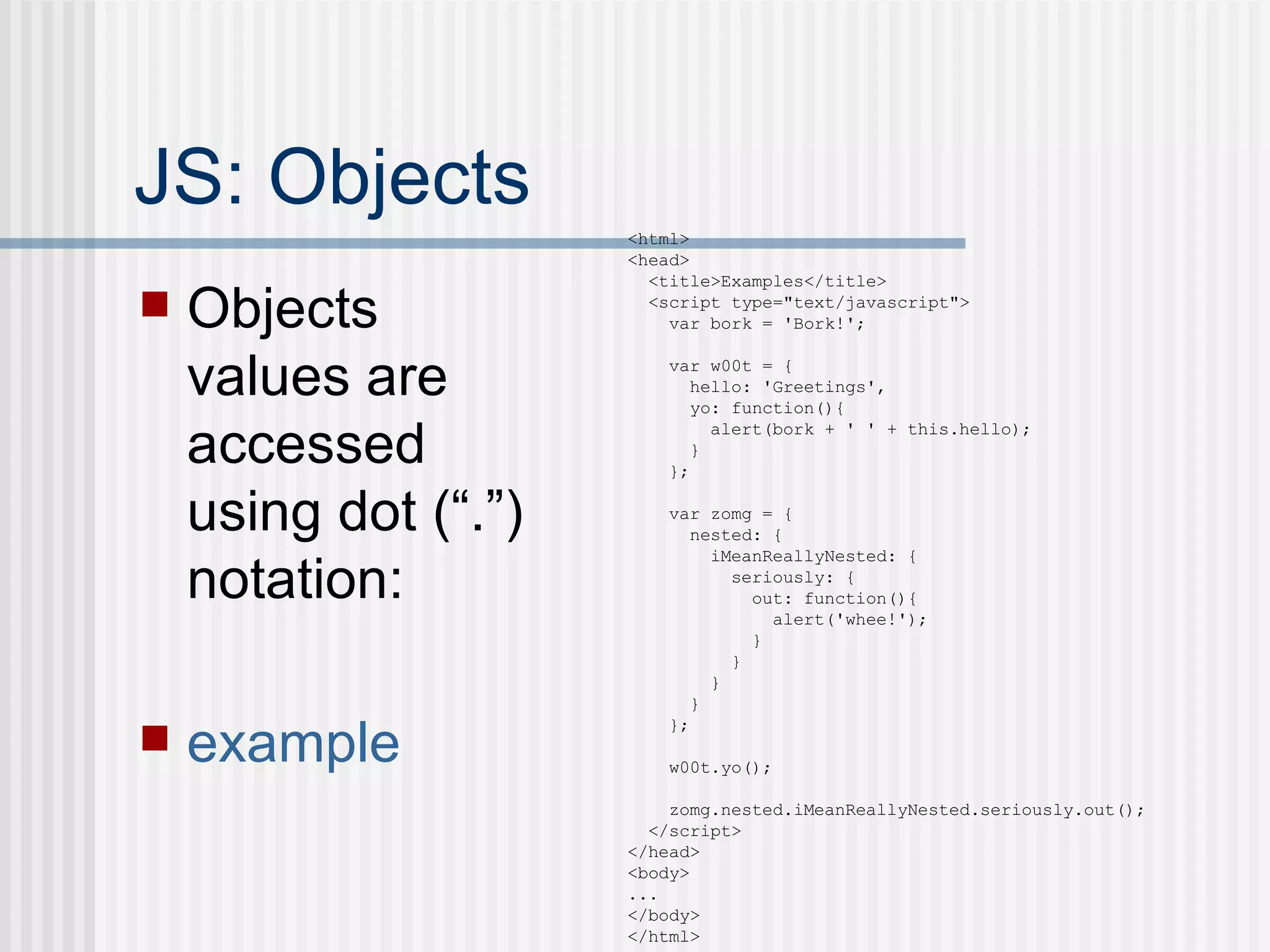
JS: Objects Objects values are accessed using dot (“.”) notation: example <html> <head> <title>Examples</title> <script type=&quot;text/javascript&quot;> var bork = 'Bork!'; var w00t = { hello: 'Greetings', yo: function(){ alert(bork + ' ' + this.hello); } }; var zomg = { nested: { iMeanReallyNested: { seriously: { out: function(){ alert('whee!'); } } } } }; w00t.yo(); zomg.nested.iMeanReallyNested.seriously.out(); </script> </head> <body> ... </body> </html>
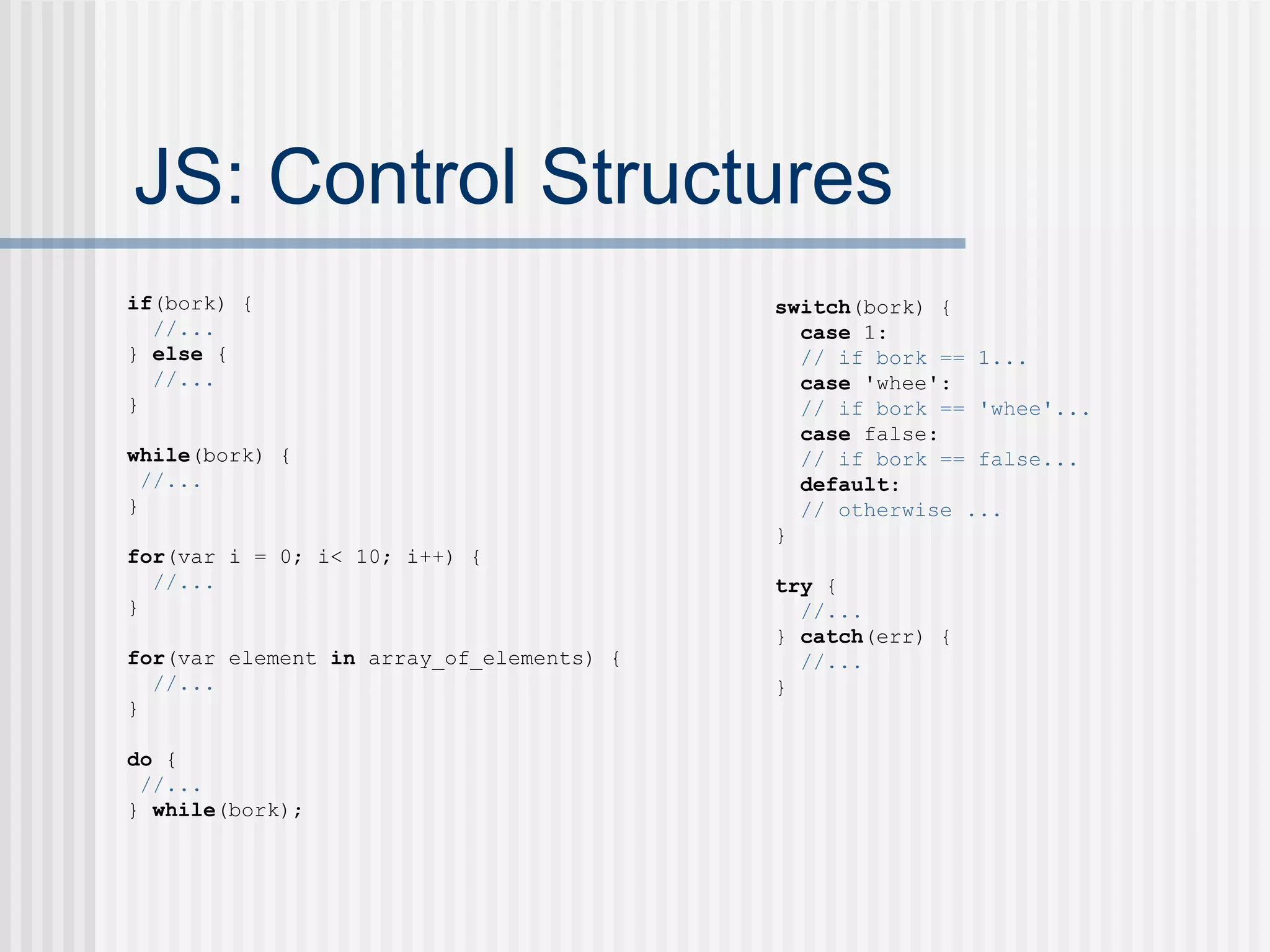
JS: Control Structures if (bork) { //... }  else  { //... } while (bork) { //... } for (var i = 0; i< 10; i++) { //... } for (var element  in  array_of_elements) { //... } do  { //... }  while (bork); switch (bork) { case  1: // if bork == 1... case  'whee': // if bork == 'whee'... case  false: // if bork == false... default : // otherwise ... } try  { //... }  catch (err) { //... }
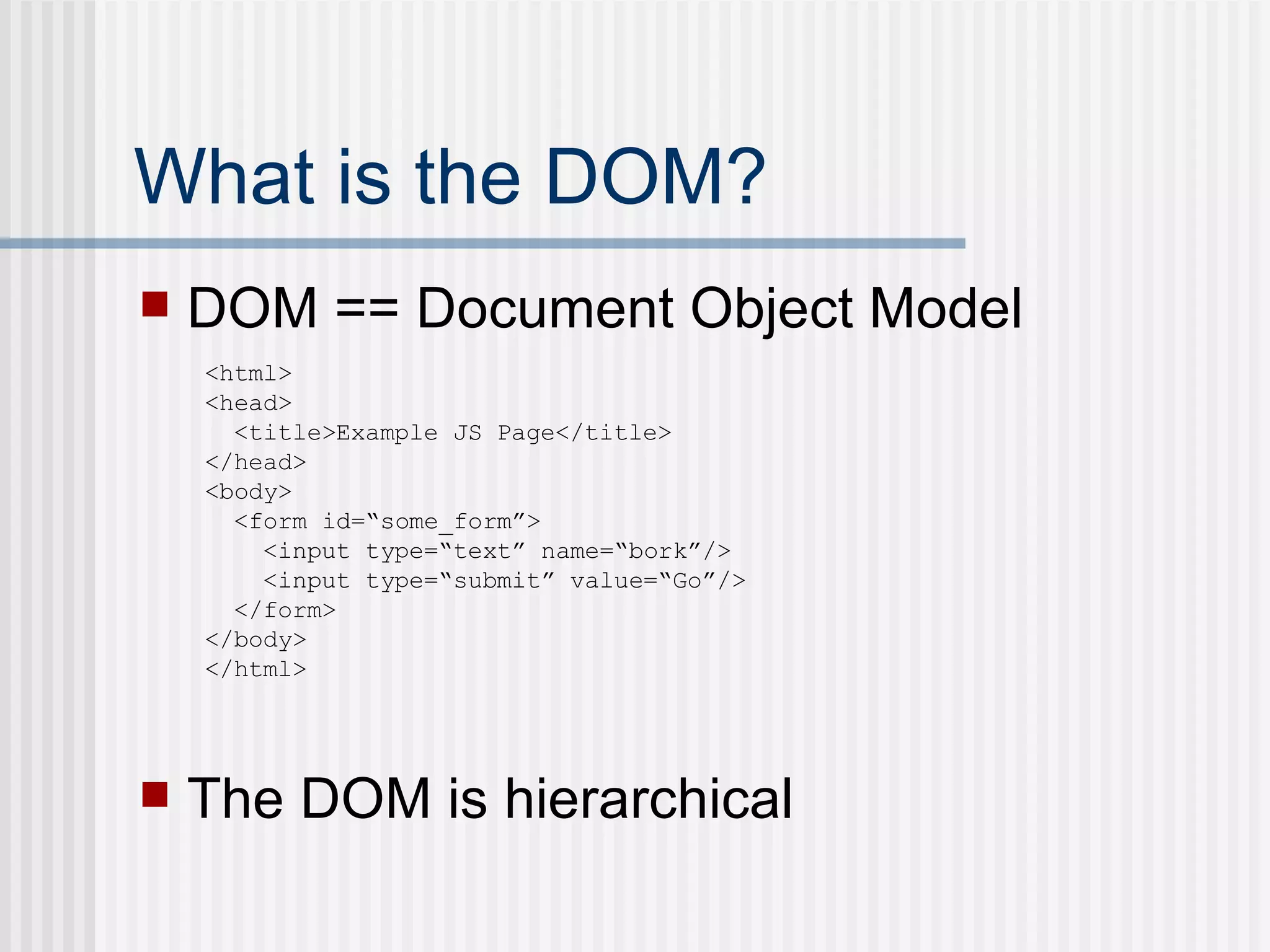
What is the DOM? DOM == Document Object Model The DOM is hierarchical <html> <head> <title>Example JS Page</title> </head> <body> <form id=“some_form”> <input type=“text” name=“bork”/> <input type=“submit” value=“Go”/> </form> </body> </html>
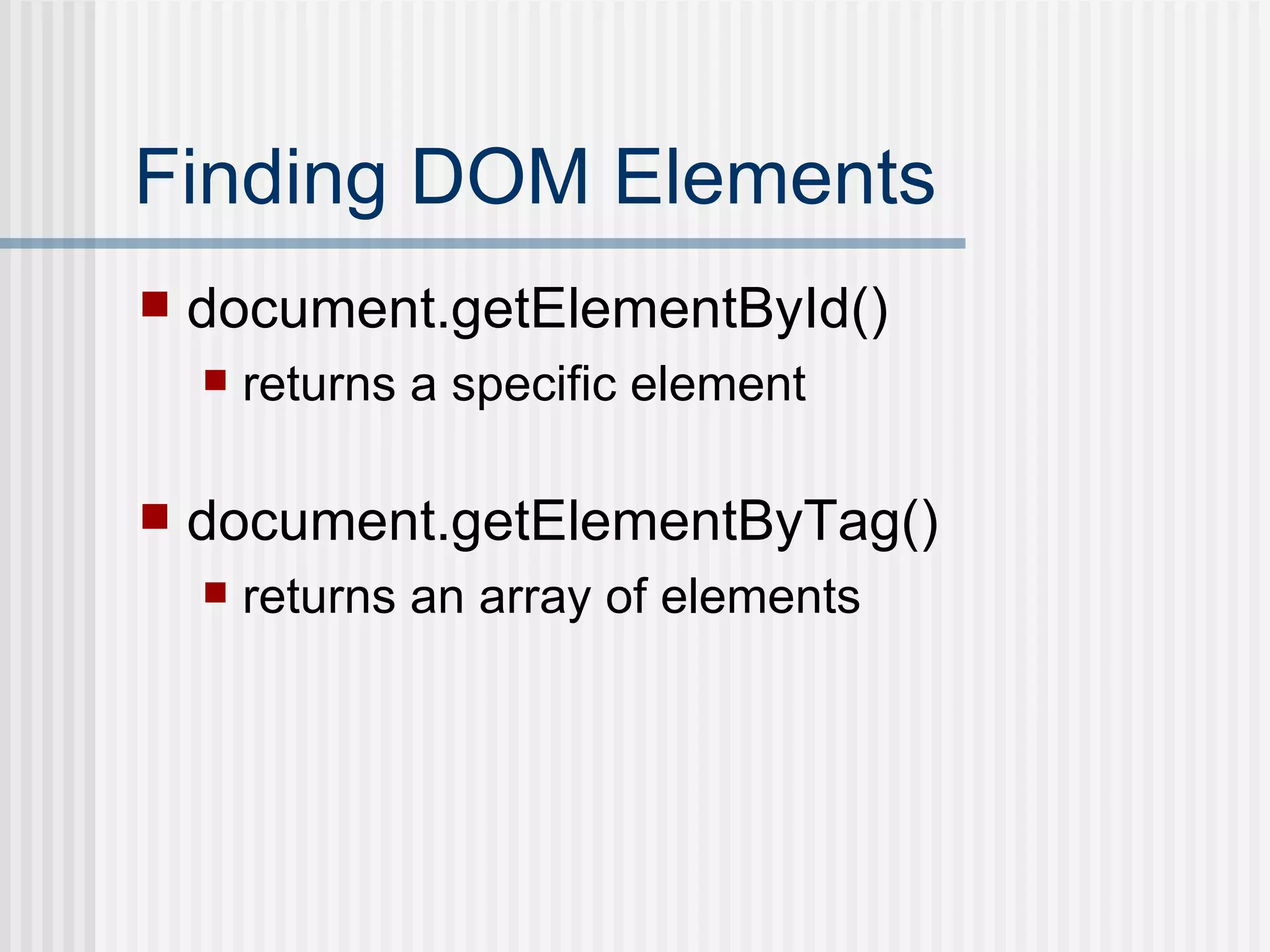
Finding DOM Elements document.getElementById() returns a specific element document.getElementByTag() returns an array of elements
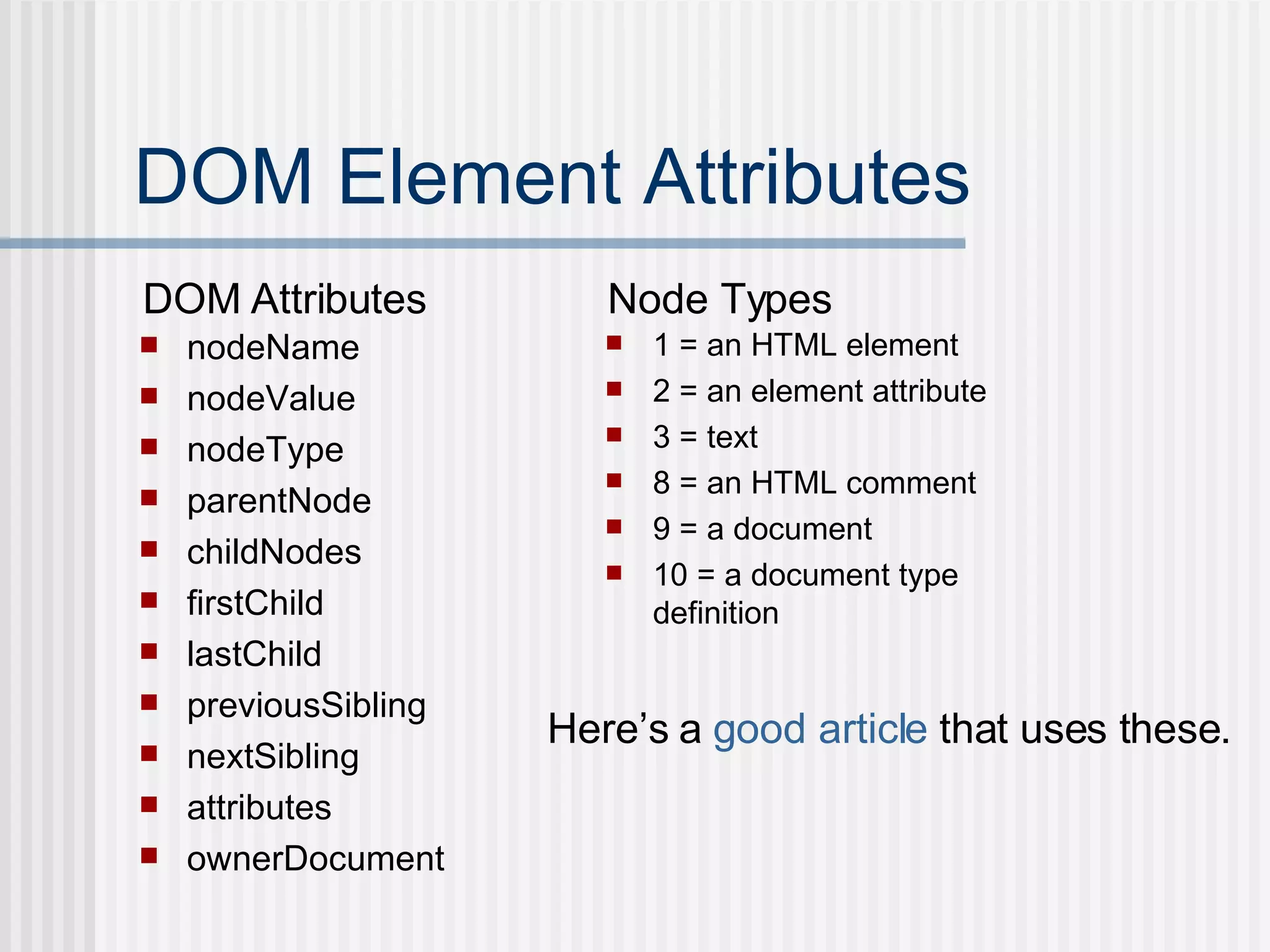
DOM Element Attributes nodeName nodeValue nodeType parentNode childNodes firstChild lastChild previousSibling nextSibling attributes ownerDocument 1 = an HTML element 2 = an element attribute 3 = text 8 = an HTML comment 9 = a document 10 = a document type definition DOM Attributes Node Types Here’s a  good article  that uses these.
Manipulating the DOM Dynamically creating and adding elements document.createElement appendChild example
innerHTML Why go through the trouble of creating Nodes? More efficient Easier example
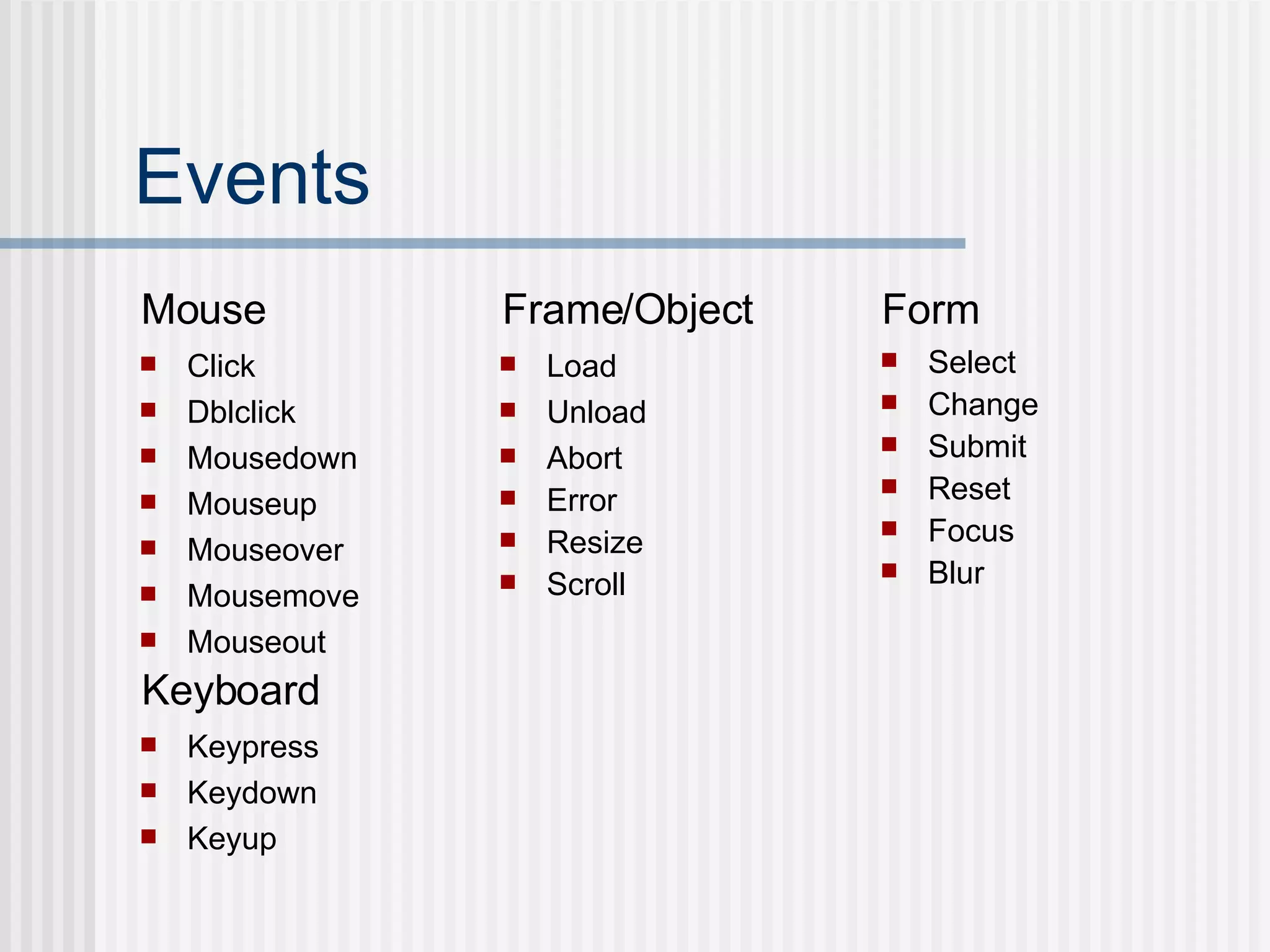
Events Click Dblclick Mousedown Mouseup Mouseover Mousemove Mouseout Keypress Keydown Keyup Select Change Submit Reset Focus Blur Load Unload  Abort Error Resize Scroll Mouse Keyboard Frame/Object Form
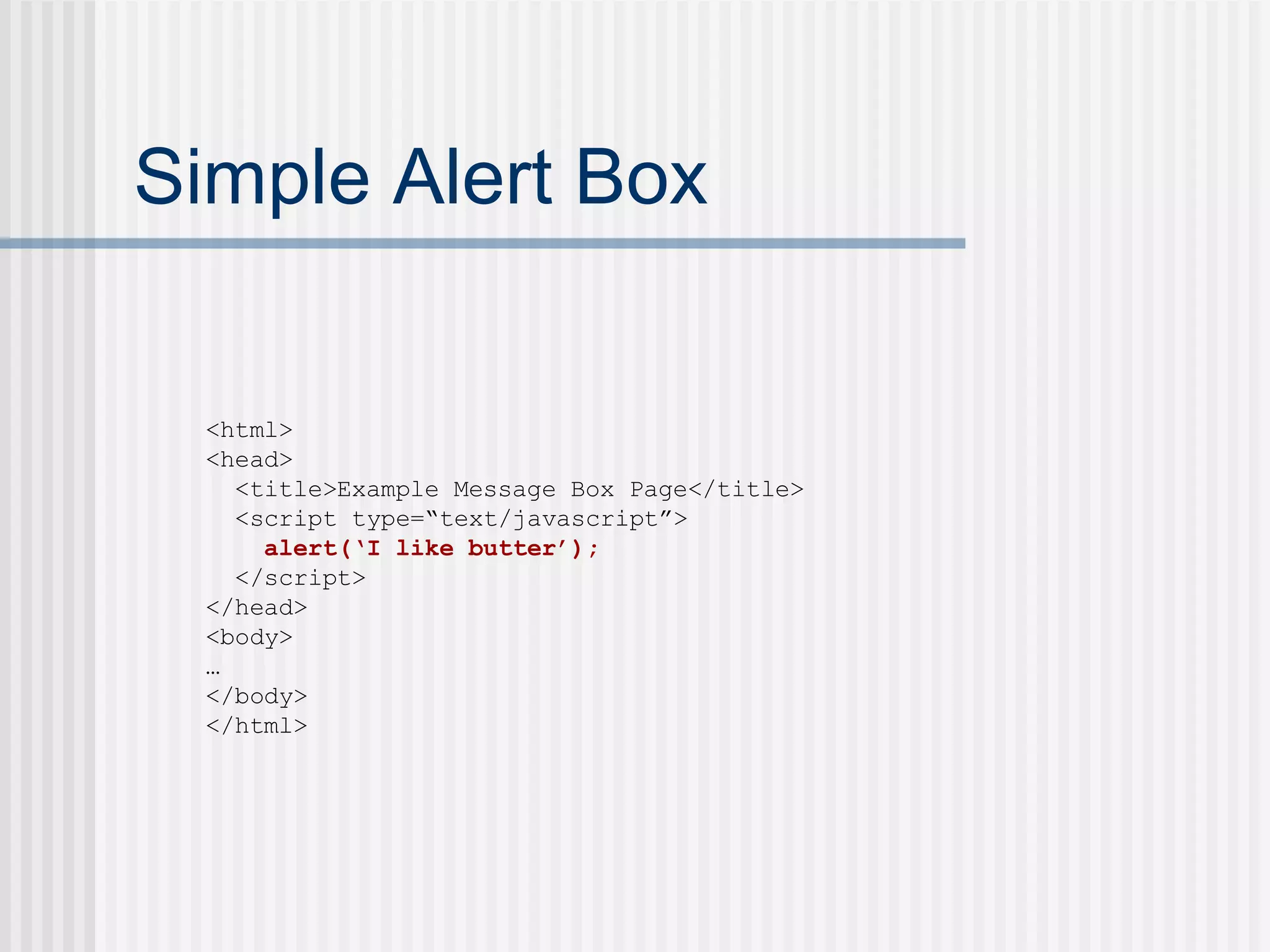
Simple Alert Box <html> <head> <title>Example Message Box Page</title> <script type=“text/javascript”> alert(‘I like butter’); </script> </head> <body> … </body> </html>
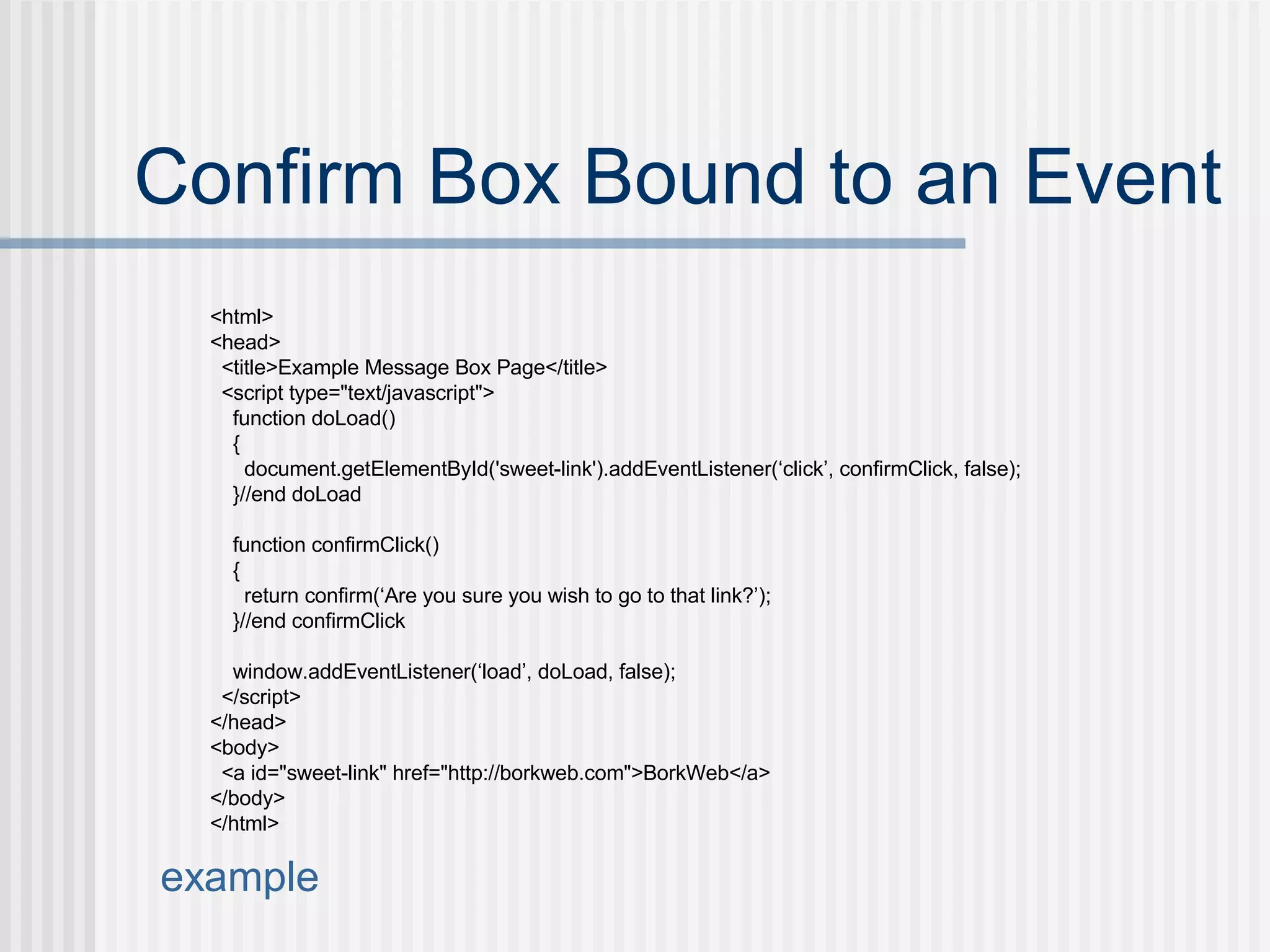
Confirm Box Bound to an Event <html> <head> <title>Example Message Box Page</title> <script type=&quot;text/javascript&quot;> function doLoad() { document.getElementById('sweet-link').addEventListener(‘click’, confirmClick, false); }//end doLoad function confirmClick() { return confirm(‘Are you sure you wish to go to that link?’); }//end confirmClick window.addEventListener(‘load’, doLoad, false); </script> </head> <body> <a id=&quot;sweet-link&quot; href=&quot;http://borkweb.com&quot;>BorkWeb</a> </body> </html> example
Hiding/Displaying Elements Element visibility is a nice use of events and DOM manipulation example
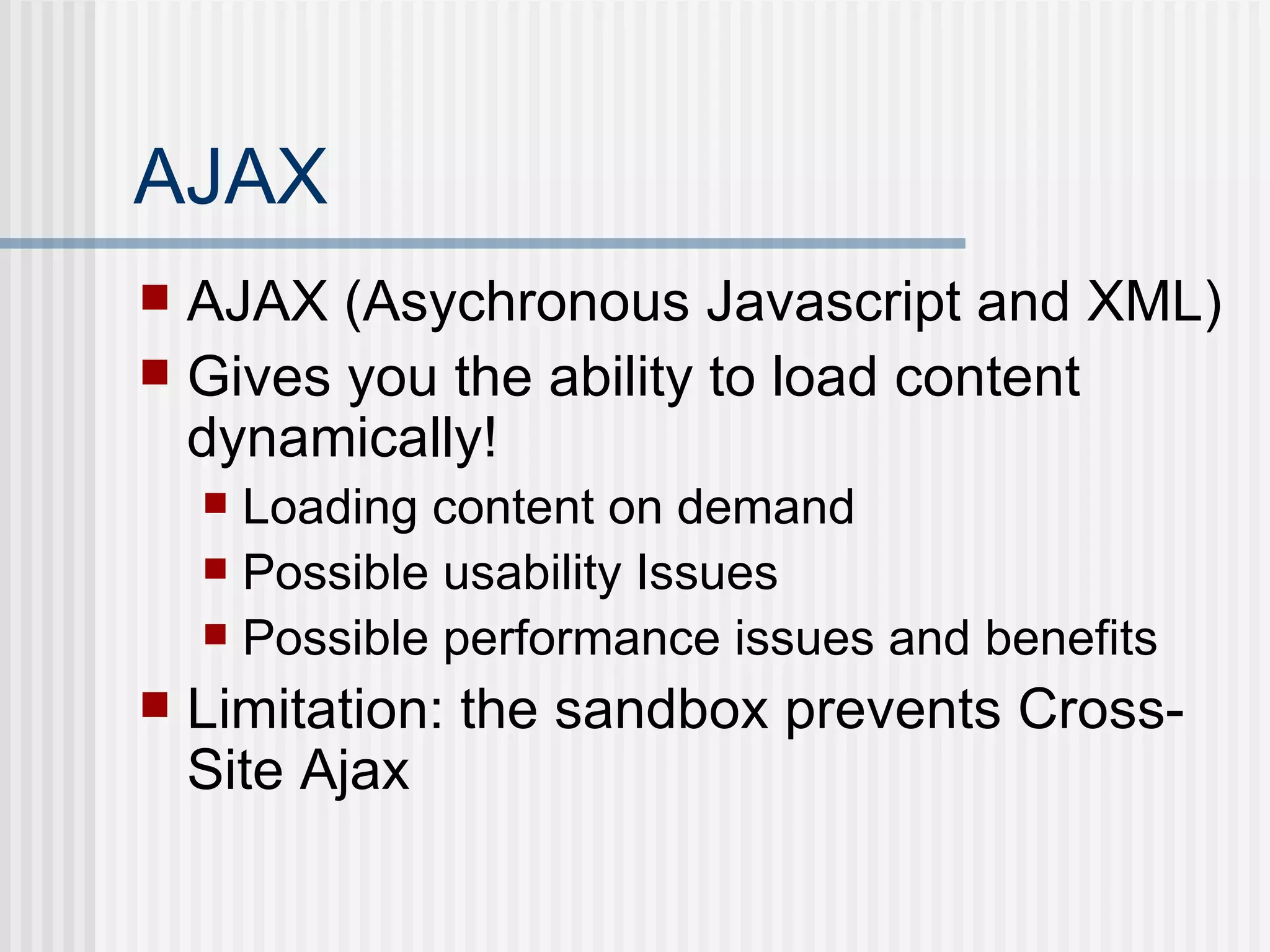
AJAX AJAX (Asychronous Javascript and XML) Gives you the ability to load content dynamically! Loading content on demand Possible usability Issues Possible performance issues and benefits Limitation: the sandbox prevents Cross-Site Ajax
Ajax: XMLHttpRequest Loading content on demand: example
WAIT!!!!!!!!!!!!! Things can actually be a bit easier. How much?  Well most of the above.
WTF? jQuery.  That’s what we use on campus.  Its hawt.
What is jQuery? jQuery is a sweet JavaScript Library Its Mantra: Find stuff and do stuff with it Focuses on simplicity Get it  here Check out the  docs
Finding Elements Say goodbye to document.getElementById() and document.getElementByTag() Say hello to: $() Uses  CSS Selectors  to find elements and returns them as an array of elements.
Finding Elements With $ $(‘a’) $(‘.class’) $(‘#id’) $(‘.content div’) $(‘input[name=bork]’) $(‘input:first’) Here’s an  example . Check out the selector syntax for more info.
Lets do some of the stuff we already did… Adding Text Fields Toggling   Element Visibility Ajax Content
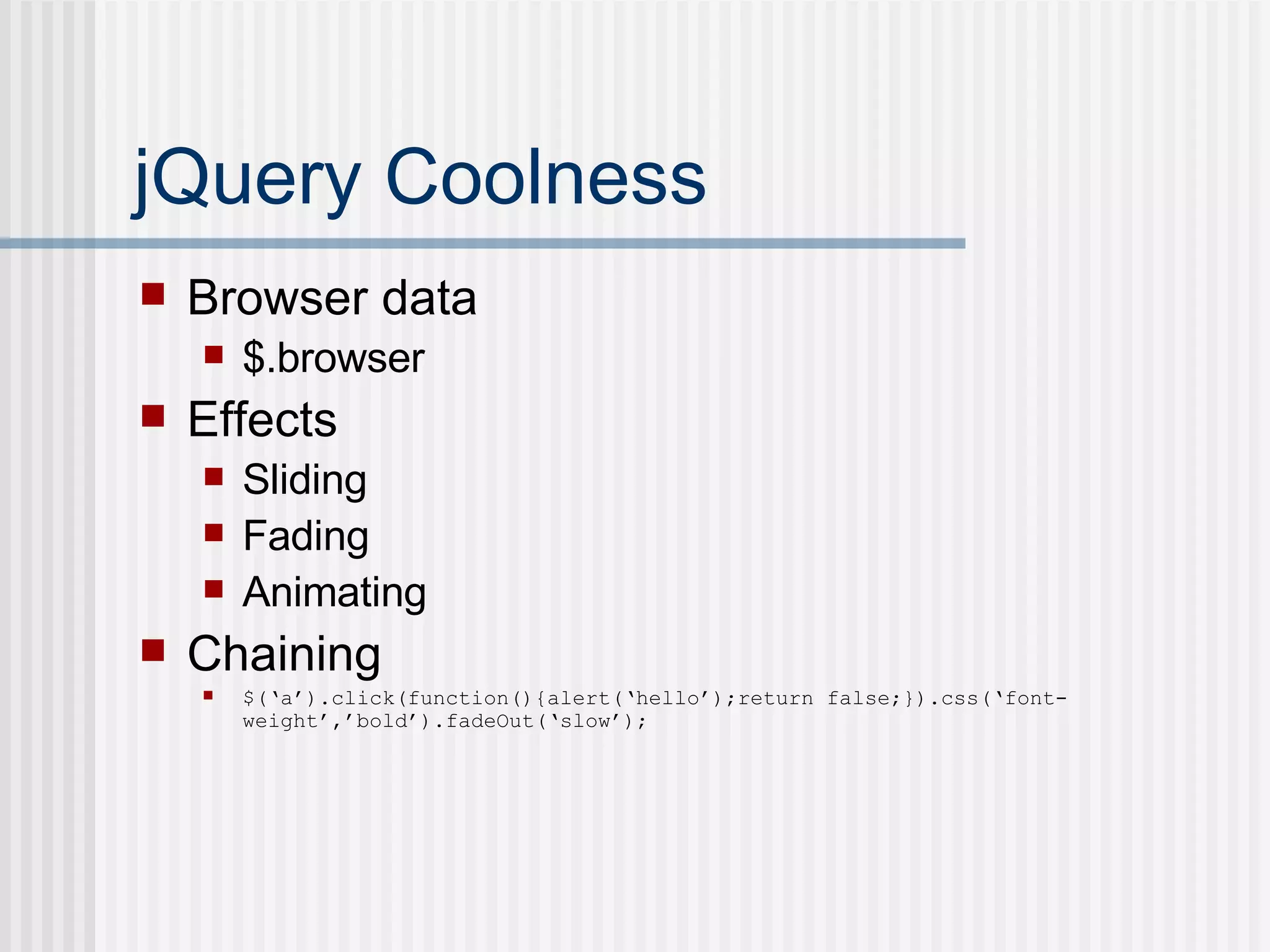
jQuery Coolness Browser data $.browser Effects Sliding Fading Animating Chaining $(‘a’).click(function(){alert(‘hello’);return false;}).css(‘font-weight’,’bold’).fadeOut(‘slow’);
jQuery Plugins Pluggable!  Additional jQuery functionality added by including  jQuery  plugins .
jQuery in myPlymouth Go Sidebar Bookmarks Tab Stack Etc… Check out the  source .
The End. Resources Slide Examples jQuery Image Sprites  (I talked about this briefly) Mega Man !

JavaScript: Ajax & DOM Manipulation

  • 1.
    JavaScript Ajax &DOM Manipulation Matthew Batchelder
  • 2.
    Agenda JavaScript: Whatit is and isn't JavaScript: Uses What is the DOM? What is AJAX? jQuery FTW! Manipulating page elements (the DOM) in sweet ways Simplified AJAX Other Coolness Pluggability jQuery in myPlymouth
  • 3.
    Before We Start!Important tools to have Use Firefox Firebug JS Debugging FTW Web Developer Toolbar (handy) A sexy text editor (not notepad)
  • 4.
    JS: What itis and isn’t NOT Java despite its name ECMAScript More than form validation Client-Side Scripting Language Dynamic Weakly Typed Object-Oriented (Prototype-Based) DOM Event Tool
  • 5.
    JavaScript Sandbox Scriptsrun in a “sandbox” Can only perform web-related actions, not File-System actions Constrained by a “Same Origin Policy”
  • 6.
    JS: Usage Dropthis puppy in your page: <html> <head> <title>Example JS Page</title> <script type=“text/javascript”> // javascript code goes here </script> </head> <body> … </body> </html>
  • 7.
    JS: Literals Thefollowing are literals…each variable is literally the data assigned. <script type=“text/javascript”> var myNumber = 123; var myString = ‘Bork!’; var myBoolean = true; var myFunction = function(){ return ‘hello’;} var myRegExp = /bork/gi; var myArray = [1, 2, 3]; var myCarObject = { color: ‘red’, tires: 4, windows: 6 } </script>
  • 8.
    JS: Objects Everythingin JS is an Object Those literals can be written: <script type=“text/javascript”> var myNumber = new Number(123); var myString = new String(‘Bork!’); var myBoolean = new Boolean(true); var myFunction = new Function(‘’, “return ‘hello’”);} var myRegExp = new RegExp(‘bork’); var myArray = new Array(); myArray[0] = 1; myArray[1] = 2; myArray[2] = 3; var myCarObject = new Object(); myCarObject.color = ‘red’; myCarObject.tires = 4; myCarObject.windows = 6; </script>
  • 9.
    JS: Objects Objectsvalues are accessed using dot (“.”) notation: example <html> <head> <title>Examples</title> <script type=&quot;text/javascript&quot;> var bork = 'Bork!'; var w00t = { hello: 'Greetings', yo: function(){ alert(bork + ' ' + this.hello); } }; var zomg = { nested: { iMeanReallyNested: { seriously: { out: function(){ alert('whee!'); } } } } }; w00t.yo(); zomg.nested.iMeanReallyNested.seriously.out(); </script> </head> <body> ... </body> </html>
  • 10.
    JS: Control Structuresif (bork) { //... } else { //... } while (bork) { //... } for (var i = 0; i< 10; i++) { //... } for (var element in array_of_elements) { //... } do { //... } while (bork); switch (bork) { case 1: // if bork == 1... case 'whee': // if bork == 'whee'... case false: // if bork == false... default : // otherwise ... } try { //... } catch (err) { //... }
  • 11.
    What is theDOM? DOM == Document Object Model The DOM is hierarchical <html> <head> <title>Example JS Page</title> </head> <body> <form id=“some_form”> <input type=“text” name=“bork”/> <input type=“submit” value=“Go”/> </form> </body> </html>
  • 12.
    Finding DOM Elementsdocument.getElementById() returns a specific element document.getElementByTag() returns an array of elements
  • 13.
    DOM Element AttributesnodeName nodeValue nodeType parentNode childNodes firstChild lastChild previousSibling nextSibling attributes ownerDocument 1 = an HTML element 2 = an element attribute 3 = text 8 = an HTML comment 9 = a document 10 = a document type definition DOM Attributes Node Types Here’s a good article that uses these.
  • 14.
    Manipulating the DOMDynamically creating and adding elements document.createElement appendChild example
  • 15.
    innerHTML Why gothrough the trouble of creating Nodes? More efficient Easier example
  • 16.
    Events Click DblclickMousedown Mouseup Mouseover Mousemove Mouseout Keypress Keydown Keyup Select Change Submit Reset Focus Blur Load Unload Abort Error Resize Scroll Mouse Keyboard Frame/Object Form
  • 17.
    Simple Alert Box<html> <head> <title>Example Message Box Page</title> <script type=“text/javascript”> alert(‘I like butter’); </script> </head> <body> … </body> </html>
  • 18.
    Confirm Box Boundto an Event <html> <head> <title>Example Message Box Page</title> <script type=&quot;text/javascript&quot;> function doLoad() { document.getElementById('sweet-link').addEventListener(‘click’, confirmClick, false); }//end doLoad function confirmClick() { return confirm(‘Are you sure you wish to go to that link?’); }//end confirmClick window.addEventListener(‘load’, doLoad, false); </script> </head> <body> <a id=&quot;sweet-link&quot; href=&quot;http://borkweb.com&quot;>BorkWeb</a> </body> </html> example
  • 19.
    Hiding/Displaying Elements Elementvisibility is a nice use of events and DOM manipulation example
  • 20.
    AJAX AJAX (AsychronousJavascript and XML) Gives you the ability to load content dynamically! Loading content on demand Possible usability Issues Possible performance issues and benefits Limitation: the sandbox prevents Cross-Site Ajax
  • 21.
    Ajax: XMLHttpRequest Loadingcontent on demand: example
  • 22.
    WAIT!!!!!!!!!!!!! Things canactually be a bit easier. How much? Well most of the above.
  • 23.
    WTF? jQuery. That’s what we use on campus. Its hawt.
  • 24.
    What is jQuery?jQuery is a sweet JavaScript Library Its Mantra: Find stuff and do stuff with it Focuses on simplicity Get it here Check out the docs
  • 25.
    Finding Elements Saygoodbye to document.getElementById() and document.getElementByTag() Say hello to: $() Uses CSS Selectors to find elements and returns them as an array of elements.
  • 26.
    Finding Elements With$ $(‘a’) $(‘.class’) $(‘#id’) $(‘.content div’) $(‘input[name=bork]’) $(‘input:first’) Here’s an example . Check out the selector syntax for more info.
  • 27.
    Lets do someof the stuff we already did… Adding Text Fields Toggling Element Visibility Ajax Content
  • 28.
    jQuery Coolness Browserdata $.browser Effects Sliding Fading Animating Chaining $(‘a’).click(function(){alert(‘hello’);return false;}).css(‘font-weight’,’bold’).fadeOut(‘slow’);
  • 29.
    jQuery Plugins Pluggable! Additional jQuery functionality added by including jQuery plugins .
  • 30.
    jQuery in myPlymouthGo Sidebar Bookmarks Tab Stack Etc… Check out the source .
  • 31.
    The End. ResourcesSlide Examples jQuery Image Sprites (I talked about this briefly) Mega Man !