JavaScript σχόλια
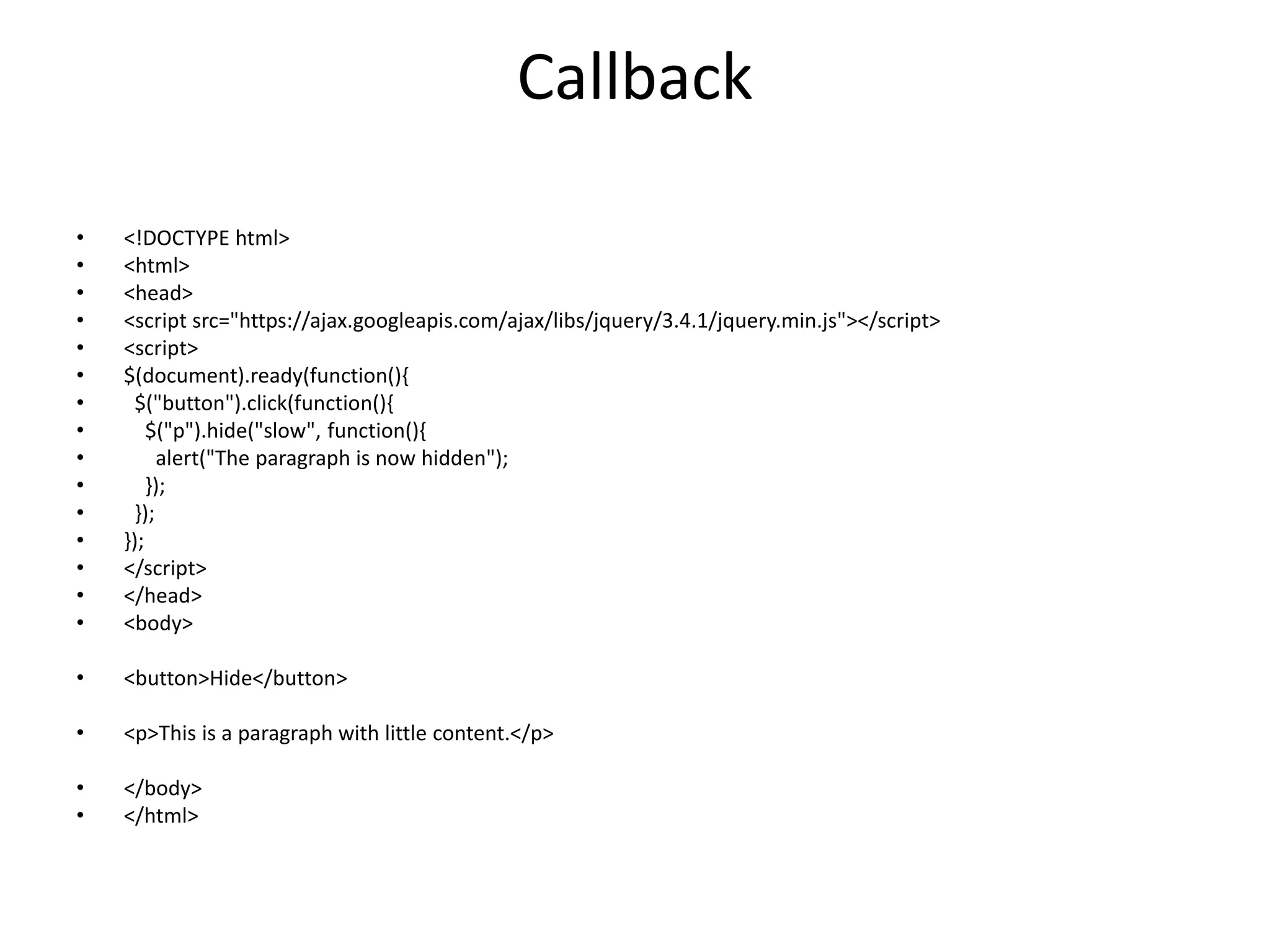
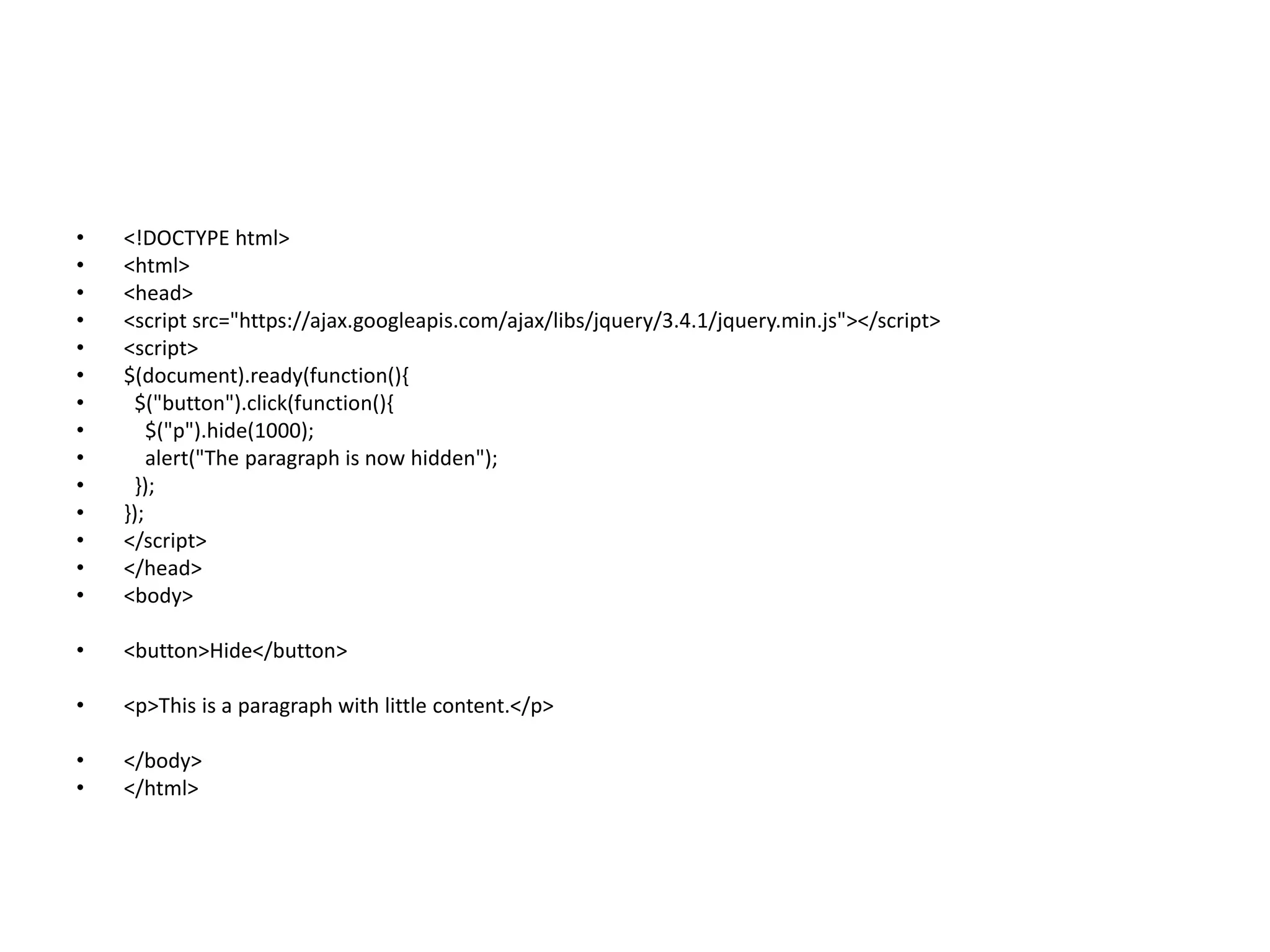
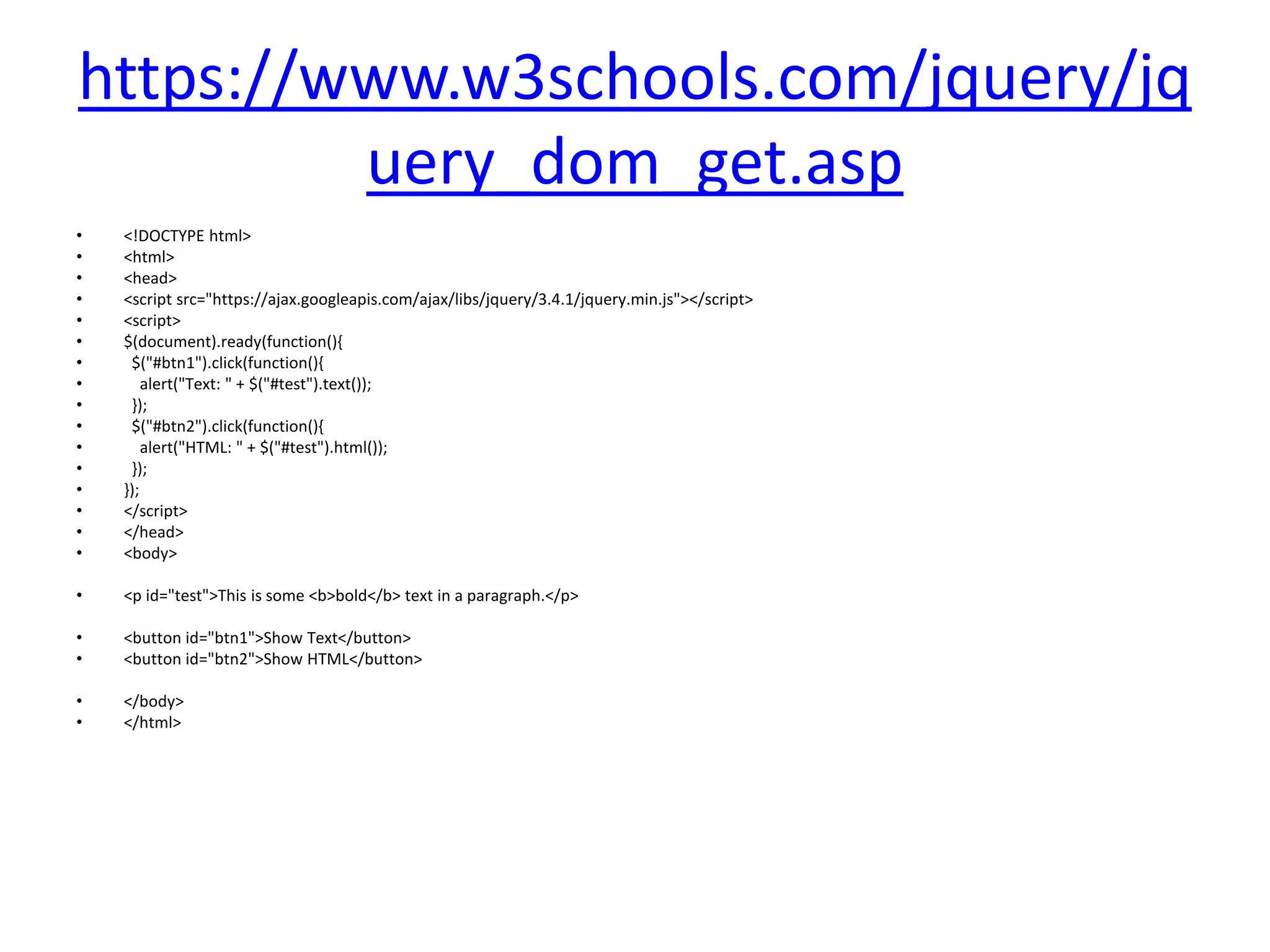
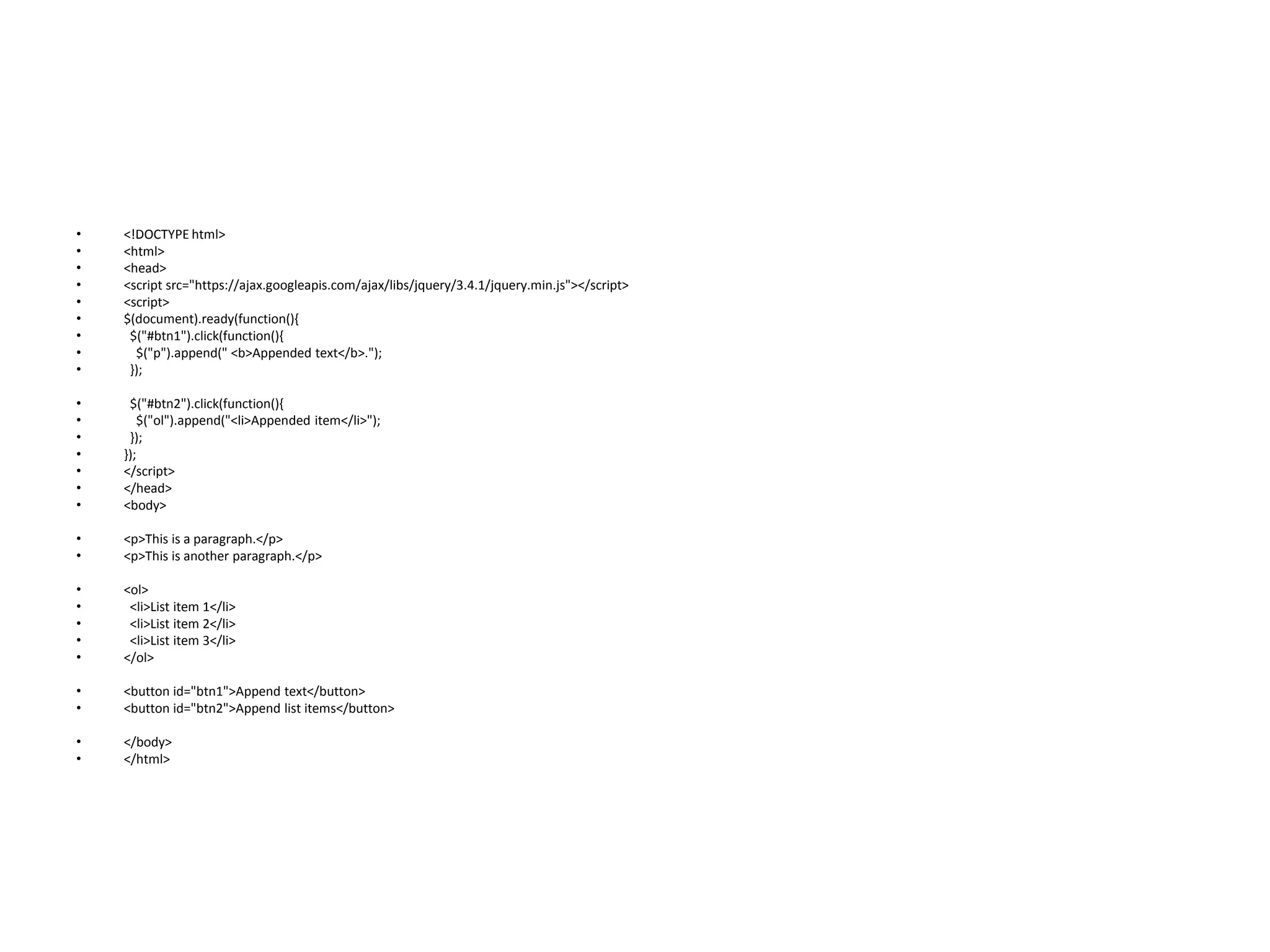
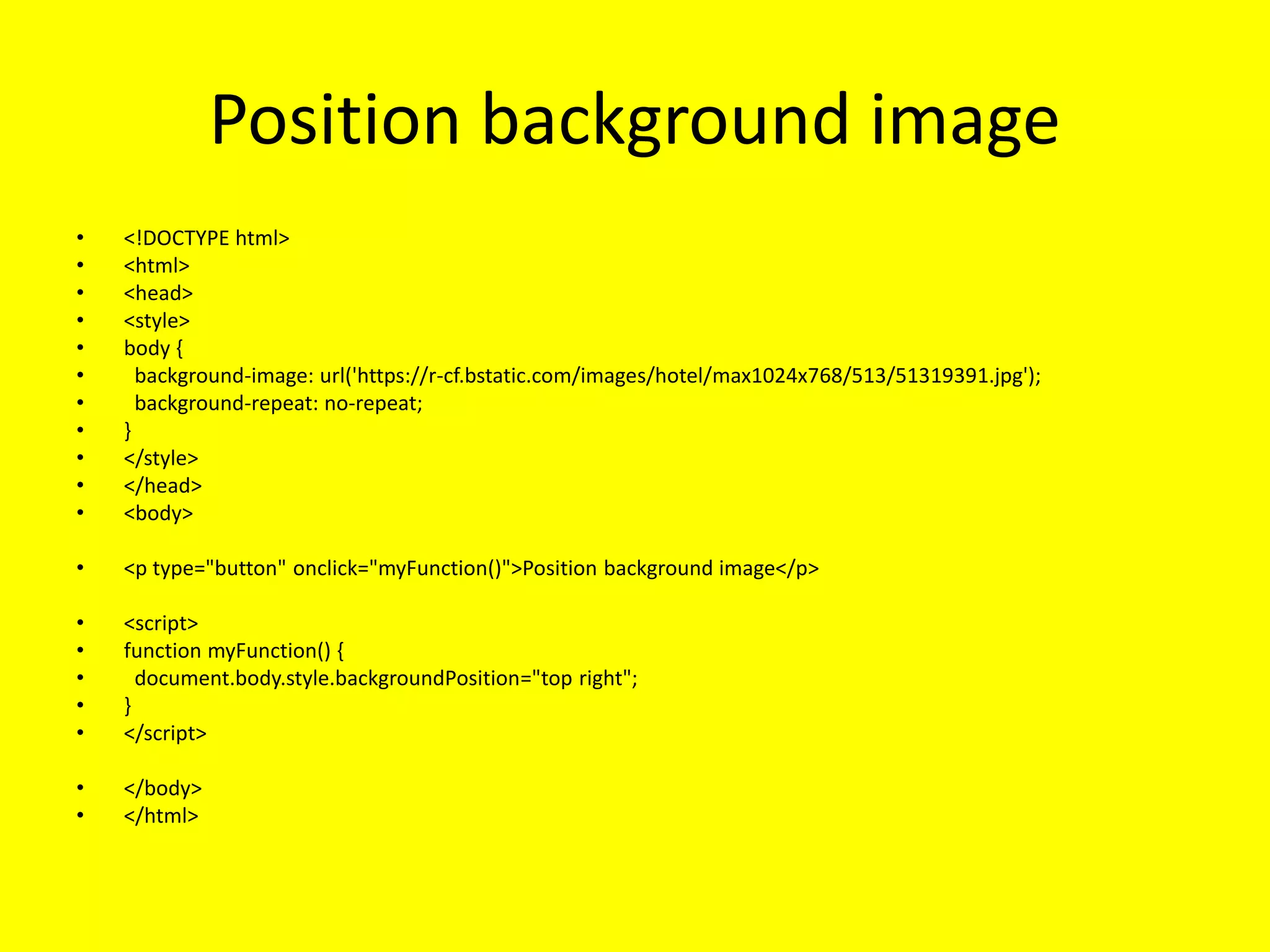
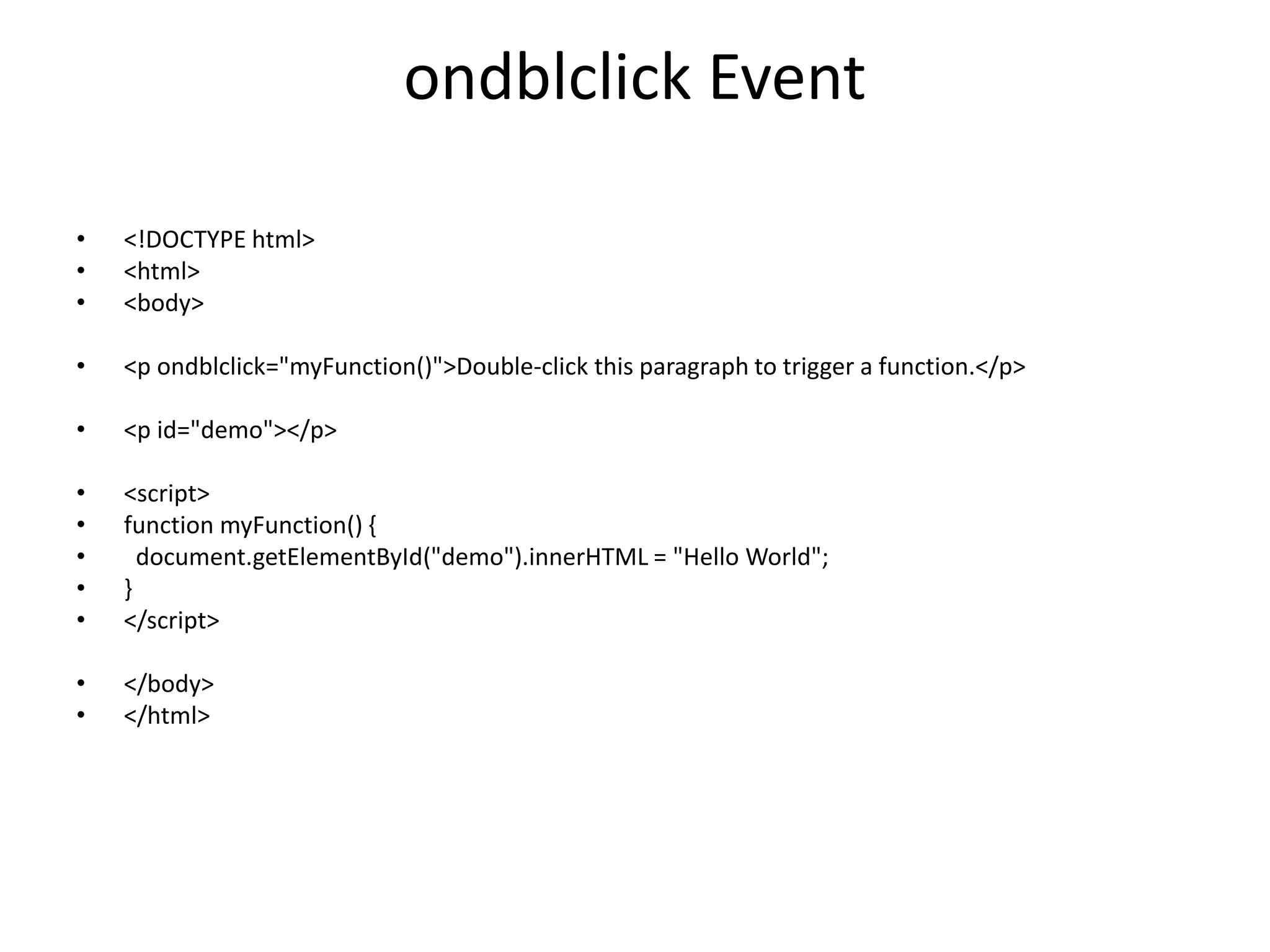
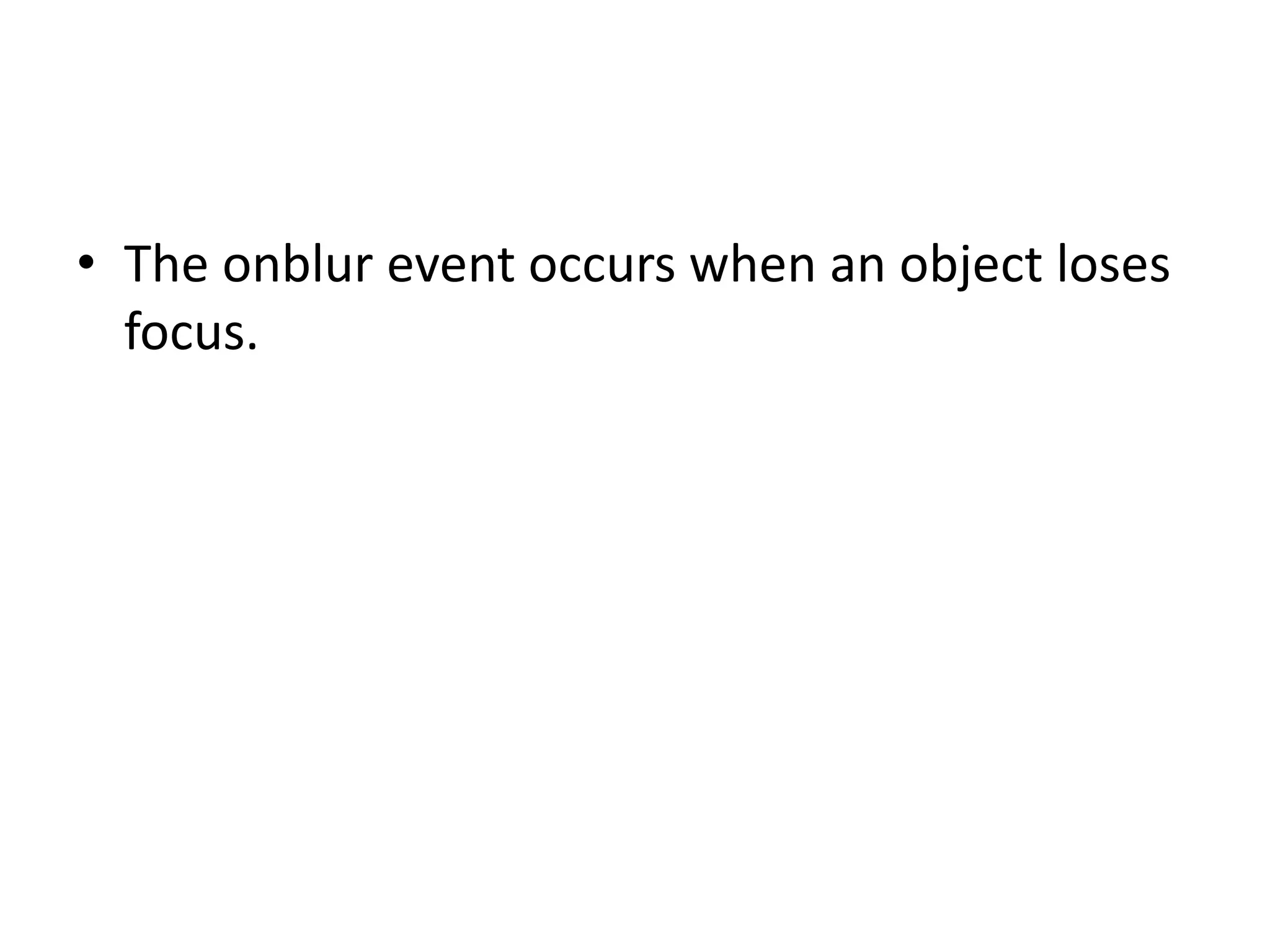
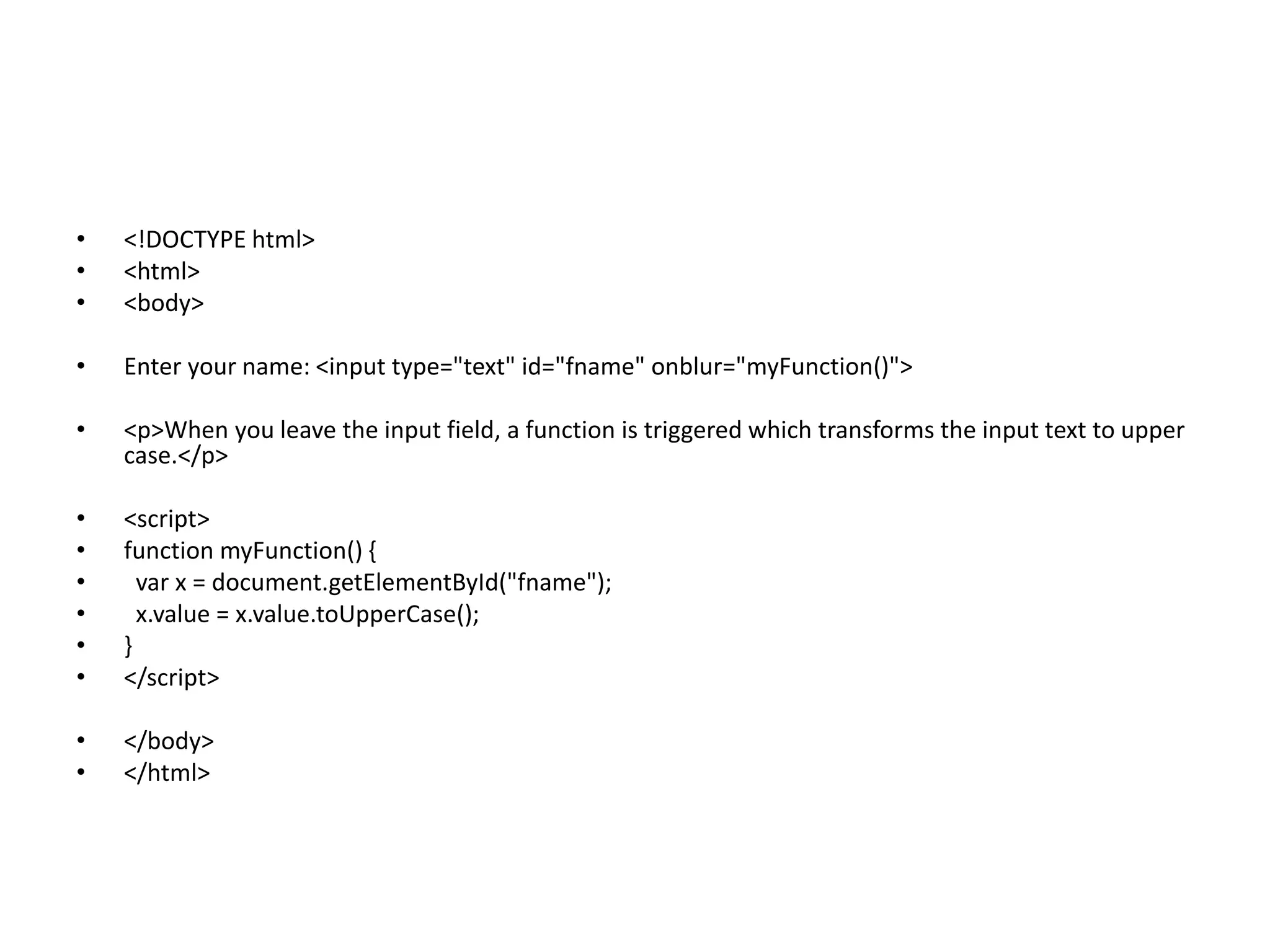
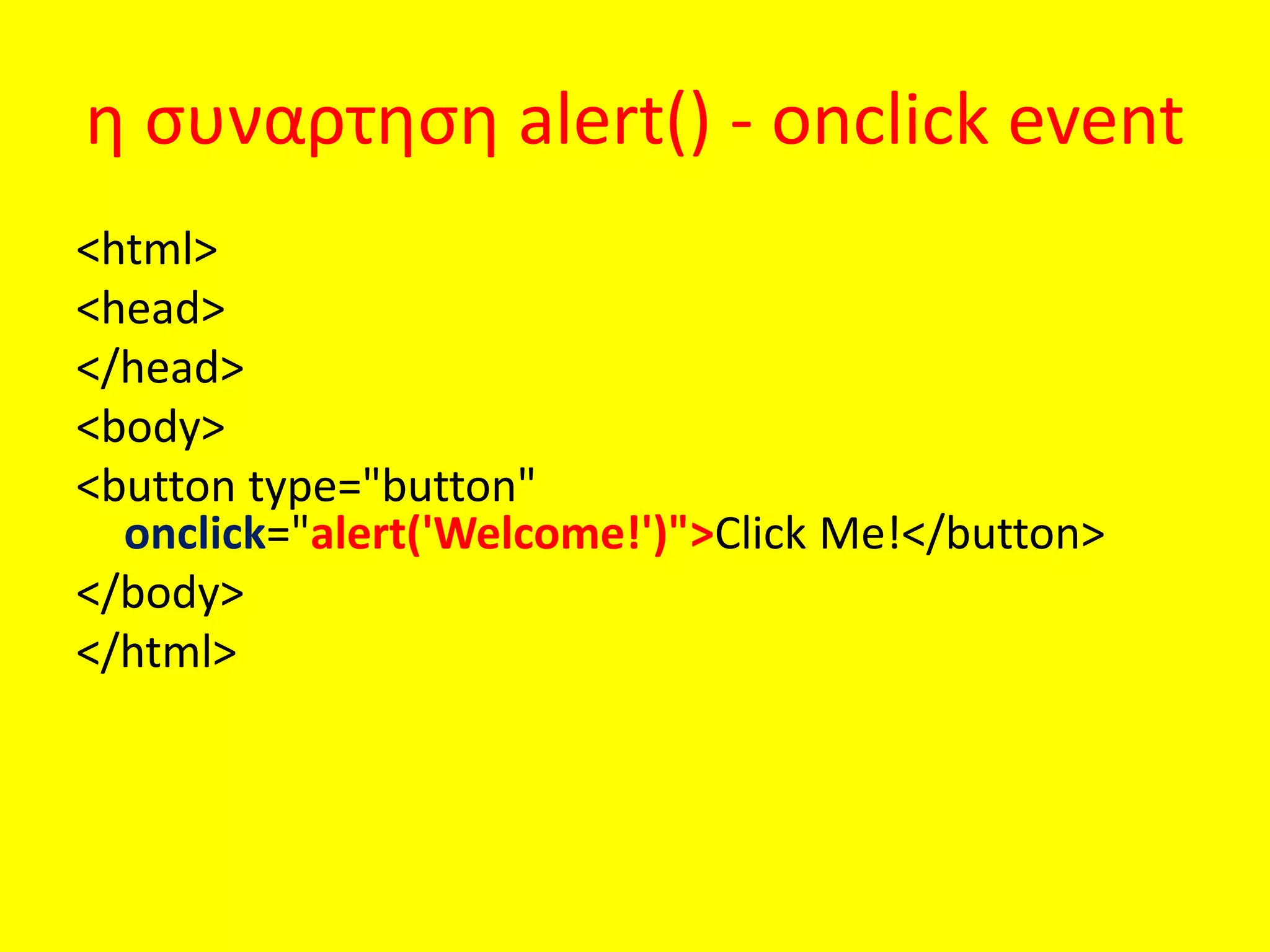
• Τασχόλια δεν εκτελούνται από την JavaScript.
• σχόλια μπορούν να προστεθούν για να
επεξηγήσουν ορισμένες ενέργειες στην
• Τα σχόλια μονής γραμμής αρχίζουν με//.
• Τα σχόλια σε πολλές γραμμές αρχίζουν με /*
και τελειώνουν με*/.
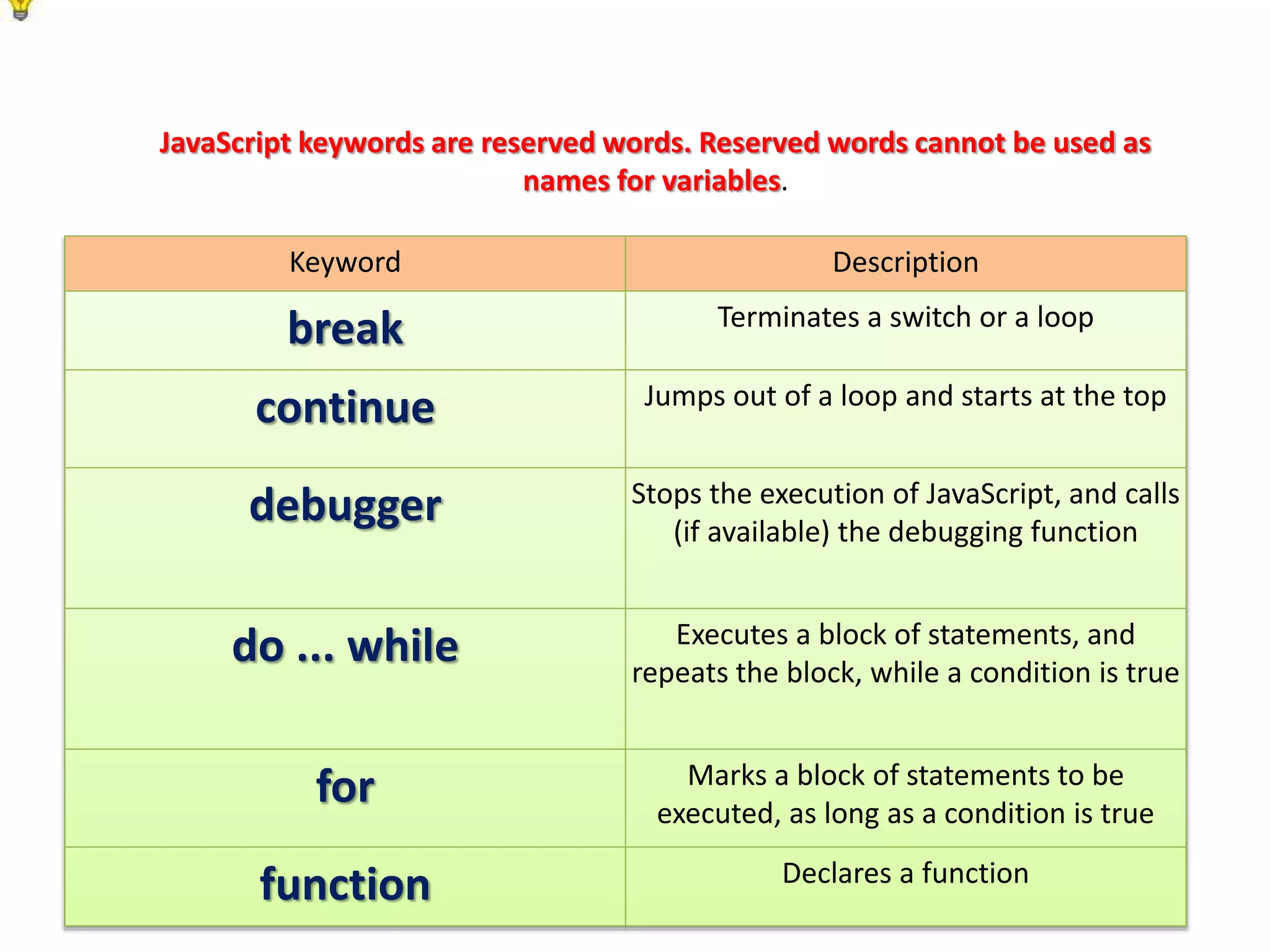
Keyword Description
break Terminatesa switch or a loop
continue Jumps out of a loop and starts at the top
debugger Stops the execution of JavaScript, and calls
(if available) the debugging function
do ... while Executes a block of statements, and
repeats the block, while a condition is true
for Marks a block of statements to be
executed, as long as a condition is true
function Declares a function
JavaScript keywords are reserved words. Reserved words cannot be used as
names for variables.
6.
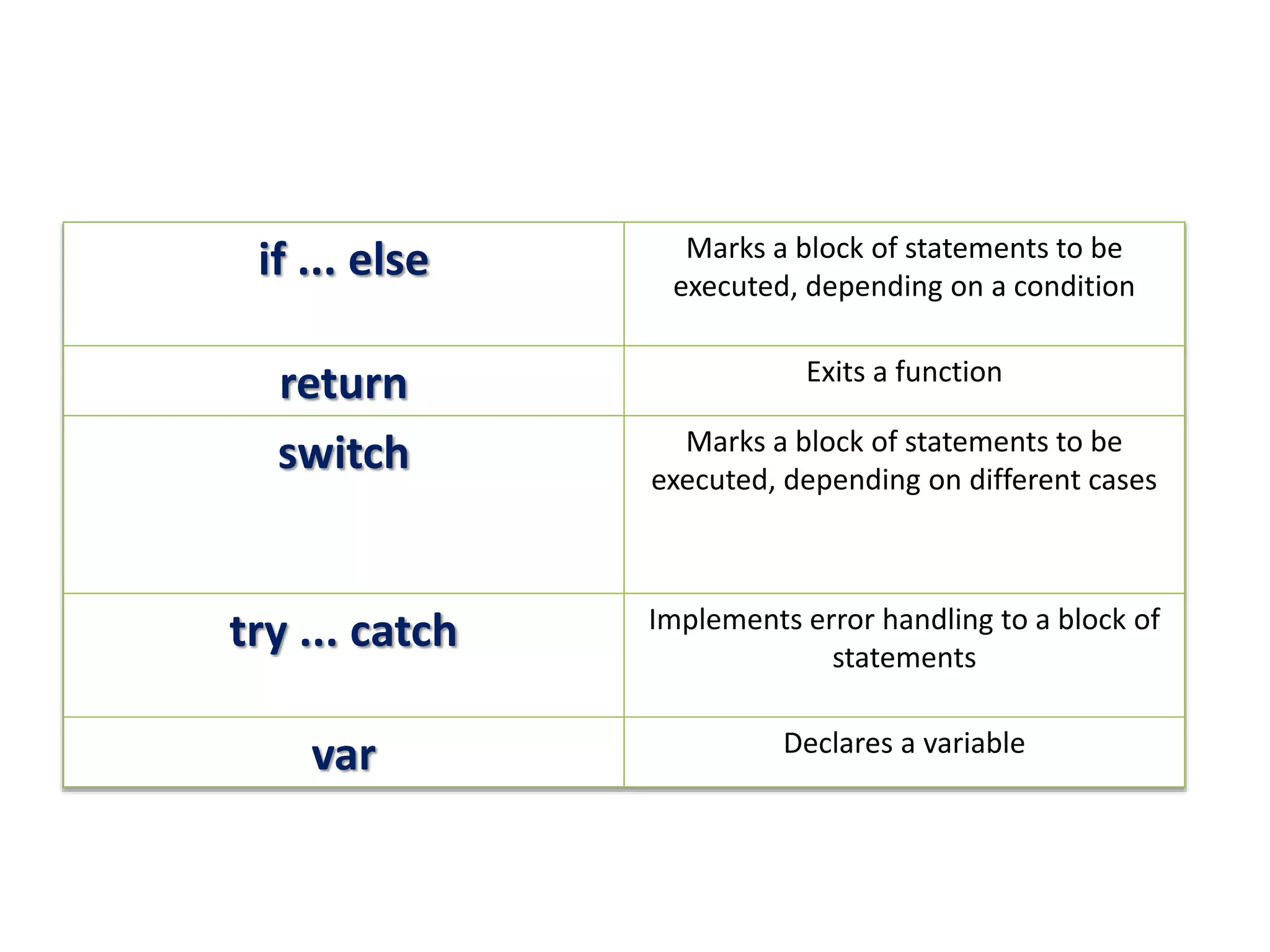
if ... elseMarks a block of statements to be
executed, depending on a condition
return Exits a function
switch Marks a block of statements to be
executed, depending on different cases
try ... catch Implements error handling to a block of
statements
var Declares a variable
JavaScript Variables
Στην JavaScriptχρησιμοποιειται το
keyword var ωστε να δηλωθούν
Το = χρησιμοποιειται ώστε να αποδωθουν
τιμες στις μεταβλητες
Example:
x οριζεται ως μεταβλητη .
Τοτε στο x αποδιδεται η τιμη6:
var x;
x = 6;
9.
JavaScript Variables
• Οιμεταβλητες μπορούν να χρησιμοποιηθούν για
να κρατήσουν τιμές (x=5) ή να αποδώσουν
(z=x+y).
• Η μεταβλητη μπορει να εχει μικρα ονόματα όπως
x και y) ή πιο συγκεκριμένα όπως (age, sum, total
volume).
• Τα ονόματά τους μπορούν να ξεκινάνε με ένα
γραμμα
• Με το $ και το _
• Προσοχή y και Y είναι διαφορετικές μεταβλητές
10.
Δηλώνοντας-δημιουργώντας
μεταβλητές στην JavaScript
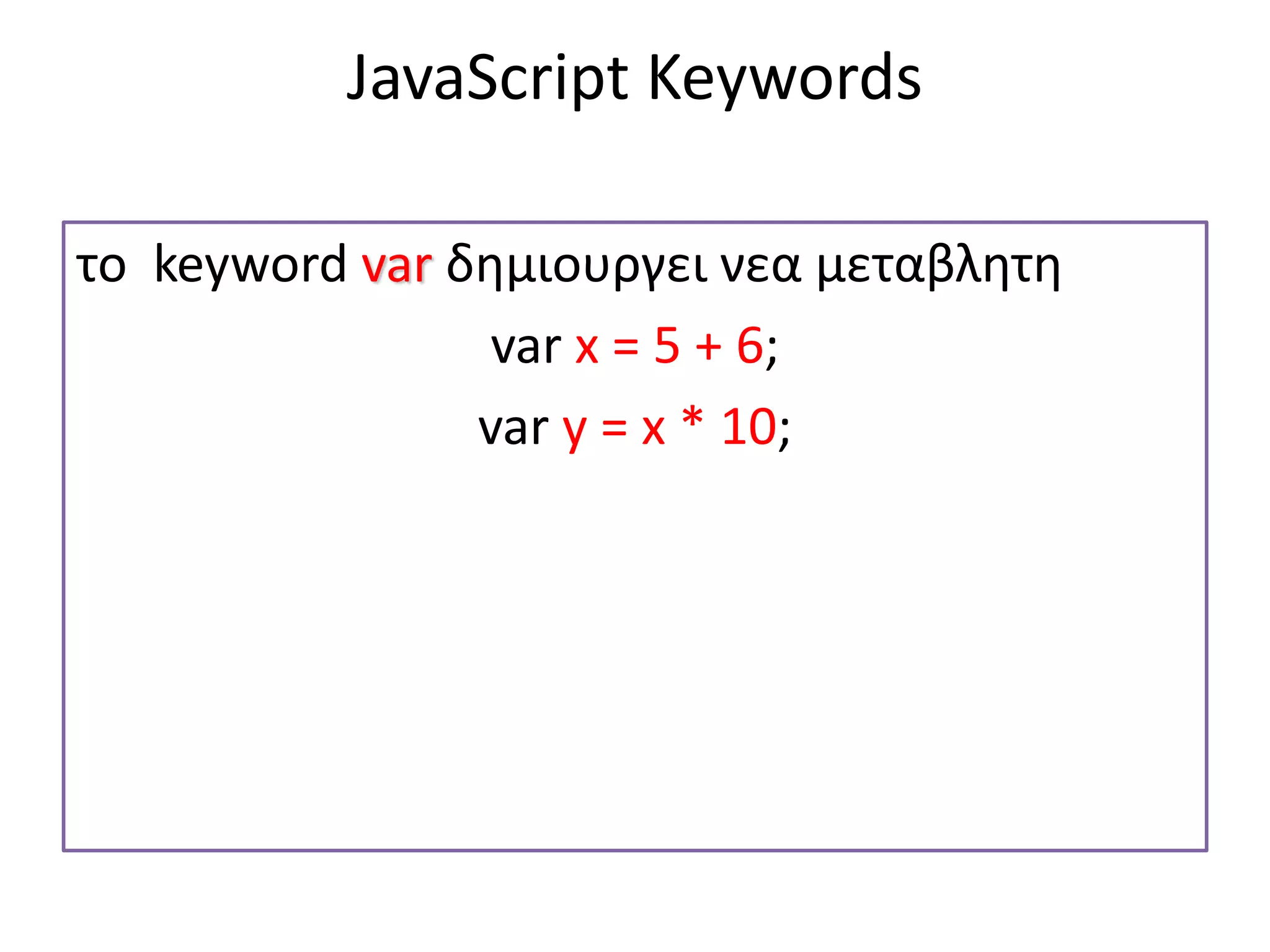
δηλώνουμεμεταβλητές στην JavaScript με
το keyword var:
Εστω ότι η μεταβλητη είναι η χ ,
οπότε var x;
Αν μετα το χ η μεταβλητη δεν εχει τιμη [δεν εχει =]
λεμε ότι η μεταβλητη είναι άδεια –δεν εχει τιμή
Οι μεταβλητες που δεν έχουν τιμή legontai
«undefined»
11.
Για να αποδωσουμετιμή σε μια μεταβλητη
χρησιμοποιούμε το σύμβολο του ίσον[+την τιμη]
Δηλαδη
Var x
x=“fiat";
Ωστόσο μπορουμε ταυτοχρονα να δηλώσουμε τη
μεταβλητη και να αποδώσουμε τιμή :
var x=“fiat";
12.
JavaScript Strings
• Astring is a variable which stores a series of characters like "John
Doe".
• A string can be any text inside quotes. You can use single or double
quotes:
• Example
• var x=“fiat";
var x=‘fiat';
• You can use quotes inside a string, as long as they don't match the
quotes surrounding the string:
• Example
• var answer="It's alright";
var answer="He is called 'Johnny'";
var answer='He is called "Johnny"';
13.
JavaScript Numbers
• JavaScripthas only one type of numbers. Numbers can
be written with, or without decimals:
• Example
• var x1=34.00; // Written with decimals
var x2=34; // Written without decimals
• Extra large or extra small numbers can be written with
scientific (exponential) notation:
• Example
• var y=123e5; // 12300000
var z=123e-5; // 0.00123
14.
Example
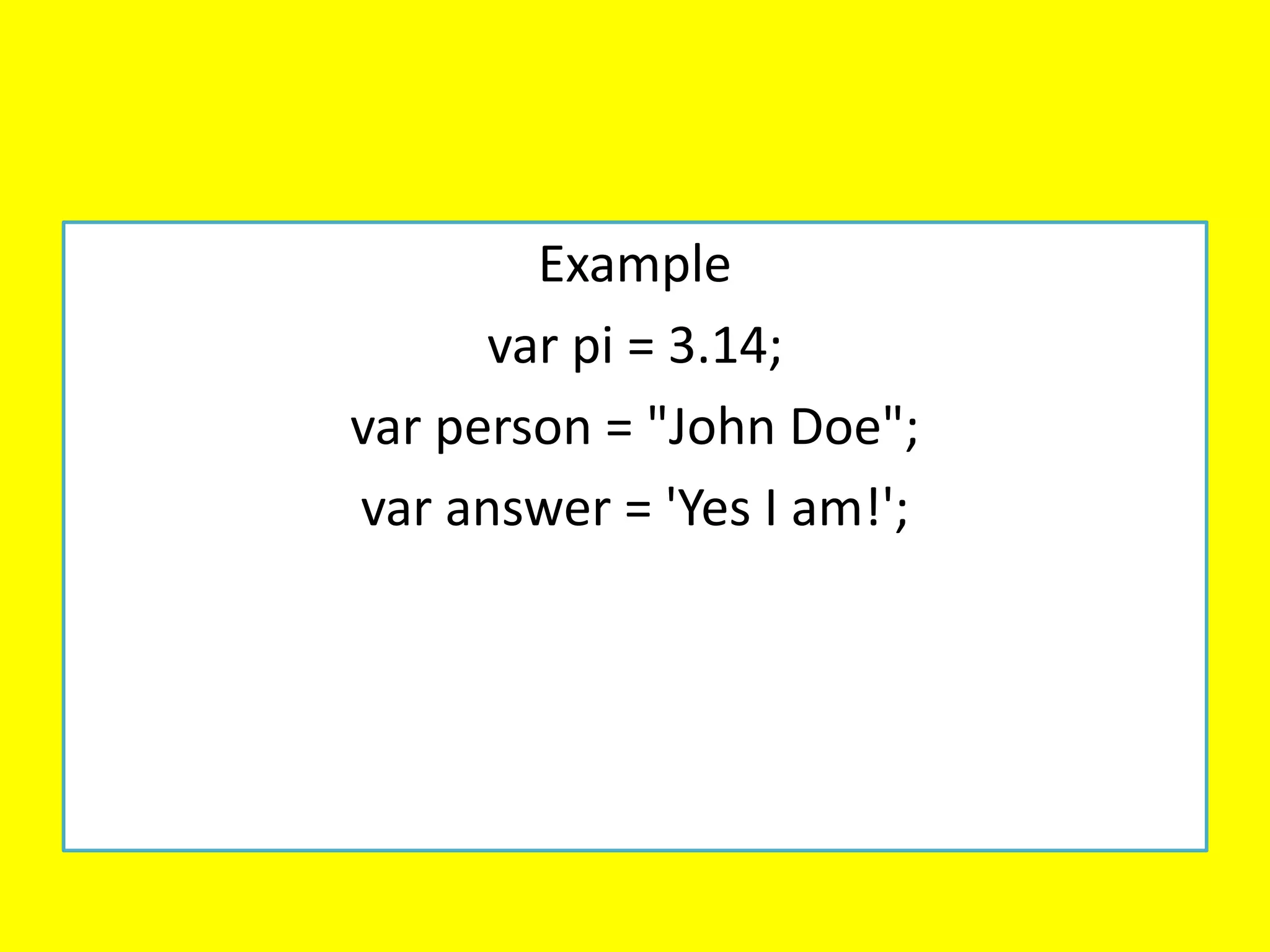
var pi =3.14;
var person = "John Doe";
var answer = 'Yes I am!';
15.
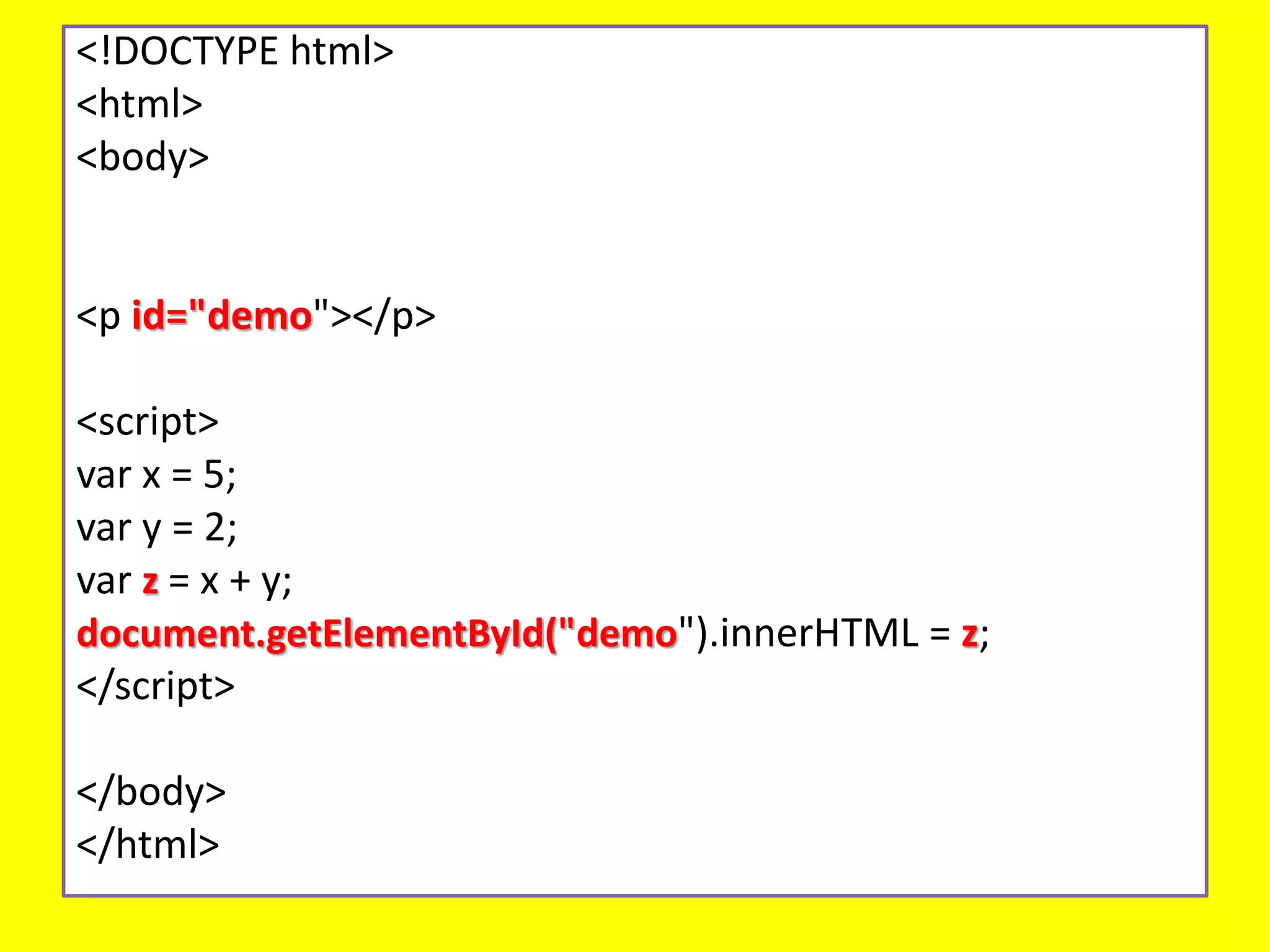
Arithmetic Operators
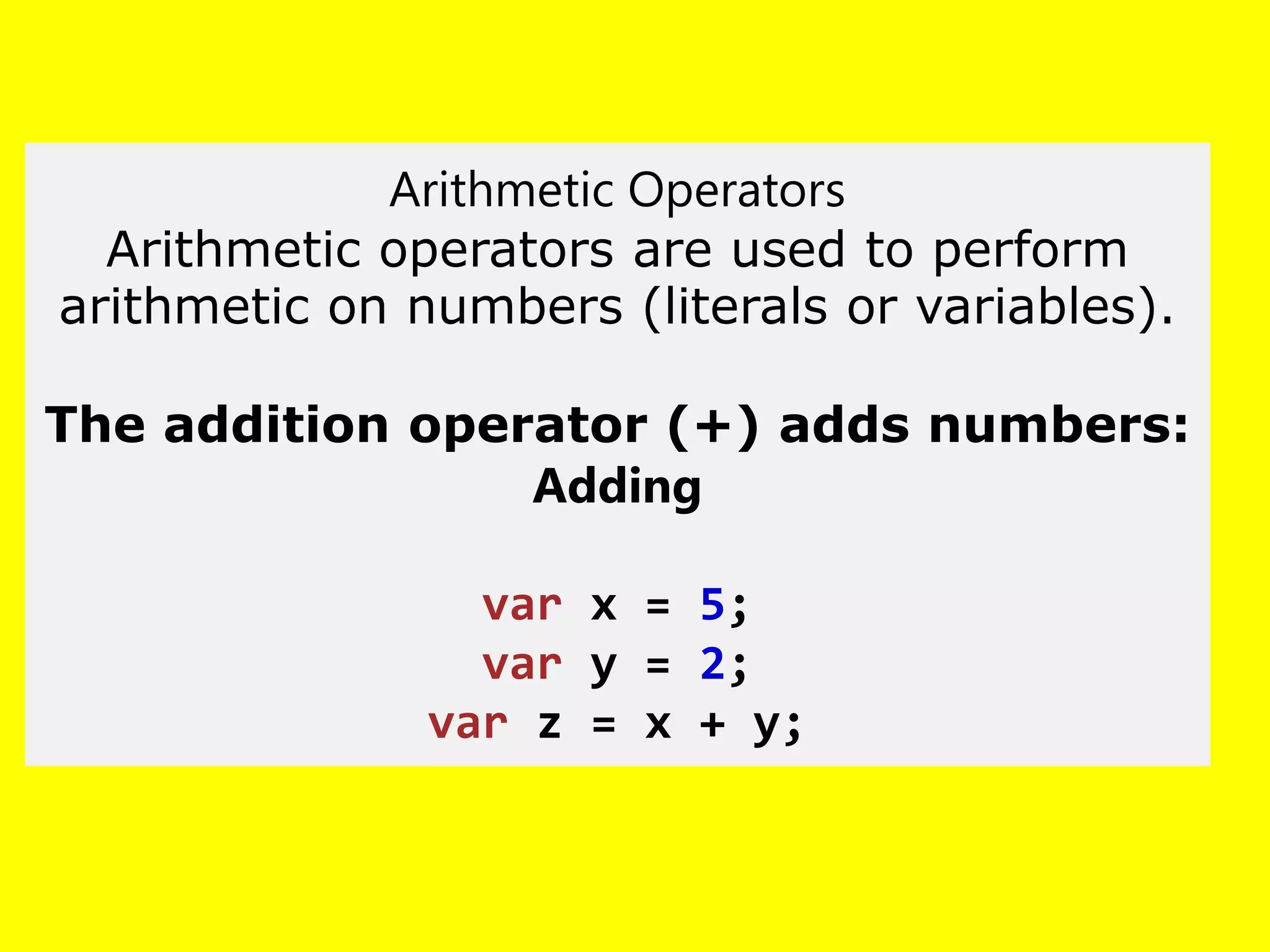
Arithmetic operatorsare used to perform
arithmetic on numbers (literals or variables).
The addition operator (+) adds numbers:
Adding
var x = 5;
var y = 2;
var z = x + y;
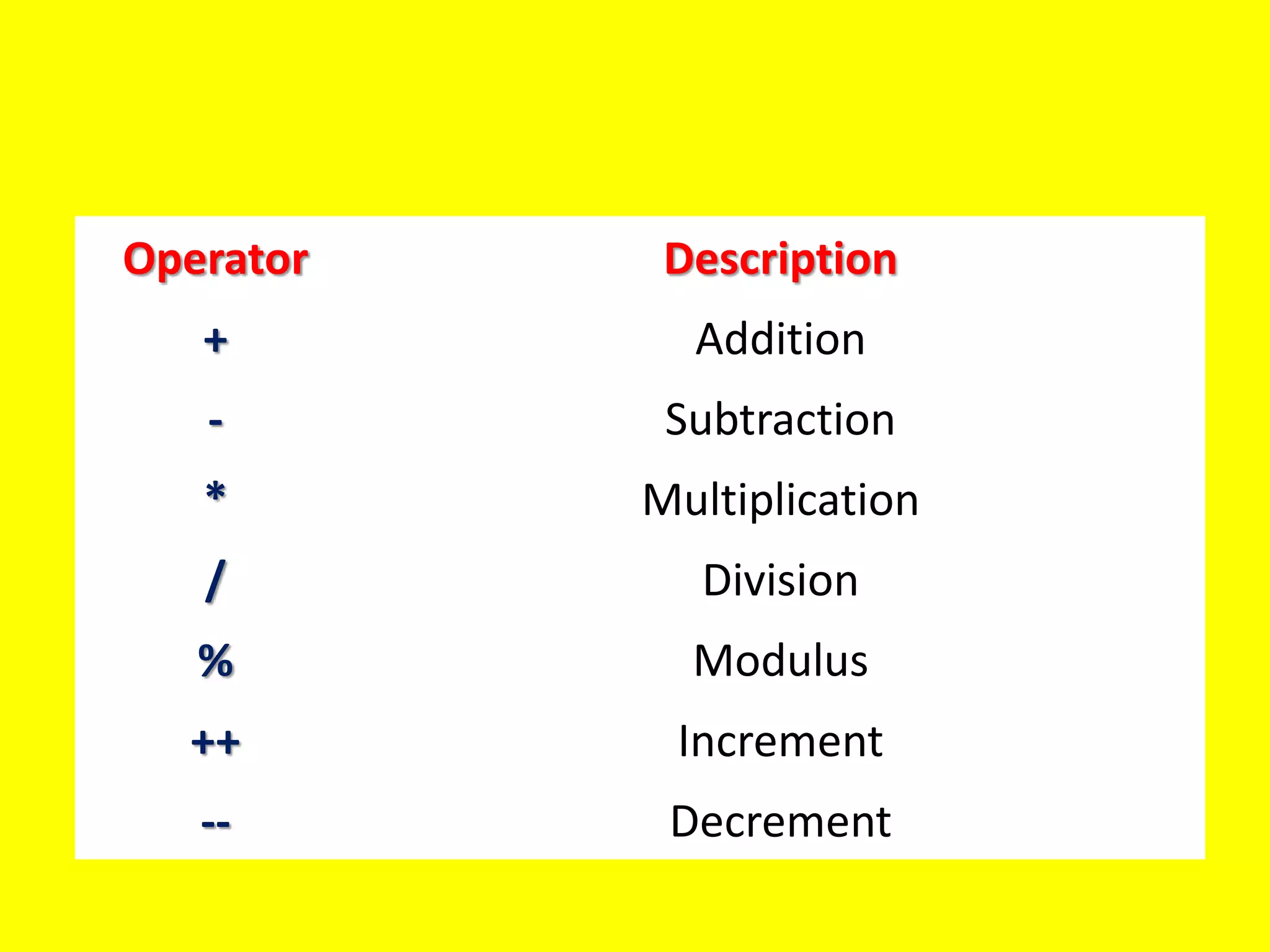
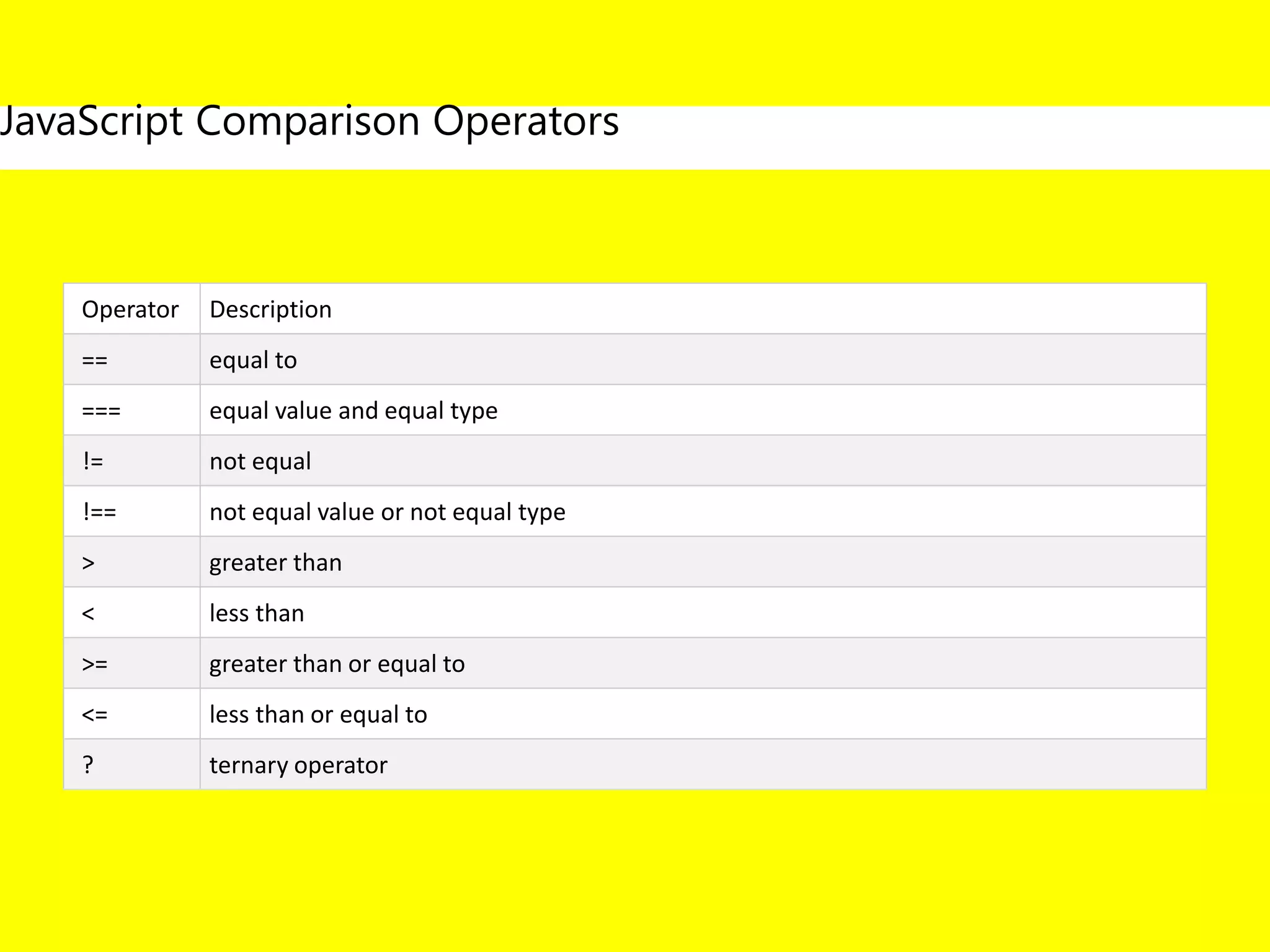
Operator Description
== equalto
=== equal value and equal type
!= not equal
!== not equal value or not equal type
> greater than
< less than
>= greater than or equal to
<= less than or equal to
? ternary operator
JavaScript Comparison Operators
19.
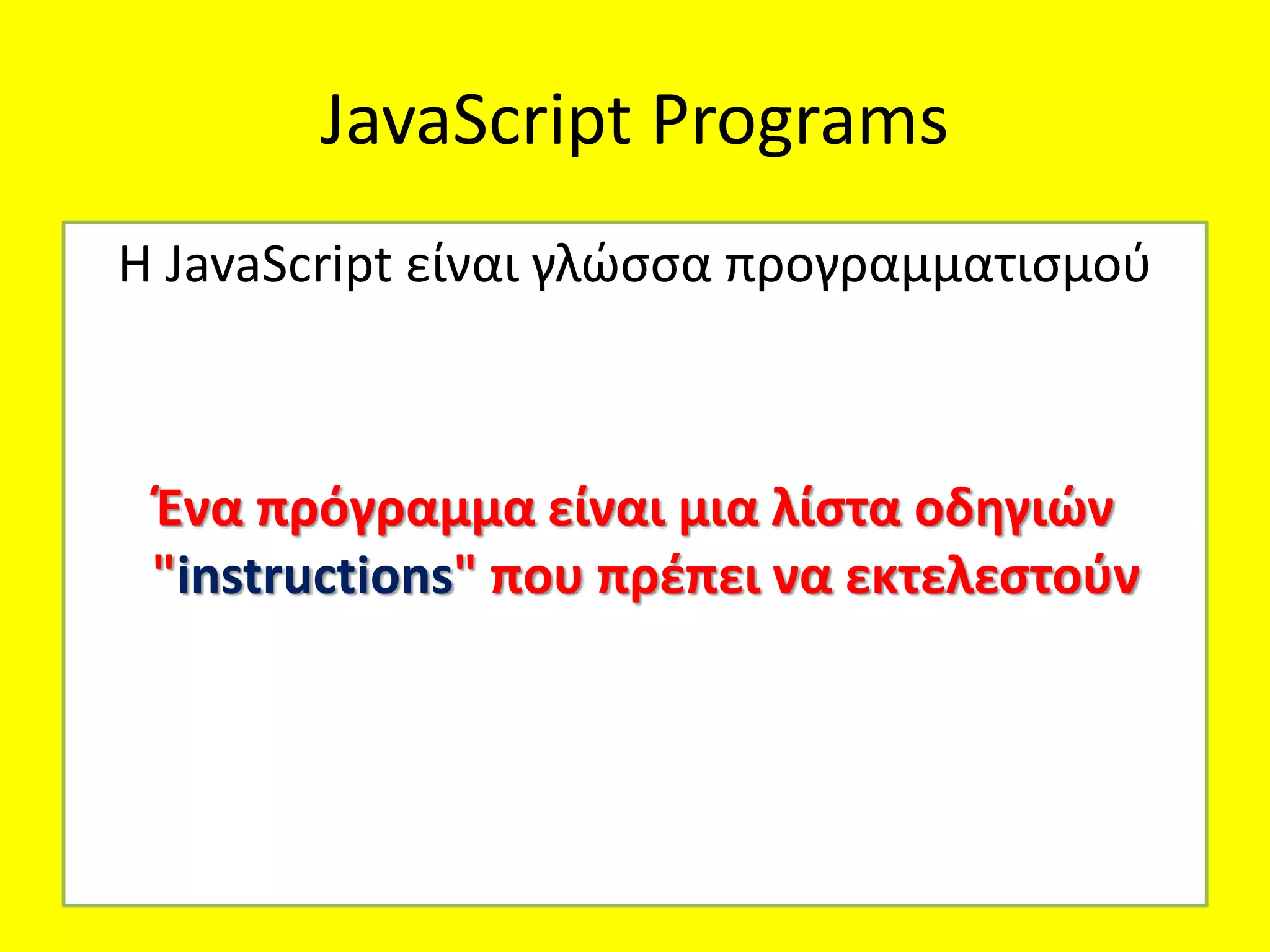
JavaScript Programs
Η JavaScriptείναι γλώσσα προγραμματισμού
Ένα πρόγραμμα είναι μια λίστα οδηγιών
"instructions" που πρέπει να εκτελεστούν
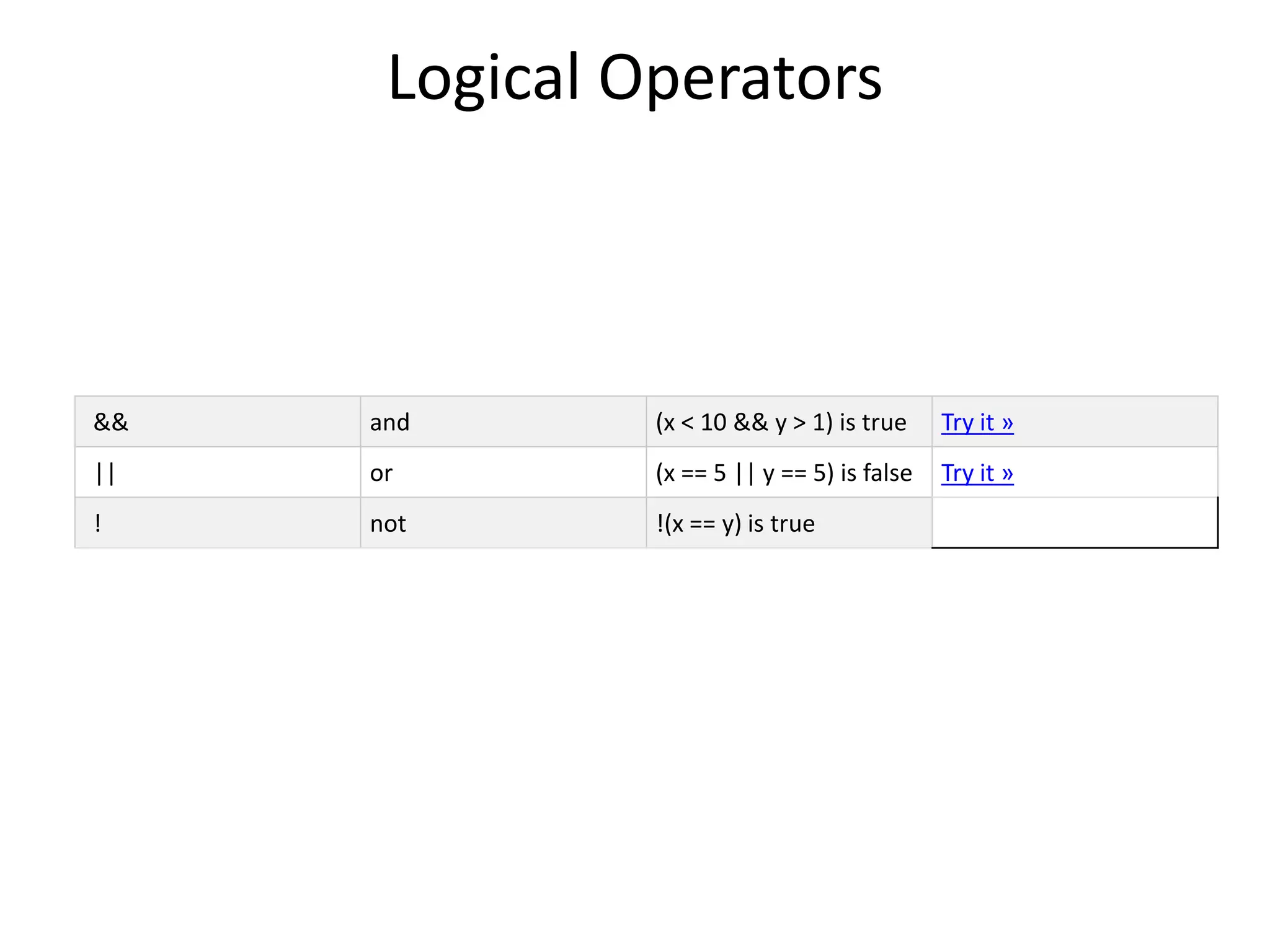
20.
JavaScript Expressions
μια expressionείναι ενας συνδυασμος από τιμες
,μεταβλητες και τελεστες [values,variables, operators]
Ο υόλογισμος ονομαζεται evaluation.
Π.χ 7 * 11 evaluates σε 77:
7 * 11
Οι Expressions μπορουν επισης να περιεχουν μεταβλητες
:
x * 11
21.
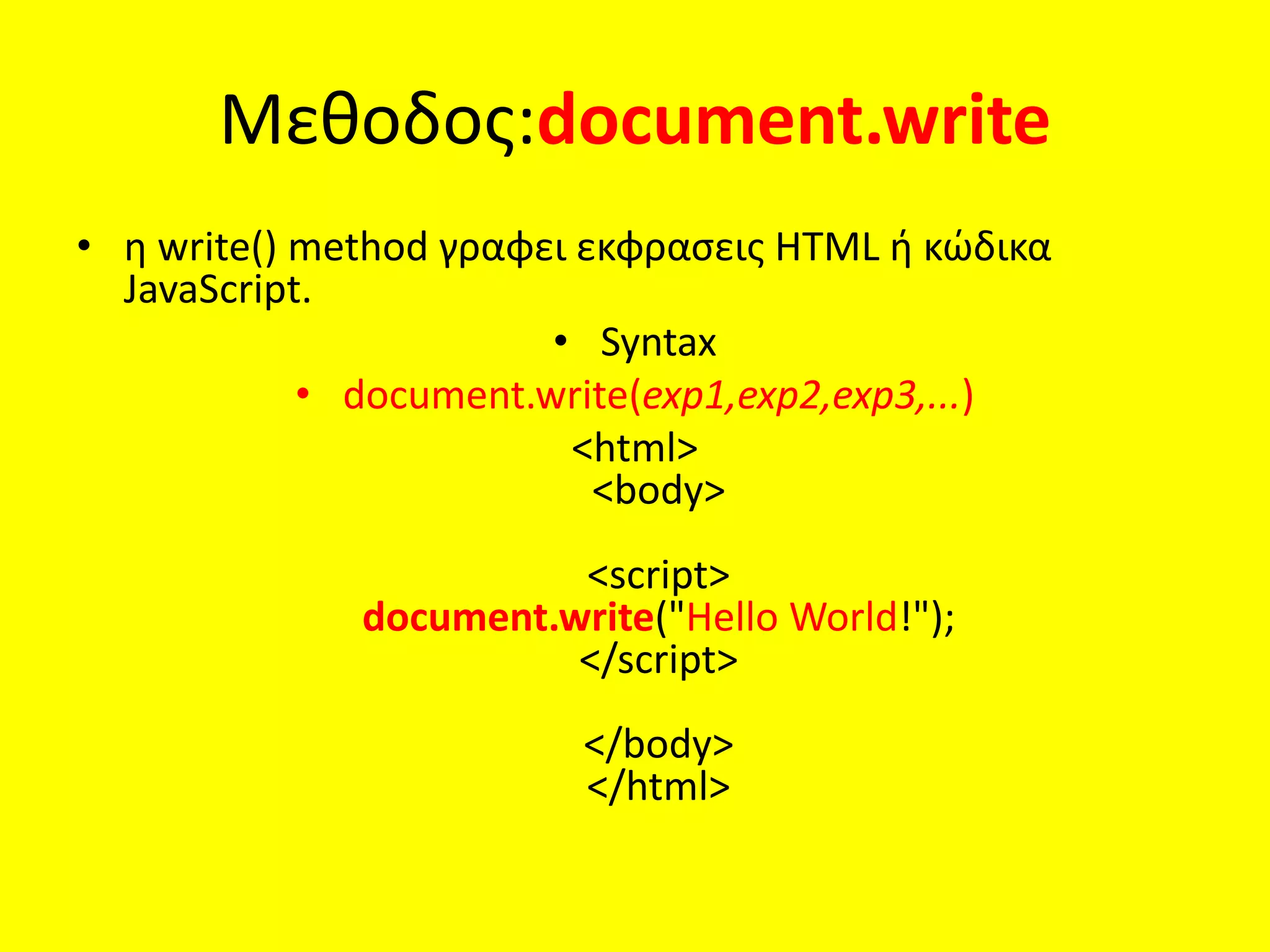
Μεθοδος:document.write
• η write()method γραφει εκφρασεις HTML ή κώδικα
JavaScript.
• Syntax
• document.write(exp1,exp2,exp3,...)
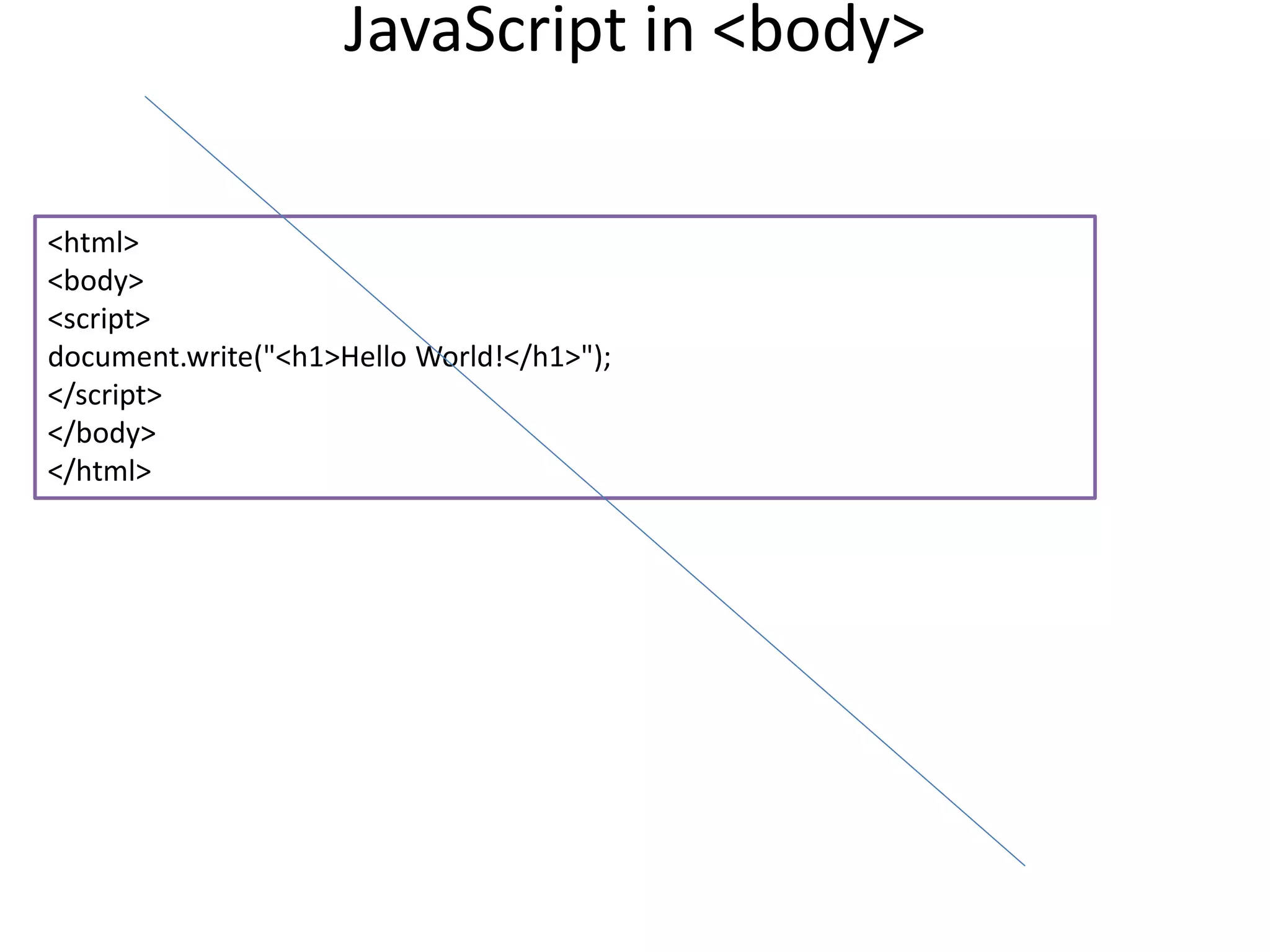
<html>
<body>
<script>
document.write("Hello World!");
</script>
</body>
</html>
22.
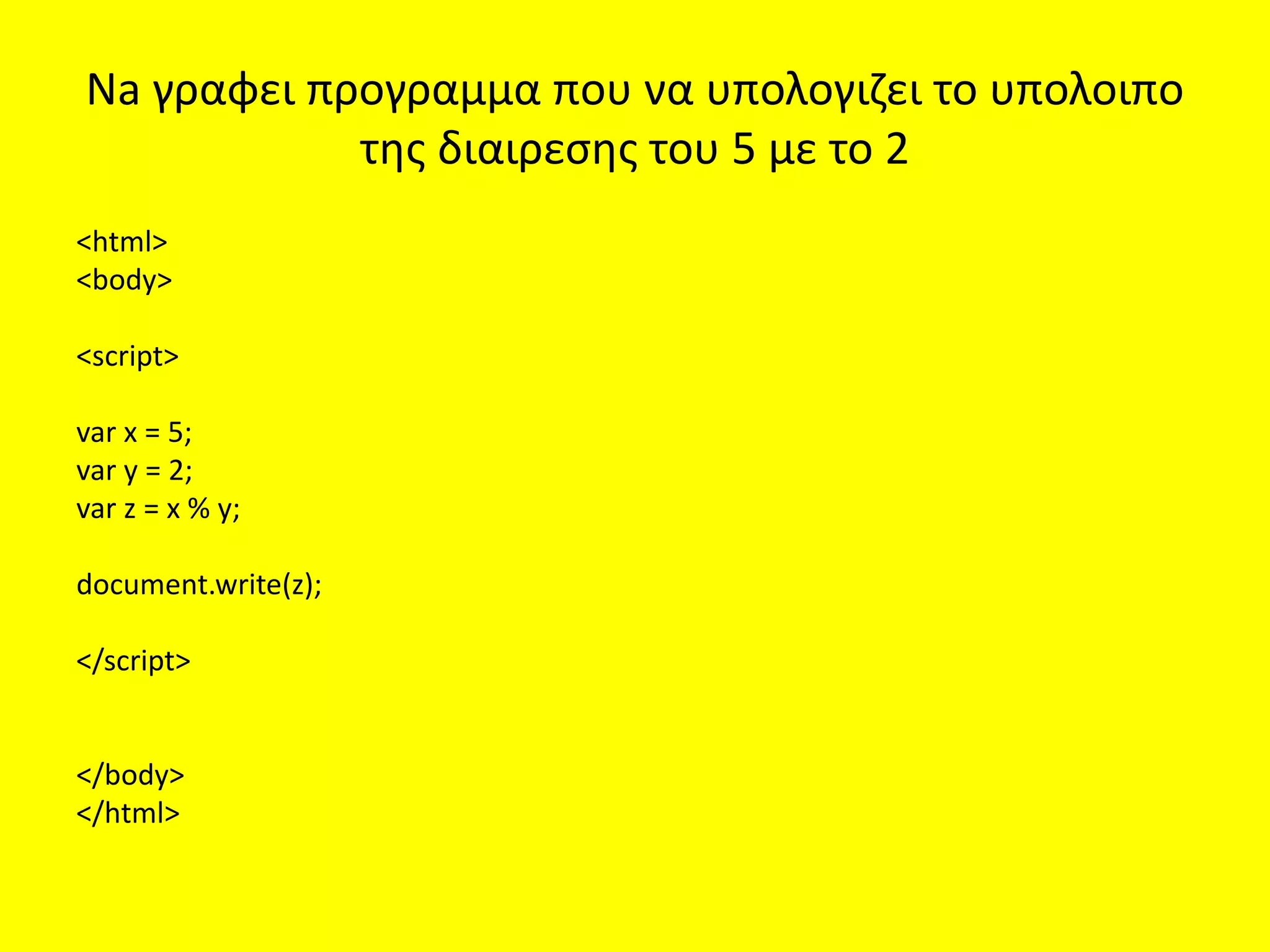
Na γραφει προγραμμαπου να υπολογιζει το υπολοιπο
της διαιρεσης του 5 με το 2
<html>
<body>
<script>
var x = 5;
var y = 2;
var z = x % y;
document.write(z);
</script>
</body>
</html>
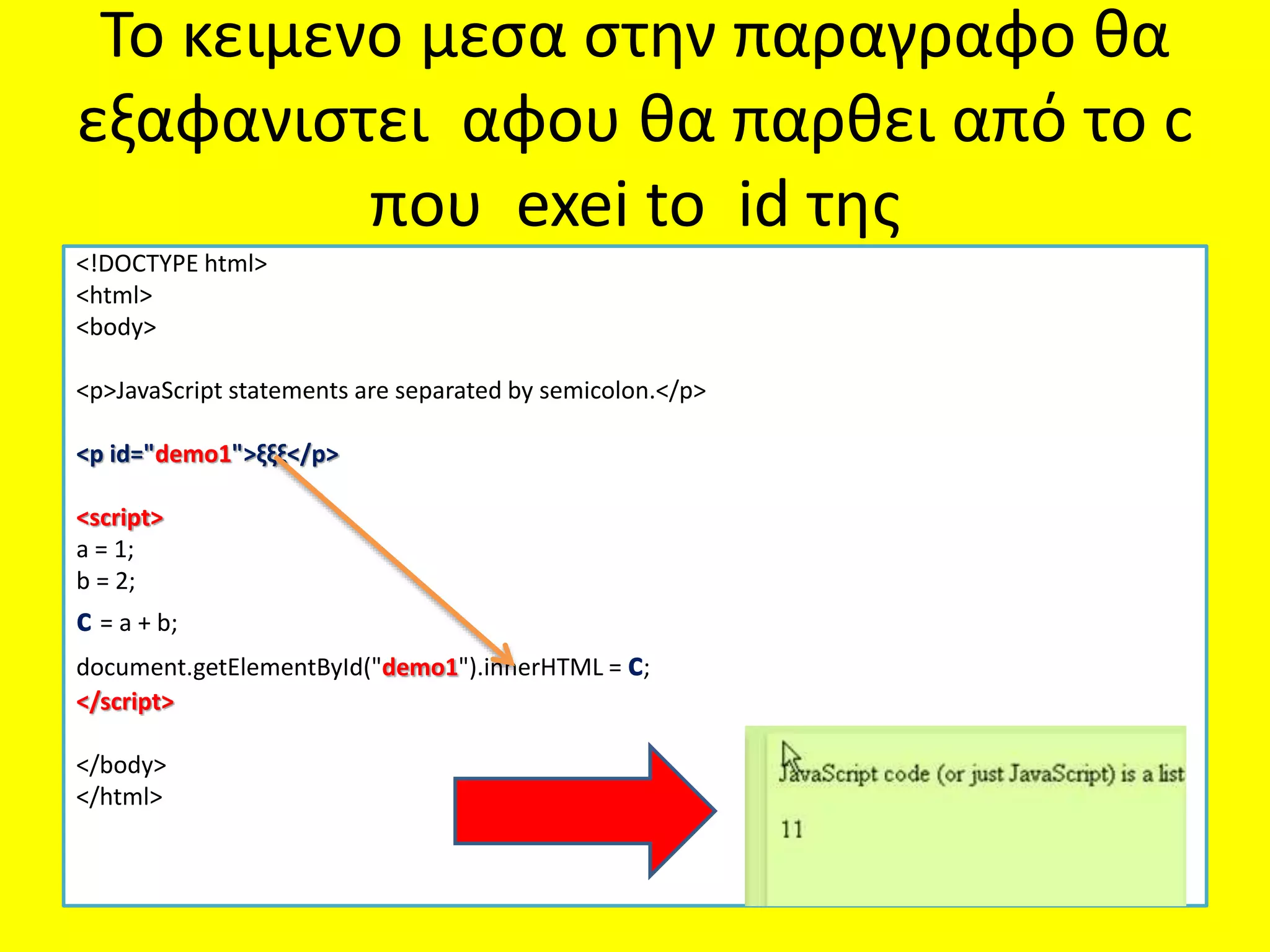
Το κειμενο μεσαστην παραγραφο θα
εξαφανιστει αφου θα παρθει από το c
που exei to id της
<!DOCTYPE html>
<html>
<body>
<p>JavaScript statements are separated by semicolon.</p>
<p id="demo1">ξξξ</p>
<script>
a = 1;
b = 2;
c = a + b;
document.getElementById("demo1").innerHTML = c;
</script>
</body>
</html>
25.
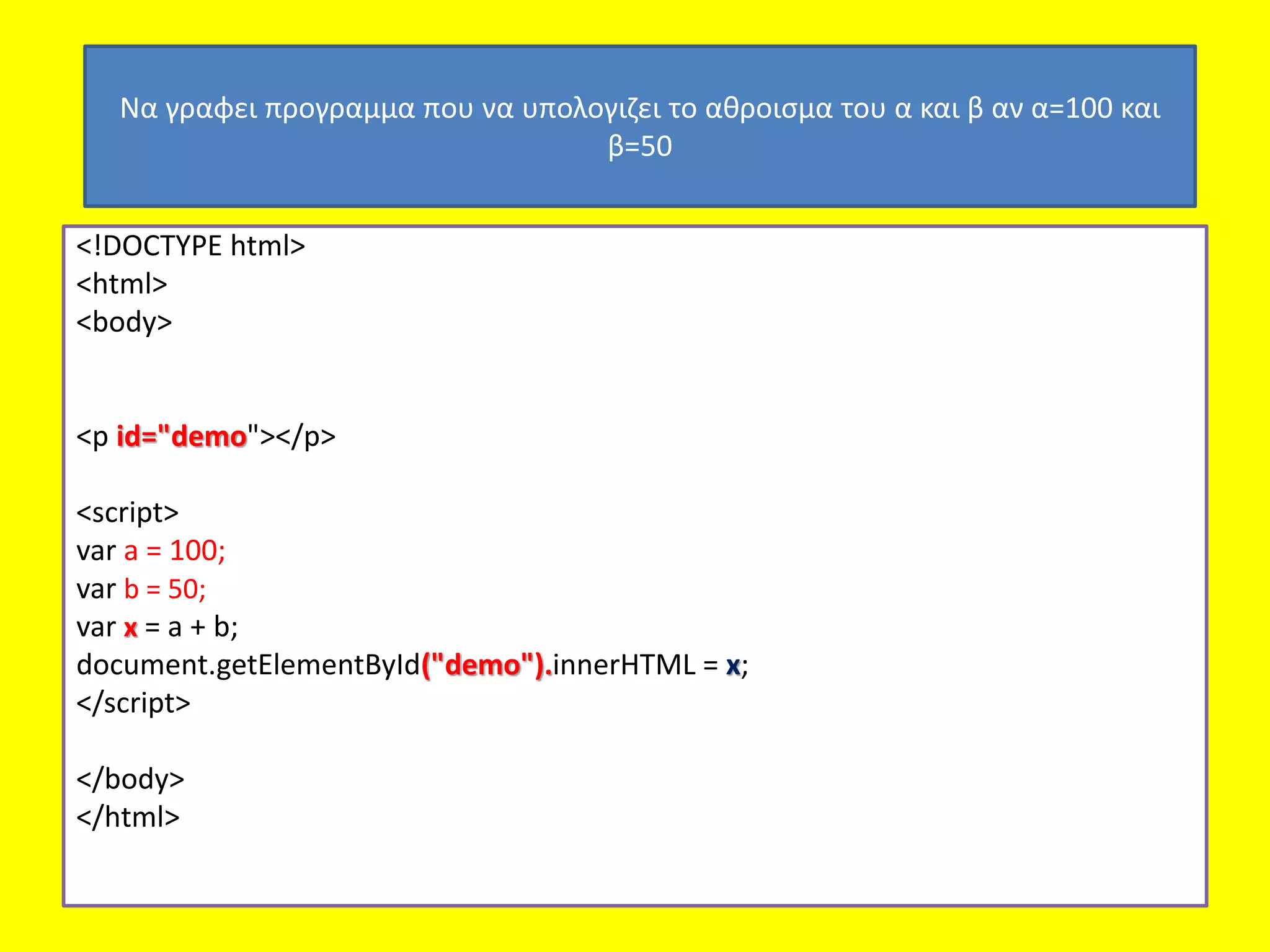
<!DOCTYPE html>
<html>
<body>
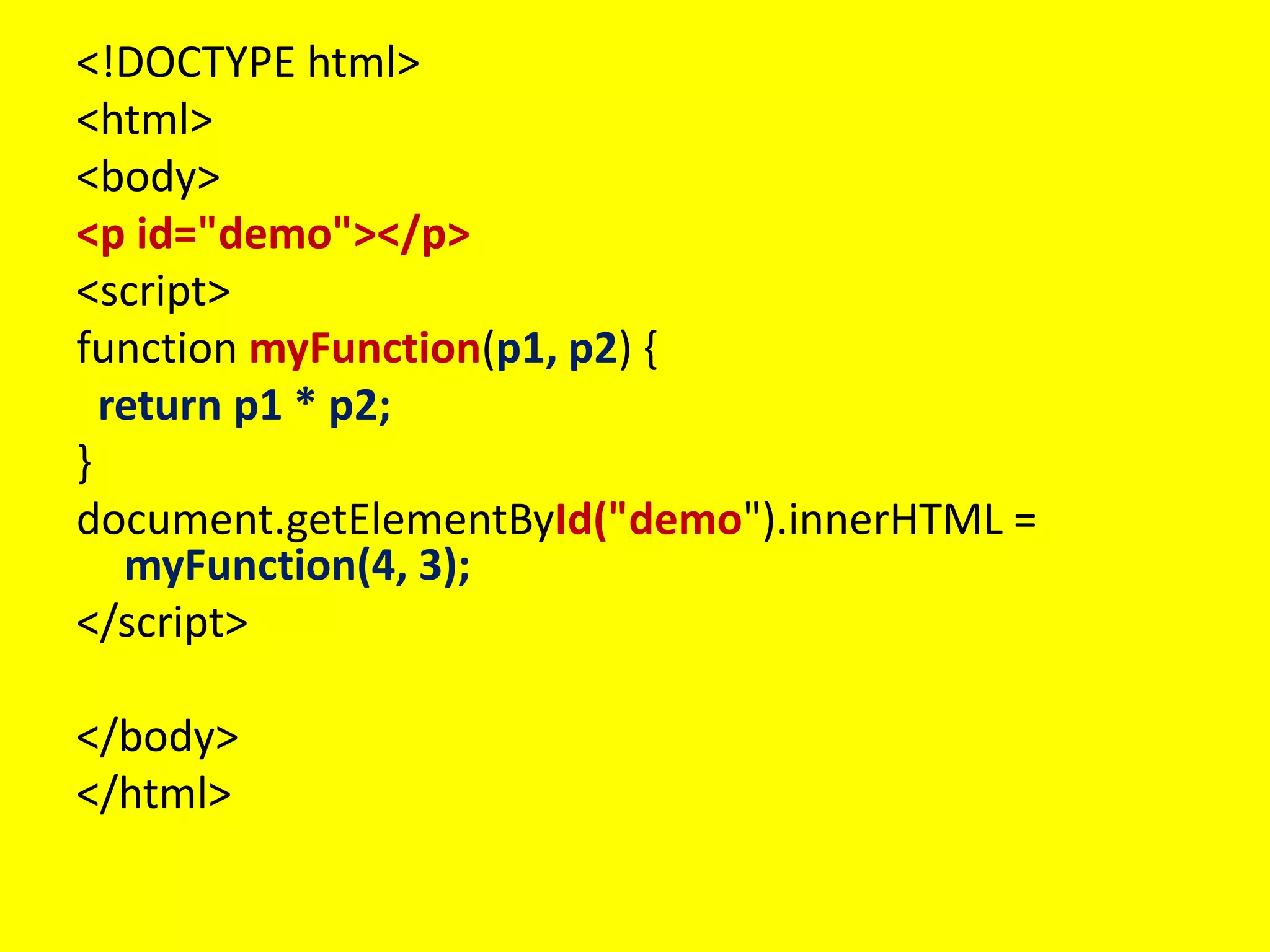
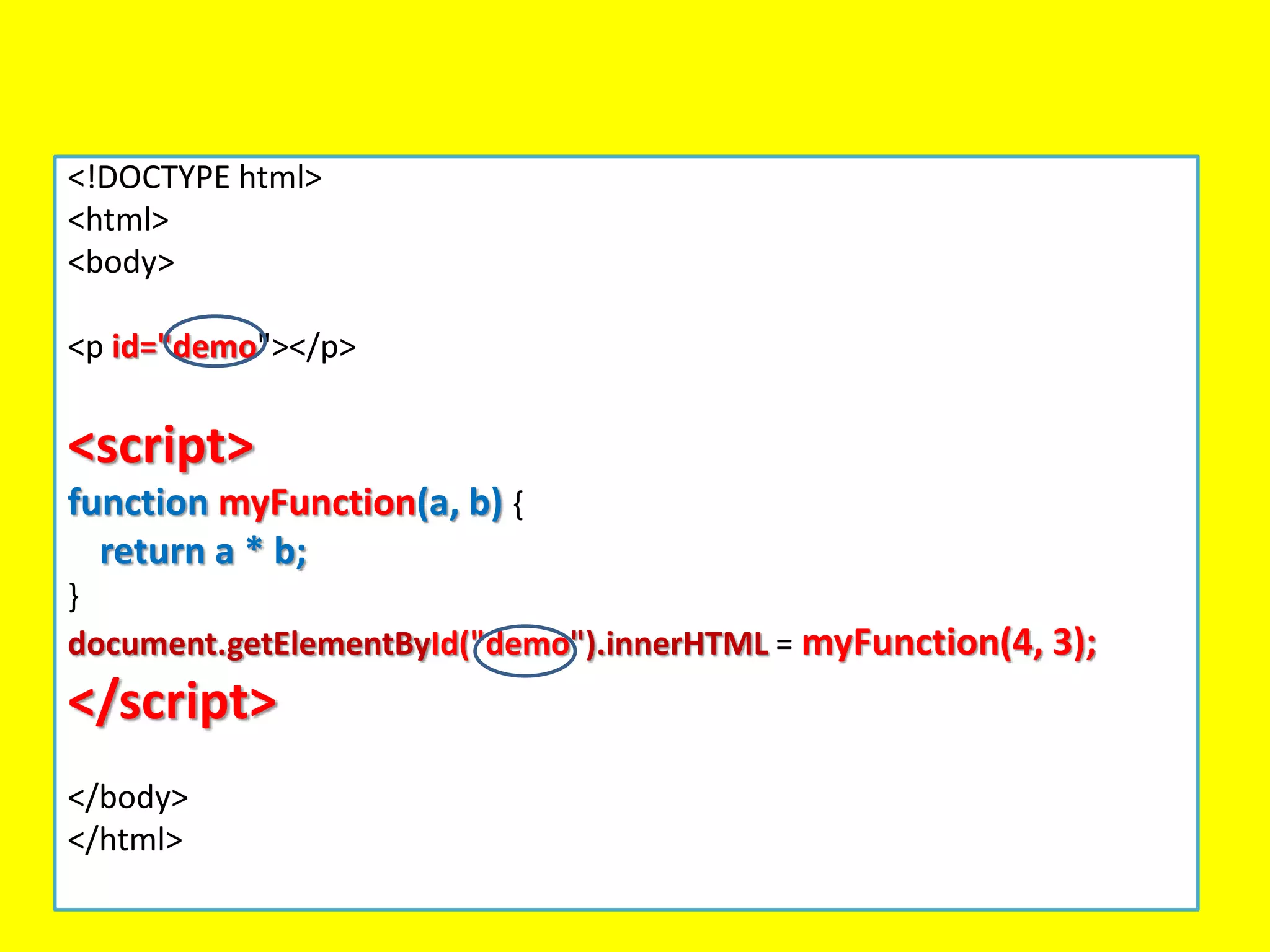
<p id="demo"></p>
<script>
vara = 100;
var b = 50;
var x = a + b;
document.getElementById("demo").innerHTML = x;
</script>
</body>
</html>
Να γραφει προγραμμα που να υπολογιζει το αθροισμα του α και β αν α=100 και
β=50
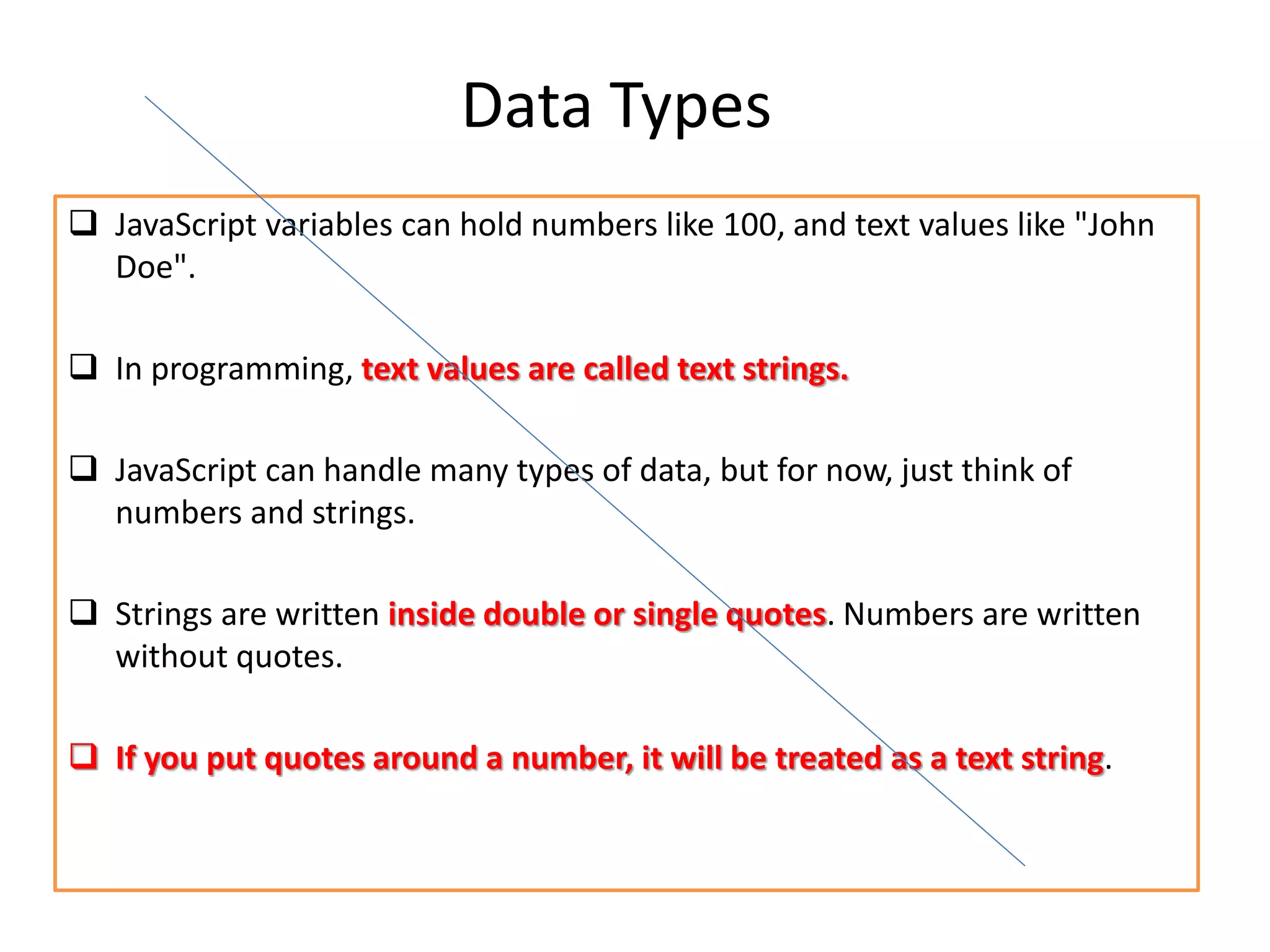
Data Types
JavaScriptvariables can hold numbers like 100, and text values like "John
Doe".
In programming, text values are called text strings.
JavaScript can handle many types of data, but for now, just think of
numbers and strings.
Strings are written inside double or single quotes. Numbers are written
without quotes.
If you put quotes around a number, it will be treated as a text string.
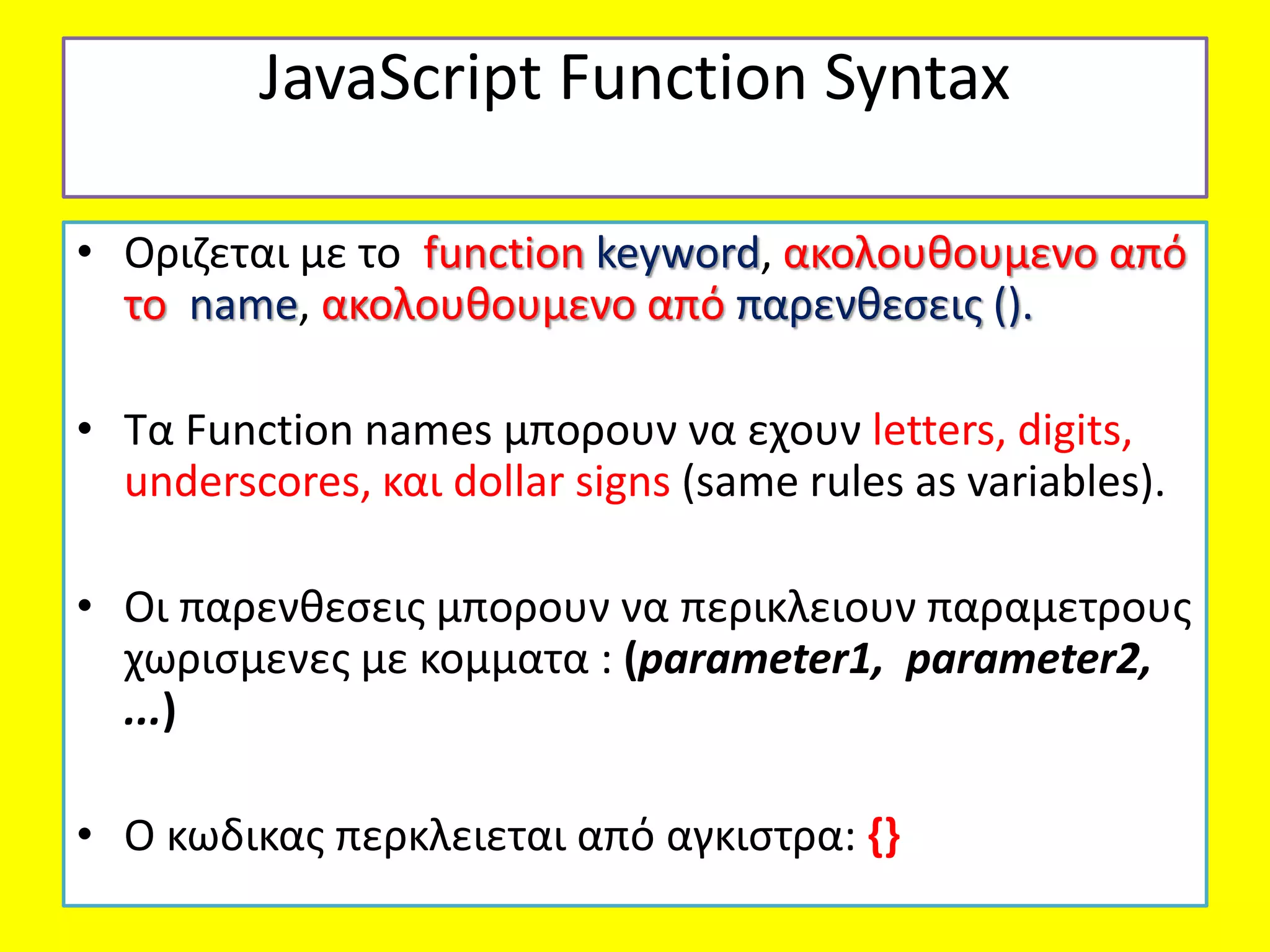
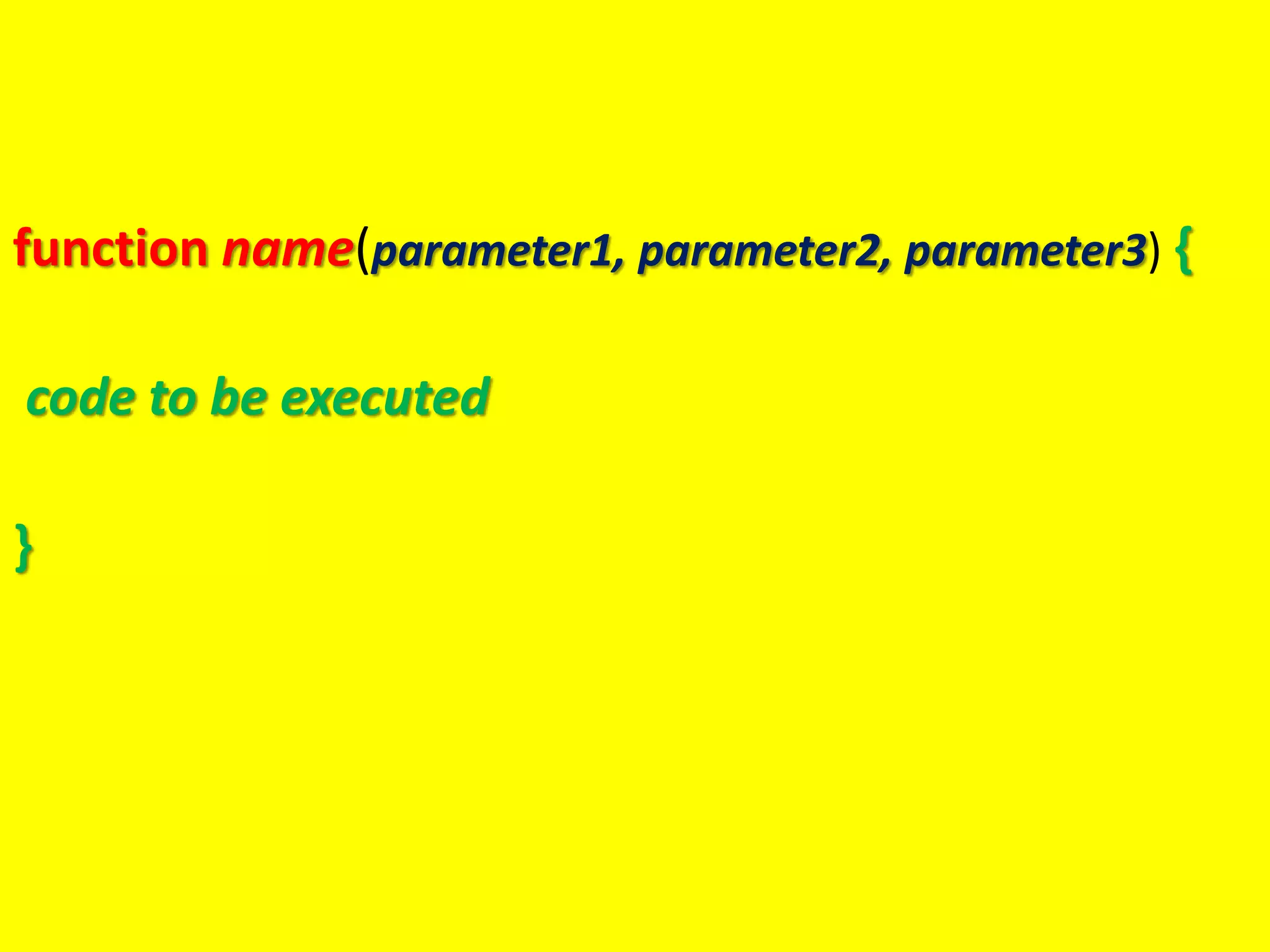
JavaScript Function Syntax
•Οριζεται με το function keyword, ακολουθουμενο από
το name, ακολουθουμενο από παρενθεσεις ().
• Τα Function names μπορουν να εχουν letters, digits,
underscores, και dollar signs (same rules as variables).
• Οι παρενθεσεις μπορουν να περικλειουν παραμετρους
χωρισμενες με κομματα : (parameter1, parameter2,
...)
• Ο κωδικας περκλειεται από αγκιστρα: {}
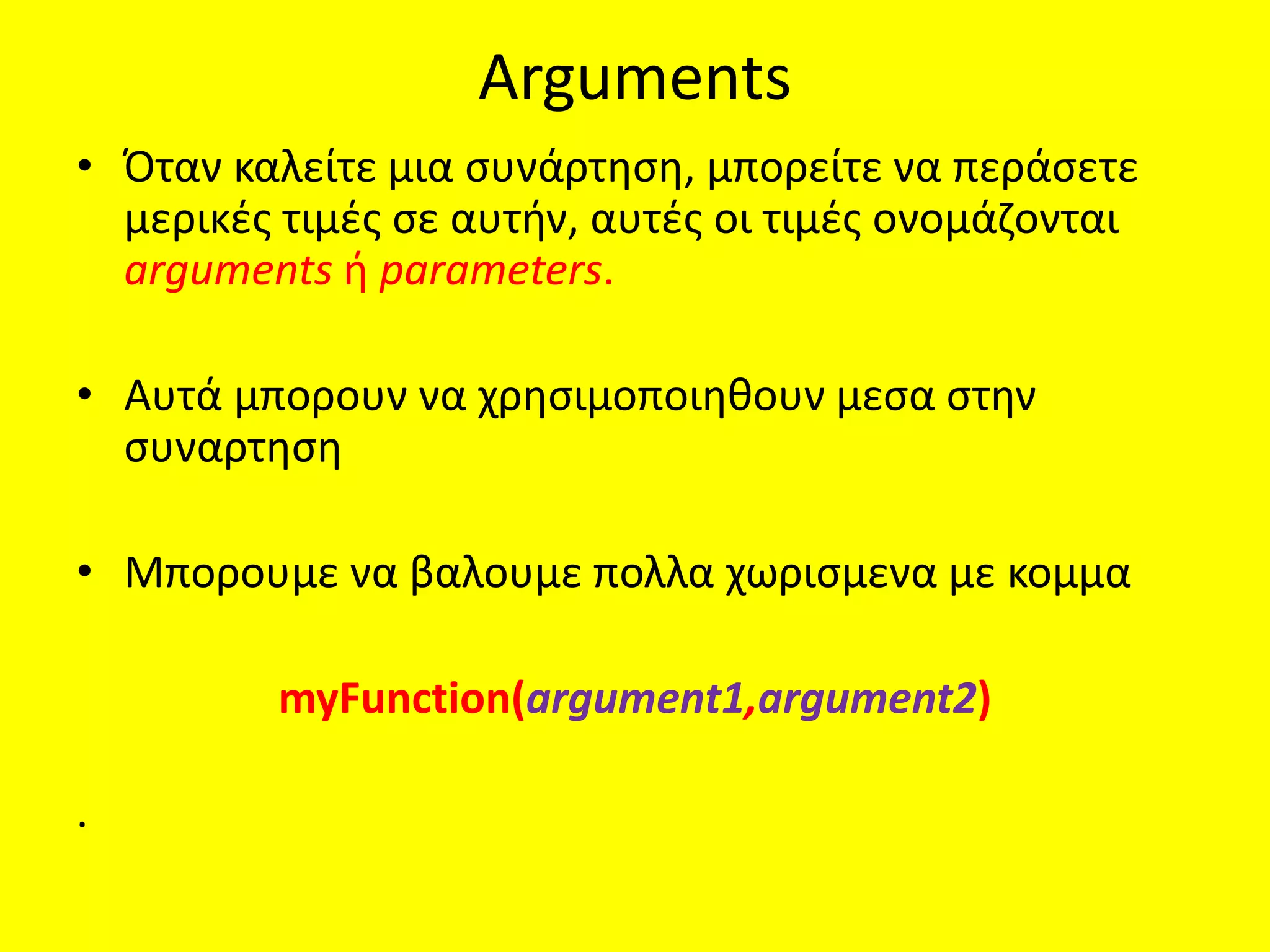
Arguments
• Όταν καλείτεμια συνάρτηση, μπορείτε να περάσετε
μερικές τιμές σε αυτήν, αυτές οι τιμές ονομάζονται
arguments ή parameters.
• Αυτά μπορουν να χρησιμοποιηθουν μεσα στην
συναρτηση
• Μπορουμε να βαλουμε πολλα χωρισμενα με κομμα
myFunction(argument1,argument2)
.
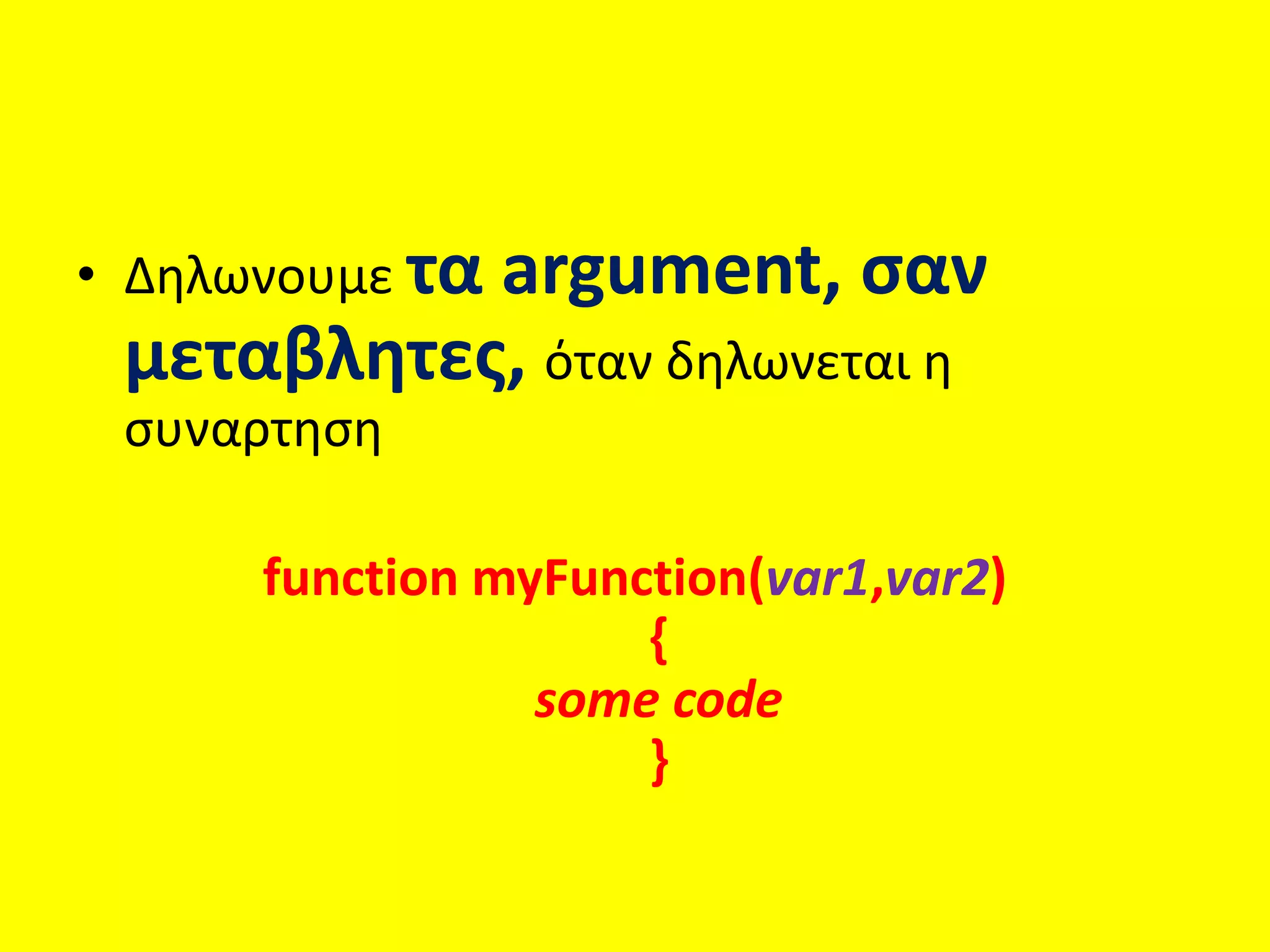
34.
• Δηλωνουμε ταargument, σαν
μεταβλητες, όταν δηλωνεται η
συναρτηση
function myFunction(var1,var2)
{
some code
}
35.
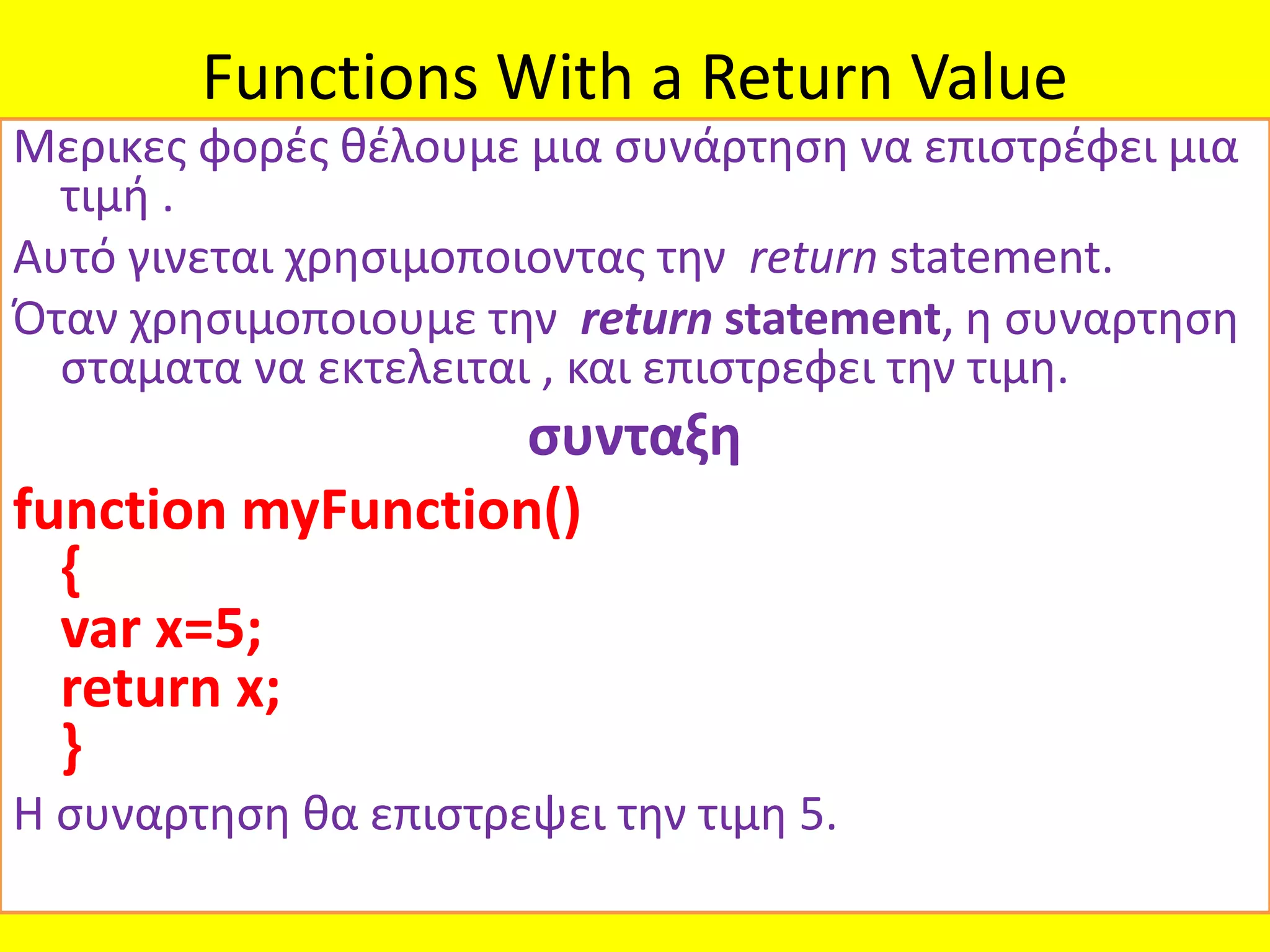
Functions With aReturn Value
Μερικες φορές θέλουμε μια συνάρτηση να επιστρέφει μια
τιμή .
Αυτό γινεται χρησιμοποιοντας την return statement.
Όταν χρησιμοποιουμε την return statement, η συναρτηση
σταματα να εκτελειται , και επιστρεφει την τιμη.
συνταξη
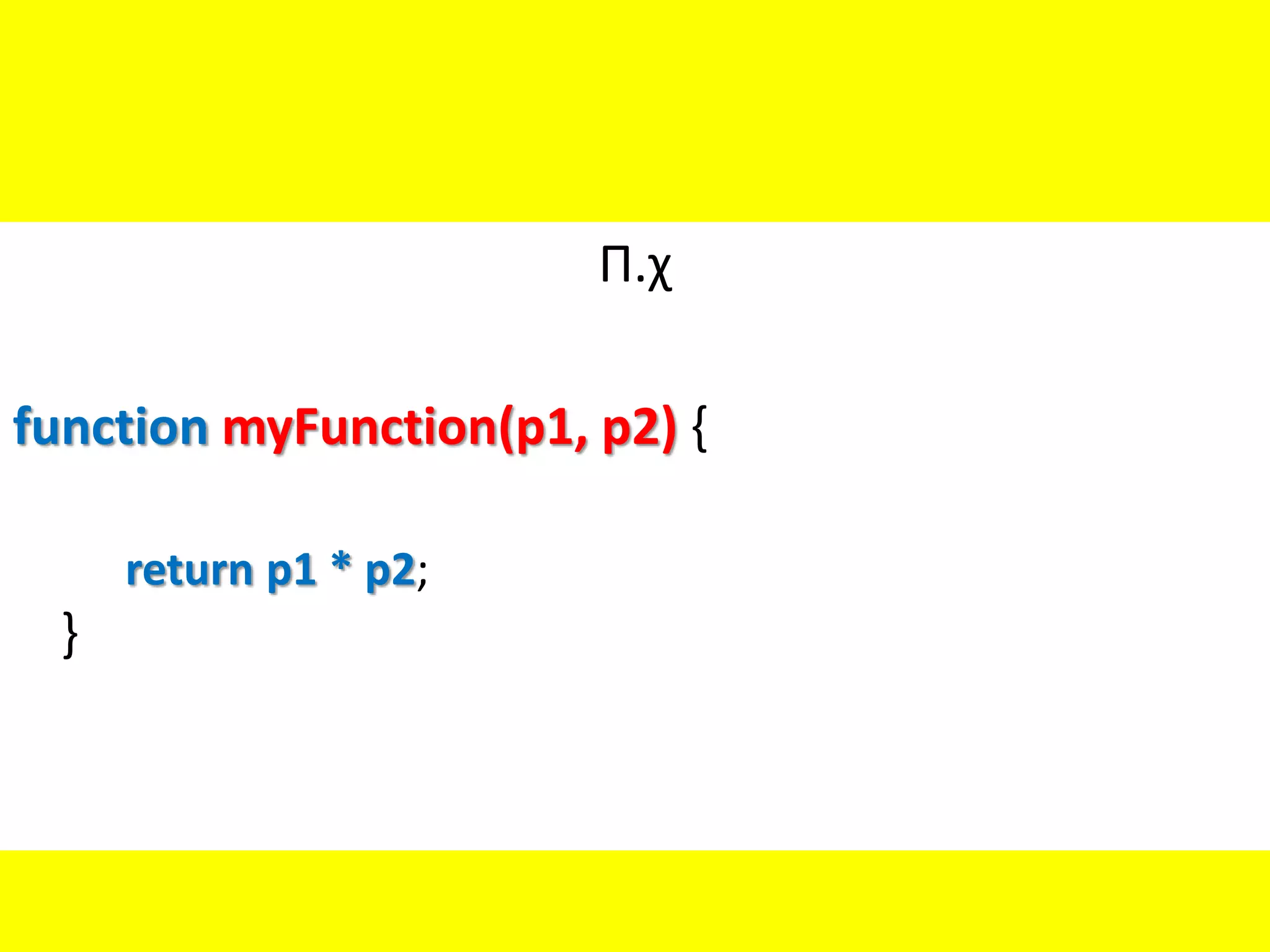
function myFunction()
{
var x=5;
return x;
}
Η συναρτηση θα επιστρεψει την τιμη 5.
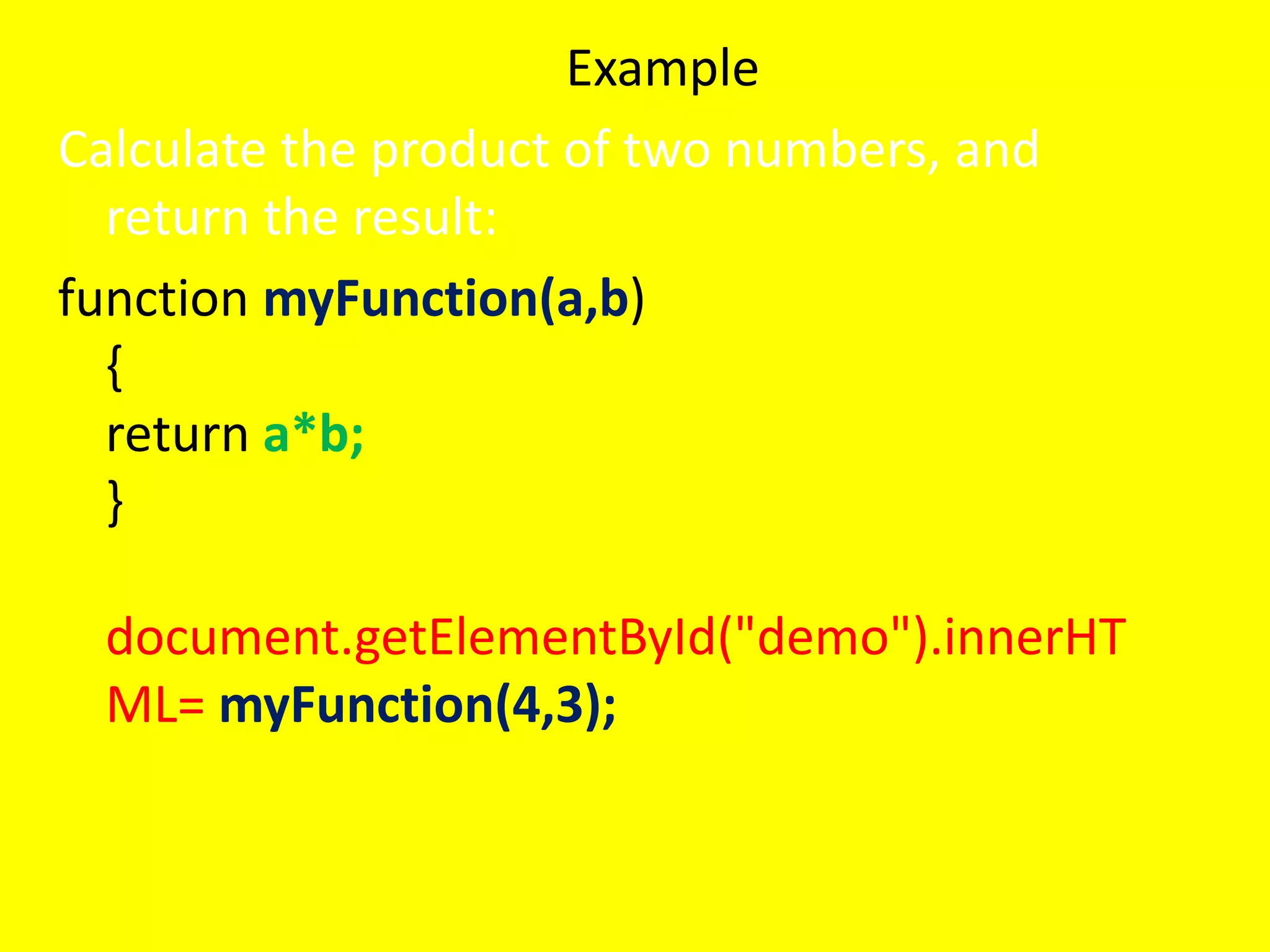
Example
Calculate the productof two numbers, and
return the result:
function myFunction(a,b)
{
return a*b;
}
document.getElementById("demo").innerHT
ML= myFunction(4,3);
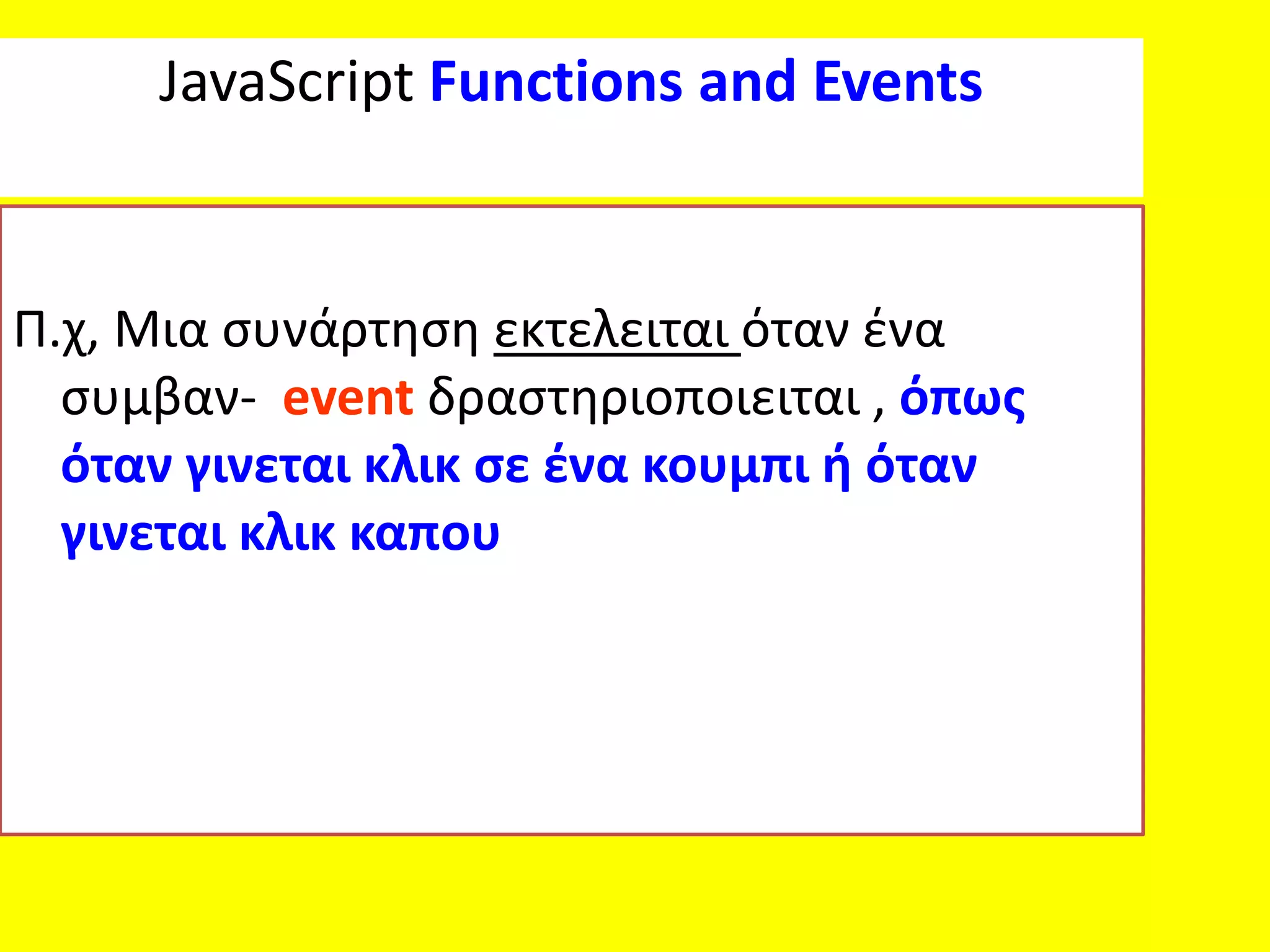
JavaScript Functions andEvents
Π.χ, Μια συνάρτηση εκτελειται όταν ένα
συμβαν- event δραστηριοποιειται , όπως
όταν γινεται κλικ σε ένα κουμπι ή όταν
γινεται κλικ καπου
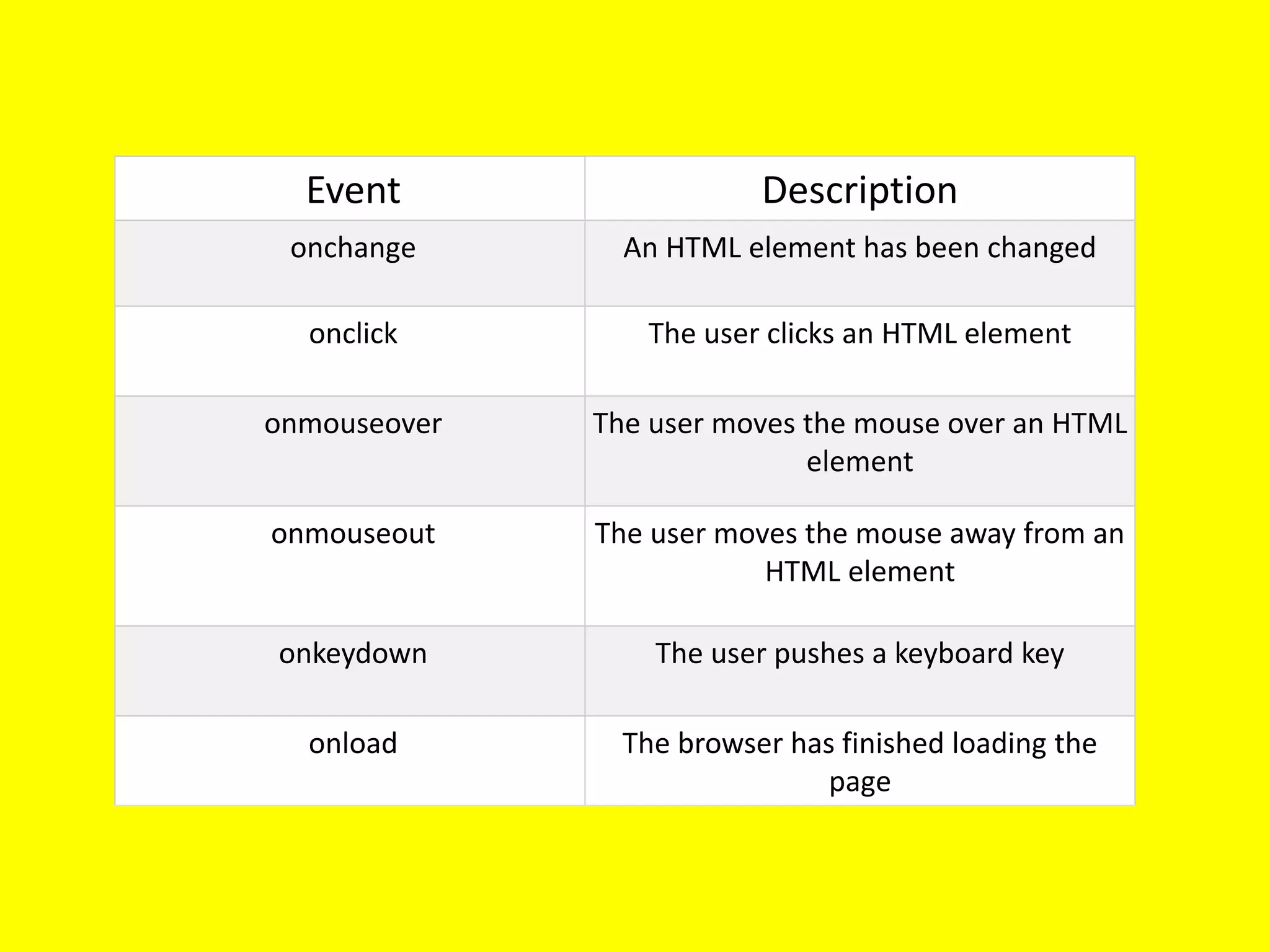
41.
Event Description
onchange AnHTML element has been changed
onclick The user clicks an HTML element
onmouseover The user moves the mouse over an HTML
element
onmouseout The user moves the mouse away from an
HTML element
onkeydown The user pushes a keyboard key
onload The browser has finished loading the
page
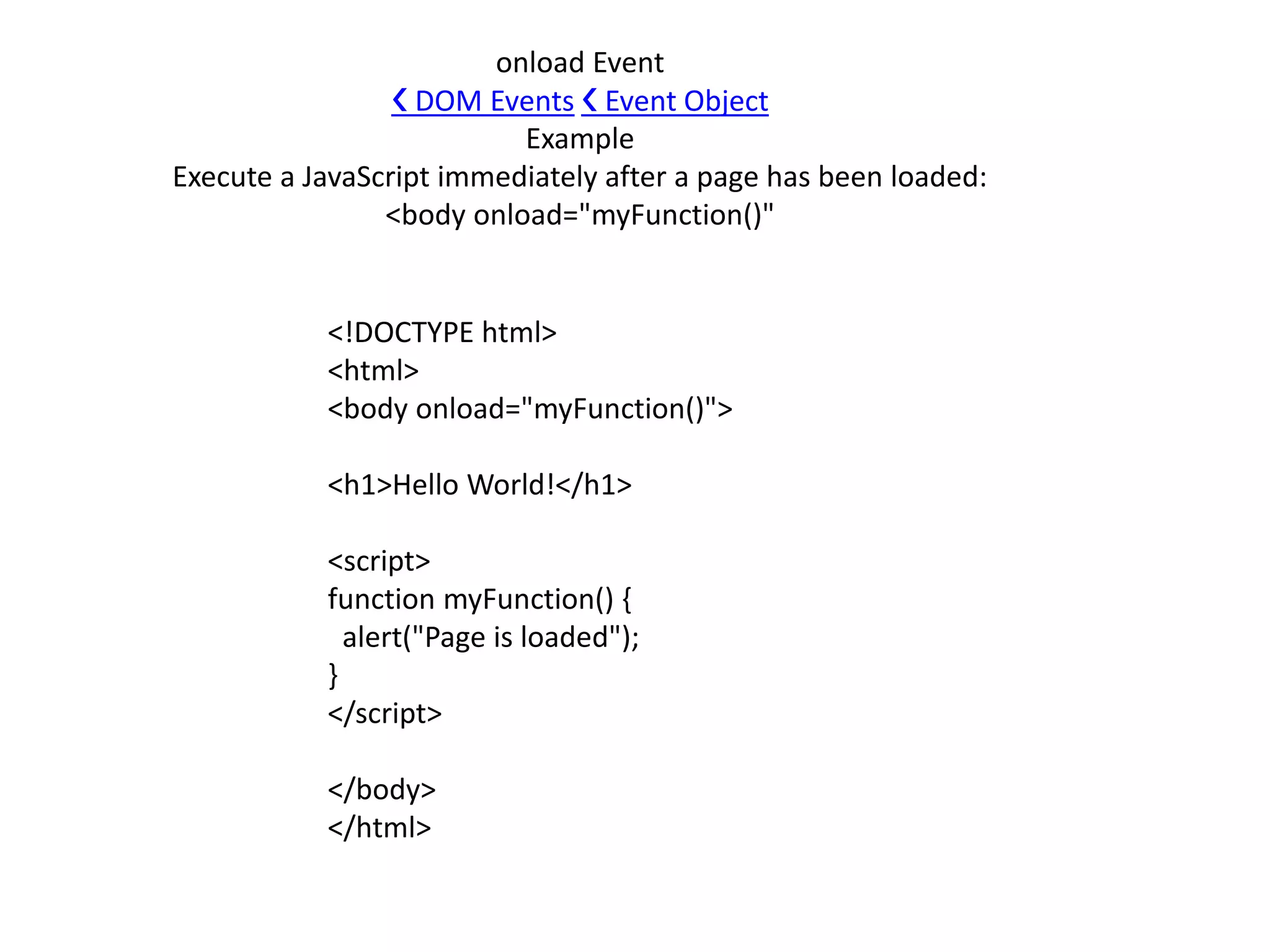
42.
<!DOCTYPE html>
<html>
<body onload="myFunction()">
<h1>HelloWorld!</h1>
<script>
function myFunction() {
alert("Page is loaded");
}
</script>
</body>
</html>
onload Event
❮ DOM Events ❮ Event Object
Example
Execute a JavaScript immediately after a page has been loaded:
<body onload="myFunction()"
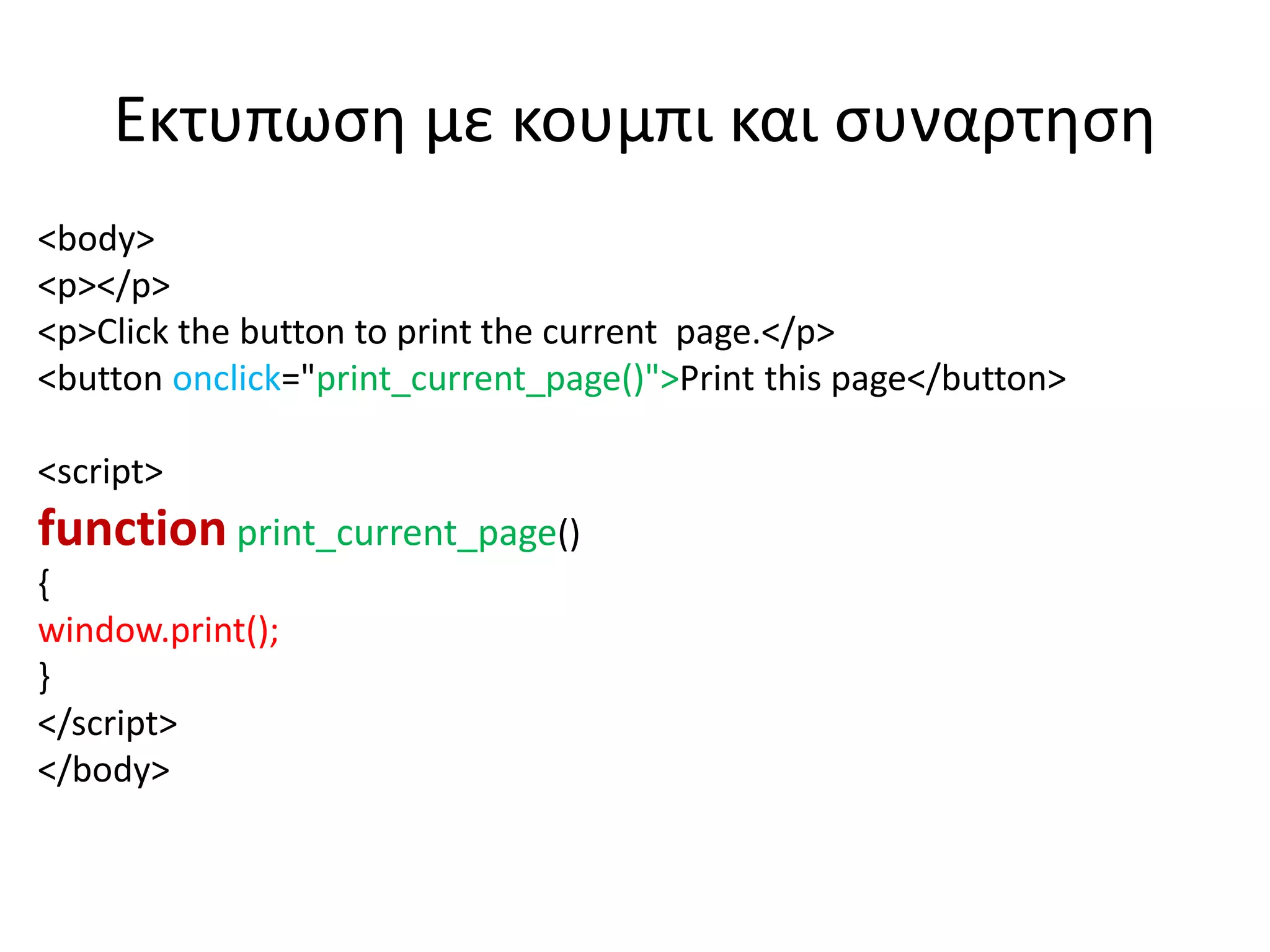
Εκτυπωση με κουμπικαι συναρτηση
<body>
<p></p>
<p>Click the button to print the current page.</p>
<button onclick="print_current_page()">Print this page</button>
<script>
function print_current_page()
{
window.print();
}
</script>
</body>
ondblclick Event
• <!DOCTYPEhtml>
• <html>
• <body>
• <p ondblclick="myFunction()">Double-click this paragraph to trigger a function.</p>
• <p id="demo"></p>
• <script>
• function myFunction() {
• document.getElementById("demo").innerHTML = "Hello World";
• }
• </script>
• </body>
• </html>
59.
• The onblurevent occurs when an object loses
focus.
60.
• <!DOCTYPE html>
•<html>
• <body>
• Enter your name: <input type="text" id="fname" onblur="myFunction()">
• <p>When you leave the input field, a function is triggered which transforms the input text to upper
case.</p>
• <script>
• function myFunction() {
• var x = document.getElementById("fname");
• x.value = x.value.toUpperCase();
• }
• </script>
• </body>
• </html>
61.
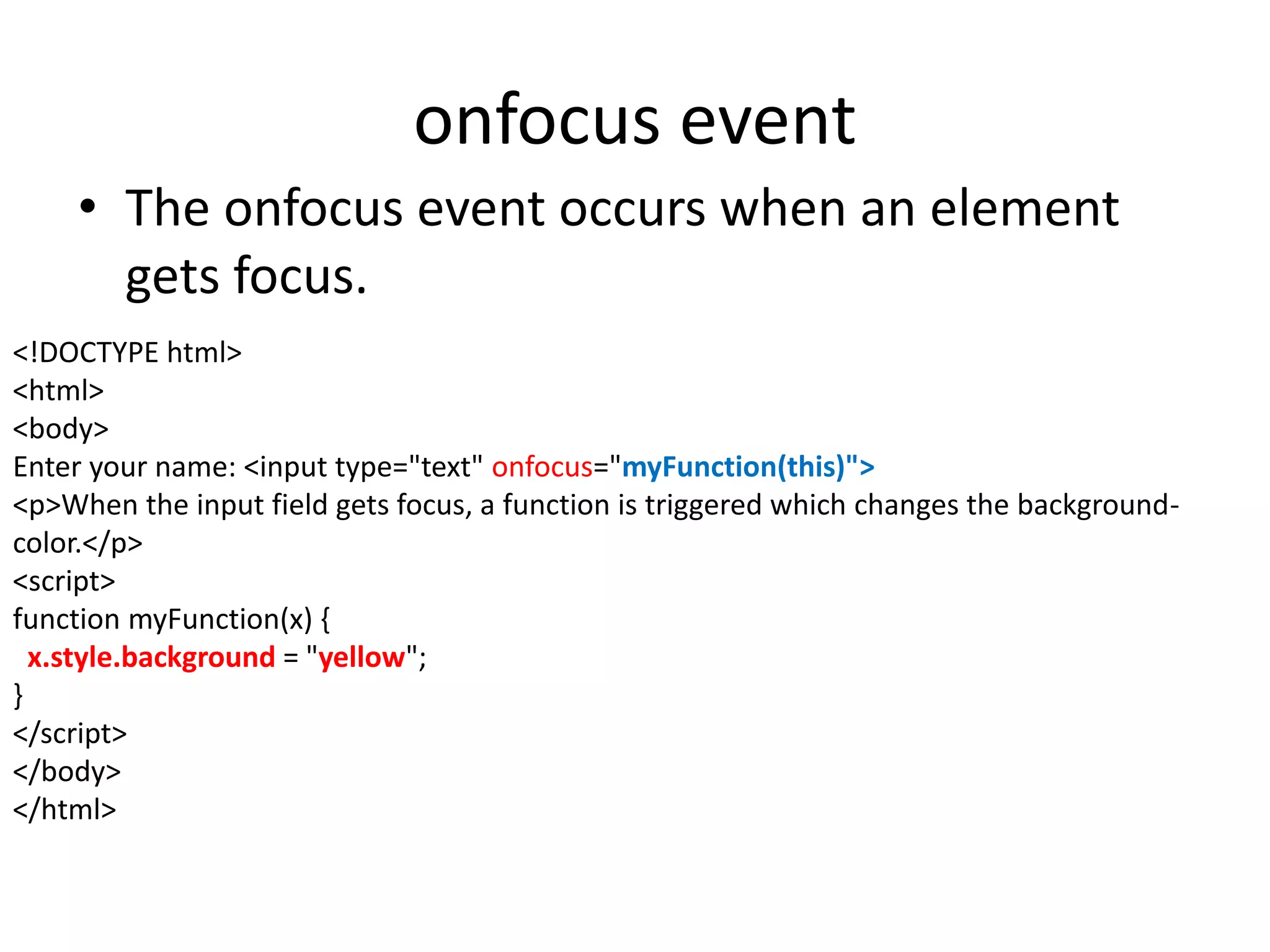
onfocus event
• Theonfocus event occurs when an element
gets focus.
<!DOCTYPE html>
<html>
<body>
Enter your name: <input type="text" onfocus="myFunction(this)">
<p>When the input field gets focus, a function is triggered which changes the background-
color.</p>
<script>
function myFunction(x) {
x.style.background = "yellow";
}
</script>
</body>
</html>
62.
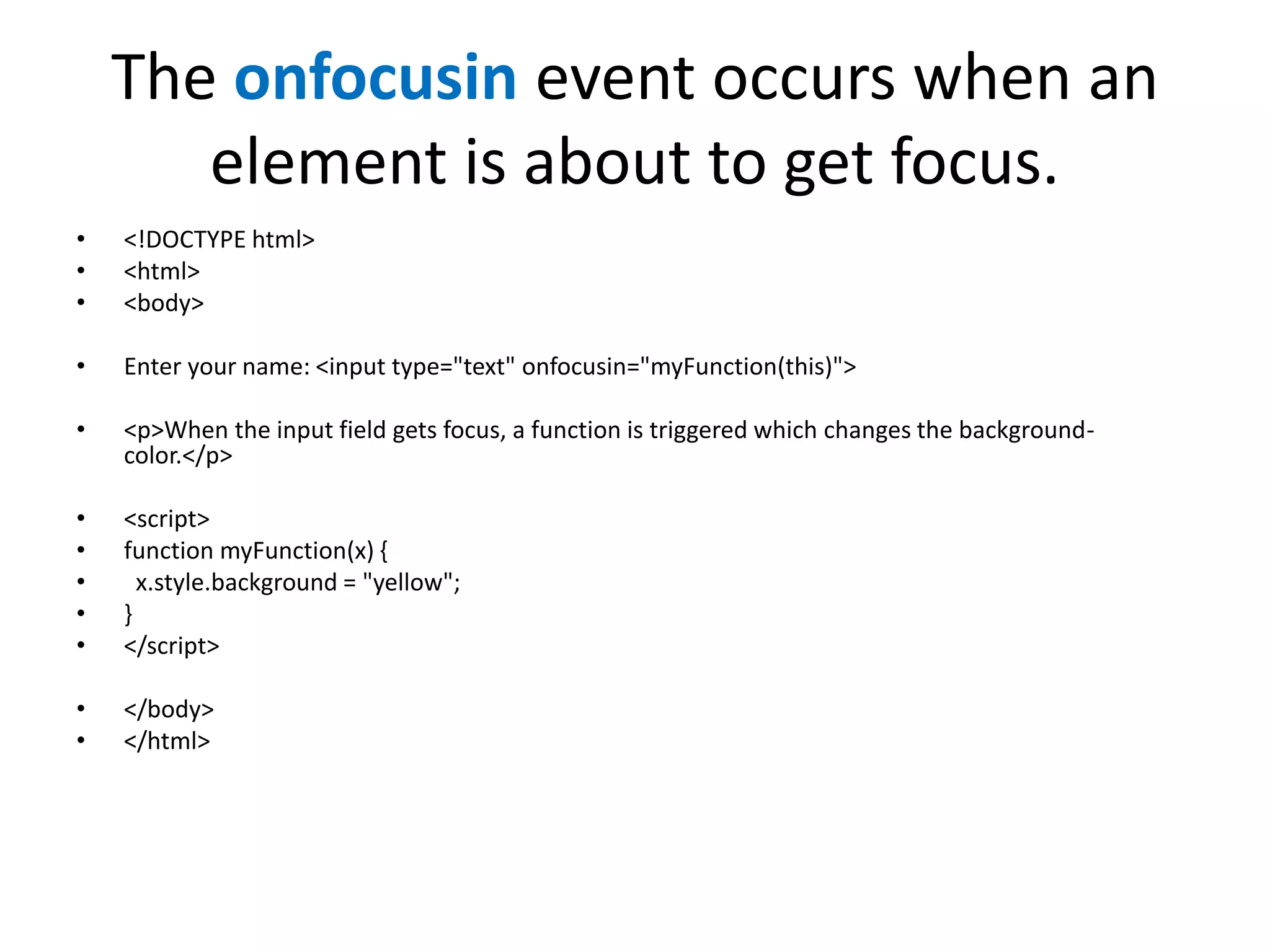
The onfocusin eventoccurs when an
element is about to get focus.
• <!DOCTYPE html>
• <html>
• <body>
• Enter your name: <input type="text" onfocusin="myFunction(this)">
• <p>When the input field gets focus, a function is triggered which changes the background-
color.</p>
• <script>
• function myFunction(x) {
• x.style.background = "yellow";
• }
• </script>
• </body>
• </html>
63.
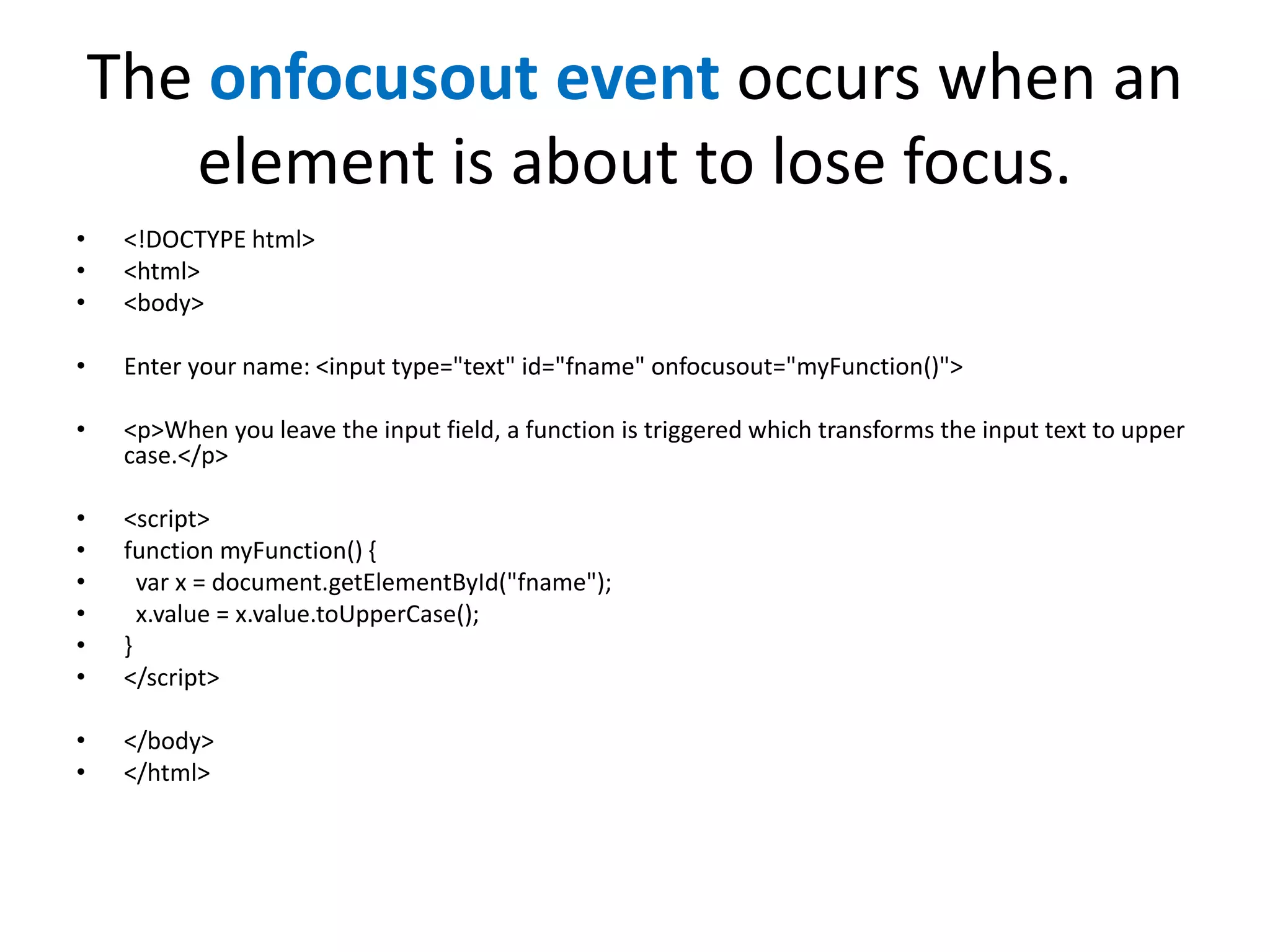
The onfocusout eventoccurs when an
element is about to lose focus.
• <!DOCTYPE html>
• <html>
• <body>
• Enter your name: <input type="text" id="fname" onfocusout="myFunction()">
• <p>When you leave the input field, a function is triggered which transforms the input text to upper
case.</p>
• <script>
• function myFunction() {
• var x = document.getElementById("fname");
• x.value = x.value.toUpperCase();
• }
• </script>
• </body>
• </html>
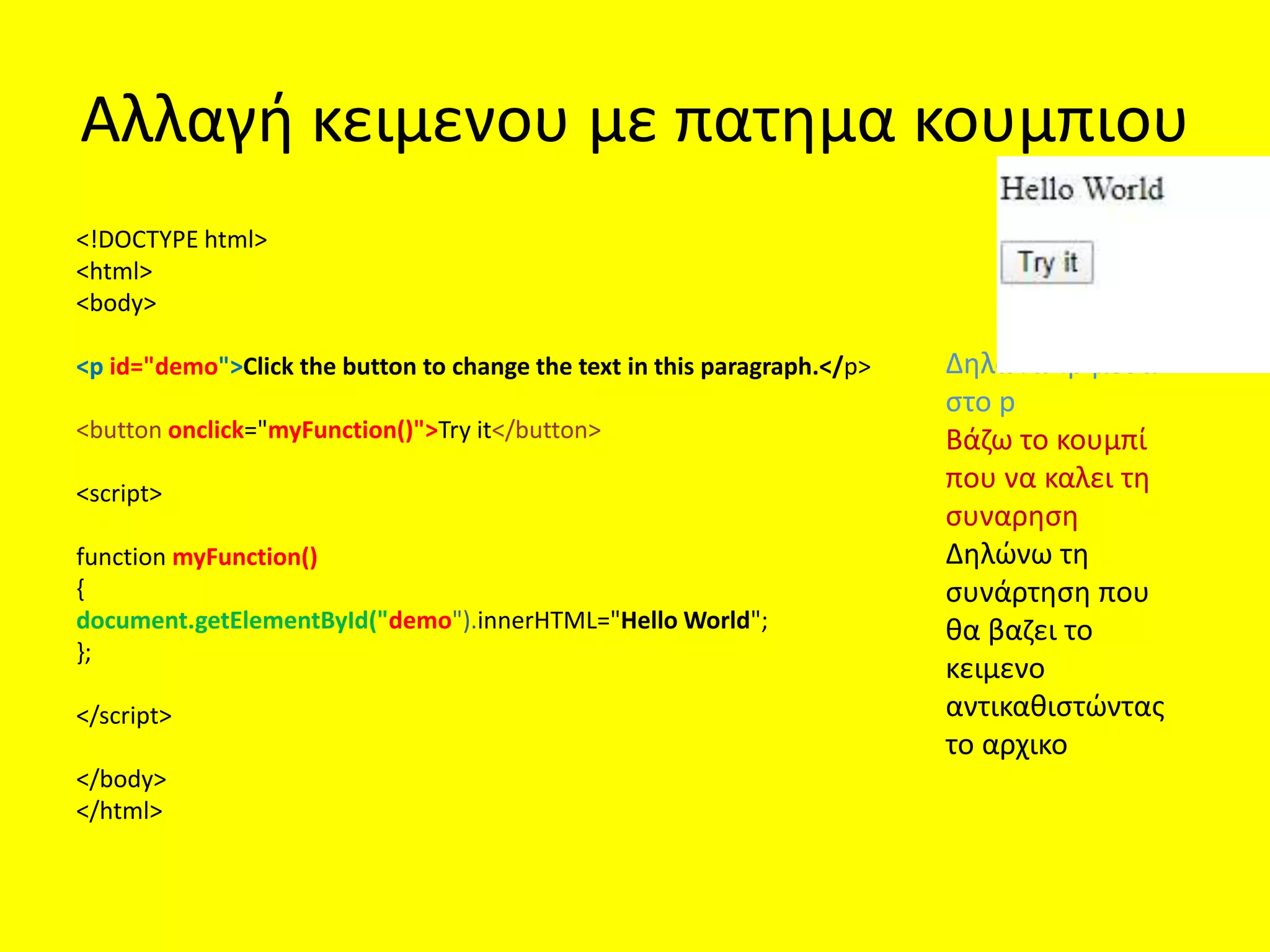
Αλλαγή κειμενου μεπατημα κουμπιου
<!DOCTYPE html>
<html>
<body>
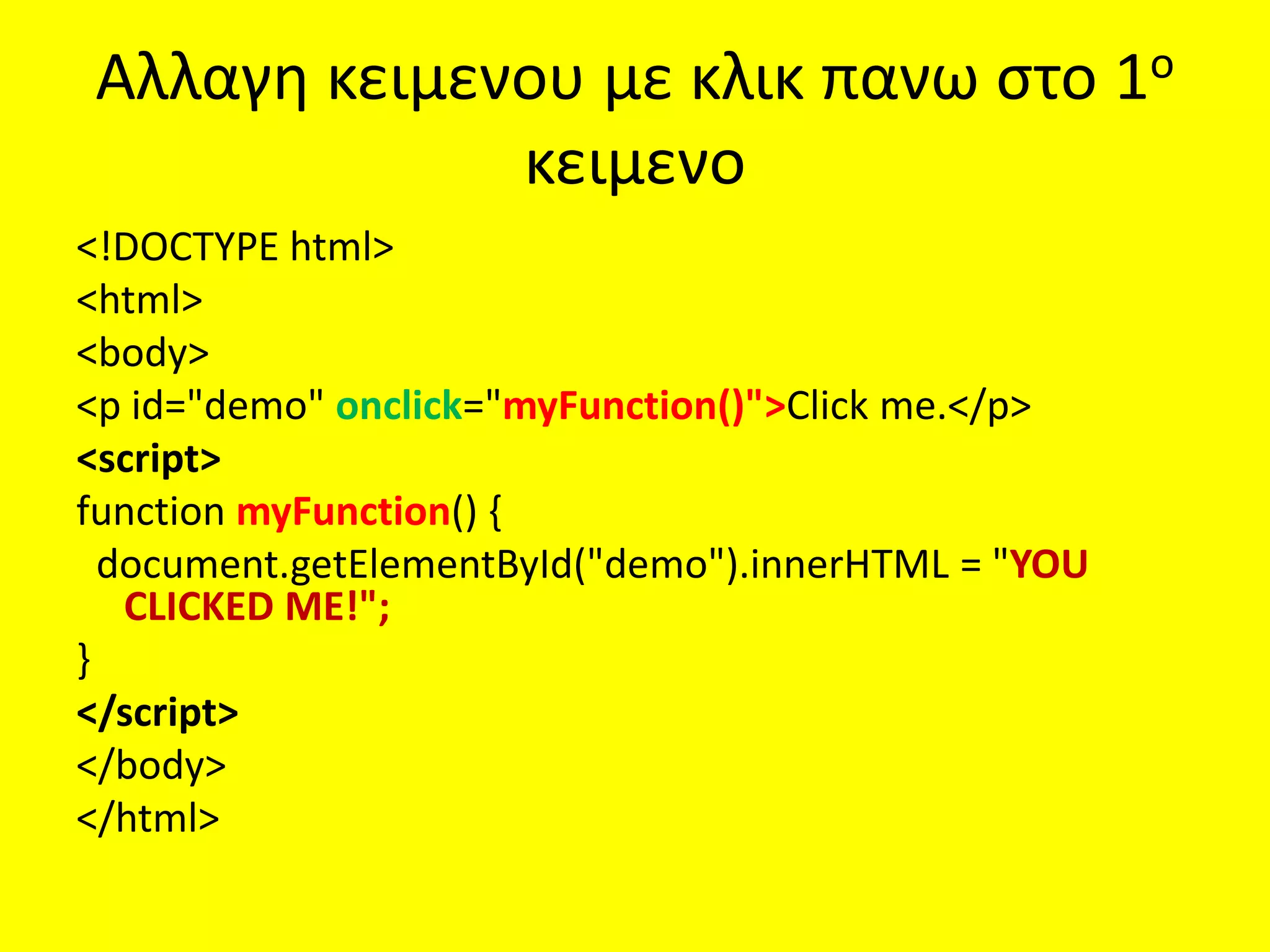
<p id="demo">Click the button to change the text in this paragraph.</p>
<button onclick="myFunction()">Try it</button>
<script>
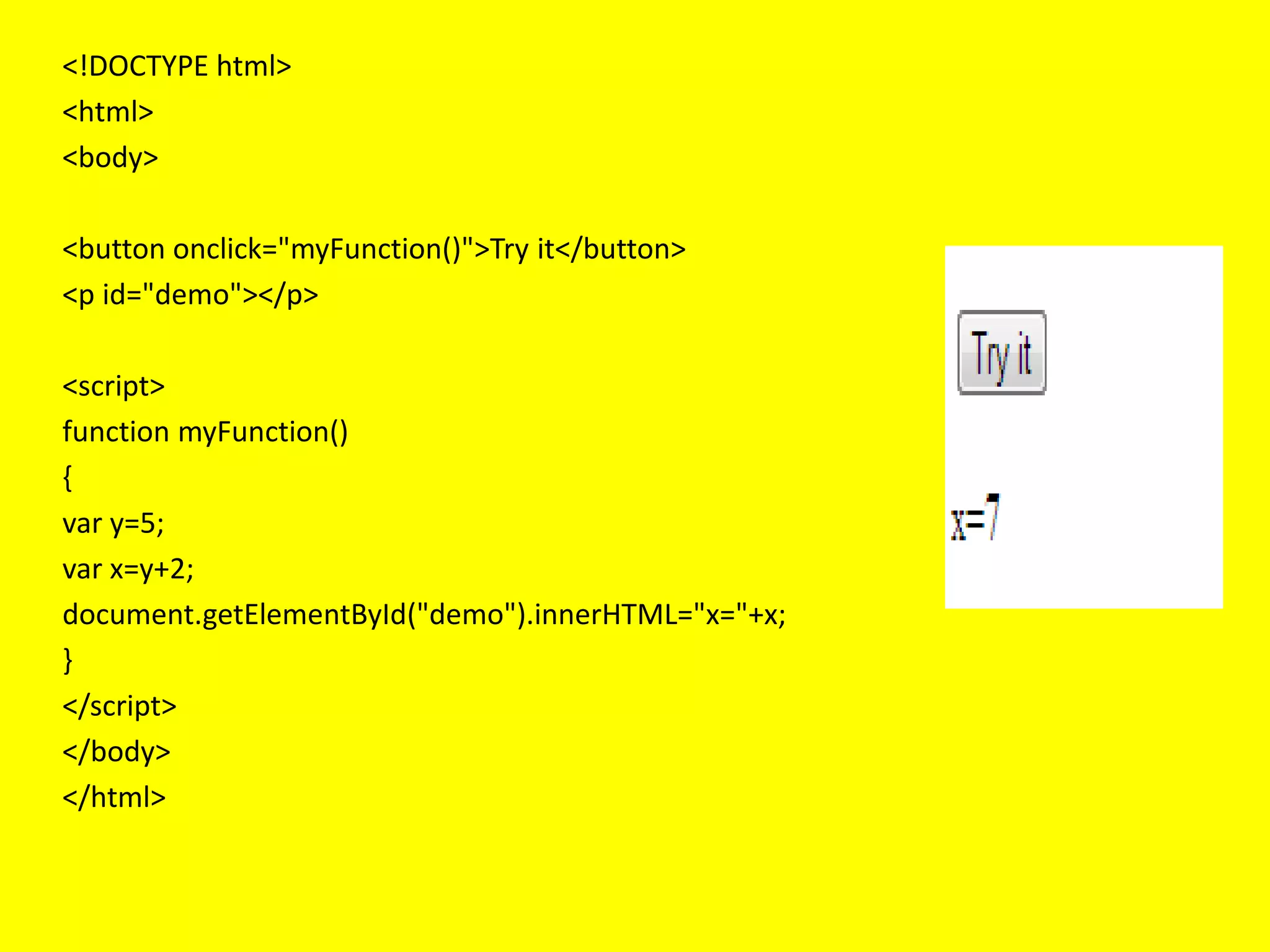
function myFunction()
{
document.getElementById("demo").innerHTML="Hello World";
};
</script>
</body>
</html>
Δηλώνω ip μεσα
στο p
Βάζω το κουμπί
που να καλει τη
συναρηση
Δηλώνω τη
συνάρτηση που
θα βαζει το
κειμενο
αντικαθιστώντας
το αρχικο
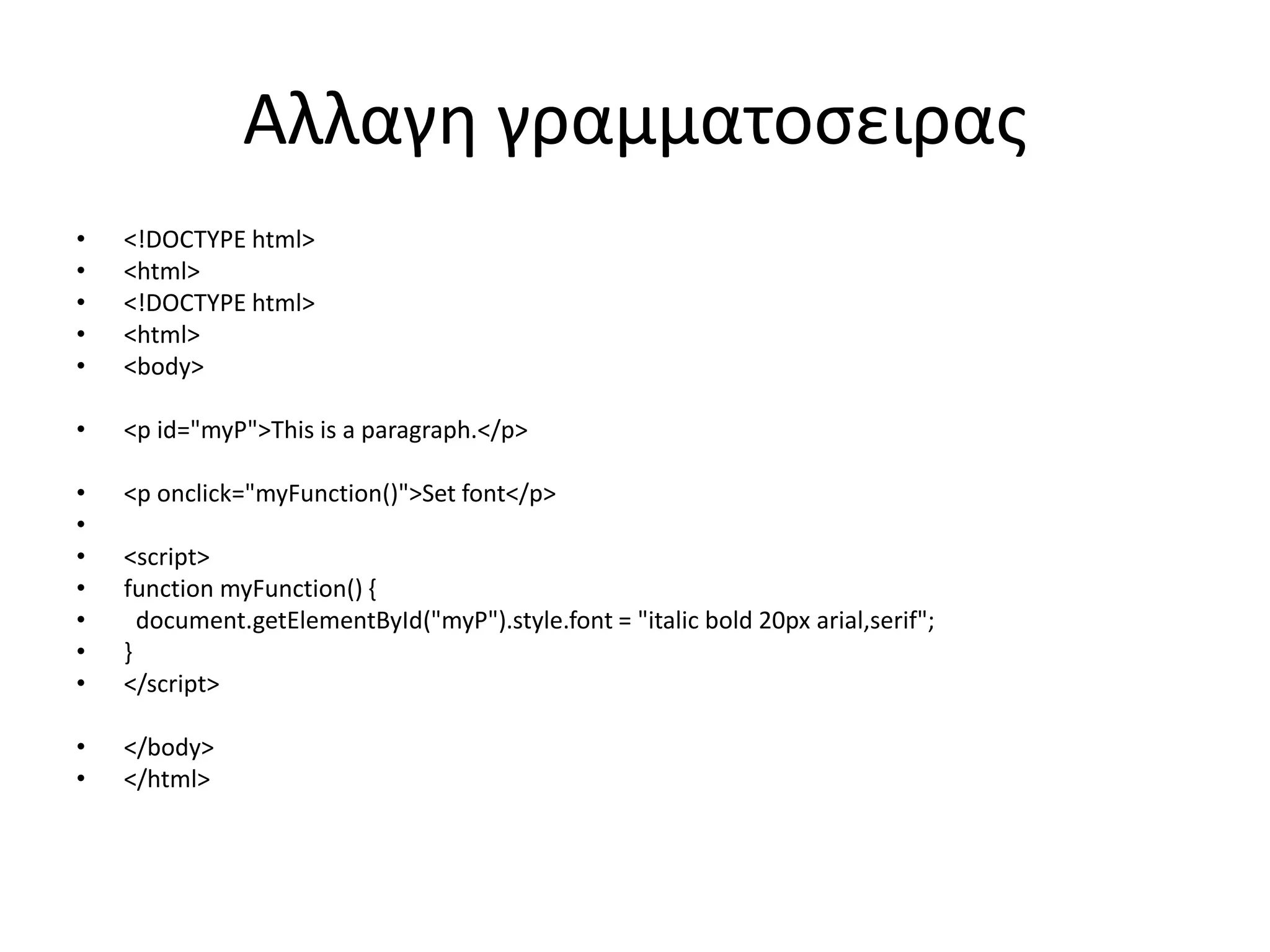
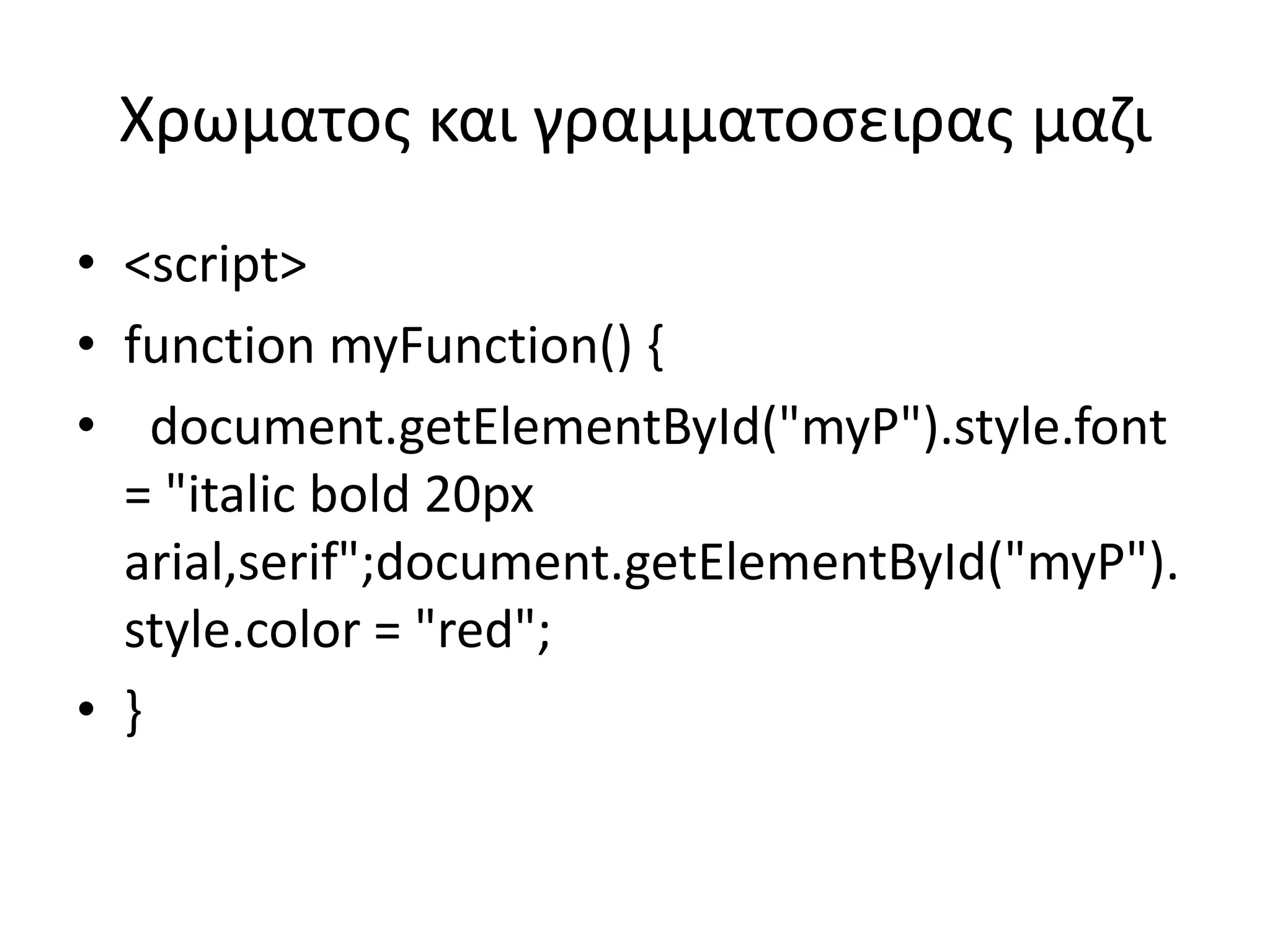
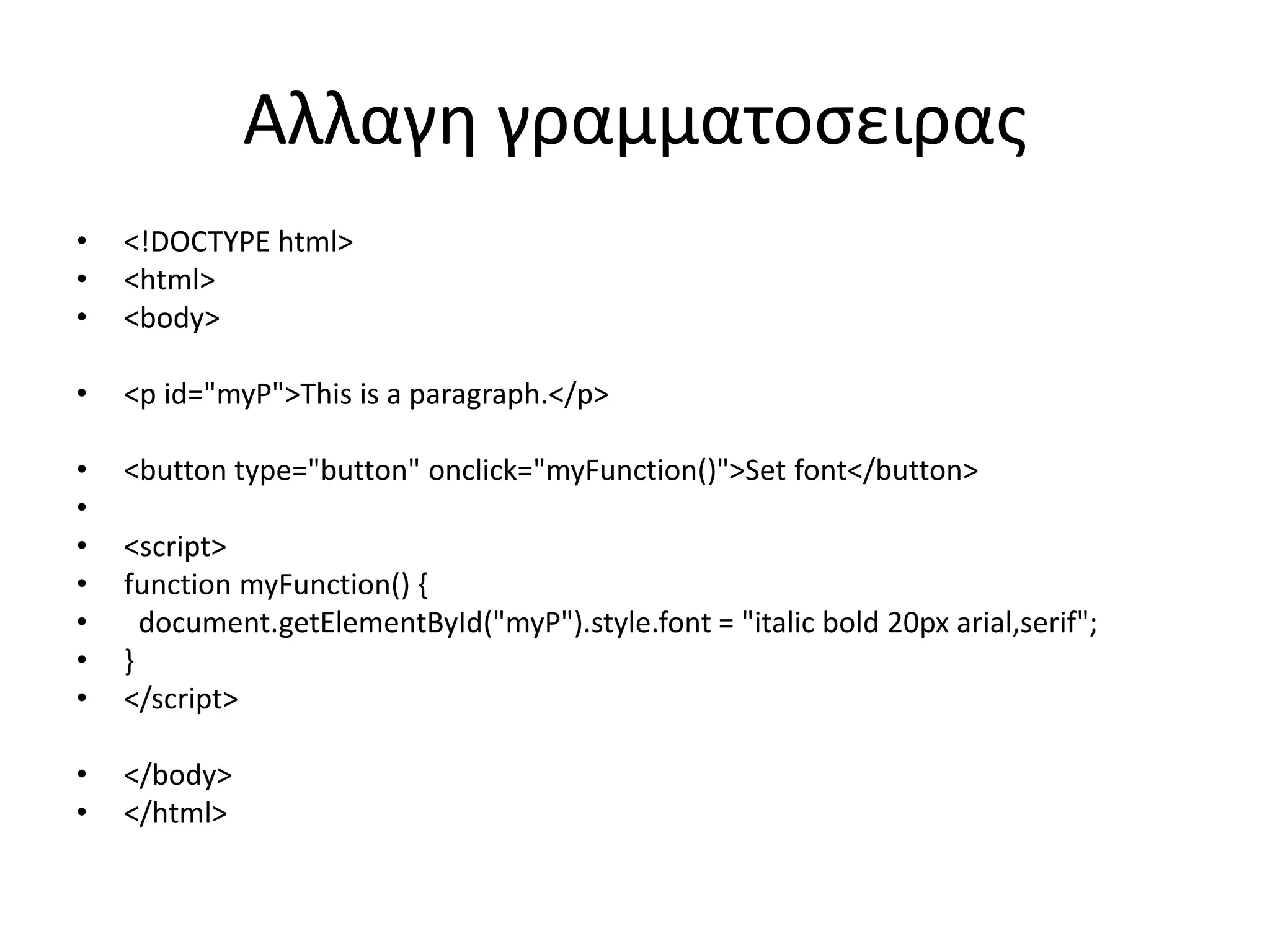
Αλλαγη χρωματος γραμματοσειραςμε
πατημα σε κουμπι[2ος τροπος]
x.style.color<!DOCTYPE html>
<html>
<body>
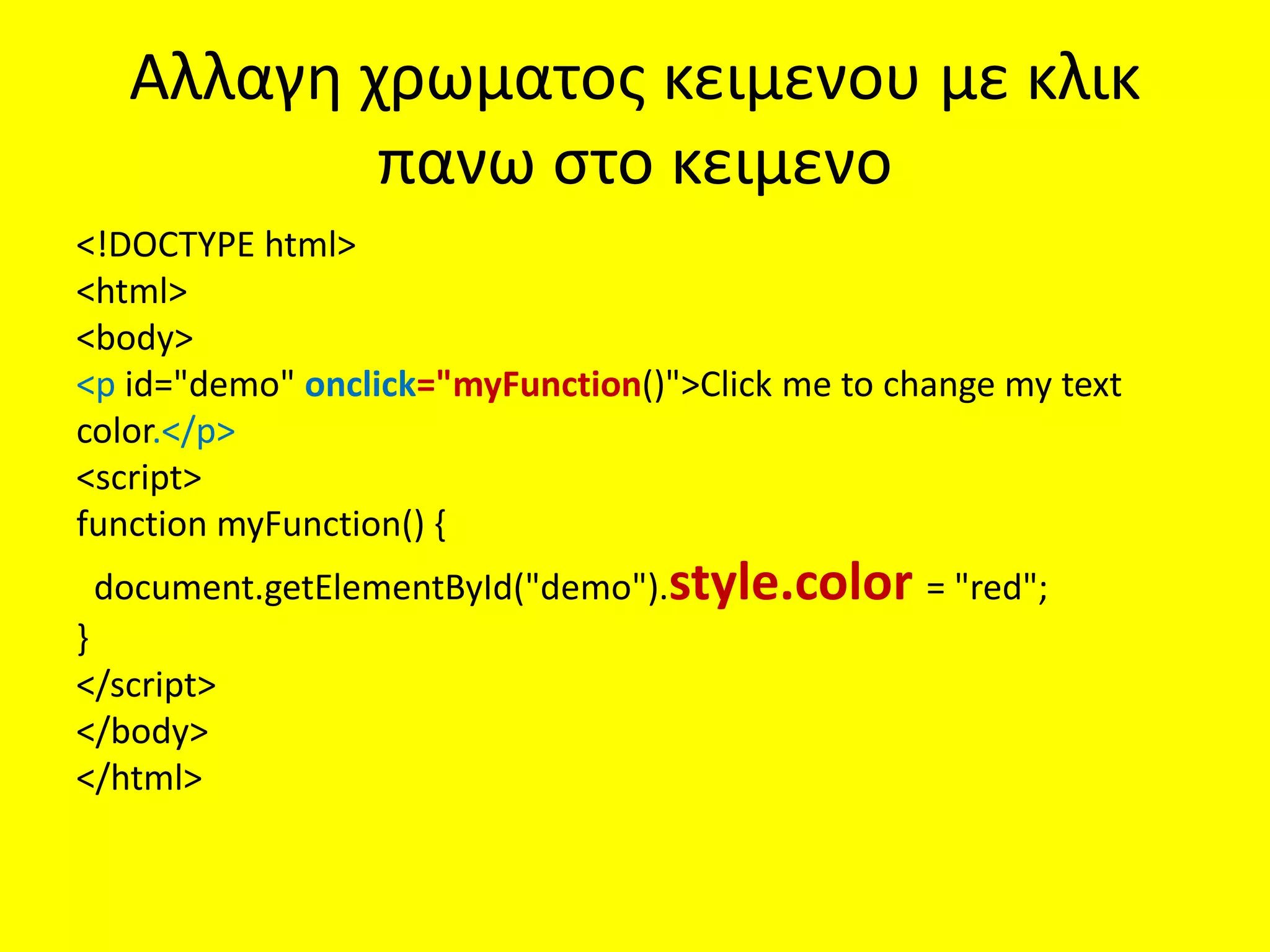
<p id="demo">Click the button to change the color of this paragraph.</p>
<button onclick="myFunction()">Try it</button>
<script>
function myFunction() {
var x = document.getElementById("demo");
x.style.color = "red";
}
</script>
</body>
</html>
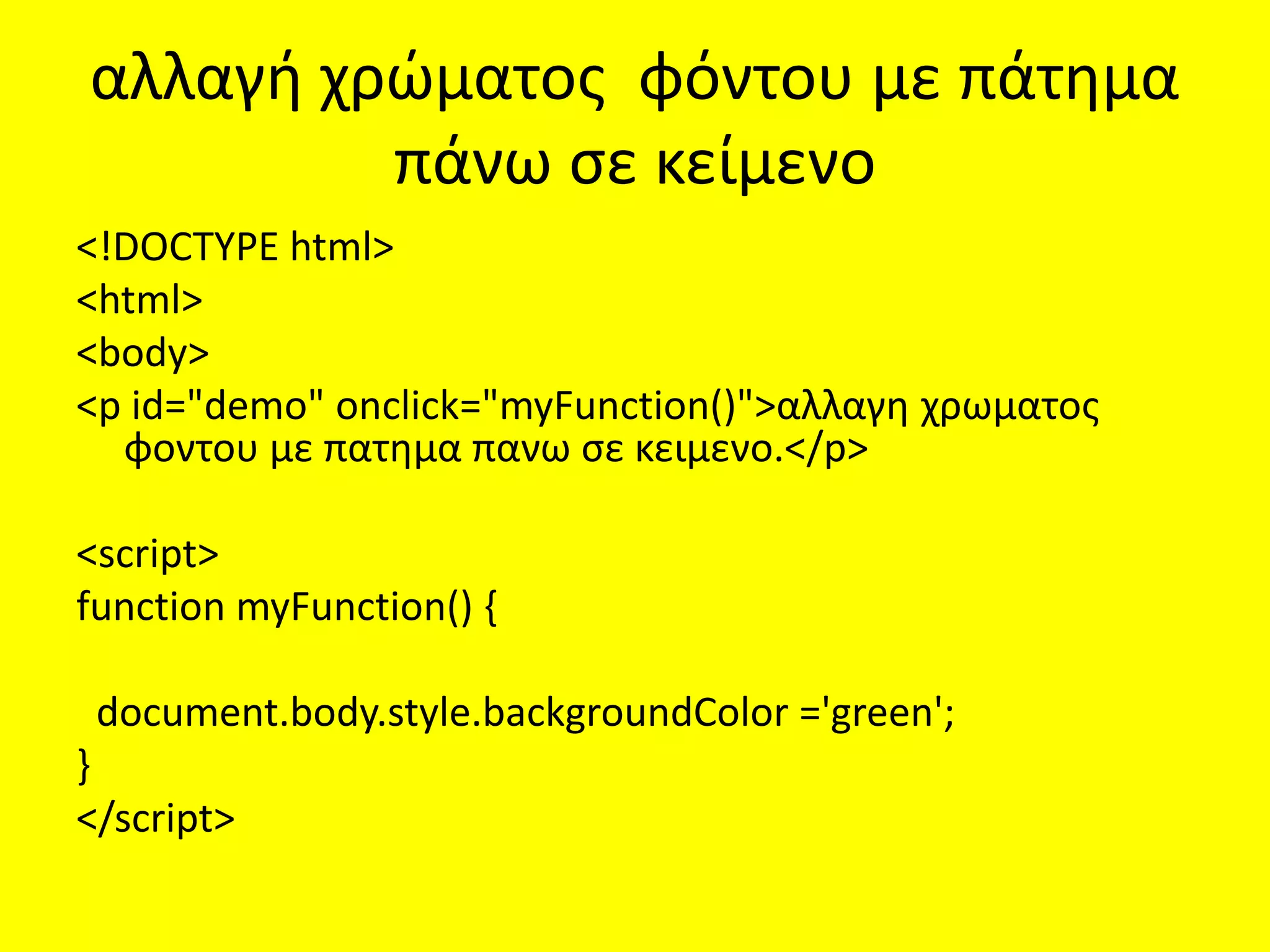
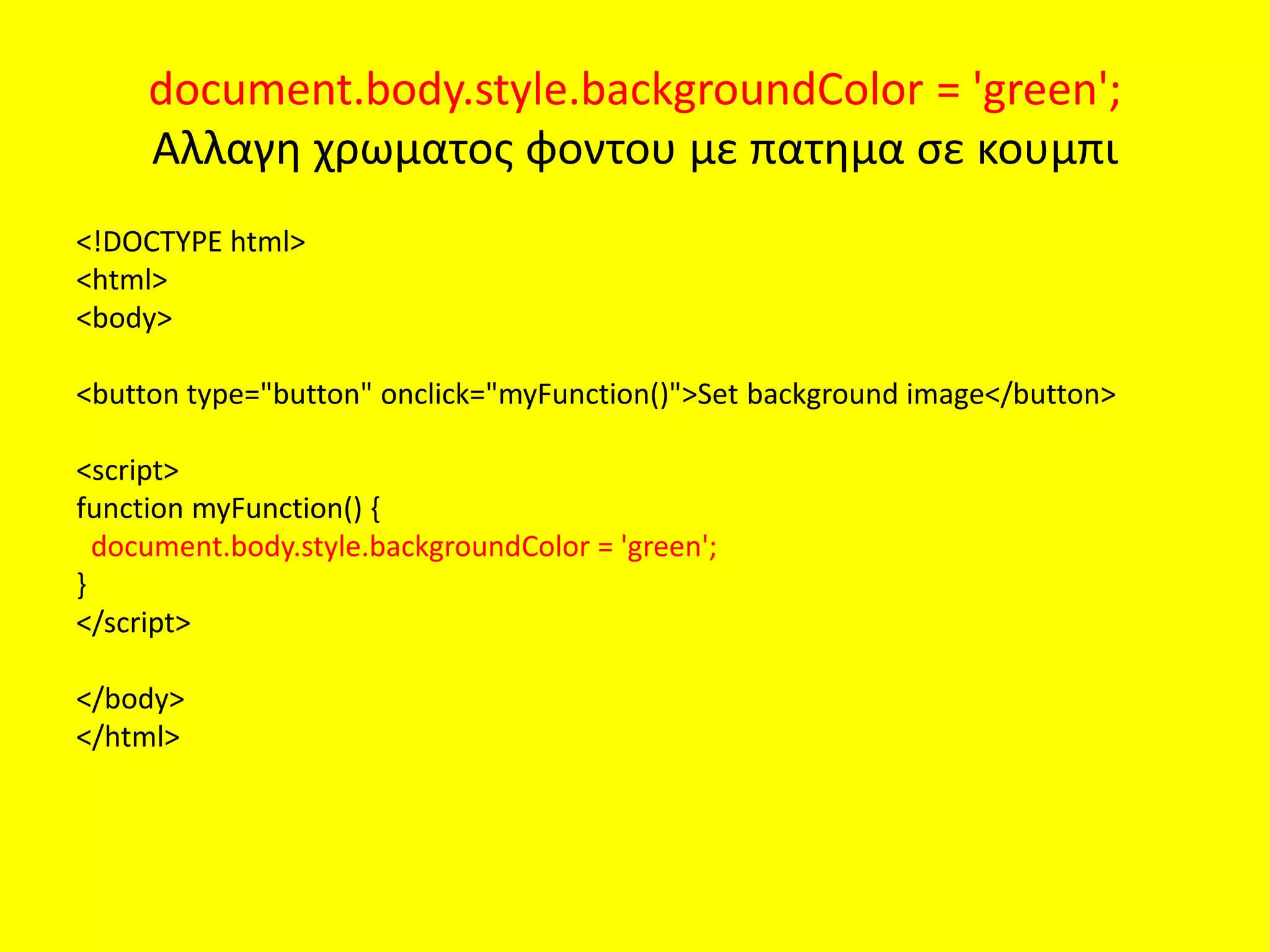
document.body.style.backgroundColor = 'green';
Αλλαγηχρωματος φοντου με πατημα σε κουμπι
<!DOCTYPE html>
<html>
<body>
<button type="button" onclick="myFunction()">Set background image</button>
<script>
function myFunction() {
document.body.style.backgroundColor = 'green';
}
</script>
</body>
</html>
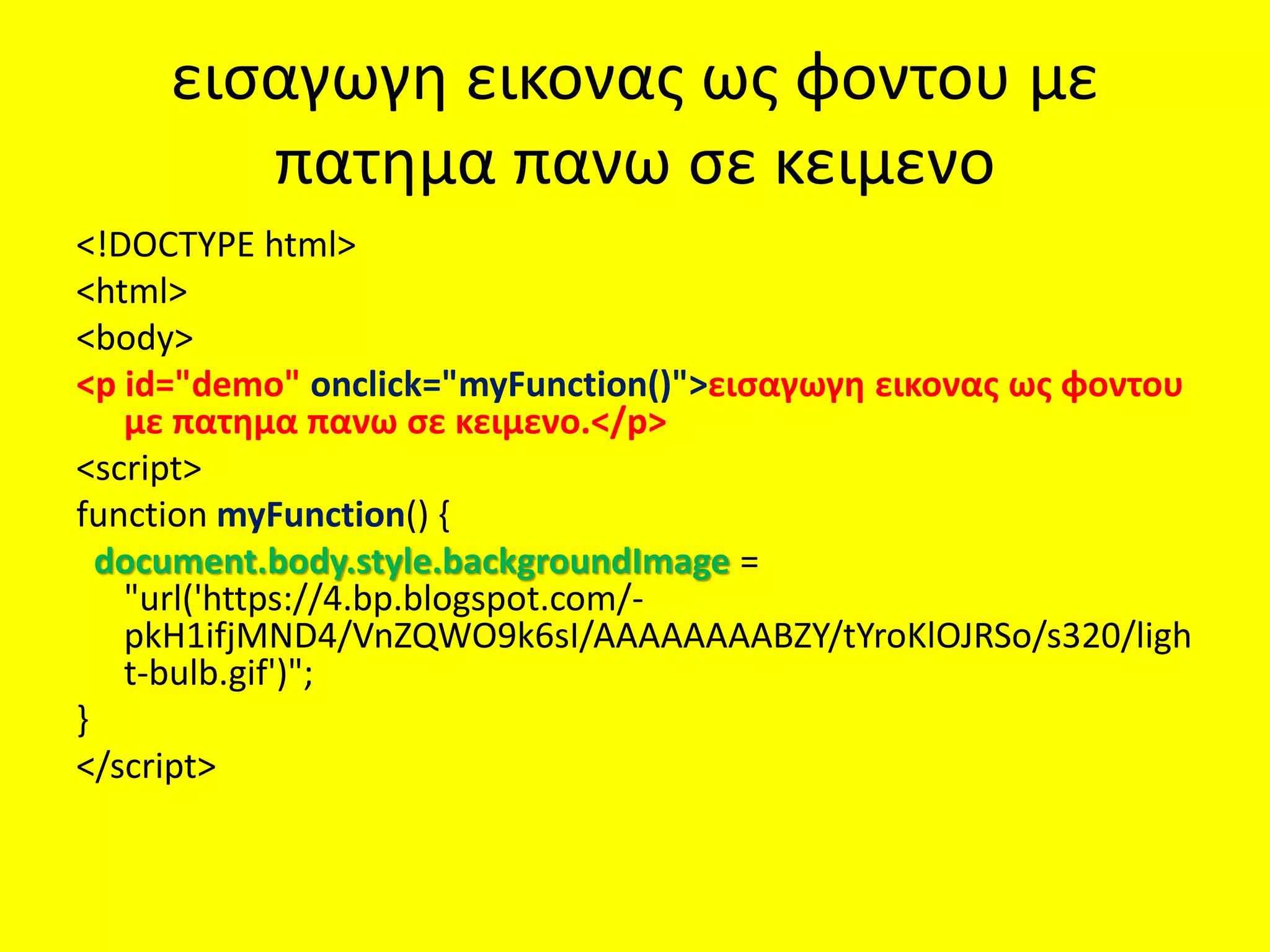
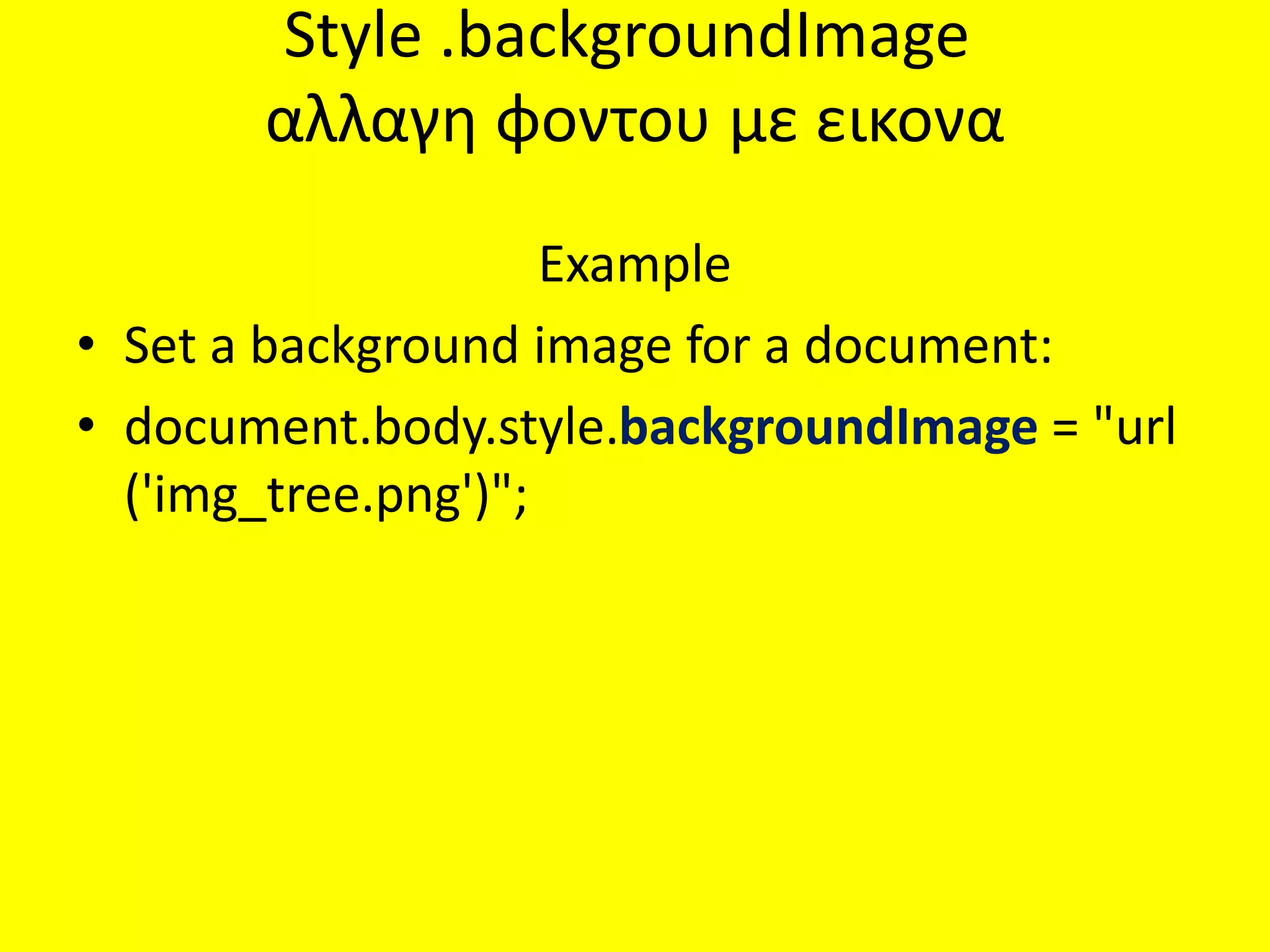
75.
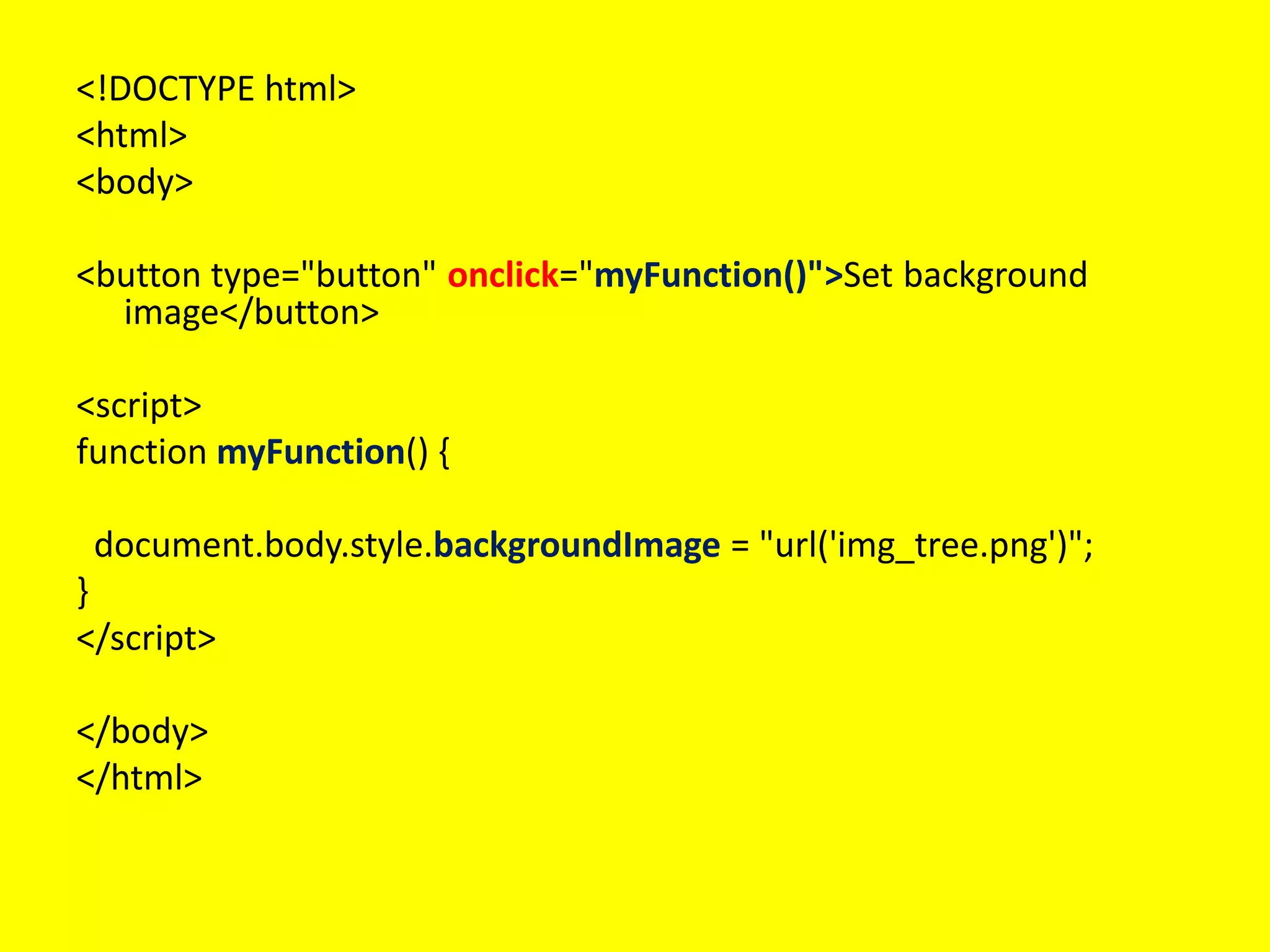
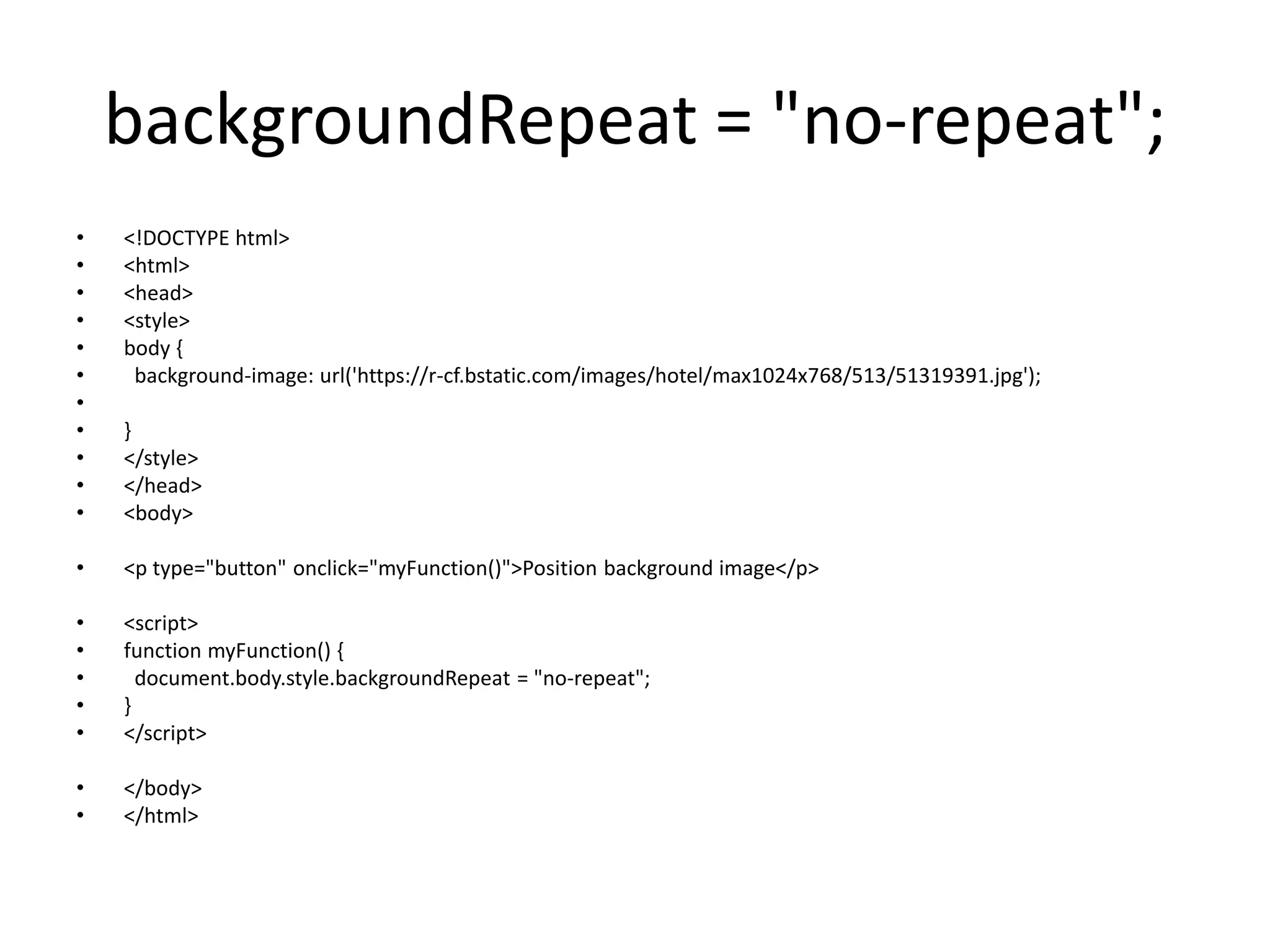
Style .backgroundImage
αλλαγη φοντουμε εικονα
Example
• Set a background image for a document:
• document.body.style.backgroundImage = "url
('img_tree.png')";
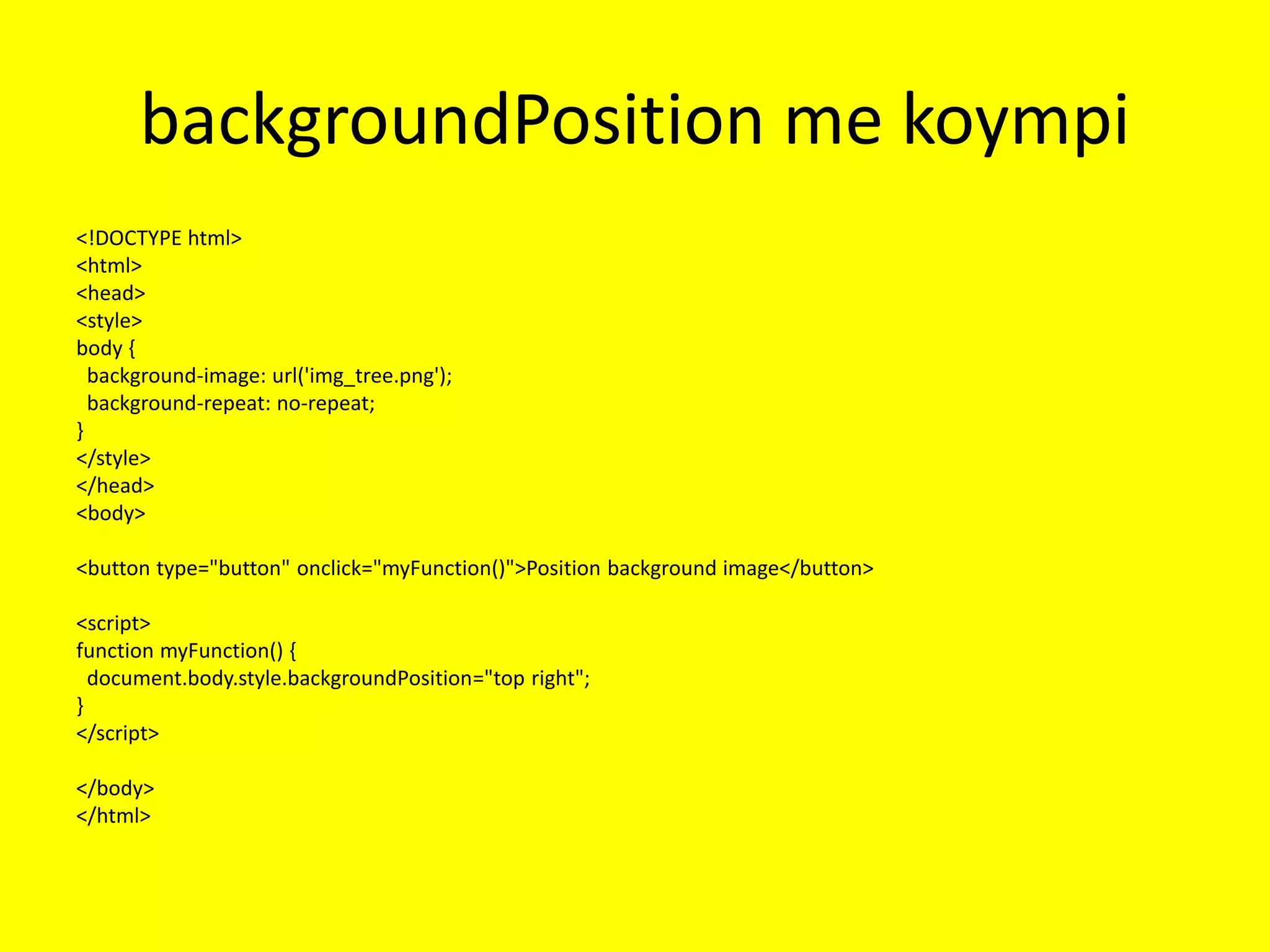
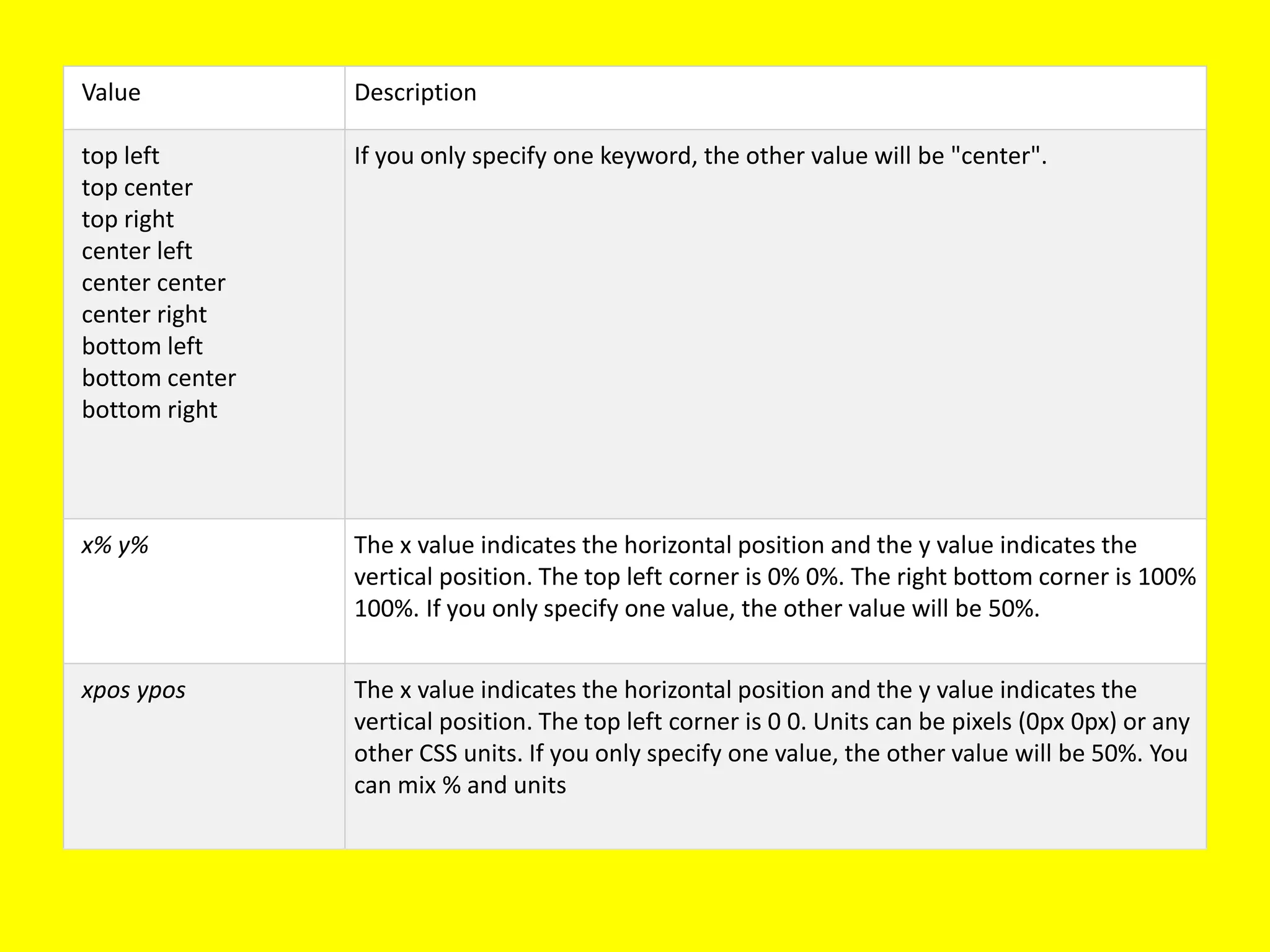
Value Description
top left
topcenter
top right
center left
center center
center right
bottom left
bottom center
bottom right
If you only specify one keyword, the other value will be "center".
x% y% The x value indicates the horizontal position and the y value indicates the
vertical position. The top left corner is 0% 0%. The right bottom corner is 100%
100%. If you only specify one value, the other value will be 50%.
xpos ypos The x value indicates the horizontal position and the y value indicates the
vertical position. The top left corner is 0 0. Units can be pixels (0px 0px) or any
other CSS units. If you only specify one value, the other value will be 50%. You
can mix % and units
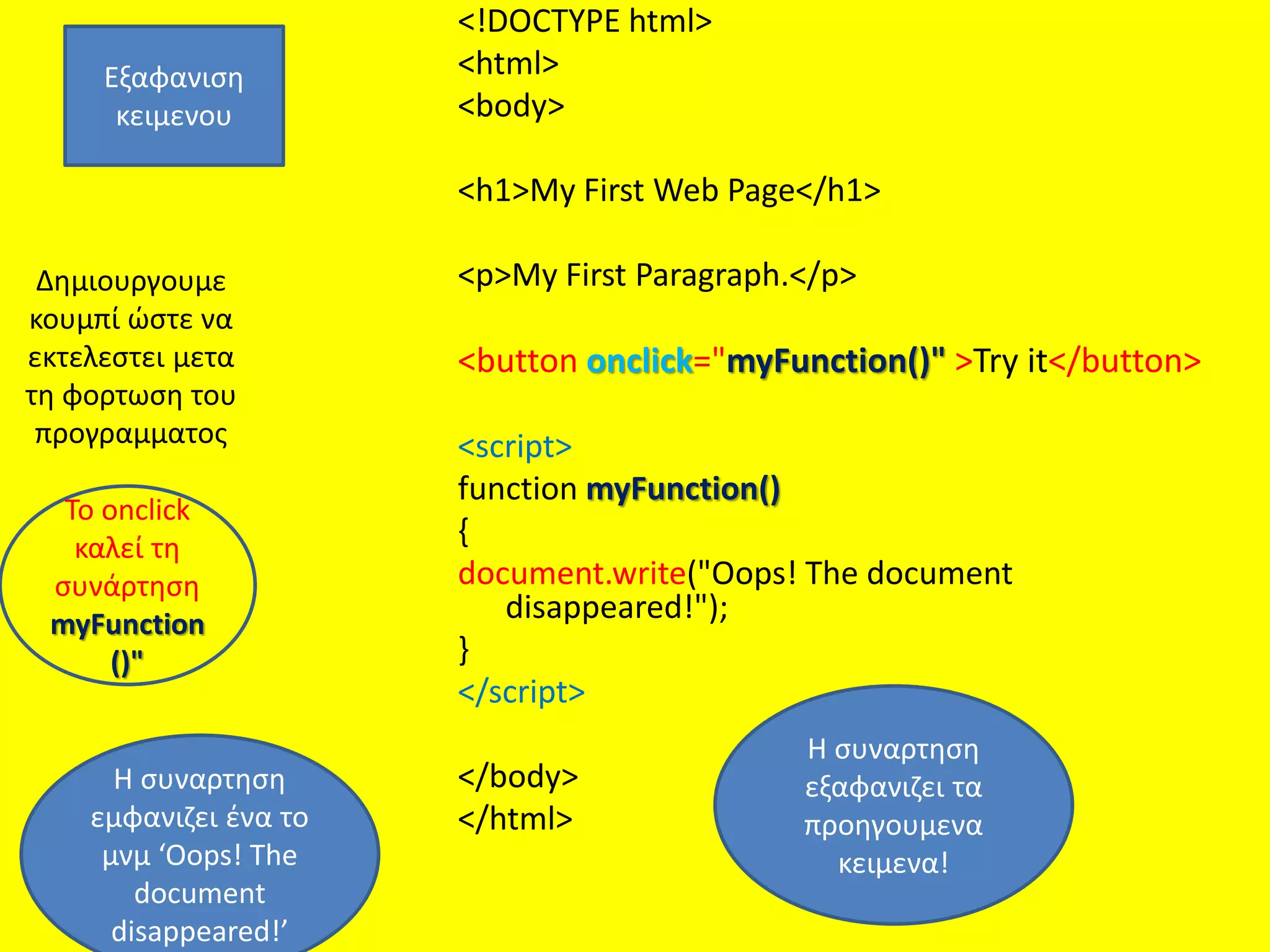
Δημιουργουμε
κουμπί ώστε να
εκτελεστειμετα
τη φορτωση του
προγραμματος
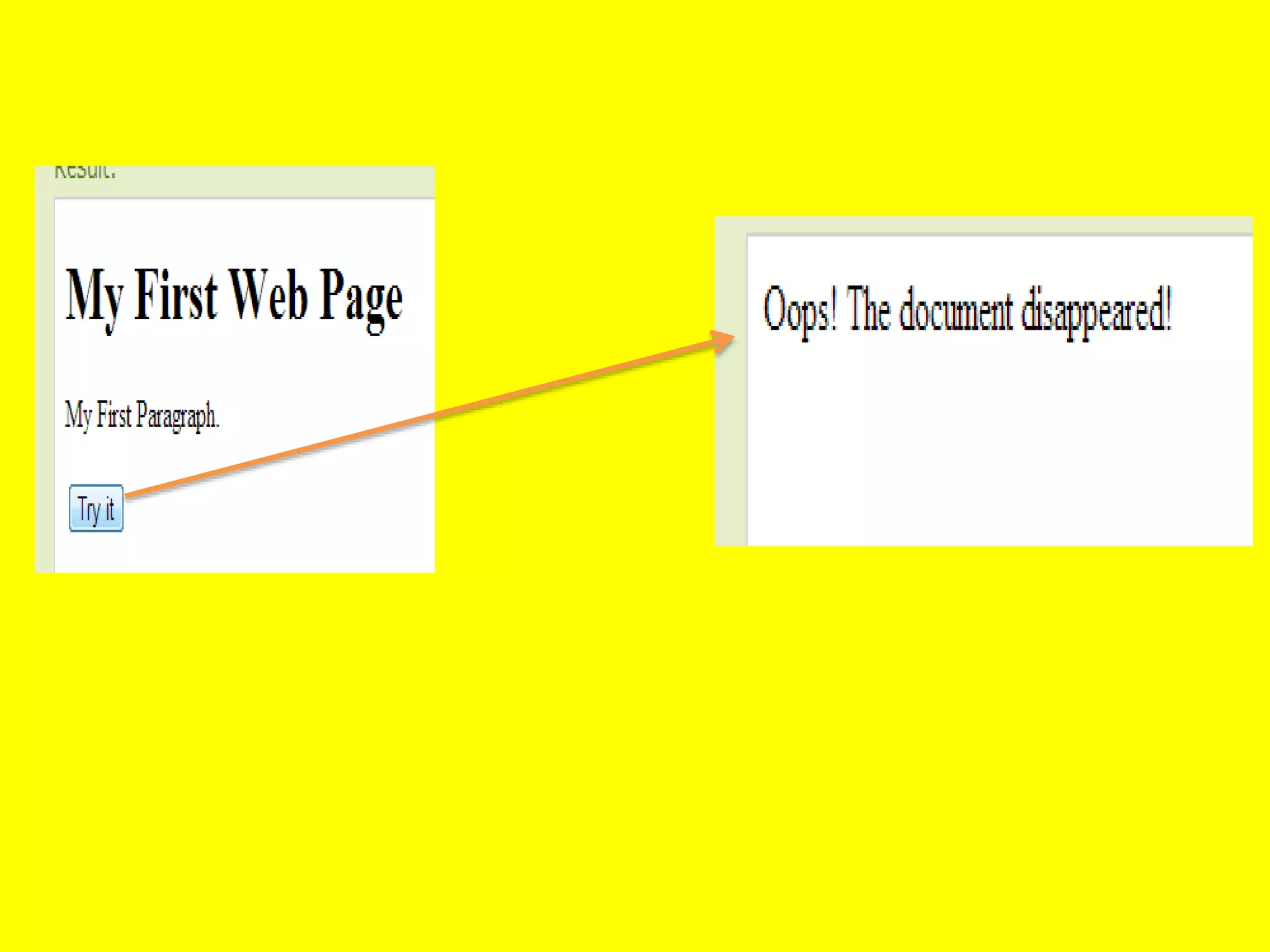
<!DOCTYPE html>
<html>
<body>
<h1>My First Web Page</h1>
<p>My First Paragraph.</p>
<button onclick="myFunction()" >Try it</button>
<script>
function myFunction()
{
document.write("Oops! The document
disappeared!");
}
</script>
</body>
</html>
Εξαφανιση
κειμενου
To onclick
καλεί τη
συνάρτηση
myFunction
()"
H συναρτηση
εξαφανιζει τα
προηγουμενα
κειμενα!
H συναρτηση
εμφανιζει ένα το
μνμ ‘Oops! The
document
disappeared!’
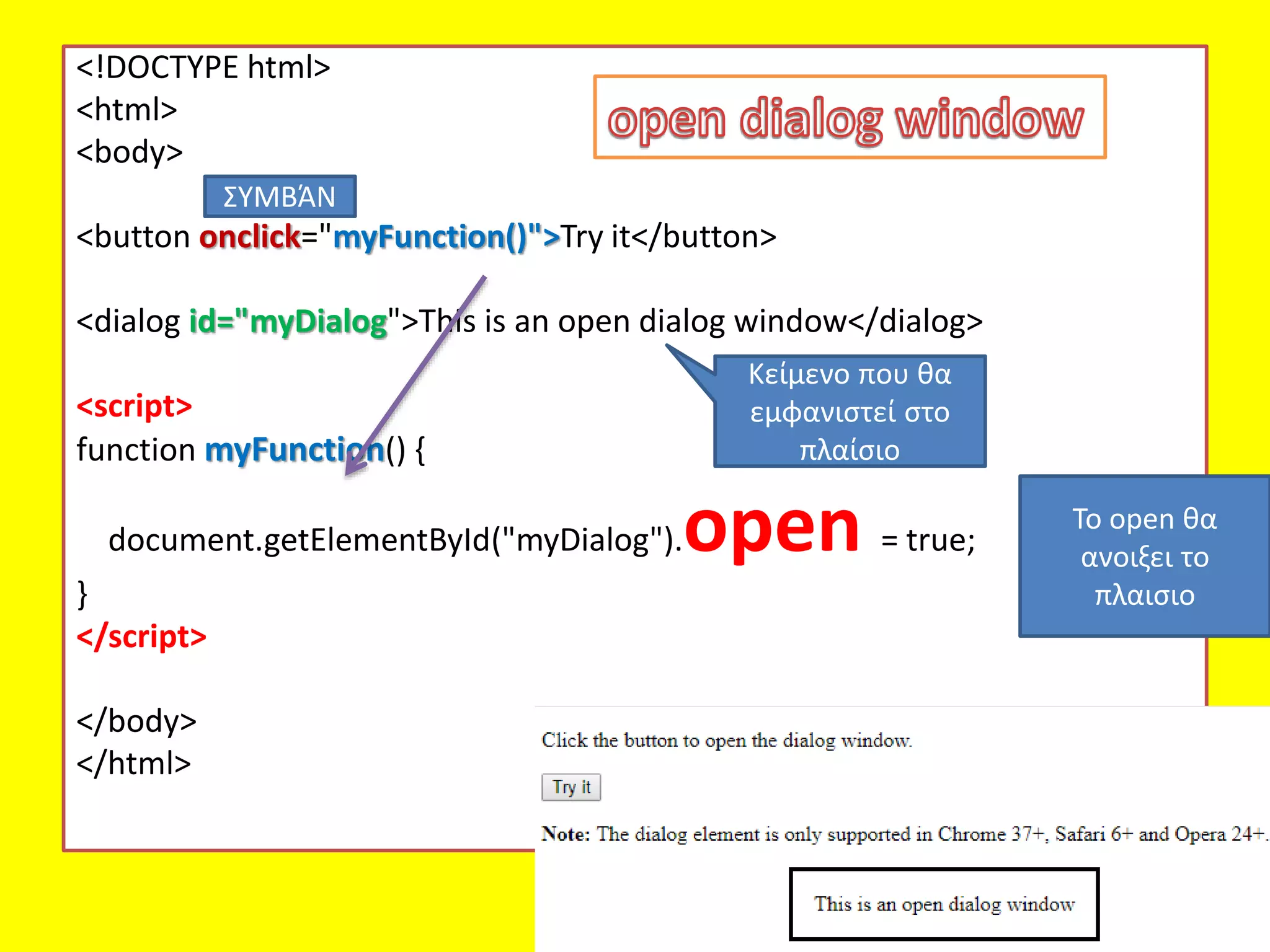
<!DOCTYPE html>
<html>
<body>
<button onclick="myFunction()">Tryit</button>
<dialog id="myDialog">This is an open dialog window</dialog>
<script>
function myFunction() {
document.getElementById("myDialog").open = true;
}
</script>
</body>
</html>
Το open θα
ανοιξει το
πλαισιο
ΣΥΜΒΆΝ
Κείμενο που θα
εμφανιστεί στο
πλαίσιο
window.open
• The open()method opens a new browser
window, or a new tab, depending on your
browser settings and the parameter values.
• Tip: Use the close() method to close the
window.
Window History
• Thewindow.history object can be written
without the window prefix.
• To protect the privacy of the users, there are
limitations to how JavaScript can access this
object.
• Some methods:
• history.back() - same as clicking back in the
browser
• history.forward() - same as clicking forward in the
browser
89.
• page01.html, πουείναι το όνομα της
ιστοσελίδας (εγγράφου) που θα εμφανισθεί
μέσα στο δευτερογενές παράθυρο,
• • Window1, που είναι το όνομα του νέου
παραθύρου και
• • toolbar=yes, δηλ. το νέο παράθυρο θα έχει
γραμμή εργαλείων (toolbar).
Για να εμφανίσουμεένα άλλο παράθυρο (δευτερογενές ή εστιασμένο) εκτός
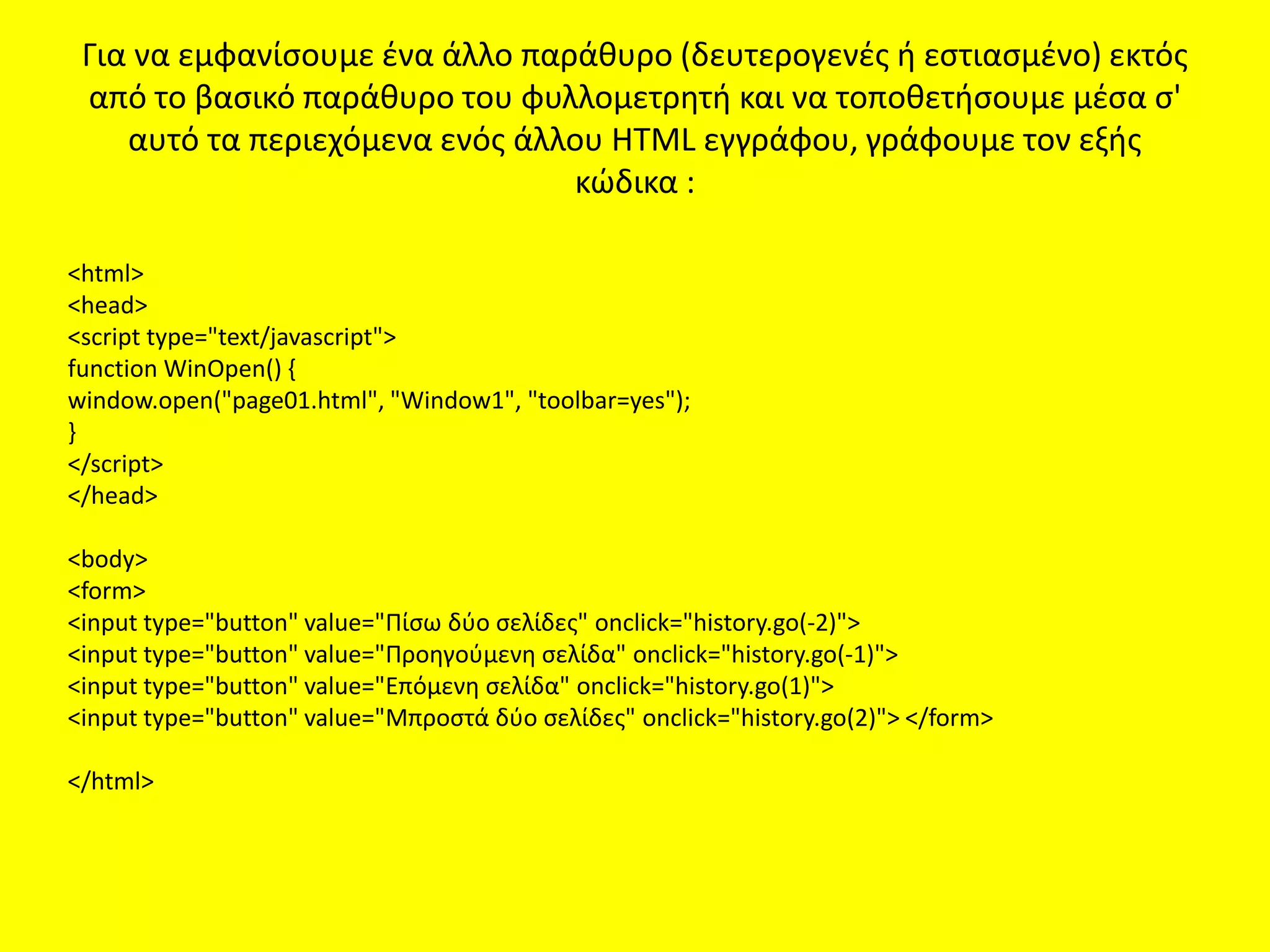
από το βασικό παράθυρο του φυλλομετρητή και να τοποθετήσουμε μέσα σ'
αυτό τα περιεχόμενα ενός άλλου HTML εγγράφου, γράφουμε τον εξής
κώδικα :
<html>
<head>
<script type="text/javascript">
function WinOpen() {
window.open("page01.html", "Window1", "toolbar=yes");
}
</script>
</head>
<body>
<form>
<input type="button" value="Πίσω δύο σελίδες" onclick="history.go(-2)">
<input type="button" value="Προηγούμενη σελίδα" onclick="history.go(-1)">
<input type="button" value="Επόμενη σελίδα" onclick="history.go(1)">
<input type="button" value="Μπροστά δύο σελίδες" onclick="history.go(2)"> </form>
</html>
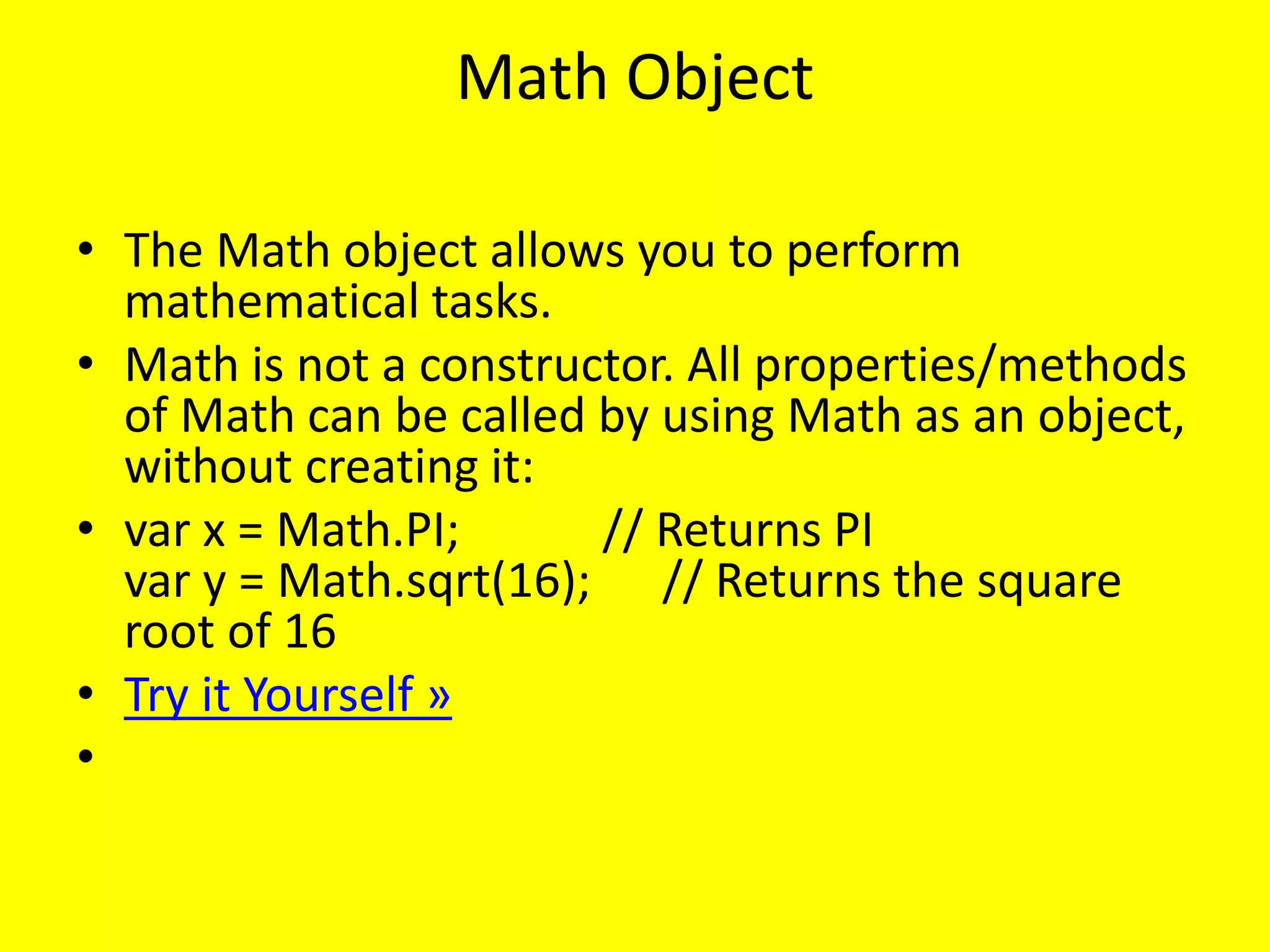
Math Object
• TheMath object allows you to perform
mathematical tasks.
• Math is not a constructor. All properties/methods
of Math can be called by using Math as an object,
without creating it:
• var x = Math.PI; // Returns PI
var y = Math.sqrt(16); // Returns the square
root of 16
• Try it Yourself »
•
94.
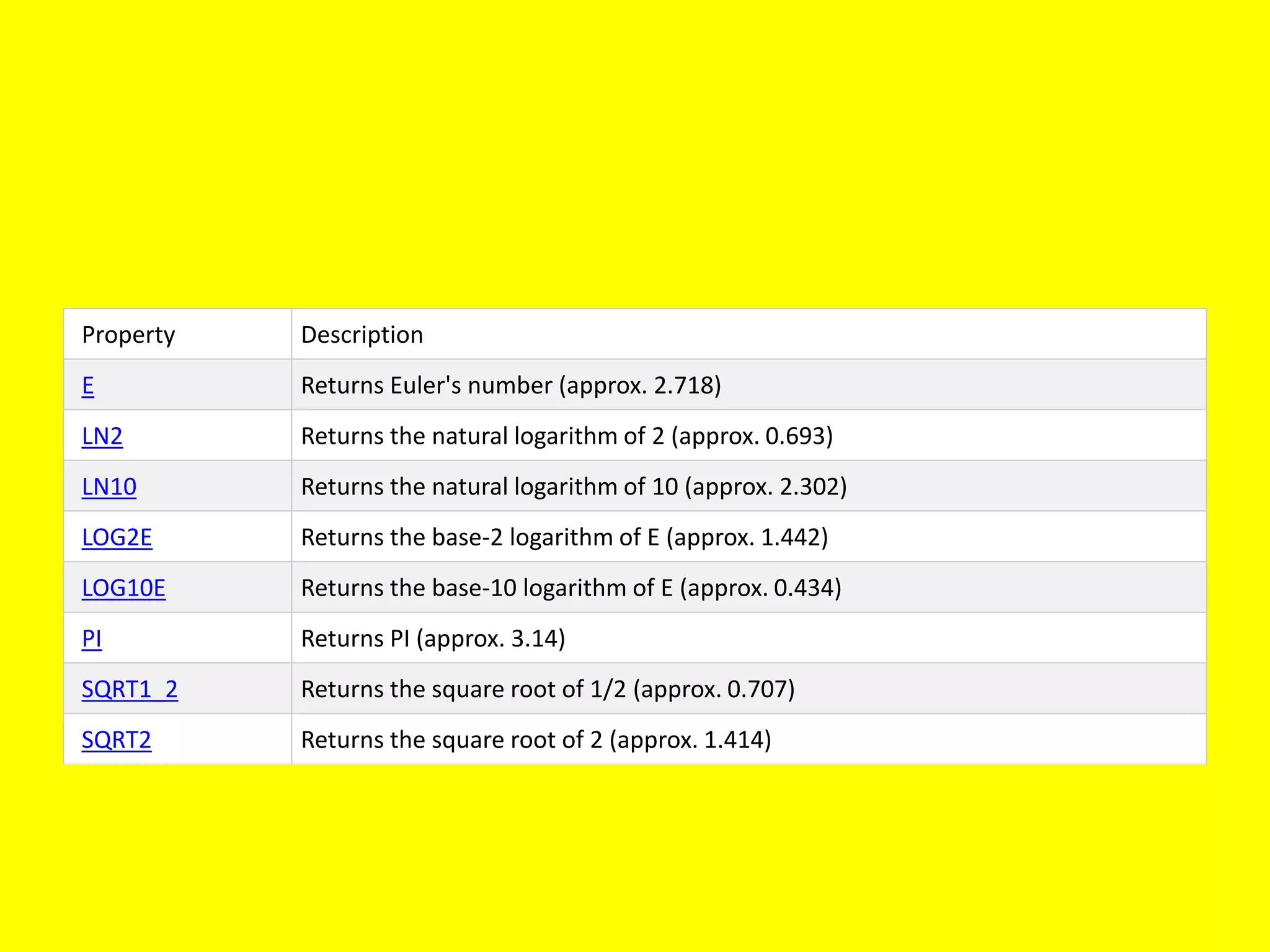
Property Description
E ReturnsEuler's number (approx. 2.718)
LN2 Returns the natural logarithm of 2 (approx. 0.693)
LN10 Returns the natural logarithm of 10 (approx. 2.302)
LOG2E Returns the base-2 logarithm of E (approx. 1.442)
LOG10E Returns the base-10 logarithm of E (approx. 0.434)
PI Returns PI (approx. 3.14)
SQRT1_2 Returns the square root of 1/2 (approx. 0.707)
SQRT2 Returns the square root of 2 (approx. 1.414)
95.
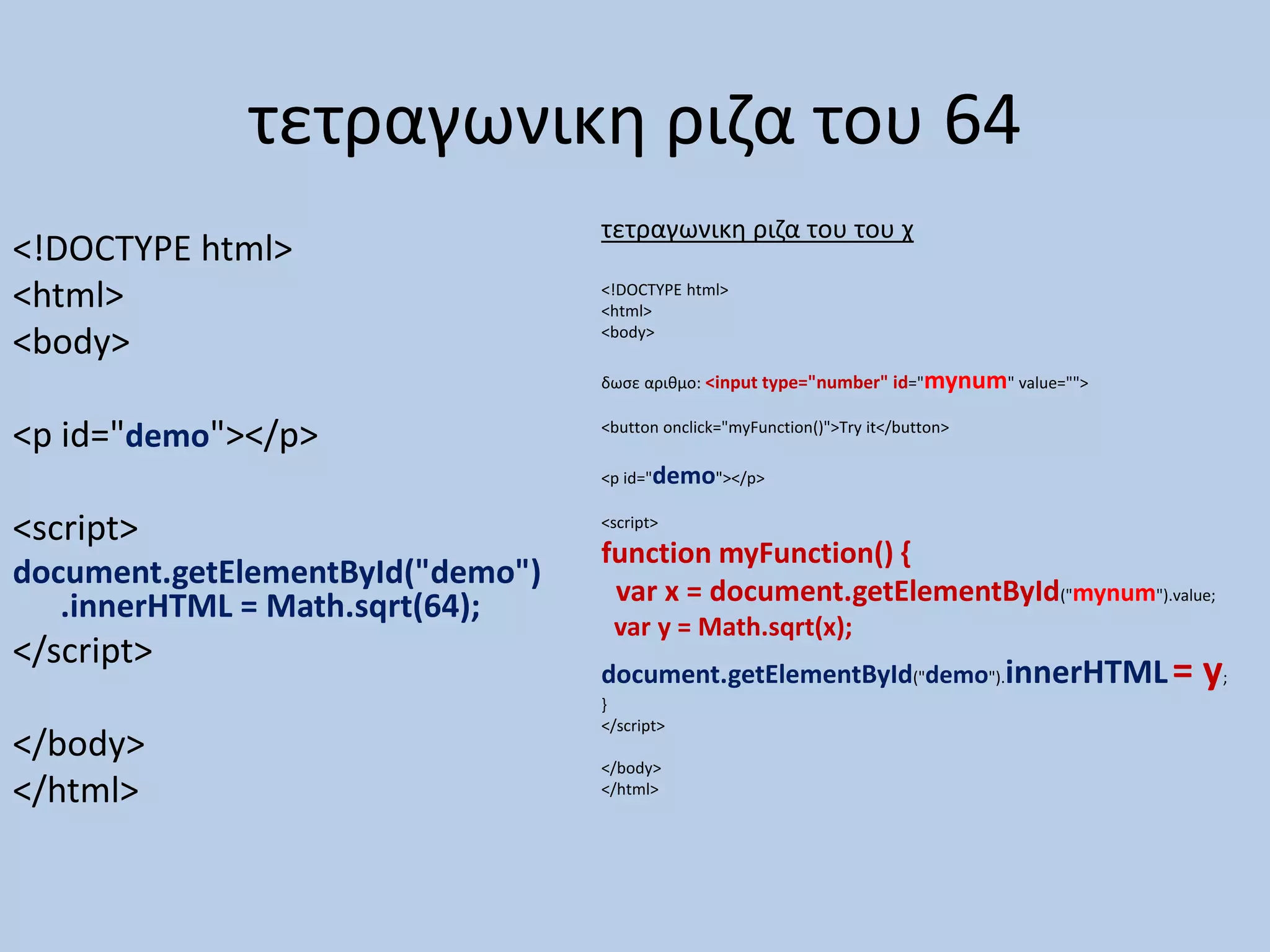
τετραγωνικη ριζα του64
<!DOCTYPE html>
<html>
<body>
<p id="demo"></p>
<script>
document.getElementById("demo")
.innerHTML = Math.sqrt(64);
</script>
</body>
</html>
τετραγωνικη ριζα του του χ
<!DOCTYPE html>
<html>
<body>
δωσε αριθμο: <input type="number" id="mynum" value="">
<button onclick="myFunction()">Try it</button>
<p id="demo"></p>
<script>
function myFunction() {
var x = document.getElementById("mynum").value;
var y = Math.sqrt(x);
document.getElementById("demo").innerHTML= y;
}
</script>
</body>
</html>
96.
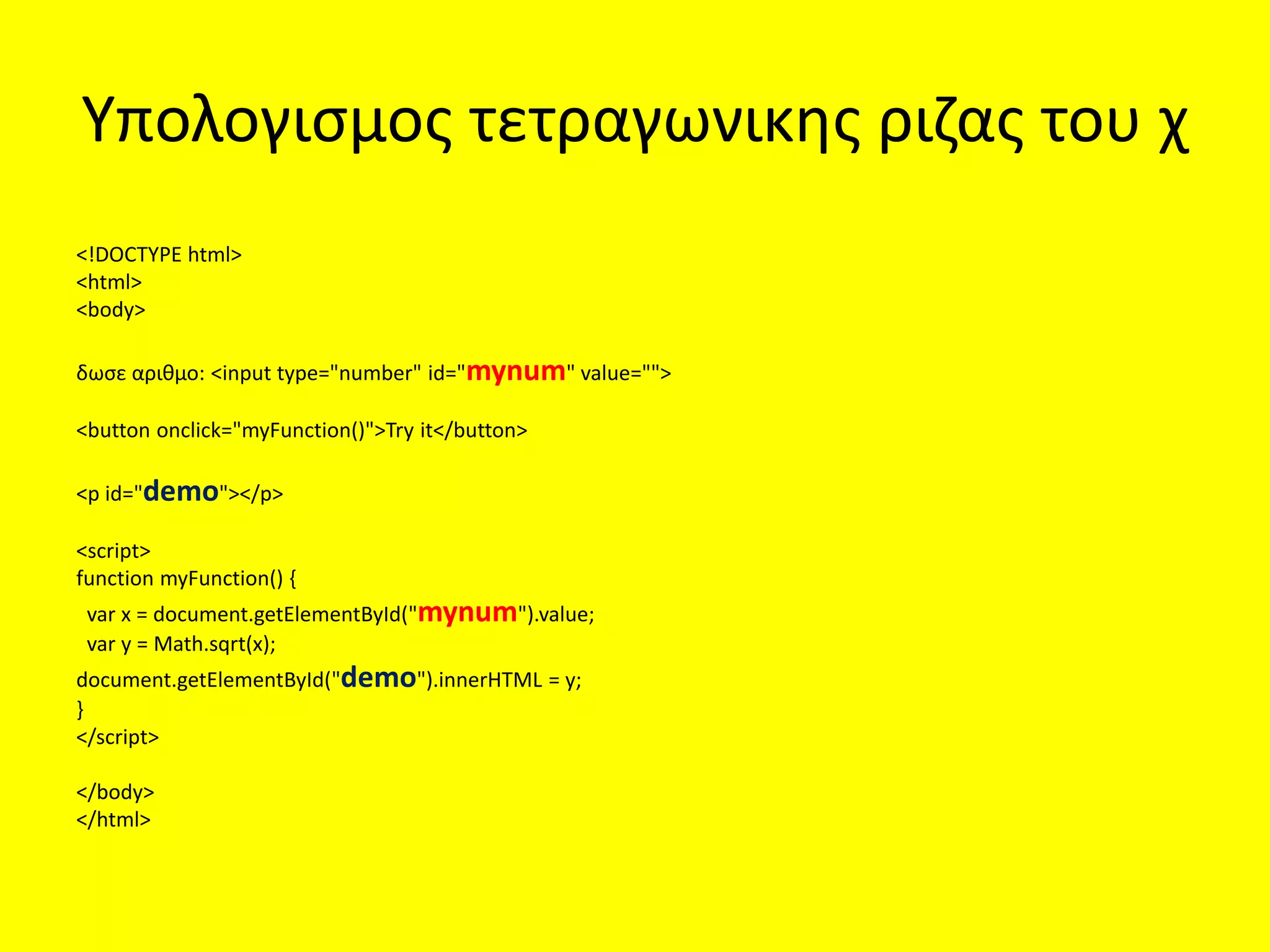
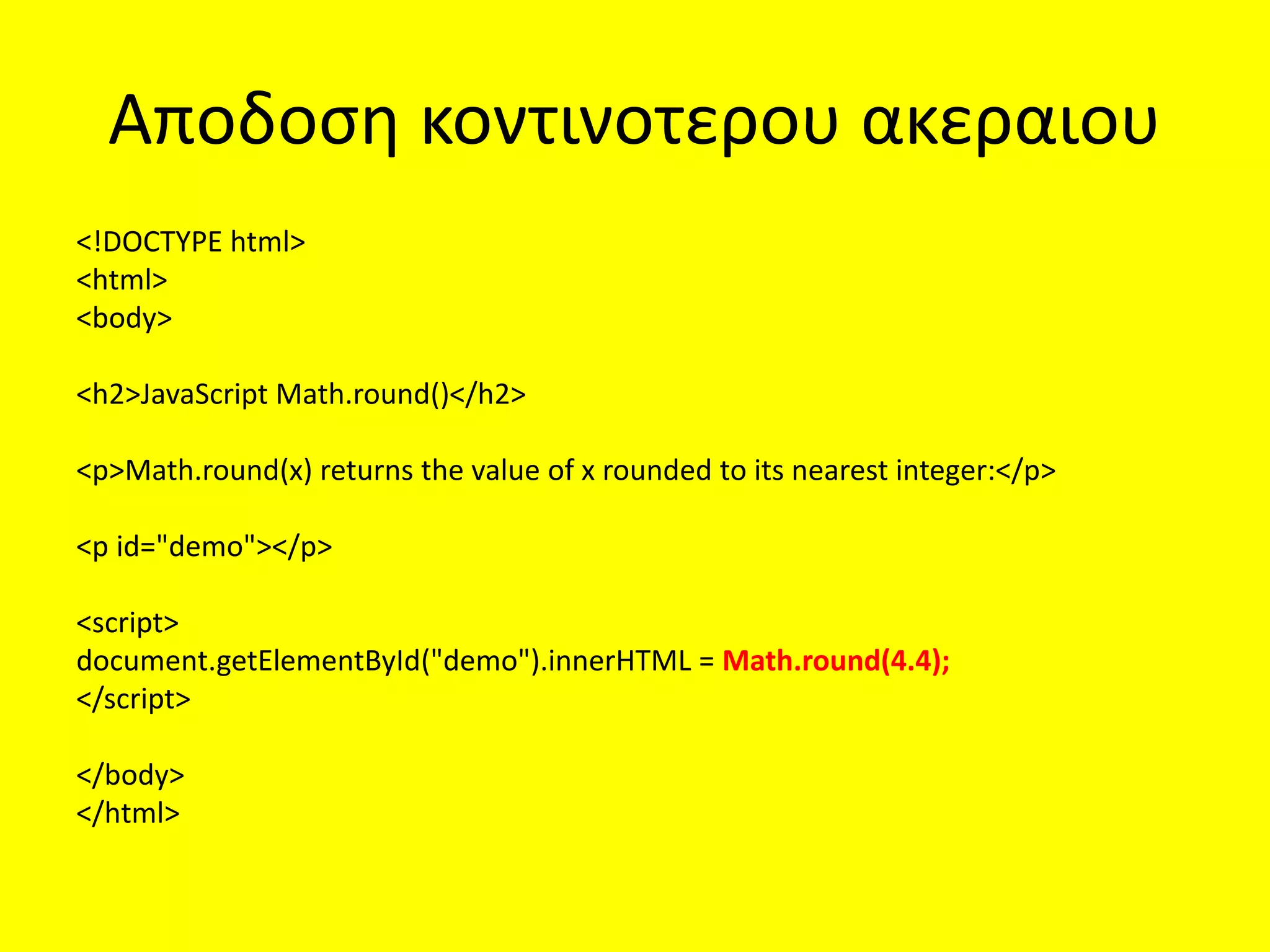
Υπολογισμος τετραγωνικης ριζαςτου χ
<!DOCTYPE html>
<html>
<body>
δωσε αριθμο: <input type="number" id="mynum" value="">
<button onclick="myFunction()">Try it</button>
<p id="demo"></p>
<script>
function myFunction() {
var x = document.getElementById("mynum").value;
var y = Math.sqrt(x);
document.getElementById("demo").innerHTML = y;
}
</script>
</body>
</html>
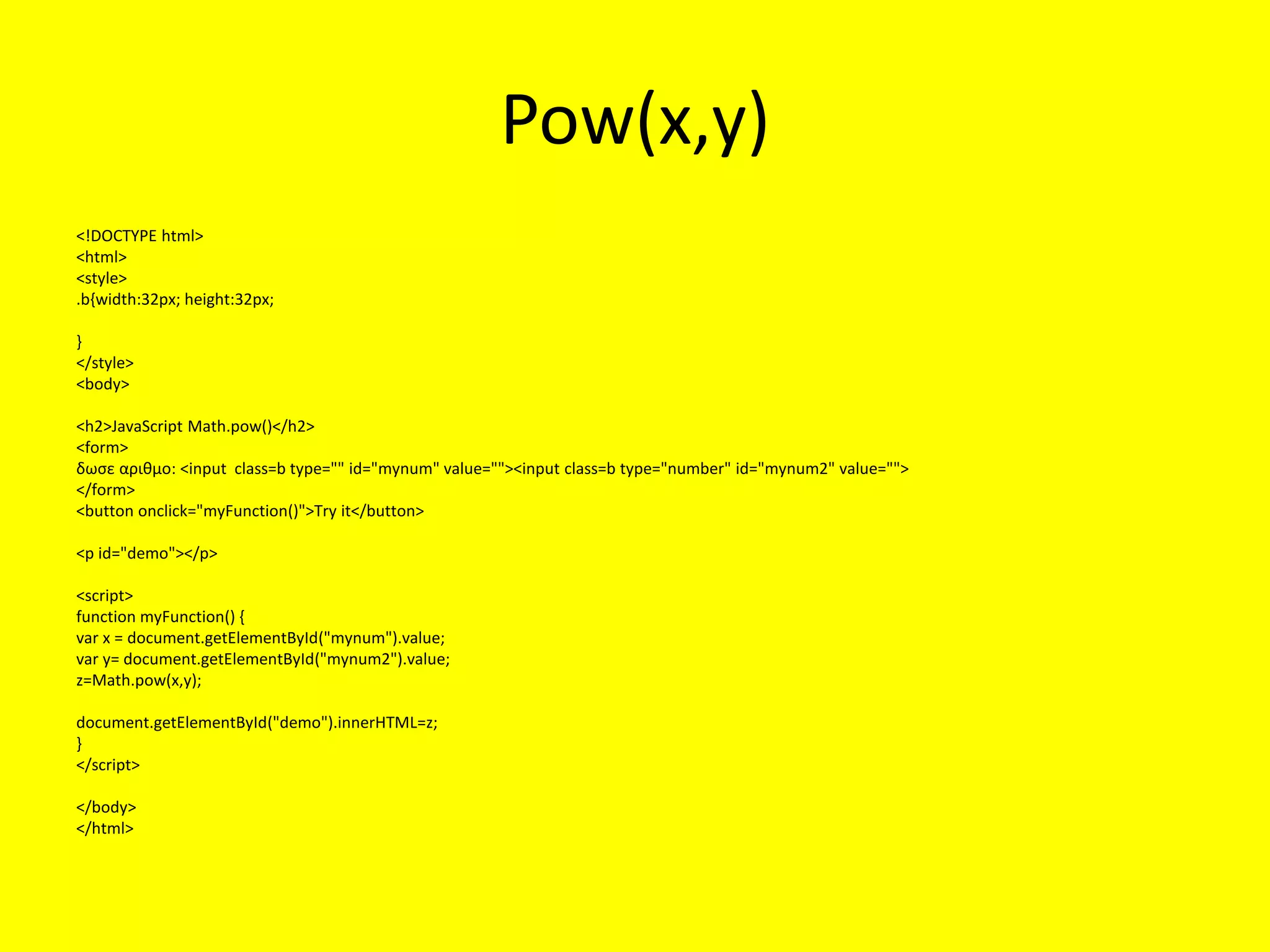
Αποδοση π
<!DOCTYPE html>
<html>
<body>
<p>Math.PIreturns the ratio of a circle's circumference to its diameter:</p>
<p id="demo"></p>
<script>
document.getElementById("demo").innerHTML = Math.PI;
</script>
</body>
</html>
100.
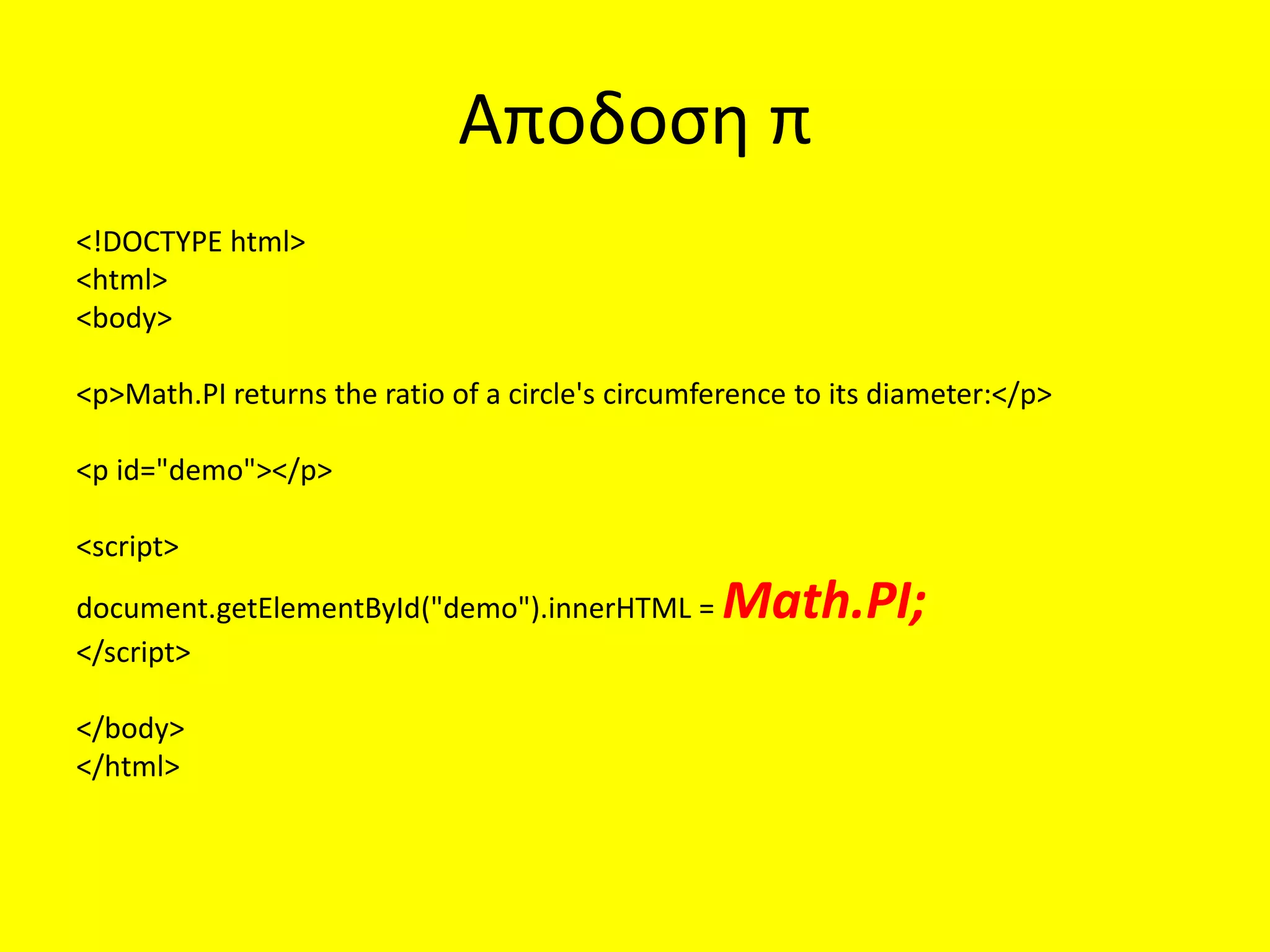
Αποδοση κοντινοτερου ακεραιου
<!DOCTYPEhtml>
<html>
<body>
<h2>JavaScript Math.round()</h2>
<p>Math.round(x) returns the value of x rounded to its nearest integer:</p>
<p id="demo"></p>
<script>
document.getElementById("demo").innerHTML = Math.round(4.4);
</script>
</body>
</html>
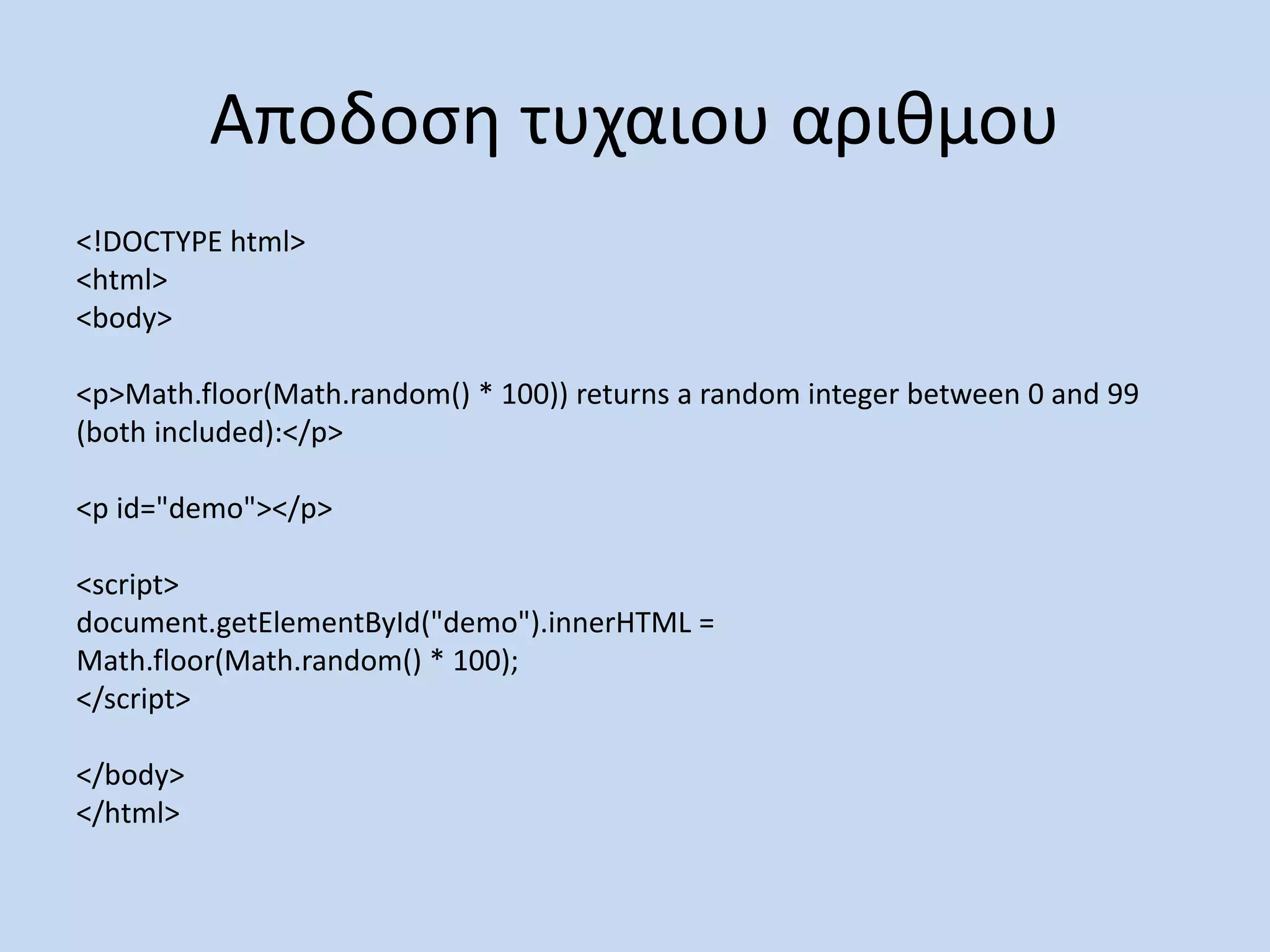
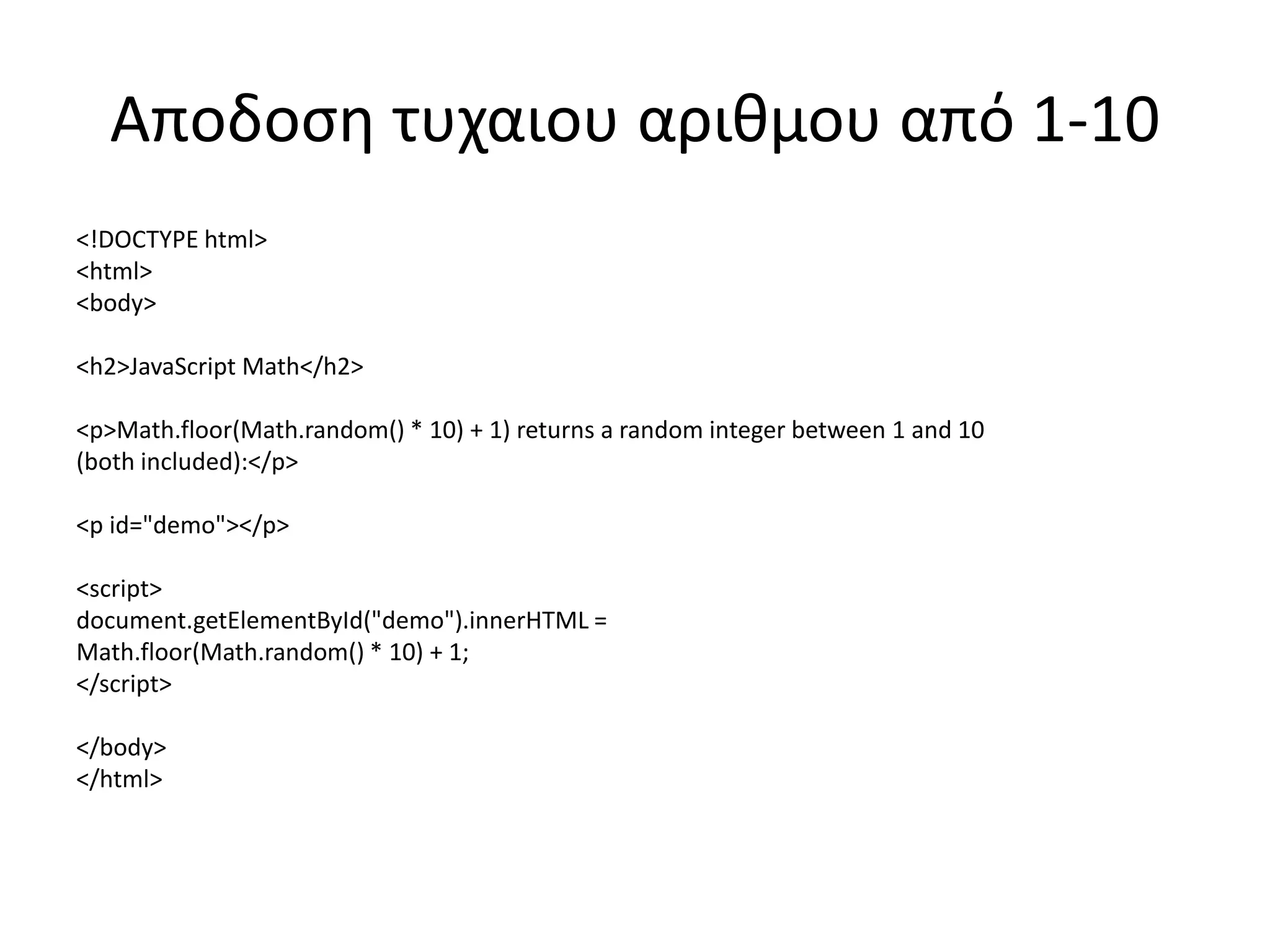
Αποδοση τυχαιου αριθμου
<!DOCTYPEhtml>
<html>
<body>
<p>Math.floor(Math.random() * 100)) returns a random integer between 0 and 99
(both included):</p>
<p id="demo"></p>
<script>
document.getElementById("demo").innerHTML =
Math.floor(Math.random() * 100);
</script>
</body>
</html>
103.
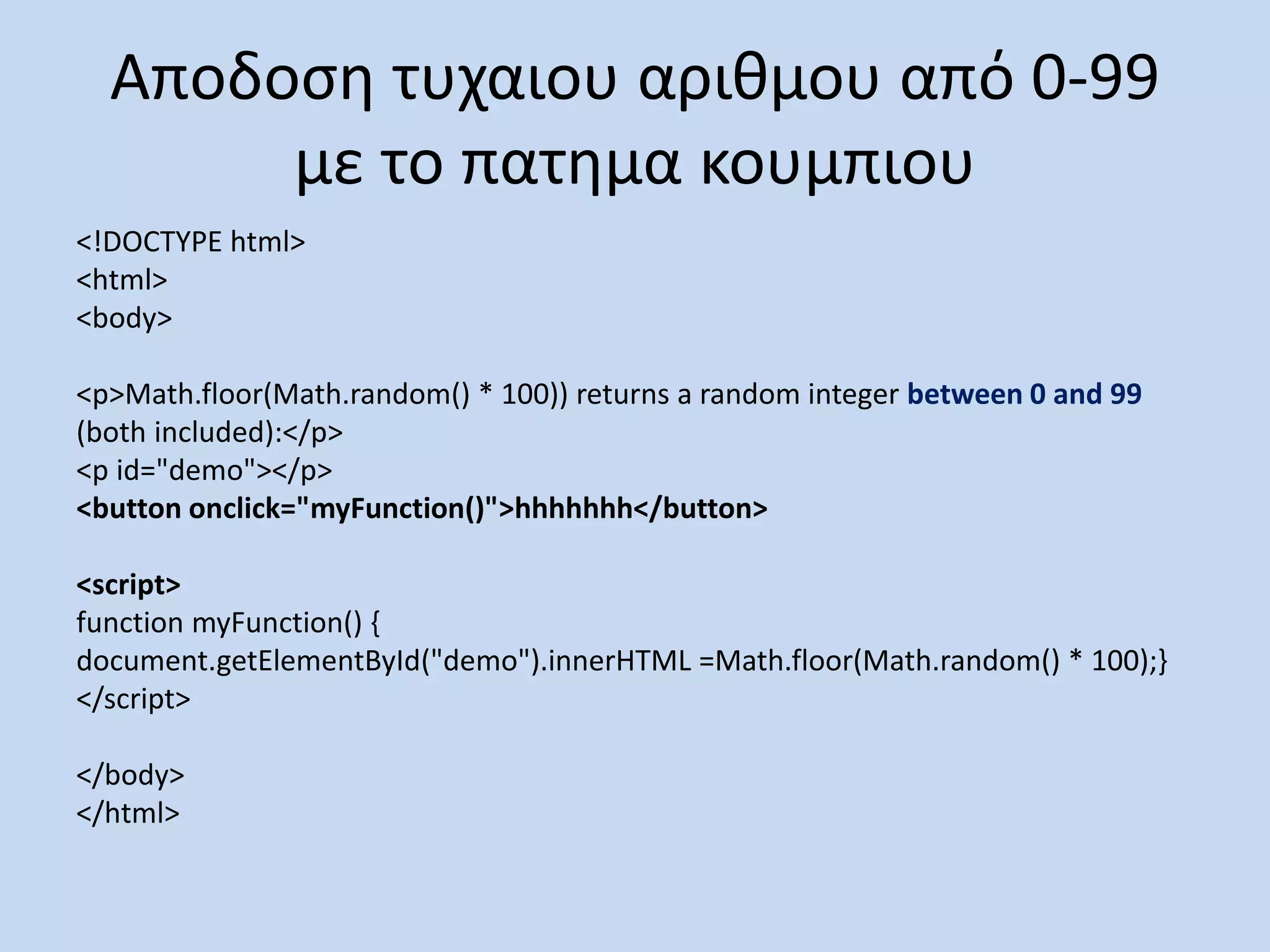
Αποδοση τυχαιου αριθμουαπό 0-99
με το πατημα κουμπιου
<!DOCTYPE html>
<html>
<body>
<p>Math.floor(Math.random() * 100)) returns a random integer between 0 and 99
(both included):</p>
<p id="demo"></p>
<button onclick="myFunction()">hhhhhhh</button>
<script>
function myFunction() {
document.getElementById("demo").innerHTML =Math.floor(Math.random() * 100);}
</script>
</body>
</html>
104.
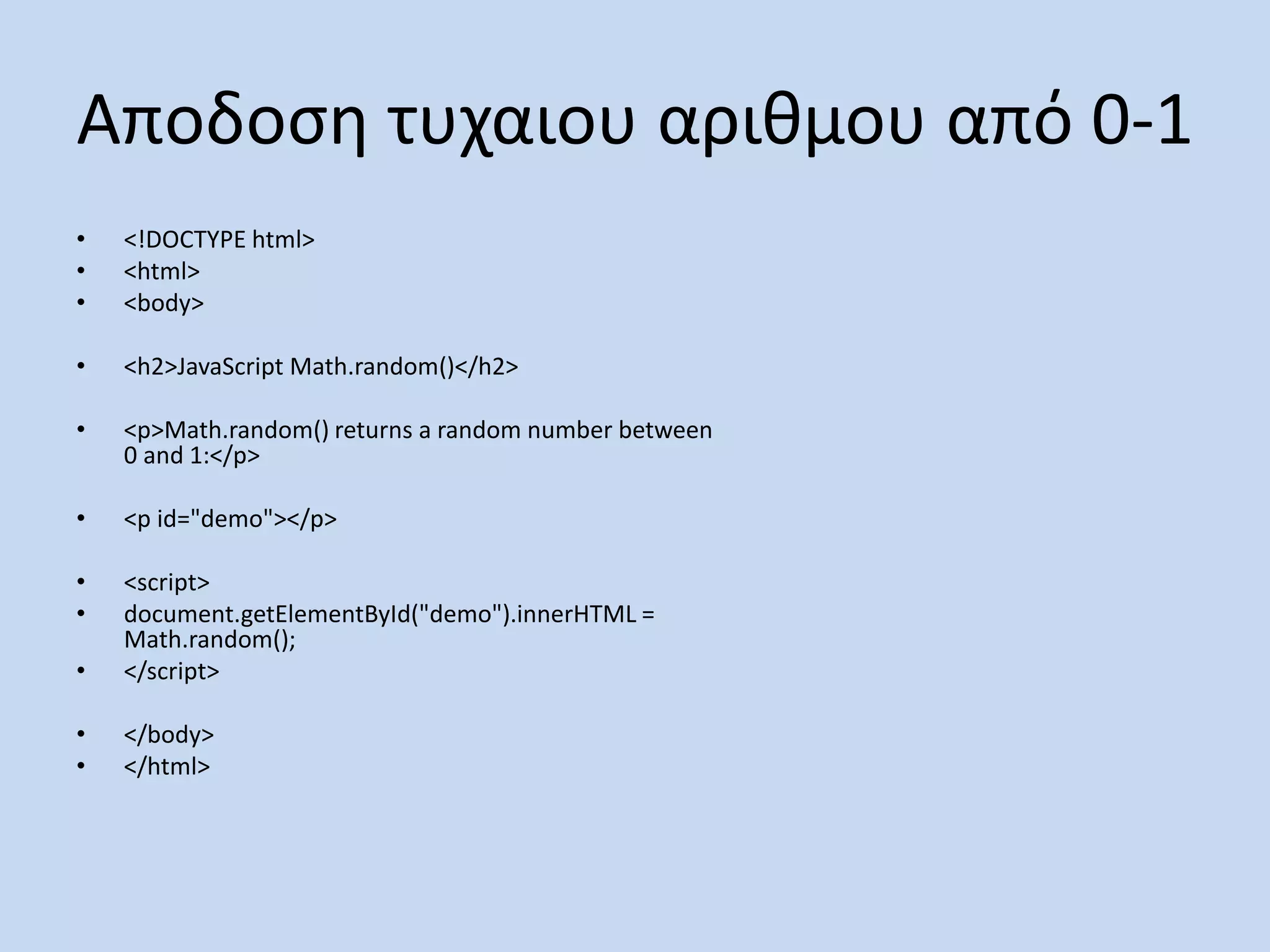
Αποδοση τυχαιου αριθμουαπό 0-1
• <!DOCTYPE html>
• <html>
• <body>
• <h2>JavaScript Math.random()</h2>
• <p>Math.random() returns a random number between
0 and 1:</p>
• <p id="demo"></p>
• <script>
• document.getElementById("demo").innerHTML =
Math.random();
• </script>
• </body>
• </html>
105.
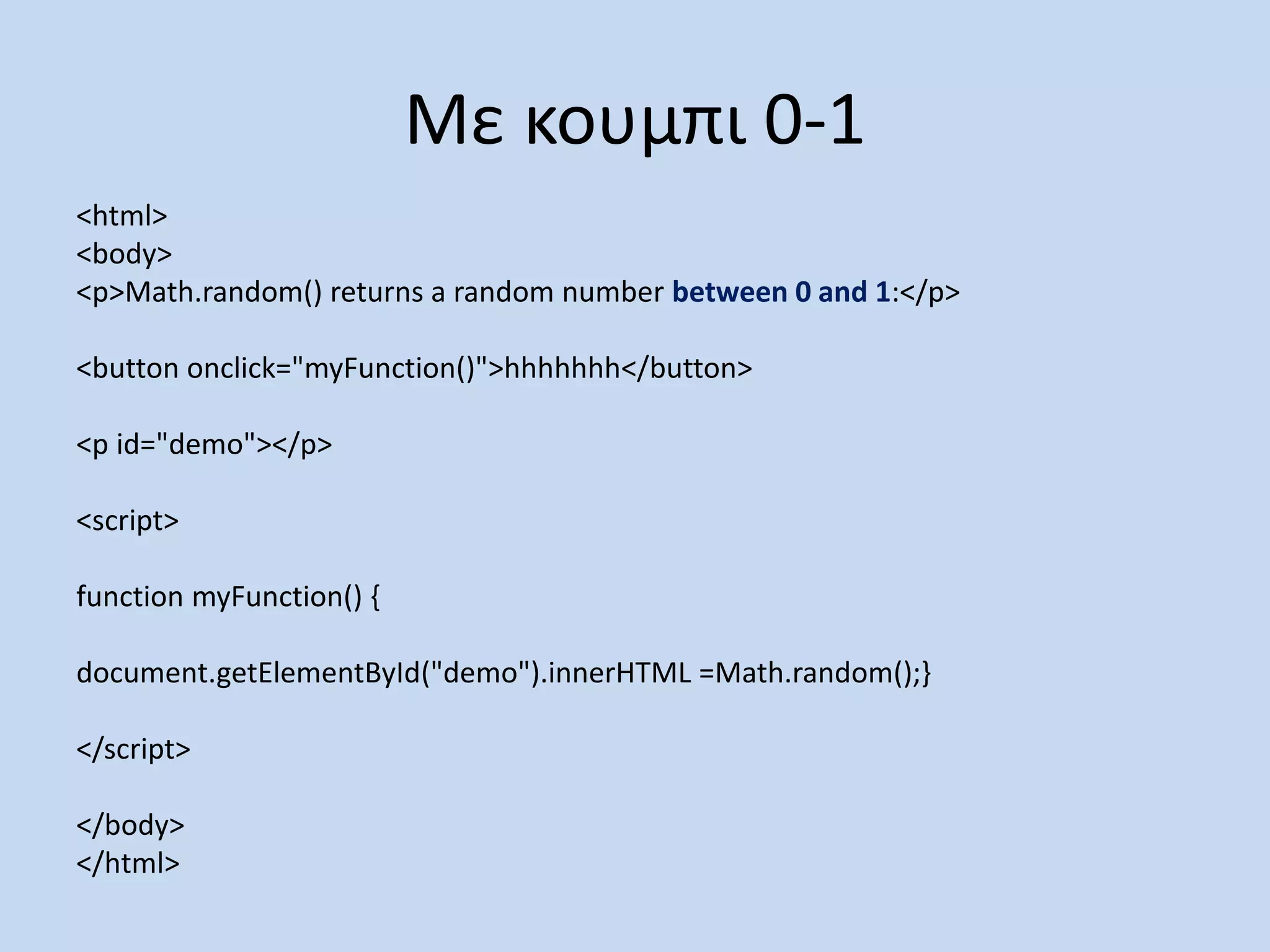
Με κουμπι 0-1
<html>
<body>
<p>Math.random()returns a random number between 0 and 1:</p>
<button onclick="myFunction()">hhhhhhh</button>
<p id="demo"></p>
<script>
function myFunction() {
document.getElementById("demo").innerHTML =Math.random();}
</script>
</body>
</html>
106.
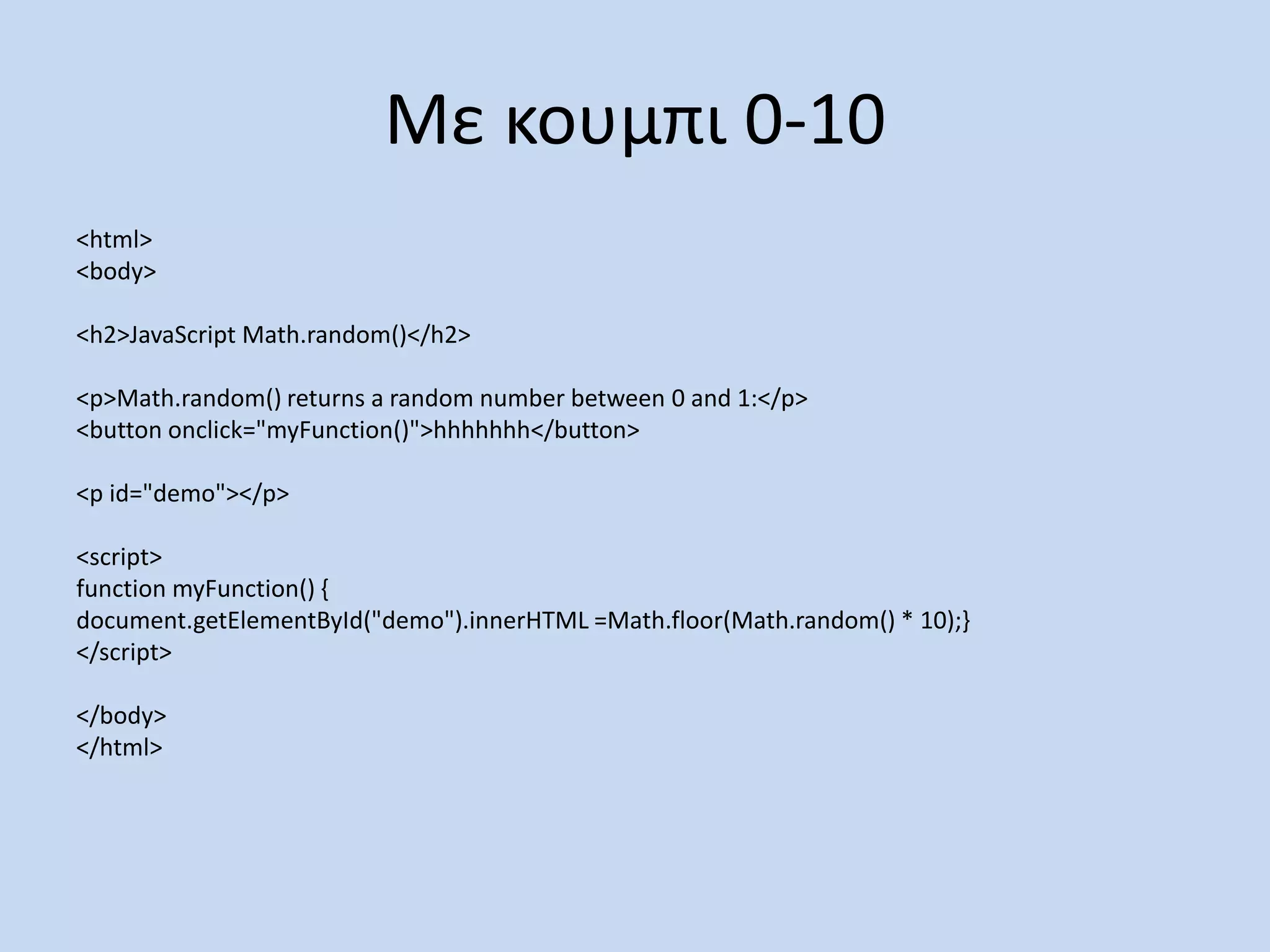
Με κουμπι 0-10
<html>
<body>
<h2>JavaScriptMath.random()</h2>
<p>Math.random() returns a random number between 0 and 1:</p>
<button onclick="myFunction()">hhhhhhh</button>
<p id="demo"></p>
<script>
function myFunction() {
document.getElementById("demo").innerHTML =Math.floor(Math.random() * 10);}
</script>
</body>
</html>
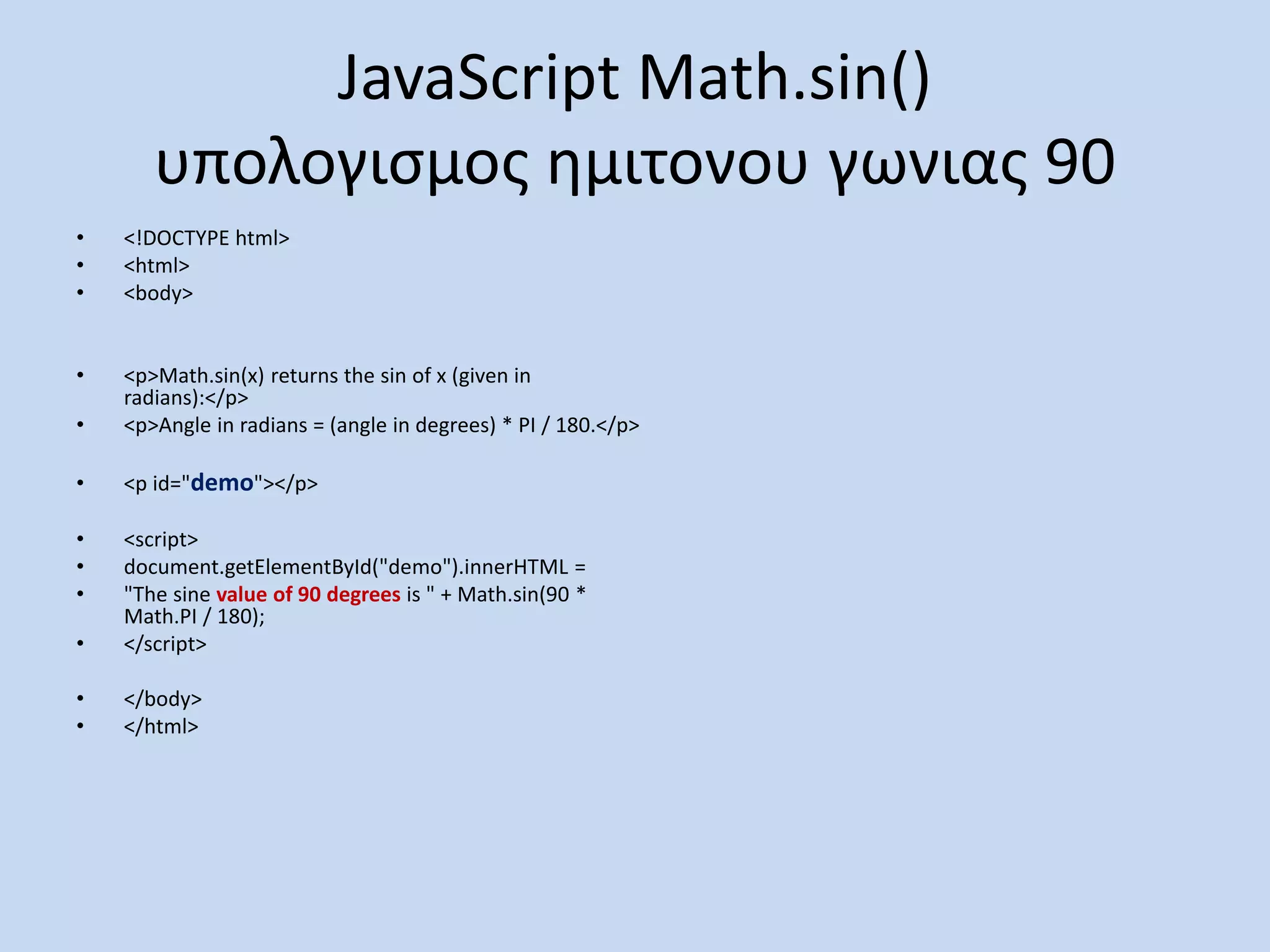
JavaScript Math.sin()
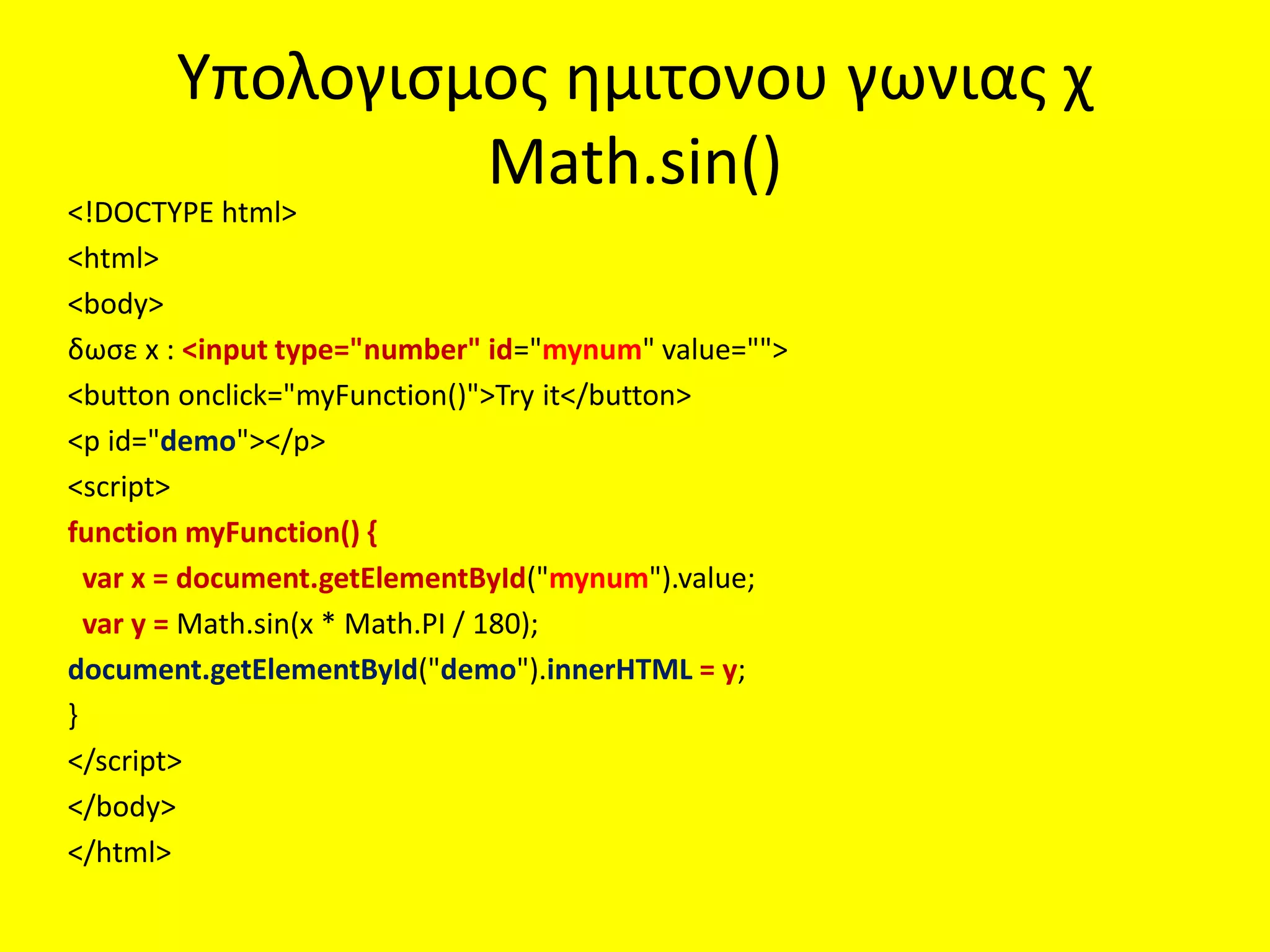
υπολογισμος ημιτονουγωνιας 90
• <!DOCTYPE html>
• <html>
• <body>
• <p>Math.sin(x) returns the sin of x (given in
radians):</p>
• <p>Angle in radians = (angle in degrees) * PI / 180.</p>
• <p id="demo"></p>
• <script>
• document.getElementById("demo").innerHTML =
• "The sine value of 90 degrees is " + Math.sin(90 *
Math.PI / 180);
• </script>
• </body>
• </html>
110.
Υπολογισμος ημιτονου γωνιαςχ
Math.sin()
<!DOCTYPE html>
<html>
<body>
δωσε x : <input type="number" id="mynum" value="">
<button onclick="myFunction()">Try it</button>
<p id="demo"></p>
<script>
function myFunction() {
var x = document.getElementById("mynum").value;
var y = Math.sin(x * Math.PI / 180);
document.getElementById("demo").innerHTML = y;
}
</script>
</body>
</html>
111.
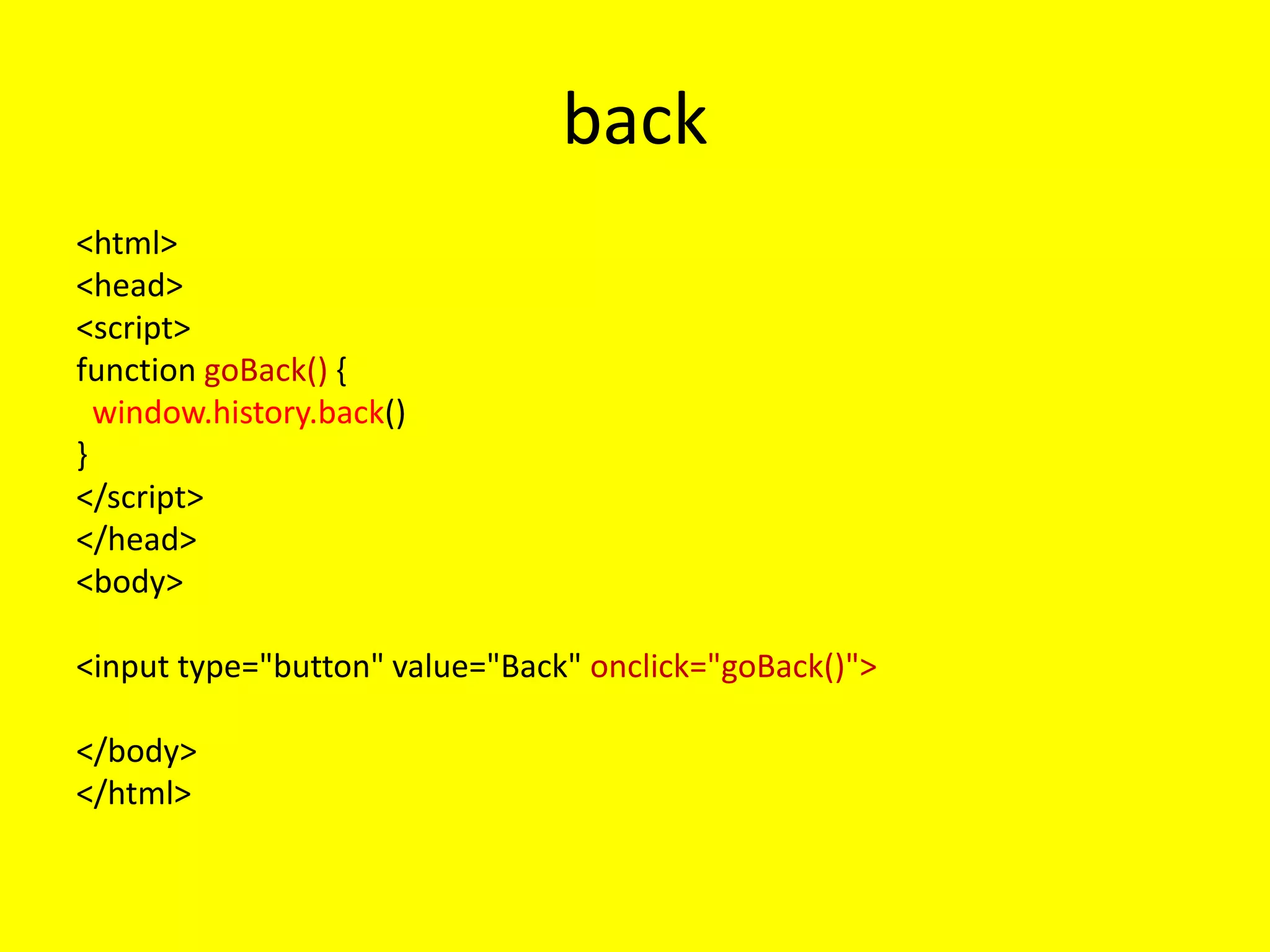
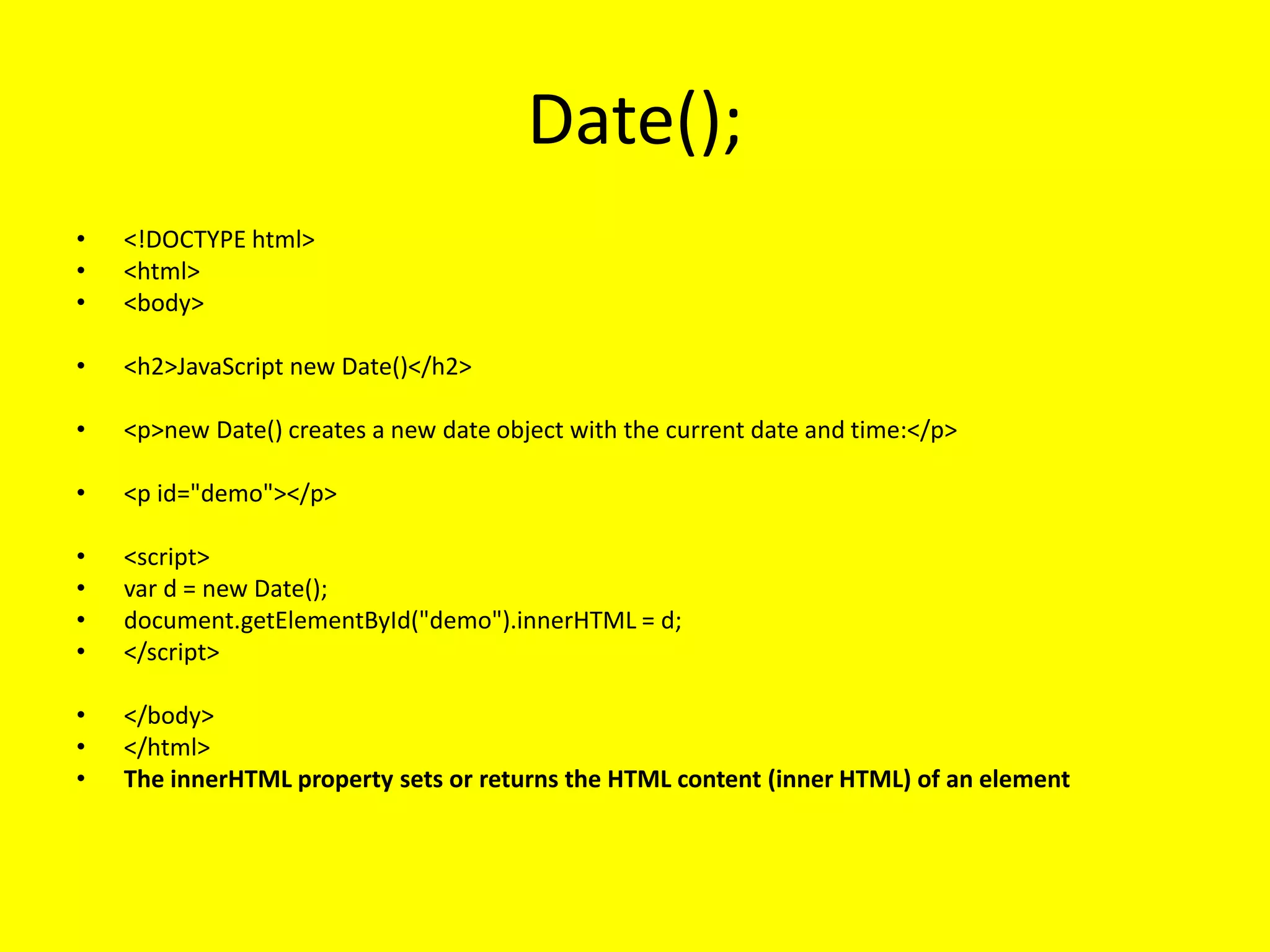
Date();
• <!DOCTYPE html>
•<html>
• <body>
• <h2>JavaScript new Date()</h2>
• <p>new Date() creates a new date object with the current date and time:</p>
• <p id="demo"></p>
• <script>
• var d = new Date();
• document.getElementById("demo").innerHTML = d;
• </script>
• </body>
• </html>
• The innerHTML property sets or returns the HTML content (inner HTML) of an element
112.
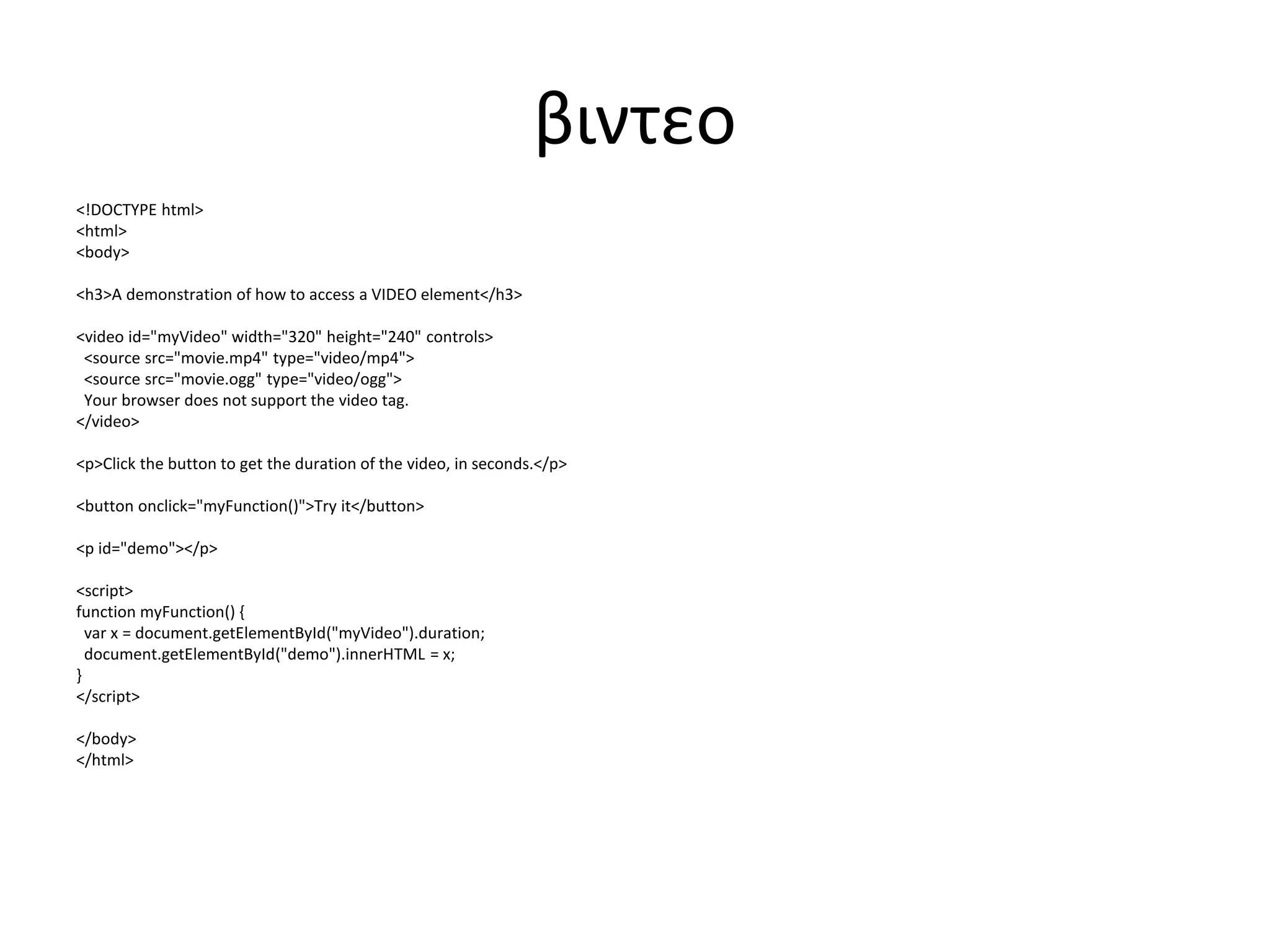
βιντεο
<!DOCTYPE html>
<html>
<body>
<h3>A demonstrationof how to access a VIDEO element</h3>
<video id="myVideo" width="320" height="240" controls>
<source src="movie.mp4" type="video/mp4">
<source src="movie.ogg" type="video/ogg">
Your browser does not support the video tag.
</video>
<p>Click the button to get the duration of the video, in seconds.</p>
<button onclick="myFunction()">Try it</button>
<p id="demo"></p>
<script>
function myFunction() {
var x = document.getElementById("myVideo").duration;
document.getElementById("demo").innerHTML = x;
}
</script>
</body>
</html>
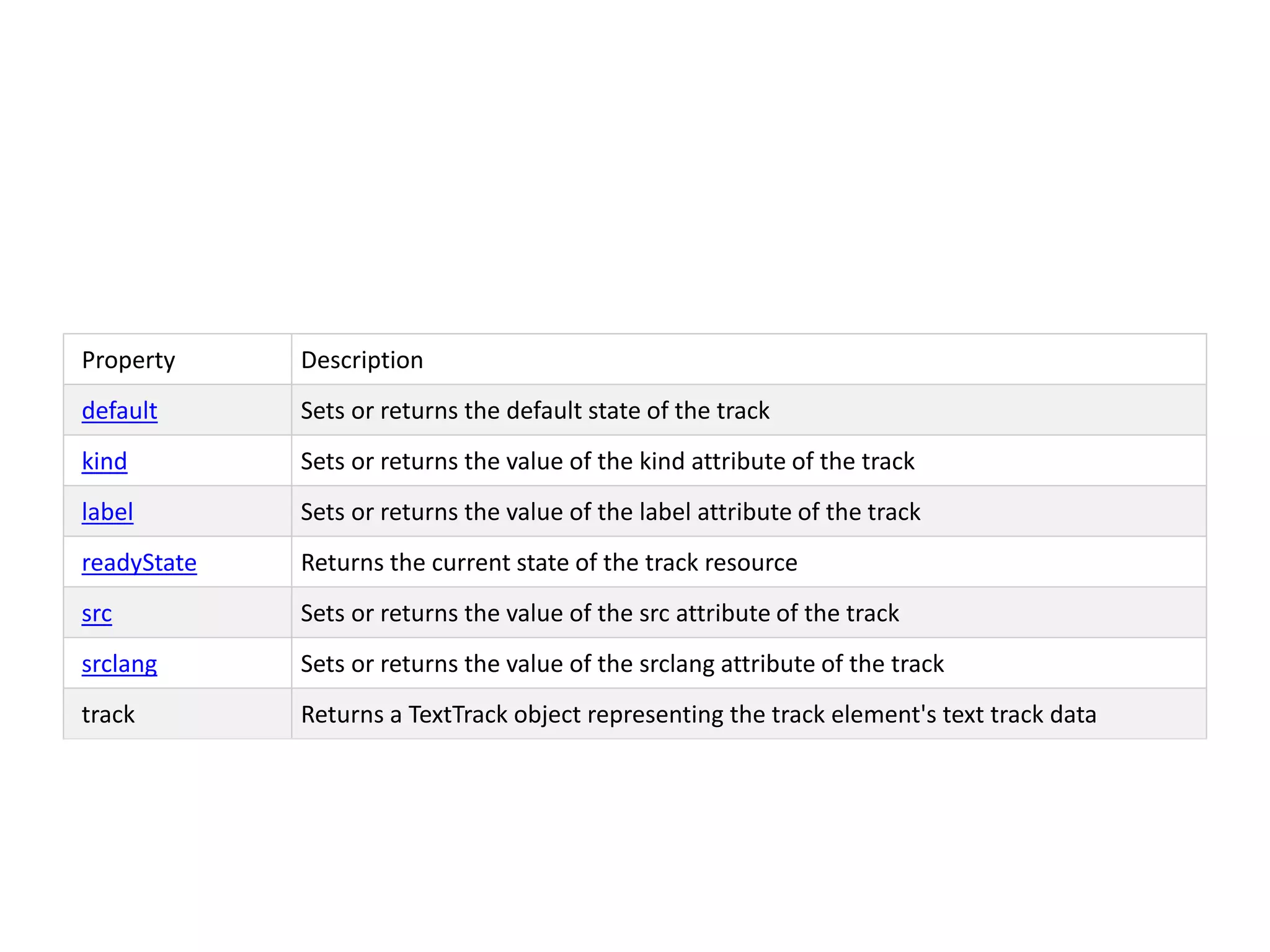
Property Description
default Setsor returns the default state of the track
kind Sets or returns the value of the kind attribute of the track
label Sets or returns the value of the label attribute of the track
readyState Returns the current state of the track resource
src Sets or returns the value of the src attribute of the track
srclang Sets or returns the value of the srclang attribute of the track
track Returns a TextTrack object representing the track element's text track data
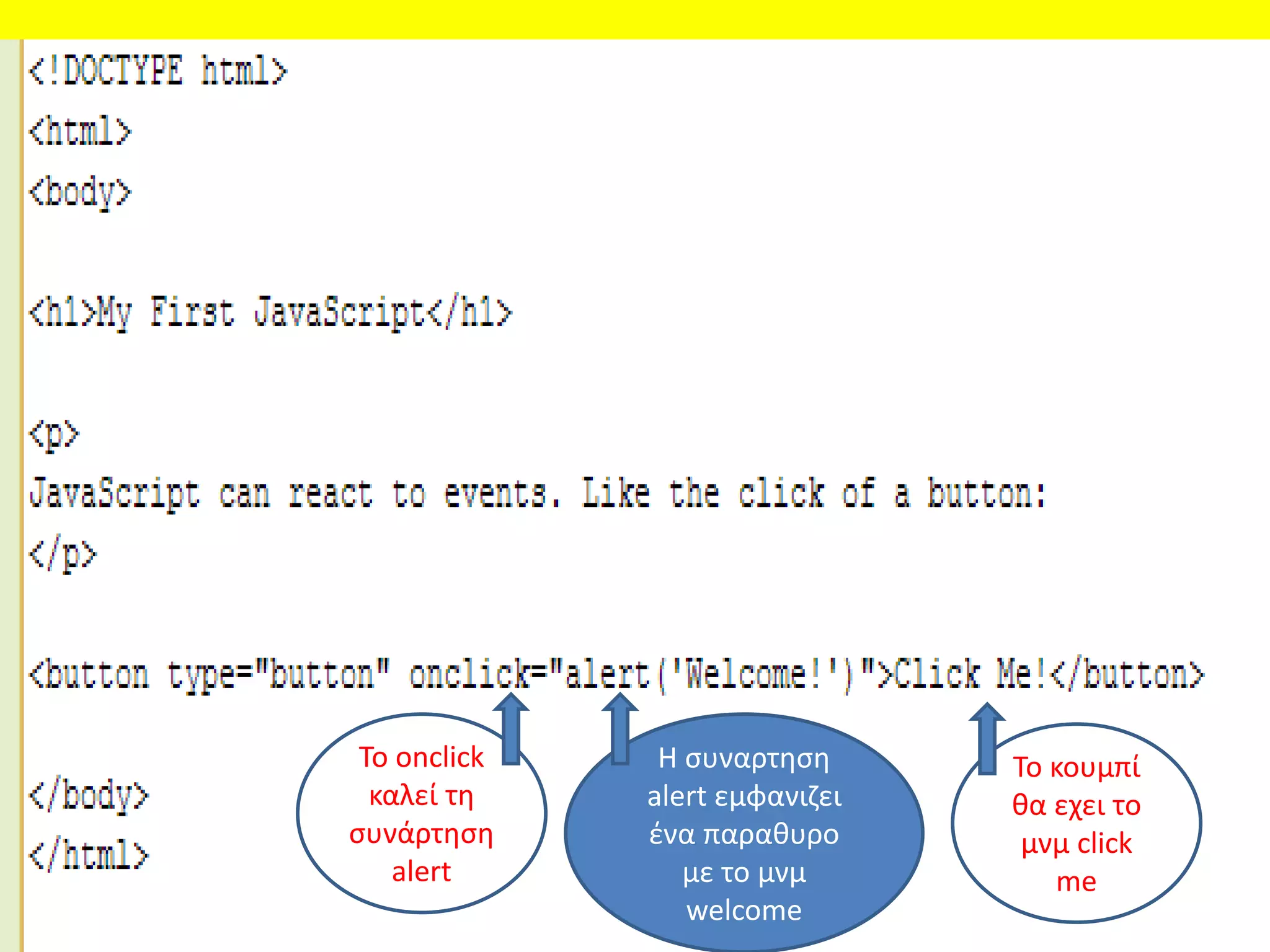
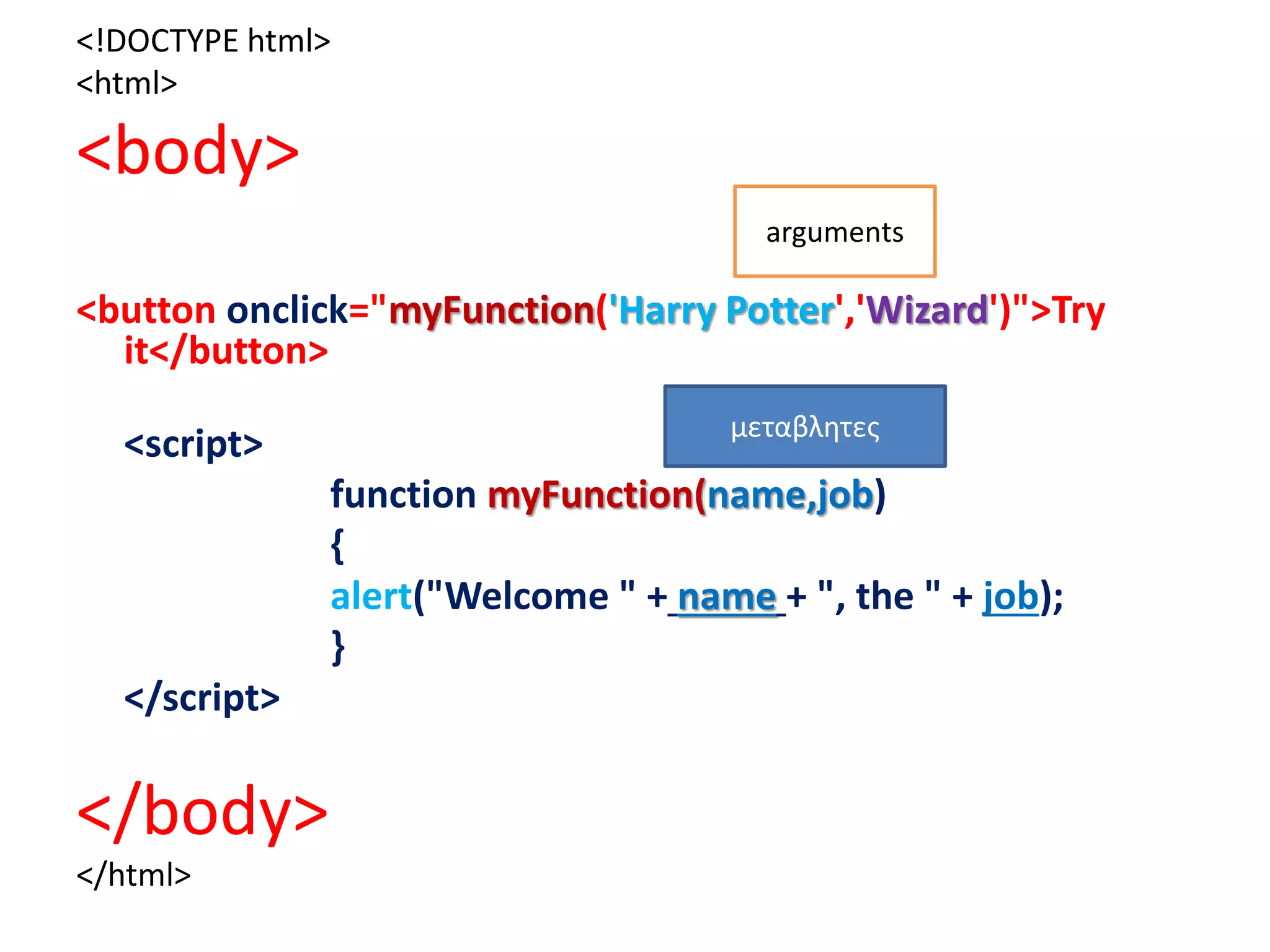
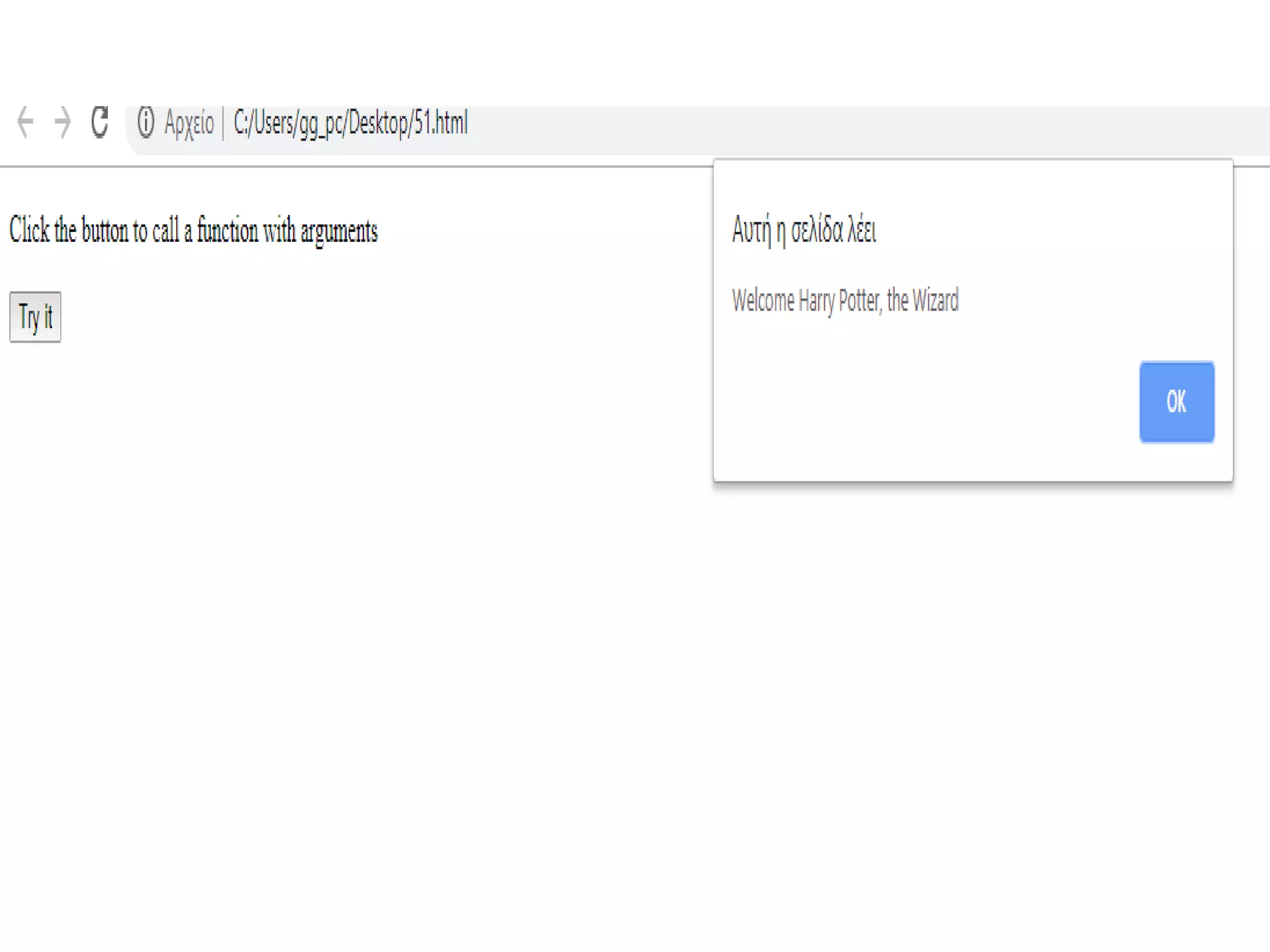
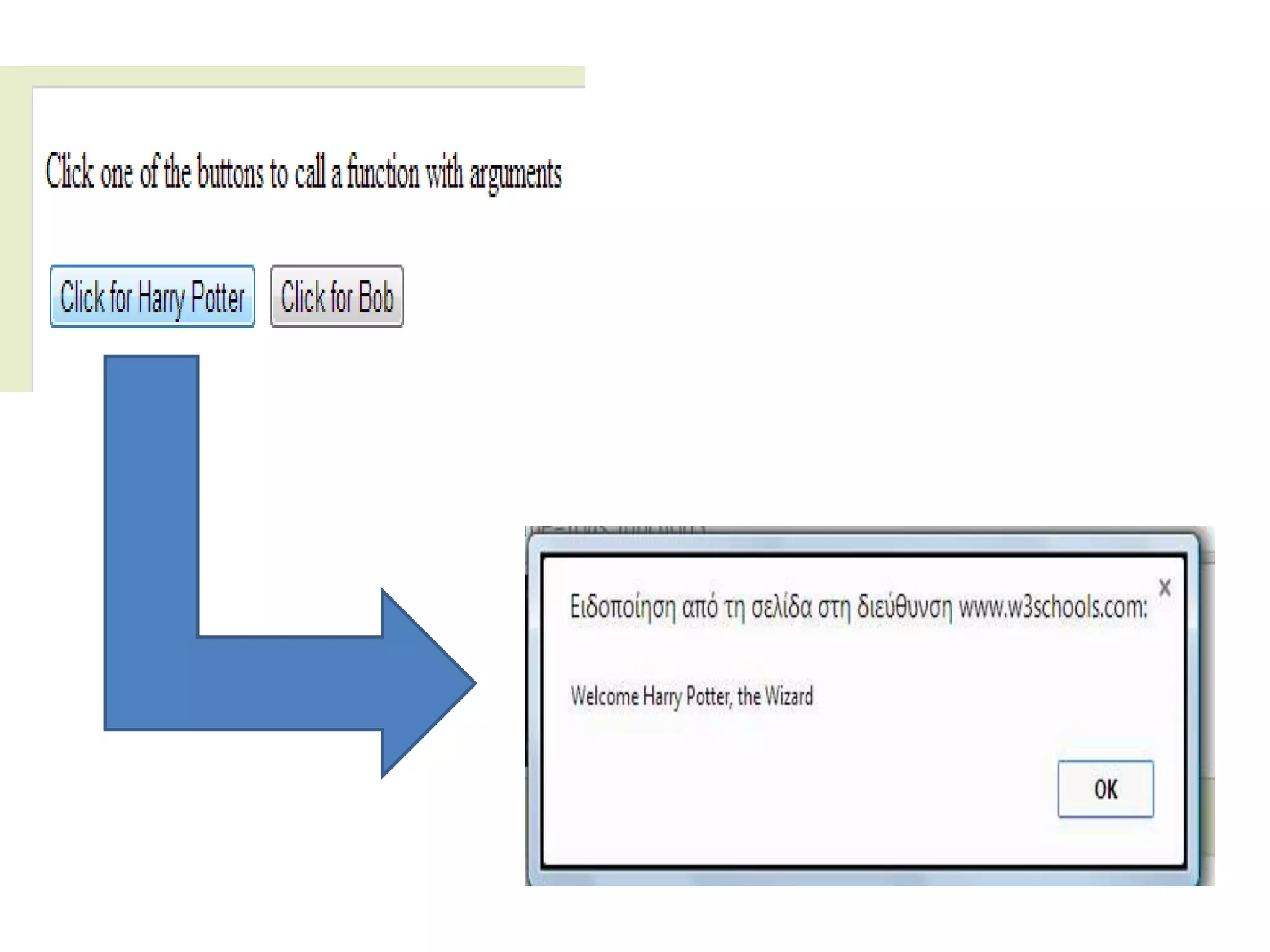
The function abovewill alert
"Welcome Harry Potter, the Wizard"
when the button is clicked.
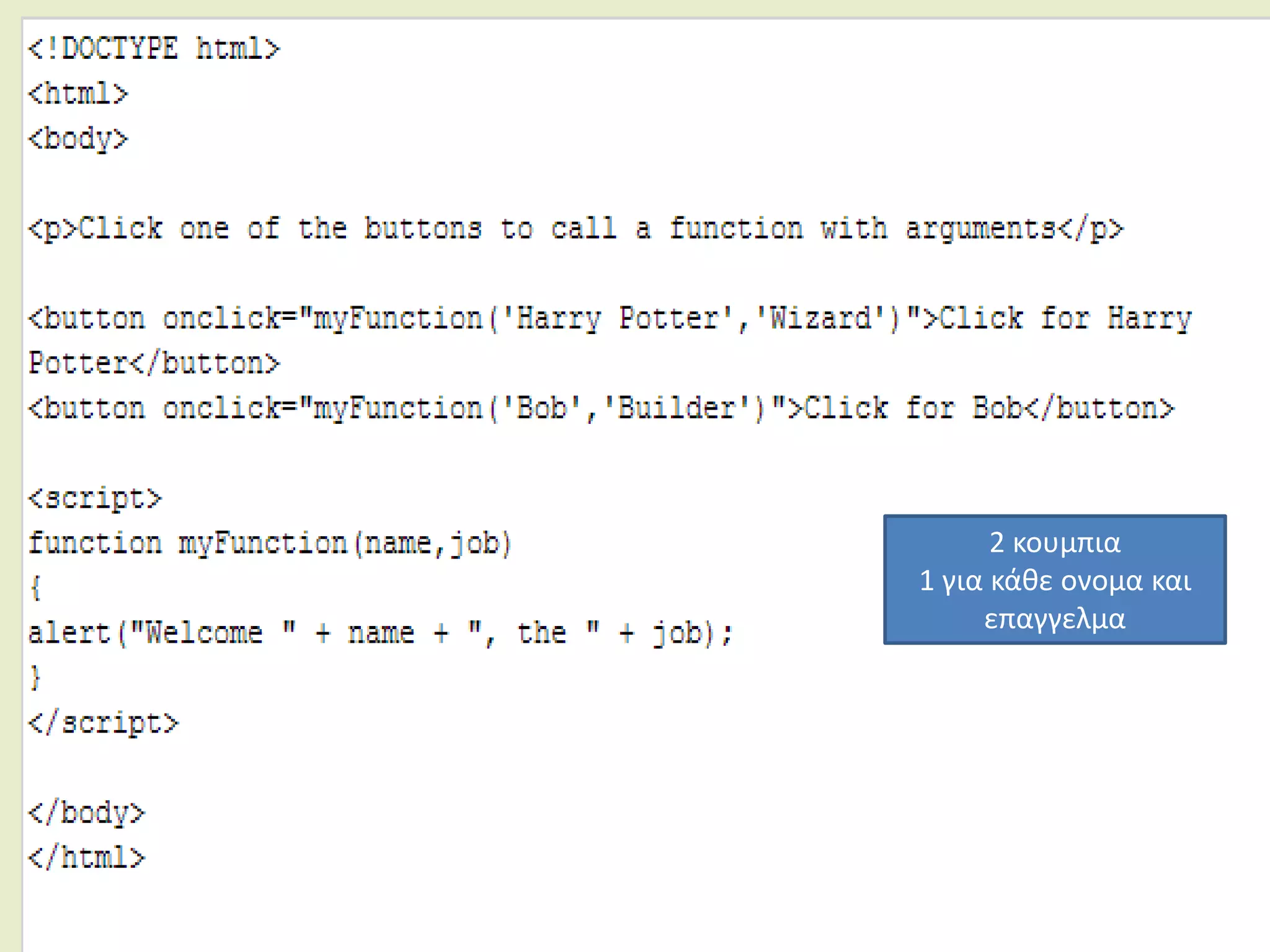
The function is flexible, you can call
the function using different
arguments, and different welcome
messages will be given:
2 κουμπια
1 για κάθε ονομα και
επαγγελμα
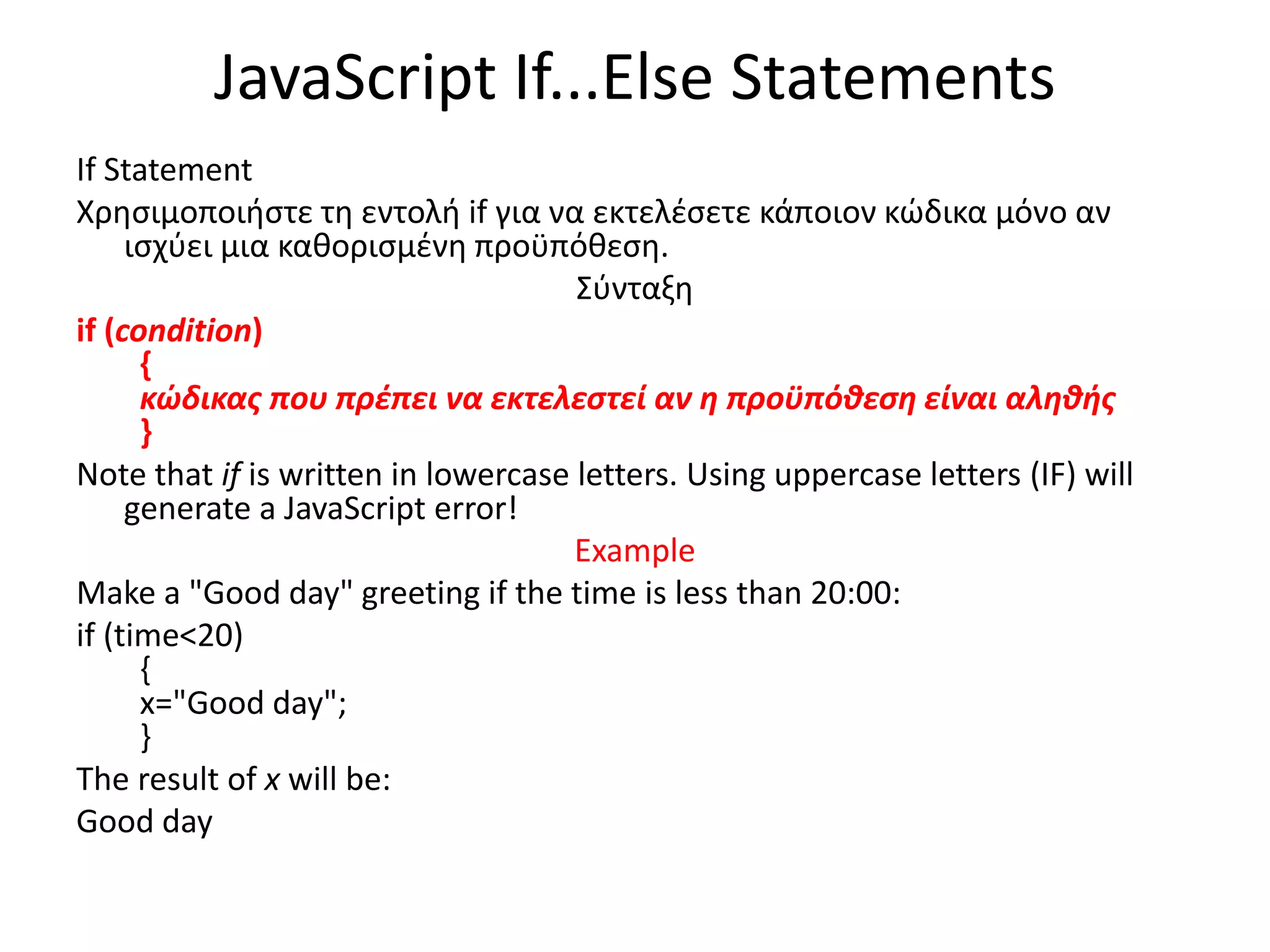
JavaScript If...Else Statements
IfStatement
Χρησιμοποιήστε τη εντολή if για να εκτελέσετε κάποιον κώδικα μόνο αν
ισχύει μια καθορισμένη προϋπόθεση.
Σύνταξη
if (condition)
{
κώδικας που πρέπει να εκτελεστεί αν η προϋπόθεση είναι αληθής
}
Note that if is written in lowercase letters. Using uppercase letters (IF) will
generate a JavaScript error!
Example
Make a "Good day" greeting if the time is less than 20:00:
if (time<20)
{
x="Good day";
}
The result of x will be:
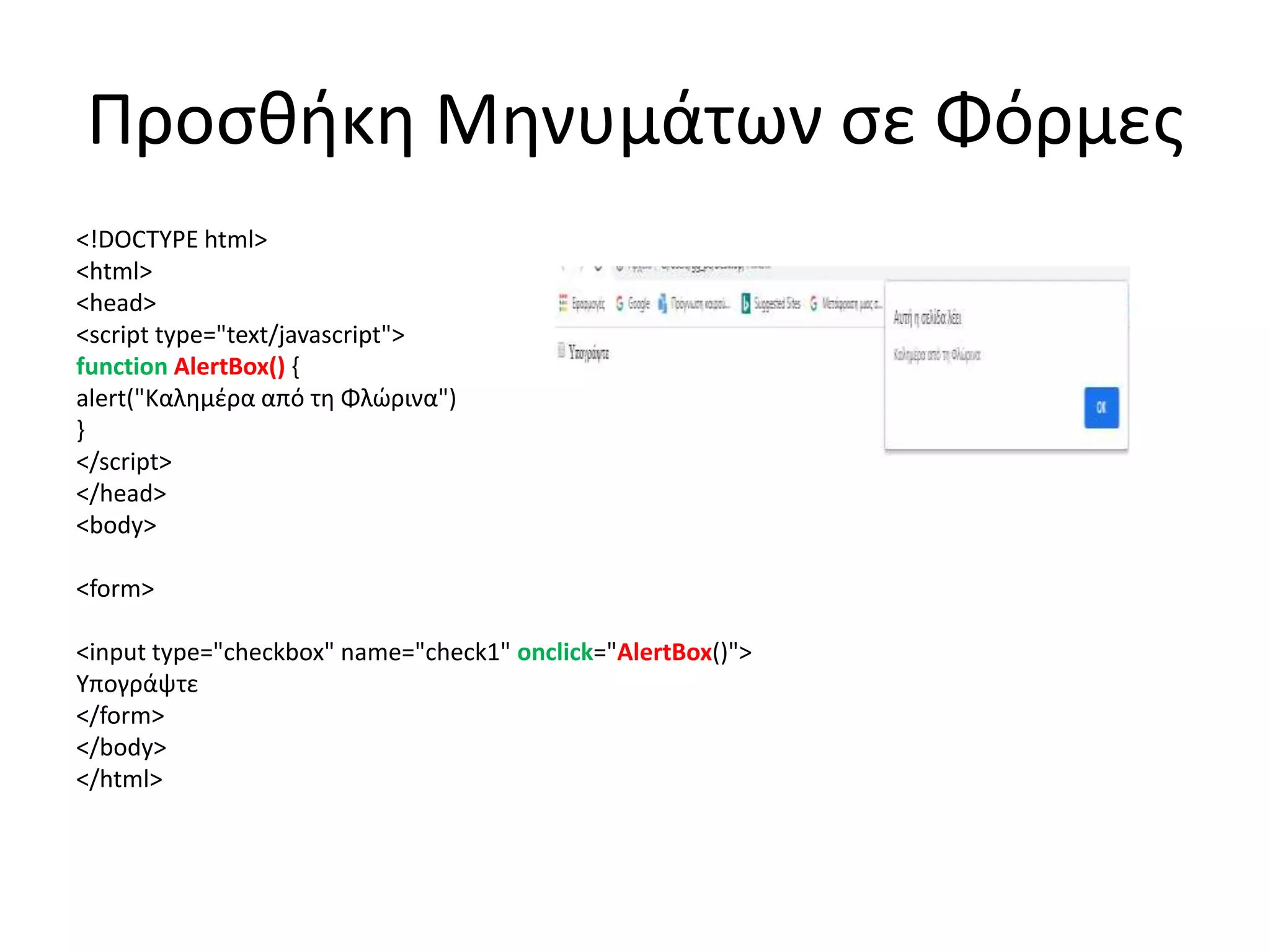
Good day
123.
Προσθήκη Μηνυμάτων σεΦόρμες
<!DOCTYPE html>
<html>
<head>
<script type="text/javascript">
function AlertBox() {
alert("Καλημέρα από τη Φλώρινα")
}
</script>
</head>
<body>
<form>
<input type="checkbox" name="check1" onclick="AlertBox()">
Υπογράψτε
</form>
</body>
</html>
124.
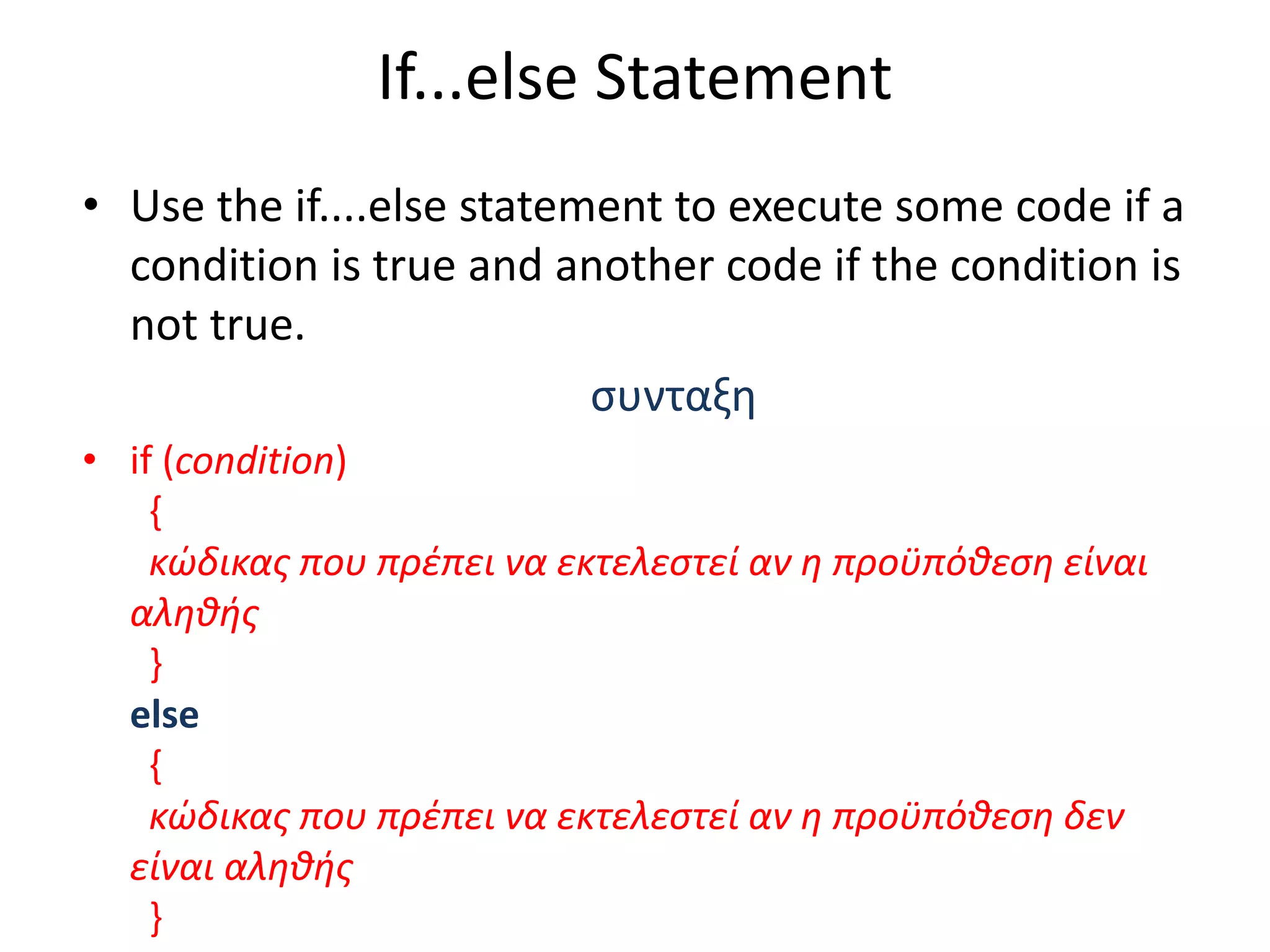
If...else Statement
• Usethe if....else statement to execute some code if a
condition is true and another code if the condition is
not true.
συνταξη
• if (condition)
{
κώδικας που πρέπει να εκτελεστεί αν η προϋπόθεση είναι
αληθής
}
else
{
κώδικας που πρέπει να εκτελεστεί αν η προϋπόθεση δεν
είναι αληθής
}
125.
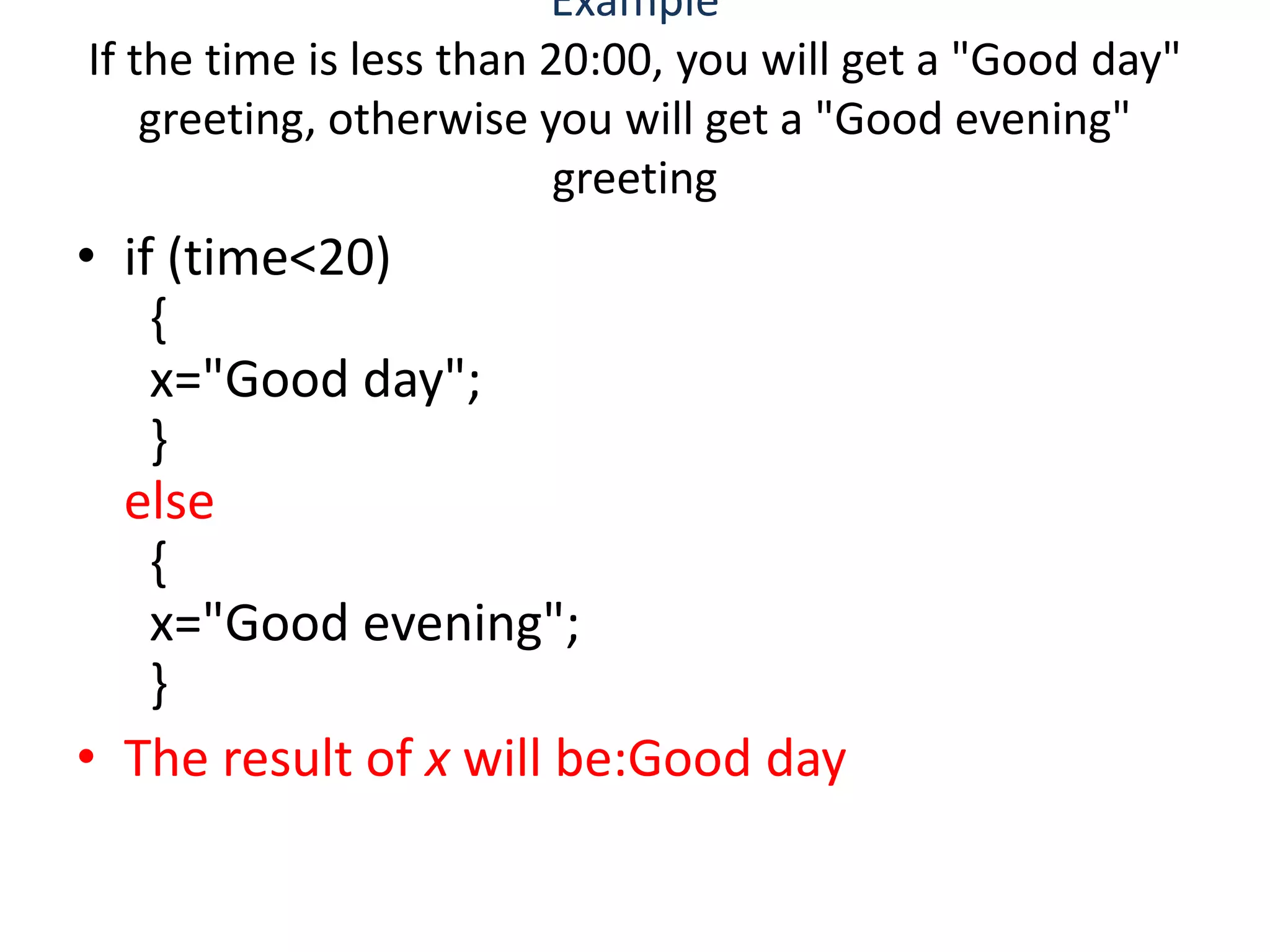
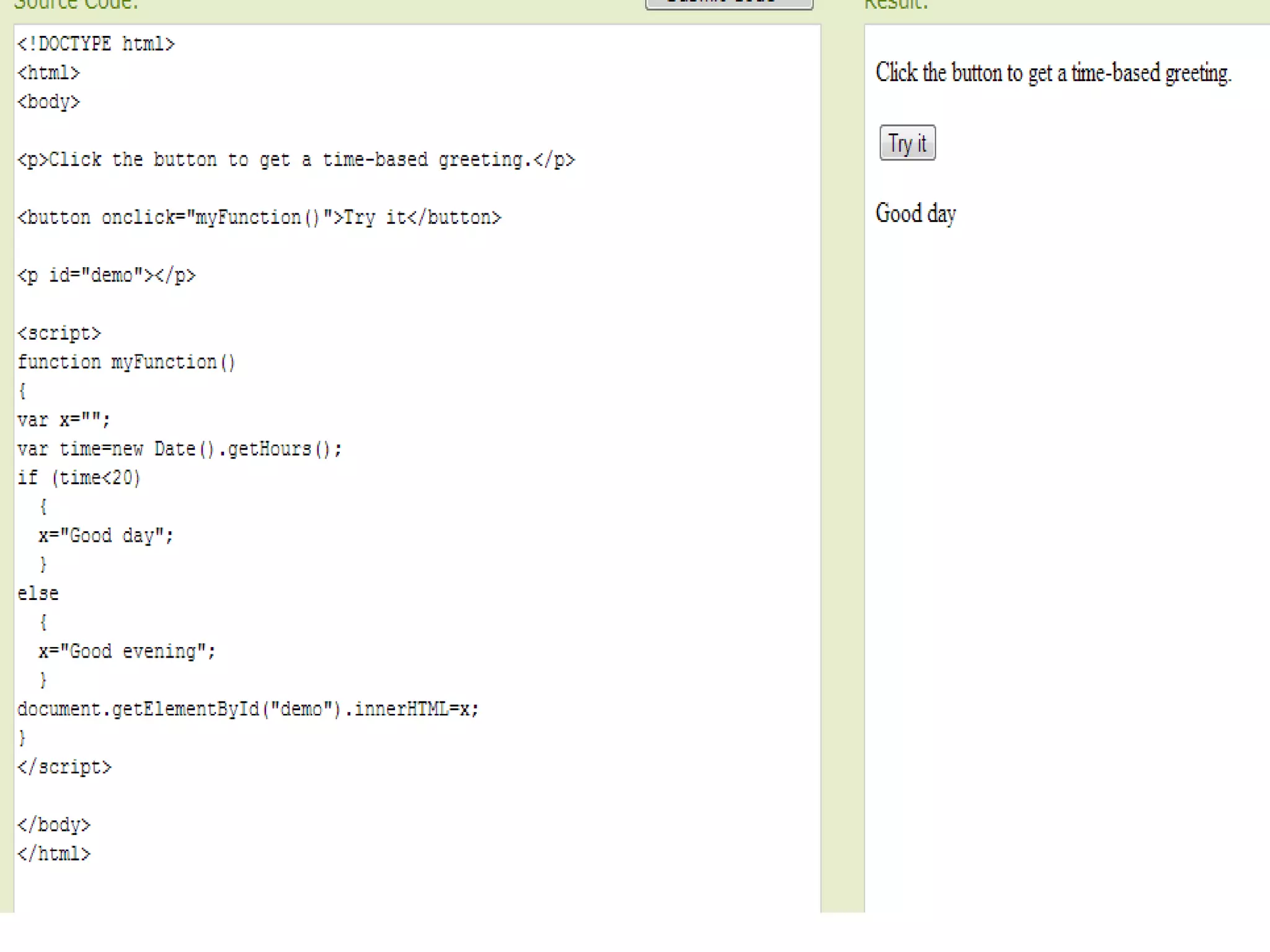
Example
If the timeis less than 20:00, you will get a "Good day"
greeting, otherwise you will get a "Good evening"
greeting
• if (time<20)
{
x="Good day";
}
else
{
x="Good evening";
}
• The result of x will be:Good day
127.
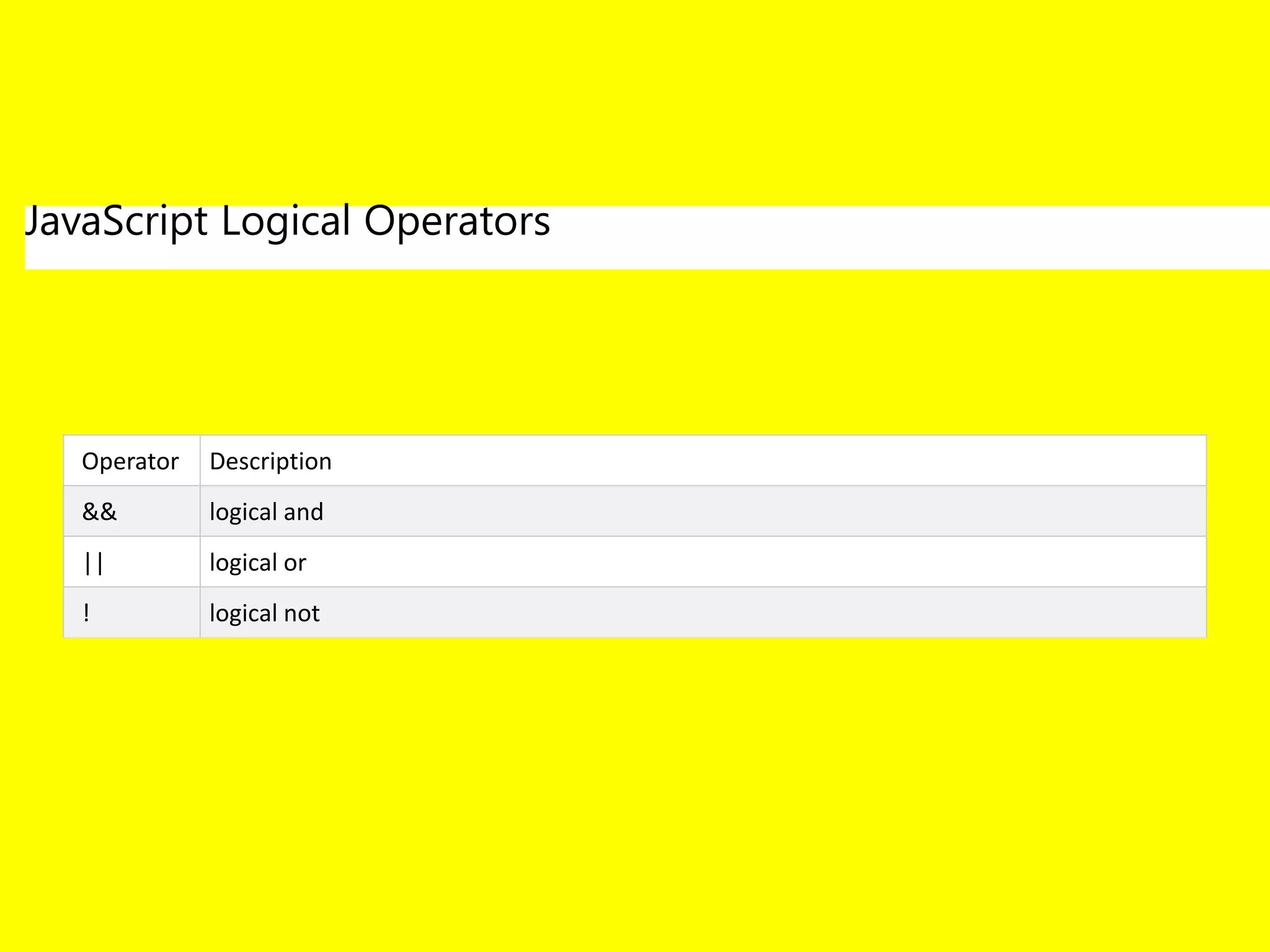
Logical Operators
&& and(x < 10 && y > 1) is true Try it »
|| or (x == 5 || y == 5) is false Try it »
! not !(x == y) is true
128.
Δειξιμο σωστης απαντησηςχωρις if
<!DOCTYPE html>
<html>
<body>
<p>An unordered list:</p>
ποια είναι η πρωτευουσα της βορειου Ευβοίας
<ul>
<li>αιδηψός</li>
<li>ιστιαία</li>
<li>πευκι</li>
</ul>
<button onclick="myFunction()">Try it</button>
<p id="demo"></p>
<script>
function myFunction() {
var x = document.getElementsByTagName("LI");
document.getElementById("demo").innerHTML = x[1].innerHTML;
}
</script>
</body>
</html>
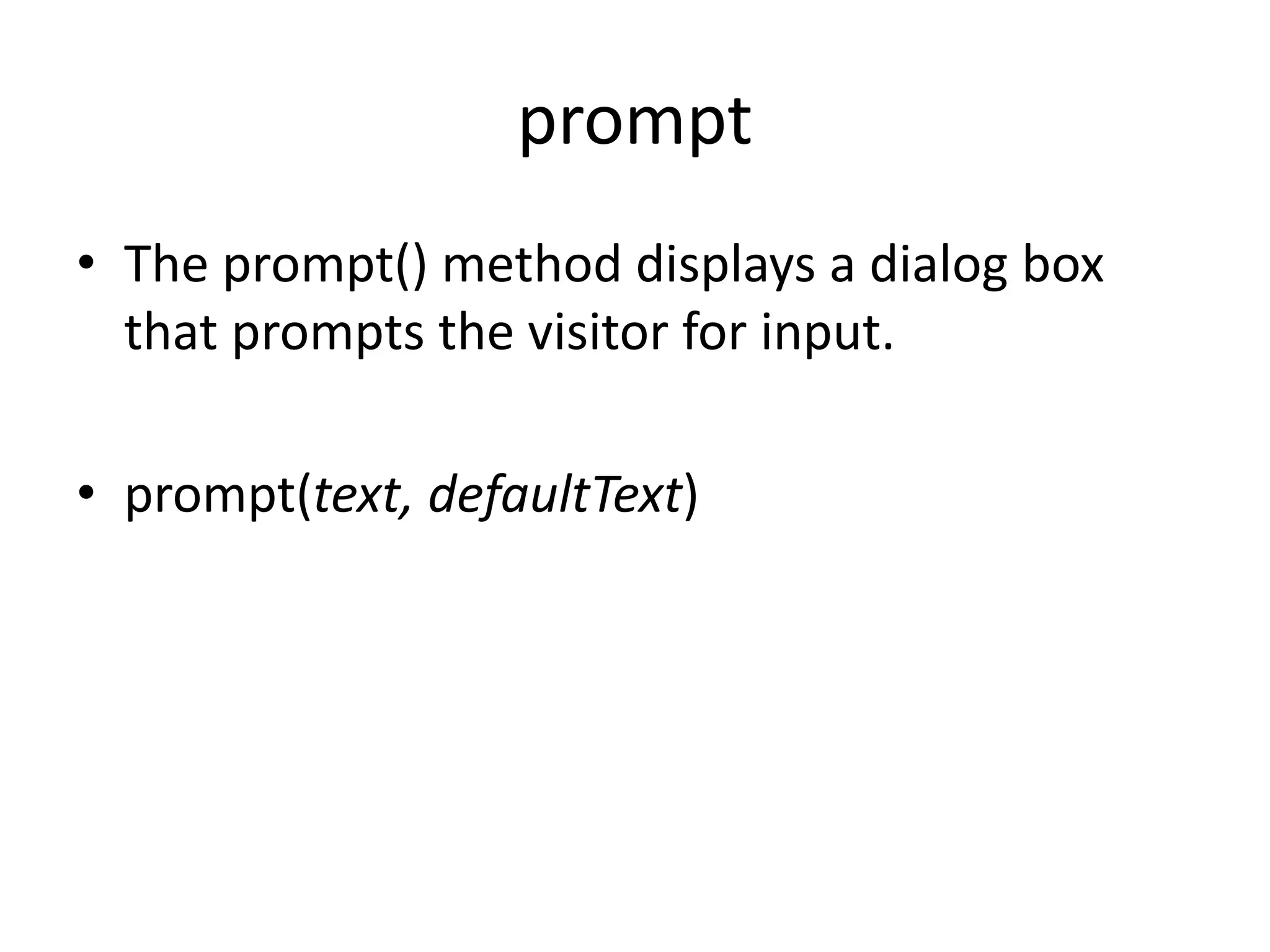
129.
prompt
• The prompt()method displays a dialog box
that prompts the visitor for input.
• prompt(text, defaultText)
130.
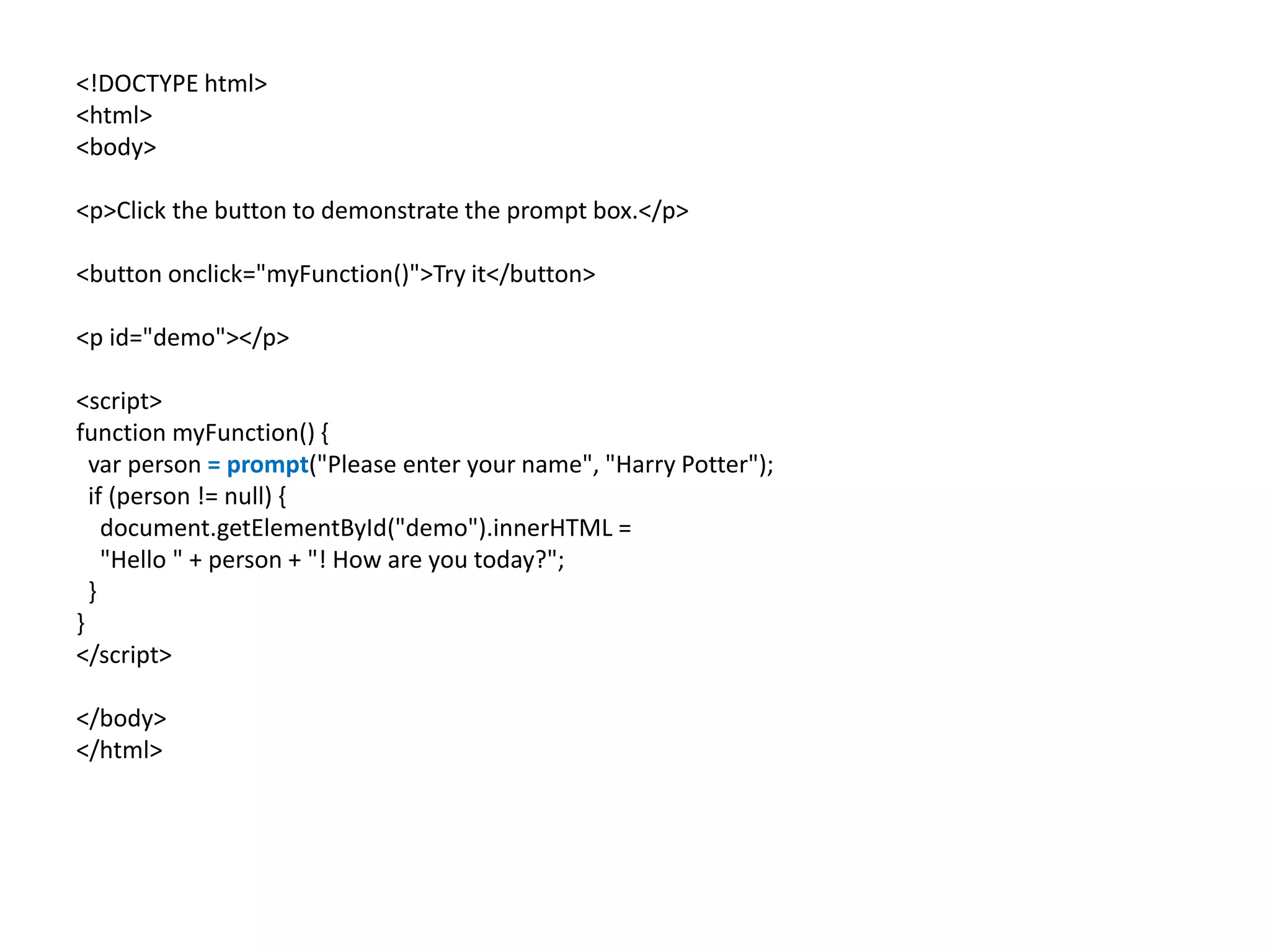
<!DOCTYPE html>
<html>
<body>
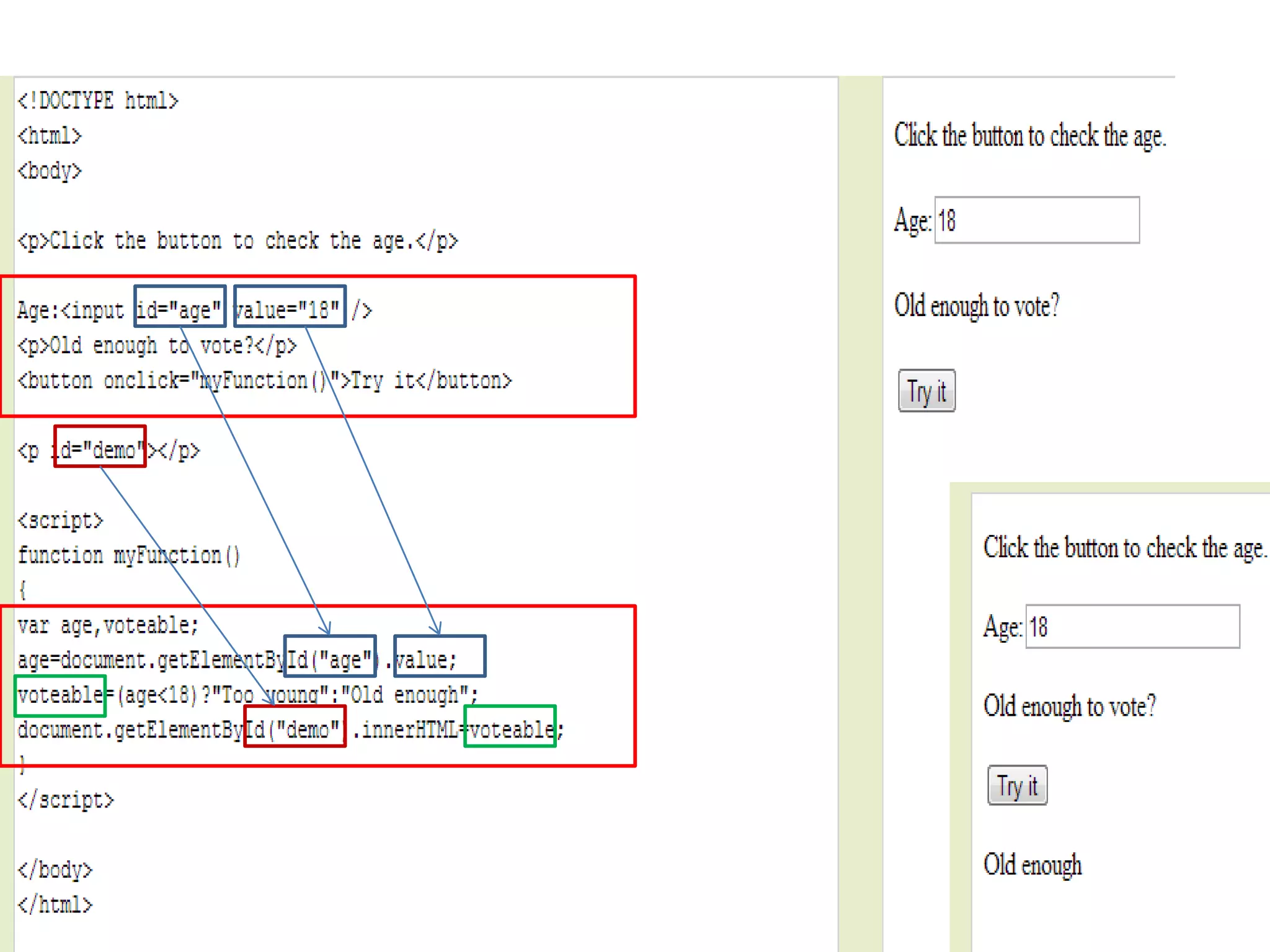
<p>Click thebutton to demonstrate the prompt box.</p>
<button onclick="myFunction()">Try it</button>
<p id="demo"></p>
<script>
function myFunction() {
var person = prompt("Please enter your name", "Harry Potter");
if (person != null) {
document.getElementById("demo").innerHTML =
"Hello " + person + "! How are you today?";
}
}
</script>
</body>
</html>
131.
Δειξιμο σωστης απαντησηςμε if
[με if και αριθμημενη λιστα]
<body>
ποια είναι η πρωτευουσα της βορειου Ευβοίας
<ol>
<li>αιδηψός</li>
<li>ιστιαία</li>
<li>πευκι</li>
</ol>
δωσε αριθμο: <input type="number" id="mynum" value="">
<button onclick="myFunction()">Try it</button>
<script>
function myFunction() {
var x = document.getElementById("mynum").value;
if (x==2)
{ document.write('kerdises'); }
else{document.write('exases'); }
}
</script>
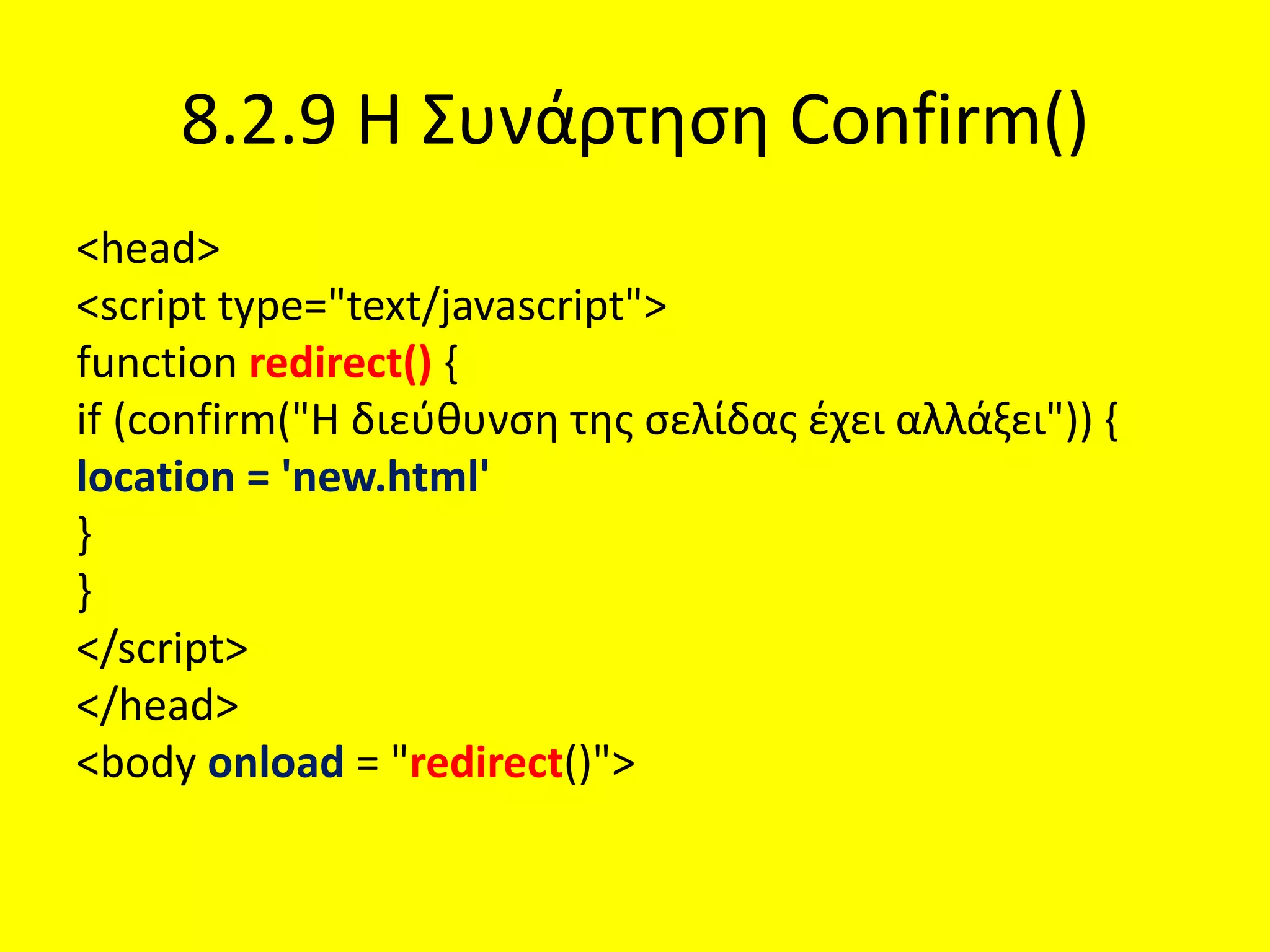
8.2.9 Η ΣυνάρτησηConfirm()
<head>
<script type="text/javascript">
function redirect() {
if (confirm("Η διεύθυνση της σελίδας έχει αλλάξει")) {
location = 'new.html'
}
}
</script>
</head>
<body onload = "redirect()">
135.
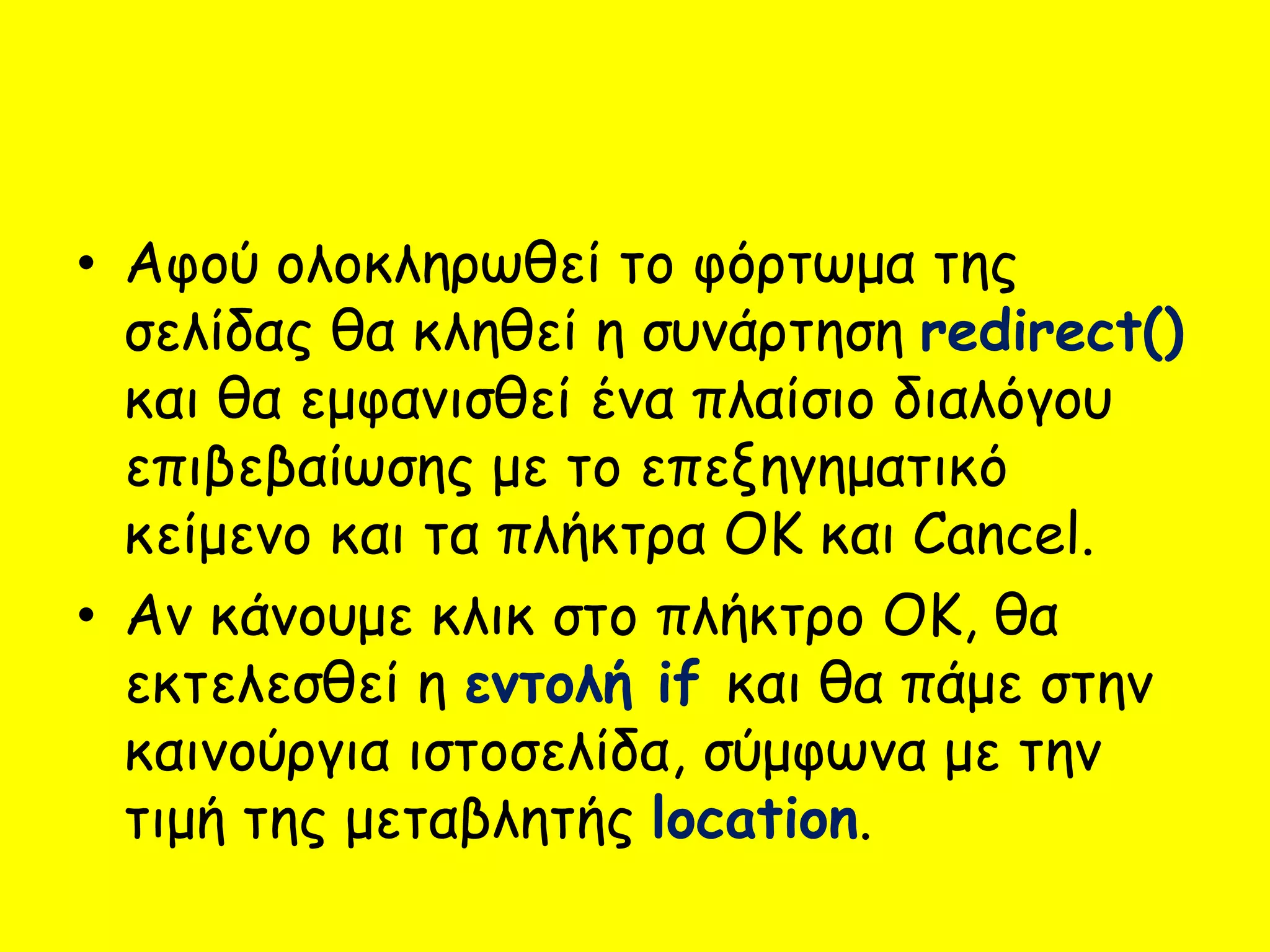
• Αφού ολοκληρωθείτο φόρτωμα της
σελίδας θα κληθεί η συνάρτηση redirect()
και θα εμφανισθεί ένα πλαίσιο διαλόγου
επιβεβαίωσης με το επεξηγηματικό
κείμενο και τα πλήκτρα OK και Cancel.
• Αν κάνουμε κλικ στο πλήκτρο OK, θα
εκτελεσθεί η εντολή if και θα πάμε στην
καινούργια ιστοσελίδα, σύμφωνα με την
τιμή της μεταβλητής location.
136.
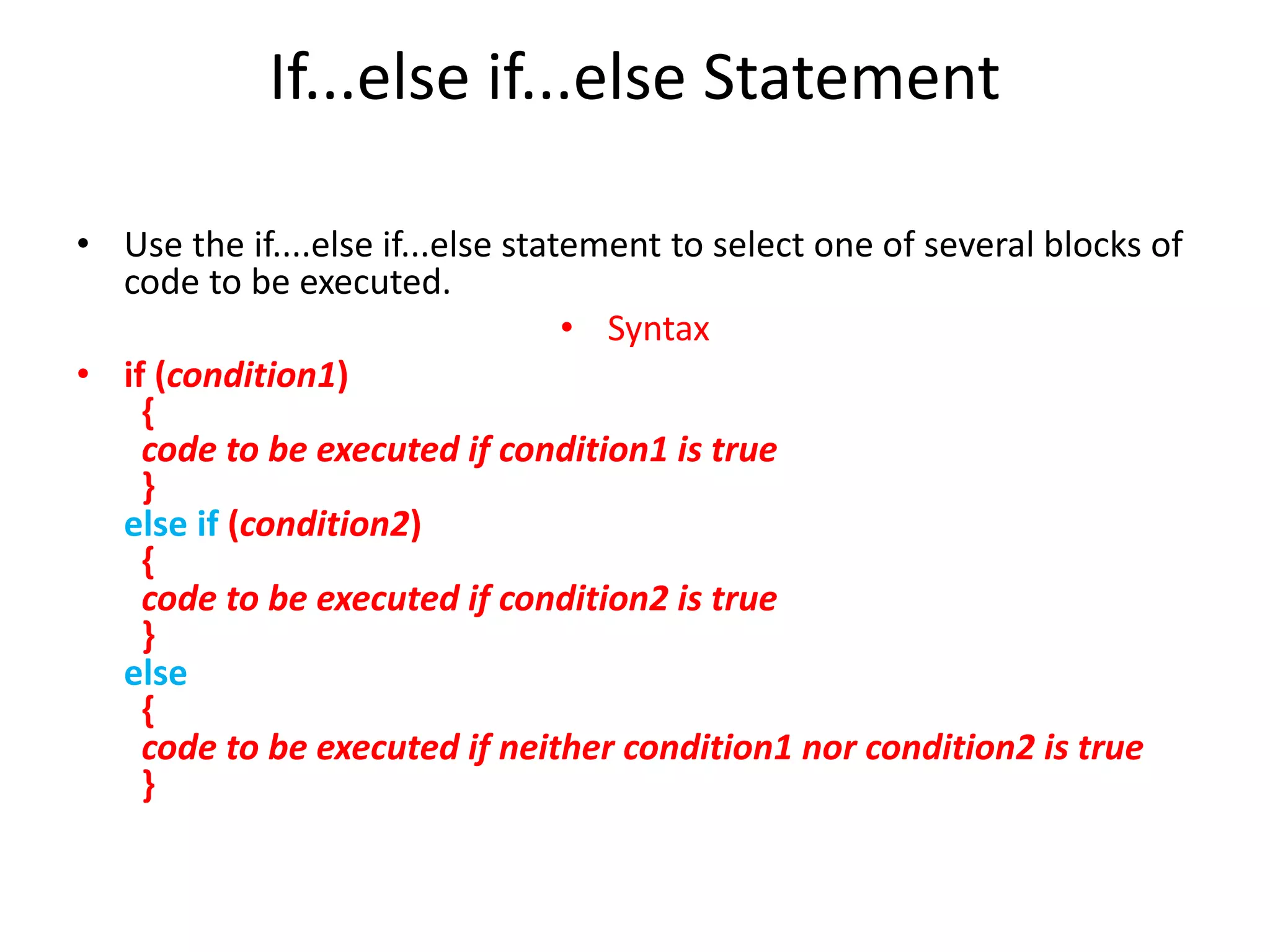
If...else if...else Statement
•Use the if....else if...else statement to select one of several blocks of
code to be executed.
• Syntax
• if (condition1)
{
code to be executed if condition1 is true
}
else if (condition2)
{
code to be executed if condition2 is true
}
else
{
code to be executed if neither condition1 nor condition2 is true
}
137.
Example
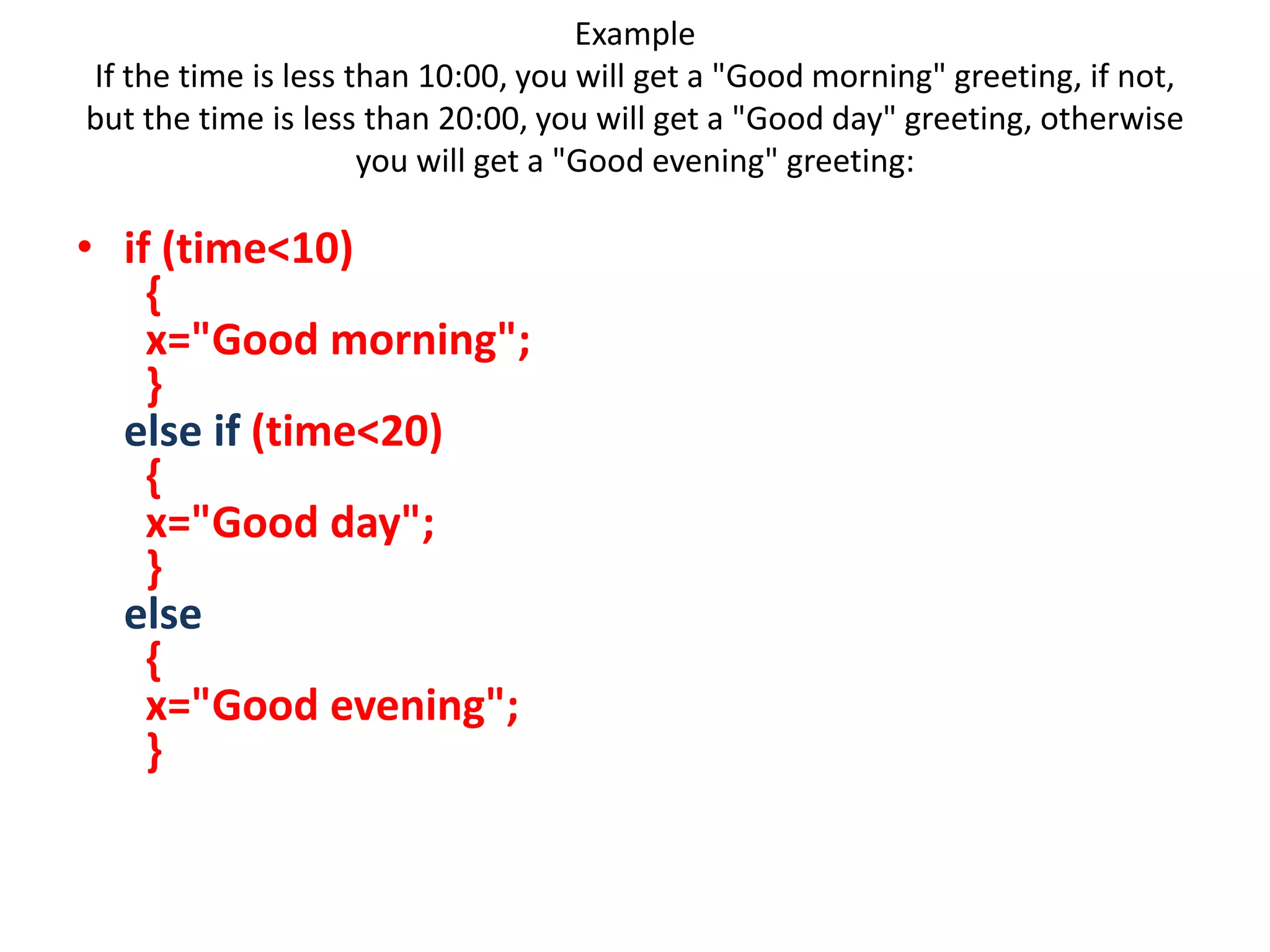
If the timeis less than 10:00, you will get a "Good morning" greeting, if not,
but the time is less than 20:00, you will get a "Good day" greeting, otherwise
you will get a "Good evening" greeting:
• if (time<10)
{
x="Good morning";
}
else if (time<20)
{
x="Good day";
}
else
{
x="Good evening";
}
138.
<!DOCTYPE html>
<html>
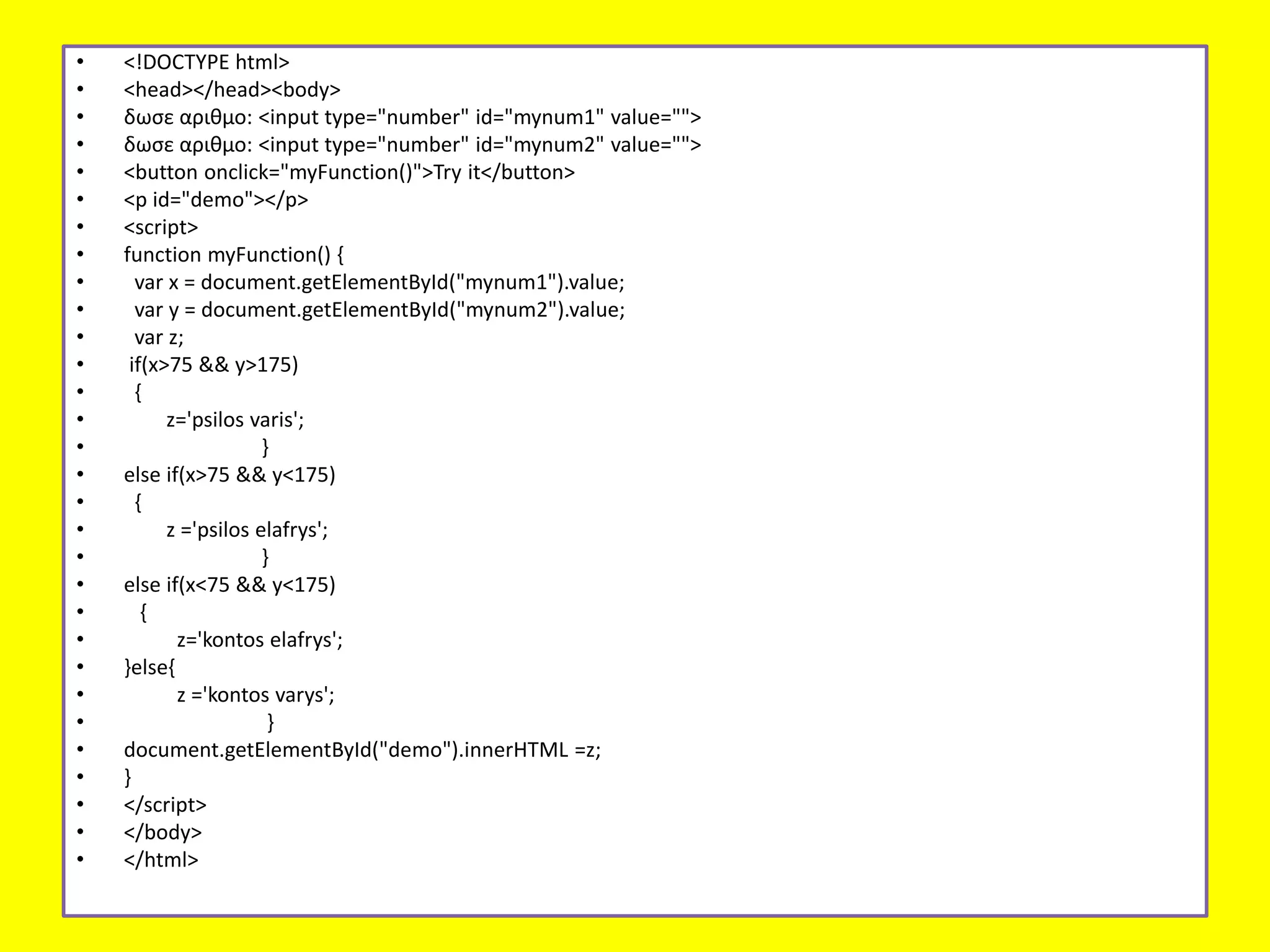
<body>
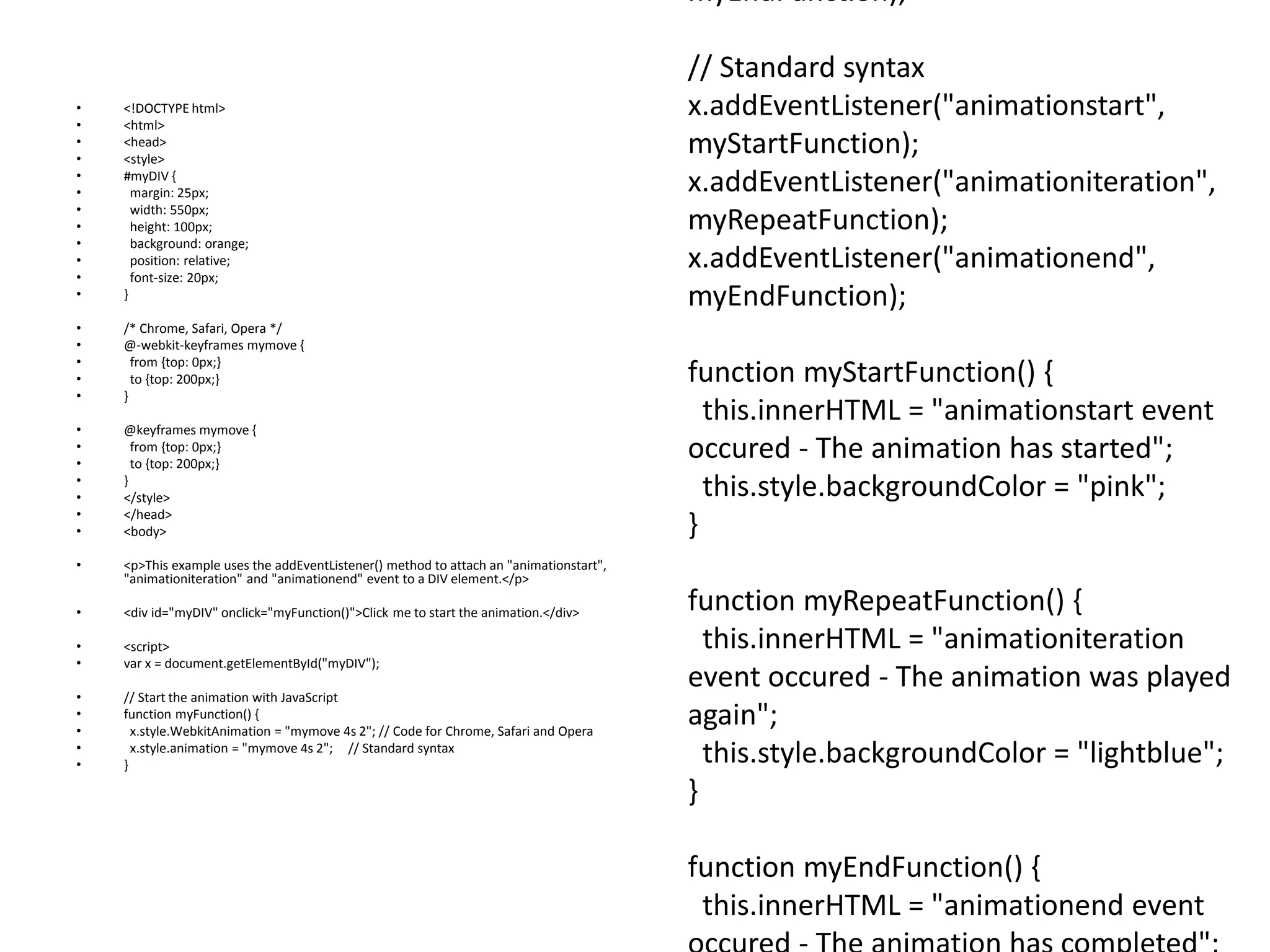
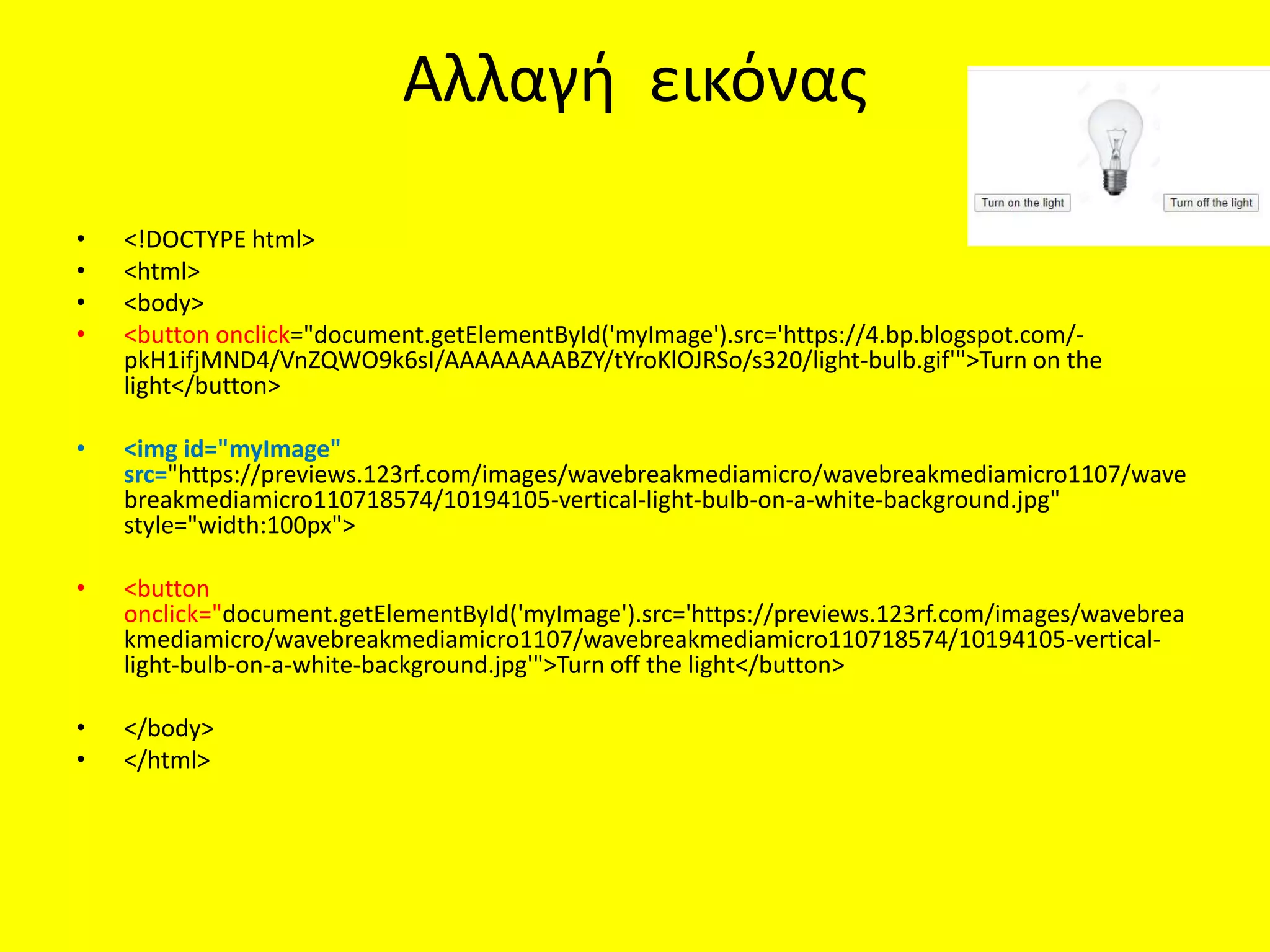
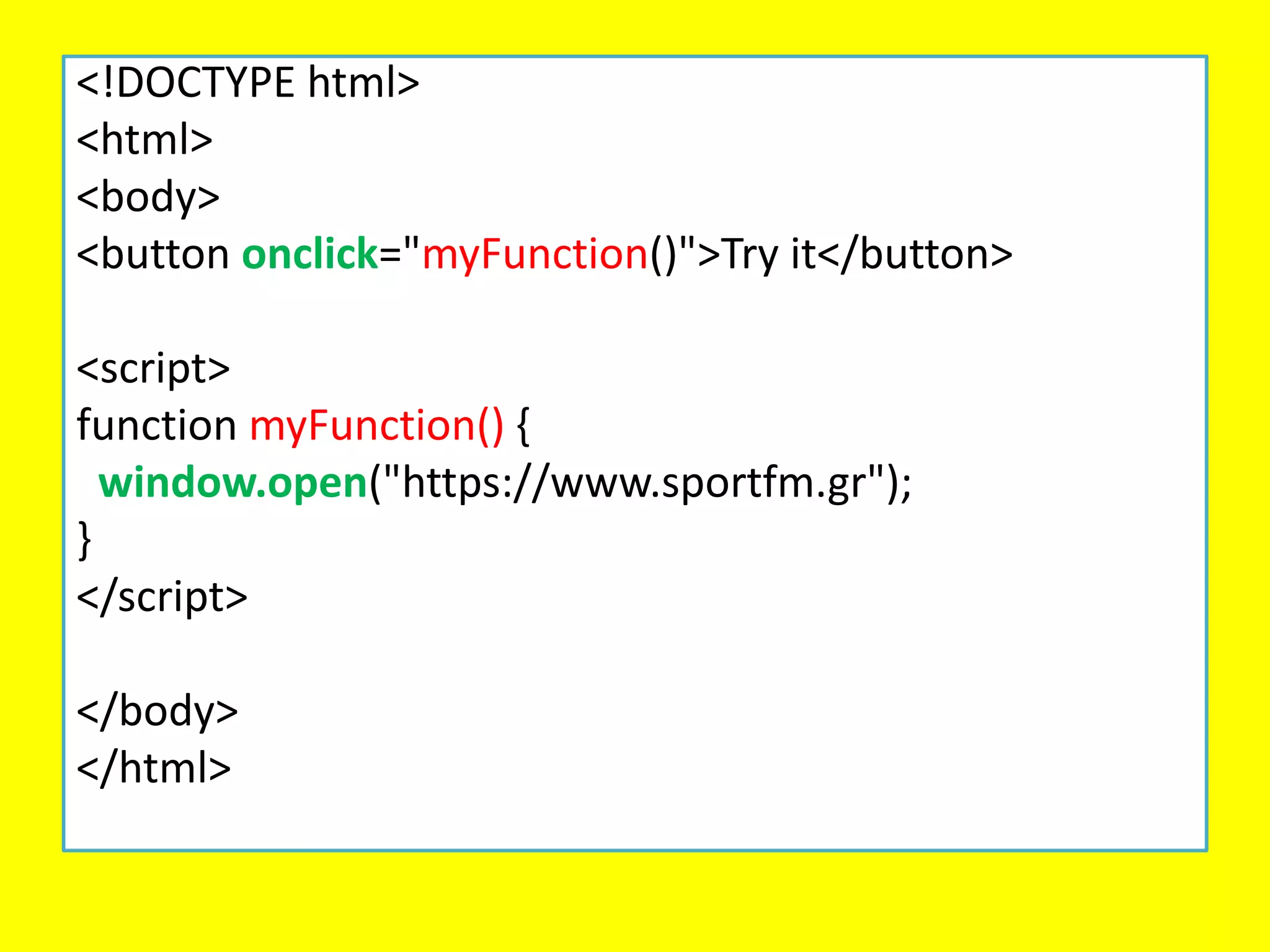
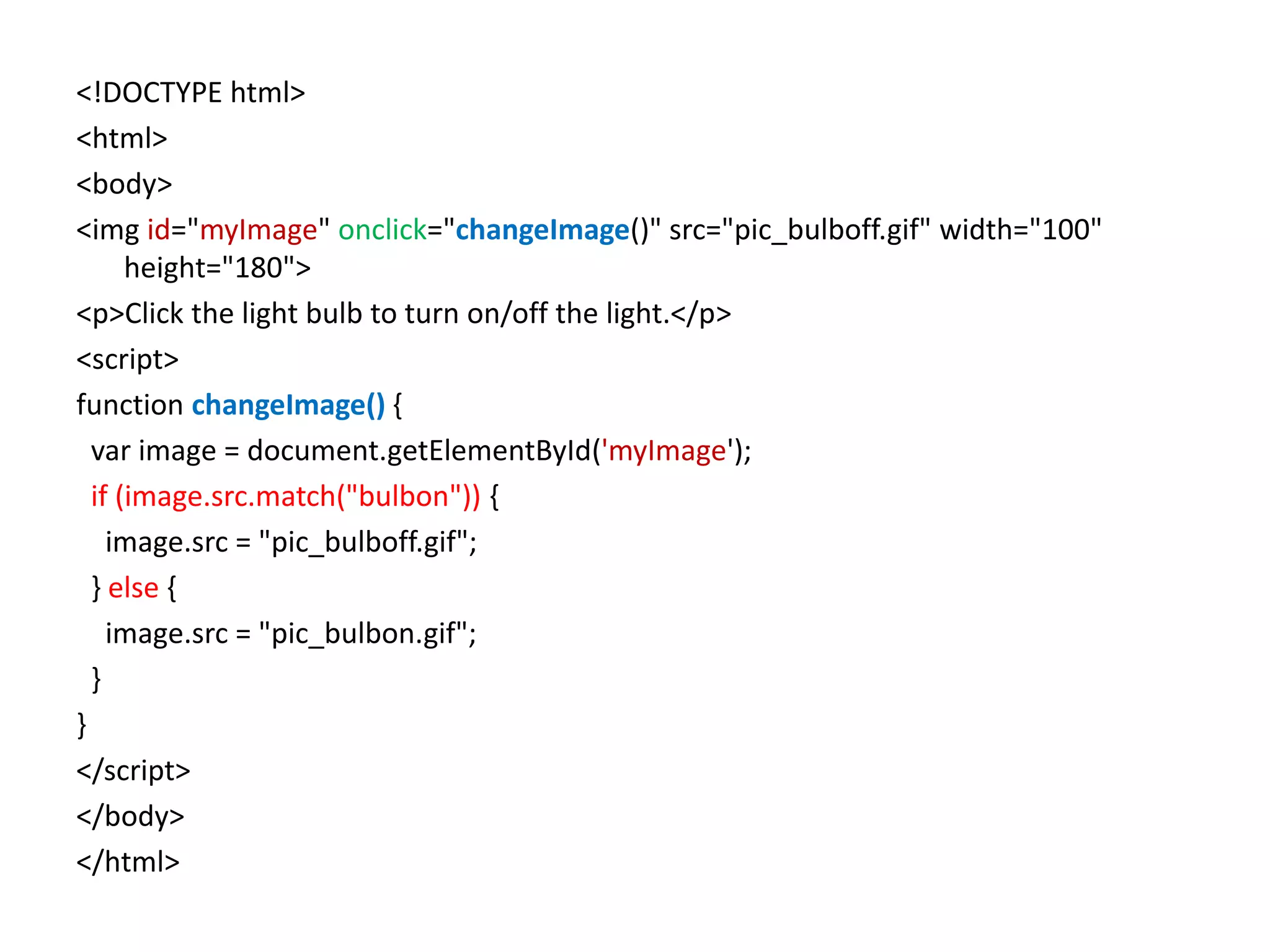
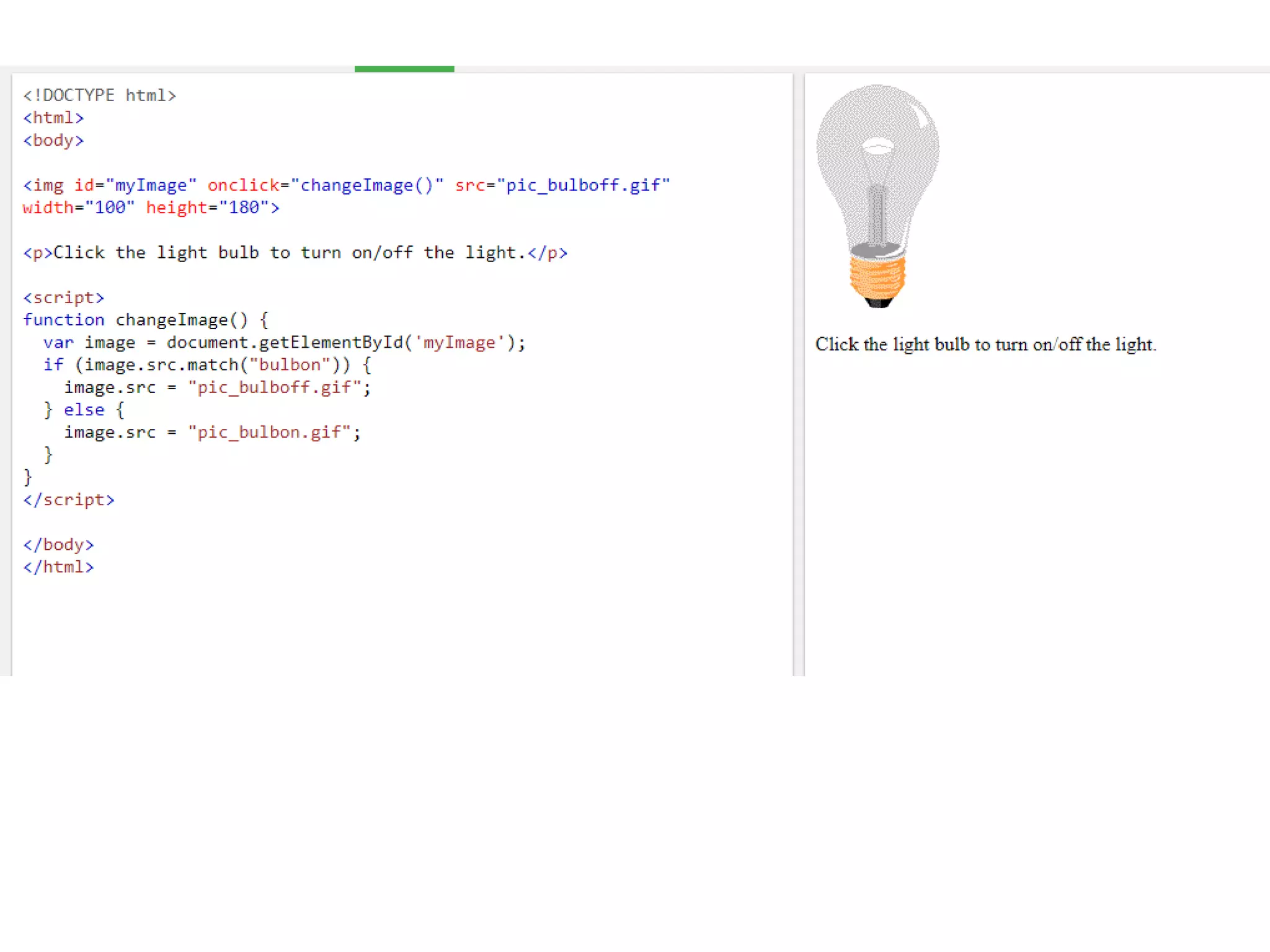
<img id="myImage"onclick="changeImage()" src="pic_bulboff.gif" width="100"
height="180">
<p>Click the light bulb to turn on/off the light.</p>
<script>
function changeImage() {
var image = document.getElementById('myImage');
if (image.src.match("bulbon")) {
image.src = "pic_bulboff.gif";
} else {
image.src = "pic_bulbon.gif";
}
}
</script>
</body>
</html>
140.
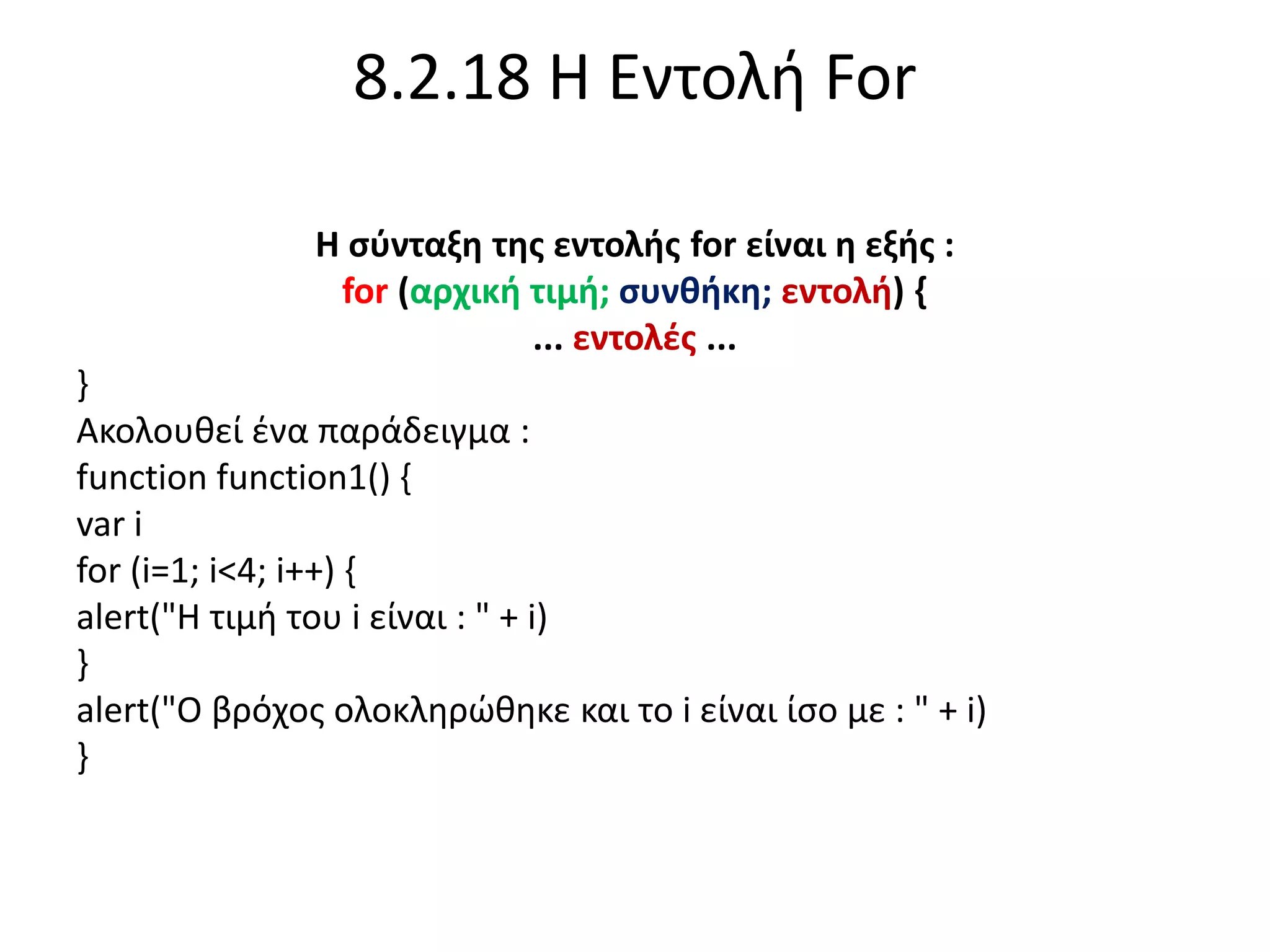
8.2.18 Η ΕντολήFor
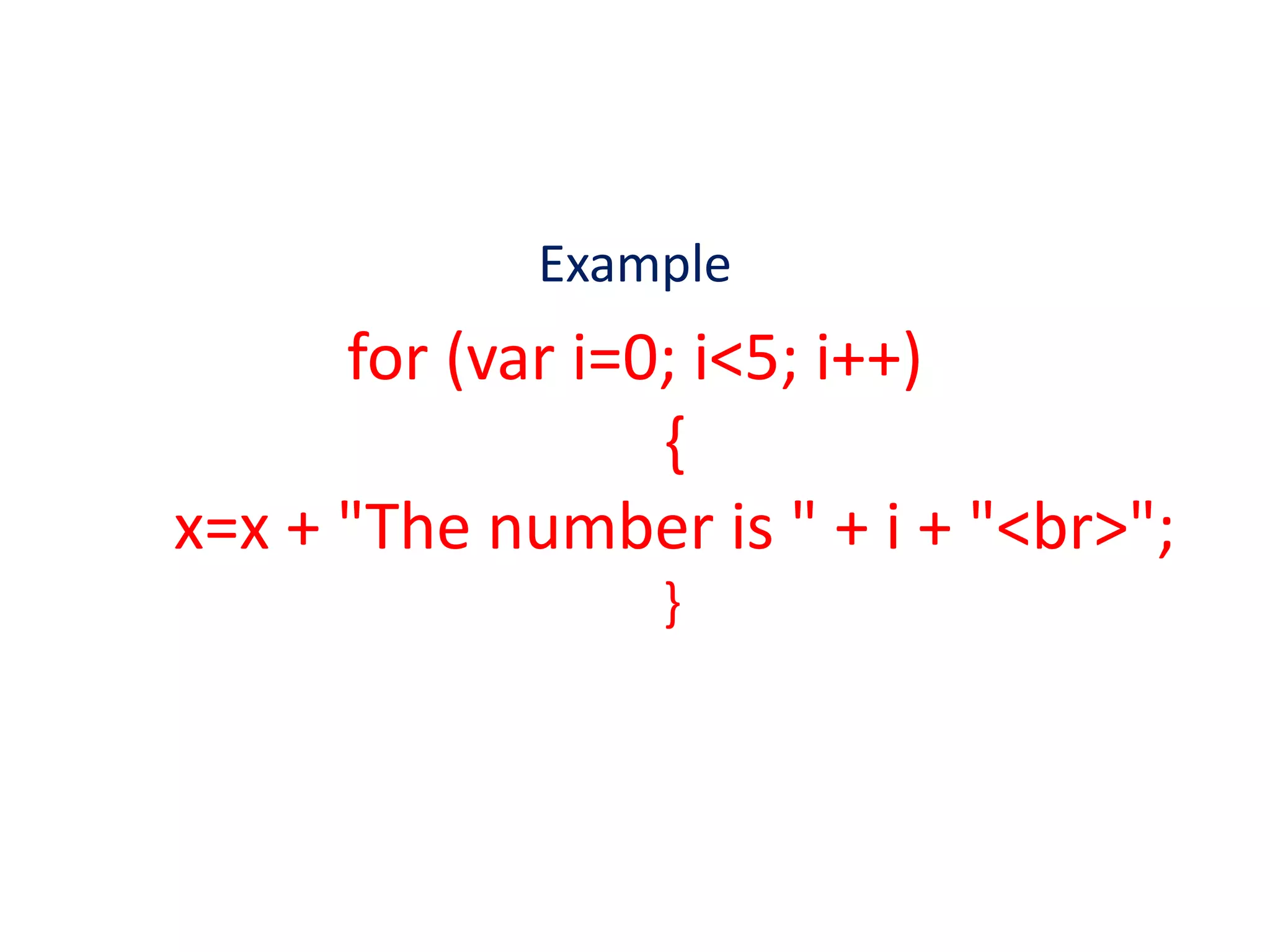
Η σύνταξη της εντολής for είναι η εξής :
for (αρχική τιμή; συνθήκη; εντολή) {
... εντολές ...
}
Ακολουθεί ένα παράδειγμα :
function function1() {
var i
for (i=1; i<4; i++) {
alert("Η τιμή του i είναι : " + i)
}
alert("Ο βρόχος ολοκληρώθηκε και το i είναι ίσο με : " + i)
}
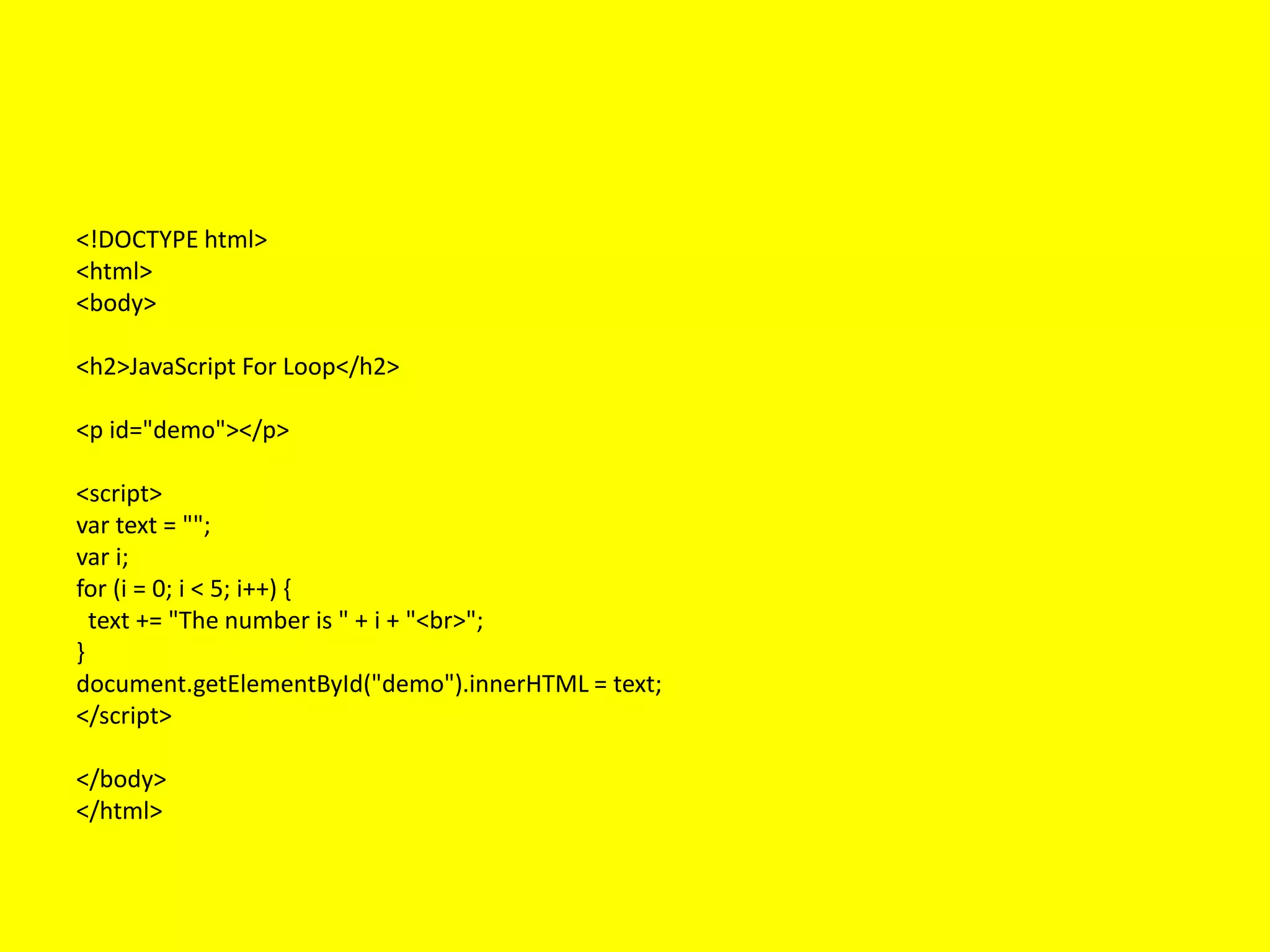
<!DOCTYPE html>
<html>
<body>
<h2>JavaScript ForLoop</h2>
<p id="demo"></p>
<script>
var text = "";
var i;
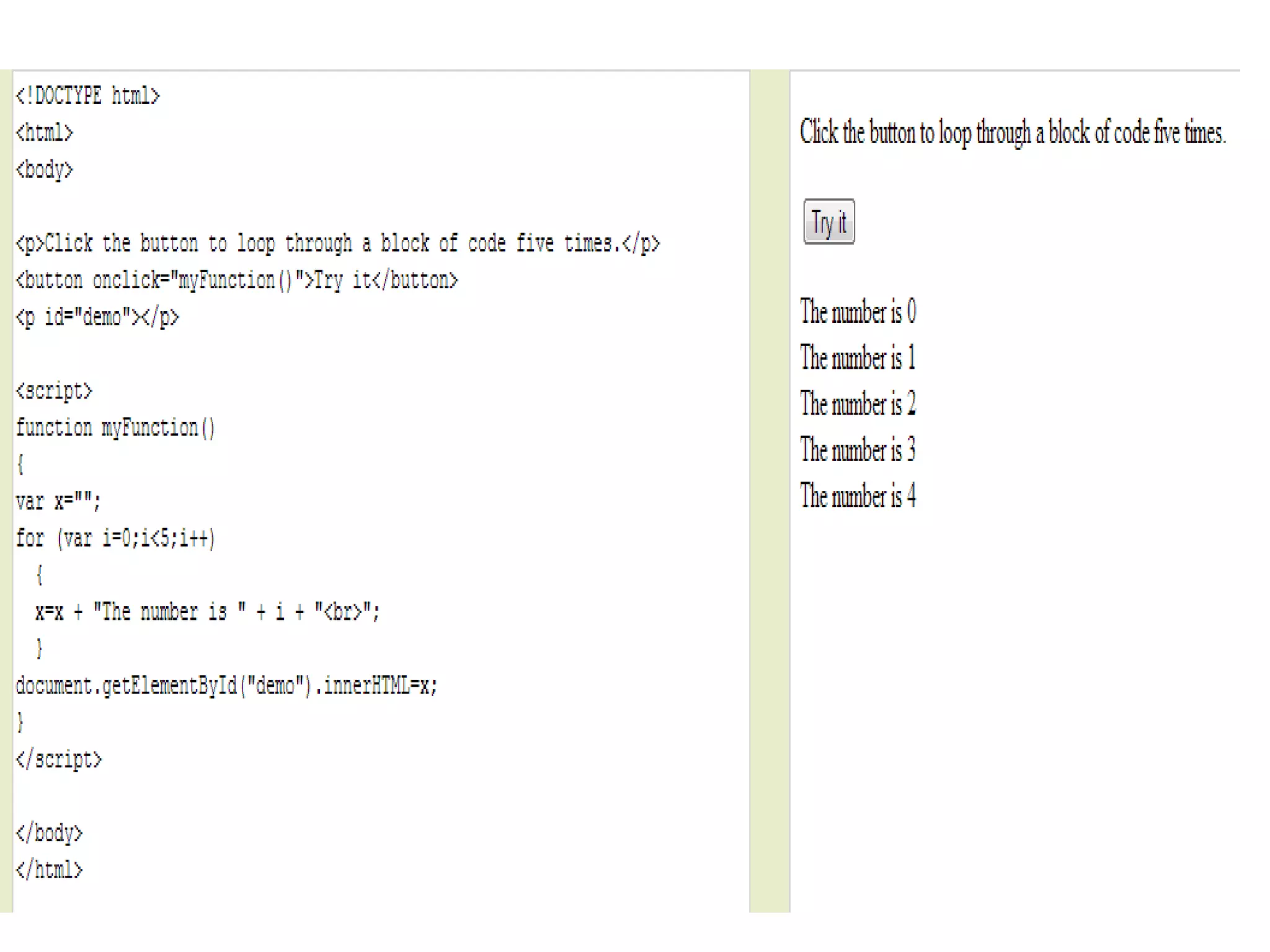
for (i = 0; i < 5; i++) {
text += "The number is " + i + "<br>";
}
document.getElementById("demo").innerHTML = text;
</script>
</body>
</html>
143.
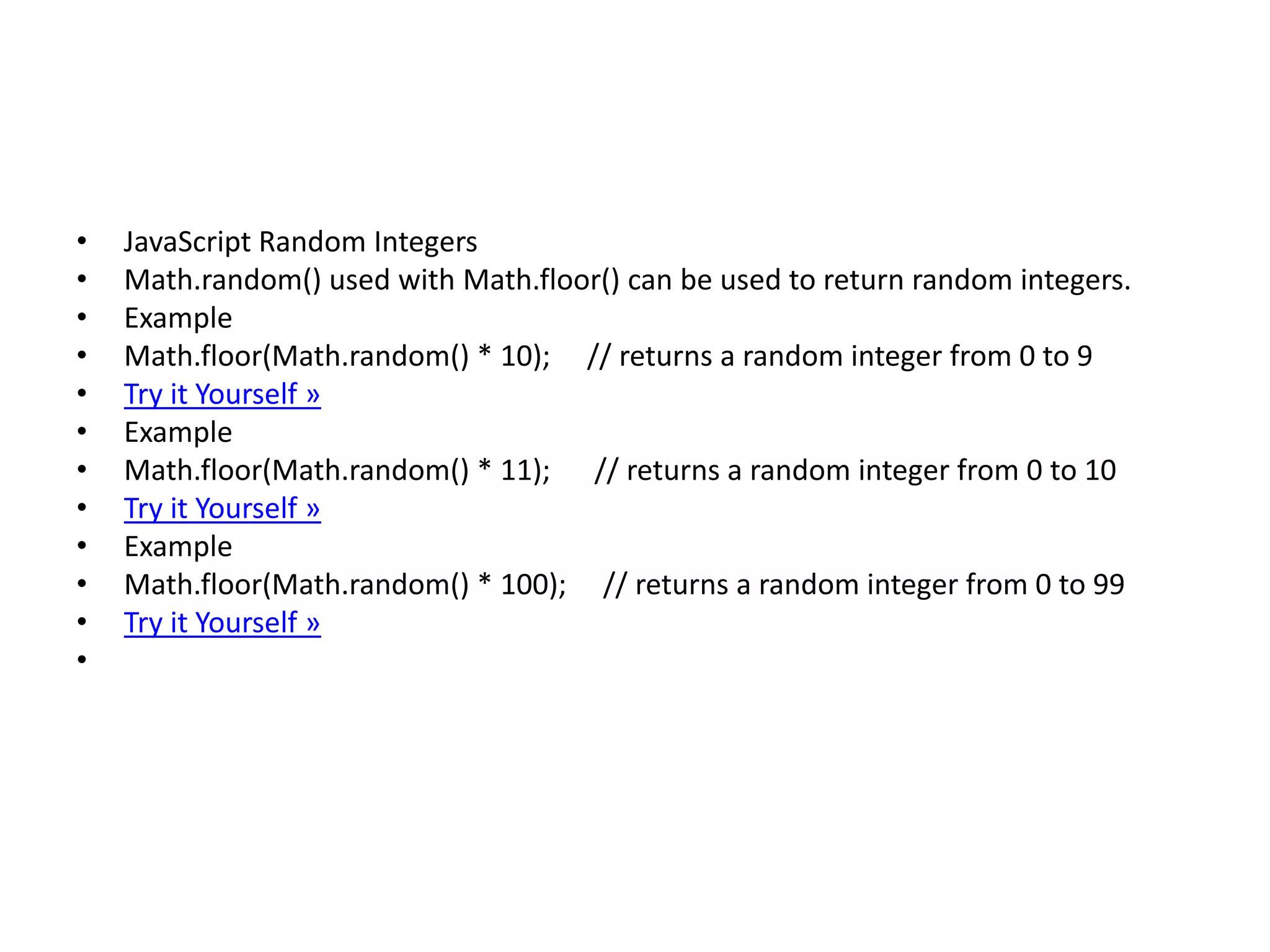
• JavaScript RandomIntegers
• Math.random() used with Math.floor() can be used to return random integers.
• Example
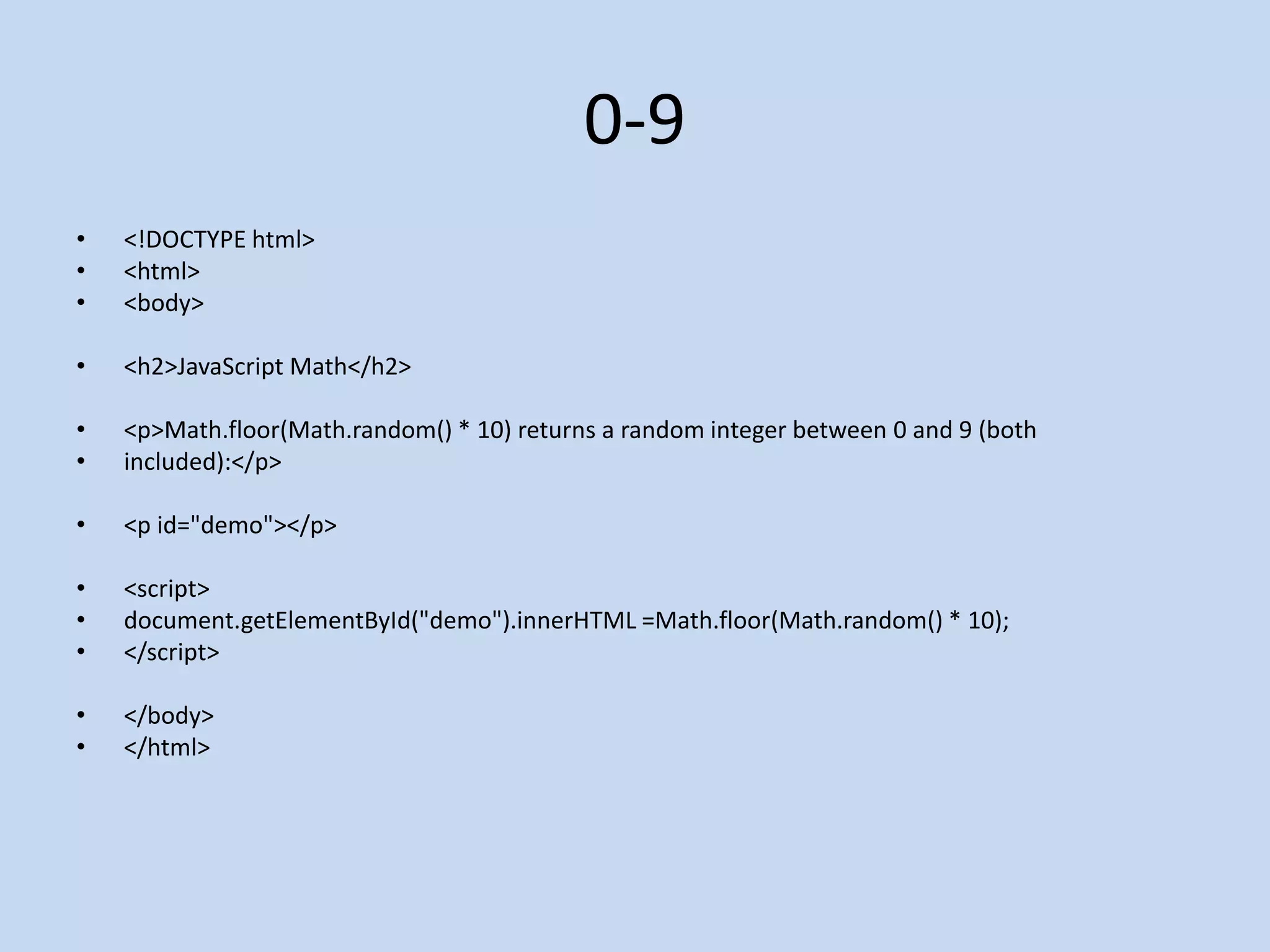
• Math.floor(Math.random() * 10); // returns a random integer from 0 to 9
• Try it Yourself »
• Example
• Math.floor(Math.random() * 11); // returns a random integer from 0 to 10
• Try it Yourself »
• Example
• Math.floor(Math.random() * 100); // returns a random integer from 0 to 99
• Try it Yourself »
•
• <!DOCTYPE html>
•<html>
• <body>
• <h2>JavaScript Variables</h2>
• <p id="demo"></p>
• <script>
• // Create and display a variable:
• var car = "Fiat";
• document.getElementById("demo").innerHTML = car;
• </script>
• </body>
• </html>
146.
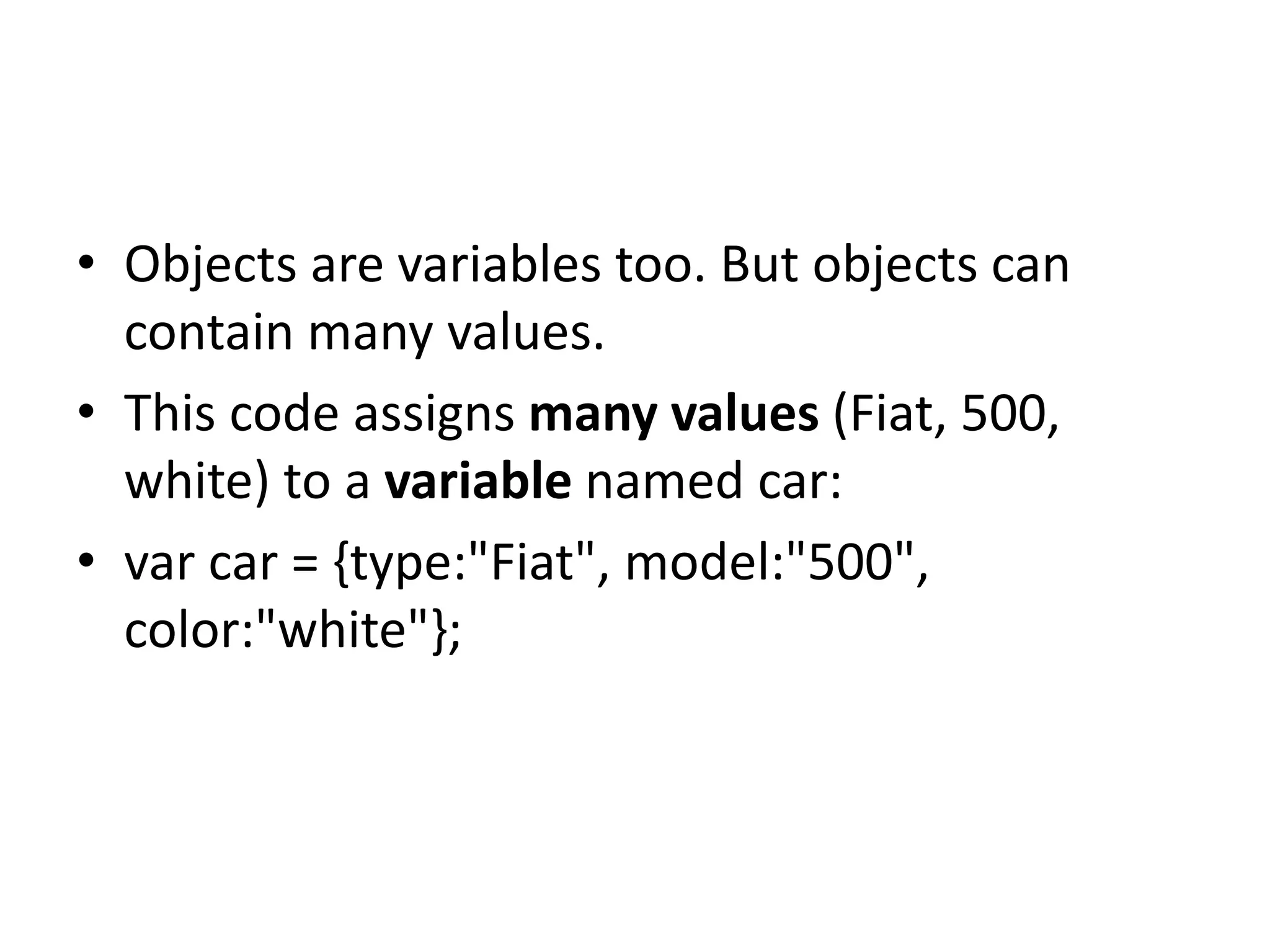
• Objects arevariables too. But objects can
contain many values.
• This code assigns many values (Fiat, 500,
white) to a variable named car:
• var car = {type:"Fiat", model:"500",
color:"white"};
147.
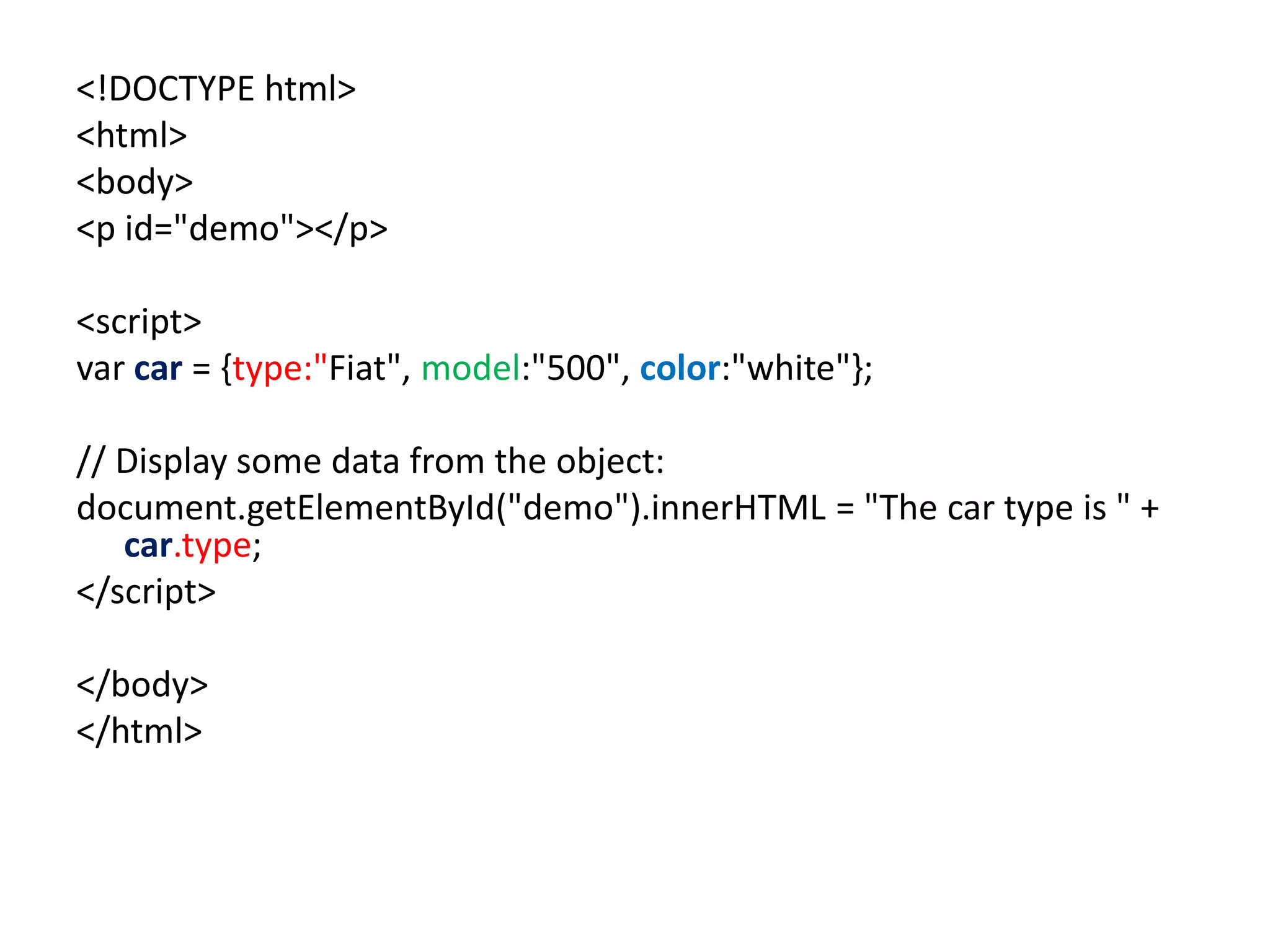
<!DOCTYPE html>
<html>
<body>
<p id="demo"></p>
<script>
varcar = {type:"Fiat", model:"500", color:"white"};
// Display some data from the object:
document.getElementById("demo").innerHTML = "The car type is " +
car.type;
</script>
</body>
</html>
148.
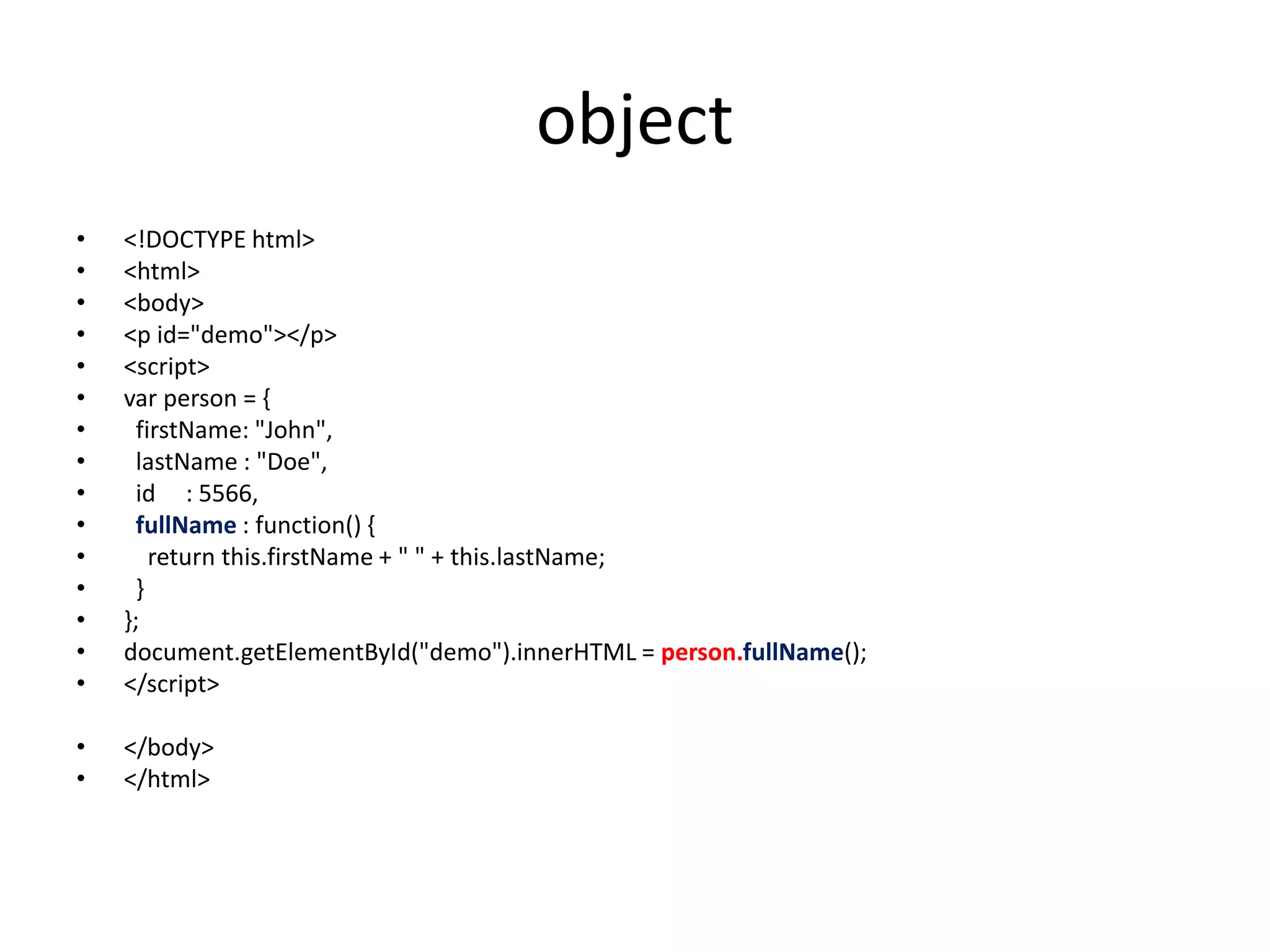
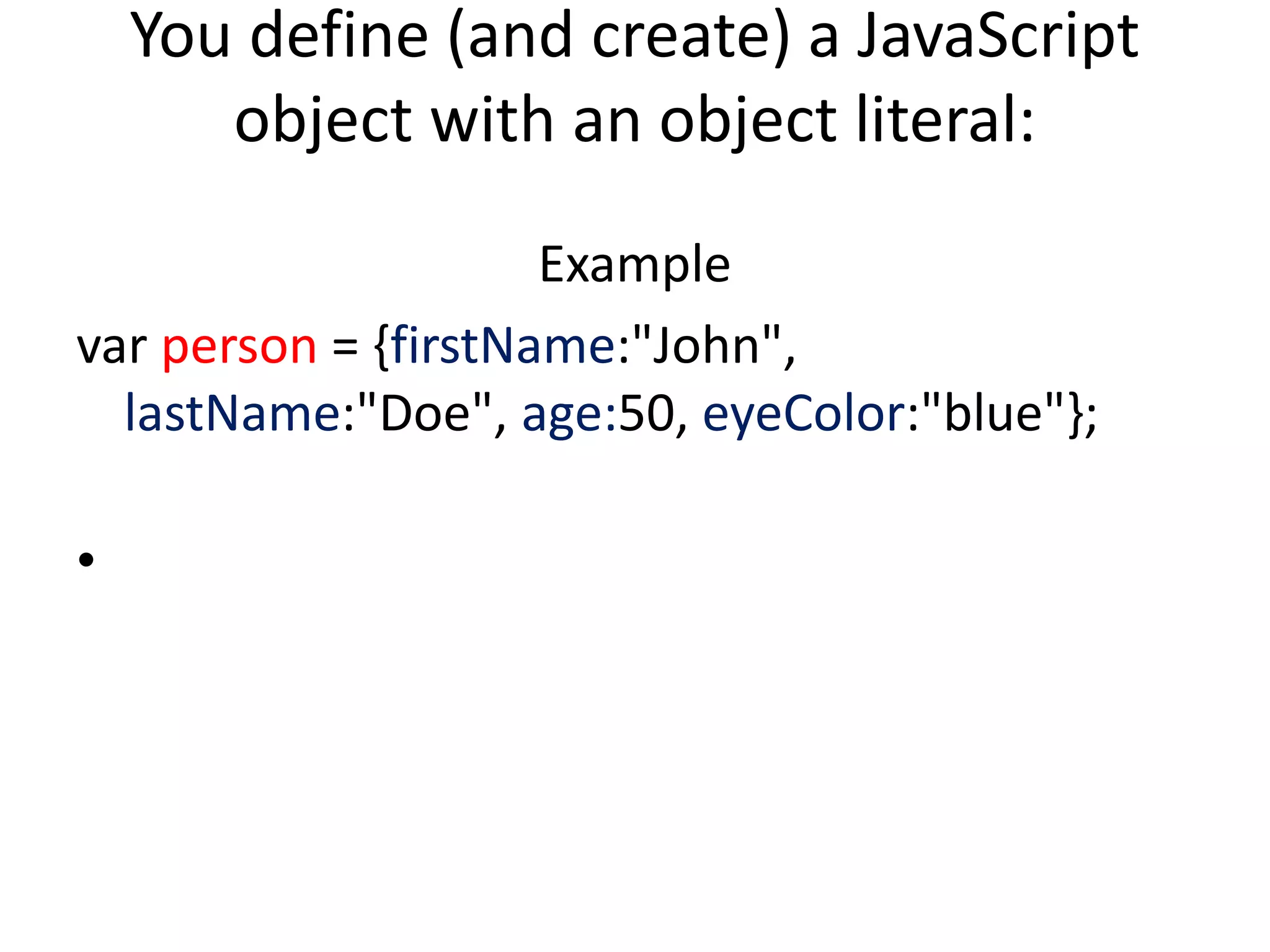
You define (andcreate) a JavaScript
object with an object literal:
Example
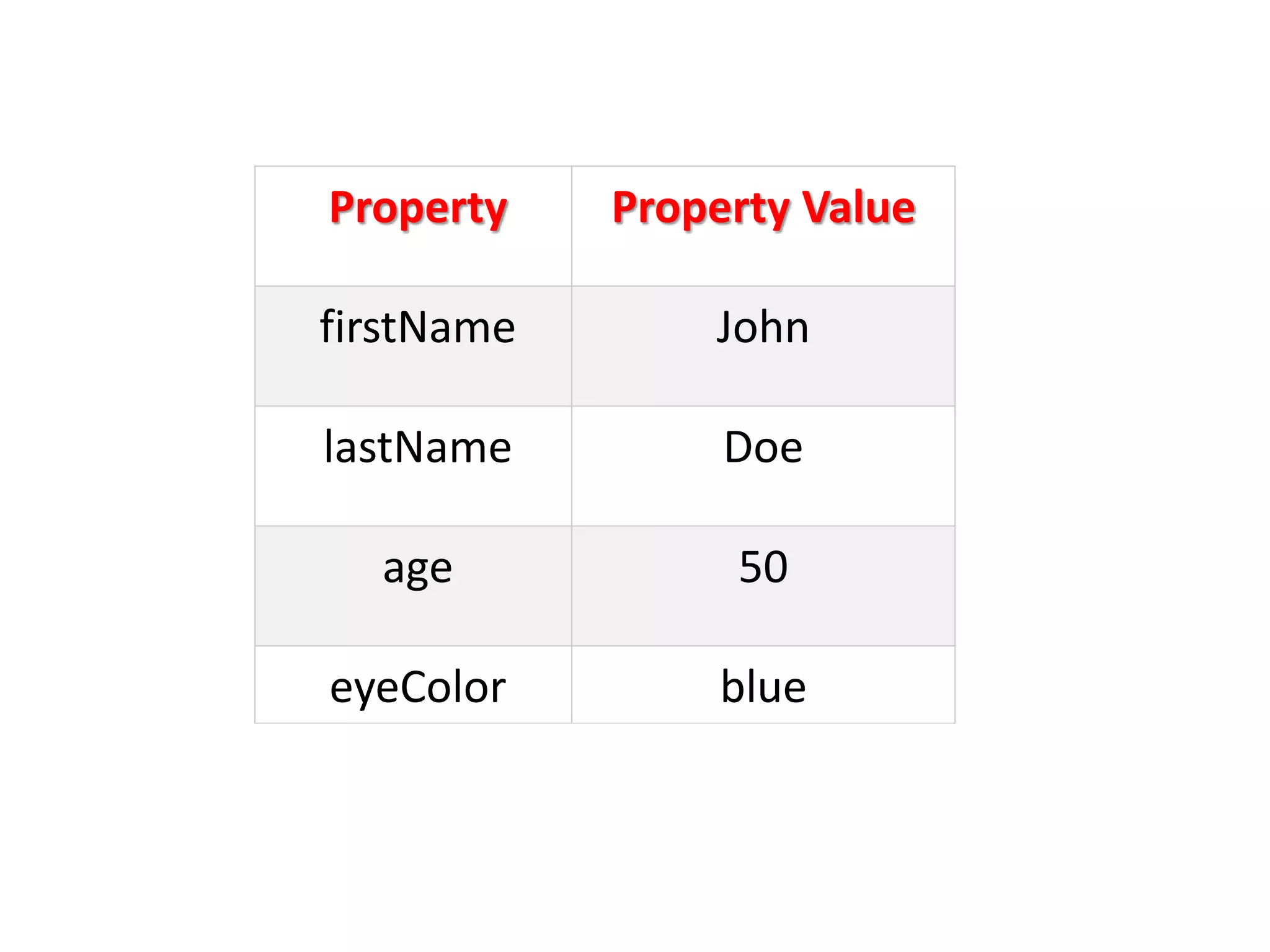
var person = {firstName:"John",
lastName:"Doe", age:50, eyeColor:"blue"};
•
• you canaccess object properties in two ways:
objectName.propertyName
• or
objectName["propertyName"]
151.
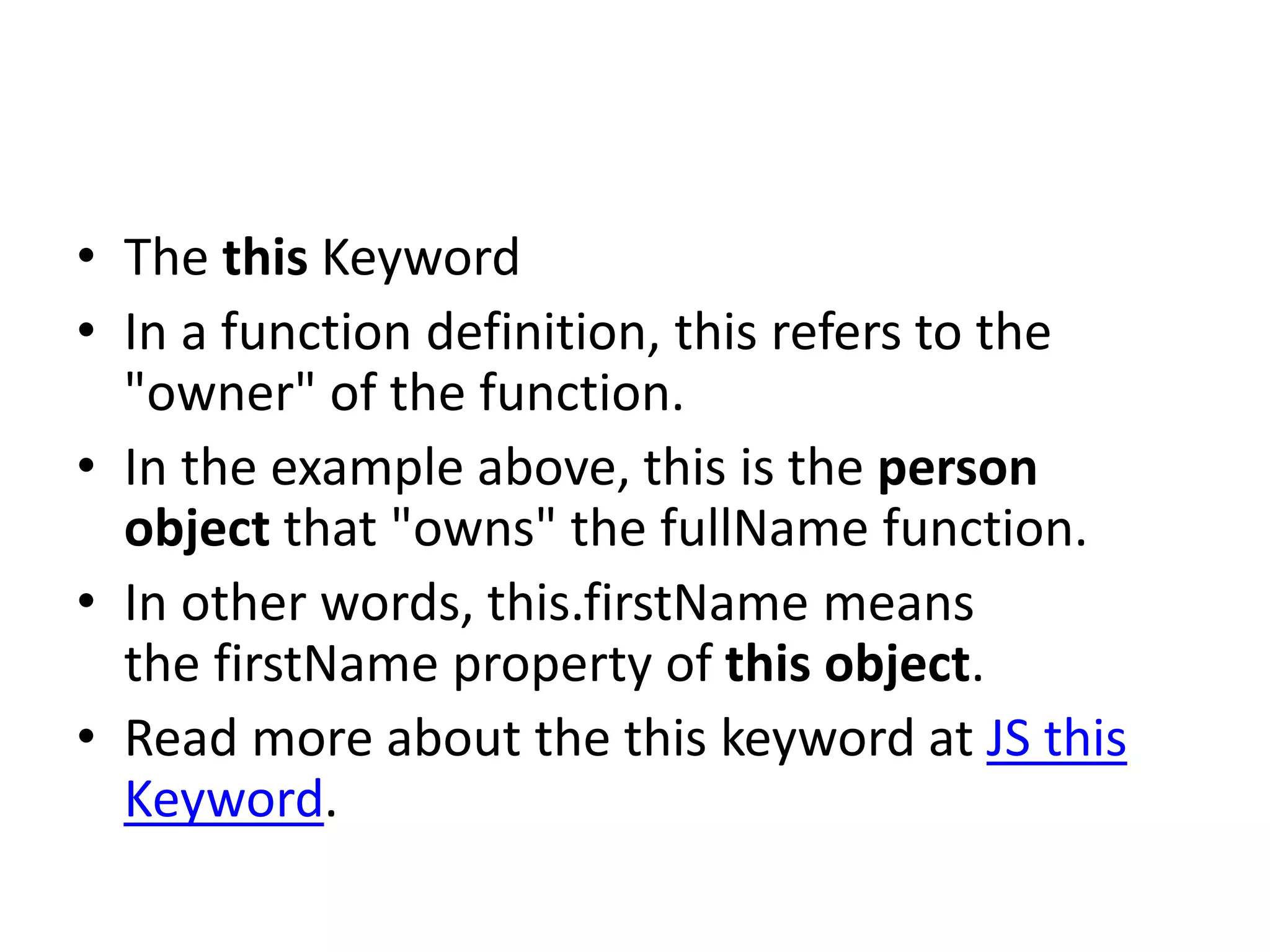
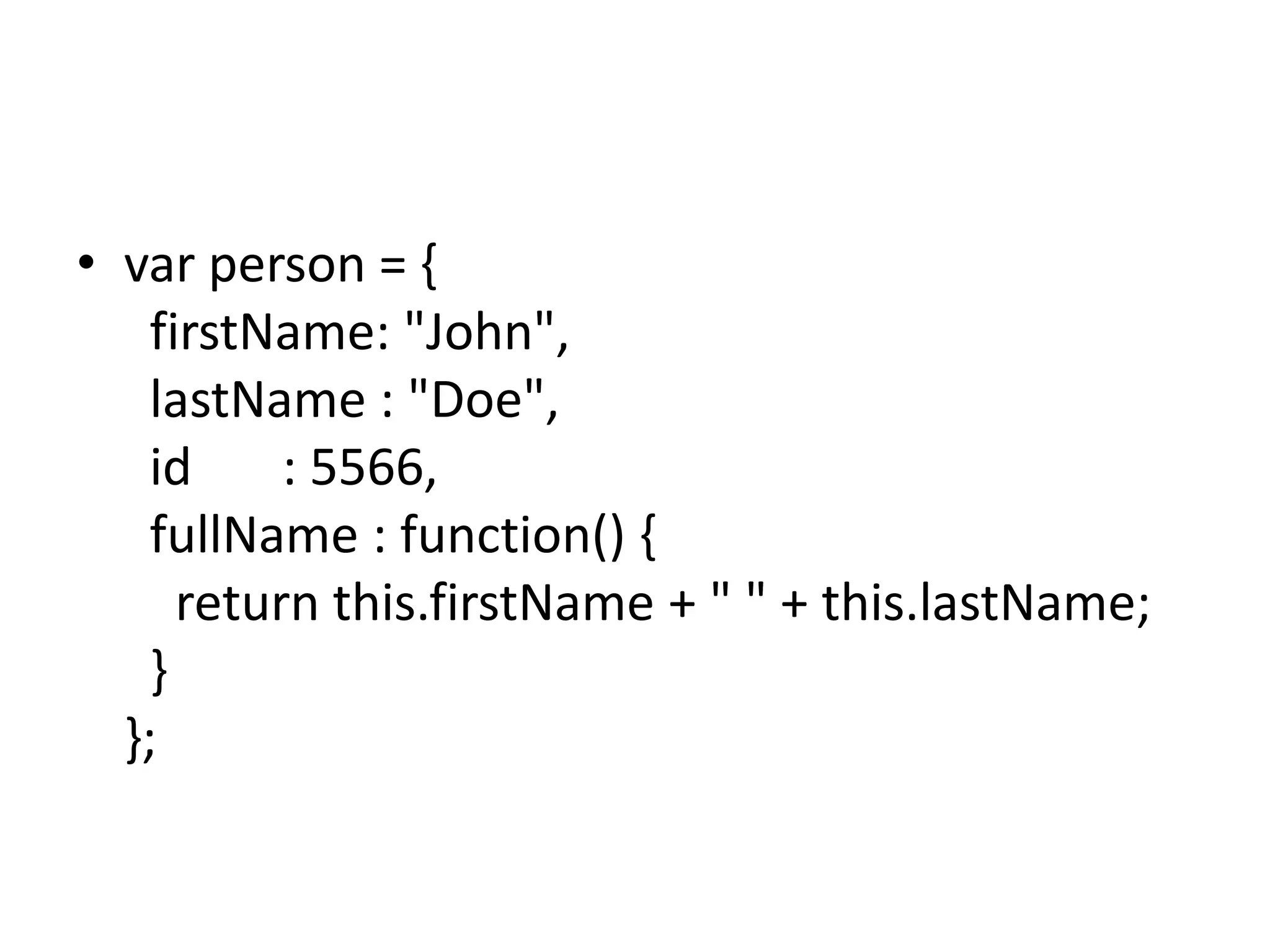
• The thisKeyword
• In a function definition, this refers to the
"owner" of the function.
• In the example above, this is the person
object that "owns" the fullName function.
• In other words, this.firstName means
the firstName property of this object.
• Read more about the this keyword at JS this
Keyword.
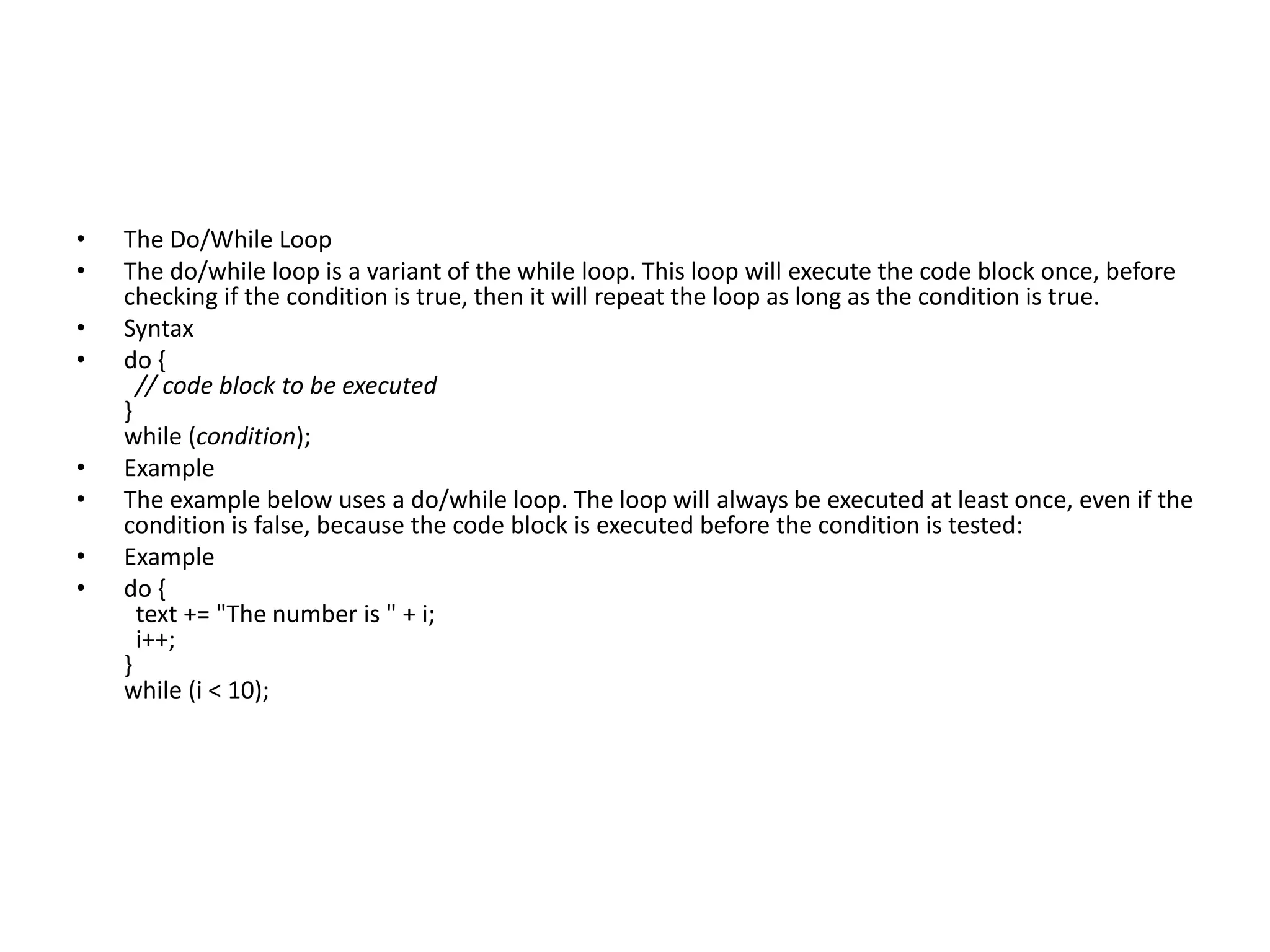
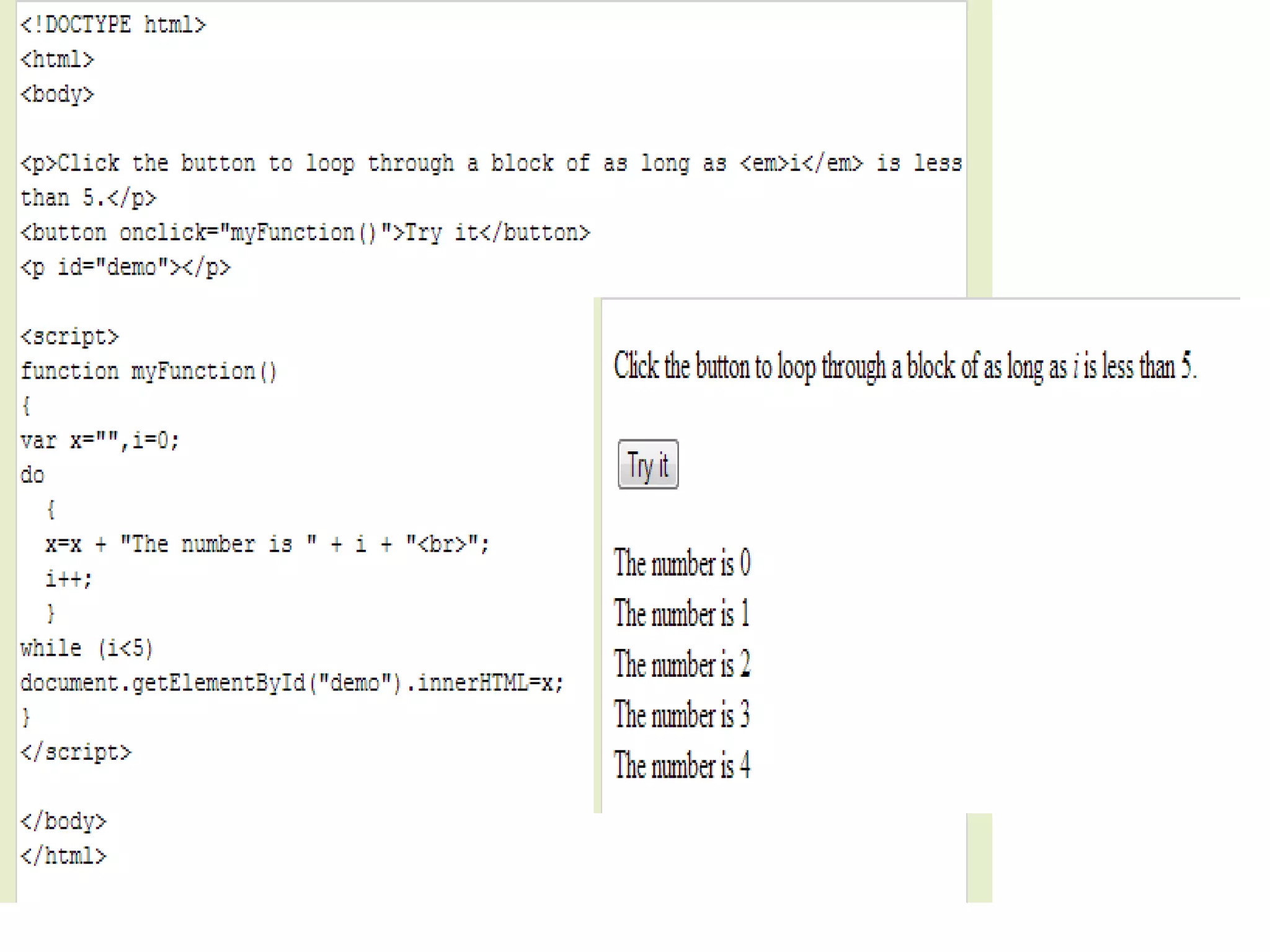
• The Do/WhileLoop
• The do/while loop is a variant of the while loop. This loop will execute the code block once, before
checking if the condition is true, then it will repeat the loop as long as the condition is true.
• Syntax
• do {
// code block to be executed
}
while (condition);
• Example
• The example below uses a do/while loop. The loop will always be executed at least once, even if the
condition is false, because the code block is executed before the condition is tested:
• Example
• do {
text += "The number is " + i;
i++;
}
while (i < 10);
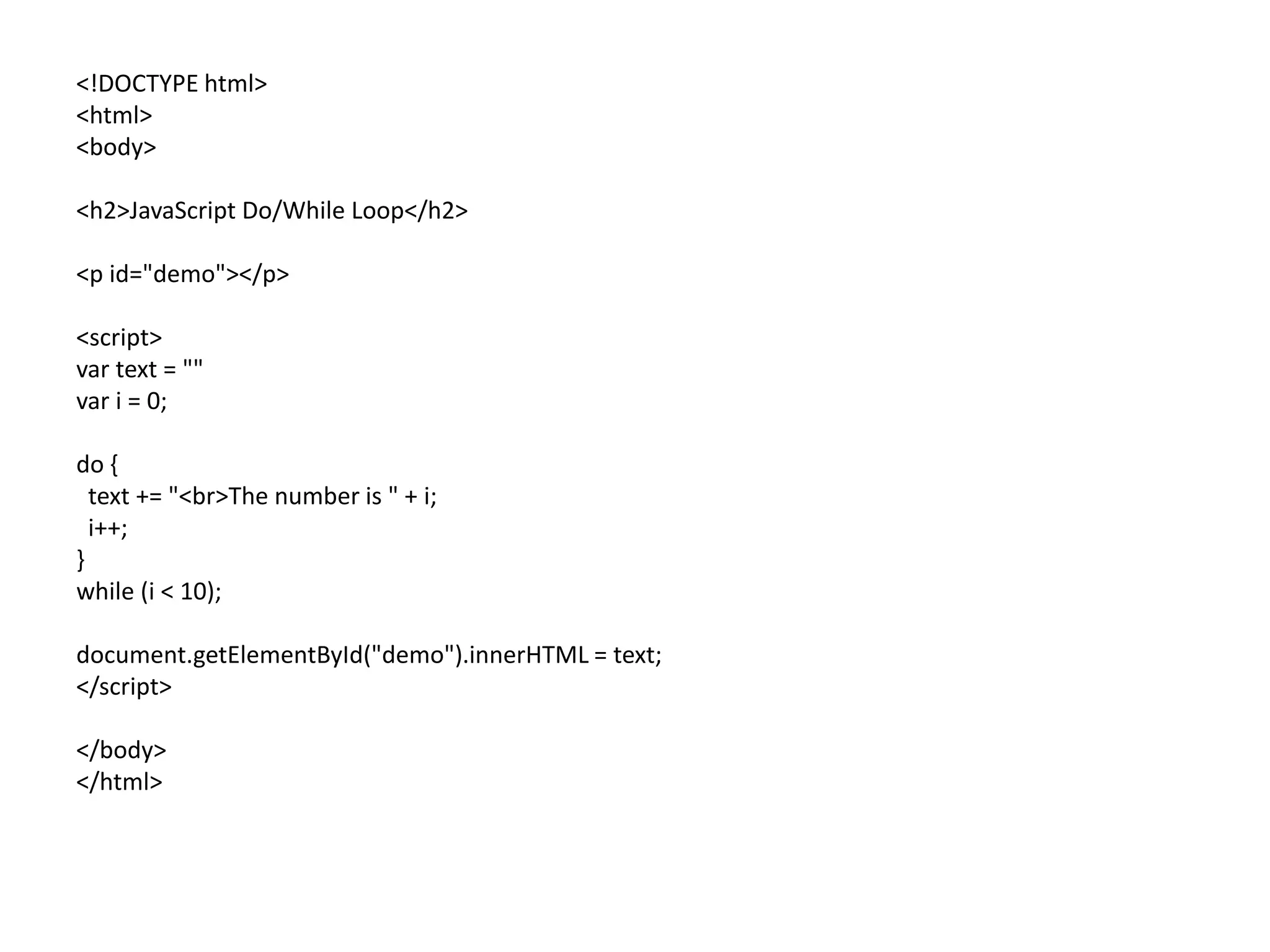
157.
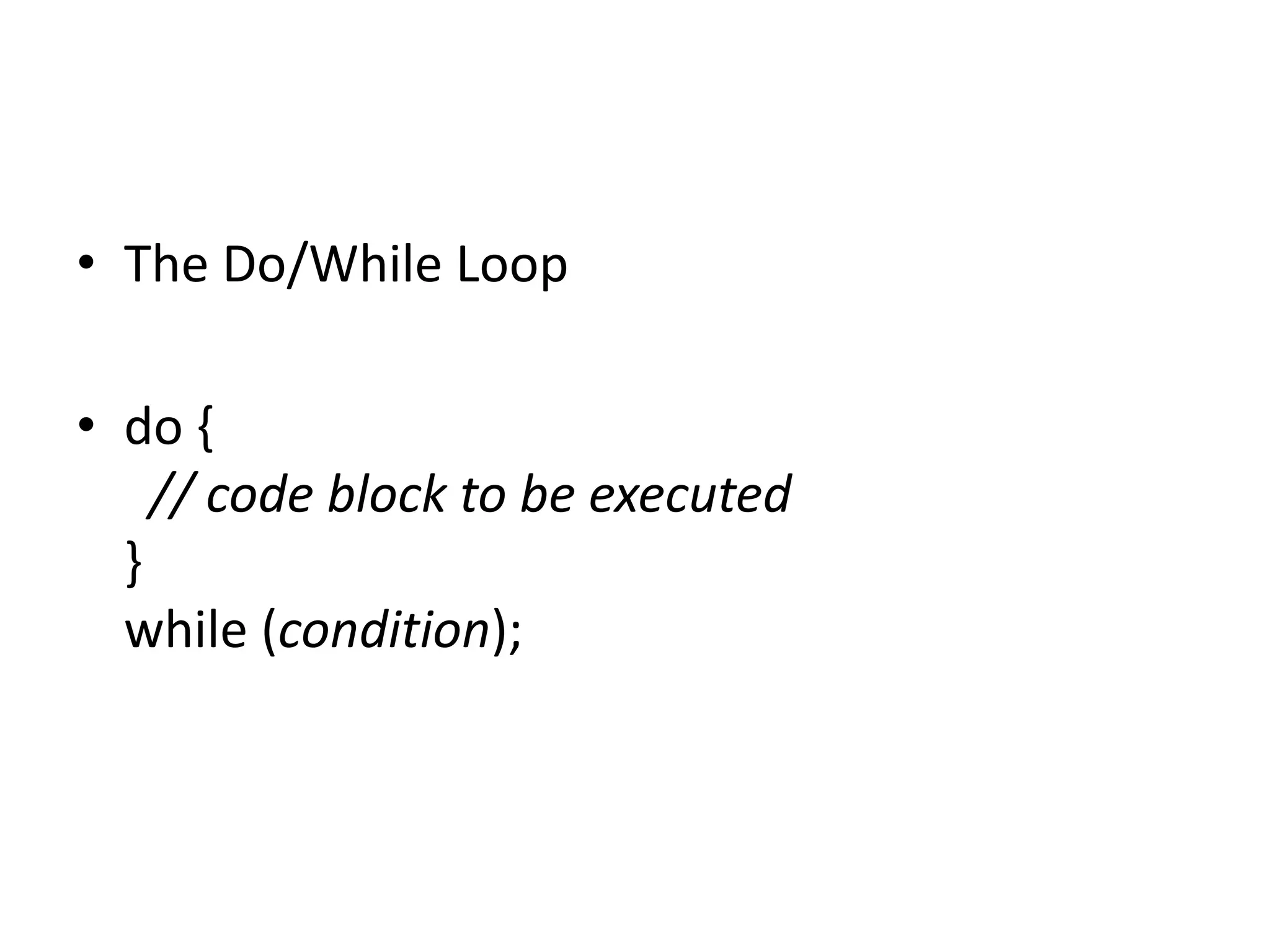
• The Do/WhileLoop
• do {
// code block to be executed
}
while (condition);
158.
<!DOCTYPE html>
<html>
<body>
<h2>JavaScript Do/WhileLoop</h2>
<p id="demo"></p>
<script>
var text = ""
var i = 0;
do {
text += "<br>The number is " + i;
i++;
}
while (i < 10);
document.getElementById("demo").innerHTML = text;
</script>
</body>
</html>
159.
• Ο παρακάτωκώδικας θα μπορούσε να
συνδυαστεί με κουμπιά ,κλάσεις και να μπει
μετα τις κλασεις των κουμπιών
[υπεσυνδεσμων]
• Επειτα όλος ο κώδικας μεσα στο weebly
160.
<SCRIPT>
function passWord() {
vartestV = 1;
var pass1 = prompt('Please Enter Your Password',' ');
while (testV < 3) {
if (!pass1)
history.go(-1);
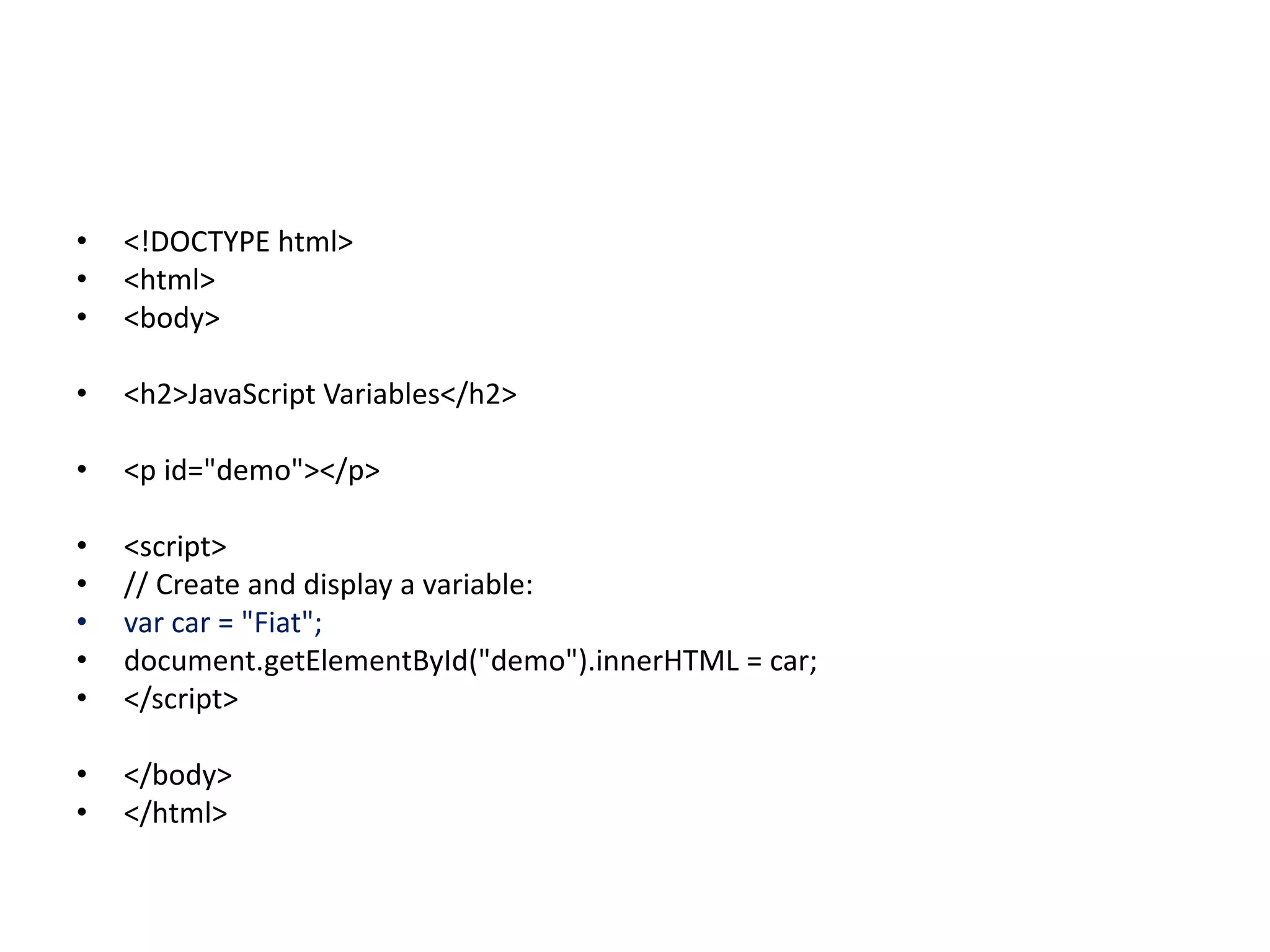
if (pass1.toLowerCase() == "letmein") {
alert('You Got it Right!');
window.open('www.wikihow.com');
break;
}
testV+=1;
var pass1 =
prompt('Access Denied - Password Incorrect, Please Try Again.','Password');
}
if (pass1.toLowerCase()!="password" & testV ==3)
history.go(-1);
return " ";
}
</SCRIPT>
<CENTER>
<FORM>
<input type="button" value="Enter Protected Area" onClick="passWord()">
</FORM>
</CENTER>
161.
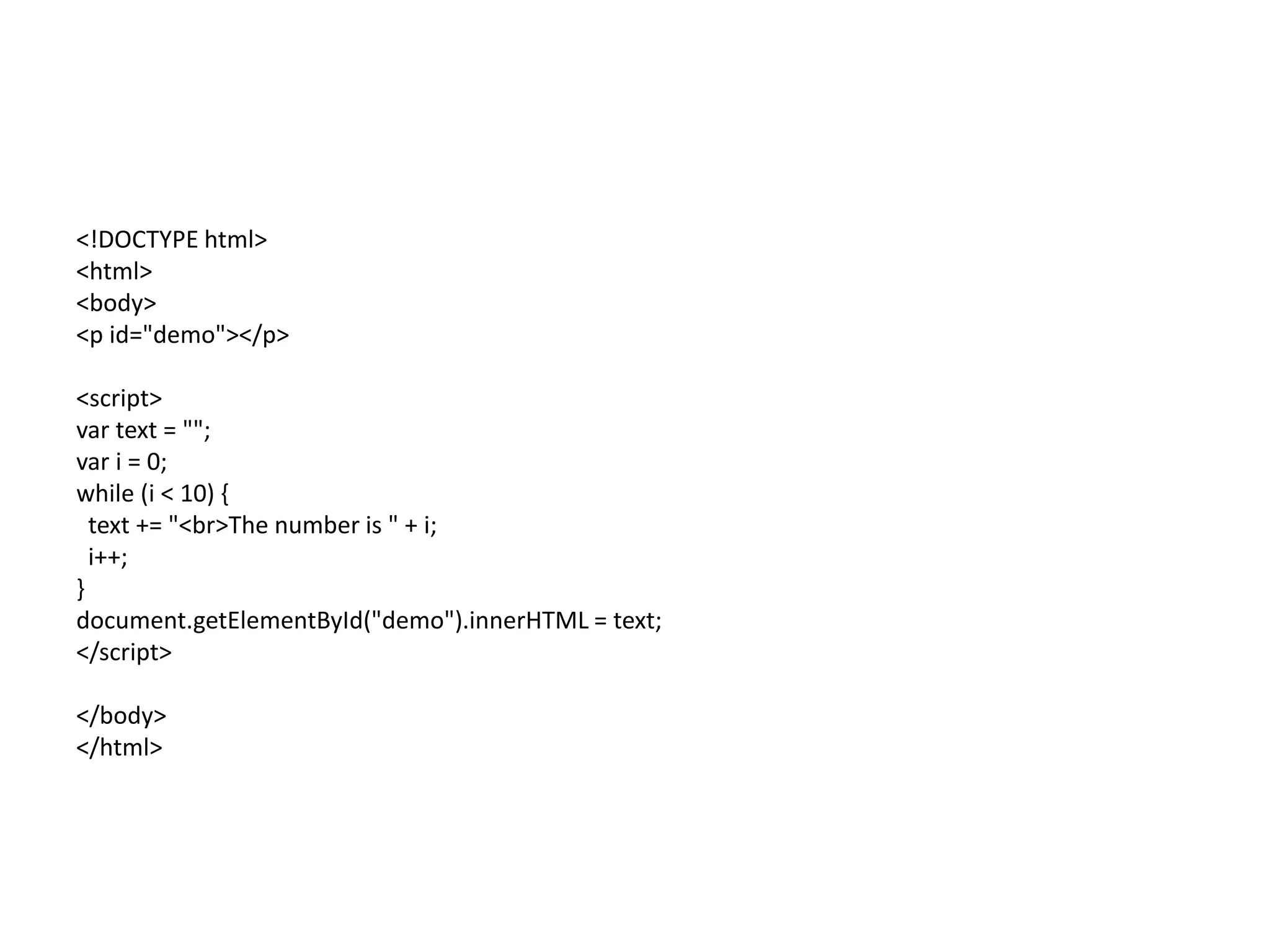
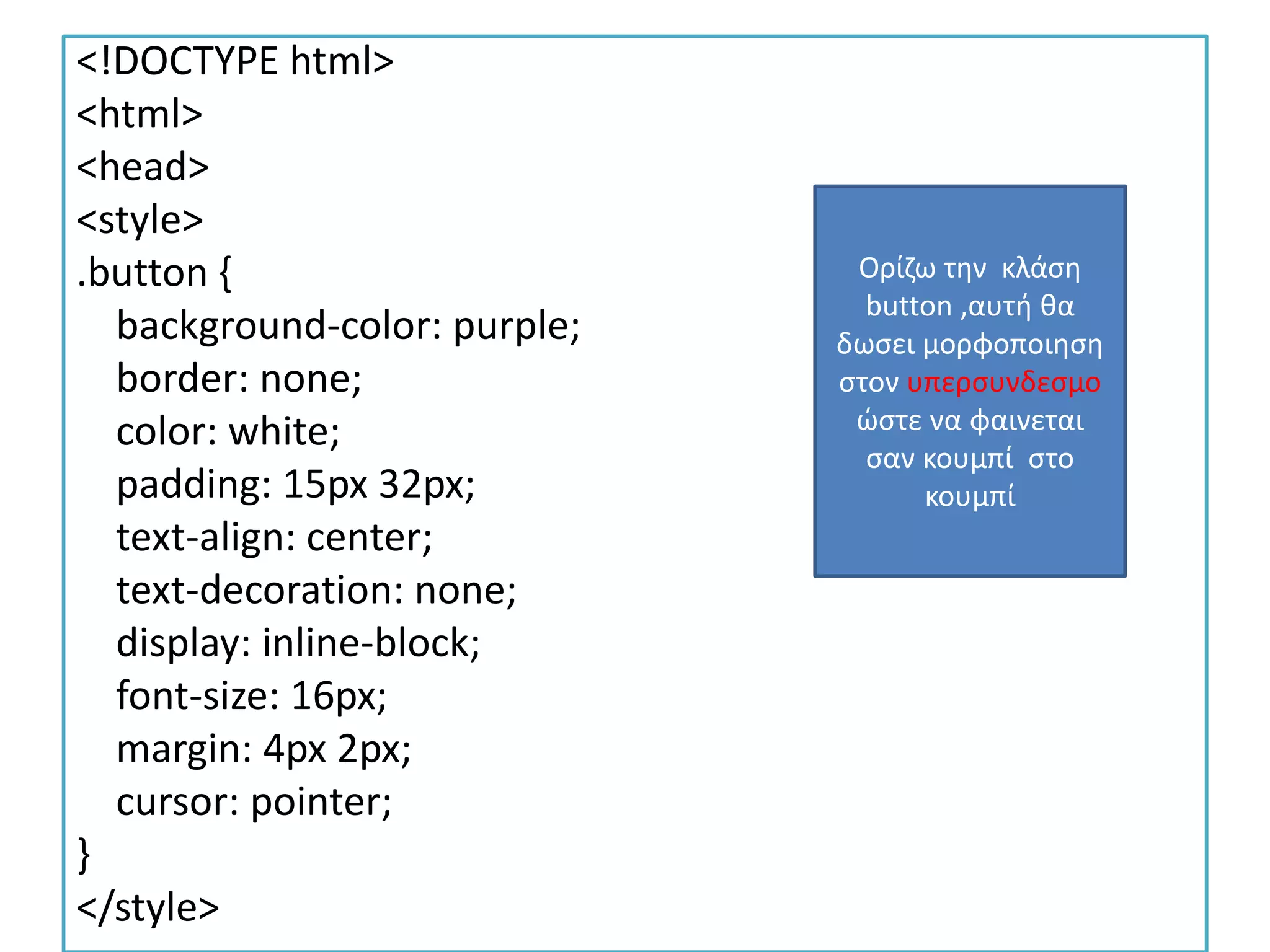
<!DOCTYPE html>
<html>
<head>
<style>
.button {
background-color:purple;
border: none;
color: white;
padding: 15px 32px;
text-align: center;
text-decoration: none;
display: inline-block;
font-size: 16px;
margin: 4px 2px;
cursor: pointer;
}
</style>
Ορίζω την κλάση
button ,αυτή θα
δωσει μορφοποιηση
στον υπερσυνδεσμο
ώστε να φαινεται
σαν κουμπί στο
κουμπί
162.
<SCRIPT>
function passWord() {
vartestV = 1;
var pass1 = prompt('Please Enter Your Password',' ');
while (testV < 1000) {
if (!pass1)
history.go(-1);
if (pass1.toLowerCase() == "letmein") {
alert('You Got it Right!');
window.open('https://gtutor2.weebly.com/user0.html');
break;
}
testV+=1;
var pass1 =
prompt('Access Denied - Password Incorrect, Please Try Again.','Password');
}
if (pass1.toLowerCase()!="password" & testV ==3)
history.go(-1);
return " ";
}
</SCRIPT>
</head>
Ορίζω την
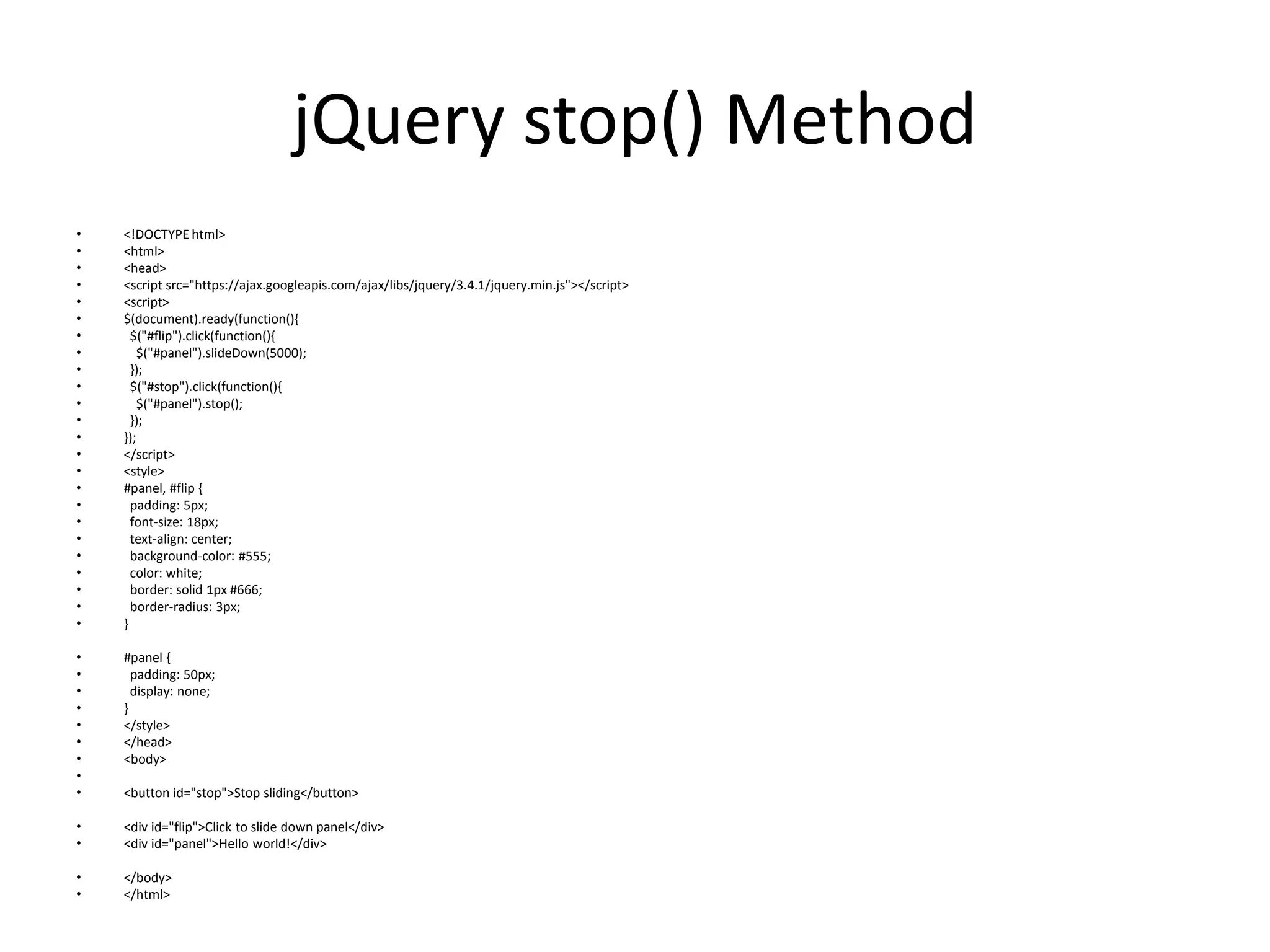
συνάρτηση password
όπου θα βάλω
κωδικό στο κουμπί
για εισαγωγή στην
σελίδα
Το βαζω για το λινκ
υπερσυνδεσμου σε
περιπτωση που δεν
τρεχει το button
Το λινκ του
button[ετικετα]
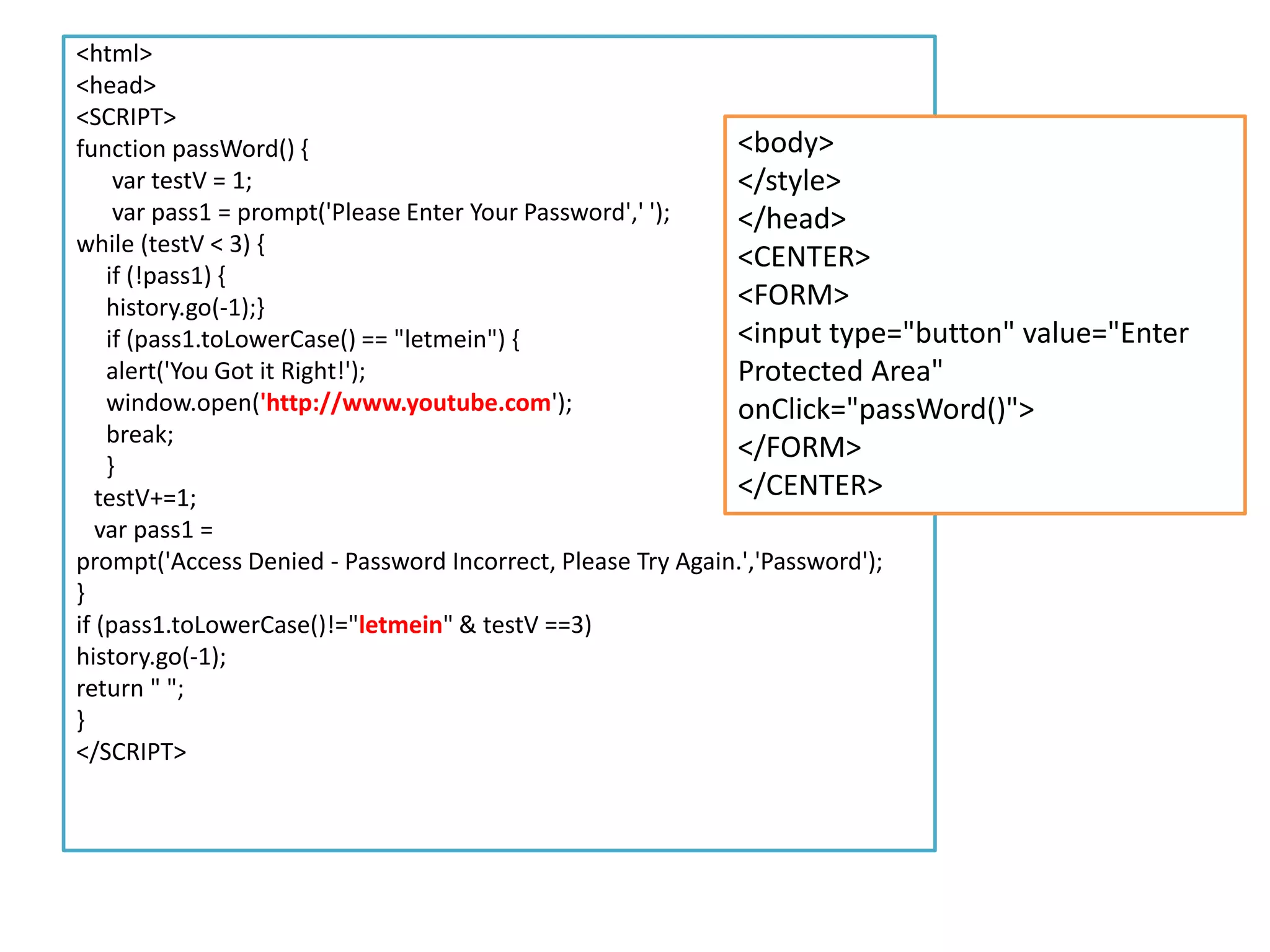
<html>
<head>
<SCRIPT>
function passWord() {
vartestV = 1;
var pass1 = prompt('Please Enter Your Password',' ');
while (testV < 3) {
if (!pass1) {
history.go(-1);}
if (pass1.toLowerCase() == "letmein") {
alert('You Got it Right!');
window.open('http://www.youtube.com');
break;
}
testV+=1;
var pass1 =
prompt('Access Denied - Password Incorrect, Please Try Again.','Password');
}
if (pass1.toLowerCase()!="letmein" & testV ==3)
history.go(-1);
return " ";
}
</SCRIPT>
<body>
</style>
</head>
<CENTER>
<FORM>
<input type="button" value="Enter
Protected Area"
onClick="passWord()">
</FORM>
</CENTER>
166.
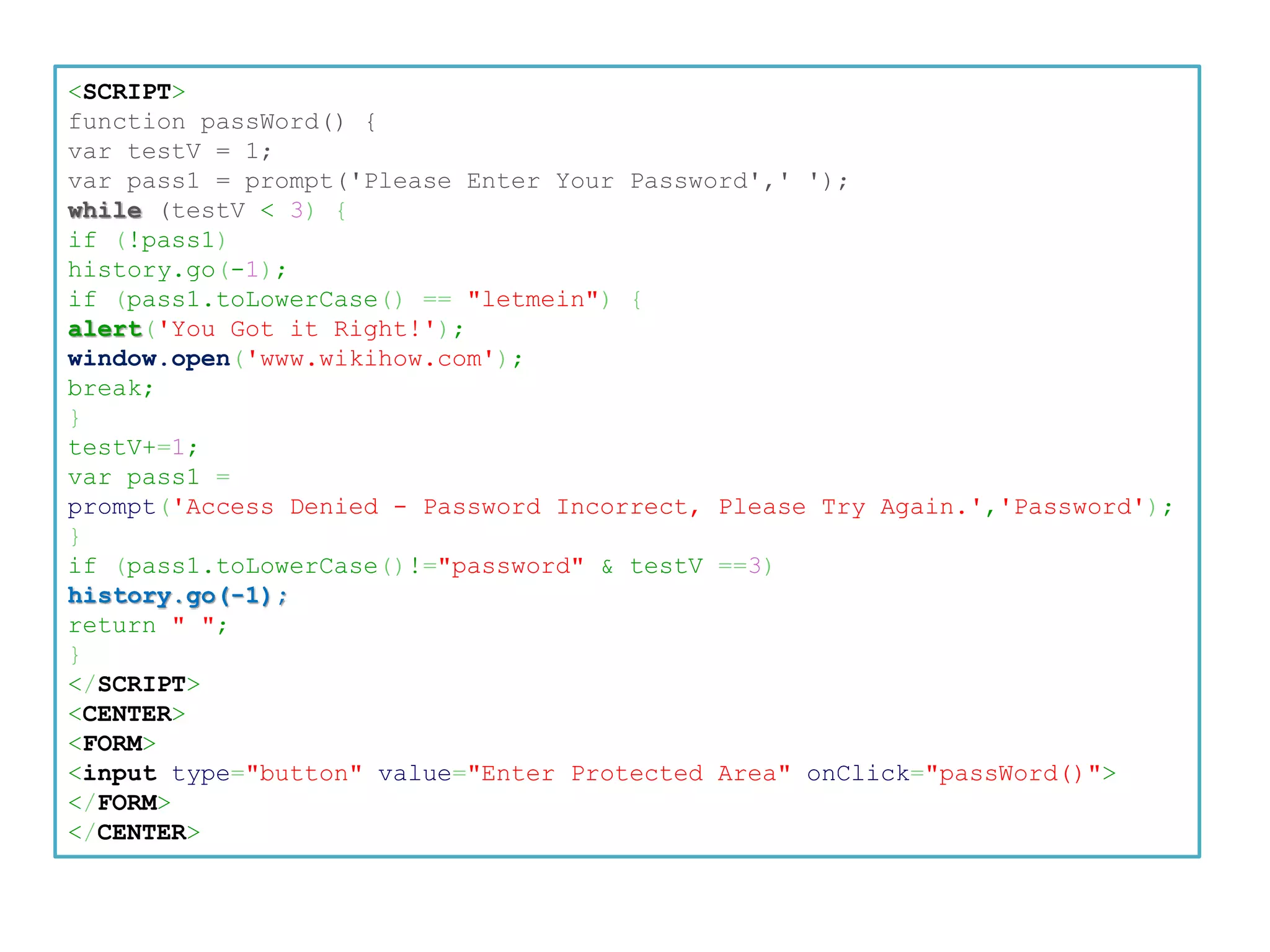
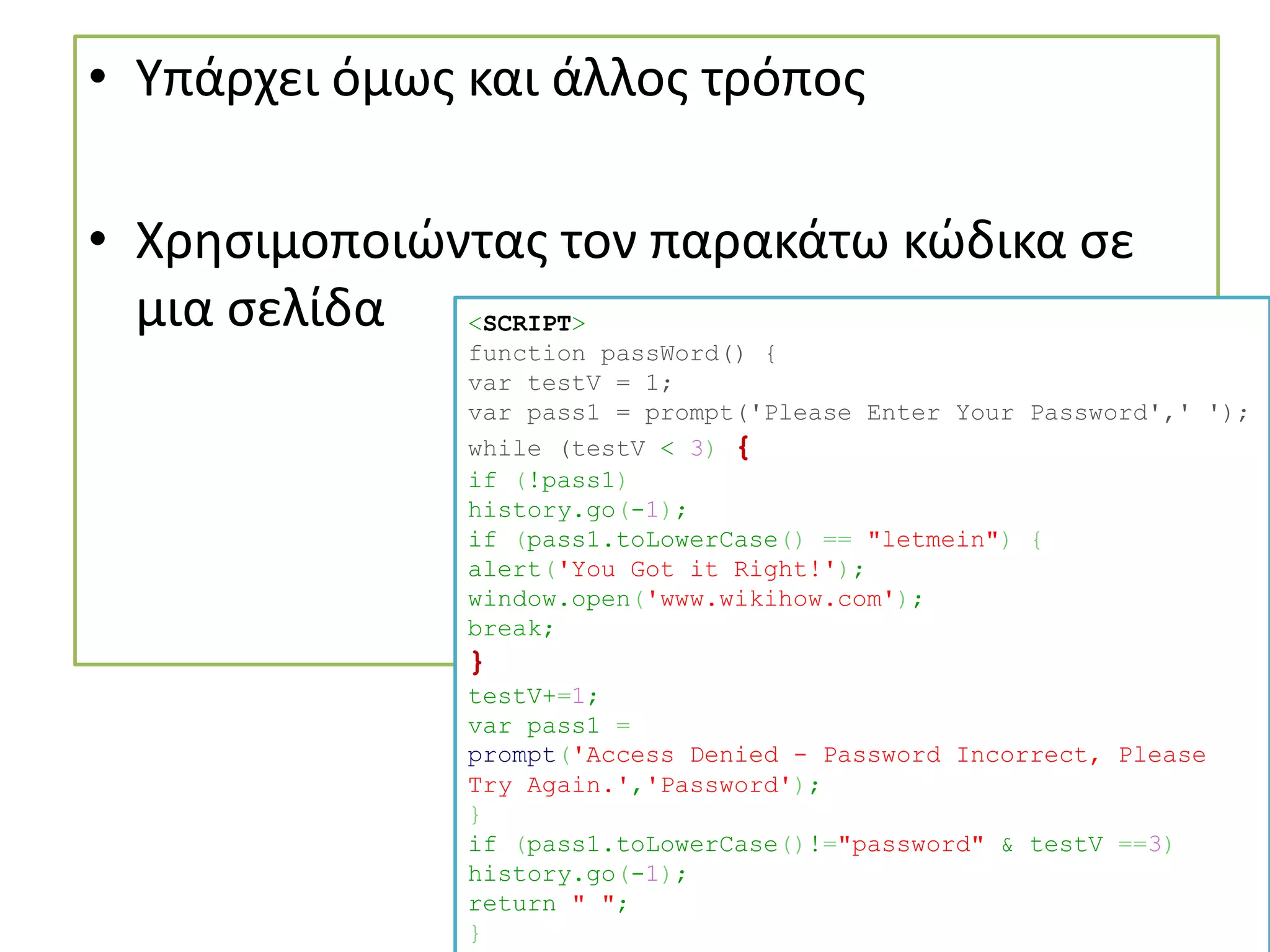
• Υπάρχει όμωςκαι άλλος τρόπος
• Χρησιμοποιώντας τον παρακάτω κώδικα σε
μια σελίδα <SCRIPT>
function passWord() {
var testV = 1;
var pass1 = prompt('Please Enter Your Password',' ');
while (testV < 3) {
if (!pass1)
history.go(-1);
if (pass1.toLowerCase() == "letmein") {
alert('You Got it Right!');
window.open('www.wikihow.com');
break;
}
testV+=1;
var pass1 =
prompt('Access Denied - Password Incorrect, Please
Try Again.','Password');
}
if (pass1.toLowerCase()!="password" & testV ==3)
history.go(-1);
return " ";
}
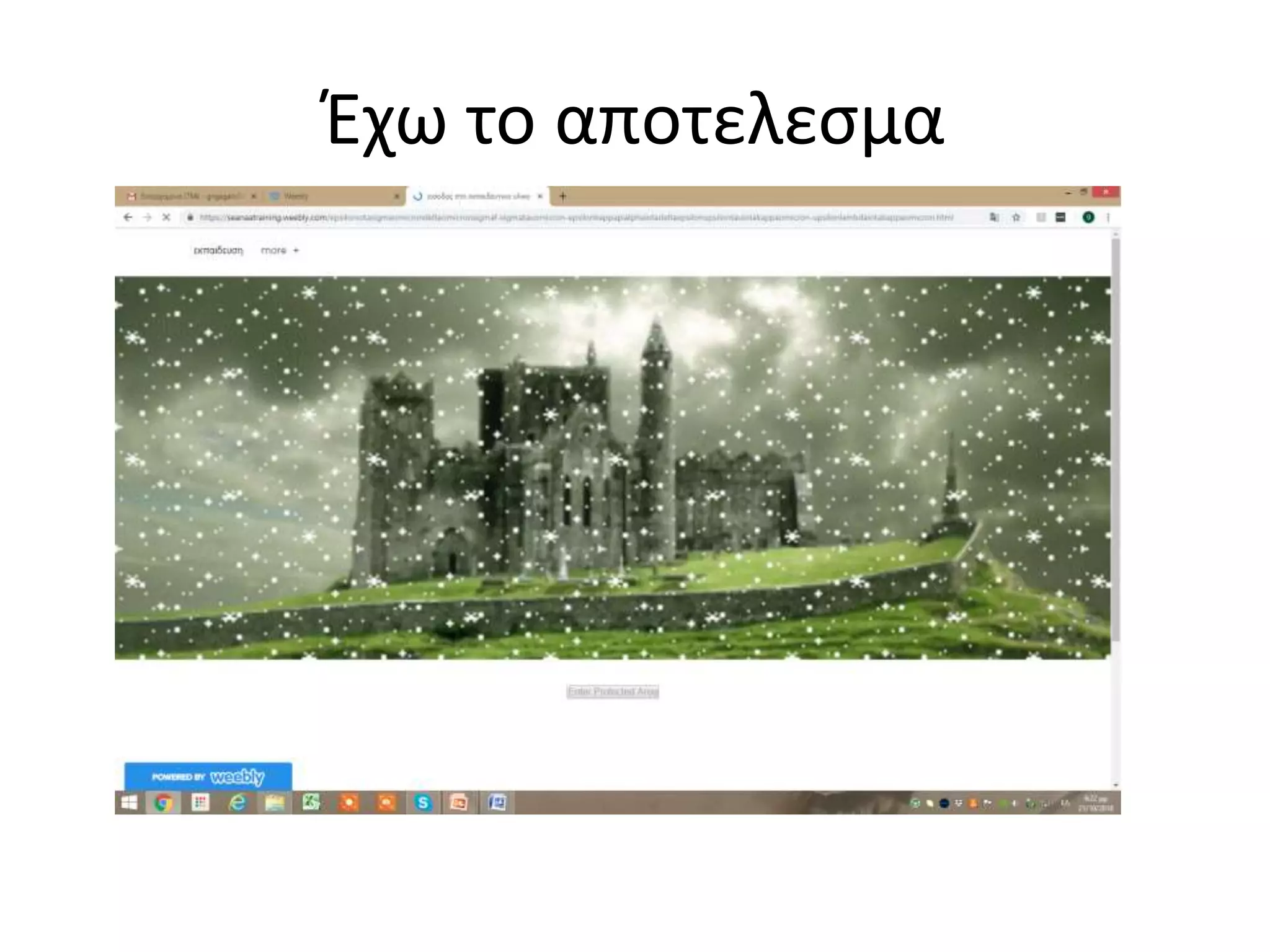
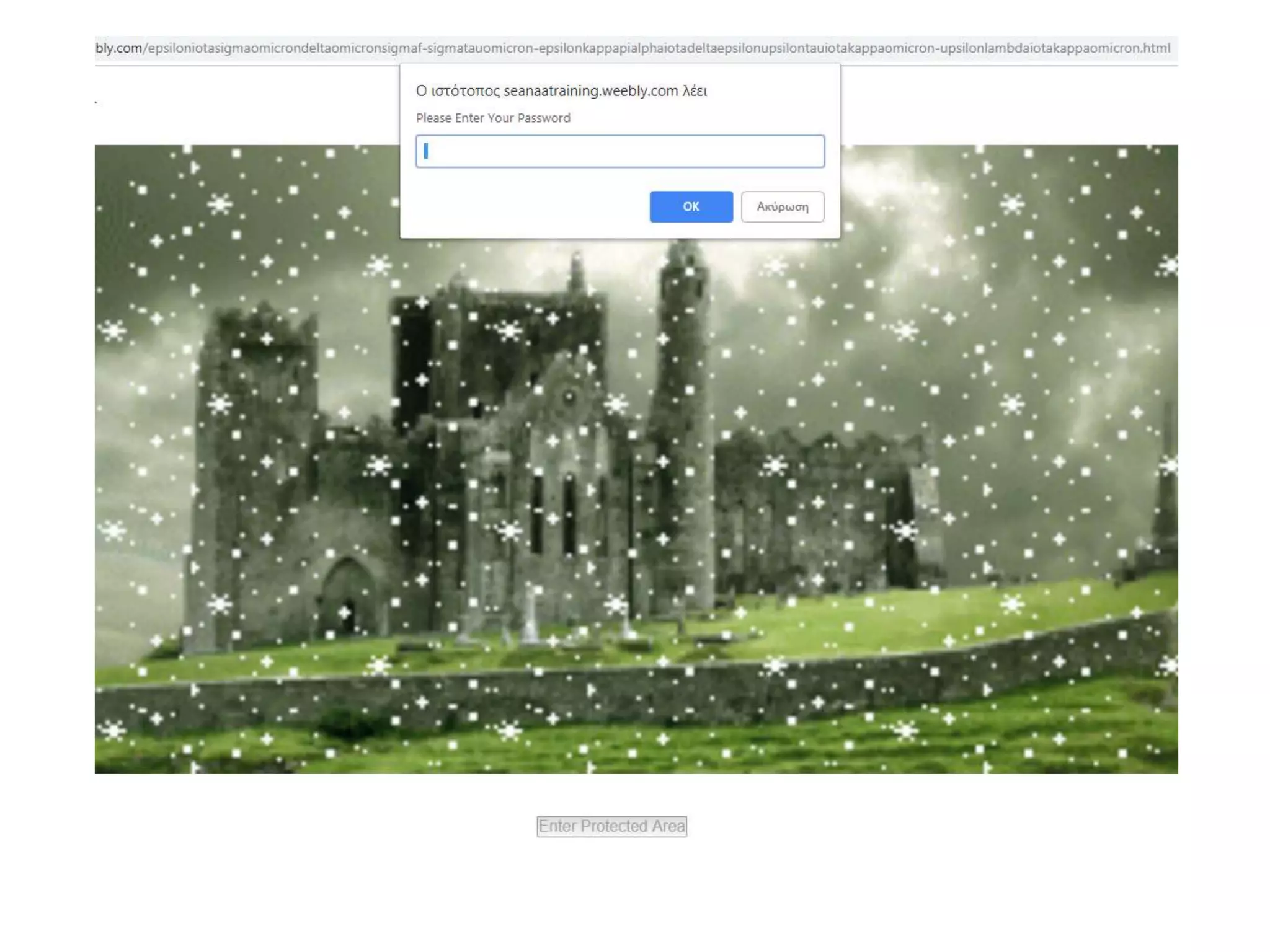
• Κάνοντας κλικστο κουμπί μου ζητά κωδικό
• Αν δωσω σωστο κωδικό θα με βάλει στο σάιτ
που θελω
169.
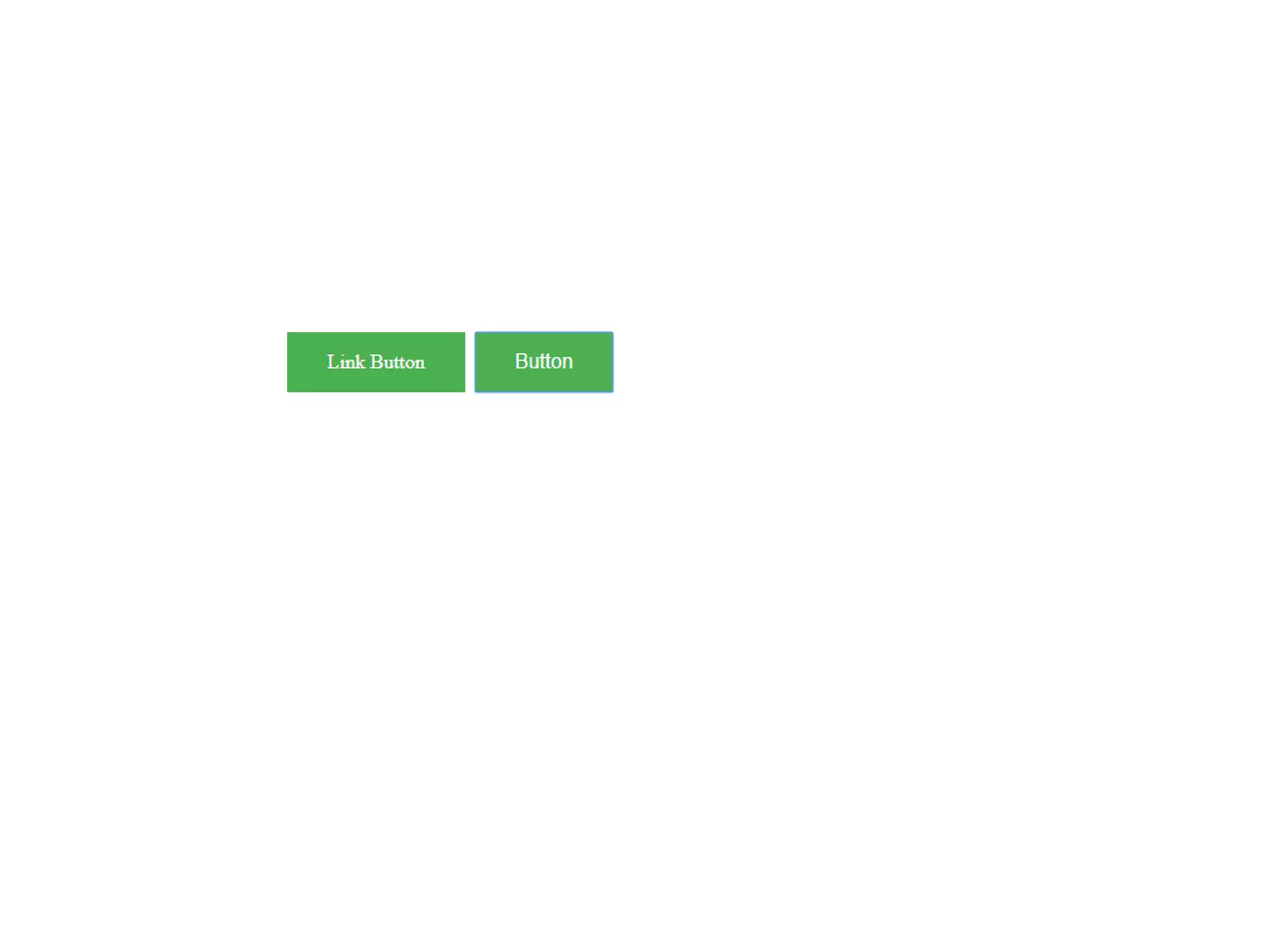
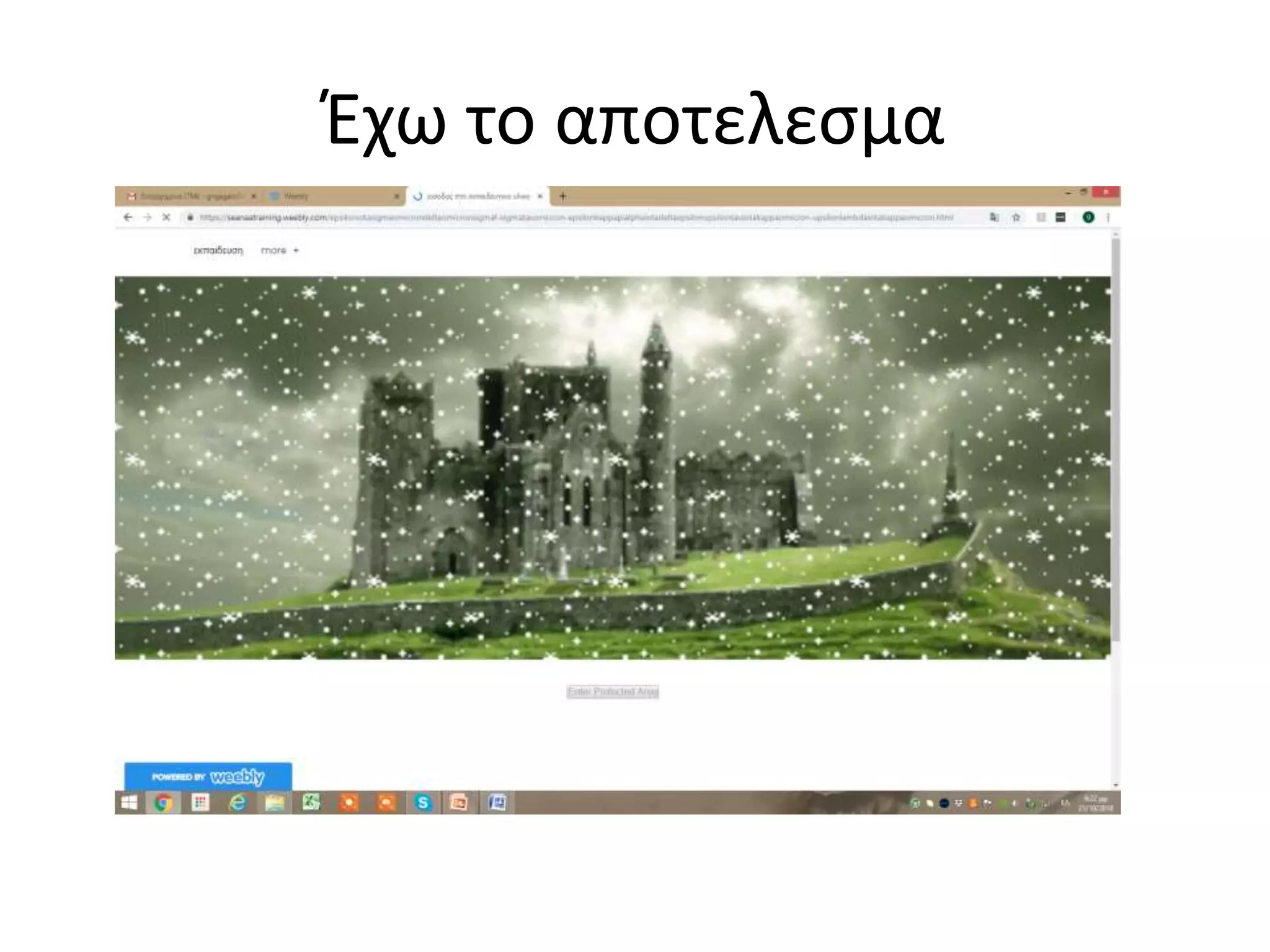
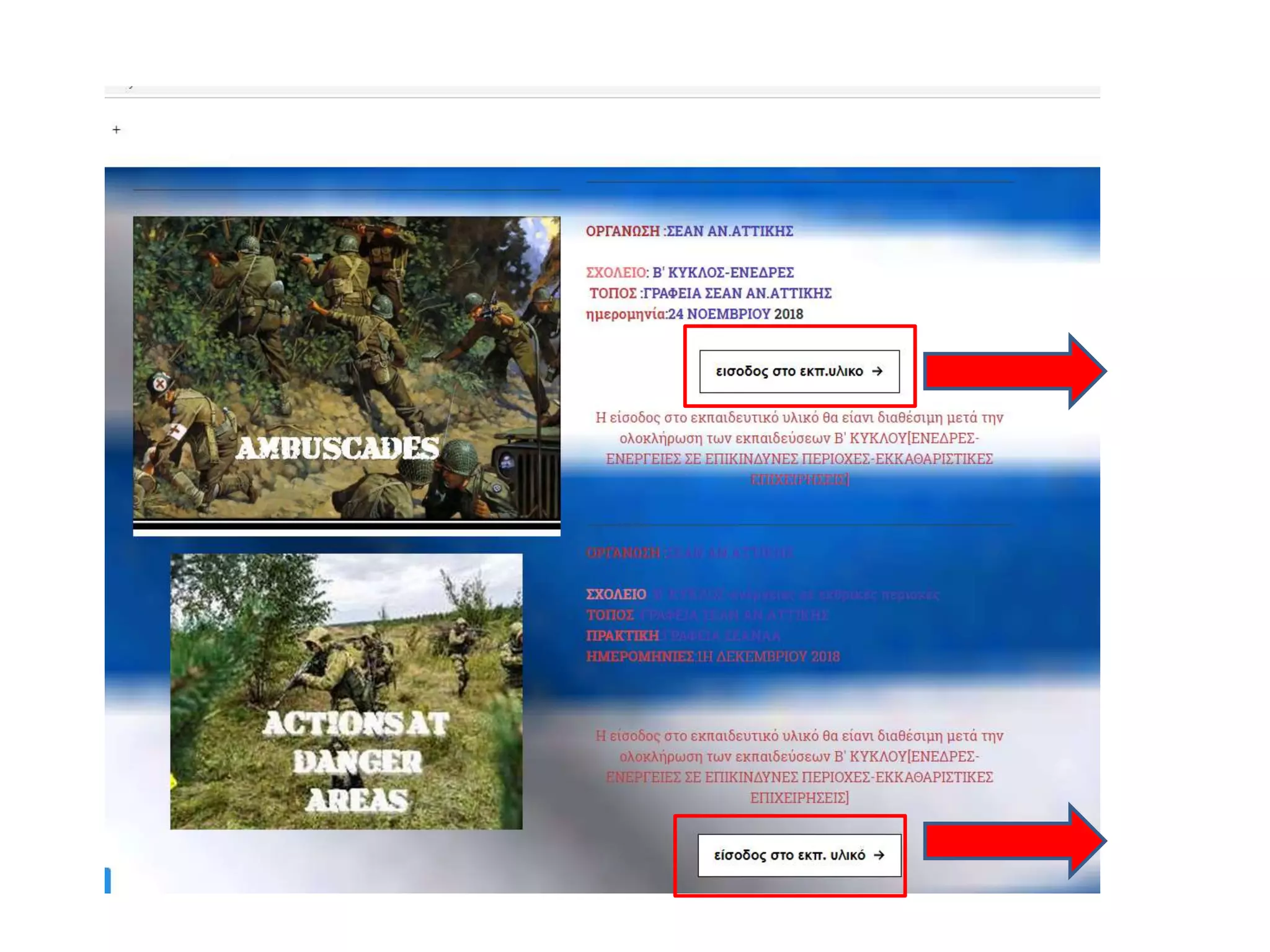
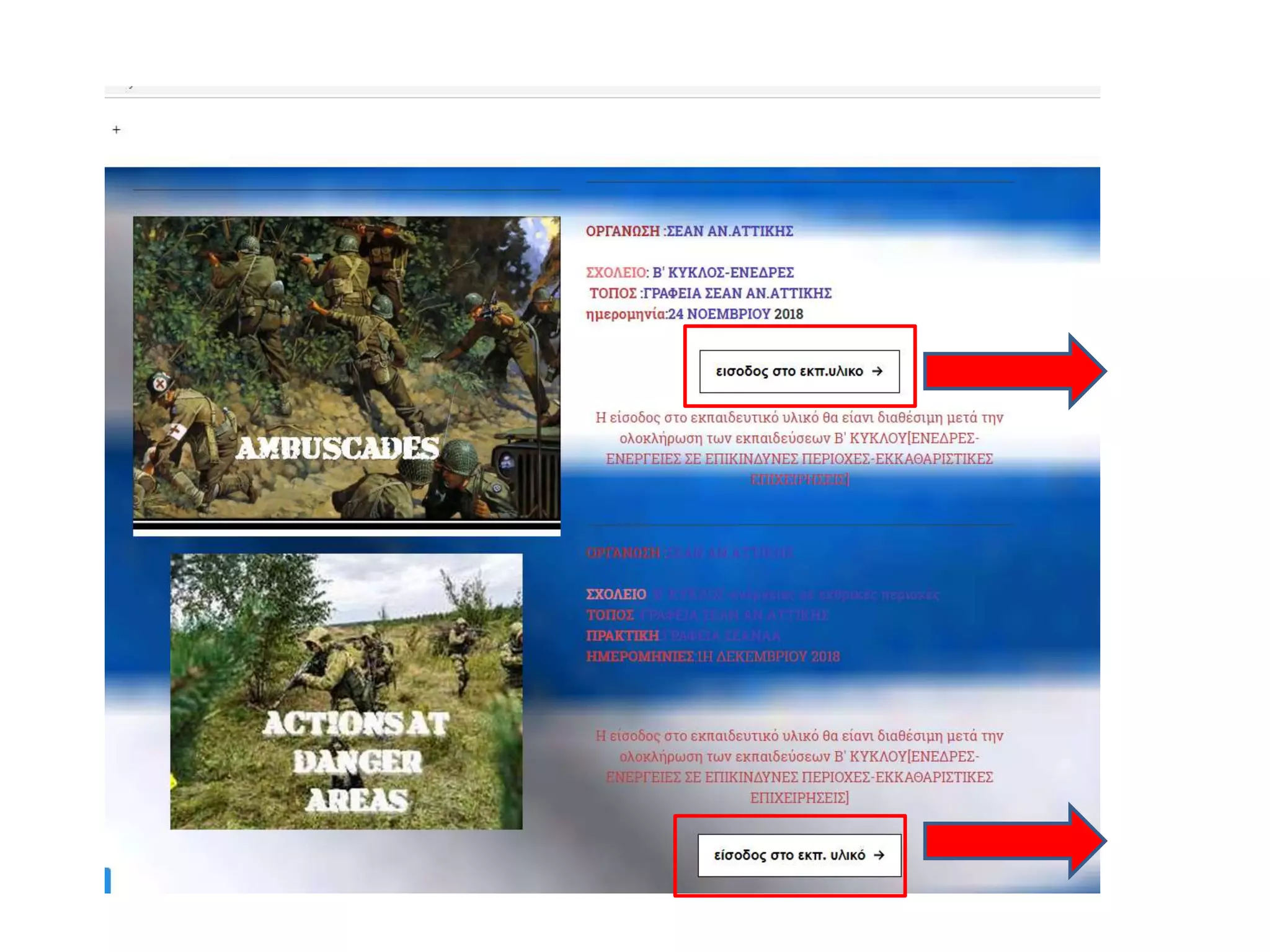
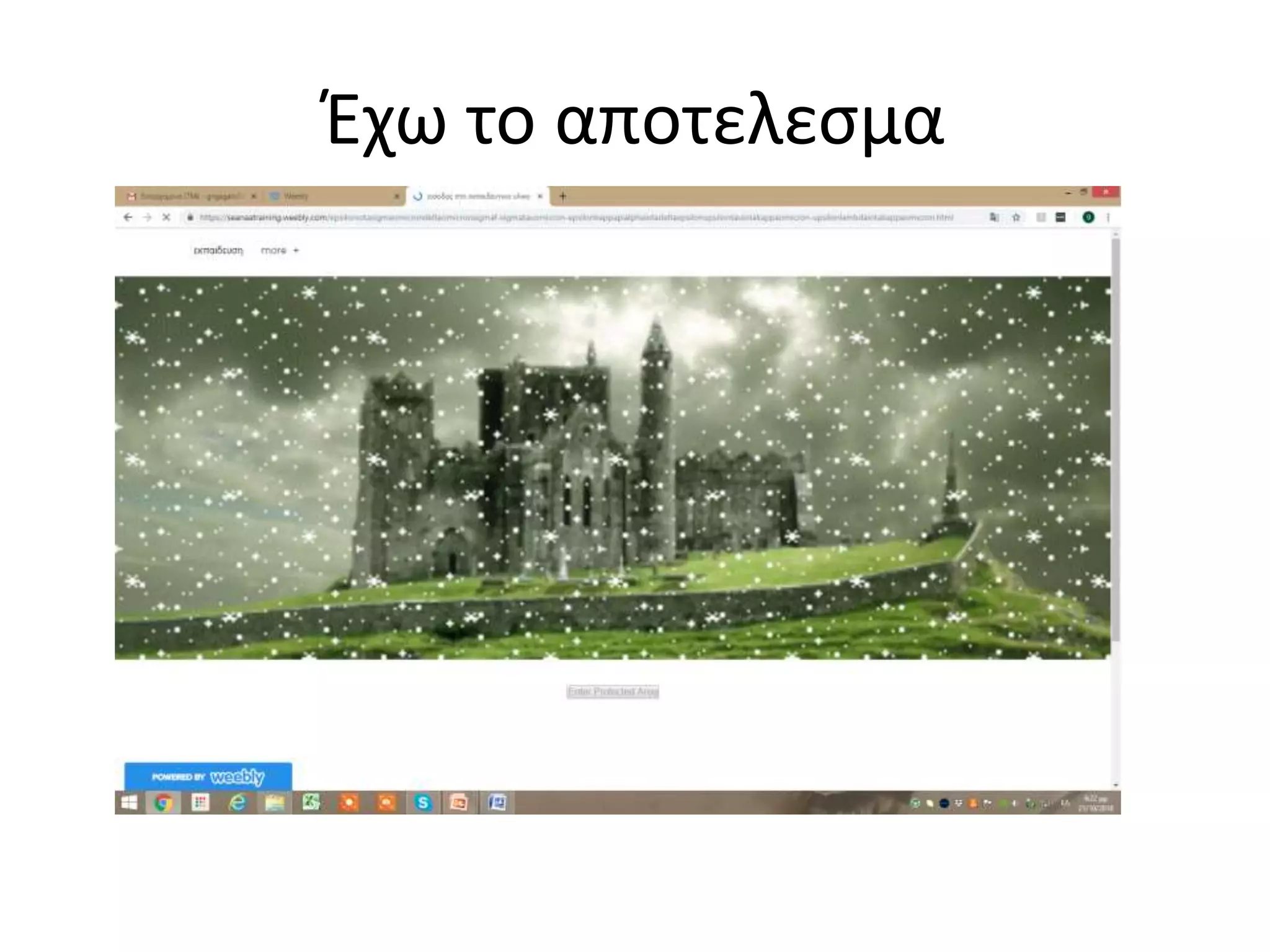
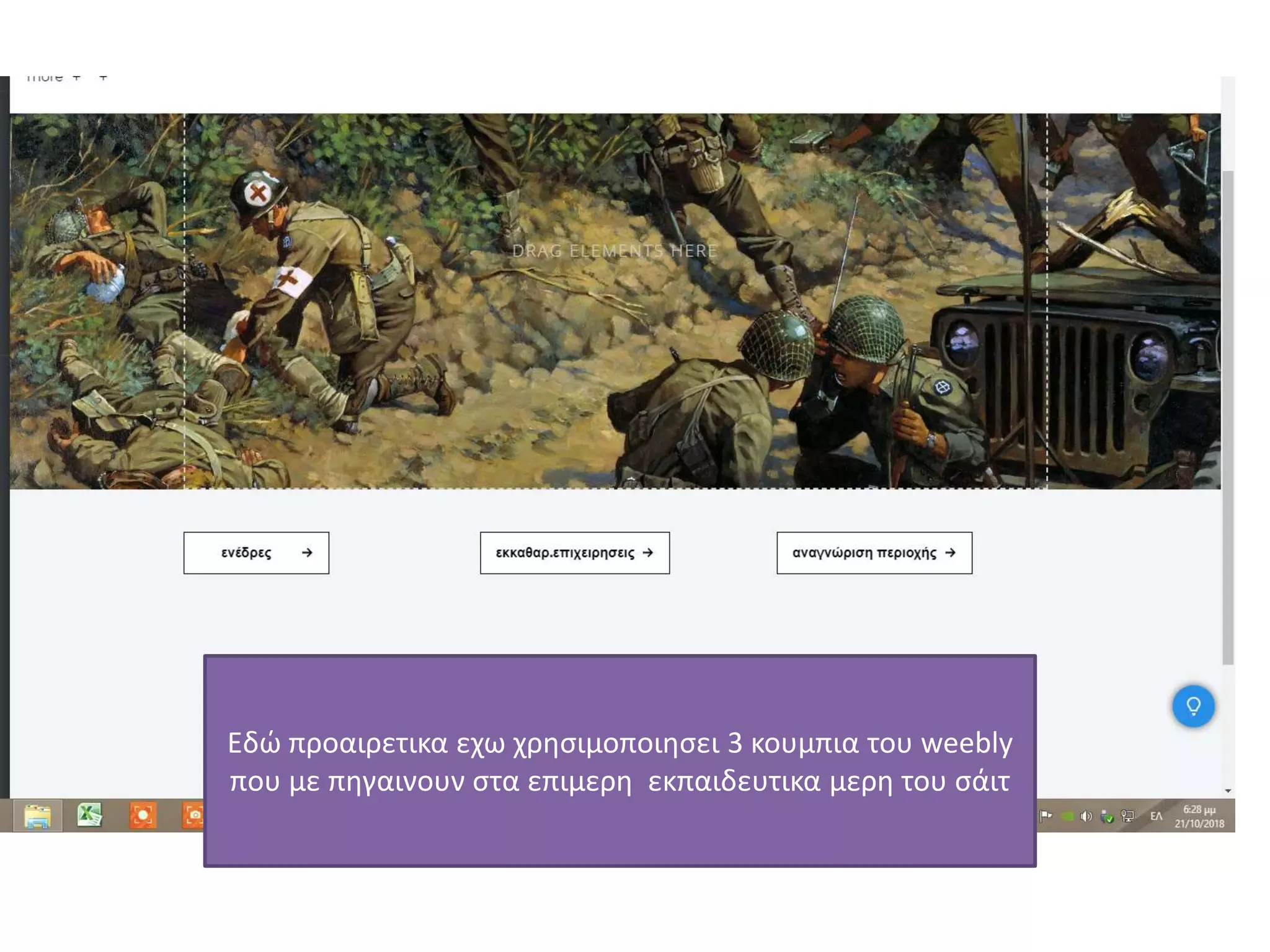
• Πριν απόαυτην την σελίδα με το κουμπι[που
ζηταει κωδικο εισοδου]
• Θα εχω μια άλλη που με τα κουμπακια του
weebly θα με παραπέμπουν σε αυτην την
σελιδα
• Δηλαδη
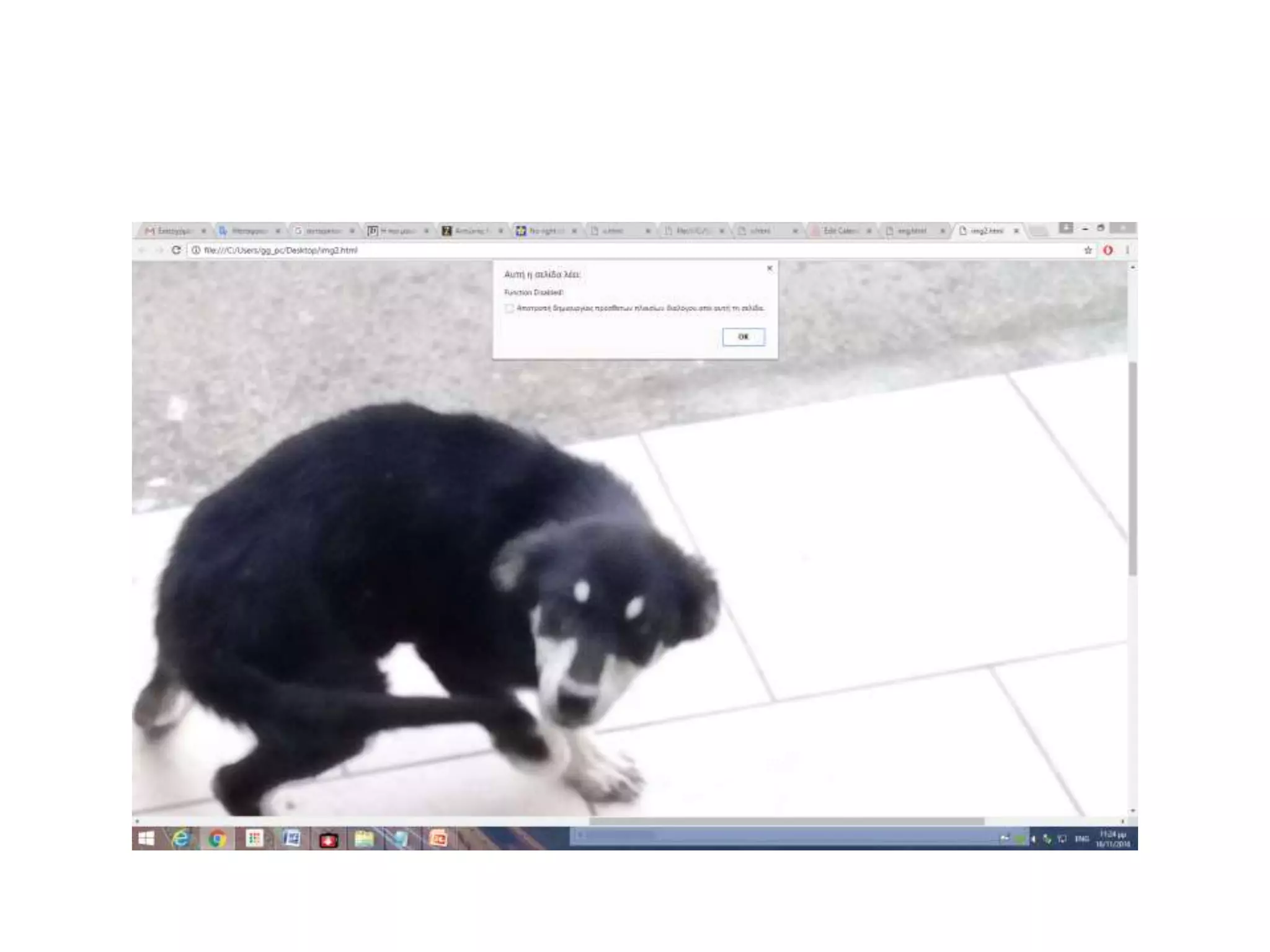
NO RIGHT CLICKfor Images
• Secure your website with JavaScript,
182.
• <script language=JavaScript>
•var message="Function Disabled!";
• function clickIE4(){
• if (event.button==2){ alert(message); return false; } }
• function clickNS4(e){ if
(document.layers||document.getElementById&&!document.all){
• if (e.which==2||e.which==3){
• alert(message); return false; } } }
• if (document.layers){
• document.captureEvents(Event.MOUSEDOWN);
document.onmousedown=clickNS4; } else if
(document.all&&!document.getElementById){
document.onmousedown=clickIE4; } document.oncontextmenu=new
Function("alert(message);return false") </script>
184.
• "NO RIGHTCLICK" for Source
Here is a handy little script which will not only
protect your images from right clicking, but your
whole page. Remember this only stops some
visitors from viewing your source. There are ways
around it and if someone really wants to view
your source they may find a way. There is another
trick below to protect your source code, so keep
reading.
185.
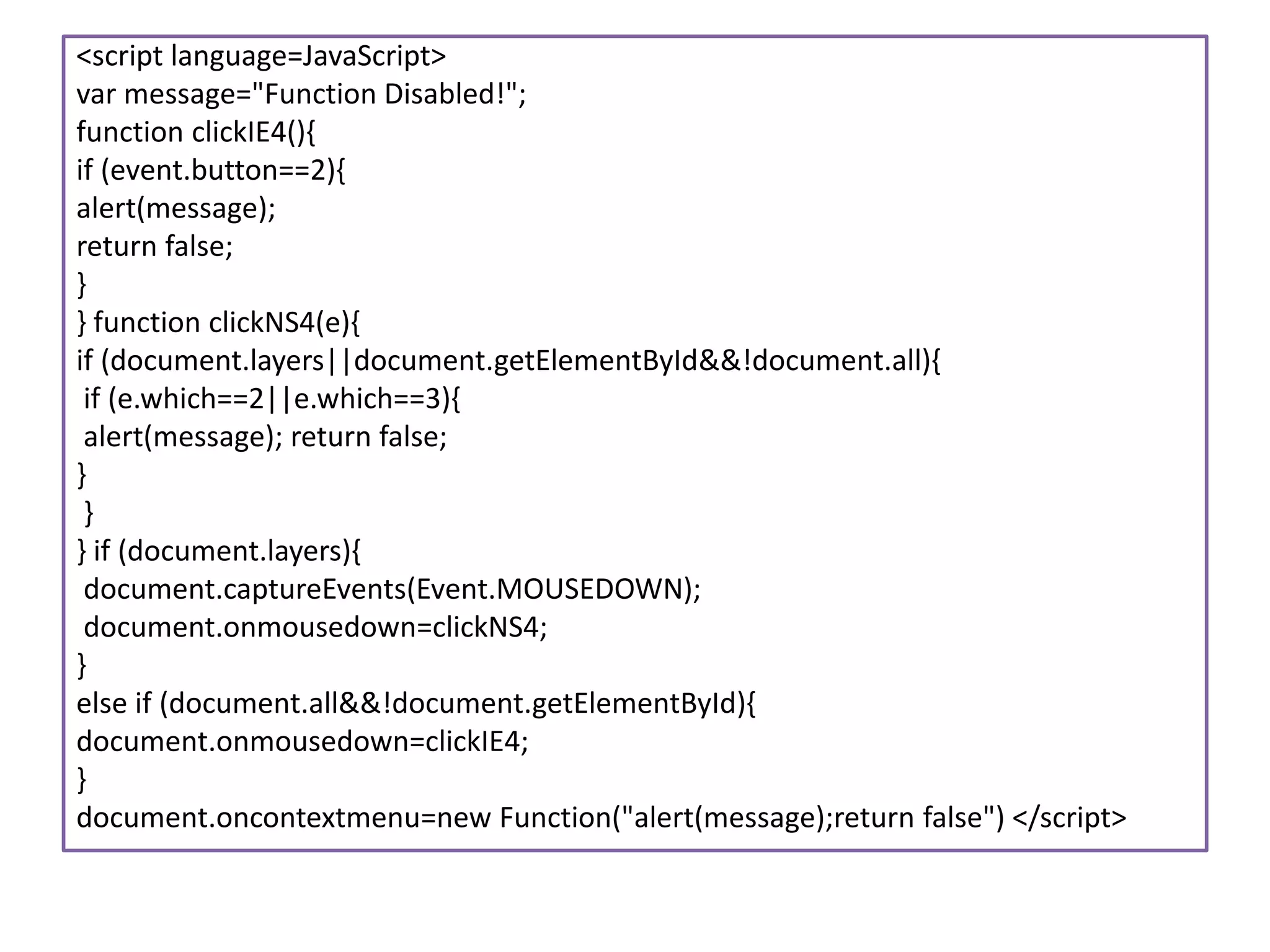
<script language=JavaScript>
var message="FunctionDisabled!";
function clickIE4(){
if (event.button==2){
alert(message);
return false;
}
} function clickNS4(e){
if (document.layers||document.getElementById&&!document.all){
if (e.which==2||e.which==3){
alert(message); return false;
}
}
} if (document.layers){
document.captureEvents(Event.MOUSEDOWN);
document.onmousedown=clickNS4;
}
else if (document.all&&!document.getElementById){
document.onmousedown=clickIE4;
}
document.oncontextmenu=new Function("alert(message);return false") </script>
186.
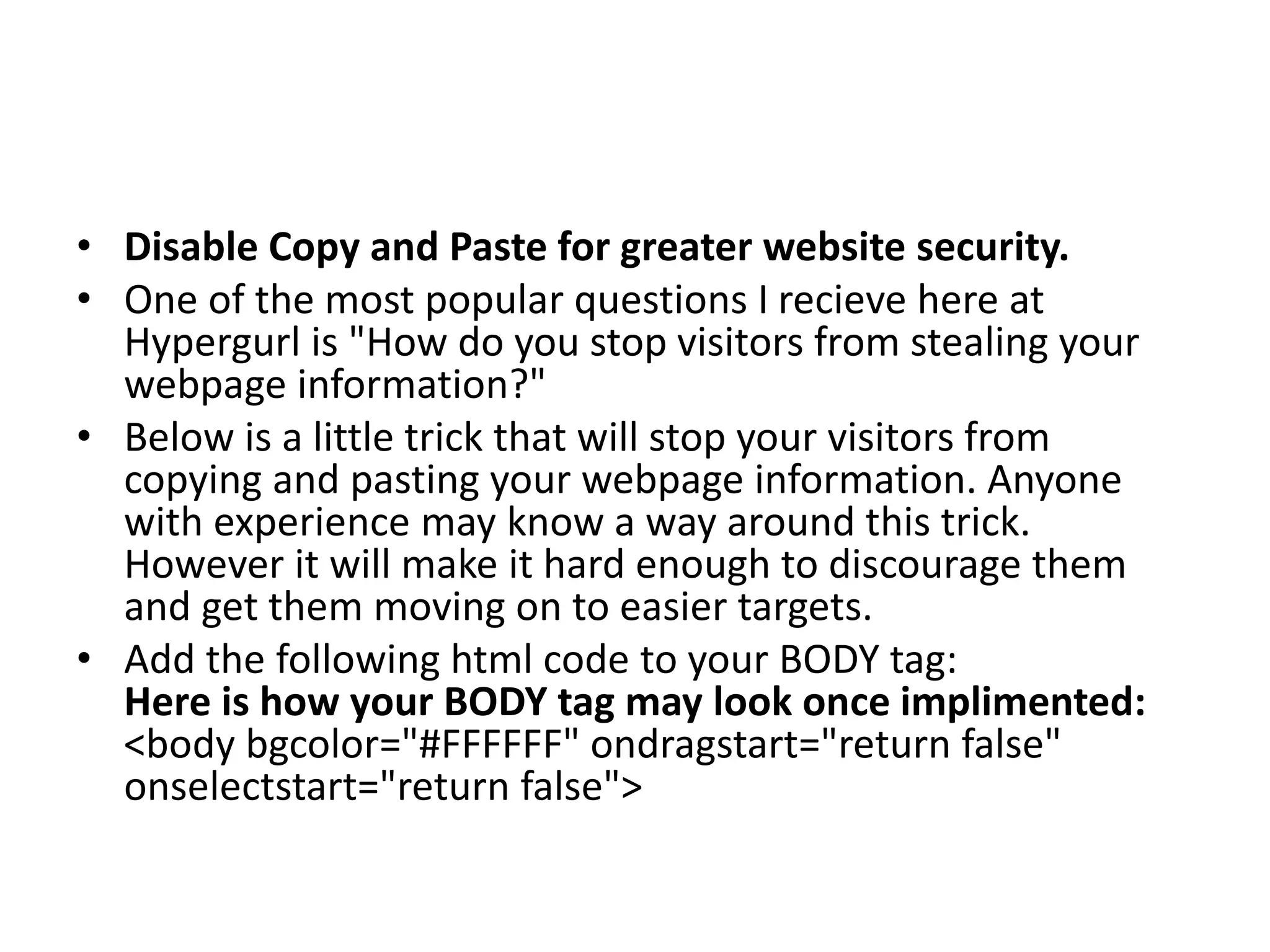
• Disable Copyand Paste for greater website security.
• One of the most popular questions I recieve here at
Hypergurl is "How do you stop visitors from stealing your
webpage information?"
• Below is a little trick that will stop your visitors from
copying and pasting your webpage information. Anyone
with experience may know a way around this trick.
However it will make it hard enough to discourage them
and get them moving on to easier targets.
• Add the following html code to your BODY tag:
Here is how your BODY tag may look once implimented:
<body bgcolor="#FFFFFF" ondragstart="return false"
onselectstart="return false">
187.
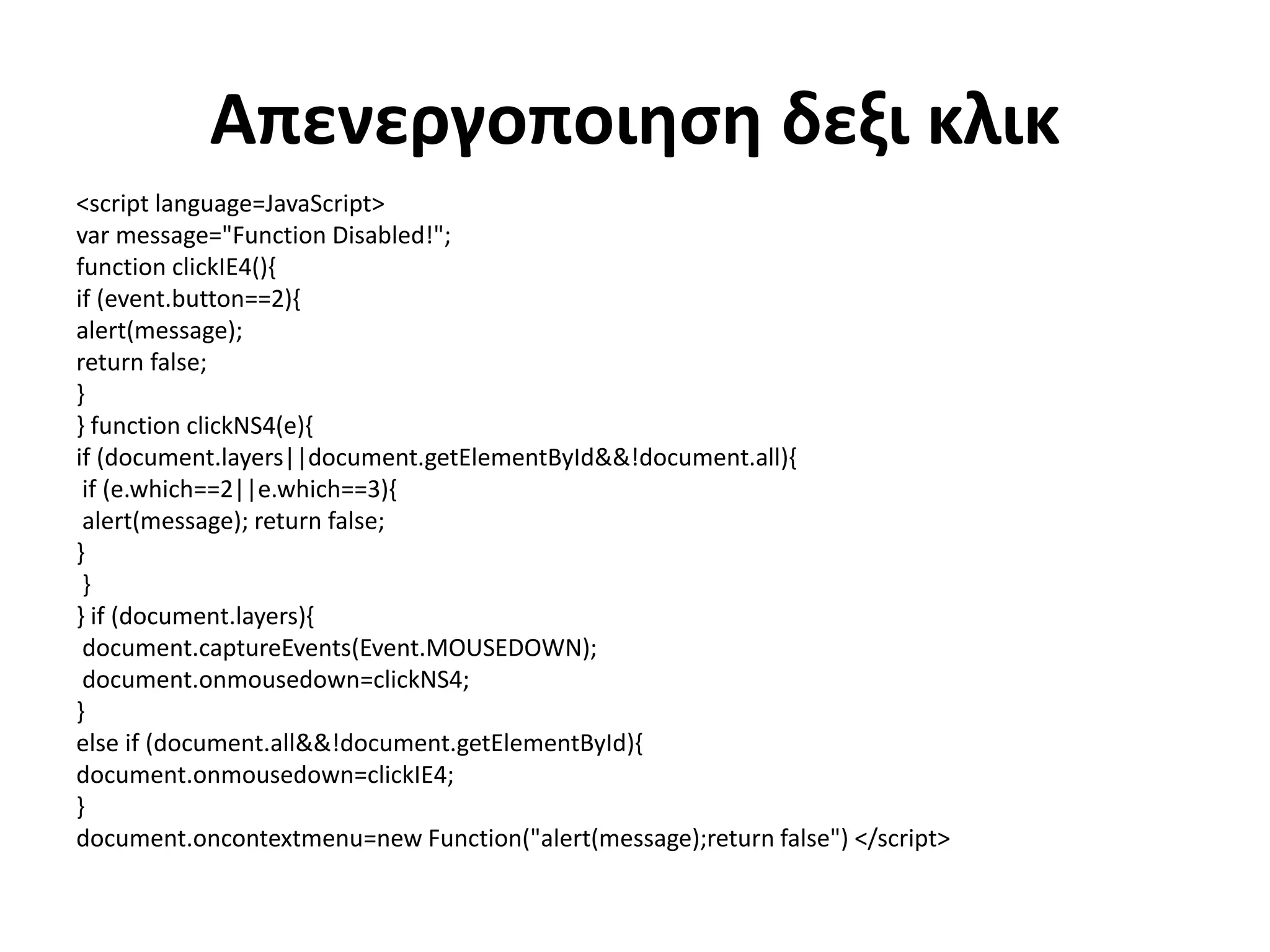
Απενεργοποιηση δεξι κλικ
<scriptlanguage=JavaScript>
var message="Function Disabled!";
function clickIE4(){
if (event.button==2){
alert(message);
return false;
}
} function clickNS4(e){
if (document.layers||document.getElementById&&!document.all){
if (e.which==2||e.which==3){
alert(message); return false;
}
}
} if (document.layers){
document.captureEvents(Event.MOUSEDOWN);
document.onmousedown=clickNS4;
}
else if (document.all&&!document.getElementById){
document.onmousedown=clickIE4;
}
document.oncontextmenu=new Function("alert(message);return false") </script>
188.
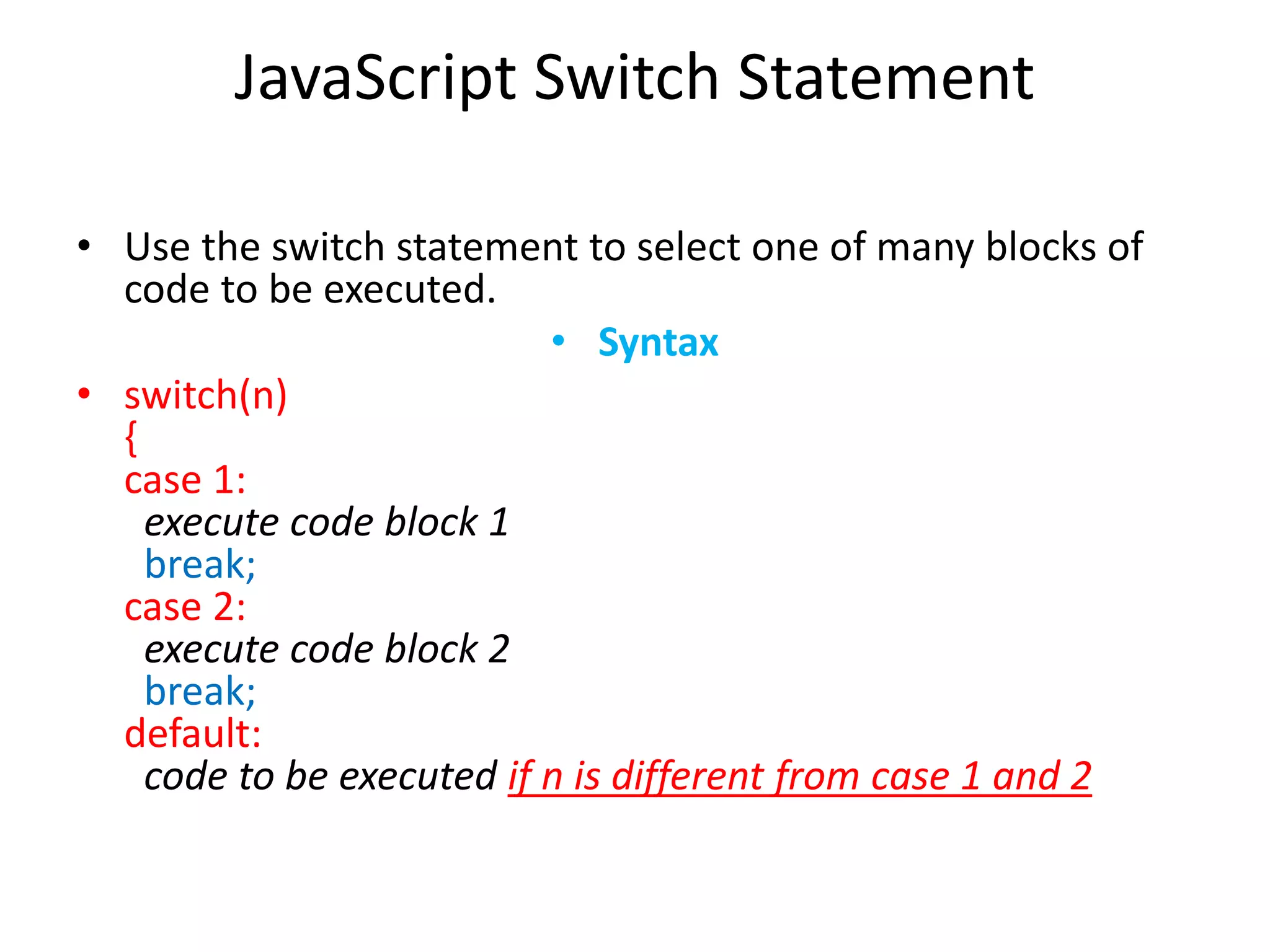
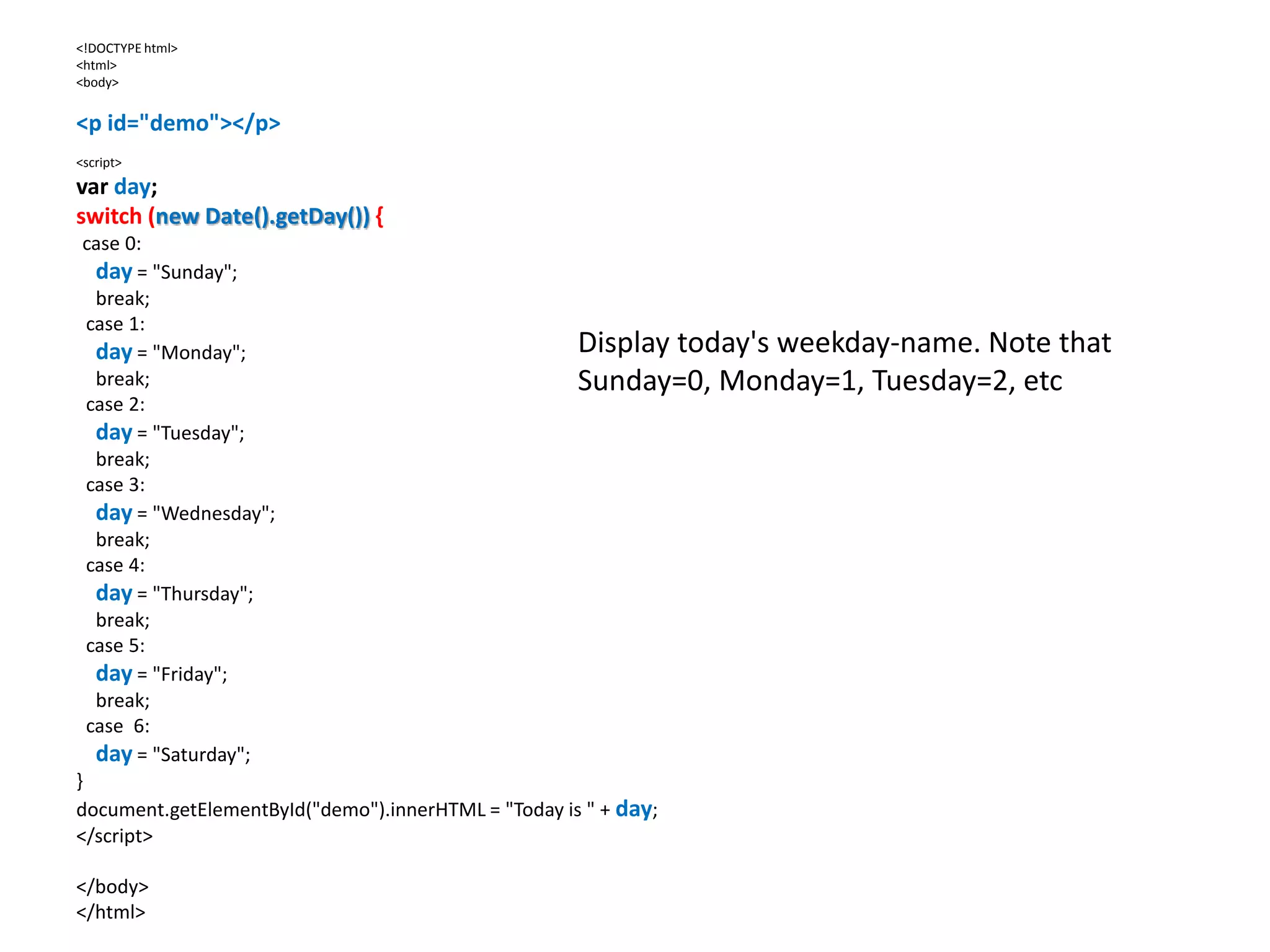
JavaScript Switch Statement
•Use the switch statement to select one of many blocks of
code to be executed.
• Syntax
• switch(n)
{
case 1:
execute code block 1
break;
case 2:
execute code block 2
break;
default:
code to be executed if n is different from case 1 and 2
189.
<!DOCTYPE html>
<html>
<body>
<p id="demo"></p>
<script>
varday;
switch (new Date().getDay()) {
case 0:
day = "Sunday";
break;
case 1:
day = "Monday";
break;
case 2:
day = "Tuesday";
break;
case 3:
day = "Wednesday";
break;
case 4:
day = "Thursday";
break;
case 5:
day = "Friday";
break;
case 6:
day = "Saturday";
}
document.getElementById("demo").innerHTML = "Today is " + day;
</script>
</body>
</html>
Display today's weekday-name. Note that
Sunday=0, Monday=1, Tuesday=2, etc
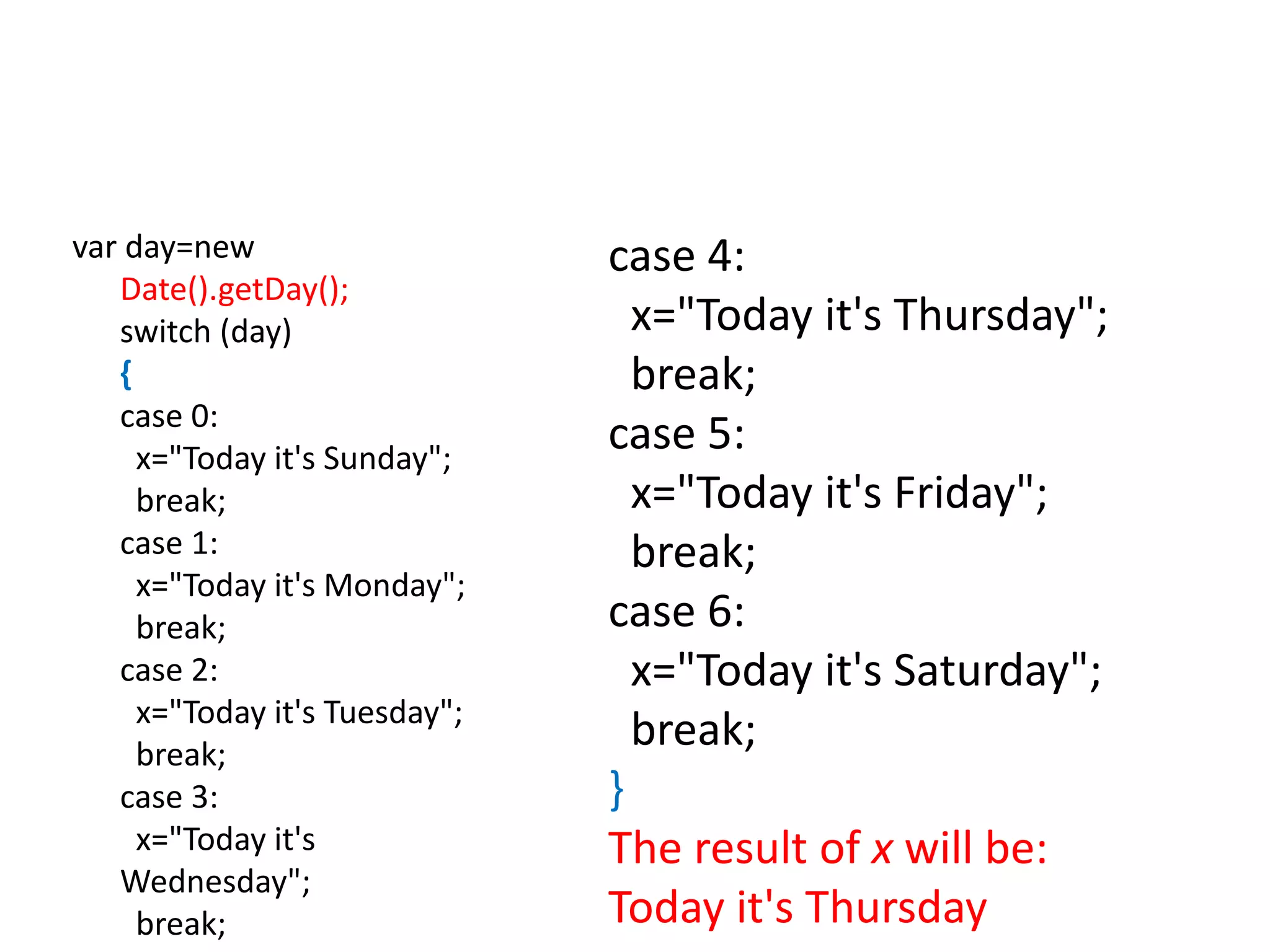
190.
var day=new
Date().getDay();
switch (day)
{
case0:
x="Today it's Sunday";
break;
case 1:
x="Today it's Monday";
break;
case 2:
x="Today it's Tuesday";
break;
case 3:
x="Today it's
Wednesday";
break;
case 4:
x="Today it's Thursday";
break;
case 5:
x="Today it's Friday";
break;
case 6:
x="Today it's Saturday";
break;
}
The result of x will be:
Today it's Thursday
191.
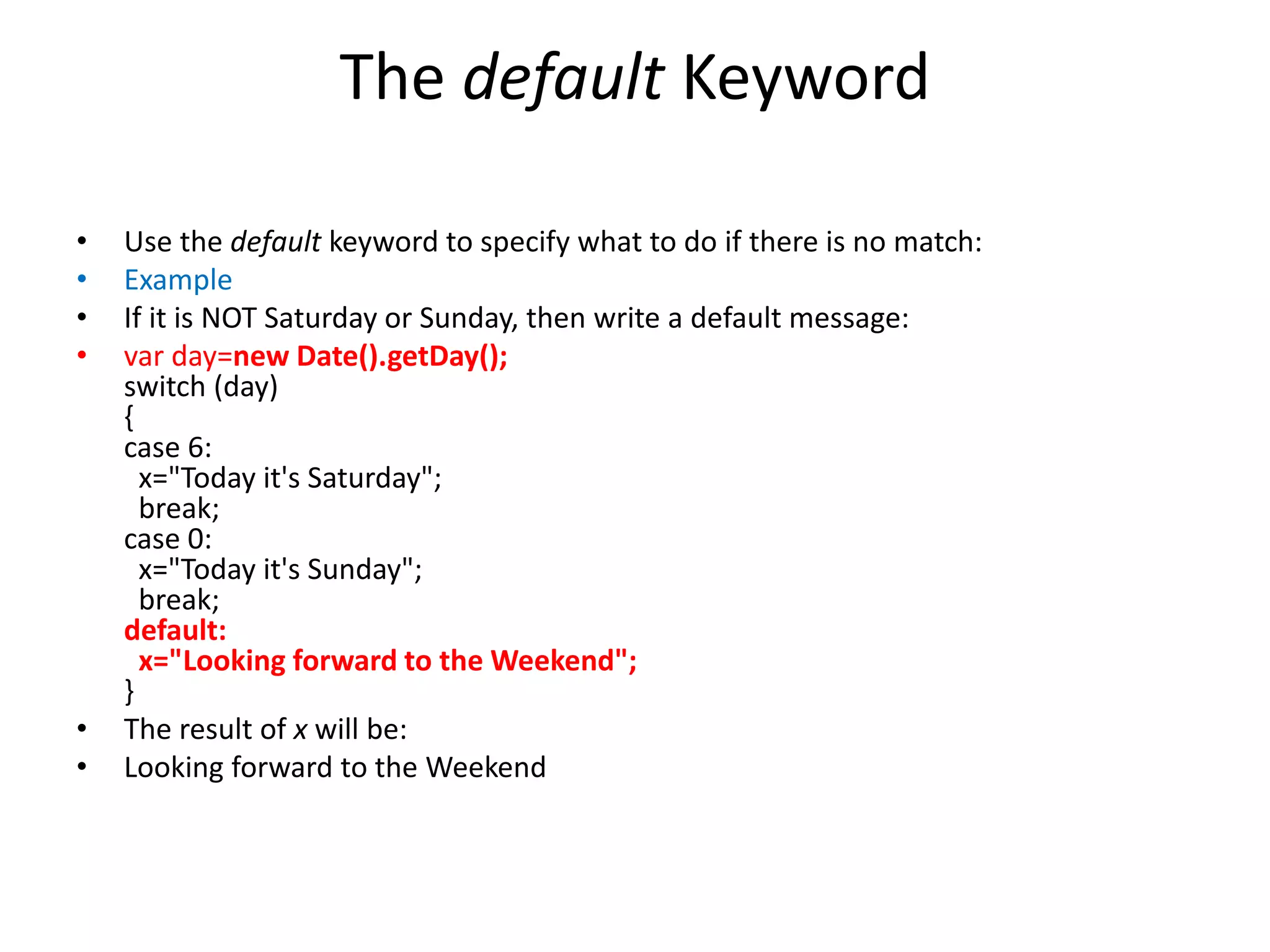
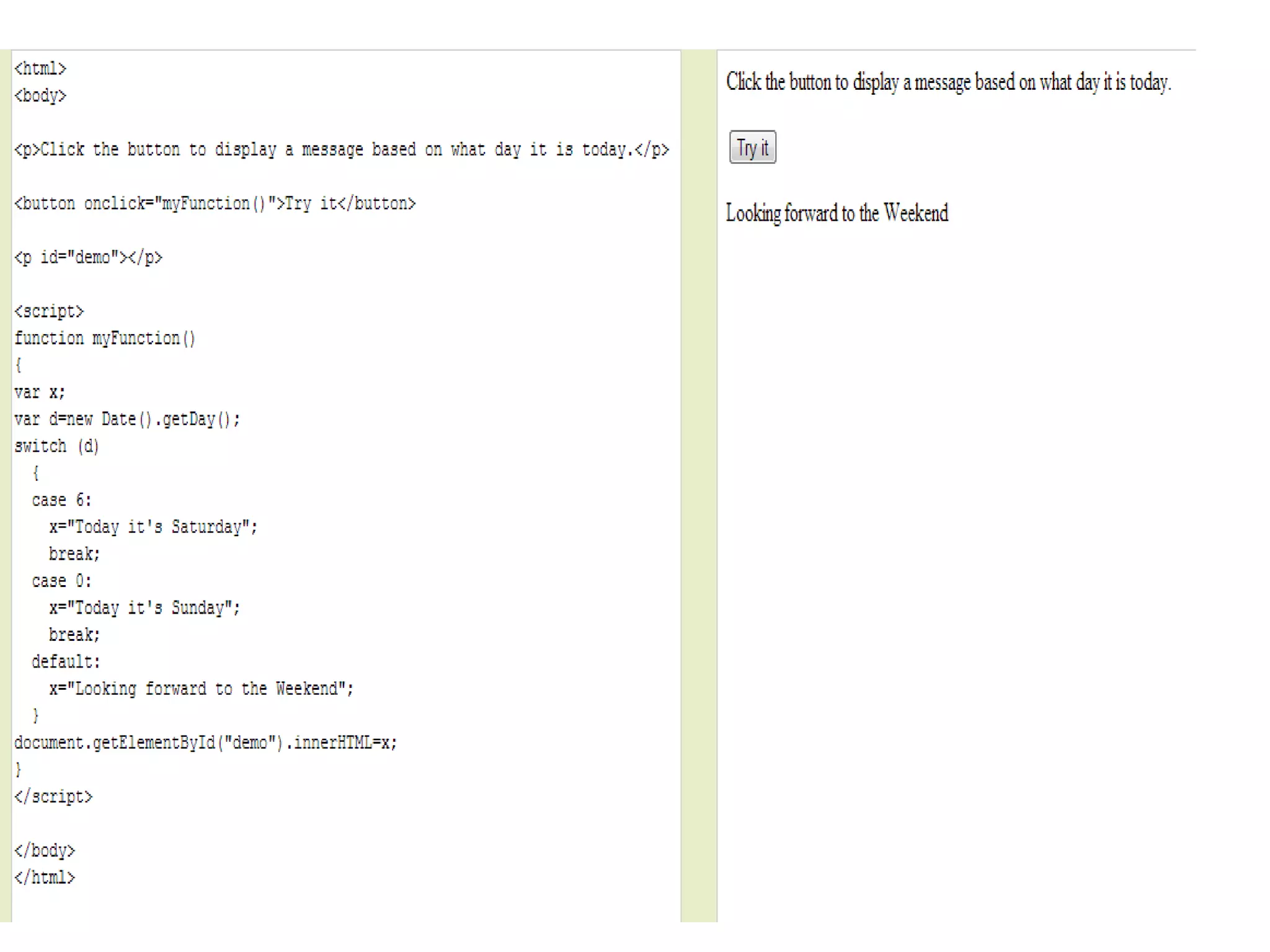
The default Keyword
•Use the default keyword to specify what to do if there is no match:
• Example
• If it is NOT Saturday or Sunday, then write a default message:
• var day=new Date().getDay();
switch (day)
{
case 6:
x="Today it's Saturday";
break;
case 0:
x="Today it's Sunday";
break;
default:
x="Looking forward to the Weekend";
}
• The result of x will be:
• Looking forward to the Weekend
194.
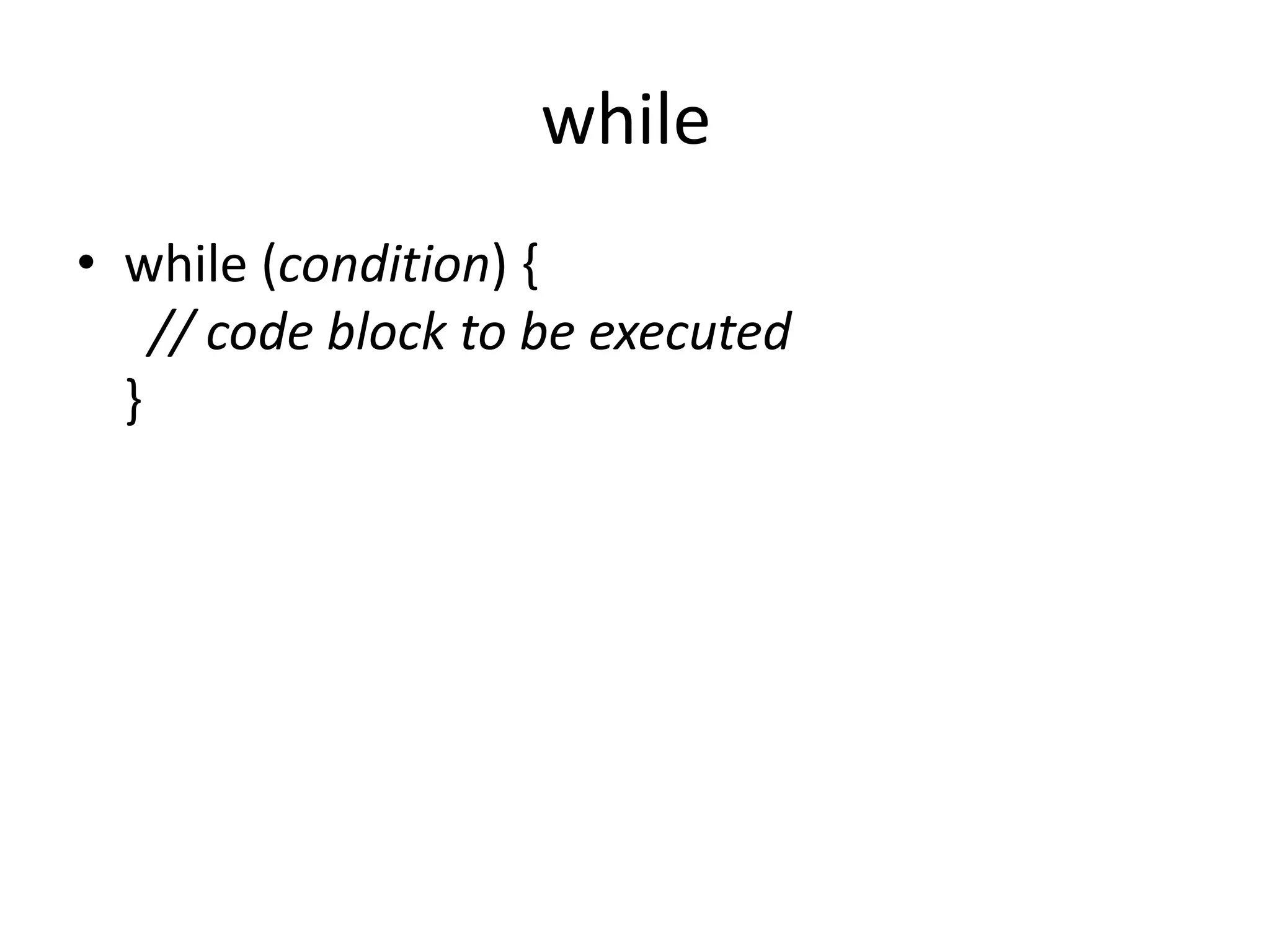
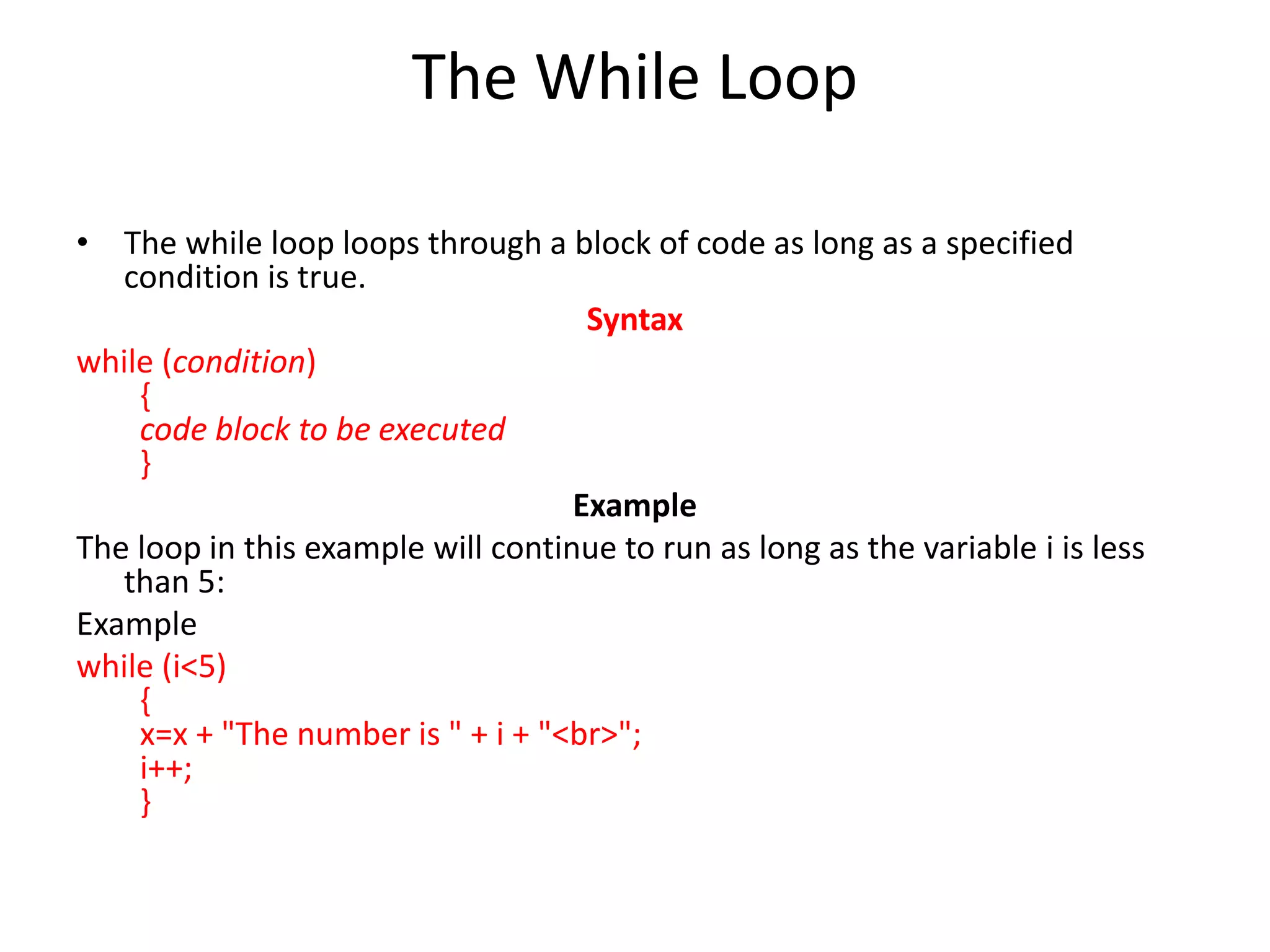
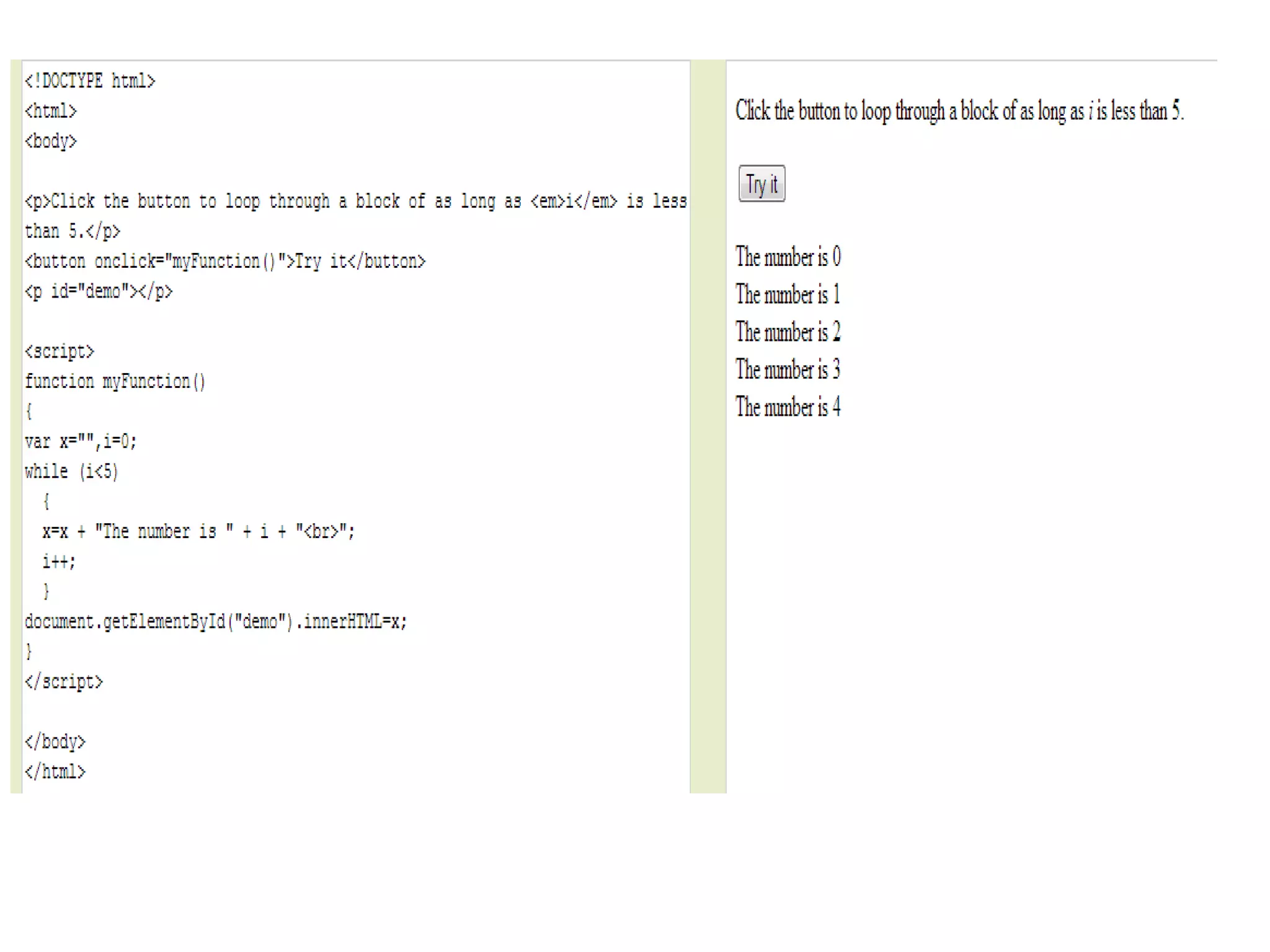
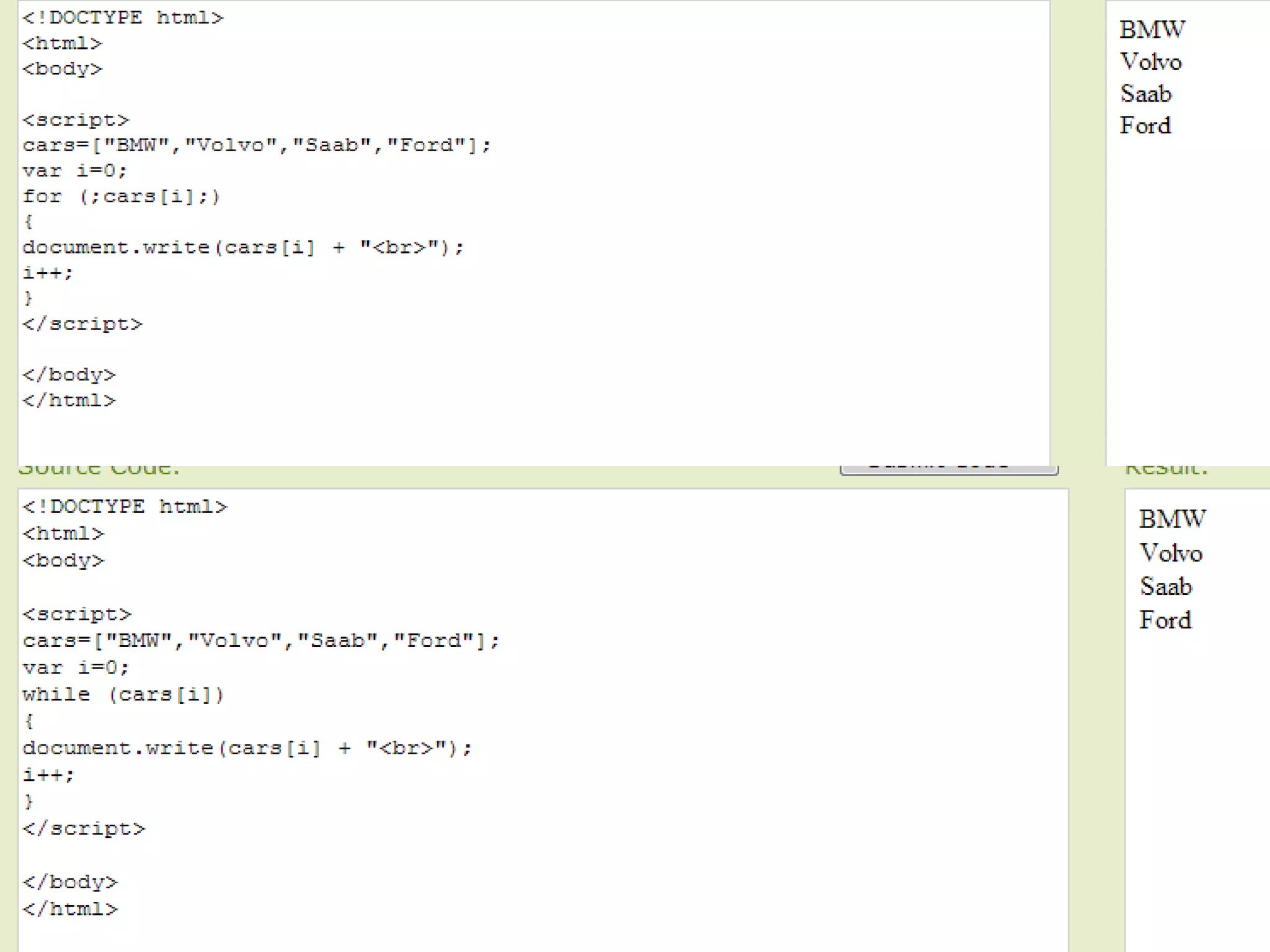
The While Loop
•The while loop loops through a block of code as long as a specified
condition is true.
Syntax
while (condition)
{
code block to be executed
}
Example
The loop in this example will continue to run as long as the variable i is less
than 5:
Example
while (i<5)
{
x=x + "The number is " + i + "<br>";
i++;
}
196.
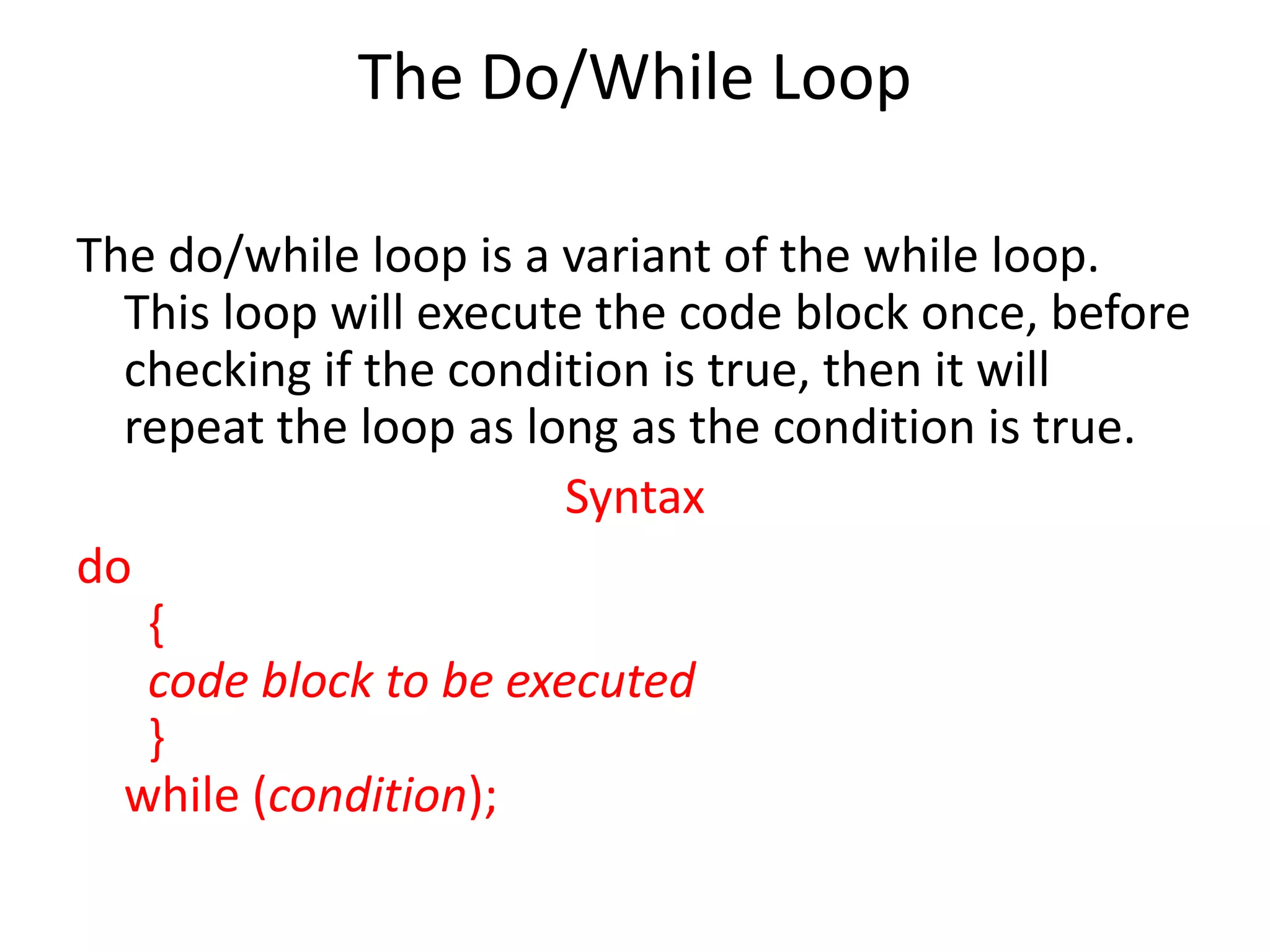
The Do/While Loop
Thedo/while loop is a variant of the while loop.
This loop will execute the code block once, before
checking if the condition is true, then it will
repeat the loop as long as the condition is true.
Syntax
do
{
code block to be executed
}
while (condition);
197.
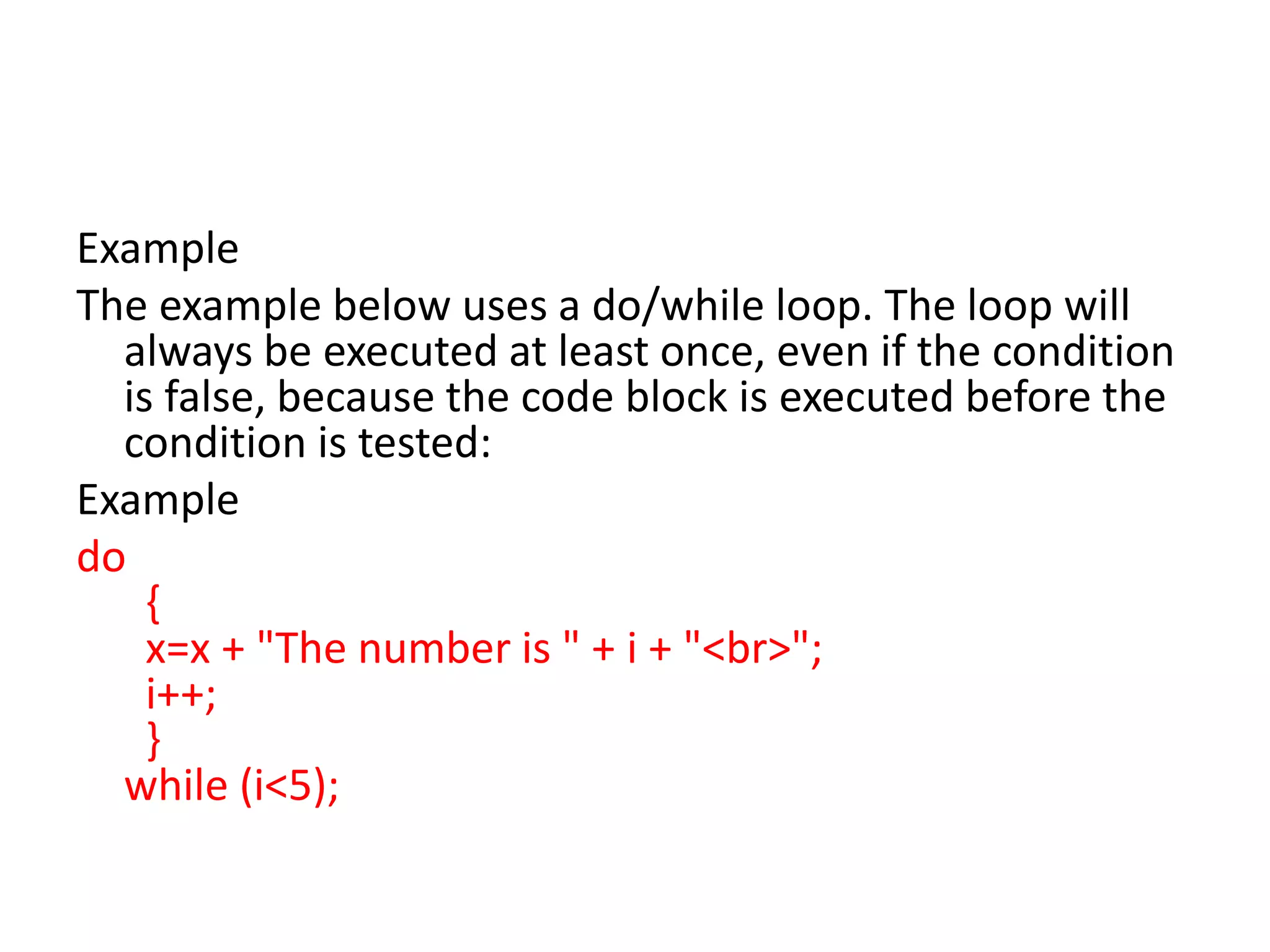
Example
The example belowuses a do/while loop. The loop will
always be executed at least once, even if the condition
is false, because the code block is executed before the
condition is tested:
Example
do
{
x=x + "The number is " + i + "<br>";
i++;
}
while (i<5);
200.
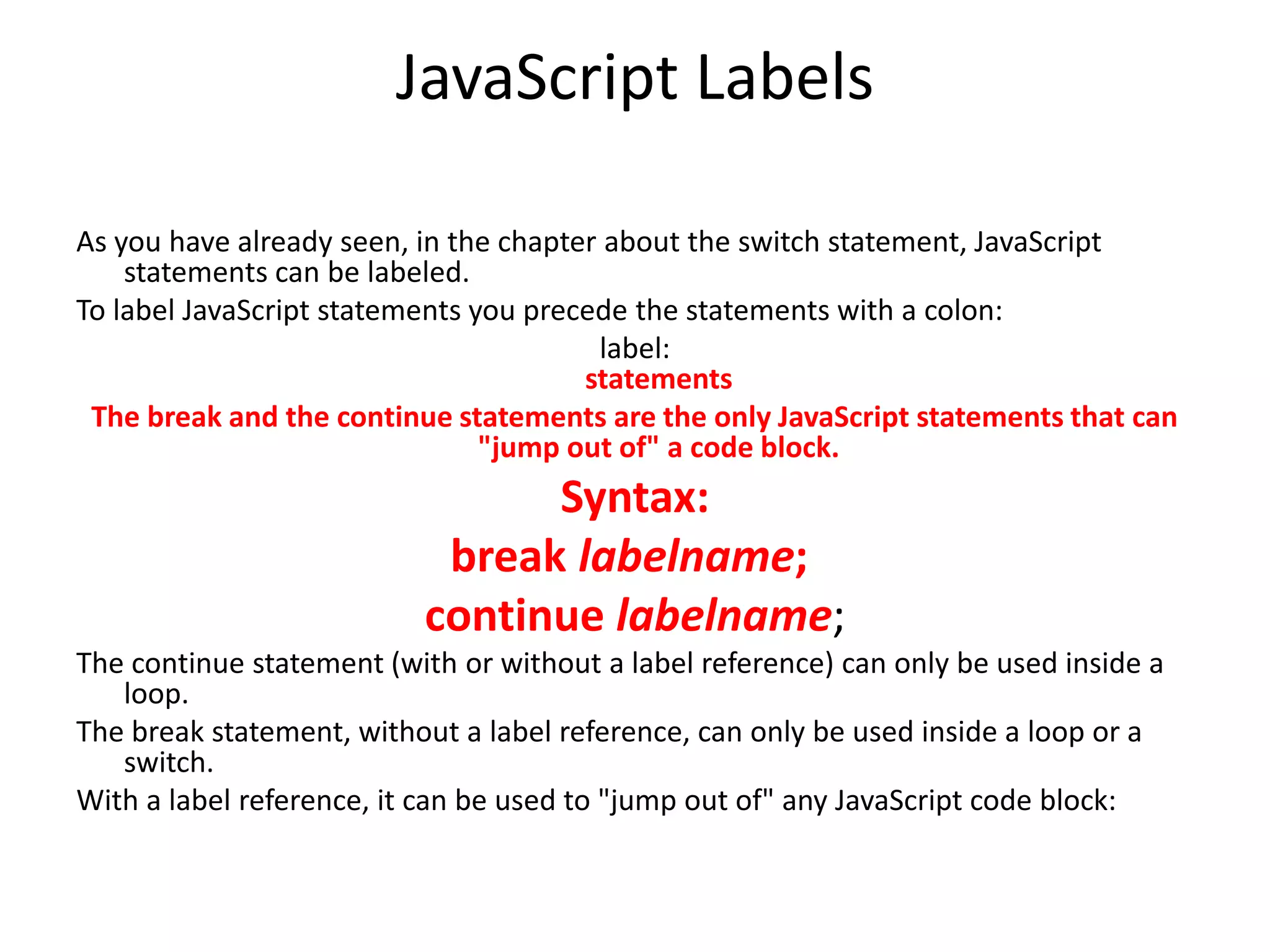
JavaScript Labels
As youhave already seen, in the chapter about the switch statement, JavaScript
statements can be labeled.
To label JavaScript statements you precede the statements with a colon:
label:
statements
The break and the continue statements are the only JavaScript statements that can
"jump out of" a code block.
Syntax:
break labelname;
continue labelname;
The continue statement (with or without a label reference) can only be used inside a
loop.
The break statement, without a label reference, can only be used inside a loop or a
switch.
With a label reference, it can be used to "jump out of" any JavaScript code block:
201.
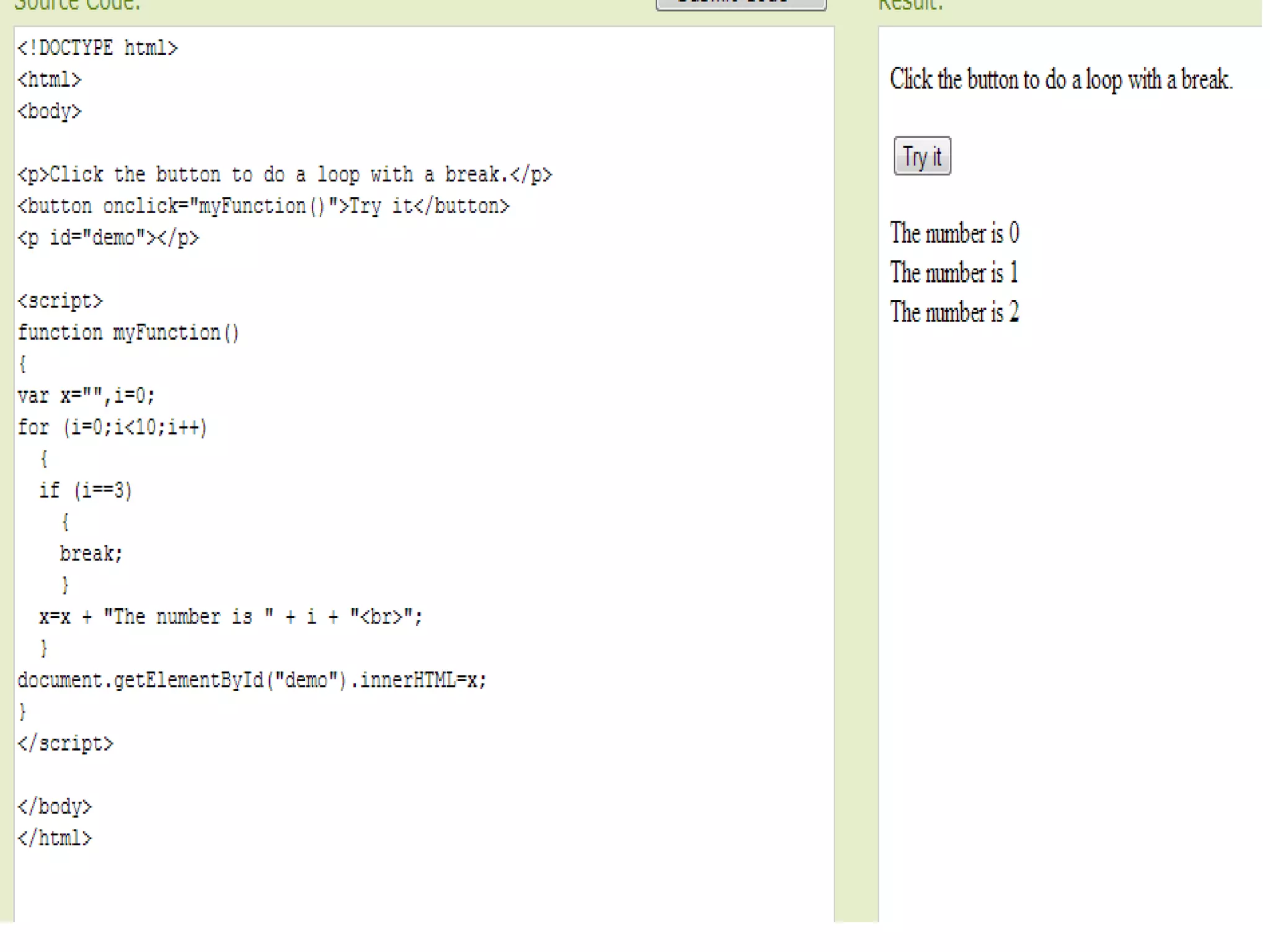
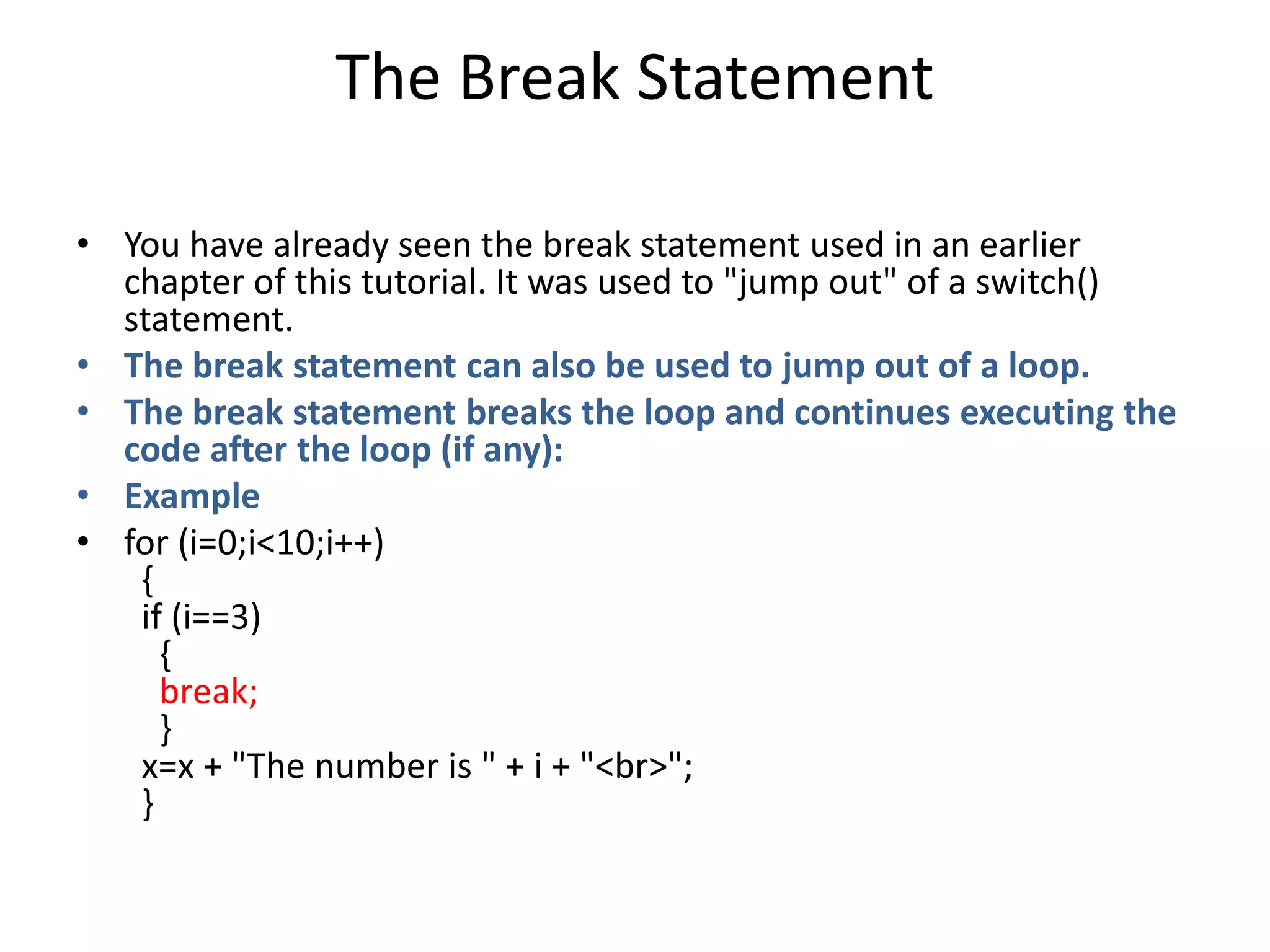
The Break Statement
•You have already seen the break statement used in an earlier
chapter of this tutorial. It was used to "jump out" of a switch()
statement.
• The break statement can also be used to jump out of a loop.
• The break statement breaks the loop and continues executing the
code after the loop (if any):
• Example
• for (i=0;i<10;i++)
{
if (i==3)
{
break;
}
x=x + "The number is " + i + "<br>";
}
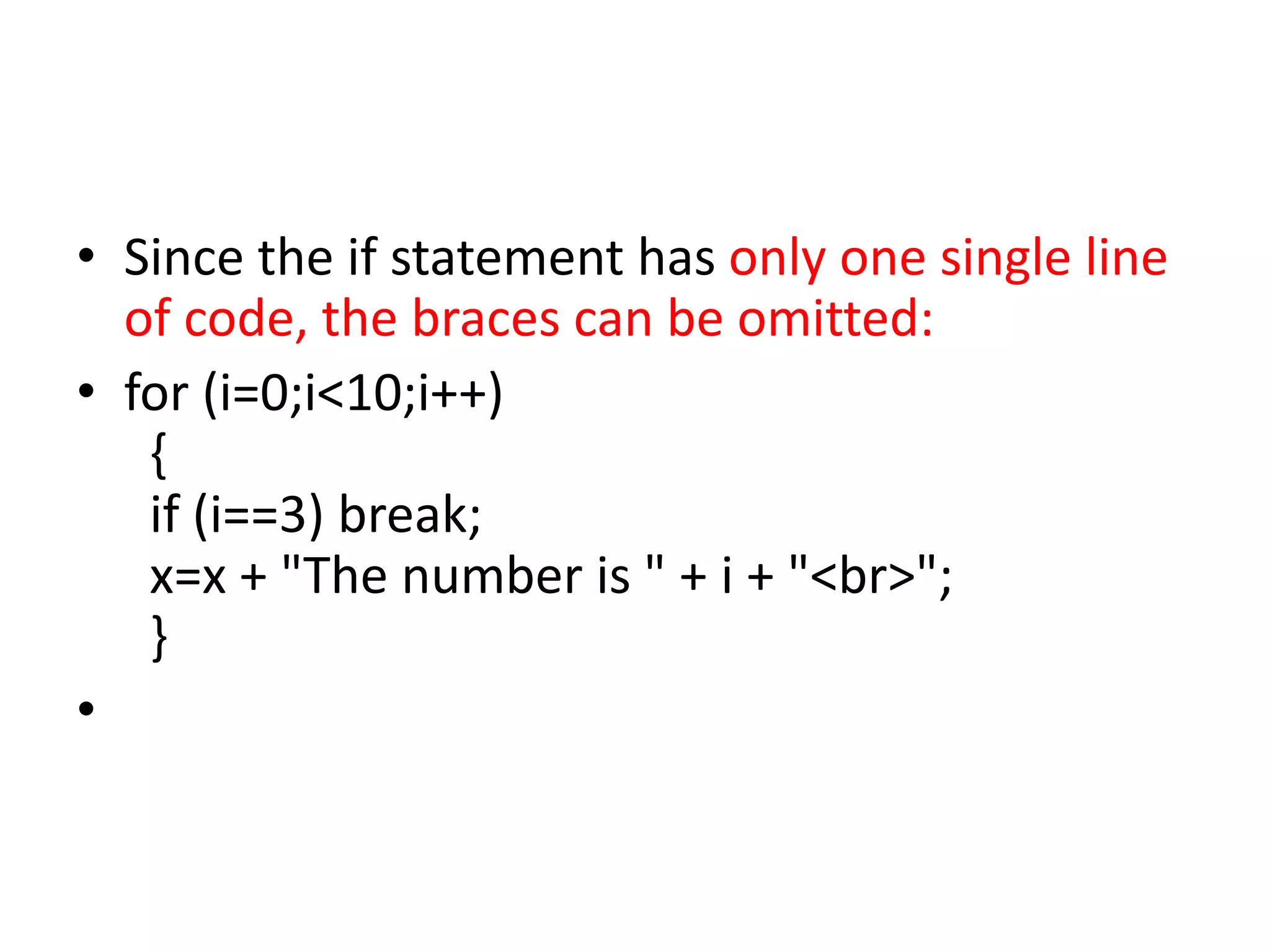
• Since theif statement has only one single line
of code, the braces can be omitted:
• for (i=0;i<10;i++)
{
if (i==3) break;
x=x + "The number is " + i + "<br>";
}
•
jQuery
• is aJavaScript Library.
• Adding jQuery to Your Web Pages
• There are several ways to start using jQuery on
your web site. You can:
• Download the jQuery library from jQuery.com
• Include jQuery from a CDN, like Google
•
208.
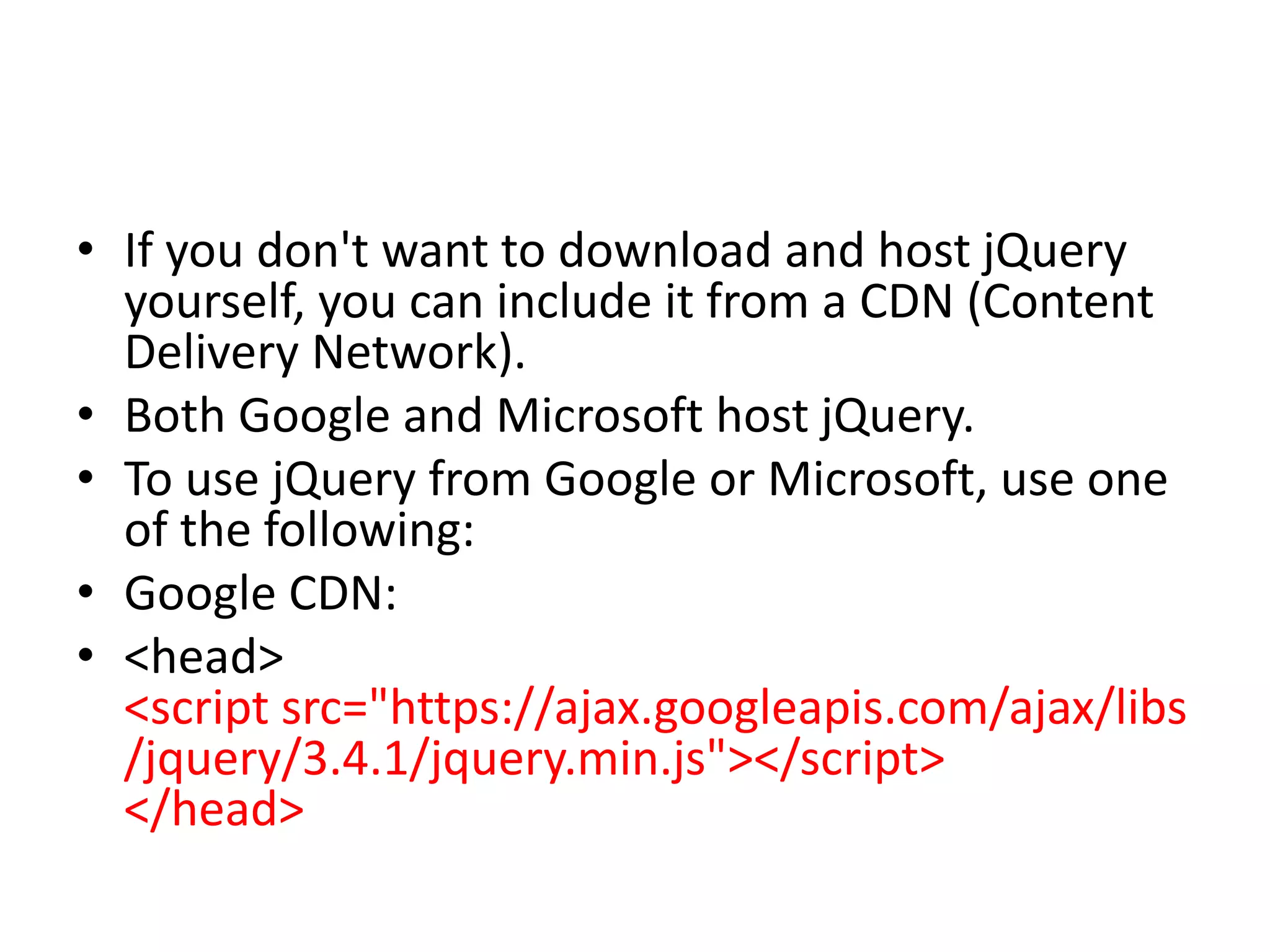
• If youdon't want to download and host jQuery
yourself, you can include it from a CDN (Content
Delivery Network).
• Both Google and Microsoft host jQuery.
• To use jQuery from Google or Microsoft, use one
of the following:
• Google CDN:
• <head>
<script src="https://ajax.googleapis.com/ajax/libs
/jquery/3.4.1/jquery.min.js"></script>
</head>
209.
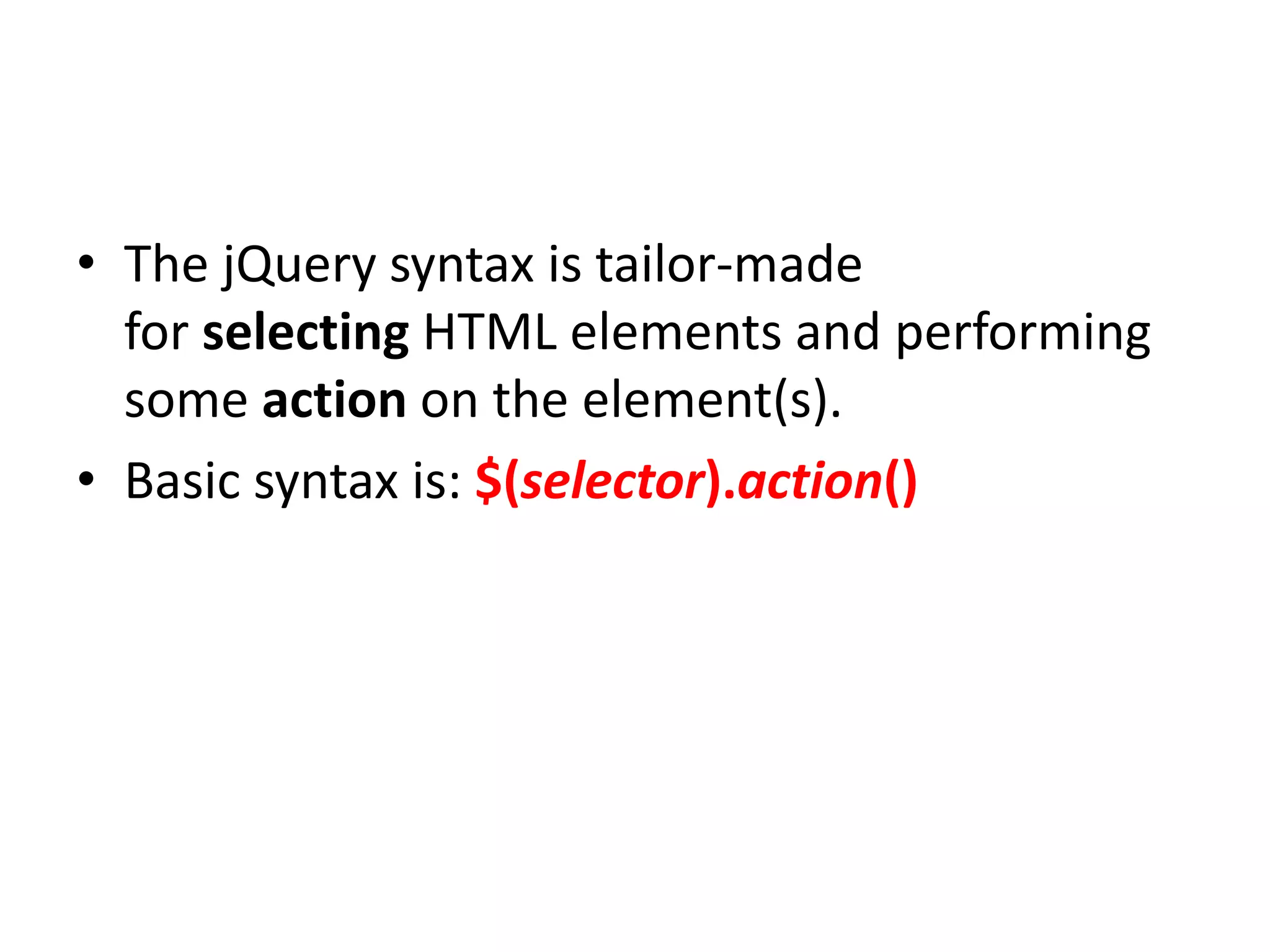
• The jQuerysyntax is tailor-made
for selecting HTML elements and performing
some action on the element(s).
• Basic syntax is: $(selector).action()
210.
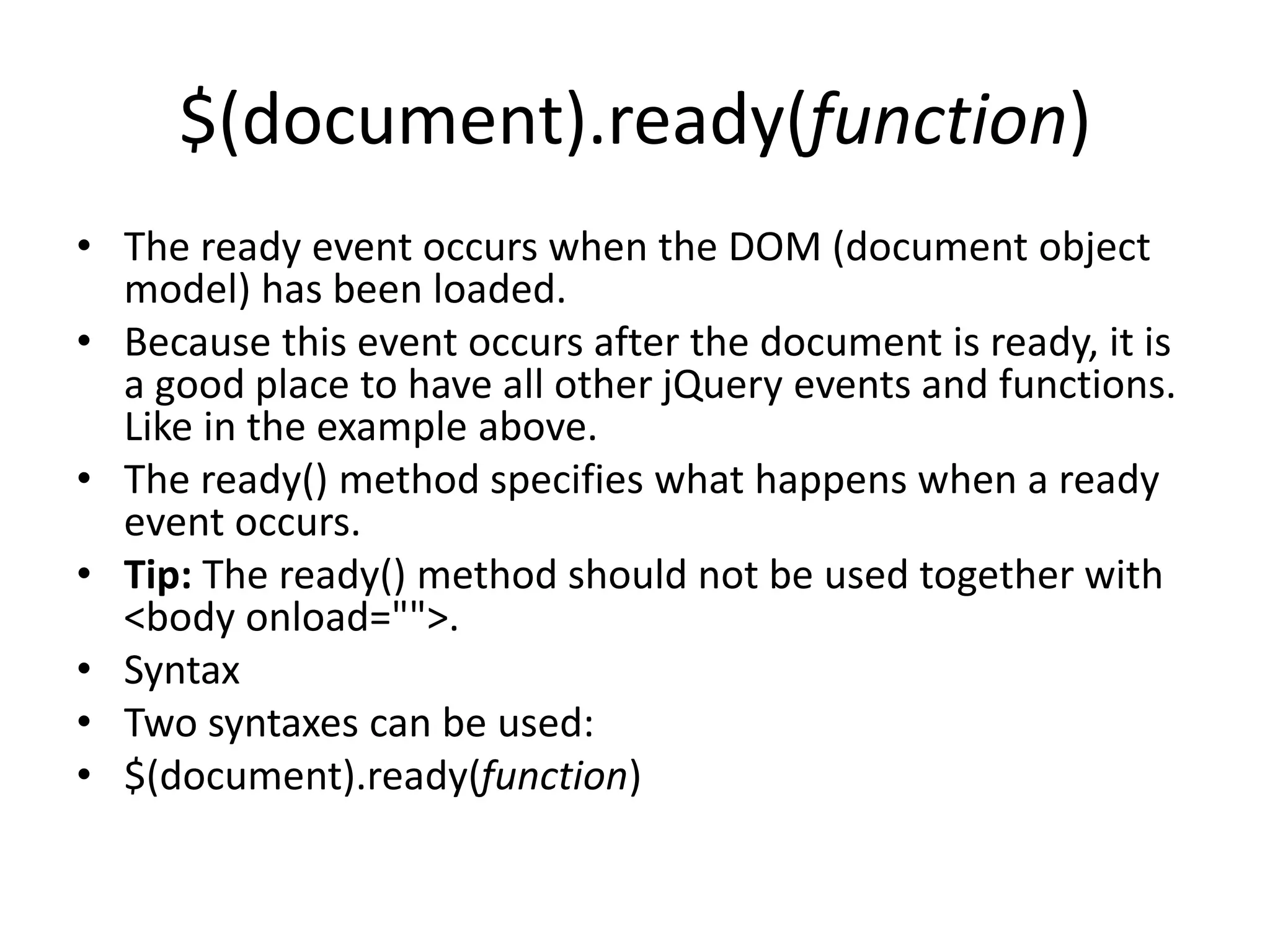
$(document).ready(function)
• The readyevent occurs when the DOM (document object
model) has been loaded.
• Because this event occurs after the document is ready, it is
a good place to have all other jQuery events and functions.
Like in the example above.
• The ready() method specifies what happens when a ready
event occurs.
• Tip: The ready() method should not be used together with
<body onload="">.
• Syntax
• Two syntaxes can be used:
• $(document).ready(function)
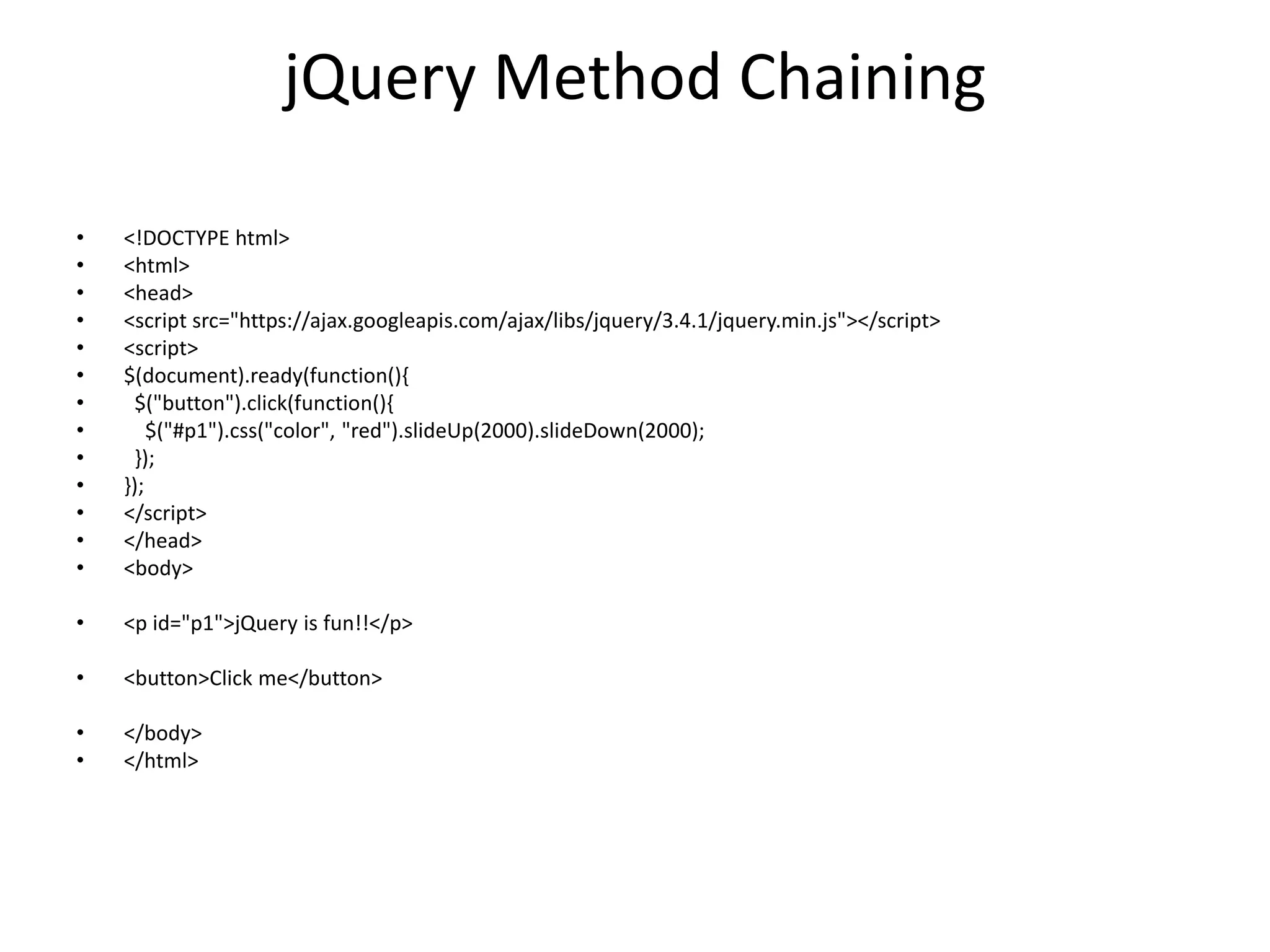
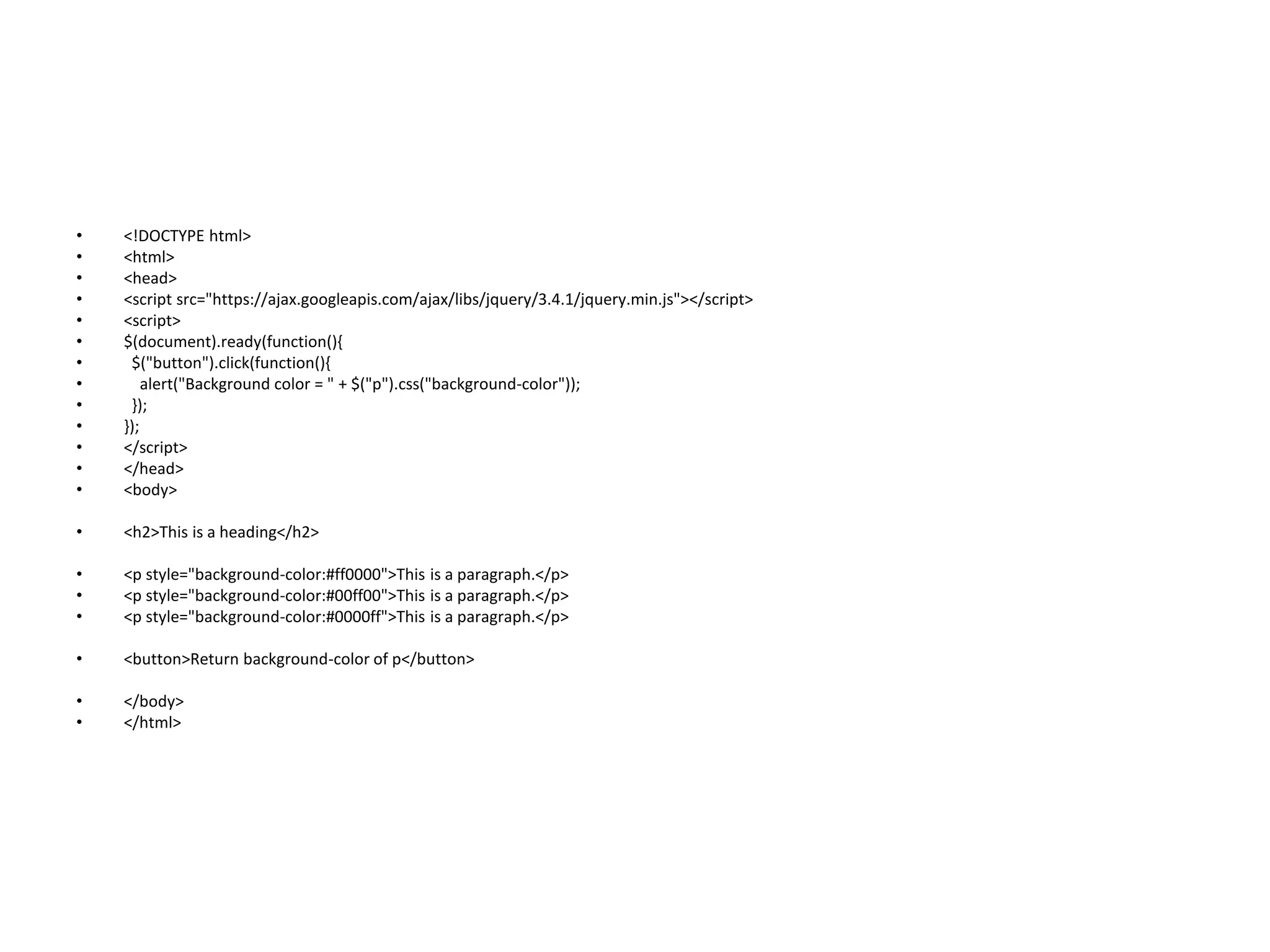
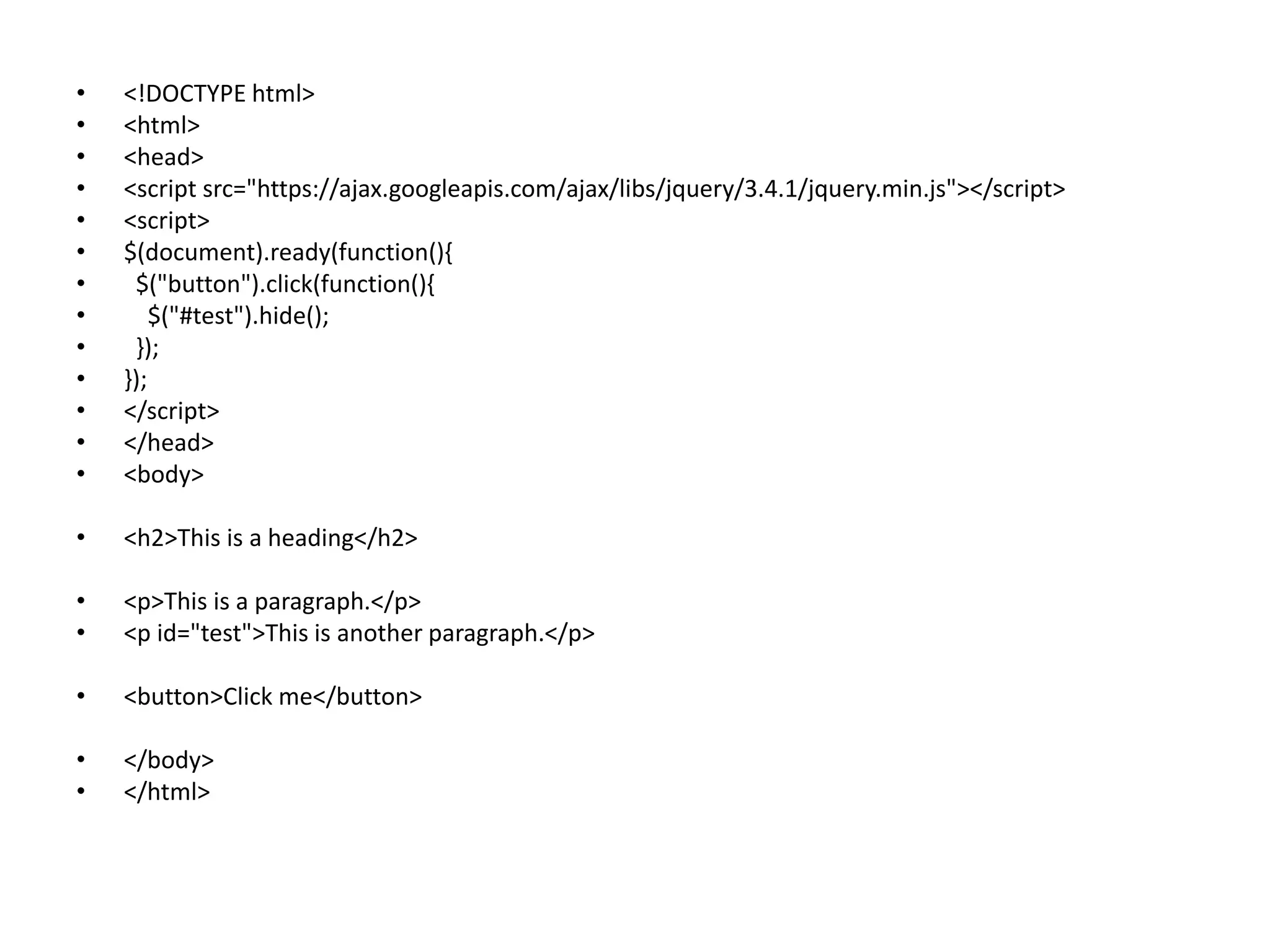
• <!DOCTYPE html>
•<html>
• <head>
• <script src="https://ajax.googleapis.com/ajax/libs/jquery/3.4.1/jquery.min.js"></script>
• <script>
• $(document).ready(function(){
• $("button").click(function(){
• alert("Background color = " + $("p").css("background-color"));
• });
• });
• </script>
• </head>
• <body>
• <h2>This is a heading</h2>
• <p style="background-color:#ff0000">This is a paragraph.</p>
• <p style="background-color:#00ff00">This is a paragraph.</p>
• <p style="background-color:#0000ff">This is a paragraph.</p>
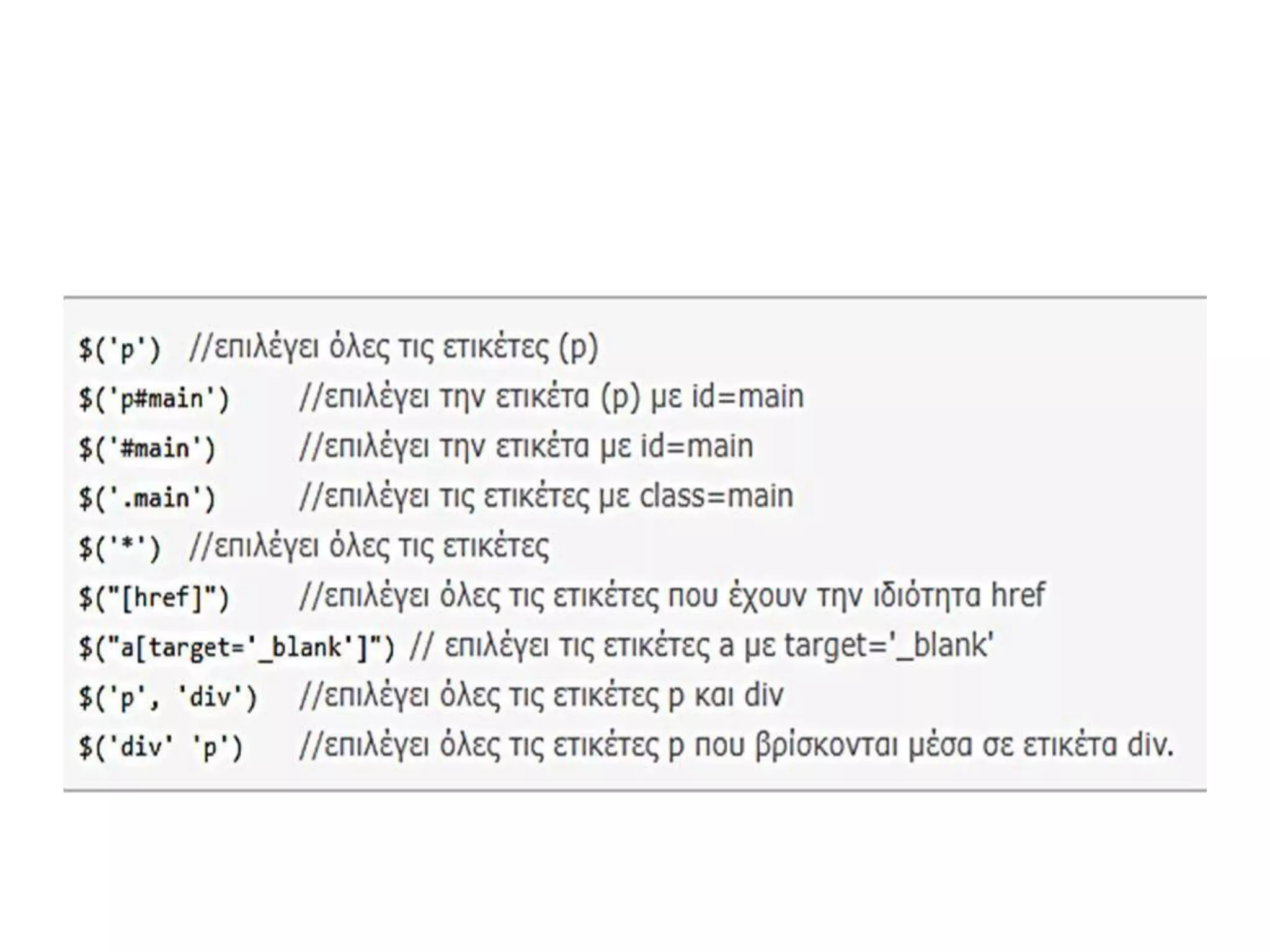
• <button>Return background-color of p</button>
• </body>
• </html>
214.
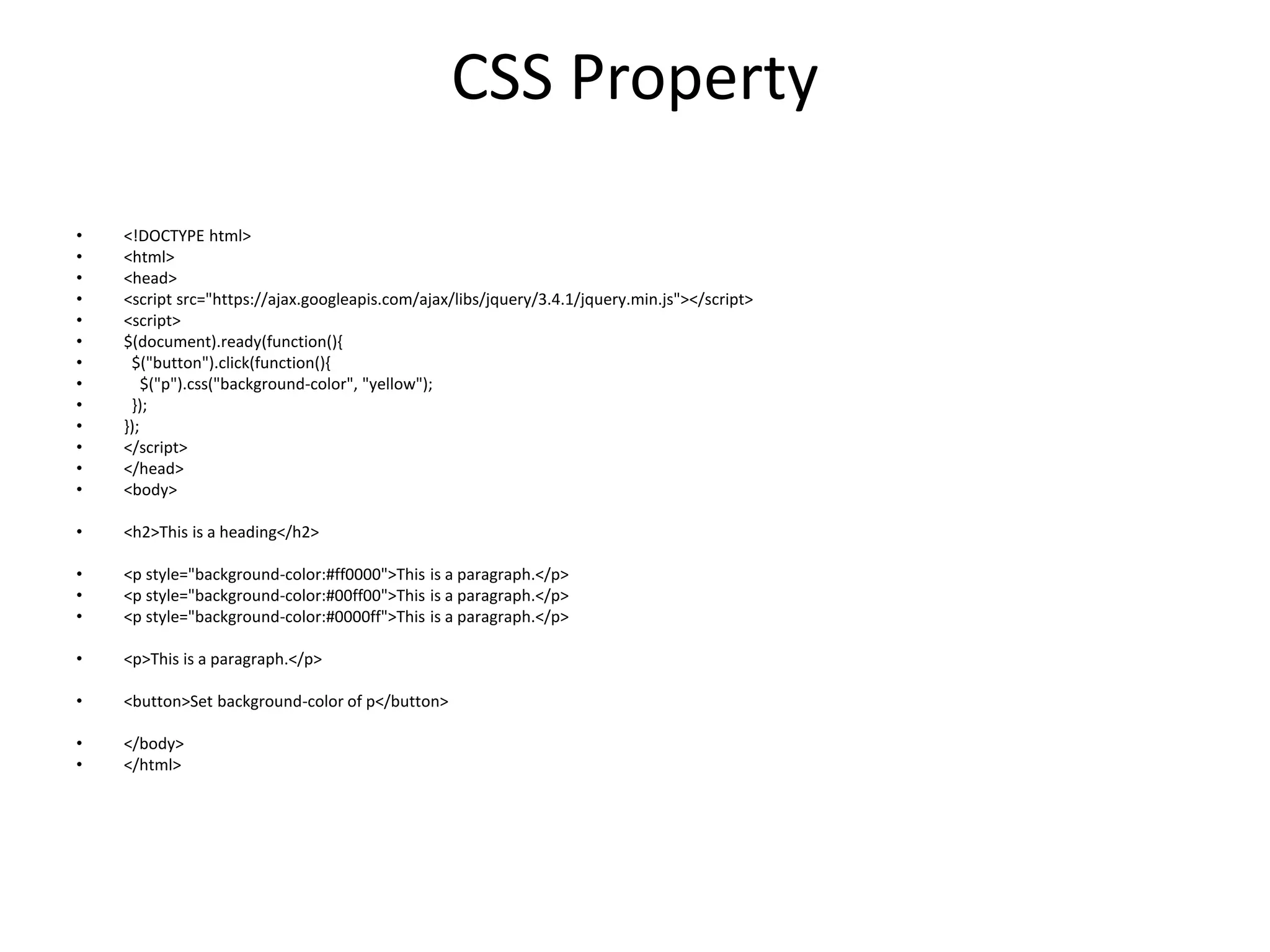
CSS Property
• <!DOCTYPEhtml>
• <html>
• <head>
• <script src="https://ajax.googleapis.com/ajax/libs/jquery/3.4.1/jquery.min.js"></script>
• <script>
• $(document).ready(function(){
• $("button").click(function(){
• $("p").css("background-color", "yellow");
• });
• });
• </script>
• </head>
• <body>
• <h2>This is a heading</h2>
• <p style="background-color:#ff0000">This is a paragraph.</p>
• <p style="background-color:#00ff00">This is a paragraph.</p>
• <p style="background-color:#0000ff">This is a paragraph.</p>
• <p>This is a paragraph.</p>
• <button>Set background-color of p</button>
• </body>
• </html>
215.
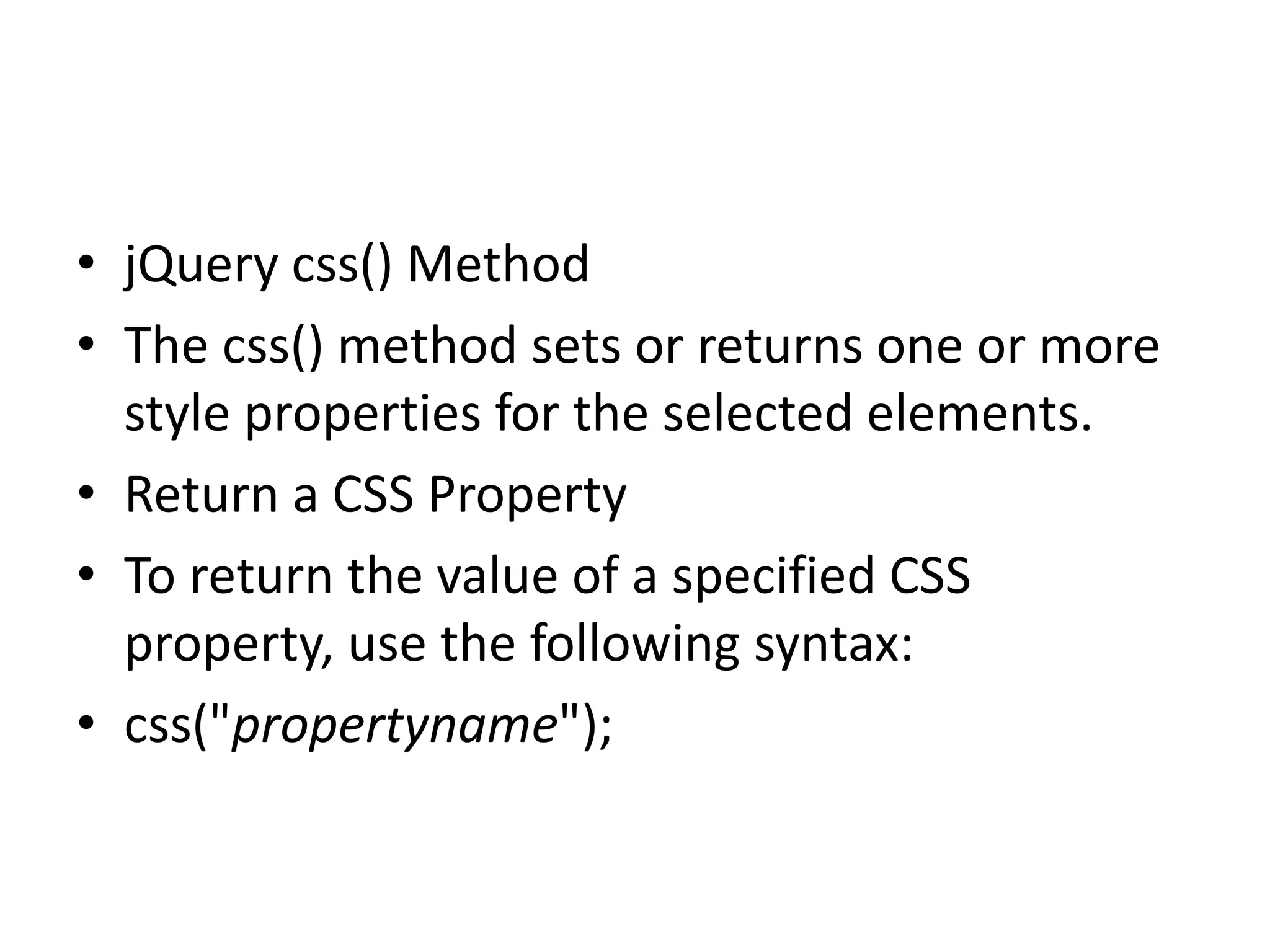
• jQuery css()Method
• The css() method sets or returns one or more
style properties for the selected elements.
• Return a CSS Property
• To return the value of a specified CSS
property, use the following syntax:
• css("propertyname");
216.
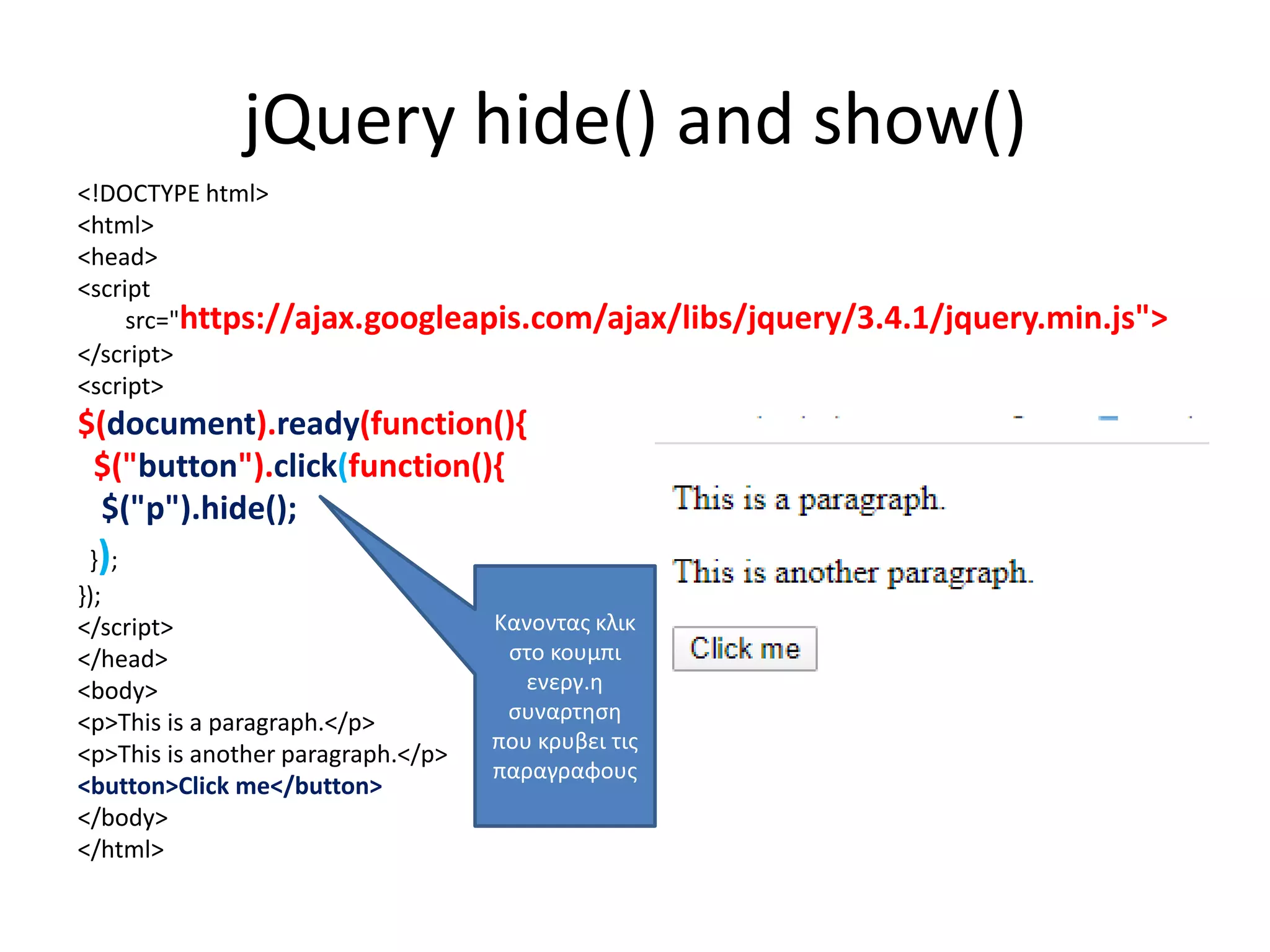
jQuery hide() andshow()
<!DOCTYPE html>
<html>
<head>
<script
src="https://ajax.googleapis.com/ajax/libs/jquery/3.4.1/jquery.min.js">
</script>
<script>
$(document).ready(function(){
$("button").click(function(){
$("p").hide();
});
});
</script>
</head>
<body>
<p>This is a paragraph.</p>
<p>This is another paragraph.</p>
<button>Click me</button>
</body>
</html>
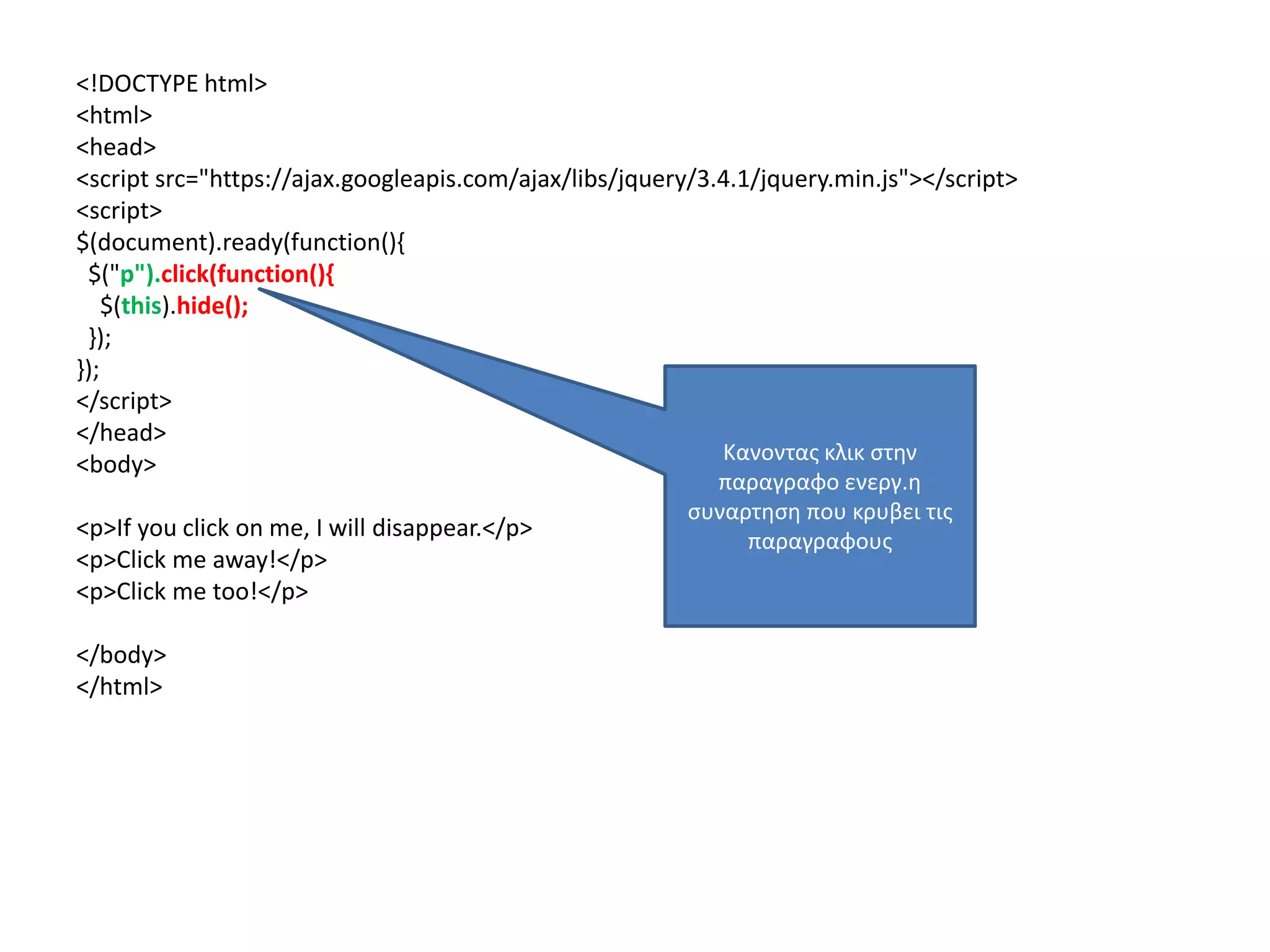
Κανοντας κλικ
στο κουμπι
ενεργ.η
συναρτηση
που κρυβει τις
παραγραφους
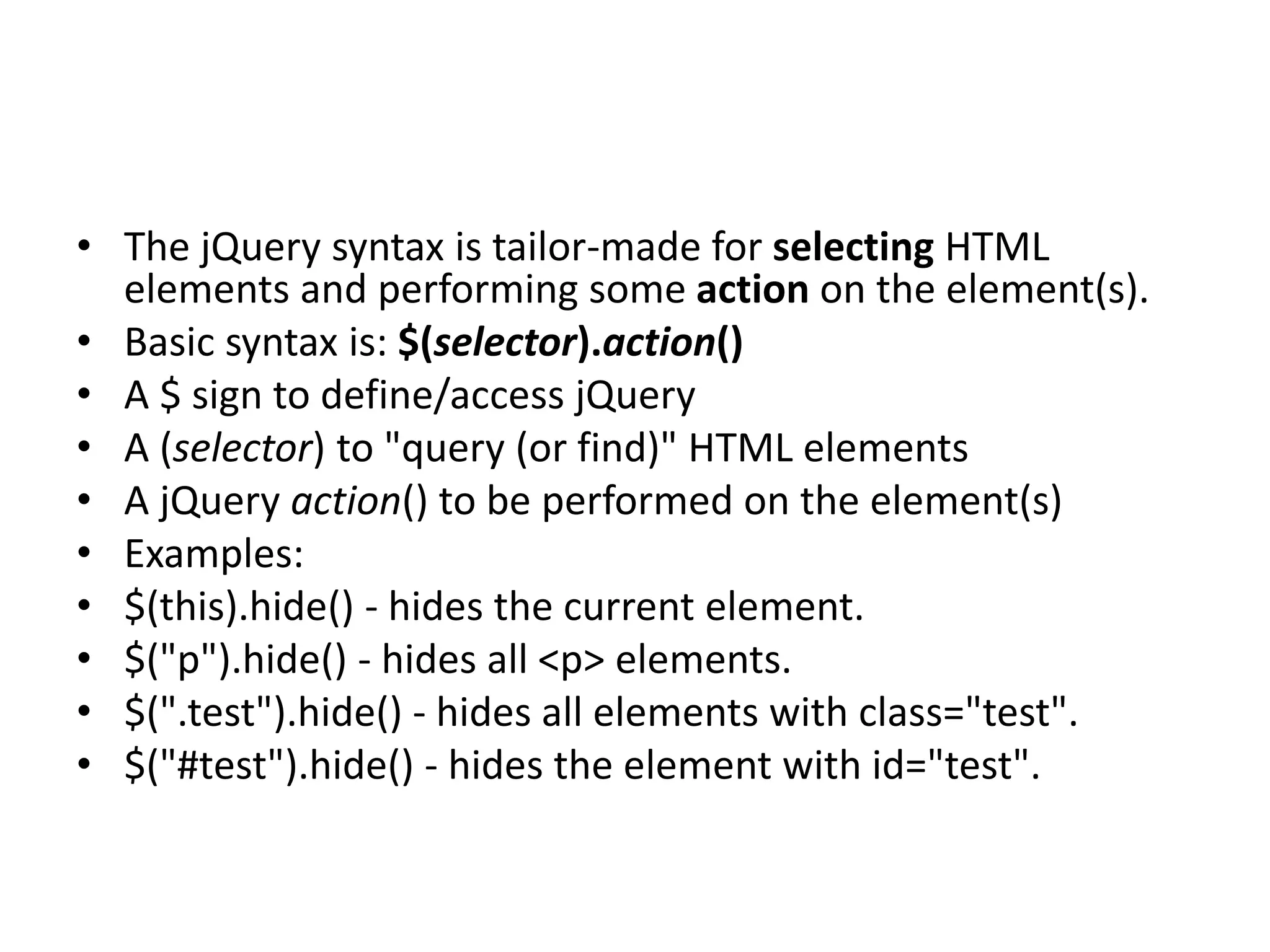
• The jQuerysyntax is tailor-made for selecting HTML
elements and performing some action on the element(s).
• Basic syntax is: $(selector).action()
• A $ sign to define/access jQuery
• A (selector) to "query (or find)" HTML elements
• A jQuery action() to be performed on the element(s)
• Examples:
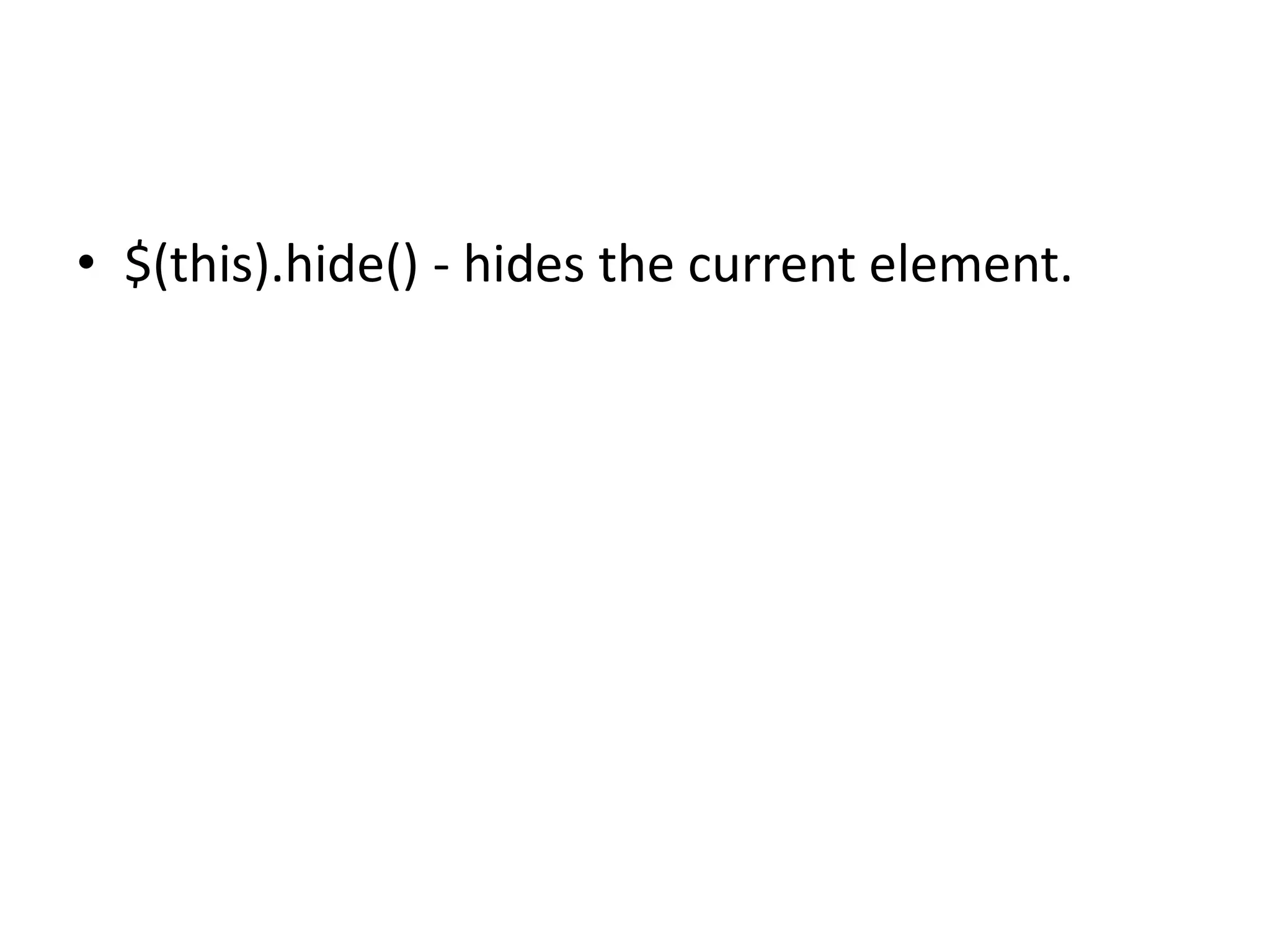
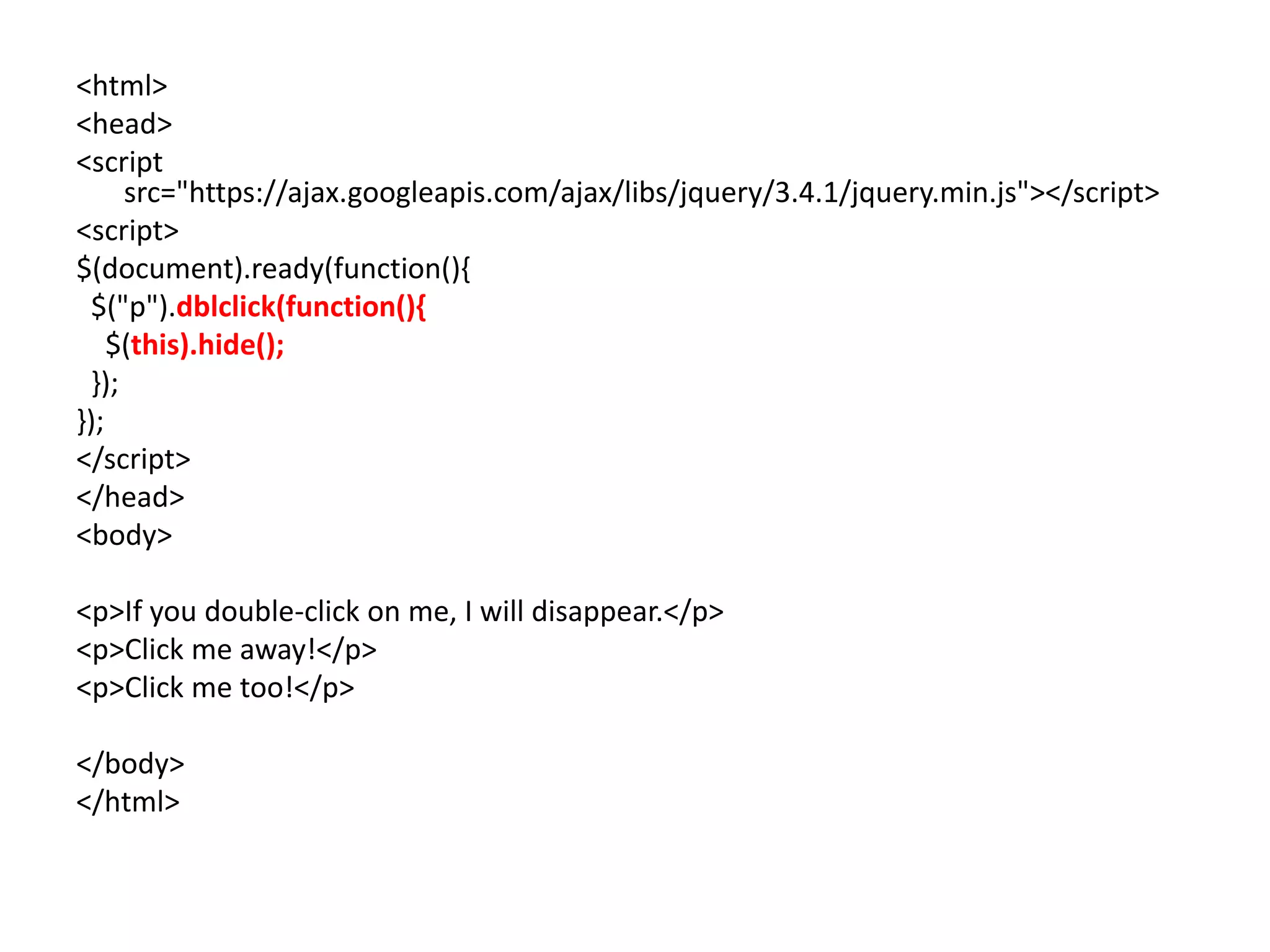
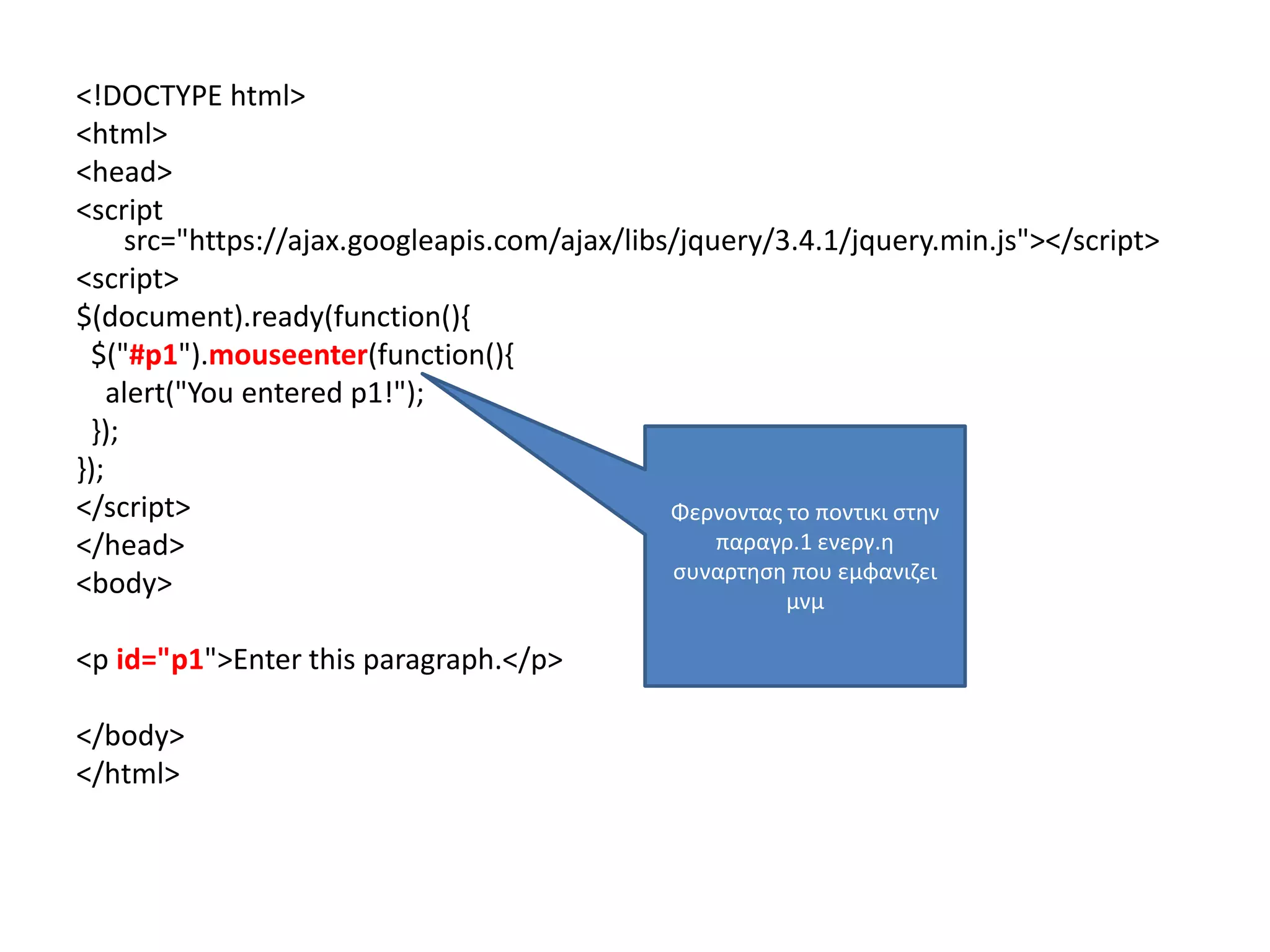
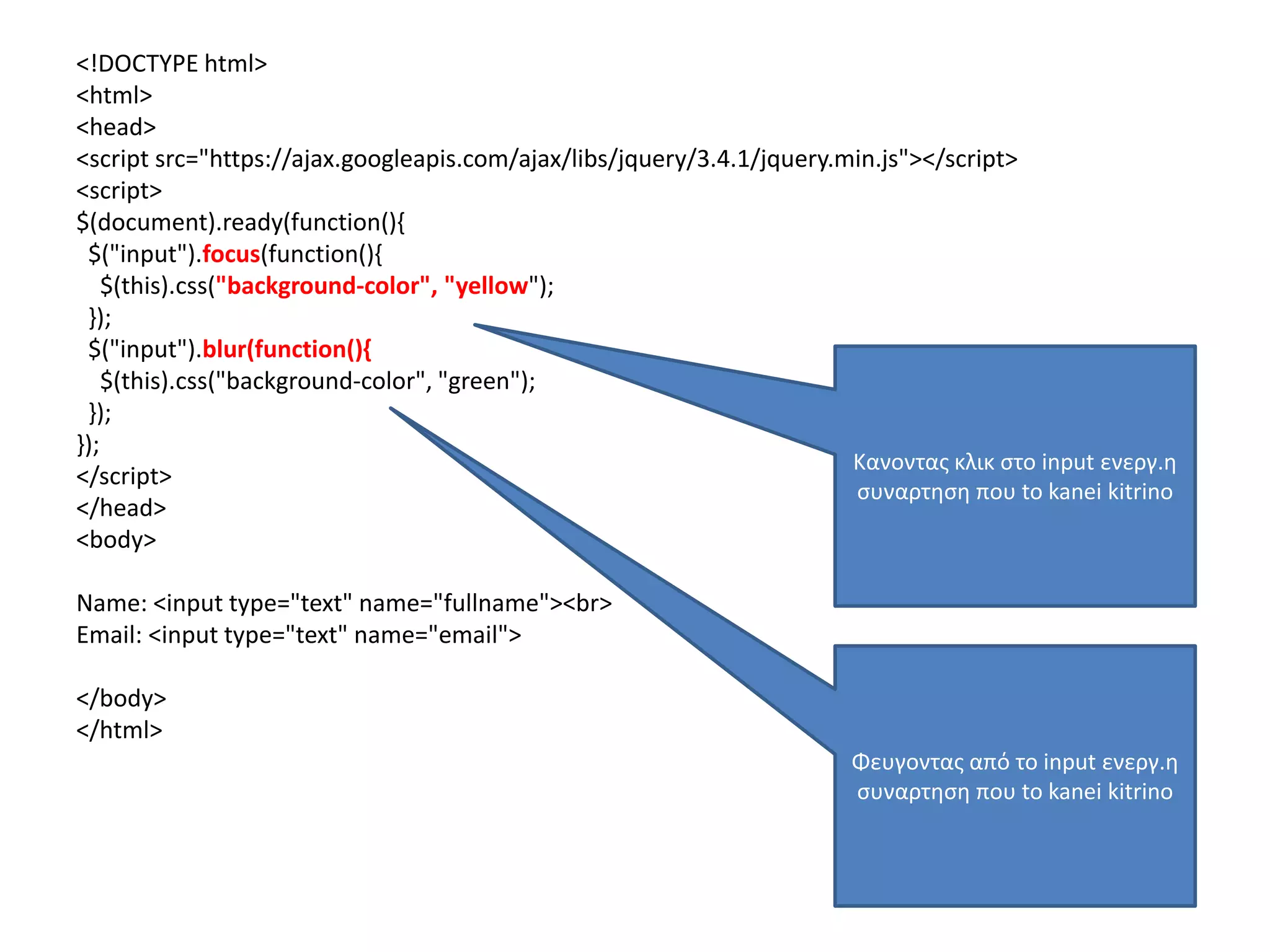
• $(this).hide() - hides the current element.
• $("p").hide() - hides all <p> elements.
• $(".test").hide() - hides all elements with class="test".
• $("#test").hide() - hides the element with id="test".
227.
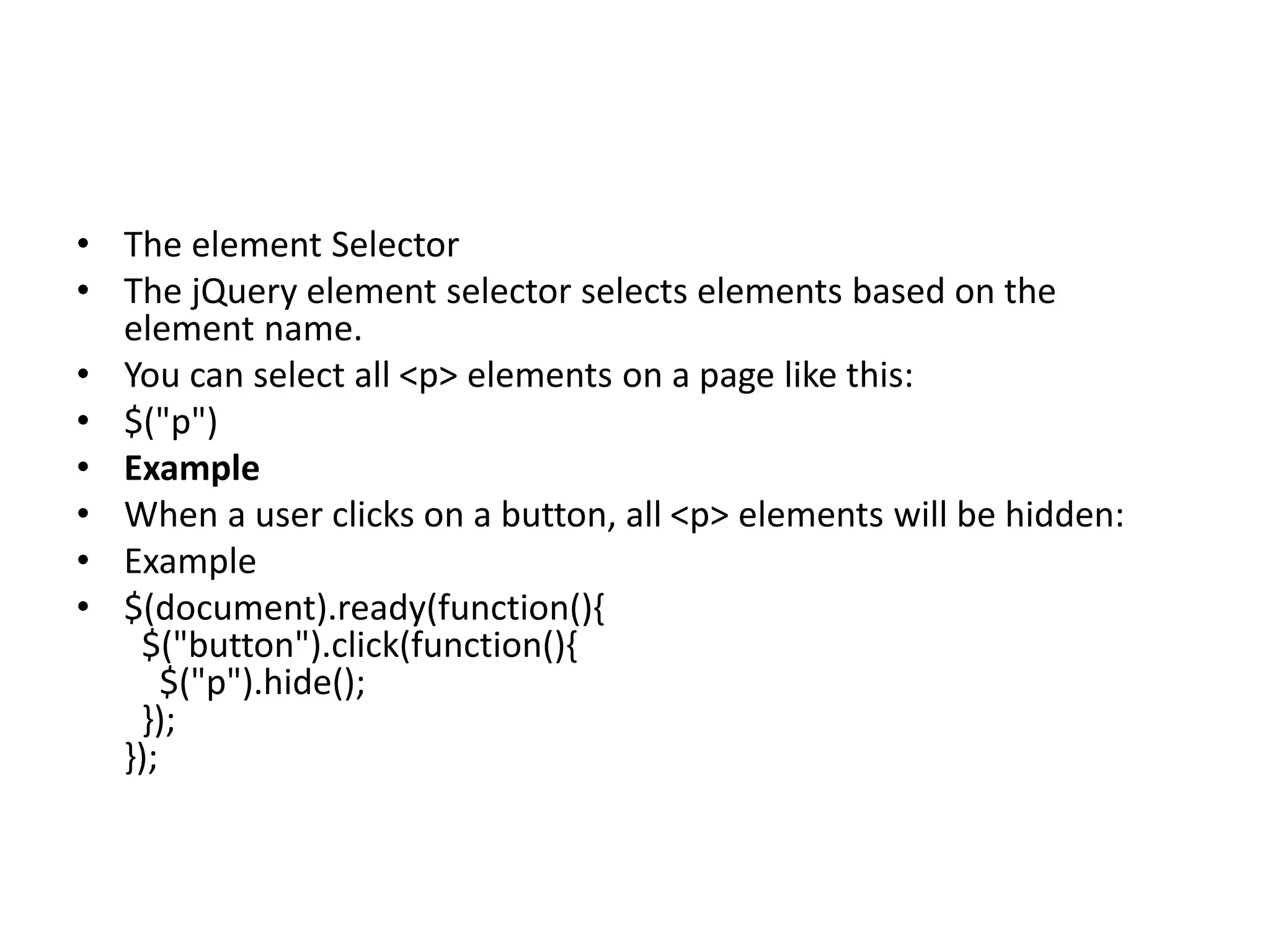
• The elementSelector
• The jQuery element selector selects elements based on the
element name.
• You can select all <p> elements on a page like this:
• $("p")
• Example
• When a user clicks on a button, all <p> elements will be hidden:
• Example
• $(document).ready(function(){
$("button").click(function(){
$("p").hide();
});
});
228.
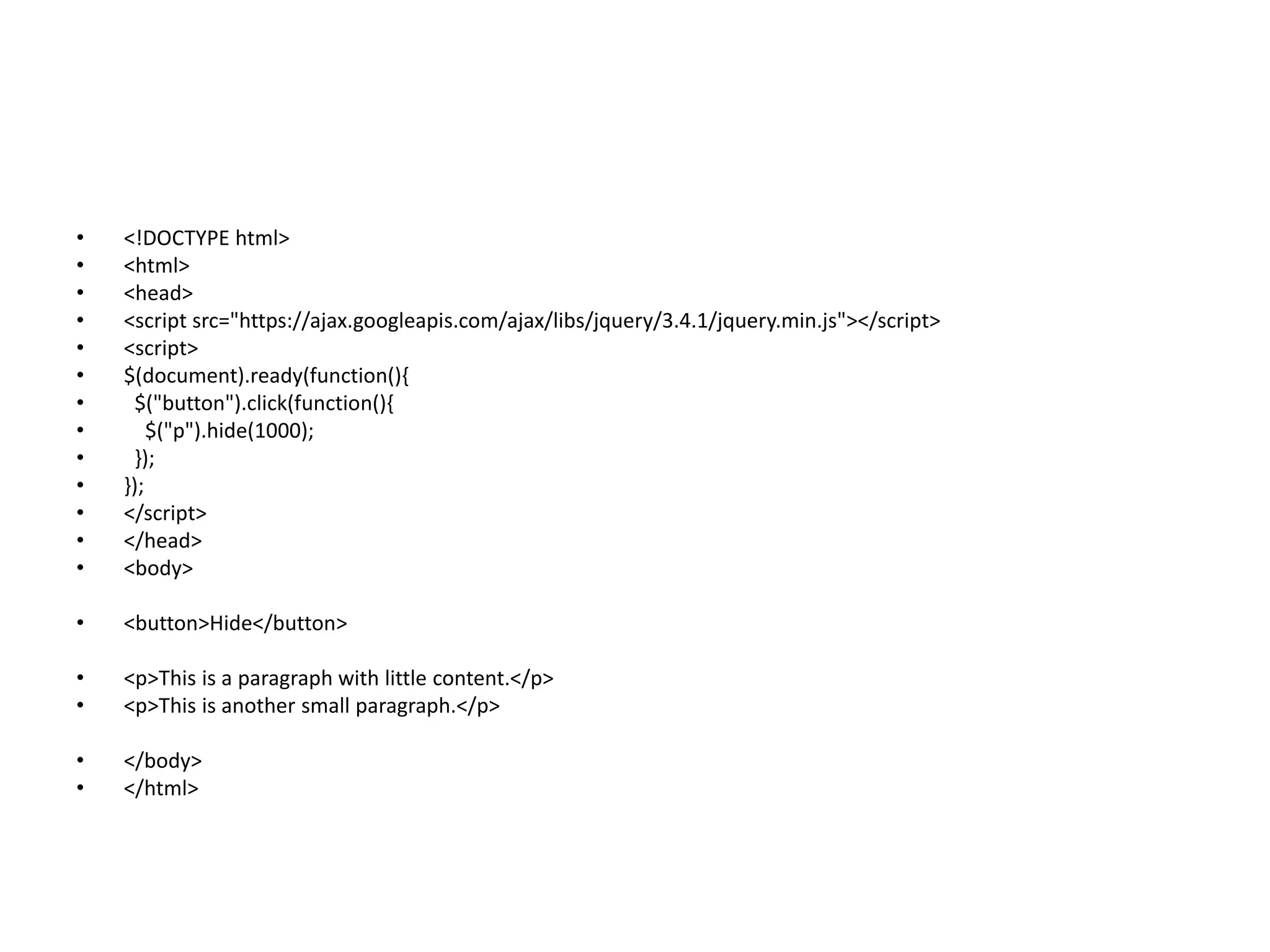
• <!DOCTYPE html>
•<html>
• <head>
• <script src="https://ajax.googleapis.com/ajax/libs/jquery/3.4.1/jquery.min.js"></script>
• <script>
• $(document).ready(function(){
• $("button").click(function(){
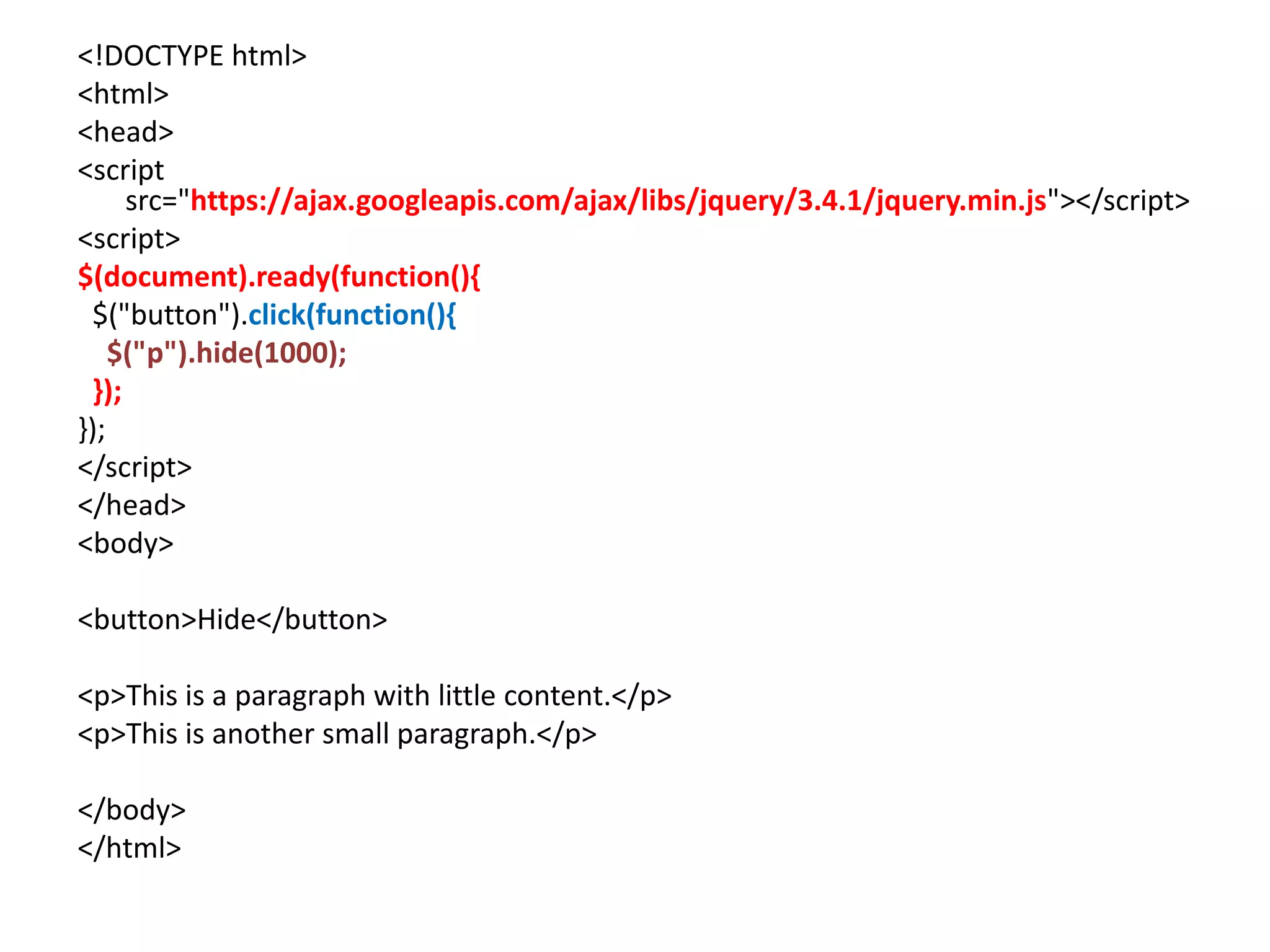
• $("p").hide(1000);
• });
• });
• </script>
• </head>
• <body>
• <button>Hide</button>
• <p>This is a paragraph with little content.</p>
• <p>This is another small paragraph.</p>
• </body>
• </html>
229.
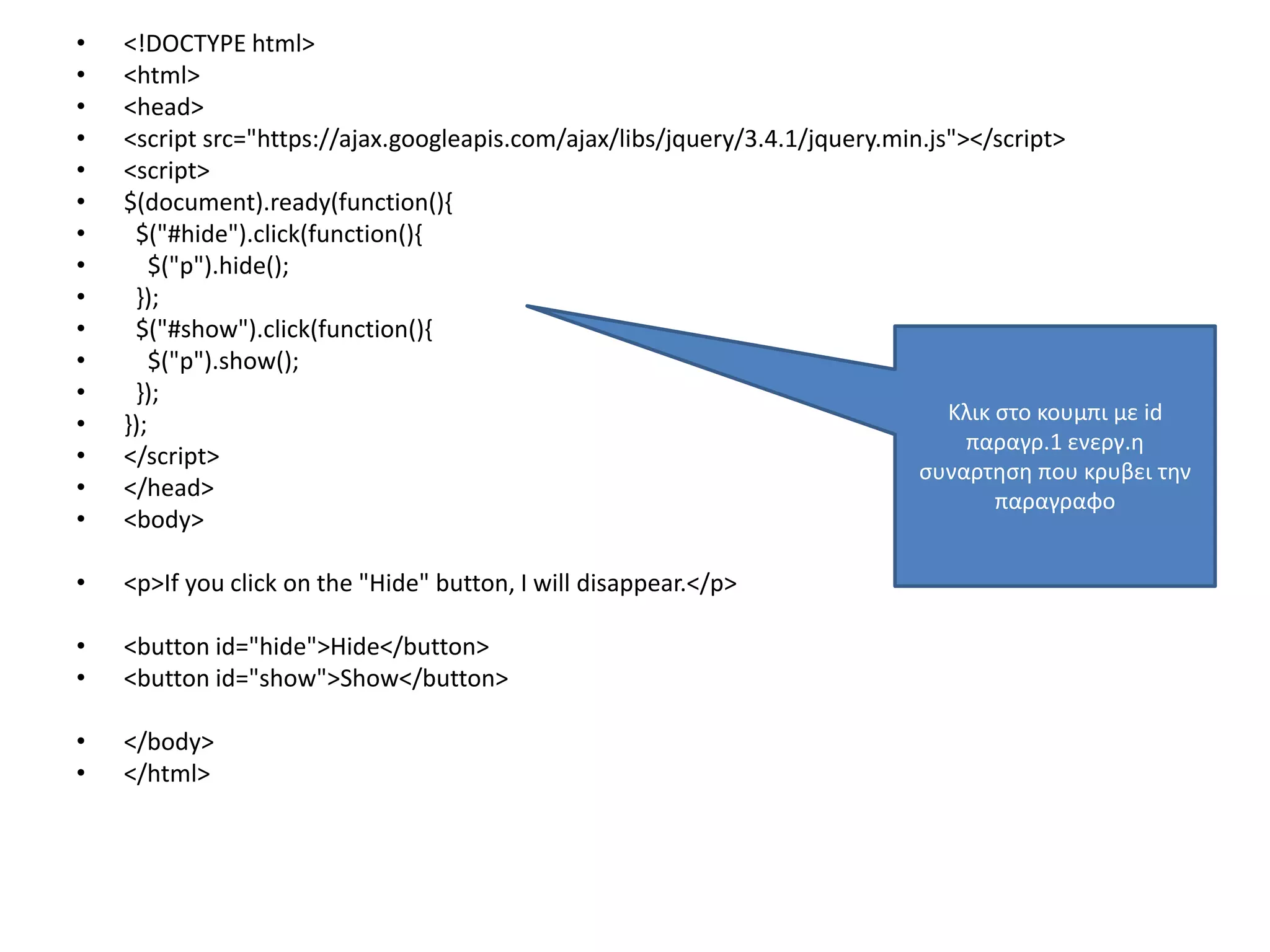
• <!DOCTYPE html>
•<html>
• <head>
• <script src="https://ajax.googleapis.com/ajax/libs/jquery/3.4.1/jquery.min.js"></script>
• <script>
• $(document).ready(function(){
• $("#hide").click(function(){
• $("p").hide();
• });
• $("#show").click(function(){
• $("p").show();
• });
• });
• </script>
• </head>
• <body>
• <p>If you click on the "Hide" button, I will disappear.</p>
• <button id="hide">Hide</button>
• <button id="show">Show</button>
• </body>
• </html>
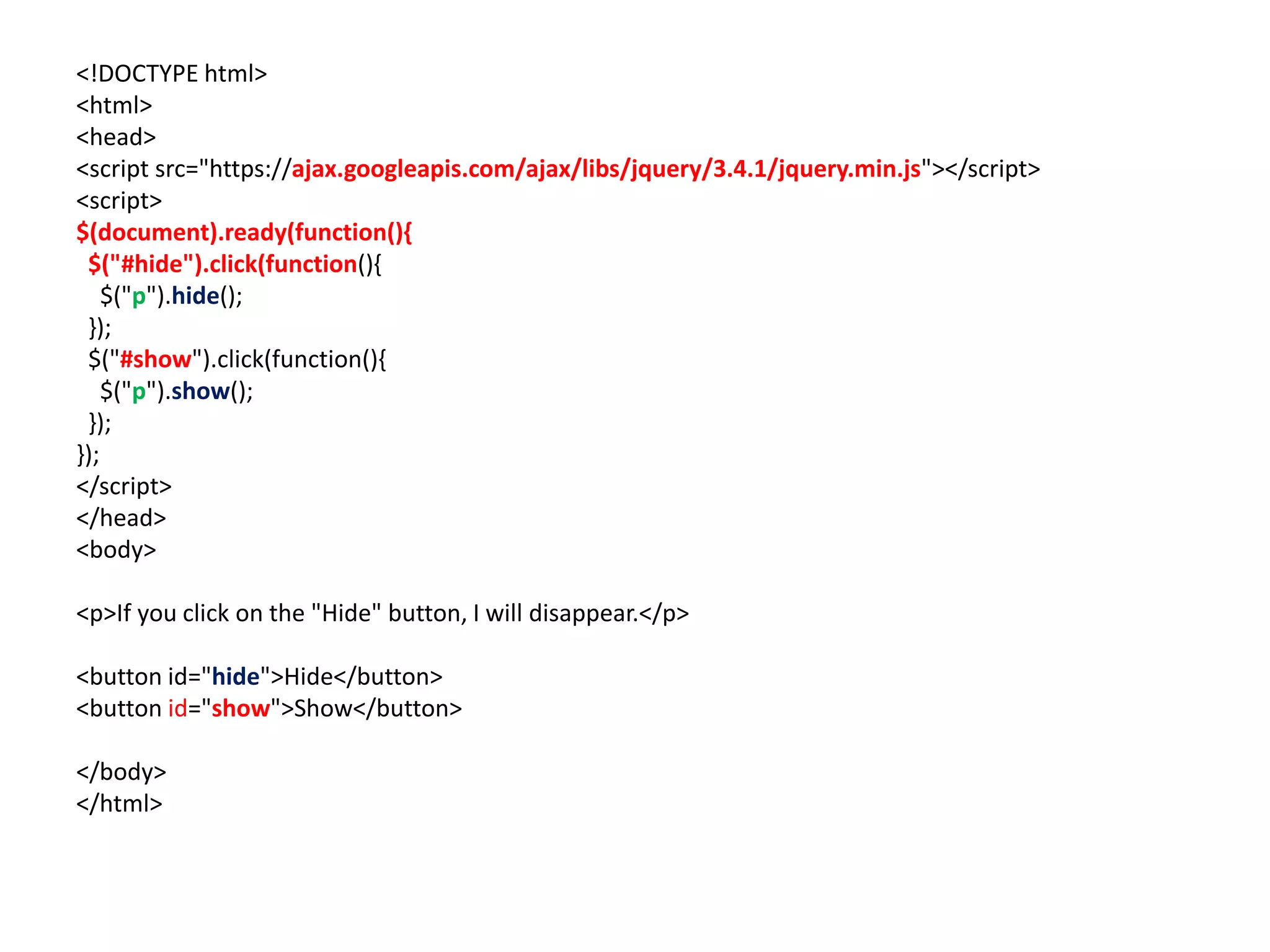
Κλικ στο κουμπι με id
παραγρ.1 ενεργ.η
συναρτηση που κρυβει την
παραγραφο
• <!DOCTYPE html>
•<html>
• <head>
• <script src="https://ajax.googleapis.com/ajax/libs/jquery/3.4.1/jquery.min.js"></script>
• <script>
• $(document).ready(function(){
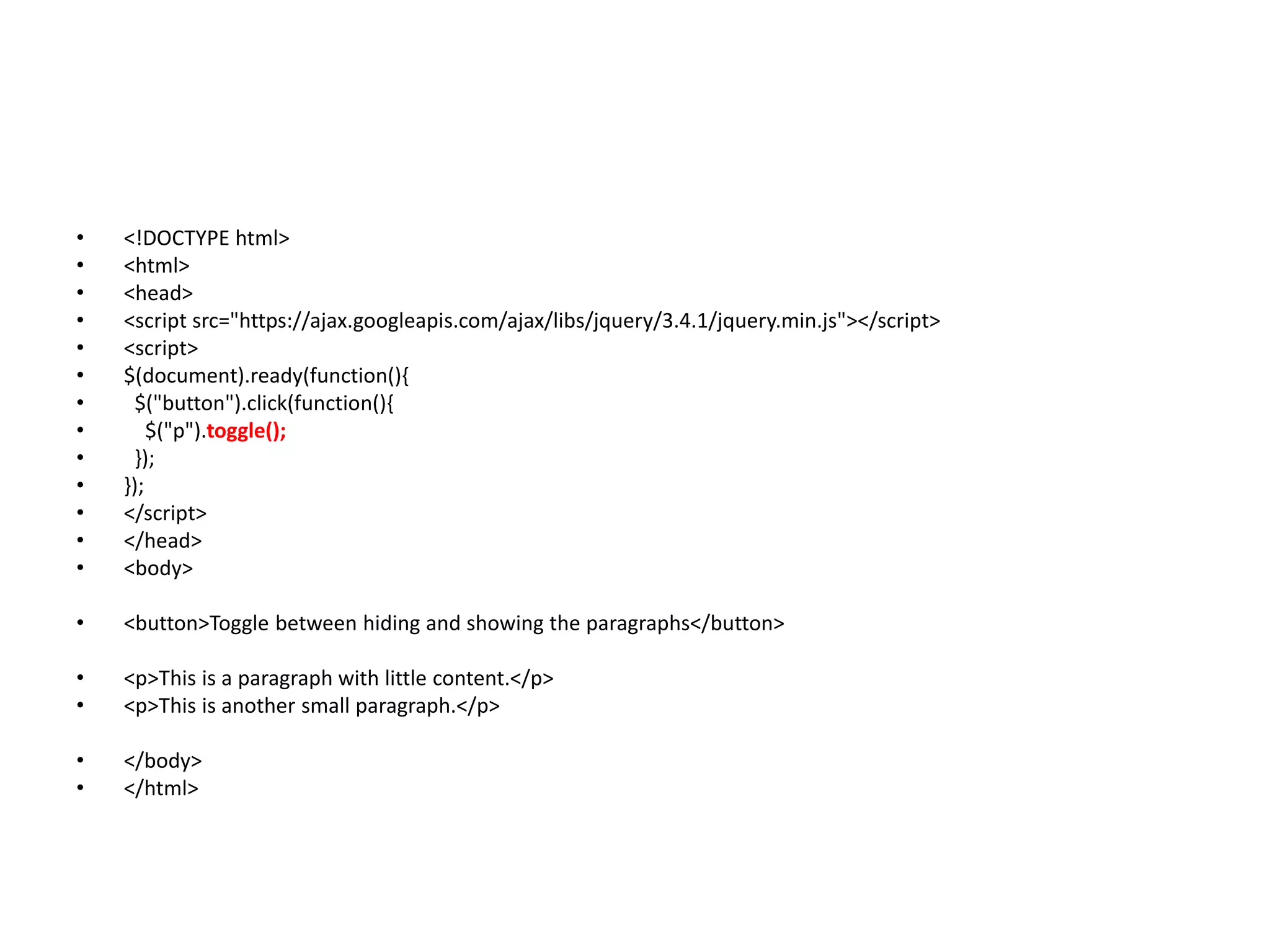
• $("button").click(function(){
• $("p").toggle();
• });
• });
• </script>
• </head>
• <body>
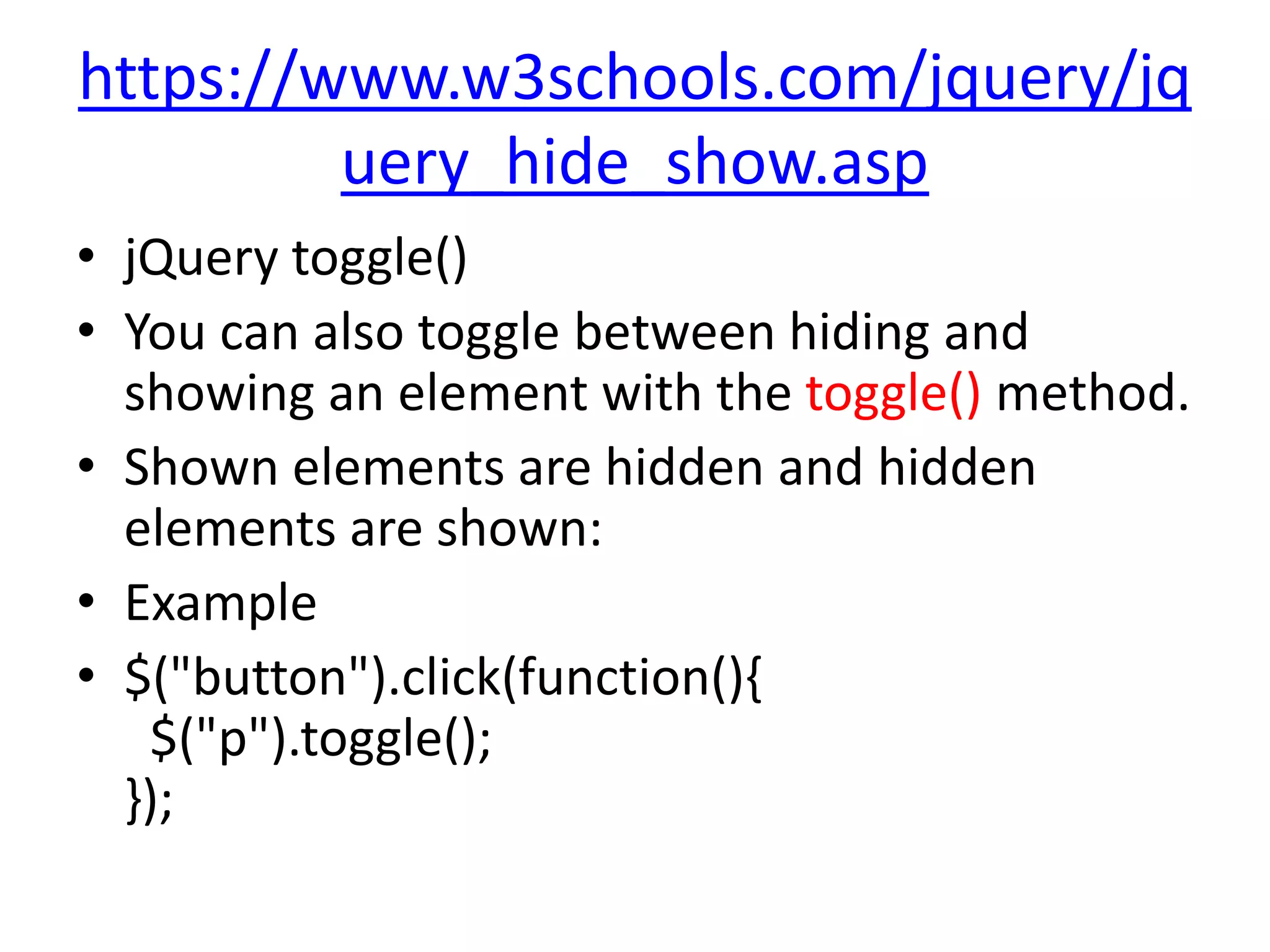
• <button>Toggle between hiding and showing the paragraphs</button>
• <p>This is a paragraph with little content.</p>
• <p>This is another small paragraph.</p>
• </body>
• </html>
232.
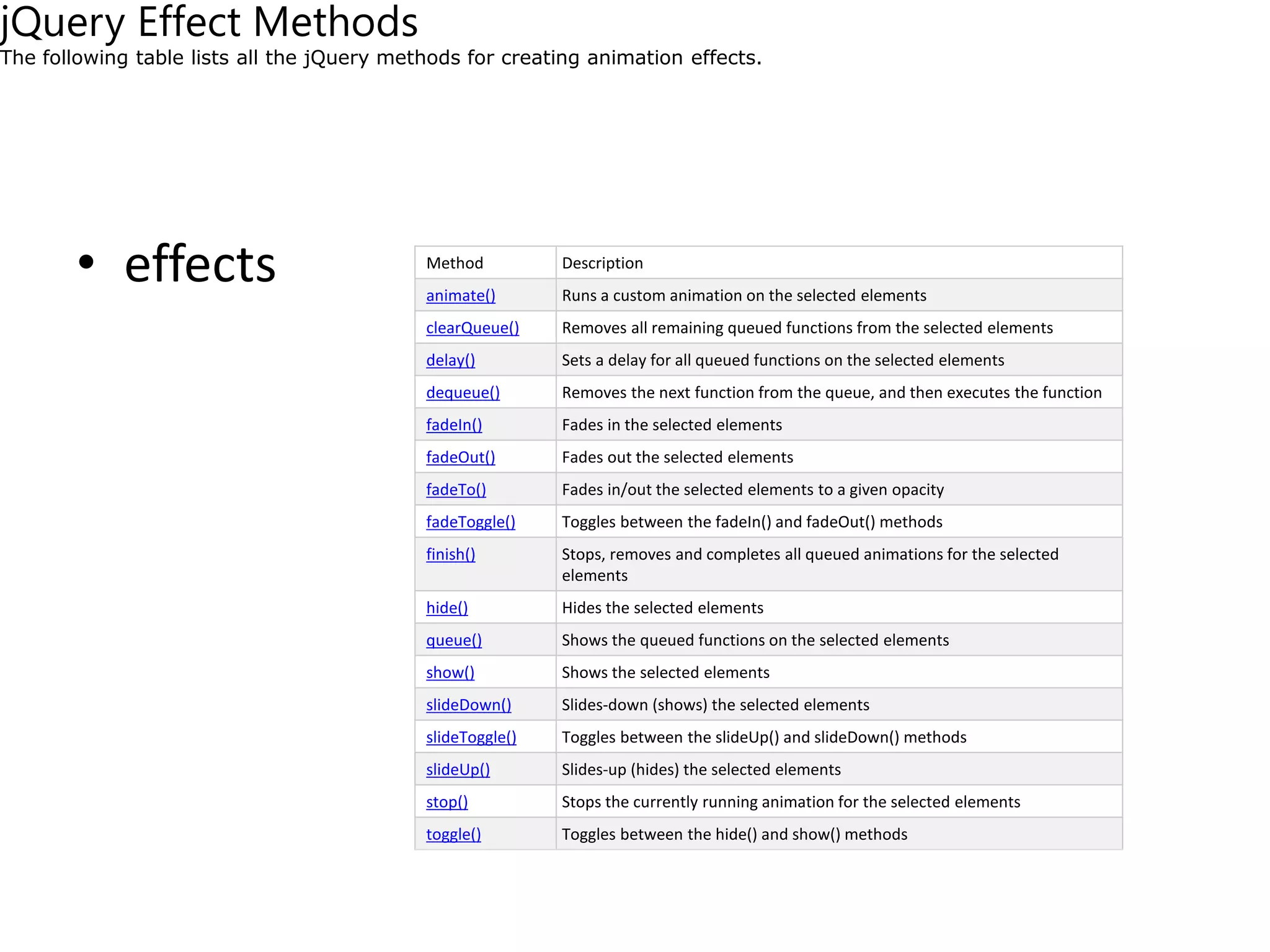
• effects MethodDescription
animate() Runs a custom animation on the selected elements
clearQueue() Removes all remaining queued functions from the selected elements
delay() Sets a delay for all queued functions on the selected elements
dequeue() Removes the next function from the queue, and then executes the function
fadeIn() Fades in the selected elements
fadeOut() Fades out the selected elements
fadeTo() Fades in/out the selected elements to a given opacity
fadeToggle() Toggles between the fadeIn() and fadeOut() methods
finish() Stops, removes and completes all queued animations for the selected
elements
hide() Hides the selected elements
queue() Shows the queued functions on the selected elements
show() Shows the selected elements
slideDown() Slides-down (shows) the selected elements
slideToggle() Toggles between the slideUp() and slideDown() methods
slideUp() Slides-up (hides) the selected elements
stop() Stops the currently running animation for the selected elements
toggle() Toggles between the hide() and show() methods
jQuery Effect Methods
The following table lists all the jQuery methods for creating animation effects.
233.
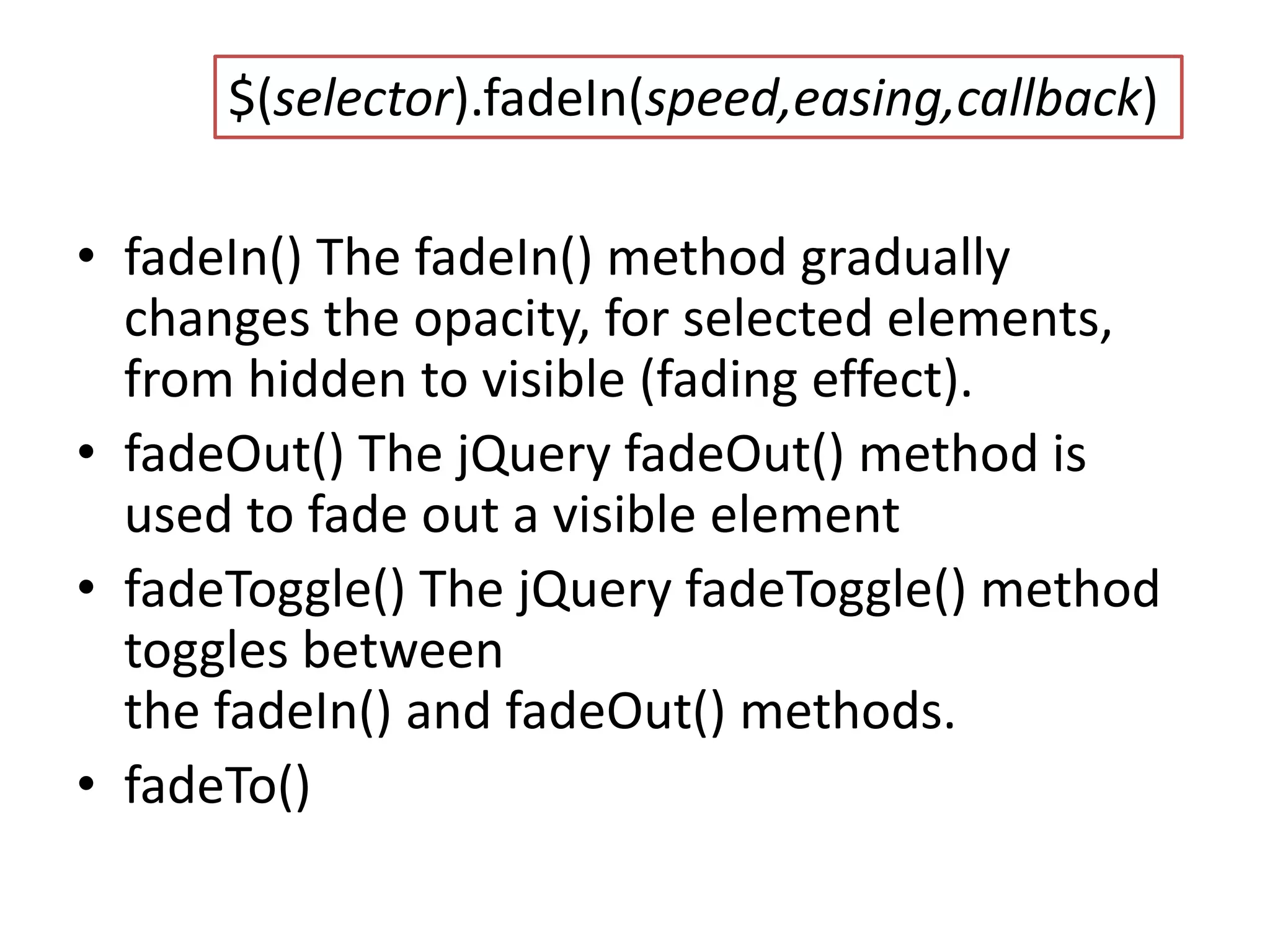
• fadeIn() ThefadeIn() method gradually
changes the opacity, for selected elements,
from hidden to visible (fading effect).
• fadeOut() The jQuery fadeOut() method is
used to fade out a visible element
• fadeToggle() The jQuery fadeToggle() method
toggles between
the fadeIn() and fadeOut() methods.
• fadeTo()
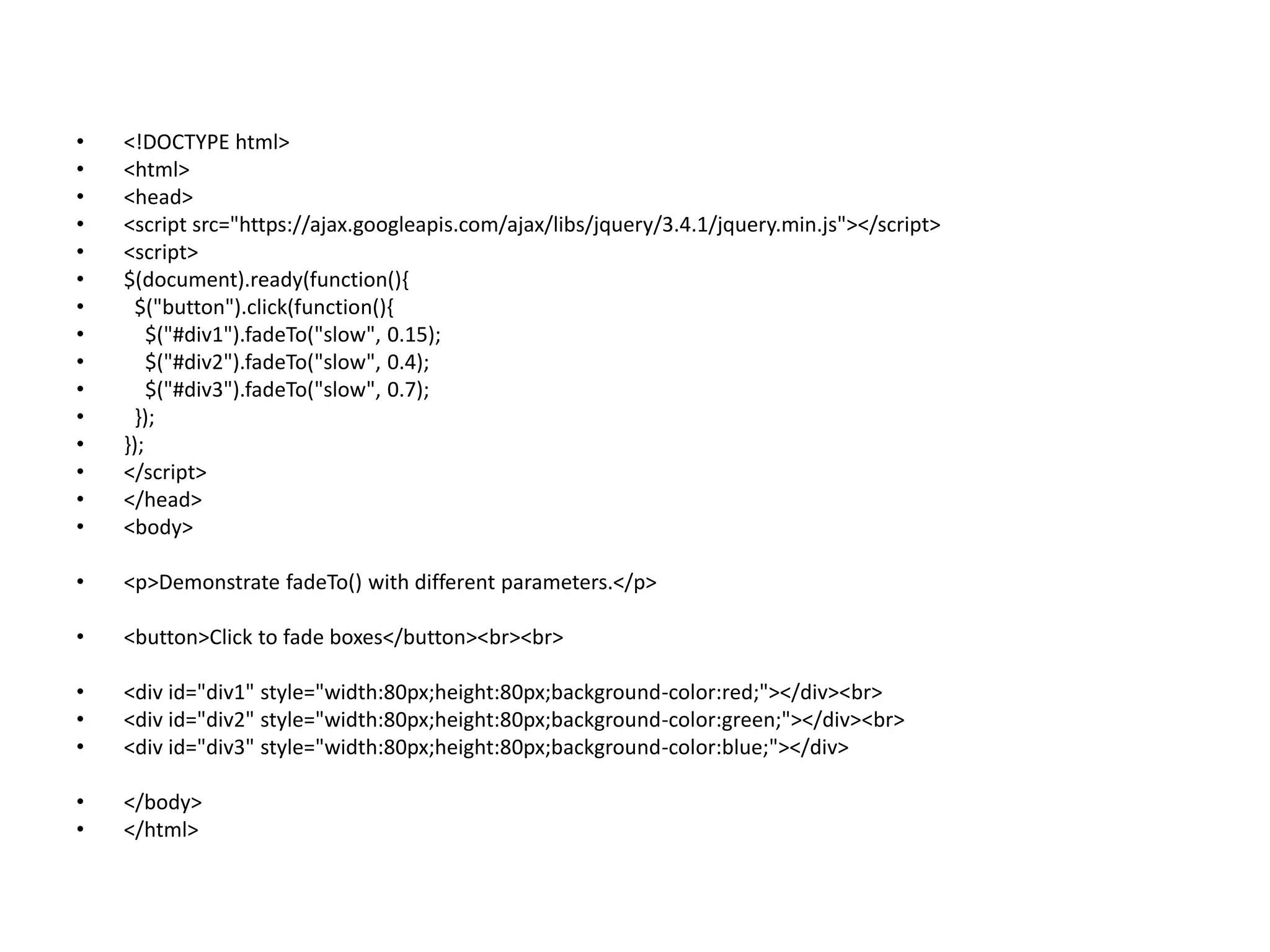
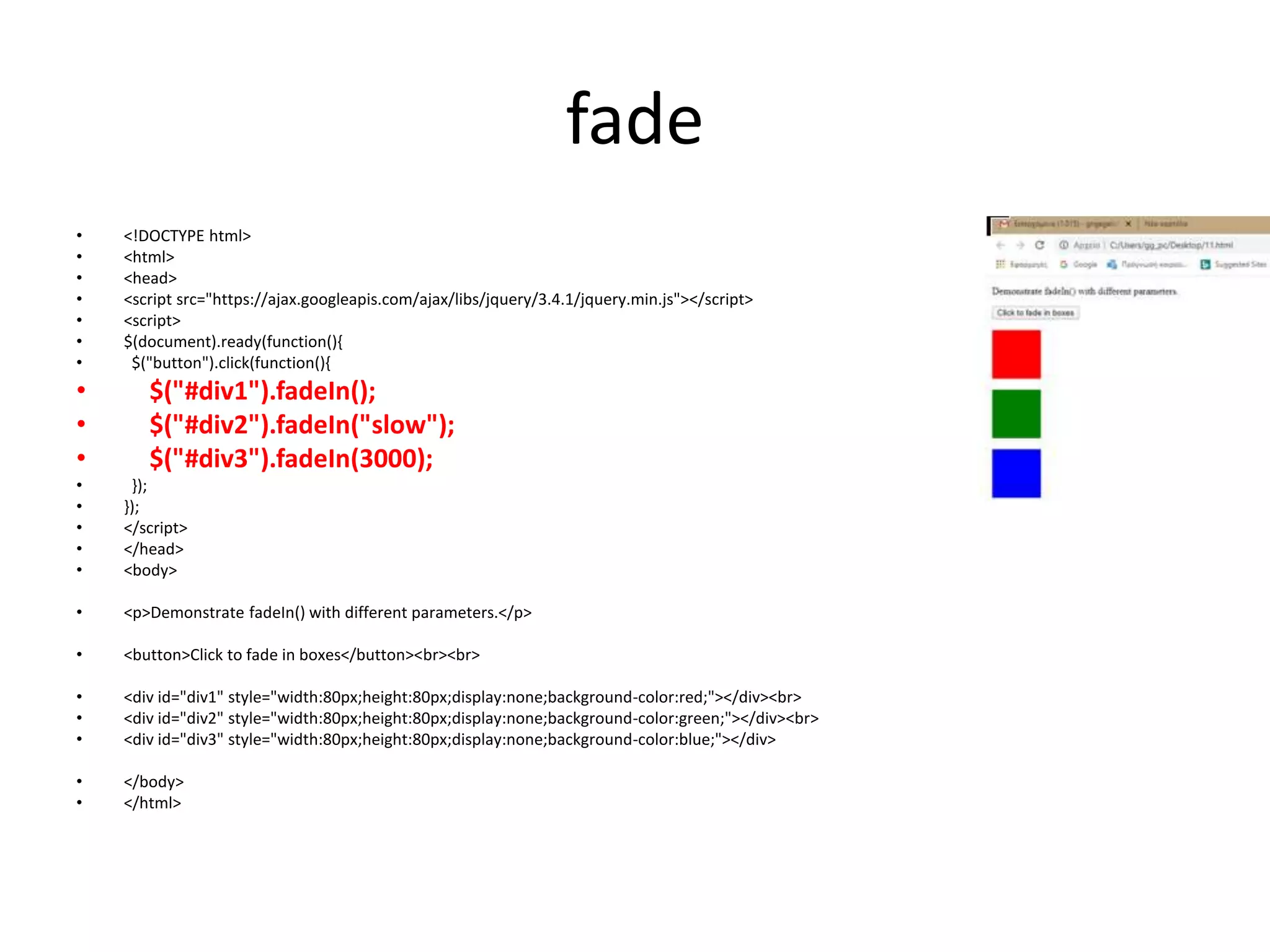
$(selector).fadeIn(speed,easing,callback)
234.
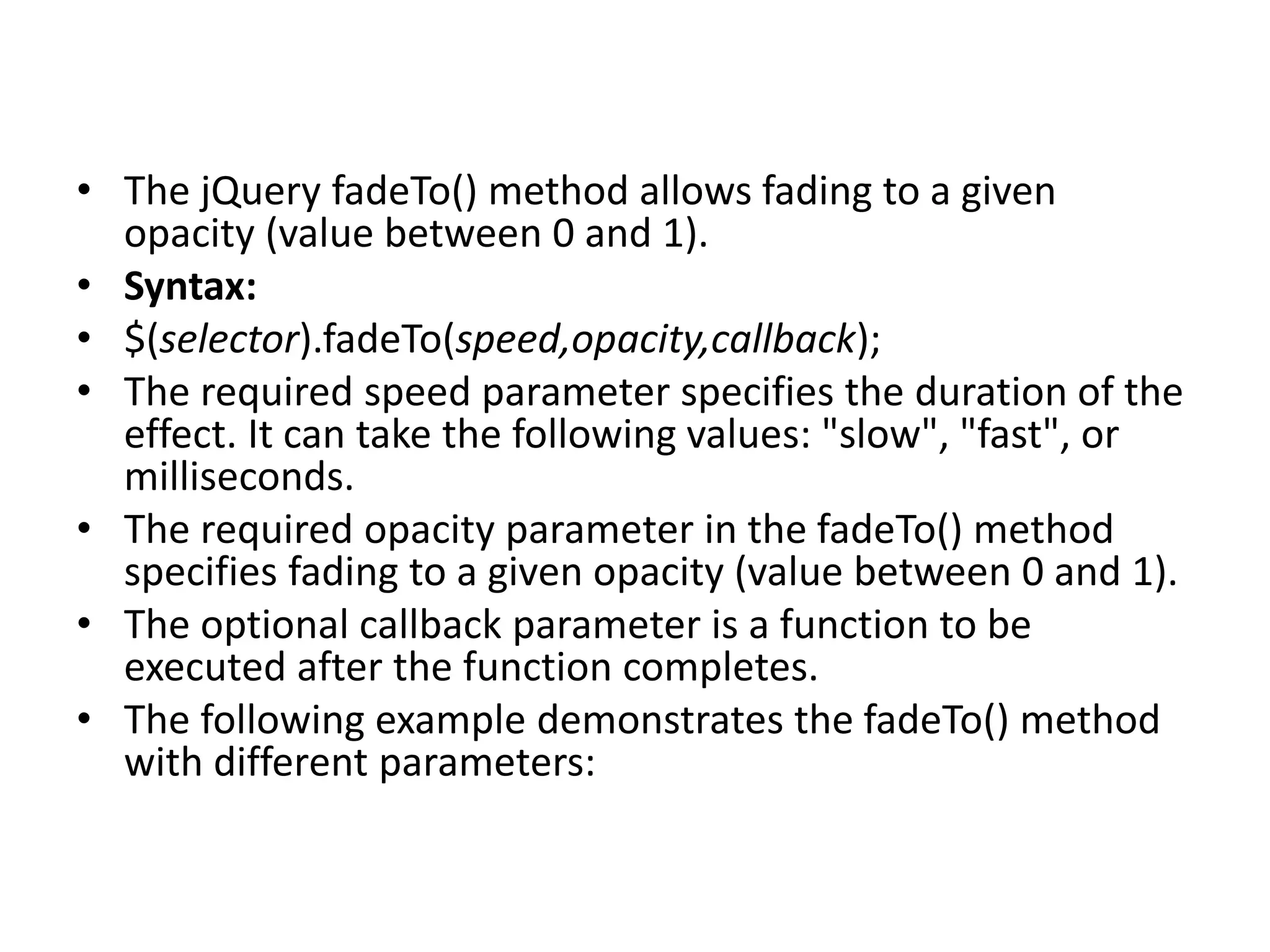
• The jQueryfadeTo() method allows fading to a given
opacity (value between 0 and 1).
• Syntax:
• $(selector).fadeTo(speed,opacity,callback);
• The required speed parameter specifies the duration of the
effect. It can take the following values: "slow", "fast", or
milliseconds.
• The required opacity parameter in the fadeTo() method
specifies fading to a given opacity (value between 0 and 1).
• The optional callback parameter is a function to be
executed after the function completes.
• The following example demonstrates the fadeTo() method
with different parameters:
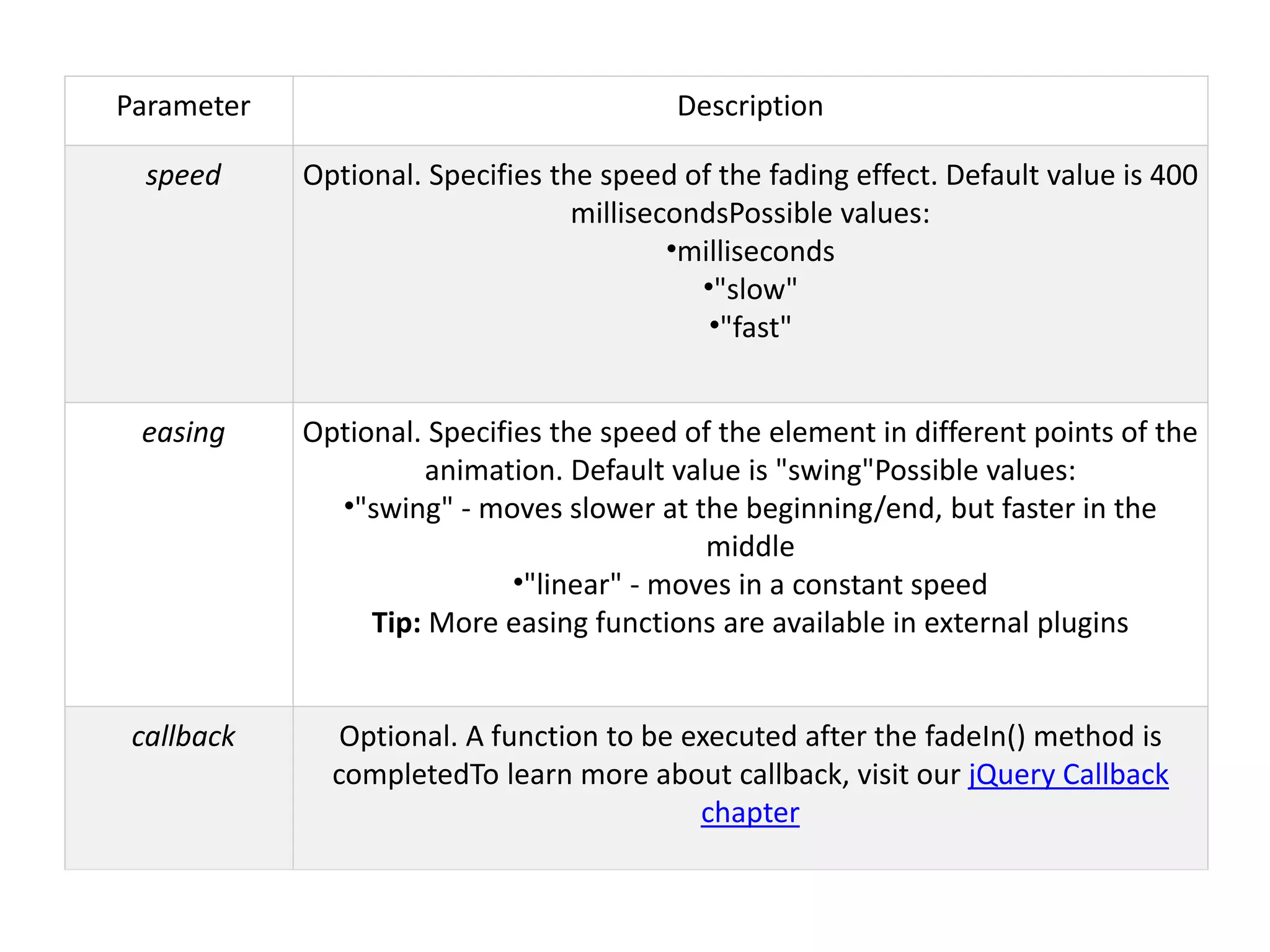
Parameter Description
speed Optional.Specifies the speed of the fading effect. Default value is 400
millisecondsPossible values:
•milliseconds
•"slow"
•"fast"
easing Optional. Specifies the speed of the element in different points of the
animation. Default value is "swing"Possible values:
•"swing" - moves slower at the beginning/end, but faster in the
middle
•"linear" - moves in a constant speed
Tip: More easing functions are available in external plugins
callback Optional. A function to be executed after the fadeIn() method is
completedTo learn more about callback, visit our jQuery Callback
chapter
237.
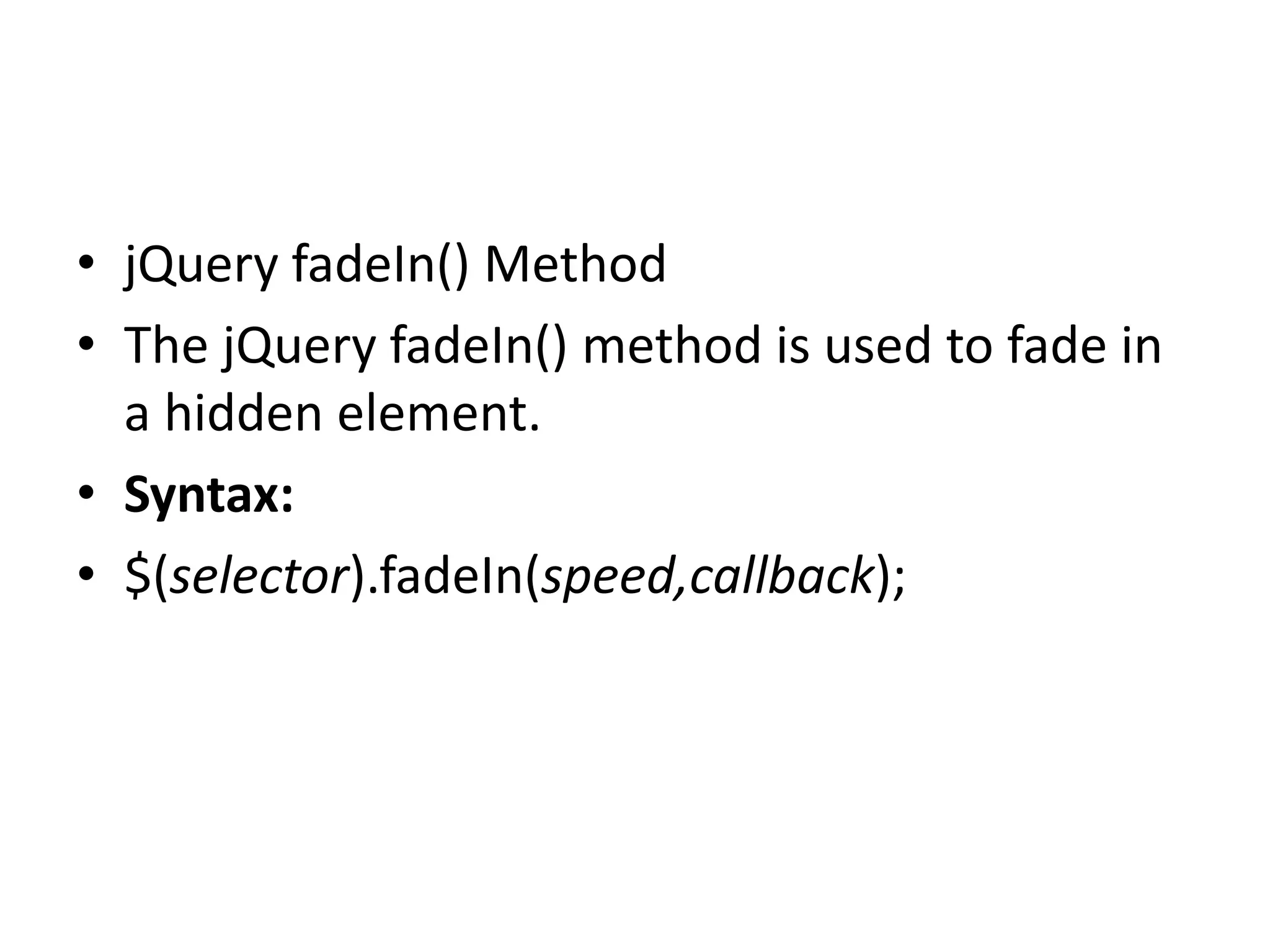
• jQuery fadeIn()Method
• The jQuery fadeIn() method is used to fade in
a hidden element.
• Syntax:
• $(selector).fadeIn(speed,callback);
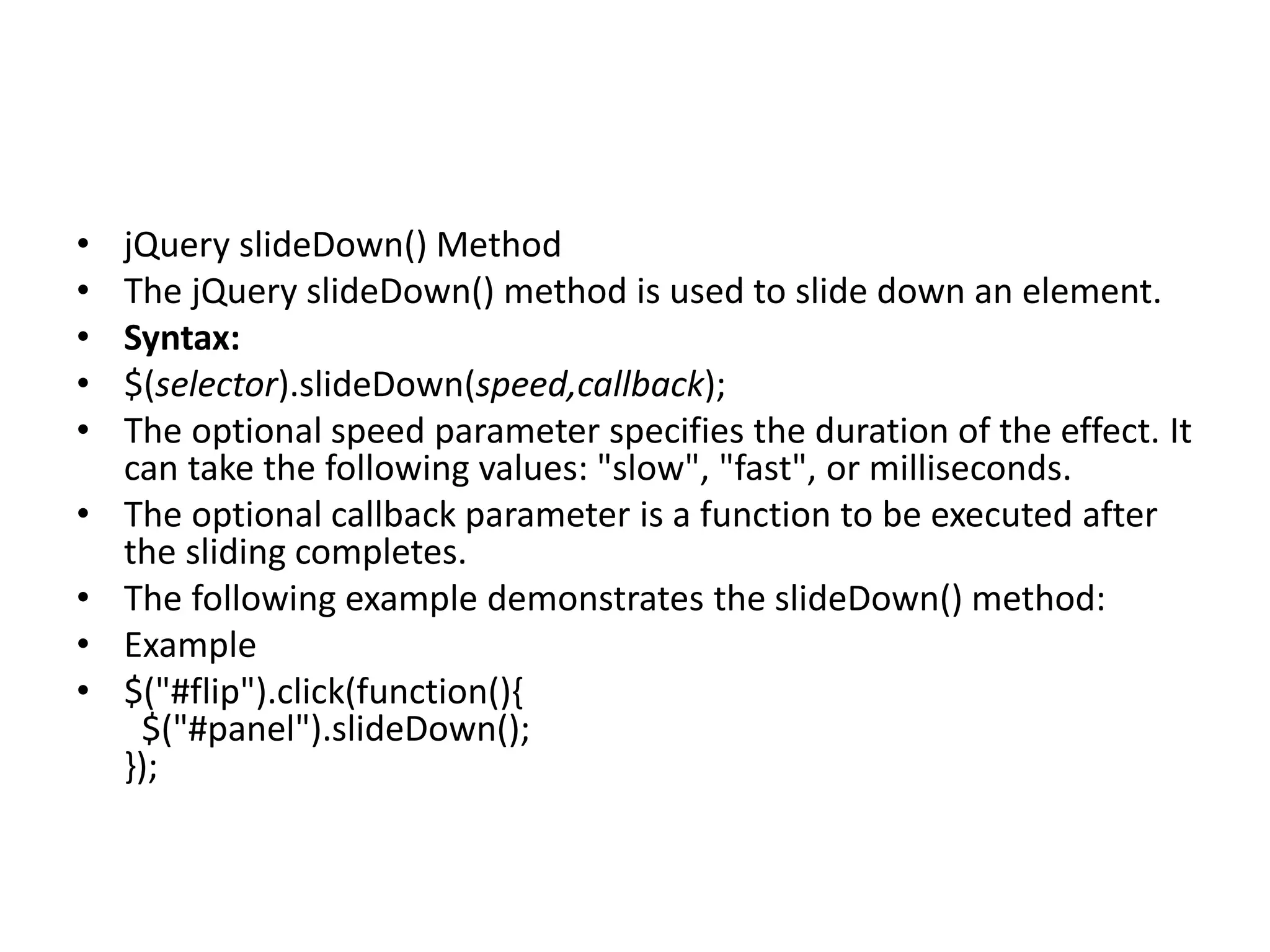
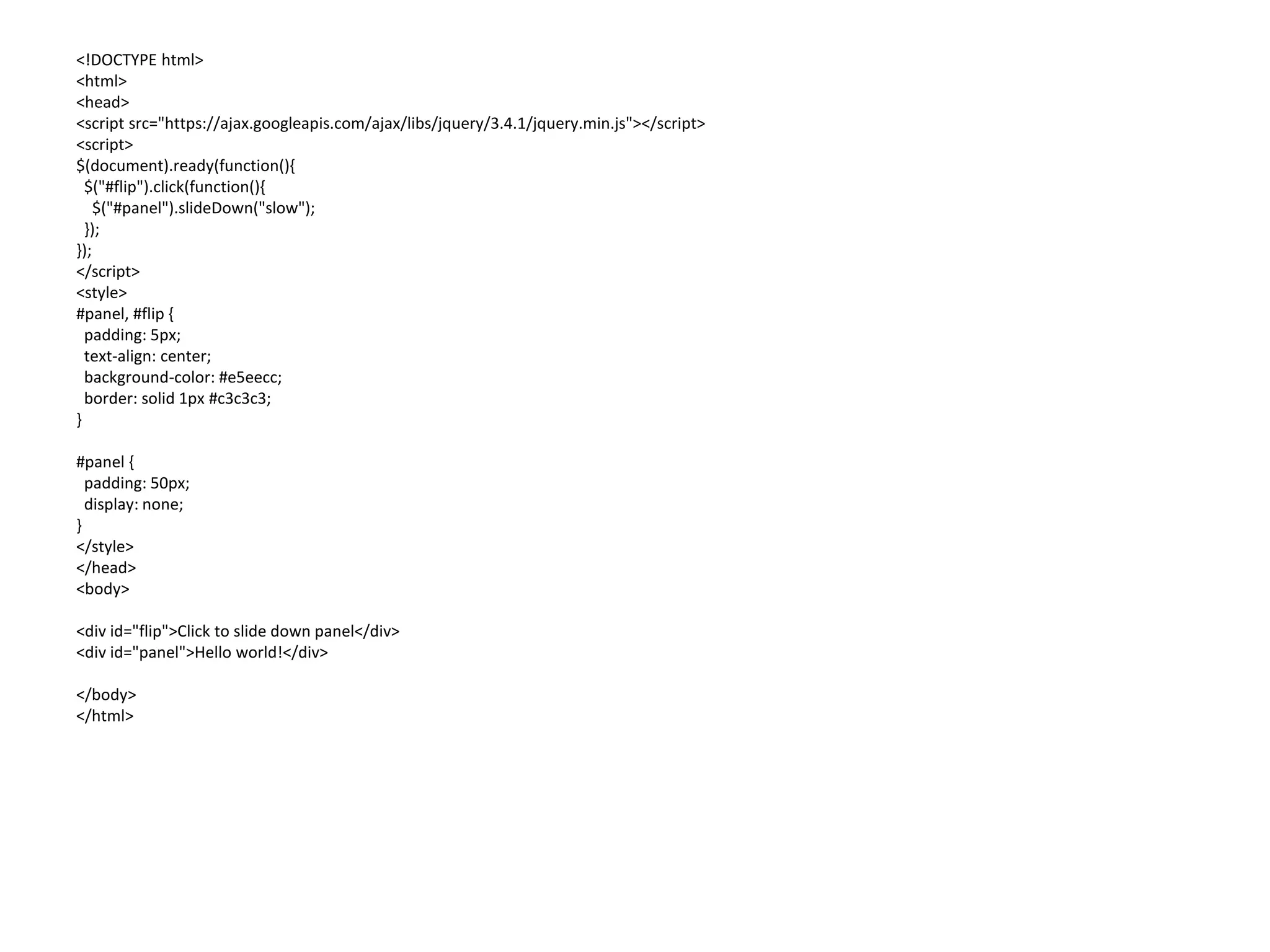
• jQuery slideDown()Method
• The jQuery slideDown() method is used to slide down an element.
• Syntax:
• $(selector).slideDown(speed,callback);
• The optional speed parameter specifies the duration of the effect. It
can take the following values: "slow", "fast", or milliseconds.
• The optional callback parameter is a function to be executed after
the sliding completes.
• The following example demonstrates the slideDown() method:
• Example
• $("#flip").click(function(){
$("#panel").slideDown();
});
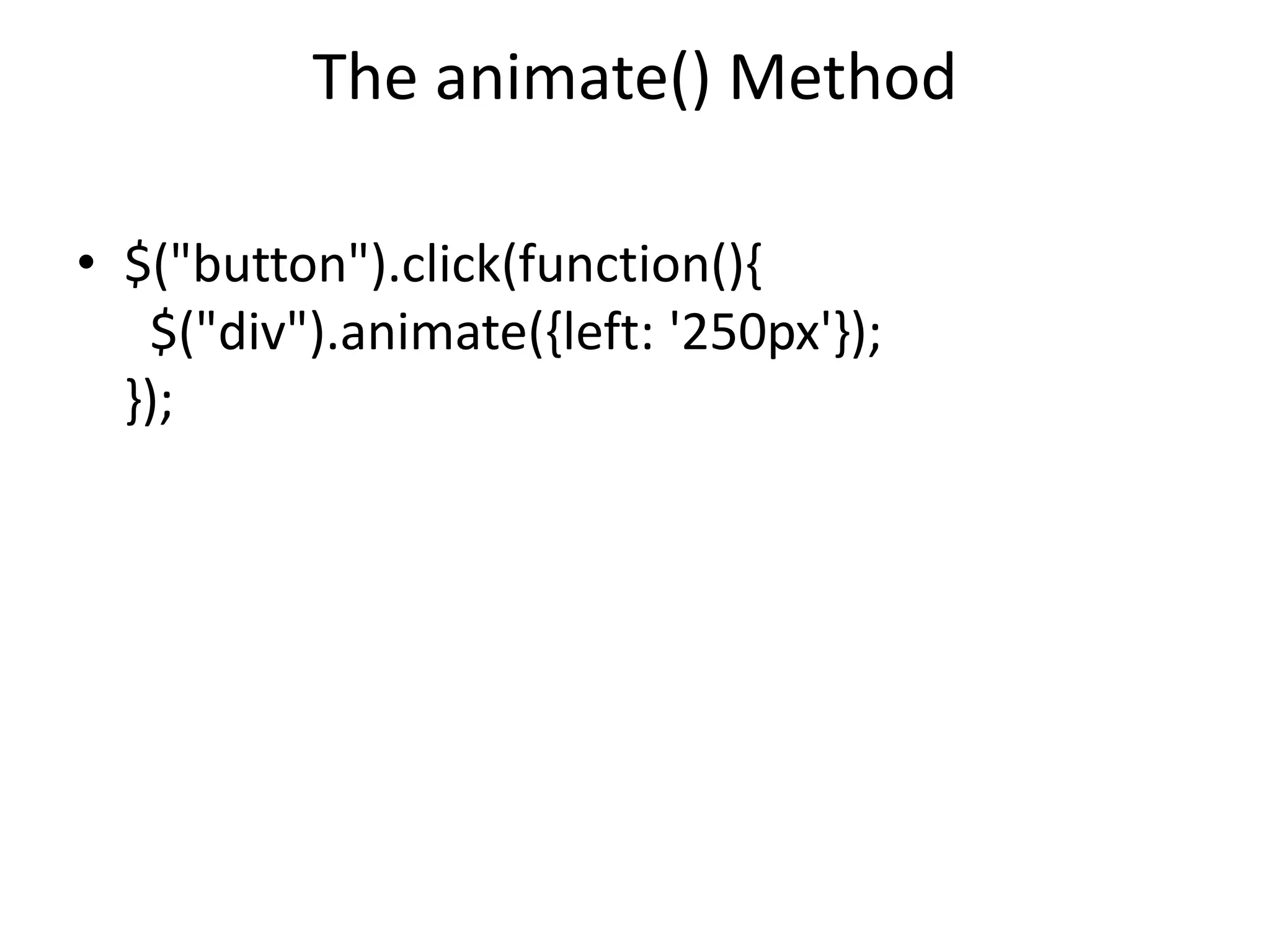
The animate() Method
•$("button").click(function(){
$("div").animate({left: '250px'});
});
245.
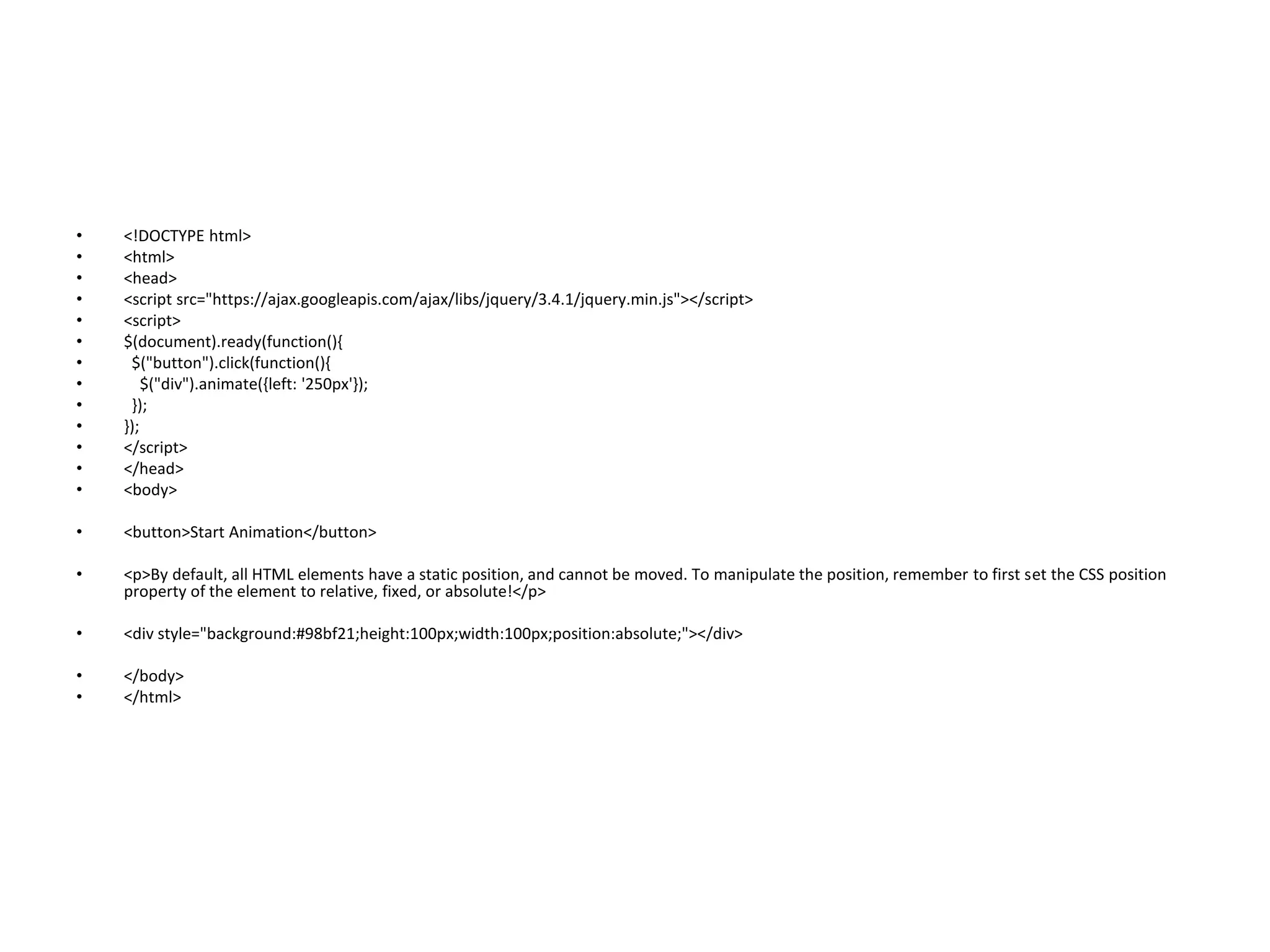
• <!DOCTYPE html>
•<html>
• <head>
• <script src="https://ajax.googleapis.com/ajax/libs/jquery/3.4.1/jquery.min.js"></script>
• <script>
• $(document).ready(function(){
• $("button").click(function(){
• $("div").animate({left: '250px'});
• });
• });
• </script>
• </head>
• <body>
• <button>Start Animation</button>
• <p>By default, all HTML elements have a static position, and cannot be moved. To manipulate the position, remember to first set the CSS position
property of the element to relative, fixed, or absolute!</p>
• <div style="background:#98bf21;height:100px;width:100px;position:absolute;"></div>
• </body>
• </html>
246.
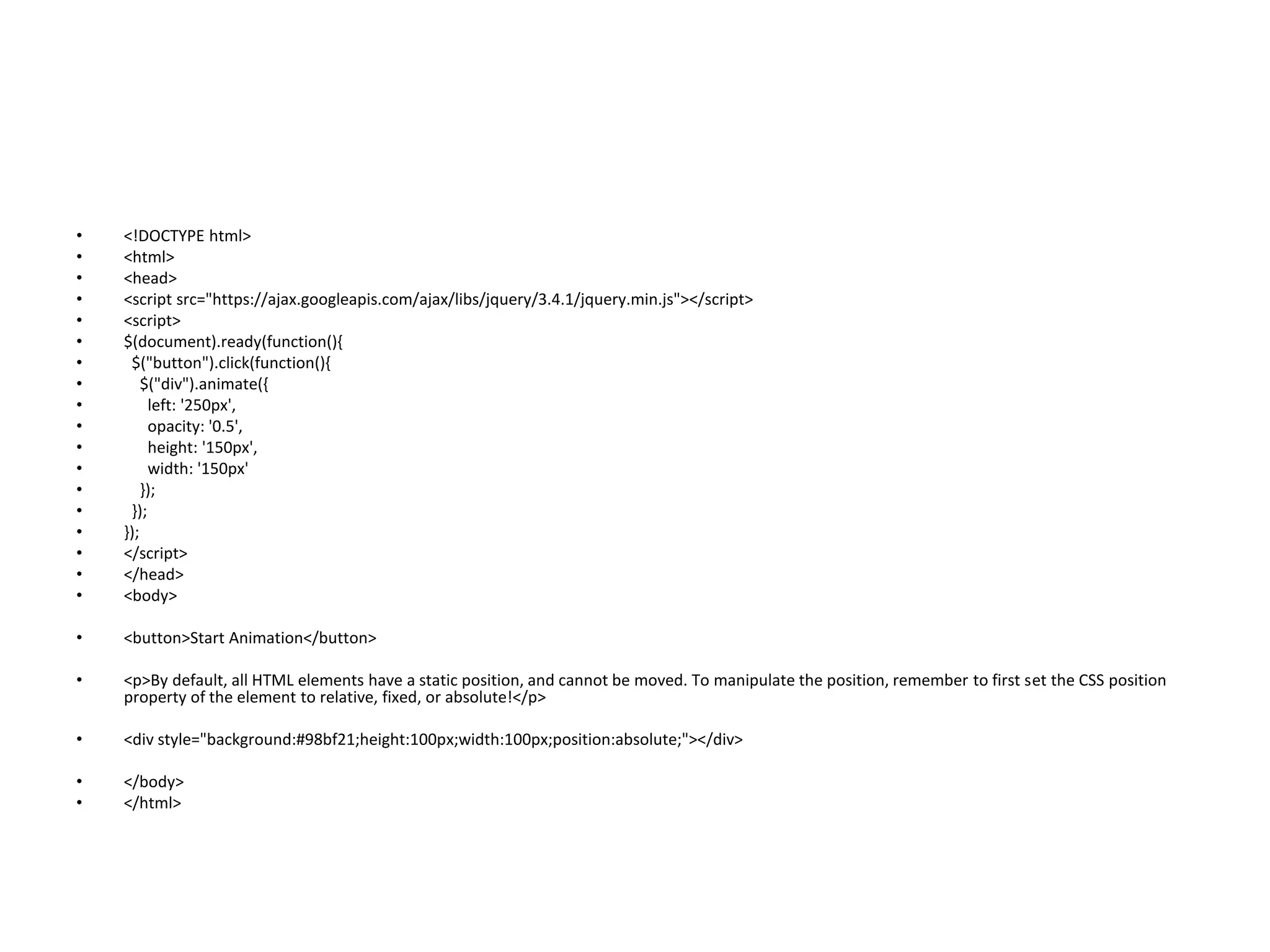
• <!DOCTYPE html>
•<html>
• <head>
• <script src="https://ajax.googleapis.com/ajax/libs/jquery/3.4.1/jquery.min.js"></script>
• <script>
• $(document).ready(function(){
• $("button").click(function(){
• $("div").animate({
• left: '250px',
• opacity: '0.5',
• height: '150px',
• width: '150px'
• });
• });
• });
• </script>
• </head>
• <body>
• <button>Start Animation</button>
• <p>By default, all HTML elements have a static position, and cannot be moved. To manipulate the position, remember to first set the CSS position
property of the element to relative, fixed, or absolute!</p>
• <div style="background:#98bf21;height:100px;width:100px;position:absolute;"></div>
• </body>
• </html>
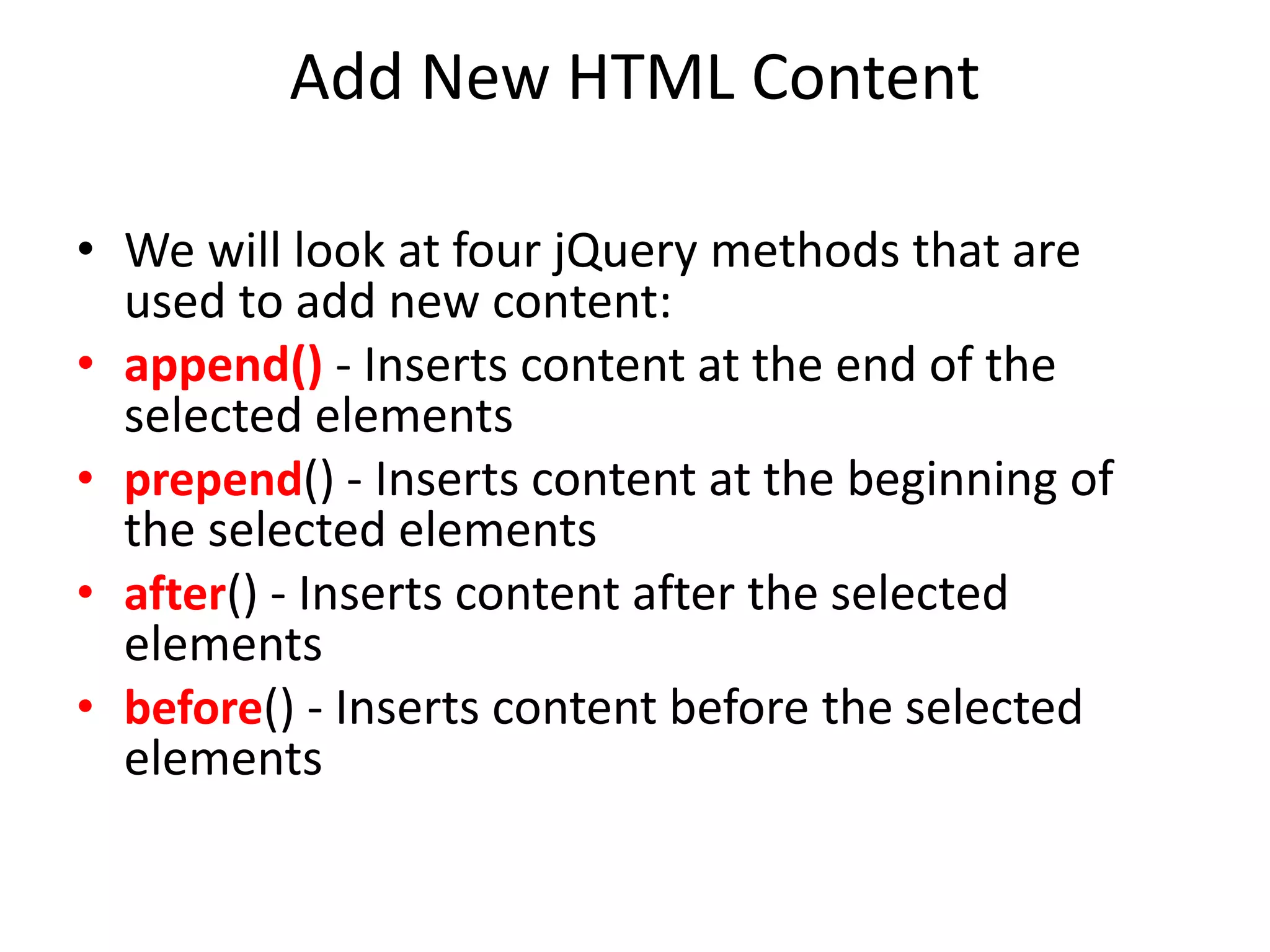
Add New HTMLContent
• We will look at four jQuery methods that are
used to add new content:
• append() - Inserts content at the end of the
selected elements
• prepend() - Inserts content at the beginning of
the selected elements
• after() - Inserts content after the selected
elements
• before() - Inserts content before the selected
elements
252.
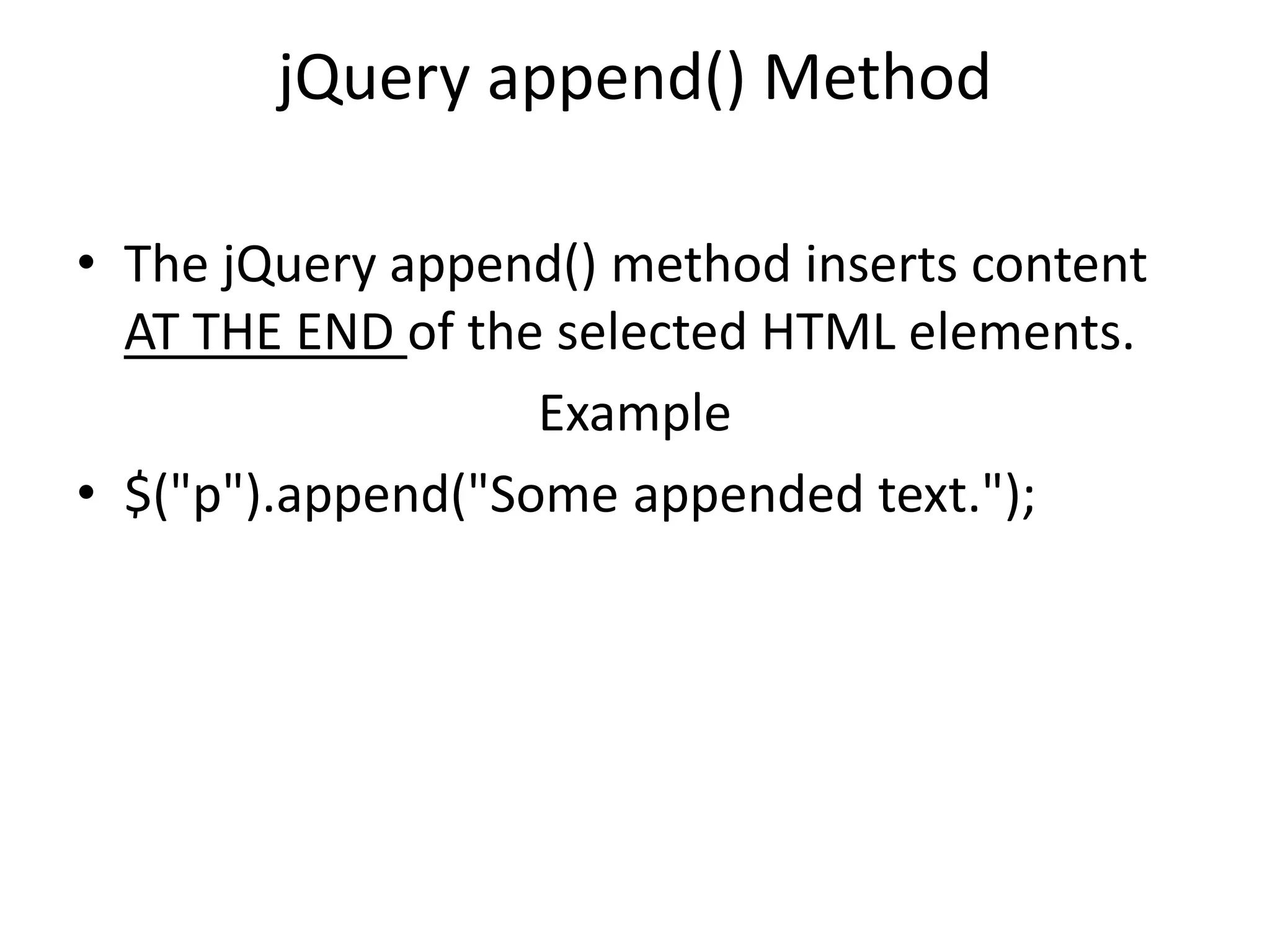
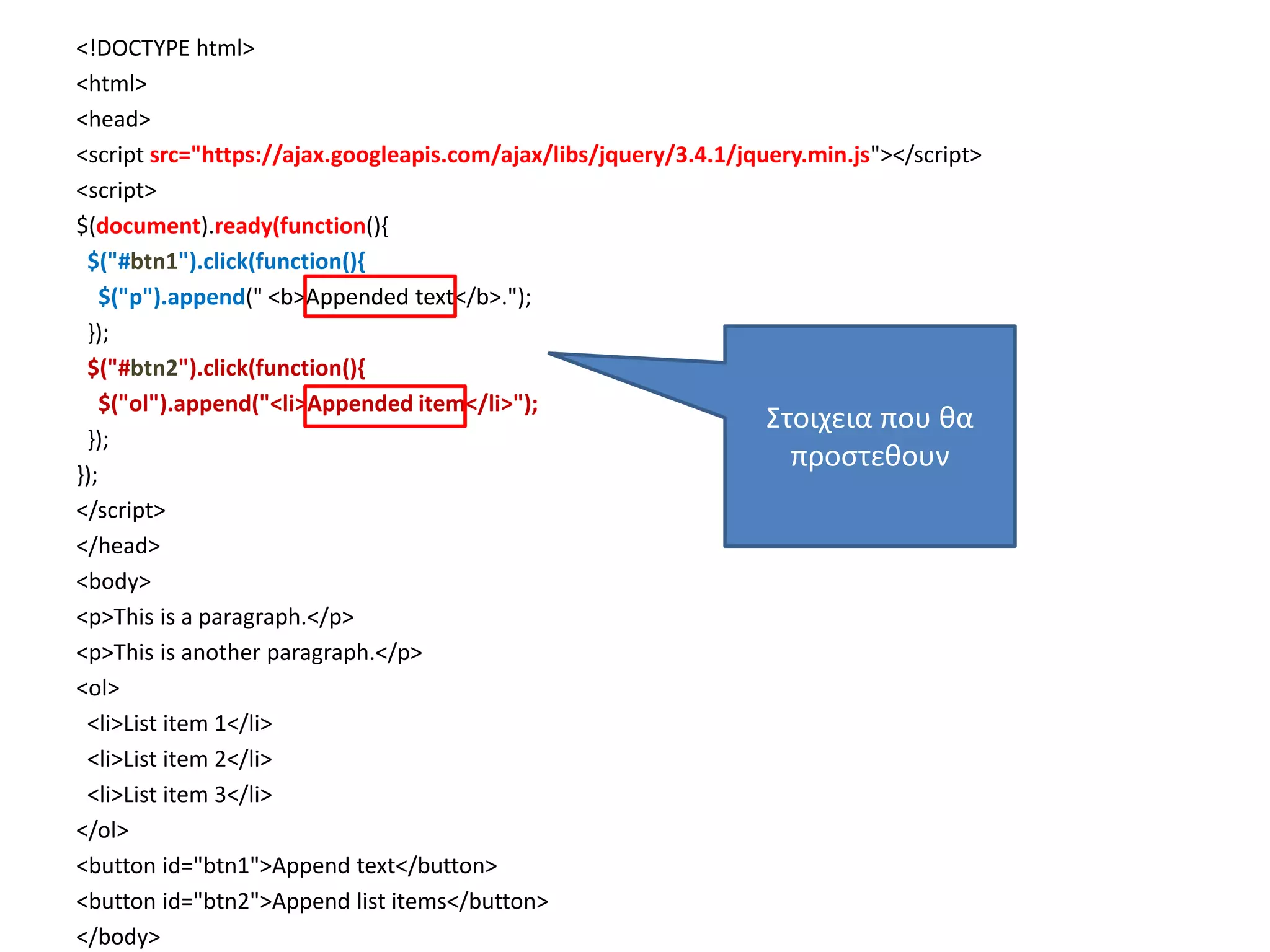
jQuery append() Method
•The jQuery append() method inserts content
AT THE END of the selected HTML elements.
Example
• $("p").append("Some appended text.");
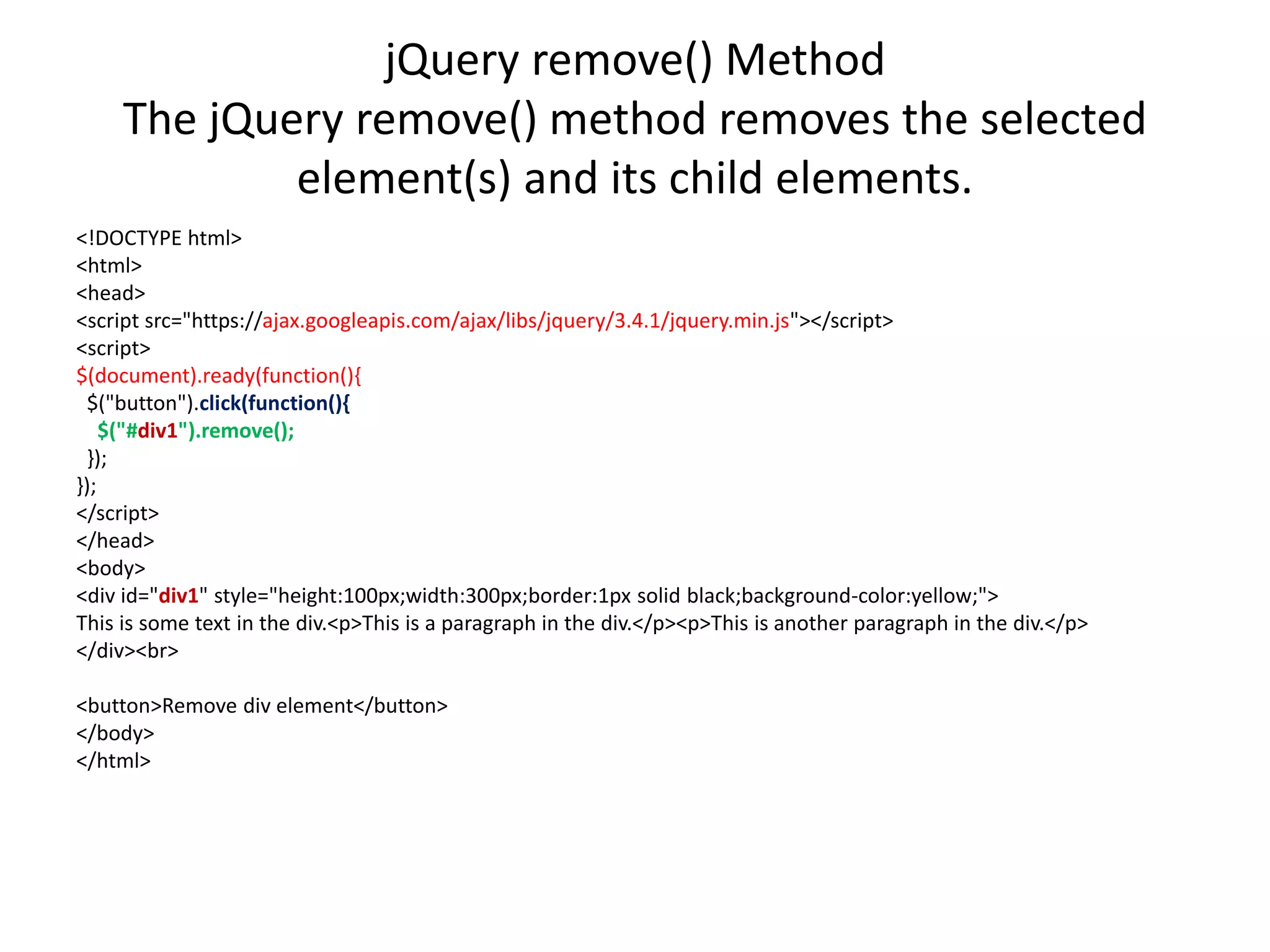
jQuery remove() Method
ThejQuery remove() method removes the selected
element(s) and its child elements.
<!DOCTYPE html>
<html>
<head>
<script src="https://ajax.googleapis.com/ajax/libs/jquery/3.4.1/jquery.min.js"></script>
<script>
$(document).ready(function(){
$("button").click(function(){
$("#div1").remove();
});
});
</script>
</head>
<body>
<div id="div1" style="height:100px;width:300px;border:1px solid black;background-color:yellow;">
This is some text in the div.<p>This is a paragraph in the div.</p><p>This is another paragraph in the div.</p>
</div><br>
<button>Remove div element</button>
</body>
</html>
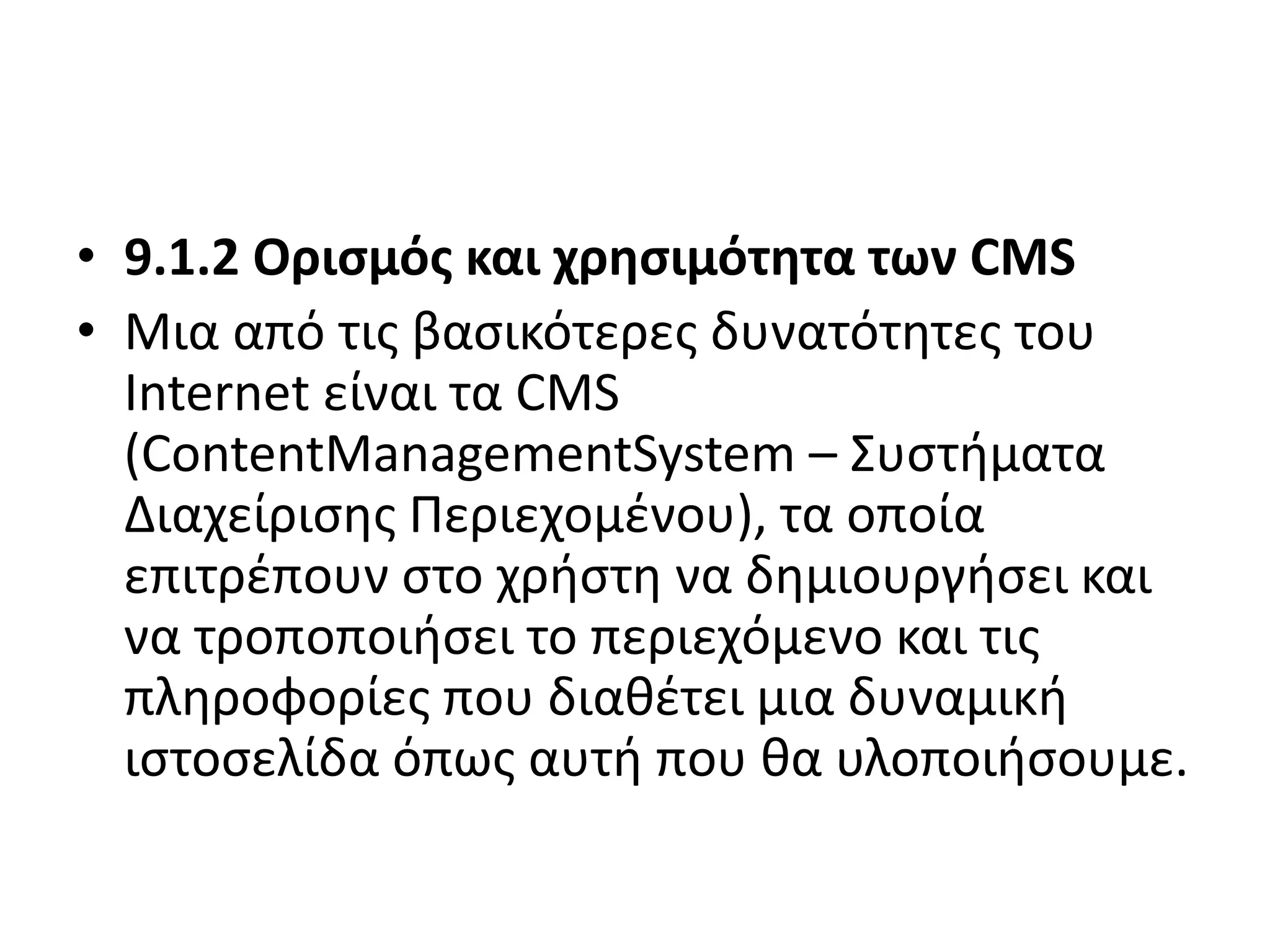
• 9.1.2 Ορισμόςκαι χρησιμότητα των CMS
• Μια από τις βασικότερες δυνατότητες του
Internet είναι τα CMS
(ContentManagementSystem – Συστήματα
Διαχείρισης Περιεχομένου), τα οποία
επιτρέπουν στο χρήστη να δημιουργήσει και
να τροποποιήσει το περιεχόμενο και τις
πληροφορίες που διαθέτει μια δυναμική
ιστοσελίδα όπως αυτή που θα υλοποιήσουμε.
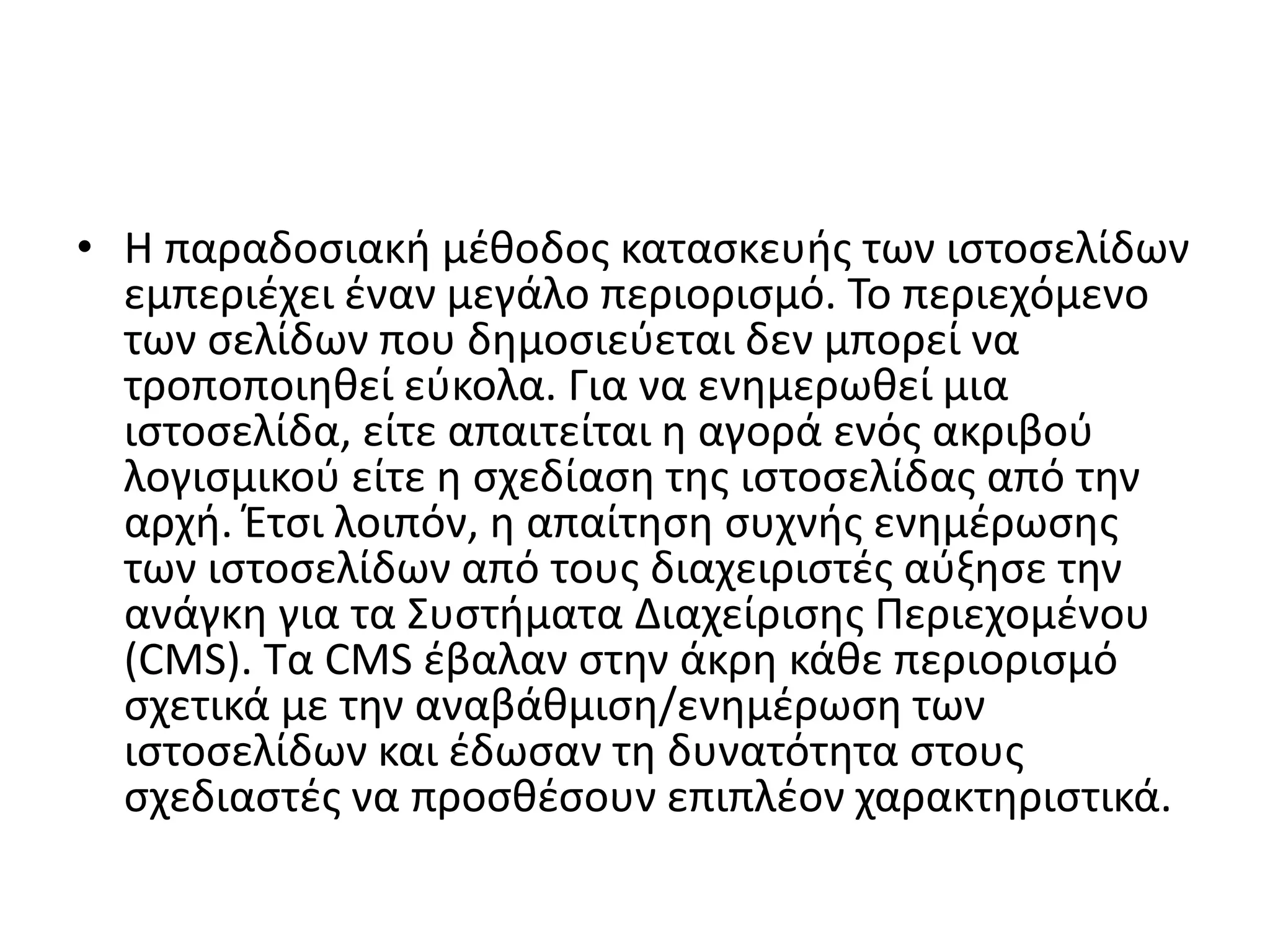
258.
• Η παραδοσιακήμέθοδος κατασκευής των ιστοσελίδων
εμπεριέχει έναν μεγάλο περιορισμό. Το περιεχόμενο
των σελίδων που δημοσιεύεται δεν μπορεί να
τροποποιηθεί εύκολα. Για να ενημερωθεί μια
ιστοσελίδα, είτε απαιτείται η αγορά ενός ακριβού
λογισμικού είτε η σχεδίαση της ιστοσελίδας από την
αρχή. Έτσι λοιπόν, η απαίτηση συχνής ενημέρωσης
των ιστοσελίδων από τους διαχειριστές αύξησε την
ανάγκη για τα Συστήματα Διαχείρισης Περιεχομένου
(CMS). Τα CMS έβαλαν στην άκρη κάθε περιορισμό
σχετικά με την αναβάθμιση/ενημέρωση των
ιστοσελίδων και έδωσαν τη δυνατότητα στους
σχεδιαστές να προσθέσουν επιπλέον χαρακτηριστικά.
259.
• Οι ιστοσελίδεςμπορούν να ανανεώνονται online
από οποιονδήποτε webbrowser. Η διαδικασία
λοιπόν γίνεται σαφώς πολύ πιο εύκολη και πιο
γρήγορη απ’ ότι πριν.
• Τα CMS συμπεριφέρονται σαν μια βάση
δεδομένων και περιέχουν όλες τις πληροφορίες
ενός website σε μορφή κειμένου. ‘Έτσι, είναι
εύκολη η προσπέλαση οποιασδήποτε
πληροφορίας μέσω του ειδικού εργαλείου της
αναζήτησης.
260.
• Μέσω τωνCMS, μια ιστοσελίδα μπορεί να
ανανεωθεί ανά πάσα στιγμή, χωρίς να χρειάζεται
να «κατέβει» προσωρινά ή τη βοήθεια ΕΙΔΙΚΟΣ
ΣΧΕΔΙΑΣΜΟΥ ΙΣΤΟΣΕΛΙΔΩΝ & ΕΦΑΡΜΟΓΩΝ
• 448
• ενός τεχνικού, γεγονός το οποίο αποδεικνύει ότι
μπορούμε να εξοικονομήσουμε από την μια
χρόνο και από την άλλη χρήμα
261.
• ένα CMSείναι ένα αποτελεσματικό εργαλείο
που παρέχει μοναδικά, εύχρηστα και χαμηλού
κόστους χαρακτηριστικά σε ιστότοπους. Η
χρήση του CMS δίνει ευελιξία και έλεγχο
στους ιδιοκτήτες των ιστότοπων ώστε να τους
διαχειρίζονται σύμφωνα με τη βούληση και
τις απαιτήσεις που έχει ο καθένας.
262.
• Με βάσητο είδος του παρόχου
• Commercial:
• OpenSource: Wordpress. Το Wordpress είναι
ένα απλό και κομψό CMS, ιδανικό για
προσωπικά ιστολόγια (blogs),με ένα πλήθος
από θέματα και μοντέλα διαθέσιμα online. Τα
χαρακτηριστικά του είναι:
263.
Με βάση τοχώρο αποθήκευσης και
διαχείρισης
• Στα ApplicationServiceProvider CMS, δηλαδή με
Υποστήριξη Παρόχου Υπηρεσίας, ο
κατασκευαστής τους φιλοξενεί όλα τα δεδομένα
στους server της εταιρείας του.
• Στα CMS με παροχή άδειας (Licensed), ο πάροχός
του πουλάει το προϊόν, δηλαδή παρέχει την
άδεια χρήσης του, δεν εμπλέκεται στην όλη
διαδικασία λειτουργίας του και ο χρήστης είναι
πλέον υπεύθυνος, ώστε να το εγκαταστήσει, να
το ρυθμίσει και να το συντηρήσει.
![Δηλώνοντας-δημιουργώντας
μεταβλητές στην JavaScript
δηλώνουμε μεταβλητές στην JavaScript με
το keyword var:
Εστω ότι η μεταβλητη είναι η χ ,
οπότε var x;
Αν μετα το χ η μεταβλητη δεν εχει τιμη [δεν εχει =]
λεμε ότι η μεταβλητη είναι άδεια –δεν εχει τιμή
Οι μεταβλητες που δεν έχουν τιμή legontai
«undefined»](https://image.slidesharecdn.com/javascriptjquery2-200227212214/75/Java-script-jquery2-10-2048.jpg)
![Για να αποδωσουμε τιμή σε μια μεταβλητη
χρησιμοποιούμε το σύμβολο του ίσον[+την τιμη]
Δηλαδη
Var x
x=“fiat";
Ωστόσο μπορουμε ταυτοχρονα να δηλώσουμε τη
μεταβλητη και να αποδώσουμε τιμή :
var x=“fiat";](https://image.slidesharecdn.com/javascriptjquery2-200227212214/75/Java-script-jquery2-11-2048.jpg)
![JavaScript Expressions
μια expression είναι ενας συνδυασμος από τιμες
,μεταβλητες και τελεστες [values,variables, operators]
Ο υόλογισμος ονομαζεται evaluation.
Π.χ 7 * 11 evaluates σε 77:
7 * 11
Οι Expressions μπορουν επισης να περιεχουν μεταβλητες
:
x * 11](https://image.slidesharecdn.com/javascriptjquery2-200227212214/75/Java-script-jquery2-20-2048.jpg)
![document.getElementById("demo").i
nnerHTML
• Η getElementById() method επιστρέφει το
στοιχειο που εχει το ID με μια ειδική τιμή
• [απαλειφει την ετικετα με το id της]](https://image.slidesharecdn.com/javascriptjquery2-200227212214/75/Java-script-jquery2-23-2048.jpg)

![Αλλαγη χρωματος γραμματοσειρας με
πατημα σε κουμπι[2ος τροπος]
x.style.color<!DOCTYPE html>
<html>
<body>
<p id="demo">Click the button to change the color of this paragraph.</p>
<button onclick="myFunction()">Try it</button>
<script>
function myFunction() {
var x = document.getElementById("demo");
x.style.color = "red";
}
</script>
</body>
</html>](https://image.slidesharecdn.com/javascriptjquery2-200227212214/75/Java-script-jquery2-68-2048.jpg)

![Δειξιμο σωστης απαντησης χωρις if
<!DOCTYPE html>
<html>
<body>
<p>An unordered list:</p>
ποια είναι η πρωτευουσα της βορειου Ευβοίας
<ul>
<li>αιδηψός</li>
<li>ιστιαία</li>
<li>πευκι</li>
</ul>
<button onclick="myFunction()">Try it</button>
<p id="demo"></p>
<script>
function myFunction() {
var x = document.getElementsByTagName("LI");
document.getElementById("demo").innerHTML = x[1].innerHTML;
}
</script>
</body>
</html>](https://image.slidesharecdn.com/javascriptjquery2-200227212214/75/Java-script-jquery2-128-2048.jpg)
![Δειξιμο σωστης απαντησης με if
[με if και αριθμημενη λιστα]
<body>
ποια είναι η πρωτευουσα της βορειου Ευβοίας
<ol>
<li>αιδηψός</li>
<li>ιστιαία</li>
<li>πευκι</li>
</ol>
δωσε αριθμο: <input type="number" id="mynum" value="">
<button onclick="myFunction()">Try it</button>
<script>
function myFunction() {
var x = document.getElementById("mynum").value;
if (x==2)
{ document.write('kerdises'); }
else{document.write('exases'); }
}
</script>](https://image.slidesharecdn.com/javascriptjquery2-200227212214/75/Java-script-jquery2-131-2048.jpg)
![• you can access object properties in two ways:
objectName.propertyName
• or
objectName["propertyName"]](https://image.slidesharecdn.com/javascriptjquery2-200227212214/75/Java-script-jquery2-150-2048.jpg)
![• Ο παρακάτω κώδικας θα μπορούσε να
συνδυαστεί με κουμπιά ,κλάσεις και να μπει
μετα τις κλασεις των κουμπιών
[υπεσυνδεσμων]
• Επειτα όλος ο κώδικας μεσα στο weebly](https://image.slidesharecdn.com/javascriptjquery2-200227212214/75/Java-script-jquery2-159-2048.jpg)
![<SCRIPT>
function passWord() {
var testV = 1;
var pass1 = prompt('Please Enter Your Password',' ');
while (testV < 1000) {
if (!pass1)
history.go(-1);
if (pass1.toLowerCase() == "letmein") {
alert('You Got it Right!');
window.open('https://gtutor2.weebly.com/user0.html');
break;
}
testV+=1;
var pass1 =
prompt('Access Denied - Password Incorrect, Please Try Again.','Password');
}
if (pass1.toLowerCase()!="password" & testV ==3)
history.go(-1);
return " ";
}
</SCRIPT>
</head>
Ορίζω την
συνάρτηση password
όπου θα βάλω
κωδικό στο κουμπί
για εισαγωγή στην
σελίδα
Το βαζω για το λινκ
υπερσυνδεσμου σε
περιπτωση που δεν
τρεχει το button
Το λινκ του
button[ετικετα]](https://image.slidesharecdn.com/javascriptjquery2-200227212214/75/Java-script-jquery2-162-2048.jpg)
![• Πριν από αυτην την σελίδα με το κουμπι[που
ζηταει κωδικο εισοδου]
• Θα εχω μια άλλη που με τα κουμπακια του
weebly θα με παραπέμπουν σε αυτην την
σελιδα
• Δηλαδη](https://image.slidesharecdn.com/javascriptjquery2-200227212214/75/Java-script-jquery2-169-2048.jpg)
![• Example
• cars=["BMW","Volvo","Saab","Ford"];
list:
{
document.write(cars[0] + "<br>");
document.write(cars[1] + "<br>");
document.write(cars[2] + "<br>");
break list;
document.write(cars[3] + "<br>");
document.write(cars[4] + "<br>");
document.write(cars[5] + "<br>");
}](https://image.slidesharecdn.com/javascriptjquery2-200227212214/75/Java-script-jquery2-202-2048.jpg)