JavaScript Tutorial
By: SURBHI SAROHA
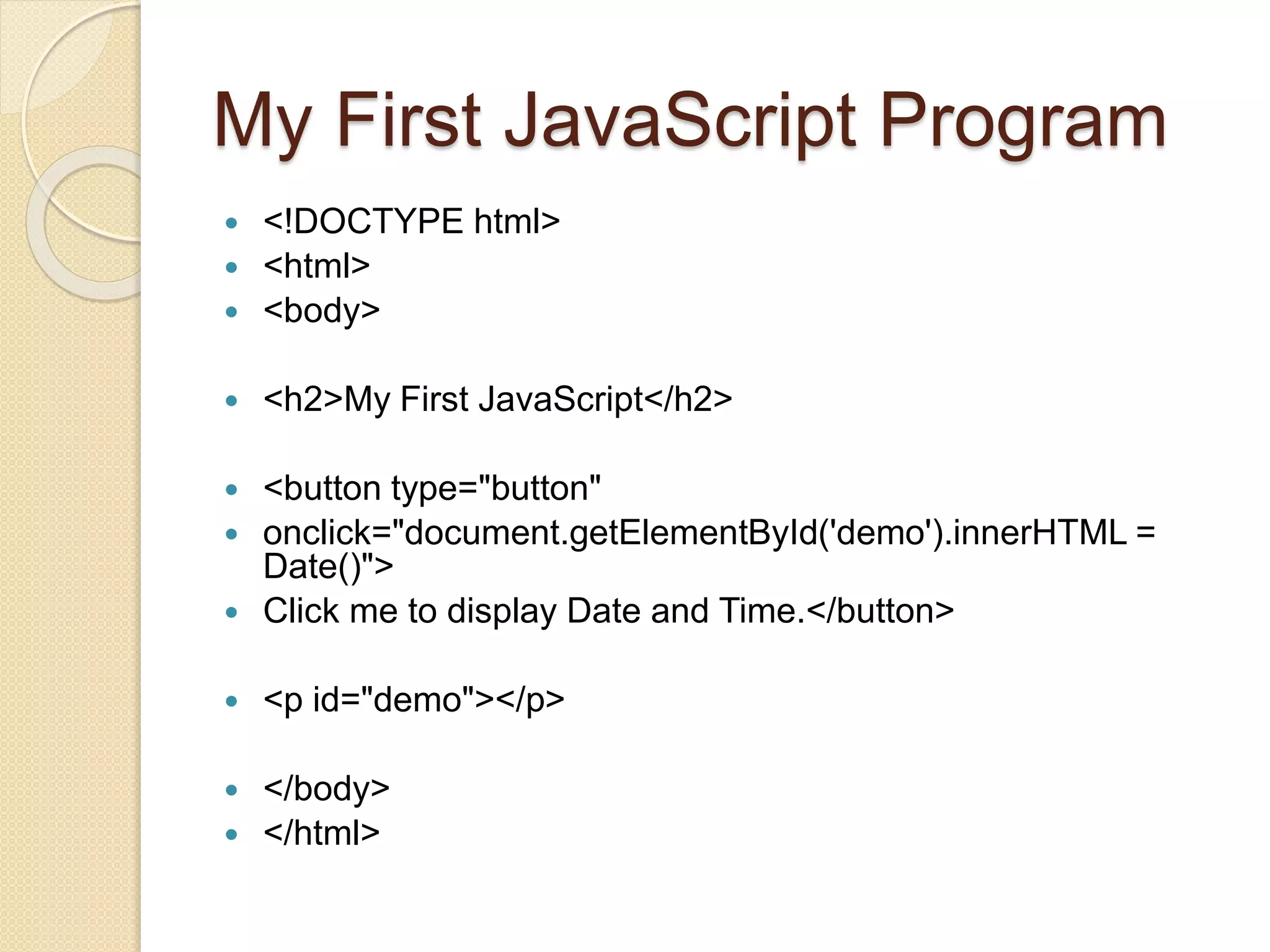
My First JavaScript Program
 <!DOCTYPE html>
 <html>
 <body>
 <h2>My First JavaScript</h2>
 <button type="button"
 onclick="document.getElementById('demo').innerHTML =
Date()">
 Click me to display Date and Time.</button>
 <p id="demo"></p>
 </body>
 </html>
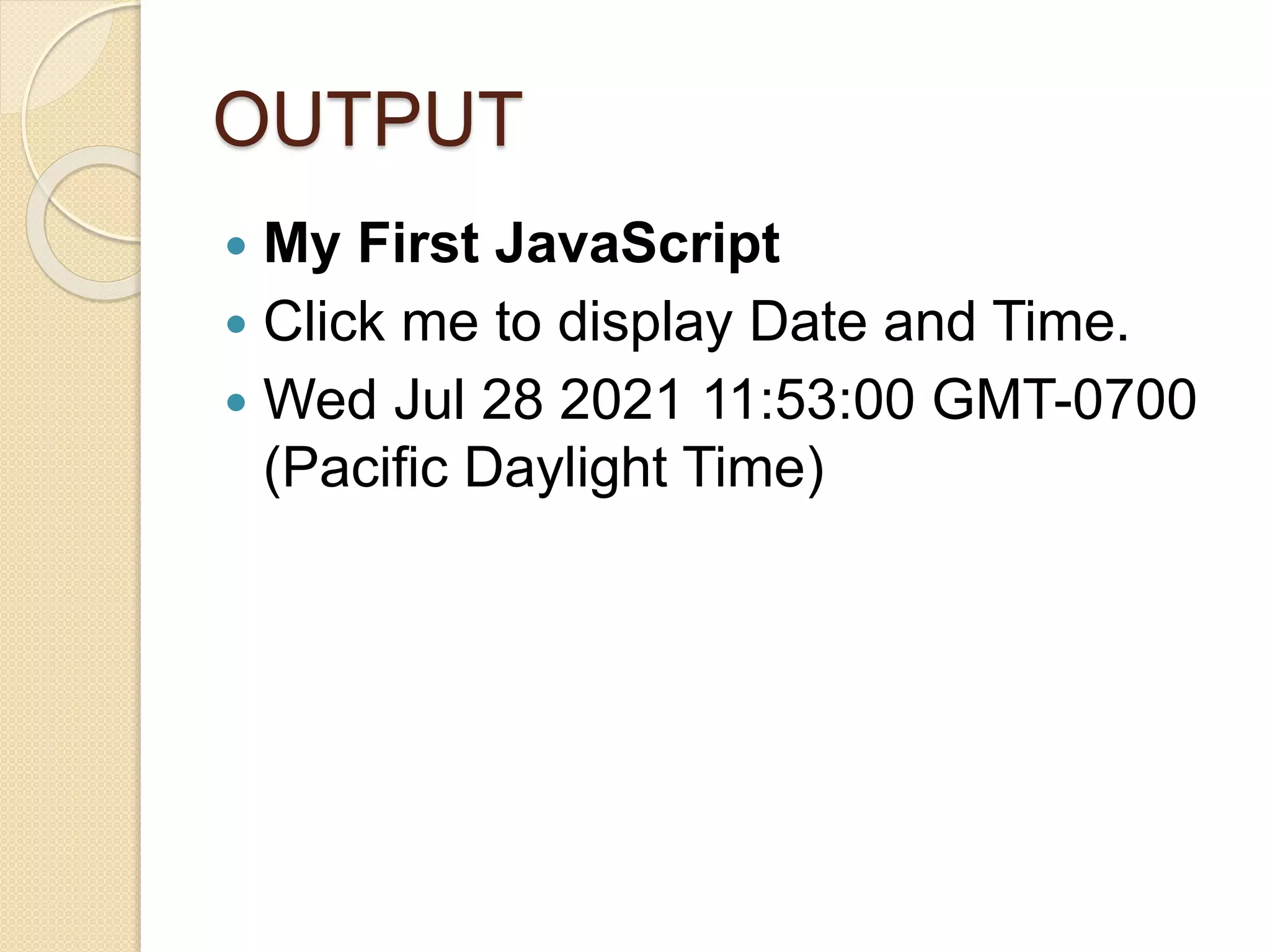
OUTPUT
 My First JavaScript
 Click me to display Date and Time.
 Wed Jul 28 2021 11:53:00 GMT-0700
(Pacific Daylight Time)
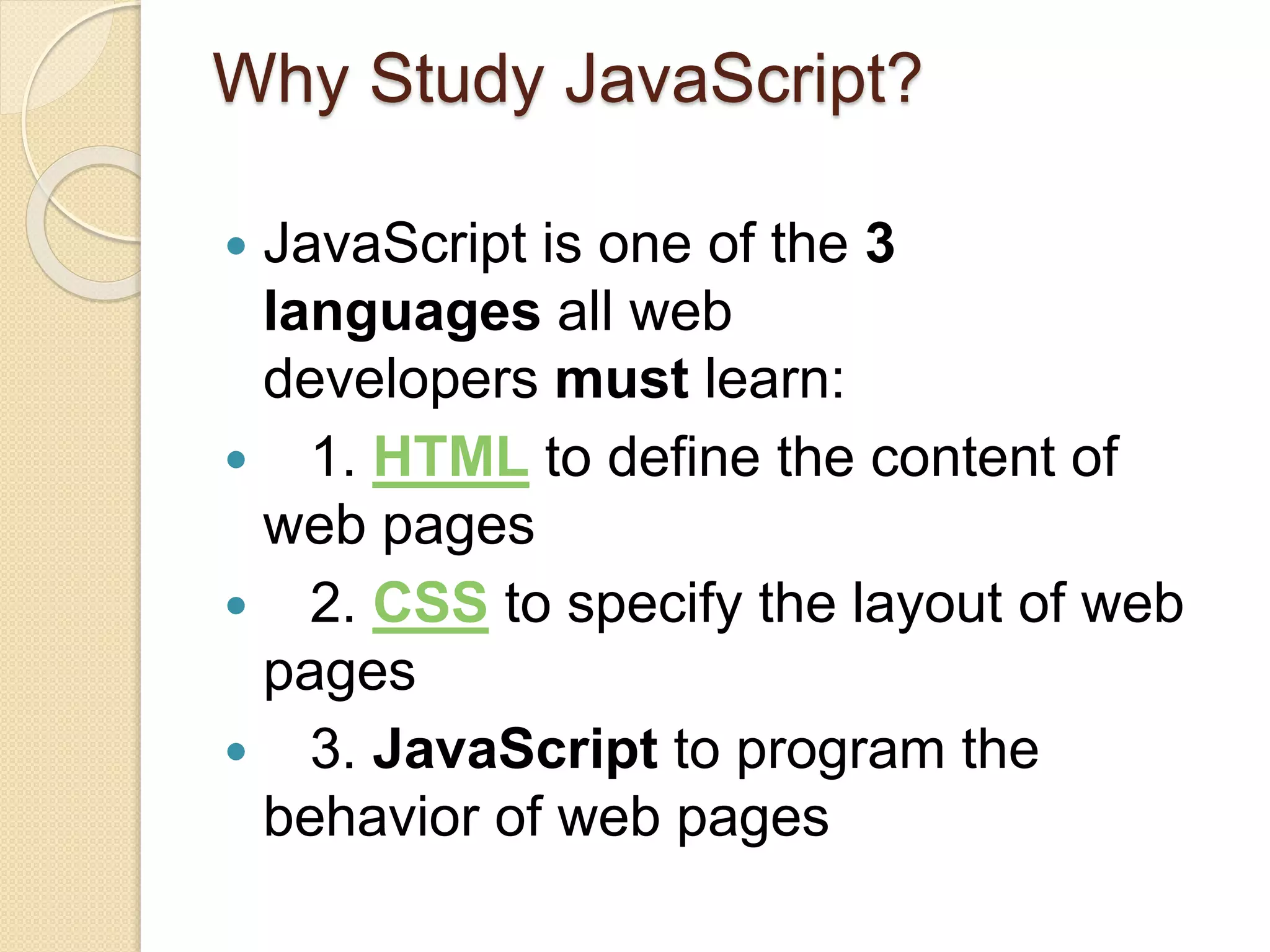
Why Study JavaScript?
 JavaScript is one of the 3
languages all web
developers must learn:
 1. HTML to define the content of
web pages
 2. CSS to specify the layout of web
pages
 3. JavaScript to program the
behavior of web pages
JavaScript can change HTML
content
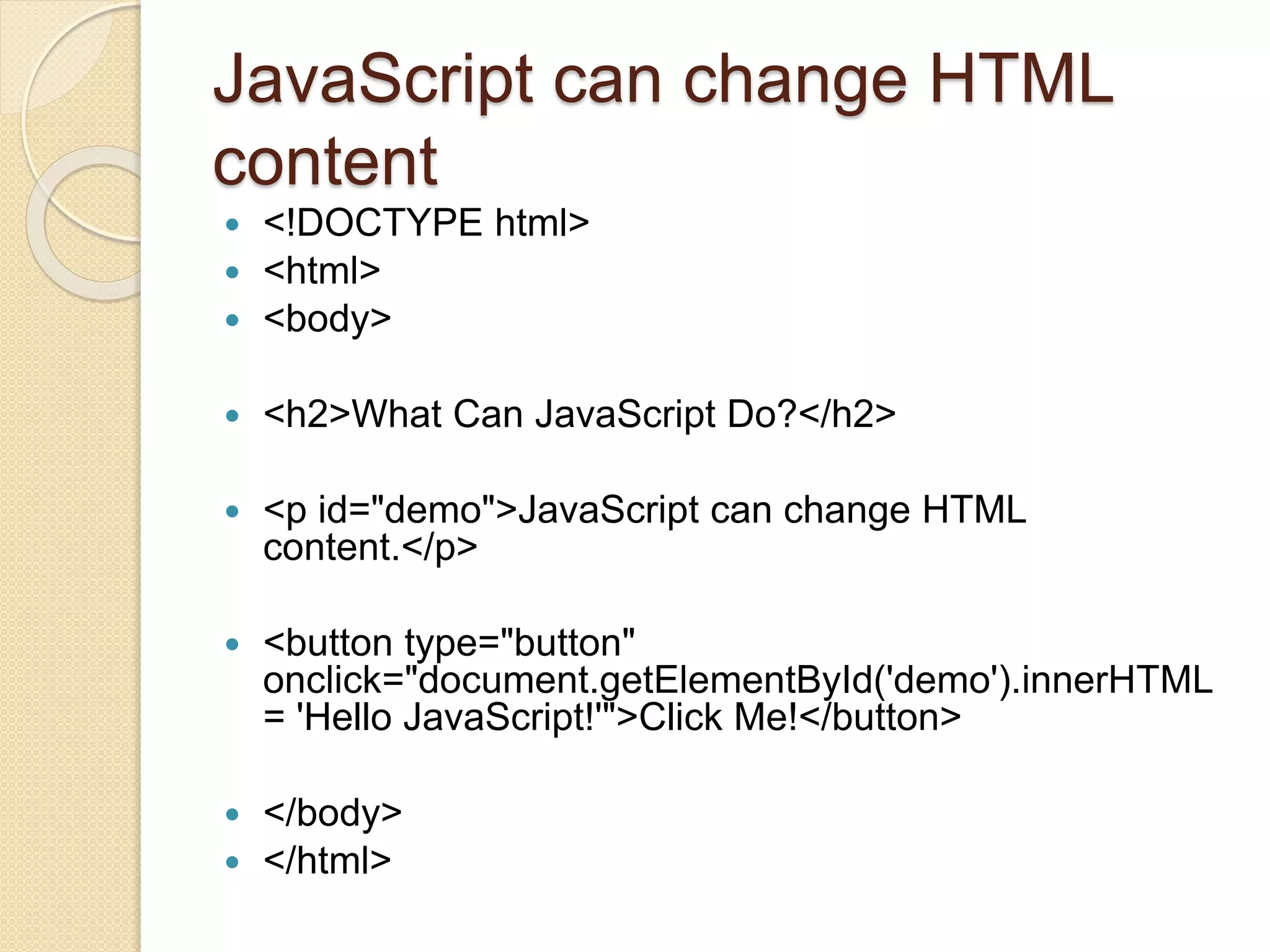
 <!DOCTYPE html>
 <html>
 <body>
 <h2>What Can JavaScript Do?</h2>
 <p id="demo">JavaScript can change HTML
content.</p>
 <button type="button"
onclick="document.getElementById('demo').innerHTML
= 'Hello JavaScript!'">Click Me!</button>
 </body>
 </html>
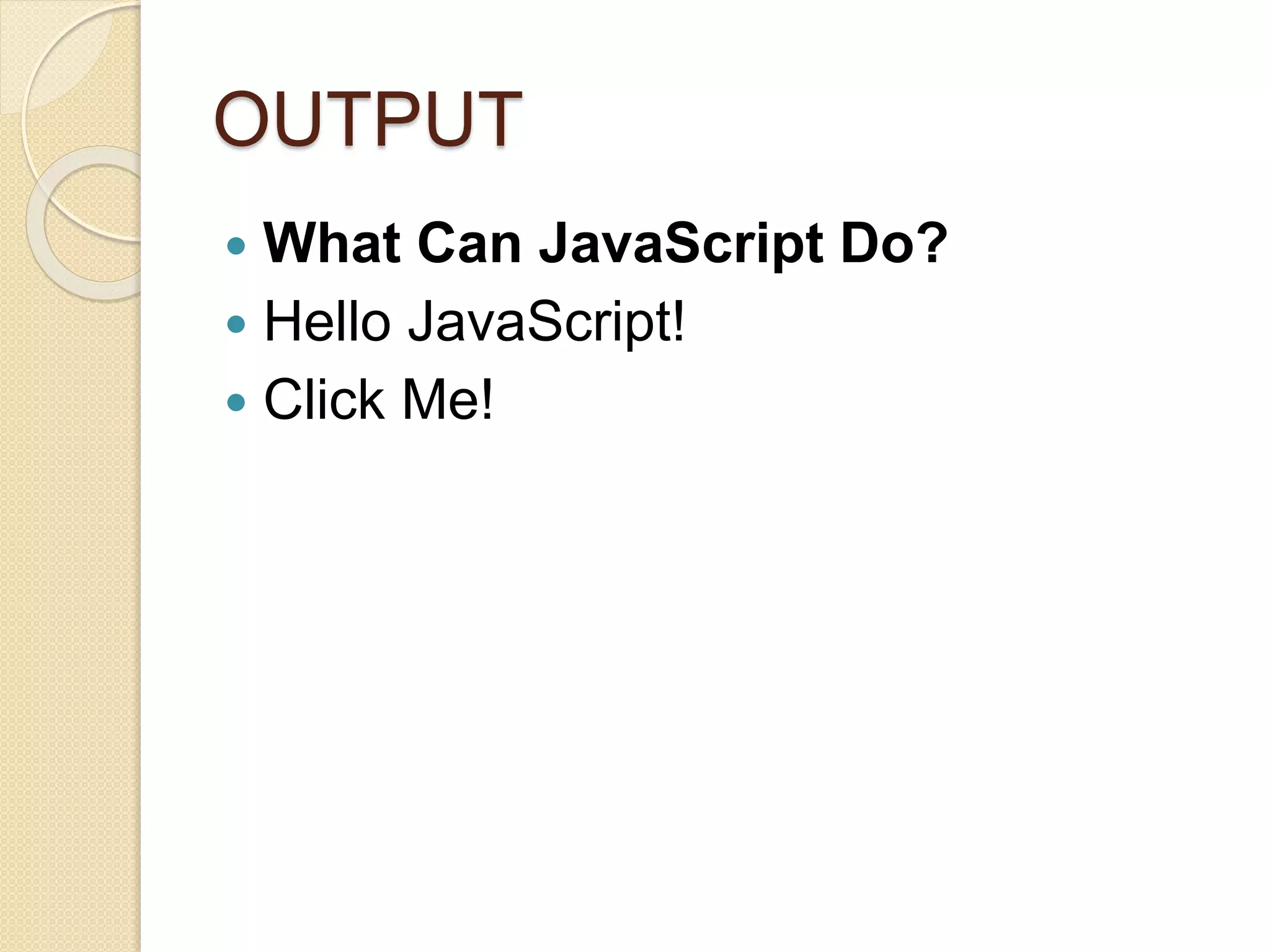
OUTPUT
 What Can JavaScript Do?
 Hello JavaScript!
 Click Me!
JavaScript Can Change HTML
Attribute Values
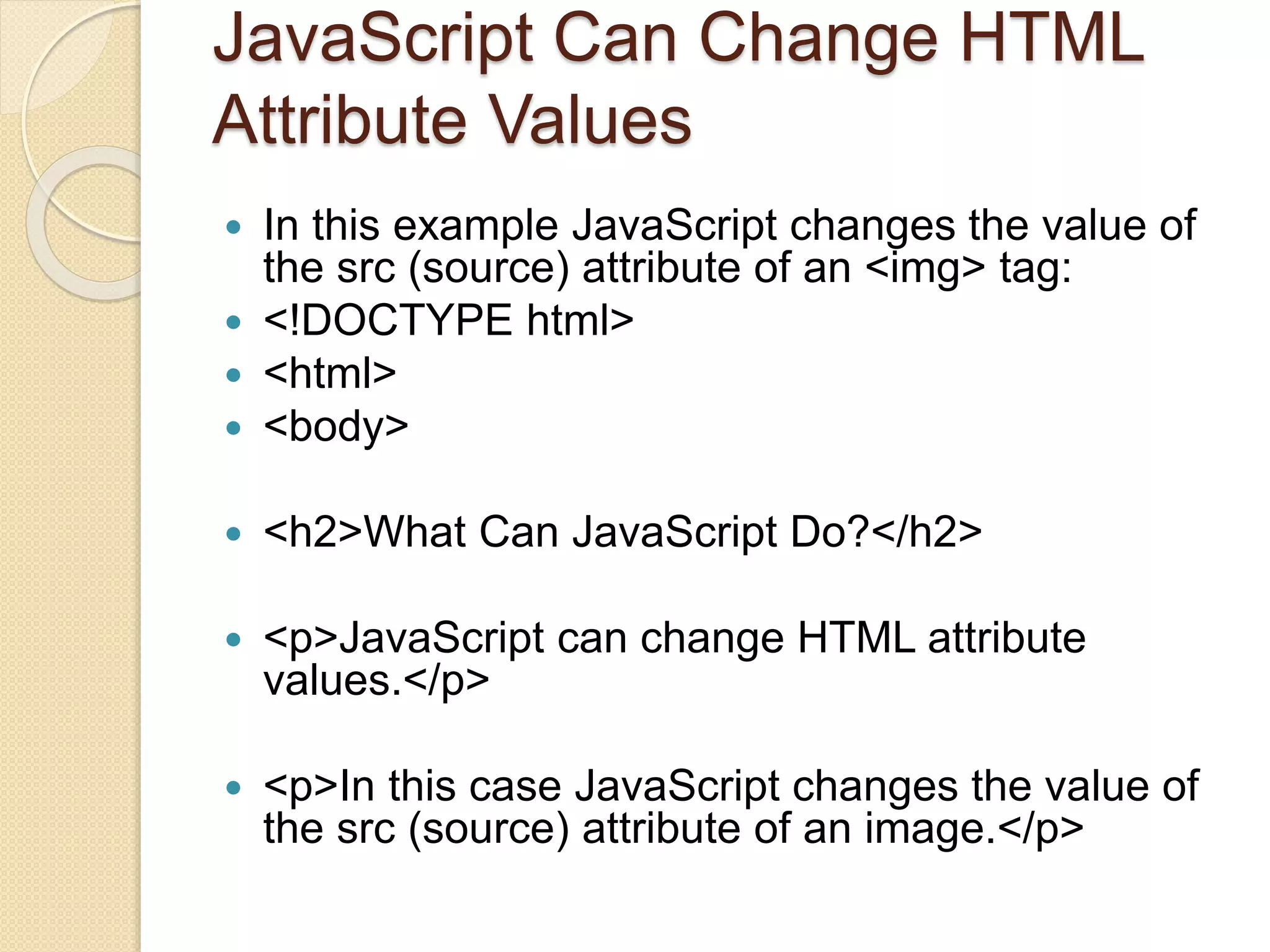
 In this example JavaScript changes the value of
the src (source) attribute of an <img> tag:
 <!DOCTYPE html>
 <html>
 <body>
 <h2>What Can JavaScript Do?</h2>
 <p>JavaScript can change HTML attribute
values.</p>
 <p>In this case JavaScript changes the value of
the src (source) attribute of an image.</p>
Cont…..
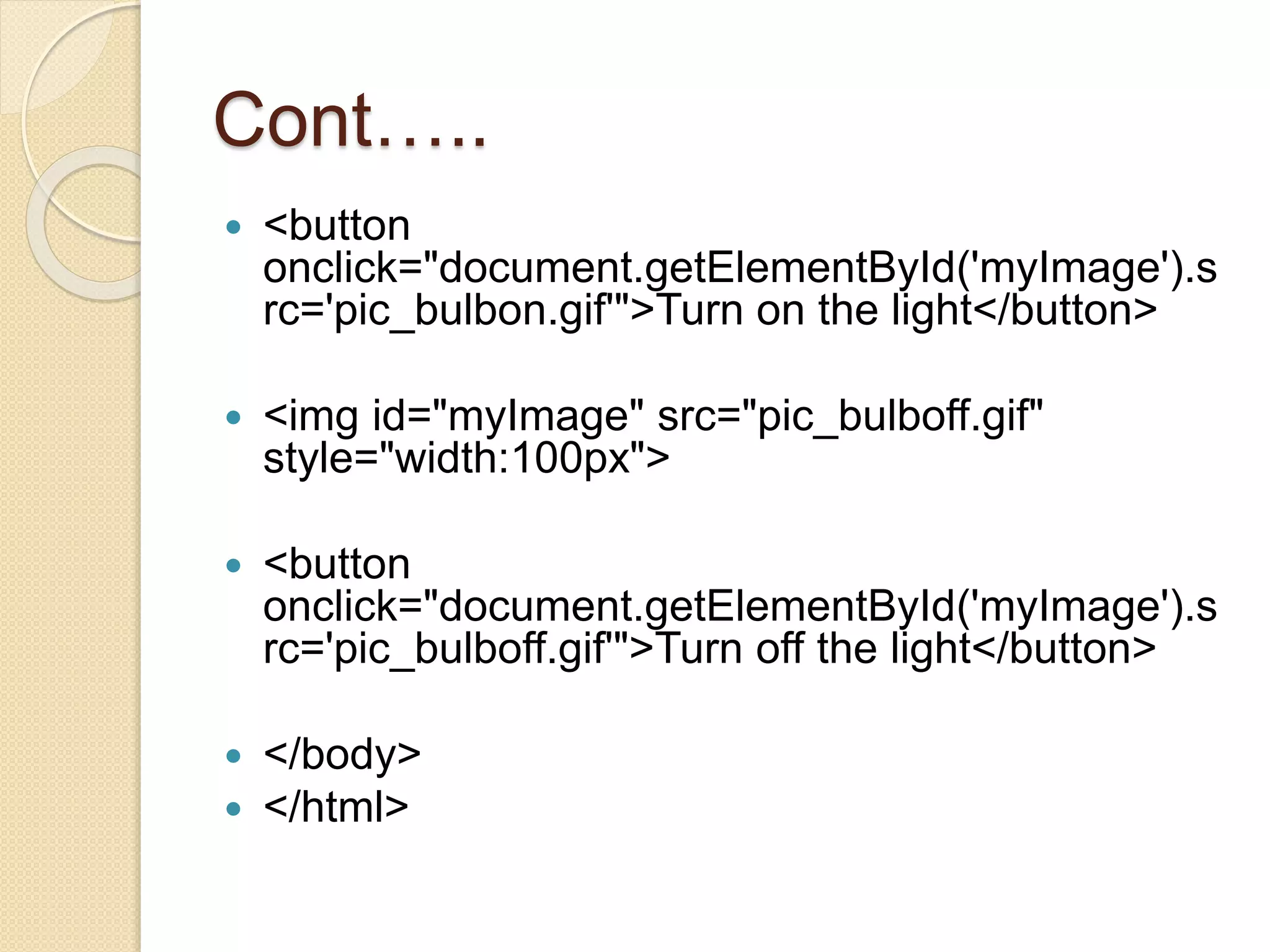
 <button
onclick="document.getElementById('myImage').s
rc='pic_bulbon.gif'">Turn on the light</button>
 <img id="myImage" src="pic_bulboff.gif"
style="width:100px">
 <button
onclick="document.getElementById('myImage').s
rc='pic_bulboff.gif'">Turn off the light</button>
 </body>
 </html>
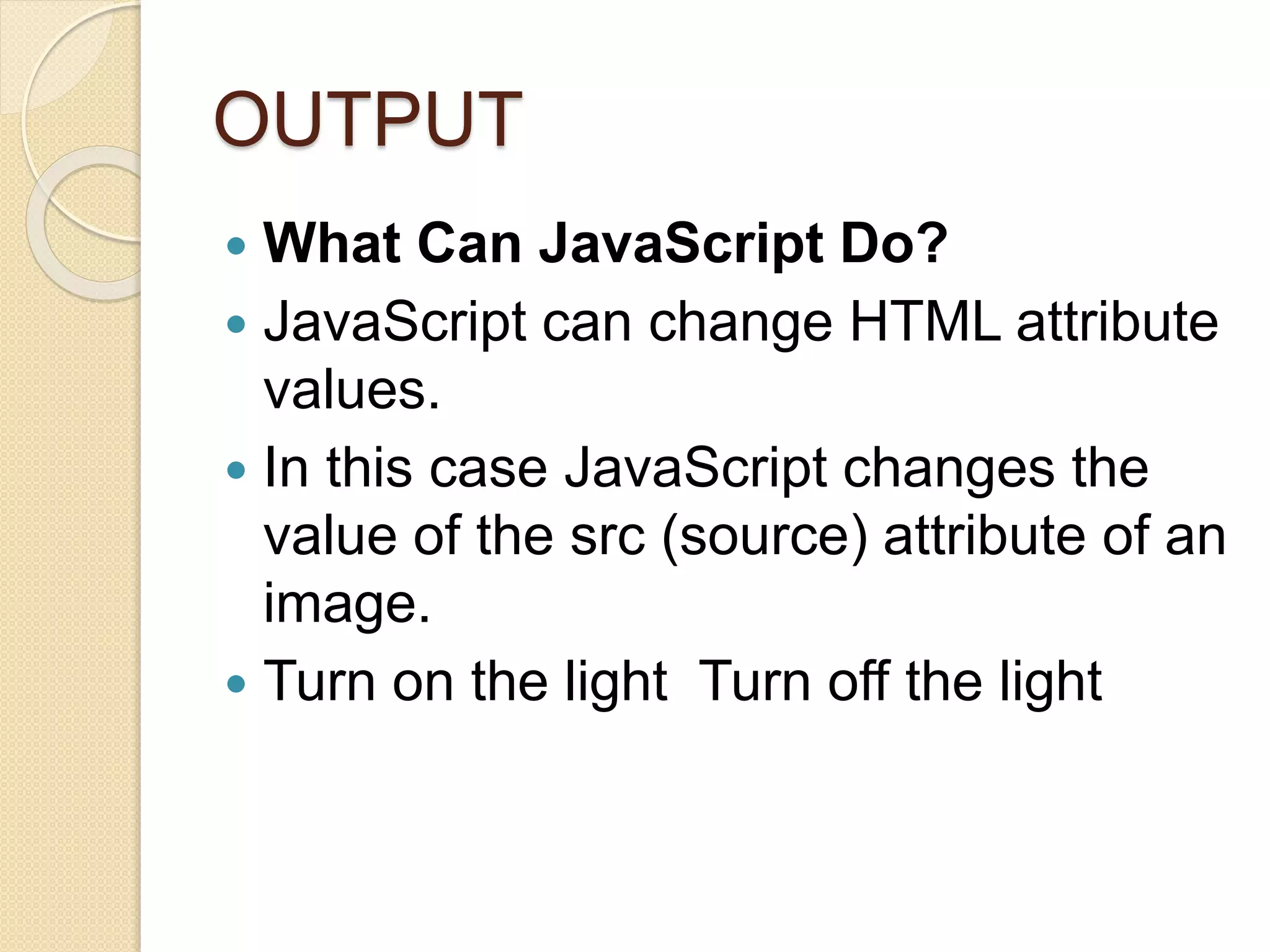
OUTPUT
 What Can JavaScript Do?
 JavaScript can change HTML attribute
values.
 In this case JavaScript changes the
value of the src (source) attribute of an
image.
 Turn on the light Turn off the light
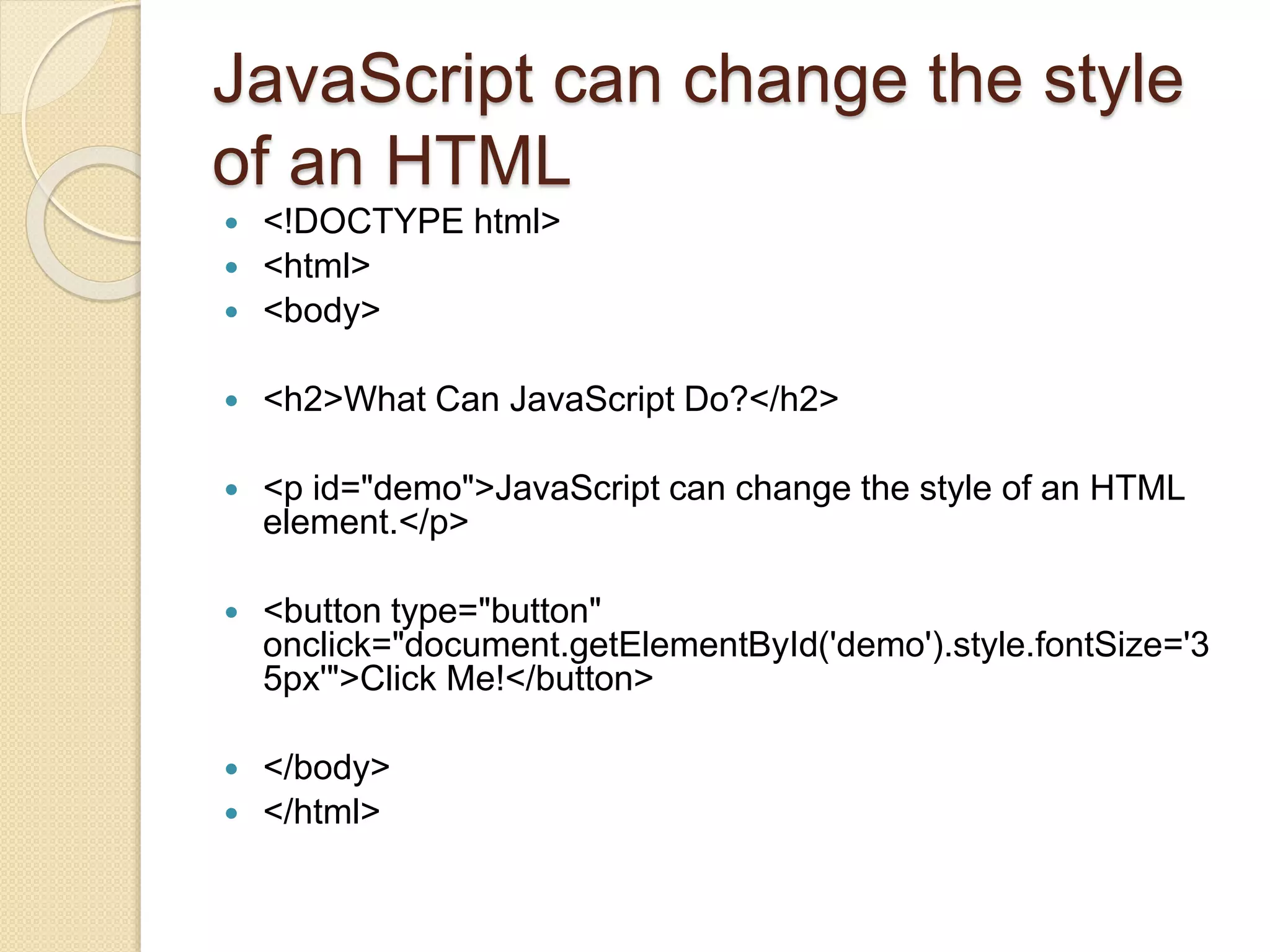
JavaScript can change the style
of an HTML
 <!DOCTYPE html>
 <html>
 <body>
 <h2>What Can JavaScript Do?</h2>
 <p id="demo">JavaScript can change the style of an HTML
element.</p>
 <button type="button"
onclick="document.getElementById('demo').style.fontSize='3
5px'">Click Me!</button>
 </body>
 </html>
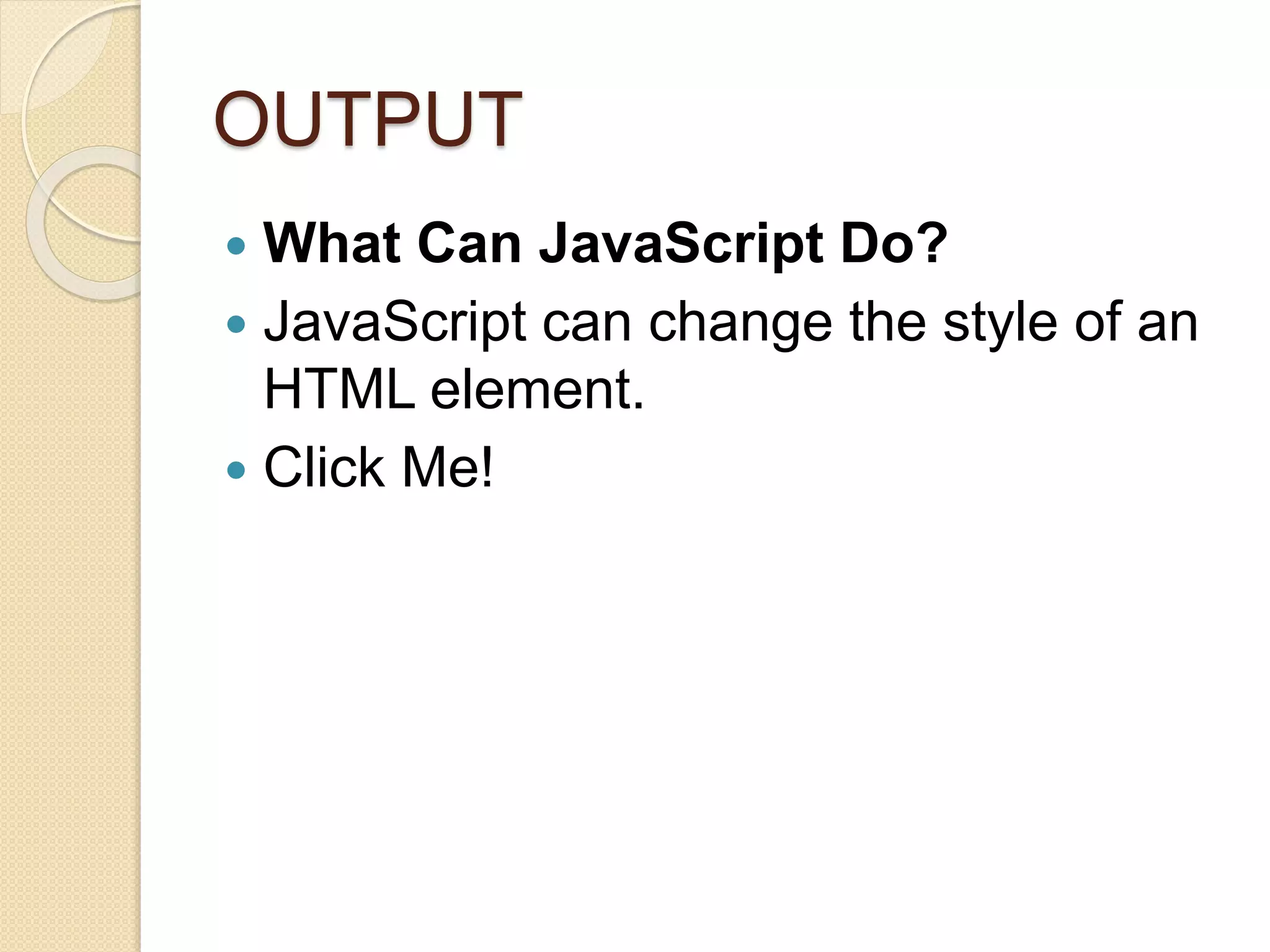
OUTPUT
 What Can JavaScript Do?
 JavaScript can change the style of an
HTML element.
 Click Me!
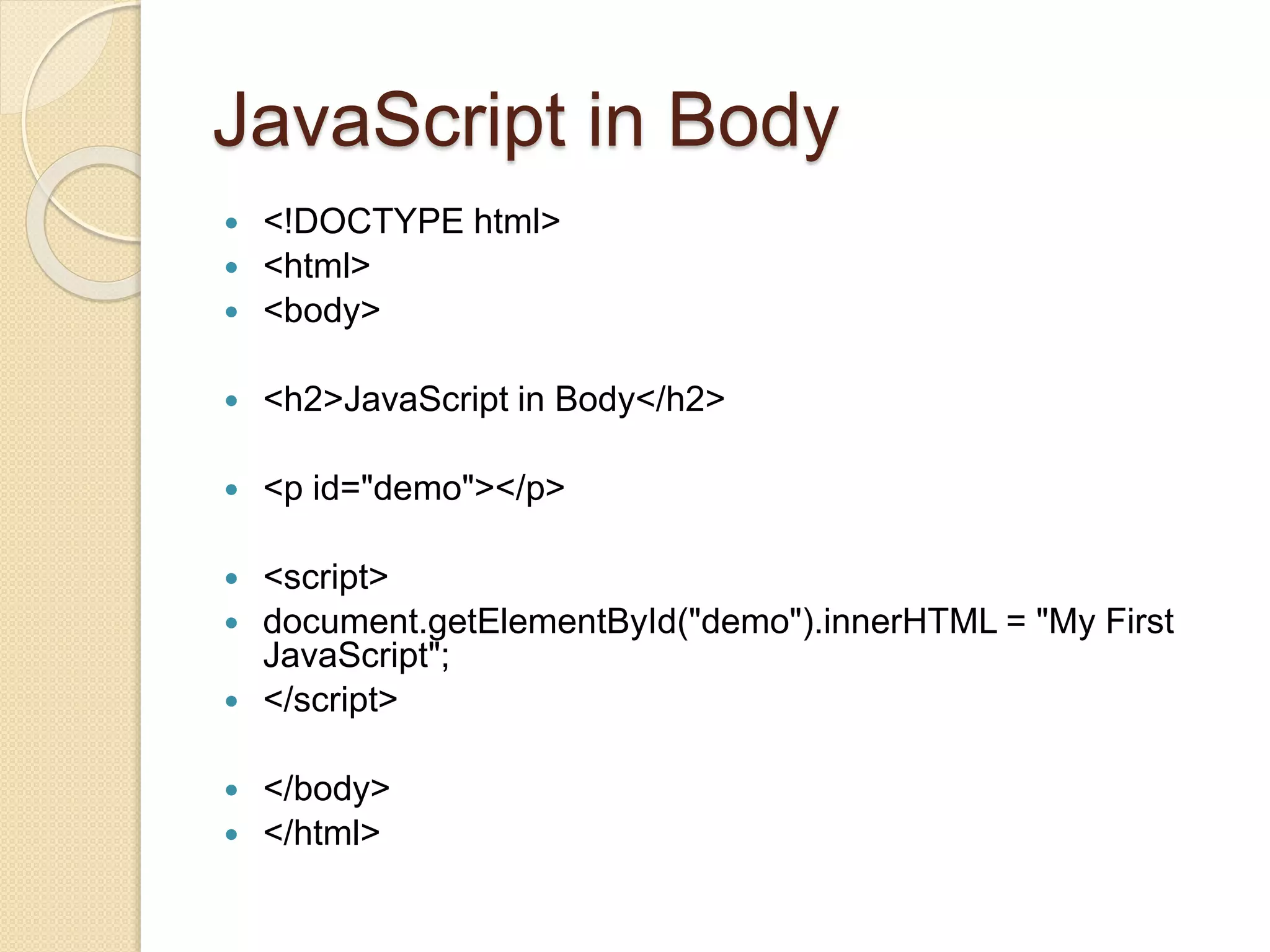
JavaScript in Body
 <!DOCTYPE html>
 <html>
 <body>
 <h2>JavaScript in Body</h2>
 <p id="demo"></p>
 <script>
 document.getElementById("demo").innerHTML = "My First
JavaScript";
 </script>
 </body>
 </html>
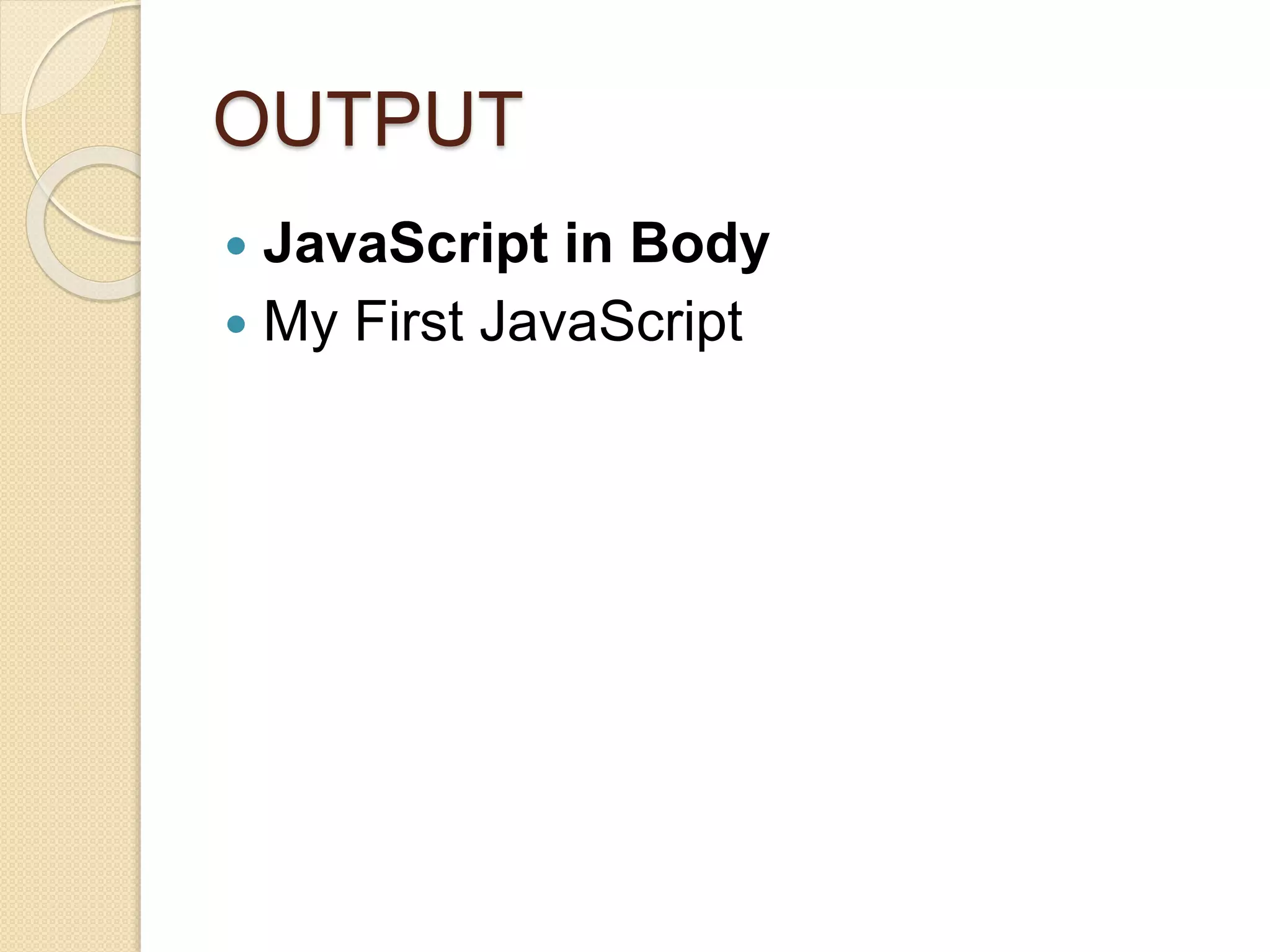
OUTPUT
 JavaScript in Body
 My First JavaScript
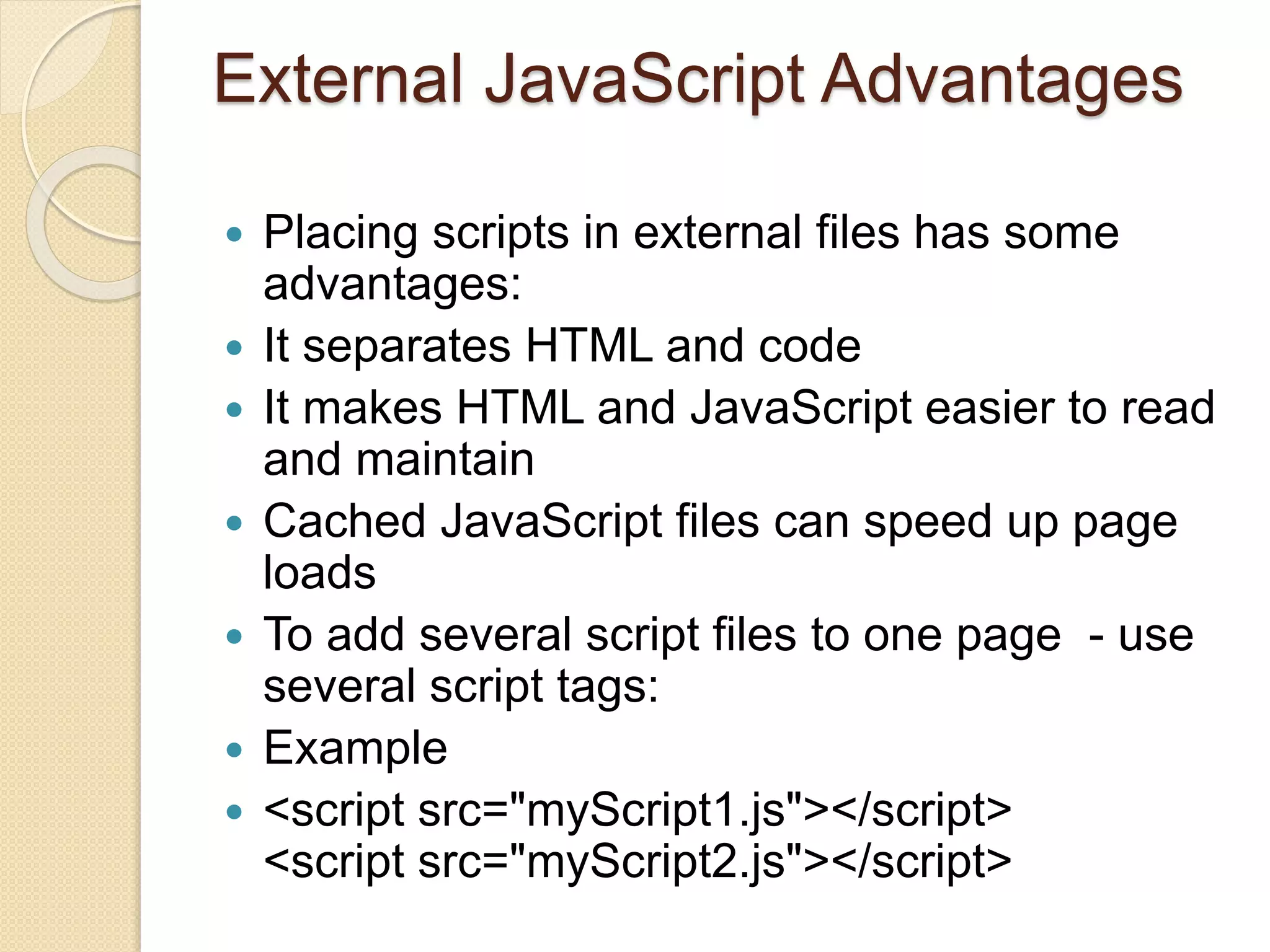
External JavaScript Advantages
 Placing scripts in external files has some
advantages:
 It separates HTML and code
 It makes HTML and JavaScript easier to read
and maintain
 Cached JavaScript files can speed up page
loads
 To add several script files to one page - use
several script tags:
 Example
 <script src="myScript1.js"></script>
<script src="myScript2.js"></script>
JavaScript Programs
 A computer program is a list of
"instructions" to be "executed" by a
computer.
 In a programming language, these
programming instructions are
called statements.
 A JavaScript program is a list of
programming statements.
JavaScript Values
 The JavaScript syntax defines two
types of values:
 Fixed values
 Variable values
 Fixed values are called Literals.
 Variable values are called Variables.
JavaScript Comments
 Not all JavaScript statements are
"executed".
 Code after double slashes // or
between /* and */ is treated as
a comment.
JavaScript is Case Sensitive
 All JavaScript identifiers are case sensitive.
 The variables lastName and lastname, are
two different variables.
 JavaScript Dollar Sign $
 Remember that JavaScript identifiers
(names) must begin with:
 A letter (A-Z or a-z)
 A dollar sign ($)
 Or an underscore (_)
 Since JavaScript treats a dollar sign as a
letter, identifiers containing $ are valid
variable names.
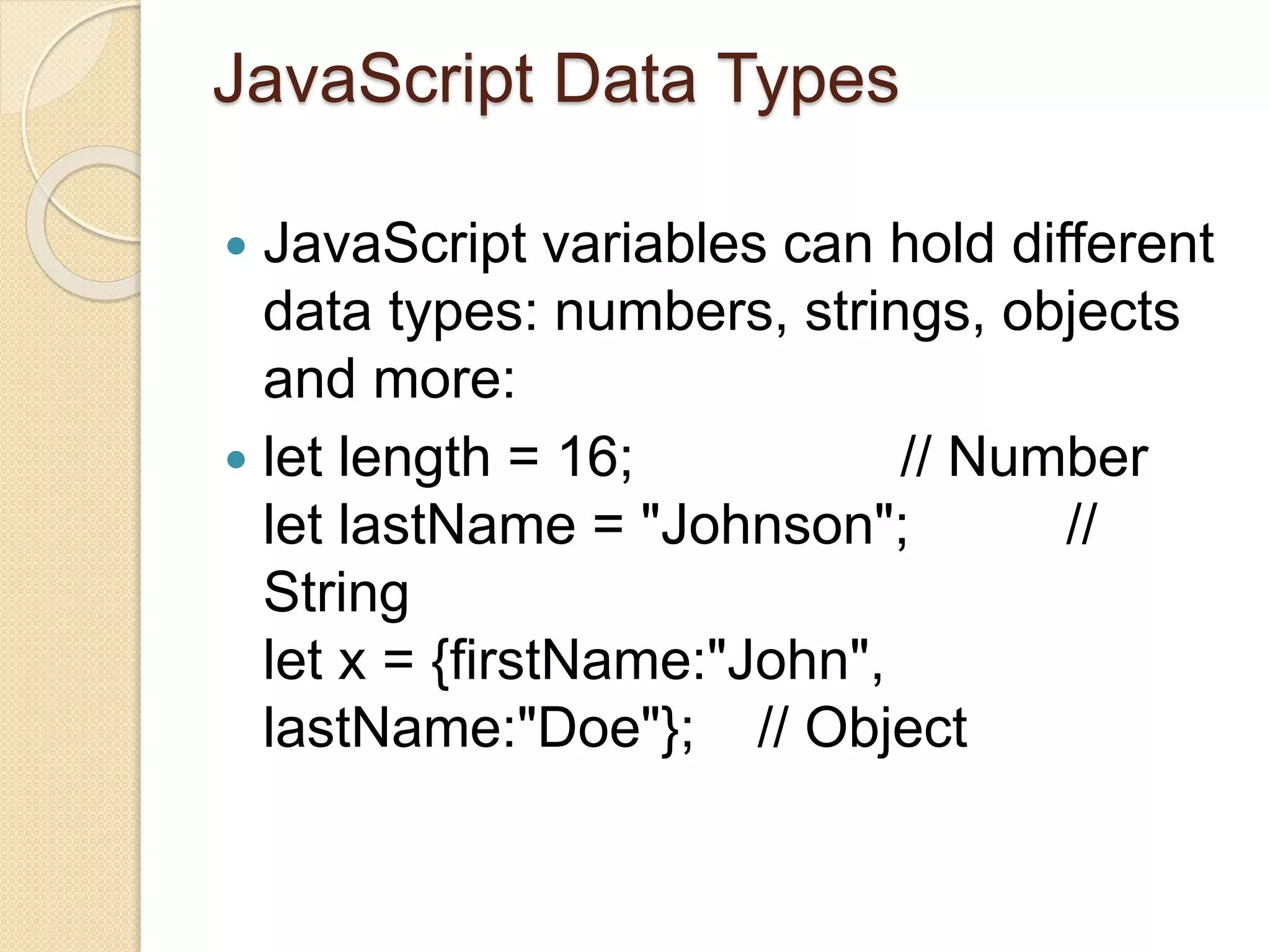
JavaScript Data Types
 JavaScript variables can hold different
data types: numbers, strings, objects
and more:
 let length = 16; // Number
let lastName = "Johnson"; //
String
let x = {firstName:"John",
lastName:"Doe"}; // Object
THANK YOU

Java Script

  • 1.
  • 2.
    My First JavaScriptProgram  <!DOCTYPE html>  <html>  <body>  <h2>My First JavaScript</h2>  <button type="button"  onclick="document.getElementById('demo').innerHTML = Date()">  Click me to display Date and Time.</button>  <p id="demo"></p>  </body>  </html>
  • 3.
    OUTPUT  My FirstJavaScript  Click me to display Date and Time.  Wed Jul 28 2021 11:53:00 GMT-0700 (Pacific Daylight Time)
  • 4.
    Why Study JavaScript? JavaScript is one of the 3 languages all web developers must learn:  1. HTML to define the content of web pages  2. CSS to specify the layout of web pages  3. JavaScript to program the behavior of web pages
  • 5.
    JavaScript can changeHTML content  <!DOCTYPE html>  <html>  <body>  <h2>What Can JavaScript Do?</h2>  <p id="demo">JavaScript can change HTML content.</p>  <button type="button" onclick="document.getElementById('demo').innerHTML = 'Hello JavaScript!'">Click Me!</button>  </body>  </html>
  • 6.
    OUTPUT  What CanJavaScript Do?  Hello JavaScript!  Click Me!
  • 7.
    JavaScript Can ChangeHTML Attribute Values  In this example JavaScript changes the value of the src (source) attribute of an <img> tag:  <!DOCTYPE html>  <html>  <body>  <h2>What Can JavaScript Do?</h2>  <p>JavaScript can change HTML attribute values.</p>  <p>In this case JavaScript changes the value of the src (source) attribute of an image.</p>
  • 8.
    Cont…..  <button onclick="document.getElementById('myImage').s rc='pic_bulbon.gif'">Turn onthe light</button>  <img id="myImage" src="pic_bulboff.gif" style="width:100px">  <button onclick="document.getElementById('myImage').s rc='pic_bulboff.gif'">Turn off the light</button>  </body>  </html>
  • 9.
    OUTPUT  What CanJavaScript Do?  JavaScript can change HTML attribute values.  In this case JavaScript changes the value of the src (source) attribute of an image.  Turn on the light Turn off the light
  • 10.
    JavaScript can changethe style of an HTML  <!DOCTYPE html>  <html>  <body>  <h2>What Can JavaScript Do?</h2>  <p id="demo">JavaScript can change the style of an HTML element.</p>  <button type="button" onclick="document.getElementById('demo').style.fontSize='3 5px'">Click Me!</button>  </body>  </html>
  • 11.
    OUTPUT  What CanJavaScript Do?  JavaScript can change the style of an HTML element.  Click Me!
  • 12.
    JavaScript in Body <!DOCTYPE html>  <html>  <body>  <h2>JavaScript in Body</h2>  <p id="demo"></p>  <script>  document.getElementById("demo").innerHTML = "My First JavaScript";  </script>  </body>  </html>
  • 13.
    OUTPUT  JavaScript inBody  My First JavaScript
  • 14.
    External JavaScript Advantages Placing scripts in external files has some advantages:  It separates HTML and code  It makes HTML and JavaScript easier to read and maintain  Cached JavaScript files can speed up page loads  To add several script files to one page - use several script tags:  Example  <script src="myScript1.js"></script> <script src="myScript2.js"></script>
  • 15.
    JavaScript Programs  Acomputer program is a list of "instructions" to be "executed" by a computer.  In a programming language, these programming instructions are called statements.  A JavaScript program is a list of programming statements.
  • 16.
    JavaScript Values  TheJavaScript syntax defines two types of values:  Fixed values  Variable values  Fixed values are called Literals.  Variable values are called Variables.
  • 17.
    JavaScript Comments  Notall JavaScript statements are "executed".  Code after double slashes // or between /* and */ is treated as a comment.
  • 18.
    JavaScript is CaseSensitive  All JavaScript identifiers are case sensitive.  The variables lastName and lastname, are two different variables.  JavaScript Dollar Sign $  Remember that JavaScript identifiers (names) must begin with:  A letter (A-Z or a-z)  A dollar sign ($)  Or an underscore (_)  Since JavaScript treats a dollar sign as a letter, identifiers containing $ are valid variable names.
  • 19.
    JavaScript Data Types JavaScript variables can hold different data types: numbers, strings, objects and more:  let length = 16; // Number let lastName = "Johnson"; // String let x = {firstName:"John", lastName:"Doe"}; // Object
  • 20.