JavaScript
Jamshid Hashimi
Trainer, Cresco Solution
http://www.jamshidhashimi.com
jamshid@netlinks.af
@jamshidhashimi
ajamshidhashimi
Afghanistan Workforce
Development Program
Agenda
• JS Introduction
• JS How To
• JS Statements
• JS Comments
• JS Variables
• JS Data Types
• JS Objects
• JS Arrays
Agenda
• JS JSON
• JS Functions
• JS Operators
• JS Inspect Elements (Chrome, Firefox, IE)
• JQuery
• DEMO
Introduction
• JavaScript is the world's most popular
programming language. It is the language for
HTML and the web, for
servers, PCs, laptops, tablets, smart phones, and
more.
• A scripting language is a lightweight programming
language.
• JavaScript is programming code that can be
inserted into HTML pages.
• JavaScript inserted into HTML pages, can be
executed by all modern web browsers.
• JavaScript is easy to learn.
How TO
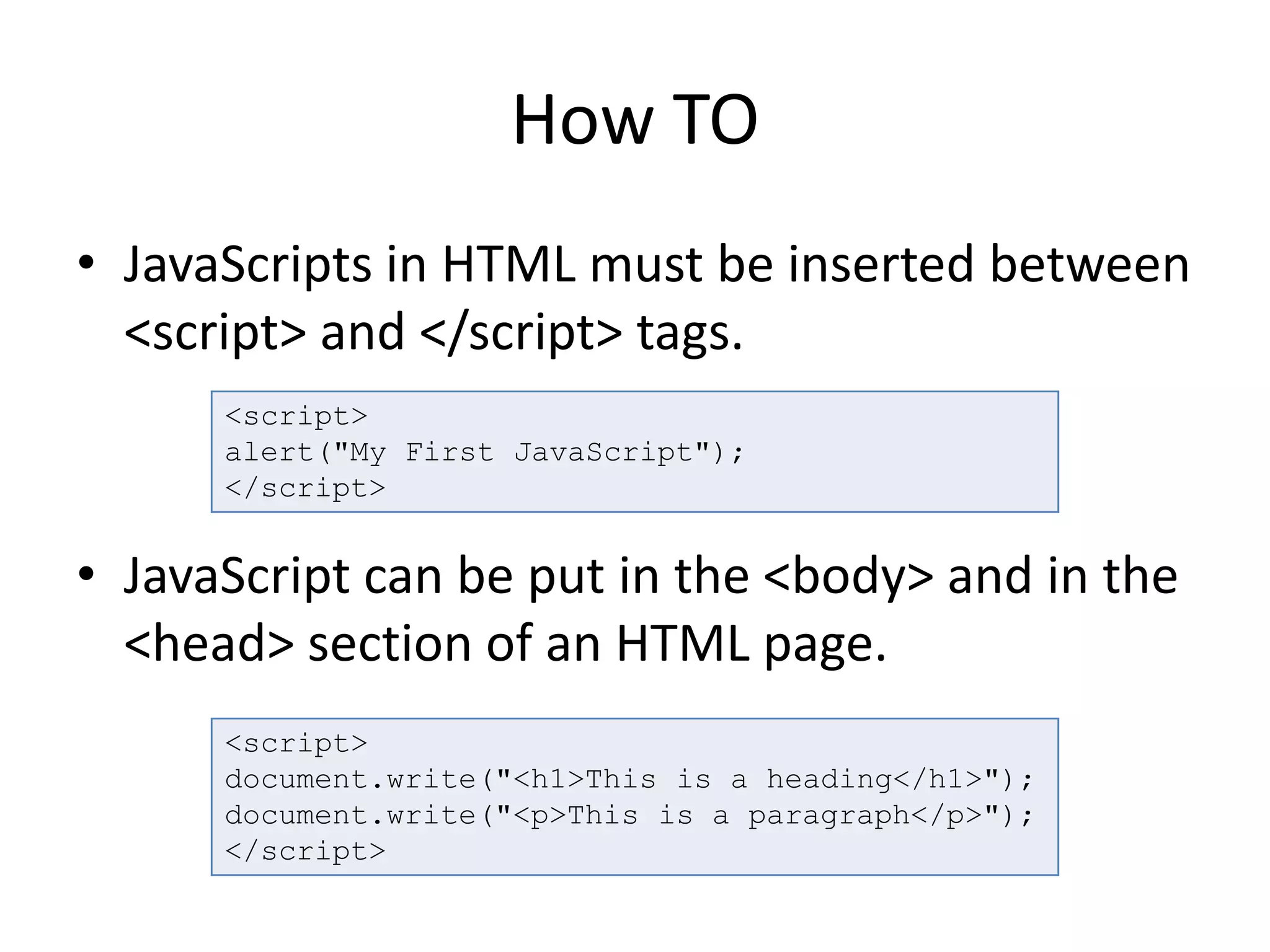
• JavaScripts in HTML must be inserted between
<script> and </script> tags.
• JavaScript can be put in the <body> and in the
<head> section of an HTML page.
<script>
alert("My First JavaScript");
</script>
<script>
document.write("<h1>This is a heading</h1>");
document.write("<p>This is a paragraph</p>");
</script>
OUTPUT
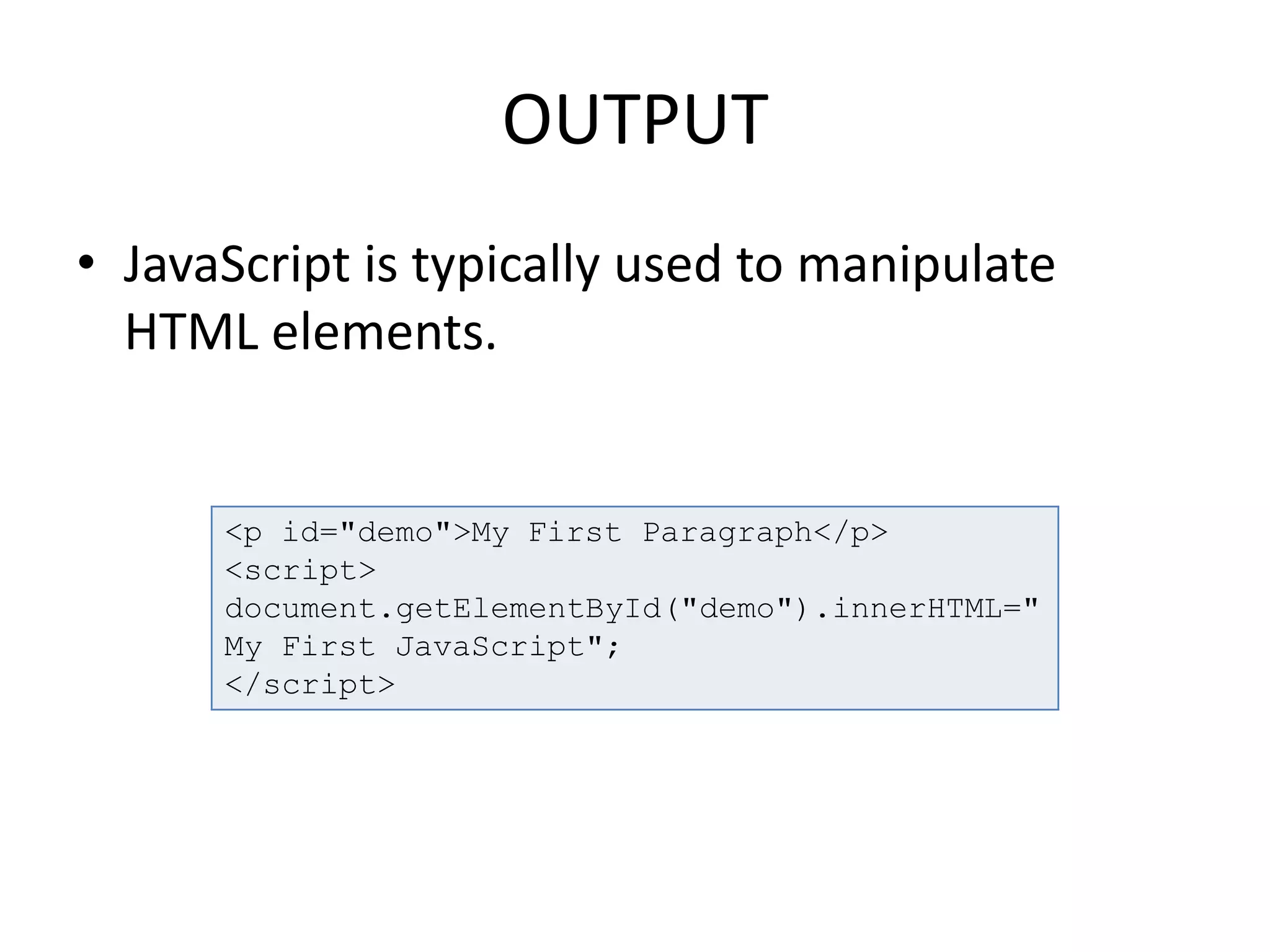
• JavaScript is typically used to manipulate
HTML elements.
<p id="demo">My First Paragraph</p>
<script>
document.getElementById("demo").innerHTML="
My First JavaScript";
</script>
Statements
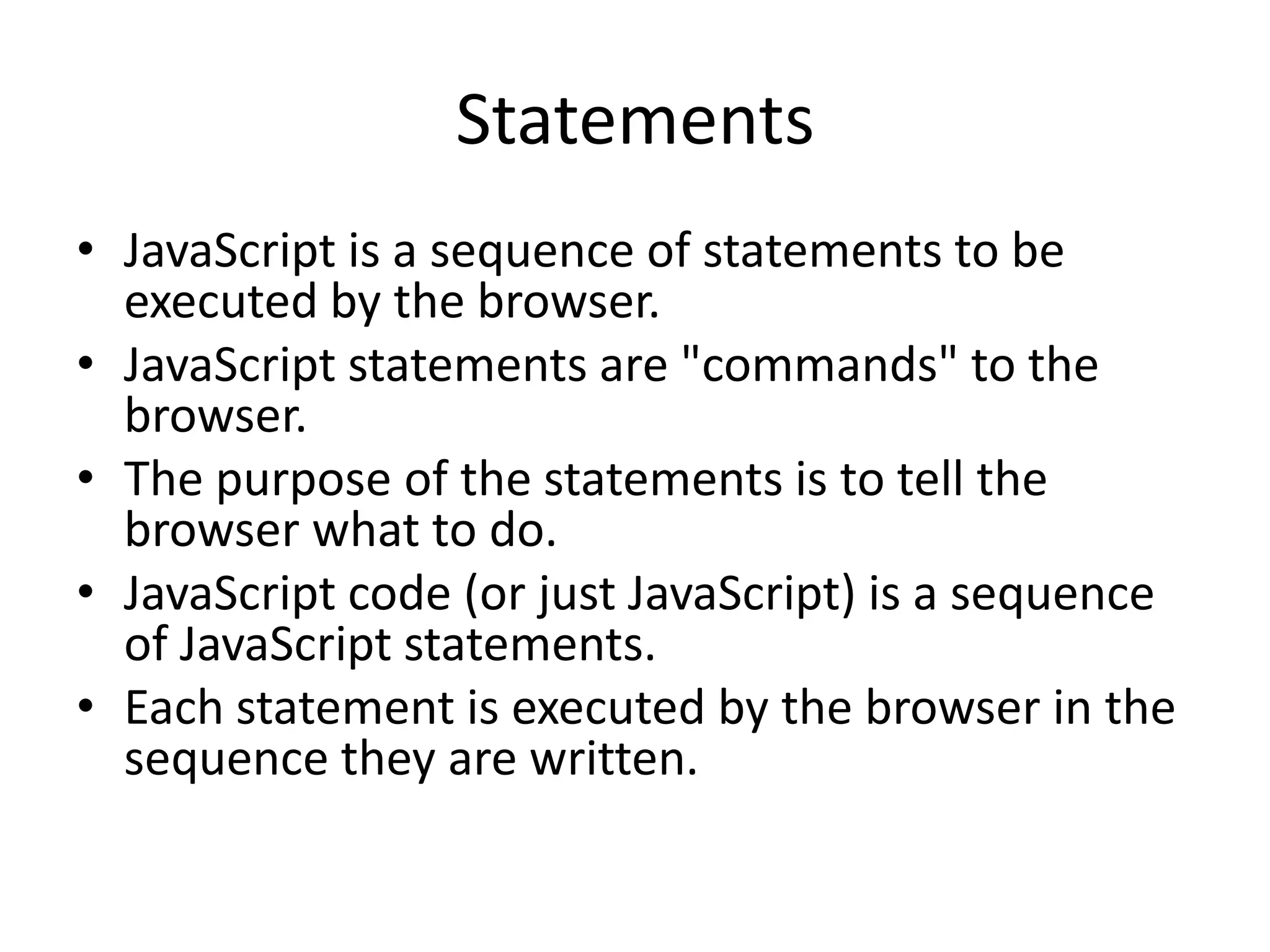
• JavaScript is a sequence of statements to be
executed by the browser.
• JavaScript statements are "commands" to the
browser.
• The purpose of the statements is to tell the
browser what to do.
• JavaScript code (or just JavaScript) is a sequence
of JavaScript statements.
• Each statement is executed by the browser in the
sequence they are written.
Statements
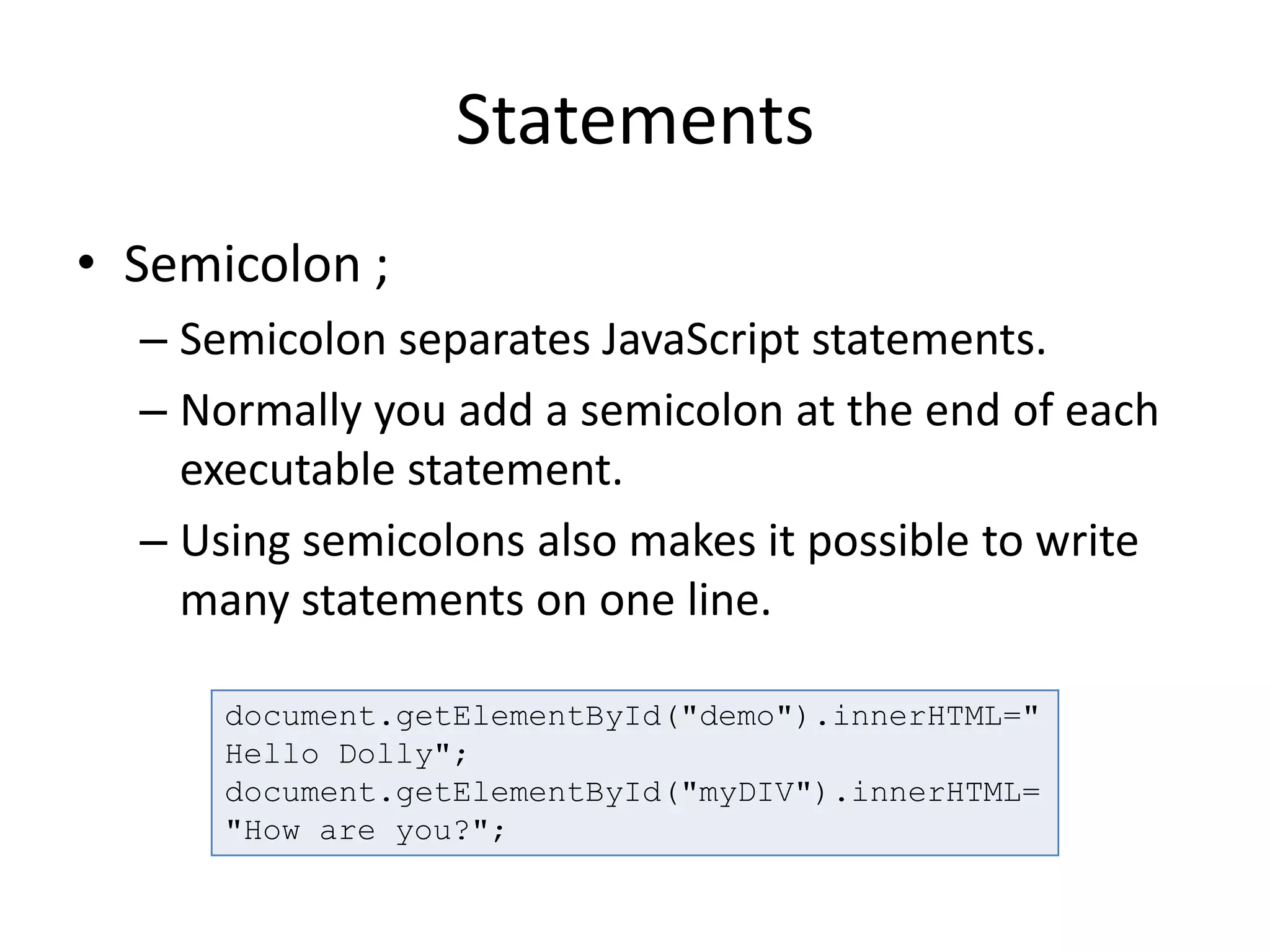
• Semicolon ;
– Semicolon separates JavaScript statements.
– Normally you add a semicolon at the end of each
executable statement.
– Using semicolons also makes it possible to write
many statements on one line.
document.getElementById("demo").innerHTML="
Hello Dolly";
document.getElementById("myDIV").innerHTML=
"How are you?";
Statements
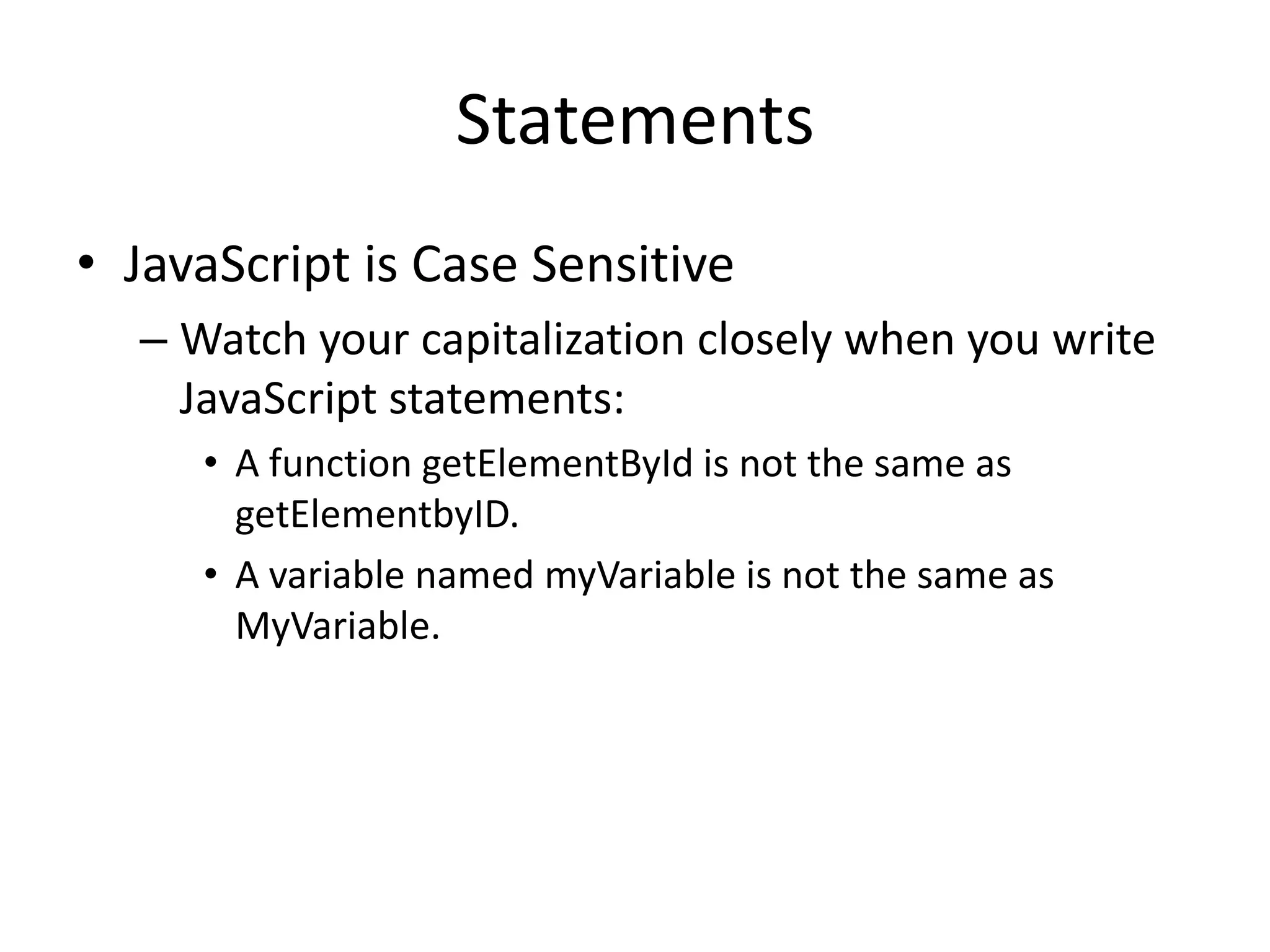
• JavaScript is Case Sensitive
– Watch your capitalization closely when you write
JavaScript statements:
• A function getElementById is not the same as
getElementbyID.
• A variable named myVariable is not the same as
MyVariable.
Statements
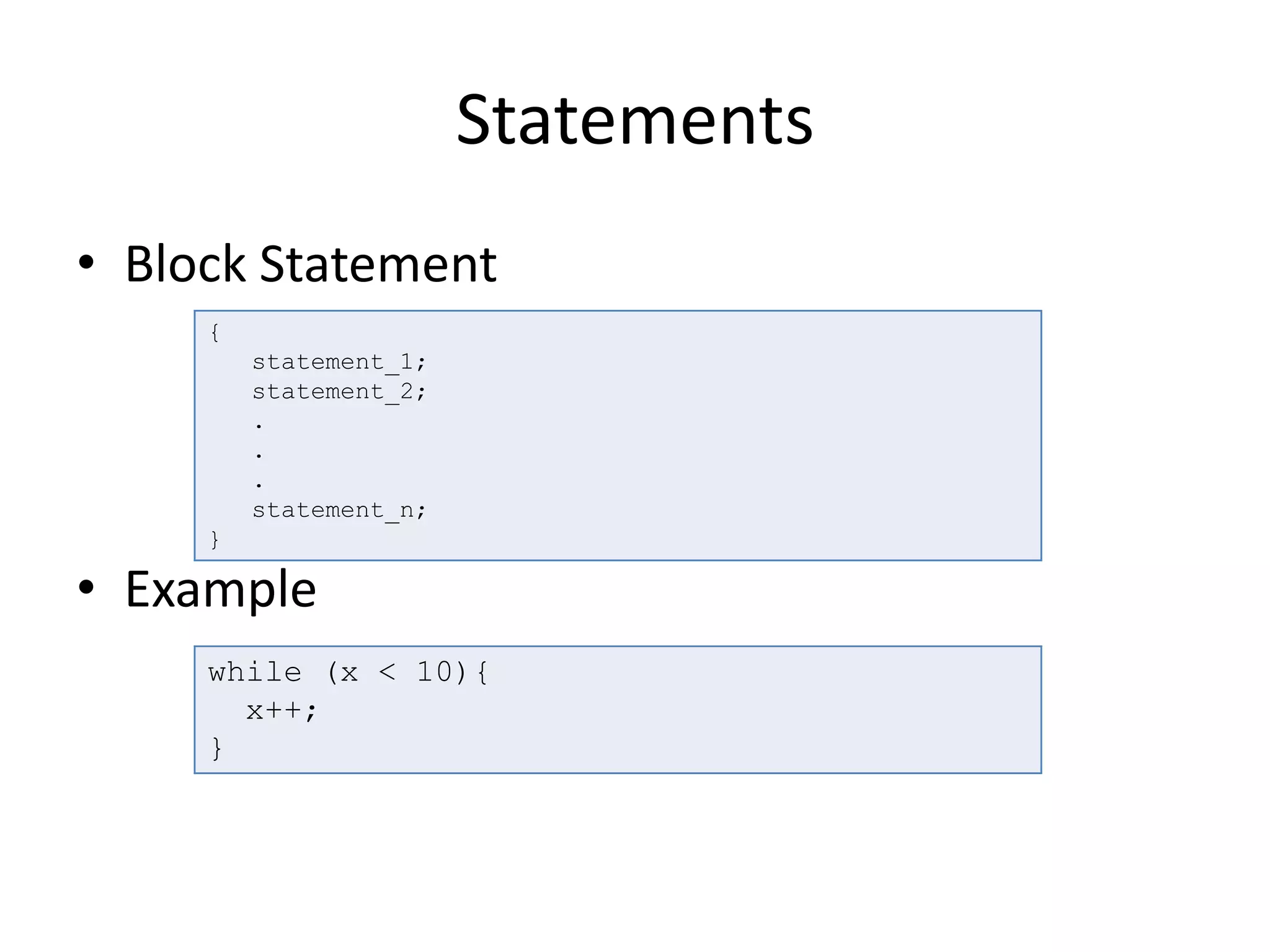
• Block Statement
• Example
{
statement_1;
statement_2;
.
.
.
statement_n;
}
while (x < 10){
x++;
}
Statements
• Conditional Statements
– if...else Statement
– switch Statement
if (condition)
statement_1
[else
statement_2]
switch (expression) {
case label_1:
statements_1
[break;]
case label_2:
statements_2
[break;]
...
default:
statements_def
[break;]
}
Statements
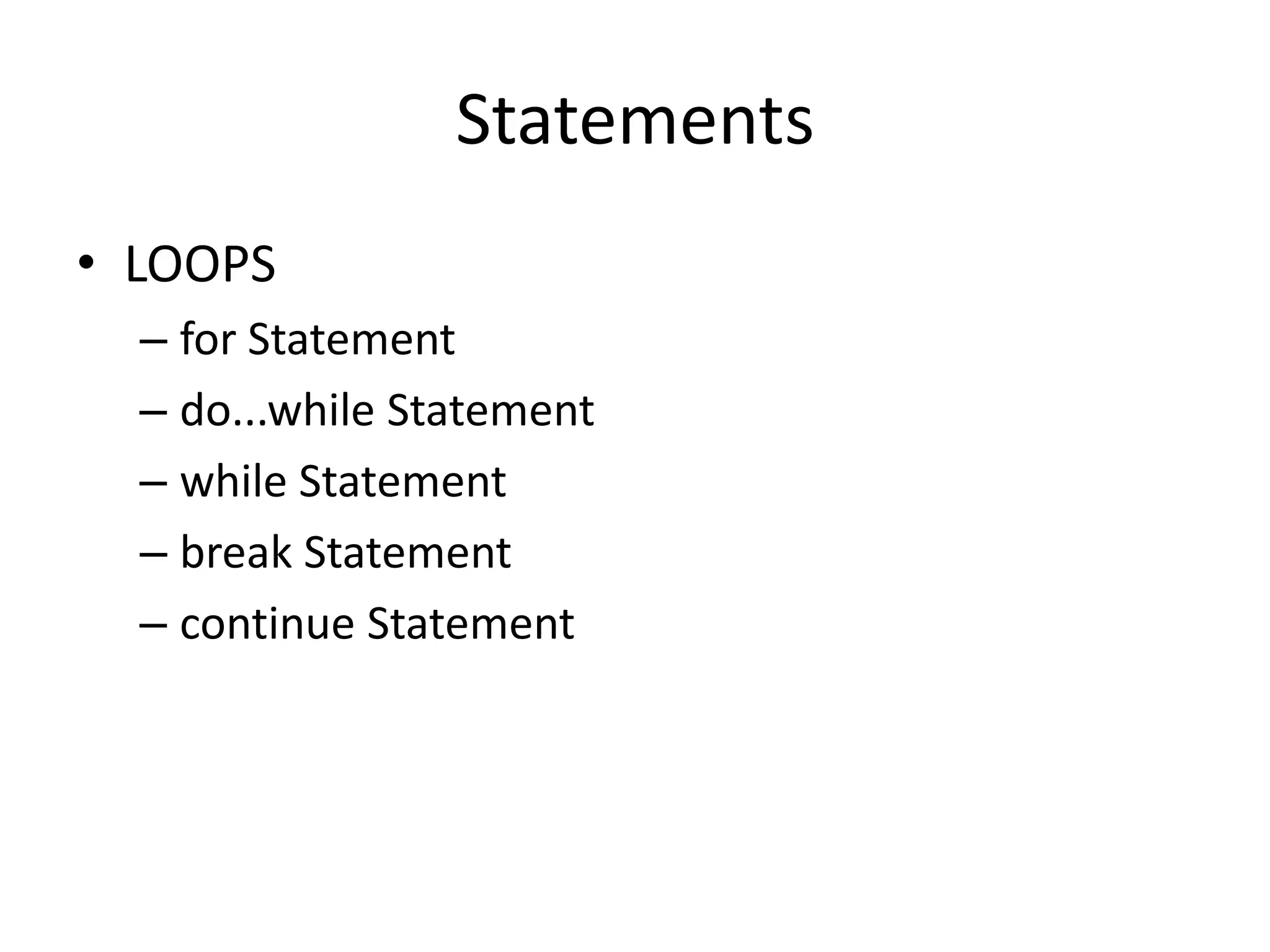
• LOOPS
– for Statement
– do...while Statement
– while Statement
– break Statement
– continue Statement
Statements
• Object Manipulation Statements
– for...in Statement
var obj = {make:"BMW", model:"2013"}
function dump_props(obj, obj_name) {
var result = "";
for (var i in obj) {
result += obj_name + "." + i + " = "
+ obj[i] + "<br>";
}
return result;
}
document.write(dump_props(obj,"obj"));
Comments
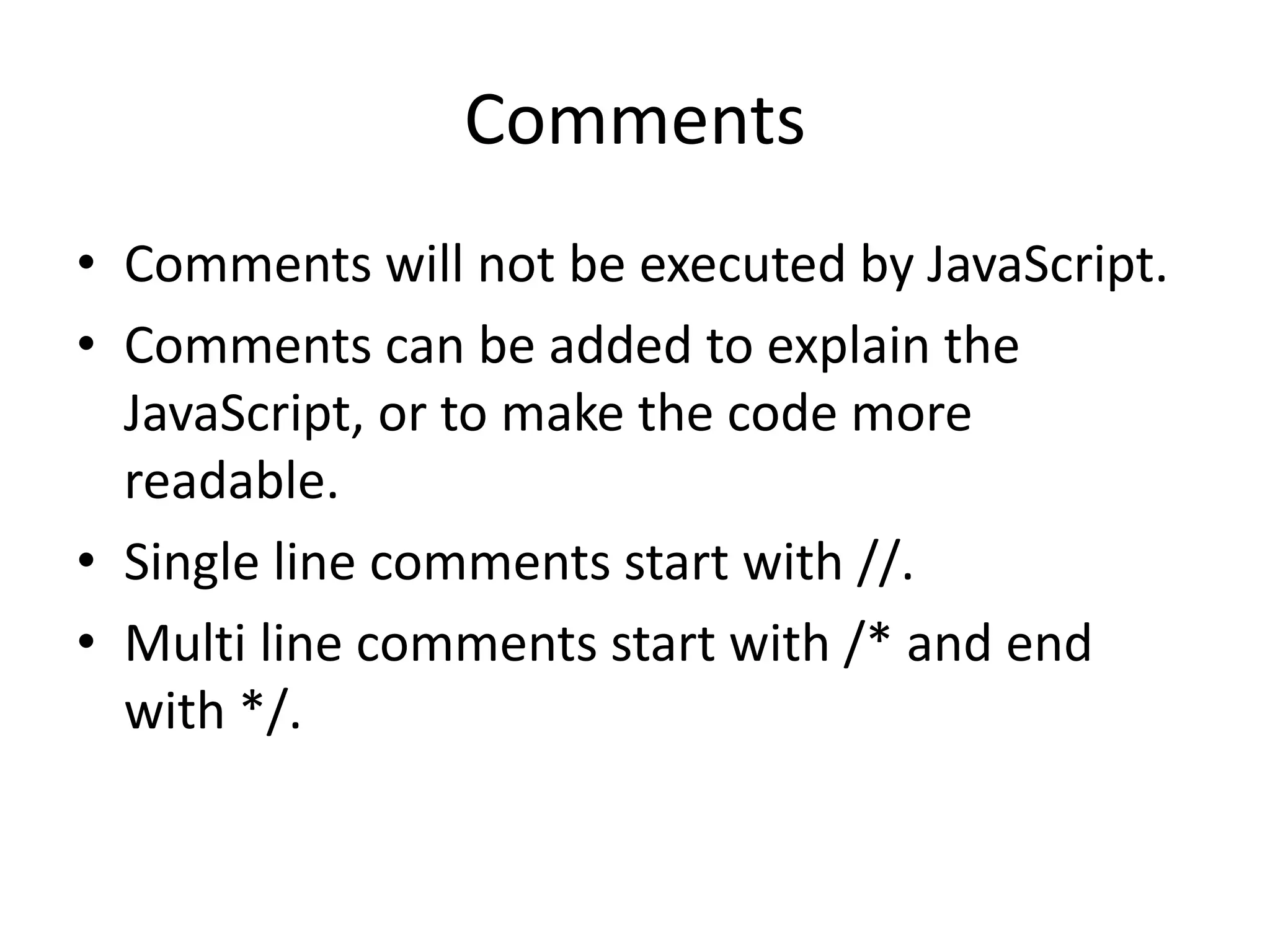
• Comments will not be executed by JavaScript.
• Comments can be added to explain the
JavaScript, or to make the code more
readable.
• Single line comments start with //.
• Multi line comments start with /* and end
with */.
Comments
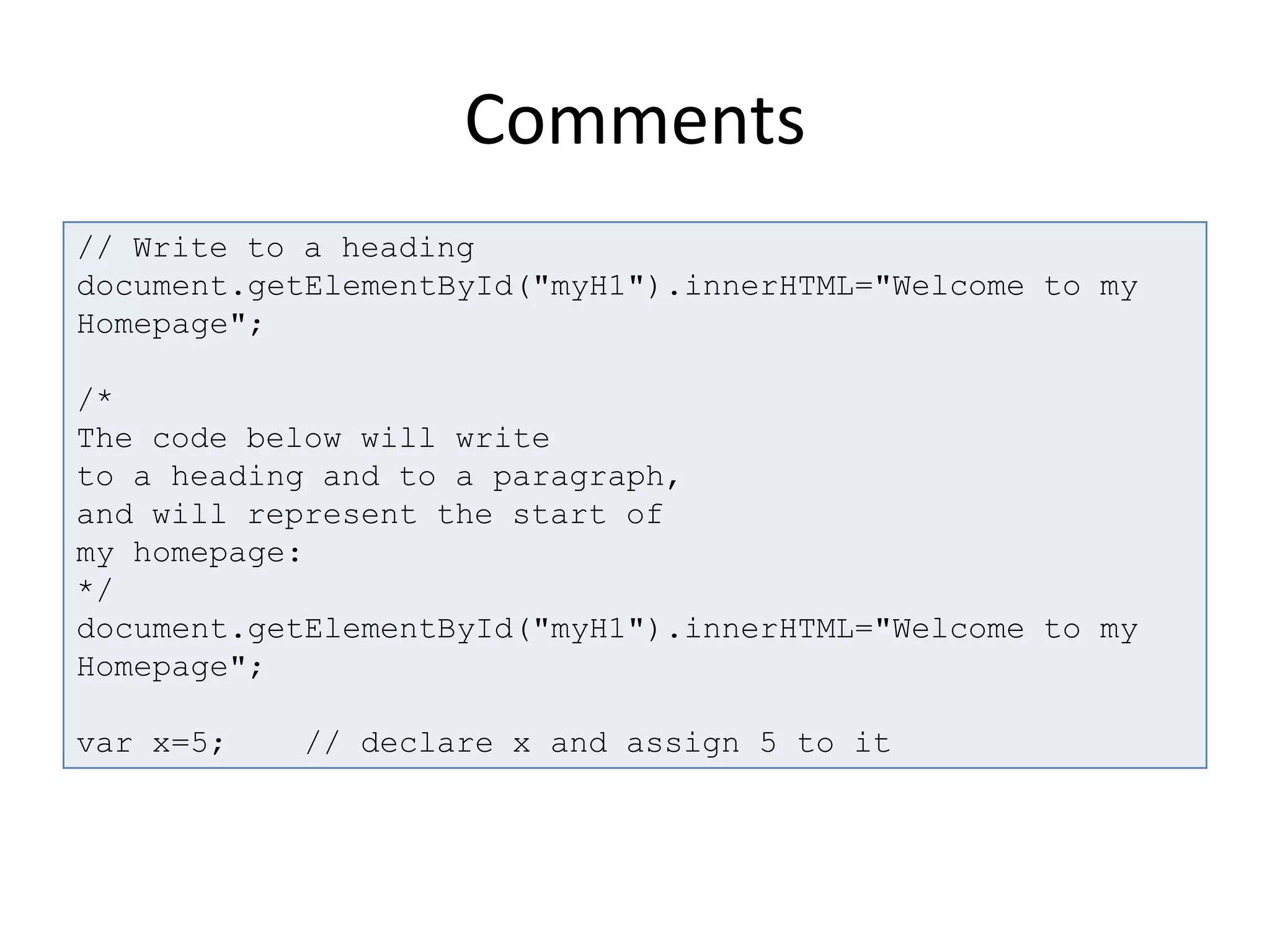
// Write to a heading
document.getElementById("myH1").innerHTML="Welcome to my
Homepage";
/*
The code below will write
to a heading and to a paragraph,
and will represent the start of
my homepage:
*/
document.getElementById("myH1").innerHTML="Welcome to my
Homepage";
var x=5; // declare x and assign 5 to it
Variables
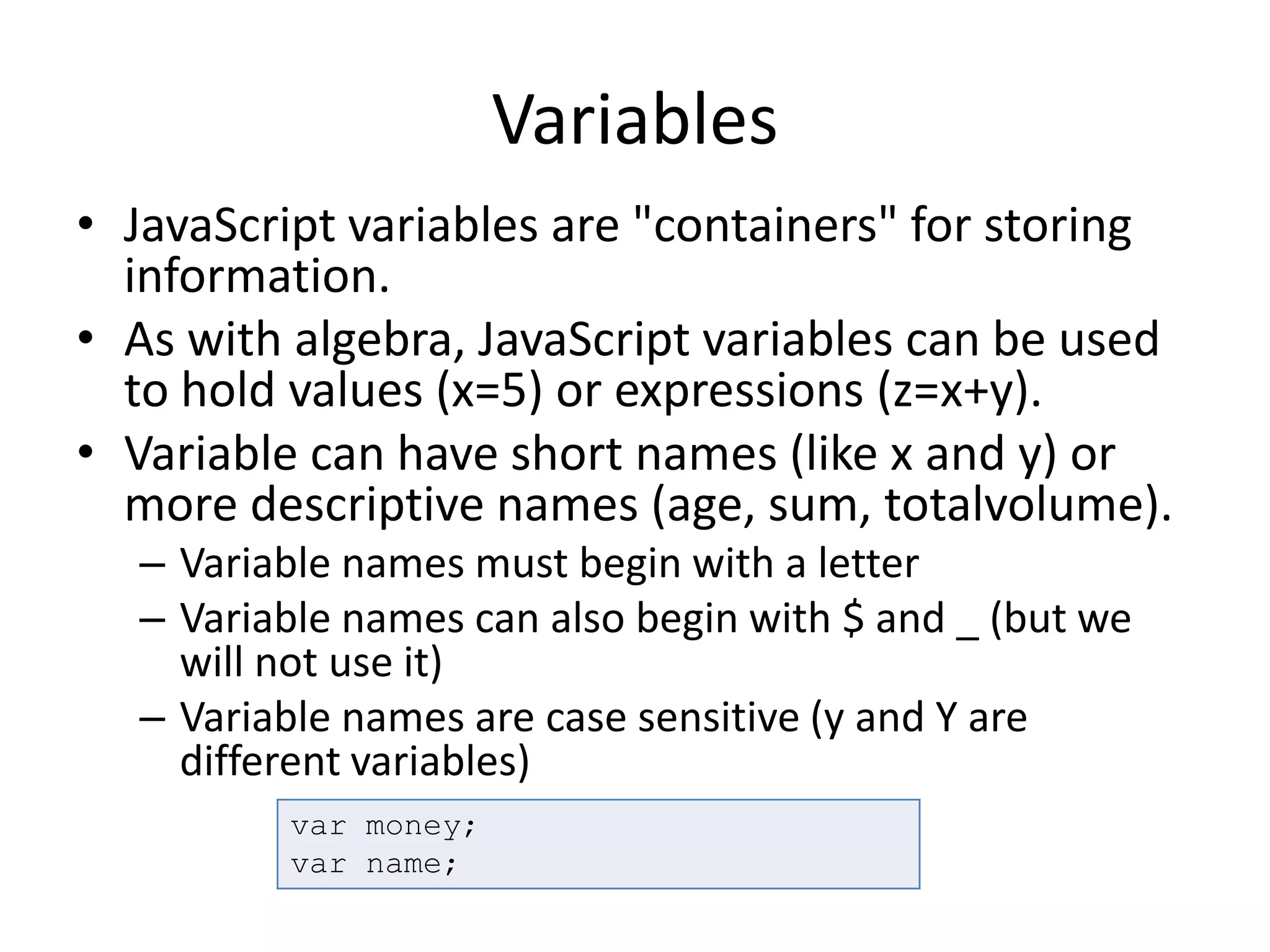
• JavaScript variables are "containers" for storing
information.
• As with algebra, JavaScript variables can be used
to hold values (x=5) or expressions (z=x+y).
• Variable can have short names (like x and y) or
more descriptive names (age, sum, totalvolume).
– Variable names must begin with a letter
– Variable names can also begin with $ and _ (but we
will not use it)
– Variable names are case sensitive (y and Y are
different variables)
var money;
var name;
Variables
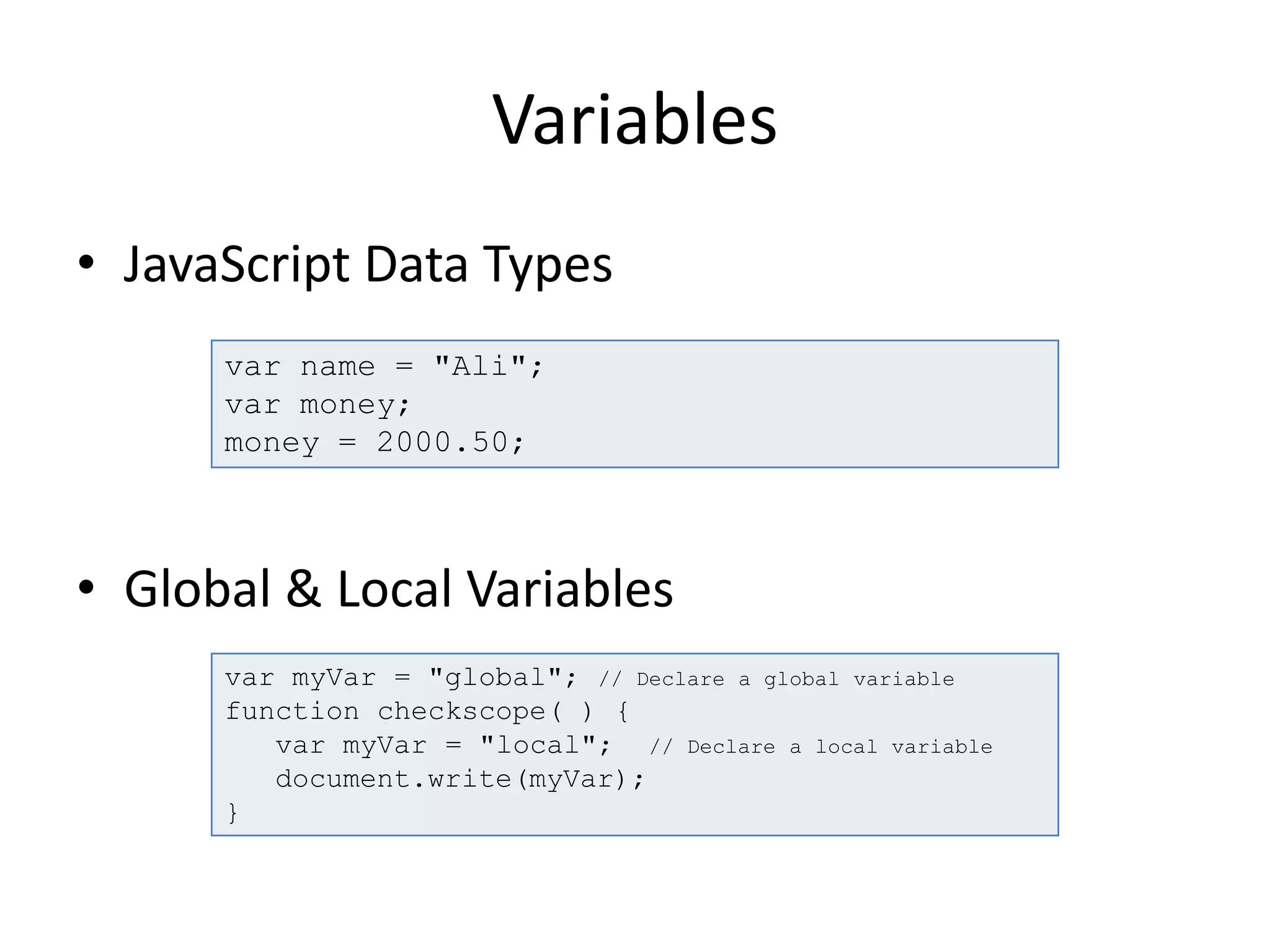
• JavaScript Data Types
• Global & Local Variables
var name = "Ali";
var money;
money = 2000.50;
var myVar = "global"; // Declare a global variable
function checkscope( ) {
var myVar = "local"; // Declare a local variable
document.write(myVar);
}
Variables
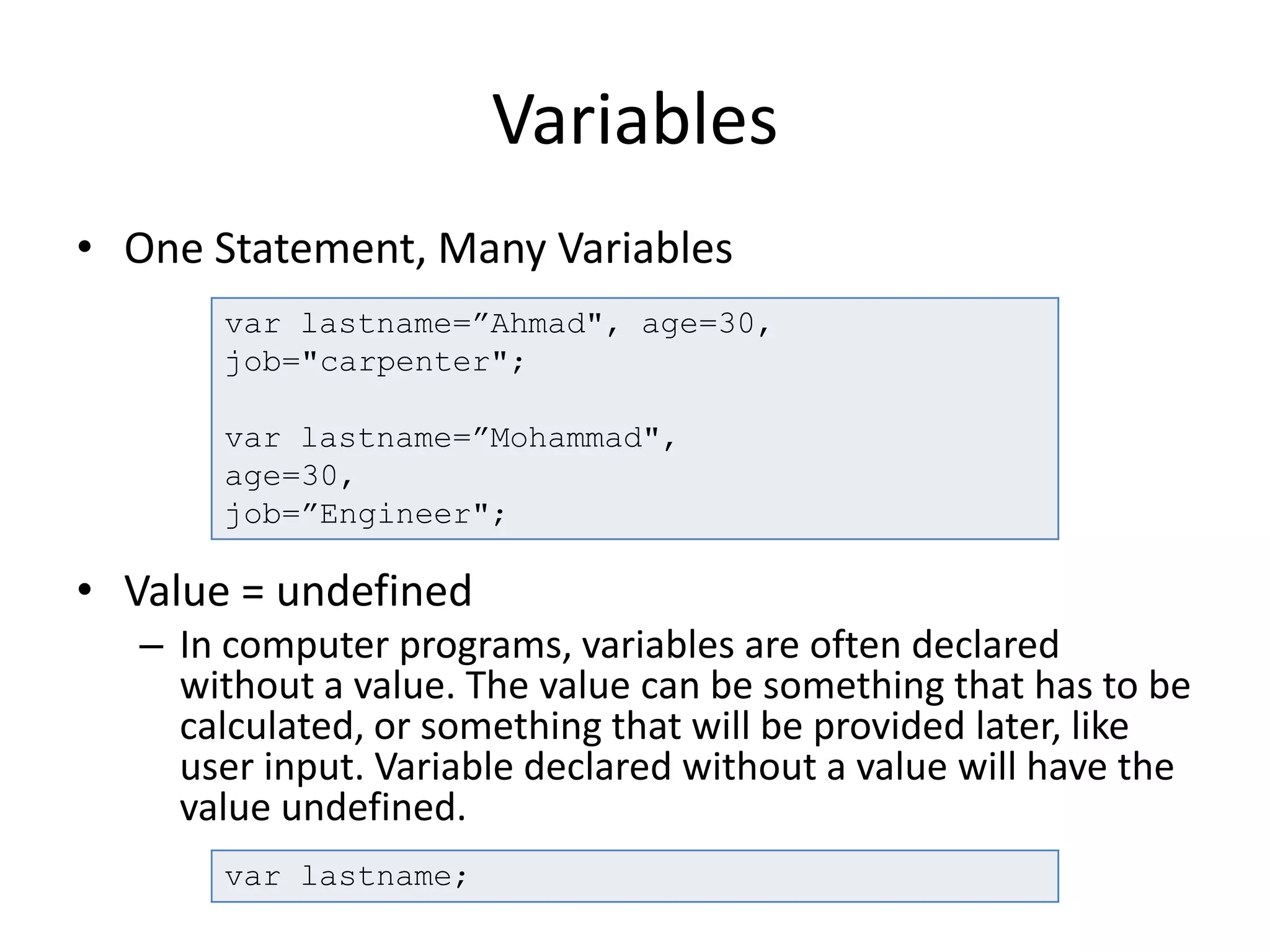
• One Statement, Many Variables
• Value = undefined
– In computer programs, variables are often declared
without a value. The value can be something that has to be
calculated, or something that will be provided later, like
user input. Variable declared without a value will have the
value undefined.
var lastname=”Ahmad", age=30,
job="carpenter";
var lastname=”Mohammad",
age=30,
job=”Engineer";
var lastname;
Data Types
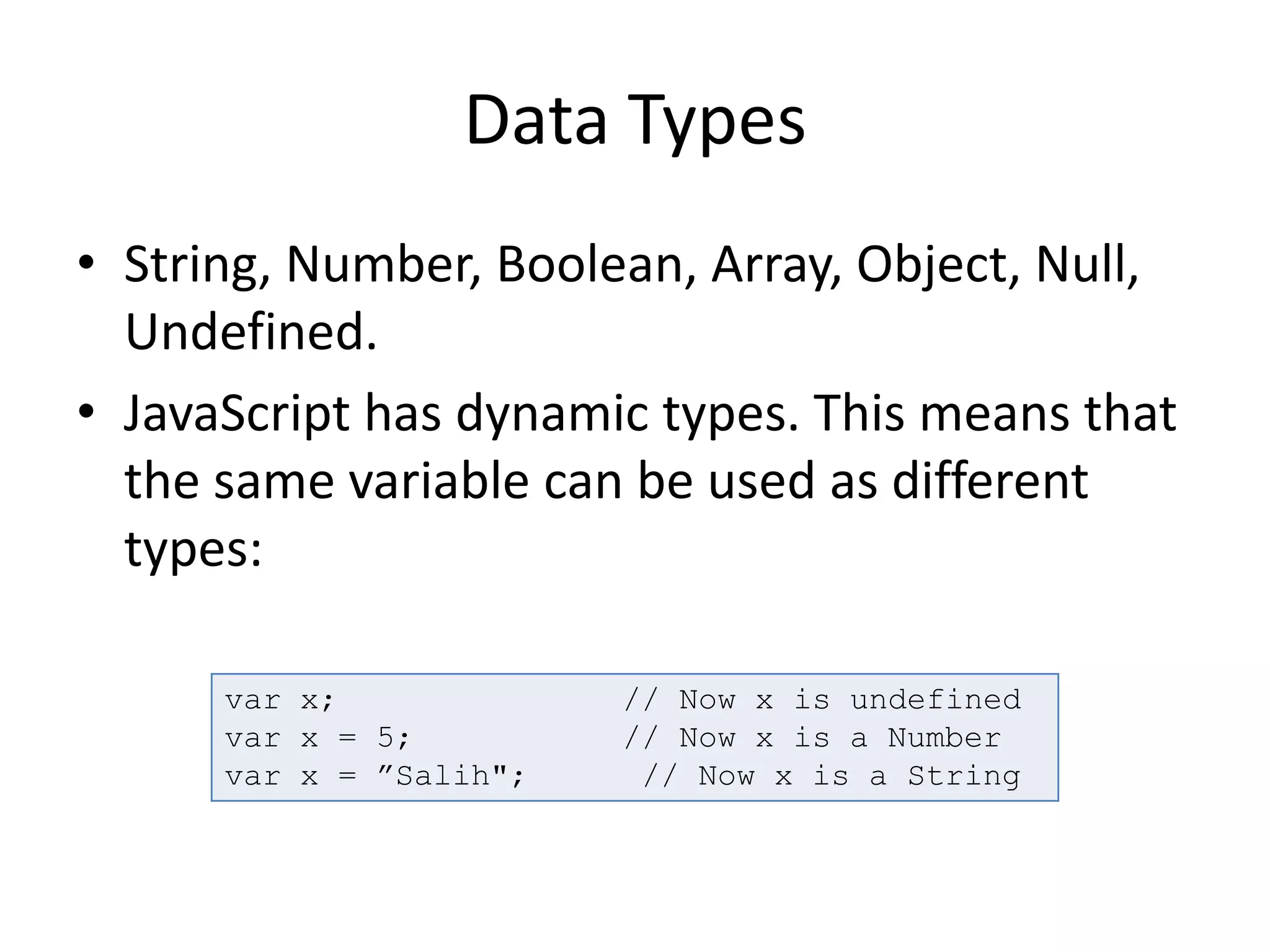
• String, Number, Boolean, Array, Object, Null,
Undefined.
• JavaScript has dynamic types. This means that
the same variable can be used as different
types:
var x; // Now x is undefined
var x = 5; // Now x is a Number
var x = ”Salih"; // Now x is a String
Data Types
• JavaScript Booleans
– Booleans can only have two values: true or false.
• JavaScript Arrays
var x=true;
var y=false;
var arr = new Array();
arr[0] = ”item 1";
arr[1] = ”item 2";
var arr = new Array(”item1",”item2”);
var arr = [“item1", “item2"];
Data Types
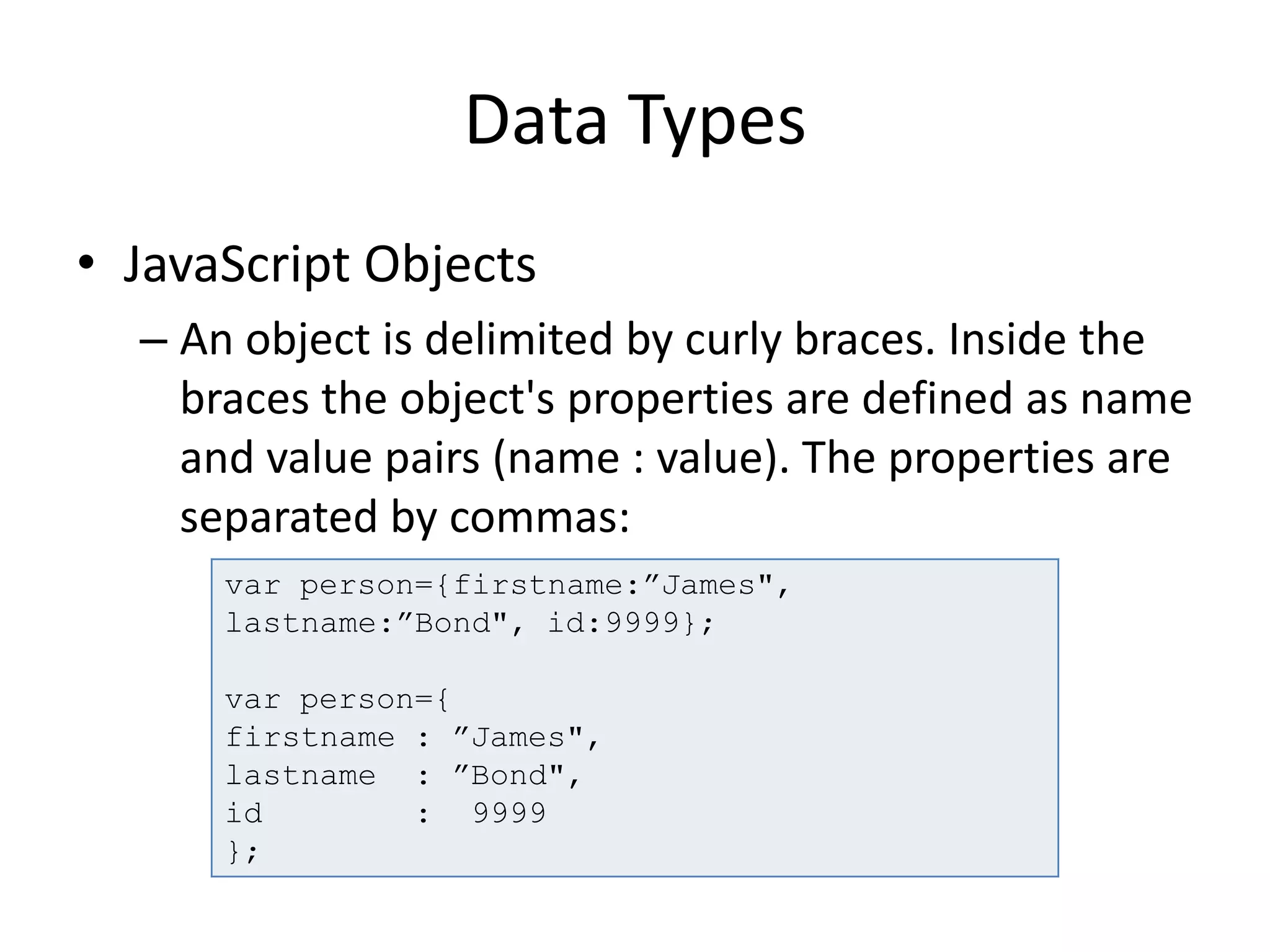
• JavaScript Objects
– An object is delimited by curly braces. Inside the
braces the object's properties are defined as name
and value pairs (name : value). The properties are
separated by commas:
var person={firstname:”James",
lastname:”Bond", id:9999};
var person={
firstname : ”James",
lastname : ”Bond",
id : 9999
};
Objects
• JavaScript is designed on a simple object-
based paradigm. "Everything" in JavaScript is
an Object: a String, a Number, an Array, a
Date....
• In JavaScript, an object is data, with properties
and methods.
– Properties are values associated with objects.
– Methods are actions that objects can perform.
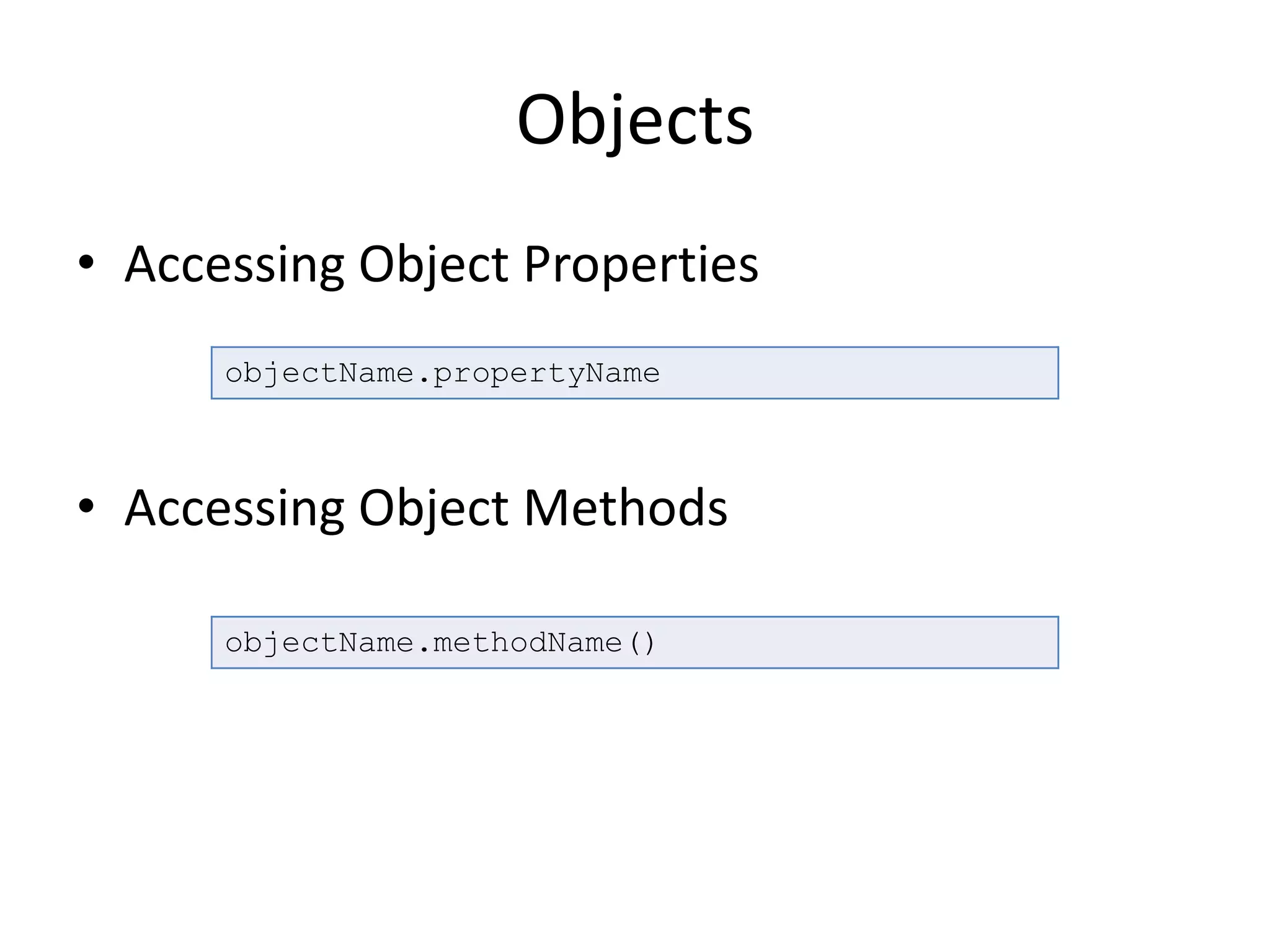
Objects
• Accessing Object Properties
• Accessing Object Methods
objectName.propertyName
objectName.methodName()
Objects
• Objects in JavaScript, just as many other
programming languages, can be compared to
objects in real life.
var myCar = new Object();
myCar.make = "Ford";
myCar.model = "Mustang";
myCar.year = 1969;
myCar.make
myCar[“make”]
Objects
var myCar = {make:"BMW",model:"s2013",year:"2013"}
function showProps(obj, objName) {
var result = "";
for (var i in obj) {
if (obj.hasOwnProperty(i)) {
result += objName + "." + i + " = " + obj[i] +
"n";
}
}
return result;
}
alert(showProps(myCar,"myCar"))
Arrays
• The JavaScript Array global object is a constructor
for arrays, which are high-level, list-like objects.
• Arrays are list-like objects that come with a
several built-in methods to perform traversal and
mutation operations. Neither the size of a
JavaScript array nor the types of its elements are
fixed. Since an array's size can grow or shrink at
any time, JavaScript arrays are not guaranteed to
be dense.
Arrays
<!DOCTYPE html>
<html>
<head>
</head>
<body>
<script>
var years = [1950, 1960, 1970, 1980, 1990, 2000, 2010];
console.log(years[0]);
</script>
</body>
</html>
JSON
• JSON is a subset of the object literal notation
of JavaScript. Since JSON is a subset of
JavaScript, it can be used in the language
var myJSONObject = {"bindings": [
{"ircEvent": "PRIVMSG", "method":
"newURI", "regex": "^http://.*"},
{"ircEvent": "PRIVMSG", "method":
"deleteURI", "regex": "^delete.*"},
{"ircEvent": "PRIVMSG", "method":
"randomURI", "regex": "^random.*"}
]
};
myJSONObject.bindings[0].method // "newURI"
Functions
• Function is a "subprogram" that can be called
by code external (or internal in the case of
recursion). Like the program itself, a function
is composed of a sequence of statements
called the function body. Values can be passed
to a function, and the function can return a
value.
• Every function in JavaScript is actually a
Function object.
Functions
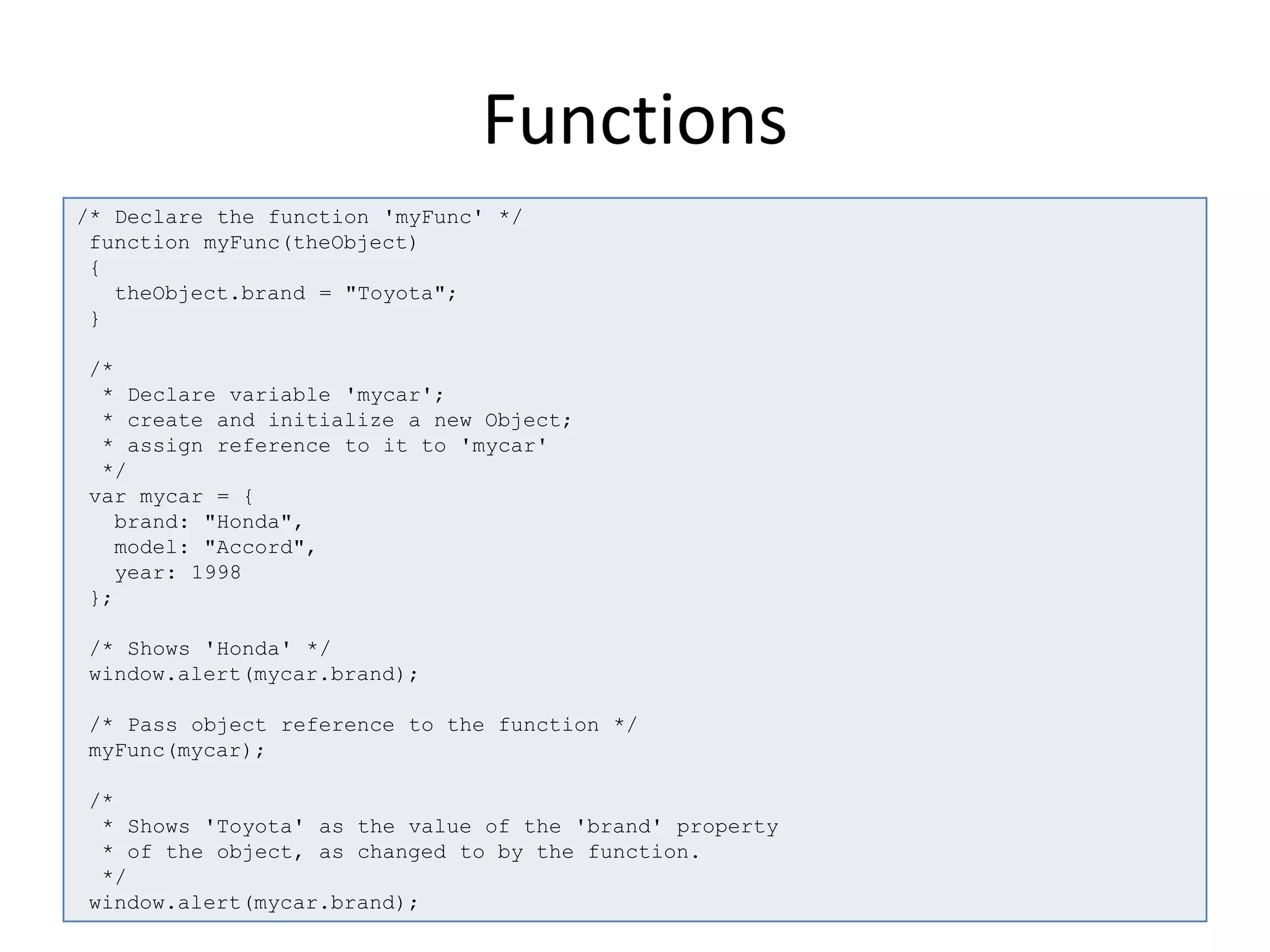
/* Declare the function 'myFunc' */
function myFunc(theObject)
{
theObject.brand = "Toyota";
}
/*
* Declare variable 'mycar';
* create and initialize a new Object;
* assign reference to it to 'mycar'
*/
var mycar = {
brand: "Honda",
model: "Accord",
year: 1998
};
/* Shows 'Honda' */
window.alert(mycar.brand);
/* Pass object reference to the function */
myFunc(mycar);
/*
* Shows 'Toyota' as the value of the 'brand' property
* of the object, as changed to by the function.
*/
window.alert(mycar.brand);
Operators
• Assignment operators
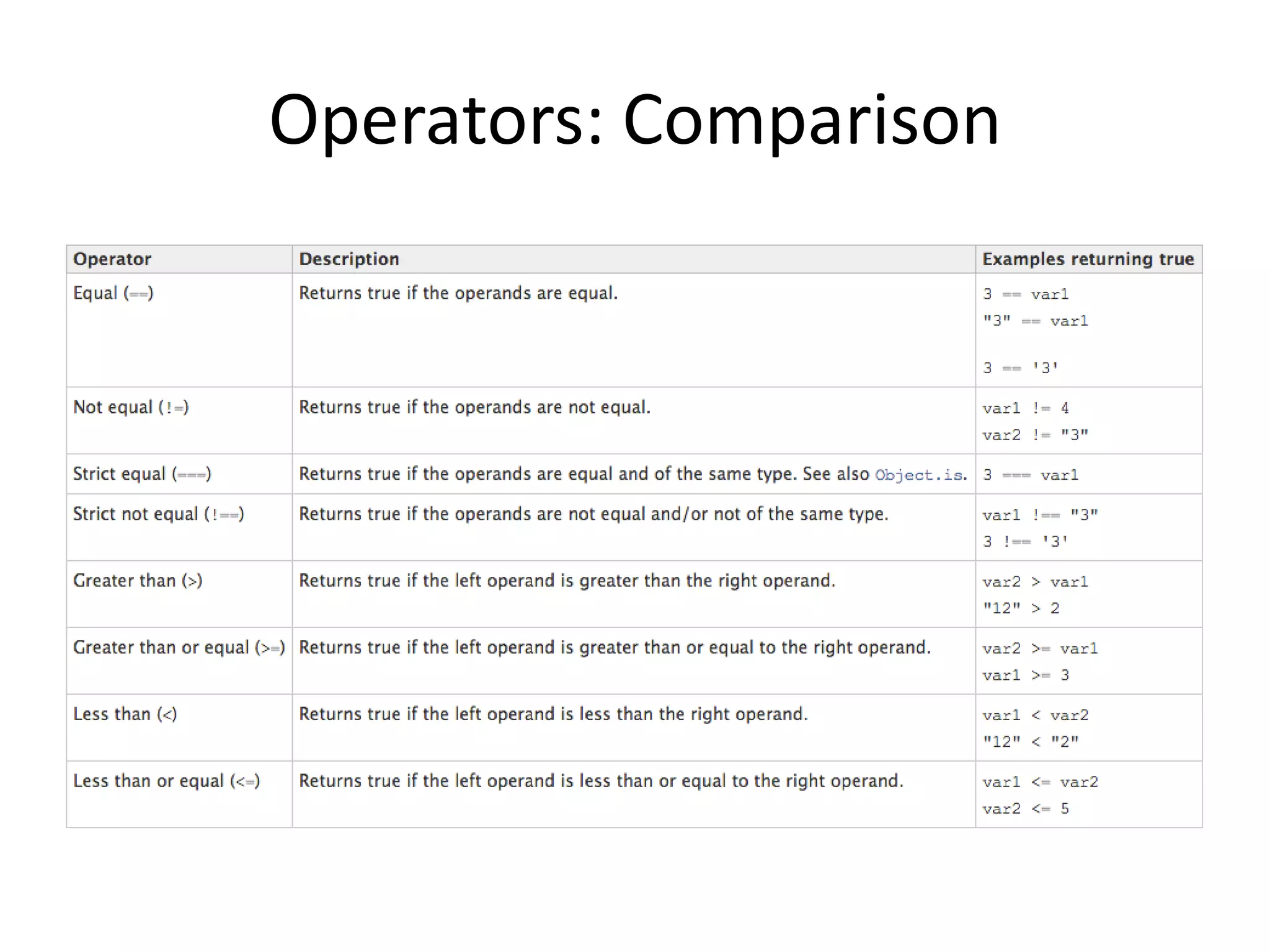
• Comparison operators
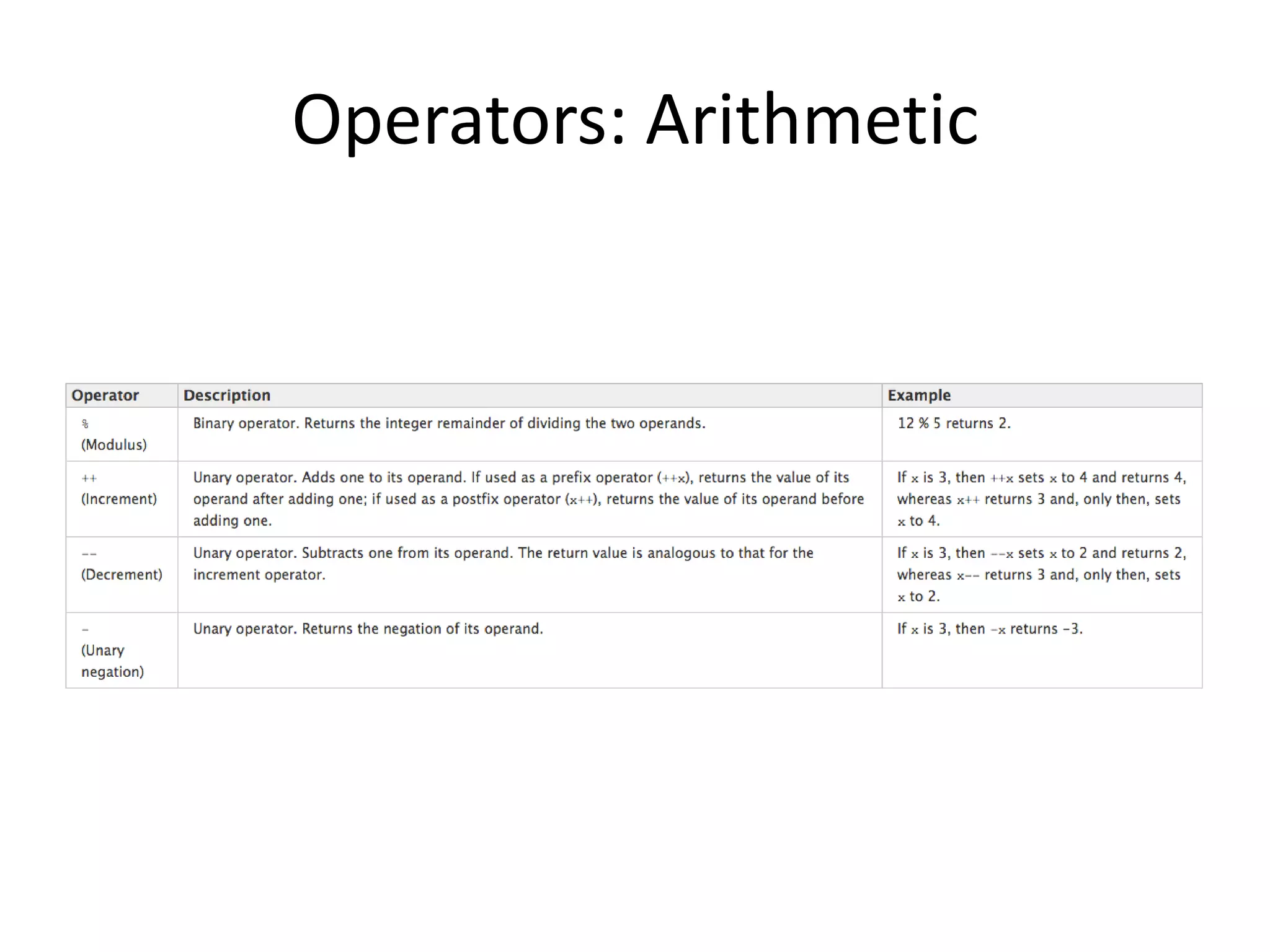
• Arithmetic operators
• Bitwise operators
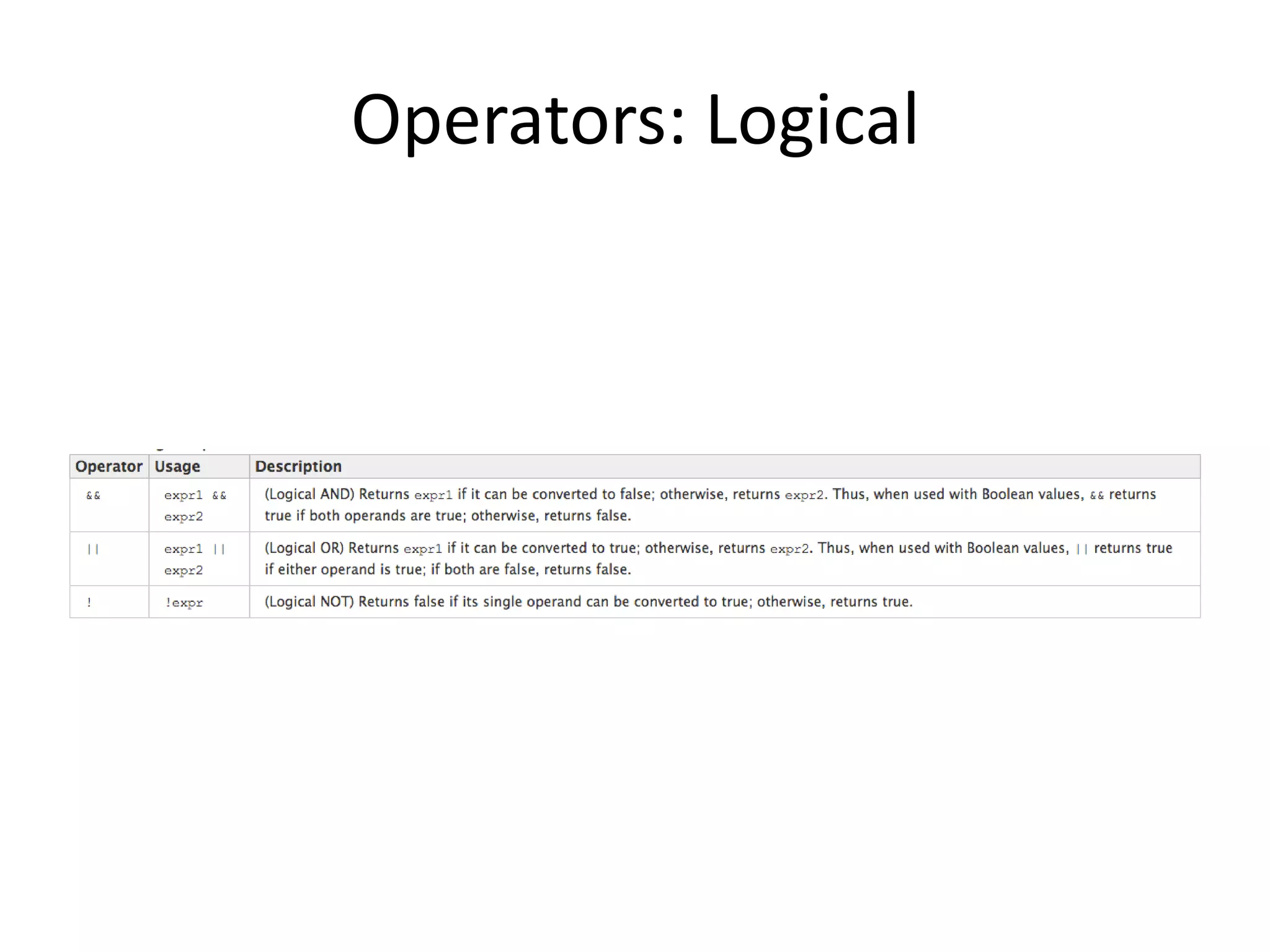
• Logical operators
• String operators
• Special operators
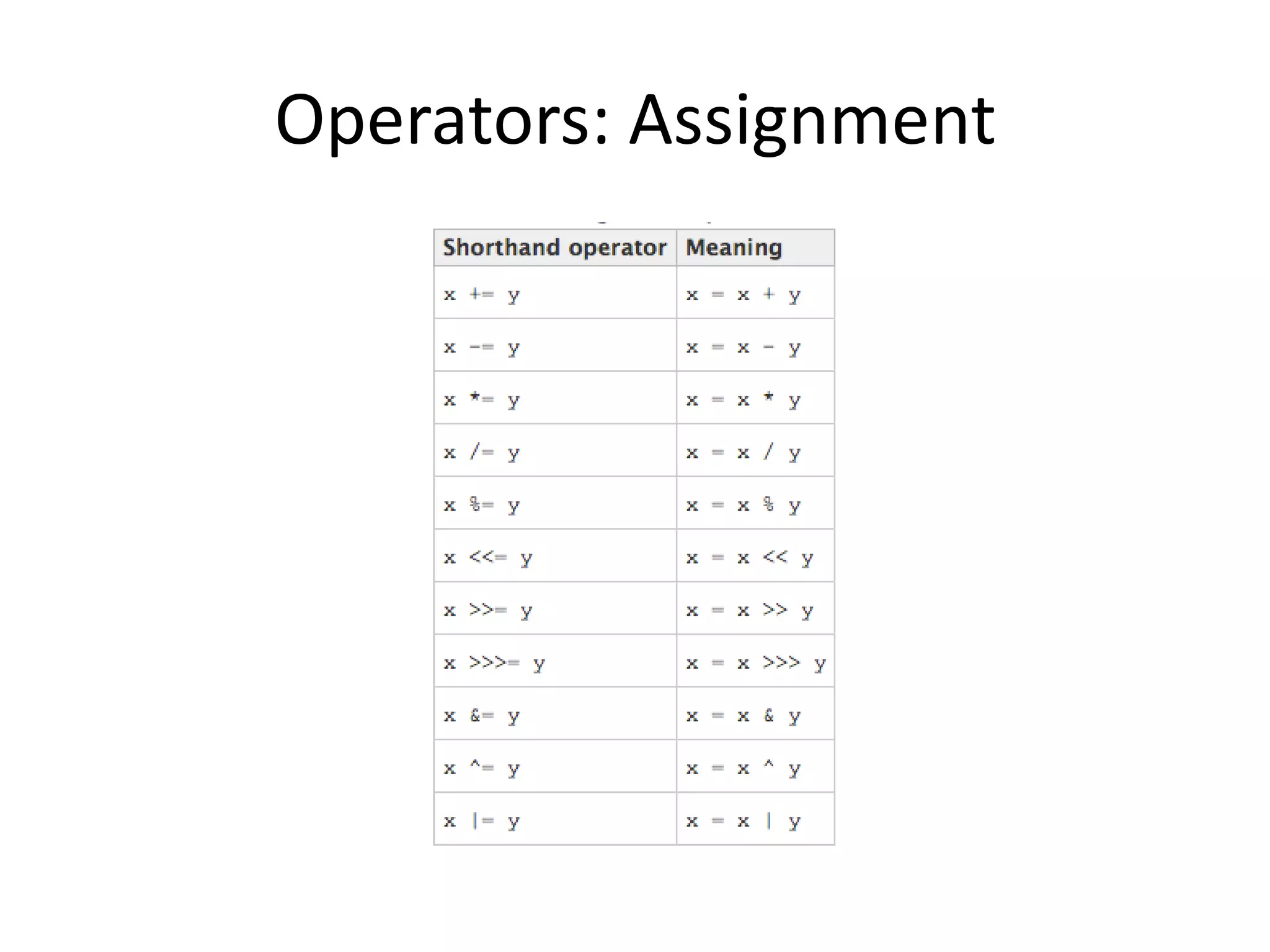
Operators: Assignment
Operators: Comparison
Operators: Arithmetic
Operators: Logical
JQuery
• Released in January of 2006, jQuery is a cross-
browser JavaScript library designed to simplify
the client-side script of HTML.
• Used by close to a million websites, jQuery is the
most popular JavaScript library in use to date.
• jQuery makes it easy to handle DOM objects,
events, effects and Ajax, automatically takes care
of JavaScript leaks, and has countless third-party
plugins.
JQuery
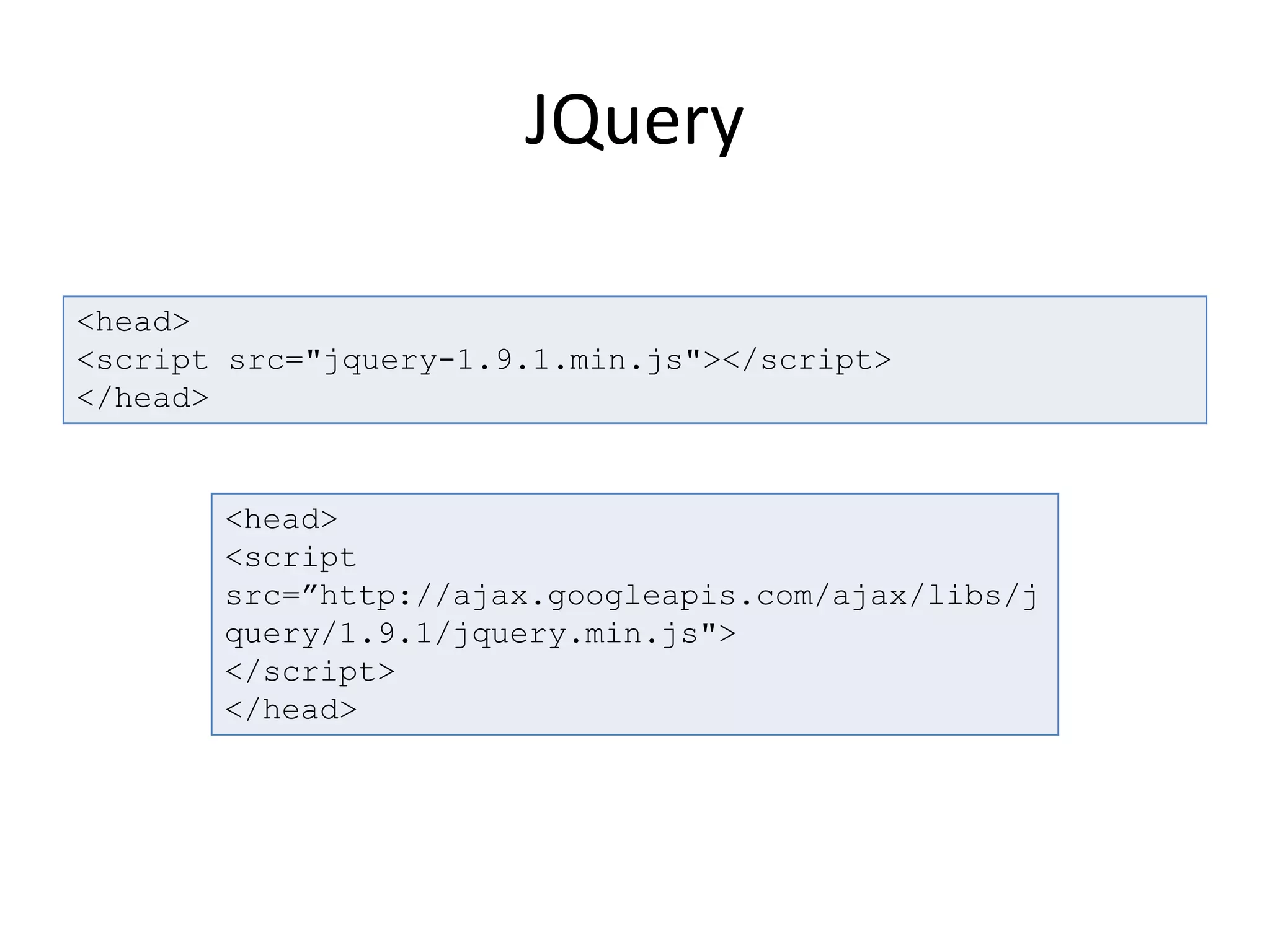
<head>
<script src="jquery-1.9.1.min.js"></script>
</head>
<head>
<script
src=”http://ajax.googleapis.com/ajax/libs/j
query/1.9.1/jquery.min.js">
</script>
</head>
Demo
QUESTIONS?

JavaScript Fundamentals & JQuery

  • 1.
    JavaScript Jamshid Hashimi Trainer, CrescoSolution http://www.jamshidhashimi.com jamshid@netlinks.af @jamshidhashimi ajamshidhashimi Afghanistan Workforce Development Program
  • 2.
    Agenda • JS Introduction •JS How To • JS Statements • JS Comments • JS Variables • JS Data Types • JS Objects • JS Arrays
  • 3.
    Agenda • JS JSON •JS Functions • JS Operators • JS Inspect Elements (Chrome, Firefox, IE) • JQuery • DEMO
  • 4.
    Introduction • JavaScript isthe world's most popular programming language. It is the language for HTML and the web, for servers, PCs, laptops, tablets, smart phones, and more. • A scripting language is a lightweight programming language. • JavaScript is programming code that can be inserted into HTML pages. • JavaScript inserted into HTML pages, can be executed by all modern web browsers. • JavaScript is easy to learn.
  • 5.
    How TO • JavaScriptsin HTML must be inserted between <script> and </script> tags. • JavaScript can be put in the <body> and in the <head> section of an HTML page. <script> alert("My First JavaScript"); </script> <script> document.write("<h1>This is a heading</h1>"); document.write("<p>This is a paragraph</p>"); </script>
  • 6.
    OUTPUT • JavaScript istypically used to manipulate HTML elements. <p id="demo">My First Paragraph</p> <script> document.getElementById("demo").innerHTML=" My First JavaScript"; </script>
  • 7.
    Statements • JavaScript isa sequence of statements to be executed by the browser. • JavaScript statements are "commands" to the browser. • The purpose of the statements is to tell the browser what to do. • JavaScript code (or just JavaScript) is a sequence of JavaScript statements. • Each statement is executed by the browser in the sequence they are written.
  • 8.
    Statements • Semicolon ; –Semicolon separates JavaScript statements. – Normally you add a semicolon at the end of each executable statement. – Using semicolons also makes it possible to write many statements on one line. document.getElementById("demo").innerHTML=" Hello Dolly"; document.getElementById("myDIV").innerHTML= "How are you?";
  • 9.
    Statements • JavaScript isCase Sensitive – Watch your capitalization closely when you write JavaScript statements: • A function getElementById is not the same as getElementbyID. • A variable named myVariable is not the same as MyVariable.
  • 10.
    Statements • Block Statement •Example { statement_1; statement_2; . . . statement_n; } while (x < 10){ x++; }
  • 11.
    Statements • Conditional Statements –if...else Statement – switch Statement if (condition) statement_1 [else statement_2] switch (expression) { case label_1: statements_1 [break;] case label_2: statements_2 [break;] ... default: statements_def [break;] }
  • 12.
    Statements • LOOPS – forStatement – do...while Statement – while Statement – break Statement – continue Statement
  • 13.
    Statements • Object ManipulationStatements – for...in Statement var obj = {make:"BMW", model:"2013"} function dump_props(obj, obj_name) { var result = ""; for (var i in obj) { result += obj_name + "." + i + " = " + obj[i] + "<br>"; } return result; } document.write(dump_props(obj,"obj"));
  • 14.
    Comments • Comments willnot be executed by JavaScript. • Comments can be added to explain the JavaScript, or to make the code more readable. • Single line comments start with //. • Multi line comments start with /* and end with */.
  • 15.
    Comments // Write toa heading document.getElementById("myH1").innerHTML="Welcome to my Homepage"; /* The code below will write to a heading and to a paragraph, and will represent the start of my homepage: */ document.getElementById("myH1").innerHTML="Welcome to my Homepage"; var x=5; // declare x and assign 5 to it
  • 16.
    Variables • JavaScript variablesare "containers" for storing information. • As with algebra, JavaScript variables can be used to hold values (x=5) or expressions (z=x+y). • Variable can have short names (like x and y) or more descriptive names (age, sum, totalvolume). – Variable names must begin with a letter – Variable names can also begin with $ and _ (but we will not use it) – Variable names are case sensitive (y and Y are different variables) var money; var name;
  • 17.
    Variables • JavaScript DataTypes • Global & Local Variables var name = "Ali"; var money; money = 2000.50; var myVar = "global"; // Declare a global variable function checkscope( ) { var myVar = "local"; // Declare a local variable document.write(myVar); }
  • 18.
    Variables • One Statement,Many Variables • Value = undefined – In computer programs, variables are often declared without a value. The value can be something that has to be calculated, or something that will be provided later, like user input. Variable declared without a value will have the value undefined. var lastname=”Ahmad", age=30, job="carpenter"; var lastname=”Mohammad", age=30, job=”Engineer"; var lastname;
  • 19.
    Data Types • String,Number, Boolean, Array, Object, Null, Undefined. • JavaScript has dynamic types. This means that the same variable can be used as different types: var x; // Now x is undefined var x = 5; // Now x is a Number var x = ”Salih"; // Now x is a String
  • 20.
    Data Types • JavaScriptBooleans – Booleans can only have two values: true or false. • JavaScript Arrays var x=true; var y=false; var arr = new Array(); arr[0] = ”item 1"; arr[1] = ”item 2"; var arr = new Array(”item1",”item2”); var arr = [“item1", “item2"];
  • 21.
    Data Types • JavaScriptObjects – An object is delimited by curly braces. Inside the braces the object's properties are defined as name and value pairs (name : value). The properties are separated by commas: var person={firstname:”James", lastname:”Bond", id:9999}; var person={ firstname : ”James", lastname : ”Bond", id : 9999 };
  • 22.
    Objects • JavaScript isdesigned on a simple object- based paradigm. "Everything" in JavaScript is an Object: a String, a Number, an Array, a Date.... • In JavaScript, an object is data, with properties and methods. – Properties are values associated with objects. – Methods are actions that objects can perform.
  • 23.
    Objects • Accessing ObjectProperties • Accessing Object Methods objectName.propertyName objectName.methodName()
  • 24.
    Objects • Objects inJavaScript, just as many other programming languages, can be compared to objects in real life. var myCar = new Object(); myCar.make = "Ford"; myCar.model = "Mustang"; myCar.year = 1969; myCar.make myCar[“make”]
  • 25.
    Objects var myCar ={make:"BMW",model:"s2013",year:"2013"} function showProps(obj, objName) { var result = ""; for (var i in obj) { if (obj.hasOwnProperty(i)) { result += objName + "." + i + " = " + obj[i] + "n"; } } return result; } alert(showProps(myCar,"myCar"))
  • 26.
    Arrays • The JavaScriptArray global object is a constructor for arrays, which are high-level, list-like objects. • Arrays are list-like objects that come with a several built-in methods to perform traversal and mutation operations. Neither the size of a JavaScript array nor the types of its elements are fixed. Since an array's size can grow or shrink at any time, JavaScript arrays are not guaranteed to be dense.
  • 27.
    Arrays <!DOCTYPE html> <html> <head> </head> <body> <script> var years= [1950, 1960, 1970, 1980, 1990, 2000, 2010]; console.log(years[0]); </script> </body> </html>
  • 28.
    JSON • JSON isa subset of the object literal notation of JavaScript. Since JSON is a subset of JavaScript, it can be used in the language var myJSONObject = {"bindings": [ {"ircEvent": "PRIVMSG", "method": "newURI", "regex": "^http://.*"}, {"ircEvent": "PRIVMSG", "method": "deleteURI", "regex": "^delete.*"}, {"ircEvent": "PRIVMSG", "method": "randomURI", "regex": "^random.*"} ] }; myJSONObject.bindings[0].method // "newURI"
  • 29.
    Functions • Function isa "subprogram" that can be called by code external (or internal in the case of recursion). Like the program itself, a function is composed of a sequence of statements called the function body. Values can be passed to a function, and the function can return a value. • Every function in JavaScript is actually a Function object.
  • 30.
    Functions /* Declare thefunction 'myFunc' */ function myFunc(theObject) { theObject.brand = "Toyota"; } /* * Declare variable 'mycar'; * create and initialize a new Object; * assign reference to it to 'mycar' */ var mycar = { brand: "Honda", model: "Accord", year: 1998 }; /* Shows 'Honda' */ window.alert(mycar.brand); /* Pass object reference to the function */ myFunc(mycar); /* * Shows 'Toyota' as the value of the 'brand' property * of the object, as changed to by the function. */ window.alert(mycar.brand);
  • 31.
    Operators • Assignment operators •Comparison operators • Arithmetic operators • Bitwise operators • Logical operators • String operators • Special operators
  • 32.
  • 33.
  • 34.
  • 35.
  • 36.
    JQuery • Released inJanuary of 2006, jQuery is a cross- browser JavaScript library designed to simplify the client-side script of HTML. • Used by close to a million websites, jQuery is the most popular JavaScript library in use to date. • jQuery makes it easy to handle DOM objects, events, effects and Ajax, automatically takes care of JavaScript leaks, and has countless third-party plugins.
  • 37.
  • 38.
  • 39.