What is JAVA
•JAVA is a programming language and a platform
• JAVA is a high level , robust and object-oriented programming
language
• Platform Any hardware or software environment in which a
program runs is known as a platform Since Java has its own
runtime environment (JRE) and API, it is called platform.
3.
Features of Java
•Simple
• Object-Oriented
• Portable
• Platform independent
• Robust
• High Performance
• Multithreaded
4.
JAVA Application
• StandaloneApplication
• It is also known as desktop or window-based application.
• Web Application
• An application that runs on the server side and creates dynamic page, it called web application.
• Enterprise Application
• Such as banking applications
• Java EE (Java Enterprise Edition) is used to provide the tools to develop large-scale,scalable,
reliable, distributed and secured network applications in enterprises.
• Mobile Application
• An application that is created for mobile devices.
5.
A simple JAVAprogram
class HelloWorld
{
public static void main(String [] args)
{
System.out.println(“Hello World”);
}
}
6.
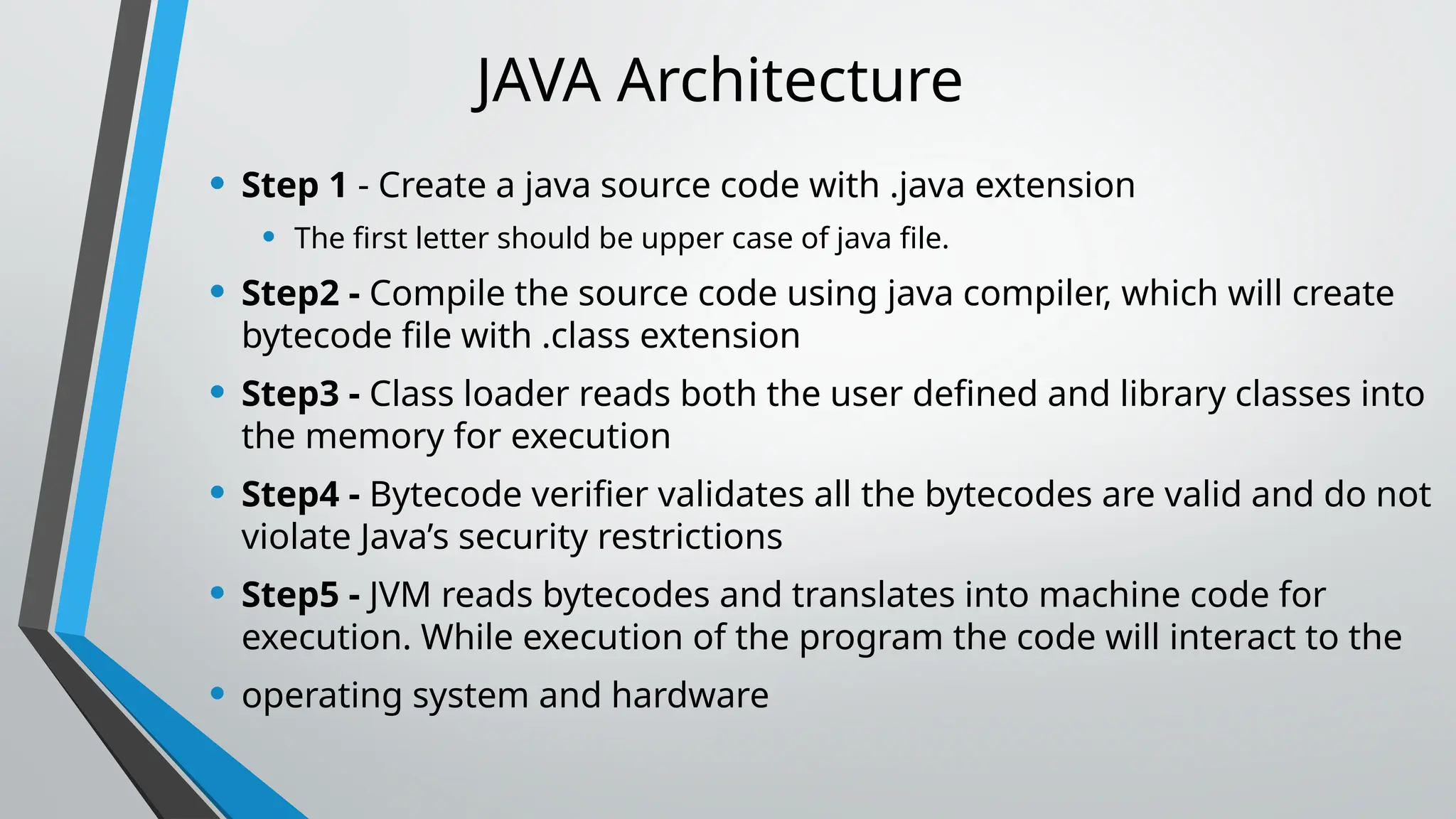
JAVA Architecture
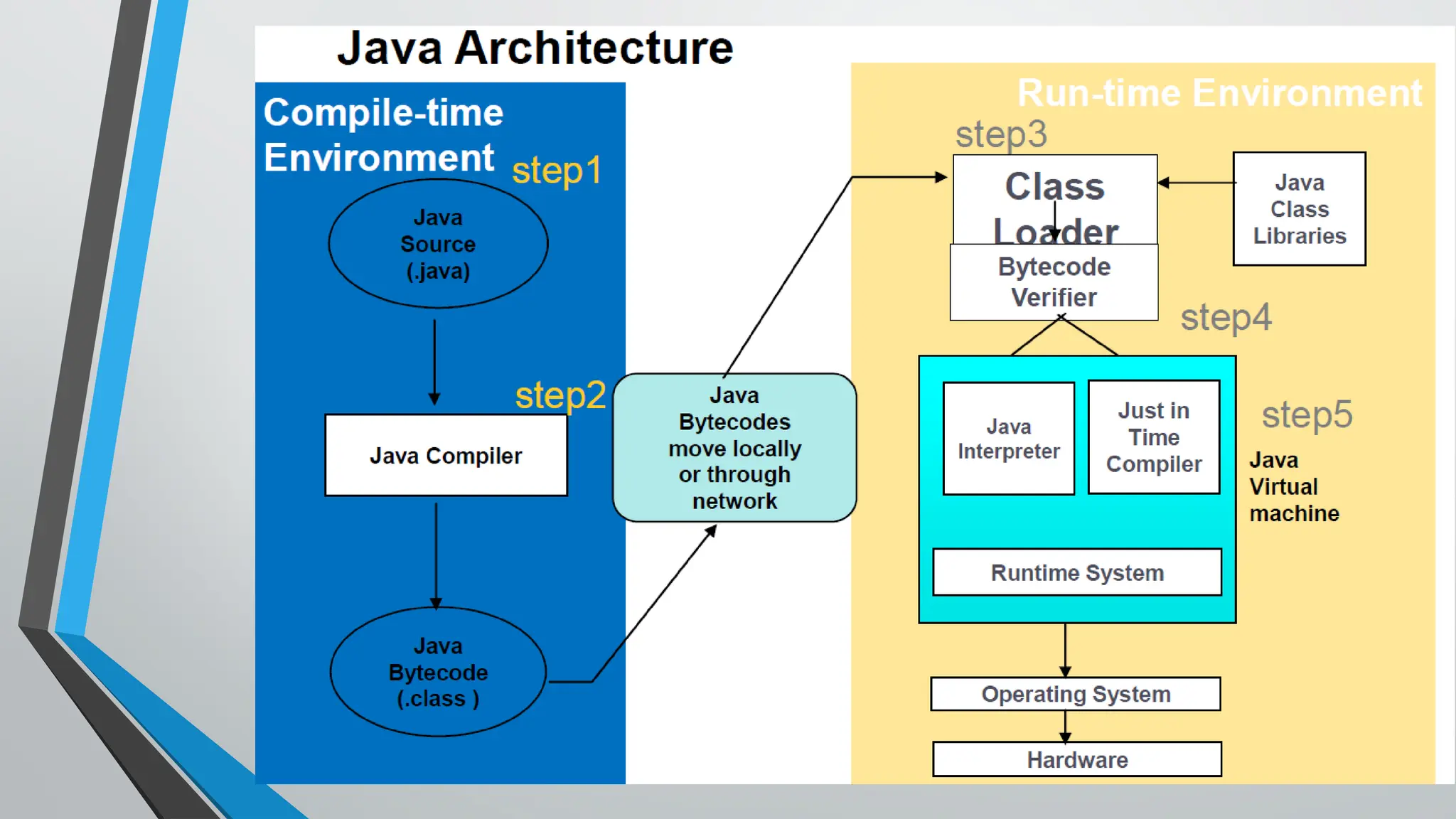
• Step1 - Create a java source code with .java extension
• The first letter should be upper case of java file.
• Step2 - Compile the source code using java compiler, which will create
bytecode file with .class extension
• Step3 - Class loader reads both the user defined and library classes into
the memory for execution
• Step4 - Bytecode verifier validates all the bytecodes are valid and do not
violate Java’s security restrictions
• Step5 - JVM reads bytecodes and translates into machine code for
execution. While execution of the program the code will interact to the
• operating system and hardware
Java virtual Machine(JVM)
•Java virtual Machine(JVM) provides runtime environment to
execute java bytecode.
• • Is an abstract machine.
• • The JVM doesn't understand normal English lang, that's why we
compile our
• *.java files to obtain *.class files that contain the bytecodes
understandable by the JVM.
10.
Important features ofJVM are
• It enables to run applications in a cloud environment or in our
device.
• Converts byte code to machine-specific code.
• Provides basic java functions like memory management, security,
garbage collection, and more.
• JVM runs the program by using libraries and files given by the Java
Runtime Environment.
• JDK and JRE both contain Java Virtual Machine.
• It can execute the java program line by line hence it is also called an
interpreter.
• It is independent of hardware and the operating system. So, we can
write a java program once and run it anywhere.
11.
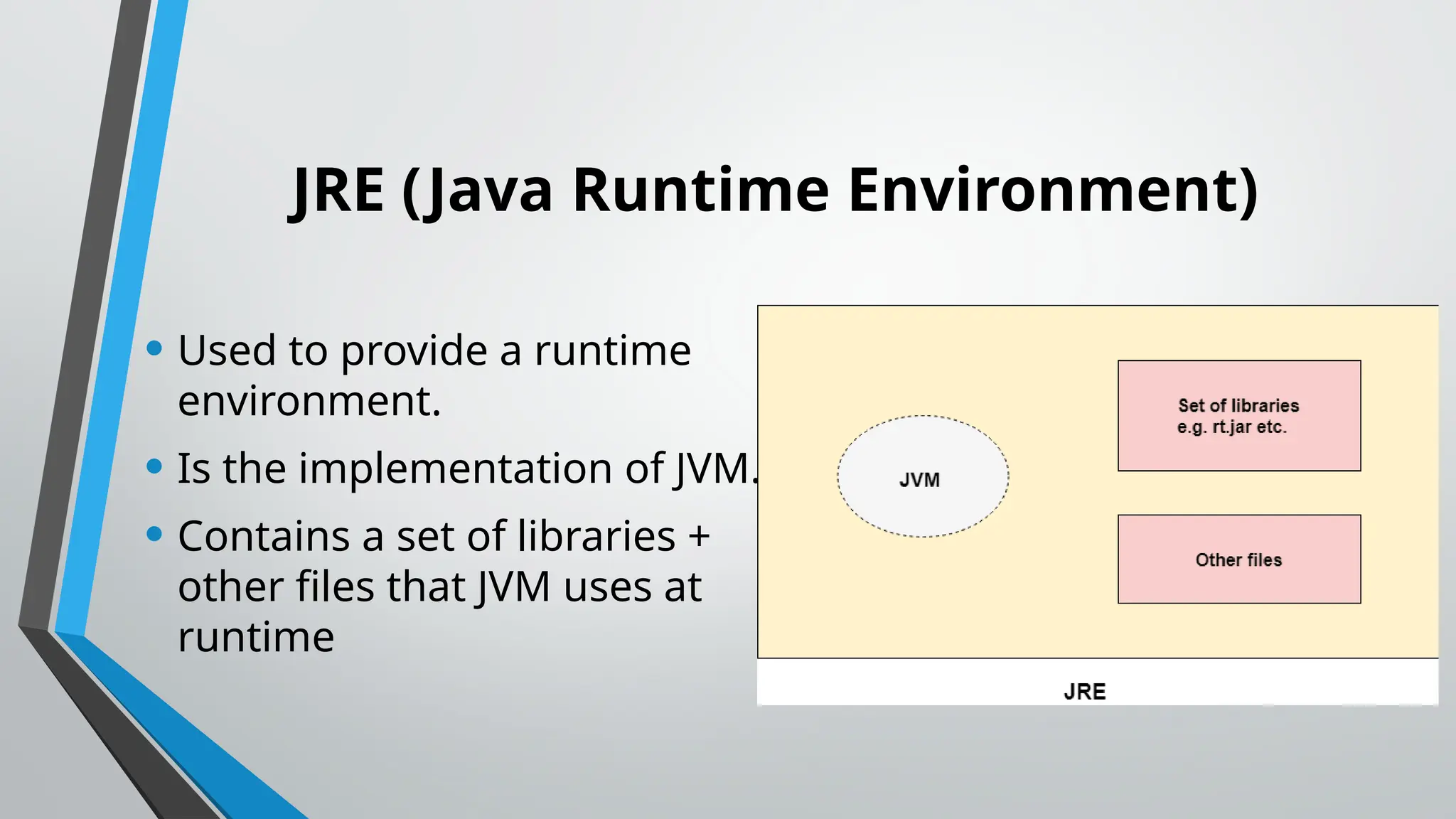
JRE (Java RuntimeEnvironment)
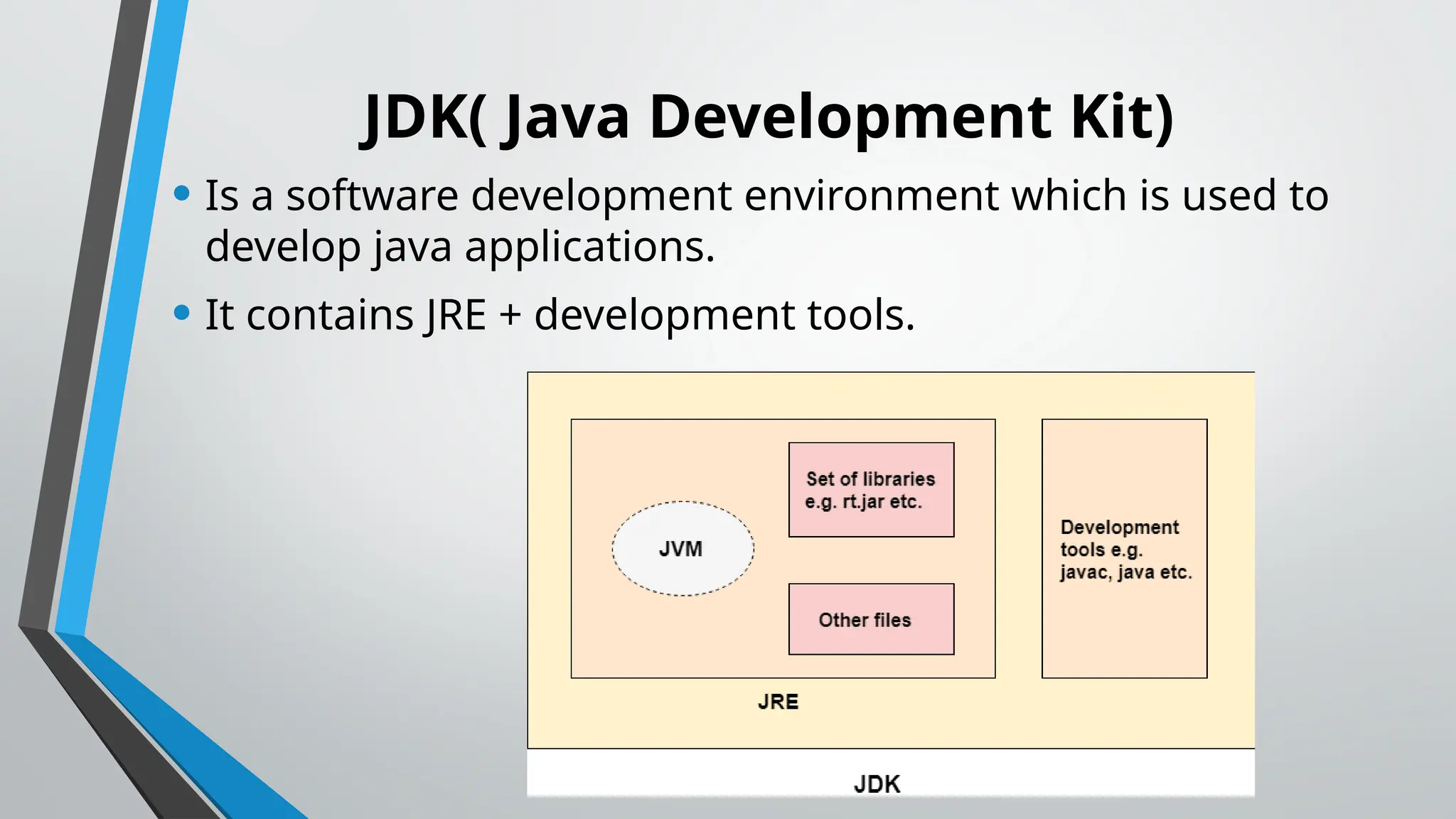
• Used to provide a runtime
environment.
• Is the implementation of JVM.
• Contains a set of libraries +
other files that JVM uses at
runtime
12.
JDK( Java DevelopmentKit)
• Is a software development environment which is used to
develop java applications.
• It contains JRE + development tools.
13.
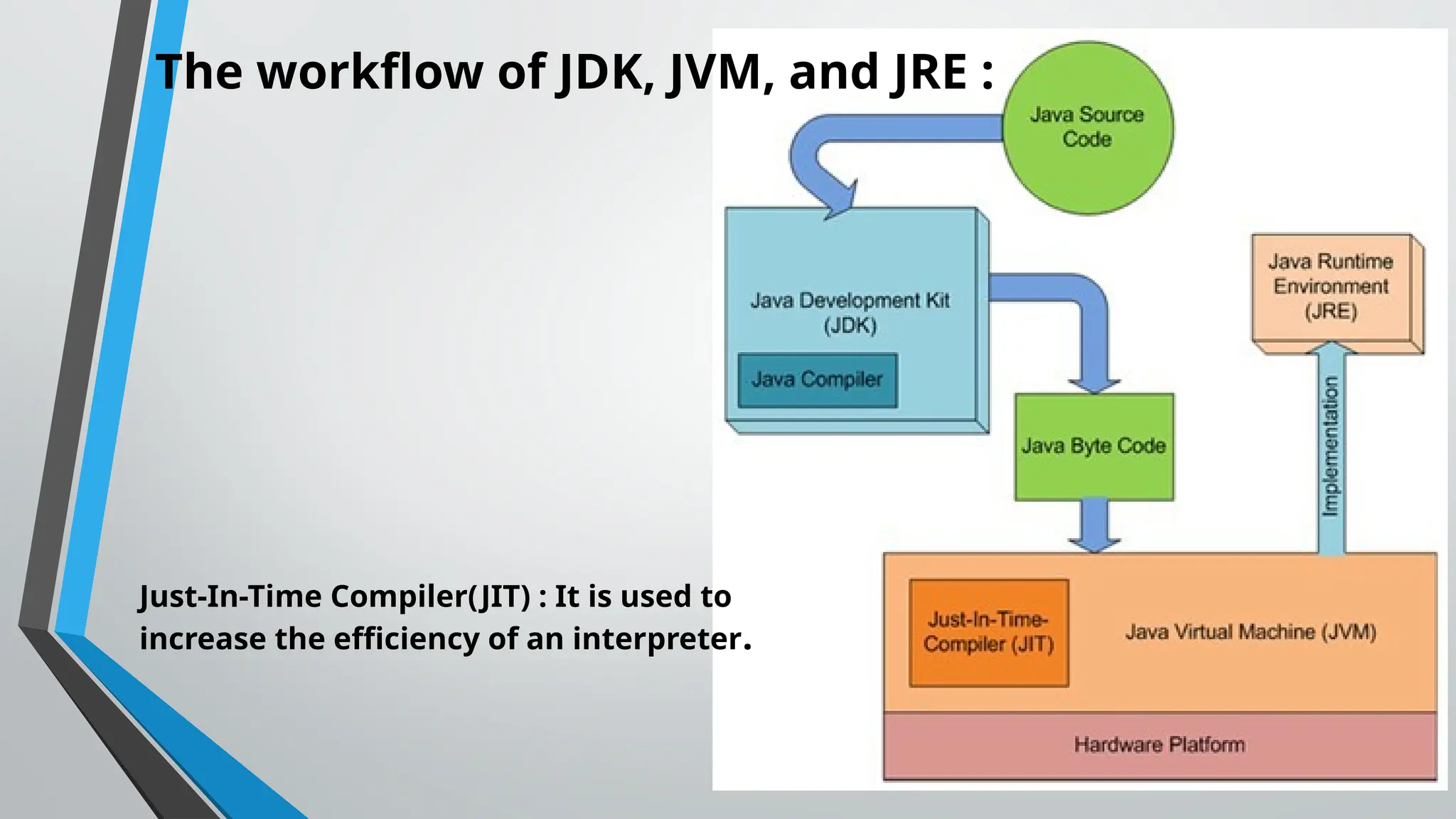
The workflow ofJDK, JVM, and JRE :
Just-In-Time Compiler(JIT) : It is used to
increase the efficiency of an interpreter.
14.
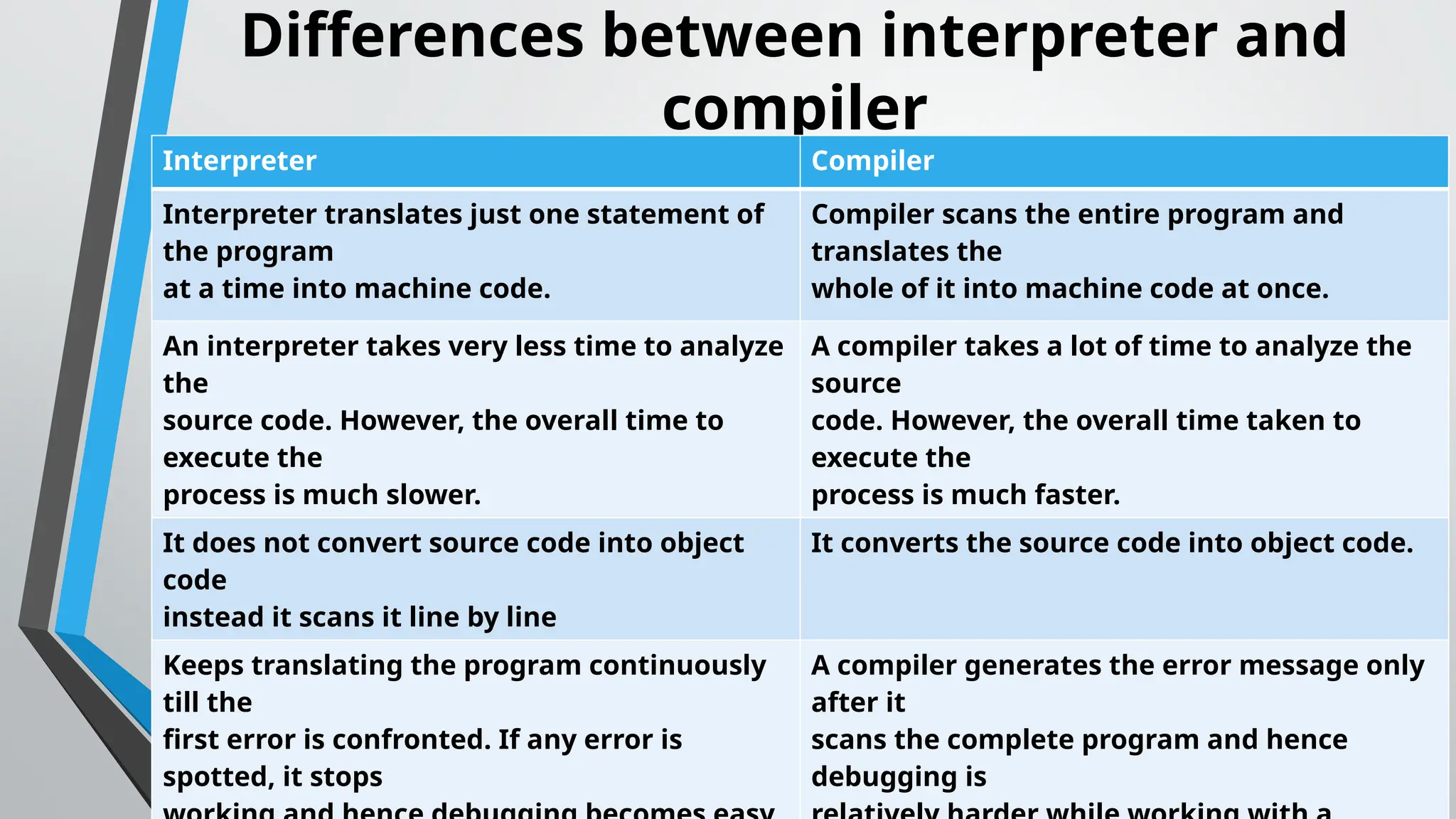
Differences between interpreterand
compiler
Interpreter Compiler
Interpreter translates just one statement of
the program
at a time into machine code.
Compiler scans the entire program and
translates the
whole of it into machine code at once.
An interpreter takes very less time to analyze
the
source code. However, the overall time to
execute the
process is much slower.
A compiler takes a lot of time to analyze the
source
code. However, the overall time taken to
execute the
process is much faster.
It does not convert source code into object
code
instead it scans it line by line
It converts the source code into object code.
Keeps translating the program continuously
till the
first error is confronted. If any error is
spotted, it stops
A compiler generates the error message only
after it
scans the complete program and hence
debugging is
15.
Java Code Conventions
Code/Naming convention
• Is a rule to follow when we are naming identifiers such
as class, package, variable, constant, method, etc.
• But, it is not forced to follow.
• So, it is known as convention not rule.
16.
Advantage of Code/Naming
Conventions
•By using standard Java naming conventions, we make our code
easier to read for ourself and other programmers.
• Readability of Java program is very important.
• It indicates that less time is spent to figure out what the code does
17.
Classes and interfaces
•First letter should be uppercase.
• If the name is created from several words, the first letter of the
inner words should be capitalized (a "camelCase" format).
• Class names must be nouns: Cat, Exam, PrintReader.
• Interface names must be adjectives: Comparable, Iterable,
Navigable
18.
Methods
• First lettermust be lowercase, and then normal
camelCase rules are used.
• Names should be verb-noun pairs: getName, doJob,
setLastName.
19.
Java Variables
• Variableis a name of memory location.
• Is a combination of "vary + able" that means its value can be
changed.
• There are three types of variables in java:
1. local variable
2. instance variable
3. static variable
20.
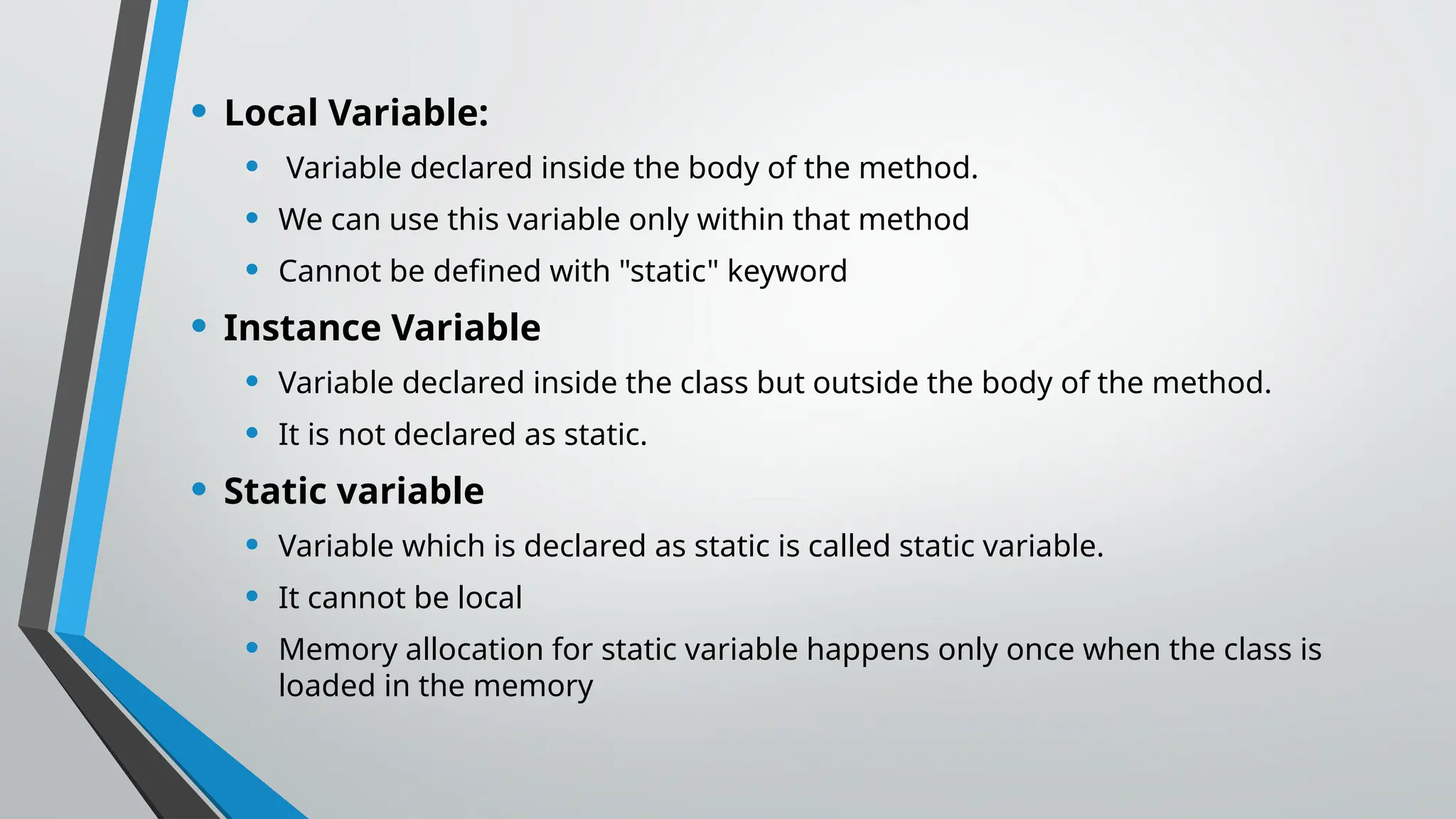
• Local Variable:
•Variable declared inside the body of the method.
• We can use this variable only within that method
• Cannot be defined with "static" keyword
• Instance Variable
• Variable declared inside the class but outside the body of the method.
• It is not declared as static.
• Static variable
• Variable which is declared as static is called static variable.
• It cannot be local
• Memory allocation for static variable happens only once when the class is
loaded in the memory
21.
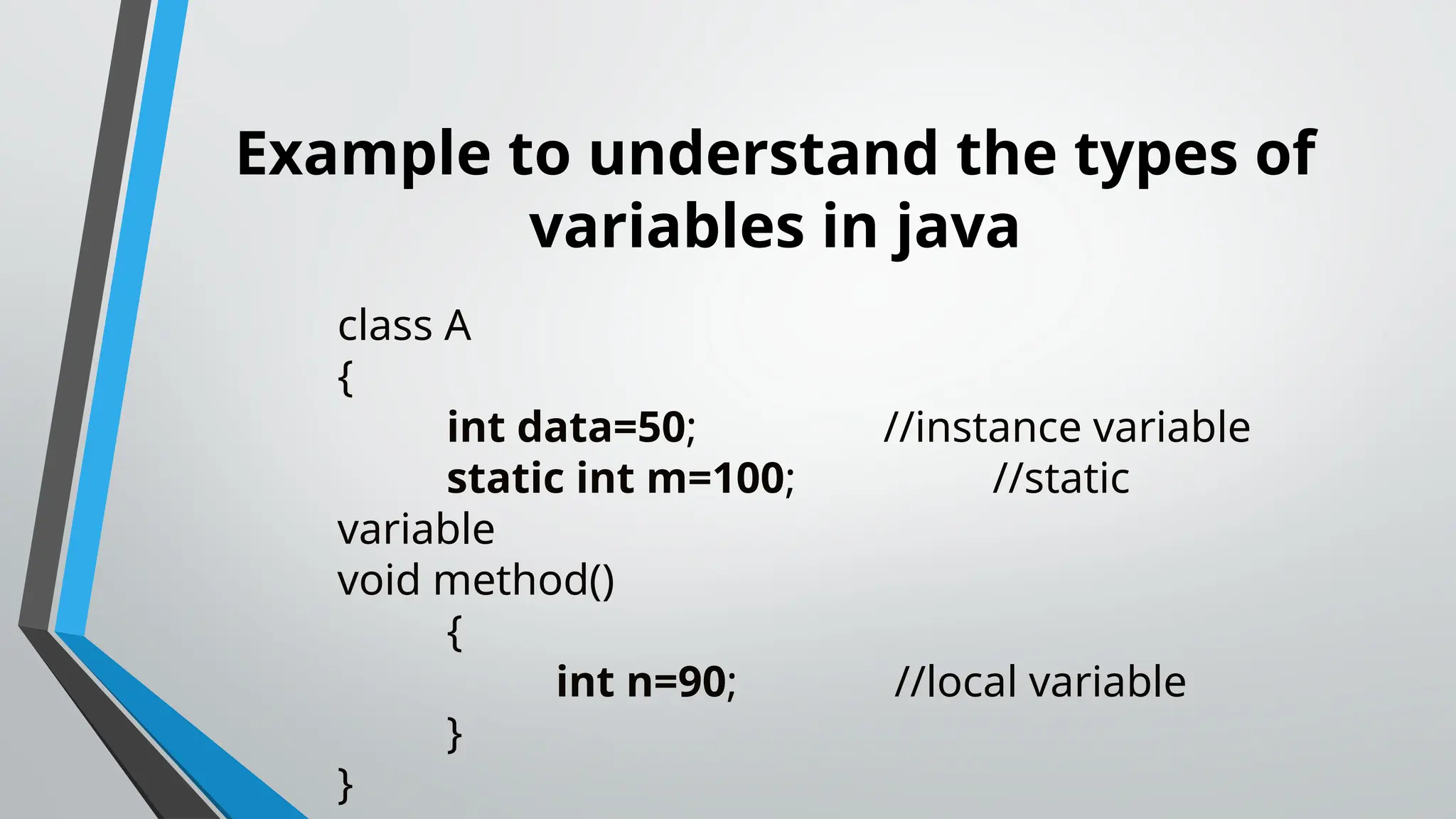
Example to understandthe types of
variables in java
class A
{
int data=50; //instance variable
static int m=100; //static
variable
void method()
{
int n=90; //local variable
}
}
22.
Data Types inJAVA
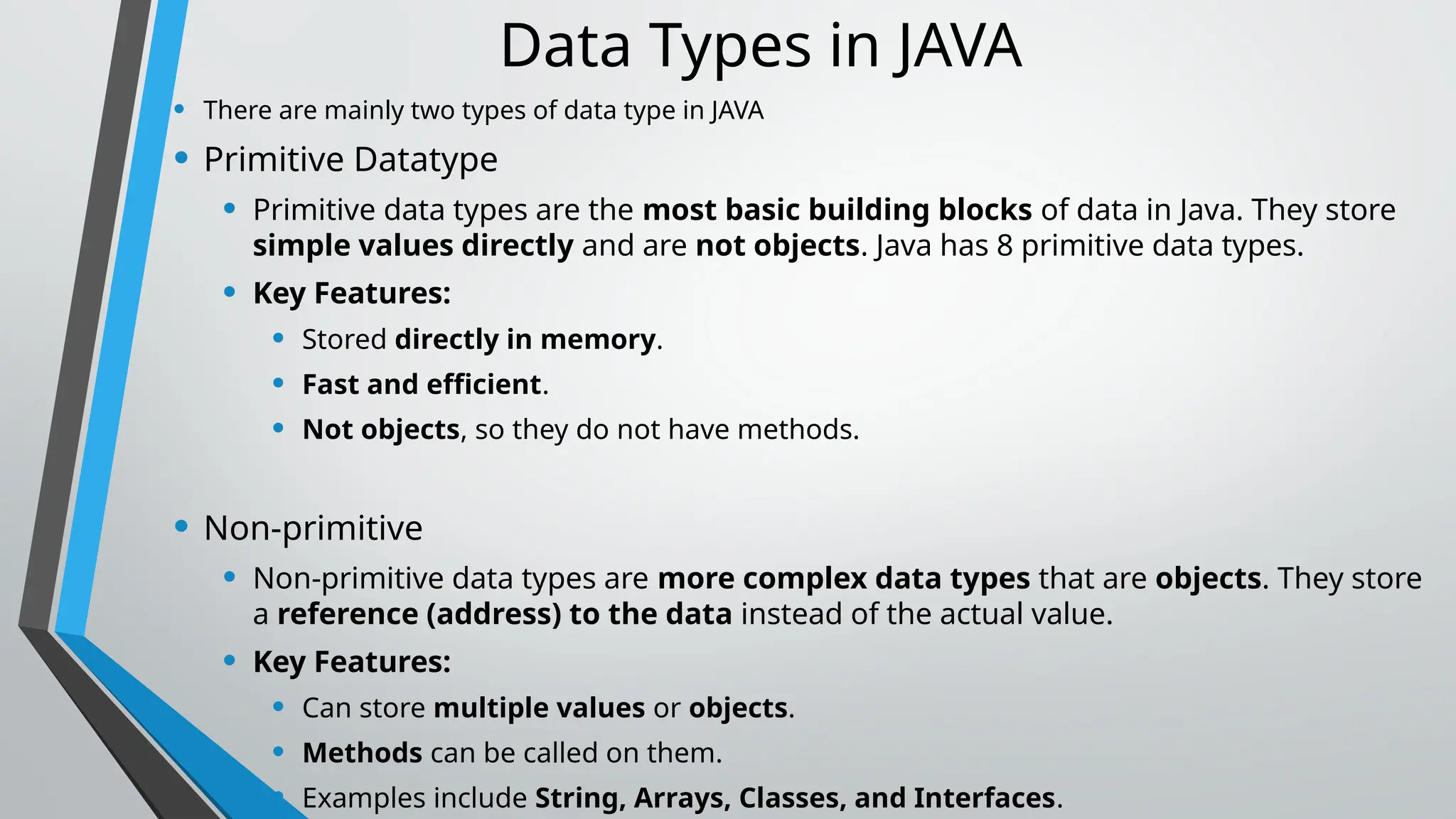
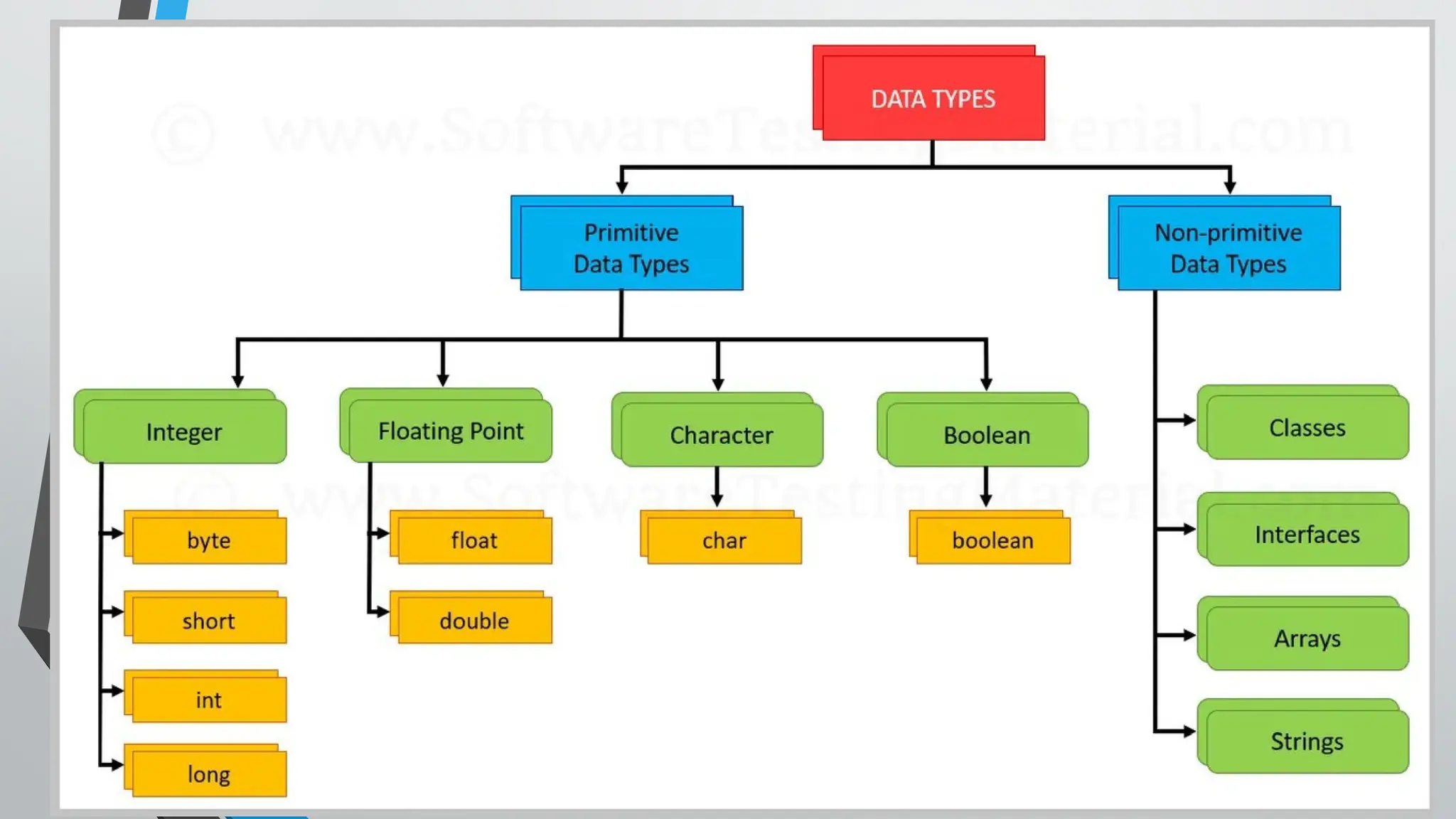
• There are mainly two types of data type in JAVA
• Primitive Datatype
• Primitive data types are the most basic building blocks of data in Java. They store
simple values directly and are not objects. Java has 8 primitive data types.
• Key Features:
• Stored directly in memory.
• Fast and efficient.
• Not objects, so they do not have methods.
• Non-primitive
• Non-primitive data types are more complex data types that are objects. They store
a reference (address) to the data instead of the actual value.
• Key Features:
• Can store multiple values or objects.
• Methods can be called on them.
• Examples include String, Arrays, Classes, and Interfaces.
24.
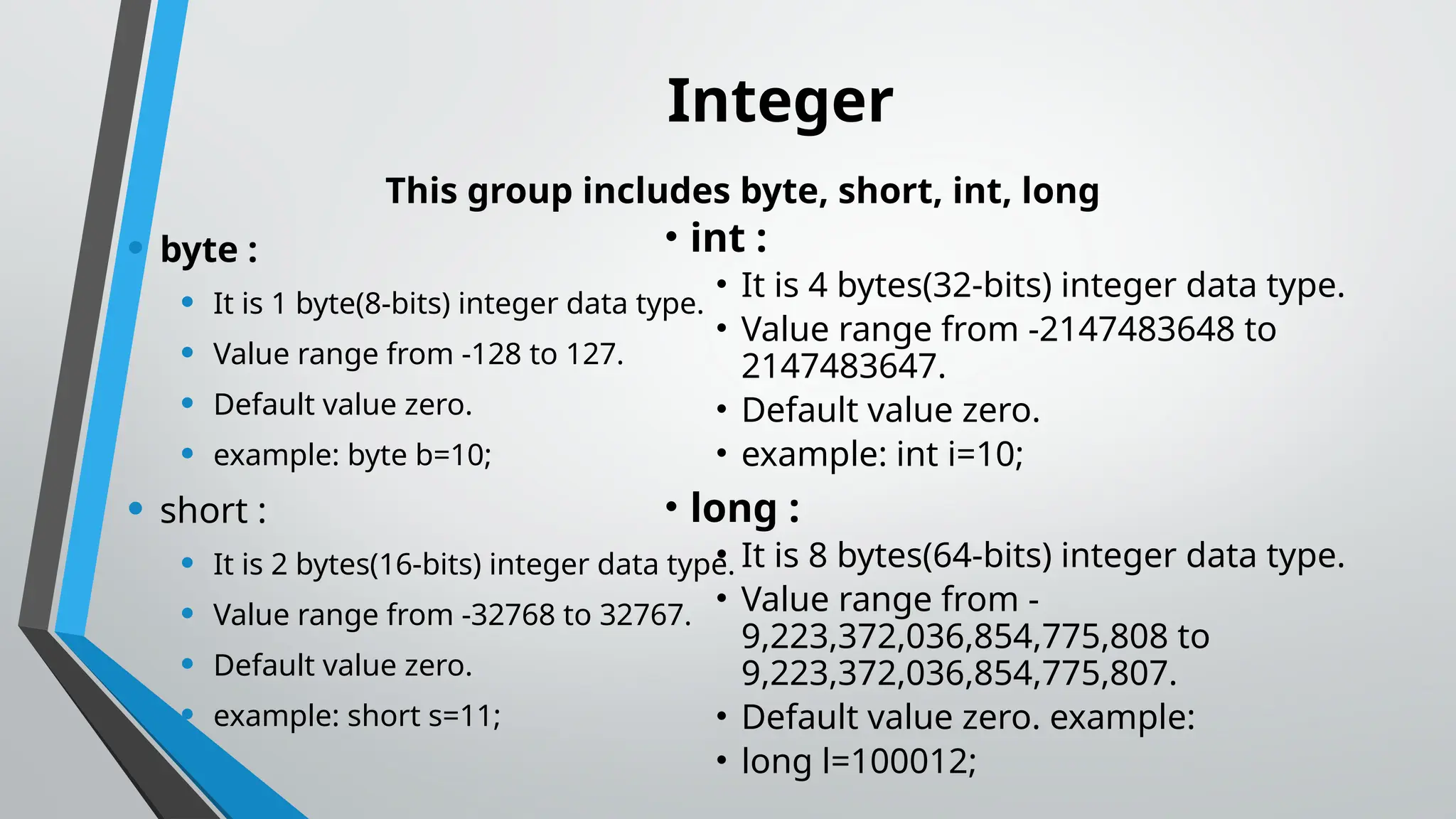
Integer
This group includesbyte, short, int, long
• byte :
• It is 1 byte(8-bits) integer data type.
• Value range from -128 to 127.
• Default value zero.
• example: byte b=10;
• short :
• It is 2 bytes(16-bits) integer data type.
• Value range from -32768 to 32767.
• Default value zero.
• example: short s=11;
• int :
• It is 4 bytes(32-bits) integer data type.
• Value range from -2147483648 to
2147483647.
• Default value zero.
• example: int i=10;
• long :
• It is 8 bytes(64-bits) integer data type.
• Value range from -
9,223,372,036,854,775,808 to
9,223,372,036,854,775,807.
• Default value zero. example:
• long l=100012;
25.
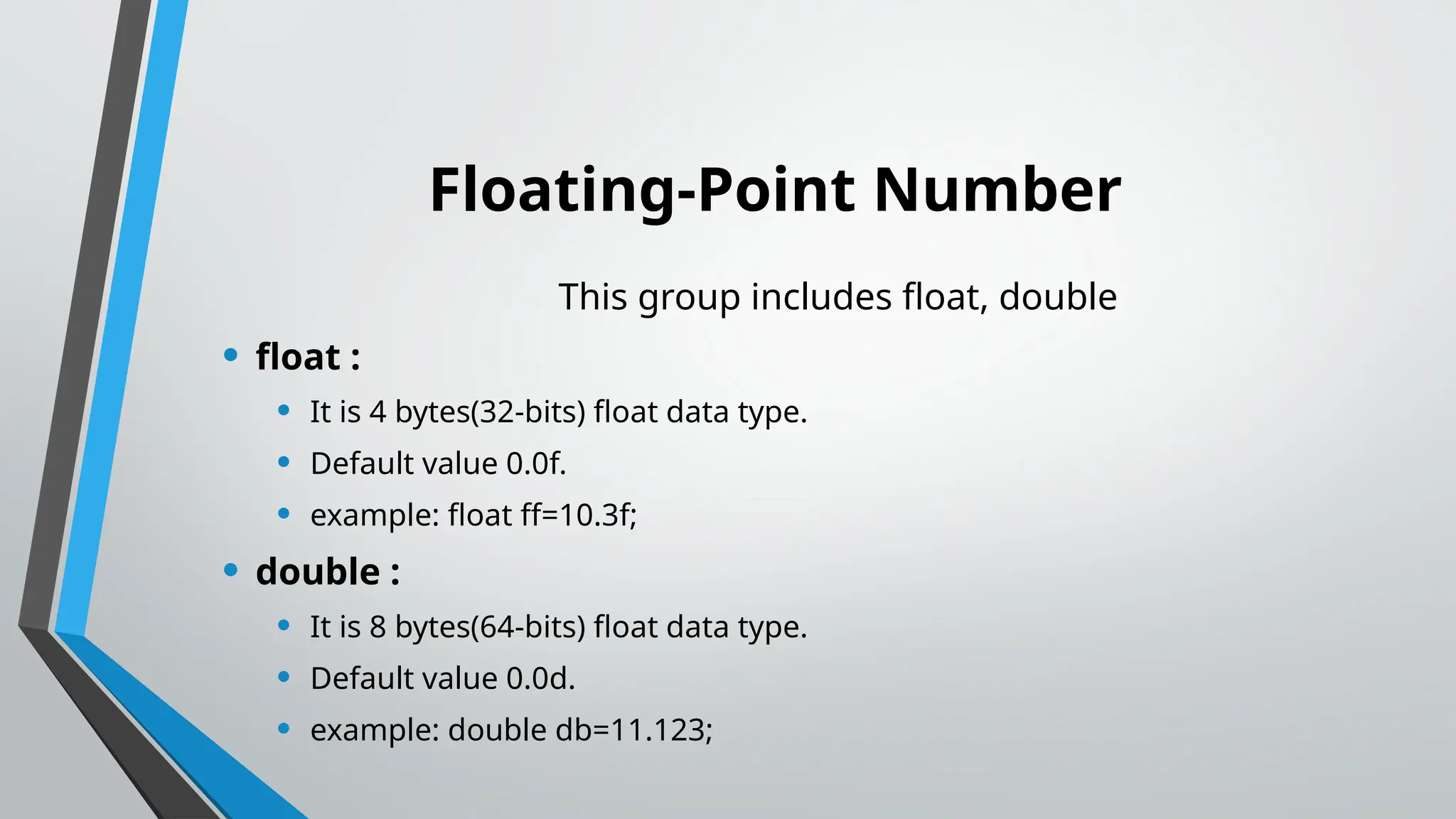
Floating-Point Number
This groupincludes float, double
• float :
• It is 4 bytes(32-bits) float data type.
• Default value 0.0f.
• example: float ff=10.3f;
• double :
• It is 8 bytes(64-bits) float data type.
• Default value 0.0d.
• example: double db=11.123;
26.
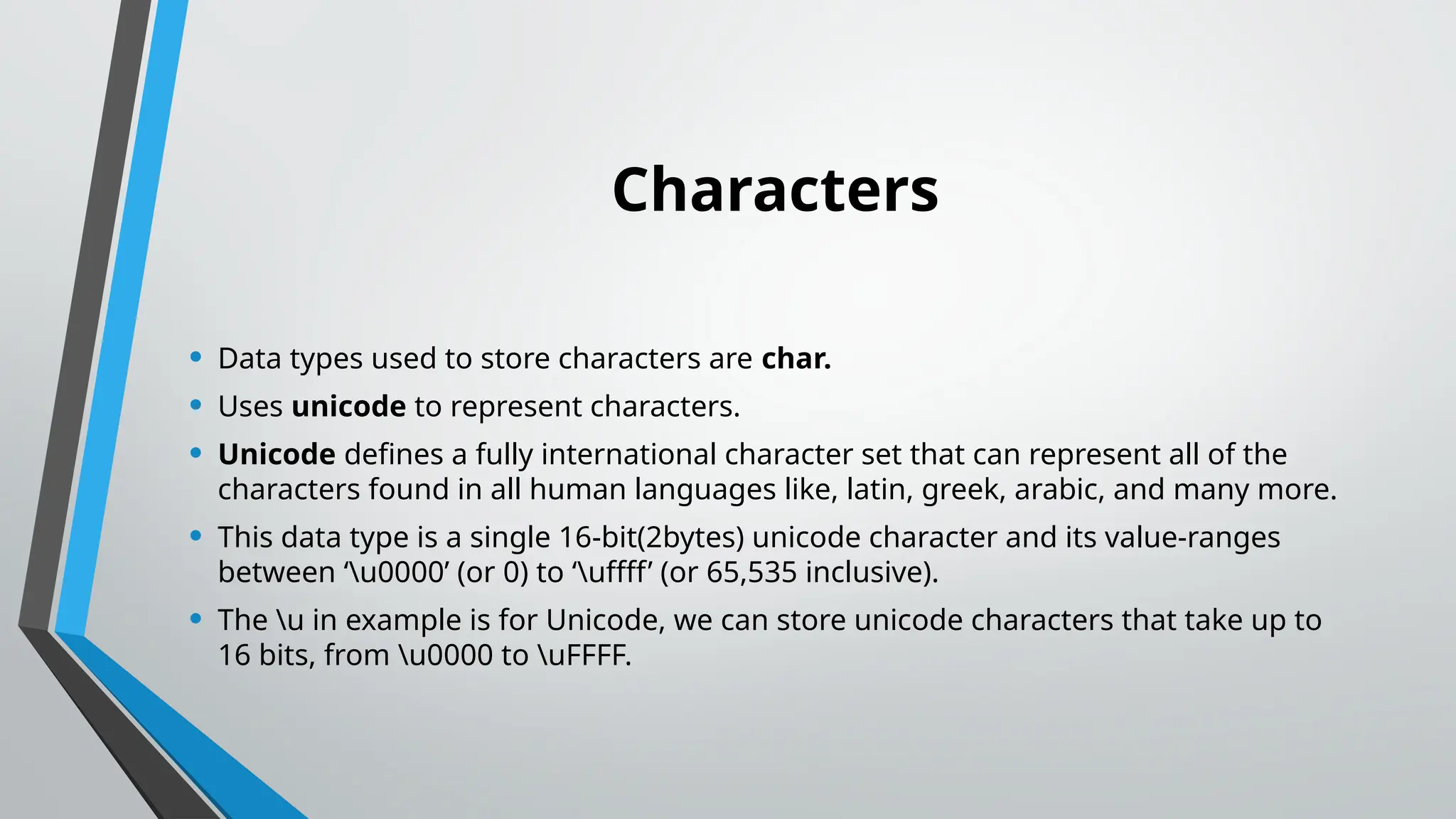
Characters
• Data typesused to store characters are char.
• Uses unicode to represent characters.
• Unicode defines a fully international character set that can represent all of the
characters found in all human languages like, latin, greek, arabic, and many more.
• This data type is a single 16-bit(2bytes) unicode character and its value-ranges
between ‘u0000’ (or 0) to ‘uffff’ (or 65,535 inclusive).
• The u in example is for Unicode, we can store unicode characters that take up to
16 bits, from u0000 to uFFFF.
27.
public class Demo{
public static void main(String[] args)
{
char ch = 'S’;
System.out.println(ch);
char ch2 = '&’;
System.out.println(ch2);
char ch3 = '$’;
System.out.println(ch3);
}
}
Output:
S
&
$
28.
Boolean
• Is usedto store two possible values i.e. true or false.
• Default value is false.
• Basically, used for simple flags that track true/false conditions.
public class Demo {
public static void main(String[]
args) {
boolean t = true;
System.out.println(t);
boolean f = false;
System.out.println(f);
29.
Homework
Write a shortparagraph on the history of Java.
List at least 5 real-world applications of Java.
![A simple JAVA program
class HelloWorld
{
public static void main(String [] args)
{
System.out.println(“Hello World”);
}
}](https://image.slidesharecdn.com/java1-251204032740-5d13266b/75/JAVA-introduction-very-simple-topics-1-pptx-5-2048.jpg)
![public class Demo {
public static void main(String[] args)
{
char ch = 'S’;
System.out.println(ch);
char ch2 = '&’;
System.out.println(ch2);
char ch3 = '$’;
System.out.println(ch3);
}
}
Output:
S
&
$](https://image.slidesharecdn.com/java1-251204032740-5d13266b/75/JAVA-introduction-very-simple-topics-1-pptx-27-2048.jpg)
![Boolean
• Is used to store two possible values i.e. true or false.
• Default value is false.
• Basically, used for simple flags that track true/false conditions.
public class Demo {
public static void main(String[]
args) {
boolean t = true;
System.out.println(t);
boolean f = false;
System.out.println(f);](https://image.slidesharecdn.com/java1-251204032740-5d13266b/75/JAVA-introduction-very-simple-topics-1-pptx-28-2048.jpg)