java.io Package
Sujit Kumar
Zenolocity LLC
Copyright 2012-2024 @
java.io Package
• The java.io package contains a fairly large number
of classes that deal with Java input & output.
Most of the classes consist of:
• Byte streams : that are subclasses of the abstract
classes InputStream or OutputStream
• Character streams : that are subclasses of the
abstract classes Reader and Writer
• The methods for reading & writing data from
byte streams and character streams are similar.
java.io Package (contd…)
• The Reader and Writer classes read and write
16-bit Unicode characters.
• The InputStream and OutputStream classes
read and write 8-bit bytes respectively.
• Derived classes of the above 4 abstract classes
add additional responsibilities using the
Decorator pattern.
How to choose the correct
implementation (derived class)?
•
•
•
•

What is your format: text or binary ?
Do you want random access to a file ?
Are you using objects or non-objects ?
What are your sources and sinks of data (like
sockets, files, strings or array of characters) ?
• Do you need to use filtering techniques like
buffering, checksumming ?
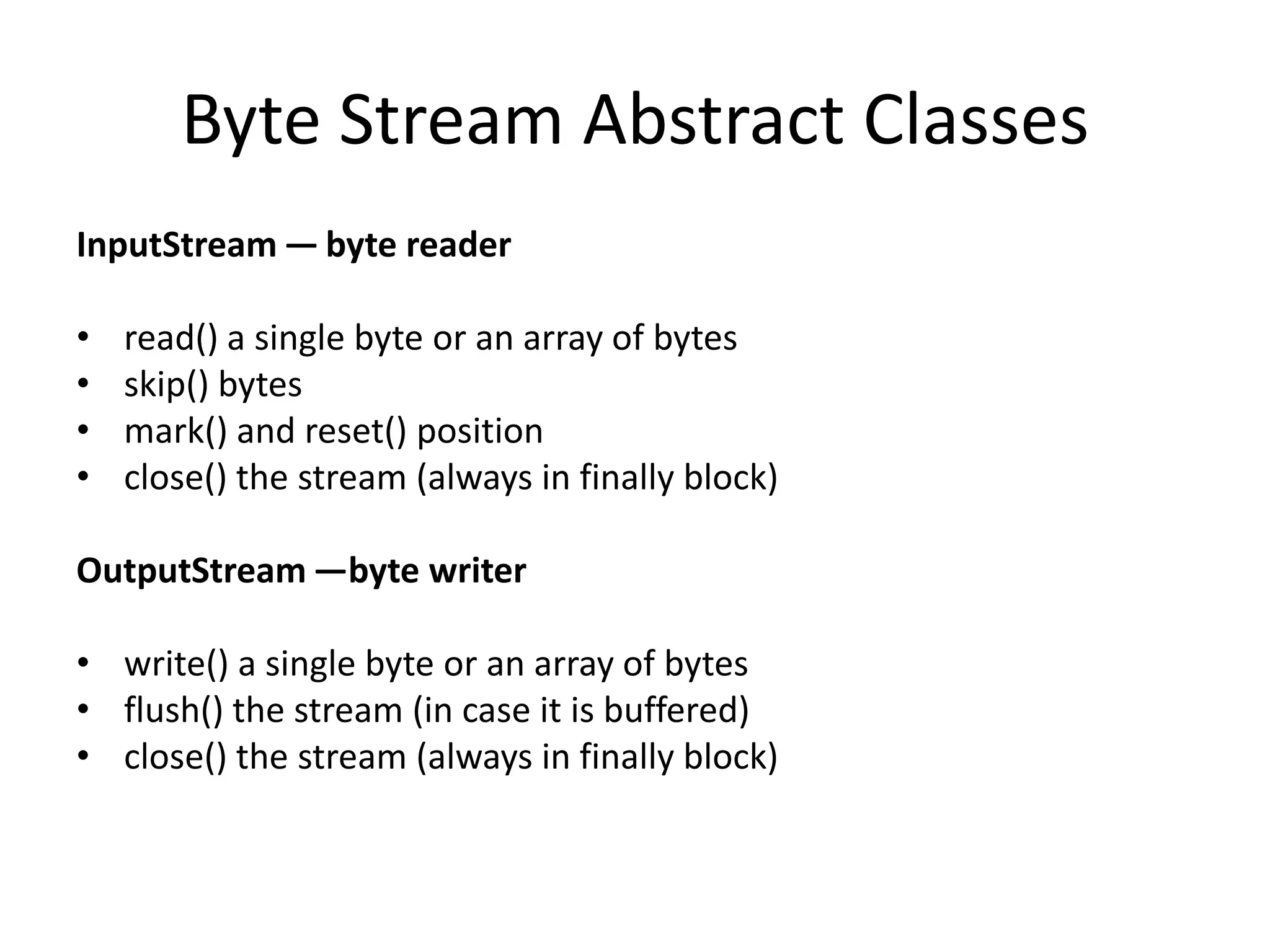
Byte Stream Abstract Classes
InputStream — byte reader

•
•
•
•

read() a single byte or an array of bytes
skip() bytes
mark() and reset() position
close() the stream (always in finally block)

OutputStream —byte writer
• write() a single byte or an array of bytes
• flush() the stream (in case it is buffered)
• close() the stream (always in finally block)
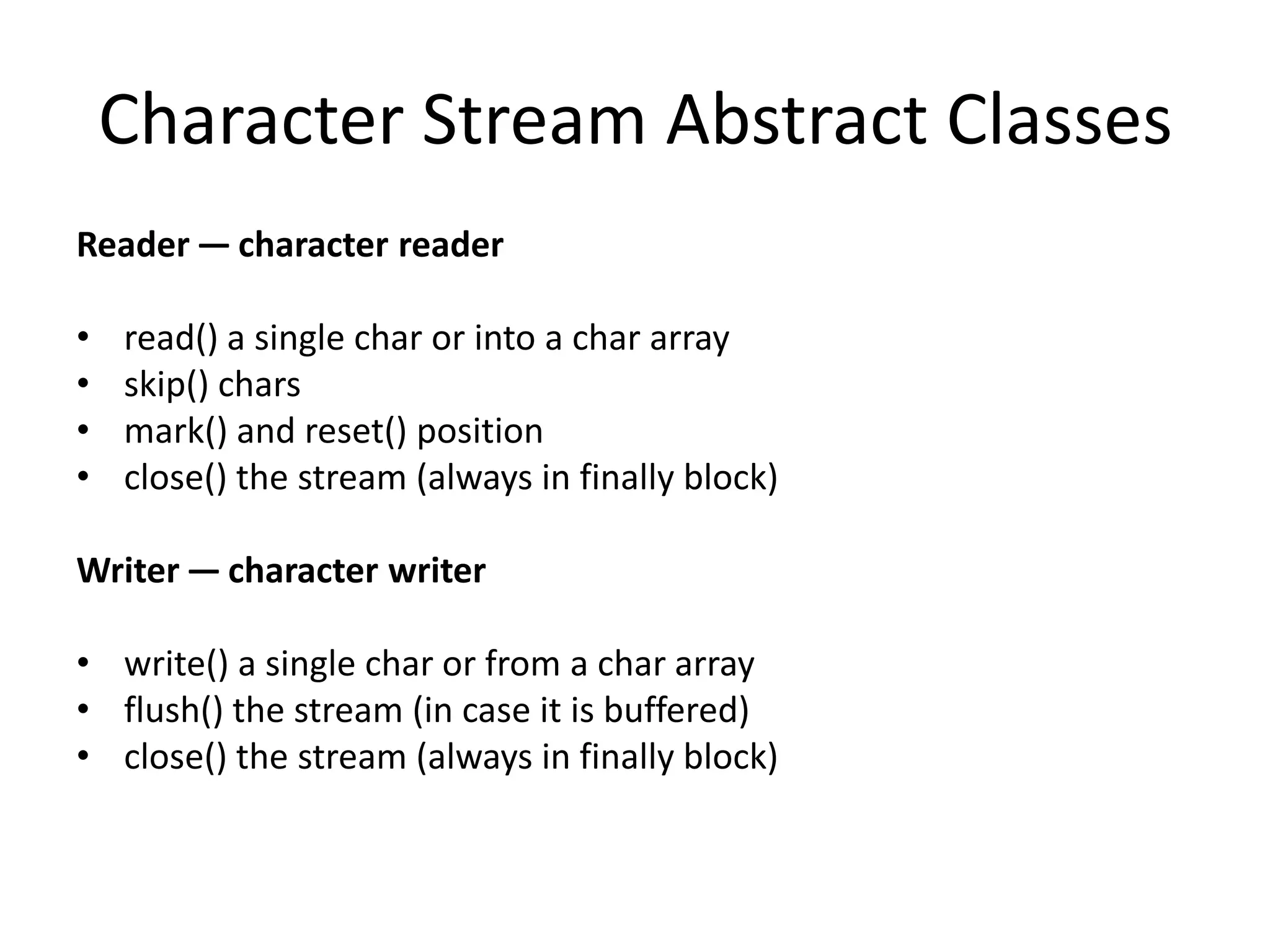
Character Stream Abstract Classes
Reader — character reader

•
•
•
•

read() a single char or into a char array
skip() chars
mark() and reset() position
close() the stream (always in finally block)

Writer — character writer
• write() a single char or from a char array
• flush() the stream (in case it is buffered)
• close() the stream (always in finally block)
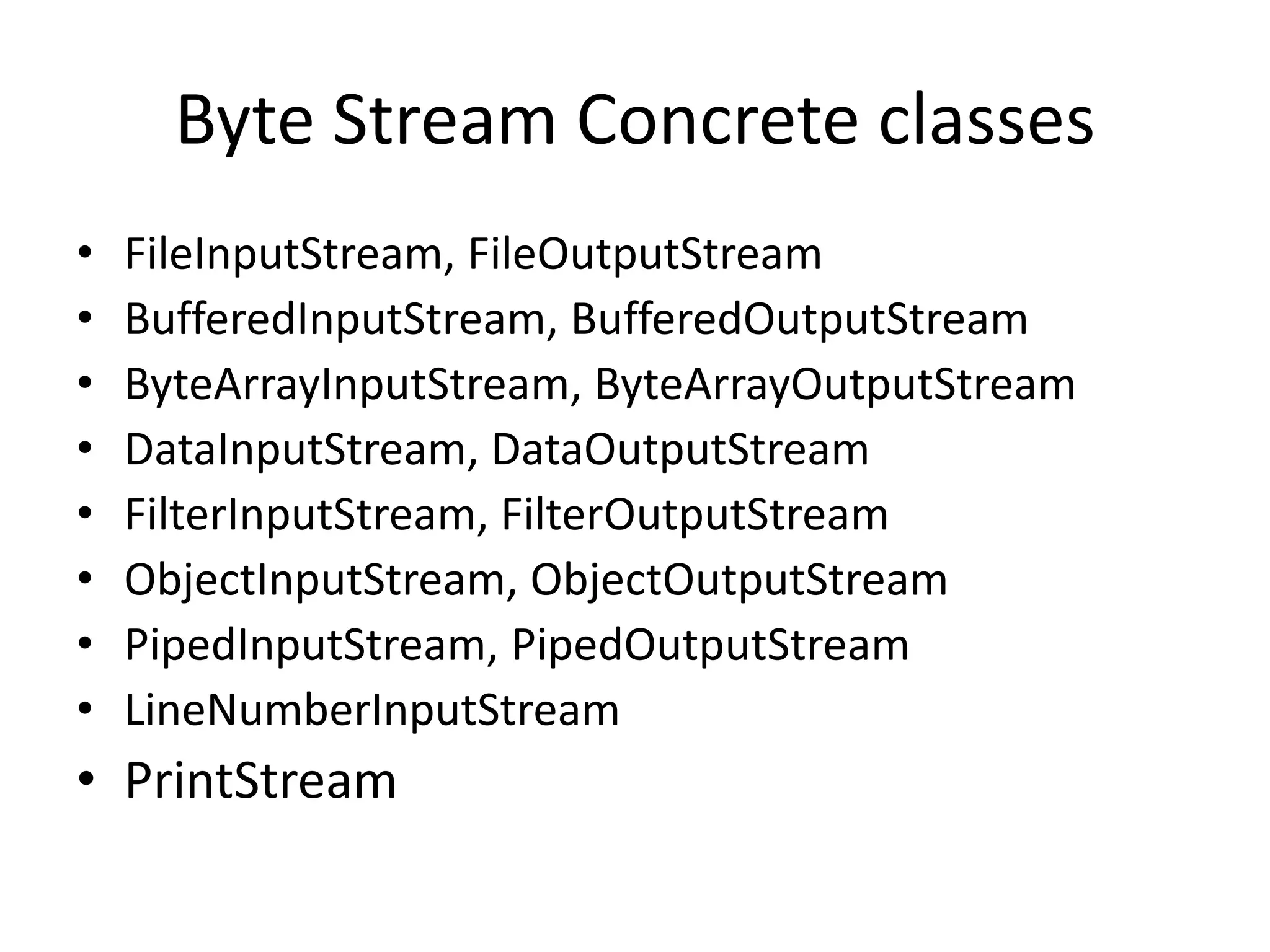
Byte Stream Concrete classes
•
•
•
•
•
•
•
•

FileInputStream, FileOutputStream
BufferedInputStream, BufferedOutputStream
ByteArrayInputStream, ByteArrayOutputStream
DataInputStream, DataOutputStream
FilterInputStream, FilterOutputStream
ObjectInputStream, ObjectOutputStream
PipedInputStream, PipedOutputStream
LineNumberInputStream

• PrintStream
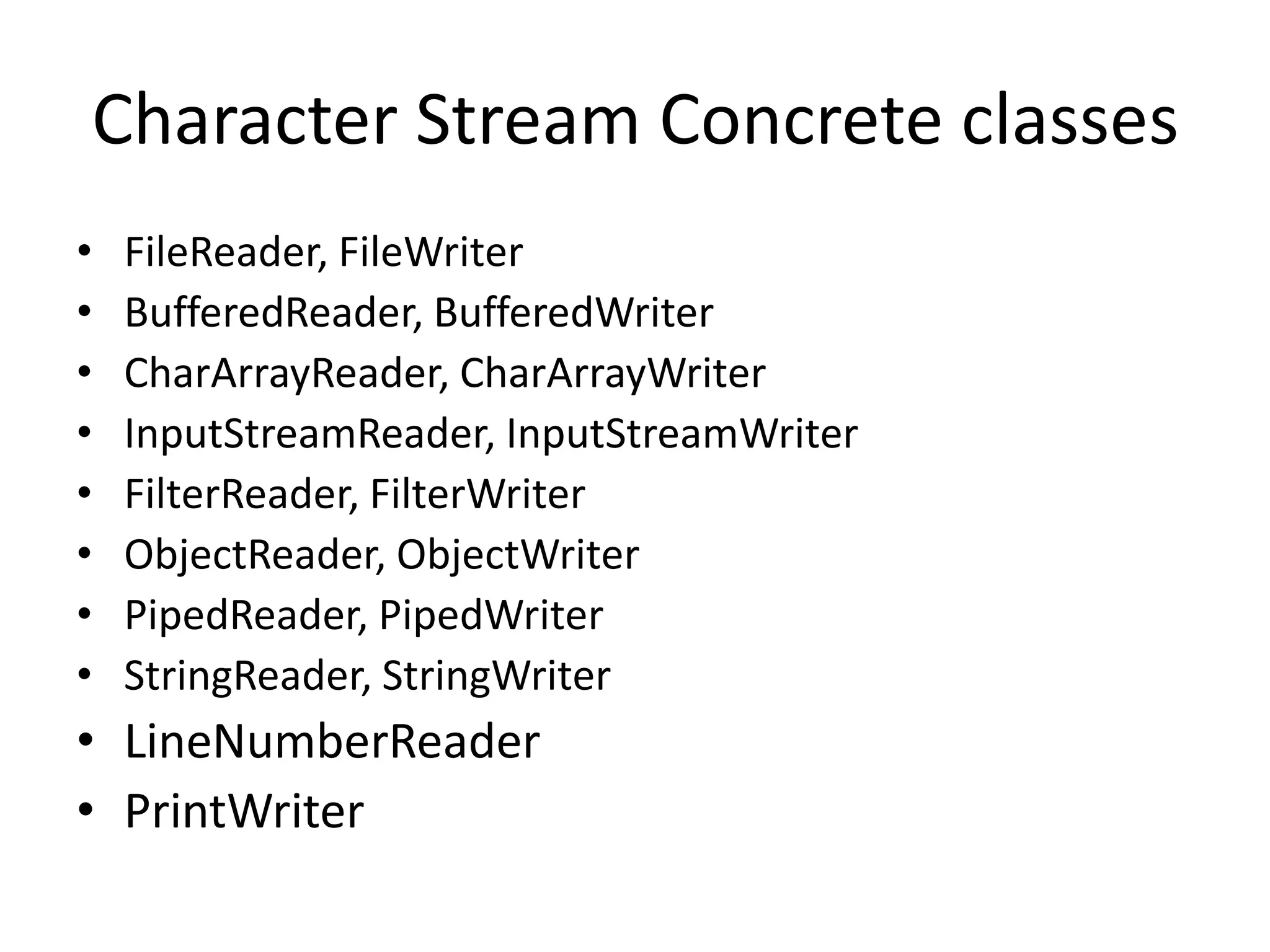
Character Stream Concrete classes
•
•
•
•
•
•
•
•

FileReader, FileWriter
BufferedReader, BufferedWriter
CharArrayReader, CharArrayWriter
InputStreamReader, InputStreamWriter
FilterReader, FilterWriter
ObjectReader, ObjectWriter
PipedReader, PipedWriter
StringReader, StringWriter

• LineNumberReader
• PrintWriter
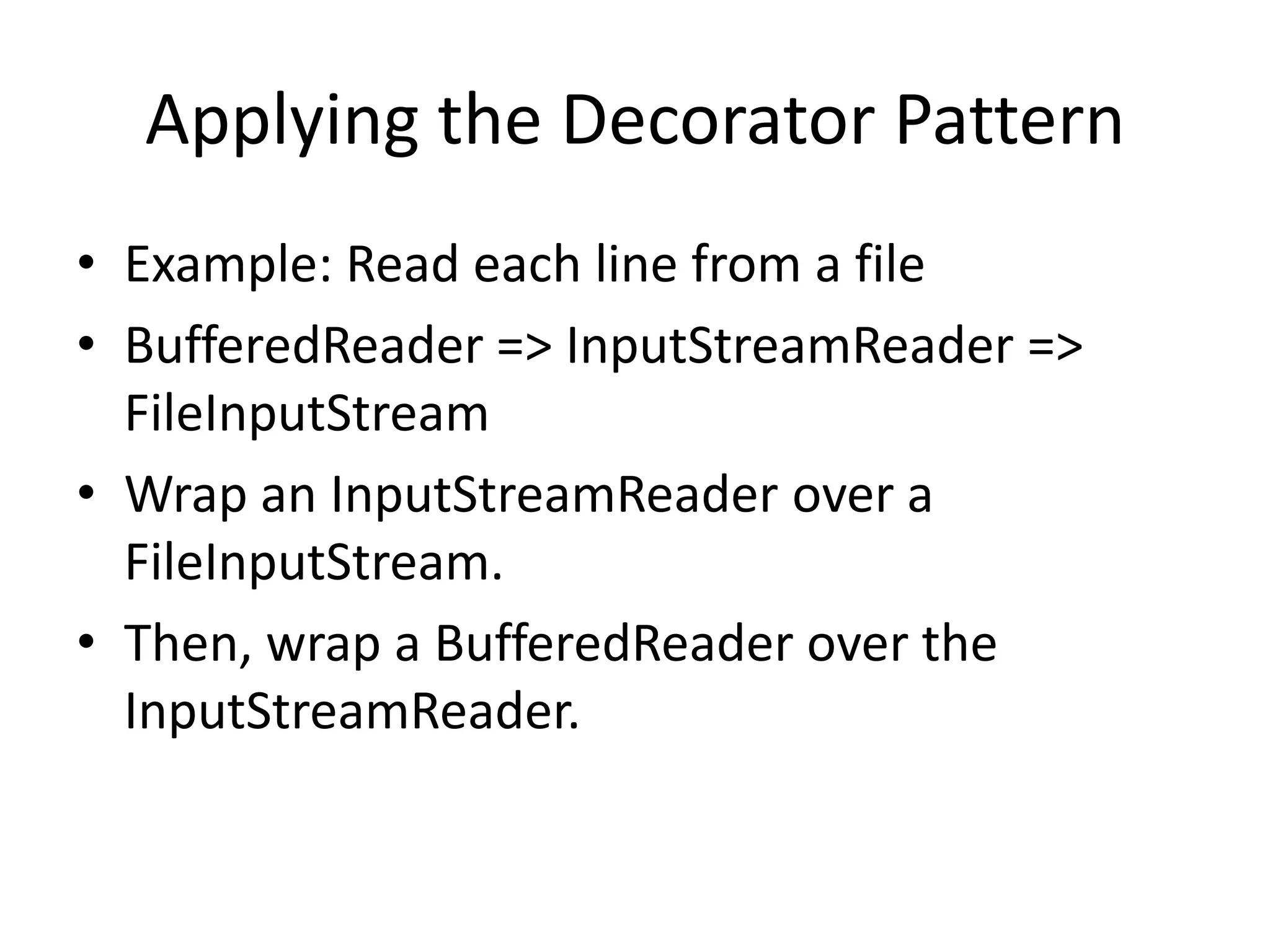
Applying the Decorator Pattern
• Example: Read each line from a file
• BufferedReader => InputStreamReader =>
FileInputStream
• Wrap an InputStreamReader over a
FileInputStream.
• Then, wrap a BufferedReader over the
InputStreamReader.
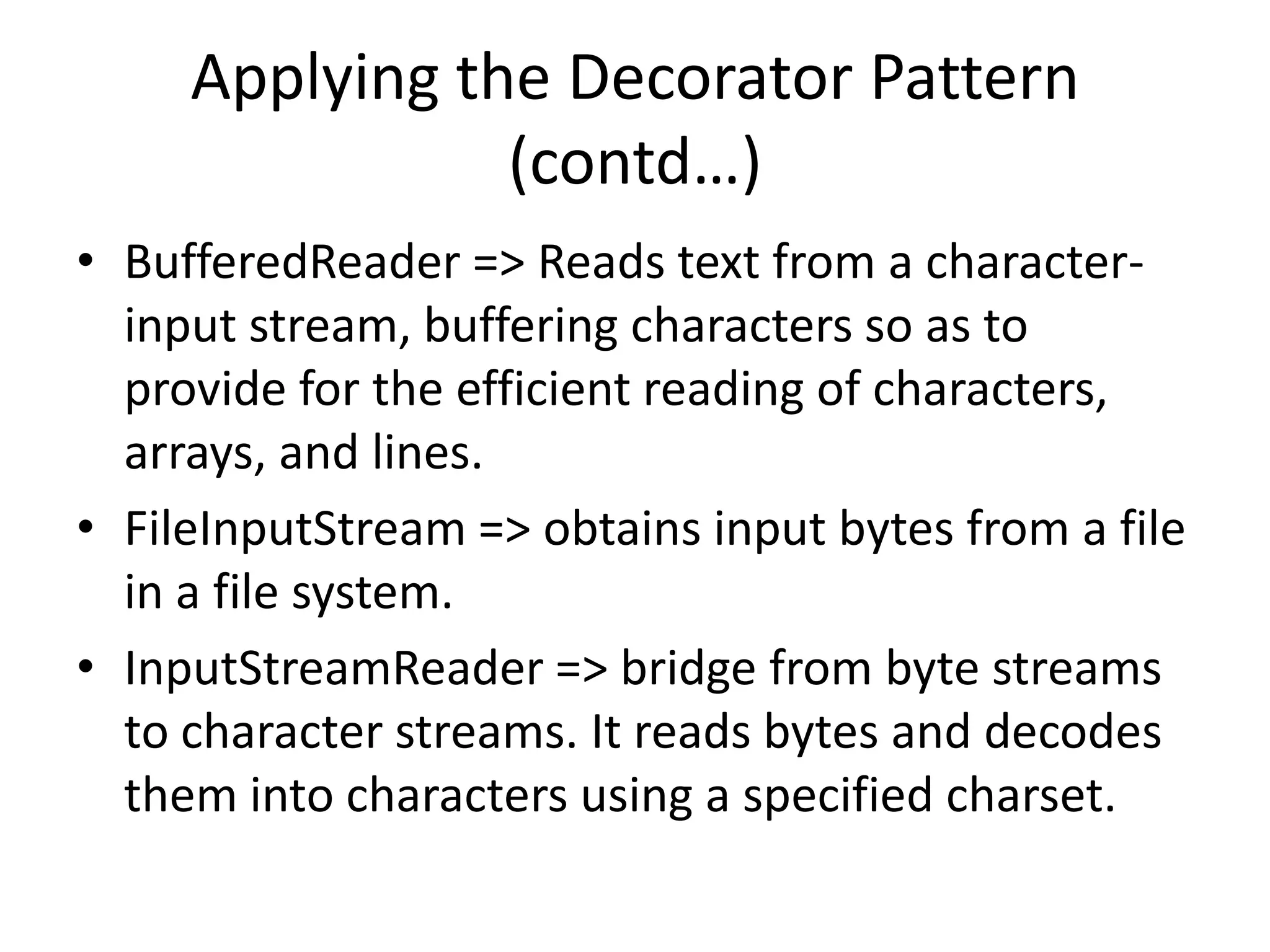
Applying the Decorator Pattern
(contd…)
• BufferedReader => Reads text from a characterinput stream, buffering characters so as to
provide for the efficient reading of characters,
arrays, and lines.
• FileInputStream => obtains input bytes from a file
in a file system.
• InputStreamReader => bridge from byte streams
to character streams. It reads bytes and decodes
them into characters using a specified charset.
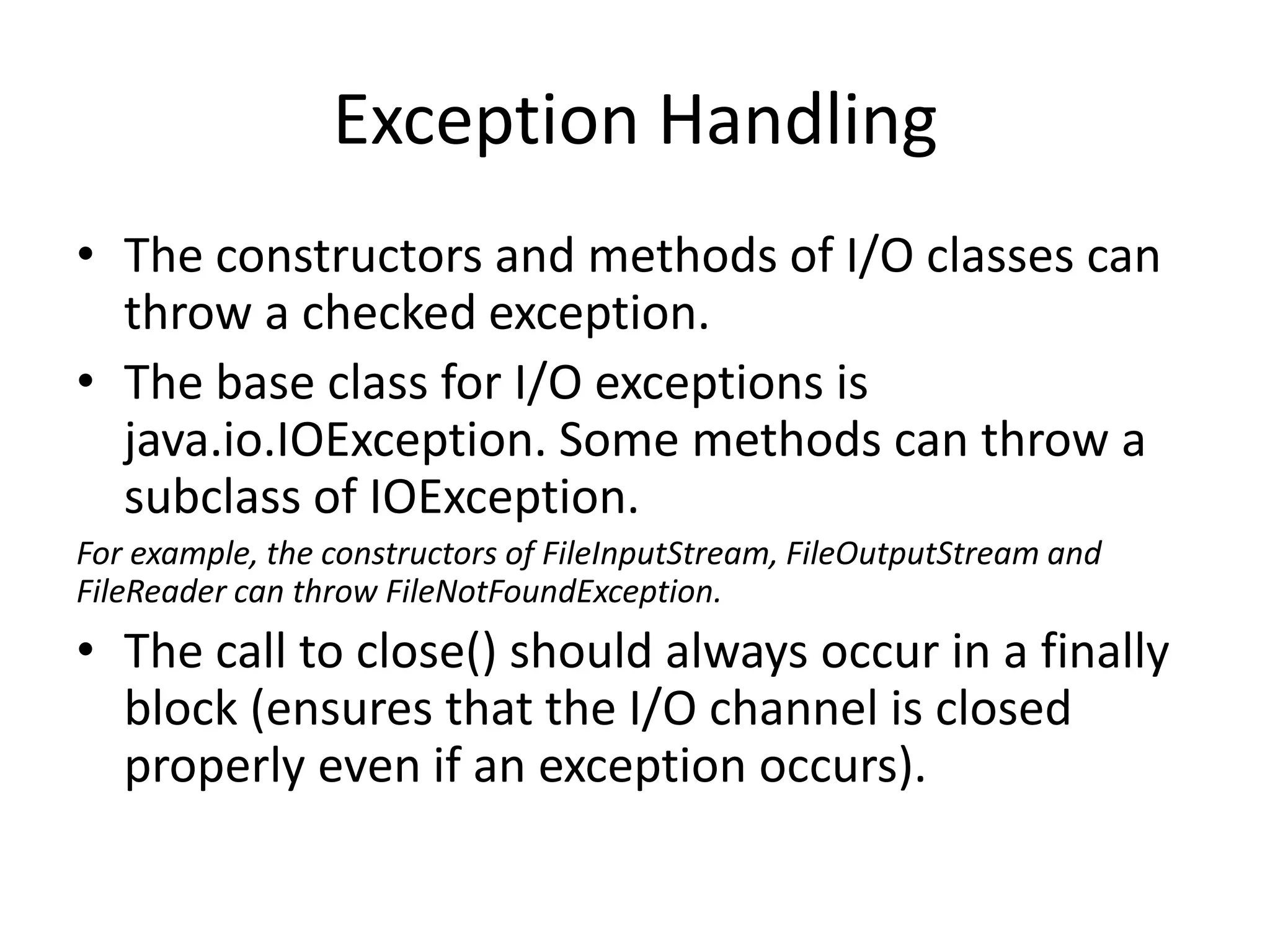
Exception Handling
• The constructors and methods of I/O classes can
throw a checked exception.
• The base class for I/O exceptions is
java.io.IOException. Some methods can throw a
subclass of IOException.
For example, the constructors of FileInputStream, FileOutputStream and
FileReader can throw FileNotFoundException.

• The call to close() should always occur in a finally
block (ensures that the I/O channel is closed
properly even if an exception occurs).

Java input output package

  • 1.
    java.io Package Sujit Kumar ZenolocityLLC Copyright 2012-2024 @
  • 2.
    java.io Package • Thejava.io package contains a fairly large number of classes that deal with Java input & output. Most of the classes consist of: • Byte streams : that are subclasses of the abstract classes InputStream or OutputStream • Character streams : that are subclasses of the abstract classes Reader and Writer • The methods for reading & writing data from byte streams and character streams are similar.
  • 3.
    java.io Package (contd…) •The Reader and Writer classes read and write 16-bit Unicode characters. • The InputStream and OutputStream classes read and write 8-bit bytes respectively. • Derived classes of the above 4 abstract classes add additional responsibilities using the Decorator pattern.
  • 4.
    How to choosethe correct implementation (derived class)? • • • • What is your format: text or binary ? Do you want random access to a file ? Are you using objects or non-objects ? What are your sources and sinks of data (like sockets, files, strings or array of characters) ? • Do you need to use filtering techniques like buffering, checksumming ?
  • 5.
    Byte Stream AbstractClasses InputStream — byte reader • • • • read() a single byte or an array of bytes skip() bytes mark() and reset() position close() the stream (always in finally block) OutputStream —byte writer • write() a single byte or an array of bytes • flush() the stream (in case it is buffered) • close() the stream (always in finally block)
  • 6.
    Character Stream AbstractClasses Reader — character reader • • • • read() a single char or into a char array skip() chars mark() and reset() position close() the stream (always in finally block) Writer — character writer • write() a single char or from a char array • flush() the stream (in case it is buffered) • close() the stream (always in finally block)
  • 7.
    Byte Stream Concreteclasses • • • • • • • • FileInputStream, FileOutputStream BufferedInputStream, BufferedOutputStream ByteArrayInputStream, ByteArrayOutputStream DataInputStream, DataOutputStream FilterInputStream, FilterOutputStream ObjectInputStream, ObjectOutputStream PipedInputStream, PipedOutputStream LineNumberInputStream • PrintStream
  • 8.
    Character Stream Concreteclasses • • • • • • • • FileReader, FileWriter BufferedReader, BufferedWriter CharArrayReader, CharArrayWriter InputStreamReader, InputStreamWriter FilterReader, FilterWriter ObjectReader, ObjectWriter PipedReader, PipedWriter StringReader, StringWriter • LineNumberReader • PrintWriter
  • 9.
    Applying the DecoratorPattern • Example: Read each line from a file • BufferedReader => InputStreamReader => FileInputStream • Wrap an InputStreamReader over a FileInputStream. • Then, wrap a BufferedReader over the InputStreamReader.
  • 10.
    Applying the DecoratorPattern (contd…) • BufferedReader => Reads text from a characterinput stream, buffering characters so as to provide for the efficient reading of characters, arrays, and lines. • FileInputStream => obtains input bytes from a file in a file system. • InputStreamReader => bridge from byte streams to character streams. It reads bytes and decodes them into characters using a specified charset.
  • 11.
    Exception Handling • Theconstructors and methods of I/O classes can throw a checked exception. • The base class for I/O exceptions is java.io.IOException. Some methods can throw a subclass of IOException. For example, the constructors of FileInputStream, FileOutputStream and FileReader can throw FileNotFoundException. • The call to close() should always occur in a finally block (ensures that the I/O channel is closed properly even if an exception occurs).