Java
SDK
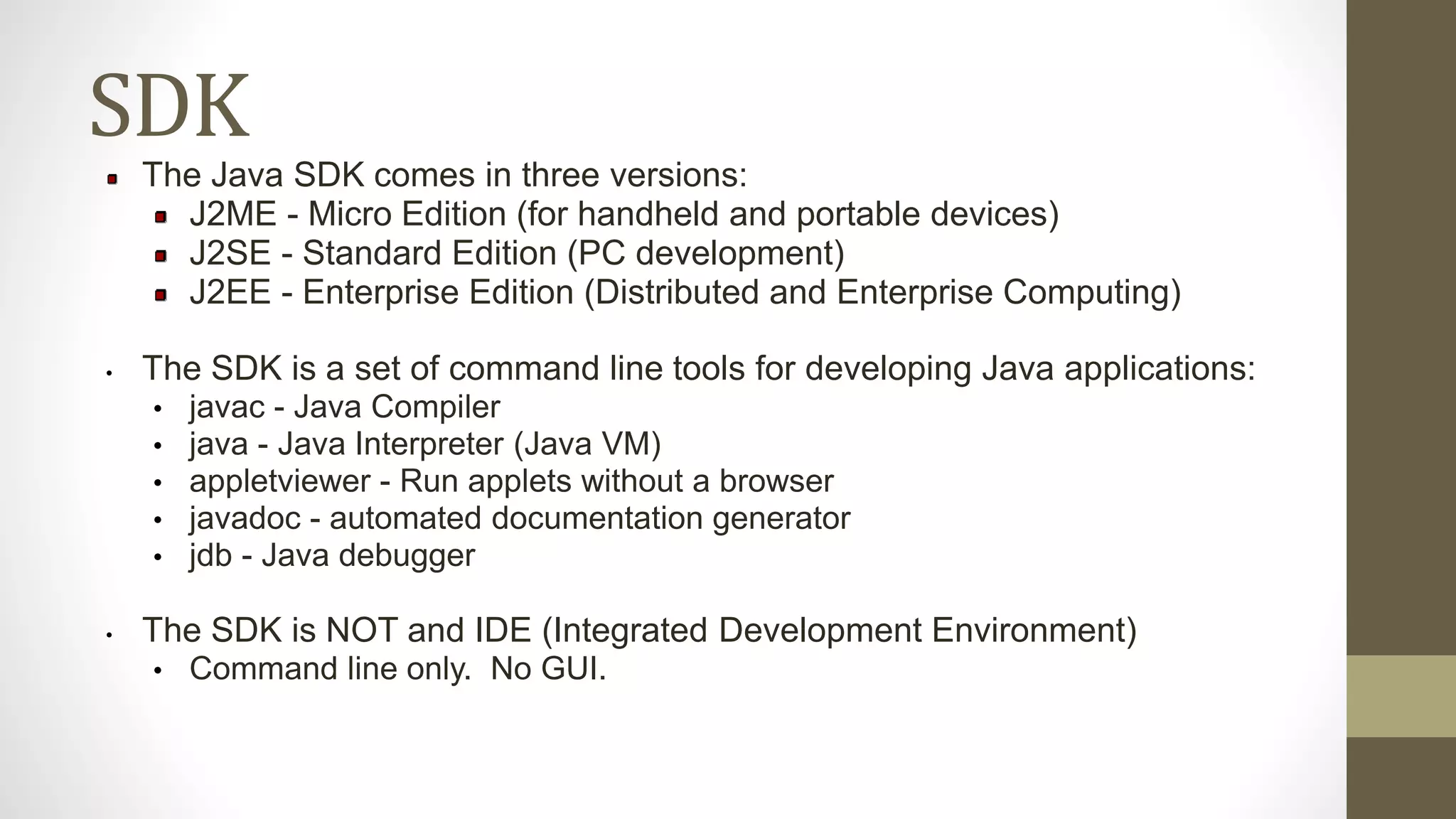
The Java SDK comes in three versions:
J2ME - Micro Edition (for handheld and portable devices)
J2SE - Standard Edition (PC development)
J2EE - Enterprise Edition (Distributed and Enterprise Computing)
• The SDK is a set of command line tools for developing Java applications:
• javac - Java Compiler
• java - Java Interpreter (Java VM)
• appletviewer - Run applets without a browser
• javadoc - automated documentation generator
• jdb - Java debugger
• The SDK is NOT and IDE (Integrated Development Environment)
• Command line only. No GUI.
IDE
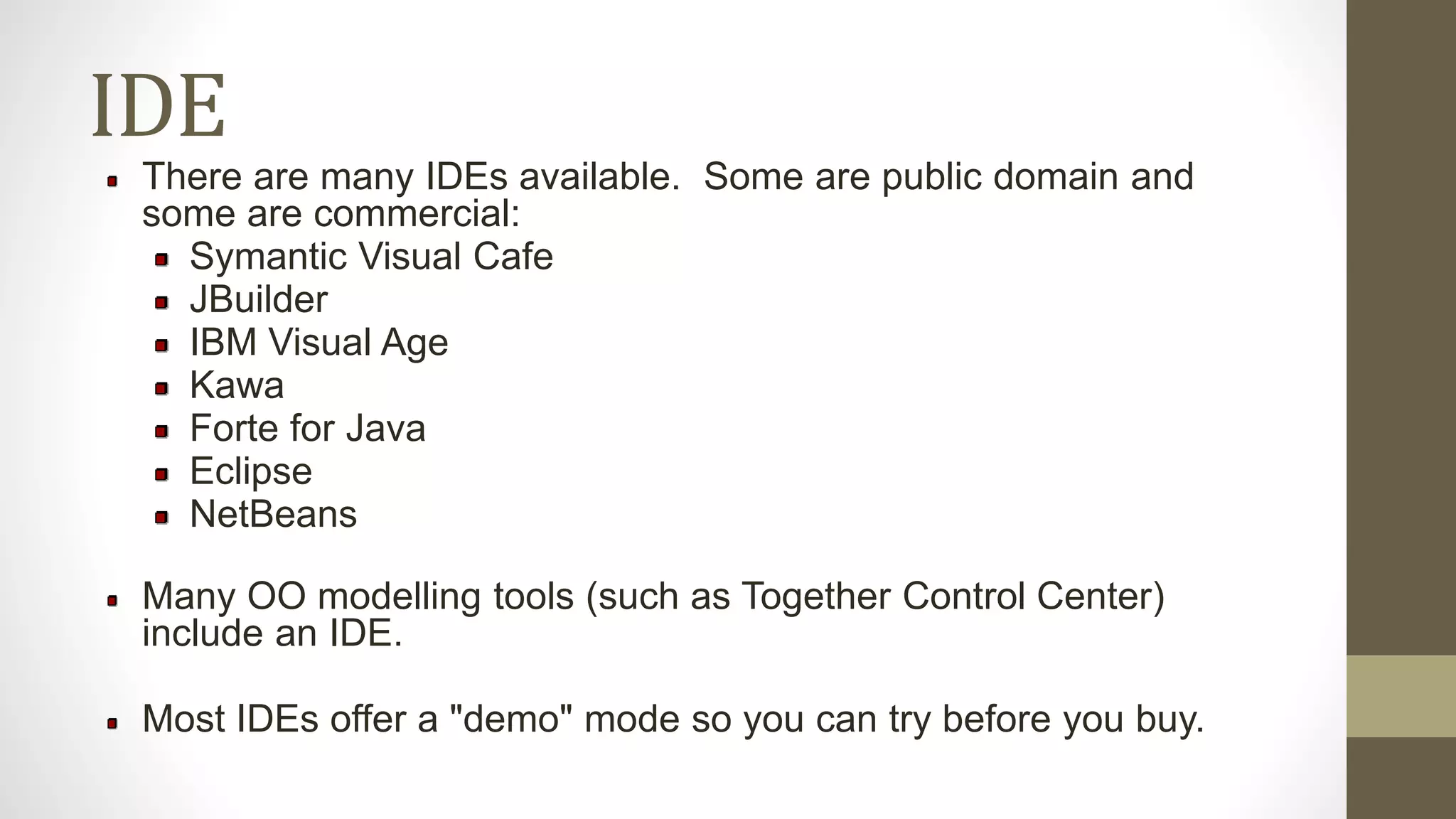
There are many IDEs available. Some are public domain and
some are commercial:
Symantic Visual Cafe
JBuilder
IBM Visual Age
Kawa
Forte for Java
Eclipse
NetBeans
Many OO modelling tools (such as Together Control Center)
include an IDE.
Most IDEs offer a "demo" mode so you can try before you buy.
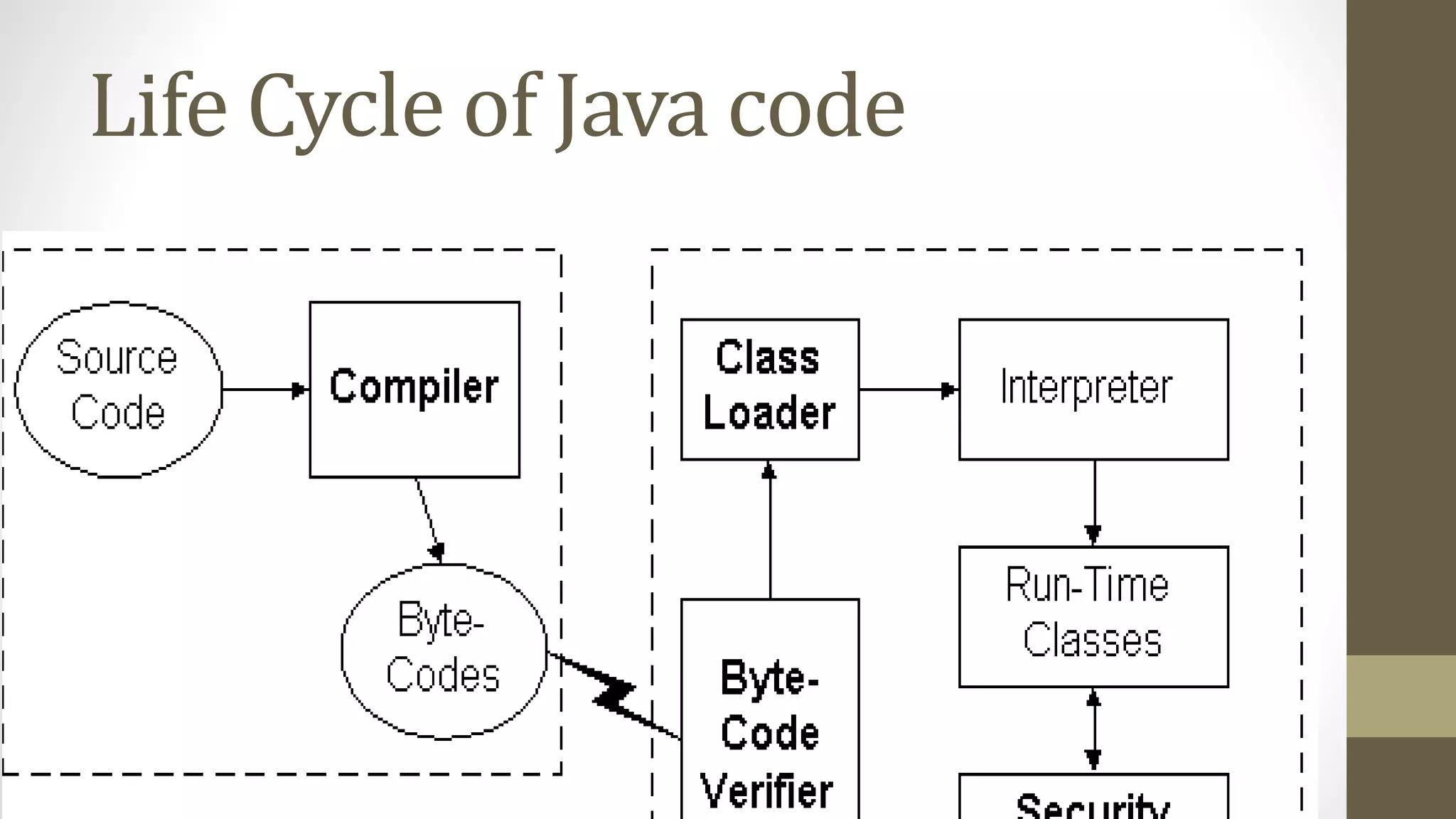
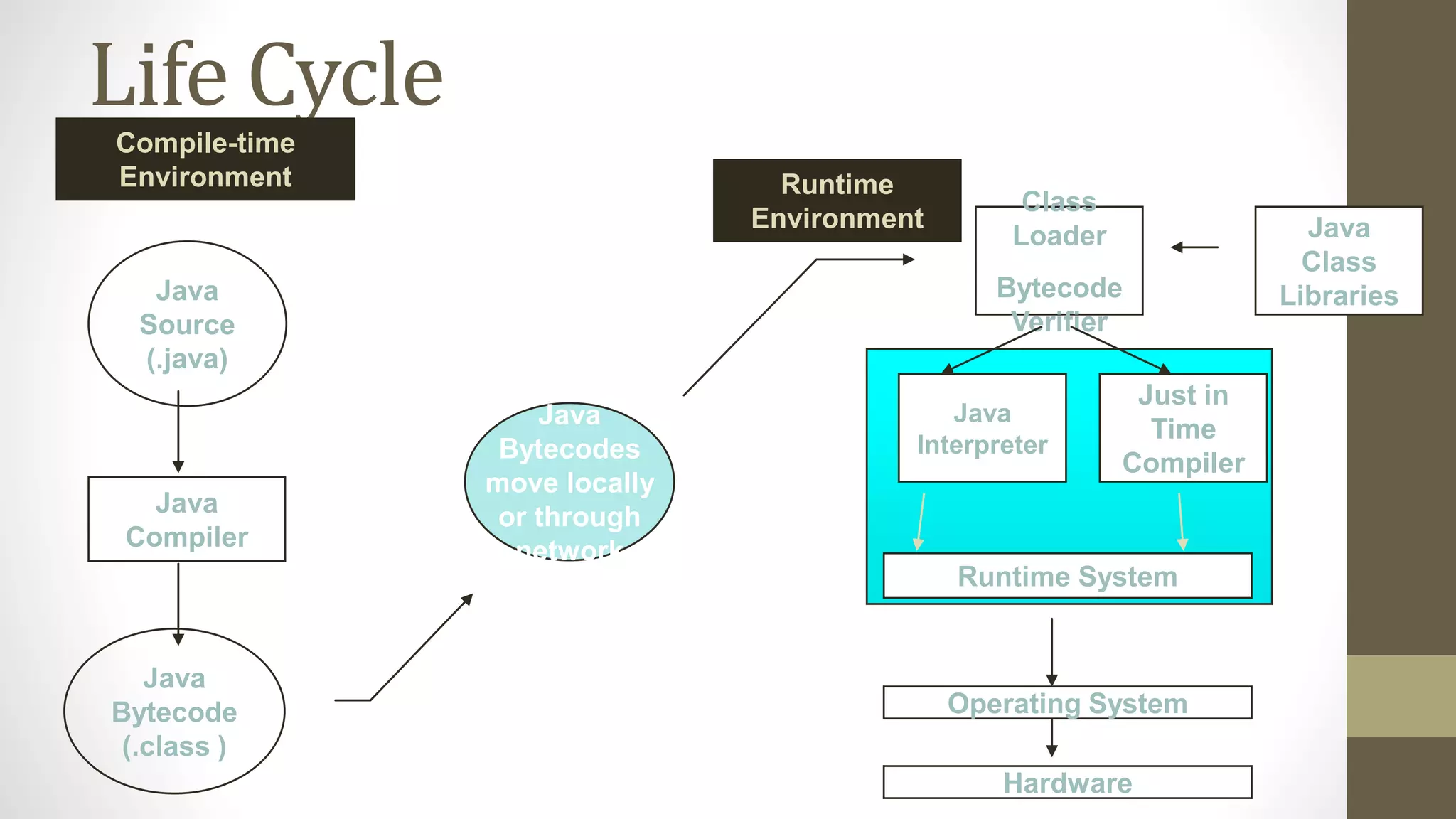
Life Cycle
Java
Bytecodes
move locally
or through
network
Java
Source
(.java)
Java
Compiler
Java
Bytecode
(.class )
Java
Interpreter
Just in
Time
Compiler
Runtime System
Class
Loader
Bytecode
Verifier
Java
Class
Libraries
Operating System
Hardware
Runtime
Environment
Compile-time
Environment
Hello.java
// hello.java: Hello Internet program
class Hello
{
public static void main(String args[])
{
System.out.println(“Hello Internet”);
}
}
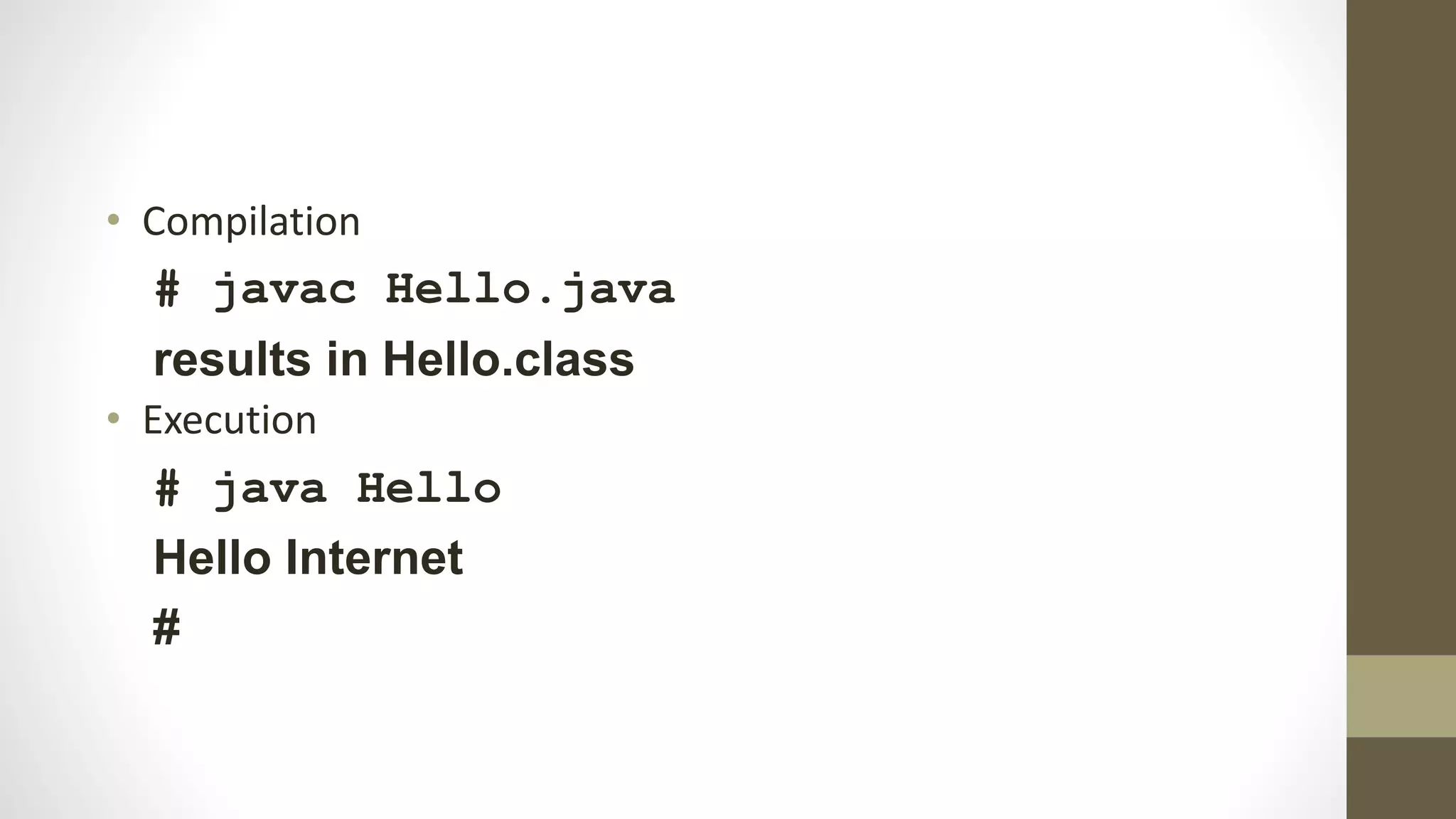
• Compilation
# javac Hello.java
results in Hello.class
• Execution
# java Hello
Hello Internet
#
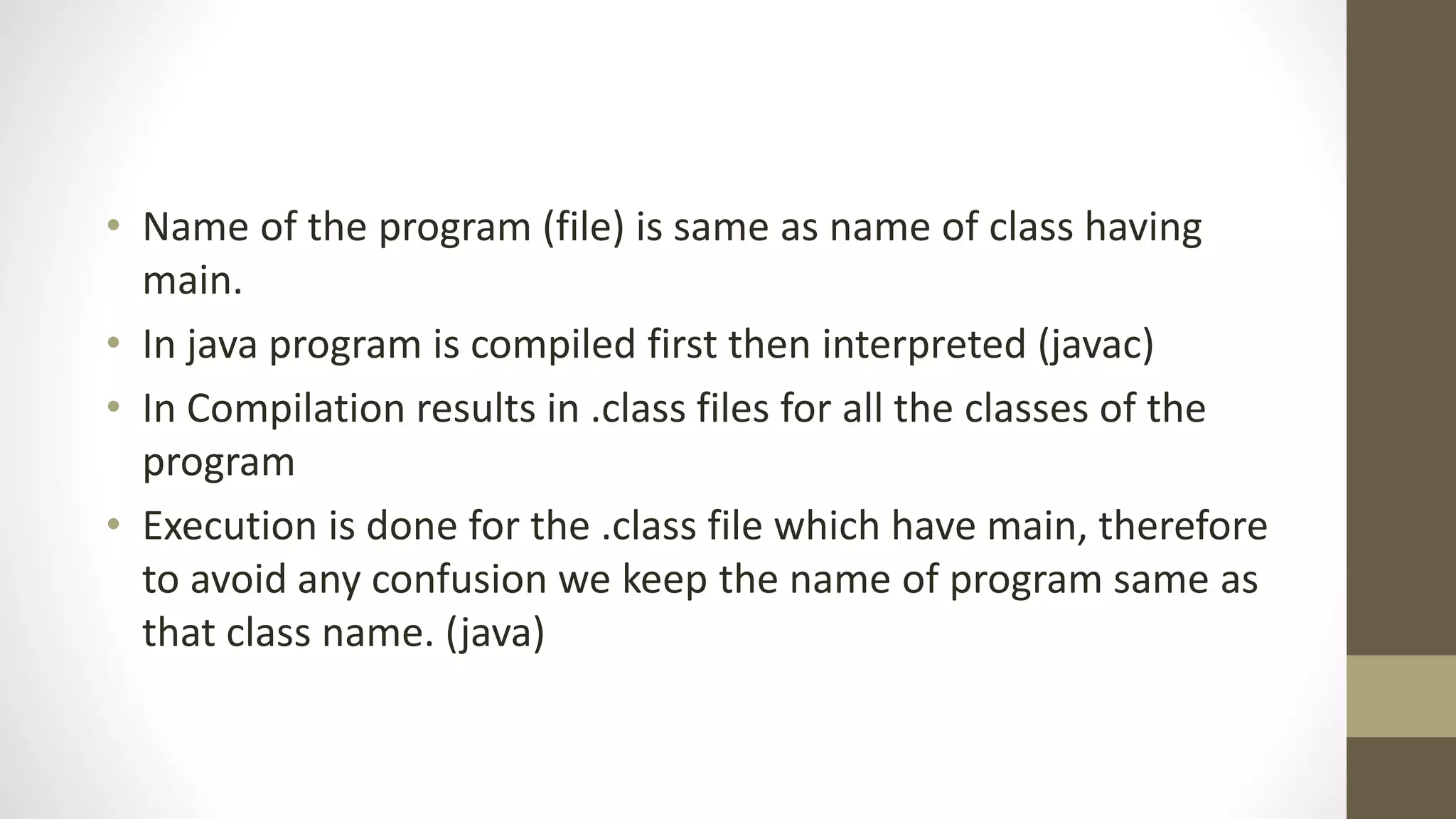
• Name of the program (file) is same as name of class having
main.
• In java program is compiled first then interpreted (javac)
• In Compilation results in .class files for all the classes of the
program
• Execution is done for the .class file which have main, therefore
to avoid any confusion we keep the name of program same as
that class name. (java)
Life Cycle of Java code
• public class Comments
• {
• /* A prgm to show comments
• */
• public static void main (String args[])
• { // main is the function which is called to run a prgm
• // public access specifier
• // static no instance is required
• // String args Parameters
• System.out.println("Java has three types of Comments");
• // ; is used as terminator for every statement
• }
• }
• // Prgm to compare print and println
• public class Out
• {
• public static void main(String args[])
• { System.out.println("First Line"); // Next output on new line
• System.out.print("Second Line"); // Next o/p on same line
• System.out.println("Third Line");
• }
• }
public class Conc
{
public static void main(String args[])
{
System.out.println("Hi" + " Hello" + " How r u");
// + results in concatenation of strings
}
}

Java Class 2

  • 1.
  • 2.
    SDK The Java SDKcomes in three versions: J2ME - Micro Edition (for handheld and portable devices) J2SE - Standard Edition (PC development) J2EE - Enterprise Edition (Distributed and Enterprise Computing) • The SDK is a set of command line tools for developing Java applications: • javac - Java Compiler • java - Java Interpreter (Java VM) • appletviewer - Run applets without a browser • javadoc - automated documentation generator • jdb - Java debugger • The SDK is NOT and IDE (Integrated Development Environment) • Command line only. No GUI.
  • 3.
    IDE There are manyIDEs available. Some are public domain and some are commercial: Symantic Visual Cafe JBuilder IBM Visual Age Kawa Forte for Java Eclipse NetBeans Many OO modelling tools (such as Together Control Center) include an IDE. Most IDEs offer a "demo" mode so you can try before you buy.
  • 4.
    Life Cycle Java Bytecodes move locally orthrough network Java Source (.java) Java Compiler Java Bytecode (.class ) Java Interpreter Just in Time Compiler Runtime System Class Loader Bytecode Verifier Java Class Libraries Operating System Hardware Runtime Environment Compile-time Environment
  • 5.
    Hello.java // hello.java: HelloInternet program class Hello { public static void main(String args[]) { System.out.println(“Hello Internet”); } }
  • 6.
    • Compilation # javacHello.java results in Hello.class • Execution # java Hello Hello Internet #
  • 7.
    • Name ofthe program (file) is same as name of class having main. • In java program is compiled first then interpreted (javac) • In Compilation results in .class files for all the classes of the program • Execution is done for the .class file which have main, therefore to avoid any confusion we keep the name of program same as that class name. (java)
  • 8.
    Life Cycle ofJava code
  • 9.
    • public classComments • { • /* A prgm to show comments • */ • public static void main (String args[]) • { // main is the function which is called to run a prgm • // public access specifier • // static no instance is required • // String args Parameters • System.out.println("Java has three types of Comments"); • // ; is used as terminator for every statement • } • }
  • 10.
    • // Prgmto compare print and println • public class Out • { • public static void main(String args[]) • { System.out.println("First Line"); // Next output on new line • System.out.print("Second Line"); // Next o/p on same line • System.out.println("Third Line"); • } • }
  • 11.
    public class Conc { publicstatic void main(String args[]) { System.out.println("Hi" + " Hello" + " How r u"); // + results in concatenation of strings } }