Download as PDF, PPTX

![Example
Testing the Add button
// application:
let app = XCUIApplication()
app.launch()
// element and query:
let addButton = app.buttons[“Add”]
addButton.tap()
// assertion:
XCTAssertEqual(app.tables.cells.count, 1)](https://image.slidesharecdn.com/uitestinginxcode-160203053823/75/iOS-UI-Testing-in-Xcode-7-2048.jpg)
![Example
Testing the Add button
// application:
let app = XCUIApplication()
app.launch()
// element and query:
let addButton = app.buttons[“Add”]
addButton.tap()
// assertion:
XCTAssertEqual(app.tables.cells.count, 1)](https://image.slidesharecdn.com/uitestinginxcode-160203053823/75/iOS-UI-Testing-in-Xcode-8-2048.jpg)
![Example
Testing the Add button
// application:
let app = XCUIApplication()
app.launch()
// element and query:
let addButton = app.buttons[“Add”]
addButton.tap()
// assertion:
XCTAssertEqual(app.tables.cells.count, 1)](https://image.slidesharecdn.com/uitestinginxcode-160203053823/75/iOS-UI-Testing-in-Xcode-9-2048.jpg)
![Example
Testing the Add button
// application:
let app = XCUIApplication()
app.launch()
// element and query:
let addButton = app.buttons[“Add”]
addButton.tap()
// assertion:
XCTAssertEqual(app.tables.cells.count, 1)](https://image.slidesharecdn.com/uitestinginxcode-160203053823/75/iOS-UI-Testing-in-Xcode-10-2048.jpg)
![Example
// application:
let app = XCUIApplication()
app.launch()
// element and query:
let addButton = app.buttons[“Add”]
addButton.tap()
// assertion:
XCTAssertEqual(app.tables.cells.count, 1)
Testing the Add button](https://image.slidesharecdn.com/uitestinginxcode-160203053823/75/iOS-UI-Testing-in-Xcode-11-2048.jpg)
![Example
// application:
let app = XCUIApplication()
app.launch()
// element and query:
let addButton = app.buttons[“Add”]
addButton.tap()
// assertion:
XCTAssertEqual(app.tables.cells.count, 1)
Testing the Add button](https://image.slidesharecdn.com/uitestinginxcode-160203053823/75/iOS-UI-Testing-in-Xcode-12-2048.jpg)
![Example
// application:
let app = XCUIApplication()
app.launch()
// element and query:
let addButton = app.buttons[“Add”]
addButton.tap()
// assertion:
XCTAssertEqual(app.tables.cells.count, 1)
Testing the Add button](https://image.slidesharecdn.com/uitestinginxcode-160203053823/75/iOS-UI-Testing-in-Xcode-13-2048.jpg)
![Example
// application:
let app = XCUIApplication()
app.launch()
// element and query:
let addButton = app.buttons[“Add”]
addButton.tap()
// assertion:
XCTAssertEqual(app.tables.cells.count, 1)
Testing the Add button](https://image.slidesharecdn.com/uitestinginxcode-160203053823/75/iOS-UI-Testing-in-Xcode-14-2048.jpg)
![Example
Testing the Add button
// application:
let app = XCUIApplication()
app.launch()
// element and query:
let addButton = app.buttons[“Add”]
addButton.tap()
// assertion:
XCTAssertEqual(app.tables.cells.count, 1)](https://image.slidesharecdn.com/uitestinginxcode-160203053823/75/iOS-UI-Testing-in-Xcode-15-2048.jpg)
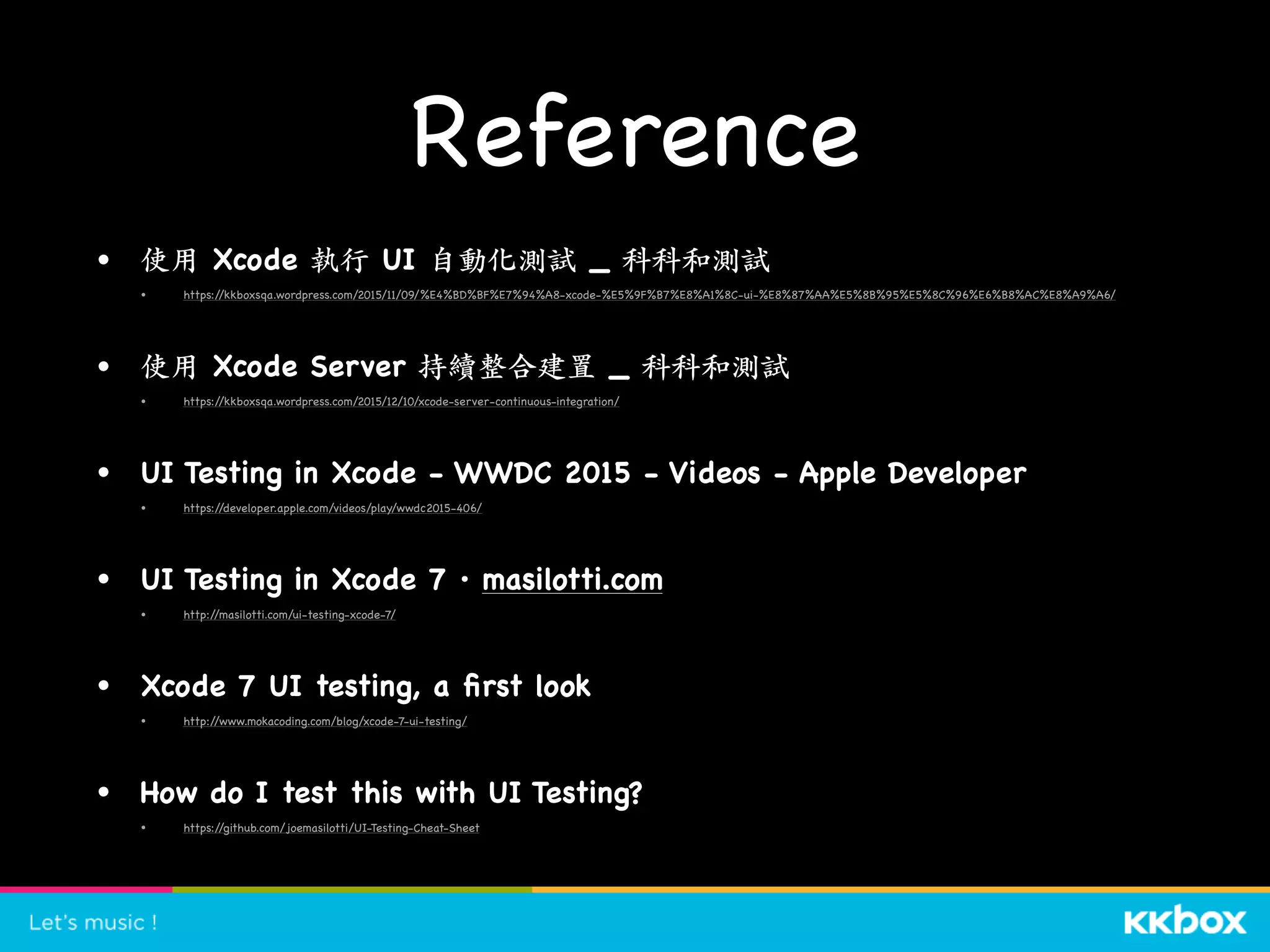

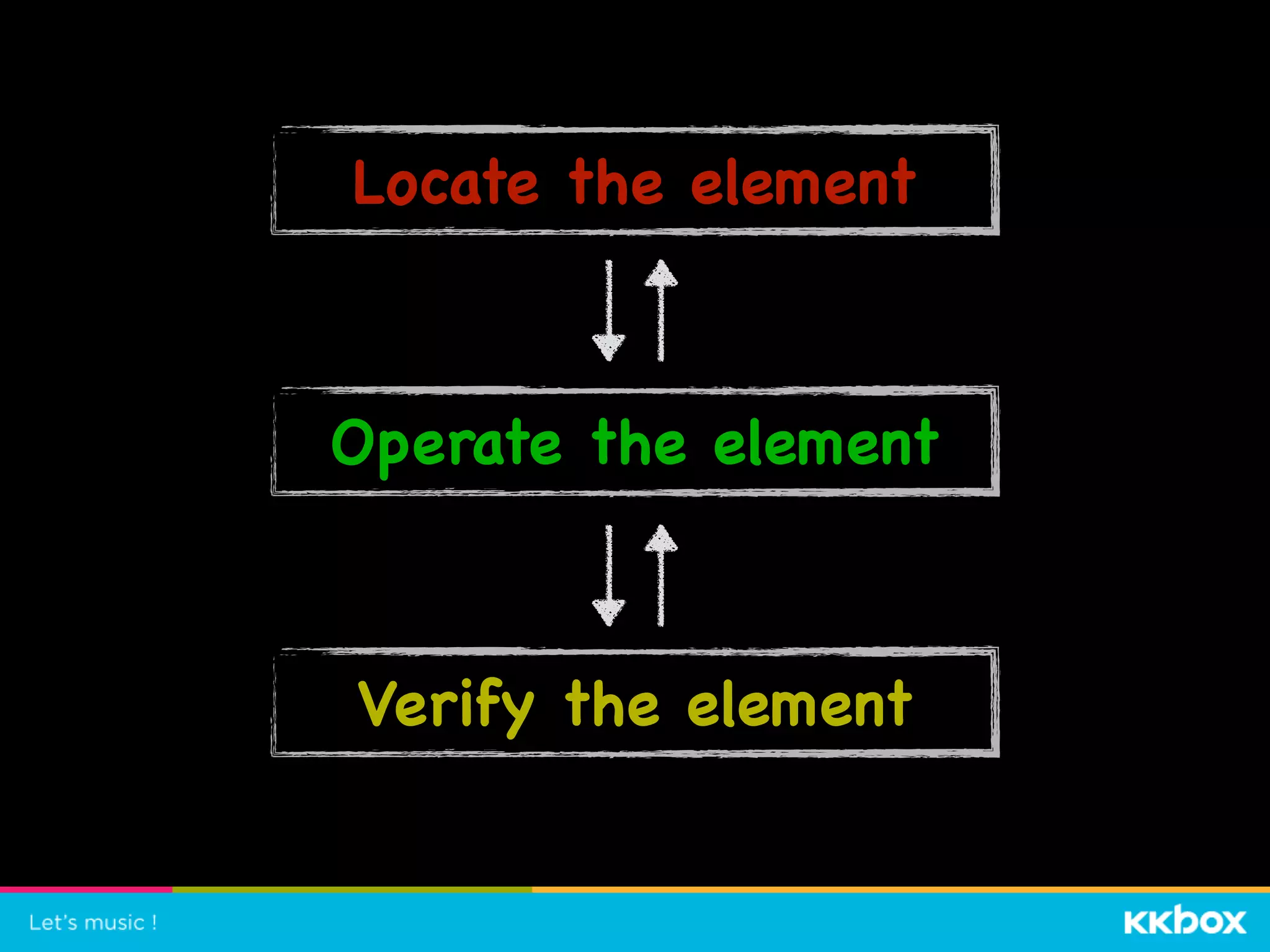
The document discusses iOS UI testing in Xcode. It provides an overview of record and playback, test scripts written in Swift or Objective-C, and running UI automation tests on iOS. It demonstrates recording a test and shows an example test for the "Add" button that launches the application, finds the button, taps it, and makes an assertion about the number of table cells. It also discusses code coverage and test reports.


![[XCode] Automating UI Testing](https://cdn.slidesharecdn.com/ss_thumbnails/autotest-150331095538-conversion-gate01-thumbnail.jpg?width=640&height=640&fit=bounds)


![CNY Distribution of Oranges, Uplifting the spirit [@TPCTMC]](https://cdn.slidesharecdn.com/ss_thumbnails/upliftingthespirit-140123202153-phpapp01-thumbnail.jpg?width=640&height=640&fit=bounds)


