Downloaded 49 times

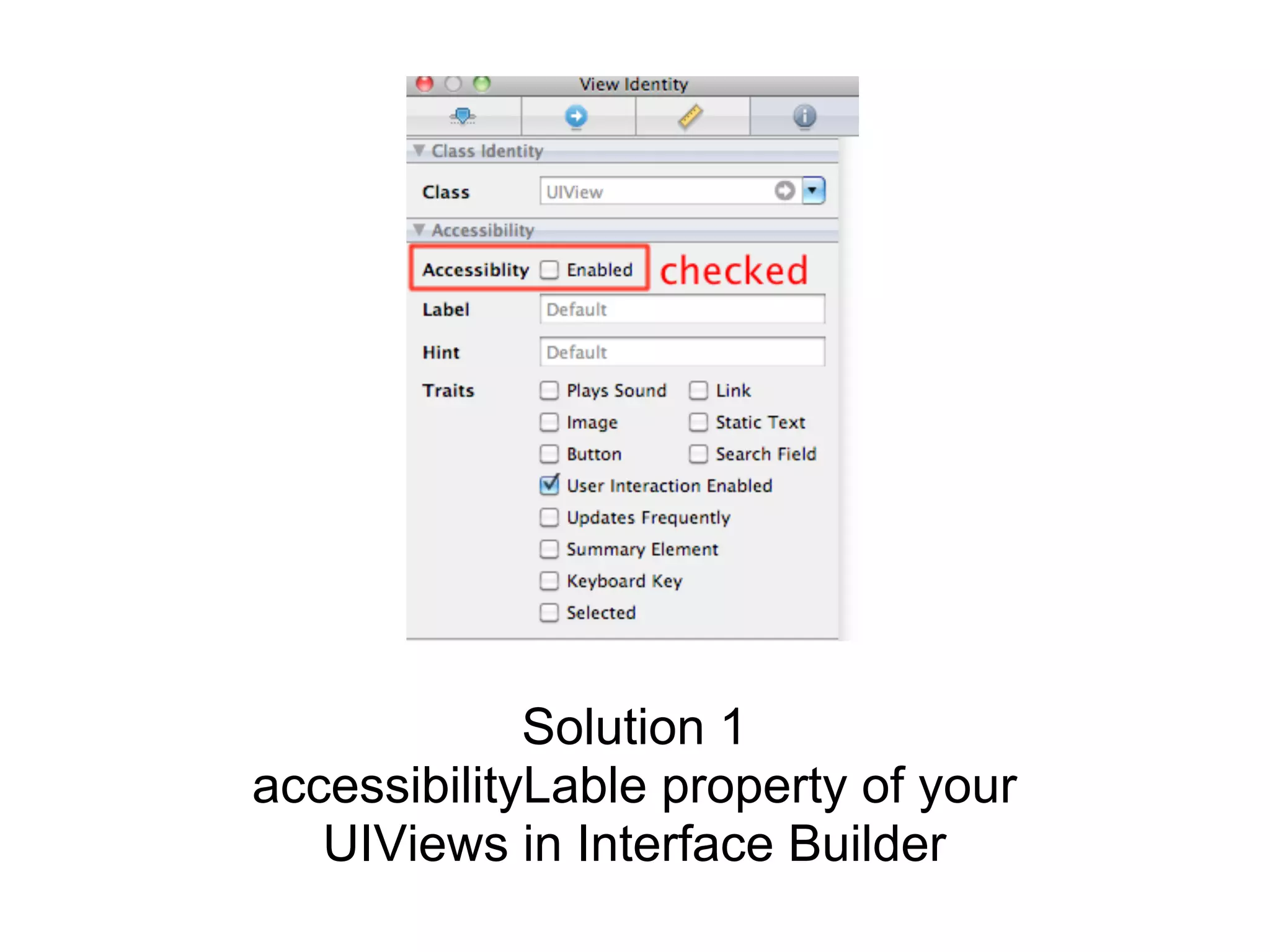
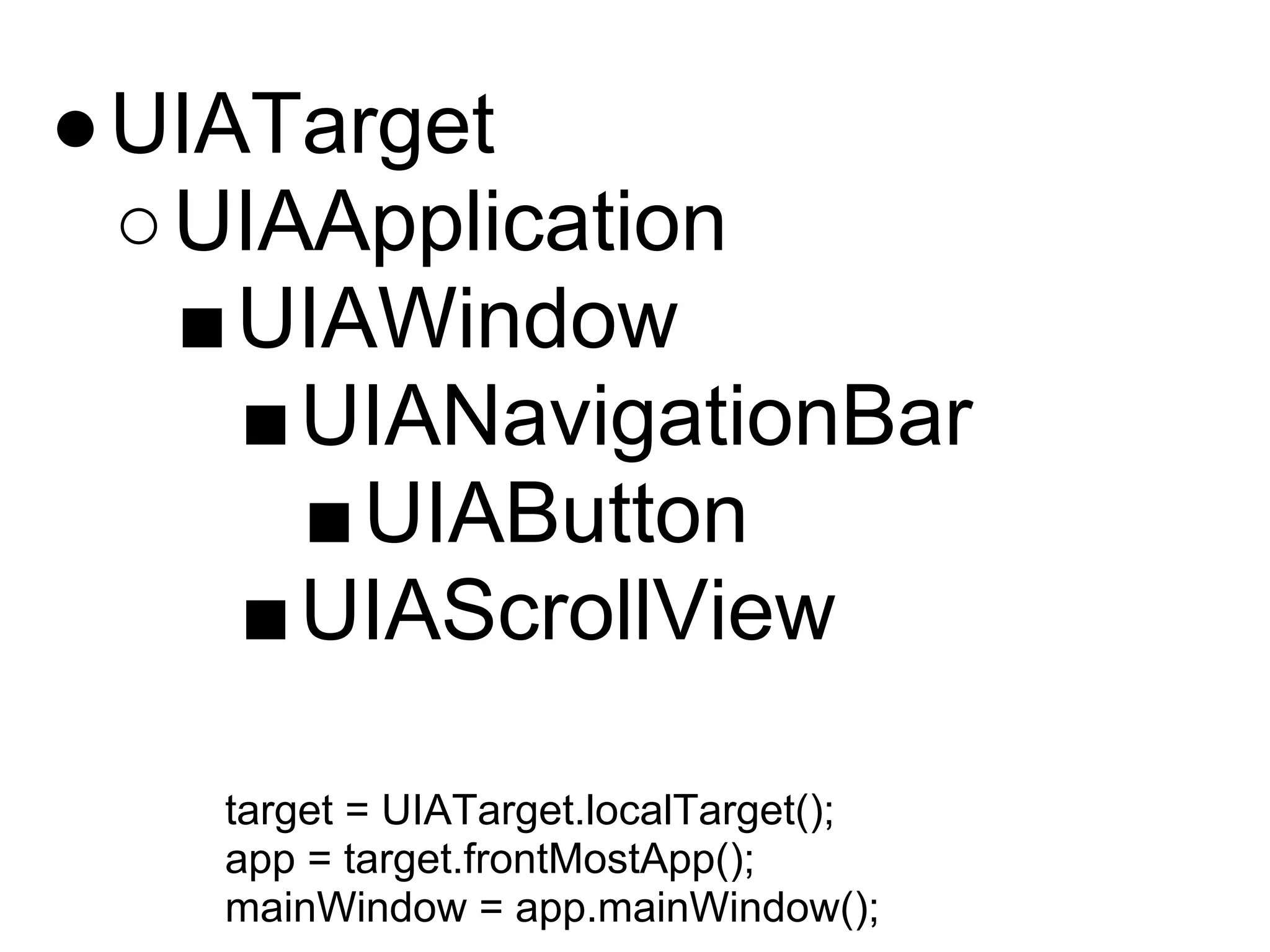
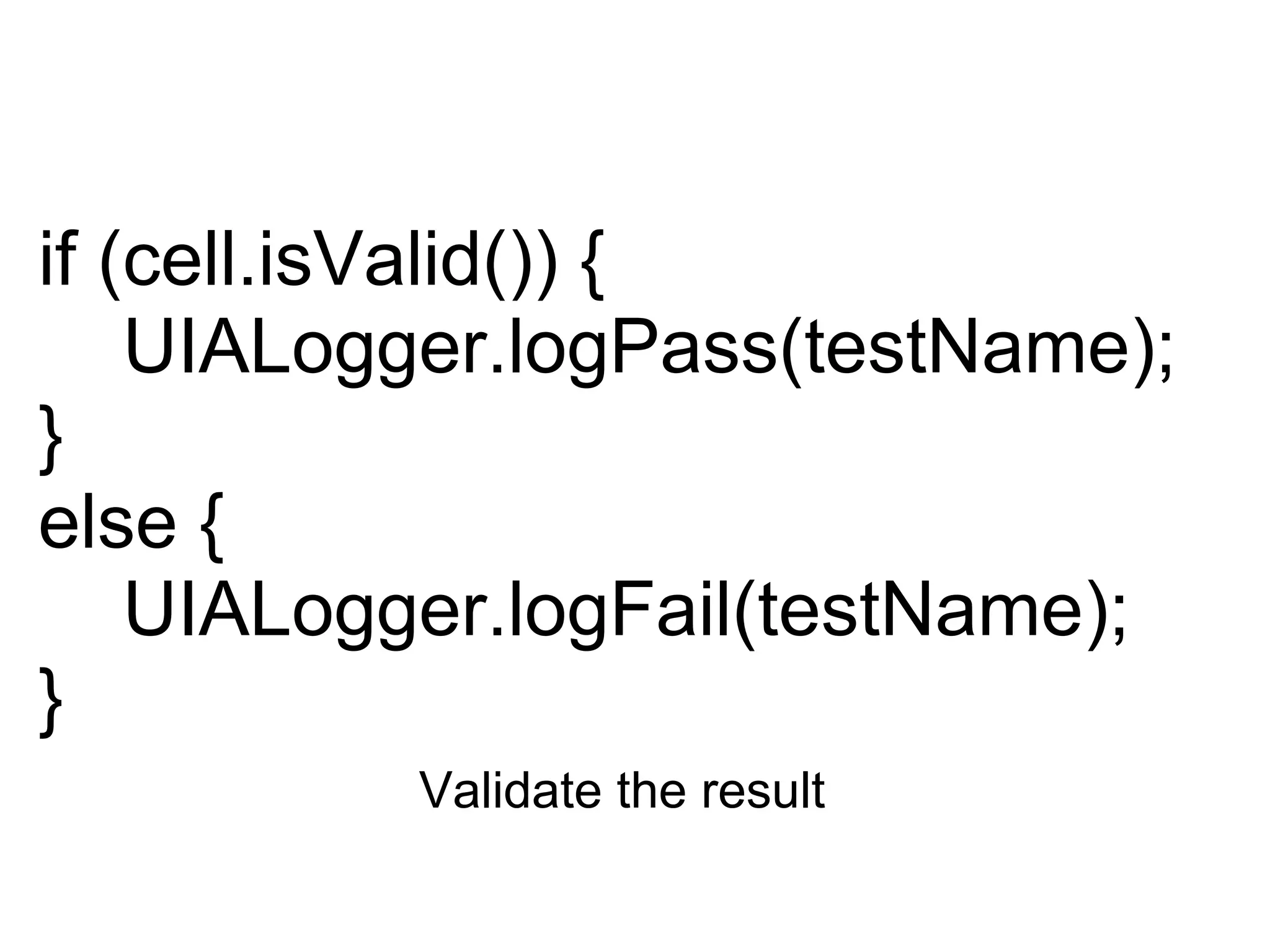
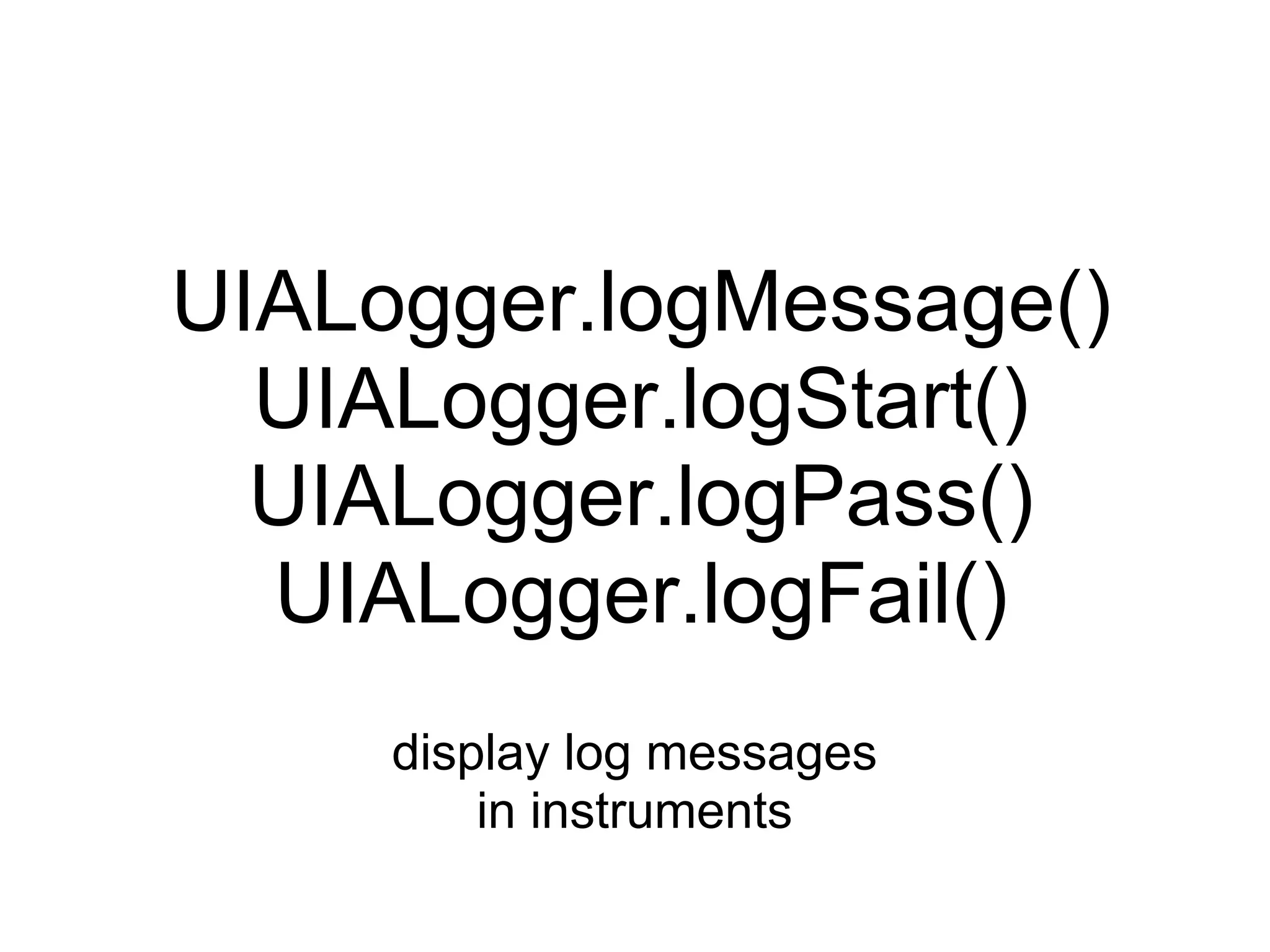

This document provides instructions for automating iOS UI testing using Instruments. It outlines preparing elements for automation by setting accessibility labels, exploring the element hierarchy using target and app objects, tapping elements and validating results, and logging messages to the Instruments console. The document also recommends references for more information on UI automation and Instruments.


![[XCode] Automating UI Testing](https://cdn.slidesharecdn.com/ss_thumbnails/autotest-150331095538-conversion-gate01-thumbnail.jpg?width=640&height=640&fit=bounds)


