

The beautiful, open source framework for
developing hybrid mobile apps with HTML 5
ionicframework.com
Over 15 years of programming experience
Slides: http://slides.com/digitaldrummerj
Twitter: @digitaldrummerj
Email: digitaldrummerj @ gmail.com
GitHub:
Blog:
https://github.com/digitaldrummerj
digitaldrummerj.github.io
Justin James
Justin James
@digitaldrummerj
"So you want to build a native app?"
@digitaldrummerj
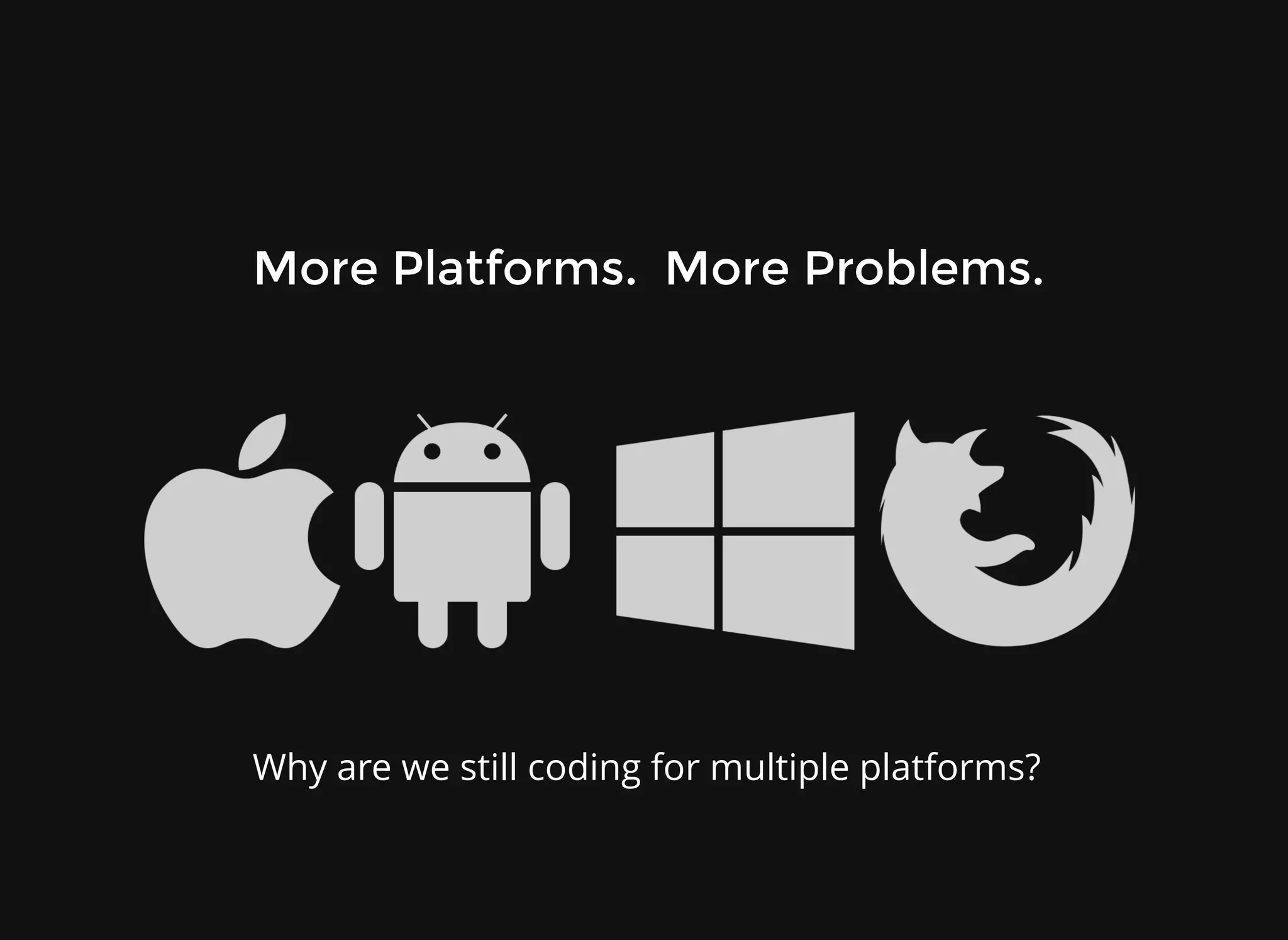
Why are we still coding for multiple platforms?
More Platforms. More Problems.
@digitaldrummerj
The Downsides of Native
Proficiency in each platform required
Entirely separate code bases
Timely & expensive development
Diminishing returns
@digitaldrummerj
"Is there an alternative?"
@digitaldrummerj
Hybrid Apps!
Hybrid Apps!
HTML 5 that acts like native
Web wrapper in native layer
Direct access to native APIs
Cordova / Phonegap
Familiar web development environment
Focus on performance
@digitaldrummerj
Combines Apache Cordova
with AngularJS
along with lots of custom Javascript,
Html, and CSS3
to create mobile apps
that perform like native ones
and look beautiful
MIT Licensed (free even commercially)
Hello Ionic
Hello Ionic
@digitaldrummerj
AngularJS
AngularJS
Awesome MVC Framework
Developed by Google and the community
Features:
Live data binding
Two-way binding
Attaching code-behind to DOM element
Directives
Repeating DOM elements
Templates
Dependency Injection
@digitaldrummerj
CSS Generated by Sass
Quickly give your app its own look and feel
CSS Designed to be easily overridden
Either override ionic.css or use Sass Preprocessor
Stand-alone CSS (independent of Ionic's Javascript)
@digitaldrummerj
Performance Obsessed
Hardware accelerated animations
Minimal DOM Manipulation
Zero jQuery (you could still include it if you want)
@digitaldrummerj
Native Focused
Native Focused
Modeled off of native SDKs
Built to work with Cordova/Phonegap
@digitaldrummerj
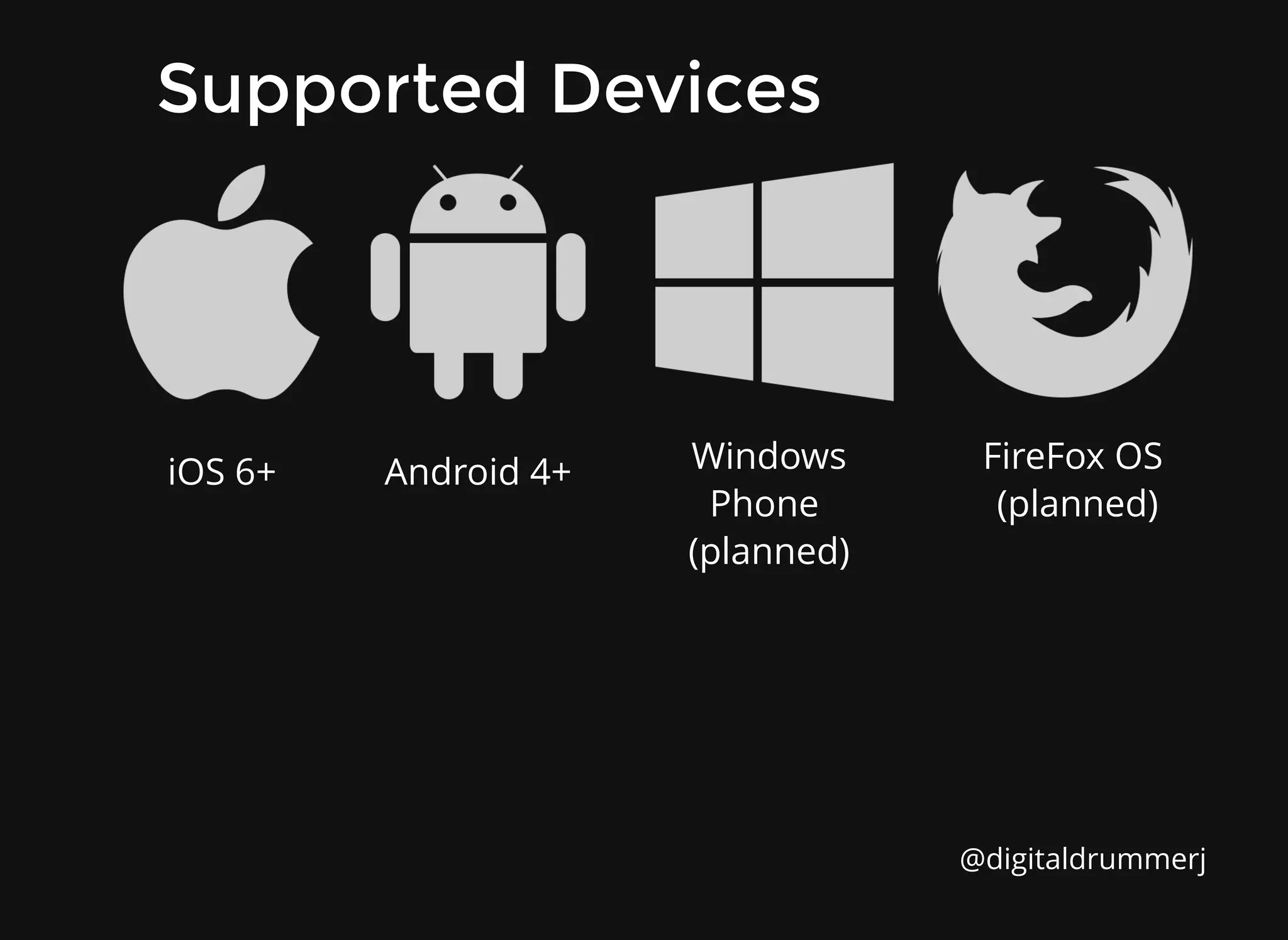
Supported Devices
Supported Devices
@digitaldrummerj
iOS 6+ Android 4+ Windows
Phone
(planned)
FireFox OS
(planned)
Cordova
Cordova
Uses web technologies to build mobile apps
The apps have access to device hardware from Javascript
The web files are hosted in the app
Apps are portable to other systems with little to no changes
Apps are packaged using platform SDKs
Cordova does not include a UI framework
http://plugins.cordova.io/
@digitaldrummerj
ngCordova
ngCordova
collection of 63+ AngularJS extensions
built on top of the Cordova API
making it easy to build, test, and deploy
Cordova mobile apps with AngularJS.
http://ngcordova.com/
@digitaldrummerj
ngCordova Plugins
ngCordova Plugins
Battery Status
Bar Code Scanner
Calendar
Camera
Clipboard
Contacts
@digitaldrummerj
Device Motion
Flashlight
Geo Location
SMS
Social Sharing
TouchID
Plus more...ngcordova.com/docs/plugins/
Ionicons
Ionicons
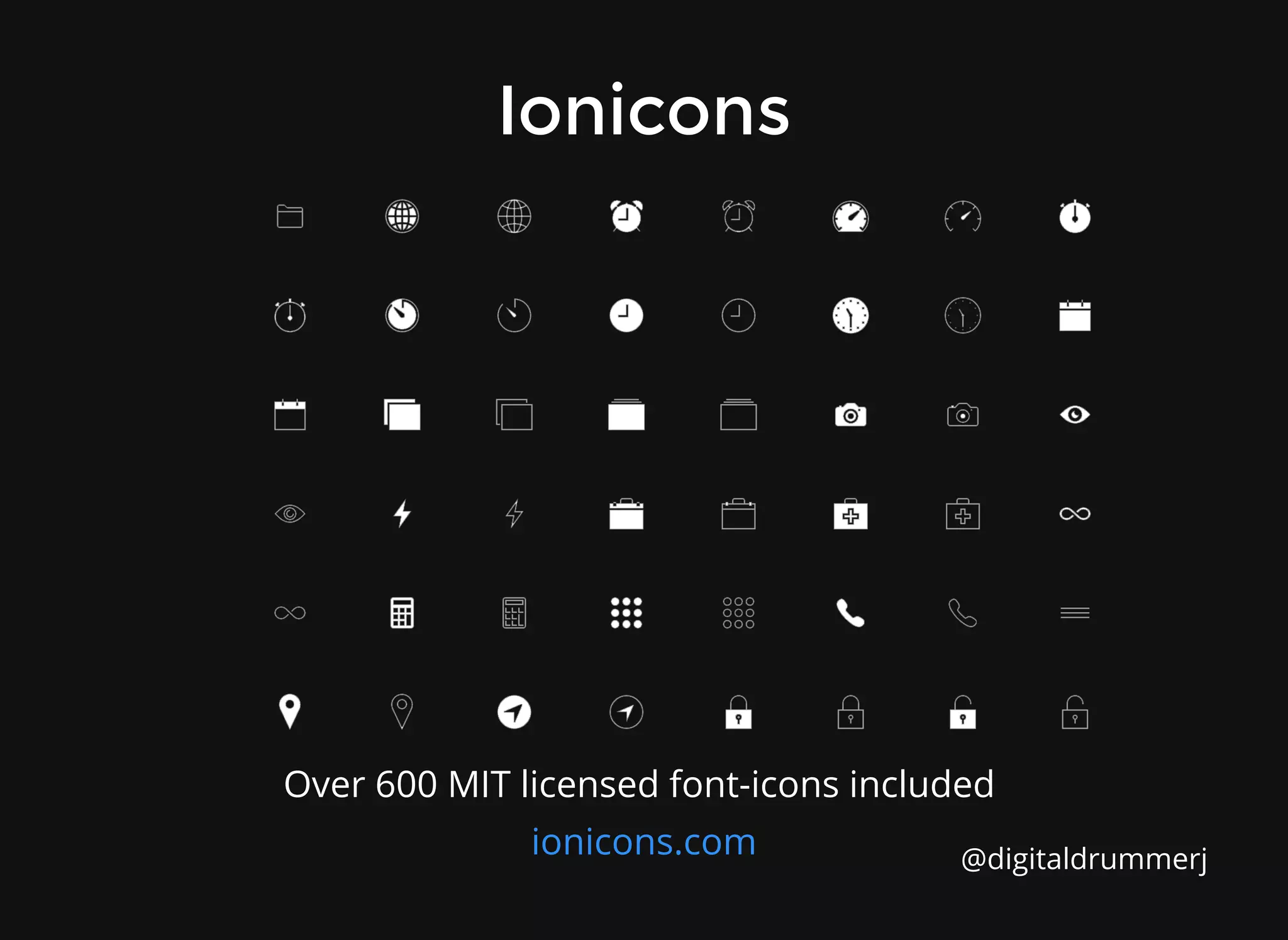
Over 600 MIT licensed font-icons included
ionicons.com @digitaldrummerj
Are people using it?
http://showcase.ionicframework.com/
2014 By the Numbers
2014 By the Numbers
Ionic started at the end of 2013
top 50 most popular open source projects
over 12, 000 stars on GitHub
over 320, 000 apps have been created
over half a million unique visits to Ionic website
over 45, 000 forum post
integrated into tools such as WebStorm, JBoss, Heroku
templates from Firebase
pluralsight course was created by Steve Michelotti
#ionic IRC room has ~100 users at any given time
several books being written such Ionic in Action from
Manning Publishing
@digitaldrummerj
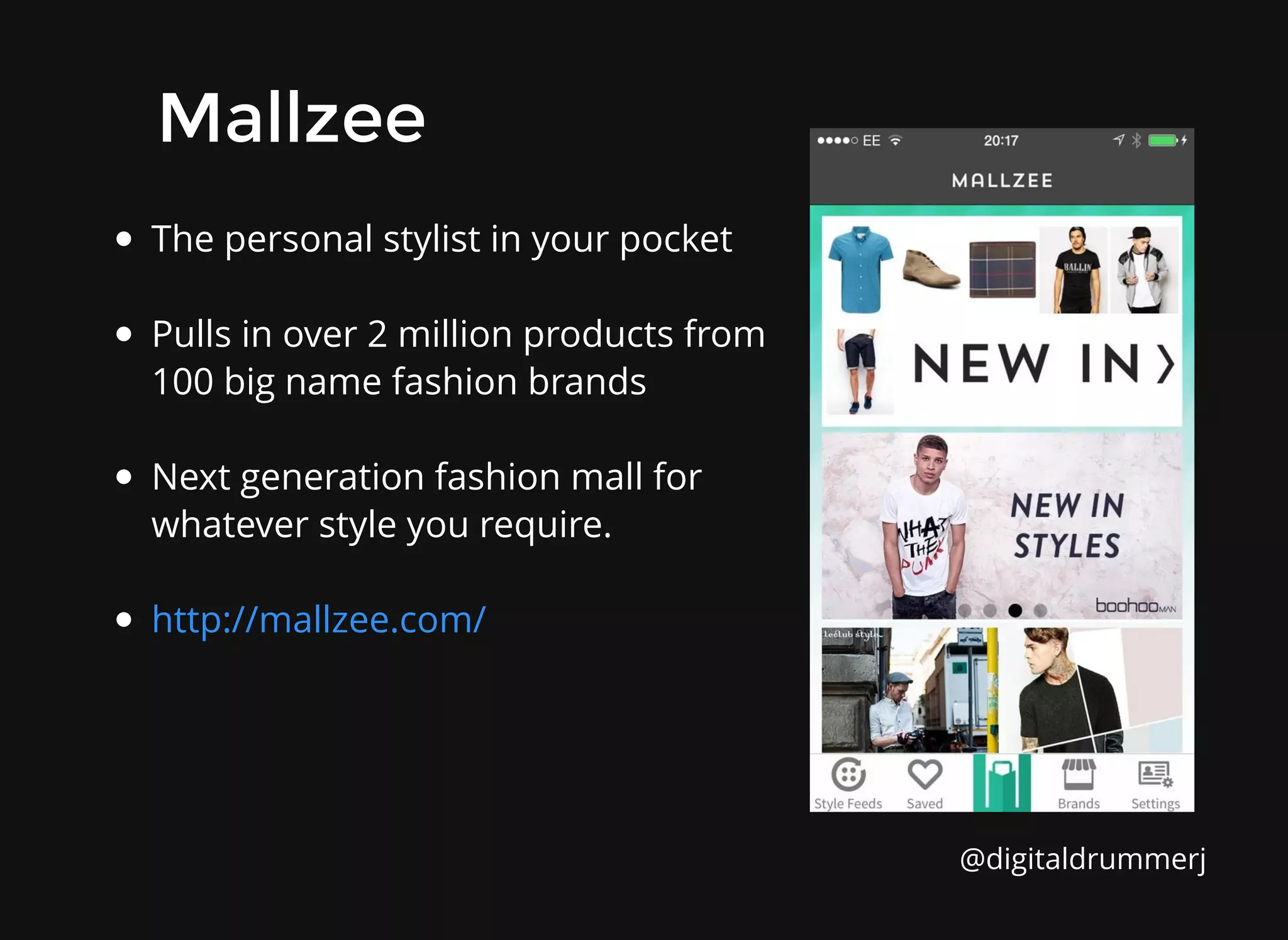
The personal stylist in your pocket
Pulls in over 2 million products from
100 big name fashion brands
Next generation fashion mall for
whatever style you require.
http://mallzee.com/
Mallzee
Mallzee
@digitaldrummerj
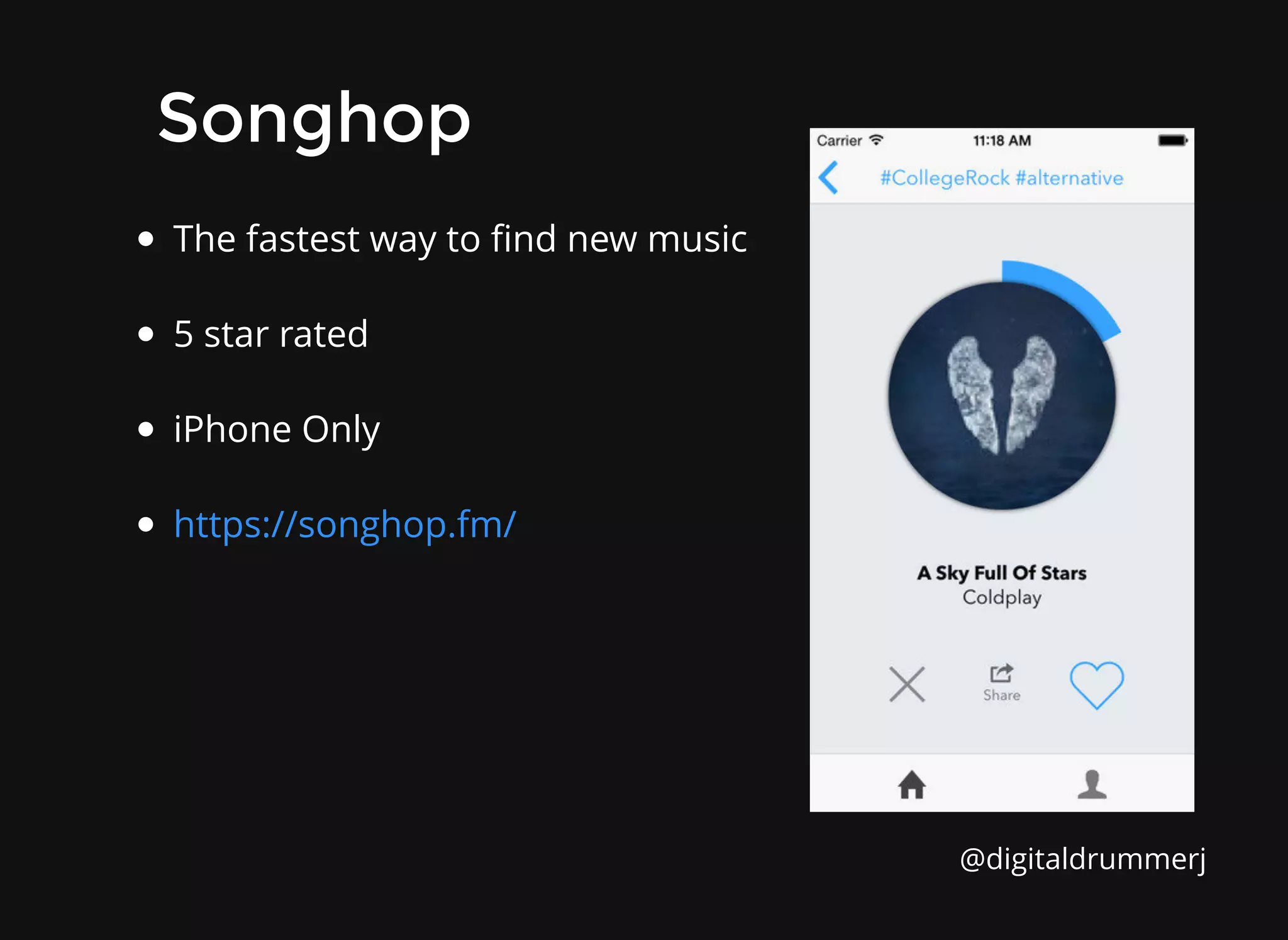
The fastest way to find new music
5 star rated
iPhone Only
https://songhop.fm/
Songhop
Songhop
@digitaldrummerj
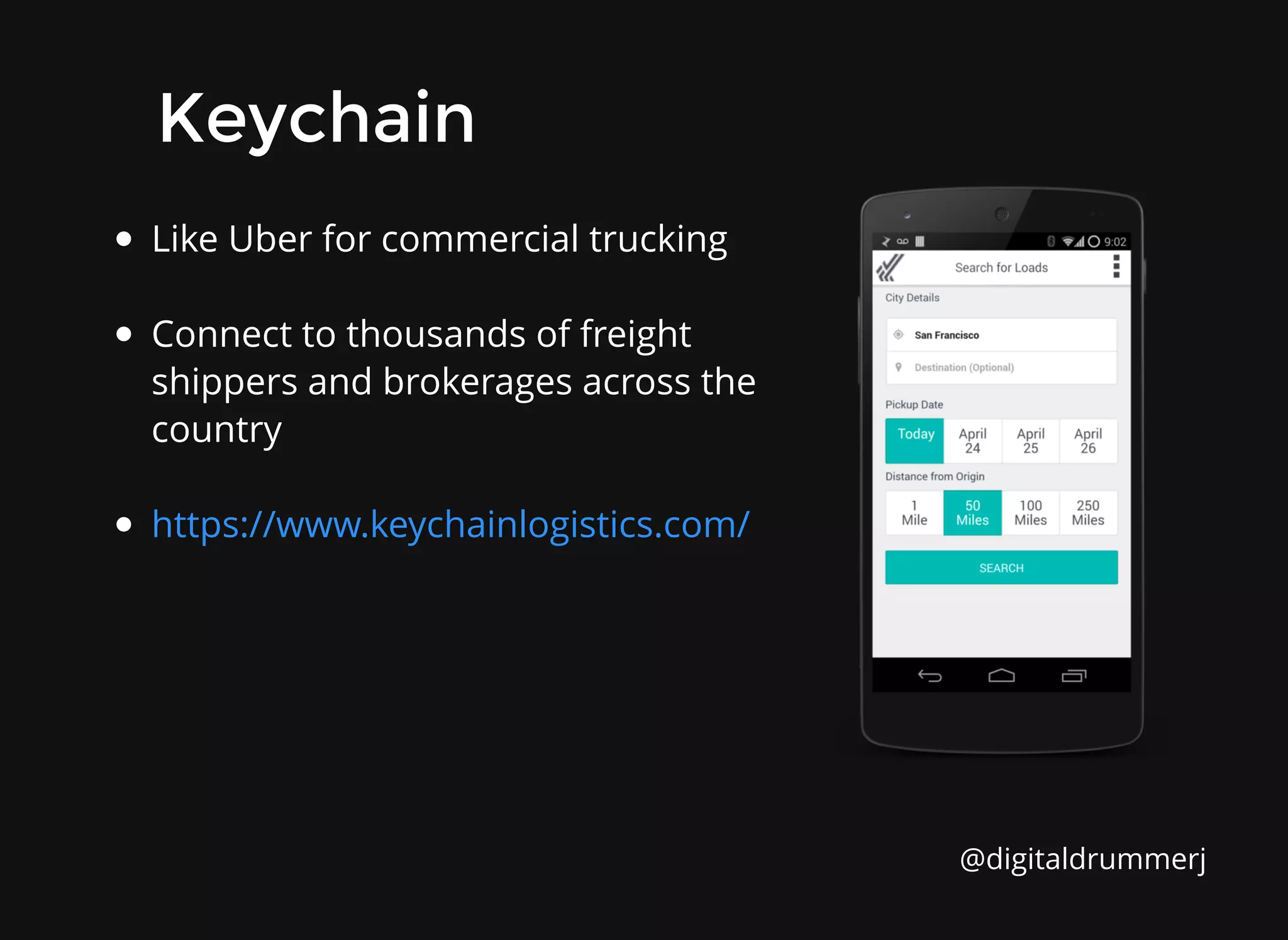
Like Uber for commercial trucking
Connect to thousands of freight
shippers and brokerages across the
country
https://www.keychainlogistics.com/
Keychain
Keychain
@digitaldrummerj
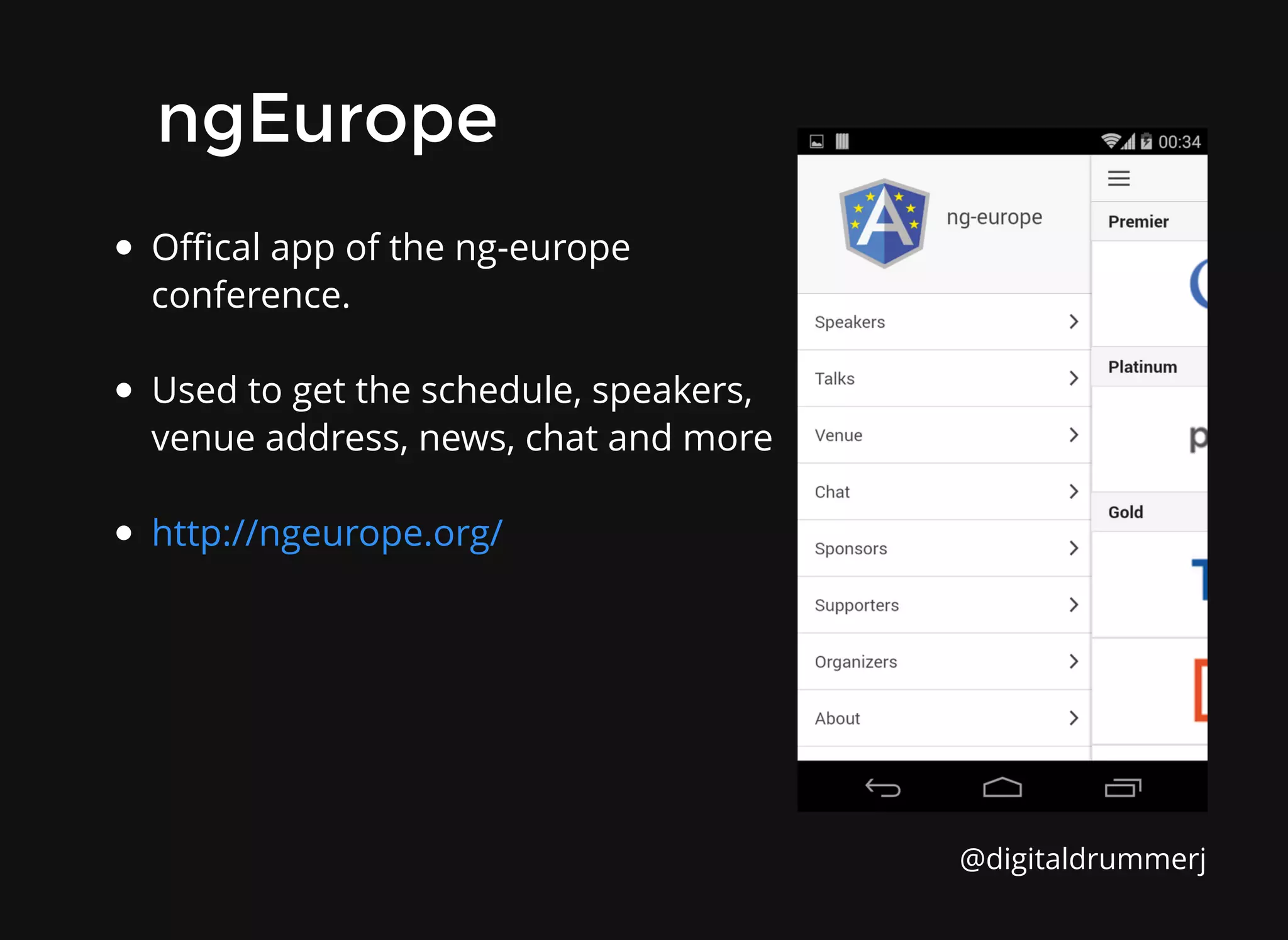
Offical app of the ng-europe
conference.
Used to get the schedule, speakers,
venue address, news, chat and more
http://ngeurope.org/
ngEurope
ngEurope
@digitaldrummerj
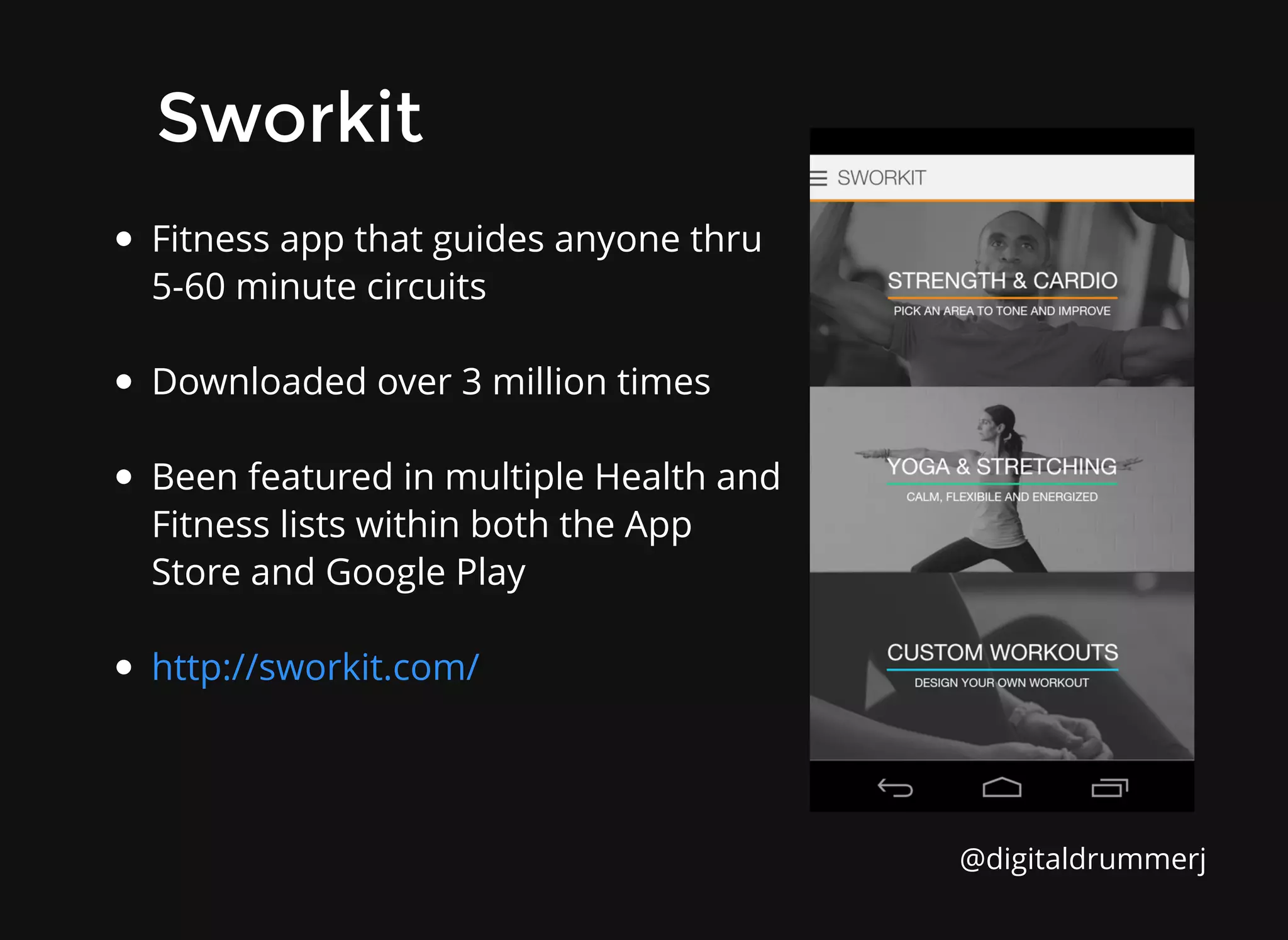
Fitness app that guides anyone thru
5-60 minute circuits
Downloaded over 3 million times
Been featured in multiple Health and
Fitness lists within both the App
Store and Google Play
http://sworkit.com/
Sworkit
Sworkit
@digitaldrummerj
What should I know?
What should I know?
Modern Web Skills
Modern Web Skills
HTML 5 / CSS 3 / Javascript
Comfortable with command line tools
AngularJS
Sass (optional)
@digitaldrummerj
Ionic Built-In UI Elements
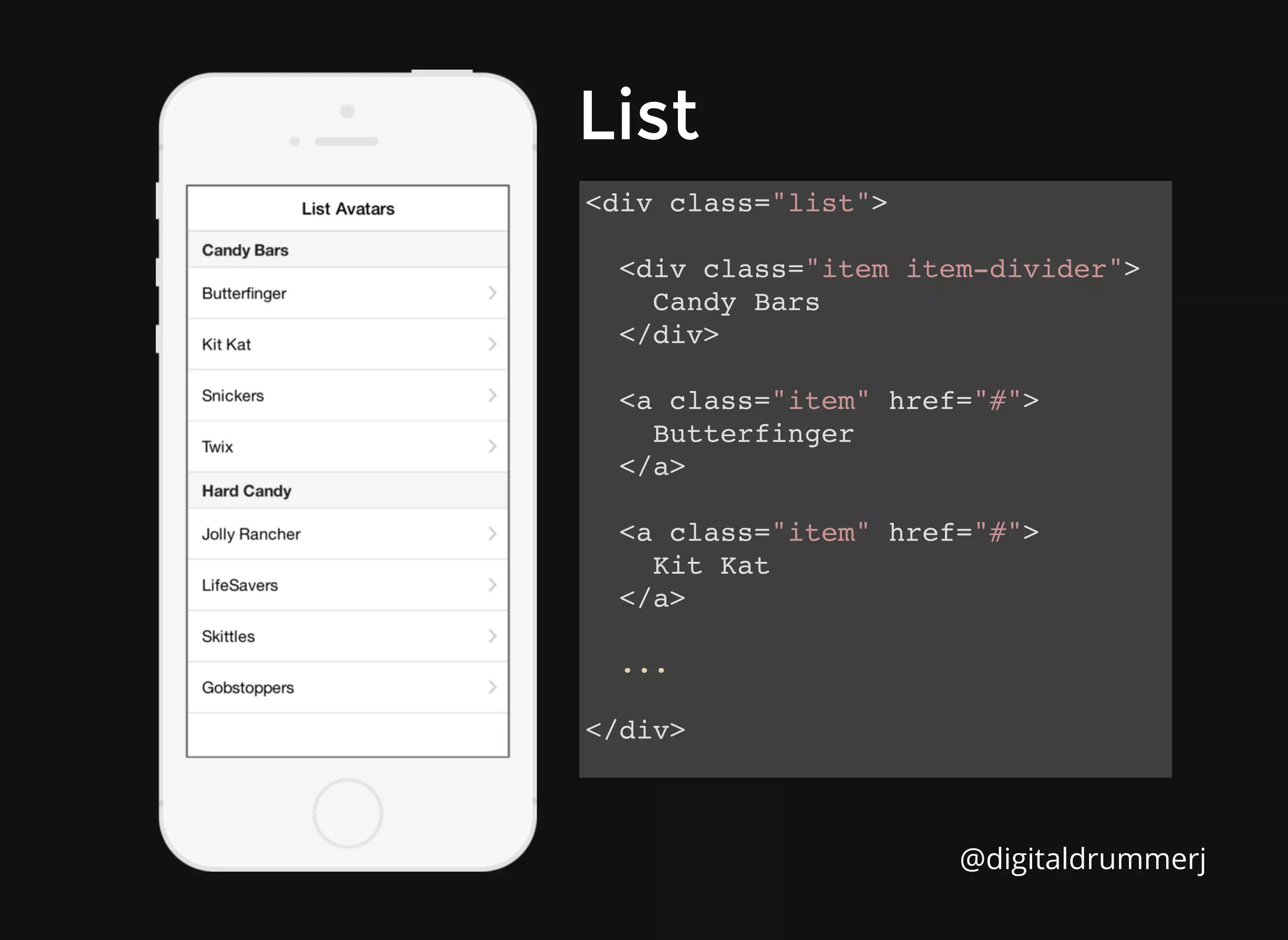
List
List
<div class="list">
<div class="item item-divider">
Candy Bars
</div>
<a class="item" href="#">
Butterfinger
</a>
<a class="item" href="#">
Kit Kat
</a>
...
</div>
@digitaldrummerj
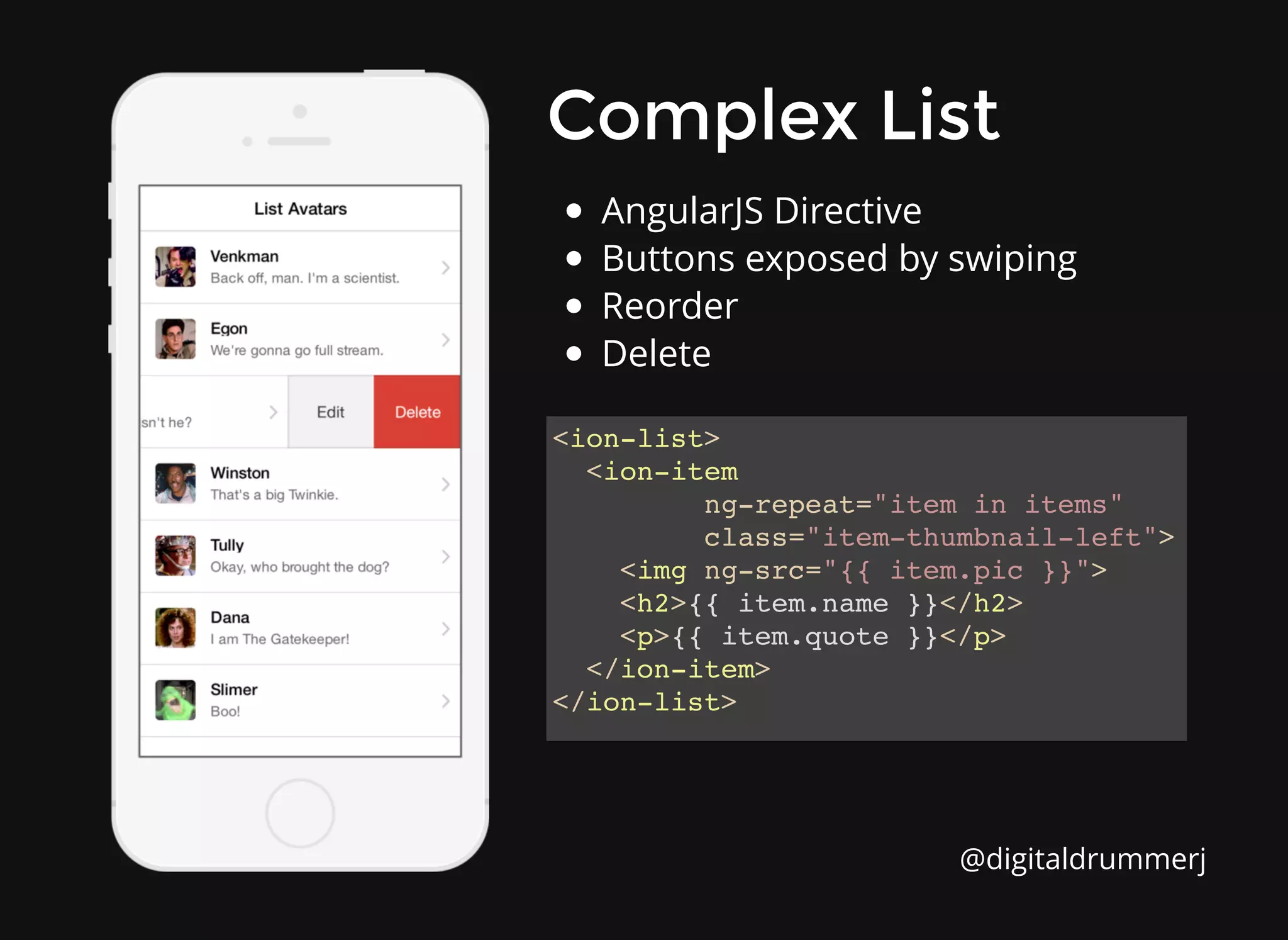
Complex List
Complex List
<ion-list>
<ion-item
ng-repeat="item in items"
class="item-thumbnail-left">
<img ng-src="{{ item.pic }}">
<h2>{{ item.name }}</h2>
<p>{{ item.quote }}</p>
</ion-item>
</ion-list>
AngularJS Directive
Buttons exposed by swiping
Reorder
Delete
@digitaldrummerj
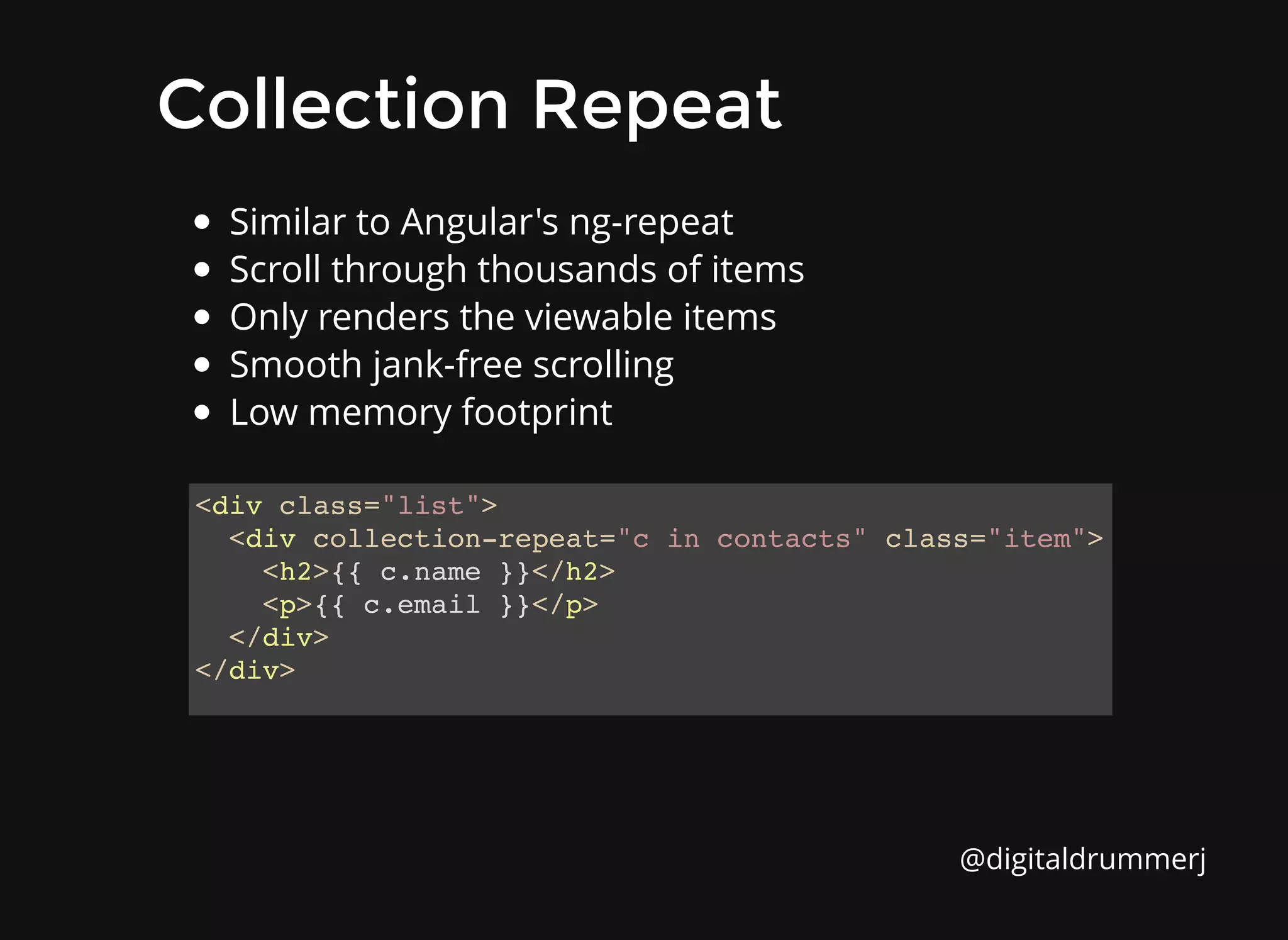
Collection Repeat
Collection Repeat
<div class="list">
<div collection-repeat="c in contacts" class="item">
<h2>{{ c.name }}</h2>
<p>{{ c.email }}</p>
</div>
</div>
Similar to Angular's ng-repeat
Scroll through thousands of items
Only renders the viewable items
Smooth jank-free scrolling
Low memory footprint
@digitaldrummerj
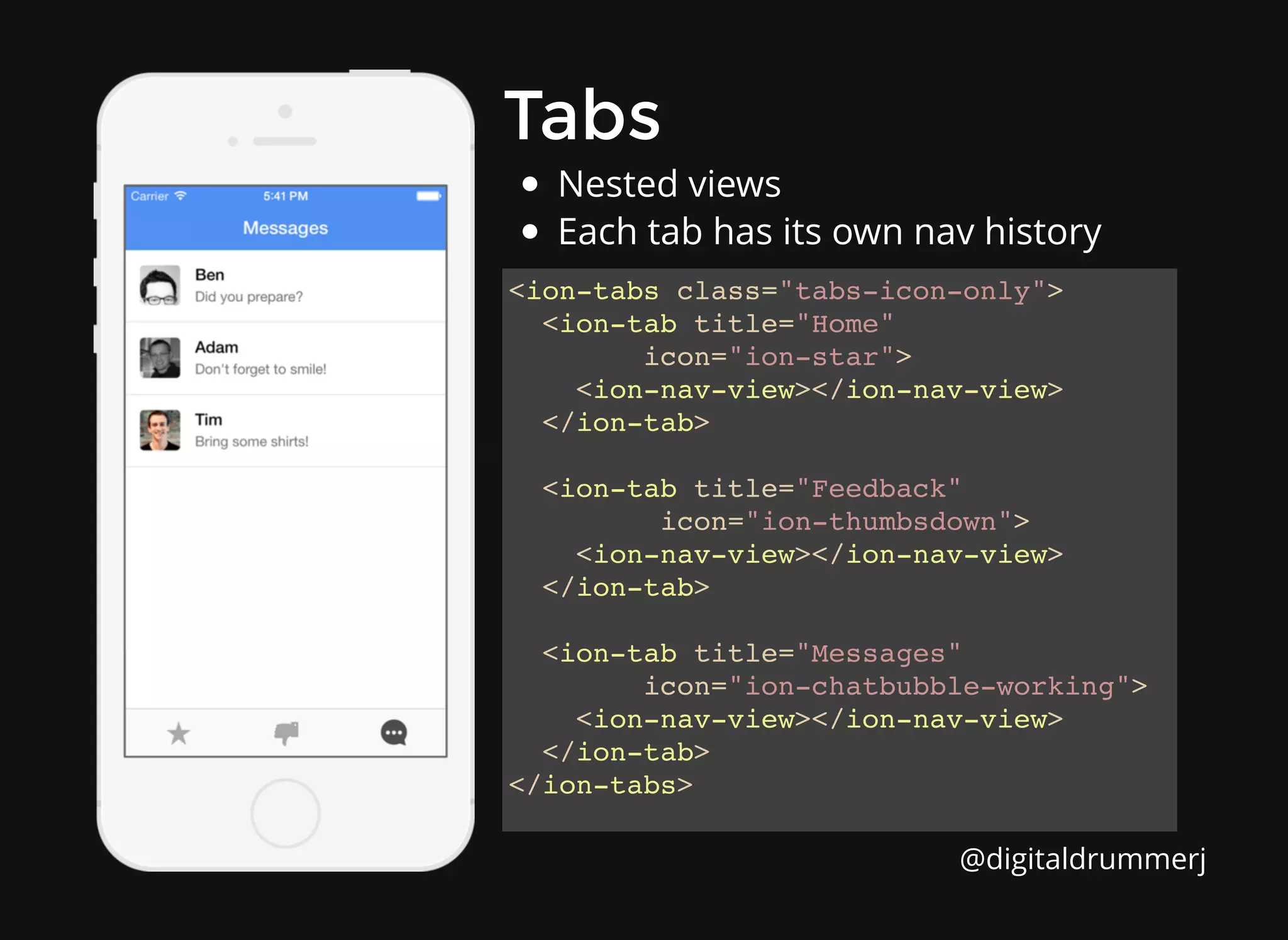
Tabs
Tabs
<ion-tabs class="tabs-icon-only">
<ion-tab title="Home"
icon="ion-star">
<ion-nav-view></ion-nav-view>
</ion-tab>
<ion-tab title="Feedback"
icon="ion-thumbsdown">
<ion-nav-view></ion-nav-view>
</ion-tab>
<ion-tab title="Messages"
icon="ion-chatbubble-working">
<ion-nav-view></ion-nav-view>
</ion-tab>
</ion-tabs>
Nested views
Each tab has its own nav history
@digitaldrummerj
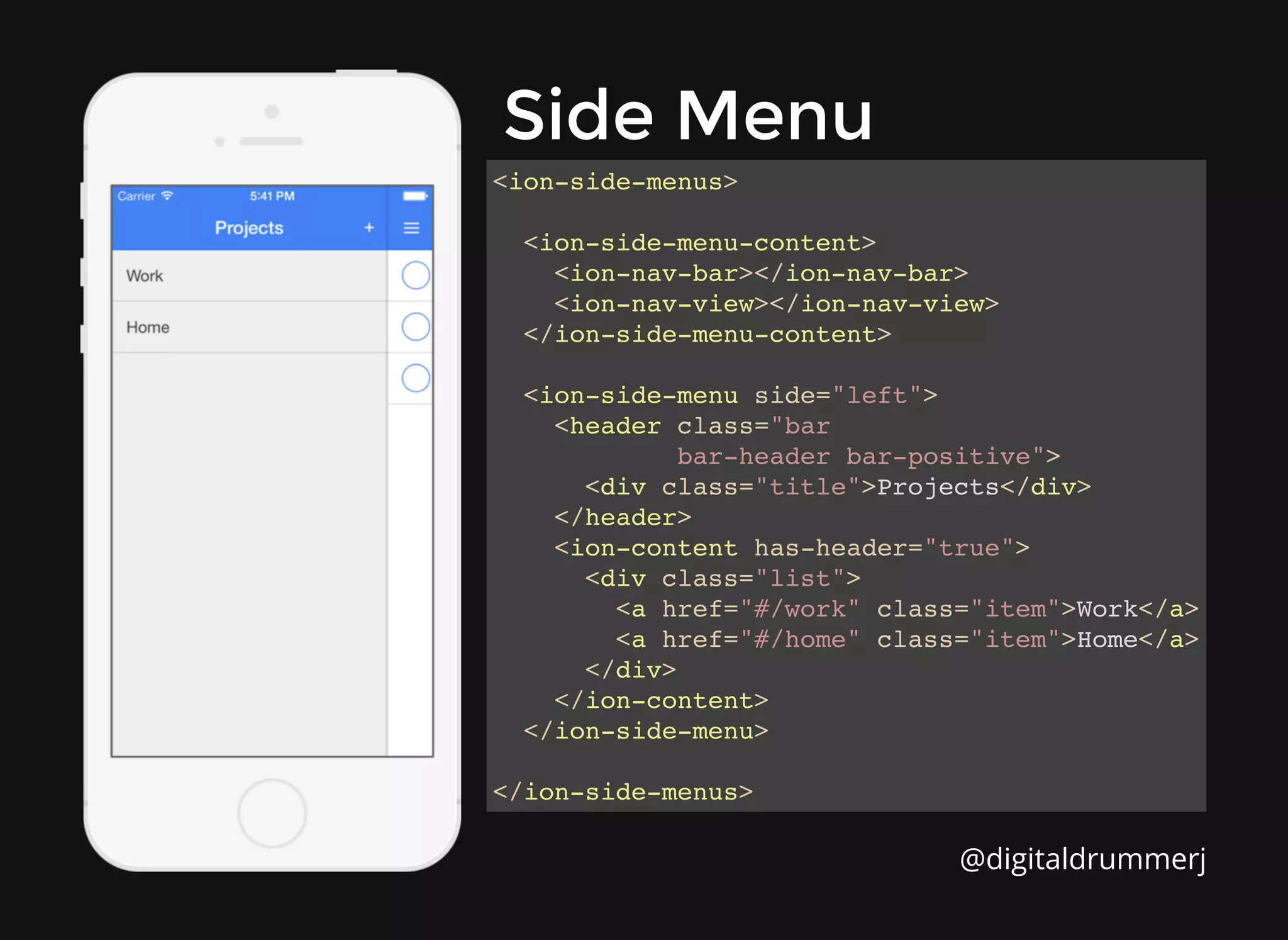
Side Menu
Side Menu
<ion-side-menus>
<ion-side-menu-content>
<ion-nav-bar></ion-nav-bar>
<ion-nav-view></ion-nav-view>
</ion-side-menu-content>
<ion-side-menu side="left">
<header class="bar
bar-header bar-positive">
<div class="title">Projects</div>
</header>
<ion-content has-header="true">
<div class="list">
<a href="#/work" class="item">Work</a>
<a href="#/home" class="item">Home</a>
</div>
</ion-content>
</ion-side-menu>
</ion-side-menus>
@digitaldrummerj
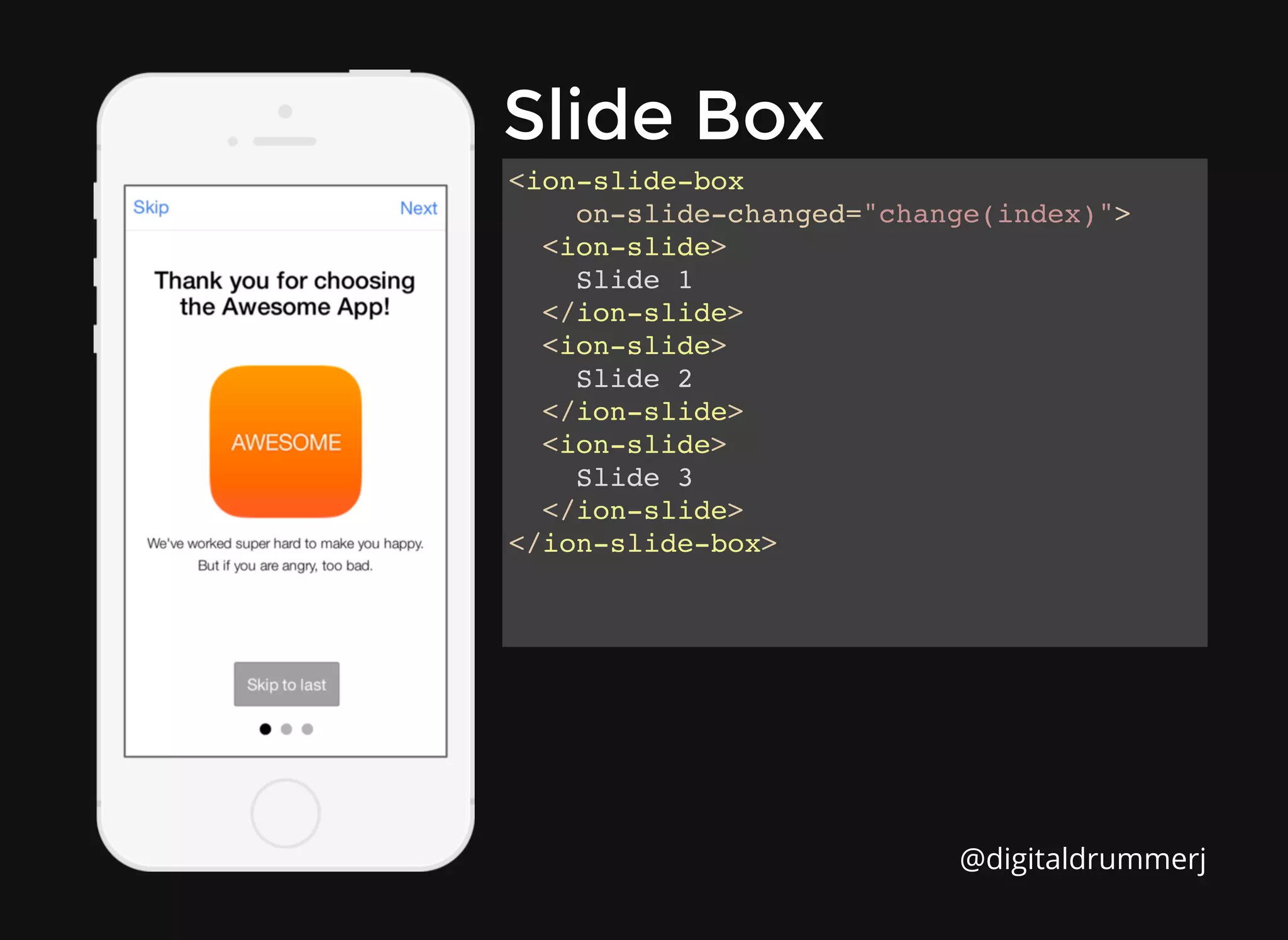
Slide Box
Slide Box
<ion-slide-box
on-slide-changed="change(index)">
<ion-slide>
Slide 1
</ion-slide>
<ion-slide>
Slide 2
</ion-slide>
<ion-slide>
Slide 3
</ion-slide>
</ion-slide-box>
@digitaldrummerj
Action Sheet
Action Sheet
$ionicActionSheet.show({
titleText: 'Modify your album',
buttons: [
{ text: 'Share' },
{ text: 'Move' },
],
destructiveText: 'Delete',
cancelText: 'Cancel',
buttonClicked: function(index) {
console.log('BUTTON CLICKED', index);
return true;
}
});
@digitaldrummerj
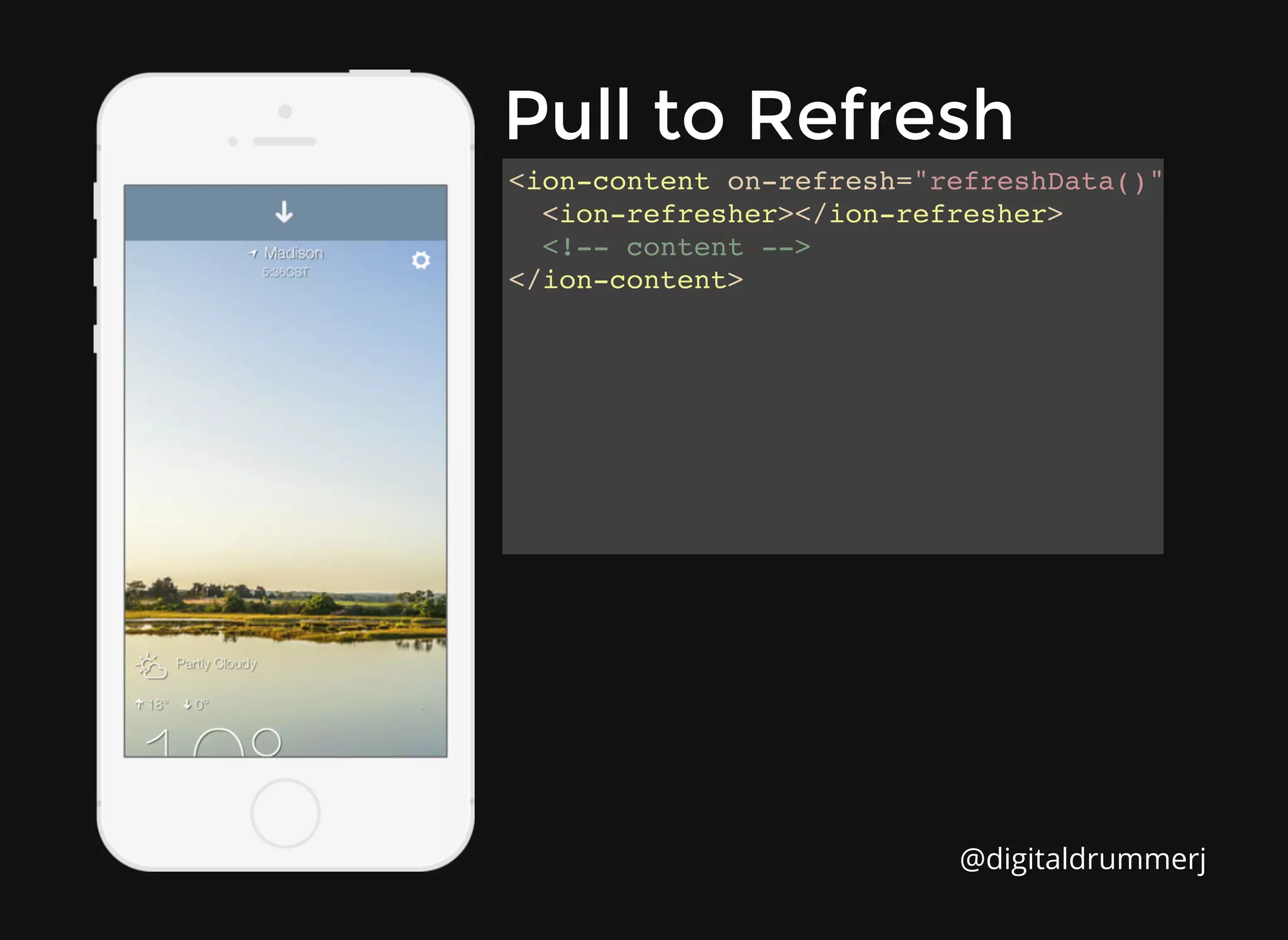
Pull to Refresh
Pull to Refresh
<ion-content on-refresh="refreshData()">
<ion-refresher></ion-refresher>
<!-- content -->
</ion-content>
@digitaldrummerj
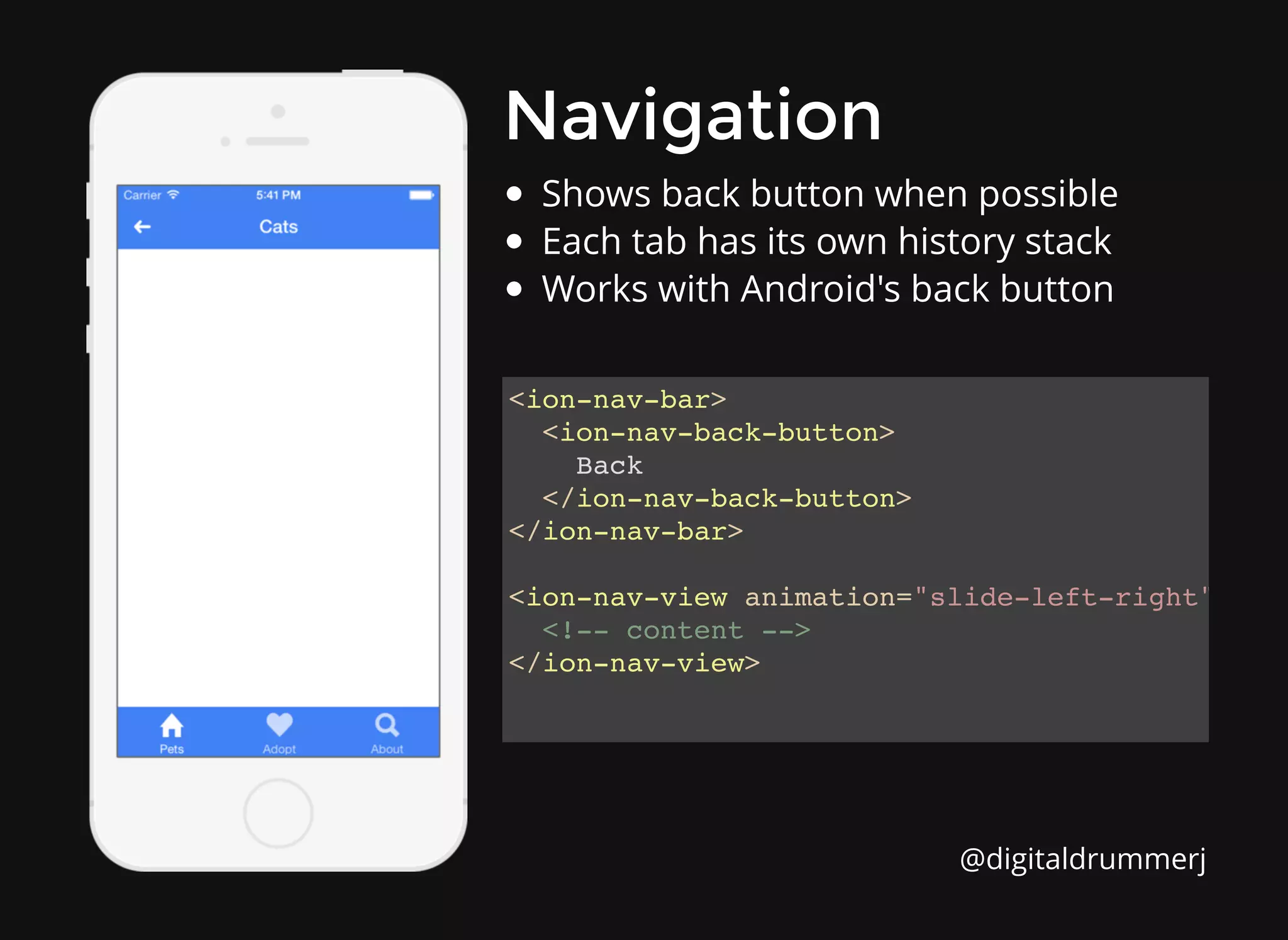
Navigation
Navigation
<ion-nav-bar>
<ion-nav-back-button>
Back
</ion-nav-back-button>
</ion-nav-bar>
<ion-nav-view animation="slide-left-right">
<!-- content -->
</ion-nav-view>
Shows back button when possible
Each tab has its own history stack
Works with Android's back button
@digitaldrummerj
How to get started?
How to get started?
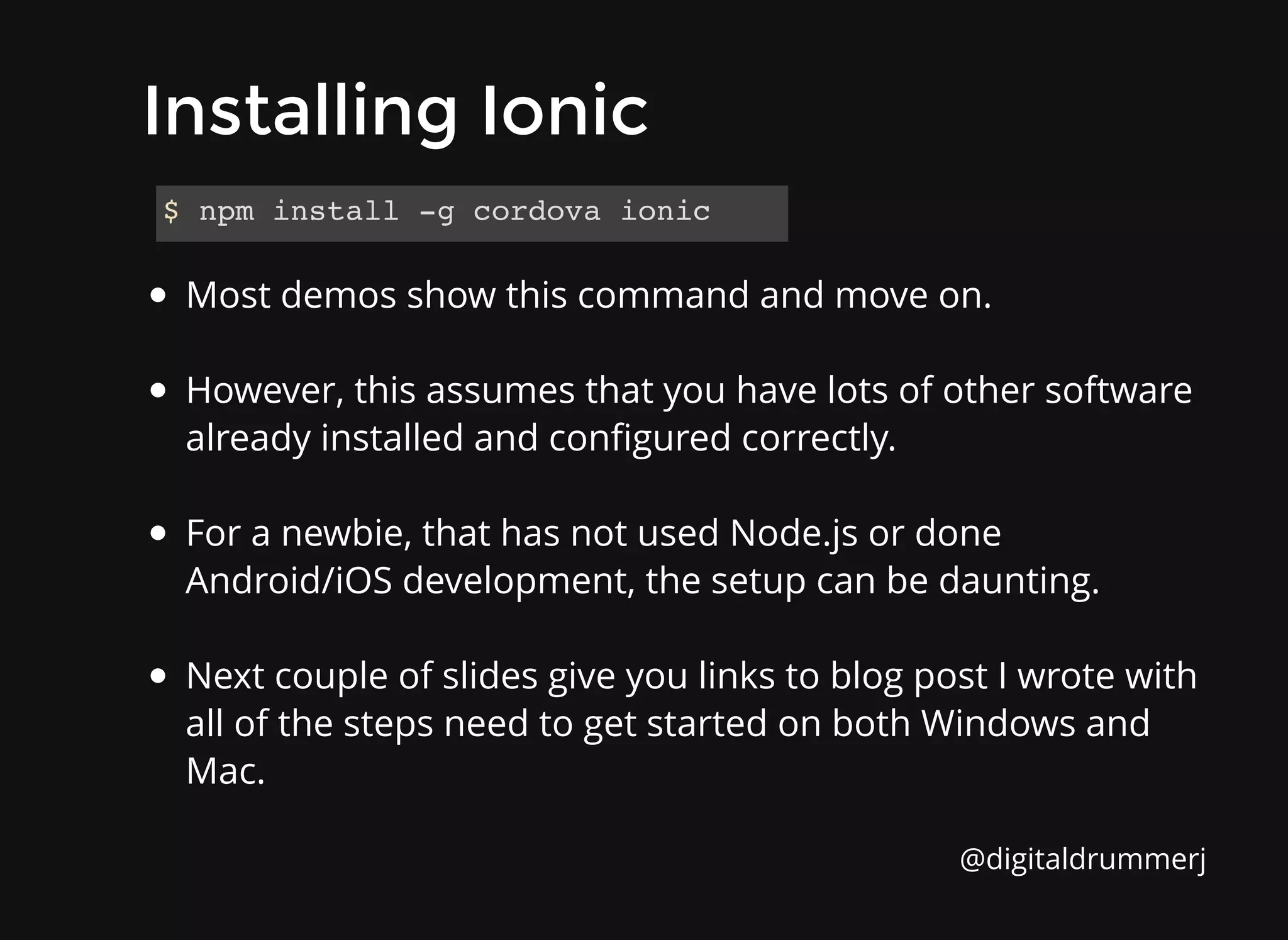
Most demos show this command and move on.
However, this assumes that you have lots of other software
already installed and configured correctly.
For a newbie, that has not used Node.js or done
Android/iOS development, the setup can be daunting.
Next couple of slides give you links to blog post I wrote with
all of the steps need to get started on both Windows and
Mac.
$ npm install -g cordova ionic
Installing Ionic
Installing Ionic
@digitaldrummerj
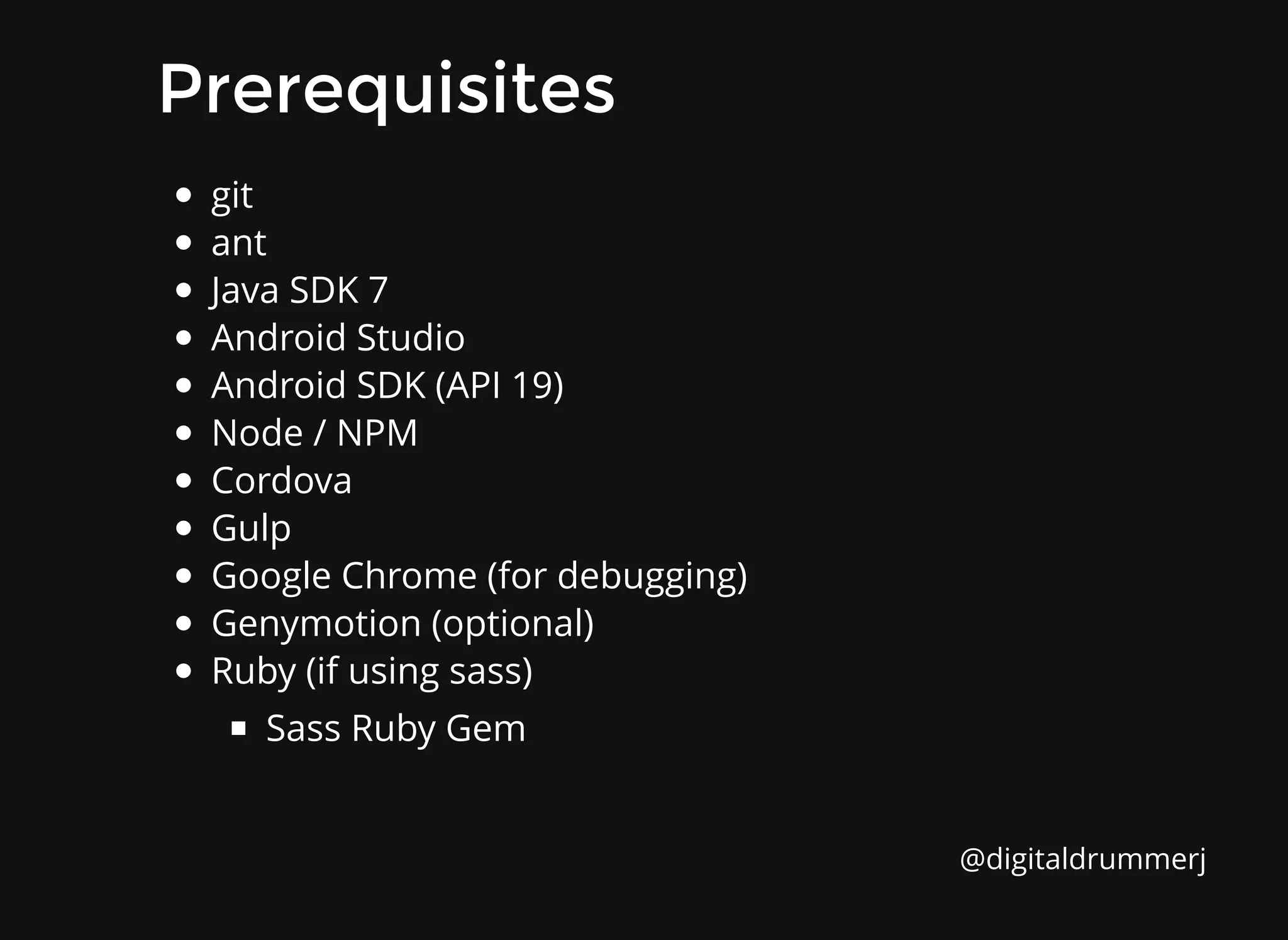
Prerequisites
Prerequisites
git
ant
Java SDK 7
Android Studio
Android SDK (API 19)
Node / NPM
Cordova
Gulp
Google Chrome (for debugging)
Genymotion (optional)
Ruby (if using sass)
Sass Ruby Gem
@digitaldrummerj
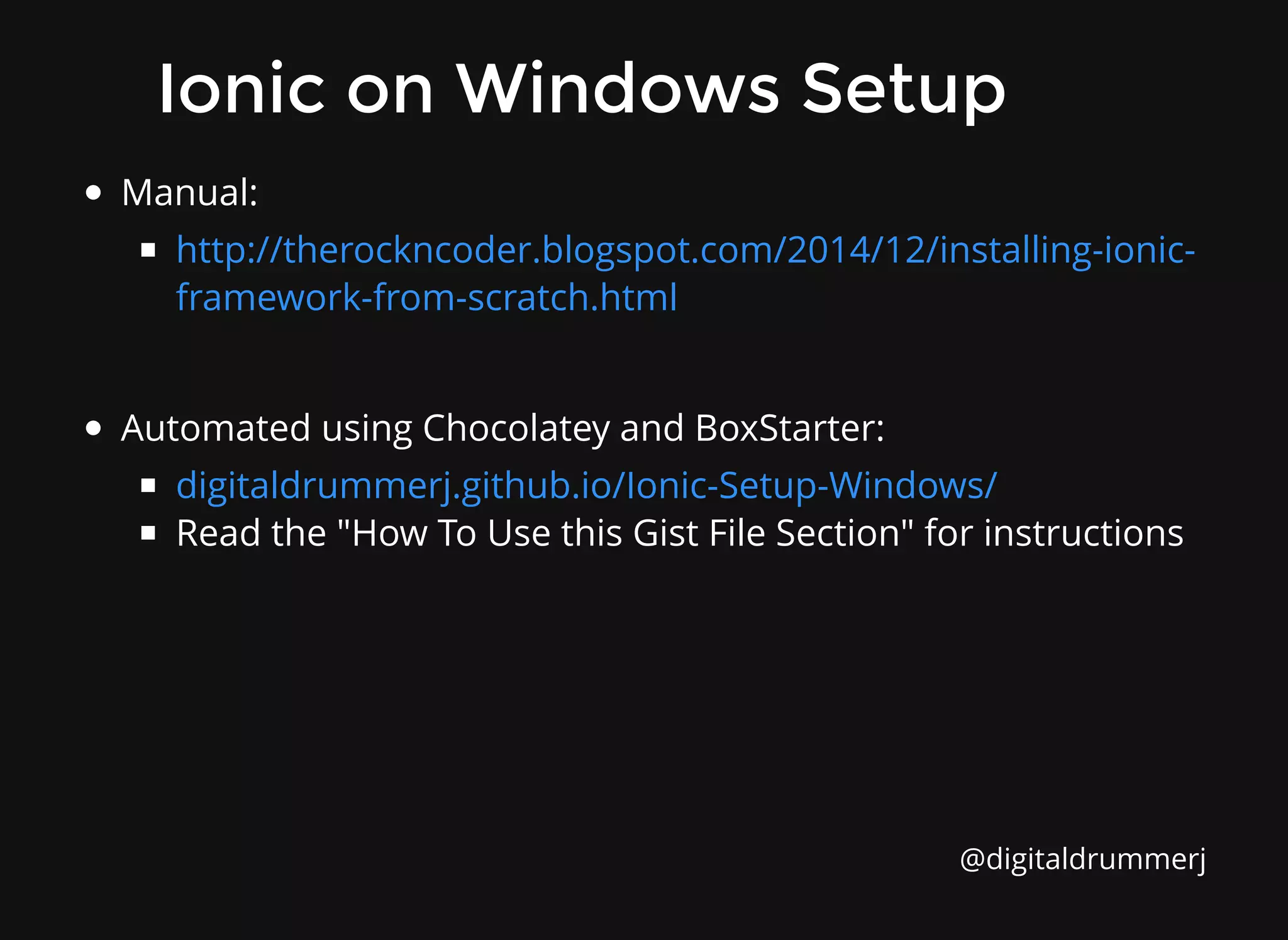
Ionic on Windows Setup
Manual:
Automated using Chocolatey and BoxStarter:
Read the "How To Use this Gist File Section" for instructions
http://therockncoder.blogspot.com/2014/12/installing-ionic-
framework-from-scratch.html
digitaldrummerj.github.io/Ionic-Setup-Windows/
@digitaldrummerj
Ionic on a Mac Setup
Instruction available at
digitaldrummerj.github.io/ionic-setup-osx/
@digitaldrummerj
Is there an easier way?
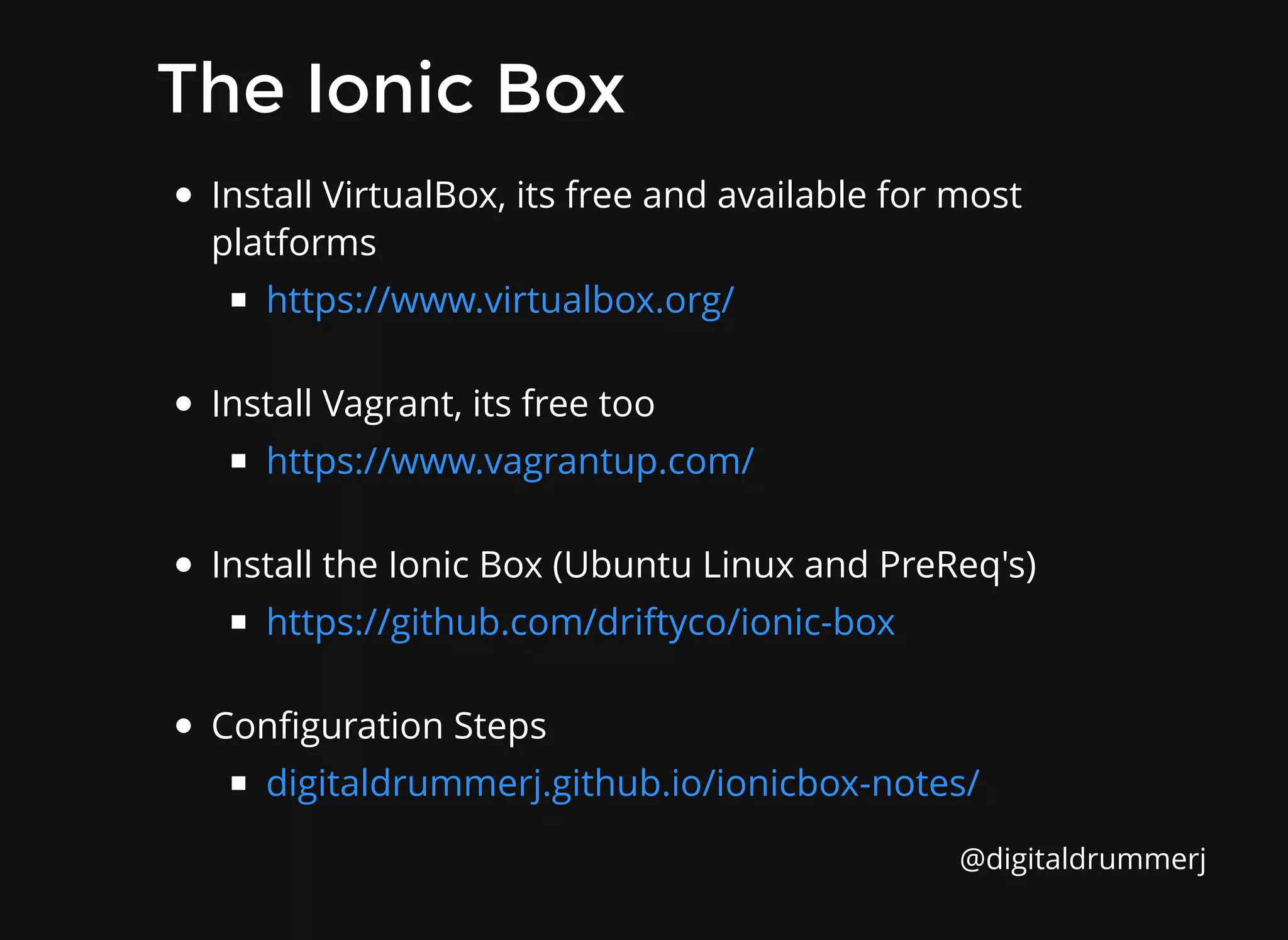
The Ionic Box
The Ionic Box
Install VirtualBox, its free and available for most
platforms
Install Vagrant, its free too
Install the Ionic Box (Ubuntu Linux and PreReq's)
Configuration Steps
https://www.virtualbox.org/
https://www.vagrantup.com/
https://github.com/driftyco/ionic-box
digitaldrummerj.github.io/ionicbox-notes/
@digitaldrummerj
What's building an app like?
Create ionic app
Create ionic app
Create new project
Test on web browser
Add mobile platform (Android or iOS)
Run test on device/emulator
ionic start myApp [blank/tabs/sideMenu]
ionic serve
ionic platform add [android/ios]
ionic [run/emulate] [ android/ios]
@digitaldrummerj
Coding Time
Coding Time
Additional Tooling
Additional Tooling
from Ionic
from Ionic
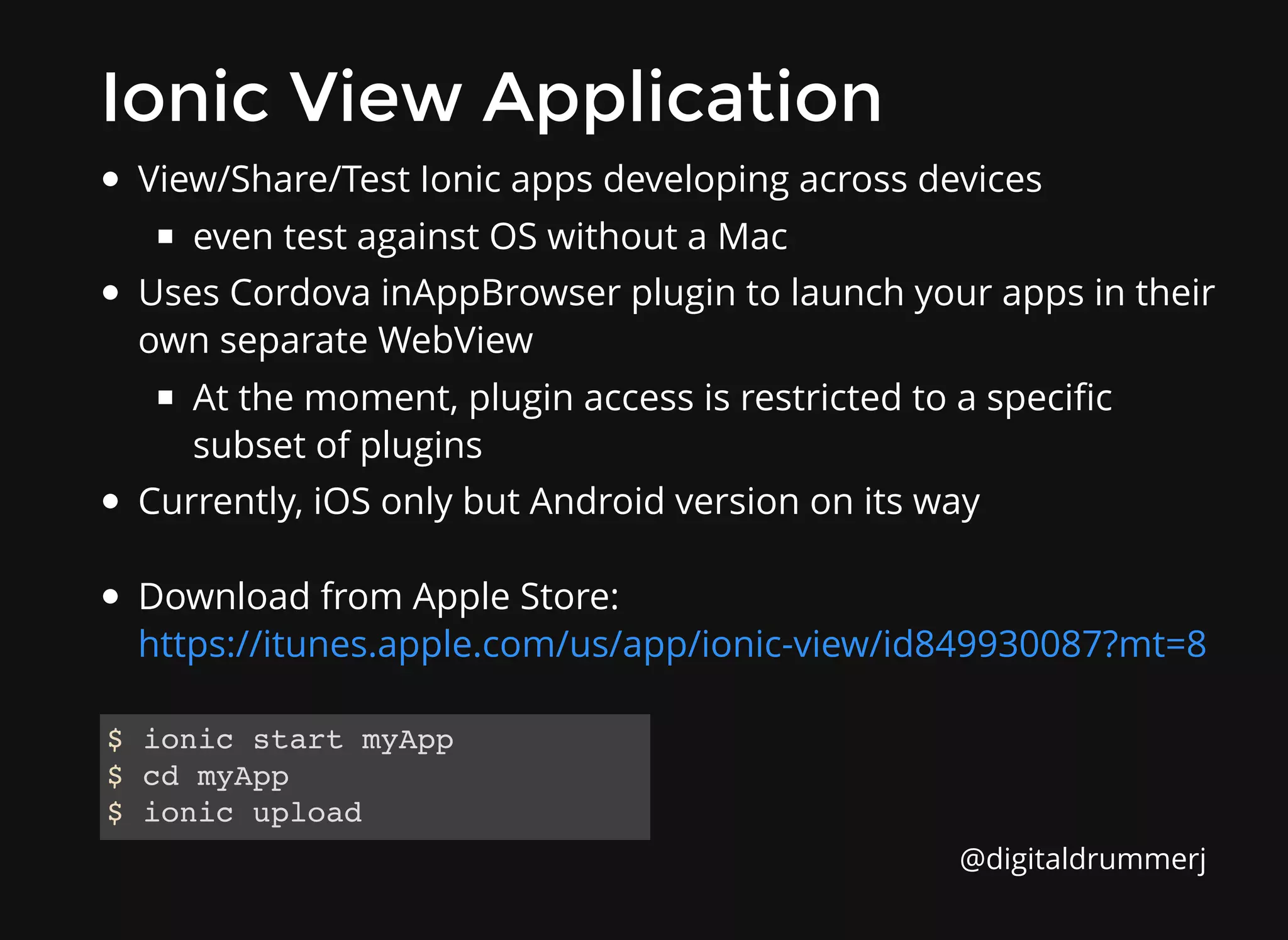
Ionic View Application
View/Share/Test Ionic apps developing across devices
even test against OS without a Mac
Uses Cordova inAppBrowser plugin to launch your apps in their
own separate WebView
At the moment, plugin access is restricted to a specific
subset of plugins
Currently, iOS only but Android version on its way
Download from Apple Store:
https://itunes.apple.com/us/app/ionic-view/id849930087?mt=8
$ ionic start myApp
$ cd myApp
$ ionic upload
@digitaldrummerj
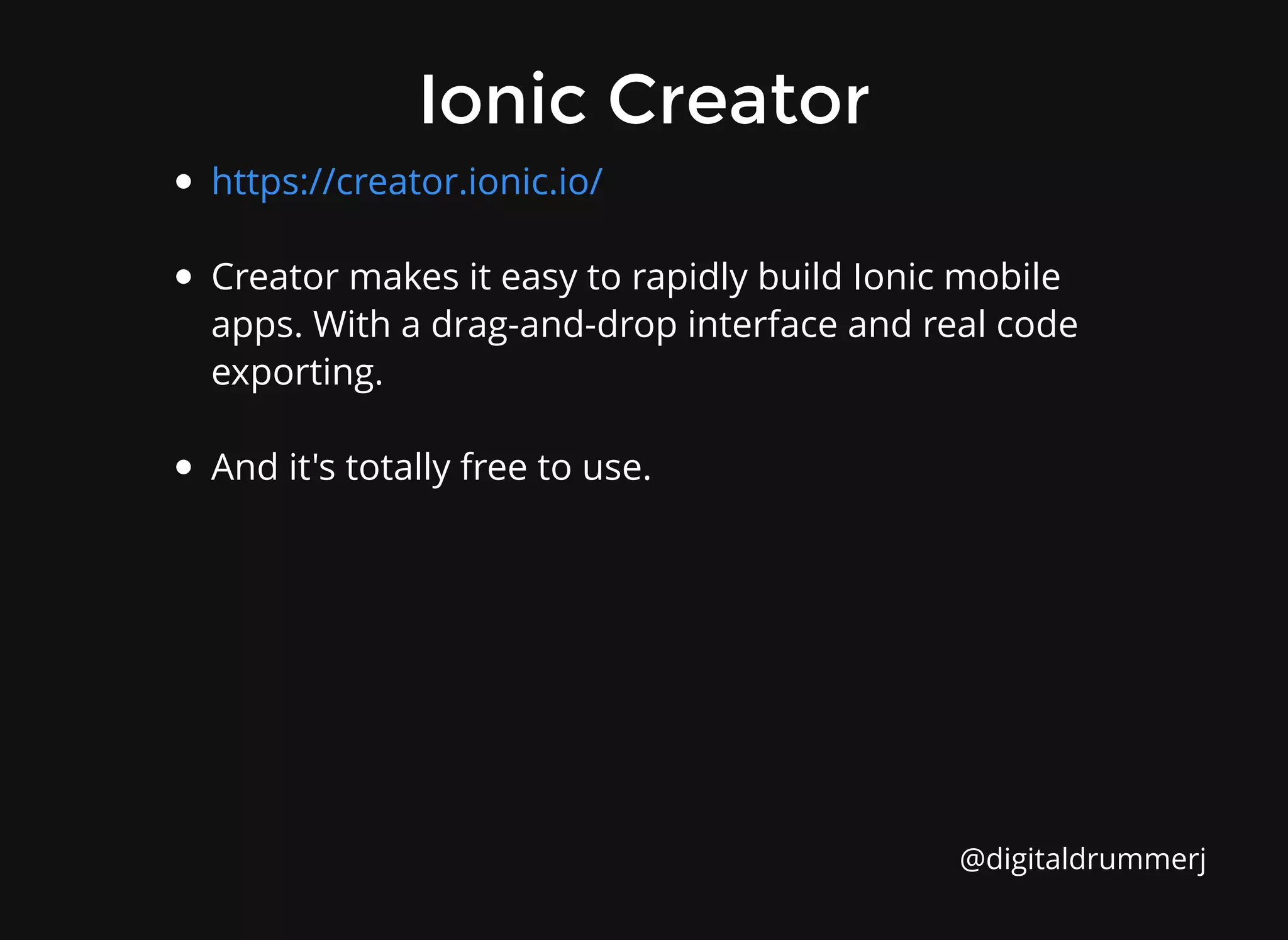
Ionic Creator
Ionic Creator
Creator makes it easy to rapidly build Ionic mobile
apps. With a drag-and-drop interface and real code
exporting.
And it's totally free to use.
https://creator.ionic.io/
@digitaldrummerj
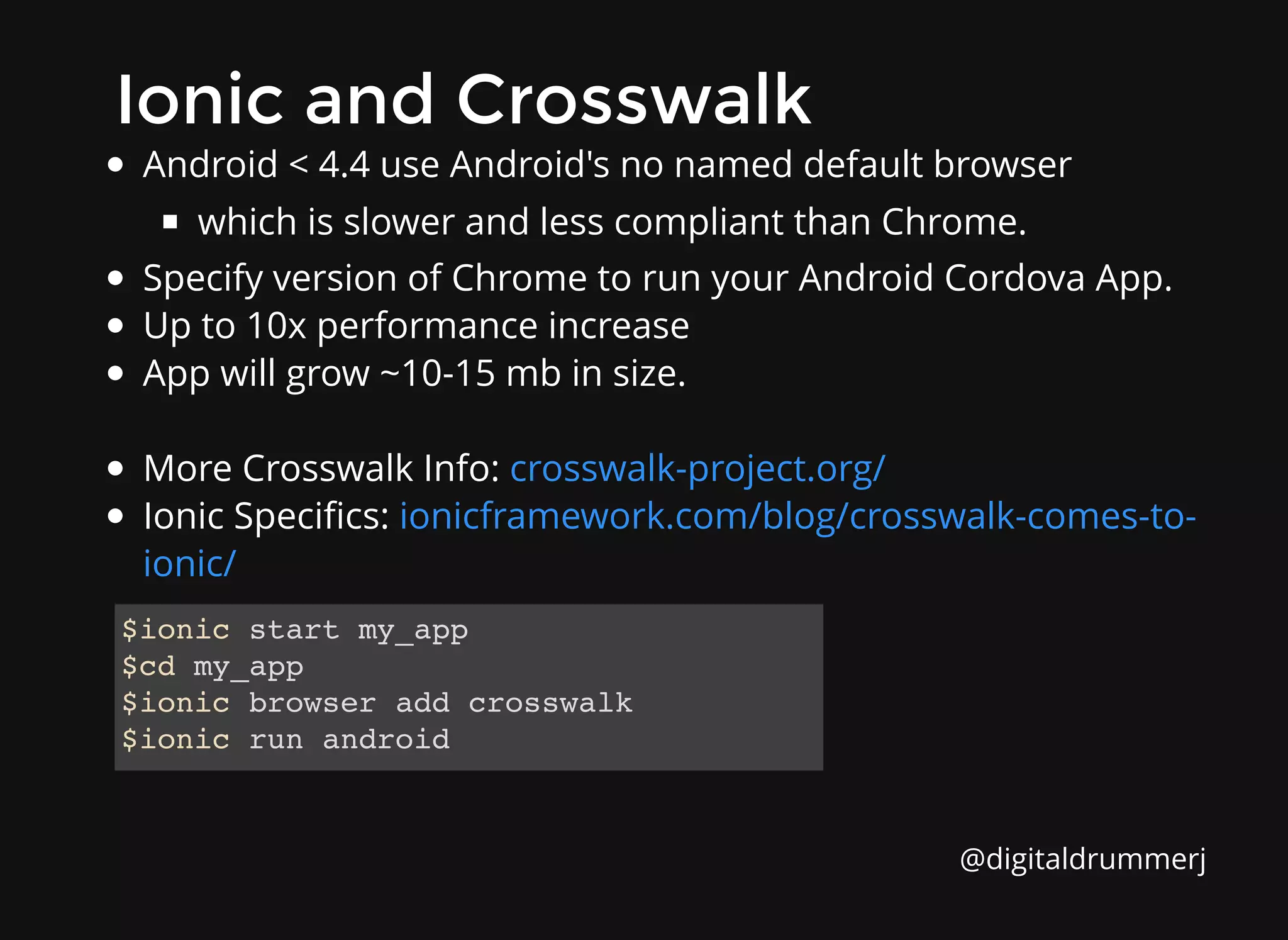
Ionic and Crosswalk
Ionic and Crosswalk
Android < 4.4 use Android's no named default browser
which is slower and less compliant than Chrome.
Specify version of Chrome to run your Android Cordova App.
Up to 10x performance increase
App will grow ~10-15 mb in size.
More Crosswalk Info:
Ionic Specifics:
crosswalk-project.org/
ionicframework.com/blog/crosswalk-comes-to-
ionic/
$ionic start my_app
$cd my_app
$ionic browser add crosswalk
$ionic run android
@digitaldrummerj
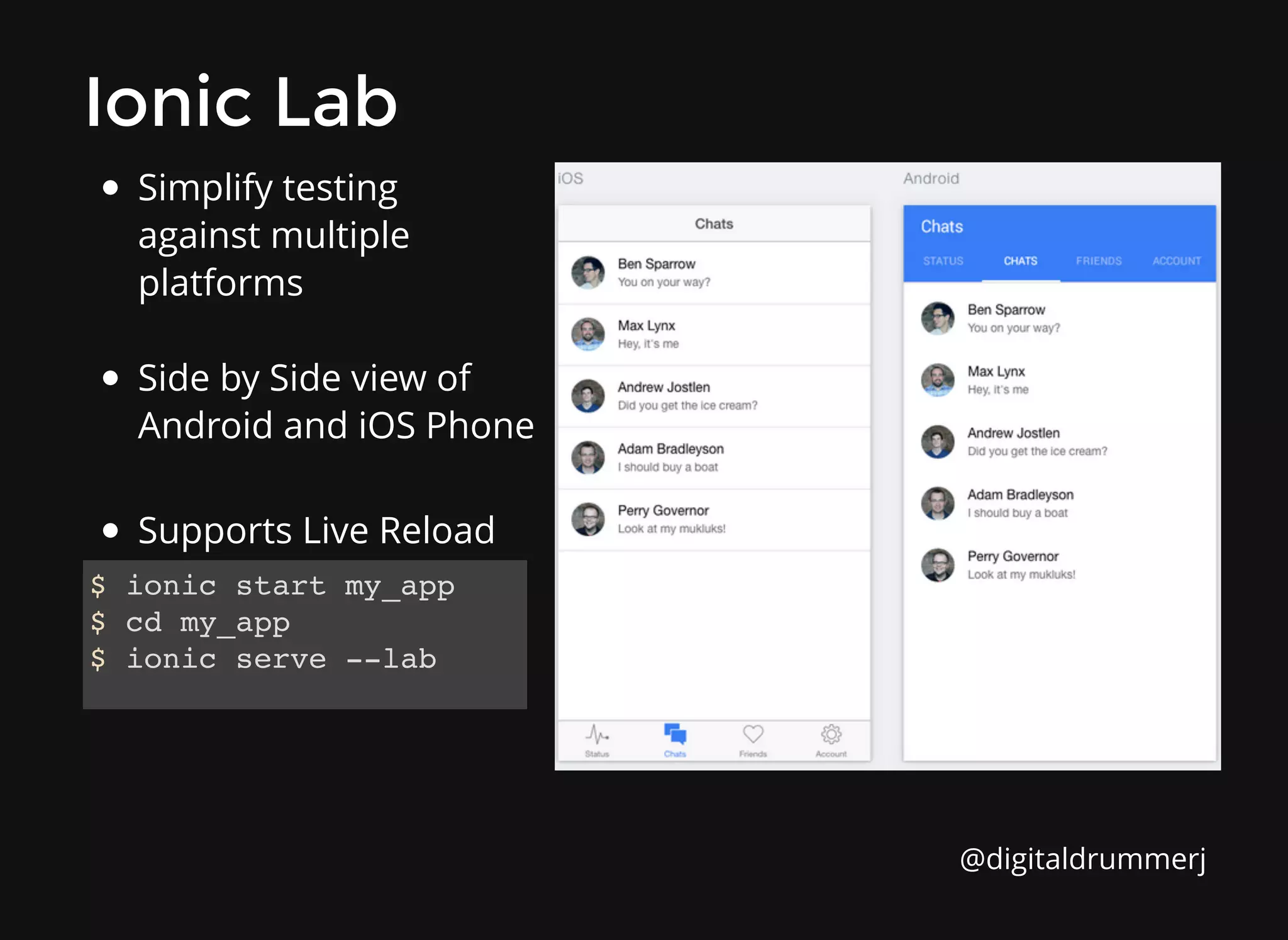
Simplify testing
against multiple
platforms
Side by Side view of
Android and iOS Phone
Supports Live Reload
Ionic Lab
Ionic Lab
$ ionic start my_app
$ cd my_app
$ ionic serve --lab
@digitaldrummerj
Summary
Summary
Makes mobile developer way easier but not easy
Build and run native apps by using existing web skills
Quickly start a project with starter templates
Start a local dev server with LiveReload
Lots of good tooling, features, and documentation
Not yet 1.0 release, but very close
Active and growing developer community
@digitaldrummerj
Resources
Resources
Videos, tutorials, and formulas:
Community Forum:
Ionic Creator:
Blog:
GitHub:
Twitter:
Ionic Framework Examples:
Nic Raboy's Blog:
Andrew McGivery -
My blog -
learn.ionicframework.com
forum.ionicframework.com
creator.ionic.io
ionicframework.com/blog/
github.com/driftyco/ionic
@ionicframework
codepen.io/ionic
https://blog.nraboy.com/
http://mcgivery.com/
http://digitaldrummerj.github.io/
@digitaldrummerj
Please rate this talk!
http:/
/spkr8.com/t/42121
http:/
/spkr8.com/t/42121
@digitaldrummerj

Ionic - Revolutionizing Hybrid Mobile Application Development

  • 1.
    The beautiful, opensource framework for developing hybrid mobile apps with HTML 5 ionicframework.com
  • 2.
    Over 15 yearsof programming experience Slides: http://slides.com/digitaldrummerj Twitter: @digitaldrummerj Email: digitaldrummerj @ gmail.com GitHub: Blog: https://github.com/digitaldrummerj digitaldrummerj.github.io Justin James Justin James @digitaldrummerj
  • 3.
    "So you wantto build a native app?" @digitaldrummerj
  • 4.
    Why are westill coding for multiple platforms? More Platforms. More Problems. More Platforms. More Problems.
  • 5.
    @digitaldrummerj The Downsides ofNative The Downsides of Native Proficiency in each platform required Entirely separate code bases Timely & expensive development Diminishing returns @digitaldrummerj
  • 6.
    "Is there analternative?" @digitaldrummerj
  • 7.
    Hybrid Apps! Hybrid Apps! HTML5 that acts like native Web wrapper in native layer Direct access to native APIs Cordova / Phonegap Familiar web development environment Focus on performance @digitaldrummerj
  • 8.
    Combines Apache Cordova withAngularJS along with lots of custom Javascript, Html, and CSS3 to create mobile apps that perform like native ones and look beautiful MIT Licensed (free even commercially) Hello Ionic Hello Ionic @digitaldrummerj
  • 9.
    AngularJS AngularJS Awesome MVC Framework Developedby Google and the community Features: Live data binding Two-way binding Attaching code-behind to DOM element Directives Repeating DOM elements Templates Dependency Injection @digitaldrummerj
  • 10.
    CSS Generated bySass CSS Generated by Sass Quickly give your app its own look and feel CSS Designed to be easily overridden Either override ionic.css or use Sass Preprocessor Stand-alone CSS (independent of Ionic's Javascript) @digitaldrummerj
  • 11.
    Performance Obsessed Performance Obsessed Hardwareaccelerated animations Minimal DOM Manipulation Zero jQuery (you could still include it if you want) @digitaldrummerj
  • 12.
    Native Focused Native Focused Modeledoff of native SDKs Built to work with Cordova/Phonegap @digitaldrummerj
  • 13.
    Supported Devices Supported Devices @digitaldrummerj iOS6+ Android 4+ Windows Phone (planned) FireFox OS (planned)
  • 14.
    Cordova Cordova Uses web technologiesto build mobile apps The apps have access to device hardware from Javascript The web files are hosted in the app Apps are portable to other systems with little to no changes Apps are packaged using platform SDKs Cordova does not include a UI framework http://plugins.cordova.io/ @digitaldrummerj
  • 15.
    ngCordova ngCordova collection of 63+AngularJS extensions built on top of the Cordova API making it easy to build, test, and deploy Cordova mobile apps with AngularJS. http://ngcordova.com/ @digitaldrummerj
  • 16.
    ngCordova Plugins ngCordova Plugins BatteryStatus Bar Code Scanner Calendar Camera Clipboard Contacts @digitaldrummerj Device Motion Flashlight Geo Location SMS Social Sharing TouchID Plus more...ngcordova.com/docs/plugins/
  • 17.
    Ionicons Ionicons Over 600 MITlicensed font-icons included ionicons.com @digitaldrummerj
  • 18.
    Are people usingit? Are people using it? http://showcase.ionicframework.com/
  • 19.
    2014 By theNumbers 2014 By the Numbers Ionic started at the end of 2013 top 50 most popular open source projects over 12, 000 stars on GitHub over 320, 000 apps have been created over half a million unique visits to Ionic website over 45, 000 forum post integrated into tools such as WebStorm, JBoss, Heroku templates from Firebase pluralsight course was created by Steve Michelotti #ionic IRC room has ~100 users at any given time several books being written such Ionic in Action from Manning Publishing @digitaldrummerj
  • 20.
    The personal stylistin your pocket Pulls in over 2 million products from 100 big name fashion brands Next generation fashion mall for whatever style you require. http://mallzee.com/ Mallzee Mallzee @digitaldrummerj
  • 21.
    The fastest wayto find new music 5 star rated iPhone Only https://songhop.fm/ Songhop Songhop @digitaldrummerj
  • 22.
    Like Uber forcommercial trucking Connect to thousands of freight shippers and brokerages across the country https://www.keychainlogistics.com/ Keychain Keychain @digitaldrummerj
  • 23.
    Offical app ofthe ng-europe conference. Used to get the schedule, speakers, venue address, news, chat and more http://ngeurope.org/ ngEurope ngEurope @digitaldrummerj
  • 24.
    Fitness app thatguides anyone thru 5-60 minute circuits Downloaded over 3 million times Been featured in multiple Health and Fitness lists within both the App Store and Google Play http://sworkit.com/ Sworkit Sworkit @digitaldrummerj
  • 25.
    What should Iknow? What should I know?
  • 26.
    Modern Web Skills ModernWeb Skills HTML 5 / CSS 3 / Javascript Comfortable with command line tools AngularJS Sass (optional) @digitaldrummerj
  • 27.
    Ionic Built-In UIElements Ionic Built-In UI Elements
  • 28.
    List List <div class="list"> <div class="itemitem-divider"> Candy Bars </div> <a class="item" href="#"> Butterfinger </a> <a class="item" href="#"> Kit Kat </a> ... </div> @digitaldrummerj
  • 29.
    Complex List Complex List <ion-list> <ion-item ng-repeat="itemin items" class="item-thumbnail-left"> <img ng-src="{{ item.pic }}"> <h2>{{ item.name }}</h2> <p>{{ item.quote }}</p> </ion-item> </ion-list> AngularJS Directive Buttons exposed by swiping Reorder Delete @digitaldrummerj
  • 30.
    Collection Repeat Collection Repeat <divclass="list"> <div collection-repeat="c in contacts" class="item"> <h2>{{ c.name }}</h2> <p>{{ c.email }}</p> </div> </div> Similar to Angular's ng-repeat Scroll through thousands of items Only renders the viewable items Smooth jank-free scrolling Low memory footprint @digitaldrummerj
  • 31.
    Tabs Tabs <ion-tabs class="tabs-icon-only"> <ion-tab title="Home" icon="ion-star"> <ion-nav-view></ion-nav-view> </ion-tab> <ion-tabtitle="Feedback" icon="ion-thumbsdown"> <ion-nav-view></ion-nav-view> </ion-tab> <ion-tab title="Messages" icon="ion-chatbubble-working"> <ion-nav-view></ion-nav-view> </ion-tab> </ion-tabs> Nested views Each tab has its own nav history @digitaldrummerj
  • 32.
    Side Menu Side Menu <ion-side-menus> <ion-side-menu-content> <ion-nav-bar></ion-nav-bar> <ion-nav-view></ion-nav-view> </ion-side-menu-content> <ion-side-menuside="left"> <header class="bar bar-header bar-positive"> <div class="title">Projects</div> </header> <ion-content has-header="true"> <div class="list"> <a href="#/work" class="item">Work</a> <a href="#/home" class="item">Home</a> </div> </ion-content> </ion-side-menu> </ion-side-menus> @digitaldrummerj
  • 33.
    Slide Box Slide Box <ion-slide-box on-slide-changed="change(index)"> <ion-slide> Slide1 </ion-slide> <ion-slide> Slide 2 </ion-slide> <ion-slide> Slide 3 </ion-slide> </ion-slide-box> @digitaldrummerj
  • 34.
    Action Sheet Action Sheet $ionicActionSheet.show({ titleText:'Modify your album', buttons: [ { text: 'Share' }, { text: 'Move' }, ], destructiveText: 'Delete', cancelText: 'Cancel', buttonClicked: function(index) { console.log('BUTTON CLICKED', index); return true; } }); @digitaldrummerj
  • 35.
    Pull to Refresh Pullto Refresh <ion-content on-refresh="refreshData()"> <ion-refresher></ion-refresher> <!-- content --> </ion-content> @digitaldrummerj
  • 36.
    Navigation Navigation <ion-nav-bar> <ion-nav-back-button> Back </ion-nav-back-button> </ion-nav-bar> <ion-nav-view animation="slide-left-right"> <!-- content--> </ion-nav-view> Shows back button when possible Each tab has its own history stack Works with Android's back button @digitaldrummerj
  • 37.
    How to getstarted? How to get started?
  • 38.
    Most demos showthis command and move on. However, this assumes that you have lots of other software already installed and configured correctly. For a newbie, that has not used Node.js or done Android/iOS development, the setup can be daunting. Next couple of slides give you links to blog post I wrote with all of the steps need to get started on both Windows and Mac. $ npm install -g cordova ionic Installing Ionic Installing Ionic @digitaldrummerj
  • 39.
    Prerequisites Prerequisites git ant Java SDK 7 AndroidStudio Android SDK (API 19) Node / NPM Cordova Gulp Google Chrome (for debugging) Genymotion (optional) Ruby (if using sass) Sass Ruby Gem @digitaldrummerj
  • 40.
    Ionic on WindowsSetup Ionic on Windows Setup Manual: Automated using Chocolatey and BoxStarter: Read the "How To Use this Gist File Section" for instructions http://therockncoder.blogspot.com/2014/12/installing-ionic- framework-from-scratch.html digitaldrummerj.github.io/Ionic-Setup-Windows/ @digitaldrummerj
  • 41.
    Ionic on aMac Setup Ionic on a Mac Setup Instruction available at digitaldrummerj.github.io/ionic-setup-osx/ @digitaldrummerj
  • 42.
    Is there aneasier way? Is there an easier way?
  • 43.
    The Ionic Box TheIonic Box Install VirtualBox, its free and available for most platforms Install Vagrant, its free too Install the Ionic Box (Ubuntu Linux and PreReq's) Configuration Steps https://www.virtualbox.org/ https://www.vagrantup.com/ https://github.com/driftyco/ionic-box digitaldrummerj.github.io/ionicbox-notes/ @digitaldrummerj
  • 44.
  • 45.
    Create ionic app Createionic app Create new project Test on web browser Add mobile platform (Android or iOS) Run test on device/emulator ionic start myApp [blank/tabs/sideMenu] ionic serve ionic platform add [android/ios] ionic [run/emulate] [ android/ios] @digitaldrummerj
  • 46.
  • 47.
  • 48.
    Ionic View Application IonicView Application View/Share/Test Ionic apps developing across devices even test against OS without a Mac Uses Cordova inAppBrowser plugin to launch your apps in their own separate WebView At the moment, plugin access is restricted to a specific subset of plugins Currently, iOS only but Android version on its way Download from Apple Store: https://itunes.apple.com/us/app/ionic-view/id849930087?mt=8 $ ionic start myApp $ cd myApp $ ionic upload @digitaldrummerj
  • 49.
    Ionic Creator Ionic Creator Creatormakes it easy to rapidly build Ionic mobile apps. With a drag-and-drop interface and real code exporting. And it's totally free to use. https://creator.ionic.io/ @digitaldrummerj
  • 50.
    Ionic and Crosswalk Ionicand Crosswalk Android < 4.4 use Android's no named default browser which is slower and less compliant than Chrome. Specify version of Chrome to run your Android Cordova App. Up to 10x performance increase App will grow ~10-15 mb in size. More Crosswalk Info: Ionic Specifics: crosswalk-project.org/ ionicframework.com/blog/crosswalk-comes-to- ionic/ $ionic start my_app $cd my_app $ionic browser add crosswalk $ionic run android @digitaldrummerj
  • 51.
    Simplify testing against multiple platforms Sideby Side view of Android and iOS Phone Supports Live Reload Ionic Lab Ionic Lab $ ionic start my_app $ cd my_app $ ionic serve --lab @digitaldrummerj
  • 52.
    Summary Summary Makes mobile developerway easier but not easy Build and run native apps by using existing web skills Quickly start a project with starter templates Start a local dev server with LiveReload Lots of good tooling, features, and documentation Not yet 1.0 release, but very close Active and growing developer community @digitaldrummerj
  • 53.
    Resources Resources Videos, tutorials, andformulas: Community Forum: Ionic Creator: Blog: GitHub: Twitter: Ionic Framework Examples: Nic Raboy's Blog: Andrew McGivery - My blog - learn.ionicframework.com forum.ionicframework.com creator.ionic.io ionicframework.com/blog/ github.com/driftyco/ionic @ionicframework codepen.io/ionic https://blog.nraboy.com/ http://mcgivery.com/ http://digitaldrummerj.github.io/ @digitaldrummerj
  • 54.
    Please rate thistalk! http:/ /spkr8.com/t/42121 http:/ /spkr8.com/t/42121 @digitaldrummerj