What is Vim?

 Advanced programmer‘s text editor

 Designed expressly for efficient text editing

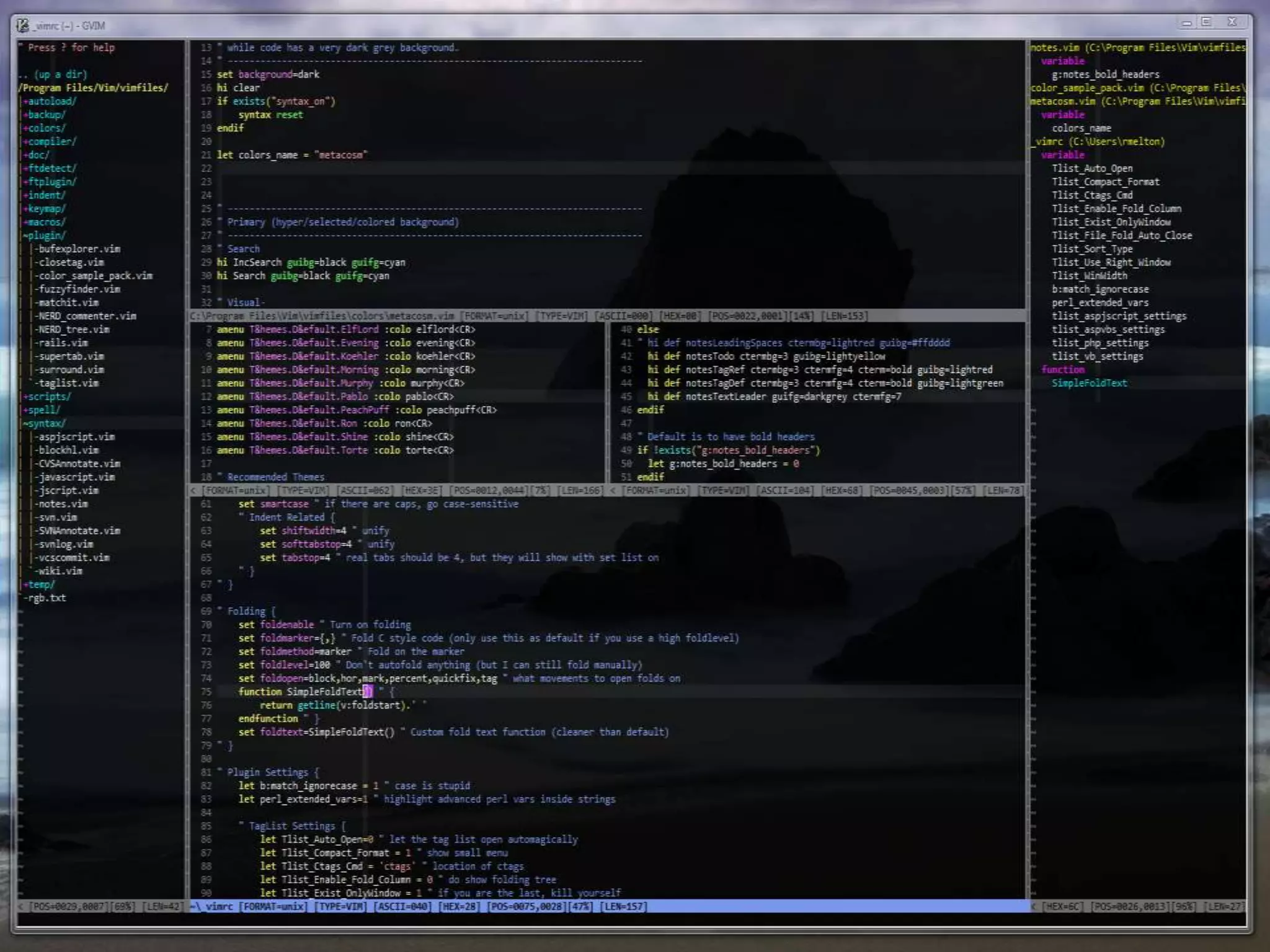
 IDE-like features not built-in, but 1000‘s of plugins

 Highly customizable and extensible

 Incredibly powerful—will double or triple your
  productivity!

 Steep learning curve—takes years to master
Installing Vim

 Linux/Unix: Comes installed with practically all
  distributions

 OSX: Ships with Vim, but use MacVim for a GUI:
    http://code.google.com/p/macvim/

     Tip: Use iTerm2 for 256-color color schemes!

 Windows: Use gVim: http://www.vim.org/download.php#pc
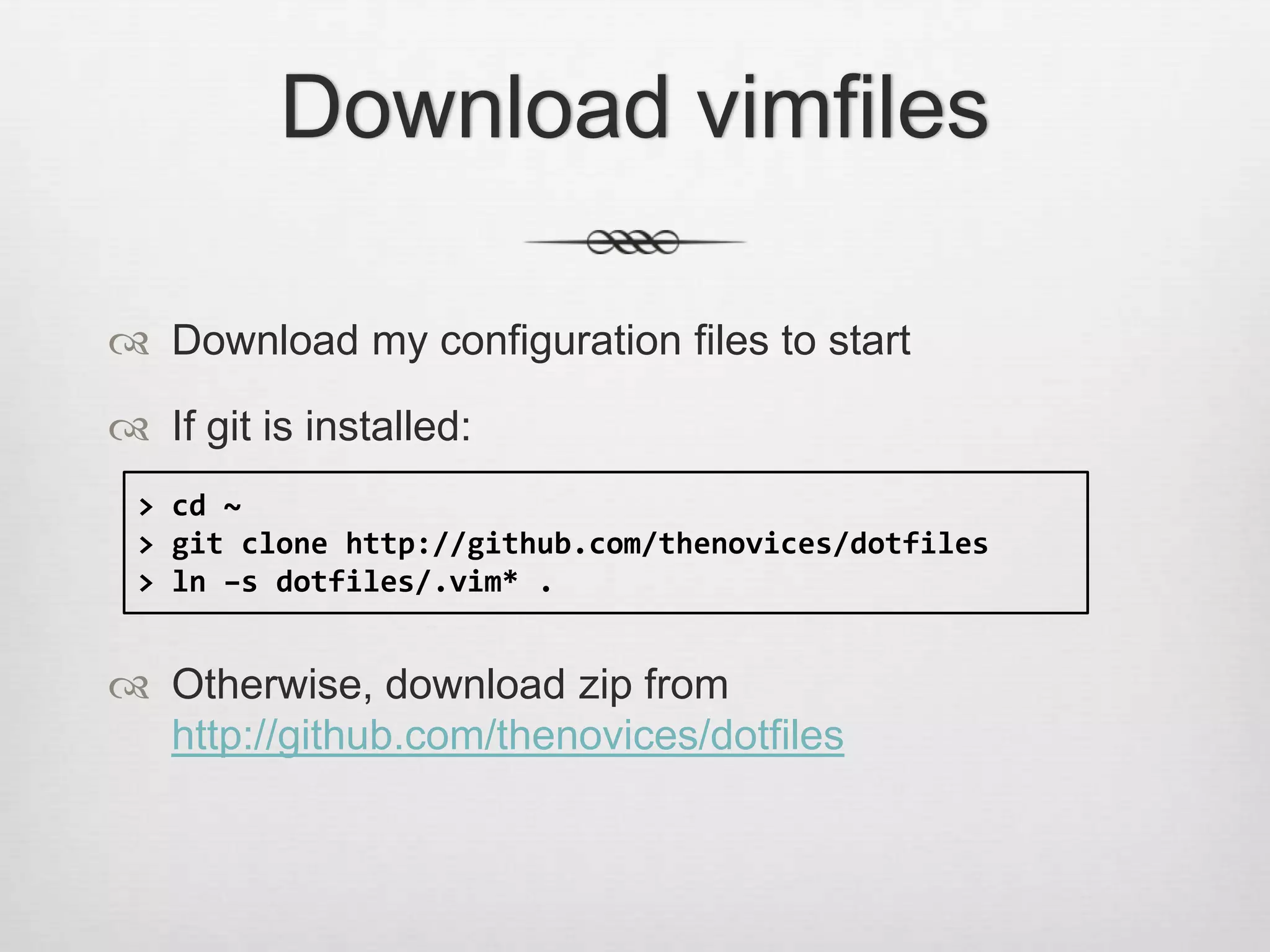
Download vimfiles

 Download my configuration files to start

 If git is installed:
 > cd ~
 > git clone http://github.com/thenovices/dotfiles
 > ln –s dotfiles/.vim* .


 Otherwise, download zip from
  http://github.com/thenovices/dotfiles
What are we doing?

 Whirlwind tour of Vim‘s key features

 Come back and use this powerpoint as a reference

 Play around with me!


http://bit.ly/yfGl30
Vim Philosophy


1.Modal Editing
2.Operators and Motions
The Modal Editor

 We spend more time reading and editing than
  typing!

 Normal mode: All keystrokes are interpreted as
  commands

 Insert mode: Regular typing as you know it

 Visual mode: Highlighting

 … more!
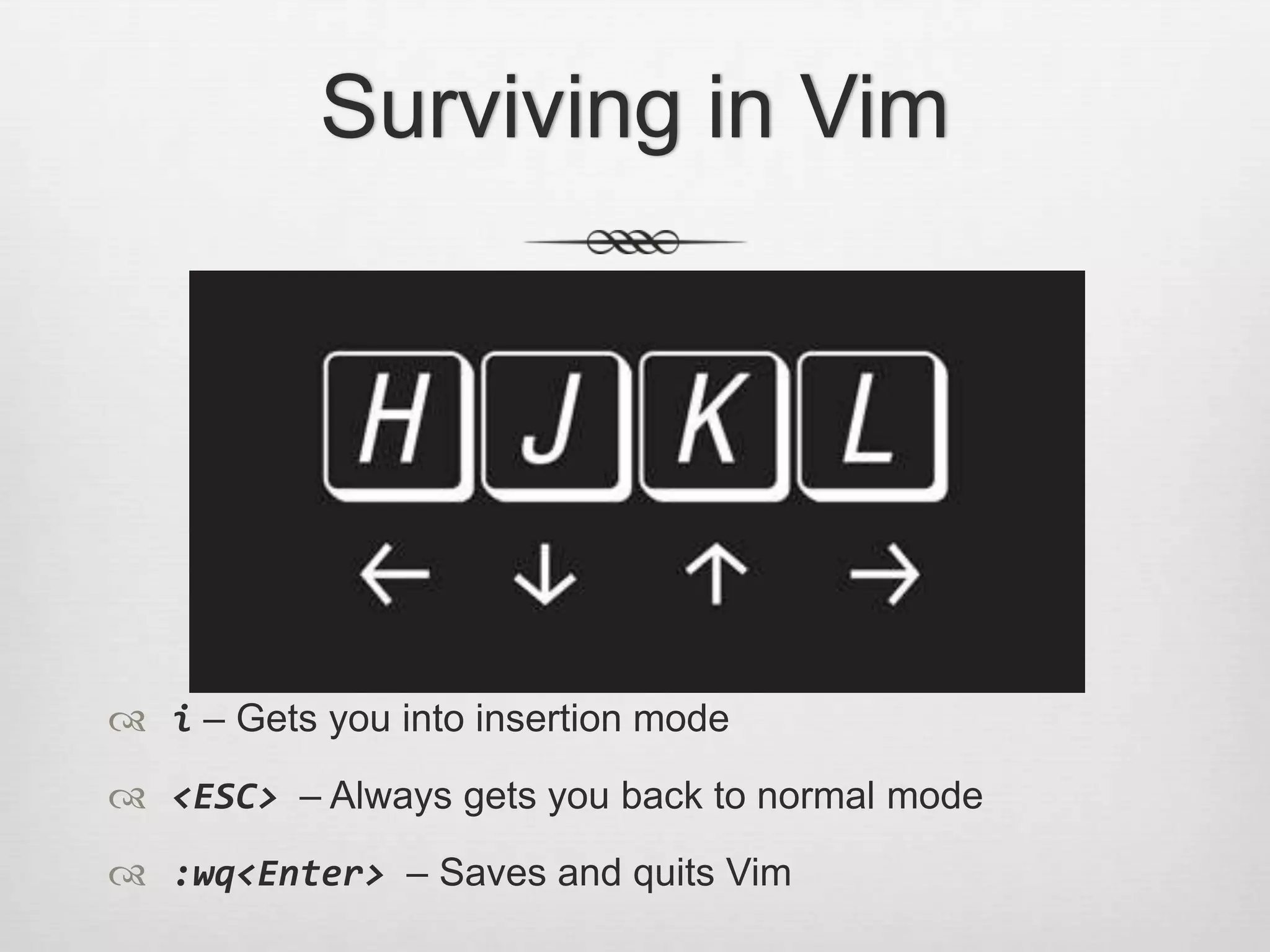
Surviving in Vim


 i – Gets you into insertion mode
 <ESC> – Always gets you back to normal mode
 :wq<Enter> – Saves and quits Vim
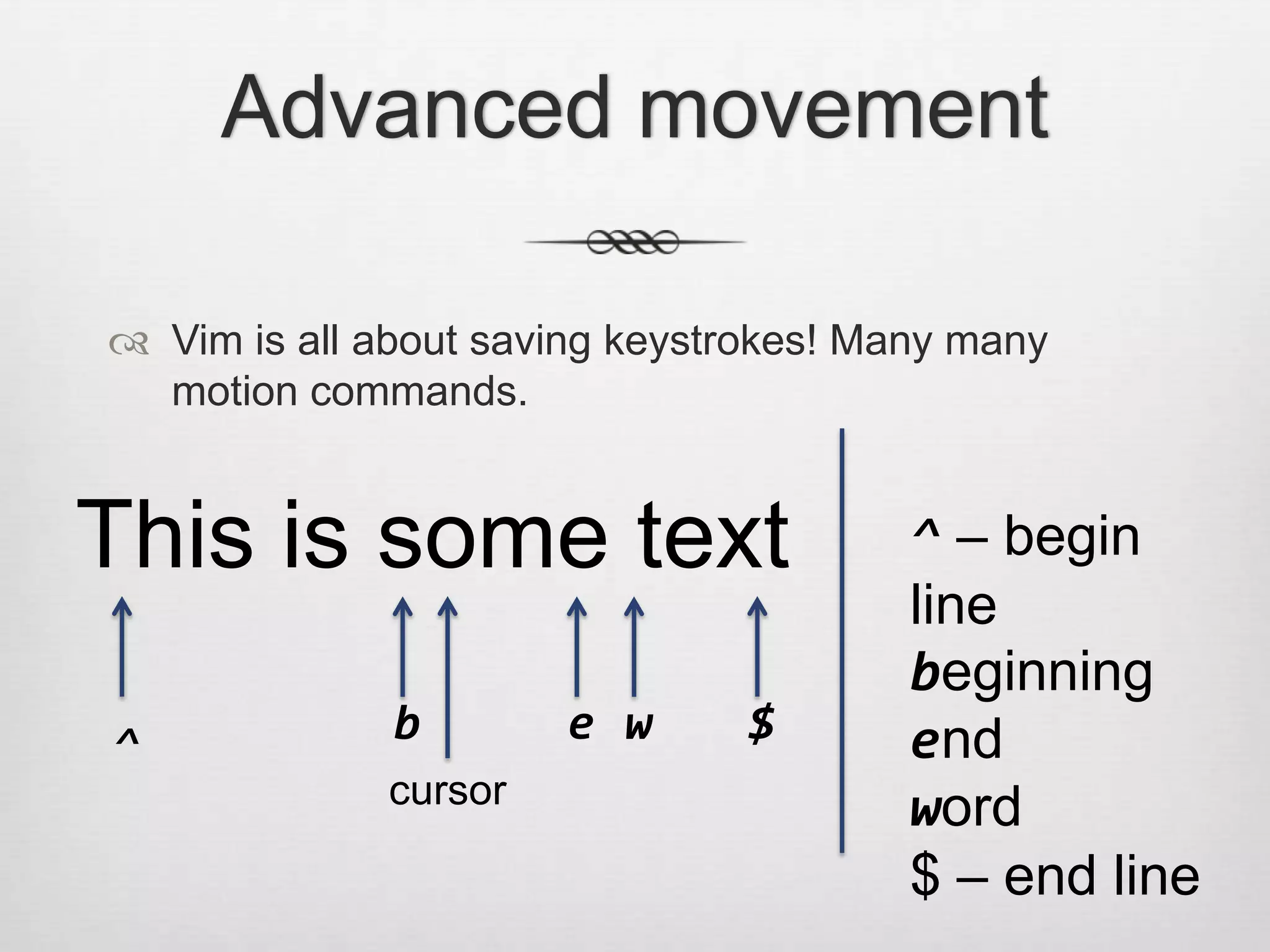
Advanced movement

 Vim is all about saving keystrokes! Many many
  motion commands.


This is some text                       ^ – begin
                                        line
                                        beginning
^             b        e w      $       end
              cursor
                                        word
                                        $ – end line
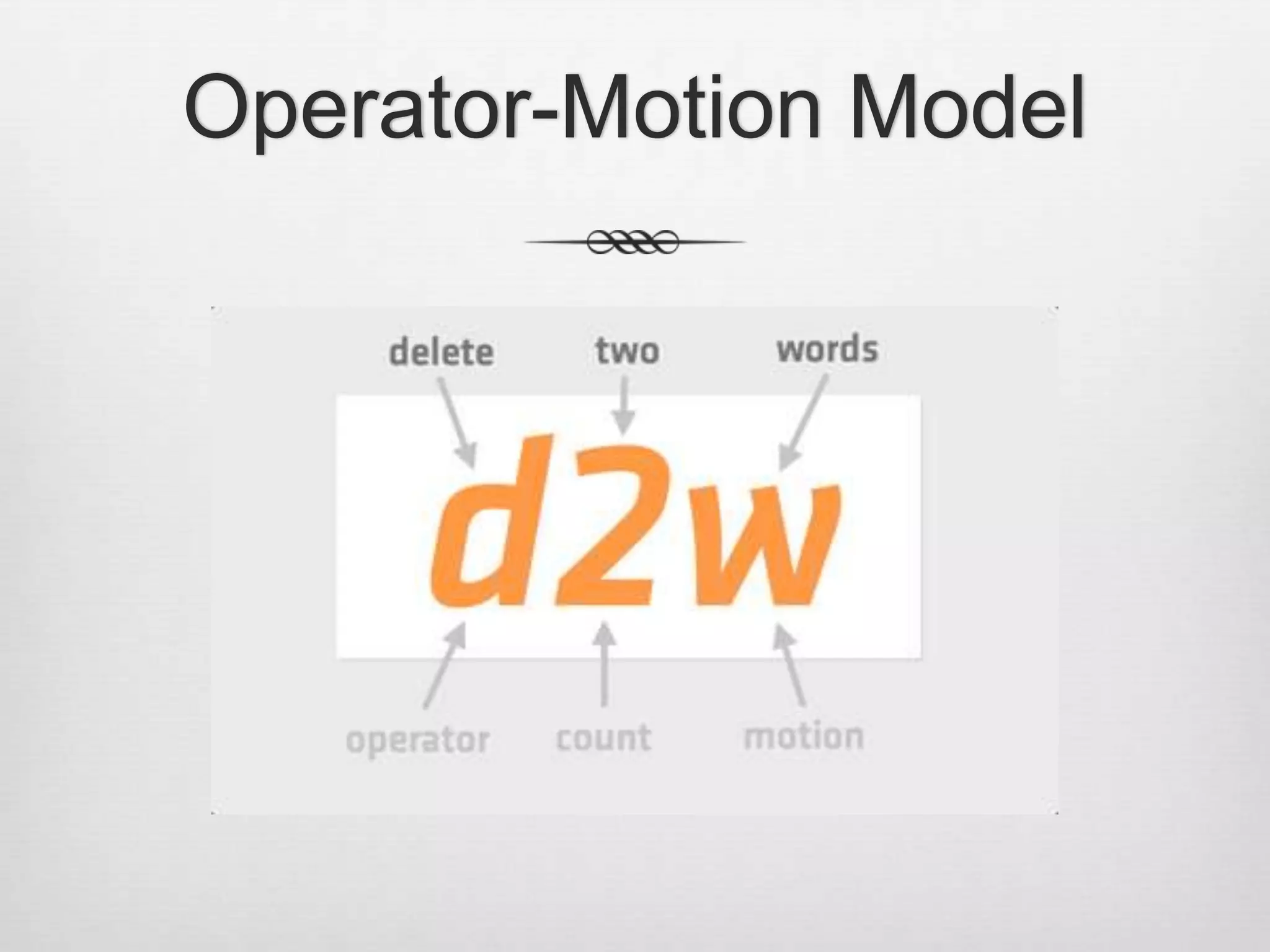
Operator-Motion Model
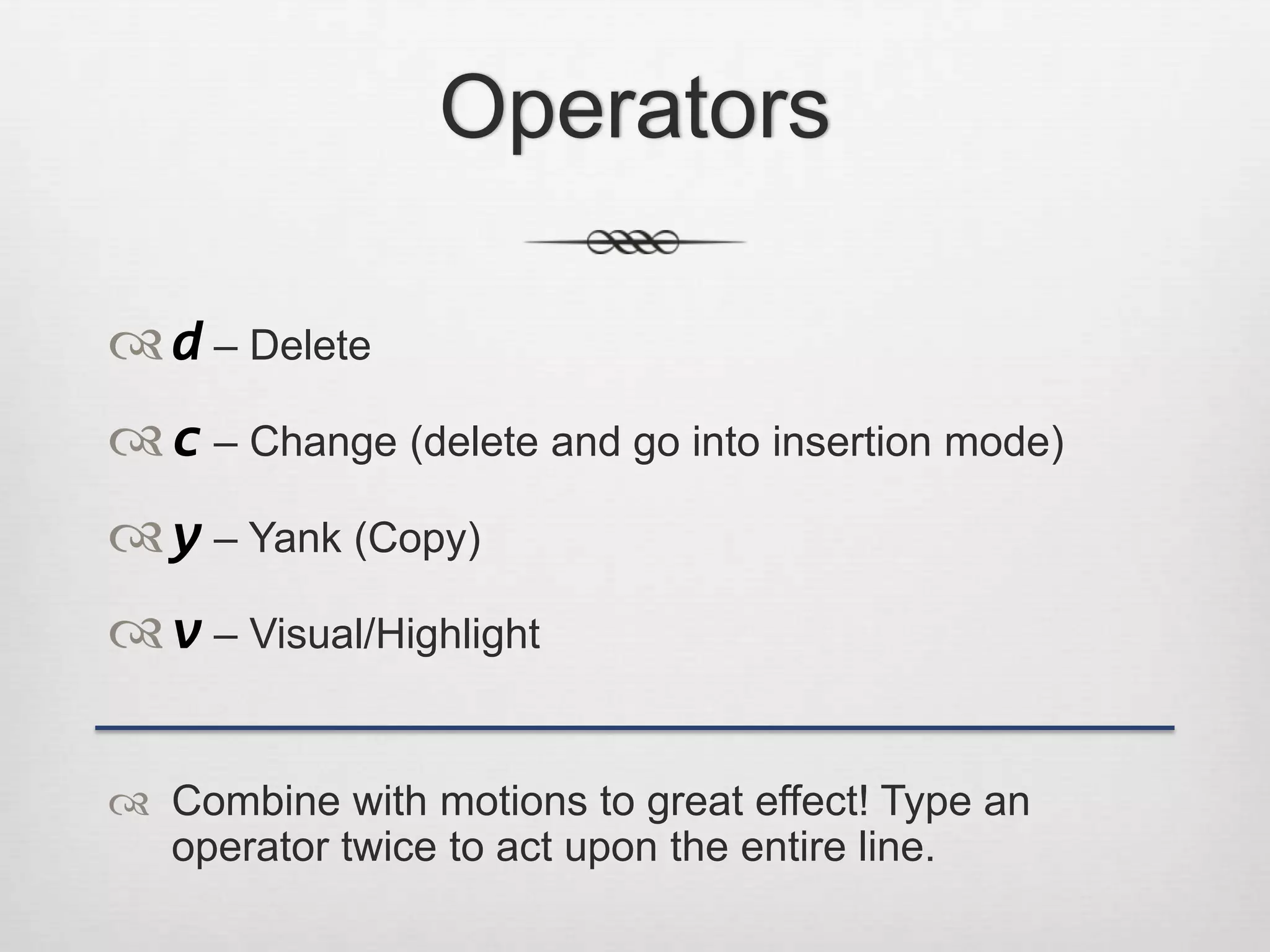
Operators

 d – Delete
 c – Change (delete and go into insertion mode)
 y – Yank (Copy)
 v – Visual/Highlight

 Combine with motions to great effect! Type an
  operator twice to act upon the entire line.
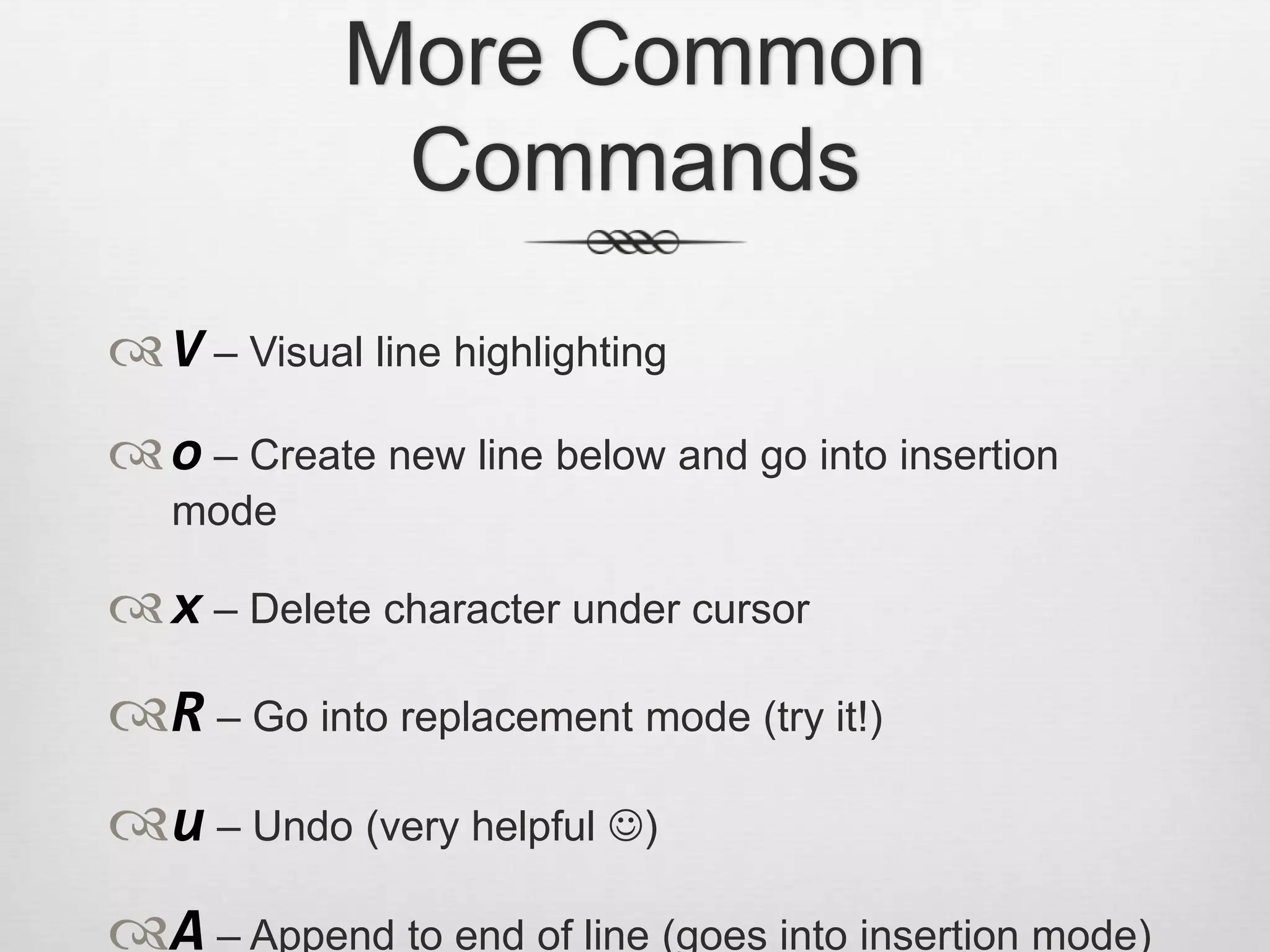
More Common
             Commands
 V – Visual line highlighting
 o – Create new line below and go into insertion
   mode

 x – Delete character under cursor
R – Go into replacement mode (try it!)
u – Undo (very helpful )
A – Append to end of line (goes into insertion mode)
Text Objects

 w – word (delimited by punctuation)
 W – word (delimited by whitespace)
 ) – matching set of parentheses (also [], {}, <>, ‗‘, ―‖)
t – XML tag (e.g. <html></html>)
Putting it all together
Find and Replace

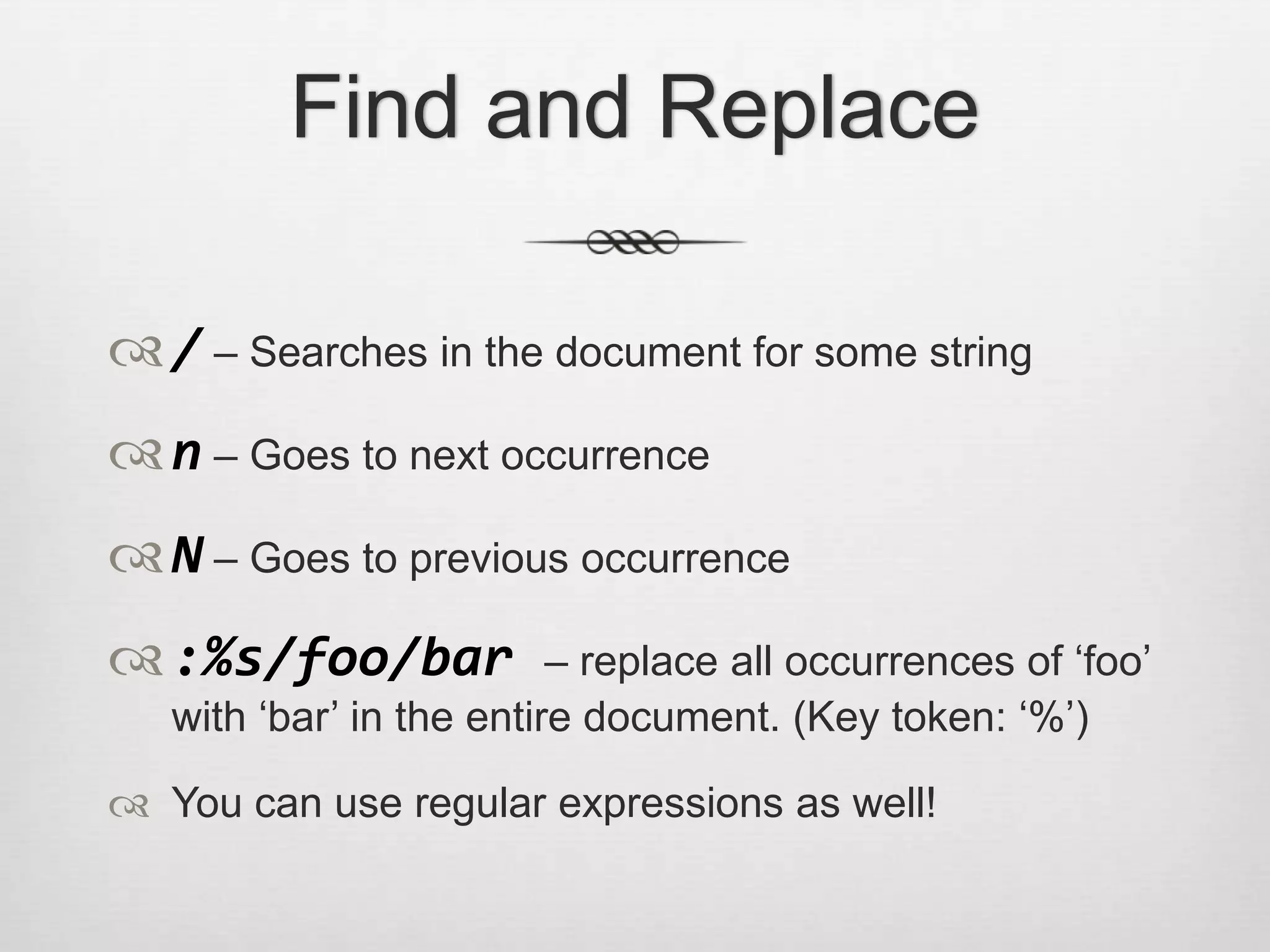
 / – Searches in the document for some string
 n – Goes to next occurrence
 N – Goes to previous occurrence
 :%s/foo/bar             – replace all occurrences of ‗foo‘
   with ‗bar‘ in the entire document. (Key token: ‗%‘)

 You can use regular expressions as well!
What now?

 Once you‘ve mastered the basics, gradually pick up
  more and more Vim tricks.

 Learn one thing at a time

 Explore Vim plugins.
Demonstration!
Advanced Topics

 Windows

 Tabs

 Buffers

 Macros

 Marks

 Visual Blocks
Popular Plugins

 Surround.vim

 Fugitive.vim (Git integration)

 Rails.vim (Rails integration)

 NERD_tree.vim (File Explorer)

 Tabular.vim (Alignment, tables)

 Snipmate.vim (Textmate-like snippets)
Resources and Links

 vimtutor (30-minutes) and :help usr_02.txt (manual)

 Learn Vim Progressively (good way to start off)
     http://yannesposito.com/Scratch/en/blog/Learn-Vim-Progressively/


 Treasure Trove of Vim Tricks:
     http://stackoverflow.com/questions/1218390/what-is-your-most-productive-shortcut-with-
     vim/1220118#1220118


 Why do those nutheads use Vim? (like a showcase)
     http://www.viemu.com/a-why-vi-vim.html


 Comprehensive list of Vim tips and tricks (advanced!!)
     http://rayninfo.co.uk/vimtips.html


 Brandon‘s dotfiles: http://github.com/thenovices/dotfiles
More Advanced Links

 http://vimcasts.org

 https://github.com/tpope/tpope

 https://github.com/ryanb/dotfiles

 https://github.com/languages/VimL

Introduction to Vim

  • 2.
    What is Vim? Advanced programmer‘s text editor  Designed expressly for efficient text editing  IDE-like features not built-in, but 1000‘s of plugins  Highly customizable and extensible  Incredibly powerful—will double or triple your productivity!  Steep learning curve—takes years to master
  • 4.
    Installing Vim  Linux/Unix:Comes installed with practically all distributions  OSX: Ships with Vim, but use MacVim for a GUI: http://code.google.com/p/macvim/  Tip: Use iTerm2 for 256-color color schemes!  Windows: Use gVim: http://www.vim.org/download.php#pc
  • 5.
    Download vimfiles  Downloadmy configuration files to start  If git is installed: > cd ~ > git clone http://github.com/thenovices/dotfiles > ln –s dotfiles/.vim* .  Otherwise, download zip from http://github.com/thenovices/dotfiles
  • 6.
    What are wedoing?  Whirlwind tour of Vim‘s key features  Come back and use this powerpoint as a reference  Play around with me! http://bit.ly/yfGl30
  • 7.
  • 8.
    The Modal Editor We spend more time reading and editing than typing!  Normal mode: All keystrokes are interpreted as commands  Insert mode: Regular typing as you know it  Visual mode: Highlighting  … more!
  • 9.
    Surviving in Vim i – Gets you into insertion mode  <ESC> – Always gets you back to normal mode  :wq<Enter> – Saves and quits Vim
  • 10.
    Advanced movement  Vimis all about saving keystrokes! Many many motion commands. This is some text ^ – begin line beginning ^ b e w $ end cursor word $ – end line
  • 11.
  • 12.
    Operators  d –Delete  c – Change (delete and go into insertion mode)  y – Yank (Copy)  v – Visual/Highlight  Combine with motions to great effect! Type an operator twice to act upon the entire line.
  • 13.
    More Common Commands  V – Visual line highlighting  o – Create new line below and go into insertion mode  x – Delete character under cursor R – Go into replacement mode (try it!) u – Undo (very helpful ) A – Append to end of line (goes into insertion mode)
  • 14.
    Text Objects  w– word (delimited by punctuation)  W – word (delimited by whitespace)  ) – matching set of parentheses (also [], {}, <>, ‗‘, ―‖) t – XML tag (e.g. <html></html>)
  • 15.
  • 16.
    Find and Replace / – Searches in the document for some string  n – Goes to next occurrence  N – Goes to previous occurrence  :%s/foo/bar – replace all occurrences of ‗foo‘ with ‗bar‘ in the entire document. (Key token: ‗%‘)  You can use regular expressions as well!
  • 17.
    What now?  Onceyou‘ve mastered the basics, gradually pick up more and more Vim tricks.  Learn one thing at a time  Explore Vim plugins.
  • 18.
  • 19.
    Advanced Topics  Windows Tabs  Buffers  Macros  Marks  Visual Blocks
  • 20.
    Popular Plugins  Surround.vim Fugitive.vim (Git integration)  Rails.vim (Rails integration)  NERD_tree.vim (File Explorer)  Tabular.vim (Alignment, tables)  Snipmate.vim (Textmate-like snippets)
  • 21.
    Resources and Links vimtutor (30-minutes) and :help usr_02.txt (manual)  Learn Vim Progressively (good way to start off) http://yannesposito.com/Scratch/en/blog/Learn-Vim-Progressively/  Treasure Trove of Vim Tricks: http://stackoverflow.com/questions/1218390/what-is-your-most-productive-shortcut-with- vim/1220118#1220118  Why do those nutheads use Vim? (like a showcase) http://www.viemu.com/a-why-vi-vim.html  Comprehensive list of Vim tips and tricks (advanced!!) http://rayninfo.co.uk/vimtips.html  Brandon‘s dotfiles: http://github.com/thenovices/dotfiles
  • 22.
    More Advanced Links http://vimcasts.org  https://github.com/tpope/tpope  https://github.com/ryanb/dotfiles  https://github.com/languages/VimL

Editor's Notes

  • #9 When you think about it, we spend much more time reading and editing text than actually typing in text. But when we have to read and edit text, we end up having to use the mouse, or buttons or keyboard shortcuts. Why should the insertion mode be the default mode?In Vim, keys are interpreted differently depending on what mode you’re in. In insertion mode, typing ‘j’ types out ‘j’, but in normal mode, typing ‘j’ makes you go down a line.