Download as PDF, PPTX









![import tensorflow as tf # Assuming TF 2.0 is installed
a = tf.constant([[1, 2],[3, 4]])
b = tf.matmul(a, a)
print(b)
# tf.Tensor( [[ 7 10] [15 22]], shape=(2, 2), dtype=int32)
print(type(b.numpy()))
# <class 'numpy.ndarray'>
You can use TF 2.0 like NumPy](https://image.slidesharecdn.com/bradmiro-191029235720/75/Introduction-to-TensorFlow-2-0-38-2048.jpg)


![model = tf.keras.models.Sequential([
tf.keras.layers.Flatten(),
tf.keras.layers.Dense(512, activation='relu'),
tf.keras.layers.Dropout(0.2),
tf.keras.layers.Dense(10, activation='softmax')
])
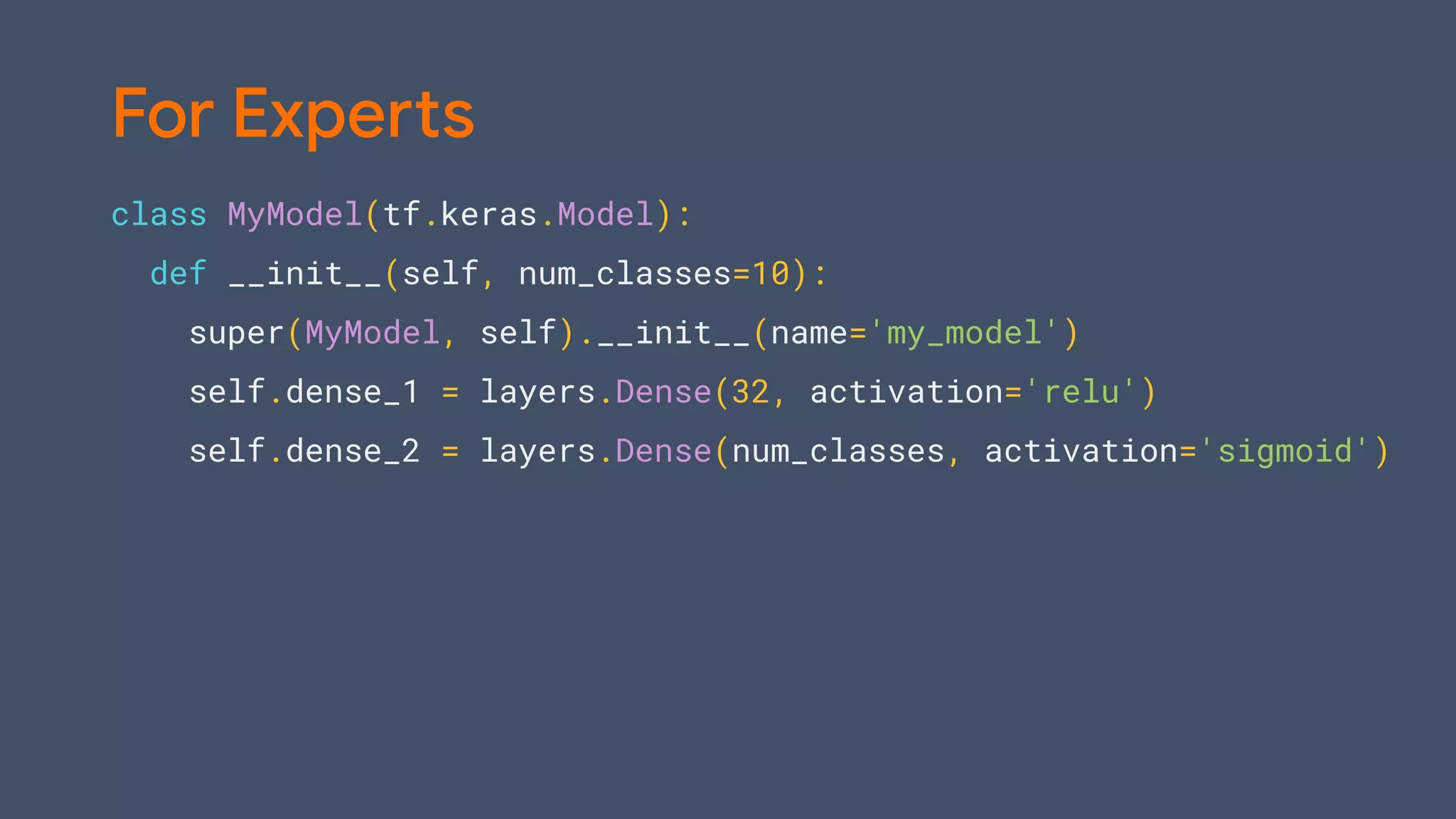
For Beginners](https://image.slidesharecdn.com/bradmiro-191029235720/75/Introduction-to-TensorFlow-2-0-44-2048.jpg)
![model = tf.keras.models.Sequential([
tf.keras.layers.Flatten(),
tf.keras.layers.Dense(512, activation='relu'),
tf.keras.layers.Dropout(0.2),
tf.keras.layers.Dense(10, activation='softmax')
])
model.compile(optimizer='adam',
loss='sparse_categorical_crossentropy',
metrics=['accuracy'])
For Beginners](https://image.slidesharecdn.com/bradmiro-191029235720/75/Introduction-to-TensorFlow-2-0-45-2048.jpg)
![model = tf.keras.models.Sequential([
tf.keras.layers.Flatten(),
tf.keras.layers.Dense(512, activation='relu'),
tf.keras.layers.Dropout(0.2),
tf.keras.layers.Dense(10, activation='softmax')
])
model.compile(optimizer='adam',
loss='sparse_categorical_crossentropy',
metrics=['accuracy'])
model.fit(x_train, y_train, epochs=5)
For Beginners](https://image.slidesharecdn.com/bradmiro-191029235720/75/Introduction-to-TensorFlow-2-0-46-2048.jpg)
![model = tf.keras.models.Sequential([
tf.keras.layers.Flatten(),
tf.keras.layers.Dense(512, activation='relu'),
tf.keras.layers.Dropout(0.2),
tf.keras.layers.Dense(10, activation='softmax')
])
model.compile(optimizer='adam',
loss='sparse_categorical_crossentropy',
metrics=['accuracy'])
model.fit(x_train, y_train, epochs=5)
model.evaluate(x_test, y_test)
For Beginners](https://image.slidesharecdn.com/bradmiro-191029235720/75/Introduction-to-TensorFlow-2-0-47-2048.jpg)
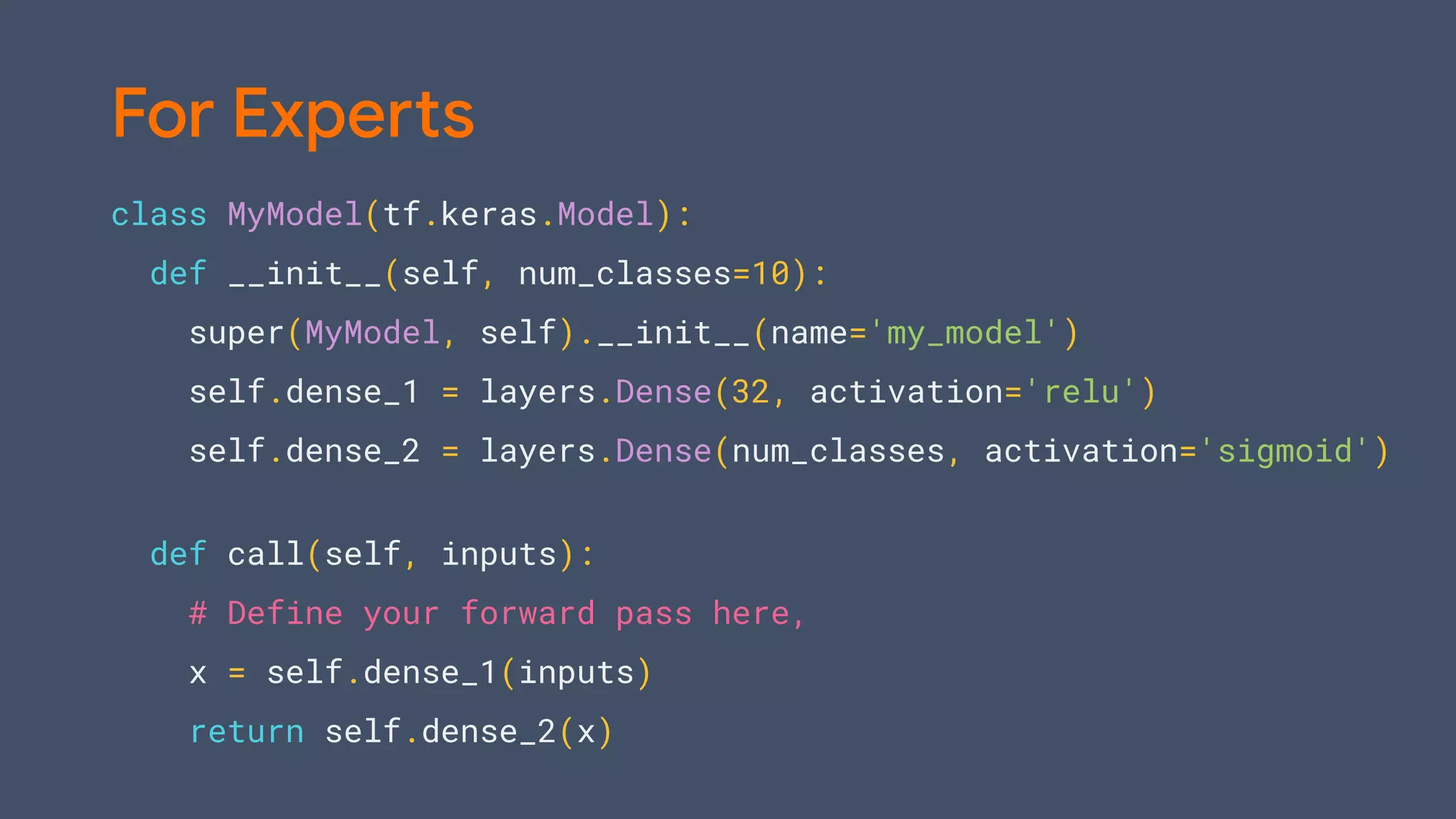

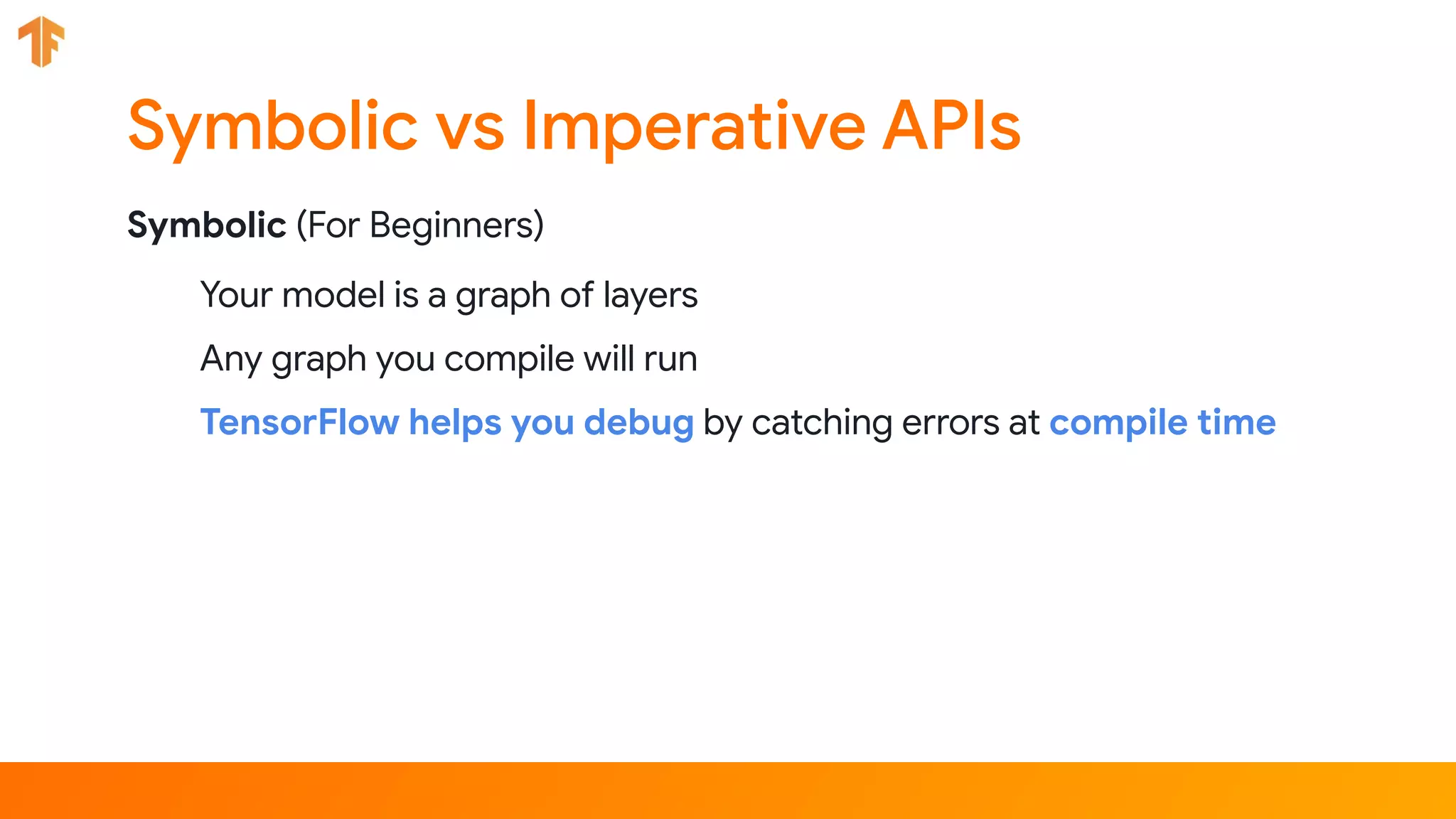
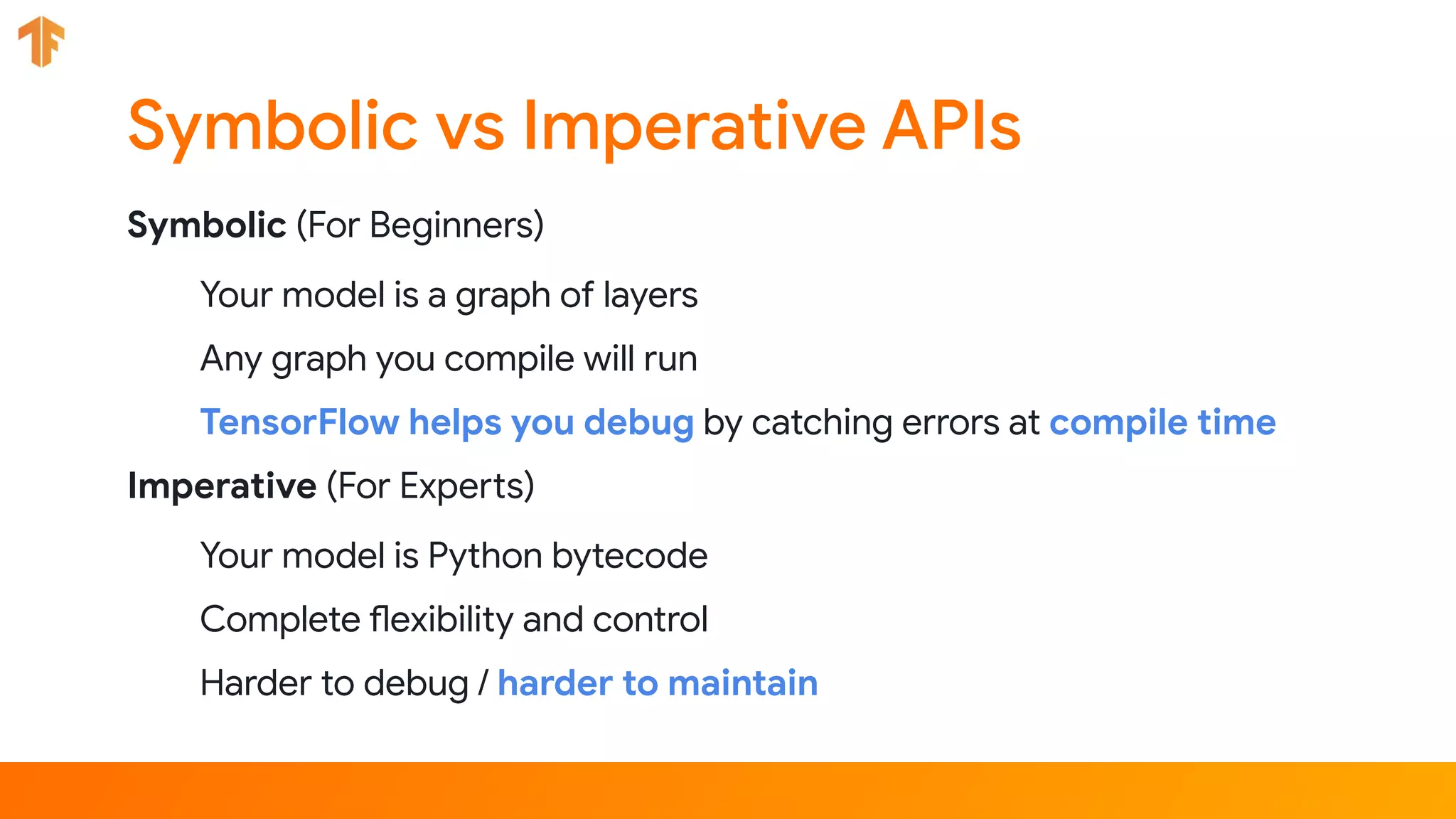

![lstm_cell = tf.keras.layers.LSTMCell(10)
def fn(input, state):
return lstm_cell(input, state)
input = tf.zeros([10, 10]); state = [tf.zeros([10, 10])] * 2
lstm_cell(input, state); fn(input, state) # warm up
# benchmark
timeit.timeit(lambda: lstm_cell(input, state), number=10) # 0.03
Let’s make this faster](https://image.slidesharecdn.com/bradmiro-191029235720/75/Introduction-to-TensorFlow-2-0-54-2048.jpg)
![lstm_cell = tf.keras.layers.LSTMCell(10)
@tf.function
def fn(input, state):
return lstm_cell(input, state)
input = tf.zeros([10, 10]); state = [tf.zeros([10, 10])] * 2
lstm_cell(input, state); fn(input, state) # warm up
# benchmark
timeit.timeit(lambda: lstm_cell(input, state), number=10) # 0.03
timeit.timeit(lambda: fn(input, state), number=10) # 0.004
Let’s make this faster](https://image.slidesharecdn.com/bradmiro-191029235720/75/Introduction-to-TensorFlow-2-0-55-2048.jpg)
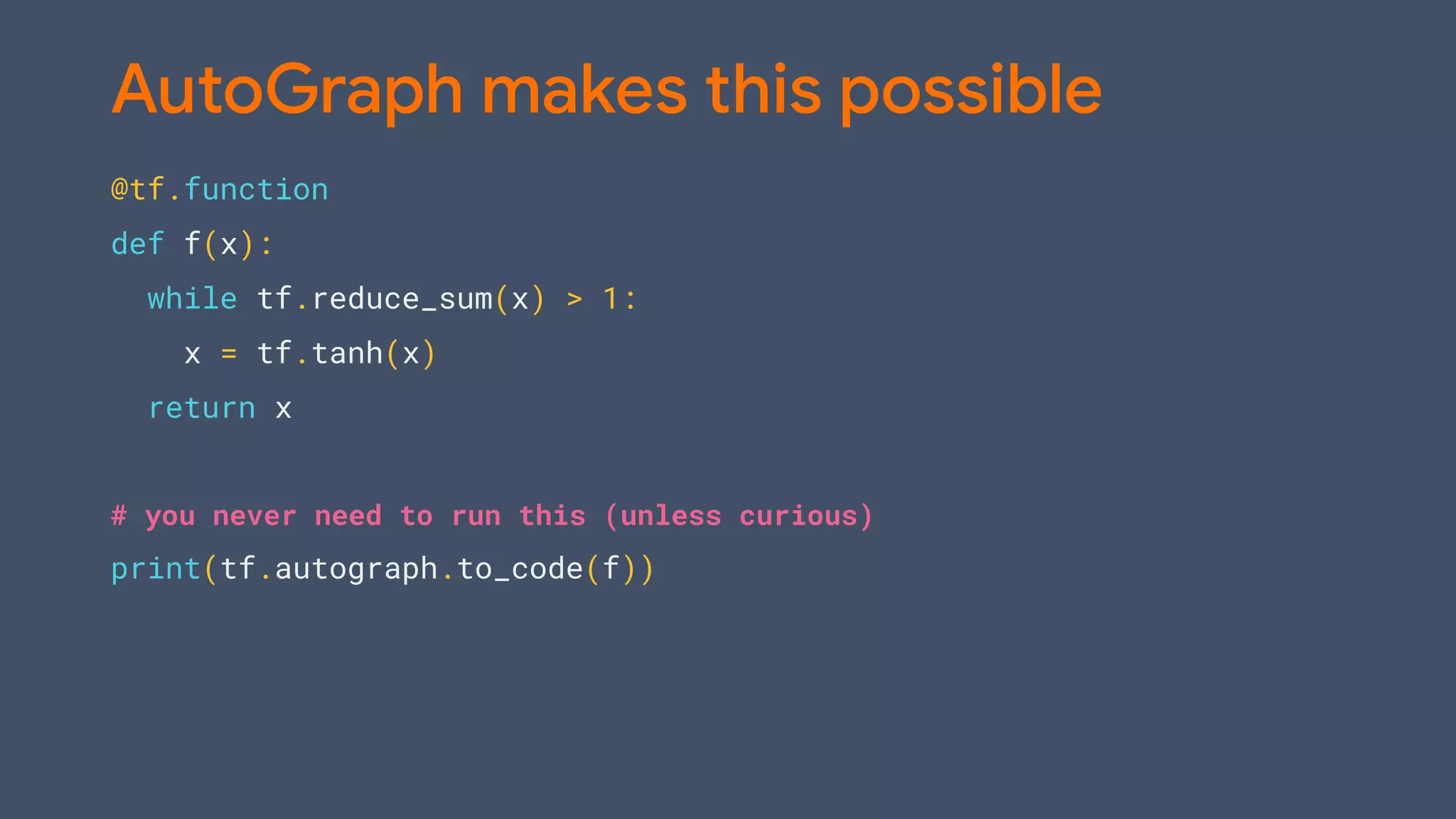
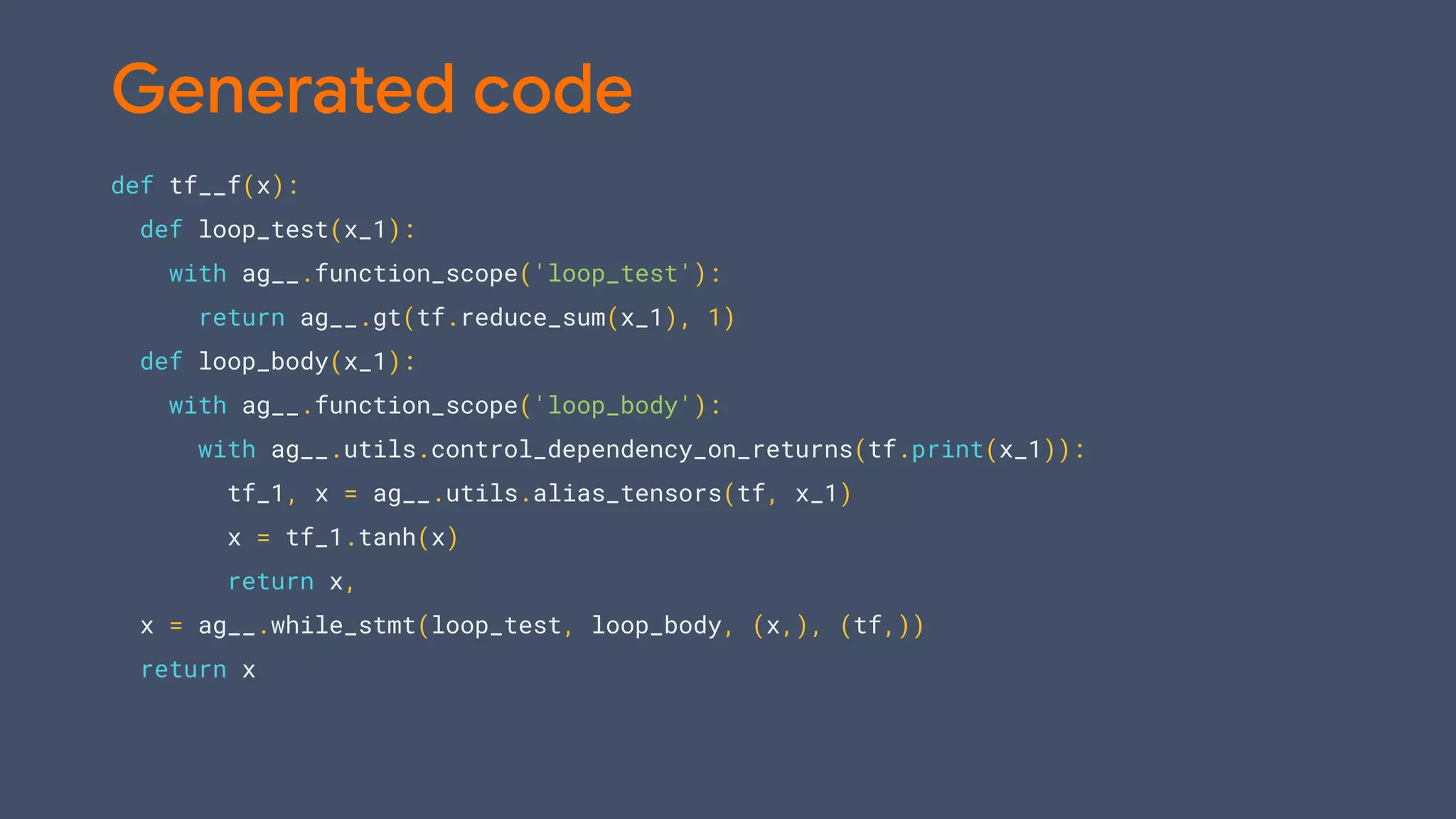

![model = tf.keras.models.Sequential([
tf.keras.layers.Dense(64, input_shape=[10]),
tf.keras.layers.Dense(64, activation='relu'),
tf.keras.layers.Dense(10, activation='softmax')])
model.compile(optimizer='adam',
loss='categorical_crossentropy',
metrics=['accuracy'])
Going big: tf.distribute.Strategy](https://image.slidesharecdn.com/bradmiro-191029235720/75/Introduction-to-TensorFlow-2-0-59-2048.jpg)
![strategy = tf.distribute.MirroredStrategy()
with strategy.scope():
model = tf.keras.models.Sequential([
tf.keras.layers.Dense(64, input_shape=[10]),
tf.keras.layers.Dense(64, activation='relu'),
tf.keras.layers.Dense(10, activation='softmax')])
model.compile(optimizer='adam',
loss='categorical_crossentropy',
metrics=['accuracy'])
Going big: Multi-GPU](https://image.slidesharecdn.com/bradmiro-191029235720/75/Introduction-to-TensorFlow-2-0-60-2048.jpg)

![# Load data
import tensorflow_datasets as tfds
dataset = tfds.load(‘cats_vs_dogs', as_supervised=True)
mnist_train, mnist_test = dataset['train'], dataset['test']
def scale(image, label):
image = tf.cast(image, tf.float32)
image /= 255
return image, label
mnist_train = mnist_train.map(scale).batch(64)
mnist_test = mnist_test.map(scale).batch(64)](https://image.slidesharecdn.com/bradmiro-191029235720/75/Introduction-to-TensorFlow-2-0-62-2048.jpg)

![import tensorflow as tf
base_model = tf.keras.applications.SequentialMobileNetV2(
input_shape=(160, 160, 3),
include_top=False,
weights=’imagenet’)
base_model.trainable = False
model = tf.keras.models.Sequential([
base_model,
tf.keras.layers.GlobalAveragePooling2D(),
tf.keras.layers.Dense(1)
])
# Compile and fit
Transfer Learning](https://image.slidesharecdn.com/bradmiro-191029235720/75/Introduction-to-TensorFlow-2-0-67-2048.jpg)
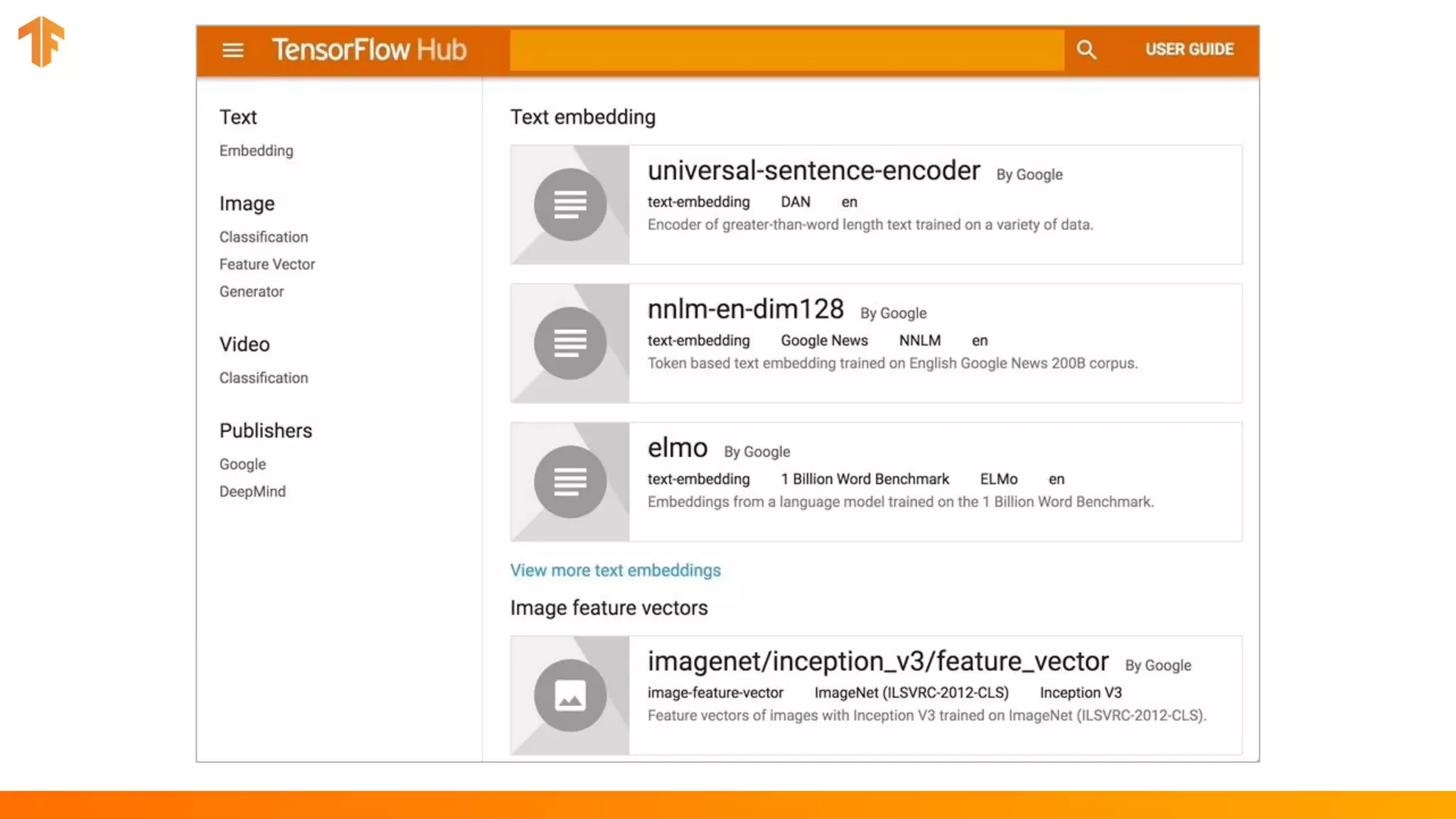

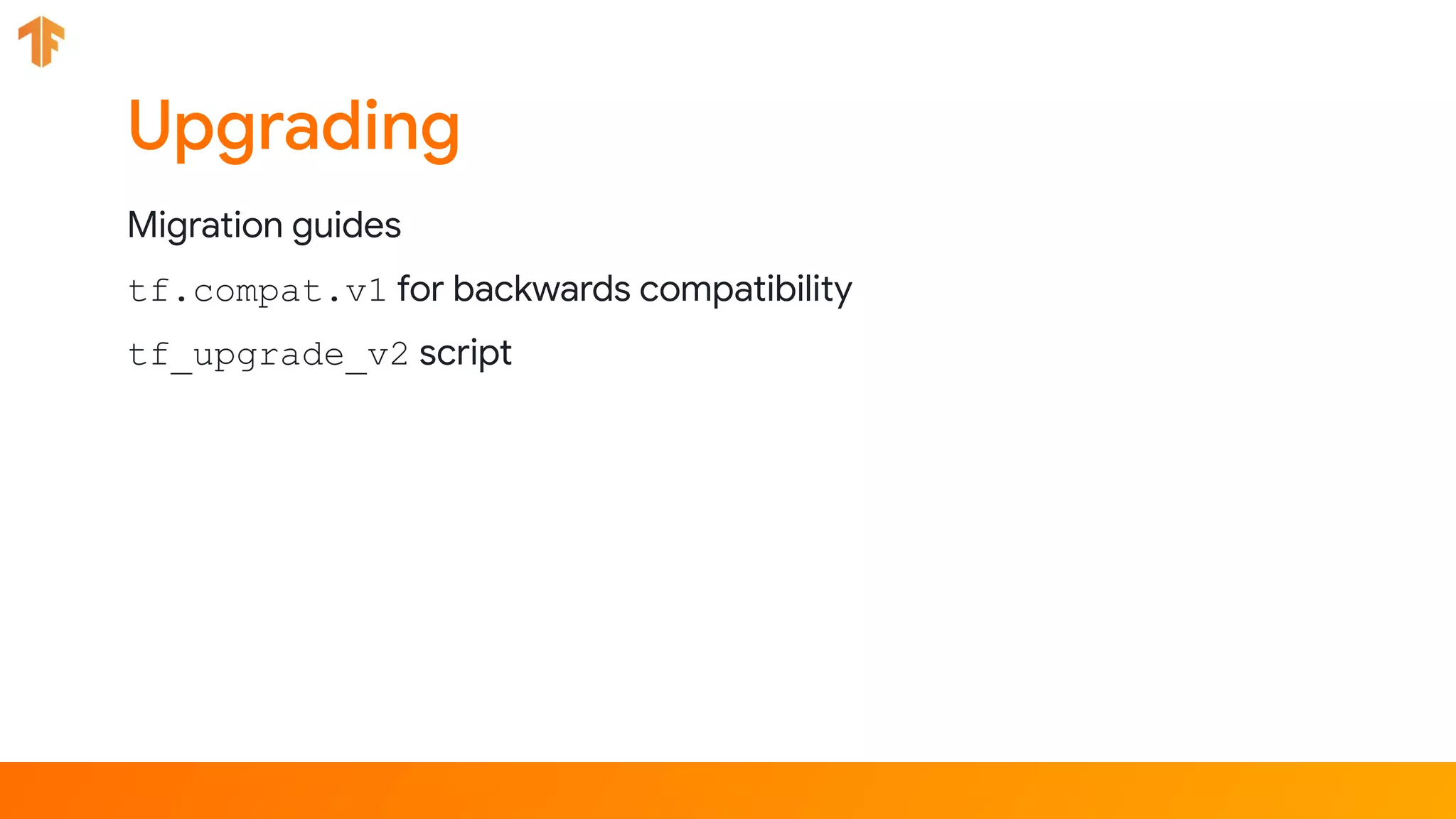
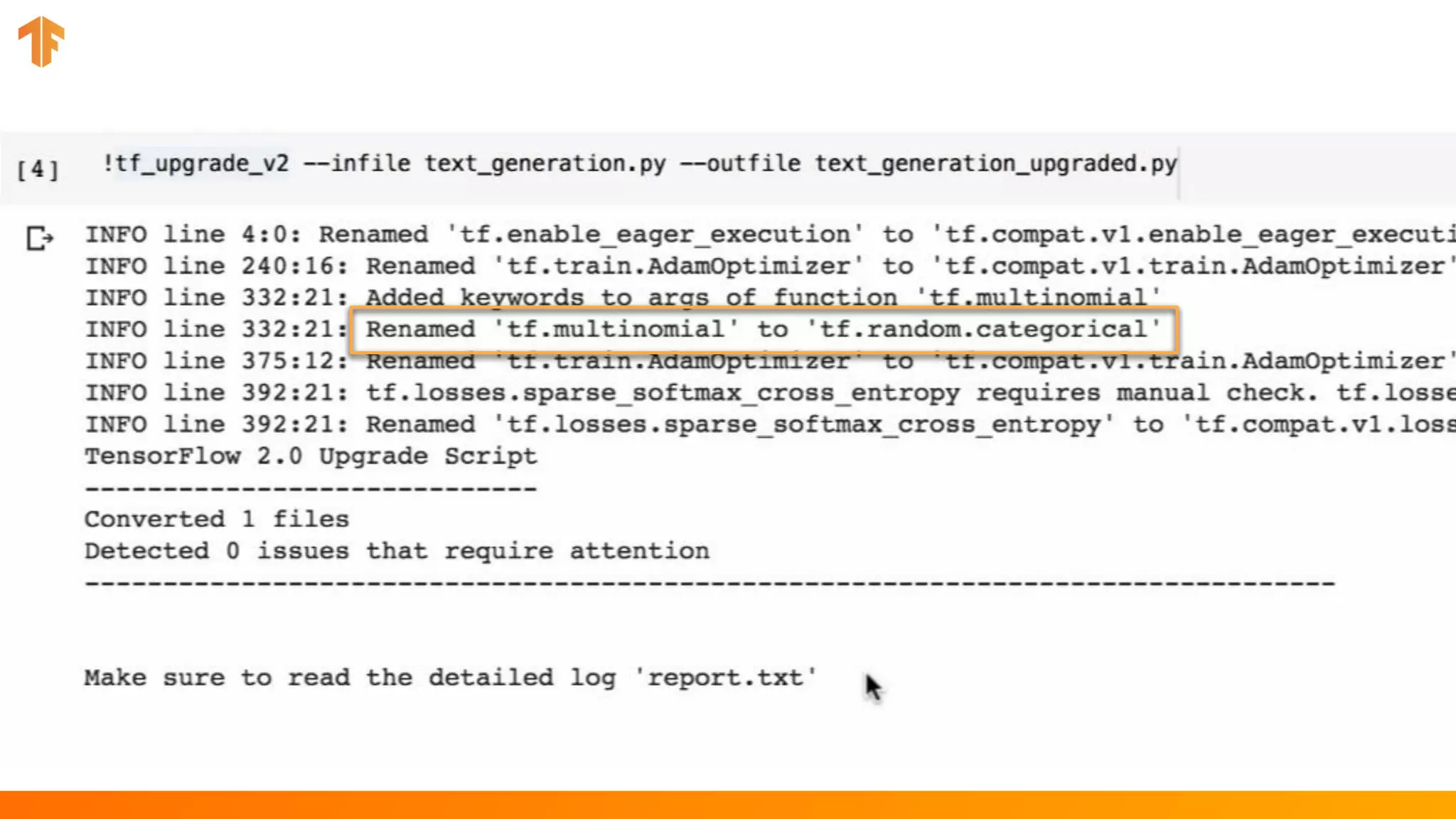







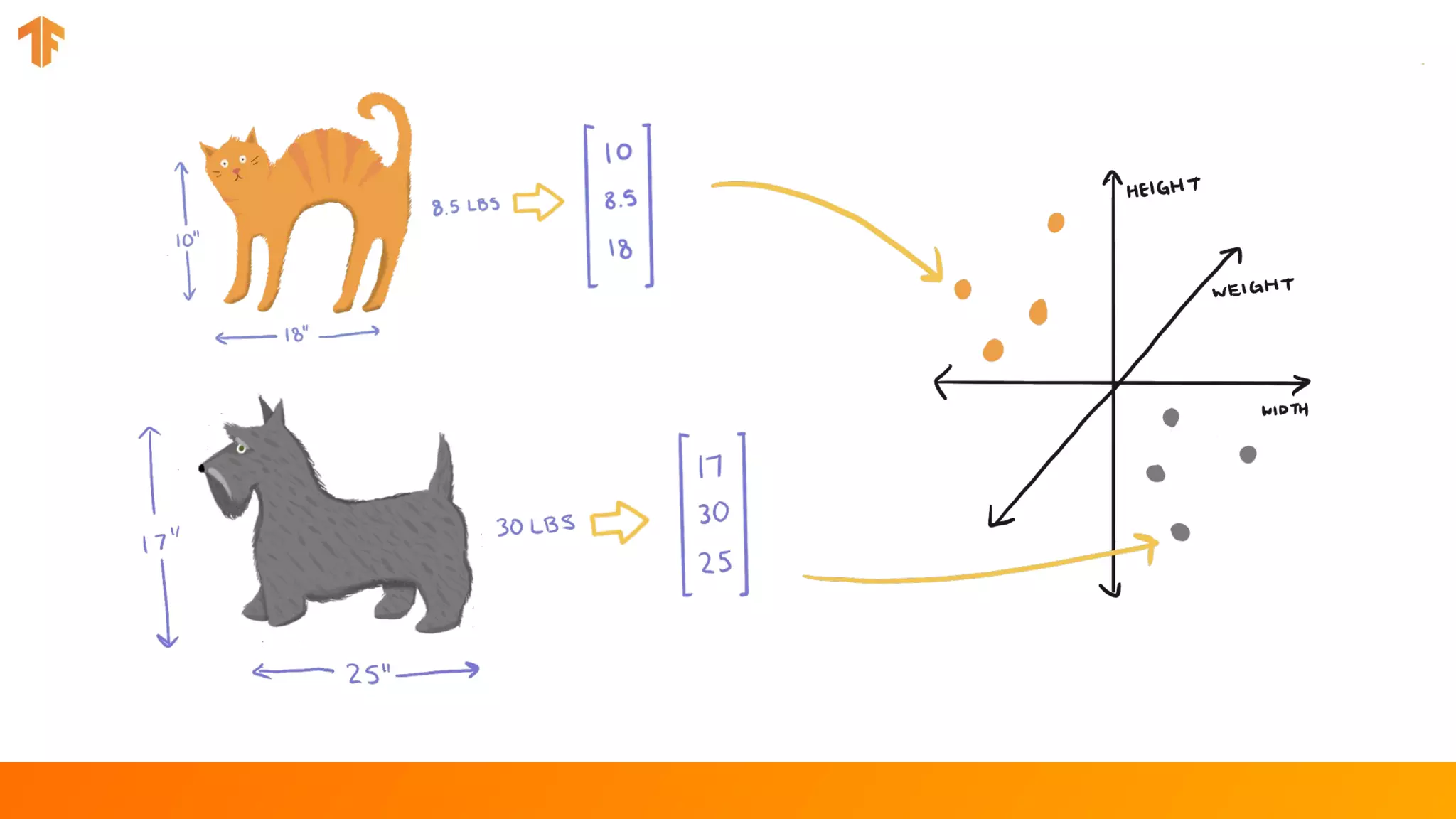
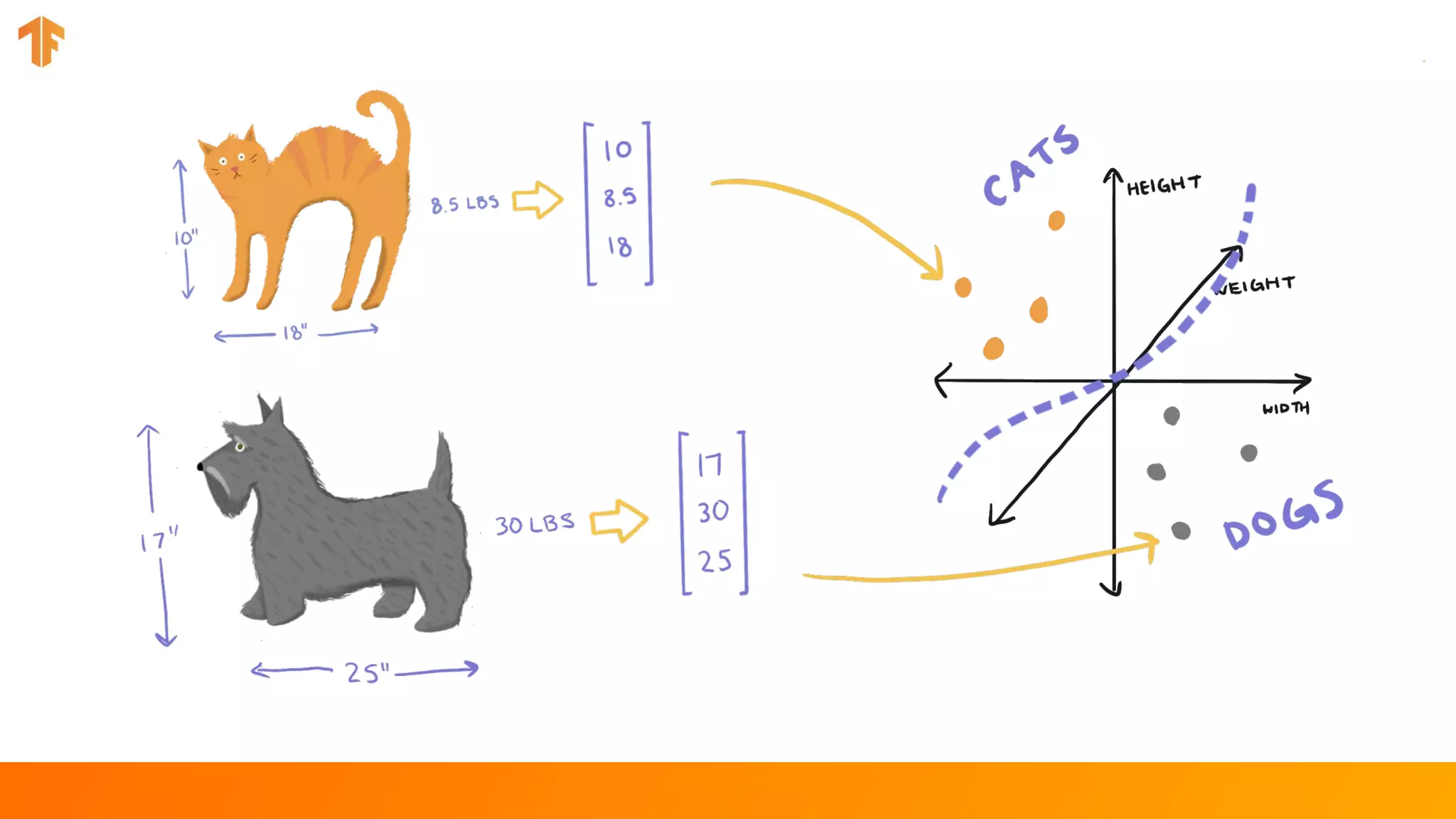
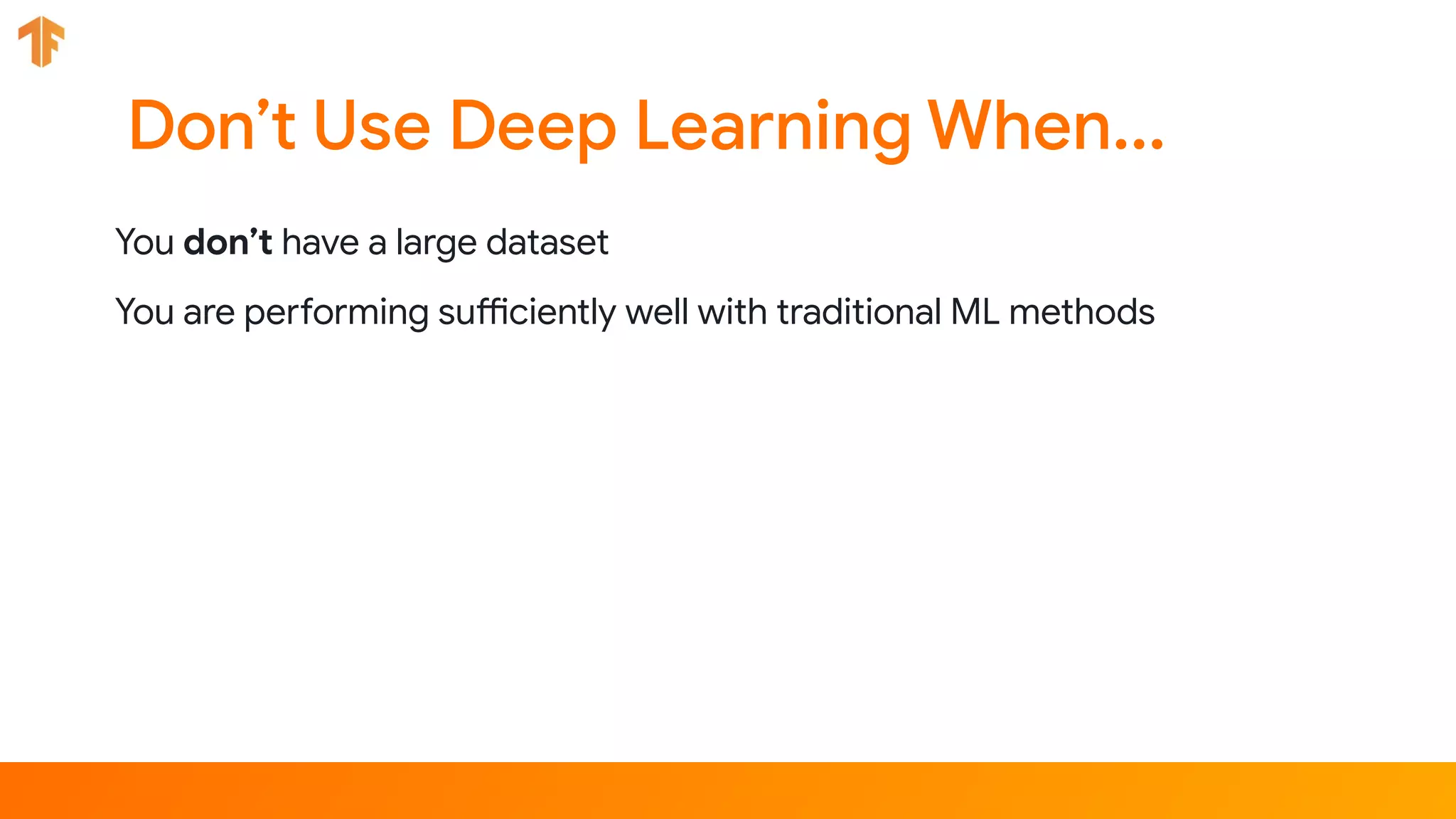
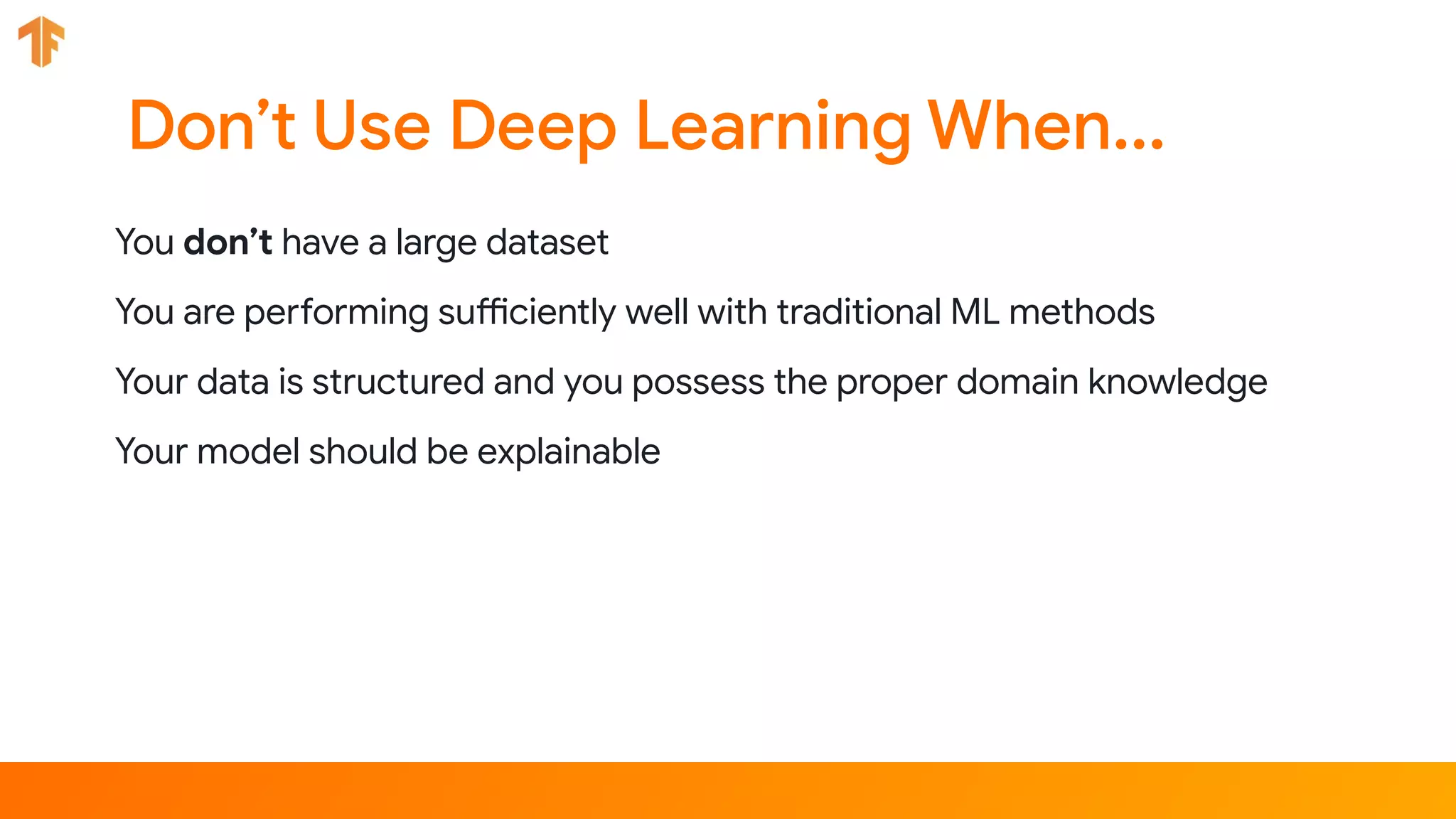
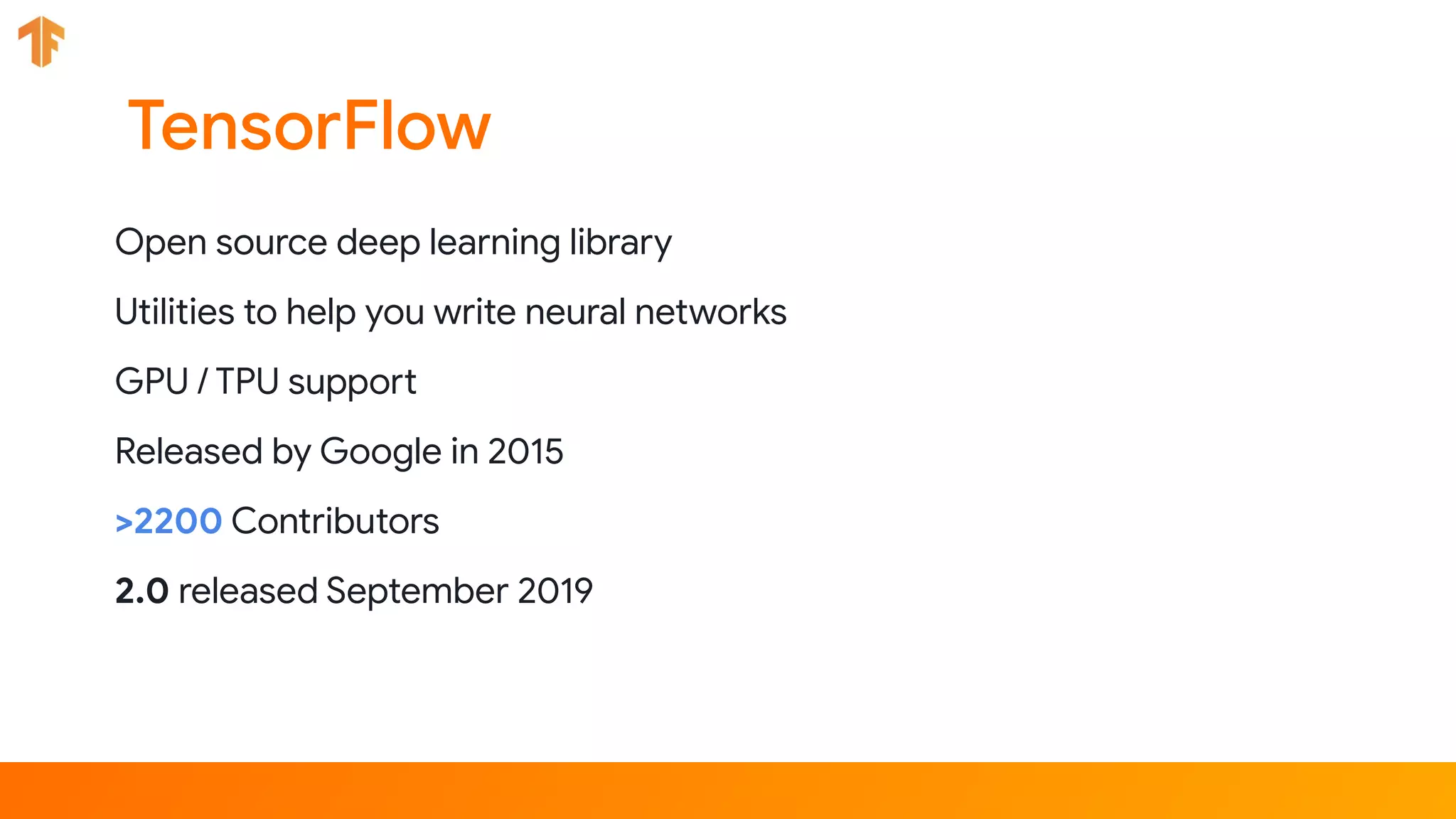
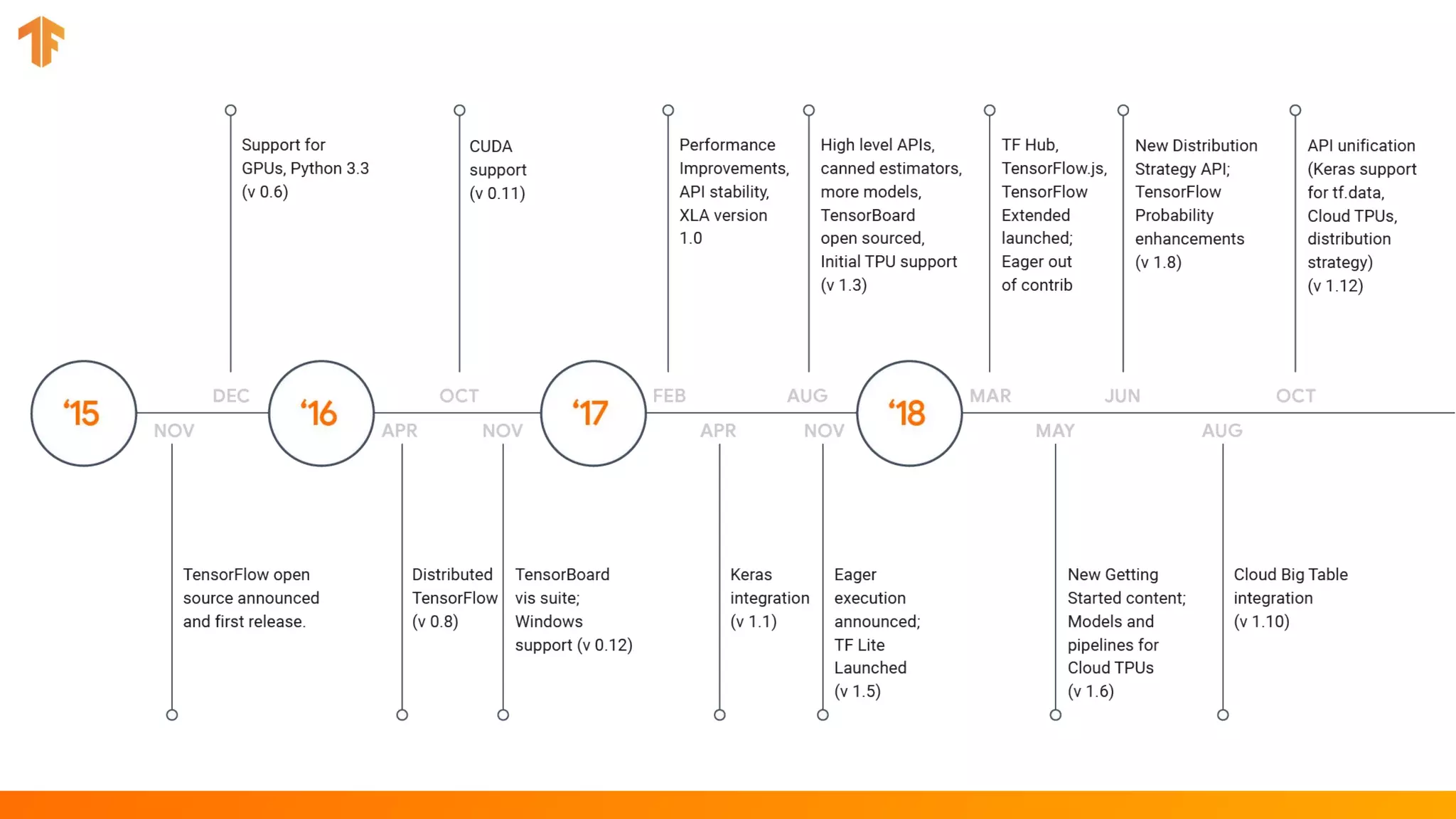
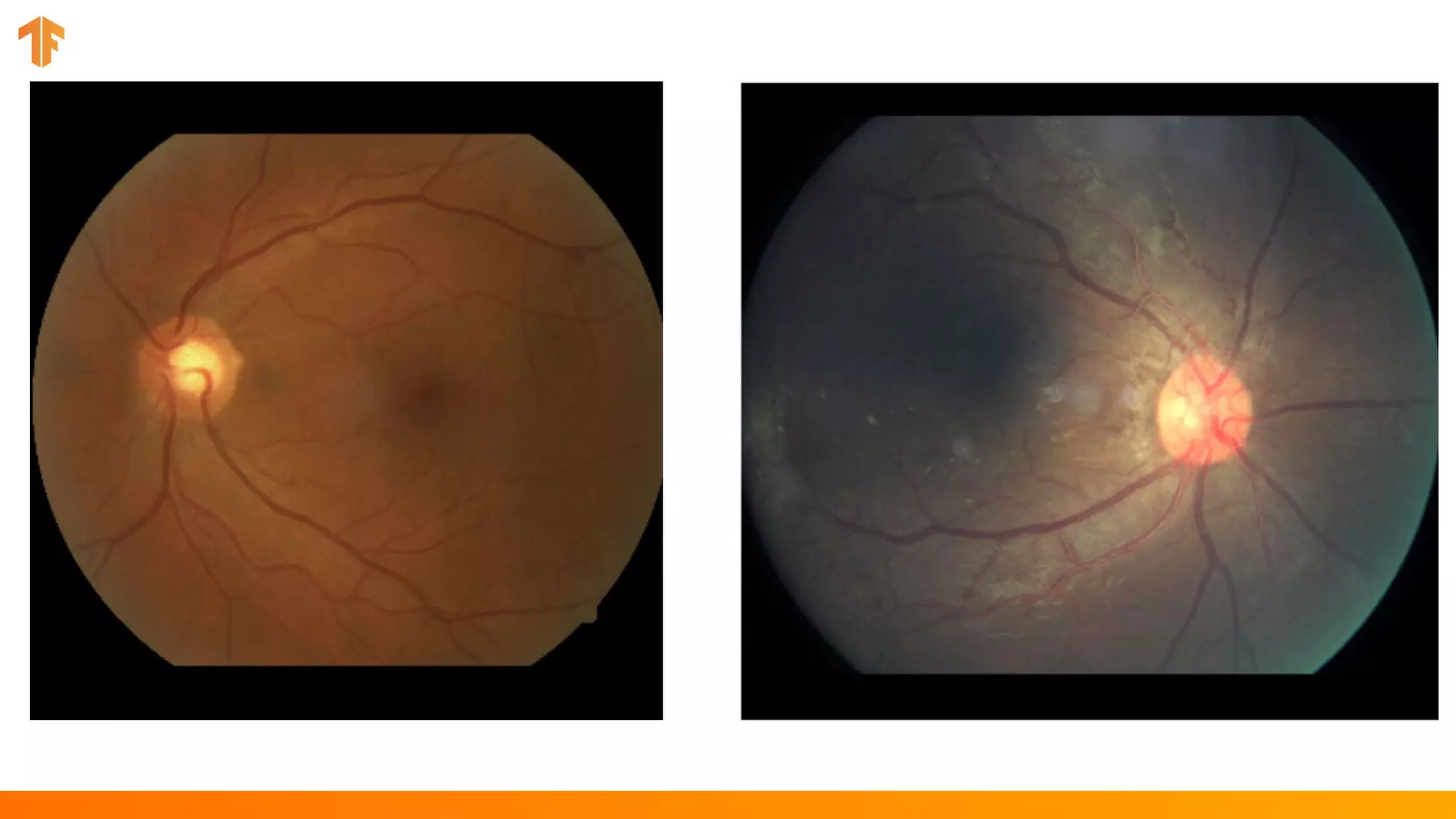
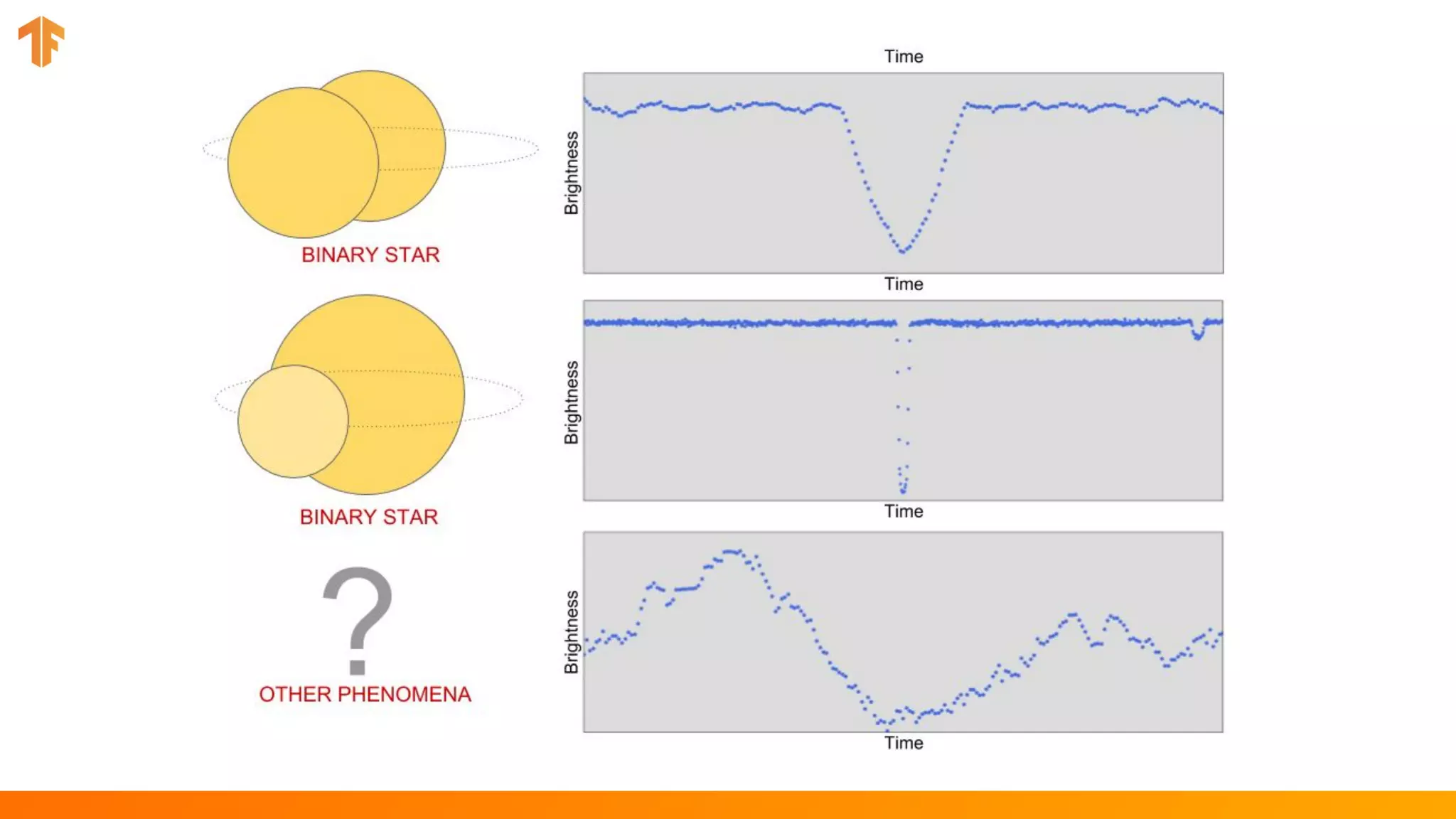
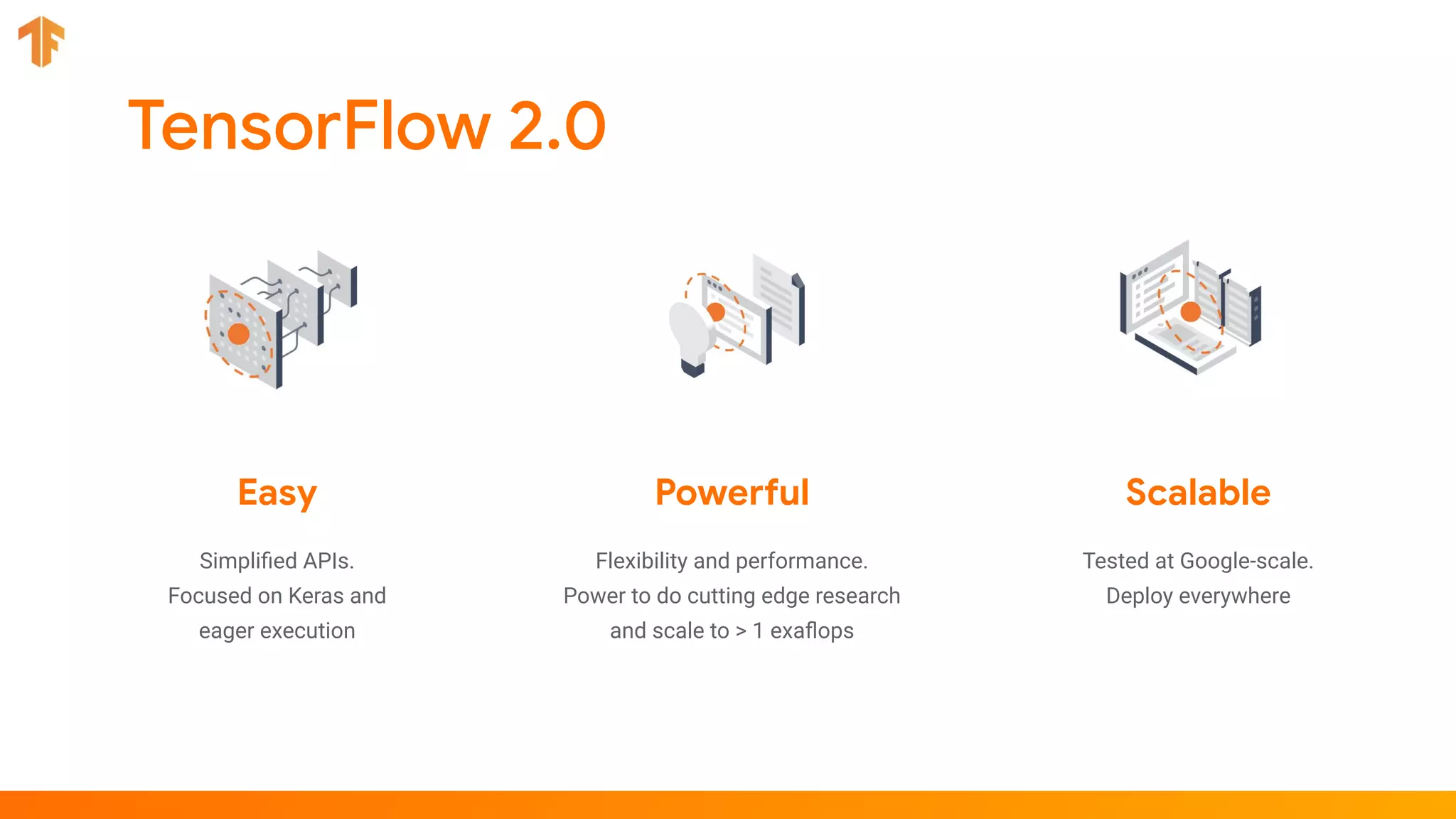
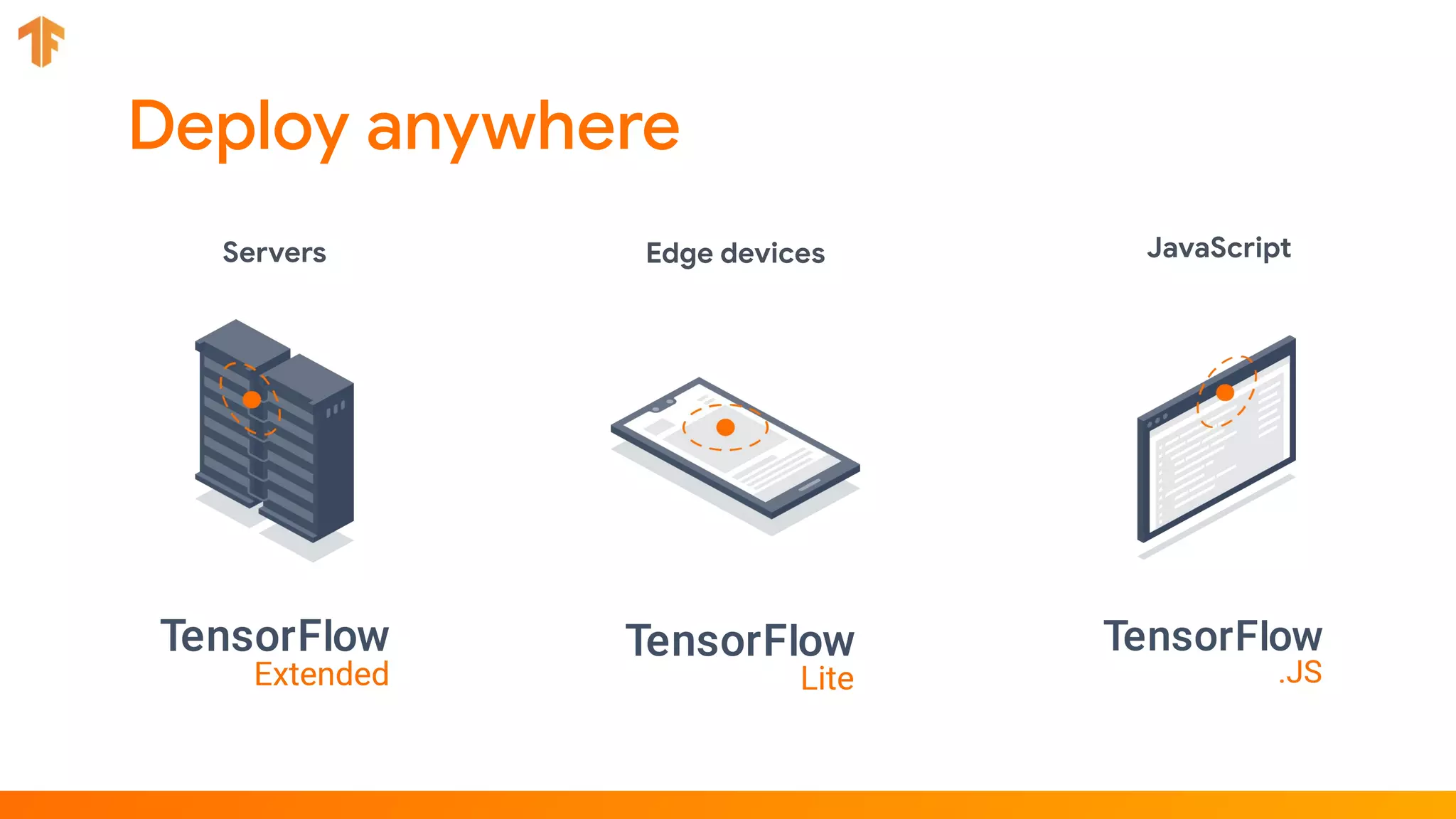
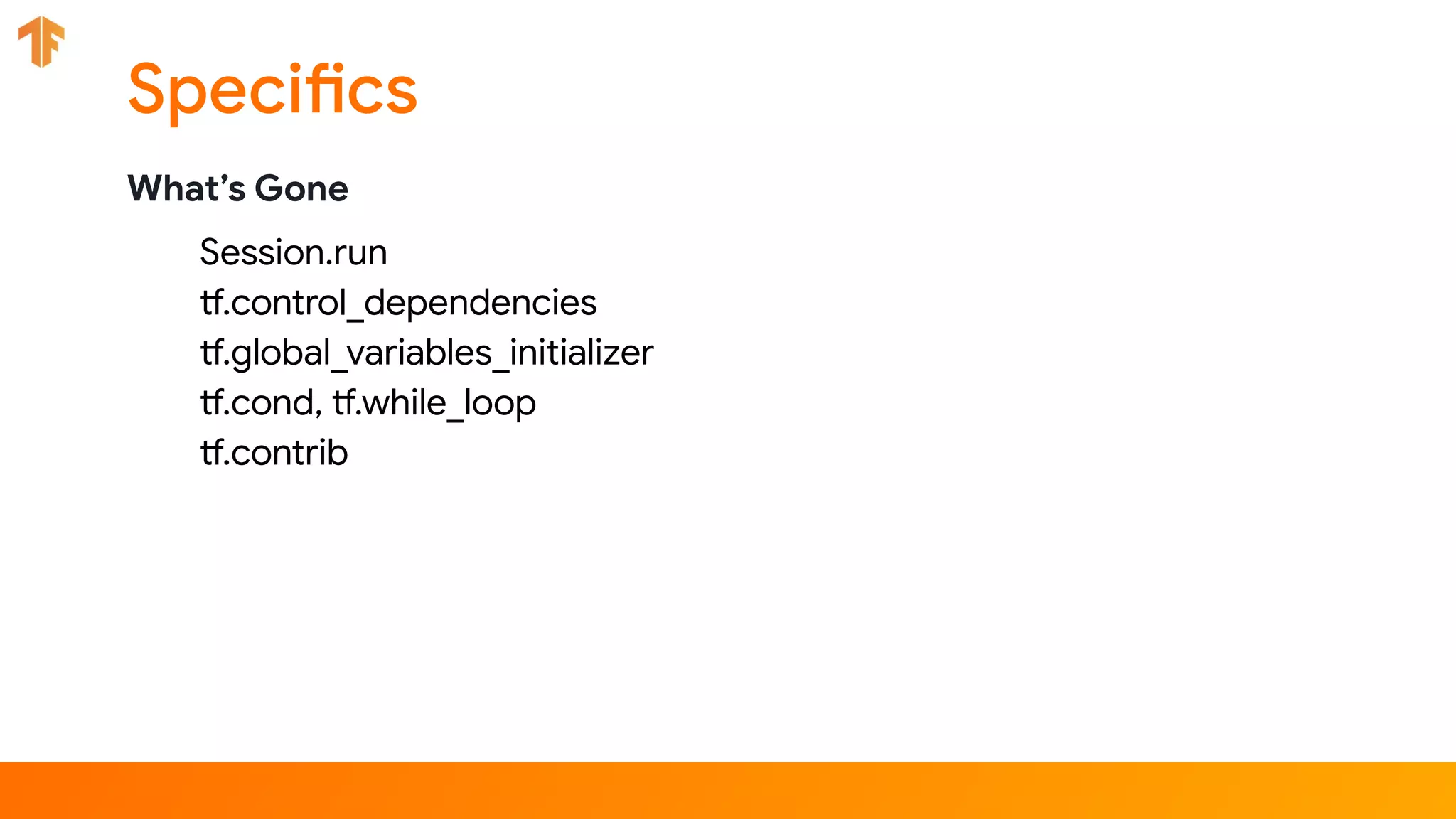
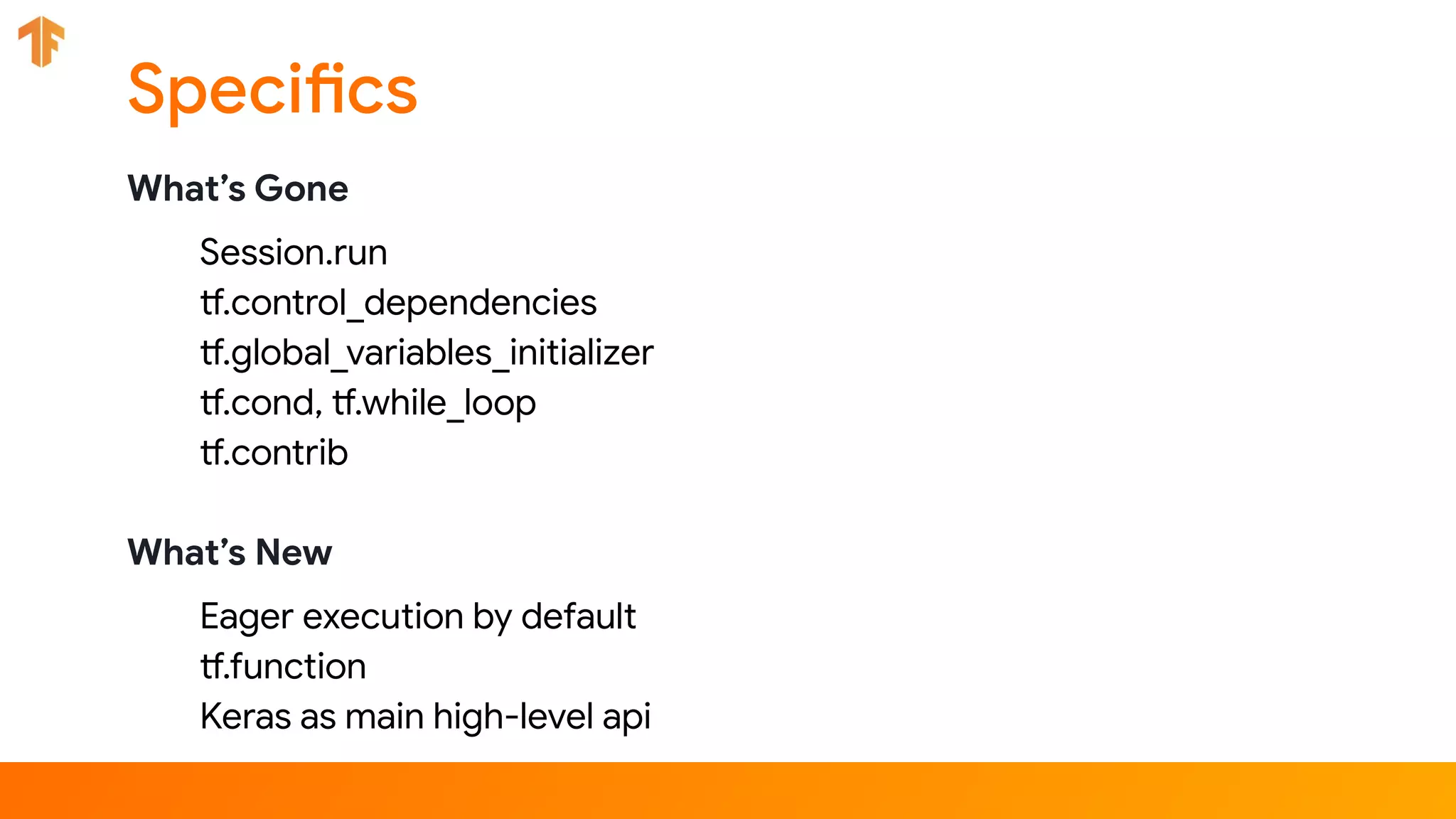
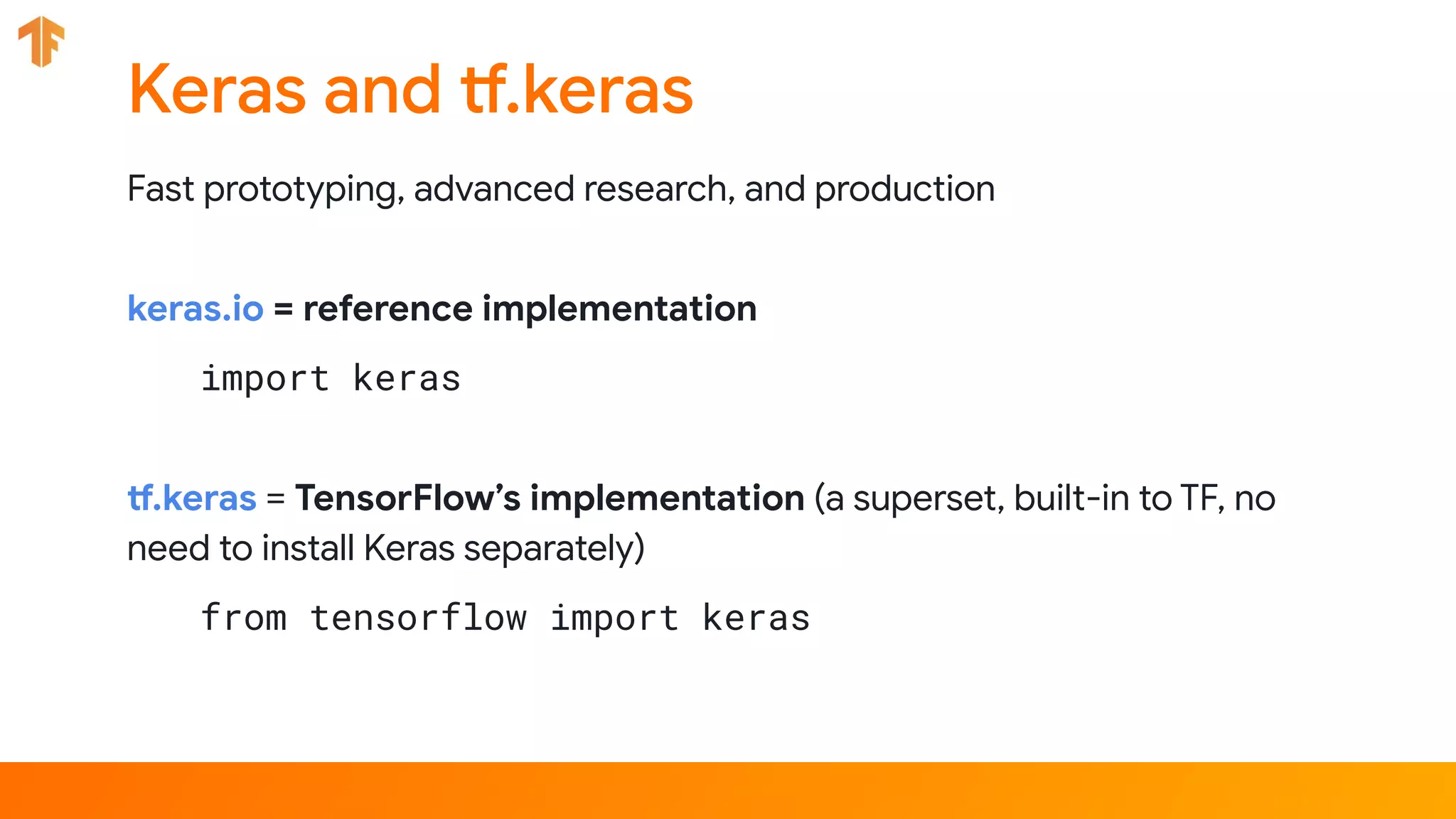
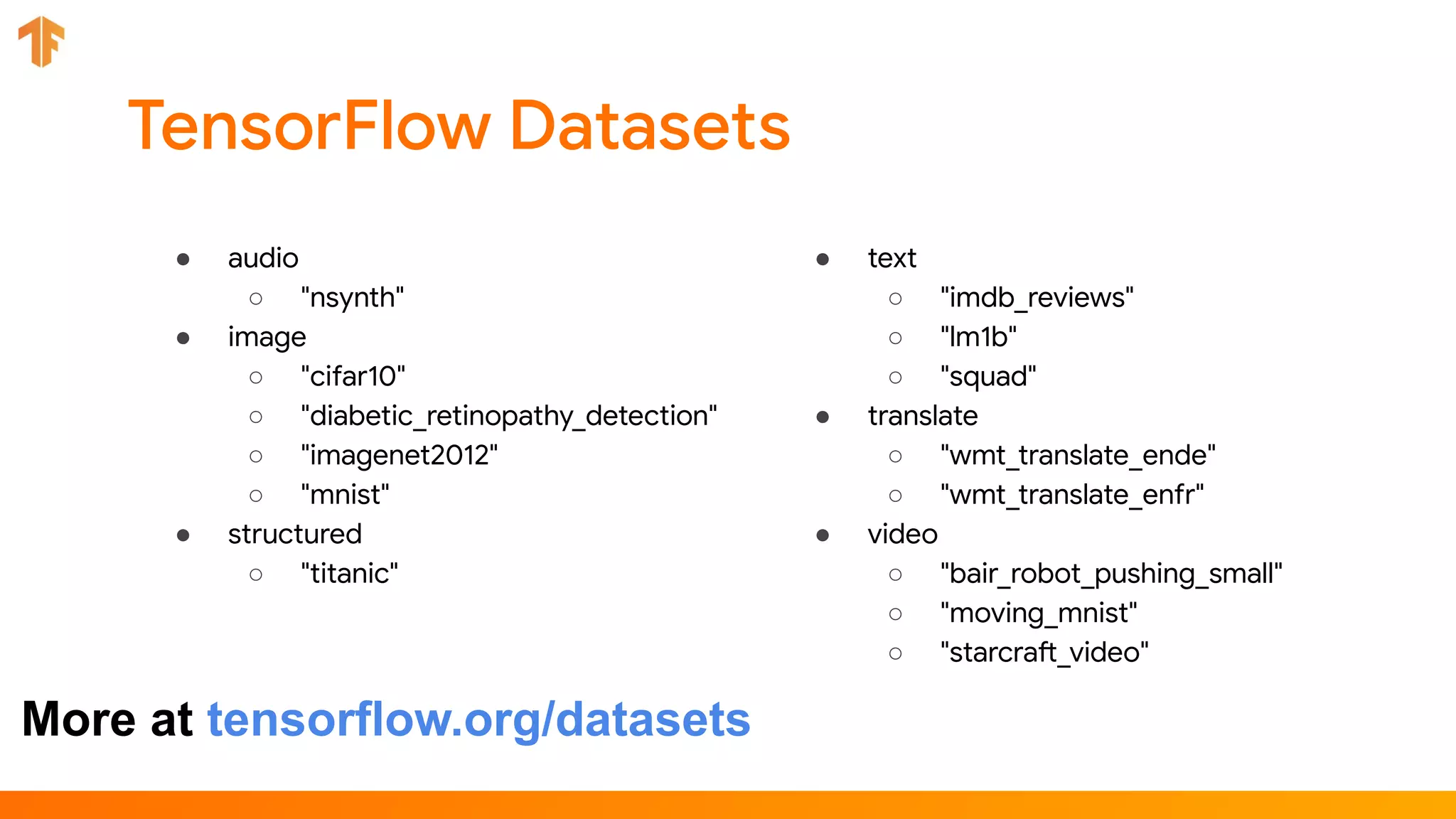
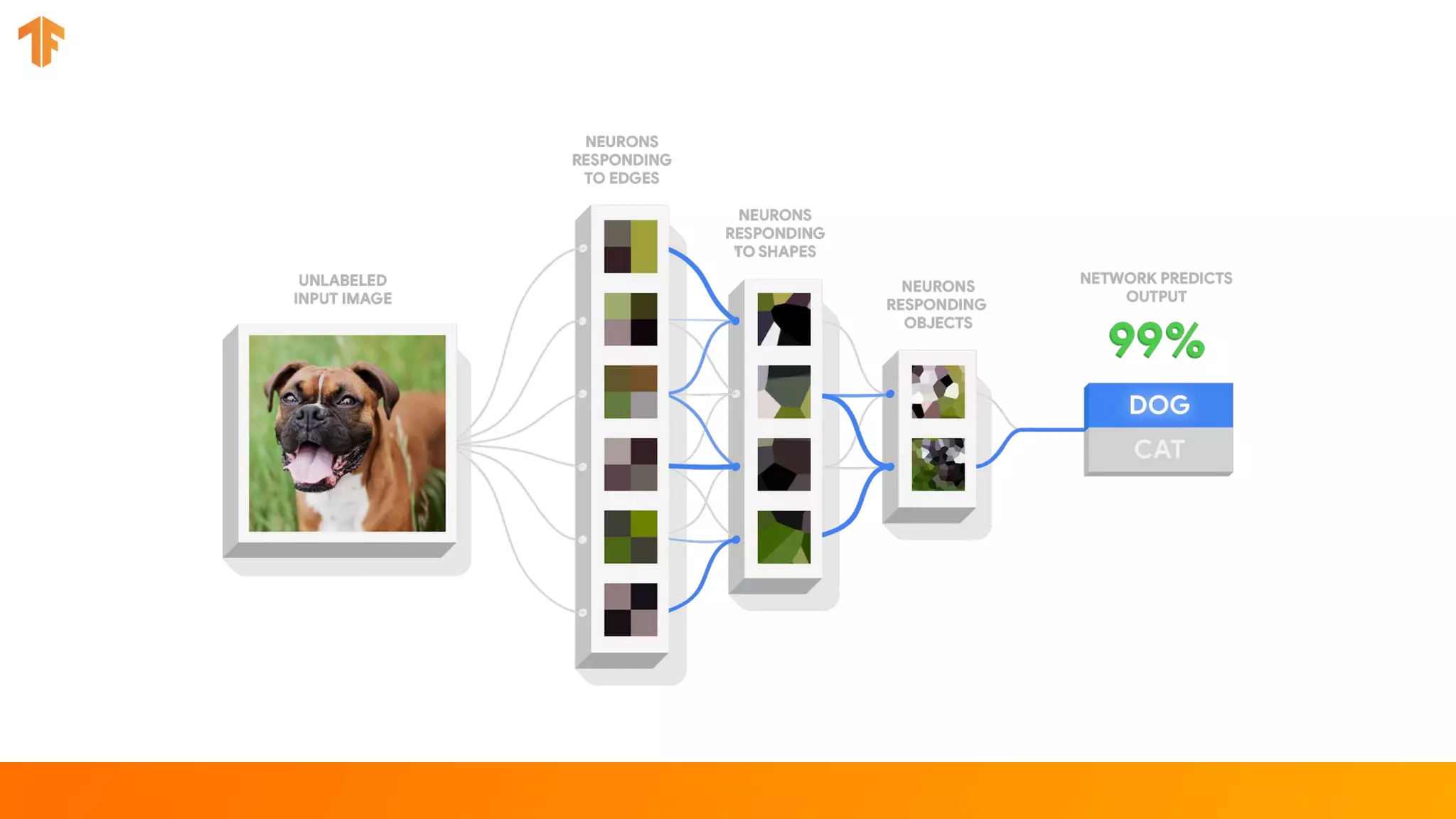
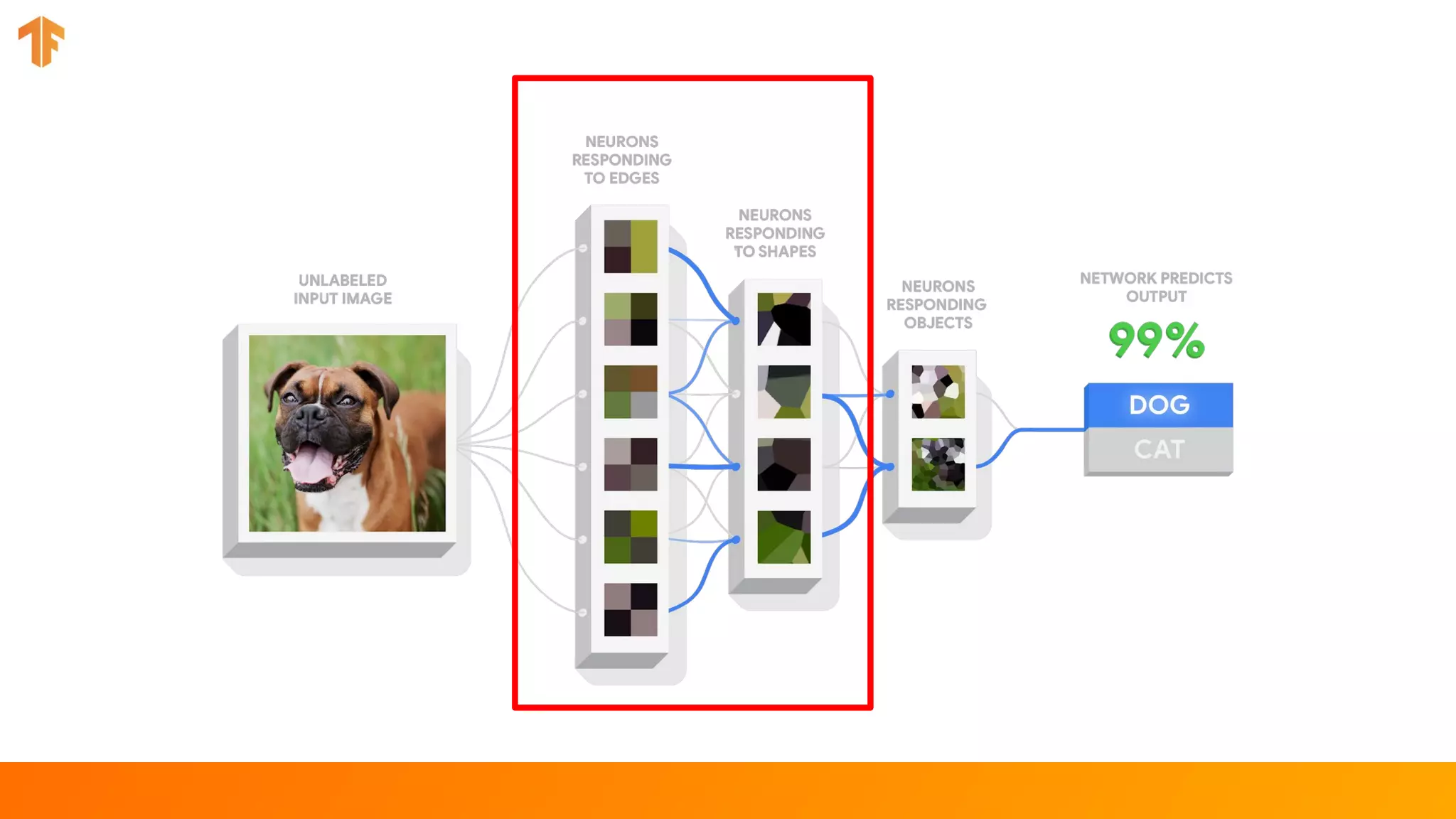
The document provides an introduction to TensorFlow 2.0, highlighting its features, advantages, and use cases in deep learning, especially with complex, unstructured data. It outlines the transition to eager execution as default, the incorporation of Keras as a high-level API, and changes for both beginners and experts in model building. Additionally, it covers various utilities, transfer learning, and the importance of using deep learning selectively based on data size and structuredness.


![[DSC Europe 25] Ivan Peric - Intelligence Swarm Logic and Techno-Functional M...](https://cdn.slidesharecdn.com/ss_thumbnails/7my7c97fsduiccadgavw-2-251212103249-5a03f7c6-thumbnail.jpg?width=640&height=640&fit=bounds)


![[DSC Europe 25] Jovan Bogicevic - Legacy to AI-Driven Defense: Transforming D...](https://cdn.slidesharecdn.com/ss_thumbnails/rsarluadt563hntyfc8q-3-251211083849-3e7bc4c0-thumbnail.jpg?width=640&height=640&fit=bounds)

![[DSC Europe 25] Kaja Kandare - LLM as a judge.pptx](https://cdn.slidesharecdn.com/ss_thumbnails/arxyccaxsdsd1ba99wjw-7-251212104007-2b4e3f64-thumbnail.jpg?width=640&height=640&fit=bounds)


![[DSC Europe 25] Dunja Adzic Jovanovic - AI and Cybersecurity: Defending Data ...](https://cdn.slidesharecdn.com/ss_thumbnails/o1zylpbhrtwnixxq2xj8-7-251211083048-185086f6-thumbnail.jpg?width=640&height=640&fit=bounds)
![[DSC Europe 25] Miodrag Pesovic & Vladislav Radonjic - Federated Data Archite...](https://cdn.slidesharecdn.com/ss_thumbnails/gsbe3y5it5uhndi4e08e-1-251212103249-f1008e0c-thumbnail.jpg?width=640&height=640&fit=bounds)
![[DSC Europe 25] Jon Dajci - Bridging TradFi and DeFi: Building the Future of ...](https://cdn.slidesharecdn.com/ss_thumbnails/fqmhfvlbqhkihjvqvhmu-7-251211083849-6af7e325-thumbnail.jpg?width=640&height=640&fit=bounds)
![[DSC Europe 25] Dusan Nesic - Securing Tomorrow’s Infrastructure: Why Cyber-P...](https://cdn.slidesharecdn.com/ss_thumbnails/qikbszfftyowjm2q6duw-1-251211083848-8f2ead6b-thumbnail.jpg?width=640&height=640&fit=bounds)
