Introduction to Puppet
Scripting


Shawn S. Smiley
Lead Architect
Achieve Internet
shawn.smiley@achieveinternet.com
What is puppet?

                  “Puppet is IT automation software
                  that helps system administrators
                  manage infrastructure throughout its
                  lifecycle, from provisioning and
                  configuration to patch management
                  and compliance.”


Source: www.puppetlabs.com/puppet/what-is-puppet
What does that mean?

                                       • You can setup a new server in
                                         minutes vs. hours!
                                       • You can be sure your server
                                         configurations are consistent.
                                       • You can easily deploy
                                         configuration changes to
                                         multiple servers.


Image Source: http://www.forbes.com/sites/kenkrogue/2012/09/07/the-most-important-interview-question-never-asked/
Quick Demo


Image source: http://gyaniji.blogspot.com/2011/12/demo-of-ad-posting-job.html
What happened?

• Puppet analyzed the scripts to build a picture of what the
  server should look like.
• Puppet then compared that to what the server actually
  looks like.
• It then generates and executes scripts to make the server
  configuration match that in the puppet scripts.
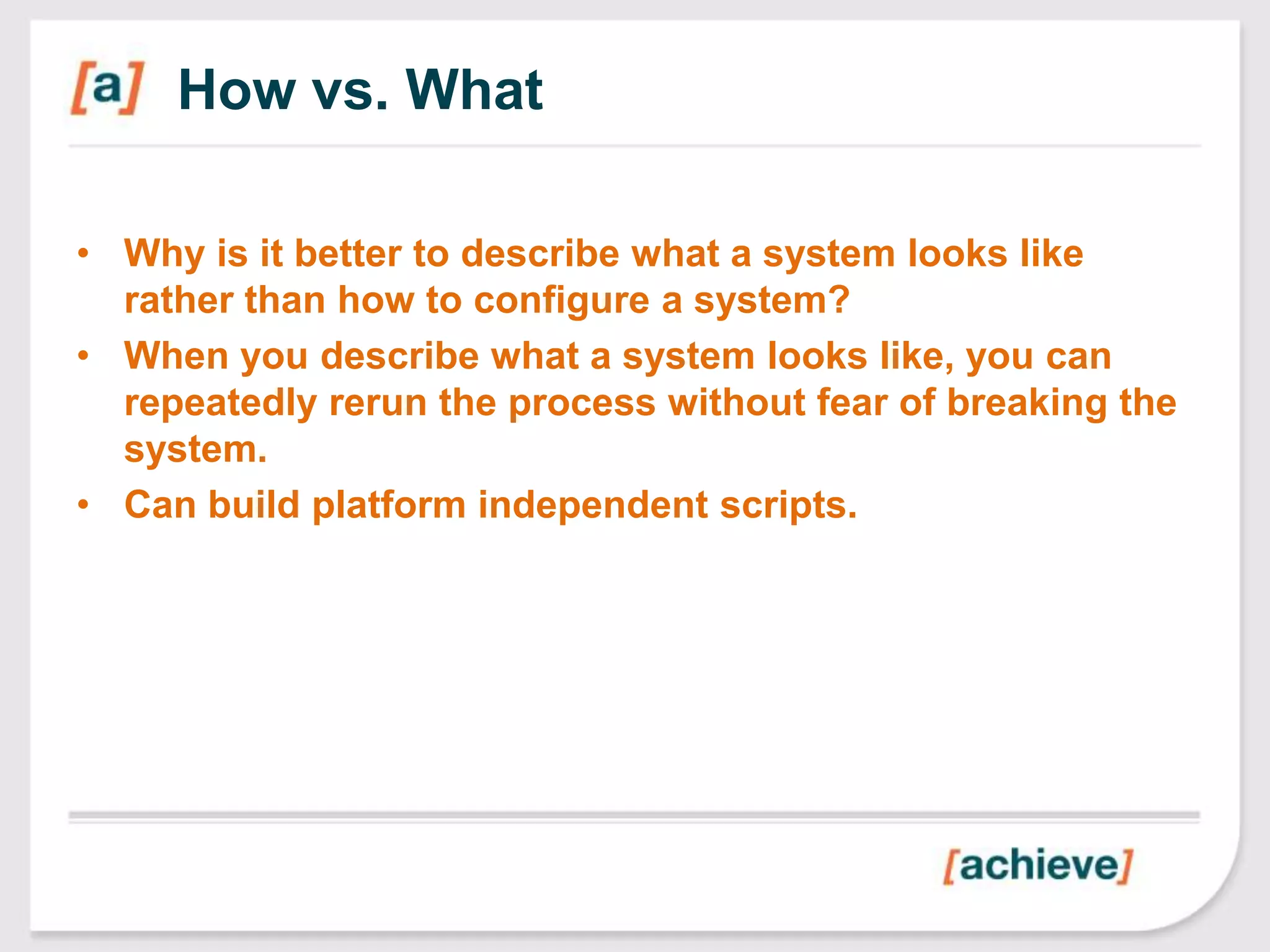
How vs. What

• Why is it better to describe what a system looks like
  rather than how to configure a system?
• When you describe what a system looks like, you can
  repeatedly rerun the process without fear of breaking the
  system.
• Can build platform independent scripts.
What are the pieces?

•   Puppet Software
•   Module Library
•   Node configuration file
•   [optional] Puppet Master
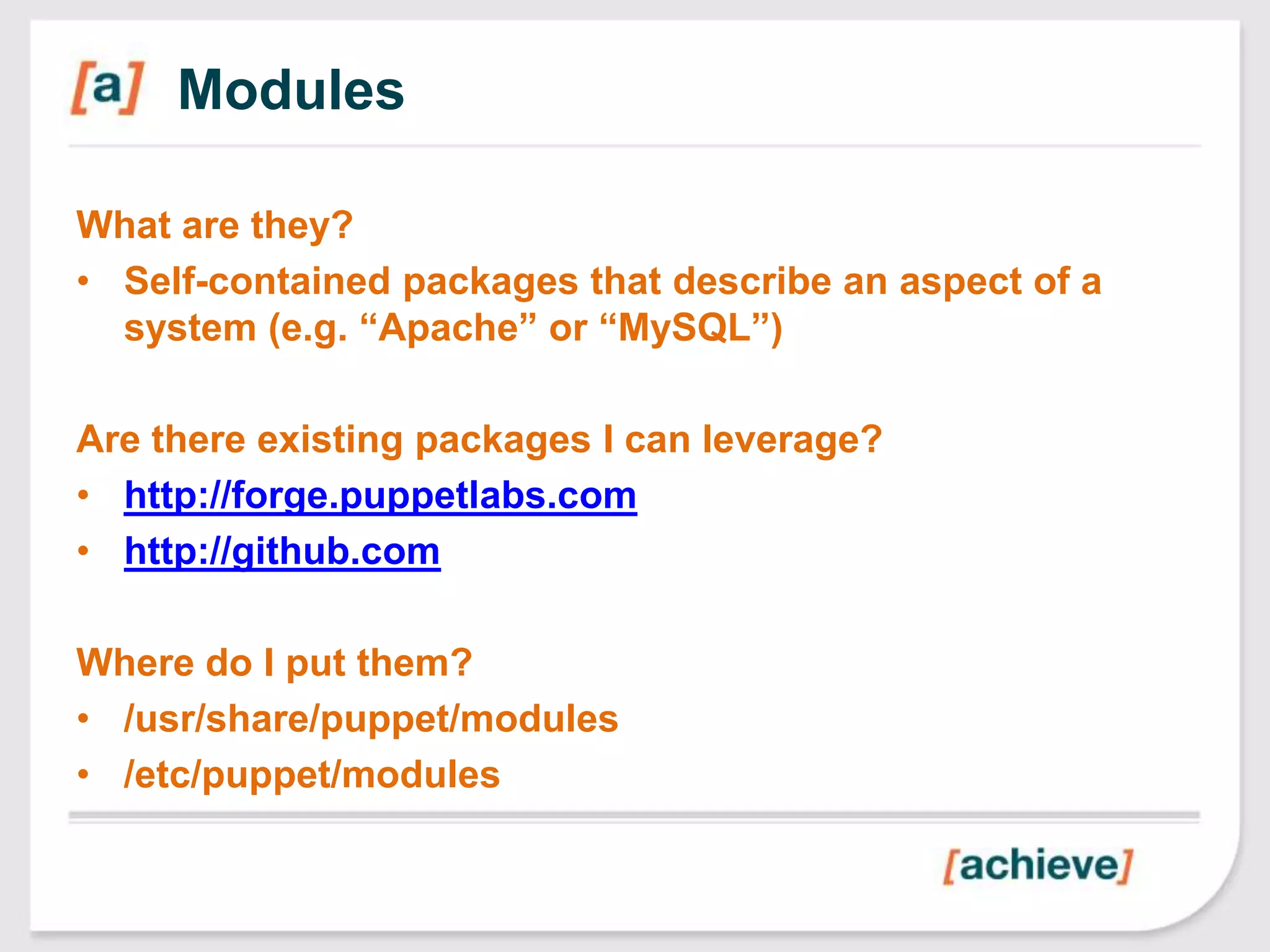
Modules

What are they?
• Self-contained packages that describe an aspect of a
  system (e.g. “Apache” or “MySQL”)

Are there existing packages I can leverage?
• http://forge.puppetlabs.com
• http://github.com

Where do I put them?
• /usr/share/puppet/modules
• /etc/puppet/modules
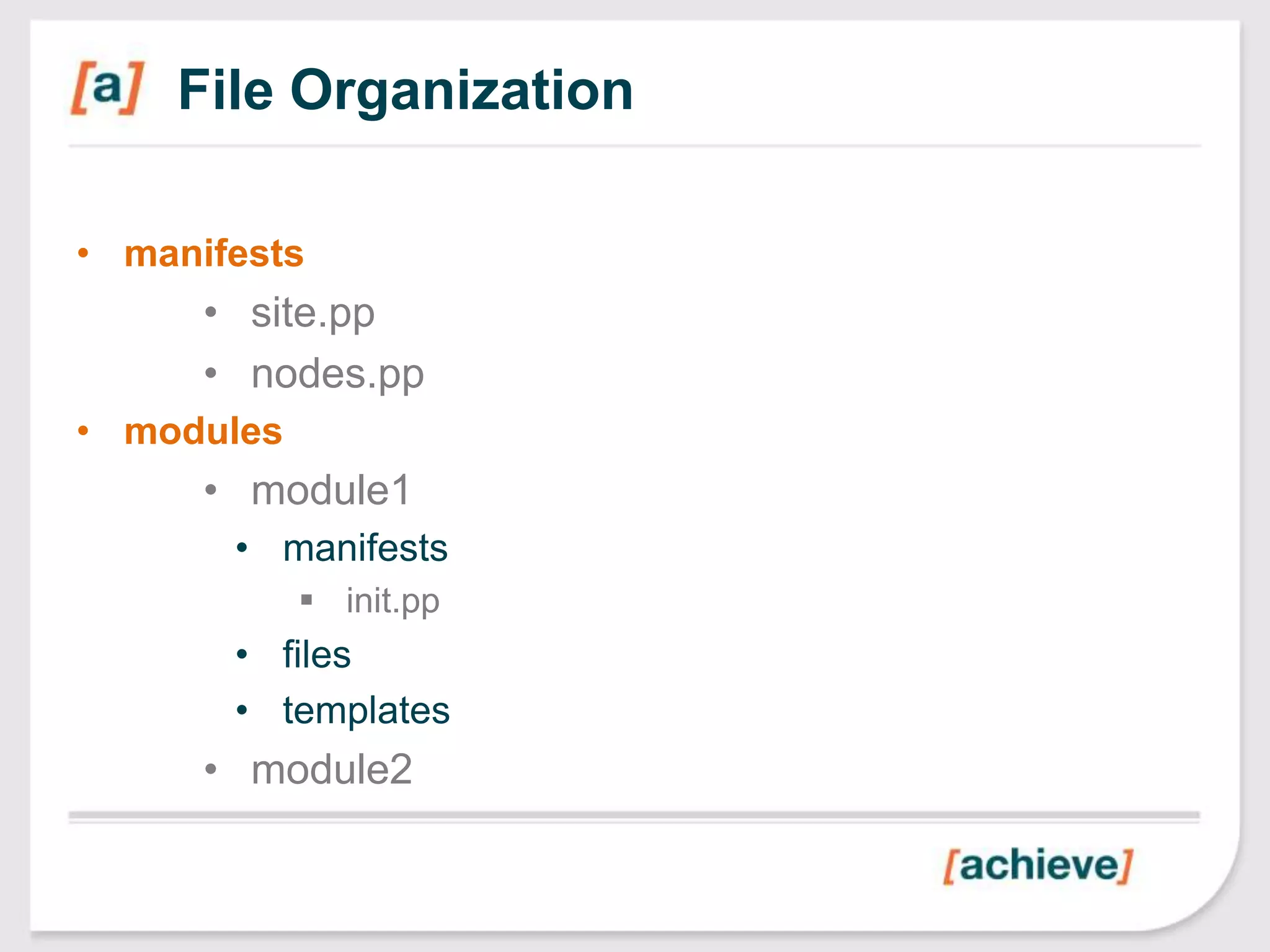
File Organization

• manifests
      • site.pp
      • nodes.pp
• modules
      • module1
       • manifests
             init.pp
       • files
       • templates
      • module2
Demo: Folder Structure


Image source: http://gyaniji.blogspot.com/2011/12/demo-of-ad-posting-job.html
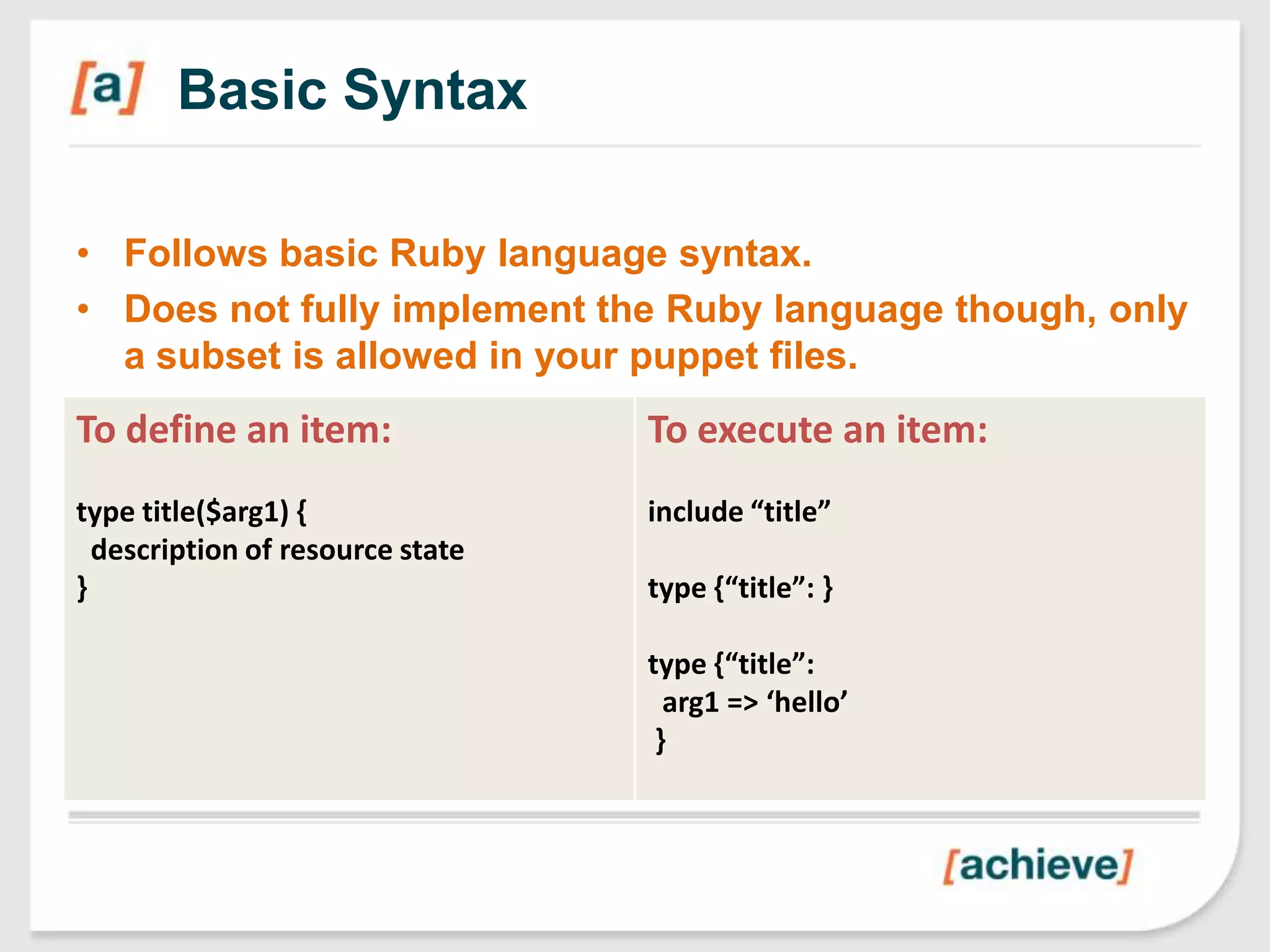
Basic Syntax

• Follows basic Ruby language syntax.
• Does not fully implement the Ruby language though, only
  a subset is allowed in your puppet files.
To define an item:                To execute an item:
type title($arg1) {               include “title”
  description of resource state
}                                 type {“title”: }

                                  type {“title”:
                                    arg1 => ‘hello’
                                   }
Demo: Simple script


Image source: http://gyaniji.blogspot.com/2011/12/demo-of-ad-posting-job.html
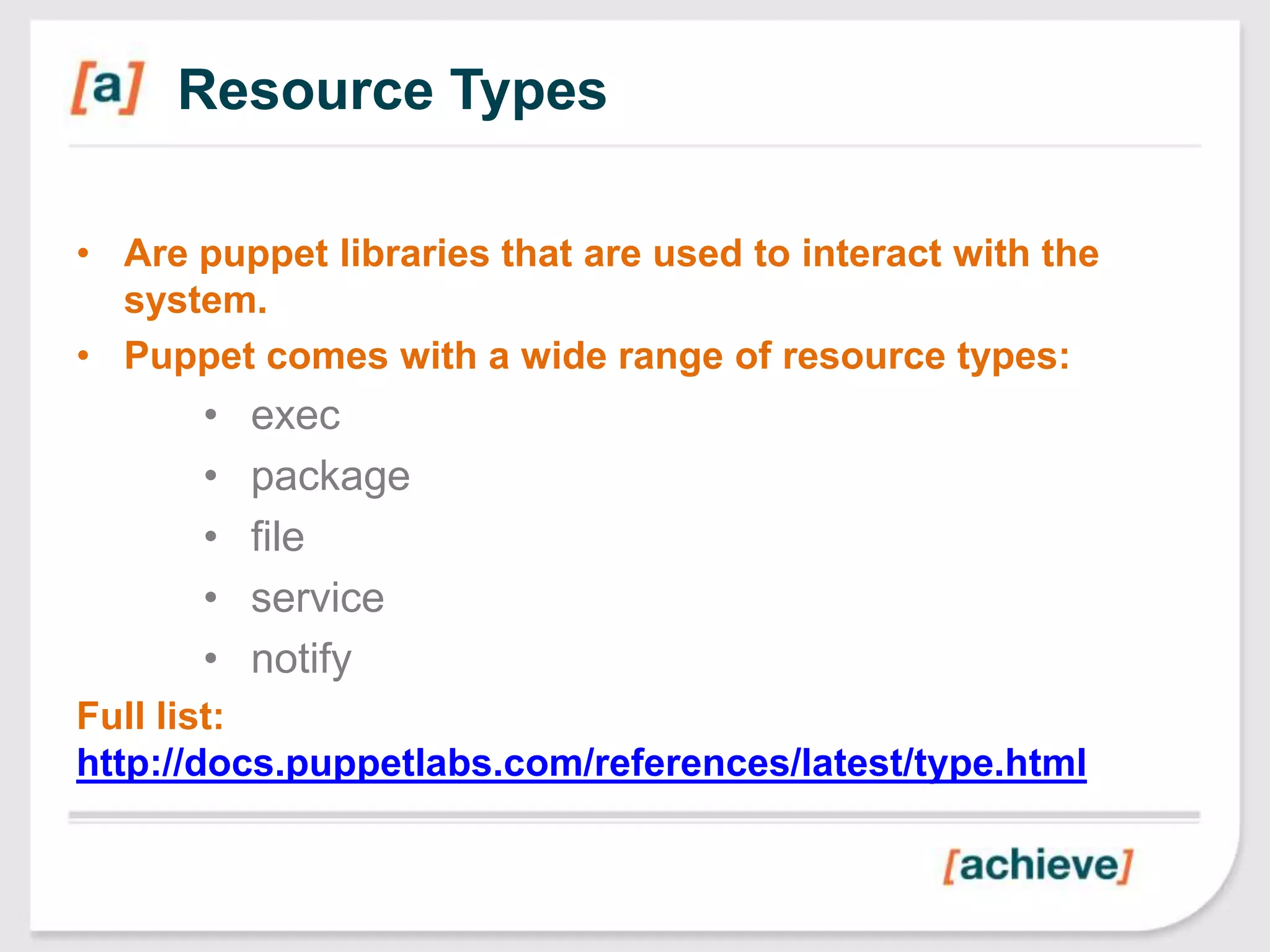
Resource Types

• Are puppet libraries that are used to interact with the
  system.
• Puppet comes with a wide range of resource types:
       •   exec
       •   package
       •   file
       •   service
       •   notify
Full list:
http://docs.puppetlabs.com/references/latest/type.html
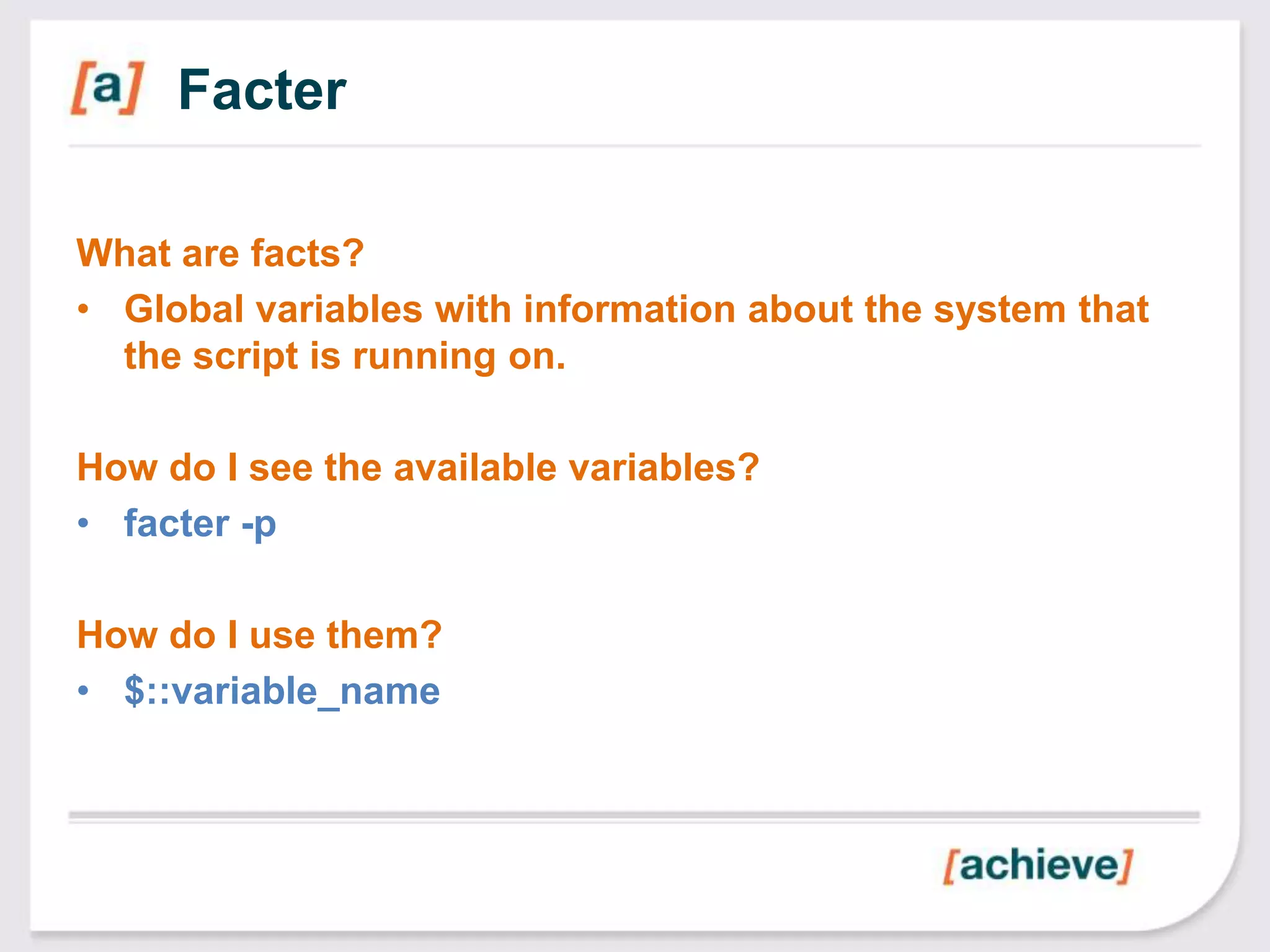
Facter

What are facts?
• Global variables with information about the system that
  the script is running on.

How do I see the available variables?
• facter -p

How do I use them?
• $::variable_name
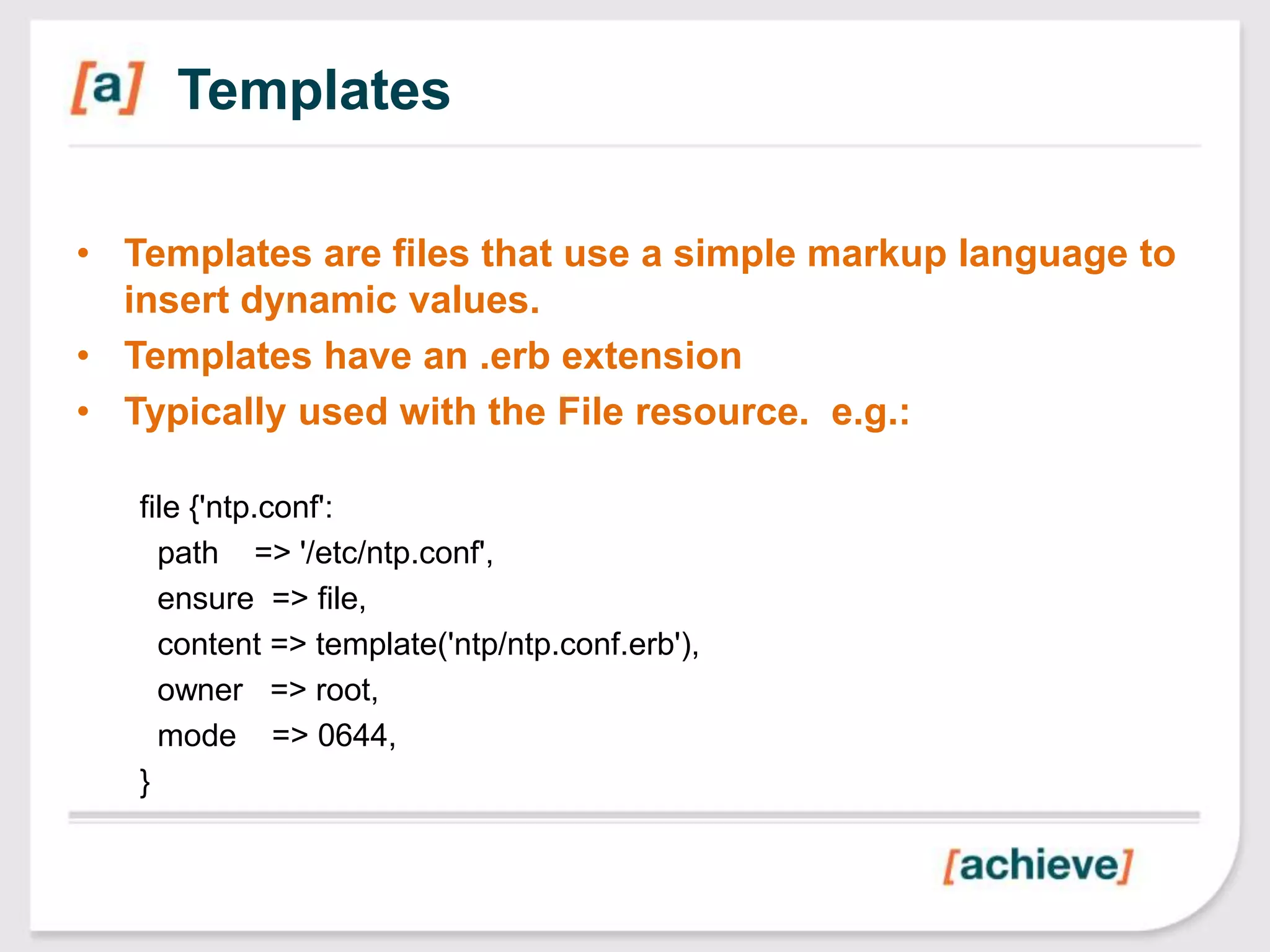
Templates

• Templates are files that use a simple markup language to
  insert dynamic values.
• Templates have an .erb extension
• Typically used with the File resource. e.g.:

   file {'ntp.conf':
     path => '/etc/ntp.conf',
     ensure => file,
     content => template('ntp/ntp.conf.erb'),
     owner => root,
     mode => 0644,
   }
Relationships

• Package[“ntp”] -> File[„ntp.conf‟] ~> Service[„ntpd‟]
• “before”, “require”
• “subscribe”, “notify”


http://docs.puppetlabs.com/puppet/2.7/reference/lang_relati
onships.html#relationship-metaparameters

http://docs.puppetlabs.com/puppet/2.7/reference/lang_relati
onships.html#chaining-arrows
User-Defined Types

• Similar to functions in most languages.
• Only way to do iterations currently.
         • Call the Type with an array.


 define apache::vhost() {
   $docroot = “/var/www/${name}”
 }

 $sites = [‘site1’, ‘site2’]
 apache::vhost {$sites: }
References

Books
• Managing Infrastructure with Puppet
  (ISBN: 978-1-4493-0763-9)
• Pro Puppet (ISBN: 978-1-4302-3057-1)

Websites
• http://www.puppetlabs.com
• http://docs.puppetlabs.com/
• http://forge.puppetlabs.com/
Q&A

Introduction to Puppet Scripting

  • 1.
    Introduction to Puppet Scripting ShawnS. Smiley Lead Architect Achieve Internet shawn.smiley@achieveinternet.com
  • 2.
    What is puppet? “Puppet is IT automation software that helps system administrators manage infrastructure throughout its lifecycle, from provisioning and configuration to patch management and compliance.” Source: www.puppetlabs.com/puppet/what-is-puppet
  • 3.
    What does thatmean? • You can setup a new server in minutes vs. hours! • You can be sure your server configurations are consistent. • You can easily deploy configuration changes to multiple servers. Image Source: http://www.forbes.com/sites/kenkrogue/2012/09/07/the-most-important-interview-question-never-asked/
  • 4.
    Quick Demo Image source:http://gyaniji.blogspot.com/2011/12/demo-of-ad-posting-job.html
  • 5.
    What happened? • Puppetanalyzed the scripts to build a picture of what the server should look like. • Puppet then compared that to what the server actually looks like. • It then generates and executes scripts to make the server configuration match that in the puppet scripts.
  • 6.
    How vs. What •Why is it better to describe what a system looks like rather than how to configure a system? • When you describe what a system looks like, you can repeatedly rerun the process without fear of breaking the system. • Can build platform independent scripts.
  • 7.
    What are thepieces? • Puppet Software • Module Library • Node configuration file • [optional] Puppet Master
  • 8.
    Modules What are they? •Self-contained packages that describe an aspect of a system (e.g. “Apache” or “MySQL”) Are there existing packages I can leverage? • http://forge.puppetlabs.com • http://github.com Where do I put them? • /usr/share/puppet/modules • /etc/puppet/modules
  • 9.
    File Organization • manifests • site.pp • nodes.pp • modules • module1 • manifests  init.pp • files • templates • module2
  • 10.
    Demo: Folder Structure Imagesource: http://gyaniji.blogspot.com/2011/12/demo-of-ad-posting-job.html
  • 11.
    Basic Syntax • Followsbasic Ruby language syntax. • Does not fully implement the Ruby language though, only a subset is allowed in your puppet files. To define an item: To execute an item: type title($arg1) { include “title” description of resource state } type {“title”: } type {“title”: arg1 => ‘hello’ }
  • 12.
    Demo: Simple script Imagesource: http://gyaniji.blogspot.com/2011/12/demo-of-ad-posting-job.html
  • 13.
    Resource Types • Arepuppet libraries that are used to interact with the system. • Puppet comes with a wide range of resource types: • exec • package • file • service • notify Full list: http://docs.puppetlabs.com/references/latest/type.html
  • 14.
    Facter What are facts? •Global variables with information about the system that the script is running on. How do I see the available variables? • facter -p How do I use them? • $::variable_name
  • 15.
    Templates • Templates arefiles that use a simple markup language to insert dynamic values. • Templates have an .erb extension • Typically used with the File resource. e.g.: file {'ntp.conf': path => '/etc/ntp.conf', ensure => file, content => template('ntp/ntp.conf.erb'), owner => root, mode => 0644, }
  • 16.
    Relationships • Package[“ntp”] ->File[„ntp.conf‟] ~> Service[„ntpd‟] • “before”, “require” • “subscribe”, “notify” http://docs.puppetlabs.com/puppet/2.7/reference/lang_relati onships.html#relationship-metaparameters http://docs.puppetlabs.com/puppet/2.7/reference/lang_relati onships.html#chaining-arrows
  • 17.
    User-Defined Types • Similarto functions in most languages. • Only way to do iterations currently. • Call the Type with an array. define apache::vhost() { $docroot = “/var/www/${name}” } $sites = [‘site1’, ‘site2’] apache::vhost {$sites: }
  • 18.
    References Books • Managing Infrastructurewith Puppet (ISBN: 978-1-4493-0763-9) • Pro Puppet (ISBN: 978-1-4302-3057-1) Websites • http://www.puppetlabs.com • http://docs.puppetlabs.com/ • http://forge.puppetlabs.com/
  • 19.

Editor's Notes

  • #5 Startup an AWS instance and run puppet apply to show what puppet does.
  • #9 Default modulepath: /etc/puppet/modules:/usr/share/puppet/modules
  • #11 Show the File Structure and examples of some modules.
  • #12 Defining an item is called a “Resource Declaration”
  • #13 Demo a simple module: The Lynx module.