DAY 4:
Control Structures
Vamshi Krishna .S
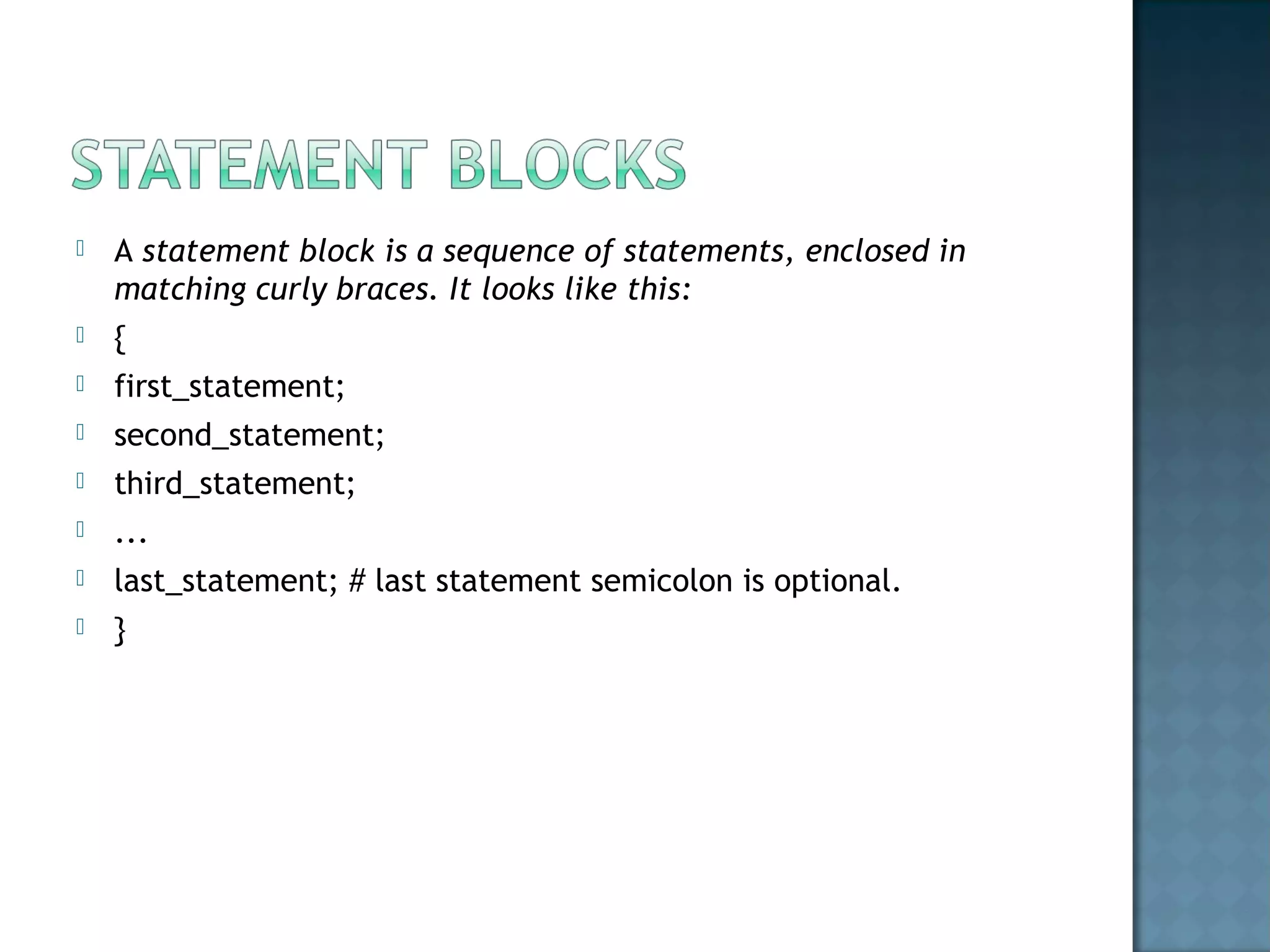
 A statement block is a sequence of statements, enclosed in
matching curly braces. It looks like this:
 {
 first_statement;
 second_statement;
 third_statement;
 ...
 last_statement; # last statement semicolon is optional.
 }
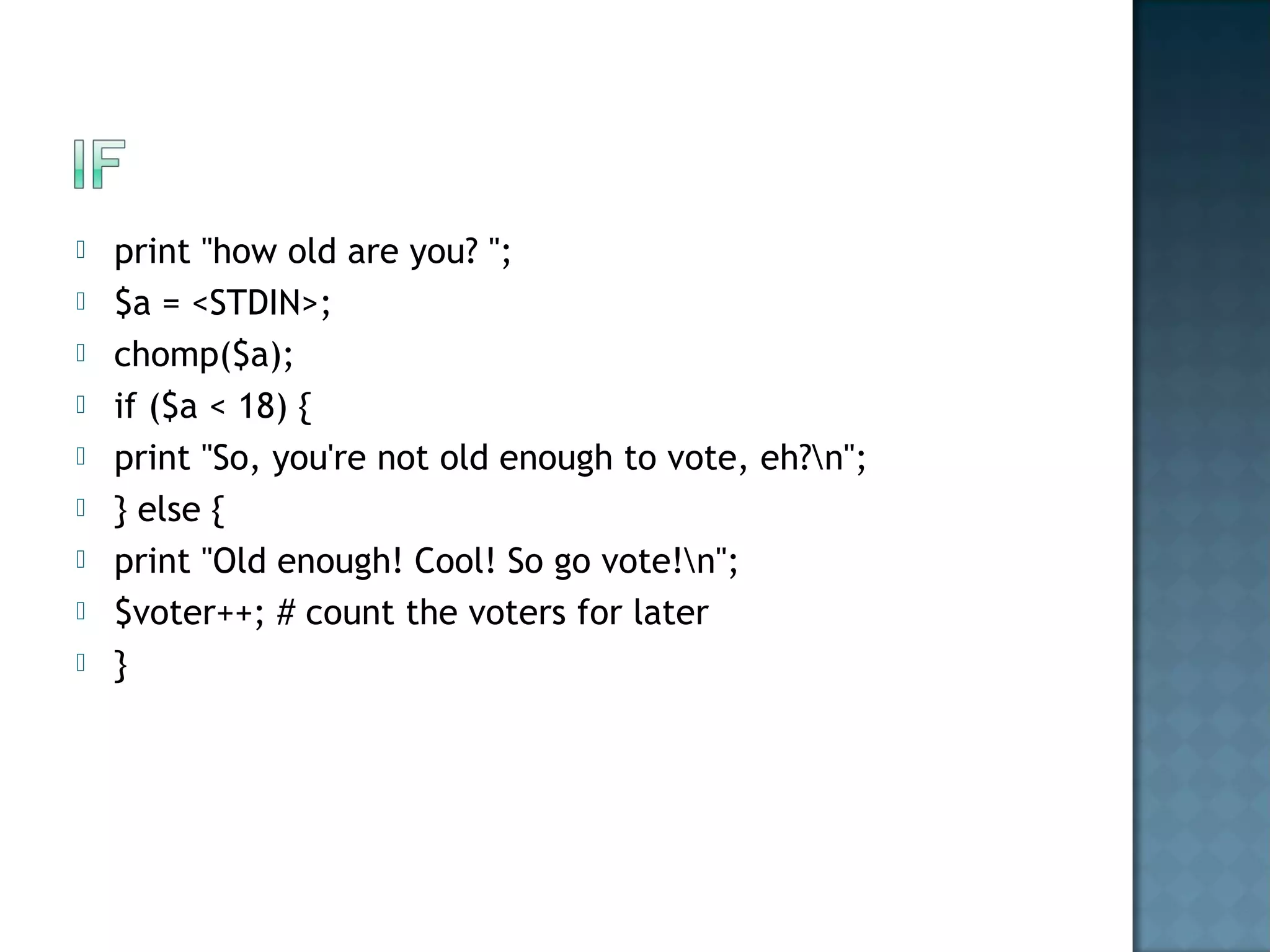
 print "how old are you? ";
 $a = <STDIN>;
 chomp($a);
 if ($a < 18) {
 print "So, you're not old enough to vote, eh?n";
 } else {
 print "Old enough! Cool! So go vote!n";
 $voter++; # count the voters for later
 }
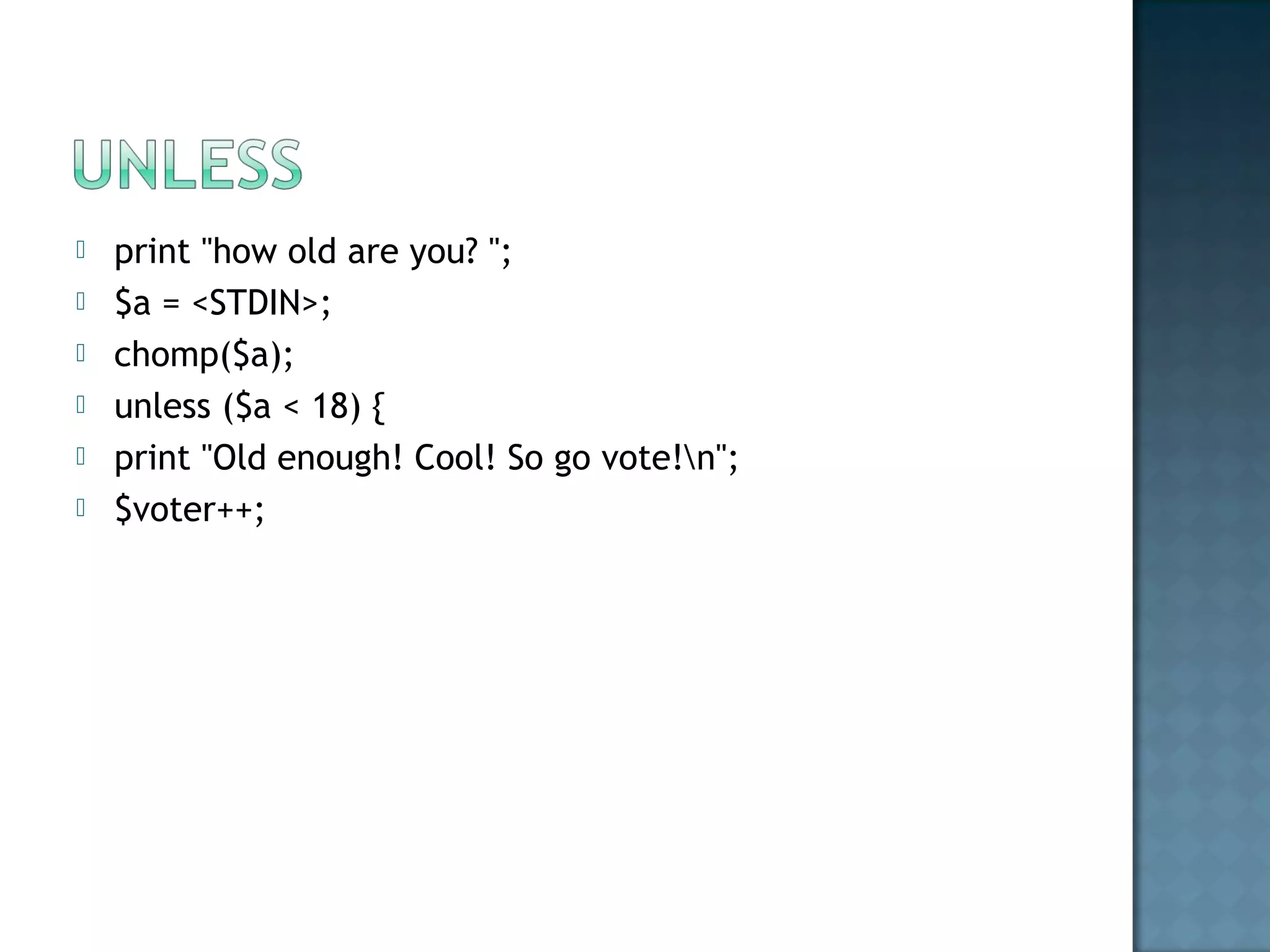
 print "how old are you? ";
 $a = <STDIN>;
 chomp($a);
 unless ($a < 18) {
 print "Old enough! Cool! So go vote!n";
 $voter++;
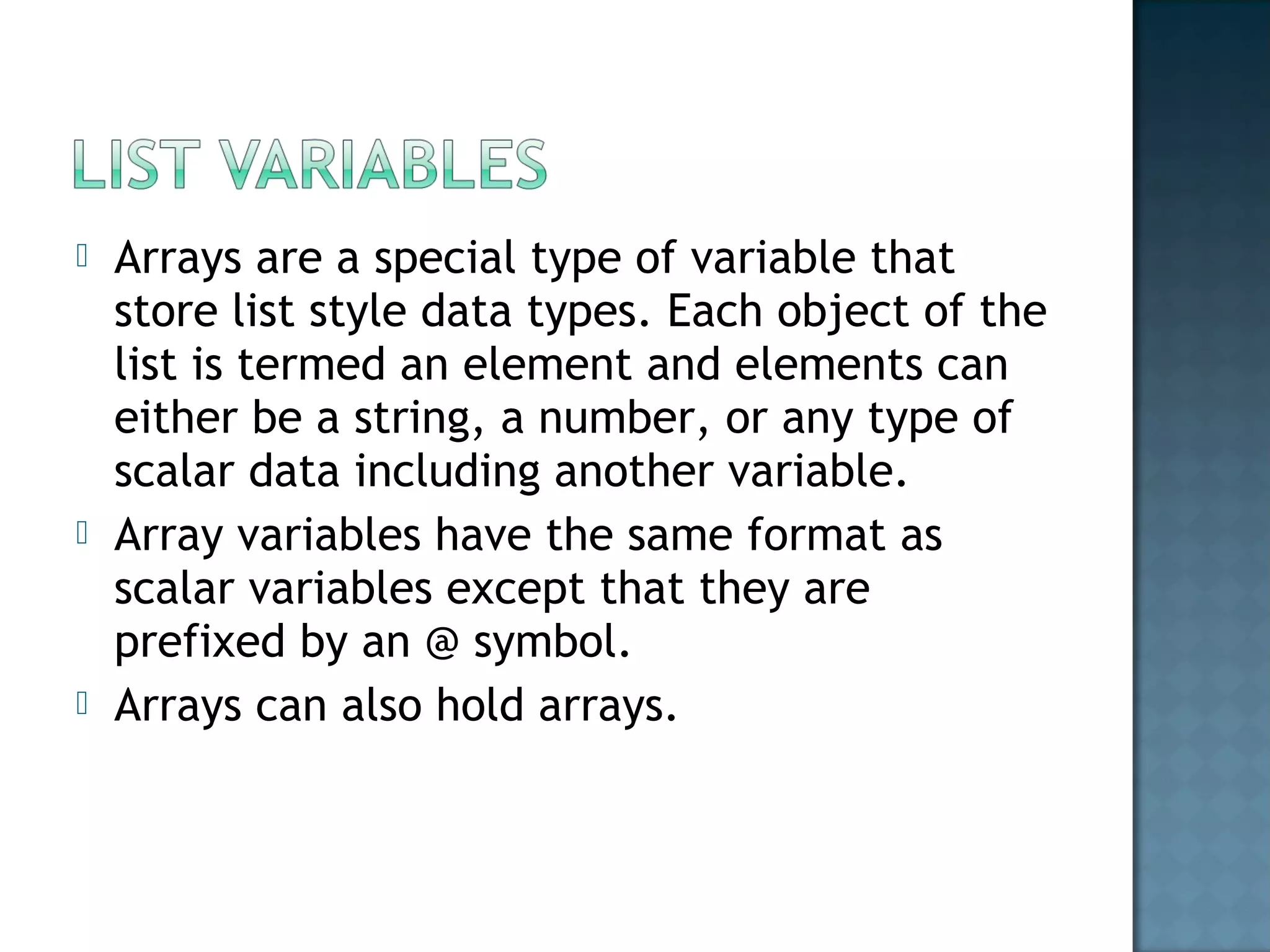
 Arrays are a special type of variable that
store list style data types. Each object of the
list is termed an element and elements can
either be a string, a number, or any type of
scalar data including another variable.
 Array variables have the same format as
scalar variables except that they are
prefixed by an @ symbol.
 Arrays can also hold arrays.
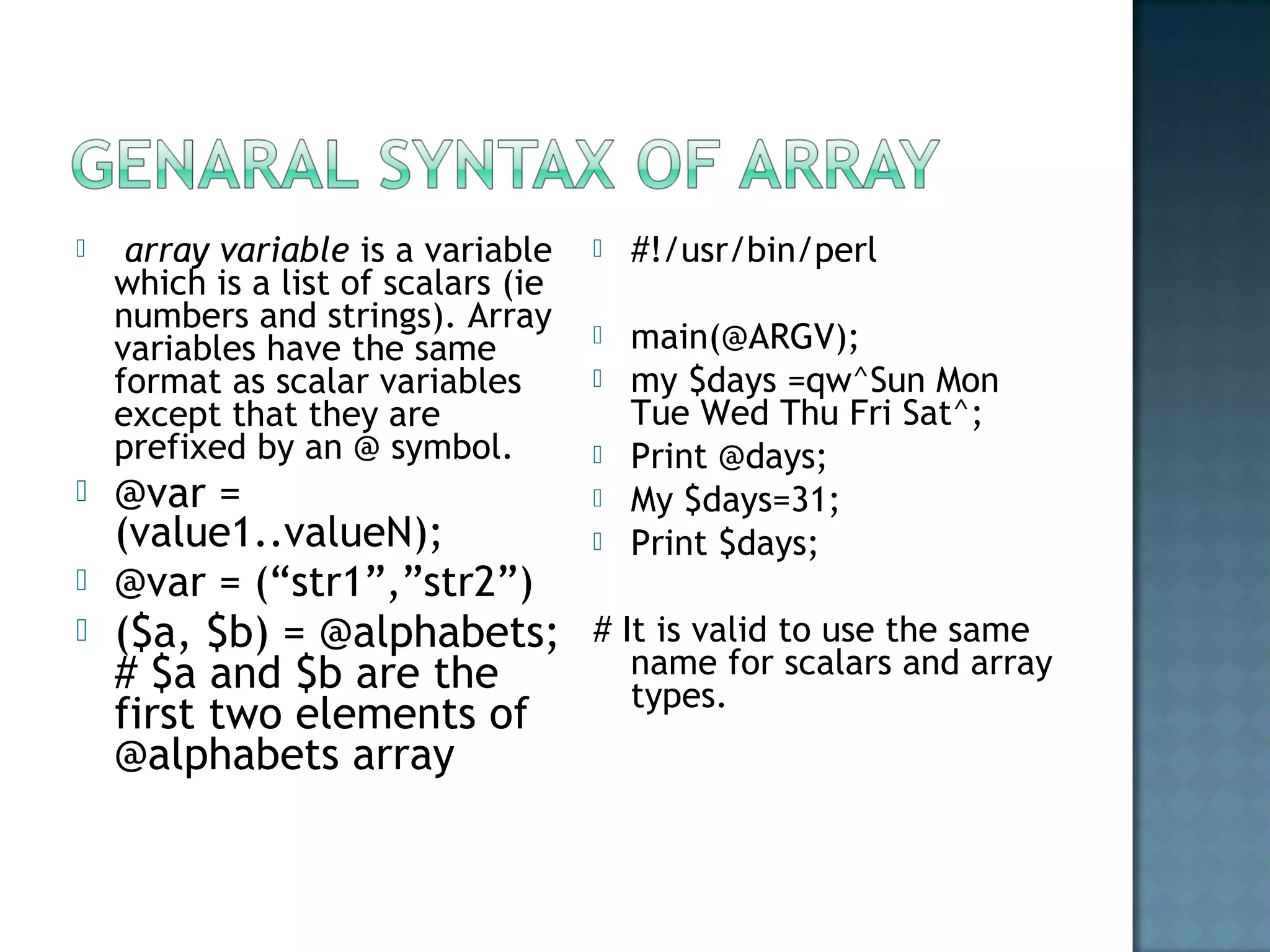
  array variable is a variable
which is a list of scalars (ie
numbers and strings). Array
variables have the same
format as scalar variables
except that they are
prefixed by an @ symbol.
 @var =
(value1..valueN);
 @var = (“str1”,”str2”)
 ($a, $b) = @alphabets;
# $a and $b are the
first two elements of
@alphabets array
 #!/usr/bin/perl
 main(@ARGV);
 my $days =qw^Sun Mon
Tue Wed Thu Fri Sat^;
 Print @days;
 My $days=31;
 Print $days;
# It is valid to use the same
name for scalars and array
types.
 My @array1 =(1,2,3);
 My @array2 = (@array1 ,4,5,6);
 Print “@array2”; # prints 1 2 3 4 5 6
 Print $array2[2]; # prints 3
 Print scalar @array2
 # Here the scalar will contain the value 6 , as
the total no’of elements in the array2 is
equal to 6
#!/usr/bin/perl
use warnings;
use strict;
say “input a number”;# functionality same as
“print” , adds a new line character at the end
My chomp($choice =<STDIN>);
print qw(BMW Ferrari McLaren Jaguar )
[$choice]);
OUTPUT:- McLaren
 If you input a decimal value .. Choice = 1.2 then perl will
round if off and will output Ferrari.
 If you input a negative number.. Choice = -1 then perl
starts counting backwards from the end of the list.
LIST Slices
 instead of putting a scalar value [$choice].. We can also
print out multiple values in the list by putting a list of
index values
 (20,30,99,15,22,13,56,76,34)[2,5,7]
 This can also be used on strings.
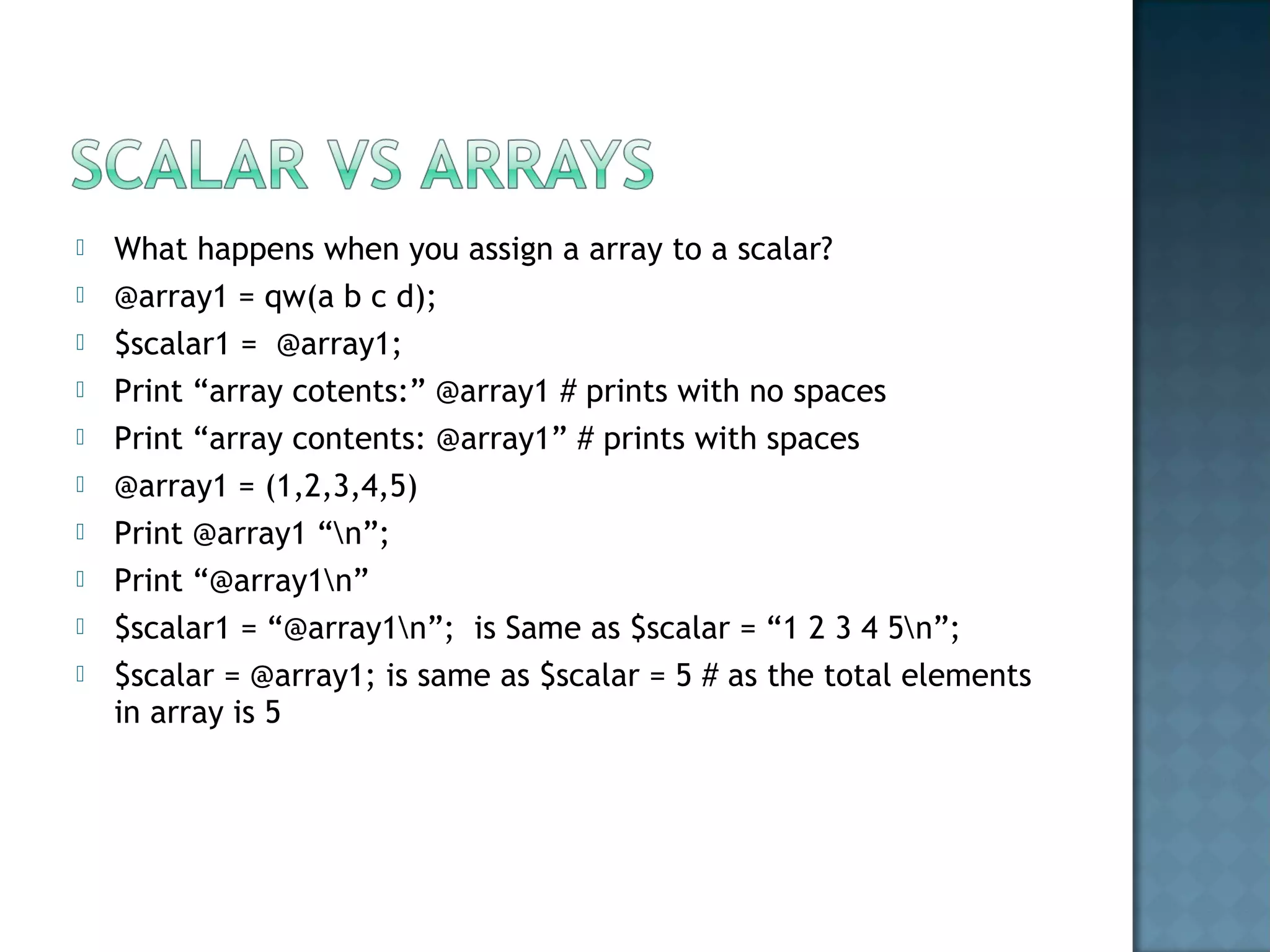
 What happens when you assign a array to a scalar?
 @array1 = qw(a b c d);
 $scalar1 = @array1;
 Print “array cotents:” @array1 # prints with no spaces
 Print “array contents: @array1” # prints with spaces
 @array1 = (1,2,3,4,5)
 Print @array1 “n”;
 Print “@array1n”
 $scalar1 = “@array1n”; is Same as $scalar = “1 2 3 4 5n”;
 $scalar = @array1; is same as $scalar = 5 # as the total elements
in array is 5
 (1 .. 10)
 ( -9 .. 9)
 (a .. z)
 Cant mix up the list of elements list .. (a .. 5) or (-1 .. B) etc.,
 Always the right-hand element should be higher than the left-handed
element.
 We can mix up the Slices and ranges.. For effective programming
 @coins = qw(Quarter Dime Nickel Penny);
 @slicecoins = @coins[0,2];
 Say "@slicecoins"; # prints 0th
index value “Quarter” and 2nd
value “Nickel”
with Spaces b/w strings.
 $a = (@array)[3];
 My @array1=
 Print $array1[1]
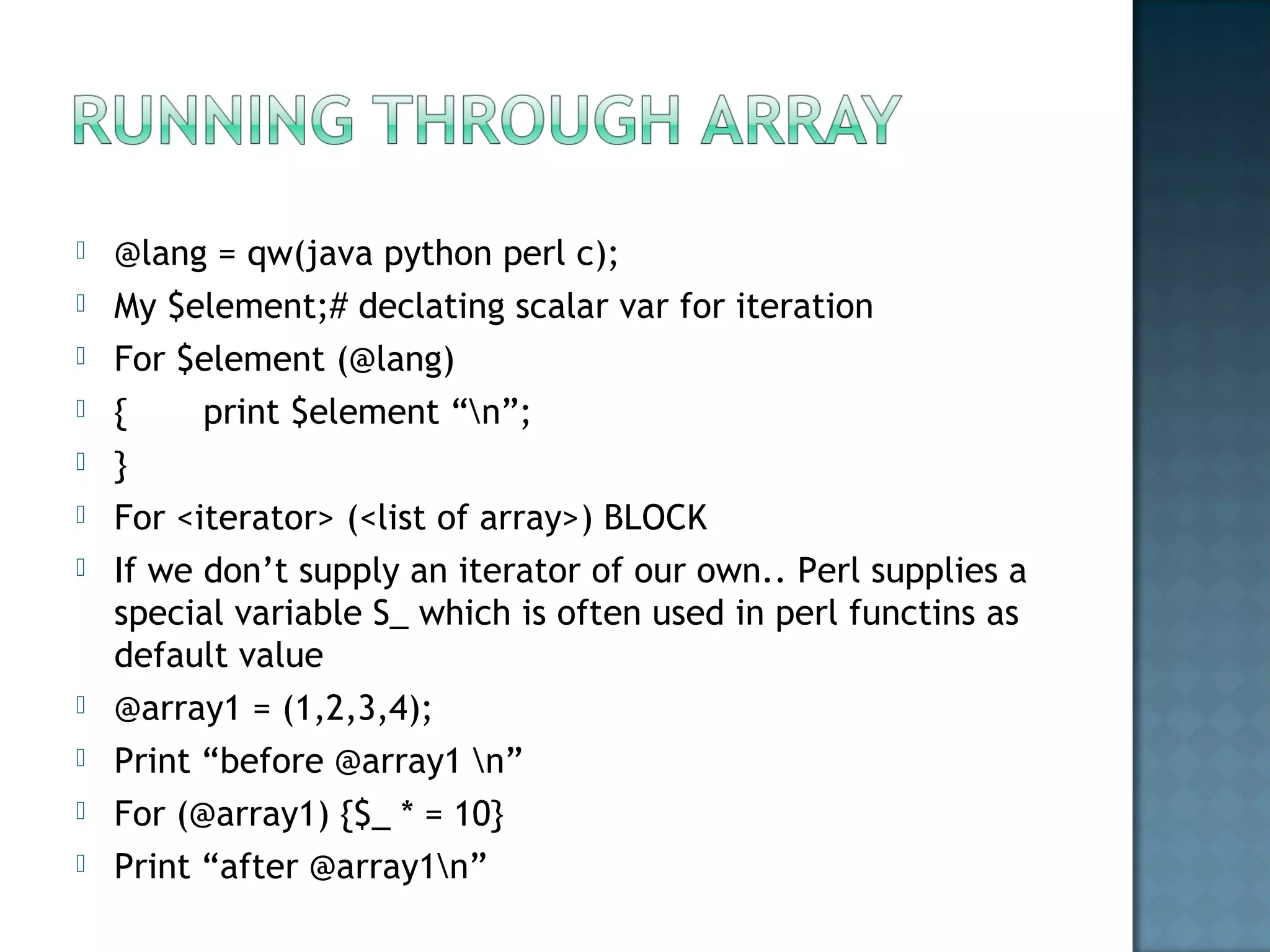
 @lang = qw(java python perl c);
 My $element;# declating scalar var for iteration
 For $element (@lang)
 { print $element “n”;
 }
 For <iterator> (<list of array>) BLOCK
 If we don’t supply an iterator of our own.. Perl supplies a
special variable S_ which is often used in perl functins as
default value
 @array1 = (1,2,3,4);
 Print “before @array1 n”
 For (@array1) {$_ * = 10}
 Print “after @array1n”
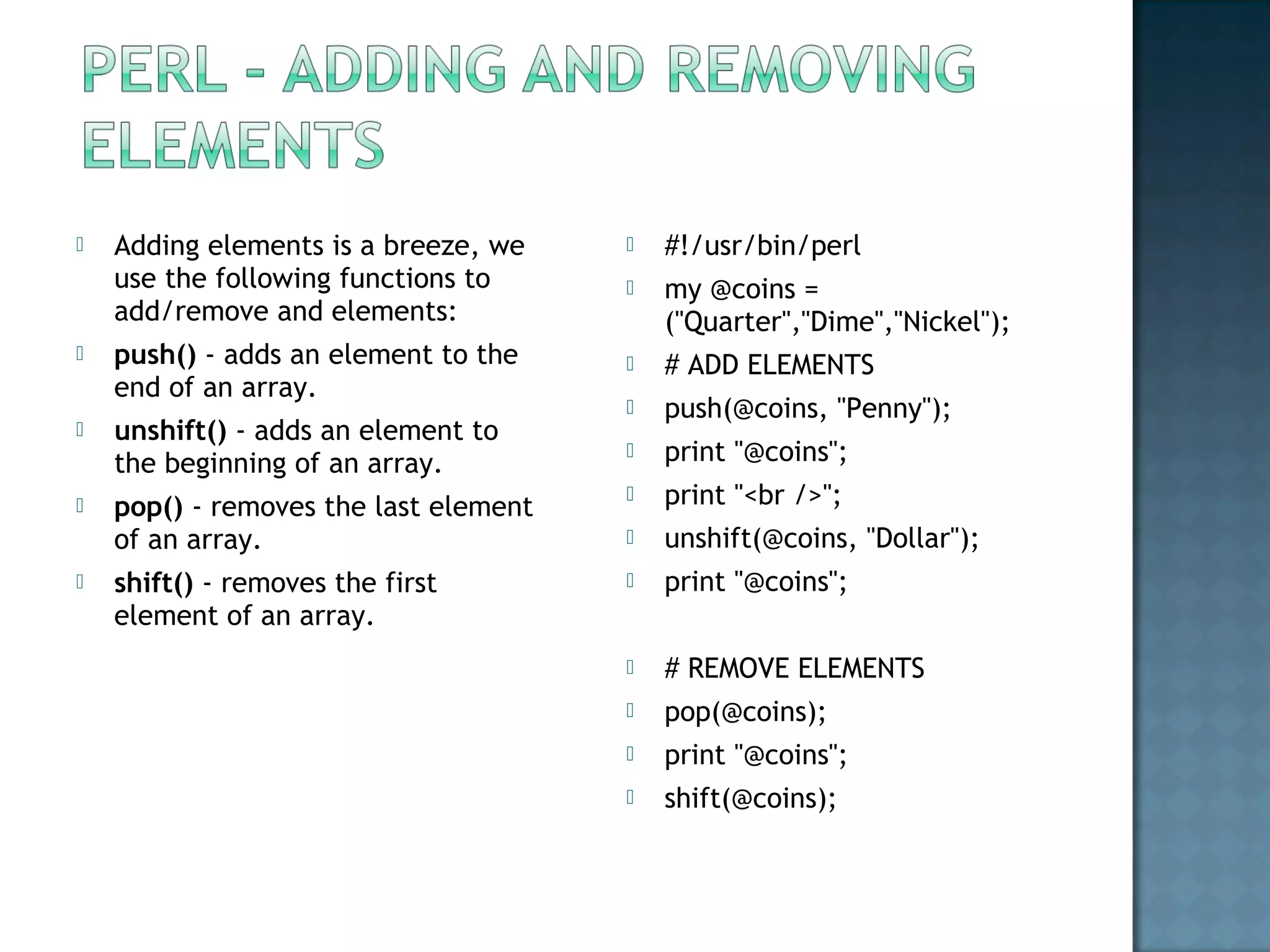
 #!/usr/bin/perl
 my @coins =
("Quarter","Dime","Nickel");
 # ADD ELEMENTS
 push(@coins, "Penny");
 print "@coins";
 print "<br />";
 unshift(@coins, "Dollar");
 print "@coins";
 # REMOVE ELEMENTS
 pop(@coins);
 print "@coins";
 shift(@coins);
 Adding elements is a breeze, we
use the following functions to
add/remove and elements:
 push() - adds an element to the
end of an array.
 unshift() - adds an element to
the beginning of an array.
 pop() - removes the last element
of an array.
 shift() - removes the first
element of an array.

Introduction to perl_control structures

  • 1.
  • 2.
     A statementblock is a sequence of statements, enclosed in matching curly braces. It looks like this:  {  first_statement;  second_statement;  third_statement;  ...  last_statement; # last statement semicolon is optional.  }
  • 3.
     print "howold are you? ";  $a = <STDIN>;  chomp($a);  if ($a < 18) {  print "So, you're not old enough to vote, eh?n";  } else {  print "Old enough! Cool! So go vote!n";  $voter++; # count the voters for later  }
  • 4.
     print "howold are you? ";  $a = <STDIN>;  chomp($a);  unless ($a < 18) {  print "Old enough! Cool! So go vote!n";  $voter++;
  • 8.
     Arrays area special type of variable that store list style data types. Each object of the list is termed an element and elements can either be a string, a number, or any type of scalar data including another variable.  Array variables have the same format as scalar variables except that they are prefixed by an @ symbol.  Arrays can also hold arrays.
  • 9.
      array variable isa variable which is a list of scalars (ie numbers and strings). Array variables have the same format as scalar variables except that they are prefixed by an @ symbol.  @var = (value1..valueN);  @var = (“str1”,”str2”)  ($a, $b) = @alphabets; # $a and $b are the first two elements of @alphabets array  #!/usr/bin/perl  main(@ARGV);  my $days =qw^Sun Mon Tue Wed Thu Fri Sat^;  Print @days;  My $days=31;  Print $days; # It is valid to use the same name for scalars and array types.
  • 10.
     My @array1=(1,2,3);  My @array2 = (@array1 ,4,5,6);  Print “@array2”; # prints 1 2 3 4 5 6  Print $array2[2]; # prints 3  Print scalar @array2  # Here the scalar will contain the value 6 , as the total no’of elements in the array2 is equal to 6
  • 11.
    #!/usr/bin/perl use warnings; use strict; say“input a number”;# functionality same as “print” , adds a new line character at the end My chomp($choice =<STDIN>); print qw(BMW Ferrari McLaren Jaguar ) [$choice]); OUTPUT:- McLaren
  • 12.
     If youinput a decimal value .. Choice = 1.2 then perl will round if off and will output Ferrari.  If you input a negative number.. Choice = -1 then perl starts counting backwards from the end of the list. LIST Slices  instead of putting a scalar value [$choice].. We can also print out multiple values in the list by putting a list of index values  (20,30,99,15,22,13,56,76,34)[2,5,7]  This can also be used on strings.
  • 13.
     What happenswhen you assign a array to a scalar?  @array1 = qw(a b c d);  $scalar1 = @array1;  Print “array cotents:” @array1 # prints with no spaces  Print “array contents: @array1” # prints with spaces  @array1 = (1,2,3,4,5)  Print @array1 “n”;  Print “@array1n”  $scalar1 = “@array1n”; is Same as $scalar = “1 2 3 4 5n”;  $scalar = @array1; is same as $scalar = 5 # as the total elements in array is 5
  • 14.
     (1 ..10)  ( -9 .. 9)  (a .. z)  Cant mix up the list of elements list .. (a .. 5) or (-1 .. B) etc.,  Always the right-hand element should be higher than the left-handed element.  We can mix up the Slices and ranges.. For effective programming  @coins = qw(Quarter Dime Nickel Penny);  @slicecoins = @coins[0,2];  Say "@slicecoins"; # prints 0th index value “Quarter” and 2nd value “Nickel” with Spaces b/w strings.
  • 15.
     $a =(@array)[3];  My @array1=  Print $array1[1]
  • 16.
     @lang =qw(java python perl c);  My $element;# declating scalar var for iteration  For $element (@lang)  { print $element “n”;  }  For <iterator> (<list of array>) BLOCK  If we don’t supply an iterator of our own.. Perl supplies a special variable S_ which is often used in perl functins as default value  @array1 = (1,2,3,4);  Print “before @array1 n”  For (@array1) {$_ * = 10}  Print “after @array1n”
  • 17.
     #!/usr/bin/perl  my@coins = ("Quarter","Dime","Nickel");  # ADD ELEMENTS  push(@coins, "Penny");  print "@coins";  print "<br />";  unshift(@coins, "Dollar");  print "@coins";  # REMOVE ELEMENTS  pop(@coins);  print "@coins";  shift(@coins);  Adding elements is a breeze, we use the following functions to add/remove and elements:  push() - adds an element to the end of an array.  unshift() - adds an element to the beginning of an array.  pop() - removes the last element of an array.  shift() - removes the first element of an array.