Introduction to Perl Day 1 An Introduction to Perl Programming Dave Cross Magnum Solutions Ltd [email_address]
What We Will Cover What is Perl?
Creating and running a Perl program
Getting help
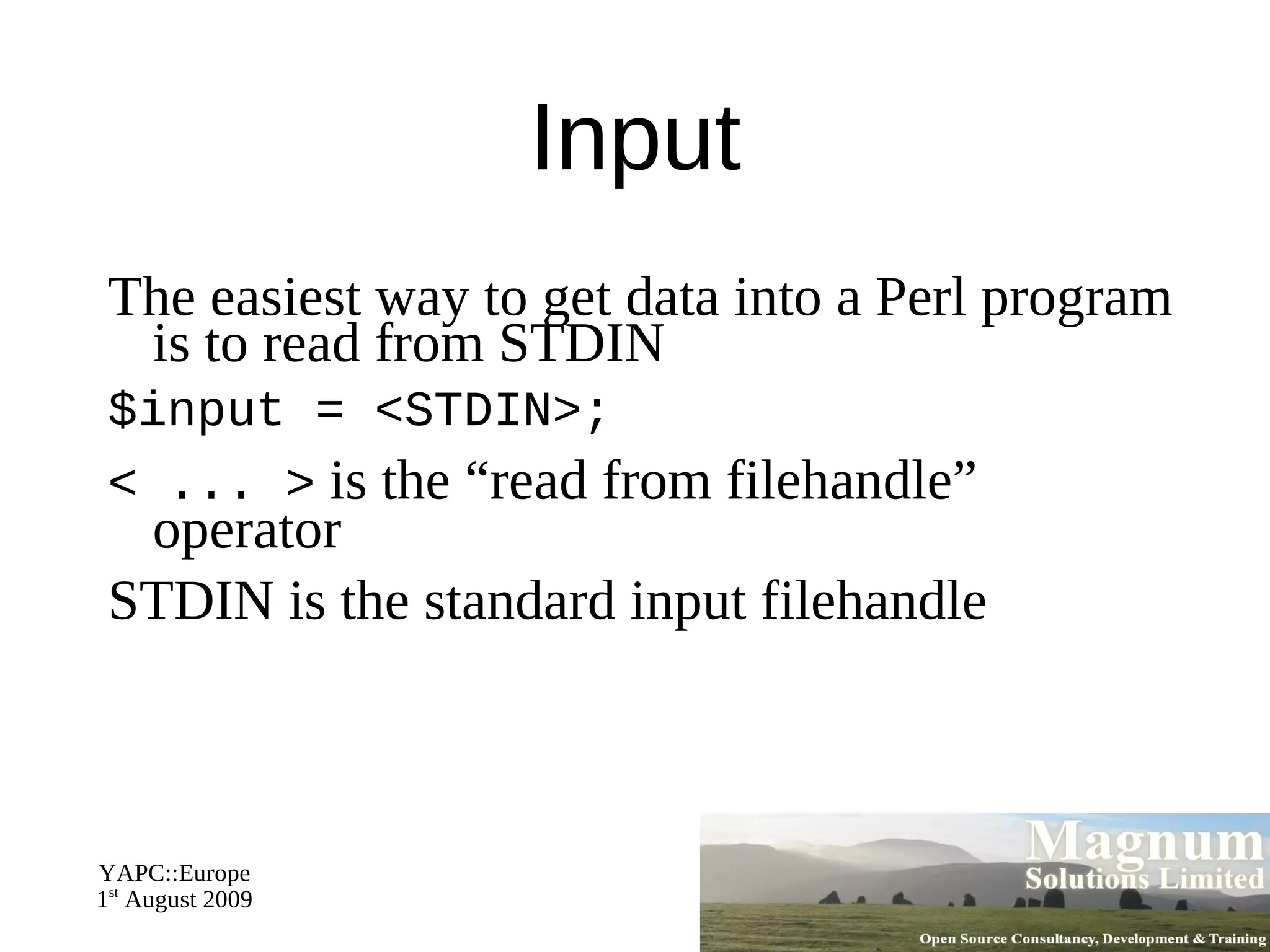
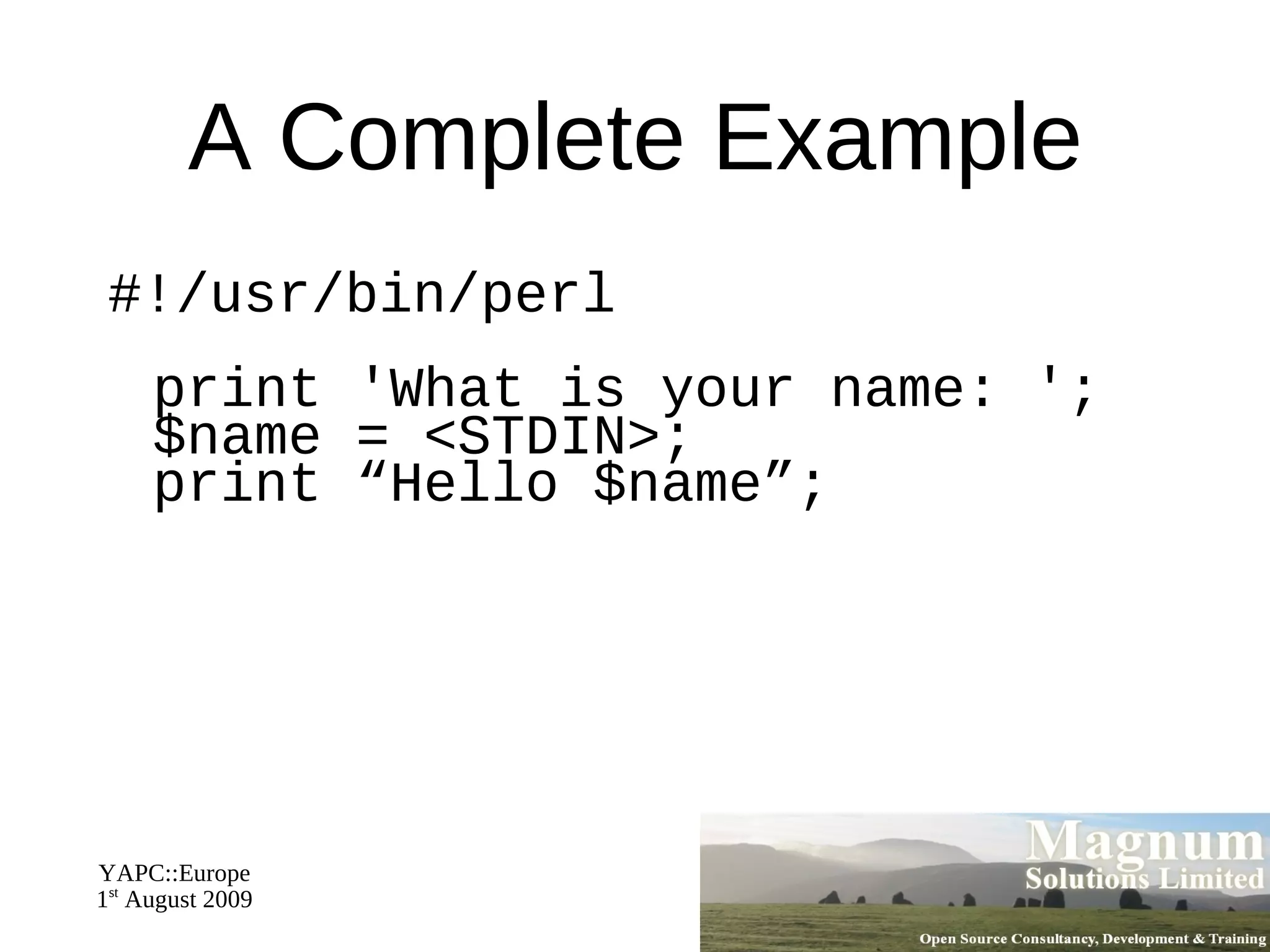
Input and Output
Perl variables
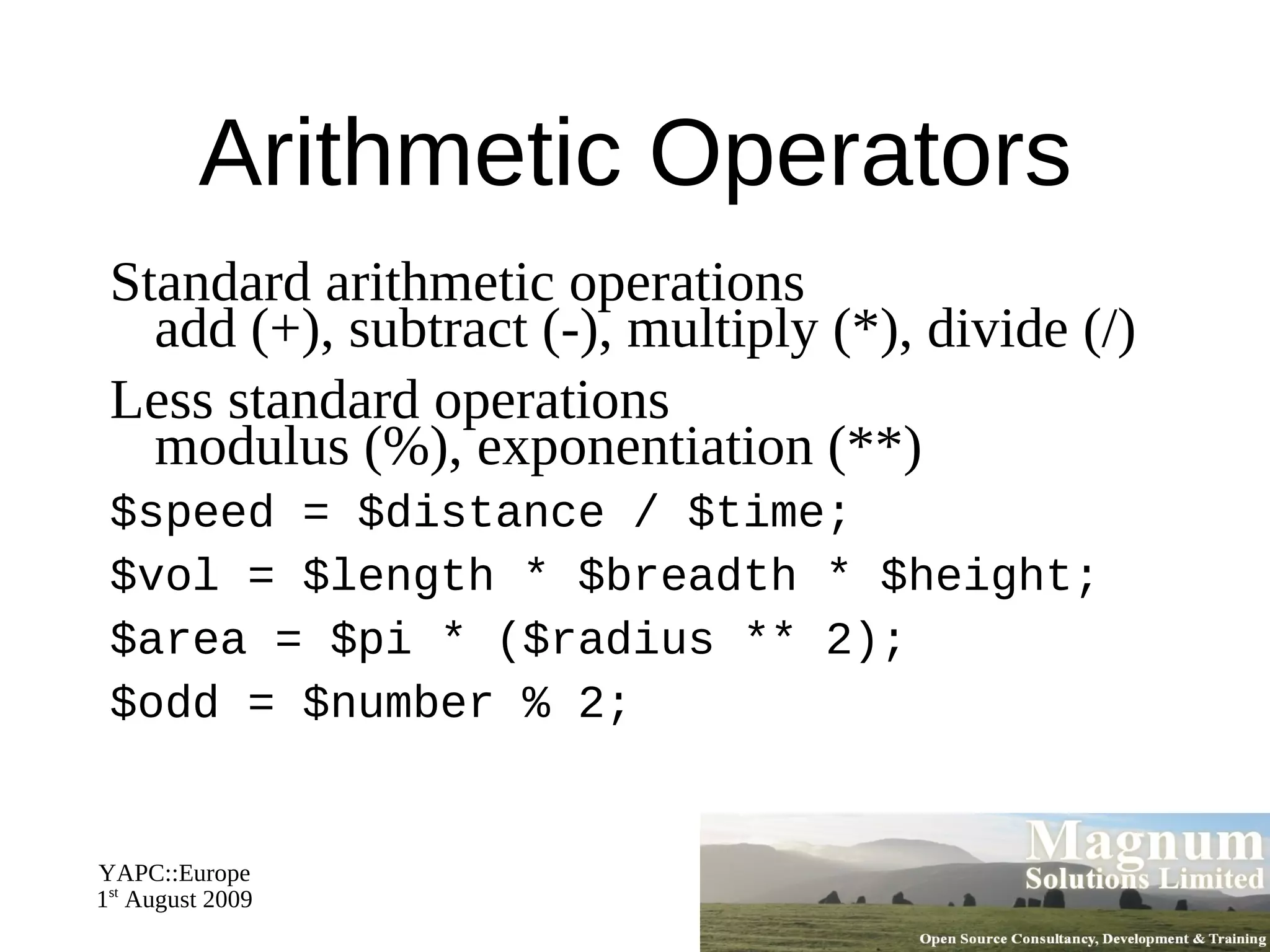
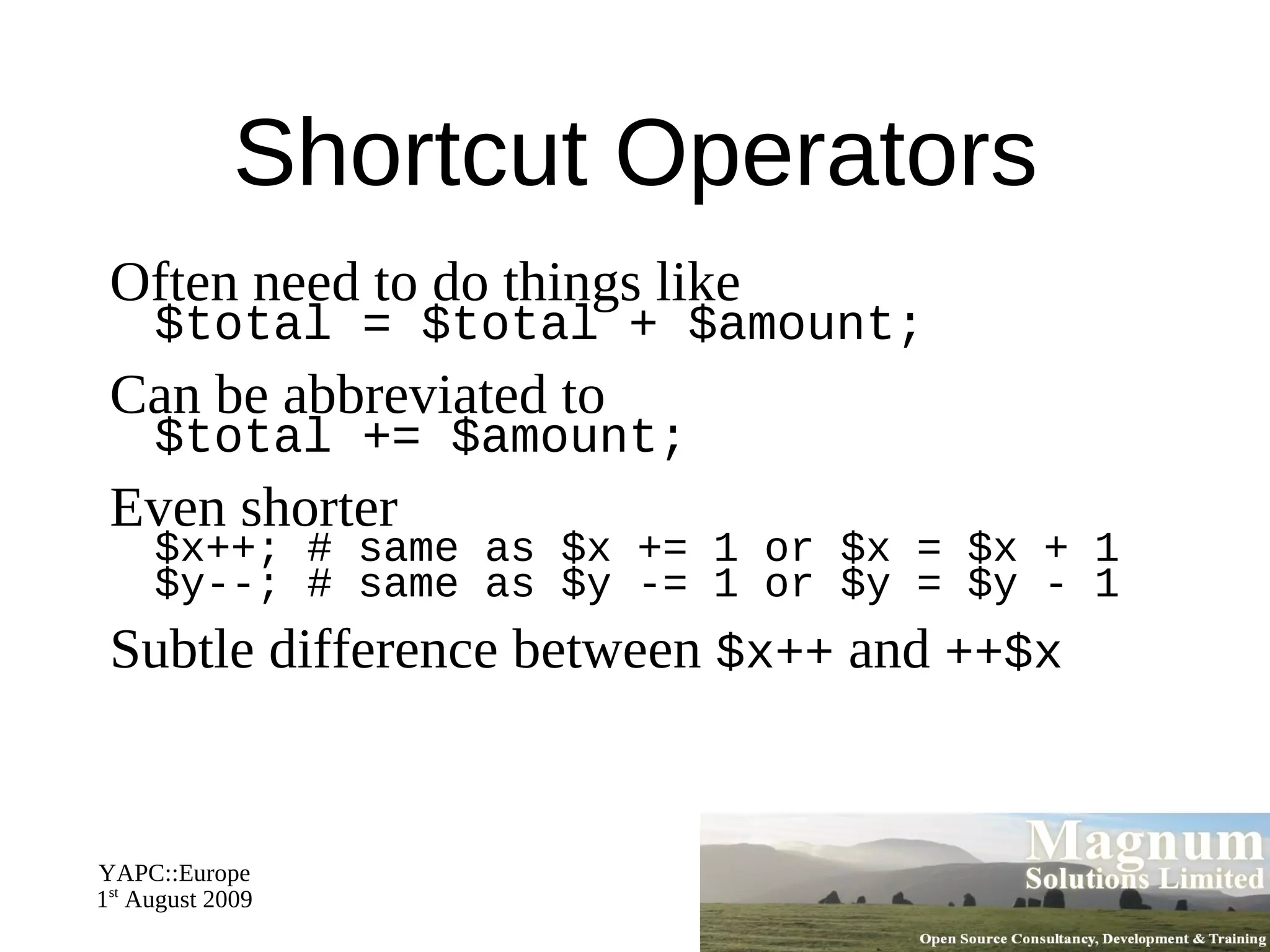
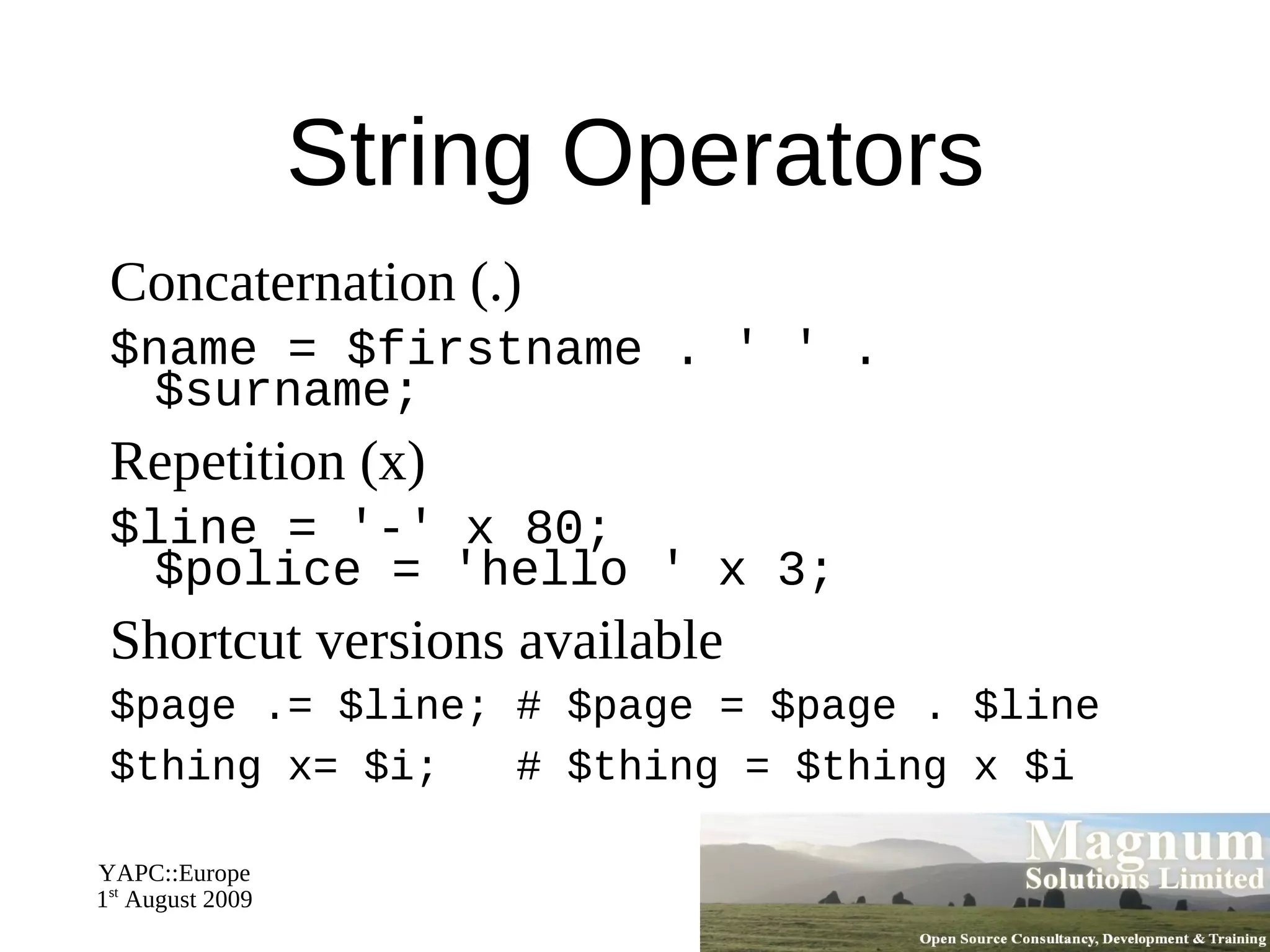
Operators and Functions
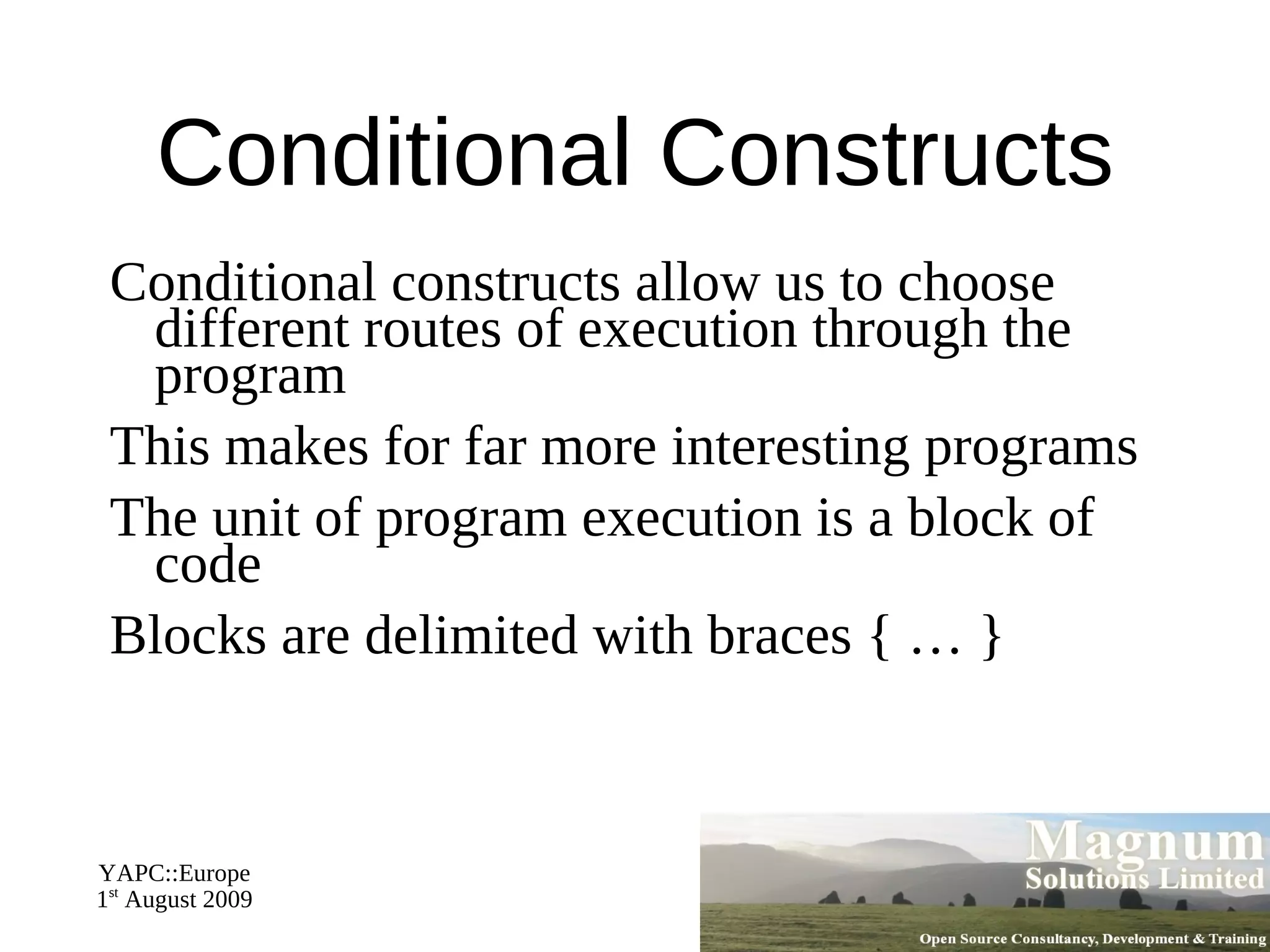
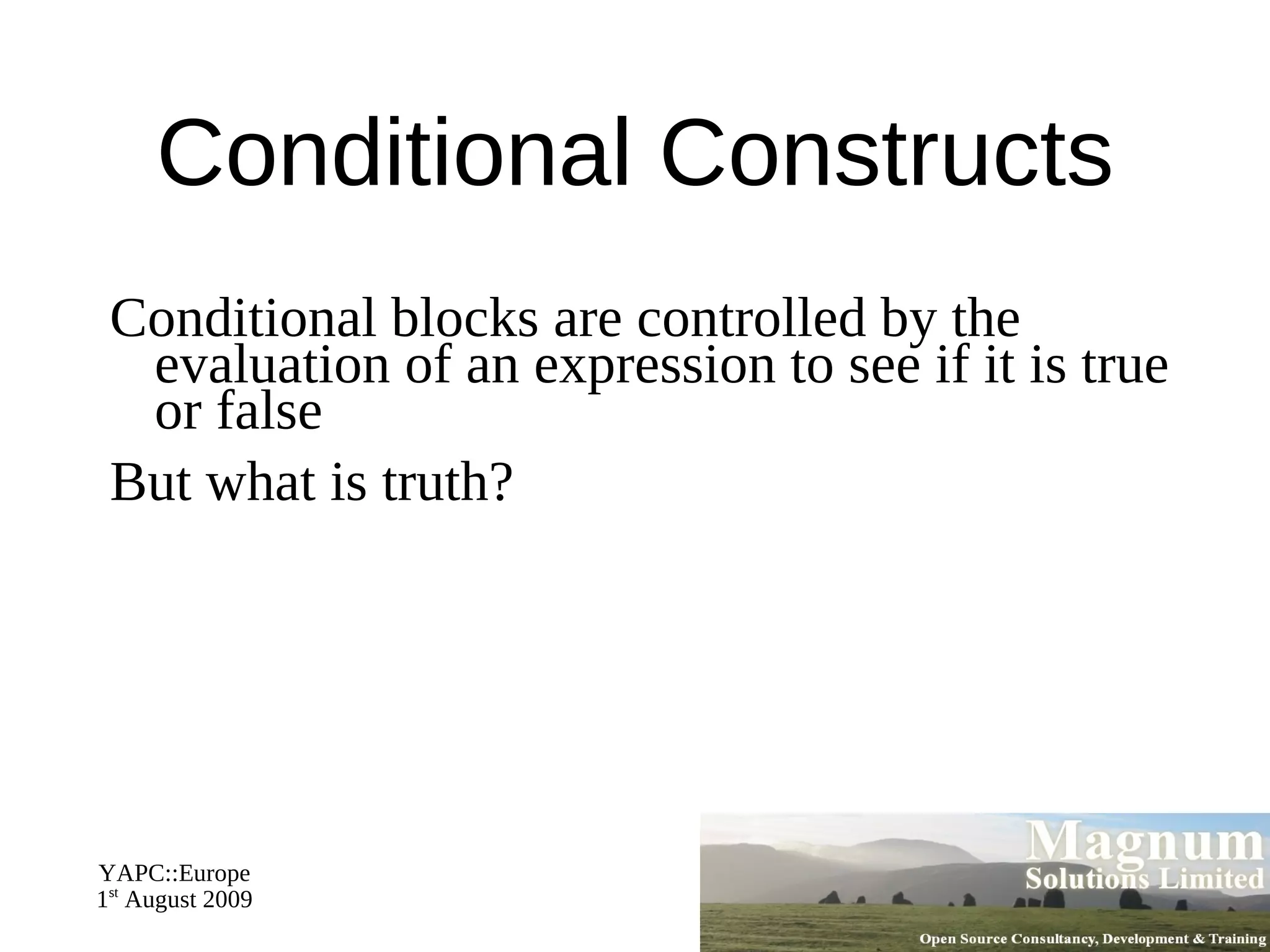
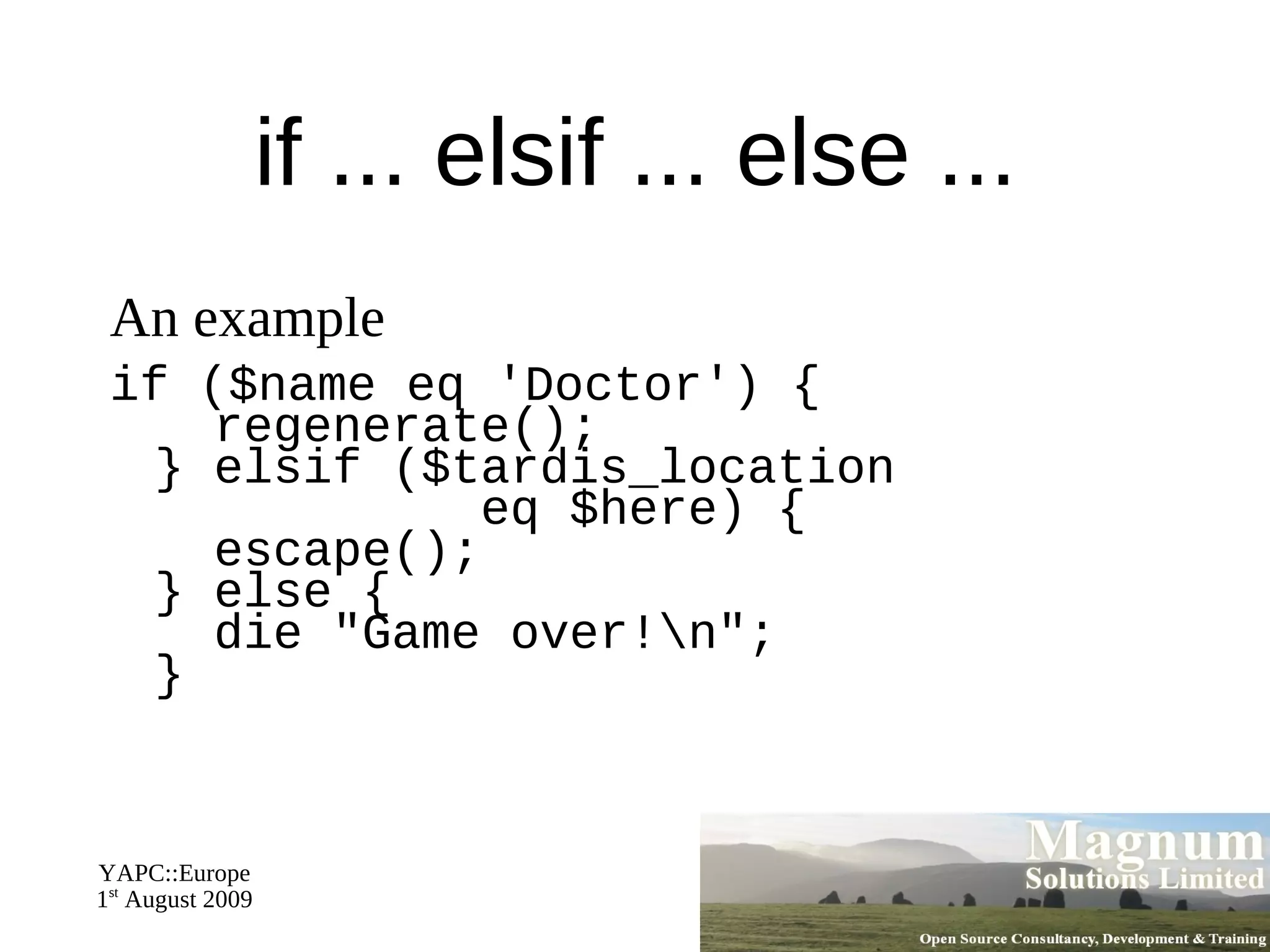
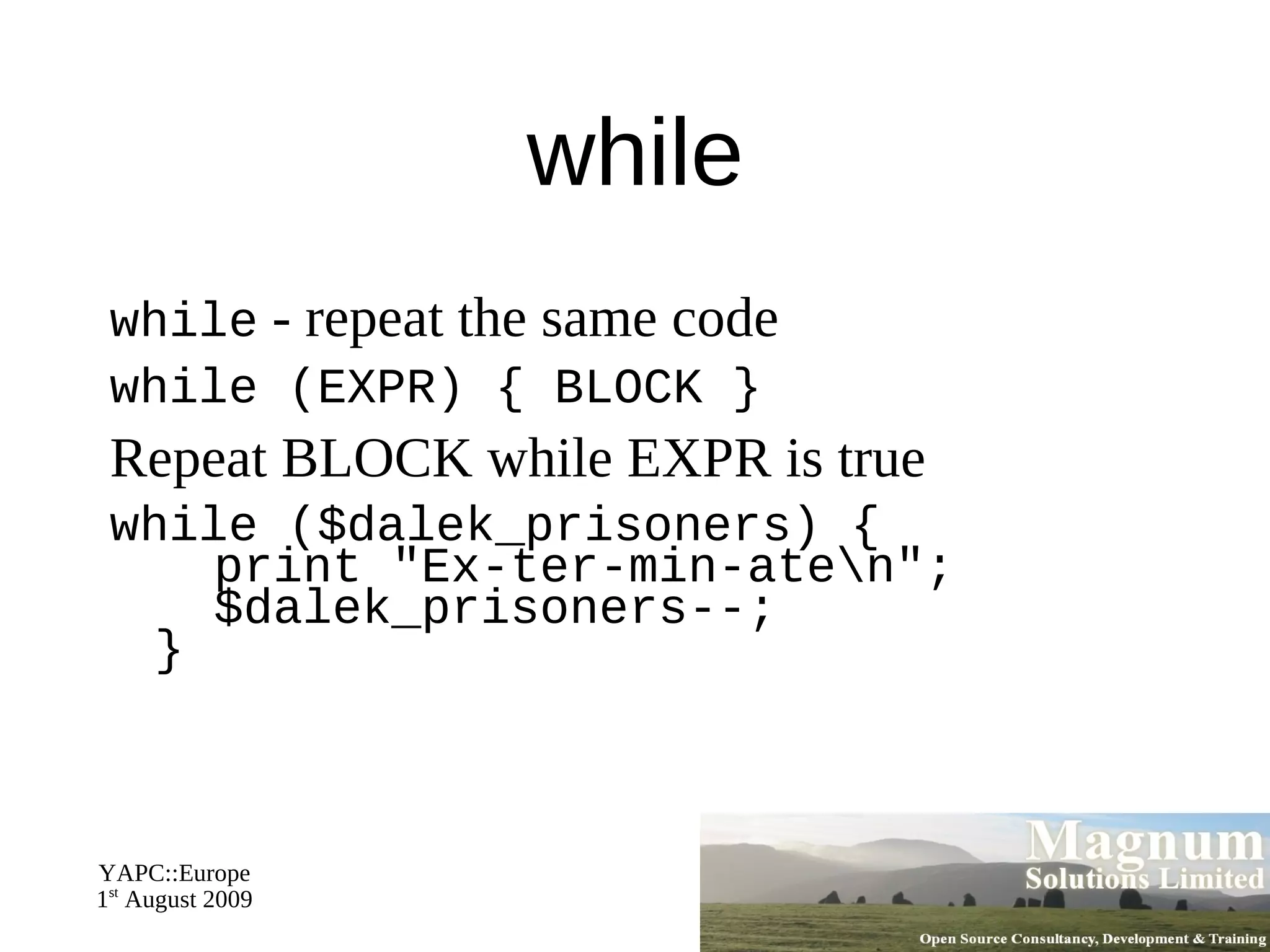
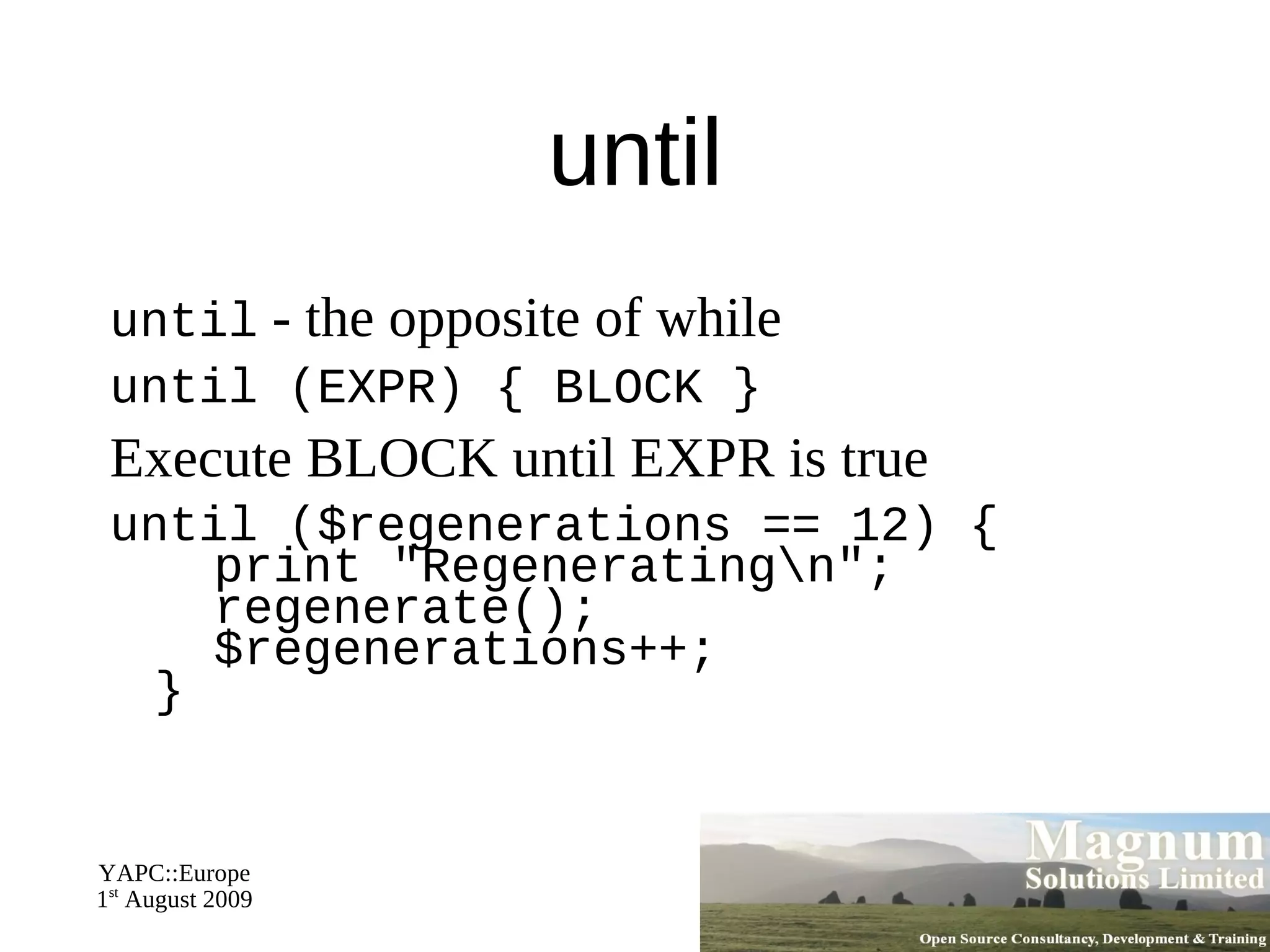
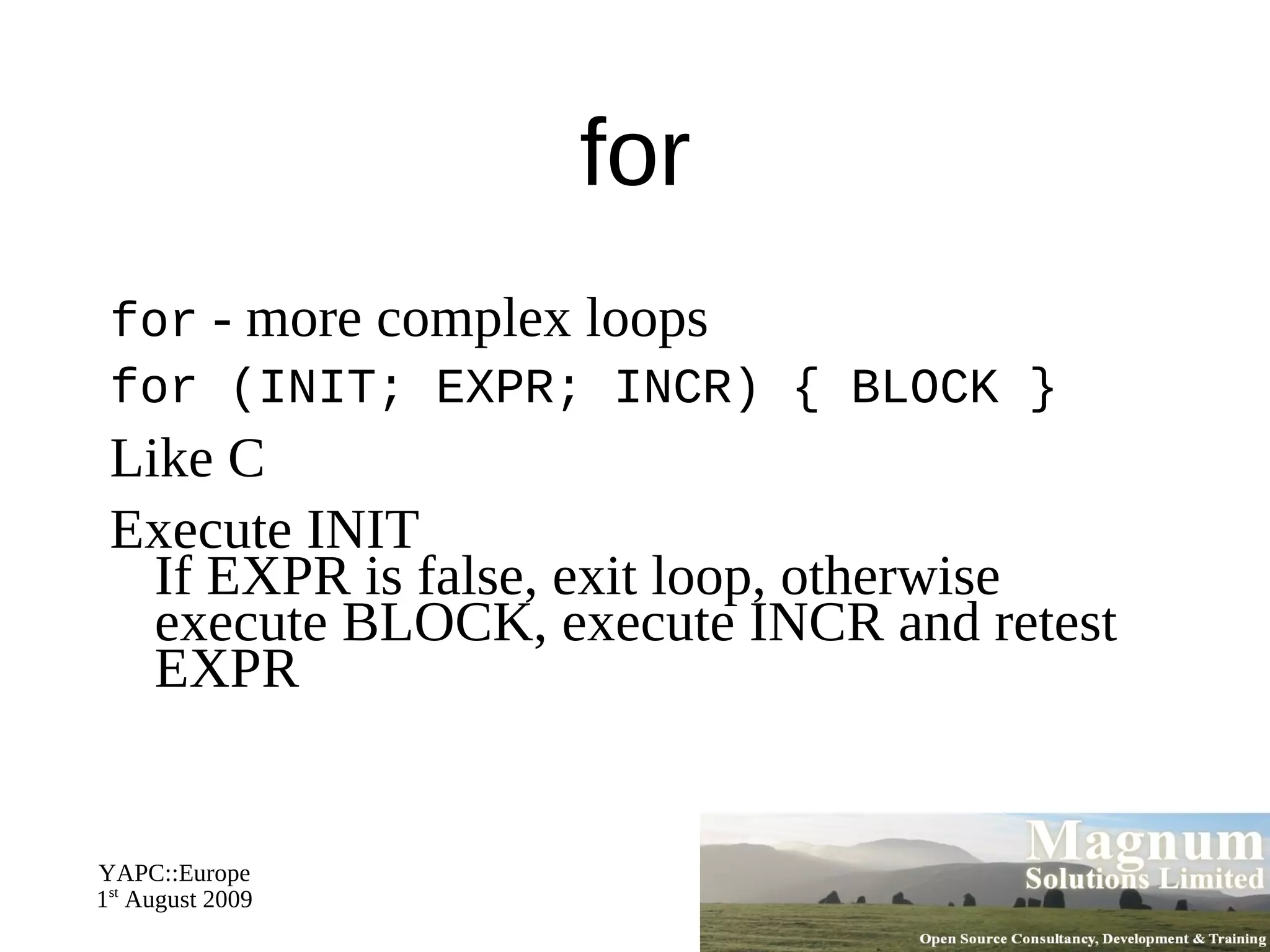
What We Will Cover Conditional Constructs
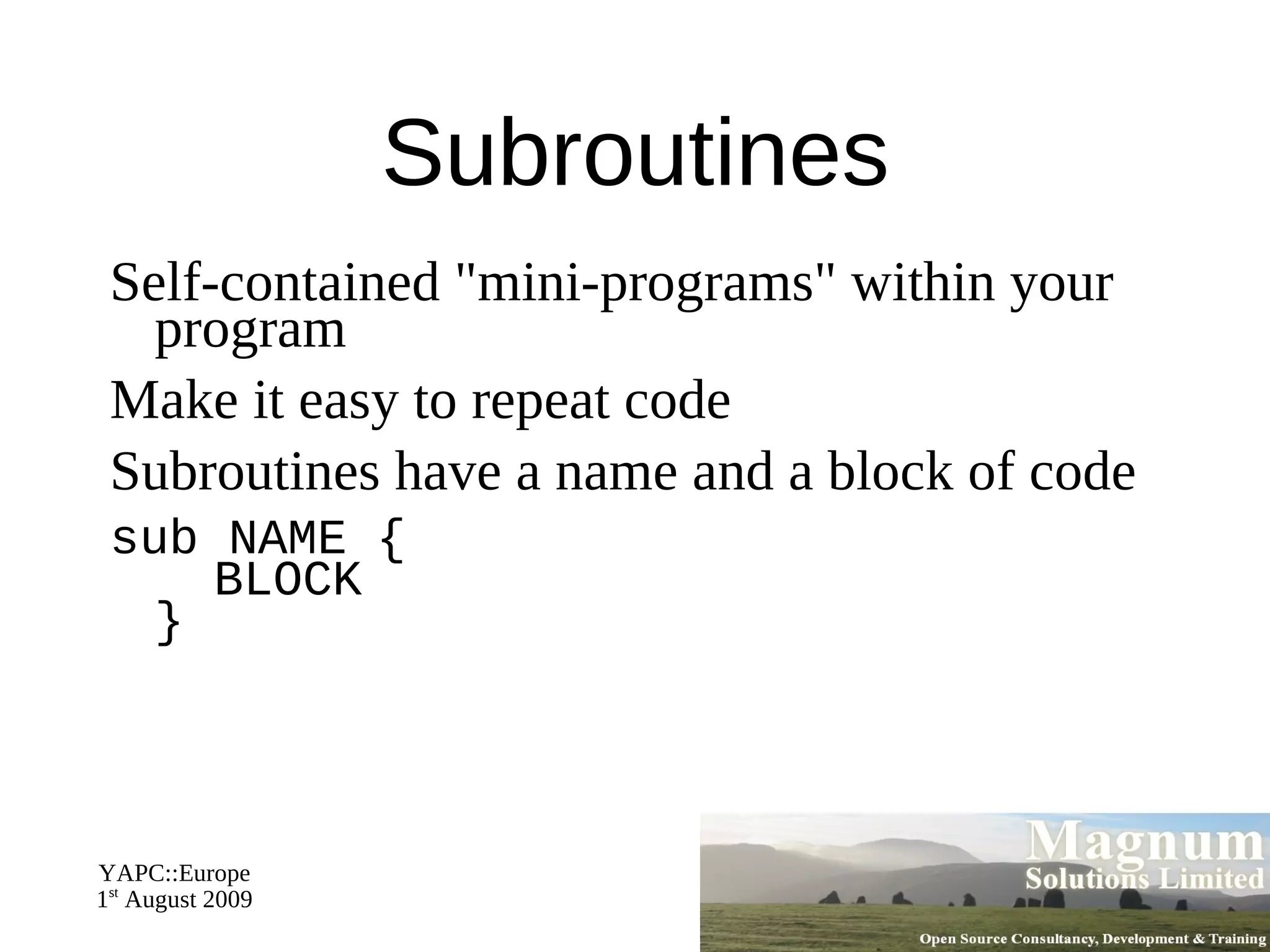
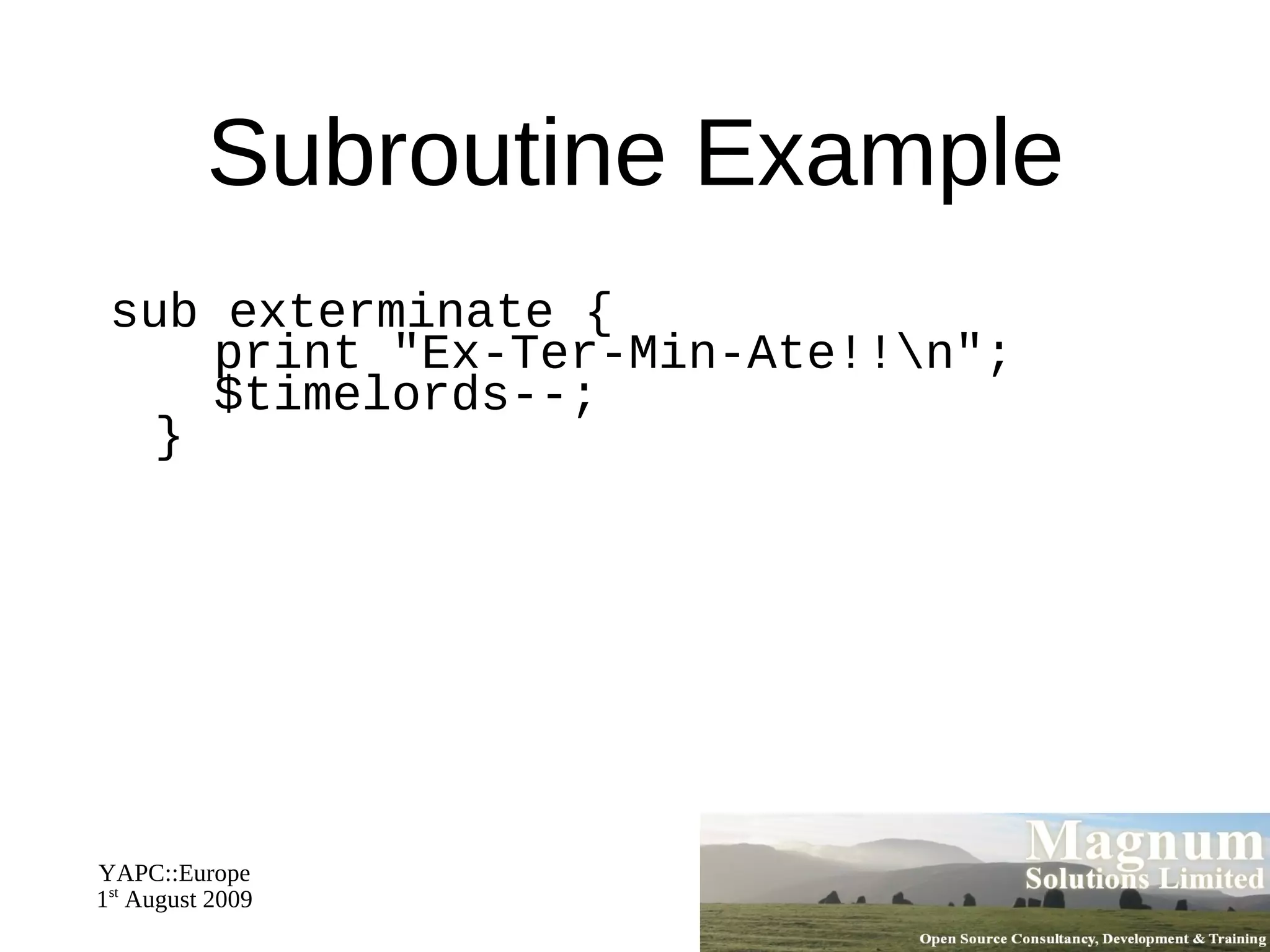
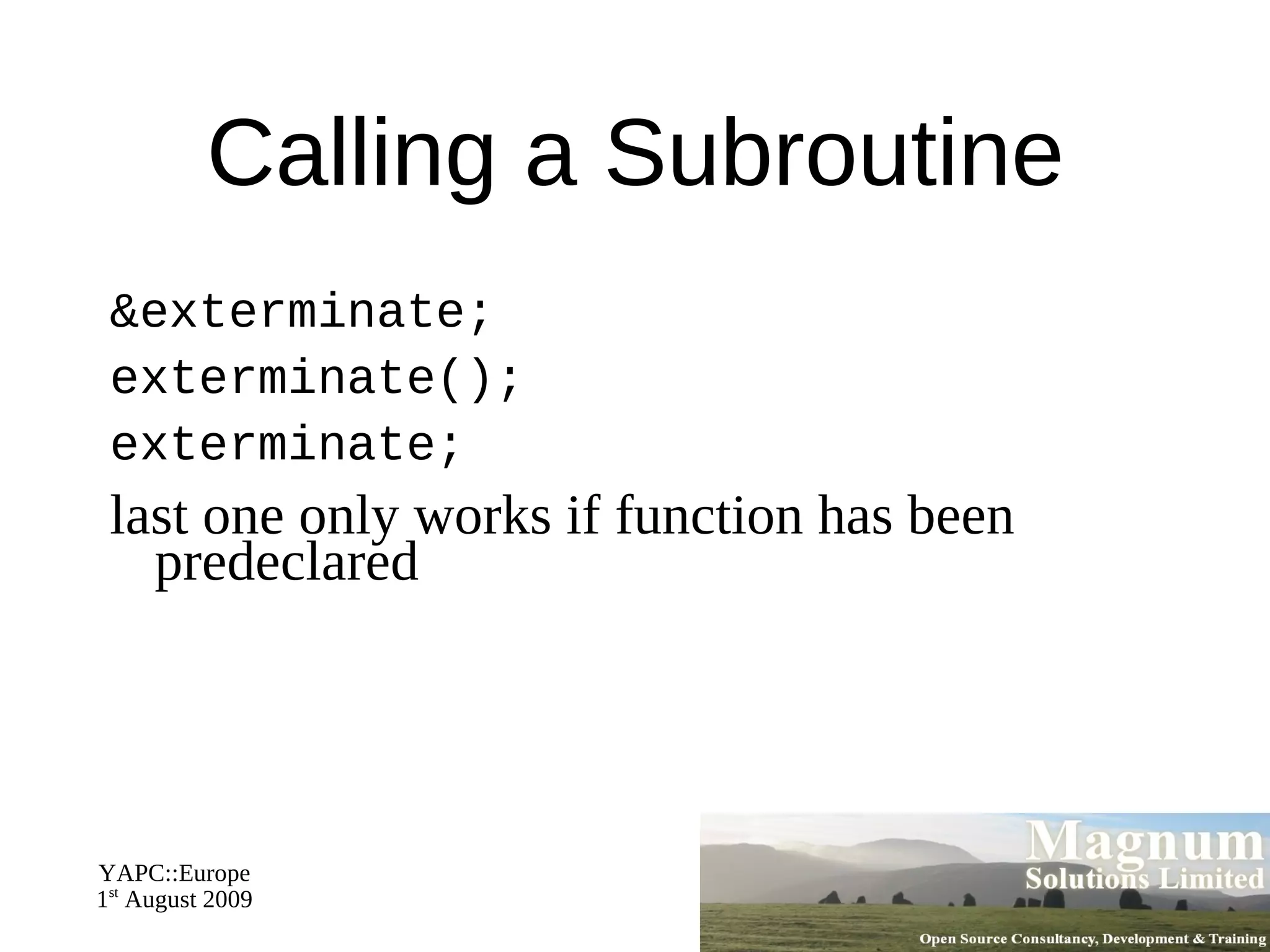
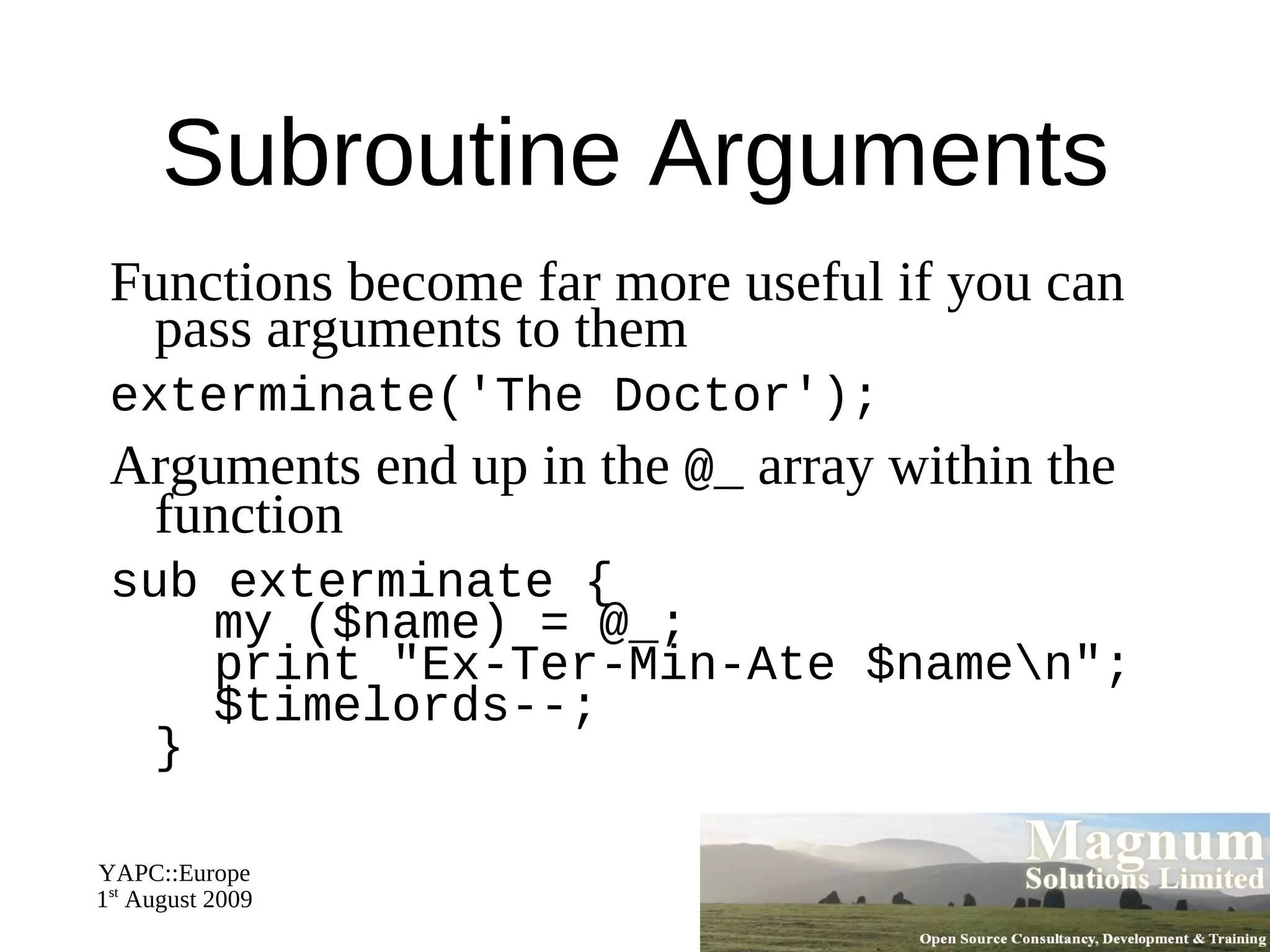
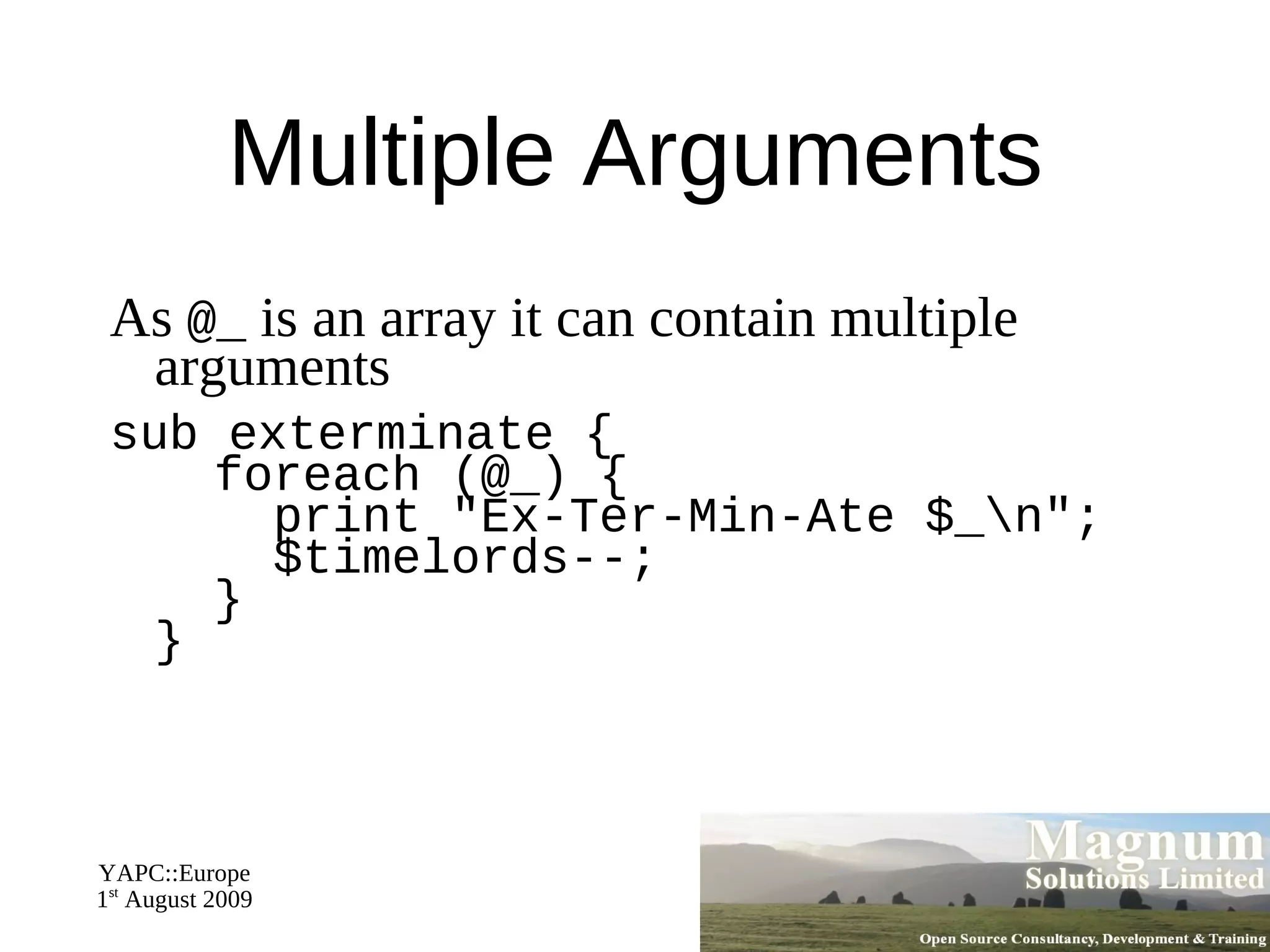
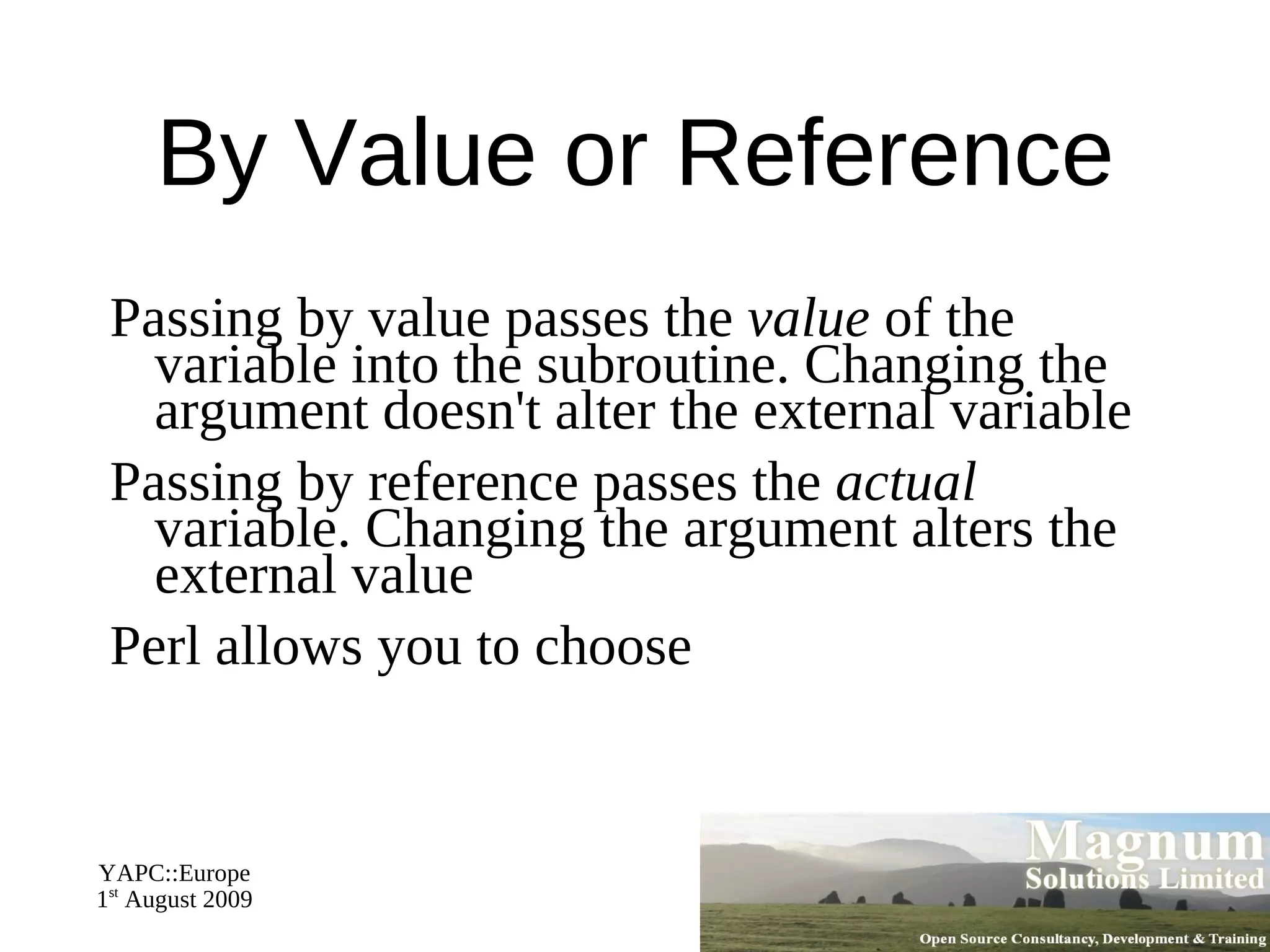
Subroutines
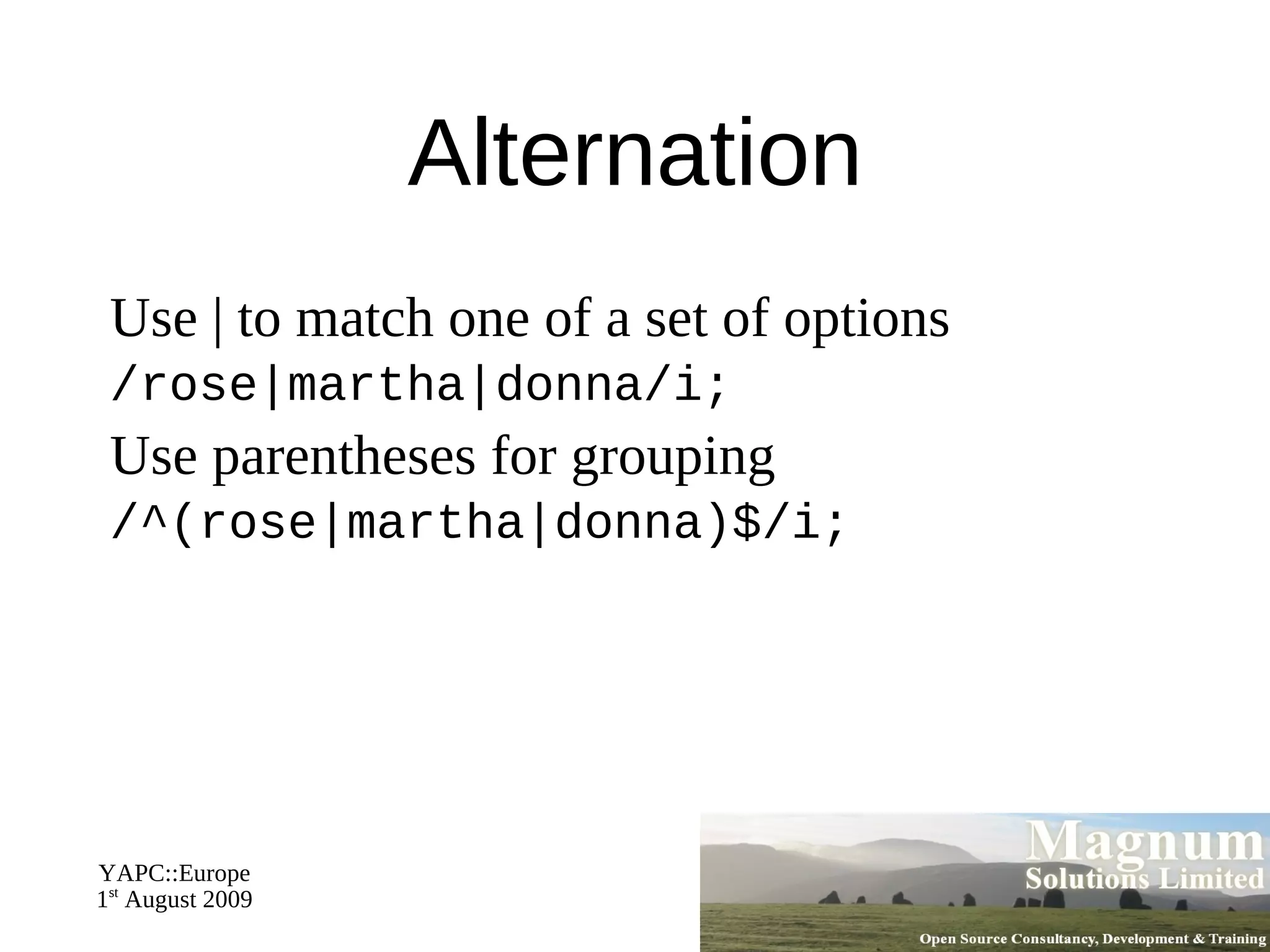
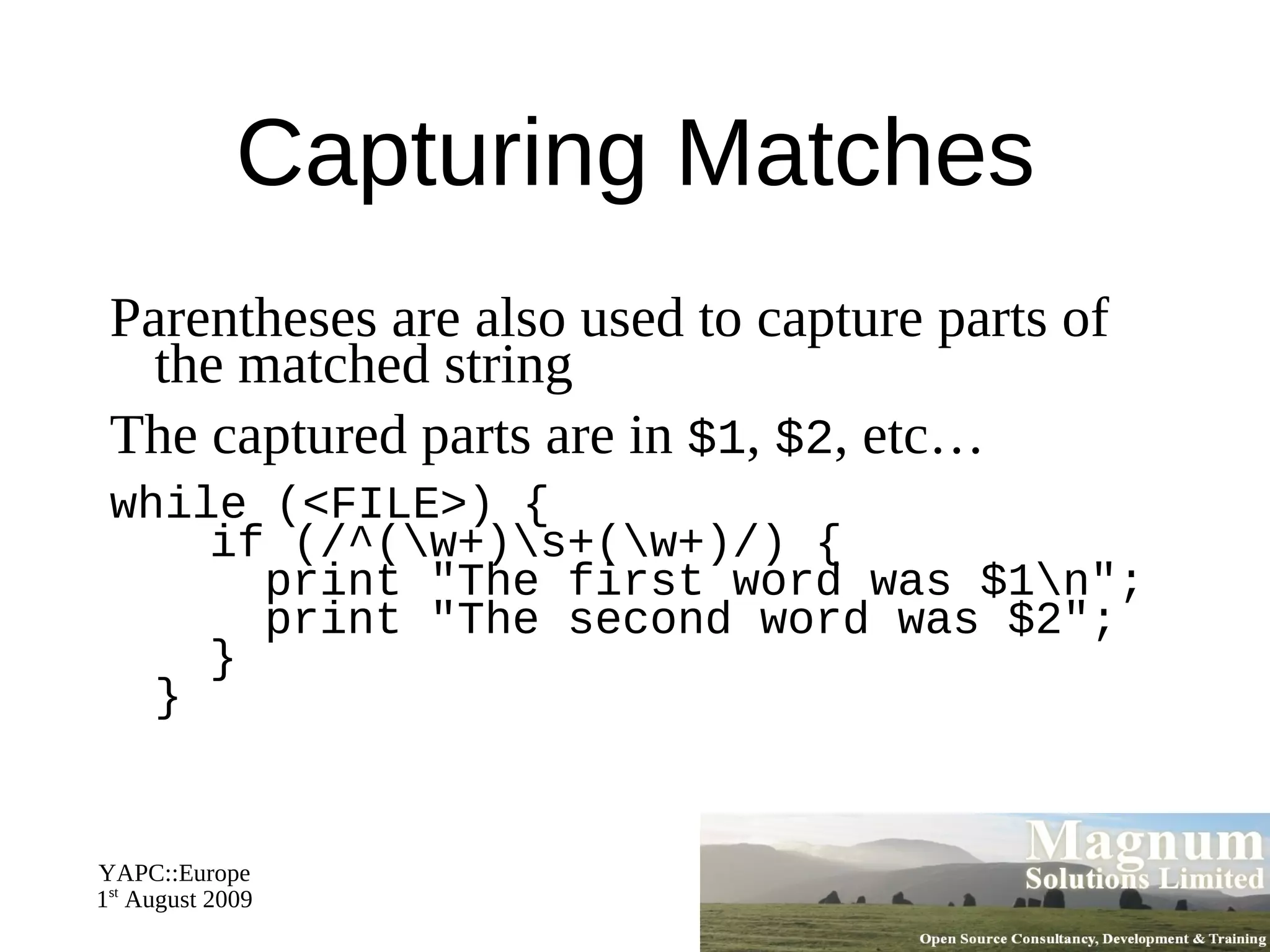
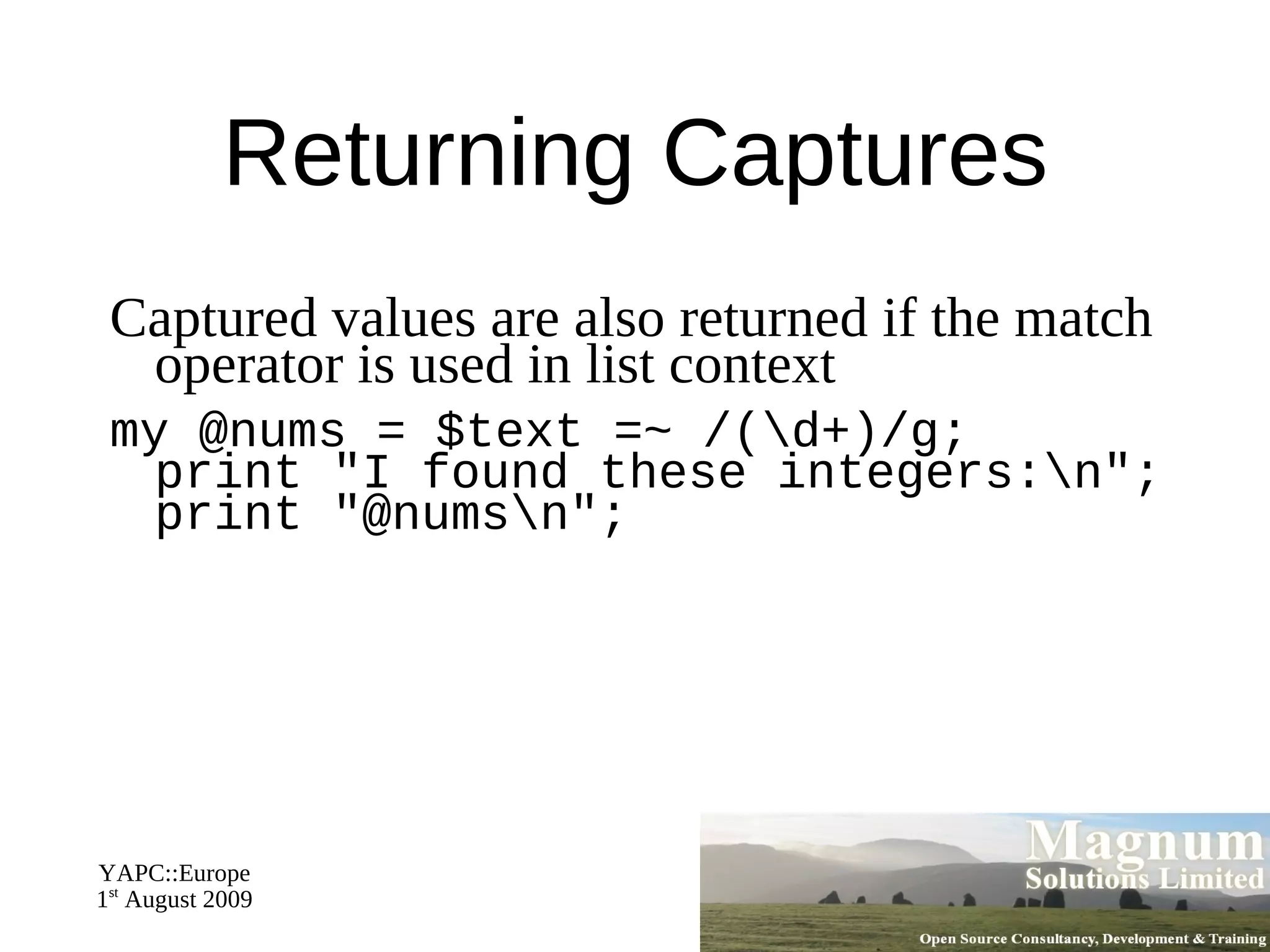
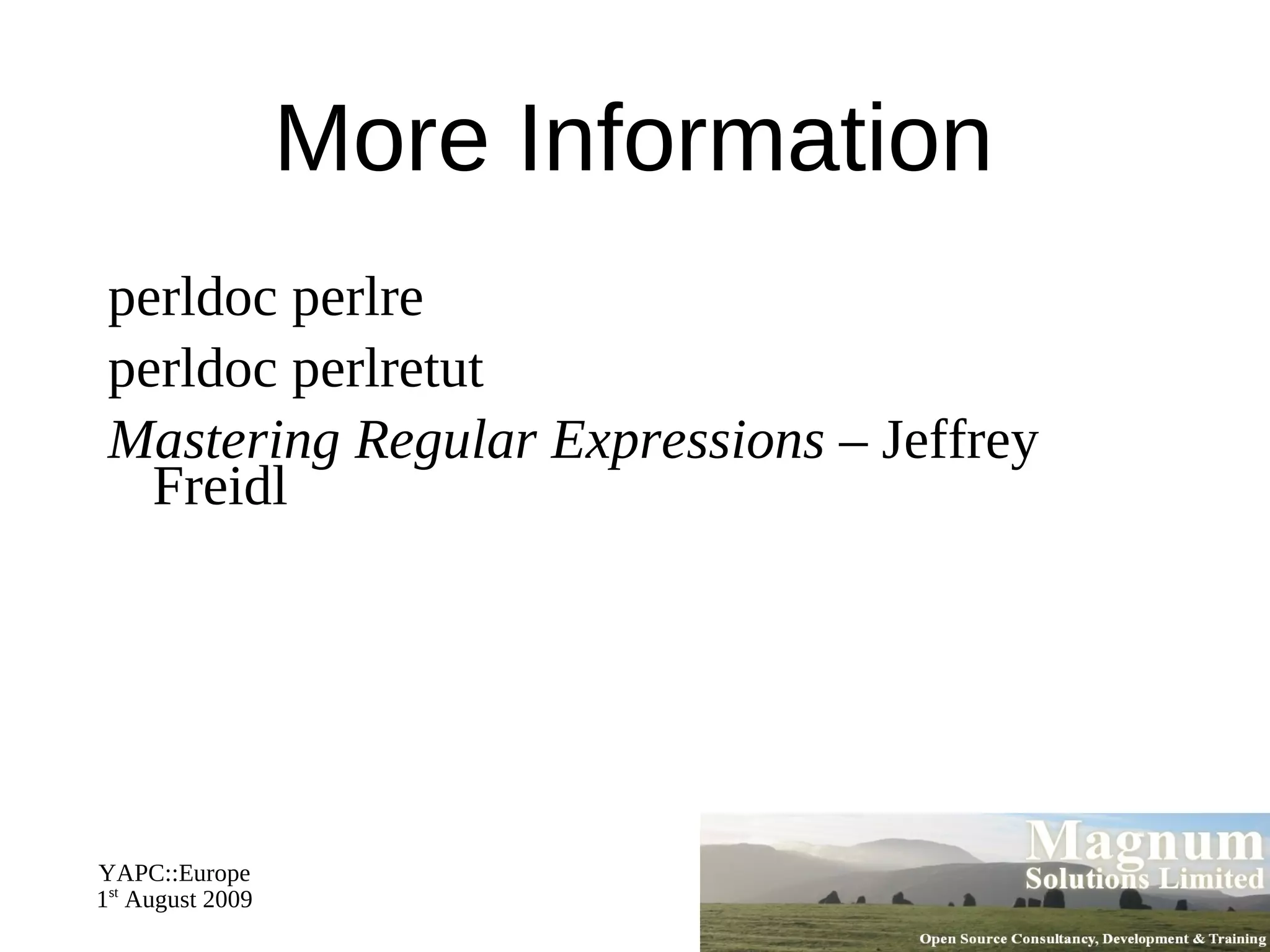
Regular Expressions
Smart Matching
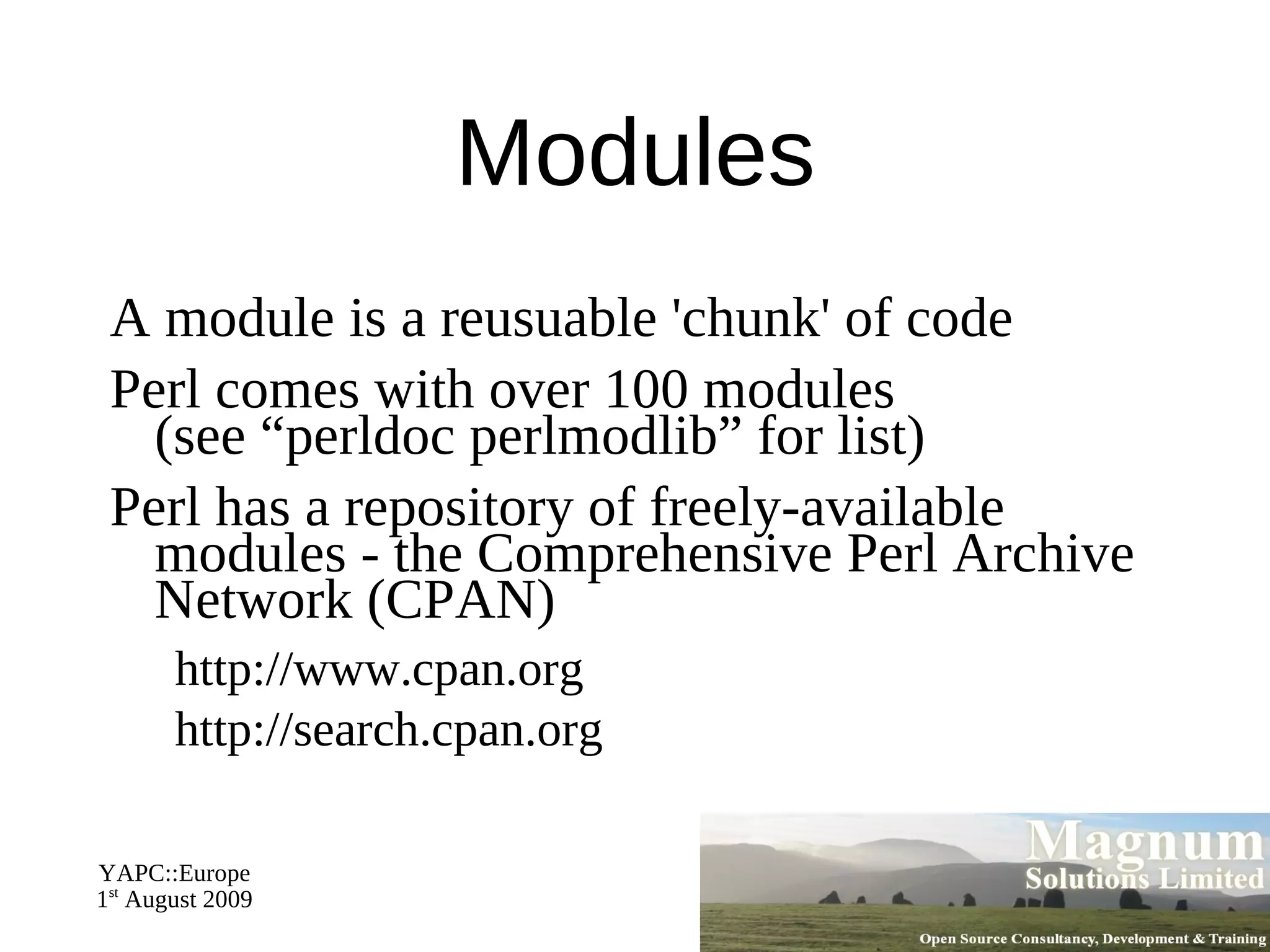
Finding and using Modules
Schedule 09:30 – Begin
11:00 – Coffee break (30 mins)
13:00 – Lunch (90 mins)
14:30 – Begin
16:00 – Coffee break (30 mins)
18:00 – End
Resources Slides available on-line http://mag-sol.com/train/public/2009-02/yapc Also see Slideshare http://www.slideshare.net/davorg/slideshows Get Satisfaction http://getsatisfaction.com/magnum
What is Perl?
Perl's  Name Practical Extraction and Reporting Language
Pathologically Eclectic Rubbish Lister
“Perl” is the language
“perl” is the compiler
Never “PERL”
Typical Uses of Perl Text processing
System administration tasks
CGI and web programming
Database interaction
Other Internet programming
Less Typical Uses of Perl Human Genome Project
NASA
What is Perl Like? General purpose programming language
Free (open source)‏
Fast
Flexible
Secure
Fun
The Perl Philosophy There's more than one way to do it
Three virtues of a programmer Laziness
Impatience
Hubris Share and enjoy!
Creating and Running a Perl Program
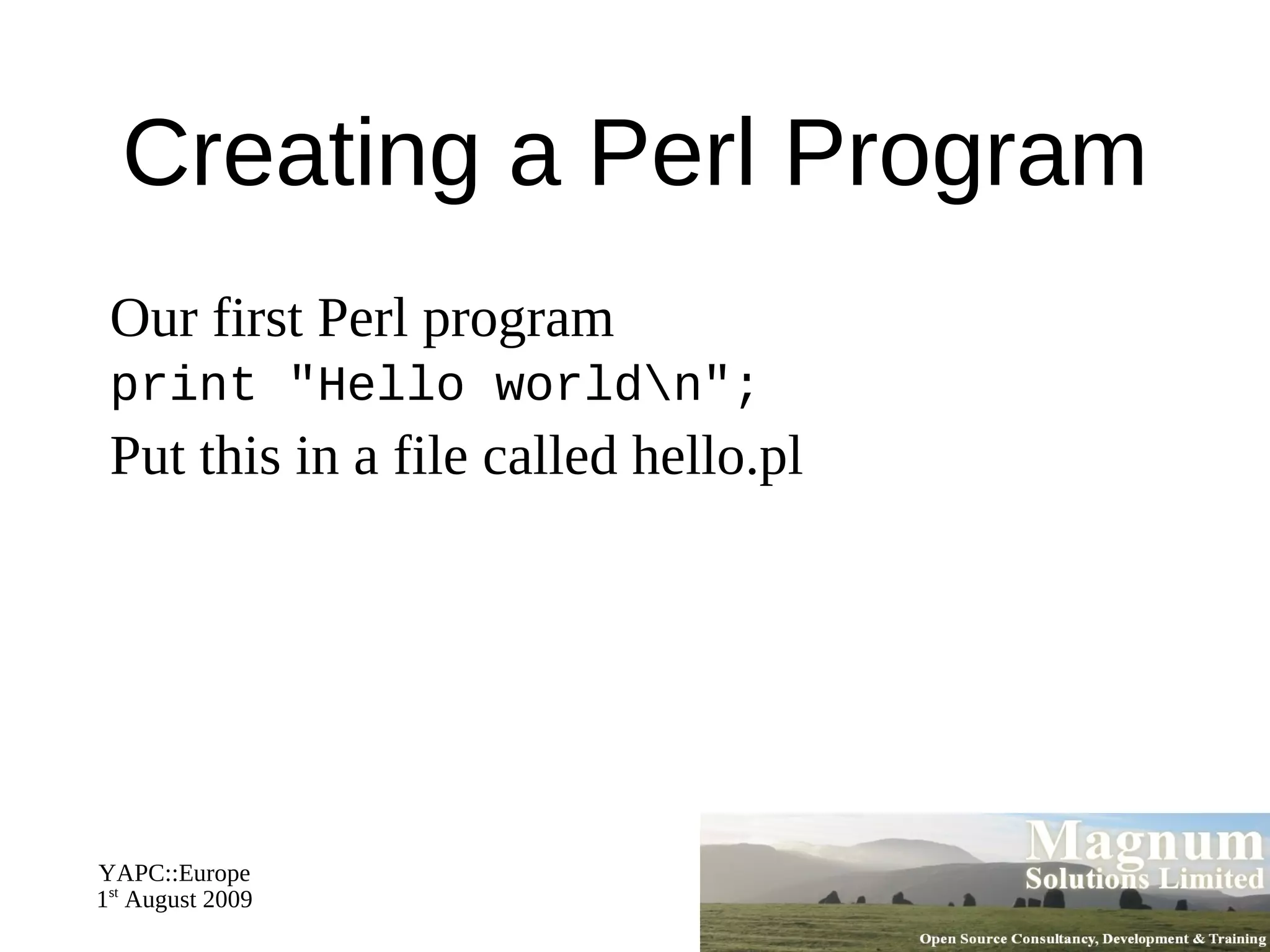
Creating a Perl Program Our first Perl program
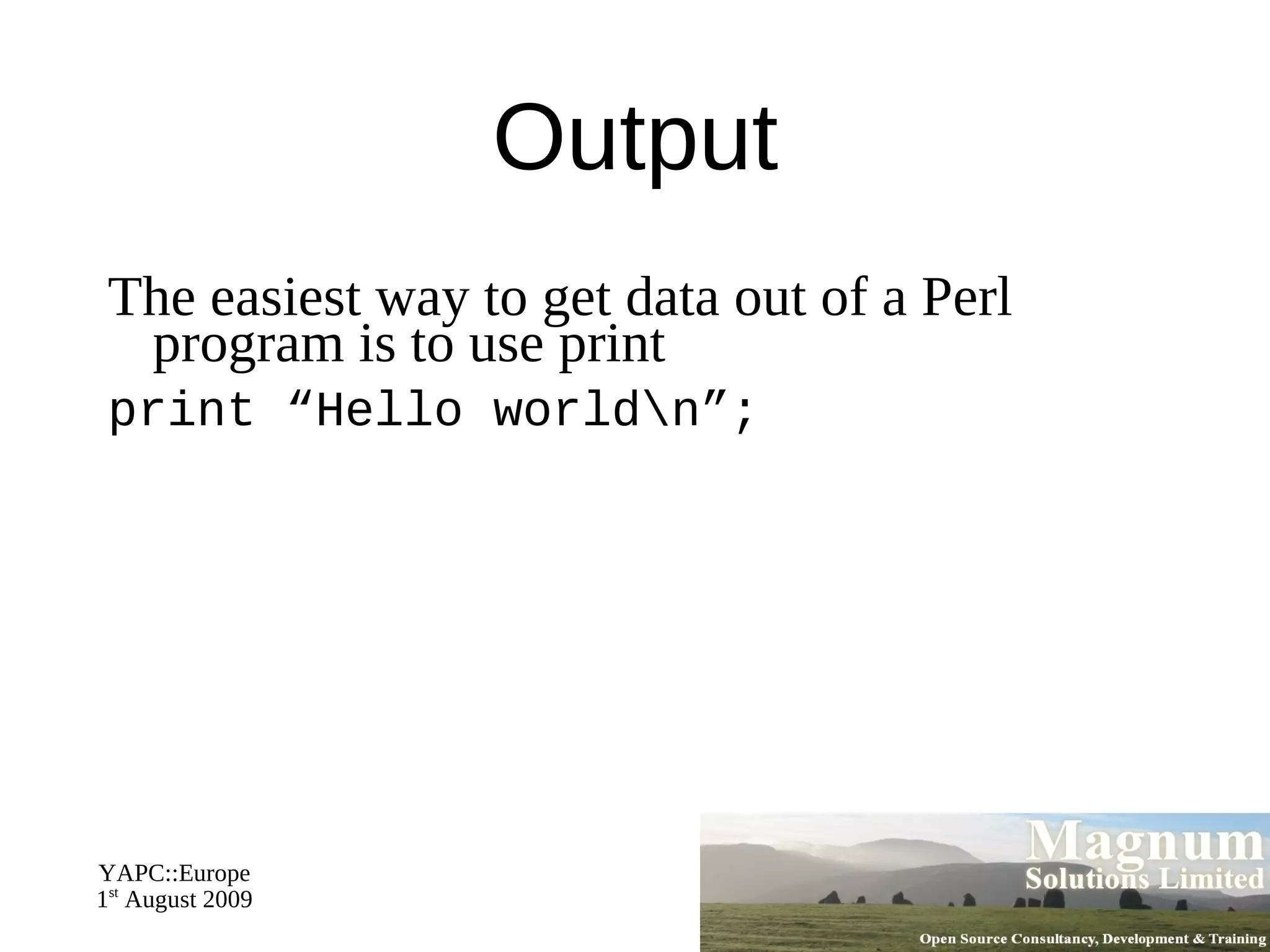
print "Hello world\n";
Put this in a file called hello.pl
Running a Perl Program Running a Perl program from the command line
$ perl hello.pl
Running a Perl Program The "shebang" line (Unix, not Perl)
#!/usr/bin/perl
Make program executable
$ chmod +x hello.pl
Run from command line
$ ./hello.pl
Perl Comments Add comments to your code
Start with a hash (#)‏
Continue to end of line
# This is a hello world program print "Hello, world!\n"; # print
Command Line Options Many options to control execution of the program
For example, -w turns on warnings
Use on command line
perl -w hello.pl
Or on shebang line
#!/usr/bin/perl -w
More usually  use warnings
Getting Help
Perl Documentation Perl comes with a huge amount of documentation
Accessed through the  perldoc  command
perldoc perl
perldoc perltoc  – table of contents
Also online at http://perldoc.perl.org/
Lots of references through the course
Some Useful Pages perlintro
perldata
perlsyn
perlfaq
perlstyle
perlcheat
Many many more
Perl Variables
What is a Variable? A place where we can store data
A variable needs a name To put new data in it
To retrieve the data stored in it
Variable Names Contain alphanumeric characters and underscores
User variable names may not start with numbers
Variable names are preceded by a punctuation mark indicating the type of data
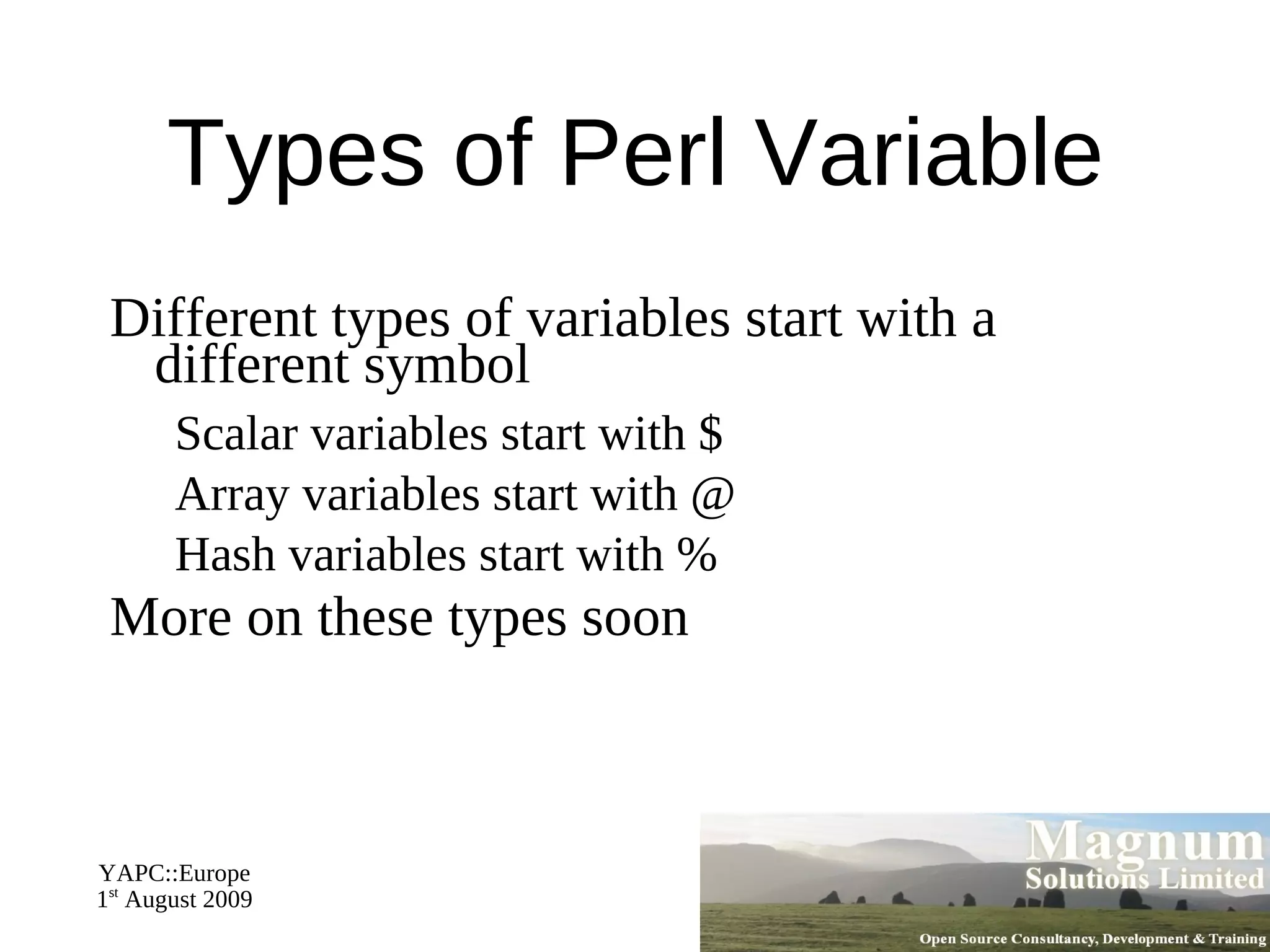
Types of Perl Variable Different types of variables start with a different symbol Scalar variables start with $
Array variables start with @
Hash variables start with % More on these types soon
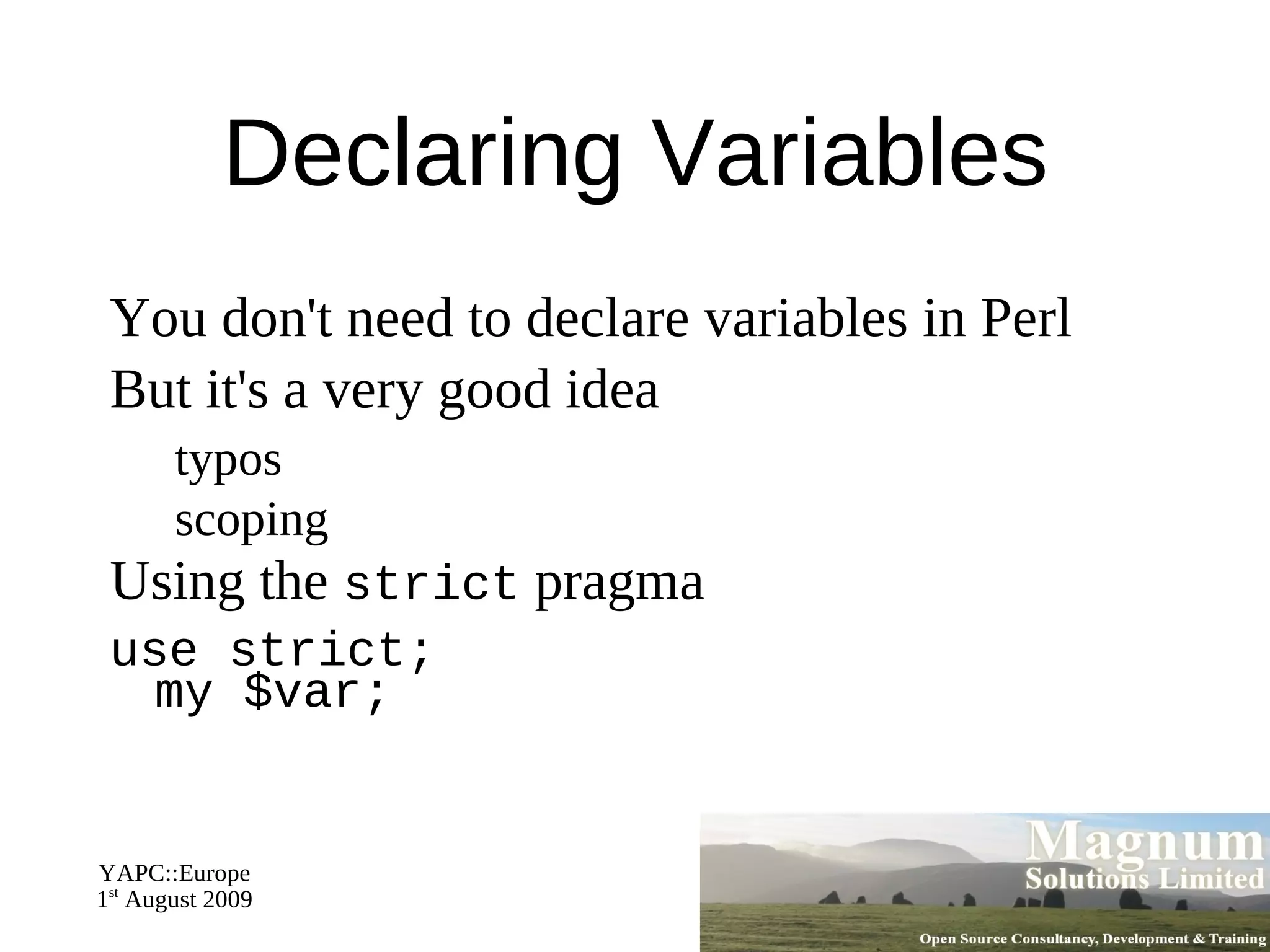
Declaring Variables You don't need to declare variables in Perl
But it's a very good idea typos
scoping Using the  strict  pragma
use strict; my $var;
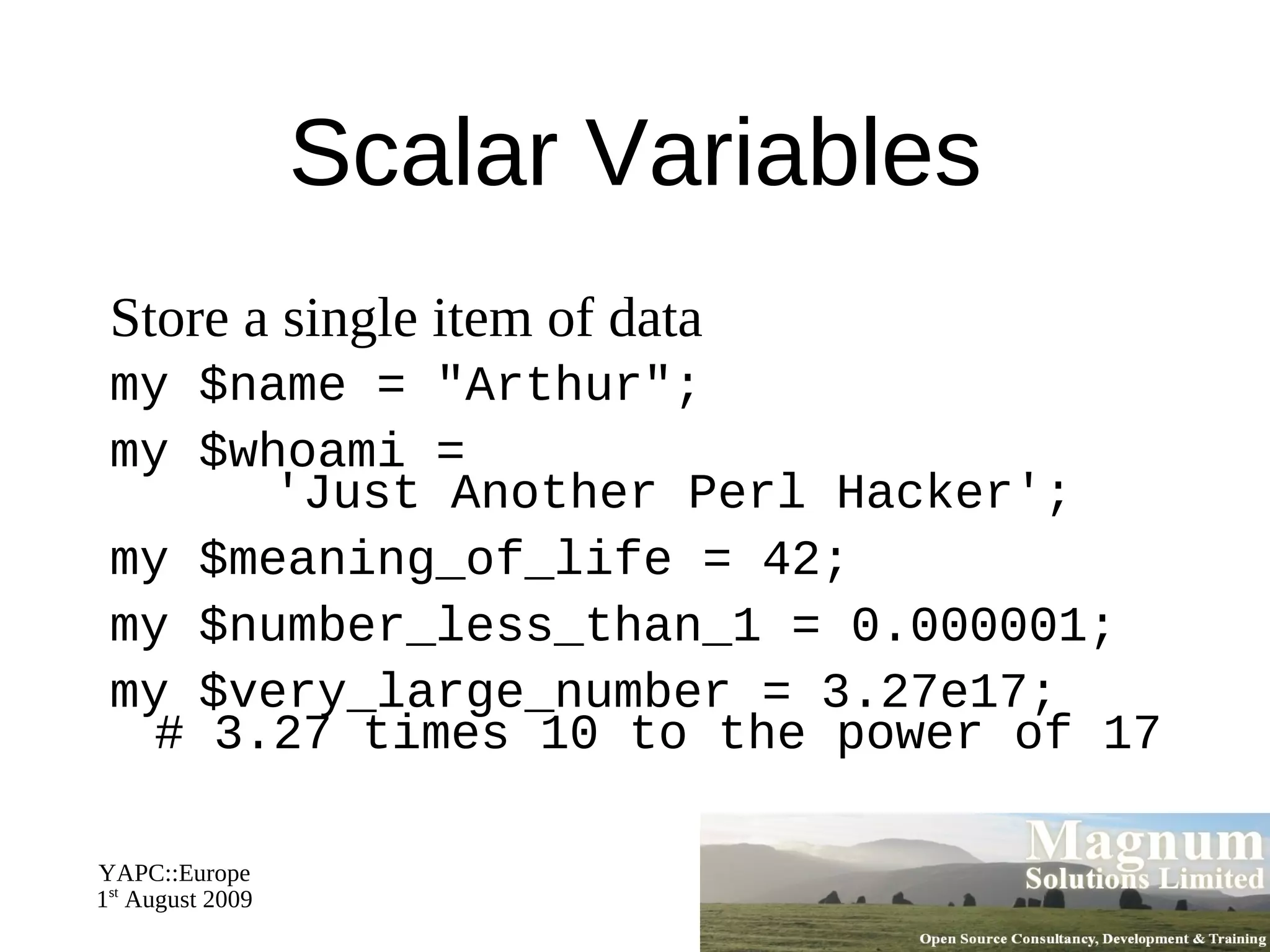
Scalar Variables Store a single item of data
my $name = "Arthur";
my $whoami =   'Just Another Perl Hacker';
my $meaning_of_life = 42;
my $number_less_than_1 = 0.000001;
my $very_large_number = 3.27e17;  # 3.27 times 10 to the power of 17
Type Conversions Perl converts between strings and numbers whenever necessary
Add int to a floating point number
my $sum = $meaning_of_life +   $number_less_than_1;
Putting a number into a string
print "$name says, 'The meaning of life is $sum.'\n";
Quoting Strings Single quotes don't expand variables or escape sequences
my $price = '$9.95';
Double quotes do
my $invline =   "24 widgets @ $price each\n";
Use a backslash to escape special characters in double quoted strings
print "He said \"The price is  \$300\"";
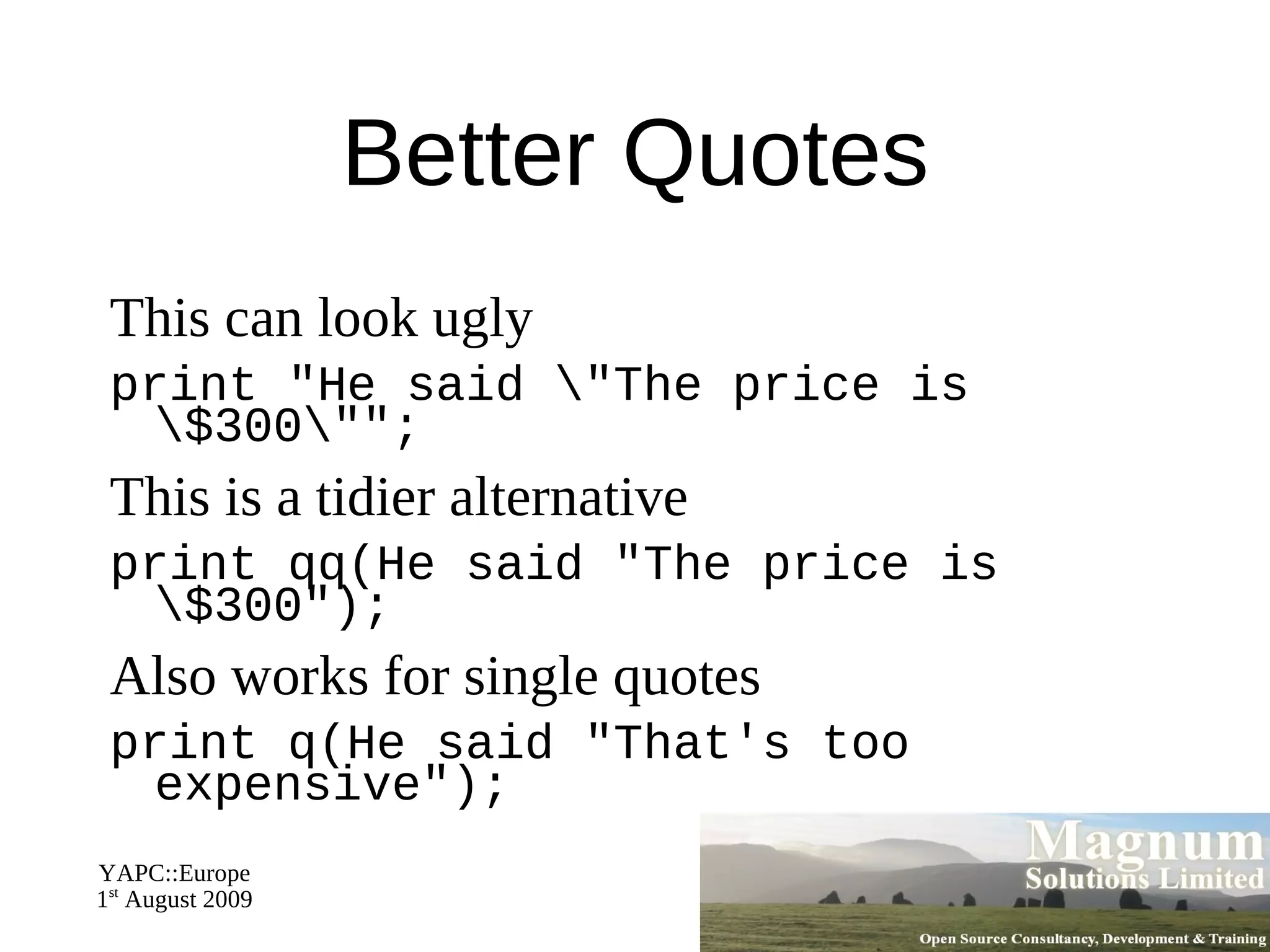
Better Quotes This can look ugly
print "He said \"The price is  \$300\"";
This is a tidier alternative
print qq(He said "The price is \$300");
Also works for single quotes
print q(He said "That's too expensive");
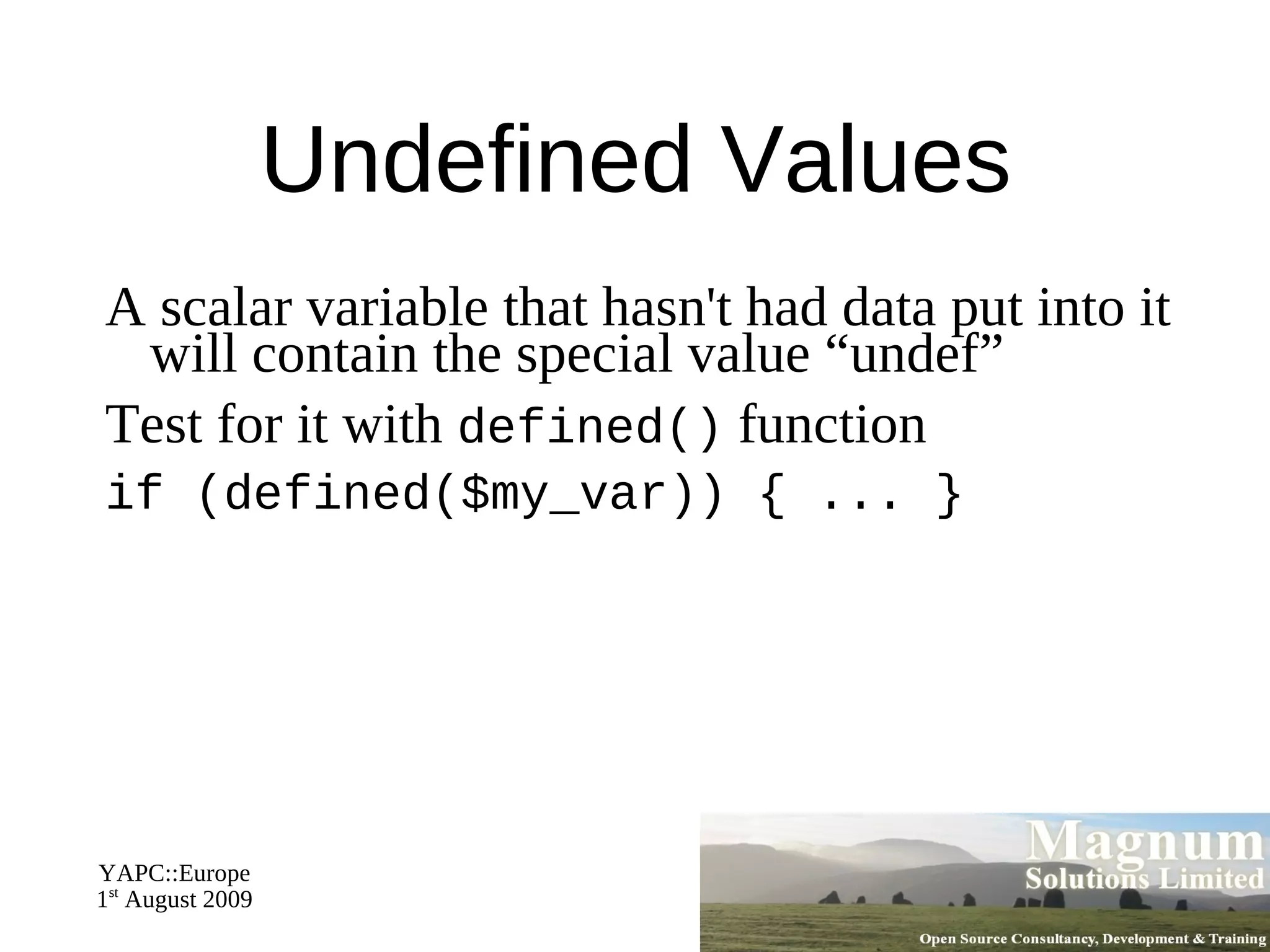
Undefined Values A scalar variable that hasn't had data put into it will contain the special value “undef”
Test for it with  defined()  function
if (defined($my_var)) { ... }
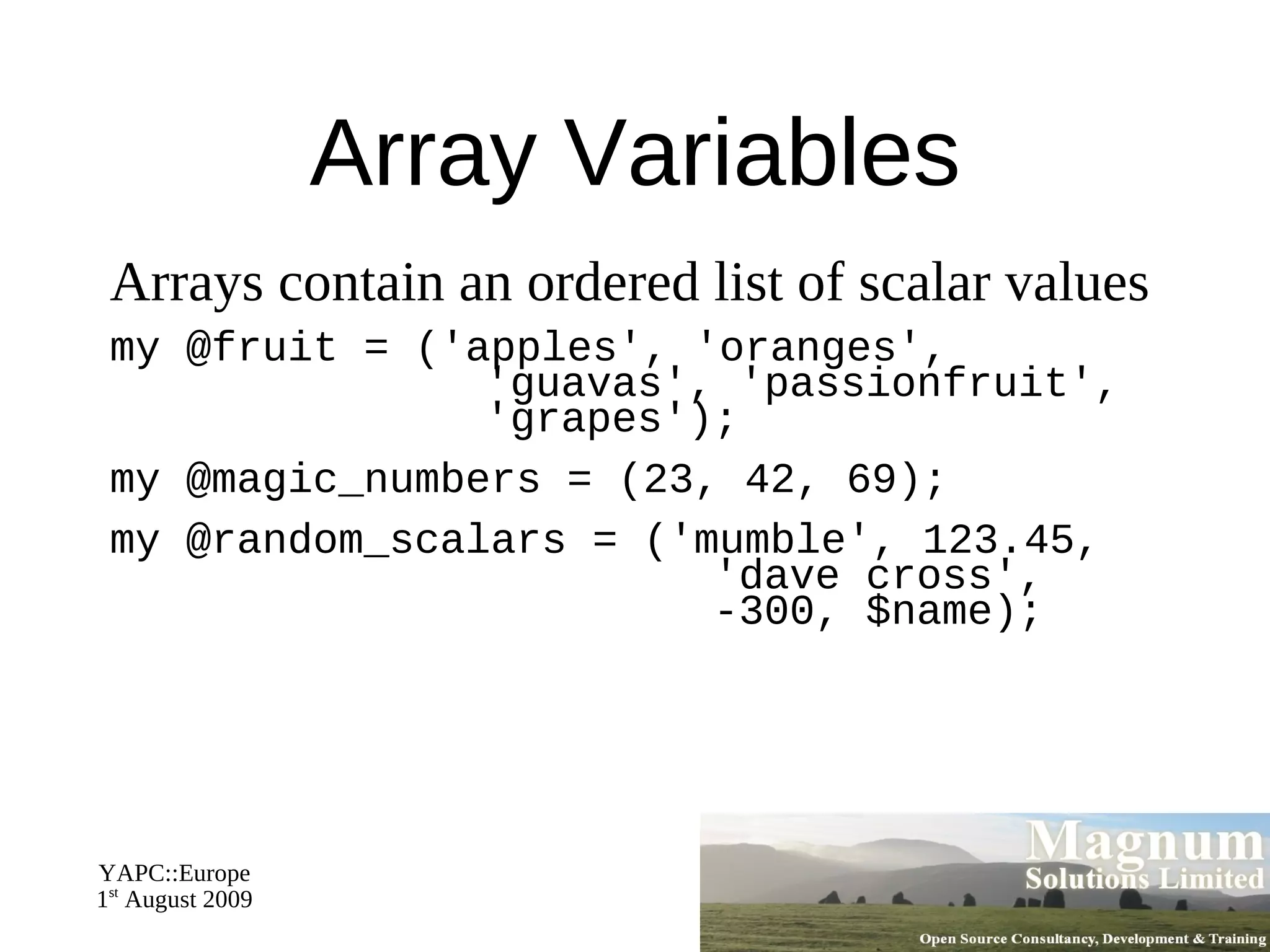
Array Variables Arrays contain an ordered list of scalar values
my @fruit = ('apples', 'oranges',   'guavas', 'passionfruit',   'grapes');
my @magic_numbers = (23, 42, 69);
my @random_scalars = ('mumble', 123.45,   'dave cross',   -300, $name);
Array Elements Accessing individual elements of an array
print $fruits[0]; # prints "apples"
Note: Indexes start from zero
print $random_scalars[2]; # prints "dave cross"
Note use of $ as individual element of an array is a scalar
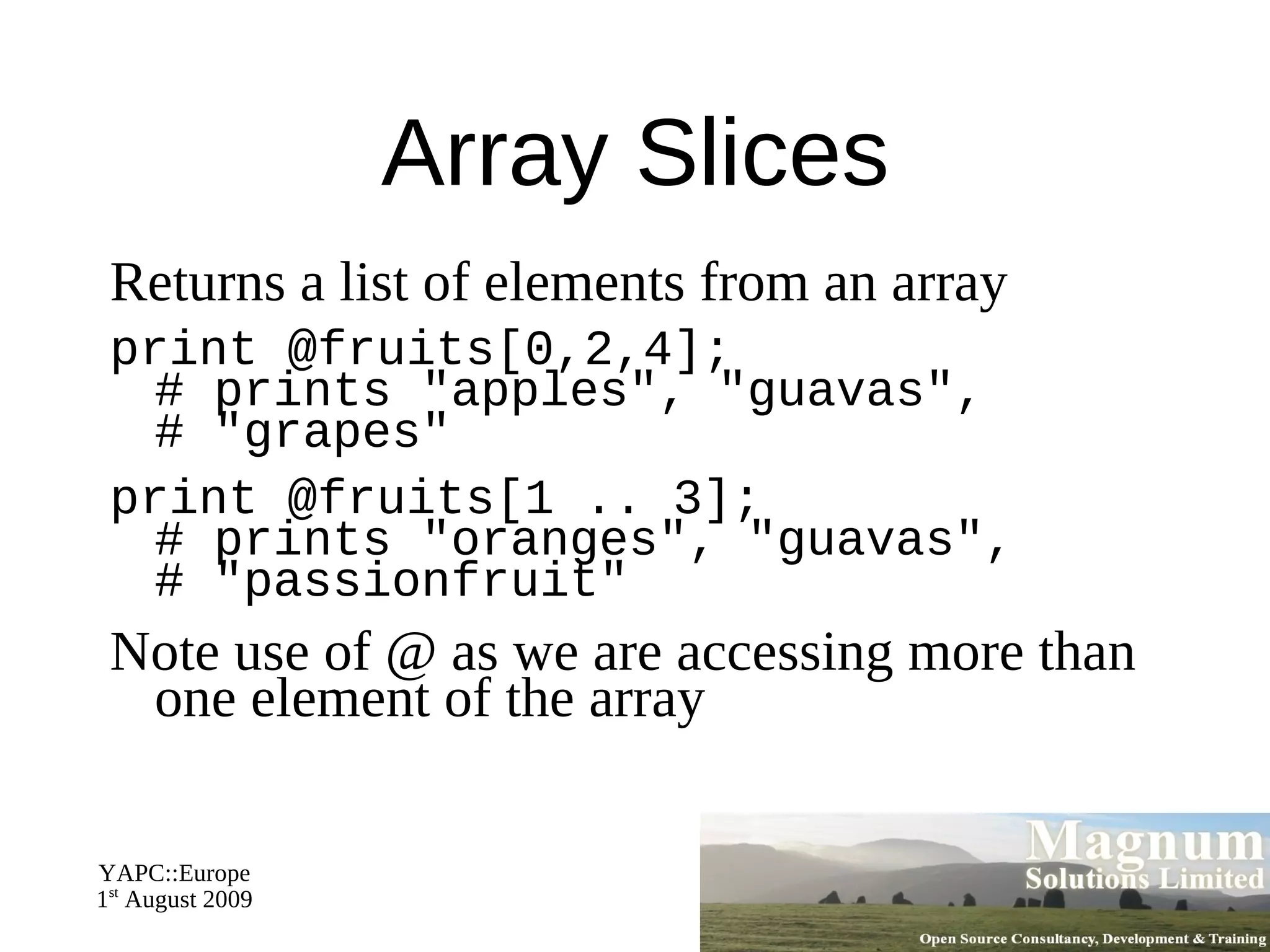
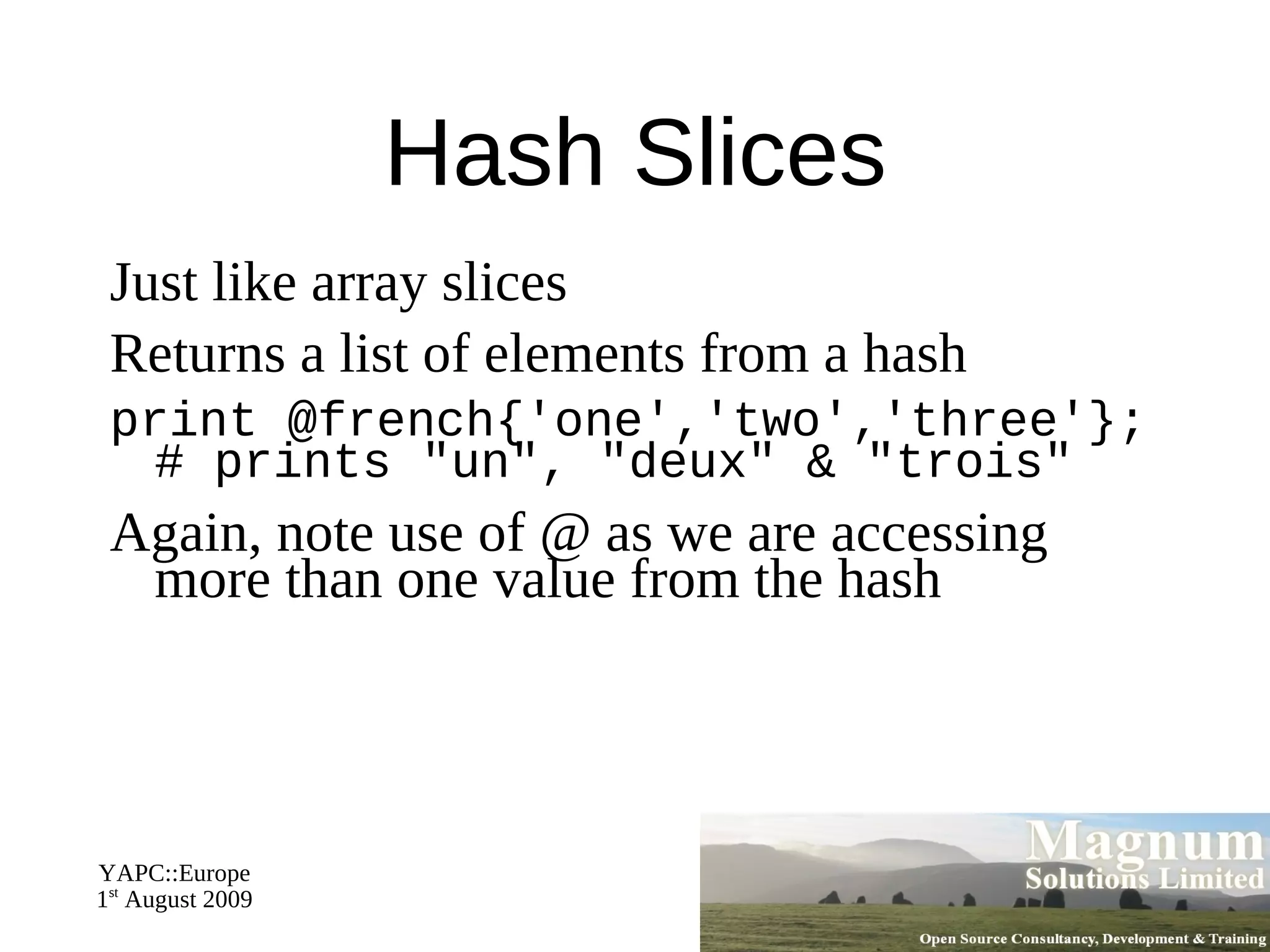
Array Slices Returns a list of elements from an array
print @fruits[0,2,4]; # prints "apples", "guavas", # "grapes"
print @fruits[1 .. 3]; # prints "oranges", "guavas", # "passionfruit"
Note use of @ as we are accessing more than one element of the array
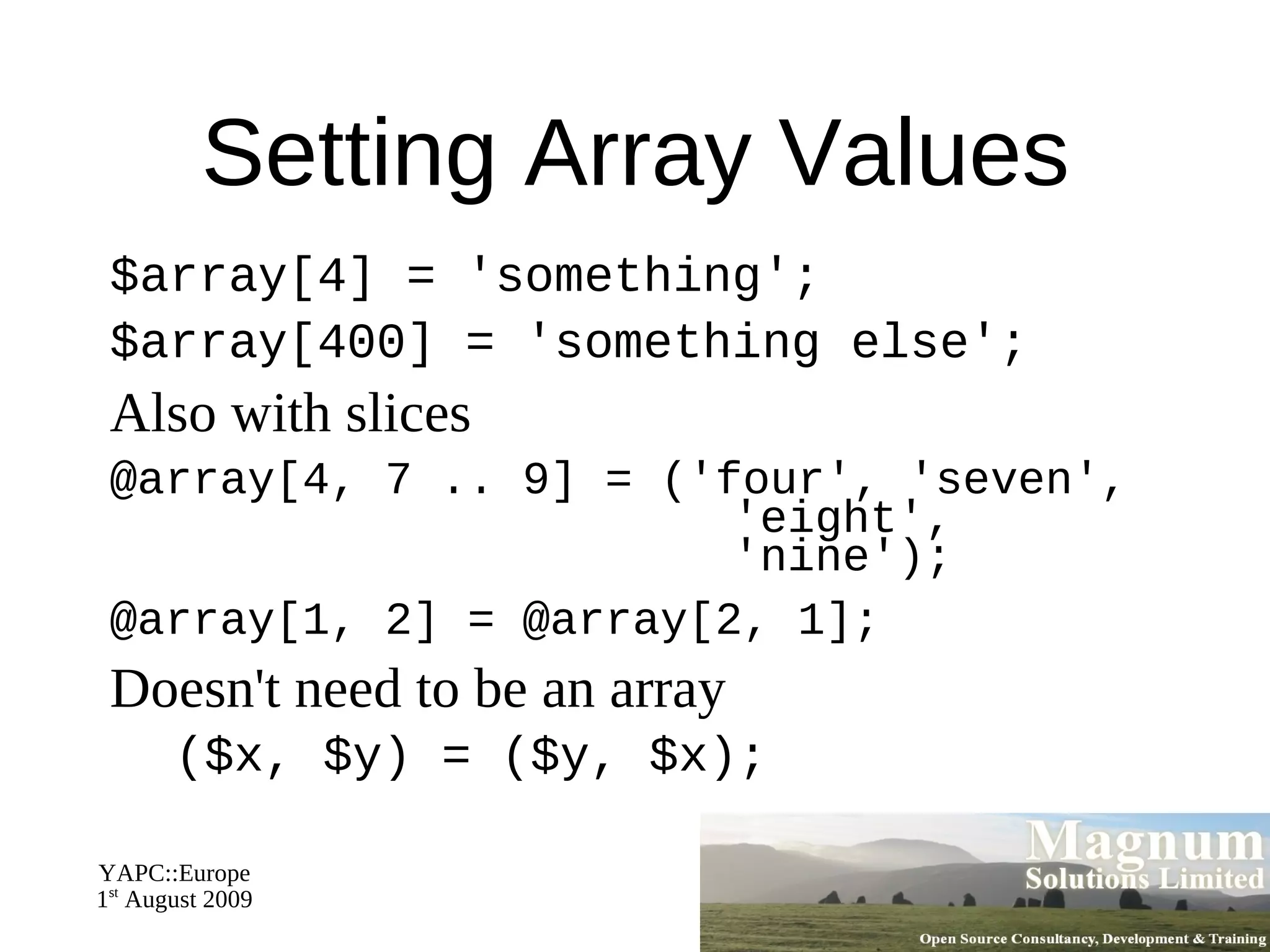
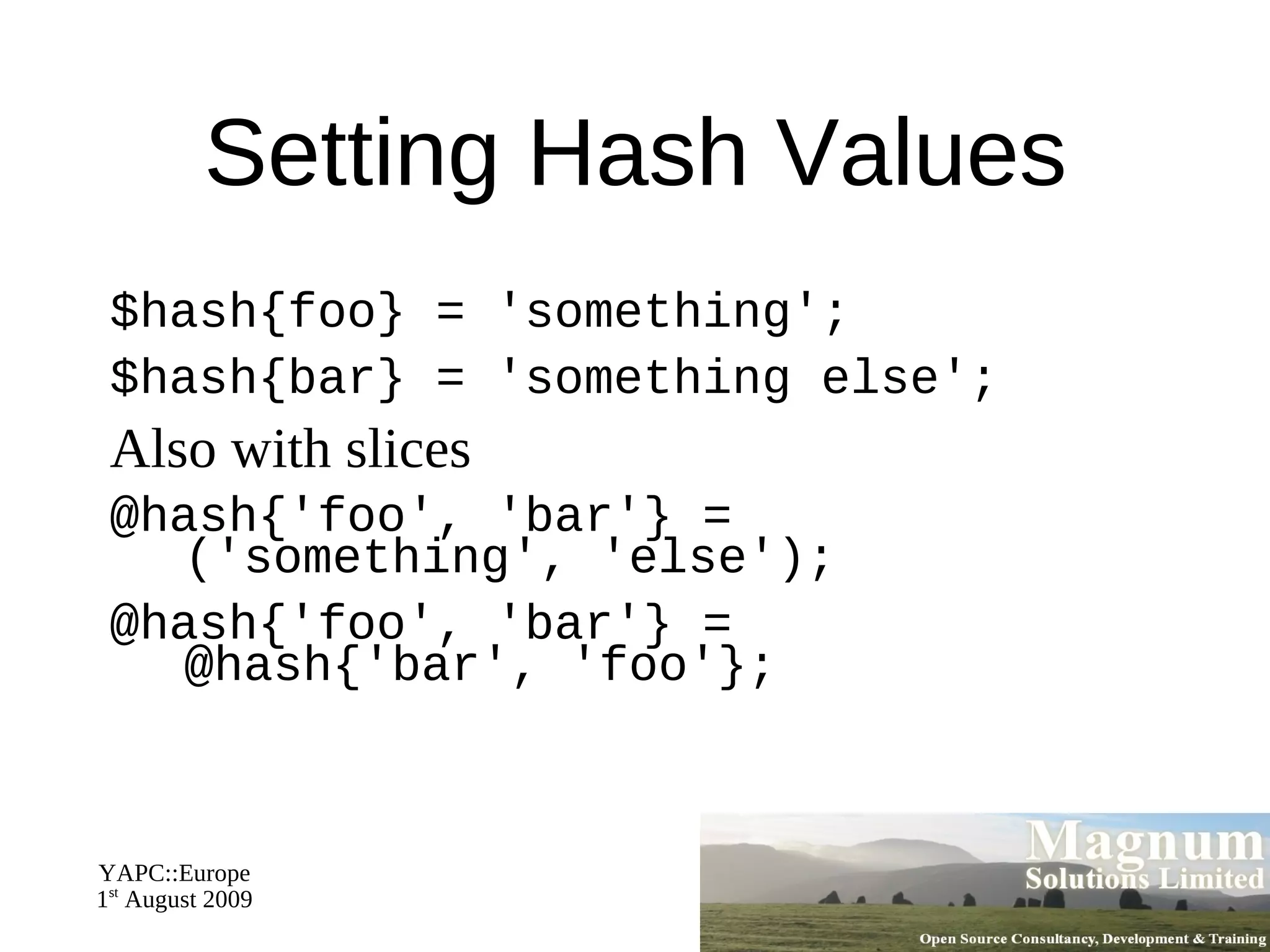
Setting Array Values $array[4] = 'something';
$array[400] = 'something else';
Also with slices
@array[4, 7 .. 9] = ('four', 'seven',   'eight',   'nine');
@array[1, 2] = @array[2, 1];
Doesn't need to be an array ($x, $y) = ($y, $x);
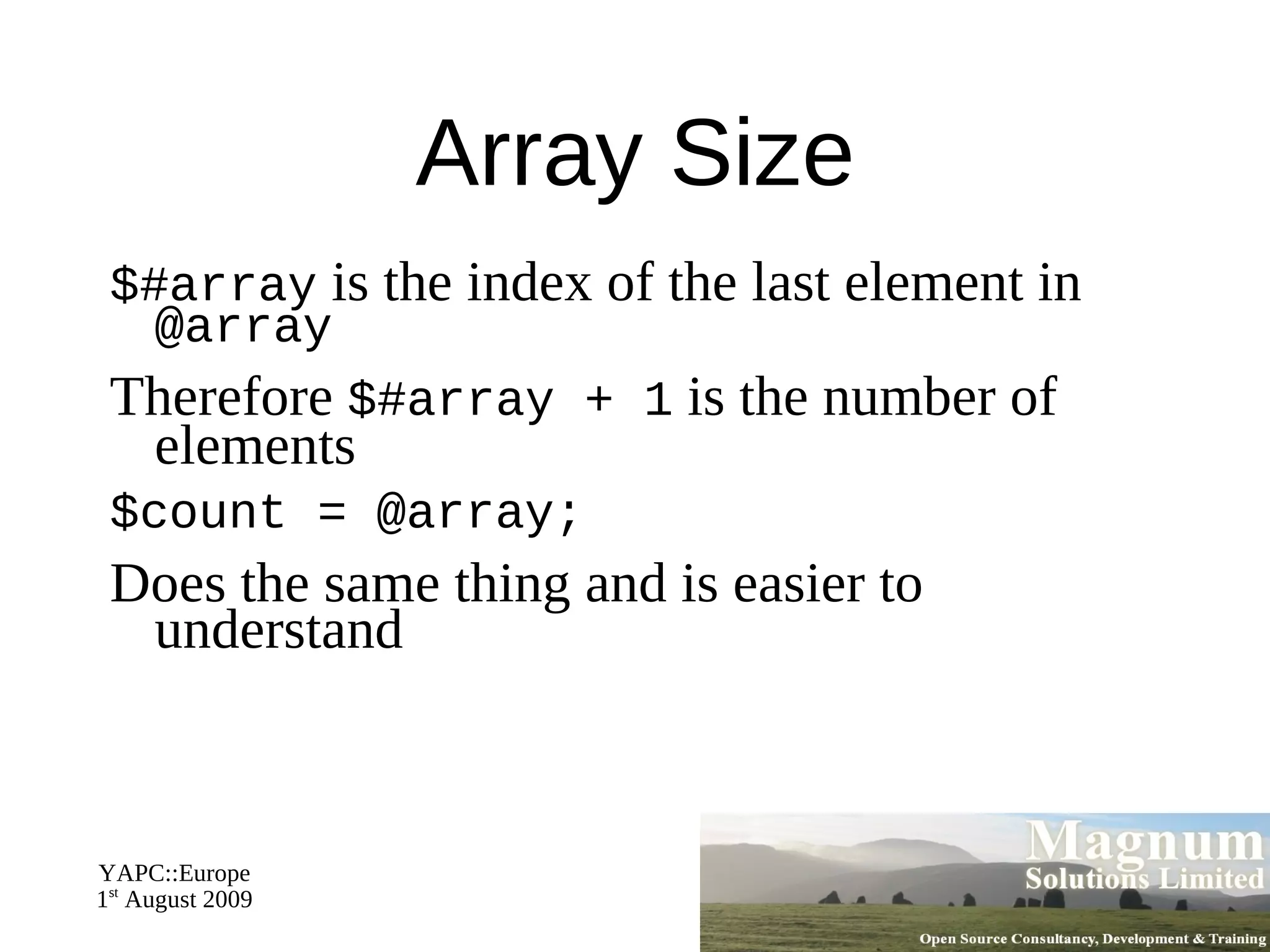
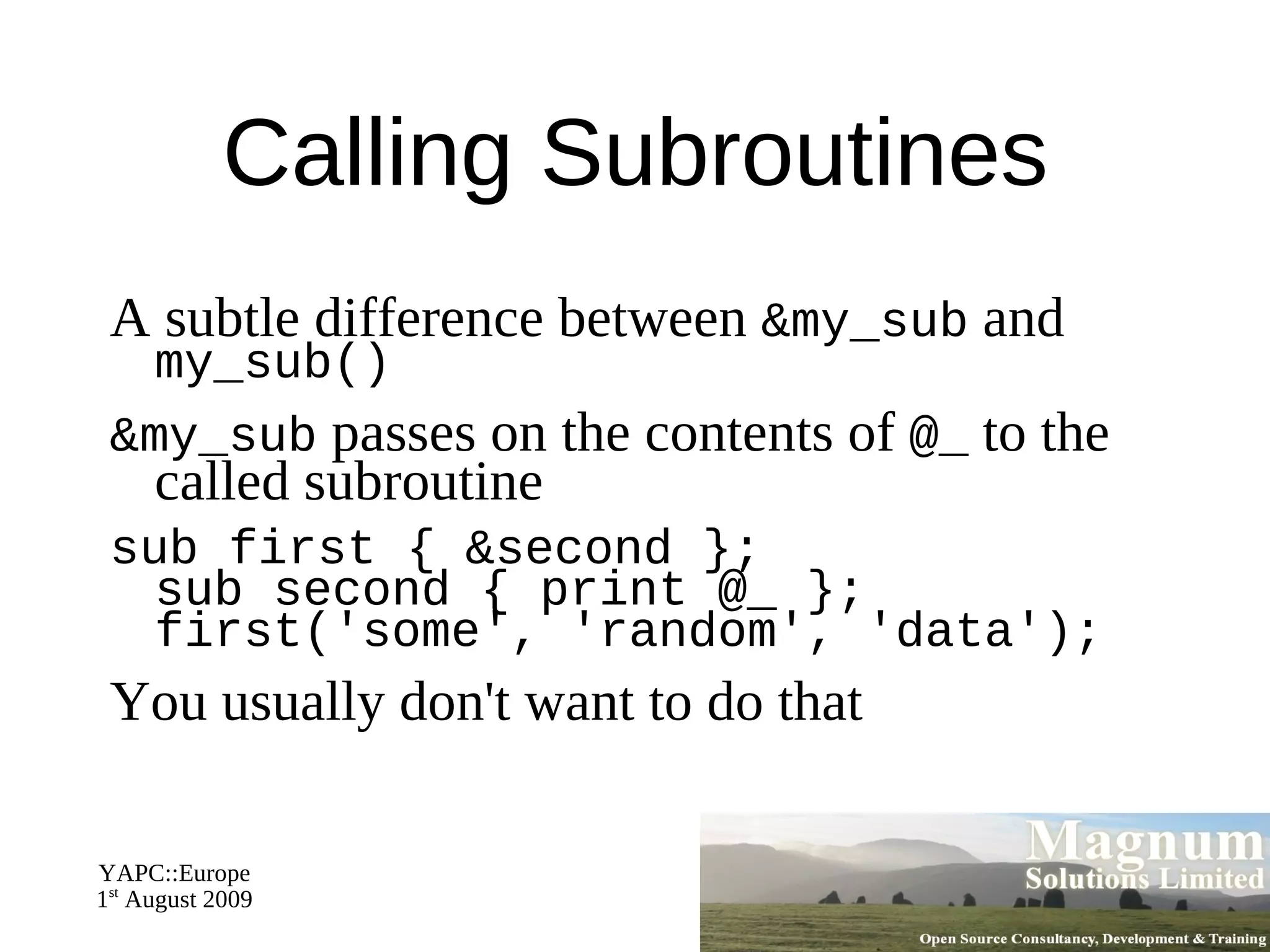
Array Size $#array  is the index of the last element in  @array
Therefore  $#array + 1  is the number of elements
$count = @array;

Introduction to Perl - Day 1