Prepared By:
Prof. Bareen Shaikh
Department of Computer
Science,
MIT ACSC,ALNDI(D), PUNE
Introduction to Nodejs
Synchronous & Asynchronous
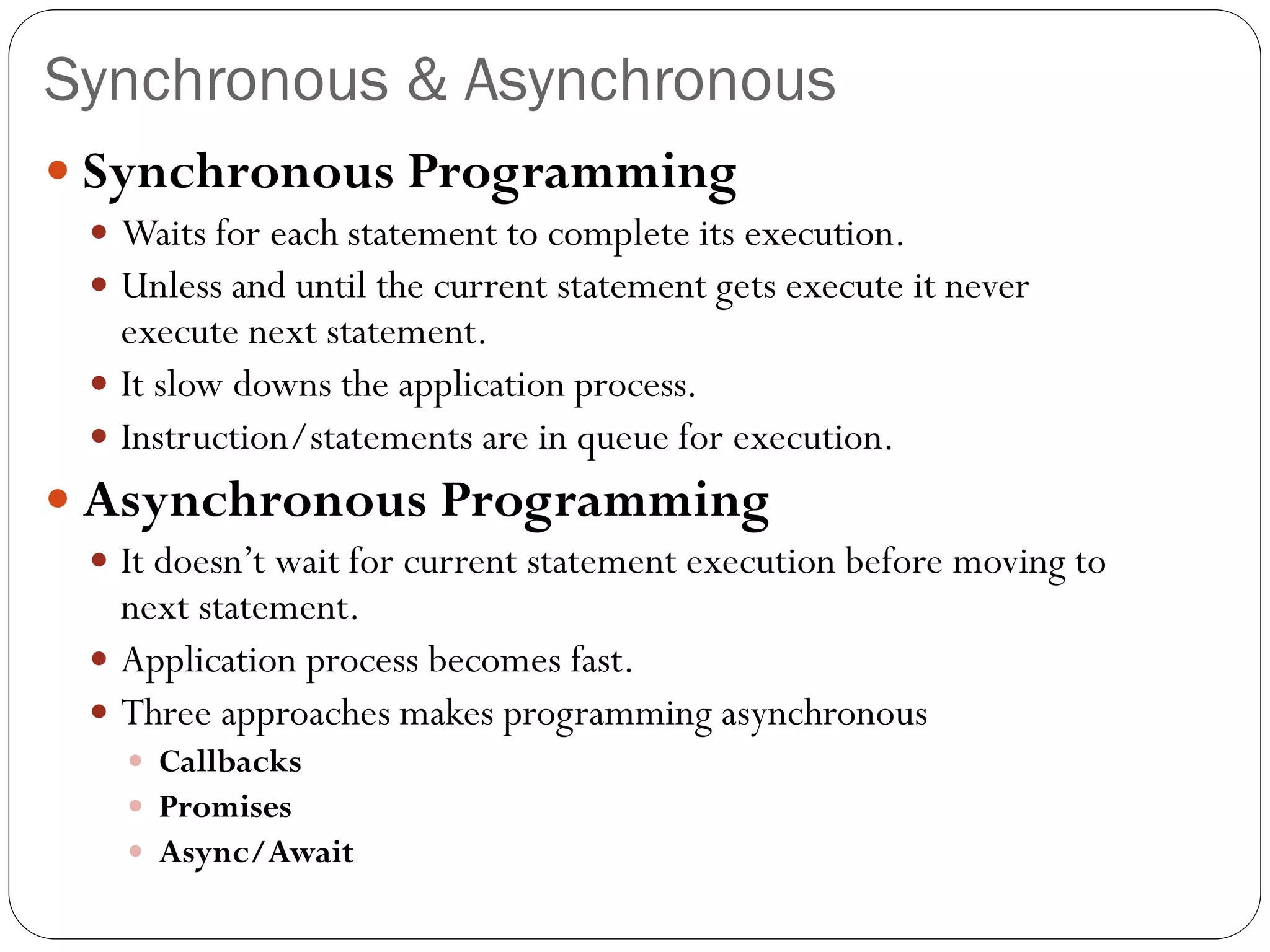
 Synchronous Programming
 Waits for each statement to complete its execution.
 Unless and until the current statement gets execute it never
execute next statement.
 It slow downs the application process.
 Instruction/statements are in queue for execution.
 Asynchronous Programming
 It doesn’t wait for current statement execution before moving to
next statement.
 Application process becomes fast.
 Three approaches makes programming asynchronous
 Callbacks
 Promises
 Async/Await
Callback in JavaScript
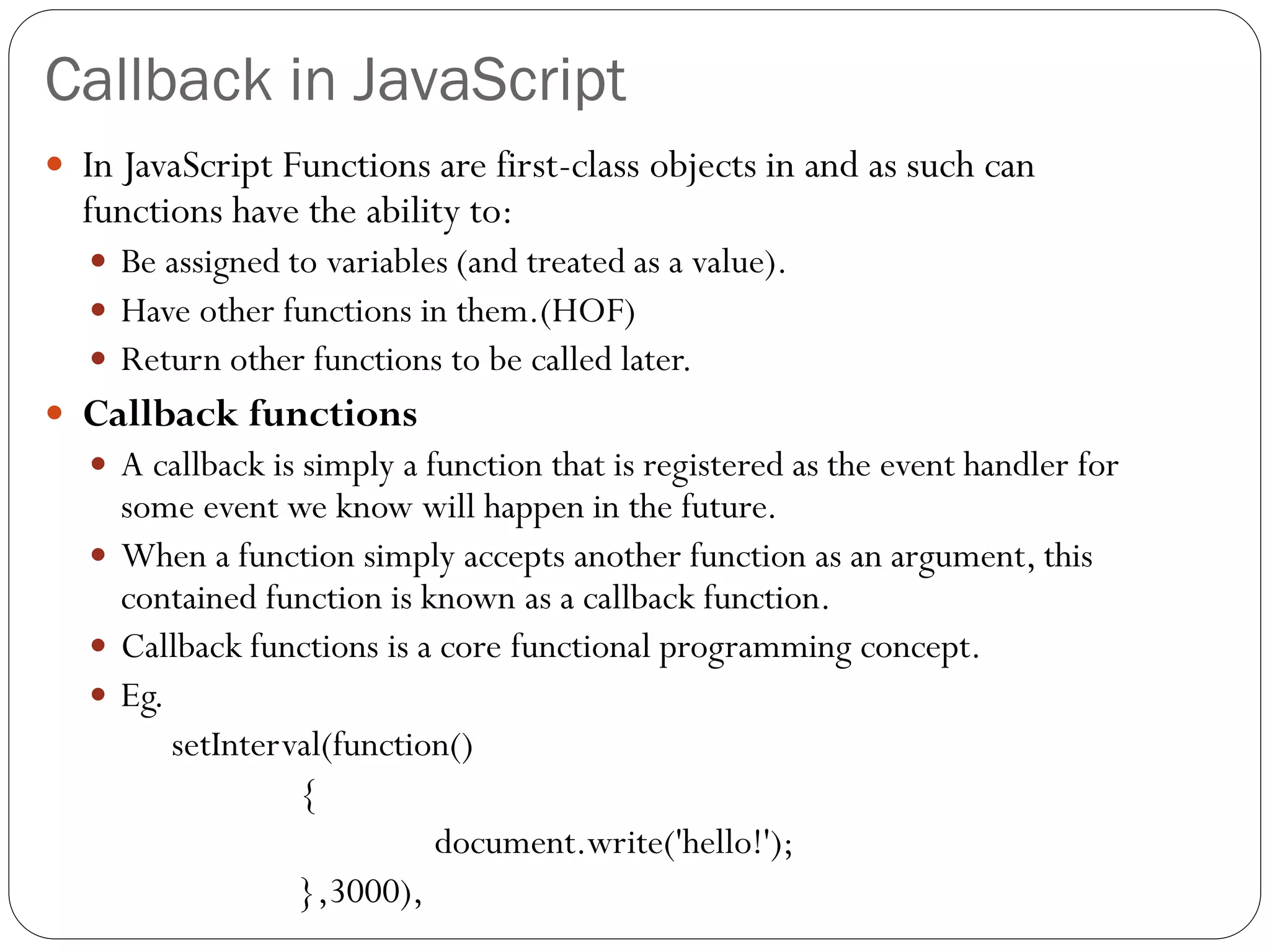
 In JavaScript Functions are first-class objects in and as such can
functions have the ability to:
 Be assigned to variables (and treated as a value).
 Have other functions in them.(HOF)
 Return other functions to be called later.
 Callback functions
 A callback is simply a function that is registered as the event handler for
some event we know will happen in the future.
 When a function simply accepts another function as an argument, this
contained function is known as a callback function.
 Callback functions is a core functional programming concept.
 Eg.
setInterval(function()
{
document.write('hello!');
},3000),
Callback in JavaScript
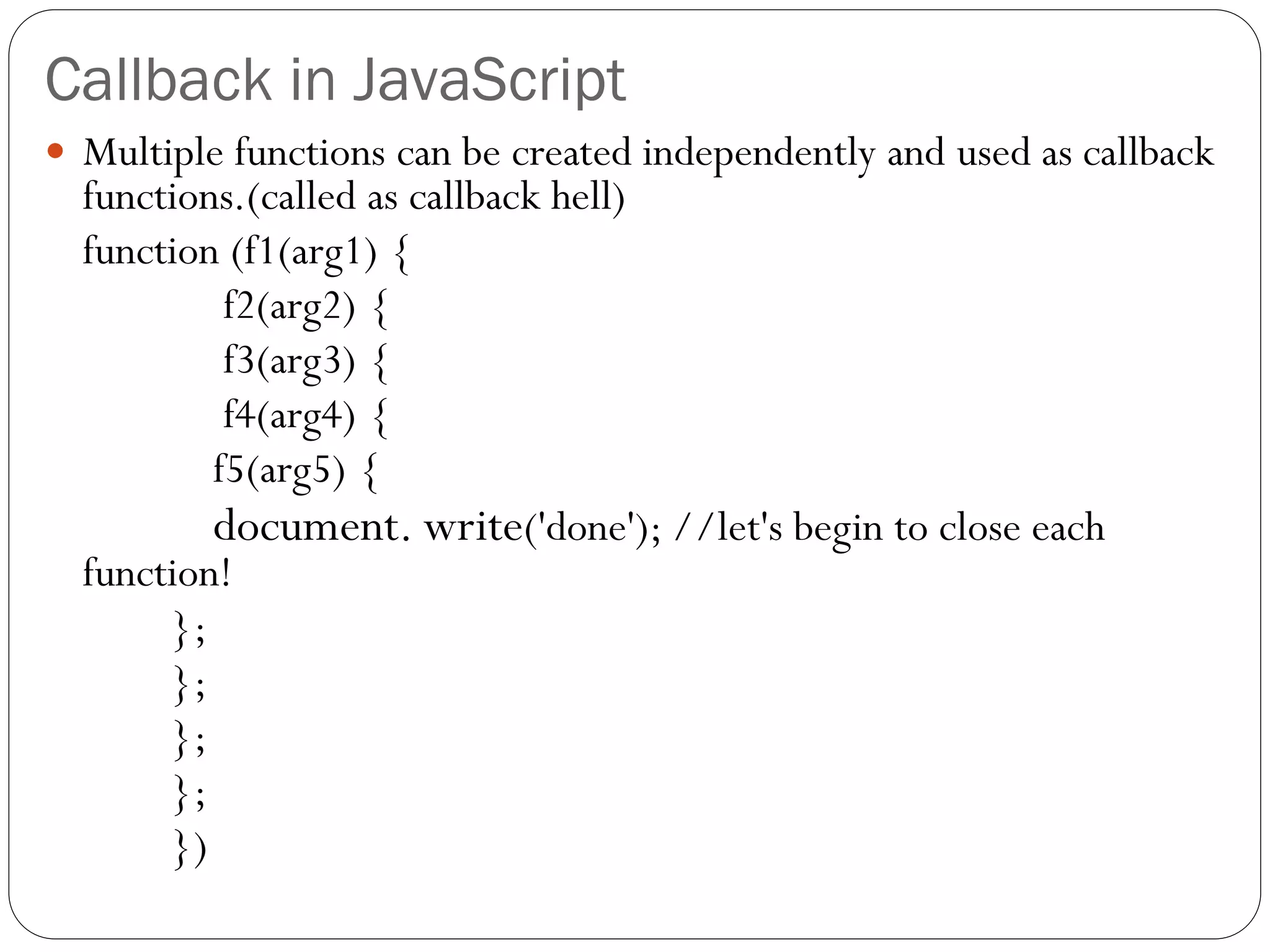
 Multiple functions can be created independently and used as callback
functions.(called as callback hell)
function (f1(arg1) {
f2(arg2) {
f3(arg3) {
f4(arg4) {
f5(arg5) {
document. write('done'); //let's begin to close each
function!
};
};
};
};
})
Promises in JavaScript
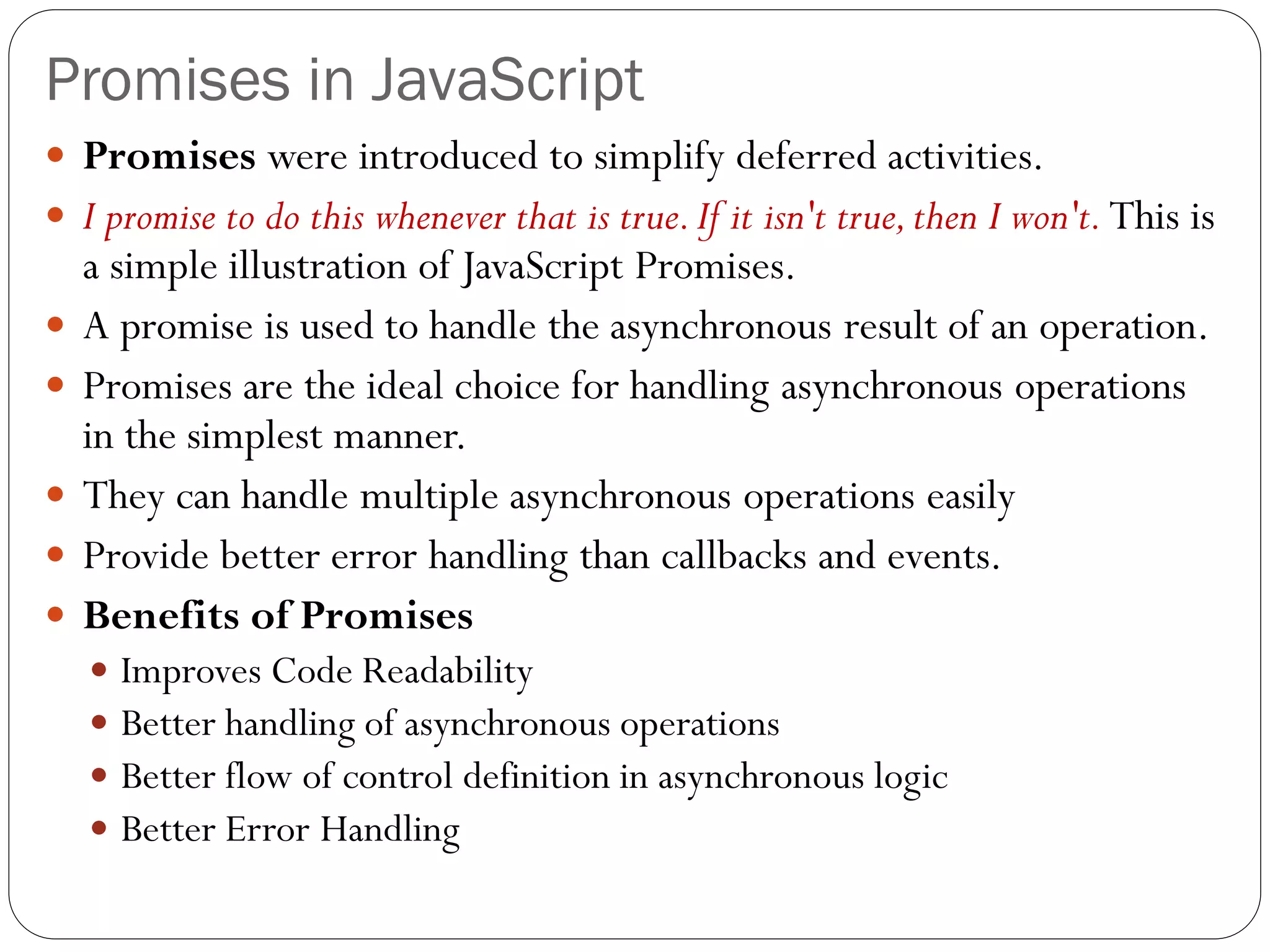
 Promises were introduced to simplify deferred activities.
 I promise to do this whenever that is true.If it isn't true,then I won't. This is
a simple illustration of JavaScript Promises.
 A promise is used to handle the asynchronous result of an operation.
 Promises are the ideal choice for handling asynchronous operations
in the simplest manner.
 They can handle multiple asynchronous operations easily
 Provide better error handling than callbacks and events.
 Benefits of Promises
 Improves Code Readability
 Better handling of asynchronous operations
 Better flow of control definition in asynchronous logic
 Better Error Handling
Promises in JavaScript
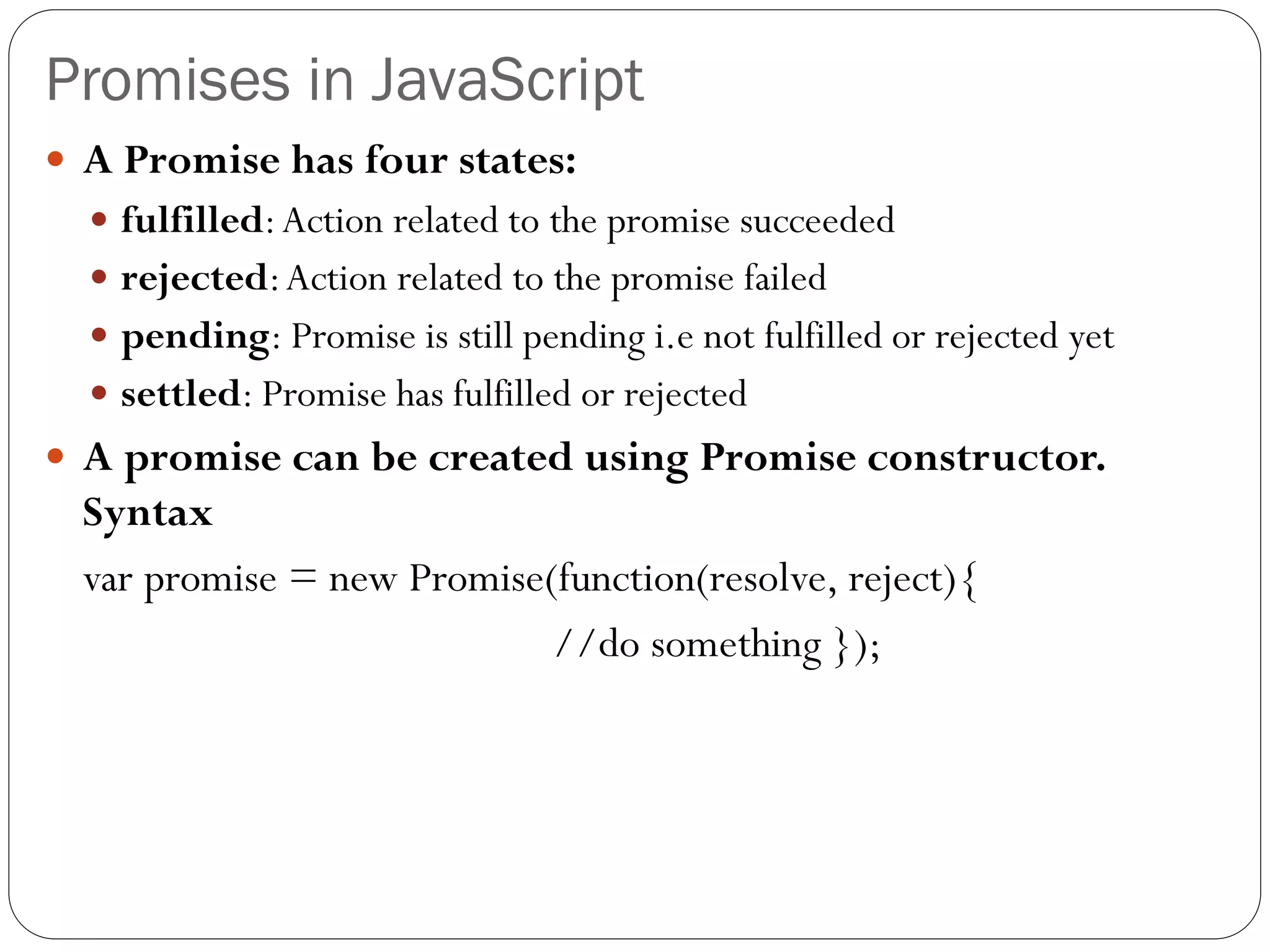
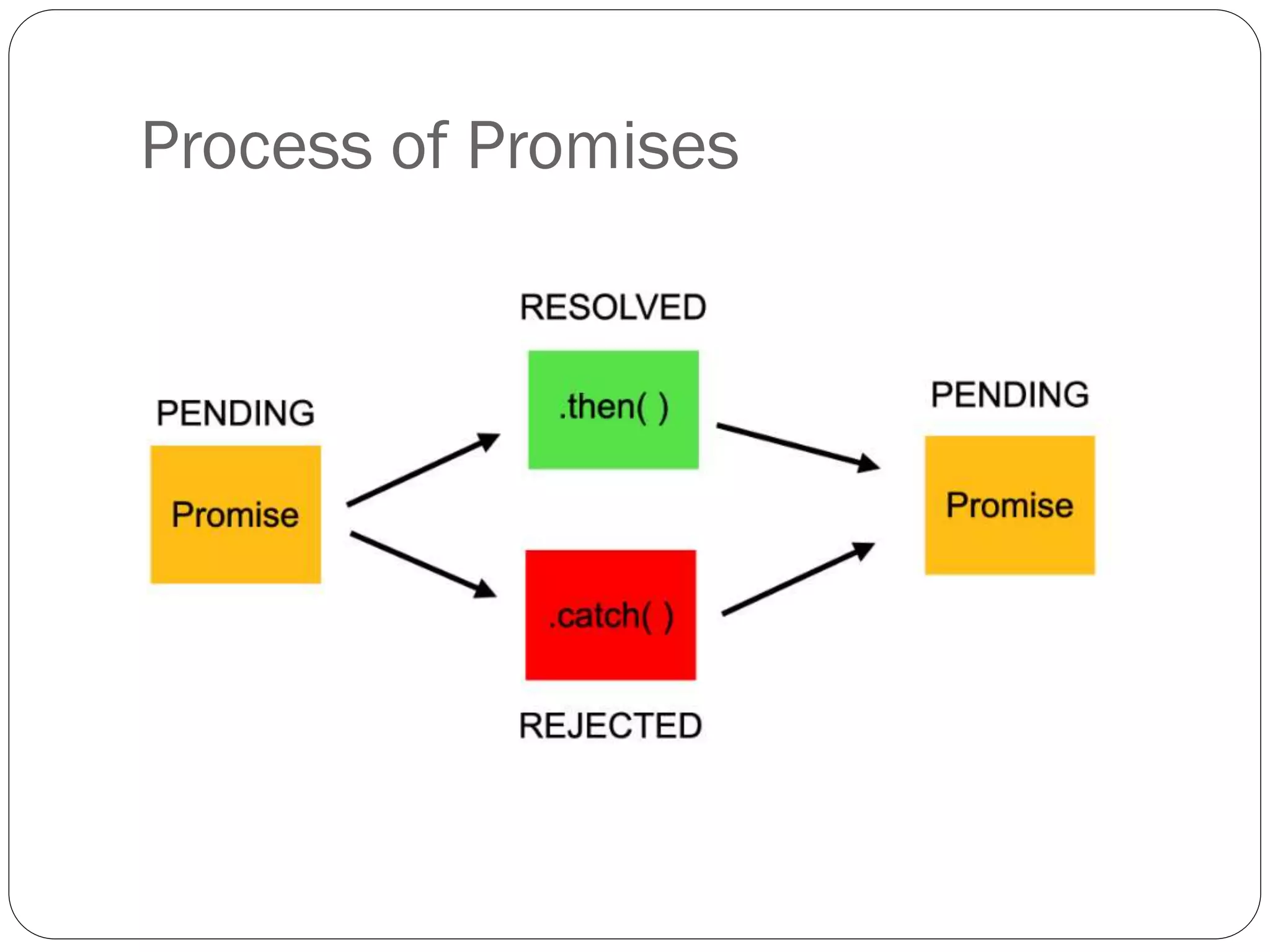
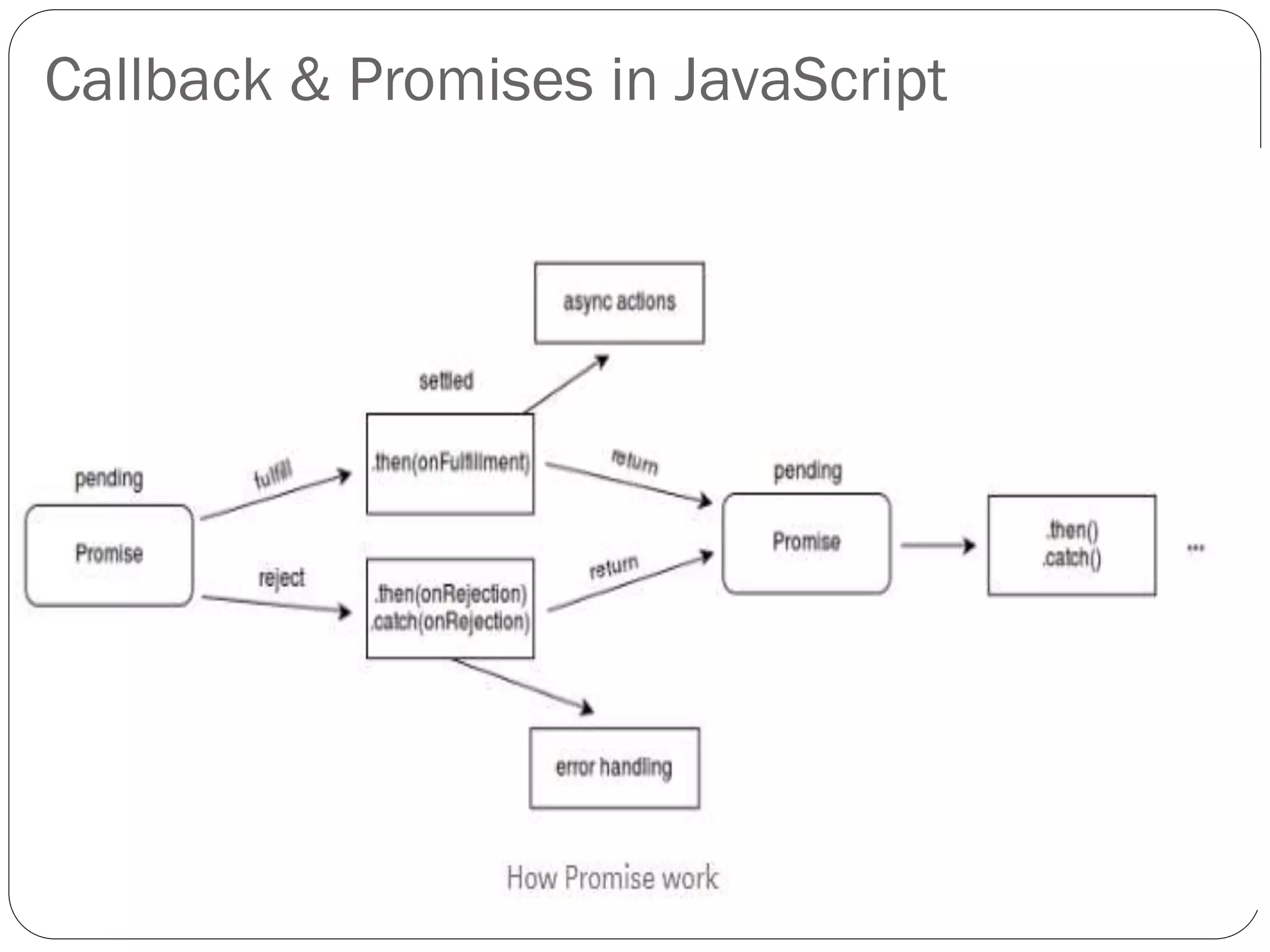
 A Promise has four states:
 fulfilled:Action related to the promise succeeded
 rejected:Action related to the promise failed
 pending: Promise is still pending i.e not fulfilled or rejected yet
 settled: Promise has fulfilled or rejected
 A promise can be created using Promise constructor.
Syntax
var promise = new Promise(function(resolve, reject){
//do something });
Process of Promises
Promises in JavaScript
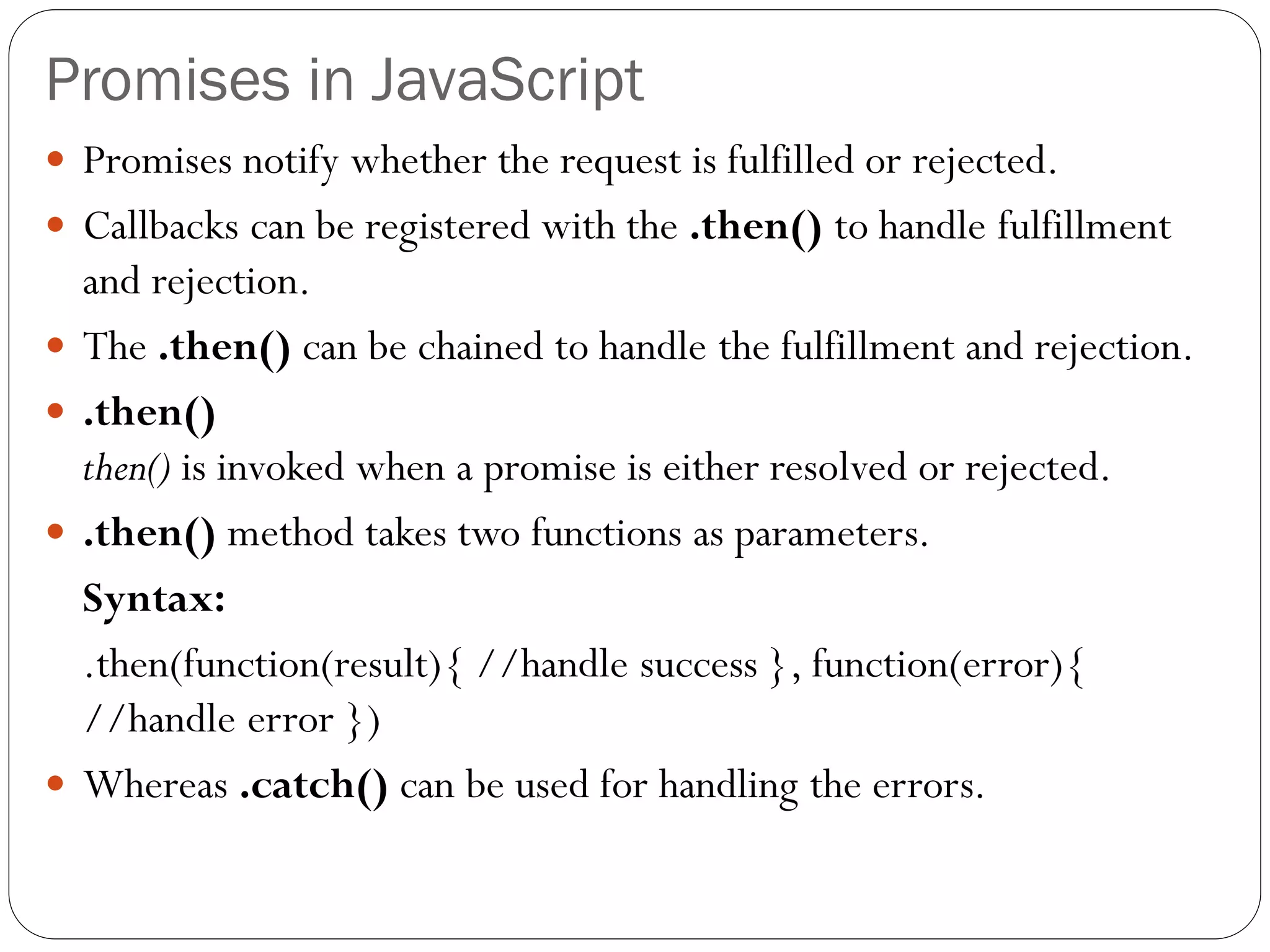
 Promises notify whether the request is fulfilled or rejected.
 Callbacks can be registered with the .then() to handle fulfillment
and rejection.
 The .then() can be chained to handle the fulfillment and rejection.
 .then()
then() is invoked when a promise is either resolved or rejected.
 .then() method takes two functions as parameters.
Syntax:
.then(function(result){ //handle success }, function(error){
//handle error })
 Whereas .catch() can be used for handling the errors.
Promises in JavaScript
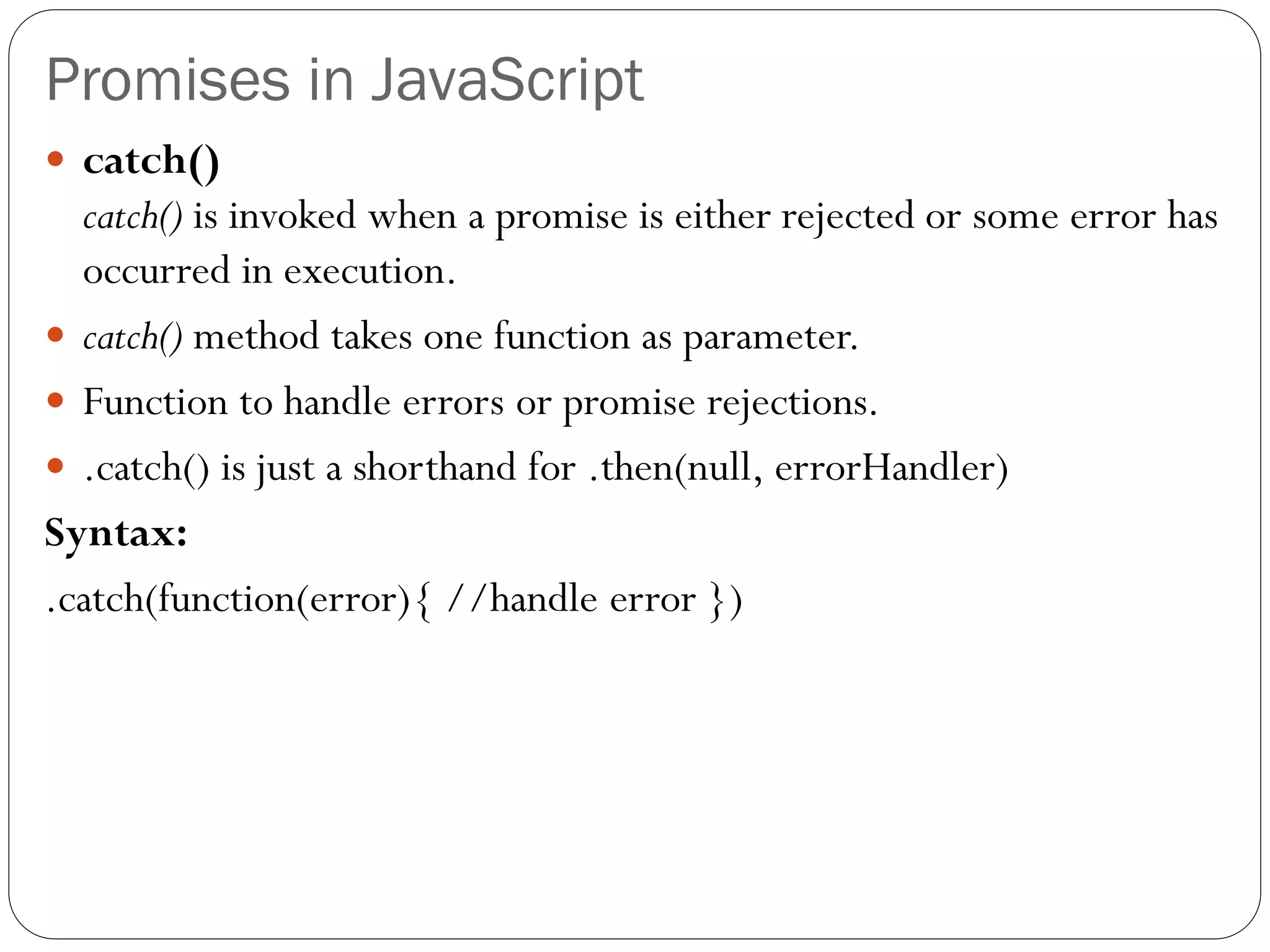
 catch()
catch() is invoked when a promise is either rejected or some error has
occurred in execution.
 catch() method takes one function as parameter.
 Function to handle errors or promise rejections.
 .catch() is just a shorthand for .then(null, errorHandler)
Syntax:
.catch(function(error){ //handle error })
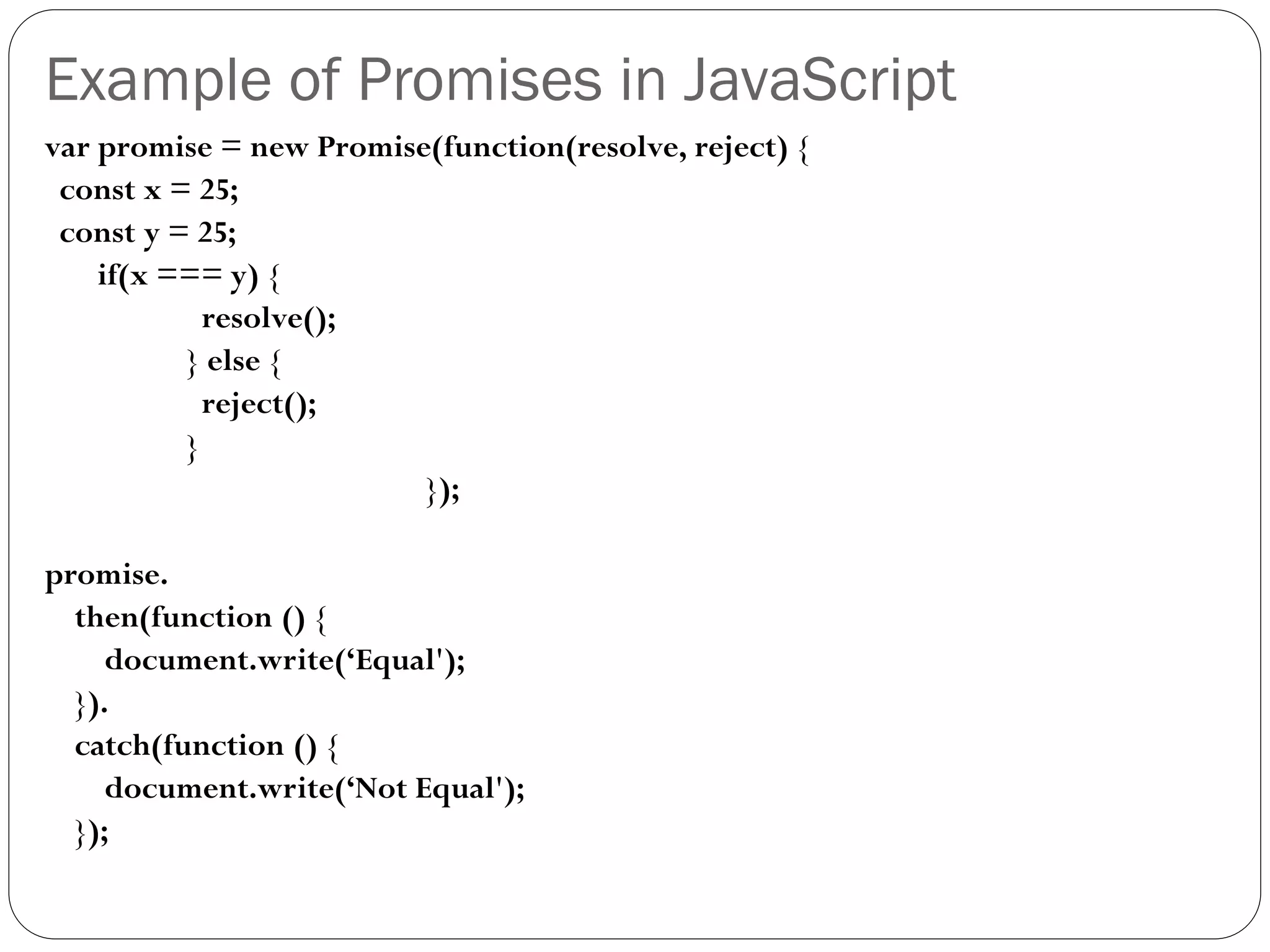
Example of Promises in JavaScript
var promise = new Promise(function(resolve, reject) {
const x = 25;
const y = 25;
if(x === y) {
resolve();
} else {
reject();
}
});
promise.
then(function () {
document.write(‘Equal');
}).
catch(function () {
document.write(‘Not Equal');
});
Callback & Promises in JavaScript
NodeJS Event loop
 Node.js is a single-threaded event-driven platform that is capable of
running non-blocking, asynchronously programming.
 Functionalities of Node.js make it memory efficient.
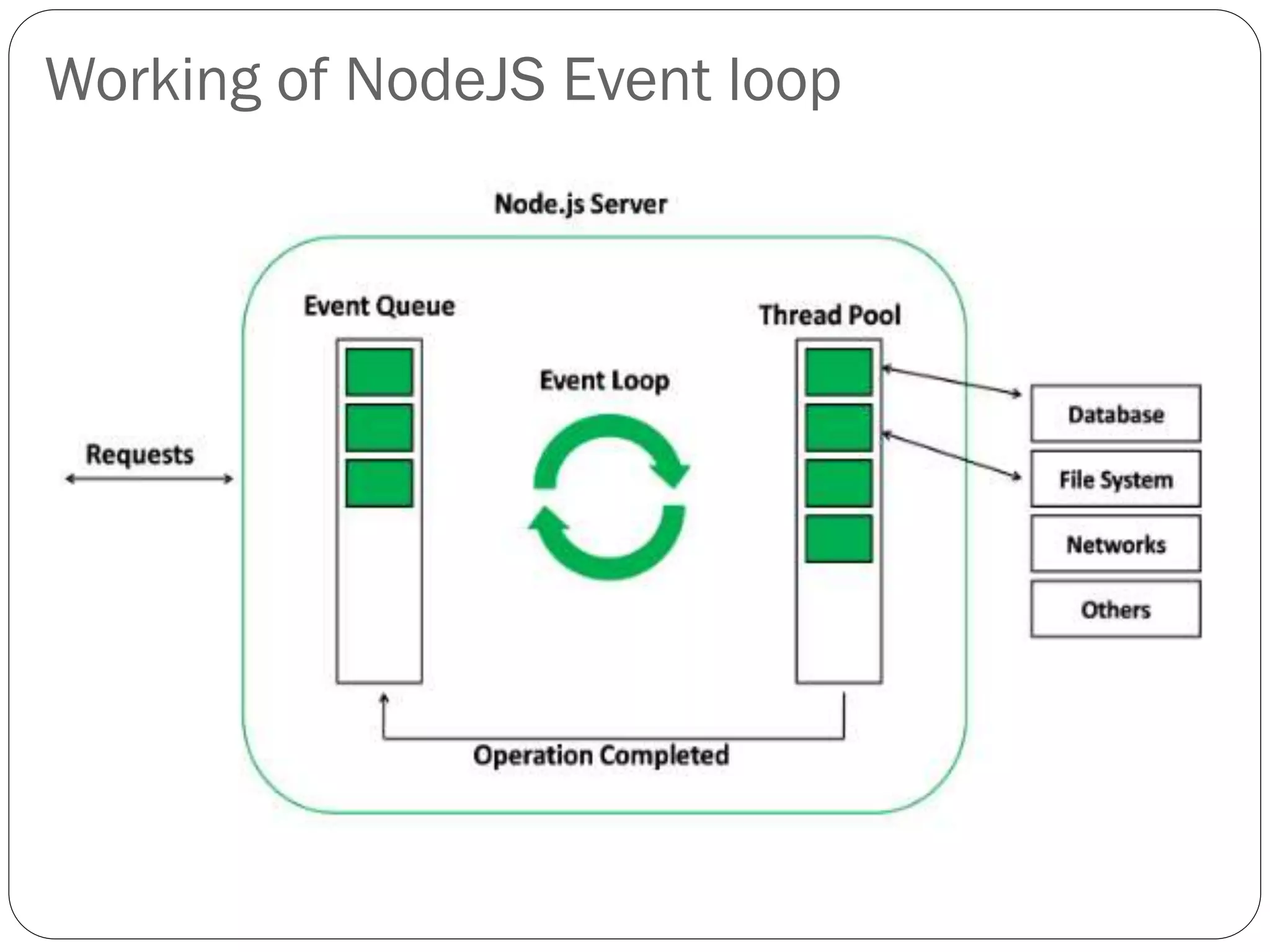
 Event loop allows Node.js to perform non-blocking I/O operations
despite the fact that JavaScript is single-threaded.
 Achieved by assigning operations to the operating system whenever and
wherever possible.
 Features of Event Loop:
 Event loop is an endless loop, which waits for tasks, executes them and then
sleeps until it receives more tasks.
 The event loop executes tasks from the event queue only when the call stack is
empty i.e. there is no ongoing task.
 The event loop allows us to use callbacks and promises.
 The event loop executes the tasks starting from the oldest first.
Working of NodeJS Event loop
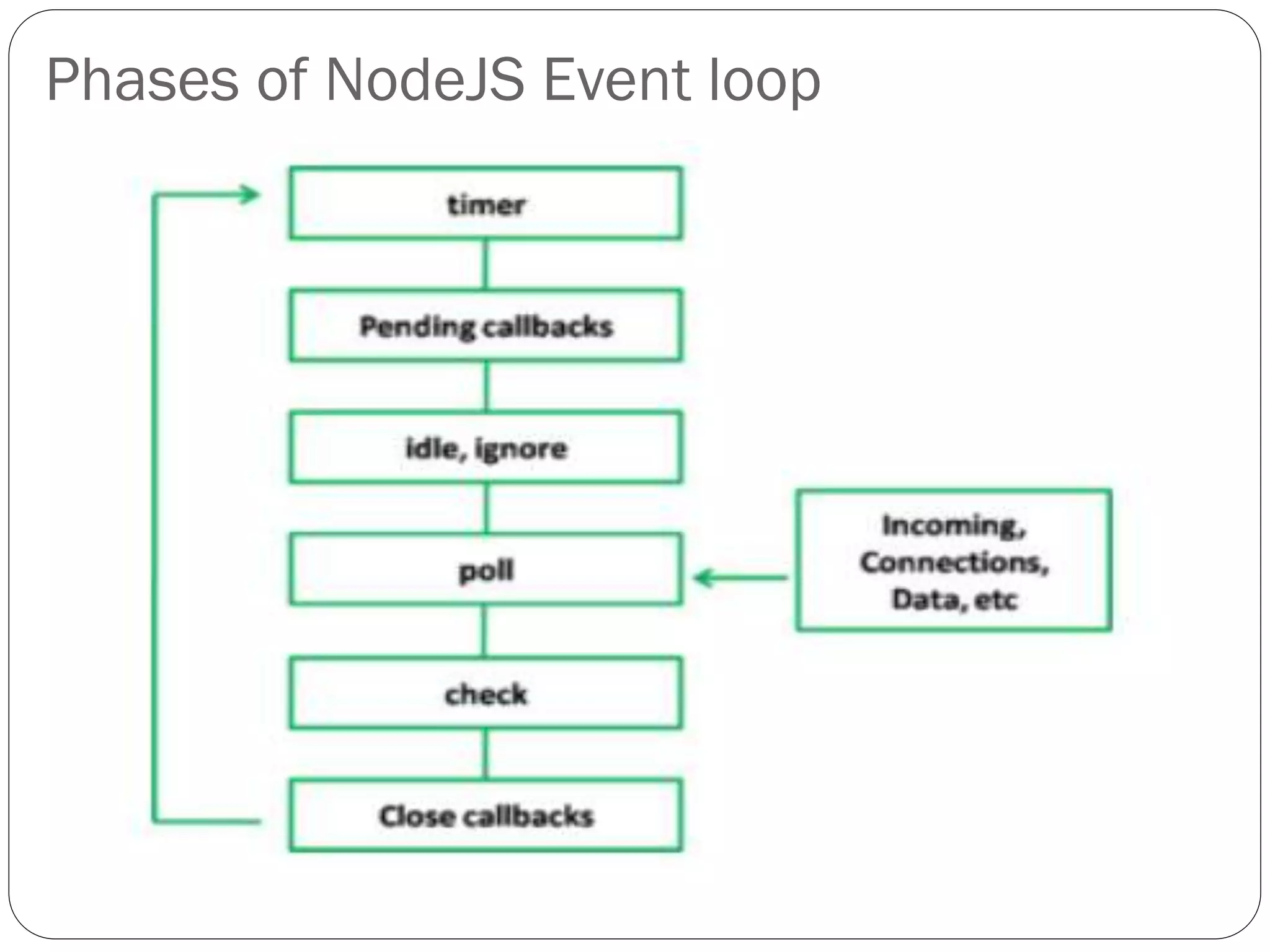
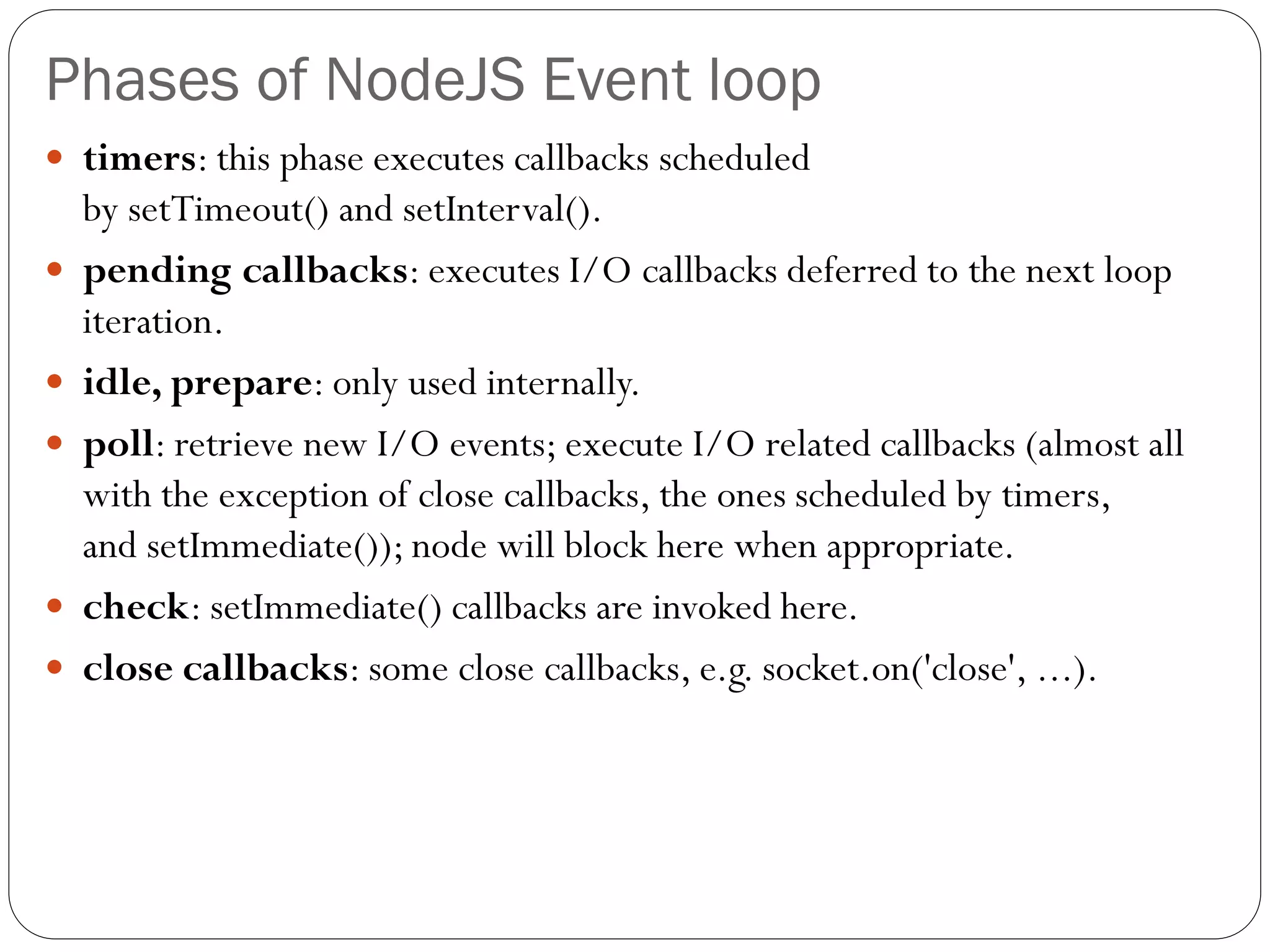
Phases of NodeJS Event loop
 timers: this phase executes callbacks scheduled
by setTimeout() and setInterval().
 pending callbacks: executes I/O callbacks deferred to the next loop
iteration.
 idle, prepare: only used internally.
 poll: retrieve new I/O events; execute I/O related callbacks (almost all
with the exception of close callbacks, the ones scheduled by timers,
and setImmediate()); node will block here when appropriate.
 check: setImmediate() callbacks are invoked here.
 close callbacks: some close callbacks, e.g. socket.on('close', ...).
Thank You

Introduction to Node JS2.pdf

  • 1.
    Prepared By: Prof. BareenShaikh Department of Computer Science, MIT ACSC,ALNDI(D), PUNE Introduction to Nodejs
  • 2.
    Synchronous & Asynchronous Synchronous Programming  Waits for each statement to complete its execution.  Unless and until the current statement gets execute it never execute next statement.  It slow downs the application process.  Instruction/statements are in queue for execution.  Asynchronous Programming  It doesn’t wait for current statement execution before moving to next statement.  Application process becomes fast.  Three approaches makes programming asynchronous  Callbacks  Promises  Async/Await
  • 3.
    Callback in JavaScript In JavaScript Functions are first-class objects in and as such can functions have the ability to:  Be assigned to variables (and treated as a value).  Have other functions in them.(HOF)  Return other functions to be called later.  Callback functions  A callback is simply a function that is registered as the event handler for some event we know will happen in the future.  When a function simply accepts another function as an argument, this contained function is known as a callback function.  Callback functions is a core functional programming concept.  Eg. setInterval(function() { document.write('hello!'); },3000),
  • 4.
    Callback in JavaScript Multiple functions can be created independently and used as callback functions.(called as callback hell) function (f1(arg1) { f2(arg2) { f3(arg3) { f4(arg4) { f5(arg5) { document. write('done'); //let's begin to close each function! }; }; }; }; })
  • 5.
    Promises in JavaScript Promises were introduced to simplify deferred activities.  I promise to do this whenever that is true.If it isn't true,then I won't. This is a simple illustration of JavaScript Promises.  A promise is used to handle the asynchronous result of an operation.  Promises are the ideal choice for handling asynchronous operations in the simplest manner.  They can handle multiple asynchronous operations easily  Provide better error handling than callbacks and events.  Benefits of Promises  Improves Code Readability  Better handling of asynchronous operations  Better flow of control definition in asynchronous logic  Better Error Handling
  • 6.
    Promises in JavaScript A Promise has four states:  fulfilled:Action related to the promise succeeded  rejected:Action related to the promise failed  pending: Promise is still pending i.e not fulfilled or rejected yet  settled: Promise has fulfilled or rejected  A promise can be created using Promise constructor. Syntax var promise = new Promise(function(resolve, reject){ //do something });
  • 7.
  • 8.
    Promises in JavaScript Promises notify whether the request is fulfilled or rejected.  Callbacks can be registered with the .then() to handle fulfillment and rejection.  The .then() can be chained to handle the fulfillment and rejection.  .then() then() is invoked when a promise is either resolved or rejected.  .then() method takes two functions as parameters. Syntax: .then(function(result){ //handle success }, function(error){ //handle error })  Whereas .catch() can be used for handling the errors.
  • 9.
    Promises in JavaScript catch() catch() is invoked when a promise is either rejected or some error has occurred in execution.  catch() method takes one function as parameter.  Function to handle errors or promise rejections.  .catch() is just a shorthand for .then(null, errorHandler) Syntax: .catch(function(error){ //handle error })
  • 10.
    Example of Promisesin JavaScript var promise = new Promise(function(resolve, reject) { const x = 25; const y = 25; if(x === y) { resolve(); } else { reject(); } }); promise. then(function () { document.write(‘Equal'); }). catch(function () { document.write(‘Not Equal'); });
  • 11.
    Callback & Promisesin JavaScript
  • 12.
    NodeJS Event loop Node.js is a single-threaded event-driven platform that is capable of running non-blocking, asynchronously programming.  Functionalities of Node.js make it memory efficient.  Event loop allows Node.js to perform non-blocking I/O operations despite the fact that JavaScript is single-threaded.  Achieved by assigning operations to the operating system whenever and wherever possible.  Features of Event Loop:  Event loop is an endless loop, which waits for tasks, executes them and then sleeps until it receives more tasks.  The event loop executes tasks from the event queue only when the call stack is empty i.e. there is no ongoing task.  The event loop allows us to use callbacks and promises.  The event loop executes the tasks starting from the oldest first.
  • 13.
  • 14.
    Phases of NodeJSEvent loop
  • 15.
    Phases of NodeJSEvent loop  timers: this phase executes callbacks scheduled by setTimeout() and setInterval().  pending callbacks: executes I/O callbacks deferred to the next loop iteration.  idle, prepare: only used internally.  poll: retrieve new I/O events; execute I/O related callbacks (almost all with the exception of close callbacks, the ones scheduled by timers, and setImmediate()); node will block here when appropriate.  check: setImmediate() callbacks are invoked here.  close callbacks: some close callbacks, e.g. socket.on('close', ...).
  • 16.