01.01 Introduction
Introduction to JavaScript
01.01 Introduction
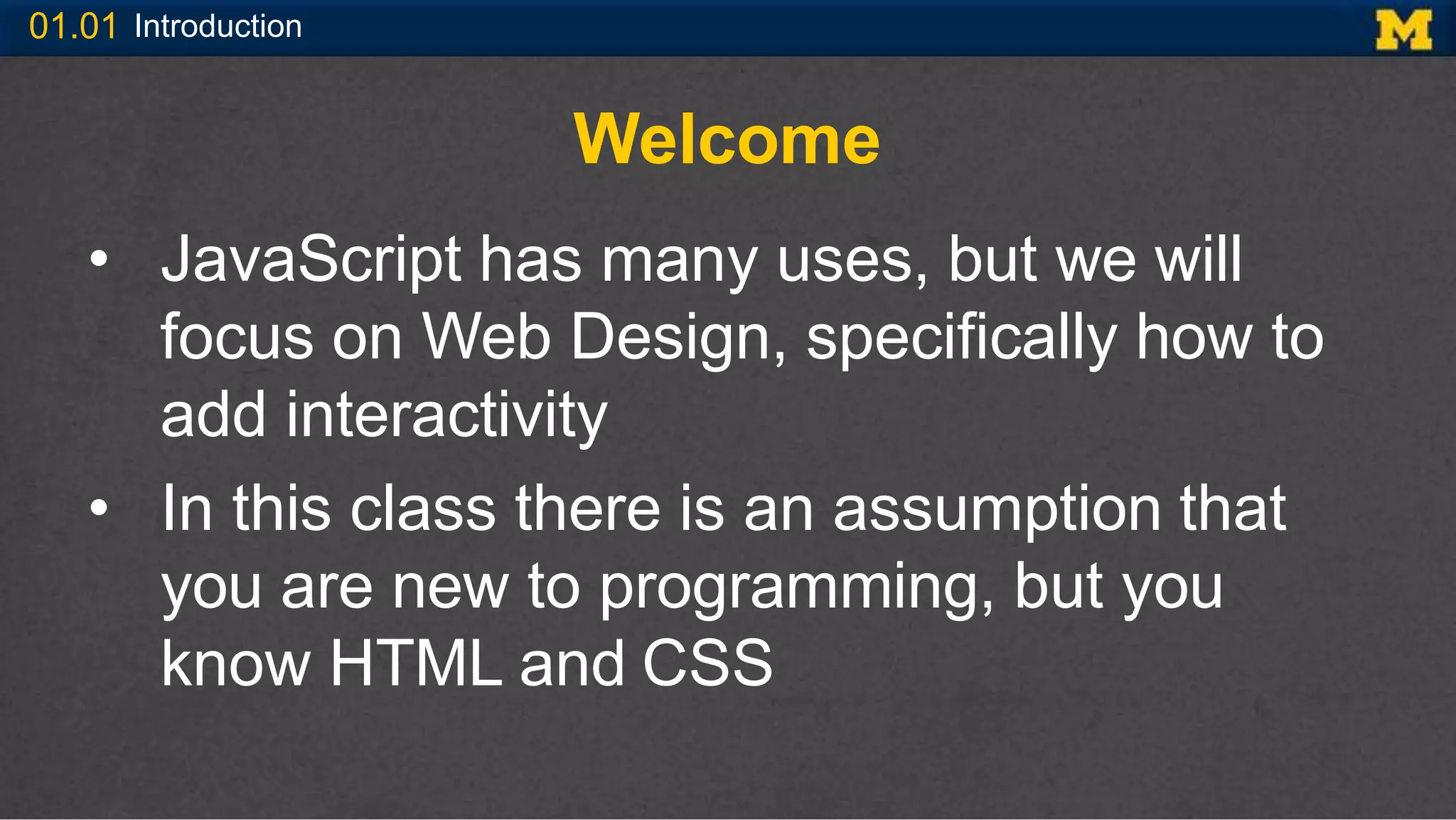
Welcome
• JavaScript has many uses, but we will
focus on Web Design, specifically how to
add interactivity
• In this class there is an assumption that
you are new to programming, but you
know HTML and CSS
01.01 Introduction
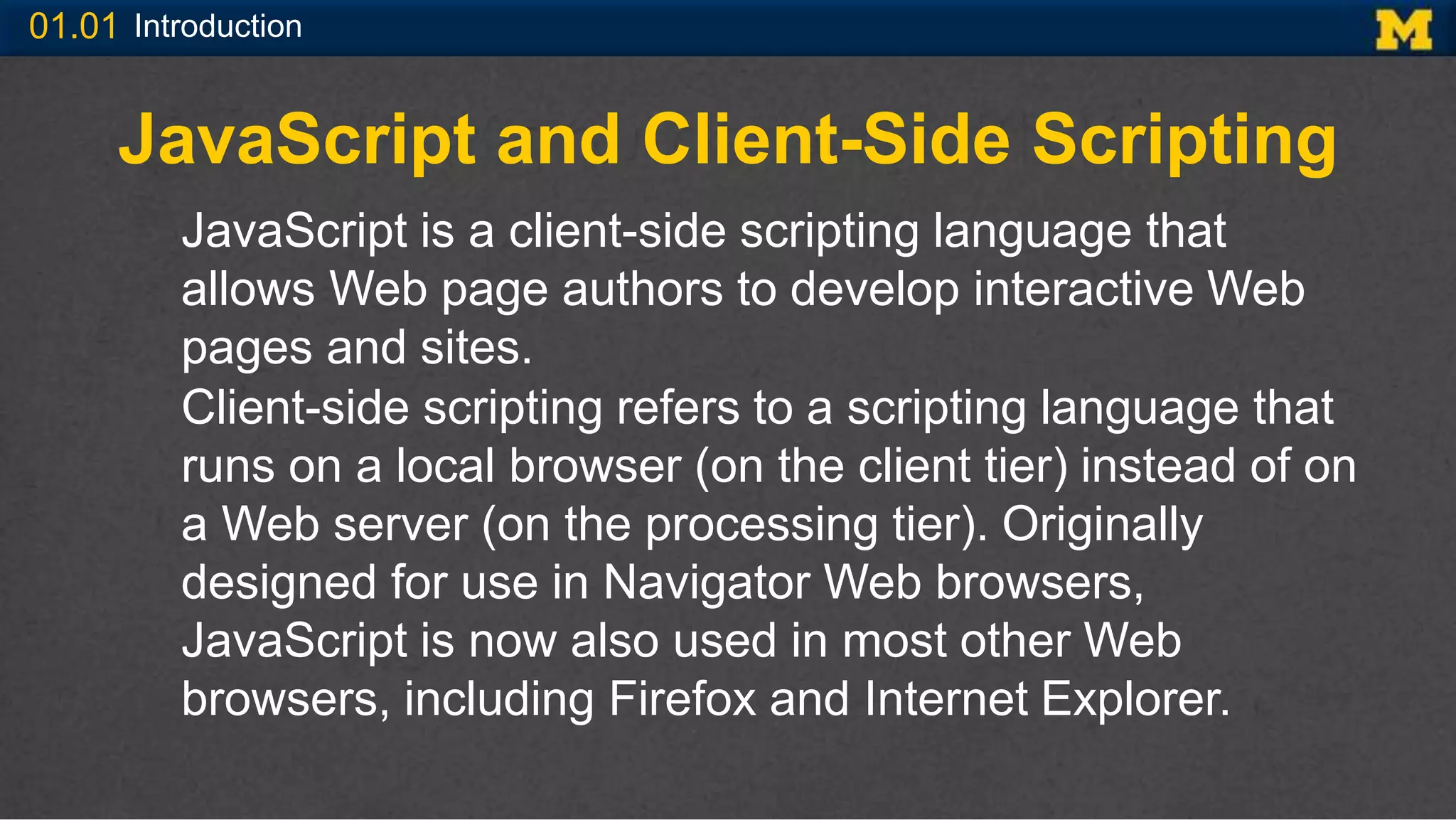
JavaScript and Client-Side Scripting
JavaScript is a client-side scripting language that
allows Web page authors to develop interactive Web
pages and sites.
Client-side scripting refers to a scripting language that
runs on a local browser (on the client tier) instead of on
a Web server (on the processing tier). Originally
designed for use in Navigator Web browsers,
JavaScript is now also used in most other Web
browsers, including Firefox and Internet Explorer.
01.01 Introduction
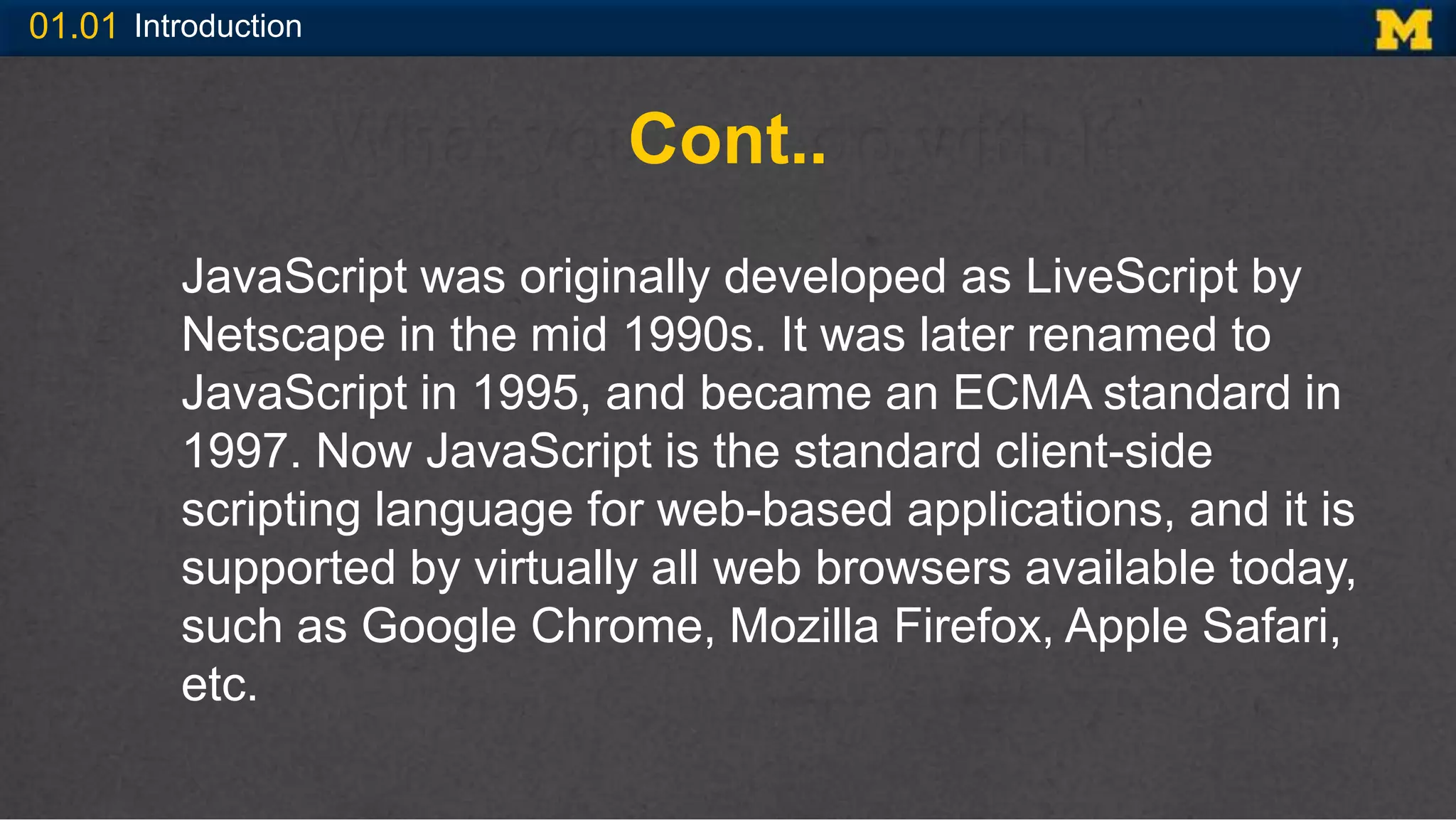
Cont..
JavaScript was originally developed as LiveScript by
Netscape in the mid 1990s. It was later renamed to
JavaScript in 1995, and became an ECMA standard in
1997. Now JavaScript is the standard client-side
scripting language for web-based applications, and it is
supported by virtually all web browsers available today,
such as Google Chrome, Mozilla Firefox, Apple Safari,
etc.
01.01 Introduction
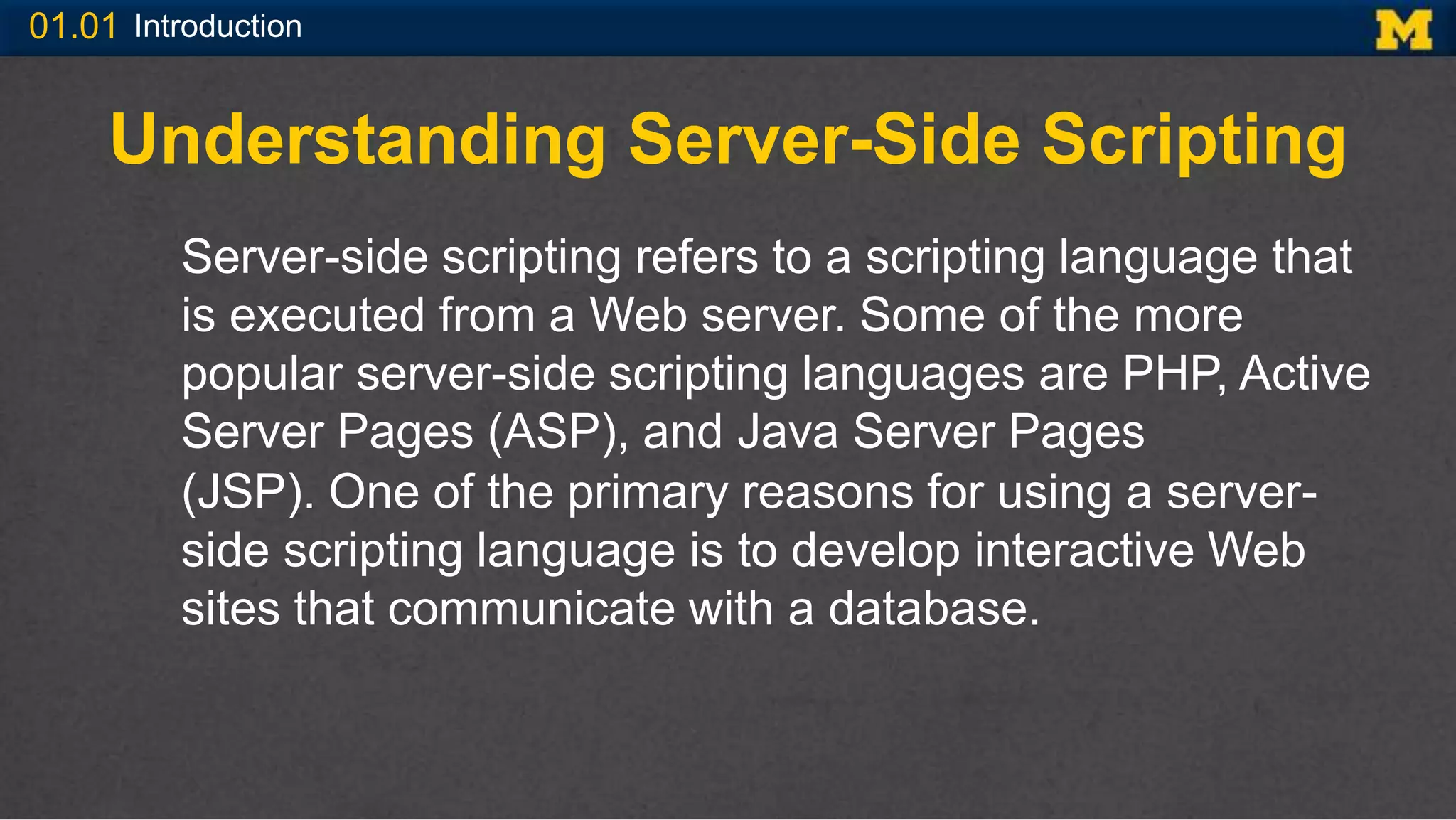
Understanding Server-Side Scripting
Server-side scripting refers to a scripting language that
is executed from a Web server. Some of the more
popular server-side scripting languages are PHP, Active
Server Pages (ASP), and Java Server Pages
(JSP). One of the primary reasons for using a server-
side scripting language is to develop interactive Web
sites that communicate with a database.
01.01 Introduction
Conti..
Server-side scripting languages work in the processing
tier and have the ability to handle communication
between the client tier and the data storage tier. At the
processing tier, a server-side scripting language usually
prepares and processes the data in some way before
submitting it to the data storage tier.
01.01 Introduction
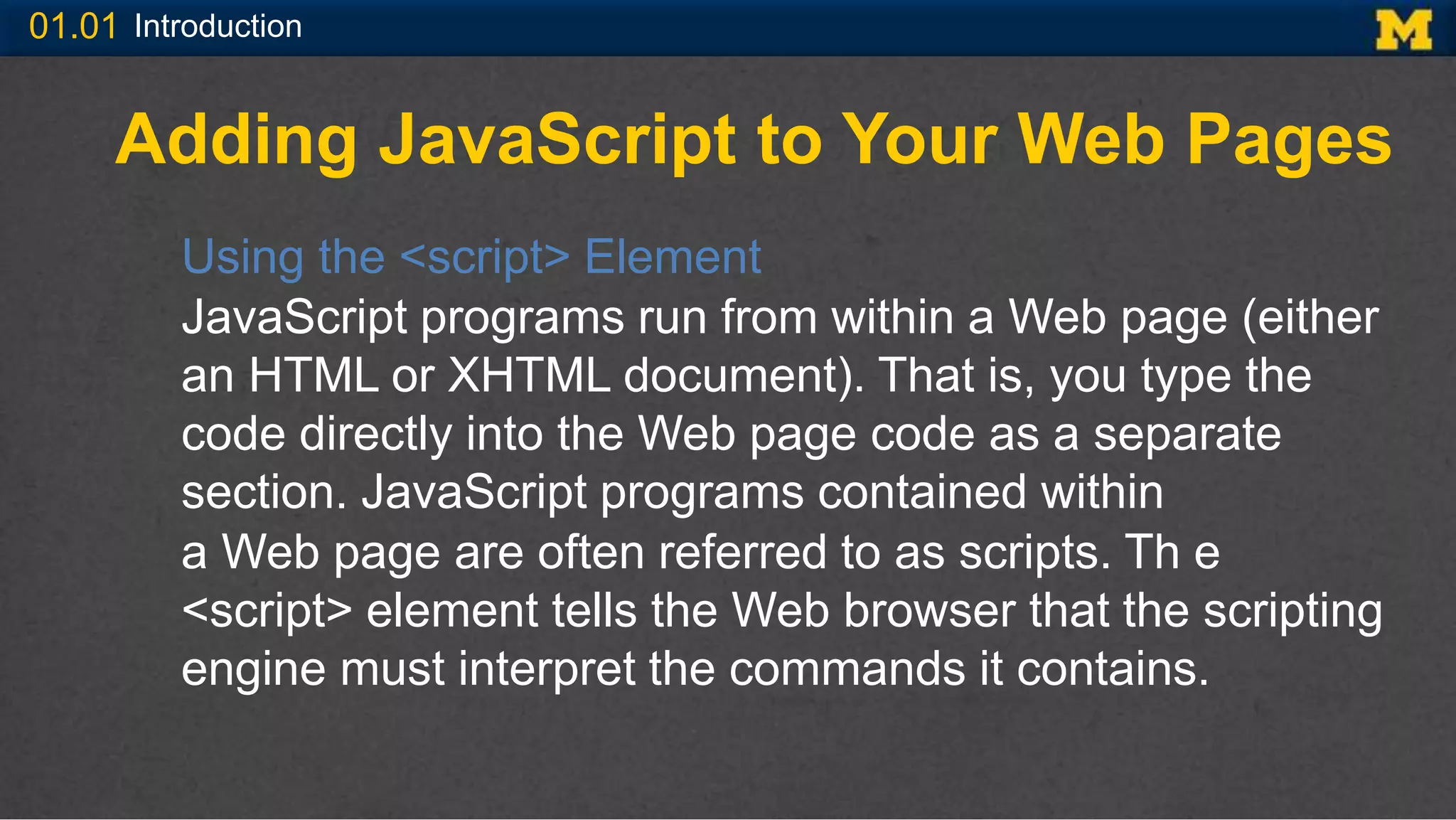
Adding JavaScript to Your Web Pages
Using the <script> Element
JavaScript programs run from within a Web page (either
an HTML or XHTML document). That is, you type the
code directly into the Web page code as a separate
section. JavaScript programs contained within
a Web page are often referred to as scripts. Th e
<script> element tells the Web browser that the scripting
engine must interpret the commands it contains.
01.01 Introduction
Conti..
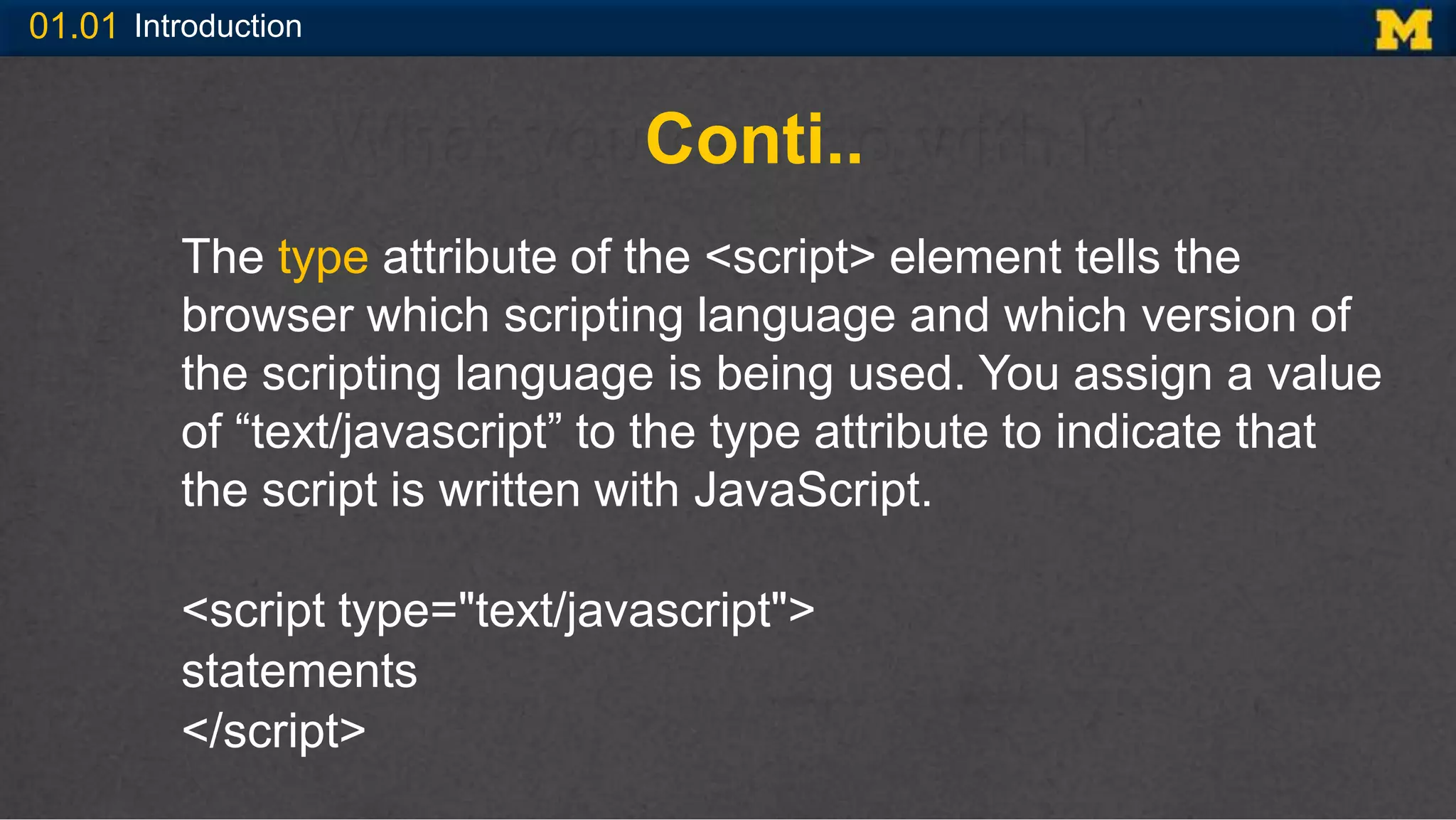
The type attribute of the <script> element tells the
browser which scripting language and which version of
the scripting language is being used. You assign a value
of “text/javascript” to the type attribute to indicate that
the script is written with JavaScript.
<script type="text/javascript">
statements
</script>
01.01 Introduction
Embedding the JavaScript Code
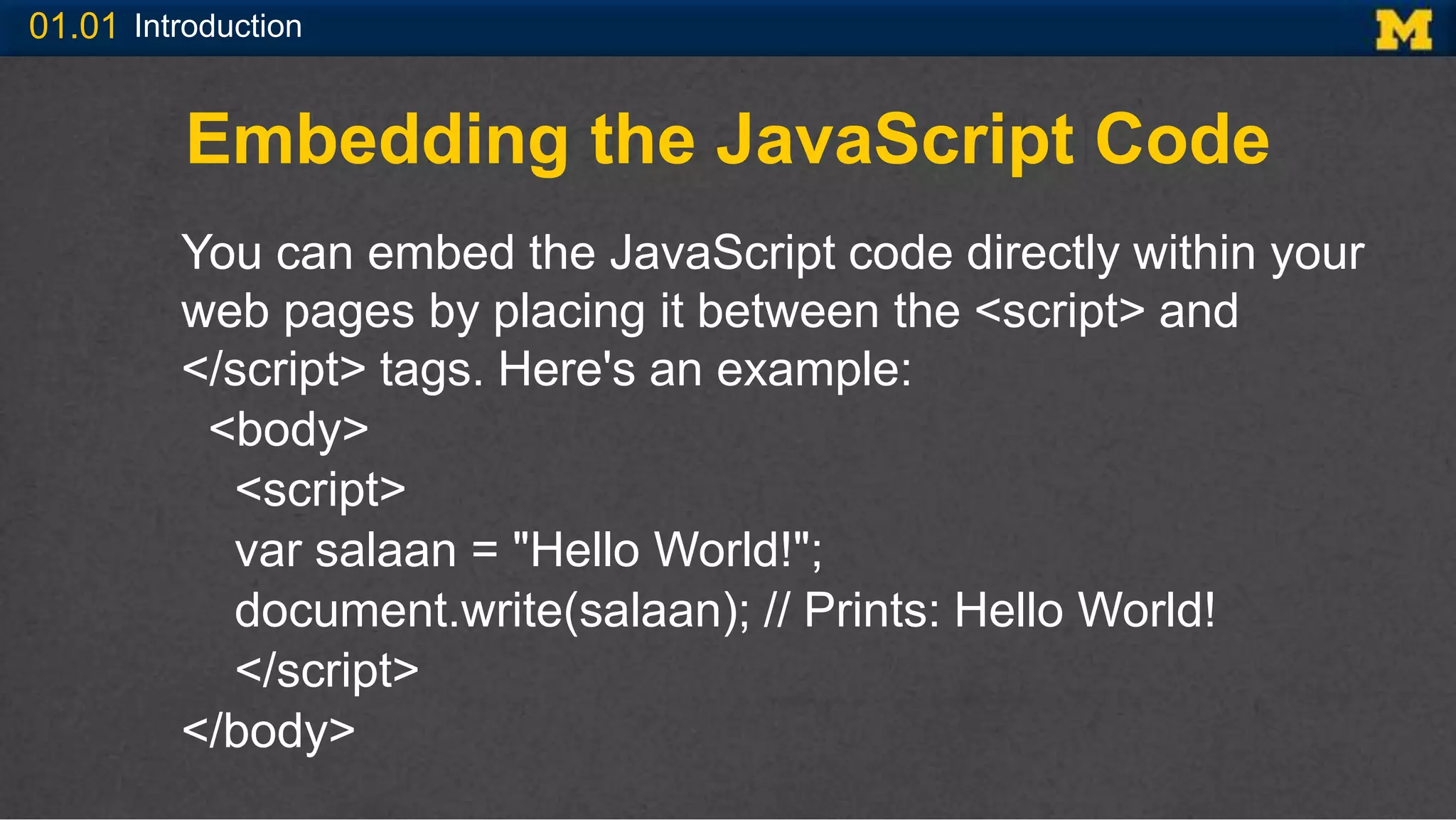
You can embed the JavaScript code directly within your
web pages by placing it between the <script> and
</script> tags. Here's an example:
<body>
<script>
var salaan = "Hello World!";
document.write(salaan); // Prints: Hello World!
</script>
</body>
01.01 Introduction
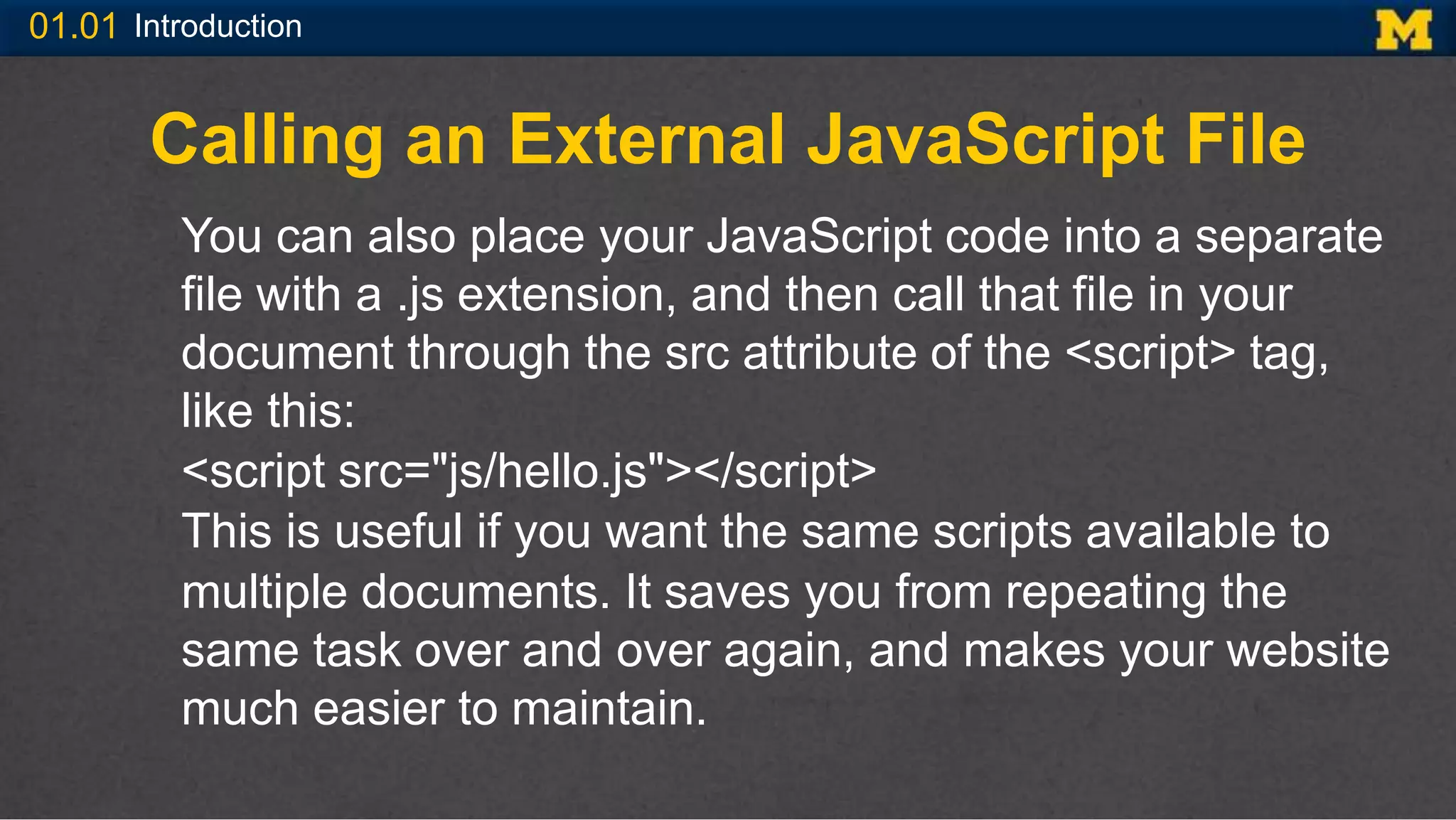
Calling an External JavaScript File
You can also place your JavaScript code into a separate
file with a .js extension, and then call that file in your
document through the src attribute of the <script> tag,
like this:
<script src="js/hello.js"></script>
This is useful if you want the same scripts available to
multiple documents. It saves you from repeating the
same task over and over again, and makes your website
much easier to maintain.
01.01 Introduction
Conti..
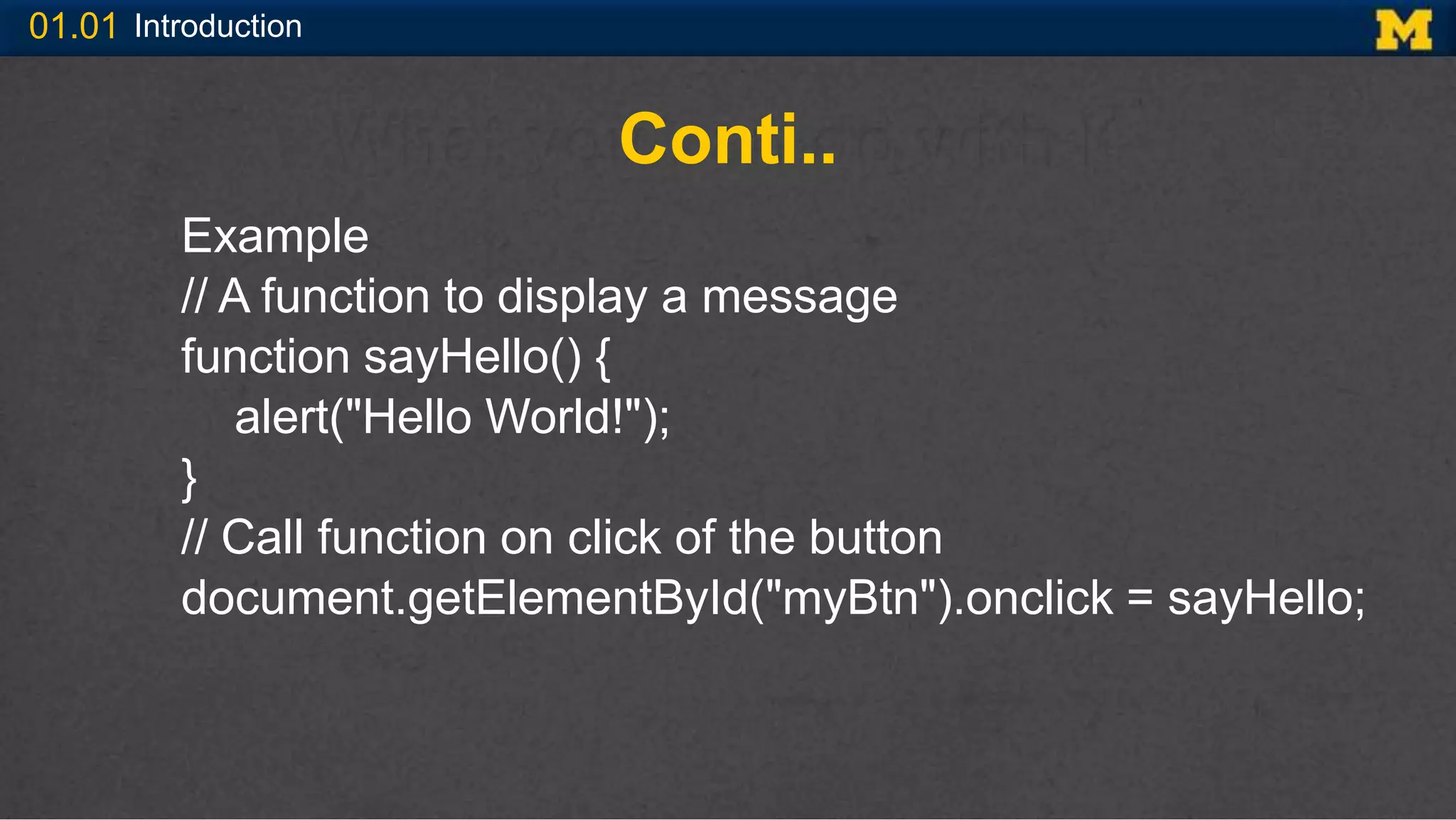
Example
// A function to display a message
function sayHello() {
alert("Hello World!");
}
// Call function on click of the button
document.getElementById("myBtn").onclick = sayHello;
01.01 Introduction
Conti..
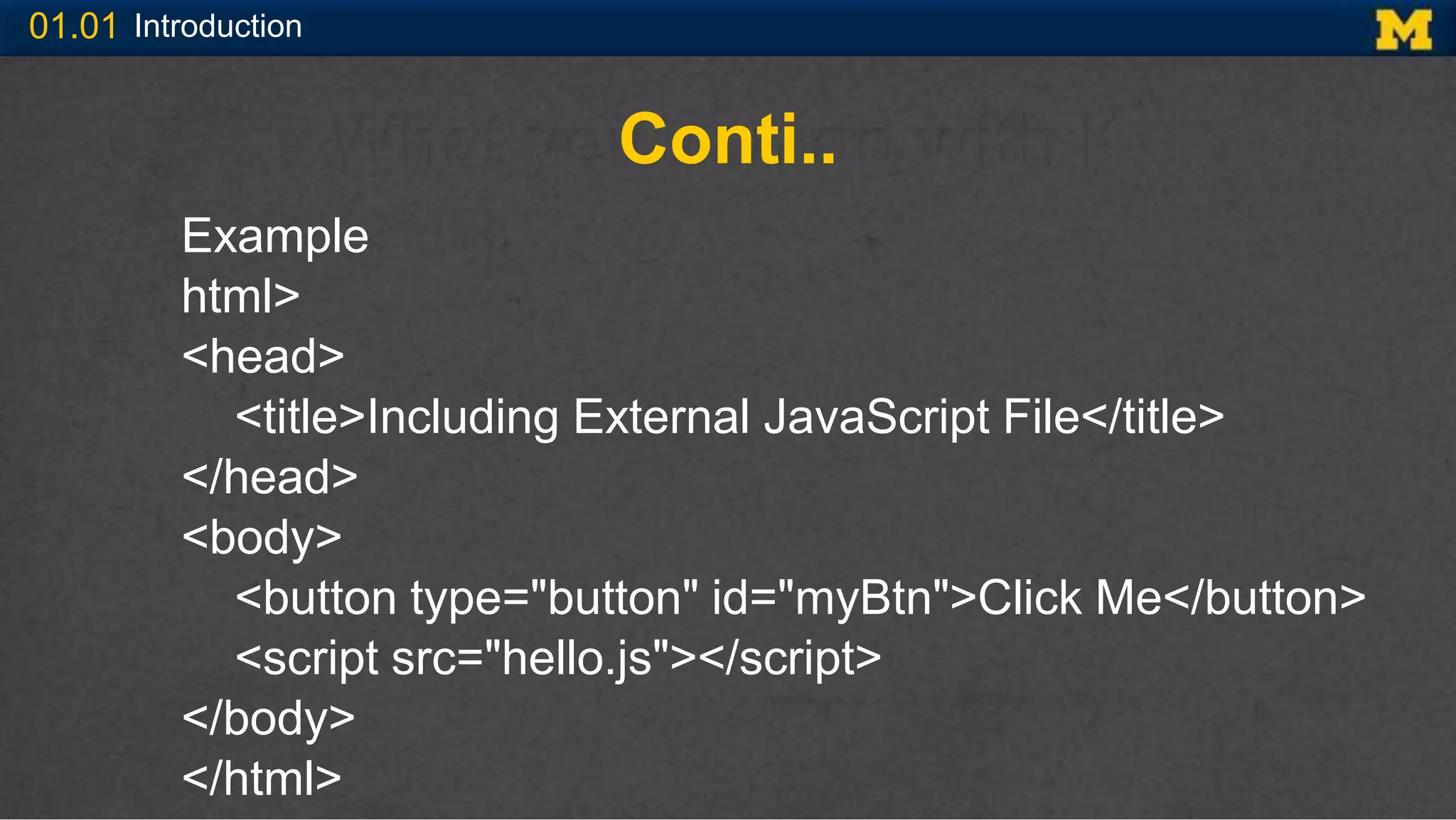
Example
html>
<head>
<title>Including External JavaScript File</title>
</head>
<body>
<button type="button" id="myBtn">Click Me</button>
<script src="hello.js"></script>
</body>
</html>
01.01 Introduction
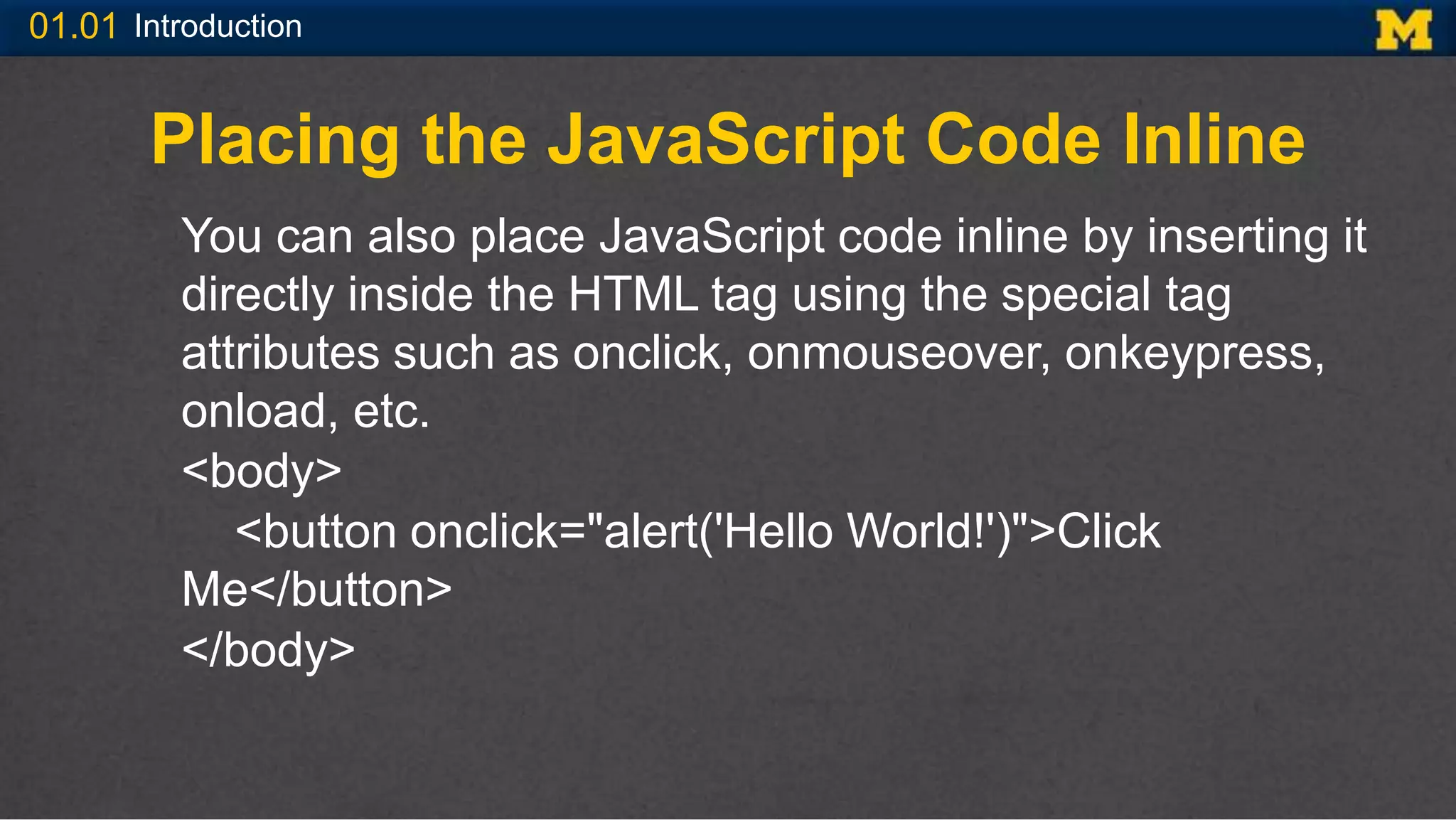
Placing the JavaScript Code Inline
You can also place JavaScript code inline by inserting it
directly inside the HTML tag using the special tag
attributes such as onclick, onmouseover, onkeypress,
onload, etc.
<body>
<button onclick="alert('Hello World!')">Click
Me</button>
</body>
01.01 Introduction
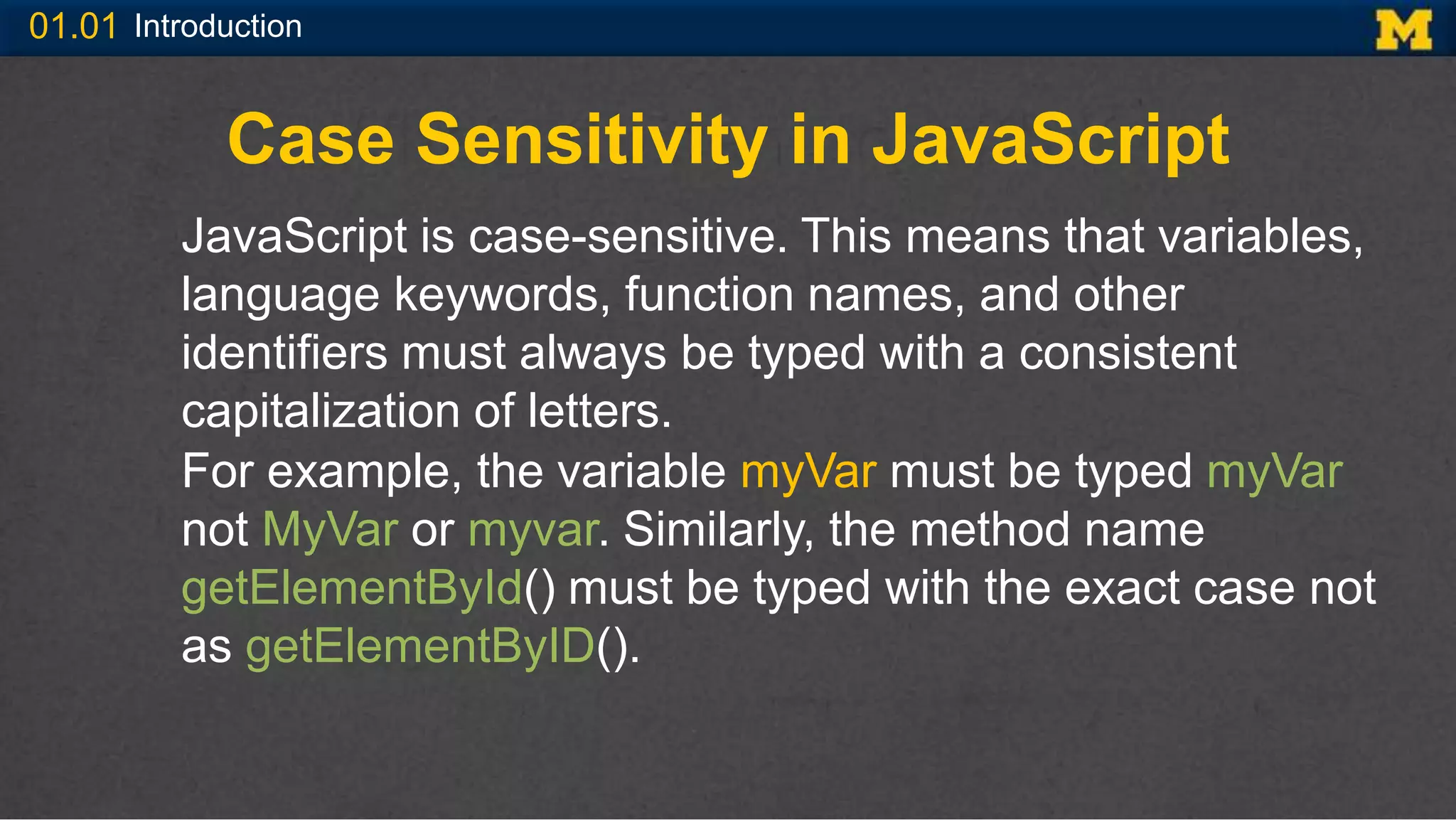
Case Sensitivity in JavaScript
JavaScript is case-sensitive. This means that variables,
language keywords, function names, and other
identifiers must always be typed with a consistent
capitalization of letters.
For example, the variable myVar must be typed myVar
not MyVar or myvar. Similarly, the method name
getElementById() must be typed with the exact case not
as getElementByID().
01.01 Introduction
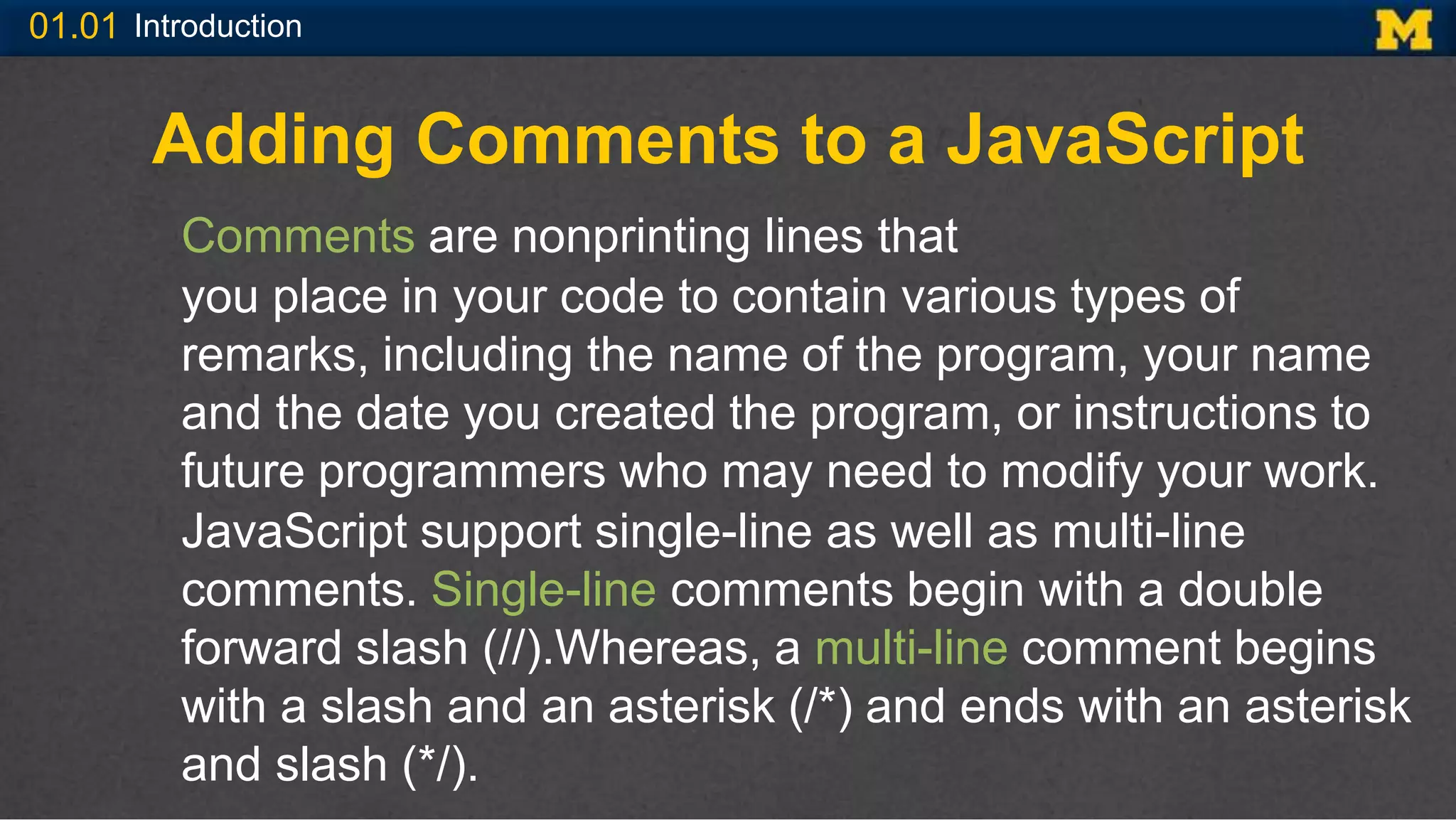
Adding Comments to a JavaScript
Comments are nonprinting lines that
you place in your code to contain various types of
remarks, including the name of the program, your name
and the date you created the program, or instructions to
future programmers who may need to modify your work.
JavaScript support single-line as well as multi-line
comments. Single-line comments begin with a double
forward slash (//).Whereas, a multi-line comment begins
with a slash and an asterisk (/*) and ends with an asterisk
and slash (*/).
01.01 Introduction
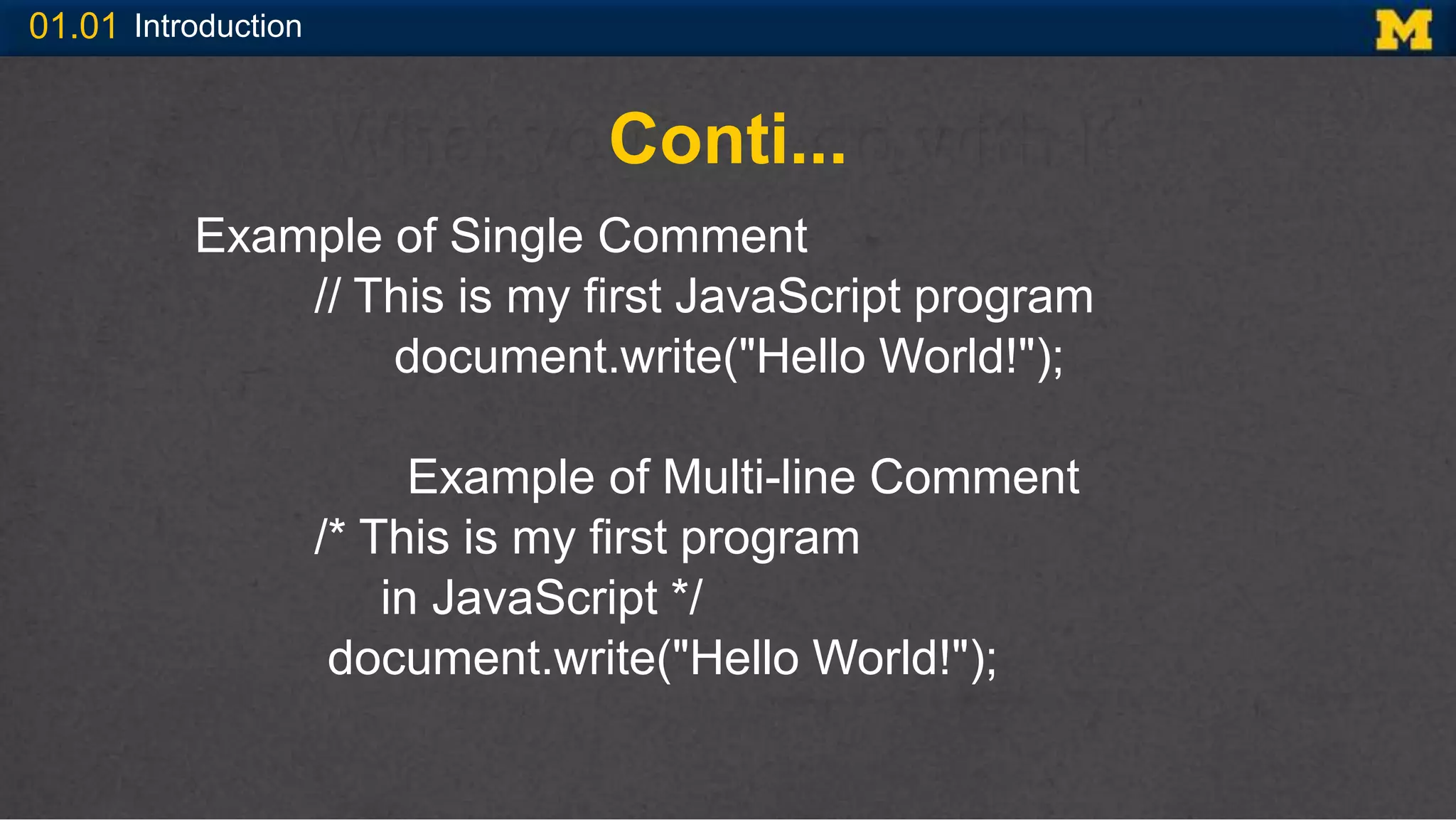
Conti...
Example of Single Comment
// This is my first JavaScript program
document.write("Hello World!");
Example of Multi-line Comment
/* This is my first program
in JavaScript */
document.write("Hello World!");
01.01 Introduction
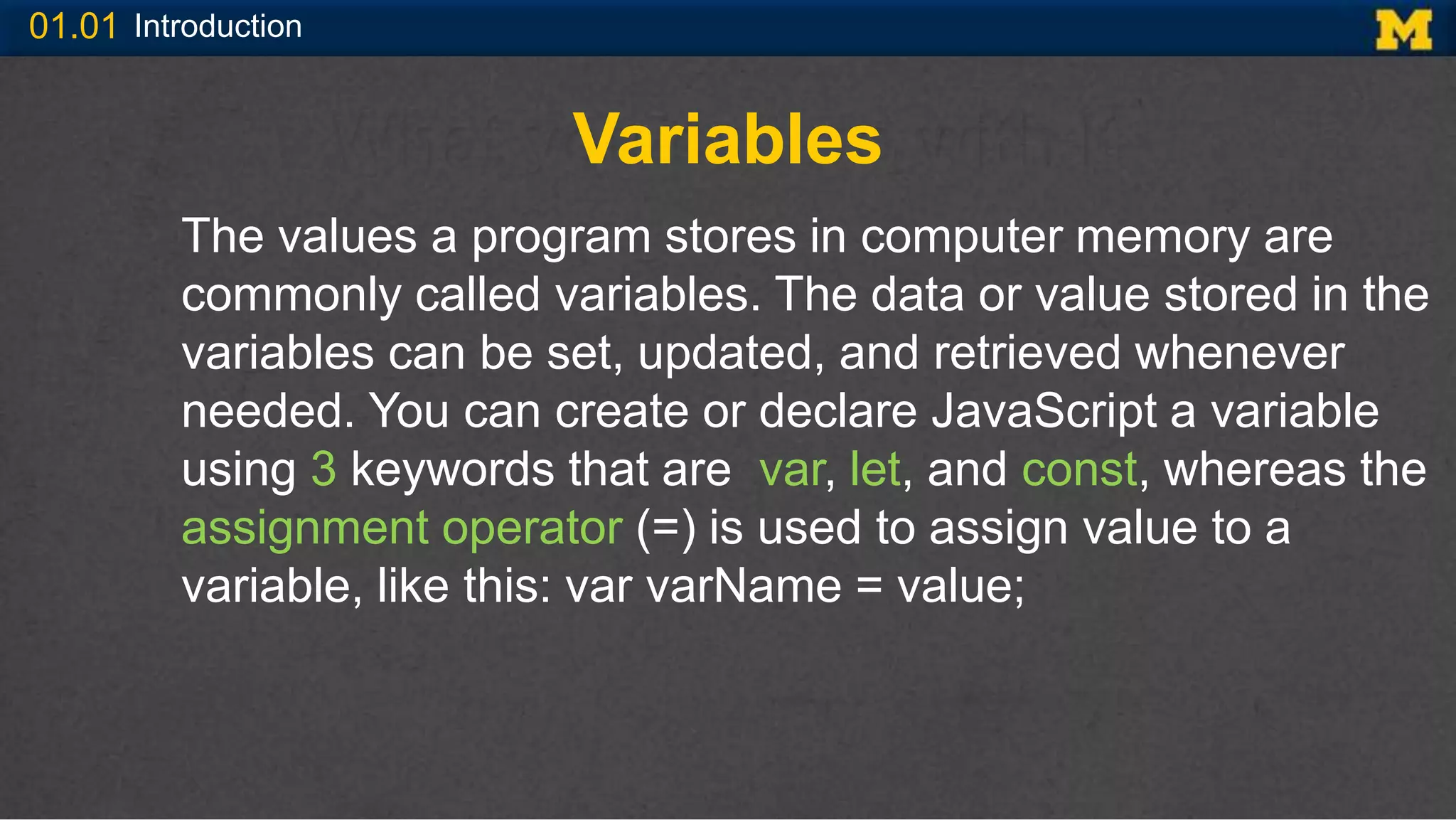
Variables
The values a program stores in computer memory are
commonly called variables. The data or value stored in the
variables can be set, updated, and retrieved whenever
needed. You can create or declare JavaScript a variable
using 3 keywords that are var, let, and const, whereas the
assignment operator (=) is used to assign value to a
variable, like this: var varName = value;
01.01 Introduction
Conti…
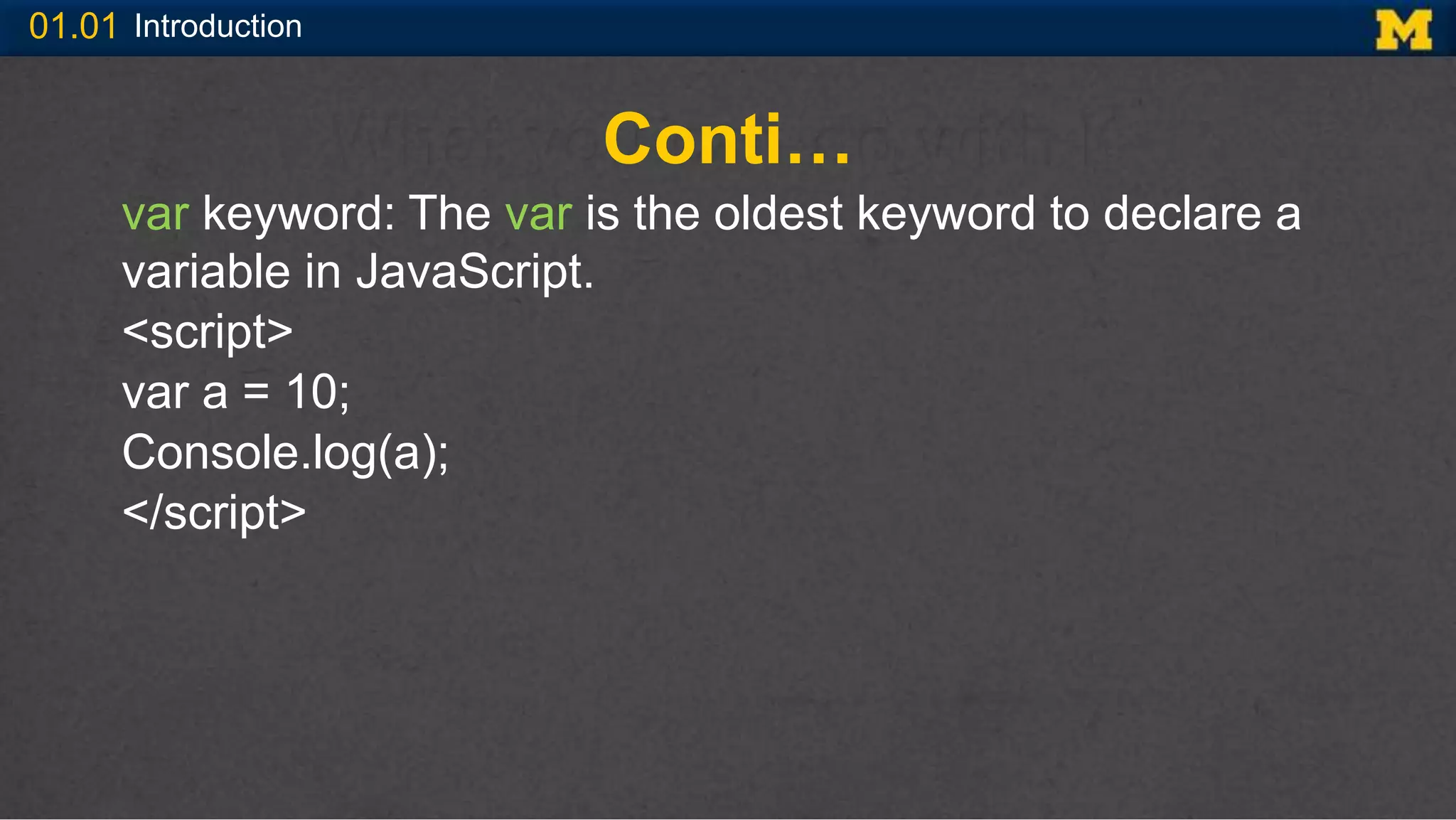
var keyword: The var is the oldest keyword to declare a
variable in JavaScript.
<script>
var a = 10;
Console.log(a);
</script>
01.01 Introduction
Conti…
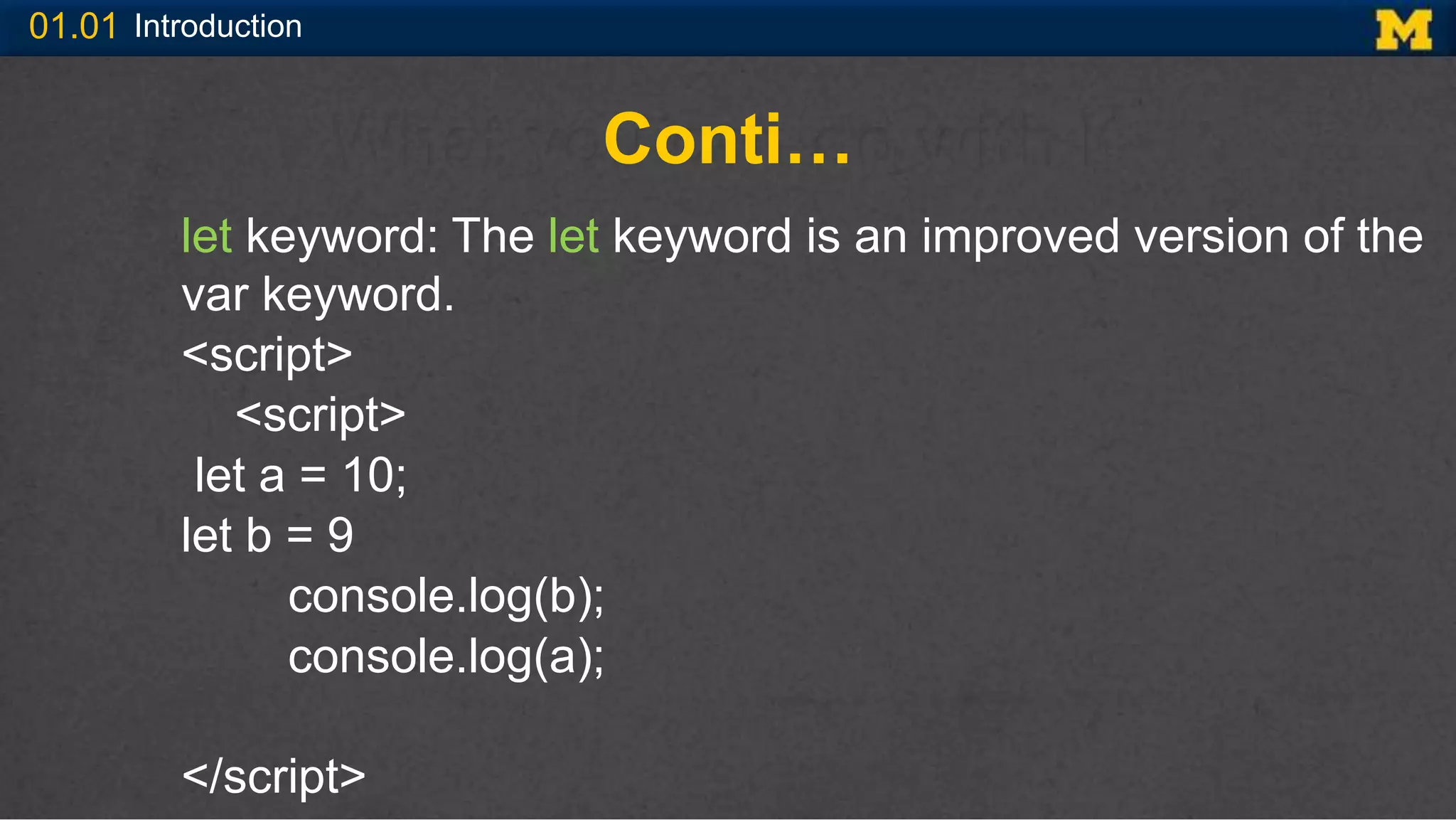
let keyword: The let keyword is an improved version of the
var keyword.
<script>
<script>
let a = 10;
let b = 9
console.log(b);
console.log(a);
</script>
01.01 Introduction
Conti…
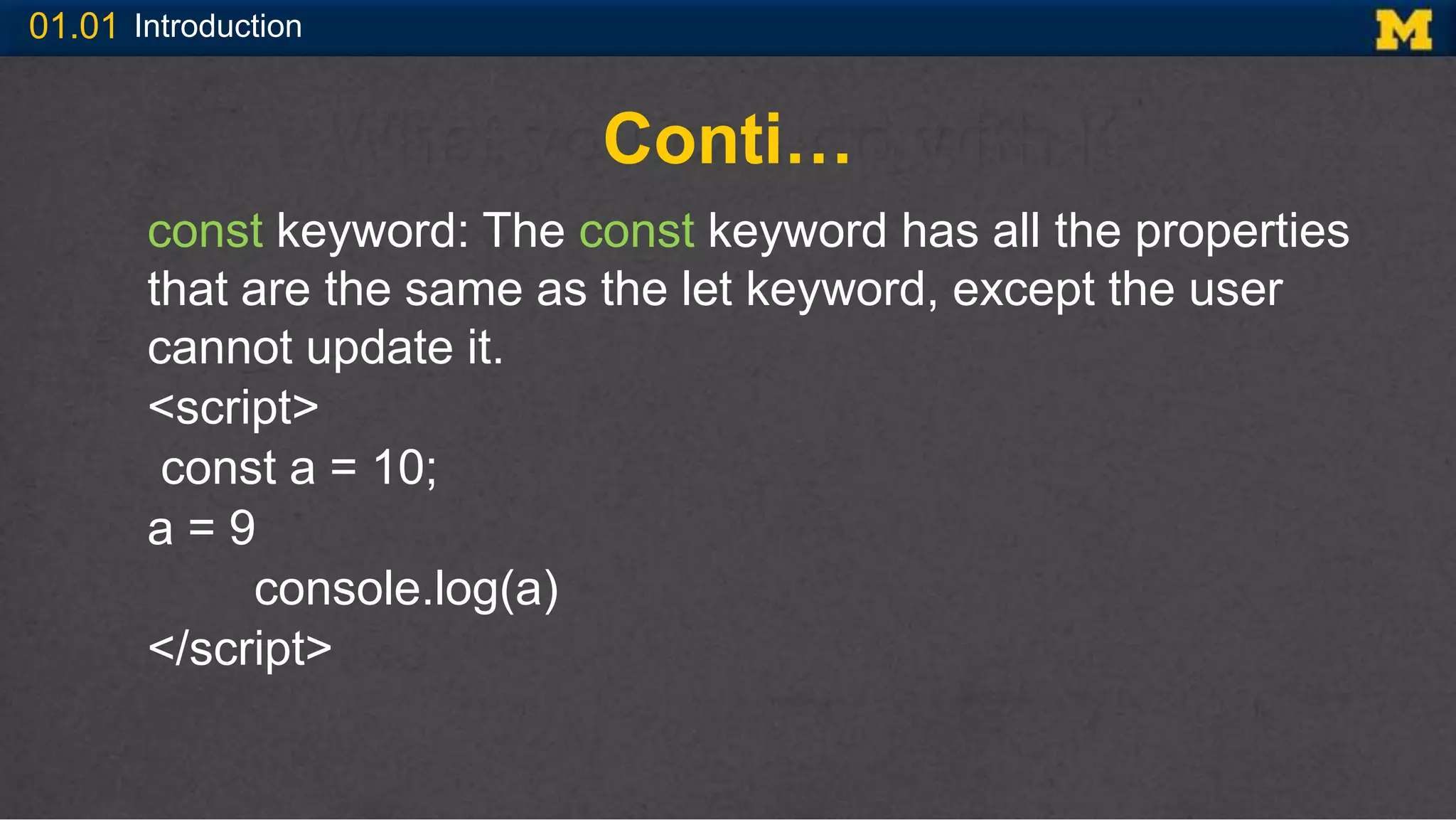
const keyword: The const keyword has all the properties
that are the same as the let keyword, except the user
cannot update it.
<script>
const a = 10;
a = 9
console.log(a)
</script>
01.01 Introduction
Conti…
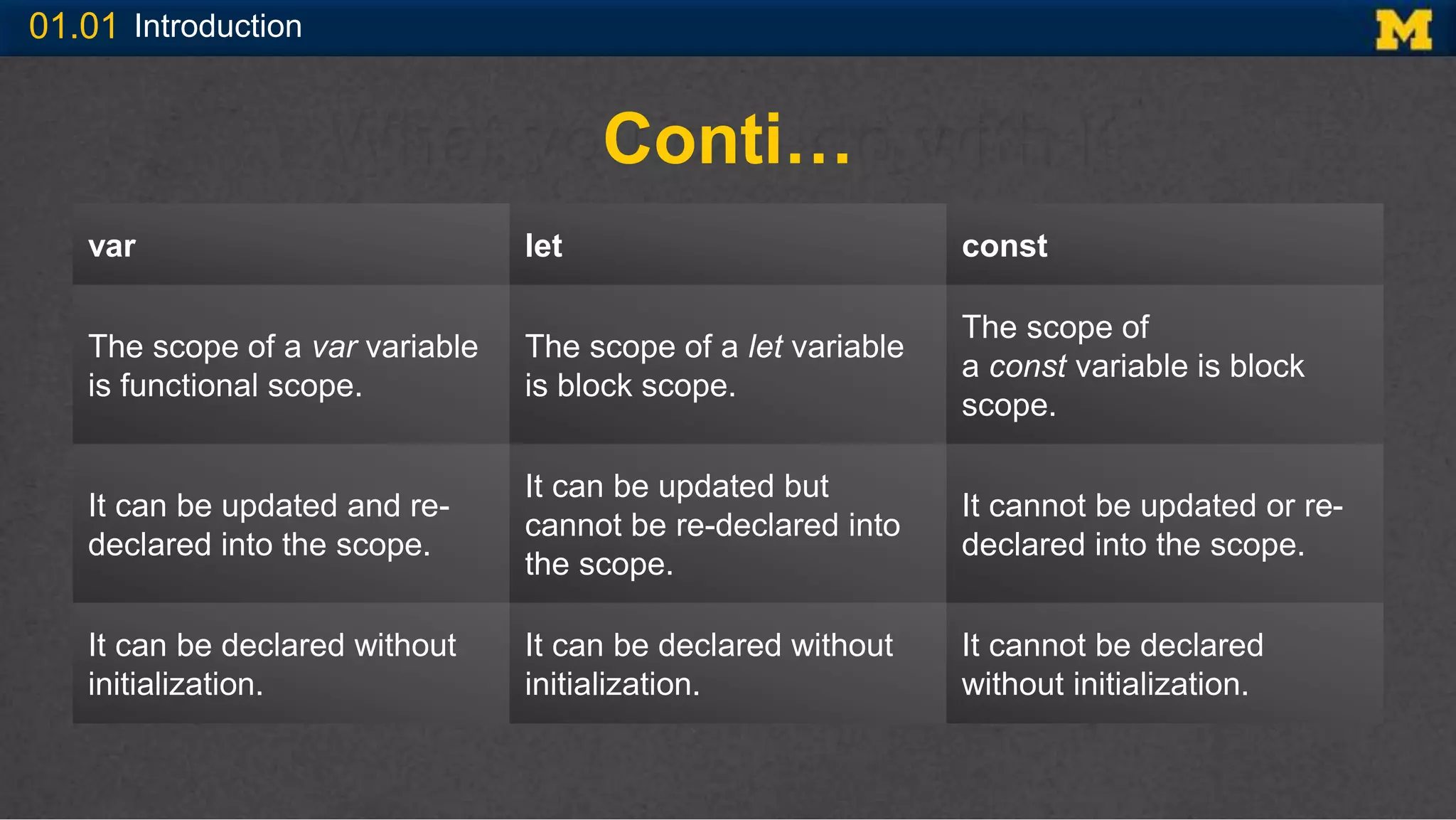
var let const
The scope of a var variable
is functional scope.
The scope of a let variable
is block scope.
The scope of
a const variable is block
scope.
It can be updated and re-
declared into the scope.
It can be updated but
cannot be re-declared into
the scope.
It cannot be updated or re-
declared into the scope.
It can be declared without
initialization.
It can be declared without
initialization.
It cannot be declared
without initialization.
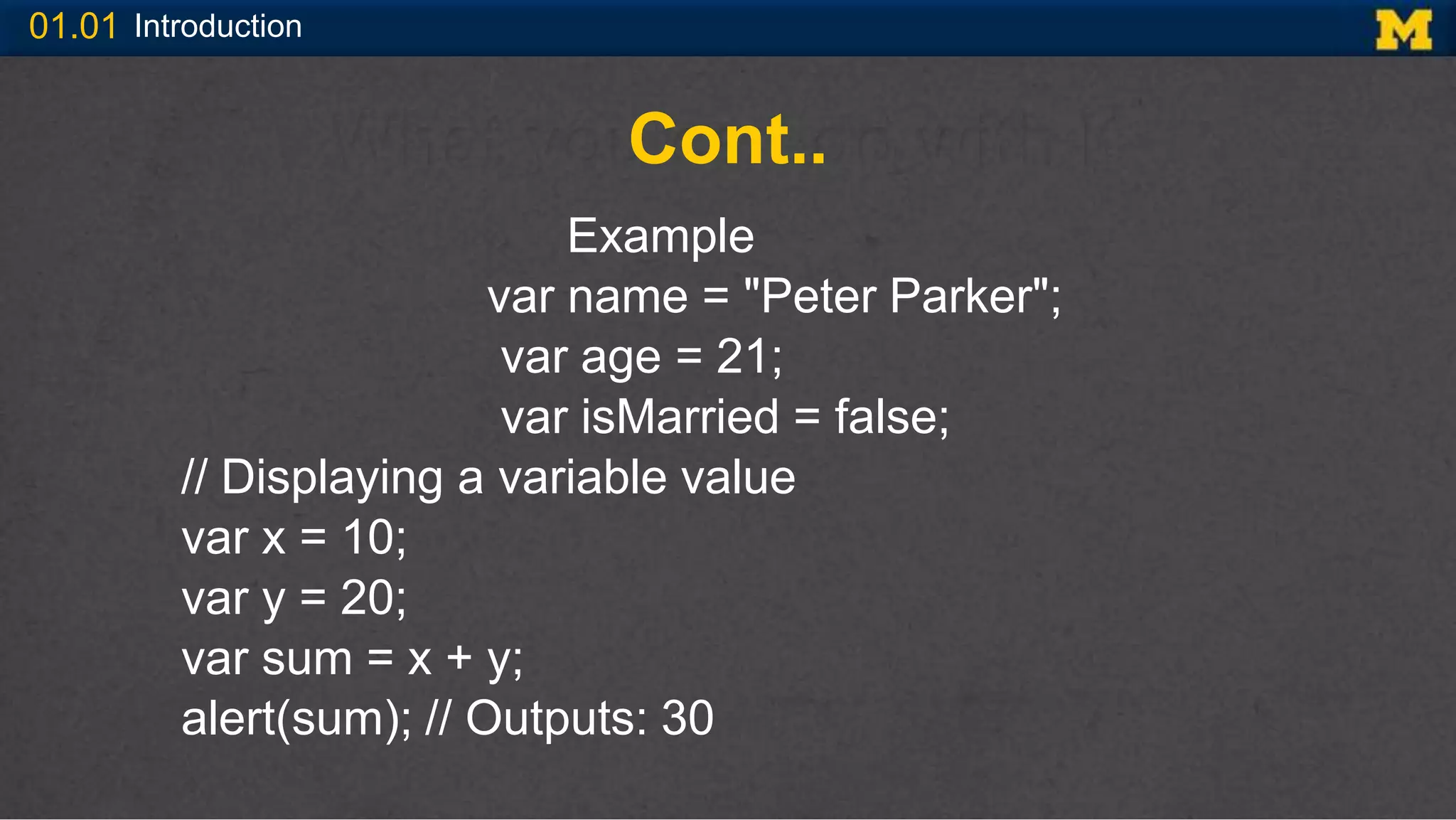
01.01 Introduction
Cont..
Example
var name = "Peter Parker";
var age = 21;
var isMarried = false;
// Displaying a variable value
var x = 10;
var y = 20;
var sum = x + y;
alert(sum); // Outputs: 30
INTERACTIVITY
WITH JAVASCRIPT
01.01 Introduction
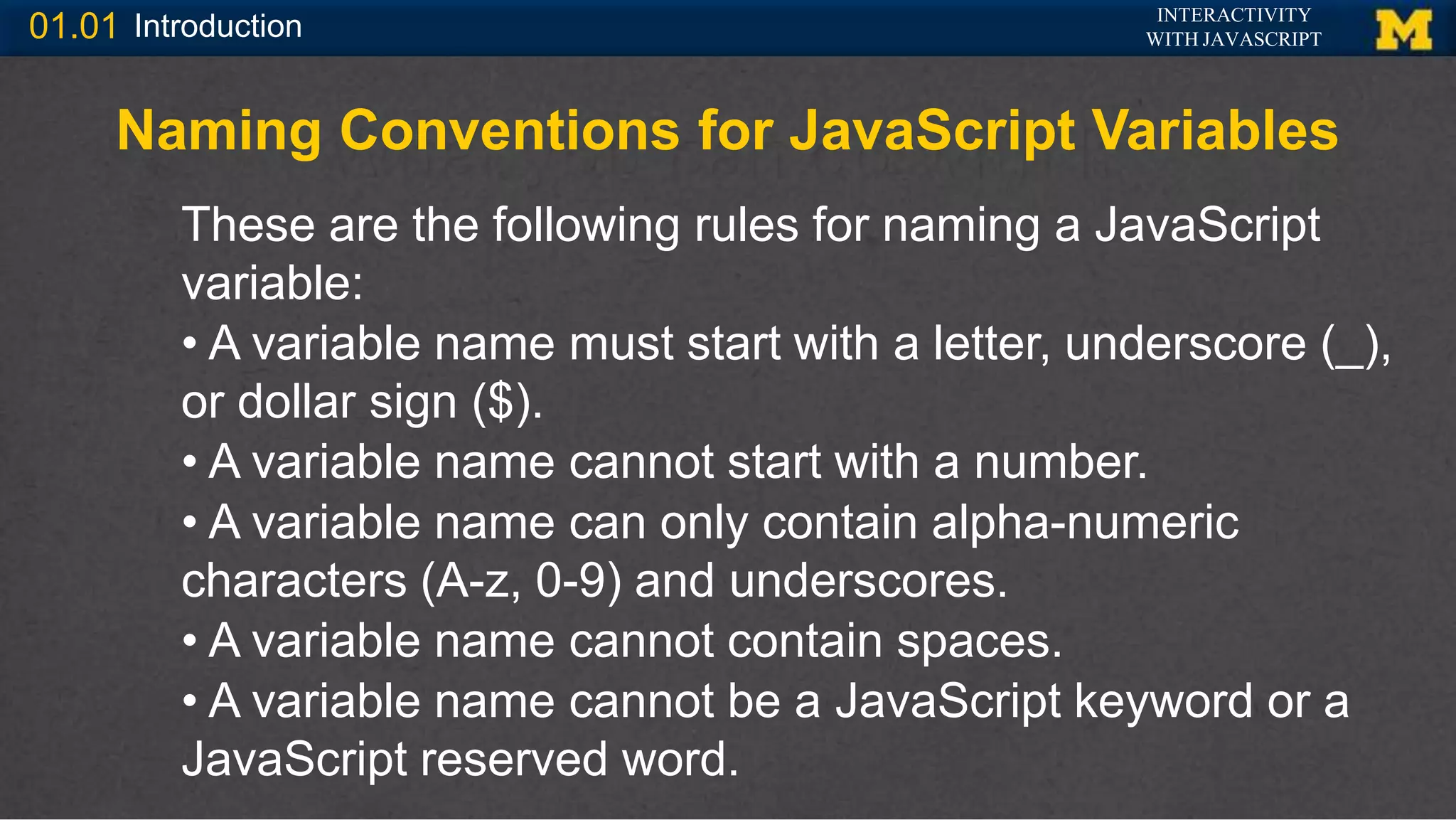
Naming Conventions for JavaScript Variables
These are the following rules for naming a JavaScript
variable:
• A variable name must start with a letter, underscore (_),
or dollar sign ($).
• A variable name cannot start with a number.
• A variable name can only contain alpha-numeric
characters (A-z, 0-9) and underscores.
• A variable name cannot contain spaces.
• A variable name cannot be a JavaScript keyword or a
JavaScript reserved word.

Introduction to JavaScript.pptx

  • 1.
  • 2.
    01.01 Introduction Welcome • JavaScripthas many uses, but we will focus on Web Design, specifically how to add interactivity • In this class there is an assumption that you are new to programming, but you know HTML and CSS
  • 3.
    01.01 Introduction JavaScript andClient-Side Scripting JavaScript is a client-side scripting language that allows Web page authors to develop interactive Web pages and sites. Client-side scripting refers to a scripting language that runs on a local browser (on the client tier) instead of on a Web server (on the processing tier). Originally designed for use in Navigator Web browsers, JavaScript is now also used in most other Web browsers, including Firefox and Internet Explorer.
  • 4.
    01.01 Introduction Cont.. JavaScript wasoriginally developed as LiveScript by Netscape in the mid 1990s. It was later renamed to JavaScript in 1995, and became an ECMA standard in 1997. Now JavaScript is the standard client-side scripting language for web-based applications, and it is supported by virtually all web browsers available today, such as Google Chrome, Mozilla Firefox, Apple Safari, etc.
  • 5.
    01.01 Introduction Understanding Server-SideScripting Server-side scripting refers to a scripting language that is executed from a Web server. Some of the more popular server-side scripting languages are PHP, Active Server Pages (ASP), and Java Server Pages (JSP). One of the primary reasons for using a server- side scripting language is to develop interactive Web sites that communicate with a database.
  • 6.
    01.01 Introduction Conti.. Server-side scriptinglanguages work in the processing tier and have the ability to handle communication between the client tier and the data storage tier. At the processing tier, a server-side scripting language usually prepares and processes the data in some way before submitting it to the data storage tier.
  • 7.
    01.01 Introduction Adding JavaScriptto Your Web Pages Using the <script> Element JavaScript programs run from within a Web page (either an HTML or XHTML document). That is, you type the code directly into the Web page code as a separate section. JavaScript programs contained within a Web page are often referred to as scripts. Th e <script> element tells the Web browser that the scripting engine must interpret the commands it contains.
  • 8.
    01.01 Introduction Conti.. The typeattribute of the <script> element tells the browser which scripting language and which version of the scripting language is being used. You assign a value of “text/javascript” to the type attribute to indicate that the script is written with JavaScript. <script type="text/javascript"> statements </script>
  • 9.
    01.01 Introduction Embedding theJavaScript Code You can embed the JavaScript code directly within your web pages by placing it between the <script> and </script> tags. Here's an example: <body> <script> var salaan = "Hello World!"; document.write(salaan); // Prints: Hello World! </script> </body>
  • 10.
    01.01 Introduction Calling anExternal JavaScript File You can also place your JavaScript code into a separate file with a .js extension, and then call that file in your document through the src attribute of the <script> tag, like this: <script src="js/hello.js"></script> This is useful if you want the same scripts available to multiple documents. It saves you from repeating the same task over and over again, and makes your website much easier to maintain.
  • 11.
    01.01 Introduction Conti.. Example // Afunction to display a message function sayHello() { alert("Hello World!"); } // Call function on click of the button document.getElementById("myBtn").onclick = sayHello;
  • 12.
    01.01 Introduction Conti.. Example html> <head> <title>Including ExternalJavaScript File</title> </head> <body> <button type="button" id="myBtn">Click Me</button> <script src="hello.js"></script> </body> </html>
  • 13.
    01.01 Introduction Placing theJavaScript Code Inline You can also place JavaScript code inline by inserting it directly inside the HTML tag using the special tag attributes such as onclick, onmouseover, onkeypress, onload, etc. <body> <button onclick="alert('Hello World!')">Click Me</button> </body>
  • 14.
    01.01 Introduction Case Sensitivityin JavaScript JavaScript is case-sensitive. This means that variables, language keywords, function names, and other identifiers must always be typed with a consistent capitalization of letters. For example, the variable myVar must be typed myVar not MyVar or myvar. Similarly, the method name getElementById() must be typed with the exact case not as getElementByID().
  • 15.
    01.01 Introduction Adding Commentsto a JavaScript Comments are nonprinting lines that you place in your code to contain various types of remarks, including the name of the program, your name and the date you created the program, or instructions to future programmers who may need to modify your work. JavaScript support single-line as well as multi-line comments. Single-line comments begin with a double forward slash (//).Whereas, a multi-line comment begins with a slash and an asterisk (/*) and ends with an asterisk and slash (*/).
  • 16.
    01.01 Introduction Conti... Example ofSingle Comment // This is my first JavaScript program document.write("Hello World!"); Example of Multi-line Comment /* This is my first program in JavaScript */ document.write("Hello World!");
  • 17.
    01.01 Introduction Variables The valuesa program stores in computer memory are commonly called variables. The data or value stored in the variables can be set, updated, and retrieved whenever needed. You can create or declare JavaScript a variable using 3 keywords that are var, let, and const, whereas the assignment operator (=) is used to assign value to a variable, like this: var varName = value;
  • 18.
    01.01 Introduction Conti… var keyword:The var is the oldest keyword to declare a variable in JavaScript. <script> var a = 10; Console.log(a); </script>
  • 19.
    01.01 Introduction Conti… let keyword:The let keyword is an improved version of the var keyword. <script> <script> let a = 10; let b = 9 console.log(b); console.log(a); </script>
  • 20.
    01.01 Introduction Conti… const keyword:The const keyword has all the properties that are the same as the let keyword, except the user cannot update it. <script> const a = 10; a = 9 console.log(a) </script>
  • 21.
    01.01 Introduction Conti… var letconst The scope of a var variable is functional scope. The scope of a let variable is block scope. The scope of a const variable is block scope. It can be updated and re- declared into the scope. It can be updated but cannot be re-declared into the scope. It cannot be updated or re- declared into the scope. It can be declared without initialization. It can be declared without initialization. It cannot be declared without initialization.
  • 22.
    01.01 Introduction Cont.. Example var name= "Peter Parker"; var age = 21; var isMarried = false; // Displaying a variable value var x = 10; var y = 20; var sum = x + y; alert(sum); // Outputs: 30
  • 23.
    INTERACTIVITY WITH JAVASCRIPT 01.01 Introduction NamingConventions for JavaScript Variables These are the following rules for naming a JavaScript variable: • A variable name must start with a letter, underscore (_), or dollar sign ($). • A variable name cannot start with a number. • A variable name can only contain alpha-numeric characters (A-z, 0-9) and underscores. • A variable name cannot contain spaces. • A variable name cannot be a JavaScript keyword or a JavaScript reserved word.