JavaScript
www.PracticalCoding.inwww.PracticalCoding.in
A little Background
➢ JavaScript isn’t JAVA
➢ Developed by Brendan Eich at Netscape
➢ Was called LiveScript
➢ Not a compiled language
➢ Case sensitive :
function oneDrive() is different from function OneDrive()
www.PracticalCoding.inwww.PracticalCoding.in
What’s in a JavaScript Program?
Statements formed from tokens, operators, and identifiers placed
together in an order that is meaningful to a JavaScript interpreter,
which is contained in most web browsers.
www.PracticalCoding.inwww.PracticalCoding.in
Where should I write it ?
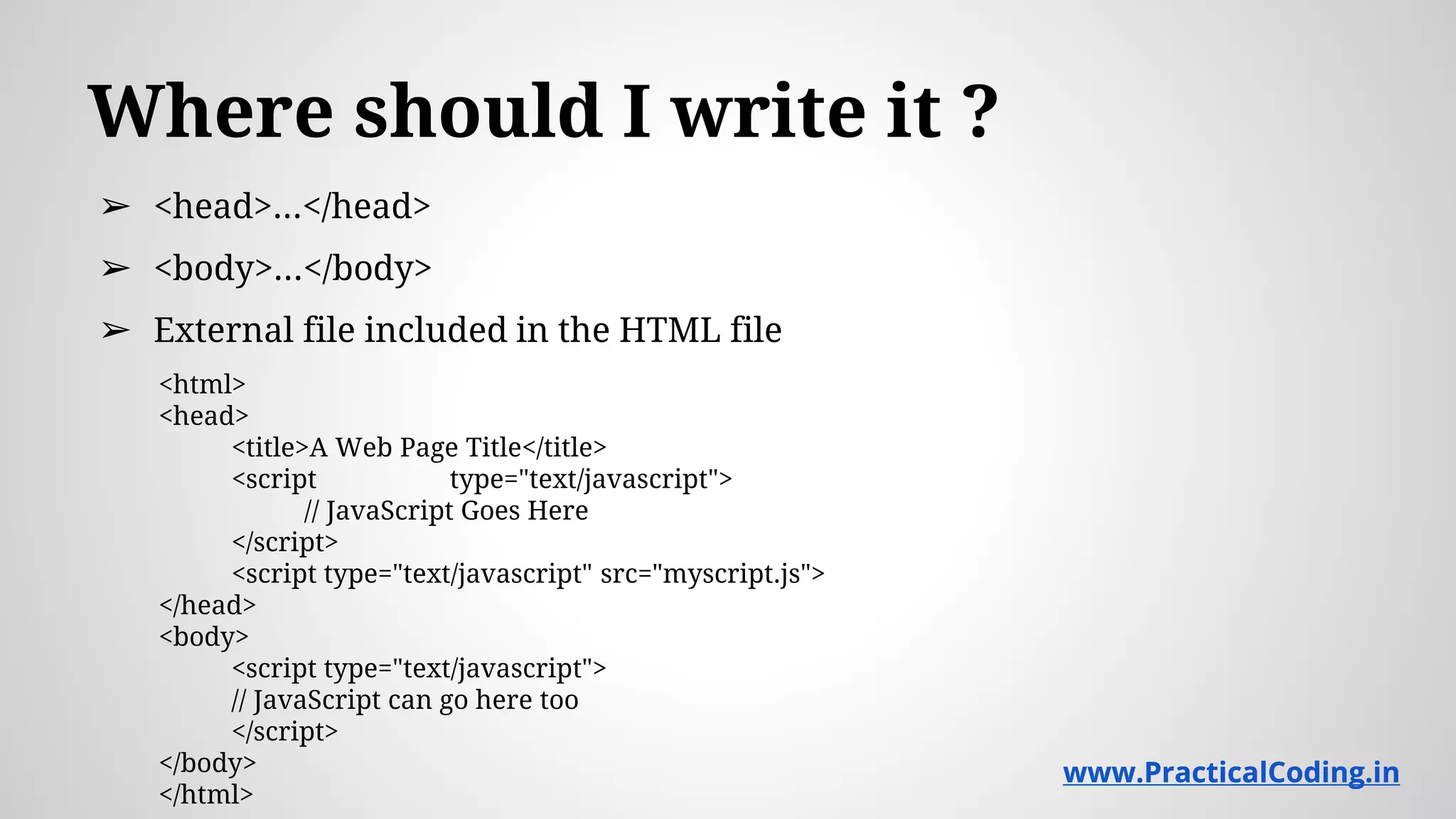
➢ <head>...</head>
➢ <body>...</body>
➢ External file included in the HTML file
<html>
<head>
<title>A Web Page Title</title>
<script type="text/javascript">
// JavaScript Goes Here
</script>
<script type="text/javascript" src="myscript.js">
</head>
<body>
<script type="text/javascript">
// JavaScript can go here too
</script>
</body>
</html>
www.PracticalCoding.inwww.PracticalCoding.in
Comments
➢/* This is a multiline
comment */
➢// This is a single line comment
www.PracticalCoding.inwww.PracticalCoding.in
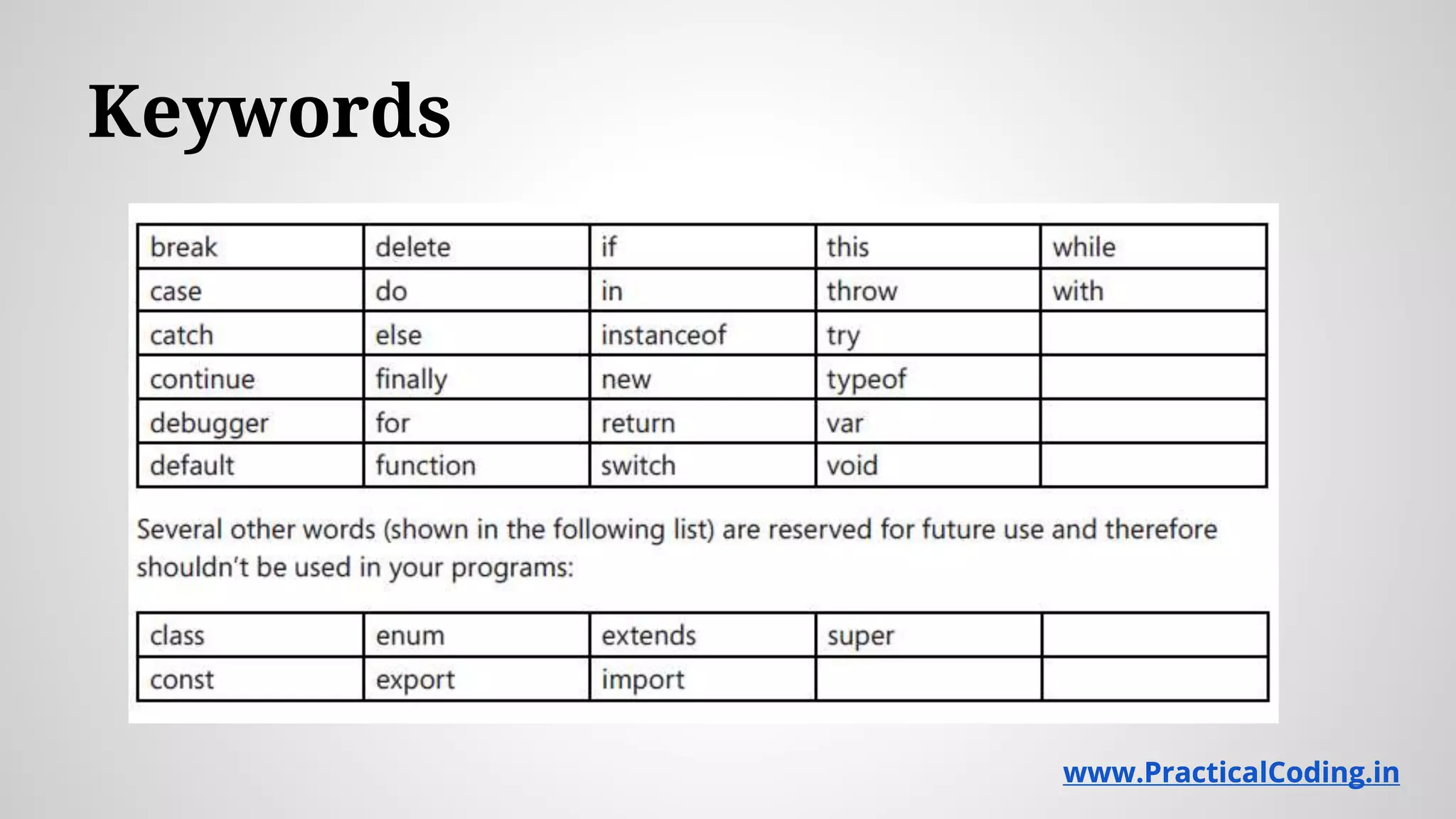
Keywords
www.PracticalCoding.inwww.PracticalCoding.in
Data types
➢Numbers
➢Strings
➢Booleans
➢Null (Empty is not Null)
➢undefined
➢Objects
www.PracticalCoding.inwww.PracticalCoding.in
Math object
➢Math.Random()
➢Math.abs(x)
➢Math.pow(x,y)
➢Math.round(x)
www.PracticalCoding.inwww.PracticalCoding.in
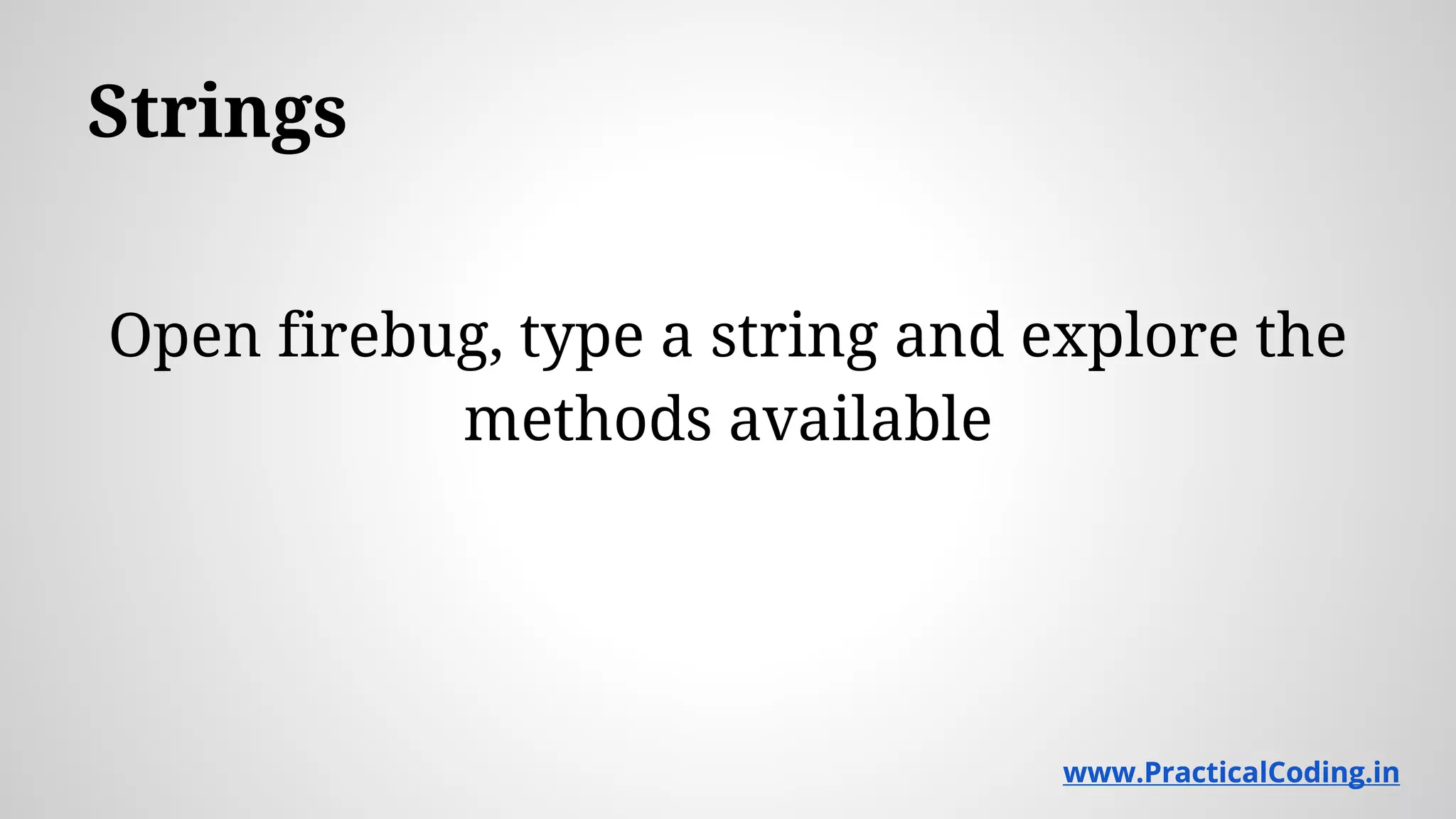
Strings
Open firebug, type a string and explore the
methods available
www.PracticalCoding.inwww.PracticalCoding.in
Date object
Open firebug and explore
www.PracticalCoding.inwww.PracticalCoding.in
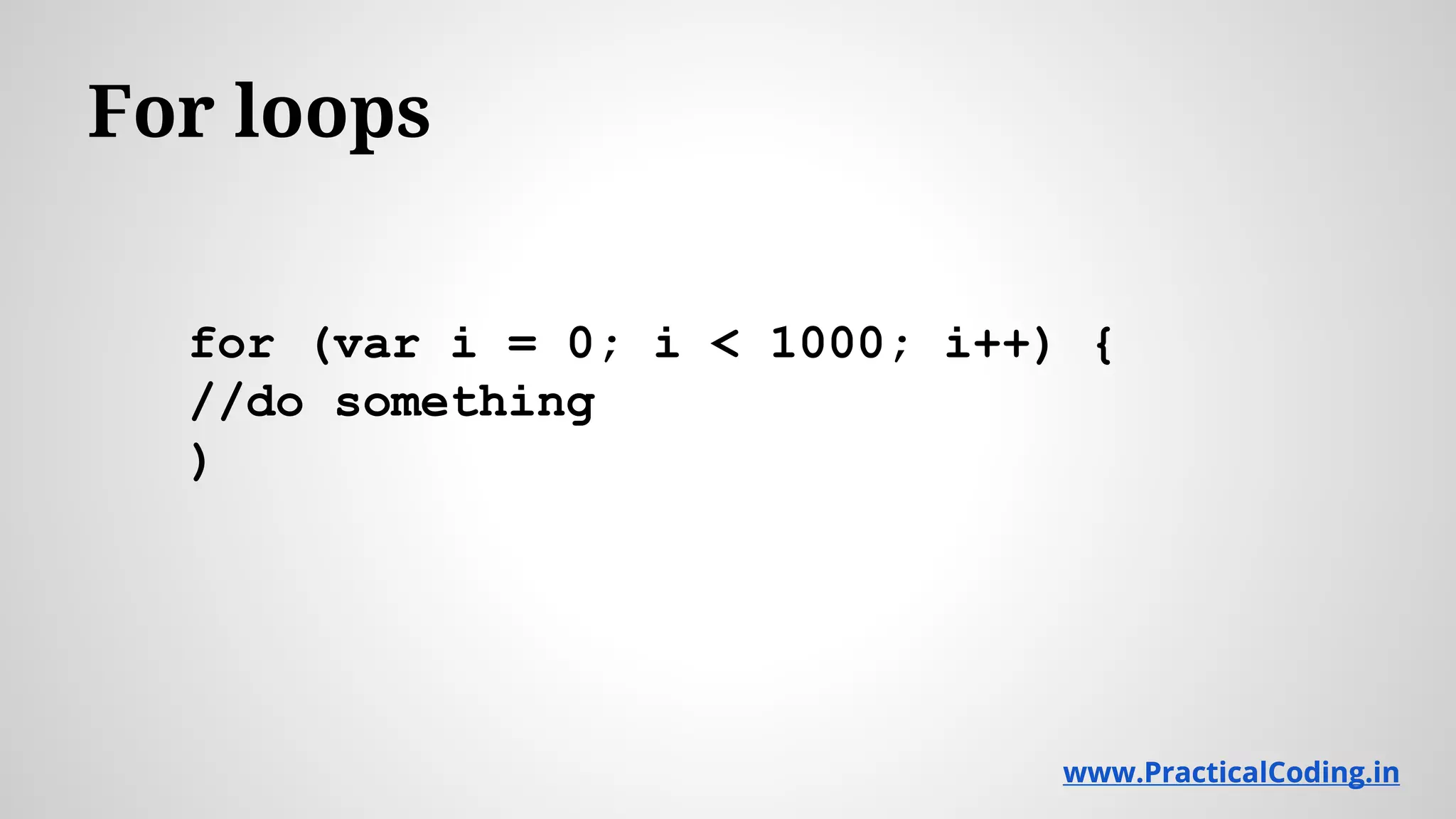
For loops
for (var i = 0; i < 1000; i++) {
//do something
)
www.PracticalCoding.inwww.PracticalCoding.in
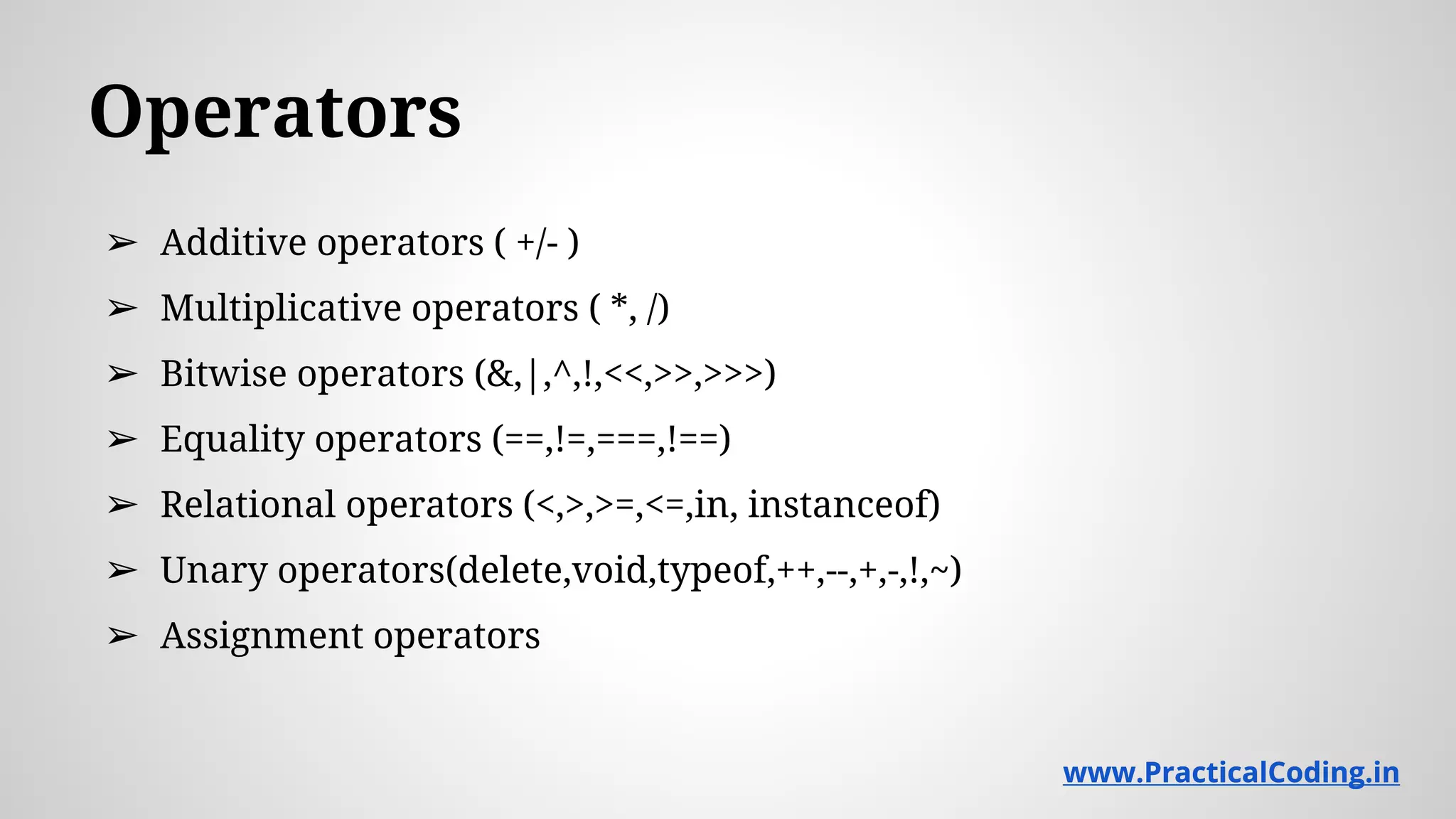
Operators
➢ Additive operators ( +/- )
➢ Multiplicative operators ( *, /)
➢ Bitwise operators (&,|,^,!,<<,>>,>>>)
➢ Equality operators (==,!=,===,!==)
➢ Relational operators (<,>,>=,<=,in, instanceof)
➢ Unary operators(delete,void,typeof,++,--,+,-,!,~)
➢ Assignment operators
www.PracticalCoding.inwww.PracticalCoding.in
Controlling flow with conditionals and loops
➢ if else conditional statement and ternary operations
➢ switch statement
➢ while loop and a do...while loop
➢ for loops (general, for..each and for..in)
www.PracticalCoding.inwww.PracticalCoding.in
Functions
<script type="text/javascript">
function myFunction() {
var firstArg = arguments[0];
var secondArg = arguments[1];
alert("firstArg is: " + firstArg);
alert("secondArg is: " + secondArg);
}
myFunction("hello","world");
</script>
www.PracticalCoding.inwww.PracticalCoding.in
Function literal
JavaScript does not require functions to be
defined formally.
www.PracticalCoding.inwww.PracticalCoding.in
Objects
Properties
Methods
and whats this ?
www.PracticalCoding.inwww.PracticalCoding.in
Arrays
➢ Creation
➢ Methods
➢ Copying arrays
➢ push() and pop()
➢ Iterating through arrays using for()
Explore arrays in Firebug !
www.PracticalCoding.inwww.PracticalCoding.in
Timers
➢ setInterval()
➢ clearInterval()
➢ setTimeout()
➢ clearTimeout()
www.PracticalCoding.inwww.PracticalCoding.in
Window object
➢ document
➢ frames
➢ history
➢ location
➢ navigator
➢ screen
➢ self/window/parent
www.PracticalCoding.inwww.PracticalCoding.in
Observing the built in properties and methods
var body = document.getElementsByTagName("body")[0];
for (var prop in navigator) {
var elem = document.createElement("p");
var text = document.createTextNode(prop + ": " +
navigator[prop]);
elem.appendChild(text);
body.appendChild(elem);
}
Replace the ‘navigator’ with other objects to check.
www.PracticalCoding.inwww.PracticalCoding.in
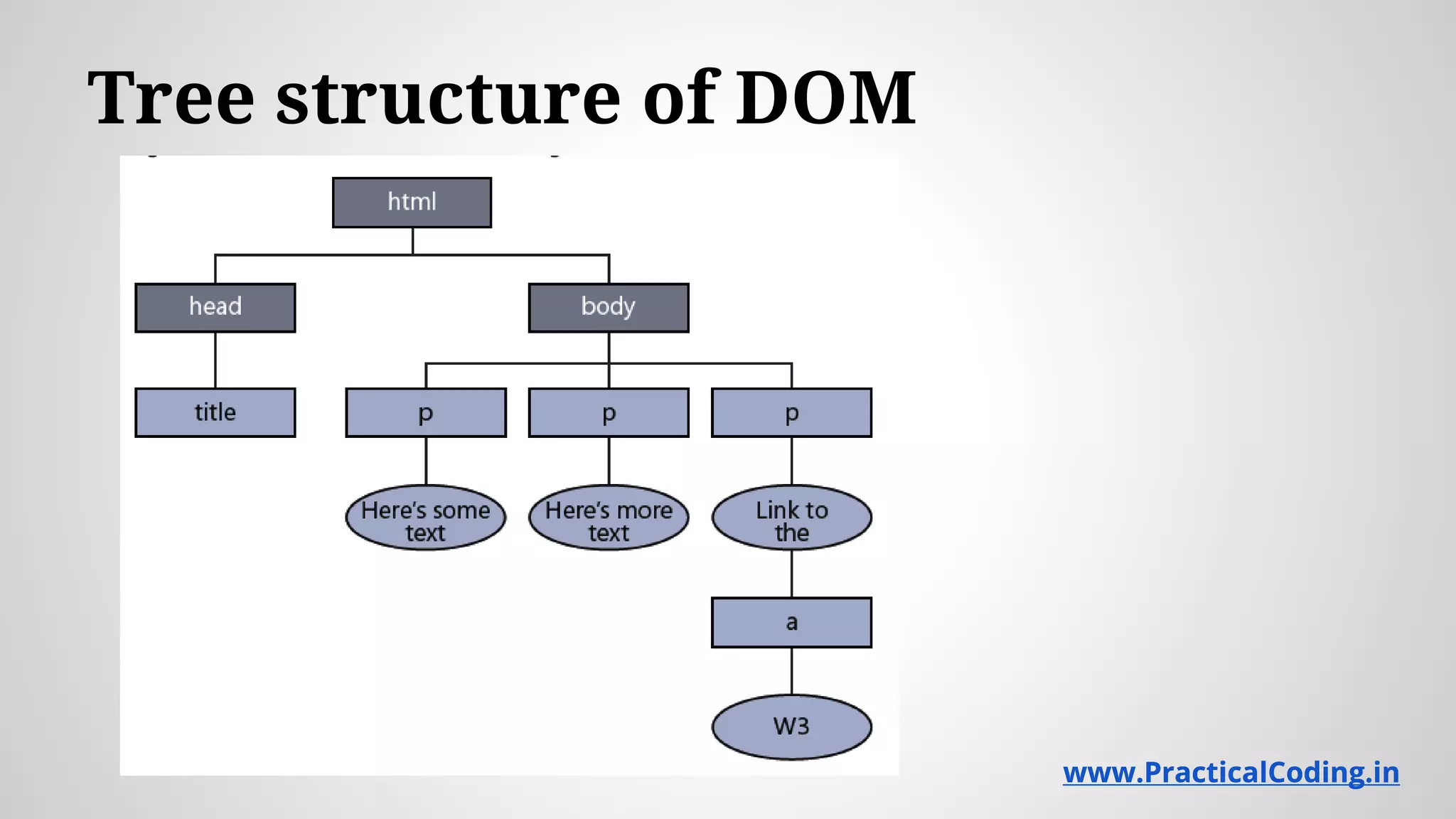
Tree structure of DOM
www.PracticalCoding.inwww.PracticalCoding.in
Retrieving Elements
➢getElementById()
➢innerHTML
➢getElementsByTagName()
www.PracticalCoding.inwww.PracticalCoding.in
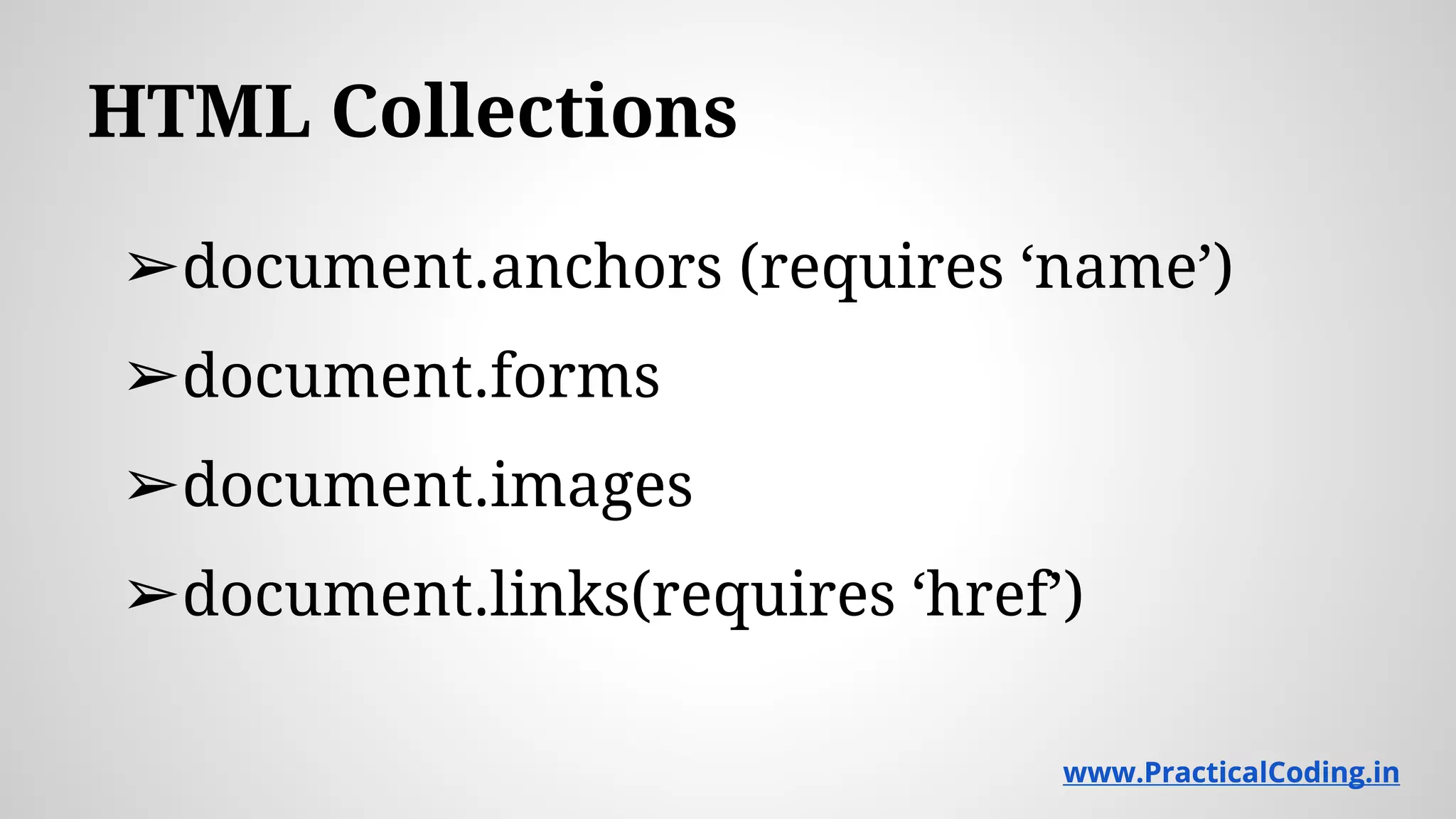
HTML Collections
➢document.anchors (requires ‘name’)
➢document.forms
➢document.images
➢document.links(requires ‘href’)
www.PracticalCoding.inwww.PracticalCoding.in
Siblings and Children
➢ .childNodes[0]
➢ nextSibling
➢ previousSibling
➢ firstChild
➢ lastChild
www.PracticalCoding.inwww.PracticalCoding.in
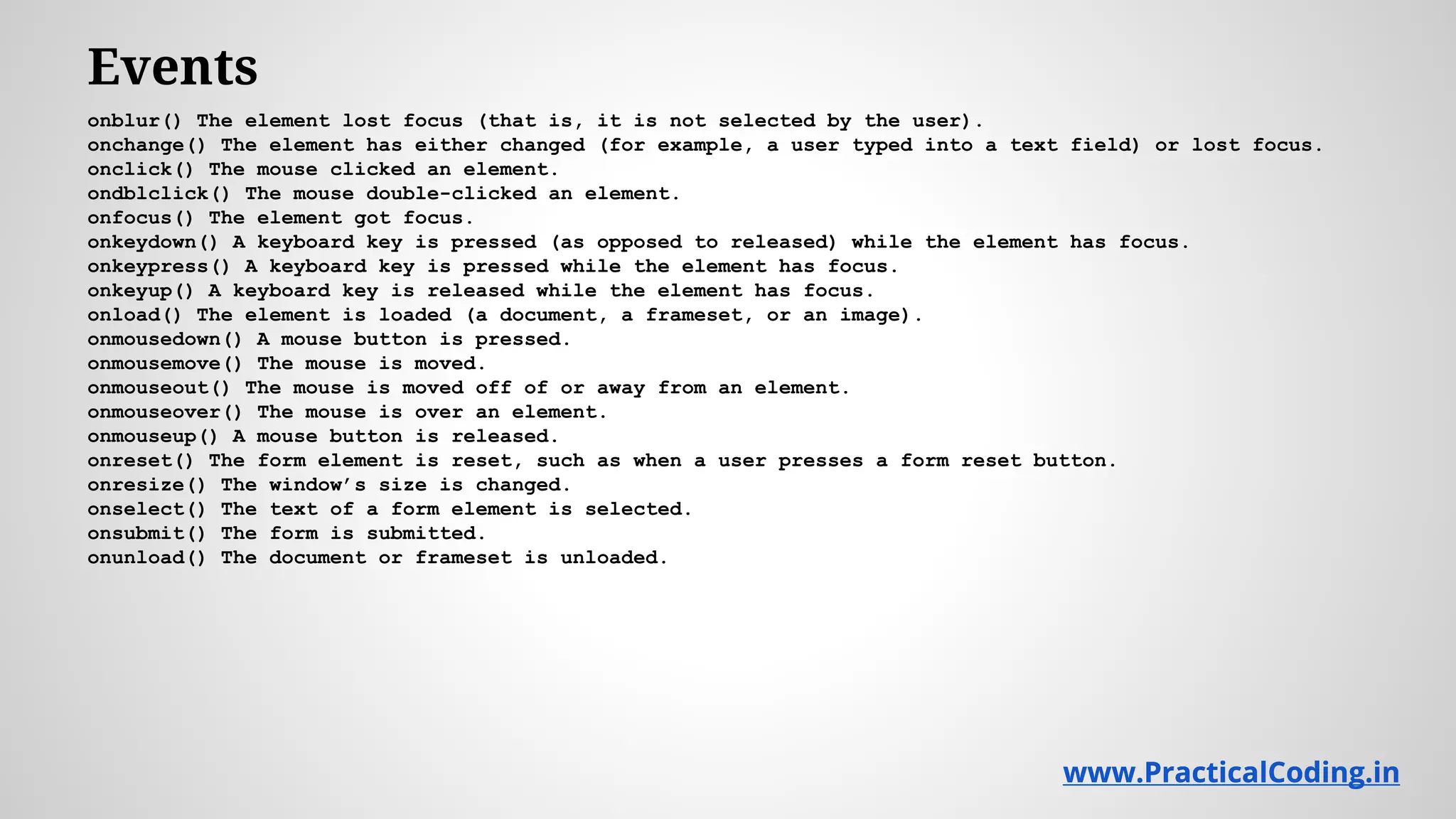
Events
onblur() The element lost focus (that is, it is not selected by the user).
onchange() The element has either changed (for example, a user typed into a text field) or lost focus.
onclick() The mouse clicked an element.
ondblclick() The mouse double-clicked an element.
onfocus() The element got focus.
onkeydown() A keyboard key is pressed (as opposed to released) while the element has focus.
onkeypress() A keyboard key is pressed while the element has focus.
onkeyup() A keyboard key is released while the element has focus.
onload() The element is loaded (a document, a frameset, or an image).
onmousedown() A mouse button is pressed.
onmousemove() The mouse is moved.
onmouseout() The mouse is moved off of or away from an element.
onmouseover() The mouse is over an element.
onmouseup() A mouse button is released.
onreset() The form element is reset, such as when a user presses a form reset button.
onresize() The window’s size is changed.
onselect() The text of a form element is selected.
onsubmit() The form is submitted.
onunload() The document or frameset is unloaded.
www.PracticalCoding.inwww.PracticalCoding.in
Learn More
@
www.PracticalCoding.in

Introduction to java_script

  • 1.
  • 2.
    A little Background ➢JavaScript isn’t JAVA ➢ Developed by Brendan Eich at Netscape ➢ Was called LiveScript ➢ Not a compiled language ➢ Case sensitive : function oneDrive() is different from function OneDrive() www.PracticalCoding.inwww.PracticalCoding.in
  • 3.
    What’s in aJavaScript Program? Statements formed from tokens, operators, and identifiers placed together in an order that is meaningful to a JavaScript interpreter, which is contained in most web browsers. www.PracticalCoding.inwww.PracticalCoding.in
  • 4.
    Where should Iwrite it ? ➢ <head>...</head> ➢ <body>...</body> ➢ External file included in the HTML file <html> <head> <title>A Web Page Title</title> <script type="text/javascript"> // JavaScript Goes Here </script> <script type="text/javascript" src="myscript.js"> </head> <body> <script type="text/javascript"> // JavaScript can go here too </script> </body> </html> www.PracticalCoding.inwww.PracticalCoding.in
  • 5.
    Comments ➢/* This isa multiline comment */ ➢// This is a single line comment www.PracticalCoding.inwww.PracticalCoding.in
  • 6.
  • 7.
    Data types ➢Numbers ➢Strings ➢Booleans ➢Null (Emptyis not Null) ➢undefined ➢Objects www.PracticalCoding.inwww.PracticalCoding.in
  • 8.
  • 9.
    Strings Open firebug, typea string and explore the methods available www.PracticalCoding.inwww.PracticalCoding.in
  • 10.
    Date object Open firebugand explore www.PracticalCoding.inwww.PracticalCoding.in
  • 11.
    For loops for (vari = 0; i < 1000; i++) { //do something ) www.PracticalCoding.inwww.PracticalCoding.in
  • 12.
    Operators ➢ Additive operators( +/- ) ➢ Multiplicative operators ( *, /) ➢ Bitwise operators (&,|,^,!,<<,>>,>>>) ➢ Equality operators (==,!=,===,!==) ➢ Relational operators (<,>,>=,<=,in, instanceof) ➢ Unary operators(delete,void,typeof,++,--,+,-,!,~) ➢ Assignment operators www.PracticalCoding.inwww.PracticalCoding.in
  • 13.
    Controlling flow withconditionals and loops ➢ if else conditional statement and ternary operations ➢ switch statement ➢ while loop and a do...while loop ➢ for loops (general, for..each and for..in) www.PracticalCoding.inwww.PracticalCoding.in
  • 14.
    Functions <script type="text/javascript"> function myFunction(){ var firstArg = arguments[0]; var secondArg = arguments[1]; alert("firstArg is: " + firstArg); alert("secondArg is: " + secondArg); } myFunction("hello","world"); </script> www.PracticalCoding.inwww.PracticalCoding.in
  • 15.
    Function literal JavaScript doesnot require functions to be defined formally. www.PracticalCoding.inwww.PracticalCoding.in
  • 16.
    Objects Properties Methods and whats this? www.PracticalCoding.inwww.PracticalCoding.in
  • 17.
    Arrays ➢ Creation ➢ Methods ➢Copying arrays ➢ push() and pop() ➢ Iterating through arrays using for() Explore arrays in Firebug ! www.PracticalCoding.inwww.PracticalCoding.in
  • 18.
    Timers ➢ setInterval() ➢ clearInterval() ➢setTimeout() ➢ clearTimeout() www.PracticalCoding.inwww.PracticalCoding.in
  • 19.
    Window object ➢ document ➢frames ➢ history ➢ location ➢ navigator ➢ screen ➢ self/window/parent www.PracticalCoding.inwww.PracticalCoding.in
  • 20.
    Observing the builtin properties and methods var body = document.getElementsByTagName("body")[0]; for (var prop in navigator) { var elem = document.createElement("p"); var text = document.createTextNode(prop + ": " + navigator[prop]); elem.appendChild(text); body.appendChild(elem); } Replace the ‘navigator’ with other objects to check. www.PracticalCoding.inwww.PracticalCoding.in
  • 21.
    Tree structure ofDOM www.PracticalCoding.inwww.PracticalCoding.in
  • 22.
  • 23.
    HTML Collections ➢document.anchors (requires‘name’) ➢document.forms ➢document.images ➢document.links(requires ‘href’) www.PracticalCoding.inwww.PracticalCoding.in
  • 24.
    Siblings and Children ➢.childNodes[0] ➢ nextSibling ➢ previousSibling ➢ firstChild ➢ lastChild www.PracticalCoding.inwww.PracticalCoding.in
  • 25.
    Events onblur() The elementlost focus (that is, it is not selected by the user). onchange() The element has either changed (for example, a user typed into a text field) or lost focus. onclick() The mouse clicked an element. ondblclick() The mouse double-clicked an element. onfocus() The element got focus. onkeydown() A keyboard key is pressed (as opposed to released) while the element has focus. onkeypress() A keyboard key is pressed while the element has focus. onkeyup() A keyboard key is released while the element has focus. onload() The element is loaded (a document, a frameset, or an image). onmousedown() A mouse button is pressed. onmousemove() The mouse is moved. onmouseout() The mouse is moved off of or away from an element. onmouseover() The mouse is over an element. onmouseup() A mouse button is released. onreset() The form element is reset, such as when a user presses a form reset button. onresize() The window’s size is changed. onselect() The text of a form element is selected. onsubmit() The form is submitted. onunload() The document or frameset is unloaded. www.PracticalCoding.inwww.PracticalCoding.in
  • 26.