LEARNING & DEVELOPMENT
Hybrid mobile development
with
Ionic Framework
Presented by :
Shyjal Raazi
Remya Jacob
Table of contents
● Native vs Hybrid
● What is ionic
● Prerequisites
● Getting started with ionic.
● Ionic CLI
● Ionic CSS components.
● Ionic JS components.
● Platform Access
● Tools and Extras
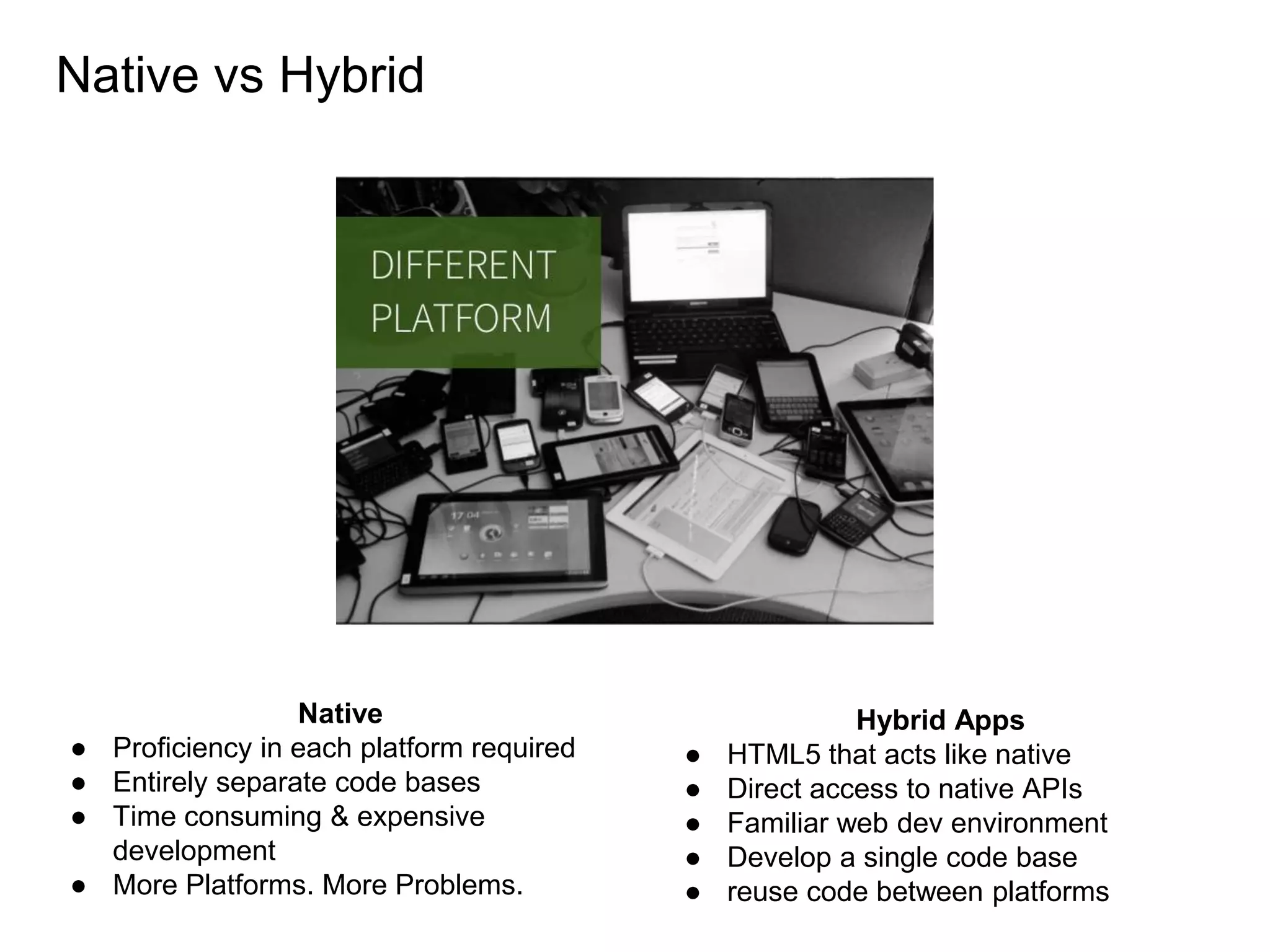
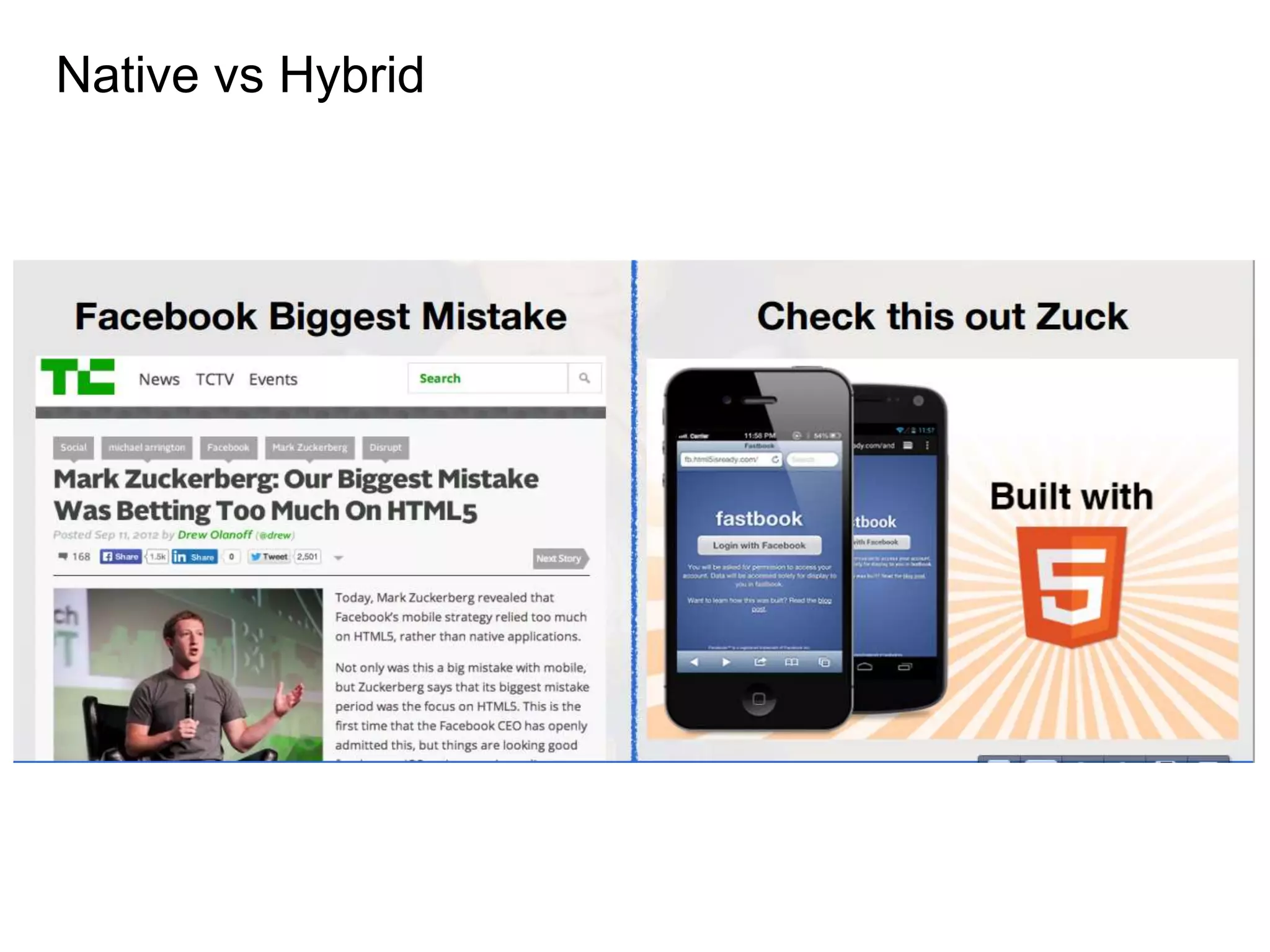
Native vs Hybrid
Native
● Proficiency in each platform required
● Entirely separate code bases
● Time consuming & expensive
development
● More Platforms. More Problems.
Hybrid Apps
● HTML5 that acts like native
● Direct access to native APIs
● Familiar web dev environment
● Develop a single code base
● reuse code between platforms
Native vs Hybrid
Why still native sdk
● Common UI Views for better user experience
● Navigation and history stack
● Transitions
● It offers full access to the mobile platform
and not web sdk
● Doesn’t offer full access to the mobile platform
● Doesn’t provide rich, native-style UI components and interactions
● You’ll probably spend way too much time bringing native look and feel
Native vs Hybrid
What
HTML5 framework for hybrid mobile apps.
Build on angular, sass.
Uses cordova/phonegap for creating running building deploying mobile apps.
Contains lots of mobile optimised css and javascript components.
Native like performance and beautifully designed
Inspiration
Because they strongly believe HTML5 would rule on mobile over time, exactly as it has
on the desktop.
Why
● Native Focused
● Performance Obsessed
○ Hardware accelerated animations
○ Minimal DOM Manipulation
○ Remove 300ms tap delay
● Plain old CSS
● Sass
○ 80+ reusable mixins
● Boilerplate app structure ready for customization
● Preconfigured tools: Gulp, Sass, Bower, etc.
Knowledge
● AngularJS ( UI router, custom directives, $scope and controllers )
● Phonegap
● Sass ( optional )
Other
● NodeJS
Prerequisites Before starting
Getting started / Install
$ npm install -g cordova ionic
Getting started / Create
$ ionic start myApp [ blank | tabs | sidemenu ]
Getting started / See
$ ionic serve [ --lab ]
Common cli commands from cordova
$ ionic platform add [ android | ios ]
$ ionic platform emulate [android | ios ]
$ ionic platform build [android | ios ]
CLI
Components
ionic CSS components
Components
ionic JS components
https://github.com/shyjal/First-ionic-app
http://codepen.io/ionic/public-list/
Demo
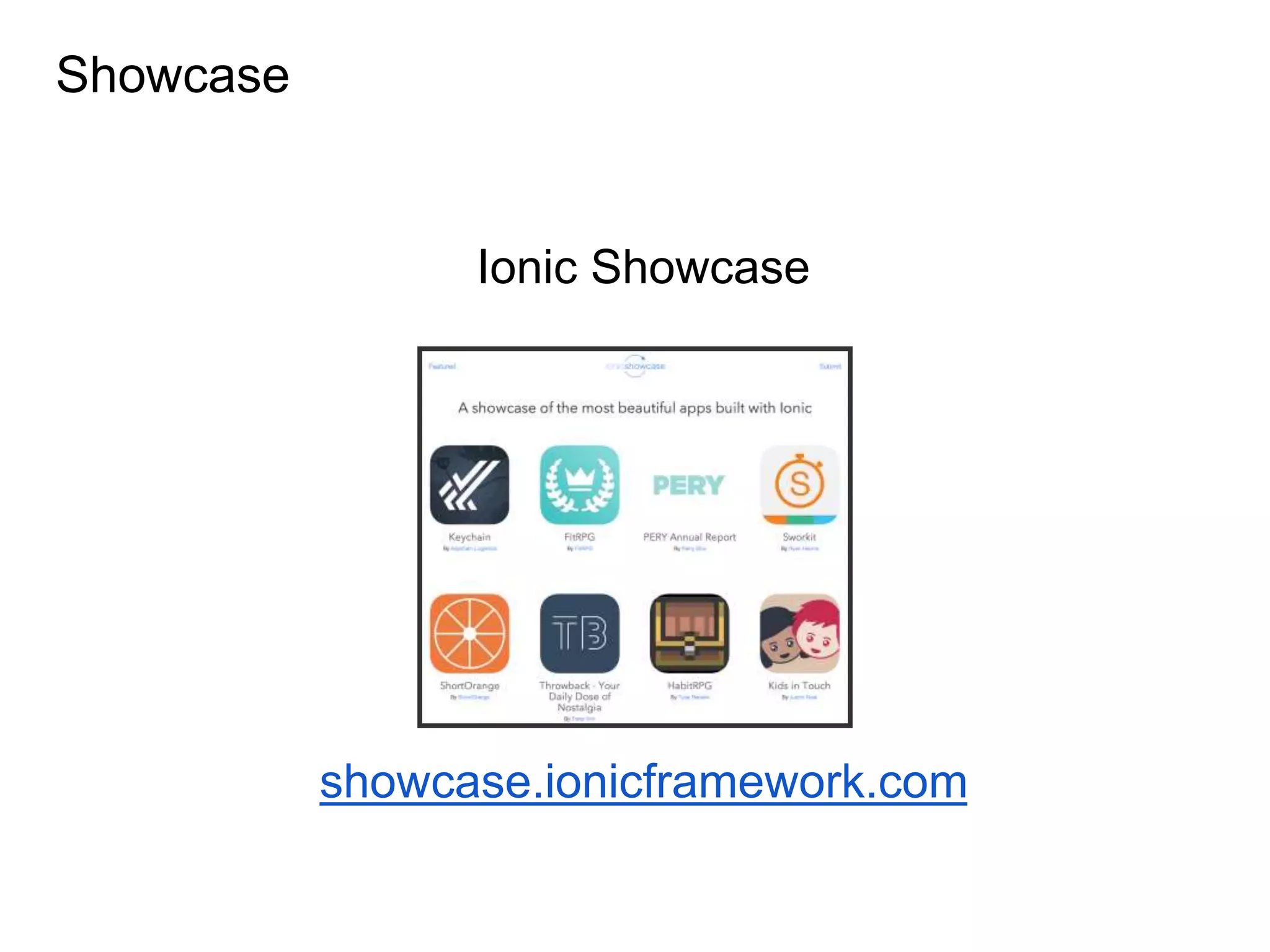
Showcase
Ionic Showcase
showcase.ionicframework.com
Platform access
ngCordova
● Cordova with the power of angularJS
● A collection of 63+ AngularJS extensions on top of the
Cordova API that make it easy to build, test, and deploy
Cordova mobile apps with AngularJS.
Tools and extras
ionicons
ionicview
Ionic crosswalk integration
ionic creator
Thank youThank you

Introduction to Ionic framework

  • 1.
    LEARNING & DEVELOPMENT Hybridmobile development with Ionic Framework Presented by : Shyjal Raazi Remya Jacob
  • 2.
    Table of contents ●Native vs Hybrid ● What is ionic ● Prerequisites ● Getting started with ionic. ● Ionic CLI ● Ionic CSS components. ● Ionic JS components. ● Platform Access ● Tools and Extras
  • 3.
    Native vs Hybrid Native ●Proficiency in each platform required ● Entirely separate code bases ● Time consuming & expensive development ● More Platforms. More Problems. Hybrid Apps ● HTML5 that acts like native ● Direct access to native APIs ● Familiar web dev environment ● Develop a single code base ● reuse code between platforms
  • 4.
    Native vs Hybrid Whystill native sdk ● Common UI Views for better user experience ● Navigation and history stack ● Transitions ● It offers full access to the mobile platform and not web sdk ● Doesn’t offer full access to the mobile platform ● Doesn’t provide rich, native-style UI components and interactions ● You’ll probably spend way too much time bringing native look and feel
  • 5.
  • 6.
    What HTML5 framework forhybrid mobile apps. Build on angular, sass. Uses cordova/phonegap for creating running building deploying mobile apps. Contains lots of mobile optimised css and javascript components. Native like performance and beautifully designed Inspiration Because they strongly believe HTML5 would rule on mobile over time, exactly as it has on the desktop.
  • 7.
    Why ● Native Focused ●Performance Obsessed ○ Hardware accelerated animations ○ Minimal DOM Manipulation ○ Remove 300ms tap delay ● Plain old CSS ● Sass ○ 80+ reusable mixins ● Boilerplate app structure ready for customization ● Preconfigured tools: Gulp, Sass, Bower, etc.
  • 8.
    Knowledge ● AngularJS (UI router, custom directives, $scope and controllers ) ● Phonegap ● Sass ( optional ) Other ● NodeJS Prerequisites Before starting
  • 9.
    Getting started /Install $ npm install -g cordova ionic
  • 10.
    Getting started /Create $ ionic start myApp [ blank | tabs | sidemenu ]
  • 11.
    Getting started /See $ ionic serve [ --lab ]
  • 12.
    Common cli commandsfrom cordova $ ionic platform add [ android | ios ] $ ionic platform emulate [android | ios ] $ ionic platform build [android | ios ] CLI
  • 13.
  • 14.
  • 15.
  • 16.
  • 17.
    Platform access ngCordova ● Cordovawith the power of angularJS ● A collection of 63+ AngularJS extensions on top of the Cordova API that make it easy to build, test, and deploy Cordova mobile apps with AngularJS.
  • 18.
    Tools and extras ionicons ionicview Ioniccrosswalk integration ionic creator
  • 19.

Editor's Notes

  • #3  This is a test that shows us how agile we are currently. It helps us gauge where we are with our attention to detail and helps us chart out what we need to do to improve this quality. The test clearly states that we need to pay very close attention to detail yet most of us seldom do.