Definition of ComputerNetwork
•A computer network: is a system where multiple
computers and devices are connected to share
resources (such as files and printers) and communicate
effectively.
•No two networks are identical in size or configuration,
but all networks consist of common components that
ensure proper operation.
3.
Network Components
(i) Devicesin a Network
• A node: commonly referred to as a workstation or a client, is any device that
can connect to a network and generate, process, or transfer data.
• Servers: Computers that store shared programs and files and manage network
operations.
• Clients (Workstations): Devices that access and utilize network resources.
• Routers: Direct data traffic between networks and connect multiple networks.
• Switches: Connect devices within a network, ensuring efficient communication.
• Network Interface Card (NIC): A circuit board in a computer that enables
network connectivity.
• Access Point (AP) – Provides wireless network access.
• Hubs: Simple devices that distribute data to multiple computers(less common
today)
4.
Network Components Cont……
(ii)Transmission Media
• Wired Media: Twisted-pair cables, Coaxial cables, Optical
fiber cables.
• Wireless Media: Radio waves, Infrared, and Bluetooth
technologies.
(iii ) Network Operating Systems
• Manage network resources and control traffic.
• Examples: Windows Server, Linux, Unix, macOS Server.
5.
Network Components Cont.……
(iv)Protocols (Rules of Communication)
• Protocols: define how data is transmitted across networks. Common protocols
include:
• IP (Internet Protocol) – Assigns addresses to devices.
• TCP (Transmission Control Protocol) – Ensures data integrity.
• UDP (User Datagram Protocol) – Enables fast, connectionless
communication.
• HTTP/HTTPS (Hypertext Transfer Protocol/Secure) – Used for web
browsing.
• FTP (File Transfer Protocol) – Transfers files between computers.
6.
Network Models
(i) CentralizedNetworks
• A single server manages communication and data processing.
• High performance but expensive to implement.
(ii) Client/Server Networks
• Clients request services from a central server.
• Common in business environments.
(iii) Peer-to-Peer Networks (P2P)
• All devices function as both clients and servers.
• Easy to set up but less secure and not scalable for large
organizations.
7.
Types of Networks
(i)Local Area Network (LAN)
• Covers a small geographical area (e.g., office, school, home).
• High-speed and secure.
(ii) Personal Area Network (PAN)
• Covers a very small area (e.g., within a single room).
• Uses Bluetooth and USB connections.
(iii) Metropolitan Area Network (MAN)
• Connects multiple LANs within a city.
• Used by universities, hospitals, and government institutions.
8.
Types of NetworksCont.….
(iv)Wide Area Network (WAN)
• Covers a large geographical area (e.g., Internet, banking
networks).
• Uses fiber optics, satellite links, and leased communication
lines.
9.
Uses of ComputerNetworks
• Resource sharing (e.g., printers, databases, cloud storage).
• Communication (e.g., emails, video conferencing, VoIP calls).
• Data Exchange (e.g., file sharing, online transactions).
• Remote Access (e.g., VPN, cloud computing services).
10.
Advantages
• Fast datasharing and communication.
• Cost-effective resource sharing (e.g., shared printers,
software).
• Centralized data storage increases efficiency.
• Remote access to data and applications.
11.
Disadvantages
• High setupcosts for hardware and software.
• Security vulnerabilities (e.g., cyber threats, data breaches).
• Network failures can affect productivity.
• Maintenance and administration require expertise.
12.
The Internet andInternetworking
• The Internet is the network of networks it is the largest WAN,
connecting computers worldwide.
• Internetworking refers to linking multiple networks using routers
and gateways.
• Examples: An intranet is a private network used internally by an
organization for communication and collaboration between
employees.
• Extranet:is an extension of an intranet that allows controlled access
to specific external users like customers, partners, or suppliers, for
secure collaboration.
13.
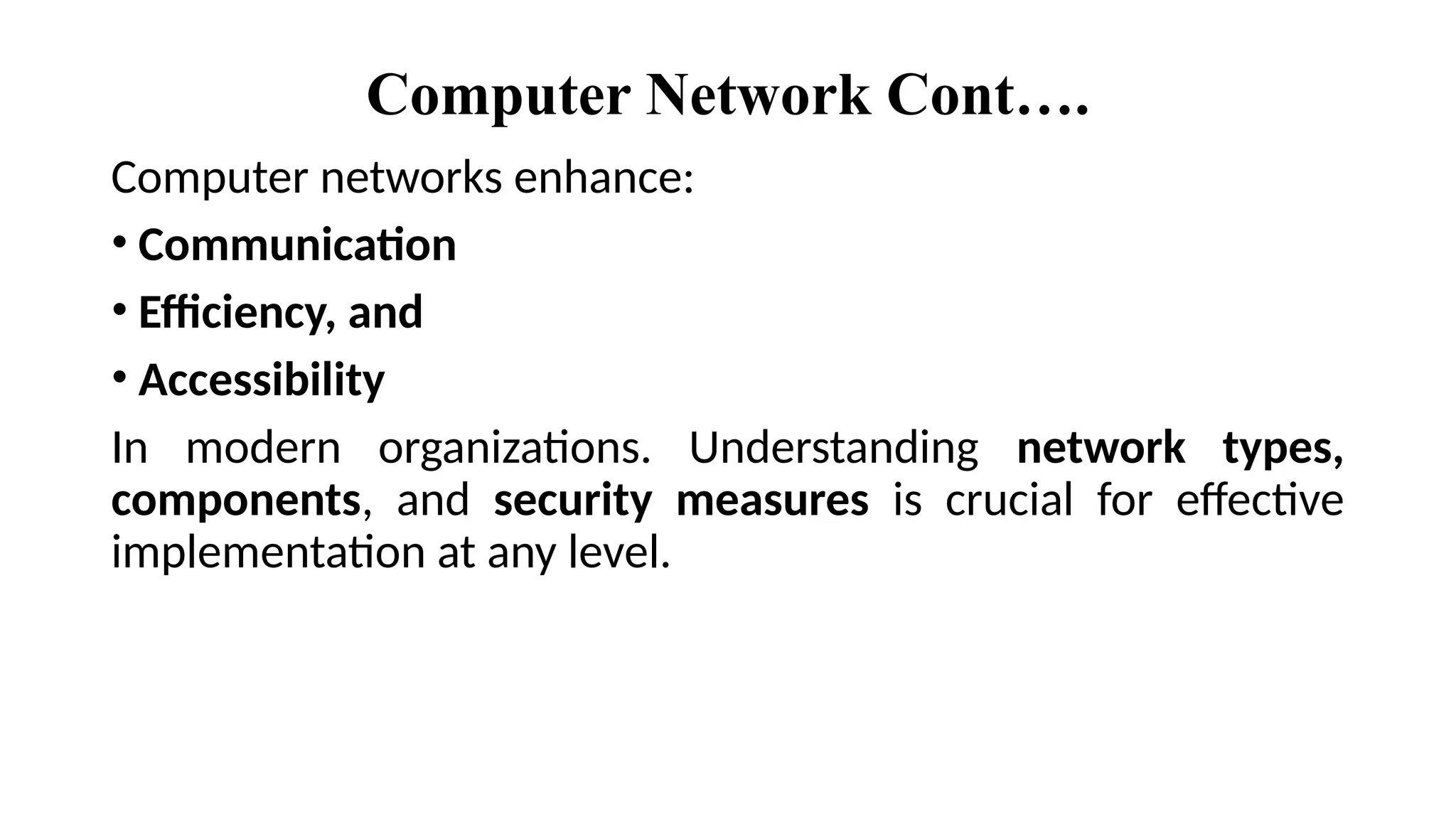
Computer Network Cont….
Computernetworks enhance:
• Communication
• Efficiency, and
• Accessibility
In modern organizations. Understanding network types,
components, and security measures is crucial for effective
implementation at any level.
14.
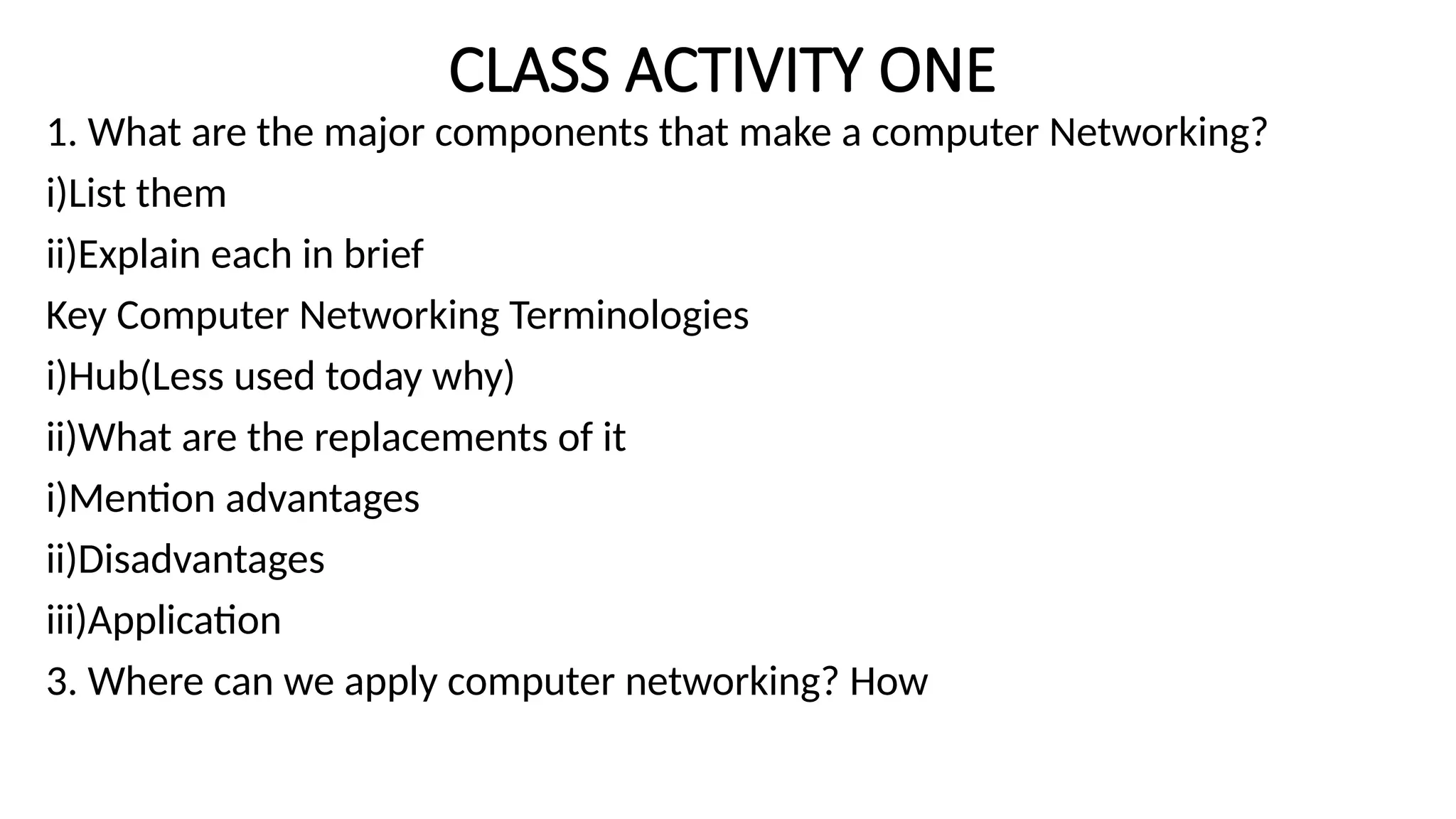
CLASS ACTIVITY ONE
1.What are the major components that make a computer Networking?
i)List them
ii)Explain each in brief
Key Computer Networking Terminologies
i)Hub(Less used today why)
ii)What are the replacements of it
i)Mention advantages
ii)Disadvantages
iii)Application
3. Where can we apply computer networking? How
15.
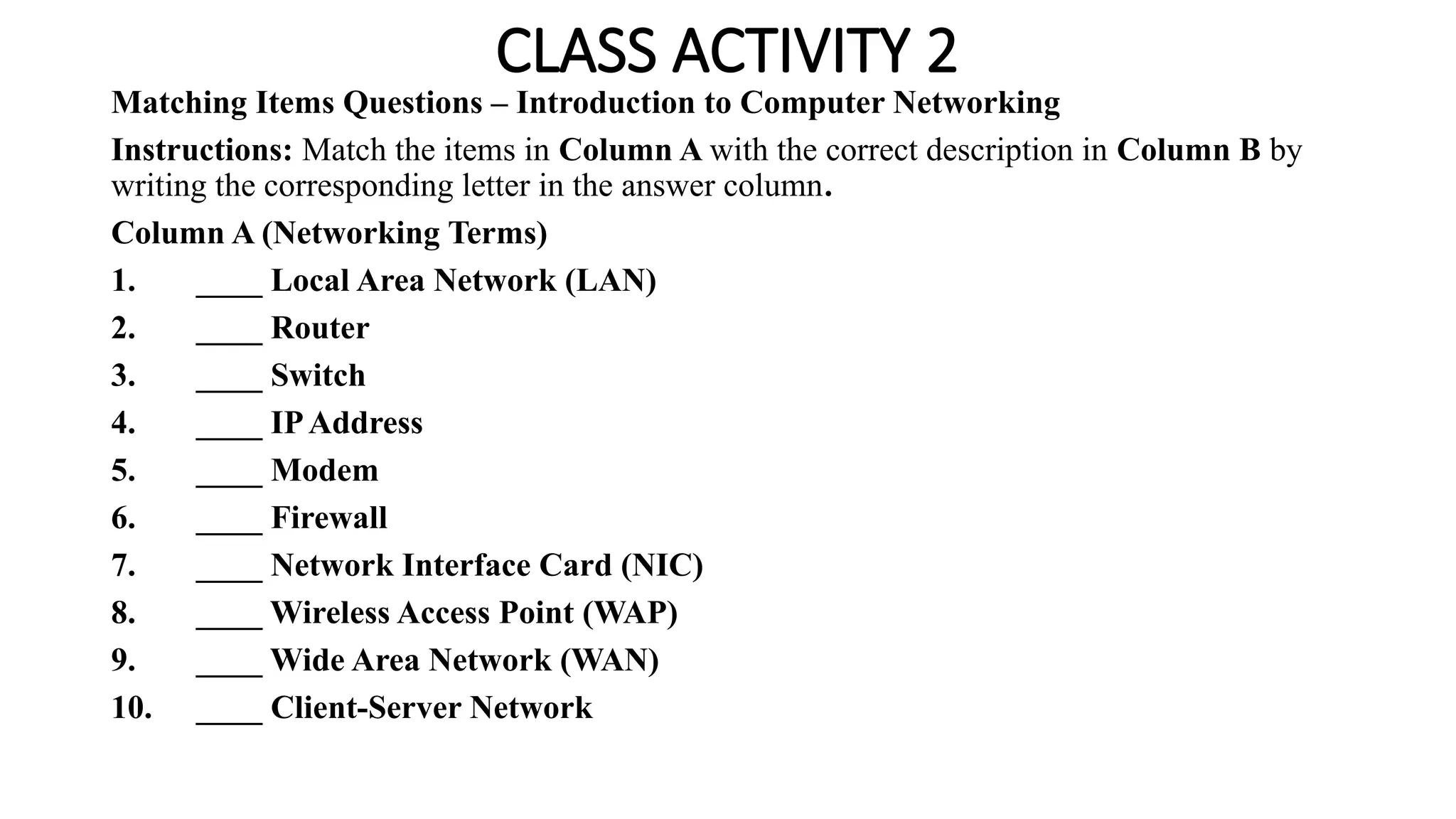
CLASS ACTIVITY 2
MatchingItems Questions – Introduction to Computer Networking
Instructions: Match the items in Column A with the correct description in Column B by
writing the corresponding letter in the answer column.
Column A (Networking Terms)
1. ____ Local Area Network (LAN)
2. ____ Router
3. ____ Switch
4. ____ IPAddress
5. ____ Modem
6. ____ Firewall
7. ____ Network Interface Card (NIC)
8. ____ Wireless Access Point (WAP)
9. ____ Wide Area Network (WAN)
10. ____ Client-Server Network
16.
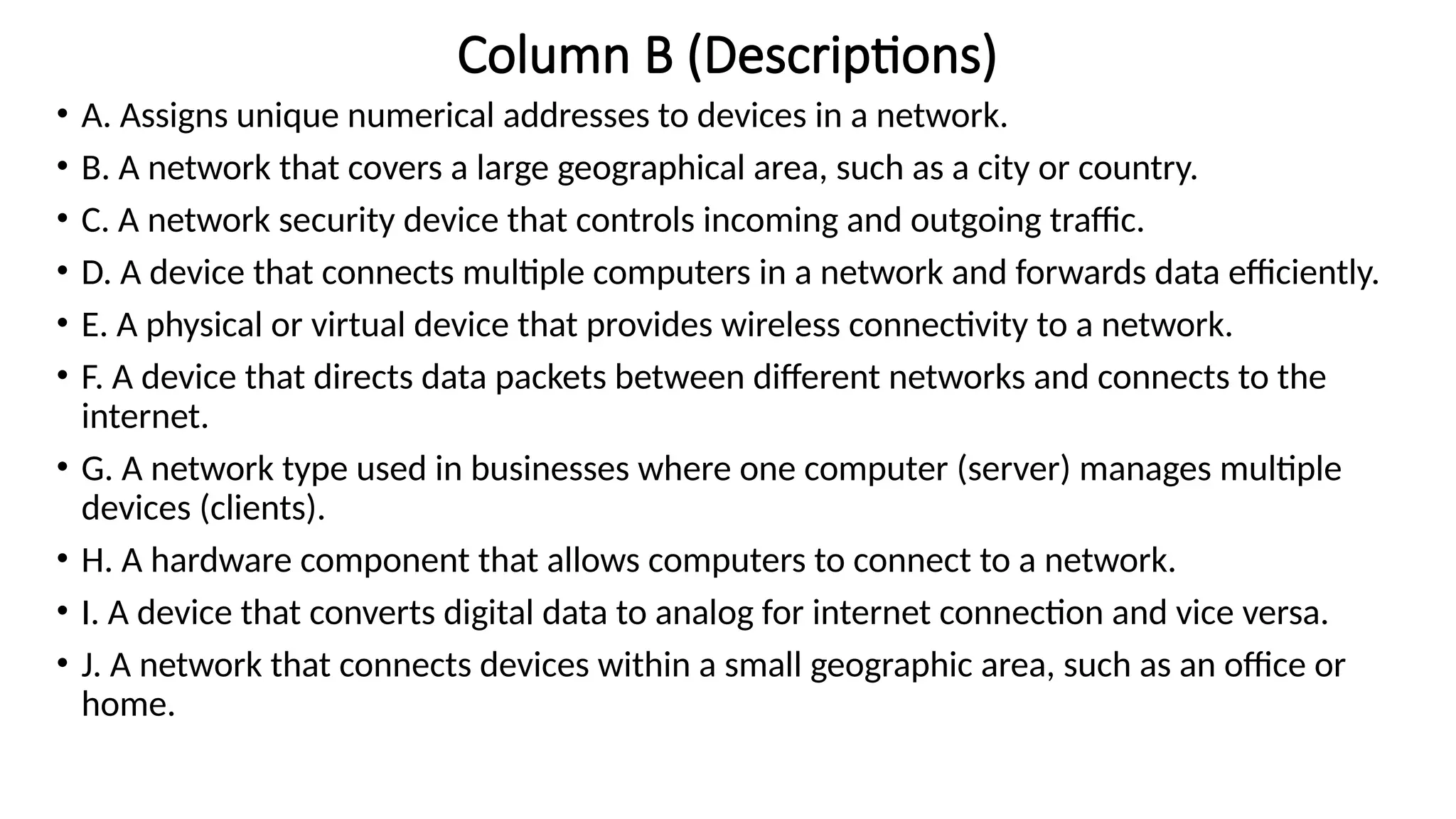
Column B (Descriptions)
•A. Assigns unique numerical addresses to devices in a network.
• B. A network that covers a large geographical area, such as a city or country.
• C. A network security device that controls incoming and outgoing traffic.
• D. A device that connects multiple computers in a network and forwards data efficiently.
• E. A physical or virtual device that provides wireless connectivity to a network.
• F. A device that directs data packets between different networks and connects to the
internet.
• G. A network type used in businesses where one computer (server) manages multiple
devices (clients).
• H. A hardware component that allows computers to connect to a network.
• I. A device that converts digital data to analog for internet connection and vice versa.
• J. A network that connects devices within a small geographic area, such as an office or
home.
Editor's Notes
#3 We also need data
Its defined as Data: The information, in any form (text, images, audio, video, etc.), that is transmitted and exchanged between networked devices
#5 UDP It simply sends data packets (datagrams) without waiting for confirmation from the receiver.