Sep 2, 2024 Advanced Programming
Spring 2002
bash
Henning Schulzrinne
Department of Computer
Science
Columbia University
Sep 2, 2024 Advanced Programming
Spring 2002
2
Shells
 Each OS has one, but different levels
of sophistication
 Windows Command Prompt
 sh – original /bin/sh
 bash – Bourne-Again Shell, derived from sh
 ksh – Korn shell = superset of sh
 csh – shell with C-like syntax
 tcsh – improved version of csh
 ...
Sep 2, 2024 Advanced Programming
Spring 2002
3
sh, bash – the first
“scripting” language
 shell = macro processor that executes
commands
 invokes Unix commands and has its
own set of commands
 full programming language
 sources of input:
 from terminal
 files with sh commands can become
commands (=/ C, Java)
Sep 2, 2024 Advanced Programming
Spring 2002
4
sh
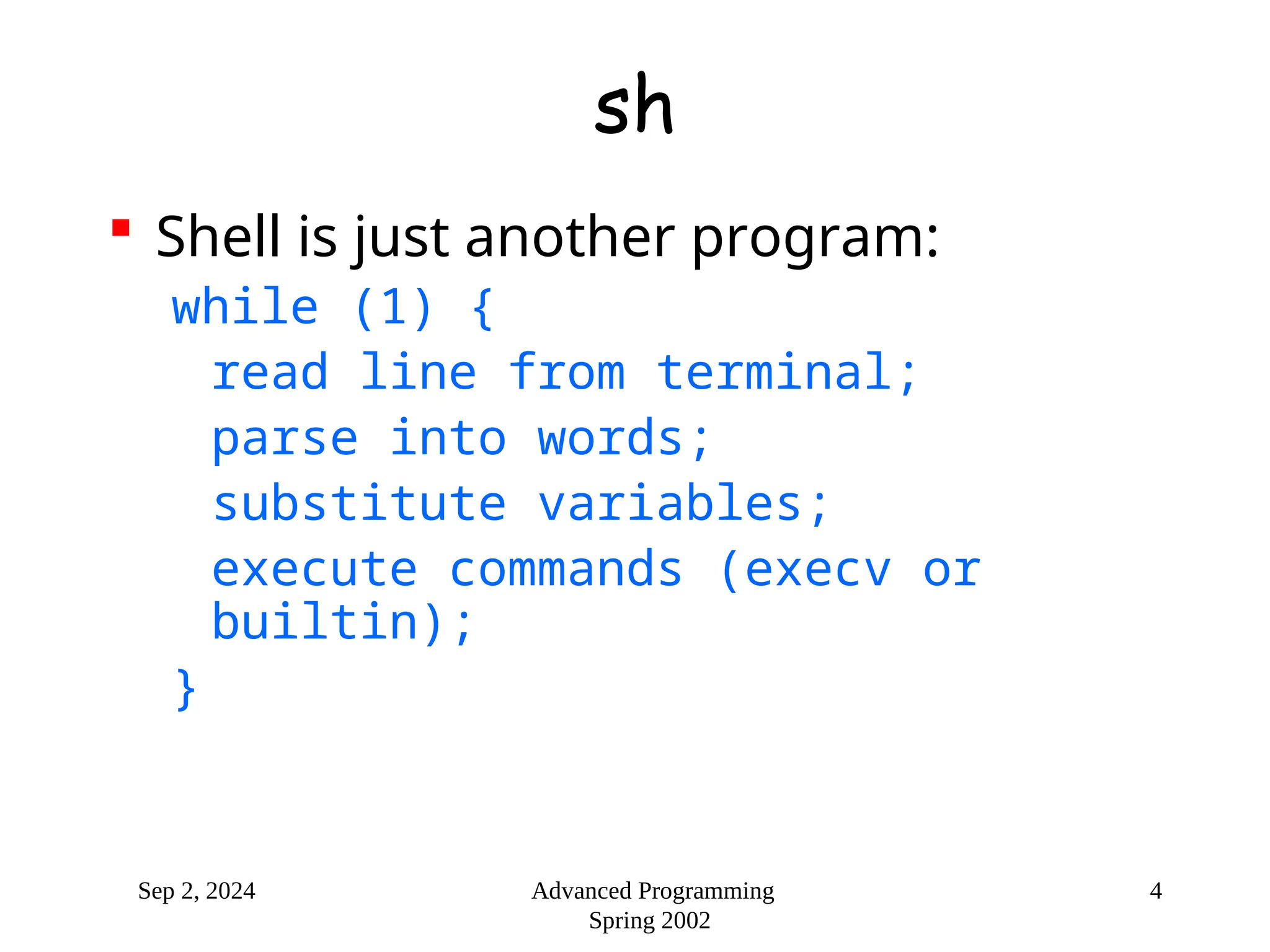
 Shell is just another program:
while (1) {
read line from terminal;
parse into words;
substitute variables;
execute commands (execv or
builtin);
}
Sep 2, 2024 Advanced Programming
Spring 2002
5
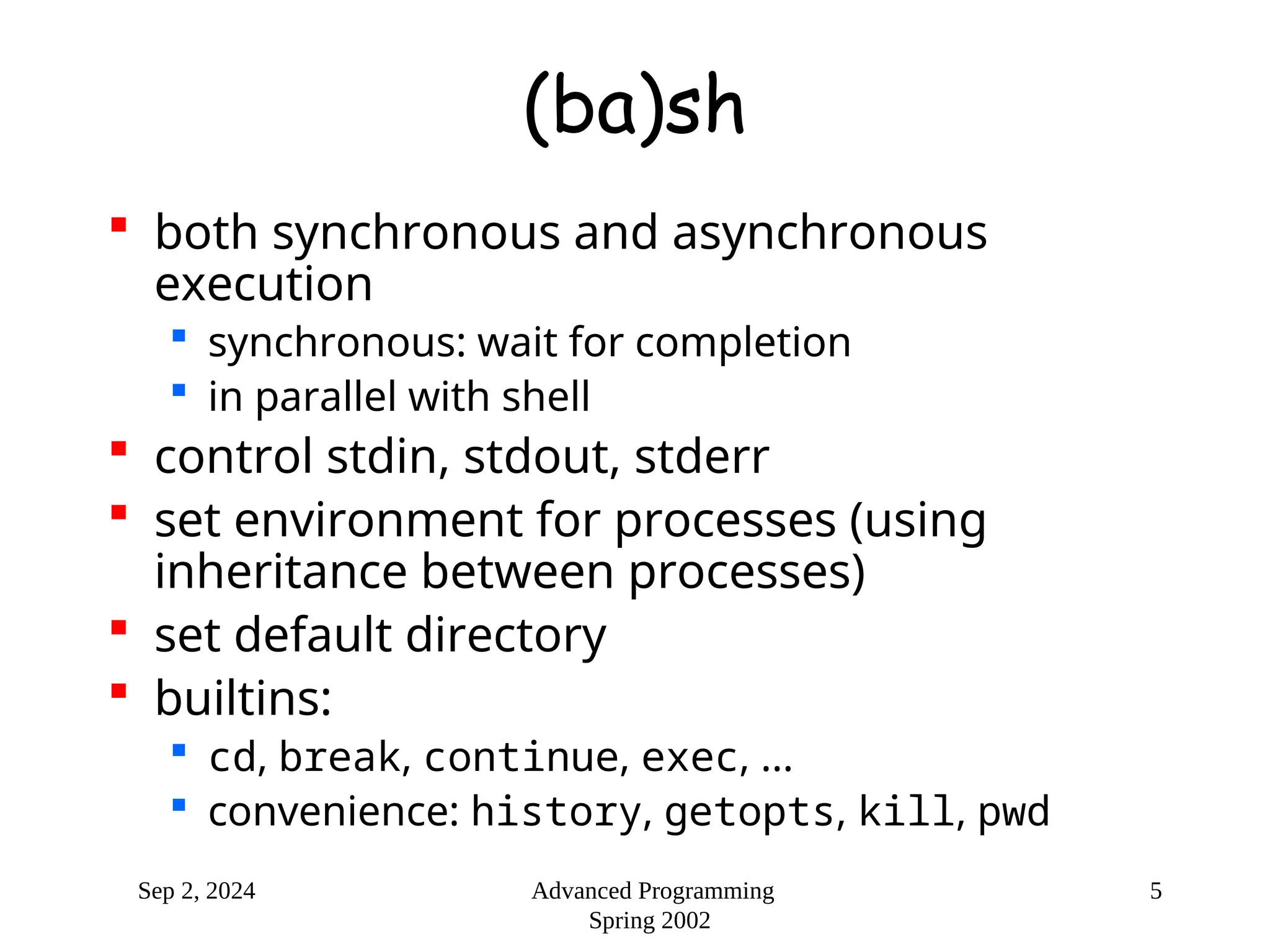
(ba)sh
 both synchronous and asynchronous
execution
 synchronous: wait for completion
 in parallel with shell
 control stdin, stdout, stderr
 set environment for processes (using
inheritance between processes)
 set default directory
 builtins:
 cd, break, continue, exec, ...
 convenience: history, getopts, kill, pwd
Sep 2, 2024 Advanced Programming
Spring 2002
6
sh
 Language:
 variables
 flow-control constructs
 functions
Sep 2, 2024 Advanced Programming
Spring 2002
7
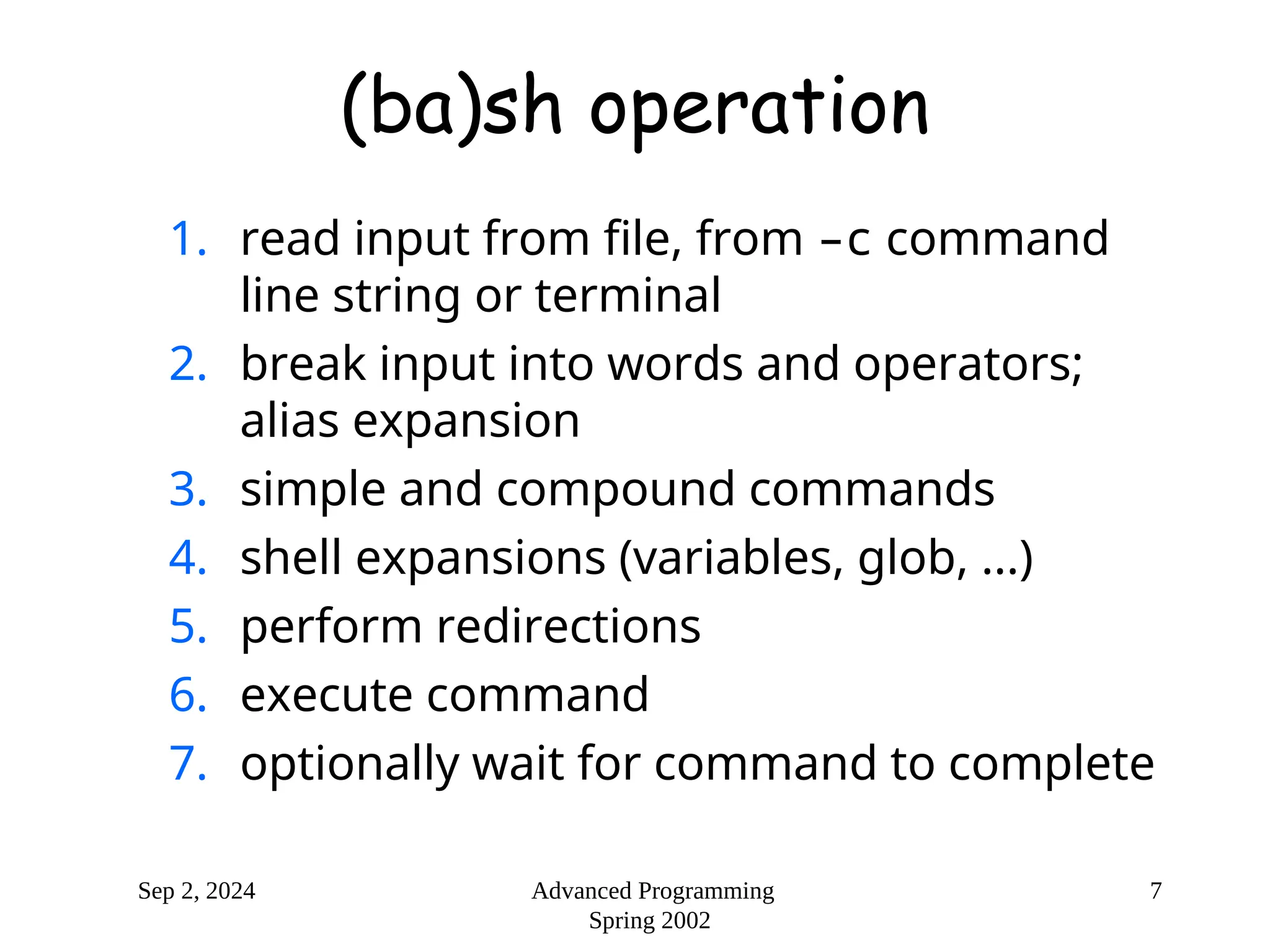
(ba)sh operation
1. read input from file, from –c command
line string or terminal
2. break input into words and operators;
alias expansion
3. simple and compound commands
4. shell expansions (variables, glob, ...)
5. perform redirections
6. execute command
7. optionally wait for command to complete
Sep 2, 2024 Advanced Programming
Spring 2002
8
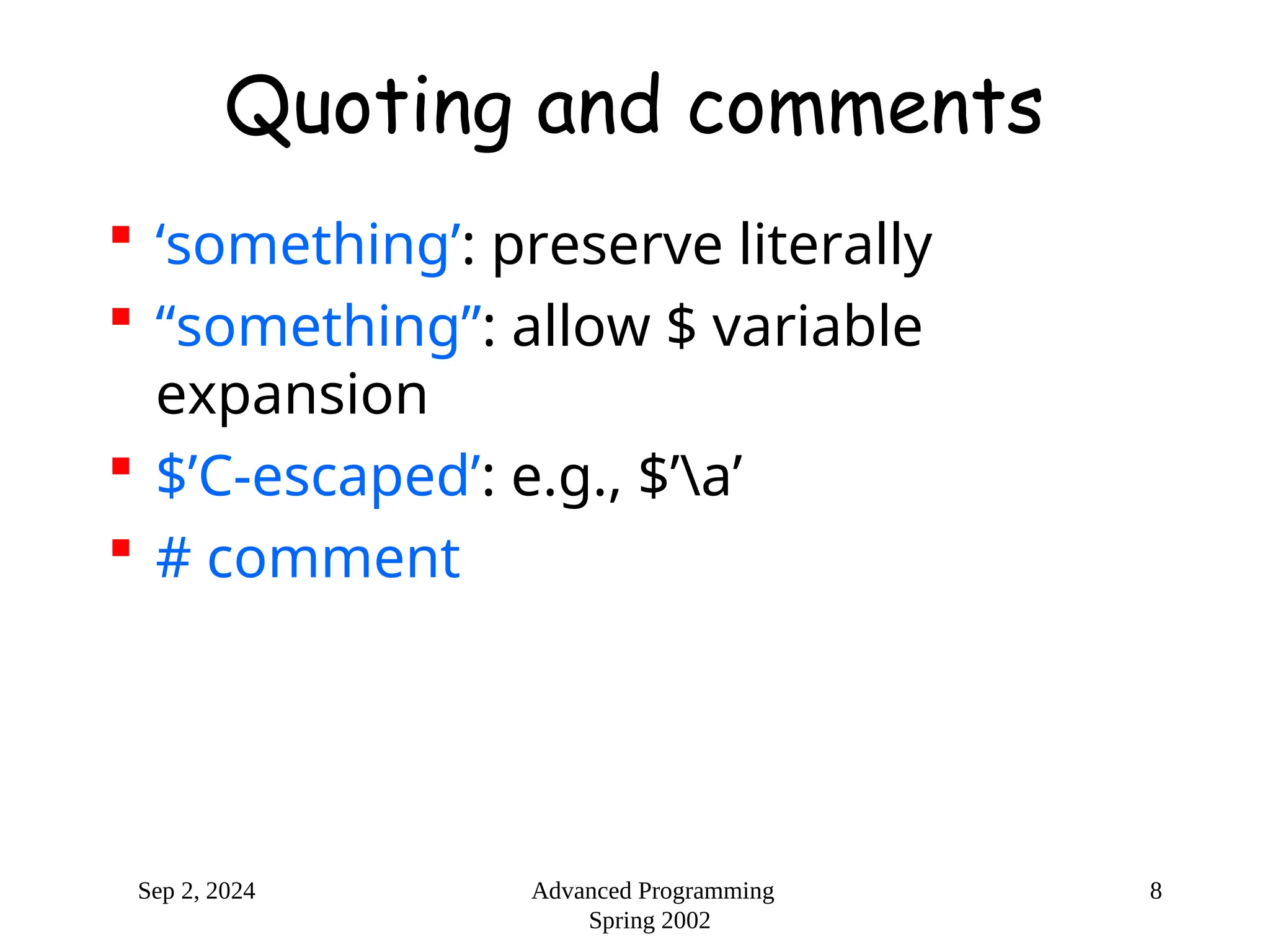
Quoting and comments
 ‘something’: preserve literally
 “something”: allow $ variable
expansion
 $’C-escaped’: e.g., $’a’
 # comment
Sep 2, 2024 Advanced Programming
Spring 2002
9
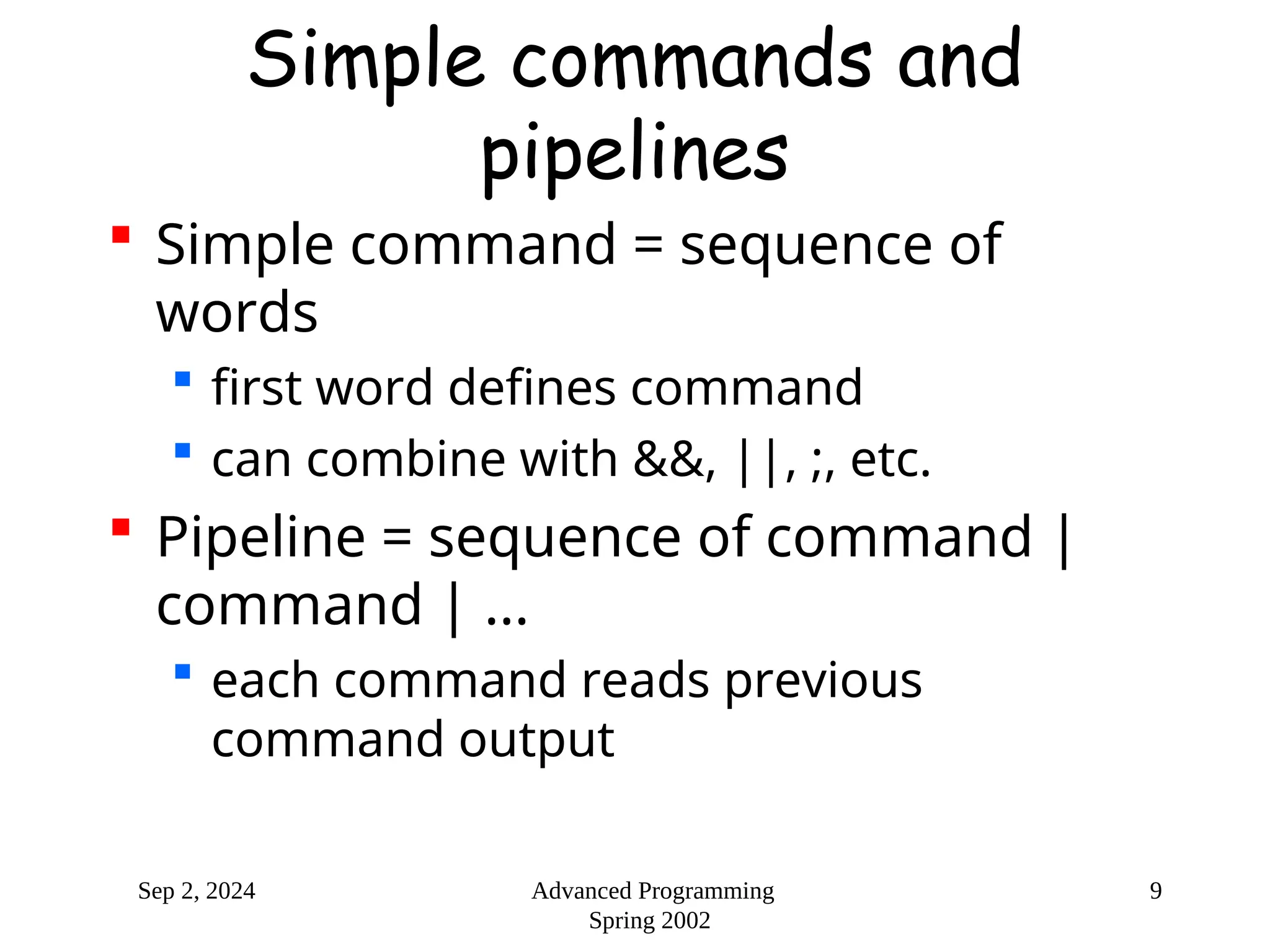
Simple commands and
pipelines
 Simple command = sequence of
words
 first word defines command
 can combine with &&, ||, ;, etc.
 Pipeline = sequence of command |
command | ...
 each command reads previous
command output
Sep 2, 2024 Advanced Programming
Spring 2002
10
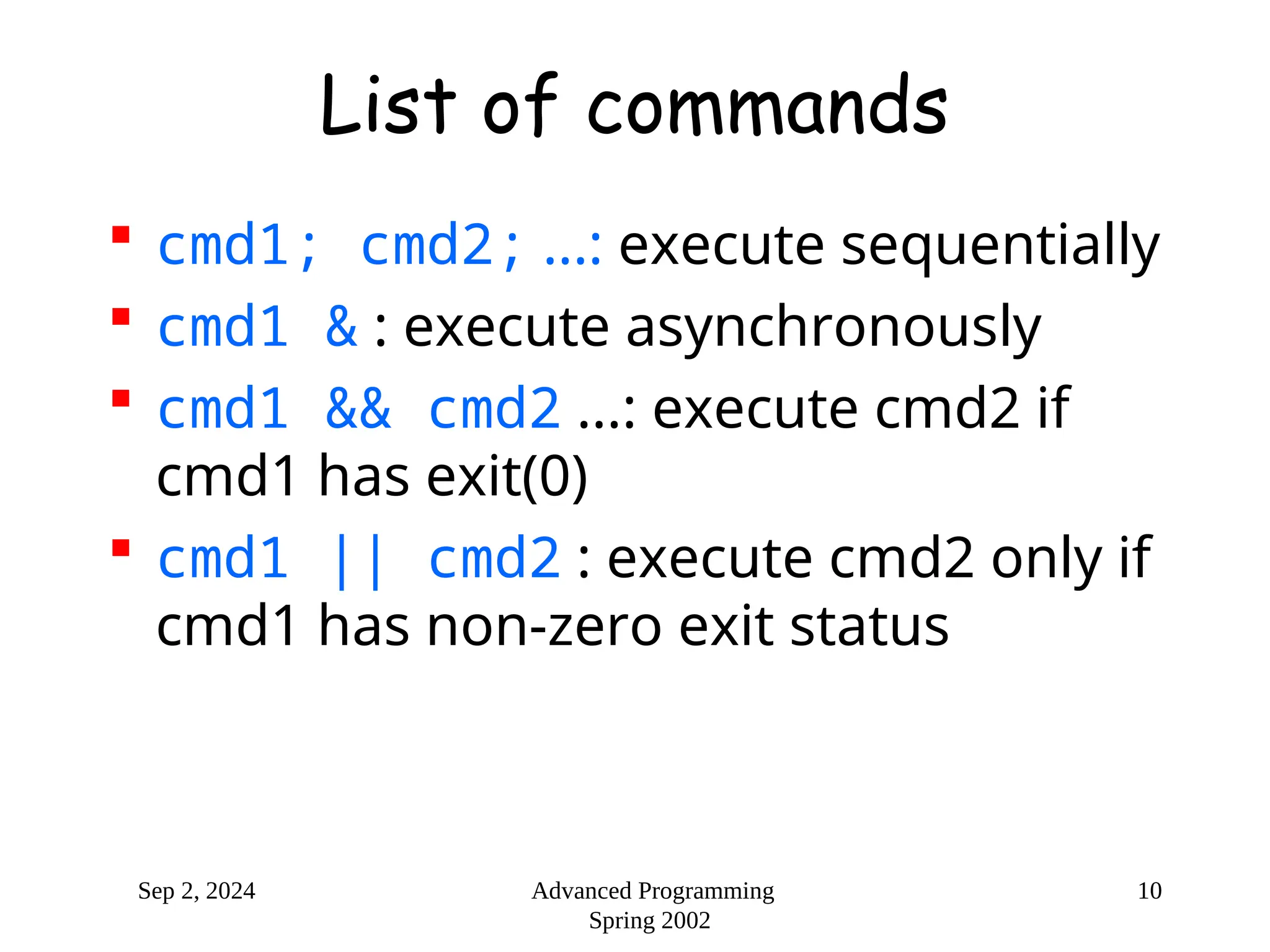
List of commands
 cmd1; cmd2; ...: execute sequentially
 cmd1 & : execute asynchronously
 cmd1 && cmd2 ...: execute cmd2 if
cmd1 has exit(0)
 cmd1 || cmd2 : execute cmd2 only if
cmd1 has non-zero exit status
Sep 2, 2024 Advanced Programming
Spring 2002
11
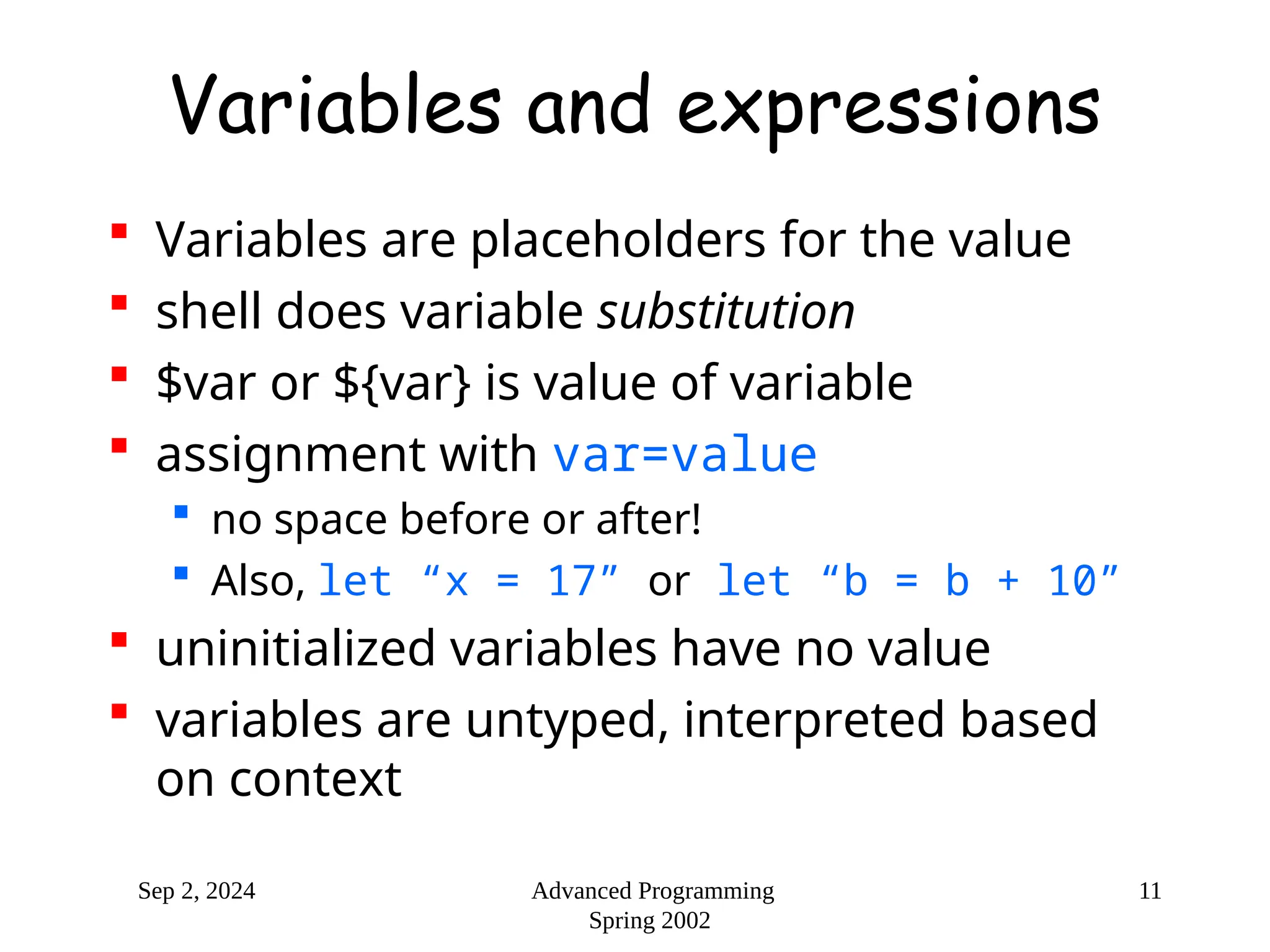
Variables and expressions
 Variables are placeholders for the value
 shell does variable substitution
 $var or ${var} is value of variable
 assignment with var=value
 no space before or after!
 Also, let “x = 17” or let “b = b + 10”
 uninitialized variables have no value
 variables are untyped, interpreted based
on context
Sep 2, 2024 Advanced Programming
Spring 2002
12
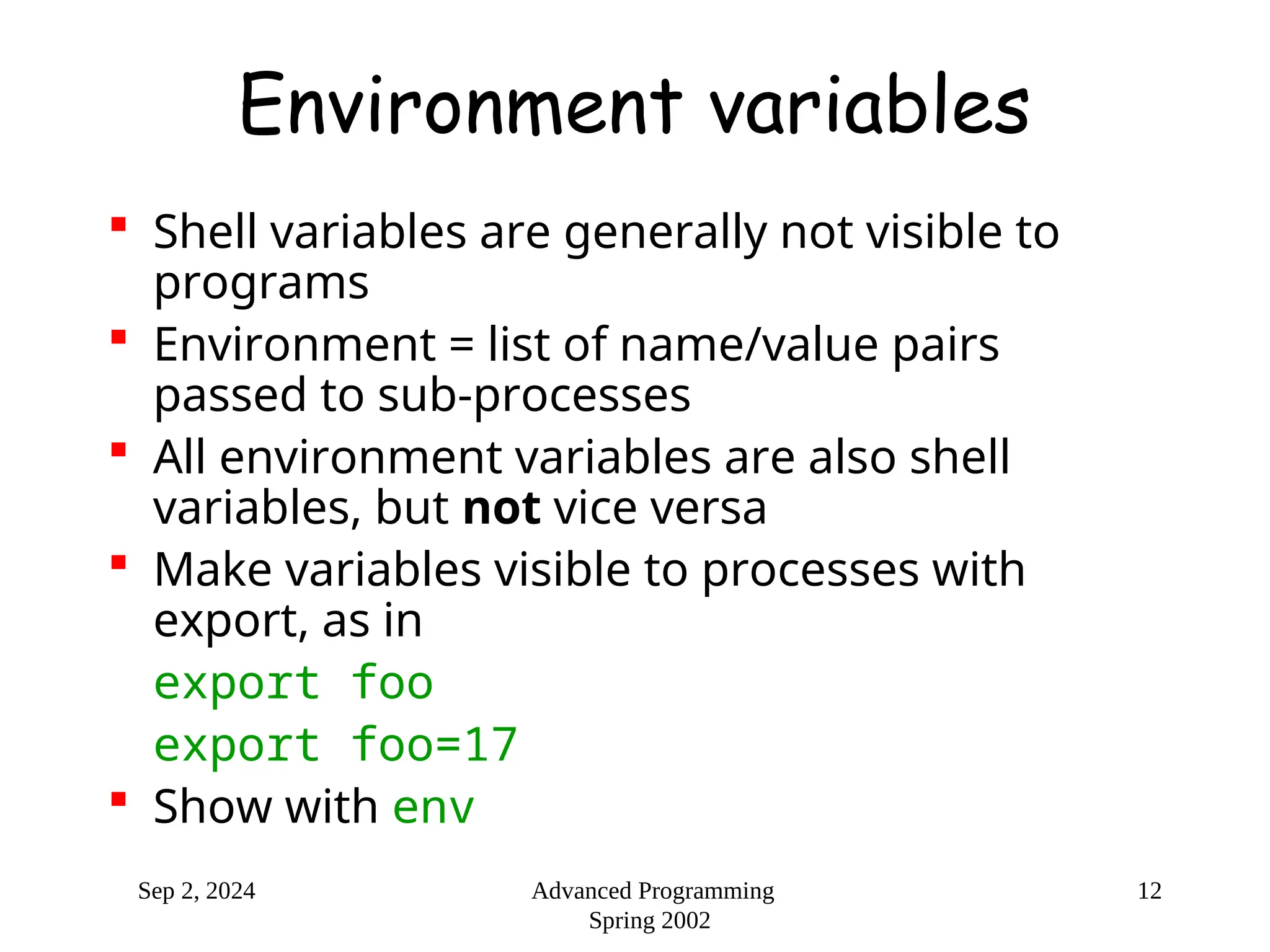
Environment variables
 Shell variables are generally not visible to
programs
 Environment = list of name/value pairs
passed to sub-processes
 All environment variables are also shell
variables, but not vice versa
 Make variables visible to processes with
export, as in
export foo
export foo=17
 Show with env
Sep 2, 2024 Advanced Programming
Spring 2002
13
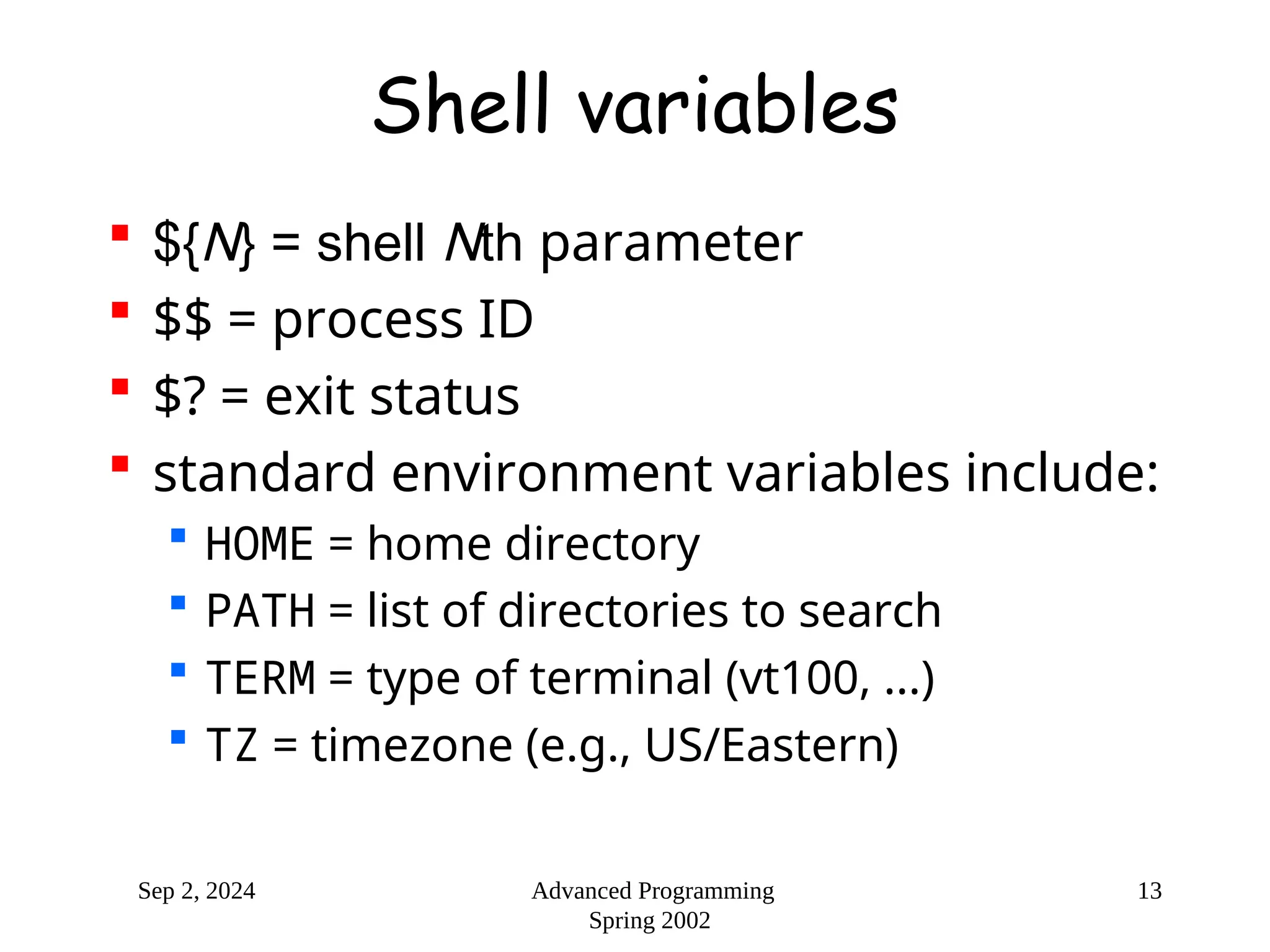
Shell variables
 ${N} = shell Nth parameter
 $$ = process ID
 $? = exit status
 standard environment variables include:
 HOME = home directory
 PATH = list of directories to search
 TERM = type of terminal (vt100, ...)
 TZ = timezone (e.g., US/Eastern)
Sep 2, 2024 Advanced Programming
Spring 2002
14
Looping constructs
 Similar to C/Java constructs, but with
commands:
 until test-commands; do consequent-
commands; done
 while test-commands; do consequent-
commands; done
 for name [in words ...]; do commands; done
 also on separate lines
 break and continue controls loop
Sep 2, 2024 Advanced Programming
Spring 2002
15
while example
 shell style
i=0
while [ $i -lt 10 ]; do
echo "i=$i"
((i=$i+1))
done
 C style
((i = 0))
while (( i < 10 ))
do
echo "i=$i"
((i++))
done
Sep 2, 2024 Advanced Programming
Spring 2002
16
sh: if
if test-commands; then
consequent-commands;
[elif more-test-commands; then
more-consequents;]
[else alternate-consequents;]
fi
Sep 2, 2024 Advanced Programming
Spring 2002
17
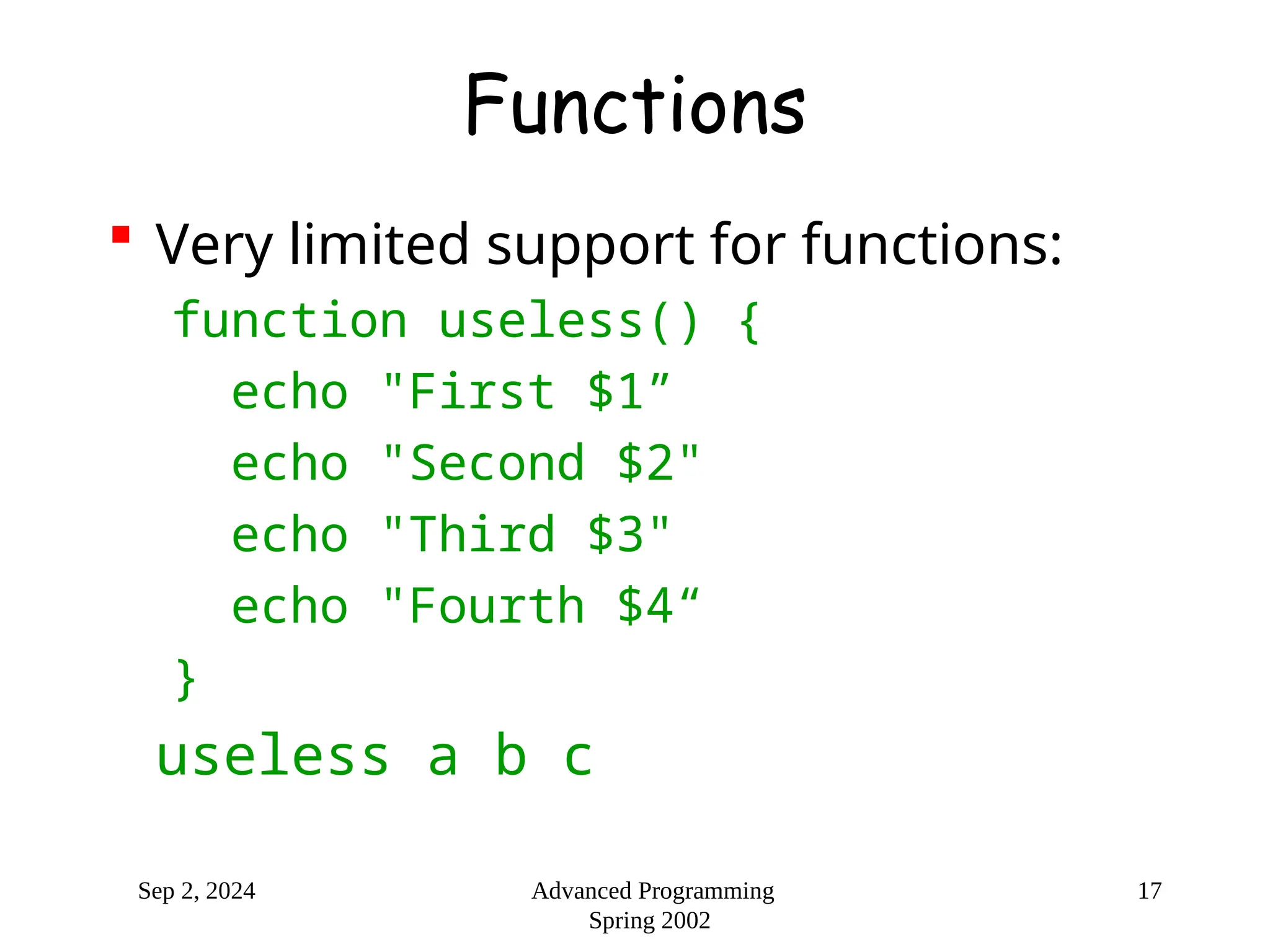
Functions
 Very limited support for functions:
function useless() {
echo "First $1”
echo "Second $2"
echo "Third $3"
echo "Fourth $4“
}
useless a b c
Sep 2, 2024 Advanced Programming
Spring 2002
18
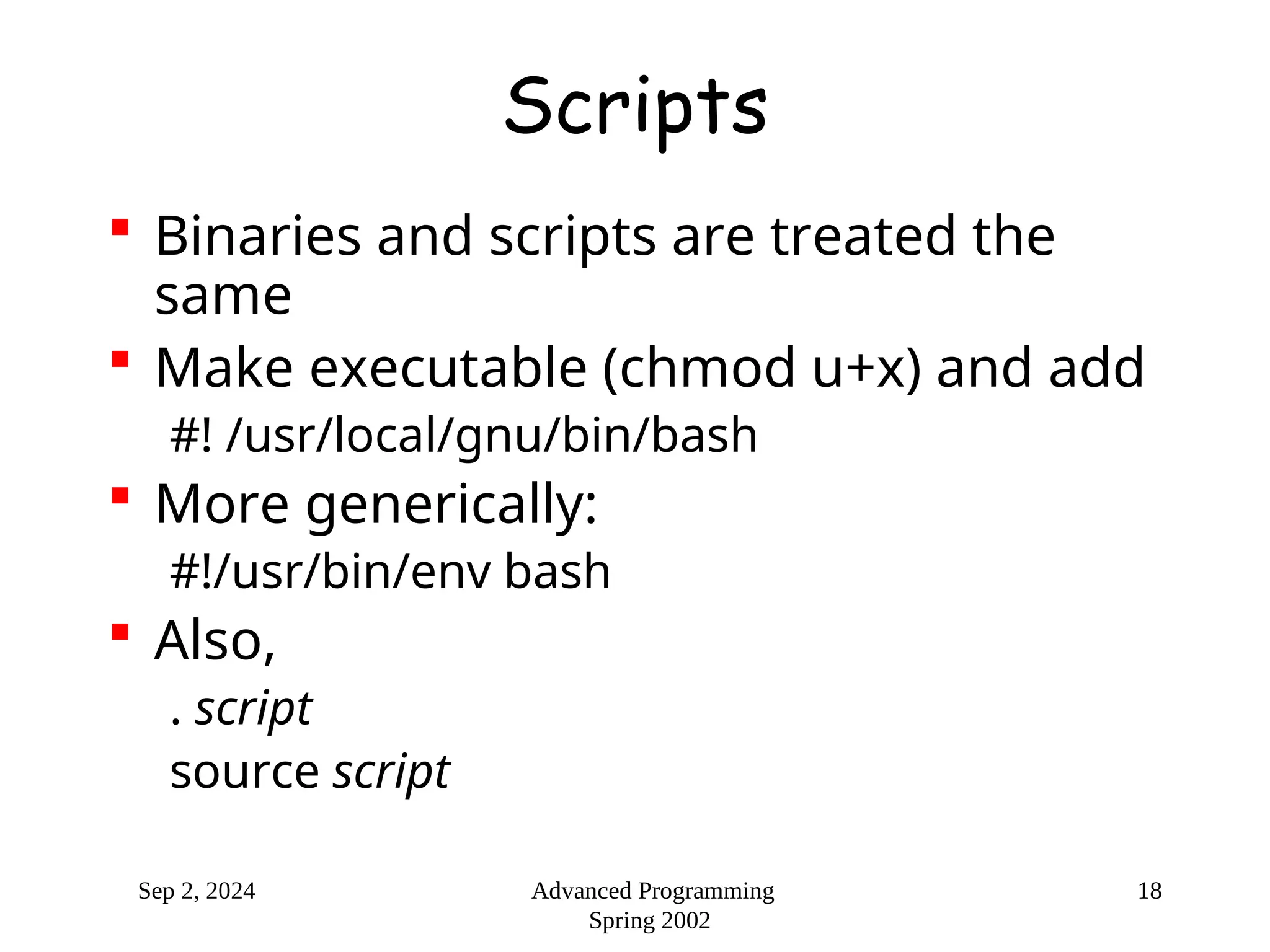
Scripts
 Binaries and scripts are treated the
same
 Make executable (chmod u+x) and add
#! /usr/local/gnu/bin/bash
 More generically:
#!/usr/bin/env bash
 Also,
. script
source script
Sep 2, 2024 Advanced Programming
Spring 2002
19
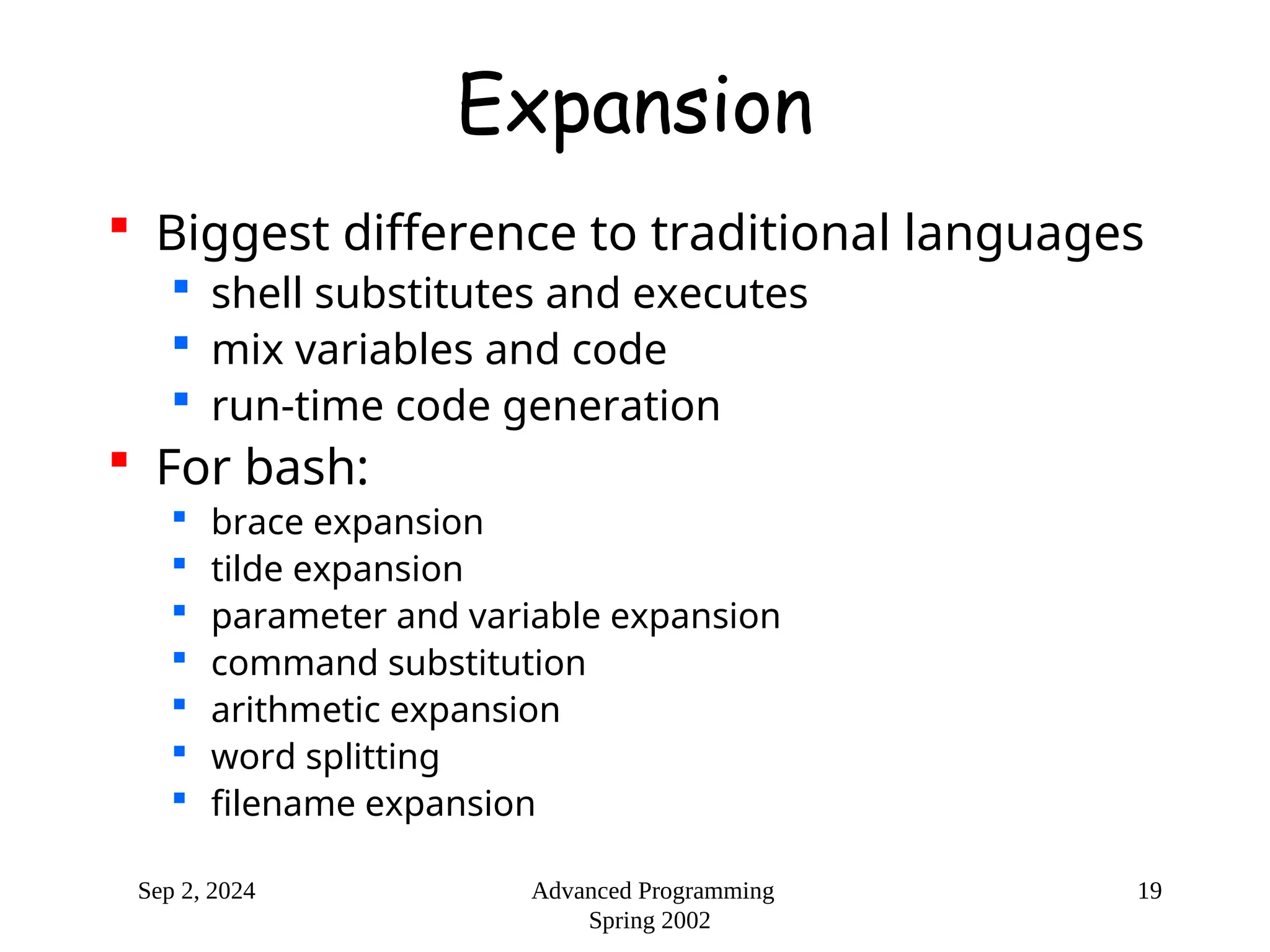
Expansion
 Biggest difference to traditional languages
 shell substitutes and executes
 mix variables and code
 run-time code generation
 For bash:
 brace expansion
 tilde expansion
 parameter and variable expansion
 command substitution
 arithmetic expansion
 word splitting
 filename expansion
Sep 2, 2024 Advanced Programming
Spring 2002
20
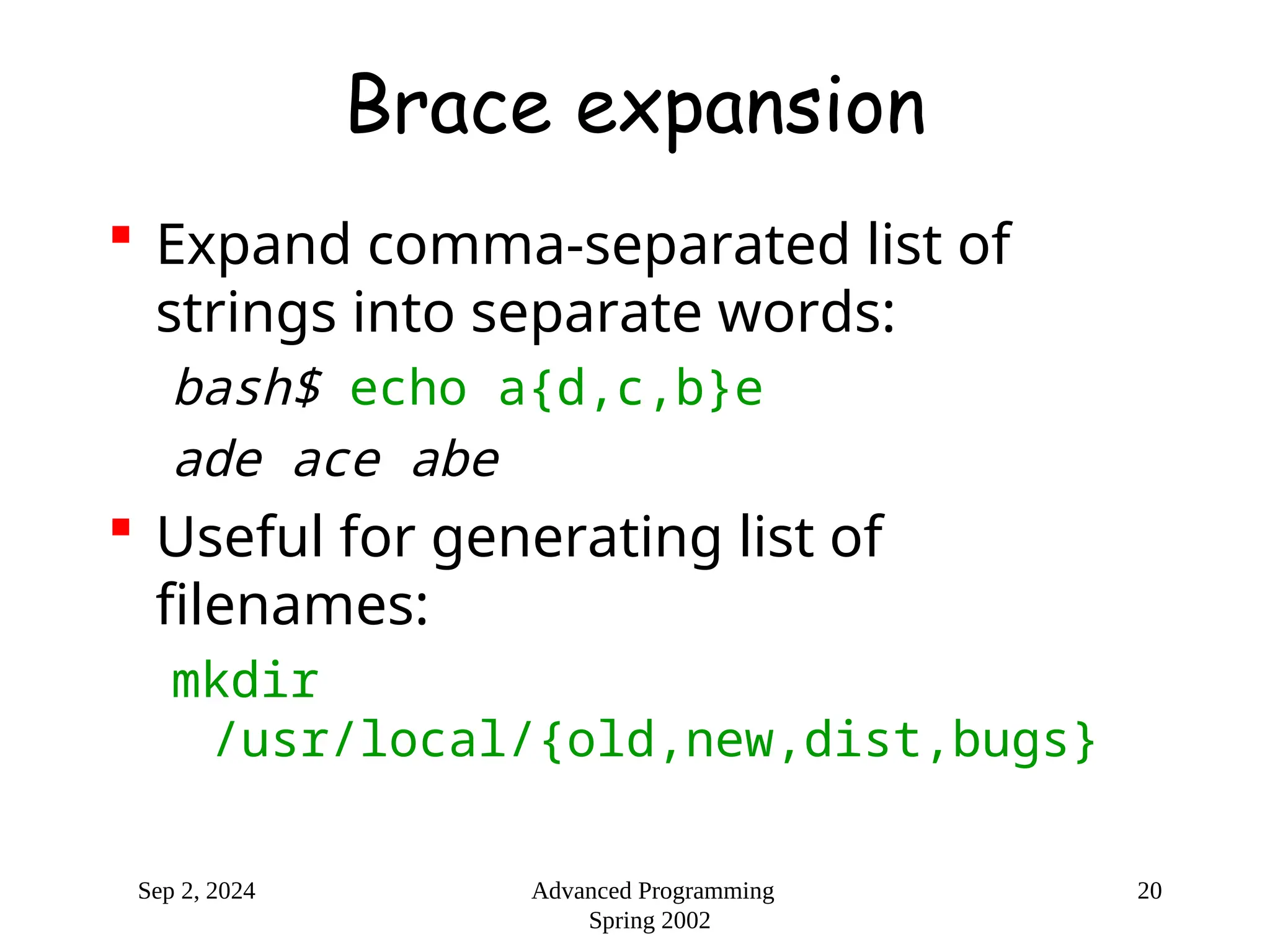
Brace expansion
 Expand comma-separated list of
strings into separate words:
bash$ echo a{d,c,b}e
ade ace abe
 Useful for generating list of
filenames:
mkdir
/usr/local/{old,new,dist,bugs}
Sep 2, 2024 Advanced Programming
Spring 2002
21
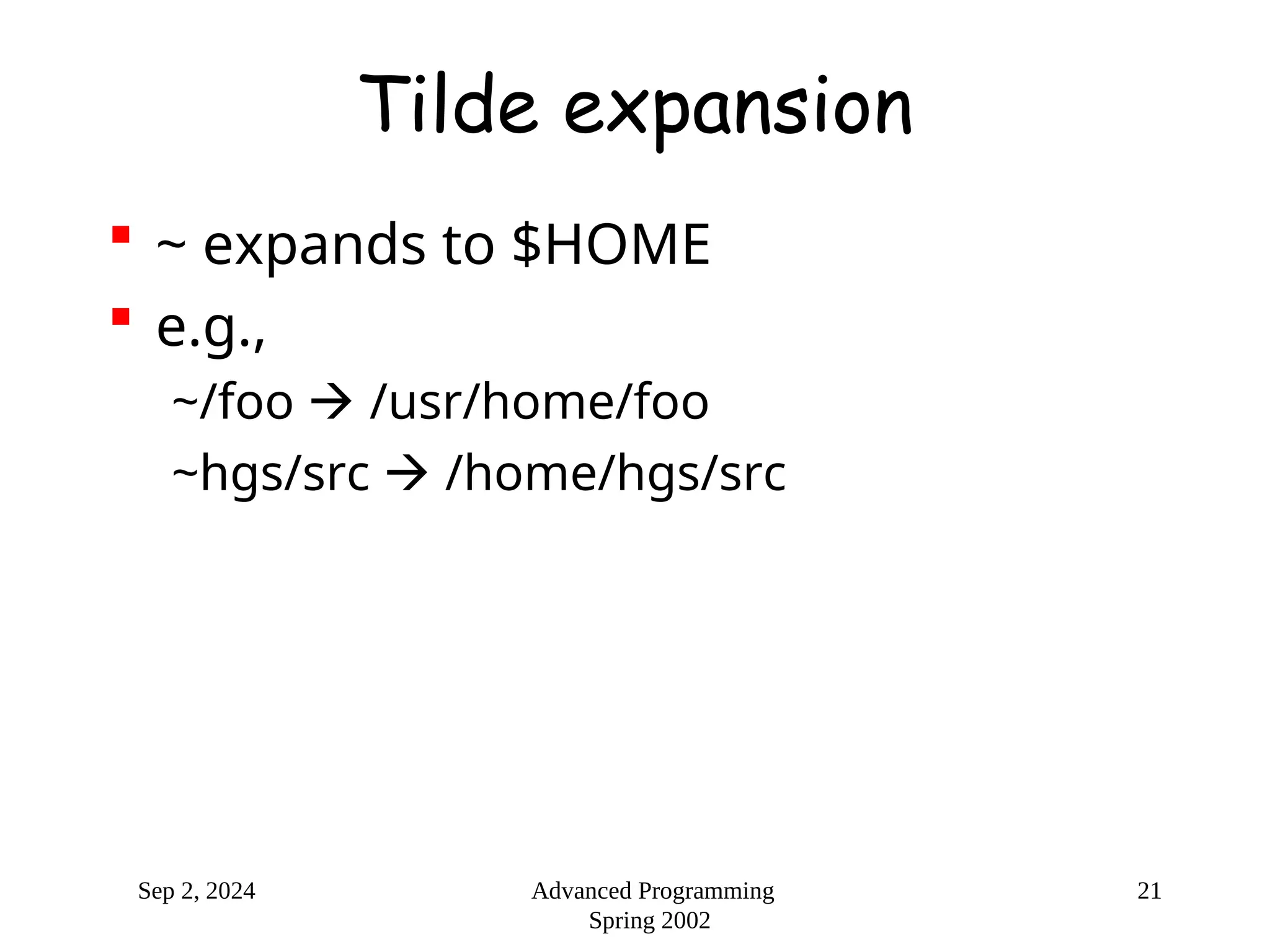
Tilde expansion
 ~ expands to $HOME
 e.g.,
~/foo  /usr/home/foo
~hgs/src  /home/hgs/src
Sep 2, 2024 Advanced Programming
Spring 2002
22
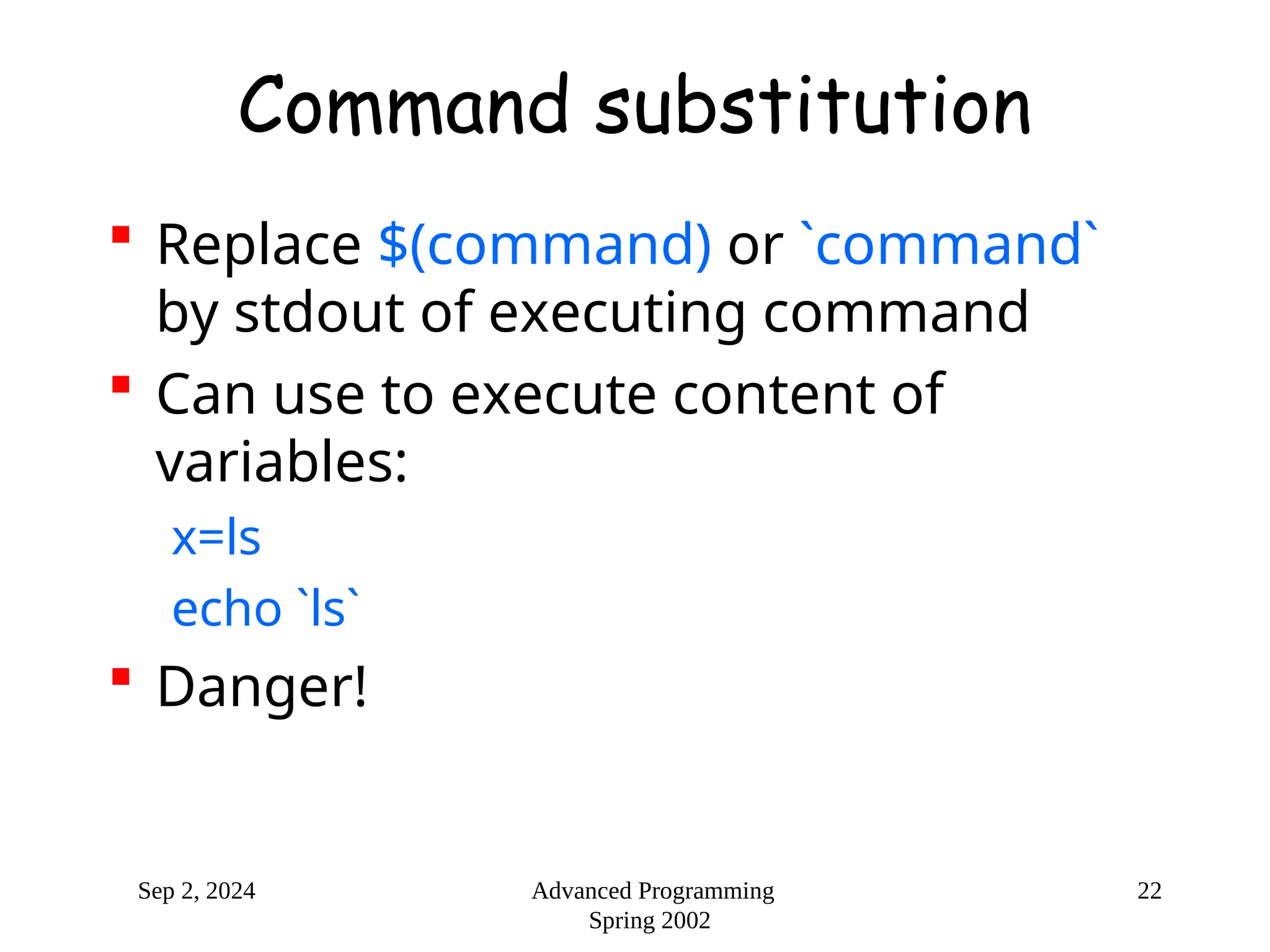
Command substitution
 Replace $(command) or `command`
by stdout of executing command
 Can use to execute content of
variables:
x=ls
echo `ls`
 Danger!
Sep 2, 2024 Advanced Programming
Spring 2002
23
Filename expansion
 Any word containing *?([ is
considered a pattern
 * matches any string
 ? matches any single character
 [...] matches any of the enclosed
characters
Sep 2, 2024 Advanced Programming
Spring 2002
24
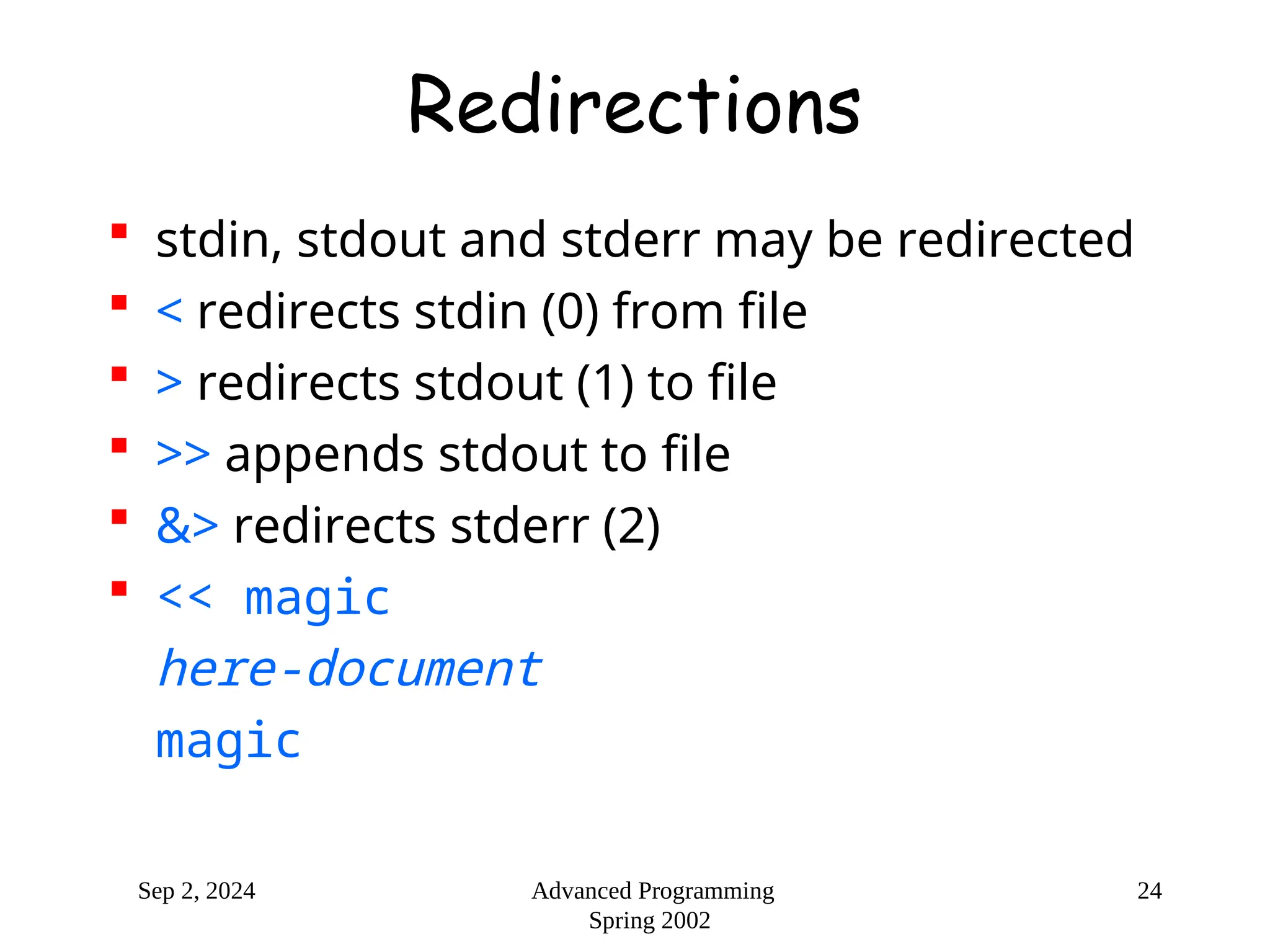
Redirections
 stdin, stdout and stderr may be redirected
 < redirects stdin (0) from file
 > redirects stdout (1) to file
 >> appends stdout to file
 &> redirects stderr (2)
 << magic
here-document
magic

introduction of Linux bash script language

  • 1.
    Sep 2, 2024Advanced Programming Spring 2002 bash Henning Schulzrinne Department of Computer Science Columbia University
  • 2.
    Sep 2, 2024Advanced Programming Spring 2002 2 Shells  Each OS has one, but different levels of sophistication  Windows Command Prompt  sh – original /bin/sh  bash – Bourne-Again Shell, derived from sh  ksh – Korn shell = superset of sh  csh – shell with C-like syntax  tcsh – improved version of csh  ...
  • 3.
    Sep 2, 2024Advanced Programming Spring 2002 3 sh, bash – the first “scripting” language  shell = macro processor that executes commands  invokes Unix commands and has its own set of commands  full programming language  sources of input:  from terminal  files with sh commands can become commands (=/ C, Java)
  • 4.
    Sep 2, 2024Advanced Programming Spring 2002 4 sh  Shell is just another program: while (1) { read line from terminal; parse into words; substitute variables; execute commands (execv or builtin); }
  • 5.
    Sep 2, 2024Advanced Programming Spring 2002 5 (ba)sh  both synchronous and asynchronous execution  synchronous: wait for completion  in parallel with shell  control stdin, stdout, stderr  set environment for processes (using inheritance between processes)  set default directory  builtins:  cd, break, continue, exec, ...  convenience: history, getopts, kill, pwd
  • 6.
    Sep 2, 2024Advanced Programming Spring 2002 6 sh  Language:  variables  flow-control constructs  functions
  • 7.
    Sep 2, 2024Advanced Programming Spring 2002 7 (ba)sh operation 1. read input from file, from –c command line string or terminal 2. break input into words and operators; alias expansion 3. simple and compound commands 4. shell expansions (variables, glob, ...) 5. perform redirections 6. execute command 7. optionally wait for command to complete
  • 8.
    Sep 2, 2024Advanced Programming Spring 2002 8 Quoting and comments  ‘something’: preserve literally  “something”: allow $ variable expansion  $’C-escaped’: e.g., $’a’  # comment
  • 9.
    Sep 2, 2024Advanced Programming Spring 2002 9 Simple commands and pipelines  Simple command = sequence of words  first word defines command  can combine with &&, ||, ;, etc.  Pipeline = sequence of command | command | ...  each command reads previous command output
  • 10.
    Sep 2, 2024Advanced Programming Spring 2002 10 List of commands  cmd1; cmd2; ...: execute sequentially  cmd1 & : execute asynchronously  cmd1 && cmd2 ...: execute cmd2 if cmd1 has exit(0)  cmd1 || cmd2 : execute cmd2 only if cmd1 has non-zero exit status
  • 11.
    Sep 2, 2024Advanced Programming Spring 2002 11 Variables and expressions  Variables are placeholders for the value  shell does variable substitution  $var or ${var} is value of variable  assignment with var=value  no space before or after!  Also, let “x = 17” or let “b = b + 10”  uninitialized variables have no value  variables are untyped, interpreted based on context
  • 12.
    Sep 2, 2024Advanced Programming Spring 2002 12 Environment variables  Shell variables are generally not visible to programs  Environment = list of name/value pairs passed to sub-processes  All environment variables are also shell variables, but not vice versa  Make variables visible to processes with export, as in export foo export foo=17  Show with env
  • 13.
    Sep 2, 2024Advanced Programming Spring 2002 13 Shell variables  ${N} = shell Nth parameter  $$ = process ID  $? = exit status  standard environment variables include:  HOME = home directory  PATH = list of directories to search  TERM = type of terminal (vt100, ...)  TZ = timezone (e.g., US/Eastern)
  • 14.
    Sep 2, 2024Advanced Programming Spring 2002 14 Looping constructs  Similar to C/Java constructs, but with commands:  until test-commands; do consequent- commands; done  while test-commands; do consequent- commands; done  for name [in words ...]; do commands; done  also on separate lines  break and continue controls loop
  • 15.
    Sep 2, 2024Advanced Programming Spring 2002 15 while example  shell style i=0 while [ $i -lt 10 ]; do echo "i=$i" ((i=$i+1)) done  C style ((i = 0)) while (( i < 10 )) do echo "i=$i" ((i++)) done
  • 16.
    Sep 2, 2024Advanced Programming Spring 2002 16 sh: if if test-commands; then consequent-commands; [elif more-test-commands; then more-consequents;] [else alternate-consequents;] fi
  • 17.
    Sep 2, 2024Advanced Programming Spring 2002 17 Functions  Very limited support for functions: function useless() { echo "First $1” echo "Second $2" echo "Third $3" echo "Fourth $4“ } useless a b c
  • 18.
    Sep 2, 2024Advanced Programming Spring 2002 18 Scripts  Binaries and scripts are treated the same  Make executable (chmod u+x) and add #! /usr/local/gnu/bin/bash  More generically: #!/usr/bin/env bash  Also, . script source script
  • 19.
    Sep 2, 2024Advanced Programming Spring 2002 19 Expansion  Biggest difference to traditional languages  shell substitutes and executes  mix variables and code  run-time code generation  For bash:  brace expansion  tilde expansion  parameter and variable expansion  command substitution  arithmetic expansion  word splitting  filename expansion
  • 20.
    Sep 2, 2024Advanced Programming Spring 2002 20 Brace expansion  Expand comma-separated list of strings into separate words: bash$ echo a{d,c,b}e ade ace abe  Useful for generating list of filenames: mkdir /usr/local/{old,new,dist,bugs}
  • 21.
    Sep 2, 2024Advanced Programming Spring 2002 21 Tilde expansion  ~ expands to $HOME  e.g., ~/foo  /usr/home/foo ~hgs/src  /home/hgs/src
  • 22.
    Sep 2, 2024Advanced Programming Spring 2002 22 Command substitution  Replace $(command) or `command` by stdout of executing command  Can use to execute content of variables: x=ls echo `ls`  Danger!
  • 23.
    Sep 2, 2024Advanced Programming Spring 2002 23 Filename expansion  Any word containing *?([ is considered a pattern  * matches any string  ? matches any single character  [...] matches any of the enclosed characters
  • 24.
    Sep 2, 2024Advanced Programming Spring 2002 24 Redirections  stdin, stdout and stderr may be redirected  < redirects stdin (0) from file  > redirects stdout (1) to file  >> appends stdout to file  &> redirects stderr (2)  << magic here-document magic