



Solr & PHP 
Introduction
About me 
Hiraq Citra Mahardika 
> OntelStudio.com 
> CakePHP user 
> NoSQL user 
> Javascript lover 
ID 
> facebook.com/hiraq 
> twitter.com/_hiraq 
> github.com/hiraq
SEARCH ENGINE 
A search engine is an information retrieval 
system designed to help find information stored 
on a computer system. The search results are 
usually presented in a list and are commonly 
called hits. Search engines help to minimize the 
time required to find information and the 
amount of information which must be 
consulted, akin to other techniques for 
managing information 
http://en.wikipedia.org/wiki/Search_engine_(computing)
SEARCH POINTS 
1. TIME 
2. INFORMATIONS (a lot of informations)
FULLTEXT SEARCH 
1. INDEXING 
2. SEARCHING 
http://en.wikipedia.org/wiki/Full_text_search
APACHE LUCENE 
Apache LuceneTM is a high-performance, full-featured 
text search engine library written 
entirely in Java. It is a technology suitable for 
nearly any application that requires full-text 
search, especially cross-platform. 
http://lucene.apache.org/core/
APACHE SOLR 
Apache Lucene : Core engine full text search 
Apache Solr : Advance full text search engine 
server 
REST! (:HTTP)
SITES USING SOLR 
> INSTAGRAM 
> REDDIT 
> DIGG 
> AOL 
> NETFLIX 
> EBAY 
> APPLE 
> DRUPAL / ACQUIA
WHY SOLR? 
1. Optimized for high volume traffic 
2. Faceted search 
3. Geospatial search 
4. Text Analysis 
5. Performance optimization 
6. Spelling suggestions 
DESIGNED FOR SEARCH!
COMMON WEB SYSTEM 
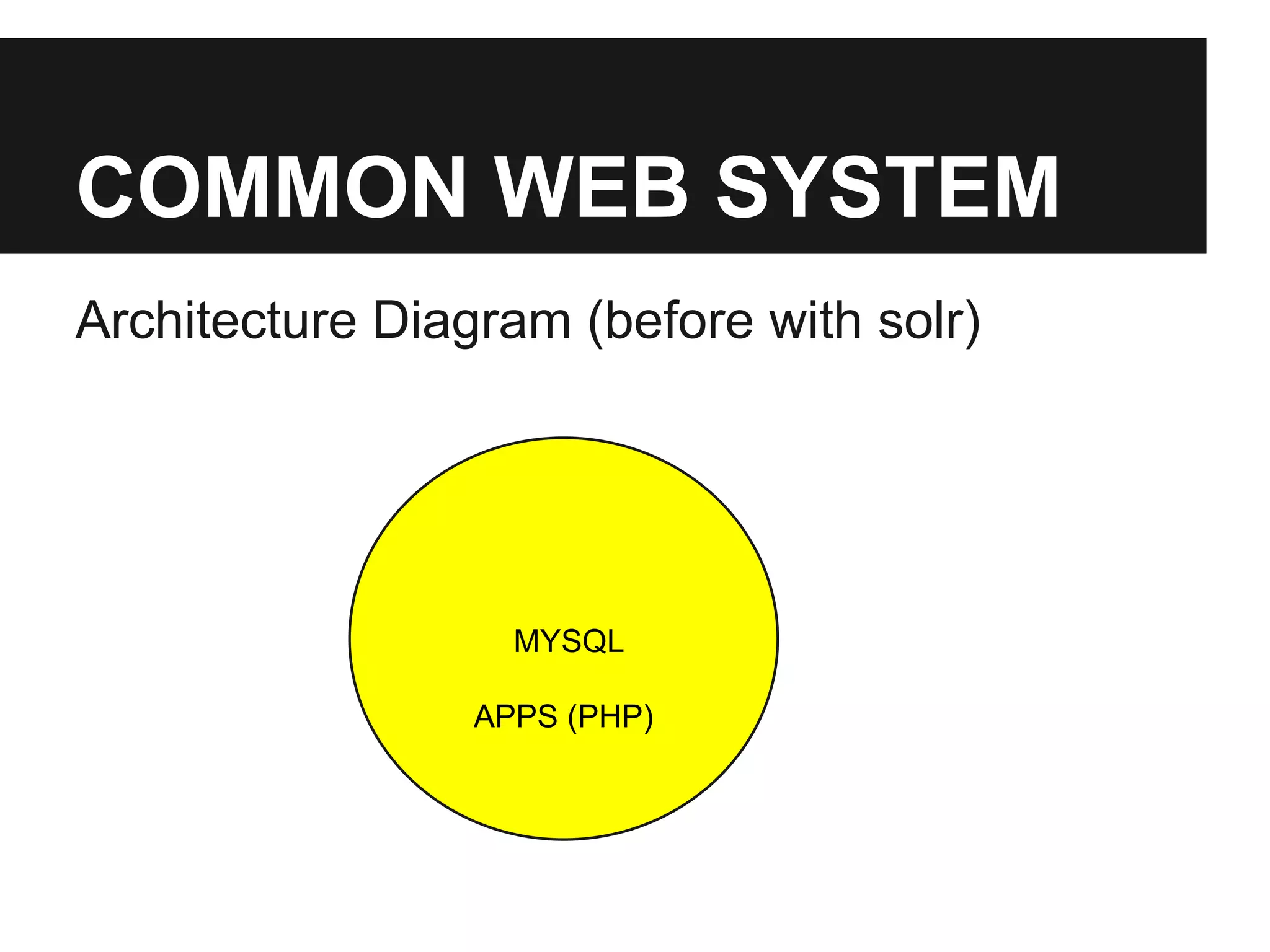
Architecture Diagram (before with solr) 
MYSQL 
APPS (PHP)
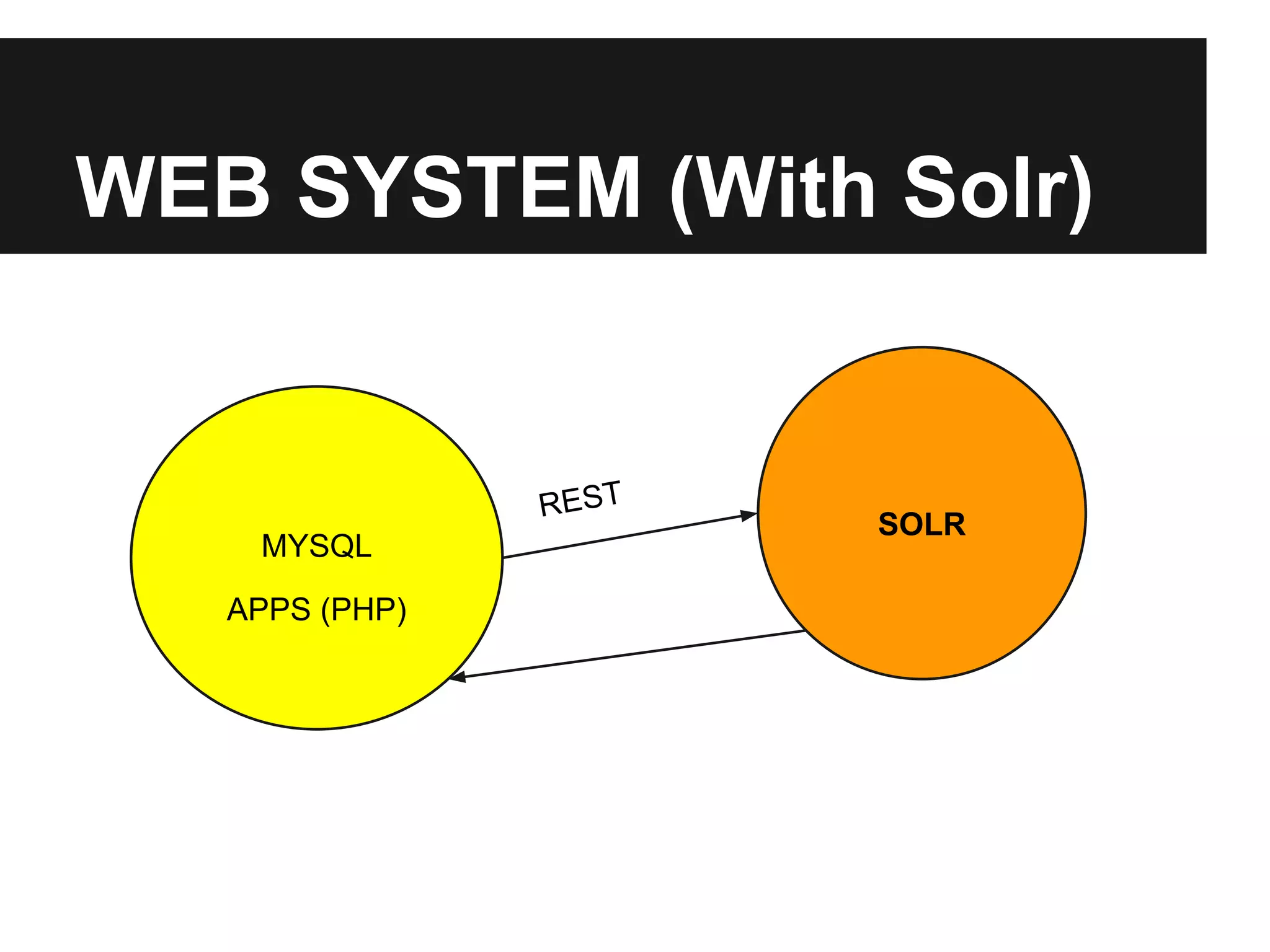
WEB SYSTEM (With Solr) 
MYSQL SOLR 
APPS (PHP) 
REST
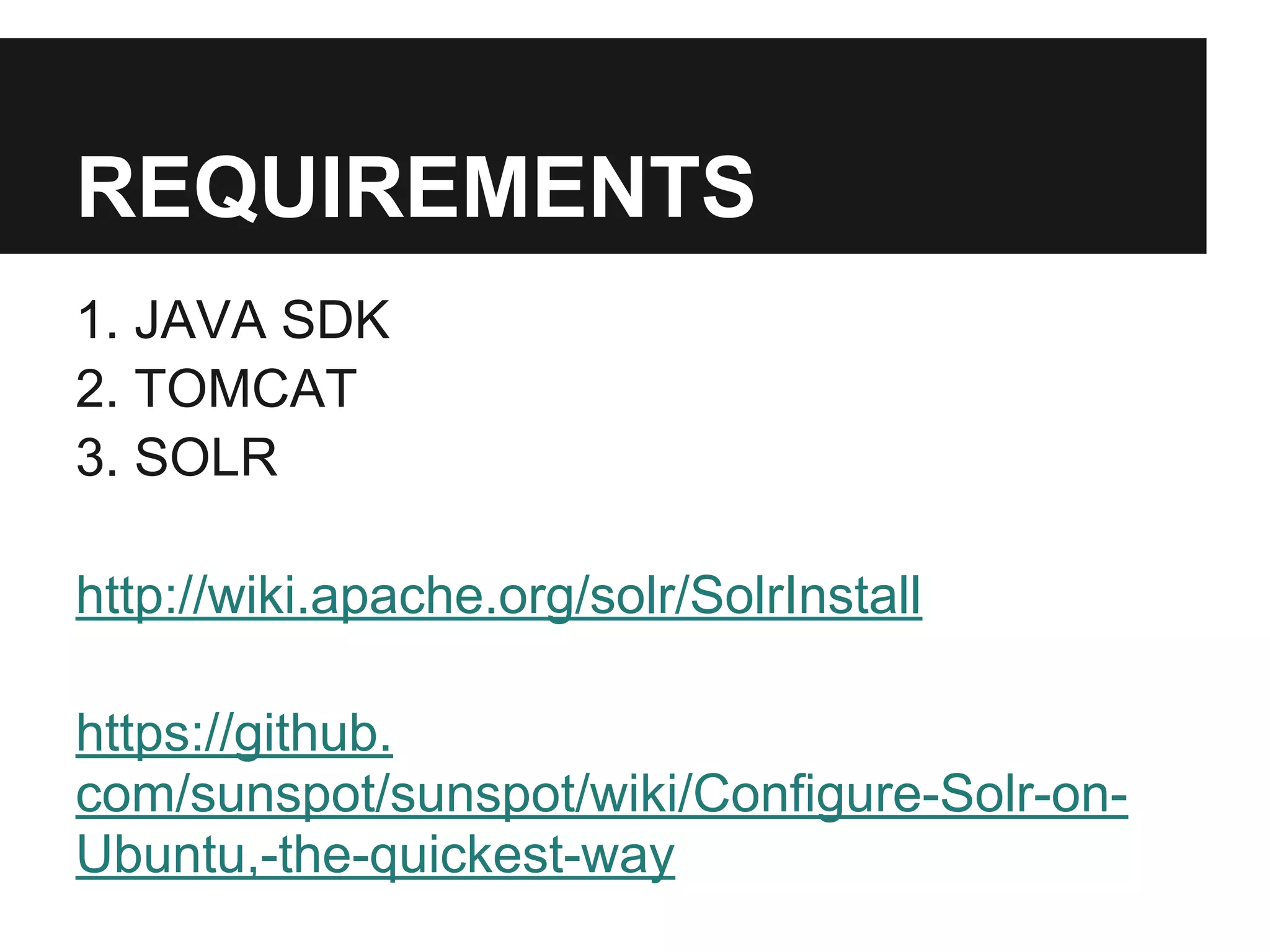
REQUIREMENTS 
1. JAVA SDK 
2. TOMCAT 
3. SOLR 
http://wiki.apache.org/solr/SolrInstall 
https://github. 
com/sunspot/sunspot/wiki/Configure-Solr-on- 
Ubuntu,-the-quickest-way
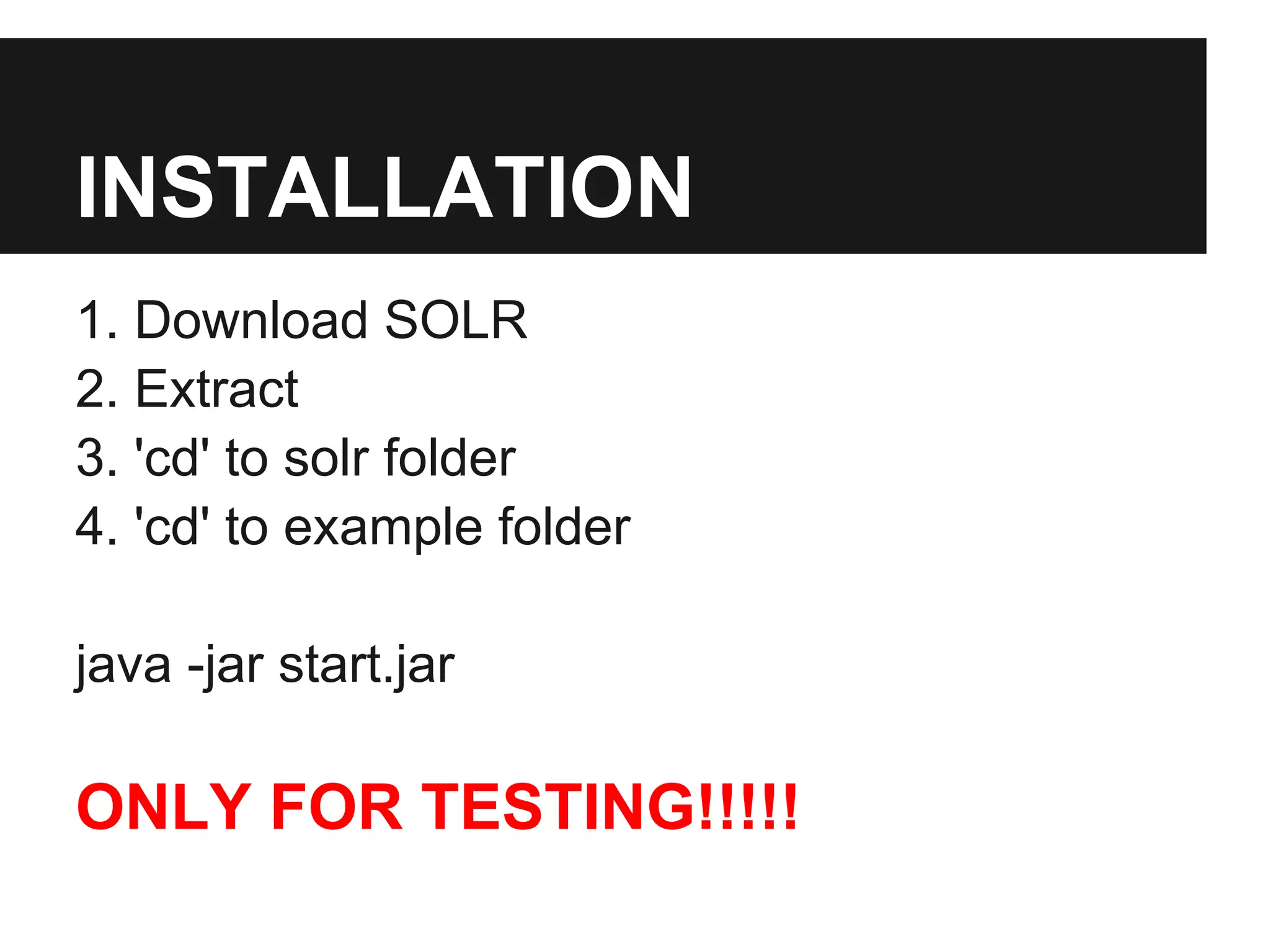
INSTALLATION 
1. Download SOLR 
2. Extract 
3. 'cd' to solr folder 
4. 'cd' to example folder 
java -jar start.jar 
ONLY FOR TESTING!!!!!
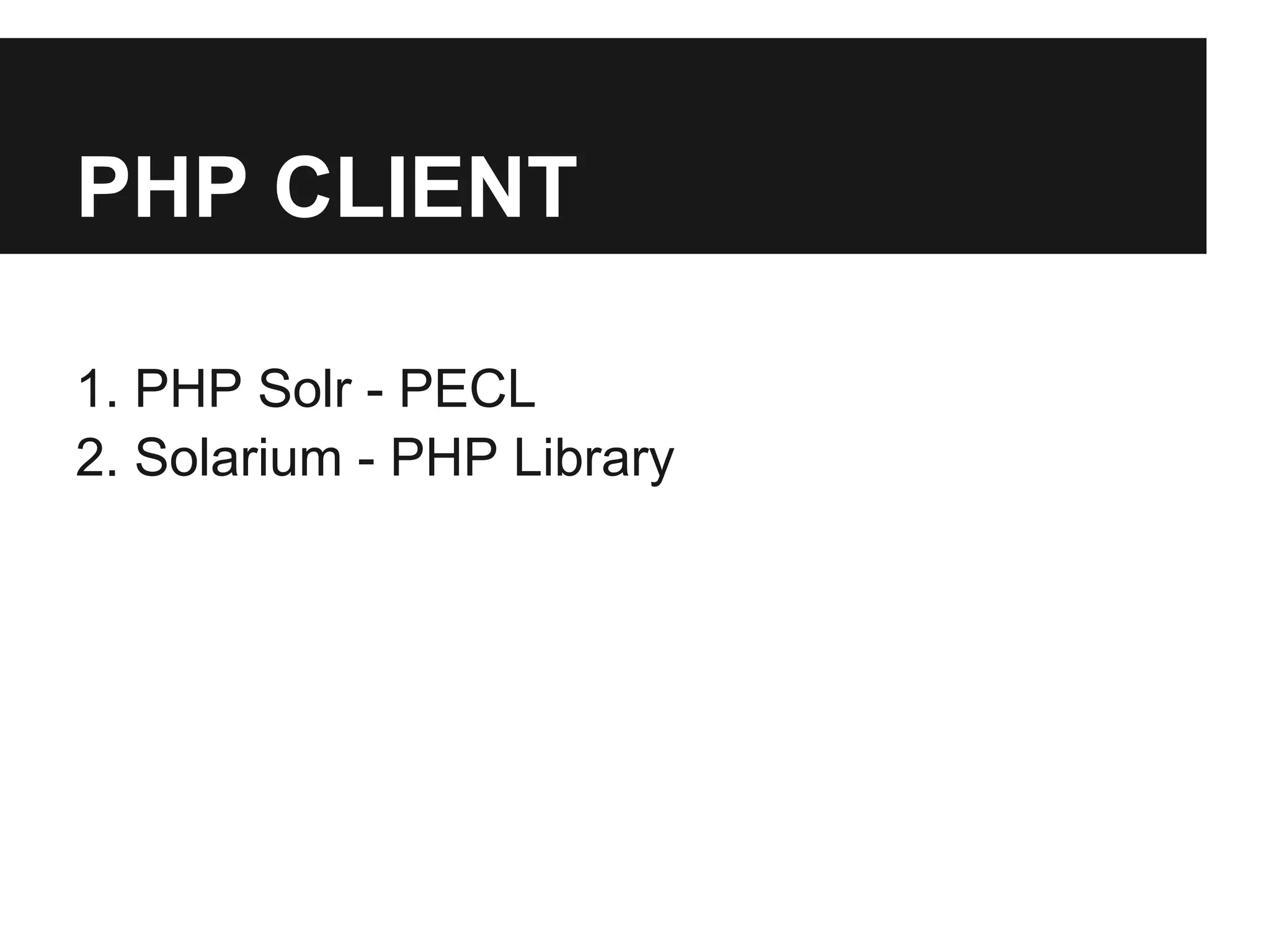
PHP CLIENT 
1. PHP Solr - PECL 
2. Solarium - PHP Library
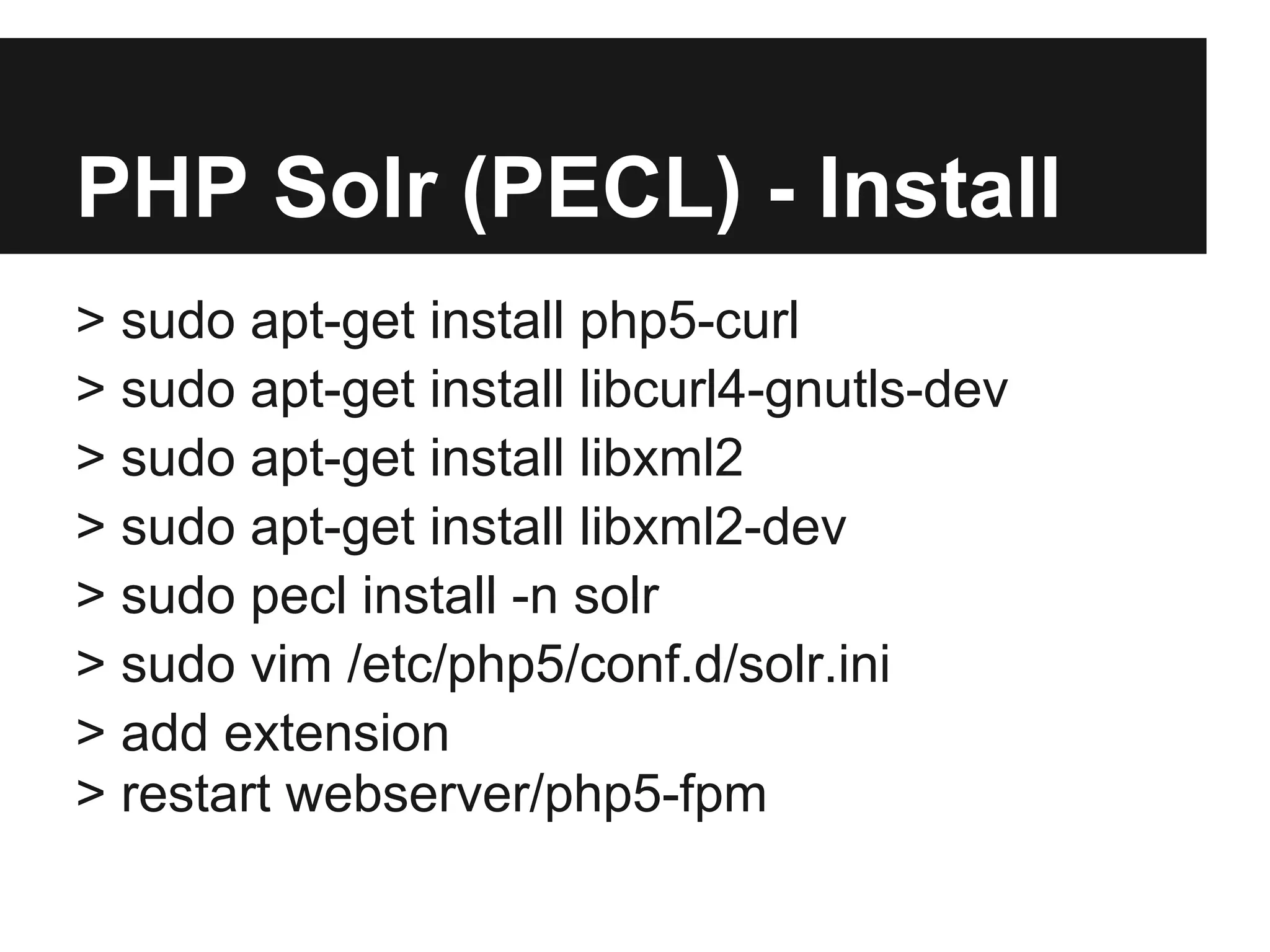
PHP Solr (PECL) - Install 
> sudo apt-get install php5-curl 
> sudo apt-get install libcurl4-gnutls-dev 
> sudo apt-get install libxml2 
> sudo apt-get install libxml2-dev 
> sudo pecl install -n solr 
> sudo vim /etc/php5/conf.d/solr.ini 
> add extension 
> restart webserver/php5-fpm
PROCESS 
1. Schema Doc 
2. Indexing Schema 
3. Searching
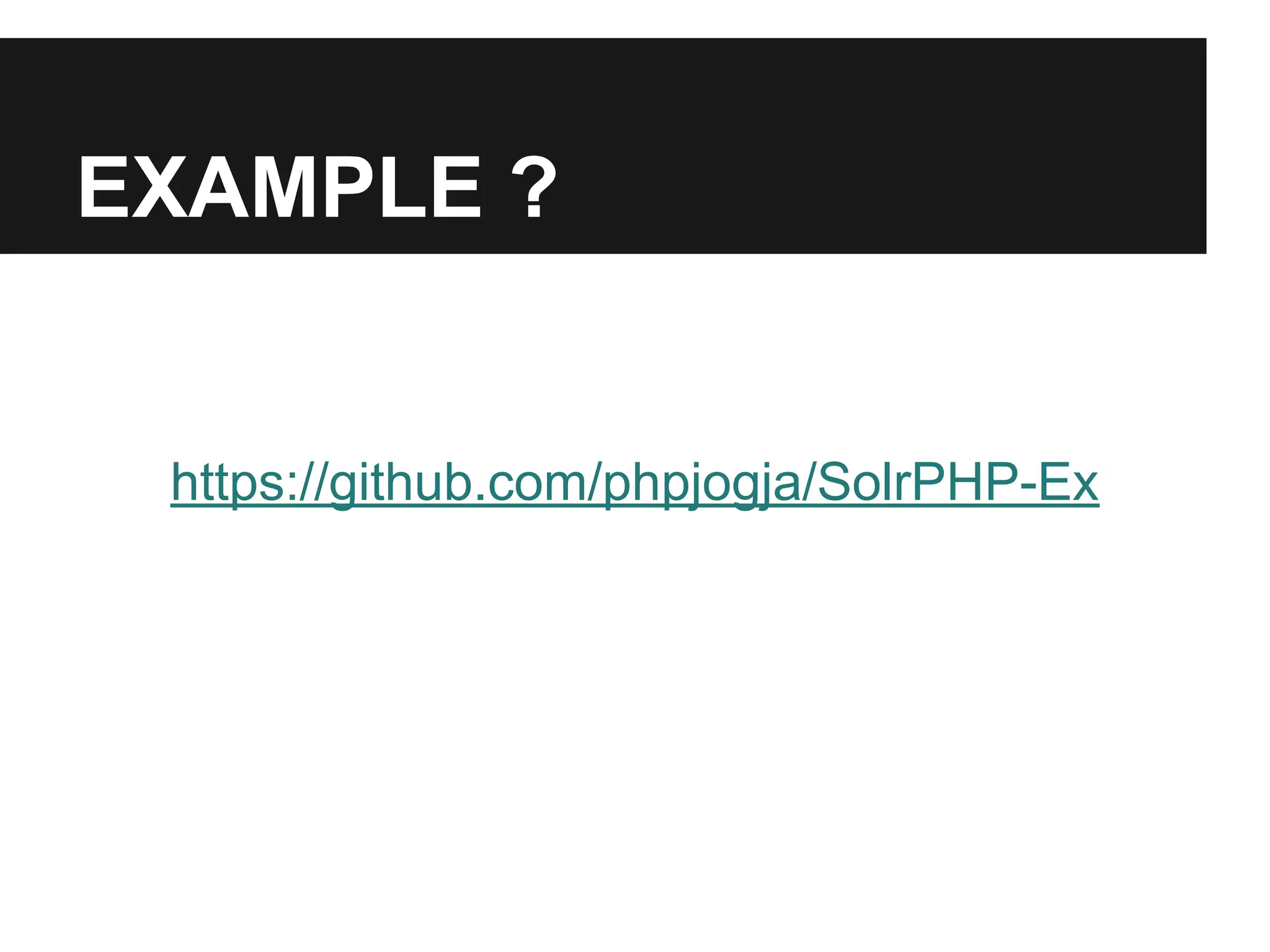
EXAMPLE ? 
https://github.com/phpjogja/SolrPHP-Ex
SPECIAL THANKS 
@yodiaditya 
doocu teams (@pogung177)
CREDITS 
1. PHP INDONESIA 
2. KAMPUS UAD

Introduction Apache Solr & PHP

  • 1.
    Solr & PHP Introduction
  • 2.
    About me HiraqCitra Mahardika > OntelStudio.com > CakePHP user > NoSQL user > Javascript lover ID > facebook.com/hiraq > twitter.com/_hiraq > github.com/hiraq
  • 3.
    SEARCH ENGINE Asearch engine is an information retrieval system designed to help find information stored on a computer system. The search results are usually presented in a list and are commonly called hits. Search engines help to minimize the time required to find information and the amount of information which must be consulted, akin to other techniques for managing information http://en.wikipedia.org/wiki/Search_engine_(computing)
  • 4.
    SEARCH POINTS 1.TIME 2. INFORMATIONS (a lot of informations)
  • 5.
    FULLTEXT SEARCH 1.INDEXING 2. SEARCHING http://en.wikipedia.org/wiki/Full_text_search
  • 6.
    APACHE LUCENE ApacheLuceneTM is a high-performance, full-featured text search engine library written entirely in Java. It is a technology suitable for nearly any application that requires full-text search, especially cross-platform. http://lucene.apache.org/core/
  • 7.
    APACHE SOLR ApacheLucene : Core engine full text search Apache Solr : Advance full text search engine server REST! (:HTTP)
  • 8.
    SITES USING SOLR > INSTAGRAM > REDDIT > DIGG > AOL > NETFLIX > EBAY > APPLE > DRUPAL / ACQUIA
  • 9.
    WHY SOLR? 1.Optimized for high volume traffic 2. Faceted search 3. Geospatial search 4. Text Analysis 5. Performance optimization 6. Spelling suggestions DESIGNED FOR SEARCH!
  • 10.
    COMMON WEB SYSTEM Architecture Diagram (before with solr) MYSQL APPS (PHP)
  • 11.
    WEB SYSTEM (WithSolr) MYSQL SOLR APPS (PHP) REST
  • 12.
    REQUIREMENTS 1. JAVASDK 2. TOMCAT 3. SOLR http://wiki.apache.org/solr/SolrInstall https://github. com/sunspot/sunspot/wiki/Configure-Solr-on- Ubuntu,-the-quickest-way
  • 13.
    INSTALLATION 1. DownloadSOLR 2. Extract 3. 'cd' to solr folder 4. 'cd' to example folder java -jar start.jar ONLY FOR TESTING!!!!!
  • 14.
    PHP CLIENT 1.PHP Solr - PECL 2. Solarium - PHP Library
  • 15.
    PHP Solr (PECL)- Install > sudo apt-get install php5-curl > sudo apt-get install libcurl4-gnutls-dev > sudo apt-get install libxml2 > sudo apt-get install libxml2-dev > sudo pecl install -n solr > sudo vim /etc/php5/conf.d/solr.ini > add extension > restart webserver/php5-fpm
  • 16.
    PROCESS 1. SchemaDoc 2. Indexing Schema 3. Searching
  • 17.
  • 18.
    SPECIAL THANKS @yodiaditya doocu teams (@pogung177)
  • 19.
    CREDITS 1. PHPINDONESIA 2. KAMPUS UAD