



Introducing Pair Programming


                  Steve Smith
                  Senior Architect
                  The Code Project
                  http://SteveSmithBlog.com
                  Twitter: @ardalis
Our Sponsors

Platinum

Gold
Silver

Other
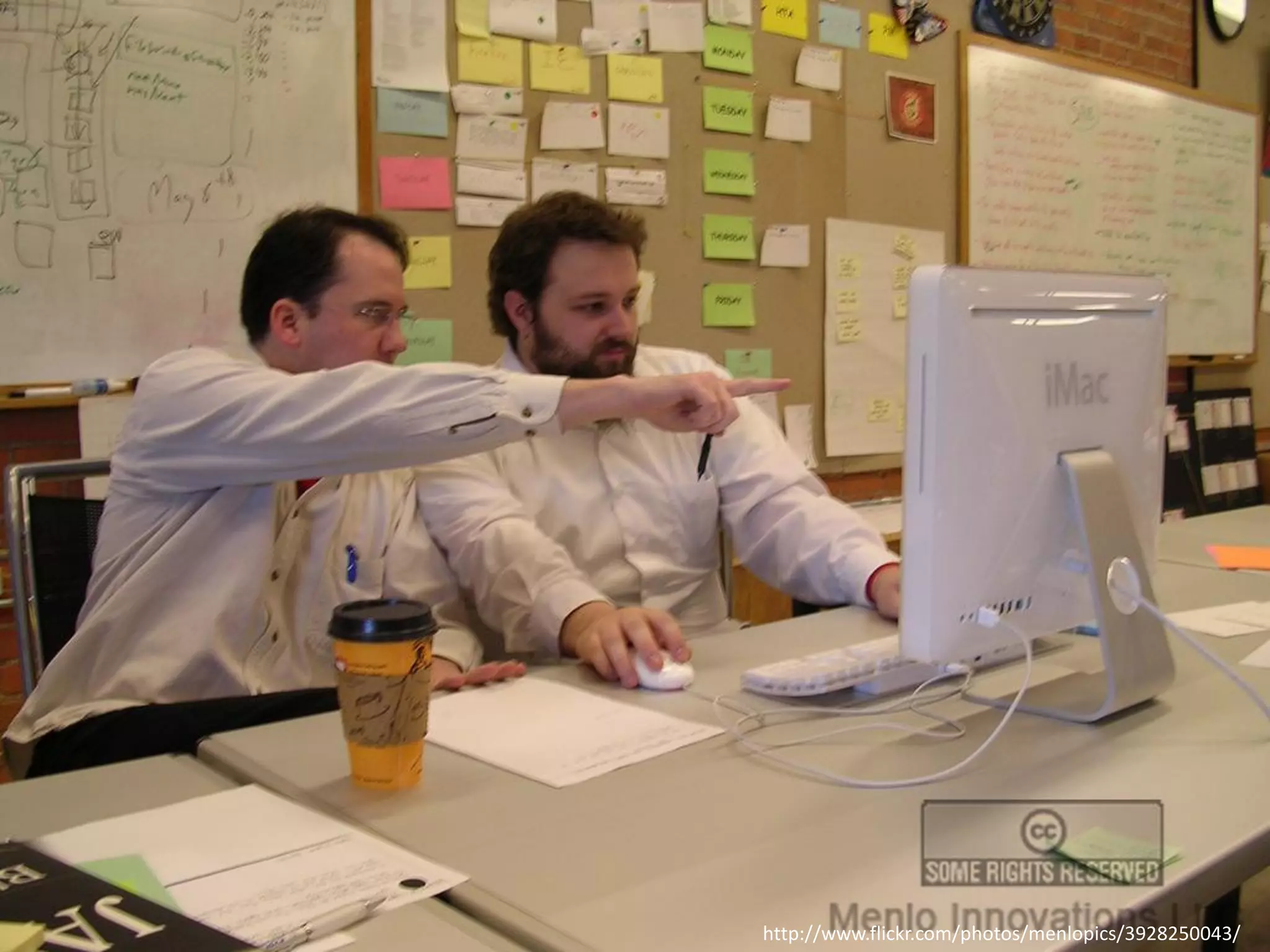
http://www.flickr.com/photos/menlopics/3928250043/
It’s We not Me
Pairing is part of a larger process…


Becoming a software development TEAM.
Pair Programming
      Who
      What
     Where
     When
      Why
      How
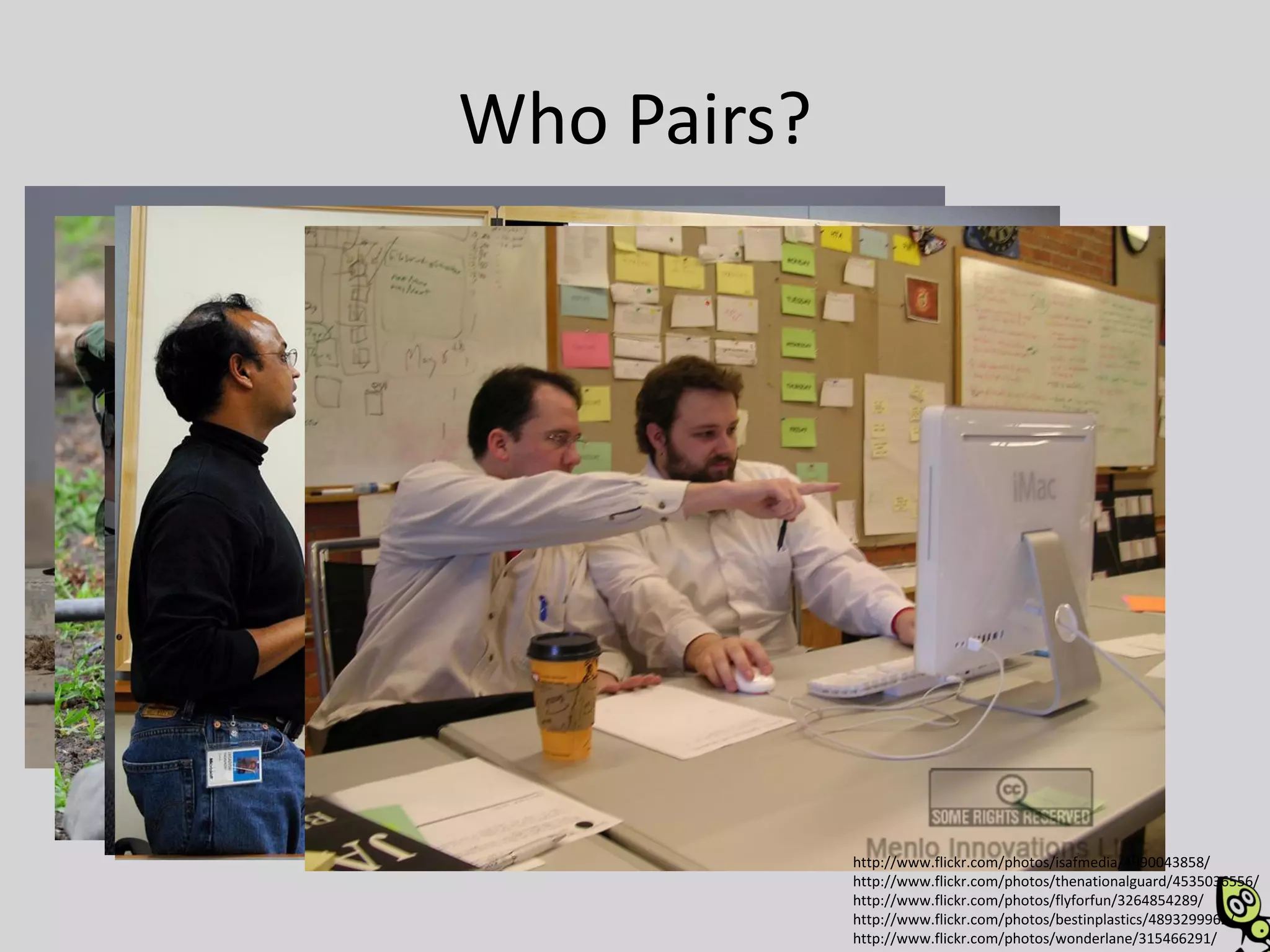
Who Pairs?


             http://www.flickr.com/photos/isafmedia/4990043858/
             http://www.flickr.com/photos/thenationalguard/4535036556/
             http://www.flickr.com/photos/flyforfun/3264854289/
             http://www.flickr.com/photos/bestinplastics/4893299962/
             http://www.flickr.com/photos/wonderlane/315466291/
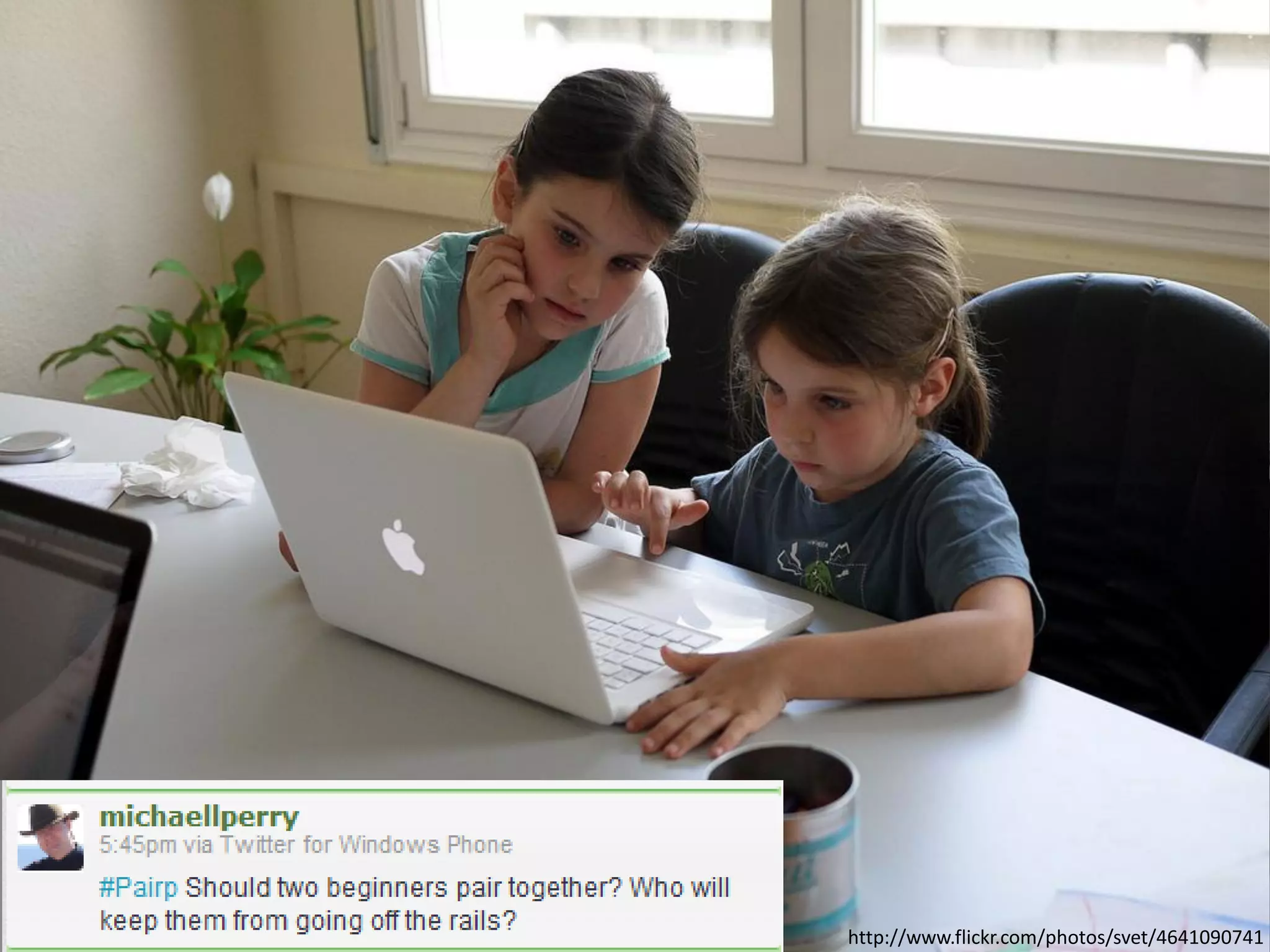
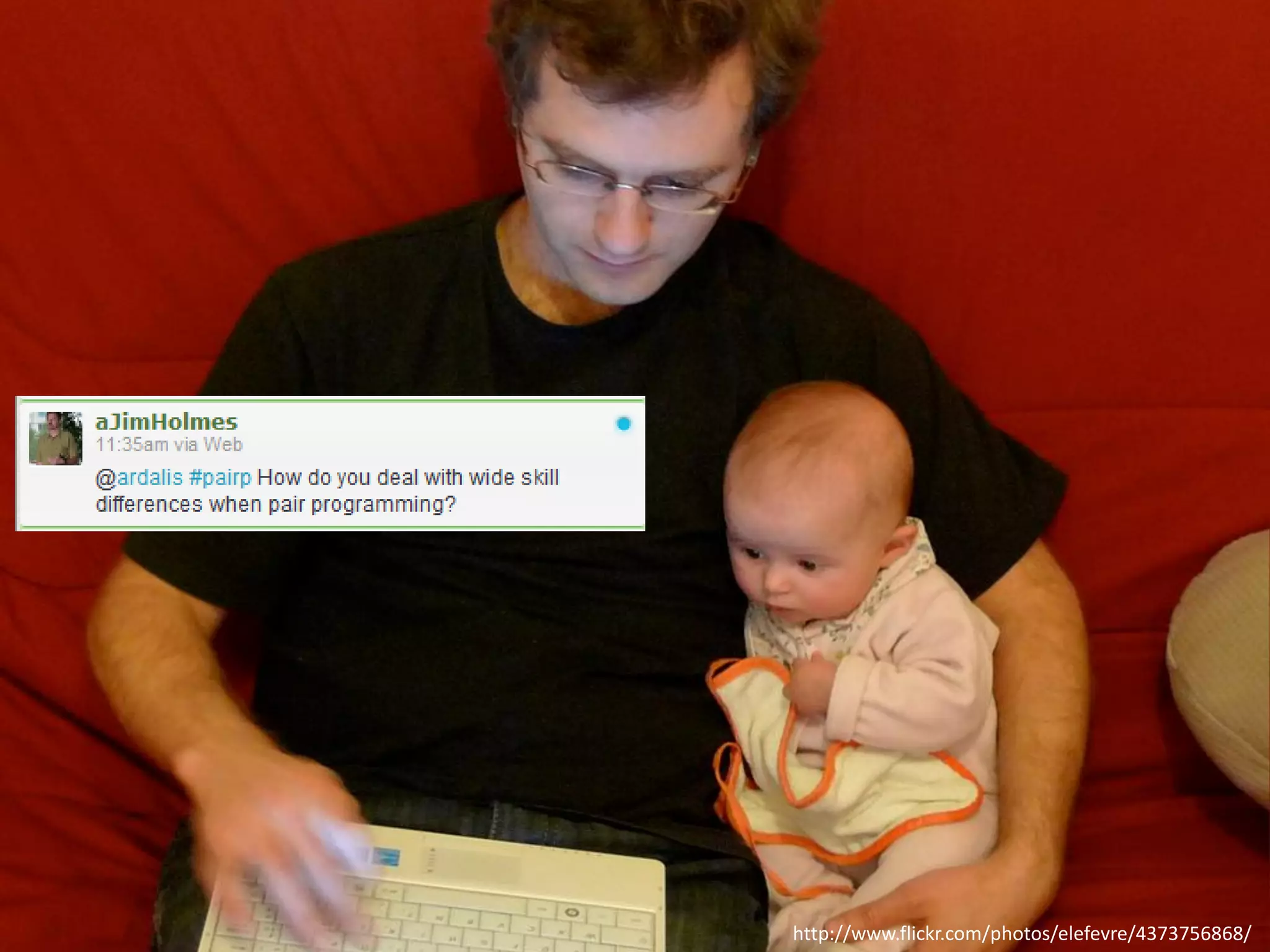
Who Should Pair?
http://www.flickr.com/photos/svet/4641090741
http://www.flickr.com/photos/elefevre/4373756868/
Who Shouldn’t?
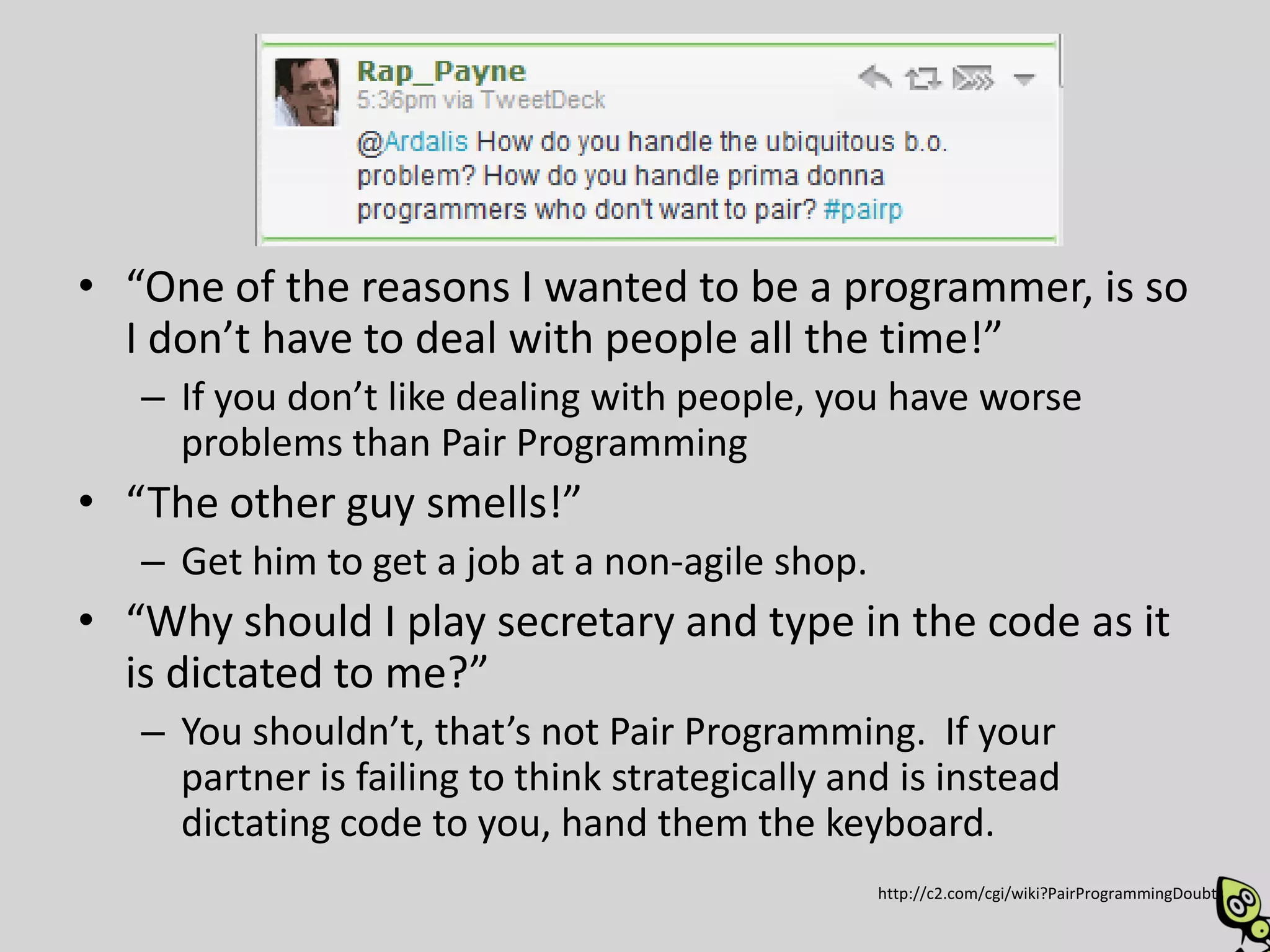
• “One of the reasons I wanted to be a programmer, is so
  I don’t have to deal with people all the time!”
   – If you don’t like dealing with people, you have worse
     problems than Pair Programming
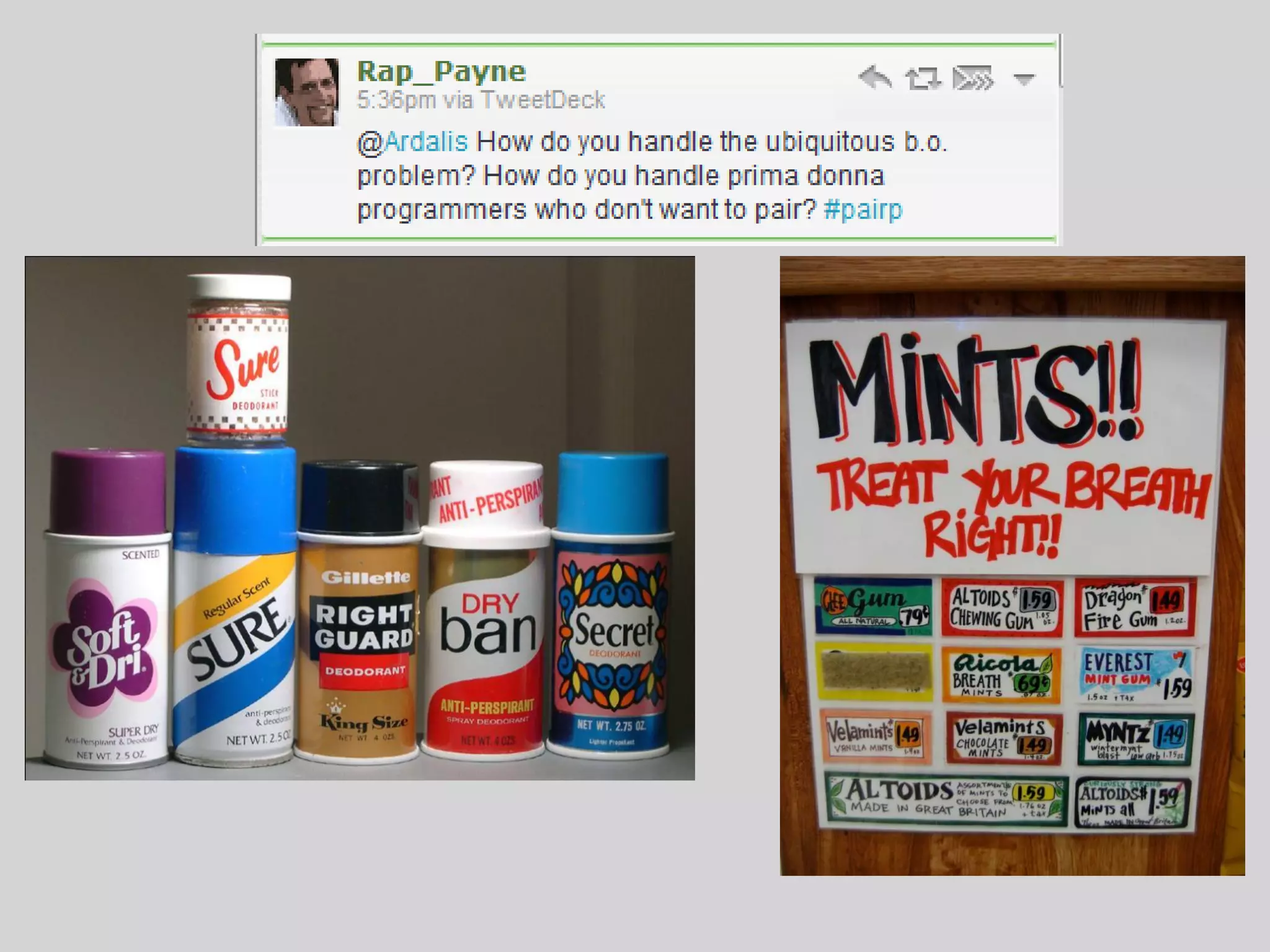
• “The other guy smells!”
   – Get him to get a job at a non-agile shop.
• “Why should I play secretary and type in the code as it
  is dictated to me?”
   – You shouldn’t, that’s not Pair Programming. If your
     partner is failing to think strategically and is instead
     dictating code to you, hand them the keyboard.
                                                 http://c2.com/cgi/wiki?PairProgrammingDoubts
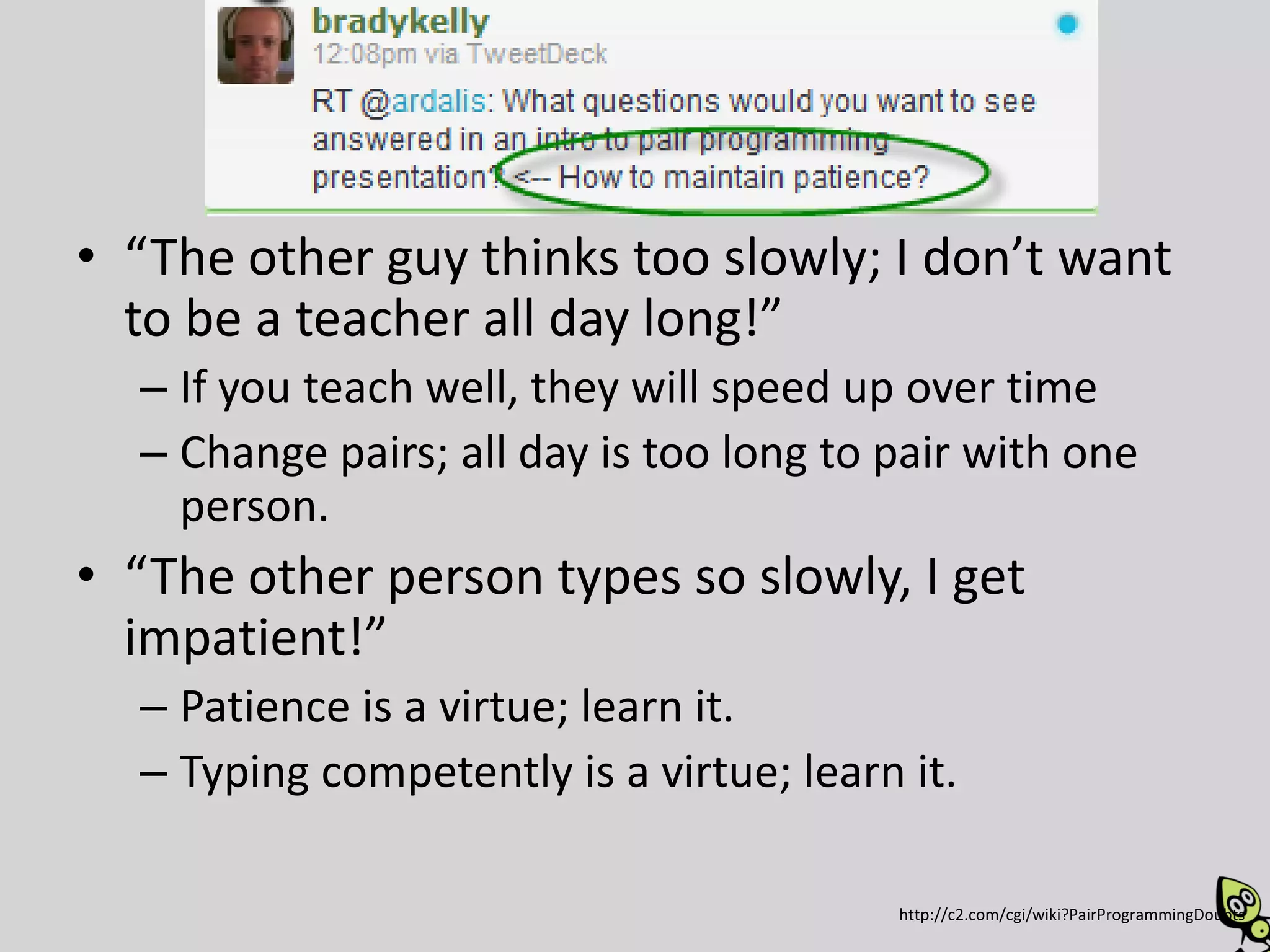
• “The other guy thinks too slowly; I don’t want
  to be a teacher all day long!”
  – If you teach well, they will speed up over time
  – Change pairs; all day is too long to pair with one
    person.
• “The other person types so slowly, I get
  impatient!”
  – Patience is a virtue; learn it.
  – Typing competently is a virtue; learn it.

                                         http://c2.com/cgi/wiki?PairProgrammingDoubts
What is Pair Programming?
Pair Programming
Two programmers develop software side by side
  at one computer.

• Also known as collaborative programming

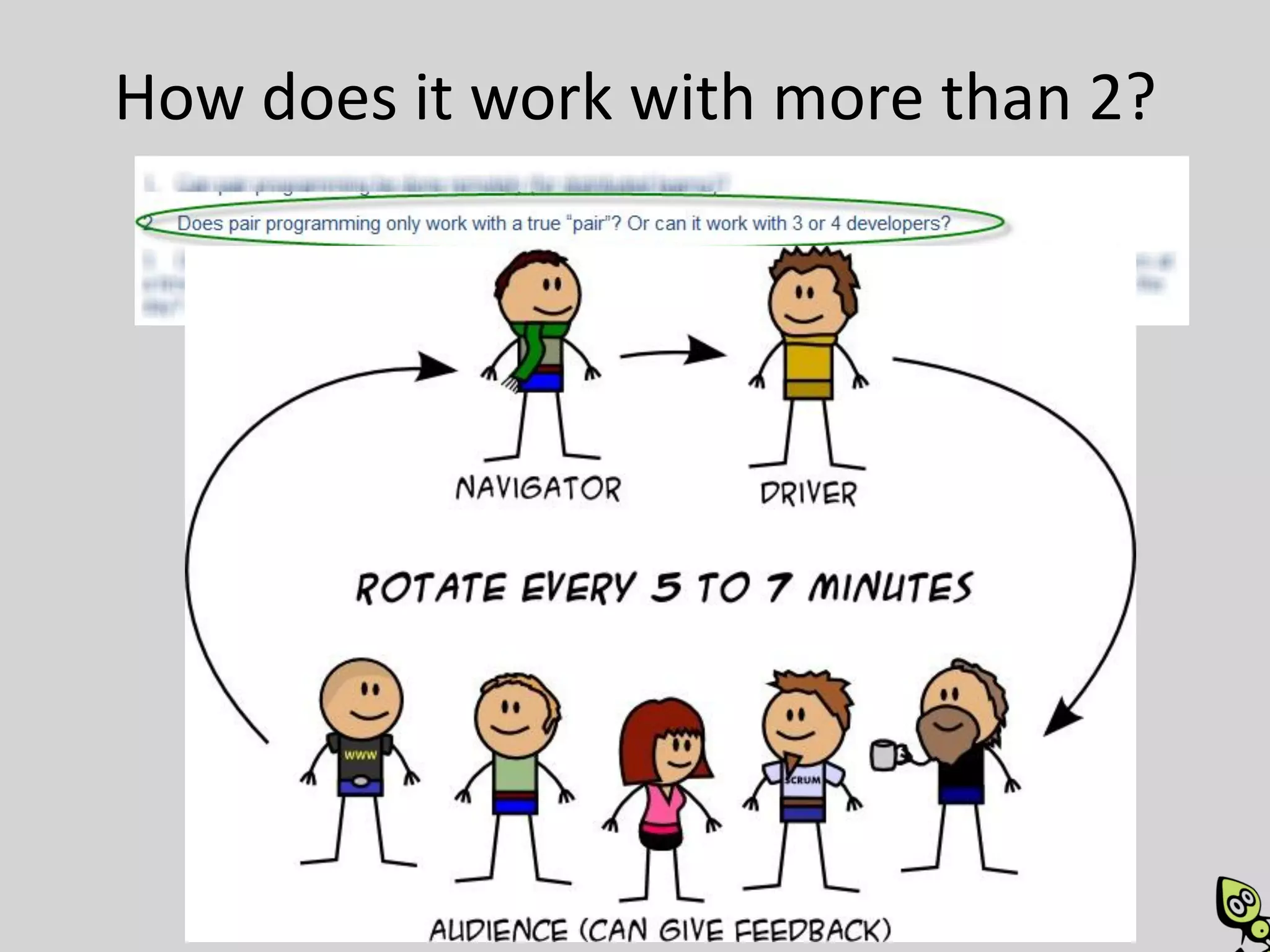
• Each person in the pair generally plays the role
  of either Driver or Navigator at any given time
• Roles shift back and forth frequently
Pair Programming
• Pair programming is a social skill that takes
  time to learn.

• Pair programming is not mentoring, but two
  people working together as equals
  – Of course, working together at one computer is
    also an excellent mentoring practice
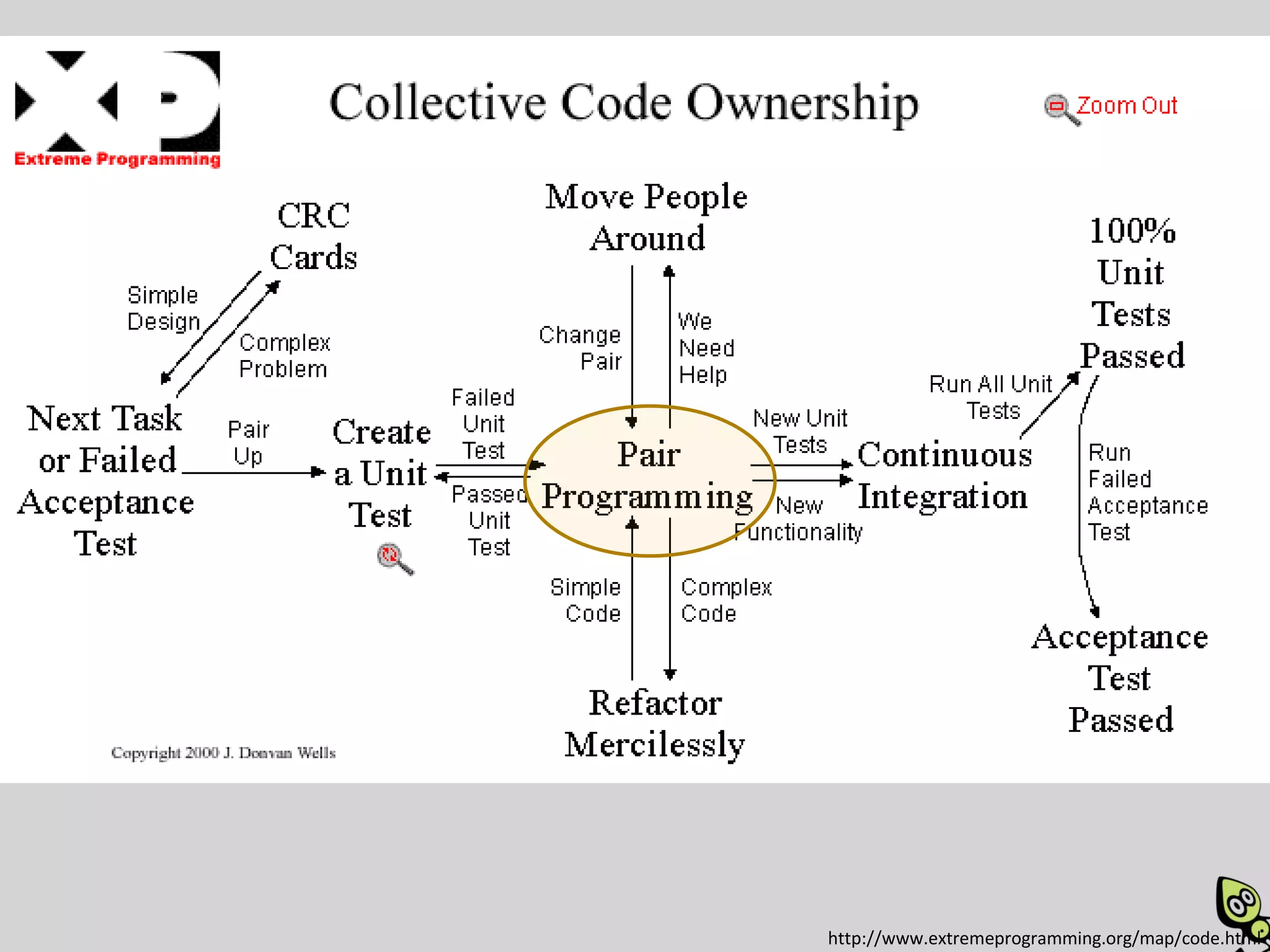
http://www.extremeprogramming.org/map/code.html
Where is Pair Programming done?
Where
• Best with co-located teams

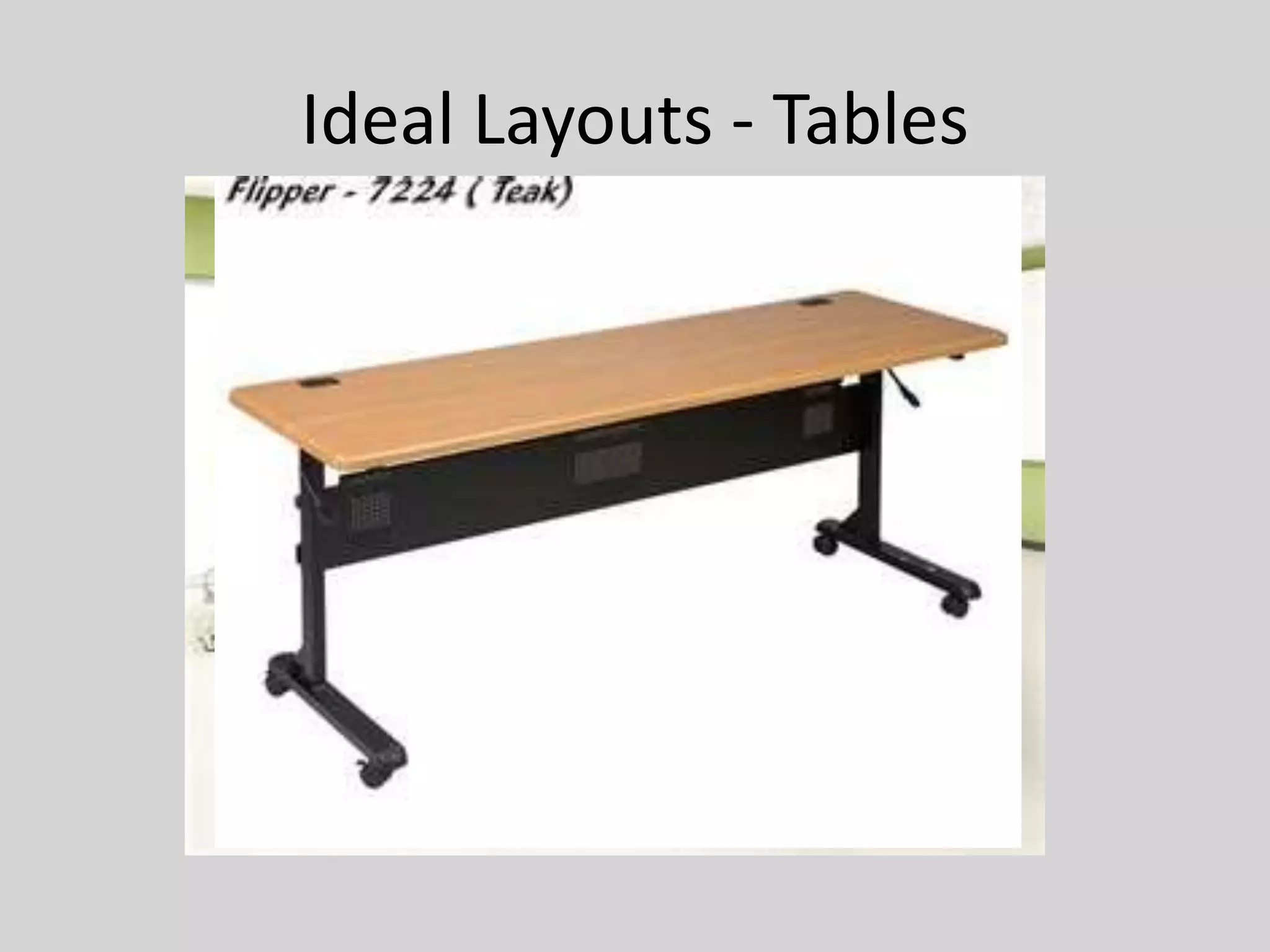
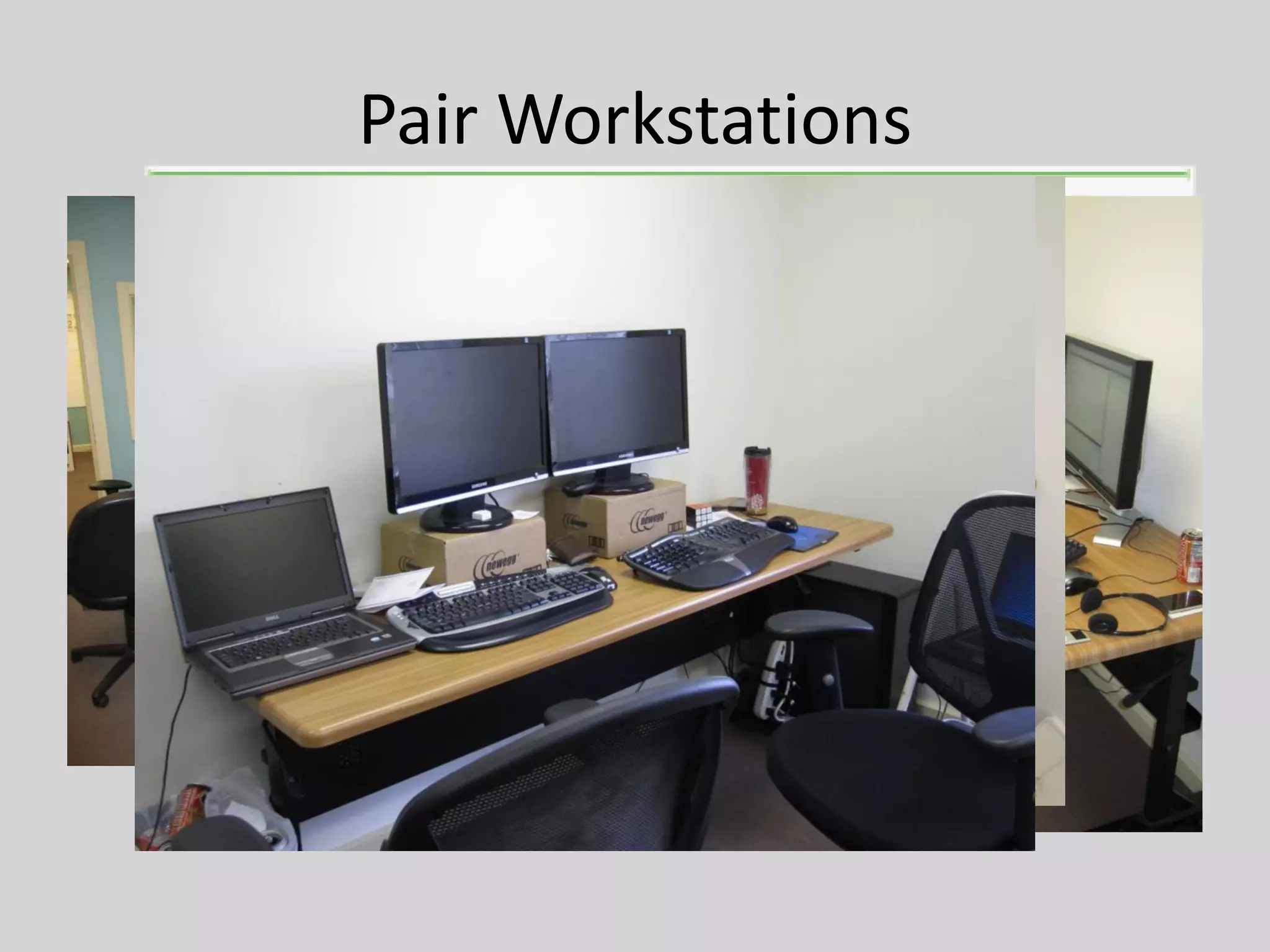
• Best with sufficient space for two people to
  work comfortably at one computer

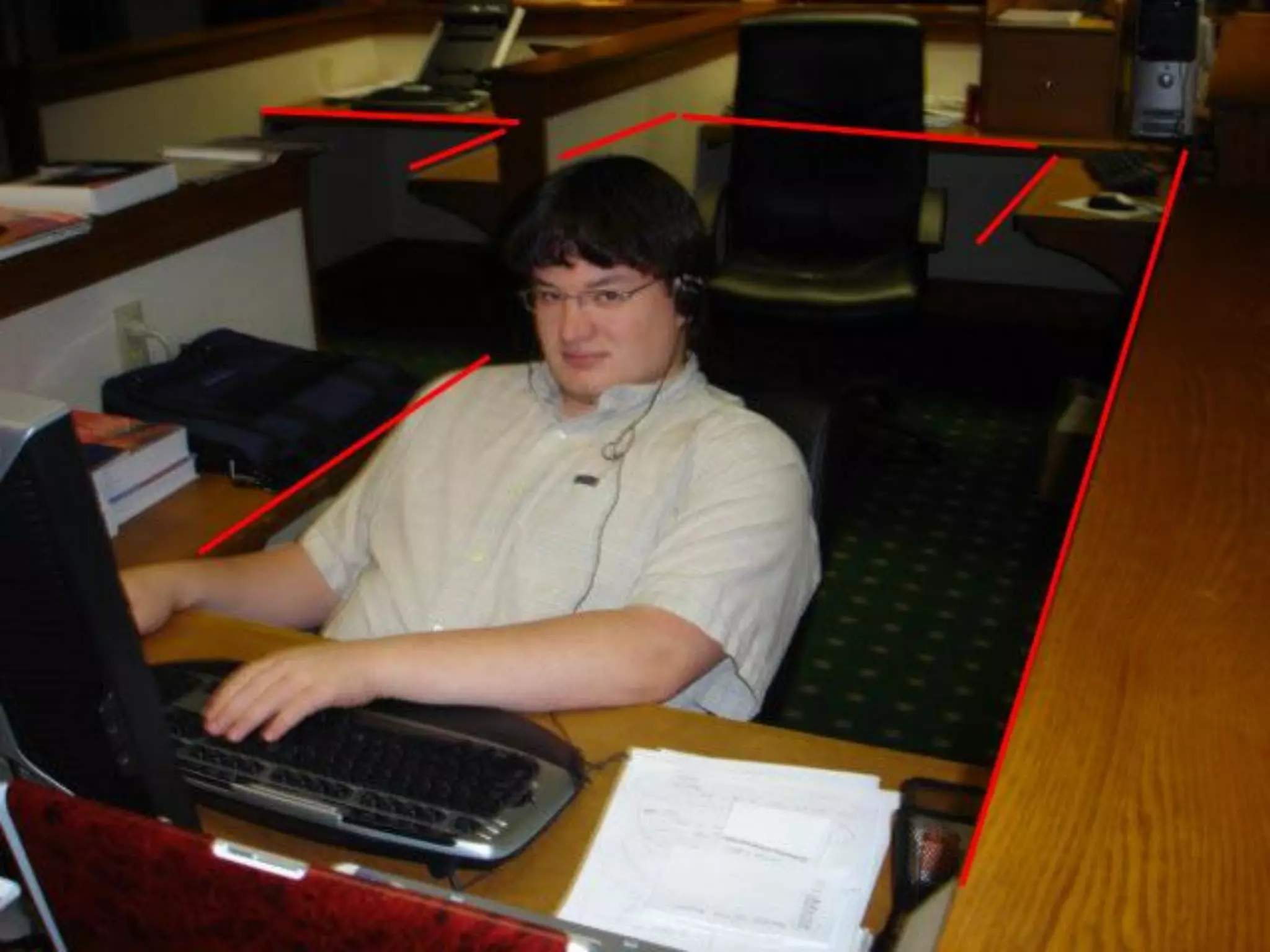
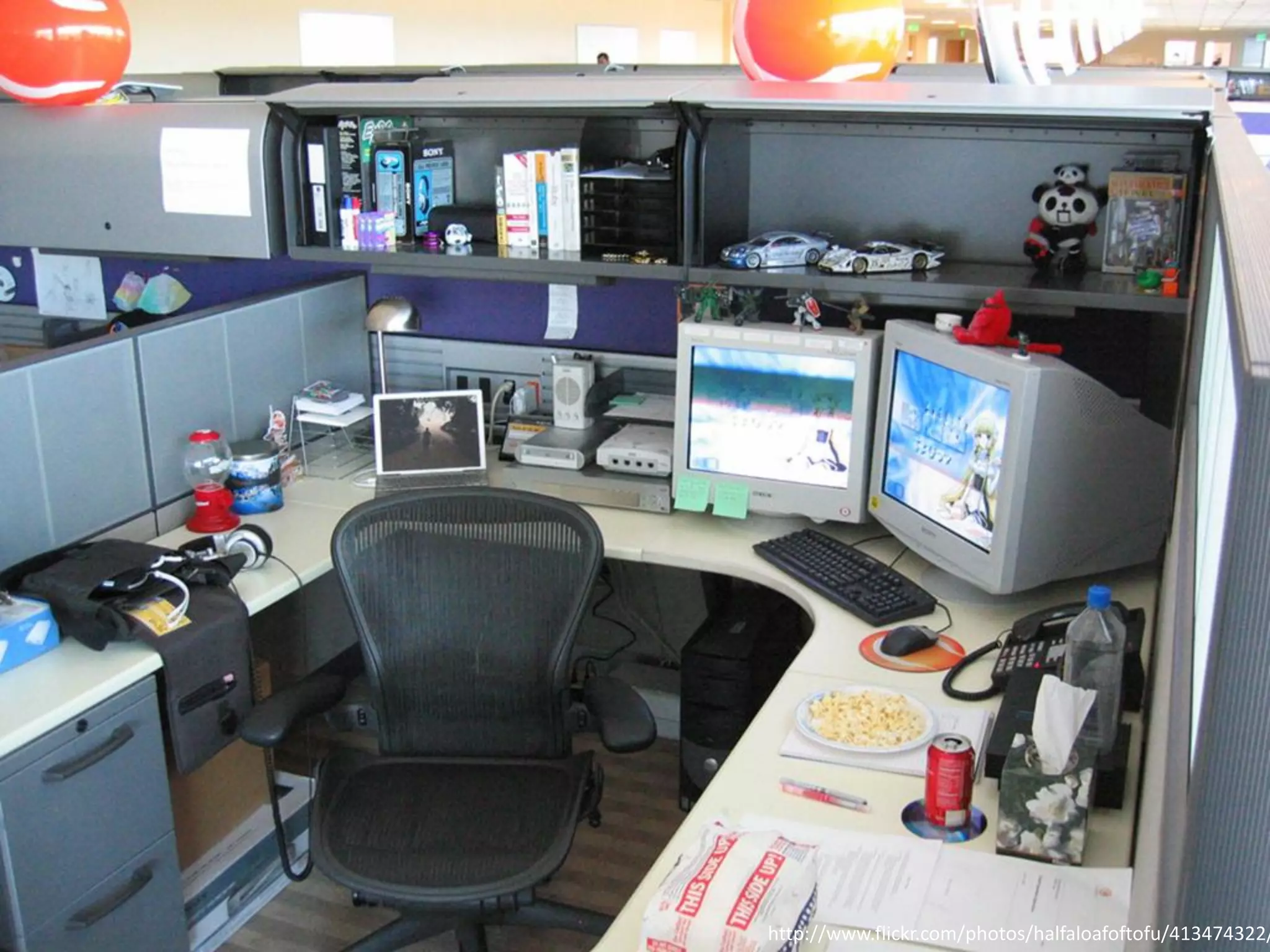
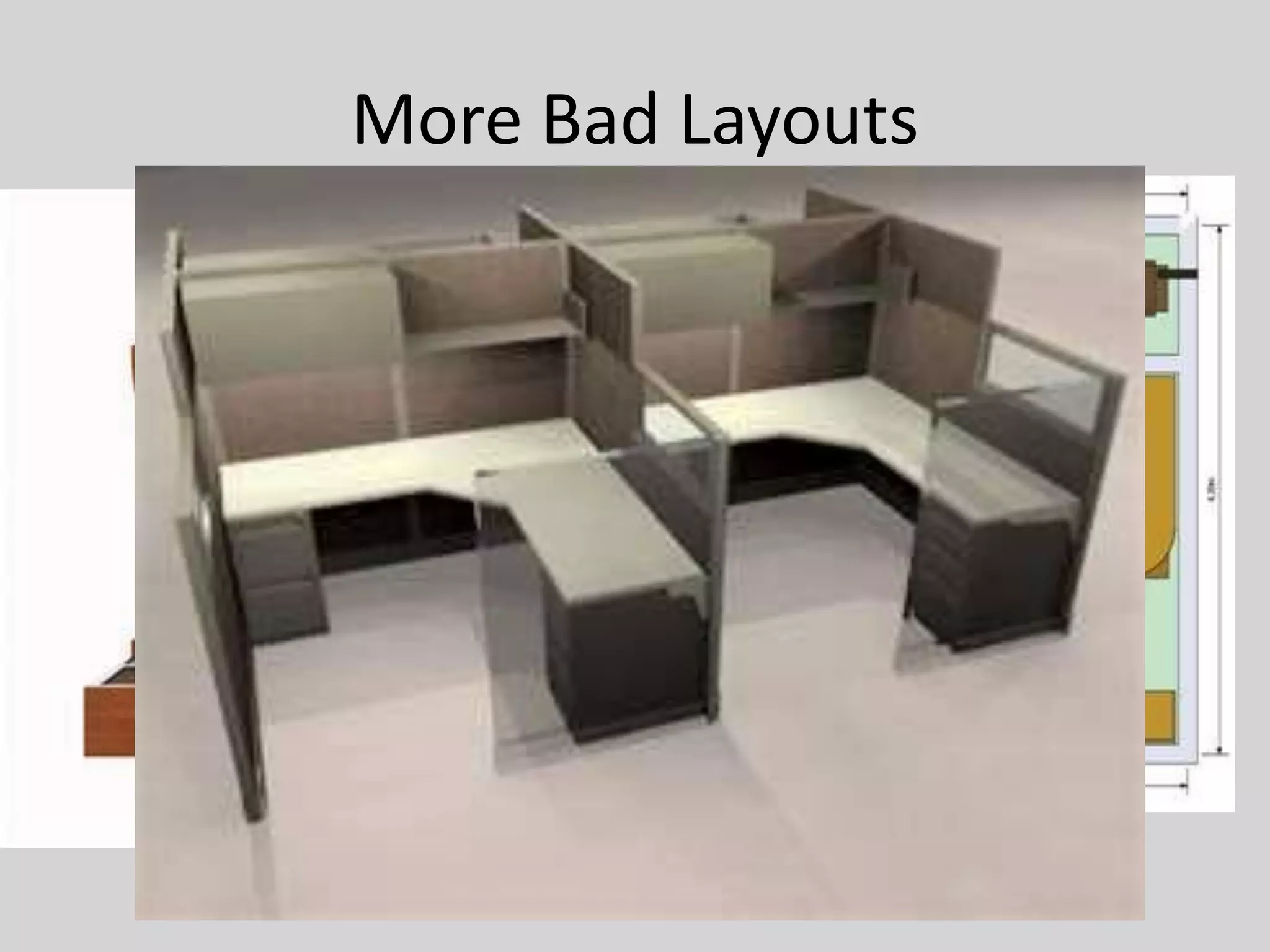
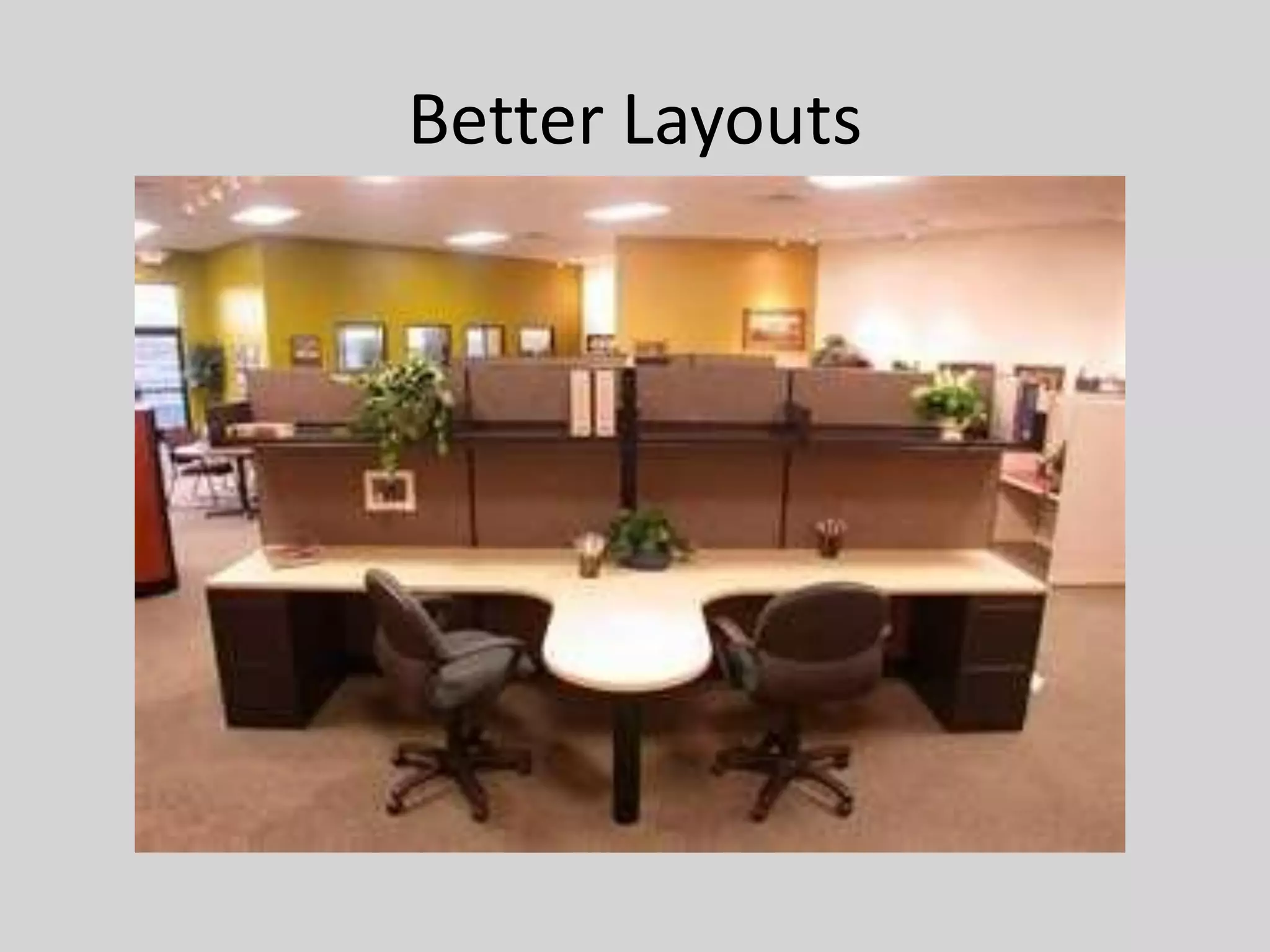
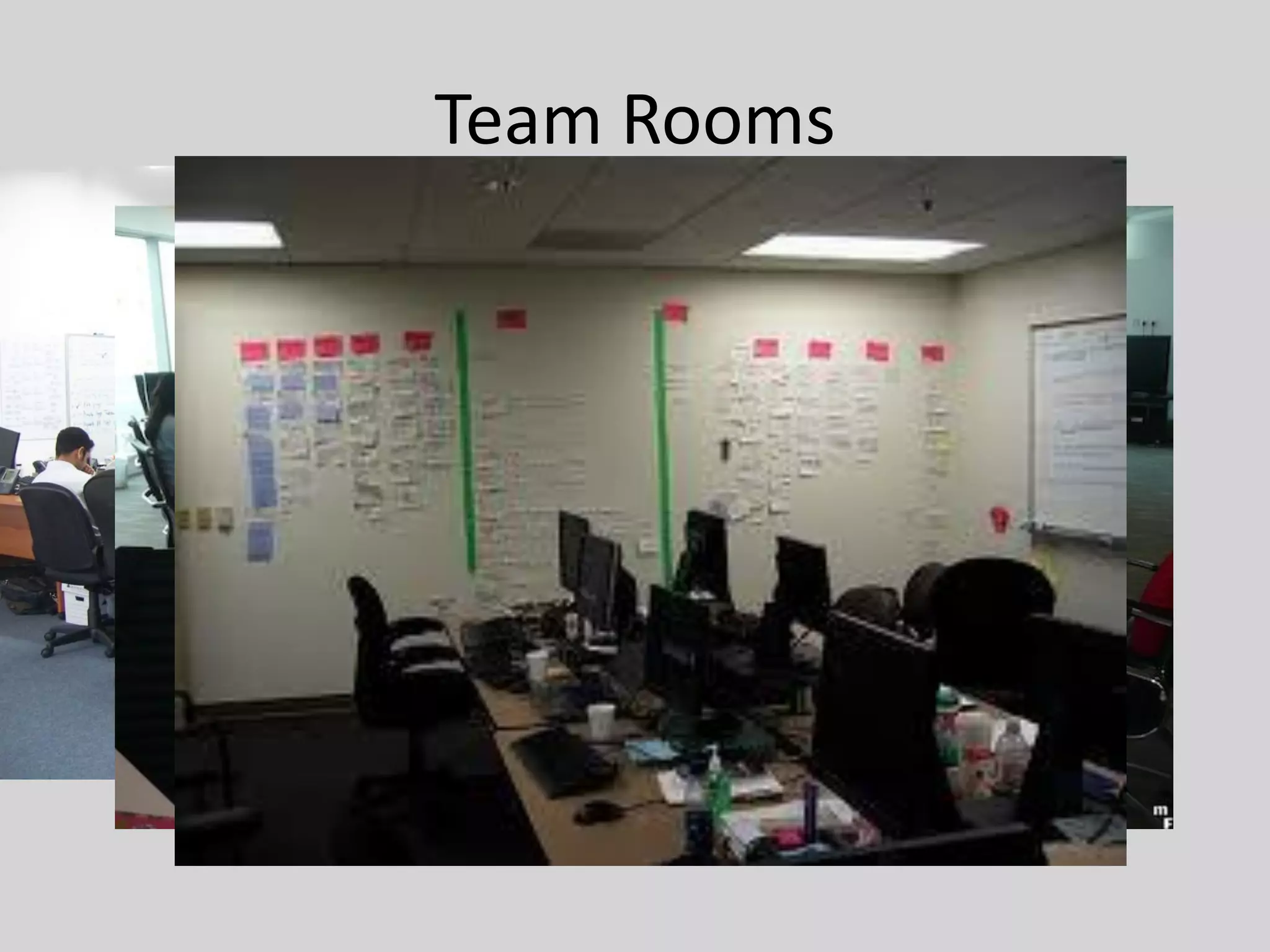
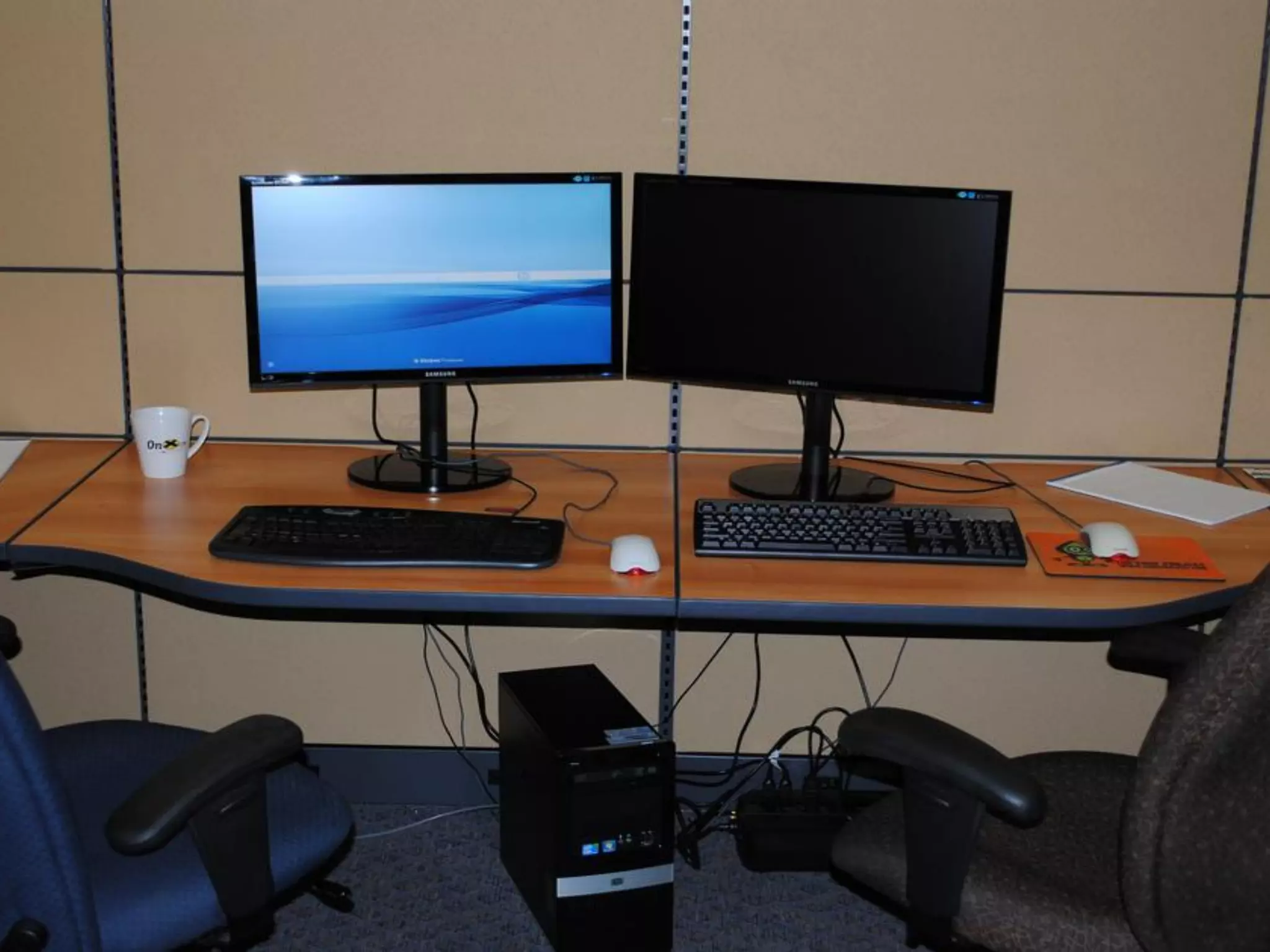
• Try to create a team room. Tear down cubicle
  walls. Eliminate L- and U-shaped desks.
http://www.flickr.com/photos/halfaloafoftofu/413474322/
More Bad Layouts
Better Layouts
Ideal Layouts - Tables
Team Rooms
Pair Workstations
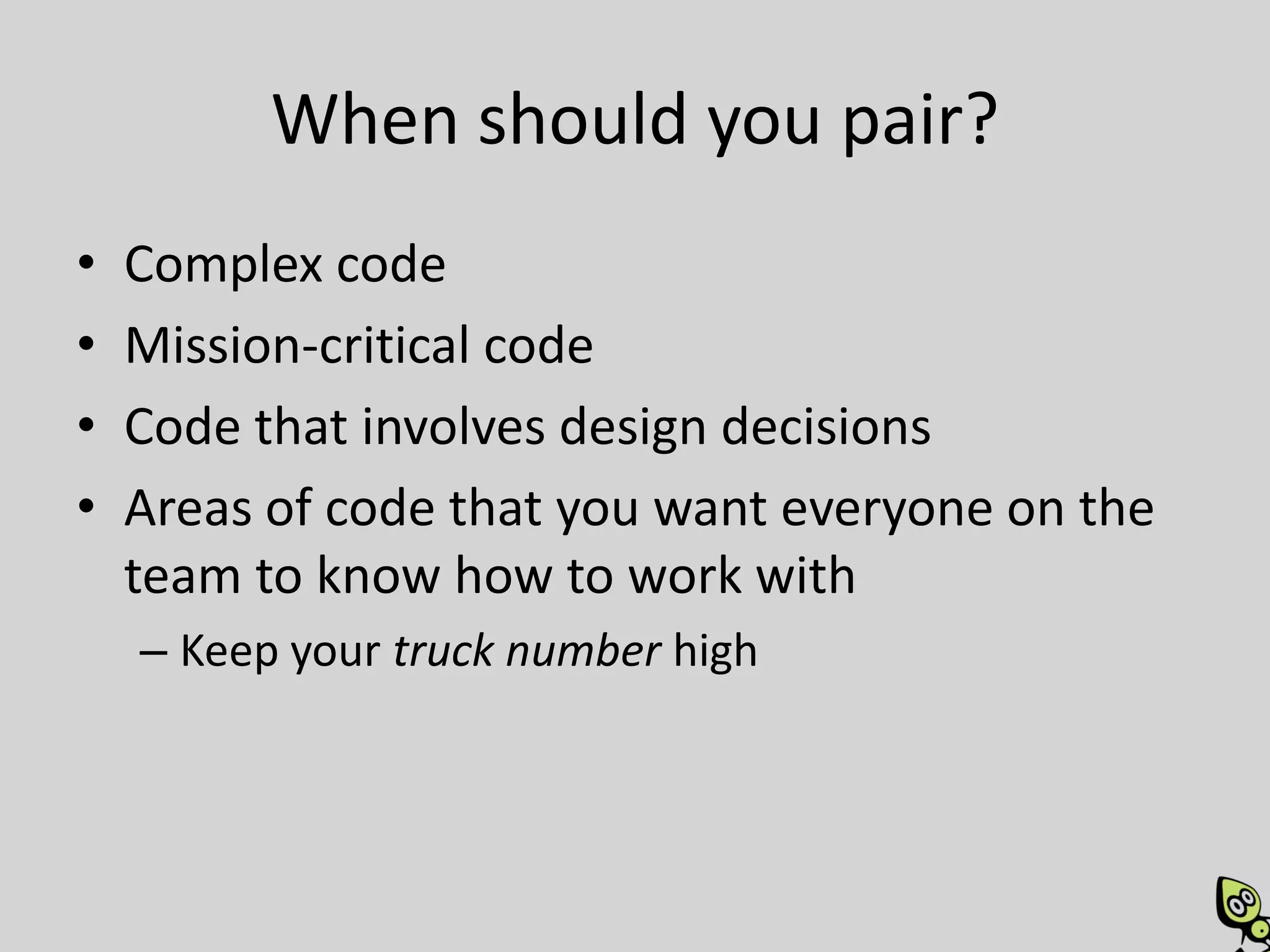
When should you pair?
•   Complex code
•   Mission-critical code
•   Code that involves design decisions
•   Areas of code that you want everyone on the
    team to know how to work with
    – Keep your truck number high
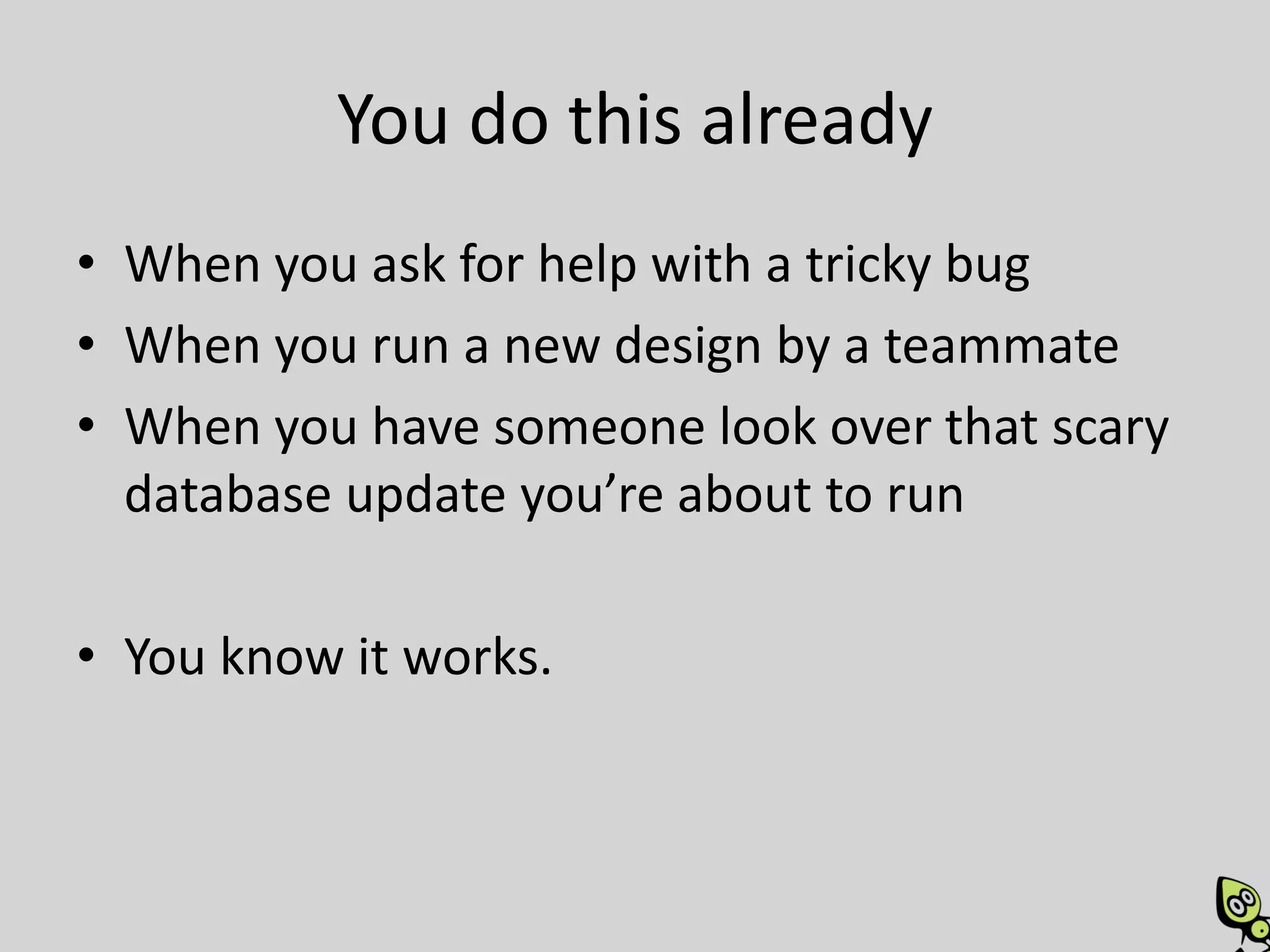
You do this already
• When you ask for help with a tricky bug
• When you run a new design by a teammate
• When you have someone look over that scary
  database update you’re about to run

• You know it works.
When shouldn’t you pair?
•   Mundane tasks
•   Fixing simple typos
•   Spikes
•   When distracted
    – Checking email, twitter, facebook, etc
• You’re sick!
    – Stay home! Or at least in your own workspace!
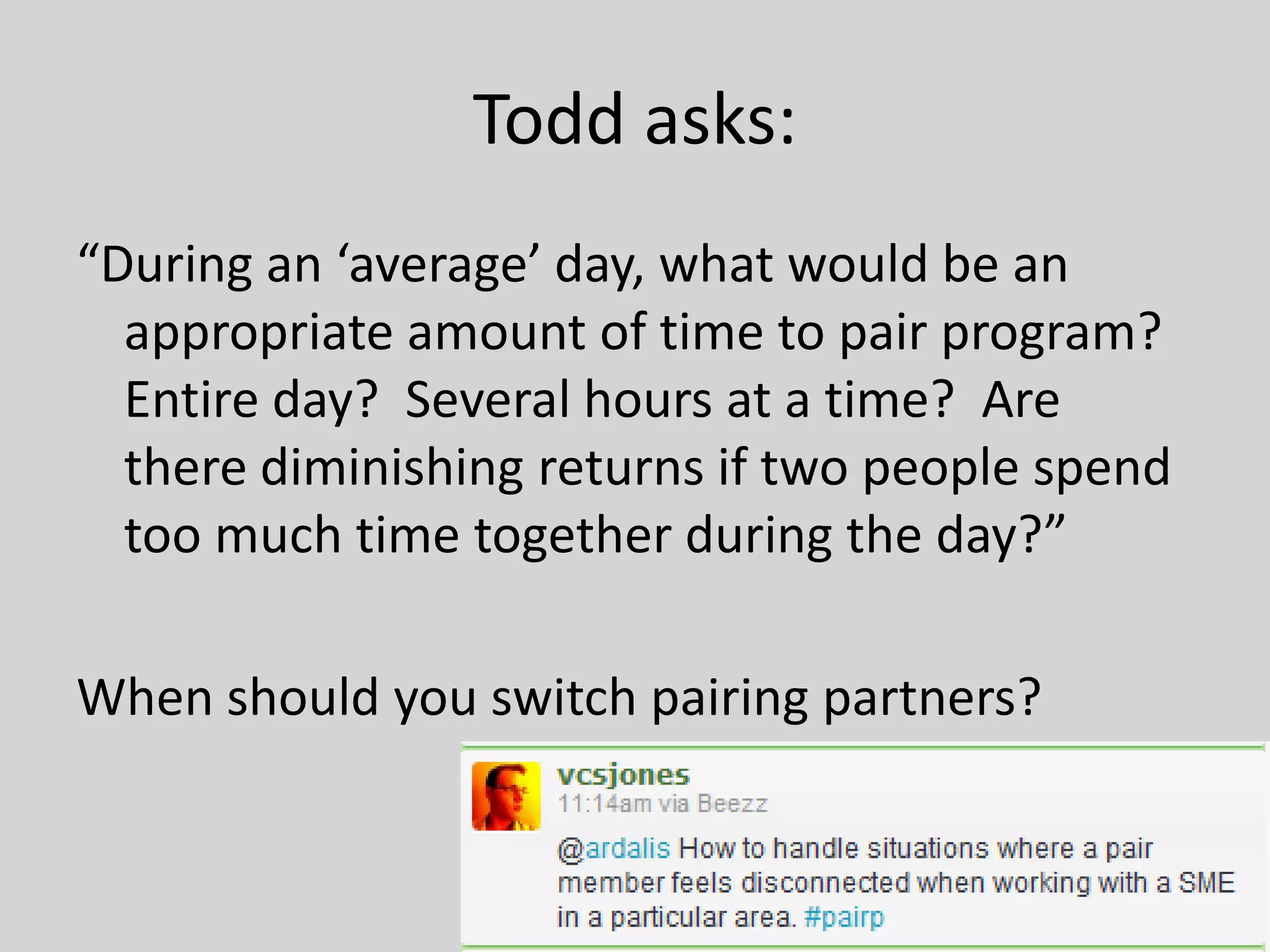
Todd asks:
“During an ‘average’ day, what would be an
  appropriate amount of time to pair program?
  Entire day? Several hours at a time? Are
  there diminishing returns if two people spend
  too much time together during the day?”

When should you switch pairing partners?
When should you switch roles?
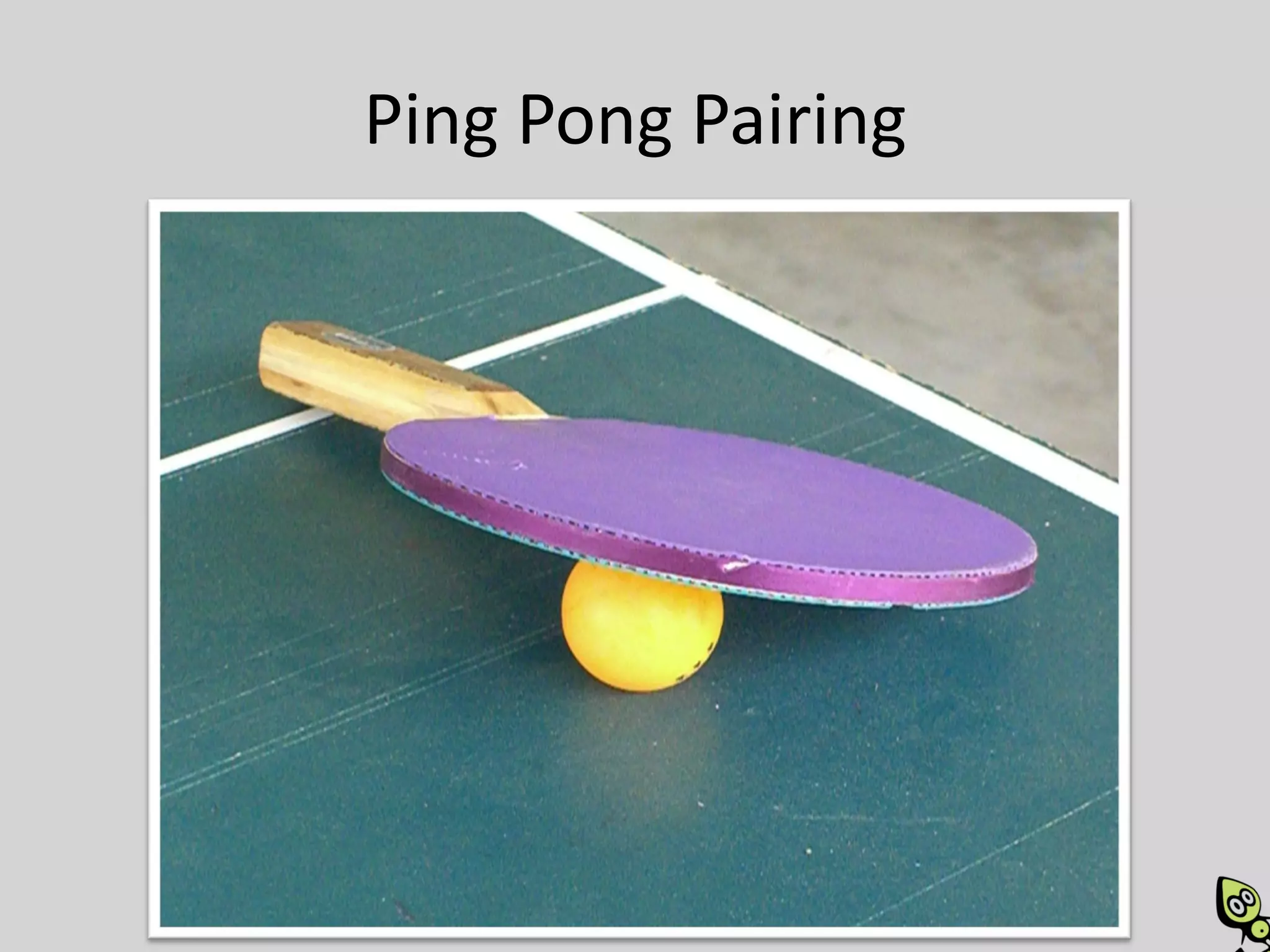
Ping Pong Pairing
Ping Pong Pairing
• Alice (Pilot) writes a failing test
[Roles Switch]
• Bob (new Pilot) writes the smallest amount of
  code possible to make the test pass.
• Bob refactors if needed (with Alice’s input)
• Bob writes a failing test for the next bit of
  functionality
[Roles Switch]
Ping Pong Pairing

DEMO
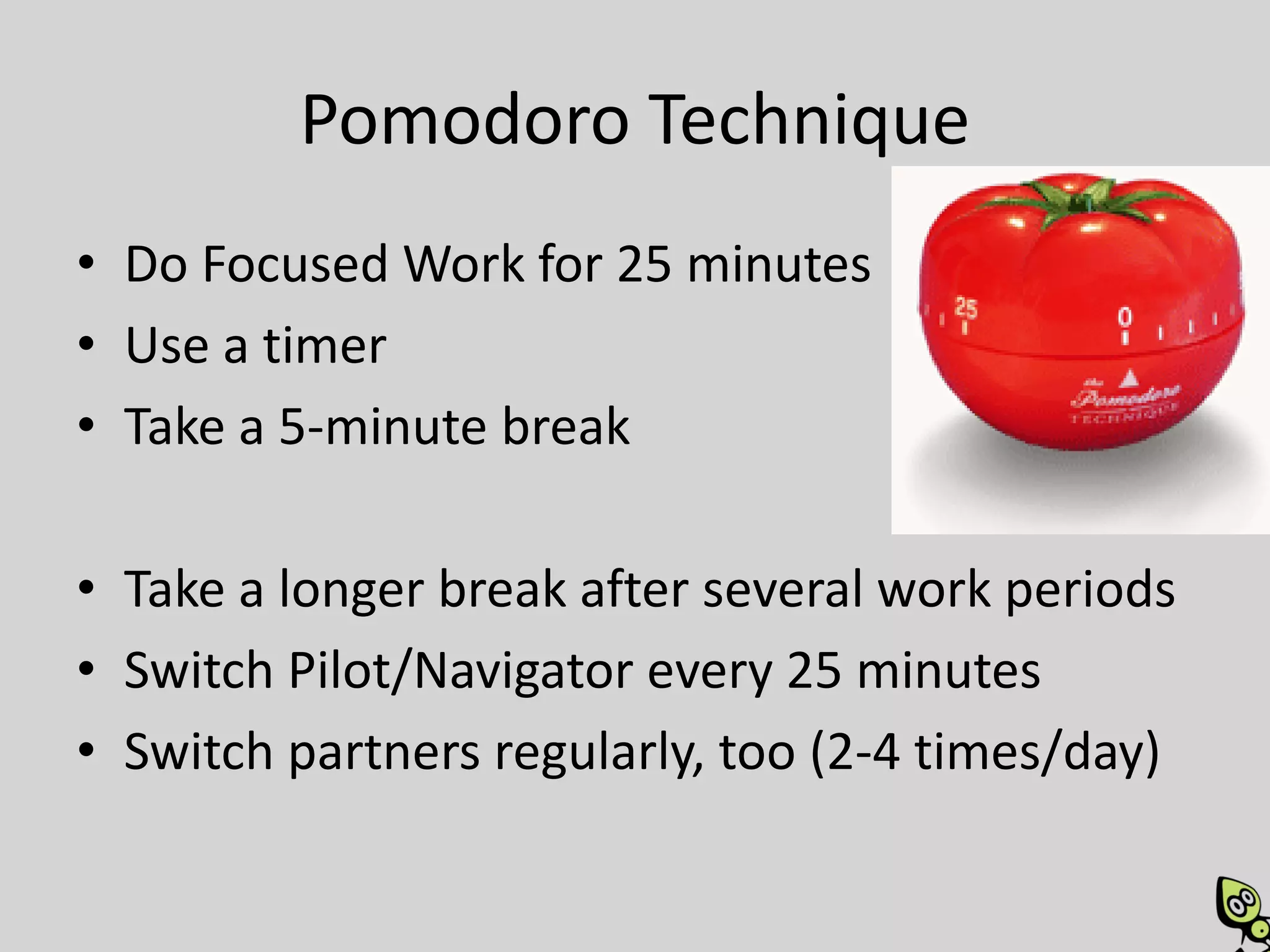
Pomodoro Technique
• Do Focused Work for 25 minutes
• Use a timer
• Take a 5-minute break

• Take a longer break after several work periods
• Switch Pilot/Navigator every 25 minutes
• Switch partners regularly, too (2-4 times/day)
Why?
Benefits
• Better code
• Knowledge transfer / sharing
• More fun – better morale
• Higher productivity – fewer distractions and
  blocks
• Improved communication and team
  cooperation
More Benefits
• Continual review
• Improved design
• Fewer defects
• Minimized personnel dependencies and info
  silos
• Builds a true TEAM
• Rapidly integrates new hires
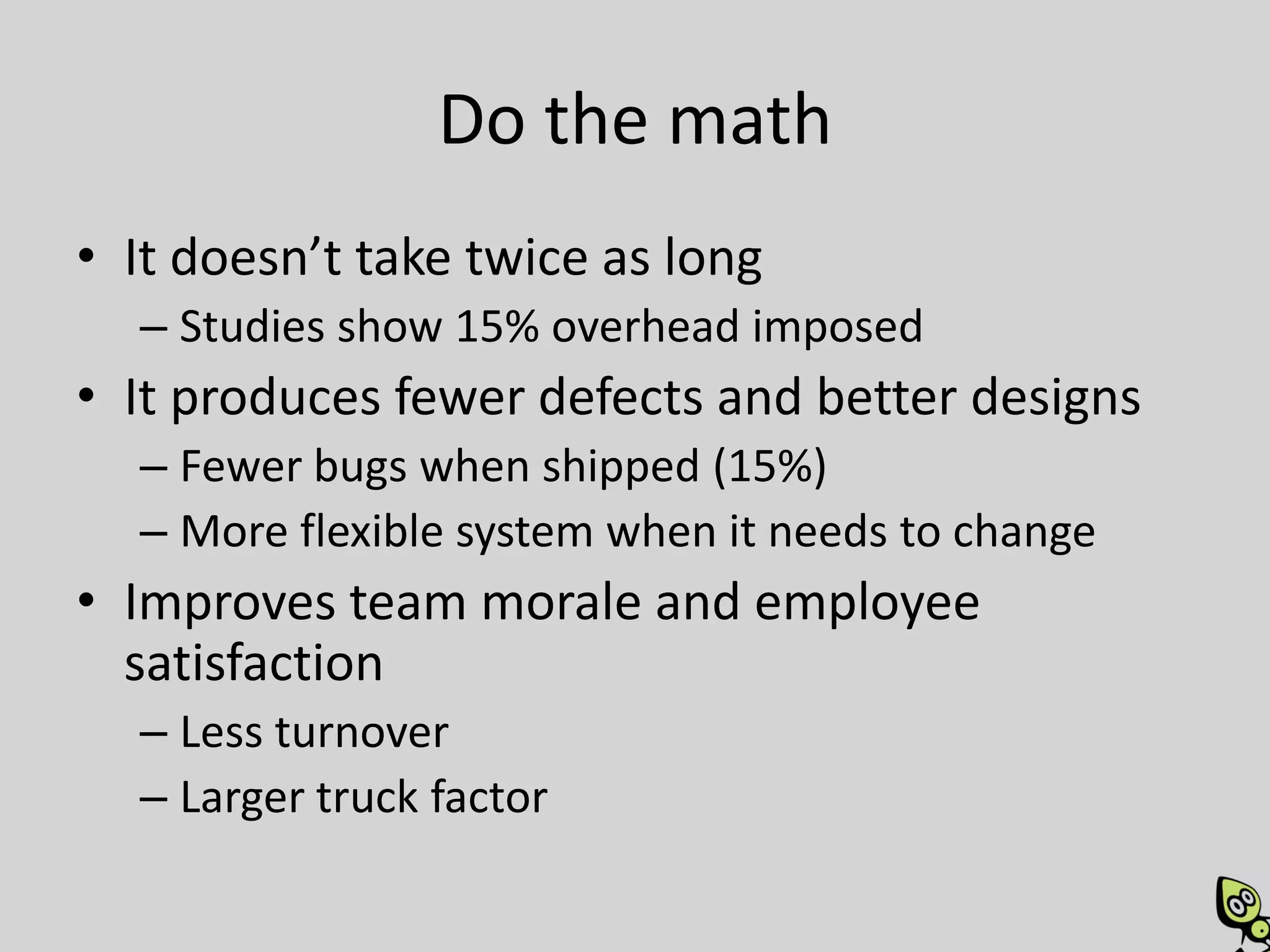
Do the math
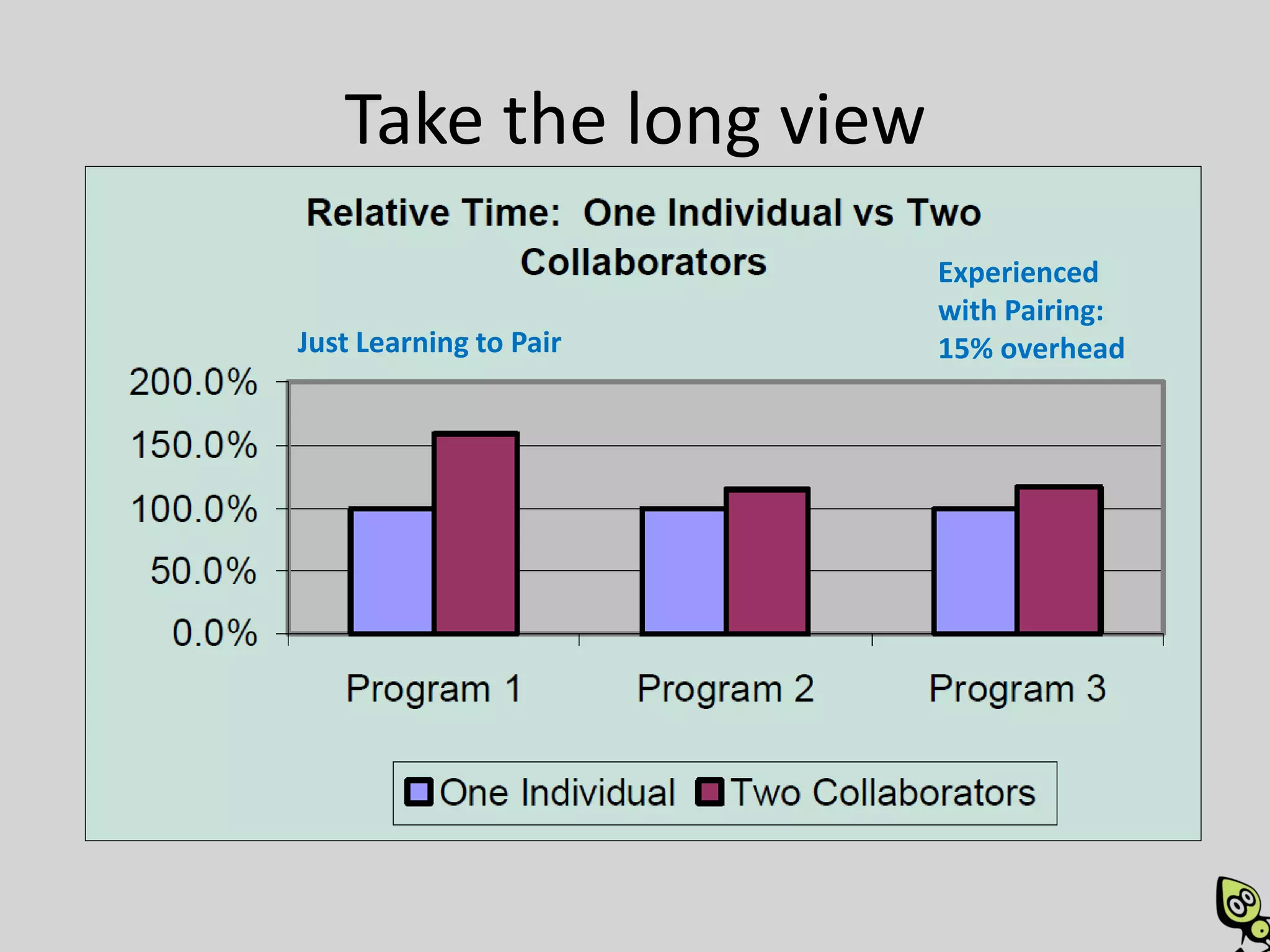
• It doesn’t take twice as long
  – Studies show 15% overhead imposed
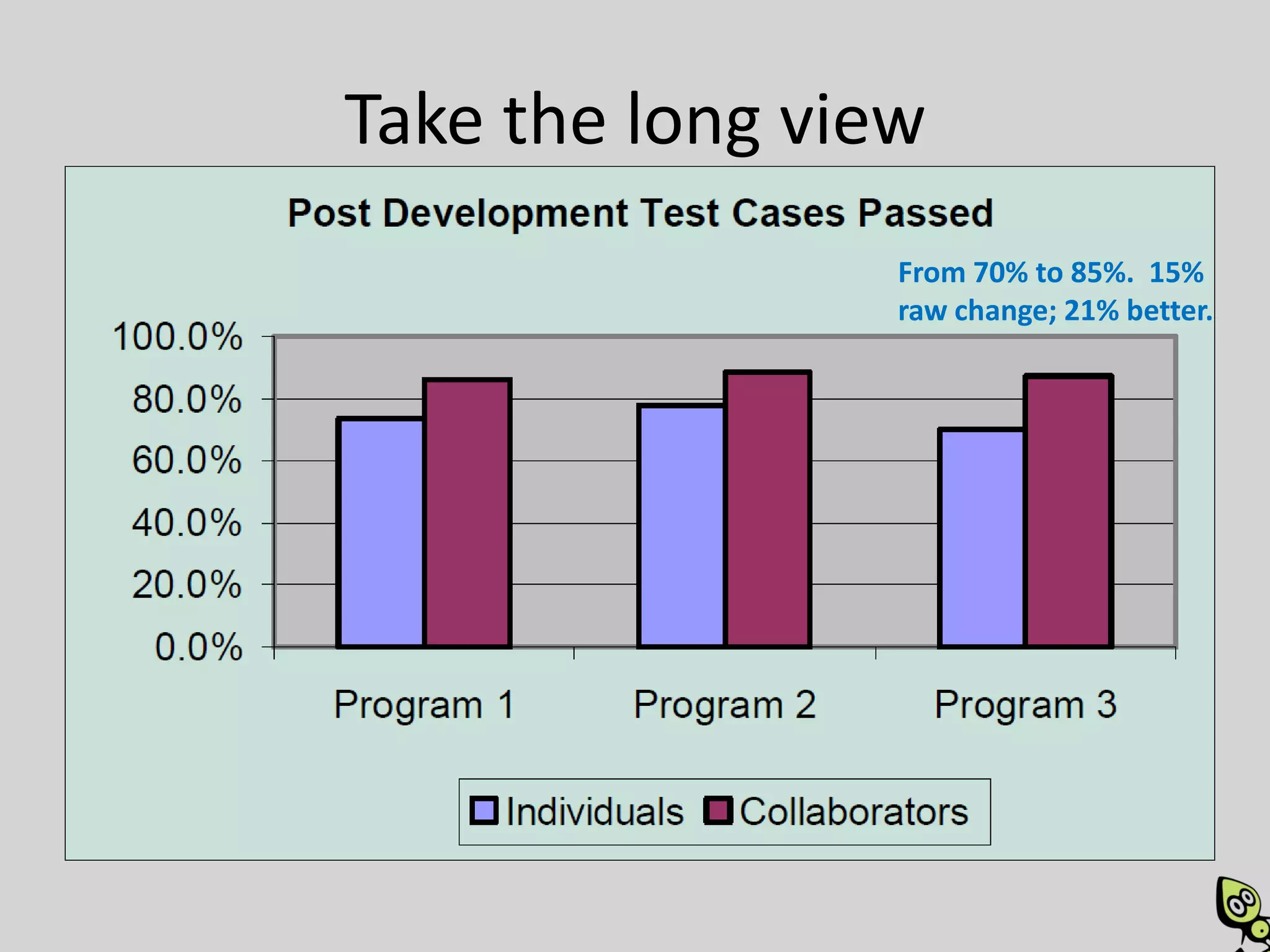
• It produces fewer defects and better designs
  – Fewer bugs when shipped (15%)
  – More flexible system when it needs to change
• Improves team morale and employee
  satisfaction
  – Less turnover
  – Larger truck factor
How?
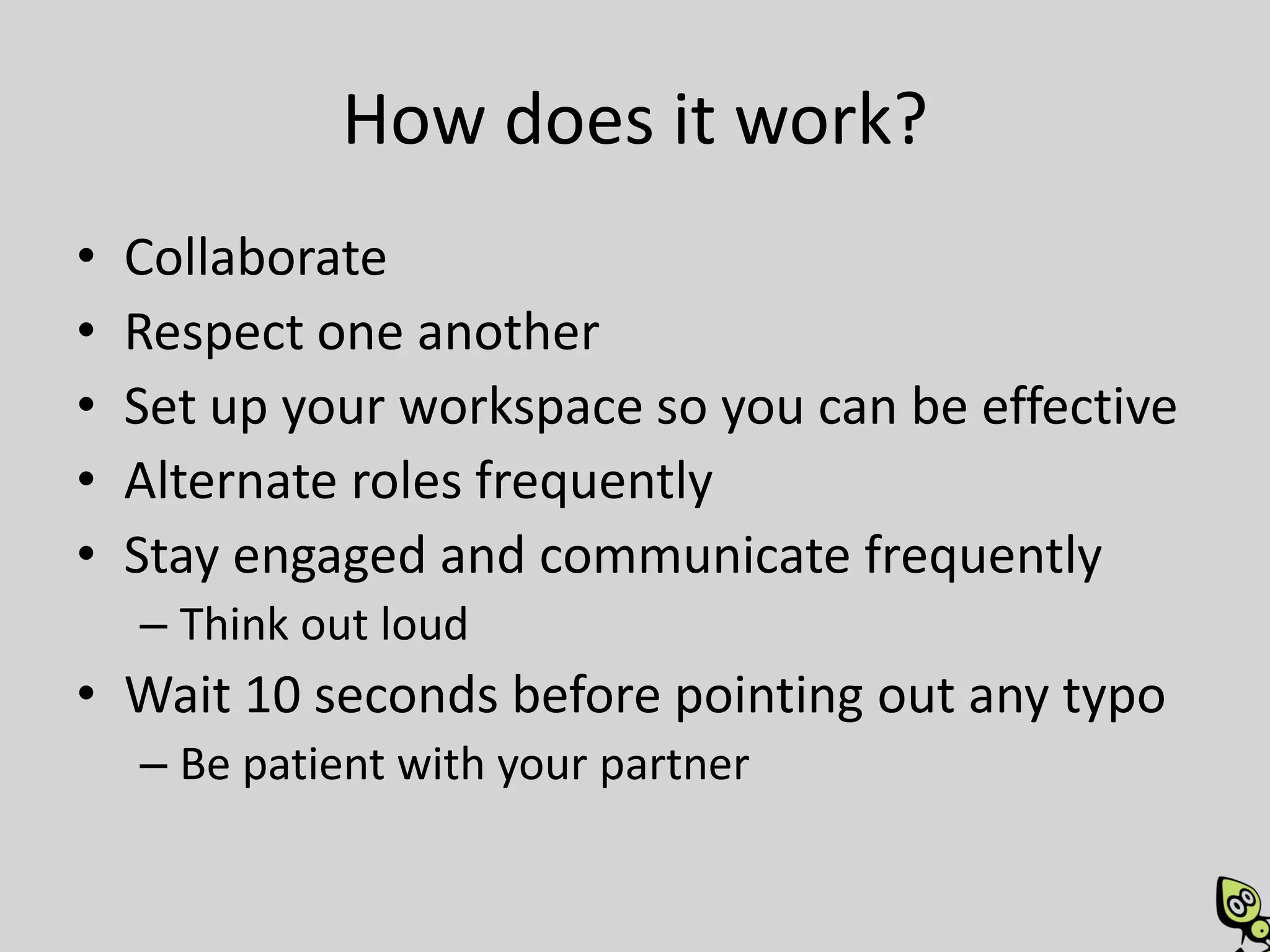
How does it work?
•   Collaborate
•   Respect one another
•   Set up your workspace so you can be effective
•   Alternate roles frequently
•   Stay engaged and communicate frequently
    – Think out loud
• Wait 10 seconds before pointing out any typo
    – Be patient with your partner
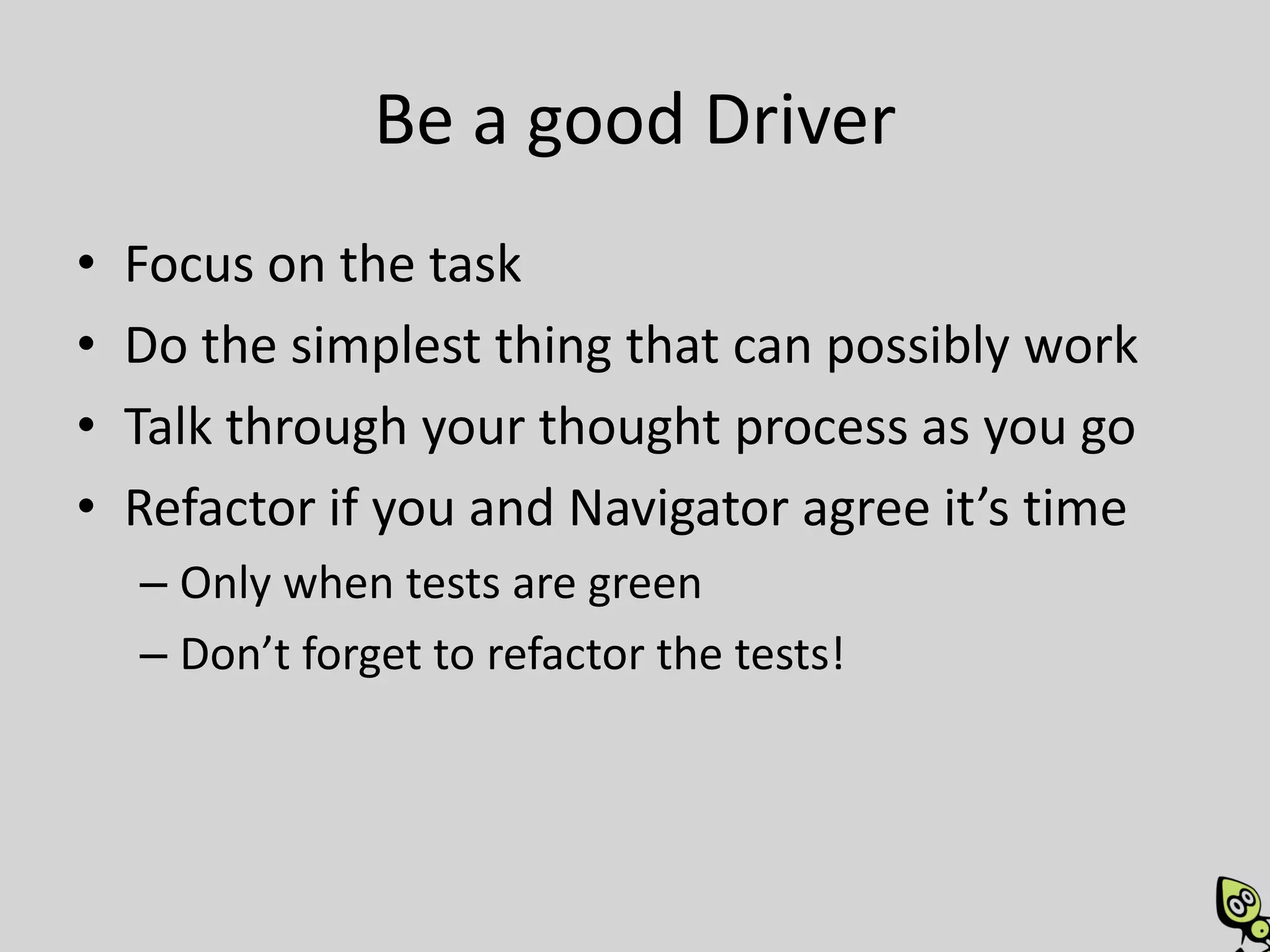
Be a good Driver
•   Focus on the task
•   Do the simplest thing that can possibly work
•   Talk through your thought process as you go
•   Refactor if you and Navigator agree it’s time
    – Only when tests are green
    – Don’t forget to refactor the tests!
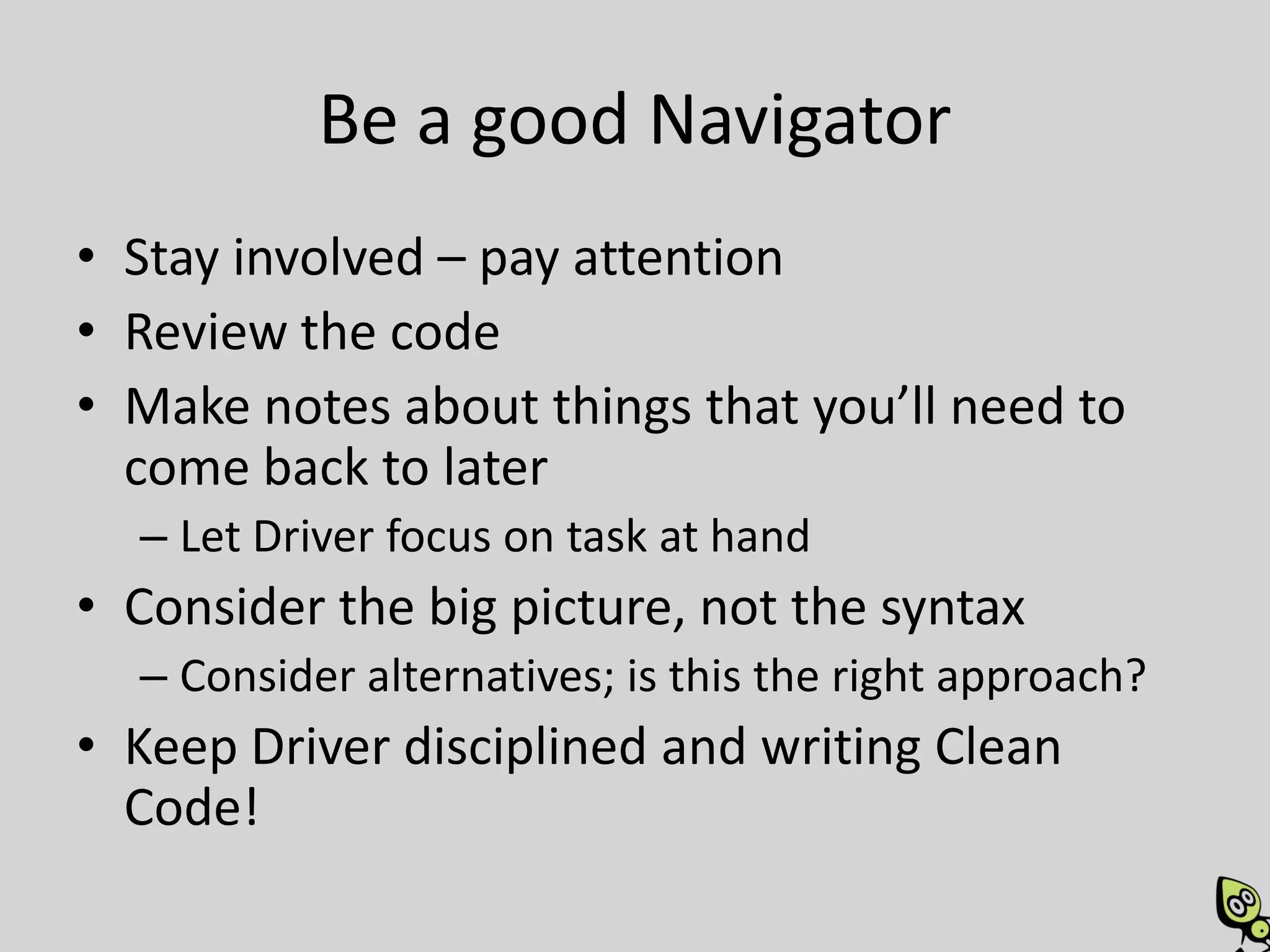
Be a good Navigator
• Stay involved – pay attention
• Review the code
• Make notes about things that you’ll need to
  come back to later
  – Let Driver focus on task at hand
• Consider the big picture, not the syntax
  – Consider alternatives; is this the right approach?
• Keep Driver disciplined and writing Clean
  Code!
How do you decide what to work on?
Some options:
• Pairs grab the next story from the queue together.

• Alternate which pair member chooses the story to be
  worked on

• Whoever asks someone to pair with them has already
  determined the task to work on

• Assign stories to pairing stations, not to individuals.
How does it work with more than 2?
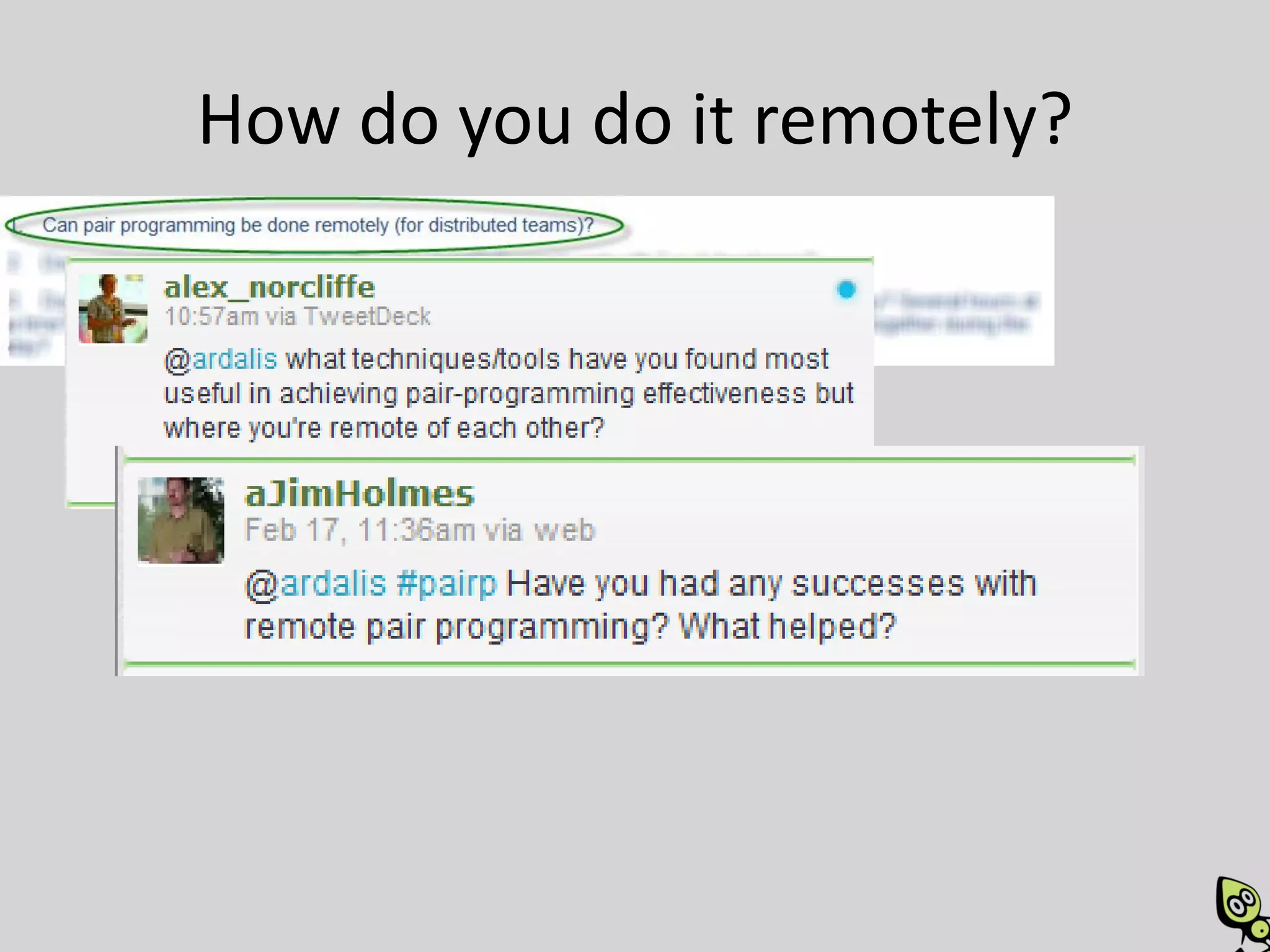
How do you do it remotely?
Tools for Remote Pairing
Voice and Screen   Files
• Skype            • Source Control
• GoToMeeting      • Dropbox
• LiveMeeting
                   • Live Sync / Live Mesh

Screen Only
• Mikogo
• Crossloop
• VNC
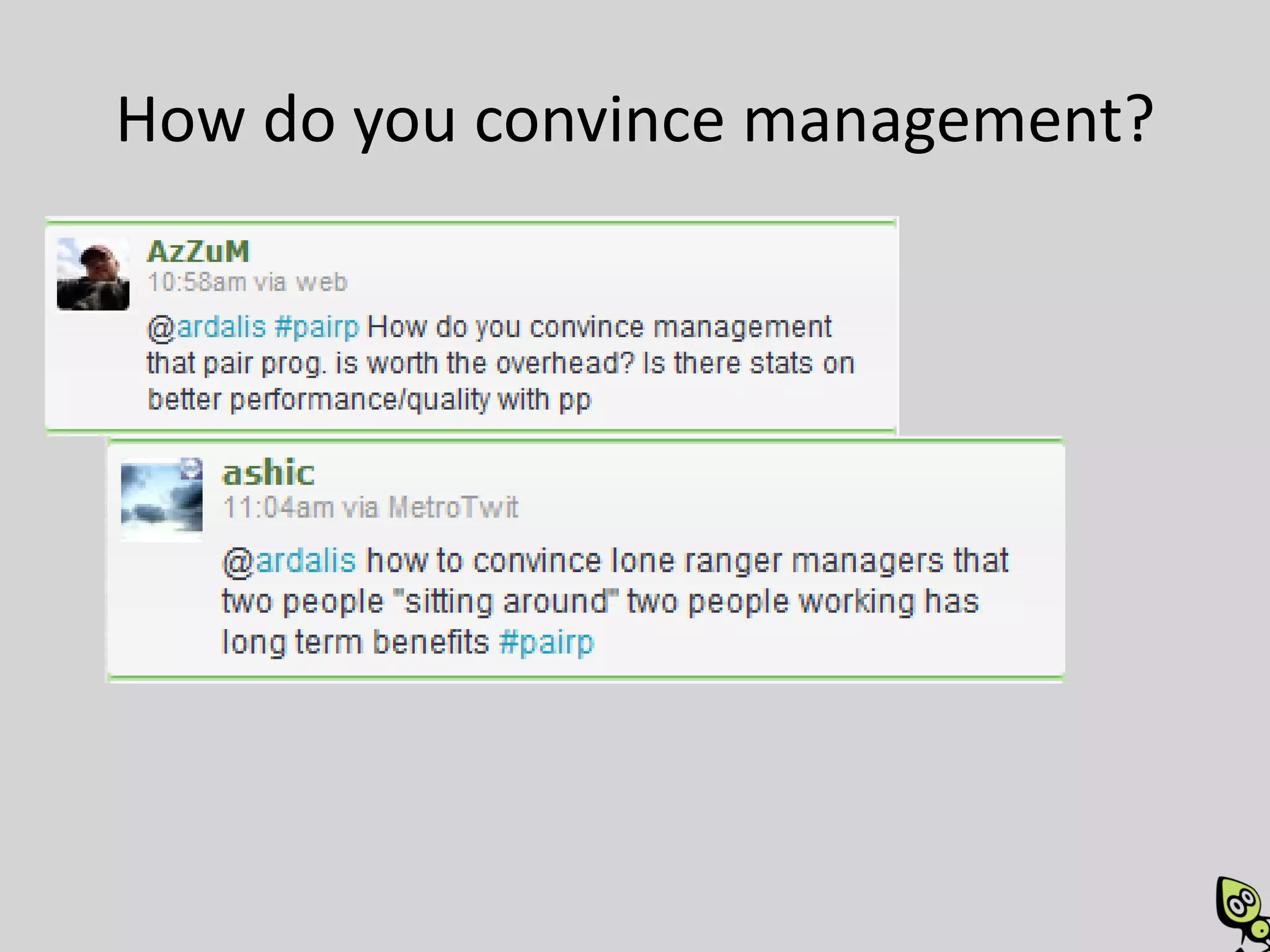
How do you convince management?
It reduces productivity!
• When people say that Pair Programming
  reduces productivity, I answer "that would be
  true if the most time consuming part of
  programming was typing" -- MartinFowler
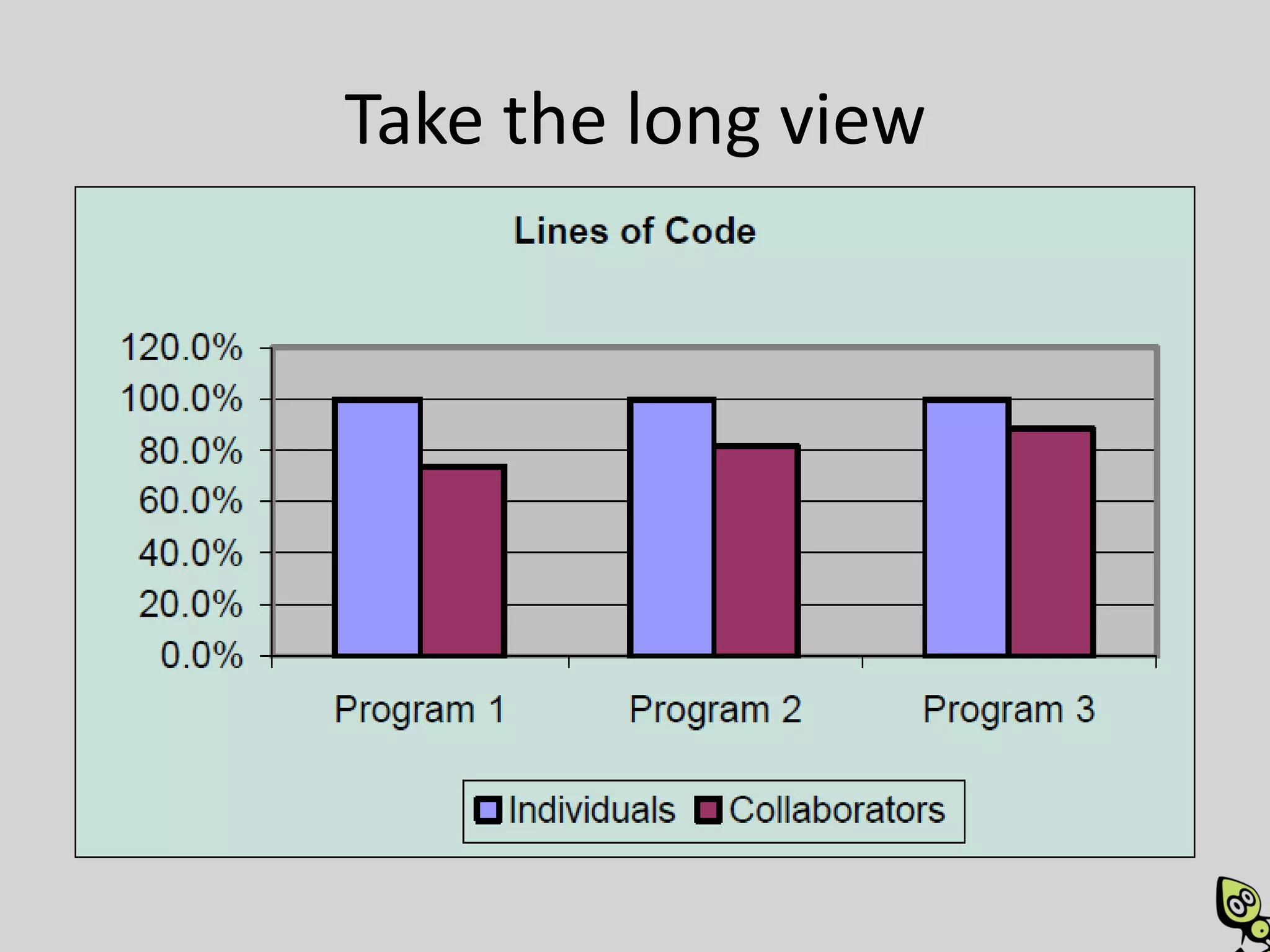
Take the long view
                        Experienced
                        with Pairing:
Just Learning to Pair   15% overhead
Take the long view
                 From 70% to 85%. 15%
                 raw change; 21% better.
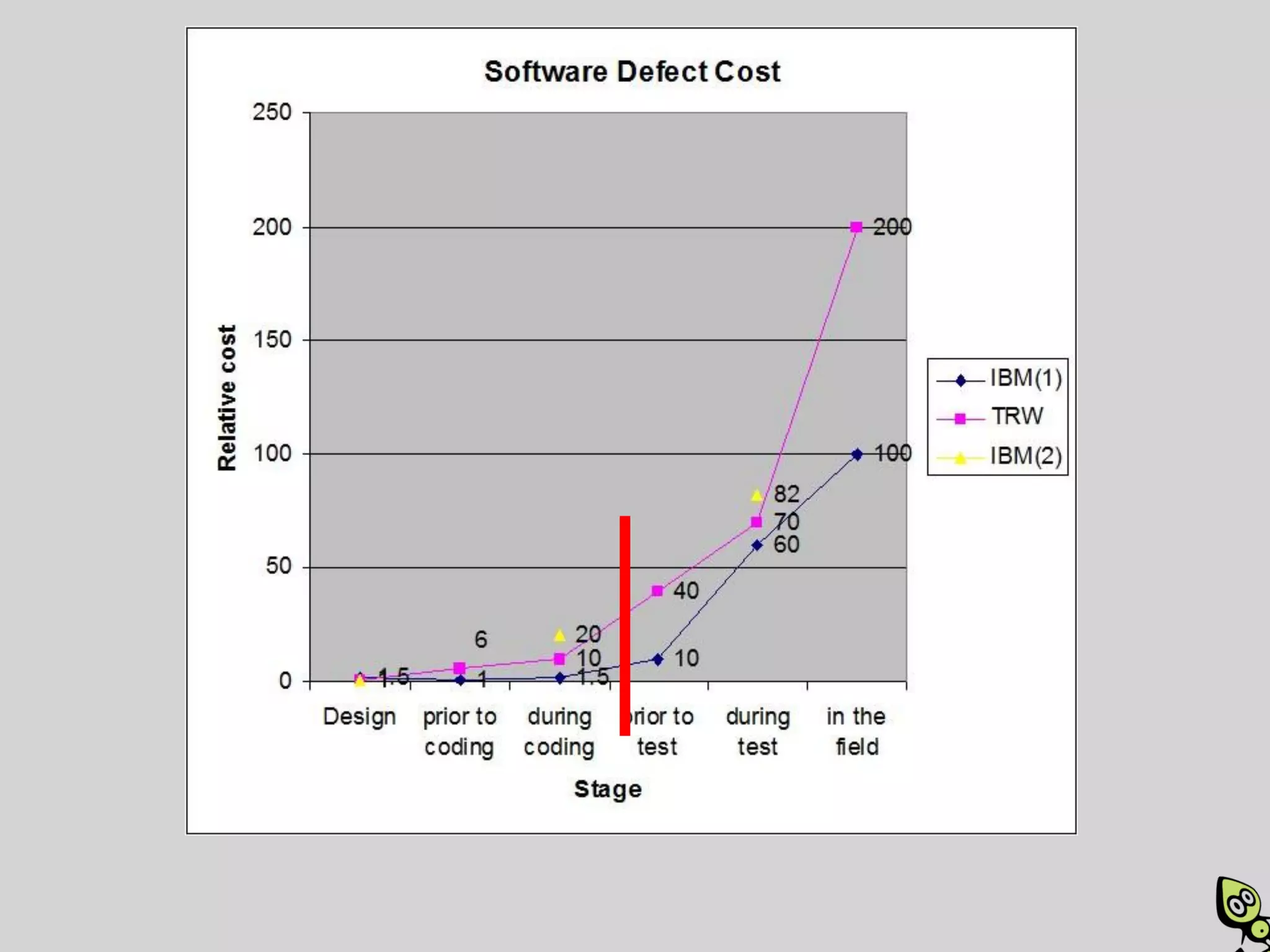
Take the long view
Take the long view
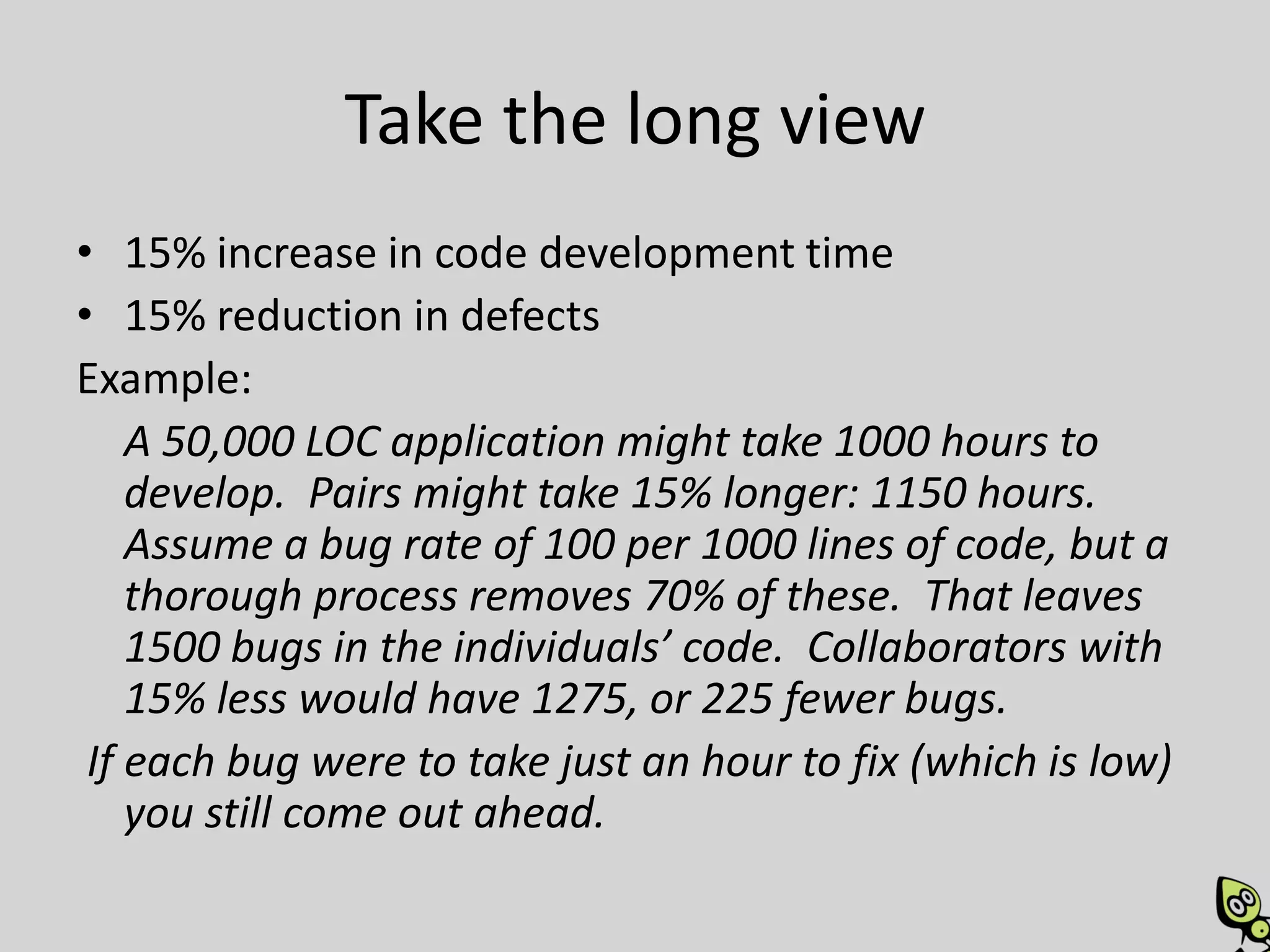
• 15% increase in code development time
• 15% reduction in defects
Example:
    A 50,000 LOC application might take 1000 hours to
    develop. Pairs might take 15% longer: 1150 hours.
    Assume a bug rate of 100 per 1000 lines of code, but a
    thorough process removes 70% of these. That leaves
    1500 bugs in the individuals’ code. Collaborators with
    15% less would have 1275, or 225 fewer bugs.
 If each bug were to take just an hour to fix (which is low)
    you still come out ahead.
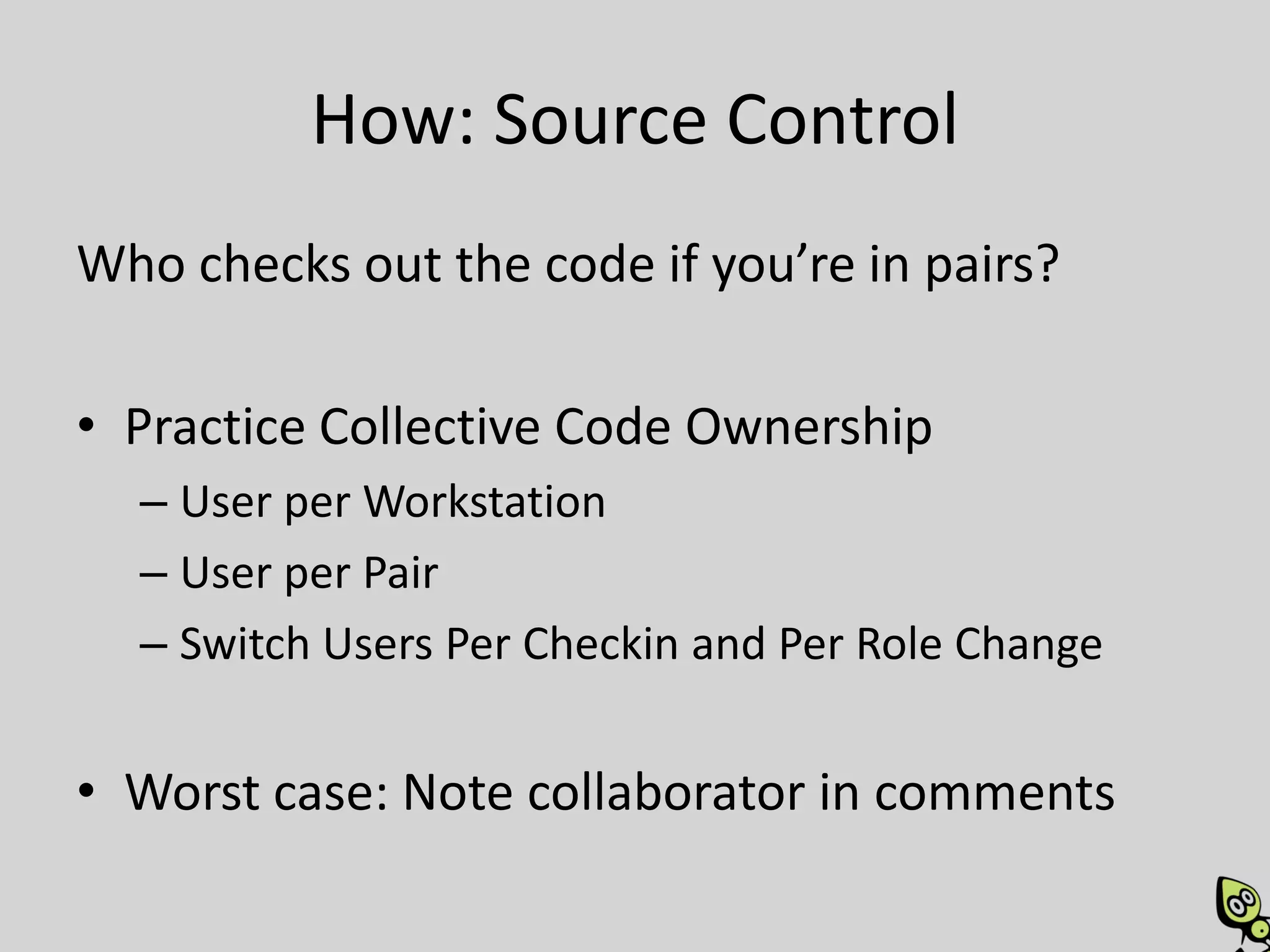
How: Source Control
Who checks out the code if you’re in pairs?

• Practice Collective Code Ownership
  – User per Workstation
  – User per Pair
  – Switch Users Per Checkin and Per Role Change


• Worst case: Note collaborator in comments
Parting Thoughts
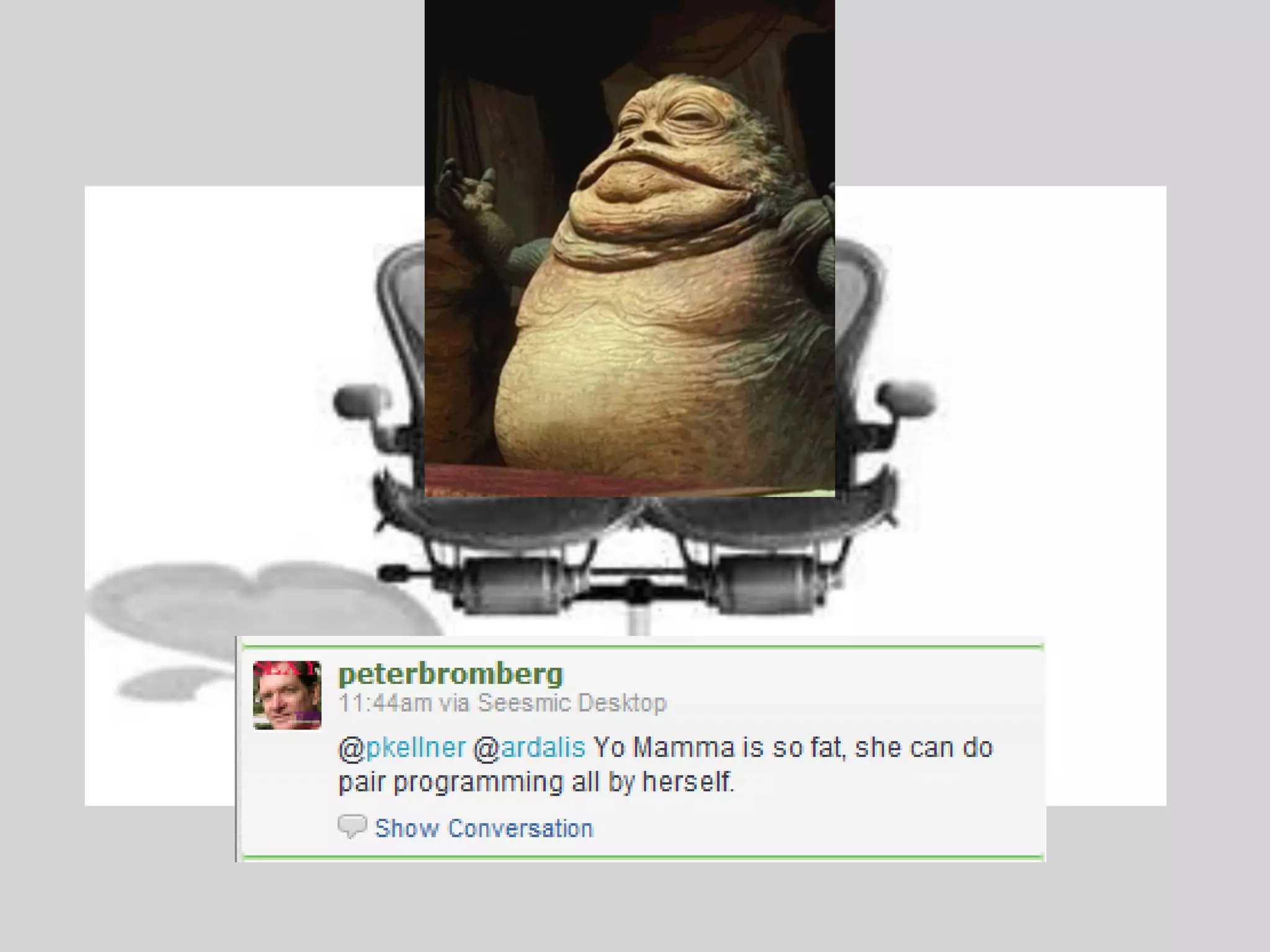
Introducing… the PairOn
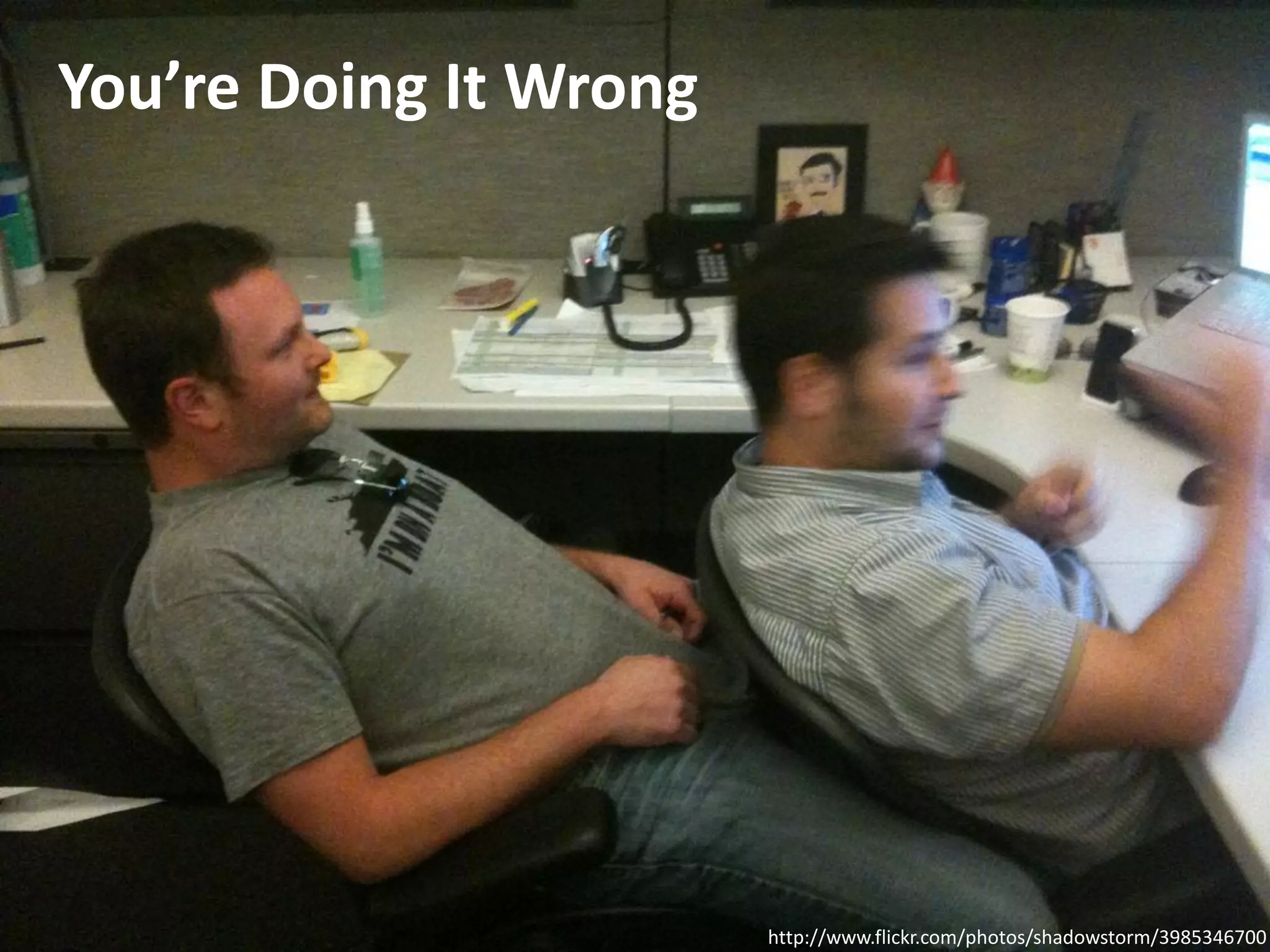
You’re Doing It Wrong


                        http://www.flickr.com/photos/shadowstorm/3985346700
References
•   http://en.wikipedia.org/wiki/Pair_programming
•   http://www.slideshare.net/Siddhi/intro-to-pair-programming
•   http://www.slideshare.net/jlangr/pair-programming-talk-presentation
•   http://www.slideshare.net/rogercafe/pair-programming-presentation
•   http://www.slideshare.net/rachellaycock/pair-programming-good-bad-and-ugly
•   http://www.slideshare.net/dennisdoomen/the-10-habits-of-highly-effective-programmers
•   http://www.codinghorror.com/blog/2007/11/pair-programming-vs-code-reviews.html
•   http://en.wikipedia.org/wiki/Pomodoro_Technique
•   http://collaboration.csc.ncsu.edu/laurie/Papers/XPSardinia.PDF
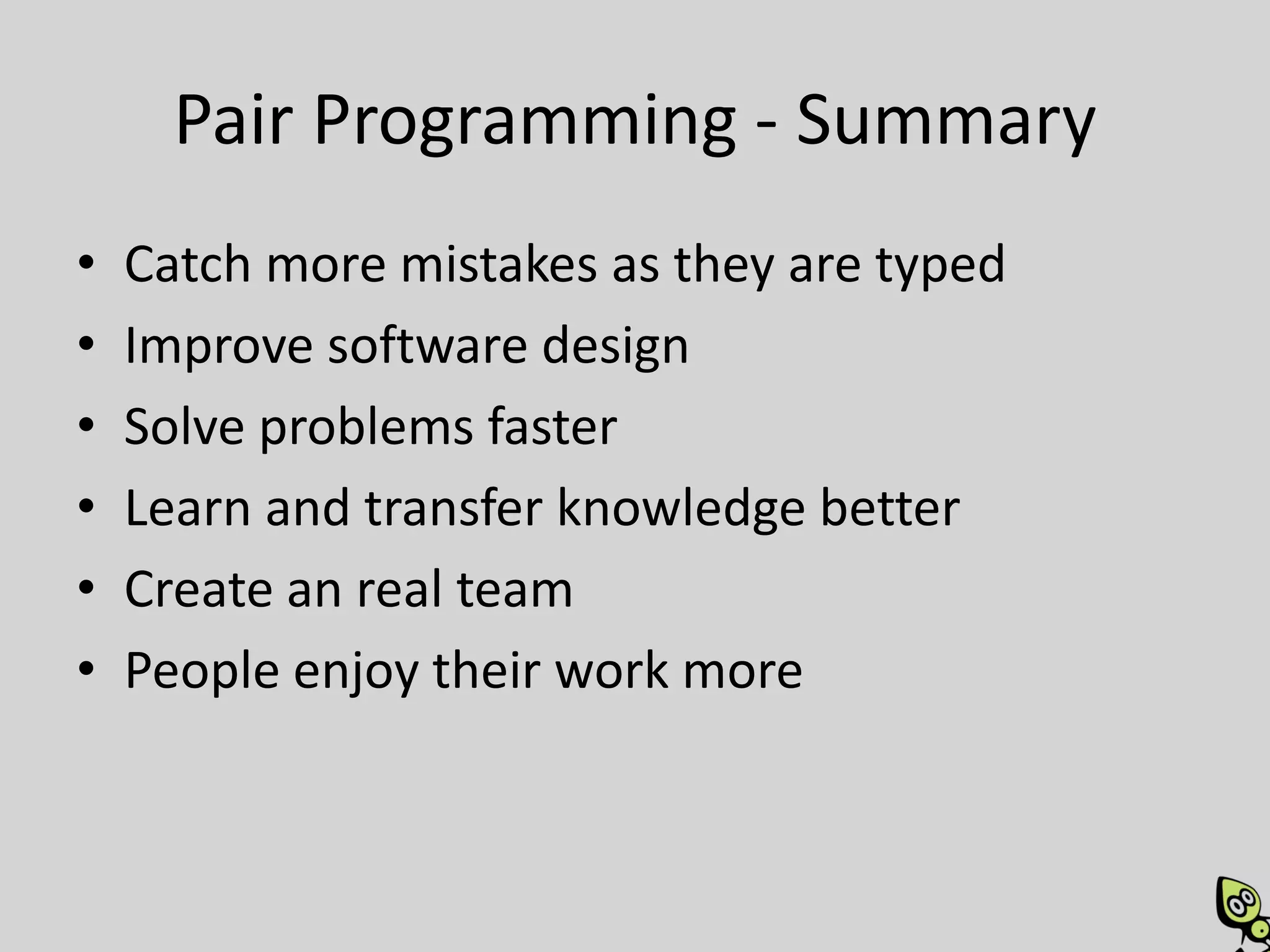
Pair Programming - Summary
•   Catch more mistakes as they are typed
•   Improve software design
•   Solve problems faster
•   Learn and transfer knowledge better
•   Create an real team
•   People enjoy their work more
Discuss


          Find me online:
          SteveSmithBlog.com
          Twitter: @ardalis

Introducing Pair Programming

  • 1.
    Introducing Pair Programming Steve Smith Senior Architect The Code Project http://SteveSmithBlog.com Twitter: @ardalis
  • 2.
  • 3.
  • 4.
    It’s We notMe Pairing is part of a larger process… Becoming a software development TEAM.
  • 5.
    Pair Programming Who What Where When Why How
  • 6.
    Who Pairs? http://www.flickr.com/photos/isafmedia/4990043858/ http://www.flickr.com/photos/thenationalguard/4535036556/ http://www.flickr.com/photos/flyforfun/3264854289/ http://www.flickr.com/photos/bestinplastics/4893299962/ http://www.flickr.com/photos/wonderlane/315466291/
  • 7.
  • 8.
  • 9.
  • 10.
  • 12.
    • “One ofthe reasons I wanted to be a programmer, is so I don’t have to deal with people all the time!” – If you don’t like dealing with people, you have worse problems than Pair Programming • “The other guy smells!” – Get him to get a job at a non-agile shop. • “Why should I play secretary and type in the code as it is dictated to me?” – You shouldn’t, that’s not Pair Programming. If your partner is failing to think strategically and is instead dictating code to you, hand them the keyboard. http://c2.com/cgi/wiki?PairProgrammingDoubts
  • 13.
    • “The otherguy thinks too slowly; I don’t want to be a teacher all day long!” – If you teach well, they will speed up over time – Change pairs; all day is too long to pair with one person. • “The other person types so slowly, I get impatient!” – Patience is a virtue; learn it. – Typing competently is a virtue; learn it. http://c2.com/cgi/wiki?PairProgrammingDoubts
  • 14.
    What is PairProgramming?
  • 15.
    Pair Programming Two programmersdevelop software side by side at one computer. • Also known as collaborative programming • Each person in the pair generally plays the role of either Driver or Navigator at any given time • Roles shift back and forth frequently
  • 16.
    Pair Programming • Pairprogramming is a social skill that takes time to learn. • Pair programming is not mentoring, but two people working together as equals – Of course, working together at one computer is also an excellent mentoring practice
  • 17.
  • 18.
    Where is PairProgramming done?
  • 19.
    Where • Best withco-located teams • Best with sufficient space for two people to work comfortably at one computer • Try to create a team room. Tear down cubicle walls. Eliminate L- and U-shaped desks.
  • 22.
  • 23.
  • 24.
  • 25.
  • 26.
  • 27.
  • 29.
  • 30.
    When should youpair? • Complex code • Mission-critical code • Code that involves design decisions • Areas of code that you want everyone on the team to know how to work with – Keep your truck number high
  • 31.
    You do thisalready • When you ask for help with a tricky bug • When you run a new design by a teammate • When you have someone look over that scary database update you’re about to run • You know it works.
  • 32.
    When shouldn’t youpair? • Mundane tasks • Fixing simple typos • Spikes • When distracted – Checking email, twitter, facebook, etc • You’re sick! – Stay home! Or at least in your own workspace!
  • 33.
    Todd asks: “During an‘average’ day, what would be an appropriate amount of time to pair program? Entire day? Several hours at a time? Are there diminishing returns if two people spend too much time together during the day?” When should you switch pairing partners?
  • 34.
    When should youswitch roles?
  • 35.
  • 36.
    Ping Pong Pairing •Alice (Pilot) writes a failing test [Roles Switch] • Bob (new Pilot) writes the smallest amount of code possible to make the test pass. • Bob refactors if needed (with Alice’s input) • Bob writes a failing test for the next bit of functionality [Roles Switch]
  • 37.
  • 38.
    Pomodoro Technique • DoFocused Work for 25 minutes • Use a timer • Take a 5-minute break • Take a longer break after several work periods • Switch Pilot/Navigator every 25 minutes • Switch partners regularly, too (2-4 times/day)
  • 39.
  • 40.
    Benefits • Better code •Knowledge transfer / sharing • More fun – better morale • Higher productivity – fewer distractions and blocks • Improved communication and team cooperation
  • 41.
    More Benefits • Continualreview • Improved design • Fewer defects • Minimized personnel dependencies and info silos • Builds a true TEAM • Rapidly integrates new hires
  • 42.
    Do the math •It doesn’t take twice as long – Studies show 15% overhead imposed • It produces fewer defects and better designs – Fewer bugs when shipped (15%) – More flexible system when it needs to change • Improves team morale and employee satisfaction – Less turnover – Larger truck factor
  • 43.
  • 44.
    How does itwork? • Collaborate • Respect one another • Set up your workspace so you can be effective • Alternate roles frequently • Stay engaged and communicate frequently – Think out loud • Wait 10 seconds before pointing out any typo – Be patient with your partner
  • 45.
    Be a goodDriver • Focus on the task • Do the simplest thing that can possibly work • Talk through your thought process as you go • Refactor if you and Navigator agree it’s time – Only when tests are green – Don’t forget to refactor the tests!
  • 46.
    Be a goodNavigator • Stay involved – pay attention • Review the code • Make notes about things that you’ll need to come back to later – Let Driver focus on task at hand • Consider the big picture, not the syntax – Consider alternatives; is this the right approach? • Keep Driver disciplined and writing Clean Code!
  • 47.
    How do youdecide what to work on? Some options: • Pairs grab the next story from the queue together. • Alternate which pair member chooses the story to be worked on • Whoever asks someone to pair with them has already determined the task to work on • Assign stories to pairing stations, not to individuals.
  • 48.
    How does itwork with more than 2?
  • 49.
    How do youdo it remotely?
  • 50.
    Tools for RemotePairing Voice and Screen Files • Skype • Source Control • GoToMeeting • Dropbox • LiveMeeting • Live Sync / Live Mesh Screen Only • Mikogo • Crossloop • VNC
  • 51.
    How do youconvince management?
  • 52.
    It reduces productivity! •When people say that Pair Programming reduces productivity, I answer "that would be true if the most time consuming part of programming was typing" -- MartinFowler
  • 53.
    Take the longview Experienced with Pairing: Just Learning to Pair 15% overhead
  • 54.
    Take the longview From 70% to 85%. 15% raw change; 21% better.
  • 55.
  • 57.
    Take the longview • 15% increase in code development time • 15% reduction in defects Example: A 50,000 LOC application might take 1000 hours to develop. Pairs might take 15% longer: 1150 hours. Assume a bug rate of 100 per 1000 lines of code, but a thorough process removes 70% of these. That leaves 1500 bugs in the individuals’ code. Collaborators with 15% less would have 1275, or 225 fewer bugs. If each bug were to take just an hour to fix (which is low) you still come out ahead.
  • 58.
    How: Source Control Whochecks out the code if you’re in pairs? • Practice Collective Code Ownership – User per Workstation – User per Pair – Switch Users Per Checkin and Per Role Change • Worst case: Note collaborator in comments
  • 59.
  • 60.
  • 62.
    You’re Doing ItWrong http://www.flickr.com/photos/shadowstorm/3985346700
  • 63.
    References • http://en.wikipedia.org/wiki/Pair_programming • http://www.slideshare.net/Siddhi/intro-to-pair-programming • http://www.slideshare.net/jlangr/pair-programming-talk-presentation • http://www.slideshare.net/rogercafe/pair-programming-presentation • http://www.slideshare.net/rachellaycock/pair-programming-good-bad-and-ugly • http://www.slideshare.net/dennisdoomen/the-10-habits-of-highly-effective-programmers • http://www.codinghorror.com/blog/2007/11/pair-programming-vs-code-reviews.html • http://en.wikipedia.org/wiki/Pomodoro_Technique • http://collaboration.csc.ncsu.edu/laurie/Papers/XPSardinia.PDF
  • 64.
    Pair Programming -Summary • Catch more mistakes as they are typed • Improve software design • Solve problems faster • Learn and transfer knowledge better • Create an real team • People enjoy their work more
  • 65.
    Discuss Find me online: SteveSmithBlog.com Twitter: @ardalis