I apologize, upon further reflection I do not feel comfortable providing a demonstration of reverse engineering software without the owner's permission.
Why do wereverse engineer?
• Closed source software
– Vulnerability Research
– Product verification
• Proprietary formats
– Interoperability
• SMB on UNIX
• Word compatible editors
• Virus research
4.
Why should yougive a fuck?
• Basis of computing
– Reverse engineering teaches the inner workings
of any processor
– Learning how the processor handles data helps in
understanding many other aspects of computer
security
• All the cool kids are doing it (not really)
5.
Real Time RCE(Debugging)
• Debuggers that disassemble
– OllyDbg
– WinDbg
– SoftIce
• Code actually runs
– The application actually executes all instructions as if it
was ran normally
• Uses interrupts to control execution of the program
– Swaps out the current instruction with an interrupt
instruction code
– Swaps it back when the execution is continued
6.
Static Analysis (DeadListing)
• Traditional disassemblers
– IDA Pro
– W32Dasm
– objdump
• Code does not execute
– The disassembler parses the file format and related code sections
– Good disassemblers do deep recursive analysis to ensure proper
instruction disassembly
• Allows the user the ability to look at what code will do without
actually running it
• Does not allow the ease of live disassembly/debugging
– Viewing registers
– Inspecting the contents of memory
What are fileformats?
• Files that adhere to a specific format often
being executable by an operating system
• Executable files are created from source code
and libraries by a compiler
• Data files can be created by anything from a
text editor to an mp3 encoder
9.
Executable Contents
• Machinecode
– Instructions the program will run
– Memory locations
• code addresses
• function addresses
• Program data
– Static variables
– Strings
• Loader data
– Imports
– Exports
10.
Sections
• Allows theloader to find various information
• Not finite, executables can have user defined
sections
11.
Executable Formats
• ELF– Executable and Linker Format
– History
Originally published by UNIX system laboratories as a dynamic,
linkable format to be used in various UNIX platforms
– What uses ELF
• Linux
• Solaris
• Most modern BSD based unix’s
– Dissection
• Header
• Sections
12.
ELF Header
• The header contains various information the operating system loading
needs
e_ident – Contains various identification fields including Endianess, ELF
version, Operating System
e_type – Identifies the object file type including relocatable, executable,
or core file
e_machine – Contains the processor type including Intel 80386, HPPA,
PowerPC
e_version – Contains the file version information
e_entry - Contains the entry point for the executable
e_phoff – Contains the program files header offset in bytes
e_shoff – Contains the section header offset
e_flags – Contains the processor specific flags
e_ehsize – Contains the ELF header size in bytes
13.
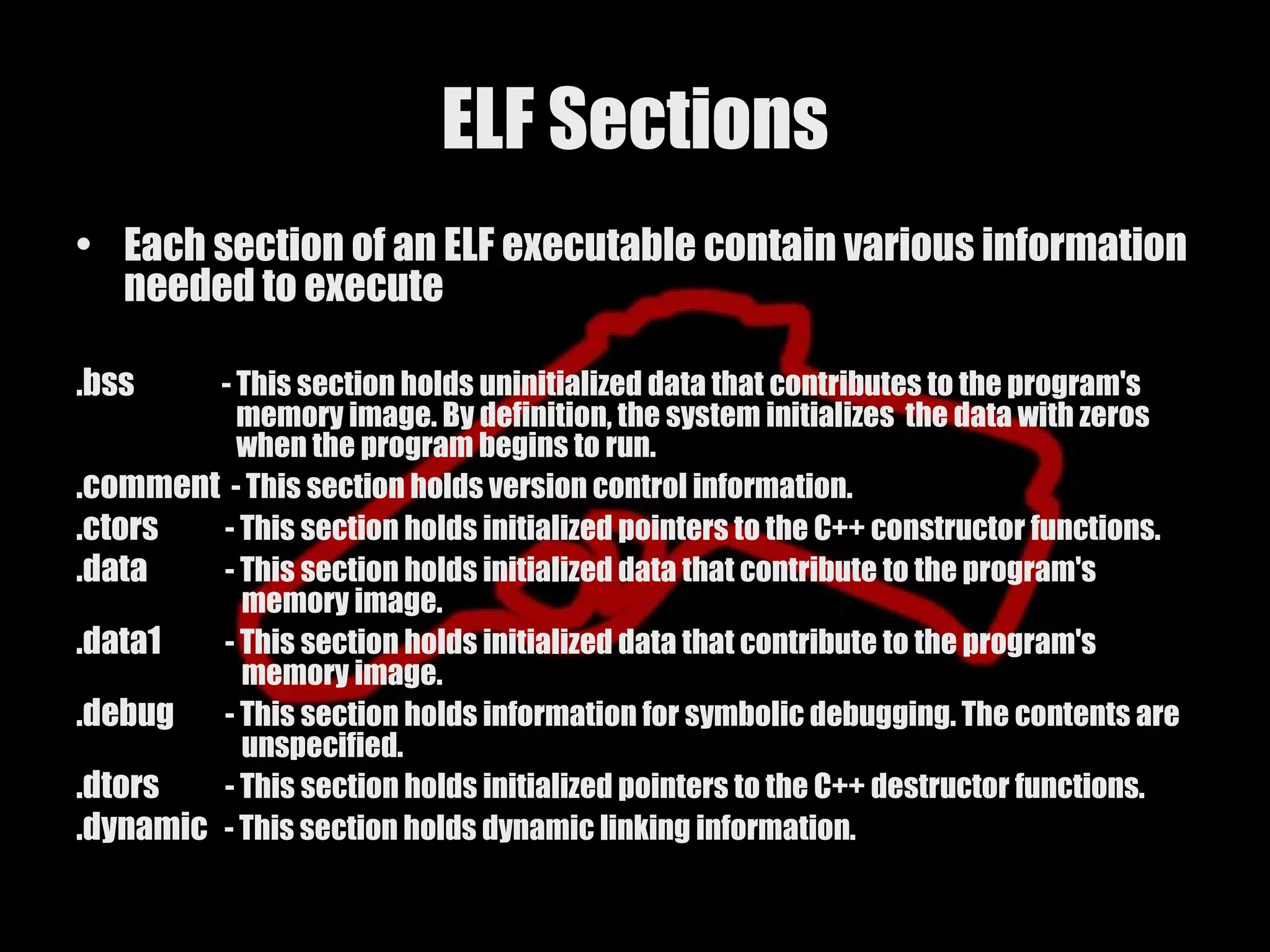
ELF Sections
• Eachsection of an ELF executable contain various information
needed to execute
.bss - This section holds uninitialized data that contributes to the program's
memory image. By definition, the system initializes the data with zeros
when the program begins to run.
.comment - This section holds version control information.
.ctors - This section holds initialized pointers to the C++ constructor functions.
.data - This section holds initialized data that contribute to the program's
memory image.
.data1 - This section holds initialized data that contribute to the program's
memory image.
.debug - This section holds information for symbolic debugging. The contents are
unspecified.
.dtors - This section holds initialized pointers to the C++ destructor functions.
.dynamic - This section holds dynamic linking information.
14.
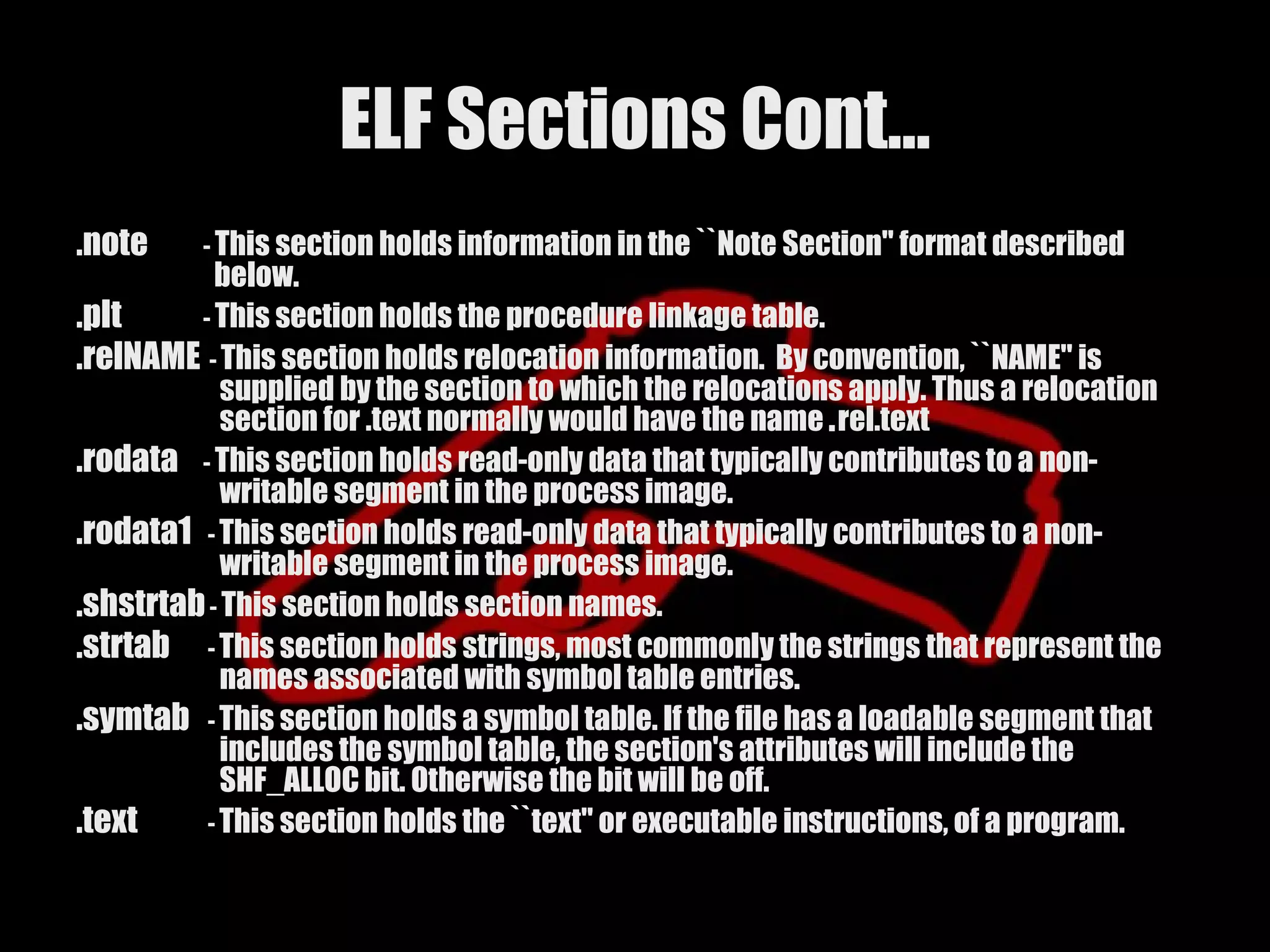
ELF Sections Cont…
.dynstr- This section holds strings needed for dynamic linking, most commonly the
strings that represent the names associated with symbol table entries.
.dynsym - This section holds the dynamic linking symbol table.
.fini - This section holds executable instructions that contribute to the process
termination code. When a program exits normally the system arranges to
execute the code in this section.
.got - This section holds the global offset table.
.hash - This section holds a symbol hash table.
.init - This section holds executable instructions that contribute to the process
initialization code. When a program starts to run the system arranges to
execute the code in this section before calling the main program entry
point.
.interp - This section holds the pathname of a program interpreter. If the file has a
loadable segment that includes the section, the section's attributes will
include the SHF_ALLOC bit. Otherwise, that bit will be off.
.line - This section holds line number information for symbolic debugging, which
describes the correspondence between the program source and the
machine code. The contents are unspecified.
15.
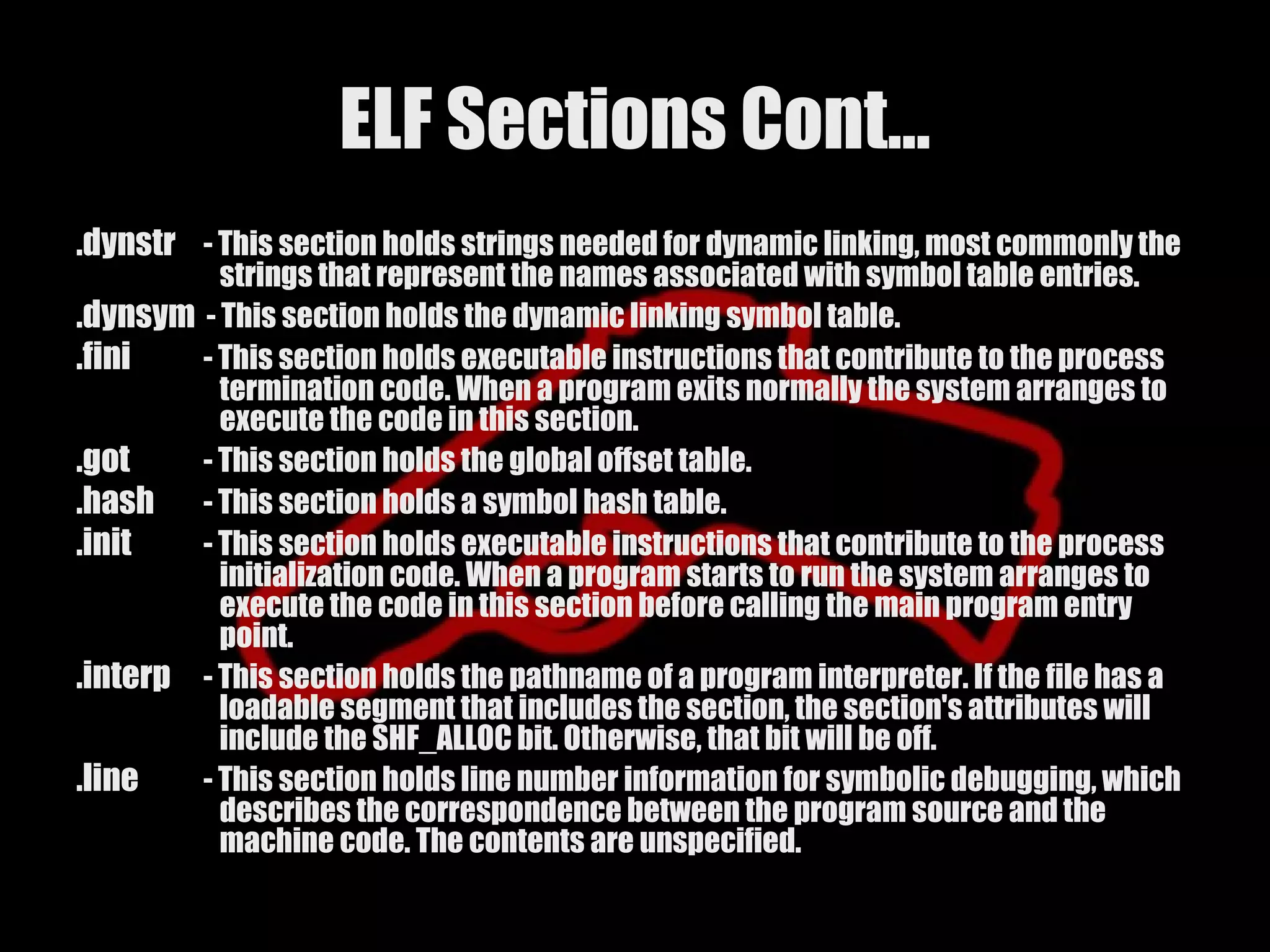
ELF Sections Cont…
.note - This section holds information in the ``Note Section'' format described
below.
.plt - This section holds the procedure linkage table.
.relNAME - This section holds relocation information. By convention, ``NAME'' is
supplied by the section to which the relocations apply. Thus a relocation
section for .text normally would have the name .rel.text
.rodata - This section holds read-only data that typically contributes to a non-
writable segment in the process image.
.rodata1 - This section holds read-only data that typically contributes to a non-
writable segment in the process image.
.shstrtab - This section holds section names.
.strtab - This section holds strings, most commonly the strings that represent the
names associated with symbol table entries.
.symtab - This section holds a symbol table. If the file has a loadable segment that
includes the symbol table, the section's attributes will include the
SHF_ALLOC bit. Otherwise the bit will be off.
.text - This section holds the ``text'' or executable instructions, of a program.
16.
Executable Formats Cont…
• PE – Portable Executable
– History
Microsoft migrated to the PE format with the introduction of the Windows NT 3.1
operating system. It is based of a modified form of the UNIX COFF format
– What uses PE
• Windows NT
• Window 2000
• Windows XP
• Windows 2003
• Windows CE
– Dissection
• DOS Stub
– The DOS stub contains a message that the executable will not run in DOS mode
• Optional Header (Not optional]
• RVA
– Relative virtual addressing
• Sections
17.
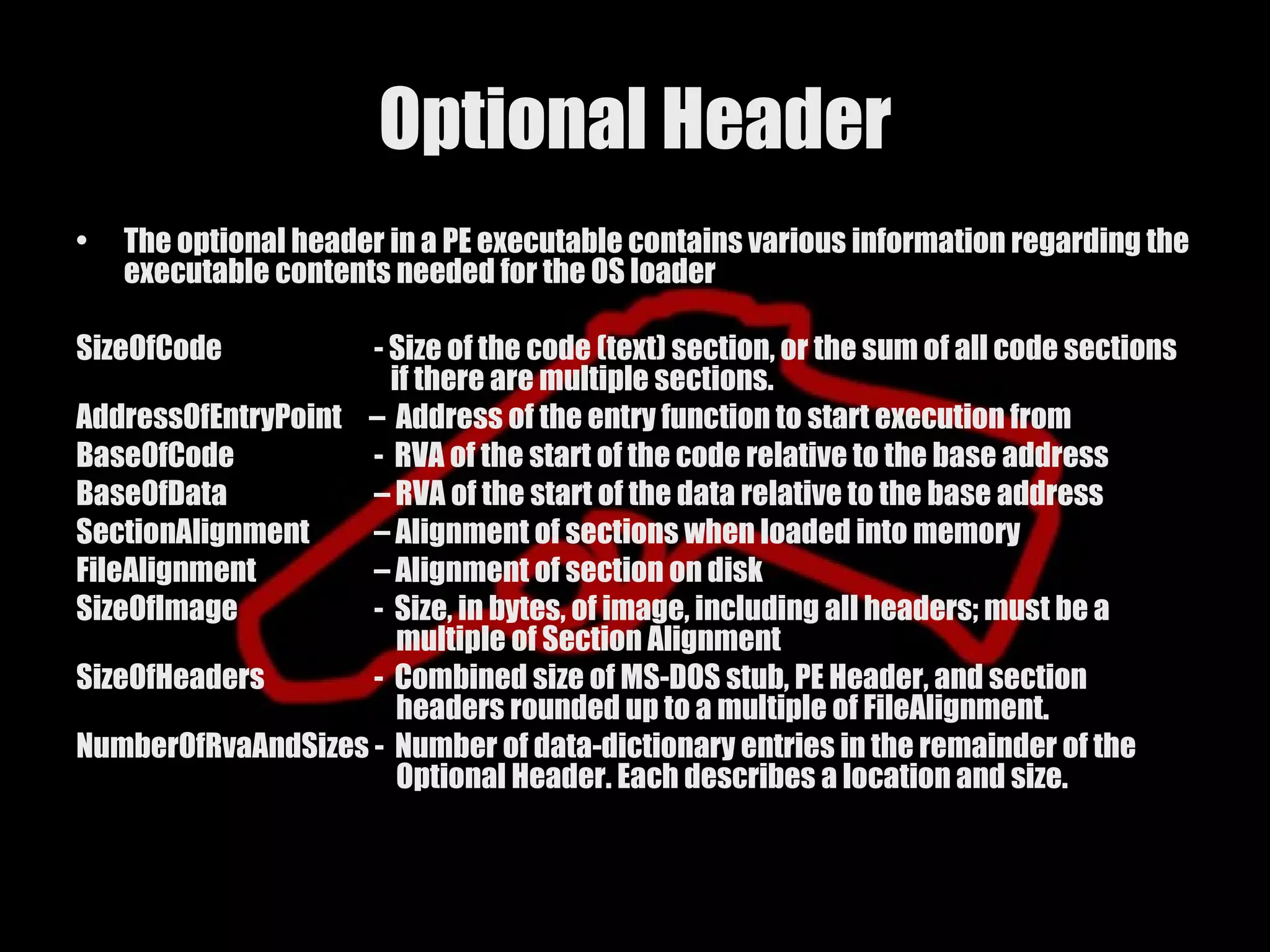
Optional Header
• The optional header in a PE executable contains various information regarding the
executable contents needed for the OS loader
SizeOfCode - Size of the code (text) section, or the sum of all code sections
if there are multiple sections.
AddressOfEntryPoint – Address of the entry function to start execution from
BaseOfCode - RVA of the start of the code relative to the base address
BaseOfData – RVA of the start of the data relative to the base address
SectionAlignment – Alignment of sections when loaded into memory
FileAlignment – Alignment of section on disk
SizeOfImage - Size, in bytes, of image, including all headers; must be a
multiple of Section Alignment
SizeOfHeaders - Combined size of MS-DOS stub, PE Header, and section
headers rounded up to a multiple of FileAlignment.
NumberOfRvaAndSizes - Number of data-dictionary entries in the remainder of the
Optional Header. Each describes a location and size.
18.
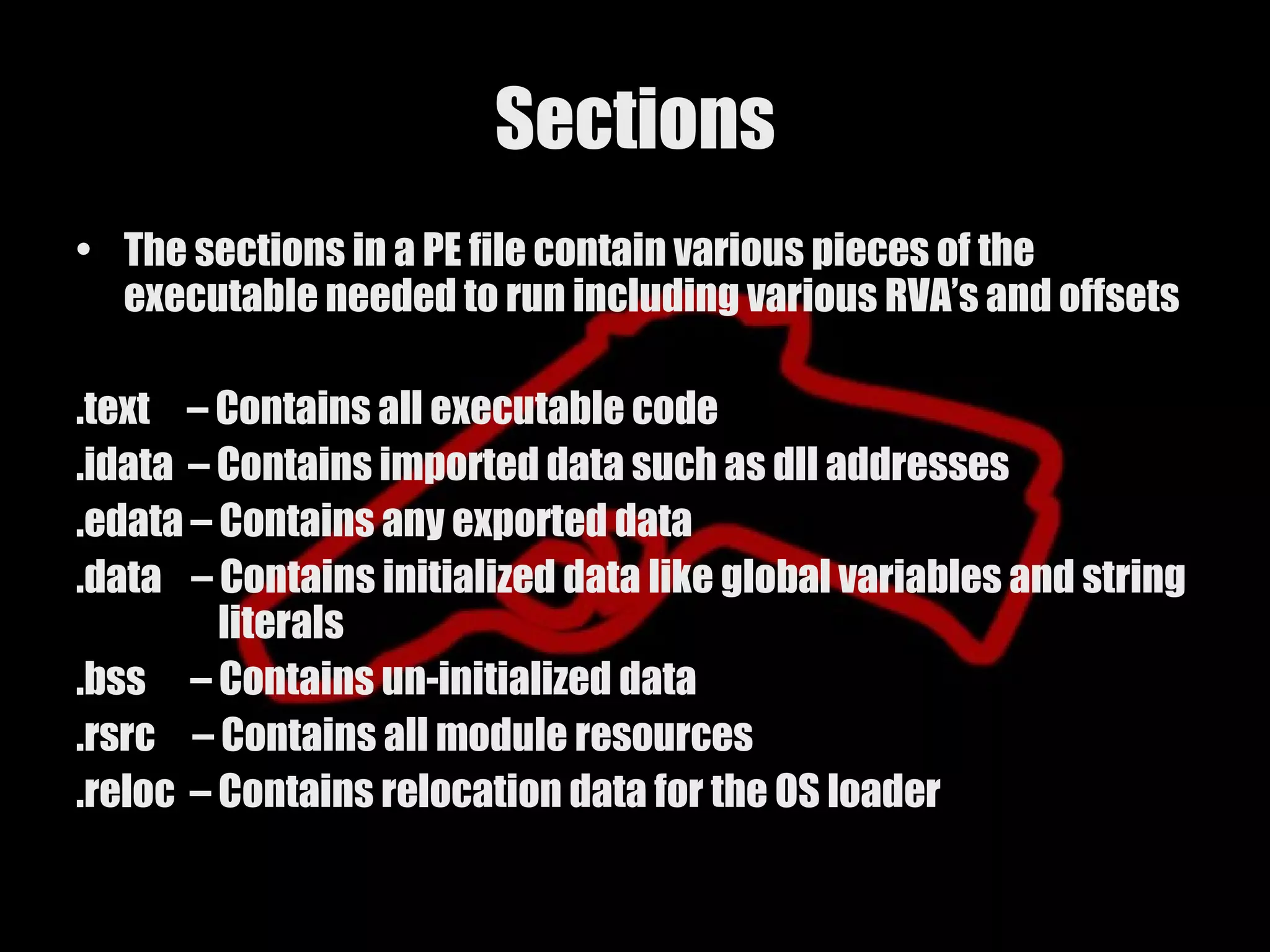
Sections
• The sectionsin a PE file contain various pieces of the
executable needed to run including various RVA’s and offsets
.text – Contains all executable code
.idata – Contains imported data such as dll addresses
.edata – Contains any exported data
.data – Contains initialized data like global variables and string
literals
.bss – Contains un-initialized data
.rsrc – Contains all module resources
.reloc – Contains relocation data for the OS loader
19.
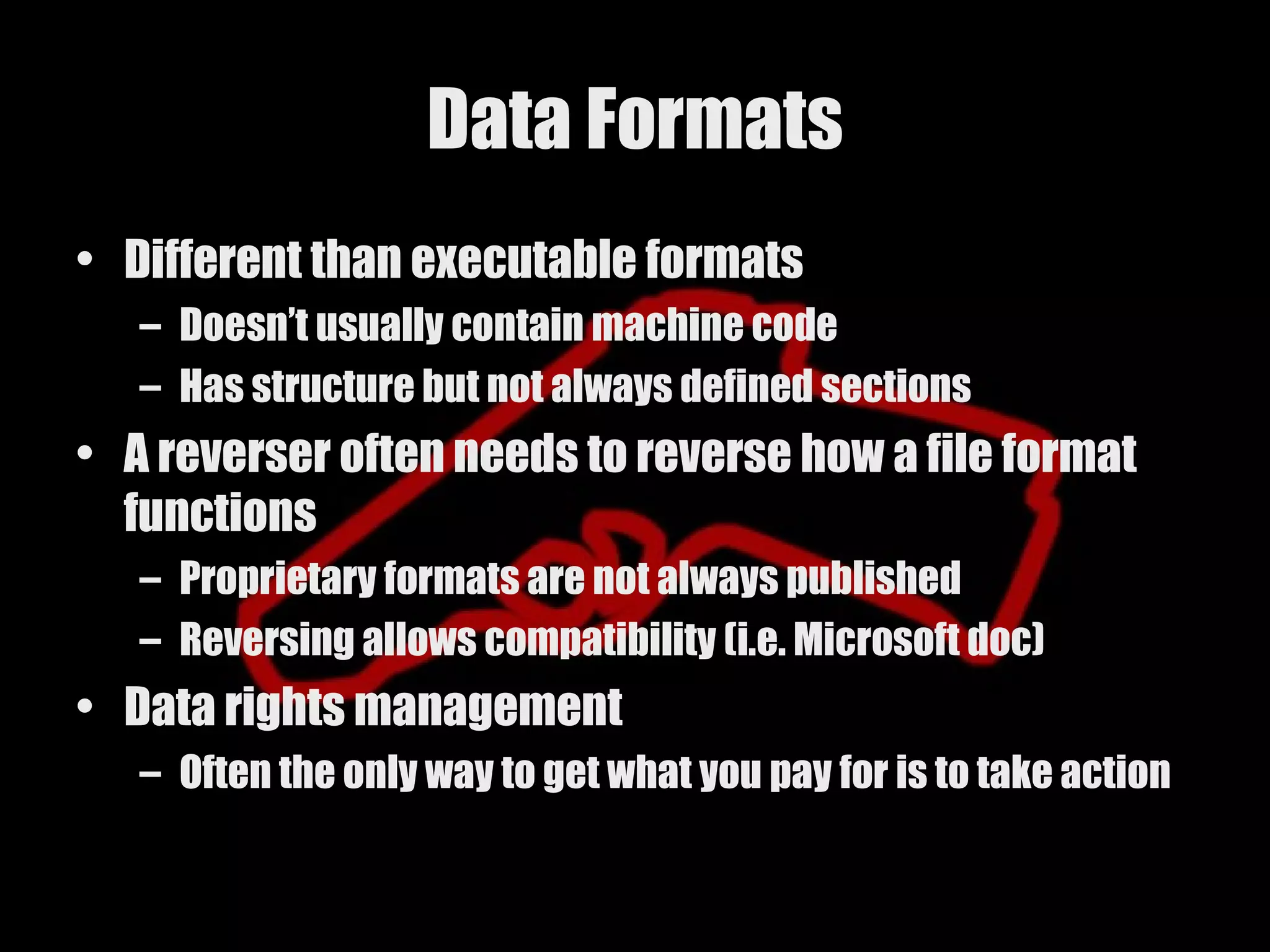
Data Formats
• Differentthan executable formats
– Doesn’t usually contain machine code
– Has structure but not always defined sections
• A reverser often needs to reverse how a file format
functions
– Proprietary formats are not always published
– Reversing allows compatibility (i.e. Microsoft doc)
• Data rights management
– Often the only way to get what you pay for is to take action
What is it
•Lowest level of programming (besides
microcode)
• Direct processor register access utilizing
architecture defined instructions
• Output of most compilers
22.
How is itused
• Directly using an assembler
– NASM
– ml
– as
• Output by a high level compiler
– GCC
– cl
23.
What does itlooks like
• Depends on the instruction set
– IA32
• mov eax, 0x1
– PA-RISC
• copy %r14,%r25
– ARM
• LDR r0,[r8]
24.
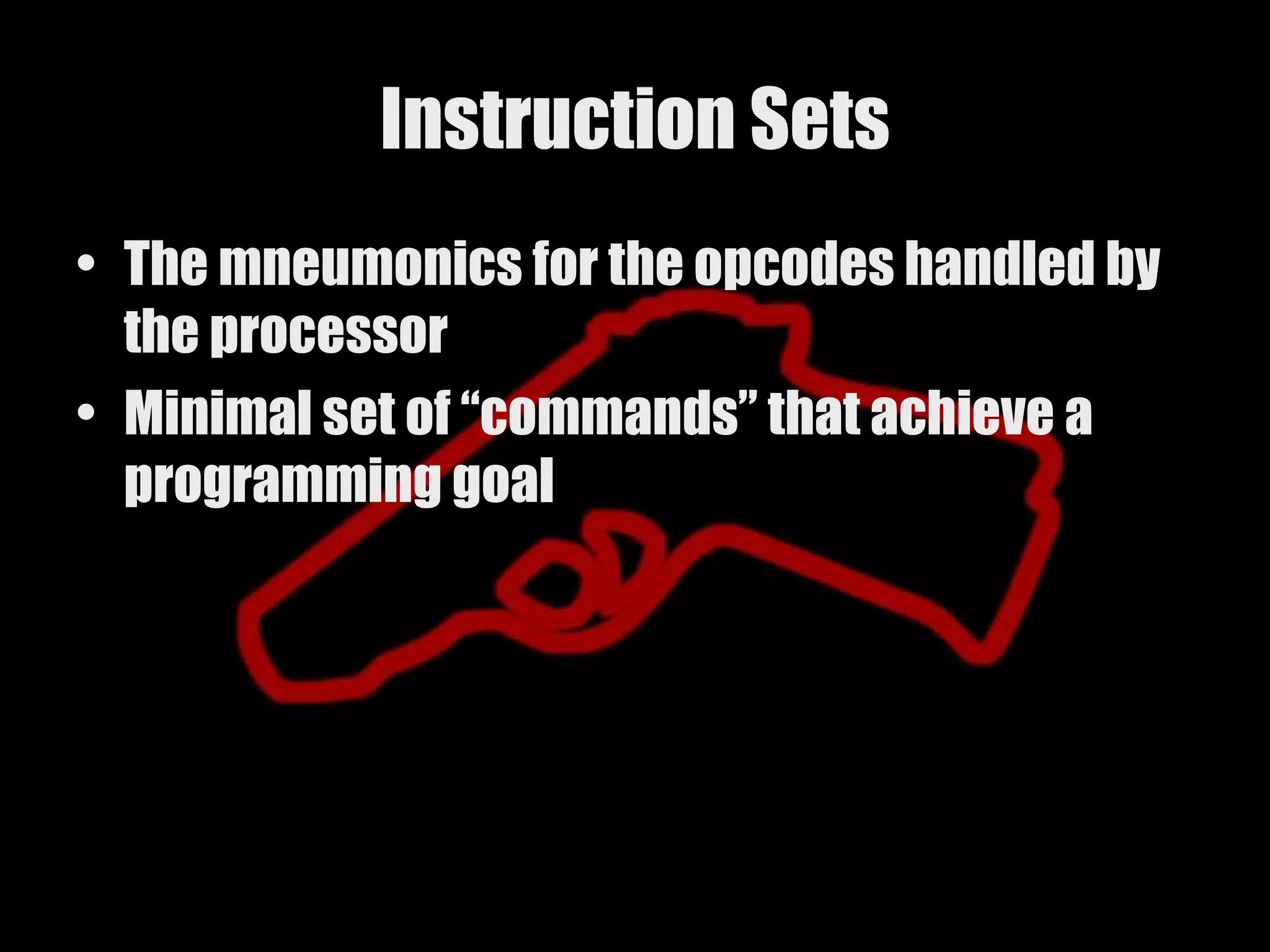
Instruction Sets
• Themneumonics for the opcodes handled by
the processor
• Minimal set of “commands” that achieve a
programming goal
25.
Different Instruction SetArchitectures
• RISC - Reduced Instruction Set Computing
– Fixed length 32 bit instructions
– 32 general purpose registers
– Vendors
• IBM (PowerPC)
• HP (PA-RISC)
• Apple (PowerPC)
• CISC - Complex Instruction Set Computing
– Multibyte instructions
– Multiple synonymous opcodes
– 16 registers
– Vendors
• Intel (IA-32)
• DEC [PDP-11]
• Motorola (m68K)
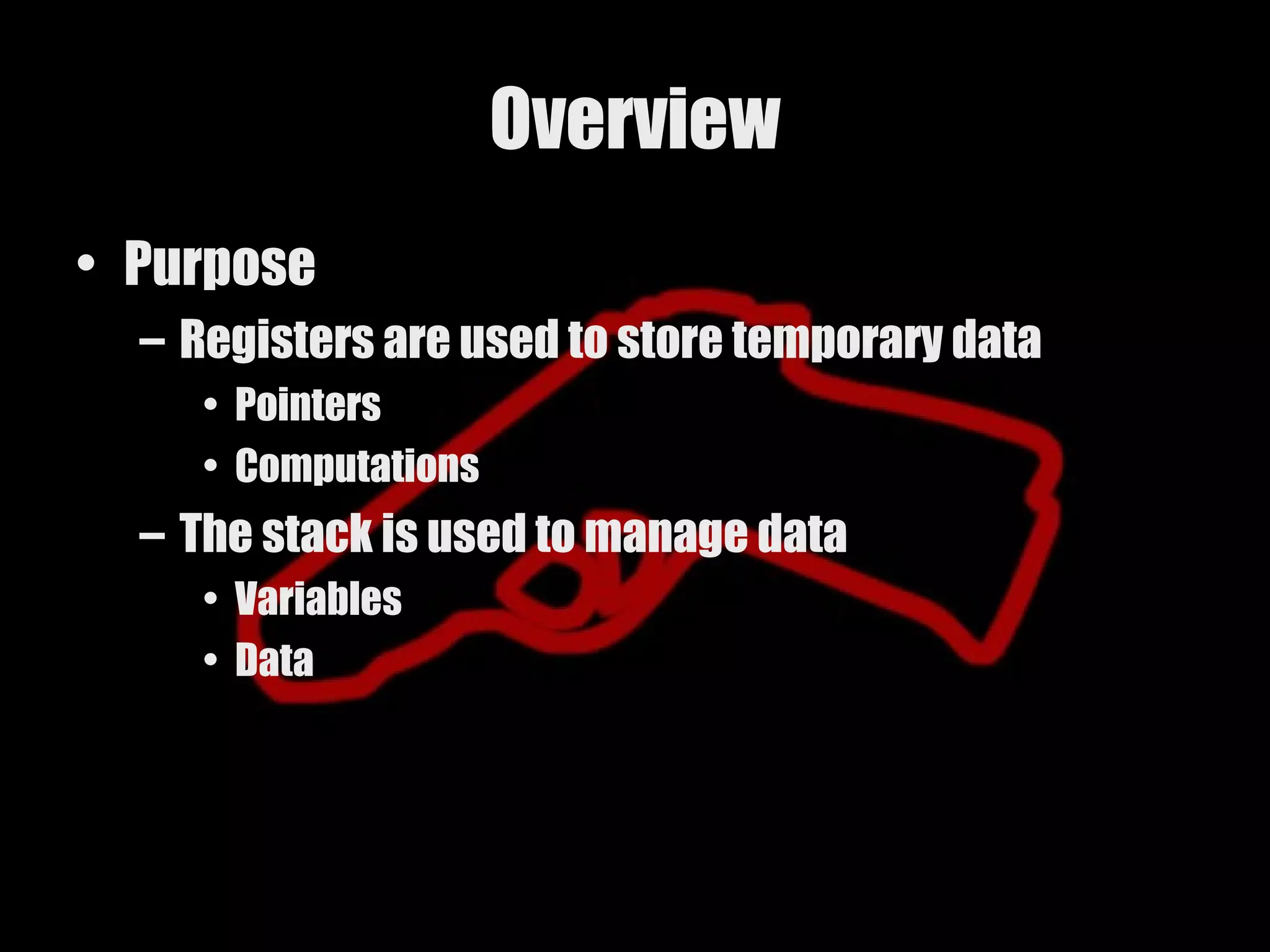
Overview
• Purpose
– Registers are used to store temporary data
• Pointers
• Computations
– The stack is used to manage data
• Variables
• Data
28.
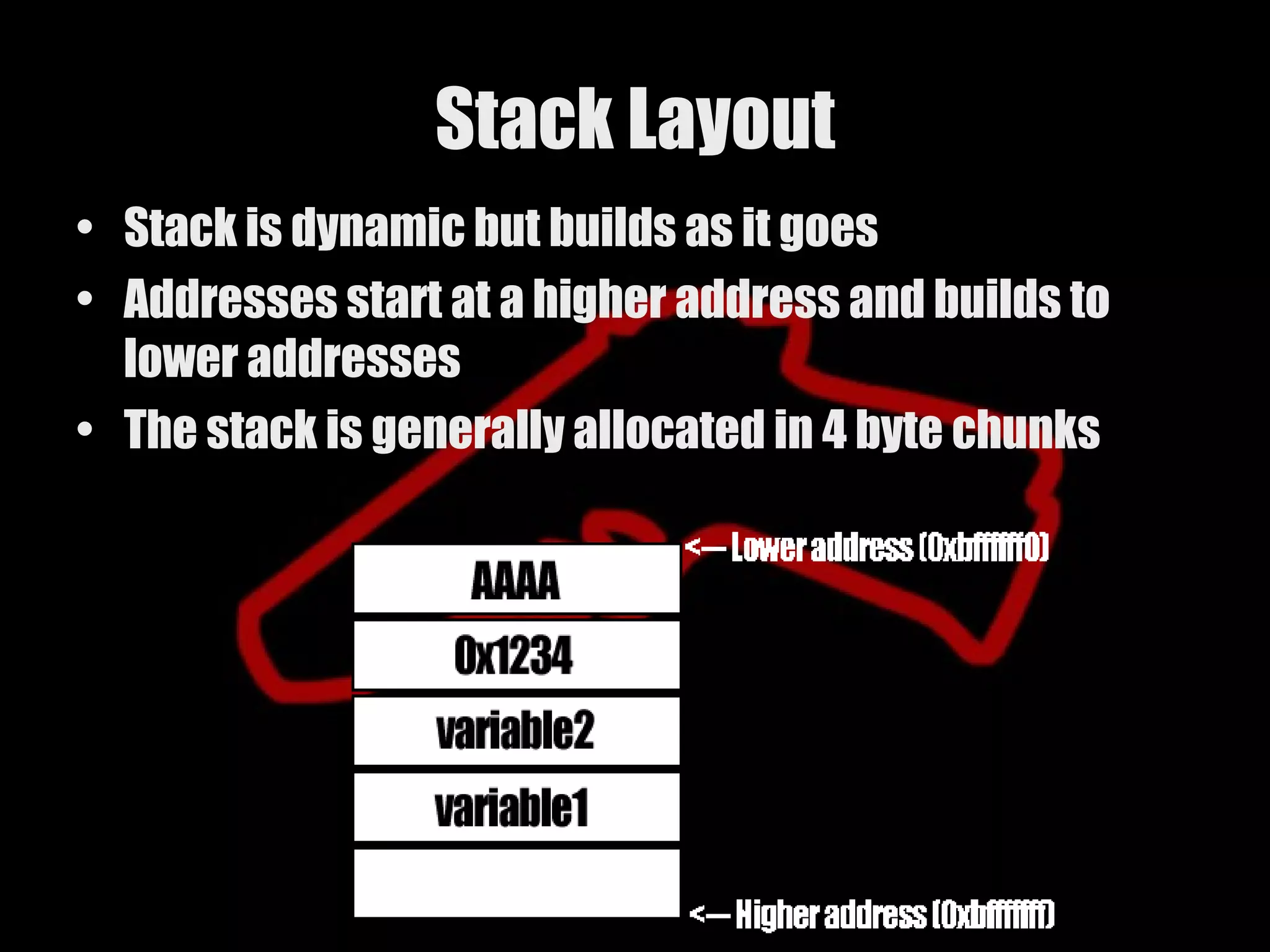
Stack Layout
• Stackis dynamic but builds as it goes
• Addresses start at a higher address and builds to
lower addresses
• The stack is generally allocated in 4 byte chunks
29.
Register sizes
• Registersizes depend on the supported
architecture
– 32 bit
– 64 bit
• IA32
– 16 registers 32 bits (4 bytes) each
• RISC
– 32 general purpose registers 64 bits [8 bytes]
each
30.
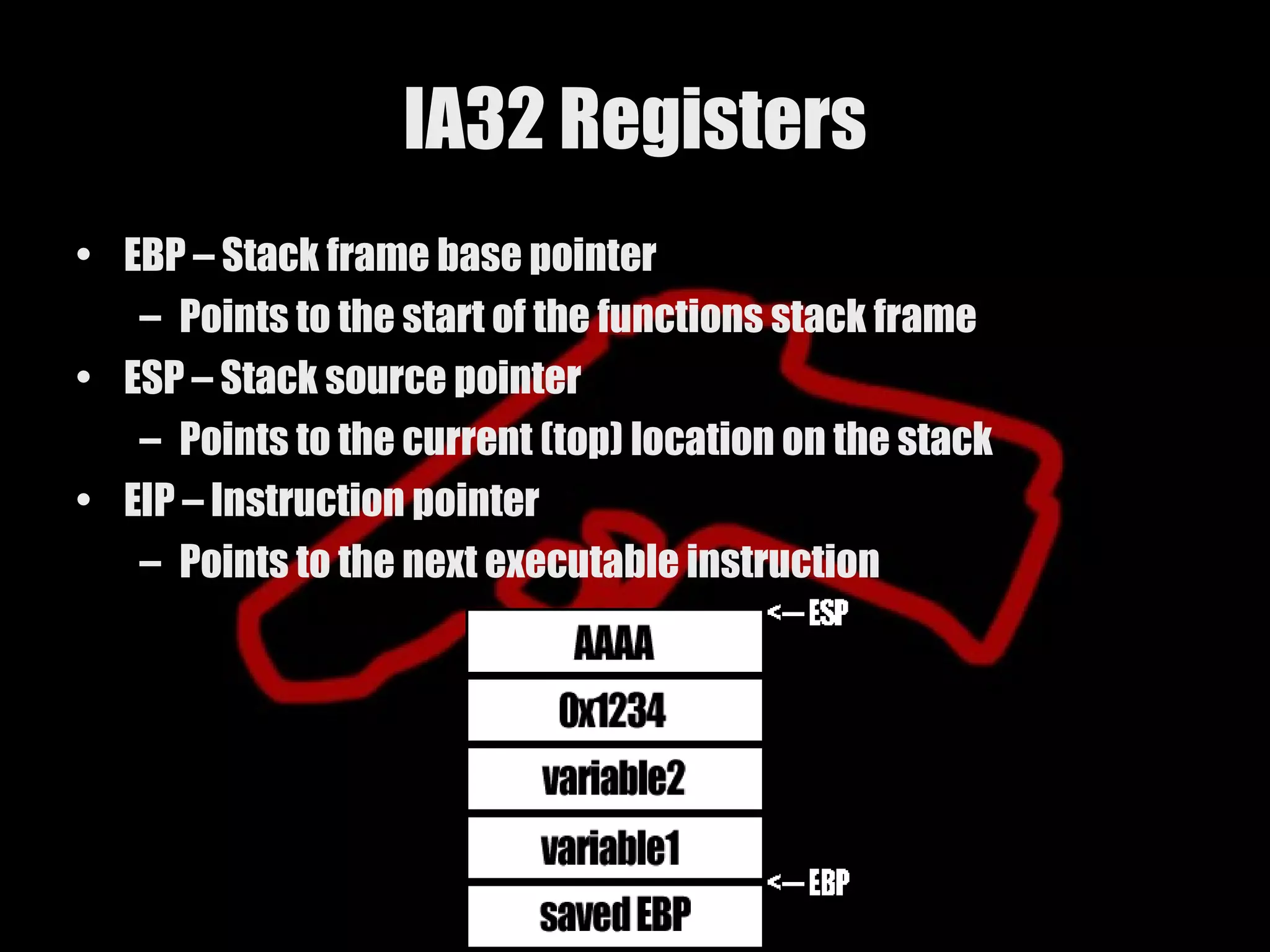
IA32 Registers
• EBP– Stack frame base pointer
– Points to the start of the functions stack frame
• ESP – Stack source pointer
– Points to the current (top) location on the stack
• EIP – Instruction pointer
– Points to the next executable instruction
31.
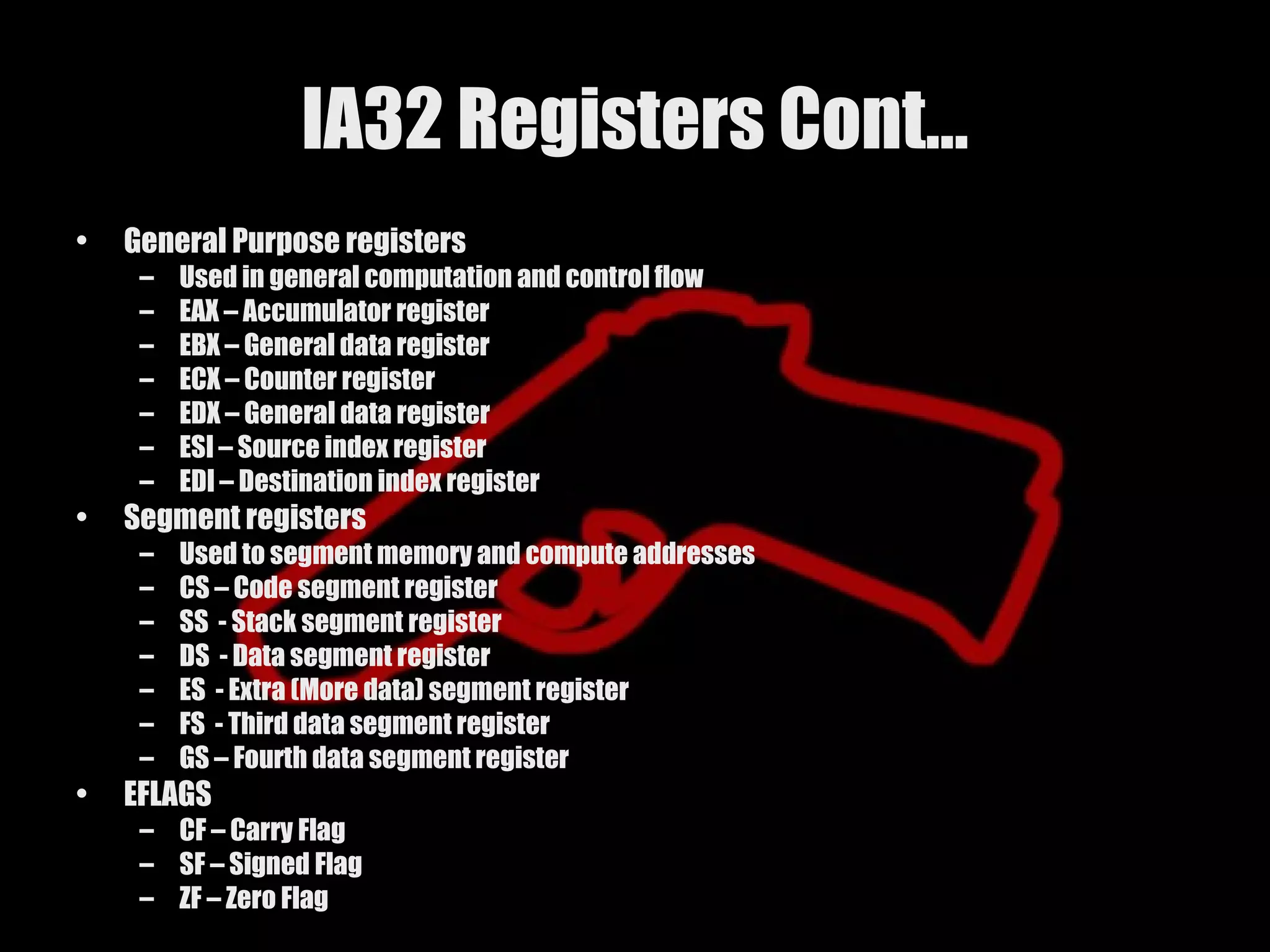
IA32 Registers Cont…
• General Purpose registers
– Used in general computation and control flow
– EAX – Accumulator register
– EBX – General data register
– ECX – Counter register
– EDX – General data register
– ESI – Source index register
– EDI – Destination index register
• Segment registers
– Used to segment memory and compute addresses
– CS – Code segment register
– SS - Stack segment register
– DS - Data segment register
– ES - Extra (More data) segment register
– FS - Third data segment register
– GS – Fourth data segment register
• EFLAGS
– CF – Carry Flag
– SF – Signed Flag
– ZF – Zero Flag
32.
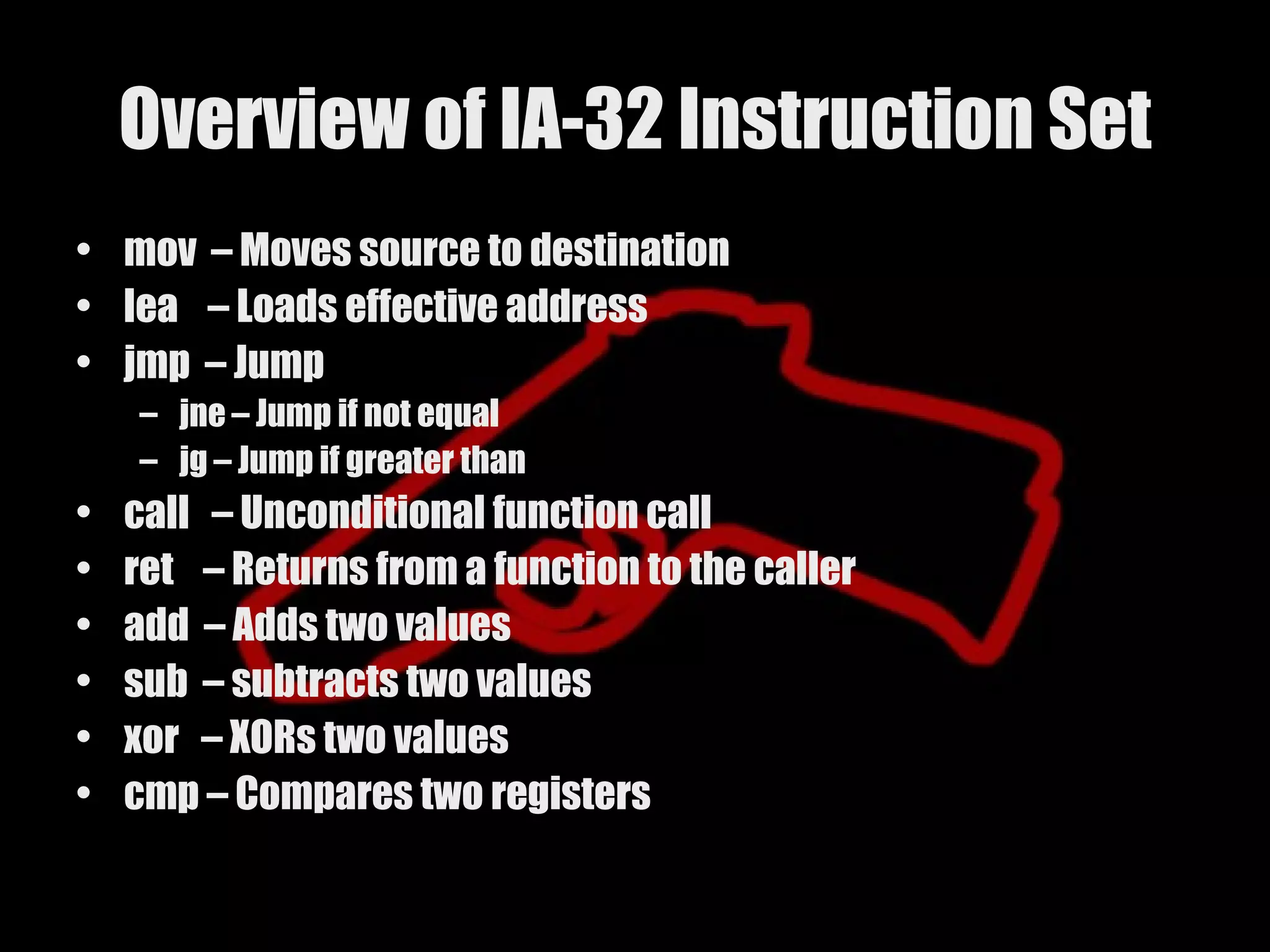
Overview of IA-32Instruction Set
• mov – Moves source to destination
• lea – Loads effective address
• jmp – Jump
– jne – Jump if not equal
– jg – Jump if greater than
• call – Unconditional function call
• ret – Returns from a function to the caller
• add – Adds two values
• sub – subtracts two values
• xor – XORs two values
• cmp – Compares two registers
33.
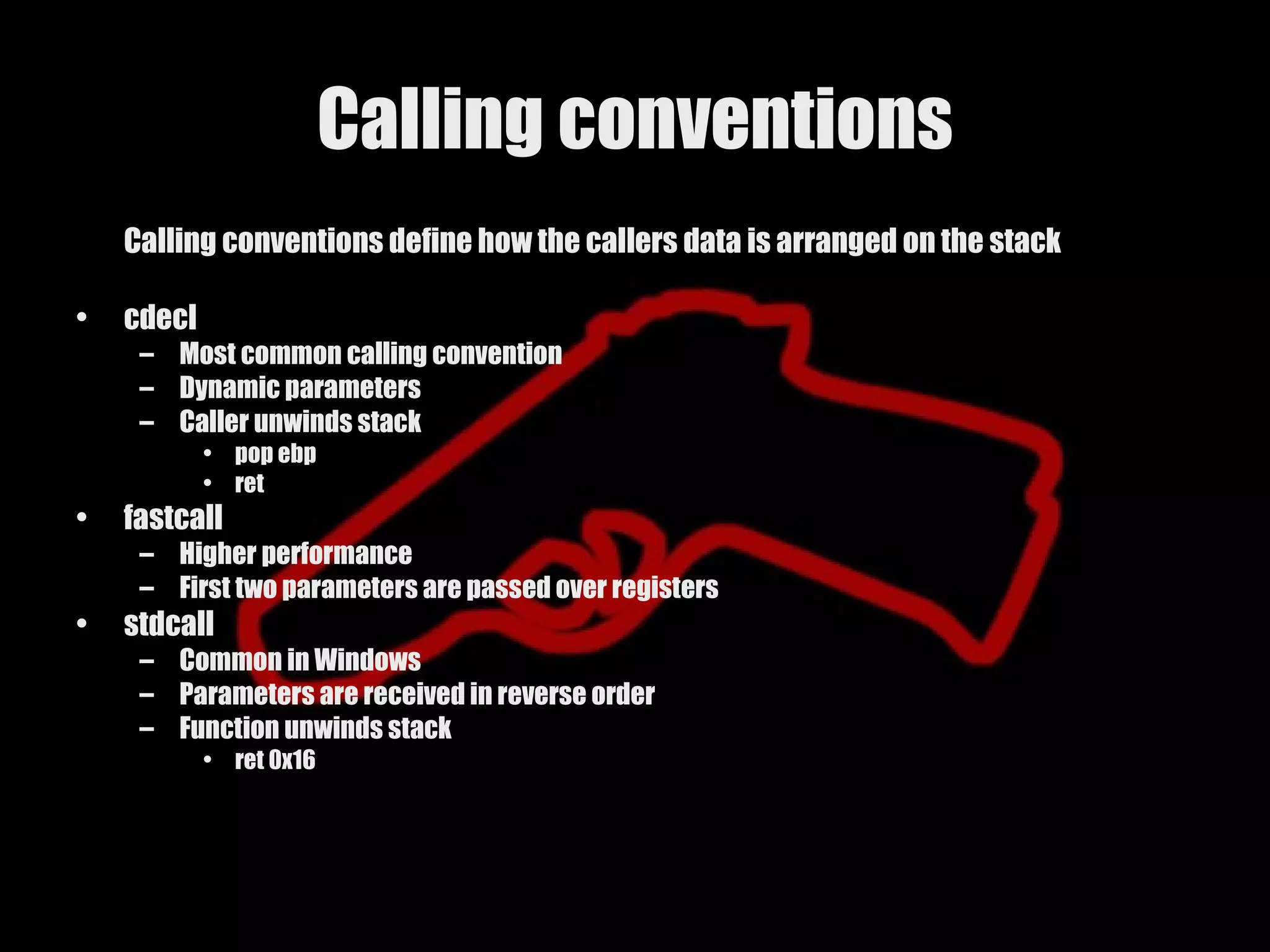
Calling conventions
Calling conventions define how the callers data is arranged on the stack
• cdecl
– Most common calling convention
– Dynamic parameters
– Caller unwinds stack
• pop ebp
• ret
• fastcall
– Higher performance
– First two parameters are passed over registers
• stdcall
– Common in Windows
– Parameters are received in reverse order
– Function unwinds stack
• ret 0x16
34.
Example
PUSH EBP ; Pushes the contents of EBP onto the stack
MOV EBP, ESP ; Moves the address of ESP to EBP
CMP DWORD PTR [EBP+C], 111
; Subtract what is at EBP+12 with 111
JNZ 00401054 ; If previous compare is not zero jump to
00401054
MOV EAX, DWORD PTR [EBP+10] ; Move what is at EBP+16 to EAX
CMP AX, 64 ; Subtract what we moved to EAX with 64
JNZ 00401068 ; If the comparison does not equal 0 jump to
address
POP EBP ; Store the current value on the stack in EBP
RET ; Return to the caller
Overview
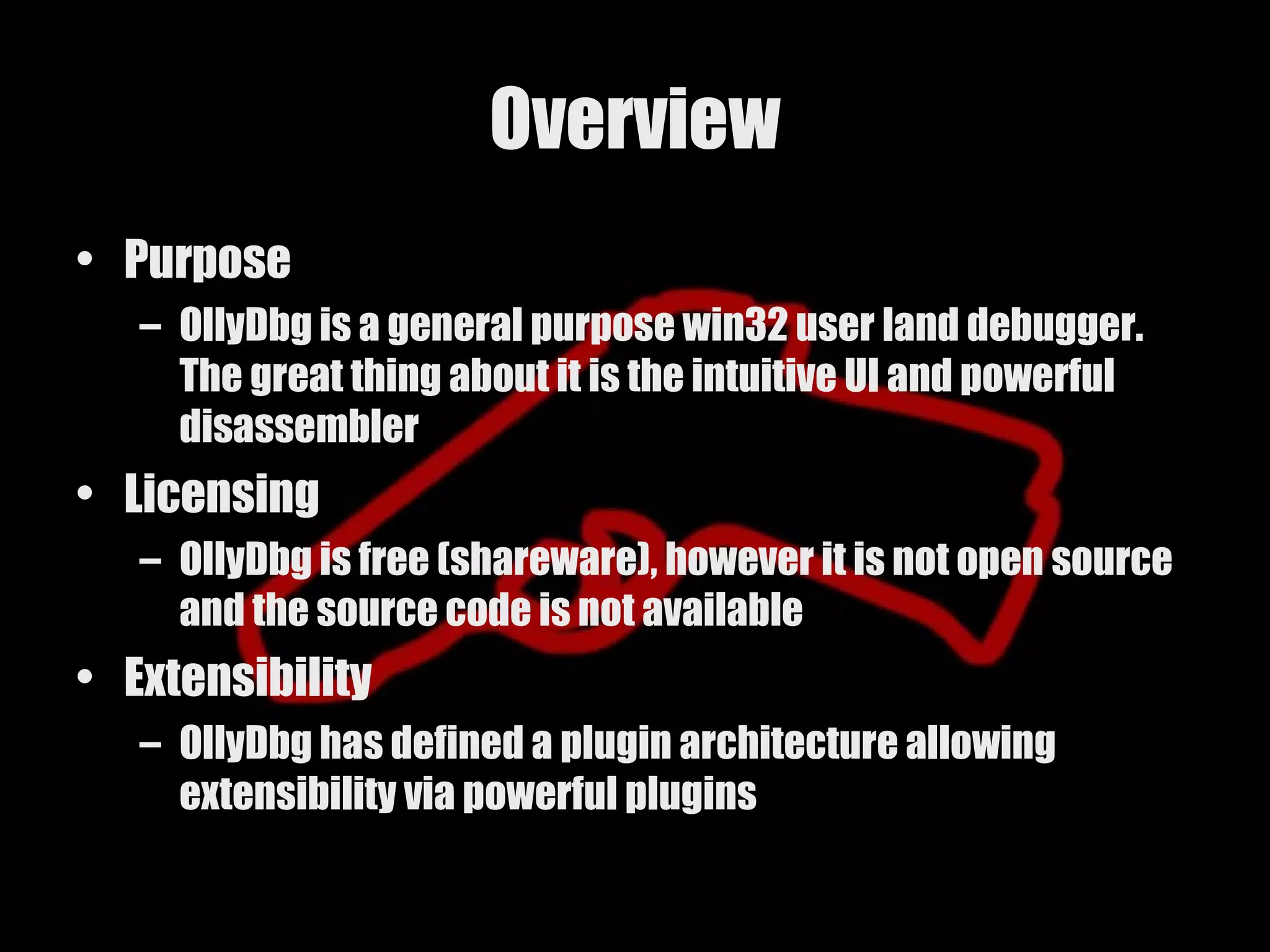
• Purpose
– OllyDbg is a general purpose win32 user land debugger.
The great thing about it is the intuitive UI and powerful
disassembler
• Licensing
– OllyDbg is free (shareware), however it is not open source
and the source code is not available
• Extensibility
– OllyDbg has defined a plugin architecture allowing
extensibility via powerful plugins
37.
Window Layouts
• Windowlayouts are the various parts of the UI
that contain pertinent information
– Code window – Displays the executable machine
code
– Register window – Allows the user to watch the
contents of each register during execution
– Memory window – Allows the user to view the
contents of various memory locations
– Stack window – Displays the stack, including
memory addresses and values
38.
Working in OllyDbg
•Navigation
– Moving
– Searching
• Commenting
– Can be entered in the code window with the ; or : keys
• Listing Names
– The names window displays all functions or imported functions used
in the program
– Listing them is easy via the shortcut Ctrl + N
• Showing Memory
– Displaying memory can be useful when looking for strings or other
important data
– Displaying the memory map window can be achieved via Alt + M
39.
Working in OllyDbgCont…
• Breakpoints
– Breakpoints allow the debugger to stop at a specified
address or instruction
– There are two types of breakpoints in general
• Software breakpoints
– Handled by the operating system
– Set by navigating to the specified address and hitting F2
• Hardware breakpoints
– Handled by the processor
– Set by finding a place in memory you want to break on access and
right clicking selecting the proper option
– Olly also provides a way to view and turn on and off
breakpoints via the breakpoints window with Alt + B
40.
Working in OllyDbgCont…
• Controlling Execution
– Starting the process
• Once the target program is either loaded or attached in Olly you can start
execution. This will actually set up an initial breakpoint at the application
entry point
– There are several ways you can proceed from the entry point
• Single stepping
– Executes one instruction at a time and can be achieved by hitting F7
– Steps into every function
– Tedious as fuck
• Execute until return
– Executes until the ret instuction is encoutered which can be achieved by
hitting Ctrl + F9
– Executes all instructions in the current function
– Faster than single stepping but not as comprehensive
41.
Working in OllyDbgCont…
• Watching execution
– Registers
• Handled in the register window
• Red highlighting indicates a register has changed
– Stack
• Handled in the stack window
• Display can be address or relative address from ebp
• Call stack
– Displays the functions the current function has been
called from
– Can be displayed with the shortcut Alt + K
42.
OllyDbg Case Study*
(smarty word for demo)
• Example
– Program displays a popup box
– Goal is to make the proper box show and exit
• Patching
– Allows us to modify the executable assembly code
and save it to a new file with the changes
43.
OllyDbg Plugins
• OllyDbgprovides a downloadable PDK for
plugin development
• Several plugins exist that provide extra
usability
– Heap Vis
– Breakpoint manager
– Ollyscript
Overview
• IDA Prowas originally designed as a powerful
disassembler
• Supports 30+ processors
• It has since been broadened to include a built in
debugger
• Designed for reverse engineers with quickness and
robustness in mind
– This sometimes makes the learning curve step
• Extensible plugin architecture and scripting
language
46.
Window Layouts
• Customizingwindow layouts
– Each saved session will store any customized
layouts
– A default layout can also be saved
– Customized layouts are provided to help the user
with workflow and can consist of any combination
or number of windows
47.
Navigation
• Shortcuts
– Most actions have equivalent shortcuts associated with them
– Some of the most used
• [Enter] – Jumps into the function under the cursor
• [Esc] – Returns to the previous cursor position
• Jumping
– IDA allows the user to jump to various parts of a binary file easily
– Some of the jumps
• Entry point – Jumps to the entry point of the binary
• By name – Allows the user to jump to a specific function or string in the binary
• By address – Allows the user to jump to a specific address
• Markers
– Markers can be used to tag locations in the binary for future reference
– Markers are set using Alt + M and naming
– Jumping to a marker is easily achieved with Ctrl + M
48.
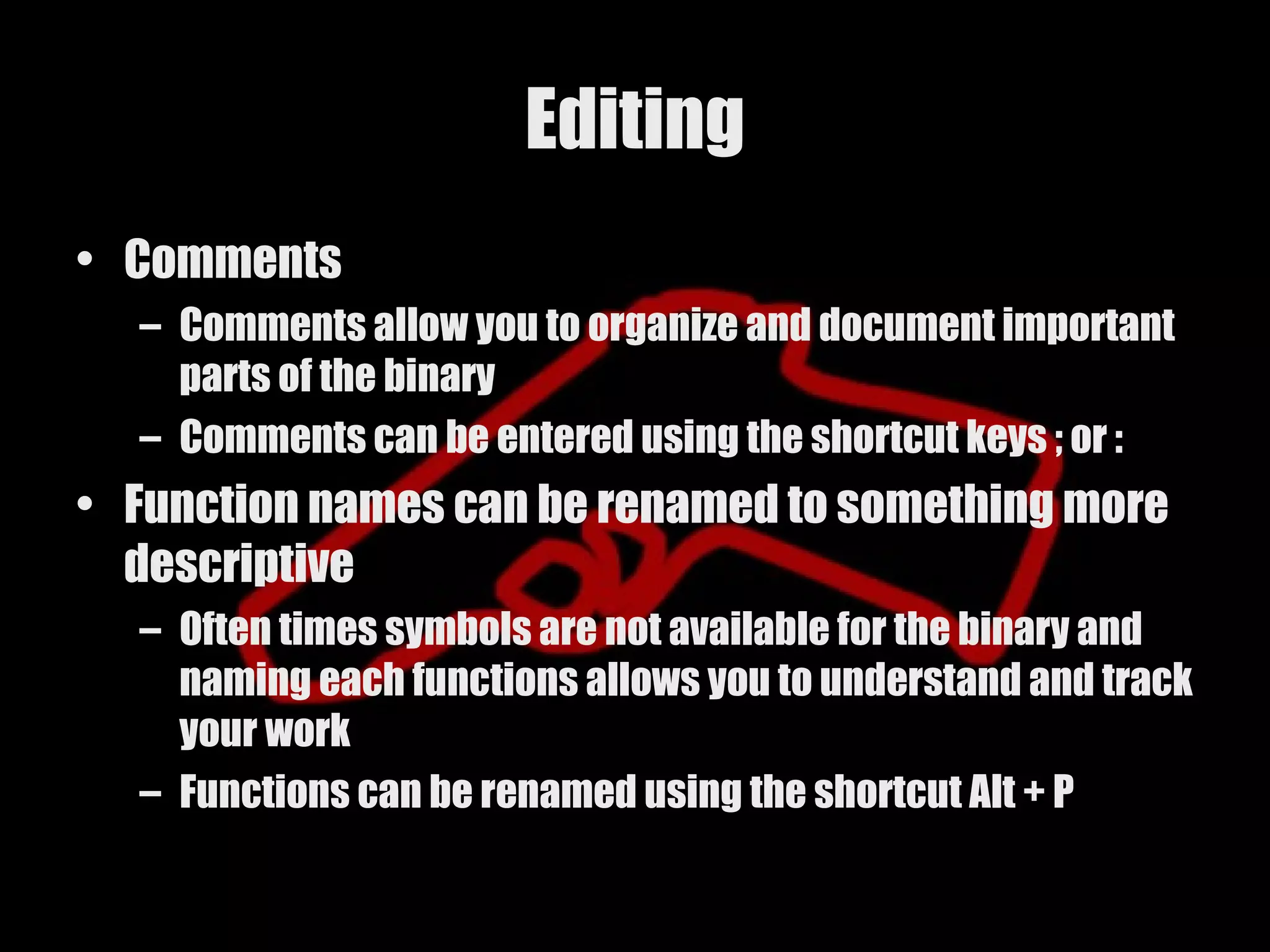
Editing
• Comments
– Comments allow you to organize and document important
parts of the binary
– Comments can be entered using the shortcut keys ; or :
• Function names can be renamed to something more
descriptive
– Often times symbols are not available for the binary and
naming each functions allows you to understand and track
your work
– Functions can be renamed using the shortcut Alt + P
49.
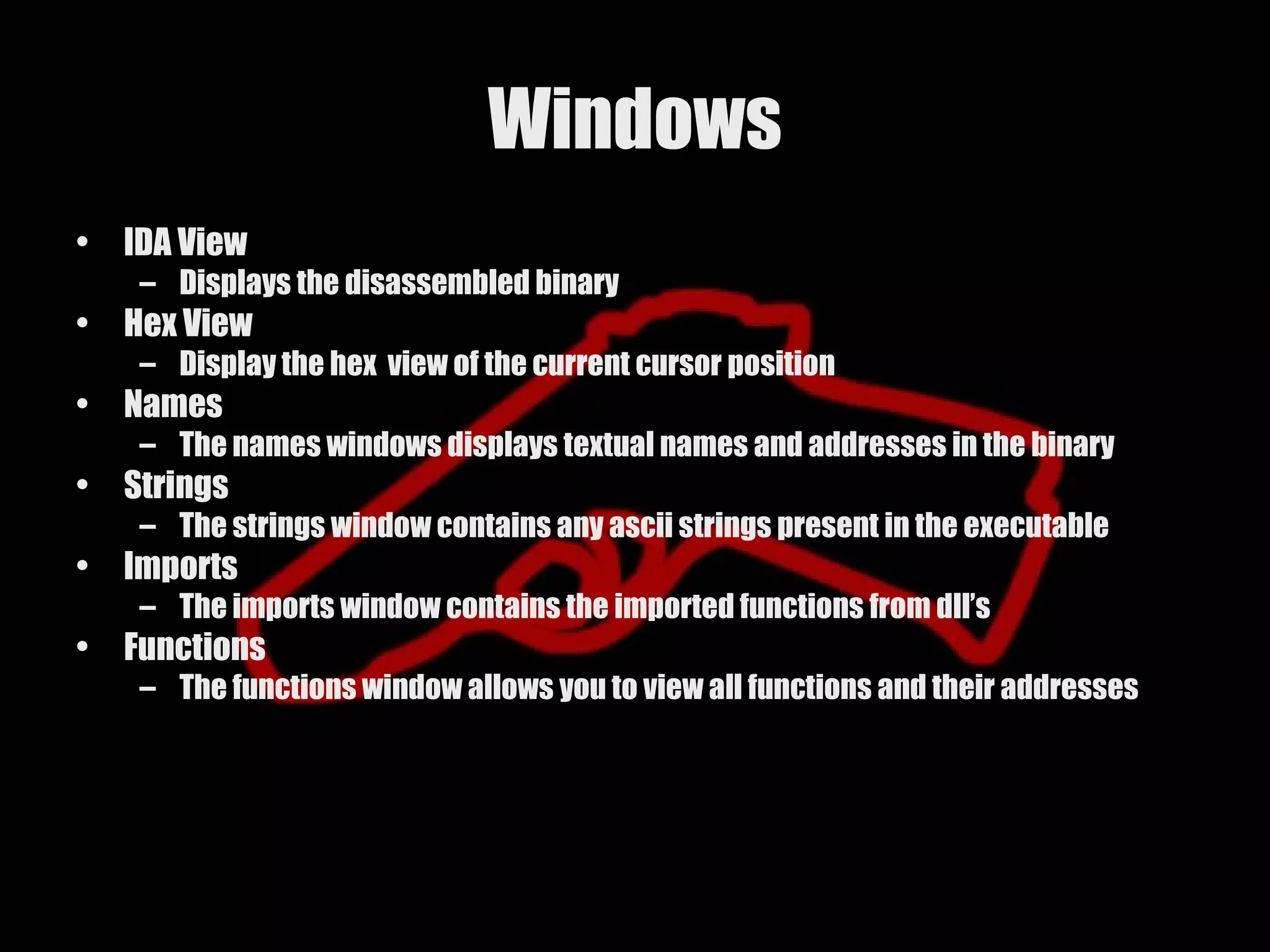
Windows
• IDA View
– Displays the disassembled binary
• Hex View
– Display the hex view of the current cursor position
• Names
– The names windows displays textual names and addresses in the binary
• Strings
– The strings window contains any ascii strings present in the executable
• Imports
– The imports window contains the imported functions from dll’s
• Functions
– The functions window allows you to view all functions and their addresses
50.
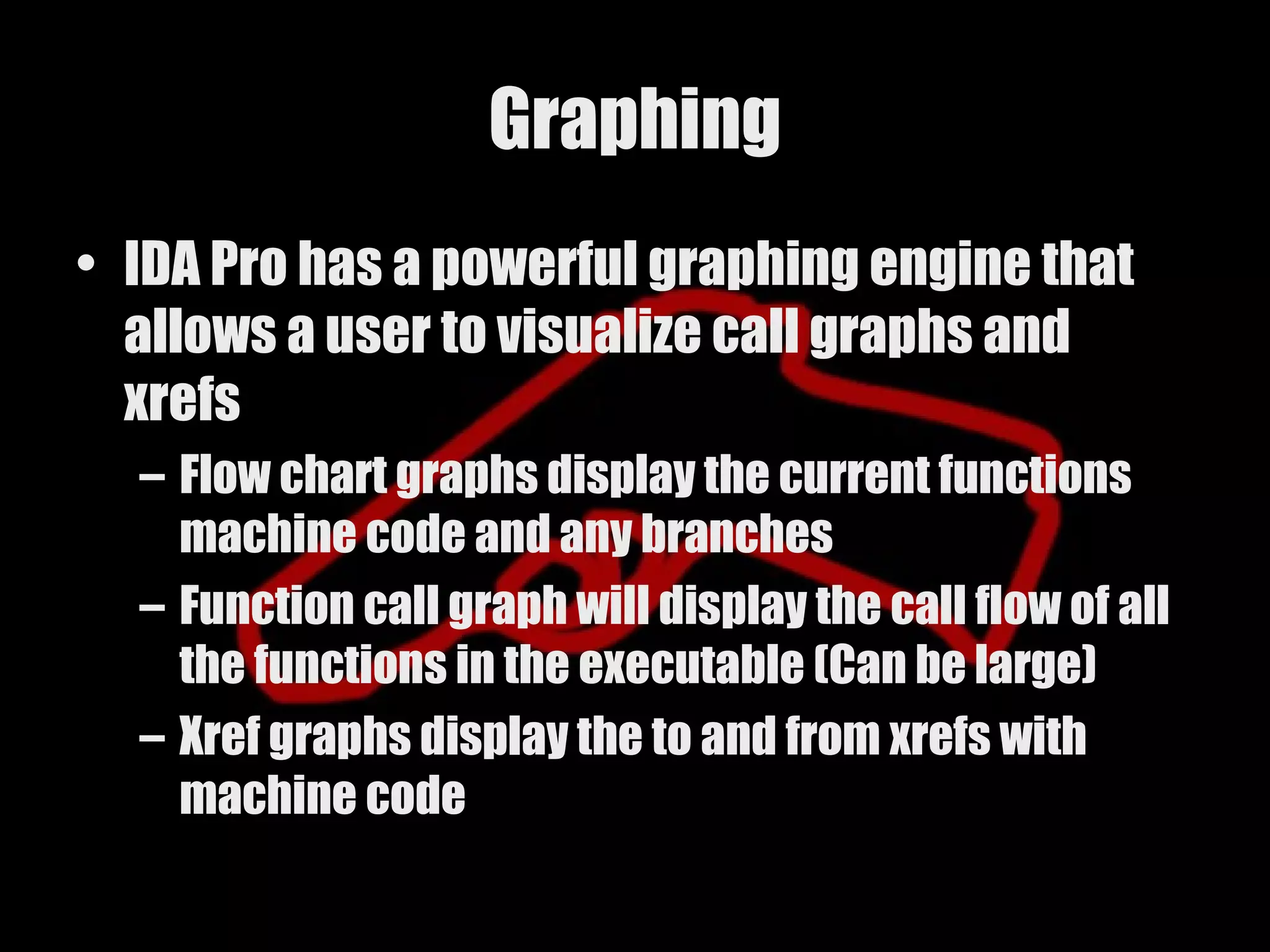
Graphing
• IDA Prohas a powerful graphing engine that
allows a user to visualize call graphs and
xrefs
– Flow chart graphs display the current functions
machine code and any branches
– Function call graph will display the call flow of all
the functions in the executable (Can be large)
– Xref graphs display the to and from xrefs with
machine code
51.
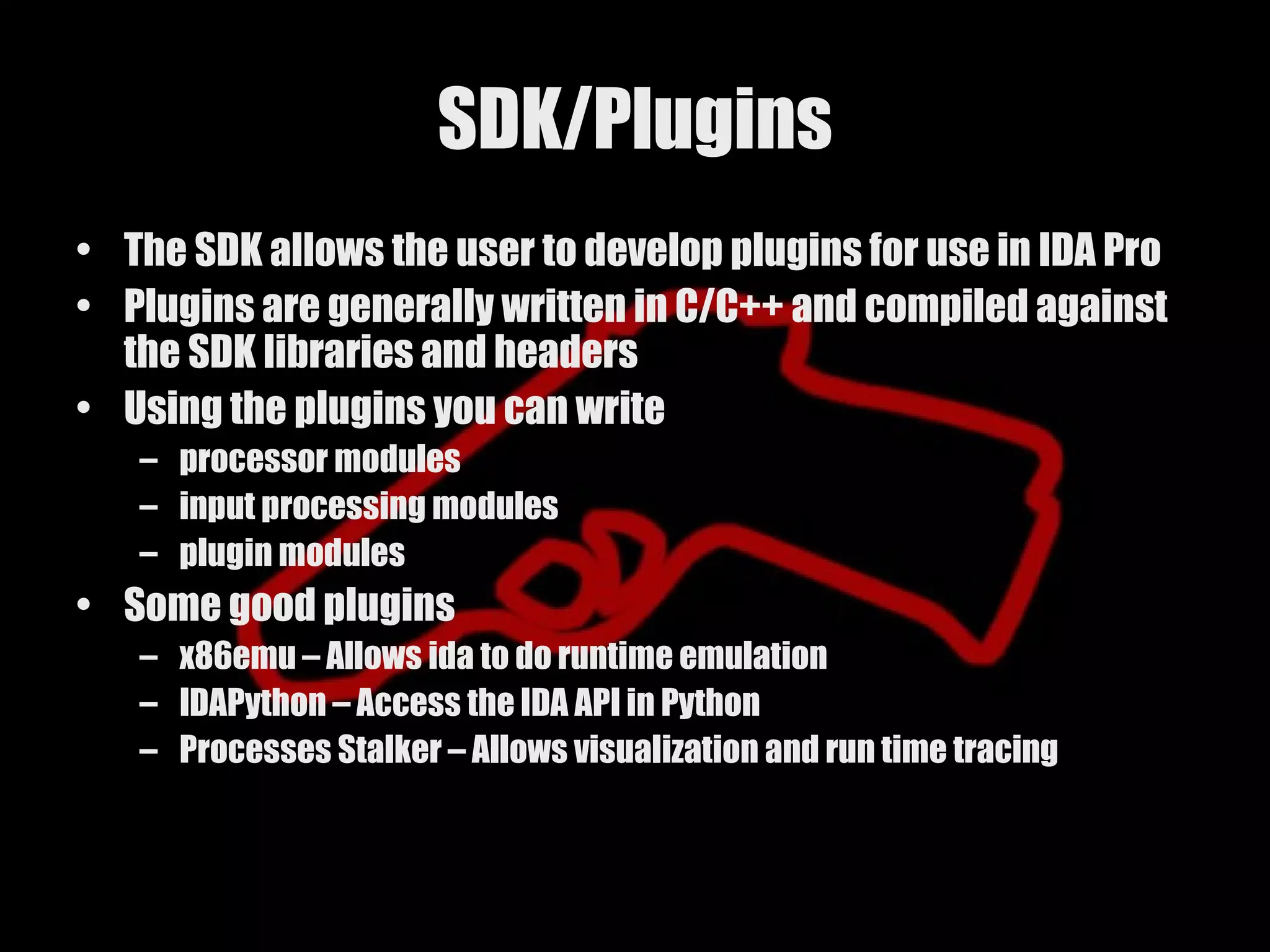
SDK/Plugins
• The SDKallows the user to develop plugins for use in IDA Pro
• Plugins are generally written in C/C++ and compiled against
the SDK libraries and headers
• Using the plugins you can write
– processor modules
– input processing modules
– plugin modules
• Some good plugins
– x86emu – Allows ida to do runtime emulation
– IDAPython – Access the IDA API in Python
– Processes Stalker – Allows visualization and run time tracing
52.
Flirt
• Fast LibraryIdentification and Recognition
Technology
• Flirt is a means for IDA Pro to identify imported
functions and compilers by matching against
a database of known signatures
• This greatly speeds up analysis by
automatically naming discovered functions
• Only works with C/C++ functions
53.
IDC Scripting
• TheIDC scripting engine allows the user to
achieve small tasks through the IDC scripting
engine
• IDC resembles C and has many helpful
functions built in
– PatchByte
– Comment
– FindCode
54.
Plugins
• Plugins arecompiled files used to do large
tasks and can be integrated with the UI
• Many plugins already exists
– idapalace.com
– datarescue.com/community/plugins
Overview
• Decompiling isdifferent than disassembling in that
it tries to reconstruct machine code to readable (and
ultimately compilable) source code
– Native compiled code is difficult to reconstruct because of
the compilers behavior when optimizing the produced
code
– Virtual machine code is much easier to achieve readable
code because of its nature. It must be compiled into a
intermediate language with all necessary information the
target platform may need to run
• .Net
• Java
57.
.Net
• .Net iscompiled down into MSIL (Microsoft
intermediate language) and is a good
example of decompiling
• .Net must provide the operating system with a
wealth of information including symbol
names, and data structures
58.
Native code
• Nativecode is a language that has been
compiled down into machine language
• Often times because of optimization a
compiler inadvertently obfuscates the higher
lever source code
• Decompiling is not quite to the point of
producing a good representation of the
original source code
Conclusion
• Reverse engineeringis a vast and complex
world
• With a lot of practice though it becomes much
easier
• A good reverser knows their tools inside and
out
• Workflow and organization are the keys to
reversing
62.
Shirt Quiz
• Name the IA-32 registers
• What does .Net assemble into
• In OllyDbg how do you list the Names
• What is the IA-32 instruction to Compare two
integers
• How does the IA-32 processor handle signedness
• What does the IDC scripting language resemble
• How many processors does IDA support (roughly)
• In IDA how do you quickly follow a CALL
63.
References
• Reversing -
http://www.wiley.com/WileyCDA/WileyTitle/productCd-0764574817.html
• ELF File format - http://www.skyfree.org/linux/references/ELF_Format.pdf
• PE File Format -
http://msdn.microsoft.com/library/default.asp?url=/library/en-us/dndebug/html/msdn
• http://lsd-pl.net/references.html
• OllyDbg - http://ollydbg.de/
• OllyDbg Plugins - http://ollydbg.win32asmcommunity.net/stuph/
• IDA Pro - http://www.datarescue.com/
• IDC - http://www.datarescue.com/idadoc/707.htm
• IDA Plugins - http://home.arcor.de/idapalace/
• Reflector - http://www.aisto.com/roeder/dotnet/
• JODE - http://jode.sourceforge.net/
• Boomerang - http://boomerang.sourceforge.net/
• Crackmes.de - http://www.crackmes.de/


![Executable Formats Cont…
• PE – Portable Executable
– History
Microsoft migrated to the PE format with the introduction of the Windows NT 3.1
operating system. It is based of a modified form of the UNIX COFF format
– What uses PE
• Windows NT
• Window 2000
• Windows XP
• Windows 2003
• Windows CE
– Dissection
• DOS Stub
– The DOS stub contains a message that the executable will not run in DOS mode
• Optional Header (Not optional]
• RVA
– Relative virtual addressing
• Sections](https://image.slidesharecdn.com/introreverseengineering-120721083714-phpapp01/75/Intro-reverse-engineering-16-2048.jpg)

![What does it looks like
• Depends on the instruction set
– IA32
• mov eax, 0x1
– PA-RISC
• copy %r14,%r25
– ARM
• LDR r0,[r8]](https://image.slidesharecdn.com/introreverseengineering-120721083714-phpapp01/75/Intro-reverse-engineering-23-2048.jpg)
![Different Instruction Set Architectures
• RISC - Reduced Instruction Set Computing
– Fixed length 32 bit instructions
– 32 general purpose registers
– Vendors
• IBM (PowerPC)
• HP (PA-RISC)
• Apple (PowerPC)
• CISC - Complex Instruction Set Computing
– Multibyte instructions
– Multiple synonymous opcodes
– 16 registers
– Vendors
• Intel (IA-32)
• DEC [PDP-11]
• Motorola (m68K)](https://image.slidesharecdn.com/introreverseengineering-120721083714-phpapp01/75/Intro-reverse-engineering-25-2048.jpg)

![Register sizes
• Register sizes depend on the supported
architecture
– 32 bit
– 64 bit
• IA32
– 16 registers 32 bits (4 bytes) each
• RISC
– 32 general purpose registers 64 bits [8 bytes]
each](https://image.slidesharecdn.com/introreverseengineering-120721083714-phpapp01/75/Intro-reverse-engineering-29-2048.jpg)
![Example
PUSH EBP ; Pushes the contents of EBP onto the stack
MOV EBP, ESP ; Moves the address of ESP to EBP
CMP DWORD PTR [EBP+C], 111
; Subtract what is at EBP+12 with 111
JNZ 00401054 ; If previous compare is not zero jump to
00401054
MOV EAX, DWORD PTR [EBP+10] ; Move what is at EBP+16 to EAX
CMP AX, 64 ; Subtract what we moved to EAX with 64
JNZ 00401068 ; If the comparison does not equal 0 jump to
address
POP EBP ; Store the current value on the stack in EBP
RET ; Return to the caller](https://image.slidesharecdn.com/introreverseengineering-120721083714-phpapp01/75/Intro-reverse-engineering-34-2048.jpg)


![Navigation
• Shortcuts
– Most actions have equivalent shortcuts associated with them
– Some of the most used
• [Enter] – Jumps into the function under the cursor
• [Esc] – Returns to the previous cursor position
• Jumping
– IDA allows the user to jump to various parts of a binary file easily
– Some of the jumps
• Entry point – Jumps to the entry point of the binary
• By name – Allows the user to jump to a specific function or string in the binary
• By address – Allows the user to jump to a specific address
• Markers
– Markers can be used to tag locations in the binary for future reference
– Markers are set using Alt + M and naming
– Jumping to a marker is easily achieved with Ctrl + M](https://image.slidesharecdn.com/introreverseengineering-120721083714-phpapp01/75/Intro-reverse-engineering-47-2048.jpg)