11/04/202
5
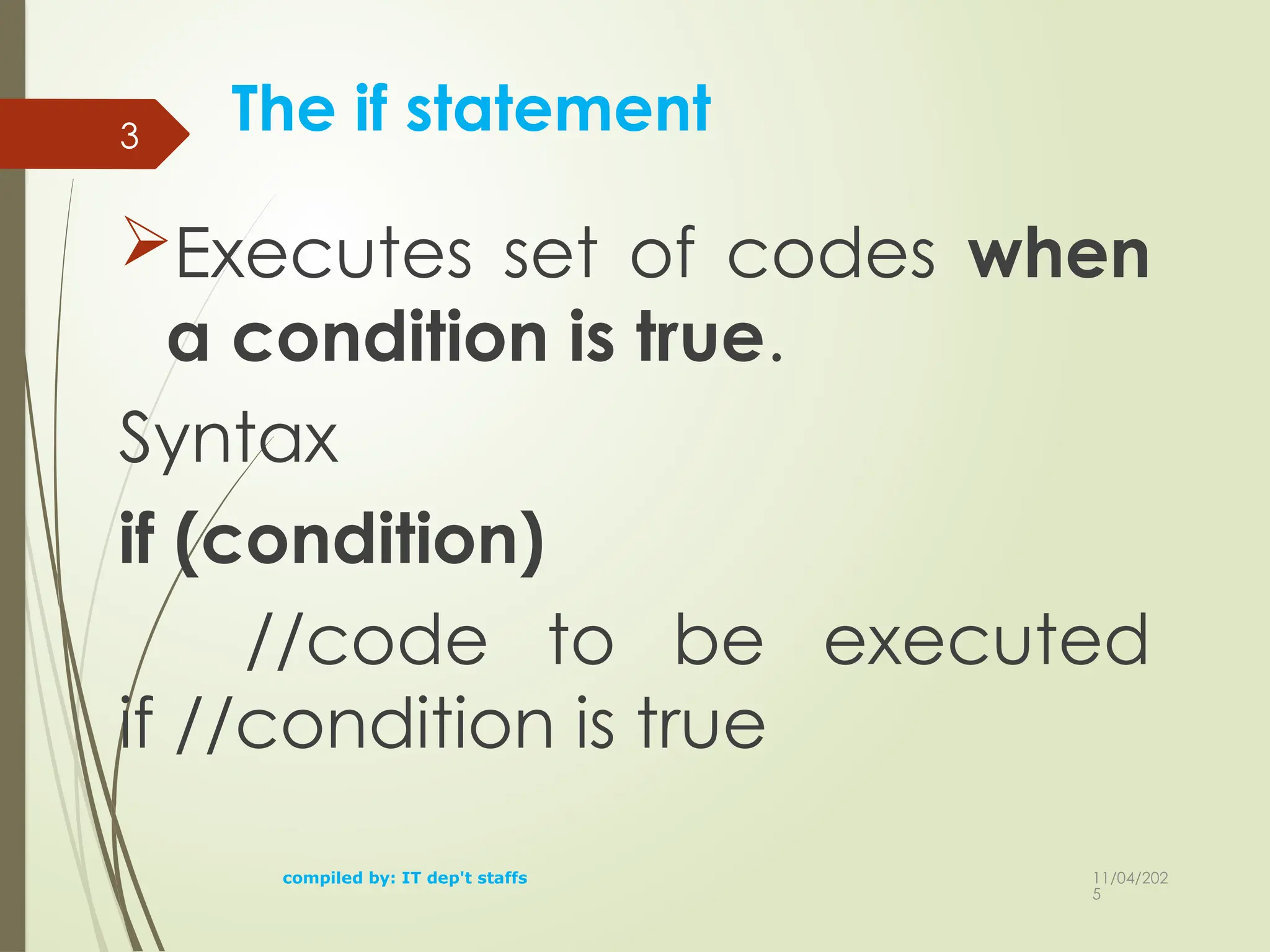
The if statement
Executesset of codes when
a condition is true.
Syntax
if (condition)
//code to be executed
if //condition is true
compiled by: IT dep't staffs
3
4.
11/04/202
5
4
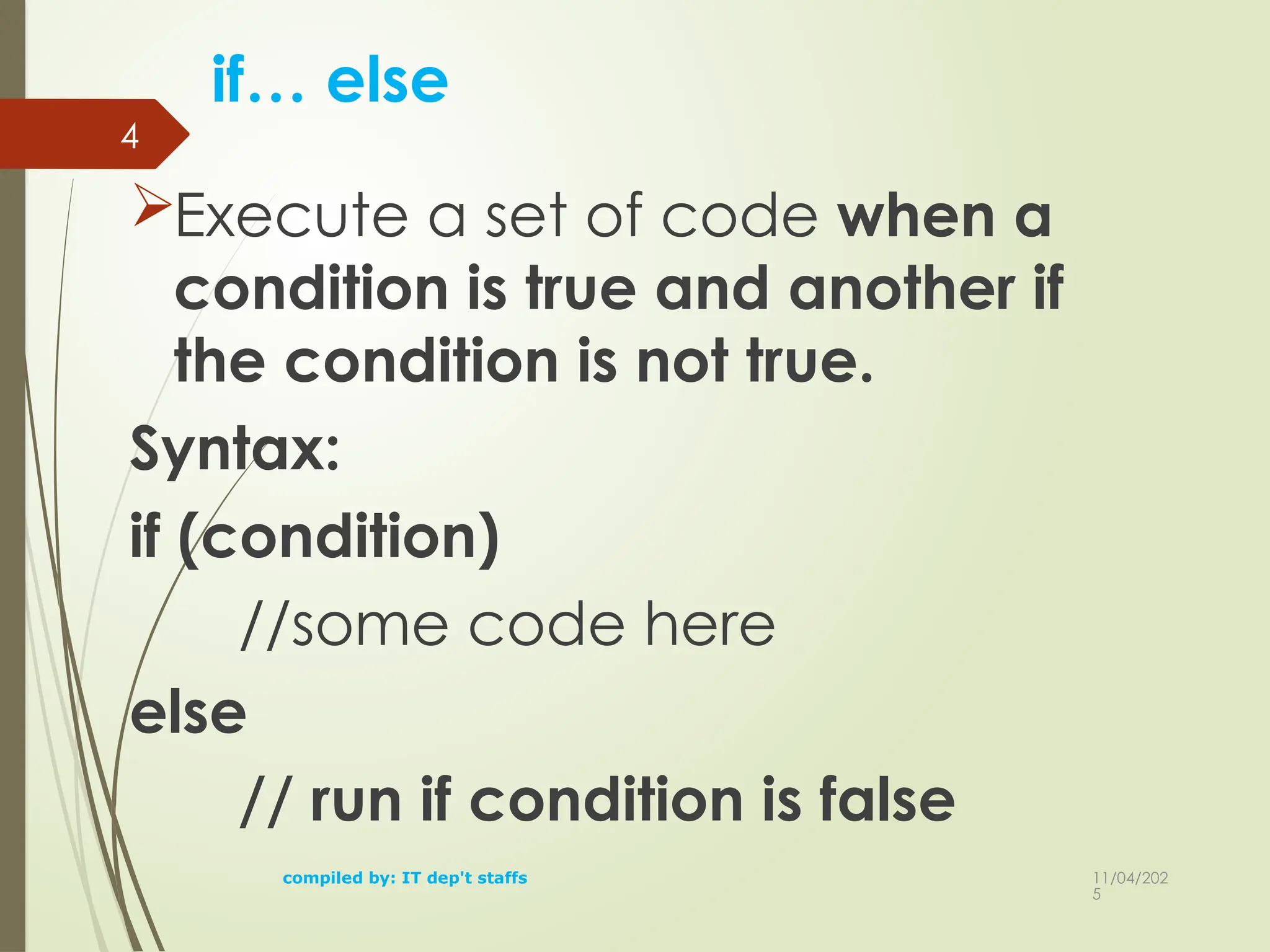
if… else
Execute aset of code when a
condition is true and another if
the condition is not true.
Syntax:
if (condition)
//some code here
else
// run if condition is false
compiled by: IT dep't staffs
5.
11/04/202
5
5
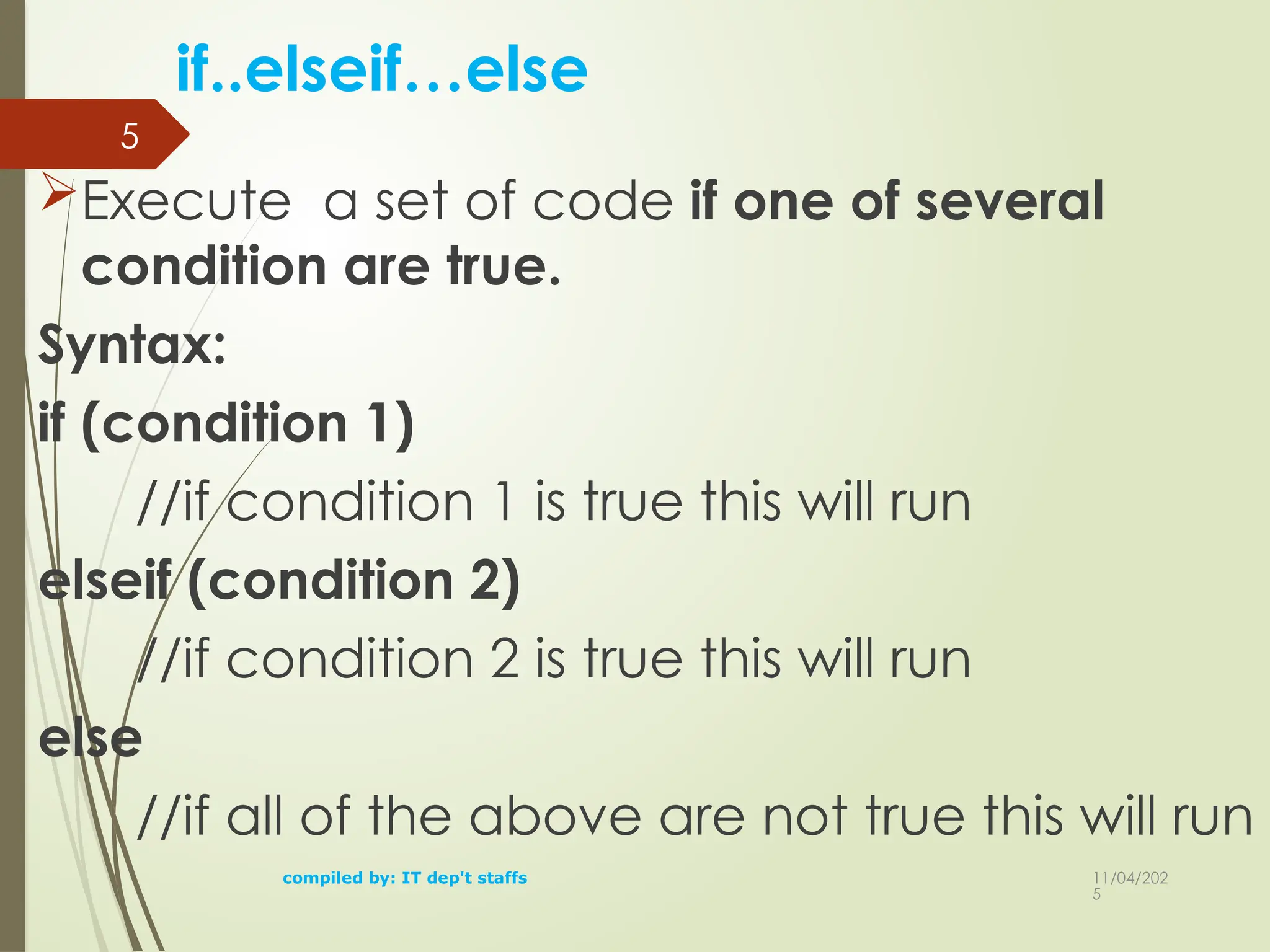
if..elseif…else
Execute a setof code if one of several
condition are true.
Syntax:
if (condition 1)
//if condition 1 is true this will run
elseif (condition 2)
//if condition 2 is true this will run
else
//if all of the above are not true this will run
compiled by: IT dep't staffs
6.
11/04/202
5
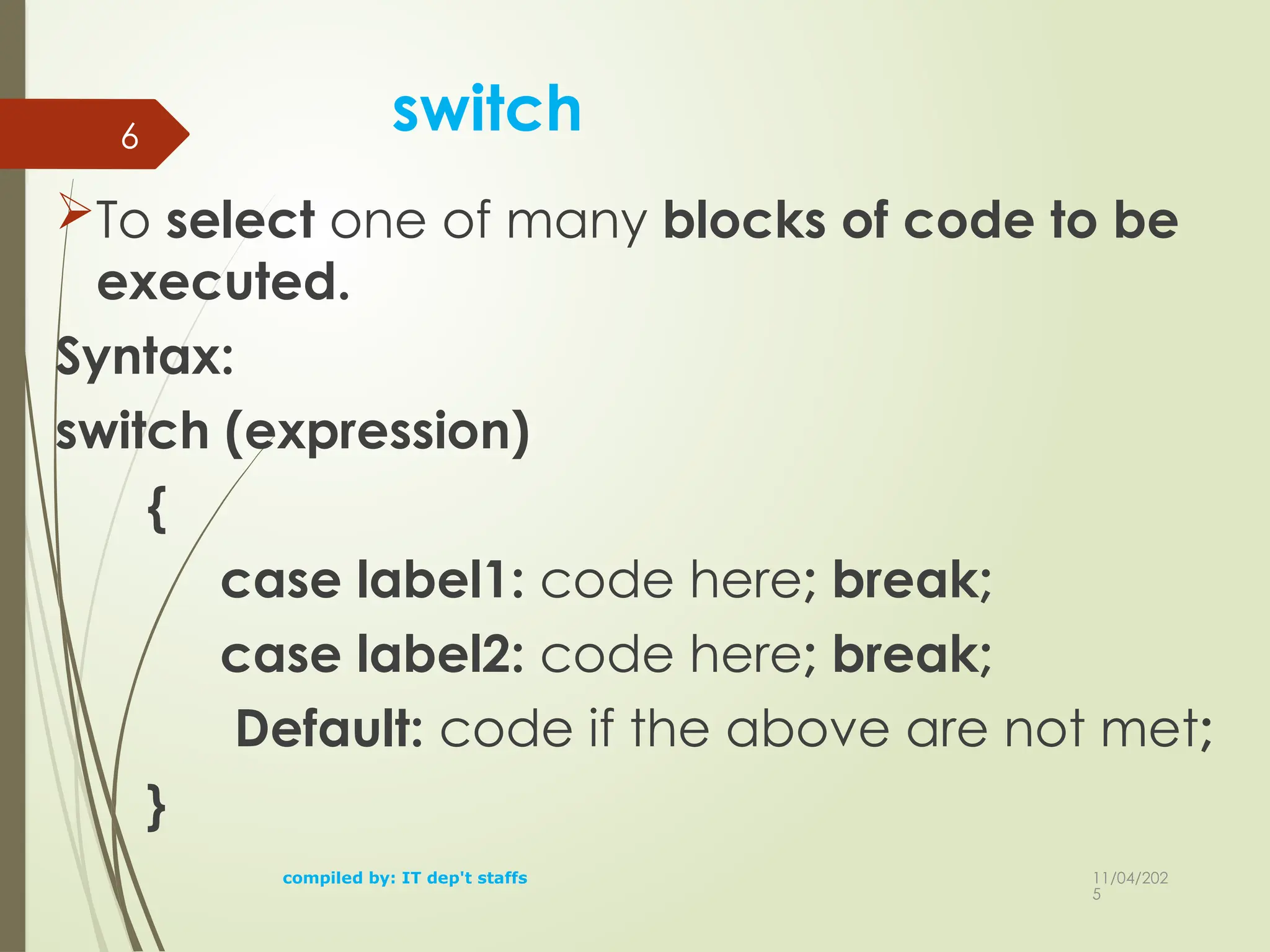
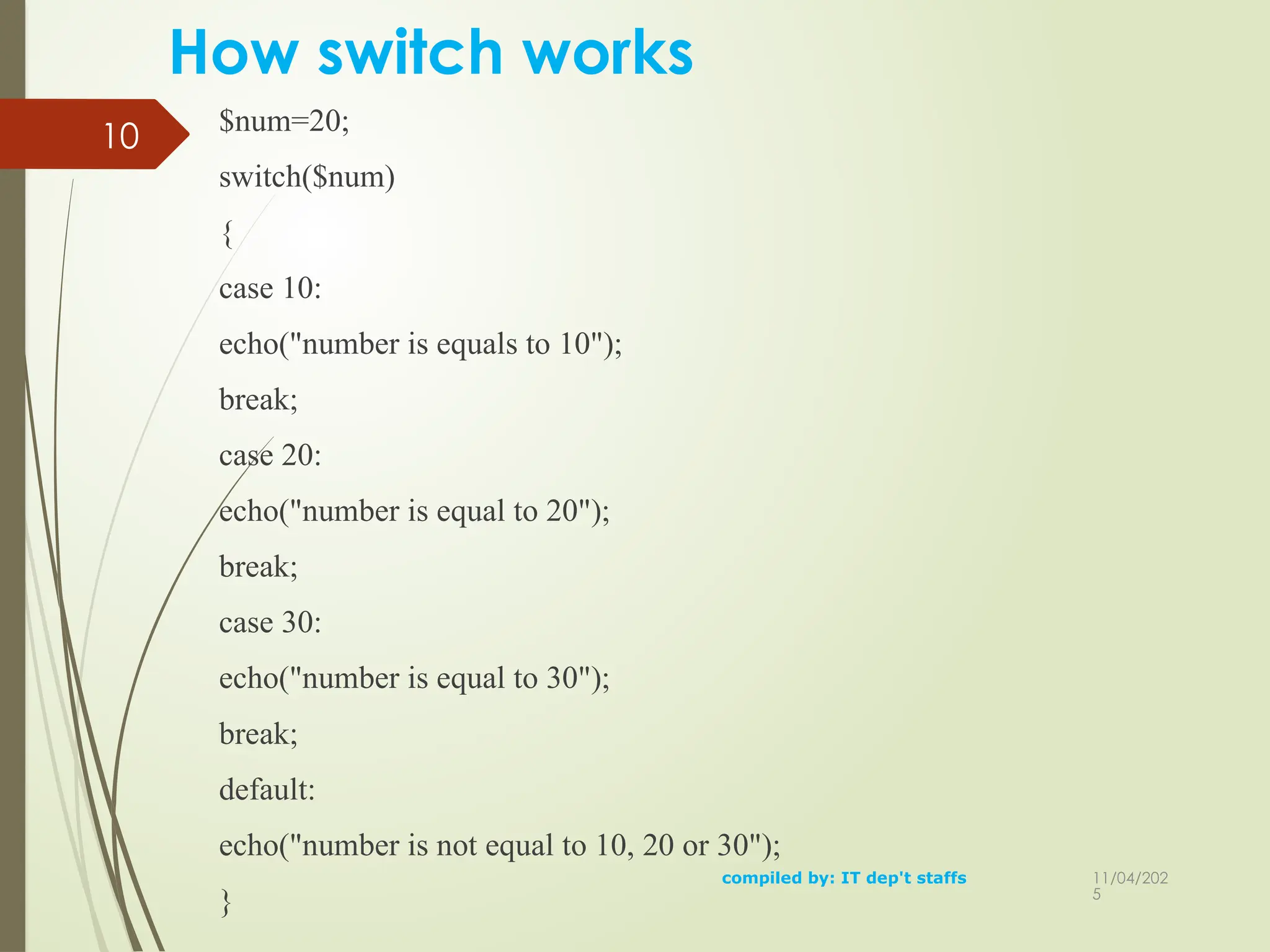
switch
To select oneof many blocks of code to be
executed.
Syntax:
switch (expression)
{
case label1: code here; break;
case label2: code here; break;
Default: code if the above are not met;
}
compiled by: IT dep't staffs
6
11/04/202
5
8
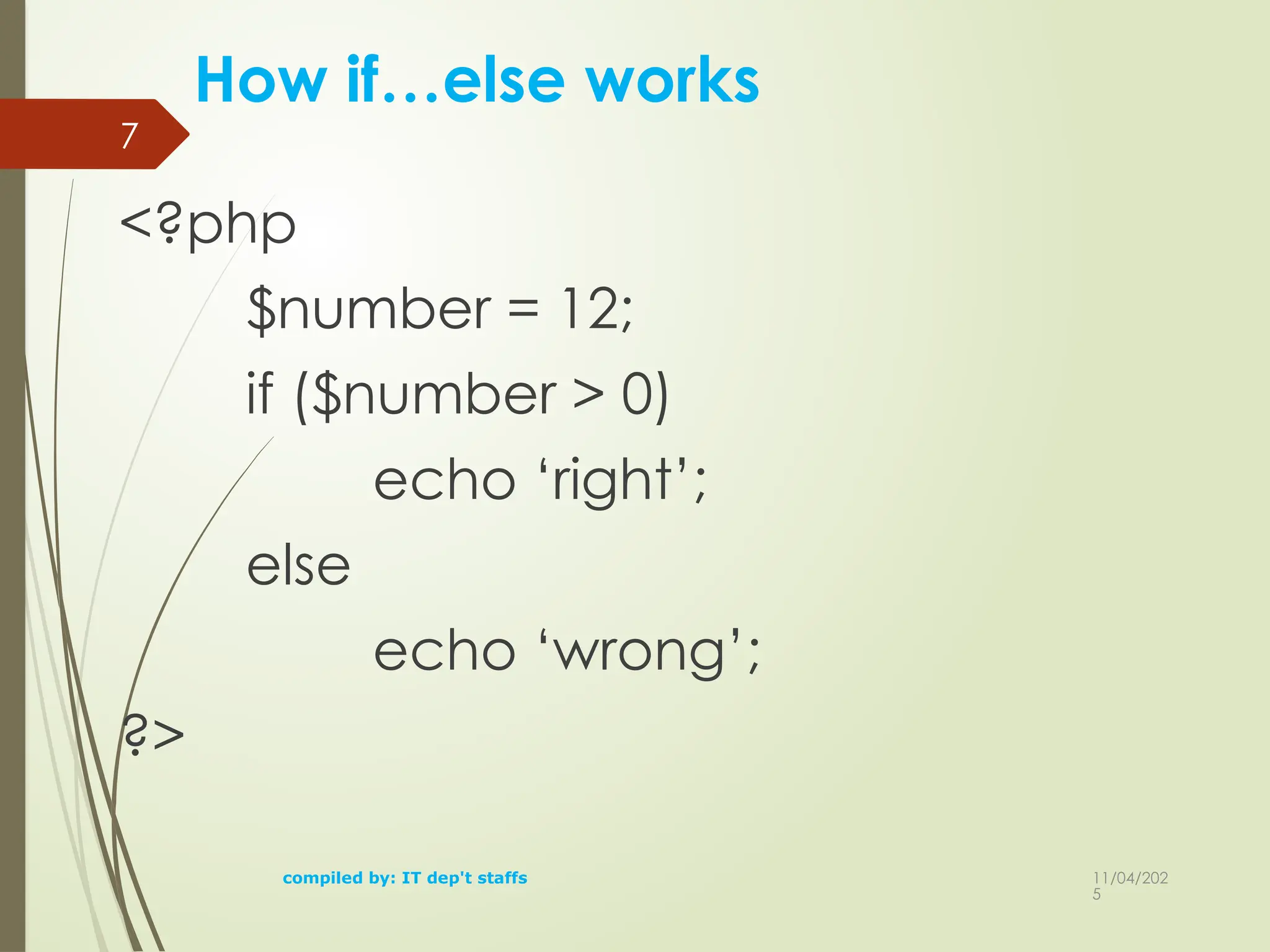
How if…elseif…else works
<?php
$number= 12;
if ($number < 0)
echo ‘it is negative’;
elseif ($number == 0)
echo ‘it is zero’;
elseif ($number > 0)
echo ‘yes it is’;
?>compiled by: IT dep't staffs
9.
11/04/202
5
10
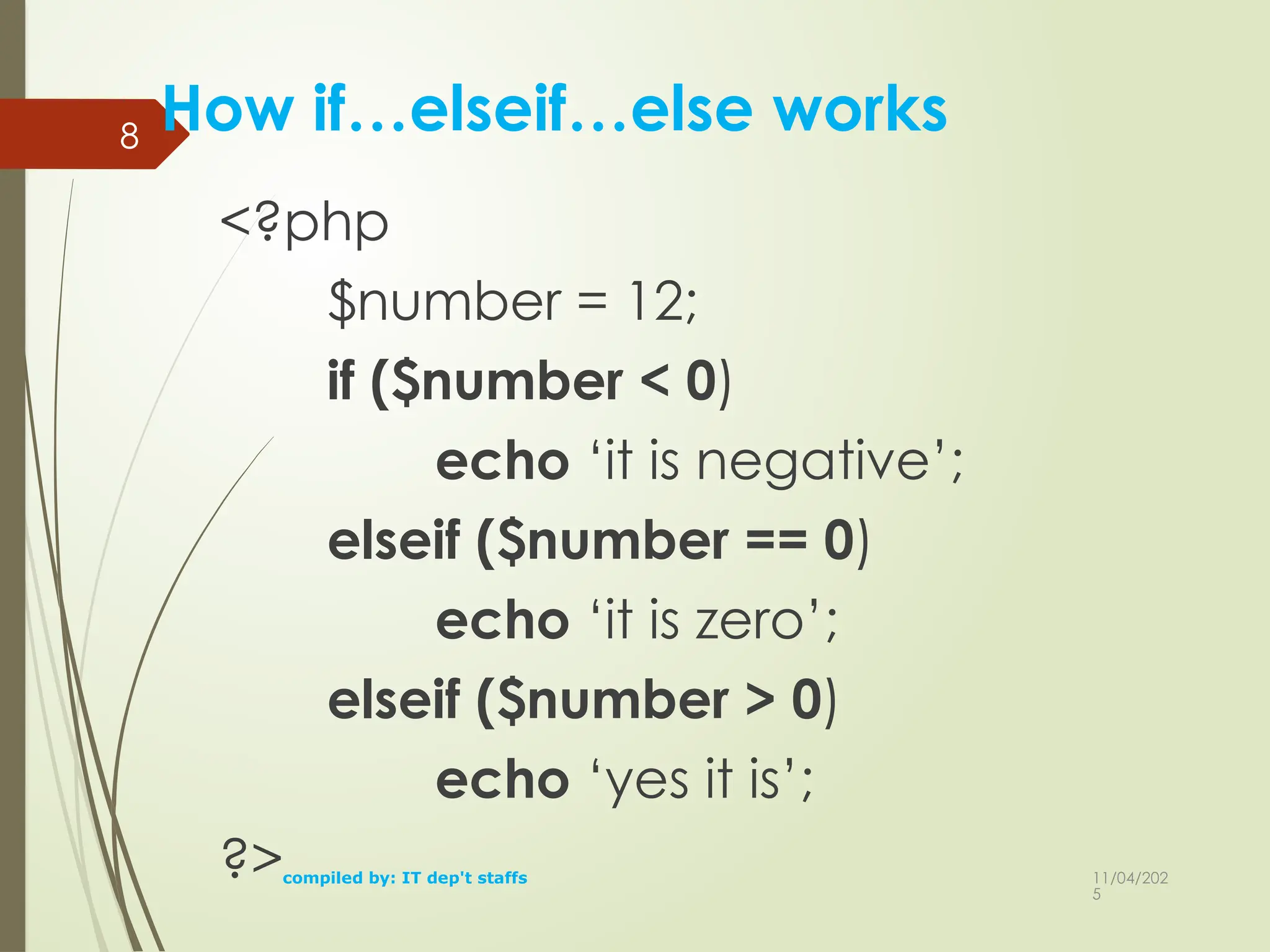
How switch works
$num=20;
switch($num)
{
case10:
echo("number is equals to 10");
break;
case 20:
echo("number is equal to 20");
break;
case 30:
echo("number is equal to 30");
break;
default:
echo("number is not equal to 10, 20 or 30");
}
compiled by: IT dep't staffs
11/04/202
5
compiled by: ITdep't staffs
13
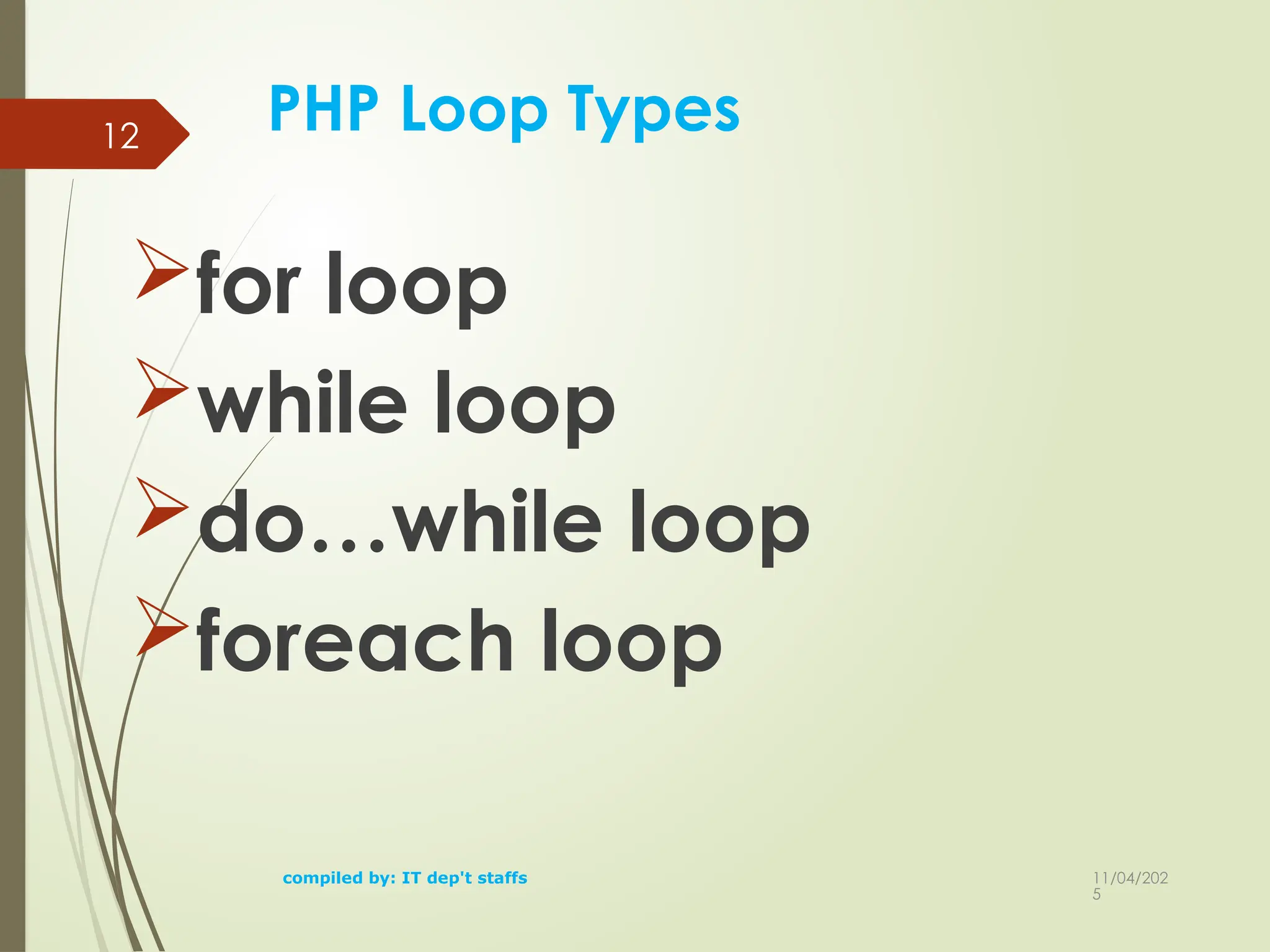
for loop
loops through a block of code a
specified number of times.
Syntax
for (initialization; condition;
increment[decrement])
{
code to be executed;
}
13.
11/04/202
5
compiled by: ITdep't staffs
14
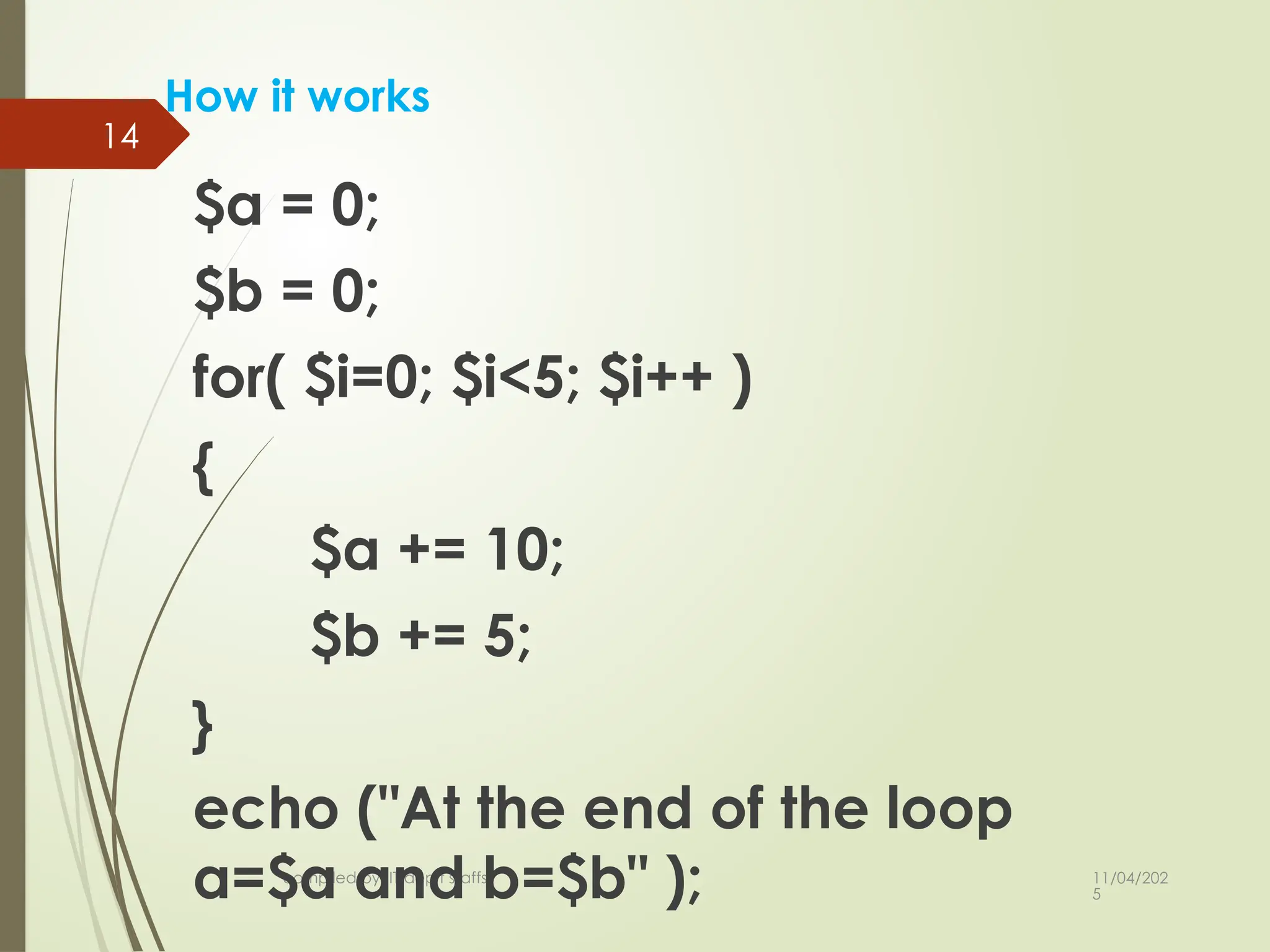
How it works
$a = 0;
$b = 0;
for( $i=0; $i<5; $i++ )
{
$a += 10;
$b += 5;
}
echo ("At the end of the loop
a=$a and b=$b" );
14.
11/04/202
5
compiled by: ITdep't staffs
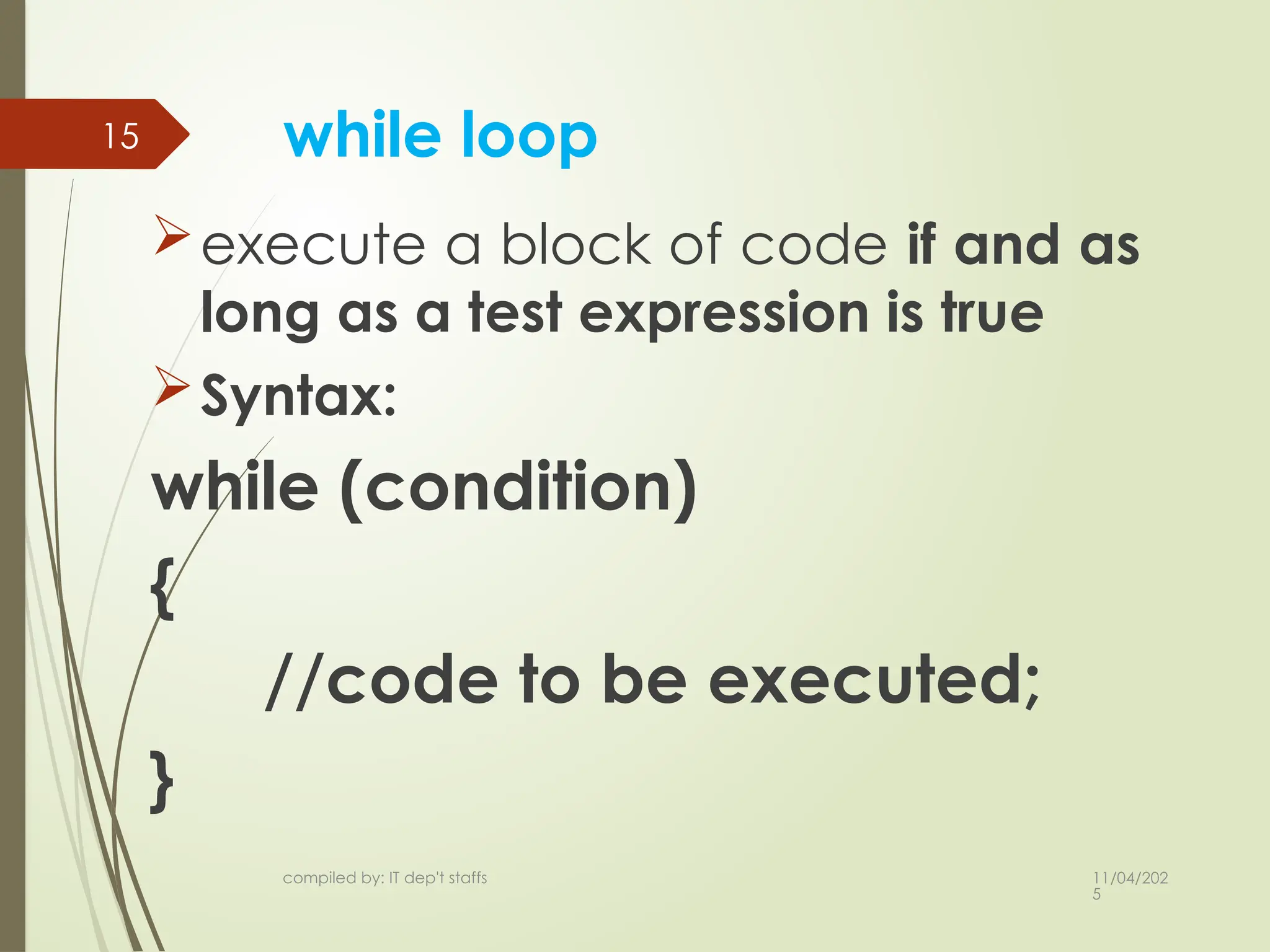
15 while loop
execute a block of code if and as
long as a test expression is true
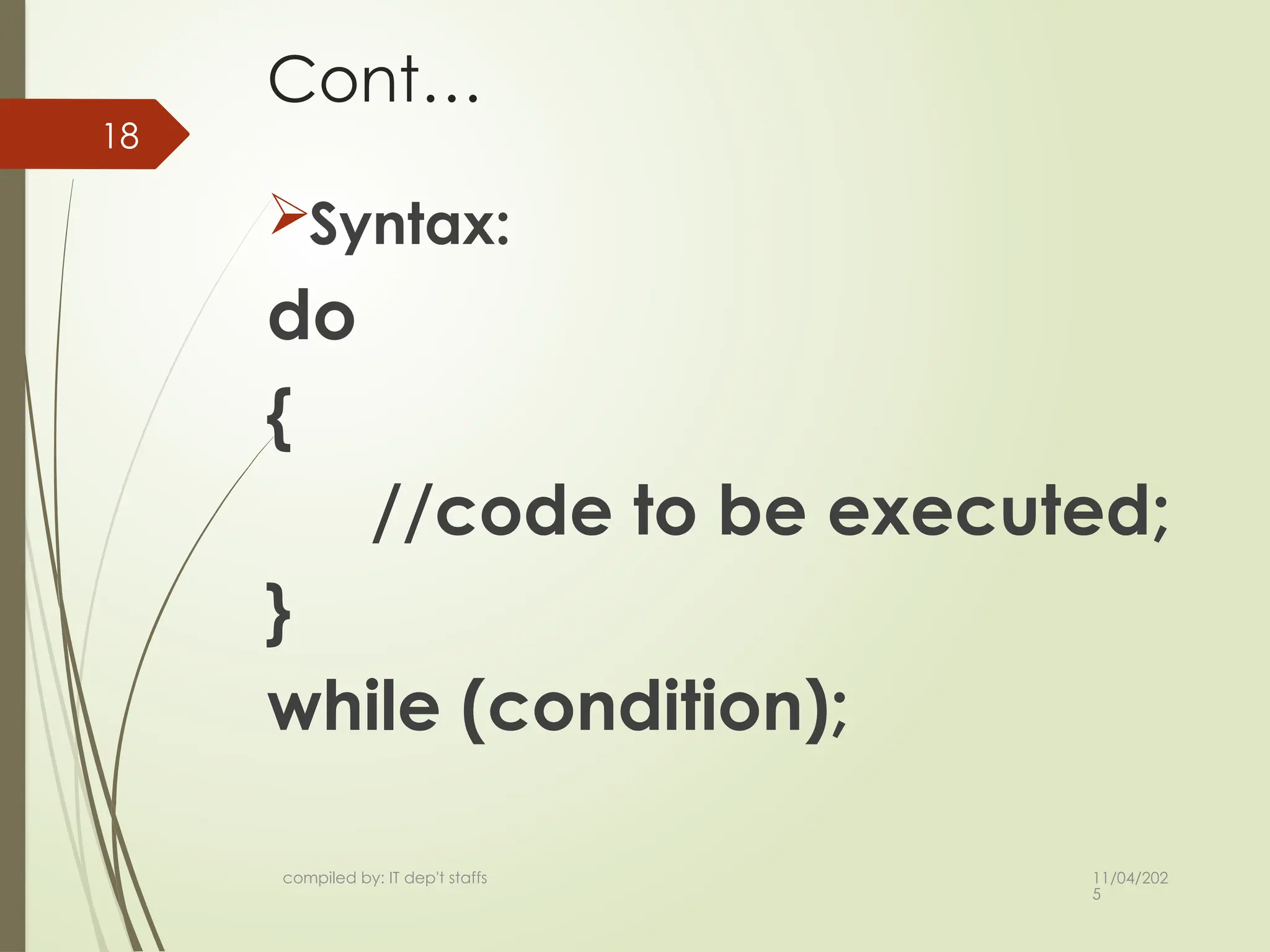
Syntax:
while (condition)
{
//code to be executed;
}
15.
11/04/202
5
compiled by: ITdep't staffs
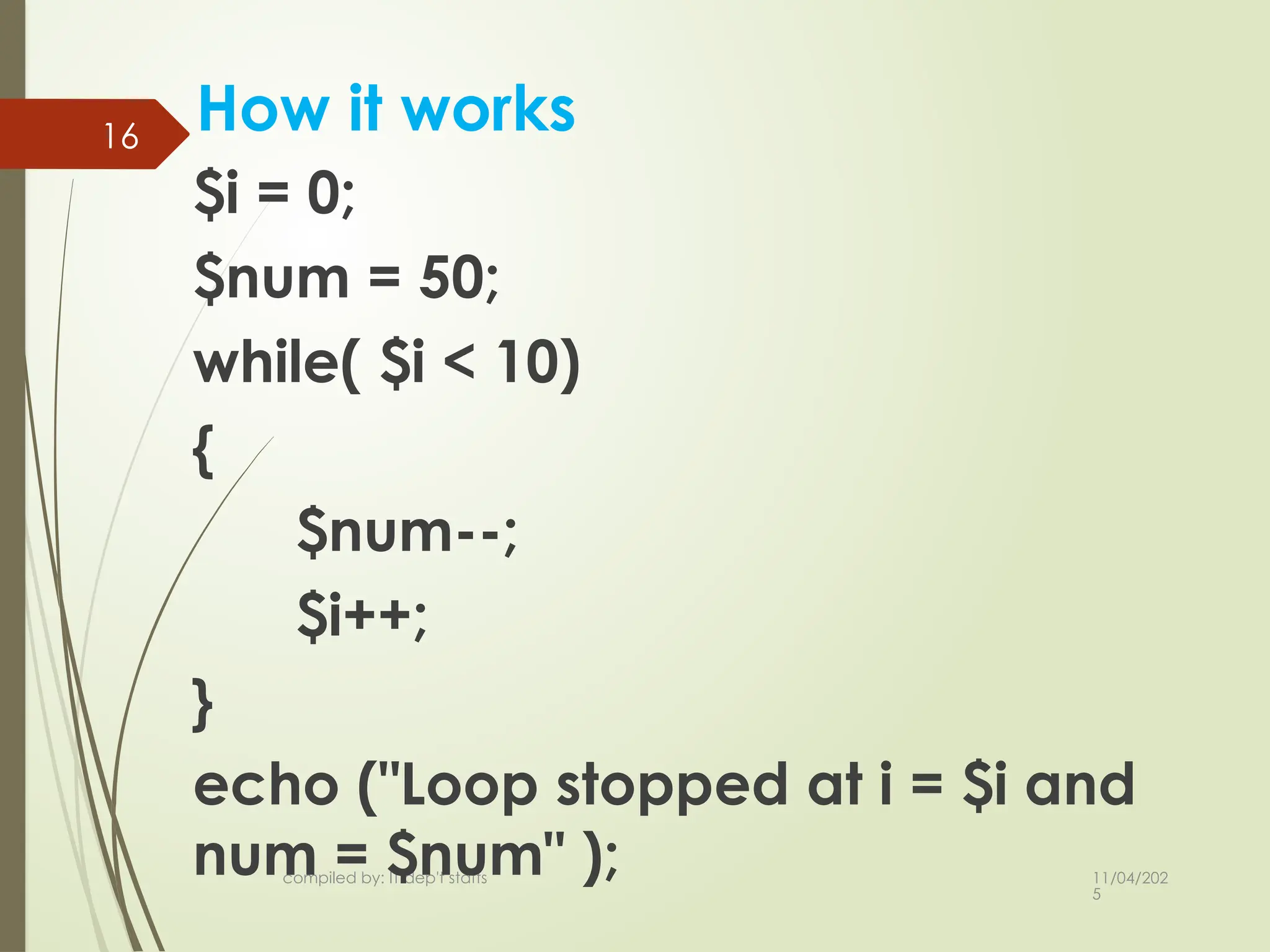
16
How it works
$i = 0;
$num = 50;
while( $i < 10)
{
$num--;
$i++;
}
echo ("Loop stopped at i = $i and
num = $num" );
16.
11/04/202
5
compiled by: ITdep't staffs
17
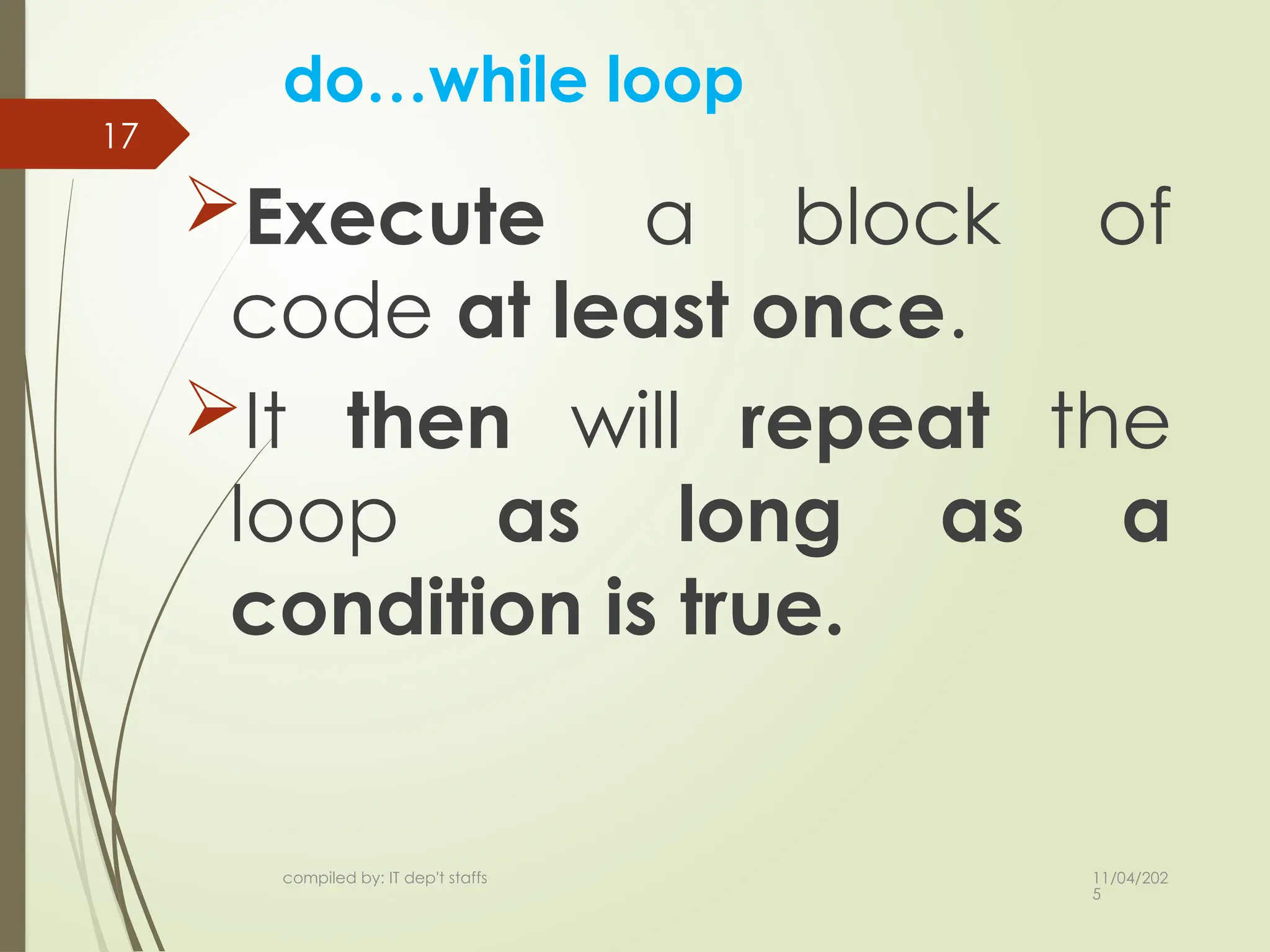
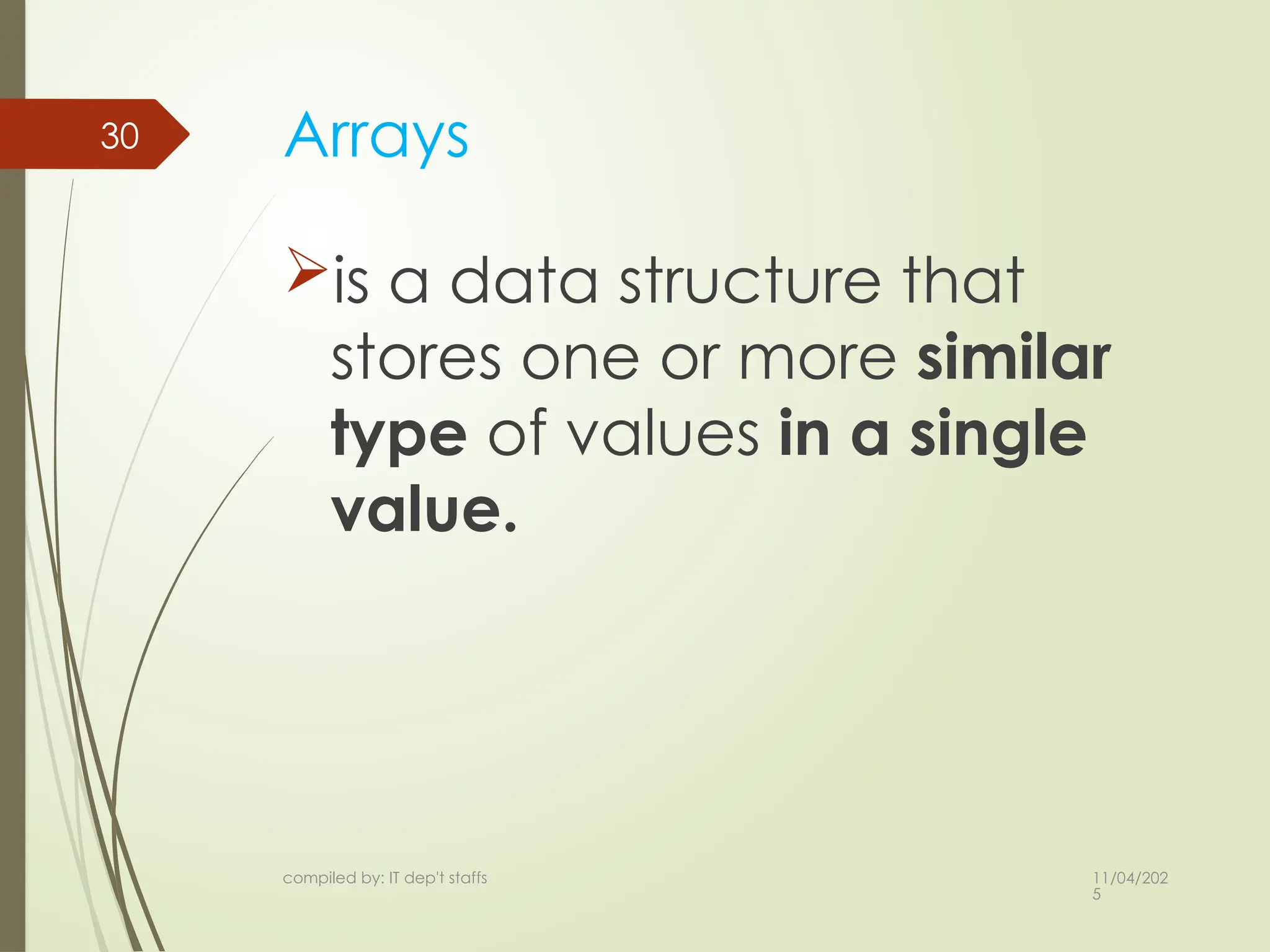
do…while loop
Execute a block of
code at least once.
It then will repeat the
loop as long as a
condition is true.
11/04/202
5
compiled by: ITdep't staffs
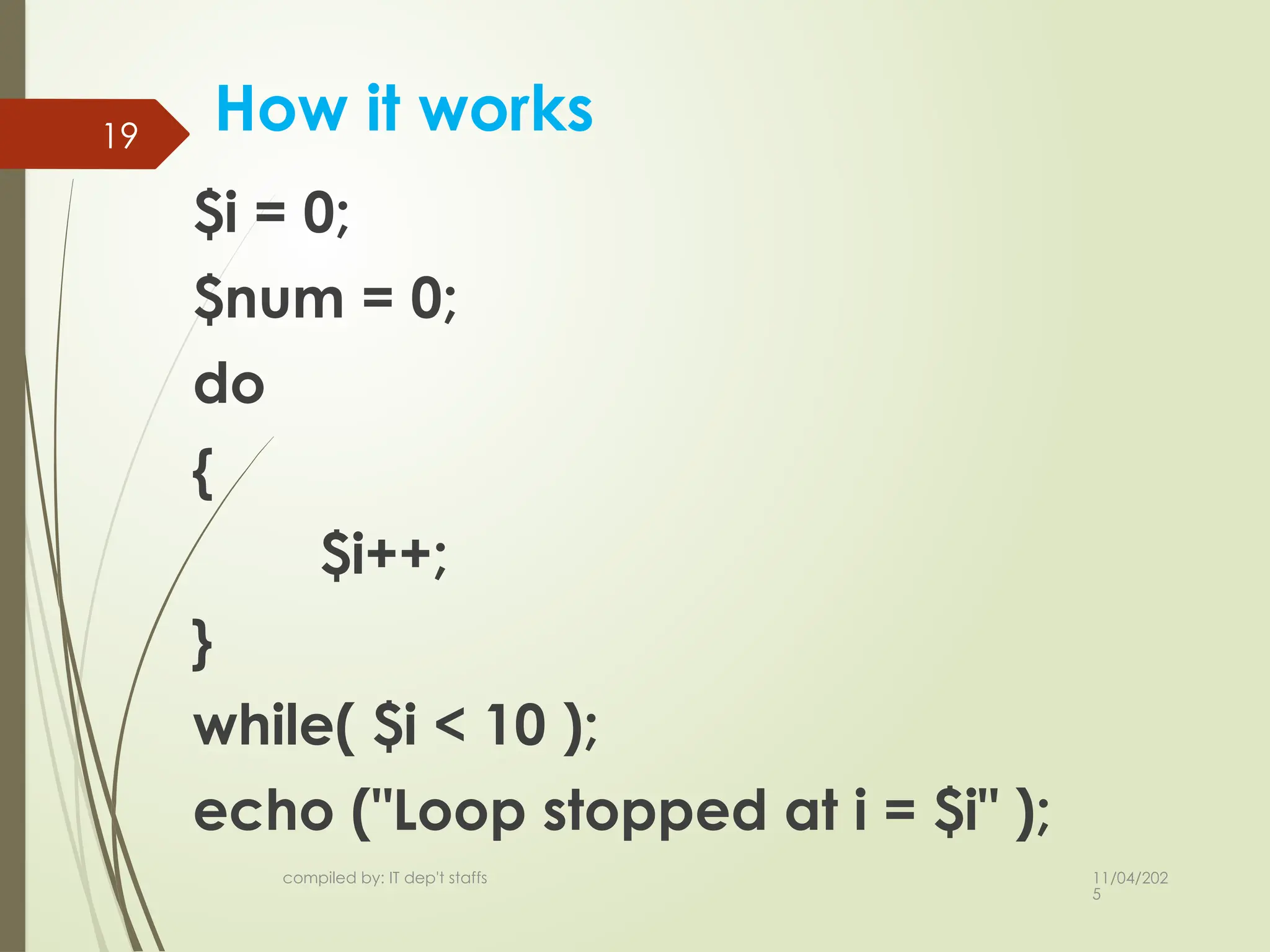
19
How it works
$i = 0;
$num = 0;
do
{
$i++;
}
while( $i < 10 );
echo ("Loop stopped at i = $i" );
19.
11/04/202
5
compiled by: ITdep't staffs
20
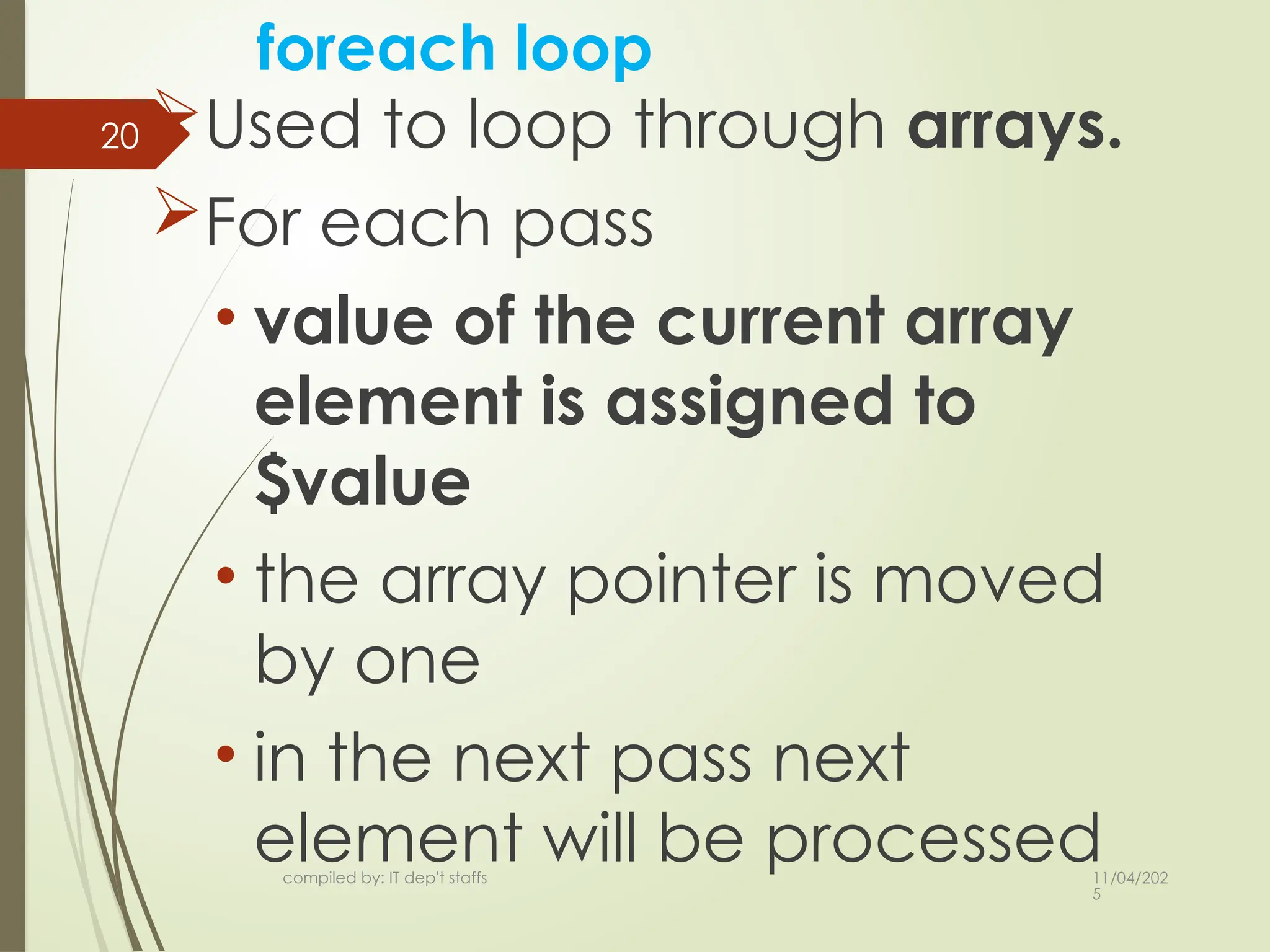
foreach loop
Used to loop through arrays.
For each pass
• value of the current array
element is assigned to
$value
• the array pointer is moved
by one
• in the next pass next
element will be processed
20.
11/04/202
5
compiled by: ITdep't staffs
21 Cont…
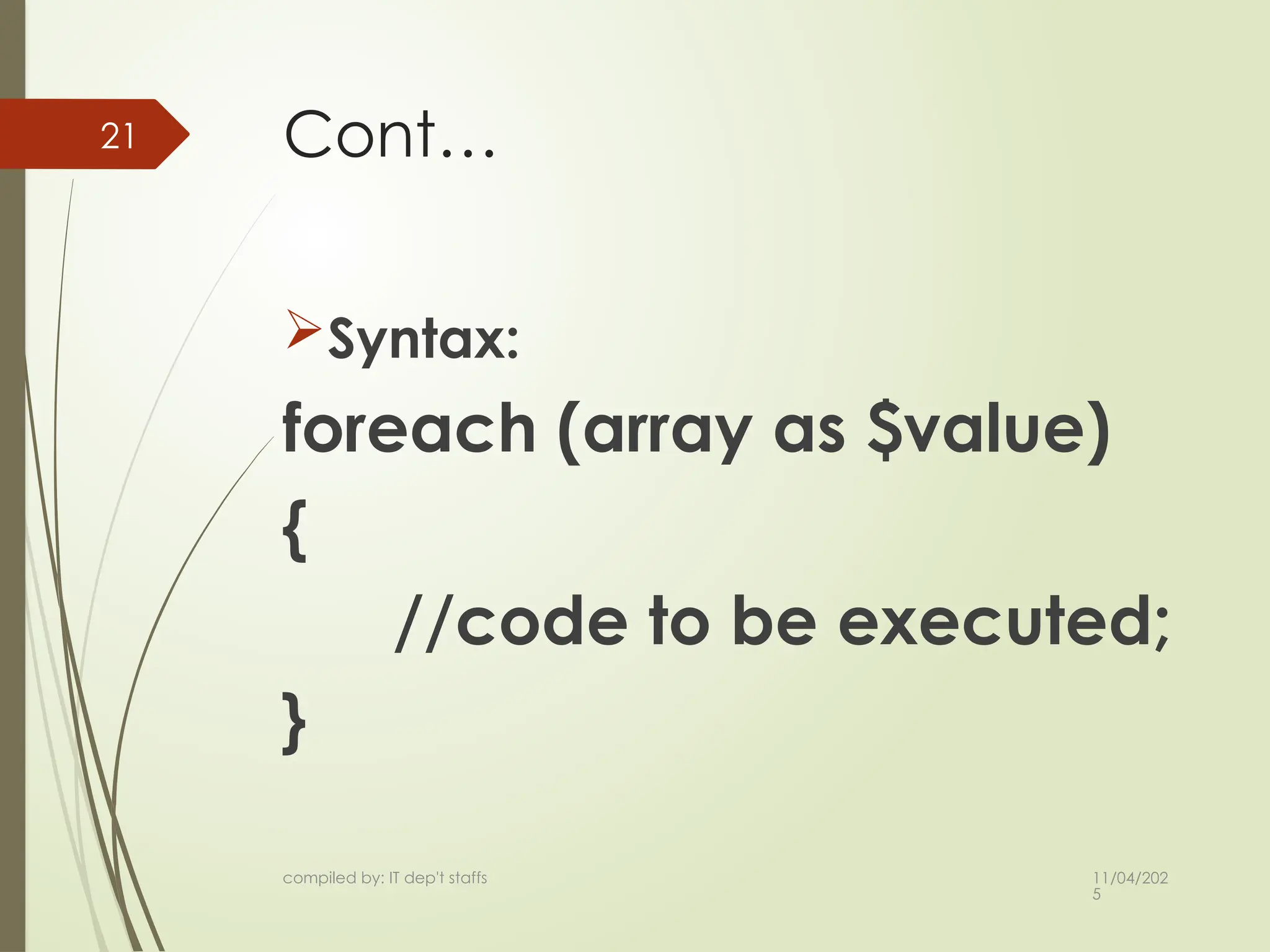
Syntax:
foreach (array as $value)
{
//code to be executed;
}
21.
11/04/202
5
compiled by: ITdep't staffs
22
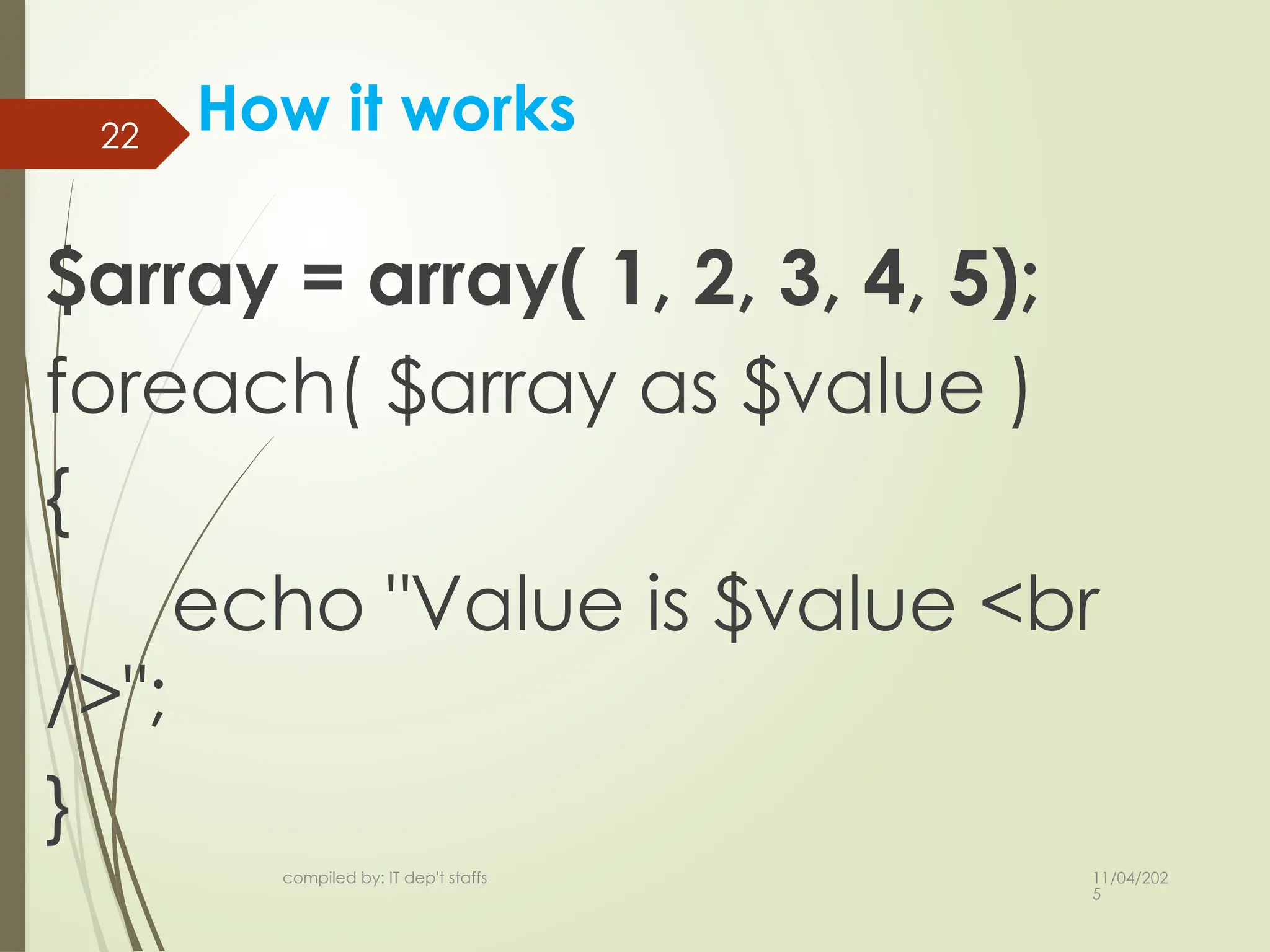
How it works
$array = array( 1, 2, 3, 4, 5);
foreach( $array as $value )
{
echo "Value is $value <br
/>";
}
22.
11/04/202
5
compiled by: ITdep't staffs
23
Break and continue statements
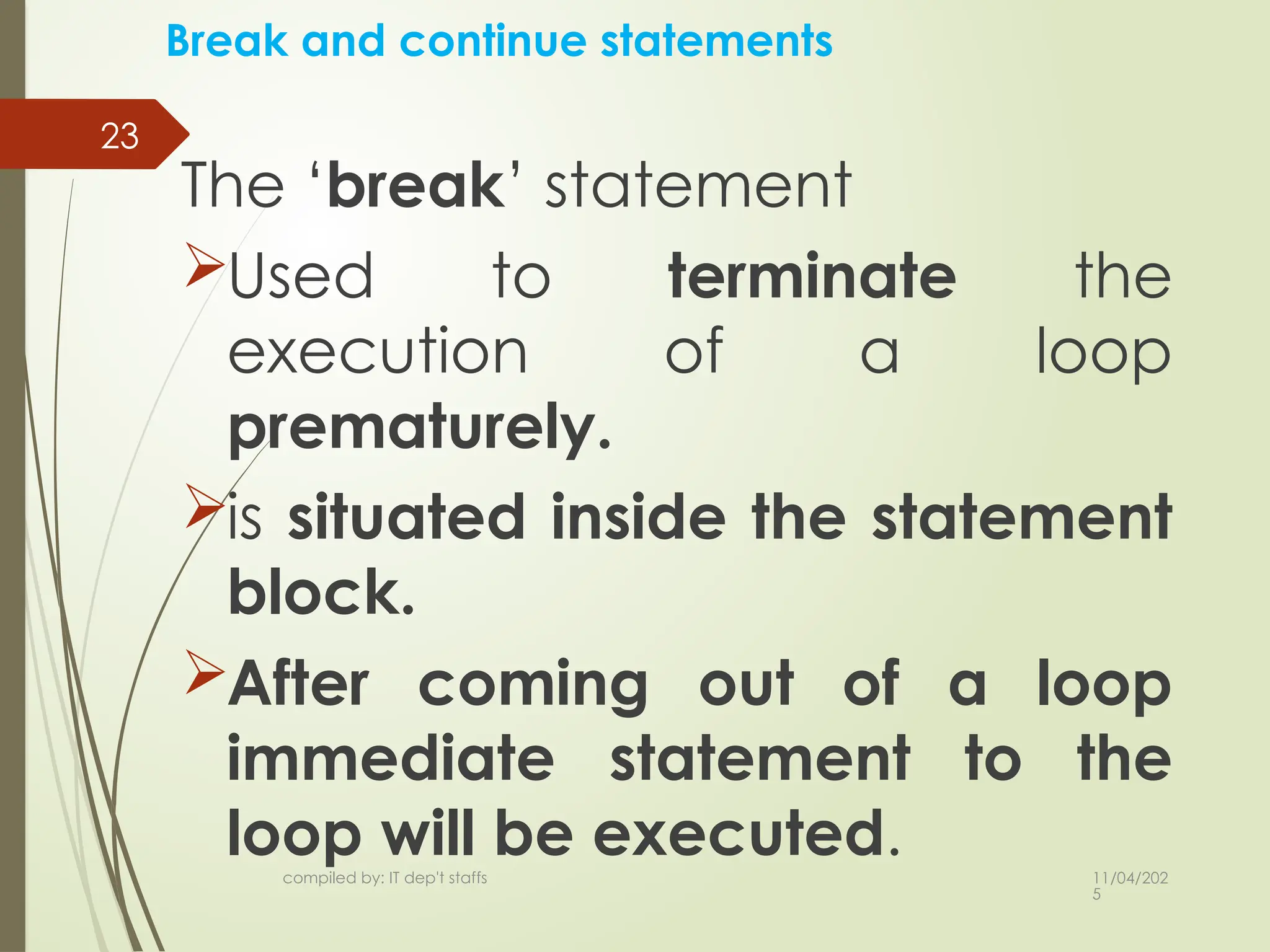
The ‘break’ statement
Used to terminate the
execution of a loop
prematurely.
is situated inside the statement
block.
After coming out of a loop
immediate statement to the
loop will be executed.
23.
11/04/202
5
compiled by: ITdep't staffs
24
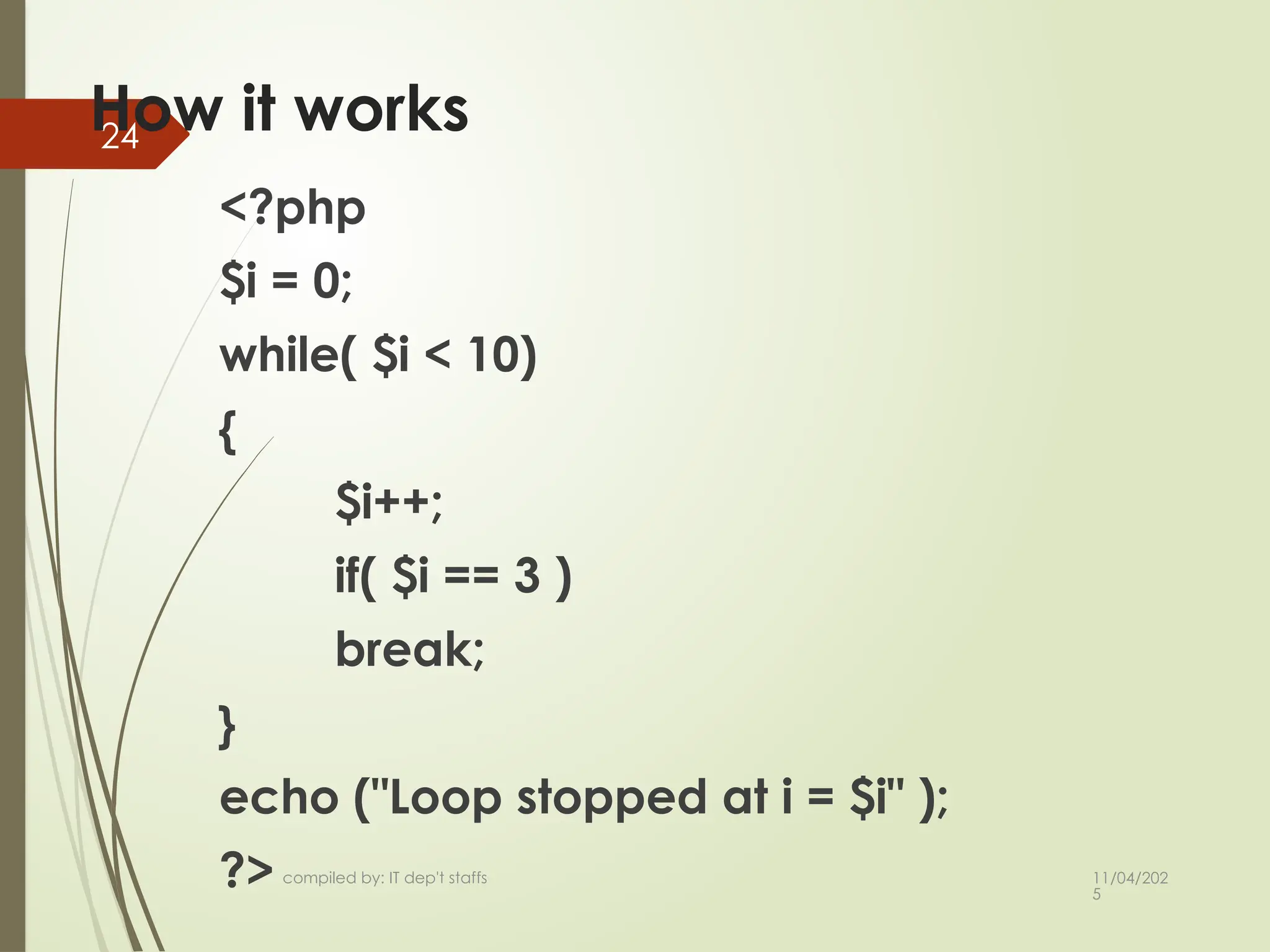
How it works
<?php
$i = 0;
while( $i < 10)
{
$i++;
if( $i == 3 )
break;
}
echo ("Loop stopped at i = $i" );
?>
24.
11/04/202
5
compiled by: ITdep't staffs
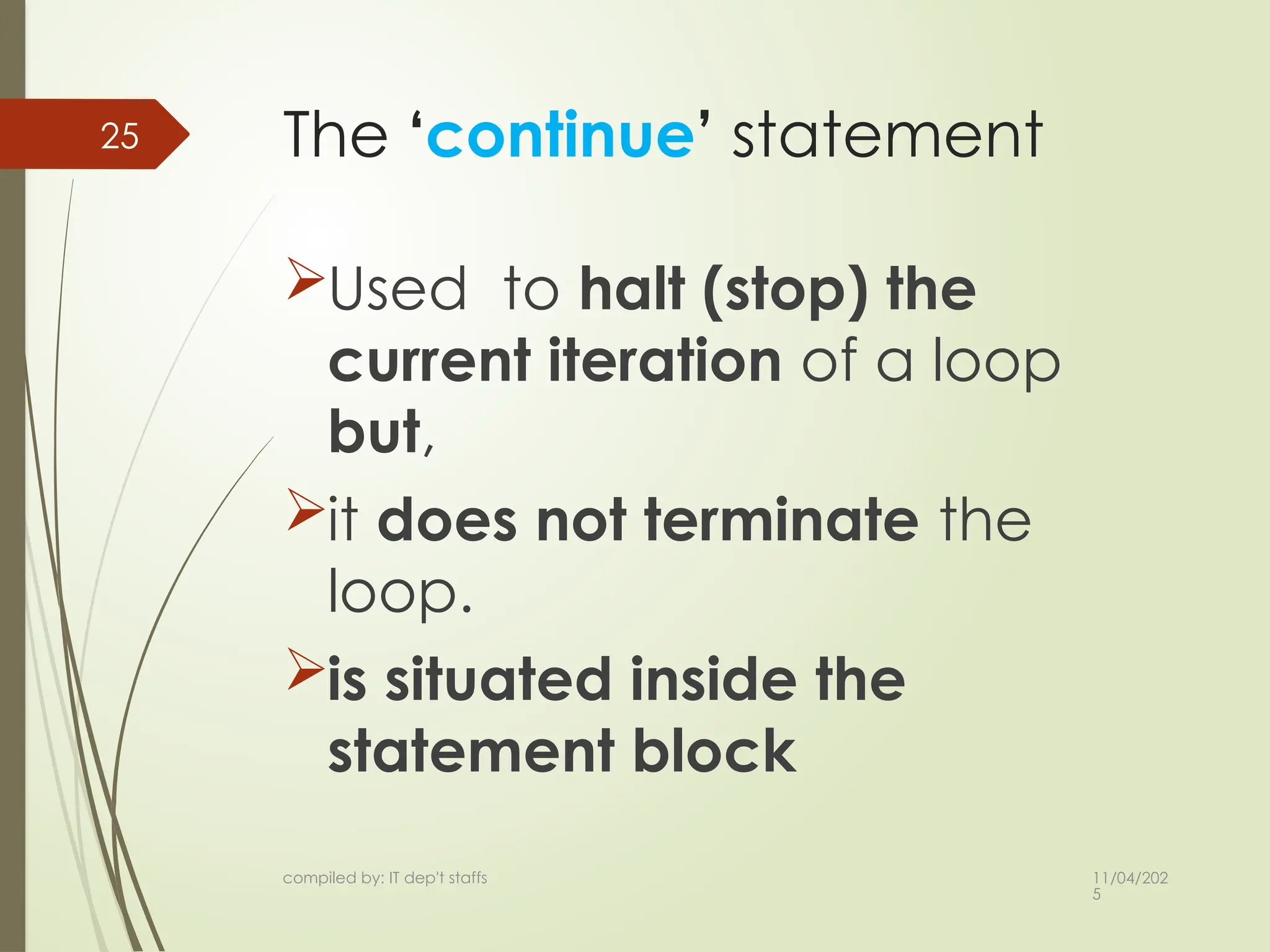
25 The ‘continue’ statement
Used to halt (stop) the
current iteration of a loop
but,
it does not terminate the
loop.
is situated inside the
statement block
25.
11/04/202
5
compiled by: ITdep't staffs
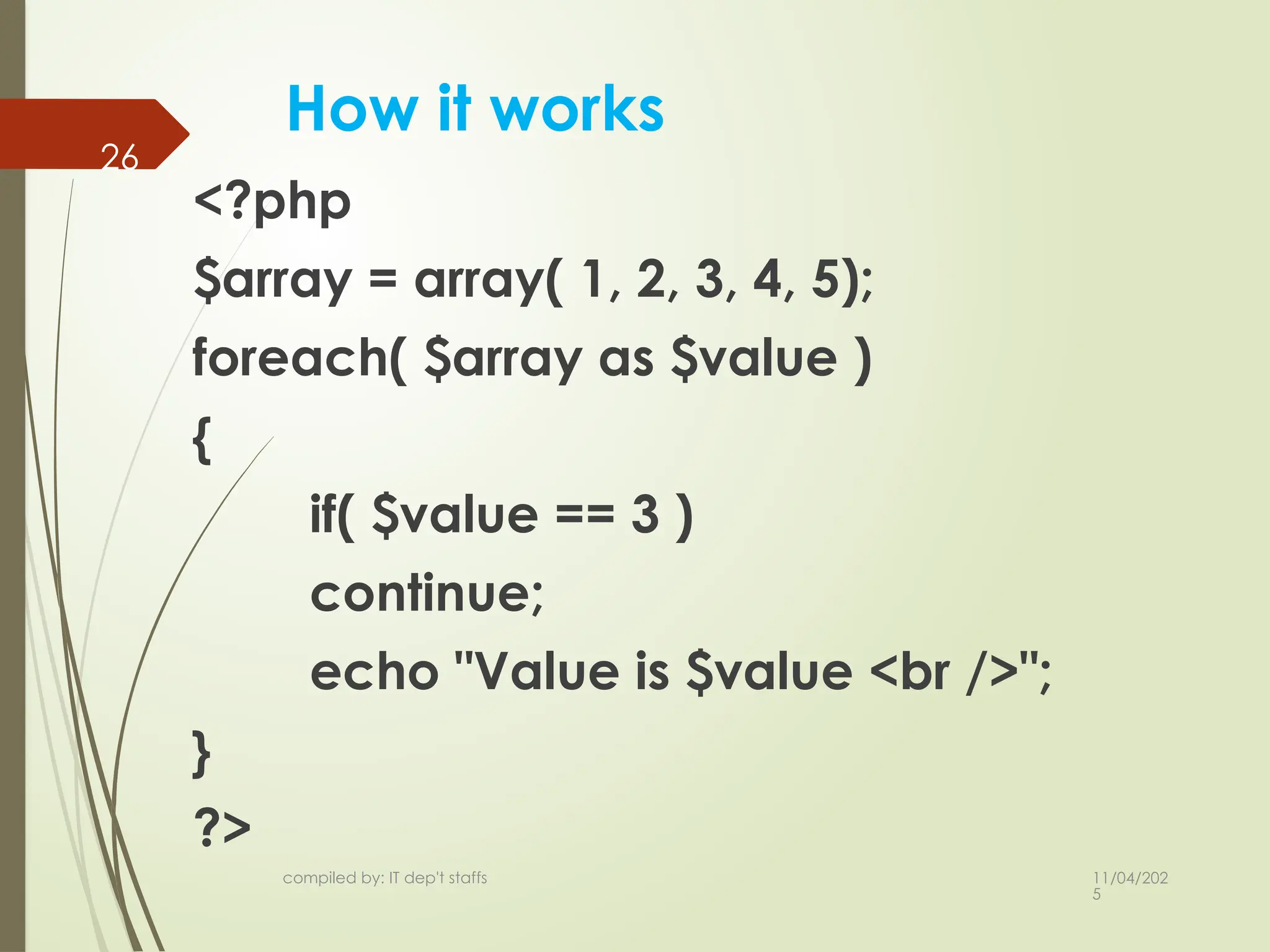
How it works
<?php
$array = array( 1, 2, 3, 4, 5);
foreach( $array as $value )
{
if( $value == 3 )
continue;
echo "Value is $value <br />";
}
?>
26
26.
11/04/202
5
compiled by: ITdep't staffs
27
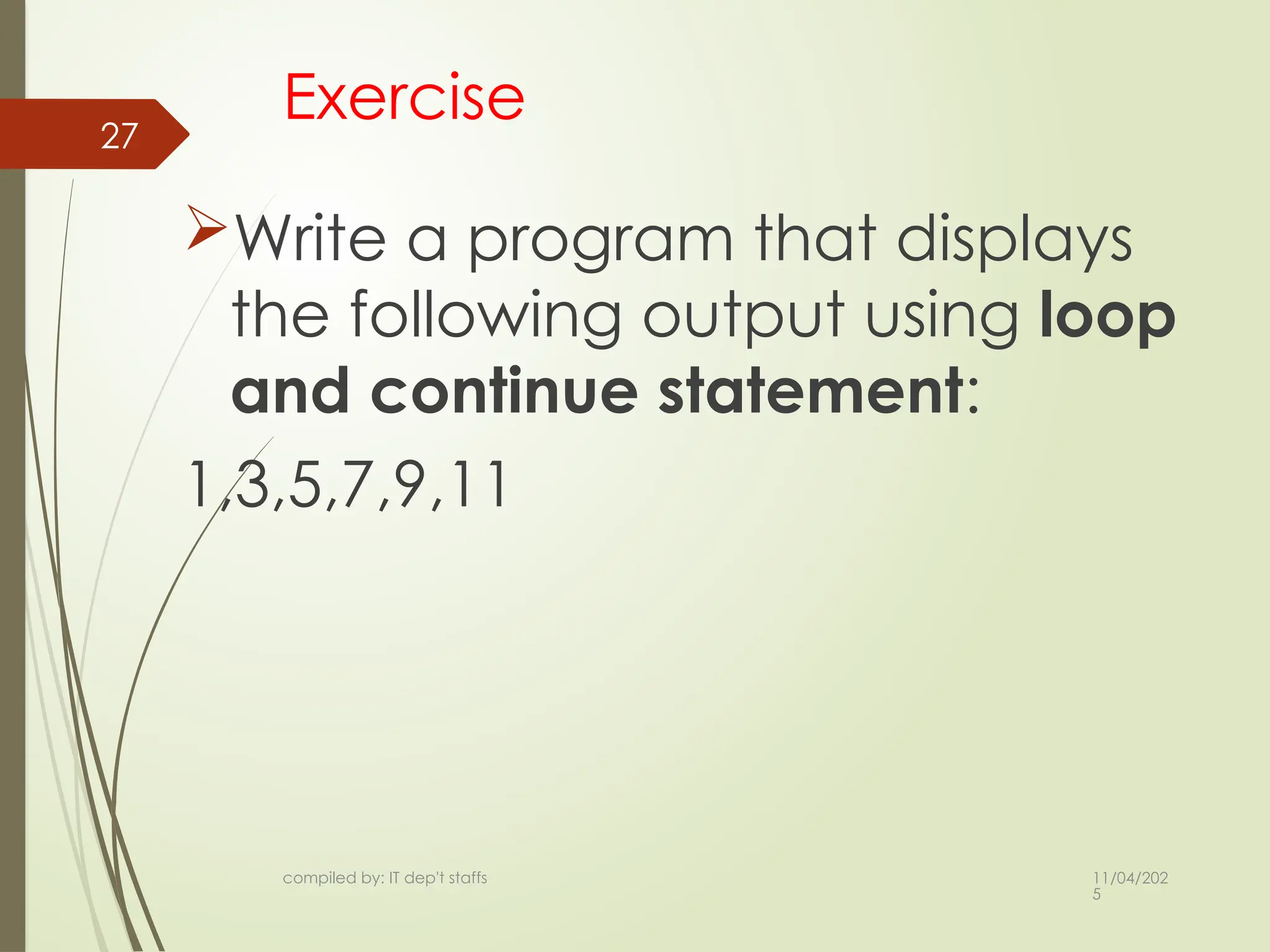
Exercise
Write a program that displays
the following output using loop
and continue statement:
1,3,5,7,9,11
27.
11/04/202
5
compiled by: ITdep't staffs
28
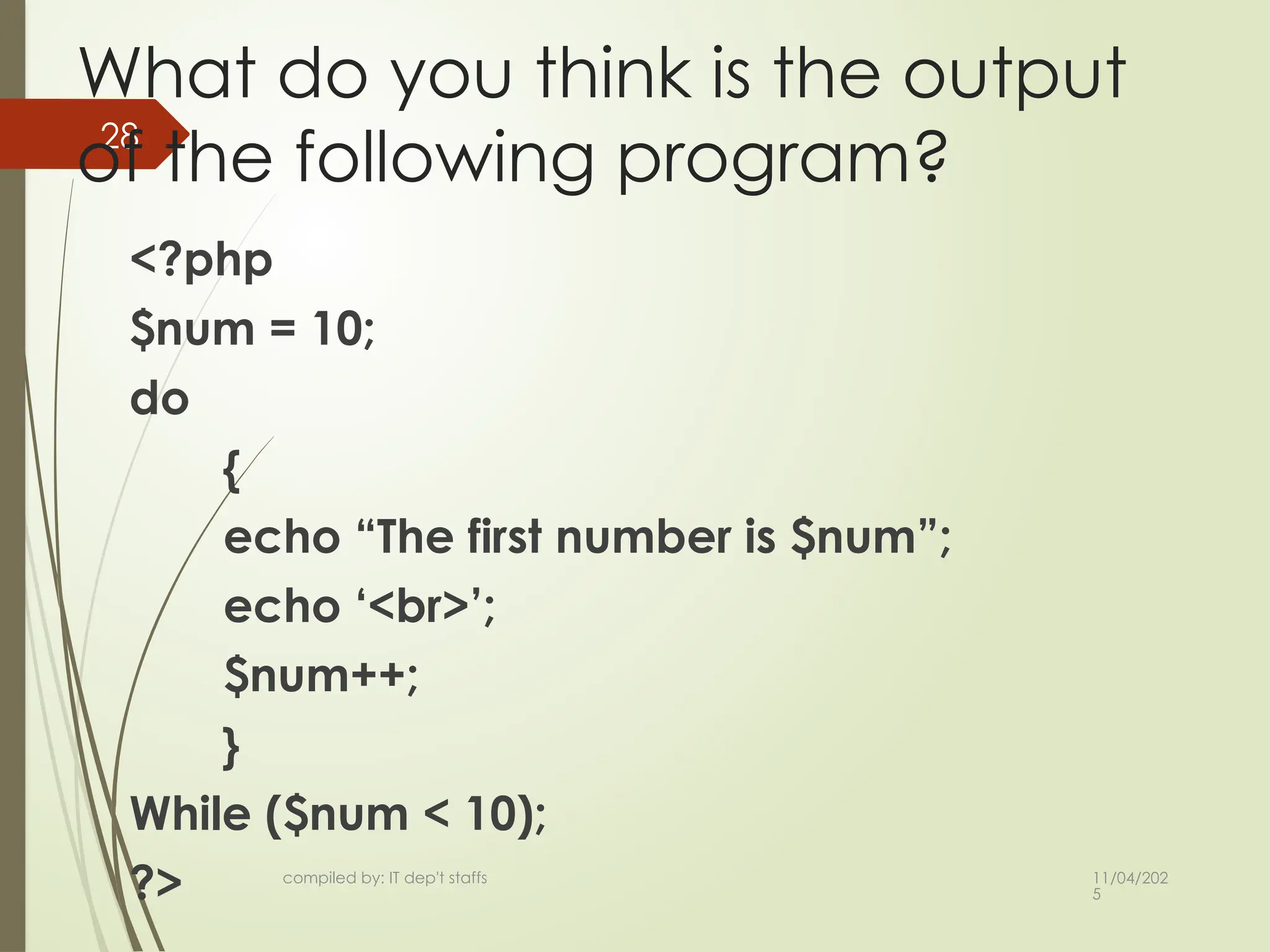
What do you think is the output
of the following program?
<?php
$num = 10;
do
{
echo “The first number is $num”;
echo ‘<br>’;
$num++;
}
While ($num < 10);
?>
11/04/202
5
compiled by: ITdep't staffs
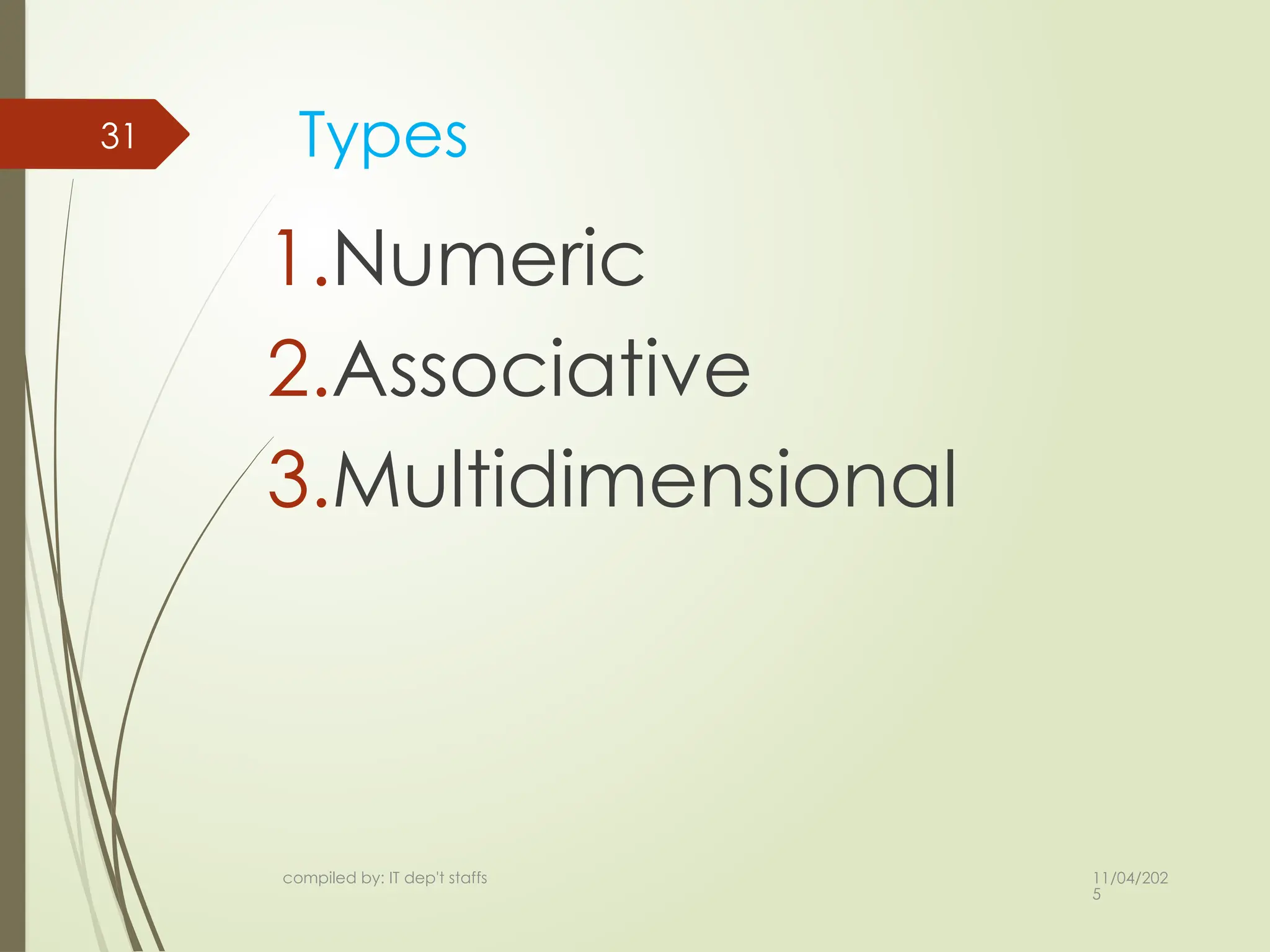
32 Numeric Arrays
array with a numeric index.
By default array index starts
from zero.
$numbers = array( 1, 2, 3, 4, 5);
$numbers[0] = “one”;
$numbers[1] = ‘two’;
32.
11/04/202
5
compiled by: ITdep't staffs
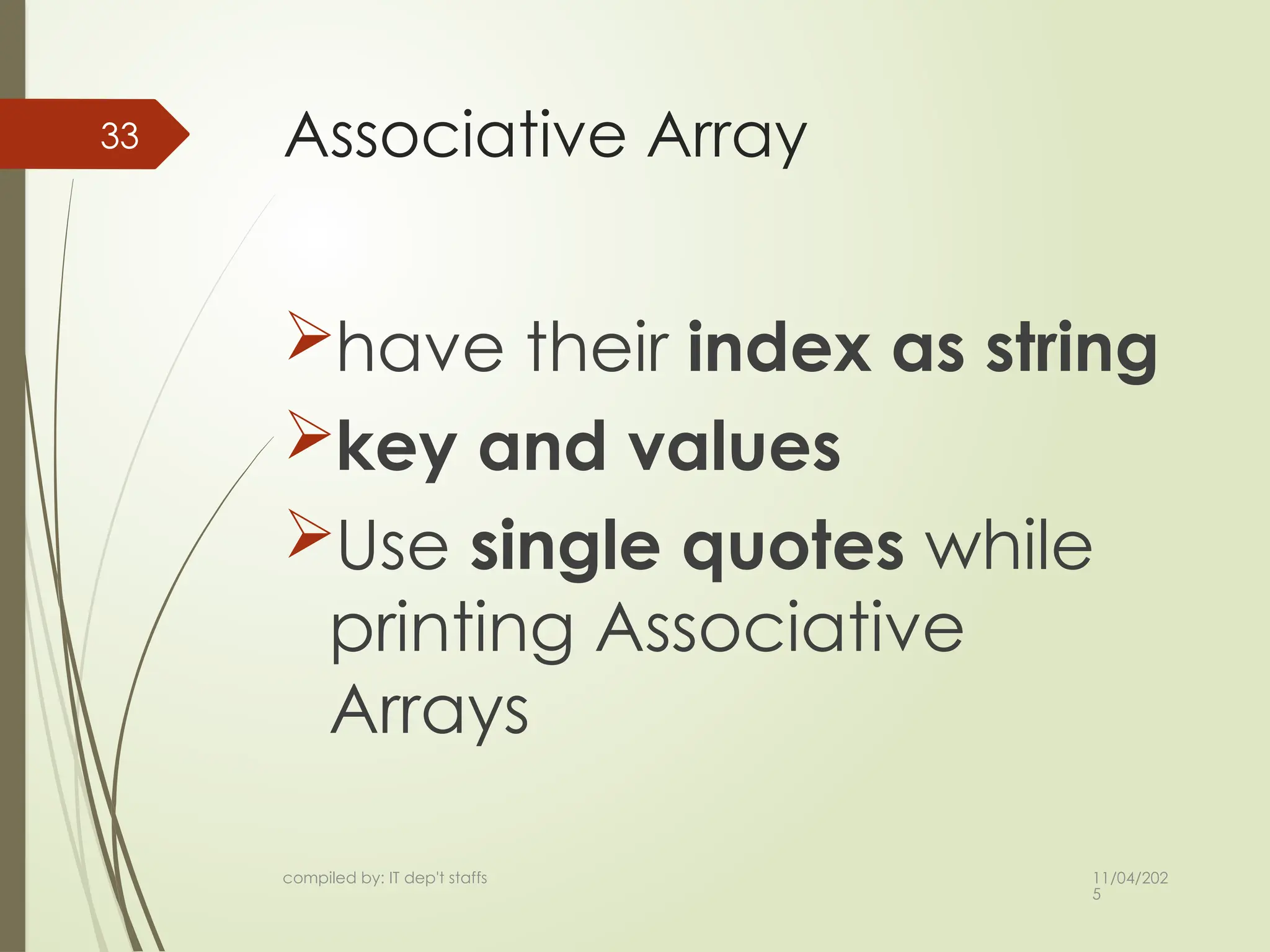
33 Associative Array
have their index as string
key and values
Use single quotes while
printing Associative
Arrays
33.
11/04/202
5
compiled by: ITdep't staffs
34 Cont…
$salaries = array(
“kebede" => 2000, “chala" => 1000,
);
echo "Salary of kebede is ".
$salaries[‘kebede'] . "<br>";
echo "Salary of chala is ".
$salaries[‘chala'];
34.
11/04/202
5
compiled by: ITdep't staffs
35
Multidimensional Array
each element in the main
array can also be an array
Values accessed using
multiple index.
11/04/202
5
compiled by: ITdep't staffs
37
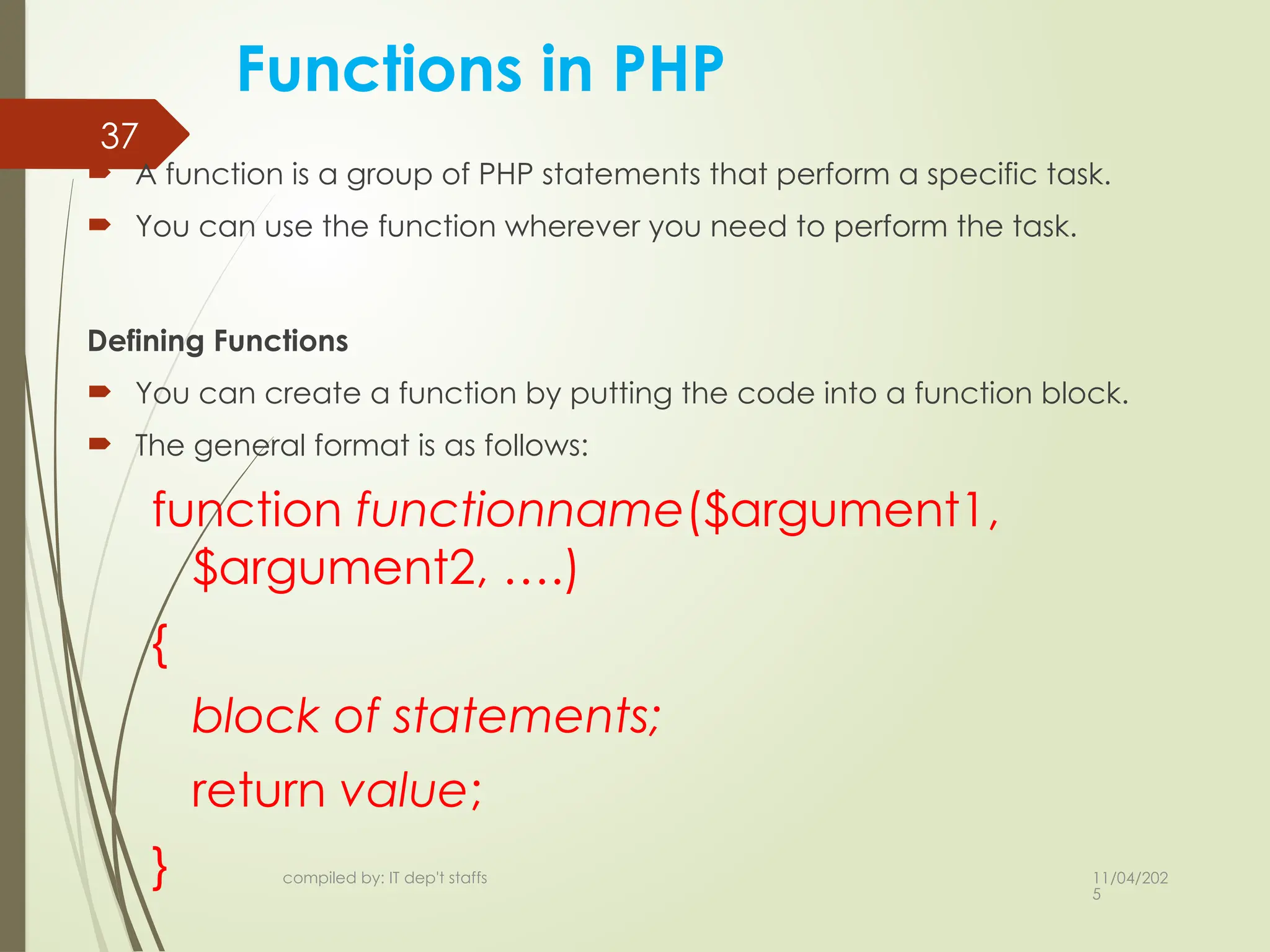
Functions in PHP
A function is a group of PHP statements that perform a specific task.
You can use the function wherever you need to perform the task.
Defining Functions
You can create a function by putting the code into a function block.
The general format is as follows:
function functionname($argument1,
$argument2, ….)
{
block of statements;
return value;
}
37.
11/04/202
5
compiled by: ITdep't staffs
38
Functions in PHP…
Example:
function addNumbers($a, $b)
{
$sum = $a +$b;
return $sum
}
Calling a function
The following line is the simplest possible call to a function:
functionName();
This calls a function called functionName that does not require
parameters.
This line of code ignores any value that might be returned by this
function.
38.
11/04/202
5
compiled by: ITdep't staffs
39
Functions in PHP…
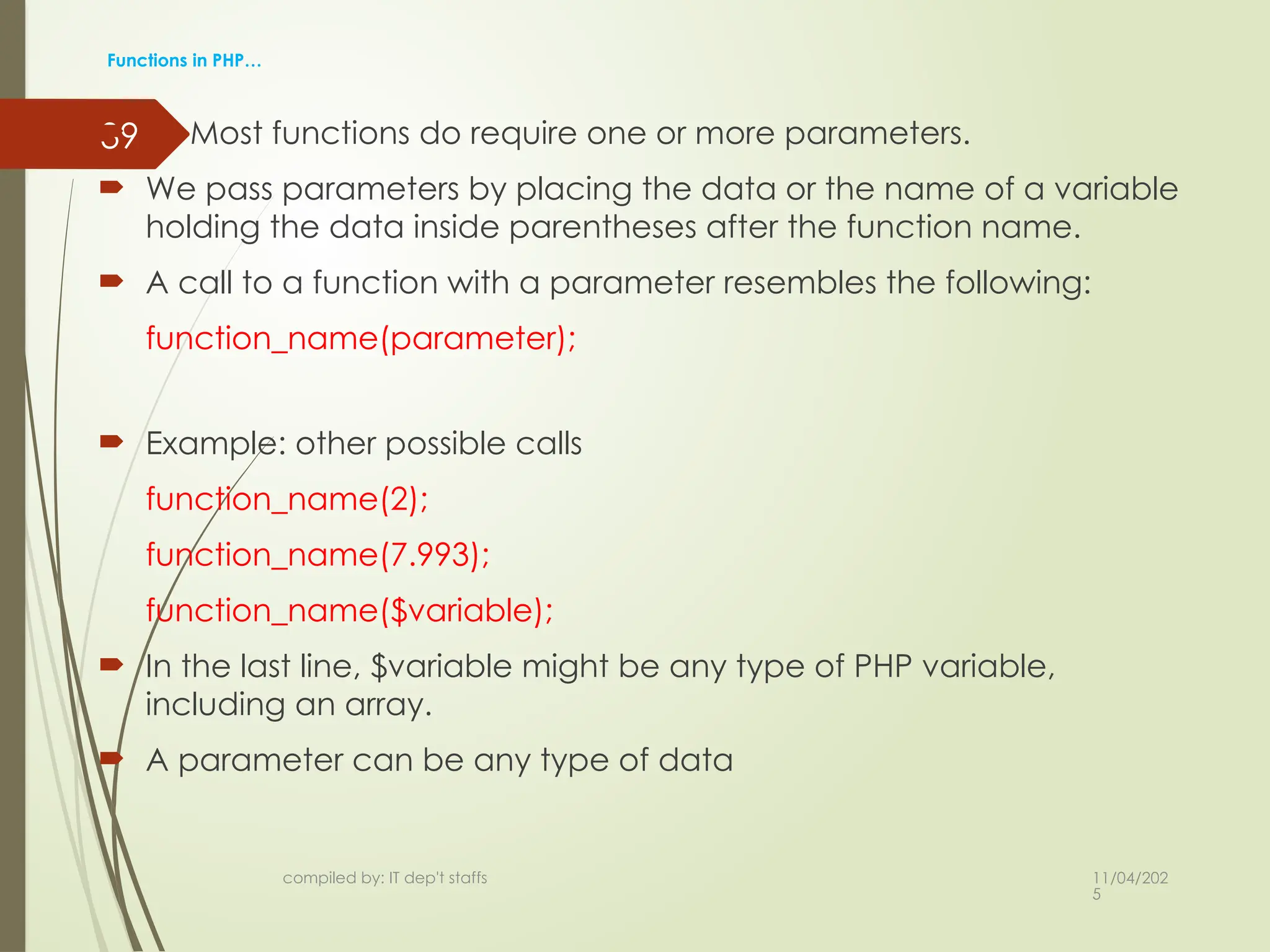
Most functions do require one or more parameters.
We pass parameters by placing the data or the name of a variable
holding the data inside parentheses after the function name.
A call to a function with a parameter resembles the following:
function_name(parameter);
Example: other possible calls
function_name(2);
function_name(7.993);
function_name($variable);
In the last line, $variable might be any type of PHP variable,
including an array.
A parameter can be any type of data
39.
11/04/202
5
compiled by: ITdep't staffs
40
Functions in PHP…
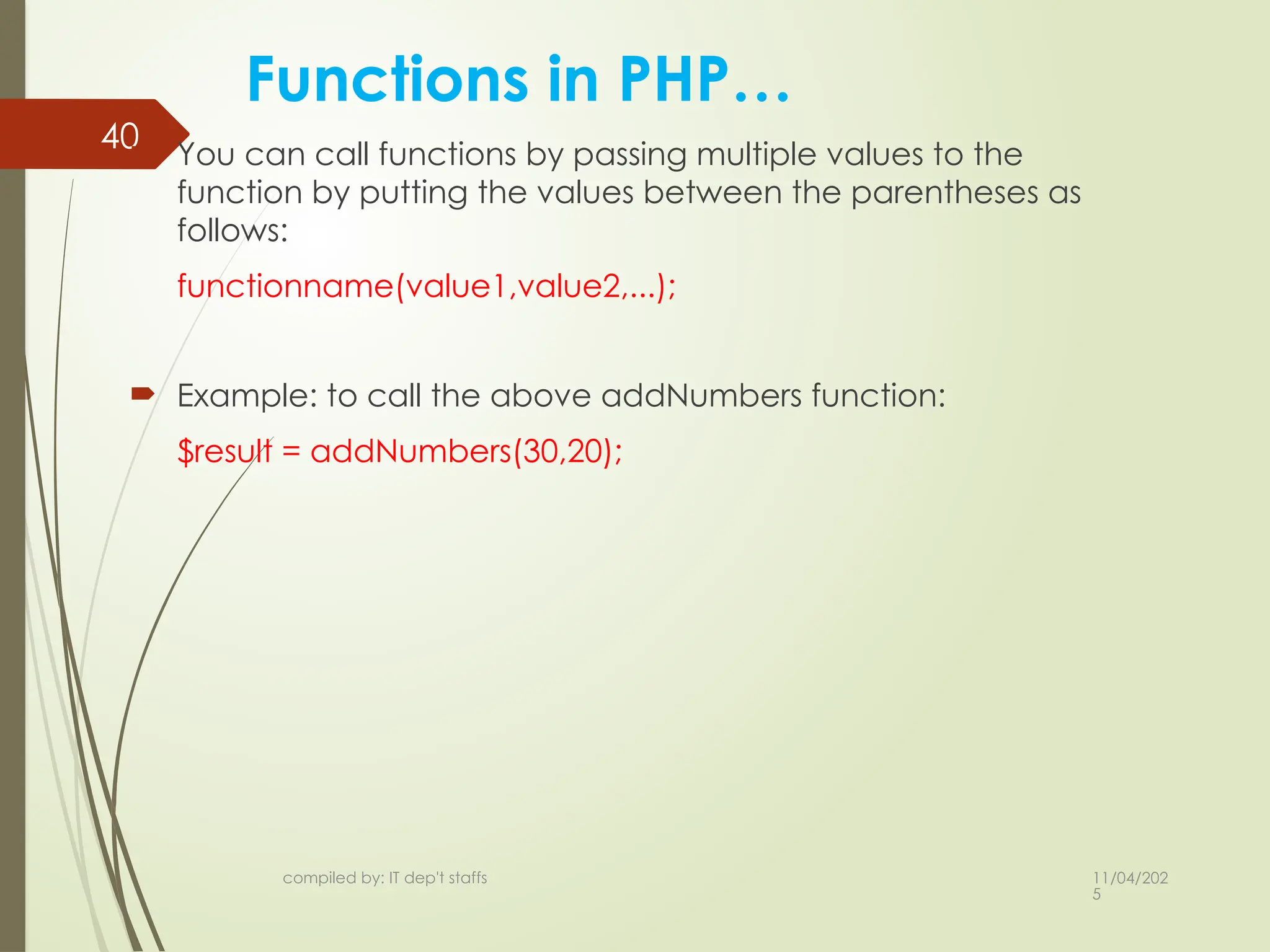
You can call functions by passing multiple values to the
function by putting the values between the parentheses as
follows:
functionname(value1,value2,...);
Example: to call the above addNumbers function:
$result = addNumbers(30,20);
11/04/202
5
compiled by: ITdep't staffs
42
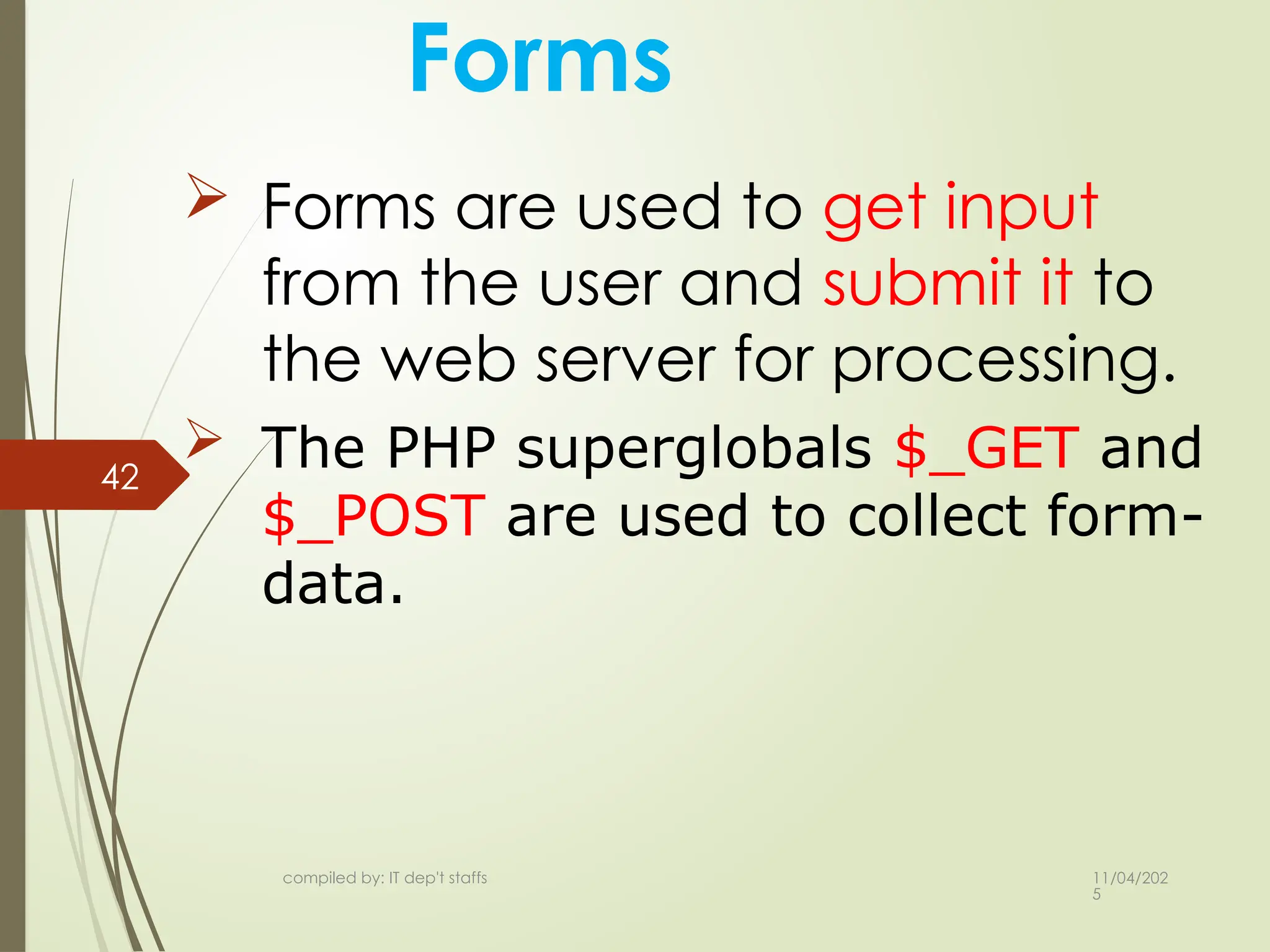
Forms
Forms are used to get input
from the user and submit it to
the web server for processing.
The PHP superglobals $_GET and
$_POST are used to collect form-
data.
42.
11/04/202
5
compiled by: ITdep't staffs
43
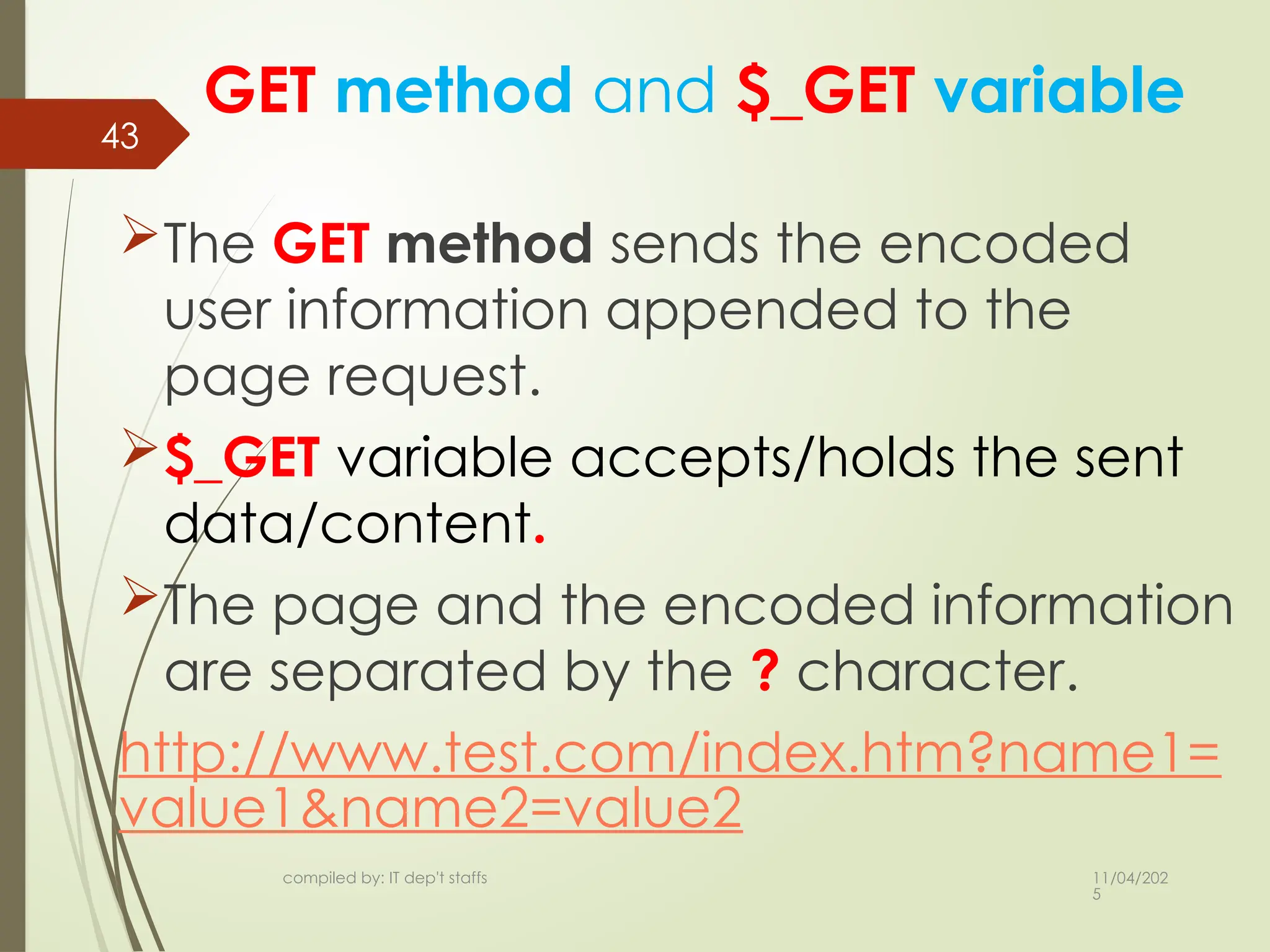
GET method and $_GET variable
The GET method sends the encoded
user information appended to the
page request.
$_GET variable accepts/holds the sent
data/content.
The page and the encoded information
are separated by the ? character.
http://www.test.com/index.htm?name1=
value1&name2=value2
43.
11/04/202
5
compiled by: ITdep't staffs
44
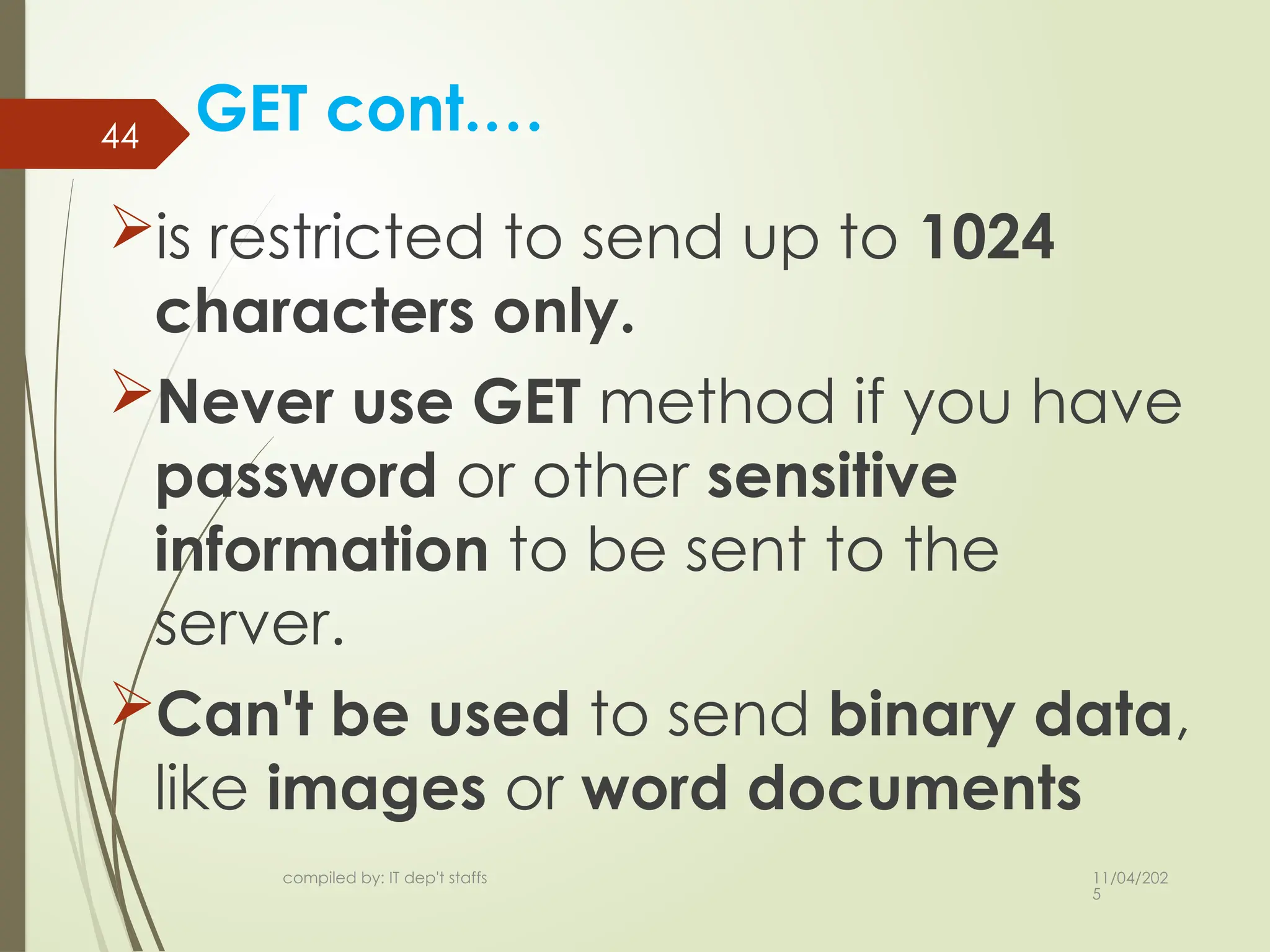
GET cont.…
is restricted to send up to 1024
characters only.
Never use GET method if you have
password or other sensitive
information to be sent to the
server.
Can't be used to send binary data,
like images or word documents
44.
11/04/202
5
compiled by: ITdep't staffs
45
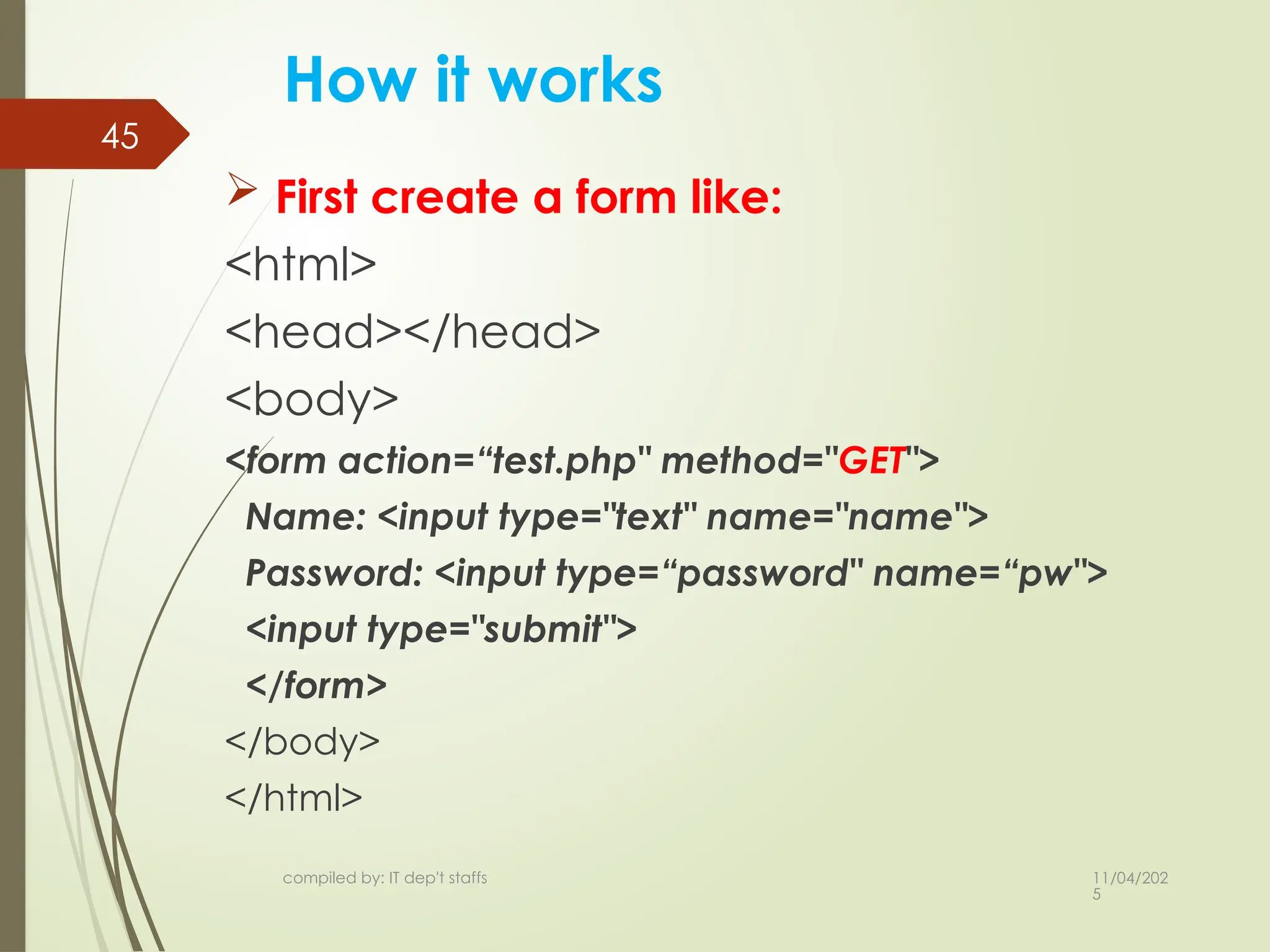
How it works
First create a form like:
<html>
<head></head>
<body>
<form action=“test.php" method="GET">
Name: <input type="text" name="name">
Password: <input type=“password" name=“pw">
<input type="submit">
</form>
</body>
</html>
11/04/202
5
compiled by: ITdep't staffs
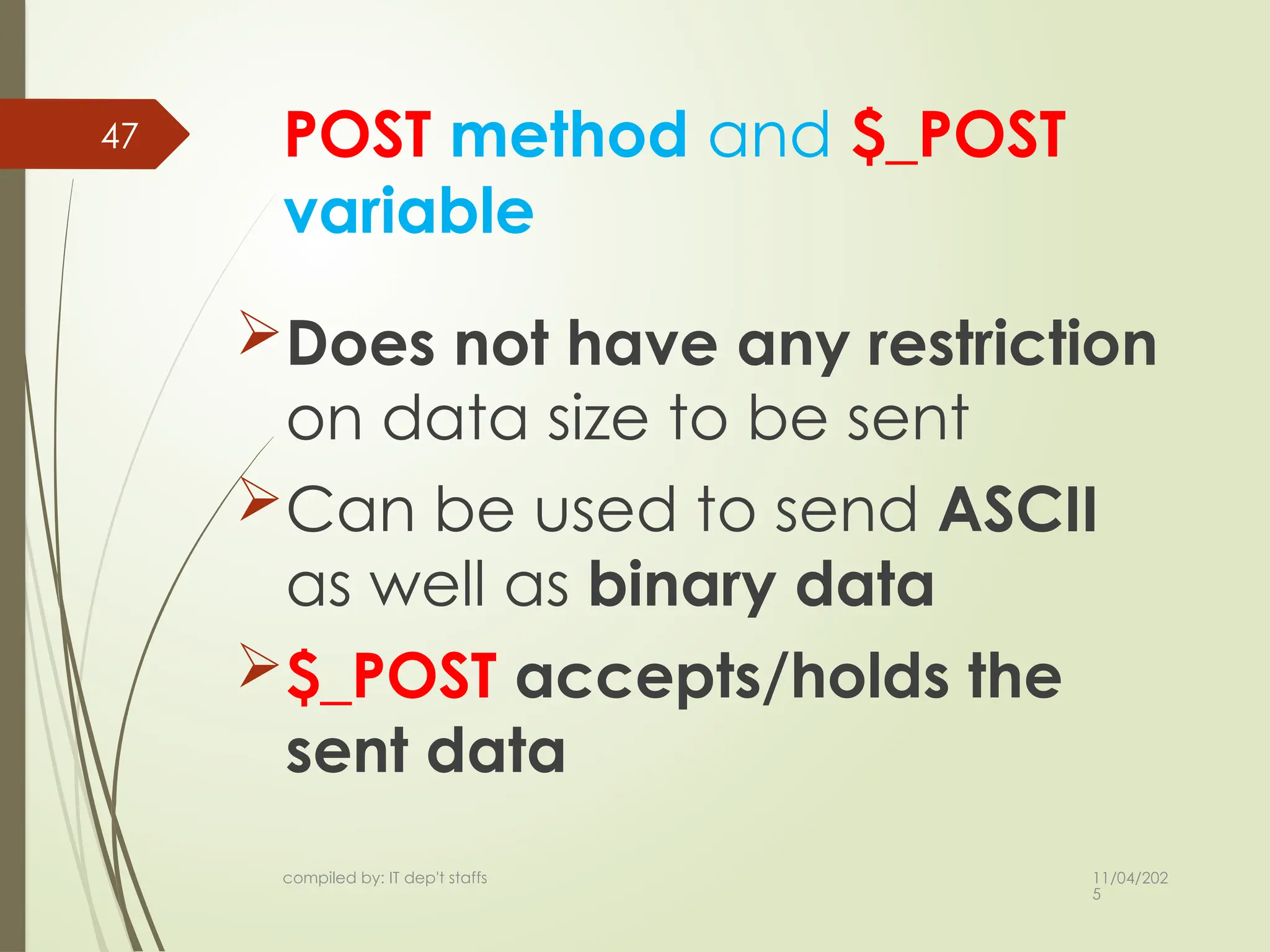
47 POST method and $_POST
variable
Does not have any restriction
on data size to be sent
Can be used to send ASCII
as well as binary data
$_POST accepts/holds the
sent data
47.
11/04/202
5
compiled by: ITdep't staffs
48
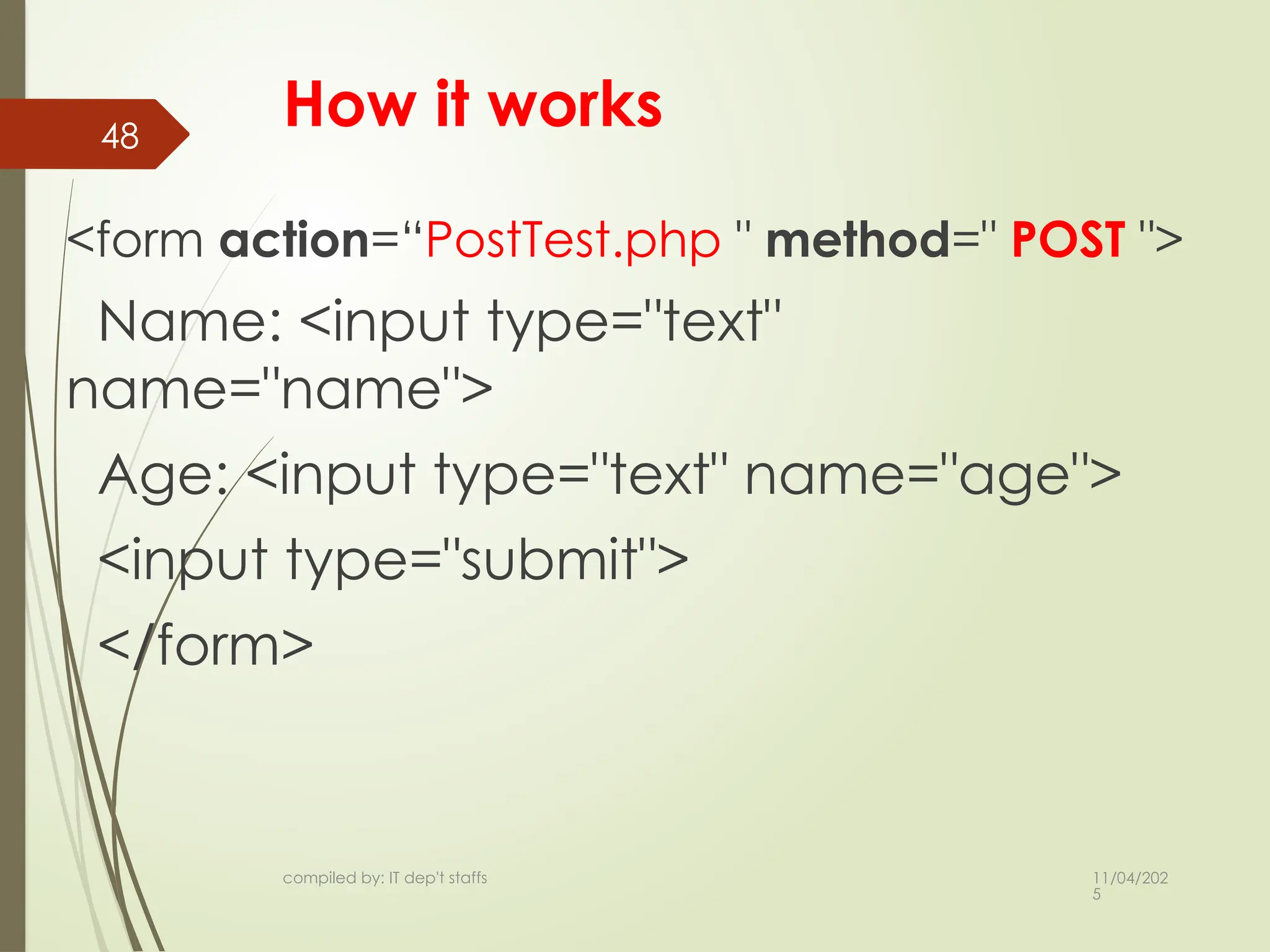
How it works
<form action=“PostTest.php " method=" POST ">
Name: <input type="text"
name="name">
Age: <input type="text" name="age">
<input type="submit">
</form>
11/04/202
5
compiled by: ITdep't staffs
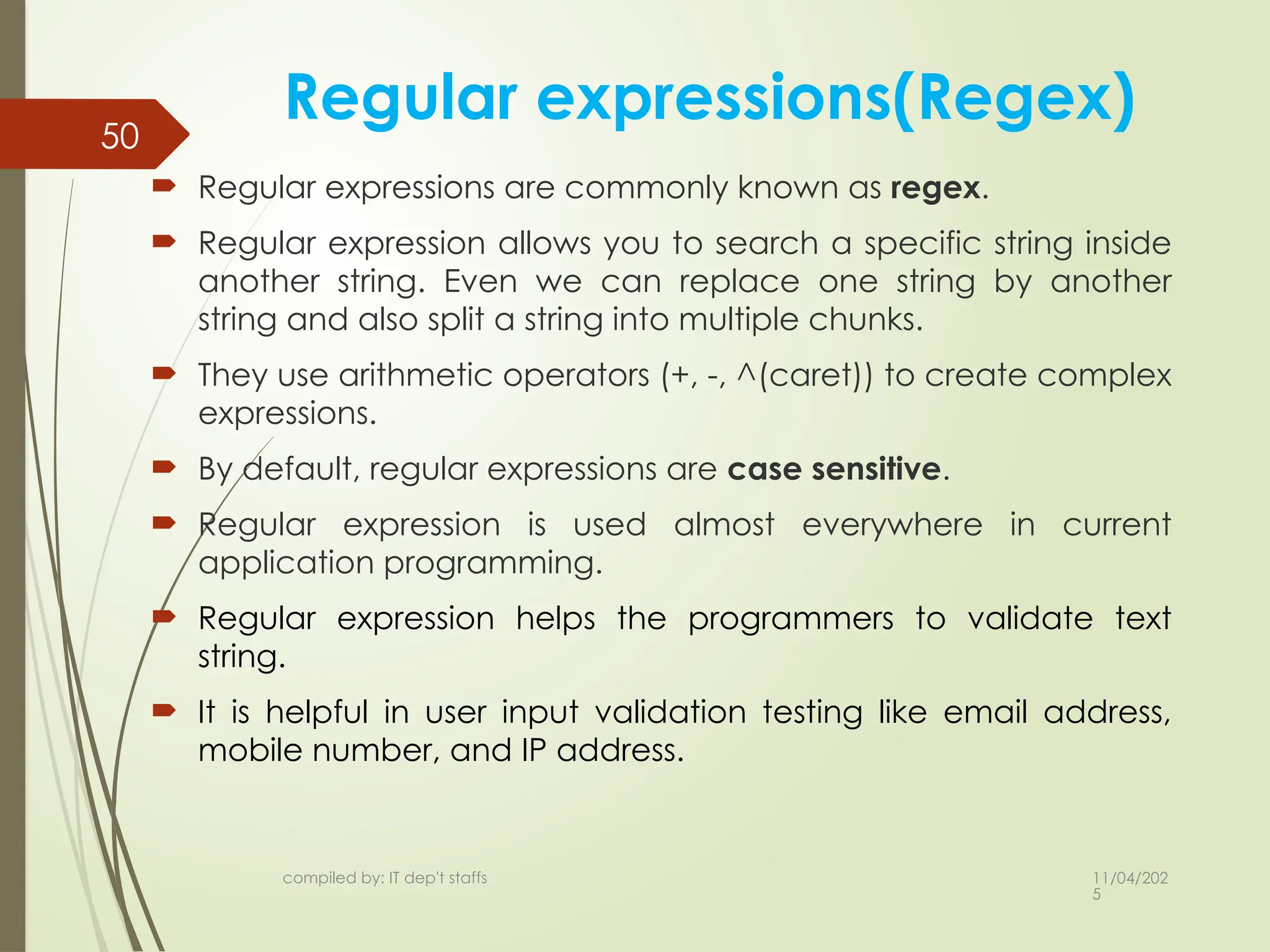
50
Regular expressions(Regex)
Regular expressions are commonly known as regex.
Regular expression allows you to search a specific string inside
another string. Even we can replace one string by another
string and also split a string into multiple chunks.
They use arithmetic operators (+, -, ^(caret)) to create complex
expressions.
By default, regular expressions are case sensitive.
Regular expression is used almost everywhere in current
application programming.
Regular expression helps the programmers to validate text
string.
It is helpful in user input validation testing like email address,
mobile number, and IP address.
50.
11/04/202
5
compiled by: ITdep't staffs
51
Regex cont.…
PHP offers two sets of regular expression functions:
1. POSIX Regular Expression
2. PERL Style Regular Expression
The structure of POSIX regular expression is similar to the typical
arithmetic expression.
several operators/elements are combined together to form
more complex expressions.
Brackets
Brackets [] have a special meaning when they are used in regular
expressions. These are used to find the range of characters inside it.
for example [0-9] It matches any decimal digit 0 to 9.
Quantifiers
A special character can represent the position of bracketed
character sequences and single characters.
for example ^P matches string that has P at the start of it.
51.
11/04/202
5
compiled by: ITdep't staffs
52
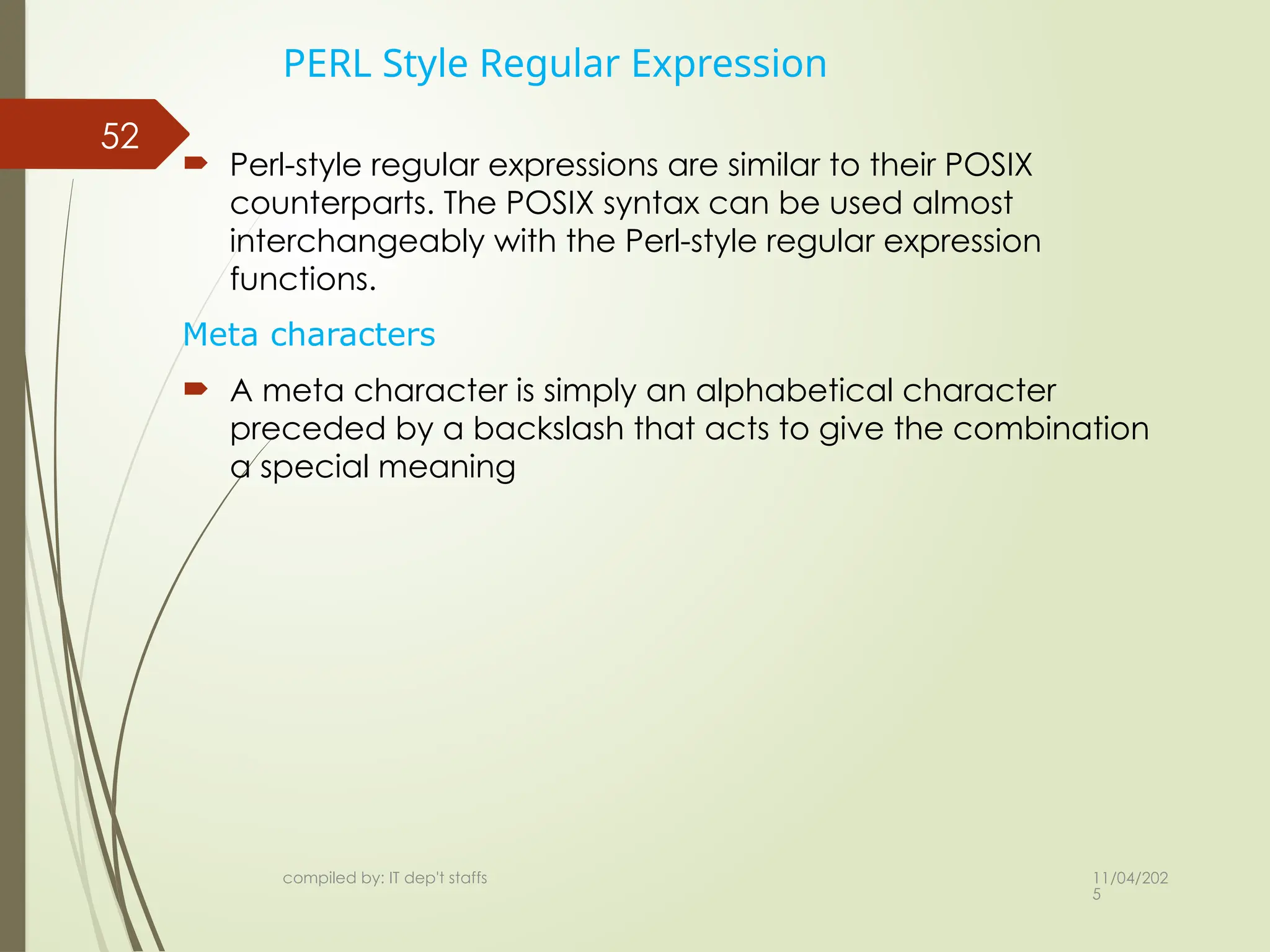
PERL Style Regular Expression
Perl-style regular expressions are similar to their POSIX
counterparts. The POSIX syntax can be used almost
interchangeably with the Perl-style regular expression
functions.
Meta characters
A meta character is simply an alphabetical character
preceded by a backslash that acts to give the combination
a special meaning
52.
11/04/202
5
53
Perl style regexcont..
List of meta characters which can be used in PERL Style Regular
Expressions.
Character descriptions
. Single character
s a whitespace character (space, tab, newline)
S non-whitespace character
d a digit (0-9)
D a non-digit
w a word character (a-z, A-Z, 0-9, _)
W a non-word character
[aeiou] matches a single character in the given set
[^aeiou] matches a single character outside the given set
(foo|bar|baz) matches any of the alternatives specified
compiled by: IT dep't staffs
53.
11/04/202
5
54
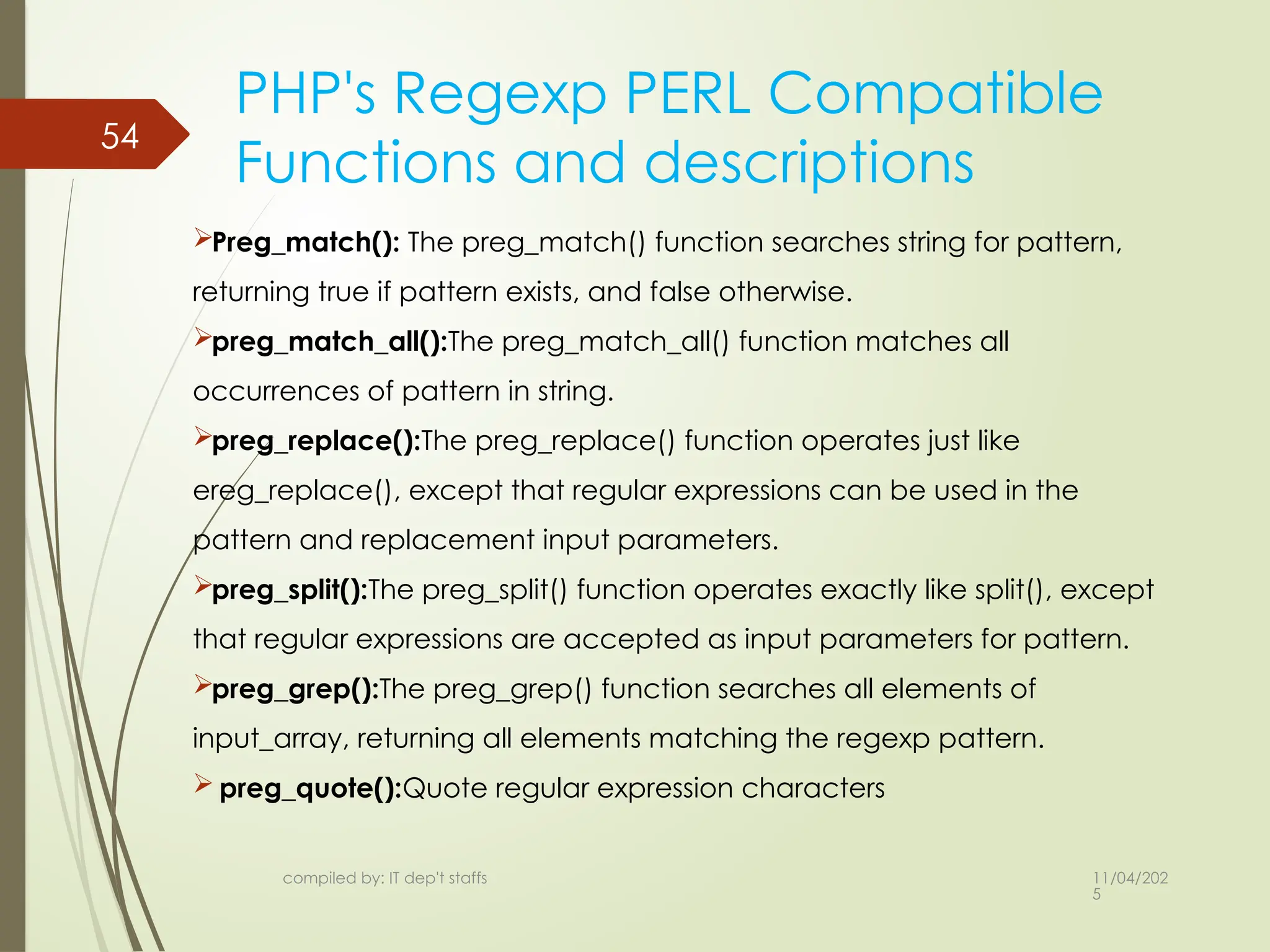
PHP's Regexp PERLCompatible
Functions and descriptions
Preg_match(): The preg_match() function searches string for pattern,
returning true if pattern exists, and false otherwise.
preg_match_all():The preg_match_all() function matches all
occurrences of pattern in string.
preg_replace():The preg_replace() function operates just like
ereg_replace(), except that regular expressions can be used in the
pattern and replacement input parameters.
preg_split():The preg_split() function operates exactly like split(), except
that regular expressions are accepted as input parameters for pattern.
preg_grep():The preg_grep() function searches all elements of
input_array, returning all elements matching the regexp pattern.
preg_quote():Quote regular expression characters
compiled by: IT dep't staffs
54.
11/04/202
5
compiled by: ITdep't staffs
55
Form validation
In PHP, form validation refers to the process of checking
and verifying the data submitted through an HTML form
before it's used in your application. This is crucial to ensure
the data is:
• Present: Required fields are not left blank.
• Valid: Data follows expected formats (e.g., email
addresses, phone numbers).
• Safe: Free from malicious content that could harm your
application or database (e.g., SQL injection attacks).
55.
11/04/202
5
compiled by: ITdep't staffs
56
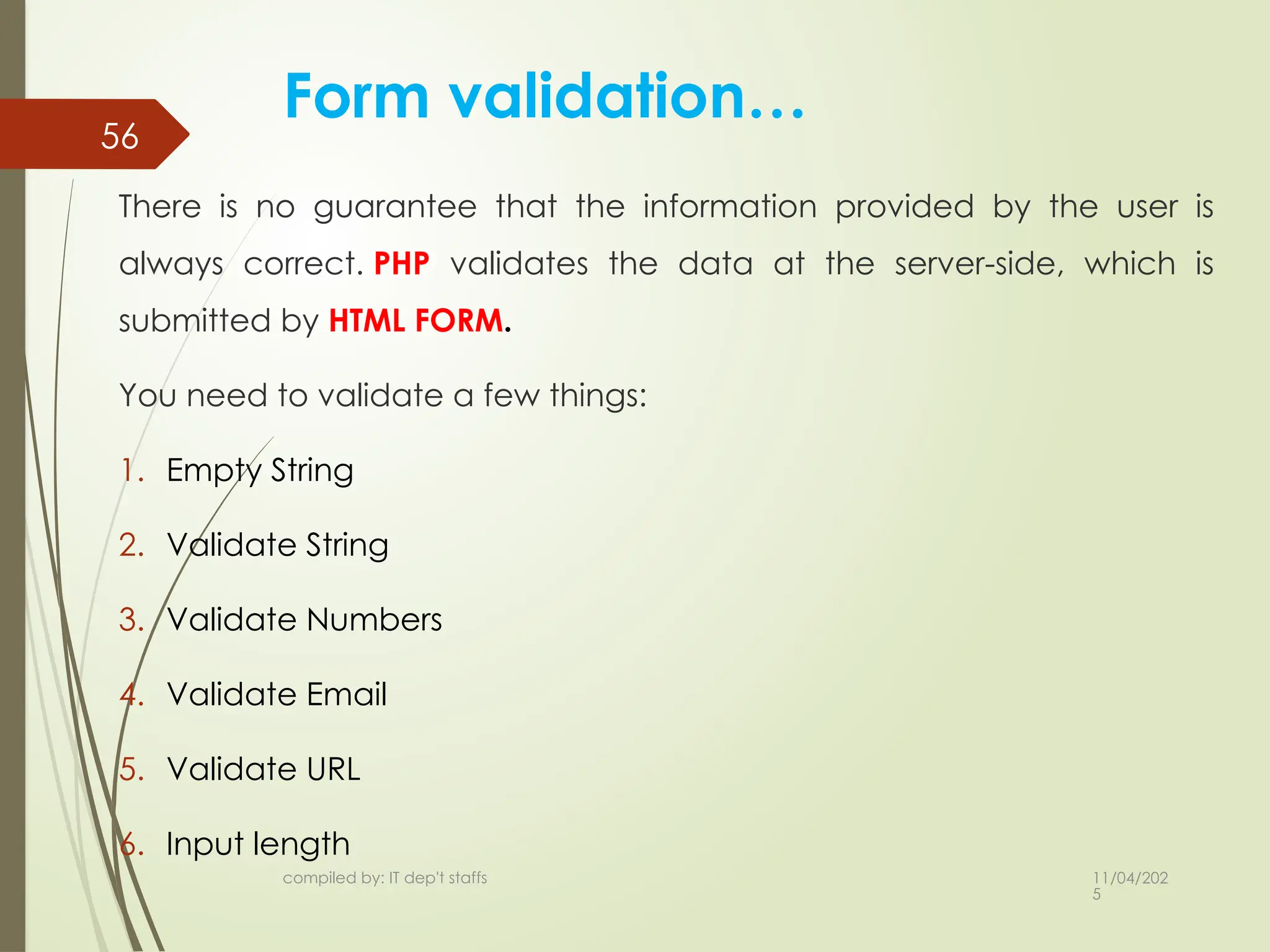
Form validation…
There is no guarantee that the information provided by the user is
always correct. PHP validates the data at the server-side, which is
submitted by HTML FORM.
You need to validate a few things:
1. Empty String
2. Validate String
3. Validate Numbers
4. Validate Email
5. Validate URL
6. Input length
56.
11/04/202
5
compiled by: ITdep't staffs
57 Cont..
Empty String
The code below checks that the field is not empty.
if (empty ($_POST["name"])) {
$errMsg = "Error! You didn't enter the Name.";
echo $errMsg;
}
else {
$name = $_POST["name"];
}
57.
11/04/202
5
compiled by: ITdep't staffs
58 Cont…
Validate string
The code below checks that the field will contain only alphabets and
whitespace, for example – name.
$name = $_POST ["Name"];
if (!preg_match ("/^[a-zA-z]*$/", $name) ) {
$ErrMsg = "Only alphabets and whitespace are allow
ed.";
echo $ErrMsg;
} else {
echo $name;
}
58.
11/04/202
5
compiled by: ITdep't staffs
59
Ctype_alpha() function
Used to check if the string contains only alphabetic
characters.
Example
$username = $_POST[‘Name'];
if (ctype_alpha($username) && !empty($username))
{
echo "Valid String.";
} else {
echo "Invalid String.";
}
59.
11/04/202
5
compiled by: ITdep't staffs
60
Cont..
Validate Number
The below code validates that the field will only contain
a numeric value. For example - Mobile no.
$mobileno = $_POST ["Mobile_no"];
if (!preg_match ("/^[0-9]*$/", $mobileno) ){
$ErrMsg = "Only numeric value is allowed.";
echo $ErrMsg;
} else {
echo $mobileno;
}
60.
11/04/202
5
compiled by: ITdep't staffs
61 is_numeric() function
Used to check if the user input is numeric value.
Example
$age = $_POST['age’];
if (is_numeric($age))
{
echo "Valid Number.";
} else {
echo "Invalid Number.";
}
61.
11/04/202
5
compiled by: ITdep't staffs
62
Cont..
Validate Email
A valid email must contain @ and . symbols. PHP provides various
methods to validate the email address. Here, we will use regular
expressions to validate the email address.
$email = $_POST ["Email"];
$pattern="^[_a-z0-9-]+(.[_a-z0-9-]+)*@[a-z0-9-]+(.[a-z0-9-]+)*(.
[a-z]{2,3})$^";
if (!preg_match ($pattern, $email) ){
$ErrMsg = "Email is not valid.";
echo $ErrMsg;
} else {
echo "Your valid email address is: " .$email;
}
62.
11/04/202
5
compiled by: ITdep't staffs
63
Filter_var() Function
Use PHP's built-in filter_var() function with the
FILTER_VALIDATE_EMAIL filter.
Example
$email = $_POST['email'];
if (filter_var($email, FILTER_VALIDATE_EMAIL)) {
echo "Valid Email.";
} else {
echo "Invalid Email Format.";
}
63.
11/04/202
5
compiled by: ITdep't staffs
64
Cont…
Input Length Validation
The input length validation restricts the user to provide the value between
the specified range, for Example - Mobile Number. A valid mobile number
must have 10 digits.
$mobileno = strlen ($_POST ["Mobile"]);
$length = strlen ($mobileno);
if ( $length < 10 && $length > 10) {
$ErrMsg = "Mobile must have 10 digits.";
echo $ErrMsg;
} else {
echo "Your Mobile number is: " .$mobileno;
}

![11/04/202
5
compiled by: IT dep't staffs
13
for loop
loops through a block of code a
specified number of times.
Syntax
for (initialization; condition;
increment[decrement])
{
code to be executed;
}](https://image.slidesharecdn.com/chapter2-251104130529-d3954dad/75/Internet-programming-II-overview-of-html-forms-12-2048.jpg)

![11/04/202
5
compiled by: IT dep't staffs
32 Numeric Arrays
array with a numeric index.
By default array index starts
from zero.
$numbers = array( 1, 2, 3, 4, 5);
$numbers[0] = “one”;
$numbers[1] = ‘two’;](https://image.slidesharecdn.com/chapter2-251104130529-d3954dad/75/Internet-programming-II-overview-of-html-forms-31-2048.jpg)
![11/04/202
5
compiled by: IT dep't staffs
34 Cont…
$salaries = array(
“kebede" => 2000, “chala" => 1000,
);
echo "Salary of kebede is ".
$salaries[‘kebede'] . "<br>";
echo "Salary of chala is ".
$salaries[‘chala'];](https://image.slidesharecdn.com/chapter2-251104130529-d3954dad/75/Internet-programming-II-overview-of-html-forms-33-2048.jpg)

![11/04/202
5
36
Cont…
$marks = array(
“kebede" => array
(
"physics" => 35,
"maths" => 30
)
);
echo "Marks for kebede in physics : " ;
echo $marks[‘kebede']['physics'] .
"<br />";
compiled by: IT dep't staffs](https://image.slidesharecdn.com/chapter2-251104130529-d3954dad/75/Internet-programming-II-overview-of-html-forms-35-2048.jpg)

![11/04/202
5
compiled by: IT dep't staffs
Cont.…
Create another file test.php
<?php
if( $_GET["name"] || $_GET[“pw"] )
{
echo "Welcome ". $_GET['name']. "<br>";
echo "You are ". $_GET[‘pw']. "years old.";
exit();
}
?>
46](https://image.slidesharecdn.com/chapter2-251104130529-d3954dad/75/Internet-programming-II-overview-of-html-forms-45-2048.jpg)
![11/04/202
5
compiled by: IT dep't staffs
49
Cont.…
Create another PostTest.php file
<?php
if( $_ POST["name"] || $_ POST["age"] )
{
echo "Welcome ". $_ POST['name']. "<br>";
echo "You are ". $_POST['age']. "years old.";
exit();
}
?>](https://image.slidesharecdn.com/chapter2-251104130529-d3954dad/75/Internet-programming-II-overview-of-html-forms-48-2048.jpg)
![11/04/202
5
compiled by: IT dep't staffs
51
Regex cont.…
PHP offers two sets of regular expression functions:
1. POSIX Regular Expression
2. PERL Style Regular Expression
The structure of POSIX regular expression is similar to the typical
arithmetic expression.
several operators/elements are combined together to form
more complex expressions.
Brackets
Brackets [] have a special meaning when they are used in regular
expressions. These are used to find the range of characters inside it.
for example [0-9] It matches any decimal digit 0 to 9.
Quantifiers
A special character can represent the position of bracketed
character sequences and single characters.
for example ^P matches string that has P at the start of it.](https://image.slidesharecdn.com/chapter2-251104130529-d3954dad/75/Internet-programming-II-overview-of-html-forms-50-2048.jpg)
![11/04/202
5
53
Perl style regex cont..
List of meta characters which can be used in PERL Style Regular
Expressions.
Character descriptions
. Single character
s a whitespace character (space, tab, newline)
S non-whitespace character
d a digit (0-9)
D a non-digit
w a word character (a-z, A-Z, 0-9, _)
W a non-word character
[aeiou] matches a single character in the given set
[^aeiou] matches a single character outside the given set
(foo|bar|baz) matches any of the alternatives specified
compiled by: IT dep't staffs](https://image.slidesharecdn.com/chapter2-251104130529-d3954dad/75/Internet-programming-II-overview-of-html-forms-52-2048.jpg)

![11/04/202
5
compiled by: IT dep't staffs
57 Cont..
Empty String
The code below checks that the field is not empty.
if (empty ($_POST["name"])) {
$errMsg = "Error! You didn't enter the Name.";
echo $errMsg;
}
else {
$name = $_POST["name"];
}](https://image.slidesharecdn.com/chapter2-251104130529-d3954dad/75/Internet-programming-II-overview-of-html-forms-56-2048.jpg)
![11/04/202
5
compiled by: IT dep't staffs
58 Cont…
Validate string
The code below checks that the field will contain only alphabets and
whitespace, for example – name.
$name = $_POST ["Name"];
if (!preg_match ("/^[a-zA-z]*$/", $name) ) {
$ErrMsg = "Only alphabets and whitespace are allow
ed.";
echo $ErrMsg;
} else {
echo $name;
}](https://image.slidesharecdn.com/chapter2-251104130529-d3954dad/75/Internet-programming-II-overview-of-html-forms-57-2048.jpg)
![11/04/202
5
compiled by: IT dep't staffs
59
Ctype_alpha() function
Used to check if the string contains only alphabetic
characters.
Example
$username = $_POST[‘Name'];
if (ctype_alpha($username) && !empty($username))
{
echo "Valid String.";
} else {
echo "Invalid String.";
}](https://image.slidesharecdn.com/chapter2-251104130529-d3954dad/75/Internet-programming-II-overview-of-html-forms-58-2048.jpg)
![11/04/202
5
compiled by: IT dep't staffs
60
Cont..
Validate Number
The below code validates that the field will only contain
a numeric value. For example - Mobile no.
$mobileno = $_POST ["Mobile_no"];
if (!preg_match ("/^[0-9]*$/", $mobileno) ){
$ErrMsg = "Only numeric value is allowed.";
echo $ErrMsg;
} else {
echo $mobileno;
}](https://image.slidesharecdn.com/chapter2-251104130529-d3954dad/75/Internet-programming-II-overview-of-html-forms-59-2048.jpg)
![11/04/202
5
compiled by: IT dep't staffs
61 is_numeric() function
Used to check if the user input is numeric value.
Example
$age = $_POST['age’];
if (is_numeric($age))
{
echo "Valid Number.";
} else {
echo "Invalid Number.";
}](https://image.slidesharecdn.com/chapter2-251104130529-d3954dad/75/Internet-programming-II-overview-of-html-forms-60-2048.jpg)
![11/04/202
5
compiled by: IT dep't staffs
62
Cont..
Validate Email
A valid email must contain @ and . symbols. PHP provides various
methods to validate the email address. Here, we will use regular
expressions to validate the email address.
$email = $_POST ["Email"];
$pattern="^[_a-z0-9-]+(.[_a-z0-9-]+)*@[a-z0-9-]+(.[a-z0-9-]+)*(.
[a-z]{2,3})$^";
if (!preg_match ($pattern, $email) ){
$ErrMsg = "Email is not valid.";
echo $ErrMsg;
} else {
echo "Your valid email address is: " .$email;
}](https://image.slidesharecdn.com/chapter2-251104130529-d3954dad/75/Internet-programming-II-overview-of-html-forms-61-2048.jpg)
![11/04/202
5
compiled by: IT dep't staffs
63
Filter_var() Function
Use PHP's built-in filter_var() function with the
FILTER_VALIDATE_EMAIL filter.
Example
$email = $_POST['email'];
if (filter_var($email, FILTER_VALIDATE_EMAIL)) {
echo "Valid Email.";
} else {
echo "Invalid Email Format.";
}](https://image.slidesharecdn.com/chapter2-251104130529-d3954dad/75/Internet-programming-II-overview-of-html-forms-62-2048.jpg)
![11/04/202
5
compiled by: IT dep't staffs
64
Cont…
Input Length Validation
The input length validation restricts the user to provide the value between
the specified range, for Example - Mobile Number. A valid mobile number
must have 10 digits.
$mobileno = strlen ($_POST ["Mobile"]);
$length = strlen ($mobileno);
if ( $length < 10 && $length > 10) {
$ErrMsg = "Mobile must have 10 digits.";
echo $ErrMsg;
} else {
echo "Your Mobile number is: " .$mobileno;
}](https://image.slidesharecdn.com/chapter2-251104130529-d3954dad/75/Internet-programming-II-overview-of-html-forms-63-2048.jpg)