

Devices
 Input
 Input is any data entered into the computer’s
memory.
 Types of input include:
◦ Data – Unorganized information (words, numbers,
images, or sounds) that the computer converts to
meaningful information
◦ Software – Programs transferred from storage
devices to the computer’s memory
◦ Commands – Instructions that tell the computer
what to do
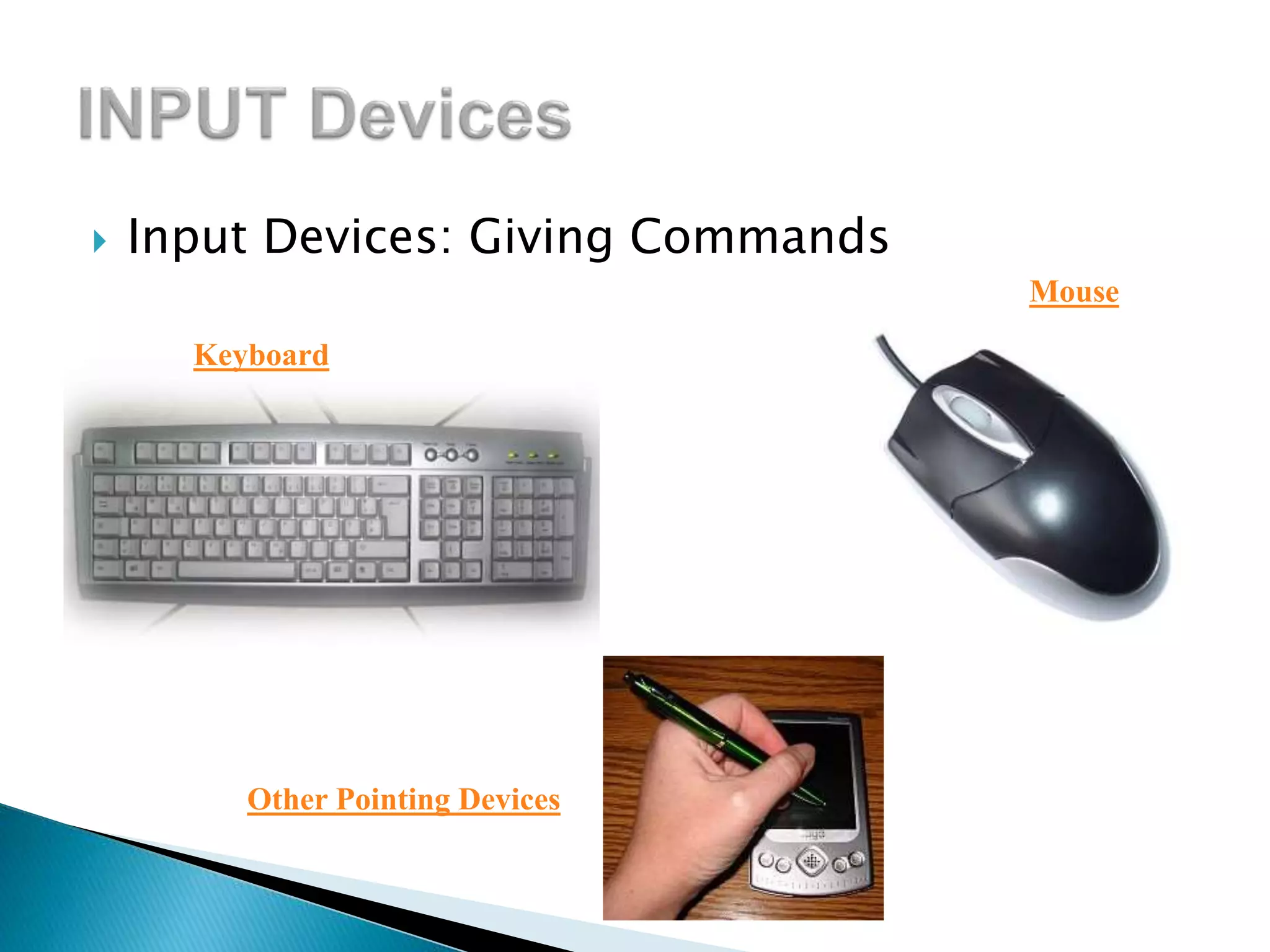
 Input Devices: Giving Commands
Keyboard
Mouse
Other Pointing Devices
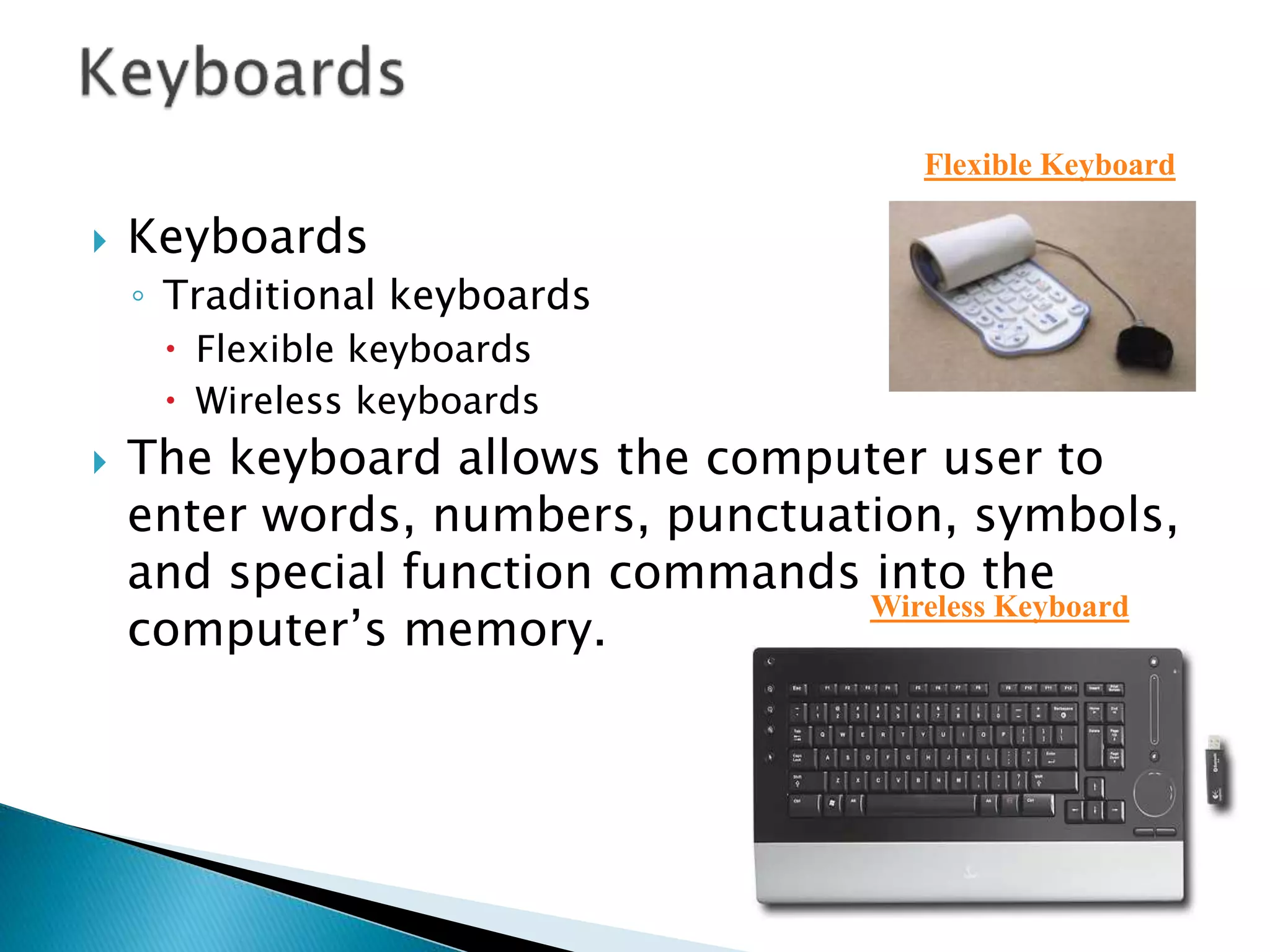
 Keyboards
◦ Traditional keyboards
 Flexible keyboards
 Wireless keyboards
 The keyboard allows the computer user to
enter words, numbers, punctuation, symbols,
and special function commands into the
computer’s memory.
Flexible Keyboard
Wireless Keyboard
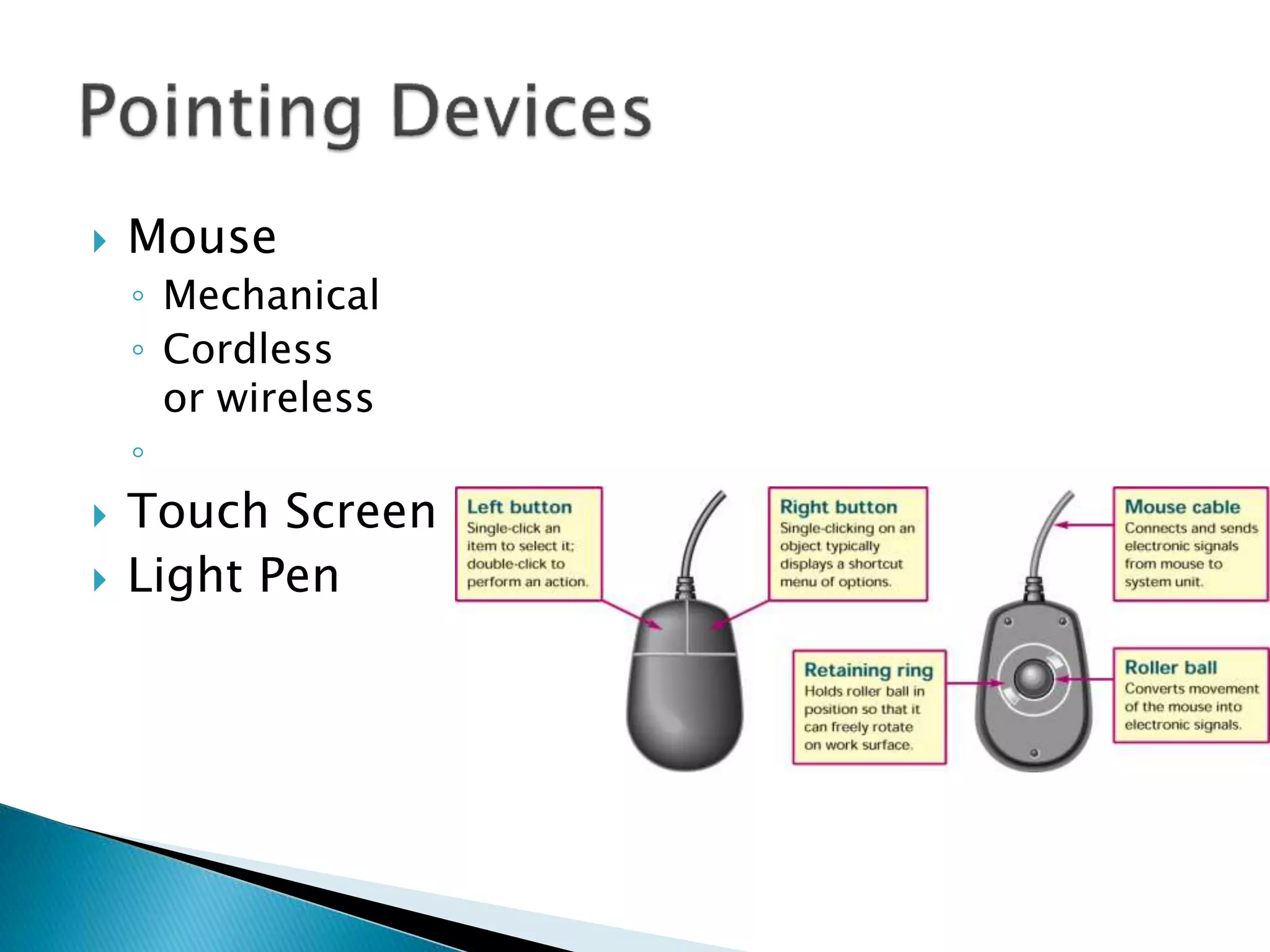
 Mouse
◦ Mechanical
◦ Cordless
or wireless
◦
 Touch Screen
 Light Pen
 The mouse is the most widely used pointing
device.
 A mouse is palm sized.
 As the mouse is moved, its movements are
mirrored by the on-screen pointer.
 Cordless mouse – Uses infrared signals to
connect to the computer’s IrDA port; it
must be within sight of the receiving port
What is Output?
Output is data that has been
processed into a useful form.
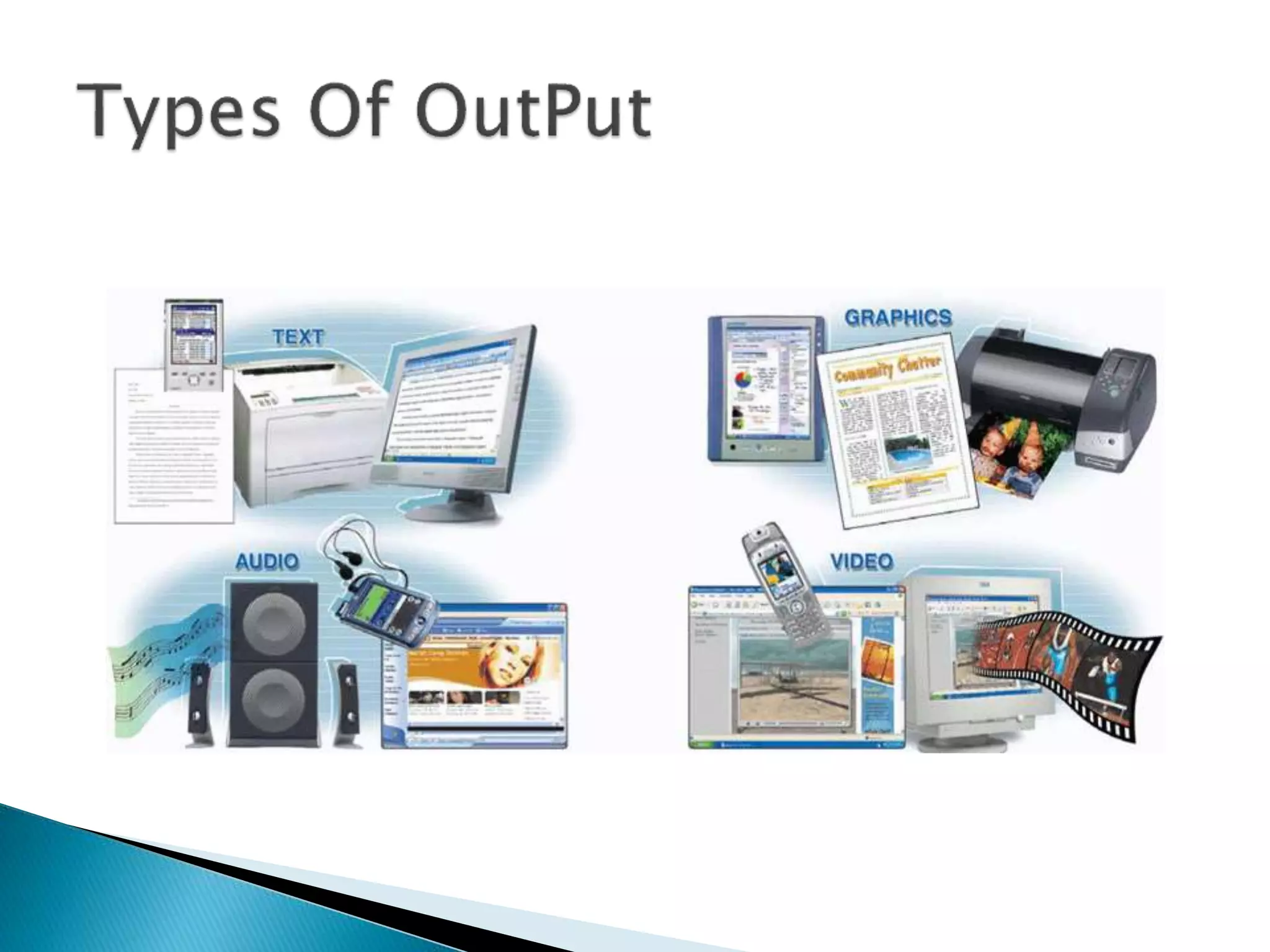
 Processed data or information
 Types of output
◦ Text
◦ Graphics
◦ Audio & video
 Output devices
◦ Monitors
◦ Printers
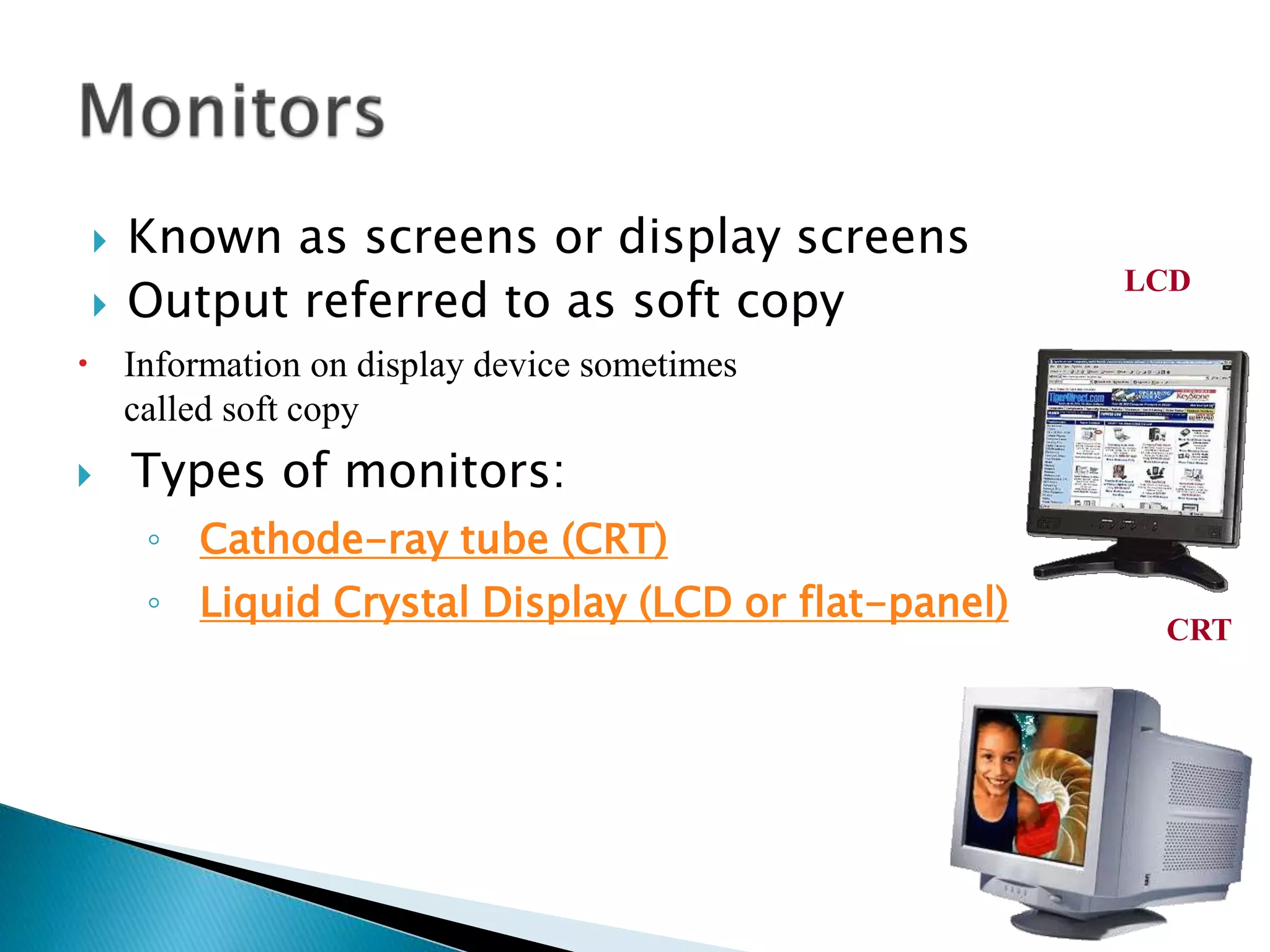
 Known as screens or display screens
 Output referred to as soft copy
 Information on display device sometimes
called soft copy
 Types of monitors:
◦ Cathode-ray tube (CRT)
◦ Liquid Crystal Display (LCD or flat-panel)
LCD
CRT

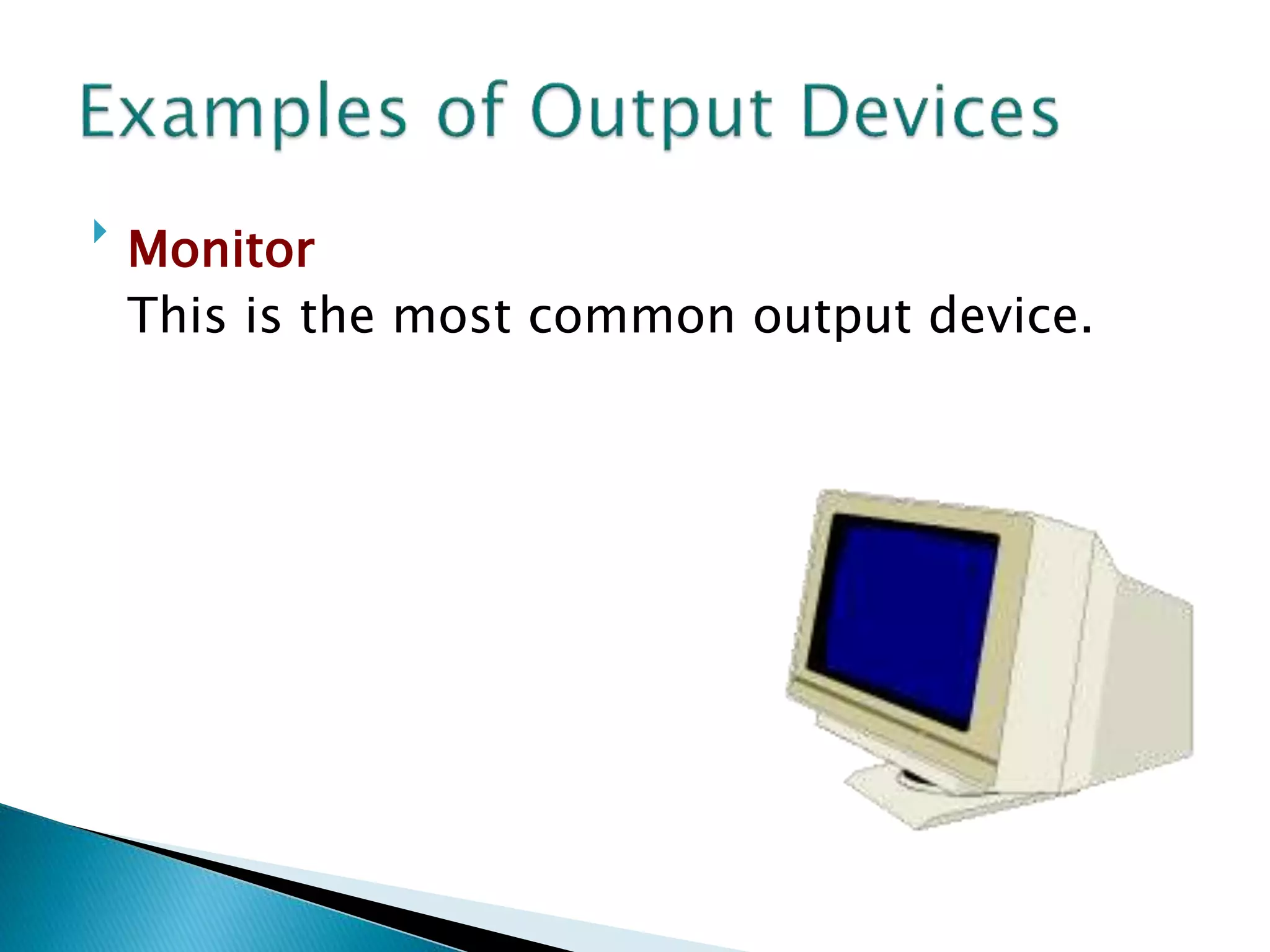
Monitor
This is the most common output device.
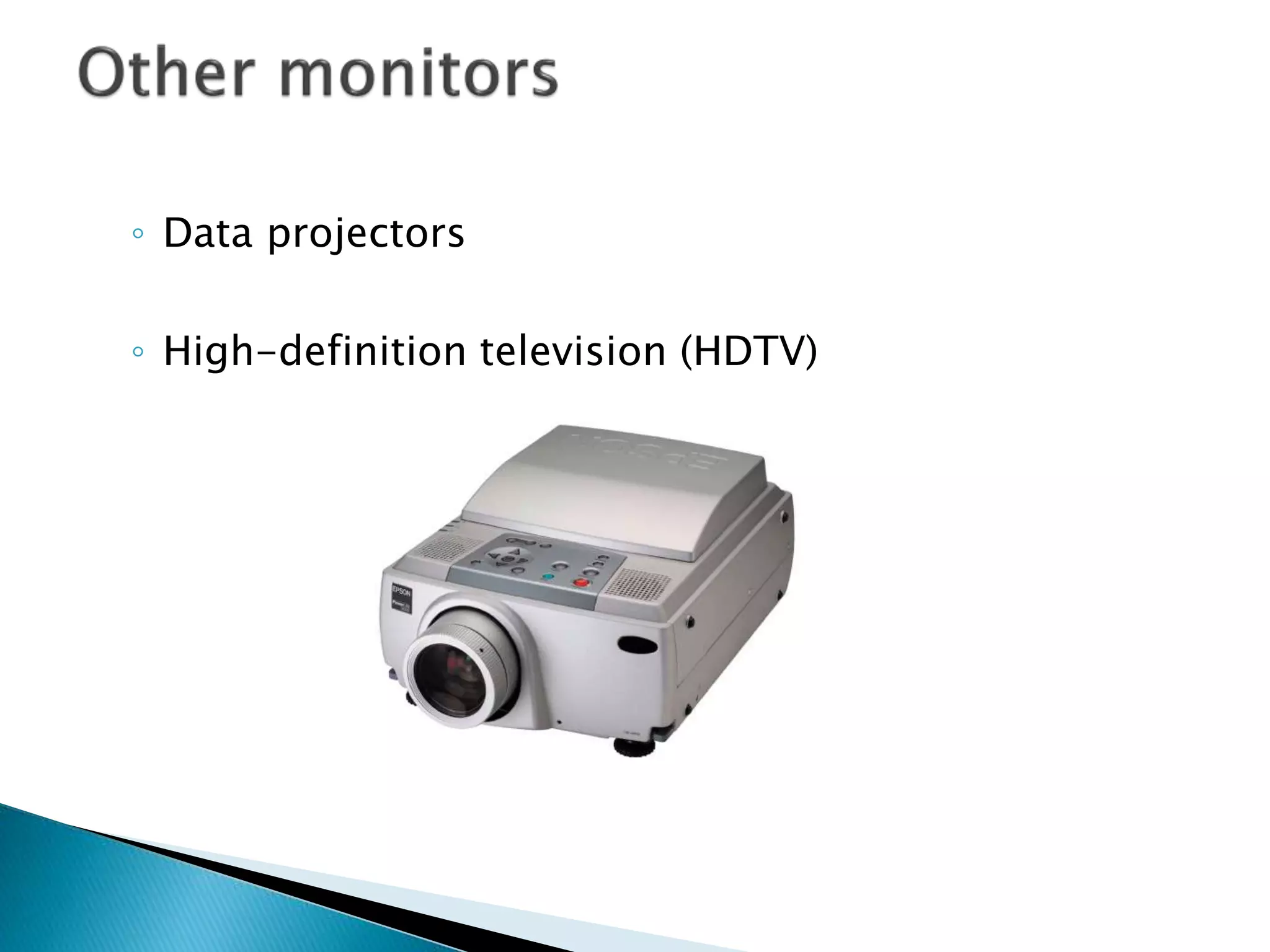
◦ Data projectors
◦ High-definition television (HDTV)
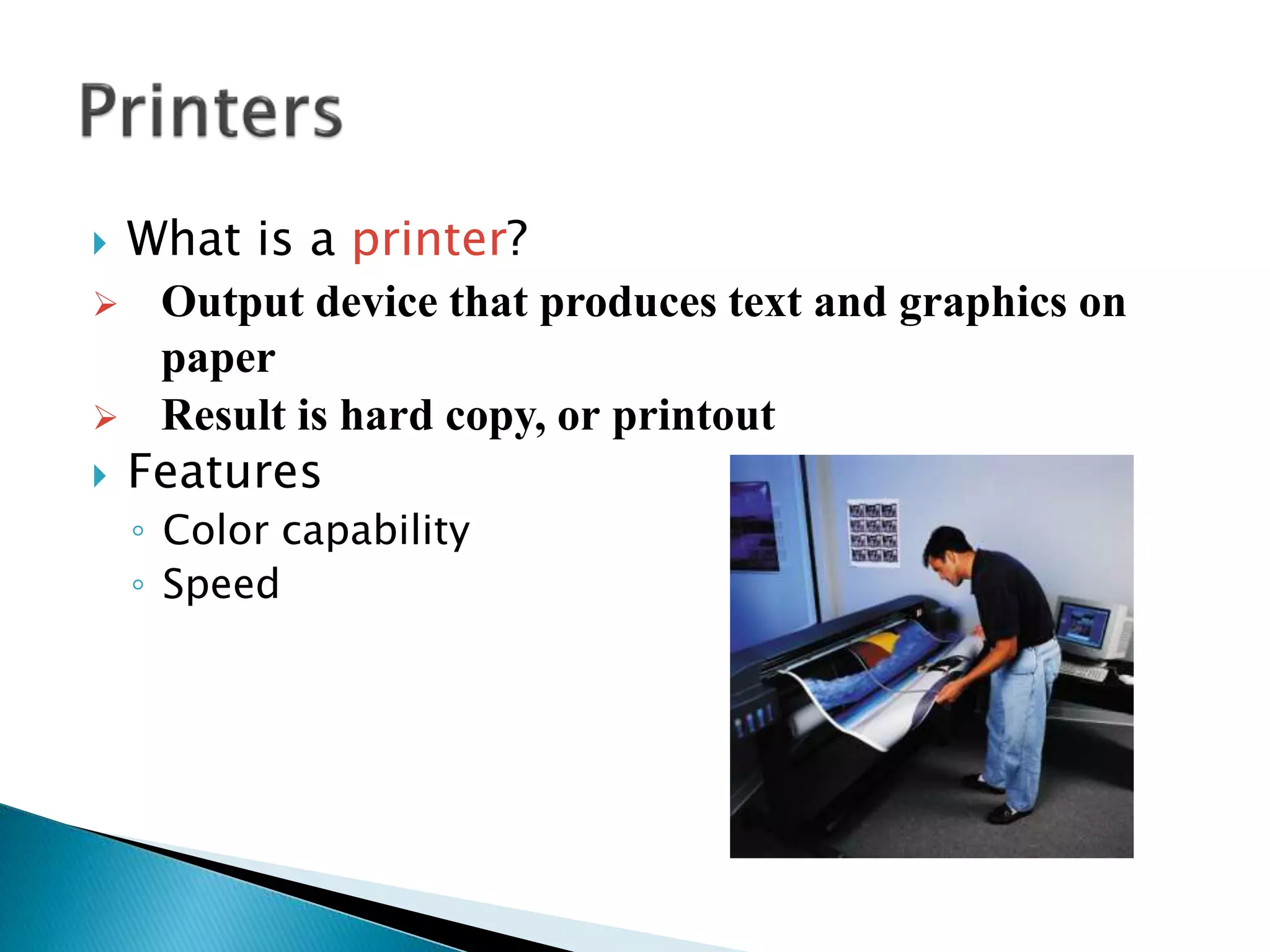
 What is a printer?
 Output device that produces text and graphics on
paper
 Result is hard copy, or printout
 Features
◦ Color capability
◦ Speed
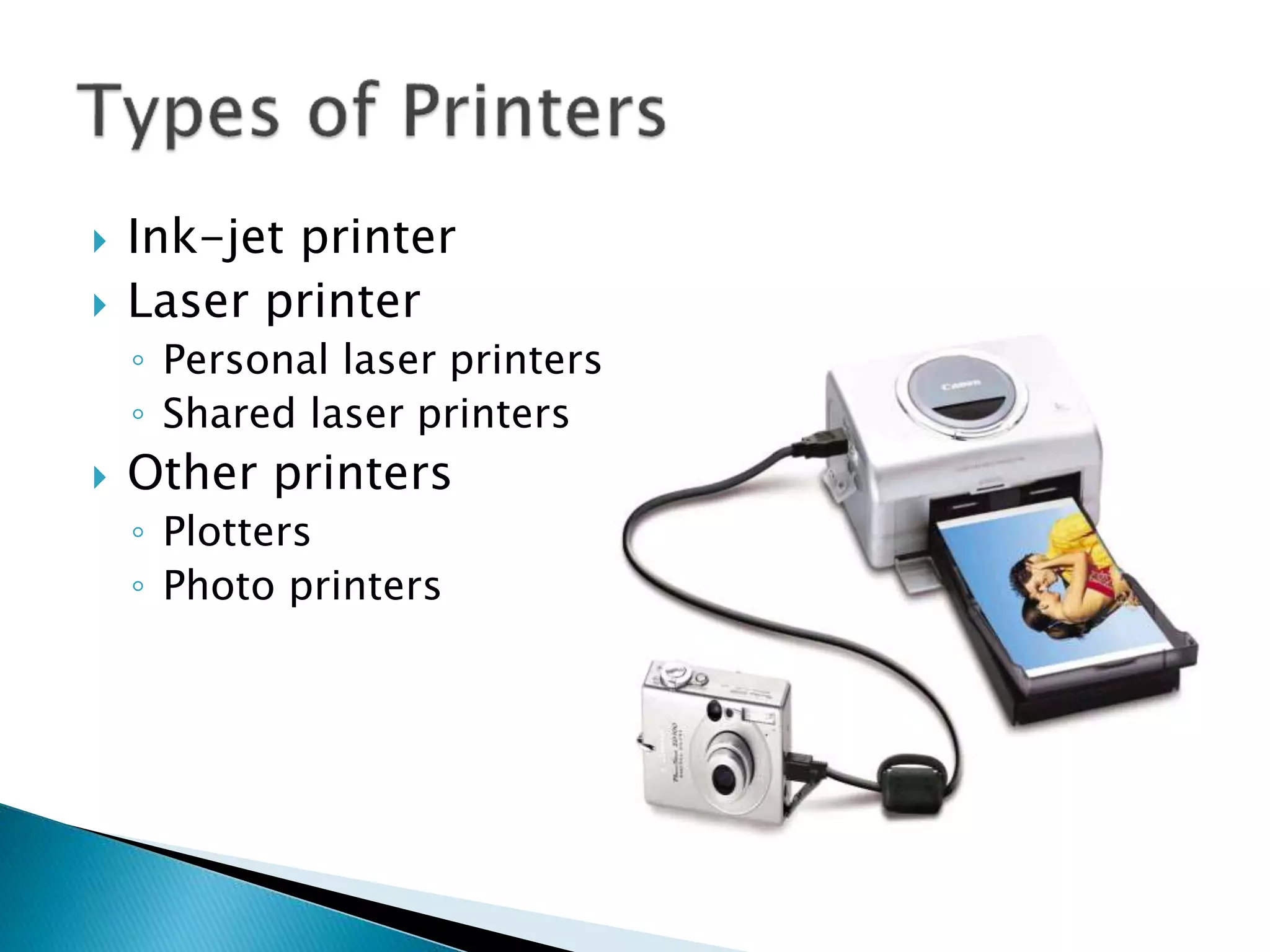
 Ink-jet printer
 Laser printer
◦ Personal laser printers
◦ Shared laser printers
 Other printers
◦ Plotters
◦ Photo printers
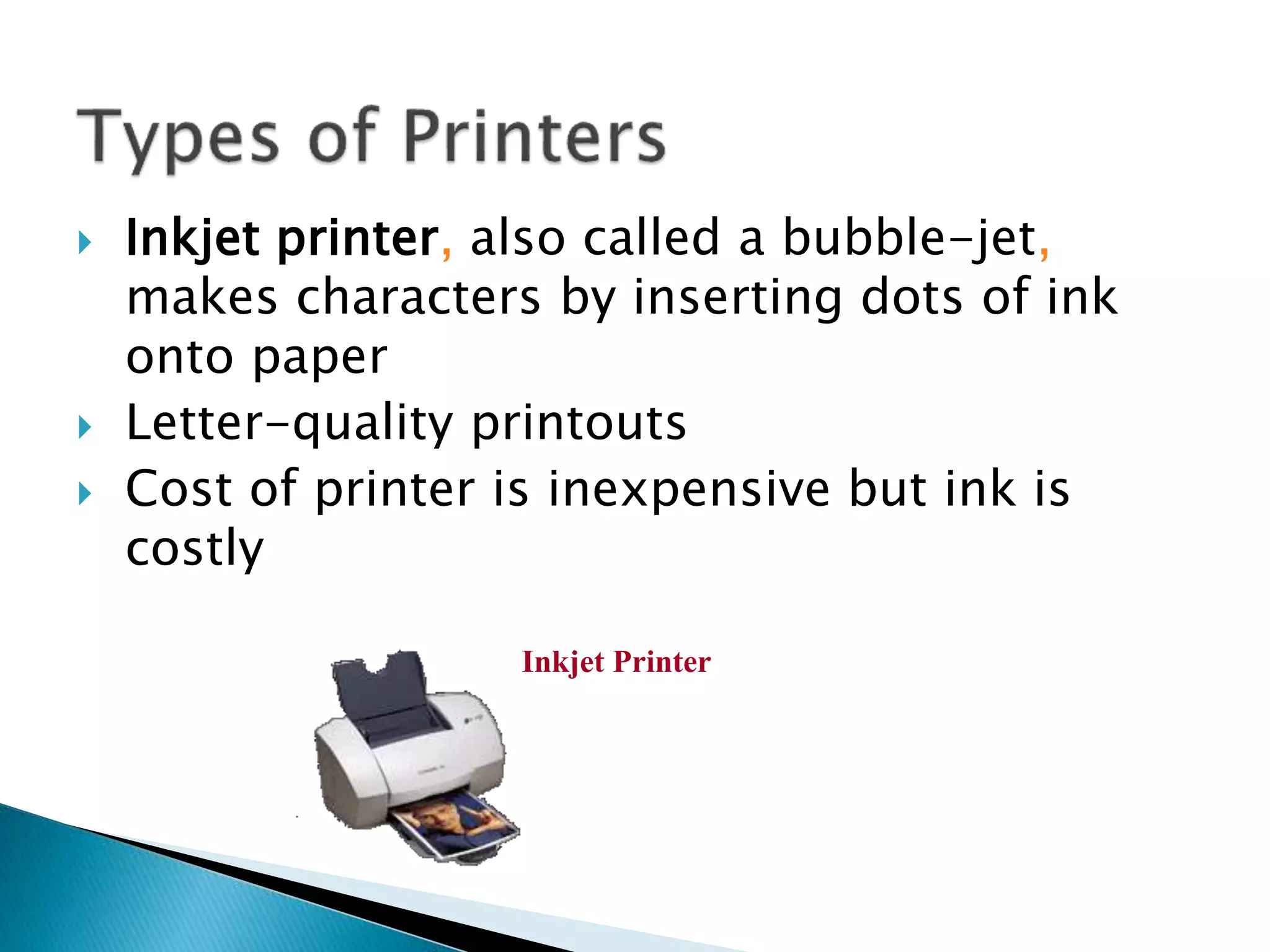
 Inkjet printer, also called a bubble-jet,
makes characters by inserting dots of ink
onto paper
 Letter-quality printouts
 Cost of printer is inexpensive but ink is
costly
Inkjet Printer
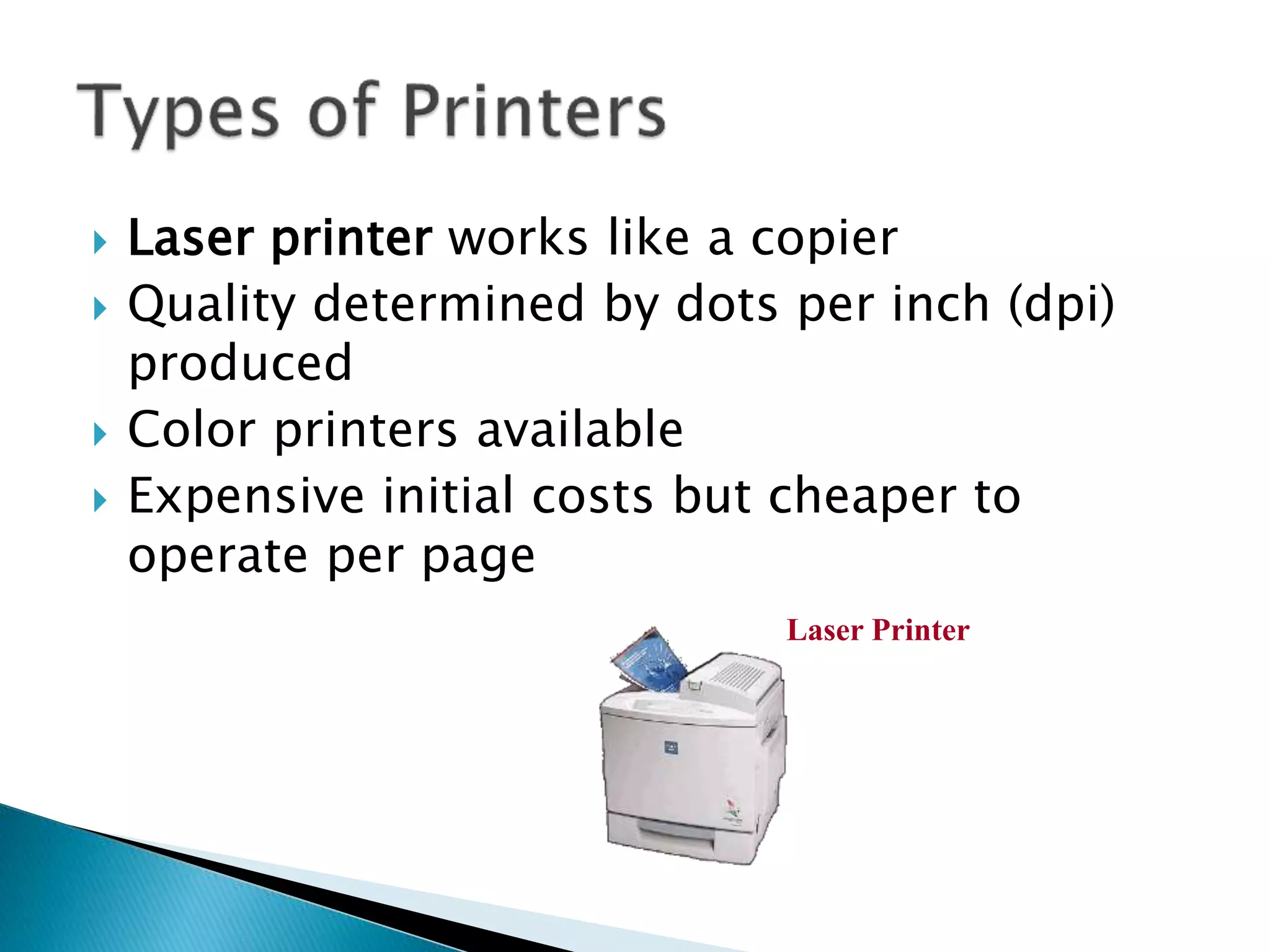
 Laser printer works like a copier
 Quality determined by dots per inch (dpi)
produced
 Color printers available
 Expensive initial costs but cheaper to
operate per page
Laser Printer
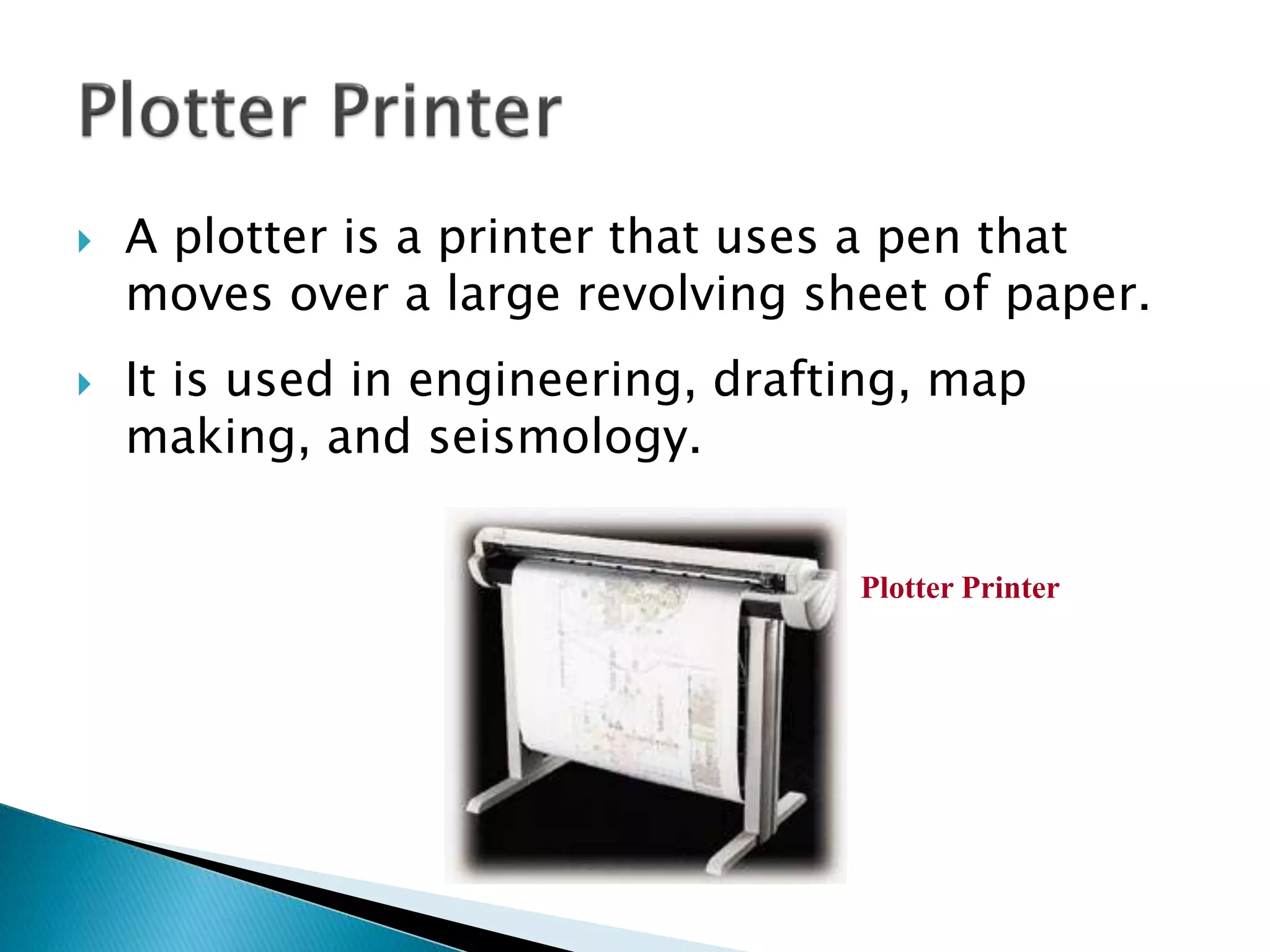
 A plotter is a printer that uses a pen that
moves over a large revolving sheet of paper.
 It is used in engineering, drafting, map
making, and seismology.
Plotter Printer
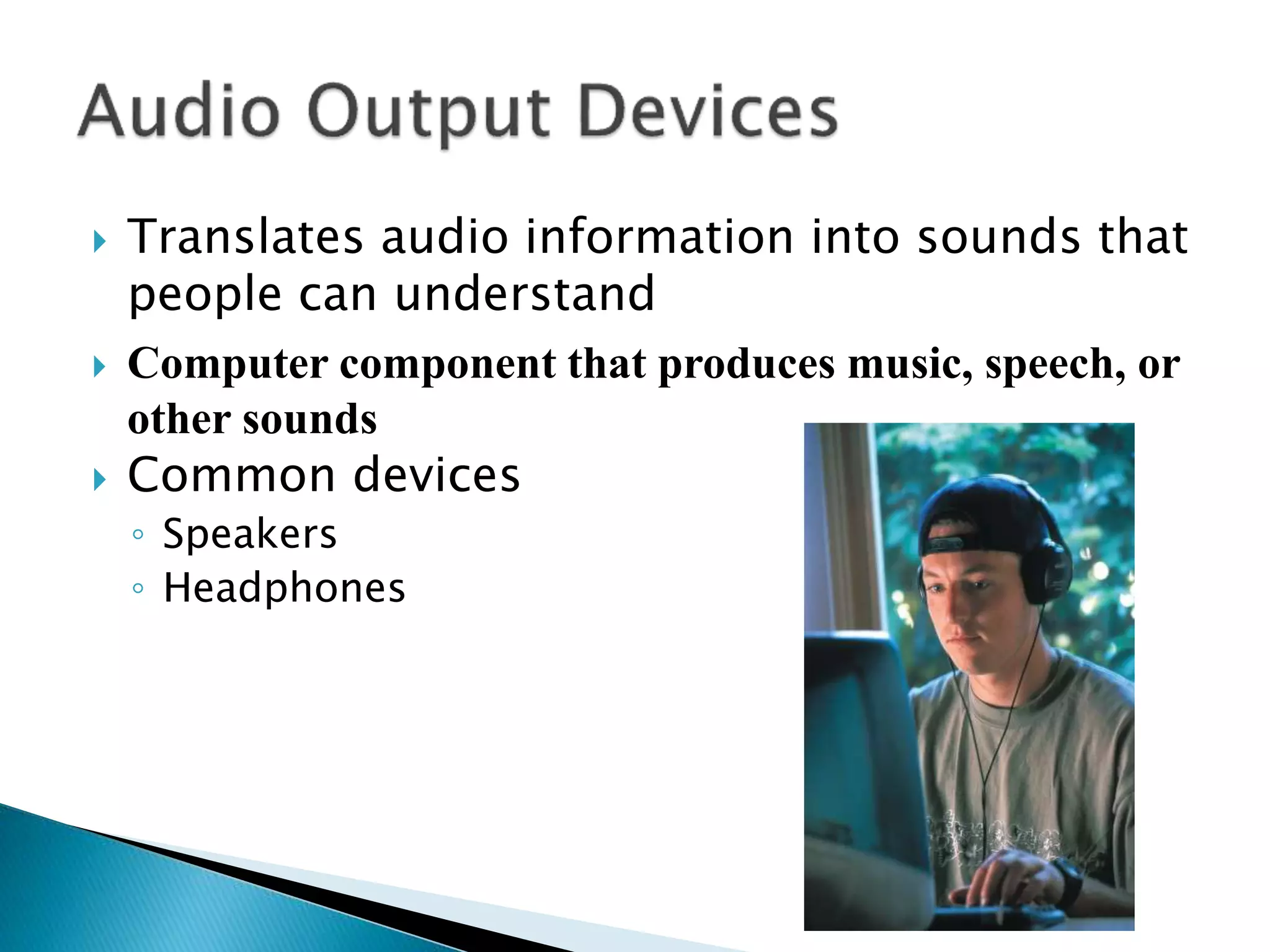
 Translates audio information into sounds that
people can understand
 Computer component that produces music, speech, or
other sounds
 Common devices
◦ Speakers
◦ Headphones
Thanks

input & output devices

  • 1.
  • 2.
     Input  Inputis any data entered into the computer’s memory.  Types of input include: ◦ Data – Unorganized information (words, numbers, images, or sounds) that the computer converts to meaningful information ◦ Software – Programs transferred from storage devices to the computer’s memory ◦ Commands – Instructions that tell the computer what to do
  • 3.
     Input Devices:Giving Commands Keyboard Mouse Other Pointing Devices
  • 4.
     Keyboards ◦ Traditionalkeyboards  Flexible keyboards  Wireless keyboards  The keyboard allows the computer user to enter words, numbers, punctuation, symbols, and special function commands into the computer’s memory. Flexible Keyboard Wireless Keyboard
  • 5.
     Mouse ◦ Mechanical ◦Cordless or wireless ◦  Touch Screen  Light Pen
  • 6.
     The mouseis the most widely used pointing device.  A mouse is palm sized.  As the mouse is moved, its movements are mirrored by the on-screen pointer.  Cordless mouse – Uses infrared signals to connect to the computer’s IrDA port; it must be within sight of the receiving port
  • 7.
    What is Output? Outputis data that has been processed into a useful form.
  • 8.
     Processed dataor information  Types of output ◦ Text ◦ Graphics ◦ Audio & video  Output devices ◦ Monitors ◦ Printers
  • 10.
     Known asscreens or display screens  Output referred to as soft copy  Information on display device sometimes called soft copy  Types of monitors: ◦ Cathode-ray tube (CRT) ◦ Liquid Crystal Display (LCD or flat-panel) LCD CRT
  • 11.
     Monitor This is themost common output device.
  • 12.
    ◦ Data projectors ◦High-definition television (HDTV)
  • 13.
     What isa printer?  Output device that produces text and graphics on paper  Result is hard copy, or printout  Features ◦ Color capability ◦ Speed
  • 14.
     Ink-jet printer Laser printer ◦ Personal laser printers ◦ Shared laser printers  Other printers ◦ Plotters ◦ Photo printers
  • 15.
     Inkjet printer,also called a bubble-jet, makes characters by inserting dots of ink onto paper  Letter-quality printouts  Cost of printer is inexpensive but ink is costly Inkjet Printer
  • 16.
     Laser printerworks like a copier  Quality determined by dots per inch (dpi) produced  Color printers available  Expensive initial costs but cheaper to operate per page Laser Printer
  • 17.
     A plotteris a printer that uses a pen that moves over a large revolving sheet of paper.  It is used in engineering, drafting, map making, and seismology. Plotter Printer
  • 18.
     Translates audioinformation into sounds that people can understand  Computer component that produces music, speech, or other sounds  Common devices ◦ Speakers ◦ Headphones
  • 19.