INPUT AND OUTPUT
DEVICES
BY: RHENZL PAUL E. DIGAMON
JONALYN N. DUAYAN
What is Input?
refers to the data or commands a program receives
from a user, another program, or a file, which it then
uses to perform actions or calculations.
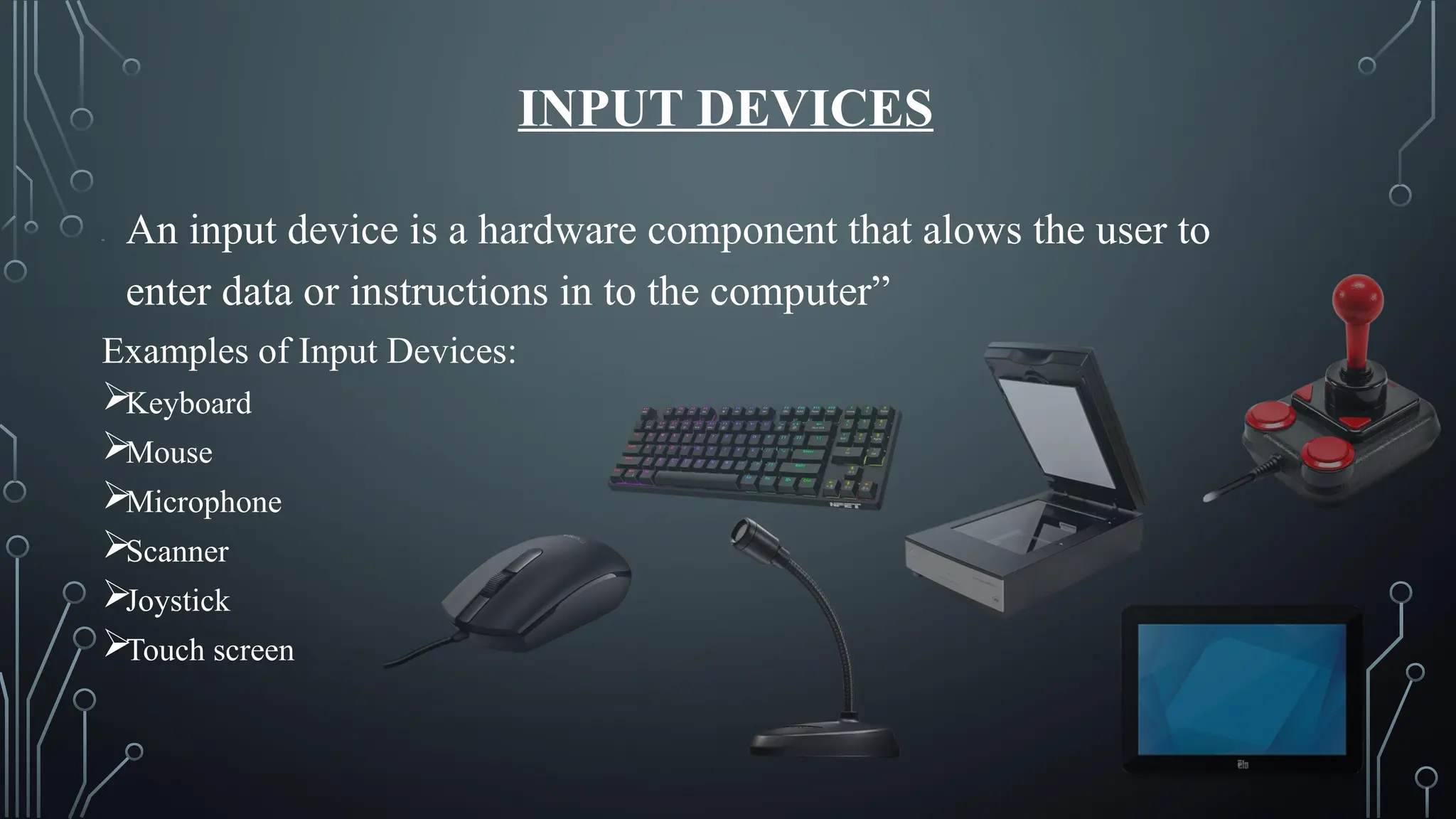
INPUT DEVICES
“ An input device is a hardware component that alows the user to
enter data or instructions in to the computer”
Examples of Input Devices:
Keyboard
Mouse
Microphone
Scanner
Joystick
Touch screen
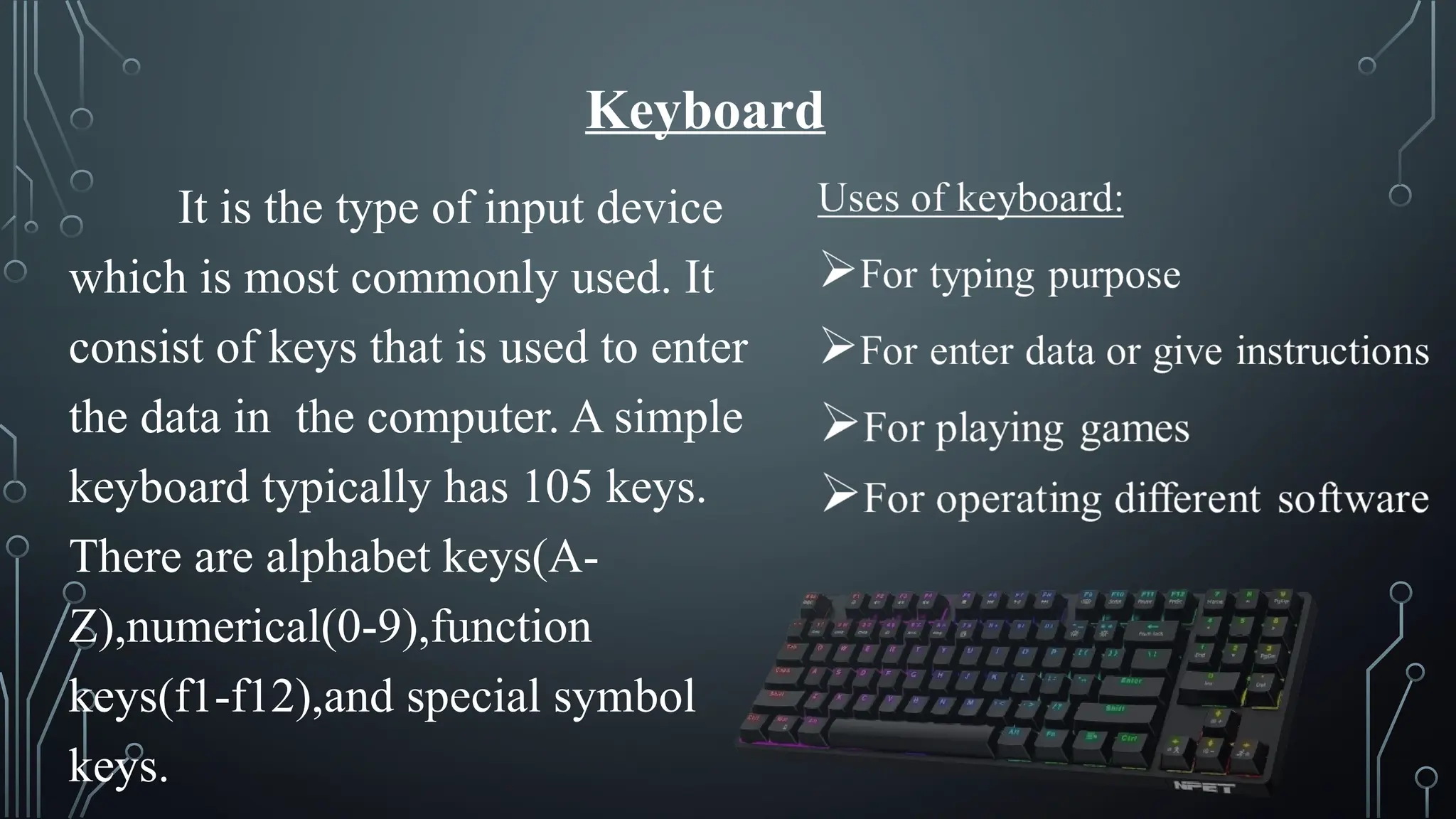
Keyboard
It is the type of input device
which is most commonly used. It
consist of keys that is used to enter
the data in the computer. A simple
keyboard typically has 105 keys.
There are alphabet keys(A-
Z),numerical(0-9),function
keys(f1-f12),and special symbol
keys.
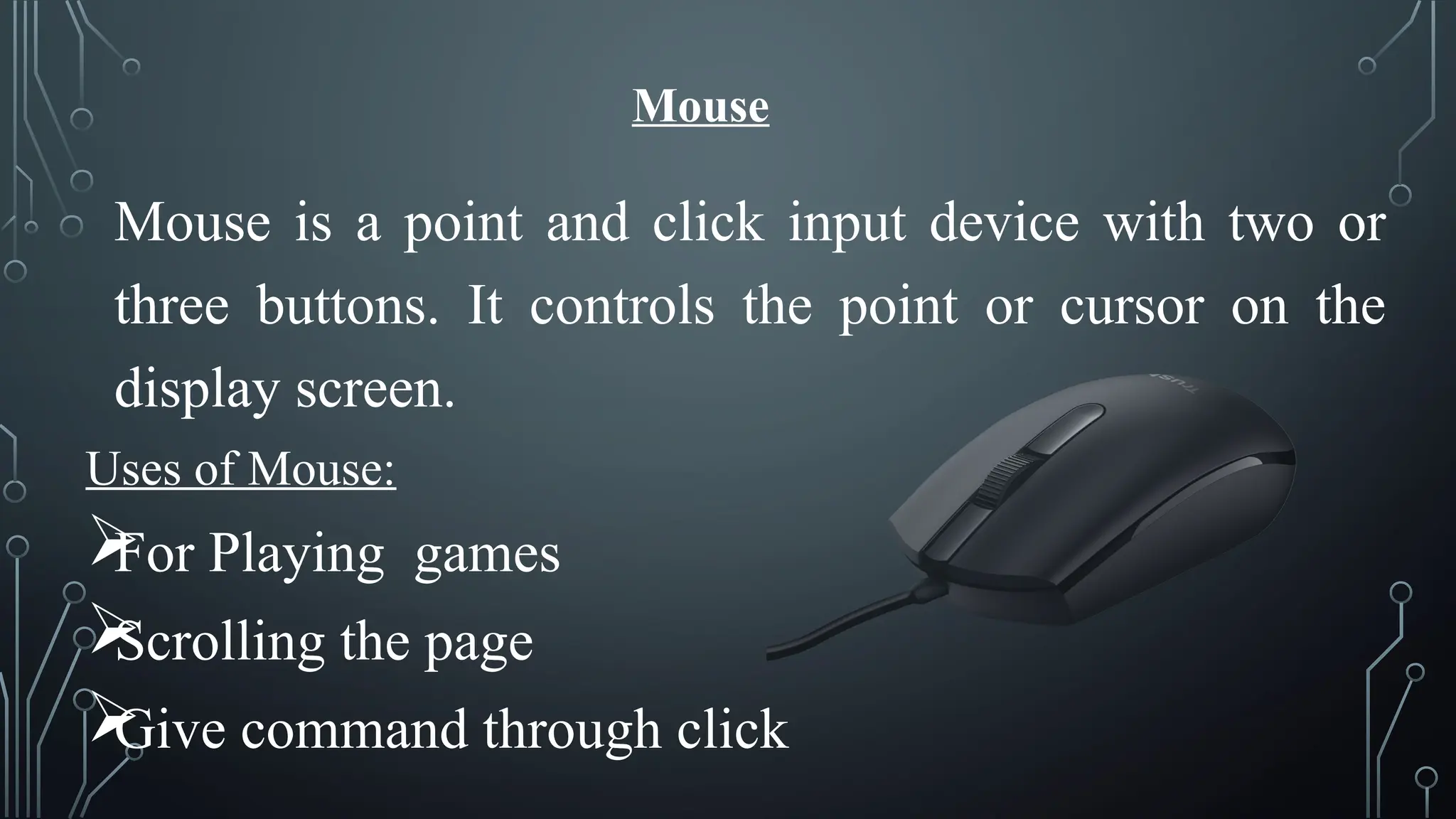
Mouse
Mouse is a point and click input device with two or
three buttons. It controls the point or cursor on the
display screen.
Uses of Mouse:

For Playing games

Scrolling the page

Give command through click
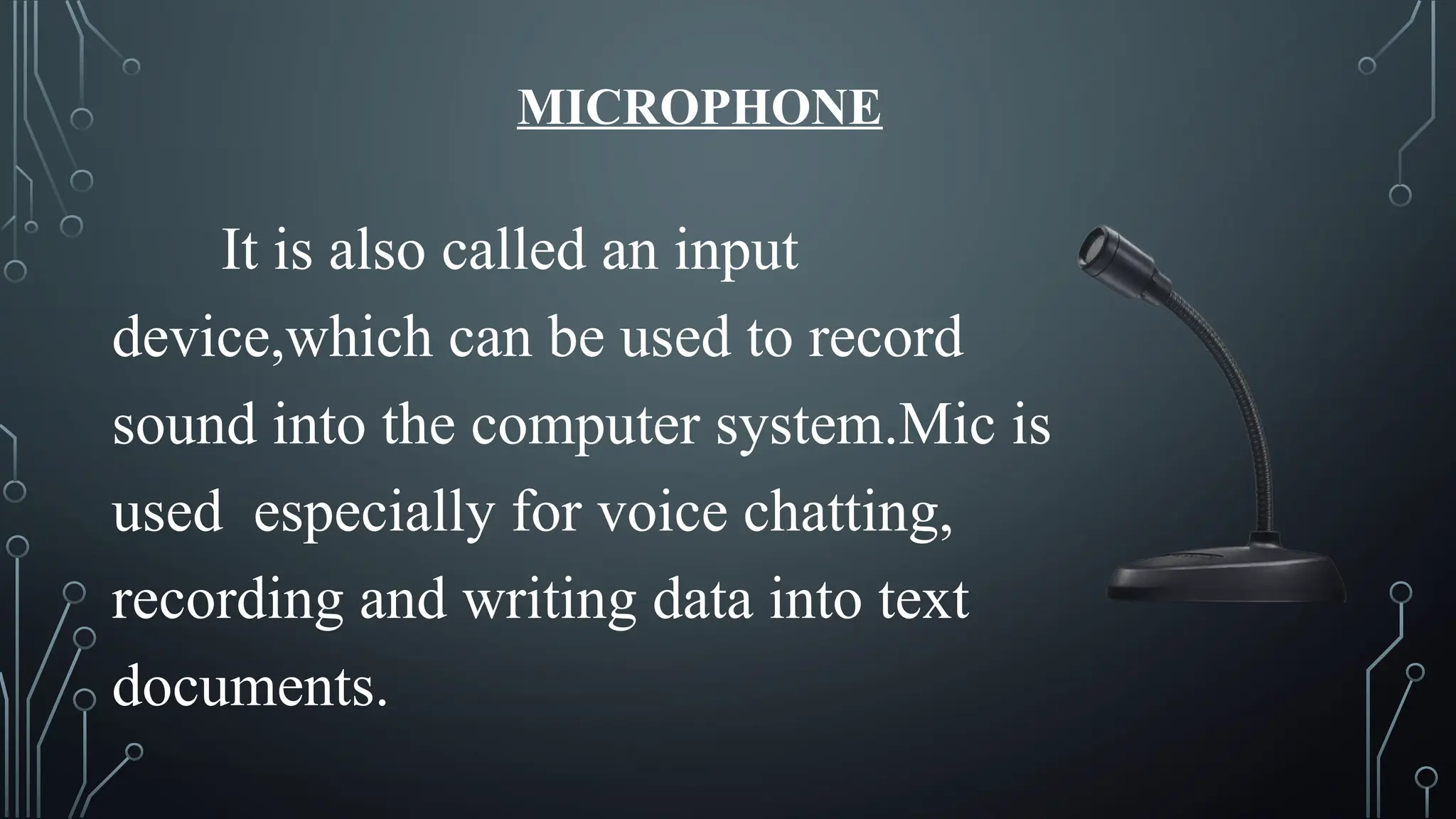
MICROPHONE
It is also called an input
device,which can be used to record
sound into the computer system.Mic is
used especially for voice chatting,
recording and writing data into text
documents.
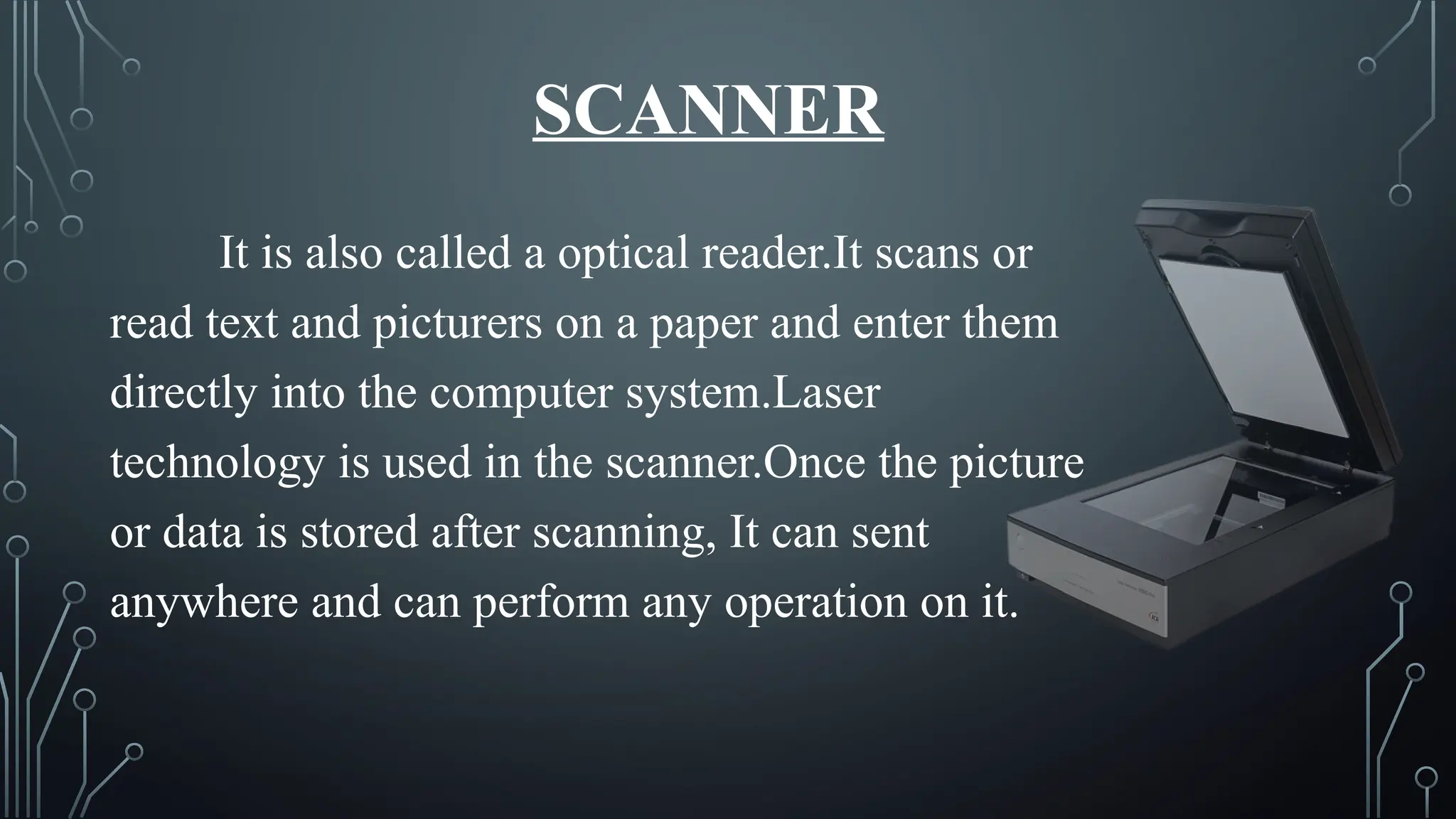
SCANNER
It is also called a optical reader.It scans or
read text and picturers on a paper and enter them
directly into the computer system.Laser
technology is used in the scanner.Once the picture
or data is stored after scanning, It can sent
anywhere and can perform any operation on it.
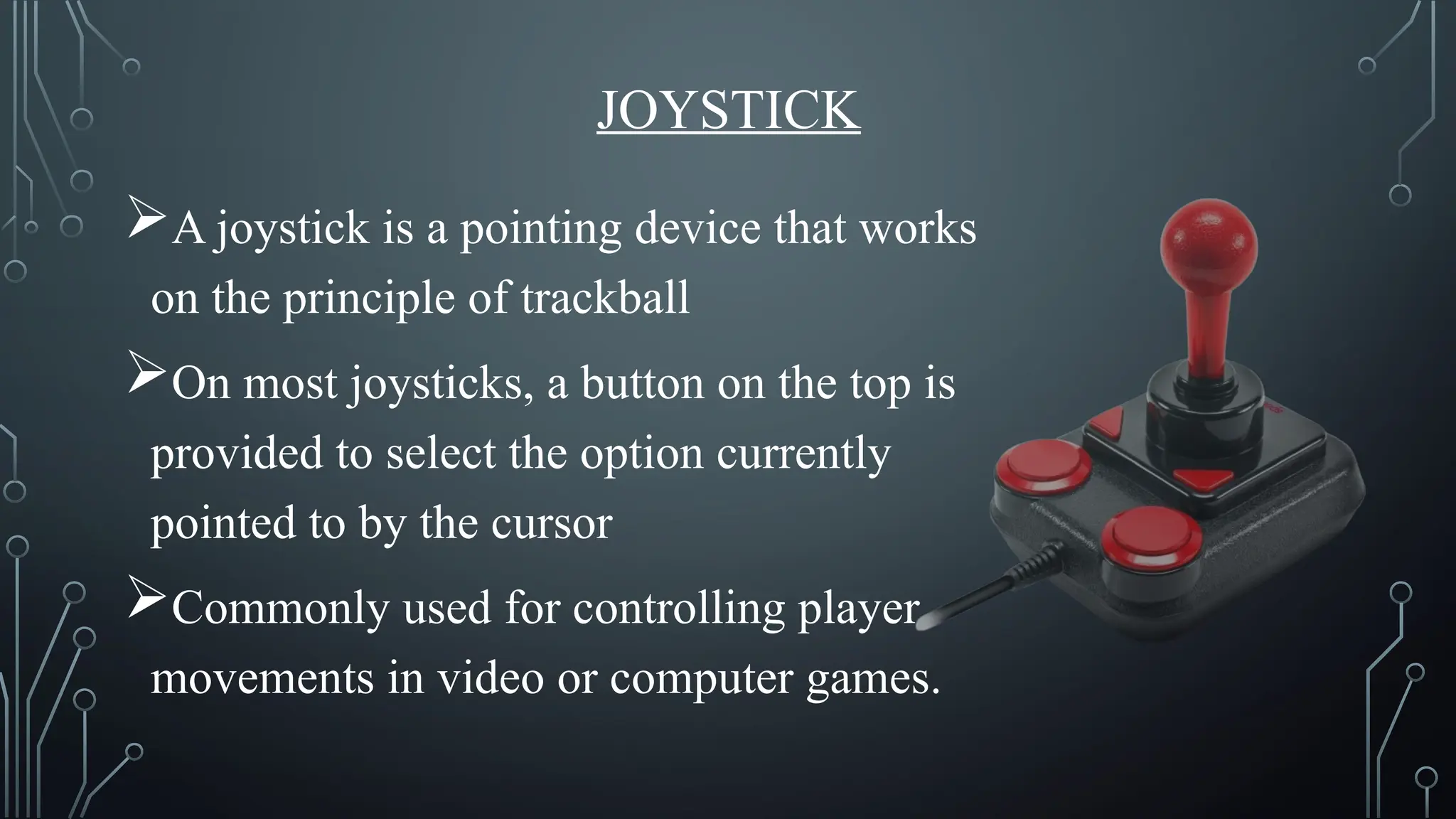
JOYSTICK
A joystick is a pointing device that works
on the principle of trackball
On most joysticks, a button on the top is
provided to select the option currently
pointed to by the cursor
Commonly used for controlling player
movements in video or computer games.
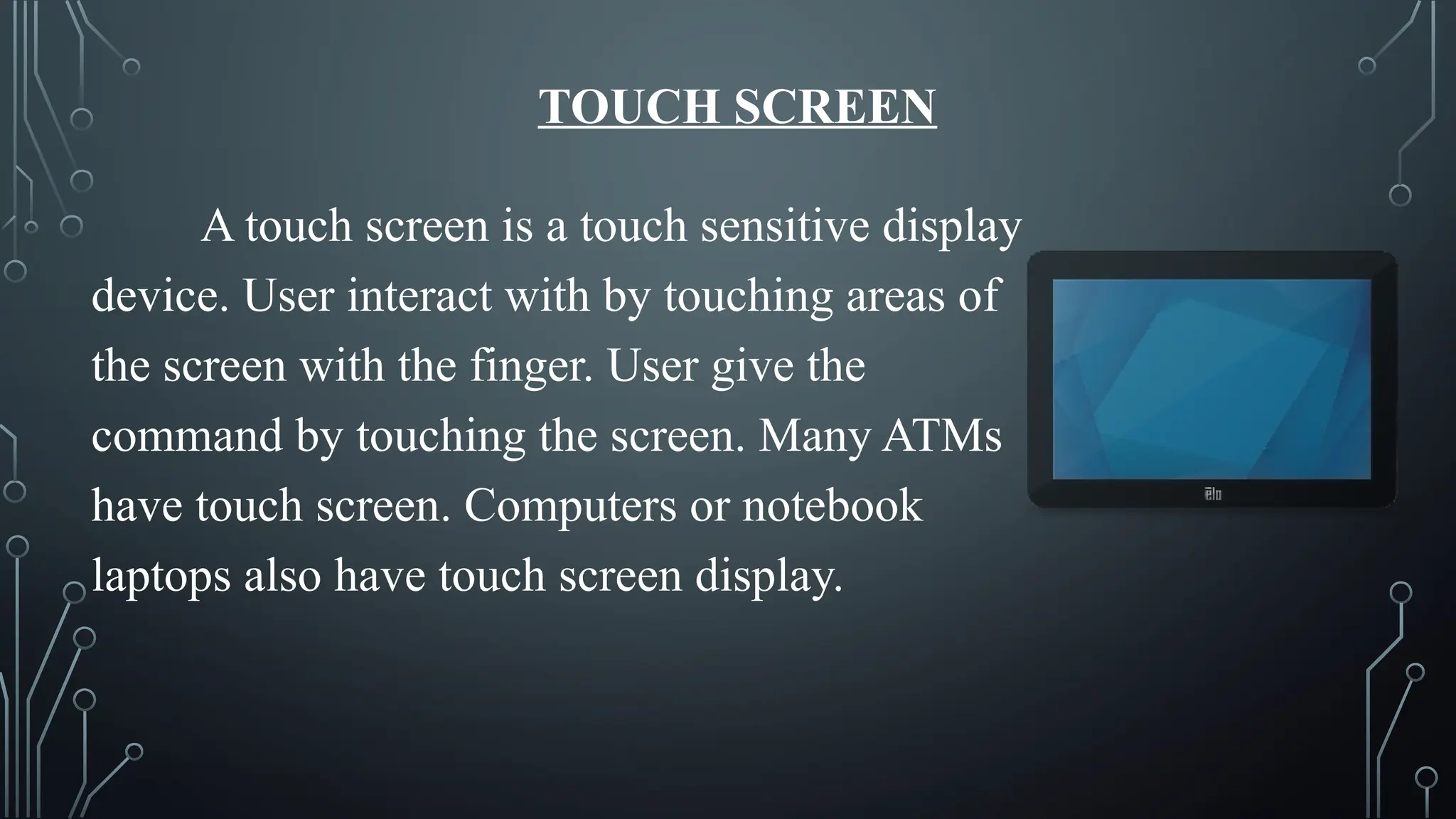
TOUCH SCREEN
A touch screen is a touch sensitive display
device. User interact with by touching areas of
the screen with the finger. User give the
command by touching the screen. Many ATMs
have touch screen. Computers or notebook
laptops also have touch screen display.
WHAT IS OUTPUT?
Refers to the information a program
displays, prints, or transmits after processing
input, which can include text, images, sound,
or video.
OUTPUT DEVICES
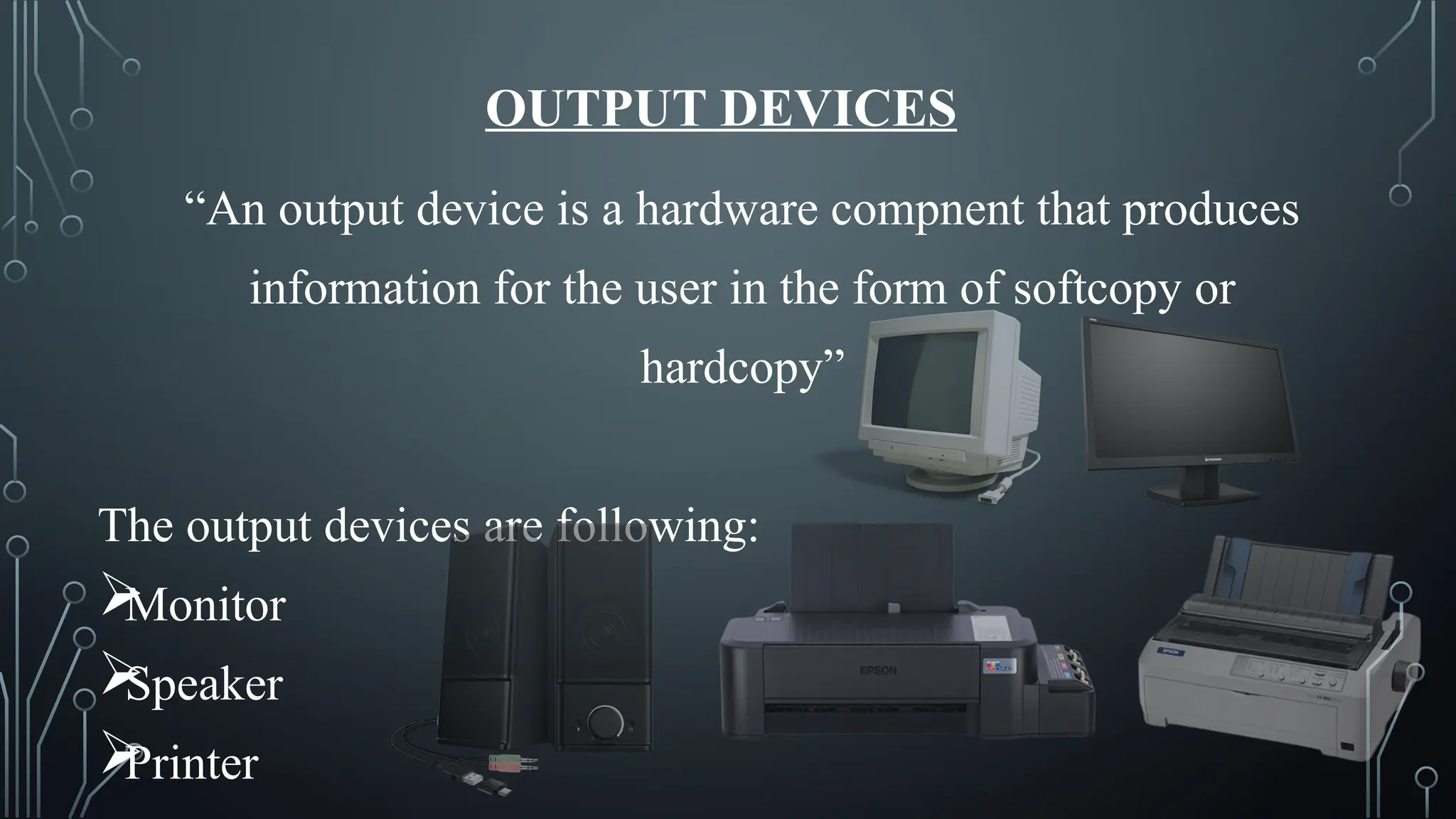
“An output device is a hardware compnent that produces
information for the user in the form of softcopy or
hardcopy”
The output devices are following:

Monitor

Speaker

Printer
MONITOR
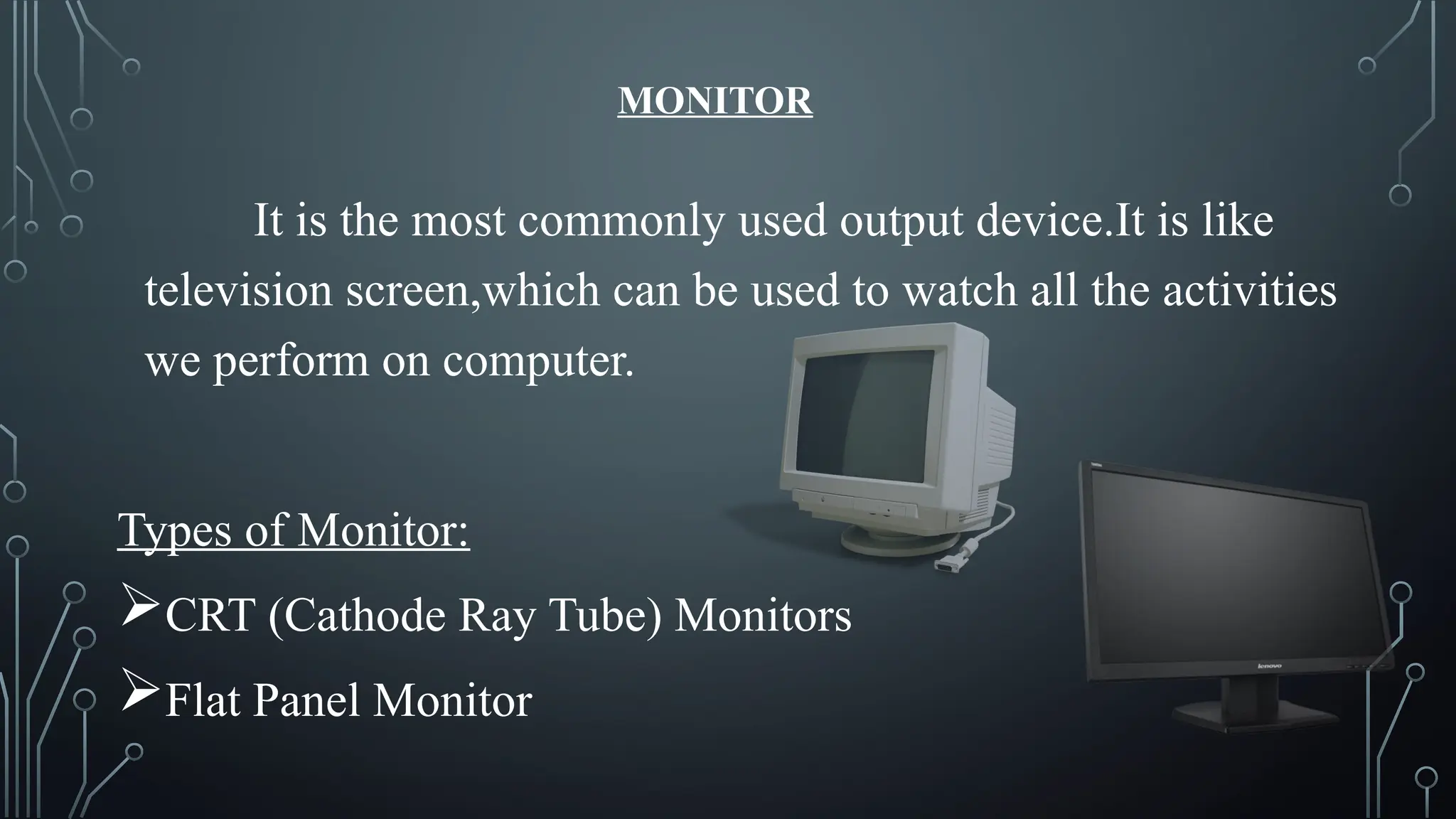
It is the most commonly used output device.It is like
television screen,which can be used to watch all the activities
we perform on computer.
Types of Monitor:
CRT (Cathode Ray Tube) Monitors
Flat Panel Monitor
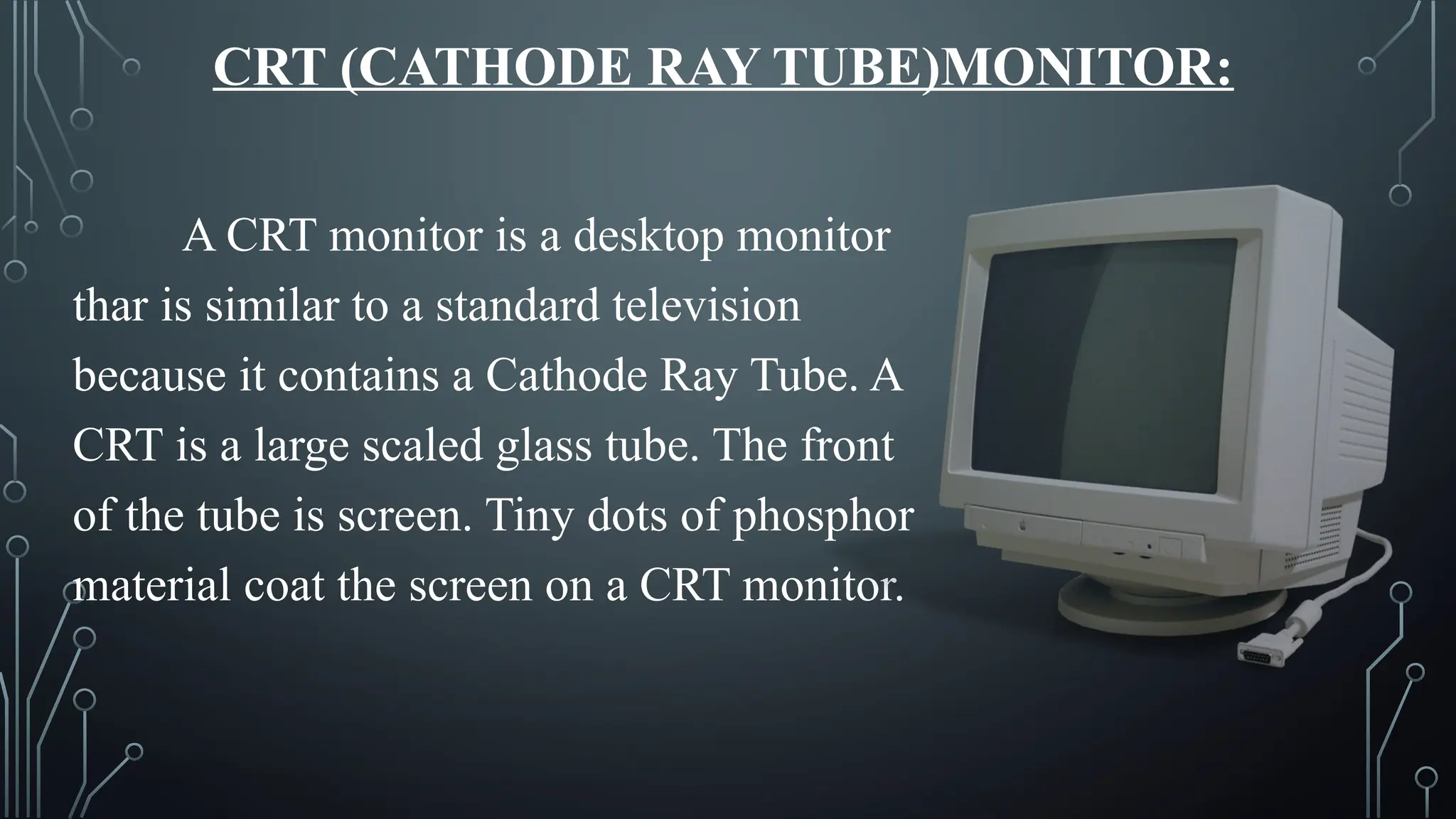
CRT (CATHODE RAY TUBE)MONITOR:
A CRT monitor is a desktop monitor
thar is similar to a standard television
because it contains a Cathode Ray Tube. A
CRT is a large scaled glass tube. The front
of the tube is screen. Tiny dots of phosphor
material coat the screen on a CRT monitor.
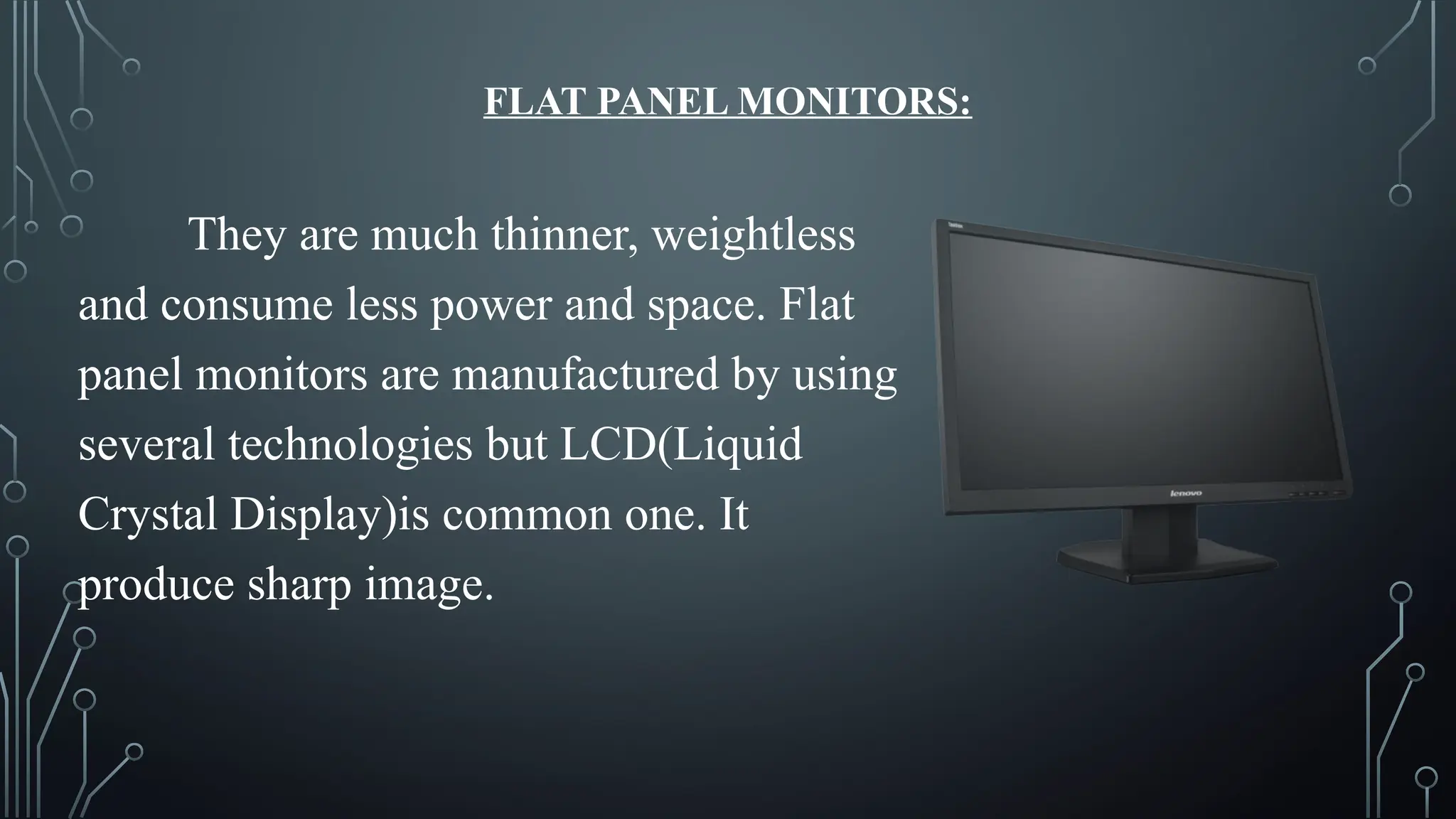
FLAT PANEL MONITORS:
They are much thinner, weightless
and consume less power and space. Flat
panel monitors are manufactured by using
several technologies but LCD(Liquid
Crystal Display)is common one. It
produce sharp image.
SPEAKERS
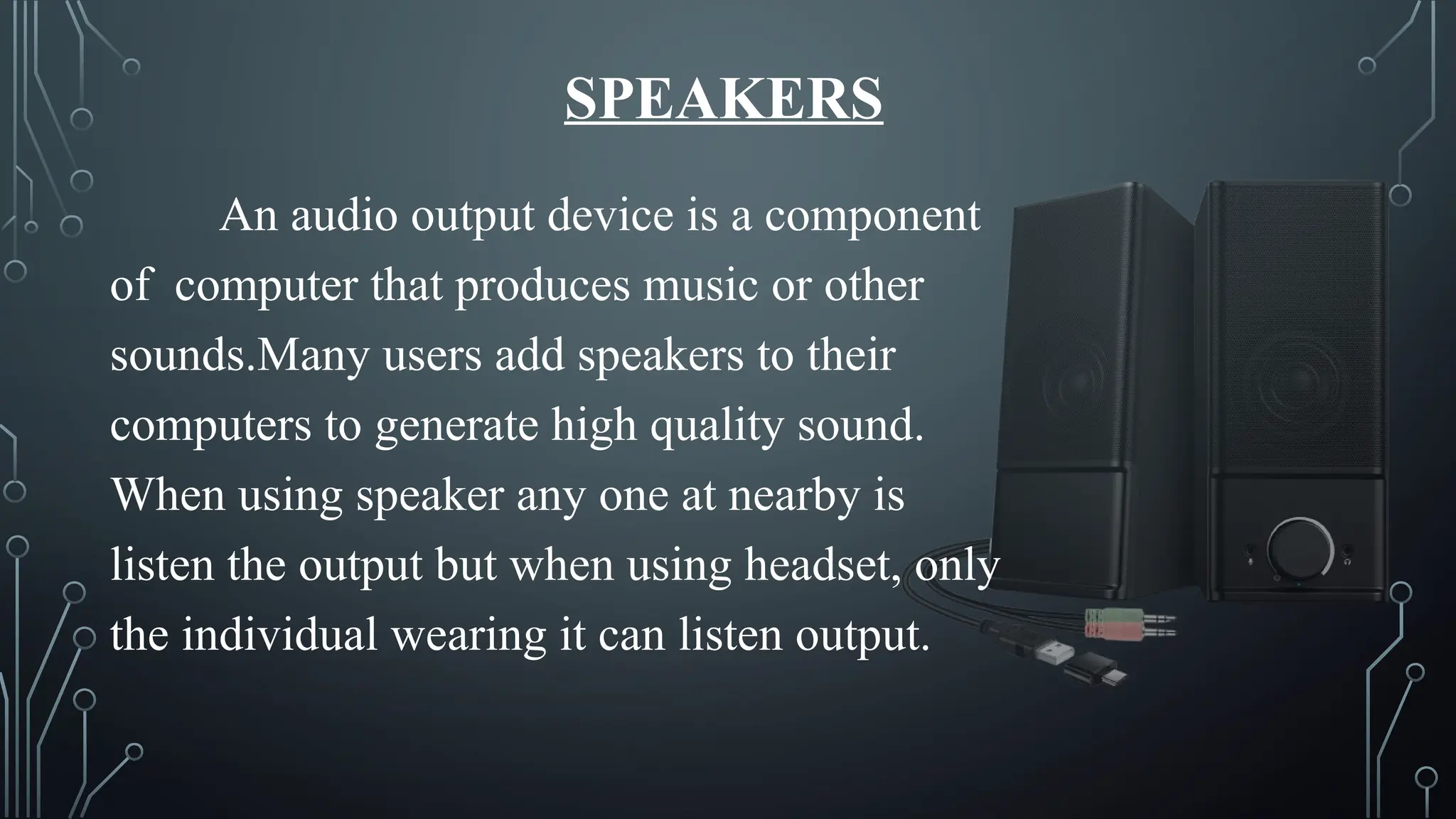
An audio output device is a component
of computer that produces music or other
sounds.Many users add speakers to their
computers to generate high quality sound.
When using speaker any one at nearby is
listen the output but when using headset, only
the individual wearing it can listen output.
PRINTER
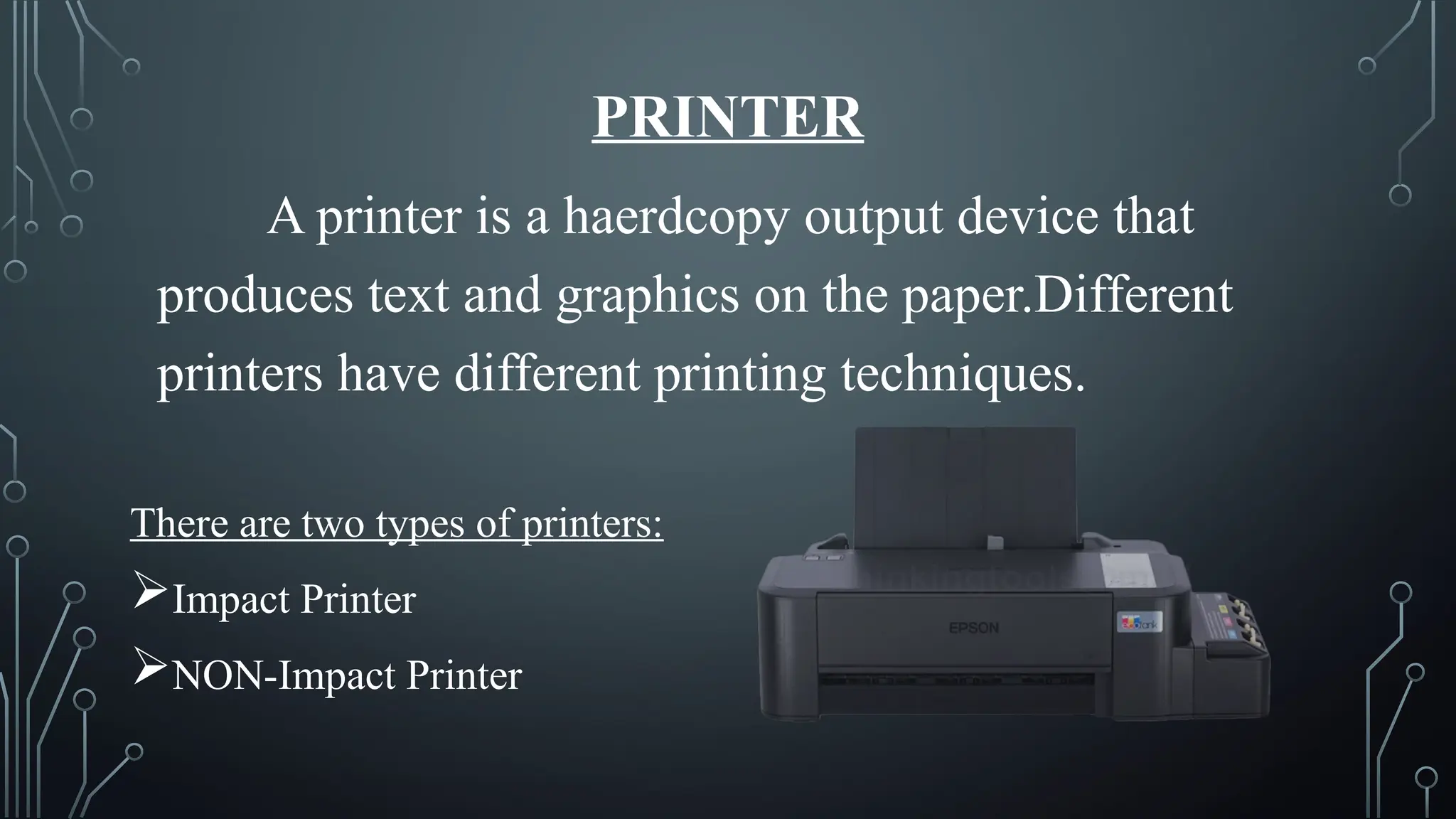
A printer is a haerdcopy output device that
produces text and graphics on the paper.Different
printers have different printing techniques.
There are two types of printers:
Impact Printer
NON-Impact Printer
IMPACT PRINTER:
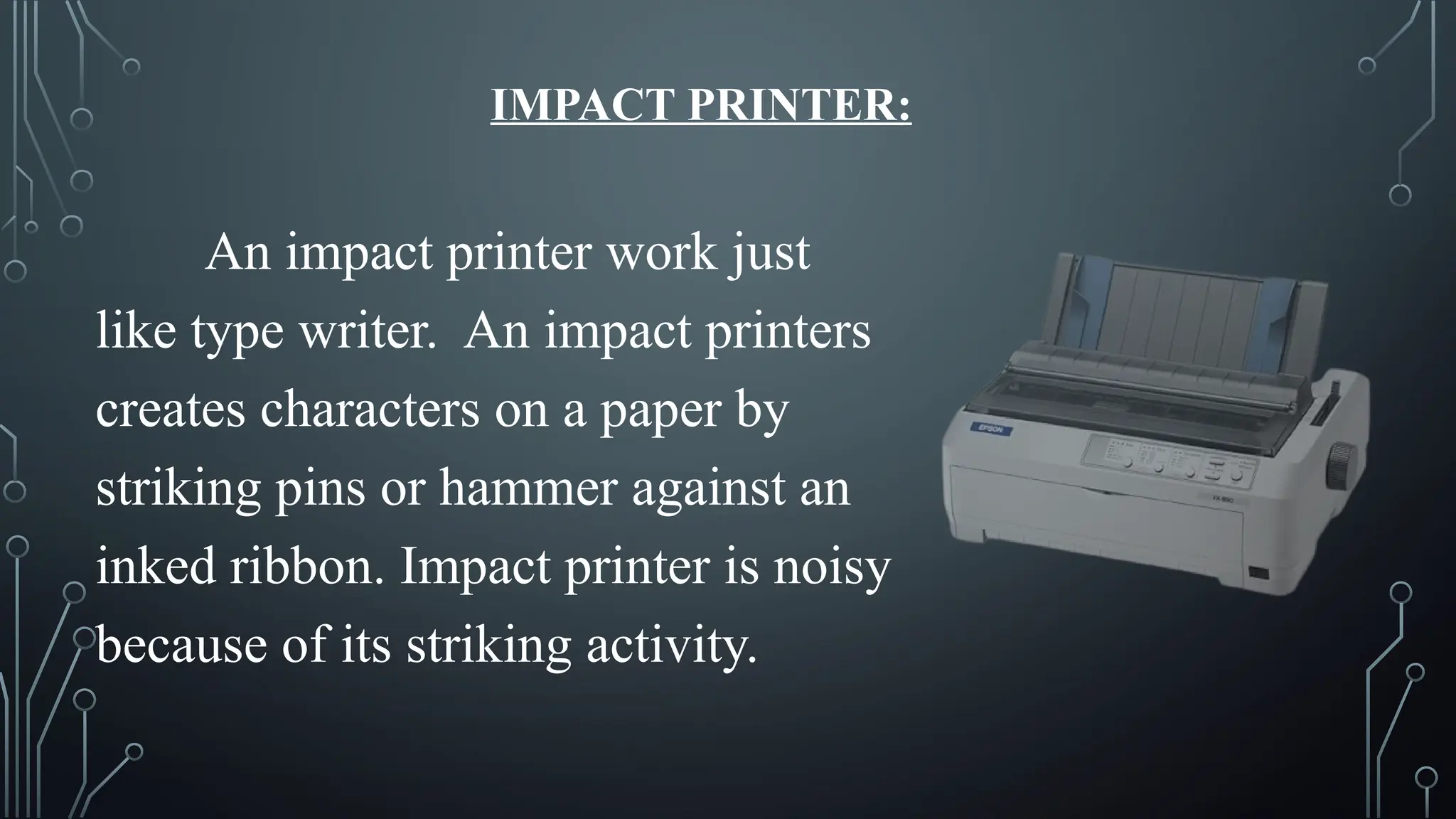
An impact printer work just
like type writer. An impact printers
creates characters on a paper by
striking pins or hammer against an
inked ribbon. Impact printer is noisy
because of its striking activity.
NON-IMPACT PRINTER:
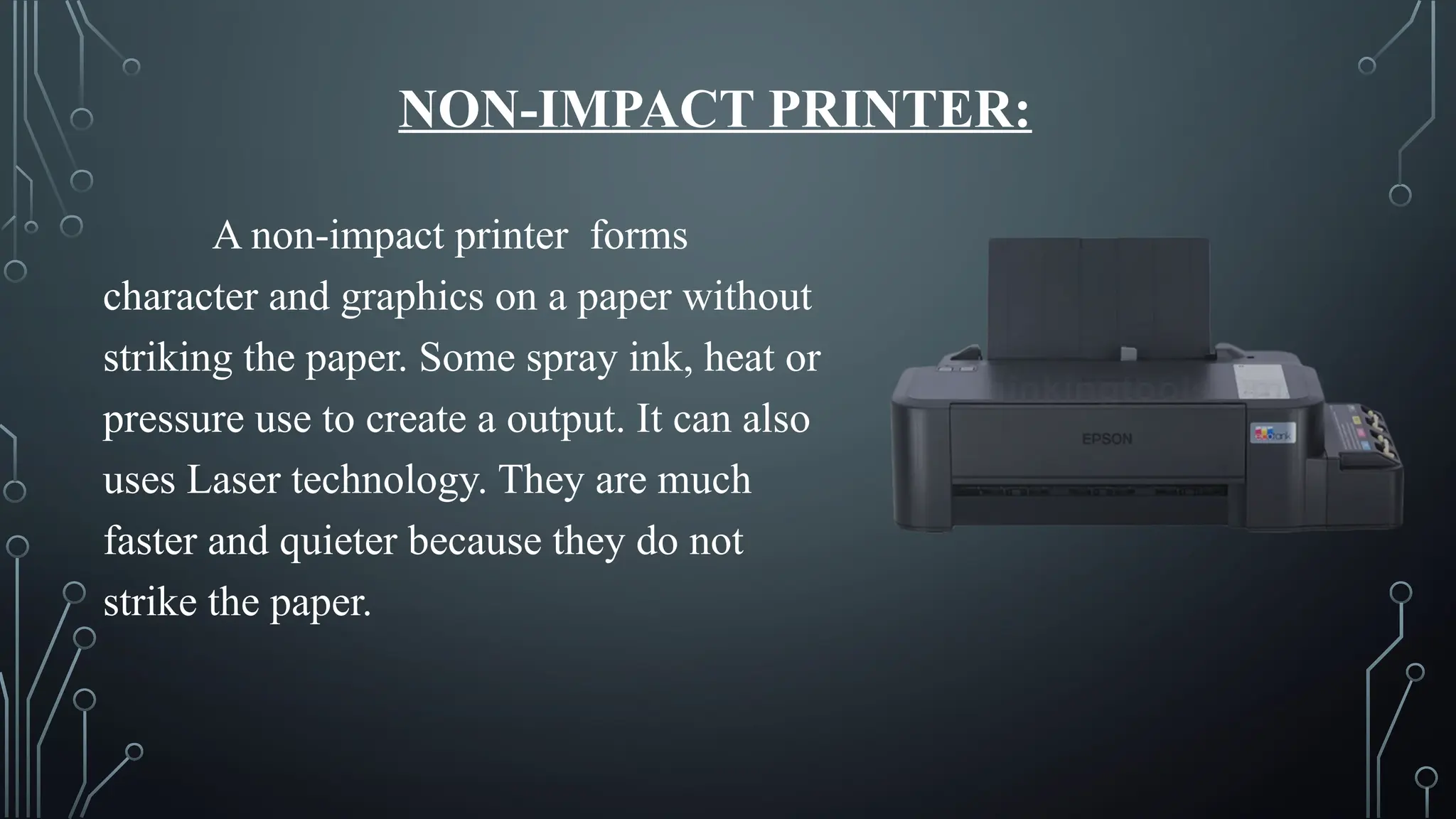
A non-impact printer forms
character and graphics on a paper without
striking the paper. Some spray ink, heat or
pressure use to create a output. It can also
uses Laser technology. They are much
faster and quieter because they do not
strike the paper.
THANK YOU AND
GOD BLESS!!

INPUT AND OUTPUT DEVICES REPORT.pptx12345

  • 1.
    INPUT AND OUTPUT DEVICES BY:RHENZL PAUL E. DIGAMON JONALYN N. DUAYAN
  • 2.
    What is Input? refersto the data or commands a program receives from a user, another program, or a file, which it then uses to perform actions or calculations.
  • 3.
    INPUT DEVICES “ Aninput device is a hardware component that alows the user to enter data or instructions in to the computer” Examples of Input Devices: Keyboard Mouse Microphone Scanner Joystick Touch screen
  • 4.
    Keyboard It is thetype of input device which is most commonly used. It consist of keys that is used to enter the data in the computer. A simple keyboard typically has 105 keys. There are alphabet keys(A- Z),numerical(0-9),function keys(f1-f12),and special symbol keys.
  • 5.
    Mouse Mouse is apoint and click input device with two or three buttons. It controls the point or cursor on the display screen. Uses of Mouse:  For Playing games  Scrolling the page  Give command through click
  • 6.
    MICROPHONE It is alsocalled an input device,which can be used to record sound into the computer system.Mic is used especially for voice chatting, recording and writing data into text documents.
  • 7.
    SCANNER It is alsocalled a optical reader.It scans or read text and picturers on a paper and enter them directly into the computer system.Laser technology is used in the scanner.Once the picture or data is stored after scanning, It can sent anywhere and can perform any operation on it.
  • 8.
    JOYSTICK A joystick isa pointing device that works on the principle of trackball On most joysticks, a button on the top is provided to select the option currently pointed to by the cursor Commonly used for controlling player movements in video or computer games.
  • 9.
    TOUCH SCREEN A touchscreen is a touch sensitive display device. User interact with by touching areas of the screen with the finger. User give the command by touching the screen. Many ATMs have touch screen. Computers or notebook laptops also have touch screen display.
  • 10.
    WHAT IS OUTPUT? Refersto the information a program displays, prints, or transmits after processing input, which can include text, images, sound, or video.
  • 11.
    OUTPUT DEVICES “An outputdevice is a hardware compnent that produces information for the user in the form of softcopy or hardcopy” The output devices are following:  Monitor  Speaker  Printer
  • 12.
    MONITOR It is themost commonly used output device.It is like television screen,which can be used to watch all the activities we perform on computer. Types of Monitor: CRT (Cathode Ray Tube) Monitors Flat Panel Monitor
  • 13.
    CRT (CATHODE RAYTUBE)MONITOR: A CRT monitor is a desktop monitor thar is similar to a standard television because it contains a Cathode Ray Tube. A CRT is a large scaled glass tube. The front of the tube is screen. Tiny dots of phosphor material coat the screen on a CRT monitor.
  • 14.
    FLAT PANEL MONITORS: Theyare much thinner, weightless and consume less power and space. Flat panel monitors are manufactured by using several technologies but LCD(Liquid Crystal Display)is common one. It produce sharp image.
  • 15.
    SPEAKERS An audio outputdevice is a component of computer that produces music or other sounds.Many users add speakers to their computers to generate high quality sound. When using speaker any one at nearby is listen the output but when using headset, only the individual wearing it can listen output.
  • 16.
    PRINTER A printer isa haerdcopy output device that produces text and graphics on the paper.Different printers have different printing techniques. There are two types of printers: Impact Printer NON-Impact Printer
  • 17.
    IMPACT PRINTER: An impactprinter work just like type writer. An impact printers creates characters on a paper by striking pins or hammer against an inked ribbon. Impact printer is noisy because of its striking activity.
  • 18.
    NON-IMPACT PRINTER: A non-impactprinter forms character and graphics on a paper without striking the paper. Some spray ink, heat or pressure use to create a output. It can also uses Laser technology. They are much faster and quieter because they do not strike the paper.
  • 19.