1
Submitted to:
Sir. Fahad Javaid
Group members:
Hafiz Faisal
Shafqat Mahmood
Taifoor Nazar
Abdul Sammad
Qaisar Khan
COMPUTER HARWARE
2
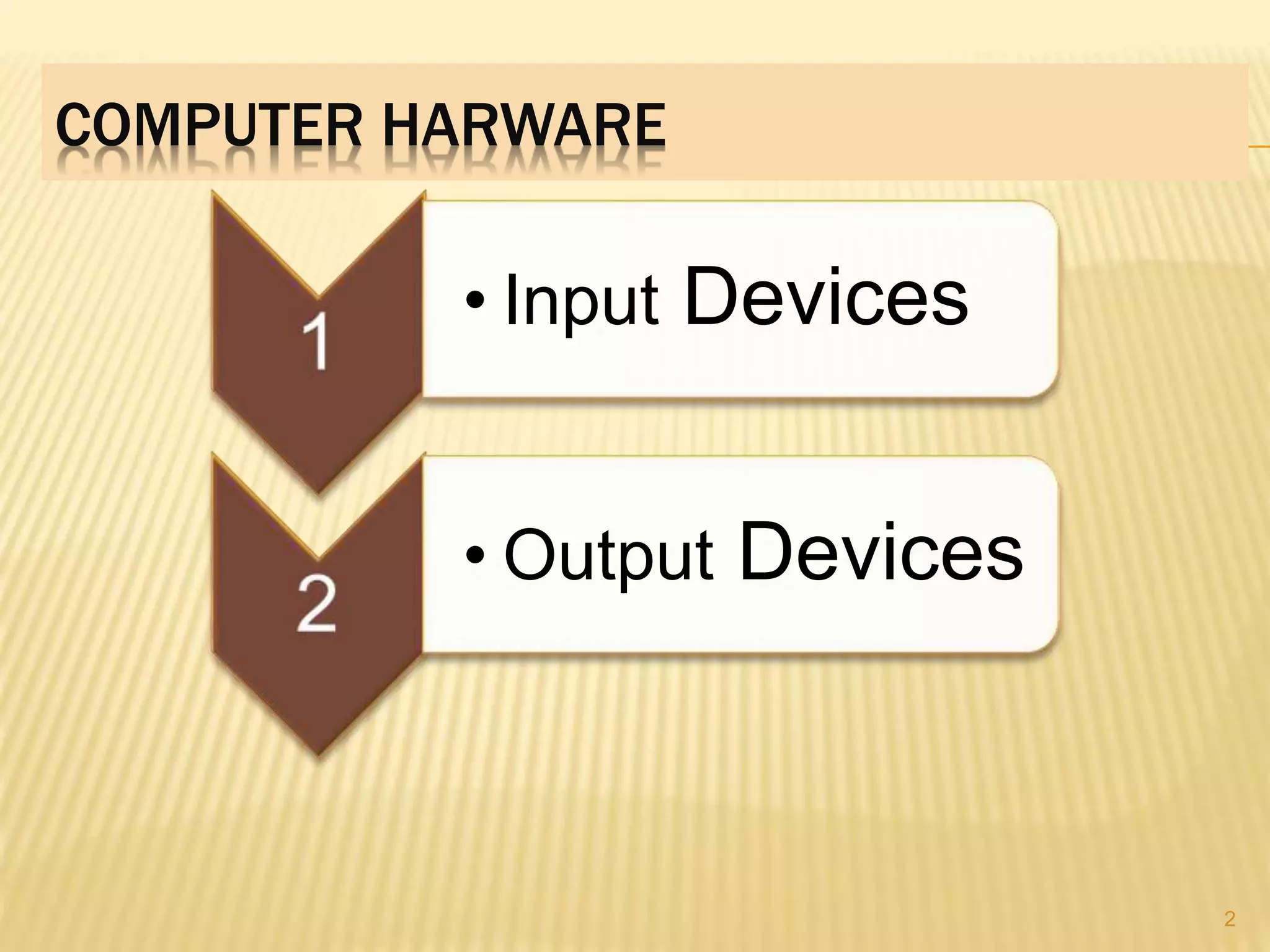
• Input Devices
• Output Devices
3
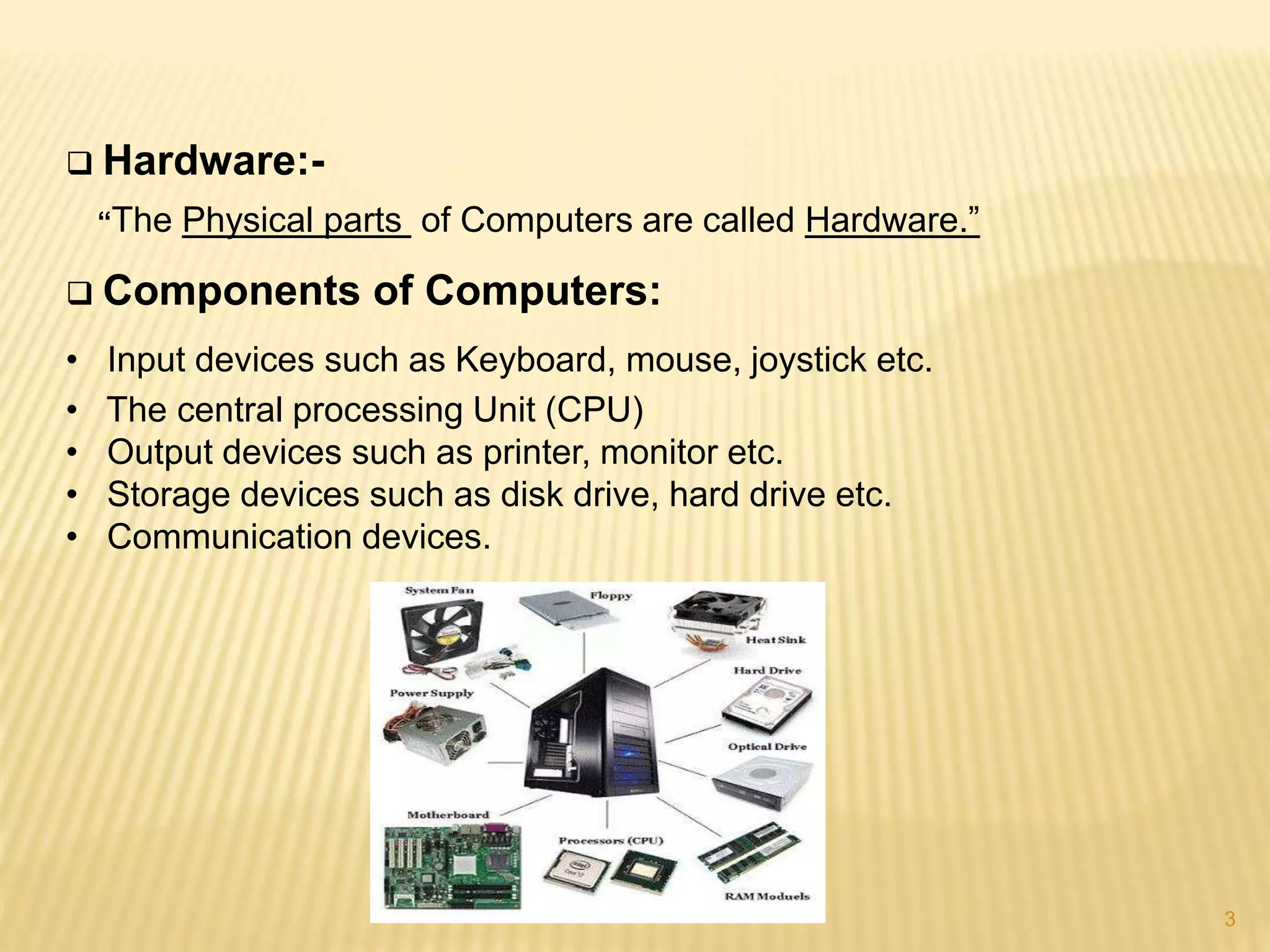
 Hardware:-
“The Physical parts of Computers are called Hardware.”
 Components of Computers:
• Input devices such as Keyboard, mouse, joystick etc.
• The central processing Unit (CPU)
• Output devices such as printer, monitor etc.
• Storage devices such as disk drive, hard drive etc.
• Communication devices.
4
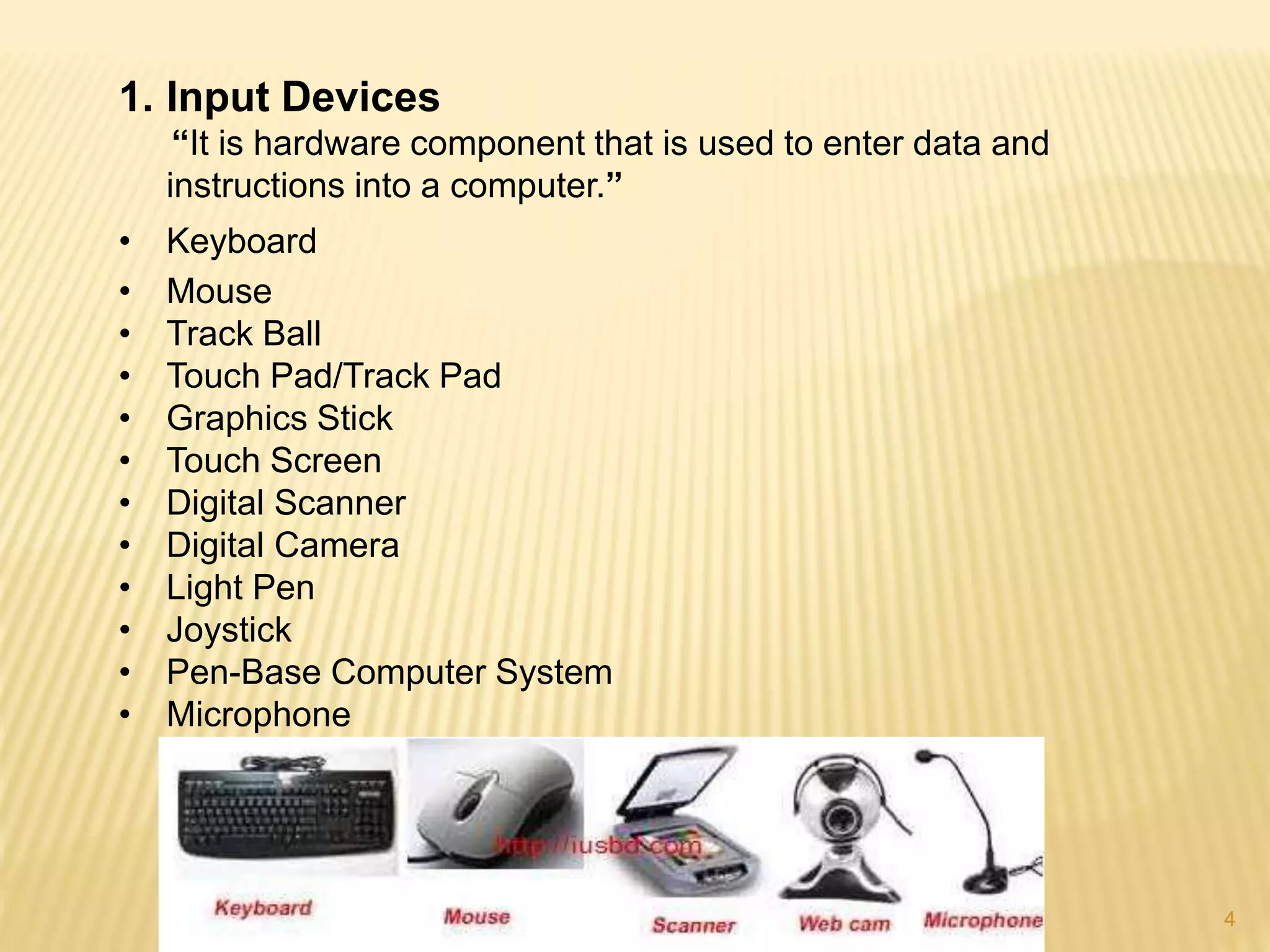
1. Input Devices
“It is hardware component that is used to enter data and
instructions into a computer.”
• Keyboard
• Mouse
• Track Ball
• Touch Pad/Track Pad
• Graphics Stick
• Touch Screen
• Digital Scanner
• Digital Camera
• Light Pen
• Joystick
• Pen-Base Computer System
• Microphone
5
Some of these are given as…
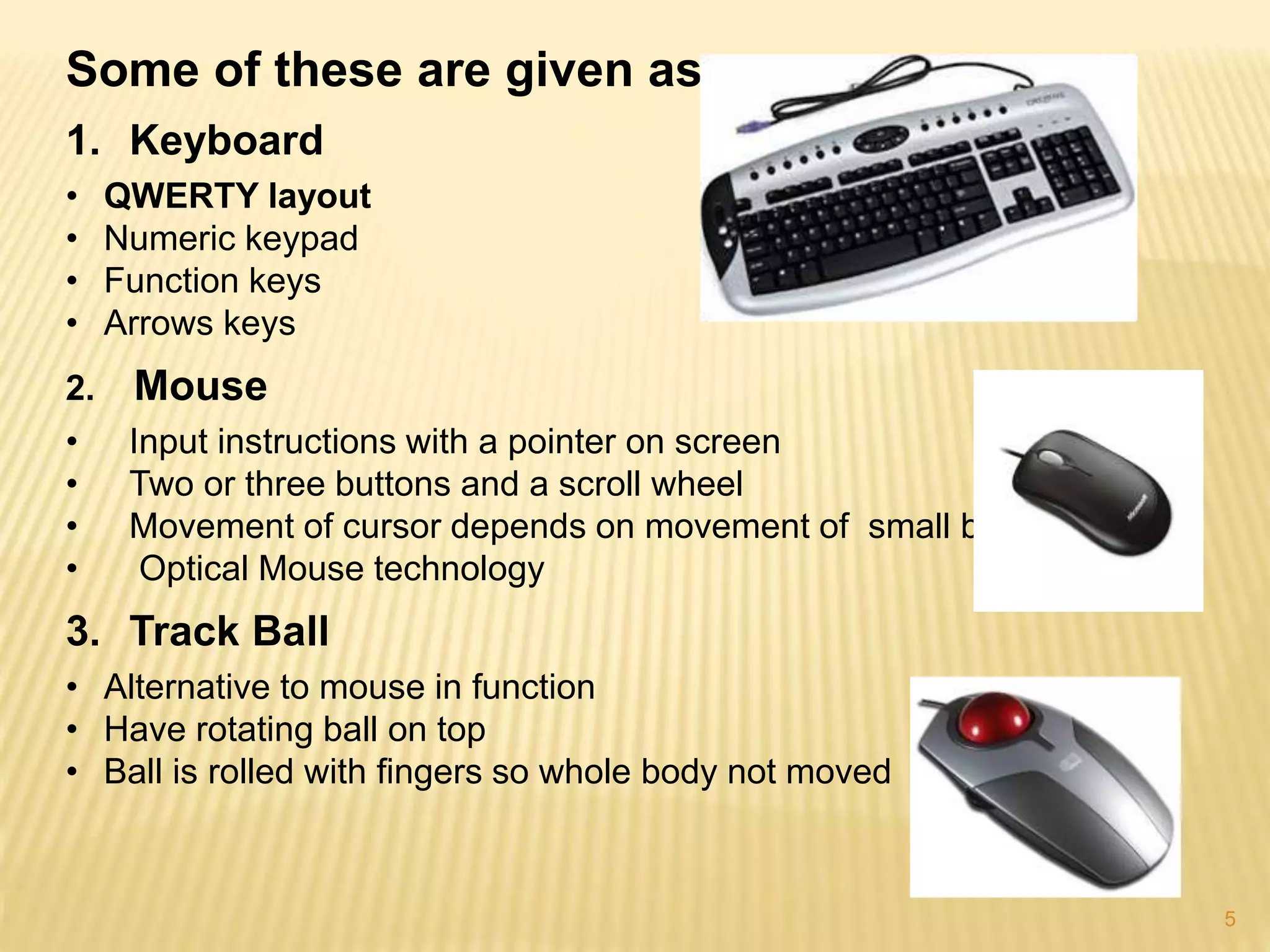
1. Keyboard
• QWERTY layout
• Numeric keypad
• Function keys
• Arrows keys
2. Mouse
• Input instructions with a pointer on screen
• Two or three buttons and a scroll wheel
• Movement of cursor depends on movement of small ball
• Optical Mouse technology
3. Track Ball
• Alternative to mouse in function
• Have rotating ball on top
• Ball is rolled with fingers so whole body not moved
6
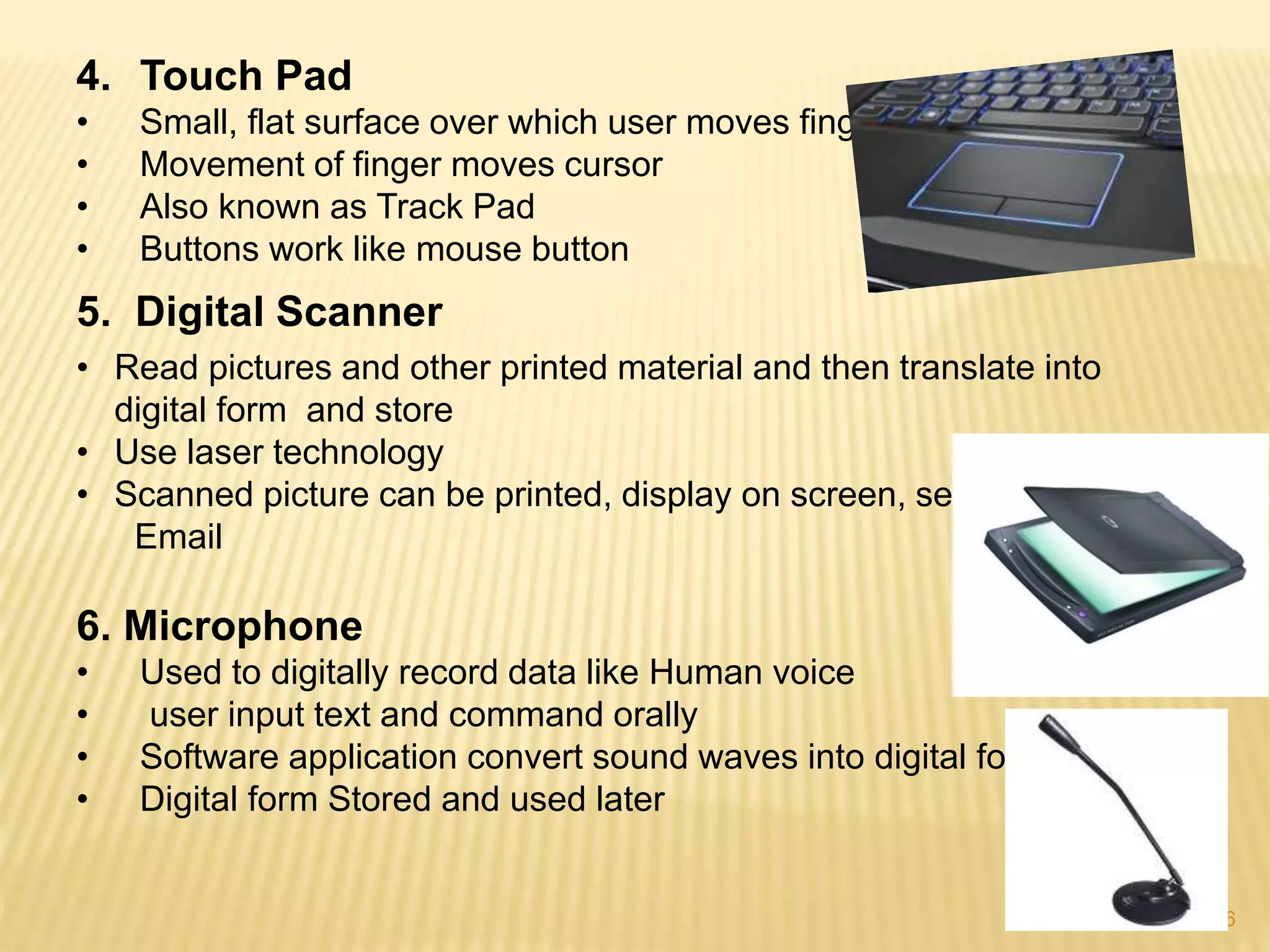
4. Touch Pad
• Small, flat surface over which user moves finger
• Movement of finger moves cursor
• Also known as Track Pad
• Buttons work like mouse button
5. Digital Scanner
• Read pictures and other printed material and then translate into
digital form and store
• Use laser technology
• Scanned picture can be printed, display on screen, sent via
Email
6. Microphone
• Used to digitally record data like Human voice
• user input text and command orally
• Software application convert sound waves into digital form
• Digital form Stored and used later
7
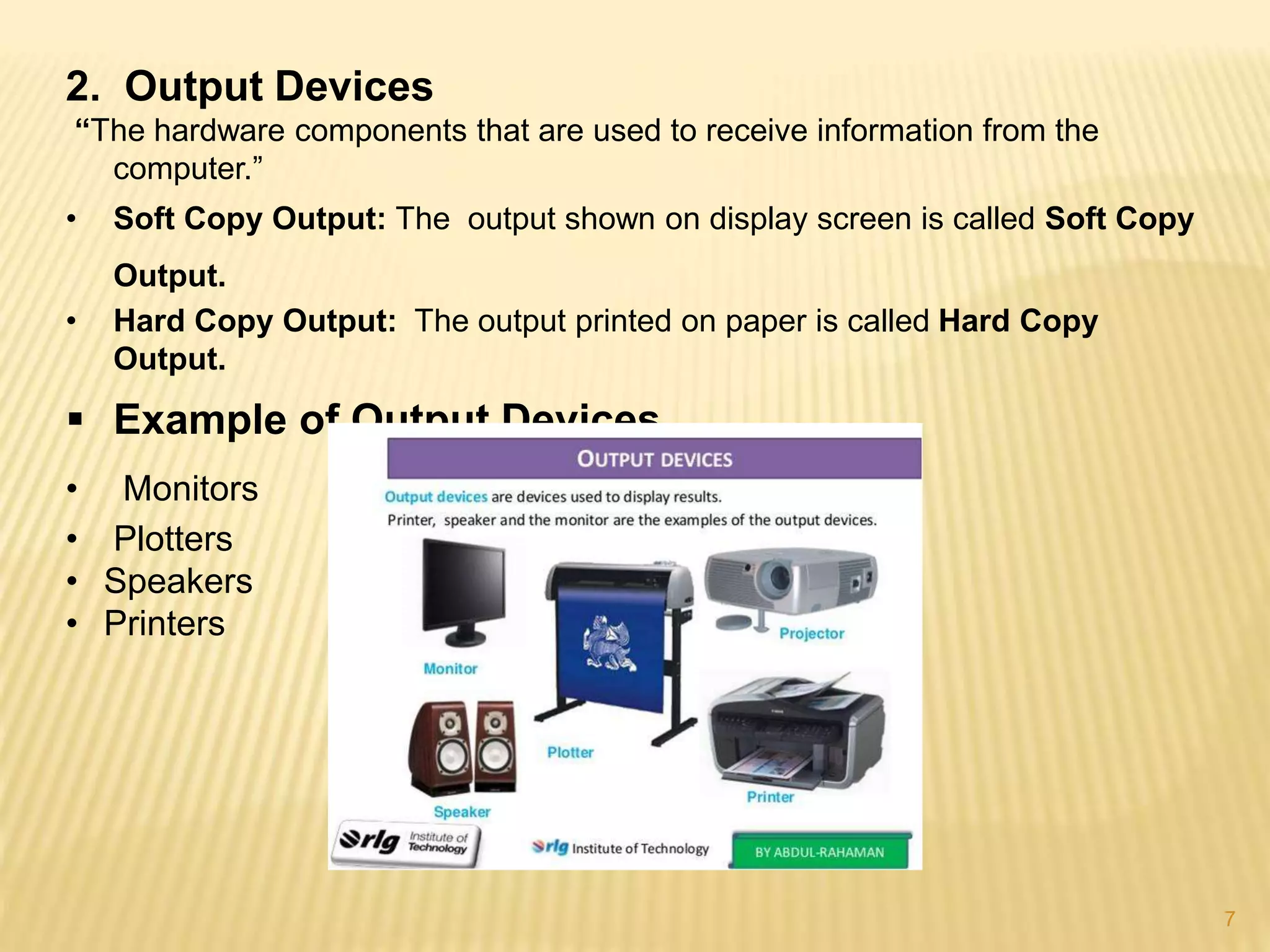
2. Output Devices
“The hardware components that are used to receive information from the
computer.”
• Soft Copy Output: The output shown on display screen is called Soft Copy
Output.
• Hard Copy Output: The output printed on paper is called Hard Copy
Output.
 Example of Output Devices
• Monitors
• Plotters
• Speakers
• Printers
8
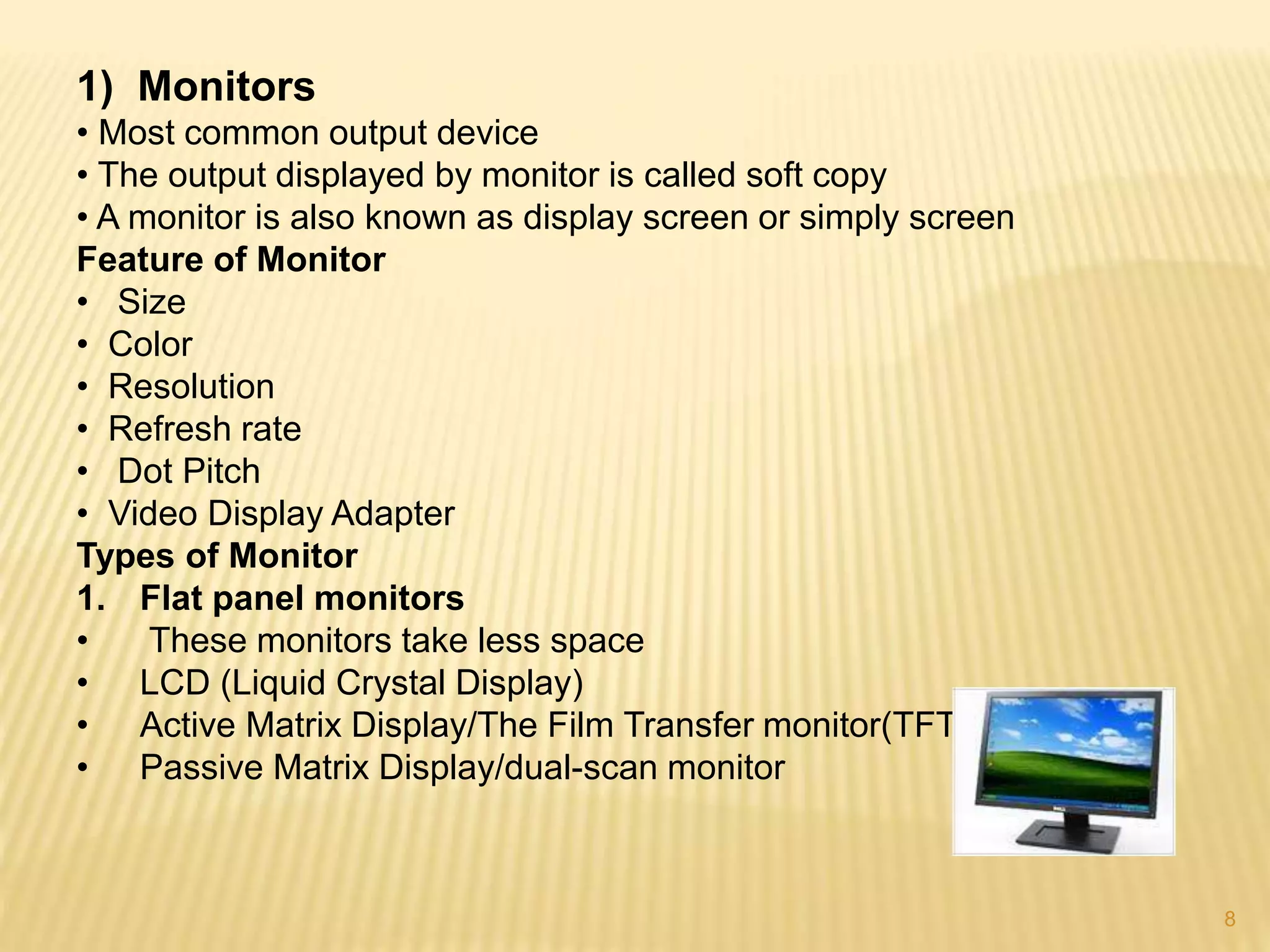
1) Monitors
• Most common output device
• The output displayed by monitor is called soft copy
• A monitor is also known as display screen or simply screen
Feature of Monitor
• Size
• Color
• Resolution
• Refresh rate
• Dot Pitch
• Video Display Adapter
Types of Monitor
1. Flat panel monitors
• These monitors take less space
• LCD (Liquid Crystal Display)
• Active Matrix Display/The Film Transfer monitor(TFT)
• Passive Matrix Display/dual-scan monitor
9
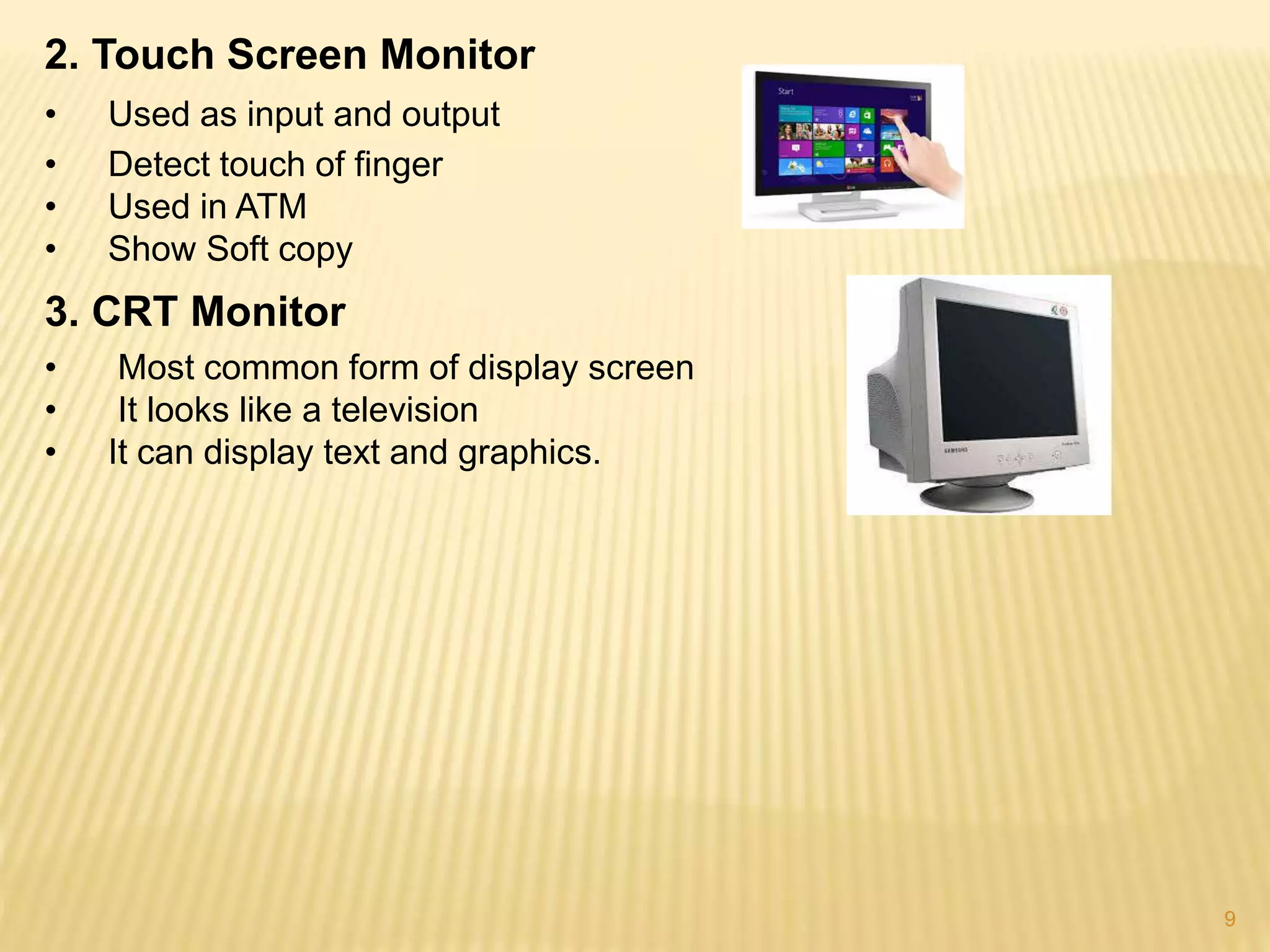
2. Touch Screen Monitor
• Used as input and output
• Detect touch of finger
• Used in ATM
• Show Soft copy
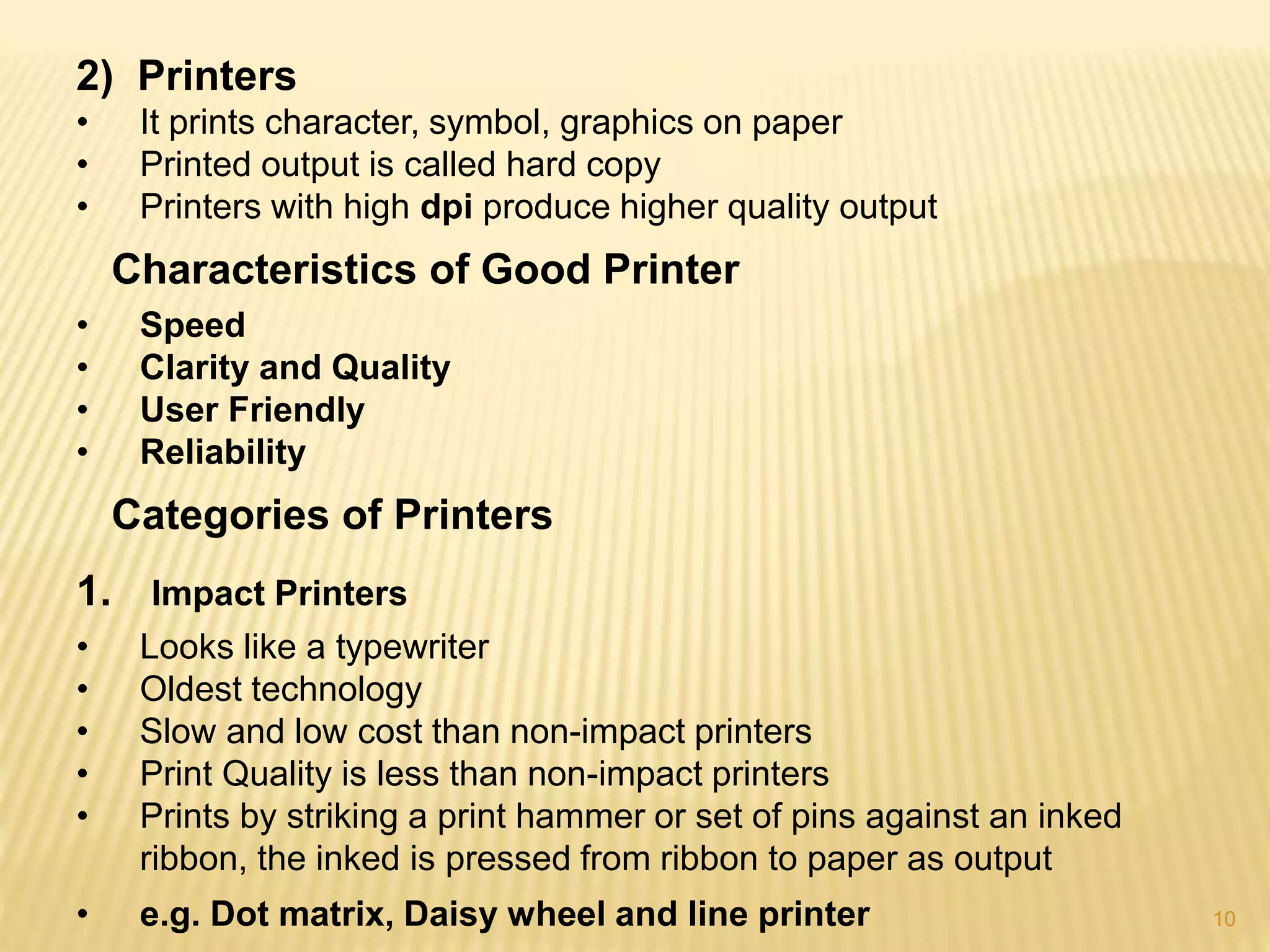
3. CRT Monitor
• Most common form of display screen
• It looks like a television
• It can display text and graphics.
10
2) Printers
• It prints character, symbol, graphics on paper
• Printed output is called hard copy
• Printers with high dpi produce higher quality output
Characteristics of Good Printer
• Speed
• Clarity and Quality
• User Friendly
• Reliability
Categories of Printers
1. Impact Printers
• Looks like a typewriter
• Oldest technology
• Slow and low cost than non-impact printers
• Print Quality is less than non-impact printers
• Prints by striking a print hammer or set of pins against an inked
ribbon, the inked is pressed from ribbon to paper as output
• e.g. Dot matrix, Daisy wheel and line printer
11
2. Non-impact Printers
• Print graphic and character on paper without striking paper
• It sprays ink or create imager with heat and pressure
• Fast and more cost than impact printers
• Produce less Noise
• Print Quality more than impact printers
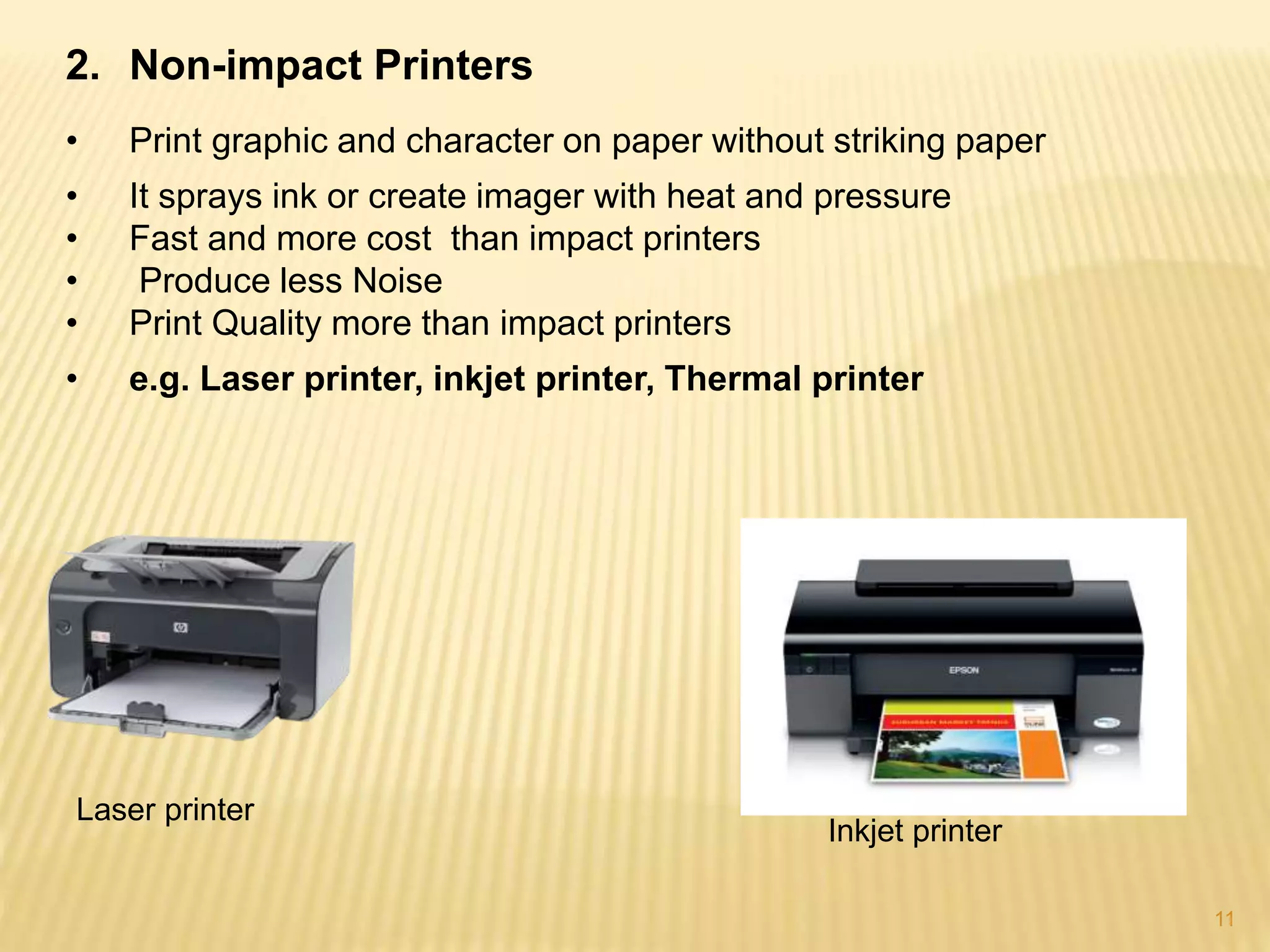
• e.g. Laser printer, inkjet printer, Thermal printer
Laser printer
Inkjet printer
12
3) Plotter
• Produce High Quality graphics in variety of color
• Used to create Maps, architectural drawing, graphs and charts
• Draw Lines by pen in mechanical arms
 Types of Plotters
Different types are as follows...
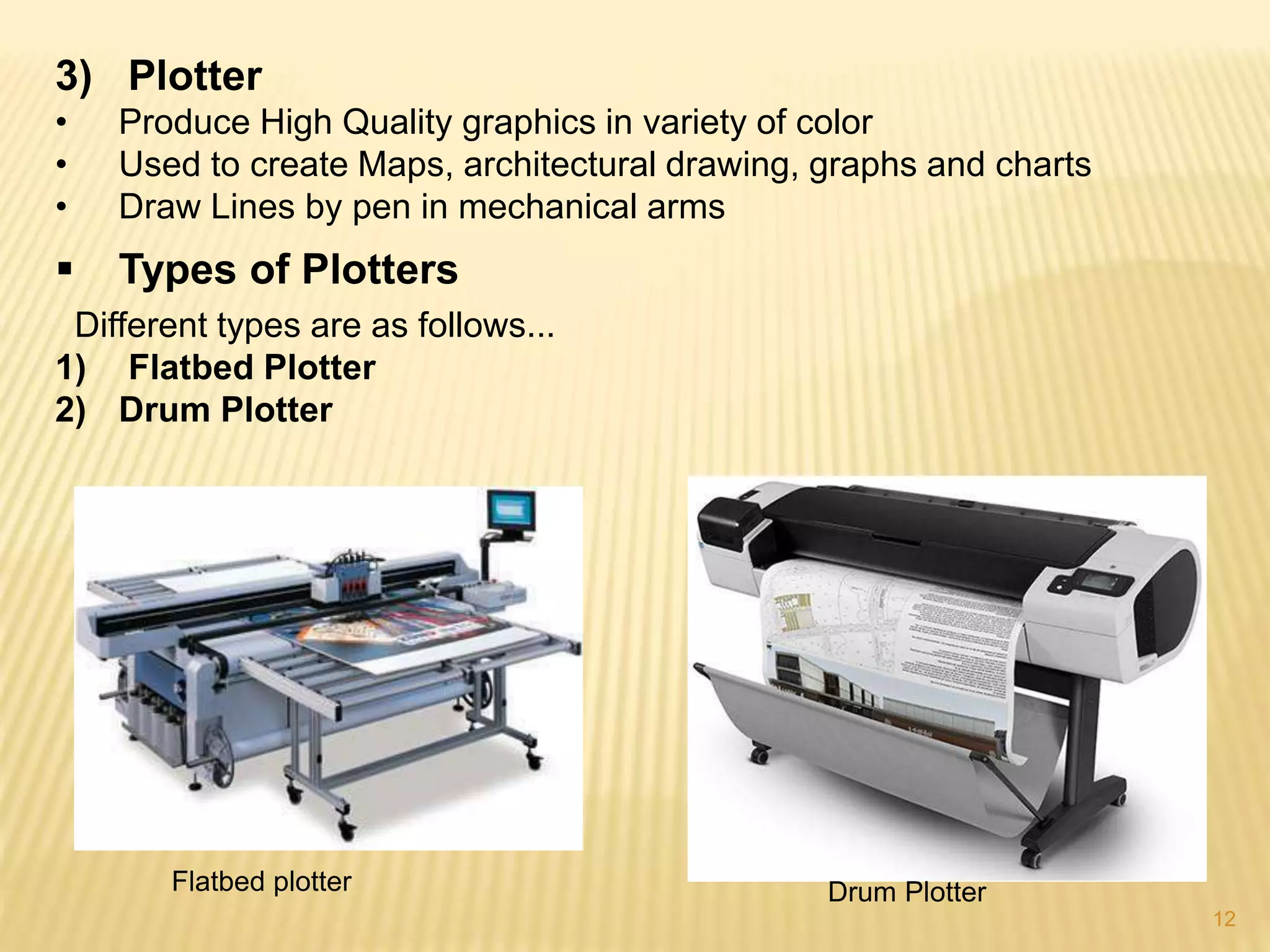
1) Flatbed Plotter
2) Drum Plotter
Flatbed plotter Drum Plotter
13
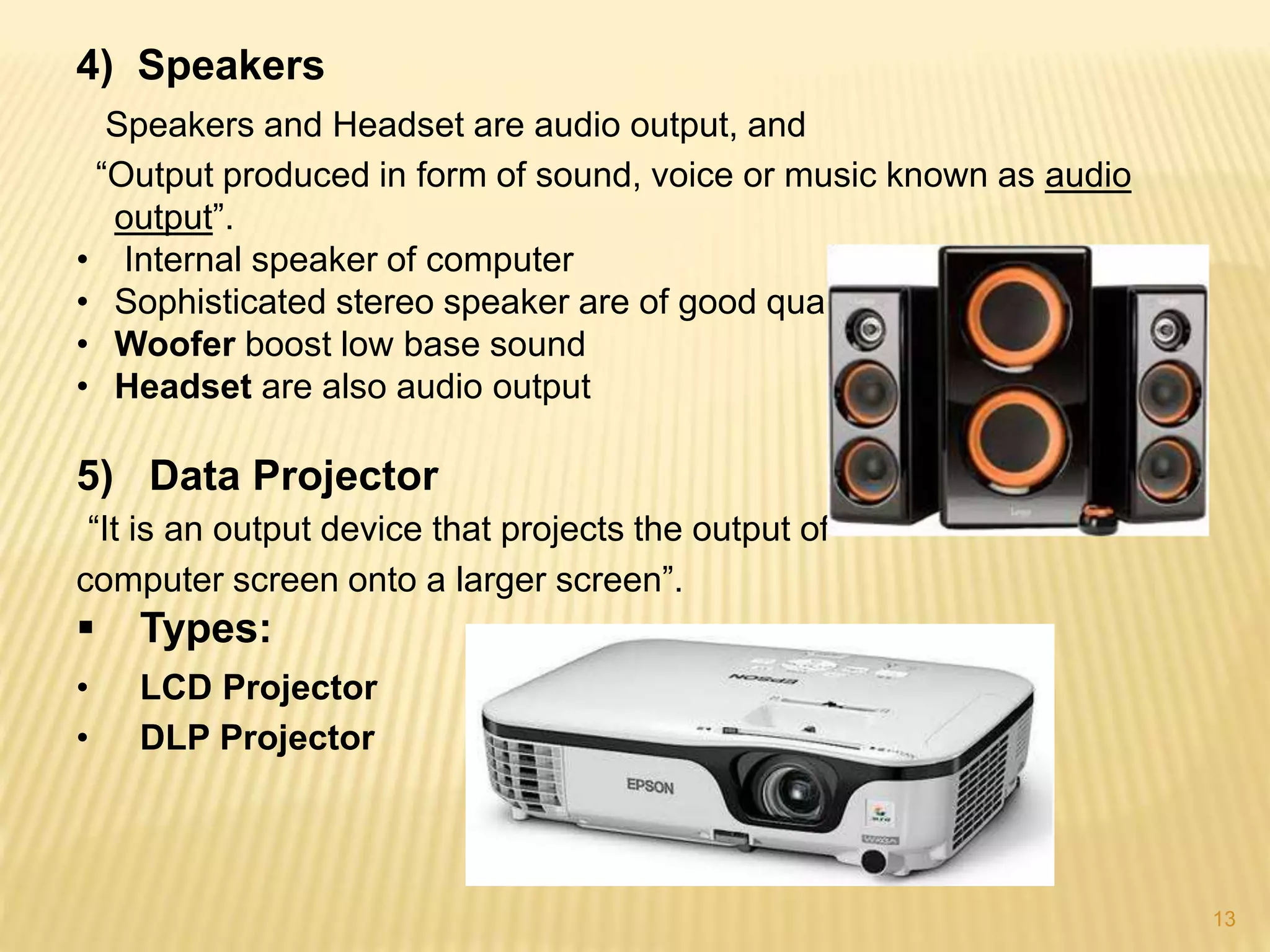
4) Speakers
Speakers and Headset are audio output, and
“Output produced in form of sound, voice or music known as audio
output”.
• Internal speaker of computer
• Sophisticated stereo speaker are of good quality
• Woofer boost low base sound
• Headset are also audio output
5) Data Projector
“It is an output device that projects the output of
computer screen onto a larger screen”.
 Types:
• LCD Projector
• DLP Projector
14

Input and output devices (Qaisar)

  • 1.
    1 Submitted to: Sir. FahadJavaid Group members: Hafiz Faisal Shafqat Mahmood Taifoor Nazar Abdul Sammad Qaisar Khan
  • 2.
    COMPUTER HARWARE 2 • InputDevices • Output Devices
  • 3.
    3  Hardware:- “The Physicalparts of Computers are called Hardware.”  Components of Computers: • Input devices such as Keyboard, mouse, joystick etc. • The central processing Unit (CPU) • Output devices such as printer, monitor etc. • Storage devices such as disk drive, hard drive etc. • Communication devices.
  • 4.
    4 1. Input Devices “Itis hardware component that is used to enter data and instructions into a computer.” • Keyboard • Mouse • Track Ball • Touch Pad/Track Pad • Graphics Stick • Touch Screen • Digital Scanner • Digital Camera • Light Pen • Joystick • Pen-Base Computer System • Microphone
  • 5.
    5 Some of theseare given as… 1. Keyboard • QWERTY layout • Numeric keypad • Function keys • Arrows keys 2. Mouse • Input instructions with a pointer on screen • Two or three buttons and a scroll wheel • Movement of cursor depends on movement of small ball • Optical Mouse technology 3. Track Ball • Alternative to mouse in function • Have rotating ball on top • Ball is rolled with fingers so whole body not moved
  • 6.
    6 4. Touch Pad •Small, flat surface over which user moves finger • Movement of finger moves cursor • Also known as Track Pad • Buttons work like mouse button 5. Digital Scanner • Read pictures and other printed material and then translate into digital form and store • Use laser technology • Scanned picture can be printed, display on screen, sent via Email 6. Microphone • Used to digitally record data like Human voice • user input text and command orally • Software application convert sound waves into digital form • Digital form Stored and used later
  • 7.
    7 2. Output Devices “Thehardware components that are used to receive information from the computer.” • Soft Copy Output: The output shown on display screen is called Soft Copy Output. • Hard Copy Output: The output printed on paper is called Hard Copy Output.  Example of Output Devices • Monitors • Plotters • Speakers • Printers
  • 8.
    8 1) Monitors • Mostcommon output device • The output displayed by monitor is called soft copy • A monitor is also known as display screen or simply screen Feature of Monitor • Size • Color • Resolution • Refresh rate • Dot Pitch • Video Display Adapter Types of Monitor 1. Flat panel monitors • These monitors take less space • LCD (Liquid Crystal Display) • Active Matrix Display/The Film Transfer monitor(TFT) • Passive Matrix Display/dual-scan monitor
  • 9.
    9 2. Touch ScreenMonitor • Used as input and output • Detect touch of finger • Used in ATM • Show Soft copy 3. CRT Monitor • Most common form of display screen • It looks like a television • It can display text and graphics.
  • 10.
    10 2) Printers • Itprints character, symbol, graphics on paper • Printed output is called hard copy • Printers with high dpi produce higher quality output Characteristics of Good Printer • Speed • Clarity and Quality • User Friendly • Reliability Categories of Printers 1. Impact Printers • Looks like a typewriter • Oldest technology • Slow and low cost than non-impact printers • Print Quality is less than non-impact printers • Prints by striking a print hammer or set of pins against an inked ribbon, the inked is pressed from ribbon to paper as output • e.g. Dot matrix, Daisy wheel and line printer
  • 11.
    11 2. Non-impact Printers •Print graphic and character on paper without striking paper • It sprays ink or create imager with heat and pressure • Fast and more cost than impact printers • Produce less Noise • Print Quality more than impact printers • e.g. Laser printer, inkjet printer, Thermal printer Laser printer Inkjet printer
  • 12.
    12 3) Plotter • ProduceHigh Quality graphics in variety of color • Used to create Maps, architectural drawing, graphs and charts • Draw Lines by pen in mechanical arms  Types of Plotters Different types are as follows... 1) Flatbed Plotter 2) Drum Plotter Flatbed plotter Drum Plotter
  • 13.
    13 4) Speakers Speakers andHeadset are audio output, and “Output produced in form of sound, voice or music known as audio output”. • Internal speaker of computer • Sophisticated stereo speaker are of good quality • Woofer boost low base sound • Headset are also audio output 5) Data Projector “It is an output device that projects the output of computer screen onto a larger screen”.  Types: • LCD Projector • DLP Projector
  • 14.